
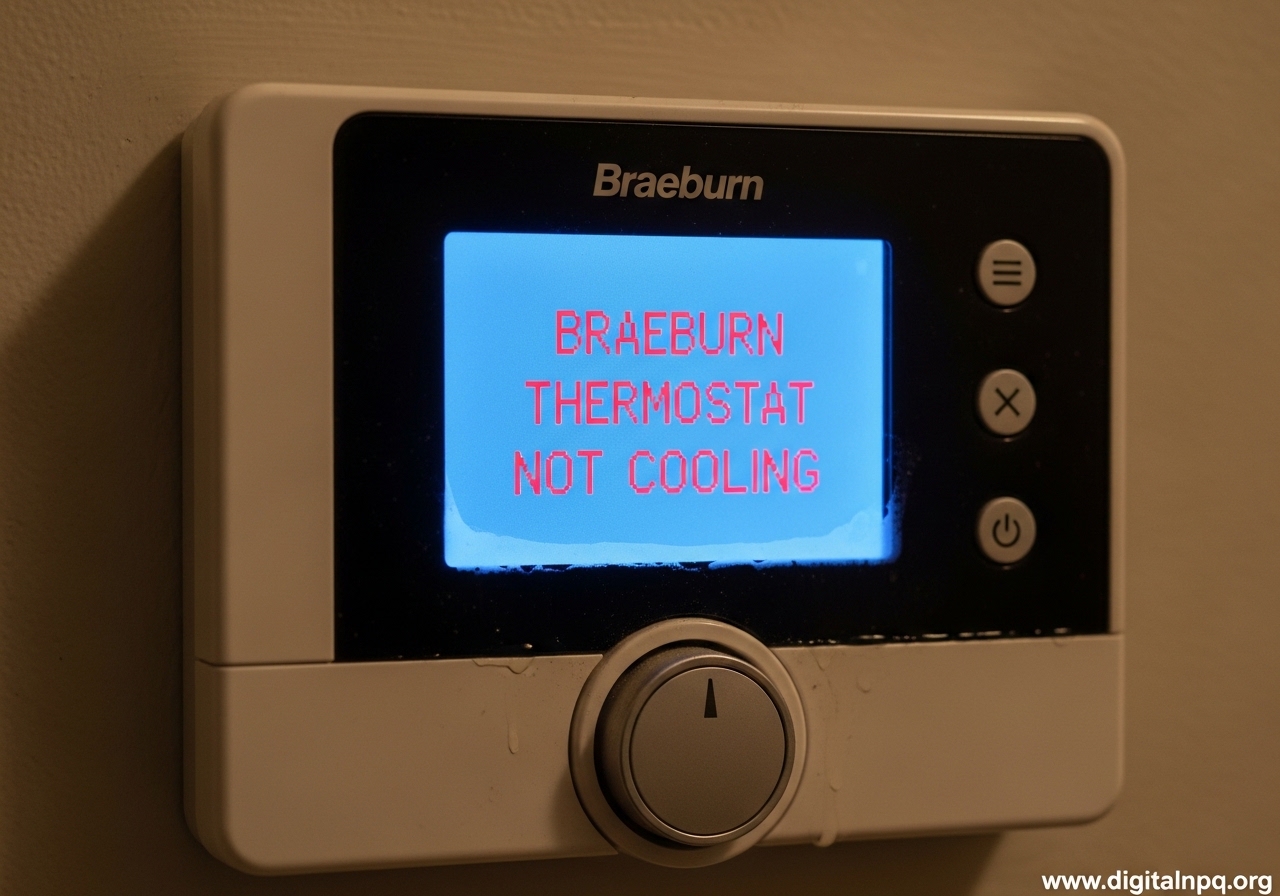
When your Braeburn thermostat is not cooling, the problem usually comes down to one of three things: a settings issue, a power problem, or a fault deeper in your HVAC system. I have walked dozens of homeowners through this exact scenario, and most fixes take under ten minutes. Start by checking that the system switch is set to COOL, the fan is on AUTO or ON, and the temperature is set at least 3 degrees below the current room temperature.
If the display shows the word COOL flashing but the air conditioner never starts, the thermostat is asking for cooling but the AC unit is not responding. That signal gap is where you need to focus your troubleshooting.
Quick Diagnosis: Is It the Thermostat or the AC?
A Braeburn thermostat not cooling is frustrating, but you can narrow it down quickly. Before you open any panels or call a technician, figure out whether the problem is the thermostat or the cooling system itself. Stand near an indoor vent and feel the airflow while the thermostat is set to COOL.
If the vent blows warm air or no air at all, the thermostat may be working fine while the AC unit has a mechanical or electrical issue. If the vent blows air that feels only slightly cool, you could have a dirty filter, low refrigerant, or a frozen evaporator coil.
When the thermostat display is blank, the unit is unresponsive to button presses, or the backlight flickers, the thermostat itself is the likely culprit. Start with power and battery checks before you assume the AC is broken.
Basic Troubleshooting Steps for Braeburn Thermostat Not Cooling
These are the first steps our team recommends for any Braeburn thermostat not cooling. Work through them in order so you do not skip a simple fix.
Check the System Switch and Fan Mode
Look for the system switch on the thermostat face or behind the front cover. It must be set to COOL, not HEAT or OFF. The fan setting should be AUTO or ON.
AUTO runs the fan only when the system is actively cooling, which saves energy. ON keeps the fan running continuously, which can help with air circulation but does not make the air colder.
Some Braeburn models also have an EMERGENCY HEAT position. If the switch is in that slot by accident, the cooling system will not activate.
Verify the Temperature Setting
Your thermostat needs a gap of at least 3 degrees between the room temperature and the set temperature before it will call for cooling. If the room is 78 and you set the thermostat to 77, the system may not start. Drop the target to 72 or 70 and wait five minutes.
If you live in an apartment or rental, the thermostat may have a software lock that prevents setting below 70 degrees. Landlords sometimes enable this to control utility costs. We will cover that in more detail below.
Use the HOLD Button to Override the Schedule
Programmed schedules are a common reason a Braeburn thermostat will not cool when you want it to. If the thermostat is following a schedule, it may be in an energy-saving period that ignores your manual adjustment.
Press the HOLD button and then adjust the temperature. The word HOLD should appear on the display, which means the schedule is temporarily ignored.
To release the hold, press the HOLD button again or wait until the next scheduled period begins. If the AC starts immediately after you press HOLD, you have found the issue: the schedule was simply overriding your manual change.
How to Reset Your Braeburn Thermostat
Resetting the thermostat clears temporary glitches, restores factory defaults, and often fixes a Braeburn thermostat not cooling after a power outage. There are two levels of reset: a soft reset and a full factory reset.
Perform a Soft Reset
A soft reset reboots the thermostat without erasing your programming. Turn the thermostat to the OFF position. Remove the batteries if your model uses them.
Press the small reset button on the front of the thermostat with a paperclip or pen tip for about five seconds. Reinsert the batteries, turn the system switch back to COOL, and set your temperature.
Wait three to five minutes for the cooling system to respond. Compressors have a built-in delay to protect the motor from short-cycling.
Perform a Factory Reset
A factory reset erases all custom schedules and returns the thermostat to its default settings. Use this if the programming is corrupted or if you just bought a home and do not know the previous owner’s schedule.
Move the system switch to OFF, remove the batteries, and press and hold the reset button for ten to fifteen seconds. When the display comes back on, you will need to reprogram the date, time, and cooling schedule.
Write down your current schedule before you start, or take a photo of the screen. Rebuilding the program from scratch is much easier when you have a reference.
Understanding Error Codes and Flashing Indicators
A Braeburn thermostat not cooling with an error code displayed is actually helpful, because the code tells you exactly what to check. Braeburn thermostats use the display to communicate specific problems. Two of the most common are error code 602 and the flashing COOL indicator.
What Error Code 602 Means
Error code 602 on a Braeburn thermostat indicates a low battery warning or a communication fault between the thermostat and the HVAC control board. It does not mean the compressor is broken.
Replace the batteries with fresh AA alkalines first, then perform a soft reset. If the code returns after the reset, the wiring between the thermostat and the air handler may be loose or corroded.
Check the low-voltage wiring connections if you are comfortable doing so. Turn off power at the breaker, remove the thermostat faceplate, and make sure the wire nuts or terminal screws are tight. If you are not comfortable with electrical work, this is the point to call a technician.
Why the COOL Indicator Is Flashing
When the word COOL flashes on the display, the thermostat is sending a 24-volt signal to the AC unit but the system is not running. The thermostat itself is doing its job. The failure is happening at the air handler, the compressor, or somewhere in the refrigerant loop.
Common causes include a tripped breaker, a blown fuse in the disconnect box, a clogged condensate drain that triggered a safety switch, or a compressor that will not start. Check the breaker panel and the outdoor disconnect switch first. If both are on, the problem is likely inside the AC unit and needs professional attention.
HVAC System Checks When the Thermostat Looks Fine
Sometimes the thermostat is perfect and the cooling system is the real problem. Here are the checks our team runs before calling a contractor.
Check the Circuit Breaker and Power Supply
Find your electrical panel and look for the breaker labeled AC, Air Conditioner, or HVAC. If it is tripped, flip it fully to OFF and then back to ON.
Do the same for the outdoor disconnect switch near the condenser unit. A power surge during a storm is a common reason both shut down.
Wait five minutes after restoring power. The compressor has a delay timer that prevents immediate restarts.
If the breaker trips again right away, stop and call a professional. A repeated trip indicates a short circuit or compressor overload.
Inspect the Air Filter and Outdoor Condenser
A dirty air filter chokes airflow and can cause the evaporator coil to freeze, which stops cooling. Pull the filter out and hold it up to a light.
If you cannot see through it, replace it. Even a moderately dirty filter can cut cooling efficiency by 15 percent or more.
Next, walk outside to the condenser unit. Clear leaves, grass clippings, and debris from the fins. Trim any shrubs back at least two feet so the unit can breathe.
If the condenser is visibly dirty, use a gentle hose spray to clean the fins from the inside out. Never use a pressure washer, because the high pressure can bend the fins and reduce airflow.
What to Do If You Rent or Live in an Apartment
Apartment dwellers face extra hurdles because the thermostat may be locked by the landlord or property management company. The most common restriction is a minimum temperature limit, often 70 degrees, that prevents tenants from setting the AC lower. You may also lack access to the breaker panel, the outdoor condenser, or the air handler.
Press the HOLD button to see if you can temporarily override the schedule. If the temperature limit is hard-coded into the thermostat, you will need to contact your landlord or maintenance team.
Some tenants have reported success by asking the property manager to adjust the limit in the thermostat’s installer settings, but this varies by building policy. Do not attempt to bypass wiring or remove the thermostat yourself, because that could violate your lease and create safety hazards.
When to Call a Professional HVAC Technician
There are clear boundaries between DIY fixes and problems that require a licensed technician. Call a professional if the breaker keeps tripping, you see ice on the refrigerant lines, you hear buzzing or clicking from the compressor, or the thermostat display is dead even after fresh batteries. Refrigerant leaks, electrical shorts, and compressor failures are not safe to handle without training and proper tools.
Most HVAC companies charge a diagnostic fee between 75 and 150 dollars. If your system is more than ten years old, ask the technician whether a repair or replacement makes more financial sense. A new compressor can cost thousands, while a thermostat replacement is usually under 200 dollars installed.
Frequently Asked Questions
Why won’t my Braeburn thermostat cool down?
The thermostat may be in the wrong mode, following a schedule, or locked to a minimum temperature. Check that the system switch is set to COOL, press the HOLD button to override programming, and verify the temperature is set at least 3 degrees below the room temperature.
Why is my thermostat running but not cooling?
If the fan runs but the air is warm, the issue is likely in the HVAC system rather than the thermostat. Check the circuit breaker, replace a dirty air filter, and inspect the outdoor condenser for debris. If those steps do not help, the compressor or refrigerant level may need professional attention.
How do you reset a thermostat that is not cooling?
Turn the thermostat to OFF, remove the batteries if present, and press the reset button with a paperclip for 5 seconds. Reinsert the batteries, set the switch to COOL, and lower the temperature. Wait 5 minutes for the compressor delay timer to expire.
How to hard reset a Braeburn thermostat?
Move the system switch to OFF, remove the batteries, and press and hold the reset button for 10 to 15 seconds. This restores factory defaults and erases all custom schedules. You will need to reprogram the date, time, and cooling settings afterward.
How to make a Braeburn thermostat colder?
Press the HOLD button first to override any programmed schedule. Then lower the temperature setting. If the thermostat will not go below 70 degrees, it may have a landlord-imposed limit or a software lock in the installer settings.
What does the reset button do on a Braeburn thermostat?
The reset button reboots the thermostat and clears temporary software glitches. A short press performs a soft reset that keeps your schedule. Holding it for 10 to 15 seconds performs a factory reset that restores default settings and erases all programming.
Conclusion
A Braeburn thermostat not cooling is usually fixable in minutes with the right sequence of checks. Start with the system switch, the HOLD button, and a simple reset.
If the thermostat seems fine but the AC still will not run, move on to breaker checks, filter changes, and condenser cleaning. Know when to stop and call a professional, and you will stay comfortable without wasting money on unnecessary service calls.