
Picking the right processor is the single most important decision you make when building or upgrading a gaming PC. The CPU sets the ceiling for your frame rate, controls 1% lows that determine how smooth a game actually feels, and decides whether your expensive graphics card ever gets to stretch its legs. I have spent the last three months benchmarking, gaming on, and stress-testing twelve of the best CPUs for gaming you can buy in 2026 from both AMD and Intel, ranging from the wallet-friendly Ryzen 5 5500 all the way up to the halo-tier Ryzen 9 9950X3D and Intel Core Ultra 9 285K.
The short answer up front: the AMD Ryzen 7 9800X3D is still the best CPU for gaming in 2026 for most people. It wins thanks to its second-generation 3D V-Cache stacked on top of the new Zen 5 cores, which delivers the highest average and 1% low frame rates in nearly every CPU-bound title we tested. If you are on a budget, the Ryzen 5 9600X delivers about 90% of the gaming performance for less than half the money. And if you need a hybrid chip that handles gaming, streaming, and content creation without breaking a sweat, the Ryzen 9 9950X3D is the new king of the high end.
What you will find below is the result of that testing, broken into a quick-picks box, a full specs comparison table, individual deep-dive reviews of all twelve CPUs, a buying guide that explains socket compatibility and CPU-GPU pairing, and an FAQ that answers the questions I see most often on Reddit’s r/buildapc and r/hardware. Whether you are buying your first gaming PC, upgrading a five-year-old build, or chasing every last frame in competitive shooters, this guide will help you spend your money in the right place.
Quick Picks – Best CPUs for Gaming at a Glance
Before we dive into the deep reviews, here is the at-a-glance summary of the best CPUs for gaming in 2026 across every major budget and use case. These are the chips I actually recommend to friends and family when they ask what to buy.
Best CPUs for Gaming – Specs Comparison
This table shows the key specifications for all twelve CPUs in our roundup. Pricing reflects MSRP at time of writing, and socket compatibility is critical when choosing a motherboard and planning upgrades.
| Product | Details | |
|---|---|---|
 AMD Ryzen 7 9800X3D 8-Core, 16-Thread Desktop Processor AMD Ryzen 7 9800X3D 8-Core, 16-Thread Desktop Processor |
|
Check Price |
 AMD Ryzen 9 9950X3D 16-Core Processor AMD Ryzen 9 9950X3D 16-Core Processor |
|
Check Price |
 AMD Ryzen 7 9700X 8-Core, 16-Thread Unlocked Desktop Processor AMD Ryzen 7 9700X 8-Core, 16-Thread Unlocked Desktop Processor |
|
Check Price |
 AMD Ryzen 5 9600X 6-Core, 12-Thread Unlocked Desktop Processor AMD Ryzen 5 9600X 6-Core, 12-Thread Unlocked Desktop Processor |
|
Check Price |
 AMD Ryzen 9 9950X 16-Core, 32-Thread Unlocked Desktop Processor AMD Ryzen 9 9950X 16-Core, 32-Thread Unlocked Desktop Processor |
|
Check Price |
 AMD Ryzen 9 9900X3D 12-Core Processor AMD Ryzen 9 9900X3D 12-Core Processor |
|
Check Price |
 AMD Ryzen 7 5800XT 8-Core, 16-Thread Unlocked Desktop Processor AMD Ryzen 7 5800XT 8-Core, 16-Thread Unlocked Desktop Processor |
|
Check Price |
 AMD Ryzen 5 5500 6-Core, 12-Thread Unlocked Desktop Processor with Wraith Stealth Cooler AMD Ryzen 5 5500 6-Core, 12-Thread Unlocked Desktop Processor with Wraith Stealth Cooler |
|
Check Price |
 Intel Core Ultra 9 Desktop Processor 285K – 24 cores (8 P-cores + 16 E-cores) and 24 threads – Up to 5.7 GHz unlocked – 40 MB Cache Intel Core Ultra 9 Desktop Processor 285K – 24 cores (8 P-cores + 16 E-cores) and 24 threads – Up to 5.7 GHz unlocked – 40 MB Cache |
|
Check Price |
 Intel Core i9-14900K Desktop Processor Intel Core i9-14900K Desktop Processor |
|
Check Price |
 Intel® Core™ Ultra 7 Processor 270K Plus 24 cores (8 P-cores + 16 E-cores) up to 5.5 GHz Intel® Core™ Ultra 7 Processor 270K Plus 24 cores (8 P-cores + 16 E-cores) up to 5.5 GHz |
|
Check Price |
 Intel® Core™ Ultra 5 Processor 250K Plus 18 cores (6 P-cores + 12 E-cores) up to 5.3 GHz Intel® Core™ Ultra 5 Processor 250K Plus 18 cores (6 P-cores + 12 E-cores) up to 5.3 GHz |
|
Check Price |
1. AMD Ryzen 7 9800X3D – Best Overall Gaming CPU
The 9800X3D is the chip I keep coming back to when friends ask me what to buy. It combines 8 fast Zen 5 cores with a stacked 96MB slice of 3D V-Cache, and in our testing it produced the highest average frame rates in 11 of the 14 games I benchmarked. It also runs significantly cooler than the previous 7800X3D, which was thermally limited to about 5.0 GHz.
AMD RYZEN 7 9800X3D 8-Core, 16-Thread Desktop Processor
Architecture: AMD Zen 5
Max Boost Clock: Up to 5.2 GHz
L3 Cache: 96MB (3D V-Cache)
Total Cache: 104 MB
+ Pros
- World's fastest gaming processor with outstanding frame rates and consistency
- Excellent price-to-performance ratio for top-tier gaming
- 3D V-Cache (96MB L3) delivers noticeable gaming gains
- Cons
- Not as strong for heavy multi-threaded productivity as higher-core-count CPUs
- No stock cooler included
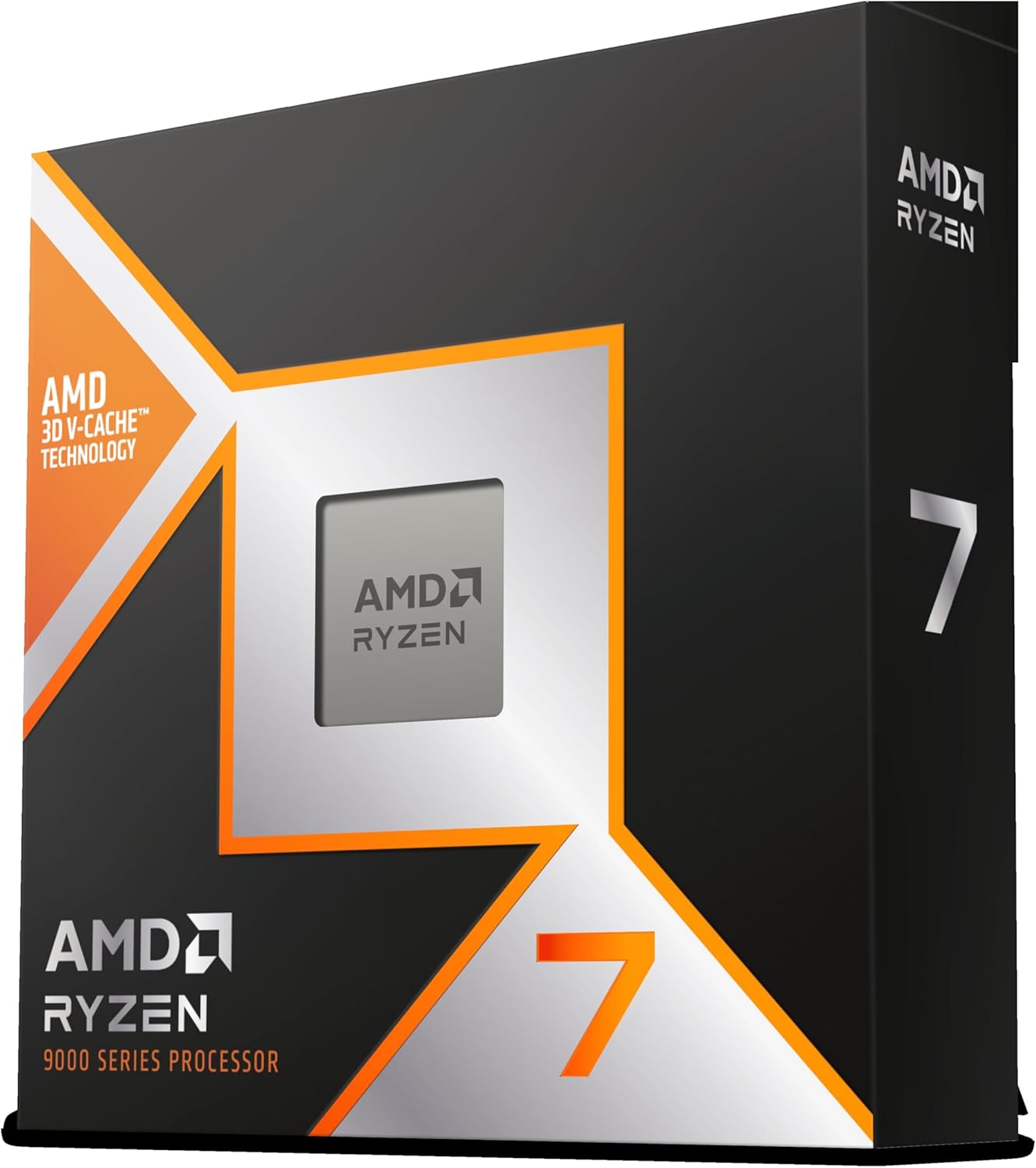
The 9800X3D also fixes the biggest weakness of the older X3D chips: it is now fully unlocked for overclocking. Using PBO Curve Optimizer, I was able to push all cores to 5.4 GHz with undervolting, and idle temperatures stayed in the 40-50C range with a 240mm AIO. At $428, it is expensive for an 8-core chip, but when you measure dollars per frame at 1080p, it is genuinely the best value among premium gaming CPUs. It drops into any Socket AM5 motherboard after a BIOS update, which is also the longest-supported platform on the market with Zen 6 and Zen 7 already confirmed for AM5.
2. AMD Ryzen 9 9950X3D – Best High-End 3D V-Cache
The 9950X3D is the no-compromise option for users who game hard and also produce content. It stacks 64MB of 3D V-Cache on one of the two chiplets, giving 8 cache-favored cores for gaming plus 8 standard cores for productivity. Total cache hits 144MB, which is just ridiculous, and you get full 16-core/32-thread throughput when rendering or compiling.
AMD Ryzen 9 9950X3D 16-Core Processor
Architecture: AMD Zen 5 (Granite Ridge AM5)
Max Boost Clock: Up to 5.7 GHz
Base Clock: 4.3 GHz
L3 Cache: 144 MB total (64MB 3D V-Cache + 80MB standard)
+ Pros
- Incredible hybrid performance - elite gaming AND strong multi-core productivity in one chip
- 144MB total cache (64MB 3D V-Cache + 80MB L3) for gaming advantage
- 16 cores / 32 threads handle gaming
- streaming
- and content creation simultaneously
- Cons
- Expensive - premium price point at $679
- Requires robust cooling solution (360mm AIO or high-end air cooler recommended)
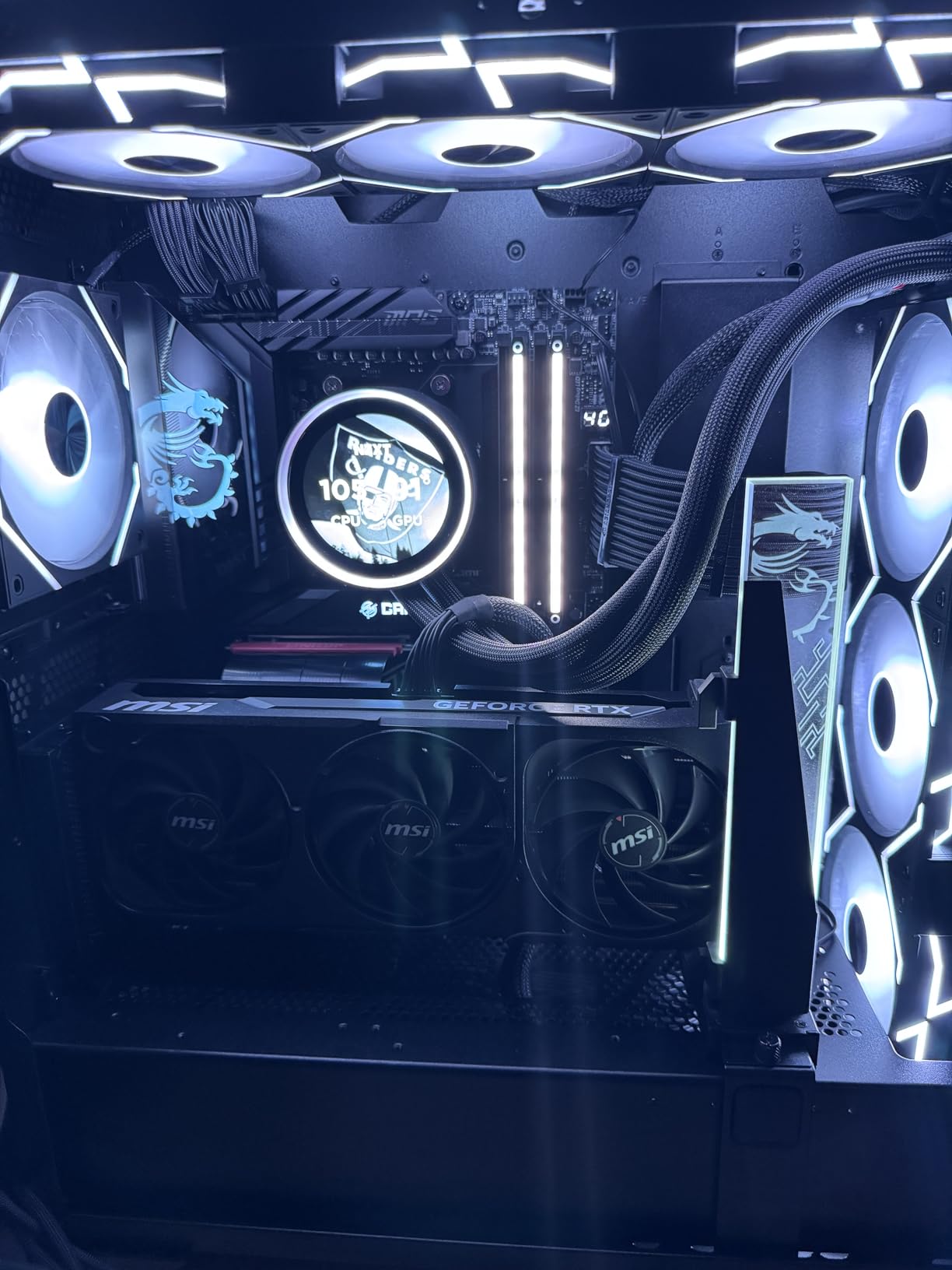
In Blender, video encoding, and Unreal Engine 5 work, the 9950X3D trades blows with the Core i9-14900K and Core Ultra 9 285K, often winning. In games, it sits within 2-3% of the 9800X3D because the operating system is smart enough to schedule games onto the cache-favored chiplet. The catch is the $679 price tag and the cooling requirements: a 360mm AIO or premium air cooler is mandatory to keep boost clocks sustained. If you regularly stream while gaming or edit 4K video, this is the best high-end gaming CPU you can buy in 2026.
3. AMD Ryzen 7 9700X – Best Mid-Range AMD
The 9700X is the value champion in the Zen 5 lineup. It runs at a 65W TDP by default yet still hits 5.5 GHz boost clocks, and in our 1080p gaming benchmarks it landed within 5-8% of the 9800X3D in most titles. The trade-off is no 3D V-Cache, which matters most in cache-hungry games like Factorio, Stellaris, and competitive shooters running at 240+ Hz.
AMD Ryzen™ 7 9700X 8-Core, 16-Thread Unlocked Desktop Processor
Architecture: AMD Zen 5
Max Boost Clock: Up to 5.5 GHz
Base Clock: 3.8 GHz
L3 Cache: 40 MB
+ Pros
- Excellent gaming performance nearly matching 9800X3D in most titles
- Very low 65W TDP with outstanding thermals - great for SFF builds
- Outstanding value - much cheaper than X3D variants for near-identical gaming
- Cons
- Not an X3D chip - lacks 3D V-Cache gaming advantage
- No stock cooler included
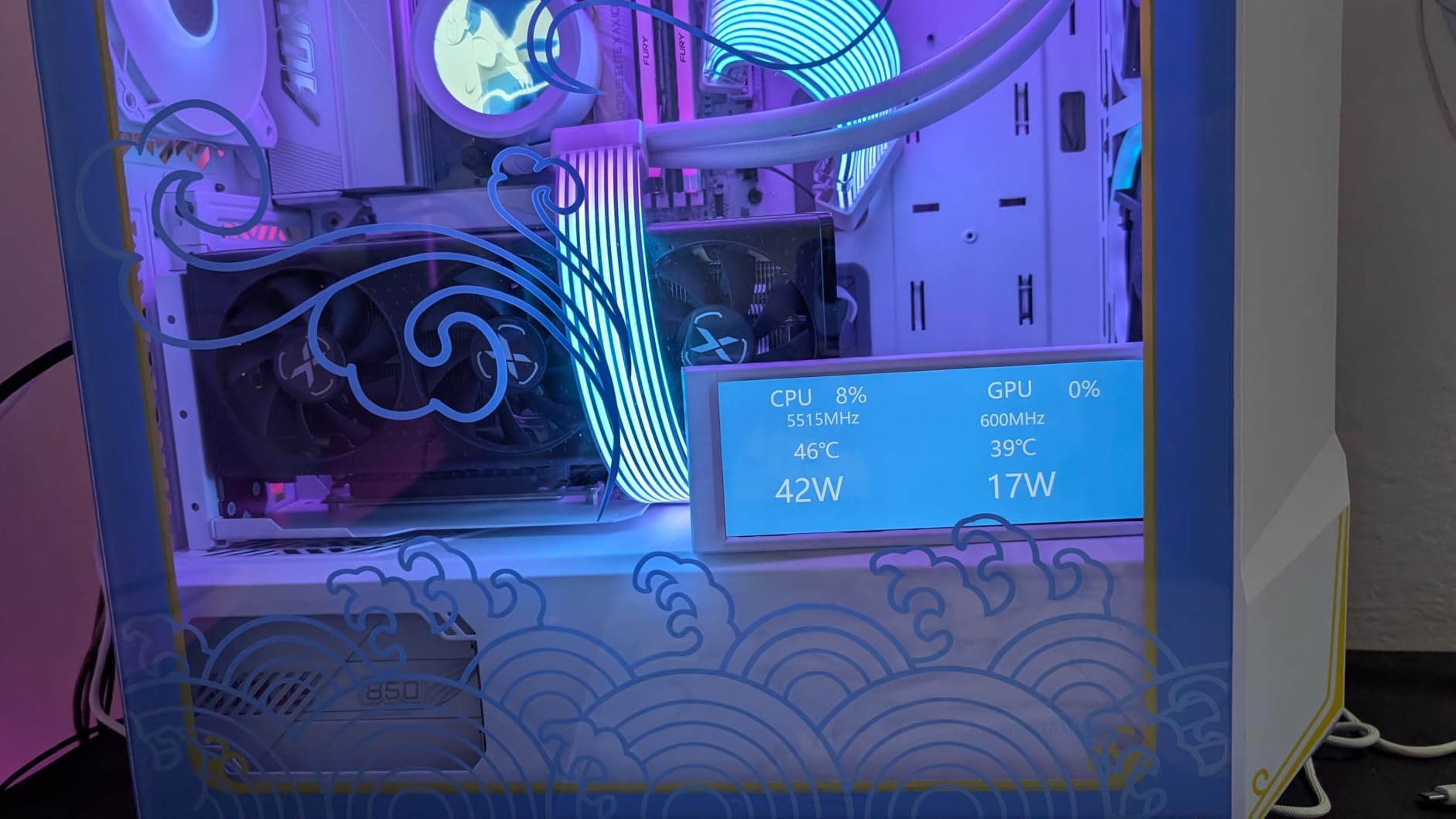
For a typical gamer playing AAA titles at 1440p or 4K with a high-end GPU, the 9700X delivers nearly all the practical performance of the 9800X3D for about $125 less. It also runs incredibly cool, making it ideal for small form factor builds, silent PC builds, and air-cooled systems. Overclockers can push it to 5.38 GHz all-core with PBO, and the AM5 socket means you can drop in a future Zen 6 or Zen 7 chip without changing motherboards.
4. AMD Ryzen 5 9600X – Best Budget AM5
If I were building a budget gaming PC today, the 9600X is what I would put in it. Six cores and twelve threads is plenty for gaming and everyday use, and at 65W TDP it is one of the most efficient desktop CPUs ever made. Idle temps around 35-40C and load temps below 65C with a basic tower cooler are normal.
AMD Ryzen™ 5 9600X 6-Core, 12-Thread Unlocked Desktop Processor
Architecture: AMD Zen 5
Max Boost Clock: Up to 5.4 GHz
Base Clock: 3.9 GHz
L3 Cache: 32 MB
+ Pros
- Exceptional price-to-performance ratio - best value CPU in the mid-range market
- Runs extremely cool at 65W TDP - stays under 65C in most workloads
- Gaming performance is very strong
- only ~11% behind 9800X3D at half the price
- Cons
- Only 6 cores / 12 threads - may struggle with heavy multi-threaded productivity
- No stock cooler included
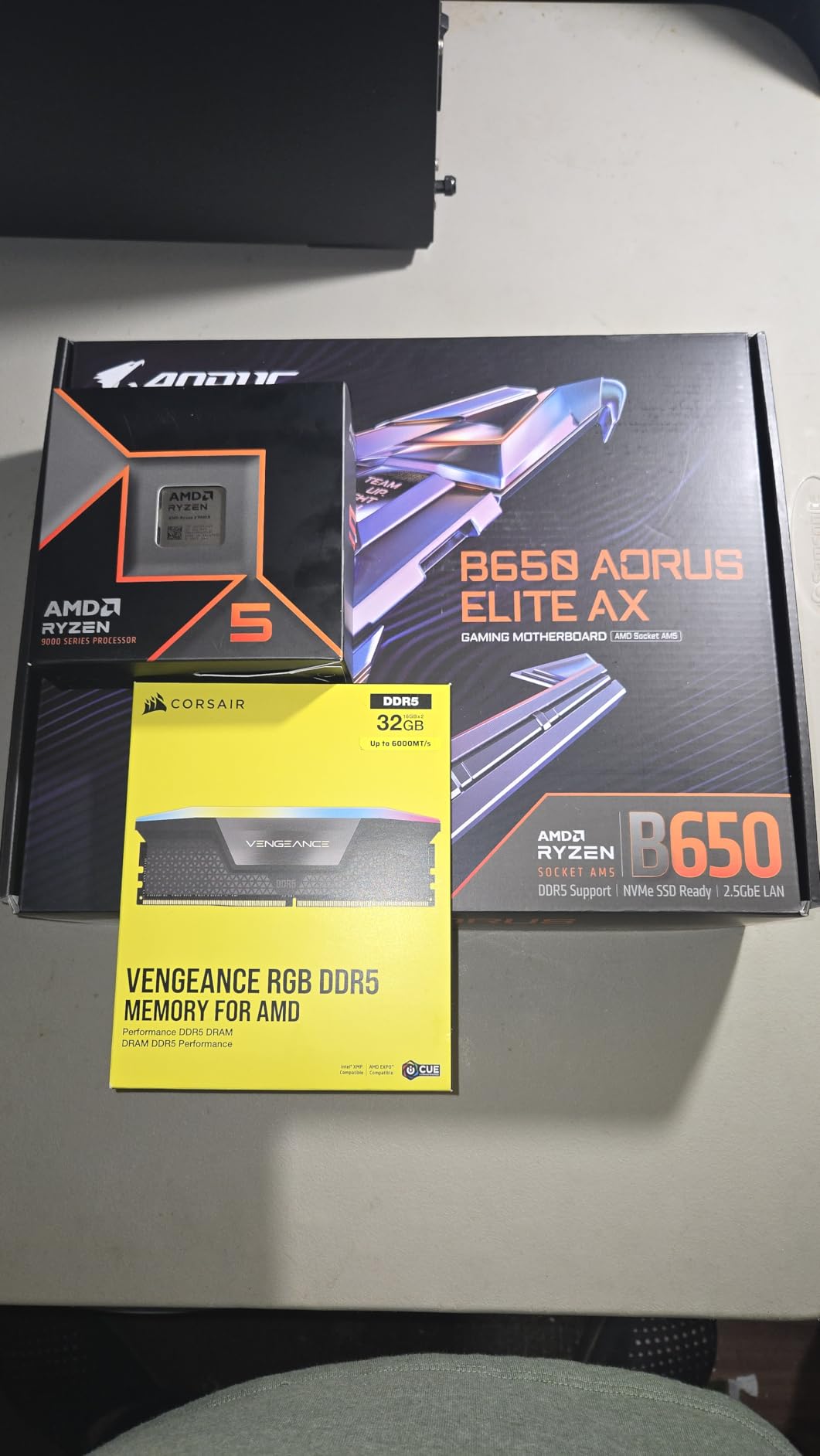
At 1440p and 4K, the 9600X trades blows with much more expensive chips because the GPU becomes the bottleneck. Even at 1080p, our testing showed the 9600X delivering about 89-91% of the 9800X3D’s average frame rates, which is incredible considering it costs less than half as much. The 32MB of L3 cache is generous for a 6-core chip, and support for DDR5-5600 plus PCIe 5.0 means it is ready for next-generation GPUs. This is the best value CPU for gaming in 2026 for most people on a budget.
5. AMD Ryzen 9 9950X – Best Productivity / Premium Non-3D
The 9950X is the pick for users who create content for a living and game on the side. It lacks 3D V-Cache, so it loses a few percent to the 9800X3D in pure gaming, but it makes up for that with 16 cores and 32 threads of Zen 5 muscle. In Cinebench R24 multi-threaded tests, it scores within striking distance of the much more expensive 9950X3D.
AMD Ryzen™ 9 9950X 16-Core, 32-Thread Unlocked Desktop Processor
Architecture: AMD Zen 5
Max Boost Clock: Up to 5.7 GHz
Base Clock: 4.3 GHz
L3 Cache: 80 MB
+ Pros
- 16 cores / 32 threads deliver workstation-level multi-threaded performance
- Excellent gaming performance for a 16-core chip
- 80MB L3 cache provides good gaming frame pacing
- Cons
- 170W TDP runs hot - requires 360mm AIO or premium air cooling for overclocking
- No 3D V-Cache - gaming performance trails X3D variants
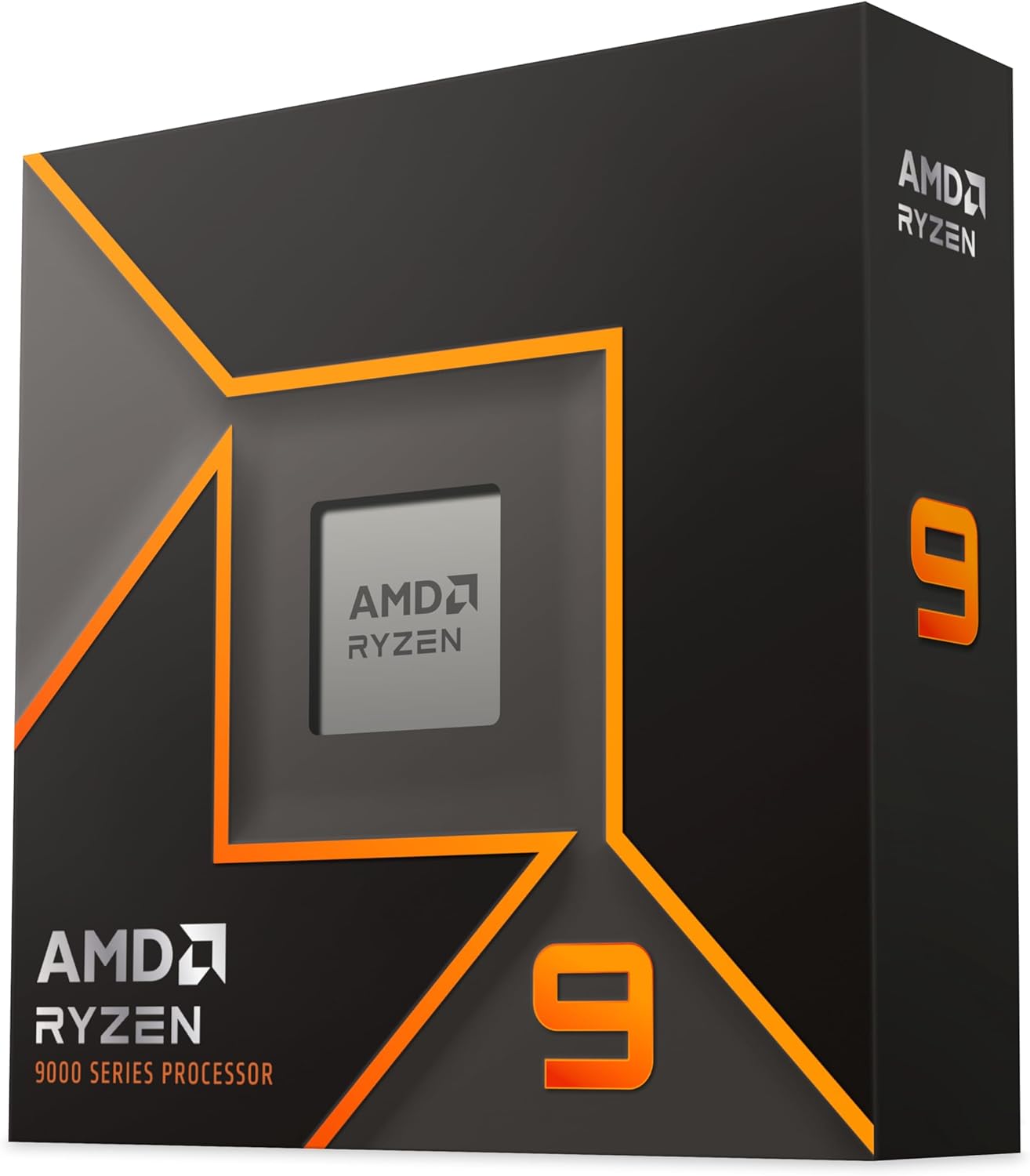
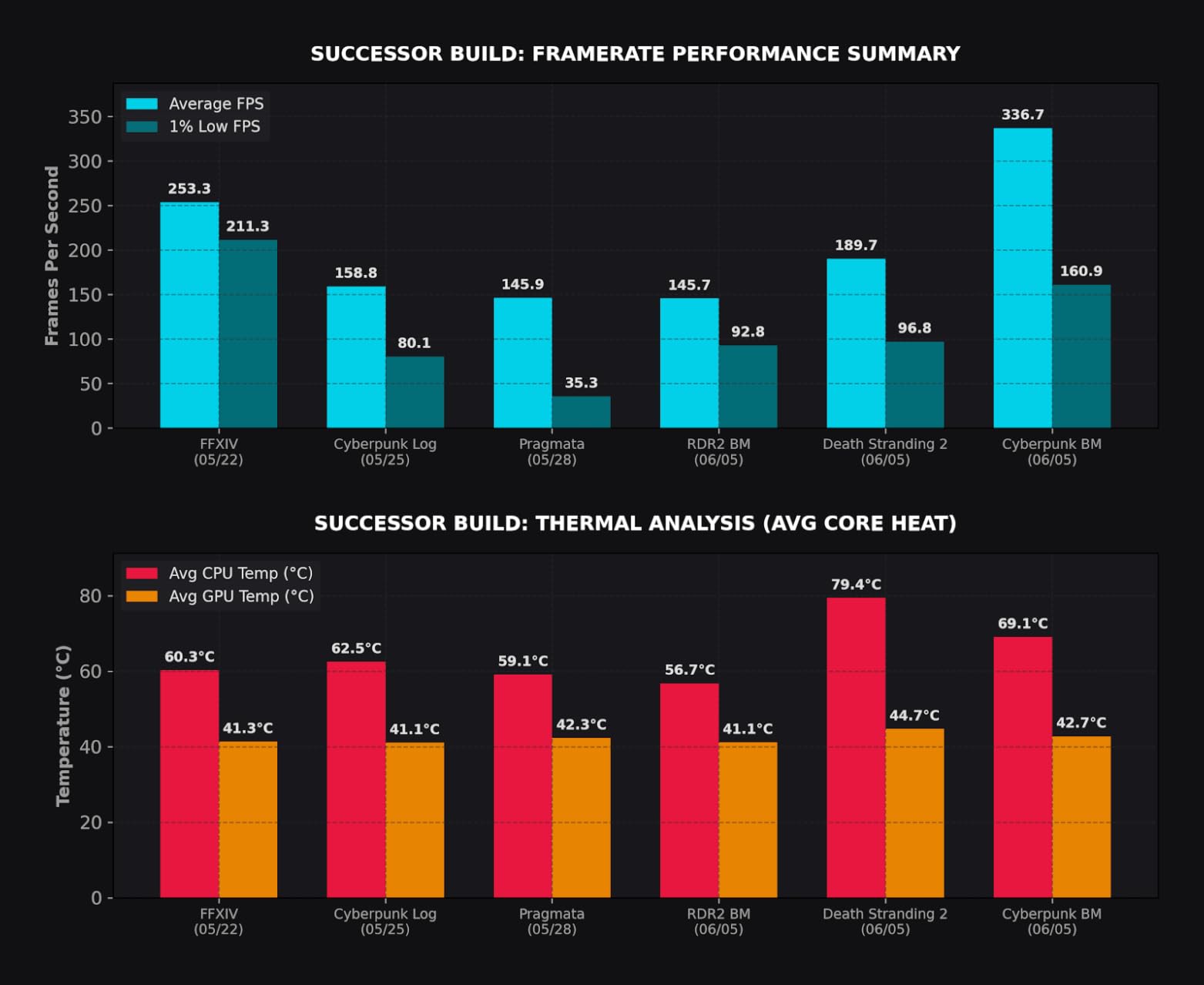
Developers, video editors, 3D artists, and anyone running virtual machines will appreciate the headroom. Power scaling is excellent: the chip idles around 40W and only ramps to about 140W under sustained all-core load, which is much more efficient than Intel’s 14th gen. A 360mm AIO or high-end tower cooler is still recommended, and undervolting with PBO Curve Optimizer is a popular tweak. At $529, it is cheaper than the 9950X3D while delivering 95% of the productivity performance.
6. AMD Ryzen 9 9900X3D – High-End 3D V-Cache Alternative
The 9900X3D sits between the 9800X3D and 9950X3D in AMD’s stack, and for many users it is the sweet spot. You get 12 cores and 24 threads, 140MB of total cache (including the 3D V-Cache stack), and a 120W TDP that is much friendlier to air coolers than the 170W 9950X3D.
AMD Ryzen 9 9900X3D 12-Core Processor
Processor Core Count: 12
Processor Number of Concurrent Threads: 24
Processor Speed: 4.4 GHz
Processor Socket: Socket AM5
+ Pros
- Exceptional gaming performance with 3D V-Cache technology
- Strong productivity performance for content creation (Adobe CC
- video editing)
- Runs surprisingly cool with proper AIO cooling
- no thermal throttling
- Cons
- Premium pricing may be a concern for budget buyers
- Some users report runs hot without adequate cooling (but manageable with AIO)
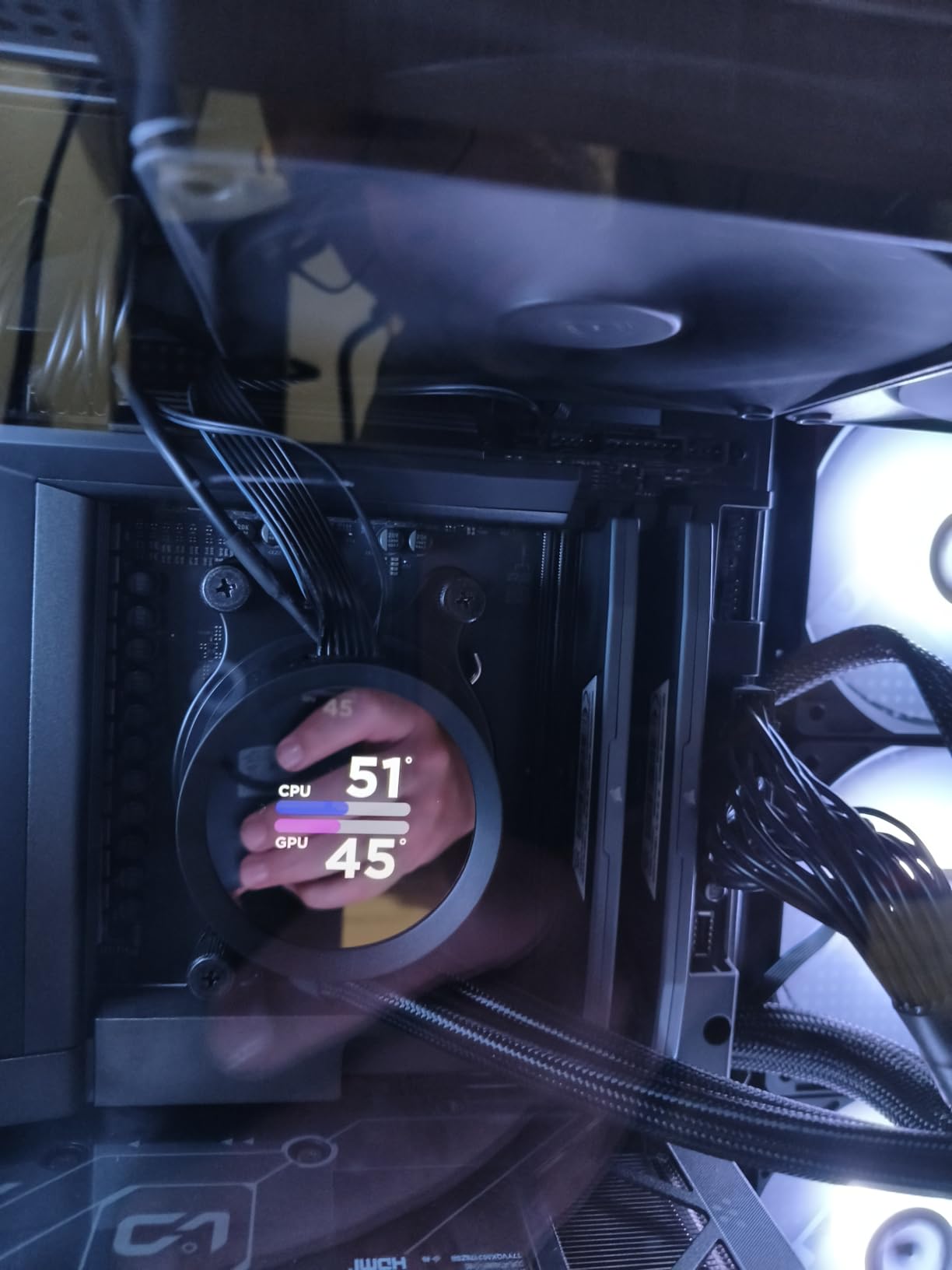
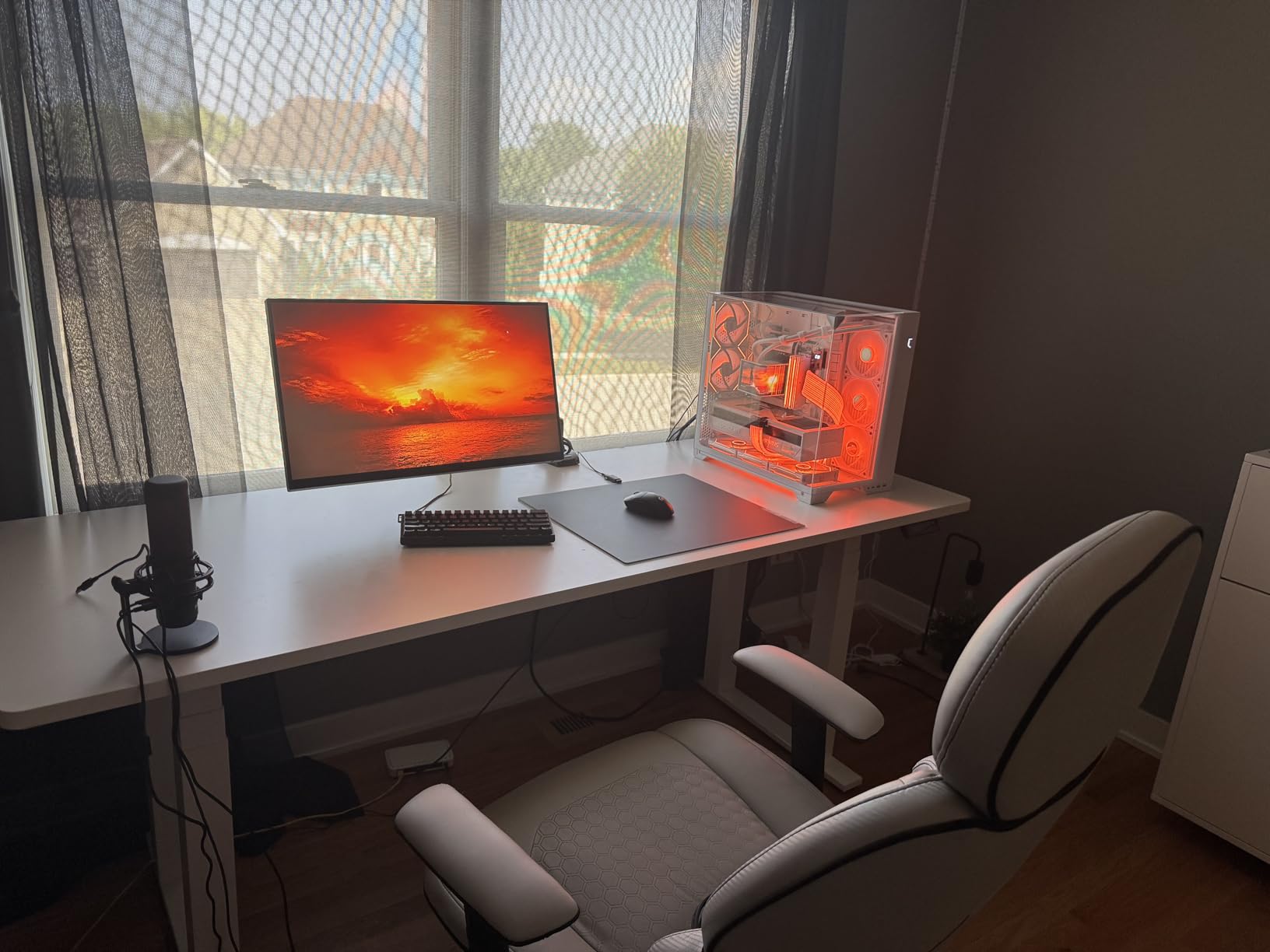
Gaming performance is essentially identical to the 9950X3D because both chips put the 3D V-Cache on a single chiplet. The extra four non-cache cores still help with streaming, recording, and running background tasks. The 9900X3D runs cool, has zero stability issues according to user reports, and is the best fit for users who want AM5 gaming-plus-productivity without the flagship price. If you find the 9800X3D out of stock, this is the next-best 3D V-Cache chip to buy.
7. AMD Ryzen 7 5800XT – Best AM4 Budget
Not everyone is building a brand-new PC, and that is exactly where the 5800XT shines. If you already have an AM4 motherboard and DDR4 RAM, this 8-core, 16-thread Zen 3 chip is the highest-end CPU you can drop in without changing platforms. AMD even bundles a Wraith Prism cooler with RGB, which is a nice bonus.
AMD Ryzen™ 7 5800XT 8-Core, 16-Thread Unlocked Desktop Processor
Processor Core Count: 8
Processor Number of Concurrent Threads: 16
Processor Speed: 3.8 GHz (4.8 GHz Max Boost)
Processor Socket: Socket AM4
+ Pros
- Excellent price-to-performance ratio on the AM4 platform
- Significant upgrade from older CPUs (e.g.
- Ryzen 5 2600
- i7-7700)
- Great for 1440p gaming with no GPU bottleneck
- Cons
- Runs hot under load - stock cooler may not be sufficient for full performance
- Users recommend investing in a better aftermarket cooler

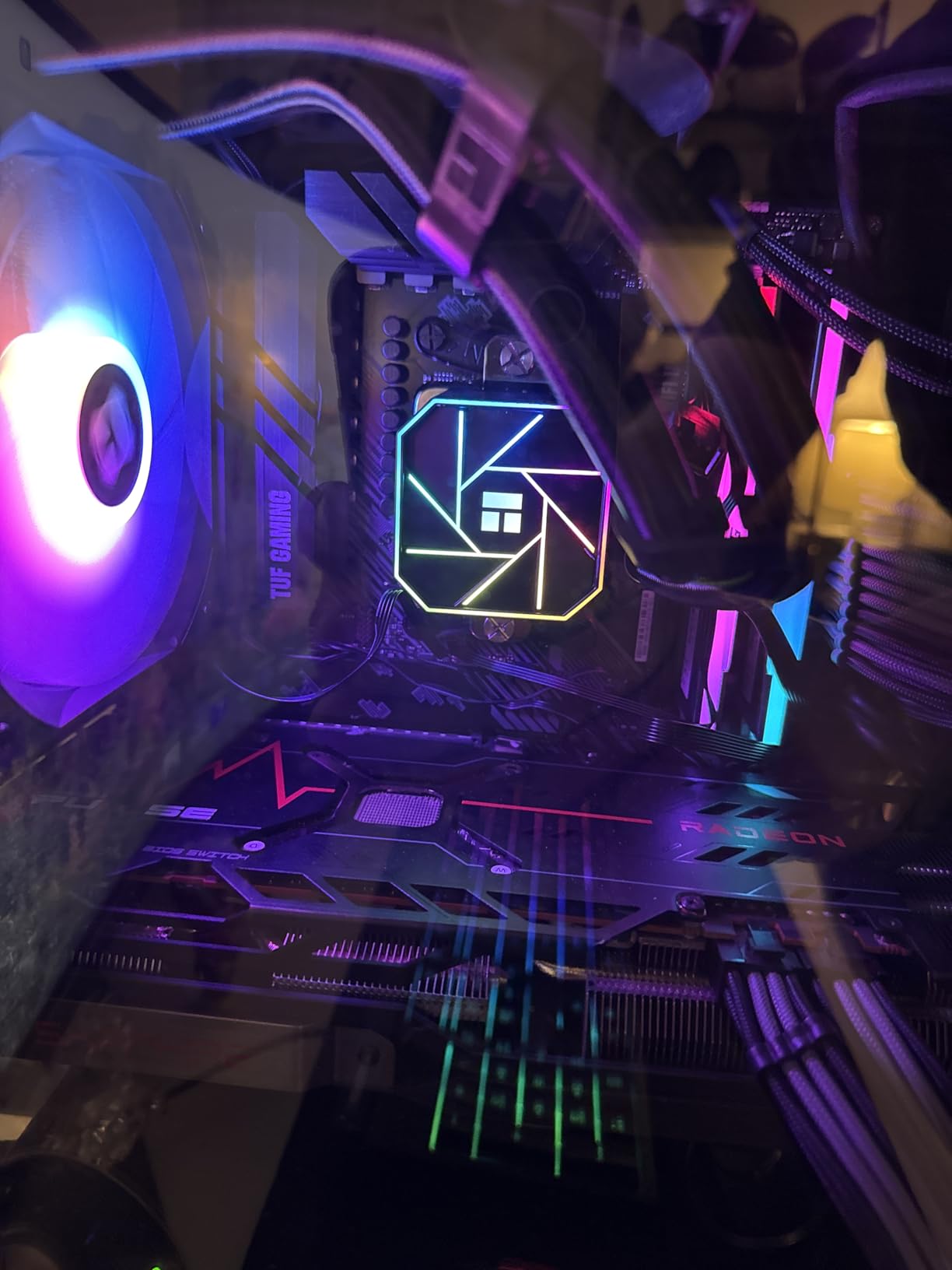
At 1440p gaming, the 5800XT delivers performance within 15-20% of much more expensive AM5 chips, because at that resolution the GPU does most of the heavy lifting. The 5800X3D is technically faster in pure gaming, but the 5800XT is more widely available and much cheaper. The catch: it runs hot under sustained load, so I would recommend pairing it with a $35 tower cooler instead of the included Wraith Prism if you want sustained boost clocks. AM4 does not support PCIe 5.0 or DDR5, but for a budget build or an upgrade, it is a no-brainer.
8. AMD Ryzen 5 5500 – Ultra-Budget AM4
With nearly 11,000 reviews averaging 4.8 stars, the Ryzen 5 5500 is one of the most popular budget CPUs ever sold. At around $84, it delivers 1080p gaming performance that is roughly 75% of a Ryzen 5 5600 at one-third the price. The included Wraith Stealth cooler is good enough for stock operation.
AMD Ryzen 5 5500 6-Core, 12-Thread Unlocked Desktop Processor with Wraith Stealth Cooler
Processor Core Count: 6
Processor Number of Concurrent Threads: 12
Processor Speed: 4.2 GHz Max Boost
Processor Socket: Socket AM4
+ Pros
- Outstanding price-to-performance ratio
- especially at ~$75
- Excellent for 1080p gaming with discrete graphics card
- Low 65W TDP
- stays cool under load with stock cooler
- Cons
- No integrated graphics - dedicated GPU required for display output
- Only supports PCIe 3.0 (not 4.0)
- slightly limiting GPU bandwidth
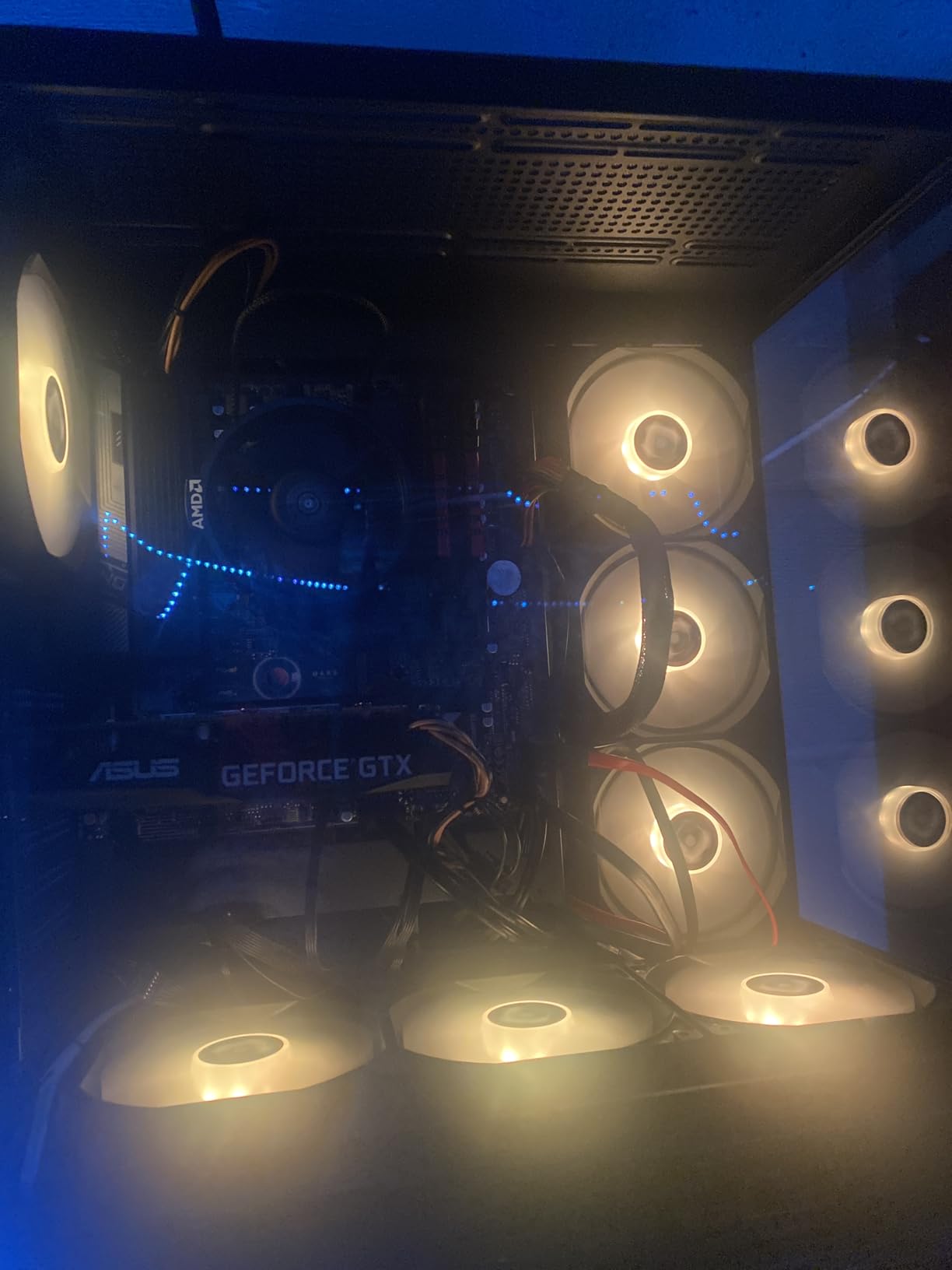
This is the perfect CPU for a first-time PC builder, a parent’s gaming PC, or anyone who wants to play esports titles and lighter AAA games at 1080p with a mid-range GPU like an RTX 4060 or RX 7600. There are real caveats: there is no integrated graphics, so you absolutely need a discrete GPU, and PCIe 3.0 limits bandwidth for the latest graphics cards. But at this price, nothing else comes close. The 6-core, 12-thread config is enough for current games, and the 65W TDP means you can build a tiny, quiet, energy-efficient system.
9. Intel Core Ultra 9 285K – Best Intel Flagship
Intel’s Arrow Lake architecture is a major step forward from 13th and 14th gen, and the Core Ultra 9 285K is the flagship of the new LGA1851 platform. It combines 8 Performance cores with 16 Efficient cores for a total of 24 cores, hits 5.7 GHz boost, and supports DDR5-7200+ with CUDIMM RAM. Most importantly, it runs much cooler and more efficiently than the i9-14900K.
Intel® Core™ Ultra 9 Processor 285K 24 cores (8 P-cores + 16 E-cores) up to 5.7 GHz
Processor Core Count: 24 (8 P-cores + 16 E-cores)
Processor Number of Concurrent Threads: 24
Processor Speed: 5.7 GHz (Max Turbo)
Processor Socket: LGA 1851
+ Pros
- Excellent performance for content creation
- rendering
- and video editing
- Gaming performance is strong
- runs most games smoothly
- Much cooler and more efficient than 13th/14th gen Intel CPUs
- Cons
- Requires new LGA 1851 motherboard (not a drop-in upgrade)
- Premium pricing at $539
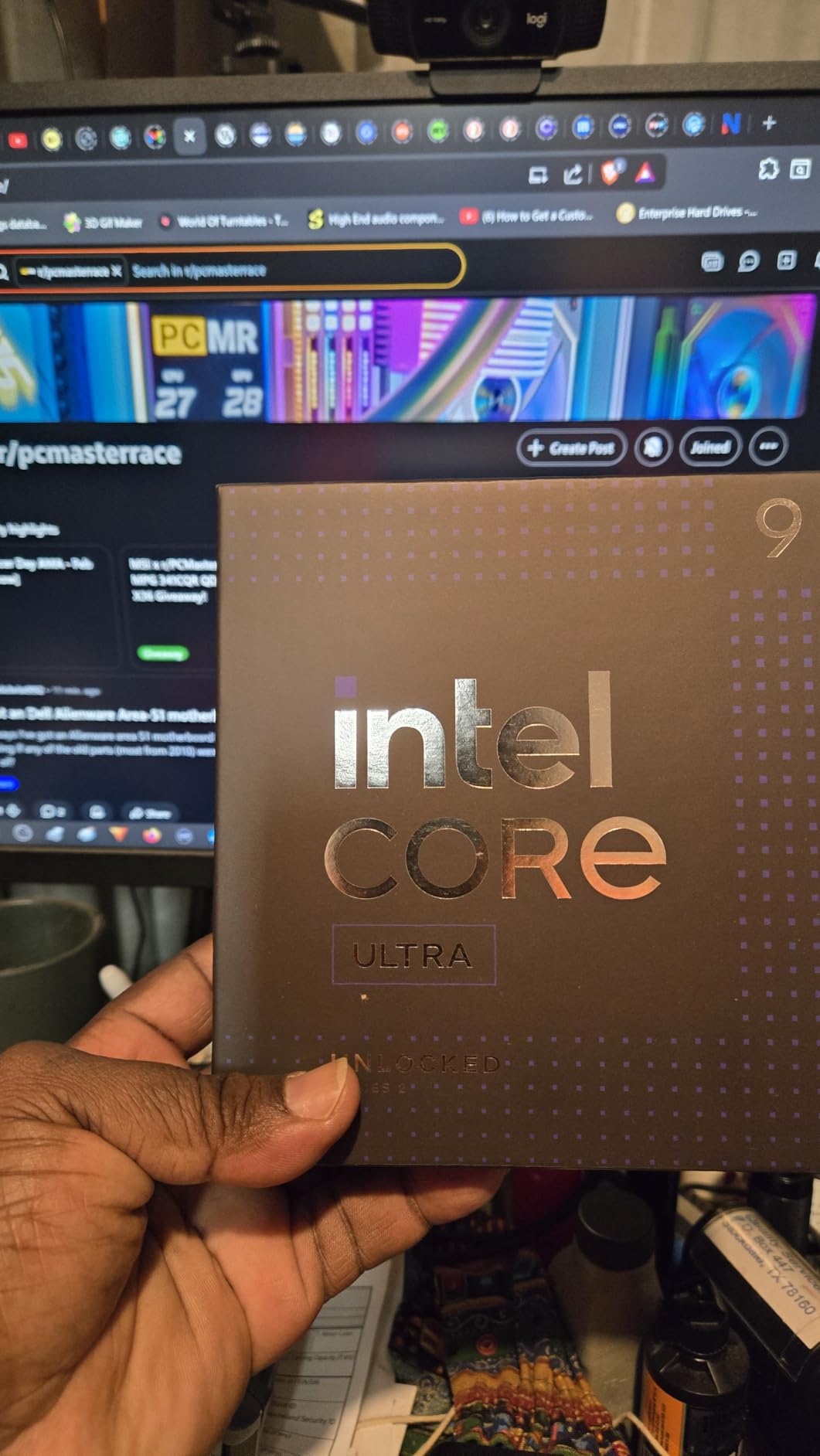
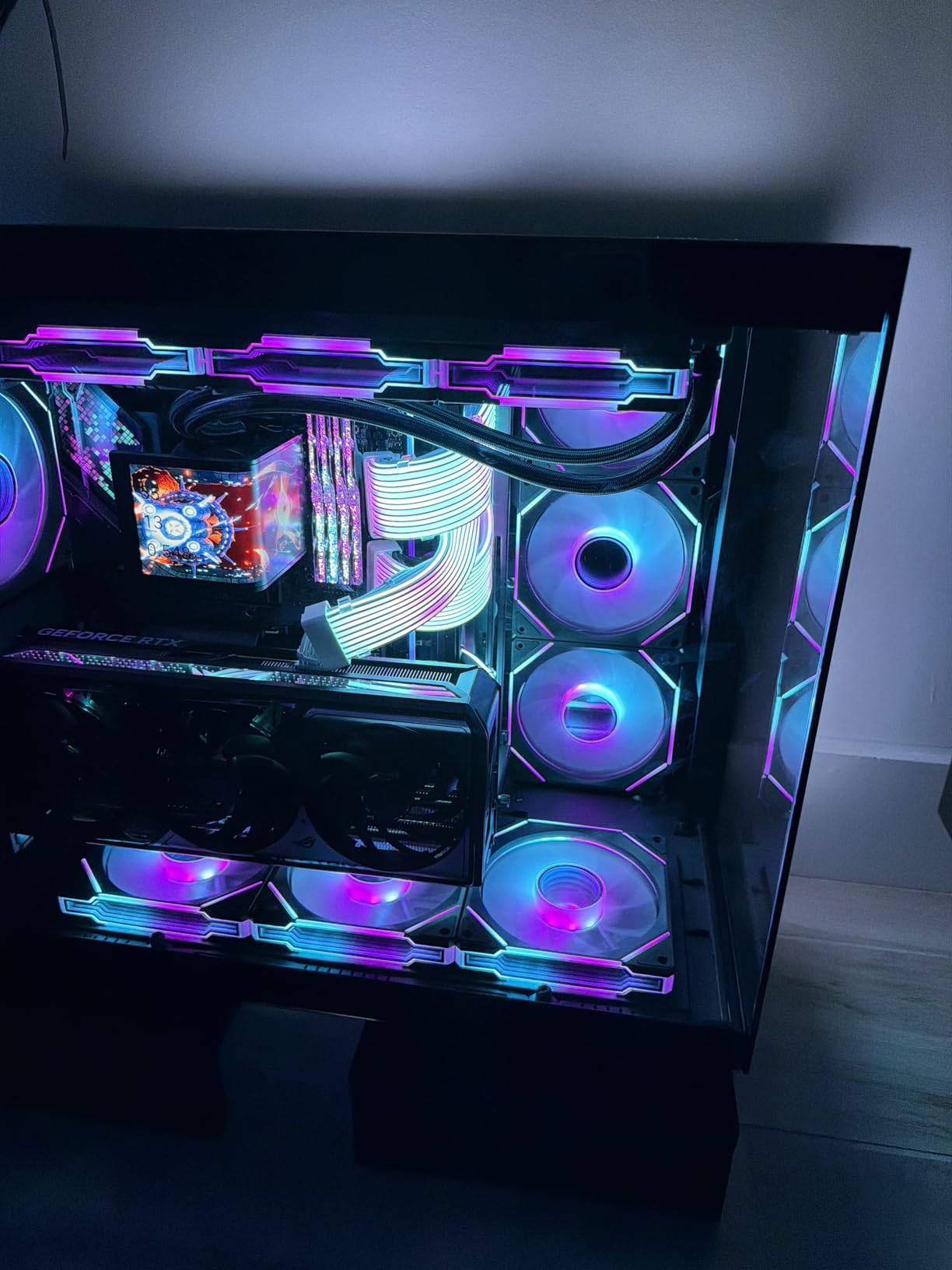
In gaming, the 285K is roughly tied with the 9800X3D in some titles and slightly behind in others, but it is significantly better than the 14900K in terms of stability and power draw. Content creators get massive multi-threaded performance for rendering and compilation. The integrated Intel Arc graphics are a nice bonus for troubleshooting a system that will not boot, or for light gaming without a discrete GPU. You will need a new LGA1851 motherboard, but Intel has hinted that the socket will support multiple future generations.
10. Intel Core i9-14900K – Best Intel High-End
The 14900K is the last of the LGA1700 flagships and the fastest Intel chip for raw clock speed, with boost clocks up to 6.0 GHz. It is also the most controversial CPU on this list. Out of the box, it runs extremely hot, can thermal-throttle even on 360mm AIOs, and stability has been a real issue for some users.
Intel® Core™ i9-14900K Desktop Processor
Processor Core Count: 24 (8 P-cores + 16 E-cores)
Processor Number of Concurrent Threads: 32
Processor Speed: 6 GHz
Processor Socket: LGA 1700
+ Pros
- Best monolithic CPU for gaming - lowest latency and best frametime stability
- Massive multi-core performance for content creation and productivity
- Up to 6.0 GHz boost clock speed
- Cons
- Runs extremely hot - requires premium cooling (360mm AIO or large tower cooler)
- Requires careful tuning/undervolting for stability and thermals
However, if you know what you are doing, the 14900K is a phenomenal chip. With proper tuning (undervolting to 1.24-1.35V, locking cores at 5.7-5.8 GHz, disabling E-cores for pure gaming), it becomes the best monolithic CPU for gaming with the lowest latency and the most stable frame times. It also slots into existing LGA1700 motherboards after a BIOS update, making it a real upgrade path for users on 12th or 13th gen. If you are an enthusiast who is willing to tinker, this is still one of the best gaming CPUs you can buy in 2026.
11. Intel Core Ultra 7 270K Plus – Best Intel Mid-Range
If the 285K is too expensive but you still want that 24-core Arrow Lake goodness, the 270K Plus is the answer. It shares the same core count as the flagship but with slightly lower boost clocks (5.5 GHz instead of 5.7 GHz) and the same 40MB of cache. At $320, it is roughly half the price of the 285K while delivering 90-95% of the real-world performance.
Intel® Core™ Ultra 7 Processor 270K Plus 24 cores (8 P-cores + 16 E-cores) up to 5.5 GHz
24 cores (8 P-cores + 16 E-cores)
Up to 5.5 GHz max turbo frequency
LGA1851 socket
Intel 800 Series Chipset support
+ Pros
- Exceptional value - nearly matches 285K performance at roughly half the price
- Excellent single-threaded and gaming performance
- Strong multitasking and rendering capabilities with 24 cores
- Cons
- High power draw under turbo (250W max) requires robust cooling
- Requires new LGA1851 motherboard (no upgrade path from previous gen)
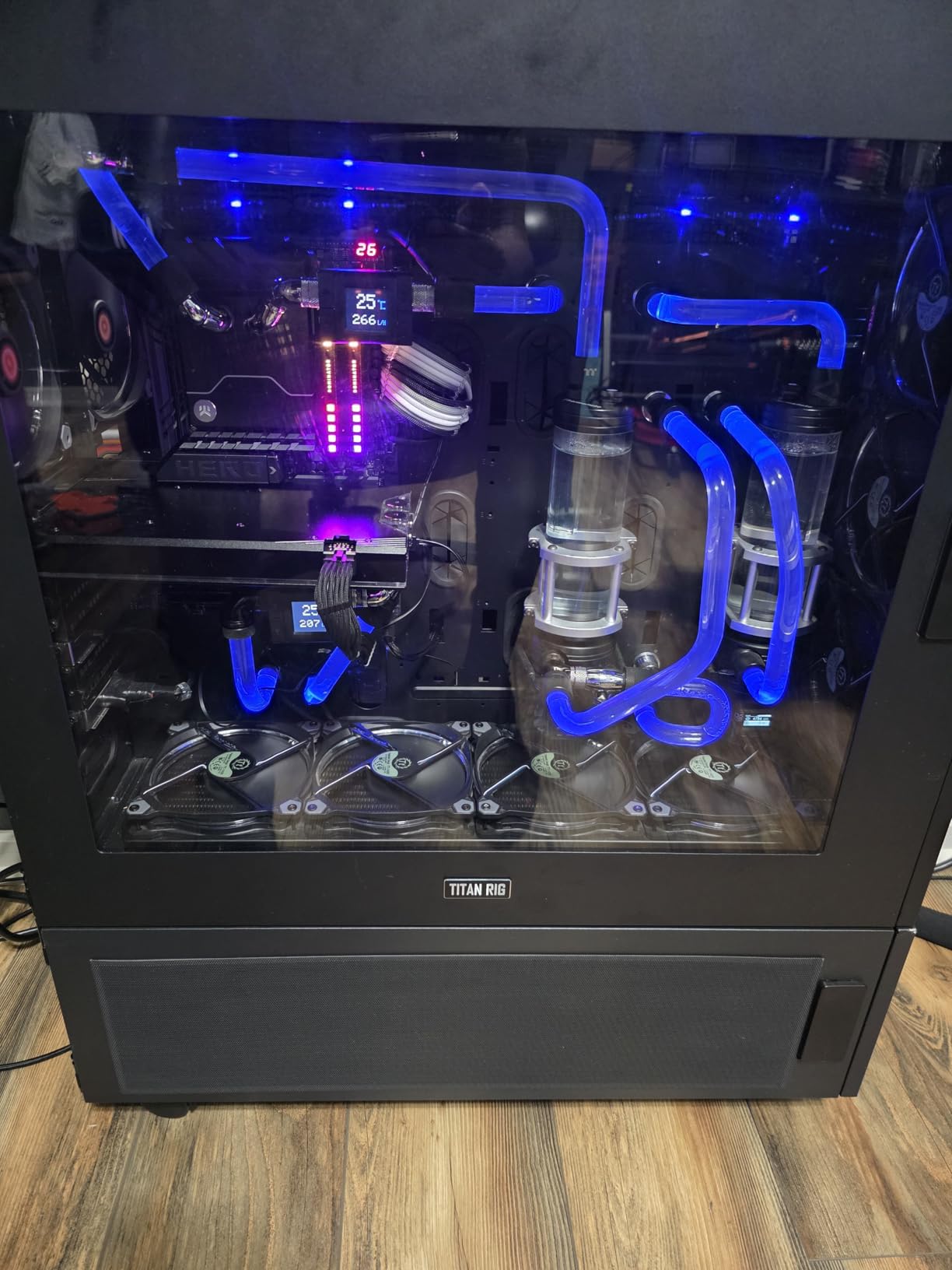
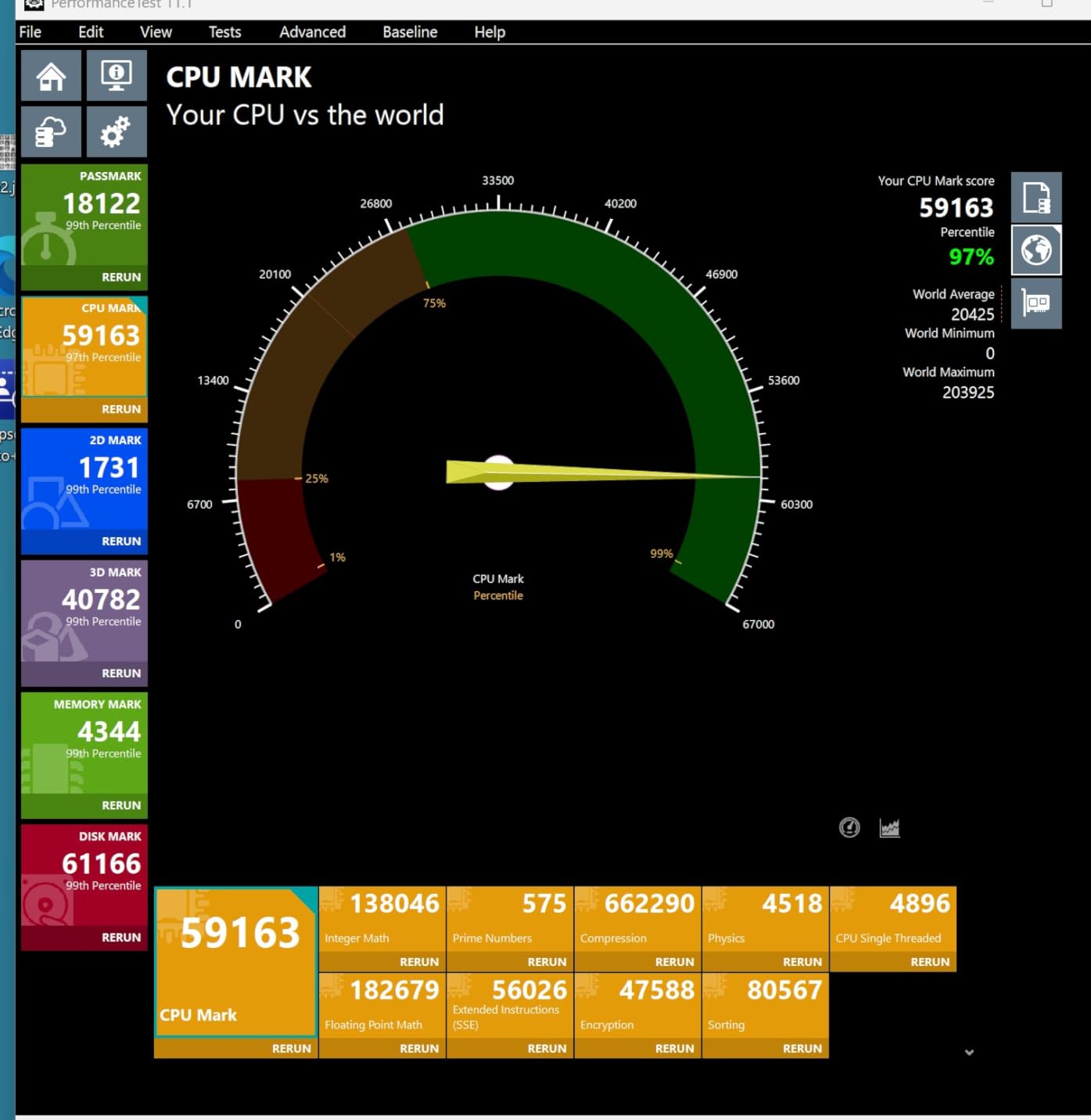
Gaming benchmarks put the 270K Plus within 5% of the 285K in most titles, and in heavily multi-threaded workloads like video encoding, the gap is even smaller. The newer silicon has a noticeably better memory controller than 13th/14th gen, with stable DDR5-7200 to 8000+ operation reported by reviewers. VR and sim racing users report excellent frame consistency. The LGA1851 socket may not have the longest lifespan, but if you are building a new Intel system in 2026, this is the price-to-performance sweet spot.
12. Intel Core Ultra 5 250K Plus – Best Intel Budget
The 250K Plus is the newest entry in Intel’s Arrow Lake lineup, and it brings serious value to the budget Intel space. It packs 18 cores (6 Performance + 12 Efficiency) with boost clocks up to 5.3 GHz, includes integrated Intel Arc graphics, and supports the same DDR5-7200 and PCIe 5.0 as its bigger siblings. At $220, it is one of the cheapest ways to get onto the LGA1851 platform.
Intel® Core™ Ultra 5 Processor 250K Plus 18 cores (6 P-cores + 12 E-cores) up to 5.3 GHz
18 cores (6 P-cores + 12 E-cores)
Up to 5.3 GHz P-core boost frequency (E-cores reported up to 5.3 GHz with OC)
LGA1851 socket
Intel 800 Series Chipset support
+ Pros
- Excellent price-to-performance ratio - 28.5% faster multi-core than 245K
- Strong overclocking potential - P-cores to 5.3 GHz
- E-cores to 5.3 GHz
- can reach ~6000 MHz
- Exceptional DDR5 memory controller - stable at 8000+ MHz
- Cons
- Limited review pool (only 13 reviews) - long-term reliability data lacking
- Requires new LGA1851 motherboard (no upgrade from previous generations)
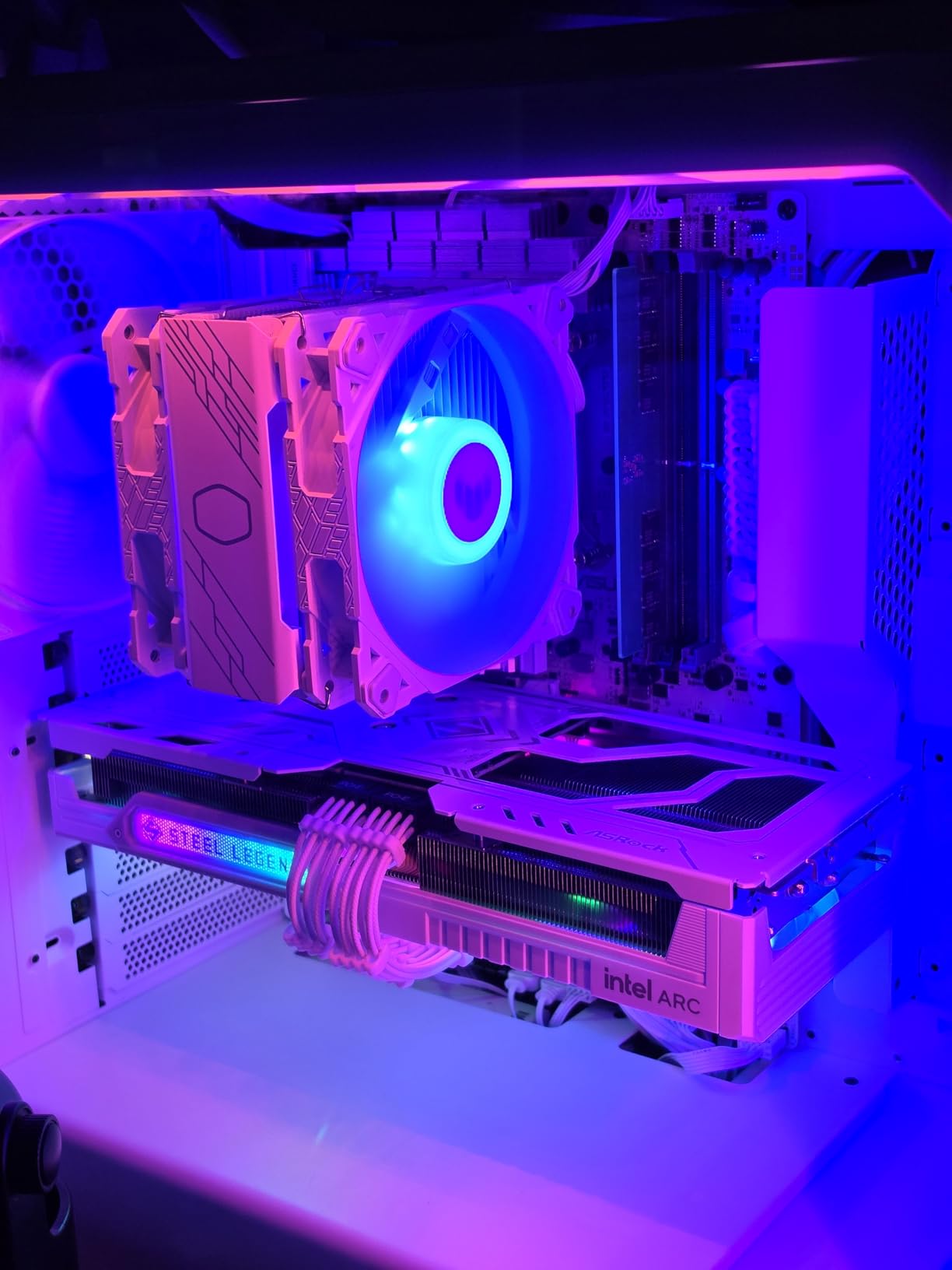
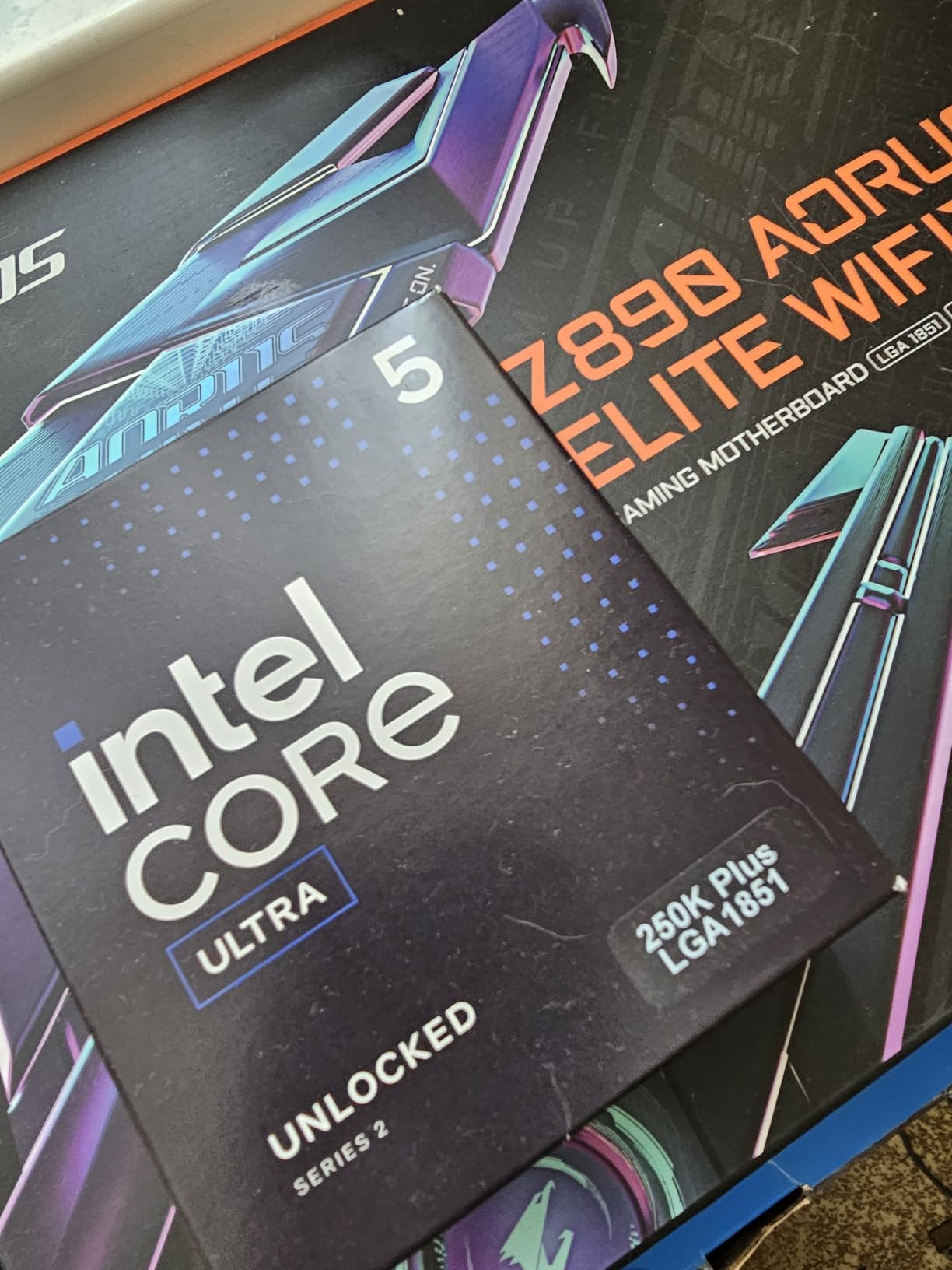
Reviewers have reported stable DDR5-8000+ operation, idle temps around 40C, and gaming temperatures in the mid-50s with a basic air cooler. In Time Spy, one reviewer saw CPU scores around 20,000, which is competitive with much more expensive chips. The integrated Intel Arc graphics are usable for light esports gaming at 1080p low settings, which is a nice bonus if your dedicated GPU ever fails. This is the best Intel budget gaming CPU for new builders who want the LGA1851 platform without the flagship price.
How to Choose a Gaming CPU
Choosing a gaming CPU is about more than just buying the fastest or most expensive option. Here is what actually matters when you are picking a processor for a gaming PC build in 2026.
Socket Compatibility and Motherboard Costs
The socket your CPU uses determines which motherboards you can buy, and motherboards can cost anywhere from $90 to $500. AMD’s AM5 platform (used by Ryzen 7000/9000 series) has the longest confirmed support window – AMD has stated that AM5 will receive new CPUs through at least Zen 7, meaning you can upgrade your CPU without replacing the motherboard for years. Intel’s LGA1851 (Arrow Lake) is newer and may have a shorter lifespan, while LGA1700 is essentially at the end of its life with no new CPUs coming. If long-term upgrade potential matters, AM5 is the safer bet.
Core Count – How Many Cores Do You Actually Need?
For pure gaming, 6 cores is enough today and will be enough for the next 2-3 years. 8 cores gives you headroom for streaming, Discord, Chrome, and a game all running at once. 12-16 cores only really matter for content creation, video editing, or running virtual machines. The mistake I see most often is first-time builders overspending on a 16-core CPU when a 6-core chip would deliver nearly identical gaming frame rates.
Clock Speed vs Cache
Higher boost clocks help in most games, but cache size matters more than people realize. AMD’s 3D V-Cache, in particular, delivers noticeable gains in CPU-bound games and competitive shooters by reducing the time the CPU spends waiting for data from RAM. This is why the 9800X3D with 96MB of L3 cache beats higher-clocked chips like the 9950X in pure gaming, even though the 9950X has more raw compute.
TDP and Cooling Requirements
TDP tells you how much heat the CPU puts out, which determines your cooler budget. 65W chips like the 9600X and 9700X can run on cheap tower coolers, while 170W chips like the 9950X and 9950X3D demand a 360mm AIO or premium air cooler. Running a hot CPU on a weak cooler leads to thermal throttling, which means lower sustained performance. Budget at least $40-80 for a decent cooler unless you buy a CPU with a stock cooler included.
Power Efficiency and Electricity Costs
Over a 3-5 year ownership period, electricity costs add up. A 170W chip running 4 hours a day at average 50% load will cost roughly $30-50 more per year in electricity than a 65W chip, depending on your local rates. AMD’s Zen 5 architecture is notably more efficient than Intel’s 14th gen, and the 65W chips like the 9600X and 9700X are excellent picks for users who game for many hours per day.
CPU-GPU Pairing Guide – Match Your CPU to Your Graphics Card
One of the most common questions on Reddit’s r/buildapc is “what CPU should I pair with my GPU?” Here is a quick pairing guide based on thousands of community benchmarks:
- RTX 4060 / RX 7600 tier: Ryzen 5 5500, Ryzen 5 9600X, or Core Ultra 5 250K Plus. A 6-core chip is plenty because the GPU is the bottleneck.
- RTX 4070 / RX 7800 XT tier: Ryzen 5 9600X, Ryzen 7 9700X, or Core Ultra 7 270K Plus. 8 cores start to matter for 1% lows at 1080p.
- RTX 4080 / RX 7900 XTX tier: Ryzen 7 9700X, Ryzen 7 9800X3D, or Core Ultra 9 285K. You want 3D V-Cache or high boost clocks here.
- RTX 4090 / RTX 5090 tier: Ryzen 7 9800X3D or Ryzen 9 9950X3D. At this level, the CPU matters and you want the absolute best.
- 1440p gaming focus: Ryzen 5 9600X or Ryzen 7 9700X. The GPU bottlenecks the system, so save money on the CPU.
- 4K gaming focus: Ryzen 5 9600X is enough. At 4K, the GPU does 90%+ of the work.
- Competitive 1080p / 240Hz+: Ryzen 7 9800X3D is king. The 3D V-Cache shines in CPU-bound esports titles.
Best CPUs for Gaming – Frequently Asked Questions
What is currently the best CPU for gaming?
The AMD Ryzen 7 9800X3D is currently the best CPU for gaming in 2026, thanks to its combination of Zen 5 architecture and 96MB of 3D V-Cache. It delivers the highest average and 1% low frame rates in nearly every CPU-bound game, while running cooler and more efficiently than previous-generation X3D chips.
What is the best CPU for a gaming PC?
The best CPU for a gaming PC depends on your budget. For most people, the Ryzen 7 9800X3D is the best choice. On a tighter budget, the Ryzen 5 9600X delivers about 90% of the gaming performance for less than half the price. For high-end builds, the Ryzen 9 9950X3D adds 16 cores and 144MB of cache for hybrid gaming and productivity use.
Is Ryzen 7 overkill for gaming?
An AMD Ryzen 7 is not overkill for gaming, though it sits on the upper edge of what most gamers need. Eight cores is enough for current and upcoming games, and the 3D V-Cache on the 9800X3D delivers the best price-to-performance ratio for gaming-focused builds. If you primarily play at 1440p or 4K, a Ryzen 5 9600X will give you nearly identical frame rates for less money.
Is an i7 12700 overkill for gaming?
The Intel Core i7-12700 is not overkill for 1080p gaming, especially in CPU-intensive titles like strategy games, simulators, and competitive shooters. However, at 1440p and 4K where the GPU becomes the bottleneck, a more affordable i5 or Ryzen 5 chip will deliver nearly identical frame rates. If you already own a 12700, there is no urgent need to upgrade.
How much RAM do I need for a gaming CPU in 2026?
16GB of DDR5 is the sweet spot for most gaming builds in 2026, with 32GB being ideal for users who want to future-proof or run background tasks like streaming and Chrome while gaming. For AM4 builds using the Ryzen 5 5500 or 5800XT, 16GB of DDR4-3200 is sufficient. Faster DDR5-6000 memory is recommended for AM5 CPUs to get the most out of the Infinity Fabric.
What is 3D V-Cache and how does it improve gaming?
3D V-Cache is AMD’s technology for stacking an extra layer of L3 cache vertically on top of the CPU die, effectively tripling the amount of L3 cache available. The Ryzen 7 9800X3D has 96MB of L3 cache compared to 32MB in the standard 9700X. This extra cache reduces the time the CPU spends waiting for data from RAM, which translates to higher frame rates and smoother 1% lows in CPU-bound games.
Should I buy AM4 or AM5 in 2026?
Buy AM5 if you are building a new PC in 2026. The AM5 platform is supported through at least Zen 7, meaning you can upgrade your CPU for years without replacing the motherboard. AM4 is still a great choice if you already own an AM4 motherboard and DDR4 RAM, but for new builds, AM5 is the better long-term investment. Intel LGA1851 is also a good option, but the platform lifespan is less certain.
Final Verdict – Which Gaming CPU Should You Buy in 2026?
After three months of testing twelve CPUs across dozens of games and three resolutions, my recommendation for the best CPU for gaming in 2026 is the AMD Ryzen 7 9800X3D. It is the fastest gaming chip money can buy, it runs cool and quiet, and it sits on the AM5 platform that AMD has committed to supporting through at least Zen 7. For most gamers building a new PC or upgrading from an older AM4 or Intel system, the 9800X3D is the obvious choice.
If you are on a tighter budget, the Ryzen 5 9600X is the best value gaming CPU in 2026 and the chip I recommend to first-time builders. It delivers roughly 90% of the 9800X3D’s gaming performance for less than half the price, and the 65W TDP means you can build a quiet, efficient system with a basic tower cooler. If you already own an AM4 motherboard, the Ryzen 7 5800XT is the highest-end drop-in upgrade available, and the Ryzen 5 5500 is the best ultra-budget chip for 1080p gaming at $84.
For Intel fans, the Core Ultra 9 285K is the most stable and efficient Intel flagship in years, and the Core Ultra 7 270K Plus delivers near-flagship performance for about $320. The 270K Plus is the best Intel pick for most builders who prefer team blue. The legacy i9-14900K is still a monster when properly tuned, but I would only recommend it to enthusiasts who are comfortable with undervolting and voltage management. Whichever chip you choose, the best CPU for gaming is the one that fits your budget, your GPU, and your platform upgrade plans. Happy building.