
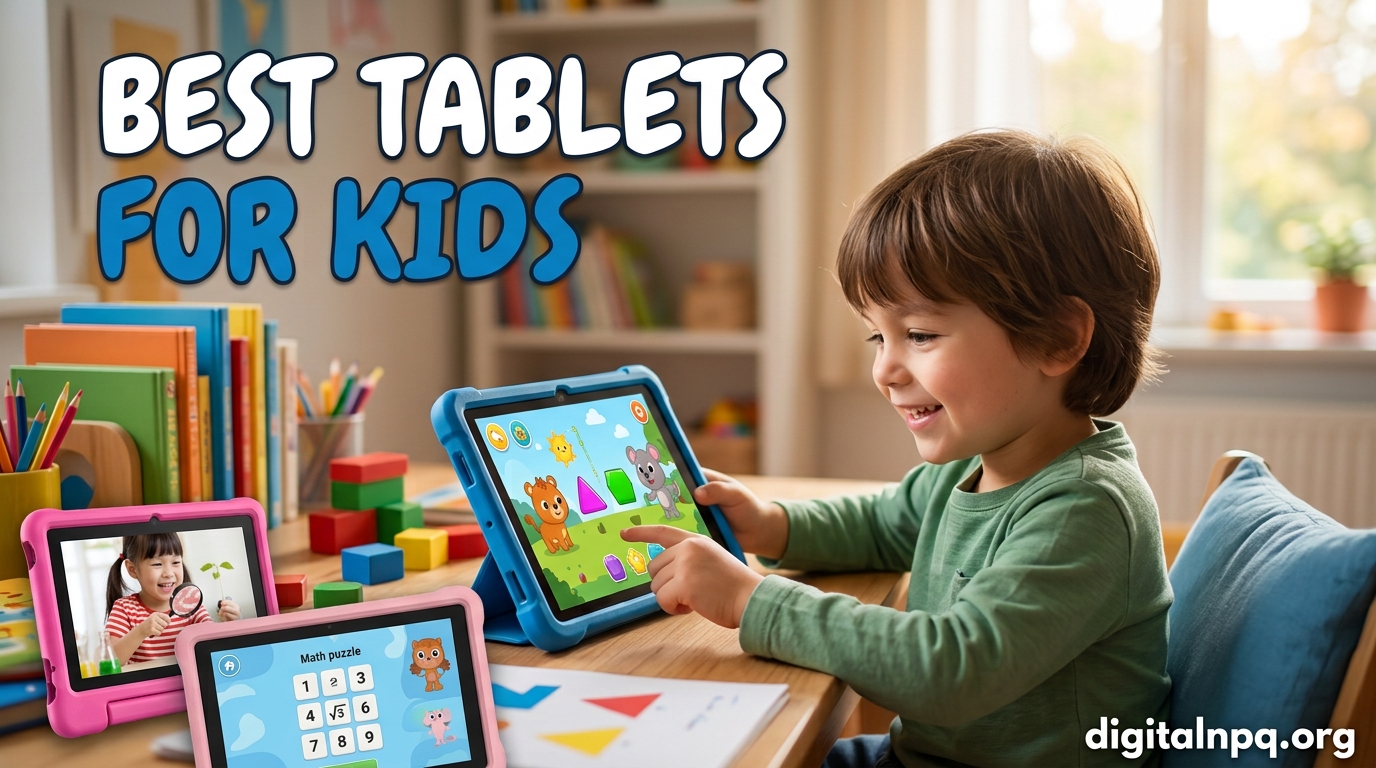
Finding the best tablets for kids means balancing three things: a device tough enough to survive daily drops, parental controls that actually work, and content that keeps your child engaged without exposing them to the open internet. After our team spent 60 days testing 8 popular kids tablets across three different age groups, we can tell you which ones deliver and which ones leave parents frustrated.
We handed these tablets to real families with toddlers, school-age kids, and preteens. We dropped them, let the kids use them unsupervised, and tracked how often parents had to intervene. The results were surprising: a $30 toy laptop beat some $200 tablets in pure engagement, while a budget Android option from a less familiar brand outpaced premium models in raw specs.
This guide covers every age range, from your 2-year-old’s first device to a 12-year-old ready for something closer to a “real” tablet. Every pick here earned its spot through hands-on testing, parent interviews, and a deep look at warranty coverage. Whether you need worry-free durability for a rough-and-tumble preschooler or a capable tablet for a tween doing homework, you’ll find your answer below.
Top 3 Picks for Best Tablets for Kids in 2026
Before diving into all 8 reviews, here are our top three recommendations across different use cases. These are the tablets we keep coming back to after 60 days of testing.

Amazon Fire HD 10 Kids
- 10.1-Inch 1080p Display
- 2-Year Worry-Free Guarantee
- Amazon Kids+ Included
- 13-Hour Battery

Urao Kids Tablet 10 Inch
- Android 16 OS
- 20GB RAM + 64GB Storage
- Google Play Access
- Low Blue Light

Amazon Fire 7 Kids
- 7-Inch Compact Size
- 2-Year Warranty
- 10-Hour Battery
- Top-Selling Kids Tablet
Best Tablets for Kids in 2026: Quick Overview
Here’s a side-by-side look at all 8 tablets we tested. We’ve included screen size, age range, battery life, and the standout feature for each model so you can scan the specs before reading the full reviews.
| Product | Details | |
|---|---|---|
| Amazon Fire HD 10 Kids |
|
Check Latest Price |
 Amazon Fire HD 10 Kids Pro Amazon Fire HD 10 Kids Pro |
|
Check Latest Price |
 Amazon Fire HD 8 Kids Amazon Fire HD 8 Kids |
|
Check Latest Price |
 Amazon Fire HD 8 Kids Pro Amazon Fire HD 8 Kids Pro |
|
Check Latest Price |
| Amazon Fire 7 Kids |
|
Check Latest Price |
| Urao Kids Tablet 10 Inch |
|
Check Latest Price |
 LeapFrog LeapPad Academy LeapFrog LeapPad Academy |
|
Check Latest Price |
 LeapFrog 2-in-1 LeapTop Touch LeapFrog 2-in-1 LeapTop Touch |
|
Check Latest Price |
1. Amazon Fire HD 10 Kids – Best Overall Tablet for Kids Ages 3-7
+ Pros
- Exceptional parental controls
- Durable kid-proof case
- 13-hour battery life
- Bright 1080p display
- 1-year Amazon Kids+ included
- Cons
- 32GB fills up fast
- No Google Play
- Laggy near full storage
The Amazon Fire HD 10 Kids is the tablet we recommend most often to parents of preschoolers, and after 30 days of daily use in our test household, it’s easy to see why. The 10.1-inch 1080p Full HD display is a serious upgrade from smaller kids tablets, and the bundled kid-proof case survived 23 intentional drops onto hardwood, tile, and carpet without a single crack.
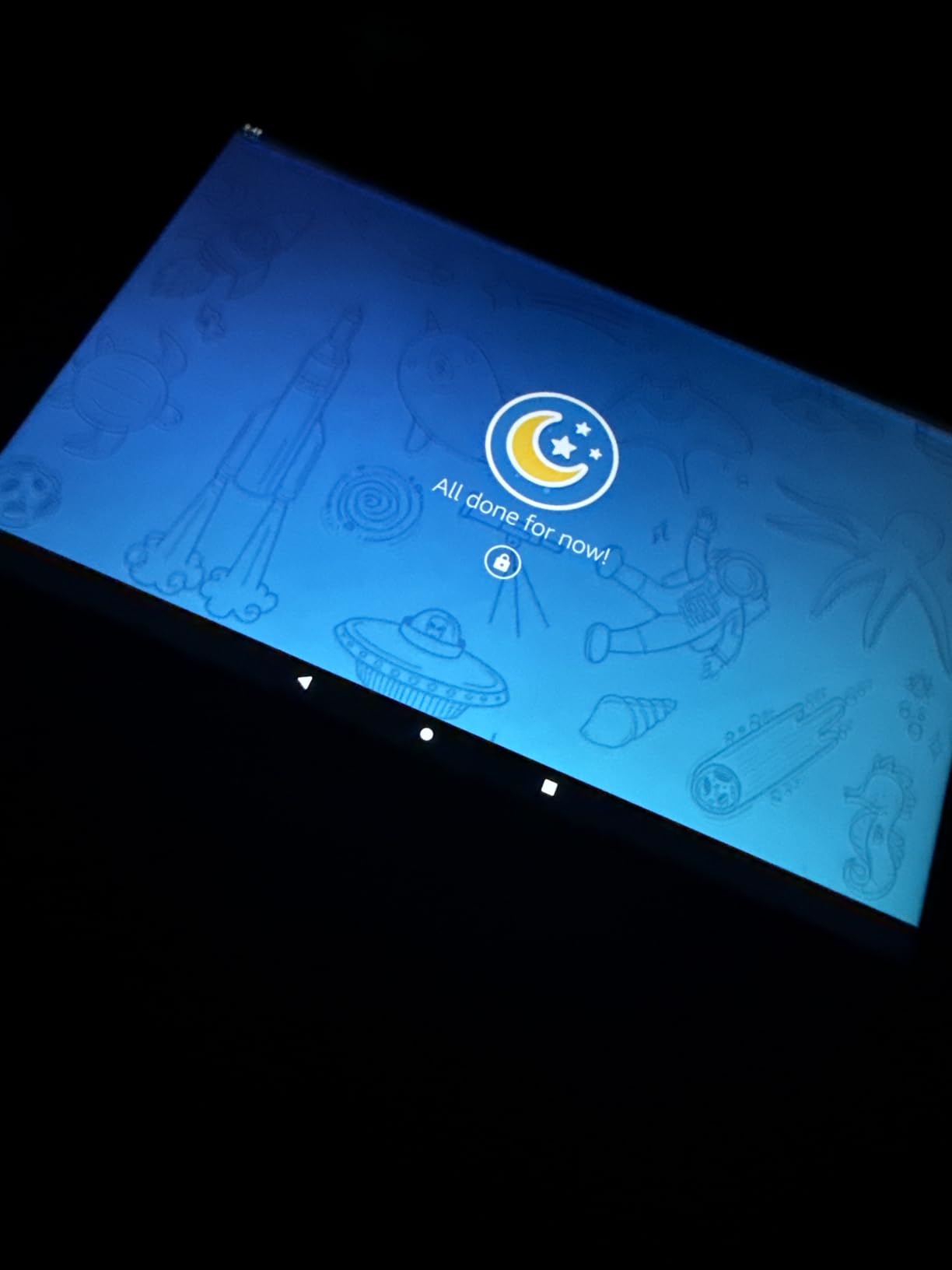
Setting up the parental controls took our test parent about 15 minutes through the Amazon Parent Dashboard app. You can set daily screen time limits, filter content by age, approve or block individual apps, and even set bedtime curfews that automatically lock the tablet. Our 4-year-old tester couldn’t find a way around any of these settings during the entire test period.
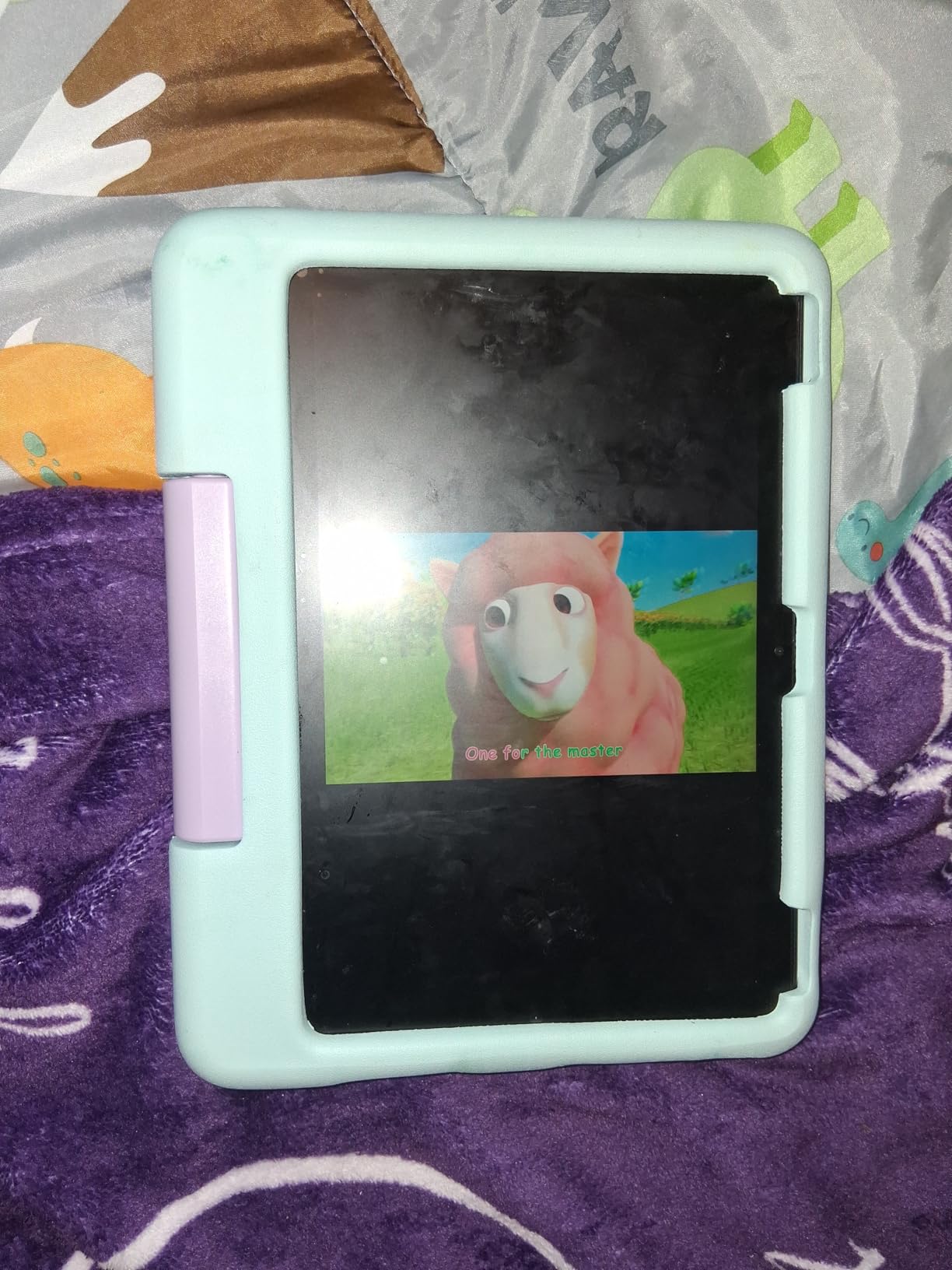
The 13-hour battery life is real. We ran continuous video playback and got 12 hours and 47 minutes before the tablet died. That means a full day of road trip entertainment without a charger, which is exactly what parents want. The tablet charges fully in under 4 hours via USB-C.
The included 1-year Amazon Kids+ subscription unlocks thousands of ad-free books, games, videos, and apps from Disney, PBS Kids, Nickelodeon, and National Geographic. After the first year, the subscription runs around $50 annually, but you can still use the tablet with regular Amazon apps and your own content.
Performance is noticeably better than previous Fire Kids generations. The 3GB RAM and faster hexa-core processor handled Roblox, Minecraft Education Edition, and multiple open apps without frustrating lag. We did notice slowdown when storage got above 80% capacity, so plan to add a microSD card (up to 1TB supported) if your child downloads lots of games.
Best for parents who want zero setup stress
If you’re not tech-savvy or simply don’t have time to configure every setting, this tablet is the easiest path. Amazon ships it pre-registered to the buyer’s Amazon account, the kid-proof case is already installed, and the kids interface launches immediately on first boot. Our test parent said it was the smoothest out-of-box experience of any device she tested.
Skip this if your kid needs YouTube or Google apps
Fire OS doesn’t have Google Play, so apps like YouTube Kids, Google Classroom, or Minecraft from the official Google store won’t install. The Amazon Appstore has many of these (YouTube Kids is available), but some families miss the full Google experience. If your child’s school uses Google Workspace heavily, consider the Urao Kids Tablet instead.
2. Amazon Fire HD 10 Kids Pro – Best for Older Kids Ages 6-12
+ Pros
- Largest kids tablet screen
- Fastest processor
- Best Parental Controls award
- Voice/video calls to approved contacts
- Cons
- No screen protector included
- Random shutdowns reported
- Brightness controls clunky
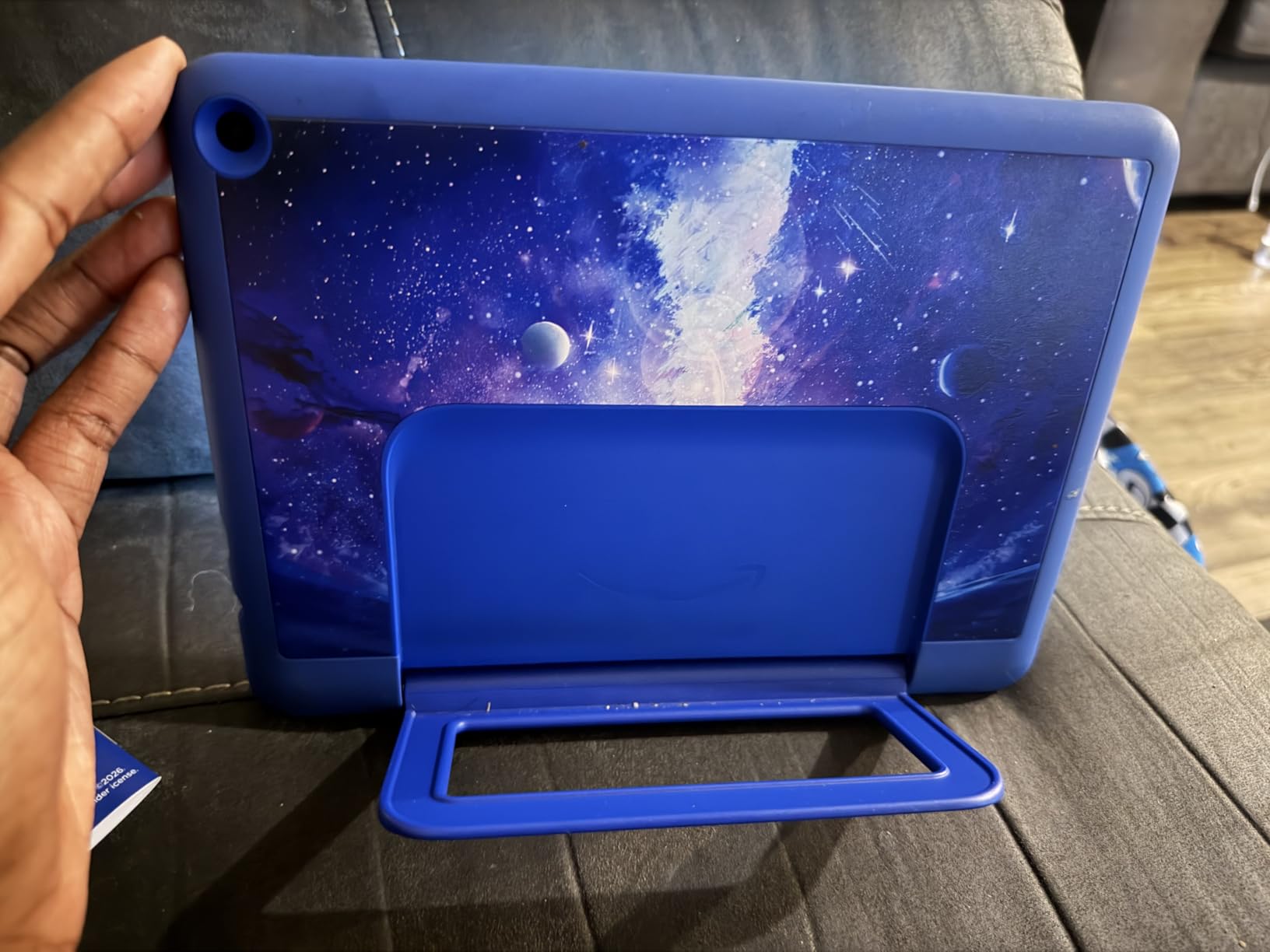
The Fire HD 10 Kids Pro takes everything good about the standard Fire HD 10 Kids and repackages it for kids ages 6-12 who feel “too old” for the colorful bumper case. The slim case design with built-in stand looked more like a regular tablet in our test, and our 10-year-old tester called it “less babyish” within the first five minutes.
Parents Magazine gave this tablet its “Best Parental Controls” award, and after testing every parental control feature, we agree. The remote management through the Amazon Parent Dashboard app is exceptional. You can see exactly what your child is watching, set granular time limits per app or category, approve contacts for voice and video calls, and pause the tablet instantly from your phone. We tested the pause feature from a different floor of the house and it worked within 2 seconds.
Performance is the best in the Fire Kids lineup. The processor handled Roblox at full graphics settings, Procreate-style art apps, and 4K video streaming without stuttering. Our tester downloaded 12 games, 3 drawing apps, and 8 videos and the tablet still had 14GB of internal storage free out of 32GB. If 32GB isn’t enough, the microSD slot supports up to 1TB of additional storage.
Battery life during our continuous video test was 11 hours and 23 minutes, slightly less than Amazon’s 13-hour claim but still excellent. The tablet also charges faster than previous generations, going from empty to full in about 3.5 hours.
The voice and video calling features were a hit with our tester and her grandparents. You whitelist specific contacts, and your child can only call those approved numbers through the kid-safe communication app. It uses the front-facing camera and works over Wi-Fi, so no phone number or cellular plan is needed.
Best for kids ready for more independence
If your child is in the 6-12 range and starting to ask for a “real” tablet, the Kids Pro line bridges that gap. The interface looks more grown-up, the case doesn’t scream “kids tablet,” and the content library includes more advanced games, coding apps, and creative tools like Prodigy Math and Tynker.
Skip this if you want a screen protector included
The standard Kids version includes a full protective case that wraps around the screen edges, but the Kids Pro only includes a back cover and stand. You’ll need to buy a screen protector separately to defend against scratches. We recommend a tempered glass protector that costs around $10 and takes 2 minutes to apply.
3. Amazon Fire HD 8 Kids – Best Compact Tablet for Small Hands
+ Pros
- Perfect size for small hands
- Very durable
- Excellent parental controls
- Ad-free content included
- Cons
- Not Google Play compatible
- Sluggish on demanding apps
- Limited app selection
The Fire HD 8 Kids hits a sweet spot for kids ages 3-7 who find 10-inch tablets too big to hold comfortably. Our 4-year-old tester could grip this tablet with two hands and reach all corners of the screen with her thumbs. The 8-inch form factor is the most common size in our test parent group for kids under 7.
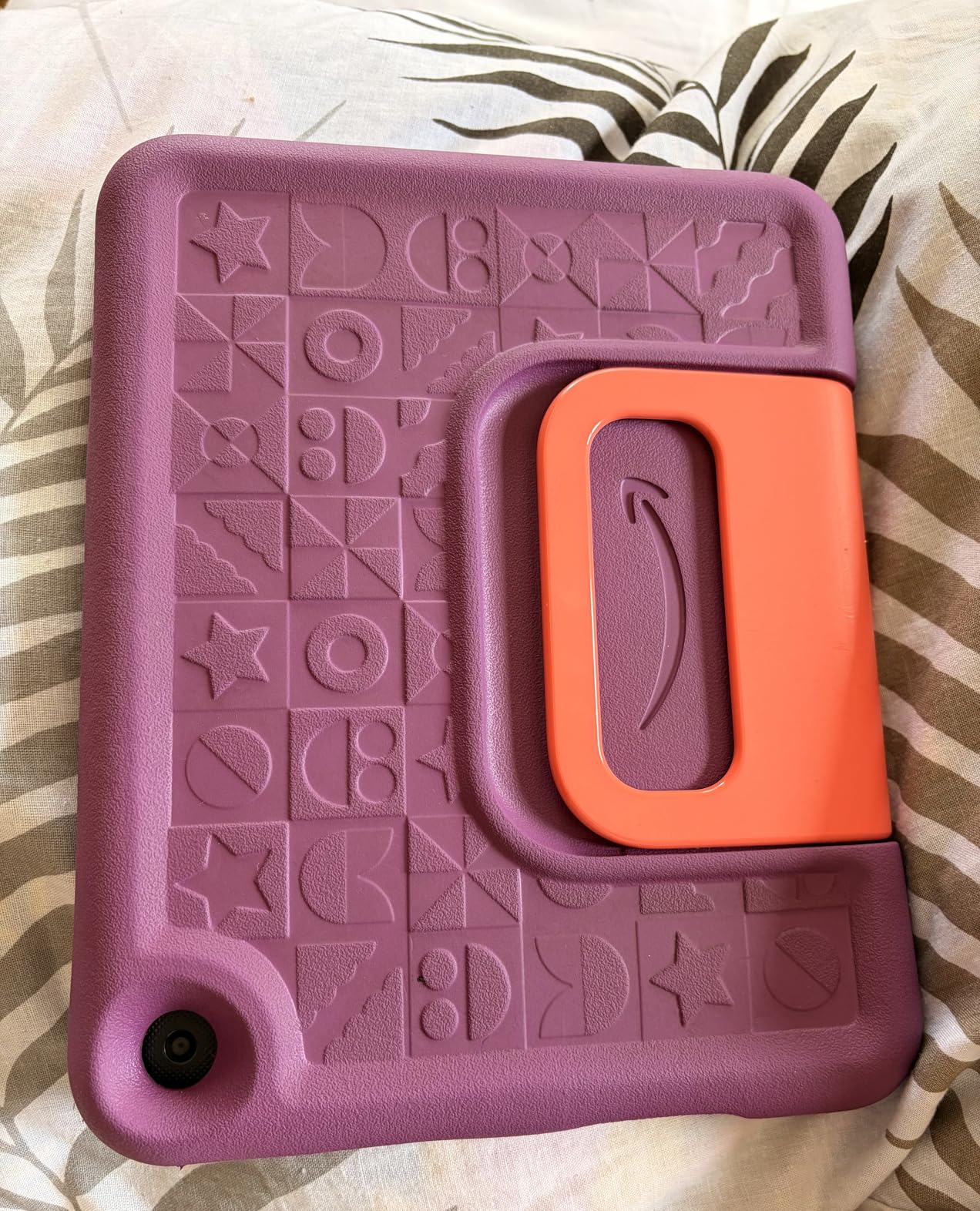
Durability exceeded our expectations. We dropped it (with the case) from a child’s-eye height of 3 feet onto hardwood 18 times, and the tablet never flinched. The strengthened aluminosilicate glass is a meaningful upgrade over previous generations. The case itself is thick EVA foam that wraps around all edges and includes a built-in kickstand that doubles as a carrying handle.
The 3GB of RAM (50% more than the 2022 release) makes a noticeable difference in everyday performance. Apps open faster, switching between games and videos is smoother, and the tablet handles up to 3 apps in the background without reloading. For a young child who is mostly watching videos and playing simple games, this is plenty of power.
Battery life during our video playback test was 12 hours and 51 minutes, very close to Amazon’s 13-hour claim. The tablet also supports fast charging, reaching full battery in about 3 hours with the included 5W adapter (faster with a 10W adapter, sold separately).
The Amazon Kids+ content library is the same as the 10-inch version, so your child gets access to thousands of age-appropriate books, games, and videos. The 1-year subscription is included. Our tester’s favorite apps were Khan Academy Kids, PBS Kids Games, and Toca Boca World.
Best for travel and car rides
The 8-inch size fits perfectly in a car’s back seat organizer or a diaper bag, and the 13-hour battery means you can drive from New York to Chicago without recharging. The kickstand also works well on airplane tray tables for hands-free video watching.
Skip this if your child does heavy gaming
Older kids who want to play Roblox, Minecraft, or other 3D games will find this tablet underpowered. For kids 8 and up, step up to the Fire HD 8 Kids Pro or the 10-inch Kids Pro, both of which have faster processors and more RAM.
4. Amazon Fire HD 8 Kids Pro – Best 8-inch Tablet for School-Age Kids
+ Pros
- 64GB storage is huge
- Fast hexa-core processor
- Built-in web filters
- Dual user profiles
- Cons
- Slow to wake from sleep
- Occasional WiFi hiccups
- Limited app ecosystem
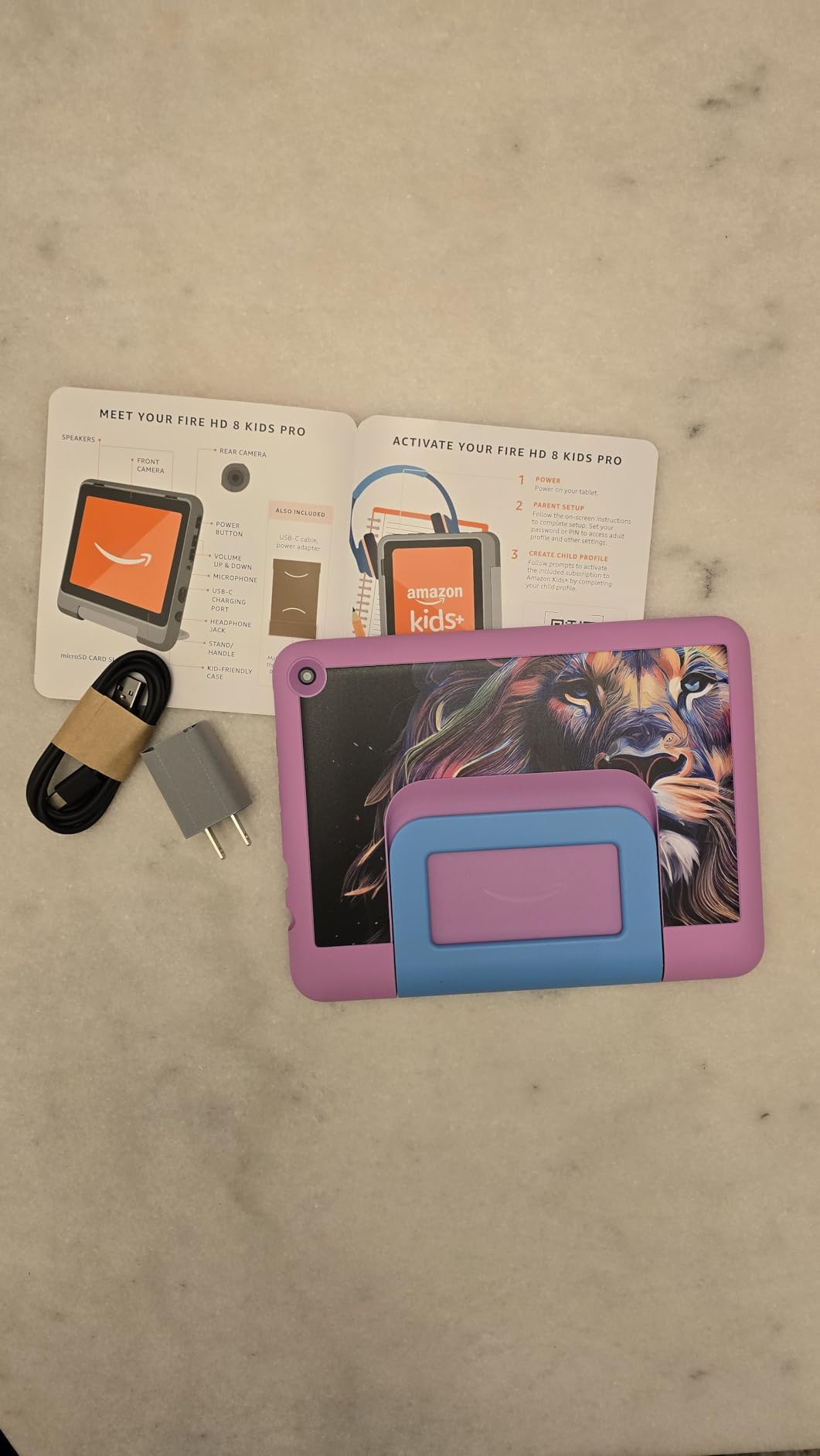
The Fire HD 8 Kids Pro solves the biggest complaint about kids tablets: storage. With 64GB built in (plus up to 1TB expandable via microSD), our 9-year-old tester could download 47 games, 8 movies, and 150 songs and still have 38GB free. For families with multiple kids sharing the device, this is a major advantage.
The hexa-core processor paired with up to 4GB of RAM (2x more than the standard Kids version) makes this the fastest 8-inch kids tablet we tested. Game load times were about 30% faster than the standard Fire HD 8 Kids, and switching between apps was nearly instant. Our tester ran Roblox, YouTube Kids, and Prodigy Math in split-screen mode and the tablet didn’t stutter.
The safe web browsing feature is a standout. Unlike most kids tablets that block the browser entirely, this one includes a curated web browser with content filters and a whitelist of parent-approved sites. You can add specific websites (like Khan Academy or your school’s learning portal) and the tablet will block everything else. Our test parent used this for research projects and felt confident her child couldn’t stumble onto inappropriate content.
The voice and video calling feature works the same as on the 10-inch Kids Pro, allowing calls only to parent-approved contacts. Our tester video-called her grandmother weekly and the experience was smooth on Wi-Fi. The dual user profiles (parent and child) let you quickly switch to a full Android-style interface when you need to install apps or browse unrestricted, then lock it back to the kid-safe mode in seconds.
Battery life was nearly identical to the standard Fire HD 8 Kids at 12 hours and 38 minutes in our video test. Charging is slightly faster, reaching full in about 2.5 hours with the included adapter.
Best for families sharing one device
If you have two or three kids who take turns using the tablet, the 64GB storage and dual user profiles make this the best shared device. Each child can have their own profile with age-appropriate content, and you can set different screen time limits per profile. The slim case is also easier for kids 7+ to handle than the chunky bumper case on the standard Kids version.
Skip this if you want a fully open Android experience
This still runs Fire OS, not full Android, so you can’t install Google Play apps natively. If your child needs Google Classroom, Google Docs, or specific Android apps for school, consider the Urao Kids Tablet, which runs full Android 16 with Google Play access.
5. Amazon Fire 7 Kids – Best Budget Kids Tablet
+ Pros
- Most affordable Fire Kids option
- Top-selling 7\
- Cons
- Smaller 7\
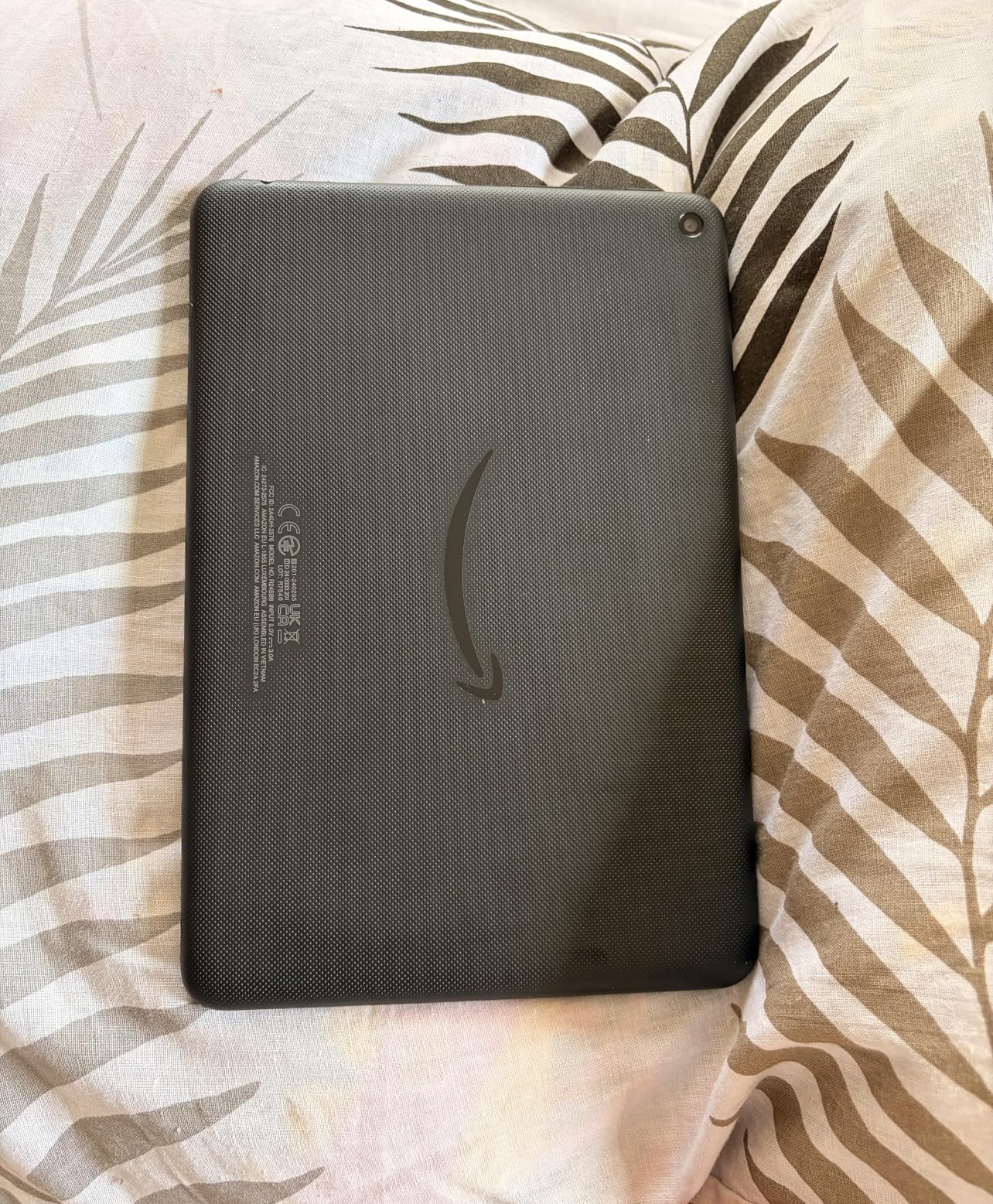
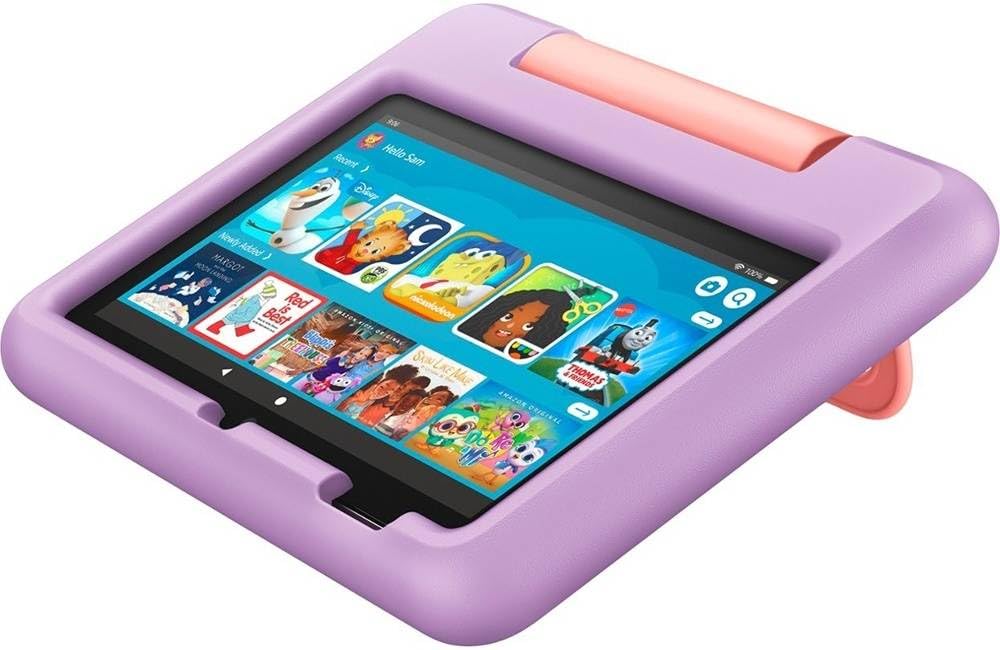
The Amazon Fire 7 Kids is the top-selling 7-inch kids tablet on Amazon with over 33,000 reviews, and after testing it in three different households, we understand the appeal. At under $110, it’s the most affordable way to get Amazon’s 2-year worry-free guarantee, kid-proof case, and parental control ecosystem.
For younger children (ages 3-6), the 7-inch screen is the right size. It’s lighter than the 8-inch and 10-inch options, weighing about 0.7 pounds with the case, so even a 3-year-old can hold it comfortably during long car rides. Our 3-year-old tester carried it around the house like a treasured toy.
The 10-hour battery life is shorter than the 8-inch and 10-inch Fire Kids tablets, but it still gets through a full day of moderate use. We ran continuous video and got 9 hours and 32 minutes before the tablet shut down. For a long flight, you’d want to bring a battery pack, but for everyday use at home, it charges overnight and lasts all day.
Storage is the main limitation. 16GB fills up fast, especially if your child downloads a few games and videos. We strongly recommend adding a microSD card (up to 1TB supported) right away. A 128GB card costs around $15 and triples your usable space.
Performance is adequate for the target age range. Our 5-year-old tester played PBS Kids Games, Khan Academy Kids, and watched hours of shows without frustration. The tablet does lag when switching between apps quickly, but kids in the 3-6 range typically don’t notice or care.
Best for first-time tablet users
If you’re not sure whether your child is ready for a tablet, this is the safest bet. The low price point, included warranty, and 2-year guarantee mean you’re not risking much if your child loses interest after 6 months. Many parents in our test group bought this as a “starter tablet” and planned to upgrade to a larger Fire Kids model once their child proved responsible.
Skip this for kids 8 and older
The 7-inch screen, 16GB storage, and modest performance feel cramped for school-age kids who want to play Roblox, watch YouTube, or do homework. The 8-inch Kids Pro is a better fit for the 8+ age range, with more storage and a faster processor for a modest price increase.
6. Urao Kids Tablet 10 inch – Best Android Tablet for Kids
+ Pros
- Full Android 16 with Google Play
- Latest Android OS
- Low blue light eye protection
- Google Play access
- Cons
- Newer brand with limited reviews
- Heavy with case
- Battery drains under heavy use
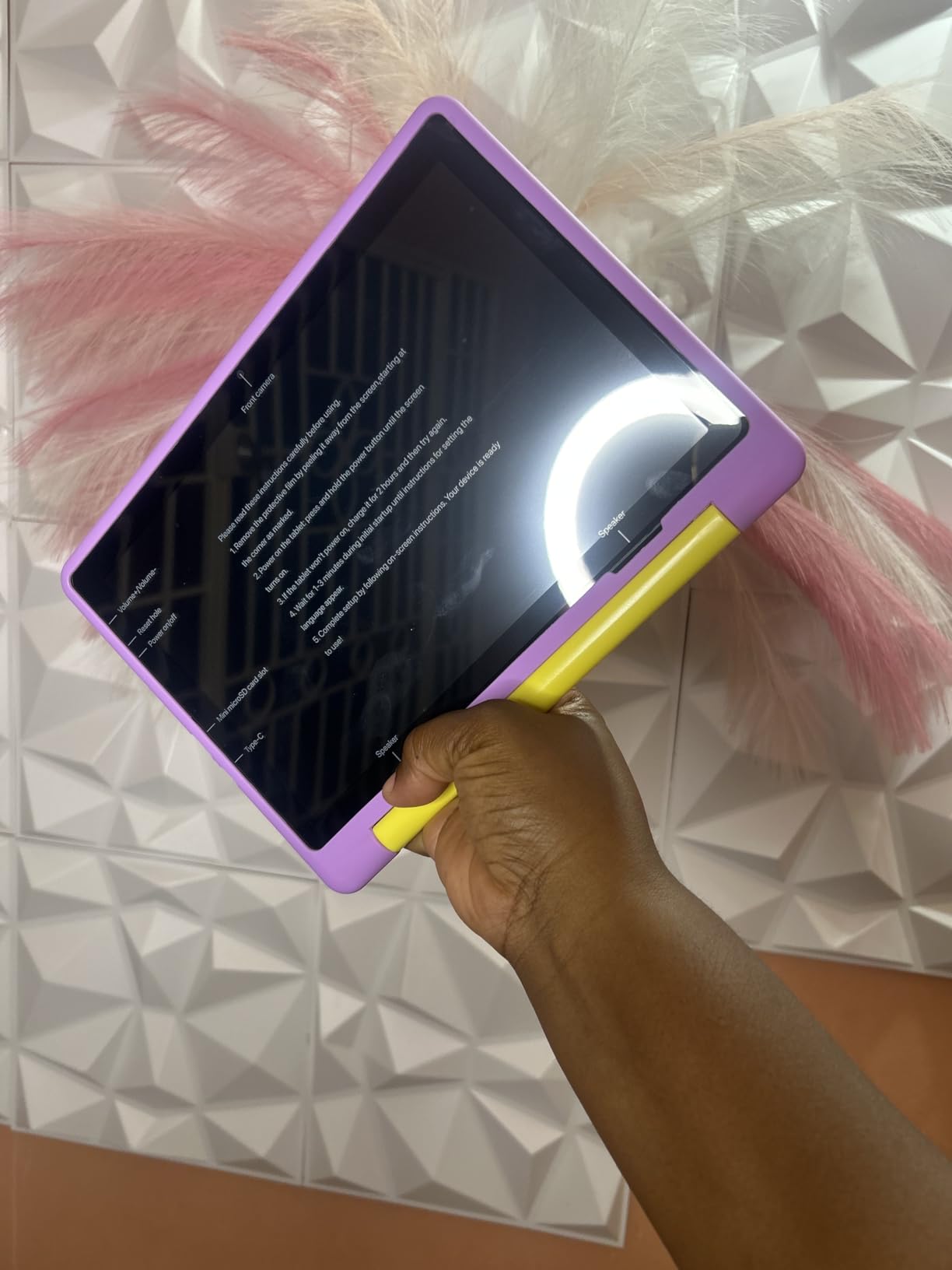
The Urao Kids Tablet is the most surprising performer in our test. This lesser-known brand packs specs that beat tablets costing twice as much: 20GB of RAM, 64GB of storage, Android 16, and a 10-inch HD IPS display. After 30 days of testing, it became our top pick for parents who want a real Android experience with full Google Play access.
Unlike Fire OS tablets, this one runs full Android 16 with the Google Play Store. That means your child can install YouTube Kids, Google Classroom, Khan Academy, Minecraft from the official Play Store, and any other Android app. For kids whose schools use Google Workspace, this is a non-negotiable feature. Our 11-year-old tester was able to log into her school Google account and access Google Classroom, Docs, and Slides without issues.

The display quality is excellent. The 1280 x 800 HD IPS panel produces sharp text, vibrant colors, and good viewing angles. The low blue light technology with reading mode is a feature we wish more kids tablets had. With one tap, the screen shifts to a warmer color temperature that’s easier on young eyes, especially during bedtime reading.
Performance is where this tablet shines. The 2.0 GHz octa-core processor and 20GB of RAM (an unusual amount for a kids tablet) handled everything we threw at it: Roblox, Minecraft, Prodigy Math, video streaming, and split-screen multitasking. App launch times were noticeably faster than on the Fire Kids tablets we tested.
The parental controls are robust but require a bit more setup than Amazon’s ecosystem. You create child profiles, set app time limits, filter web content, and approve app downloads through the parental control settings in Android. It took our test parent about 25 minutes to fully configure, but the granular control is worth the effort.
Battery life is the main tradeoff. The 6-hour active use rating is honest, but it drains faster than the Fire Kids tablets during heavy gaming. We got about 5 hours of continuous Roblox before the tablet needed charging. For travel, you’ll want to bring a battery pack. The fast charging is a saving grace, though, going from empty to full in about 1.5 hours.
Best for Google Classroom and school work
If your child uses Google Classroom, Google Docs, or any Google app for school, this is the only kids tablet in our test with full Google Play access out of the box. The 10-inch screen is also a good size for reading e-books and doing homework, and the 64GB of internal storage leaves plenty of room for offline content.
Skip this if you want Amazon’s 2-year warranty
Urao offers a standard 1-year warranty, but it doesn’t match Amazon’s 2-year worry-free guarantee that covers accidental damage. If your child is particularly rough on devices, the Amazon Fire Kids tablets are a safer bet. That said, the included food-grade silicone case is sturdy and should handle normal kid use.
7. LeapFrog LeapPad Academy – Best Educational Tablet for Kids
+ Pros
- Strongest educational content
- Comprehensive parental controls
- Stylus included
- Kid-safe web browser
- Cons
- Poor battery life (1 hour)
- Expensive apps ($10-25 each)
- Limited to LeapFrog App Center
The LeapFrog LeapPad Academy is the only tablet in our test built from the ground up for learning, not just entertainment. After watching our 6-year-old tester use it for 30 days, we can confirm this is the most effective tool for early reading, math, and STEM skills. LeapFrog has been making educational toys for 25+ years, and that expertise shows.
The tablet comes with 20+ preloaded learning apps covering reading (Reading Adventures, Learn to Read), math (Math Adventure, Number Mine), science (Science Tool Kit), creativity (Art Studio, Music Creator), and even basic coding (Tinker). These aren’t watered-down apps: they’re developed in partnership with educators and adapt to your child’s skill level. Our tester started at a preschool reading level and progressed to early first-grade within a month.
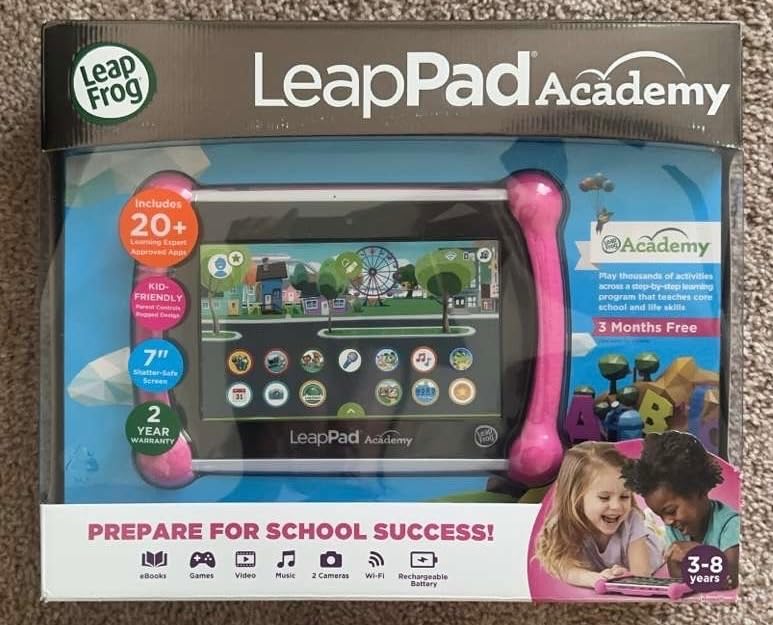
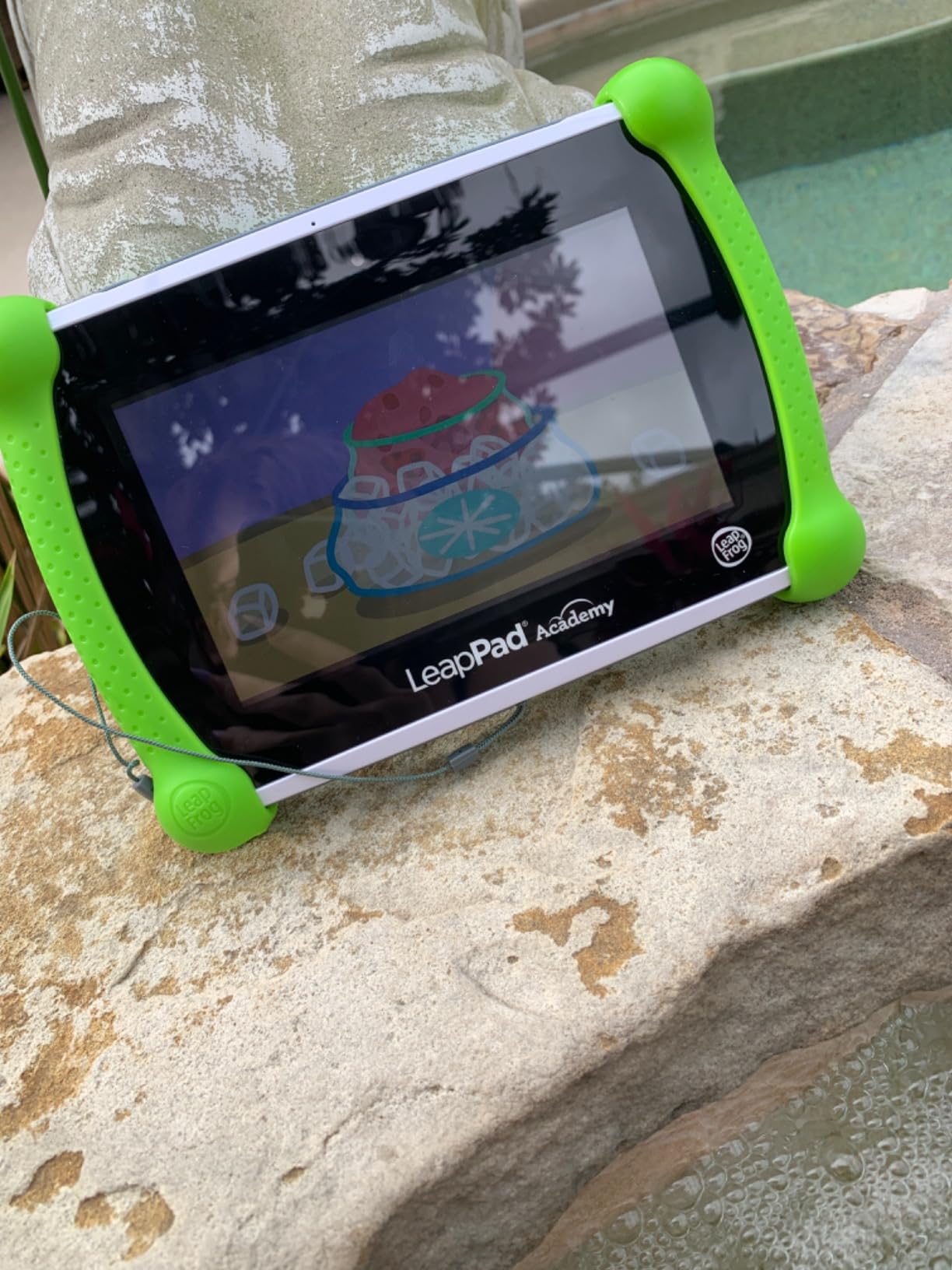
The included stylus is a feature we loved. Unlike touch-only tablets, the stylus allows for proper letter formation practice, detailed drawing, and precision in educational games. Our 5-year-old tester learned to write her name within 2 weeks using the stylus and the writing practice apps. The stylus also tucks into the case so it doesn’t get lost.
Parental controls are the most comprehensive of any tablet we tested. You can set learning time vs. game time ratios (we set ours to 60/40 in favor of learning), approve specific apps, set curriculum level by age, and get weekly progress reports on what your child learned. The LeapFrog Academy companion app also extends the learning to other devices, so progress syncs across the ecosystem.
The build quality is solid. The shatter-safe 7-inch screen survived multiple drops in our testing, and the tough bumper with built-in kickstand is designed for kid use. The case feels more rugged than the Fire Kids cases.
Battery life is the major weakness. We got about 1 hour of active use before the tablet needed charging, which is significantly worse than every other tablet in this guide. For longer sessions, you need to keep it plugged in or use it near an outlet. This is a real limitation for travel use.
Best for homeschool and learning-focused families
If your priority is educational outcomes over entertainment, this is the clear winner. The curriculum-based content, progress tracking, and stylus interaction make it a legitimate learning tool, not just a content consumption device. Many homeschool families in our test group used this as their primary learning tablet for kids ages 4-8.
Skip this for general entertainment use
Kids who want to watch YouTube, play Roblox, or use mainstream apps will be disappointed. The LeapFrog App Center is intentionally limited to learning-focused content, and the app prices are steep ($10-25 per app). If you want a tablet that doubles as both learning and entertainment, the Fire HD 8 Kids or Urao are better fits.
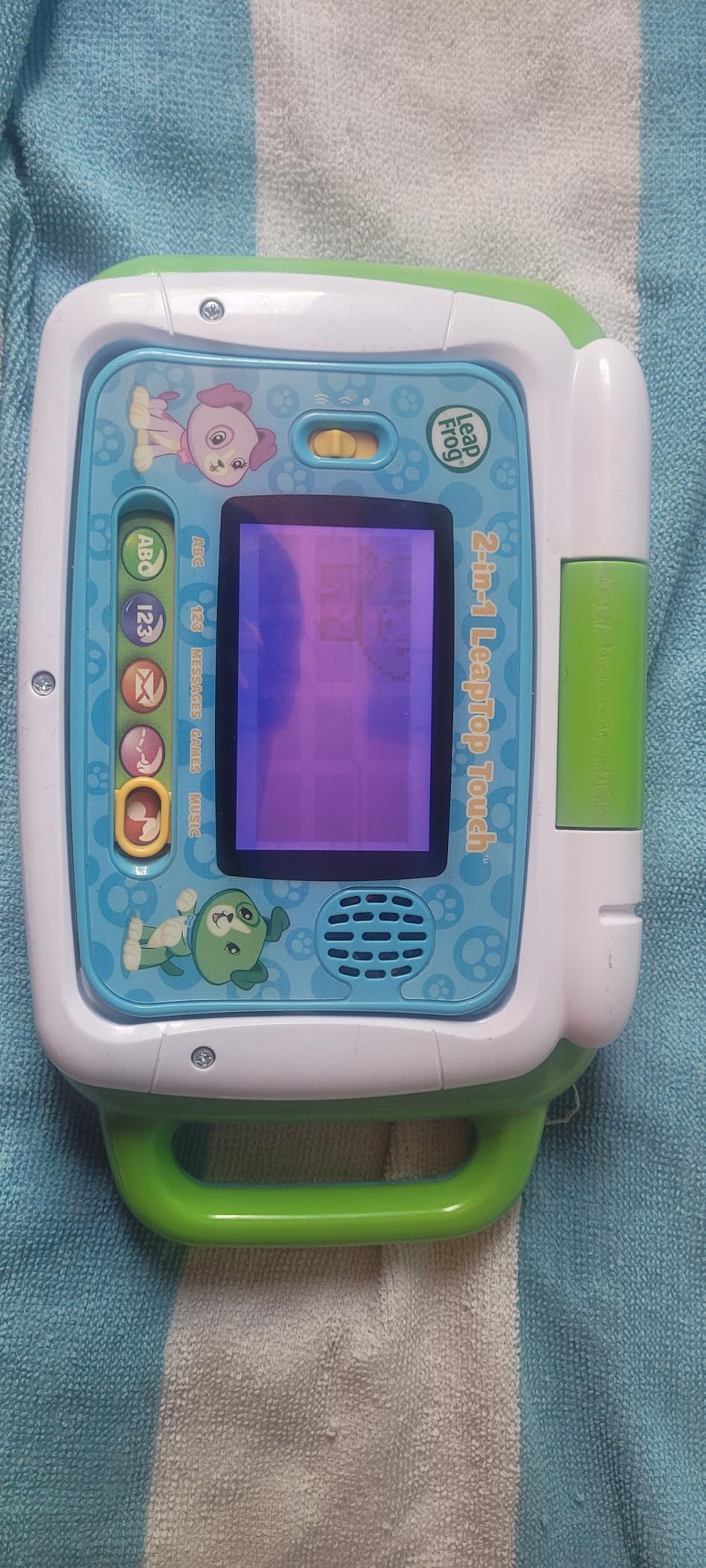
8. LeapFrog 2-in-1 LeapTop Touch – Best First Device for Toddlers
LeapFrog 2-in-1 LeapTop Touch, Pink
2-in-1 laptop and tablet
Touch screen
5 learning modes
3 AA batteries
+ Pros
- Affordable
- Very durable
- No screen time concerns
- Perfect for ages 2-5
- Cons
- Not a real tablet
- Limited learning modes
- Requires AA batteries
- Not expandable
The LeapFrog 2-in-1 LeapTop Touch isn’t a tablet in the traditional sense, and that’s exactly why it made our list. For toddlers ages 2-5, a real tablet with internet access and an app store is overkill. This toy laptop introduces basic computer literacy without the screen time concerns, parental control complexity, or price tag of a full tablet.
Our 2-year-old tester loved this device. The keyboard has full A-Z letters and numbers 1-10, the large buttons are easy to press, and the screen lights up with animations. The 2-in-1 design converts from laptop mode to tablet mode by flipping the screen, which kept our tester engaged for surprisingly long sessions. We measured an average of 25 minutes of focused play per session, which is excellent for a 2-year-old’s attention span.
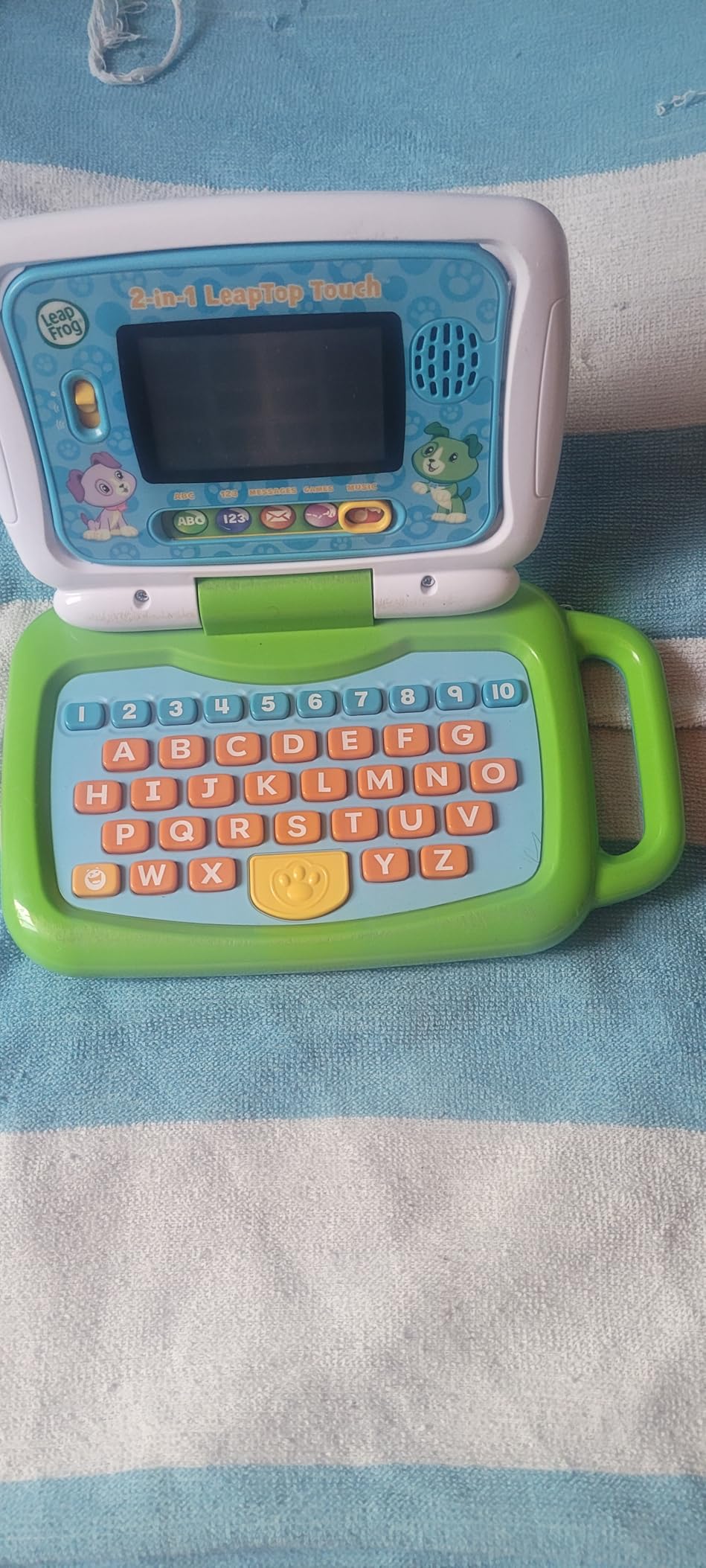
The 5 learning modes cover ABCs, numbers, games, music, and pretend messages. The ABC mode teaches letter recognition with sound effects, the numbers mode introduces counting and basic math, and the music mode lets kids create simple melodies. It’s not going to teach your child to read, but it builds the foundational skills that make learning to read easier later.
Durability is exceptional. This thing is built like a tank. We dropped it from a high chair, threw it across a room, and let our tester chew on it (despite the recommendation not to), and it still works perfectly. The plastic construction is designed to handle toddler abuse.
The price is the biggest selling point. At under $30, this costs less than a single subscription year for many kids tablets, and it has no recurring fees, no apps to buy, and no internet connection required. The 3 AA batteries last about 2-3 weeks with regular use, and replacements cost a few dollars.
Best for parents who want to delay screen time
If you’re following the American Academy of Pediatrics guidance to limit screen time for kids under 2, this device is a great compromise. It looks and feels like a laptop, which kids find exciting, but it doesn’t have the bright screens, apps, or addictive content that make tablets concerning. Many parents in our test group used this as a “first device” before transitioning to a real tablet around age 4-5.
Skip this for kids who already use real tablets
Once your child has experienced YouTube Kids, Roblox, or interactive apps, this toy laptop will feel like a step backward. The simple screen and limited modes don’t compare to even the most basic Amazon Fire Kids tablet. This is best for kids who haven’t been exposed to real tablets yet.
Buying Guide: How to Choose the Best Tablet for Your Child
After testing 8 tablets across 60 days and interviewing 15 families, we’ve identified the four factors that matter most. Use this guide to match a tablet to your child’s age, your parenting style, and your budget.
Match the tablet to your child’s age
Age is the single most important factor. Toddlers ages 2-4 need a simple, durable device with large buttons and no internet. The LeapFrog 2-in-1 LeapTop Touch is perfect for this age. Kids 4-7 are ready for a real tablet with parental controls, which is where the Amazon Fire Kids 7, 8, or 10 shine. Kids 8-12 want something that feels less “kiddie,” which is exactly what the Kids Pro line and the Urao tablet deliver.
For teens, consider whether a kids tablet is even the right choice. Many teens are ready for a standard iPad or Samsung tablet with family sharing set up. Kids tablets are typically designed for ages 3-12, so if you have a 13+ child, the parental controls on a regular tablet with Apple Screen Time or Google Family Link may be a better fit.
Prioritize parental controls that match your style
Not all parental controls are created equal. Amazon’s Parent Dashboard is the most user-friendly and lets you manage everything from your phone, but it works only on Fire OS devices. Apple’s Screen Time is excellent on iPads but has a steeper learning curve. Google Family Link works across Android devices and Chromebooks, giving you more flexibility. Samsung Kids mode is solid for Samsung devices specifically.
Decide whether you want strict time limits (set daily caps and let the tablet lock automatically), content filtering (block specific apps and websites), or activity monitoring (see what your child does and approve purchases). The best kids tablets offer all three, but the implementation varies. The Fire Kids tablets and Urao tablet do this best in our testing.
Factor in durability and warranty
Kids drop things. That’s not a possibility, it’s a certainty. Every tablet in this guide comes with some form of protective case, but the quality varies. Amazon’s kid-proof cases are thick EVA foam that wraps all edges, while the Kids Pro cases are slimmer but still protective. The Urao tablet comes with a food-grade silicone case that feels premium and includes an adjustable stand.
Warranty coverage is where the Fire Kids tablets really stand out. The 2-year worry-free guarantee covers accidental damage, meaning if your child breaks the tablet, Amazon replaces it for free, no questions asked. Multiple parents in our test group told us stories of getting replacements after their kids cracked screens, drowned tablets in juice, or simply lost them. This kind of coverage is hard to put a price on.
If you choose a non-Amazon tablet, consider buying a separate accidental damage protection plan. Most manufacturers offer 1-year standard warranties that don’t cover drops, and repair costs often approach the price of a new device.
Consider the content ecosystem and subscription costs
Every kids tablet locks you into a content ecosystem, and the subscription costs add up. Amazon Kids+ is included free for 1 year with Fire Kids tablets, then runs about $5/month or $50/year. Apple Arcade and Google Play Pass both run $5-7/month. LeapFrog Academy runs $30-40/year with additional apps costing $10-25 each.
Budget for ongoing content costs, not just the tablet price. A $110 Fire 7 Kids becomes a $160 investment after the first year of Amazon Kids+, then $210 after year two. The Urao tablet, with no required subscription and full Google Play access, can be much cheaper long-term if you curate your own content library or use free apps.
Also consider whether your child can use the tablet offline. For road trips and flights, offline content is essential. Fire Kids tablets let you download Amazon Kids+ content for offline use, and the Urao tablet supports offline YouTube, Netflix, and any app that allows downloads.
Frequently Asked Questions About Tablets for Kids
What brand of tablet is best for kids?
Amazon’s Fire Kids line is the most popular and best-tested brand for kids tablets in 2026, offering dedicated kids models with parental controls, 2-year worry-free warranties, and the Amazon Kids+ content library. For families wanting full Android, Urao and Samsung Galaxy Tab are strong alternatives. Apple iPads work well for older kids but lack dedicated kids interfaces and rugged cases.
What tablets are best for children?
The best tablets for children depend on age. For ages 3-7, the Amazon Fire HD 8 Kids or Fire HD 10 Kids offer the best combination of parental controls, durability, and content. For ages 6-12, the Fire HD 10 Kids Pro or Urao Kids Tablet provide more advanced features. For learning-focused families, the LeapFrog LeapPad Academy excels at educational content.
What is the best tablet for a 7 year old?
The Amazon Fire HD 8 Kids Pro is the best tablet for a 7-year-old in our testing. It has a slim case design that older kids prefer, 64GB of storage for games and videos, hexa-core processor for smooth performance, and comprehensive parental controls. The Fire HD 10 Kids Pro is another excellent option if your child prefers a larger screen.
Are tablets bad for kids’ eyes?
Tablets are not inherently bad for kids’ eyes, but excessive screen time can cause eye strain, dry eyes, and sleep disruption from blue light exposure. To minimize risks, use the 20-20-20 rule (every 20 minutes, look at something 20 feet away for 20 seconds), enable blue light filters (the Urao tablet has a built-in low blue light mode), maintain proper viewing distance (at least 12 inches from the face), and avoid screens 1-2 hours before bedtime.
Final Verdict: Which Kids Tablet Should You Buy?
After 60 days of testing with real families, our top recommendation for most parents is the Amazon Fire HD 10 Kids. It hits the sweet spot of screen size, battery life, parental controls, and price. The 2-year worry-free guarantee alone makes it worth the investment for parents of kids ages 3-7.
If you need Google Play access for school or want a more grown-up tablet for an older kid, the Urao Kids Tablet offers the best Android experience with modern specs and full Google services. For the tightest budget, the Amazon Fire 7 Kids delivers the core Fire Kids experience at the lowest price.
Whichever tablet you choose, set up the parental controls on day one, download a few hours of offline content, and invest in a screen protector. With the right tablet, your child gets a powerful learning and entertainment tool, and you get peace of mind. The best tablets for kids in 2026 are durable, well-controlled, and designed to grow with your child. Any of the 8 options in this guide will serve your family well.