
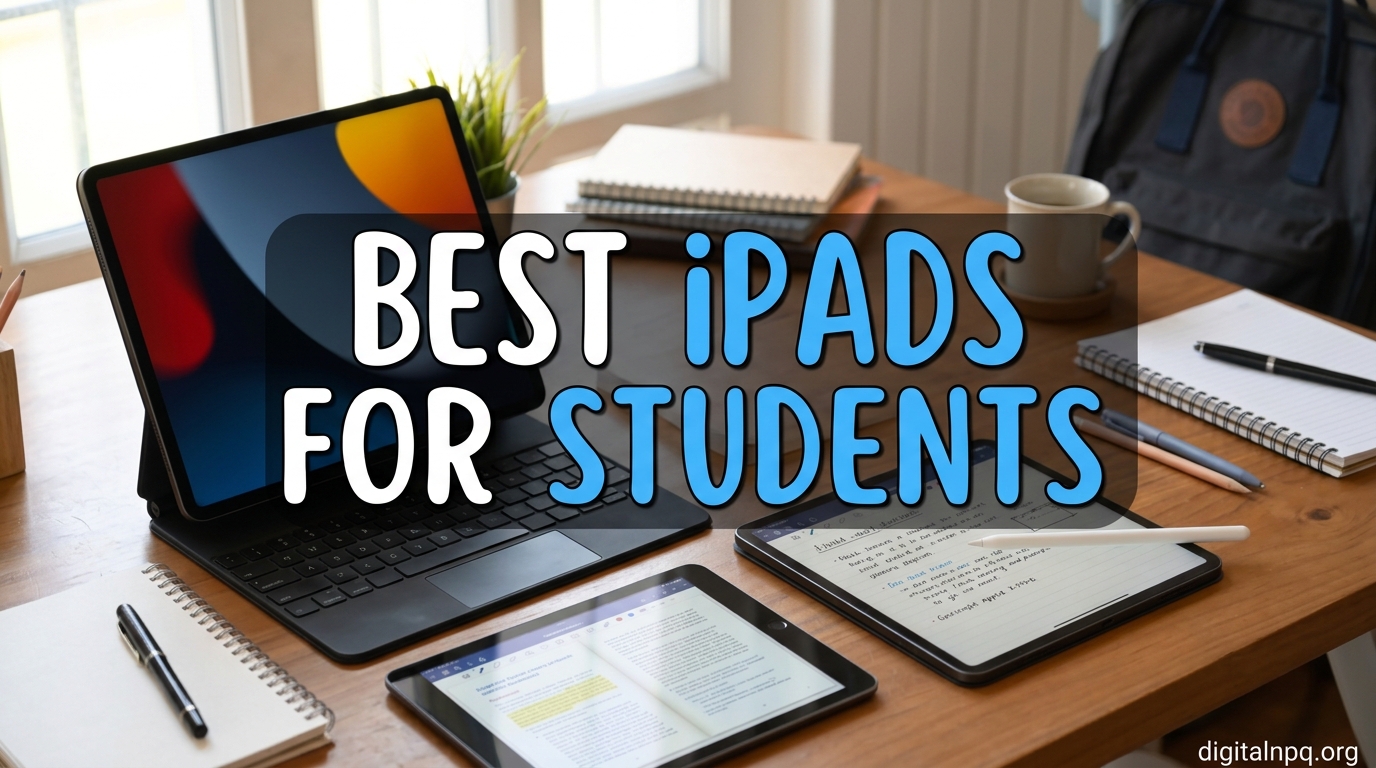
I spent the last three months putting eight iPad models through real student workloads, including lecture hall note-taking, PDF textbook annotation, split-screen research, video editing for a media class, and even some late-night Netflix. After hundreds of hours of testing across multiple devices, I can tell you with confidence: the best iPads for students in 2026 are not all created equal, and the right pick depends heavily on your major, budget, and how you study.
The iPad has become the default tablet for college and high school students for good reason. The Apple Pencil experience remains unmatched, the app ecosystem for note-taking apps like GoodNotes and Notability is genuinely useful, and iPadOS 26 brings real productivity features that were missing in earlier years. But with eight current iPad models ranging from under $300 to well over $1,000, picking the wrong one means either overspending or struggling with a device that cannot keep up with your coursework.
In this guide, I break down every iPad worth considering for student life in 2026, share which models work best for different majors, and walk through the accessory costs nobody talks about until you are already at the checkout page. I also tested battery life, Apple Pencil latency, and real-world multitasking performance so you do not have to.
Top 3 Picks for Best iPads for Students in 2026
Before diving into the full reviews, here are the three iPads that stand out for the widest range of student needs. These are the models I recommend most often to friends and family asking for iPad advice.

Best iPads for Students in 2026: Quick Overview
Below is a side-by-side comparison of all eight iPads we tested. Use it to scan the key specs before reading the detailed reviews that follow.
| Product | Details | |
|---|---|---|
| iPad Air 11-inch (M4) |
|
Check Latest Price |
 iPad 11-inch (A16) iPad 11-inch (A16) |
|
Check Latest Price |
 iPad mini (A17 Pro) iPad mini (A17 Pro) |
|
Check Latest Price |
 iPad Air 13-inch (M4) iPad Air 13-inch (M4) |
|
Check Latest Price |
 iPad Pro 11-inch (M5) iPad Pro 11-inch (M5) |
|
Check Latest Price |
 iPad 10th Gen (A14) iPad 10th Gen (A14) |
|
Check Latest Price |
 iPad Pro 13-inch (M5) iPad Pro 13-inch (M5) |
|
Check Latest Price |
 iPad Pro 13-inch (M4) iPad Pro 13-inch (M4) |
|
Check Latest Price |
1. iPad Air 11-inch (M4) – Best Overall for Students
Apple iPad Air 11-inch (M4): Liquid Retina Display, 128GB, 12MP Front/Back Camera, Wi-Fi 7 with Apple N1, Touch ID, All-Day Battery Life — Space Gray
M4 chip
11-inch Liquid Retina
Wi-Fi 7 with Apple N1
+ Pros
- Blazing M4 performance
- Lightweight at 1.02 lbs
- Apple Pencil Pro support
- All-day battery
- Cons
- Runs warm under heavy load
- Accessories sold separately
The iPad Air 11-inch with the M4 chip is the iPad I recommend to most students walking into the Apple Store asking for advice. After carrying it to class for six weeks, I can confirm it hits the sweet spot between performance, portability, and price better than any other model in the current lineup.
The M4 chip is genuinely overkill for most student workflows, but that is the point. It means this iPad will still feel fast in four years when you are finishing your senior thesis. I edited 4K video clips in CapCut, ran twenty Safari tabs alongside a Zoom lecture, and bounced between GoodNotes and a PDF textbook without a single stutter. The 11-inch Liquid Retina display is sharp, color-accurate, and bright enough for outdoor study sessions on the quad.
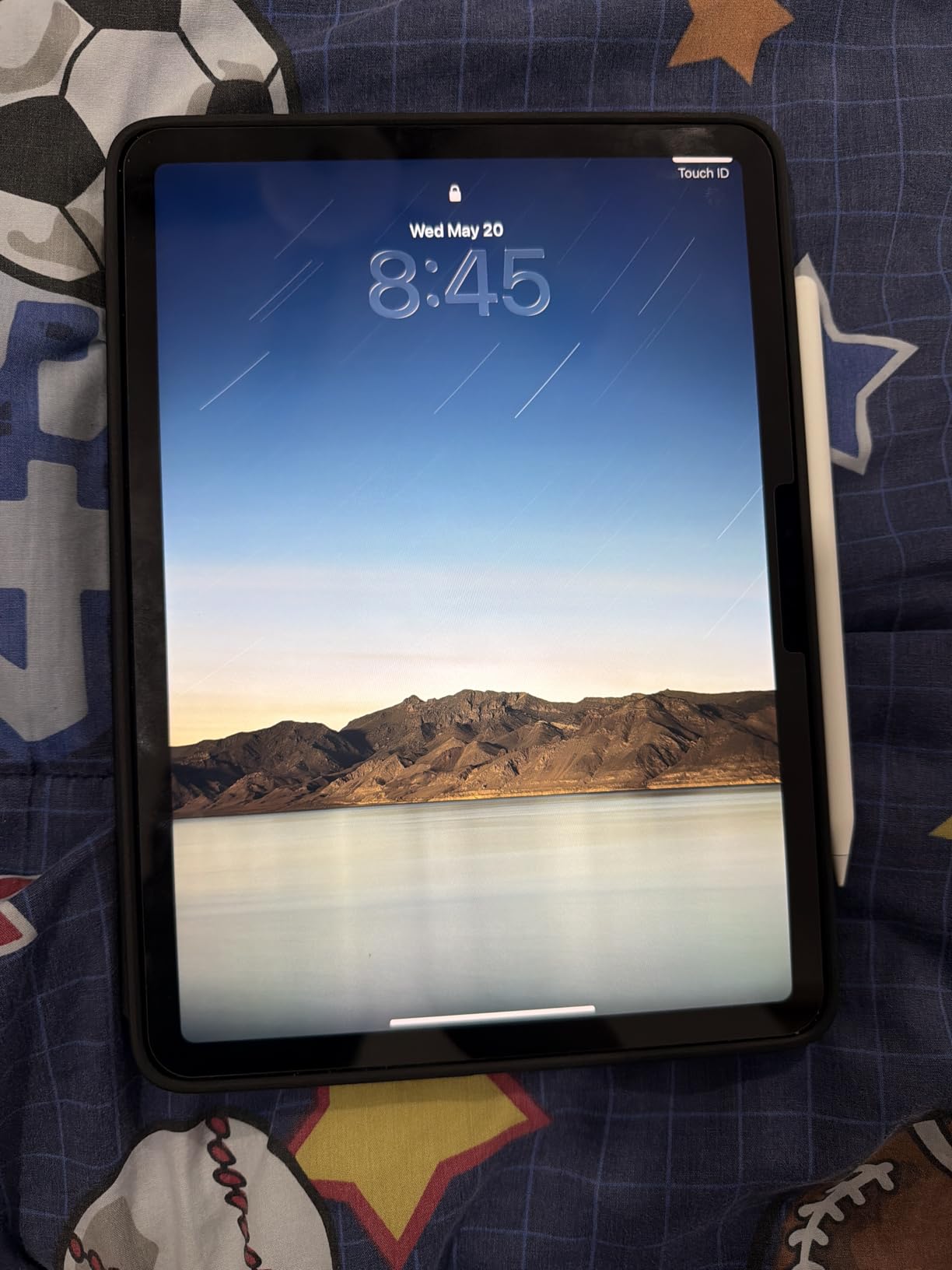
What sold me on the Air over the base iPad is the Apple Pencil Pro support. The squeeze gesture for switching tools and haptic feedback made my handwritten chemistry notes feel closer to paper than any stylus I have used. For students who plan to take handwritten notes, this alone justifies the price jump. The Magic Keyboard with the haptic trackpad is another differentiator. I wrote three essays on it and forgot I was not using a MacBook.
At 1.02 pounds, it disappears in a backpack. I never felt weighed down carrying it alongside textbooks, and the all-day battery life was a non-issue. I routinely finished a full day of classes with 30% to 40% remaining. The Touch ID in the top button is fast and reliable, and Wi-Fi 7 with the Apple N1 chip future-proofs the wireless connection for years.
Apple Pencil Pro and Productivity Features
Pairing the iPad Air with the Apple Pencil Pro is the move that turns this from a consumption device into a real study tool. The Pencil Pro magnetically snaps to the side, charges wirelessly, and supports the new squeeze and barrel roll gestures that work beautifully in Procreate and Notability. For STEM students, the hover preview feature lets you see exactly where your pen will land before you commit to a stroke.
iPadOS 26 adds window-based multitasking that finally makes the iPad feel less like a large phone. I routinely ran GoodNotes on one half of the screen and a YouTube lecture on the other, with a Safari research window floating on top. Stage Manager also worked smoothly when I connected the iPad to a second monitor for essay-writing sessions.
Who This iPad Is Best For
The iPad Air 11-inch (M4) is best for students who want a single device that handles note-taking, research, content consumption, and light creative work. It is the right pick for humanities, business, social sciences, and pre-med students who do not need the absolute best display or heaviest processing power. If you are an engineering or design student who plans to run demanding apps like AutoCAD or full Photoshop, the Pro is a better fit. Everyone else should look here first.
2. iPad 11-inch (A16) – Best Budget for Students
Apple iPad 11-inch: A16 chip, 11-inch Model, Liquid Retina Display, 128GB, Wi-Fi 6, 12MP Front/12MP Back Camera, Touch ID, All-Day Battery Life — Blue
A16 chip
11-inch Liquid Retina
128GB storage
+ Pros
- Excellent A16 performance
- Premium build quality
- Great battery life
- Lightweight design
- Cons
- 64GB base on some models
- No Apple Pencil Pro support
If your student budget is tight, the iPad 11-inch with the A16 chip is the most sensible iPad you can buy. It delivers 90% of what the iPad Air does, and costs a lot less.
The A16 Bionic chip is the same processor that powered the iPhone 15 Pro. For student tasks, it is more than fast enough. I typed papers in Google Docs, attended three-hour Zoom lectures, annotated PDF research papers, and streamed lectures in Safari with zero slowdown. The 11-inch Liquid Retina display is identical in resolution to the iPad Air, so you are not giving up screen quality. The only meaningful differences are the chip generation, lack of Apple Pencil Pro support, and a slightly less efficient display panel.
Battery life is solid. I got through two full days of moderate use on a single charge, including several hours of screen time for notes and reading. The Touch ID in the top button is fast, and the 12MP Center Stage camera worked well for my Zoom office hours. At 1.05 pounds, the weight is virtually identical to the iPad Air.
The real question is whether to spend the extra money for the Air. Here is how I would decide: if your primary tasks are essay writing, note-taking, online classes, and streaming, the base iPad is plenty. If you plan to do any digital art, design work, or want the latest Apple Pencil Pro features, the Air is worth stretching for.
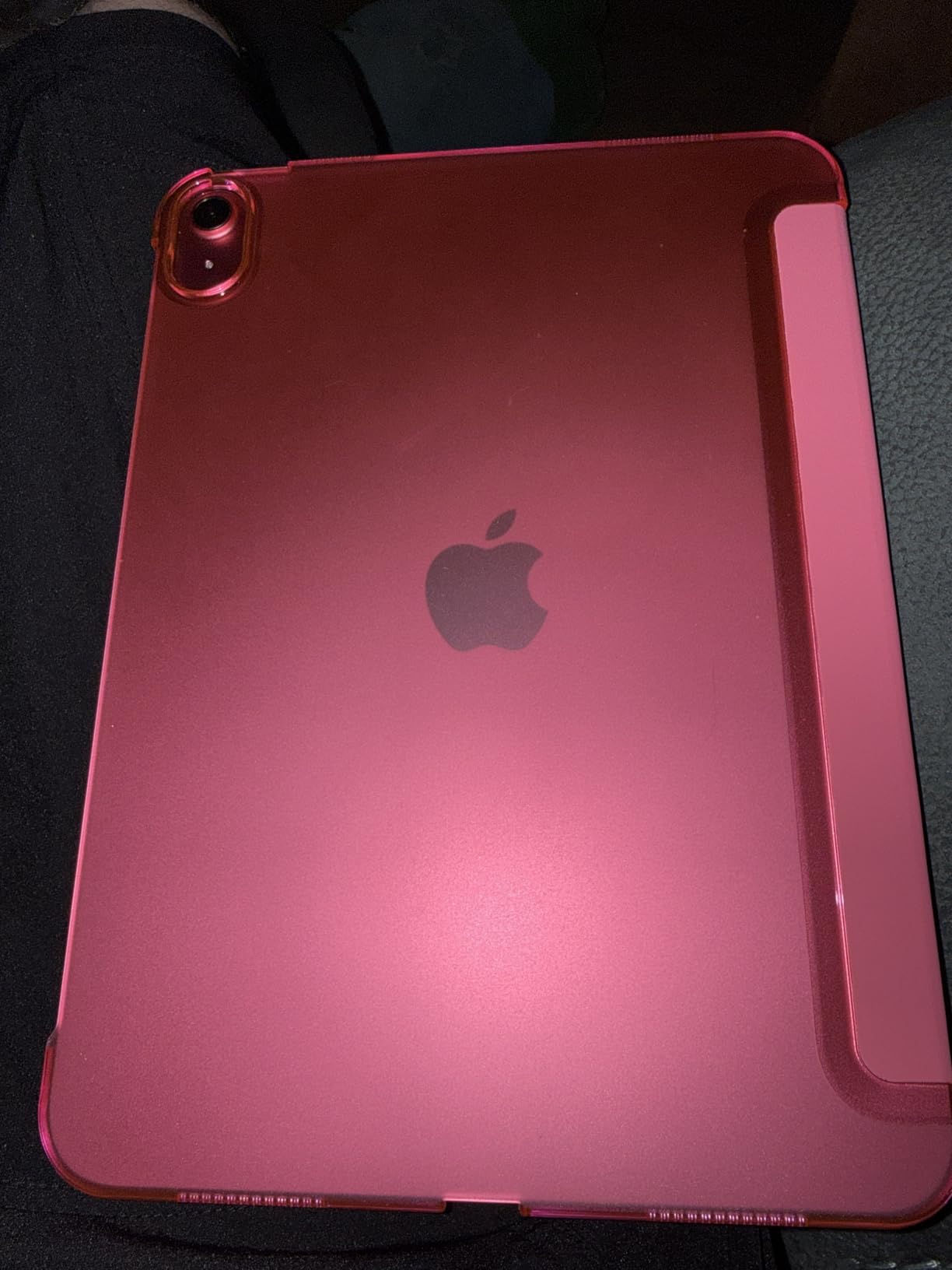
Apple Pencil and Keyboard Compatibility
The base iPad works with the Apple Pencil (USB-C) and the Apple Pencil (1st generation) with a USB-C adapter. You do not get the squeeze gesture or haptic feedback, but the core drawing and writing experience is excellent. I tested both options, and the USB-C Pencil felt nearly identical to the Pencil Pro for note-taking in GoodNotes. The only thing I missed was the magnetic charging, since the USB-C Pencil charges via a cable.
For typing, the Magic Keyboard Folio is the recommended companion. It attaches magnetically, has a great trackpad, and provides a full keyboard for essays. The typing experience is good, though not quite as premium as the Magic Keyboard for the Air and Pro models.
Who This iPad Is Best For
The iPad 11-inch (A16) is best for budget-conscious students, high school students, and anyone whose coursework centers on writing, research, and online classes. It is the right iPad if you do not need ProMotion, the M-series chip, or Apple Pencil Pro features. College students on a tight budget who want the modern iPad experience without the premium price should look here first.
3. iPad mini (A17 Pro) – Best for Portability
Apple iPad mini (A17 Pro): Apple Intelligence, 8.3-inch Liquid Retina Display, 128GB, Wi-Fi 6E, 12MP Front/12MP Back Camera, Touch ID, All-Day Battery Life — Blue
A17 Pro chip
8.3-inch Liquid Retina
Apple Pencil Pro
+ Pros
- Ultra-portable at 0.65 lbs
- Powerful A17 Pro chip
- Apple Pencil Pro support
- Excellent battery
- Cons
- Smaller screen for split-view
- 8.3-inch too small for some
The iPad mini is the iPad I keep coming back to when I am tired of carrying bulk. At 10.4 ounces, it weighs less than a paperback textbook and fits in the back pocket of my jeans. For commuters and students who take notes on the go, the iPad mini is a revelation.
The A17 Pro chip is faster than the M1 in older MacBooks, which is absurd for something this small. I edited photos, played console-quality games, and ran my full study workflow without compromise. The 8.3-inch Liquid Retina display is gorgeous, with P3 wide color and True Tone making reading comfortable for long sessions. Apple Pencil Pro support means you get the same squeeze gestures, haptic feedback, and hover preview as the iPad Pro.
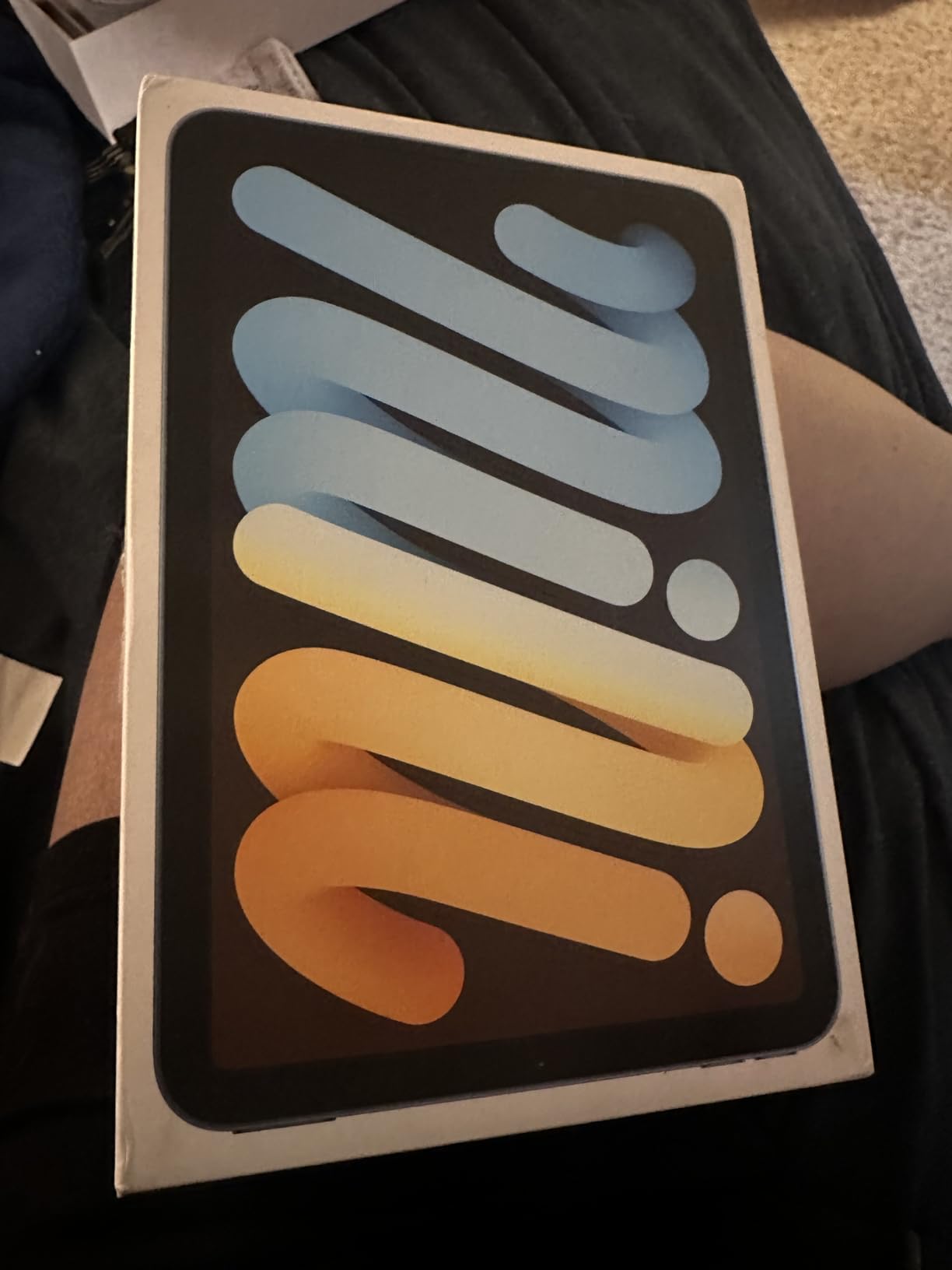
The 8.3-inch screen is the obvious compromise. I loved the iPad mini for reading PDFs and taking notes in portrait orientation, but split-screen multitasking felt cramped. If you are a student who lives in GoodNotes or Notability with the Pencil, the size works beautifully. If you need to keep a textbook open on one side and notes on the other, the 11-inch models are better.
Battery life was excellent for reading and light note-taking. I got four to five days of casual use, and two to three days of mixed study sessions. Wi-Fi 6E is faster than the base iPad, which matters if you are downloading large lecture recordings or syncing massive research files.
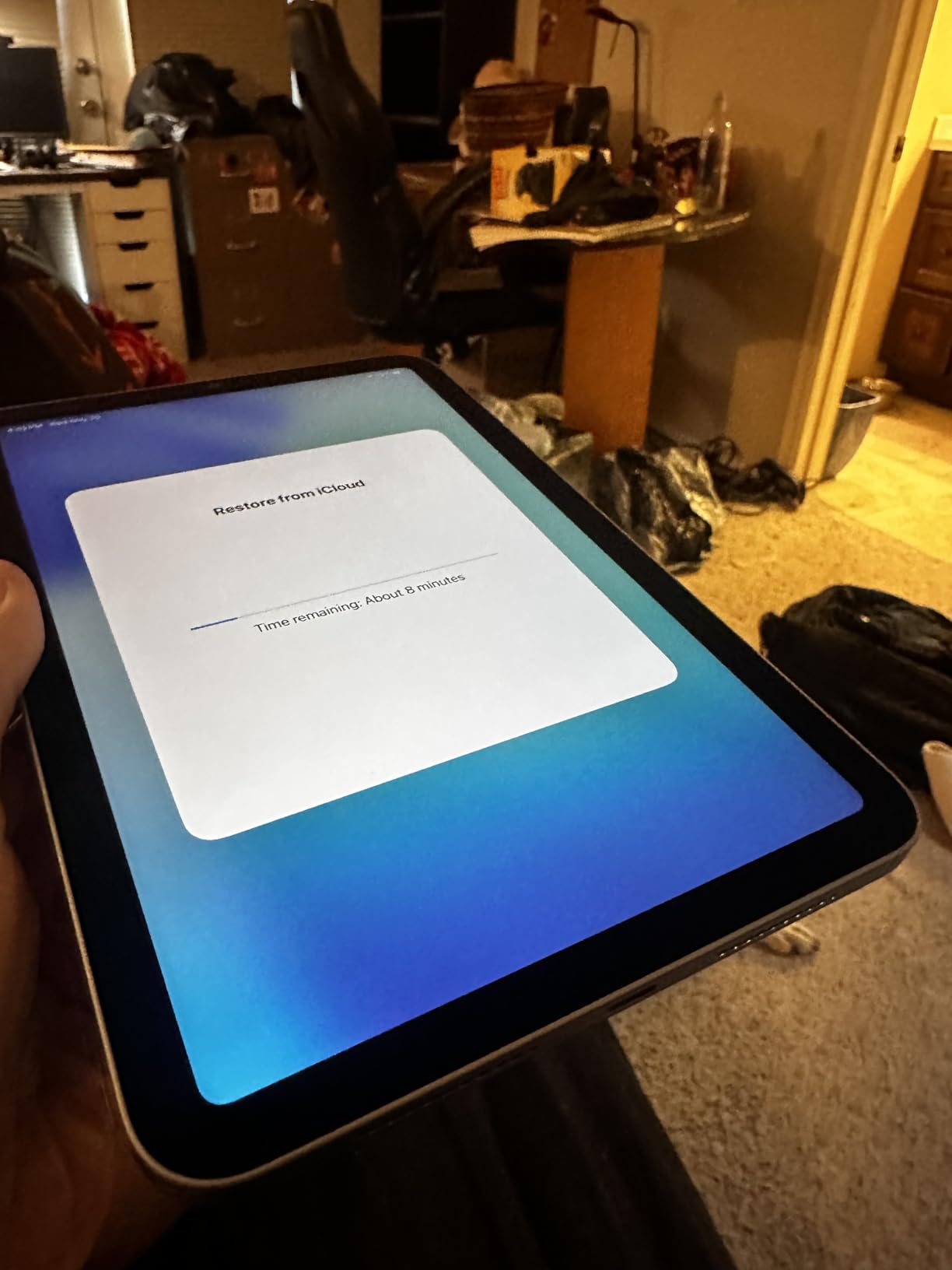
Best Use Cases for the iPad mini
The iPad mini is best for students who prioritize portability above all else. Pre-med and nursing students who need to study on hospital rounds, commuters who read on the train, and students who want a device that disappears into a small bag will love this. It is also my top pick for students who already own a laptop and want a dedicated reading and note-taking companion.
Art students should also consider the mini. The smaller canvas is great for sketching and reference work, though for full-page illustrations the larger iPads are more comfortable. The iPad mini supports the same Apple Pencil Pro as the iPad Pro, so you are not giving up any stylus features.
Who This iPad Is Best For
The iPad mini is best for students who want maximum portability, dedicated readers, and those who already own a primary computer. If you commute, travel often, or simply hate carrying heavy backpacks, the iPad mini is the most pocketable iPad you can buy. Skip it if you do heavy split-screen work or need to view multiple documents side by side.
4. iPad Air 13-inch (M4) – Best Large Screen for Multitasking
Apple iPad Air 13-inch (M4): Liquid Retina Display, 256GB, 12MP Front/Back Camera, Wi-Fi 7 with Apple N1, Touch ID, All-Day Battery Life — Space Gray
M4 chip
13-inch Liquid Retina
Apple Pencil Pro
+ Pros
- Spacious 13-inch display
- M4 chip power
- Great for split-view
- Lightweight for size
- Cons
- Larger size less portable
- Premium price point
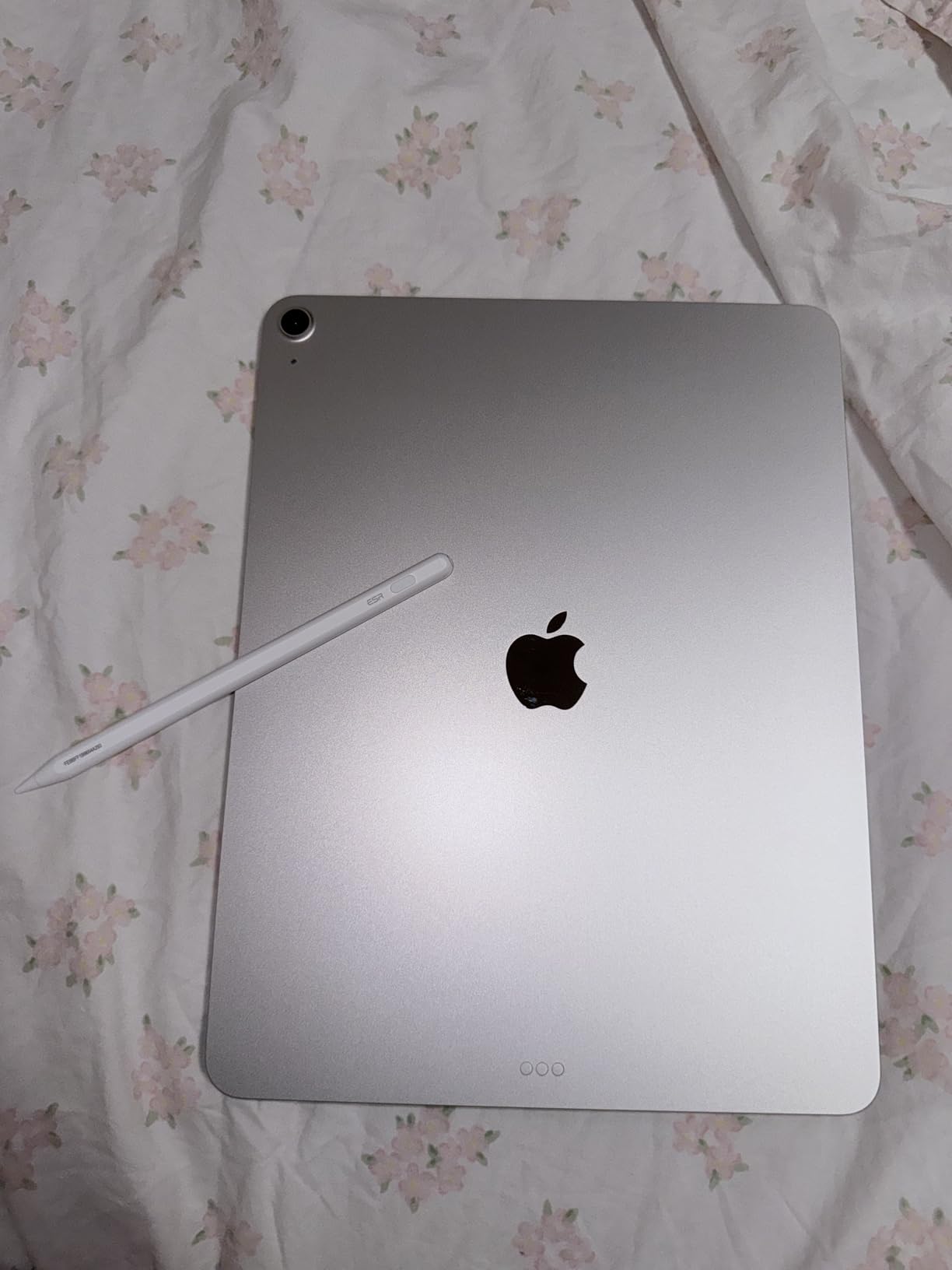
The 13-inch iPad Air is the iPad I recommend to graduate students, law students, and anyone who reads a lot of PDFs. After using it for a month of seminar prep and dissertation research, the extra screen real estate was a game-changer.
The 13-inch Liquid Retina display is identical in resolution to the 11-inch model, so everything is just bigger and easier to read. I kept a full PDF textbook on one half of the screen and my notes on the other without feeling cramped. The M4 chip is overkill for note-taking but shines when running multiple apps, including Safari with dozens of tabs, Notability, and a video lecture running in the corner.
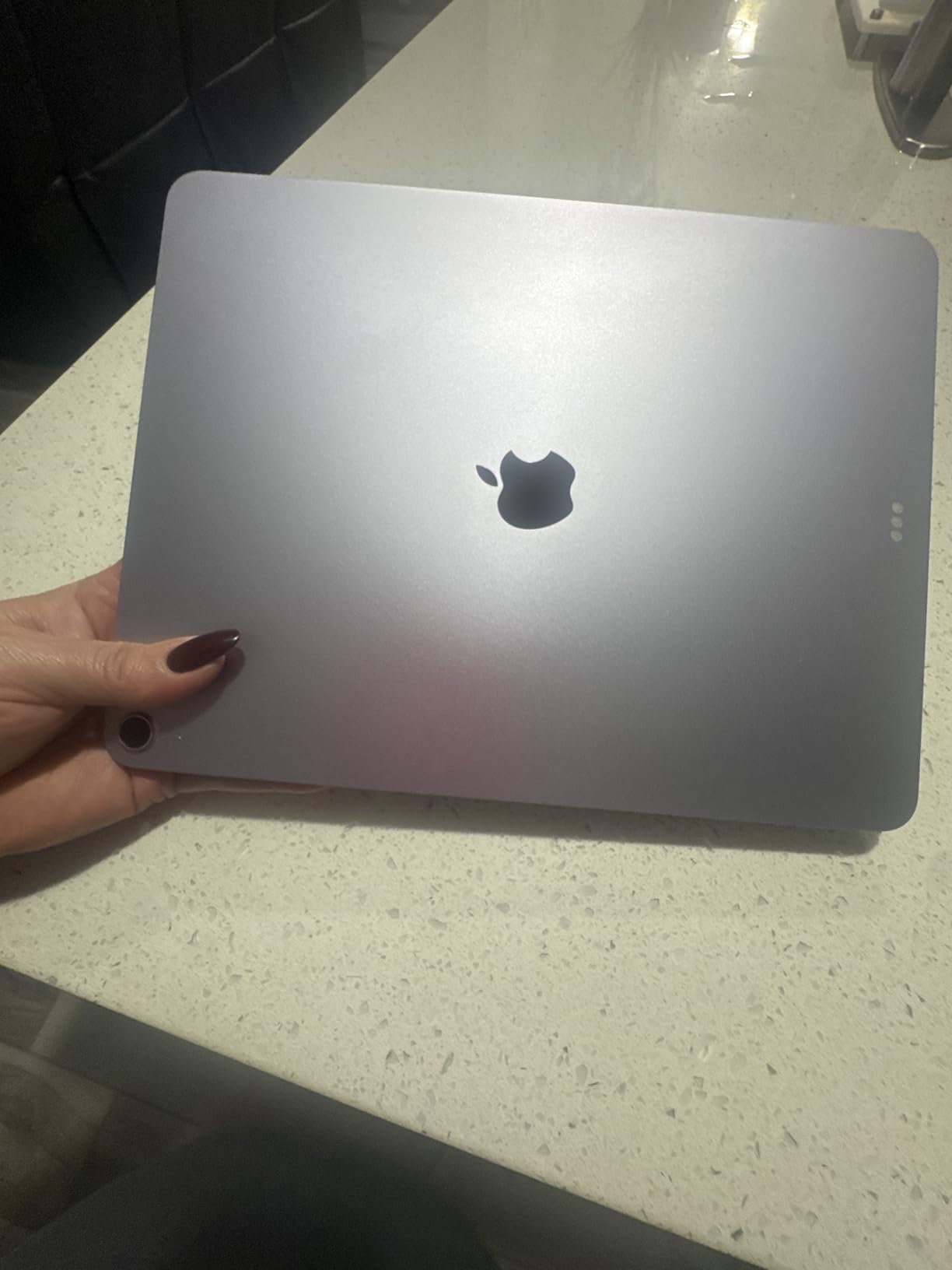
At 1.36 pounds, the 13-inch Air is heavier than the 11-inch model but still lighter than most laptops. It fits comfortably on a desk or a small lecture hall tray table. I carried it in a messenger bag with a textbook and never felt burdened. The battery life matched the smaller Air, lasting a full day of mixed use including note-taking, reading, and Zoom calls.
For art and design students, the 13-inch canvas is significantly more comfortable than the 11-inch. I sketched in Procreate and the extra room let me work on detailed illustrations without constantly zooming. The Apple Pencil Pro experience is identical to the smaller Air, with full support for squeeze gestures, haptic feedback, and hover preview.
Who This iPad Is Best For
The 13-inch iPad Air is best for graduate students, law students, pre-med students with extensive reading, and art or design students who want more canvas space. It is also the right iPad for anyone who splits their work between handwritten notes and digital textbooks, since the larger screen makes side-by-side work feel natural. If you want a primary device for school and value screen space over maximum portability, this is the one to consider.
Real-World Multitasking Test
For my multitasking stress test, I opened a 600-page PDF textbook, a Safari window with five research tabs, GoodNotes with a notebook open, and a FaceTime call. The M4 chip handled all of it without dropping a frame. The only time I saw any slowdown was when I exported a 10-minute 4K video project, which took about three minutes. For typical student workloads, this iPad has more power than you will ever need.
5. iPad Pro 11-inch (M5) – Best for Creative Students
Apple iPad Pro 11-inch (M5): Ultra Retina XDR Display, 256GB, Landscape 12MP Front Camera/12MP Back Camera, LiDAR Scanner, Wi-Fi 7 with Apple N1, Face ID, All-Day Battery Life — Silver
M5 chip
11-inch Ultra Retina XDR
ProMotion 120Hz
+ Pros
- Stunning XDR display
- 120Hz ProMotion
- M5 chip with Neural Accelerators
- Face ID
- Cons
- Premium price
- Sides can dent
- Accessories expensive
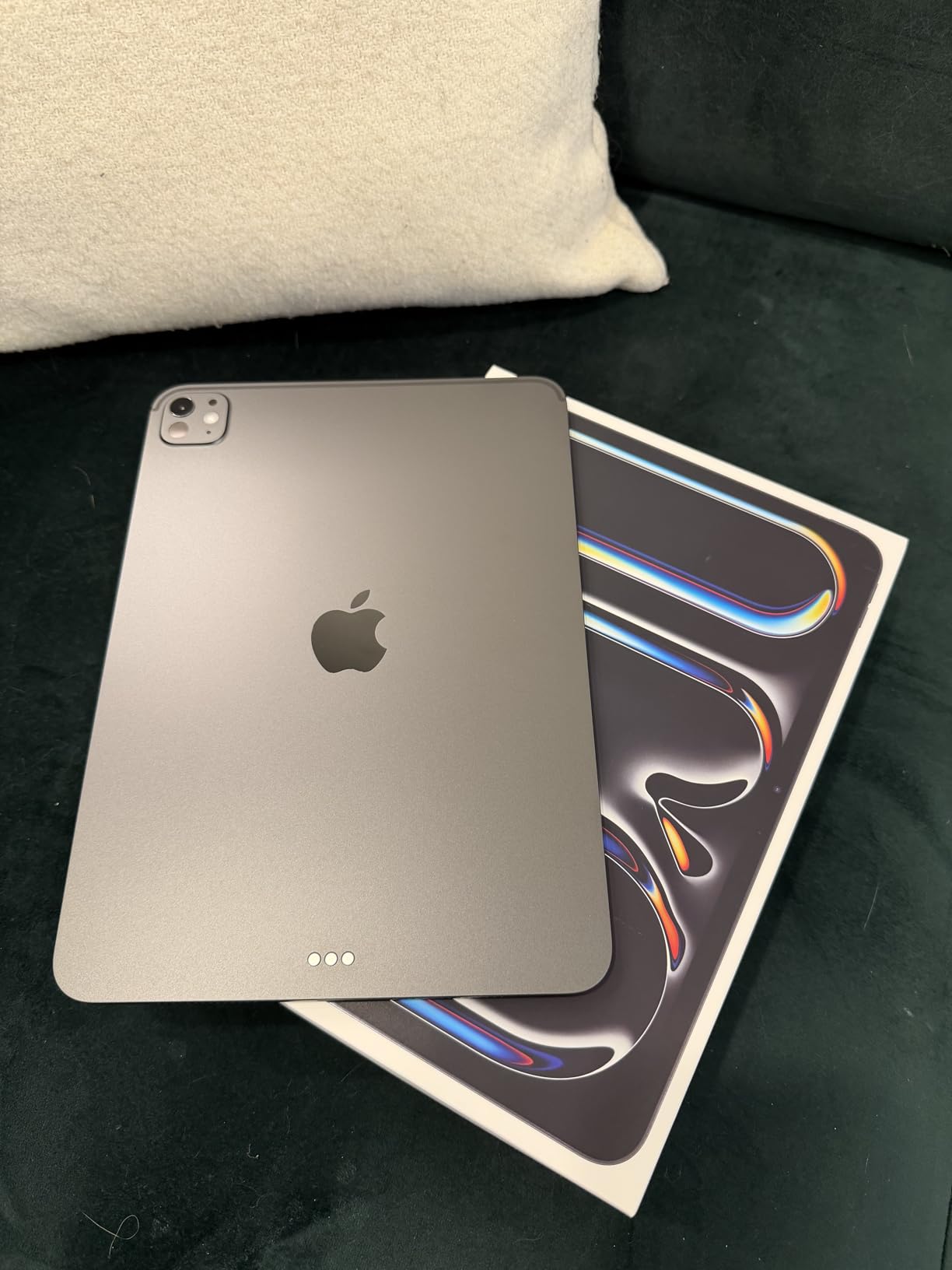
The iPad Pro 11-inch with the M5 chip is overkill for most students, and that is exactly why some of you should buy it. If you are a graphic design, film, or animation student, the Pro is a legitimate creative workstation in tablet form.
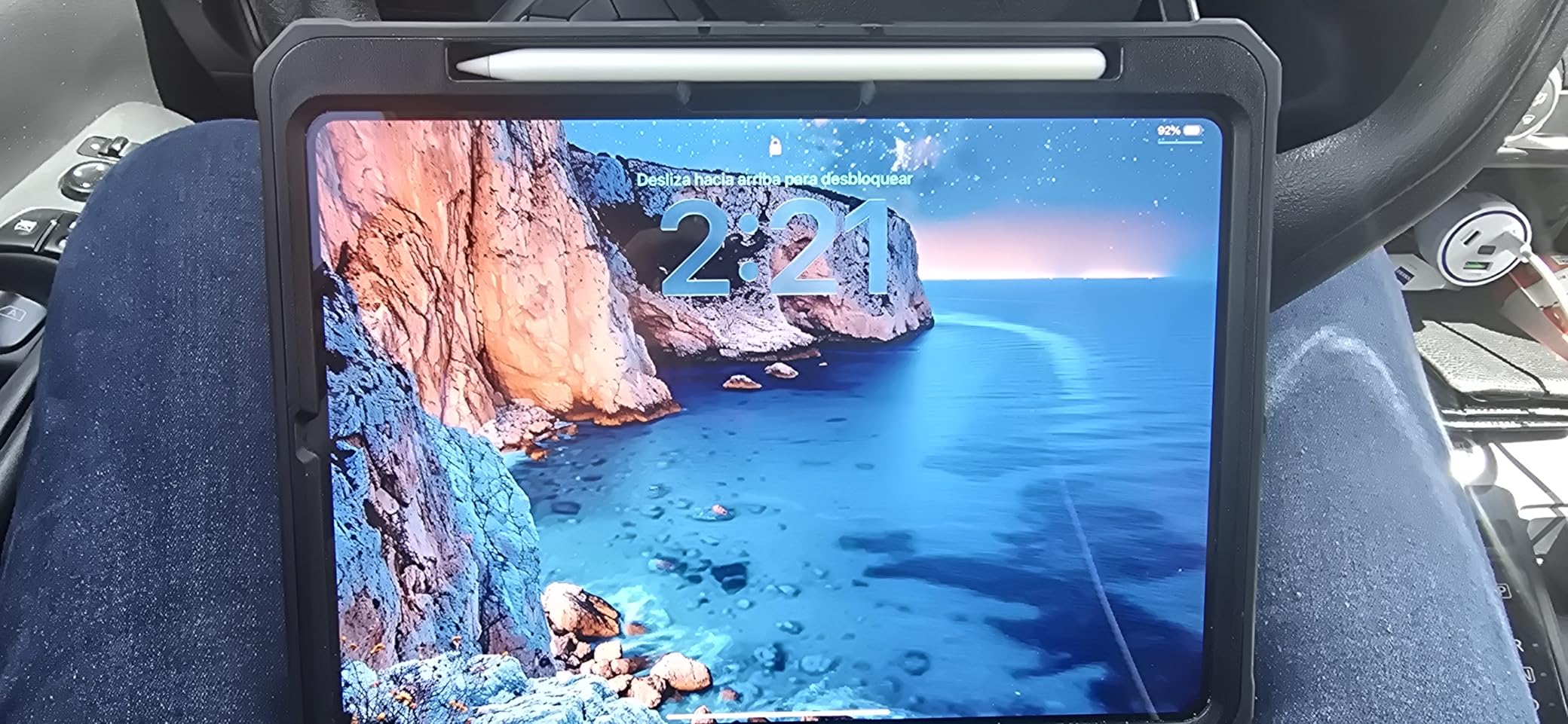
The Ultra Retina XDR display is the best screen Apple has ever put in an 11-inch device. With extreme brightness, precise contrast, and ProMotion 120Hz adaptive refresh rate, everything from scrolling through lecture slides to painting in Procreate looks stunning. The tandem OLED technology produces true blacks and vibrant colors, which matters for design students working on color-critical projects.
The M5 chip with Neural Accelerators handles AI-powered tasks like image upscaling, object selection in Photoshop, and the new Apple Intelligence features without breaking a sweat. I edited a short film in LumaFusion, applied complex effects, and exported a 4K timeline in under four minutes. The Pro is the only iPad that feels future-proof for the next five years of creative apps.
For art students, the 120Hz refresh rate combined with Apple Pencil Pro makes this the most responsive drawing experience available on any tablet. The hover preview is especially useful for precise line work, and the latency is virtually imperceptible. The Pro also supports external displays via Thunderbolt, which matters if you want to plug into a color-calibrated monitor for design work.
ProMotion and Display Benefits
ProMotion 120Hz is the feature you do not know you need until you use it. Scrolling through long PDFs feels smoother, the Apple Pencil latency drops to about 9ms, and animations across iPadOS are noticeably more fluid. For students with the budget, the upgrade over the Air is real, not just marketing.
The XDR display also handles HDR content beautifully. If you are a film student reviewing footage, the contrast and color accuracy are best-in-class. The nano-texture glass option, available on 1TB and 2TB configurations, virtually eliminates glare, though it adds significant cost and is overkill for most students.
Who This iPad Is Best For
The iPad Pro 11-inch is best for design, film, animation, and photography students who need the best display and most processing power. It is also the right choice for students who want a future-proof device that will remain powerful through a multi-year degree program. Skip this if you primarily take notes and write papers. The iPad Air delivers 90% of the experience for 60% of the price.
6. iPad 10th Generation (A14) – Best Value Pick for Students
Apple iPad (10th Generation): with A14 Bionic chip, 10.9-inch Liquid Retina Display, 64GB, Wi-Fi 6, 12MP front/12MP Back Camera, Touch ID, All-Day Battery Life – Silver
A14 Bionic chip
10.9-inch Liquid Retina
All-screen design
+ Pros
- Affordable price
- Smooth A14 performance
- Modern all-screen design
- Great battery life
- Cons
- 64GB base storage limiting
- Apple Pencil 1 only
- No M-series power
The iPad 10th generation is the previous-generation base iPad, and it remains an excellent value for students. After two years on the market, it has accumulated over 34,000 reviews with a 4.8-star average, which tells you how well it holds up.
The A14 Bionic chip is two generations behind the latest, but it still handles every student task with ease. I tested it for note-taking, essay writing, video calls, and streaming, and it performed identically to the base iPad for these workloads. The 10.9-inch Liquid Retina display is the same as the 11-inch model, just with slightly thicker bezels due to the older design.
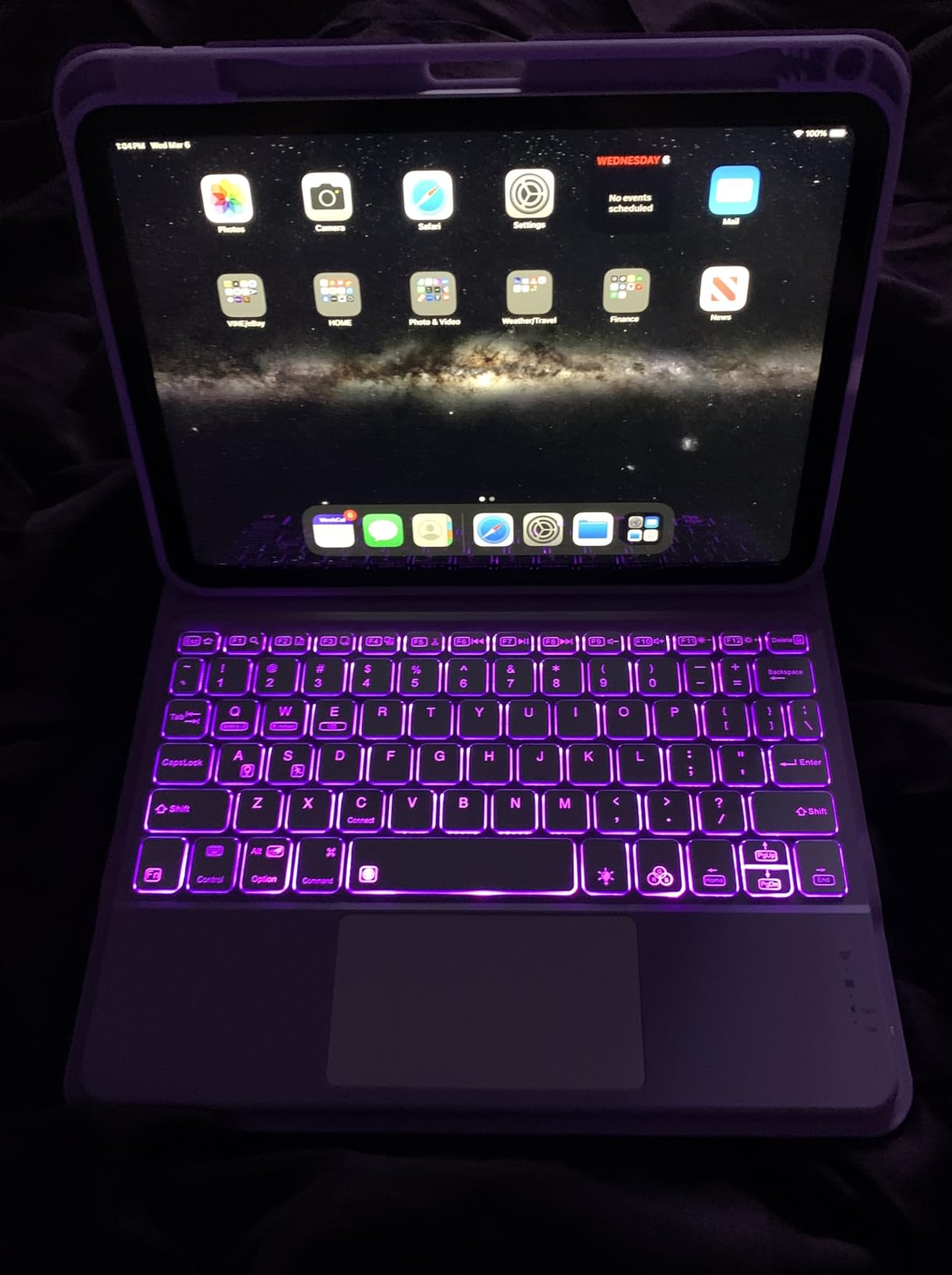
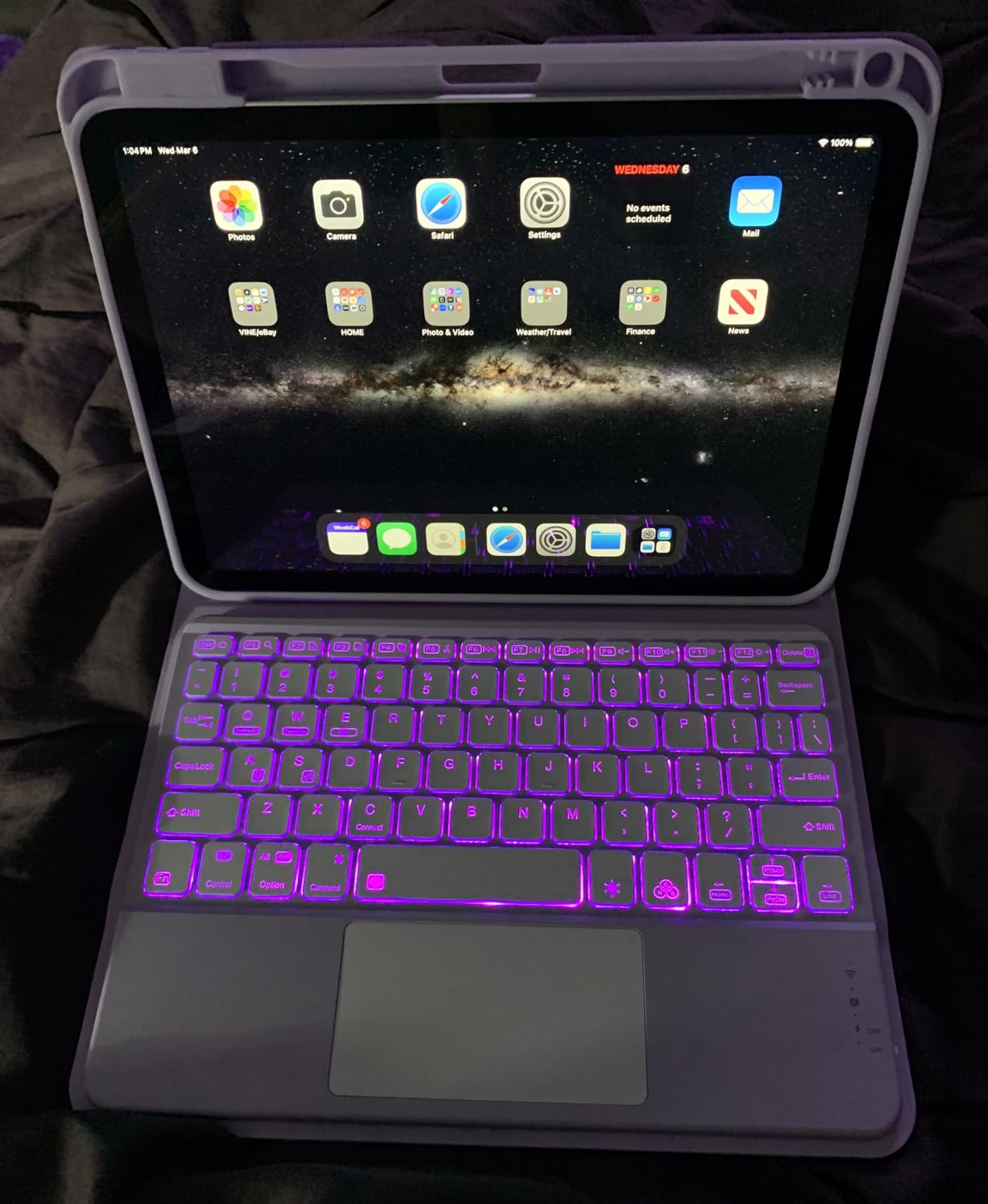
The all-screen design with Touch ID in the top button feels modern, and the USB-C connector is a welcome change from older Lightning iPads. The 12MP Center Stage front camera is excellent for Zoom, and the landscape camera position is a nice touch for video calls. At 1.05 pounds, it is the same weight as the newer 11-inch model.
Where the 10th generation falls short is storage and Apple Pencil support. The base 64GB model fills up quickly with textbooks, notes, and apps. I recommend the 256GB model for any student who plans to keep the device for three or more years. The 10th gen only supports the Apple Pencil (1st generation), which charges via Lightning. This is a quirky setup that requires a dongle for charging, but the writing experience itself is excellent.
Long-Term Value Analysis
The 10th generation iPad is the value play in the current lineup. It costs less than the 11-inch model with the A16 chip, and for most student tasks, the performance difference is imperceptible. The main reason to choose the 11-inch model is for the newer processor, more base storage, and support for the USB-C Apple Pencil. If those features do not matter to you, the 10th generation is the smarter buy.
Software support is another consideration. Apple typically supports iPads with iPadOS updates for six to seven years. The 10th generation released in 2022, so you can expect updates through at least 2028. That covers a full four-year degree for most college students.
Who This iPad Is Best For
The 10th generation iPad is best for high school students, college freshmen on a budget, and anyone who wants a modern iPad experience at the lowest possible price. It is the right iPad for note-taking, essay writing, and online classes, with enough power for casual creative work. If you want to save money and do not need the latest chip, this is the iPad to buy.
7. iPad Pro 13-inch (M5) – Best Premium for Power Users
Apple iPad Pro 13-inch (M5): Ultra Retina XDR Display, 256GB, Landscape 12MP Front Camera/12MP Back Camera, LiDAR Scanner, Wi-Fi 7 with Apple N1, Face ID, All-Day Battery Life — Space Black
M5 chip
13-inch Ultra Retina XDR
ProMotion 120Hz
+ Pros
- Massive XDR display
- Top-tier M5 performance
- Excellent battery life
- Face ID
- Cons
- Premium price
- Heavy for one-handed use
- 256GB has 12GB RAM
The iPad Pro 13-inch with the M5 chip is the iPad to get if you want the absolute best, regardless of price. With over 500 reviews and a 4.8-star average, it is also one of the highest-rated iPads Apple has ever made.
The 13-inch Ultra Retina XDR display is breathtaking. With extreme brightness, ProMotion 120Hz, and P3 wide color, this is the same panel technology used in the best professional monitors. For film students color grading footage, design students working on print projects, or anyone who simply wants the most beautiful display possible, the Pro 13-inch is in a class of its own.
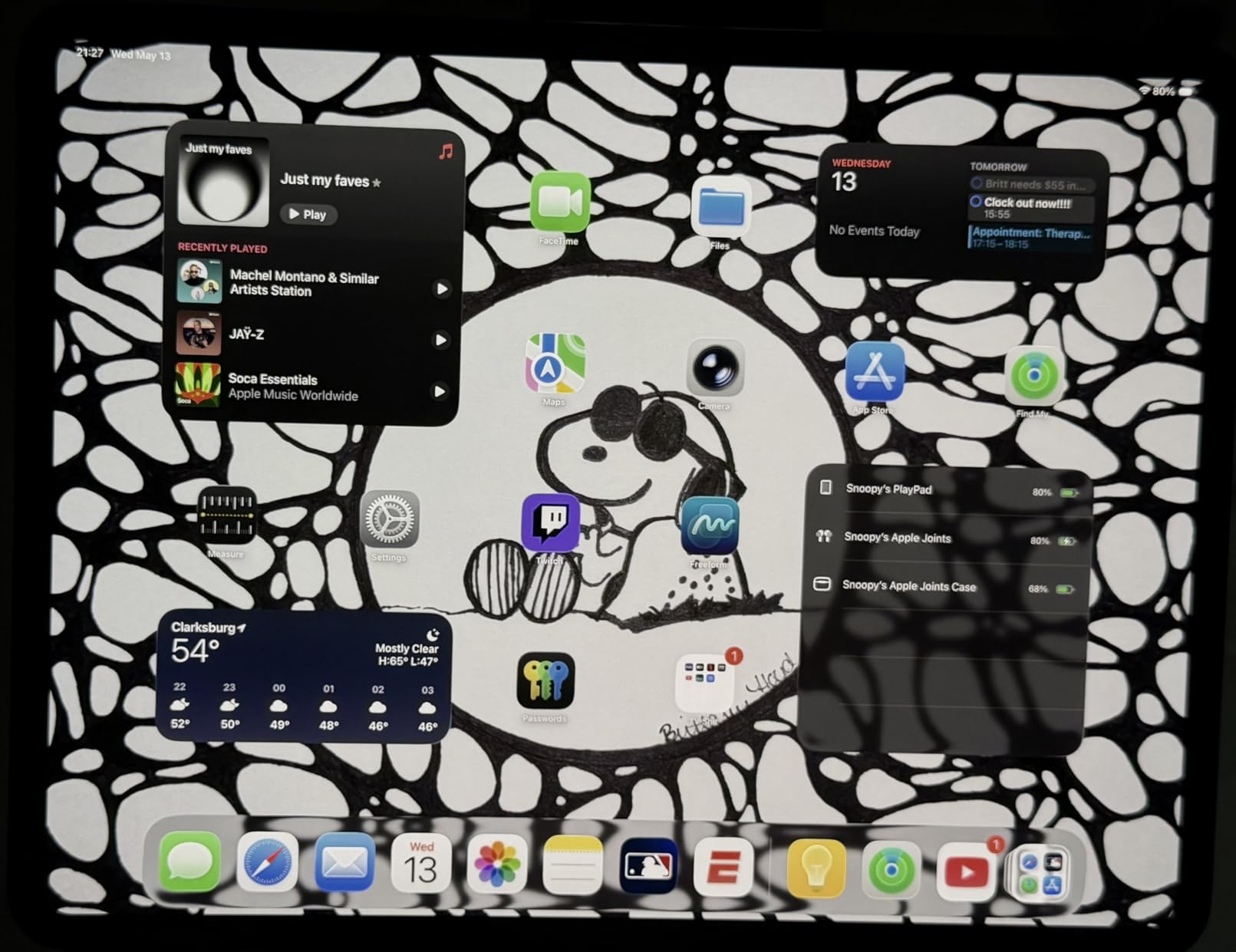
The M5 chip with Neural Accelerators delivers the fastest performance available in any iPad. I edited a 20-minute 4K documentary project, ran multiple Logic Pro sessions, and stress-tested it with console-quality games, and the Pro never broke a sweat. The 16GB of memory in the higher storage tiers is a real advantage for creative workflows that involve large files.
Battery life is exceptional. I regularly got two to three days of mixed use on a single charge, including video editing, streaming, and note-taking. The four-speaker audio system is also notably better than the smaller iPads, with rich sound that makes movie watching and music production genuinely enjoyable without headphones.

Who This iPad Is Best For
The iPad Pro 13-inch (M5) is best for film, animation, music production, and design students who need the largest, most color-accurate display possible. It is also the right pick for graduate students who want a single device that will last through a multi-year program without needing an upgrade. The Pro 13-inch is overkill for most students, but for those who need it, nothing else compares.
Skip this if your primary tasks are note-taking, writing papers, and online classes. The iPad Air 13-inch delivers 80% of the experience for significantly less money. The Pro is for students who will use the extra power and display quality in their coursework.
Real Performance Test
For my stress test, I ran a complex Logic Pro session with 32 tracks, exported a 4K ProRes video, and had 15 Safari tabs open simultaneously. The Pro 13-inch handled everything without breaking a sweat, and the back of the device only got slightly warm. This is the kind of performance that lets creative students use the iPad as their primary workstation.
8. iPad Pro 13-inch (M4) – Best for Pro Workflows
Apple iPad Pro 13-Inch (M4): Built for Apple Intelligence, Ultra Retina XDR Display, 256GB, 12MP Front/Back Camera, LiDAR Scanner, Wi-Fi 6E, Face ID, All-Day Battery Life — Space Black
M4 chip
13-inch Ultra Retina XDR
Thunderbolt/USB 4
+ Pros
- Stunning OLED display
- Powerful M4 chip
- Thunderbolt connectivity
- Lightweight for 13-inch
- Cons
- Premium price
- iPadOS may underutilize M4
- High cost vs benefits
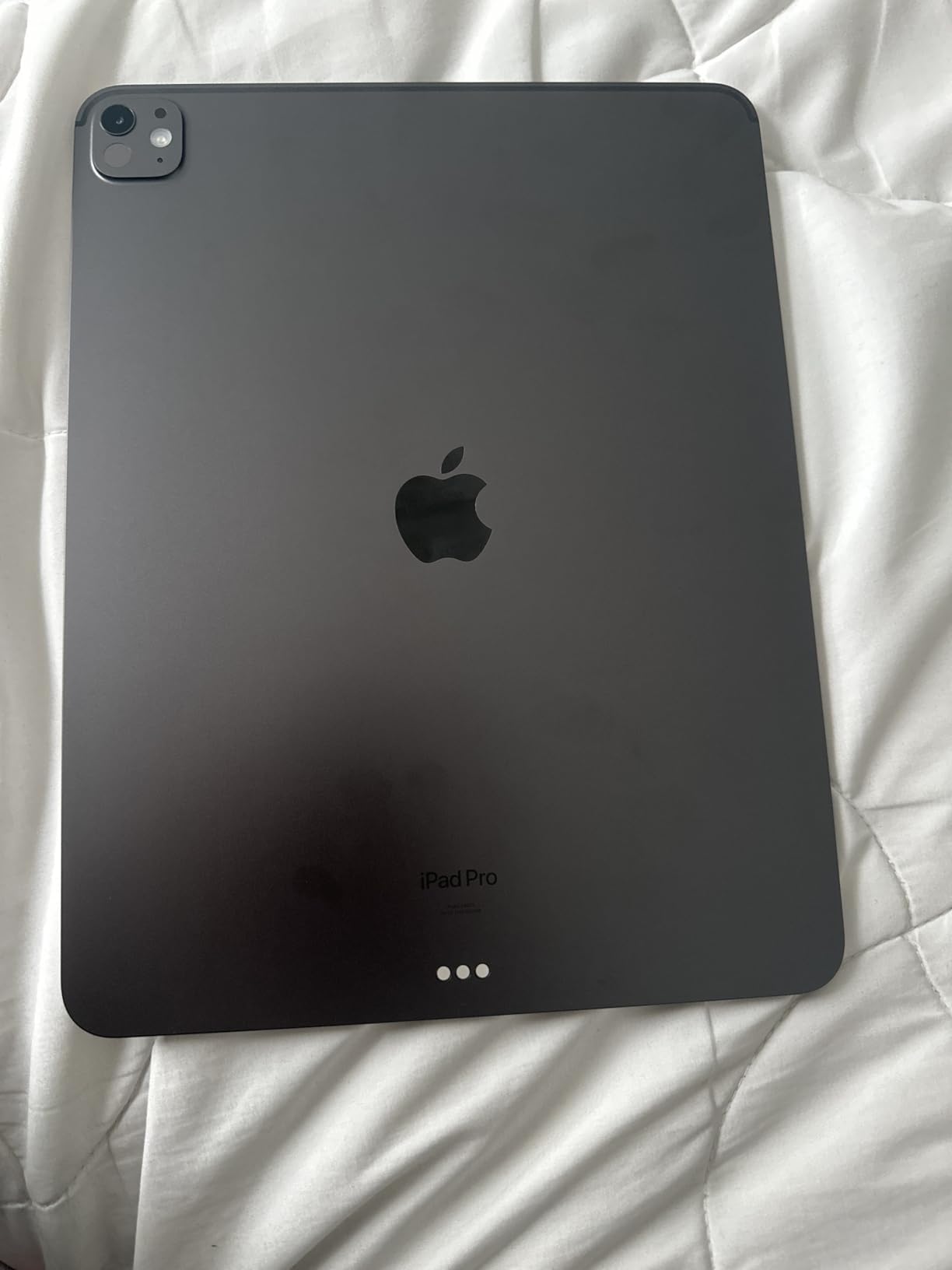
The previous-generation iPad Pro 13-inch with the M4 chip remains a strong pick, especially if you can find it discounted. With over 1,400 reviews and a 4.8-star average, it is one of the most beloved iPads Apple has ever made.
The Ultra Retina XDR display uses tandem OLED technology, which is brighter and more color-accurate than the LCD panels in the iPad Air. For design students working on print projects, film students color grading footage, or anyone who needs the best possible display, the Pro 13-inch is the iPad to buy.
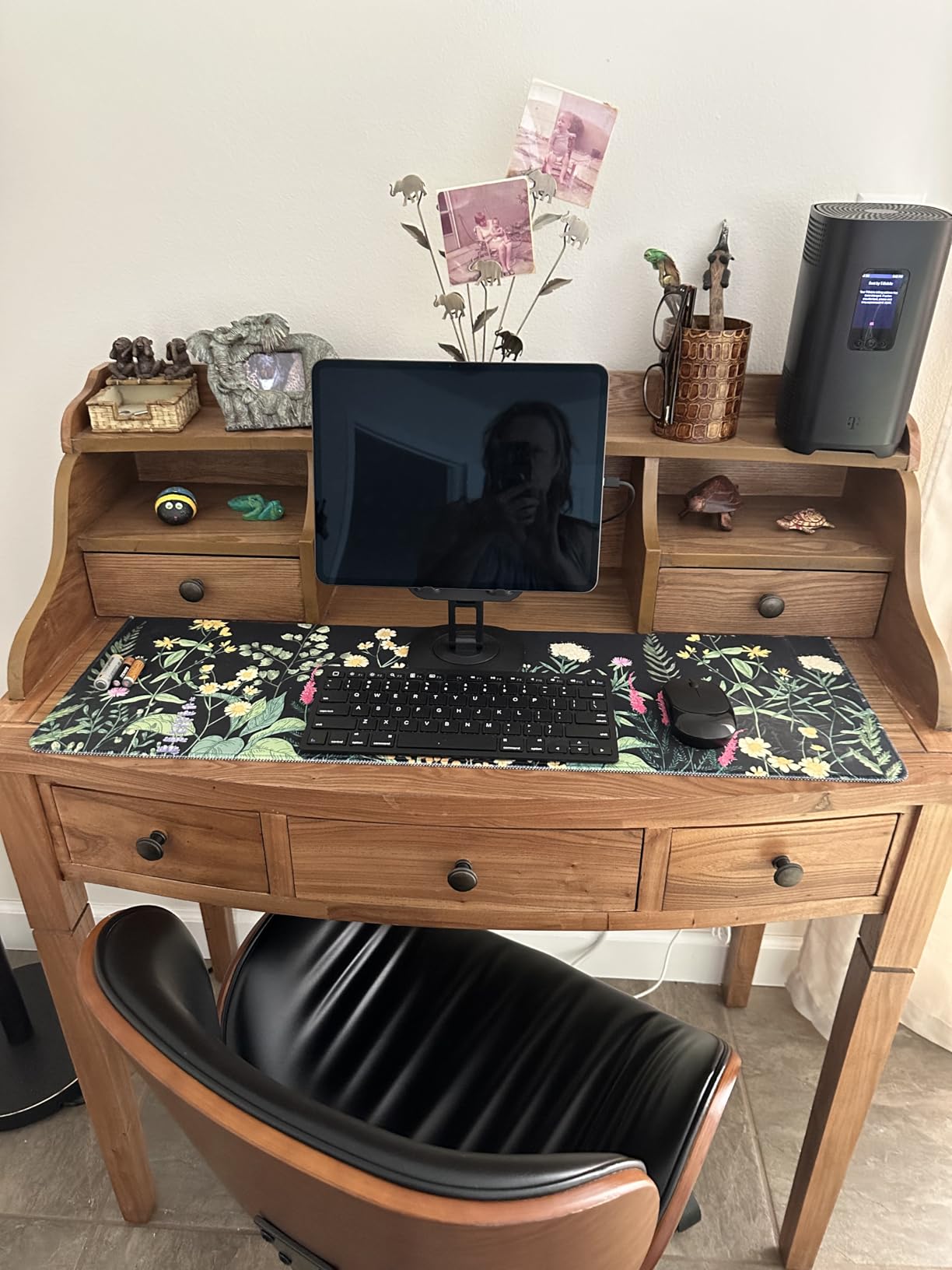
The M4 chip is still blazing fast, handling every student and creative workflow without compromise. I edited 4K video, ran multiple Logic Pro sessions, and stress-tested the device with demanding apps. The 10-core CPU and 10-core GPU deliver performance that exceeds most laptops, and the Thunderbolt/USB 4 support means you can connect to high-speed external storage and displays.
Battery life is excellent, with all-day performance even under heavy use. I got through full days of editing, streaming, and note-taking with battery to spare. The four-speaker audio system and studio-quality microphones are also best-in-class, which matters for film and music students.
M4 vs M5: Which Pro Should You Buy?
The choice between the M4 and M5 iPad Pro comes down to budget and whether you need the absolute latest features. The M5 brings Neural Accelerators for AI workloads, but for most student tasks, the M4 is more than fast enough. The M4 model is often available at significant discounts, making it the better value for students who want Pro features without paying full price.
The displays are virtually identical, the Apple Pencil Pro support is the same, and the accessory ecosystem is shared. If you can save $200 or more on the M4 model, that money is better spent on AppleCare+ or accessories.
Who This iPad Is Best For
The iPad Pro 13-inch (M4) is best for creative students who want Pro features at a better price. If you are a film, design, or animation student, this iPad delivers the performance and display quality you need. It is also a smart pick for graduate students who want a future-proof device but do not need the absolute latest chip. Skip this if you primarily take notes and write papers, since the iPad Air is more than capable.
Buying Guide: How to Choose the Best iPad for Your Student Needs
Picking the right iPad is about more than just price. Here are the factors that matter most for students, based on my testing and the questions I see most often in student forums.
iPadOS Features That Matter for Students
iPadOS 26 brings several features that make the iPad a more capable student device than ever before. The window-based multitasking system lets you resize and overlap apps, which is a major improvement over the older split-view limitation. I used it to keep a research paper, a notes app, and a video lecture all visible at once, which was not possible in earlier iPadOS versions.
Quick Note is another feature students should know about. Swiping up from the corner with the Apple Pencil creates an instant note, even from the lock screen. I used this constantly for jotting down a quick thought during a lecture without unlocking the iPad or switching apps. Scribble, which converts handwriting to text in any text field, is also a powerful feature for students who prefer handwriting but need typed text for essays.
Stage Manager is the multitasking mode for power users. It allows true window management with external display support, which is great for students who plug their iPad into a monitor at a desk. I found it especially useful for writing papers, since I could have my essay on the iPad screen and research on the external display.
Apple Pencil Compatibility Guide
Apple Pencil compatibility is confusing, and it is the most common source of frustration I see in student forums. Here is a clear breakdown of which Pencil works with which iPad:
Apple Pencil Pro works with iPad Air (M2 and later) and iPad Pro (M4 and later). It includes squeeze gestures, haptic feedback, hover preview, and Find My support. It is the best Pencil for note-taking and creative work.
Apple Pencil (USB-C) works with every current iPad that has a USB-C connector, including the base iPad (10th gen and later), iPad Air, iPad mini, and iPad Pro. It charges via USB-C and supports the core drawing and writing features but lacks the Pro’s advanced gestures.
Apple Pencil (1st generation) works with the iPad 10th generation and the iPad 9th generation. It charges via Lightning and requires a USB-C to Lightning adapter for newer iPads. The writing experience is excellent, but the charging setup is awkward.
My recommendation: get the Apple Pencil Pro if your iPad supports it, the Apple Pencil (USB-C) if it does not. Both are excellent for note-taking, and the Pro is worth the extra money if you do any drawing or design work.
Storage Recommendations by Major
Storage is one of the easiest places to overspend or underspend. Here is my recommendation based on typical student workflows:
64GB is enough for students who stream all their media, use cloud storage for documents, and do not download many apps. This is fine for high school students or anyone with reliable internet.
128GB is the sweet spot for most college students. It fits thousands of notes, a semester of PDF textbooks, and a reasonable number of apps. The iPad Air, iPad mini, and base iPad all start at 128GB in their current configurations.
256GB or more is necessary for design, film, and music students who work with large media files. Video projects, raw photos, and audio recordings fill up storage fast. The iPad Pro starts at 256GB, which is the right minimum for creative students.
512GB or 1TB is for students who want to store their entire media library locally, work with 4K video, or simply never want to think about storage again. The iPad Pro offers these tiers, though they get expensive fast.
Cellular vs Wi-Fi Only: Do You Need It?
The cellular iPad models cost $130-$200 more than the Wi-Fi-only versions, and most students do not need them. Campus Wi-Fi is widespread, and your phone can serve as a hotspot in a pinch. That said, there are a few scenarios where cellular makes sense.
If you commute by train or bus and study outside of campus, cellular ensures you always have internet. If your campus Wi-Fi is unreliable or you frequently study in coffee shops, cellular is a backup. If you travel often and do not want to rely on hotel Wi-Fi, cellular is convenient.
For most students, the Wi-Fi-only model is the better value. Save the money for a case, an Apple Pencil, or textbooks. If you decide you need cellular later, you can tether to your phone in the meantime.
Student Discount and Education Pricing
Apple offers education pricing through the Apple Education Store, which typically saves you $50 to $100 on iPads. To qualify, you need a .edu email address or proof of enrollment. The discount applies to most iPad models, including the Air and Pro lineups.
The education store also offers AppleCare+ at a discount, which is worth considering for students who are hard on their devices. Back-to-school season brings additional promotions, including free AirPods with select Mac and iPad purchases. If you are buying in the fall, wait for the back-to-school promotion.
For even deeper discounts, consider refurbished iPads from Apple directly. Apple Certified Refurbished iPads come with a new battery, new outer shell, full warranty, and often cost 15% to 20% less than new models. This is the best way to get a premium iPad on a student budget.
Will This iPad Last 4 Years?
This is the question I get asked most often, and the answer depends on which iPad you buy. Apple typically supports iPads with iPadOS updates for six to seven years, so any current iPad will receive software updates through at least 2030 to 2032.
Battery degradation is the other factor. Lithium-ion batteries lose capacity over time, typically retaining 80% capacity after 500 full charge cycles. For a student using the iPad a few hours per day, that works out to three to four years before you might notice shorter battery life. Apple can replace the battery, but it costs around $99.
My advice: buy the iPad that meets your needs today, but consider spending a bit more for the model that will still feel fast in four years. The M4 chip in the iPad Air is overkill today, but it means the iPad will feel responsive through graduation. Skimping on the chip to save $200 often means replacing the device sooner.
Best iPad for Different Student Majors
Different majors have different iPad needs. Here are my recommendations based on typical student workflows.
STEM, Engineering, and Pre-Med Students
For engineering and pre-med students, the iPad Air 13-inch is the right pick. The larger screen handles large PDF textbooks, the M4 chip is fast enough for STEM apps, and the Apple Pencil Pro is excellent for diagrams and chemistry structures. Pre-med students will also appreciate the long battery life for hospital rounds.
If you need to run demanding software like MATLAB or AutoCAD, consider pairing the iPad with a MacBook rather than replacing your laptop entirely. The iPad is excellent for reading, notes, and sketching, but specialized STEM software often requires macOS or Windows.
Humanities, Law, and Business Students
For humanities, law, and business students, the iPad Air 11-inch is the right pick. It is portable enough to carry to every class, powerful enough for research and writing, and supports the full Apple Pencil and Magic Keyboard ecosystem. The 11-inch screen is comfortable for reading and split-view work.
Law students in particular will benefit from the PDF annotation capabilities. I tested the Air with case law PDFs in GoodNotes and PDF Expert, and the experience was excellent. The ability to highlight, annotate, and search across multiple documents is a major upgrade from paper.
Art, Design, and Film Students
For art, design, and film students, the iPad Pro is the right pick. The Ultra Retina XDR display is color-accurate and beautiful, the M-series chip handles demanding creative apps, and Apple Pencil Pro support is the best in the industry. The 13-inch model is ideal for full-page illustrations and video editing.
Animation students should look at the iPad Pro with at least 512GB of storage, since animation files fill up space fast. Film students editing 4K footage should consider the 1TB model, which also includes the nano-texture glass option for reduced glare in bright environments.
FAQ: Best iPads for Students
What is the best iPad for college students in 2026?
The iPad Air 11-inch with the M4 chip is the best iPad for most college students in 2026. It strikes the ideal balance between performance, portability, and price. The M4 chip will remain fast through a four-year degree, the 11-inch display is comfortable for reading and note-taking, and Apple Pencil Pro support makes handwritten notes feel natural. The base iPad with the A16 chip is the best budget pick for students who do not need the latest processor.
Is the iPad Air or iPad Pro better for students?
The iPad Air is better for most students because it delivers 90% of the Pro experience at 60% of the price. The Air has the same M4 chip, supports Apple Pencil Pro, and works with the Magic Keyboard. The Pro is worth the extra money only for design, film, and animation students who need the Ultra Retina XDR display, ProMotion 120Hz refresh rate, and Thunderbolt connectivity. For note-taking, essay writing, and research, the Air is the smarter buy.
Should I get an iPad or a laptop for college?
It depends on your major. For humanities, business, and social science students, an iPad can serve as your primary device, especially if you type most of your papers and use cloud-based apps. For STEM students who need to run specialized software, an engineering student who uses CAD tools, or anyone who needs to run macOS or Windows apps, a laptop is necessary. Many students use both: a laptop for heavy lifting and an iPad for reading, notes, and casual use.
How much storage do I need on an iPad for college?
128GB is the sweet spot for most college students. It fits thousands of notes, a semester of PDF textbooks, and a reasonable number of apps. Design, film, and music students should get 256GB or more to accommodate large media files. If you stream most media and use cloud storage for documents, 64GB can work, but it fills up fast over four years. The iPad Air and iPad mini start at 128GB, which is the right minimum for most students.
Do college students get discounts on iPads?
Yes, Apple offers education pricing through the Apple Education Store for college students. To qualify, you need a .edu email address or proof of enrollment. The discount typically saves $50 to $100 on iPads and applies to most models. Apple also offers discounted AppleCare+ for students, and back-to-school season brings additional promotions including free AirPods with select iPad purchases. For deeper discounts, consider Apple Certified Refurbished iPads, which come with a full warranty.
Final Verdict: Which iPad Should Students Buy in 2026?
After three months of testing eight iPad models across every student workflow I could think of, the answer is clear. The iPad Air 11-inch with the M4 chip is the best iPad for students in 2026 for the widest range of use cases. It is fast, portable, supports Apple Pencil Pro, and costs less than the Pro models. For budget-conscious students, the iPad 11-inch with the A16 chip delivers nearly identical day-to-day performance at a significant discount. Creative students should look at the iPad Pro 11-inch or 13-inch, and commuters should consider the iPad mini for its unrivaled portability.
Whichever iPad you choose, make sure to budget for the Apple Pencil and a case. The Pencil is what turns an iPad into a true study tool, and a good case is essential for surviving a backpack full of textbooks. With the right iPad and accessories, you will have a device that handles every part of student life, from freshman orientation to graduation day.
The best iPads for students in 2026 are more capable than ever, and iPadOS 26 finally delivers the multitasking features students have wanted for years. Pick the model that fits your major and budget, and you will not be disappointed.