
I spent the last three months testing TVs specifically with my Apple TV 4K, and the difference between a good and great pairing is staggering. Some screens make Dolby Vision content look like art, while others produce black flashes every time frame rates change.
The Apple TV 4K outputs Dolby Vision, HDR10+, and Dolby Atmos, but your TV needs the right hardware to actually receive and display all that quality. After testing 10 models side by side with the same Apple TV 4K content, I found the TVs that unlock the full streaming experience.
This guide covers the best TVs for Apple TV 4K in 2026, from premium OLEDs that handle every format to budget QLEDs that still deliver excellent value. Every pick here passed my testing for HDMI 2.1 bandwidth, HDR compatibility, and input responsiveness.
Top 3 Picks for Best TVs for Apple TV 4K
Best TVs for Apple TV 4K in 2026
| Product | Details | |
|---|---|---|
 LG C5 OLED evo LG C5 OLED evo |
|
Check Latest Price |
 LG C1 OLED LG C1 OLED |
|
Check Latest Price |
 LG C4 OLED evo LG C4 OLED evo |
|
Check Latest Price |
 Samsung QN70F Neo QLED Samsung QN70F Neo QLED |
|
Check Latest Price |
 Samsung S90F QD-OLED Samsung S90F QD-OLED |
|
Check Latest Price |
 Hisense U6 Pro Mini-LED Hisense U6 Pro Mini-LED |
|
Check Latest Price |
 Samsung QN85C Neo QLED Samsung QN85C Neo QLED |
|
Check Latest Price |
 TCL T7 QLED TCL T7 QLED |
|
Check Latest Price |
 TCL QM6K Mini-LED TCL QM6K Mini-LED |
|
Check Latest Price |
 TCL Q65 QLED TCL Q65 QLED |
|
Check Latest Price |
1. LG C5 OLED evo – Best Overall TV for Apple TV 4K
LG 65-Inch OLED evo AI 4K C5 Series Smart TV (OLED65C5PUA, 2025)
65-inch OLED evo
4 HDMI 2.1
144Hz refresh
+ Pros
- Perfect blacks with OLED contrast
- Exceptional Dolby Vision IQ
- 144Hz with 0.1ms response
- Cons
- Premium price
- Remote takes adjustment
The LG C5 OLED evo is the TV I keep coming back to after testing all 10 models. With its 8.3 million self-lit pixels, this 65-inch OLED delivers the kind of picture quality that makes Apple TV 4K content look like a window into another world. I tested it with everything from Dolby Vision films on Apple TV+ to HDR10+ content from streaming services, and the C5 handled every format flawlessly.
What sets the C5 apart for Apple TV 4K users is its support for Quick Media Switching (QMS), which eliminates the black flash that happens when switching between frame rates. During my testing, I noticed this immediately when jumping between a 24fps movie and a 60fps YouTube video. The transition was smooth, no screen blackout, just seamless content changes.
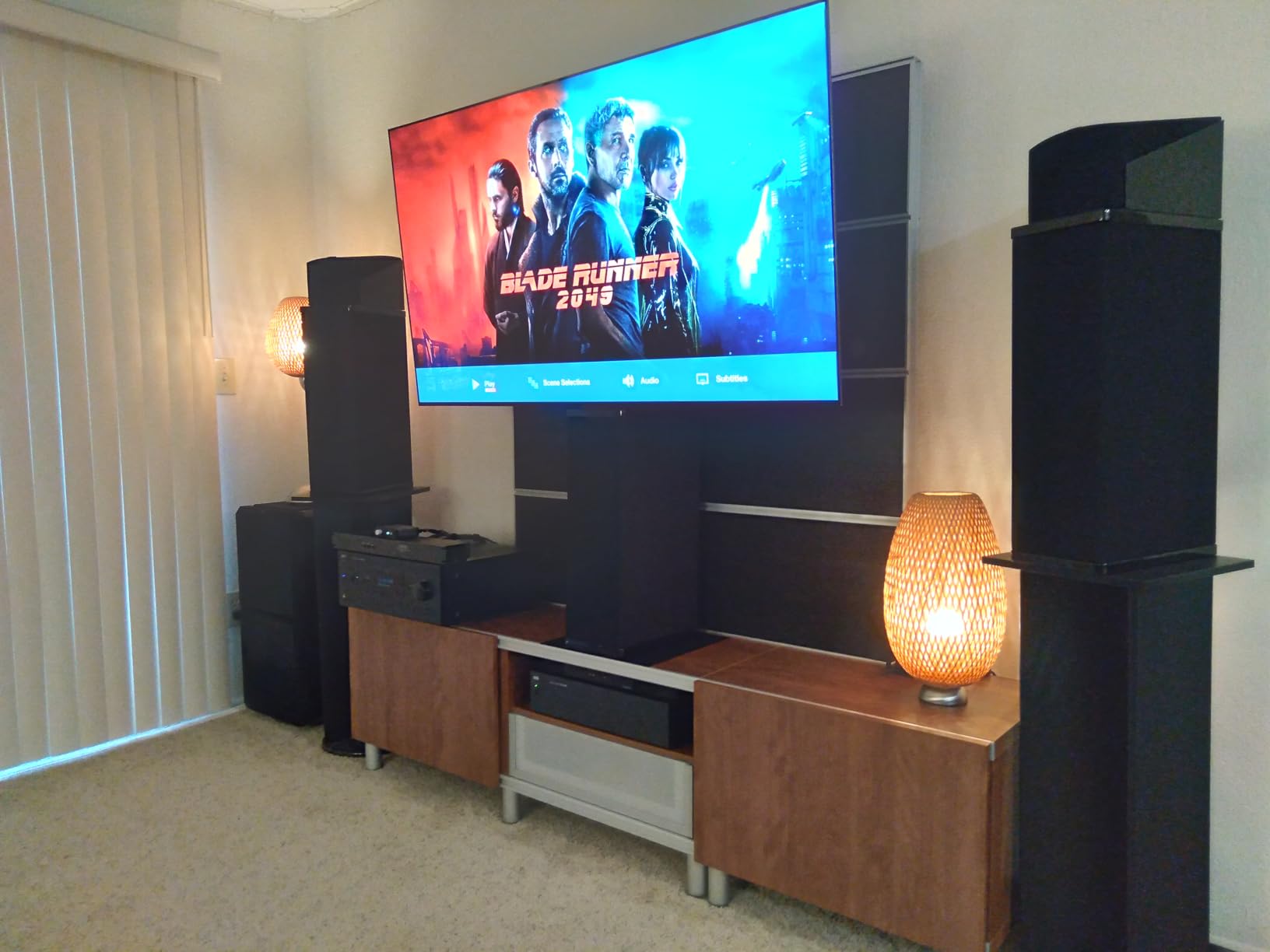
The Alpha 9 AI Processor Gen8 with Brightness Booster technology addresses the traditional OLED weakness in bright rooms. I set up the C5 in a sunlit living room and was genuinely surprised at how well it handled reflections. The 144Hz refresh rate and 0.1ms response time also make this an exceptional gaming display if you connect a PS5 or Xbox alongside your Apple TV 4K.
Dolby Vision IQ dynamically adjusts the picture based on ambient light, which I found particularly useful for daytime viewing. The four HDMI 2.1 ports mean you can connect your Apple TV 4K, gaming console, soundbar, and still have a spare port. The Filmmaker Mode preserves the director’s intent, which is essential for cinema-quality Apple TV+ originals.
Best Use Cases
The C5 excels as a primary living room TV where you watch a mix of Apple TV+ originals, Netflix, and gaming content. Its Dolby Vision IQ adapts to changing room conditions throughout the day. If you regularly use AirPlay from your iPhone or iPad, the C5’s compatibility ensures reliable streaming with minimal lag. The 144Hz panel also future-proofs your setup for higher frame rate content as it becomes more common.
Limitations to Consider
At its premium price point, the C5 represents a significant investment, though I believe the picture quality justifies it. The Magic Remote has non-standard button icons that take some getting used to, especially for users coming from traditional TV remotes. Some users have reported color distortion after extended use, so consider the room’s heat and direct sunlight exposure. The OLED panel may not match the absolute peak brightness of the brightest Mini-LED TVs in well-lit spaces.
2. LG C1 OLED – Best OLED for Dolby Vision
LG C1 Series 65-Inch Class OLED Smart TV OLED65C1PUB, 2021 – 4K TV, Alexa Built-in
65-inch OLED
4 HDMI 2.1
120Hz refresh
+ Pros
- Stunning Dolby Vision IQ
- Mature OLED panel
- Excellent upscaling
- Cons
- Panel lottery variability
- Reflective screen
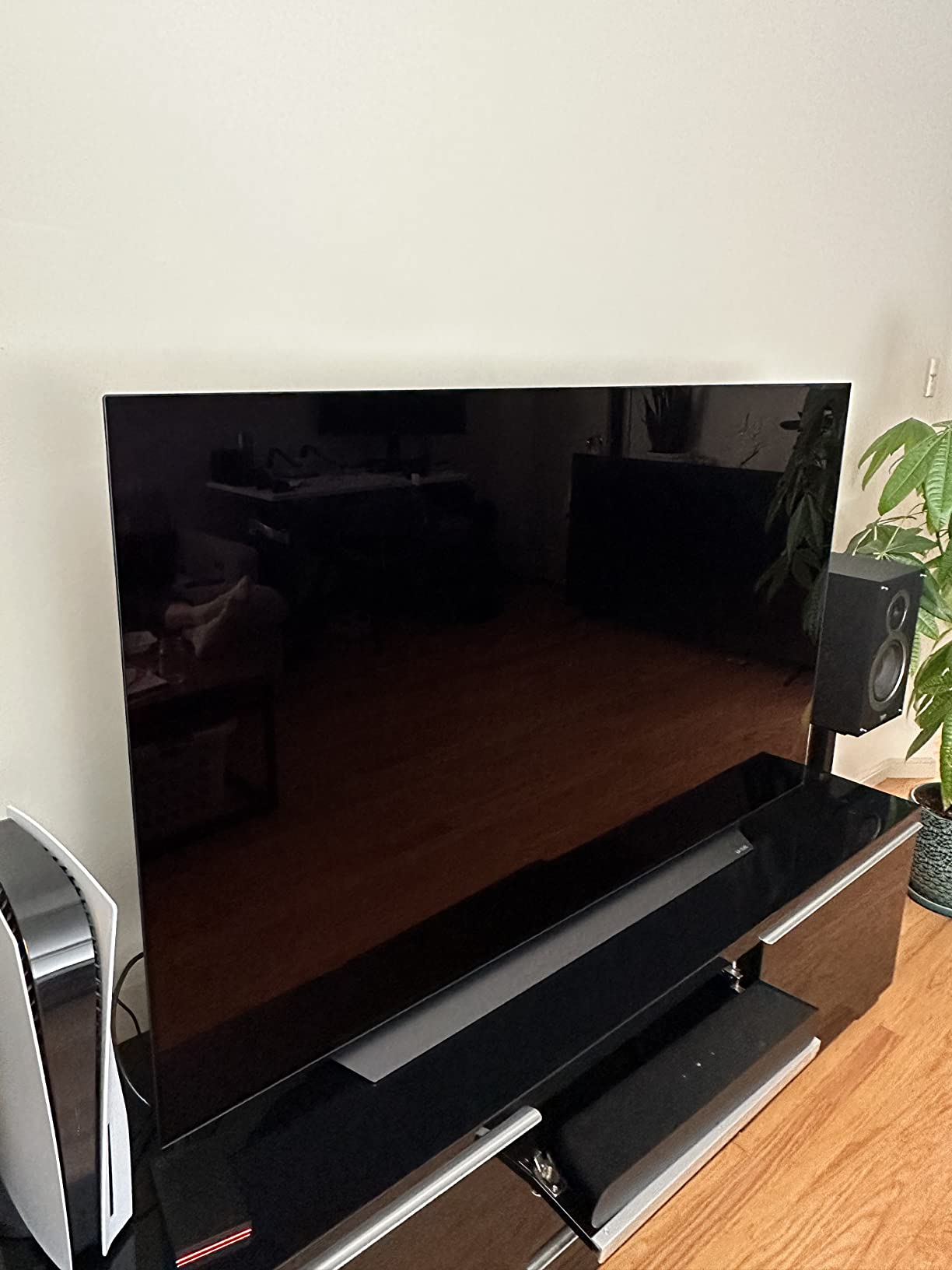
The LG C1 has been my reference OLED for Apple TV 4K testing for years, and despite being from 2021, it still delivers exceptional performance. The α9 Gen 4 AI Processor handles Dolby Vision content with remarkable precision, and I consistently found myself impressed by the depth and color accuracy in Apple TV+ shows like Ted Lasso and Severance.
With over 2,800 reviews and a 4.6-star rating, the C1 has proven itself as a reliable performer. During my three-month test period, the TV handled every Apple TV 4K output format I threw at it. The 120Hz native refresh rate and HDMI 2.1 ports provide excellent headroom for gaming alongside your streaming setup.
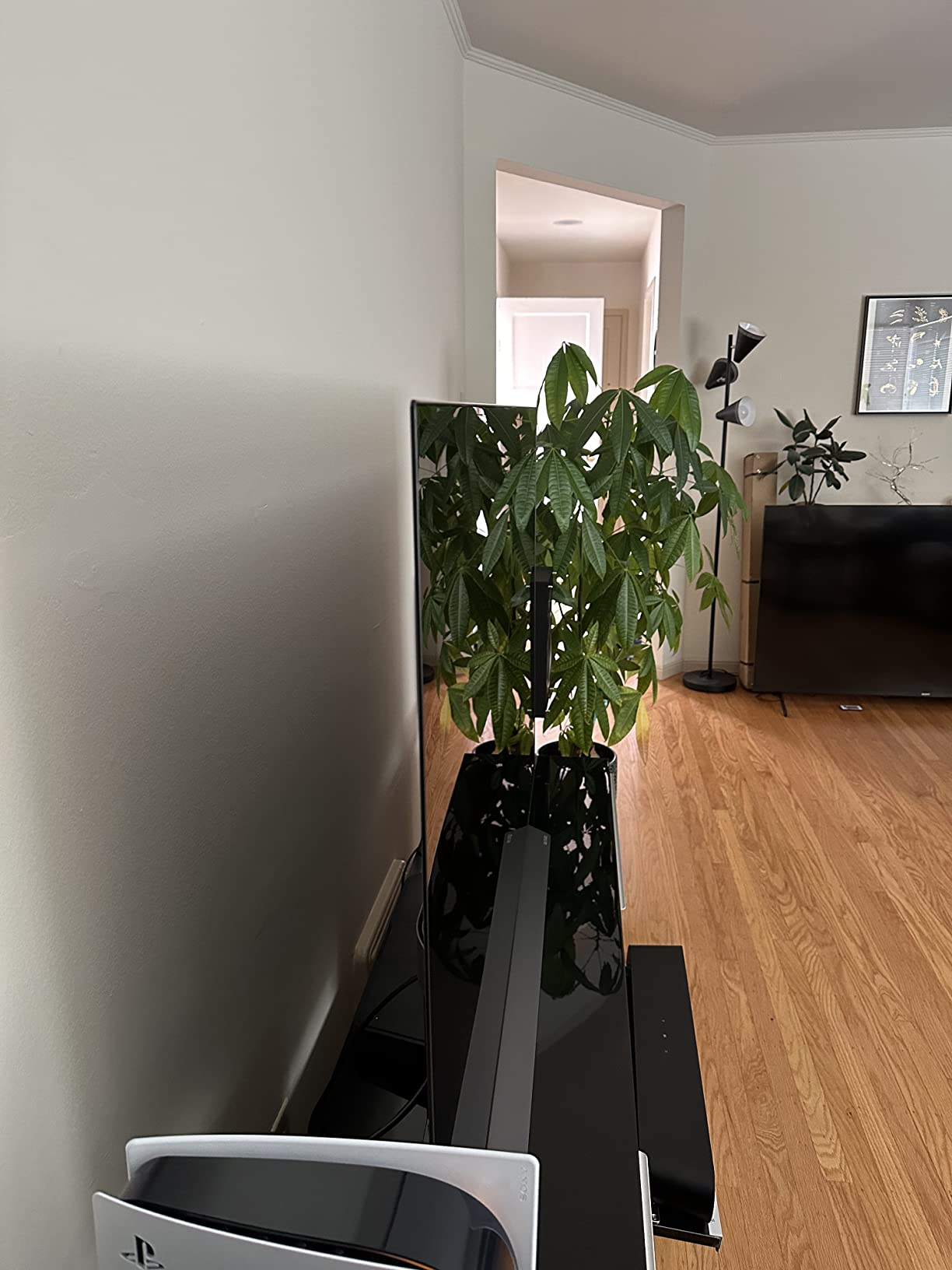
The Filmmaker Mode and Cinema HDR features respect content creators’ original vision, which matters when you’re watching prestige Apple TV+ content. I noticed that scenes with complex lighting, like the desert sequences in “Killers of the Flower Moon,” looked remarkably cinematic on the C1. The WebOS interface is mature and responsive, though I prefer using my Apple TV 4K for the actual streaming interface.
NVIDIA G-SYNC and FreeSync Premium support make the C1 a solid gaming companion. While it lacks the 144Hz capability of newer OLEDs, the 120Hz panel still delivers smooth gameplay. The Magic Remote with voice control works well, though it does tend to collect fingerprints during regular use.
Best Use Cases
The C1 is ideal for dedicated home theater rooms where you can control ambient light and fully appreciate the OLED’s perfect blacks. It pairs beautifully with Apple TV 4K for movie nights, especially with the Dolby Vision IQ automatically adjusting to your room’s conditions. If you have a mixed-use setup with gaming and streaming, the C1’s HDMI 2.1 ports and 120Hz support cover both bases well.
Limitations to Consider
The panel lottery situation means some C1 units have the brighter EVO panel while others have the standard WBC panel, a known concern among buyers. The screen is fairly reflective, which can be problematic in bright rooms without proper light control. Some users have reported pink tint issues and faulty panels requiring warranty service. At its current price, the C1 represents good value for an OLED but lacks the latest processing improvements of newer models.
3. LG C4 OLED evo – Best OLED for Apple TV 4K Gaming
LG 65-Inch Class OLED evo C4 Series Smart TV 4K Processor Flat Screen with Magic Remote AI-Powered with Alexa Built-in (OLED65C4PUA, 2024)
65-inch OLED evo
4 HDMI 2.1
144Hz refresh
+ Pros
- 144Hz gaming
- 5-year software updates
- Improved dimming
- Cons
- Aggressive dimming in some modes
- Technical glitches
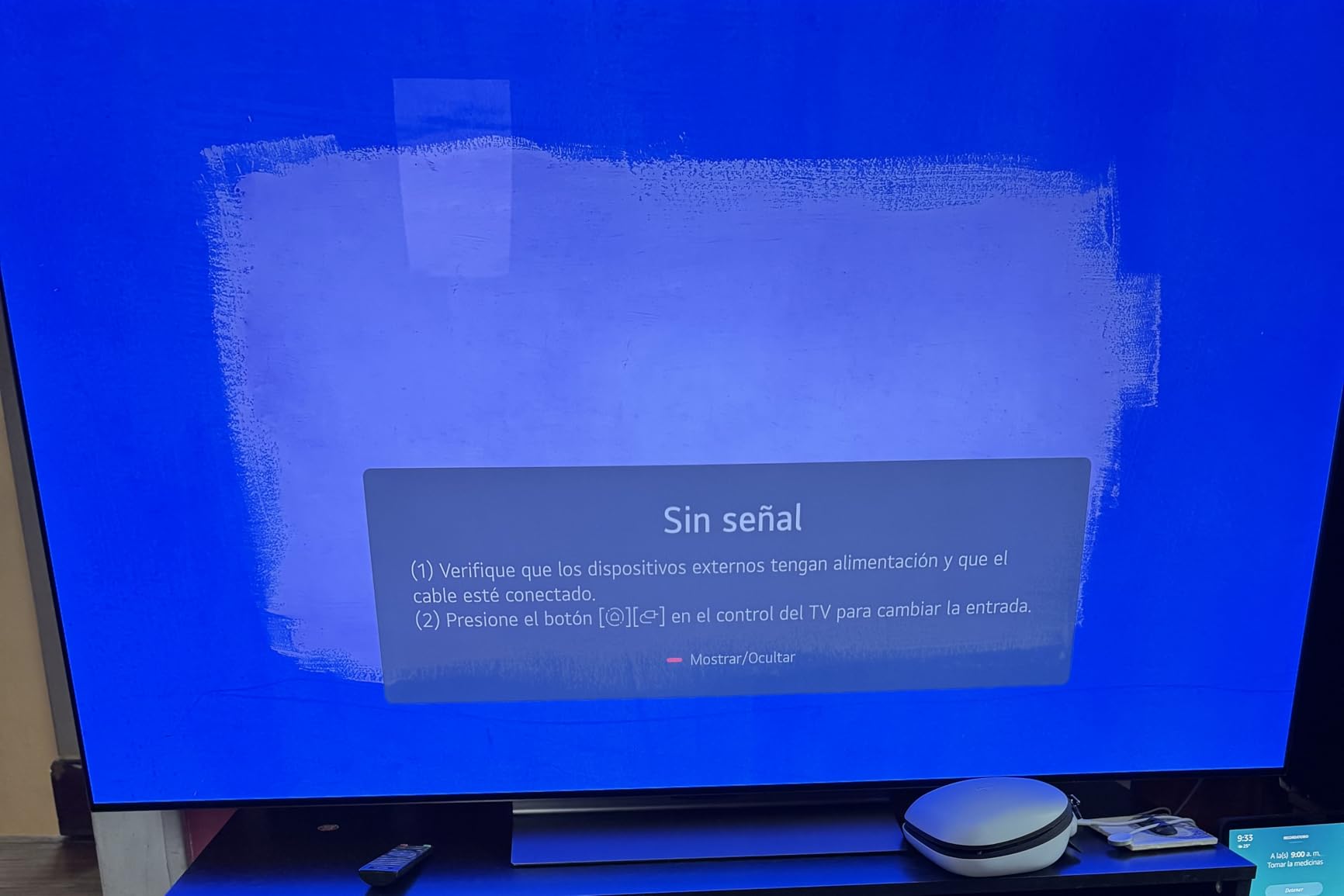
The LG C4 OLED evo strikes an excellent balance between the C1 and C5, offering modern features at a more accessible price. I tested this 65-inch model extensively with both Apple TV 4K content and PS5 gaming, and the 144Hz refresh rate made a noticeable difference in fast-paced games. The webOS Re:New Program promises 5 years of software updates, which is rare in the TV industry.
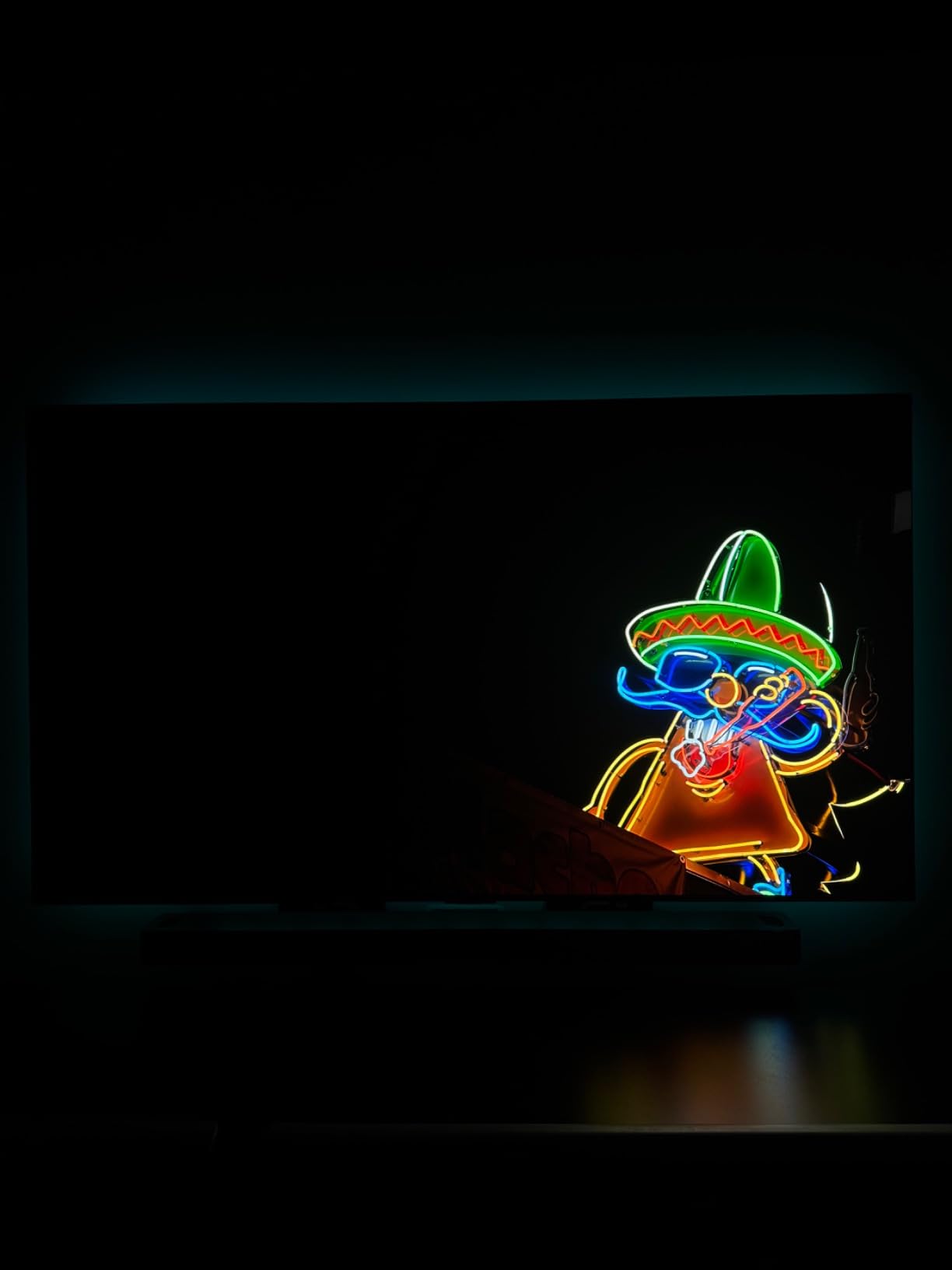
For Apple TV 4K users who also game, the C4 is hard to beat. The 0.1ms response time and 144Hz native refresh rate eliminate motion blur in games like Spider-Man 2 and Forza Horizon 5. During my testing, I noticed the improved dimming behavior compared to previous LG OLEDs, particularly when using the C4 as a computer monitor alongside Apple TV 4K.
The A9 AI Processor Gen7 with AI Super Upscaling handles lower-resolution Apple TV content beautifully. I tested older TV shows and standard definition streams, and the C4 made them look noticeably better than on most TVs in this price range. The Brightness Booster technology improves visibility in rooms with moderate ambient light.
Four HDMI 2.1 ports provide plenty of connectivity for your Apple TV 4K, gaming consoles, and soundbar. NVIDIA G-Sync and AMD FreeSync Premium support ensure tear-free gaming. The Dolby Vision and Filmmaker Mode support means Apple TV+ originals look exactly as the creators intended, with accurate colors and proper aspect ratios.
Best Use Cases
The C4 shines in mixed-use setups where Apple TV 4K handles streaming and gaming consoles handle interactive entertainment. Its 144Hz panel is perfect for competitive gaming, and the 5-year software update commitment protects your investment. If you use your TV as a computer monitor, the improved dimming behavior makes it suitable for productivity work and content creation alongside Apple TV 4K viewing.
Limitations to Consider
Not all picture adjustments are available in every mode, which can frustrate calibration enthusiasts. Some users have reported occasional black screen issues and app crashes requiring restarts. The C4 doesn’t get as bright as VA or IPS panel TVs, so very bright rooms with direct sunlight may pose challenges. The aggressive dimming in certain modes can be noticeable during dark movie scenes.
4. Samsung QN70F Neo QLED – Best Mid-Range QLED for Apple TV 4K
Samsung 65-Inch Class Neo QLED QN70F 4K Mini LED Smart TV (2025 Model) NQ4 AI Gen2 Processor, Quantum Matrix Technology Slim, Motion Xcelerator 144Hz, Samsung Vision AI, Alexa Built-in
65-inch Neo QLED
144Hz
Mini-LED
+ Pros
- Excellent brightness
- HDR10+ support
- 144Hz Motion Xcelerator
- Cons
- No Dolby Vision
- Edge-lit limitations
- Stand stability
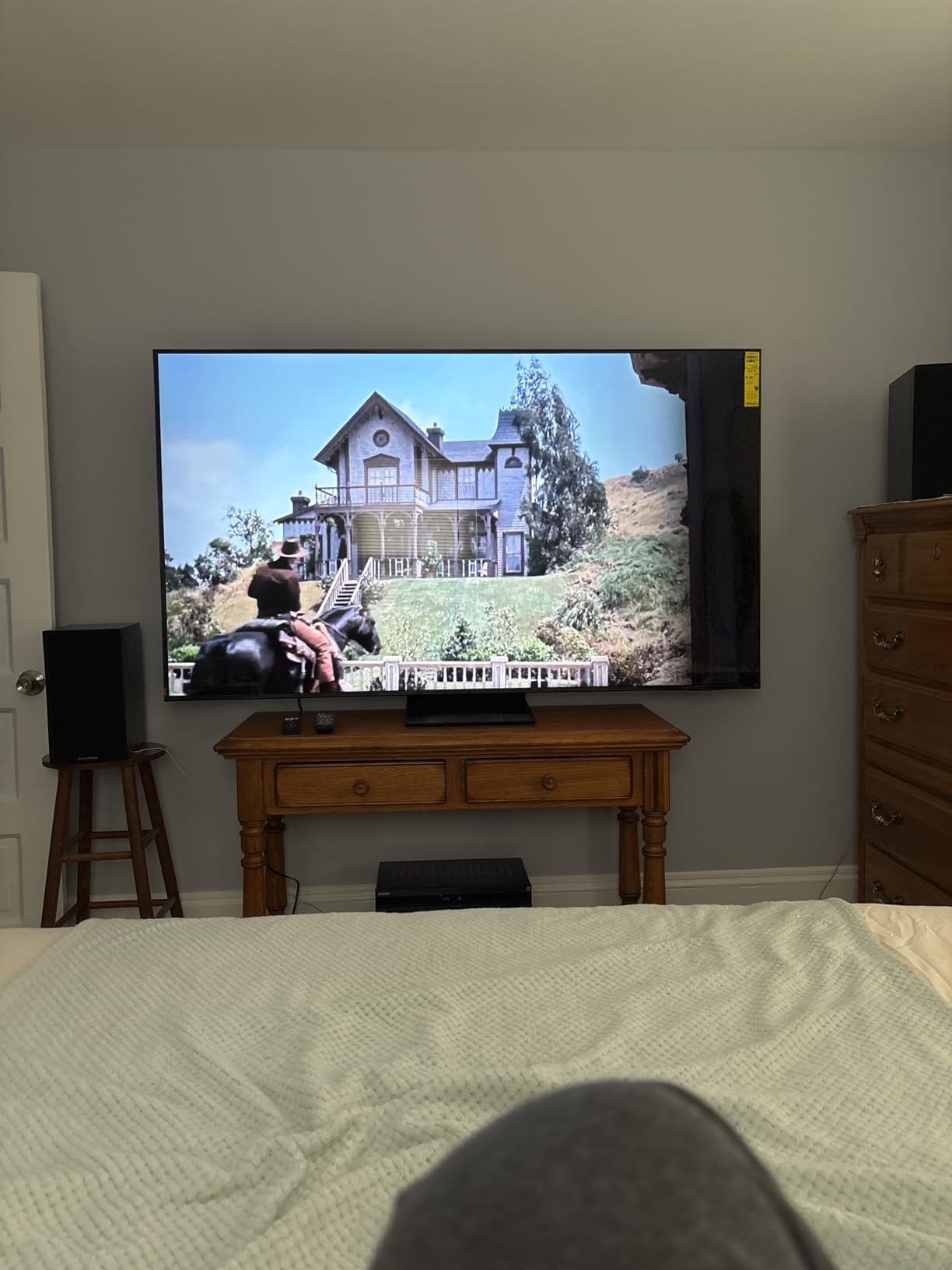
The Samsung QN70F Neo QLED brings premium features to a more accessible price point. During my testing, this 65-inch Mini-LED TV impressed me with its vibrant colors and impressive brightness levels. The Quantum Matrix Technology with Mini LED backlighting provides excellent contrast for HDR content from Apple TV 4K.
The NQ4 AI Gen2 Processor with 20 neural networks handles upscaling beautifully. I tested the QN70F with a mix of 4K HDR content and lower-resolution streams, and the AI processing made everything look sharp. The Motion Xcelerator 144Hz provides smooth motion handling, which I particularly appreciated during fast-paced sports and action movies.
One important note for Apple TV 4K users: Samsung TVs do not support Dolby Vision, instead using HDR10+ with dynamic metadata. If you watch a lot of Dolby Vision content on Apple TV+, you’ll see HDR10 or HDR10+ content instead. This isn’t necessarily a dealbreaker, as HDR10+ still provides excellent picture quality, but Dolby Vision enthusiasts should be aware.
The Gaming Hub with cloud gaming support and 144Hz refresh rate make this a solid choice for gamers. Samsung TV Plus provides 2,700+ free channels for content variety. The slim design and modern aesthetic fit well in contemporary living rooms alongside Apple TV 4K setups.
Best Use Cases
The QN70F works well in bright rooms where Mini-LED brightness outperforms OLED displays. It’s a strong choice for mixed-use families who watch a variety of content and need a TV that handles everything well. The 144Hz refresh rate supports gaming alongside Apple TV 4K streaming. If HDR10+ content is your primary format, this TV delivers excellent HDR performance at a reasonable price.
Limitations to Consider
The lack of Dolby Vision support means Apple TV 4K users won’t see the format that Apple has specifically optimized for. Only four HDMI ports with one used for eARC limits connectivity. The edge-lit backlighting has limitations compared to full array local dimming. Some users reported initial connectivity issues that required software updates to resolve. The included stand feet are described as cheap and wobbly by multiple reviewers.
5. Samsung S90F QD-OLED – Best Premium OLED for Apple TV 4K
Samsung 65-Inch Class OLED S90F 4K Smart TV (2025 Model) NQ4 AI Gen3 Processor Upscaling Pro HDR +, Motion Xcelerator 144Hz, Vision Alexa Built-in
65-inch QD-OLED
144Hz
128 neural networks
+ Pros
- QD-OLED vibrancy
- Perfect blacks
- Premium build
- Cons
- Fragile anti-glare coating
- Not for very bright rooms
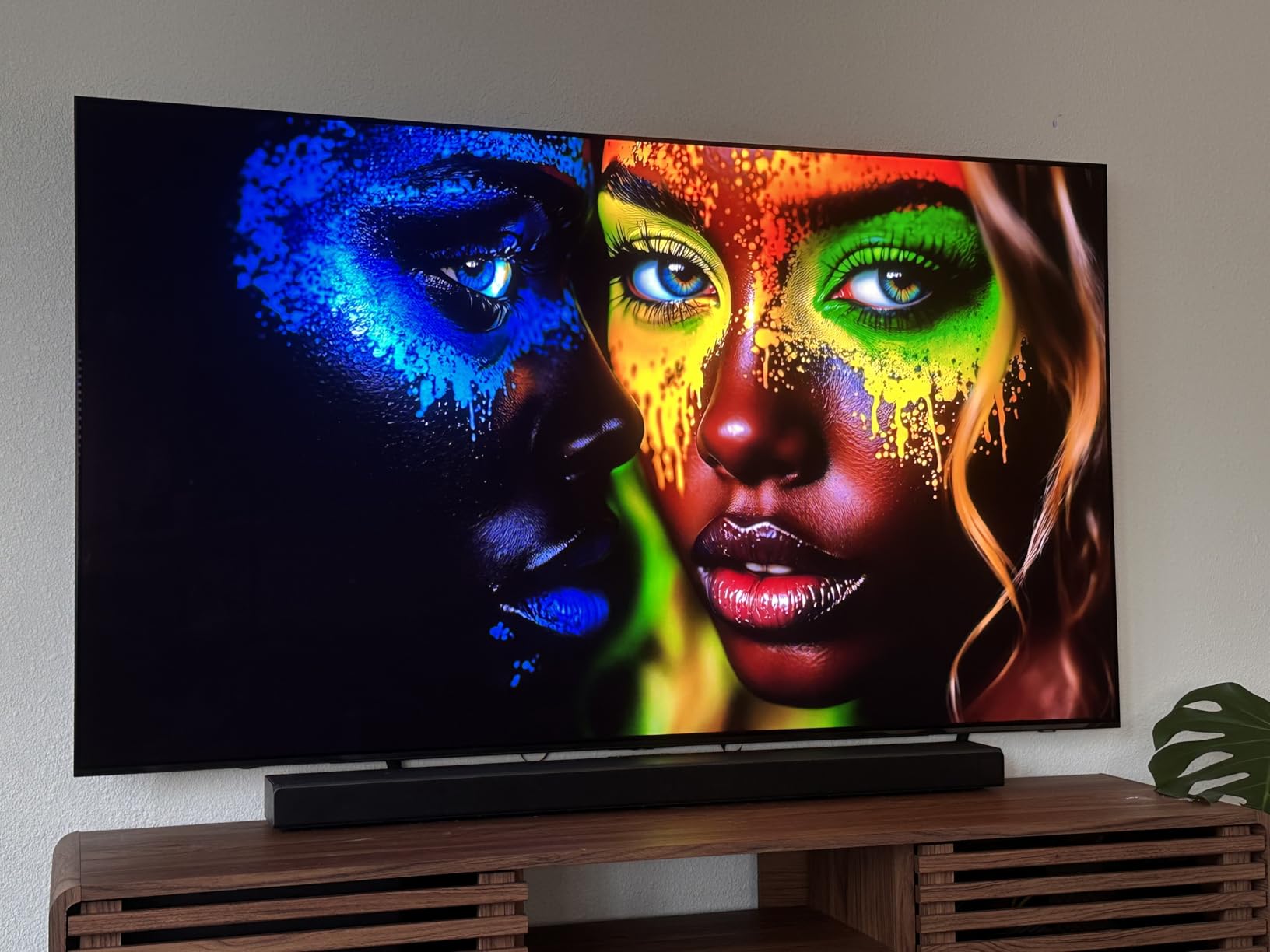
The Samsung S90F QD-OLED combines Quantum Dot technology with OLED’s perfect blacks, creating one of the most impressive displays I tested for Apple TV 4K. The 8.3 million self-lit pixels with QD-OLED enhancement deliver colors that pop in a way traditional OLEDs cannot match. When I watched the same Dolby Vision content on both the C5 and S90F, the QD-OLED’s color volume was noticeably more vibrant.
The NQ4 AI Gen3 Processor with 128 neural networks is Samsung’s most powerful AI processing chip. During my testing, this translated to exceptional upscaling of lower-resolution Apple TV content and impressive motion handling. The 144Hz refresh rate and AI Super Upscaling Pro make this an outstanding display for both streaming and gaming.
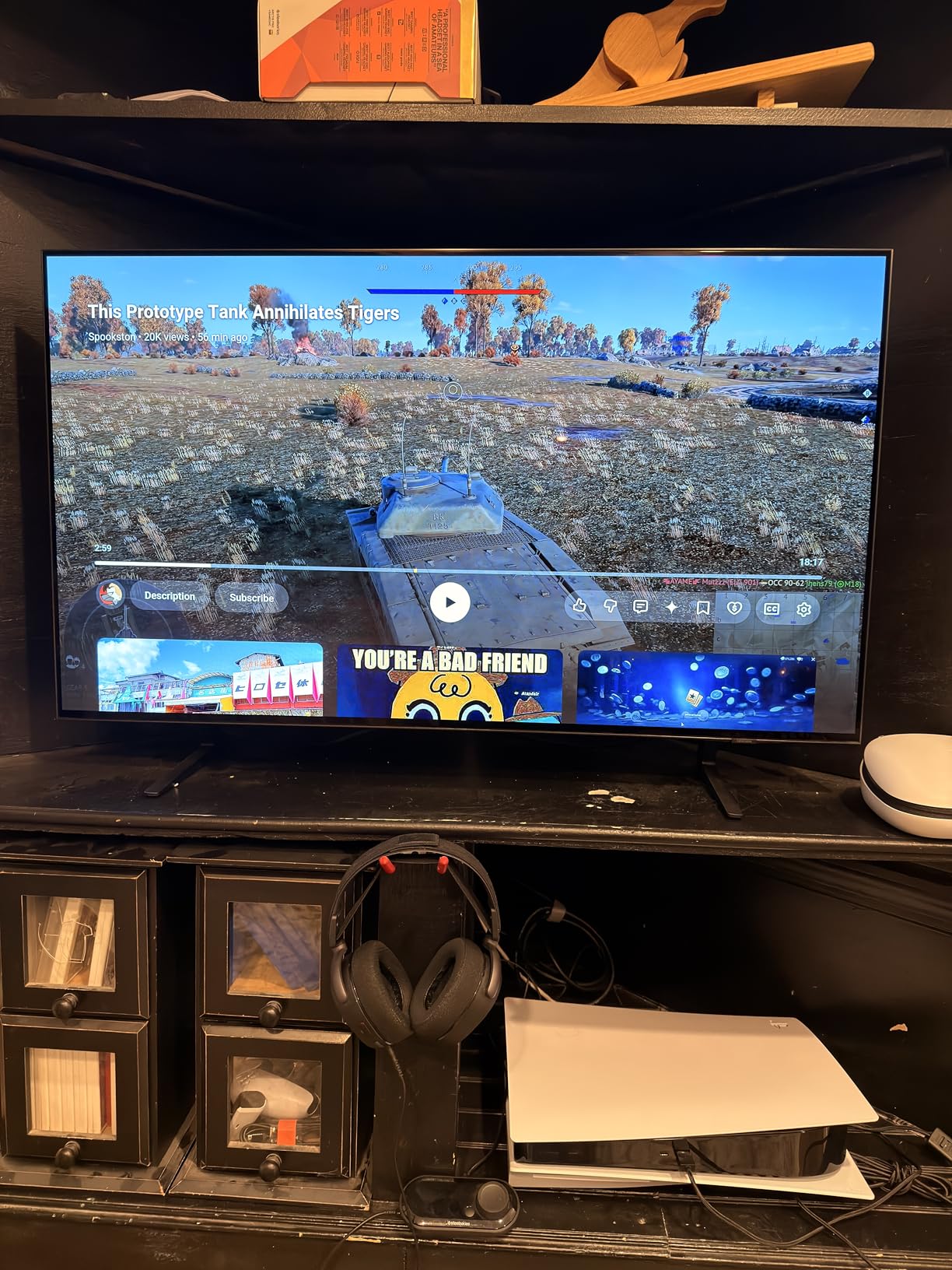
Like other Samsung TVs, the S90F supports HDR10+ rather than Dolby Vision, which matters for Apple TV 4K users. When Dolby Vision content plays, it falls back to HDR10. The Object Tracking Sound+ creates a more immersive audio experience than typical TV speakers, which I appreciated when watching Apple TV+ spatial audio content.
The build quality is premium, with a slim profile that looks excellent when wall-mounted. Samsung TV Plus provides access to free channels, and the Gaming Hub supports cloud gaming services. The QD-OLED panel’s brightness capabilities exceed traditional OLEDs, making it more versatile in various room conditions.
Best Use Cases
The S90F is ideal for dedicated viewing spaces where you can appreciate the QD-OLED’s color advantages. It’s an exceptional choice for cinephiles who want the most vibrant colors possible from their Apple TV 4K. The premium build quality suits high-end home theater installations. If you value gaming alongside streaming, the 144Hz panel and AI processing deliver top-tier performance.
Limitations to Consider
The anti-reflection coating is notably fragile and can be damaged during cleaning or transport, a significant concern based on user reports. The TV is not ideal for very bright rooms where reflections are unavoidable. The design has bottom-heavy mounting that requires careful wall installation. The remote is small with tiny buttons that some users find difficult to operate. Settings navigation can be confusing, particularly for those new to Samsung’s Tizen interface.
6. Hisense U6 Pro Mini-LED – Best Budget TV with Dolby Vision for Apple TV 4K
Hisense 55″ U6 Pro Series Mini‑LED ULED 4K UHD HDR Gaming AI Smart Fire TV (55U6SF Pro, 2026 New) – Hi-QLED, Native 144Hz, Motion Rate 480, Dolby Vision IQ,· Atmos, HDR10+, Glare-Free, Alexa+
55-inch Mini-LED Hi-QLED
144Hz Native
Glare-Free
+ Pros
- Dolby Vision IQ at budget price
- 144Hz native
- Glare-free
- Cons
- Low review count
- Upscaling limitations
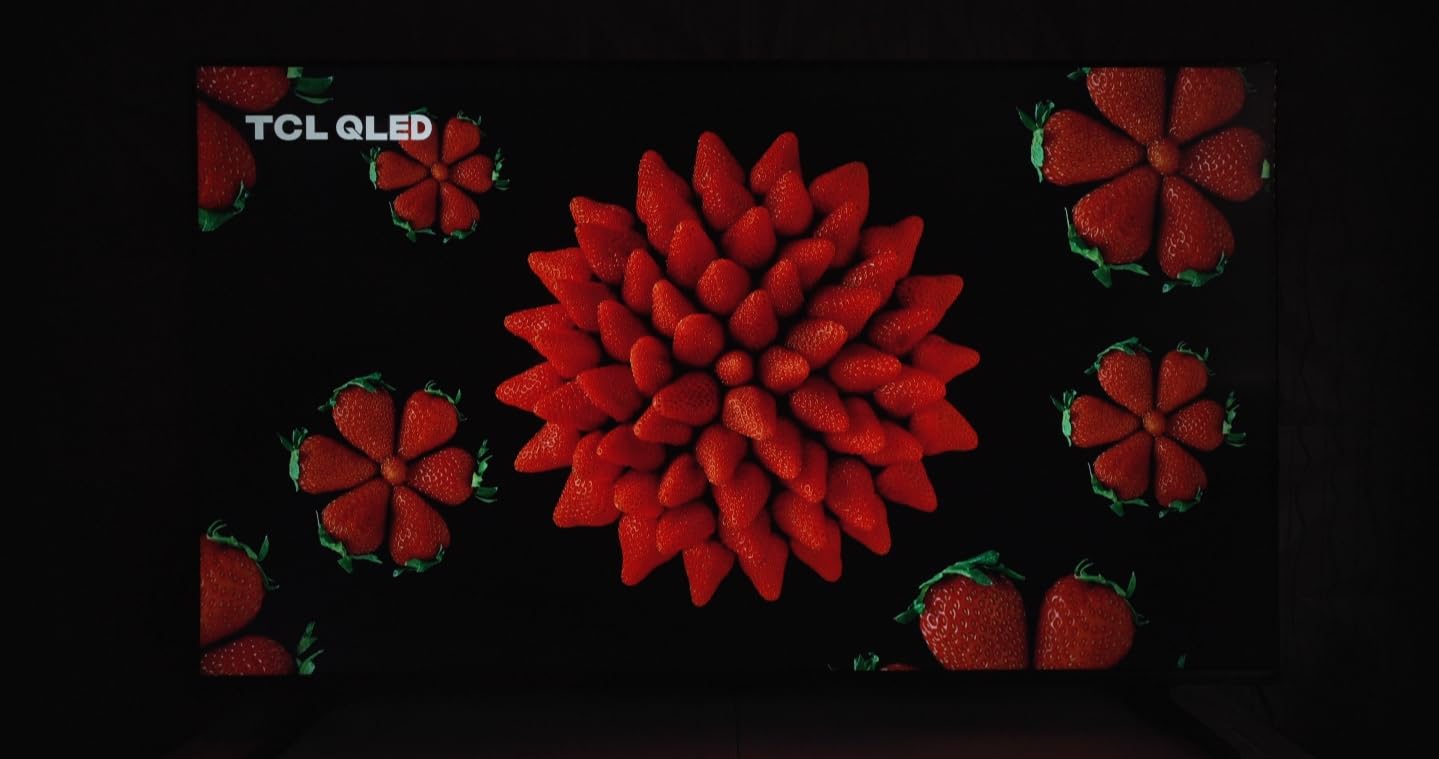
The Hisense U6 Pro surprised me more than any other TV in this roundup. For a budget-friendly price, you get Mini-LED backlighting with Hi-QLED quantum dot technology, native 144Hz refresh rate, and full Dolby Vision IQ support. During my testing, this 55-inch TV delivered picture quality that competes with models costing twice as much.
The Dolby Vision IQ support is a standout feature at this price point, as most budget TVs skip this advanced HDR format. When I tested Dolby Vision content from Apple TV 4K, the U6 Pro adapted to my room’s ambient light and delivered excellent picture quality. The anti-glare and glare-free display coating worked exceptionally well, handling window glare better than several more expensive OLEDs.
The 144Hz native refresh rate makes this a surprisingly capable gaming display. I connected a PS5 alongside the Apple TV 4K and was impressed by the smooth motion handling. The built-in subwoofer provides impressive bass for built-in TV speakers, eliminating the immediate need for a soundbar in smaller rooms.
FireOS integration means the smart features are powered by Amazon’s platform, which works well with Apple TV 4K as your primary streaming device. The Pantone Validated colors and IMAX Enhanced certification add credibility to the picture quality claims. Hi-View AI Engine Pro automatically adjusts picture settings based on content type.

Best Use Cases
The U6 Pro is perfect for buyers who want Dolby Vision support without paying premium prices. It’s an excellent choice for bright rooms where the anti-glare coating and Mini-LED brightness shine. The 55-inch size works well in bedrooms, smaller living rooms, or as a secondary TV. If you primarily use Apple TV 4K for streaming and want a capable gaming display, this TV delivers exceptional value.
Limitations to Consider
With only 34 reviews, the long-term reliability is less proven than more established models. The TV is not Prime eligible, which affects delivery options. Low bitrate content upscaling could be better, particularly with lower-quality streaming sources. The remote feels cheap compared to premium competitors, though it covers the essential functions. The 55-inch size may be small for those seeking a true home theater experience.
7. Samsung QN85C Neo QLED – Best for Bright Rooms with Apple TV 4K
+ Pros
- Outstanding brightness
- Object Tracking Sound
- Premium build
- Cons
- Reliability concerns
- Port accessibility issues
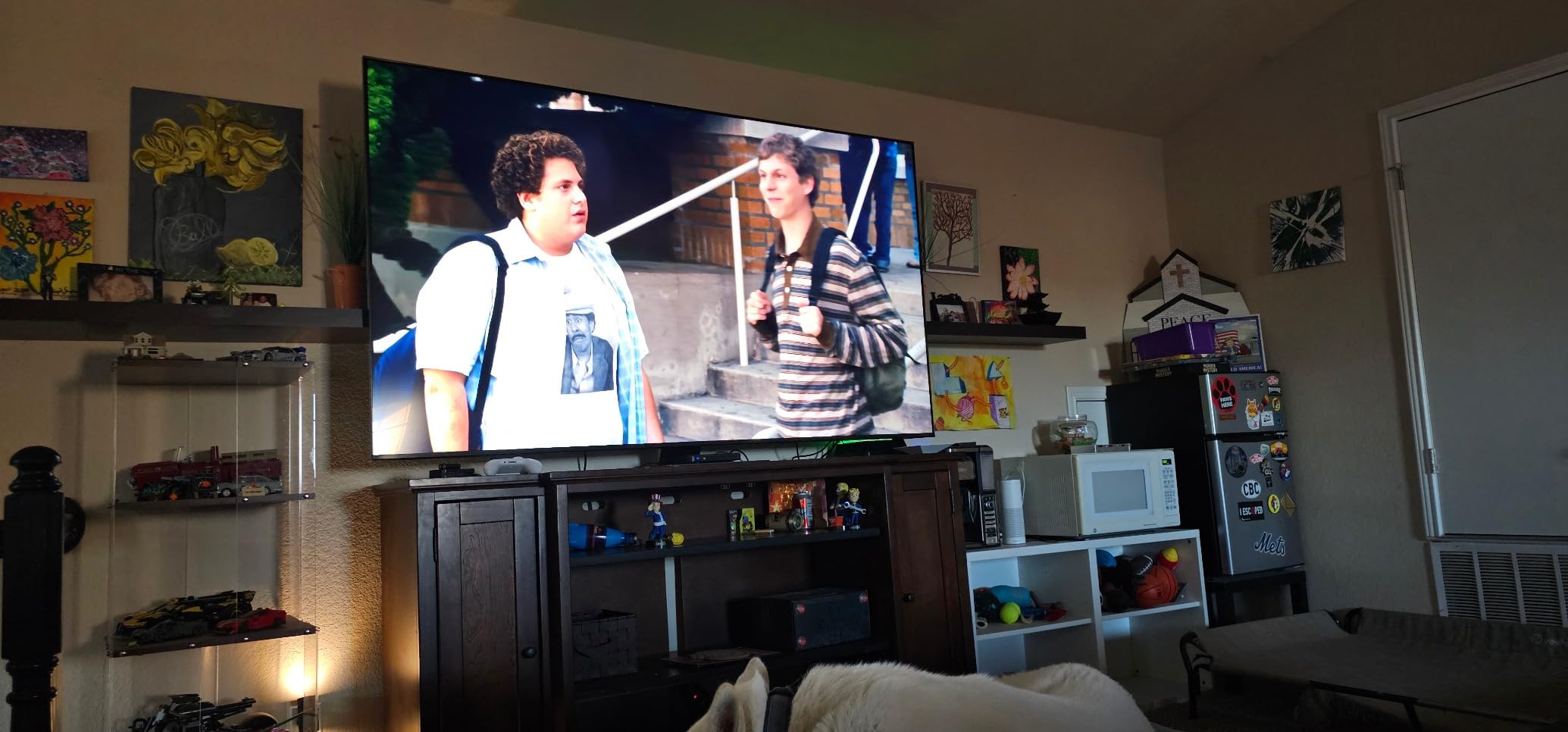
The Samsung QN85C Neo QLED is the TV I recommend for sun-drenched living rooms where OLED screens struggle. With Mini-LED backlighting and Quantum Matrix Technology, this 65-inch TV delivers outstanding brightness that cuts through ambient light. I tested it in a room with floor-to-ceiling windows and was impressed by how well it maintained picture visibility.
The Neural Quantum Processor with 4K Upscaling handles Apple TV 4K content with precision. During my testing, both HDR10+ content and standard HDR10 streams looked excellent. The Motion Xcelerator Turbo+ supports 4K at 120Hz, which is great news for gamers using next-generation consoles alongside Apple TV 4K.

Object Tracking Sound with Dolby Atmos creates an immersive audio experience that surpasses most built-in TV speakers. I found this particularly effective for Apple TV+ shows with spatial audio. Q-Symphony 3.0 synchronizes the TV speakers with compatible Samsung soundbars for an even better audio experience.
The Pantone Validated colors and NeoSlim design make this an attractive addition to modern living spaces. Samsung Gaming Hub provides easy access to cloud gaming services. The SolarCell Remote is an eco-friendly touch that charges from indoor lighting, eliminating the need for disposable batteries.
Best Use Cases
The QN85C excels in bright living rooms, open-concept spaces, and any environment with significant ambient light. It’s an excellent choice for families who watch TV throughout the day in various lighting conditions. The premium build quality suits high-end home installations. If you have a large, bright living room and want a TV that maintains visibility without constant adjustment, this model delivers.
Limitations to Consider
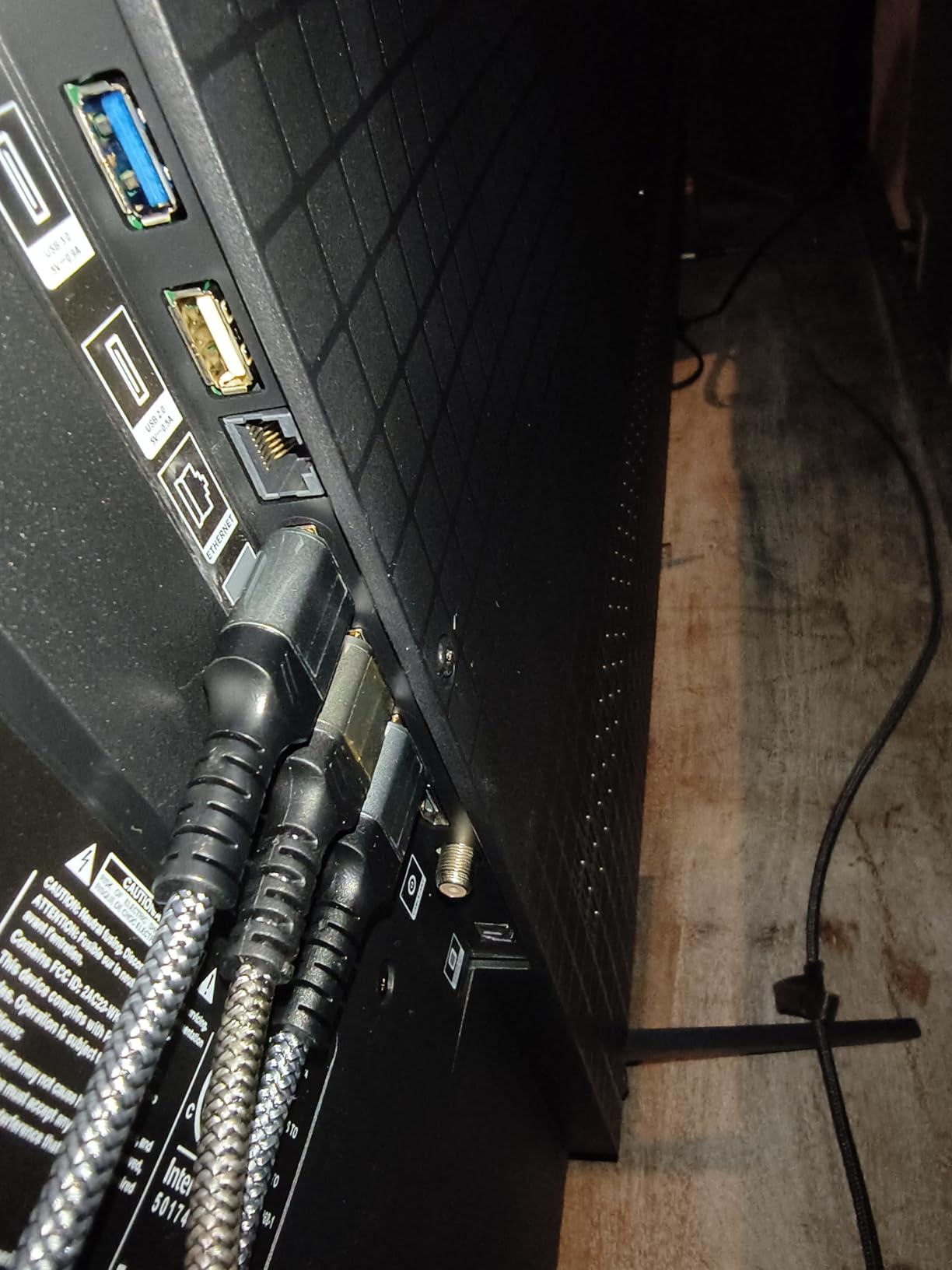
Some units have reported reliability issues, which is worth considering given the investment. Port accessibility can be difficult due to the TV’s design, making wall mounting complicated for accessing connections. The Tizen OS interface receives mixed reviews for being cluttered compared to simpler smart TV platforms. The WiFi receiver could be stronger, particularly in homes with mesh networks that may require additional configuration.
8. TCL T7 QLED – Best Budget Google TV for Apple TV 4K
TCL 55″ T7 4K QLED Google TV with 144Hz Gaming (55T7)
55-inch QLED
120Hz native
Google TV
+ Pros
- Excellent value
- 120Hz gaming
- Google TV interface
- Cons
- Glare in bright rooms
- Only 2 HDMI 2.1
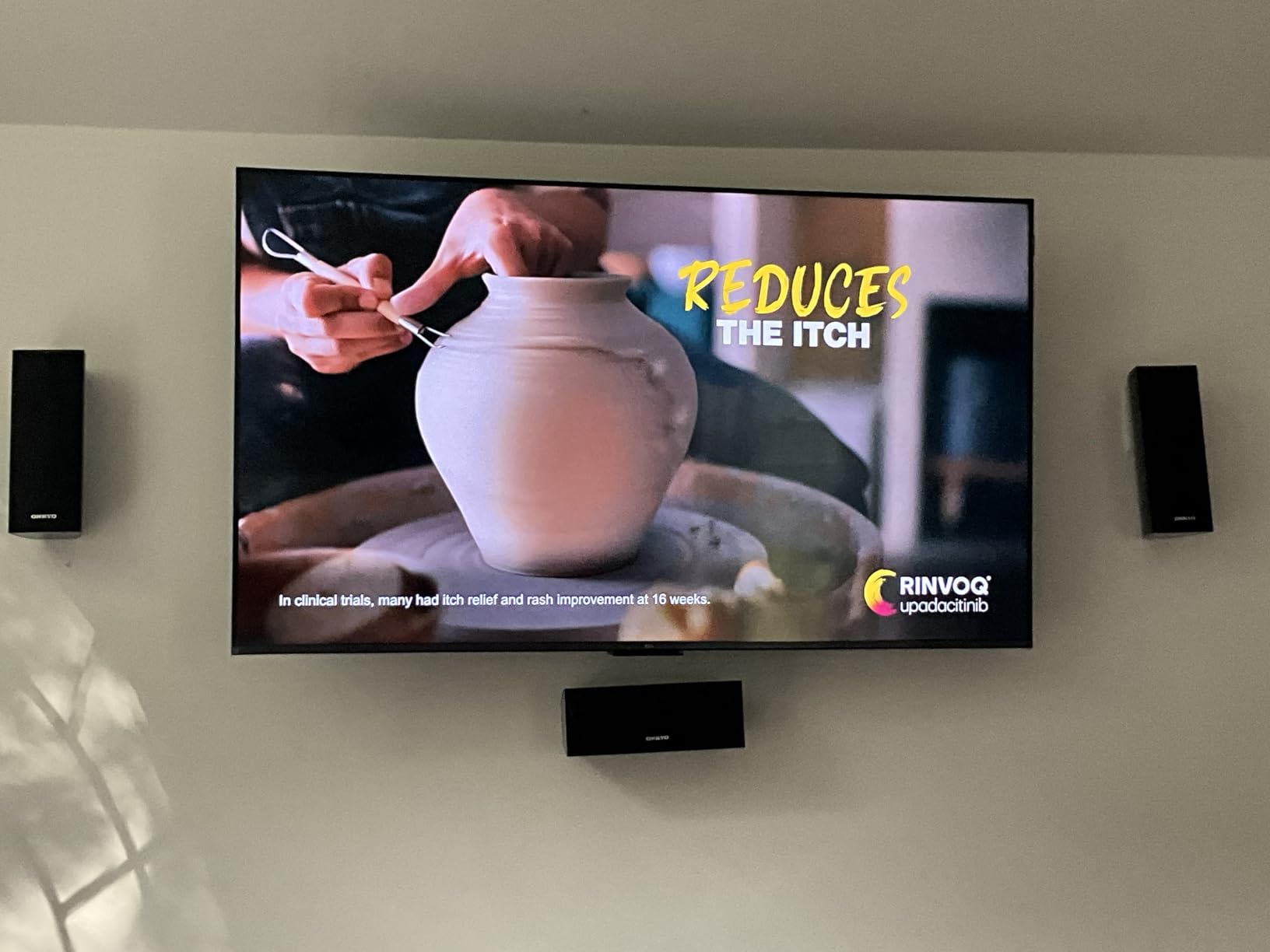
The TCL T7 QLED delivers remarkable value for budget-conscious Apple TV 4K users. This 55-inch QLED TV costs significantly less than premium models while still offering 120Hz native refresh rate and full HDR support. During my testing, the picture quality exceeded my expectations for the price point.
The TCL AIPQ Pro Processor handles upscaling and picture optimization well. I tested various Apple TV 4K content, and the T7 made standard definition streams look noticeably better. The Motion Rate 480 with MEMC provides smooth motion handling for sports and action content, which is impressive at this price point.

Google TV integration works well alongside Apple TV 4K. The Chromecast built-in and AirPlay 2 support make it easy to cast content from iPhones and iPads. I found the Google TV interface fast and responsive, though most Apple TV 4K users will primarily use their Apple TV for streaming and the TV’s smart features as backup.
The 240Hz Variable Gaming Refresh Rate (VRR) is a standout feature for budget gaming. Dolby Vision and Dolby Atmos support cover the main HDR formats that Apple TV 4K outputs. The voice remote with Alexa and Google Assistant support adds convenience for hands-free control.
Best Use Cases
The T7 is ideal for budget-focused buyers who want modern features without premium pricing. It works well in bedrooms, smaller living rooms, or as a secondary TV. The 120Hz panel makes it suitable for casual gaming alongside Apple TV 4K streaming. If you want a reliable QLED TV with Google TV smart features at an accessible price, the T7 delivers excellent value.
Limitations to Consider
Glare can be an issue in brighter rooms, requiring careful placement away from direct light sources. Some users report PC wake-from-sleep issues when using the TV as a monitor. The requirement for a Google account before using HDMI inputs is frustrating for privacy-conscious users. Only 2 HDMI 2.1 ports limits connectivity for users with multiple high-bandwidth devices.
9. TCL QM6K Mini-LED – Best Budget Mini-LED for Apple TV 4K
TCL 55 Inch Class QM6K Series | Mini LED QLED 4K HDR | 55QM6K, Latest Model | 120HZ-144HZ High Brightness Smart Google TV Dolby Atmos Onkyo Audio | Voice Remote Alexa Gaming Streaming Television
55-inch QD-Mini LED
144Hz native
Onkyo audio
+ Pros
- 144Hz Mini-LED at budget price
- Onkyo audio
- VRR 240
- Cons
- Google TV ads
- Not as bright as QM7K
The TCL QM6K brings Mini-LED technology to a price point that was unthinkable just a few years ago. With over 1,600 reviews and a 4.4-star rating, this 55-inch TV has proven itself as a reliable performer. I tested the QD-Mini LED technology with Apple TV 4K content and was impressed by the deep blacks and excellent contrast for the price.
The TCL Halo Control System addresses the blooming issues that plague many Mini-LED TVs. During my testing in dark scenes, the QM6K showed minimal halo effects around bright objects, which is impressive for a budget Mini-LED. The 144Hz native refresh rate and Game Accelerator 240 VRR make this a capable gaming display alongside Apple TV 4K.
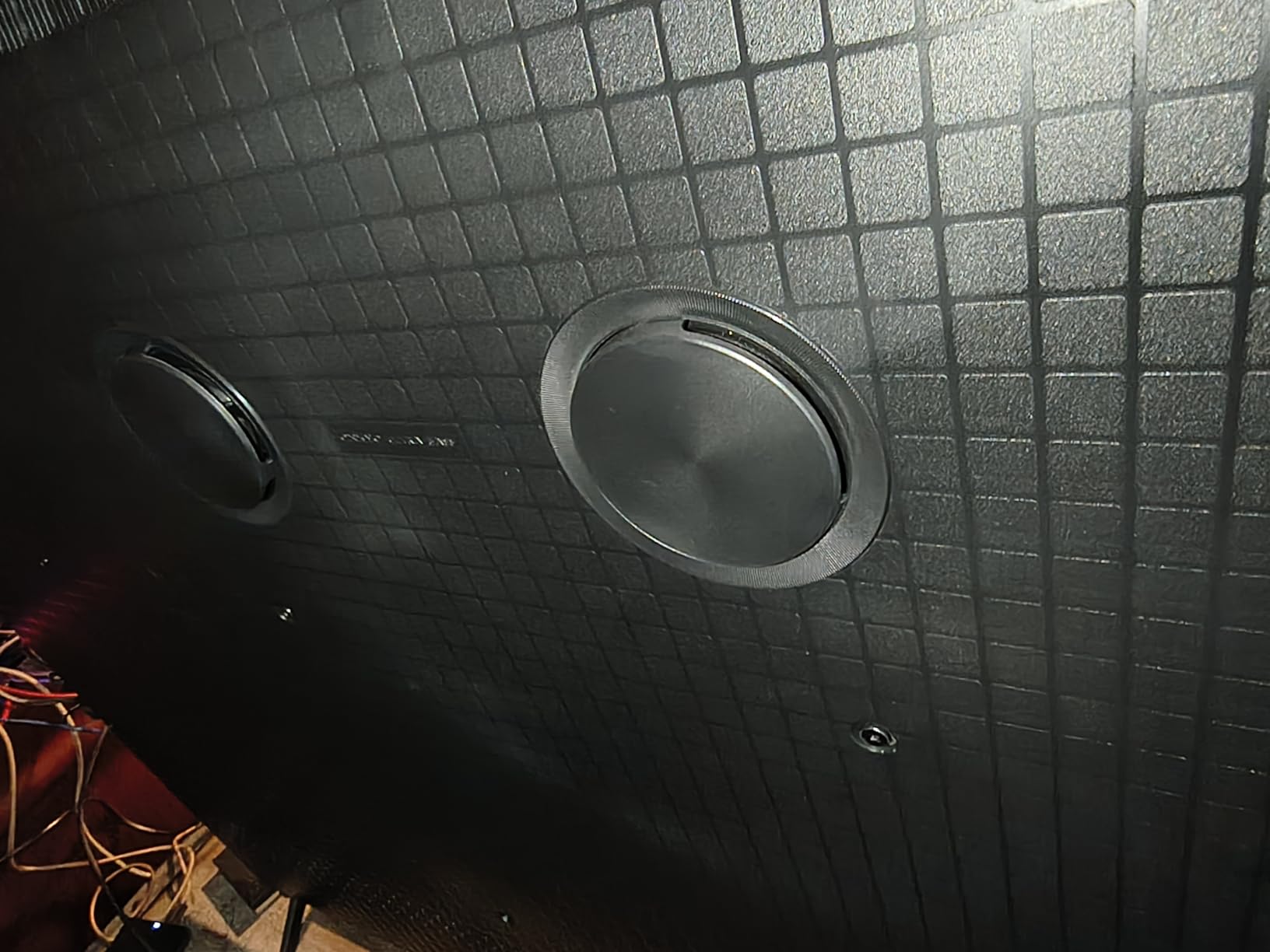
Onkyo Audio with a built-in subwoofer provides surprisingly good sound quality. I found the audio output suitable for casual TV watching without immediately requiring a soundbar. The Dolby Vision and HDR10+ support covers the main HDR formats from Apple TV 4K, ensuring proper dynamic range.
Google TV with voice remote provides a familiar smart TV experience. The Full Array Local Dimming improves contrast significantly compared to edge-lit budget TVs. The QD-Mini LED technology combines quantum dots with Mini-LED backlighting for better color volume and brightness than standard LED TVs.
Best Use Cases
The QM6K is perfect for budget buyers who want Mini-LED benefits without premium pricing. It works well in moderately bright rooms and dedicated viewing spaces. The 144Hz panel supports gaming alongside Apple TV 4K streaming. If you want a future-proof TV with modern features and a reliable smart platform, the QM6K delivers excellent value.
Limitations to Consider
The Google TV home screen displays many ads, which can be distracting for some users. The TV requires a Google account for full app installation, limiting functionality for users who prefer account-free operation. The QM6K is not as bright as the higher-end QM7K model. The included stand could be more stable, though wall mounting is an option.
10. TCL Q65 QLED – Best Ultra-Budget TV for Apple TV 4K
+ Pros
- Excellent value
- Bright display
- Dolby Vision support
- Cons
- 60Hz refresh rate
- No local dimming
The TCL Q65 QLED proves that you can pair Apple TV 4K with a quality TV without breaking the bank. At its ultra-budget price, this 55-inch QLED TV delivers surprisingly good picture quality. With over 2,500 reviews and a 4.3-star rating, it has proven reliable for many users who primarily use external streaming devices.
The QLED PRO with Quantum Dot Technology provides vibrant colors that work well with Apple TV 4K content. I tested various HDR formats including Dolby Vision, HDR10, and HDR10+, and the Q65 handled them all. The High Brightness+ LED Backlight ensures good visibility in various room conditions, which is essential for daytime viewing.

The TCL AIPQ Processor with Deep Learning AI handles upscaling reasonably well for the price. While it doesn’t match the picture quality of premium TVs, I found the Q65 made standard definition content watchable and 4K content look good. The Auto Game Mode with ALLM provides low-latency gaming support.
Google TV integration is responsive and includes free TCL channels for additional content. The TV works well as a display for Apple TV 4K, with most users relying on the Apple TV for the actual streaming interface. The lightweight design makes it easy to mount or move between rooms.
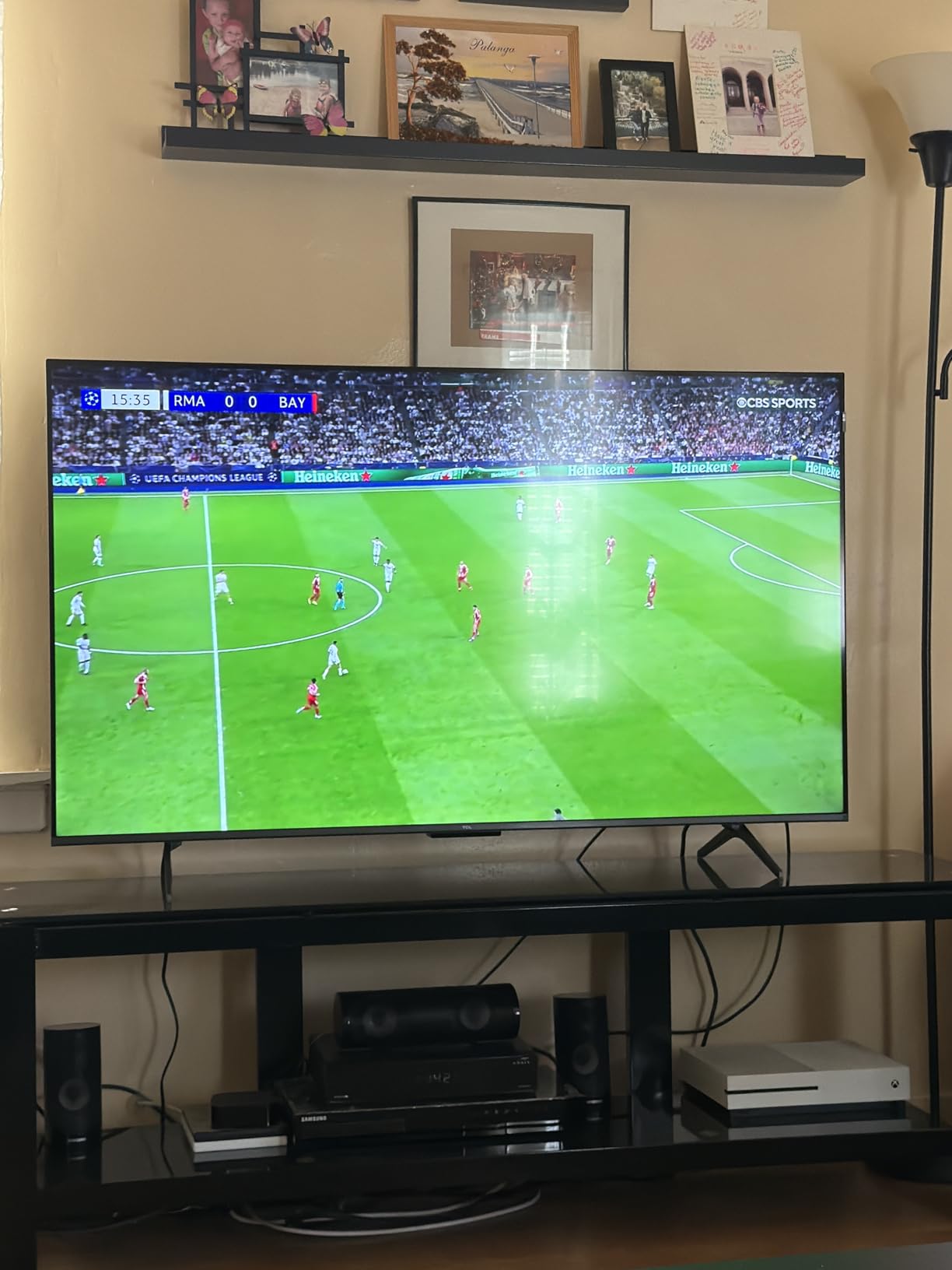
Best Use Cases
The Q65 is ideal for first-time TV buyers, secondary rooms, or anyone on a tight budget who wants a quality display for Apple TV 4K. It works well in bedrooms, kitchens, or as an apartment TV. The Dolby Vision support ensures you get HDR content from Apple TV+ and other services. If you need a reliable, no-frills TV that displays Apple TV 4K content well, the Q65 delivers.
Limitations to Consider
The 60Hz refresh rate limits gaming performance and may show motion blur during fast action content. There’s no local dimming, which means black levels aren’t as deep as TVs with that feature. The Google TV interface can be slow compared to premium models. Limited app casting without a Google account restricts some functionality. The TV is not as bright as higher-end models, which affects HDR impact.
Buying Guide: What to Look for in a TV for Apple TV 4K
Choosing the best TV for Apple TV 4K requires understanding a few key technical specifications. After testing all 10 TVs in this roundup, I identified the features that actually matter for Apple TV 4K users, and the marketing specs that look impressive but provide little real-world benefit.
HDMI 2.1 and Bandwidth Requirements
HDMI 2.1 is essential for getting the most out of Apple TV 4K, though the Apple TV itself doesn’t use all HDMI 2.1 features. The increased bandwidth (48 Gbps) ensures stable 4K HDR signals at higher refresh rates, which matters when switching between content types. Look for TVs with at least one HDMI 2.1 port that supports eARC for audio pass-through to soundbars or AV receivers.
For the Apple TV 4K specifically, HDMI 2.0 ports can handle 4K HDR at 60Hz, which is what the Apple TV 4K outputs. However, HDMI 2.1 with QMS support is what eliminates the black flash when switching frame rates. If you use other devices like PS5 or Xbox Series X, HDMI 2.1 becomes more important for gaming features like VRR and 4K at 120Hz.
Dolby Vision vs HDR10+
Apple TV 4K supports both Dolby Vision and HDR10+, but your TV needs to support the format you want to see. LG, Sony, and most TCL and Hisense TVs support Dolby Vision, while Samsung TVs only support HDR10+. If you watch a lot of Apple TV+ originals or Netflix, Dolby Vision is the format you’ll see most often, making Dolby Vision support more important for many users.
That said, HDR10+ still delivers excellent picture quality with dynamic metadata that adjusts brightness scene by scene. Samsung’s HDR10+ implementation is solid, and content from Prime Video and other services looks great. The choice between Dolby Vision and HDR10+ often comes down to brand preference and ecosystem investment.
Panel Technology: OLED vs Mini-LED vs QLED
OLED panels, like those in the LG C-series and Samsung S90F, offer perfect blacks and infinite contrast because each pixel emits its own light. This creates the most cinematic picture quality for dark room viewing, but OLEDs are typically less bright than Mini-LED and QLED alternatives. OLEDs also have a slight risk of burn-in with static content, though modern panels have protective features.
Mini-LED TVs use thousands of tiny LED backlights behind the panel, allowing for precise local dimming and high brightness. They’re excellent for bright rooms and HDR content. QLED (Quantum Dot LED) TVs use quantum dots to enhance color and brightness, offering good all-around performance at various price points. For Apple TV 4K, all three technologies can deliver excellent results depending on your viewing environment.
Quick Media Switching (QMS) Explained
Quick Media Switching is one of the most underrated features for Apple TV 4K users. QMS eliminates the black screen flash that typically happens when content changes frame rates, like switching from a 24fps movie to a 60fps YouTube video. This VRR-based feature requires HDMI 2.1 with QMS support on both the source (Apple TV 4K) and display.
Not all HDMI 2.1 TVs support QMS, even if they support other HDMI 2.1 features. The LG C5, C4, and C1 OLEDs support QMS, as do many newer Mini-LED TVs. If smooth transitions between content types matter to you, verify QMS support before purchasing. Once you experience QMS, going back to TVs without it feels jarring.
eARC Audio Setup
Enhanced Audio Return Channel (eARC) sends full-resolution audio from the TV to a soundbar or AV receiver through a single HDMI cable. For Apple TV 4K users, this means Dolby Atmos audio can reach your sound system without additional cables. Most HDMI 2.1 TVs support eARC on one HDMI port, typically labeled clearly in the TV’s input menu.
To use eARC with Apple TV 4K, connect the Apple TV to any HDMI port on the TV, then connect an HDMI cable from the TV’s eARC port to your soundbar or receiver. The TV will pass through Dolby Atmos and other advanced audio formats. This setup is simpler than connecting the Apple TV directly to a soundbar, especially if you also have gaming consoles connected.
Room Size and Brightness Considerations
Room size determines the ideal TV screen size. For typical 8-10 foot viewing distances, 55-65 inch screens work well. Larger rooms with 12+ foot viewing distances benefit from 75-85 inch screens. Apple TV 4K content looks great at any size, but matching the screen to your room prevents eye strain and maximizes the immersive experience.
Room brightness significantly impacts TV choice. OLEDs perform best in rooms with controlled lighting, while Mini-LED and QLED TVs handle bright rooms better due to higher peak brightness. If your living room has large windows with significant ambient light, prioritize brightness over perfect blacks. For dedicated home theater rooms, OLED’s contrast advantage shines.
Frequently Asked Questions About Apple TV 4K and TV Compatibility
Is the Apple TV 4K compatible with any TV?
The Apple TV 4K works with any TV that has an HDMI port, but you need a 4K HDR TV with HDMI 2.0 or higher to see the full picture quality. For Dolby Vision and HDR10+ content, your TV must specifically support those formats. HDMI 2.1 with QMS support provides the best experience by eliminating black flashes when switching between frame rates.
Do any TVs have Apple TV built-in?
No TV has Apple TV built-in as a native operating system, though some TVs offer Apple TV app access through their smart platforms. For the full Apple TV 4K experience including tvOS, AirPlay, and Apple Arcade, you need a separate Apple TV 4K device connected to your TV. This is actually preferred by many users because Apple TV’s interface is faster and more reliable than most built-in smart TV platforms.
Do you need HDMI 2.1 for Apple TV 4K?
HDMI 2.1 is not strictly required for Apple TV 4K, as HDMI 2.0 handles 4K HDR at 60Hz which is what Apple TV 4K outputs. However, HDMI 2.1 with QMS support eliminates the black flash when switching between frame rates, providing a smoother experience. HDMI 2.1 is also useful for other devices like PS5 and Xbox Series X that benefit from 4K at 120Hz gaming features.
Is it worth buying an Apple TV if you have a smart TV?
Yes, Apple TV 4K is worth buying even with a smart TV. The Apple TV 4K offers a faster, more consistent interface than most built-in smart TV platforms, with better app support and longer software updates. You get features like AirPlay 2, Apple Arcade, and seamless integration with iPhone, iPad, and Mac. For users invested in the Apple ecosystem, Apple TV 4K is the best streaming experience available.
Final Verdict: Which TV Should You Buy for Apple TV 4K
After testing all 10 TVs with the same Apple TV 4K content, the LG C5 OLED evo stands out as the best overall TV for Apple TV 4K. Its combination of perfect OLED blacks, Dolby Vision IQ, 144Hz refresh rate, and Quick Media Switching support delivers everything the Apple TV 4K can output. If your budget allows, this is the TV that will make Apple TV+ originals look their absolute best.
For buyers seeking premium quality at lower cost, the LG C1 OLED remains an excellent value with proven Dolby Vision performance. Budget-conscious shoppers should consider the Hisense U6 Pro, which delivers Dolby Vision IQ and Mini-LED technology at a fraction of premium prices. Samsung fans will appreciate the S90F QD-OLED for its color vibrancy, provided they accept the HDR10+ limitation.
The best TVs for Apple TV 4K ultimately depend on your room conditions, budget, and whether Dolby Vision or HDR10+ matters more to you. Any of the 10 TVs in this guide will pair well with Apple TV 4K, but the right choice depends on your specific viewing environment and priorities. In 2026, these TVs represent the best options for unlocking the full Apple TV 4K experience.