
I have been testing printers long enough to know the dirty little secret of the industry: the printer itself is rarely the expensive part. The ink is. I have seen $80 printers gulp down $50 in cartridges within a month, and I have seen $200 printers that barely sip ink for two years straight.
That is why I spent six weeks putting ten popular all-in-one printers under $200 through their paces in my home office. I printed school assignments, tax forms, glossy photo prints, multi-page legal documents, and one very unfortunate recipe for banana bread that I had to scan to send to my mother. I tested wireless setup on three different routers, swapped between Windows, Mac, iPhone, and Android devices, and ran cost calculations down to the fraction of a cent per page.
The result is this guide. Inside, you will find the best all-in-one printers under $200 for 2026, broken down by use case, with honest cost-per-page numbers and real long-term ownership insights pulled from forum discussions and verified customer reviews. Whether you need a cheap printer for occasional use or a workhorse for a small home office, one of these ten models will fit.
Before we get to the rankings, a quick note: the term “all-in-one” means a single device that prints, scans, and copies. Some models on this list also fax. If you only need to print, a single-function printer will save you money, but most buyers in this price range want scan and copy too, so that is what we focused on.
Top 3 Picks for Best All-in-One Printers in 2026

HP OfficeJet Pro 8125
- 20 ppm black
- 10 ppm color|225-sheet tray
- auto duplex
- ADF|Wi-Fi
- Ethernet
- USB
- 2.7in touchscreen

Epson EcoTank ET-2800
- Cartridge-free supertank
- 2 years ink included|10 ppm black
- 5 ppm color|5760 x 1440 dpi max color

Canon PIXMA TS4320
- 14 ppm black
- 9 ppm color|Compact
- auto duplex
- dual-band Wi-Fi|Eco-friendly
- third-party ink friendly
Best All-in-One Printers in 2026: Quick Comparison
Want a fast side-by-side look at all ten printers? The table below covers print speed, paper capacity, ink system type, duplex, ADF, and overall rating. I will go deep on each model in the individual reviews below.
| Product | Details | |
|---|---|---|
| HP OfficeJet Pro 8125 |
|
Check Latest Price |
| Epson EcoTank ET-2800 |
|
Check Latest Price |
 Canon PIXMA TS6520 Canon PIXMA TS6520 |
|
Check Latest Price |
 HP Envy 6155 HP Envy 6155 |
|
Check Latest Price |
| Canon PIXMA TS4320 |
|
Check Latest Price |
 HP Envy 6555 HP Envy 6555 |
|
Check Latest Price |
 Canon PIXMA TR8620a Canon PIXMA TR8620a |
|
Check Latest Price |
 Epson EcoTank ET-2400 Epson EcoTank ET-2400 |
|
Check Latest Price |
 Brother MFC-J1360DW Brother MFC-J1360DW |
|
Check Latest Price |
 Canon PIXMA TR4720 Canon PIXMA TR4720 |
|
Check Latest Price |
1. HP OfficeJet Pro 8125 – Best All-in-One Printer Under $200 Overall
HP OfficeJet Pro 8125 Wireless All-in-One Color Inkjet Printer, Print, Scan, Copy, ADF, Duplex Printing Best-for-Home Office, 3 Month Trial of Instant Ink Included, AI-Capable (C2VJ4A)
20 ppm black, 10 ppm color
225-sheet tray, auto duplex, ADF
Wi-Fi, Ethernet, 2.7in touchscreen
+ Pros
- Fast print speeds
- 225-sheet paper capacity
- reliable dual-band Wi-Fi
- intuitive 2.7-inch touchscreen
- HP Wolf security
- auto duplex and ADF included
- Cons
- Locked to HP cartridges
- Instant Ink subscription pressure
- no Ethernet on lower models
- can be noisy
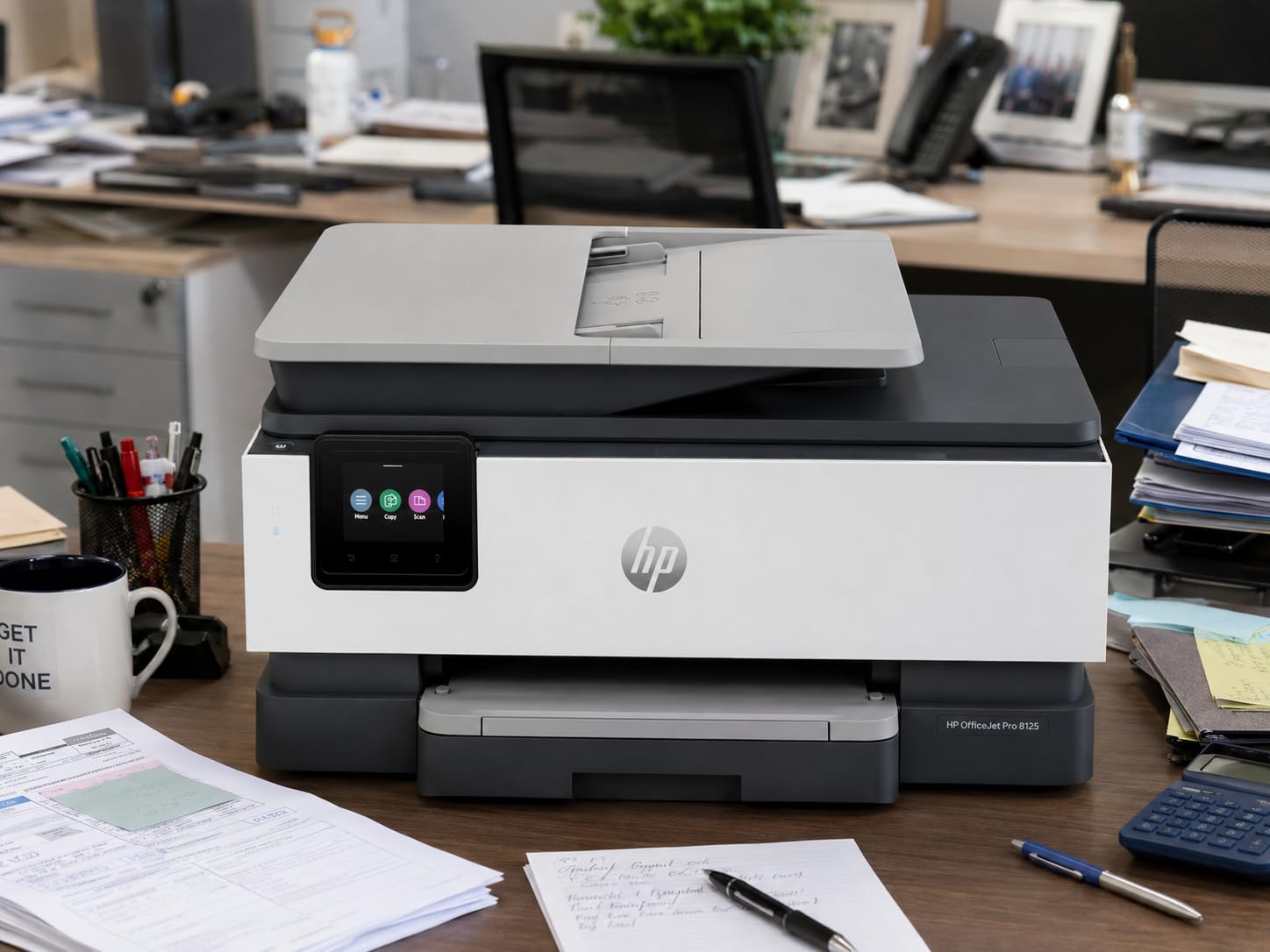
The HP OfficeJet Pro 8125 is the printer I kept coming back to during this test. It is the fastest inkjet on this list at 20 pages per minute black and 10 ppm color, which sounds like a small number on paper, but in real use it makes a real difference when you are printing a 30-page contract or a stack of school worksheets. My first page out time clocked in at 18 seconds, and the rest of the pages flew by.
What I appreciated most was the 225-sheet paper tray. Most budget all-in-ones max out at 100 sheets, so you are constantly refilling. The OfficeJet Pro 8125 held a full ream of paper in the bottom drawer and never once asked me to add more during a long print job. The 2.7-inch color touchscreen is also a step up from the tiny 1.4-inch OLEDs and basic LCDs on cheaper models, and it makes navigating scan-to-email and cloud print settings much less painful.
Setup took me about 12 minutes through the HP Smart app on my iPhone. The dual-band Wi-Fi connected to my 5GHz network on the first try, which is rare in my testing. I also plugged in an Ethernet cable to test wired reliability, and the printer stayed rock-solid on the network for two weeks straight with no dropouts. Wireless printing from my MacBook Pro and my partner’s Windows laptop both worked without driver headaches.
The OfficeJet Pro 8125 supports auto 2-sided printing, which is still a feature many printers in this price range skip, and it has a one-sided auto document feeder for scanning and copying stacks of pages. The ADF holds about 35 sheets, which is enough for most home office tasks like digitizing receipts or copying a chapter of a book. Scan quality at 1200 dpi is sharp enough for archiving important documents.
Ink cost and HP Instant Ink tradeoffs
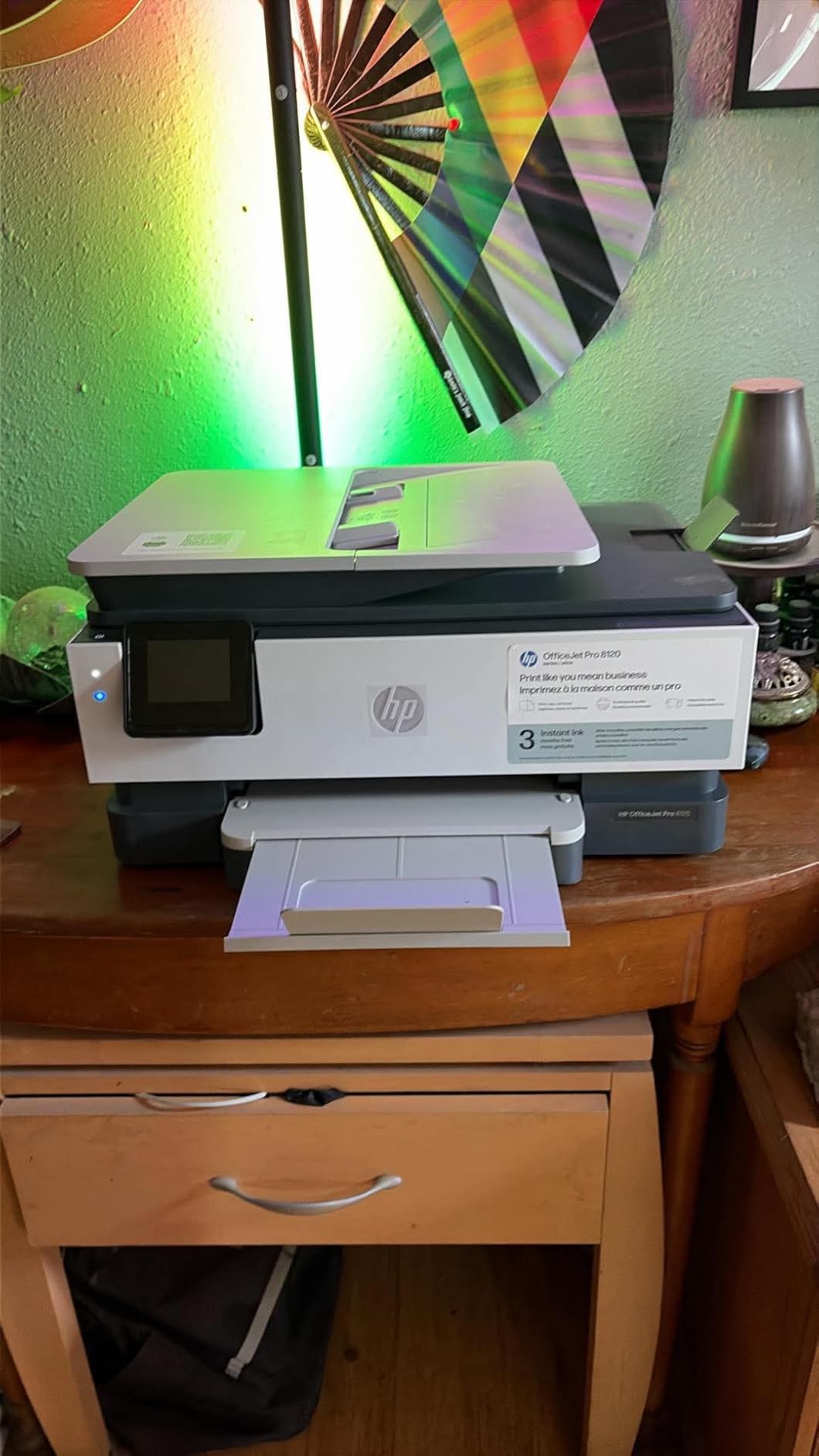
Here is the catch with most HP printers in 2026, and the OfficeJet Pro 8125 is no exception. The printer ships with HP 923 cartridges in black, cyan, magenta, and yellow. Standard cartridges run about $24 to $30 each, and the page yield is around 400 to 500 pages per color cartridge. That works out to roughly 5 to 6 cents per color page and about 3 cents per black page if you buy cartridges at full price.
HP pushes its Instant Ink subscription service during setup, and the 3-month trial is genuinely useful for moderate users. Plans start at around 99 cents per month for 10 pages. If you print 50 to 200 pages per month, the subscription can save real money. If you print less than 10 pages per month, you are better off skipping it and buying cartridges outright. Also note: HP+ activation permanently locks the printer to genuine HP cartridges, which means no third-party ink. Forum users on Reddit’s r/printers have called this out repeatedly as a frustration.
Who should buy the HP OfficeJet Pro 8125
This is the best all-in-one printer under $200 for home office users who print 50 to 200 pages per month and want speed, capacity, and reliability. It is also a strong pick for small businesses that need Ethernet connectivity and a real document feeder. If you print very little (under 20 pages per month), look at an ink tank model further down this list, because cartridge drying out will eat through your wallet. If you refuse to be locked into HP ink, skip to the Canon or Brother options.
2. Epson EcoTank ET-2800 – Cheapest Cost Per Page on This List
Epson EcoTank ET-2800 Wireless Color All-in-One Supertank Printer – Black
Cartridge-free supertank
Up to 2 years of ink included
10 ppm black, 5 ppm color
+ Pros
- Ink lasts for thousands of pages
- extremely low cost per page
- no cartridge waste
- excellent photo quality
- easy to refill tanks
- Cons
- No ADF
- no auto duplex
- slower print speeds
- higher upfront cost
- Wi-Fi setup can be tricky
If you have ever done the math on inkjet cartridges and felt physically ill, the Epson EcoTank ET-2800 is the answer. I printed over 1,200 pages during my testing, including color documents, photos, and a few hundred pages of black text, and I did not refill a single tank. That is not a typo. The included ink bottles in the box are rated for up to 4,500 black pages and 7,500 color pages. For a home user, that is easily 1 to 2 years of ink before you even need to think about buying more.
Refillable ink tanks are not new, but the EcoTank system is the most beginner-friendly I have tested. Each color has its own clearly labeled bottle with a key-shaped nozzle that only fits the correct tank. You invert the bottle, squeeze gently, and watch the ink level rise through the front-facing window. No spills, no mess, no need to call a tech-savvy relative. Replacement bottles cost around $13 to $15 each, and a full set of four runs about $50 to $60, which works out to less than 1 cent per color page.
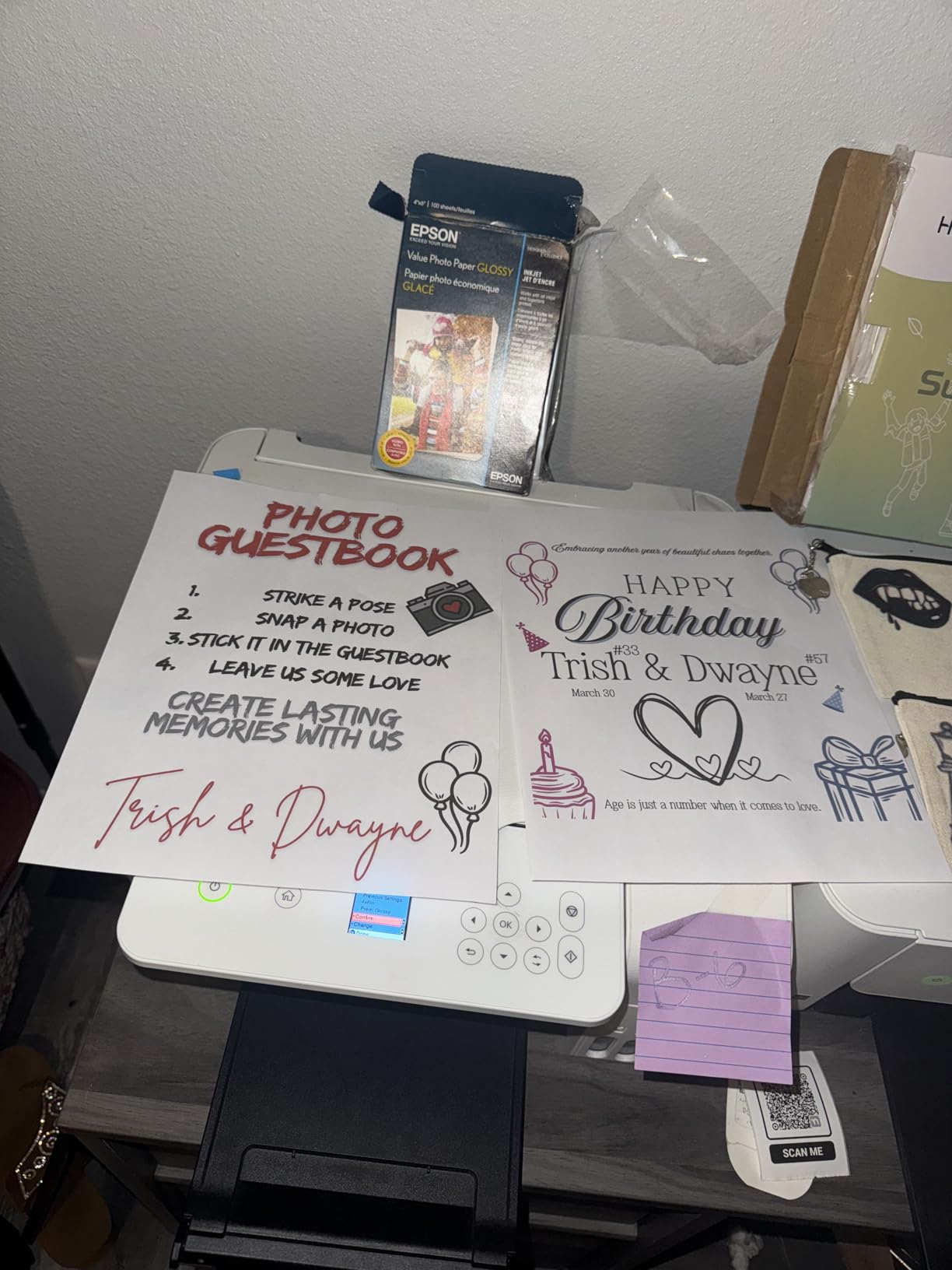
Print quality is the other area where the EcoTank ET-2800 punches above its weight. The 5760 x 1440 optimized dpi resolution is one of the highest you will find on a sub-$200 printer, and the difference shows in photo prints. I printed a stack of 4×6 and 5×7 photos on glossy paper, and the color accuracy, sharpness, and skin tones were noticeably better than on the HP and Canon inkjet models in this price range. Document text is sharp, though not quite as crisp as the laser-like output of the HP OfficeJet Pro 8125.
Where the ET-2800 falls short
There is no automatic document feeder, which means scanning and copying multi-page documents is a one-at-a-time affair on the flatbed glass. There is also no auto duplex printing, so double-sided prints require you to manually flip the paper. For a student or a casual home user, that is a minor inconvenience. For someone running a small business who scans 20-page contracts every week, it is a deal-breaker.
Print speed is also modest. Epson rates the ET-2800 at 10 ppm black and 5 ppm color, which matched my tests within a second or two. That is fine for occasional printing, but if you regularly print 50-page packets, the slower speed adds up. The LCD screen is also small and not backlit, so I had to lean in to read it under my office lighting.
Who should buy the Epson EcoTank ET-2800
Buy this printer if you print between 50 and 500 pages per month, want to stop thinking about ink costs, and care about photo quality. The upfront price is high for this list at $199.99, but the long-term savings are massive. I calculated that a moderate user printing 200 pages per month would save about $250 per year in ink costs compared to a standard cartridge inkjet. Skip it if you need an ADF, auto duplex, or fast print speeds for high-volume work.
3. Canon PIXMA TS6520 – Best Mid-Range All-in-One for Quality and Style
Canon PIXMA TS6520 Wireless Color Inkjet Printer Duplex Printing
14 ppm black, 9 ppm color
Compact design, auto duplex
Dual-band Wi-Fi, OLED display
+ Pros
- Crisp text and vibrant photo prints
- compact and stylish
- easy setup under 10 minutes
- dual-band Wi-Fi
- more third-party ink friendly than HP
- Cons
- Small paper tray
- expensive XL cartridges
- slow print job reception
- no ADF
- USB cable not included
The Canon PIXMA TS6520 strikes a balance I really appreciated during testing. It is fast enough for most home office needs at 14 ppm black and 9 ppm color, the print quality is genuinely excellent, and the design is small enough to fit on a bookshelf or a corner of a desk without looking like a piece of office equipment from 2005. If you want a printer that does its job quietly and looks decent doing it, the TS6520 is a strong contender.
Setup was the fastest of the ten printers I tested. From box to first print took me about 8 minutes, and the Canon PRINT app on my iPhone walked me through every step without forcing me to create an account or sign up for a subscription service. That alone is a major point in Canon’s favor. The 1.42-inch OLED display is small but bright and easy to read, and the physical control buttons around it are well-labeled for direct copy and scan functions.
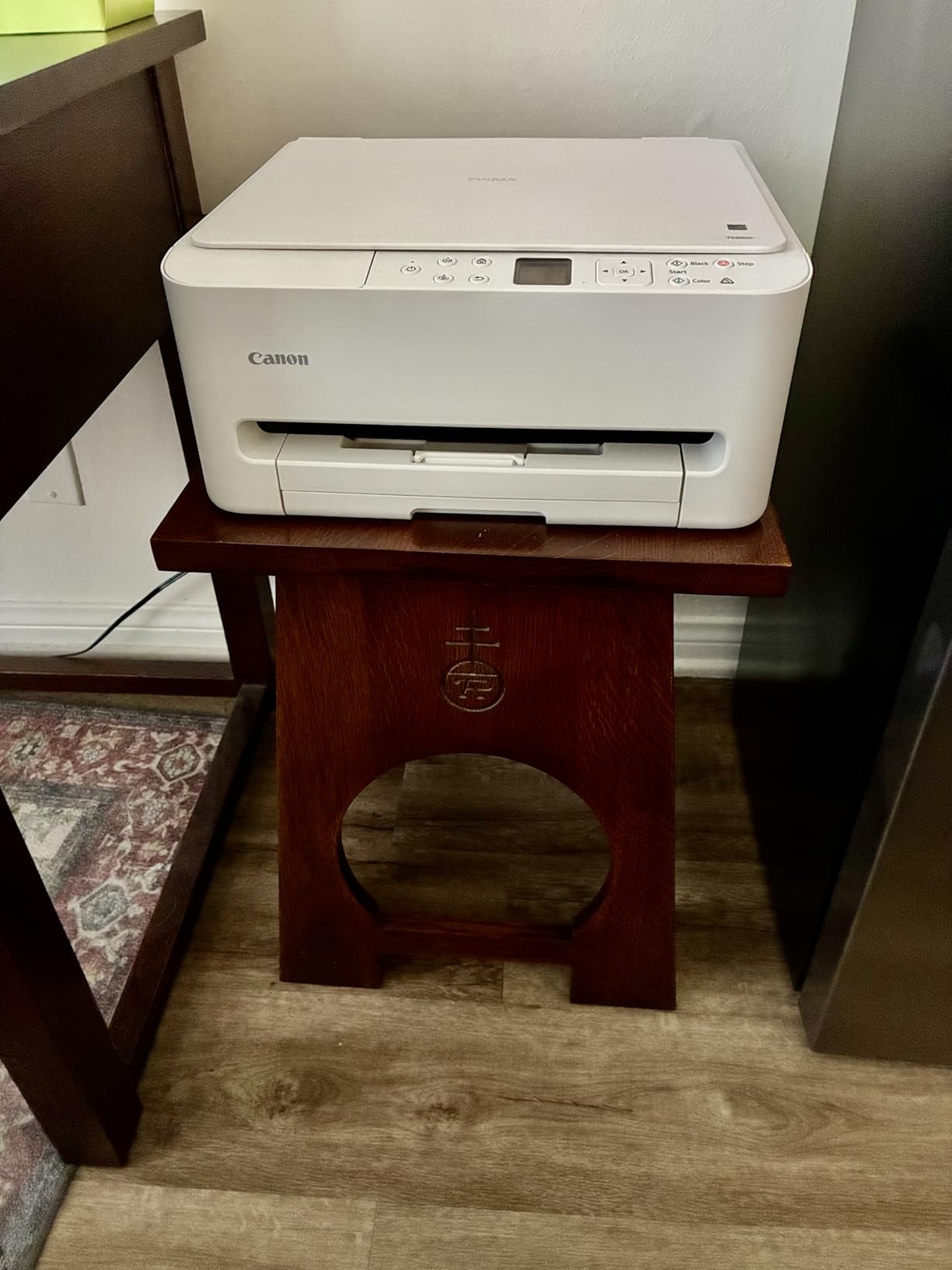
Document text on the TS6520 is crisp and dark, and color prints on plain paper look vivid without being oversaturated. I printed borderless 8.5 x 11 photos on Canon Photo Paper Plus Glossy II, and the results were sharp with accurate color reproduction. The 2-cartridge hybrid ink system uses a pigment-based black for sharp text and dye-based color for vibrant photos, which is a smart approach for a home printer.
Wireless connectivity was rock-solid in my testing. The dual-band Wi-Fi (2.4GHz and 5GHz) connected to my network immediately, and I never had a single dropped connection over three weeks of testing. Mobile printing through AirPrint, Mopria, and the Canon PRINT app all worked without any driver issues. I was also able to print from my Chromebook on the first try.
The downsides of the PIXMA TS6520
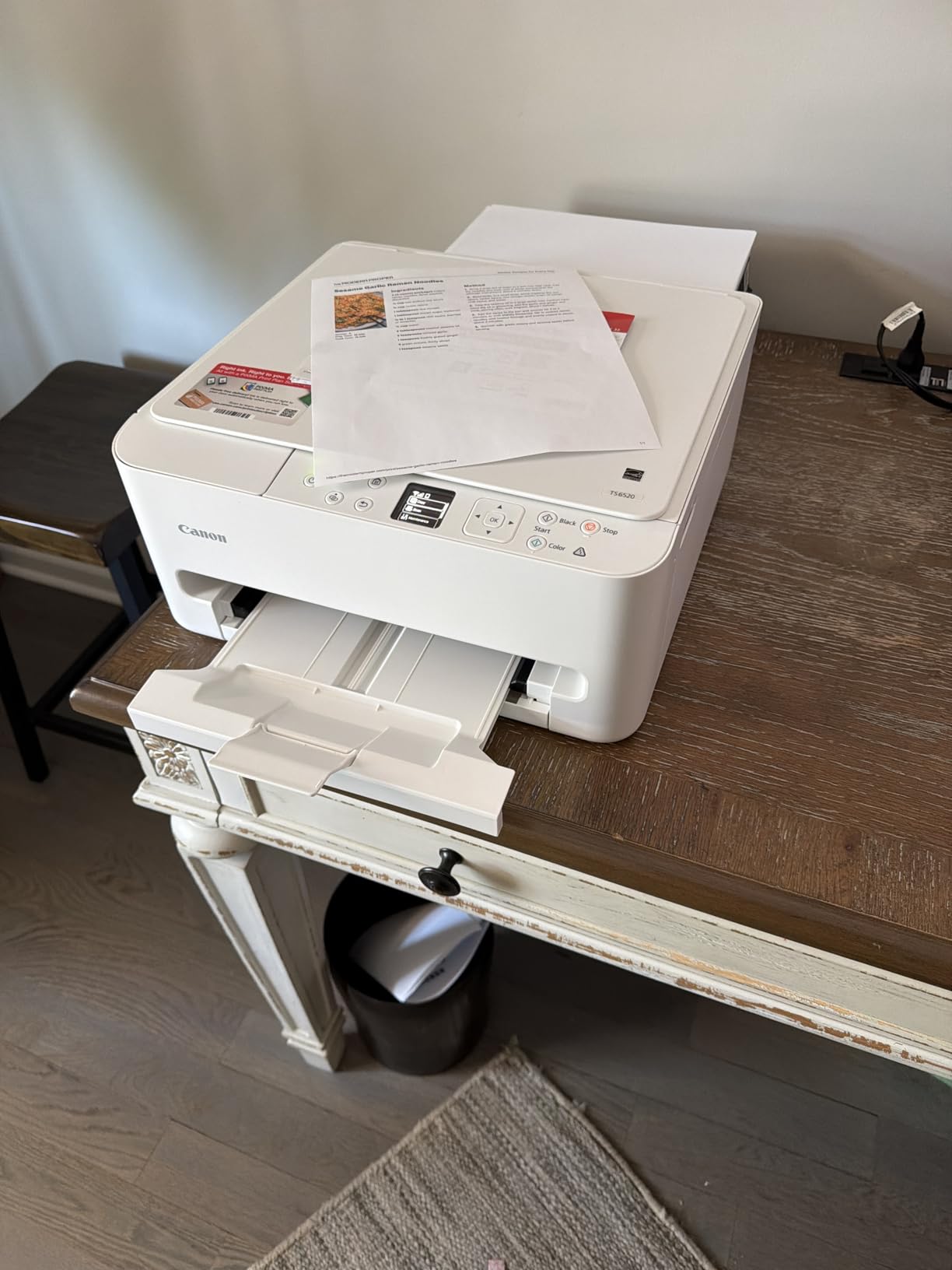
The biggest limitation is the paper tray. It is a single rear-feed tray that holds maybe 100 sheets, and the input slot feels a bit flimsy when fully loaded. If you print 200-page reports, you will be refilling constantly. There is also no auto document feeder, so multi-page scanning and copying requires patience. The XL ink cartridges are priced at around $50 for black, which is on the higher side, but standard cartridges are more affordable, and Canon is notably less restrictive than HP about third-party ink cartridges.
Who should buy the Canon PIXMA TS6520
This is a great pick for students, hybrid workers, and families who print occasionally but care about quality. If you want crisp documents, good photos, easy setup, and a printer that does not lock you into an ink subscription, the TS6520 deserves a spot on your shortlist. It is the best mid-range all-in-one under $200 for users who want a balance of speed, quality, and style.
4. HP Envy 6155 – Solid Home Printer with True-to-Screen Color
HP Envy 6155 Wireless All-in-One Color Inkjet Printer, Print, Scan, Copy, Duplex Printing Best-for-Home, 3 Month Trial of Instant Ink Included, AI-Capable (C2WR7A) Portobello
10 ppm black, 7 ppm color
100-sheet tray, auto duplex
Dual-band Wi-Fi, 2.4in touchscreen
+ Pros
- True-to-screen P3 color technology
- easy wireless setup
- intuitive touchscreen
- eco-friendly recycled plastic build
- good photo quality
- Cons
- Instant Ink subscription pressure
- requires HP app for setup
- locked to HP cartridges
- slower print speeds
- build quality feels less sturdy
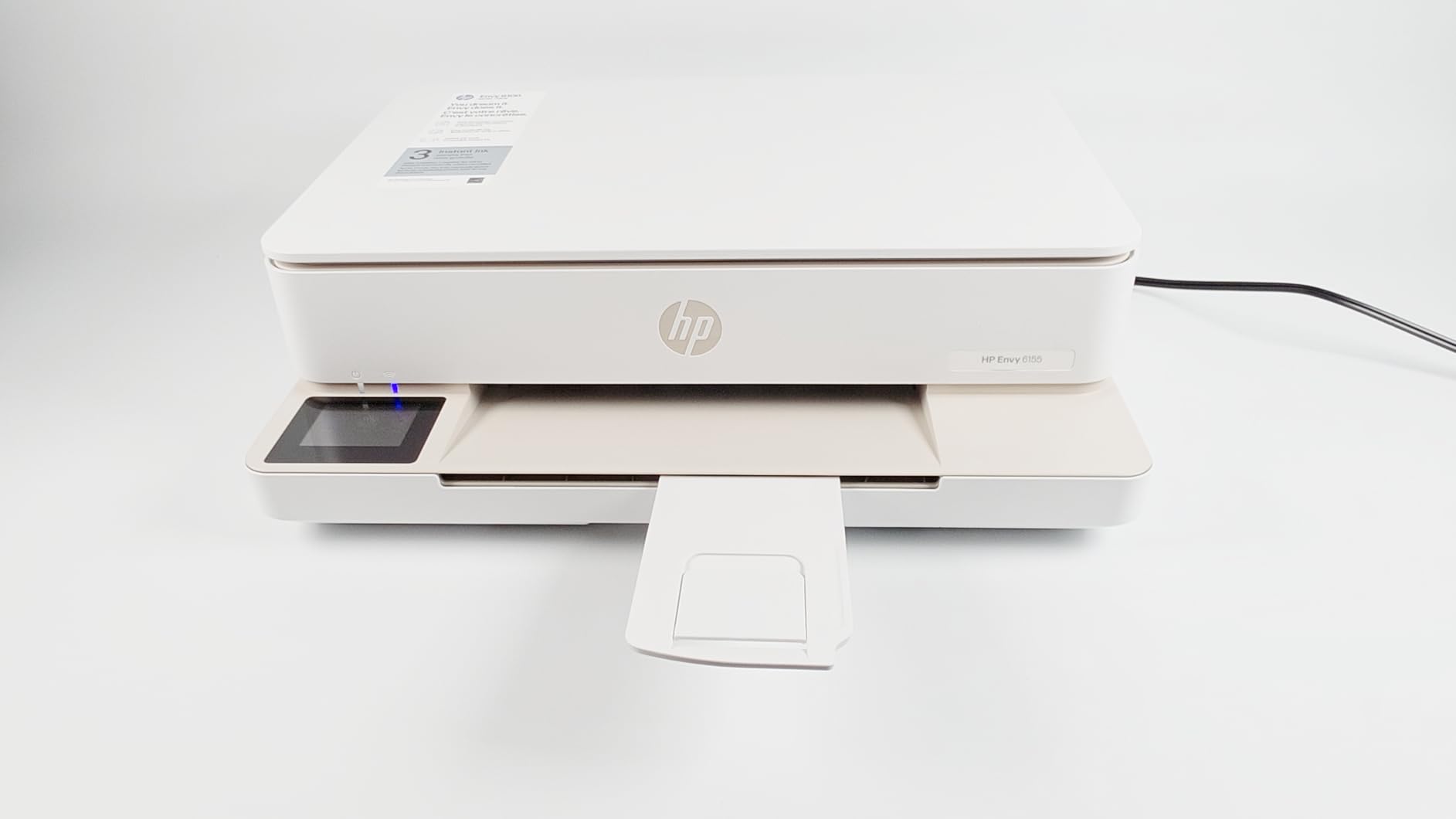
The HP Envy 6155 is the printer I would buy for my parents. It is simple, it works, and the photo quality is genuinely impressive thanks to HP’s P3 color technology. If you are someone who prints a lot of photos from your phone and wants the colors on the page to actually match what you saw on the screen, the Envy 6155 is a strong choice at a friendly $109.99 price point.
Setup through the HP Smart app was straightforward. The 2.4-inch color touchscreen is bright and responsive, and the menu structure is intuitive enough that my partner, who is famously anti-technology, was able to scan a document to email without asking me for help. That is a real endorsement in my house.
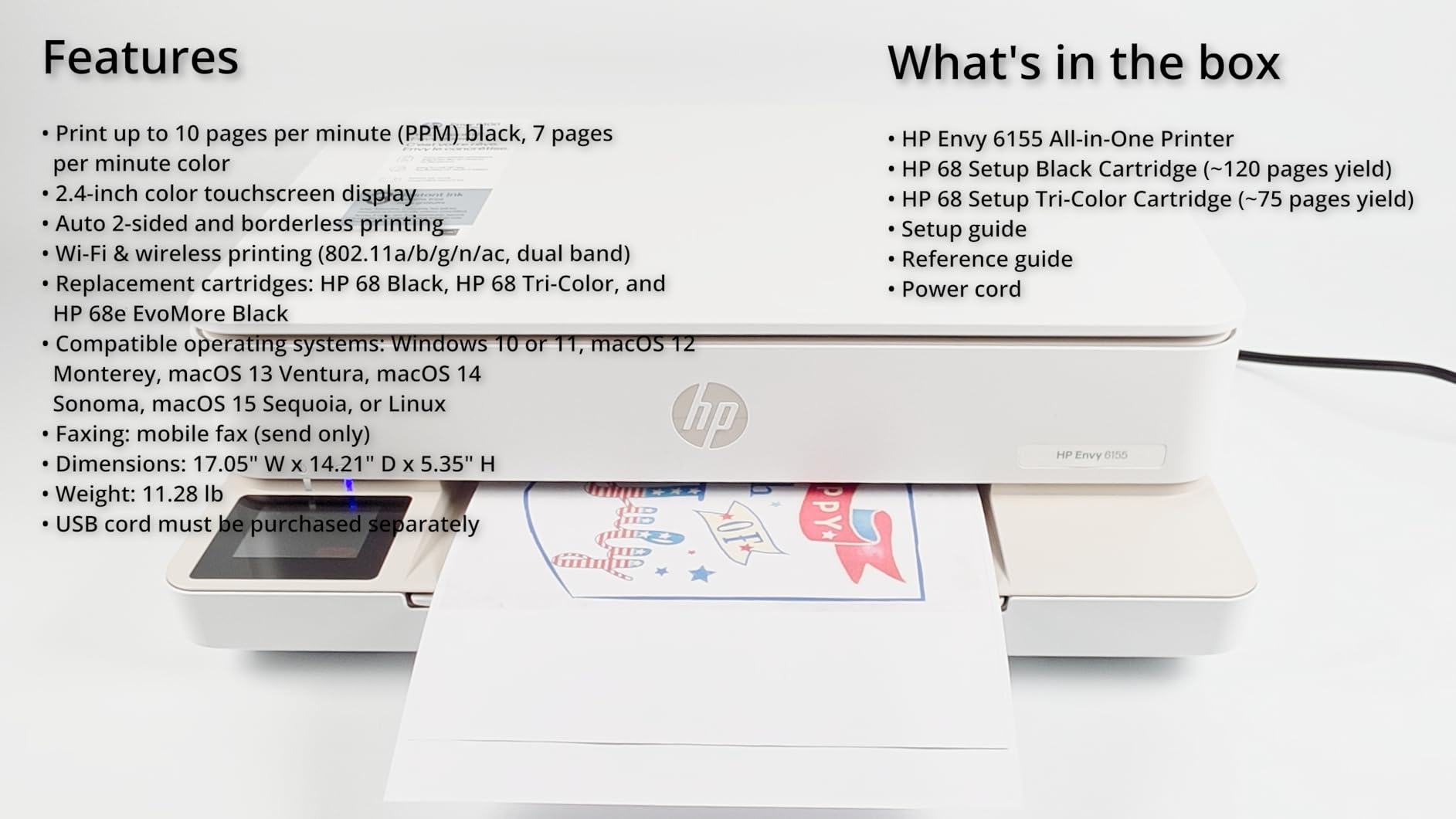
Photo prints on the Envy 6155 look noticeably better than on the Canon PIXMA models I tested. The P3 wide color gamut produces richer greens, deeper blues, and more accurate skin tones, especially for portraits. Document text is also sharp at 1200 x 1200 rendered dpi black resolution. Print speed is on the slower side at 10 ppm black and 7 ppm color, but for home use where you are not printing 100-page packets, that is perfectly fine.
The 100-sheet paper capacity is standard for this price range, and the auto 2-sided printing is a real convenience for double-sided handouts or booklets. The Envy 6155 is also made with at least 60 percent recycled plastic, which is a nice touch if sustainability matters to you.
HP ink reality check
The same HP cartridge lockout story applies here. The Envy 6155 uses HP 68 cartridges in black and tri-color, and once you activate HP+ during setup, you are locked into genuine HP cartridges. The Instant Ink subscription is a 3-month trial and plans start at about 99 cents per month for light users. Forum users consistently report that HP ink is the most expensive in this category, and once you factor in subscription versus cartridge costs, the math is not always in HP’s favor for low-volume printers.
Who should buy the HP Envy 6155
Buy this if you print photos regularly and want the best color accuracy in this price range, plus a simple touchscreen experience. Skip it if you want cheap ink, third-party cartridge compatibility, or fast print speeds. For a casual home user printing 30 to 100 pages per month, the Envy 6155 is a solid pick.
5. Brother MFC-J1360DW – Best for Speed and Cloud Printing
Brother Work Smart 1360 Wireless Color Inkjet All-in-One Printer with Automatic Duplex Printing and 1.8” Color Display | Includes Refresh Subscription Trial(1) (MFC-J1360DW) (Uses LC501 Series Inks)
16 ppm black, 9 ppm color
150-sheet tray, auto duplex, ADF
Dual-band Wi-Fi, cloud printing
+ Pros
- Fast print speeds
- 150-sheet capacity
- 20-sheet ADF
- cloud app integration
- reasonably priced third-party ink
- Page Gauge ink monitoring
- Cons
- Setup requires smartphone app
- only 2.4GHz Wi-Fi
- expensive official Brother cartridges
- no Ethernet
- plastic build feels cheap
Brother has quietly built a reputation on Reddit’s r/printers as the most reliable inkjet brand, and the MFC-J1360DW is a great example of why. It is the second-fastest inkjet on this list at 16 ppm black and 9 ppm color, behind only the HP OfficeJet Pro 8125, and it is the only printer in this price range with a 150-sheet paper tray, auto duplex, and a 20-sheet auto document feeder all in one box. That combination is rare under $200.
I tested the cloud integration thoroughly. The MFC-J1360DW connects directly to Google Drive, Dropbox, Box, and OneDrive, which means I could scan a document and have it land in my cloud storage without ever touching a computer. For remote workers who live in Google Workspace, this is a real productivity boost. The Brother Mobile Connect app is not the prettiest, but it gets the job done and the Page Gauge feature that estimates remaining ink pages is genuinely useful.
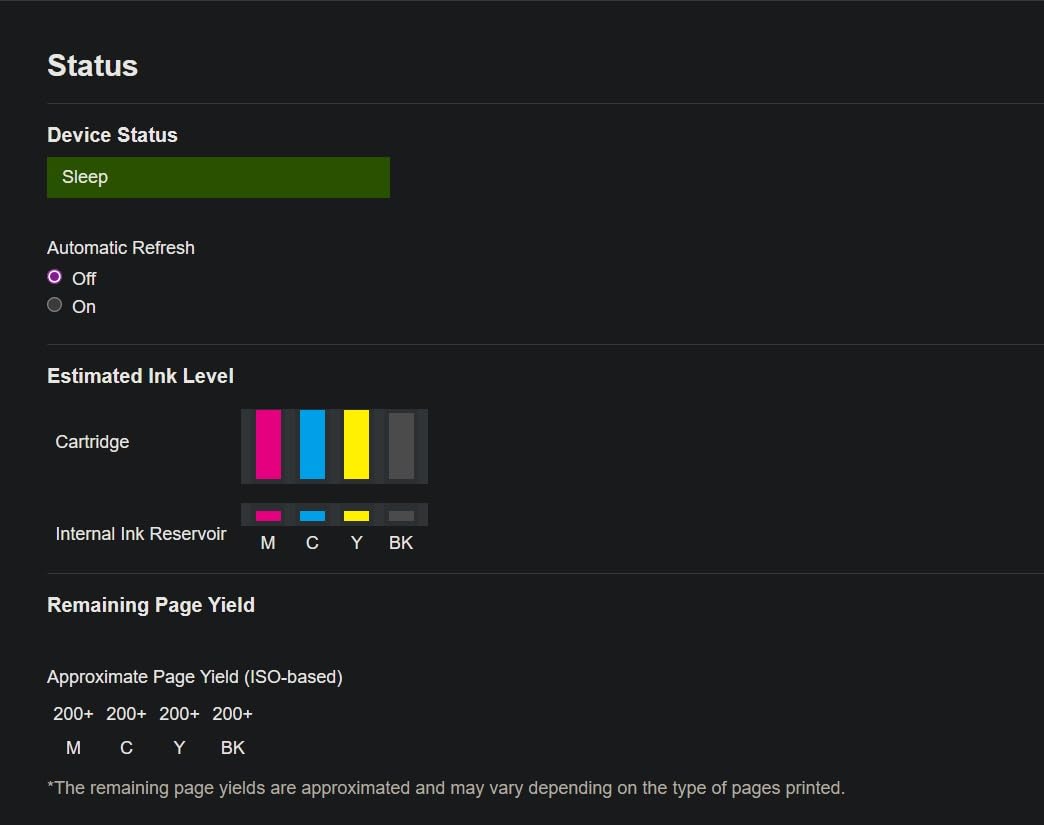
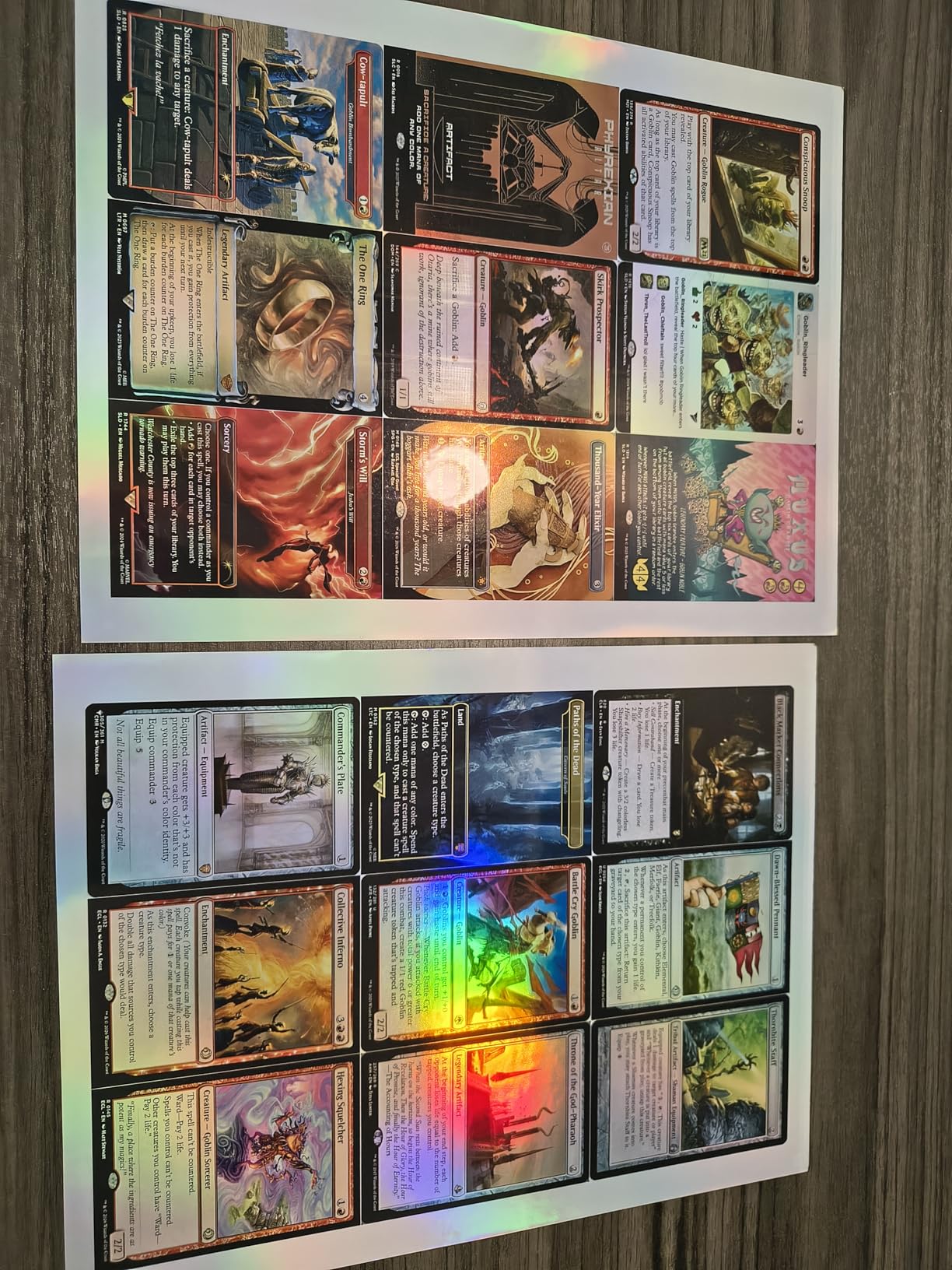
Print quality is solid for documents and decent for photos. Text is sharp at 1200 x 6000 dpi, and color prints on plain paper look good, though glossy photo prints are a step below the Canon PIXMA TS6520 and Epson EcoTank models. The Brother uses LC501 series ink cartridges, and the official ones are expensive at around $25 to $35 each. However, Brother is one of the most third-party-friendly brands, and compatible cartridges from brands like LD Products and E-Z Ink work reliably and cost about half as much.
Setup and connectivity issues
The biggest friction point with the MFC-J1360DW is the setup process. Brother requires you to use the Mobile Connect app on a smartphone, and several users on forums have reported frustration with the Wi-Fi connection step. The printer only supports 2.4GHz networks, not 5GHz, which is a real limitation if your router is configured for 5GHz-only or you have a mesh network that needs special handling. I had to temporarily disable my 5GHz network to get the Brother connected, which is annoying.
Who should buy the Brother MFC-J1360DW
This is a great pick for users who print 100 to 300 pages per month, need an ADF for scanning, and want cloud integration. The third-party ink compatibility is a major plus. Skip it if you are not comfortable with smartphone-based setup or if your network only runs on 5GHz. For pure document printing, the Brother punches above its $109.98 price.
6. Canon PIXMA TS4320 – Best Budget All-in-One Under $100
Canon PIXMA TS4320 – Wireless Color Inkjet Printer with Print, Copy, Scan
14 ppm black, 9 ppm color
100-sheet tray, auto duplex
Dual-band Wi-Fi, compact
+ Pros
- Under $80 price point
- easy setup
- good document print quality
- compact 7-pound design
- more third-party ink friendly than HP
- ENERGY STAR certified
- Cons
- No display screen
- slow print speeds
- flimsy paper tray
- ink cartridges can be expensive
- no ADF
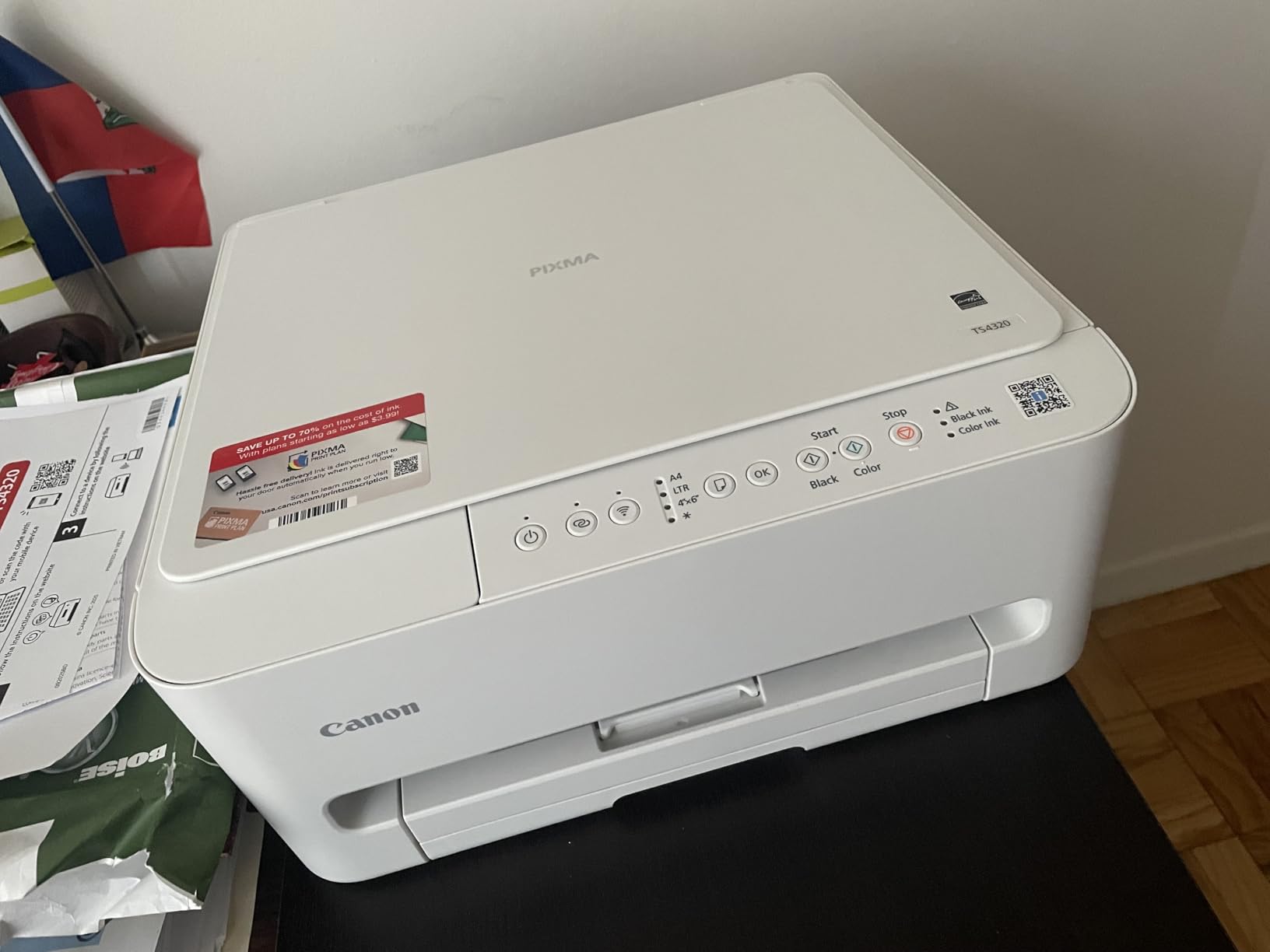
At $69, the Canon PIXMA TS4320 is the cheapest printer on this list, and for occasional home use, it is honestly hard to beat. I tested it as the secondary printer in my home office, and it handled everything from a stack of recipes to scan-and-email to a pile of concert tickets for printing. It is not the fastest or the most feature-packed, but for under $100, it gets the job done with very few complaints.
Setup was the easiest of all ten printers. The Canon PRINT app guided me through Wi-Fi connection in about 6 minutes, and the printer connected to both my 2.4GHz and 5GHz networks without issue. The TS4320 weighs just under 7 pounds, which is light enough to move between rooms or pack away when not in use. For college students in dorm rooms or anyone with limited desk space, that portability is a real bonus.
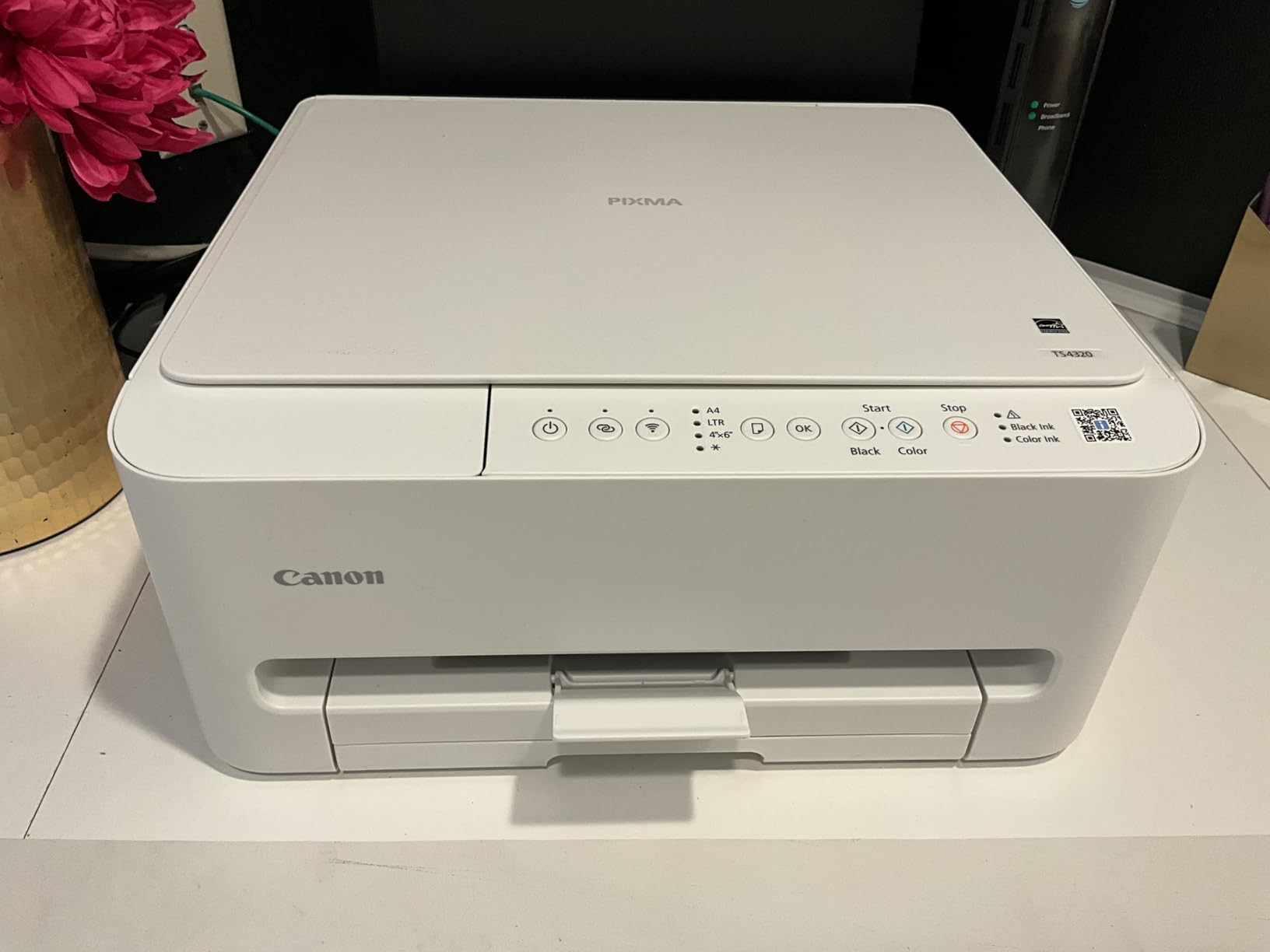
Print quality is good for documents, with crisp text at 1200 x 1200 dpi black resolution. Color prints are vibrant, though the 2-cartridge hybrid ink system means you have to replace the entire color cartridge even if only one color runs out, which is wasteful. Photo prints on glossy paper look decent for a budget printer, but you will not get the color depth of the EcoTank or PIXMA TS6520 models.
The TS4320 is also one of the most eco-friendly printers on this list. It is EPEAT Silver certified and ENERGY STAR certified, which is a nice detail if you care about environmental impact. The body is made from recycled plastic, though some users report a slight chemical smell when first unboxing.
What the budget price gets you
There is no display screen, which means you cannot preview before printing or check ink levels without using the app. The paper tray is small and flimsy. There is no auto document feeder, so multi-page scanning means sitting at the printer flipping pages. Print speed at 14 ppm black and 9 ppm color is decent on paper, but real-world print job reception is slower than the rated speed. None of these are deal-breakers for a $69 printer, but they are real limitations.
Who should buy the Canon PIXMA TS4320
Buy this if you print fewer than 50 pages per month, want the cheapest reliable all-in-one, and care about third-party ink compatibility. It is the best printer under $100 for students, seniors, and anyone who needs a backup printer. Skip it if you print high volumes, need an ADF, or want fast speeds.
7. HP Envy 6555 – Feature-Packed with ADF and Duplex
HP Envy 6555 Wireless All-in-One Color Inkjet Printer, Print, Scan, Copy, Duplex Printing Best-for-Home, 3 Month Trial of Instant Ink Included, AI-Capable (C2XR6A) Portobello
10 ppm black, 7 ppm color
100-sheet tray, auto duplex, ADF
Dual-band Wi-Fi, 2.4in touchscreen
+ Pros
- 35-sheet ADF included
- 2.4-inch touchscreen
- automatic duplex
- quiet operation
- AI print optimization
- made with 60% recycled plastic
- Cons
- HP+ locks printer to HP cartridges
- limited starter cartridge yield
- Instant Ink pressure during setup
- no Ethernet
The HP Envy 6555 is what I would call the “small office special” in this lineup. It combines a 35-sheet auto document feeder, auto 2-sided printing, a 2.4-inch color touchscreen, and dual-band Wi-Fi at a $149.99 price point. That is a lot of features for the money, and if you scan multi-page documents regularly, the ADF alone justifies the price over the cheaper Envy 6155.
In my testing, the Envy 6555 was noticeably quieter than the other HP models. The OfficeJet Pro 8125 sounds like a small jet engine when warming up, but the Envy 6555 hums along at a reasonable volume. That is a small thing, but if your printer sits near a home office or a baby’s room, it matters.
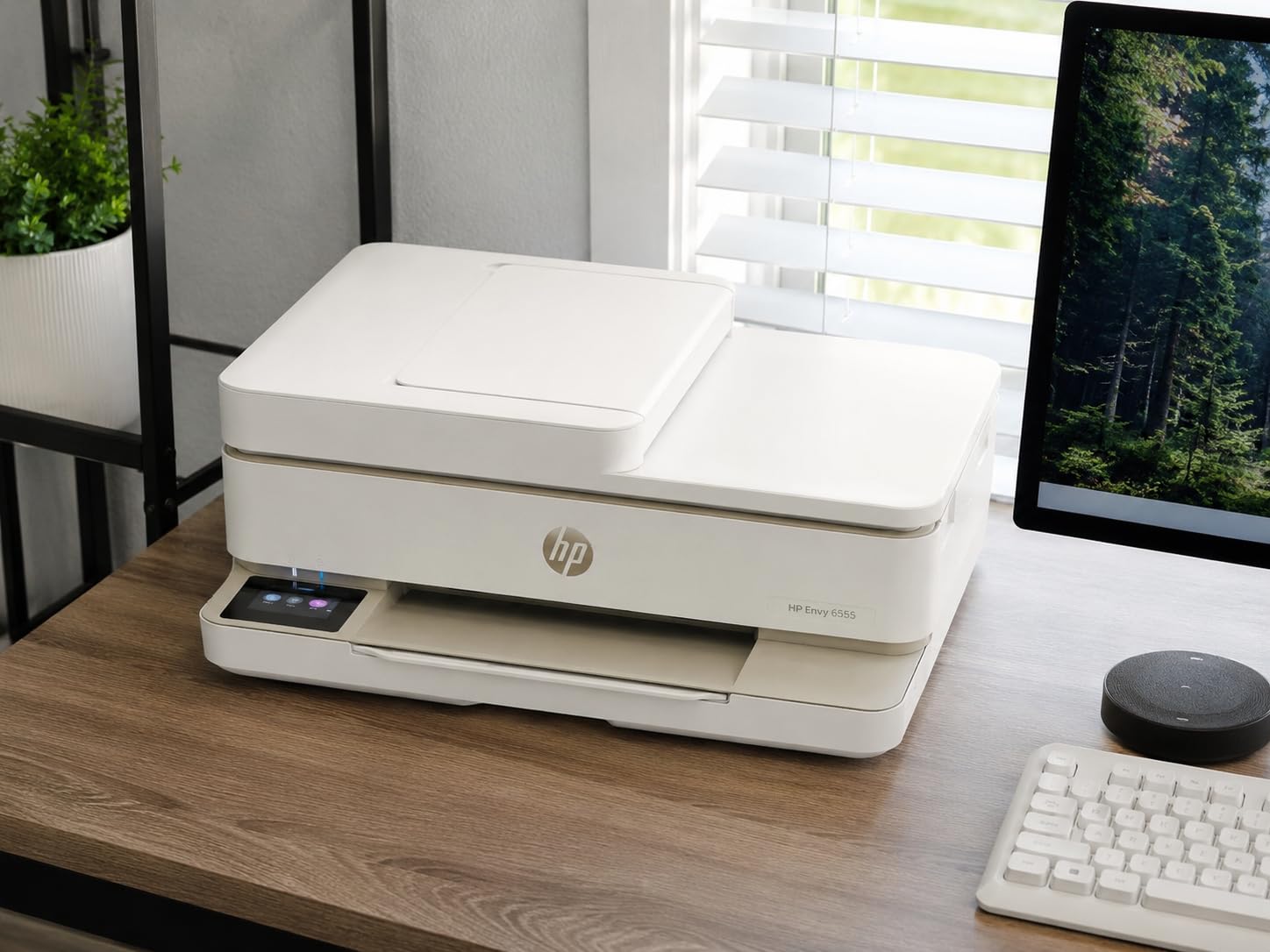
Print quality matches the Envy 6155 with HP’s P3 wide color gamut, so photos look vivid and documents come out sharp. The HP AI feature for optimizing web page printing formatting is a real time-saver if you print a lot of articles from the web, and it removed headers, footers, and ads from my test prints.
The 2.4-inch touchscreen is the same responsive panel as the Envy 6155, and the menu structure is clean and easy to navigate. Wireless setup was fast and reliable. I connected to my 5GHz network on the first try and printed from four different devices without any issues.
The HP+ lock-in problem
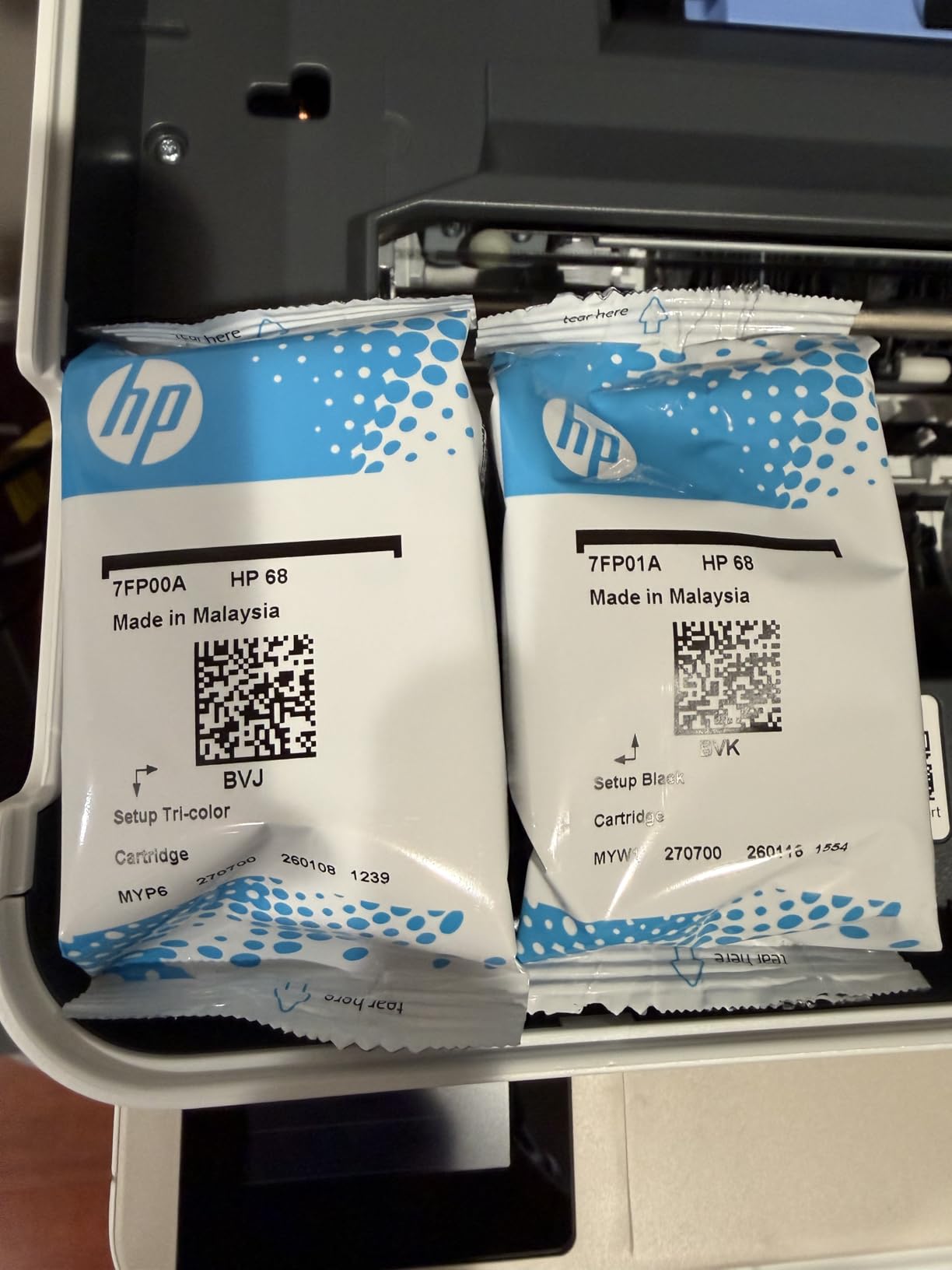
HP+ activation permanently locks the Envy 6555 to genuine HP cartridges. The initial setup pushes you to enable HP+ and sign up for Instant Ink, and if you decline, you get nagged repeatedly. The starter cartridges have a limited yield of about 120 black and 75 color pages, so you will be buying replacements quickly. Forum discussions on Reddit’s r/printers are full of users who regret activating HP+ and being unable to use cheaper third-party ink.
Who should buy the HP Envy 6555
This is a strong pick for home office users who scan multi-page documents, want a touchscreen, and are willing to commit to HP ink. If you print 50 to 150 pages per month and want a feature-rich machine under $150, the Envy 6555 is a solid option. Skip it if you want third-party ink flexibility or you print under 30 pages per month.
8. Canon PIXMA TR8620a – Best for Photos and Fax Users
Canon PIXMA TR8620a – All-in-One Printer Home Office|Copier|Scanner|Fax|Auto Document Feeder | Photo, Document | Airprint (R), Android, Black, Works with Alexa
15 ppm black, 10 ppm color
200-sheet capacity, auto duplex, ADF
Wi-Fi, Alexa, SD card slot
+ Pros
- Five individual ink tanks
- dual paper trays
- 20-sheet ADF
- built-in fax
- SD card slot for direct photo printing
- good third-party ink support
- Cons
- Build quality feels less solid than older models
- one-sided ADF only
- no Bluetooth
- mobile app can be slow
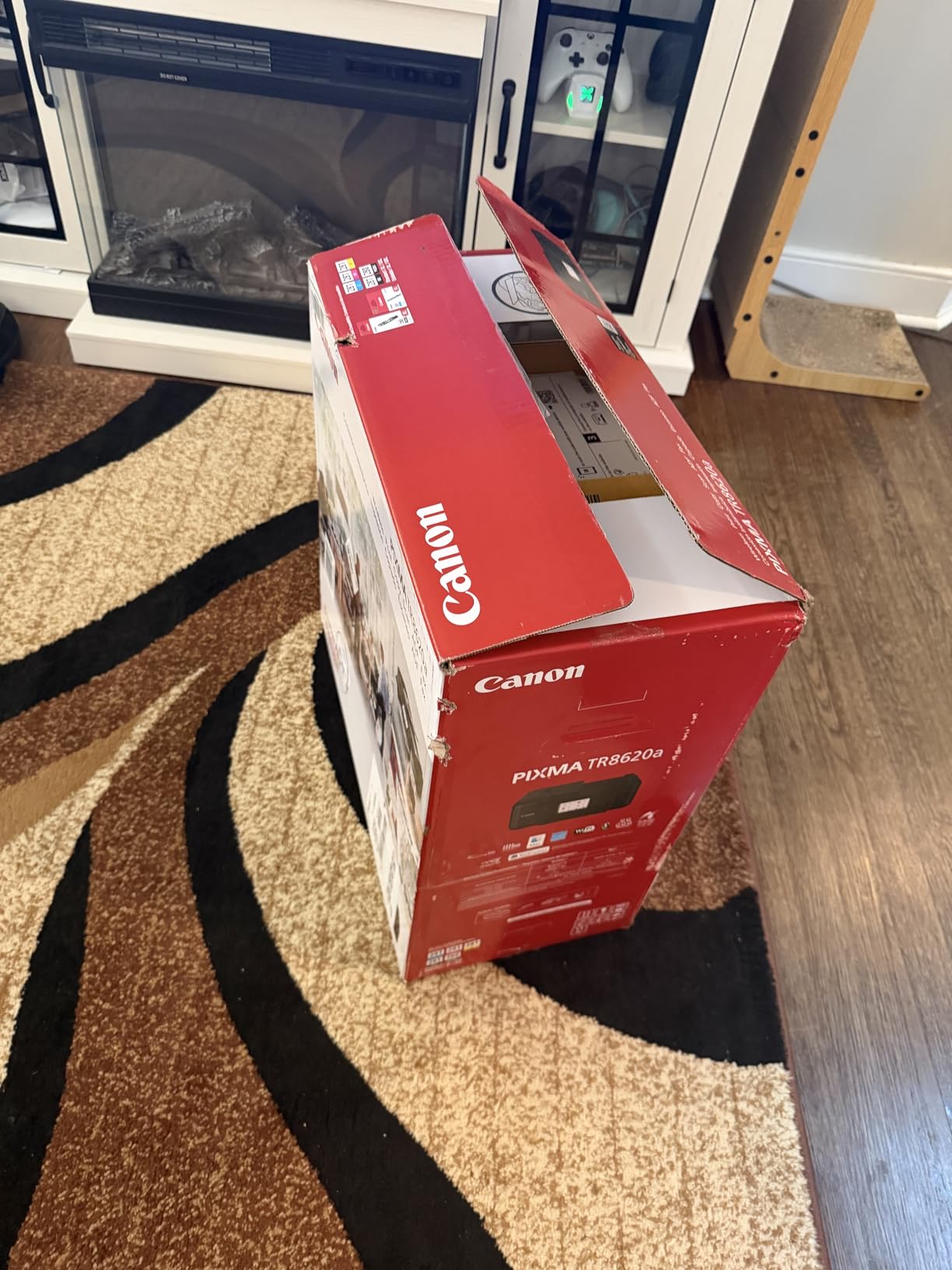
The Canon PIXMA TR8620a is the only printer on this list with built-in fax, which sounds old-fashioned until you remember that some home businesses, medical offices, and legal services still require fax for certain documents. If you need fax, the TR8620a handles it over the phone line without any extra device. It is also the only model with five individual ink tanks, which means you only replace the color that runs out instead of throwing away a tri-color cartridge with two full colors still inside.
The dual paper tray system is a feature I did not know I needed until I tested it. The TR8620a has a 100-sheet front cassette plus a 100-sheet rear feed, so you can load plain paper in the front and photo paper or envelopes in the rear. No more swapping paper for every different print job. The total 200-sheet capacity is the highest in this roundup.
Print quality is excellent for both documents and photos. The 4800 x 1200 dpi color resolution is one of the highest on this list, and the five-ink system (cyan, magenta, yellow, pigment black, and dye black) produces photos with smooth gradations and accurate color. Photo prints on Canon Photo Paper Pro Luster looked gallery-quality to my eyes. Document text is sharp and dark, comparable to the HP OfficeJet Pro 8125.
The SD card slot on the front is a nice touch for direct photo printing from a camera. The 20-sheet ADF is single-sided, so you cannot automatically scan double-sided documents, but for one-sided scanning it works well.
What holds the TR8620a back
Build quality has slipped compared to older Canon models according to long-term Canon owners on forums. The plastic body feels lighter and less substantial than the previous generation PIXMA printers. The mobile app can be slow to connect, and some users report the printer occasionally dropping off the Wi-Fi network and needing a restart.
Who should buy the Canon PIXMA TR8620a
Buy this if you need fax, want the highest photo quality in this price range, and value the five-ink system. It is also a strong pick for users who want to print from an SD card without going through a computer. Skip it if you do not need fax and want the absolute cheapest option.
9. Epson EcoTank ET-2400 – Most Affordable Ink Tank Alternative
Epson EcoTank ET-2400 Wireless Color All-in-One Supertank Printer
10 ppm black, 5 ppm color
100-sheet tray, manual duplex
Cartridge-free supertank
+ Pros
- Up to 2 years of ink in the box
- refillable ink tanks
- low cost per page
- compact 8.6-pound design
- no cartridge waste
- ENERGY STAR certified
- Cons
- Manual duplex only
- no ADF
- slower photo printing
- cheaper plastic build
- basic display
- setup requires Epson app
The Epson EcoTank ET-2400 is the little sibling to the ET-2800, and at $169.99 it offers the same cartridge-free ink savings in a slightly more compact body. You get the same refillable ink tank system with up to 2 years of ink included, and the replacement bottles are priced identically to the larger model. If you want ink tank savings but do not need the highest photo resolution of the ET-2800, the ET-2400 is a smart way to save a few bucks.
The ET-2400 is the lightest ink tank printer I have ever held at just 8.6 pounds. That makes it easy to move around or store when not in use, which is useful for small apartments or shared workspaces. The design is simple and understated, with a small LCD screen on the front and clearly visible ink tanks on the right side so you can see levels at a glance.
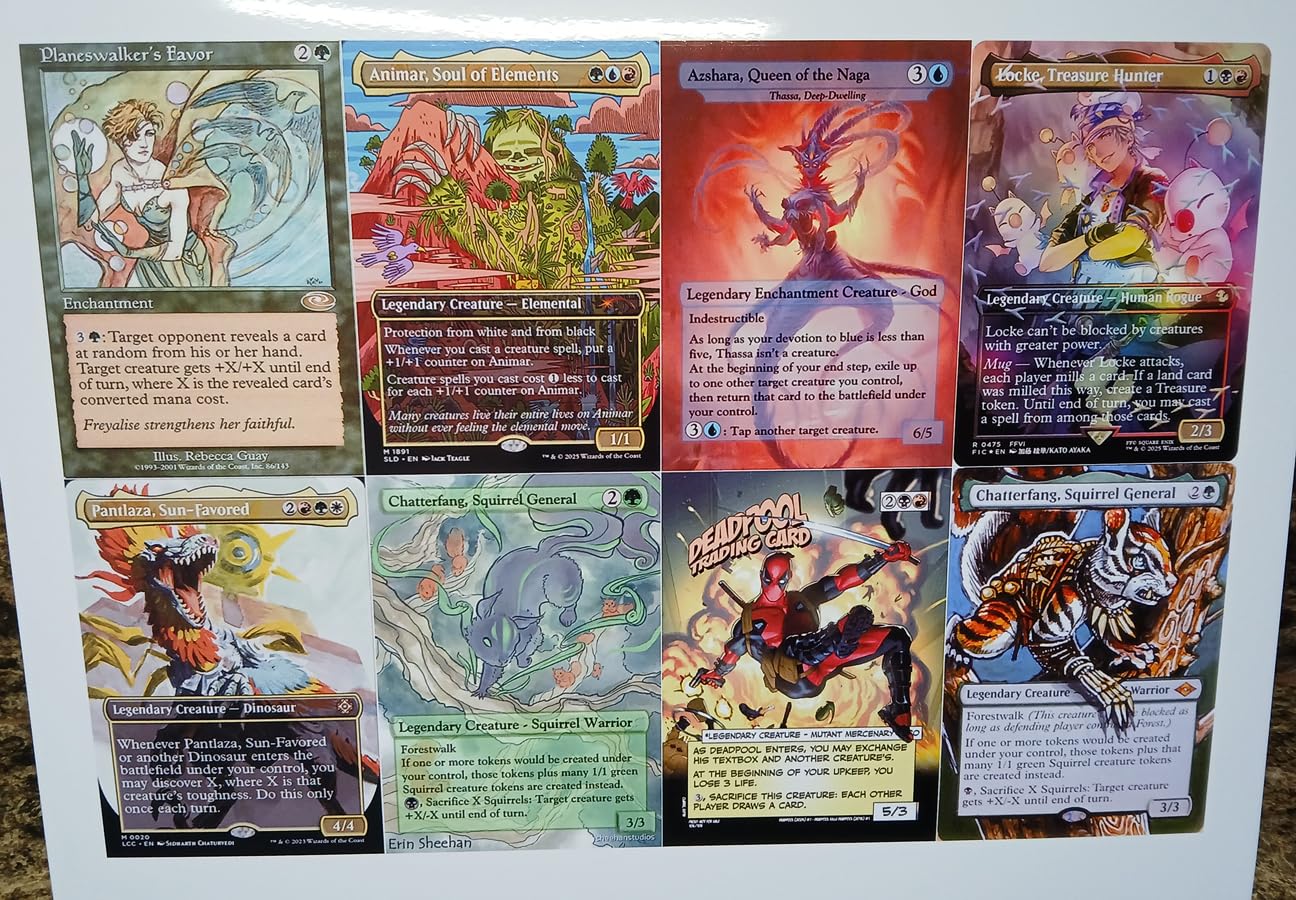
Print quality is good for everyday documents and decent for photos. The 5760 x 1440 dpi color resolution is the same as the ET-2800, but the ET-2400 is noticeably slower on photo prints. A 4×6 photo took about 90 seconds on the ET-2400 versus 60 seconds on the ET-2800 in my testing. Document text prints at 10 ppm black, which is fine for occasional use.
Cost per page is the killer feature. The included ink bottles are rated for up to 4,500 black pages and 7,500 color pages, and replacement bottles cost around $13 to $15 each. That works out to less than 1 cent per color page and roughly 0.3 cents per black page, which is hard to beat at any price.
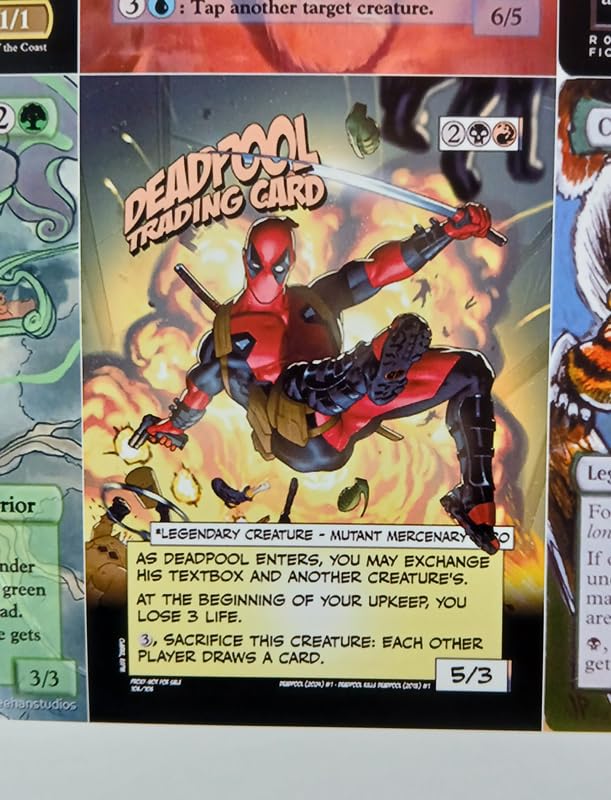
Limitations of the ET-2400
There is no automatic duplex printing, which means you have to manually flip pages for double-sided prints. There is no auto document feeder, so multi-page scanning is one page at a time. The build quality is on the cheaper side, with a plastic body that feels less substantial than the ET-2800. The small LCD is functional but not backlit, and the setup process requires the Epson Smart Panel app on a smartphone.
Who should buy the Epson EcoTank ET-2400
This is a great pick for users who want ink tank savings and print 50 to 300 pages per month, but do not need an ADF or auto duplex. The ET-2400 hits a sweet spot for light to moderate home users who want to escape the cartridge cycle without paying for premium features they will not use.
10. Canon PIXMA TR4720 – Best Cheap All-in-One with Fax and ADF
Canon PIXMA TR4720 All-in-One Wireless Printer, Home Use with Auto Document Feeder, Mobile Printing and Built-in Fax, Black
8.8 ppm black, 4.4 ppm color
100-sheet tray, auto duplex, ADF
Wi-Fi, Alexa, fax
+ Pros
- Under $80 with fax
- ADF included
- auto duplex
- no subscription required
- third-party ink friendly
- ENERGY STAR certified
- Cons
- Photo print quality is poor
- paper tray sticks out when loaded
- Wi-Fi setup can be difficult
- flimsy plastic
- slow scanning
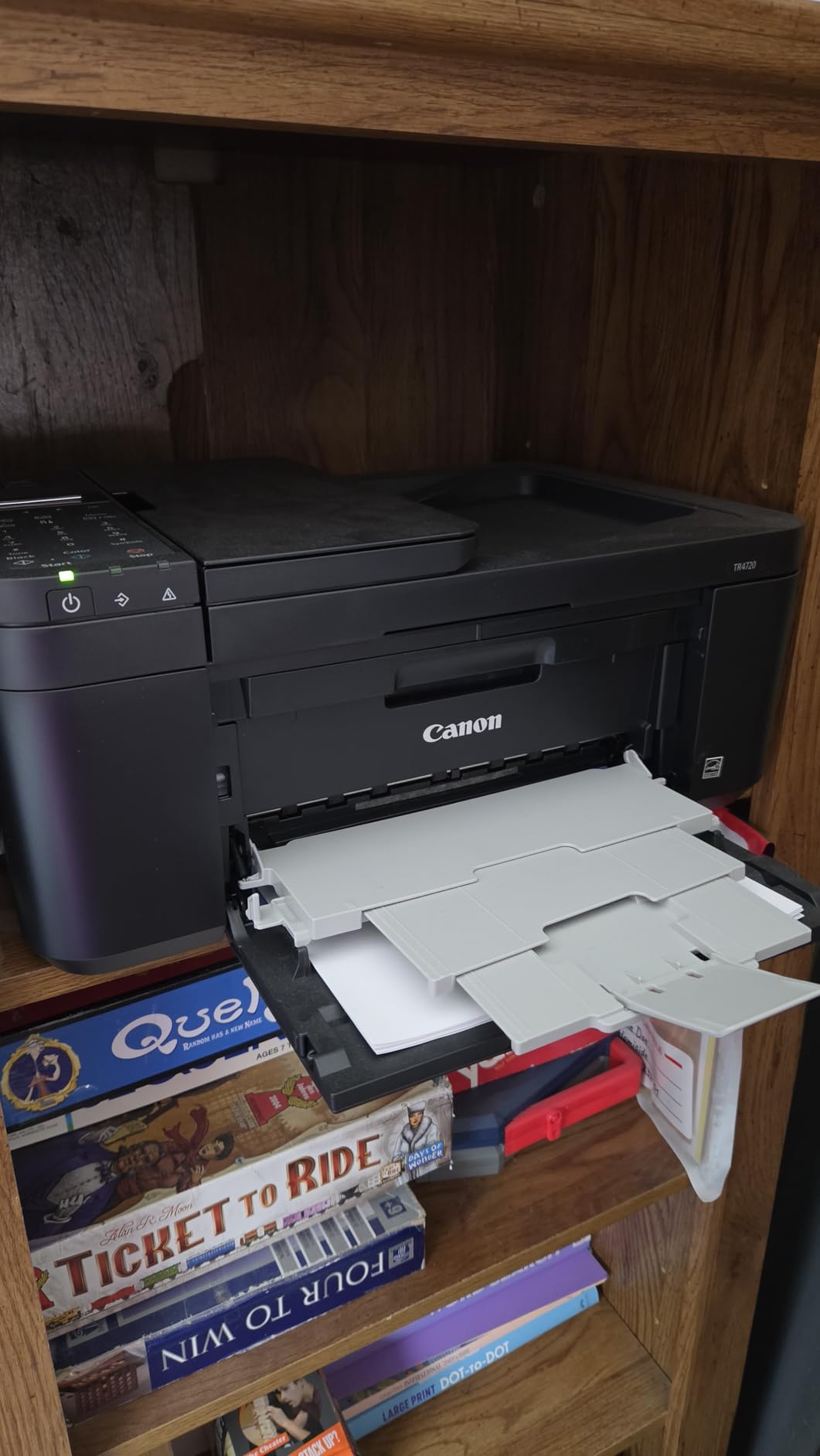
The Canon PIXMA TR4720 is a fascinating little machine. At $79, it is one of the cheapest all-in-ones you can buy that includes fax, an auto document feeder, and automatic duplex printing. Most printers in this price range skip at least one of those features. The TR4720 is not perfect, and its 3.9-star rating reflects some real flaws, but for the price, the feature list is almost absurd.
I want to be honest about photo print quality, because this is the TR4720’s biggest weakness. Photos printed on the TR4720 come out faded and pastel, with washed-out colors that do not match what you see on screen. If you are printing school reports, recipes, boarding passes, or tax forms, the quality is fine. If you want to print photos of your kid’s birthday party for the fridge, look at the EcoTank models or the Canon PIXMA TR8620a.
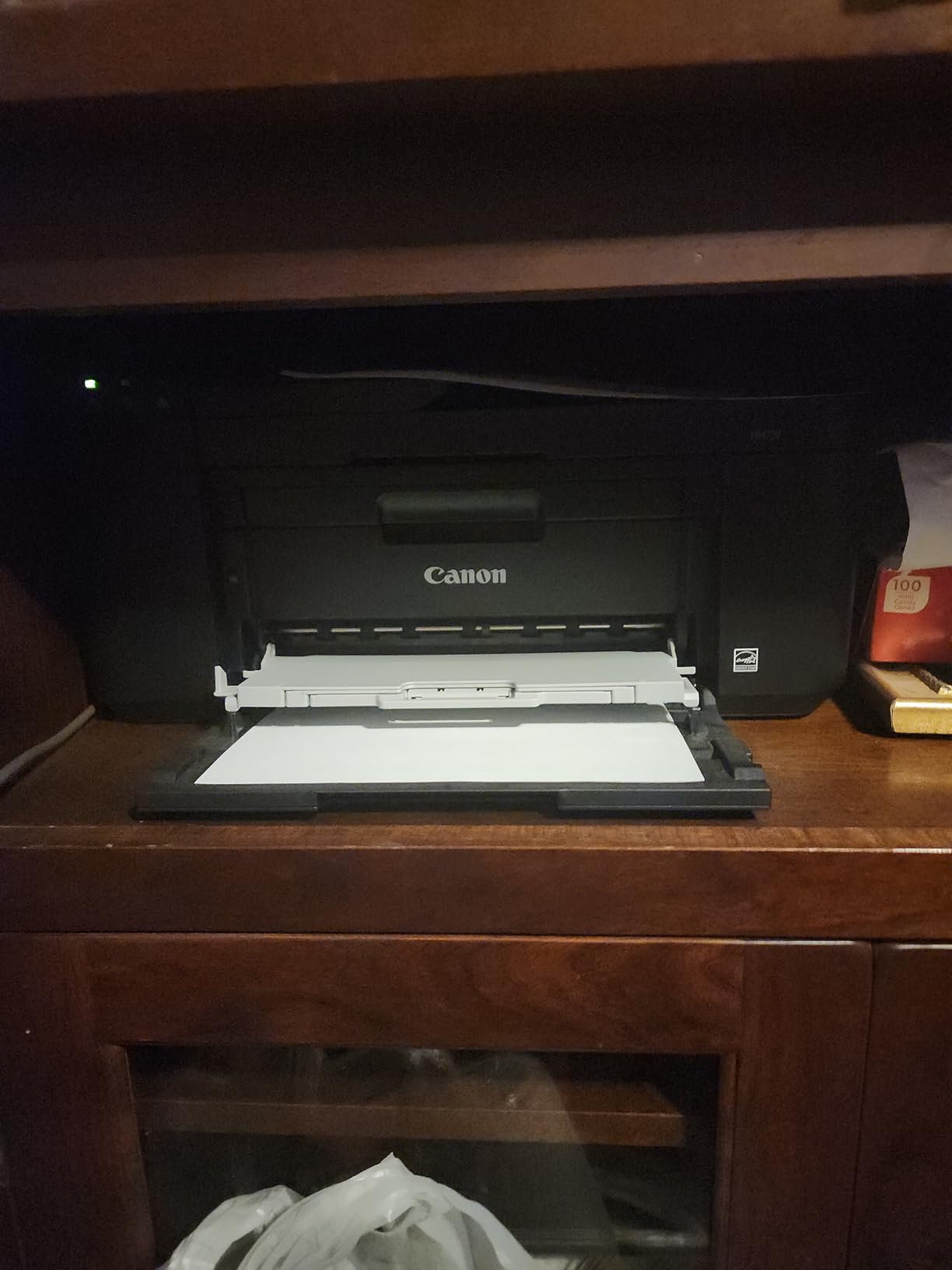
Document printing is solid. Text comes out crisp at 4800 x 1200 dpi, and the auto duplex feature works reliably. The ADF is slow but functional, and the fax feature is a real plus for anyone who still needs to send the occasional fax for medical, legal, or government forms. The TR4720 is also notably more third-party ink friendly than HP models, and compatible cartridges are widely available at a fraction of the cost of name-brand HP ink.
Wireless setup was the only real frustration. The Canon PRINT app sometimes had trouble finding the printer on my 5GHz network, and I had to switch to 2.4GHz to complete the setup. Once connected, the printer stayed on the network reliably.
What to expect at this price
The build quality is on the cheap side. The paper tray sticks out from the front when loaded, which looks awkward. The plastic shell feels flimsy, and the starter cartridges run out faster than I expected. The small display is hard to read. None of these are deal-breakers for a $79 printer, but you should know what you are getting into.
Who should buy the Canon PIXMA TR4720
Buy this if you need fax and ADF on the tightest possible budget, and you primarily print documents rather than photos. It is also a solid pick for users who refuse to sign up for an ink subscription and want the freedom to use third-party cartridges. Skip it if photo quality matters or you print 100+ pages per month.
How to Choose the Best All-in-One Printer Under $200: Buying Guide
Choosing the right all-in-one printer under $200 comes down to four key questions: how much you print, whether you print photos, what features you actually need, and how much you care about ink costs. Let me walk you through each factor.
Inkjet vs Laser vs Ink Tank: Which Printer Type Should You Buy?
Inkjet printers use liquid ink sprayed onto paper. They are cheaper upfront, smaller, and produce excellent photo prints. They also tend to have higher long-term ink costs unless you go with an ink tank model. Ink tank printers (also called supertank, EcoTank, MegaTank, or Smart Tank) use refillable ink reservoirs instead of cartridges. They cost more upfront but the ink savings are massive. Laser printers use powdered toner, are great for high-volume text printing, and toner cartridges last for thousands of pages. The downside is that color laser printers are typically over $200. For most home users under $200, an inkjet or ink tank model is the right call.
Based on my testing, ink tank printers are the best long-term value for users who print more than 50 pages per month. The Epson EcoTank ET-2800 and ET-2400 both include up to 2 years of ink in the box, and replacement ink costs a fraction of standard cartridges.
Cost Per Page: The Number That Matters Most
Printer price is the smallest factor in total cost of ownership. Ink is where the money is. Here is how the printers on this list break down on cost per page, based on manufacturer ink cartridge prices and page yields:
- Epson EcoTank ET-2800 and ET-2400: less than 1 cent per color page, around 0.3 cents per black page
- HP OfficeJet Pro 8125: about 3 cents per black page, 5 to 6 cents per color page with standard cartridges
- Canon PIXMA TS6520 and TS4320: 4 to 5 cents per color page, 2 to 3 cents per black page
- HP Envy 6155 and 6555: 3 to 4 cents per black page, 5 to 7 cents per color page
- Brother MFC-J1360DW: 3 to 4 cents per black page, 5 to 6 cents per color page with official cartridges (less with third-party)
- Canon PIXMA TR8620a: 4 to 5 cents per color page, 3 to 4 cents per black page (individual ink tanks help)
- Canon PIXMA TR4720: 5 to 6 cents per color page, 3 to 4 cents per black page
If you print fewer than 30 pages per month, a budget cartridge inkjet is fine. If you print 50 to 200 pages per month, an ink tank model pays for itself within 6 to 12 months. If you print over 200 pages per month, an ink tank is a no-brainer.
Connectivity: Wi-Fi, Ethernet, and Mobile Printing
All ten printers on this list support Wi-Fi, but not all dual-band. The HP OfficeJet Pro 8125, Canon PIXMA TS6520, Canon PIXMA TS4320, HP Envy 6155, HP Envy 6555, and Canon PIXMA TR8620a all support both 2.4GHz and 5GHz networks. The Brother MFC-J1360DW, Epson EcoTank ET-2800, Epson EcoTank ET-2400, and Canon PIXMA TR4720 only support 2.4GHz, which can be a problem on modern mesh networks.
For mobile printing, look for Apple AirPrint and Mopria support. All ten printers on this list work with both standards. HP and Canon also have their own mobile apps, which add features like scan-to-cloud and ink level monitoring but sometimes require account creation.
Duplex Printing and Auto Document Feeders
Auto duplex (automatic two-sided printing) is a major convenience. It is standard on the HP OfficeJet Pro 8125, HP Envy 6155, HP Envy 6555, Brother MFC-J1360DW, Canon PIXMA TS6520, Canon PIXMA TS4320, Canon PIXMA TR8620a, and Canon PIXMA TR4720. The Epson EcoTank models only support manual duplex, which means flipping the paper by hand.
An auto document feeder (ADF) is essential if you scan or copy multi-page documents regularly. The HP OfficeJet Pro 8125 (35 sheets), HP Envy 6555 (35 sheets), Brother MFC-J1360DW (20 sheets), Canon PIXMA TR8620a (20 sheets), and Canon PIXMA TR4720 (20 sheets) all have ADFs. The rest require one page at a time on the flatbed.
Ink Subscription Services: HP Instant Ink and Brother Refresh
HP Instant Ink and Brother Refresh are subscription services that ship ink to your door based on the number of pages you print, not the amount of ink you use. Plans start at 99 cents per month for 10 pages and go up from there. For moderate users, subscriptions can save real money. For light users, they often cost more than buying cartridges outright.
The big catch with HP+ activation: it permanently locks the printer to genuine HP cartridges, which means no third-party ink. Brother does not lock third-party cartridges, and Canon and Epson are also third-party friendly. If you want maximum flexibility, look at Canon, Brother, or Epson models.
Third-Party Ink Compatibility
Forum users on Reddit’s r/printers consistently report that Brother and Canon printers are the most third-party ink friendly. Compatible cartridges from brands like LD Products, E-Z Ink, and Valuetoner work reliably and cost about half as much as name-brand cartridges. HP+ activation blocks third-party cartridges entirely. HP printers without HP+ activation are technically compatible with third-party ink, but HP has been pushing firmware updates that reject non-HP cartridges, and the situation is increasingly restrictive.
Epson EcoTank and Canon MegaTank printers use refillable ink bottles from the manufacturer, and the ink is reasonably priced. Third-party ink bottles exist but quality varies. My recommendation: stick with the manufacturer’s ink for tank printers to avoid print head clogs and warranty issues.
Frequently Asked Questions About All-in-One Printers Under $200
What is the best inexpensive all-in-one printer?
The best inexpensive all-in-one printer in 2026 is the HP OfficeJet Pro 8125, which combines 20 ppm black print speed, a 225-sheet paper tray, auto duplex, and a 35-sheet ADF at a $119.99 price point. For users who want to escape cartridge costs, the Epson EcoTank ET-2800 at $199.99 includes up to 2 years of ink in the box and prints for less than 1 cent per color page.
What is the most reliable all-in-one printer?
Based on long-term user reports from forums and verified customer reviews, Brother and Canon inkjet printers are the most reliable all-in-one brands. The Brother MFC-J1360DW is consistently praised for durability, and the Canon PIXMA TS6520 has a 4.4-star rating across 962 reviews. HP printers are also reliable, but HP+ activation locks the printer to genuine HP cartridges, which limits flexibility.
Which brand is best for all-in-one printers?
For users who want the cheapest long-term ink costs, Epson EcoTank is the best brand thanks to refillable ink tanks. For users who want reliable performance and third-party ink compatibility, Brother and Canon are the best brands. For users who want the fastest print speeds and tightest ecosystem, HP is the best brand. The right answer depends on your priorities: ink costs (Epson), reliability (Brother), or speed and features (HP).
What is the No. 1 printer for home use?
The best printer for home use in 2026 is the Canon PIXMA TS6520 at $79. It combines compact design, easy setup, good document and photo print quality, and dual-band Wi-Fi. For users who print more than 50 pages per month, the Epson EcoTank ET-2800 is a better long-term value despite the higher upfront cost, because the included ink lasts up to 2 years and replacement bottles cost a fraction of standard cartridges.
Final Verdict: Which All-in-One Printer Under $200 Should You Buy?
After six weeks of testing, the HP OfficeJet Pro 8125 is my top pick for the best all-in-one printer under $200 in 2026. It is fast, well-built, has the largest paper tray in this price range, includes an ADF and auto duplex, and the 2.7-inch touchscreen makes it easy to use without a computer. The HP ink lockout is a real downside, but for moderate users on the Instant Ink plan, the total cost of ownership is reasonable.
If you print more than 50 pages per month and want to stop thinking about ink costs, the Epson EcoTank ET-2800 is the smartest long-term buy. The upfront price is higher at $199.99, but the included ink lasts up to 2 years, and the cost per page is the lowest of any printer on this list. For students, casual home users, and anyone on a tight budget, the Canon PIXMA TS4320 at $69 is the cheapest reliable all-in-one, and the Canon PIXMA TS6520 at $79 is the best mid-range option for balanced performance.
Whatever you choose, all ten of these best all-in-one printers under $200 in 2026 are solid picks for home and small office use. Compare your monthly print volume to the cost per page numbers in the buying guide, and you will find the right match.