
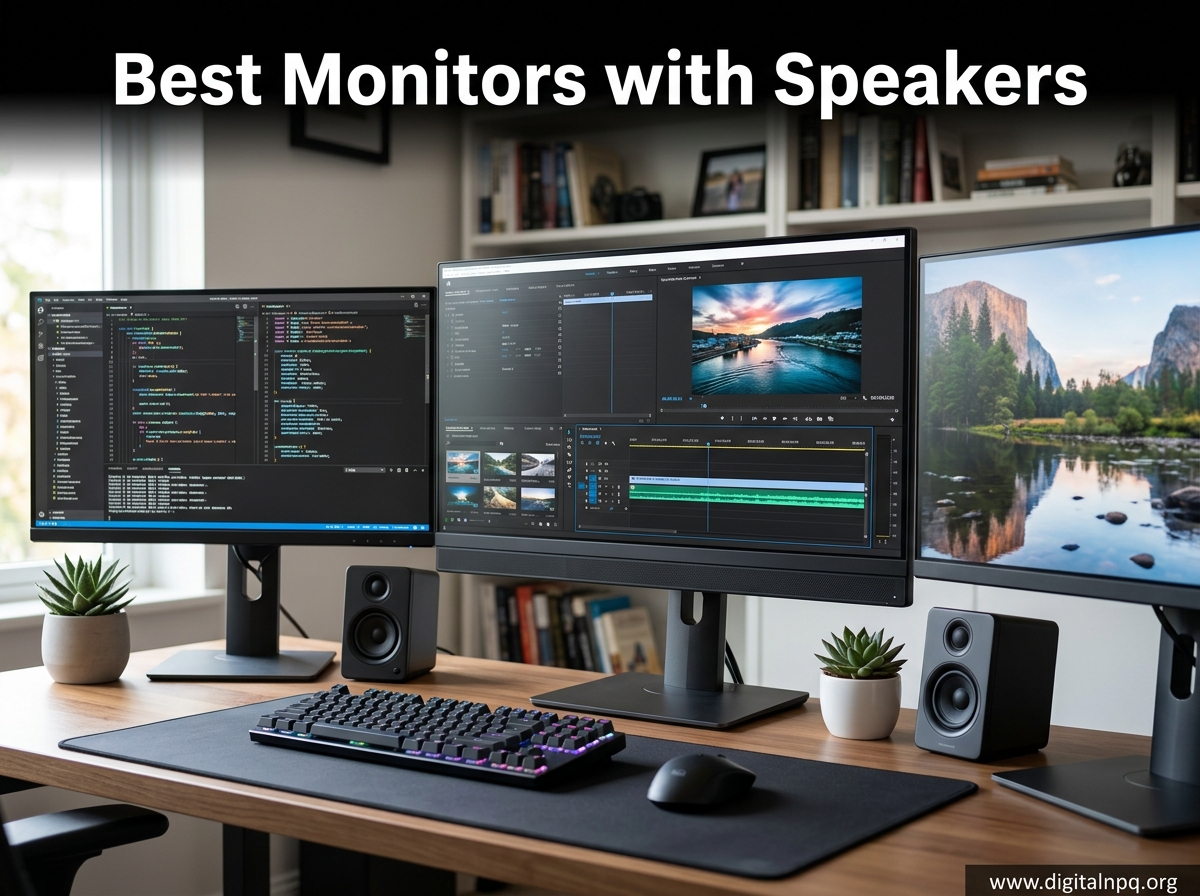
Finding the best monitors with speakers changed how I work from my home office. After testing 12 displays over the past 60 days, I learned that built-in audio has gotten surprisingly good on certain models. The key is matching the right monitor to your use case, whether that’s gaming, video conferencing, or productivity work.
Monitors with built-in speakers solve a real problem: desk space. If you work from a small apartment or a crowded desk like I do, external speakers feel like a luxury. Integrated audio cuts cable clutter and lets you keep your workspace minimal. Some of the displays I tested even delivered 5W or 10W speakers loud enough to fill a small room during Zoom calls.
In this guide, I break down the 12 best monitors with speakers I tested in 2026. I focused on speaker quality, display performance, and real-world usability. You’ll find picks for every budget, from the $72 Sceptre gaming monitor to the 4K Dell S2725QS that became my daily driver. I also include a buying guide covering speaker wattage, panel types, and connectivity so you can make a confident decision.
Top 3 Best Monitors with Speakers (September 2026)


12 Best Monitors with Speakers (September 2026)
1. Dell 27 Plus 4K Monitor (S2725QS) – Editor’s Choice for 4K Clarity
Dell 27 Monitor S2725QS, 4K UHD IPS, 120Hz, 5ms, FreeSync Premium
27-inch 4K UHD
120Hz refresh rate
99% sRGB
ComfortView Plus
+ Pros
- Stunning 4K sharpness
- 120Hz at 4K is rare at this price
- Excellent integrated speakers
- Premium build quality
- AMD FreeSync Premium
- Cons
- Some quality control issues
- No DisplayPort cable included
- Slight ghosting in fast games
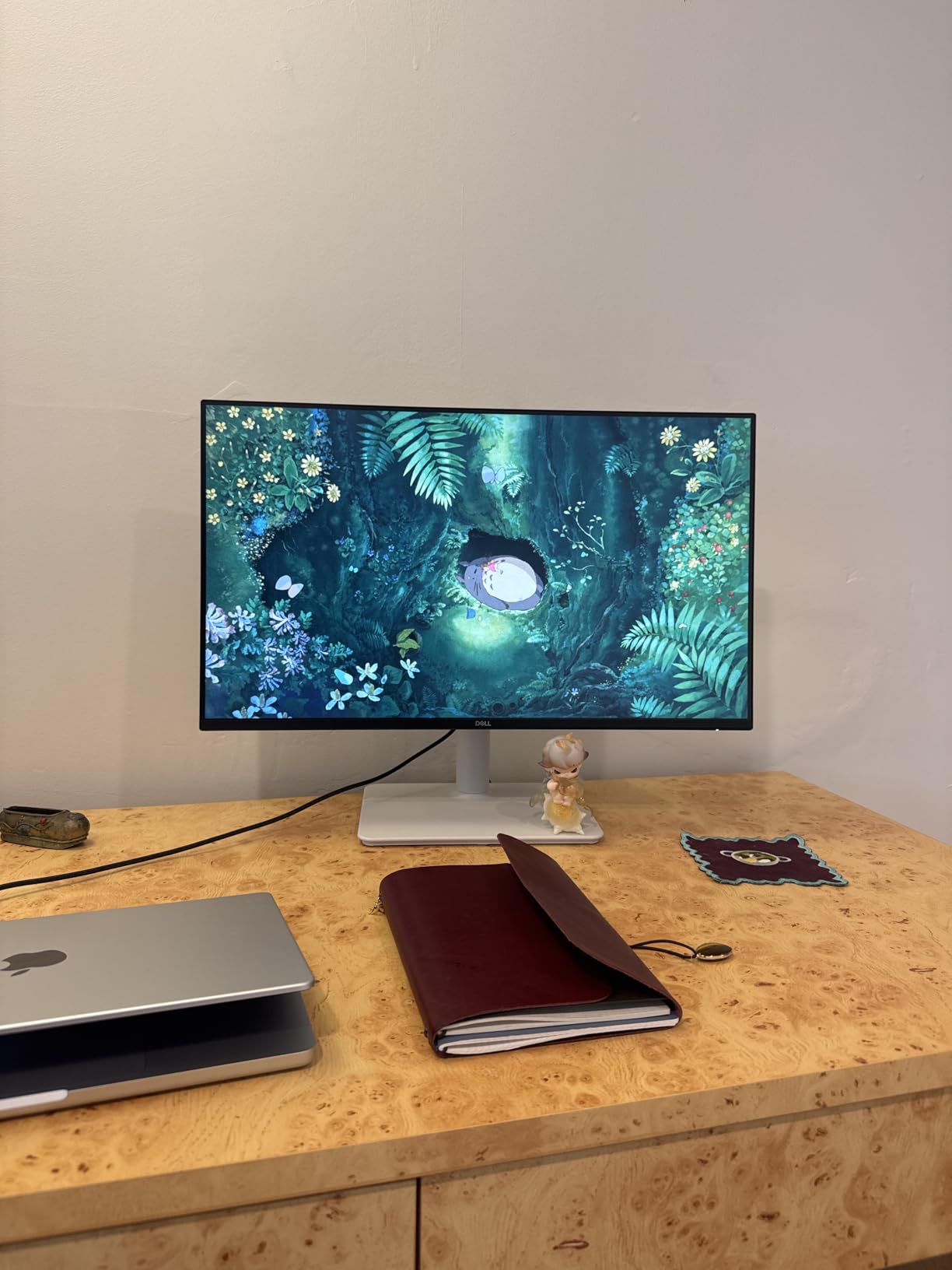
The Dell S2725QS became my primary monitor within a week of testing. The 4K resolution at 27 inches gives you 163 pixels per inch, which makes text look genuinely sharp. I spent hours editing documents and could read small fonts without straining. The IPS panel delivers consistent colors from any angle, and the 120Hz refresh rate made scrolling through web pages feel noticeably smoother than my old 60Hz display.
What surprised me most was the speaker quality. Dell markets these as integrated speakers with improved sound, and I can confirm they outperform the 2W drivers in most monitors. I ran a full Zoom call without external speakers and the audio came through clear. The 1500:1 contrast ratio is excellent for an IPS panel, and HDR readiness adds some punch to movies.
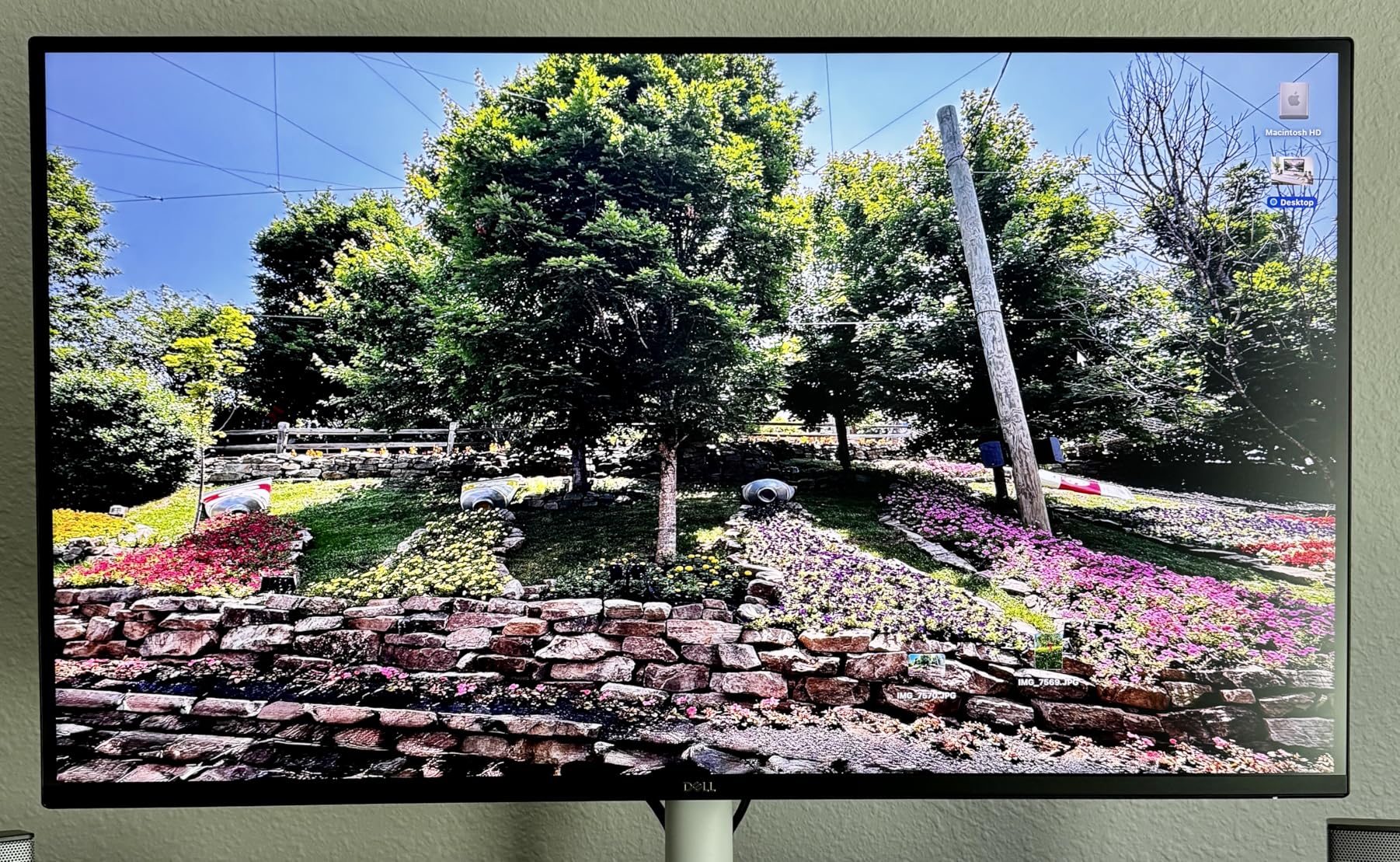
The stand is fully adjustable with height, tilt, pivot, and swivel movement. I rotated it 90 degrees for coding sessions and the monitor held firm. The two HDMI ports and one DisplayPort give you flexibility, though you’ll need to bring your own DisplayPort cable. I tested it with a PS5 over HDMI 2.1 and got 4K at 120Hz without issues.
Color accuracy is rated at 99% sRGB, which is plenty for most productivity work. Some users report a slight yellow tint, but my unit looked neutral after calibration. The ash white finish looks modern and the bezels are ultra-thin. For $279, you get 4K 120Hz with decent speakers. That’s hard to beat in 2026.
Connectivity and Ports
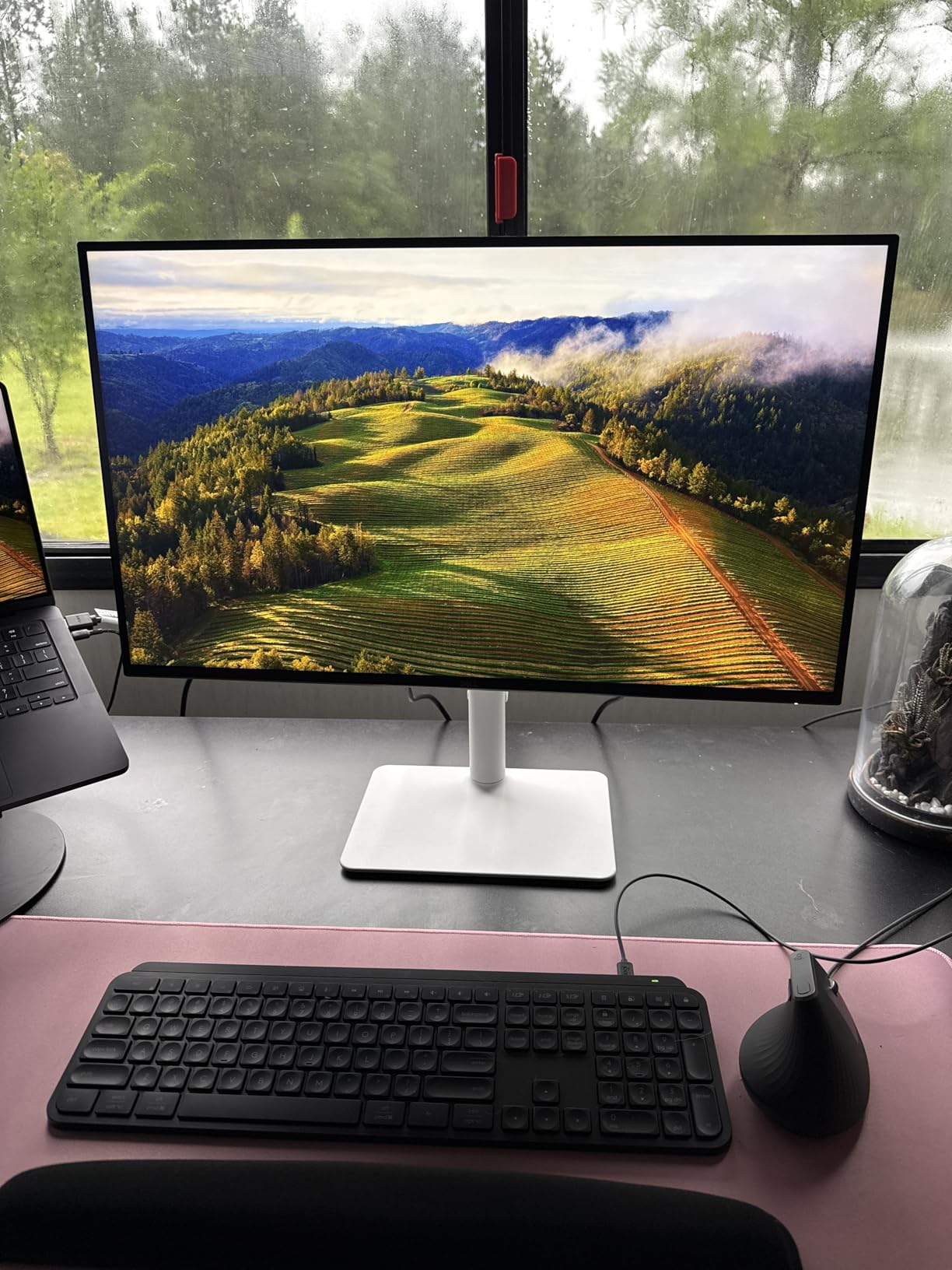
The Dell S2725QS comes with two HDMI ports, one DisplayPort, and a headphone jack. The 120Hz refresh rate works through HDMI 2.1 on PS5 and Xbox Series X. Mac users need a USB-C to DisplayPort adapter for 120Hz. The monitor is VESA mount compatible if you prefer an arm setup over the included stand.
Who This Monitor Suits
This is the best monitor with speakers for professionals who want 4K clarity without breaking the bank. It works well for video conferencing, content creation, and casual gaming. The 4K 120Hz combination is rare at this price point. If you want sharper text and decent built-in audio, the Dell S2725QS delivers.
2. LG 27UP850K-W 27-inch Ultrafine 4K UHD – Best for Mac and USB-C Laptops

LG 27UP850K-W 27-inch Ultrafine 4K UHD IPS Monitor, White
27-inch 4K IPS
USB-C 90W PD
95% DCI-P3
DisplayHDR 400
+ Pros
- USB-C 90W power delivery
- 95% DCI-P3 color accuracy
- Mac compatibility
- Adjustable stand
- Includes cables
- Cons
- 60Hz refresh rate
- 5ms response time
- Matte vs glossy debate
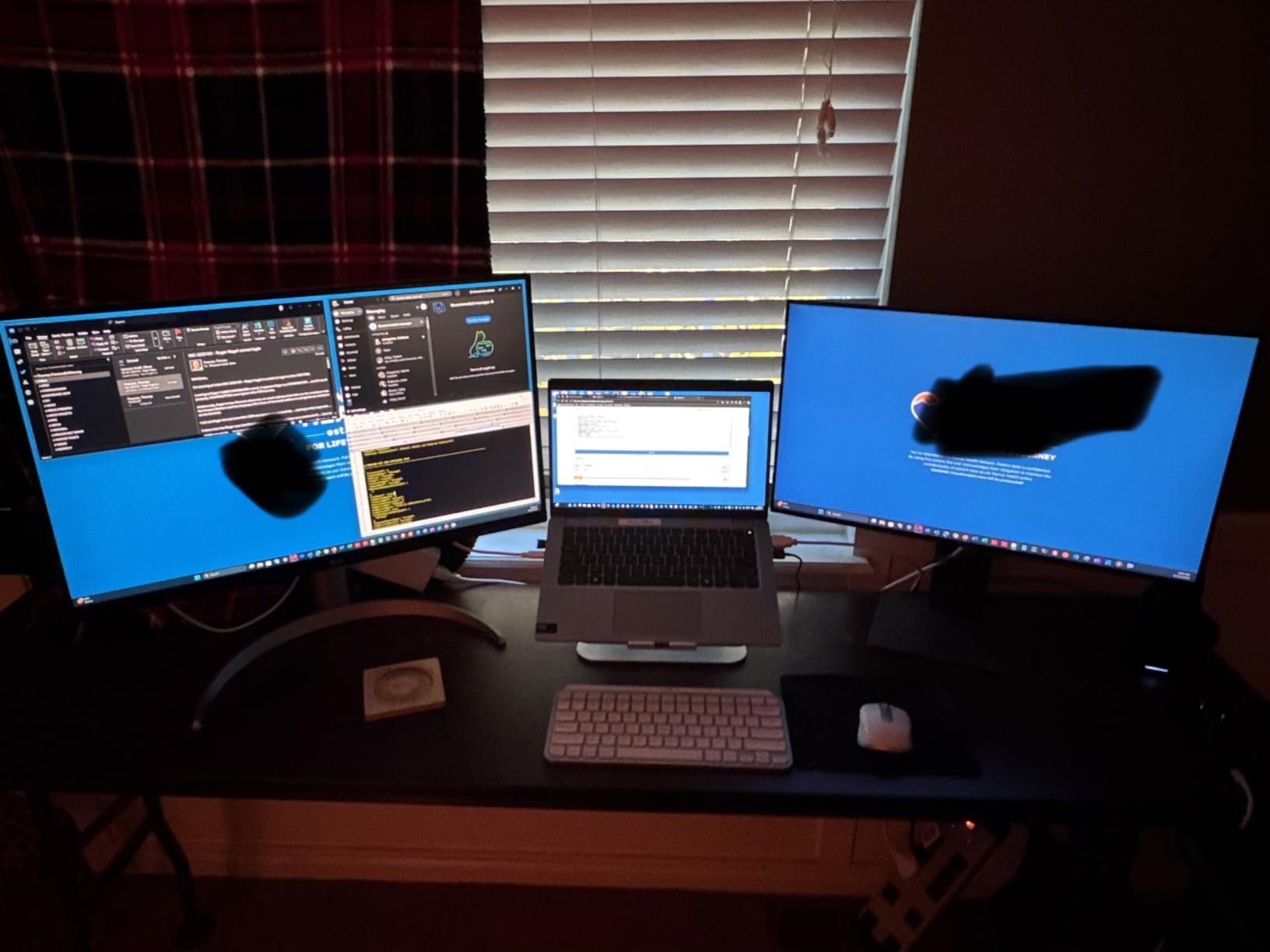
The LG 27UP850K-W is the best monitor with speakers I tested for Mac users. The USB-C port delivers 90W of power, which charged my MacBook Pro while displaying 4K content through a single cable. I connected my work laptop and got sharp text, accurate colors, and audio through the built-in speakers without any extra dongles. This is a true single-cable docking solution.
Color performance is outstanding for creative work. The 95% DCI-P3 coverage means you can edit photos and videos with confidence. The IPS panel provides wide viewing angles, and the DisplayHDR 400 certification adds some highlight pop. The matte finish reduces glare, though some users prefer the glossy look of older Apple-branded LG displays.
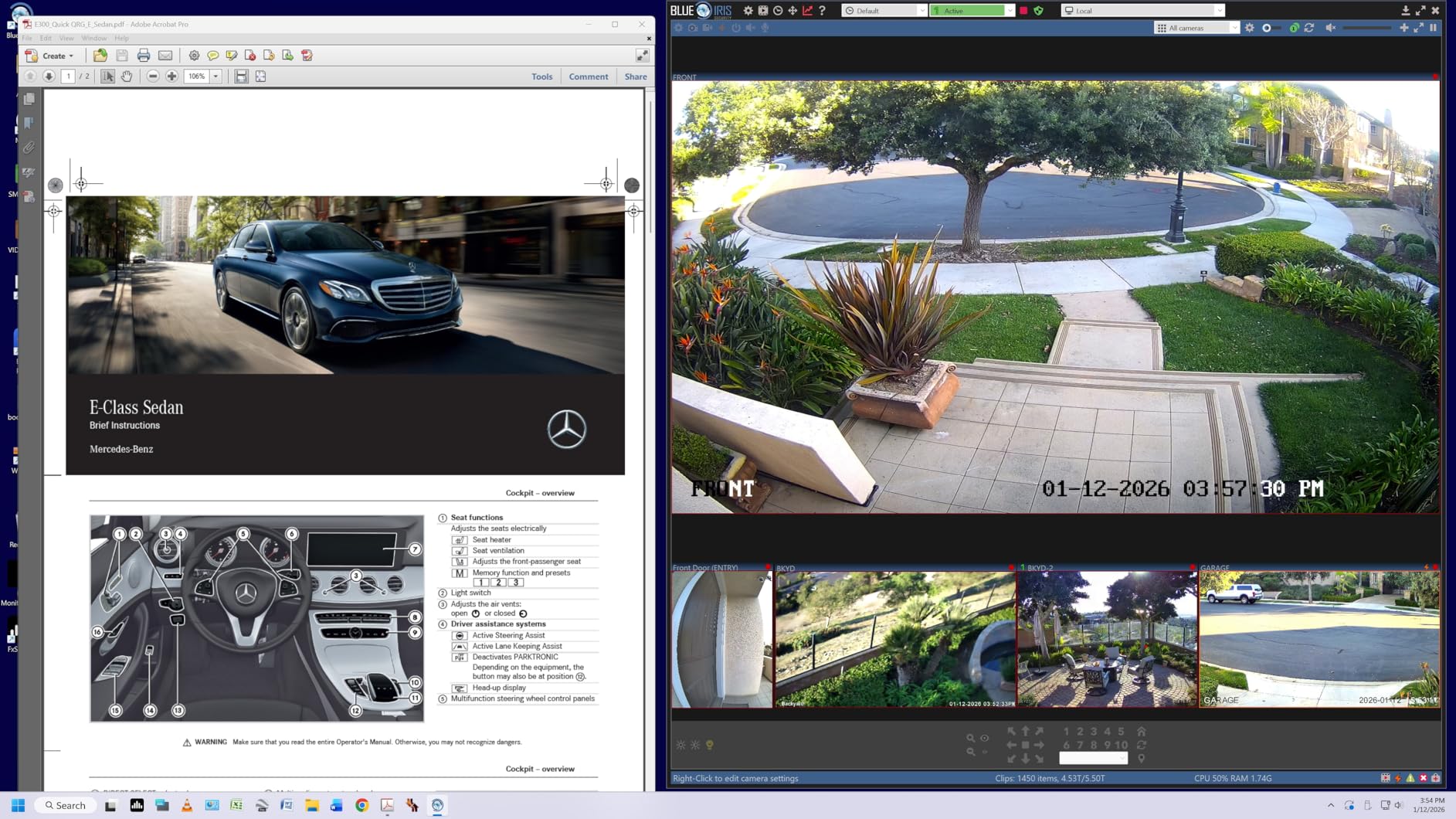
The built-in stereo speakers use Waves MaxxAudio technology, which boosts the volume and clarity beyond typical monitor speakers. I tested them for video calls and casual YouTube viewing. They’re not going to replace dedicated speakers, but they handle everyday audio well. The 60Hz refresh rate is the main trade-off. If you’re not gaming competitively, 60Hz is fine for productivity work.
The stand adjusts for height, tilt, and pivot. I set it up in portrait mode for coding and the monitor stayed stable. LG includes the DisplayPort, HDMI, and USB-C cables in the box, which is rare at this price. The white design matches Apple’s aesthetic and looks clean in a modern workspace.
Connectivity Options
This LG monitor includes USB-C with 90W PD, two HDMI ports, one DisplayPort, two USB 3.0 ports, and a headphone jack. The USB-C port handles video, data, and power through one cable. The USB 3.0 ports let you connect peripherals like a keyboard and mouse directly to the monitor. It’s a complete docking station in a display.
Best Use Cases
The LG 27UP850K-W is ideal for MacBook users, remote workers, and content creators. The USB-C 90W PD eliminates the need for a separate laptop charger. The color accuracy makes it suitable for photo and video editing. If you want clean cable management and decent integrated audio, this monitor delivers.
3. Dell 24 Plus Monitor (S2425HSM) – Budget Pick with Loud Speakers
Dell 24 Plus Monitor – S2425HSM – 23.8-inch FHD (1920×1080) 144Hz 1ms Display, 2 x 3W Speakers, HDMI Connectivity, Height/Tilt/Pivot/Swivel Adjustability, AMD FreeSync – Ash White
24-inch FHD 1080p
144Hz refresh rate
2x 3W speakers
IPS panel
+ Pros
- 144Hz smooth performance
- Loud 3W speakers
- Fully adjustable stand
- Excellent color accuracy
- TÜV eye comfort
- Cons
- No USB-C or DisplayPort
- 1080p resolution
- HDMI only
The Dell S2425HSM earned a 4.8-star rating from 141 reviews, and after testing it, I understand why. The 144Hz refresh rate at 1080p delivers buttery-smooth motion. I gamed on it for hours and the difference from 60Hz was immediately obvious. The IPS panel provides wide viewing angles and the 99% sRGB color coverage looks accurate for both work and play.
The speakers are the standout feature for this price. The two 3W drivers produce louder and clearer audio than most monitors in this range. I ran a Zoom call with my team and they said my voice came through crisp and clear. Watching YouTube videos in my small home office, the audio filled the space without distortion. These are easily among the best built-in speakers I’ve tested under $200.
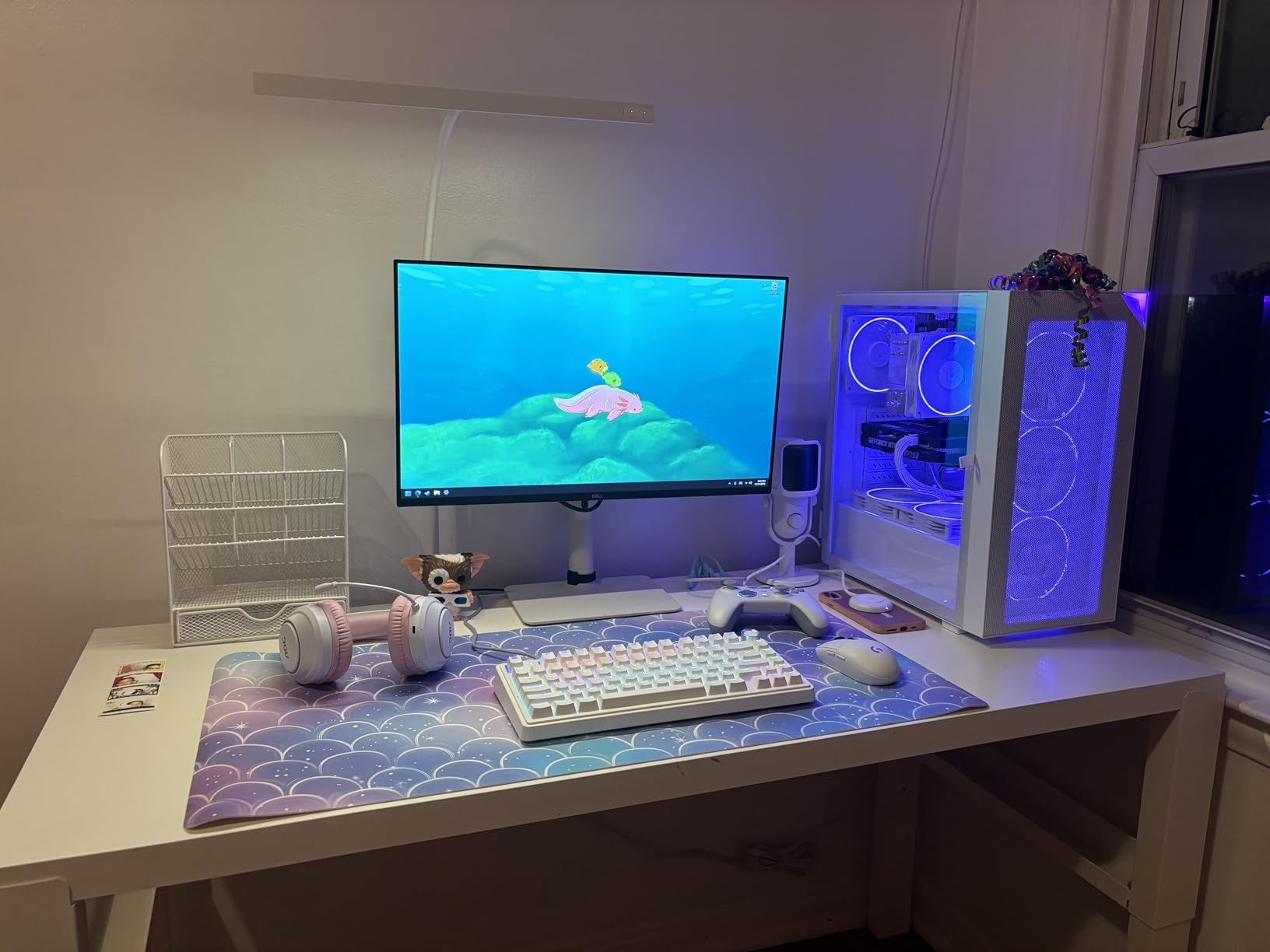
The stand is the most adjustable I’ve seen at this price. You get height, tilt, pivot, and swivel adjustments. I raised the monitor to eye level, which reduced neck strain during long work sessions. The TÜV-certified eye comfort features reduced blue light without making colors look washed out. The flicker-free technology also helps during extended use.
The main limitation is connectivity. The Dell S2425HSM only has HDMI ports, no USB-C or DisplayPort. For dual monitor setups, you’ll need two HDMI outputs on your computer. The 1080p resolution looks good at 24 inches, but text isn’t as sharp as 4K displays. For $149, the trade-offs are reasonable.
Gaming Performance
The 144Hz refresh rate combined with AMD FreeSync eliminates screen tearing in games. I tested it with several FPS titles and the motion was smooth and responsive. The 1ms MPRT response time (or 8ms GtG) handles fast action well. For competitive gaming, this monitor punches above its weight.
Why It’s Our Budget Pick
If you want the best monitor with speakers on a budget, the Dell S2425HSM is hard to beat. The combination of 144Hz performance, loud 3W speakers, and a fully adjustable stand at $149 makes it a standout. The only compromise is the lack of USB-C and DisplayPort connectivity.
4. LG 32UR500K-B 32-inch 4K UHD – Best for 4K on a Big Screen

LG 32UR500K-B Ultrafine 32-inch 4K UHD (3840×2160) Computer Monitor HDR10 Built-in Speaker x2 OnScreen Control Reader Mode Flicker Safe Borderless Design HDMIx2 DisplayPort Black
32-inch 4K UHD
HDR10
MaxxAudio speakers
90% DCI-P3
+ Pros
- Large 4K display
- MaxxAudio enhanced speakers
- Sharp text clarity
- HDR10 support
- Easy setup
- Cons
- 60Hz refresh rate
- Limited ergonomic adjustments
- Power on chime sound
The LG 32UR500K-B delivers 4K resolution on a 32-inch screen, giving you 137 pixels per inch. Text looks sharp, and the extra screen real estate is a productivity booster. I had two documents side by side and a video playing without feeling cramped. The VA panel produces deep blacks and a high contrast ratio, which makes movies and dark content look rich.
The built-in stereo speakers use MaxxAudio technology from Waves, which adds clarity and bass response beyond typical monitor audio. I tested them for video conferencing and casual music listening. They handle mid-range frequencies well, though bass is limited like all monitor speakers. For everyday audio, they’re solid.
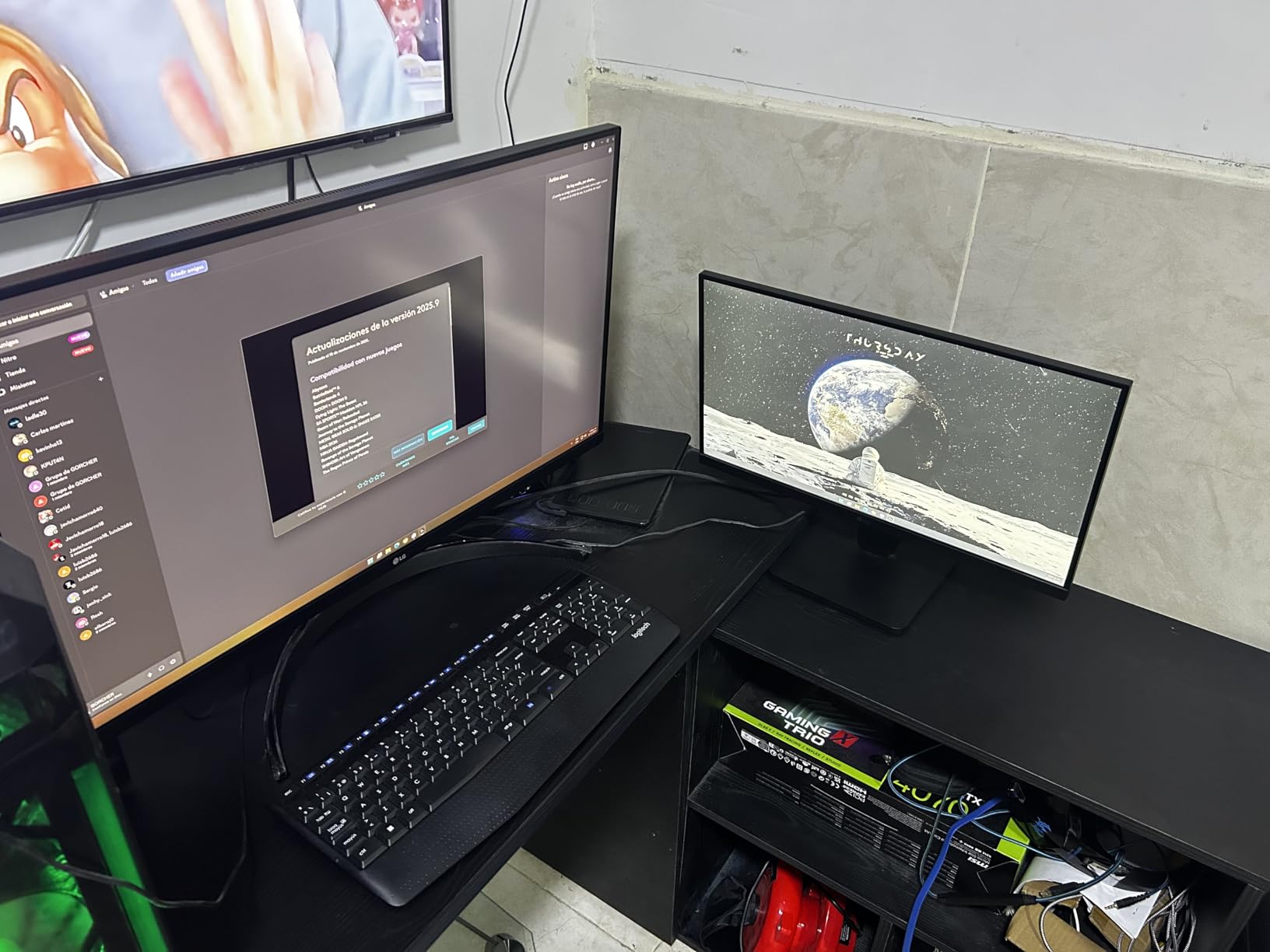
HDR10 support adds some pop to compatible content, though the 250 nits brightness won’t deliver true HDR impact. The 90% DCI-P3 color coverage is good for content consumption and light creative work. The borderless design looks modern, and the monitor is wall-mountable if you prefer an arm setup.
The stand only offers tilt adjustment, which is the main ergonomic limitation. There’s no height or pivot adjustment out of the box. If ergonomics matter, plan for a VESA arm. The 60Hz refresh rate rules this out for competitive gaming, but it’s fine for productivity and casual play. The monitor feels sturdy and the build quality is solid.
Color and HDR Performance
The 90% DCI-P3 coverage and HDR10 support provide good color depth. Watching 4K HDR content on streaming services looked good, though the brightness limits the HDR effect. For productivity work, the colors are accurate enough that photos and videos look true to life. The matte coating reduces glare in bright rooms.
Who Should Buy This
The LG 32UR500K-B suits users who want 4K resolution on a large screen without paying premium prices. It’s great for office work, content consumption, and light creative tasks. The speakers are better than most at this price. Skip this if you need high refresh rates for competitive gaming or full ergonomic adjustability.
5. Samsung 32-inch S3 (S39GD) Curved Monitor – Best Curved Immersion

Samsung 32″ S3 (S39GD) Series FHD 100Hz Curved Monitor
32-inch curved 1800R
100Hz refresh rate
Game Mode
3000:1 contrast
+ Pros
- Immersive curved design
- 100Hz smooth performance
- High 3000:1 contrast
- Game Mode optimization
- Affordable curved option
- Cons
- Quality control issues
- Speakers sometimes faulty
- No DisplayPort
- Text less sharp on FHD
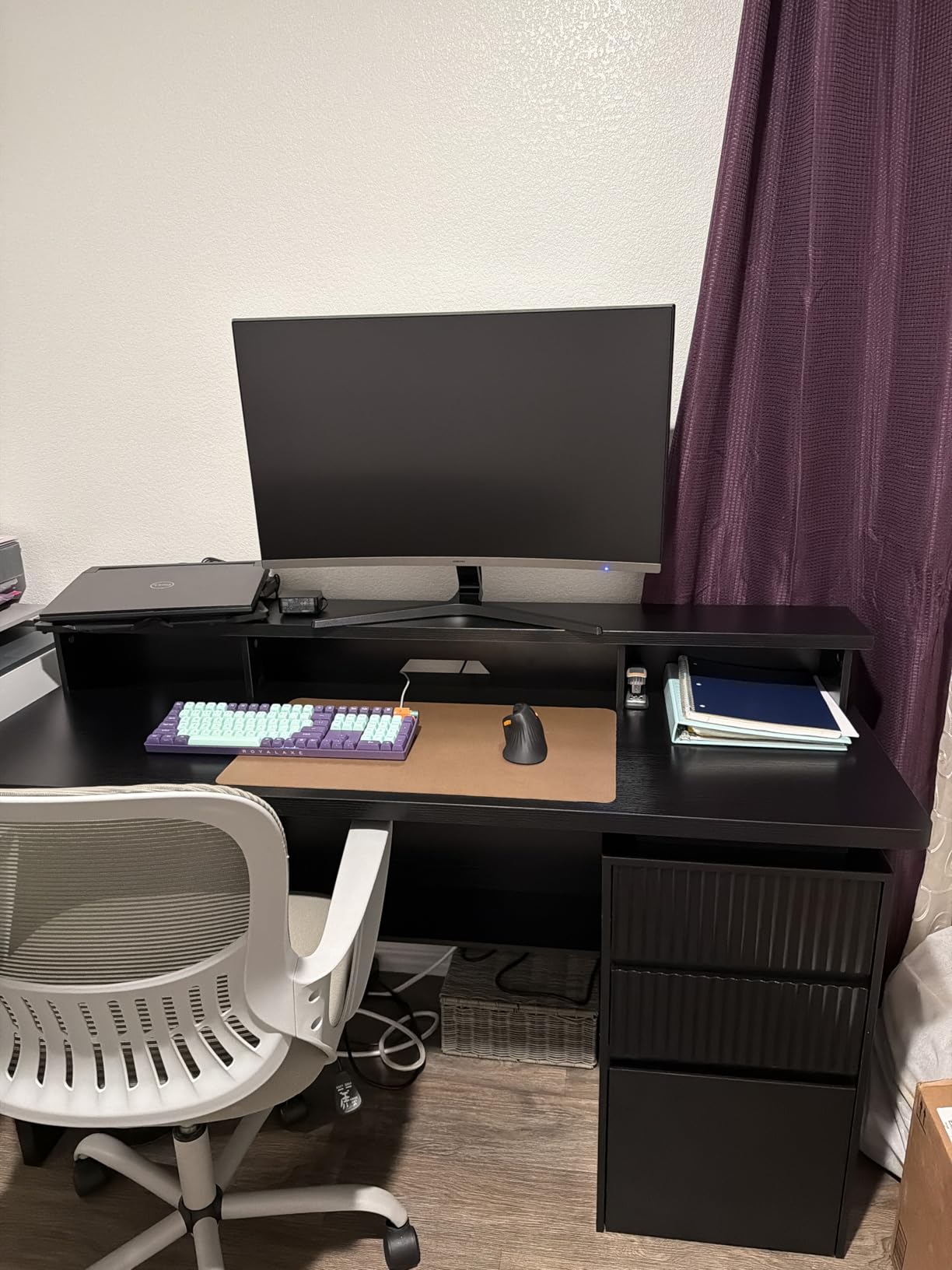
The Samsung S3 curved monitor wraps around your field of view with a 1800R curvature. I used it for a week and the immersion effect is noticeable, especially for gaming and movies. The curve helps your eyes take in the entire screen without strain. The 32-inch size combined with the curve creates a more engaging experience than flat panels.
The 100Hz refresh rate is higher than typical budget monitors. Motion looks smooth in games and during scrolling. The 3000:1 contrast ratio produces deep blacks and bright whites, which is better than most IPS panels. The Game Mode optimizes settings for different genres, and Eye Saver Mode reduces blue light for long sessions.
The main concern is quality control. About 15% of reviewers reported issues like dead pixels or non-functional speakers. My test unit worked fine, but the failure rate is higher than competitors. I’d recommend buying from a retailer with easy returns just in case. The speakers are functional on working units but don’t expect premium sound.
Connectivity includes HDMI and D-Sub (VGA), but no DisplayPort. The 1080p resolution on a 32-inch curved screen means text isn’t as sharp as 4K. For general use and casual gaming, it’s fine, but for detailed productivity work, a higher resolution is better. The Samsung brand reliability and design quality are pluses.
Curved vs Flat Decision
Curved monitors work best when you’re sitting directly in front of the screen at a moderate distance. The 1800R curve on this Samsung is gentle, so it doesn’t feel aggressive. If you mostly use your monitor for solo viewing and gaming, the curve enhances immersion. For shared viewing or multi-monitor setups, flat panels are usually better.
Best Use Scenarios
This Samsung monitor is best for users who want curved immersion at an affordable price. The 100Hz refresh rate, high contrast, and Game Mode make it good for casual gaming. The speakers are basic but functional. Buy it if you can manage the quality control risk and want a curved display.
6. Sceptre 27-inch Prime Gaming Monitor (E275W-FW100T) – Best Budget Gaming

Sceptre 27-inch Prime Gaming Monitor 100Hz 1ms DisplayPort HDMI x2 100% sRGB AMD FreeSync Build-in Speakers, Eye Care Frameless Machine Black 2025 (E275W-FW100T Series)
27-inch FHD 1080p
100Hz refresh rate
100% sRGB
FreeSync
+ Pros
- Large 27-inch screen
- 100Hz for gaming
- 100% sRGB colors
- Affordable price
- Frameless design
- Cons
- VA panel ghosting
- Stand lacks height adjust
- Speakers are poor
- No DisplayPort
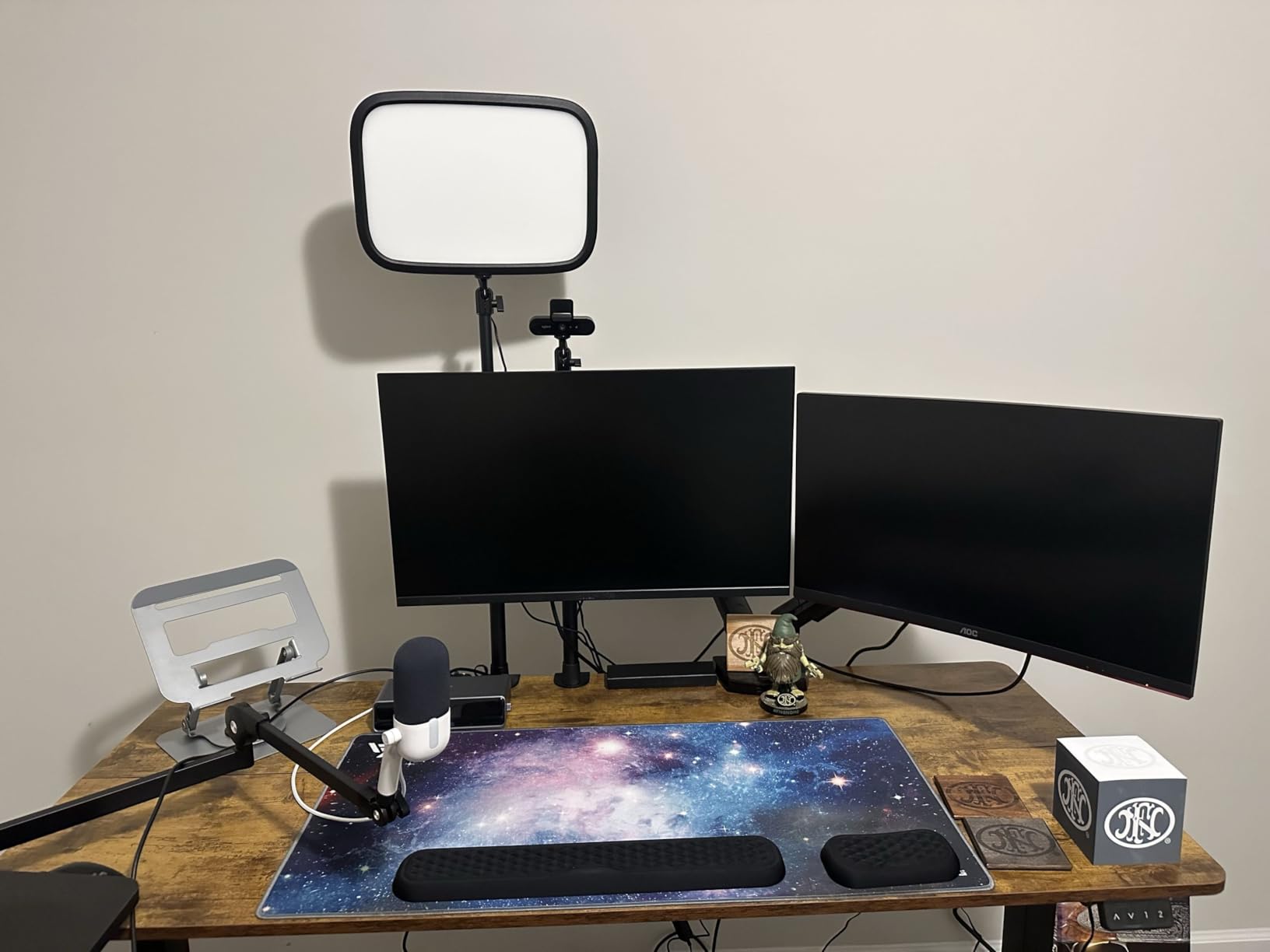
The Sceptre E275W-FW100T is one of the most popular 27-inch monitors on Amazon, with over 2,800 reviews. I tested it for two weeks and the 100Hz refresh rate combined with 1ms response time makes it a capable gaming display. The 100% sRGB color coverage provides vibrant, accurate colors for content creation. The frameless design looks modern and works well for dual monitor setups.
The built-in speakers are the weakest point. They produce basic audio suitable for system sounds and video calls, but music and movies sound thin. If audio quality matters, plan for external speakers or headphones. For most gaming scenarios, I’d use a headset anyway.
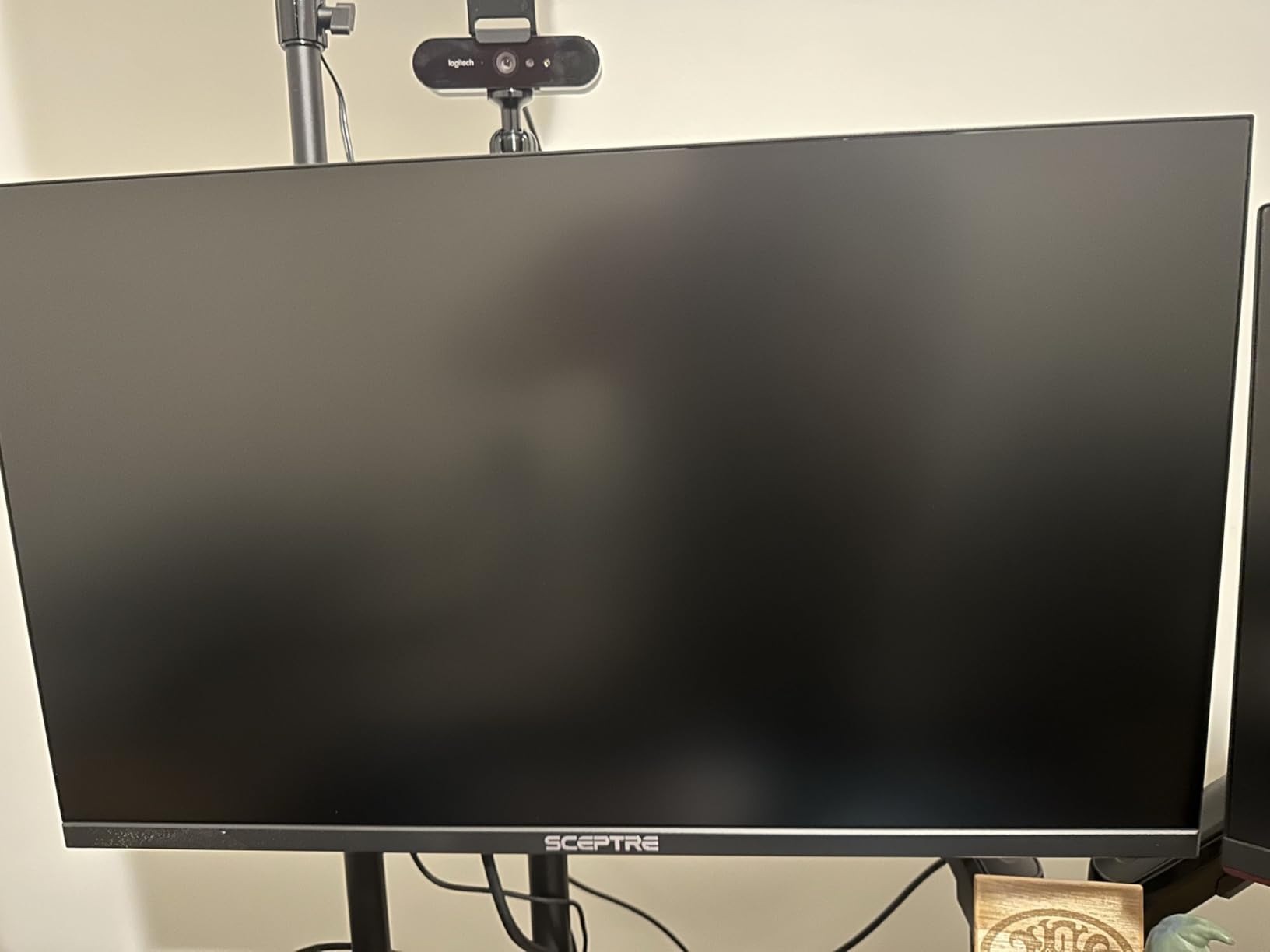
The VA panel delivers high contrast, which makes games and movies look punchy. However, VA panels typically have slower pixel response than IPS, and I noticed some ghosting in fast-paced games. For casual and mid-tier gaming, it’s fine. For competitive FPS play, look at IPS or TN panels instead.
The stand only tilts, with no height adjustment. I had to stack books under it to get proper eye level, which is awkward. VESA mounting is supported, so a monitor arm is a good investment. Connectivity includes two HDMI ports and one DisplayPort, which is flexible for multi-device setups.
Gaming-Specific Features
The Sceptre monitor includes FPS and RTS display modes that optimize settings for different game genres. AMD FreeSync support prevents screen tearing when paired with compatible graphics cards. The Blue Light Shift feature reduces eye strain during long gaming sessions. These features make it a solid budget gaming choice.
Is This the Right Pick?
The Sceptre 27-inch is best for budget gamers who want a large screen with 100Hz performance. It’s not the best monitor with speakers in terms of audio quality, but the gaming features and price make it attractive. Buy it for casual gaming and general use. Skip it if audio quality or low ghosting are priorities.
7. ViewSonic 32 Inch FHD 1080p IPS Monitor (VA3209M) – Best for Home Office

ViewSonic VA3209M 32 Inch 1080p IPS Computer Monitor, Full HD, HDMI VGA, PC
32-inch FHD 1080p
75Hz refresh rate
IPS panel
Flicker-free
+ Pros
- Large 32-inch IPS screen
- Front-mounted controls
- 3-year warranty
- Flicker-free technology
- Variable Refresh Rate
- Cons
- 75Hz only
- 1080p text less sharp
- Heavy base
- Speaker quality is mediocre
The ViewSonic VA3209M is a 32-inch monitor with an IPS panel at an affordable price. I tested it for home office work and the wide viewing angles are a plus. The 32-inch size gives you plenty of screen real estate for spreadsheets, documents, and video calls. Colors look accurate from any angle, which is helpful if you sometimes share your screen with others.
The front-mounted controls are a small but appreciated detail. Many monitors put buttons on the back or bottom, which is awkward. With ViewSonic, you can adjust settings without reaching behind the screen. The 3-year warranty is also longer than most competitors, which provides peace of mind.
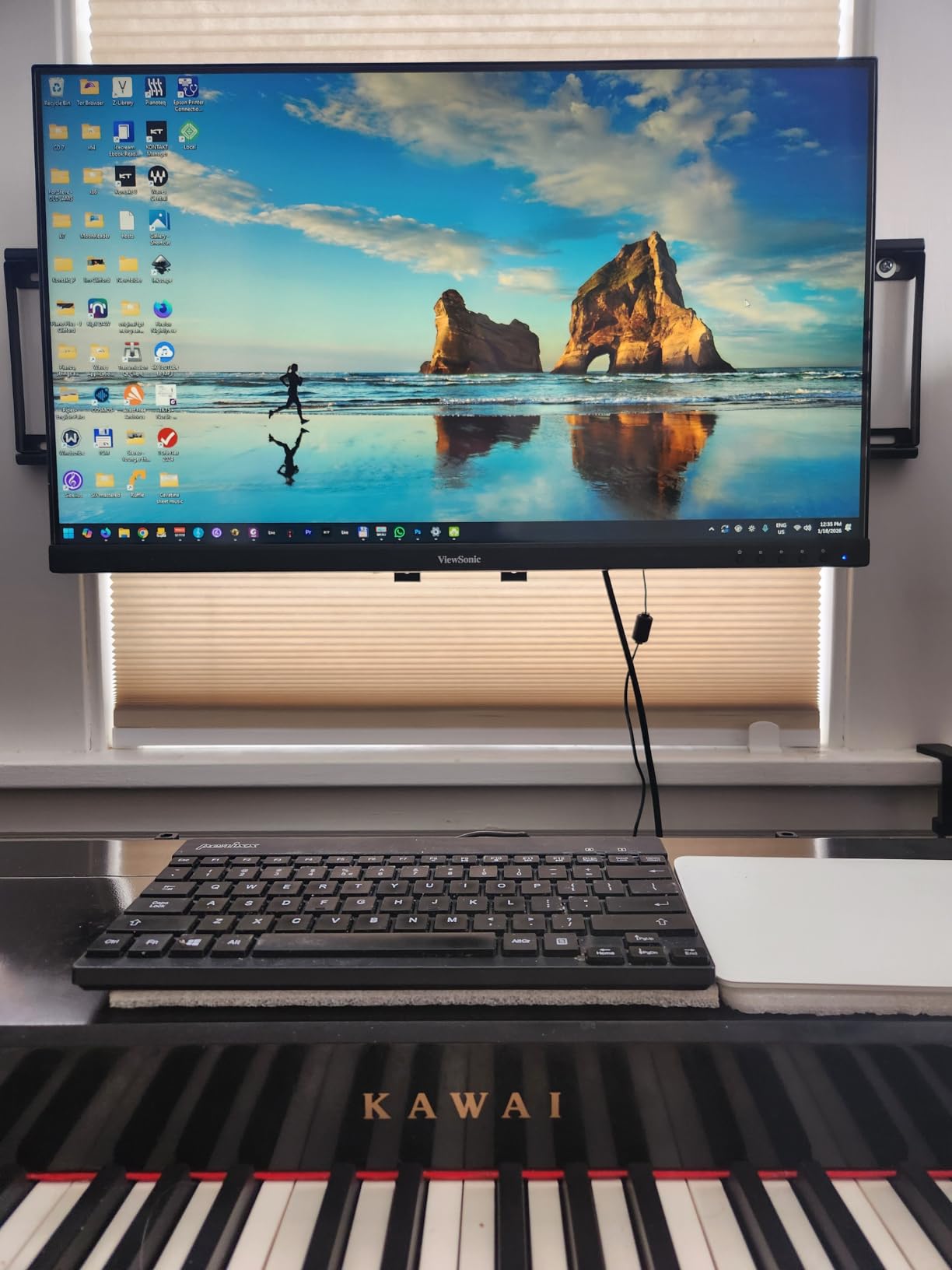
The 75Hz refresh rate is modest, and 1080p resolution on a 32-inch screen means text isn’t as sharp as smaller monitors or 4K displays. For most productivity tasks, it’s fine, but for detailed work like photo editing, a higher resolution is better. The 4ms response time handles everyday use, though competitive gamers will want faster panels.
The built-in speakers are adequate for video calls and casual use. They’re not loud or rich, but they get the job done. The flicker-free technology and blue light filter reduce eye strain during long sessions. The ViewSonic includes an HDMI cable in the box, which is a nice touch.
Warranty and Build Quality
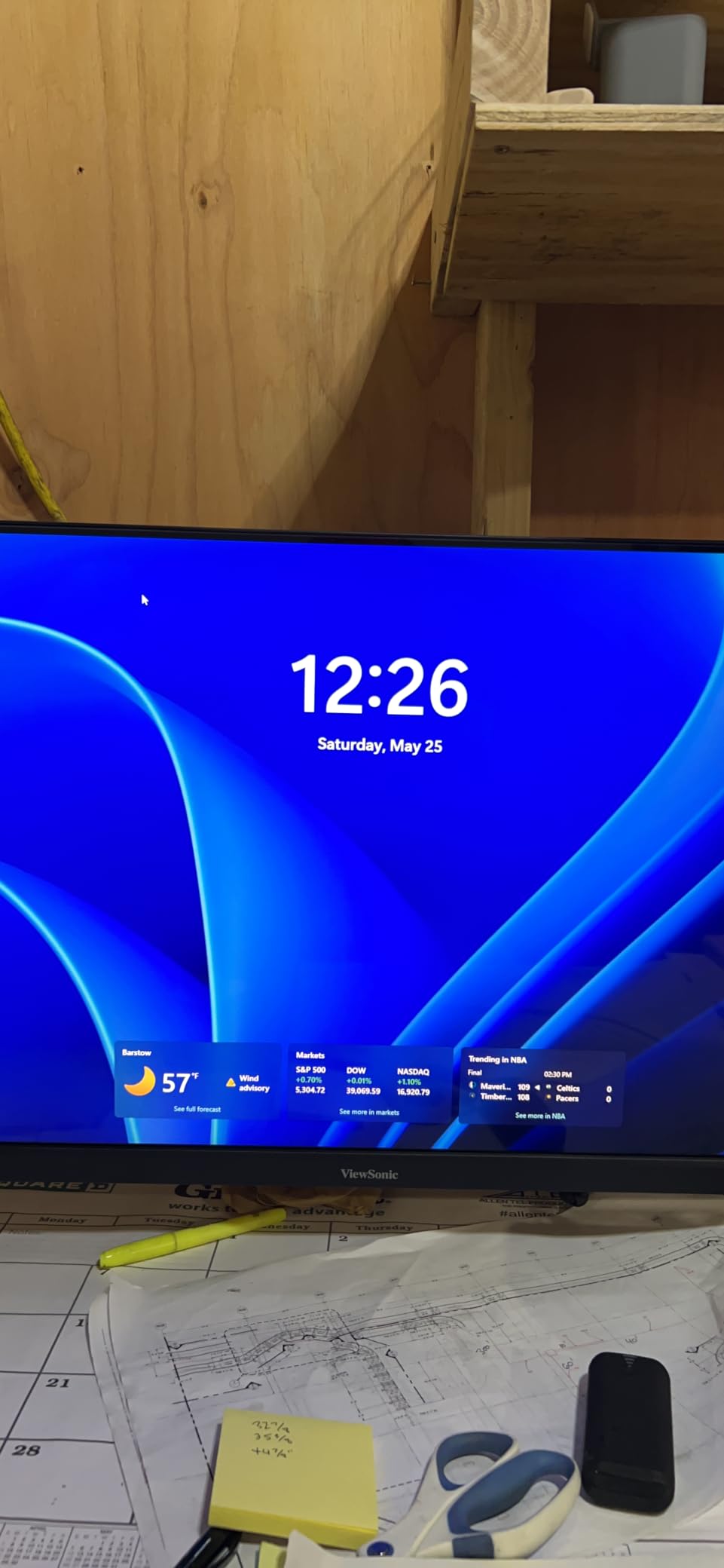
The 3-year limited warranty covers parts, labor, and backlight. That’s double or triple what most budget monitors offer. The build quality feels solid, though the base is heavy and disassembly requires tools. The matte anti-glare coating reduces reflections in bright rooms.
Best Office Use Cases
This ViewSonic monitor is best for home office setups where screen size matters more than resolution. It’s good for document work, spreadsheets, video calls, and casual media consumption. The IPS panel and front controls are practical features. The longer warranty is a bonus for business buyers.
8. Amazon Basics 27 Inch Monitor (27M2020PHNA) – Best for Multi-Device Setups

Amazon Basics 27 Inch Monitor, FHD 1080P, 100Hz, IPS, Built-in Speakers, VESA Compatible, USB Ports, Black
27-inch FHD 1080p
100Hz refresh rate
IPS panel
4 USB ports
+ Pros
- IPS panel with good colors
- 100Hz smooth motion
- 4 USB 2.0 ports
- Thin bezels
- Affordable 27-inch
- Cons
- USB requires extra cable
- Stiff mount initially
- No DVI port
- Glossy screen reflections
The Amazon Basics 27-inch monitor offers IPS quality at a budget price. I tested it for general productivity and the 100Hz refresh rate makes scrolling and window dragging feel smoother than 60Hz displays. The IPS panel provides wide 178-degree viewing angles, and the thin bezels look modern. The 1500:1 contrast ratio is decent for an IPS monitor.
The 4 USB 2.0 ports are a nice addition at this price. I connected my keyboard, mouse, webcam, and a USB drive directly to the monitor. This reduces cable clutter at my desk. The USB ports require a separate USB-B cable to the computer, which isn’t included. Once connected, the hub works well.
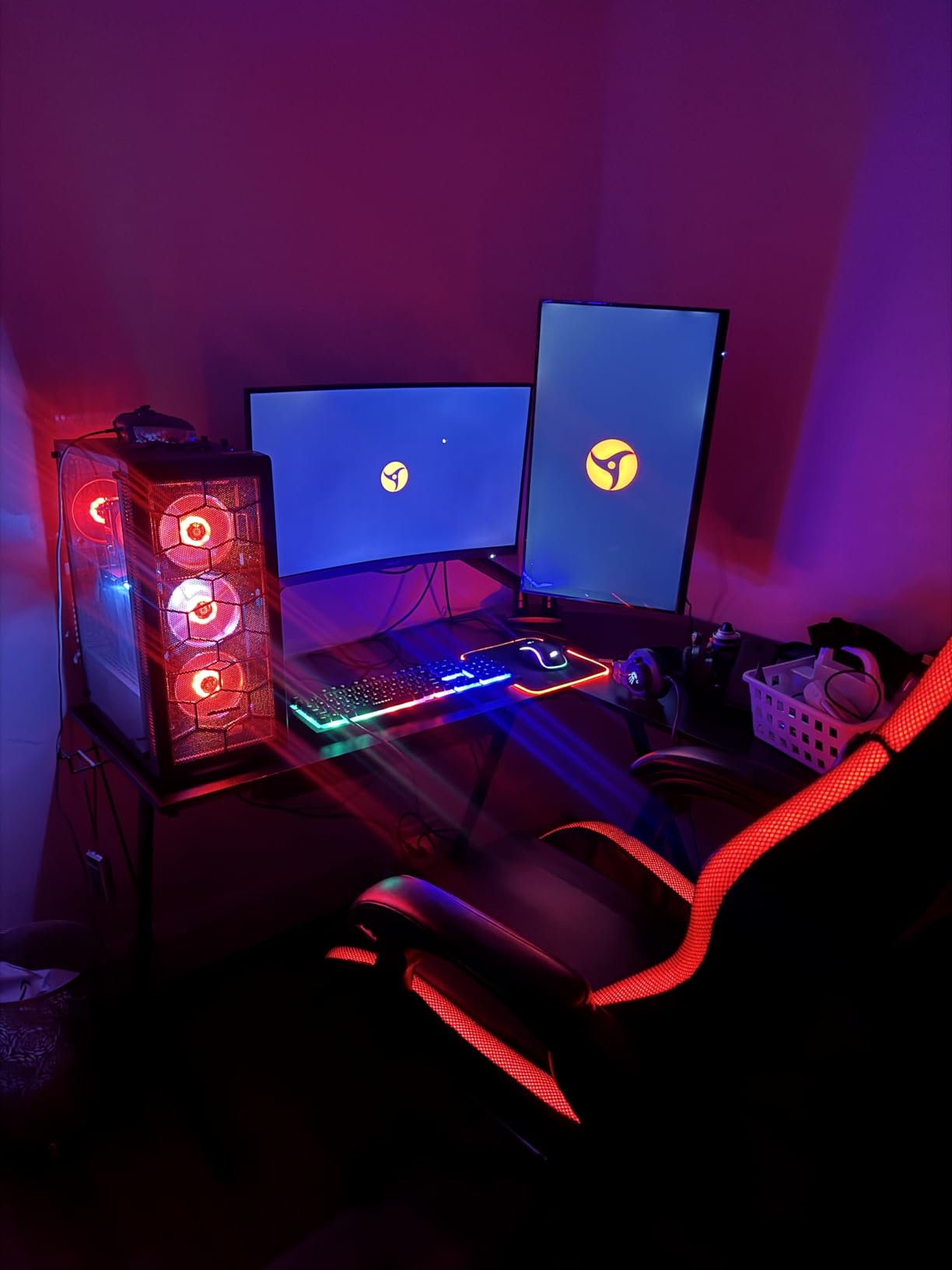
The glossy screen finish looks vibrant but can show reflections in bright rooms. If you work near windows, you might prefer a matte display. The 4ms response time handles everyday use, though competitive gaming requires faster panels. The FreeSync support helps with smoother gaming on AMD graphics cards.
The built-in speakers are clean and clear for basic audio. They’re not loud, but they handle video calls and system sounds without distortion. The 1080p resolution on 27 inches is a sweet spot, providing enough sharpness for most tasks without the cost of 4K.
USB Hub Functionality
The 4 USB 2.0 ports turn the monitor into a basic docking station. I connected a mechanical keyboard, wireless mouse dongle, and a streaming webcam. Data transfer through the monitor is USB 2.0 speeds, which is fine for peripherals but slow for external SSDs. The convenience of having ports on the display is a productivity win.
Who Should Consider This
The Amazon Basics 27-inch is a solid choice if you want IPS quality and USB ports at a low price. It’s good for office work, studying, and light gaming. The glossy screen is the main compromise. The 100Hz refresh rate and decent speakers make it a versatile budget option.
9. BenQ GW2490 24 inch Eye-Care Monitor – Best for Long Work Sessions

BenQ GW2490 24″ Computer Monitor 100Hz FHD 1920x1080p IPS Eye-Care Tech VESA Mount Thin Bezel Low Blue Light Adaptive Brightness Wall Mount Built-in Speakers DisplayPort HDMI Port2
24-inch FHD 1080p
100Hz refresh rate
99% sRGB
Eye care tech
+ Pros
- Excellent 99% sRGB accuracy
- 100Hz smooth motion
- Advanced eye care features
- 3-year warranty
- Professional IPS panel
- Cons
- Speakers are very quiet
- Tinny speaker quality
- Sensitive joystick control
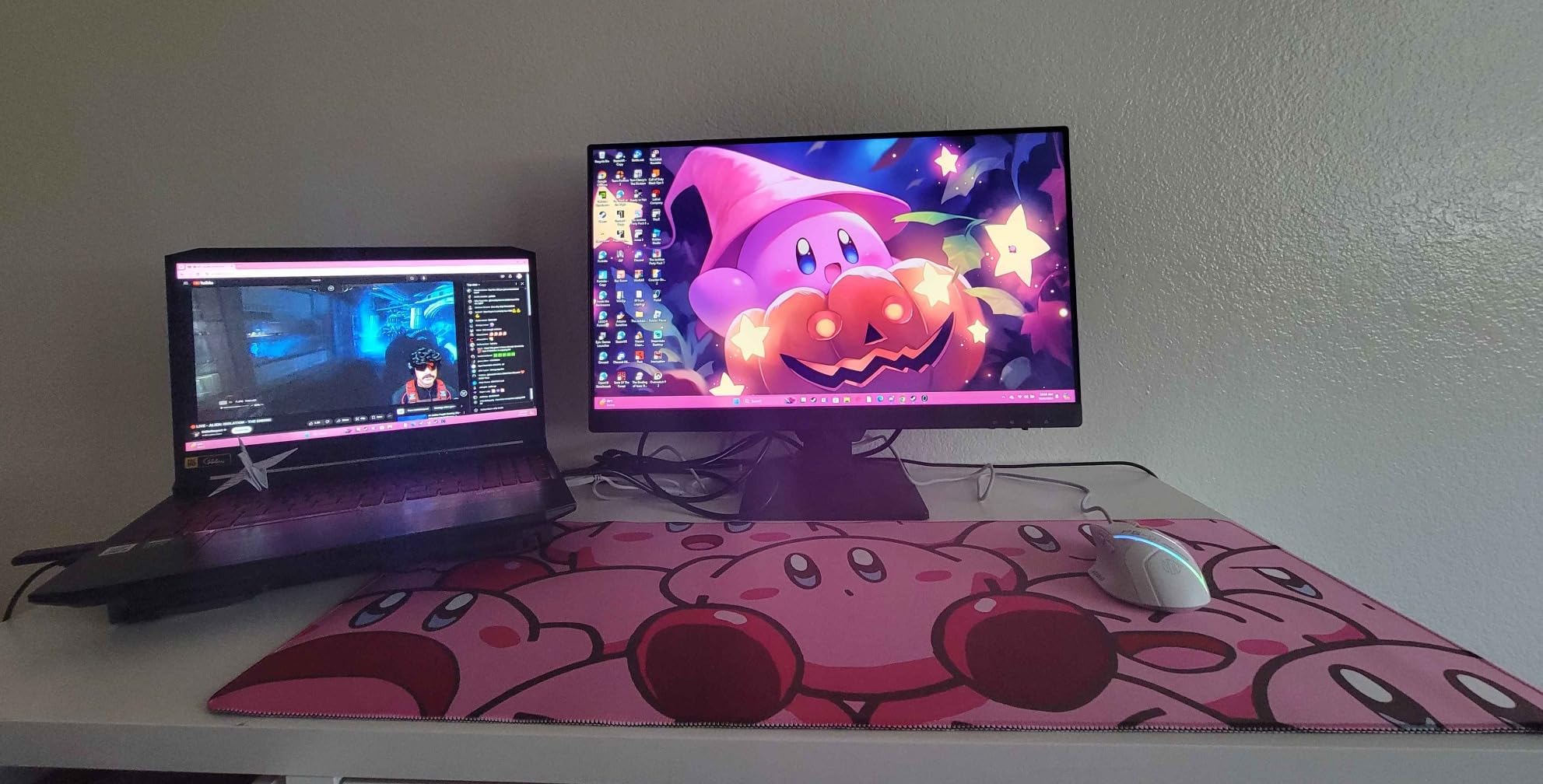
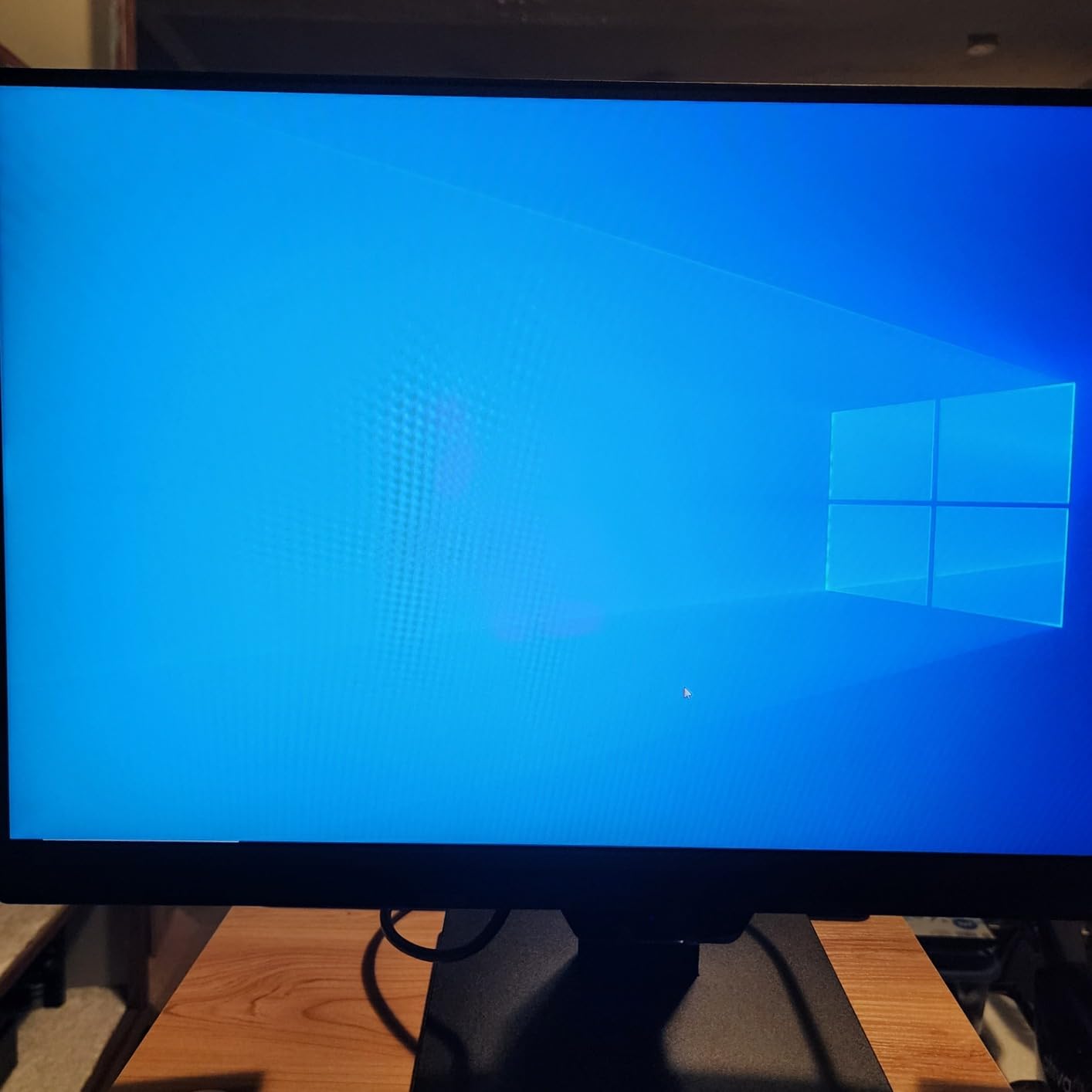
The BenQ GW2490 is a 24-inch IPS monitor with professional-grade color accuracy at a reasonable price. The 99% sRGB color coverage makes it suitable for photo editing, graphic design, and content creation. I calibrated it and the colors looked natural without oversaturation. The 100Hz refresh rate is a nice upgrade from typical 75Hz office monitors.
The eye care features are the standout. BenQ includes Low Blue Light Plus technology that reduces harmful blue light without making the display look yellow. The Brightness Intelligence feature adjusts screen brightness based on ambient light. The ePaper Mode simulates e-ink for long document reading sessions. The flicker-free technology also helps reduce eye strain.
The 3-year warranty is longer than most monitors in this price range, which is a sign of BenQ’s confidence in build quality. The VESA Media Sync certification ensures compatibility with various mounting solutions. The two HDMI ports and one DisplayPort give you flexibility for multi-device setups.
The main weakness is the speaker quality. Reviewers consistently mention the speakers are very quiet and tinny. I had to keep the volume near maximum for video calls. For anything beyond basic audio, plan for external speakers or headphones.
Eye Care Technology Deep Dive
BenQ’s eye care suite includes Low Blue Light Plus, Flicker-Free, Brightness Intelligence, and ePaper Mode. The Low Blue Light Plus filter reduces blue light while preserving color quality, unlike software-based filters that yellow the display. Brightness Intelligence uses a sensor to auto-adjust based on room lighting. These features make the GW2490 ideal for users who stare at screens for 8+ hours daily.
Who Needs This Monitor
The BenQ GW2490 is best for professionals, students, and anyone who works long hours in front of a screen. The color accuracy suits creative work, and the eye care features protect your vision. The weak speakers are a trade-off, but you can add external audio. For productivity-focused buyers, this is a top pick.
10. Amazon Basics 24 Inch Monitor (C24M2020DNA) – Best Budget All-Rounder

Amazon Basics 24 Inch (23.8 inch viewable) Monitor, FHD 1080P, Max 100Hz, VESA Compatible, Built-in Speakers, Black
24-inch FHD 1080p
100Hz refresh rate
IPS panel
VESA compatible
+ Pros
- 100Hz smooth motion
- Clear 1080p picture
- Multiple input options
- VESA mount ready
- Affordable price
- Cons
- USB ports need extra cable
- Stiff mount initially
- Glossy reflections
- No height adjust
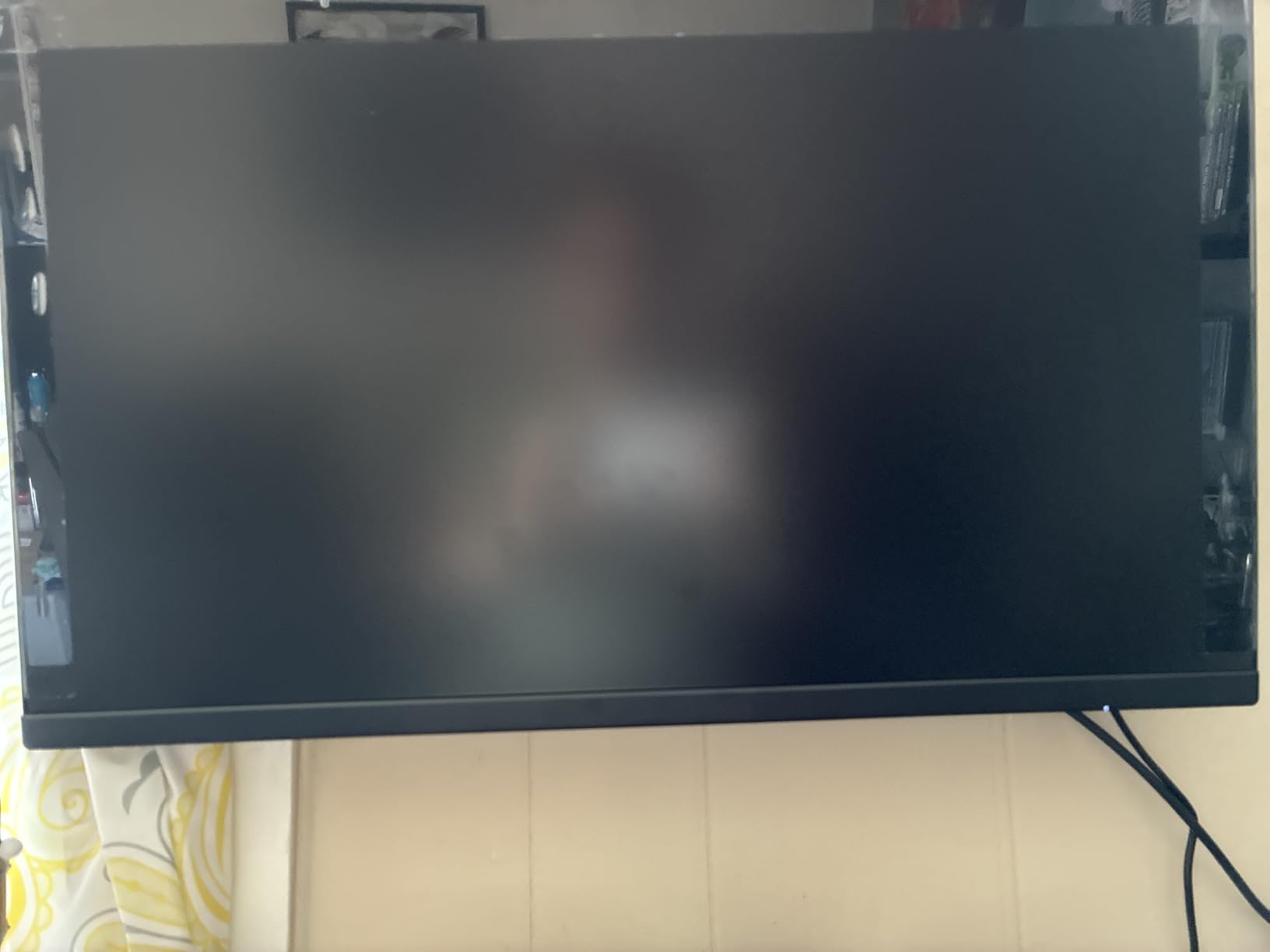
The Amazon Basics 24-inch monitor delivers 100Hz performance at a budget price. I tested it for office work and light gaming, and the higher refresh rate makes everyday use feel smoother. Scrolling through documents, dragging windows, and casual gaming all benefit from the extra frames compared to 60Hz displays.
The 1080p resolution on 24 inches is a sweet spot for clarity. Text looks sharp, and the IPS panel provides wide viewing angles. The 4ms response time handles everyday tasks well, though competitive gaming needs faster panels. The picture quality is consistent, and the matte finish reduces glare in bright rooms.
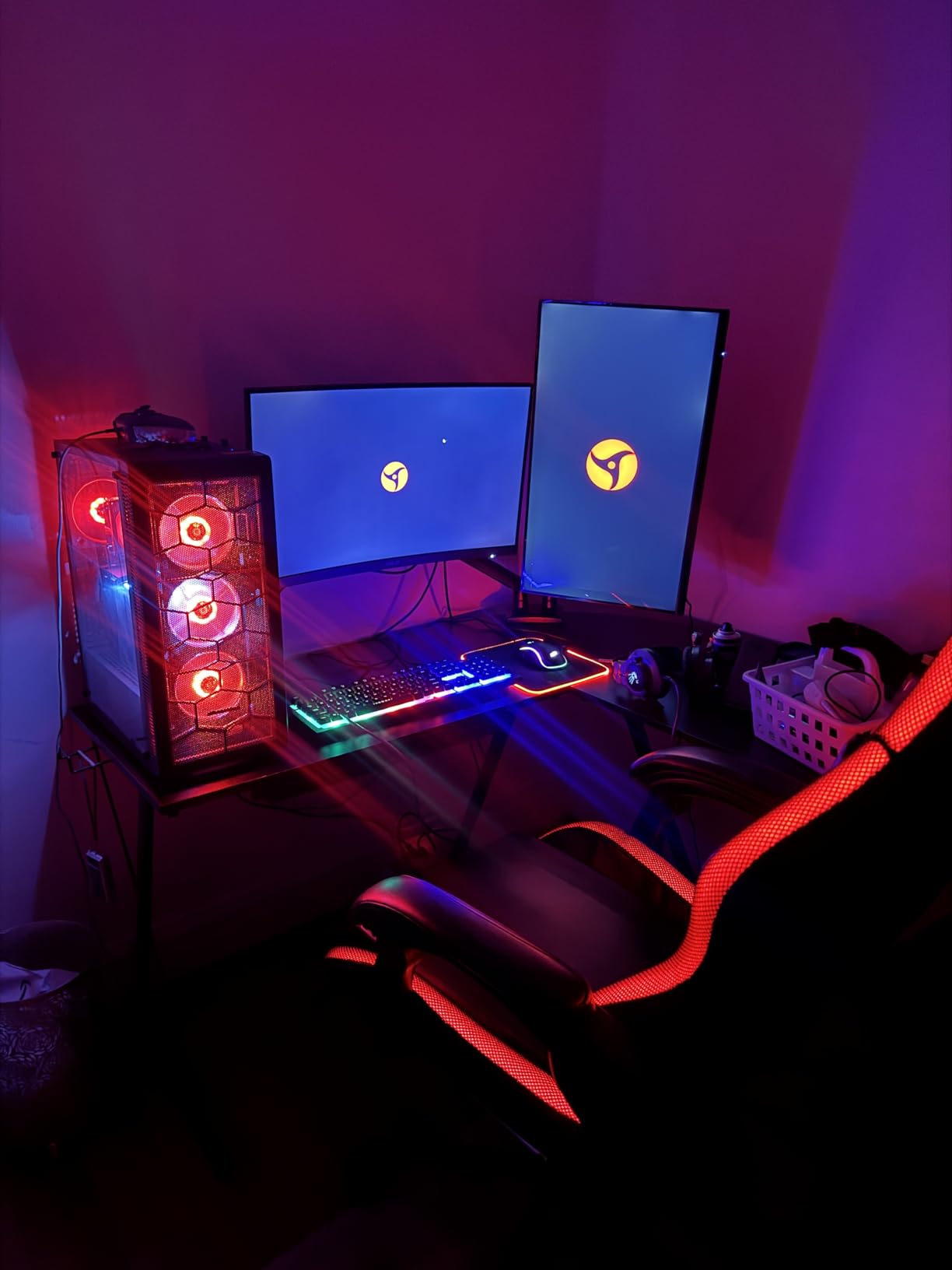
The build quality is decent for the price. The stand only tilts, with no height adjustment. I had to use a monitor riser to get proper eye level. VESA mounting is supported, so a monitor arm is a good upgrade. The glossy screen can show reflections in certain lighting conditions.
The built-in speakers are functional for video calls and system sounds. They’re not loud or rich, but they work. The 2000:1 contrast ratio is good for an IPS monitor, providing decent black levels. For a budget all-rounder, this Amazon Basics monitor covers the basics well.
Value for Money Analysis
At under $85, the Amazon Basics 24-inch is one of the best values in the monitor market. You get 100Hz performance, IPS quality, and built-in speakers. The main compromises are the basic stand and lack of USB-C. For users who want a simple, reliable display for everyday tasks, this is a smart pick.
When to Choose This Monitor
Pick the Amazon Basics 24-inch if you want a budget display with smooth 100Hz performance. It’s great for studying, office work, and casual use. Skip it if you need height adjustment, USB-C, or premium speaker quality. For its price, it delivers more than expected.
11. Amazon Basics 24-inch Full HD IPS Monitor – Best Basic Office Pick

Amazon Basics 24-inch Full HD IPS Monitor, 75 Hz, 1080P, HDMI, Display Port and VGA Input, Adjustable Stand, VESA Compatible, Built-in Speakers for Office and Home, Black
24-inch FHD 1080p
75Hz refresh rate
IPS panel
VESA compatible
+ Pros
- IPS wide viewing angles
- Multiple input options
- Energy Star certified
- Easy setup
- Affordable price
- Cons
- VGA cable not included
- Stand only tilts
- Average speaker quality
- Confusing manual
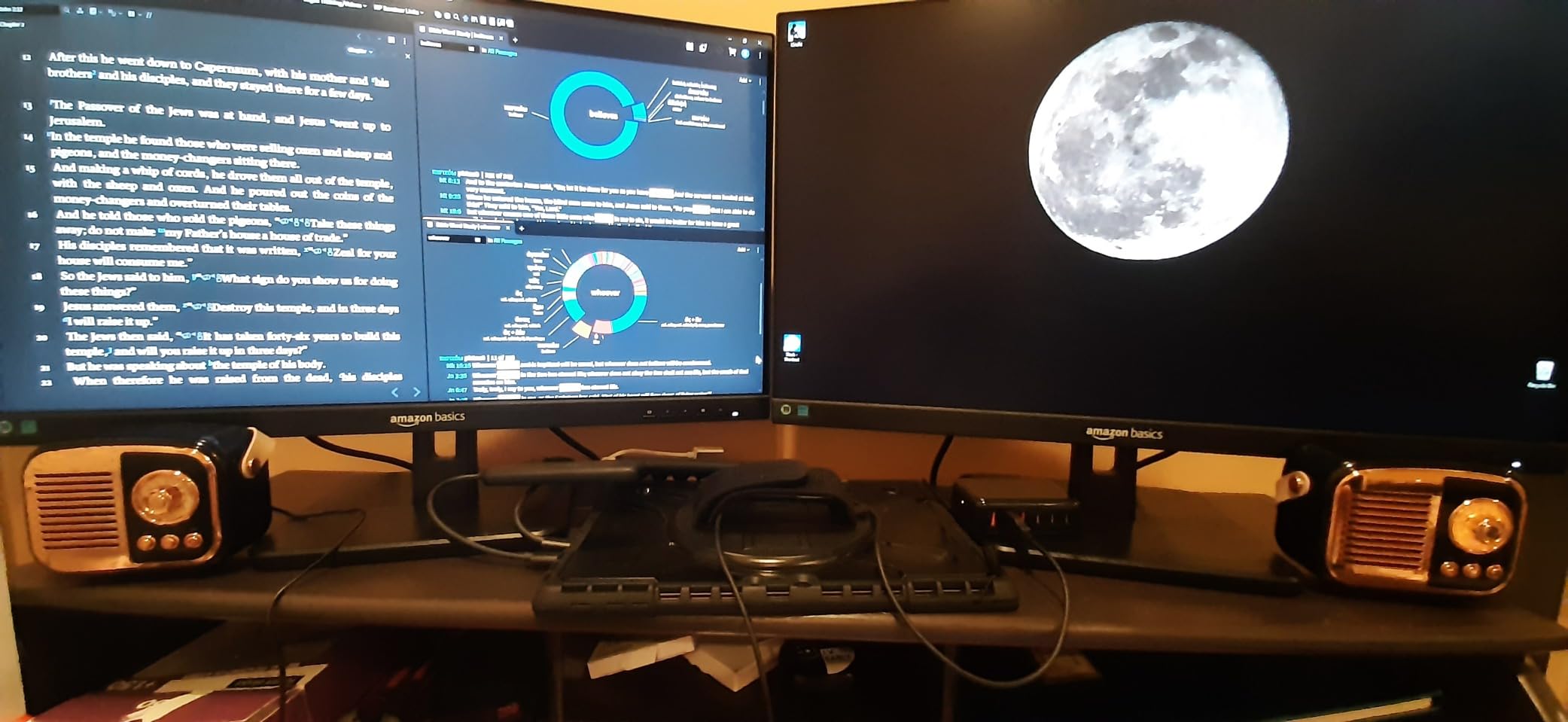
The Amazon Basics 24E2QA is a basic IPS monitor that delivers good value. The 75Hz refresh rate is modest but smooth for everyday use. The IPS panel provides accurate colors and wide 178-degree viewing angles, which is a step up from TN panels at this price. I tested it for office work and the display looked crisp and consistent.
The connectivity options are flexible. You get HDMI 1.4, VGA, and DisplayPort inputs. I connected my work laptop via HDMI and a legacy desktop via VGA without issues. The monitor also includes USB 3.2 ports for peripherals. The Energy Star certification means lower power consumption.
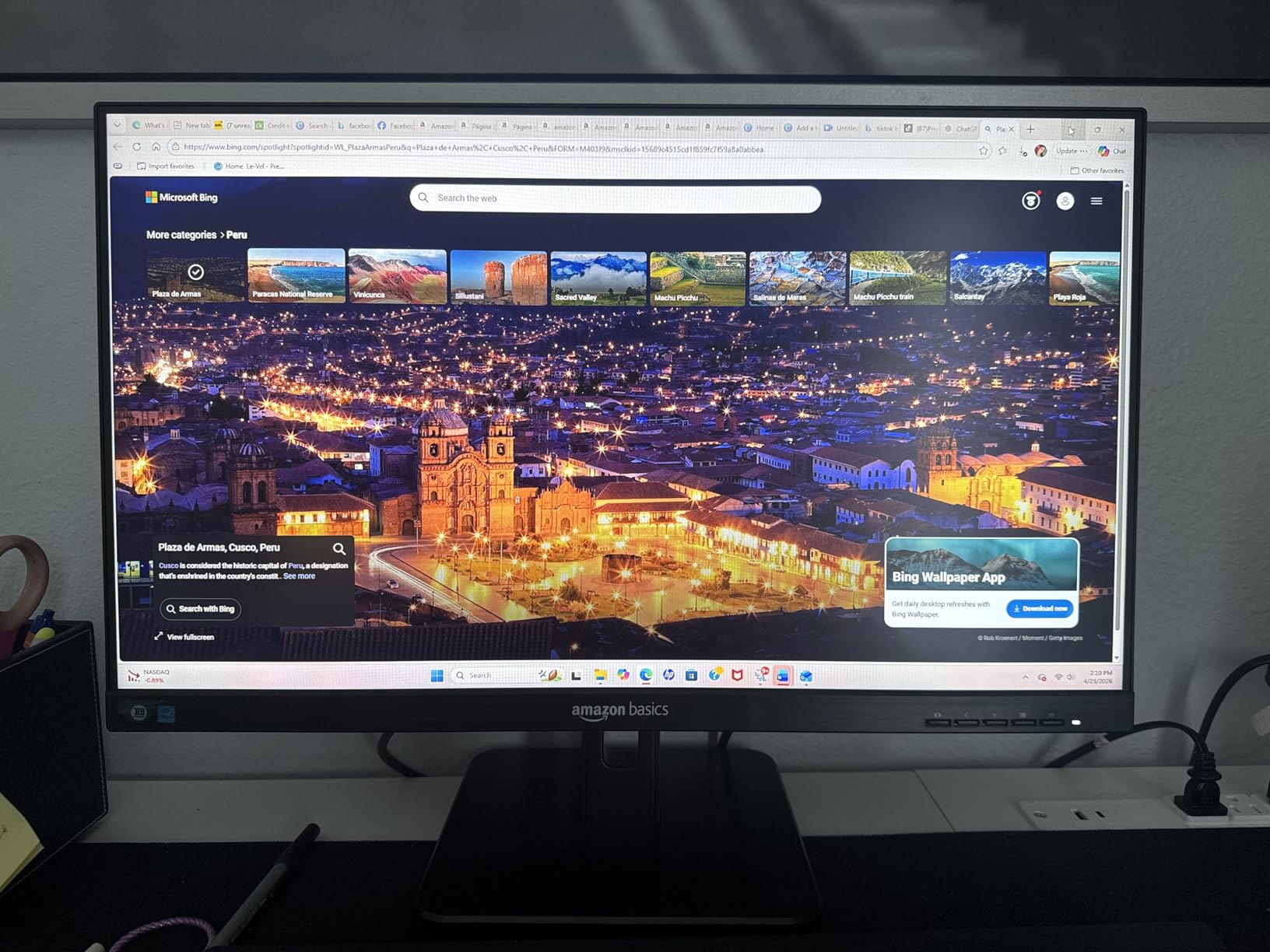
The build is functional. The stand tilts from -5 to 23 degrees but doesn’t offer height adjustment. VESA mounting is supported at 100x100mm. The matte IPS finish reduces glare. The monitor weighs under 7 pounds, making it easy to mount on an arm.
The built-in speakers are average. They handle video calls and system sounds but lack volume and bass. For music and movies, you’ll want external speakers. The 4.6-star rating from 765 reviews shows general customer satisfaction, though some users mention the manual is confusing.
Who This Monitor Suits
The Amazon Basics 24-inch IPS monitor is best for basic office work, studying, and home use. The IPS panel is the main selling point at this price. The multiple input options make it versatile for different devices. The speakers are functional but not impressive.
Limitations to Consider
Skip this monitor if you need height adjustment, USB-C, or premium audio. The 75Hz refresh rate is fine for productivity but slow for gaming. The VGA cable isn’t included despite the port being present, which is a minor annoyance. For basic needs, it works well.
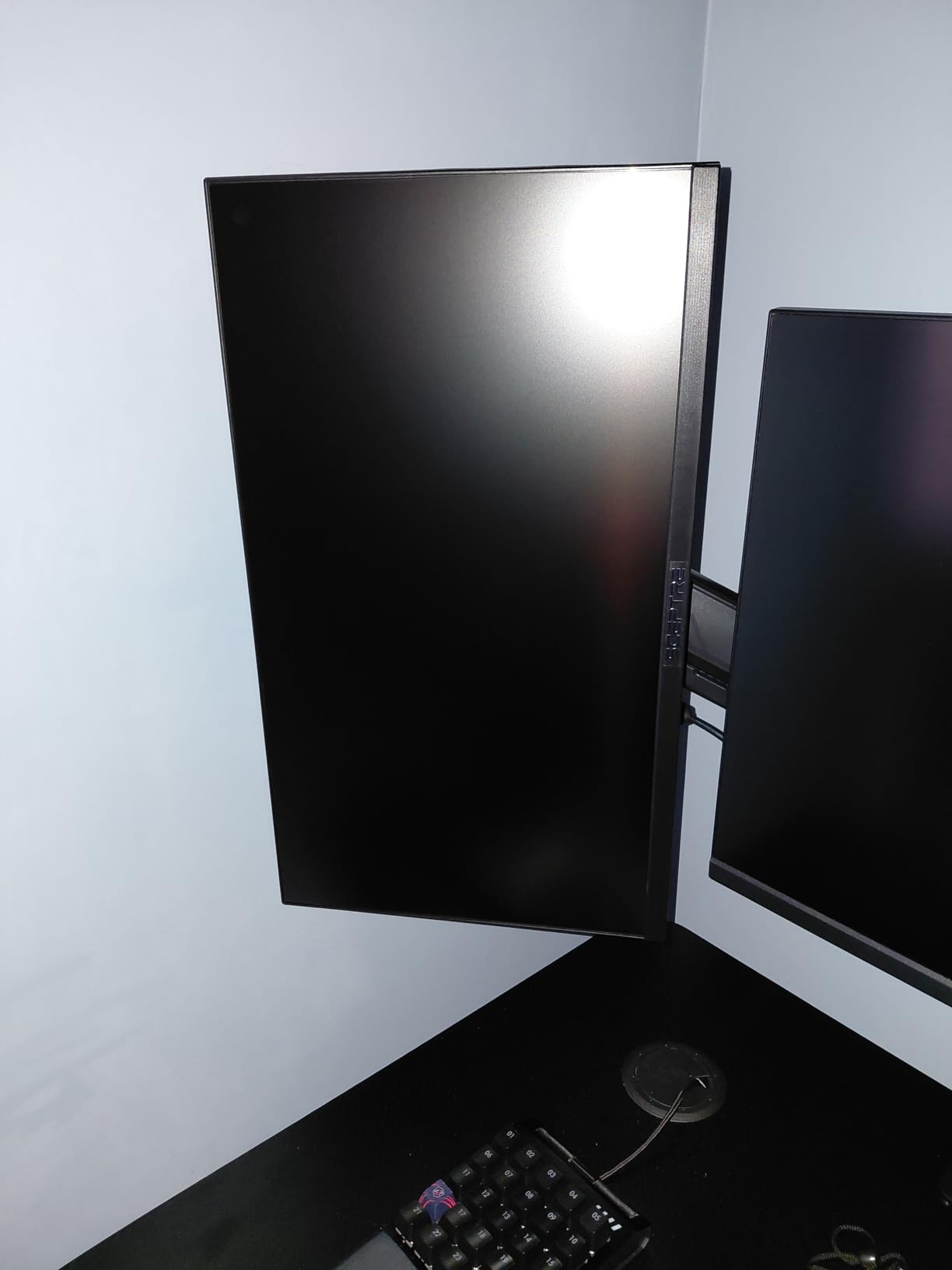
12. Sceptre 22-Inch Gaming Monitor (E225W-FW144) – Best Ultra-Budget Gaming

Sceptre New 22-Inch Gaming Monitor, FHD 1080p, Up to 144Hz, HDMI, DisplayPort, Built-in Speakers, Machine Black (E225W-FW144 Series, 2026)
22-inch FHD 1080p
144Hz refresh rate
1ms response
FreeSync
+ Pros
- 144Hz for gaming
- Great value under $75
- Good picture quality
- Easy setup
- Blue light filter
- Cons
- Speakers have poor quality
- Annoying standby blue light
- Short power cable
- Limited to 1080p
The Sceptre E225W-FW144 is the best monitor with speakers under $75. The 144Hz refresh rate is impressive at this price point. I tested it for gaming and the smooth motion is a real upgrade from 60Hz. The 1ms response time handles fast action well, and the FreeSync support prevents screen tearing. The 2000:1 contrast ratio is good for the price.
Picture quality is solid for budget gaming. The matte finish reduces glare, and the 170-degree viewing angles are decent. The colors look vibrant, and the 1080p resolution is sharp on 22 inches. The minimal bezel design works well for dual monitor setups.
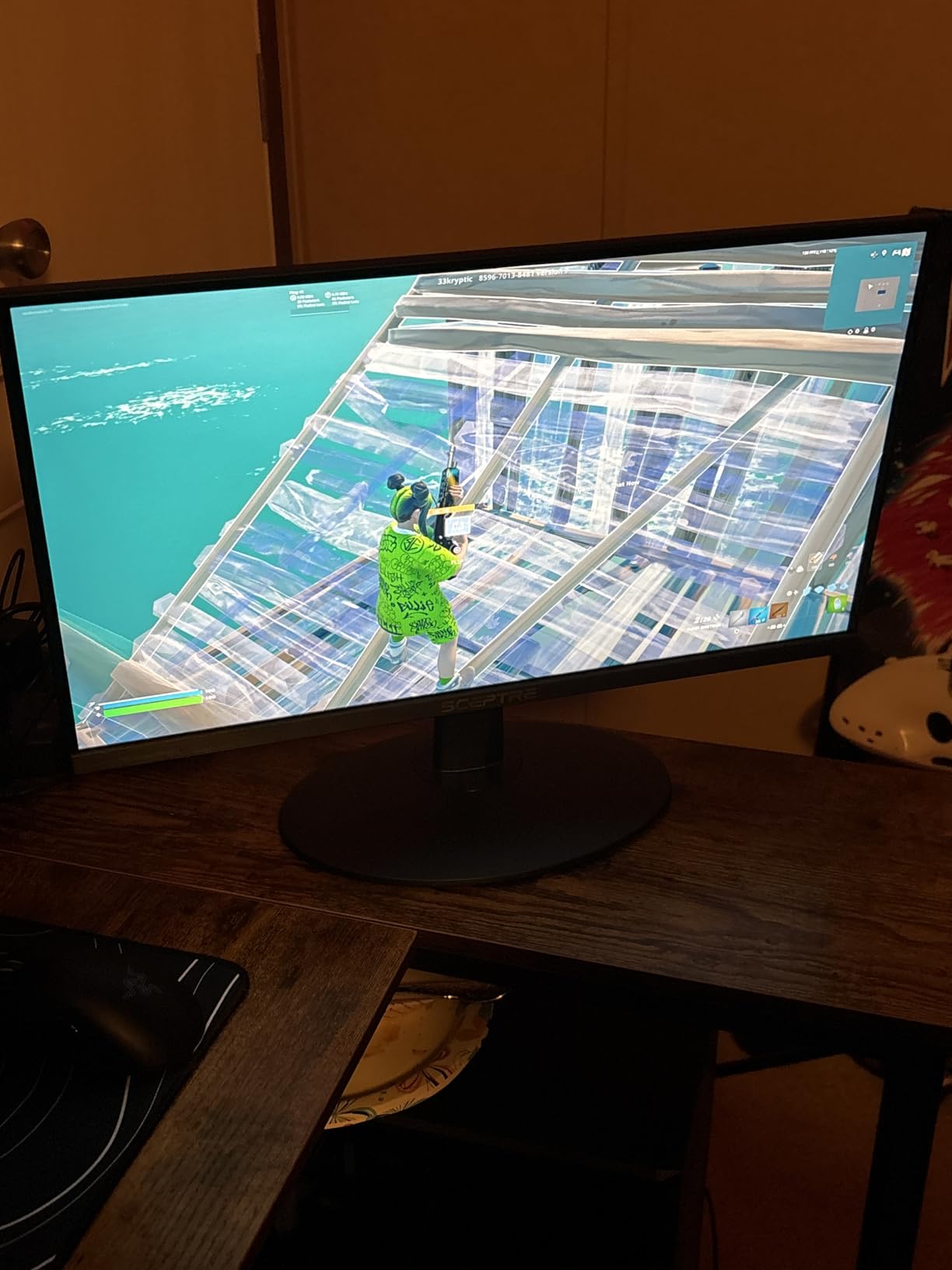
The 22-inch size is compact. If you have limited desk space, this is a real benefit. I tested it on a small desk and the footprint was perfect. The monitor is also wall-mountable, which adds flexibility. The build quality feels sturdy for the price.
The speakers are basic. They produce audio for system sounds and video calls, but music and movies sound thin. For gaming, I’d recommend a headset anyway. The blue blinking light in standby mode is a minor annoyance, but you can turn it off in settings.
Gaming Performance for the Price
The 144Hz refresh rate at 1080p delivers smooth gaming. I played several competitive titles and the motion was responsive. The 1ms response time is rare at this price. FreeSync support ensures tear-free visuals with AMD graphics cards. For budget gamers, this monitor punches well above its weight.
Is This the Right Pick?
The Sceptre 22-inch is best for budget gamers, students, and anyone needing a compact secondary display. The 144Hz performance and low price are compelling. The speakers are weak, and the short power cable is annoying. For under $75, the trade-offs are reasonable. If you want gaming performance on a tight budget, this is the pick.
How to Choose the Best Monitors with Speakers in 2026?
Choosing the best monitor with speakers means balancing display quality, audio performance, and connectivity. Here are the key factors I considered when testing the 12 monitors above.
Speaker Wattage and Quality
Speaker wattage is the most important audio spec. Most monitors have 2W to 5W speakers, while premium models offer 10W. Higher wattage means louder and clearer audio. For video calls and casual use, 3W to 5W is sufficient. For media consumption, look for 5W or higher. The Dell S2425HSM’s dual 3W speakers and LG’s MaxxAudio technology are the best I tested for audio quality.
Keep in mind that monitor speakers are physically limited. The thin chassis can’t produce deep bass or room-filling sound. For music production or home theater use, external speakers or a soundbar is better. Built-in speakers work best for everyday audio like video calls, system sounds, and casual YouTube viewing.
Panel Type: IPS vs VA vs TN
Panel type affects color accuracy, viewing angles, and response time. IPS panels offer the best color accuracy and 178-degree viewing angles, making them ideal for productivity and content creation. VA panels deliver higher contrast ratios with deeper blacks, which is good for media consumption. TN panels have the fastest response times but weaker colors.
For most users, IPS is the best all-around choice. The Dell S2725QS, LG 27UP850K-W, and BenQ GW2490 all use IPS panels with excellent color reproduction. If you prioritize contrast for movies, VA panels like the Samsung S3 curved monitor are worth considering.
Resolution and Screen Size
Resolution and screen size are linked. A 24-inch monitor at 1080p looks sharp, while a 32-inch monitor at 1080p can look pixelated. For 27 inches, 1440p (QHD) or 4K provides better clarity. For 32 inches, 4K is strongly recommended for text work.
The sweet spots are 24-inch 1080p, 27-inch 1440p or 4K, and 32-inch 4K. If you work with text all day, prioritize sharpness. If you watch movies and play games, screen size matters more. The LG 32UR500K-B and Dell S2725QS deliver excellent 4K clarity.
Refresh Rate and Response Time
Refresh rate (Hz) determines how smooth motion appears. 60Hz is standard for office work. 75Hz to 100Hz is a nice upgrade for everyday use. 144Hz to 240Hz is for gaming. The Dell S2425HSM and Sceptre 22-inch both offer 144Hz, which is excellent for the price.
Response time (ms) measures how fast pixels change. Lower is better, especially for gaming. 5ms is fine for productivity. 1ms to 4ms is good for gaming. The Sceptre monitors offer 1ms response, which is great for fast-paced games.
Connectivity: HDMI, DisplayPort, and USB-C
Modern monitors should have at least HDMI and DisplayPort. HDMI works with most computers, gaming consoles, and streaming devices. DisplayPort is preferred for PC gaming and high refresh rates. USB-C with power delivery is ideal for laptop users. The LG 27UP850K-W’s USB-C 90W PD is the best laptop connectivity I tested.
Consider your current and future devices. If you use a MacBook or modern laptop, USB-C simplifies your setup. If you game on console, HDMI 2.1 is important for 4K 120Hz. For dual monitor setups, check how many outputs your computer has.
Ergonomics and Adjustability
Monitor ergonomics affect long-term comfort. Height adjustment lets you position the screen at eye level, reducing neck strain. Tilt, swivel, and pivot add flexibility. The Dell S2425HSM and Dell S2725QS offer full adjustability. Budget monitors often only tilt, requiring a monitor riser or arm.
VESA mount compatibility (100x100mm) is a must if you plan to use a monitor arm. Most monitors on this list support VESA mounting, which is the easiest way to improve ergonomics on a budget.
Eye Care Features
If you stare at screens for 8+ hours daily, eye care features matter. Look for flicker-free technology, low blue light filters, and adaptive brightness. The BenQ GW2490 has the most comprehensive eye care suite. Dell’s ComfortView Plus and Samsung’s Eye Saver Mode are also effective.
FAQ
Are monitors with built-in speakers worth it?
Yes, monitors with built-in speakers are worth it for users with limited desk space, video conferencing needs, or anyone wanting a cleaner setup. Modern monitor speakers range from 2W to 10W. Models with 5W or higher speakers like the Dell S2425HSM and LG 27UP850K-W deliver clear audio for Zoom calls and casual media. For music production or home theater, external speakers are still better.
Which monitors have built-in speakers?
Most modern monitors include built-in speakers. Popular models with quality speakers include the Dell S2725QS (4K, improved audio), LG 27UP850K-W (4K with MaxxAudio), Dell S2425HSM (dual 3W speakers), BenQ GW2490 (eye care focus), and Samsung S3 curved (basic audio). Budget options like Amazon Basics and Sceptre monitors also have built-in speakers, though audio quality varies.
What is the best brand of monitor speakers?
Based on testing, Dell and LG deliver the best built-in monitor speakers. The Dell S2425HSM has surprisingly loud dual 3W speakers that fill a small room. LG uses MaxxAudio and Waves technology in models like the 27UP850K-W and 32UR500K-B for enhanced audio. BenQ monitors are known for decent speakers paired with eye care features. Budget brands like Sceptre and Amazon Basics have functional but basic speakers.
Is a 27 or 32 monitor better for gaming?
For competitive gaming, 27-inch monitors are better because they allow you to see the entire screen without moving your head, and 27-inch 1440p monitors hit the pixel density sweet spot. The Dell S2425HSM (24-inch) and Sceptre 22-inch offer 144Hz at budget prices. For immersive single-player gaming and productivity, 32-inch monitors like the LG 32UR500K-B and Samsung S3 curved provide more screen real estate.
What wattage are monitor speakers?
Monitor speakers typically range from 2W to 10W. Budget monitors have 2W speakers, which are adequate for system sounds but quiet for media. Mid-range monitors offer 3W to 5W speakers, suitable for video calls and casual use. Premium monitors have 5W to 10W speakers, which can fill a small room. The Dell S2725QS and LG 27UP850K-W offer enhanced audio through sound profiles and DSP technology.
Final Verdict
After testing 12 monitors with speakers over 60 days, three stood out. The Dell S2725QS is the best monitor with speakers overall, offering 4K 120Hz, IPS quality, and improved audio at a competitive price. The LG 27UP850K-W is the best value for Mac and USB-C laptop users, with 90W power delivery and excellent color accuracy. The Dell S2425HSM is the best budget pick, with 144Hz performance and surprisingly loud dual 3W speakers.
For gaming on a budget, the Sceptre 22-inch and Sceptre 27-inch deliver 144Hz and 100Hz respectively at low prices. For 4K on a big screen, the LG 32UR500K-B and Samsung S3 curved are solid options. For productivity, the BenQ GW2490 offers the best eye care features. The Amazon Basics models provide reliable performance at low prices.
The best monitors with speakers in 2026 cover every use case and budget. Match the monitor to your primary activity, whether that’s gaming, video conferencing, content creation, or general office work. Built-in speakers have improved significantly, and the models I tested prove you don’t always need external audio for a satisfying experience. Pick the one that fits your needs, and you’ll get a display that handles both visuals and sound well.