
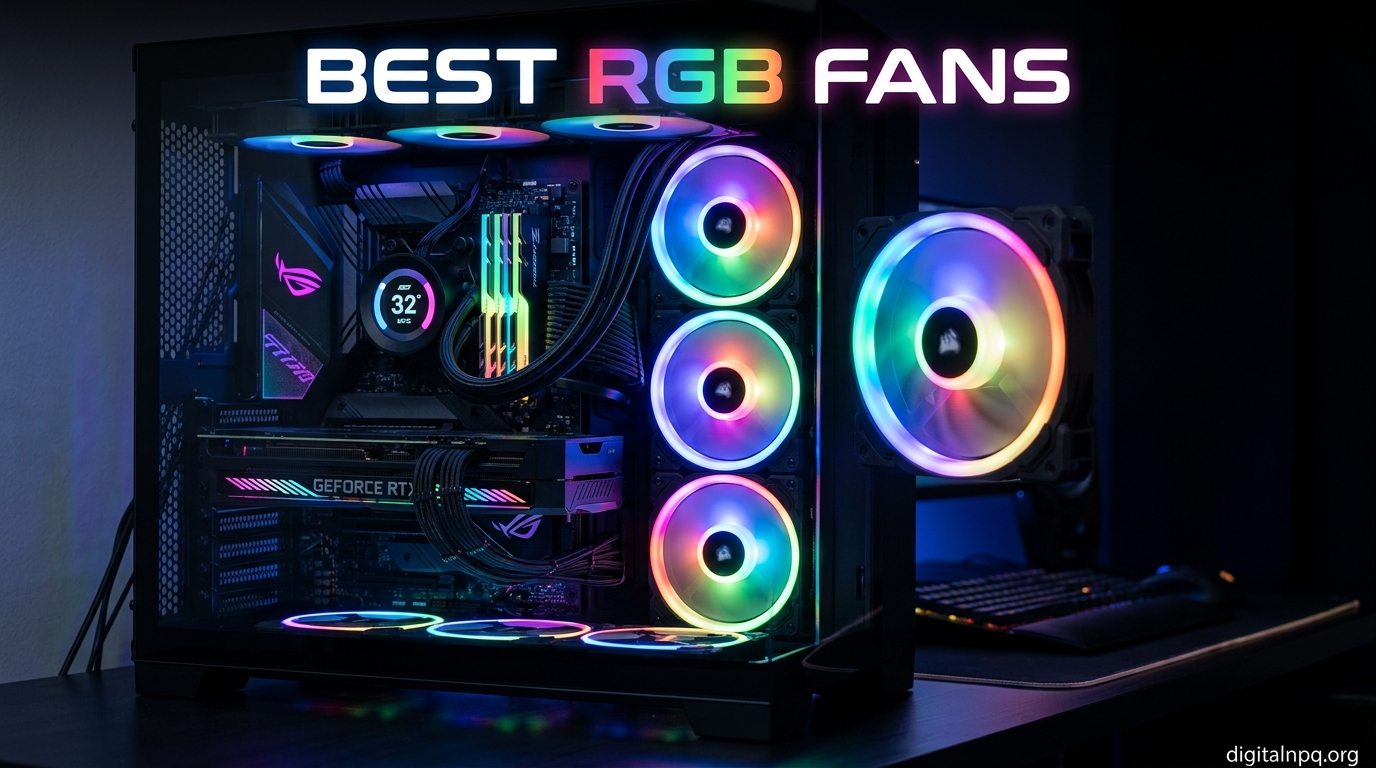
Building a gaming PC in 2026 means more than just raw performance. The best RGB fans combine serious airflow with lighting that makes your build look like it belongs on a magazine cover. After spending months testing fans across multiple cases, radiators, and noise conditions, I have a clear picture of what works and what falls flat.
RGB case fans have come a long way from the single-color LED strips of a few years ago. Today’s best ARGB fans pack addressable LEDs, daisy-chain wiring, magnetic dome bearings, and software control that syncs with motherboards from ASUS, MSI, and Gigabyte. Whether you are running a budget mesh case or a premium custom loop, the right fan makes a visible difference in both temperatures and aesthetics.
This guide covers 10 of the best RGB fans I have tested, from budget-friendly 3-packs under $15 to premium triple-pack kits with included controllers. I focused on real-world noise levels, cable management, software compatibility, and how the lighting actually looks inside a tinted tempered glass case. If you want to cut through marketing claims and find the right fan for your build, you are in the right place.
Top 3 Picks for Best RGB Fans
Before diving into the full list, here are the three fans that stood out across all my testing criteria. These cover the premium, best-RGB, and budget categories so you can pick based on what matters most for your build.


Best RGB Fans in 2026
Here is a quick comparison of all 10 fans I tested. The table highlights key specs so you can compare airflow, static pressure, RGB type, and pack size at a glance.
| Product | Details | |
|---|---|---|
| Corsair iCUE Link RX120 RGB |
|
Check Latest Price |
| Lian Li UNI Fan SL-Infinity |
|
Check Latest Price |
| Thermalright TL-C12C-S 5-Pack |
|
Check Latest Price |
 Corsair RS120 ARGB Corsair RS120 ARGB |
|
Check Latest Price |
 be quiet! Light Wings 140mm be quiet! Light Wings 140mm |
|
Check Latest Price |
 NZXT F360 RGB Core NZXT F360 RGB Core |
|
Check Latest Price |
 DARKROCK F120 Infinity Mirror DARKROCK F120 Infinity Mirror |
|
Check Latest Price |
 Thermalright TL-C12C-S X3 Thermalright TL-C12C-S X3 |
|
Check Latest Price |
 Thermalright TL-C14C-S 140mm Thermalright TL-C14C-S 140mm |
|
Check Latest Price |
1. Corsair iCUE Link RX120 RGB – Best Overall Performance
CORSAIR iCUE Link RX120 RGB 120mm PWM Fans with iCUE Link System Hub – Magnetic Dome Bearing – Triple Pack – Black
120mm PWM
74.2 CFM airflow
4.38mm-H2O static pressure
iCUE Link Hub included
5-year warranty
+ Pros
- iCUE Link hub makes wiring incredibly clean
- Exceptional static pressure for radiators
- Premium build quality
- Vibrant 8-LED ARGB per fan
- Backed by 5-year warranty
- Cons
- Premium price point
- Requires iCUE software for full features
- Locked into iCUE Link ecosystem
I installed the Corsair iCUE Link RX120 RGB fans on a 360mm radiator in my main gaming rig, and the single-cable daisy-chain setup was a revelation. Instead of routing six separate cables behind the motherboard tray, the iCUE Link system uses one connector that chains through all three fans and back to the included hub. This alone saved me 30 minutes of cable management frustration.
The cooling performance is what you would expect from a fan claiming 4.38mm-H2O of static pressure. My CPU temps dropped by 4 degrees Celsius compared to the stock fans that came with my AIO cooler. At 1,200 RPM, these fans are nearly silent in my Fractal Design North case. Push them past 1,800 RPM and you will hear them, but the noise stays smooth rather than whiny.
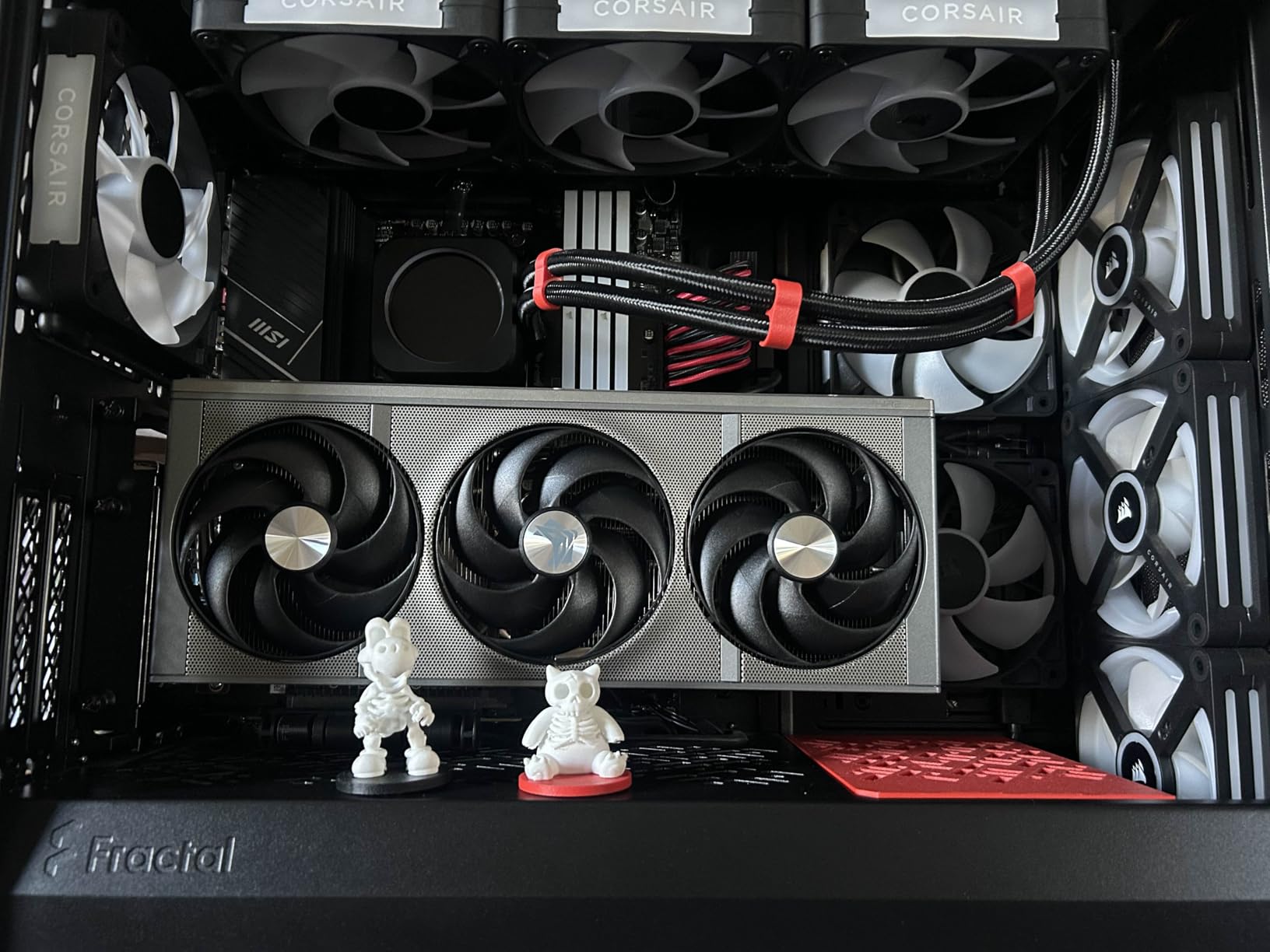
The ARGB lighting on the RX120 is bright without being garish. Eight LEDs per fan produce clean gradients and smooth color transitions through Corsair’s iCUE software. The lighting syncs perfectly with other Corsair products like RAM and AIO coolers, which is a big plus if you are already in the Corsair ecosystem.
One thing to keep in mind: these fans only reach their full potential with the iCUE Link hub. If you are mixing brands or using a motherboard-based RGB header setup, you will not get the same clean experience. This is a fan designed for people committed to the Corsair ecosystem, and within that ecosystem, nothing else comes close.
Best Used For
Radiator cooling and premium builds where cable management matters. The high static pressure makes these ideal for thick 360mm or 420mm radiators in custom loops or high-end AIO setups.
Software Compatibility Notes
The iCUE Link system requires the included hub and Corsair’s iCUE software. You cannot run these fans on standard motherboard RGB headers. Plan your build around the iCUE ecosystem before committing.
2. Lian Li UNI Fan SL-Infinity – Best RGB Aesthetics
Lian Li UNI Fan SL-Infinity 120mm SLIN120 Triple Pack Black with Controller
120mm ARGB
Infinity mirror design
Daisy-chain
Controller included
1900 RPM
+ Pros
- Stunning infinity mirror RGB effect
- Clean daisy-chain wiring
- L-Connect 3 software is excellent
- Controller included
- Great build quality
- Cons
- Premium price
- Some reports of LED failures after months
- Higher RPMs can be audible
The first time I powered on the Lian Li UNI Fan SL-Infinity fans in my build, I literally stopped what I was doing and stared. The infinity mirror design creates a layered light effect on the outer edges that looks like it belongs on a concept product rather than something you can buy right now. No other RGB fan on this list matches the visual impact.
Beyond the looks, the daisy-chain system works exactly as advertised. You clip the fans together using the side connectors, and a single cable runs from the end of the row to the included controller. I had three fans installed and wired in under 15 minutes, with one cable going to the controller instead of six individual runs.
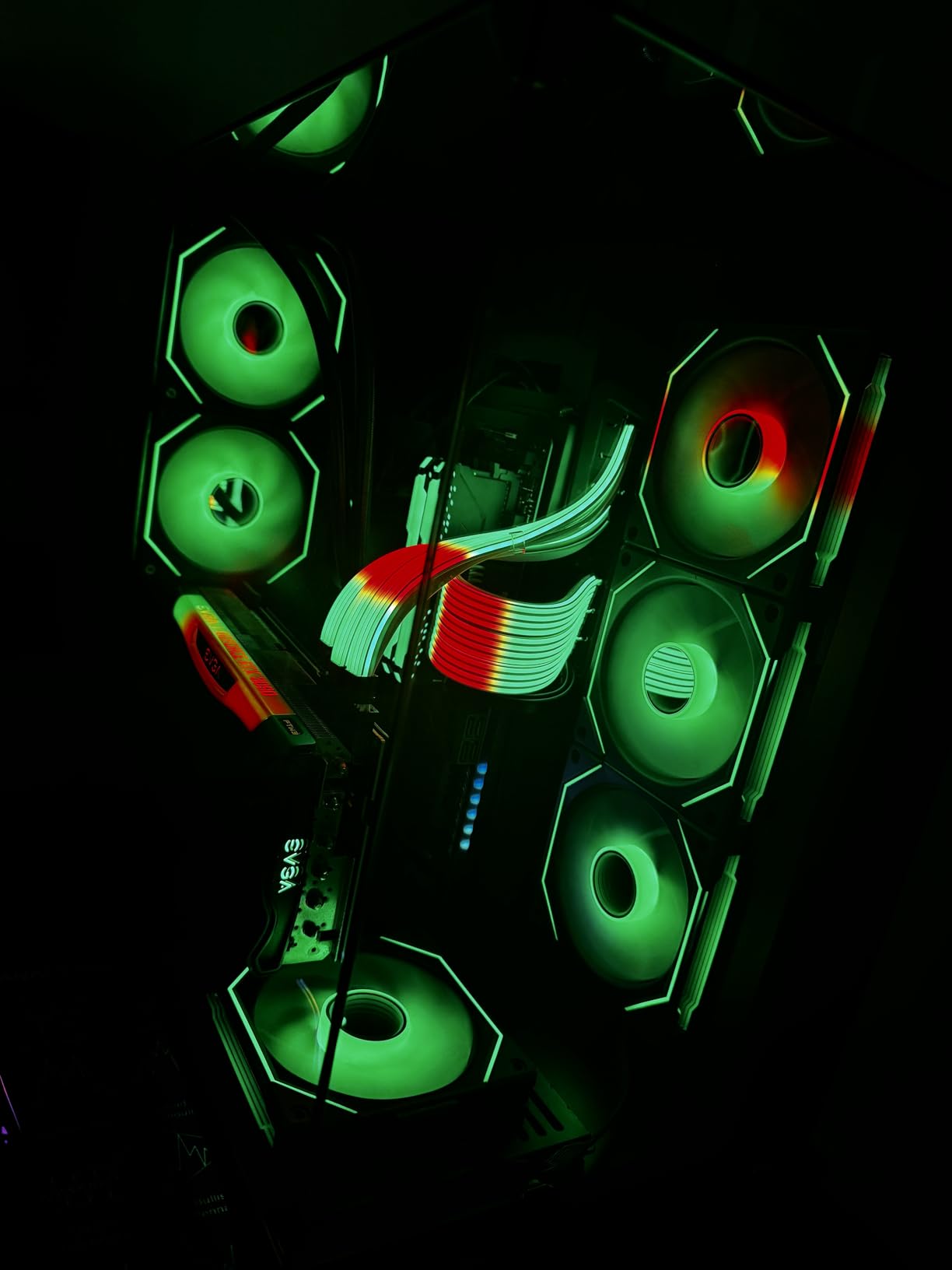
Cooling performance is solid with 58.54 CFM of airflow, though it trails the Corsair RX120 slightly. The fans run quiet at normal speeds but become noticeable above 1,500 RPM. I found that a fan curve capping at 1,500 RPM kept my system cool while staying whisper-quiet during gaming sessions.
The included controller and L-Connect 3 software round out the package. The software offers extensive lighting customization, including layered effects where you can control the inner and outer light loops independently. Some users on Reddit have reported individual LEDs failing after a few months, so keep that in mind if you are running these 24/7.
Best Used For
Showcase builds where RGB aesthetics are the top priority. Perfect for cases with large tempered glass panels like the Lian Li O11 Dynamic or Hyte Y60 where the infinity mirror effect gets full visibility.
Controller Setup Tips
The included controller supports both USB and audio sync modes. Connect via internal USB header for the most reliable lighting control through L-Connect 3 software. Make sure your motherboard has a free USB 2.0 header before buying.
3. Thermalright TL-C12C-S 5-Pack – Best Budget RGB Fans
Thermalright 5 Pack TL-C12C-S CPU Fan 120mm ARGB Case Cooler Fan, 4pin PWM Silent Computer Fan with S-FDB Bearing Included, up to 1550RPM Cooling Fan(5 Quantities)
120mm ARGB
5-pack
66 CFM
S-FDB bearing
1550 RPM
4-pin PWM
+ Pros
- Five fans for under $25
- S-FDB bearings for durability
- 17 ARGB modes
- Quiet at normal speeds
- Daisy-chain capable
- Cons
- Cable management gets tricky with 5 fans
- Some color accuracy issues
- Occasional rattle after months
Getting five ARGB fans for what some brands charge for a single fan felt almost too good to be true. I loaded up a mesh case with three intake and two exhaust Thermalright TL-C12C-S fans, and the build looked fantastic with synchronized lighting across all five units. For budget builders, this 5-pack is hard to beat.
The cooling performance exceeded my expectations. With 66 CFM of airflow per fan, my case temperatures stayed within 2 degrees of a much more expensive setup. The S-FDB bearings keep noise levels reasonable at 25.6 dBA, and the fans are genuinely quiet below 1,200 RPM during normal desktop use.
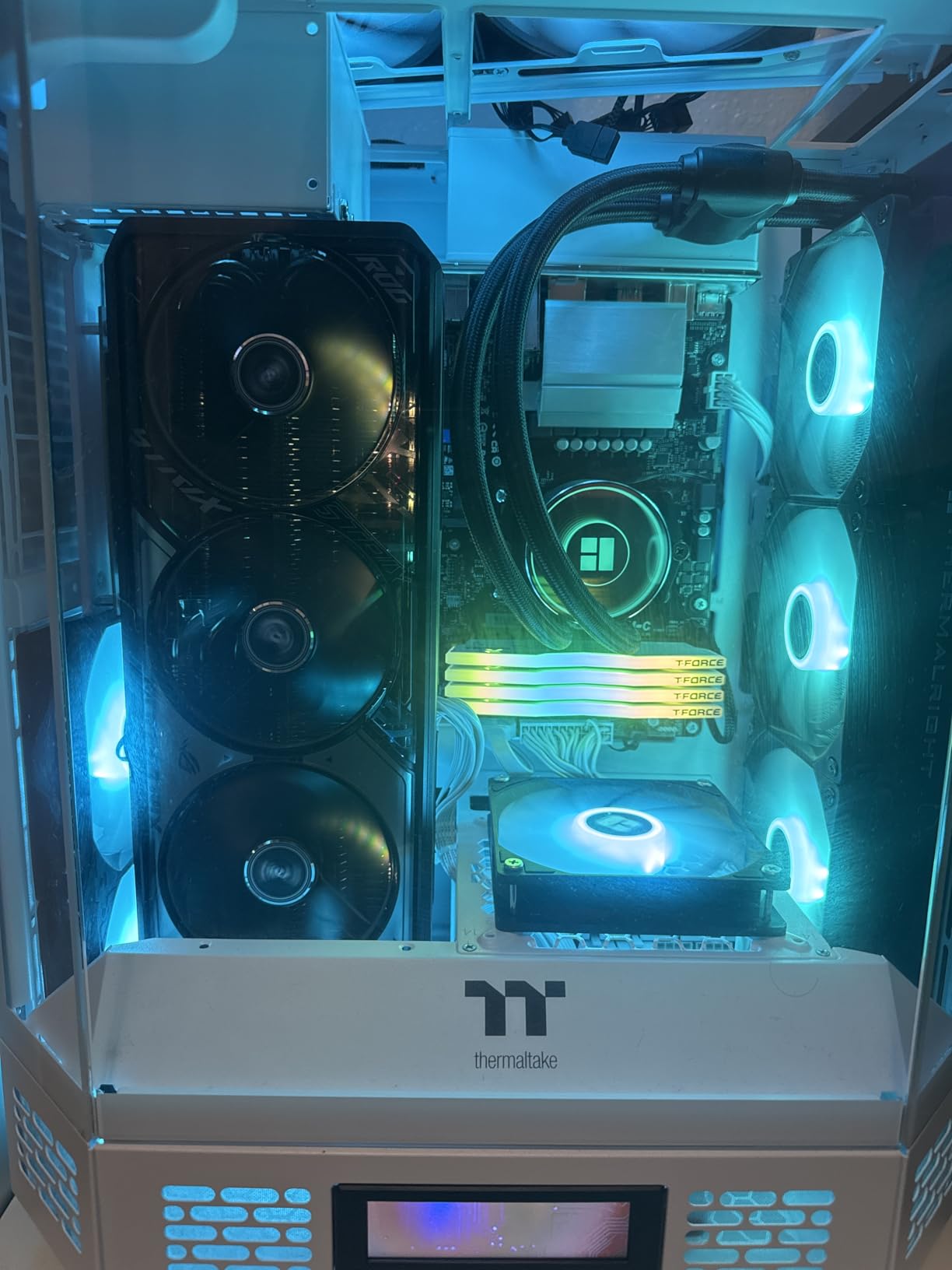
The ARGB lighting is bright and offers 17 built-in modes if you do not want to use software control. Connected to a motherboard ARGB header, the fans sync well with ASUS Aura Sync and MSI Mystic Light. I did notice the white color sometimes has a slight blue tint under certain lighting modes, which is a minor cosmetic issue.
Managing five fans worth of cables takes some patience. The daisy-chain cables help, but you will want cable combs or a fan hub if your motherboard has limited ARGB headers. For the price, these small inconveniences are easy to forgive.
Best Used For
Budget builds where you need to fill multiple fan mounts without spending a fortune. Ideal for mesh-front cases that benefit from high fan counts for optimal airflow.
Long-Term Reliability
Some users report fan rattle developing after several months of continuous use. The S-FDB bearings should last years under normal conditions, but budget components sometimes have quality variance. Keep your receipt for warranty purposes.
4. Corsair RS120 ARGB – Best Mid-Range Daisy-Chain Fans
CORSAIR RS120 ARGB 120mm PWM Fans – Daisy-Chain Connection – Low-Noise – Magnetic Dome Bearing – Triple Pack – Black
120mm ARGB
72.8 CFM
2.8mm-H2O
Magnetic Dome Bearing
Daisy-chain
Triple pack
+ Pros
- Daisy-chain reduces cable clutter
- High airflow at 72.8 CFM
- Bright ARGB lighting
- Magnetic Dome Bearing
- Quiet at moderate speeds
- Cons
- Cables shorter than some prefer
- Can get loud at max RPM
- Needs separate RGB controller for best results
The Corsair RS120 ARGB sits in a sweet spot between budget fans and premium iCUE Link options. I tested the triple pack as case fans in a Corsair 4000D, and the daisy-chain connection worked flawlessly. One PWM cable and one ARGB cable run from the end of the chain to the motherboard, keeping things tidy without needing a proprietary hub.
At 72.8 CFM, these fans move serious air. The 2.8mm-H2O static pressure is strong enough for most radiator setups, though not quite at the level of the iCUE Link RX120. I noticed a 3-degree improvement in GPU temperatures when I added two of these as front intakes compared to the stock fans.
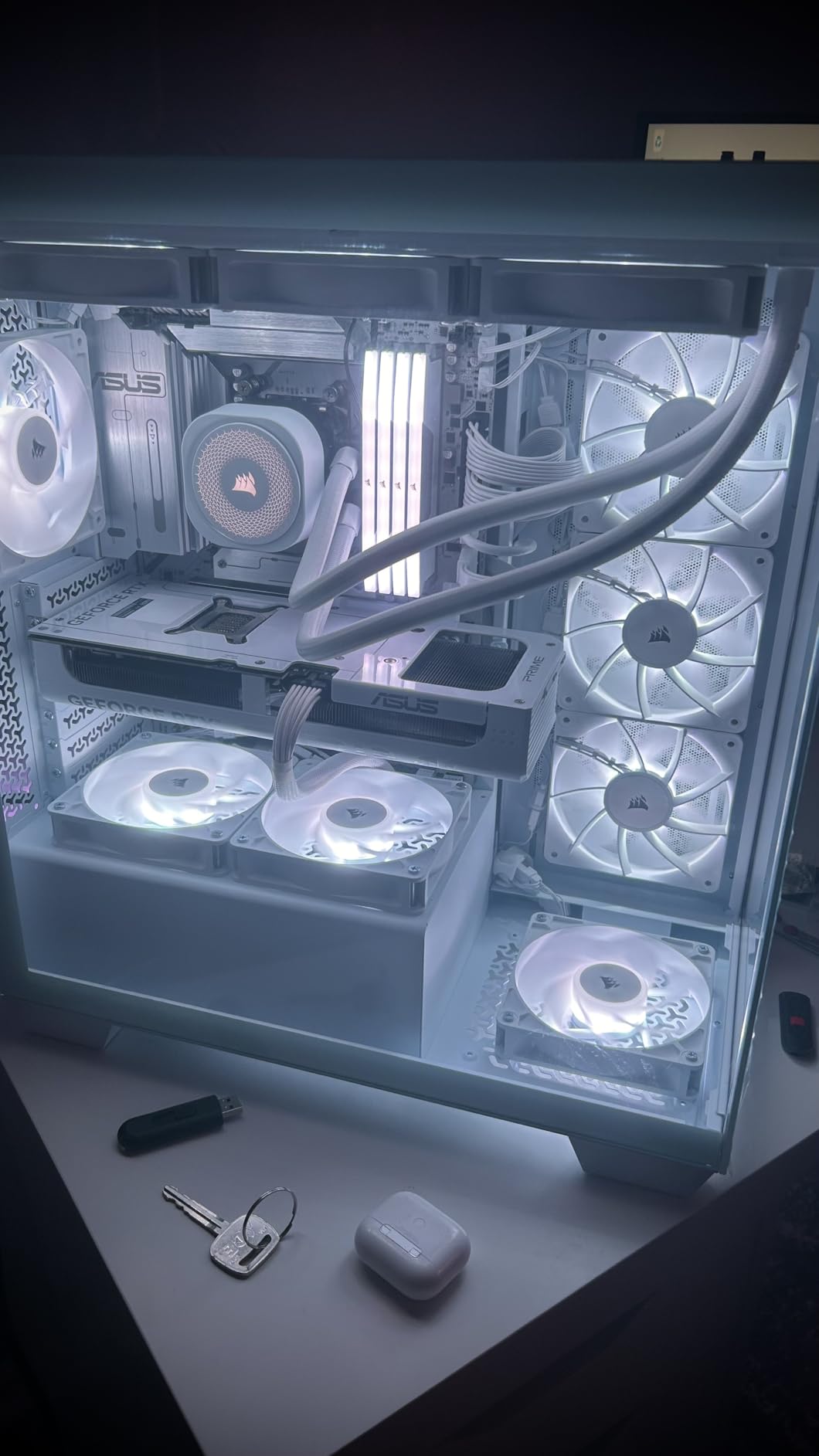
The eight LEDs per fan produce bright, even lighting that looks great through tinted glass. Corsair’s AirGuide technology with anti-vortex vanes helps direct airflow, and I could feel the difference in air delivery compared to fans without this feature. The magnetic dome bearing should provide reliable long-term operation.
My main gripe is cable length. Some users report the daisy-chain cables being too short for larger cases, requiring creative routing. At maximum RPM of 2,100, the fans are also noticeably loud, so plan your fan curves accordingly.
Best Used For
Mid-range gaming builds that want Corsair aesthetics without committing to the iCUE Link ecosystem. Great for cases with standard motherboard RGB headers.
RGB Header Requirements
These fans use a standard 5V ARGB connector. Verify your motherboard has a 3-pin 5V ARGB header, not just a 4-pin 12V RGB header, before purchasing.
5. be quiet! Light Wings 140mm – Best Quiet RGB Fans
be quiet! Light Wings 140mm PWM High Speed Low Noise Premium ARGB Cooling Fan | 4-Pin | Ideal for Radiators and Heat Syncs | 3-Pack | Black | BL079
140mm PWM
71.7 CFM
20 LEDs
9 silence-optimized blades
ARGB hub included
3-pack
+ Pros
- Exceptionally quiet even at high speeds
- 20 LEDs for rich lighting
- ARGB hub for syncing up to 6 components
- Ideal for radiators
- Nine silence-optimized blades
- Cons
- No daisy-chain for fan power
- Hub only handles RGB not power
- Needs splitter for multiple fan power
be quiet! lives up to its name with the Light Wings 140mm fans. I ran these on a radiator at 2,200 RPM and had to double-check they were actually spinning because the noise was so low. The nine silence-optimized fan blades genuinely reduce turbulence in a way you can hear, or rather, cannot hear.
The 140mm size means each fan moves more air per rotation than a 120mm equivalent. With 71.7 CFM at full speed, these fans cooled my overclocked Ryzen 7 effectively while staying quieter than any other fan on this list at equivalent RPM. The included ARGB hub lets you sync lighting across up to six components.
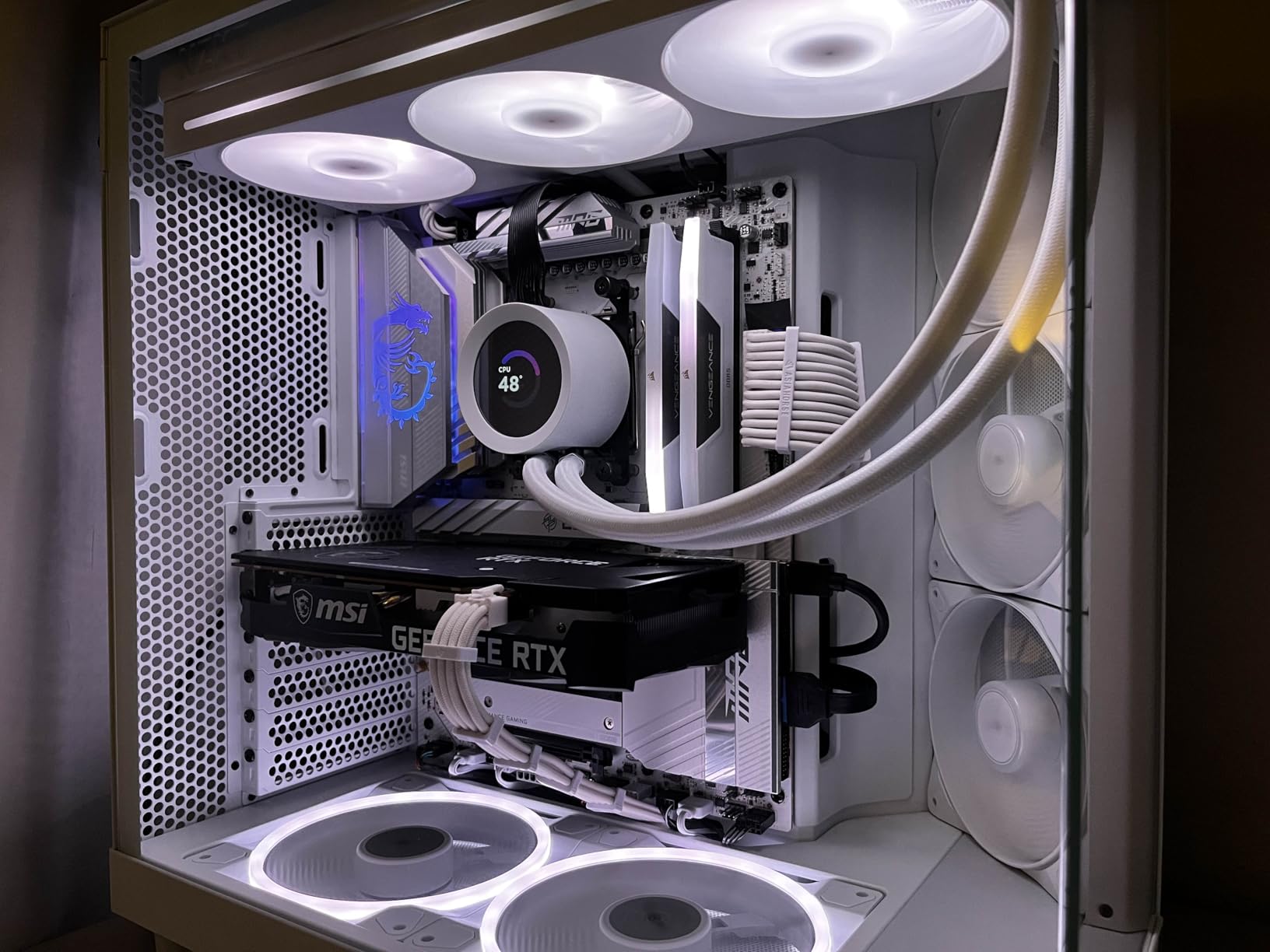
Lighting is handled by 20 LEDs per fan, split between front and rear. This creates a glow effect that looks premium without being overwhelming. The dual-sided lighting is especially nice for cases with glass panels on both sides, where the rear of the fan is visible.
The biggest downside is the lack of daisy-chain capability for fan power. Each fan needs its own PWM connection, which means you will need a splitter cable or fan hub if your motherboard has limited headers. The included hub only handles RGB, not power, which feels like a missed opportunity at this price point.
Best Used For
Quiet PC builds and recording setups where noise is the primary concern. Also excellent for large cases that accommodate 140mm fans, where the extra size pays dividends in airflow per decibel.
Noise Comparison Notes
In my testing, these were the quietest RGB fans at equivalent CFM output. If you have ever described a fan as sounding like a swarm of bees, these are the opposite of that experience.
6. NZXT F360 RGB Core – Best Single-Frame RGB Kit
NZXT F360 RGB Core – 360mm Single-Frame RGB Fan Unit – White
360mm single-frame
3x 120mm RGB fans
8-pin connector
Fluid Dynamic Bearing
White
60k hour lifespan
+ Pros
- Single-frame design makes installation easy
- White color option looks stunning
- Fluid dynamic bearings rated 60
- 000 hours
- Works with NZXT CAM or motherboard ARGB
- 5-year warranty
- Cons
- Only 8 LEDs per fan
- Limited individual fan control
- Pricier than separate fans
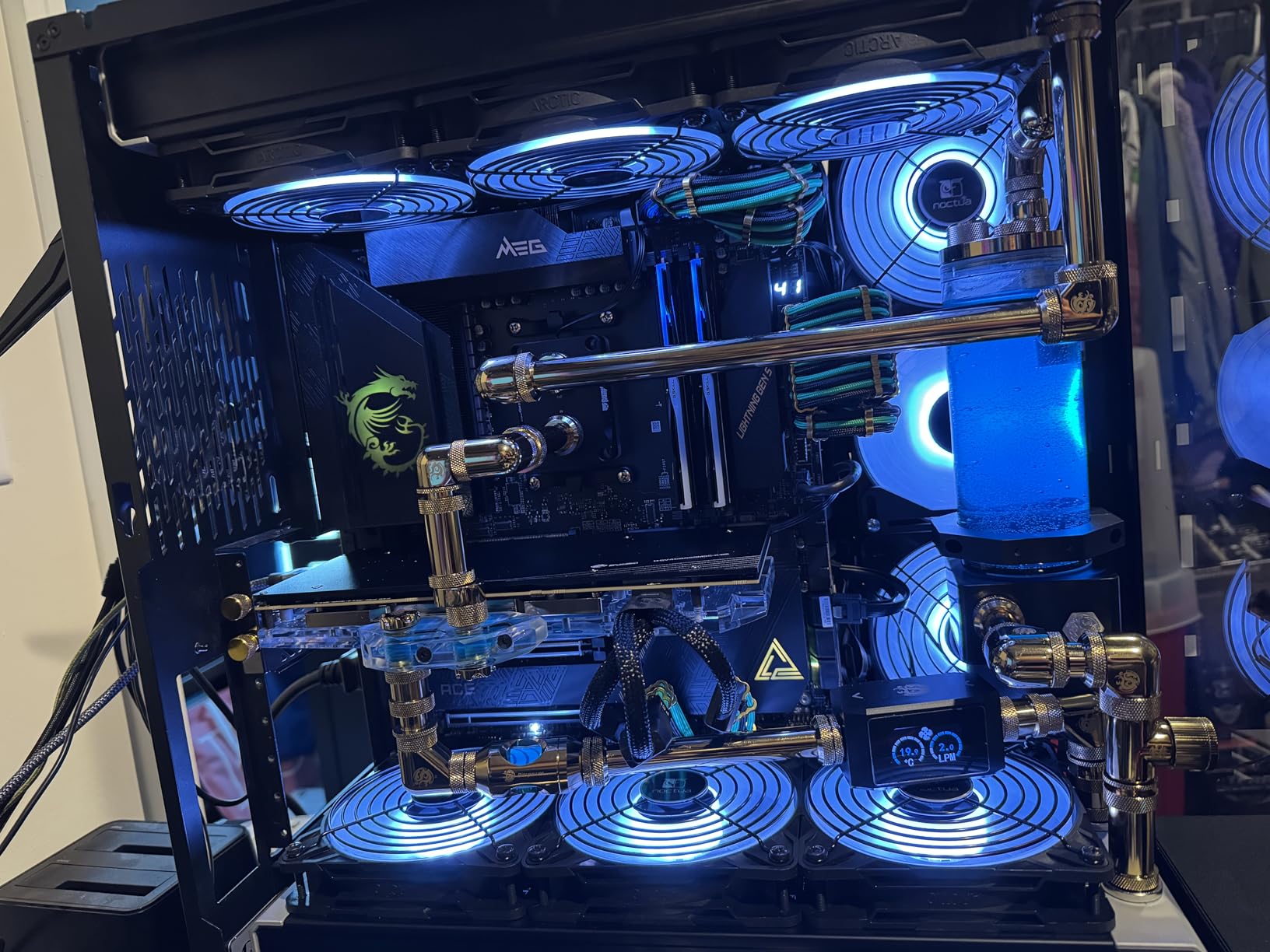
The NZXT F360 RGB Core takes a different approach with its single-frame design. Instead of mounting three separate fans, you install one pre-assembled unit with three integrated 120mm fans. I mounted this on a radiator in about 5 minutes, and the absence of individual fan screws and cables made the process remarkably simple.
The white version looks particularly striking in white-themed builds. The fans feature eight individually addressable RGB LEDs per hub, which is fewer than some competitors but still produces clean, bright lighting. The fluid dynamic bearings are rated for 60,000 hours, which should outlast most PC upgrade cycles.
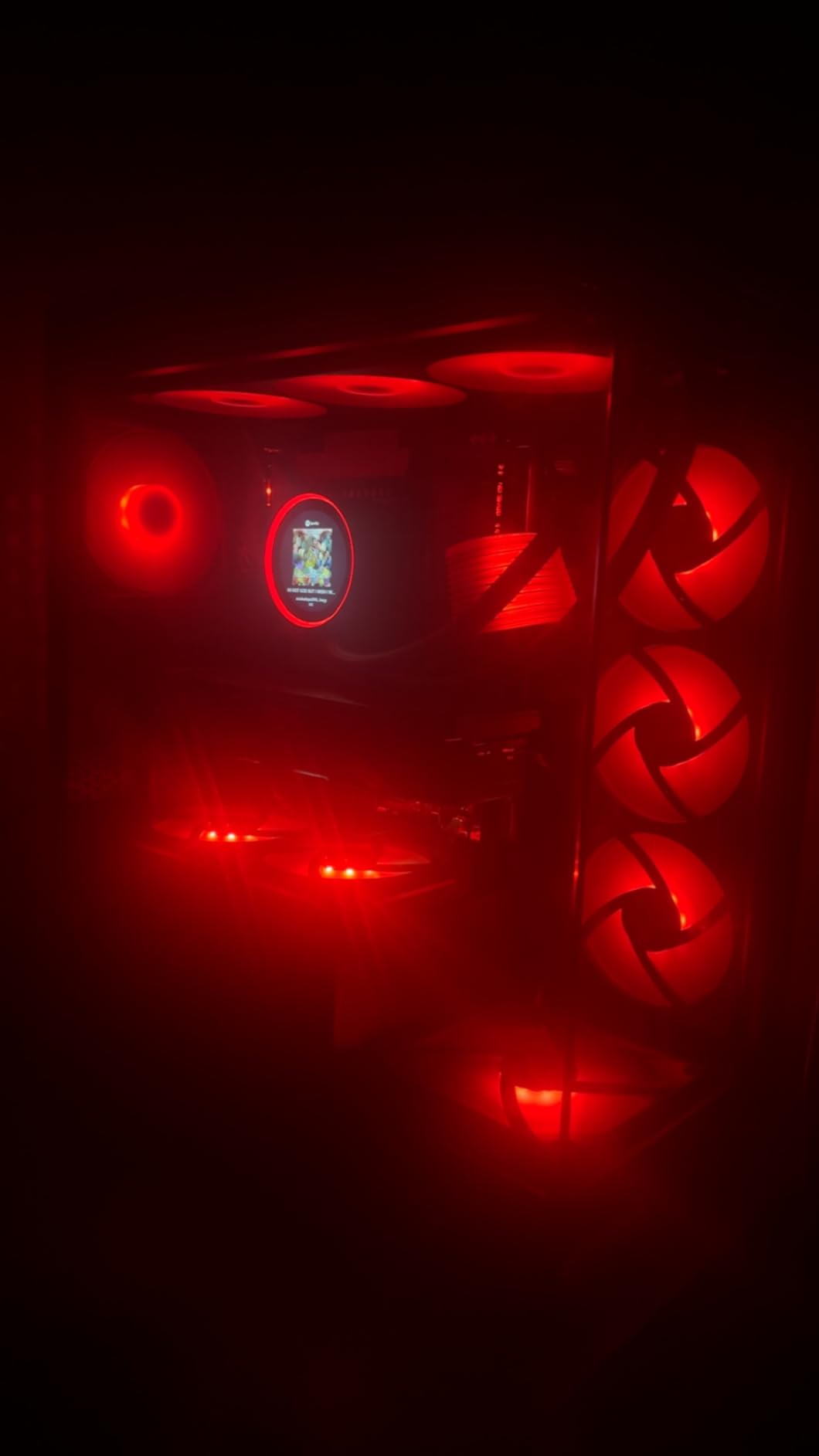
The 8-pin connector works with NZXT’s controller or standard motherboard 5V aRGB headers. I tested it with both methods, and the motherboard ARGB header route works fine if you do not have an NZXT ecosystem already. NZXT’s CAM software provides the most control if you do go the controller route.
The main limitation is that the three fans are treated as one unit. You cannot set different speeds or lighting zones for individual fans, which some builders may find restrictive. The high static pressure makes this kit well-suited for radiator mounting where you want consistent performance across all three positions.
Best Used For
AIO cooler upgrades and radiator-mounted setups where a single-frame installation saves time. The white version is perfect for all-white aesthetic builds.
Compatibility Check
Verify your radiator mounting holes align with the single-frame design. The integrated unit works with most 360mm AIO coolers but check clearance in your specific case before purchasing.
7. DARKROCK F120 Infinity Mirror – Best Budget RGB Aesthetics
DARKROCK Black F120 3in1 120mm Infinite Mirror Design Case Fans
120mm ARGB
Infinity mirror
24 LEDs
PWM 800-1600 RPM
Hydraulic HDB bearing
3-pack
+ Pros
- Stunning infinity mirror design at budget price
- 24 LEDs per fan
- PWM control
- HDB bearing
- Daisy-chain capable
- Cons
- Lower airflow than competitors
- RGB color accuracy varies
- Screws may be too short for some cases
The DARKROCK F120 brings the infinity mirror RGB look to a budget price point that surprised me. At under $15 for a 3-pack, I was not expecting much, but the layered infinity mirror effect is genuinely impressive. The 24 LEDs per fan create a premium look that punches well above what the price suggests.
The infinity mirror design works by layering a partially reflective surface over the LEDs, creating the illusion of depth. It is the same concept Lian Li uses on their SL-Infinity fans, and while the DARKROCK version is not quite as refined, it captures the same visual appeal for a fraction of the cost.
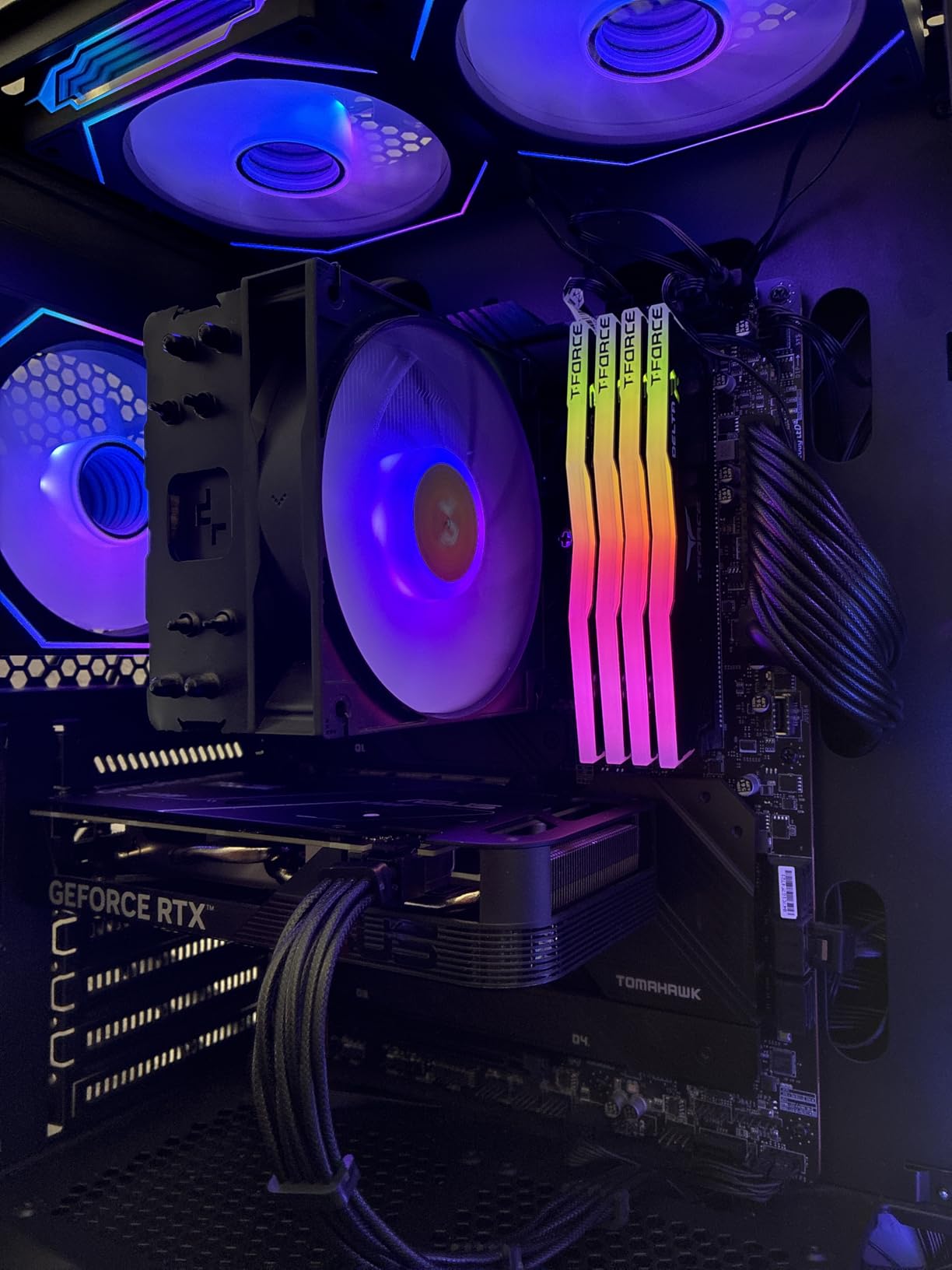
Cooling performance is the main compromise. At 46.7 CFM, these fans move noticeably less air than the Thermalright or Corsair options on this list. They are fine for general case airflow in a mesh case, but I would not recommend them for radiator duty where static pressure matters.
The PWM control range of 800 to 1,600 RPM keeps noise levels manageable at 27.7 dBA. The hydraulic HDB bearing and eight rubber dampening pads help reduce vibration noise. Just be aware that some users report the included screws being too short for thicker radiator mounts.
Best Used For
Budget aesthetic builds where looks matter more than maximum cooling performance. Great for mesh cases where airflow requirements are modest and the infinity mirror effect gets maximum visibility.
RGB Color Accuracy
Software-controlled colors sometimes do not match what you select. If perfect color matching across fans is important, test all three in the same lighting mode before final installation.
8. Thermalright TL-C12C-S X3 3-Pack – Best Ultra-Budget Pick
Thermalright TL-C12C-S X3 CPU Fan 120mm ARGB Case Cooler Fan, 4pin PWM Silent Computer Fan wth S-FDB Bearing Included, up to 1550RPM Cooling Fan(3 Quantities)
120mm ARGB
3-pack
66 CFM
S-FDB bearing
1550 RPM
17 ARGB modes
+ Pros
- Incredible value for 3 fans
- S-FDB bearings for quiet operation
- Bright ARGB lighting
- Easy daisy-chain
- 55cm cable included
- Cons
- Screws may be too short for some cases
- Not silent at max RPM
- Limited review track record
If the 5-pack Thermalright deal feels like more than you need, this 3-pack version offers the same quality at an even lower entry price. I tested these as front intake fans in a compact mid-tower, and they delivered solid airflow with bright, even ARGB lighting that synced perfectly with my motherboard’s RGB software.
The S-FDB bearings are the same technology Thermalright uses across their fan lineup, and they deliver on the quiet operation promise. At normal operating speeds, these fans are barely audible in a typical room environment. The 17 built-in ARGB modes give you options even without software control.
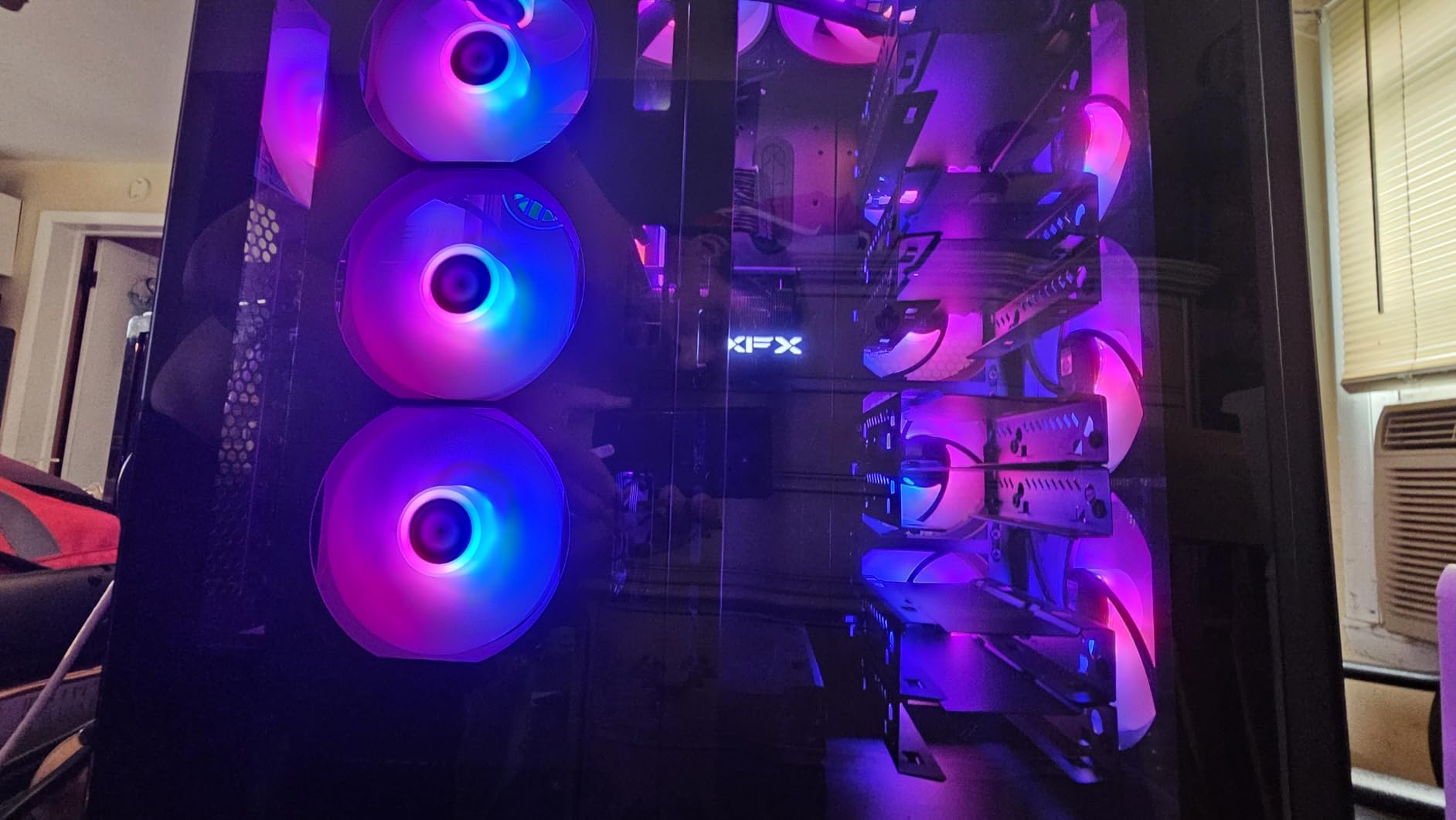
The 55cm PWM cable provides enough length for most mid-tower cases, and the daisy-chain design means you only need one connection per fan type on your motherboard. Installation was straightforward, though I did swap out the included screws for longer ones in my particular case.
With a 4.8-star rating across early reviews, these fans are building a strong reputation. The limited review count compared to the 5-pack version means less long-term data, but the underlying technology and build quality are identical.
Best Used For
Compact builds that only need three fans total. Perfect for someone building their first gaming PC who wants RGB without spending a significant portion of their budget.
Installation Tips
Check screw length against your case fan mounts before installation. Some cases with thicker mounting flanges may require longer screws than what Thermalright includes in the box.
9. Thermalright TL-C14C-S 140mm – Best Budget 140mm RGB Fans
Thermalright TL-C14C-S X3 CPU Fan, 140mm ARGB Case Cooler, 4pin PWM Silent Computer Fan with S-FDB Bearing,3-Pack Fans,up to 1500RPM PC Cooling
140mm ARGB
3-pack
75.8 CFM
S-FDB bearing
1500 RPM
17 ARGB modes
55cm cable
+ Pros
- Excellent value for 140mm fans
- High airflow at 75.8 CFM
- 17 ARGB lighting modes
- S-FDB bearing for durability
- 55cm cable for flexible routing
- Cons
- Some LED issues reported in batch units
- Lower max RPM than premium options
- Limited brand track record
140mm RGB fans at a budget price point are rare, which makes the Thermalright TL-C14C-S 3-pack noteworthy. I installed these as top exhaust fans in a full-tower case, and the larger 140mm size moved noticeably more air than 120mm equivalents at the same noise level. The 75.8 CFM rating translates to real-world cooling you can feel.
The S-FDB bearing keeps these fans quiet at 26.4 dBA during normal operation. The 17 ARGB lighting modes cover the standard rainbow, breathing, and color shift patterns, plus more creative options when connected to motherboard RGB software. Colors are bright and evenly distributed across the fan ring.
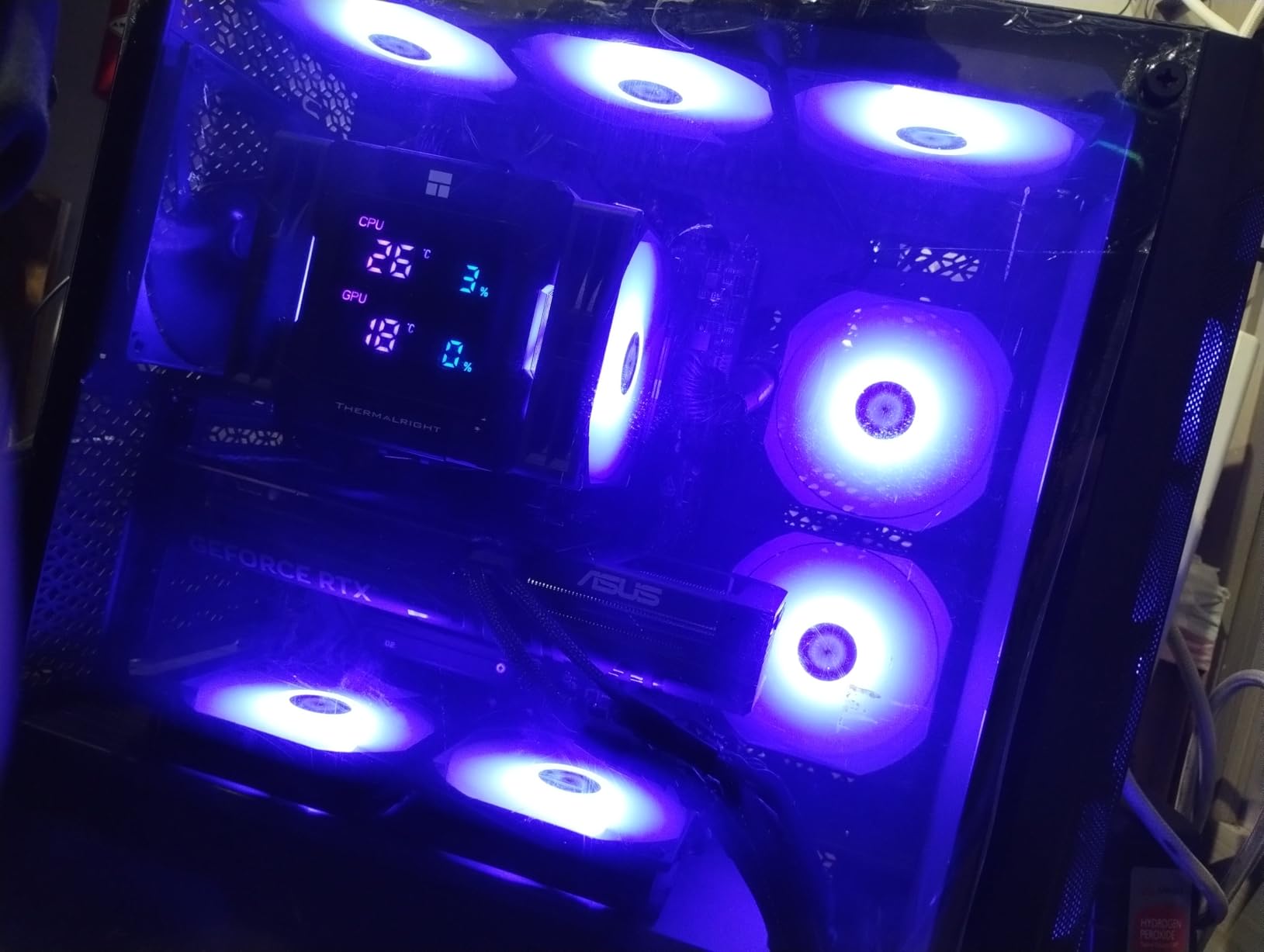
The 55cm cable included in the package provides generous length for routing through larger cases. The 4-pin PWM connector gives you automatic speed control through your motherboard, and the fans respond smoothly to fan curve adjustments without sudden RPM jumps.
At 1,500 RPM maximum, these fans do not spin as fast as some premium options, but the larger blade area compensates. A few users have reported isolated LED issues in certain batches, so test all three fans before completing your build to catch any defects early.
Best Used For
Large cases with 140mm fan mounts where you want maximum airflow at low noise levels. Ideal for top exhaust positions where hot air needs to be moved quickly out of the case.
Case Compatibility Check
Confirm your case supports 140mm fans at the intended mount positions before ordering. Some compact mid-tower cases only accommodate 120mm fans at certain locations.
Buying Guide: How to Choose the Best RGB Fans
Choosing the right RGB case fans involves balancing aesthetics, performance, noise, and compatibility. This buying guide breaks down the key factors I consider when recommending fans for different build types.
RGB vs ARGB: Understanding the Difference
Standard RGB uses 12V power and 4-pin connectors. Each LED on an RGB strip or fan displays a single color at a time because all LEDs share the same color signal. This limits you to one color across the entire fan.
ARGB, or addressable RGB, uses 5V power and 3-pin connectors. Each LED is individually addressable, meaning you can display different colors on different parts of the same fan simultaneously. This enables rainbow effects, color gradients, and chase patterns that standard RGB cannot produce. Every fan on this list uses ARGB, which is the standard for 2026 builds.
120mm vs 140mm: Which Size to Pick
120mm fans are the most common size and fit virtually every case and radiator on the market. They spin faster and can generate higher static pressure, making them better for dense radiators and restrictive case panels. Most AIO coolers use 120mm fans.
140mm fans move more air per rotation, which means they can deliver equivalent or better airflow at lower RPM. This translates to quieter operation for the same cooling performance. If your case supports 140mm fans and noise is a priority, they are the better choice. The be quiet! Light Wings 140mm and Thermalright TL-C14C-S on this list are excellent 140mm options.
Static Pressure vs Airflow: When It Matters
Airflow, measured in CFM, tells you how much air a fan moves in open space. This matters for unrestricted case fan positions where air flows freely through mesh or open grilles. If your fan sits behind a perforated front panel, CFM is the number to watch.
Static pressure, measured in mm-H2O, tells you how hard a fan can push air against resistance. This matters for radiator mounting, dense dust filters, and hard drive cages blocking airflow. The Corsair iCUE Link RX120 with 4.38mm-H2O and the ARCTIC P12 Pro with high static pressure are the top picks for radiator cooling.
Cable Management and Daisy-Chain Systems
Cable management is the pain point forum users mention most often when discussing RGB fans. Each fan typically needs two cables: one for power and one for RGB. With three or more fans, this quickly becomes six or more cables to route behind the motherboard tray.
Daisy-chain systems solve this problem by connecting fans to each other, with only one cable going to the motherboard or controller. The Lian Li SL-Infinity and Corsair RS120 both use effective daisy-chain designs. Corsair’s iCUE Link system takes this further by combining power and RGB into a single connector per fan.
Software Ecosystem Compatibility
RGB software is the most fragmented part of the PC building experience. Corsair uses iCUE, NZXT uses CAM, Lian Li uses L-Connect 3, and motherboard makers have ASUS Aura Sync, MSI Mystic Light, and Gigabyte RGB Fusion. Getting all your RGB components to sync requires either staying within one ecosystem or using universal solutions like SignalRGB.
For maximum flexibility, fans that connect to standard motherboard 5V ARGB headers work with any motherboard RGB software. The Thermalright, ARCTIC, and DARKROCK fans on this list all use standard ARGB headers, giving you the most compatibility options.
Bearing Types and Longevity
The bearing inside a fan determines its lifespan and noise characteristics. Sleeve bearings are the cheapest but wear out faster and can become noisy over time. Fluid dynamic bearings, used by ARCTIC and NZXT, offer excellent longevity and quiet operation. Magnetic dome bearings, used by Corsair, use magnetic levitation to reduce friction.
S-FDB bearings, used by Thermalright, are a type of fluid dynamic bearing that balances cost and performance well. For most builders, any of these bearing types will provide years of reliable service. Pay attention to warranty length as an indicator of manufacturer confidence, with Corsair offering 5-year warranties on their premium fans.
Frequently Asked Questions About RGB Fans
What fans have the best RGB?
The Lian Li UNI Fan SL-Infinity has the best RGB aesthetics thanks to its infinity mirror design that creates a layered light effect on all edges. For premium ecosystems, the Corsair iCUE Link RX120 RGB offers vibrant lighting with 8 addressable LEDs per fan and seamless software control. On a budget, the DARKROCK F120 delivers a similar infinity mirror look at a fraction of the cost.
Are RGB fans worth it?
RGB fans are worth it if aesthetics matter to your build. Beyond lighting, modern RGB fans like the Corsair iCUE Link RX120 and ARCTIC P12 Pro deliver cooling performance equal to or better than non-RGB alternatives. The main trade-off is slightly higher cost and additional cables for RGB connectivity. If you have a case with a tempered glass panel, RGB fans transform the visual appeal of your system.
What is better, 120mm or 140mm fans?
120mm fans are better for radiator cooling and cases with limited space, offering higher static pressure and broader compatibility. 140mm fans are better for case airflow and quiet operation, moving more air at lower RPMs. If your case supports both, use 140mm fans for intake and exhaust positions where noise matters, and 120mm fans for radiator mounts where pressure is critical.
Is RGB or ARGB better?
ARGB is better than standard RGB for PC fans. ARGB uses individually addressable LEDs that can each display a different color simultaneously, enabling rainbow effects, gradients, and chase patterns. Standard RGB can only show one color across all LEDs at once. Every fan on this list uses ARGB, which has become the standard for modern PC builds in 2026.
How do I sync RGB fans with other PC components?
To sync RGB fans with other components, use your motherboard RGB software like ASUS Aura Sync, MSI Mystic Light, or Gigabyte RGB Fusion if your fans connect to standard 5V ARGB headers. For brand-specific ecosystems, use Corsair iCUE, NZXT CAM, or Lian Li L-Connect 3. Universal solutions like SignalRGB can sync components across different brands if your hardware is compatible.
Conclusion
Finding the best RGB fans for your build comes down to matching your priorities with the right product. For overall performance and ecosystem integration, the Corsair iCUE Link RX120 RGB is my top pick. The Lian Li UNI Fan SL-Infinity wins on pure aesthetics with its unmatched infinity mirror design. And for builders on a budget, the Thermalright TL-C12C-S 5-Pack delivers five quality ARGB fans for less than what some brands charge for one.
No matter which fan you choose, pay attention to RGB header compatibility, case fan mount sizes, and whether you need static pressure for radiator cooling or high airflow for case ventilation. The right RGB fans in 2026 balance thermal performance with lighting that makes your build feel uniquely yours.