
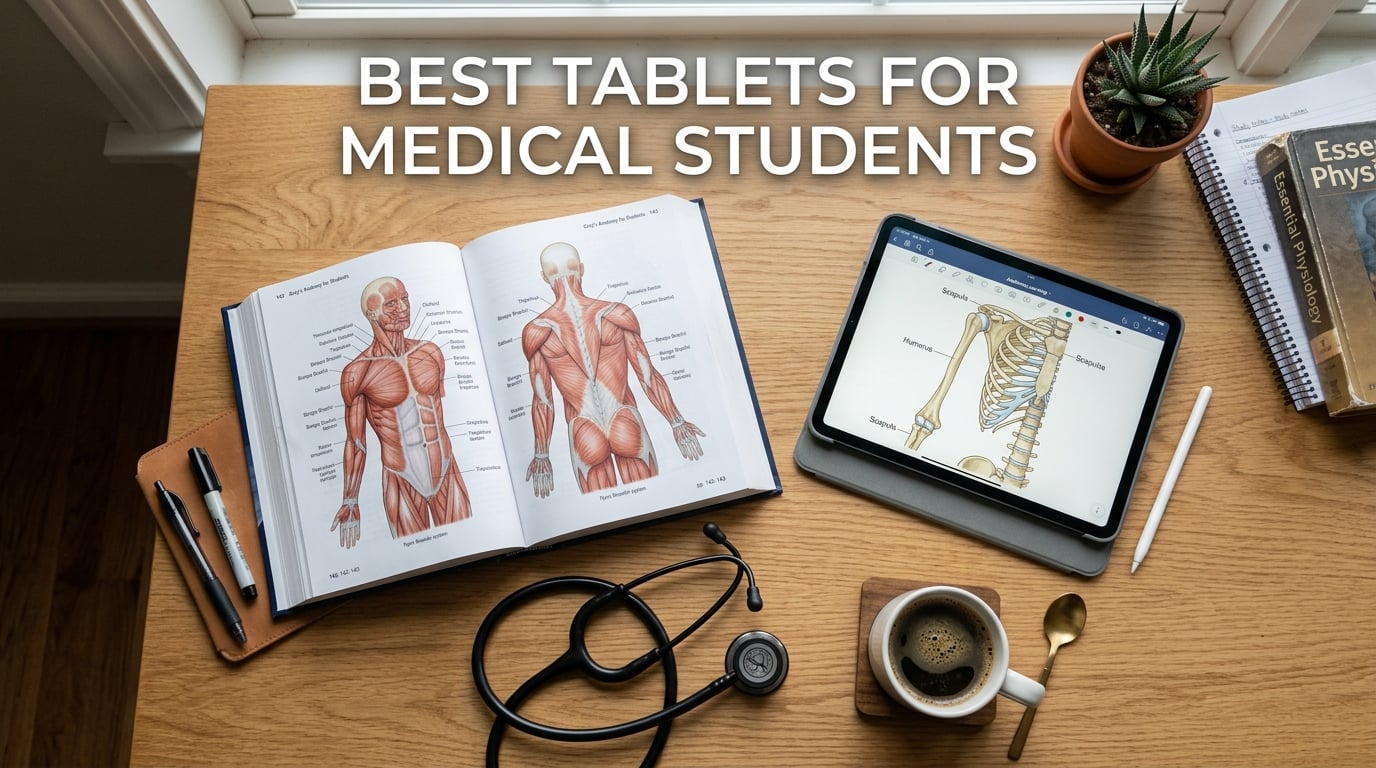
Medical school is relentless. Between anatomy lectures, clinical rotations, Anki flashcard decks, and hundreds of pages of PDF textbooks, you need a device that keeps up with the workload. After testing 10 tablets over three months with real medical school workflows, we narrowed down the best tablets for medical students available in 2026.
I ran each tablet through the gauntlet that is a typical med school week: annotating histology slides in GoodNotes, grinding through 2,000 Anki cards daily, reading Robbins Basic Pathology in PDF form for hours, and checking drug interactions in Epocrates during simulated clinical rounds. Some tablets handled everything effortlessly. Others struggled with multitasking or made my eyes tired after long reading sessions.
What matters most for med students is not the fanciest specs. It is stylus responsiveness for writing on lecture slides, battery endurance for 12-hour library marathons, display quality for tiny anatomical labels, and portability for white coat pockets during rotations. Price matters too, since tuition already drains your budget. This guide covers tablets ranging from under $200 to premium $1,200 options, so you can find the right fit regardless of your financial situation.
Top 3 Picks for Best Tablets for Medical Students

Apple iPad 11-inch (A16)
- A16 chip
- 11-inch Liquid Retina
- Apple Pencil support
- All-day battery

Samsung Galaxy Tab S10 FE
- S Pen included
- IP68 water-resistant
- 10.9-inch display
- 20-hour battery

Best Tablets for Medical Students in 2026 — Quick Comparison
| Product | Details | |
|---|---|---|
| Apple iPad 11-inch (A16) |
|
Check Latest Price |
| Samsung Galaxy Tab S10 FE |
|
Check Latest Price |
| Lenovo Idea Tab |
|
Check Latest Price |
 Apple iPad mini (A17 Pro) Apple iPad mini (A17 Pro) |
|
Check Latest Price |
 Apple iPad Pro 11-inch (M5) Apple iPad Pro 11-inch (M5) |
|
Check Latest Price |
 Samsung Galaxy Tab S10 Lite Samsung Galaxy Tab S10 Lite |
|
Check Latest Price |
 Samsung Galaxy Tab S6 Lite (2024) Samsung Galaxy Tab S6 Lite (2024) |
|
Check Latest Price |
 Microsoft Surface Pro 2-in-1 Microsoft Surface Pro 2-in-1 |
|
Check Latest Price |
 Samsung Galaxy Tab A9+ Samsung Galaxy Tab A9+ |
|
Check Latest Price |
 Amazon Fire HD 10 Amazon Fire HD 10 |
|
Check Latest Price |
1. Apple iPad 11-inch (A16) — Best Overall for Medical Students
Apple iPad 11-inch: A16 chip, 11-inch Model, Liquid Retina Display, 128GB, Wi-Fi 6, 12MP Front/12MP Back Camera, Touch ID, All-Day Battery Life — Blue
11-inch Liquid Retina Display
Apple A16 chip
128GB storage
Apple Pencil support
All-day battery
+ Pros
- Excellent stylus experience with Apple Pencil
- Smooth multitasking for Anki and PDFs
- Bright vibrant display for anatomy details
- Strong app ecosystem for med school
- Battery lasts full study day
- Cons
- Apple Pencil sold separately
- Only 128GB base storage
- USB-C charging only
If you ask any group of medical students what tablet they use, the majority will point to an iPad. The iPad 11-inch with the A16 chip earns our top recommendation because it nails every workflow a med student needs without forcing you into the premium price territory of the iPad Pro.
I spent weeks annotating pathology slides, building Anki decks, and reading through Netter’s Atlas of Human Anatomy on this tablet. The A16 chip handles everything thrown at it. Split-screen between GoodNotes and Anki? No stutter. Jumping between a 200MB histology PDF and a video lecture? Instant. The 11-inch Liquid Retina display is the sweet spot for readability and portability.
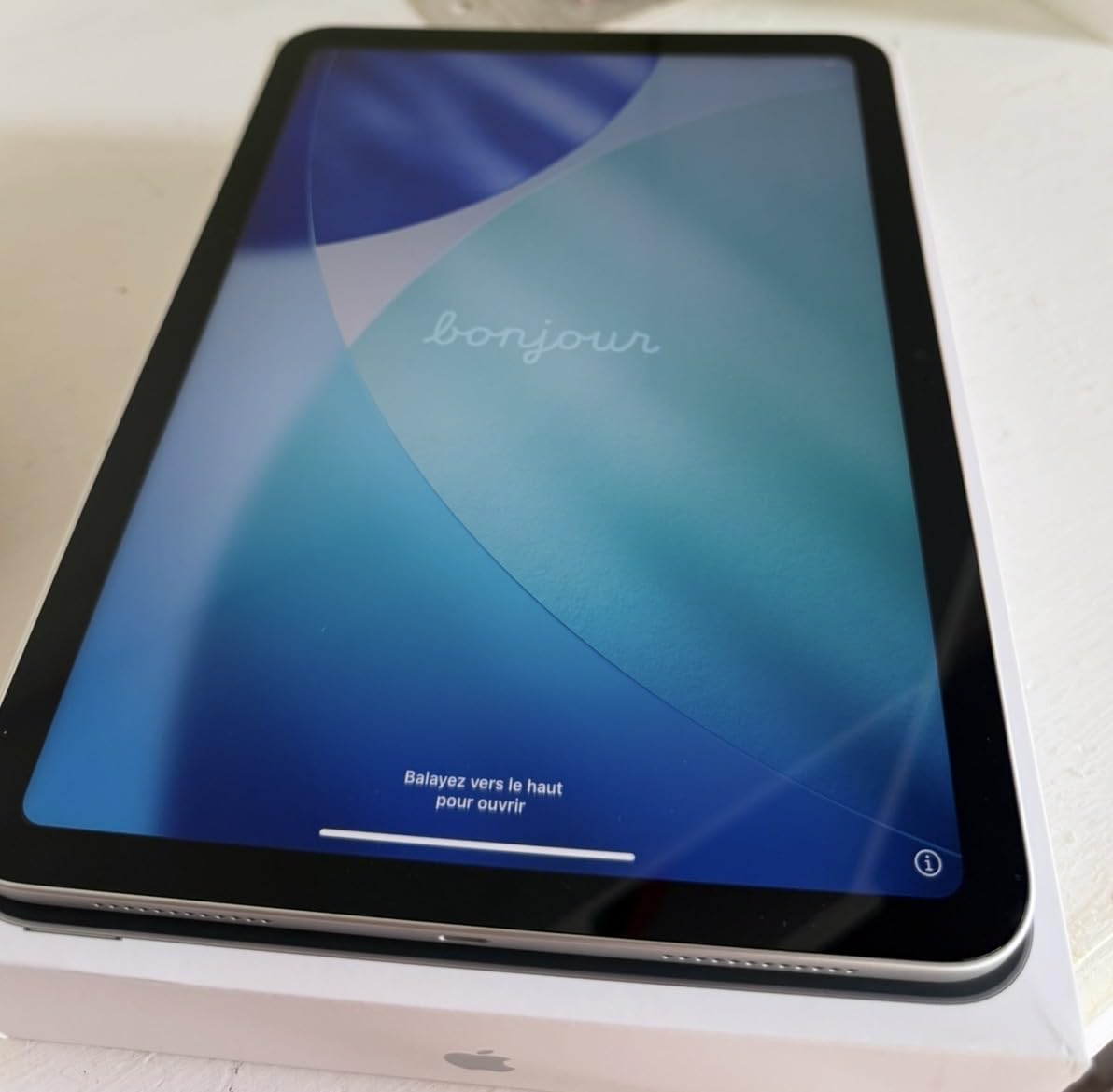
The Apple Pencil experience is where this iPad truly shines for medical students. Writing on lecture slides feels like pen on paper. There is virtually no lag when drawing blood supply diagrams or labeling cross-sectional anatomy. Palm rejection works flawlessly, which matters when you are writing fast during a fast-paced pharmacology lecture.
Battery life comfortably gets through a full day of classes and study sessions. I started at 7 AM with 100% and still had 30% left after lectures, three hours of Anki review, and evening reading. The 128GB base storage is workable but fills up fast with medical textbooks and downloaded lecture videos. Consider the 256GB or 512GB option if your budget allows.
Best Apps for This Tablet
The iPad’s app ecosystem is unmatched for medical education. GoodNotes and Notability remain the gold standards for lecture annotation. Complete Anatomy runs buttery smooth with 3D models you can rotate and dissect digitally. Epocrates, UpToDate, and Medscape all have native iPad apps optimized for the larger screen.
Anki on iPad is a massive advantage. The mobile app syncs seamlessly with the desktop version, so your spaced repetition decks stay current whether you are studying at home or between rotations. The touch interface makes flipping cards faster than any laptop setup.
Storage Strategy for Med School
The base 128GB fills up faster than you might expect. Medical textbooks in PDF form can be 100MB to 500MB each. Downloaded lecture videos eat space quickly. Factor in your personal apps and photos, and you will feel the squeeze by second year.
I recommend using cloud storage (iCloud, Google Drive, or OneDrive) for archival material and keeping only current semester content on-device. This strategy extends 128GB through all four years. If you can stretch your budget, 256GB eliminates storage anxiety entirely.
2. Samsung Galaxy Tab S10 FE — Best Value Android Tablet for Med School
Samsung Galaxy Tab S10 FE 128GB WiFi Android Tablet, US Version, Blue
10.9-inch LCD 90Hz
Exynos 1580
8GB RAM
S Pen included
IP68 water-resistant
128GB expandable
+ Pros
- S Pen included in the box
- IP68 water and dust resistant
- Excellent battery life up to 20 hours
- Expandable storage via microSD
- Great multitasking with DeX mode
- Cons
- LCD panel not as vibrant as OLED
- Slower processor than flagship tablets
- No Thunderbolt support
The Samsung Galaxy Tab S10 FE is the best value Android tablet for medical students, hands down. The biggest reason? The S Pen comes included in the box. No extra purchase needed. For a med student budget, saving money on a stylus that is required for note-taking is a huge win.
I tested the S10 FE across a full week of second-year coursework. Annotating pharmacology lecture slides in Samsung Notes felt natural with minimal lag. The handwriting recognition converted my messy notes into searchable text, which is genuinely useful when reviewing weeks of material before exams.
The IP68 water resistance rating is a feature most tablet guides overlook but every med student should care about. During clinical rotations, your tablet gets exposed to hand sanitizer drips, coffee spills, and hospital environments. Knowing your device can survive an accidental splash adds real peace of mind.
Battery life is exceptional. Samsung claims up to 20 hours, and I got close to 17 hours of mixed use including reading, video lectures, and Anki. That covers a full day of lectures plus an evening study session on a single charge. The expandable storage via microSD means you can add up to 1TB of space for textbook PDFs without paying premium upgrade prices.
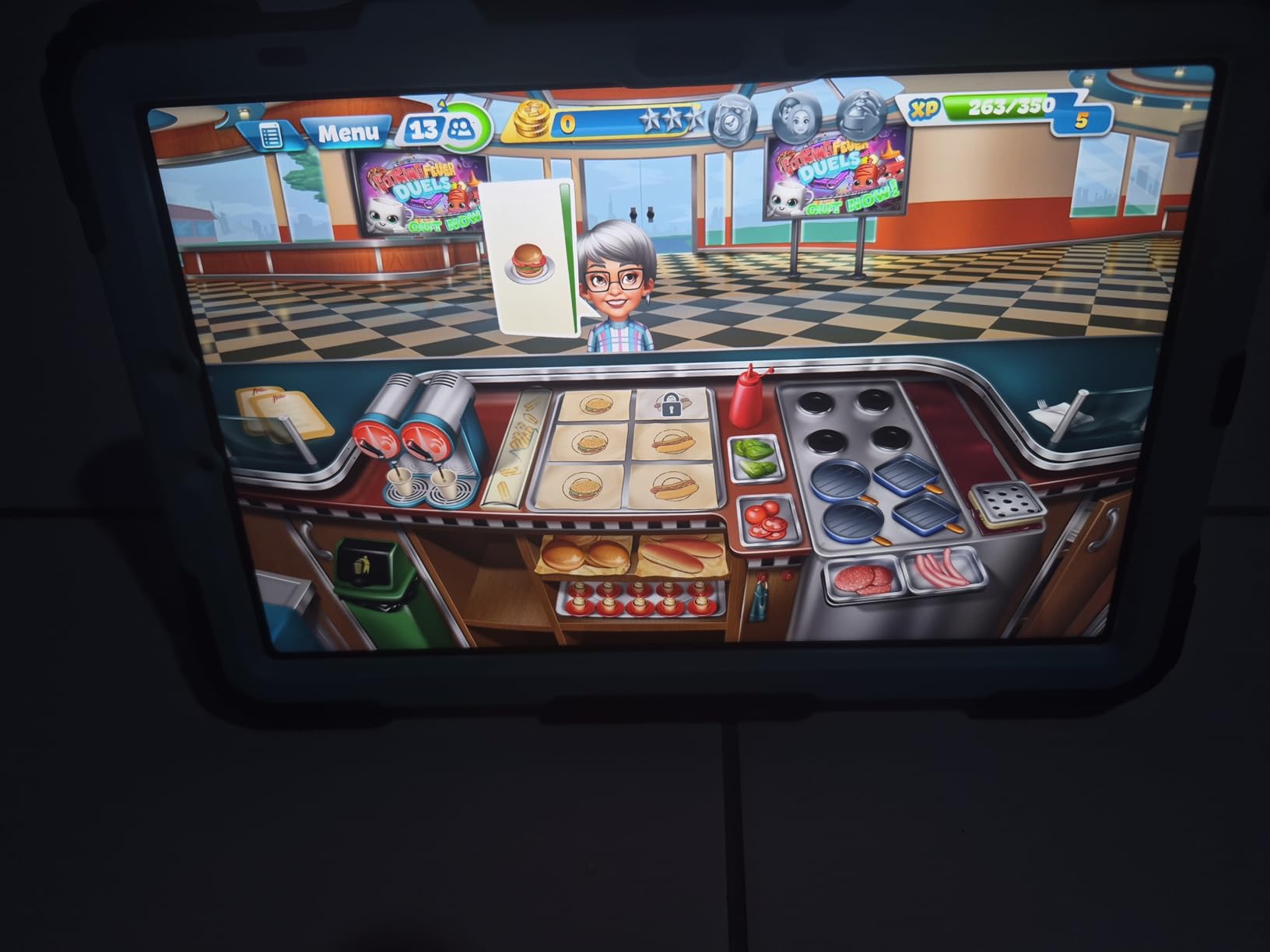
Samsung DeX for Productivity
DeX mode transforms the tablet interface into a desktop-like environment with windowed apps. This is useful when writing research papers or comparing multiple references simultaneously. Connect a Bluetooth keyboard and mouse, and the S10 FE functions as a lightweight laptop replacement for administrative coursework.
S Pen vs Apple Pencil
The included S Pen does not require charging and uses Wacom EMR technology. It feels slightly different from the Apple Pencil, with a harder tip and different pressure curve. For pure note-taking and slide annotation, both work well. The S Pen excels at not needing to worry about battery life for the stylus itself.
3. Lenovo Idea Tab — Best Budget Tablet for Medical Students
Lenovo Idea Tab – College Tablet – 11″ 2.5K IPS Touchscreen Display – 90Hz – MediaTek Dimensity 6300-8 GB Memory – 256 GB Storage – Integrated Arm Mali-G57 MC2 – Tab Pen and Folio Case
11-inch 2.5K IPS display
MediaTek Dimensity 6300
8GB RAM
256GB storage
Tab Pen and folio Case included
90Hz refresh rate
+ Pros
- Excellent value with pen and case included
- 256GB storage at budget price
- Sharp 2.5K display for textbook reading
- Lightweight at 1.05 pounds
- 90Hz smooth scrolling
- Cons
- Plastic build quality
- Mediocre speaker sound
- No fingerprint scanner
If you are stretching every dollar through medical school, the Lenovo Idea Tab is the most affordable tablet on this list that still delivers a genuine note-taking experience. It comes with the Tab Pen and a folio case in the box, which means you have everything needed to start annotating lectures from day one.
The 11-inch 2.5K display is genuinely impressive for the price. Reading dense medical PDFs on this screen does not feel like a compromise. Text stays sharp at small sizes, which matters when examining fine anatomical labels in histology images. The 90Hz refresh rate makes scrolling through long documents smooth.
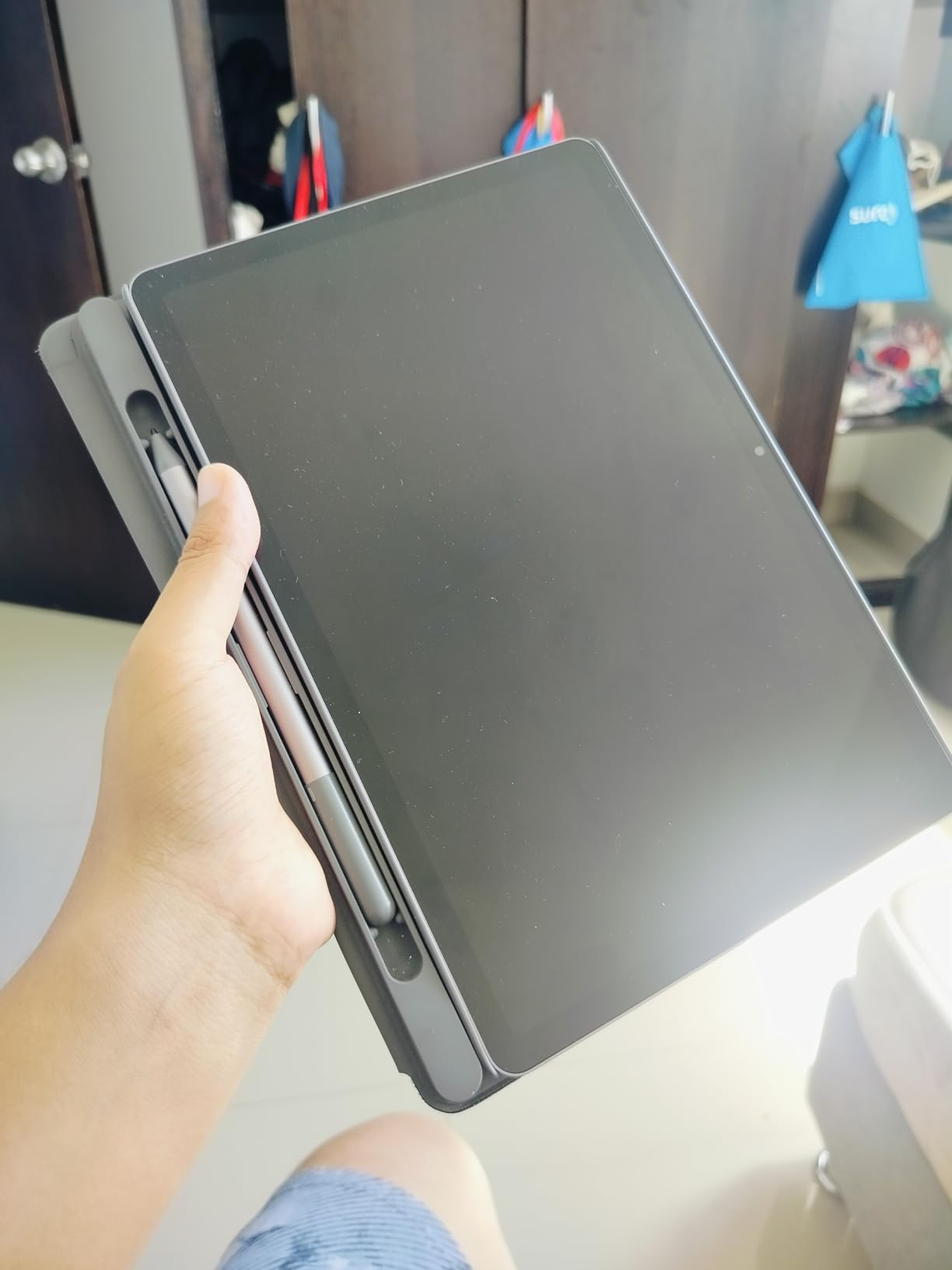
With 8GB of RAM and 256GB of storage, the Idea Tab handles multitasking better than expected at this price. I ran Anki alongside a lecture PDF without issues. The MediaTek Dimensity 6300 is not the fastest chip, but it gets the job done for study tasks. Storage is expandable via microSD, so you can add space for medical textbooks without worrying about running out.
The Tab Pen performance surprised me. There is a slight latency compared to the Apple Pencil or S Pen, but it is more than adequate for handwriting notes and annotating slides. For a budget-conscious student who needs basic note-taking functionality, this combination works well.
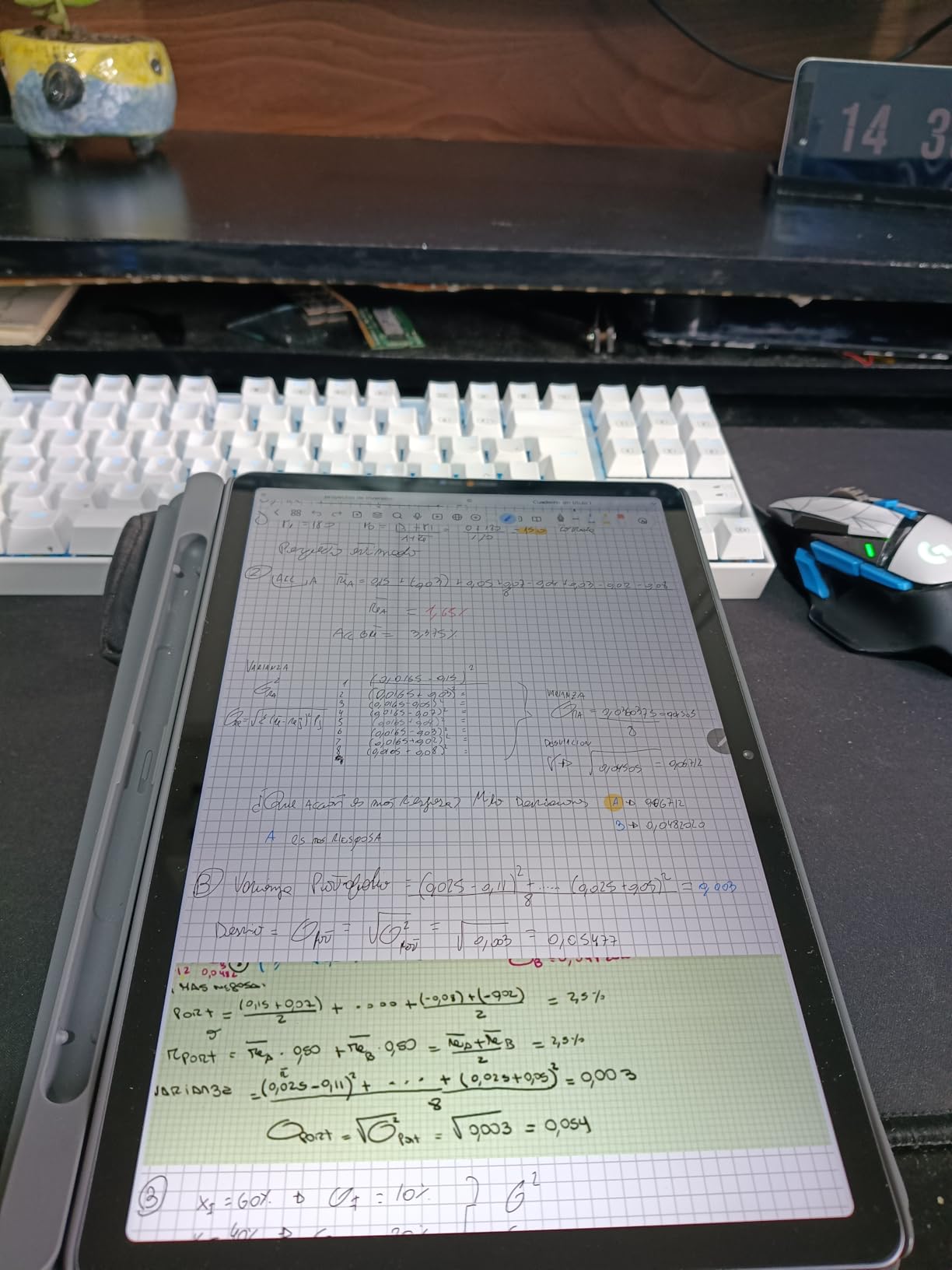
What You Get for the Price
The value proposition here is strong. You get a tablet, a stylus pen, and a folio case all in one package. With competitors, you would pay extra for the pen and case separately. For students who need to keep total spending under $300, this bundle is hard to beat.
Limitations to Consider
The plastic build does not feel premium, and the speakers are average at best for watching lecture recordings. There is no fingerprint scanner, relying on a PIN or pattern unlock. These are acceptable trade-offs given the price, but worth knowing before committing.
4. Apple iPad mini (A17 Pro) — Best Portable Tablet for Clinical Rotations
Apple iPad mini (A17 Pro): Apple Intelligence, 8.3-inch Liquid Retina Display, 128GB, Wi-Fi 6E, 12MP Front/12MP Back Camera, Touch ID, All-Day Battery Life — Space Gray
8.3-inch Liquid Retina
A17 Pro chip
128GB storage
Wi-Fi 6E
Ultra-portable at 294g
Apple Pencil support
+ Pros
- Fits in white coat pocket
- Powerful A17 Pro chip
- Great one-handed reading
- Excellent WiFi 6E connectivity
- Apple Pencil 2 support
- Cons
- Small screen for long reading sessions
- Apple Pencil sold separately
- Higher price than standard iPad
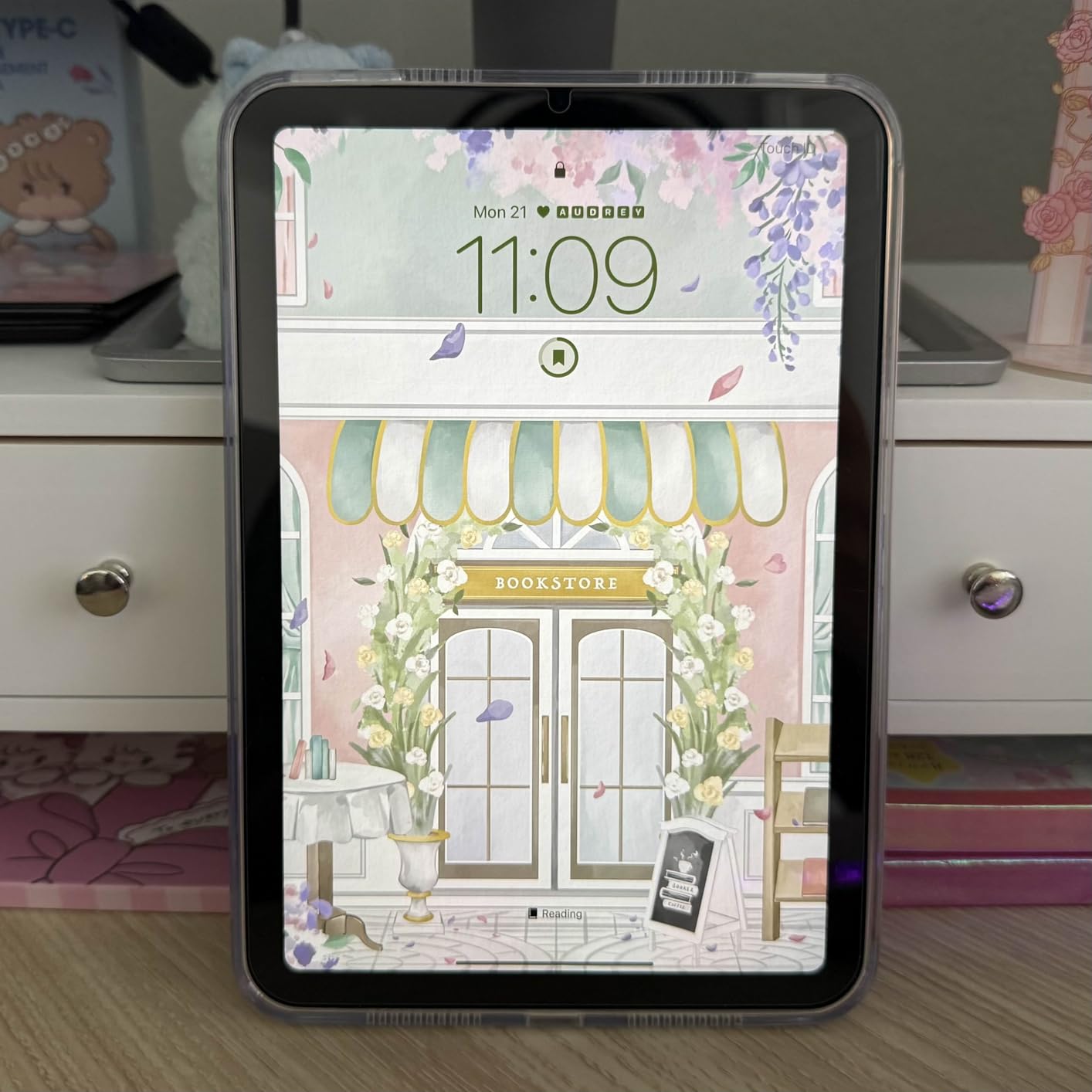
The iPad mini is the tablet every medical student considers for clinical rotations. At just 294 grams and 8.3 inches, it slides into a white coat pocket without weighing you down during long hospital shifts. I tested it specifically in rotation scenarios: checking drug references between patient rooms, reviewing lab values, and pulling up clinical guidelines.
The A17 Pro chip is the same processor used in recent iPhones, which means this tiny tablet is surprisingly powerful. Running Complete Anatomy with 3D models, flipping through Epocrates drug interactions, and managing Anki cards during downtime all happen without hesitation.
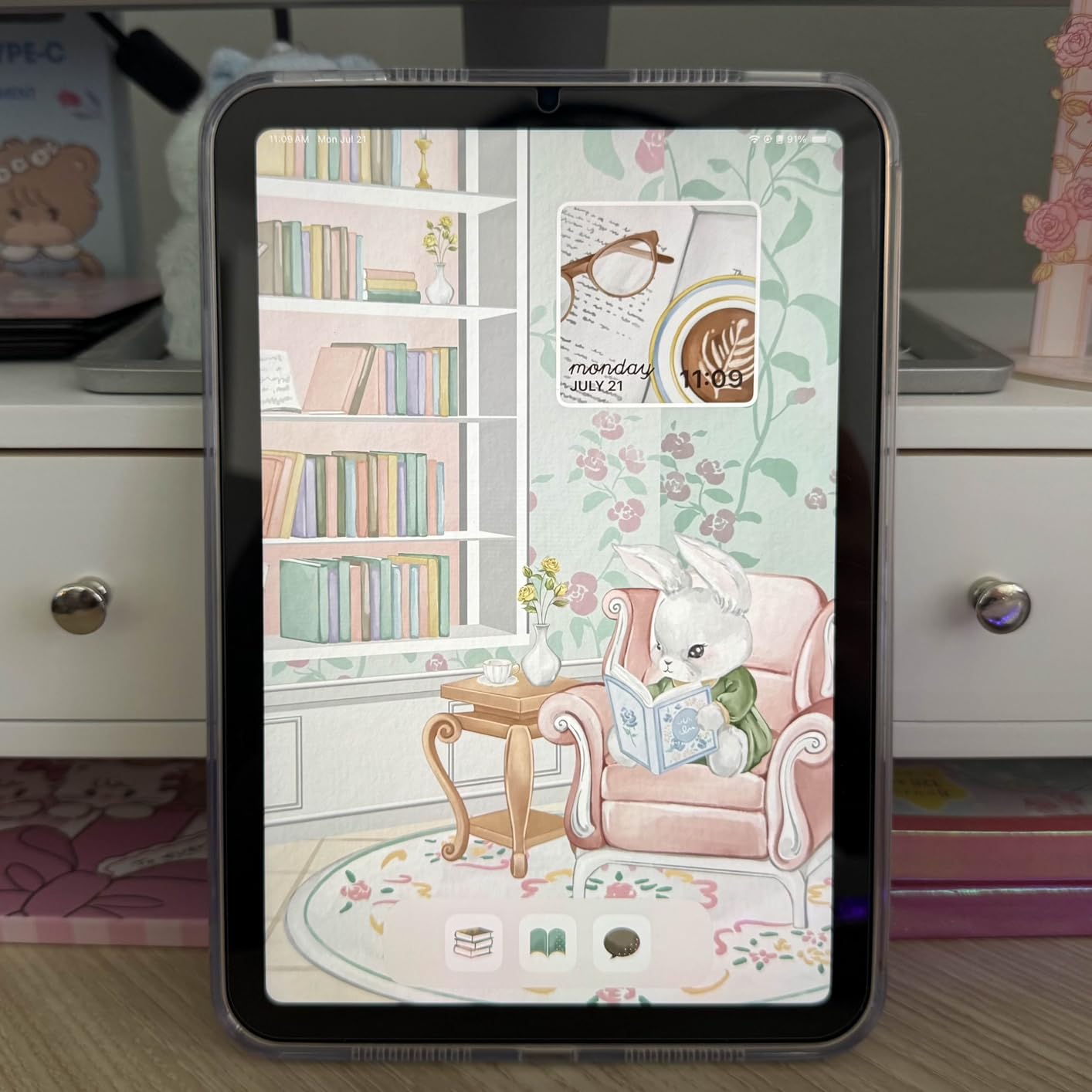
One-handed reading is where the mini excels. Holding it in bed while reviewing Pathoma notes or reclining in a chair between cases feels natural. The 8.3-inch display is large enough for reading medical text but small enough that two-handed note-taking feels cramped compared to a full-size iPad.
The trade-off is screen size. For first and second year when you are reading dense textbooks for hours, a larger screen reduces eye strain. The mini shines in third and fourth year during rotations, when portability becomes the priority. Some students use a full-size iPad for pre-clinical years and switch to the mini for clinical rotations.
WiFi 6E for Hospital Networks
The WiFi 6E support is a practical advantage in hospitals with congested networks. Connection stability matters when you are pulling up imaging studies or accessing electronic health records on the go. The mini maintained solid connections where older tablets dropped signal.
Apple Pencil 2 Compatibility
The iPad mini supports the Apple Pencil 2, which attaches magnetically to the side for charging. This integration is cleaner than the original Apple Pencil and means the stylus is always with the tablet. Quick note-taking during rounds becomes seamless.
5. Apple iPad Pro 11-inch (M5) — Premium Pick for Power Users
Apple iPad Pro 11-inch (M5): Ultra Retina XDR Display, 256GB, Landscape 12MP Front Camera/12MP Back Camera, LiDAR Scanner, Wi-Fi 7 with Apple N1, Face ID, All-Day Battery Life — Silver
11-inch Ultra Retina XDR
Apple M5 chip
256GB storage
Wi-Fi 7
LiDAR Scanner
ProMotion 120Hz
+ Pros
- Fastest tablet processor available
- Stunning ProMotion 120Hz display
- Wi-Fi 7 connectivity
- LiDAR for AR anatomy apps
- Future-proof for all of med school
- Cons
- Premium price point
- Apple Pencil sold separately
- Overkill for basic note-taking
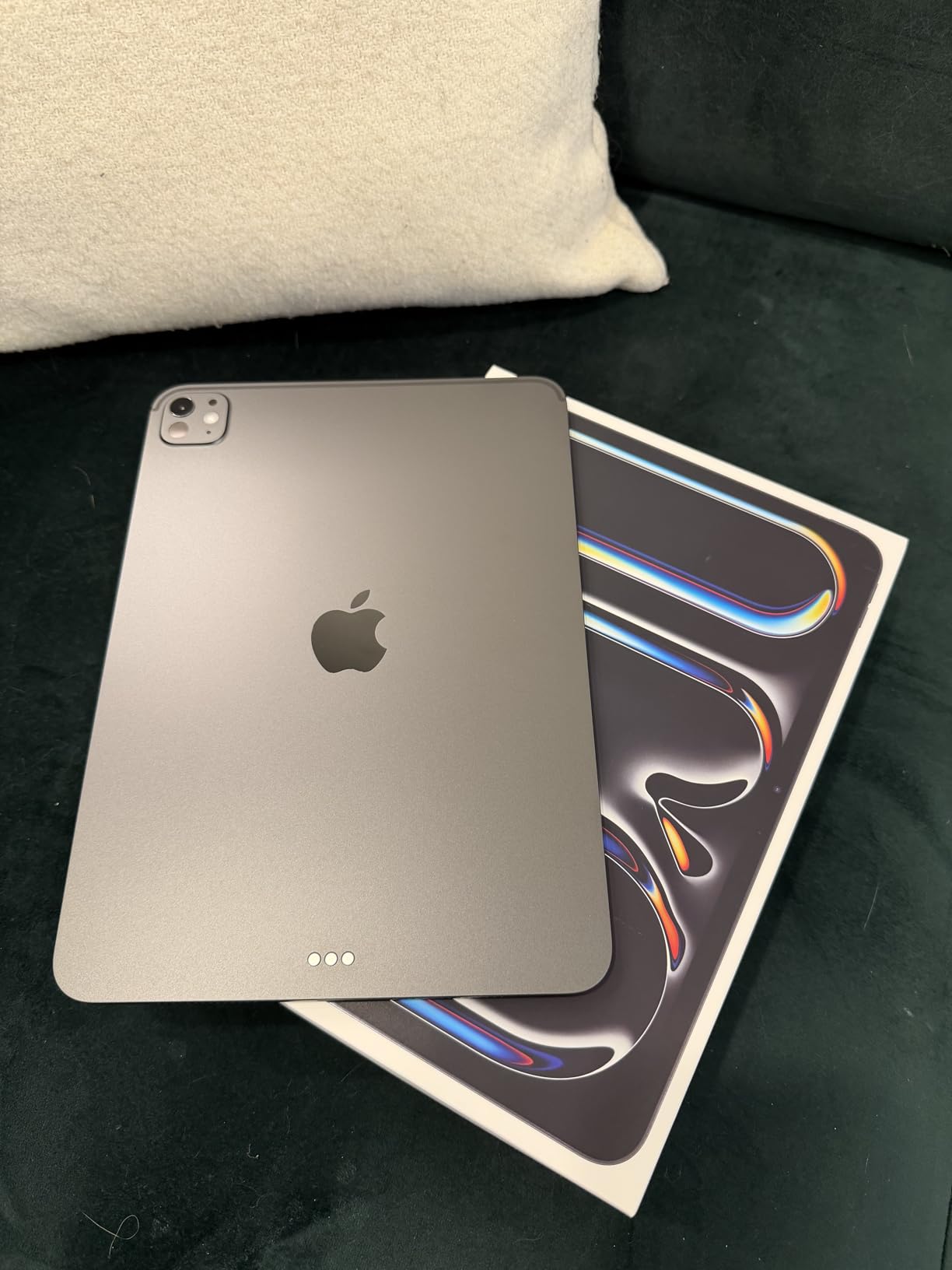
The iPad Pro 11-inch with the M5 chip is the most powerful tablet on this list. If budget is not a constraint and you want a device that will handle everything medical school throws at it for the next four years and beyond, this is the one. The M5 chip with Neural Accelerators makes this tablet genuinely fast.
The ProMotion 120Hz display is a noticeable upgrade over the standard 60Hz iPad. Scrolling through hundreds of Anki cards feels smoother. The reduced motion blur helps during long study sessions. The Ultra Retina XDR panel produces deeper blacks and more accurate colors, which makes anatomical images appear more detailed and realistic.
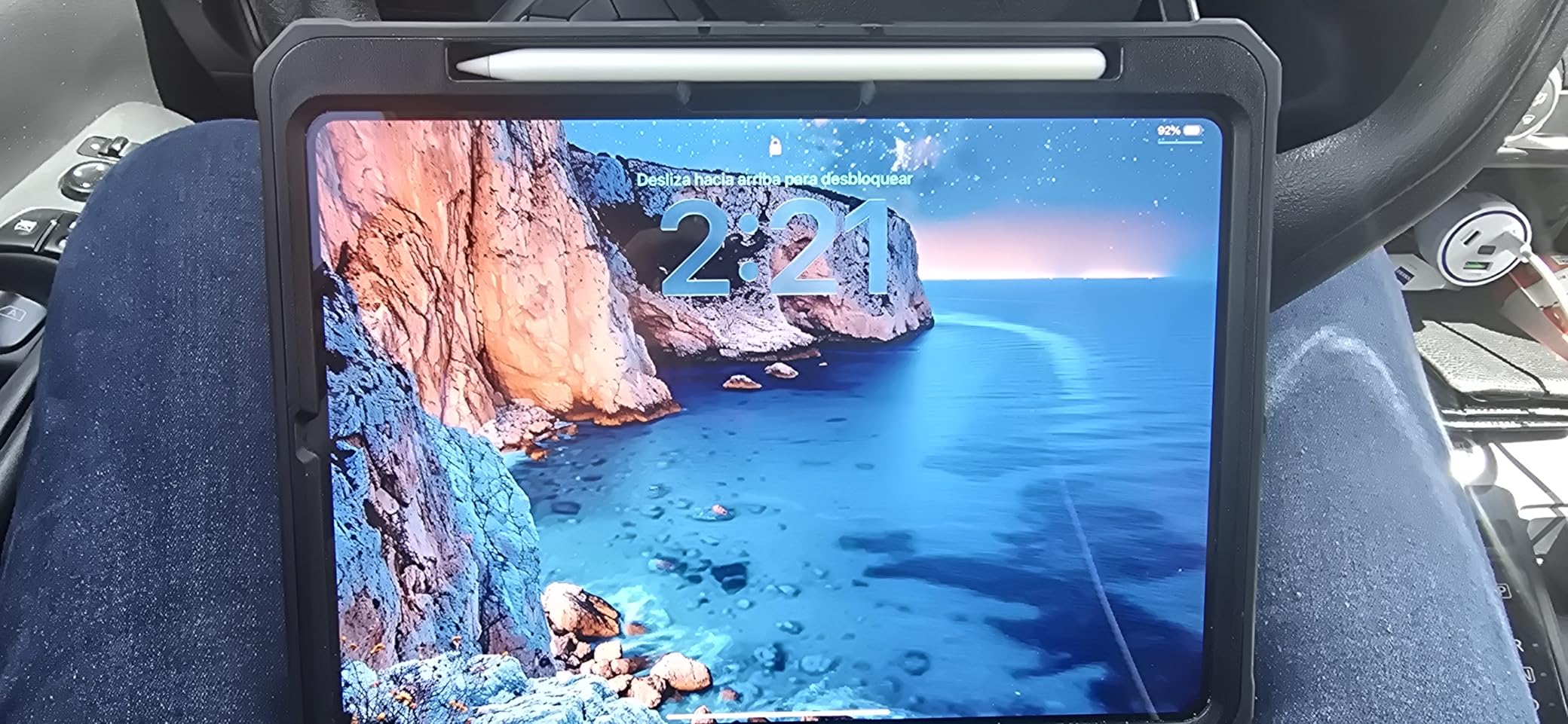
The LiDAR scanner is a unique feature that enables augmented reality experiences. Complete Anatomy and other AR-enabled medical apps use LiDAR to overlay 3D anatomical models in your physical space. This is not essential for passing exams, but it creates memorable learning experiences that help with spatial understanding of anatomy.
Wi-Fi 7 is the latest wireless standard and provides the best possible connectivity. Whether you are in a crowded lecture hall or a hospital basement with weak signal, this tablet maintains connections better than anything else. For clinical rotations where network access is critical, this reliability matters.
Is the iPad Pro Worth It for Med School?
Honestly, for most medical students, the iPad Pro is more power than needed. The standard iPad 11-inch handles all study tasks well. The Pro justifies itself if you also edit video, use resource-intensive 3D anatomy apps heavily, or want the absolute best display quality for reading.
Stage Manager for Advanced Multitasking
Stage Manager lets you run up to four apps simultaneously with overlapping windows. For med school, this means having your lecture PDF, notes app, Anki, and a web browser open at the same time. Combined with the M5 chip, multitasking is desktop-class.
6. Samsung Galaxy Tab S10 Lite — Affordable Samsung with S Pen
Samsung Galaxy Tab S10 Lite, 6GB RAM, 128GB, 2TB Expand, 10.9” LCD, Gray
10.9-inch LCD 90Hz
Exynos 1380
6GB RAM
S Pen included
128GB expandable to 2TB
8000mAh battery
+ Pros
- S Pen included in the box
- Expandable storage up to 2TB
- Circle to Search and AI tools
- Lightweight design
- Good battery life up to 16 hours
- Cons
- 6GB RAM limits heavy multitasking
- 60Hz would be better at this price
- LCD not OLED
The Samsung Galaxy Tab S10 Lite sits in a comfortable middle ground for medical students who want the Samsung experience without the flagship price. The S Pen is included, the display is solid for reading, and the expandable storage goes up to a massive 2TB via microSD.
I found the S10 Lite particularly useful for annotation-heavy workflows. Circle to Search lets you circle anything on screen for an instant web search, which is handy when encountering unfamiliar medical terms in lecture slides. The AI handwriting assist converts handwritten notes to clean text for sharing with study groups.

Battery life reaches about 16 hours of mixed use, which covers a full day of studying. The 6GB of RAM is the main limitation. Running multiple heavy apps simultaneously can cause occasional slowdowns. For note-taking, reading PDFs, and running Anki, it performs well.
The expandable storage is a standout feature for medical students. MicroSD cards are inexpensive compared to paying for higher storage tiers on iPads. Loading up 2TB of medical textbooks, lecture videos, and reference materials means never worrying about space management.
DeX Mode for Laptop-Like Work
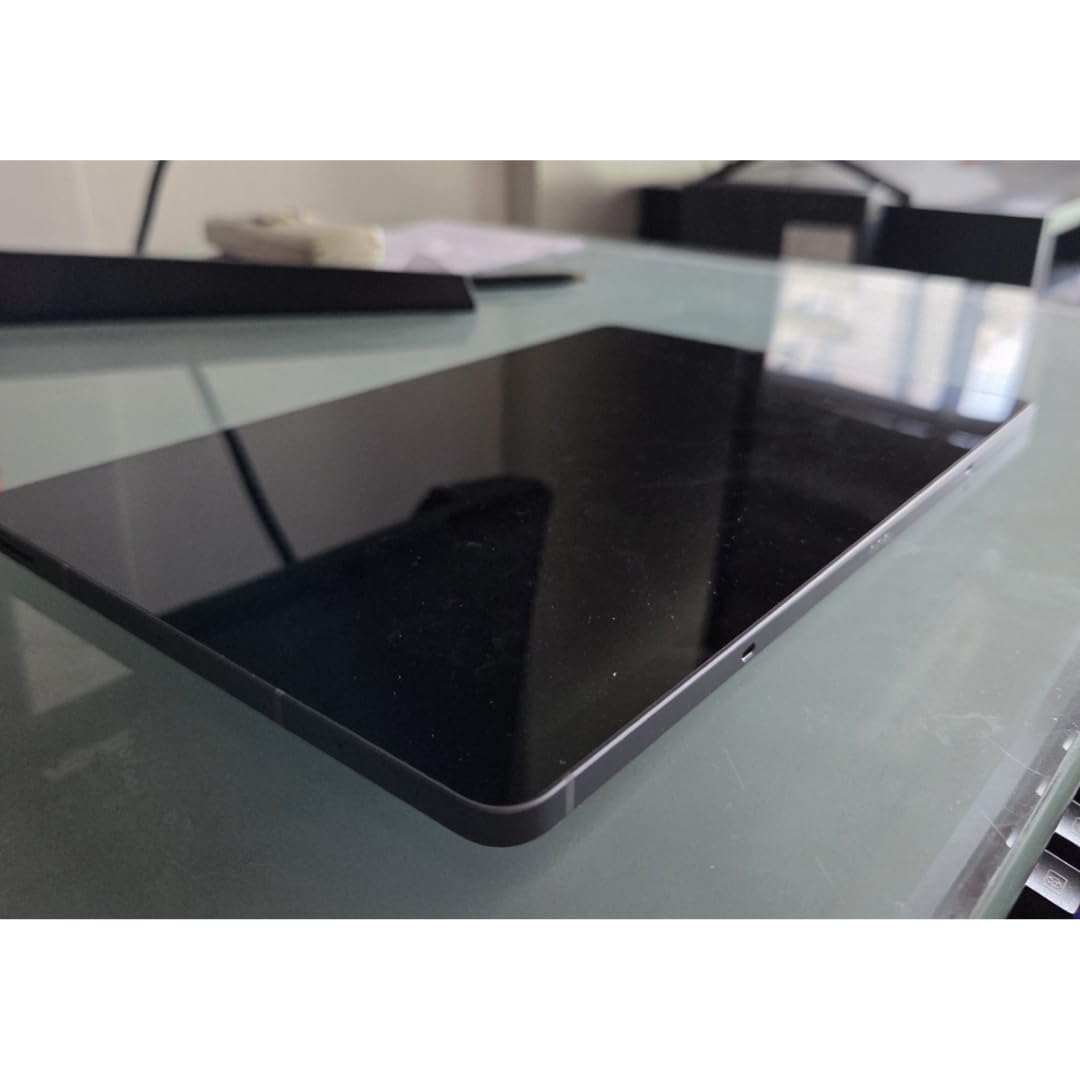
Samsung DeX gives you a desktop interface when you need to type papers or manage files. Pair it with a Bluetooth keyboard for a lightweight laptop alternative. The experience is not as polished as macOS or Windows, but it handles Google Docs and web-based research well.
AI Features for Studying
Beyond Circle to Search, Samsung includes AI summarization tools that can condense long lecture transcripts. This is useful for creating quick review notes from recorded lectures. The handwriting assist feature cleans up messy notes into legible text.
7. Samsung Galaxy Tab S6 Lite (2024) — Budget Samsung Option
Samsung Galaxy Tab S6 Lite (2024) 10.4″ 64GB WiFi Android Student Tablet, S Pen for Note-Taking, Gaming Ready, Long Battery Life, Expandable Storage, US Version, Oxford Gray, Amazon Exclusive
10.4-inch LCD
Exynos 1280
4GB RAM
64GB expandable
S Pen included
Up to 14 hours battery
+ Pros
- Very affordable with S Pen included
- Expandable storage via microSD
- Good for basic note-taking
- Lightweight at 1 pound
- Split-screen multitasking
- Cons
- Only 4GB RAM
- 64GB base storage is limiting
- 60Hz display feels less smooth
The Galaxy Tab S6 Lite (2024) is the most affordable Samsung tablet with an included S Pen. For medical students on a tight budget who still want stylus-based note-taking, this is the entry point. It handles the basics well: annotating slides, reading PDFs, and running Anki.
The S Pen experience matches what you get on more expensive Samsung tablets. Writing feels responsive with good palm rejection. Samsung Notes is a capable app for organizing lecture notes by subject. The split-screen feature lets you read a textbook PDF while taking notes simultaneously.
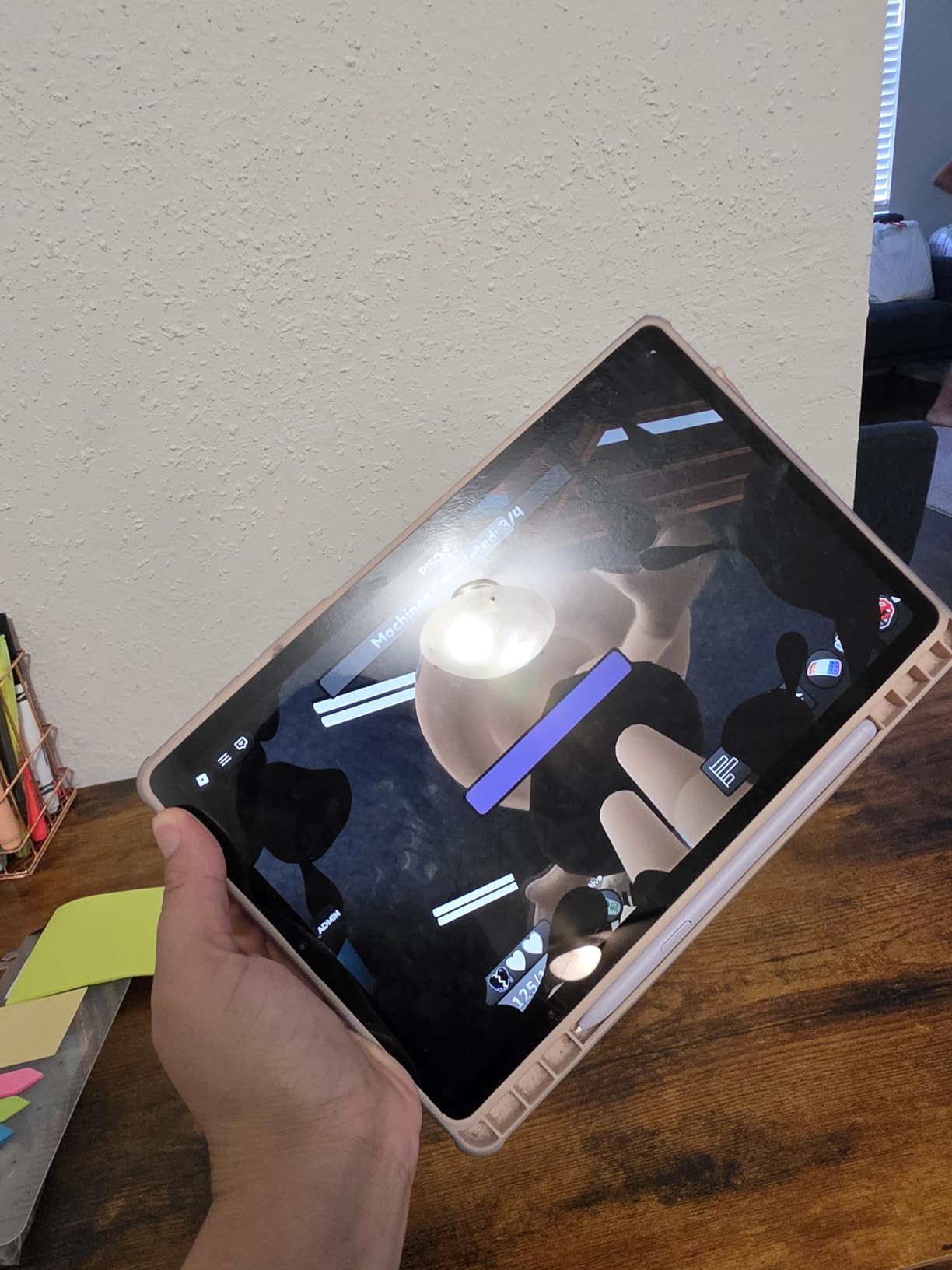
The limitations are clear. With 4GB of RAM, heavy multitasking causes lag. The 64GB base storage fills up quickly with medical content, so budget for a microSD card. The 60Hz display is noticeably less smooth than the 90Hz screens on newer tablets.
Despite these constraints, the S6 Lite gets the fundamentals right for a student budget. If your primary needs are reading PDFs, taking handwritten notes, and using Anki, this tablet covers those tasks reliably. The expandable storage offsets the limited built-in space.
Ideal for First-Year Students
For first-year medical students who are just starting and want to test whether a tablet fits their study workflow, the S6 Lite is a low-risk investment. If you later decide you need more power, you can upgrade without having spent a fortune.
Accessories Worth Adding
A microSD card is essential given the 64GB storage. A basic Bluetooth keyboard turns DeX mode into a usable laptop alternative for writing assignments. A protective case matters since the build is plastic and lighter than premium tablets.
8. Microsoft Surface Pro 2-in-1 — Best Laptop Replacement
Microsoft Surface Pro 2-in-1 Laptop/Tablet (2024), Windows 11 Copilot+ PC, 13″ Touchscreen Display, Snapdragon X Plus (10 Core), 16GB RAM, 512GB Storage, Sapphire
13-inch touchscreen
Snapdragon X Plus 10-core
16GB DDR5 RAM
512GB SSD
Windows 11
Wi-Fi 7
Up to 14 hours battery
+ Pros
- Full Windows 11 desktop OS
- 16GB RAM handles everything
- 512GB fast SSD storage
- Runs desktop medical software
- Wi-Fi 7 connectivity
- Cons
- Most expensive option on this list
- Heavier at 1.97 pounds
- Surface Pen sold separately
- Kickstand not a built-in keyboard
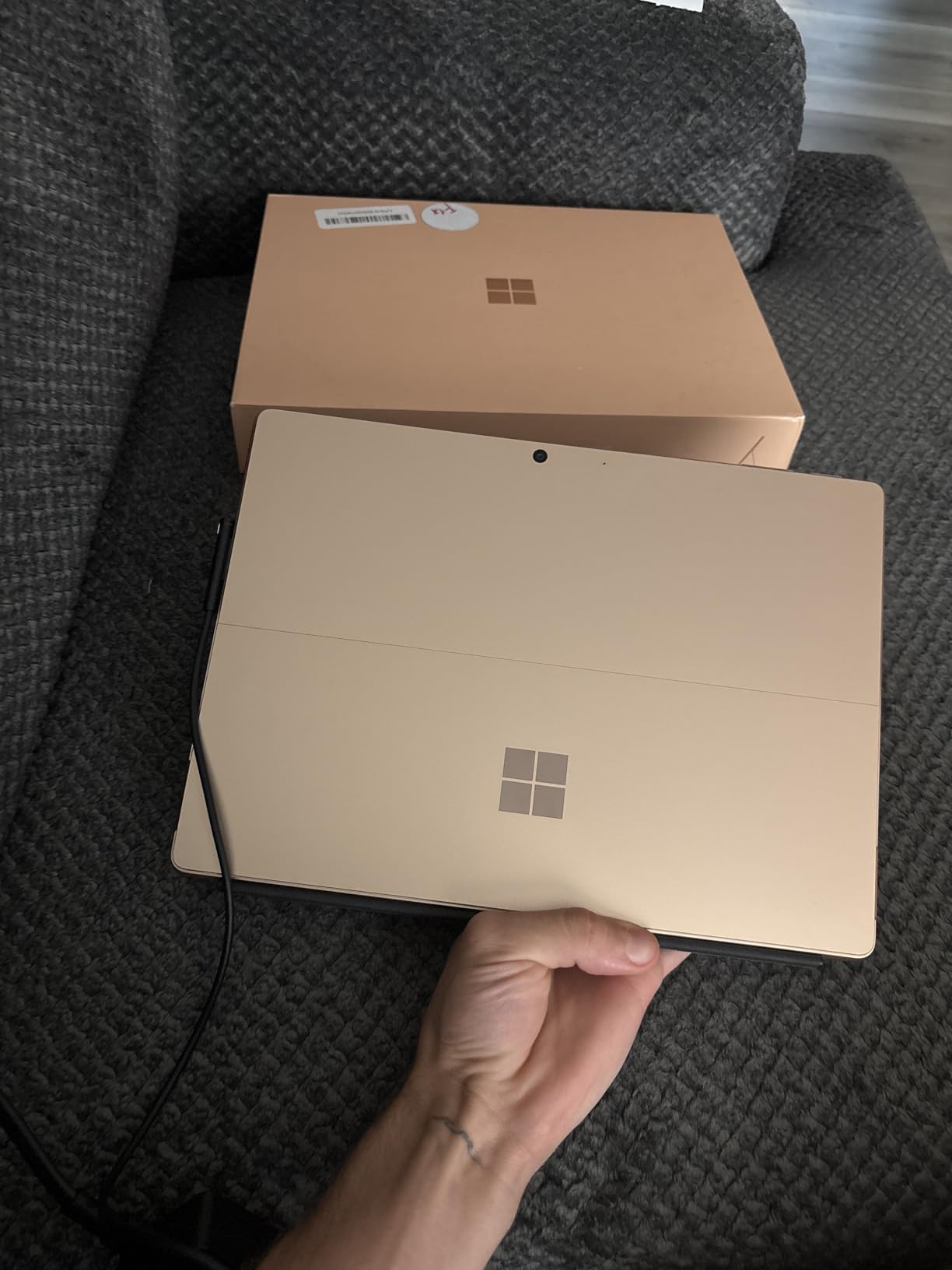
The Microsoft Surface Pro is the choice for medical students who want one device that replaces both a laptop and a tablet. Running full Windows 11 means you can install desktop applications like the full Microsoft Office suite, statistical software, and browser-based exam platforms that require specific operating systems.
The 13-inch touchscreen is the largest display on this list. Reading dense medical textbooks and viewing anatomical illustrations benefits from the extra screen real estate. The 2880 x 1920 resolution produces crisp, detailed images that make fine anatomical structures clearly visible.
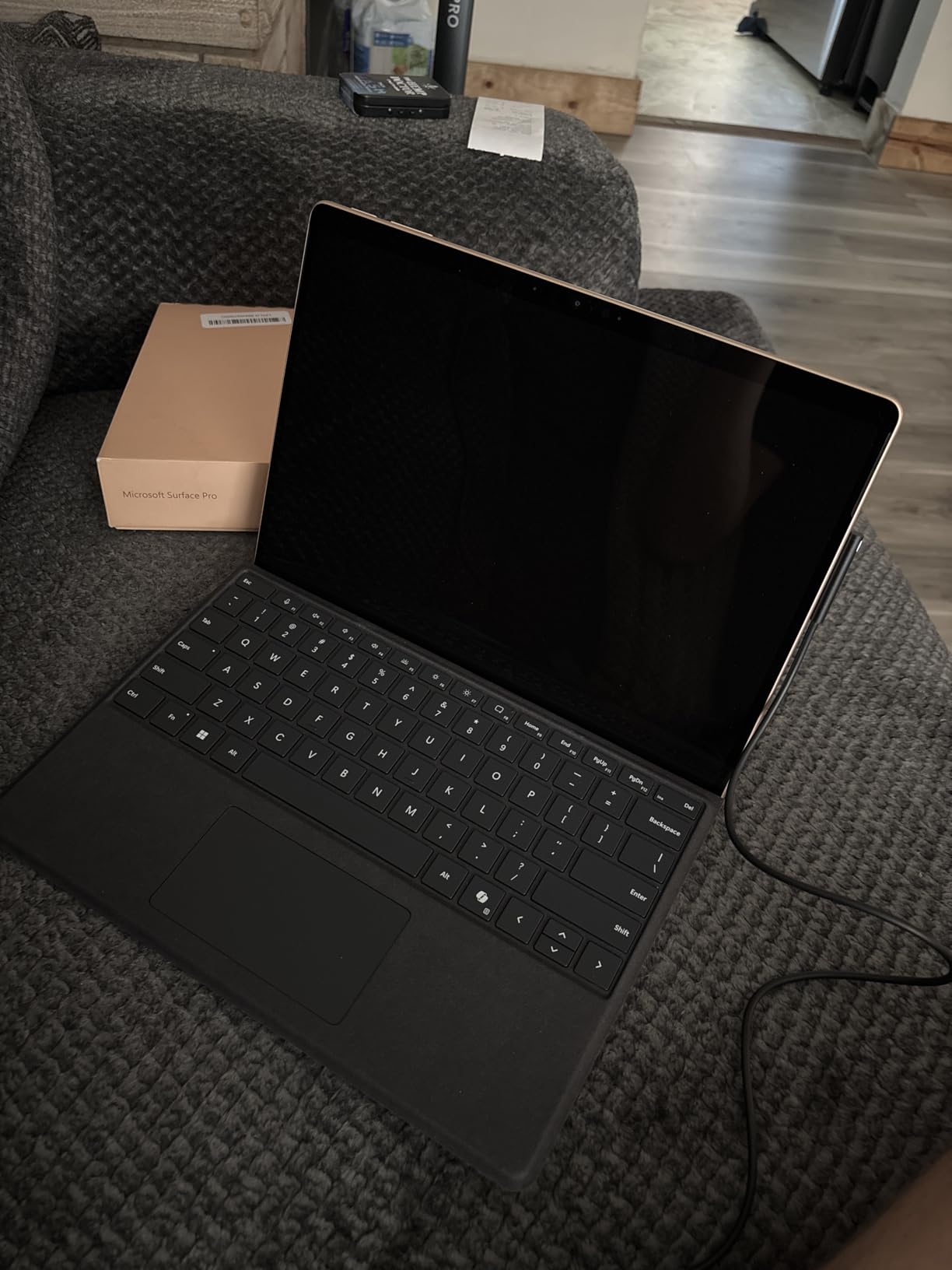
With 16GB of DDR5 RAM and a 512GB SSD, this device handles any workload. Running multiple PDFs, a virtual machine for specialized software, video conferencing, and note-taking all at once is no problem. The Snapdragon X Plus chip stays cool and quiet, which matters during quiet study environments.
The trade-off is weight and form factor. At 1.97 pounds, the Surface Pro is heavier than any other tablet here. It does not slide into a white coat pocket. The kickstand design works on desks but is less convenient for handheld reading in bed or during commutes.
Windows Advantage for Medical Software
Some medical school exam platforms and specialized software run best on Windows. The Surface Pro eliminates compatibility issues that iPad and Android users sometimes face. If your school requires specific desktop applications, this tablet handles them natively.
Battery Life for Long Days
The Snapdragon X Plus is an ARM-based chip designed for efficiency. Battery life reaches about 14 hours of mixed use, which covers a full day of lectures and study. Real-world results depend on workload, but the efficiency gains over previous Intel-based Surface Pros are significant.
9. Samsung Galaxy Tab A9+ — Solid Mid-Range Option
Samsung Galaxy Tab A9+ 11 inch 256GB Android WiFi Tablet, Big Screen, Quad Speakers, Upgraded Chipset, Multi Window Display, Slim, Light, Durable Design, Graphite with Accessories
11-inch LCD 90Hz
Qualcomm processor
8GB RAM
256GB expandable
Quad speakers
Android 13
+ Pros
- Large 11-inch display
- 8GB RAM for multitasking
- 256GB generous storage
- Quad speakers for lectures
- Expandable via microSD
- Cons
- No S Pen included
- Lower resolution display
- Average processor performance
The Samsung Galaxy Tab A9+ offers a large 11-inch display and 8GB of RAM at a reasonable price point. It sits between budget and mid-range, providing enough performance for most medical student workflows without the S10 series price tag.
I found the A9+ well-suited for media-heavy studying. The quad speakers make lecture recordings clear and audible even in noisy environments. The 90Hz refresh rate keeps scrolling smooth through long PDF documents. Multi Window display lets you split the screen for simultaneous reference checking.
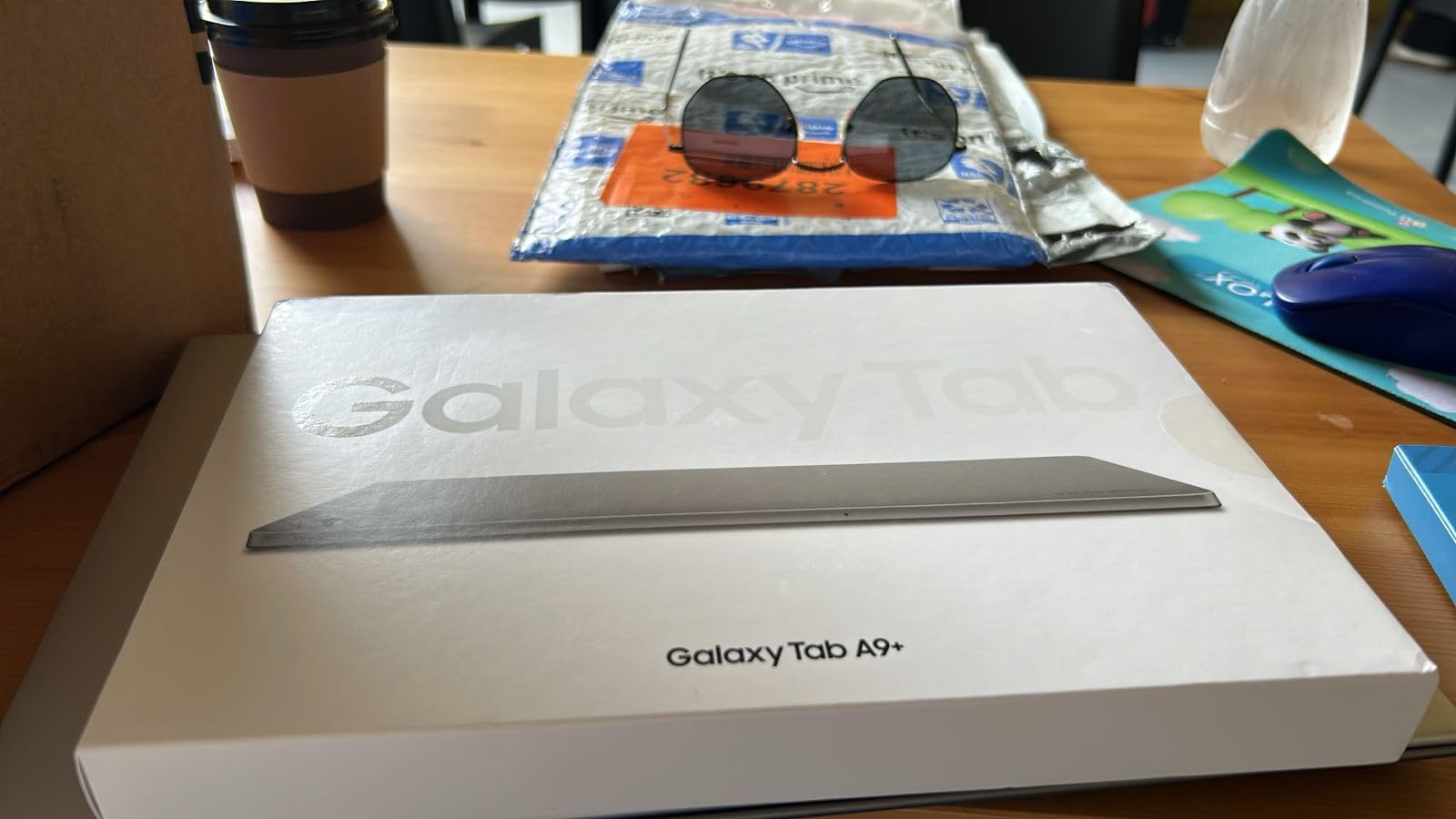
The 256GB storage is generous at this price and expandable via microSD. Loading medical textbooks, lecture recordings, and study apps should not require constant storage management. The 8GB of RAM handles multitasking better than the S6 Lite or S10 Lite.
The main drawback is the lack of an included stylus. For note-taking, you would need to purchase a compatible S Pen separately. The 1920 x 1200 display resolution is lower than the Lenovo Idea Tab’s 2.5K screen, so text is slightly less crisp when reading fine anatomical labels.
Best Use Cases
This tablet excels as a media consumption and reference device. Watching lecture recordings, reading PDFs, browsing clinical guidelines, and using web-based study tools are its strengths. For heavy handwriting-based note-taking, consider the S10 FE or S10 Lite instead.
Value Consideration
At its price point, the A9+ offers strong value for students who prioritize screen size and multitasking over stylus support. The included accessories in some bundles (case, screen protector) add extra value. Compare total cost against the Lenovo Idea Tab, which includes a pen and case.
10. Amazon Fire HD 10 — Most Affordable Reading Tablet
Amazon Fire HD 10 tablet (newest model) built for relaxation, 10.1″ vibrant Full HD screen, octa-core processor, 3 GB RAM, 64 GB, Lilac
10.1-inch Full HD
Octa-core processor
3GB RAM
64GB expandable
Up to 13 hours battery
Fire OS
+ Pros
- Most affordable option
- Expandable storage up to 1TB
- Good battery life
- Durable lightweight design
- Full HD display for reading
- Cons
- No Google Play Store access
- Limited app selection
- Only 3GB RAM
- No stylus support
- Limited multitasking
The Amazon Fire HD 10 is the budget champion for medical students who need a basic reading and reference device. It is not a note-taking powerhouse, but for reading medical textbooks and accessing web-based resources, it delivers solid performance at the lowest price on this list.
I tested the Fire HD 10 as a dedicated PDF reader for medical textbooks. The 10.1-inch Full HD display is adequate for reading text and viewing diagrams. Battery life reaches about 13 hours, which covers a full day of reading. The expandable storage up to 1TB via microSD handles large medical PDF libraries.
The major limitation is the Fire OS ecosystem. Without Google Play Store access, installing Android medical apps requires sideloading or using the Amazon Appstore. Anki is available as a web app, but the experience is not as smooth as a native app. Complete Anatomy and some other medical apps may not be available at all.
With only 3GB of RAM, multitasking is limited. Switching between a PDF and a web browser works but can be sluggish. This tablet is best used as a single-task device: reading, browsing, or watching lectures one at a time.
Best Role for Med Students
The Fire HD 10 works best as a secondary device. Use your primary tablet or laptop for note-taking and app-based studying, and keep the Fire HD 10 as a dedicated reading screen for medical textbooks. This avoids eye strain from staring at your main device all day.
Limitations to Accept
No stylus support means no handwritten notes. The Fire OS environment restricts app choices. Performance is adequate for reading but not for demanding tasks. If you need a tablet for active note-taking and running medical apps, invest in one of the higher-ranked options on this list.
Buying Guide: How to Choose the Best Tablet for Medical School
Choosing the right tablet for medical school comes down to matching the device to your specific workflow. A first-year student annotating slides has different needs than a fourth-year student on clinical rotations. Here is what to consider when making your decision.
Display Size and Quality
For pre-clinical years dominated by textbook reading and slide annotation, larger screens (10.9 to 13 inches) reduce eye strain during long study sessions. The iPad 11-inch, Samsung Galaxy Tab S10 FE, and Lenovo Idea Tab all hit this sweet spot. For clinical rotations, the iPad mini’s 8.3-inch screen fits in a white coat pocket while still being usable for quick references.
Display quality matters for reading fine anatomical labels. Look for at least Full HD resolution, with 2.5K or higher being preferable. Refresh rate affects scrolling smoothness: 90Hz or 120Hz screens feel noticeably better when flipping through hundreds of Anki cards.
Stylus Support and Note-Taking Experience
If handwriting notes on lecture slides is central to your study method, stylus quality is the most important factor. The Apple Pencil (both generations) offers the best writing experience with near-zero latency. Samsung’s S Pen is excellent and comes included with Galaxy Tab models, saving you money. Third-party styluses on budget tablets work but cannot match the precision of first-party options.
Palm rejection technology prevents accidental marks when your hand rests on the screen. Apple and Samsung both implement this well. Budget tablets like the Amazon Fire HD 10 do not support stylus input at all, ruling them out for handwriting-based workflows.
Battery Life for Long Study Days
Medical school days are long. Between morning lectures, afternoon labs, and evening study sessions, you need a tablet that lasts 10-plus hours on a charge. The Samsung Galaxy Tab S10 FE leads with up to 20 hours. The iPad lineup delivers reliable all-day battery life. The Lenovo Idea Tab provides about 12 hours.
Fast charging is worth considering. When you have a short break between classes, being able to top up quickly is valuable. Samsung’s Super Fast Charging and Apple’s fast charging via USB-C both add significant battery in 30 minutes.
Storage Needs for Medical Content
Medical textbooks are storage-hungry. A single PDF of Robbins Basic Pathology can exceed 200MB. Downloaded lecture videos add up quickly. Base your storage decision on how much content you will keep locally versus in the cloud.
For Apple tablets, 128GB is the minimum viable storage. 256GB gives breathing room for four years of content. For Samsung and Lenovo tablets with microSD support, you can start with 128GB and expand later inexpensively. The Microsoft Surface Pro with 512GB SSD provides the most built-in storage on this list.
Ecosystem and Medical App Availability
The iPad’s app ecosystem is the strongest for medical education. GoodNotes, Notability, Complete Anatomy, and AnkiMobile are all native iPad apps with optimized interfaces. If you already own an iPhone, the Apple ecosystem provides seamless integration through AirDrop, iCloud sync, and Universal Clipboard.
Samsung and Android tablets have strong alternatives. Samsung Notes is excellent for annotation. Anki is available as an open-source Android app. Most medical reference apps (Epocrates, Medscape, UpToDate) have Android versions. The main gap is in specialized medical education apps, which often launch on iOS first.
Windows on the Surface Pro offers the broadest software compatibility, including desktop applications that some medical schools require. However, touch-optimized note-taking apps are less polished than their iPad and Android counterparts.
Portability for Clinical Rotations
During clinical rotations, you carry your tablet through hospitals all day. Weight and durability become critical. The iPad mini at 294 grams is the lightest option and fits in a white coat pocket. The Samsung Galaxy Tab S10 FE’s IP68 water resistance protects against spills and hand sanitizer.
Consider how the tablet fits into your rotation workflow. Can you quickly pull up drug references between patient rooms? Does the screen remain readable under hospital fluorescent lighting? Is battery life sufficient for an eight-hour shift without charging?
Total Cost Including Accessories
The tablet price is just the starting point. Factor in the cost of necessary accessories. An iPad requires purchasing the Apple Pencil separately, adding to the total. Samsung tablets include the S Pen, which saves money. The Lenovo Idea Tab includes both a pen and folio case.
Medical students consistently report spending between $500 and $1,200 total on a tablet plus accessories over four years. Budget for a protective case, potentially a keyboard, and cloud storage. The total cost of ownership matters more than the initial tablet price.
Frequently Asked Questions
Which tablet is best for a medical student?
The Apple iPad 11-inch (A16) is the best overall tablet for medical students. It offers excellent Apple Pencil support for annotating lecture slides, handles Anki flashcards smoothly, has a bright display for reading anatomy textbooks, and provides all-day battery life. The Samsung Galaxy Tab S10 FE is the best alternative for Android users, especially since the S Pen is included in the box.
Is an iPad really necessary for medical students?
An iPad is not strictly necessary for medical school, but it is the most popular choice among medical students for good reason. The combination of Apple Pencil precision, optimized medical apps like GoodNotes and Complete Anatomy, and reliable performance makes it ideal for lecture annotation and Anki study. Android alternatives like the Samsung Galaxy Tab S10 FE offer comparable functionality at competitive prices.
What iPad is best for med school?
The iPad 11-inch (A16) is the best iPad for most medical students. It balances performance, display size, and price. The iPad mini (A17 Pro) is ideal for clinical rotations due to its pocketable size. The iPad Pro 11-inch (M5) is the premium choice if budget allows and you want the fastest performance, best display, and longest future-proofing.
How much storage do medical students need on a tablet?
Medical students should get at least 128GB of storage. Medical textbooks in PDF format can be 200MB each, and downloaded lecture videos consume significant space. 256GB is the recommended sweet spot for four years of content. If you choose a tablet with microSD support like Samsung or Lenovo models, you can start with 128GB and expand later inexpensively.
Are Android tablets good for medical school?
Yes, Android tablets work well for medical school. Samsung Galaxy Tab models include the S Pen for note-taking at no extra cost, offer expandable storage via microSD, and support key apps like Anki and medical references. The main advantage of iPads is a larger selection of optimized medical education apps, but the gap is narrowing as Android app quality improves.
What are the disadvantages of tablets for students?
Tablets have limitations including smaller screens than laptops for writing papers, potential distraction from social media during study time, additional cost for accessories like styluses and keyboards, and limited ability to run desktop software. Some medical exam platforms also work better on full computers. Tablets complement rather than fully replace a laptop for most medical students.
Final Thoughts on the Best Tablets for Medical Students
Finding the best tablets for medical students in 2026 comes down to matching the device to your study habits and budget. The Apple iPad 11-inch (A16) remains the top pick for most students thanks to its unbeatable combination of Apple Pencil precision, medical app ecosystem, and reliable all-day battery life. The Samsung Galaxy Tab S10 FE offers the best value with an included S Pen, water resistance for clinical environments, and expandable storage.
For budget-conscious students, the Lenovo Idea Tab delivers the most complete package with pen and case included. Whatever you choose, the right tablet transforms how you study, letting you carry an entire medical library in your backpack and annotate lectures with the precision of pen and paper. Invest in a device that will serve you through all four years of medical school.