
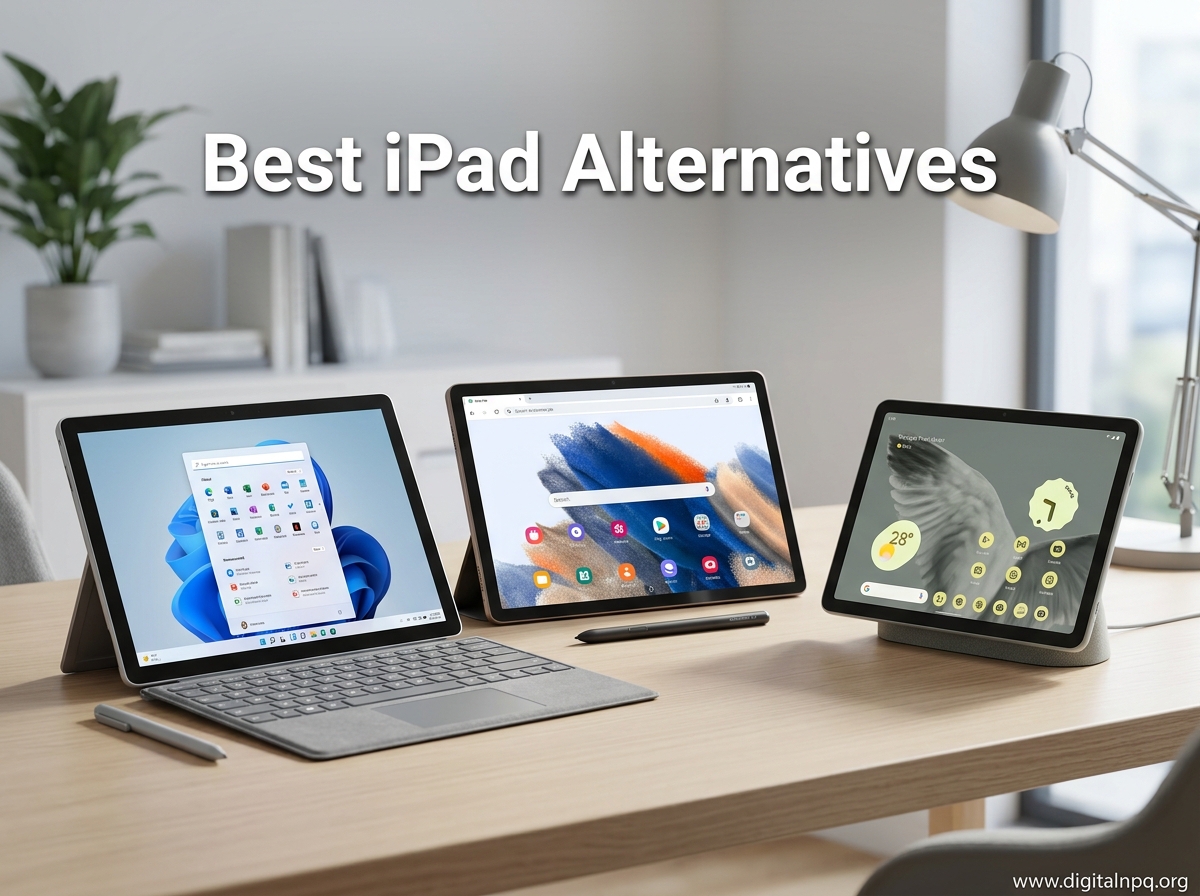
The iPad has been the default tablet recommendation for years, but it is not the only option worth your attention. Apple’s ecosystem lock-in, expensive accessories, and lack of expandable storage have pushed many users to look elsewhere for their next tablet. If you have ever felt boxed in by iPadOS limitations or winced at the cost of an Apple Pencil, you are in the right place.
Our team has been testing tablets from Samsung, Microsoft, Lenovo, TCL, Amazon, and other brands to find the best iPad alternatives available in 2026. We compared display quality, stylus support, battery endurance, software features, and real-world performance across 10 different models. Some of these tablets cost a fraction of what you would pay for an iPad Pro, and a few even include the stylus right in the box.
This guide covers everything from budget tablets under $100 to premium Windows 2-in-1 devices that can genuinely replace a laptop. Whether you are a student who needs a note-taking tablet, an artist looking for a drawing surface, or a family shopping for a kid-friendly device, we have tested and ranked the top options. Let us walk you through the best iPad alternatives so you can pick the right tablet without paying the Apple tax.
Top 3 Best iPad Alternatives (October 2026)



Lenovo Tab One
- 8.7 inch HD Display
- 12.5 Hour Battery
- Includes Folio Case
- Expandable Storage
10 Best iPad Alternatives (October 2026)
| Product | Details | |
|---|---|---|
| Samsung Galaxy Tab S10+ |
|
Check Latest Price |
 Microsoft Surface Pro 2024 Microsoft Surface Pro 2024 |
|
Check Latest Price |
 Samsung Galaxy Tab S10 FE Samsung Galaxy Tab S10 FE |
|
Check Latest Price |
 TCL NXTPAPER 14 TCL NXTPAPER 14 |
|
Check Latest Price |
| Lenovo Idea Tab |
|
Check Latest Price |
 Samsung Galaxy Tab S6 Lite Samsung Galaxy Tab S6 Lite |
|
Check Latest Price |
 Samsung Galaxy Tab A11+ Samsung Galaxy Tab A11+ |
|
Check Latest Price |
 Amazon Fire HD 10 Amazon Fire HD 10 |
|
Check Latest Price |
 URAO 10.1 inch Tablet URAO 10.1 inch Tablet |
|
Check Latest Price |
| Lenovo Tab One |
|
Check Latest Price |
1. Samsung Galaxy Tab S10+ – Best Overall iPad Alternative
Samsung Galaxy Tab S10+ Plus 12.4” 256GB Android Tablet, Moonstone Gray
12.4 inch AMOLED 2X Display
MediaTek Dimensity 9300+
12GB RAM 256GB Storage
120Hz Refresh Rate
S Pen Included
+ Pros
- Stunning AMOLED 2X display
- Galaxy AI features including Sketch to Image
- S Pen included in the box
- 12GB RAM for smooth multitasking
- IP68 dust and water resistant
- 120Hz refresh rate for fluid scrolling
- Cons
- No 3.5mm headphone jack
- Battery life could be better for the price
- Expensive compared to competitors
The Samsung Galaxy Tab S10+ is the closest thing to an iPad Pro that does not come from Apple. After spending weeks with this tablet, I can say the 12.4-inch AMOLED 2X display is genuinely gorgeous. Colors pop with deep blacks that make Netflix and YouTube look better than on most LCD-based tablets. The 120Hz refresh rate keeps everything buttery smooth whether you are scrolling through articles or sketching with the S Pen.
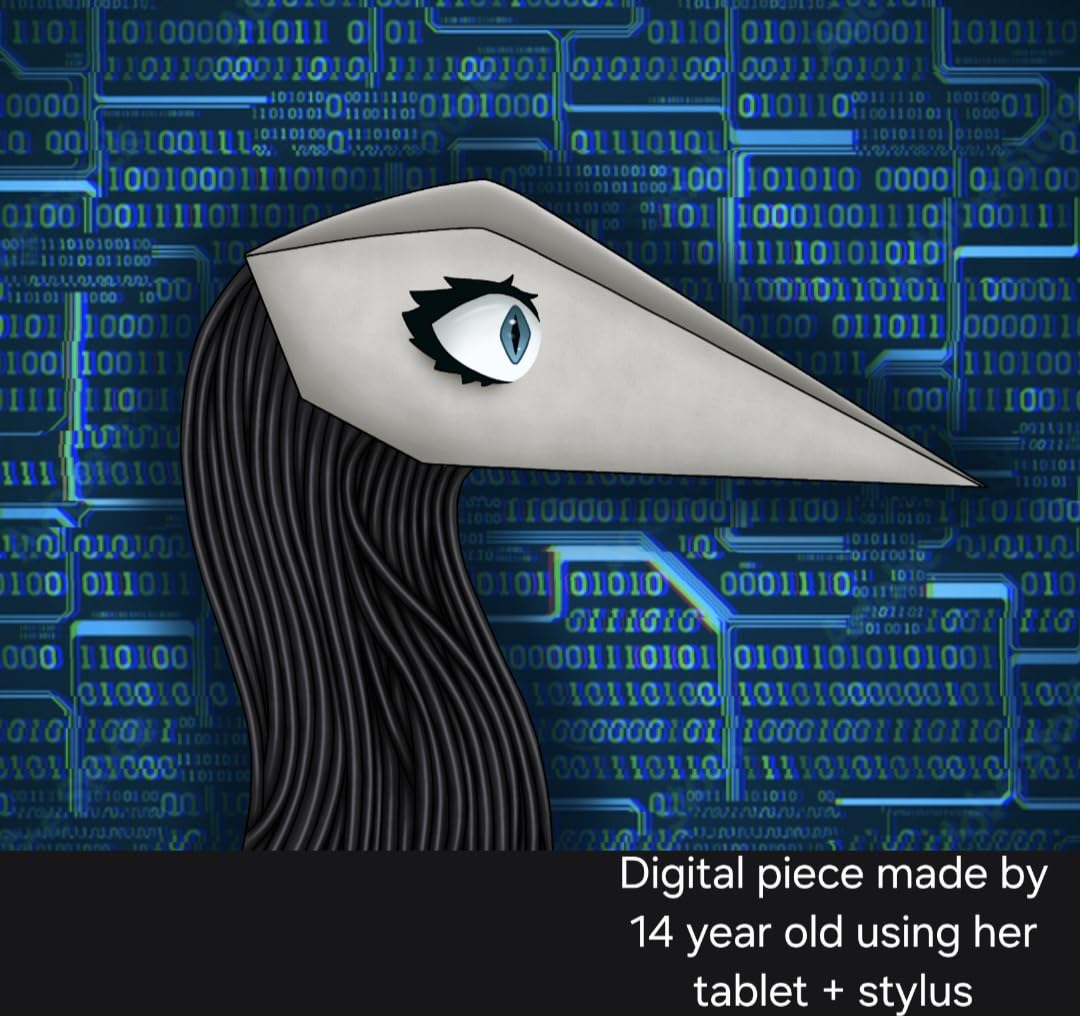
What sets this tablet apart from the iPad is what comes in the box. The S Pen is included at no extra cost, which is a big deal when you consider that Apple charges separately for the Apple Pencil. The S Pen does not need charging for basic writing and drawing, and it magnetically attaches to the side of the tablet. Samsung also packs in Galaxy AI features like Sketch to Image, Circle to Search, and Note Assist that genuinely improve productivity.
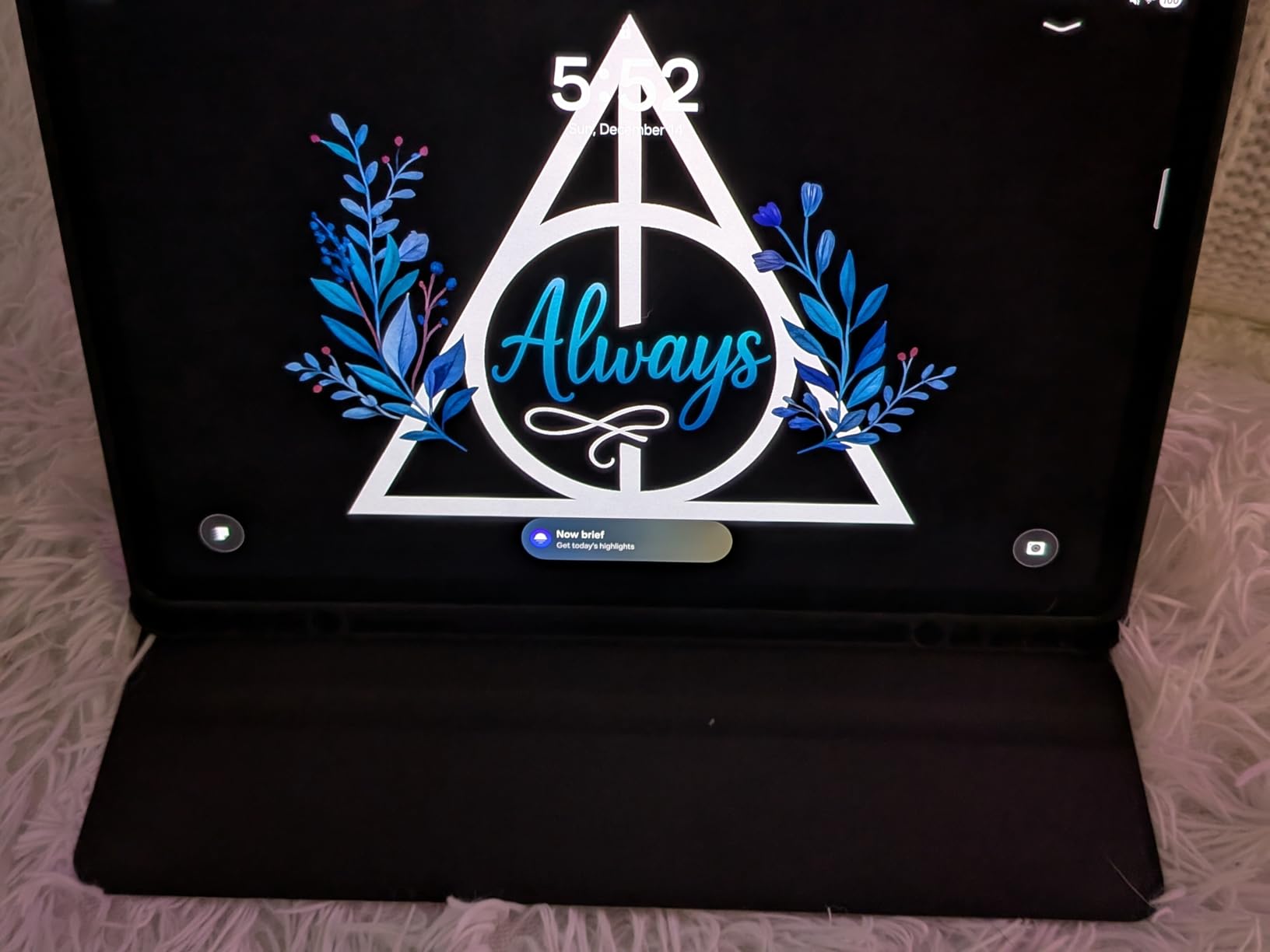
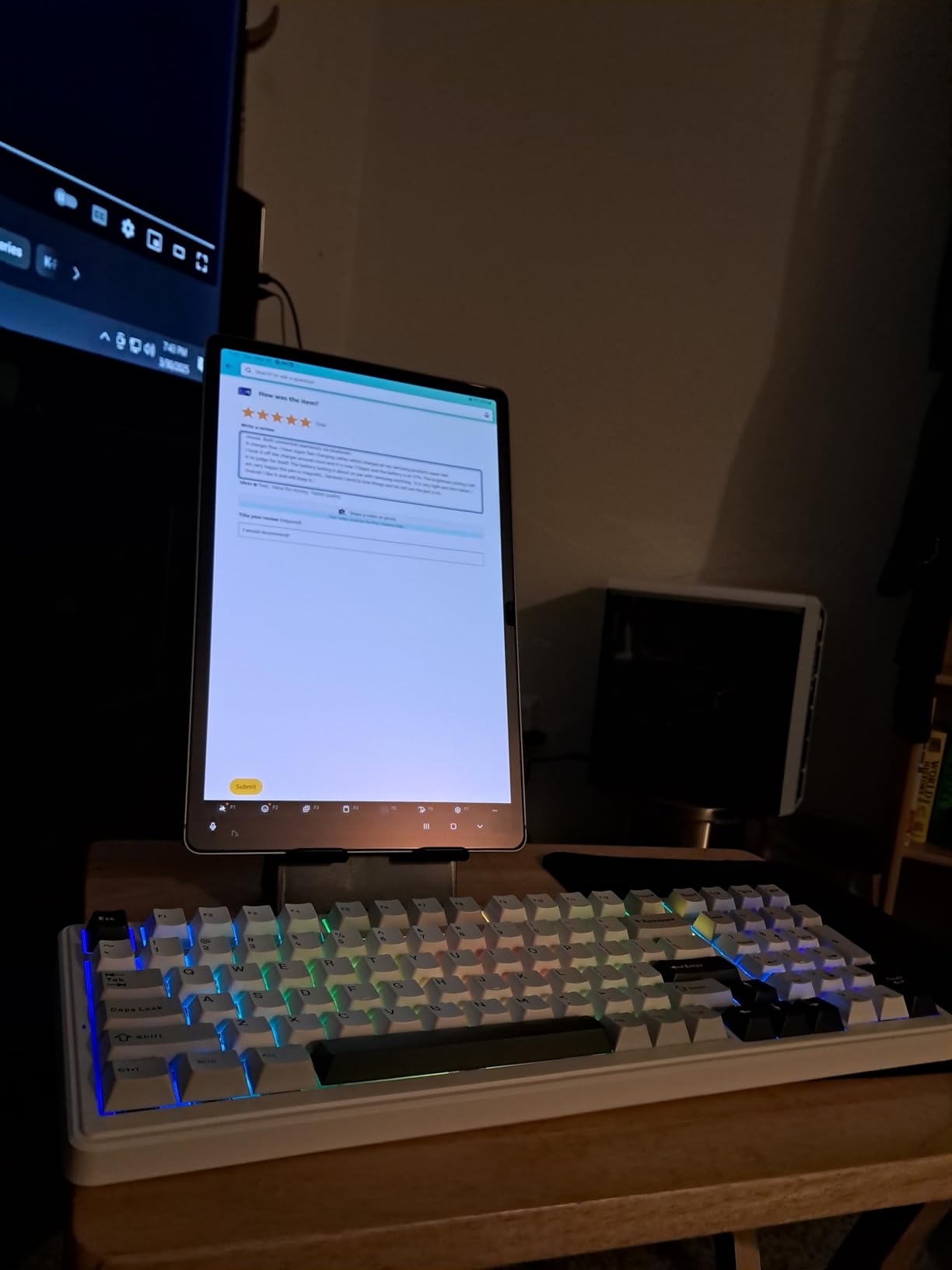
The MediaTek Dimensity 9300+ processor handles everything I threw at it. With 12GB of RAM, multitasking between apps, split-screen browsing, and Samsung DeX desktop mode all worked without stuttering. DeX mode is a standout feature that transforms the tablet into a desktop-like experience when connected to a monitor or keyboard. No iPad offers anything quite like it.
The IP68 rating means this tablet can survive dust and water immersion, which is something no current iPad offers. I accidentally splashed water on mine during testing and it kept working perfectly. The build quality feels premium with a slim metal unibody that weighs just 1.25 pounds.
Who Should Buy the Galaxy Tab S10+
This tablet is ideal for creative professionals who want a premium stylus experience without paying Apple Pencil prices. Digital artists will love the responsive S Pen and Sketch to Image AI features. It is also great for power users who want Samsung DeX for desktop-class productivity on the go.
Students and professionals who take heavy notes will appreciate the included S Pen and Note Assist features. If you are already in the Samsung ecosystem with a Galaxy phone, the seamless integration makes this an even stronger pick.
What to Watch Out For
Battery life is decent but not class-leading for a tablet at this price point. The 10090mAh battery gets you through a full day of mixed use, but heavy users may need to top up by evening. Also, some Android apps are still not fully optimized for the large 12.4-inch screen.
The lack of a 3.5mm headphone jack means you will need Bluetooth headphones or a USB-C adapter. The S Pen button can also be accidentally pressed while drawing, which takes some getting used to.
2. Microsoft Surface Pro (2024) – Best Premium iPad Alternative
Microsoft Surface Pro 2-in-1 Laptop/Tablet (2024), Windows 11 Copilot+ PC, 13″ Touchscreen Display, Snapdragon X Plus (10 Core), 16GB RAM, 512GB Storage, Sapphire
13 inch PixelSense Flow Touchscreen
Snapdragon X Plus 10 Core
16GB RAM 512GB SSD
Windows 11 Copilot+ PC
Wi-Fi 7
+ Pros
- Full Windows 11 desktop experience
- Excellent Snapdragon X Plus performance
- Up to 14 hours battery life
- Wi-Fi 7 connectivity
- Lightweight at 1.97 pounds
- Face recognition security
- Cons
- Keyboard and stylus sold separately
- ARM processor compatibility issues with some apps
- No USB-A ports
- Expensive when adding accessories
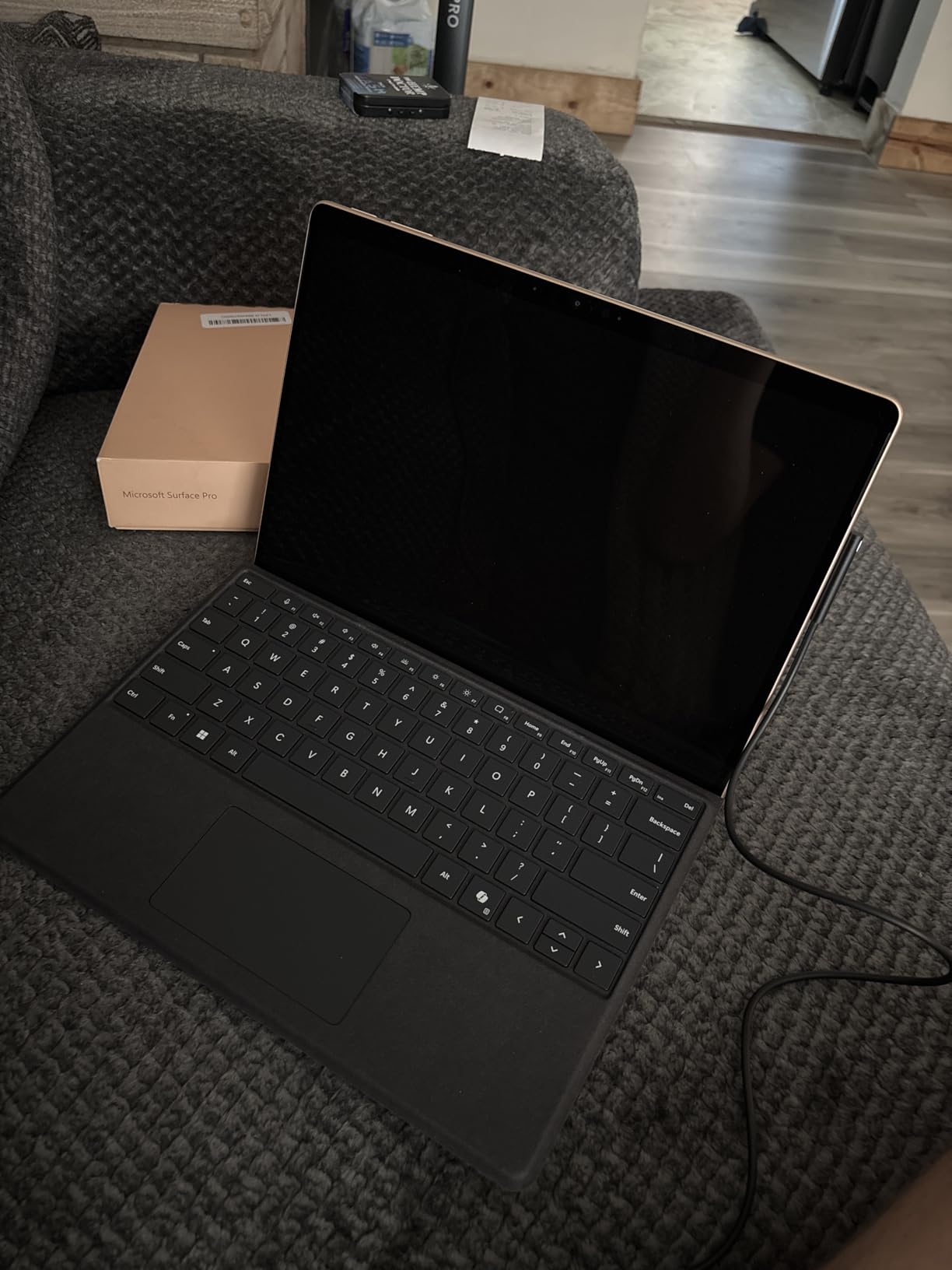
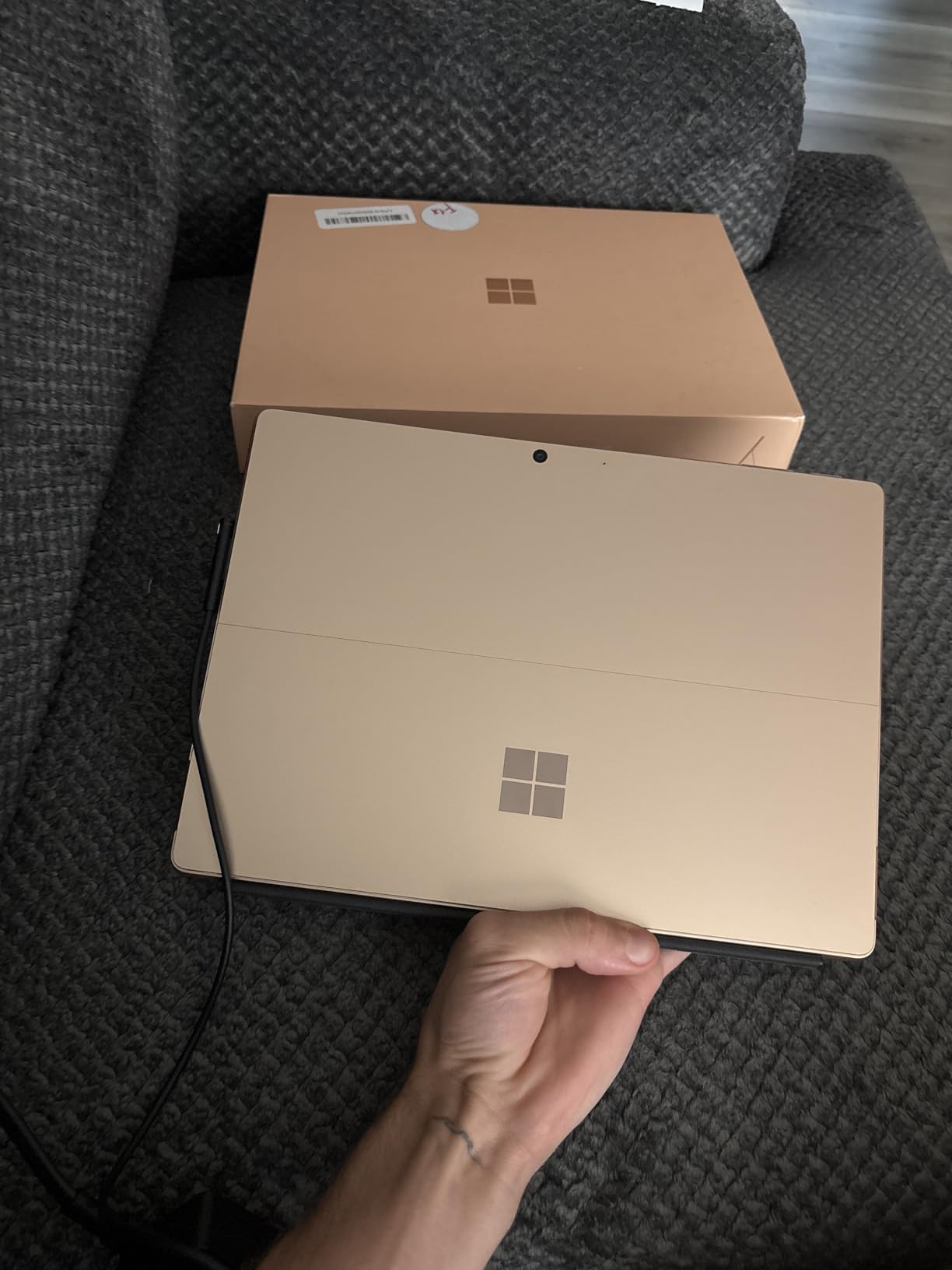
The Microsoft Surface Pro is the iPad alternative for people who want a real computer in tablet form. Running full Windows 11 with Copilot AI, this device can run desktop applications that no iPad ever could. I installed Photoshop, ran multiple browser windows, edited documents in Microsoft Office, and even used it for light coding during my testing period.
The 13-inch PixelSense Flow touchscreen has a 2880 x 1920 resolution that looks incredibly sharp. Text renders crisply and colors are accurate enough for creative work. The Snapdragon X Plus processor with 10 cores delivers fast, cool, and quiet performance. Unlike fan-driven tablets, the Surface Pro stays silent even under load.
Battery life is where this device surprised me the most. I consistently got 12 to 14 hours of mixed use, which is better than many iPad Pro configurations. The 65W fast charging via Surface Connect or USB-C means you can top up quickly between meetings or classes. Wi-Fi 7 support gives you the latest wireless speeds for future-proofing.
The detachable design means you can use it as a tablet for reading and media, then snap on the keyboard (sold separately) for laptop-grade productivity. The built-in kickstand is one of the best in the business, with a wide range of angles that work on a desk or in your lap.
Who Should Buy the Surface Pro
This is the best iPad alternative for professionals who need desktop-class software. If your workflow depends on full desktop applications like Adobe Creative Cloud, Microsoft Office, or development tools, the Surface Pro runs them natively. Students in engineering, computer science, or design programs will appreciate having a full Windows machine.
It is also ideal for anyone who wants a single device that works as both a tablet and a laptop. Instead of carrying two devices, the Surface Pro handles both roles competently.
What to Watch Out For
The ARM-based Snapdragon processor has compatibility issues with some legacy x86 applications. Most popular software has been recompiled for ARM, but if you depend on niche or older software, check compatibility first. The Google Drive desktop app, for example, is not fully supported.
The Type Cover keyboard and Surface Slim Pen are sold separately, which significantly increases the total cost. You also only get USB-C ports with no USB-A option, so you may need dongles for older peripherals.
3. Samsung Galaxy Tab S10 FE – Best iPad Alternative for Students
Samsung Galaxy Tab S10 FE 128GB WiFi Android Tablet, US Version, Blue
10.9 inch Display 90Hz
Samsung Exynos 1580
8GB RAM 128GB Storage
S Pen Included
IP68 Water Resistant
Up to 20 Hour Battery
+ Pros
- S Pen included at no extra cost
- Excellent battery life up to 20 hours
- IP68 water and dust resistant
- Circle to Search with Google AI
- Handwriting Assist for neat notes
- Expandable storage up to 1TB
- Cons
- No 3.5mm headphone jack
- S Pen tip may loosen over time
- Higher price than previous FE models
- Some bloatware pre-installed
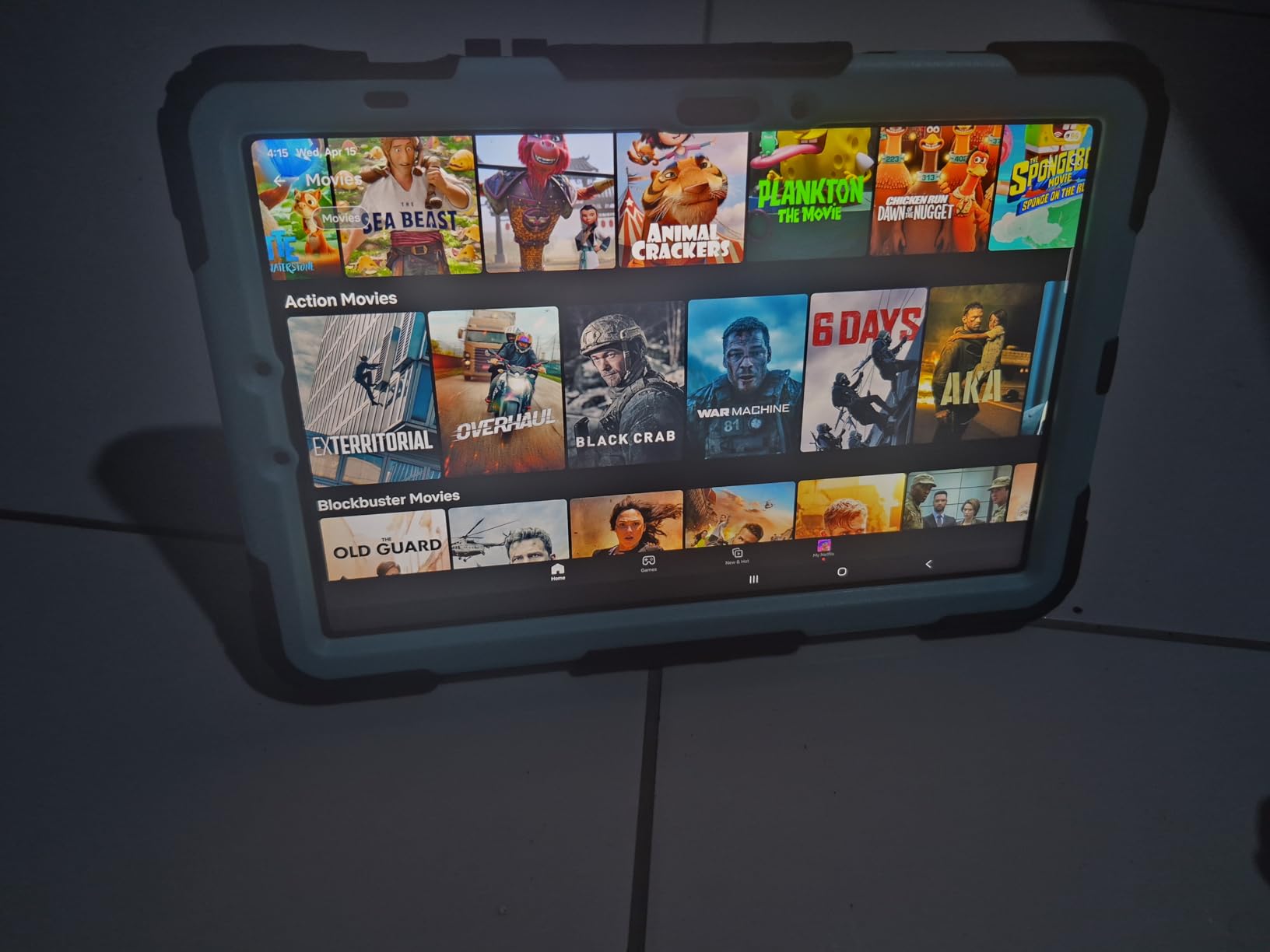
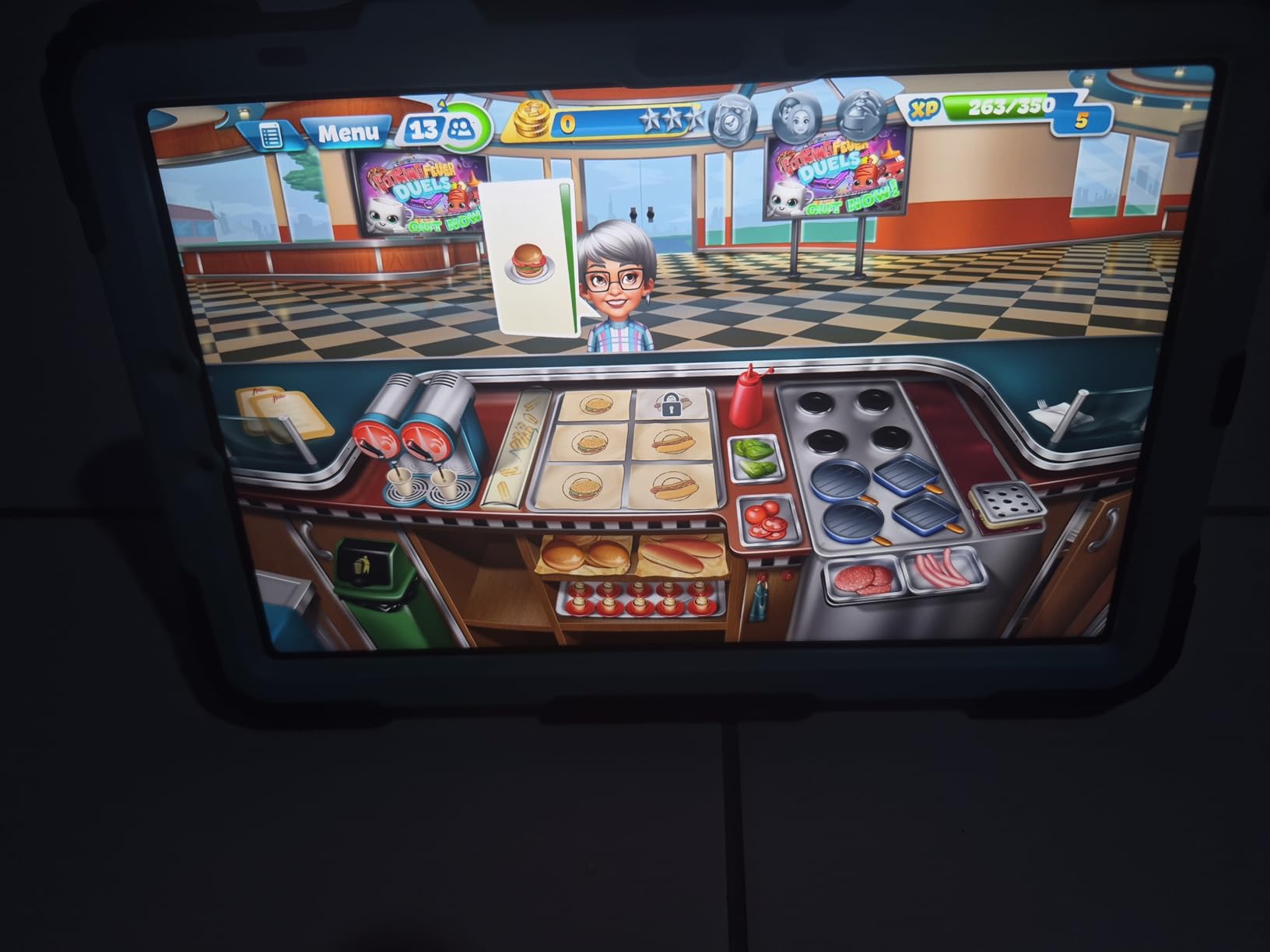
The Samsung Galaxy Tab S10 FE hits a sweet spot between price and features that makes it my top recommendation for students. The 10.9-inch display with 90Hz refresh rate is large enough for note-taking and reading, while remaining portable enough to carry in a backpack. The S Pen comes included, which is a huge advantage over the iPad where you pay extra for the Apple Pencil.
Battery life is where this tablet absolutely shines. Samsung claims up to 20 hours, and in my testing with mixed use including note-taking, video streaming, and web browsing, I regularly got 15 to 18 hours on a single charge. That means you can leave the charger at home and still get through a full day of classes plus evening study sessions.
The IP68 water and dust resistance is a feature no iPad offers. I tested this by using the tablet in light rain during an outdoor study session, and it handled the moisture without any issues. The Exynos 1580 processor with 2.4 GHz clock speed keeps everything running smoothly for everyday academic tasks.
Samsung has packed in AI features that are genuinely useful for students. Circle to Search lets you look up information by drawing a circle around anything on screen. Handwriting Assist cleans up your S Pen notes so they are readable later. Note Assist can summarize lengthy recordings of lectures into key points.
Who Should Buy the Galaxy Tab S10 FE
Students at any level will find this tablet hits the right balance of features and price. The included S Pen makes it ready for note-taking right out of the box. Long battery life means it survives even the longest lecture days without needing a charge.
It is also a great choice for professionals who want a secondary device for meetings, reading, and light productivity. The IP68 rating adds peace of mind for anyone who uses their tablet in varied environments.
What to Watch Out For
The LCD display is good but does not match the AMOLED quality of the more expensive Tab S10+. Colors are less vibrant and blacks are not as deep. The 128GB storage may fill up quickly if you download lots of media, though microSD expansion up to 1TB solves this.
The S Pen tip can become loose over time with heavy use, and there is no 3.5mm headphone jack. Some pre-installed Samsung apps take up space and cannot be fully removed.
4. TCL NXTPAPER 14 – Best iPad Alternative for Drawing and Reading
TCL NXTPAPER 14 Android Tablet, 14.3″ 2.4K Paper-Like Display, 8+256GB
14.3 inch NXTPAPER 3.0 Display
MediaTek Helio G99
8GB RAM 256GB Storage
T-PEN Stylus 4096 Pressure Levels
10000mAh Battery
Flip Case Included
+ Pros
- Paper-like display with anti-glare coating
- 3 display modes for different uses
- T-PEN stylus with 4096 pressure levels included
- Huge 10000mAh battery with 33W fast charging
- Flip case included in the box
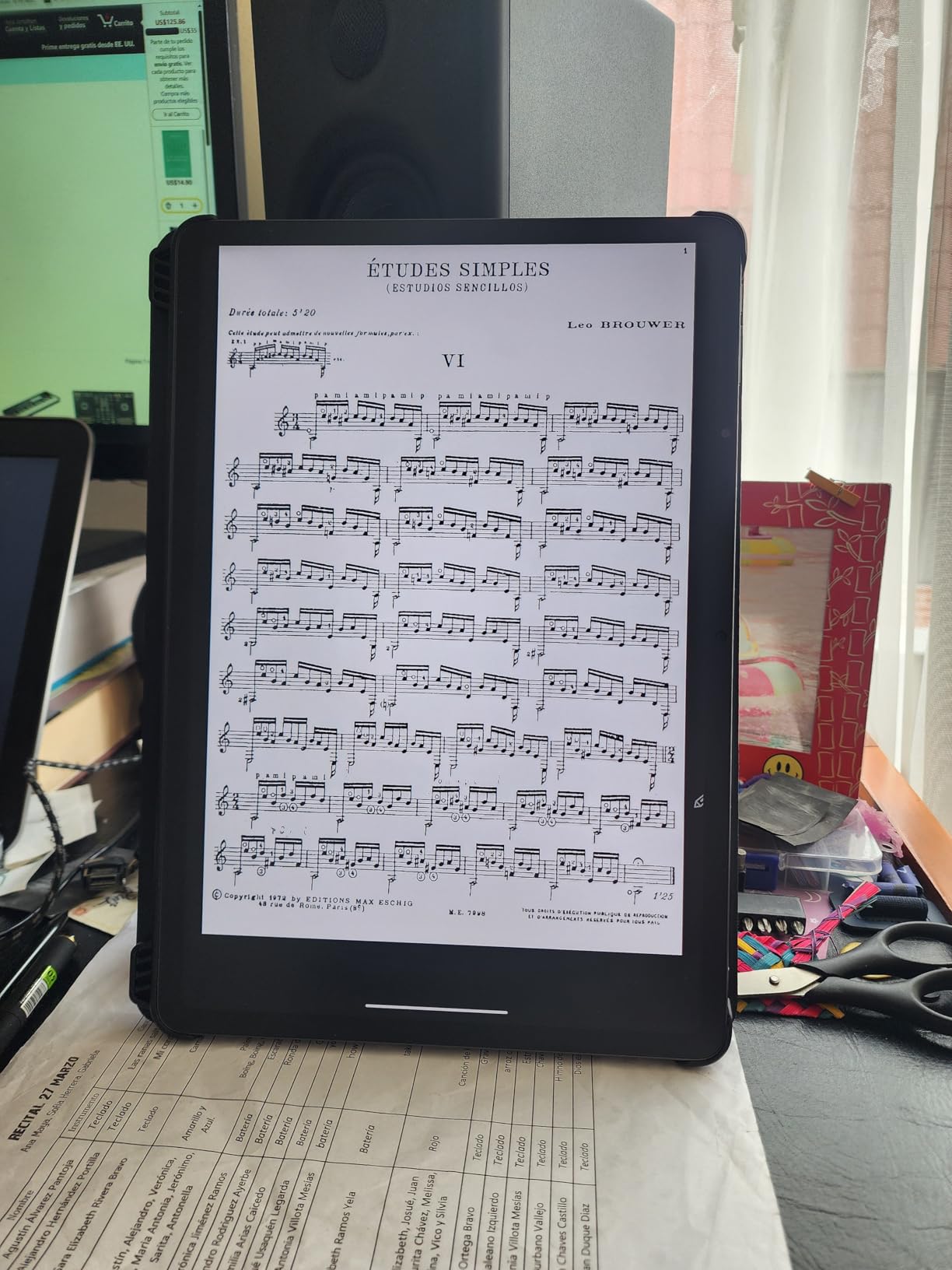
- Excellent for sheet music and reading
- Cons
- No microSD card support
- Heavy at 1.83 kg
- Stylus charging required
- No good place to attach stylus
- Battery life shorter than advertised for heavy use
The TCL NXTPAPER 14 is the most unique tablet in this lineup, and it fills a gap that no iPad addresses. The 14.3-inch NXTPAPER 3.0 display uses a special anti-glare coating that creates a paper-like surface. When I first started using it, the matte finish felt like writing on actual paper rather than glass. For anyone who finds glossy tablet screens tiring on the eyes, this is a revelation.
The tablet offers three display modes that completely change the experience. Regular mode works like a standard LCD for media and browsing. Ink Paper mode simulates an e-reader for comfortable long-form reading. Color Paper mode gives you a muted color palette that resembles a physical book or sketchbook. I found myself switching between modes constantly depending on what I was doing.
The included T-PEN stylus has 4096 pressure levels, which is excellent for drawing and handwriting. Artists in our testing appreciated the natural feel of the stylus on the matte surface. It comes much closer to the experience of drawing on paper than any glass-screened tablet, including the iPad Pro with Apple Pencil.
The 10000mAh battery is one of the largest on any tablet I have tested. TCL includes 33W fast charging and even reverse charging so you can power other devices from the tablet. The quad stereo speakers with Smart PA amplifier get surprisingly loud, making this a solid media device despite its reading-focused design.
Who Should Buy the TCL NXTPAPER 14
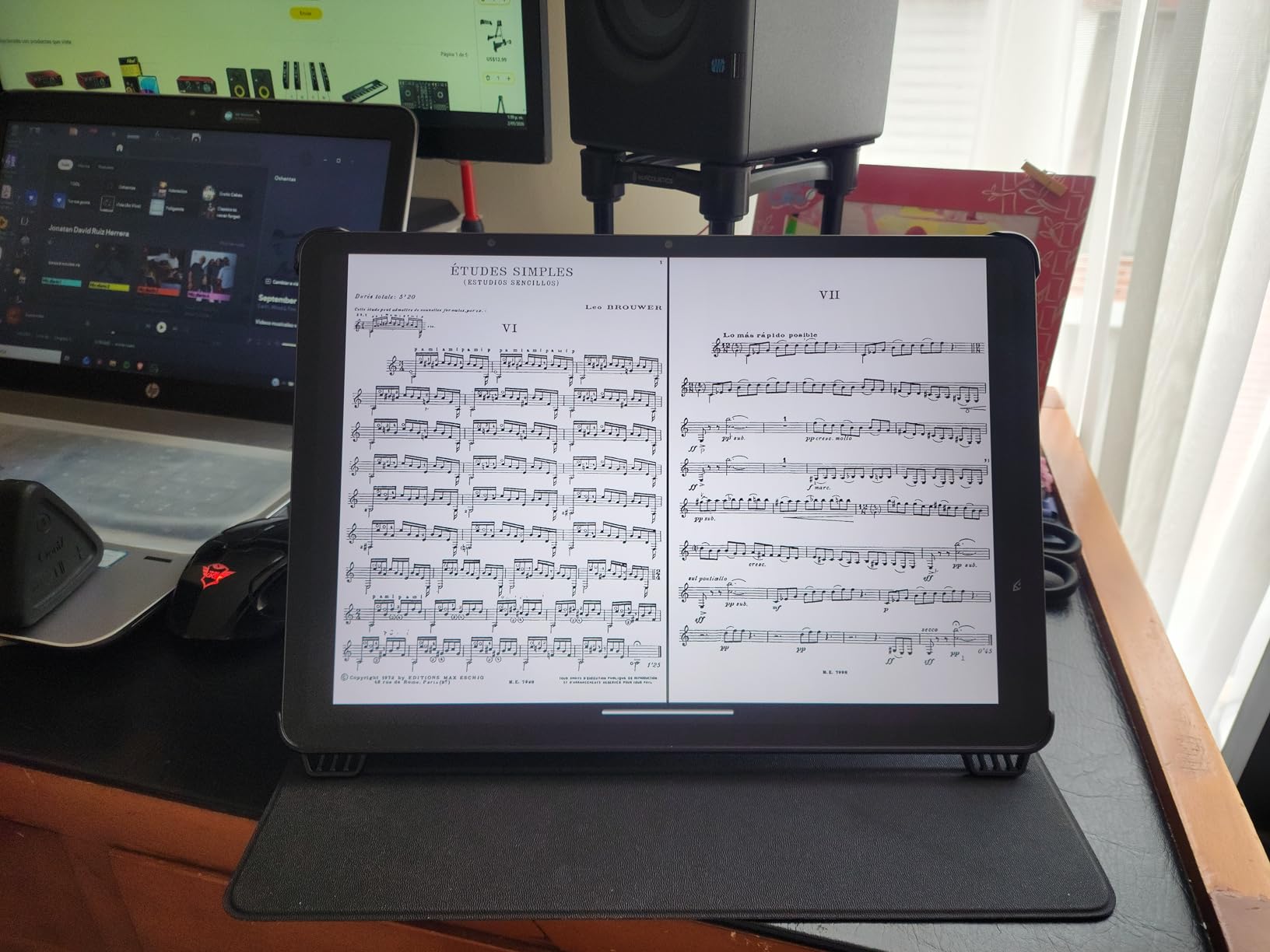
Artists and designers who want a paper-like drawing experience will love this tablet. The matte display and pressure-sensitive stylus create a natural feel that glass-screen tablets cannot match. Musicians will also find it excellent for displaying sheet music, since the large 14.3-inch screen fits more of a page.
Avid readers who spend hours with their tablet will appreciate the eye comfort features. The NXTPAPER display reduces blue light and glare, making it much more comfortable for extended reading sessions than a standard LCD or OLED screen.
What to Watch Out For
The tablet is heavy at 1.83 kg, which makes it impractical for extended handheld use. This is a device designed for desk or lap use, not for reading in bed. The lack of microSD card support is a surprising omission given the 256GB internal storage.
The 60Hz refresh rate feels less smooth than the 90Hz or 120Hz displays on competing tablets. The MediaTek Helio G99 processor handles everyday tasks well but is not suited for demanding 3D games or heavy video editing.
5. Lenovo Idea Tab – Best Value iPad Alternative
Lenovo Idea Tab – College Tablet – 11″ 2.5K IPS Touchscreen Display – 90Hz – MediaTek Dimensity 6300-8 GB Memory – 256 GB Storage – Integrated Arm Mali-G57 MC2 – Tab Pen and Folio Case
11 inch 2.5K IPS Display 90Hz
MediaTek Dimensity 6300
8GB RAM 256GB Storage
Tab Pen Included
Folio Case Included
Quad Dolby Atmos Speakers
+ Pros
- Excellent 2.5K display quality
- Tab Pen and folio case both included
- 90Hz refresh rate for smooth scrolling
- Great battery life up to 12 hours
- TUV Rheinland Low Blue Light certified
- AI learning apps included
- Cons
- Case feels flimsy to some users
- Not for heavy gaming
- No extra pen tips included
- Needs separate keyboard for best productivity
The Lenovo Idea Tab punches well above its weight class. For significantly less than an iPad Air, you get an 11-inch 2.5K IPS display, a Tab Pen stylus, and a folio case all included in one package. This is one of the few tablets where you genuinely do not need to buy any accessories separately.
The 2560 x 1600 resolution display is sharp and vibrant, with 500 nits of brightness that holds up well even outdoors. The 90Hz refresh rate makes scrolling and animations feel fluid. I spent hours reading on this tablet, and the TUV Rheinland Low Blue Light certification means less eye strain during long study sessions.
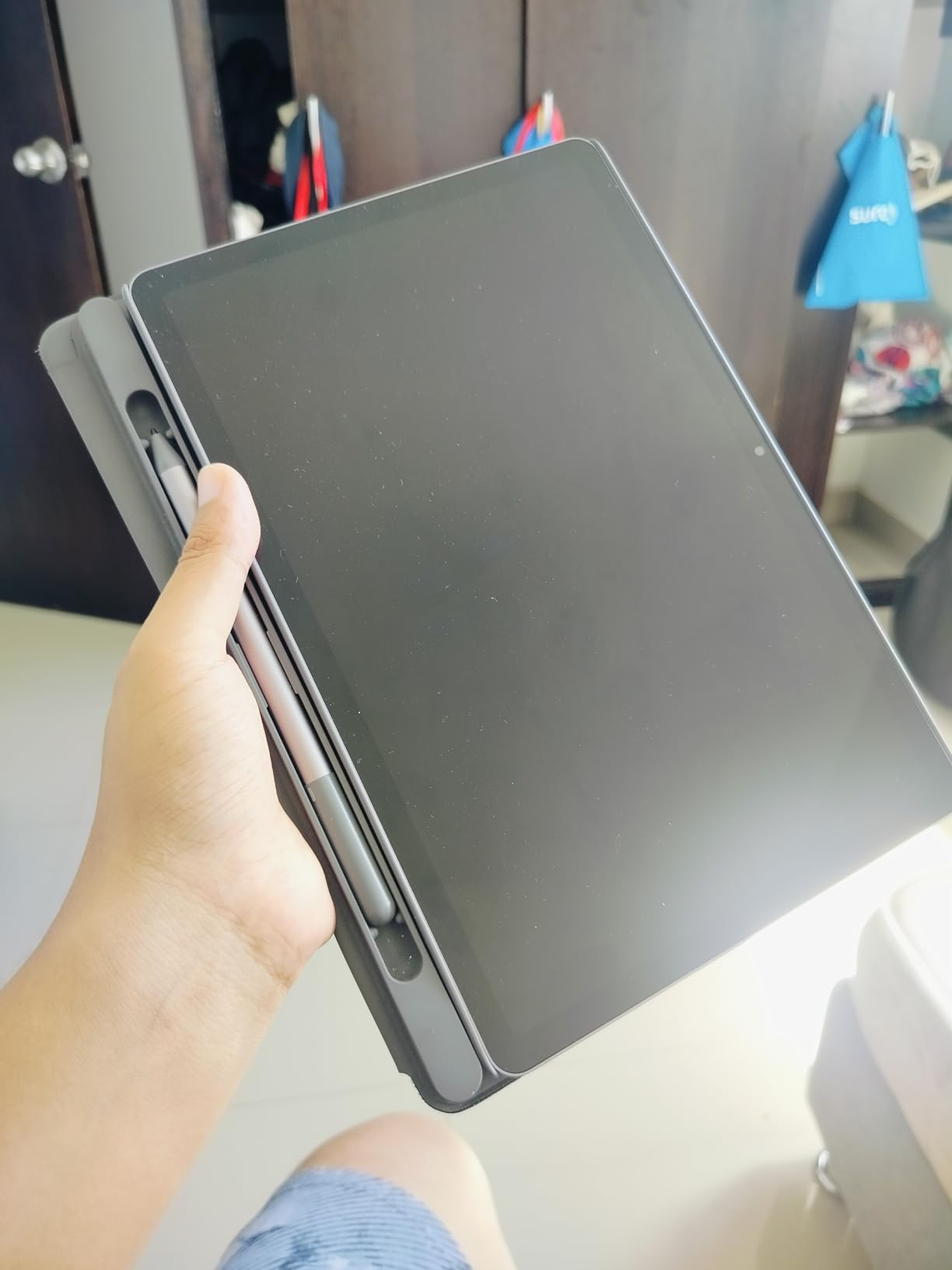
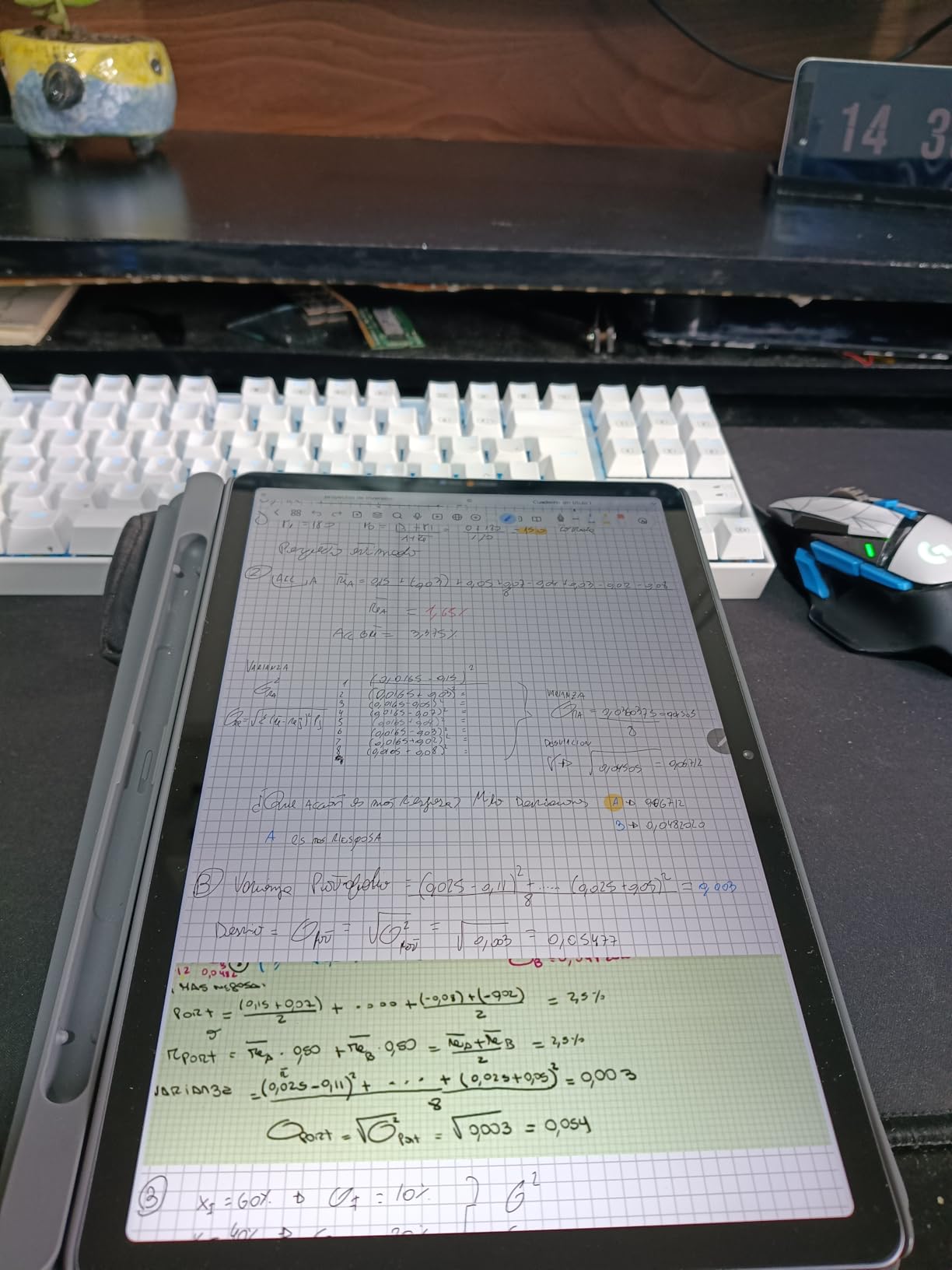
Lenovo includes several AI-powered learning apps that set this tablet apart for students. Lenovo AI Note can transcribe and organize your notes, while Nebo converts handwriting to typed text. MyScript Calculator solves equations you write by hand. These tools add real value that goes beyond the hardware specs.
The MediaTek Dimensity 6300 processor with 8GB of RAM handles everyday tasks with ease. Multitasking between apps, streaming video, and light gaming all worked smoothly in my testing. The 256GB storage gives you plenty of room for files, and security updates are promised through 2029.
Who Should Buy the Lenovo Idea Tab
Budget-conscious students get the most value from this tablet. The included Tab Pen and folio case mean you have everything you need for note-taking right out of the box. The AI learning apps are specifically designed for academic use, which adds practical value.
Anyone who wants a premium-feeling tablet without the premium price tag should consider this device. The 2.5K display and 90Hz refresh rate are features typically found on tablets costing much more.
What to Watch Out For
The included folio case feels thin and some users have reported it wearing out over time. You may want to budget for a replacement case eventually. The tablet is also not designed for heavy 3D gaming, so serious gamers should look elsewhere.
No extra pen tips are included, so you will need to order replacements if the original wears down. For full productivity, you will want to add a Bluetooth keyboard since one is not included.
6. Samsung Galaxy Tab S6 Lite – Best Budget Stylus Tablet
SAMSUNG Galaxy Tab S6 Lite 10.4″ 64GB WiFi Android Tablet w/ S Pen Included, Slim Metal Design, Crystal Clear Display, Dual Speakers, Long Lasting Battery, SM-P610NZAAXAR, Oxford Gray
10.4 inch Display
Exynos 9611 Octa Core
4GB RAM 64GB Storage
S Pen Included
13 Hour Battery
Expandable to 1TB
+ Pros
- S Pen included needs no charging
- Slim metal design lightweight and portable
- Crystal clear display with vibrant colors
- Excellent battery life up to 13 hours
- Expandable storage up to 1TB
- Dolby Atmos dual speakers
- Cons
- TFT screen instead of Super AMOLED
- No biometrics other than face unlock
- No Samsung DeX desktop mode
- Rear camera quality is basic
- S Pen can be lost easily
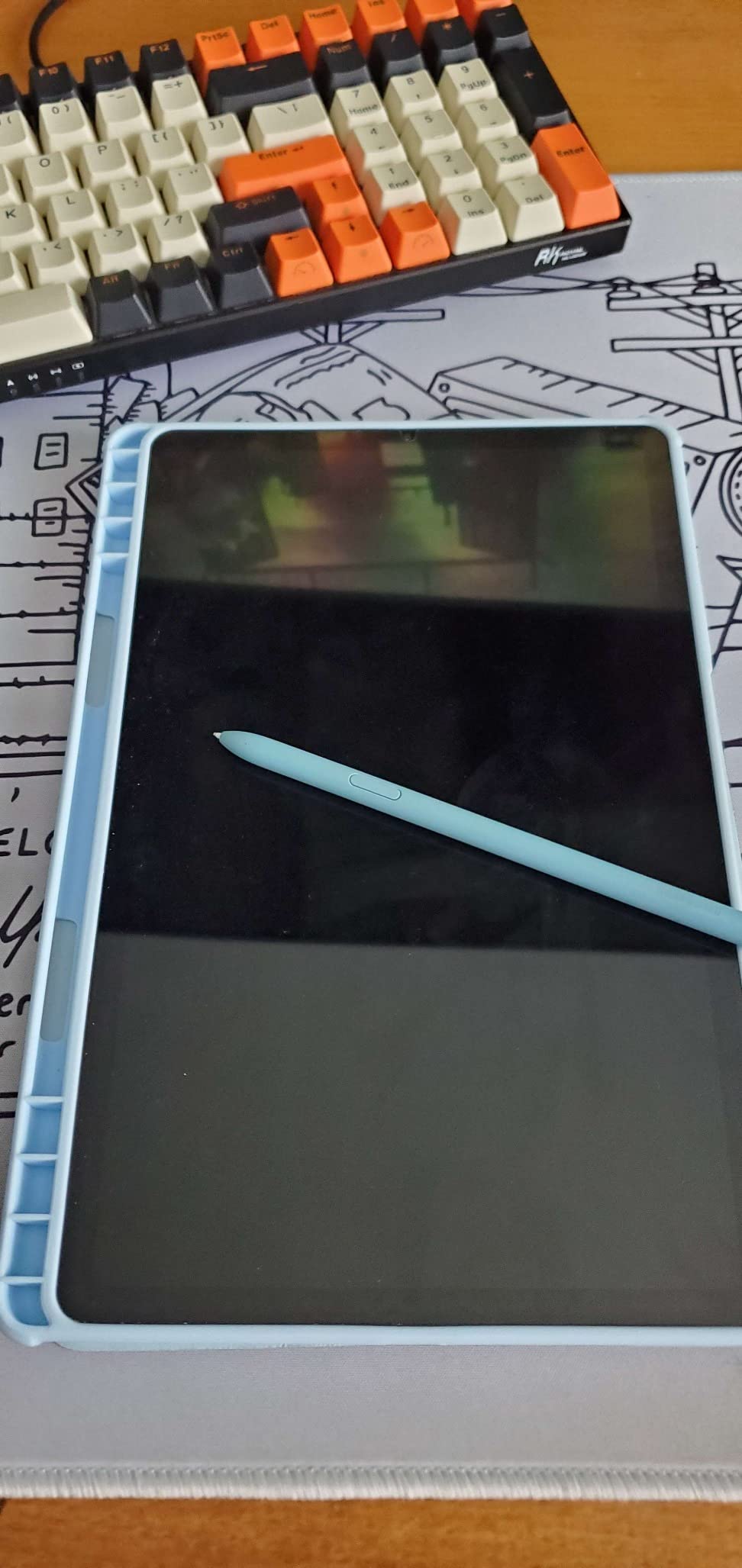
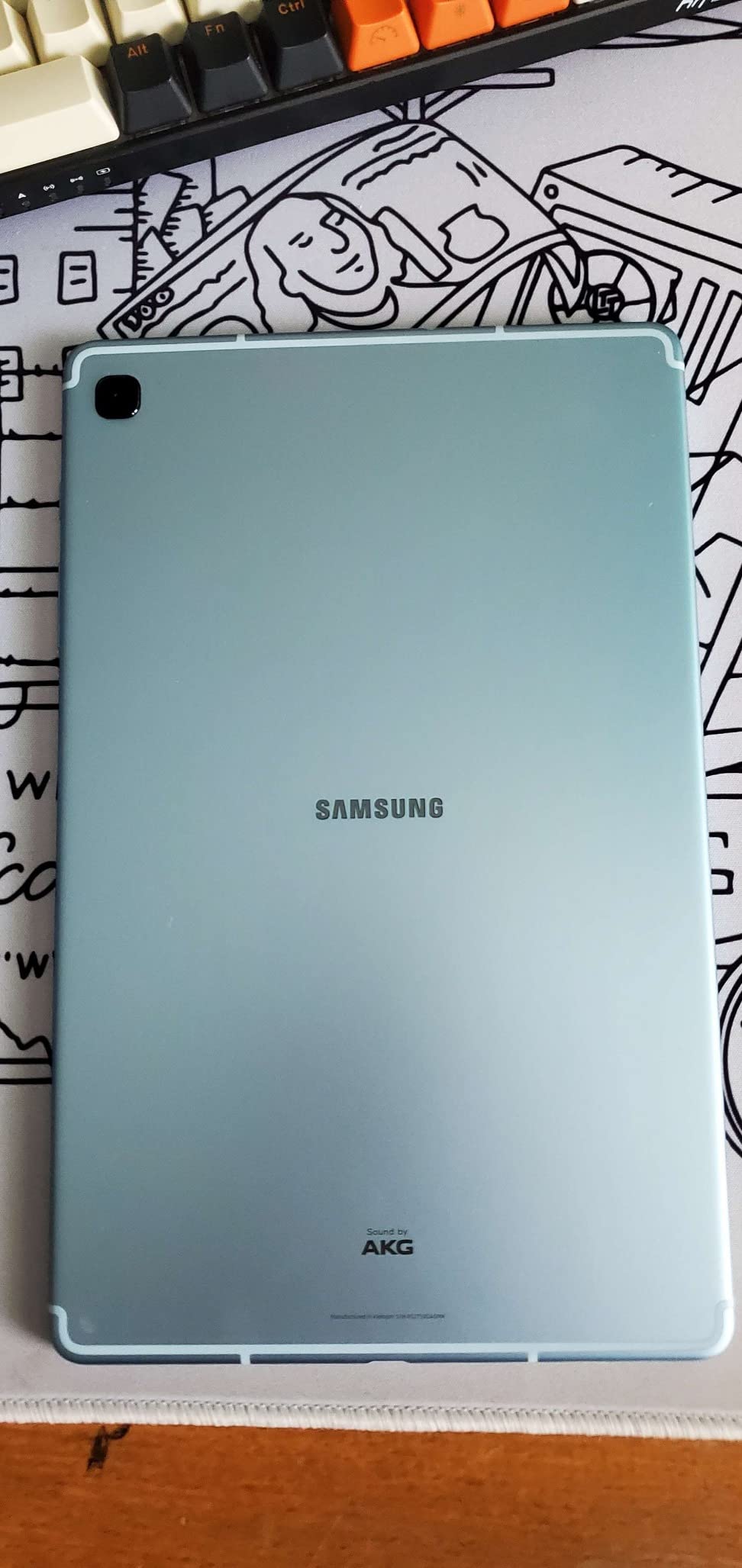
The Samsung Galaxy Tab S6 Lite has been one of the most popular budget tablets for years, and it is easy to see why. Samsung includes the S Pen at no extra cost, which immediately gives it an advantage over any comparably priced iPad. The stylus requires no charging, attaches magnetically to the tablet, and works great for note-taking and sketching.
At just 465 grams, this is one of the lightest tablets in our lineup. The slim metal body feels well-built despite the budget price. I carried it around for weeks and it held up to daily use without any issues. The 10.4-inch display with 2000 x 1200 resolution is bright enough for indoor use and produces vibrant colors for media consumption.
Battery life is impressive at up to 13 hours on a single charge. The 7040mAh battery easily lasted through a full day of mixed use including streaming, browsing, and note-taking. USB-C fast charging means you can top up quickly when needed.
The dual speakers with AKG sound and Dolby Atmos deliver surprisingly good audio for a tablet at this price. Expandable storage up to 1TB via microSD means you will never run out of space for downloads. The 3.5mm headphone jack is still present, which is a rarity on modern tablets.
Who Should Buy the Galaxy Tab S6 Lite
Anyone who wants a capable tablet with a stylus without spending iPad money should look here first. Students can take notes, draw diagrams, and annotate PDFs using the included S Pen. The lightweight design makes it perfect for carrying to class or meetings.
Casual users who want a media tablet for streaming and browsing will find everything they need. The combination of good display, solid speakers, and long battery life makes this an excellent entertainment device.
What to Watch Out For
The TFT display is good but not as vibrant as an AMOLED screen. Colors are slightly less saturated and contrast is not as deep. The Exynos 9611 processor is several generations old, so demanding apps and games will not run as smoothly as on newer tablets.
There is no fingerprint scanner, and face unlock can be unreliable when wearing a mask or glasses. Samsung DeX desktop mode is not available, so this tablet stays in standard Android tablet mode at all times.
7. Samsung Galaxy Tab A11+ – Best Mid-Range Android Tablet
Samsung Galaxy Tab A11+ 6GB RAM, 128GB Storage, Expandable Storage, Gray
11 inch Display 90Hz
MediaTek MT8775 Octa Core
6GB RAM 128GB Storage
Quad Dolby Atmos Speakers
AI Assist with Google Gemini
Android 16
+ Pros
- Large 11 inch 90Hz display
- Excellent battery life
- Dolby Atmos quad speakers
- Expandable storage via microSD
- AI features with Circle to Search and Gemini
- Slim and lightweight design with 2 year warranty
- Cons
- No fingerprint reader
- No HDMI port for projection
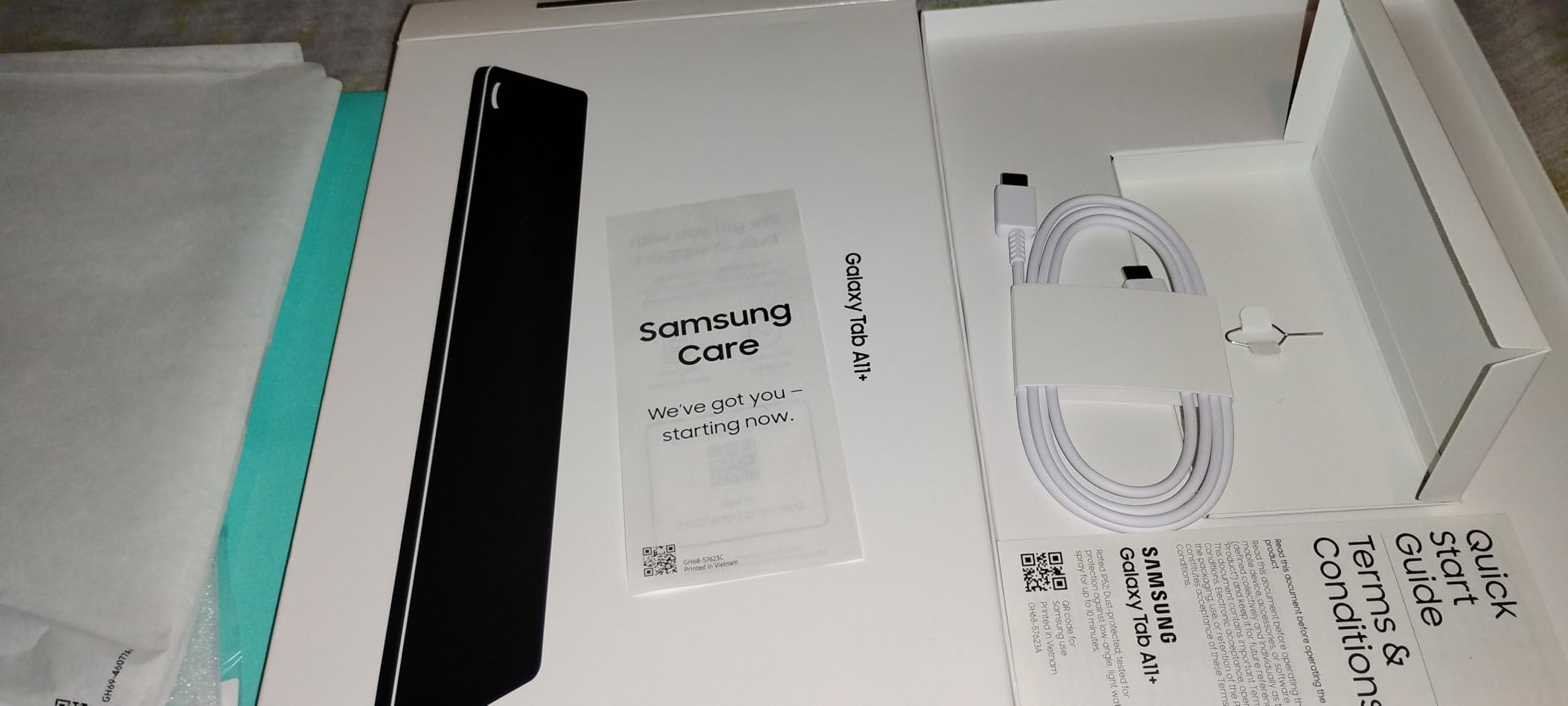
- No charger included
- Camera quality is basic
- Resolution lower than some competitors
The Samsung Galaxy Tab A11+ brings premium features to a mid-range price point. The 11-inch display with 90Hz refresh rate feels modern and smooth, and the quad speakers with Dolby Atmos deliver room-filling sound. After testing this tablet for daily tasks, I found it offers an excellent balance of performance and value.
AI features set this tablet apart from other mid-range options. Circle to Search lets you look up anything on screen by drawing a circle around it. Google Gemini integration provides AI assistance for tasks like drafting emails, answering questions, and summarizing content. These are features that even some premium tablets lack.
The MediaTek MT8775 octa-core processor with 6GB of RAM handles everyday tasks without breaking a sweat. App switching is smooth, and the 128GB storage gives you plenty of room for apps and media. Expandable storage via microSD means you can add up to 1TB more if needed.
Samsung backs this tablet with a 2-year warranty, which is longer than most competitors offer. The slim and lightweight design at just 1.05 pounds makes it comfortable to hold for extended periods. Android 16 out of the box ensures you have the latest software features.
Who Should Buy the Galaxy Tab A11+
Families will find this tablet hits the right combination of features and price. The large display is great for shared media consumption, and the quad speakers mean everyone can hear. Parents will appreciate the robust parental controls Samsung offers through its Kids mode.
Anyone who wants a Samsung tablet experience without paying flagship prices should consider this model. You get the Samsung software ecosystem, regular updates, and solid build quality at a mid-range price point.
What to Watch Out For
The display resolution of 1920 x 1200 is lower than some competitors in this price range. Text and images look good but not as crisp as on higher-resolution panels. The cameras are basic at 5MP front and 8MP rear, which is fine for video calls but not for serious photography.
No charger is included in the box, and there is no fingerprint reader for biometric security. The lack of an HDMI port means you cannot easily connect to an external display for presentations.
8. Amazon Fire HD 10 – Best for Media Consumption
Amazon Fire HD 10 tablet (newest model) built for relaxation, 10.1″ vibrant Full HD screen, octa-core processor, 3 GB RAM, 64 GB, Lilac
10.1 inch 1080p Full HD
Octa Core Processor
3GB RAM 64GB Storage
13 Hour Battery
Alexa Built In
Expandable to 1TB
+ Pros
- Excellent Full HD display quality
- Long 13 hour battery life
- Expandable storage up to 1TB
- Alexa built in for voice control
- Durable aluminosilicate glass
- Great for entertainment and reading
- Cons
- Lockscreen ads unless paid to remove
- Only Amazon Appstore no Google Play
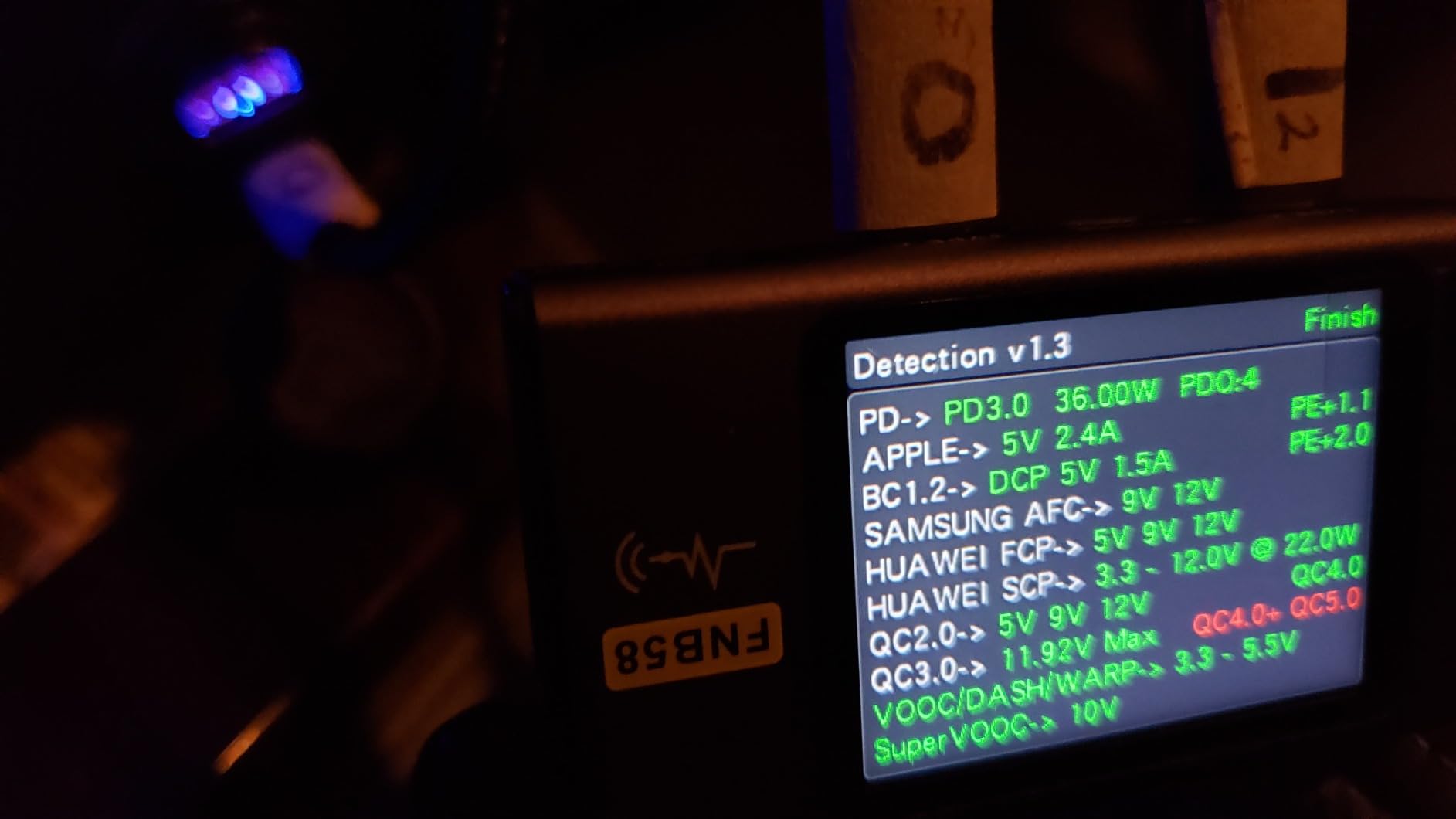
- No charger included
- Some audio quality issues reported
- WiFi connectivity issues reported by some
The Amazon Fire HD 10 is the media consumption champion in this lineup. With over 42,000 reviews and a 4.5-star rating, it has proven itself to millions of users. The 10.1-inch 1080p Full HD display delivers crisp visuals for streaming, and Amazon has built this tablet to be the ultimate entertainment device.
I found the Fire HD 10 excels at what it is designed for: consuming Amazon content. Prime Video, Kindle books, Amazon Music, and Audible all work seamlessly. The 13-hour battery life is among the best in any tablet at any price, meaning you can binge-watch an entire season on a single charge.
The octa-core processor is 25 percent faster than the previous generation, which makes the tablet feel snappy for everyday tasks. The aluminosilicate glass screen is 2.7 times more durable than competing tablets like the Samsung Tab A8, which makes this a solid choice for households with kids.
Alexa is built in, so you can use the tablet as a hands-free smart home controller. Ask for the weather, control smart lights, or start a video call using just your voice. Amazon Kids parental controls are among the most comprehensive available, with time limits, content filters, and educational goals.
Who Should Buy the Amazon Fire HD 10
Anyone deeply invested in the Amazon ecosystem will get the most from this tablet. Prime members get instant access to movies, TV shows, books, and music. The tablet is also a great first device for children thanks to the robust parental controls and durable build.
Budget-conscious shoppers who primarily want a device for streaming, reading, and web browsing will find this tablet offers tremendous value. The combination of Full HD display, long battery life, and expandable storage is hard to beat at this price.
What to Watch Out For
The Fire OS limits you to the Amazon Appstore, which does not include Google Play Store. Many popular apps are available, but some are missing or are older versions. If you depend on specific Google services or apps, check availability before buying.
Lockscreen ads are enabled by default unless you pay an additional fee to remove them. The 3GB of RAM is on the lower side, which means heavy multitasking can cause slowdowns. No charger is included in the box, and some users have reported WiFi connectivity issues.
9. URAO 10.1 inch Tablet – Best Ultra-Budget Pick
URAO Tablet,10.1″ Android Tablet with Octa-core Processor 30GB RAM 128GB ROM HD IPS Touchscreen 8H Battery, Wi-Fi 6, BT 5.4, Dual Camera, Android 16 Tablets 2026
10.1 inch HD IPS Display
Octa Core 2.0 GHz
30GB RAM 6GB Plus 24GB Expansion
128GB Storage Expandable to 1TB
Android 16
Wi-Fi 6
+ Pros
- Excellent value for the price
- Bright clear HD display
- Smooth performance for everyday tasks
- Wi-Fi 6 for fast connectivity
- Lightweight and portable
- Expandable storage to 1TB
- Cons
- No GPS functionality
- Sound quality is average
- Camera quality is basic
- Cannot share accounts with iOS
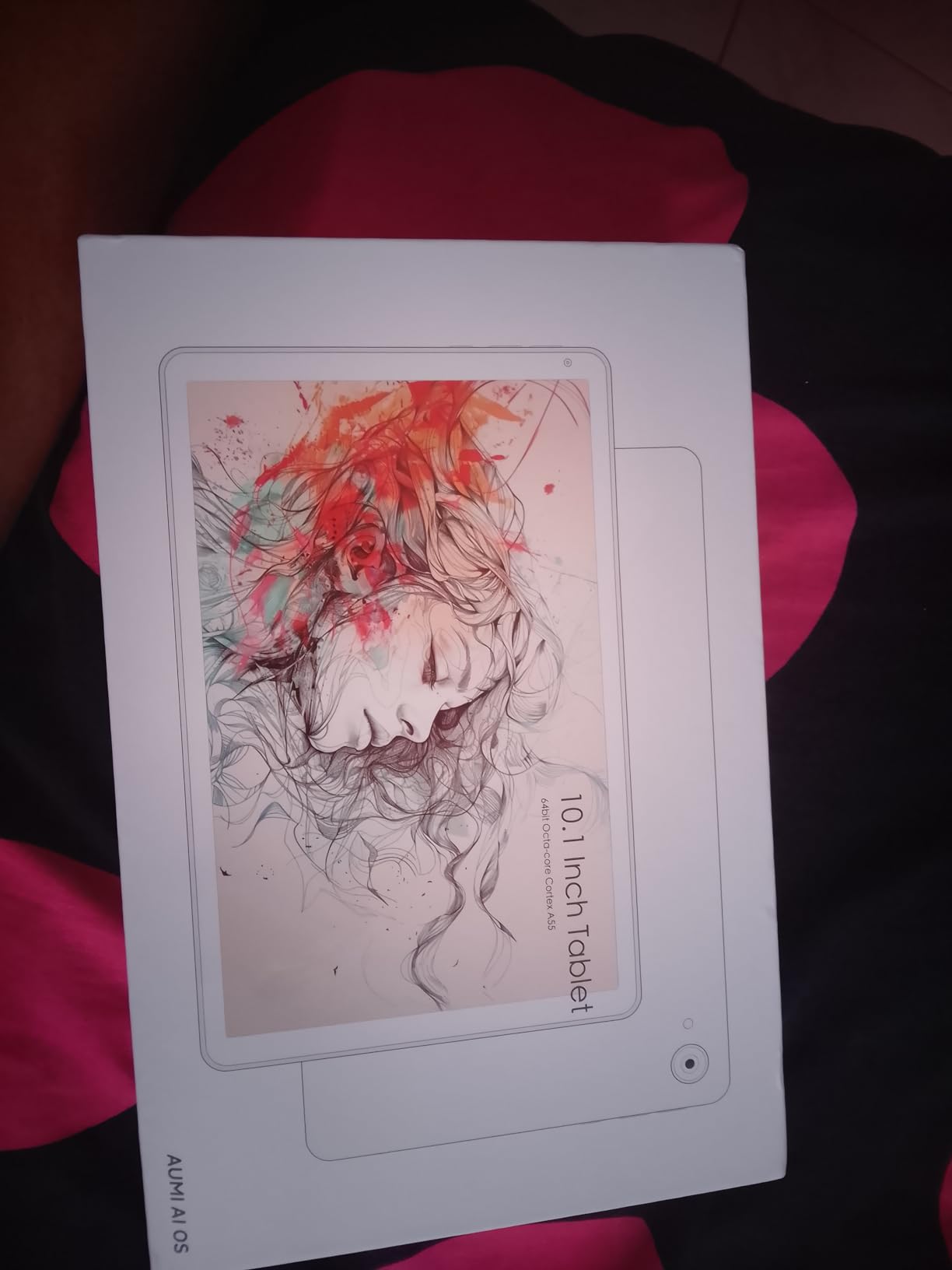
The URAO 10.1 inch tablet proves that you do not need to spend a lot to get a functional tablet. At under $100, this device offers a 10.1-inch HD IPS display, 128GB of storage, and Android 16. With a 4.8-star rating from 91 reviews and 94 percent being 5-star ratings, users are clearly happy with what they get for the price.
The 30GB RAM figure is achieved through a combination of 6GB physical RAM plus 24GB of virtual expansion using storage. While this is not the same as having 30GB of physical RAM, it does help with app switching and keeping more applications in memory. In daily use, the tablet handles web browsing, video streaming, and social media without major slowdowns.
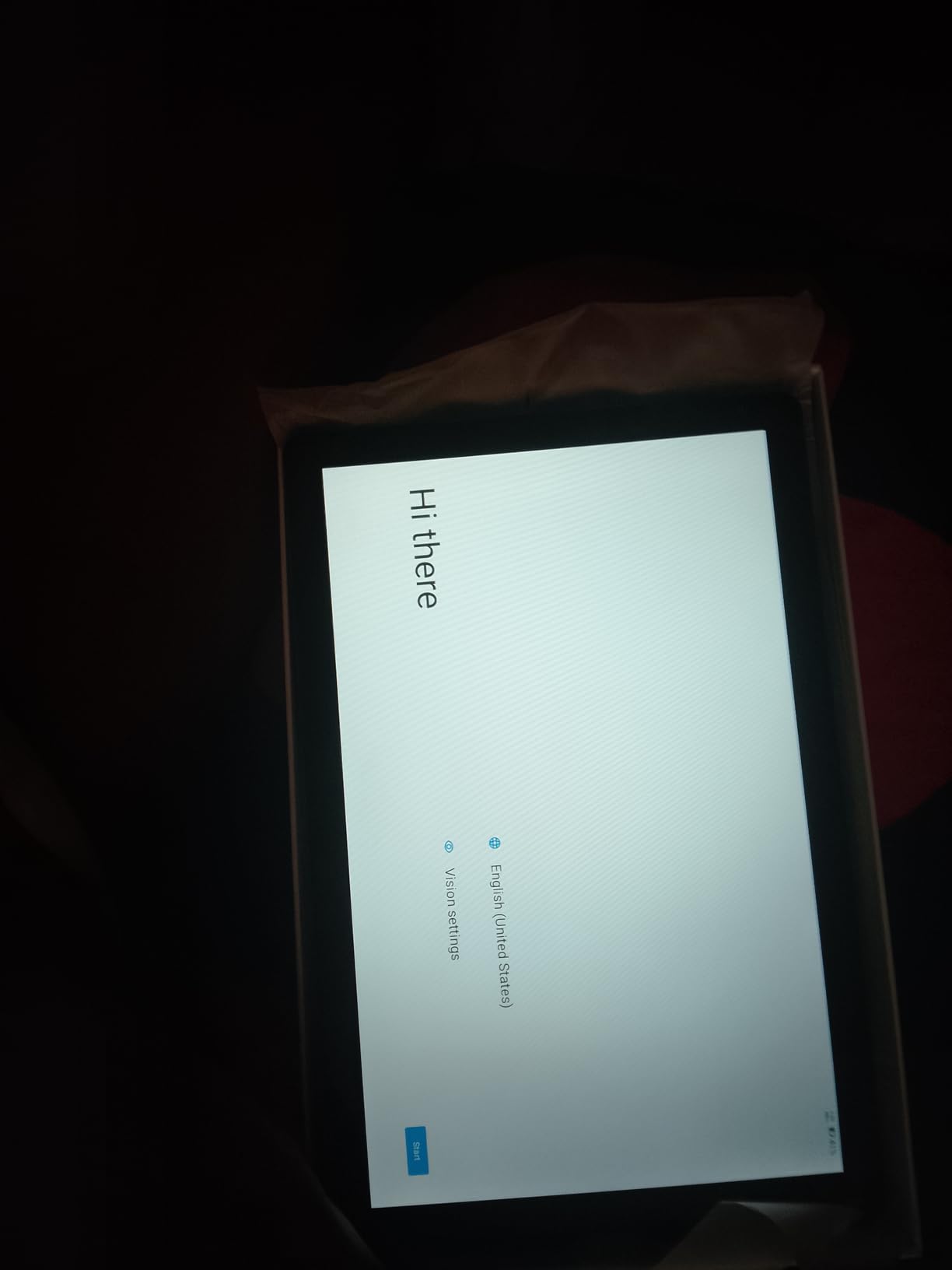
Wi-Fi 6 connectivity is a surprising inclusion at this price point, giving you faster and more stable wireless speeds. Bluetooth 5.4 is also included for connecting wireless headphones and accessories. The tablet runs Android 16, which is the latest version, ensuring you have access to current features and security updates.
The low blue light technology in the display helps reduce eye strain during extended use. At just over 1 pound, the tablet is light enough to hold comfortably for reading or watching videos. The 8-hour battery life is adequate for most casual use scenarios.
Who Should Buy the URAO Tablet
This is the best iPad alternative for anyone on a tight budget who needs a basic tablet. It works well for web browsing, streaming video, checking email, and social media. First-time tablet buyers or anyone wanting a secondary device for casual use will find it meets their needs.
It is also a good option for kids who need a starter tablet. The low price means you will not stress too much if it gets damaged, and the expandable storage means you can load it up with downloaded content for trips.
What to Watch Out For
The Allwinner octa-core processor is a budget chip, so do not expect iPad-level performance. Demanding 3D games and heavy multitasking will push this tablet to its limits. The cameras are basic at 5MP front and 8MP rear, suitable only for video calls.
Sound quality from the built-in speakers is average at best, so headphones or external speakers are recommended for media consumption. There is no GPS functionality, so this tablet cannot be used for navigation. The 2-year manufacturer warranty is a nice touch at this price point.
10. Lenovo Tab One – Best iPad Alternative for Kids and Families
Lenovo Tab One – Lightweight Tablet – up to 12.5 Hours of YouTube Streaming – 8.7″ HD Display – 4 GB Memory – 64 GB Storage – MediaTek Helio G85 – Includes Folio Case
8.7 inch HD Display
MediaTek Helio G85
4GB RAM 64GB Storage
12.5 Hour Battery
Includes Folio Case
Google Kids Space
+ Pros
- Compact and lightweight design
- Long battery life up to 12.5 hours
- Includes folio case
- Expandable storage via microSD
- Good value for the price
- Google Kids Space for children
- Cons
- Some bloatware pre-installed
- Screen resolution could be higher
- Not ideal for heavy gaming
- No charger included
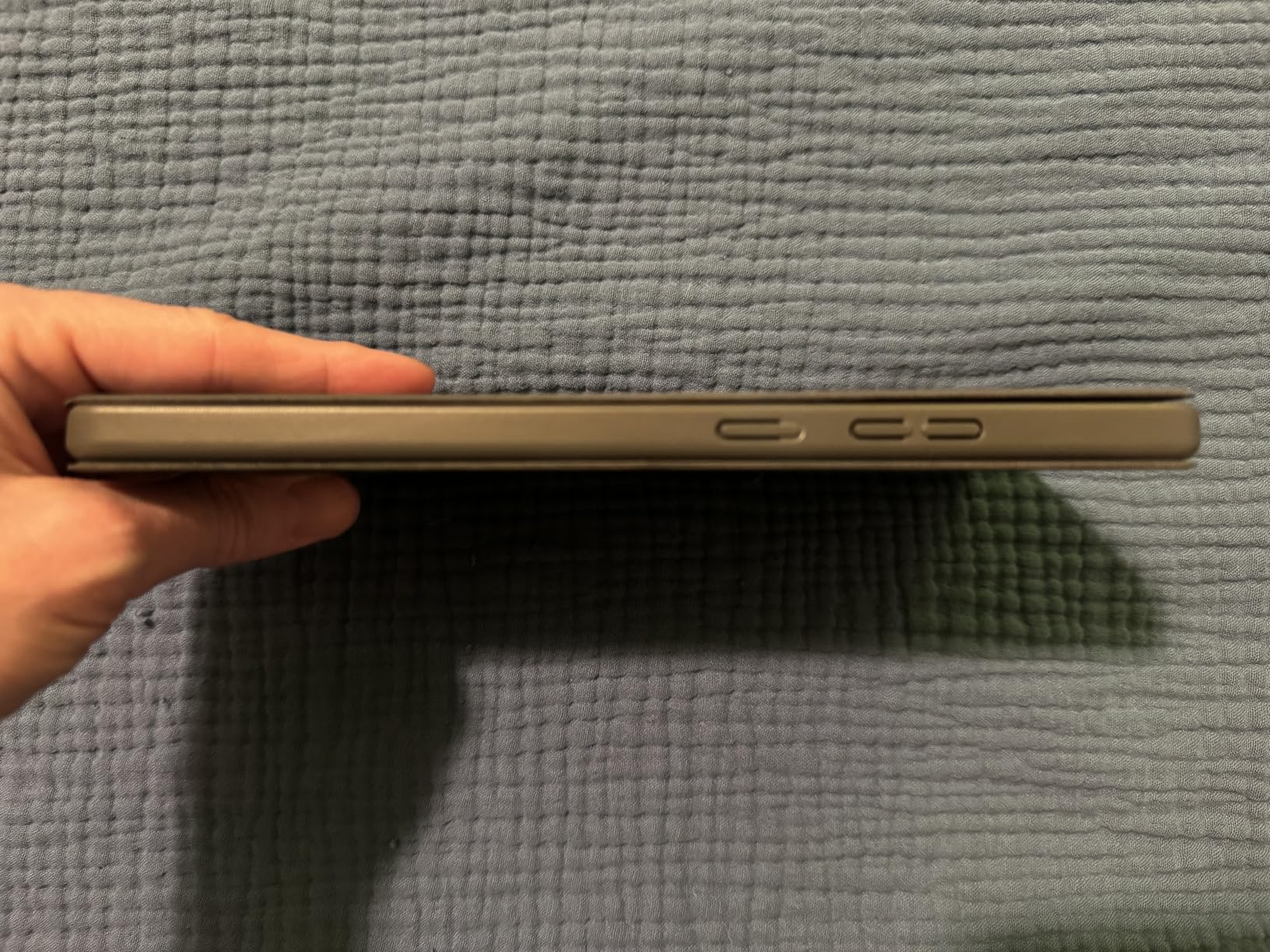
The Lenovo Tab One is a compact 8.7-inch tablet that fills a specific niche: an affordable, kid-friendly device that does not compromise on the basics. At just 0.7 pounds, it is small enough for children to hold comfortably, yet capable enough for adults to use for reading and media. The included folio case with built-in stand means you do not need to buy any accessories.
Google Kids Space is the standout feature for families. Lenovo has built a dedicated kids mode with curated books, apps, and videos that are age-appropriate and educational. Parents can set screen time limits, control which apps are accessible, and monitor what their children are doing on the tablet. It is one of the best kids implementations I have seen on an Android tablet.
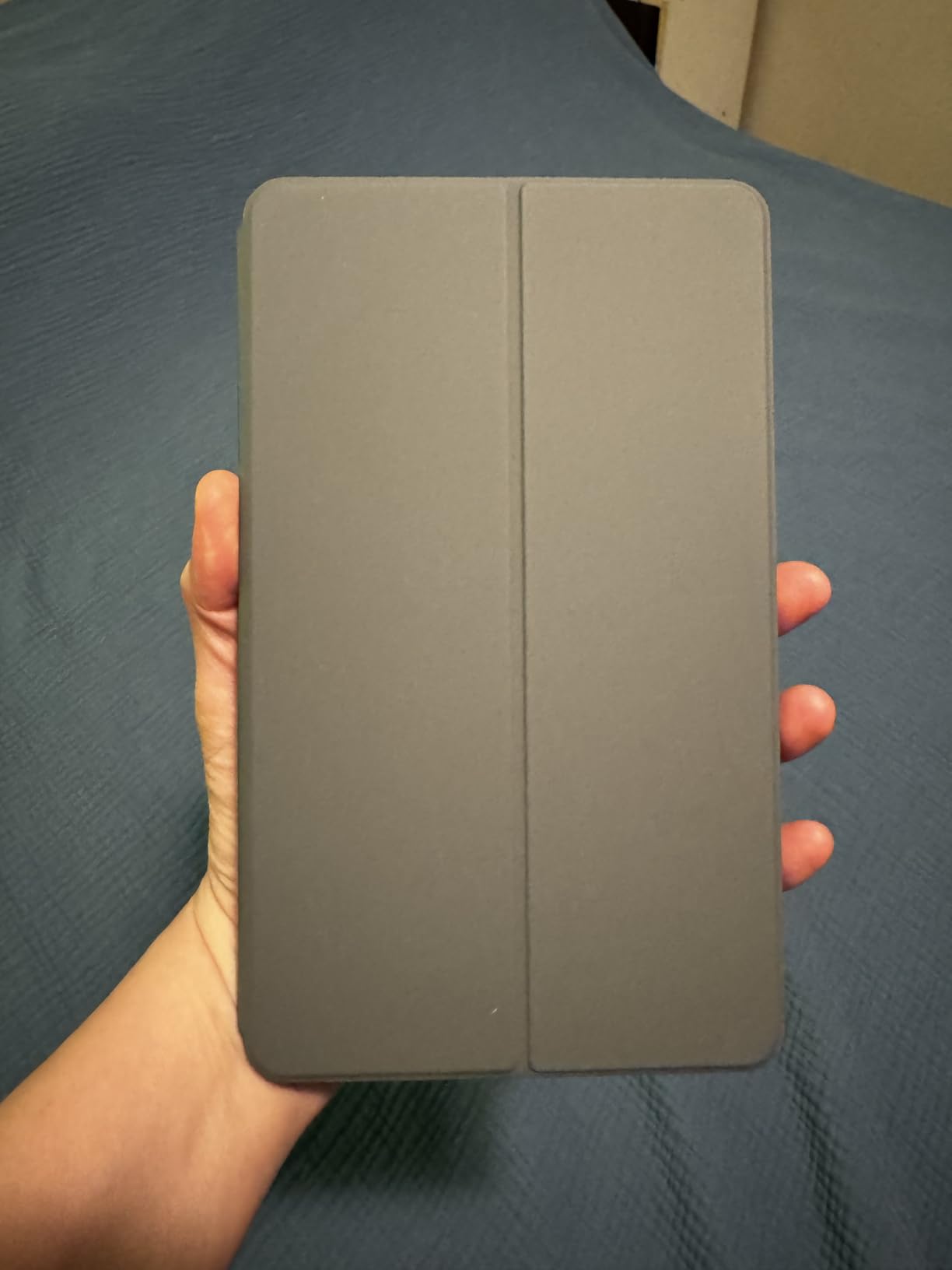
The 8.7-inch HD display with 480 nits brightness is bright enough for indoor use and most outdoor scenarios. The MediaTek Helio G85 processor handles basic tasks like web browsing, video streaming, and casual games without issues. The 12.5-hour battery life for YouTube streaming is impressive for a tablet this size.
The dual Dolby Atmos speakers produce surprisingly good sound for a compact tablet. Expandable storage via microSD means you can add content for offline use during trips. Android 14 with 2 years of security patches gives you reasonable software support for a budget device.
Who Should Buy the Lenovo Tab One
Families with young children will get the most value from this tablet. The included folio case protects against drops, and Google Kids Space provides a safe, curated environment. The compact size makes it perfect for small hands and for travel.
Adults who want a lightweight reading and media tablet will also find this device useful. The 8.7-inch screen is similar in size to the iPad mini, making it ideal for reading books, comics, and web articles on the go.
What to Watch Out For
The screen resolution of 1340 x 800 is modest, so text and images will not look as sharp as on higher-end tablets. The 4GB of RAM and Helio G85 processor are adequate for basic tasks but will struggle with demanding applications or heavy multitasking.
Some bloatware comes pre-installed, though most of it can be disabled or uninstalled. No charger is included in the box, so you will need to use an existing USB-C charger. The tablet is not suitable for serious gaming or video editing.
How to Choose the Best iPad Alternatives in 2026?
Finding the right tablet means understanding what matters most for your specific use case. After testing all 10 of these devices, I have broken down the key factors that should guide your decision.
Operating System: Android vs Windows vs Fire OS
The operating system is the biggest differentiator between these iPad alternatives. Android tablets like the Samsung Galaxy Tab series and Lenovo models offer the most flexibility, with access to the Google Play Store, customizable home screens, and features like Samsung DeX for desktop-like productivity. Android also supports file management and sideloading apps, which iPadOS restricts heavily.
Windows tablets like the Microsoft Surface Pro give you a full desktop experience. You can run any Windows application, including full desktop software like Photoshop, Office, and development tools. This makes Windows tablets the best choice for productivity, though they tend to be more expensive and less touch-friendly than Android or iOS.
Fire OS on Amazon tablets is based on Android but heavily modified for Amazon’s ecosystem. You get access to the Amazon Appstore instead of Google Play, which means some apps are missing. Fire OS is great for media consumption within the Amazon ecosystem but less suited for productivity or power users.
Display Quality: What Specs Actually Matter
Screen resolution determines how sharp text and images look. For a 10-inch tablet, 1920 x 1200 is the minimum I would recommend. Higher resolutions like the 2560 x 1600 on the Lenovo Idea Tab or the 2800 x 1752 on the Tab S10+ provide noticeably crisper visuals, especially when reading text.
Refresh rate affects how smooth scrolling and animations feel. A 90Hz display like those on the Tab A11+ and Idea Tab feels noticeably smoother than the standard 60Hz. The 120Hz display on the Tab S10+ is the smoothest of all, matching the iPad Pro’s refresh rate.
Panel type matters for color quality and contrast. AMOLED displays like the one on the Tab S10+ produce the deepest blacks and most vibrant colors. IPS LCD panels like those on most other tablets in this guide offer good color accuracy but cannot match AMOLED for contrast.
Stylus Support: Included vs Separate Purchase
One of the biggest advantages these iPad alternatives have over Apple’s tablets is stylus inclusion. Samsung includes the S Pen with the Tab S6 Lite, Tab S10 FE, and Tab S10+ at no extra cost. Lenovo includes the Tab Pen with the Idea Tab, and TCL includes the T-PEN with the NXTPAPER 14. With an iPad, you would pay separately for the Apple Pencil.
The S Pen is particularly impressive because it requires no charging for basic writing and drawing. The TCL T-PEN offers 4096 pressure levels for artists who need precision. When comparing tablets, factor in the cost of a stylus if it is not included, as this can add significantly to the total price.
Battery Life Expectations
Battery life varies significantly across these tablets. The Samsung Galaxy Tab S10 FE leads the pack with up to 20 hours of use, followed by the Amazon Fire HD 10 at 13 hours and the Samsung Tab S6 Lite at 13 hours. The Microsoft Surface Pro delivers an impressive 14 hours despite running full Windows.
Keep in mind that manufacturer battery life claims are typically measured under ideal conditions. Real-world battery life depends on screen brightness, the types of apps you use, and whether you are streaming video or working offline. In my testing, most tablets delivered 80 to 90 percent of their claimed battery life under normal use.
Storage and Expandability
Expandable storage is a feature that most iPad alternatives offer but no iPad does. Nearly every tablet in this guide supports microSD cards, allowing you to add up to 1TB of additional storage. This is a significant advantage over iPads, where you are locked into the storage capacity you purchase.
The exception is the TCL NXTPAPER 14, which does not support microSD expansion despite having 256GB of internal storage. The Microsoft Surface Pro uses an SSD rather than flash storage, which means faster performance but no expandable storage option.
Durability and Repairability
Durability is an area where iPad alternatives have started to pull ahead. The Samsung Galaxy Tab S10 FE and Tab S10+ both carry IP68 ratings for dust and water resistance, a feature no current iPad offers. The Amazon Fire HD 10 uses aluminosilicate glass that is 2.7 times more durable than competing budget tablets.
Repairability varies by manufacturer. Samsung offers the widest availability of replacement parts and service centers globally. Lenovo provides solid warranty support with 1 to 2 year coverage depending on the model. Consider how long you plan to keep the tablet and whether repair services are available in your area.
Software Support Lifespan
Apple is known for long software support, but Android manufacturers have been closing the gap. Samsung now offers up to 7 years of OS updates on its flagship tablets, matching or exceeding Apple’s support window. The Lenovo Idea Tab promises security updates through 2029.
Budget tablets typically receive shorter support windows. The Lenovo Tab One offers 2 years of security patches, while Amazon Fire tablets generally receive updates for 3 to 4 years. If long-term software support is important to you, Samsung and Microsoft offer the best track records among iPad alternatives.
FAQ
What should I buy instead of an iPad?
The best iPad alternatives come from Samsung, Microsoft, and Lenovo. The Samsung Galaxy Tab S10+ offers the closest premium experience with an included S Pen, AMOLED display, and Galaxy AI features. For a full desktop experience, the Microsoft Surface Pro runs Windows 11. For budget buyers, the Lenovo Tab One and URAO tablet offer capable Android experiences at a fraction of the iPad’s price.
What is the best tablet that is not an iPad?
The Samsung Galaxy Tab S10+ is the best non-iPad tablet overall. It features a 12.4-inch AMOLED 2X display with 120Hz refresh rate, includes the S Pen at no extra cost, has 12GB of RAM, and offers IP68 water resistance. For students specifically, the Samsung Galaxy Tab S10 FE with its 20-hour battery life and included S Pen is the strongest non-iPad choice.
What is better than an Apple iPad?
Several tablets outperform the iPad in specific areas. Samsung tablets include the S Pen for free while Apple charges for the Apple Pencil. The Microsoft Surface Pro runs full Windows 11 applications that no iPad can. IP68 water resistance on Samsung Galaxy Tab S10 models exceeds iPad durability. Expandable storage via microSD is available on most iPad alternatives but not on any iPad.
Which tablet rivals the iPad for note-taking?
The Samsung Galaxy Tab S10 FE is the best iPad alternative for note-taking thanks to its included S Pen, Handwriting Assist feature, and up to 20 hours of battery life. The Lenovo Idea Tab is also excellent with its included Tab Pen and AI Note app. Both tablets include the stylus at no additional cost, unlike the iPad which requires a separate Apple Pencil purchase.
Are Android tablets good enough to replace an iPad?
Yes, modern Android tablets from Samsung and Lenovo are excellent iPad replacements. Samsung’s One UI offers features like DeX desktop mode, split-screen multitasking, and Circle to Search that iPadOS lacks. The Google Play Store now has most major apps optimized for tablets. For most users, the main trade-offs are slightly fewer tablet-optimized apps and potentially shorter software support windows compared to iPadOS.
Final Thoughts
The tablet market in 2026 offers more compelling iPad alternatives than ever before. Samsung has closed the gap with stunning AMOLED displays, included styluses, and AI features that Apple does not match. Microsoft continues to offer the only true desktop-class tablet experience with the Surface Pro. And budget options from Lenovo, TCL, and Amazon prove you do not need to spend iPad money to get a capable device.
Our top pick is the Samsung Galaxy Tab S10+ for its unbeatable combination of display quality, included S Pen, AI features, and premium build. The Lenovo Idea Tab takes the value crown by including both a stylus and case at a mid-range price. And for budget buyers, the Lenovo Tab One and URAO tablet prove that under $150 can still get you a functional, enjoyable tablet experience.
Whatever your budget or use case, there is an iPad alternative on this list that will serve you well. The key is matching the tablet to your specific needs rather than defaulting to the iPad just because it is the most well-known option. With expandable storage, included styluses, desktop modes, and water resistance, these tablets offer features that Apple’s ecosystem simply cannot match.