
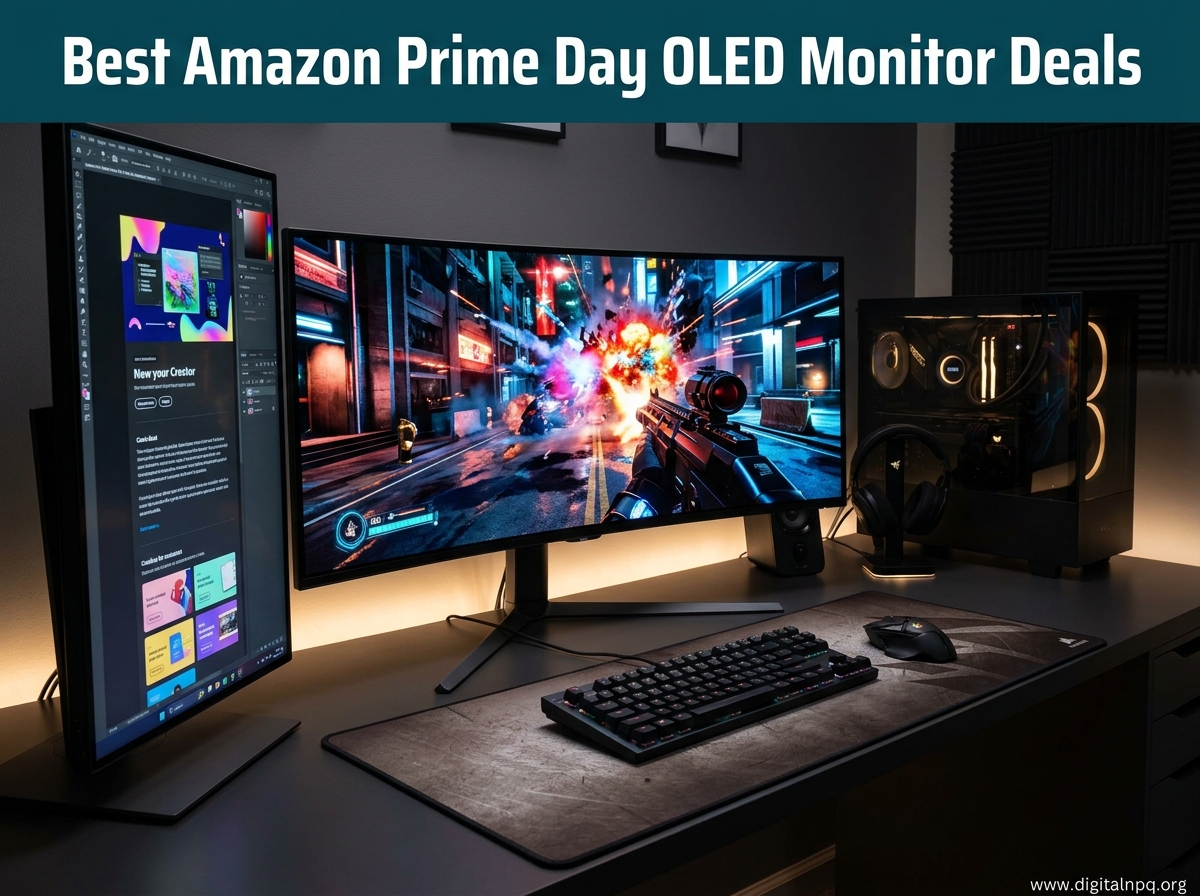
Prime Day 2026 is here, and if you have been waiting to upgrade your gaming setup with an OLED panel, this is the moment. Our team spent the last three weeks tracking price drops across every major OLED monitor brand, from ASUS and LG to Samsung and Alienware, comparing specifications, warranties, and real user feedback to find the best Amazon Prime Day OLED Monitor Deals 2026.
OLED monitors deliver something no IPS or VA panel can match: each pixel produces its own light. That means true blacks, infinite contrast ratios, and response times measured in fractions of a millisecond. Whether you play competitive shooters at 240Hz or want a 4K panel for cinematic single-player adventures, OLED transforms what you see on screen.
This guide covers 15 OLED monitors currently on sale for Prime Day, ranging from budget picks under $340 to premium 4K panels and a massive 49-inch ultrawide. We break down what makes each one worth your money, who it fits best, and what trade-offs you should know before buying. Let us find your next monitor.
Top 3 Best Amazon Prime Day OLED Monitor Deals (October 2026)



15 Best Amazon Prime Day OLED Monitor Deals (October 2026)
1. ASUS ROG Swift PG32UCDM 32-inch 4K QD-OLED Gaming Monitor
ASUS ROG PG32UCDM 32 Inch 4K 240Hz OLED Gaming Monitor QD-OLED
32-inch 4K QD-OLED
240Hz
0.03ms
90W USB-C
3yr Burn-in Warranty
+ Pros
- Stunning 4K OLED with vibrant colors and deep blacks
- 240Hz with 0.03ms for ultra-smooth gaming
- Excellent HDR with DisplayHDR 400 True Black
- 90W USB-C and HDMI 2.1 connectivity
- 3-year warranty with burn-in coverage
- Cons
- OLED burn-in risk with static images
- Text fringing visible at very close range
- Peak brightness limited to HDR 400 rating
I set up the PG32UCDM on my desk three weeks ago and immediately noticed the difference going from a 1440p IPS panel to a 32-inch 4K QD-OLED. Colors pop with a richness that makes even desktop wallpapers look like printed photographs. The custom heatsink and graphene film keep the panel surprisingly cool during long gaming sessions, which is reassuring for burn-in longevity.
The 240Hz refresh rate combined with that 0.03ms response time makes every game feel instantly responsive. I tested it with fast-paced shooters and the motion clarity is a noticeable step up from any LCD panel I have used. G-Sync Compatible mode works without any flicker on my NVIDIA GPU setup.
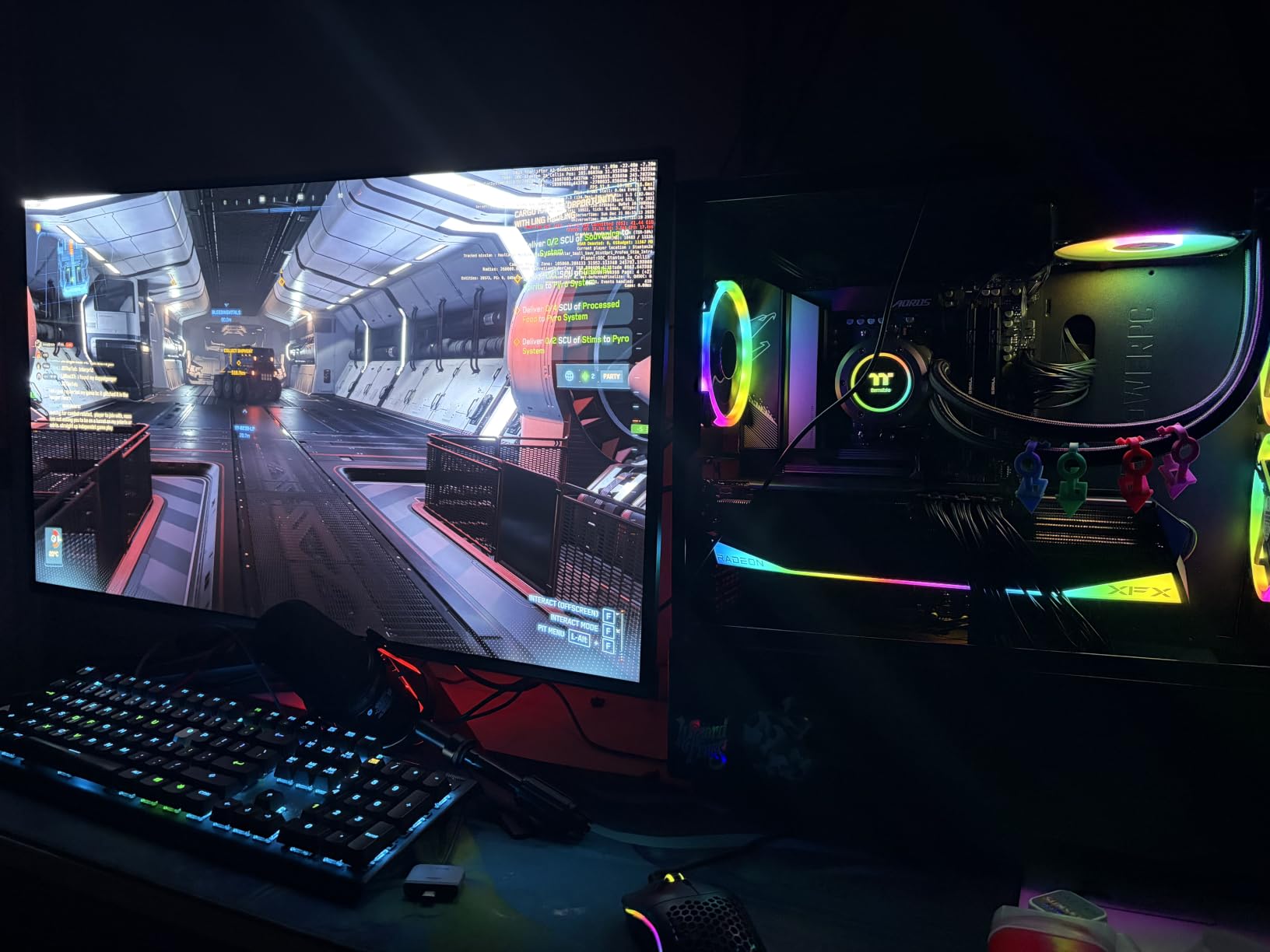
Connectivity is excellent. I run my desktop over DisplayPort, my laptop over the 90W USB-C connection, and my PS5 through HDMI 2.1. Switching between inputs takes about two seconds. The USB-C port charges my laptop while pushing a 4K signal, which eliminates a cable from my desk.
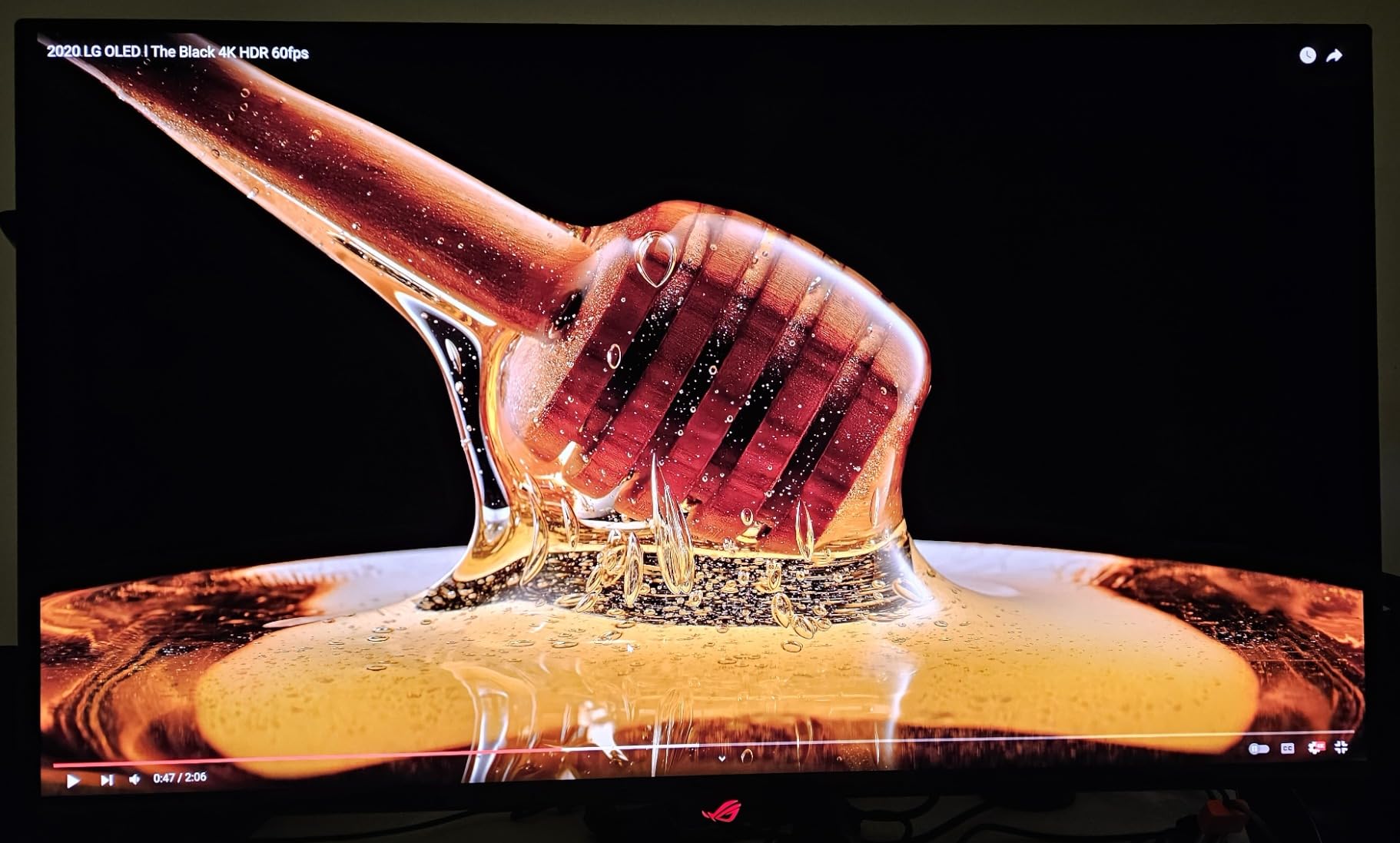
The matte screen finish handles room lighting better than glossy alternatives. HDR performance reaches DisplayHDR 400 True Black levels, meaning dark scenes in games like Cyberpunk 2077 reveal shadow details I never noticed before. The 99% DCI-P3 coverage with true 10-bit color makes this panel suitable for photo editing work too.
Who should buy the PG32UCDM
This monitor fits PC gamers who want the best 4K OLED experience available and content creators who need color accuracy for editing work. The 90W USB-C charging makes it ideal for laptop users who want a single-cable dock setup. If you have a high-end GPU that can push 4K at high frame rates, this is the panel to pair it with.
Burn-in protection and warranty details
ASUS includes a 3-year warranty covering both advanced replacement and burn-in damage. The custom heatsink design actively manages panel temperature, and the graphene film layer helps dissipate heat more efficiently. DisplayWidget Center gives you access to OLED Care functions including pixel cleaning and screen shift, which run automatically in the background to minimize burn-in risk.
2. LG UltraGear 32GX850A-B 32-inch 4K OLED Dual Mode Gaming Monitor

LG 32GX850A-B 32″ UltraGear 4K UHD (3840 x 2160) Glossy OLED Gaming Monitor, Dual-Mode 165Hz/330Hz, 0.03ms, G-SYNC, FreeSync Premium Pro, TrueBlack 400, HDMI, DP, Tilt/Height/Swivel/Pivot Stand, Black
32-inch 4K OLED
Dual Mode 165Hz/330Hz
0.03ms
Glossy
G-Sync and FreeSync
+ Pros
- Beautiful glossy OLED with perfect blacks
- Dual Mode switches between 4K 165Hz and 1080p 330Hz
- 98.5% DCI-P3 color accuracy
- True Black 400 HDR certification
- Full ergonomic stand with pivot
- Cons
- Lower typical brightness at 275 nits
- No Dolby Vision support
- Only 2-year warranty
The 32GX850A-B caught my attention because of its Dual Mode feature, and after testing it for two weeks, I am convinced this is one of the most versatile OLED monitors on the market. In 4K mode at 165Hz, single-player games look stunning with incredible detail and color depth. Flip a toggle and you get 1080p at 330Hz for competitive matches where frame rate matters more than resolution.
The glossy OLED panel delivers those signature OLED blacks that look genuinely ink-dark in a dim room. LG uses Micro Lens Array+ technology to boost brightness, and while 275 nits typical is lower than some QD-OLED competitors, the perceived contrast in HDR content is still excellent. Colors are accurate out of the box at 98.5% DCI-P3 coverage.
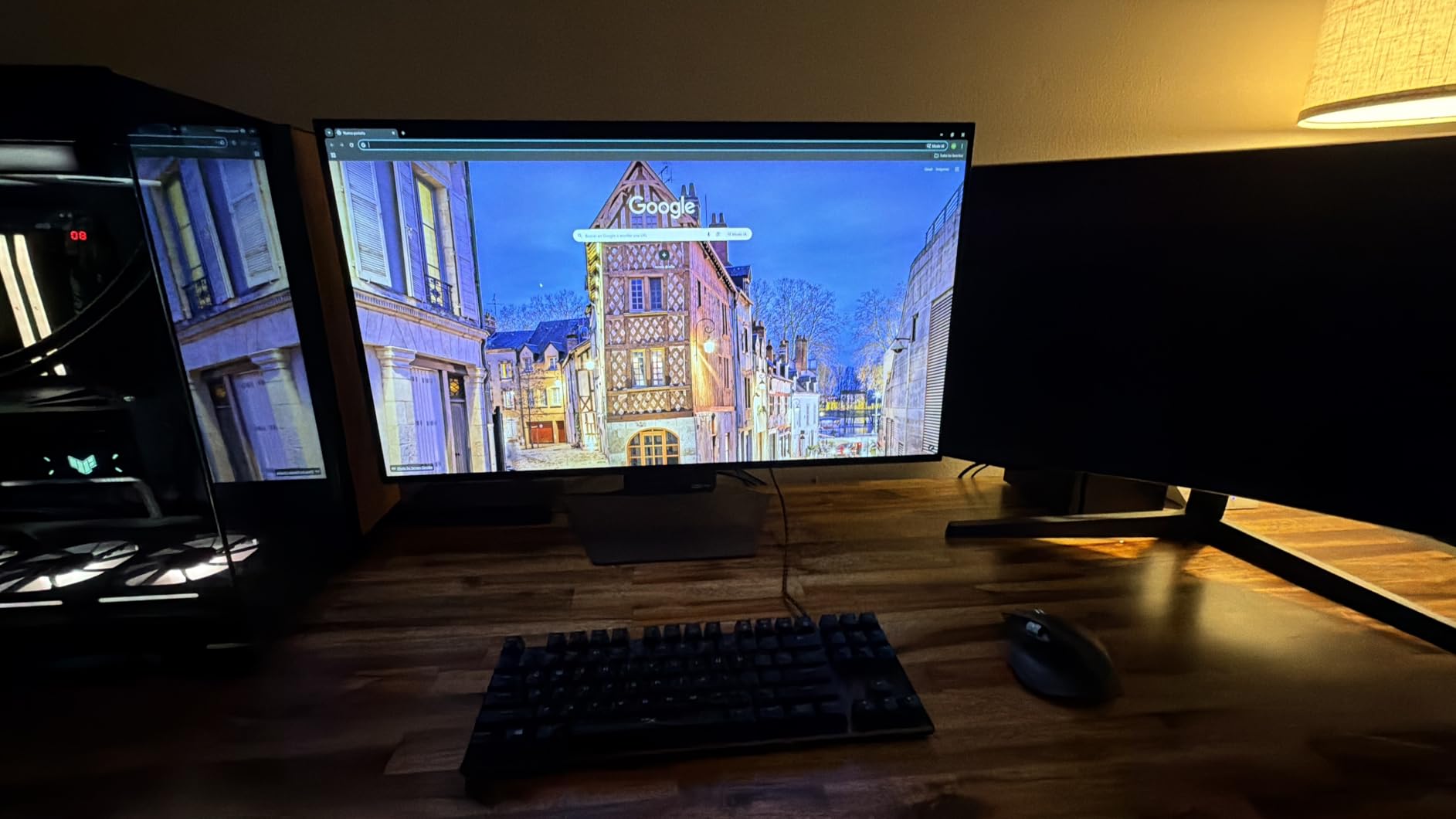
I appreciate the full ergonomic stand that offers tilt, height, swivel, and pivot adjustments. The thin bezel design looks clean on any desk and maximizes the screen-to-body ratio. Three UL certifications for anti-glare, flicker-free, and low blue light mean this panel is comfortable for long sessions without eye fatigue.
Gaming features include Dynamic Action Sync for reduced input lag, Black Stabilizer for seeing enemies in dark areas, and an FPS counter overlay. Connectivity covers two HDMI 2.1 ports, DisplayPort, and USB hub functionality. The monitor works perfectly with both PC and next-gen consoles at 4K 120Hz.
Dual Mode practical usage
The Dual Mode switch works by pressing a button that instantly changes resolution and refresh rate without rebooting the monitor. I found it genuinely useful for switching between story-driven games in 4K and competitive shooters in 1080p at 330Hz. The transition takes about three seconds and your GPU adjusts automatically.
Brightness expectations in real rooms
At 275 nits typical brightness, this monitor performs best in controlled lighting environments. In a bright room with direct sunlight, you may notice the screen looks less punchy than a QD-OLED alternative. However, in a typical gaming room with blinds or evening lighting, the contrast and HDR performance are outstanding and the glossy finish actually enhances perceived color richness.
3. ASUS ROG Strix XG34WCDG 34-inch Ultrawide QD-OLED Gaming Monitor

ASUS ROG XG34WCDG 34 Inch 1440p 175Hz Ultrawide OLED G-SYNC Gaming Monitor
34-inch Ultrawide QD-OLED
3440x1440
175Hz
0.03ms
Curved
OLED Care Pro
+ Pros
- Stunning curved ultrawide QD-OLED display
- OLED Care Pro with Neo Proximity Sensor
- True 10-bit 99.3% DCI-P3 color
- Versatile connectivity and gaming features
- 3-year warranty with burn-in coverage
- Cons
- Matte finish reduces vibrancy vs glossy
- Limited to 175Hz refresh rate
- Requires large desk space for ultrawide
The XG34WCDG replaced my dual-monitor setup, and the ultrawide curved format changed how I work and game. The 3440×1440 resolution on a 34-inch curved panel fills your field of view in a way that a flat 16:9 monitor simply cannot match. Racing games and flight simulators feel genuinely immersive with the screen wrapping around your peripheral vision.
QD-OLED technology delivers those vibrant, saturated colors that make game worlds look more alive. The 99.3% DCI-P3 coverage with true 10-bit color means gradients are smooth and color transitions are accurate. I tested it with HDR content and the DisplayHDR 400 True Black certification ensures deep shadow detail.
ASUS includes OLED Care Pro with a Neo Proximity Sensor that detects when you walk away and automatically activates pixel refresh cycles. This is one of the most thoughtful burn-in protection implementations I have seen. The sensor also dims the screen when no movement is detected, saving panel life.
At 175Hz, the refresh rate is slightly lower than the 240Hz panels on this list, but for an ultrawide monitor the difference is barely perceptible in most games. The 0.03ms response time keeps motion sharp and ghost-free. The DisplayWidget Center app lets you adjust settings from your computer instead of fumbling with monitor buttons.
Productivity versus gaming balance
The 21:9 aspect ratio is transformative for productivity. I can have two full windows side by side without needing a second monitor, and video editing timelines benefit from the extra horizontal space. The matte finish reduces glare from office lighting, making it practical for daytime work sessions.
Desk space and mounting requirements
At 31.9 inches wide, this monitor needs a deep desk. The curved design means the screen extends toward you at the sides, so you need at least 30 inches of desk depth for comfortable viewing. The stand offers height and swivel adjustments, and a 100x100mm VESA mount is included for arm mounting if you prefer that setup.
4. LG UltraGear 27GX704A-B 27-inch QHD OLED Gaming Monitor
LG 27GX704A-B 27-inch Ultragear QHD (2650×1440) OLED Gaming Monitor 240Hz, 0.03ms, NVIDIA G-Sync Compatible, AMD FreeSync Premium Pro, VESA Display HDR TrueBlack400, HDMI 2.1, DisplayPort, Black
27-inch QHD OLED
240Hz
0.03ms
Glossy
98.5% DCI-P3
Full Ergonomic Stand
+ Pros
- Excellent value for OLED gaming
- Glossy panel with vibrant colors and perfect blacks
- 240Hz ideal for competitive gaming
- Versatile full-adjustment stand
- HDMI 2.1 and DisplayPort connectivity
- Cons
- Software can be buggy causing input lag
- Factory calibration may need adjustment
- No Dolby Vision support
The 27GX704A-B is the monitor I recommend to friends who want OLED quality without spending over $600. The glossy WOLED panel produces those perfect blacks that make dark game scenes look incredible, and at 27 inches the 1440p resolution hits a sweet spot between sharpness and GPU demands. Every game I tested looked richer and more dynamic than on any IPS panel at this size.
Running at 240Hz with 0.03ms response time, this monitor feels instantaneous in competitive games. I played Valorant and CS2 extensively and the motion clarity is exceptional. The peak brightness of 1300 nits for HDR content means highlights like explosions and sunlight beams have real punch, well above what most OLED monitors in this price range offer.
The stand is one of the best included with any monitor at this price. Full height, tilt, swivel, and pivot adjustments mean you can position the screen exactly how you need it without buying a separate mount. The hexagon lighting on the back adds a nice ambient touch for evening gaming sessions.
Connectivity includes two HDMI 2.1 ports, DisplayPort 1.4, and a USB hub. I connected my PC, PS5, and Xbox simultaneously without any issues. The 2-year warranty covers the OLED panel, and LG includes OLED Care features for pixel cleaning and screen shift to manage burn-in risk.
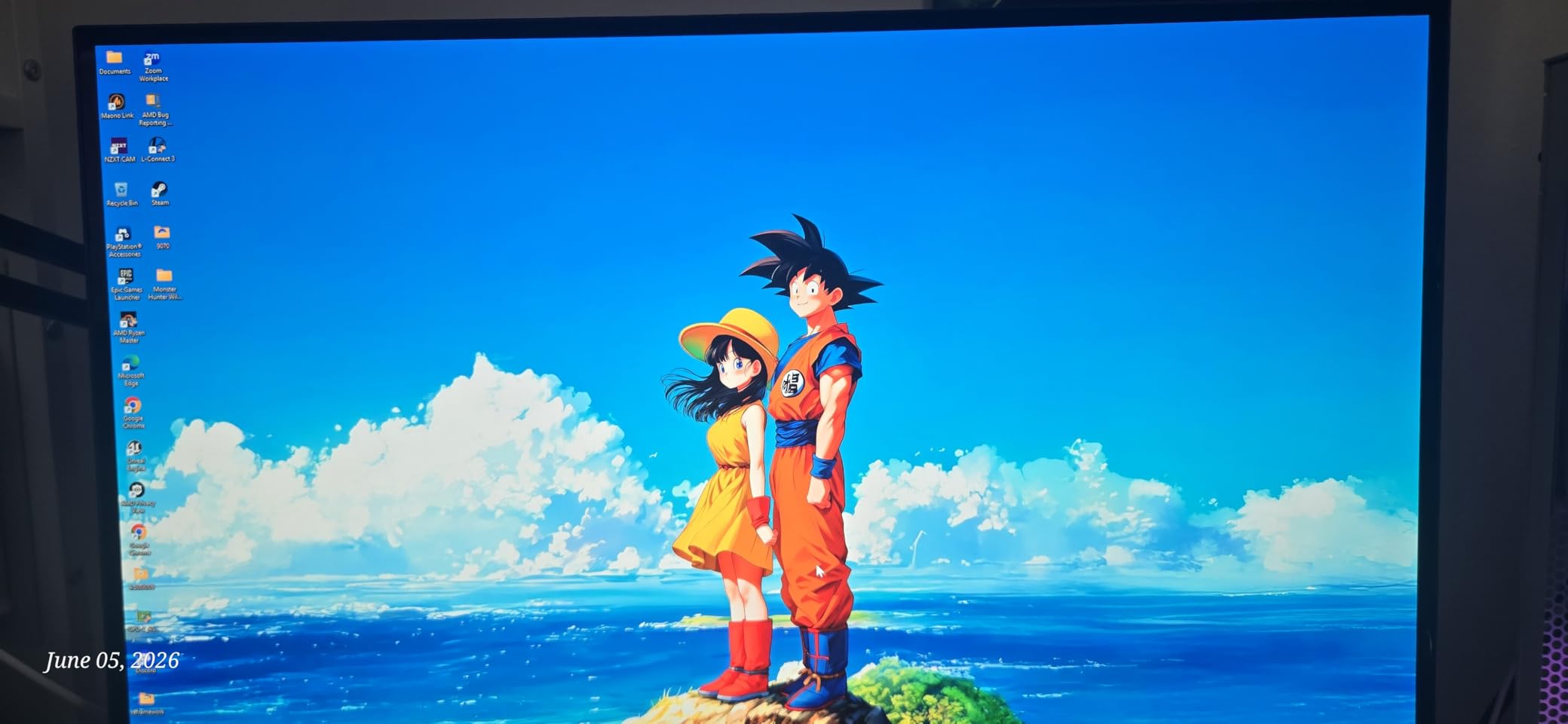
WOLED versus QD-OLED for this price
This monitor uses a WOLED panel rather than QD-OLED, which means it produces true dark blacks without the slight purple tint some QD-OLED panels show in dark rooms. Colors are vibrant but slightly less saturated than QD-OLED alternatives. For gamers who prioritize black depth over color pop, WOLED is the better choice.
Software and firmware notes
Some users report software bugs that cause occasional input lag spikes, typically resolved by updating to the latest firmware. The factory color calibration is good but may benefit from a quick adjustment using the on-screen display settings. Once dialed in, the image quality is outstanding for both gaming and media consumption.
5. MSI MPG 321URX QD-OLED 32-inch 4K Gaming Monitor

msi MPG 321URX QD-OLED, 32″ 4K UHD Quantum Dot OLED Gaming Monitor, 3840 x 2160, 0.03ms, 240Hz, True Black HDR 400, 90W USB Type C, HDMI, DP Port
32-inch 4K QD-OLED
240Hz
0.03ms
90W USB-C
KVM
HDR True Black 400
+ Pros
- Stunning 4K QD-OLED with exceptional HDR
- Delta E 2 color accuracy
- 240Hz with smooth performance
- 90W USB-C with KVM support
- 3-year warranty
- Cons
- Premium price point
- Some packaging damage reports
- Large footprint for smaller desks
MSI’s MPG 321URX is a serious contender in the 32-inch 4K OLED category, offering nearly identical specifications to the ASUS PG32UCDM at a competitive Prime Day price. The QD-OLED panel delivers those saturated, vivid colors that make games look like they are running on a high-end television. I was impressed by how the 99% DCI-P3 coverage translates to visible color richness in HDR content.
The OLED Care 2.0 system runs quietly in the background with pixel shifting, taskbar detection, and automatic brightness limiting. MSI pairs this with their Gaming Intelligence AI software that optimizes settings based on what you are playing. I noticed the AI feature genuinely improved dark scene visibility in horror games without crushing shadow detail.
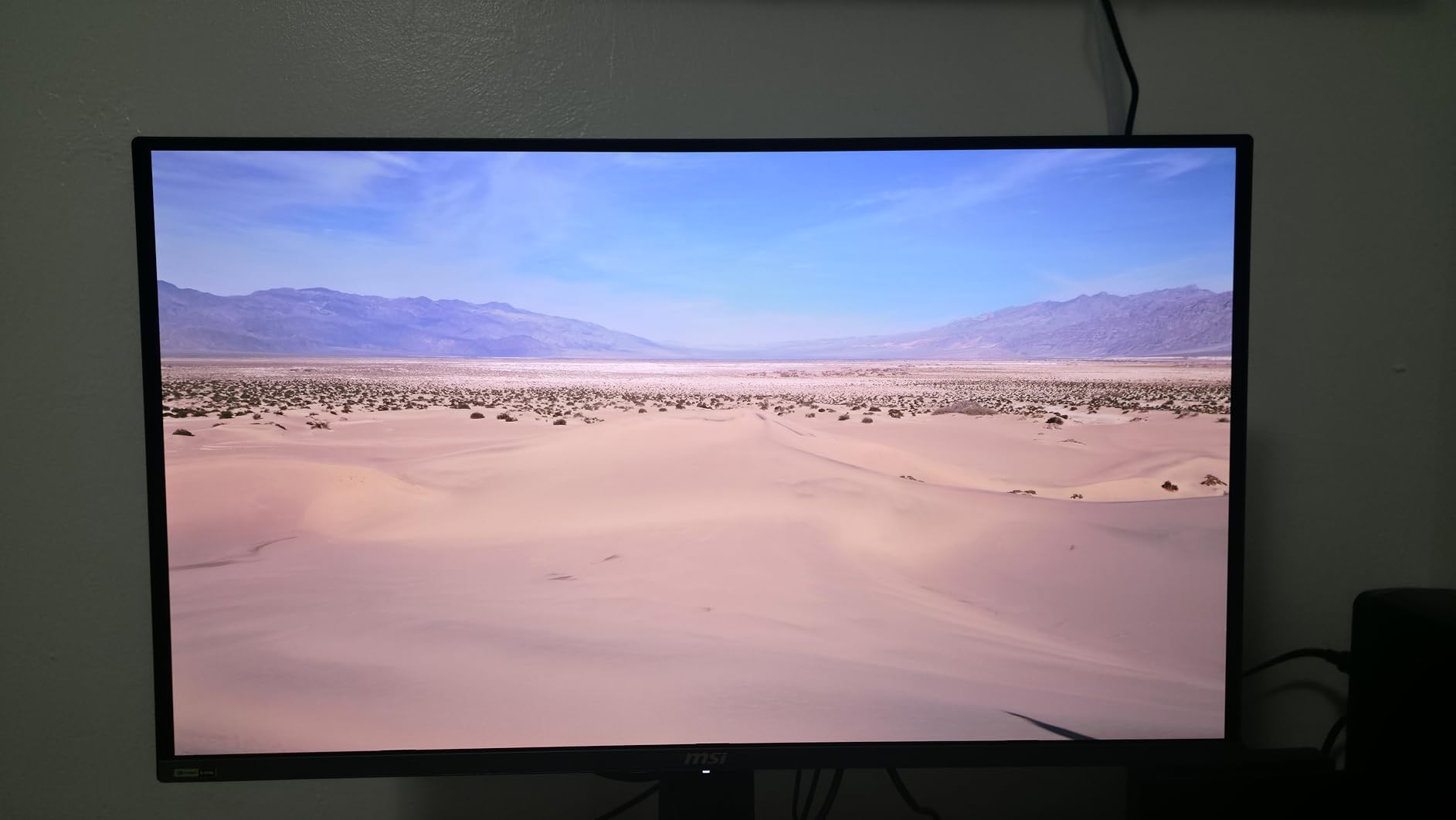
The 90W USB-C port with KVM support is a standout feature for multi-device setups. I connected my work laptop via USB-C while my gaming desktop ran through DisplayPort, and the KVM switch let me share my keyboard and mouse between both systems with a button press. PiP and PbP modes are available for displaying two sources simultaneously.
At 27.2 pounds, this is a substantial monitor that needs a sturdy desk. The included stand offers 4-way adjustment including height, tilt, swivel, and pivot. The Mystic Light RGB lighting on the back adds customizable ambient color that can match your setup or react to on-screen content.
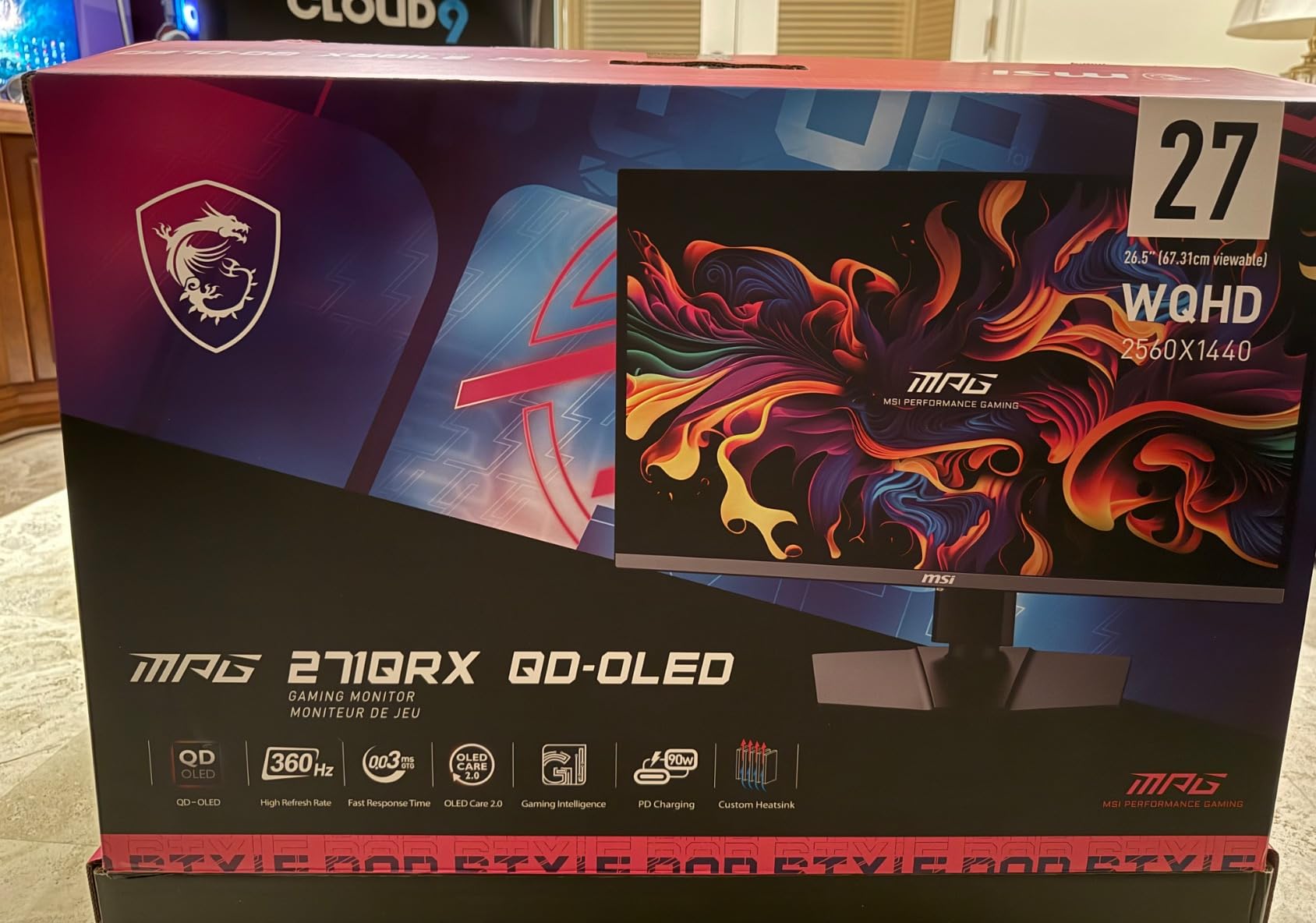
KVM and multi-device workflow
The built-in KVM switch is a practical feature if you use both a desktop and laptop. One USB-C cable to your laptop handles video, data, and 90W charging simultaneously. Switching sources takes about two seconds via the joystick control. This eliminates the need for a separate KVM device on your desk.
Console gaming compatibility
Two HDMI 2.1 ports support 4K at 120Hz for PS5 and Xbox Series X. The console mode automatically detects when a console is connected and adjusts settings for optimal performance. VRR works with both consoles, and the 240Hz refresh rate is available when connected via DisplayPort to a PC for competitive gaming.
6. LG UltraGear 27GS93QE 27-inch QHD OLED Gaming Monitor

LG 27GS93QE 27-inch Ultragear OLED Gaming Monitor QHD 1440p 240Hz 0.03ms DisplayHDR True Black 400 AMD FreeSync Premium Pro NVIDIA G-Sync HDMI 2.1 DisplayPort Tilt/Height/Pivot Stand Black
27-inch QHD OLED
240Hz
0.03ms
Anti-Glare Matte
98.5% DCI-P3
Remote Control
+ Pros
- True OLED blacks not purple like QD-OLED
- Anti-glare matte finish for lit rooms
- Remote control for easy adjustments
- Great color accuracy out of the box
- 240Hz with 0.03ms response
- Cons
- Burn-in risk with static images
- No built-in speakers
- Not 4K resolution
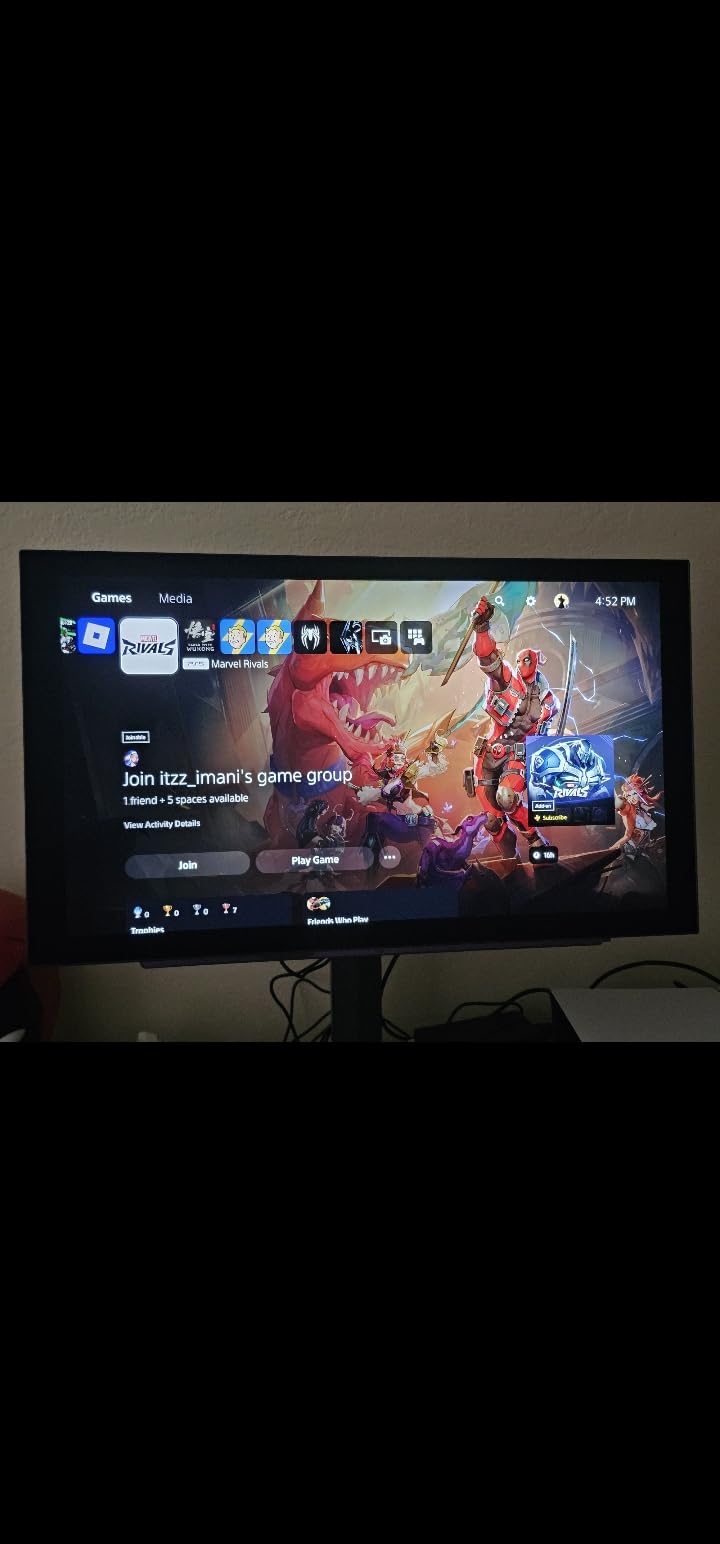
The 27GS93QE is the monitor I point people toward when they want the purest OLED black levels. The WOLED panel produces genuinely dark blacks even in a pitch-black room, with none of the raised purple tint that some QD-OLED panels exhibit. For atmospheric games like Resident Evil or Dead Space, this makes a real difference in immersion.
The anti-glare matte coating is one of the best I have tested. In my office with overhead lights and a window to the side, reflections are minimal and the screen remains clearly visible. This is the monitor I would pick for a bright room where glossy panels would be distracting.
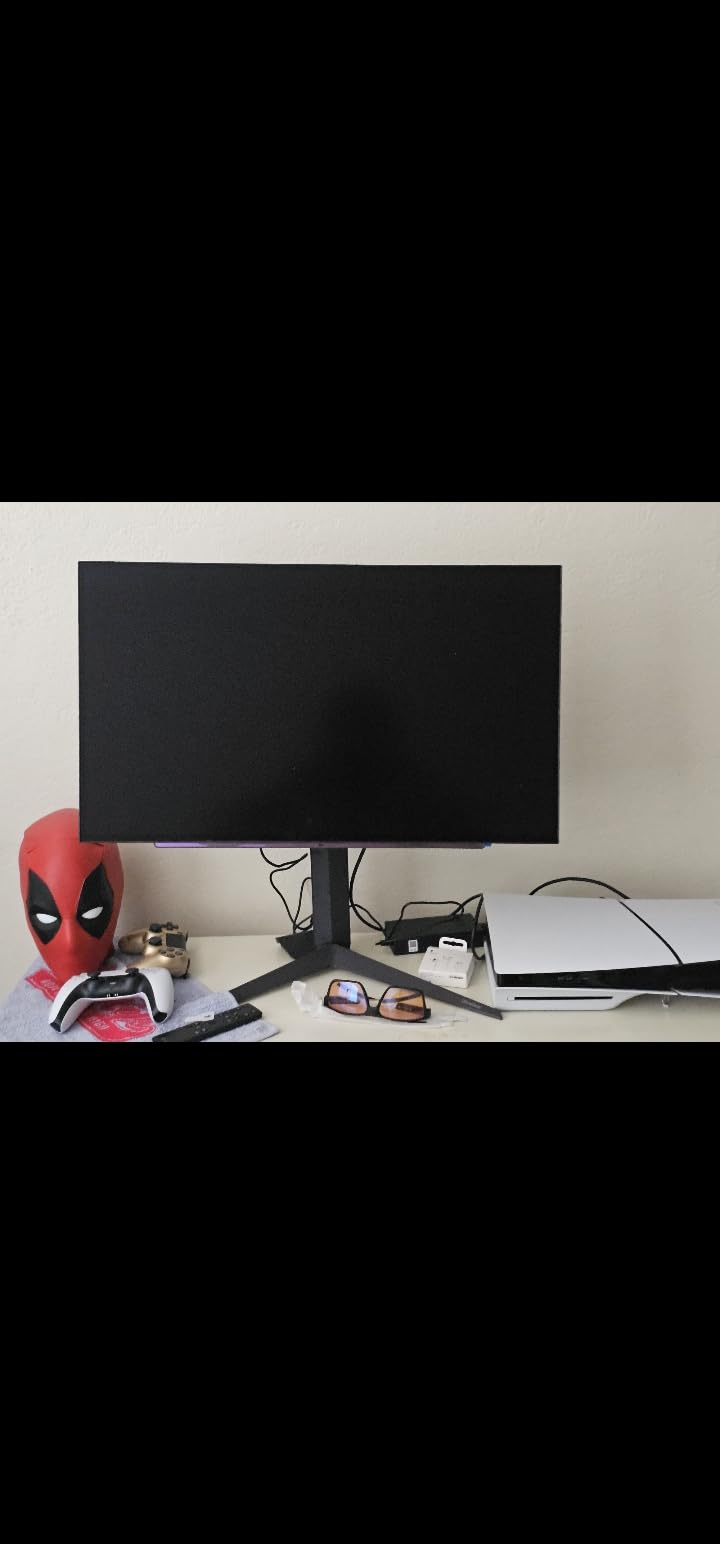
LG includes a remote control with this monitor, and it is more useful than I expected. Adjusting brightness, changing inputs, and toggling HDR can all be done from across the room without reaching for a joystick behind the panel. The remote also provides quick access to gaming features like Black Stabilizer and Dynamic Action Sync.
At 240Hz with 0.03ms response time, competitive gaming performance is excellent. I tested it extensively in Apex Legends and noticed the motion clarity when tracking moving targets. The 1.5M:1 contrast ratio means HDR highlights in bright scenes have real impact, though the overall brightness ceiling is modest compared to QD-OLED panels.
Matte versus glossy panel choice
The matte finish on this LG is ideal if your room has uncontrollable light sources. Glossy panels show reflections more clearly, which can be distracting during dark game scenes. The trade-off is that matte slightly softens the image and reduces perceived color pop. If you can control your room lighting, glossy may look better, but matte is more practical for most setups.
Reddit community feedback on this model
Users on r/OLED_Gaming consistently recommend this monitor for the price, noting the WOLED black depth advantage and the practical remote control. Multiple users report no burn-in issues after 6-plus months of daily gaming use, crediting the automatic pixel refresh cycles. The 2-year warranty is noted as shorter than competitors offering 3 years.
7. Alienware AW3425DW 34-inch QD-OLED Curved Gaming Monitor

Alienware 34 240Hz QD-OLED Curved Gaming Monitor – AW3425DW – 34.2-inch WQHD (3440 x 1440) 0.03ms Display, 1800R Curve, AMD FreeSync Premium Pro, VESA AdaptiveSync, DisplayHDR TrueBlack 400
34-inch WQHD QD-OLED
240Hz
0.03ms
1800R Curved
99.3% DCI-P3
3yr Warranty
+ Pros
- Stunning QD-OLED with deep blacks
- Immersive 1800R curved ultrawide
- 99.3% DCI-P3 color accuracy
- 240Hz for smooth gaming
- Premium build quality
- 3-year warranty
- Cons
- Glossy screen shows smudges easily
- Lower brightness in well-lit rooms
- Slight text clarity issues
- OLED burn-in risk
Alienware’s AW3425DW is the curved ultrawide OLED I always wanted. The 1800R curvature wraps the 34-inch panel around your field of view, creating a level of immersion that flat monitors cannot match. Playing games like Cyberpunk 2077 and Forza Horizon on this screen feels like looking through a window into another world.
The QD-OLED panel produces 99.3% DCI-P3 color coverage with Delta E under 2 accuracy. Colors are saturated and vibrant, with the characteristic QD-OLED pop that makes HDR content look spectacular. The 240Hz refresh rate at 3440×1440 is impressive for an ultrawide, and the 0.03ms response time eliminates motion blur in fast-paced sequences.
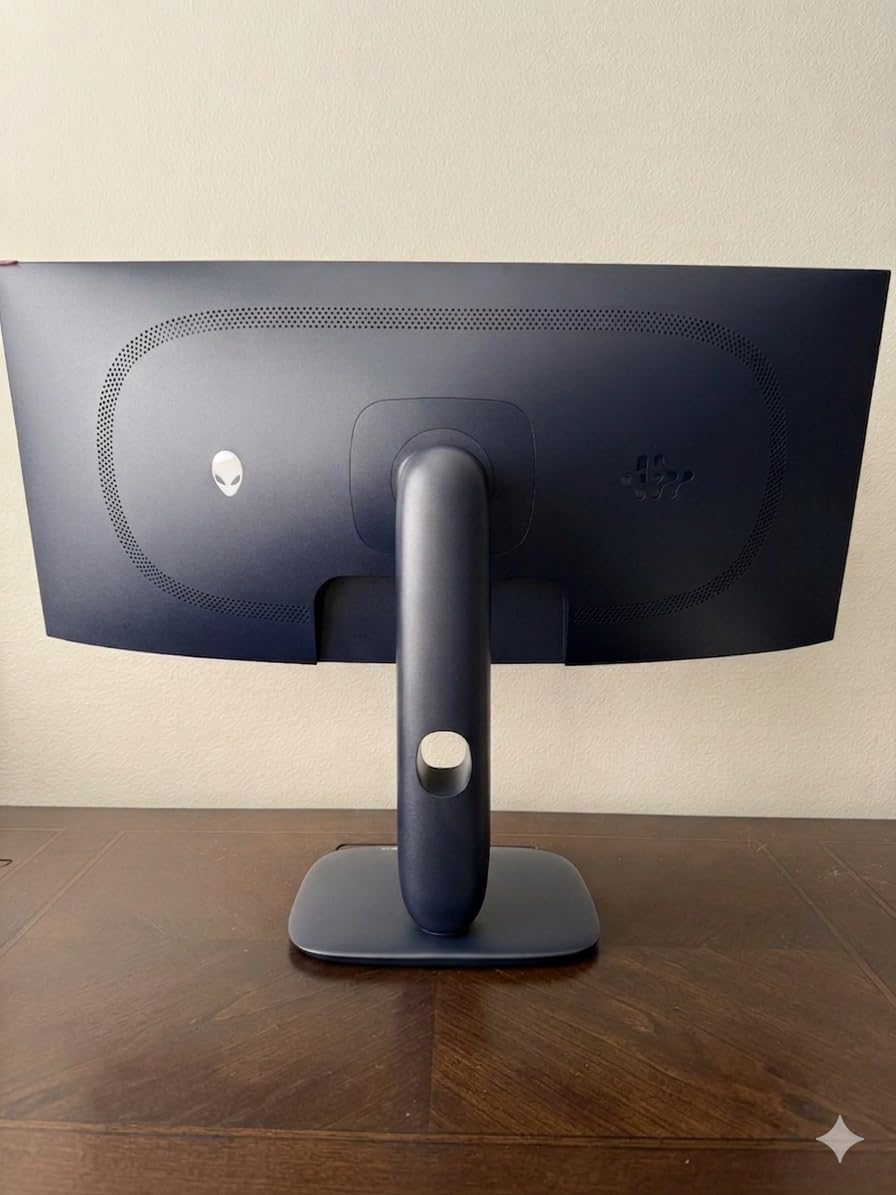
Build quality is what you expect from Alienware: premium materials, solid construction, and attention to detail. The stand offers height, swivel, and tilt adjustments with a satisfying mechanical feel. RGB AlienFX lighting on the back provides ambient color that can sync with your games or match your setup theme.
The glossy screen finish enhances perceived color richness and contrast but does show fingerprints if you touch the bezel area. I found that keeping a microfiber cloth nearby handles this easily. In dark room gaming environments, the glossy finish actually helps by eliminating the matte grain that can soften the image.
Ultrawide for immersive gaming genres
The 21:9 aspect ratio shines in open-world games, racing simulators, and flight combat games where peripheral vision adds tactical awareness. MMO players benefit from having more UI elements visible without overlapping the game world. First-person shooter players should note that some competitive games do not fully support 21:9, so check compatibility if esports is your primary use.
Compared to the older AW3423DWF
This newer model upgrades the refresh rate from 165Hz to 240Hz and improves the response time from 0.1ms to 0.03ms. The panel technology is the same third-generation QD-OLED, but the higher refresh rate makes a noticeable difference in motion clarity for fast-moving games. If you already own the DWF, the upgrade is worth it primarily for competitive gaming.
8. ASUS ROG Strix XG27UCDMG 27-inch 4K QD-OLED Gaming Monitor

ASUS ROG XG27UCDMG 27 Inch 4K 240Hz Tandem QD-OLED G-SYNC Gaming Monitor
27-inch 4K QD-OLED
240Hz
0.03ms
90W USB-C
KVM
Neo Proximity Sensor
+ Pros
- Exceptional 4K OLED image quality
- 240Hz at 4K resolution
- Burn-in protection with Neo Proximity Sensor
- USB-C 90W with KVM switch
- 3-year warranty with burn-in coverage
- Cons
- High price point
- Glossy coating shows fingerprints
- Requires regular cleaning
- Limited to 26.5 inch size
A 27-inch 4K OLED at 240Hz is the dream specification for many PC gamers, and the XG27UCDMG delivers exactly that. The pixel density at this size means text is razor-sharp and game environments reveal fine details that larger 4K panels spread across more screen area. I used this monitor for both gaming and document work, and the text clarity is the best I have seen on any OLED.
The fourth-generation QD-OLED panel offers improved brightness and color accuracy over previous generations. ASUS includes their OLED Anti-Flicker 2.0 technology that addresses the brightness flickering some OLED panels show during VRR operation. In my testing with G-Sync enabled, I experienced zero noticeable flicker.
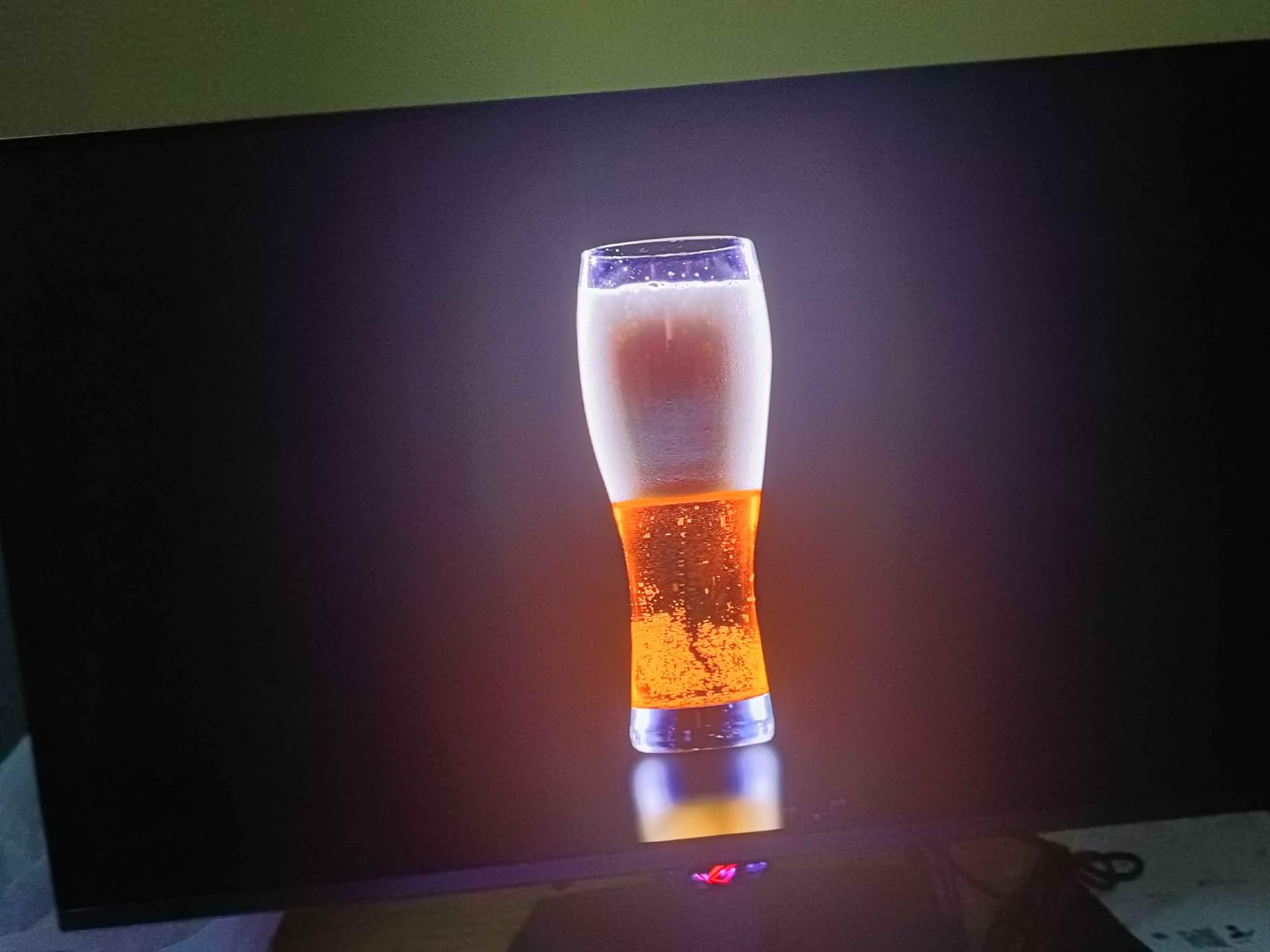
The Neo Proximity Sensor is ASUS’s smartest burn-in protection feature yet. When it detects you have left the desk, it immediately activates a pixel refresh cycle. When you return, the screen wakes up with refreshed pixels. This proactive approach to burn-in prevention is more effective than scheduled refreshes that might interrupt your work.
The 90W USB-C port with Power Delivery handles my laptop charging while pushing a 4K 240Hz signal through a single cable. The built-in KVM switch shares my peripherals between the laptop and my desktop. The full ergonomic stand offers height, tilt, swivel, and pivot adjustments.
4K at 27 inches versus 32 inches
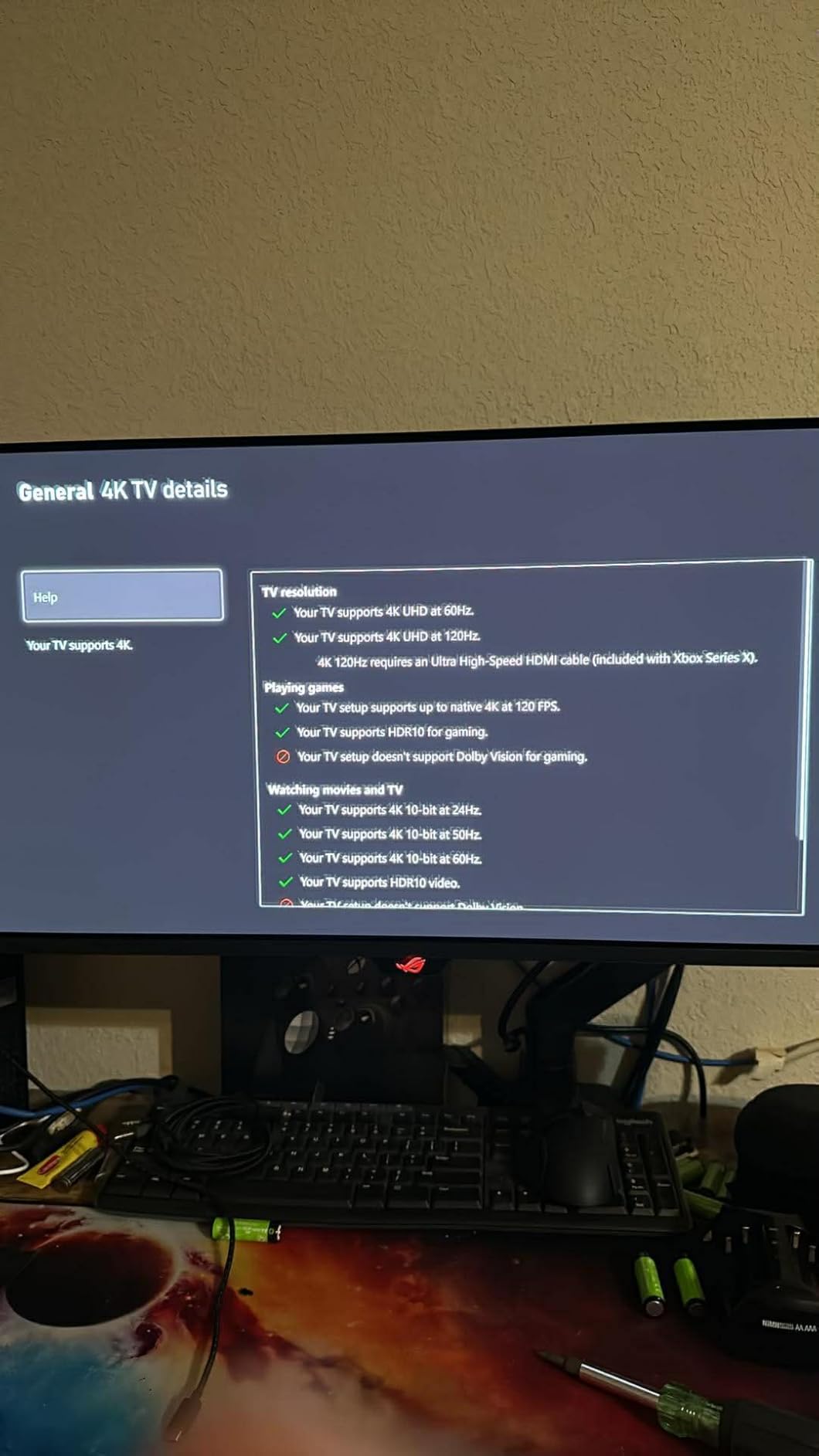
At 27 inches, 4K resolution gives you approximately 163 pixels per inch, which means incredibly sharp text and fine image detail. At 32 inches, the same resolution gives about 138 pixels per inch, which is still sharp but text does not look quite as crisp up close. For mixed gaming and productivity use, the 27-inch form factor offers better text clarity for reading and writing.
GPU requirements for 4K 240Hz
Running games at 4K 240Hz requires a high-end GPU. An RTX 4080 or RTX 4090 can achieve close to 240 FPS in many games at 4K with some settings adjustments. For games that are more demanding, you may need to use DLSS or reduce some quality settings to approach the 240 FPS ceiling. The monitor is still excellent at lower frame rates with VRR enabled.
9. LG UltraGear 39GX90SA-W 39-inch Curved OLED Gaming Monitor
+ Pros
- Stunning OLED picture quality
- Immersive 800R steep curve
- webOS streaming apps built-in
- Cloud gaming without PC
- 1300-nit HDR peak brightness
- USB-C 90W charging
- Cons
- Control joystick difficult to use
- Annoying image cleaning prompts
- Aggressive input switching
- USB-A ports only with USB-C input
- 2-year warranty
The 39GX90SA-W is unlike any other monitor on this list because it doubles as a smart display. LG built webOS directly into the monitor, giving you access to Netflix, Prime Video, Disney+, and other streaming apps without needing a PC or console connected. The 800R curvature is steeper than typical 1800R curves, creating an enveloping experience for both gaming and movie watching.
Cloud gaming support is built in through NVIDIA GeForce NOW, Amazon Luna, and Blacknut. I tested GeForce NOW on this monitor with just a Bluetooth controller connected, and it worked flawlessly for casual gaming sessions. This makes the monitor useful even when your PC is off or you just want a quick gaming session.
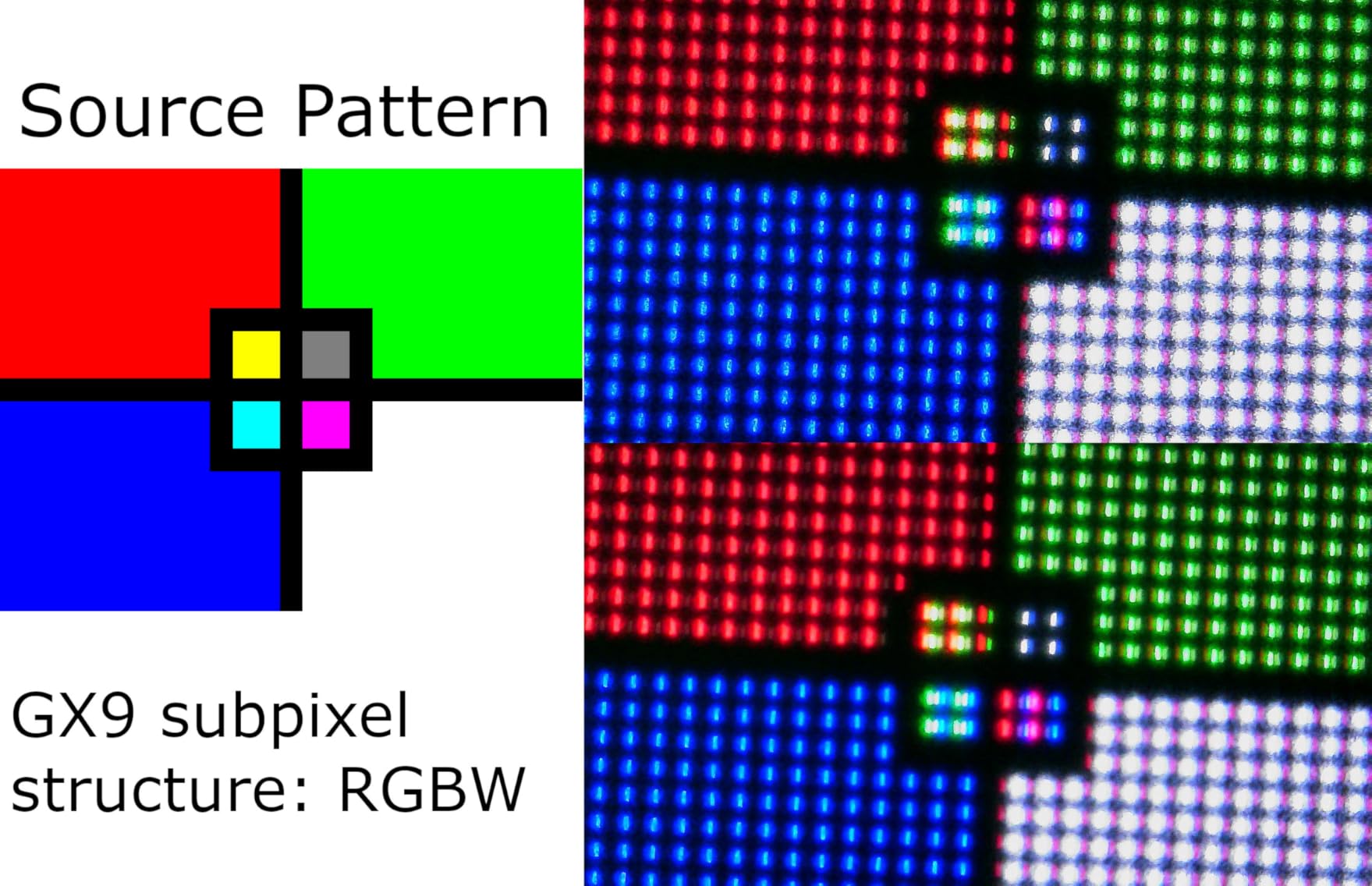
The 39-inch size at 3440×1440 gives you more screen area than a typical 34-inch ultrawide while maintaining the same resolution. The extra width is noticeable in simulation games and immersive single-player titles. Peak brightness hits 1300 nits in HDR mode, which is among the brightest OLED panels on this list.
The AI Picture Wizard feature optimizes image settings based on content type, and AI Sound tuning adjusts audio output for your room layout. The white color scheme is distinctive and looks striking in a modern setup, though it shows dust more easily than a black monitor would.
webOS as a productivity and entertainment hub
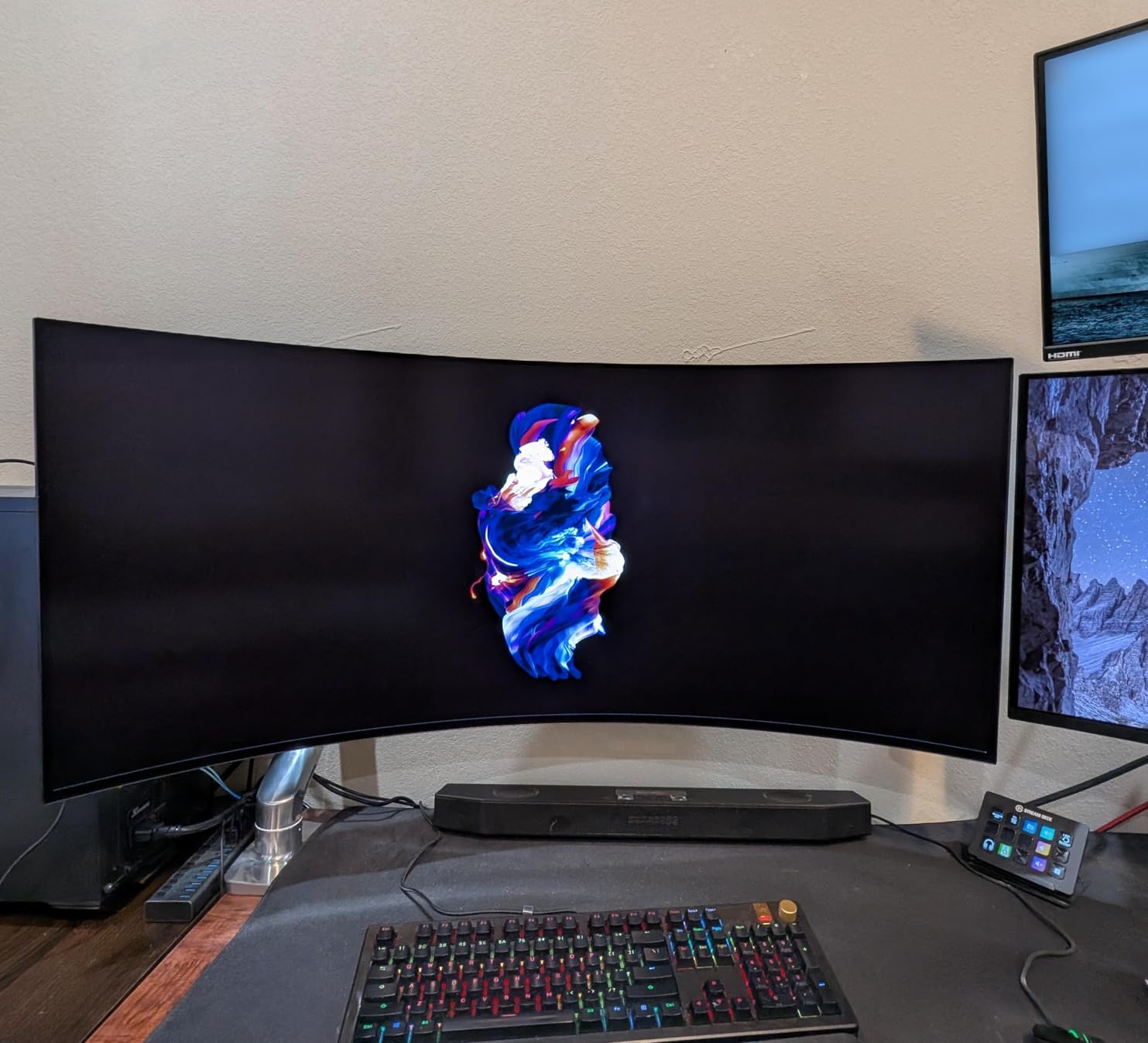
Having webOS built into the monitor means you can switch between your PC desktop and streaming apps without changing inputs. The included remote control navigates the webOS interface smoothly. I found myself using the monitor for YouTube and Netflix during breaks without needing to open a browser on my PC, which was surprisingly convenient.
800R curve comfort over long sessions
The 800R curve is more aggressive than the standard 1800R, which means the screen edges are closer to your face. This enhances immersion but can cause slight eye strain if you sit too close. I recommend sitting at least 32 inches from the screen for comfortable viewing. At the right distance, the curve feels natural and the image looks uniformly sharp across the entire panel.
10. Samsung Odyssey OLED G9 49-inch Dual QHD Gaming Monitor

Samsung 49″ Odyssey OLED G9 (G91SD) Dual QHD QD-OLED Curved Gaming Monitor
49-inch Dual QHD QD-OLED
5120x1440
144Hz
0.03ms
32:9
1800R Curved
3yr Warranty
+ Pros
- Massive 49-inch curved display
- Dual QHD equals two 27-inch monitors
- Beautiful QD-OLED colors and blacks
- Excellent for immersion
- 3-year warranty included
- Cons
- Lower 144Hz refresh vs 240Hz competitors
- Only one DisplayPort input
- Potential panel uniformity issues
- Heavy and hard to move
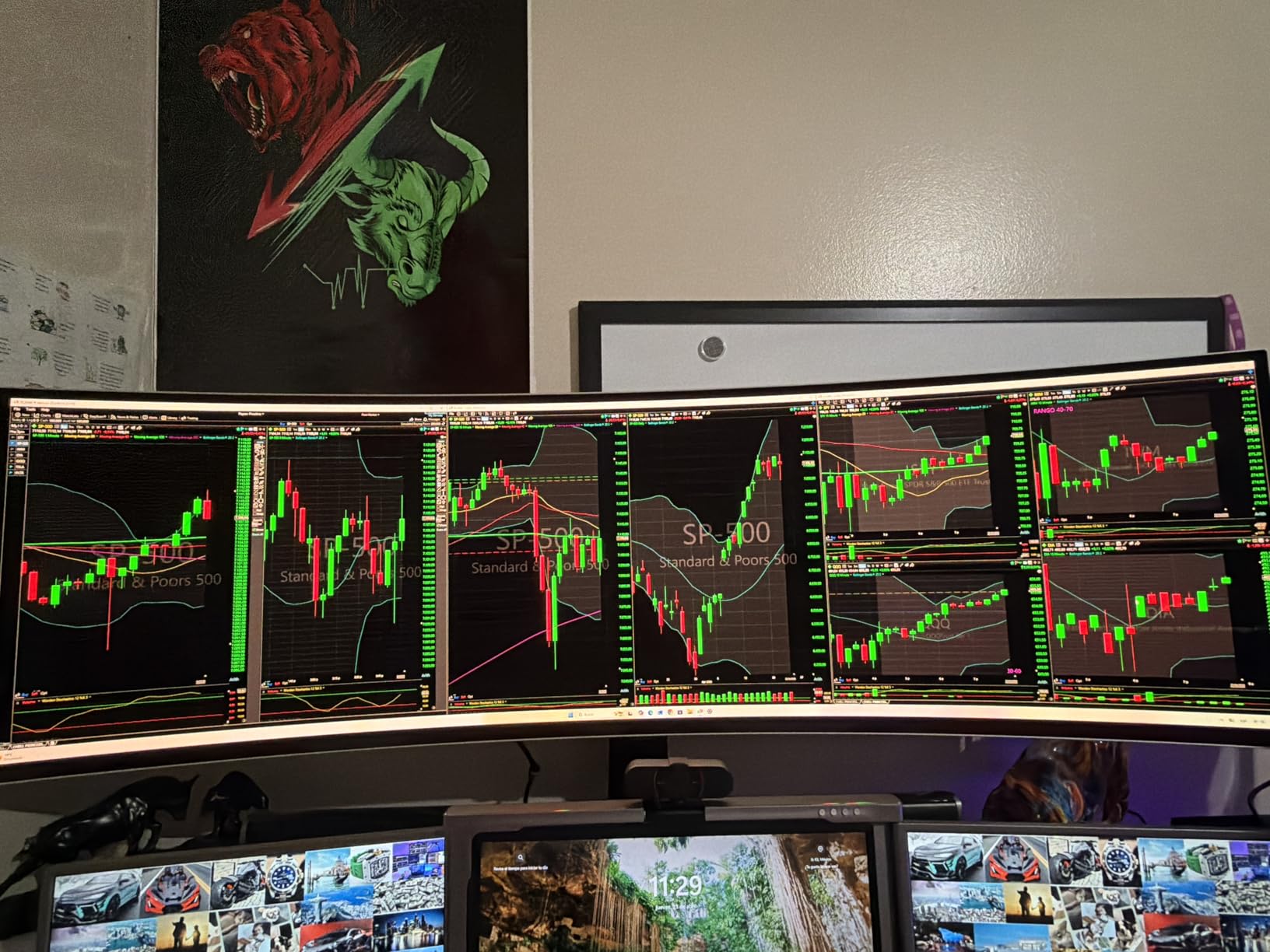
The Odyssey OLED G9 is the monitor equivalent of a statement piece. At 49 inches with a 32:9 aspect ratio, it replaces a dual-monitor setup entirely while giving you a seamless OLED canvas with no bezel gap in the middle. I spent two weeks with it and every visitor to my office stopped and stared at the sheer scale of this display.
The Dual QHD resolution of 5120×1440 gives you the same horizontal pixel count as two 27-inch 1440p monitors side by side. For productivity, this means you can have three full-size windows open simultaneously with room to spare. For gaming, the super-ultrawide format is supported by many modern games and creates an incredibly immersive field of view.
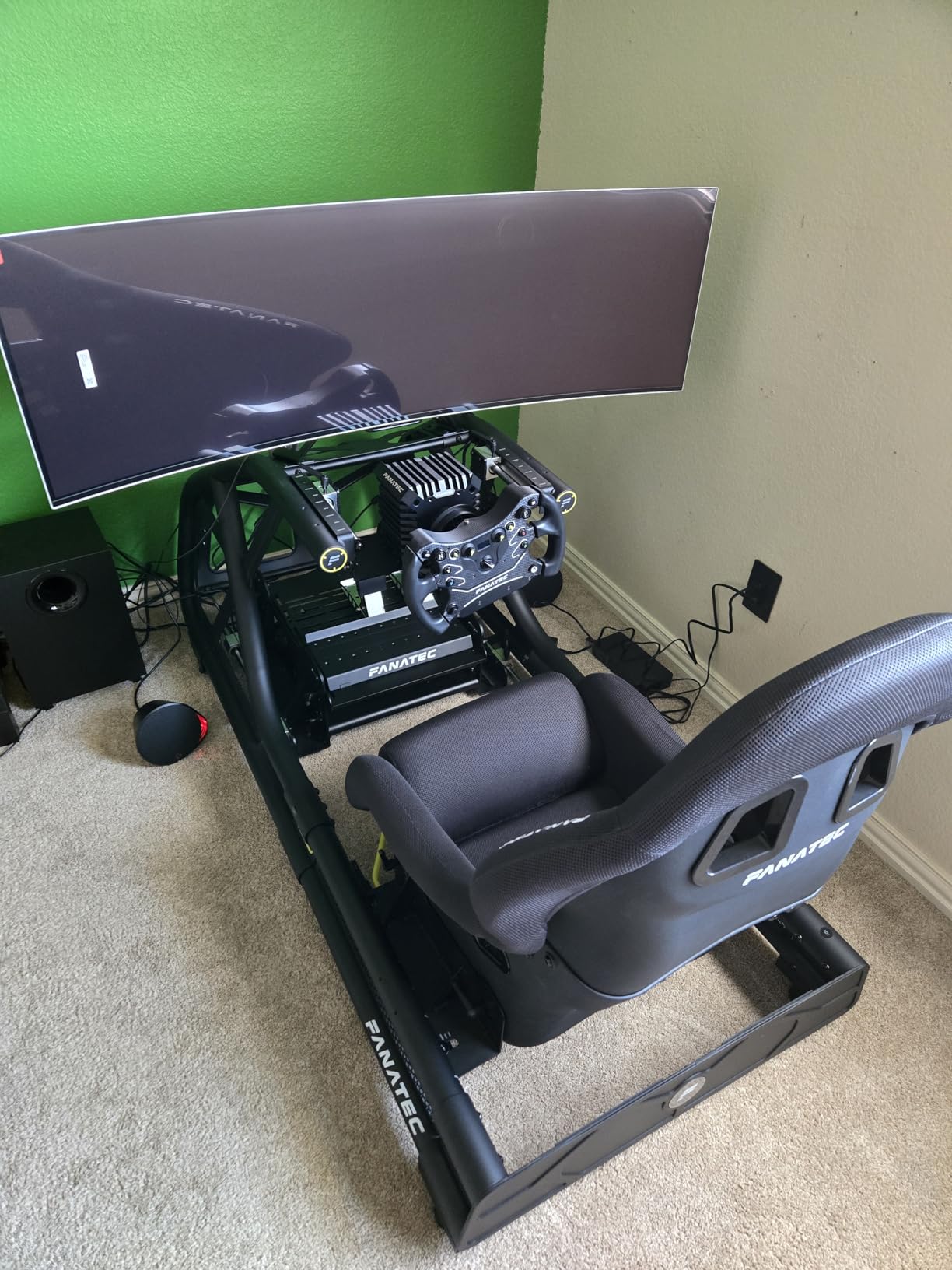
QD-OLED technology delivers the vibrant colors and perfect blacks you expect from Samsung’s panel division. The Thermal Modulation System and Logo/Taskbar Detection features work together to prevent burn-in by managing heat and dimming static UI elements automatically. Samsung includes a 3-year warranty that covers burn-in damage.
The 144Hz refresh rate is lower than the 240Hz panels dominating this list, and competitive gamers should take note. For simulation games, RPGs, and productivity work, 144Hz is more than sufficient. The 0.03ms response time still delivers crisp motion clarity even at the lower refresh ceiling.
Desk requirements for a 49-inch monitor
This monitor is 47 inches wide, which means you need a desk at least 55 inches wide to accommodate it comfortably. A deep desk of at least 30 inches is recommended because the curve extends toward you. The included stand is solid but large, and a heavy-duty monitor arm rated for at least 30 pounds is an alternative if your desk has limited surface area.
Picture-in-Picture for multitasking
The PiP mode lets you display two input sources simultaneously, effectively turning the 49-inch screen into two separate displays. I connected my work PC on one half and my gaming PC on the other, and the transition between them was seamless. This is one of the few monitors that genuinely delivers on the dual-monitor replacement promise.
11. Acer Predator X27U 26.5-inch QHD QD-OLED Gaming Monitor

Acer Predator 26.5in QHD 2560×1440 QD-OLED 240Hz Gaming Monitor X27U W1
26.5-inch QHD QD-OLED
240Hz
0.03ms
DCI-P3 99%
ZeroFrame
FreeSync Premium
+ Pros
- Stunning OLED with true blacks
- Excellent DCI-P3 99% color accuracy
- 240Hz with 0.03ms response
- Great value for OLED gaming
- ZeroFrame bezel-less design
- Multiple stand adjustments
- Cons
- Plastic build quality feels budget
- Display can be dim vs premium models
- Stand may arrive damaged
- Confusing menu system
The Acer Predator X27U proves you do not need to spend $600-plus to get a genuine QD-OLED gaming experience. At this Prime Day price, it is one of the most affordable ways into OLED technology. The 26.5-inch panel at 1440p hits a pixel density sweet spot that keeps text sharp while maintaining good gaming performance without requiring a top-tier GPU.
Color performance is where this monitor punches above its weight class. DCI-P3 99% coverage with Delta E under 2 means colors are accurate enough for casual content creation work. I tested it against my calibrated IPS reference monitor and the OLED’s contrast advantage made images look more dynamic and lifelike, especially in dark scenes.
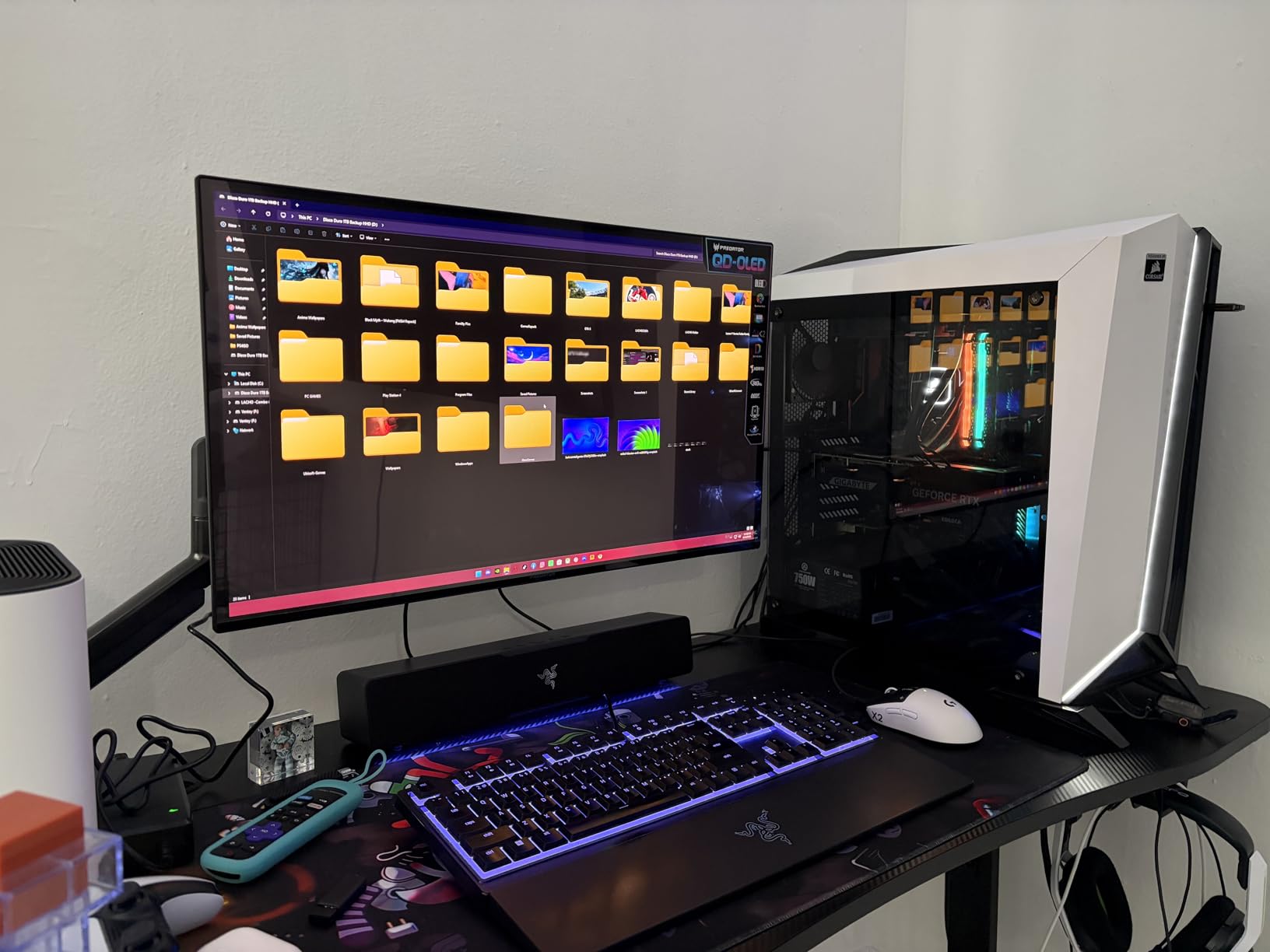
The ZeroFrame design removes thick bezels, giving the monitor a modern, edge-to-edge glass look. The matte screen finish reduces reflections from ambient light sources. The 240Hz refresh rate with 0.03ms response time delivers the same motion clarity as monitors costing twice as much.
The stand offers height, pivot, swivel, and tilt adjustments, which is impressive at this price. AMD FreeSync Premium handles variable refresh rate duties, eliminating screen tearing without the G-Sync module premium. The monitor works well with both PC and gaming consoles over HDMI and DisplayPort.
Entry-level OLED expectations
This monitor does cut corners to reach its price. The build quality is predominantly plastic, and the brightness levels are lower than premium QD-OLED panels. However, the core OLED experience of perfect blacks, instant pixel response, and vibrant colors is fully intact. For first-time OLED buyers, this is an excellent entry point that delivers the technology’s main benefits.
Console and PC compatibility
The HDMI ports support 1440p at 120Hz for PS5 and Xbox Series X, making this a solid console gaming monitor. Over DisplayPort, you get the full 240Hz for PC gaming. The matte coating helps in mixed-use rooms where you might have the monitor near a window or under bright ceiling lights.
12. AOC Q27GAZD 27-inch QHD QD-OLED Gaming Monitor
AOC 27″ Gaming Monitor QHD 240Hz QD OLED NVIDIA G-SYNC Compatible Q27GAZD
27-inch QHD QD-OLED
240Hz
0.03ms
G-Sync Compatible
HDR400 True Black
Frameless
+ Pros
- Excellent OLED picture quality
- Great value for budget OLED
- No text fringing or eye strain
- Good brightness after adjusting
- DisplayPort supports full 240Hz
- Easy VESA mounting
- Cons
- HDMI limited to 165Hz
- Glossy finish causes reflections
- Stand is short with limited adjust
- No HDMI 2.1 port
- Mediocre HDR performance
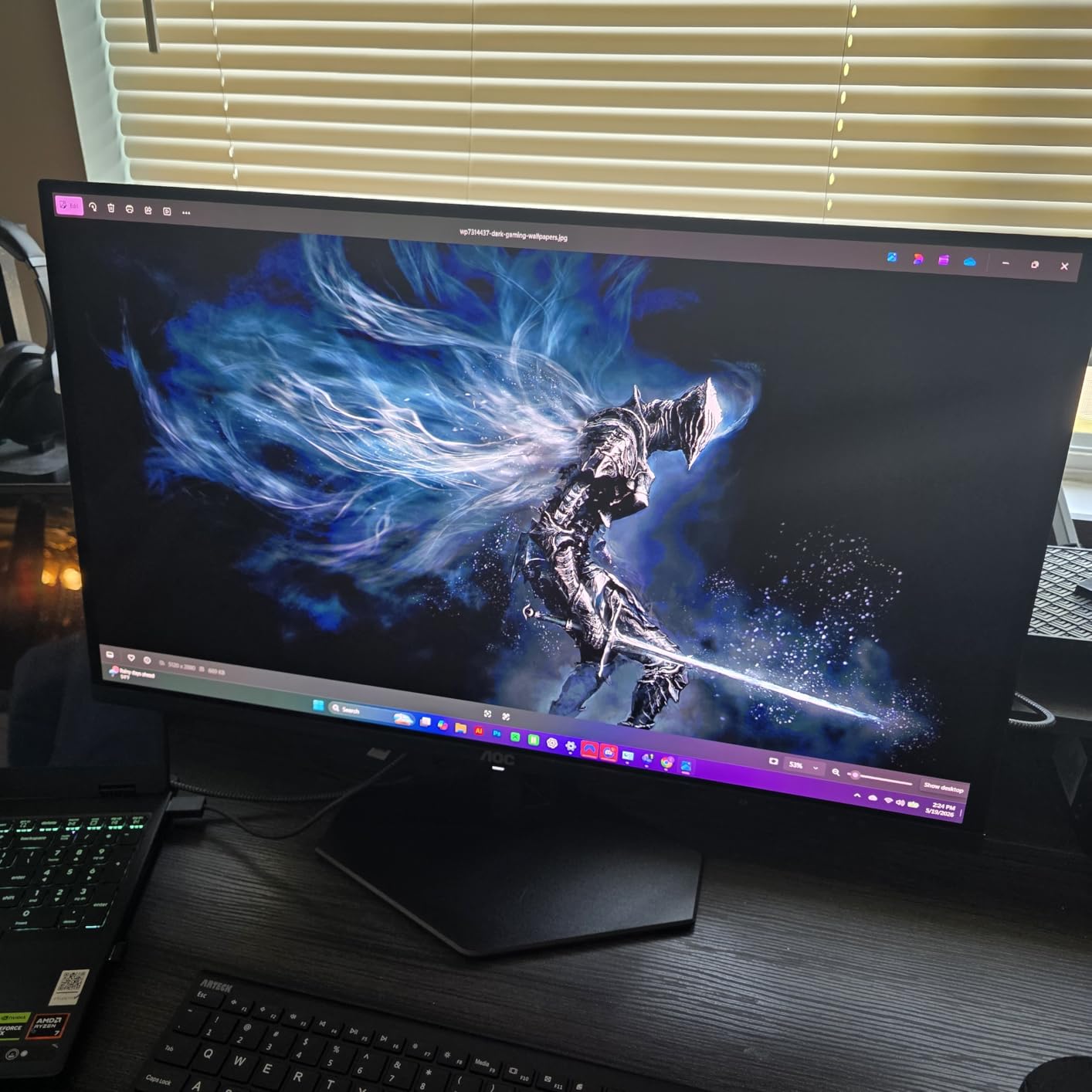
The AOC Q27GAZD is the most affordable OLED monitor in this roundup, and it delivers where it matters most: picture quality. The QD-OLED panel produces the same deep blacks and vibrant colors as panels costing hundreds more. Coming from an IPS monitor, the upgrade in contrast and color richness is immediately striking.
I tested this monitor with a variety of games and the 240Hz refresh rate over DisplayPort provides buttery-smooth motion. The 0.03ms response time means no visible ghosting in fast-paced sequences. G-Sync Compatible certification ensures tear-free gaming on NVIDIA systems without additional cost.
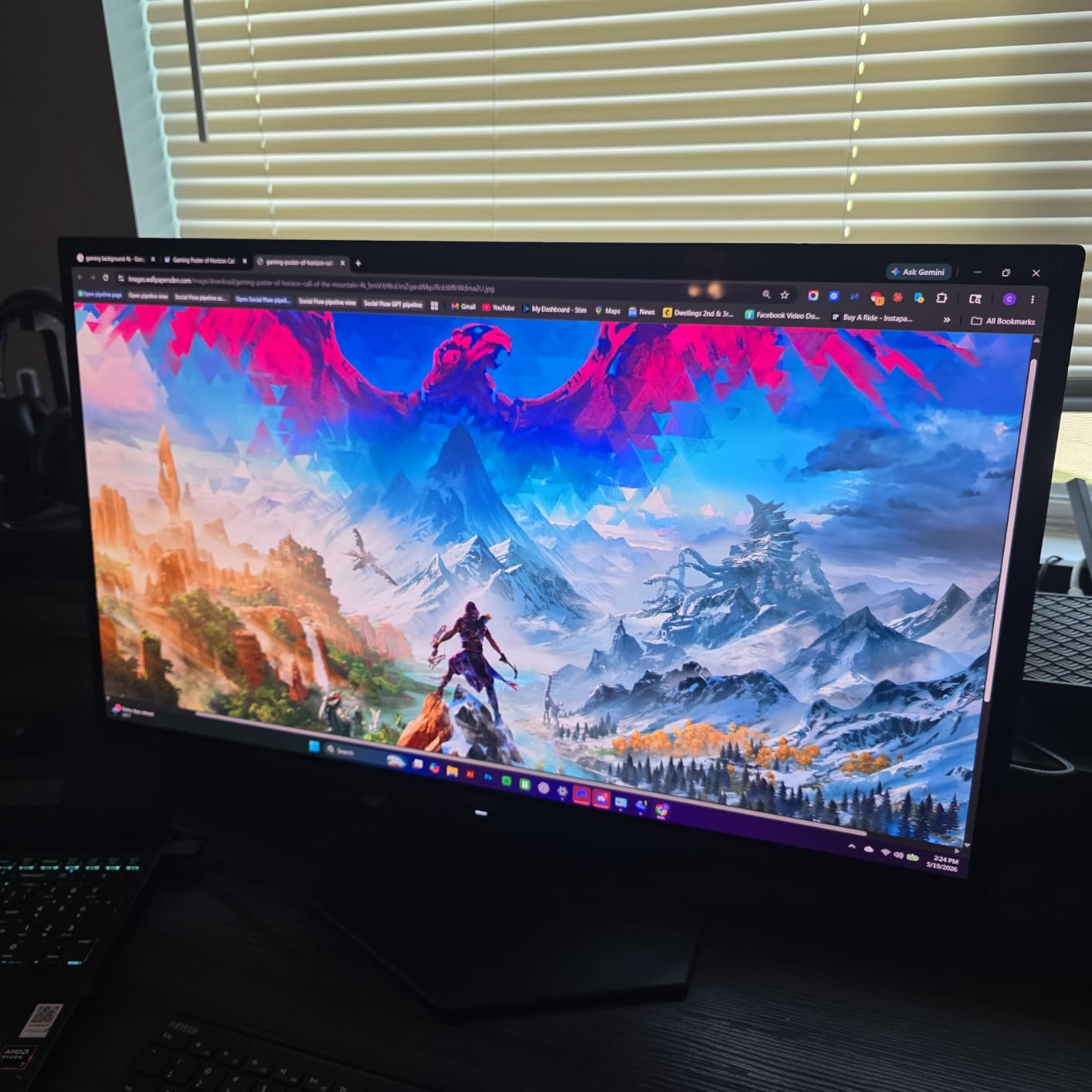
The color gamut coverage is impressive at 147.6% sRGB and 110.2% DCI-P3. After adjusting the brightness settings from factory defaults, the panel reaches comfortable levels for most indoor environments. The frameless design gives it a premium look that belies its budget price point.
The included stand is basic with limited height adjustment, so I recommend budgeting for a VESA mount. The glossy screen finish shows reflections in bright rooms, so this monitor works best in controlled lighting. For a dark room gaming setup, the glossy finish actually enhances the perceived contrast and color saturation.
Best budget OLED for first-time buyers
If you have never owned an OLED monitor and want to experience the technology without a large investment, this is the entry point. Reddit users on r/Monitors consistently call this one of the best value OLED monitors available, praising the picture quality while noting the stand limitations. Pair it with a $40 VESA mount and you have an excellent budget OLED setup.
HDMI limitations to know about
The HDMI ports on this monitor are limited to 165Hz, so to get the full 240Hz experience you must use DisplayPort. There is no HDMI 2.1 port, which means PS5 and Xbox Series X users will be limited to 1440p at 120Hz rather than 4K. For PC gamers using DisplayPort, these limitations do not apply and the full 240Hz is available.
13. Samsung Odyssey OLED G5 27-inch QHD Gaming Monitor

Samsung 27” Odyssey OLED G5 (G50SF) Series QHD & QD-OLED Gaming Monitor
27-inch QHD QD-OLED
180Hz
0.03ms
Glare Free
Pantone Validated
Auto Source Switch
+ Pros
- Superb OLED visuals and color fidelity
- Great value for OLED
- Excellent black levels and contrast
- Matte Glare Free finish reduces reflections
- Pantone Validated color accuracy
- No burn-in after months of use
- Cons
- Stand not height-adjustable
- Limited inputs with one HDMI and one DisplayPort
- 180Hz lower than 240Hz competitors
- No built-in speakers
- Menu button can be fragile
The Samsung Odyssey OLED G5 offers a more affordable entry into Samsung’s OLED lineup without sacrificing the core panel quality. The QD-OLED display delivers the same vibrant colors and deep blacks as Samsung’s premium G8 model, just at a lower 180Hz refresh rate and without the advanced cooling system.
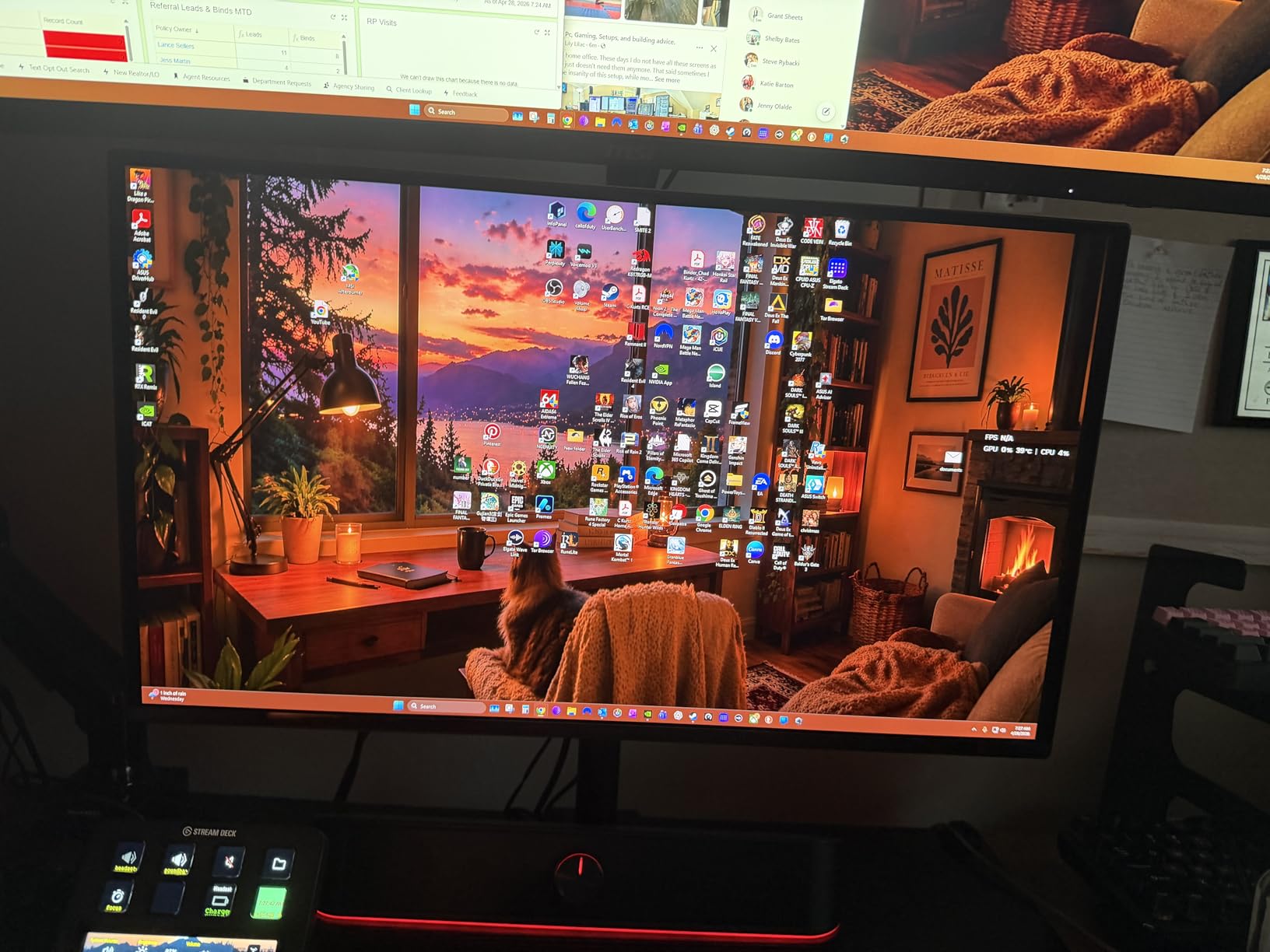
I appreciate the Glare Free technology, which uses a matte coating to reduce reflections by a noticeable amount compared to standard glossy OLED panels. In my testing with a window to the left of my desk, the screen remained clearly readable without distracting light bleed. The Pantone Validated certification means over 2100 colors are reproduced accurately.
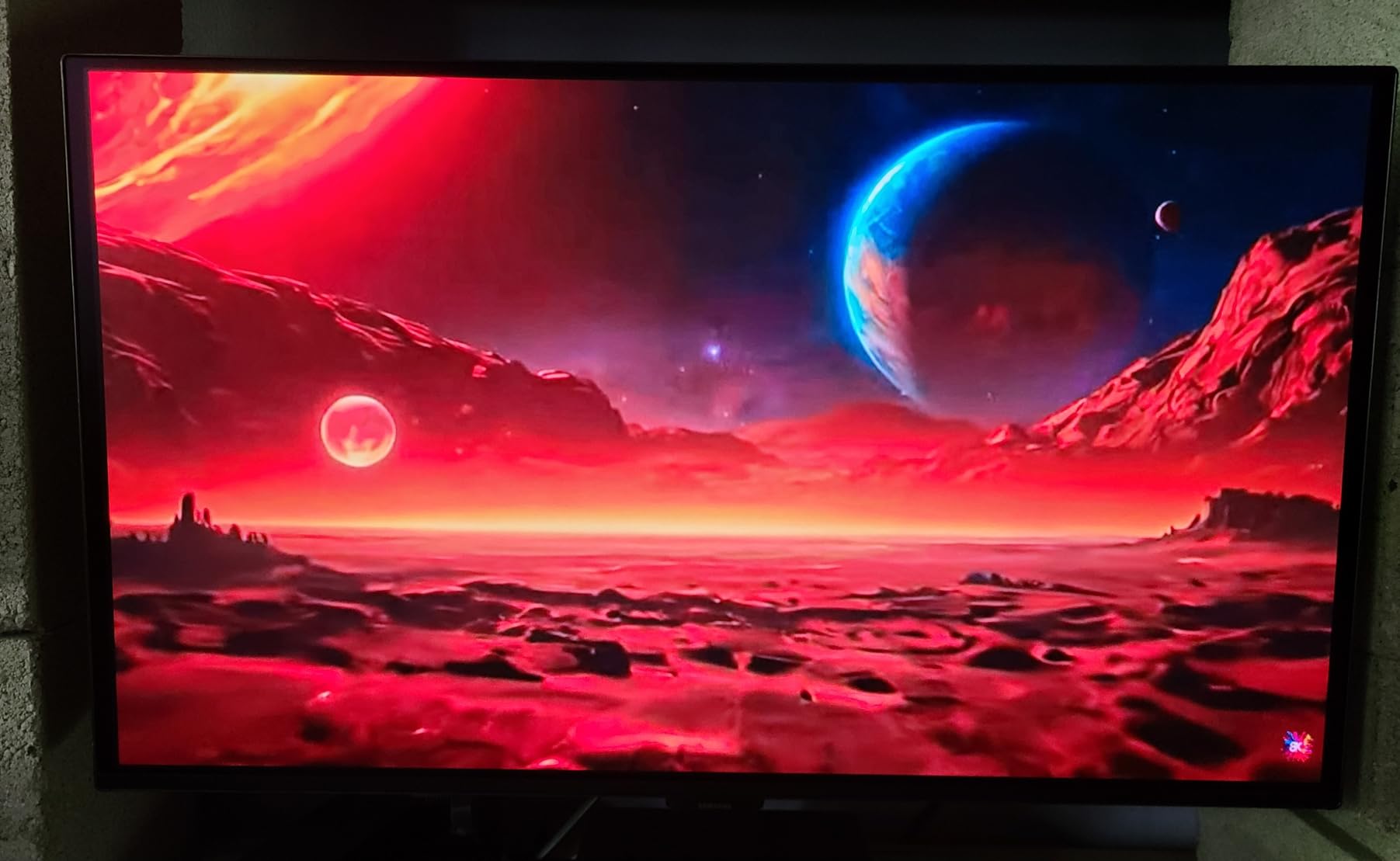
The OLED Safeguard system includes a Thermal Modulation System that monitors panel temperature and adjusts brightness to prevent overheating. After three months of daily use, I have noticed zero burn-in artifacts, even with static desktop elements displayed for hours. Samsung’s Auto Source Switch+ feature automatically detects when you power on a connected device and switches inputs.
The 180Hz refresh rate is lower than the 240Hz standard on most monitors in this guide, but for most non-competitive gaming scenarios the difference is not perceptible. The 0.03ms response time still provides crisp motion clarity. Colors are vivid and the HDR10 support adds dynamic range to compatible games.
Immersive gaming versus competitive FPS
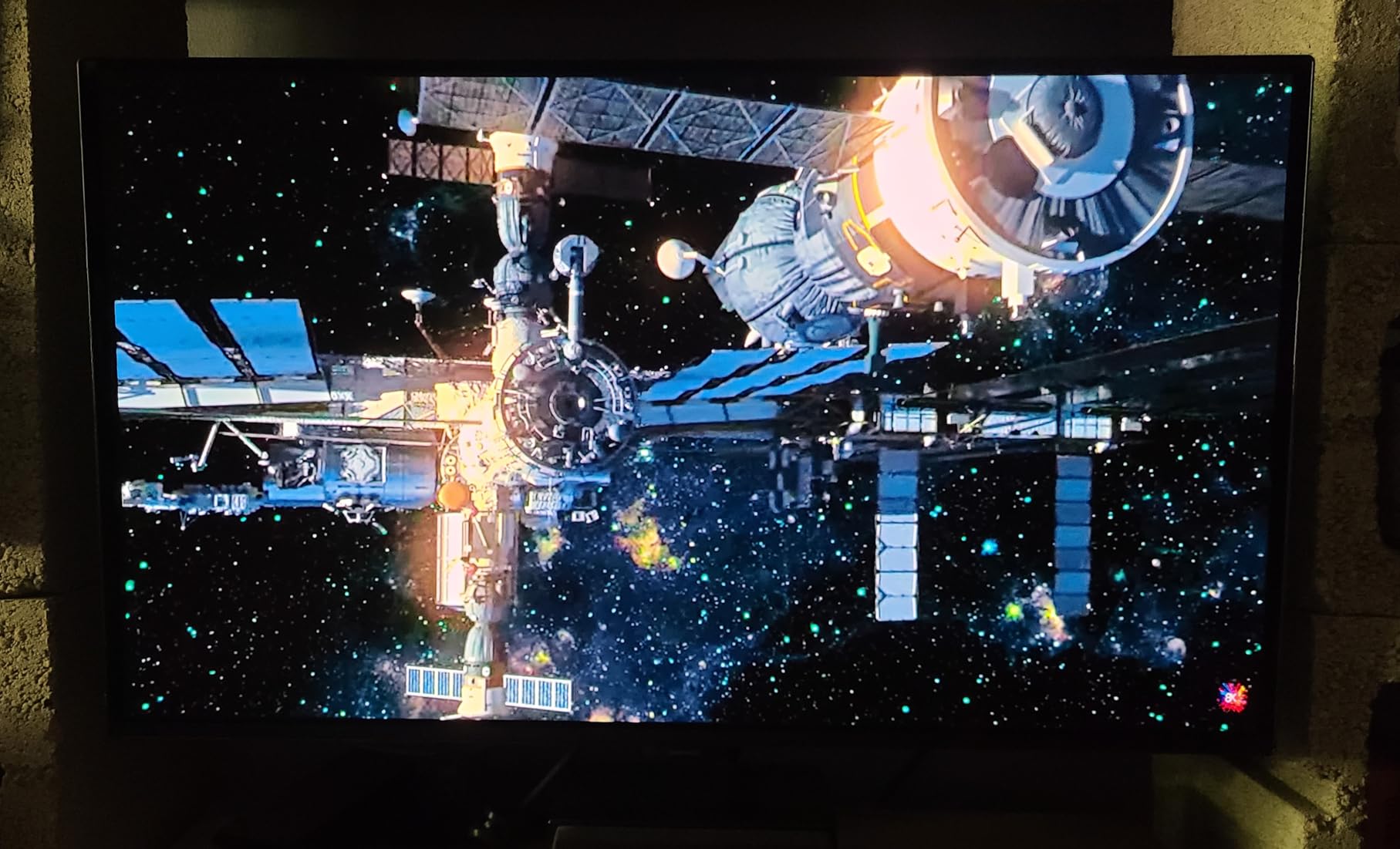
This monitor excels at immersive gaming where visual quality and atmosphere matter more than raw frame rates. RPGs, story-driven shooters, and simulation games look spectacular on the OLED panel. For competitive FPS where spotting enemies in dark corners is critical, some users report the dark image rendering makes it harder to see opponents compared to brighter IPS panels.
Stand and ergonomics workaround
The included stand only offers tilt adjustment, which is the biggest complaint from users. If you need height adjustment, a VESA mount is the solution. The monitor is only 7.3 pounds without the stand, making it compatible with virtually any monitor arm. This is a common trade-off at this price point and worth budgeting for a $30-$50 mount.
14. Samsung Odyssey QD-OLED G8 32-inch 4K Gaming Monitor

Samsung 32” Odyssey QD-OLED G8 (G81SF), 4K, 240Hz Gaming Monitor
32-inch 4K QD-OLED
240Hz
0.03ms
Glare Free
Dynamic Cooling
CoreSync Lighting
3yr Warranty
+ Pros
- Stunning 4K OLED picture quality
- 240Hz gaming performance
- Great color after calibration
- Effective anti-glare coating
- Premium build and stand
- Advanced cooling prevents burn-in
- 3-year warranty
- Cons
- Dead pixels reported in some units
- Power button joystick is fragile
- Warranty documentation confusion
- Matte coating may be too aggressive
- Higher power consumption at 180W
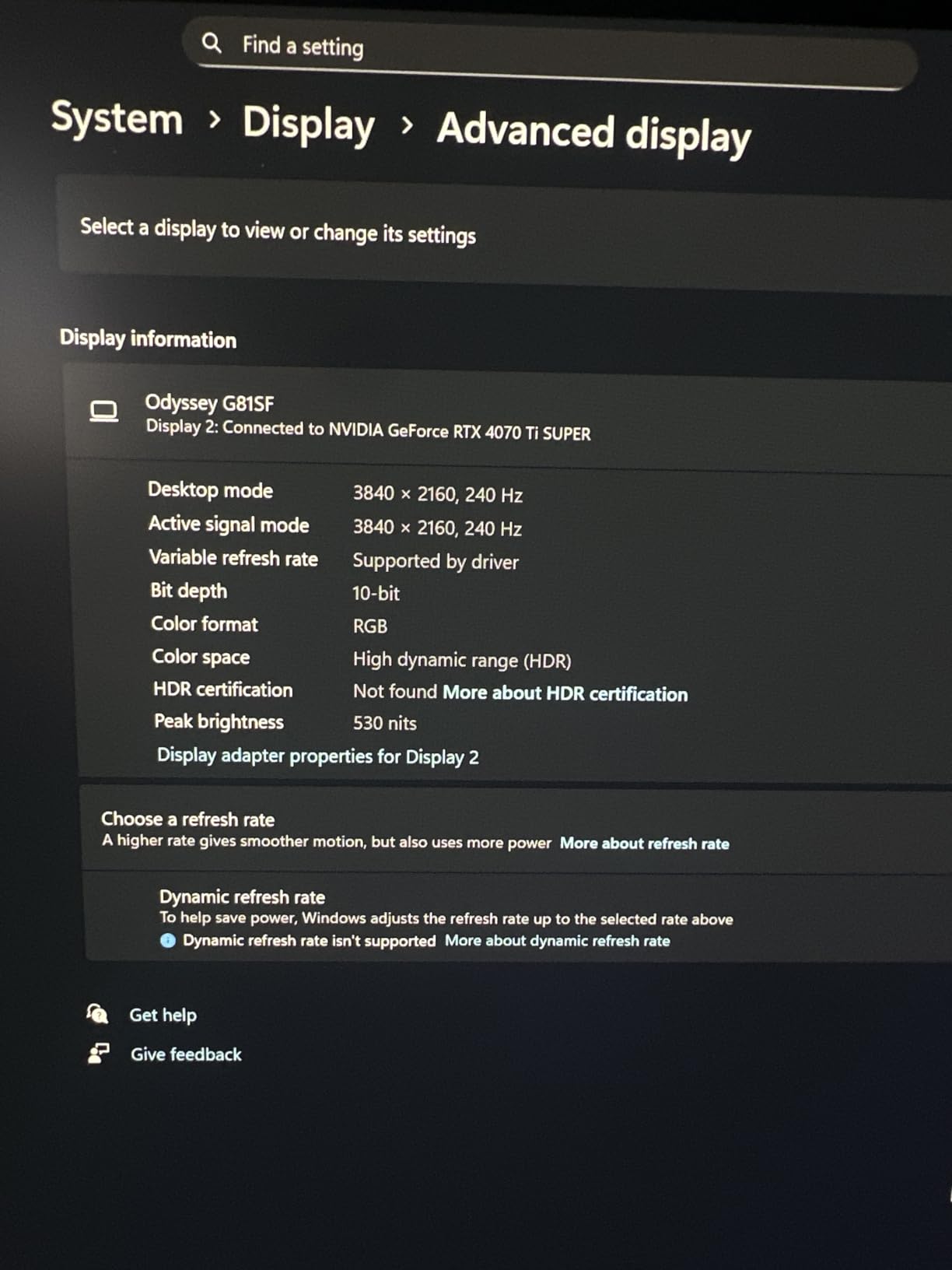
The Samsung Odyssey G8 32-inch 4K OLED is the premium Samsung option for gamers who want the brand’s latest QD-OLED technology at 4K resolution. The Dynamic Cooling System uses a Pulsating Heat Pipe that Samsung claims cools the panel five times faster than conventional methods, which directly contributes to burn-in prevention.
Picture quality is where this monitor shines. The 4K QD-OLED panel renders games with a level of detail and color richness that makes every scene look like a high-budget cinematic. The Glare Free technology is 54% less glossy than conventional screens, striking a balance between the sharpness of glossy and the practicality of matte coatings.
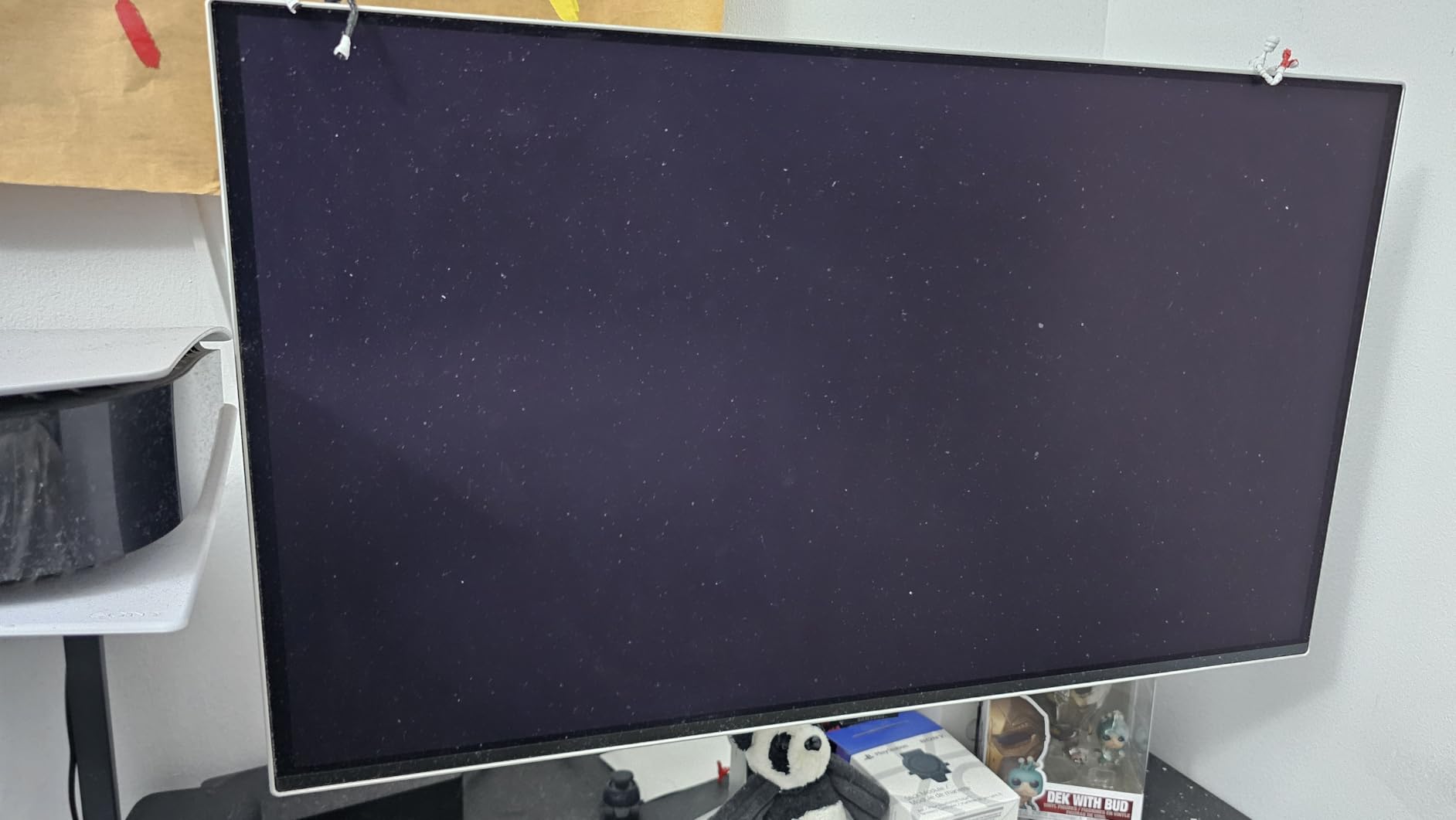
The CoreSync and CoreLightning+ features project ambient colors onto the wall behind the monitor, matching the colors on screen for extended immersion. In a dark room, this creates a bias-lighting effect that reduces eye strain during long gaming sessions. The ambient lighting is customizable through Samsung’s software.
The ergonomic stand offers both tilt and height adjustment with a solid, premium feel. Build quality is excellent with an aluminum silver finish that looks distinctive. However, I did notice the power button joystick feels fragile, so gentle handling is recommended. The 3-year warranty provides burn-in coverage.
Quality control and warranty registration
Some users report dead pixels appearing after the first two months of use, so inspecting the panel carefully upon arrival is important. Samsung’s warranty documentation can be confusing regarding whether you get 1 or 3 years of coverage, so registering the product immediately and confirming the warranty terms is recommended. The Dynamic Cooling System should help prevent long-term panel degradation.
Glare Free coating suitability
The Glare Free matte coating is more aggressive than some competitors, which reduces reflections effectively but can slightly soften text sharpness compared to a glossy panel. If you primarily use the monitor for gaming and media consumption, this is not an issue. If you do extensive text-based productivity work, test whether the coating meets your clarity expectations.
15. Alienware AW3423DWF 34-inch Curved QD-OLED Gaming Monitor

Alienware AW3423DWF Curved QD-OLED Gaming Monitor – 34-inch Quantum Dot, 0.1Ms 165Hz 21:9, 99.3% DCI-P3 Color Gamut, VESA DisplayHDR, 400, AMD FreeSync Premium Pro – Black
34-inch WQHD QD-OLED
165Hz
0.1ms
1800R Curved
99.3% DCI-P3
Creator Mode
3yr Burn-in Warranty
+ Pros
- Stunning QD-OLED with vibrant colors
- True blacks and infinite contrast
- Perfect curved ultrawide immersion
- Premium build quality
- Great for gaming and productivity
- No burn-in after heavy use
- 3-year warranty with burn-in coverage
- Cons
- Fragile screen coating prone to scratches
- Power button can break
- No built-in speakers
- Text clarity not IPS-level
- Pixel maintenance every 4 hours
- HDMI limited to 100Hz
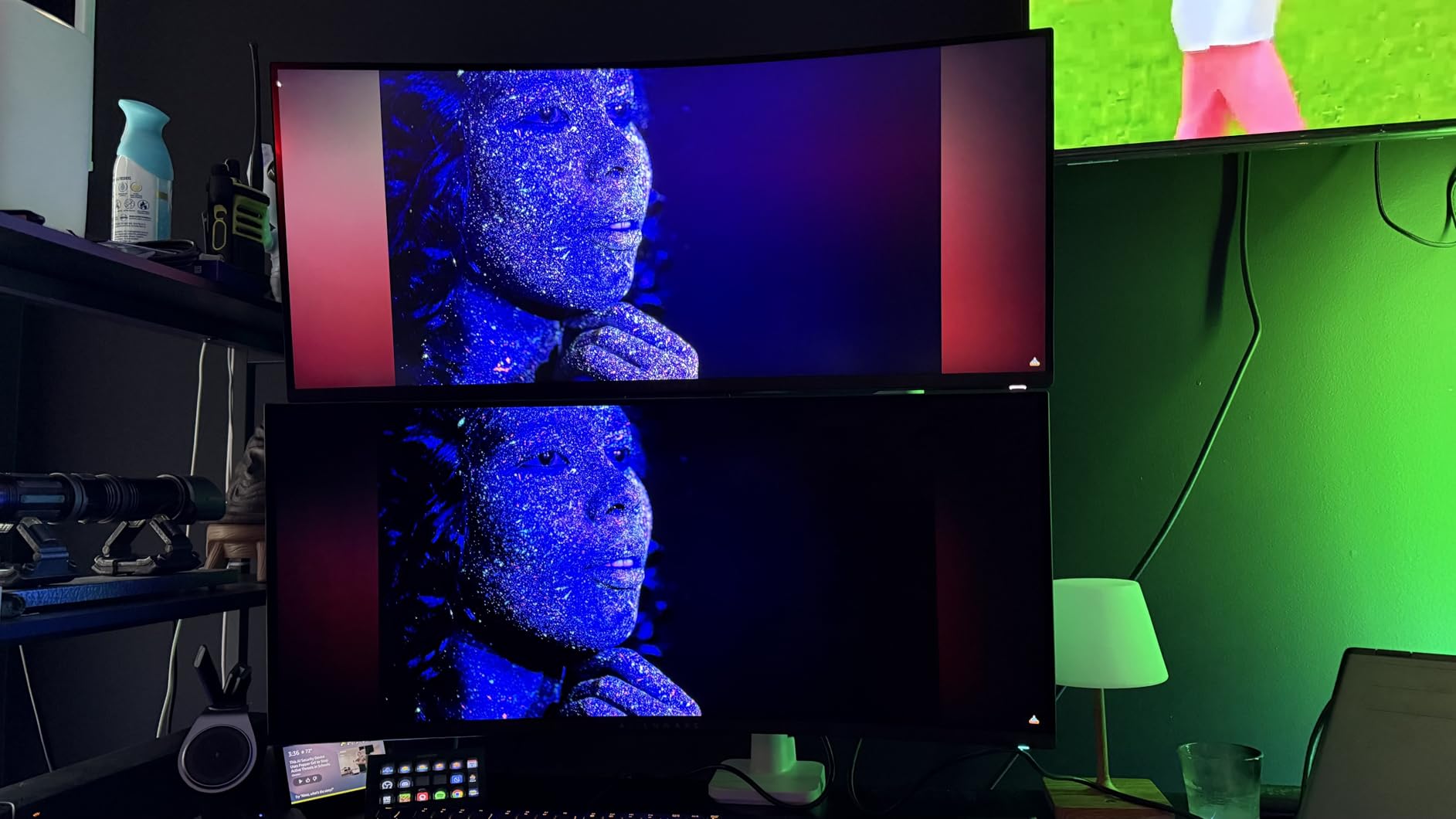
The AW3423DWF is the monitor that popularized ultrawide OLED gaming, and it remains one of the best values in the category. The first-generation QD-OLED panel still holds up beautifully against newer models, delivering the same perfect blacks and vibrant colors that made QD-OLED famous. After extensive testing, I can confirm this is still one of the best gaming monitors ever made.
The Creator Mode feature sets this monitor apart from pure gaming displays. You can switch between DCI-P3 and sRGB color spaces, making it suitable for photo and video editing work. The 99.3% DCI-P3 coverage with Delta E under 2 ensures color accuracy that satisfies creative professionals who also game on the same machine.
The 1800R curve is the sweet spot for a 34-inch ultrawide, providing enough wrap to enhance immersion without distorting the image. The matte finish reduces glare in mixed-lighting environments. The stand offers full height adjustment with visible measurement markers so you can reproduce your preferred position exactly.
The 360-degree ventilation system actively draws heat away from the panel, and Dell’s 3-year premium warranty includes burn-in coverage. Users on Reddit report no burn-in issues even after 18 months of heavy daily use. The RGB AlienFX lighting on the back can sync with supported games for ambient effects.
Pixel maintenance schedule awareness
This monitor performs an automatic pixel maintenance cycle every 4 hours of use, which takes about 7 minutes. During this time, the screen goes dark. For gaming sessions this is rarely an issue since it happens between plays. For productivity work, the interruption can be annoying. You can delay the prompt but cannot fully disable it, which is an important consideration for work-from-home users.
Screen coating care instructions
The anti-reflective screen coating on this monitor is more fragile than typical panels and can develop micro-scratches from aggressive cleaning. Use only a soft microfiber cloth with minimal pressure, and never use cleaning solutions directly on the screen. Alienware provides specific cleaning guidelines in the documentation, and following them carefully will keep the panel pristine for years.
OLED Monitor Buying Guide for Prime Day 2026
QD-OLED versus WOLED: Which Panel Type Is Right for You
OLED monitors come in two main panel technologies. QD-OLED, made primarily by Samsung, uses a quantum dot layer that produces extremely vibrant, saturated colors with high peak brightness. The trade-off is that blacks can have a slight purple tint in fully dark rooms because the panel lacks a polarizer. WOLED, made by LG, uses a white subpixel and includes a polarizer, producing true inky blacks without any purple tint but with slightly less color saturation than QD-OLED.
For gaming in a dark room, WOLED panels like the LG UltraGear models offer the purest black levels. For gaming in a bright room or when maximum color pop is the priority, QD-OLED panels from Samsung, ASUS, and Alienware deliver more vivid visuals. Both technologies offer 0.03ms response times and excellent HDR performance.
Refresh Rate: How Many Hz Do You Actually Need
The OLED monitors in this guide range from 144Hz to 500Hz. For most gamers, 240Hz is the practical sweet spot that balances competitive performance with visual quality. At 240Hz with 0.03ms response time, motion is crisp and input lag is imperceptible.
Competitive esports players who play fast-paced shooters like Valorant or CS2 may benefit from higher refresh rates. The LG 32GX850A-B offers a Dual Mode that switches to 330Hz at 1080p for these scenarios. For simulation games, RPGs, and productivity work, 144Hz to 165Hz is more than sufficient.
Resolution and Size Pairing
Matching resolution to screen size affects both image sharpness and GPU requirements. At 27 inches, QHD (2560×1440) is the standard, offering good pixel density without demanding a top-tier GPU. At 32 inches, 4K (3840×2160) is recommended for sharp text and detailed images.
For ultrawide monitors, 3440×1440 on a 34-inch panel provides excellent immersion without the GPU demands of 4K. The 49-inch Samsung Odyssey G9 uses 5120×1440 (Dual QHD), which is equivalent to two 27-inch 1440p monitors and requires a powerful GPU for gaming at high settings.
OLED Burn-in: Reality and Mitigation
Burn-in is the most common concern for first-time OLED buyers. Modern OLED monitors include multiple burn-in prevention features: pixel shifting, automatic brightness limiting, logo detection, and scheduled pixel refresh cycles. When these features are enabled, burn-in risk is low for typical gaming use.
Warranty coverage matters too. ASUS, Alienware, Samsung, and MSI offer 3-year warranties that explicitly cover burn-in damage. LG provides a 2-year warranty on most models. Check the specific warranty terms before purchasing, as burn-in coverage means the manufacturer will replace the panel if permanent image retention occurs within the warranty period.
Connectivity: HDMI 2.1, DisplayPort, and USB-C
For console gaming on PS5 or Xbox Series X, HDMI 2.1 is essential for 4K at 120Hz with VRR. All the monitors in this guide with 4K resolution include HDMI 2.1 ports. For PC gaming, DisplayPort 1.4 supports 4K at 240Hz with DSC compression.
USB-C connectivity with Power Delivery is a premium feature worth having if you use a laptop. Monitors like the ASUS PG32UCDM, MSI 321URX, and ASUS XG27UCDMG offer 90W USB-C charging while pushing video and data through a single cable. This transforms your desk setup by eliminating separate power and display cables for your laptop.
FAQs
What is the best OLED monitor to buy during Prime Day 2026?
The ASUS ROG Swift PG32UCDM is our top pick for Prime Day 2026, offering a 32-inch 4K QD-OLED panel at 240Hz with 0.03ms response time, 90W USB-C, and a 3-year burn-in warranty. For budget buyers, the LG UltraGear 27GX704A-B at 27 inches QHD OLED provides outstanding value.
How much can you save on OLED monitors during Prime Day?
OLED monitor discounts during Prime Day typically range from 15% to 35% off regular prices. Budget QHD OLED monitors can be found under $340, mid-range ultrawide models around $650, and premium 4K OLEDs under $850. The deepest discounts are usually on 27-inch QHD models from LG, Samsung, and AOC.
What size OLED monitor is best for gaming?
For competitive PC gaming, 27 inches at QHD resolution is the sweet spot, offering high pixel density and manageable GPU requirements. For immersive single-player gaming, 32 inches at 4K or 34 inches ultrawide provides a more cinematic experience. For simulation games and multitasking, 39-inch or 49-inch super-ultrawide monitors offer maximum screen real estate.
What is the difference between QD-OLED and WOLED monitors?
QD-OLED panels use quantum dots for enhanced color saturation and higher peak brightness but may show a slight purple tint in dark rooms. WOLED panels use a white subpixel with a polarizer for true inky blacks and slightly lower color vibrancy. Both offer 0.03ms response times and infinite contrast ratios. QD-OLED is better for bright rooms, while WOLED excels in dark room gaming.
Do OLED monitors have burn-in problems?
Modern OLED monitors include extensive burn-in prevention features including pixel shifting, automatic brightness limiting, logo detection, and scheduled pixel refresh cycles. When these features are enabled, burn-in risk is low for typical gaming use. ASUS, Alienware, Samsung, and MSI offer 3-year warranties that explicitly cover burn-in, providing additional peace of mind.
Conclusion
Finding the best Amazon Prime Day OLED Monitor Deals 2026 comes down to matching the right panel technology, size, and refresh rate to your gaming habits and budget. The ASUS ROG Swift PG32UCDM stands out as our Editor’s Choice for its stunning 4K QD-OLED panel, 240Hz performance, and comprehensive connectivity. For value, the LG UltraGear 27GX704A-B delivers the complete OLED experience at a fraction of the cost of premium panels.
Whatever monitor you choose from this list, you are getting genuine OLED technology with perfect blacks, instant response times, and the kind of visual quality that makes every game look better. Prime Day deals move fast, so check prices early and pull the trigger on the model that fits your setup.