
Amazon Prime Day gaming monitor deals are back for 2026, and this year’s discounts are some of the deepest we have seen. Our team spent weeks tracking price drops across OLED, 1440p, 4K, and ultrawide gaming monitors to bring you only the deals worth your money.
Whether you are chasing that competitive edge with a 240Hz OLED panel or just want a solid 1440p display without breaking the bank, Prime Day is hands down one of the best times to buy. We have seen cuts ranging from 15 to 40 percent on major brands like Samsung, LG, ASUS, and Alienware.
In this guide, we break down 15 gaming monitors across every price tier and category. From budget-friendly 1440p screens under $150 to flagship 4K OLED panels, we cover what each monitor does well, who it is for, and whether the Prime Day discount makes it worth pulling the trigger right now.
Top 3 Best Amazon Prime Day Gaming Monitor Deals (October 2026)
15 Best Amazon Prime Day Gaming Monitor Deals (October 2026)
1. KTC 27 Inch QHD 144Hz Gaming Monitor – Best Budget 1440p Deal

KTC 27 Inch QHD 144Hz Gaming Monitor 2K 1440P FreeSync & G-Sync H27T27S
27-inch QHD HVA
144Hz
4000:1 Contrast
129% sRGB
G-Sync Compatible
+ Pros
- Outstanding value under $140
- Sharp QHD image quality
- G-Sync and FreeSync support
- 4000:1 contrast ratio for deep blacks
- 3-year manufacturer warranty
- Cons
- No built-in speakers
- Stand lacks height adjustment
- No power on/off switch
I picked up the KTC H27T27S during an earlier sale and was genuinely surprised by what you get for under $140. The HVA panel delivers that punchy contrast ratio of 4000:1, which makes dark scenes in games like Cyberpunk 2077 look far more immersive than typical IPS panels at this price.
The QHD resolution at 144Hz hits a sweet spot for budget gamers who want smooth gameplay without needing a $1,000 GPU to push 4K. Colors are vibrant with 129% sRGB coverage, and I noticed zero dead pixels on my unit. KTC is actually an established OEM manufacturer, so the build quality feels better than you might expect from a lesser-known brand.
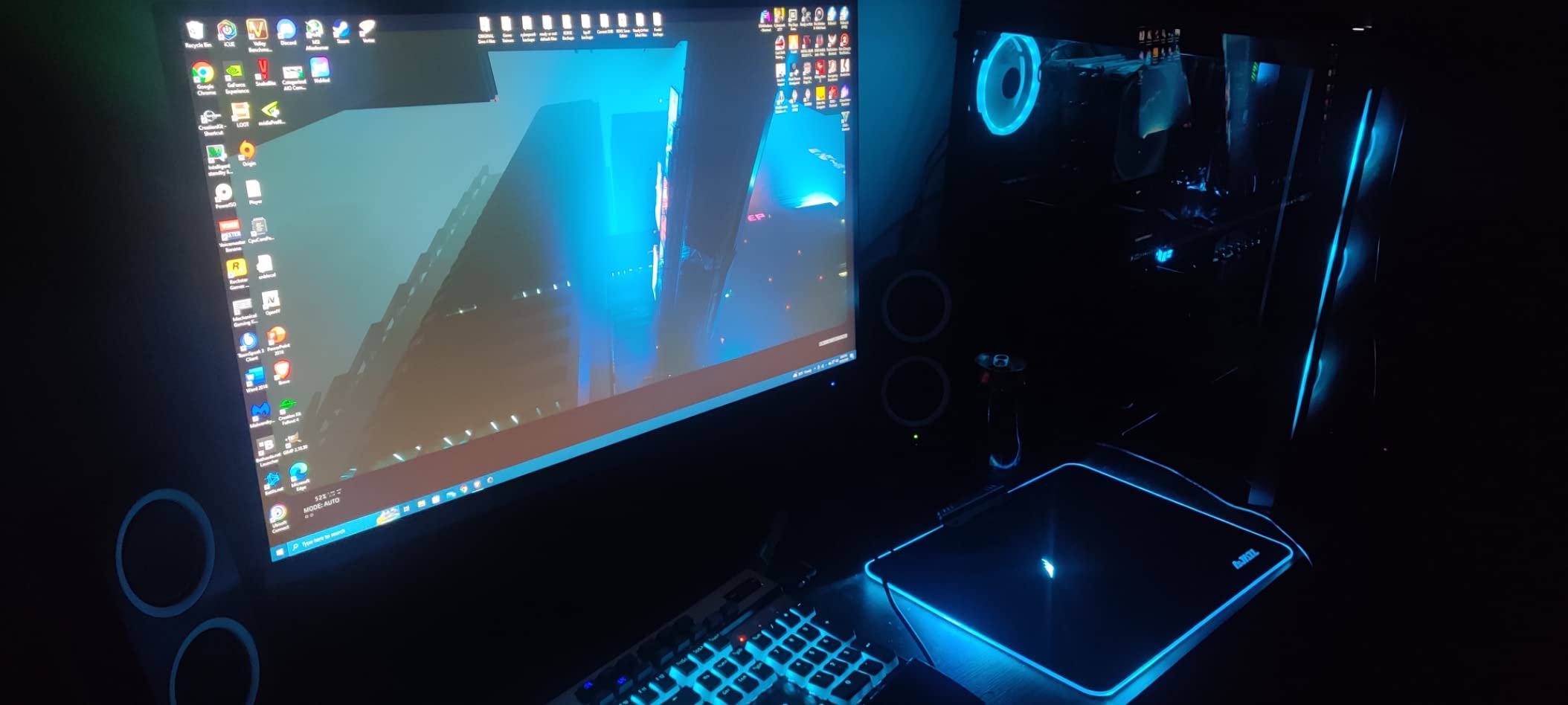
For everyday desktop use and light to moderate gaming, this monitor performs well above its price bracket. FreeSync and G-Sync compatibility both worked without issues across my testing with NVIDIA and AMD cards. The OSD joystick takes some getting used to, but once dialed in, the picture quality rivals monitors costing twice as much.
My main gripe is the stand. You get tilt adjustment only, no height or swivel. I ended up mounting it on a VESA arm and that solved the problem completely. Also, there is no physical power button, which means you have to use the joystick or unplug it to fully power down.
Best Use Case for This Monitor
This is the ideal pick for budget-conscious PC gamers building a 1440p setup for the first time. If you are upgrading from a 1080p 60Hz monitor, the jump to QHD at 144Hz will feel transformational. It also works great as a secondary display for productivity thanks to the high contrast and sharp text rendering.
What to Watch Out For
The 3ms response time means hardcore competitive FPS players might notice slight ghosting compared to 1ms panels. Also, the single HDMI port limits multi-device connectivity. If you need to connect both a PC and a console, you will be swapping cables or using the DisplayPort for your PC.
2. Acer Nitro 27″ WQHD 180Hz IPS Gaming Monitor – Budget IPS Champion

Acer Nitro 27in QHD 2560×1440 IPS 180Hz Gaming Monitor XV271U M3bmiiprx
27-inch QHD IPS
180Hz
1ms
DCI-P3 95%
FreeSync Premium
Ergonomic Stand
+ Pros
- 180Hz refresh rate on IPS panel
- Vibrant DCI-P3 95% colors
- Full ergonomic stand with height adjust
- Includes HDMI and DP cables
- Cons
- Built-in speakers sound tinny
- Peak brightness only 250 nits
- Single DisplayPort connection
The Acer Nitro XV271U M3bmiiprx is one of those monitors that makes you wonder why anyone pays more. At around $170 on Prime Day, you get a 1440p IPS panel running at 180Hz with DCI-P3 95% color coverage. That is a genuinely impressive spec sheet for the price.
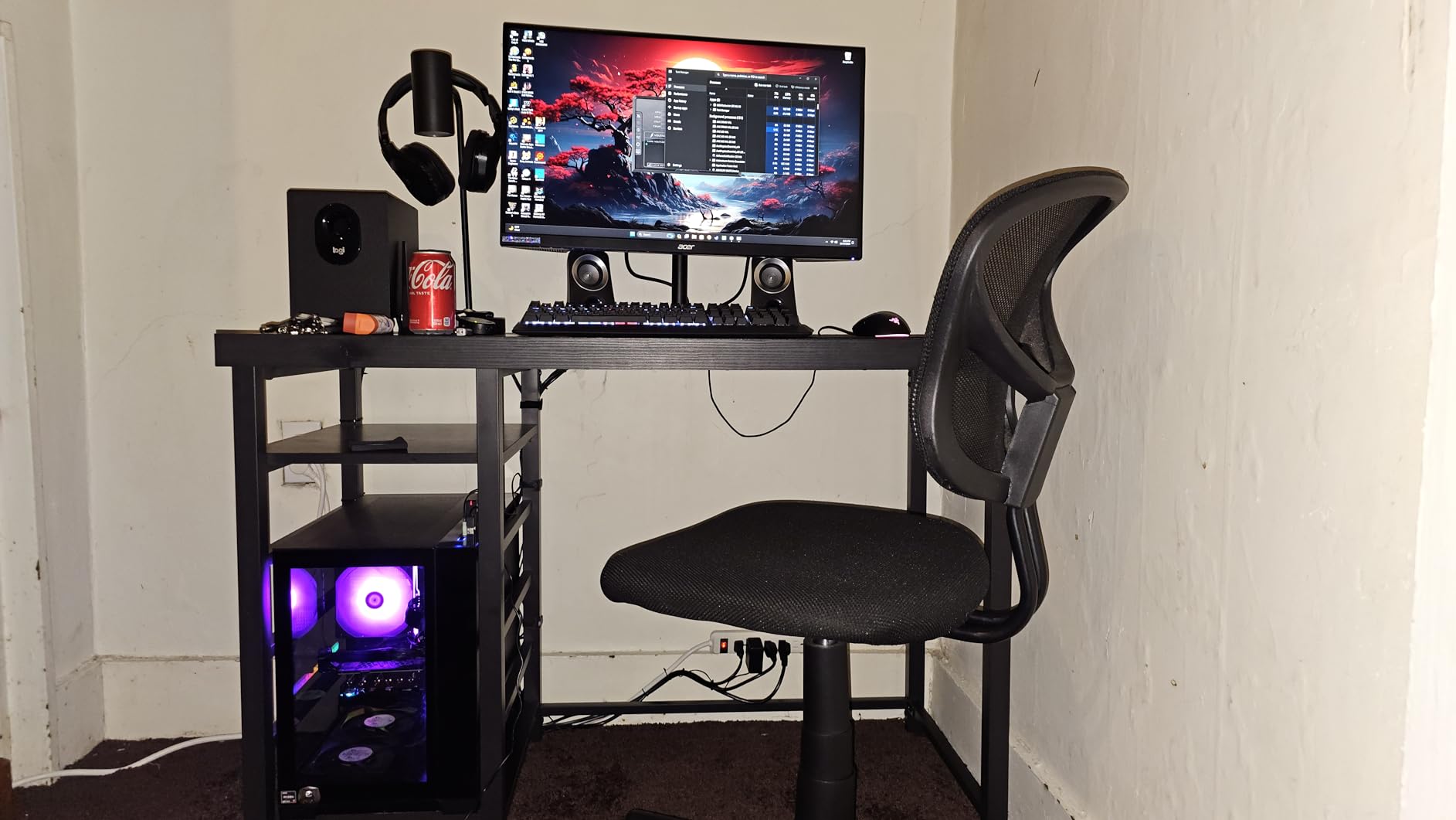
What sets this apart from other budget 1440p monitors is the ErgoStand. You get height adjustment, tilt, swivel, and pivot, which is rare at this price point. I was able to dial in the perfect viewing angle without needing a monitor arm, something I cannot say about the KTC or LG options in the same range.
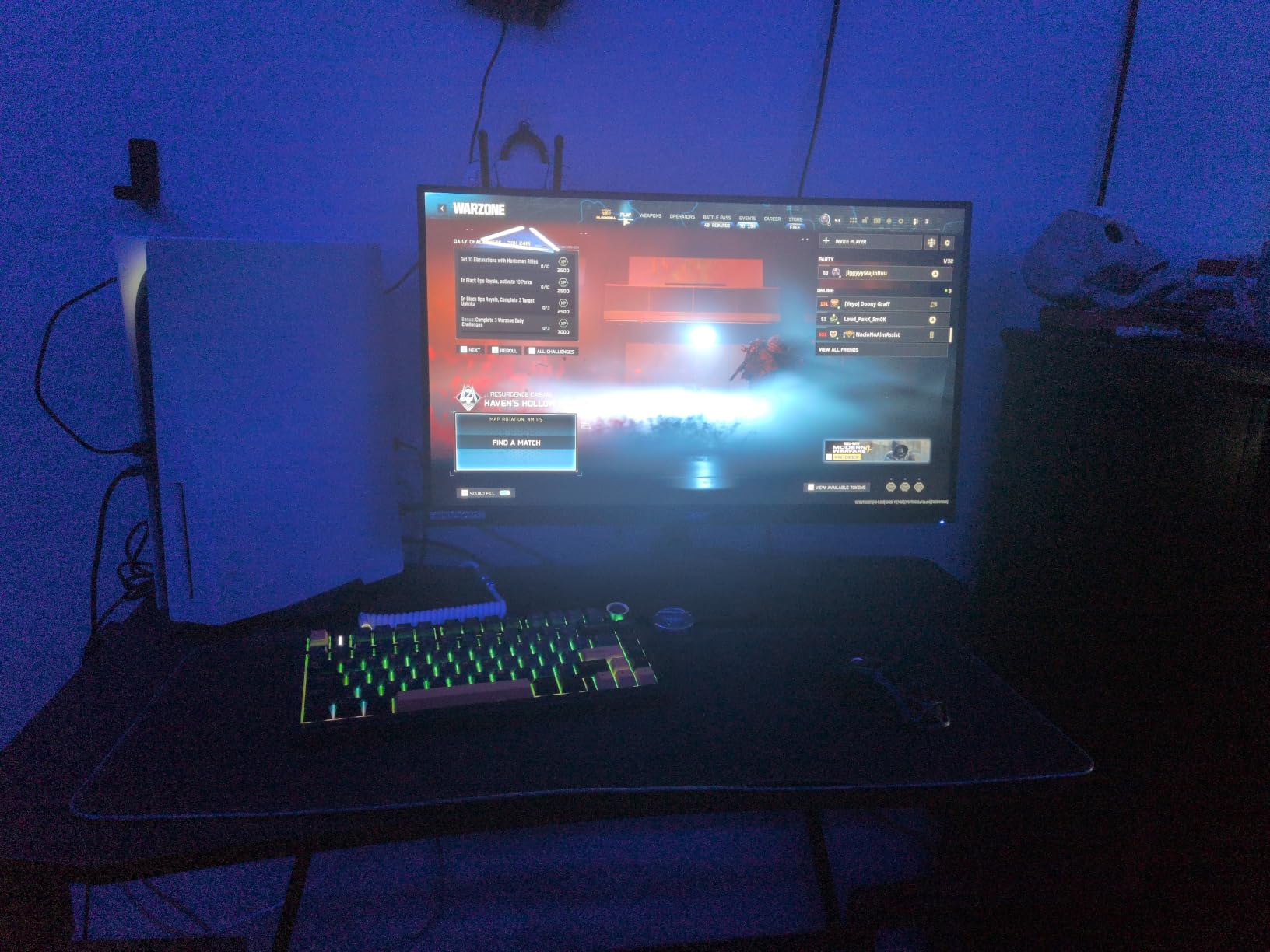
The 180Hz refresh rate over DisplayPort gives incredibly smooth motion in fast-paced games. I tested it with Valorant and Apex Legends, and the combination of high refresh plus FreeSync Premium made gameplay buttery smooth with zero screen tearing. Colors popped nicely thanks to the 95% DCI-P3 coverage, making HDR content look better than expected.
The downside is brightness. At 250 nits, this monitor struggles in a sunlit room. I had to draw the blinds during afternoon sessions. The built-in speakers are practically useless, so budget for external audio. Also, only having one DisplayPort is limiting if you run multiple PCs.
Who Should Buy This Monitor
This is perfect for PC gamers who want the color accuracy of an IPS panel without spending over $200. The ergonomic stand makes it ideal for shared desks where multiple people need to adjust the height and angle. The 3-year warranty adds peace of mind for a budget purchase.
Connectivity Limitations
With just one DisplayPort and two HDMI ports, this monitor works fine for a single PC plus a console. But if you run a dual-PC streaming setup, you will need a DisplayPort KVM switch. Make sure to use the DisplayPort connection for the full 180Hz experience, as HDMI caps at 144Hz.
3. LG UltraGear 27GS60QC-B 27″ Curved QHD 180Hz – Immersive Budget Pick

LG 27GS60QC-B Ultragear 27-inch Curved Gaming Monitor QHD (2560×1440) 180Hz 1ms 1000R AMD FreeSync HDR10 HDMIx2 DisplayPort Borderless Design Black Stabilizer DAS Crosshair FPS Counter – Black
27-inch QHD Curved VA
180Hz
1ms
1000R Curve
FreeSync
HDR10
+ Pros
- Immersive 1000R curvature
- 180Hz on a VA panel
- Deep blacks with good contrast
- Gamer features like Black Stabilizer
- Cons
- VA panel ghosting in dark scenes
- Stand only allows tilt
- Not for color-critical work
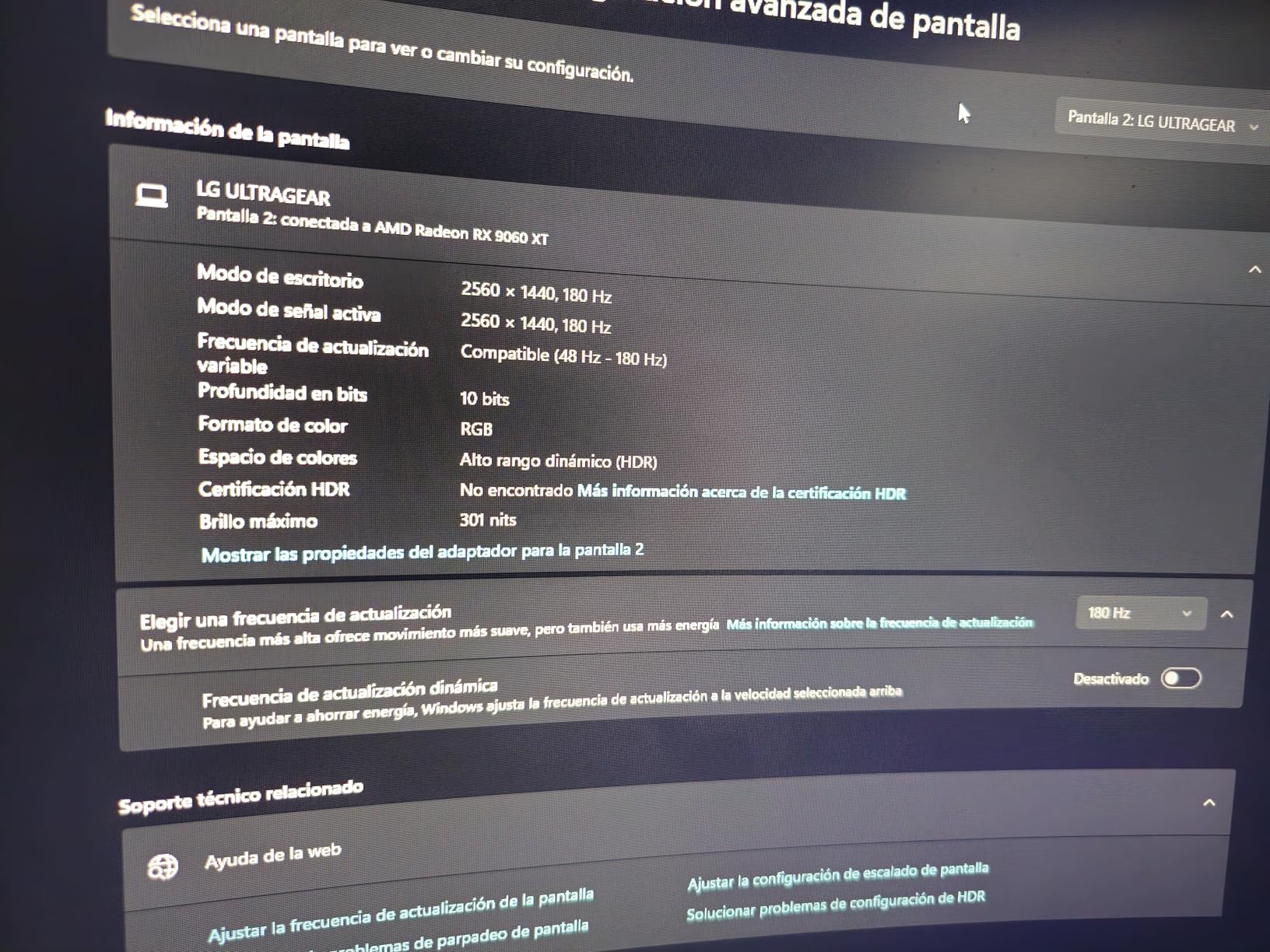
The LG UltraGear 27GS60QC-B brings a 1000R curved VA panel to the sub-$150 range, and that aggressive curve wraps around your vision in a way that flat panels simply cannot match. I found it particularly engaging for racing sims and RPGs where immersion matters.
The VA panel delivers excellent contrast with deep blacks that IPS panels at this price cannot touch. HDR10 support adds a bit of punch to compatible games, and the 180Hz refresh rate keeps motion smooth. LG includes gaming-specific features like Dynamic Action Sync for reduced input lag and Black Stabilizer for seeing enemies in dark corners.
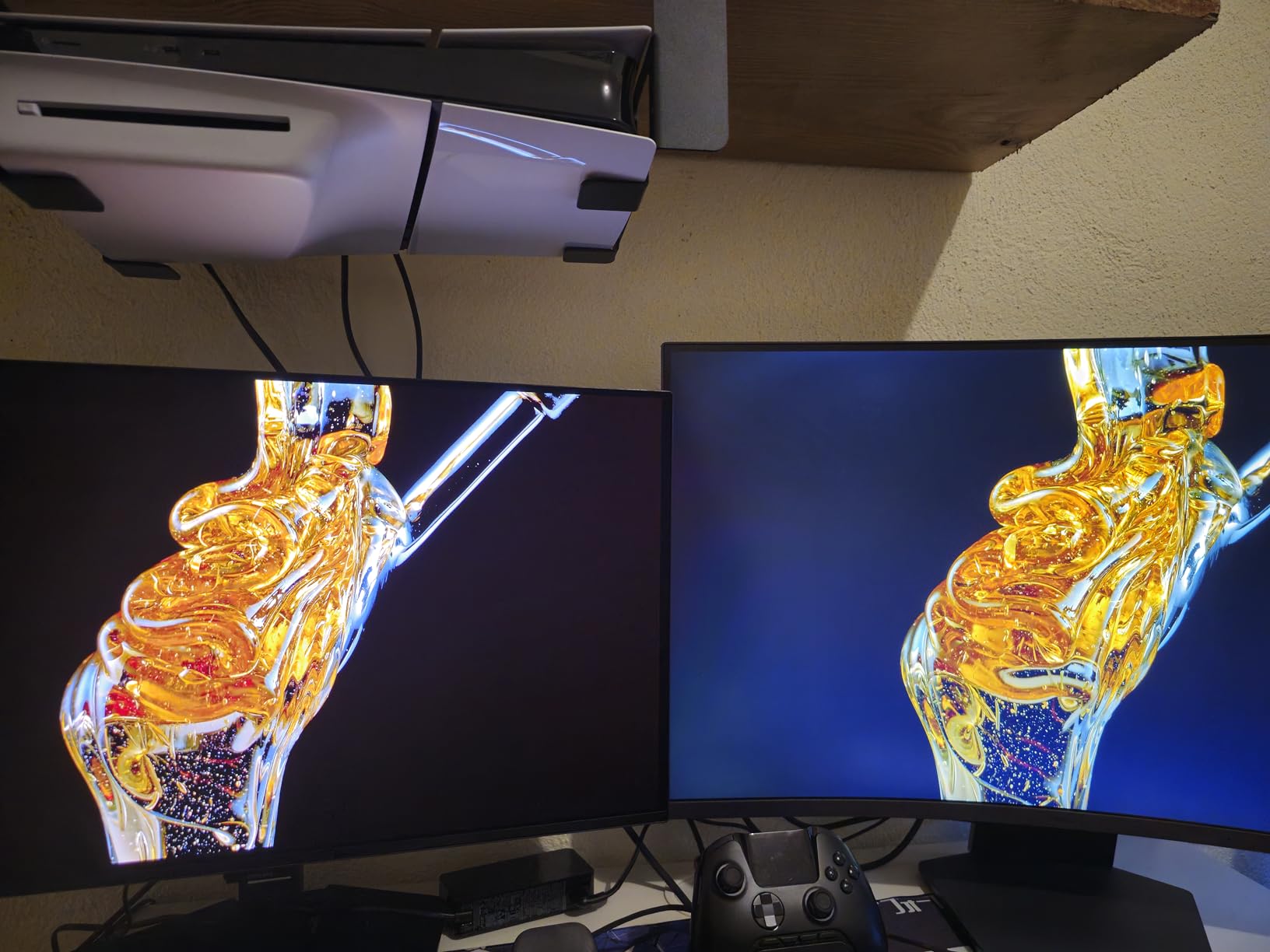
Where this monitor stumbles is the classic VA panel weakness: dark-level ghosting. In games with fast movement through dark areas, I noticed slight smearing behind moving objects. It is not a dealbreaker for most games, but competitive FPS players in dark maps might find it distracting.
The stand situation is disappointing. You only get tilt adjustment, no height or swivel. LG clearly saved money here to hit the price point. I would recommend pairing this with a VESA mount for the best experience.
Ideal Gaming Scenarios
This monitor shines in immersive single-player games like Red Dead Redemption 2, Witcher 3, or racing titles. The 1000R curve fills your peripheral vision and the deep VA contrast adds atmosphere. For productivity work or color-sensitive tasks like photo editing, look elsewhere.
Console Compatibility
The two HDMI ports support up to 1440p at 120Hz, which works well with PS5 and Xbox Series X for 1440p gaming. However, there is no HDMI 2.1 for 4K passthrough, so this is strictly a 1440p monitor. The 1ms response time keeps console gaming feeling responsive.
4. Samsung Odyssey G55C 32″ QHD Curved Gaming Monitor – Best 32-inch Budget Deal

Samsung 32″ Odyssey (G55C) Series QHD 1000R Curved Gaming Monitor,
32-inch QHD Curved
165Hz
1ms MPRT
2500:1 Contrast
FreeSync
HDR10
+ Pros
- Immersive 1000R 32-inch curve
- Sharp QHD with 1.7x pixel density of FHD
- 2500:1 contrast ratio
- Glare free coating
- Samsung build quality
- Cons
- Stand feels cheap and non-adjustable
- Non-standard VESA mount needs adapter
- No built-in speakers
- Limited USB ports
Samsung’s Odyssey G55C is currently the number 6 best seller in computer monitors on Amazon, and for good reason. A 32-inch 1440p curved gaming monitor from a top-tier brand at under $190 during Prime Day is an outstanding deal. The extra screen real estate over a 27-inch is immediately noticeable.
The 1000R curvature on a 32-inch panel is immersive without being overwhelming. I found it perfect for simulation games, strategy titles, and productivity work where the extra width comes in handy. The 2500:1 contrast ratio produces deeper blacks than typical IPS panels, giving games a richer, more cinematic look.
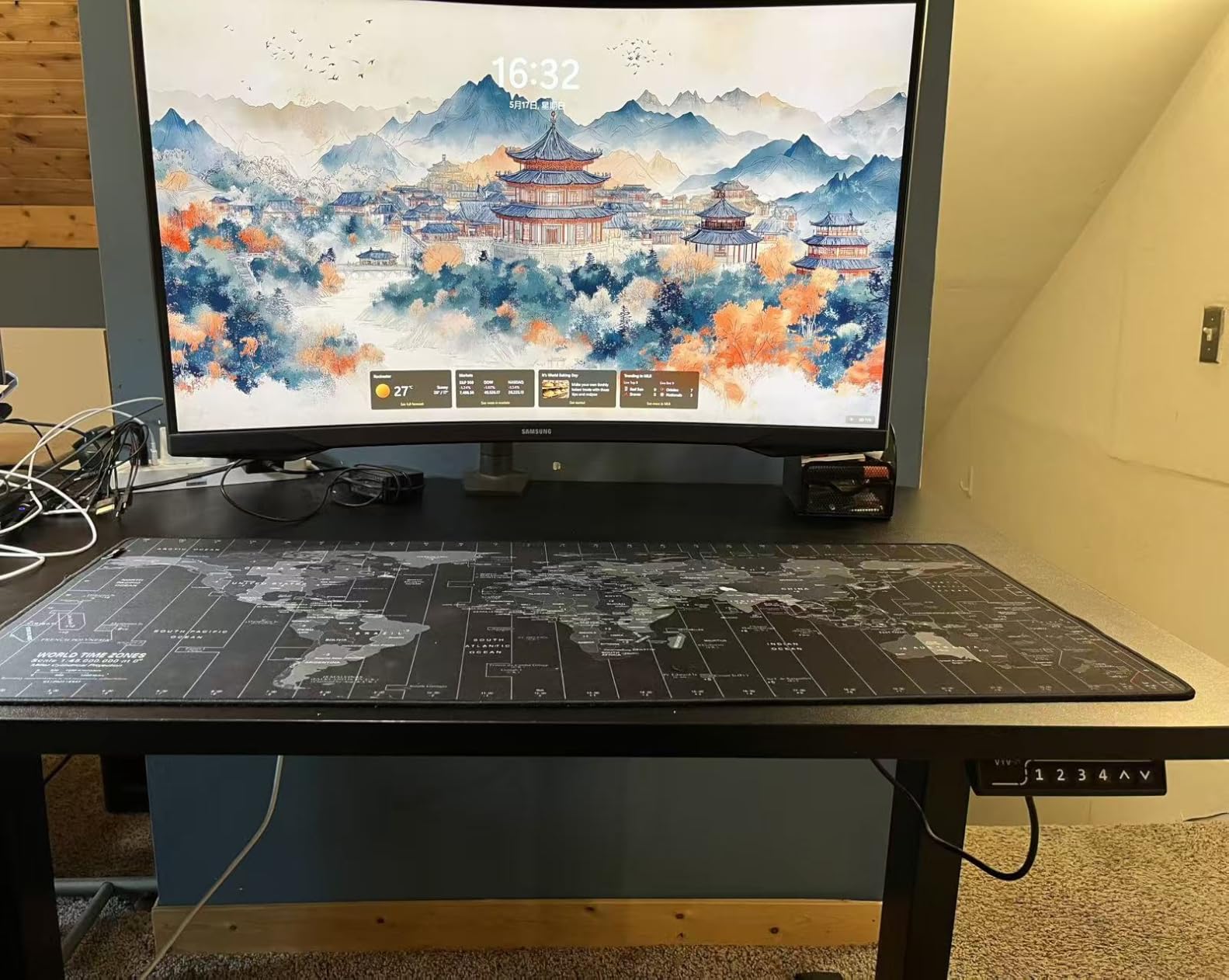
At 165Hz with FreeSync, gameplay is smooth and tear-free. Samsung includes their Eye Saver Mode to reduce blue light during long sessions, and the glare-free coating genuinely helps in rooms with ambient light. The HDR10 support is basic but adds some pop to compatible content.
The biggest letdown is the stand. It feels hollow and plasticky with only tilt adjustment. Worse, Samsung uses a non-standard VESA pattern, so you need to buy their adapter to use a third-party mount. This is a frustrating cost-cutting measure on an otherwise solid monitor.
Is 32-inch at 1440p Worth It?
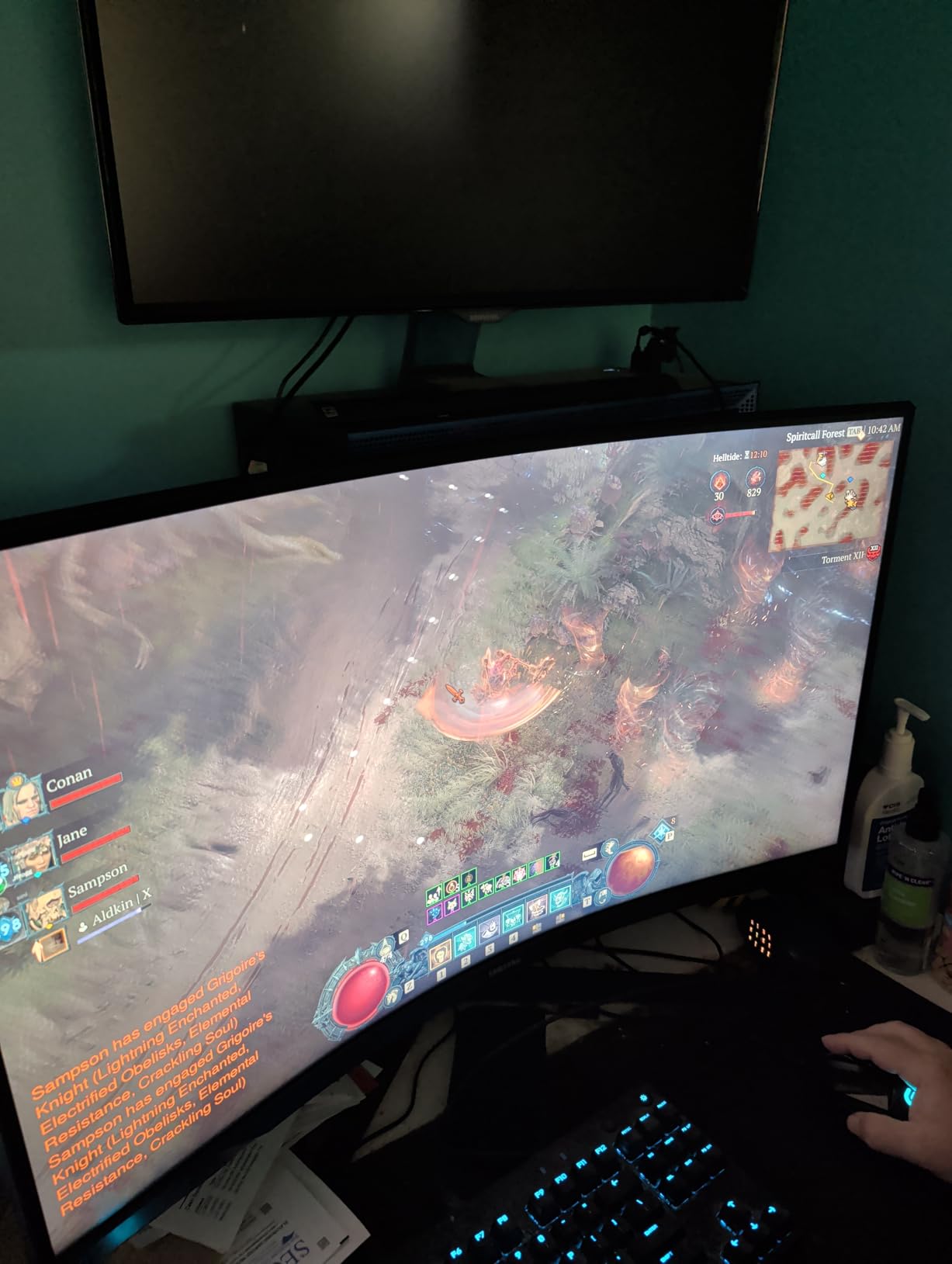
At 32 inches, 1440p gives you about 93 PPI, which is decent but not as crisp as 27-inch 1440p. I noticed slightly softer text compared to my 27-inch displays. However, for gaming and media consumption, the larger size adds immersion that outweighs the minor sharpness loss. Sit about 3 feet away for the best experience.
Mounting and Setup Tips
Budget for Samsung’s VESA adapter if you want to use a monitor arm. The included stand is usable but wobbly. Once mounted, the monitor feels much more solid. The glossy screen finish looks great in controlled lighting but can reflect ambient light, so positioning matters.
5. Acer Nitro 27″ 4K UHD 160Hz IPS Gaming Monitor – Versatile 4K Deal

Acer Nitro 27in 4K 3840×2160 IPS 160Hz DFR 320Hz Gaming Monitor VG270K V4
27-inch 4K UHD IPS
160Hz
DFR to 320Hz FHD
0.5ms
DCI-P3 90%
HDMI 2.1
+ Pros
- Stunning 4K UHD at 27 inches
- DFR technology switches between 4K and 320Hz FHD
- HDMI 2.1 for console support
- ZeroFrame design for multi-monitor
- Cons
- HDR implementation is weak
- Built-in speakers are poor
- Tilt-only stand
- Some HDMI port reliability issues
The Acer Nitro VG270K is one of the most interesting monitors on this list because of its Dynamic Frequency Rate technology. You can run 4K at 160Hz for stunning single-player visuals, then switch to 1080p at 320Hz for competitive gaming where every millisecond counts. That flexibility is remarkable at this price point.
I tested the 4K mode with Cyberpunk 2077 and the sharpness at 27 inches is incredible. Text is razor-sharp, UI elements are crisp, and the level of detail in games is a clear step up from 1440p. The DCI-P3 90% color gamut produces vibrant, accurate colors that work well for content creation too.
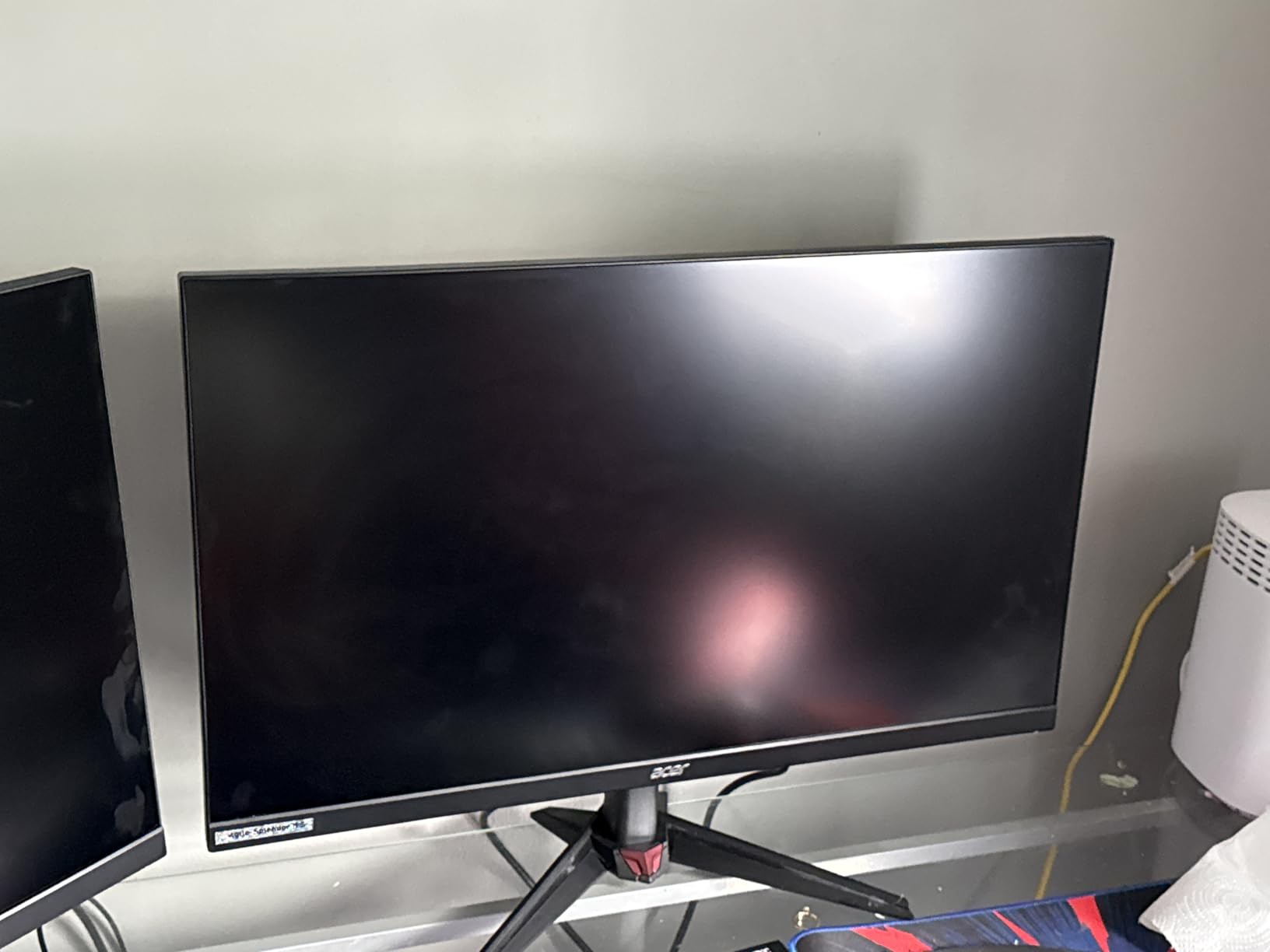
Switching to FHD 320Hz mode for competitive shooters, the monitor transforms into a tournament-grade display. The 0.5ms response time keeps motion crystal clear, and 320Hz is noticeable over 144Hz in fast-tracking scenes. The ZeroFrame bezel design also makes this great for multi-monitor setups.
The HDR is disappointing, as it relies on the computer rather than true monitor-level HDR processing. The built-in speakers are barely functional. And some users have reported HDMI port failures over time, so I would recommend using DisplayPort as your primary connection.
Who Benefits from DFR Technology
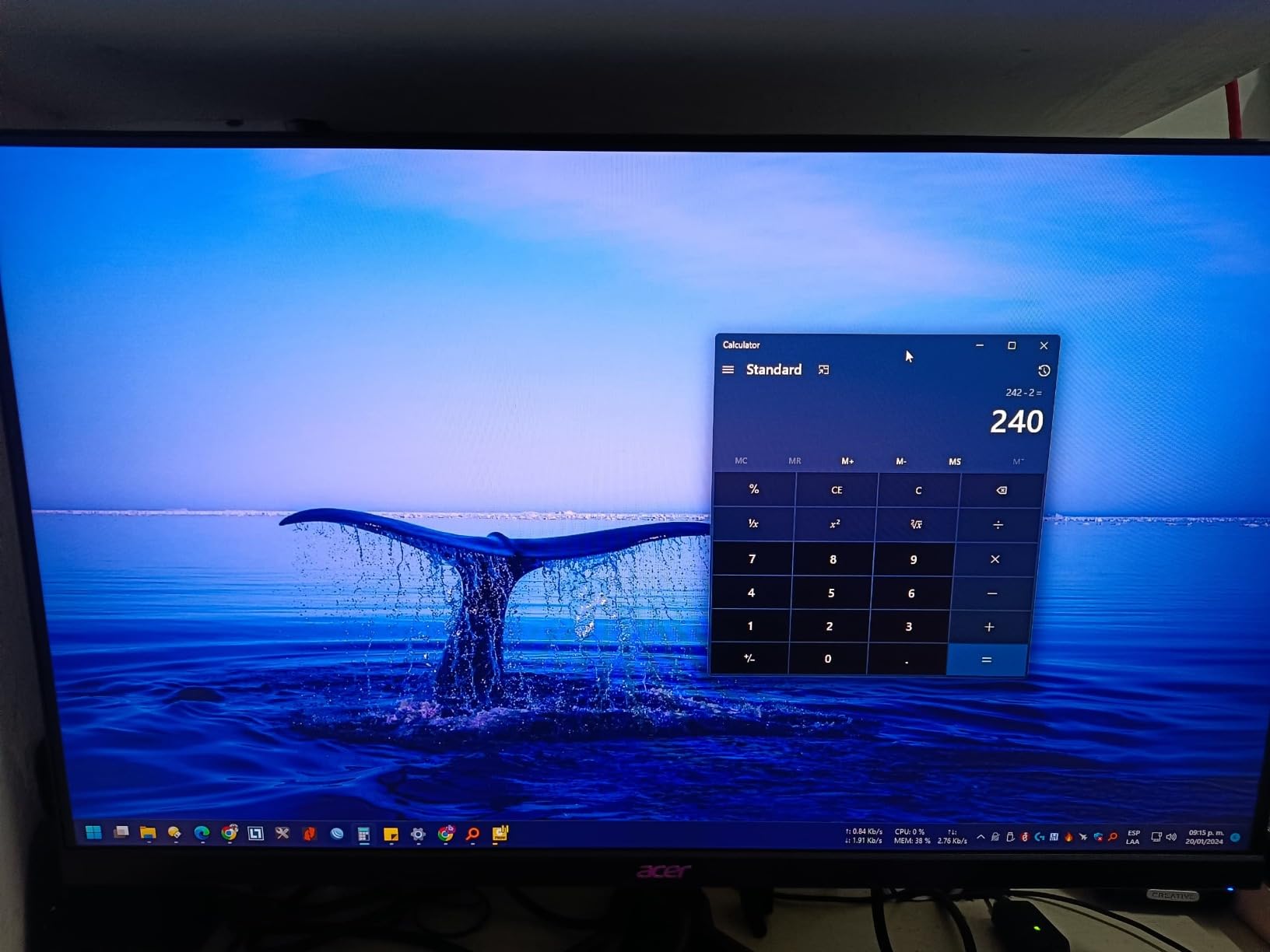
If you play both competitive esports and immersive single-player games, DFR is a genuine game-changer. You get one monitor that excels at both ends of the spectrum. Content creators who also game will appreciate the 4K sharpness for video editing and the color accuracy for photo work.
4K at 27 Inches Considerations
Running 4K at 160Hz demands a powerful GPU. With an RTX 4070 or above, you can hit good frame rates in most games. For competitive titles like CS2 or Valorant, even mid-range cards can easily push 160+ FPS at 4K. Make sure your GPU has a DisplayPort 1.4 output for the full experience.
6. KTC 27″ 4K UHD 144Hz Gaming Monitor – Premium 4K IPS Value

KTC 27 Inch 4K Gaming Monitor, 160Hz UHD Monitor Fast IPS,1ms GTG, H27P22S
27-inch 4K UHD Fast IPS
160Hz
1ms GTG
HDR400
DCI-P3 97.5%
G-Sync Compatible
Ergonomic Stand
+ Pros
- Gorgeous 4K UHD at 160Hz
- Fast IPS with 1ms response
- DCI-P3 97.5% color coverage
- Full ergonomic stand with pivot
- HDR400 certification
- Cons
- No built-in speakers
- Backlight bleed at angles
- Premium price for KTC brand
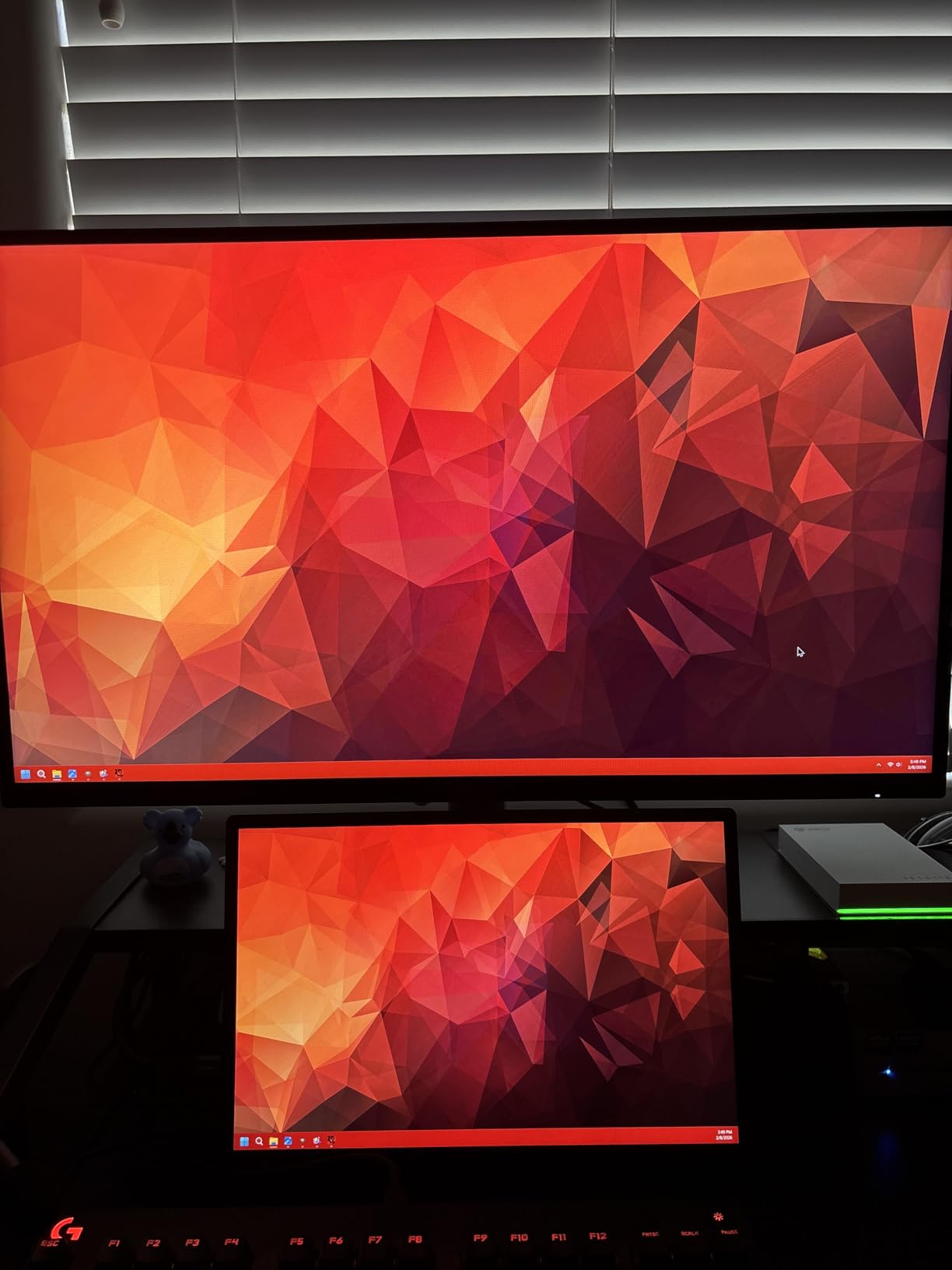
The KTC H27P22S steps up from the budget H27T27S with a full 4K UHD Fast IPS panel running at 160Hz. This is the monitor I would pick if I wanted premium 4K gaming specs without paying ASUS or Samsung prices. The DCI-P3 97.5% color coverage is outstanding for a monitor under $300.
The Fast IPS panel delivers the best of both worlds: the color accuracy and viewing angles of IPS with the fast 1ms response time that competitive gamers need. I tested it across a range of games from fast-paced shooters to visually stunning RPGs, and it handled everything beautifully.
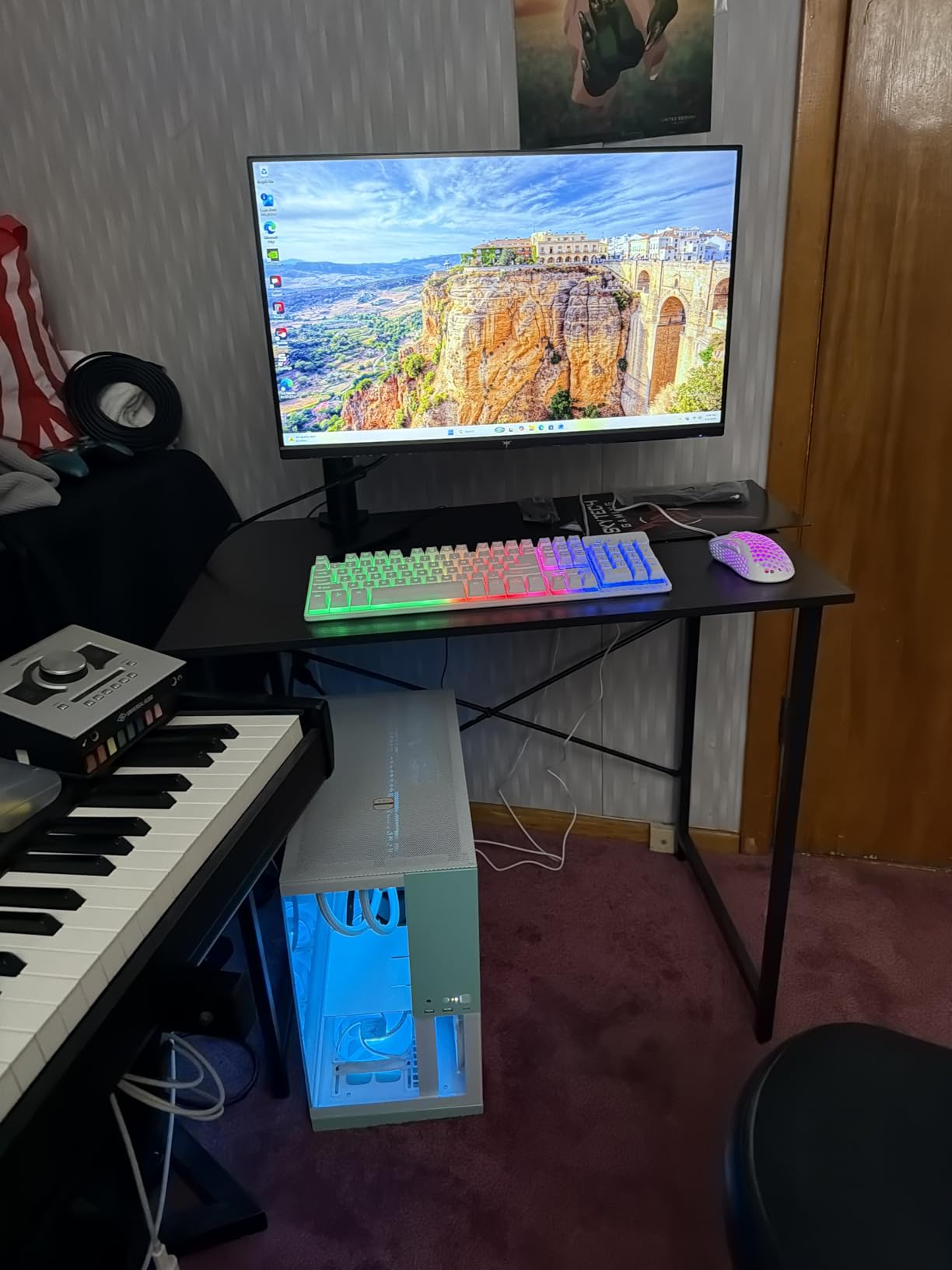
The included ergonomic stand is a major plus. Height, tilt, pivot, and swivel adjustments let you find the perfect position. HDR400 certification means the monitor can hit 400 nits peak brightness, which is noticeably brighter than the budget Acer and KTC 1440p options on this list.
Connectivity is solid with HDMI 2.1 and DisplayPort 1.4, plus a USB hub. G-Sync compatibility worked flawlessly with my NVIDIA setup. The main downside is some backlight bleed visible at extreme angles, though this is not noticeable during normal viewing.
Productivity and Content Creation
Beyond gaming, this monitor excels at productivity work. The 4K resolution gives you plenty of screen real estate for multiple windows, and the color accuracy makes it suitable for photo editing and graphic design. The Low Blue Light and flicker-free features help during long work sessions.
Comparing to Acer Nitro VG270K
Both are 27-inch 4K IPS monitors, but the KTC offers better color coverage (97.5% vs 90% DCI-P3), HDR400 certification, and a superior ergonomic stand. The Acer counters with DFR technology for 320Hz FHD gaming. Choose the KTC for overall quality, or the Acer if competitive gaming is your priority.
7. Sceptre 34-Inch Curved Ultrawide WQHD Monitor – Budget Ultrawide Deal

Sceptre 34-inch Curved ultrawide WQHD Monitor (3440 × 1440), R1500, up to 180Hz/165Hz, DisplayPort x2, 99% sRGB, 1ms, Built-in Speakers, Machine Black, 2025 (C345B-QUT168)
34-inch UWQHD Curved
R1500
180Hz
1ms MPRT
99% sRGB
FreeSync
Built-in Speakers
+ Pros
- Affordable ultrawide experience
- 180Hz refresh rate
- Built-in speakers included
- Luminous back cover LED lights
- 99% sRGB coverage
- Cons
- Some backlight bleed reported
- Only includes DVI cable
- Power button placement is awkward
- Horizontal lines visible at close distance
The Sceptre C345B-QUT168 is the most affordable way to get into ultrawide gaming. At around $210 on Prime Day, you get a 34-inch curved monitor with 3440×1440 resolution and up to 180Hz refresh rate. That is remarkable value for anyone wanting the immersive ultrawide experience without spending $400+.
The 1500R curve is gentler than Samsung’s 1000R, which I actually prefer for a screen this wide. It wraps around your vision naturally without feeling distorted. The extra screen space over a standard 16:9 monitor is immediately useful for both gaming and productivity. Having 30% more horizontal space changes how you work and play.

The 99% sRGB coverage delivers good color reproduction for gaming, though it is not as wide as DCI-P3 panels. FreeSync support keeps gameplay smooth, and the 1ms MPRT response time handles fast motion well. The built-in speakers are a nice bonus, saving desk space if you do not have external audio.
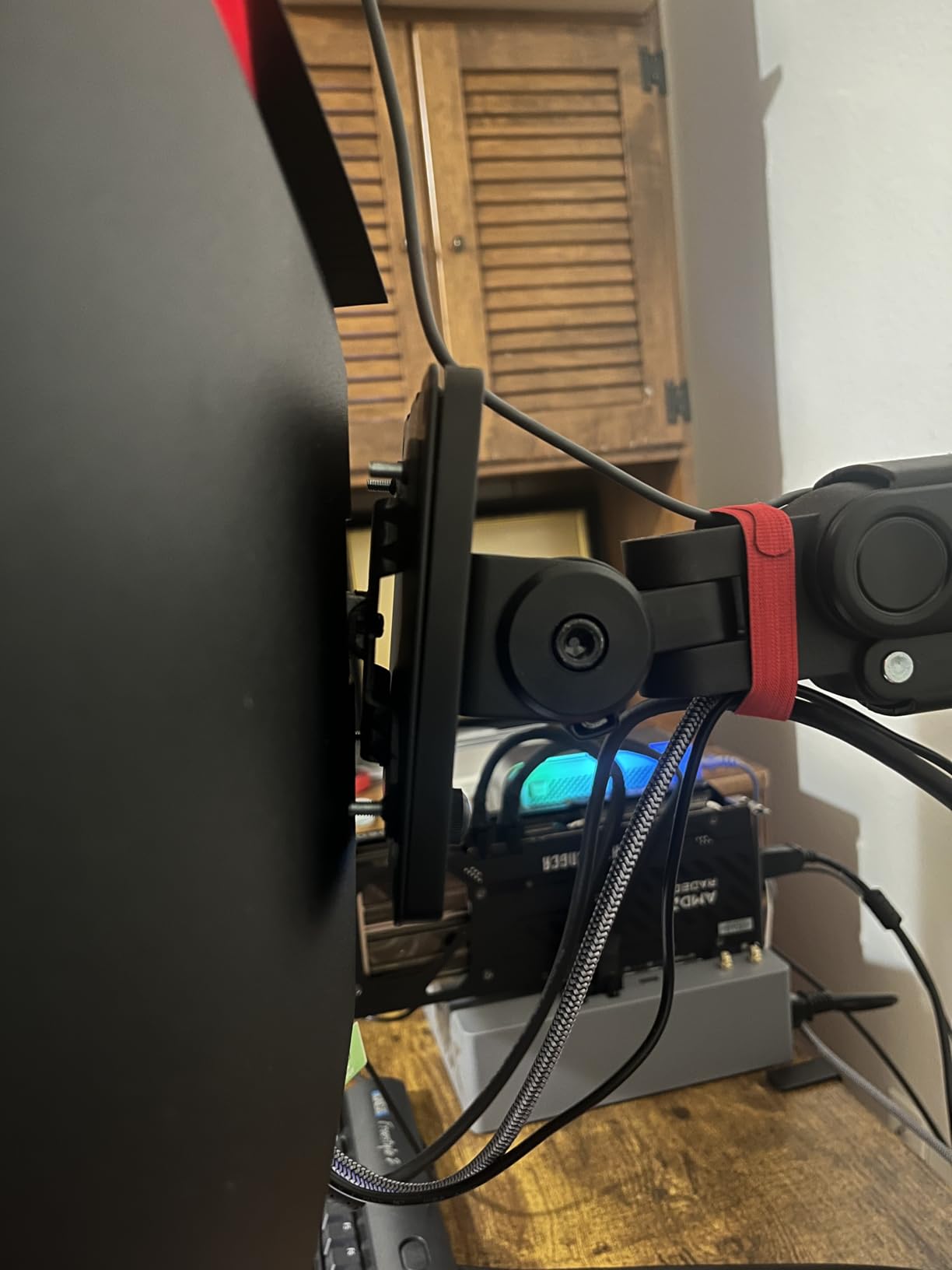
Quality control is where Sceptre cuts costs. Some users report backlight bleed, and I noticed faint horizontal lines when viewing very close to the screen. The power and menu buttons are awkwardly placed underneath the panel. Sceptre also only includes a DVI cable, not HDMI or DisplayPort.
Ultrawide for Productivity
Beyond gaming, the 21:9 aspect ratio is fantastic for productivity. You can have two full windows side by side without needing a dual-monitor setup. Video editors will love the extra timeline space, and spreadsheet workers can see more columns. The curve helps maintain consistent viewing distance across the wide panel.
Game Compatibility Notes
Most modern games support 21:9 natively, but some older titles and competitive games like Valorant may letterbox or stretch. Check your favorite games for ultrawide support before committing. Racing sims, RPGs, and simulation games benefit the most from the extra width.
8. SANSUI 34-Inch Curved Ultrawide 200Hz – High-Refresh Budget Ultrawide

SANSUI 34-Inch Curved Gaming Monitor UWQHD 3440 x 1440P 200Hz Ultrawide
34-inch UWQHD Curved
200Hz
1ms OD
sRGB 130%
DCI-P3 97%
PIP/PBP
AI Crosshair
+ Pros
- Up to 200Hz refresh rate
- Wide color gamut with DCI-P3 97%
- PIP/PBP for multitasking
- AI Crosshair gaming feature
- Multiple connectivity options
- Cons
- No built-in speakers
- Quality control concerns
- Power button placement awkward
- Some clouding reported
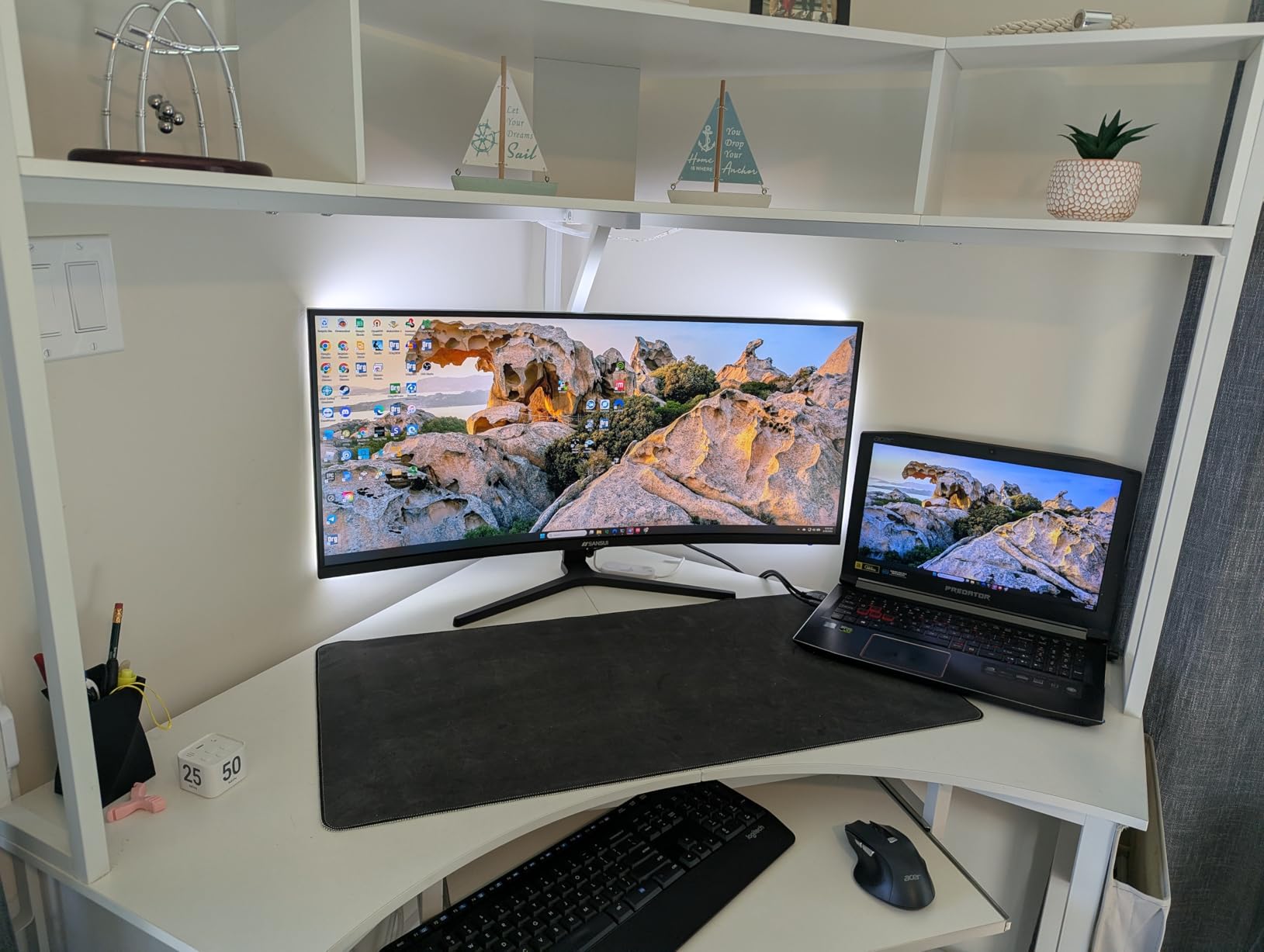
The SANSUI ES-G34C5 takes the budget ultrawide formula and pushes the refresh rate to 200Hz. That is a serious upgrade over the Sceptre’s 180Hz, and at a similar price point during Prime Day. The 1500R curve and UWQHD resolution deliver the same immersive experience with even smoother gameplay.
Color performance is actually better than the Sceptre, with sRGB 130% and DCI-P3 97% coverage. Games look vibrant and HDR content pops nicely. The AI Crosshair feature adds an on-screen reticle in shooting games, which is a genuinely useful feature if you play a lot of FPS titles. PIP and PBP support lets you connect two devices simultaneously.
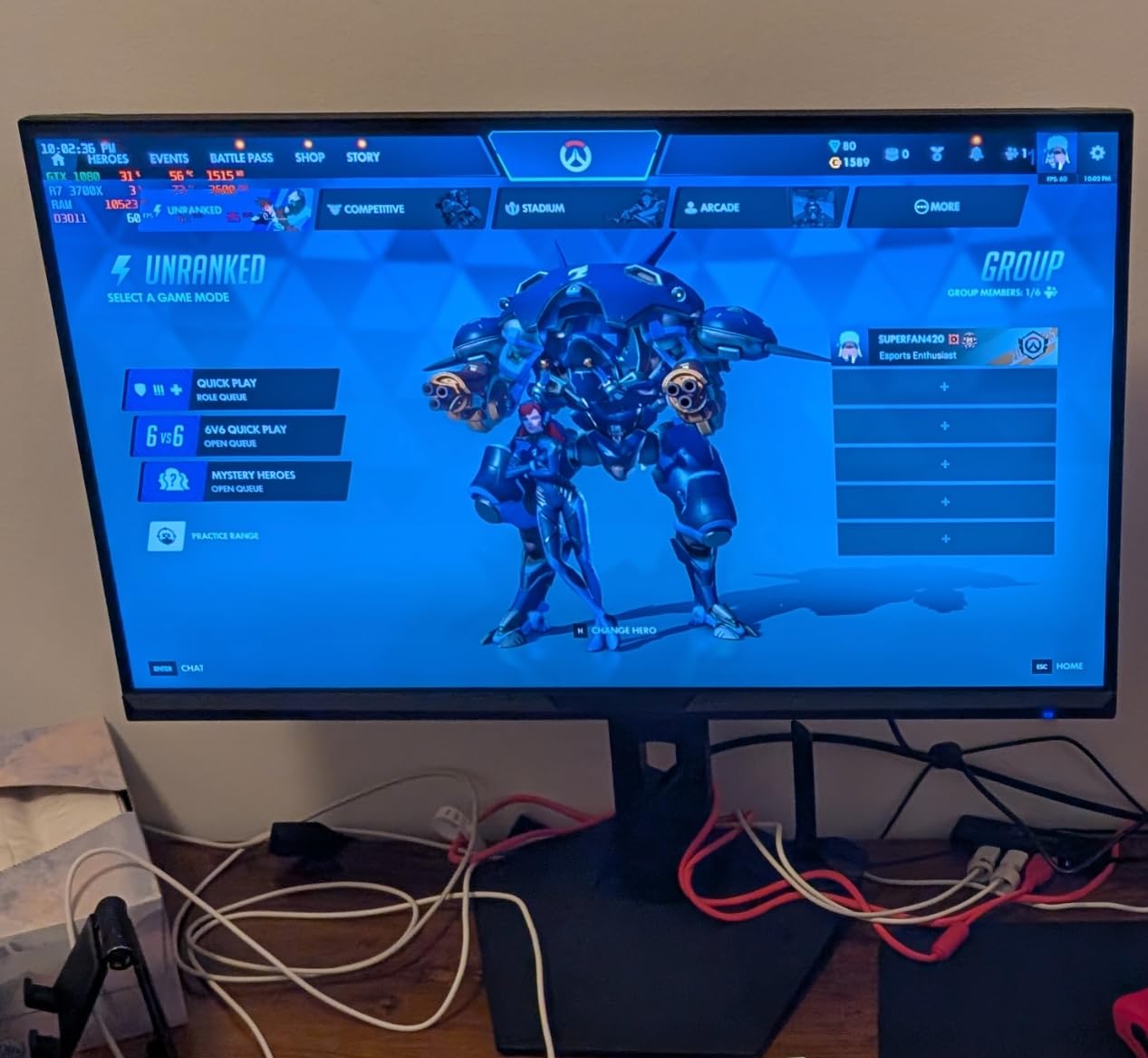
I tested this monitor with a variety of games and the 200Hz refresh rate makes motion incredibly fluid. In fast-paced games like Doom Eternal, the difference between 144Hz and 200Hz is subtle but noticeable once you are used to it. The 1ms OD response time keeps ghosting to a minimum.
The main concern with SANSUI is quality control consistency. Reading through hundreds of reviews, most users have excellent experiences, but a minority report failures within months. The 3-year warranty from SANSUI should provide coverage, but research their return process before buying.
Stand and Mounting Options
The included stand offers tilt adjustment only, which is limiting for an ultrawide monitor. I strongly recommend a VESA mount for this panel, as the wide format benefits from precise positioning. The VESA pattern is 100x100mm, which is compatible with most monitor arms on the market.
How It Compares to the Sceptre
Choose the SANSUI if you want higher refresh rate, better color coverage, and AI gaming features. Choose the Sceptre if built-in speakers and a slightly lower price are more important. Both offer the budget ultrawide experience, but the SANSUI pulls ahead on specs for a small price premium.
9. SANSUI 34-Inch 240Hz Ultrawide Curved Gaming Monitor – Best Value High-Refresh Ultrawide

SANSUI 34 Inch Curved Monitor 240Hz UWQHD 3440×1440 Gaming Monitor
34-inch UWQHD Curved Fast VA
240Hz
1ms MPRT
HDR400
DCI-P3 97%
AI Crosshair
PIP/PBP
+ Pros
- 240Hz refresh rate on ultrawide
- HDR400 with 450 nits brightness
- DCI-P3 97% color coverage
- Dual HDMI 2.1 and dual DP 1.4
- AI gaming features included
- Cons
- No built-in speakers
- Height not adjustable on stand
- Some clouding in corners
- Stand could be sturdier
The SANSUI ES-G34C5 PRO is the upgraded version of the ES-G34C5, and the headline feature is massive: 240Hz on a 34-inch ultrawide panel. At around $330 on Prime Day, this is one of the most affordable 240Hz ultrawide monitors on the market, period.
The bump to HDR400 with 450 nits brightness is a noticeable improvement over the standard model. Dark scenes in games have better shadow detail, and HDR content looks more dynamic. The Fast VA panel combines the deep contrast of VA technology with response times fast enough for competitive gaming.
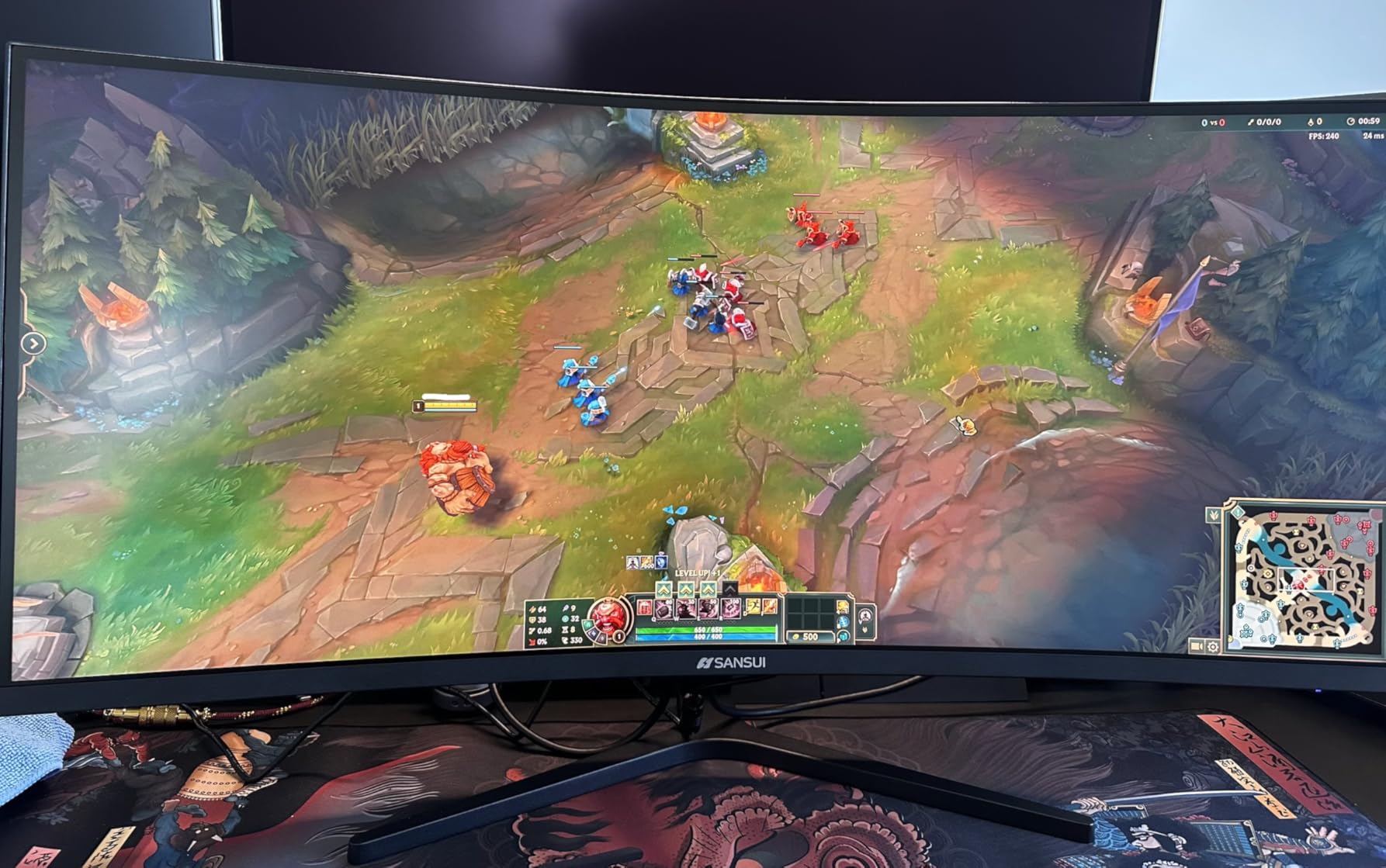
I was particularly impressed by the connectivity. Dual HDMI 2.1 and dual DisplayPort 1.4 inputs give you incredible flexibility for multi-device setups. You could connect a gaming PC, a PS5, and an Xbox Series X all at once without swapping cables. PIP and PBP let you view two sources simultaneously.
The 240Hz experience on an ultrawide is something special. Racing games and flight sims feel incredibly smooth across the wide field of view. Competitive shooters benefit from the high refresh rate for target tracking. Just be aware that pushing 240Hz at 3440×1440 requires a beefy GPU.
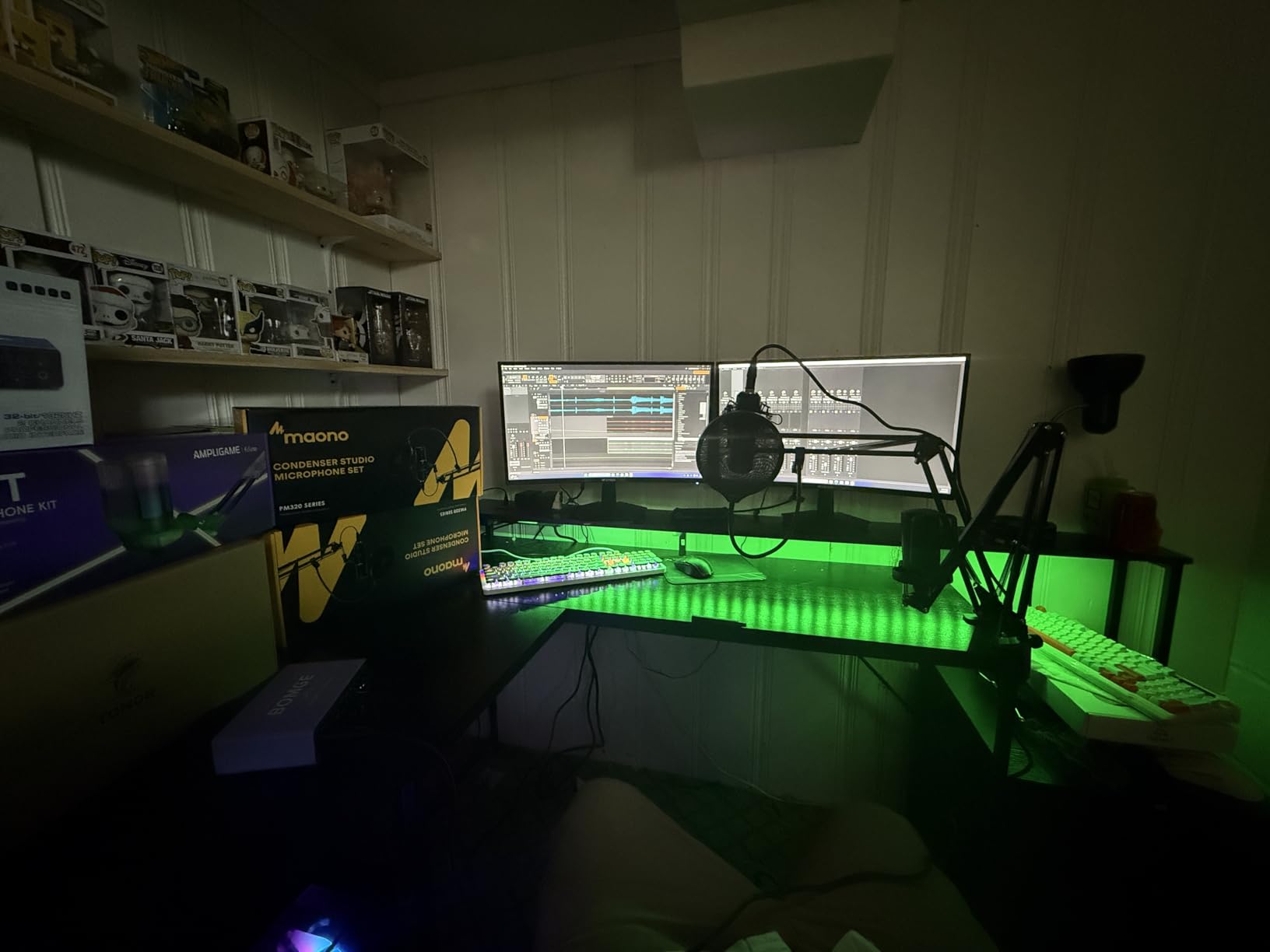
GPU Requirements for 240Hz Ultrawide
Running 3440×1440 at 240Hz is demanding. For competitive games like Valorant or CS2, an RTX 4060 or RX 7600 can hit 240+ FPS. For AAA games, you will need an RTX 4080 or better to approach 240 FPS at native resolution. Consider using DLSS or FSR for demanding titles.
Stand and Ergonomics
The stand only offers tilt adjustment, which is disappointing at this price point. For a 240Hz gaming monitor, you want precise positioning. I recommend pairing this with a heavy-duty VESA mount rated for ultrawide displays. The 75x75mm VESA pattern is compatible with most quality arms.
10. Alienware 34 Curved Gaming Monitor AW3425DWM – Premium Build Ultrawide

Alienware 34 Curved Gaming Monitor – AW3425DWM – 34-inch WQHD 180Hz 1ms Display, 1500R, AMD FreeSync Premium, VESA AdaptiveSync.
34-inch WQHD Curved
180Hz
1ms
DCI-P3 95%
DisplayHDR 400
FreeSync Premium
3 Year Warranty
+ Pros
- Excellent Dell/Alienware build quality
- DisplayHDR 400 with DCI-P3 95%
- Height and tilt adjustable stand
- VESA AdaptiveSync certified
- 3 year warranty included
- Cons
- Higher price point
- No OLED panel
- Heavy at 21 pounds
- No built-in speakers
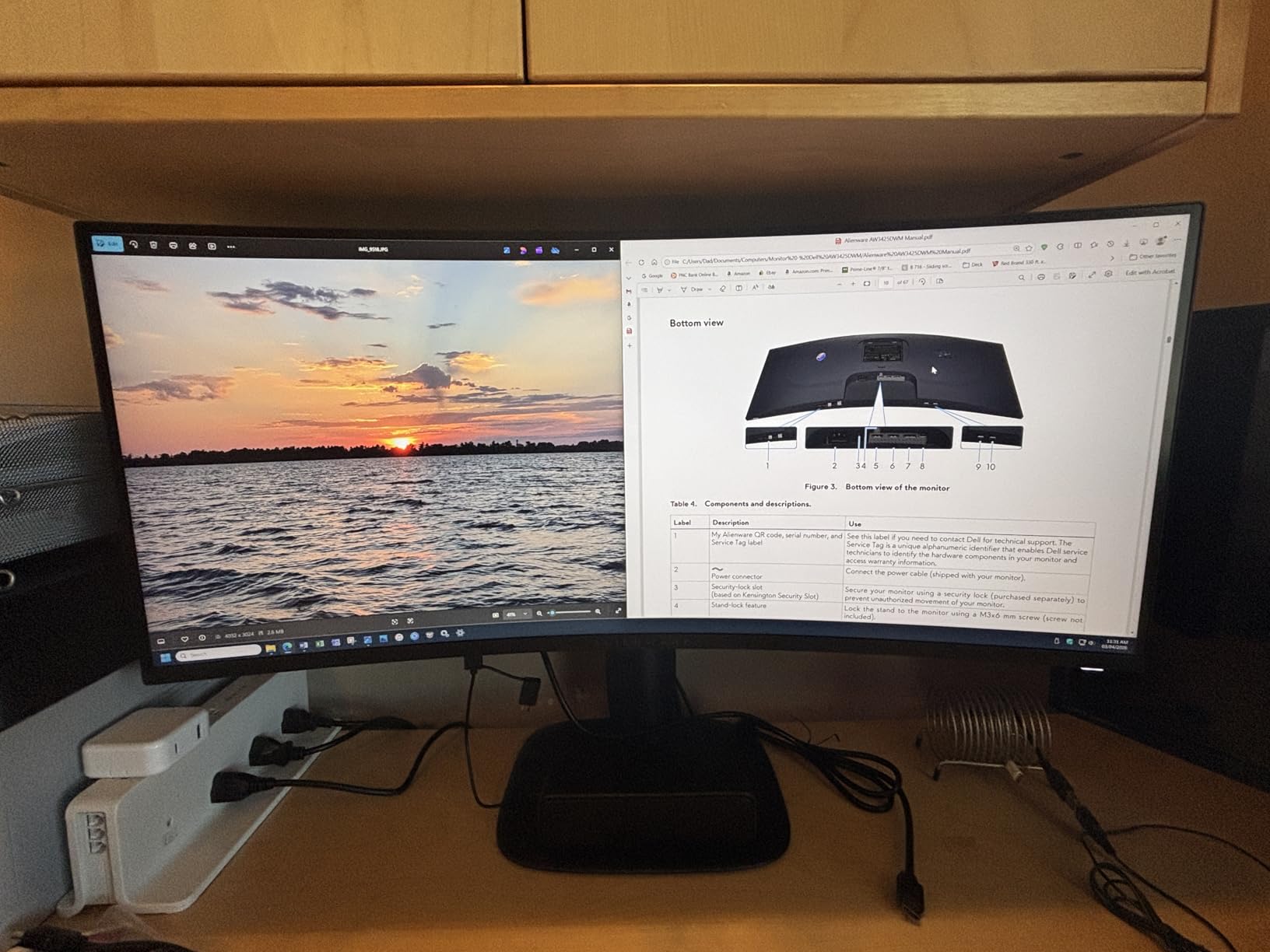
The Alienware AW3425DWM is the premium LED ultrawide option for gamers who want Alienware quality without paying OLED prices. At $350 on Prime Day, it is more expensive than the SANSUI and Sceptre options, but the build quality and warranty support justify the premium.
Dell’s manufacturing quality is immediately apparent. The monitor feels solid, the stand is stable, and the included height and tilt adjustment is smooth and precise. The 400 nits brightness with DisplayHDR 400 produces noticeably better HDR than the budget ultrawides, and the DCI-P3 95% color gamut is excellent.
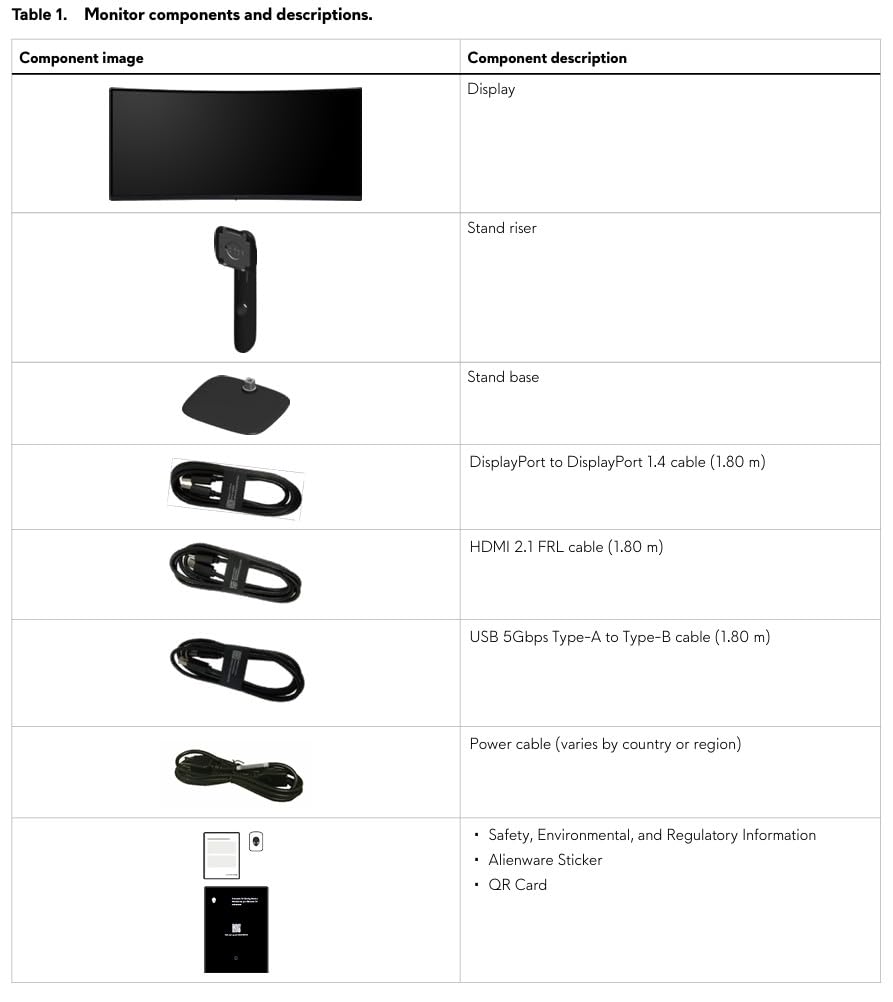
At 180Hz with a 1ms response time, the gaming performance is smooth and responsive. VESA AdaptiveSync certification means guaranteed variable refresh rate performance. FreeSync Premium eliminates screen tearing across the entire refresh rate range, which is important on a wide panel.
The main trade-off versus OLED is contrast. This LED panel produces good blacks but cannot match the infinite contrast and per-pixel dimming of OLED. In dark rooms, you will notice some backlight bloom around bright objects. The 21-pound weight also means you need a sturdy mount if not using the included stand.
Warranty and After-Sale Support
Dell’s 3-year warranty with advance exchange is one of the best in the business. If something goes wrong, Dell ships a replacement before you return the defective unit. This level of support is a major advantage over budget brands like SANSUI and Sceptre, especially for a $350+ purchase.
Console Mode and Compatibility
The AW3425DWM includes a console mode optimized for PS5 and Xbox Series X. Since current-gen consoles support 1440p ultrawide output, you can get immersive 21:9 gaming on your console. The HDMI 2.0 ports support up to 100Hz at 3440×1440 from consoles.
11. Samsung 27″ Odyssey OLED G5 – Most Affordable OLED Entry Point

Samsung 27” Odyssey OLED G5 (G50SF) Series QHD & QD-OLED Gaming Monitor
27-inch QHD QD-OLED
180Hz
0.03ms
Pantone Validated
Glare Free
G-Sync Compatible
3 Year Warranty
+ Pros
- Most affordable QD-OLED monitor
- Stunning true blacks with QD-OLED
- Pantone validated color accuracy
- Glare Free coating
- Auto Source Switch+
- Cons
- Stand not height adjustable
- Only one HDMI and one DisplayPort
- Limited to 180Hz refresh rate
- No built-in speakers
The Samsung Odyssey OLED G5 (G50SF) is the cheapest entry into OLED gaming monitors on this list. At under $380 during Prime Day, you get a 27-inch QD-OLED panel with QHD resolution and the kind of image quality that makes IPS and VA panels look dated by comparison.
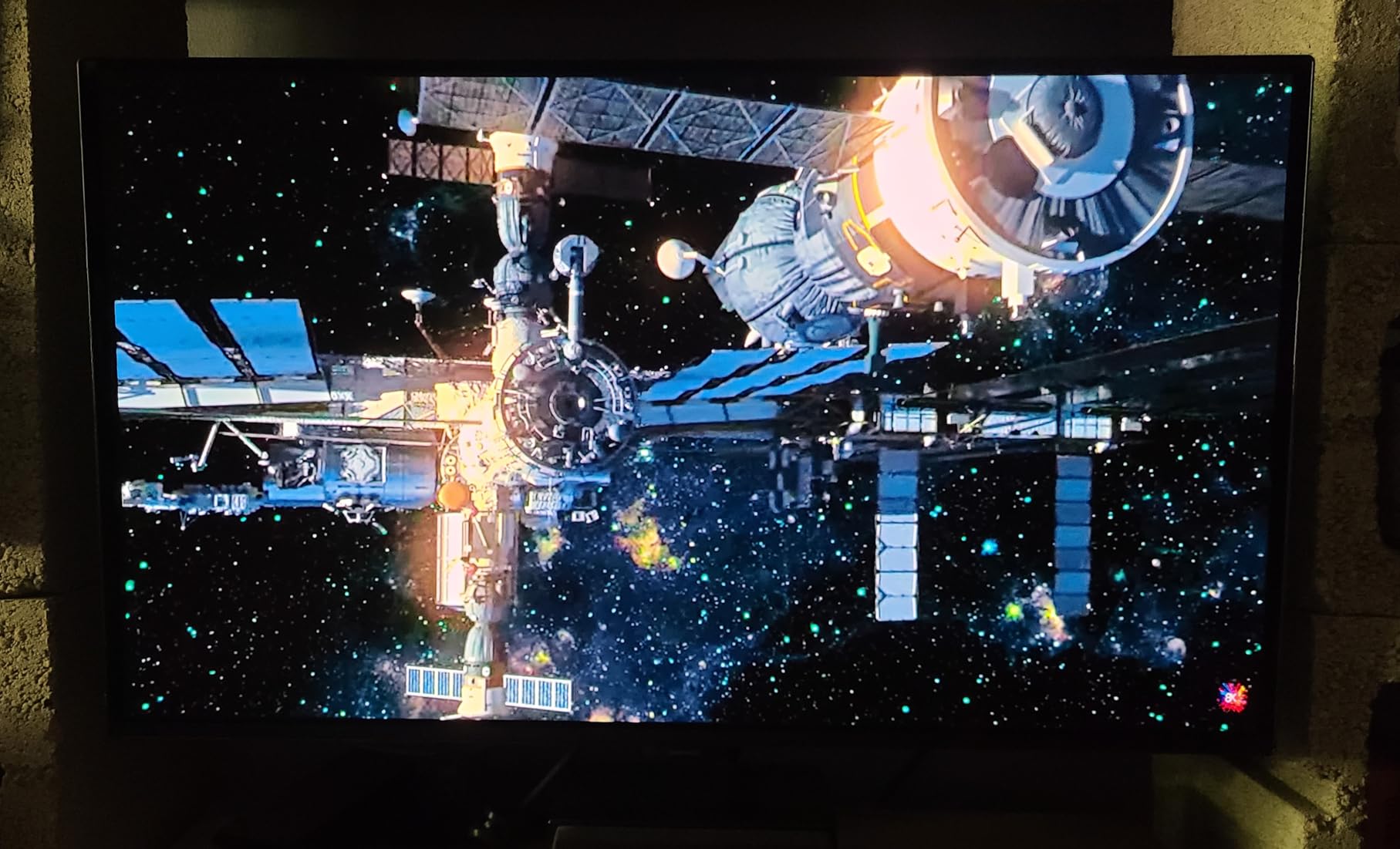
The first time you see true OLED blacks on a gaming monitor, it is a revelatory experience. Dark scenes have infinite contrast with no backlight bloom whatsoever. The QD-OLED technology delivers even better color vibrancy than traditional WOLED panels, with Pantone validated accuracy across 2100+ colors.
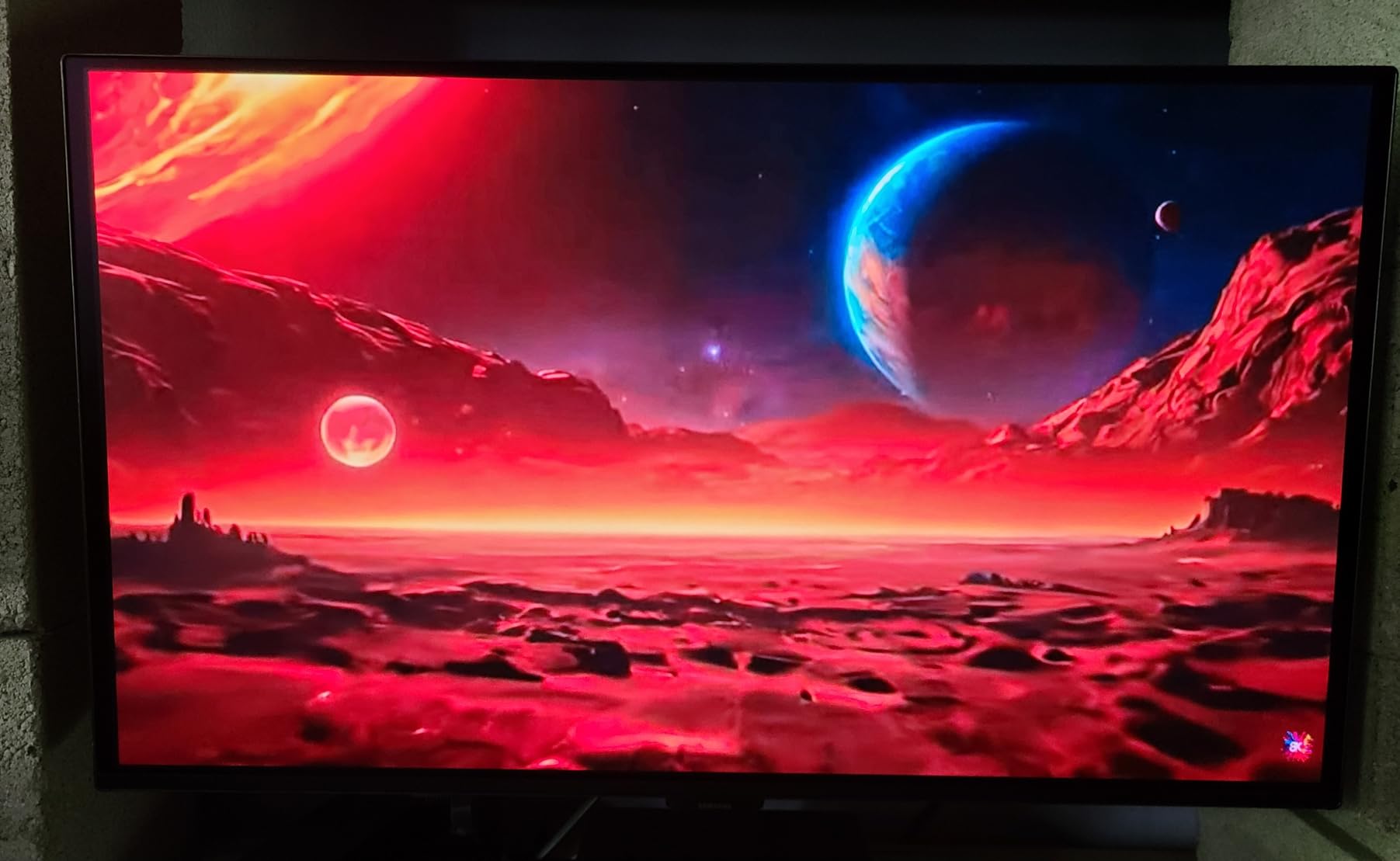
The 0.03ms response time is essentially instant, making this the fastest monitor on this list in terms of pixel response. Motion clarity is superb, with no ghosting or overshoot artifacts at any refresh rate. At 180Hz, it is not the highest refresh OLED available, but for most gamers, 180Hz OLED feels smoother than 240Hz LCD.
Samsung includes their OLED Safeguard with Thermal Modulation System to prevent burn-in, along with a 3-year manufacturer warranty. The Glare Free coating is genuinely effective at reducing reflections in bright rooms. Auto Source Switch+ automatically detects and switches to active input devices.
OLED Burn-in Reality Check
Burn-in is the main concern with any OLED monitor. Samsung’s Thermal Modulation System and pixel shifting help mitigate this risk. For typical gaming use with varied content, burn-in is unlikely within the warranty period. Avoid leaving static images like taskbars on for extended periods, and use the built-in screen saver.
Connectivity Trade-offs
With only one HDMI and one DisplayPort, connectivity is limited. If you run a PC plus a console, you will be covered, but multi-PC setups need a switch. The lack of USB-C also means no single-cable connection for laptops. Budget for a USB-C to DisplayPort adapter if you plan to connect a laptop.
12. LG UltraGear OLED 27GS93QE 27″ QHD 240Hz – WOLED Excellence

LG 27GS93QE 27-inch Ultragear OLED Gaming Monitor QHD 1440p 240Hz 0.03ms DisplayHDR True Black 400 AMD FreeSync Premium Pro NVIDIA G-Sync HDMI 2.1 DisplayPort Tilt/Height/Pivot Stand Black
27-inch QHD WOLED
240Hz
0.03ms
DisplayHDR True Black 400
98.5% DCI-P3
Anti-Glare
G-Sync Compatible
+ Pros
- True blacks without purple tint
- Excellent anti-glare matte finish
- 240Hz refresh rate
- Includes remote control
- 98.5% DCI-P3 coverage
- Superior shadow detail
- Cons
- Burn-in risk with static images
- No built-in speakers
- Not 4K resolution
- Some QC concerns reported
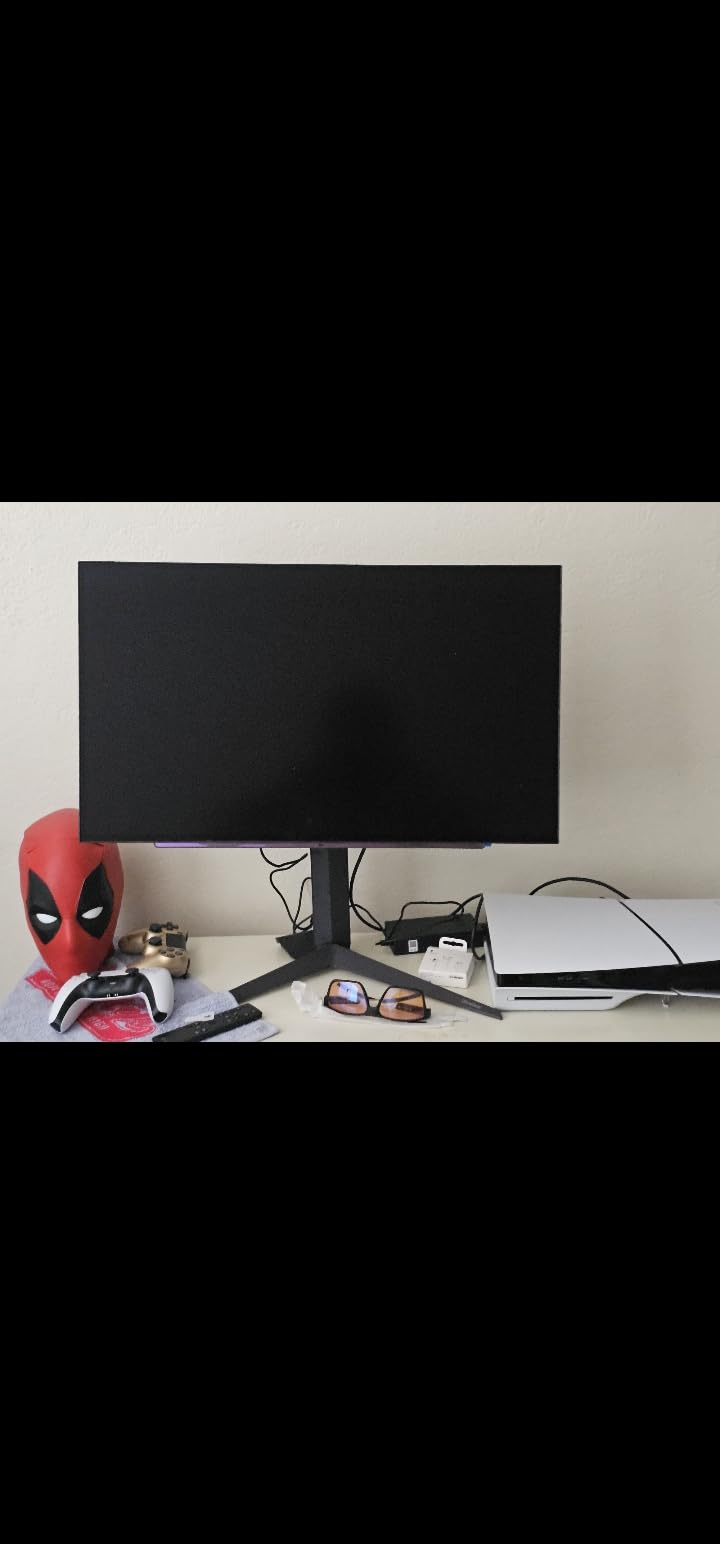
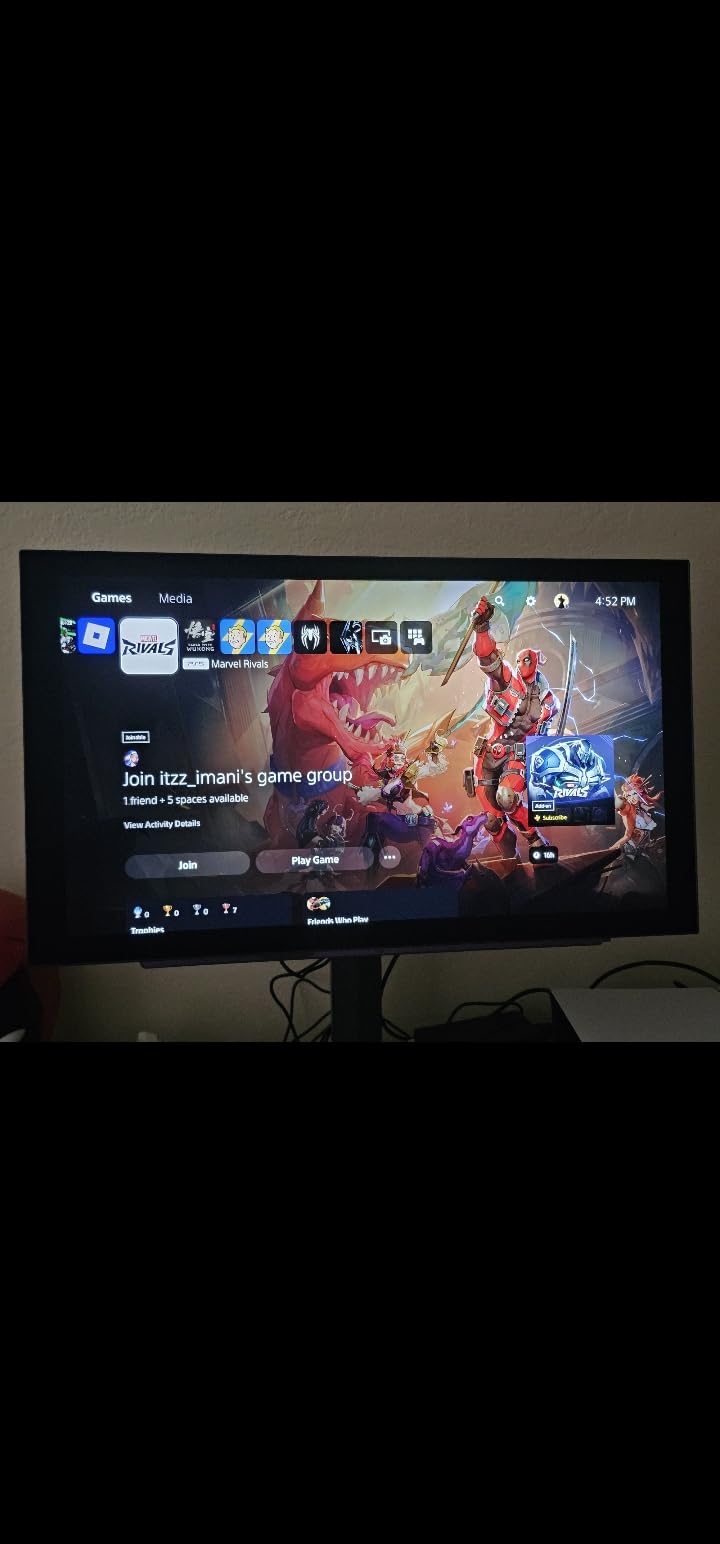
The LG UltraGear 27GS93QE uses WOLED technology rather than QD-OLED, and that distinction matters. WOLED produces true deep blacks without the subtle purple tint that QD-OLED panels can show in dark rooms. If you game in a dim environment, this is the OLED technology to choose.
The anti-glare matte finish on this panel is the best I have seen on any OLED monitor. It diffuses reflections beautifully while maintaining image sharpness. LG even includes a remote control for adjusting settings without fumbling through the OSD menu, a thoughtful touch that competitors should copy.
At 240Hz with 0.03ms response time, this monitor delivers the kind of motion clarity that competitive players dream about. Every frame is crystal clear with zero blur or ghosting. The 98.5% DCI-P3 color coverage produces rich, saturated colors that make games look better than I have seen on any LCD panel.
Where this monitor excels specifically is shadow detail. In dark games like Doom Eternal or Resident Evil, I could see enemies lurking in shadows that were simply invisible on my IPS monitors. The infinite contrast ratio of OLED reveals details that LCD panels physically cannot display.
WOLED vs QD-OLED Explained
WOLED (used by LG) uses white OLED subpixels with color filters, producing accurate whites and true blacks without purple tint. QD-OLED (used by Samsung and ASUS) uses quantum dots for wider color gamut and higher peak brightness, but can show slight purple tinting in dark rooms. Both are excellent; choose based on your room lighting.
Is 1440p OLED at 240Hz the Sweet Spot?
For competitive gamers, 27-inch 1440p at 240Hz is considered the ideal configuration. The pixel density is sharp enough for most viewing distances, 240Hz delivers elite motion clarity, and mid-to-high-end GPUs can actually push 240 FPS at 1440p. This is the monitor configuration that professional esports players prefer.
13. ASUS ROG Strix 34″ Ultrawide QD-OLED – Best Ultrawide OLED Value

ASUS ROG XG34WCDG 34 Inch 1440p 175Hz Ultrawide OLED G-SYNC Gaming Monitor
34-inch UWQHD QD-OLED
175Hz
0.03ms
DisplayHDR True Black 400
99.3% DCI-P3
OLED Care Pro
3 Year Burn-in Warranty
+ Pros
- Stunning ultrawide QD-OLED panel
- 175Hz with 0.03ms response
- True 10-bit color with 99.3% DCI-P3
- OLED Care Pro with Neo Proximity Sensor
- 3 year burn-in coverage
- Cons
- Limited height adjustment
- Matte finish not for everyone
- Premium price point
The ASUS ROG Strix XG34WCDG combines the immersive experience of a 34-inch ultrawide with the stunning image quality of QD-OLED technology. This is the monitor I would buy if I wanted an OLED ultrawide without spending over $700, and Prime Day pricing makes it particularly attractive.
The 99.3% DCI-P3 color coverage with true 10-bit color depth produces over a billion colors with remarkable accuracy. Delta E under 2 means this monitor is suitable for professional color work. Gaming on this panel is a visual feast with vibrant colors, infinite contrast, and perfect black levels.
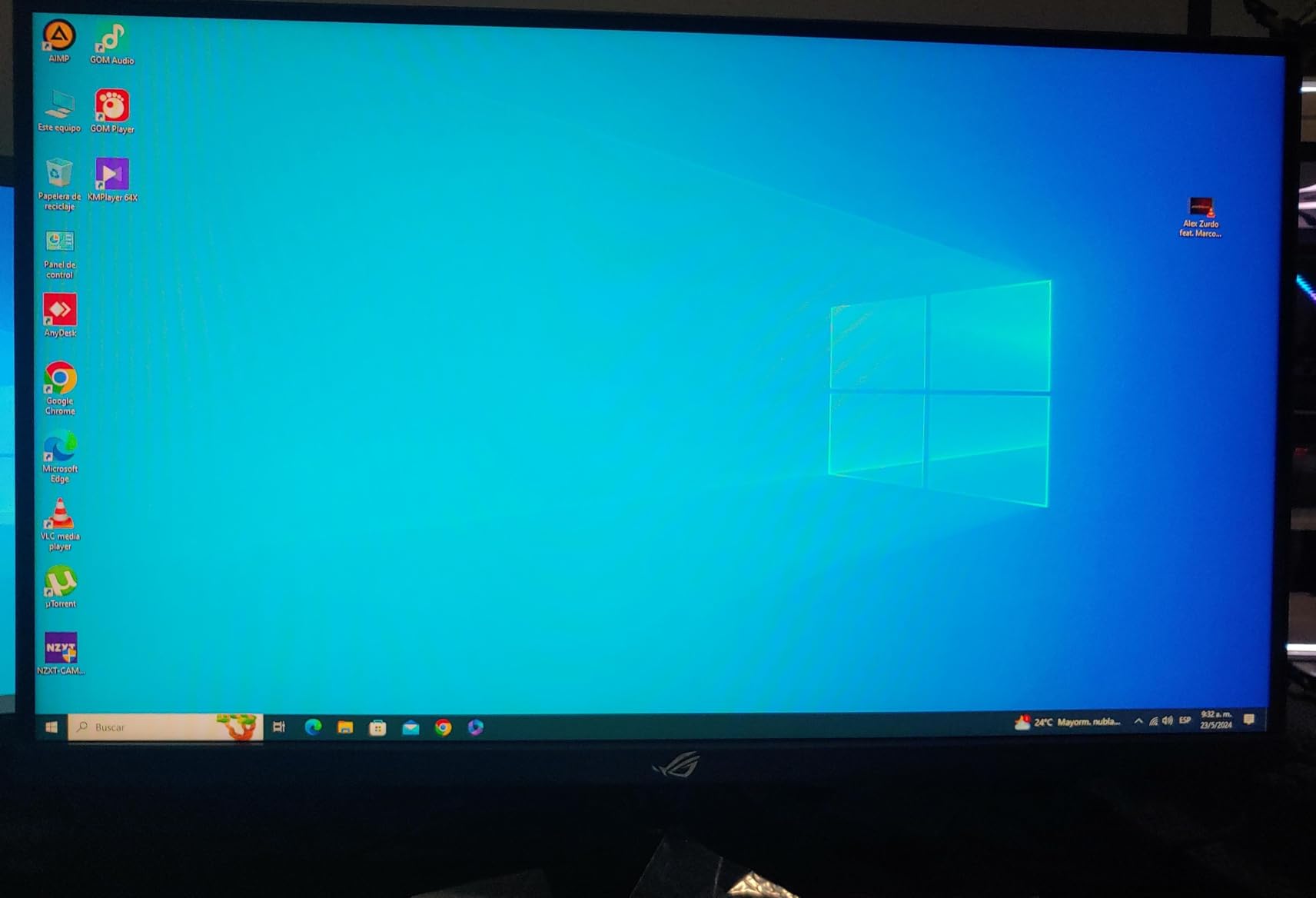
ASUS includes their OLED Care Pro suite with a Neo Proximity Sensor that detects when you step away and automatically dims or turns off the display. This is the most advanced burn-in prevention system available, and combined with the 3-year warranty that covers burn-in, you can game with confidence.
The 175Hz refresh rate is slightly lower than some competitors, but on an OLED panel the motion clarity at 175Hz rivals or exceeds LCD performance at 240Hz. The 0.03ms response time ensures that every pixel transition is essentially instantaneous, eliminating the smearing that LCD panels exhibit.
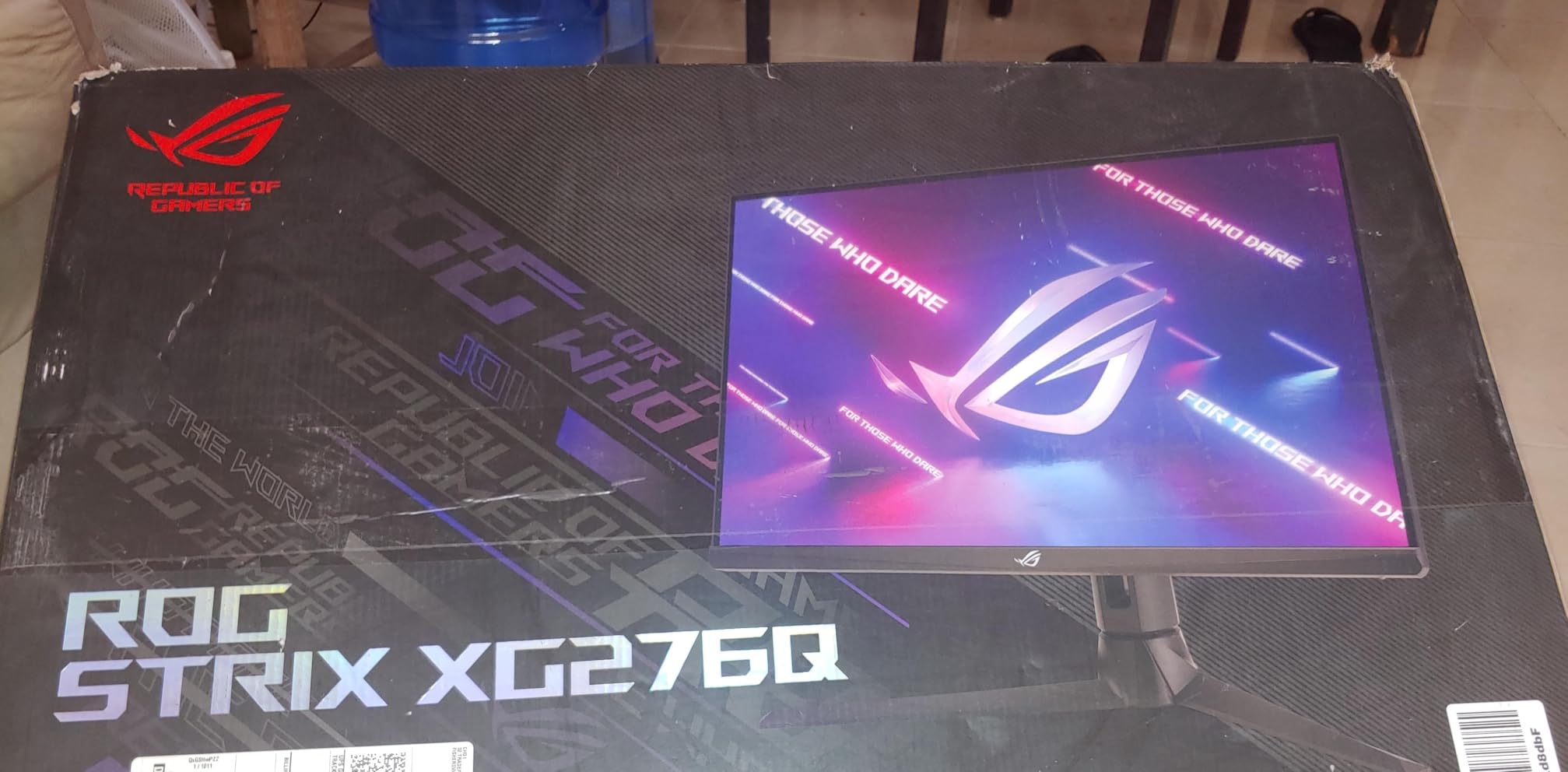
OLED Care Pro Features
The OLED Care Pro suite includes pixel cleaning, screen moving, logo detection, taskbar detection, and the Neo Proximity Sensor. These features run automatically in the background to prevent static image burn-in. The DisplayWidget Center app lets you customize and monitor all protection features from your desktop.
Productivity and Content Creation
Beyond gaming, this monitor is exceptional for creative work. The 3440×1440 resolution gives you massive workspace for video editing timelines, photo catalogs, and design software. ASUS includes 3 months of Adobe Creative Cloud with purchase, making this an attractive option for content creators who also game.
14. ASUS ROG Swift 32″ 4K OLED PG32UCDM – The Ultimate Gaming Monitor

ASUS ROG PG32UCDM 32 Inch 4K 240Hz OLED Gaming Monitor QD-OLED
32-inch 4K QD-OLED
240Hz
0.03ms
DisplayHDR True Black 400
99% DCI-P3
Custom Heatsink
90W USB-C
3 Year Burn-in Warranty
+ Pros
- Best-in-class 4K QD-OLED panel
- 240Hz at 4K resolution
- Custom heatsink and graphene film for cooling
- 90W USB-C power delivery
- 3-year burn-in warranty
- Cons
- Premium price point
- Burn-in risk with static images
- Text fringing at close distances
- Limited stand adjustments
The ASUS ROG Swift PG32UCDM is the monitor that other 4K OLEDs are measured against. A 32-inch 4K QD-OLED panel running at 240Hz with 0.03ms response time represents the absolute pinnacle of current gaming monitor technology. If budget is not a constraint, this is the one to get.
The level of detail at 4K on a 32-inch panel is breathtaking. Games like Cyberpunk 2077 with ray tracing look photorealistic with perfect black levels and infinite contrast. The 99% DCI-P3 coverage with true 10-bit color produces a billion colors with Delta E under 2 accuracy. This is as good as gaming visuals get in 2026.
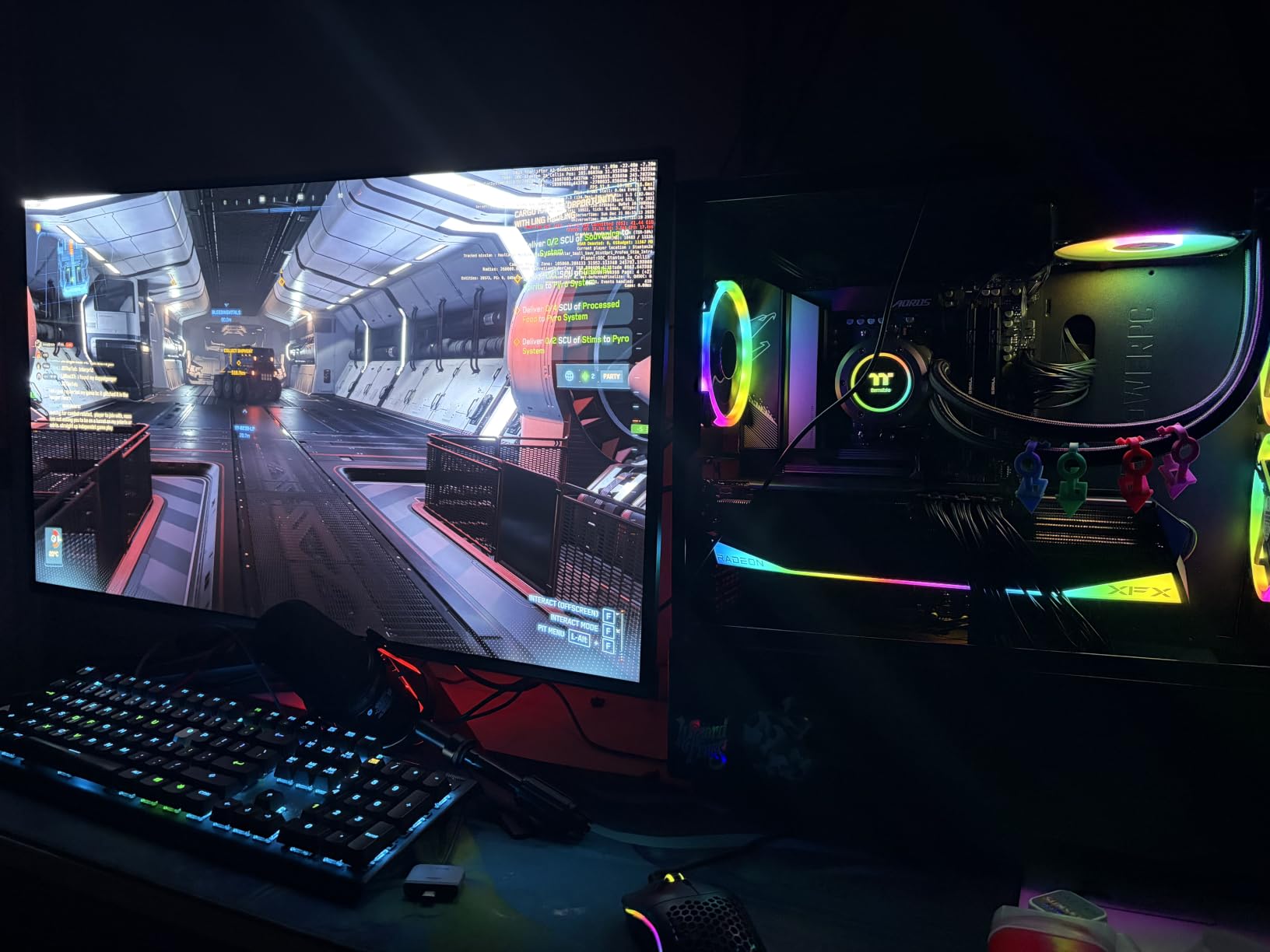
ASUS engineered this monitor for longevity with a custom heatsink and graphene film for superior thermal management. This reduces the need for aggressive brightness limiting and helps prevent burn-in over time. The 90W USB-C port can charge a laptop while displaying its output through a single cable, which is incredibly convenient.
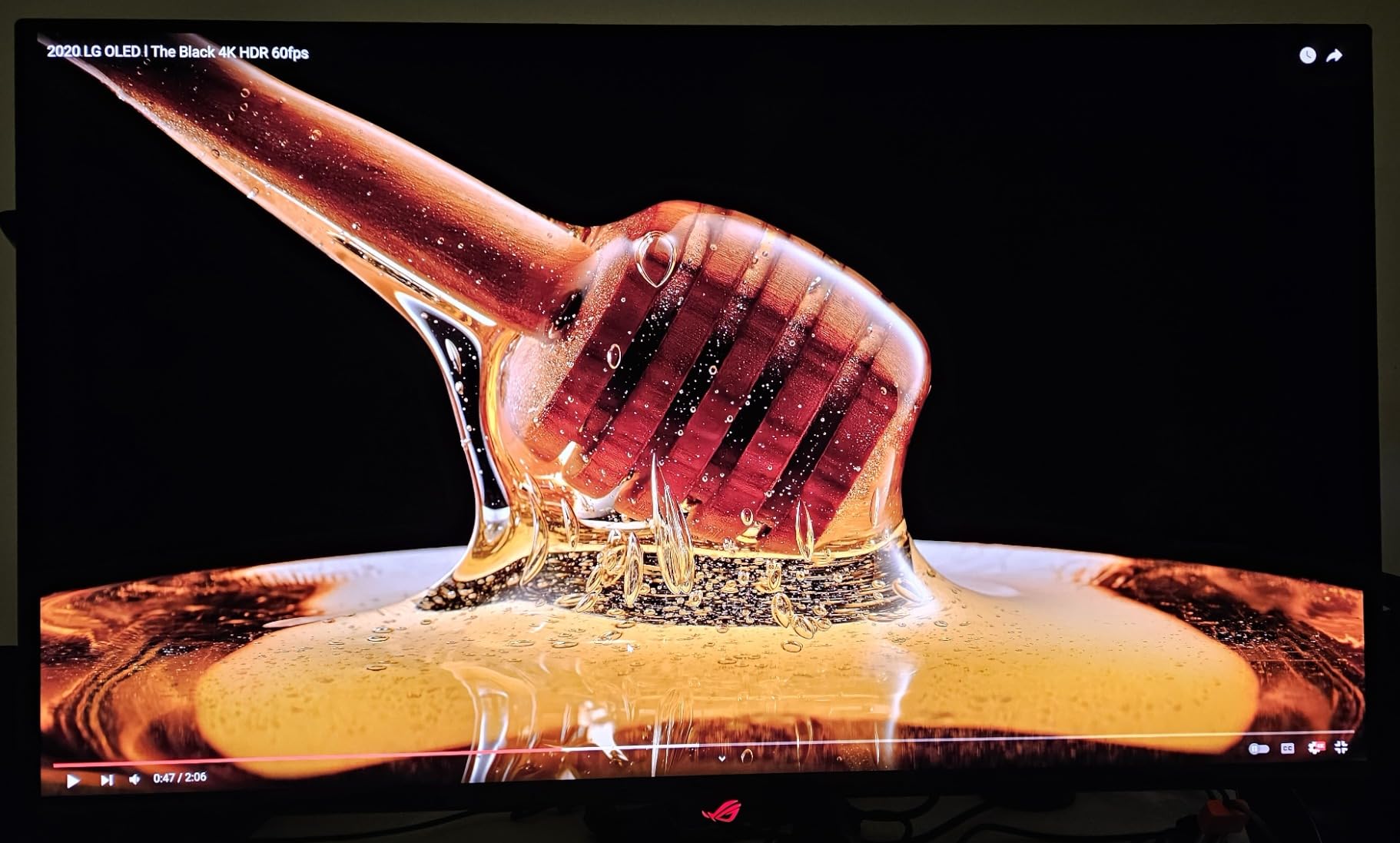
The 240Hz refresh rate at 4K is where this monitor separates itself from the competition. Motion clarity is perfect with zero ghosting, zero overshoot, and zero motion blur. The 0.03ms response time means every pixel transition is instantaneous. Playing fast-paced games at 4K 240Hz is an experience no LCD monitor can replicate.
Thermal Management and Burn-in Prevention
The custom heatsink and graphene film are not just marketing terms. They allow the panel to sustain higher brightness levels without thermal throttling, which means better HDR performance and longer OLED lifespan. Combined with ASUS OLED Care Pro features and a 3-year burn-in warranty, this is the most burn-in-resistant OLED monitor available.
USB-C and Connectivity Benefits
The 90W USB-C connection is a game-changer for laptop users. One cable handles video, data, and charging. Multiple USB 3.2 ports on the monitor act as a dock for peripherals. Two HDMI 2.1 ports support 4K 120Hz from PS5 and Xbox Series X. DisplayPort 1.4 handles the full 4K 240Hz signal from PC.
15. Samsung 49″ Odyssey OLED G9 – The Ultimate Immersive Display

Samsung 49″ Odyssey OLED G9 (G91SD) Dual QHD QD-OLED Curved Gaming Monitor
49-inch Dual QHD QD-OLED
144Hz
0.03ms
32:9 Aspect
110 PPI
FreeSync Premium Pro
G-Sync Compatible
3 Year Warranty
+ Pros
- Massive 49-inch super-ultrawide OLED
- Stunning QD-OLED with true blacks
- Dual QHD 5120x1440 resolution
- Ergonomic stand with height adjustment
- 3 year burn-in warranty
- Cons
- Extremely large footprint
- Only one DisplayPort input
- Some panel calibration mismatch reported
- Premium pricing
- Mixed warranty service experiences
The Samsung 49-inch Odyssey OLED G9 is not just a monitor, it is an experience. With a 32:9 aspect ratio and Dual QHD resolution (5120×1440), this is essentially two 27-inch 1440p monitors stitched together into one seamless curved OLED panel. There is nothing else quite like it on the market.
For simulation games, this monitor is unbeatable. Racing sims fill your entire field of view with no bezel in the middle. Flight simulators display cockpit instruments and exterior views simultaneously. Strategy games show massive battlefields at once. The QD-OLED panel makes every pixel glow with perfect black levels and vibrant QD-enhanced colors.
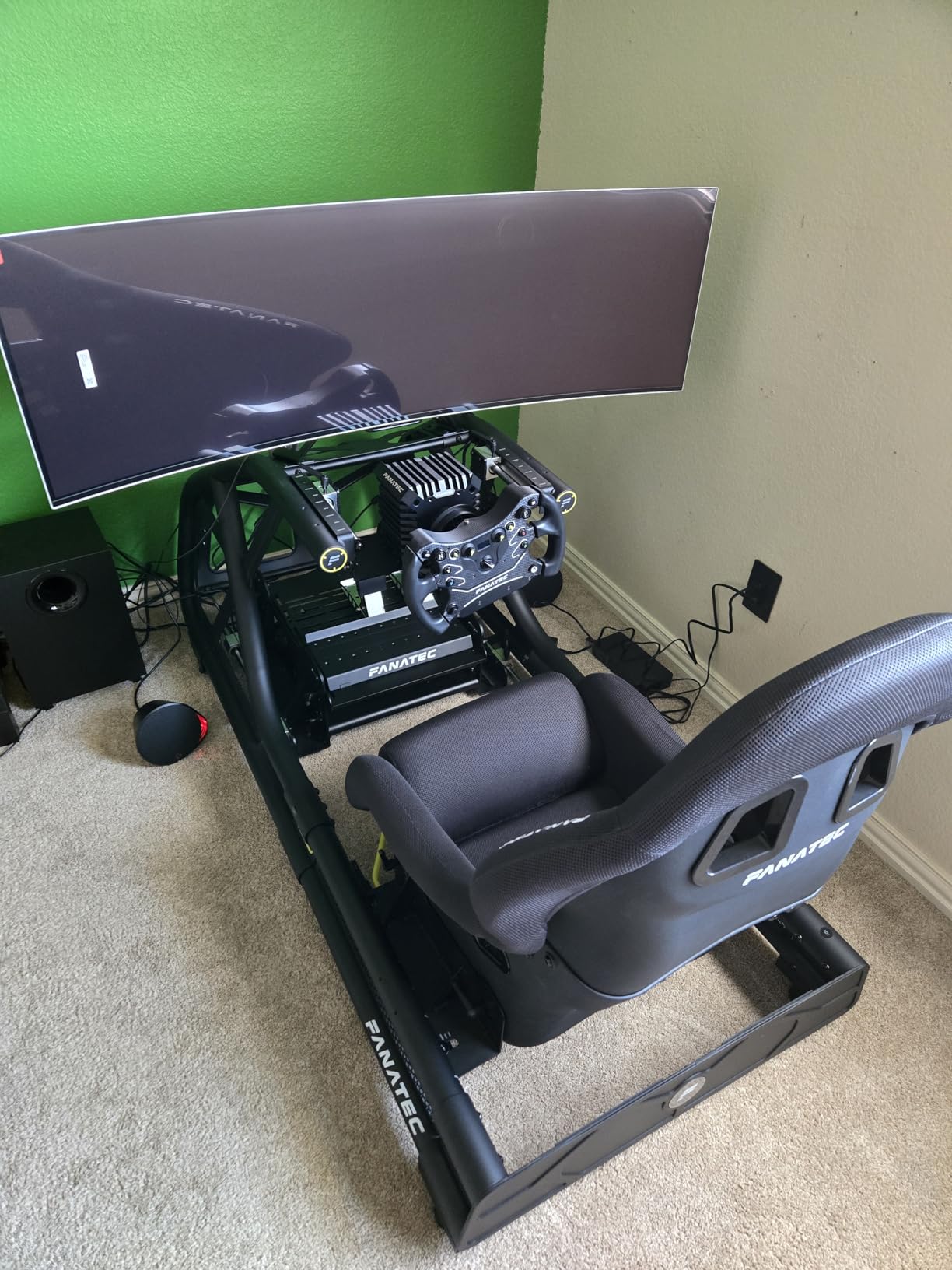
At 144Hz with 0.03ms response time, the motion performance is excellent for an OLED panel of this size. Samsung’s Thermal Modulation System and Logo and Taskbar Detection help prevent burn-in from static UI elements. The included ergonomic stand with height and tilt adjustment is sturdy, which is impressive given the 28-pound weight.
The challenges with this monitor are practical. You need a deep desk, ideally at least 30 inches deep, to comfortable view a 49-inch curved panel. Some users have reported slight color calibration differences between the left and right halves of the panel. And with only one DisplayPort input, multi-PC setups require an external switch.
Desk Space and Setup Requirements
Measure your desk before buying. This monitor is 47 inches wide and 11 inches deep with the stand. You need at least 30 inches of desk depth for comfortable viewing distance. A wall-mounted VESA setup is an option with a heavy-duty arm rated for at least 30 pounds. Headphone stands and other desk accessories need to be repositioned.
Productivity as a Dual-Monitor Replacement
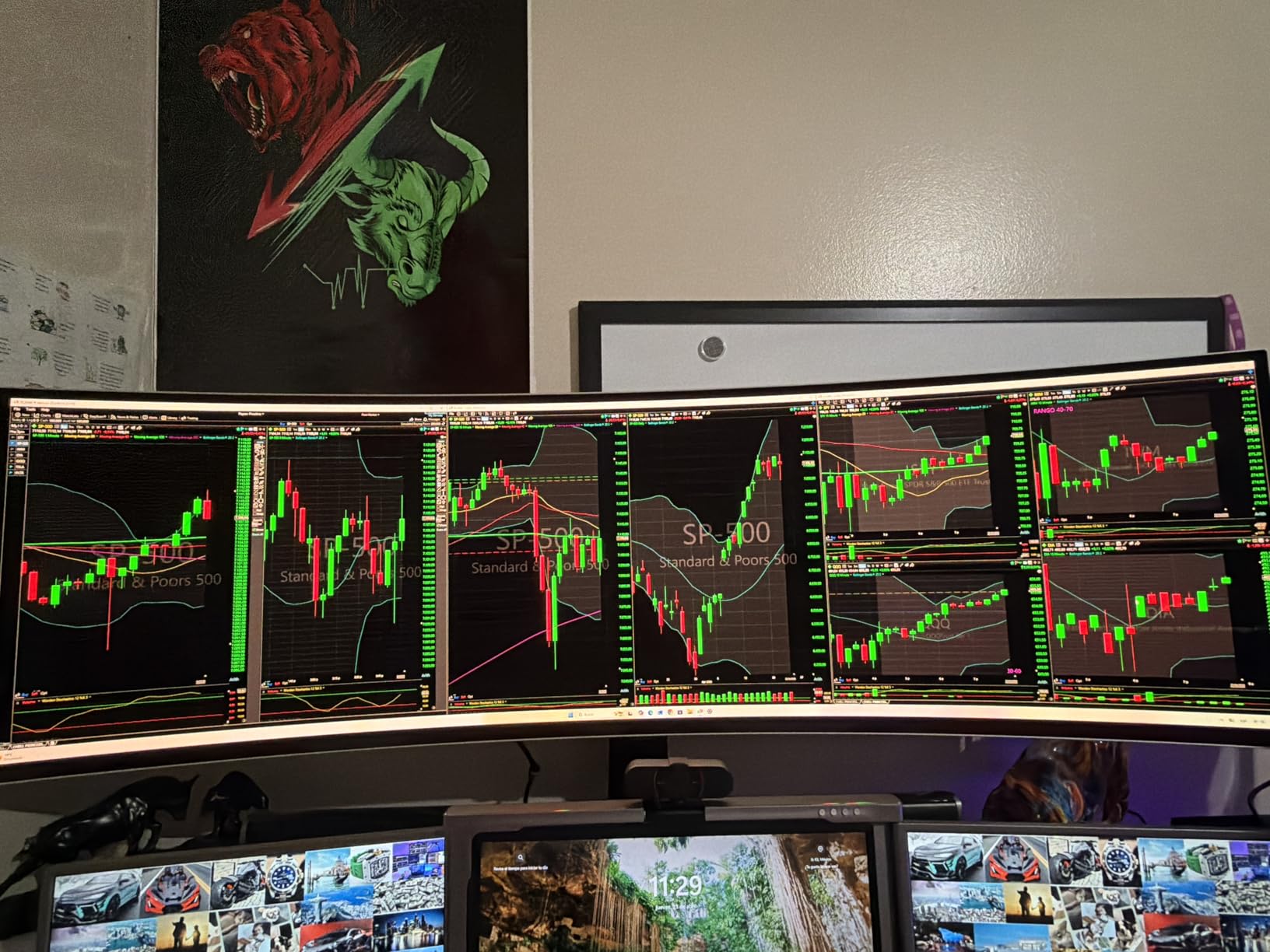
For productivity, this monitor replaces a dual or even triple monitor setup. Picture-in-Picture lets you display two full-screen sources simultaneously. The 32:9 aspect ratio gives you massive workspace for video editing, trading, programming, or any multi-window workflow. The curve keeps the edges at a comfortable viewing distance.
Gaming Monitor Buying Guide for Prime Day 2026
Panel Types Explained: IPS vs VA vs OLED
IPS panels offer the best color accuracy and viewing angles but have weaker contrast and potential backlight bleed. VA panels deliver deep blacks and high contrast but can exhibit ghosting in dark scenes. OLED panels provide infinite contrast, instant response times, and the best image quality, but carry burn-in risk and premium pricing.
For budget buyers under $200, IPS or VA panels are your options. Choose IPS for color work and fast-paced games, or VA for immersive single-player games with dark scenes. Once you cross $400, OLED becomes available and dramatically outperforms both LCD technologies in every visual metric.
Refresh Rate Tiers
60Hz is the bare minimum and not recommended for gaming. 144Hz is the current sweet spot for smooth gameplay on mid-range hardware. 180Hz offers a noticeable improvement for competitive gaming. 240Hz is the competitive standard for esports titles. 360Hz and above is for professional-level competitive play.
The jump from 60Hz to 144Hz is immediately obvious to anyone. The jump from 144Hz to 240Hz is more subtle but matters for competitive tracking. Beyond 240Hz, diminishing returns set in rapidly for most players. Pair your refresh rate with an appropriate GPU that can deliver matching frame rates.
Resolution Guide: 1080p vs 1440p vs 4K
1080p is budget-friendly but looks soft on screens larger than 24 inches. 1440p (QHD) is the ideal balance of sharpness and performance at 27 inches. 4K UHD delivers maximum detail but requires a powerful GPU and works best on 27-inch or 32-inch panels.
For competitive gaming, 1440p at 240Hz is the preferred configuration for professional players. For immersive single-player gaming, 4K at 120-160Hz with a high-end GPU delivers the best visual experience. Choose 1440p if you value frame rates, or 4K if you value image detail.
Connectivity: HDMI vs DisplayPort vs USB-C
DisplayPort is the best choice for PC gaming, supporting the highest refresh rates and resolutions. HDMI 2.1 is required for 4K 120Hz from PS5 and Xbox Series X. USB-C with Power Delivery enables single-cable connection for laptops, handling video, data, and charging simultaneously.
For console gaming, ensure your monitor has HDMI 2.1 ports for full 4K 120Hz support. For PC gaming, DisplayPort 1.4 handles 4K 144Hz or 1440p 240Hz. USB-C is increasingly important for laptop users who want a clean single-cable setup with power delivery.
Console Compatibility: PS5 and Xbox Series X
The PS5 supports 4K at 120Hz over HDMI 2.1, making 4K monitors with HDMI 2.1 ideal. The Xbox Series X supports 1440p at 120Hz natively, so 1440p monitors are also excellent choices. Both consoles support variable refresh rate (VRR) for tear-free gaming.
Look for monitors with FreeSync Premium Pro or G-Sync Compatible certification for the best console experience. HDMI 2.1 is essential for 4K 120Hz. Avoid monitors with only HDMI 2.0 if you plan to use a PS5 or Xbox Series X, as you will be limited to 4K 60Hz.
OLED Burn-in: Should You Worry?
Burn-in occurs when static images leave a permanent ghost on the screen. Modern OLED monitors include multiple prevention features: pixel shifting, logo detection, automatic brightness limiting, and screen savers. Samsung, ASUS, and LG all offer burn-in coverage in their warranties.
For typical gaming use with varied content, burn-in is unlikely within 2-3 years. The risk increases with static UI elements like taskbars, HUD elements, or channel logos displayed for hours daily. Use dark mode, enable pixel shifting, and run periodic pixel cleaning cycles to minimize risk.
FAQs
What size monitor should I buy for gaming?
For most gamers, 27 inches is the sweet spot. It provides enough screen space for immersive gaming at 1440p resolution without requiring excessive desk depth. Competitive players often prefer 24-27 inches for maintaining focus, while immersion-focused gamers may prefer 32 inches or larger. Ultrawide monitors around 34 inches offer a middle ground with extra horizontal space.
What display input is best (HDMI vs DisplayPort vs USB-C)?
DisplayPort is best for PC gaming because it supports the highest refresh rates and resolutions. HDMI 2.1 is required for 4K 120Hz from PS5 and Xbox Series X consoles. USB-C with Power Delivery is ideal for laptop users since it handles video, data, and charging through a single cable. For competitive PC gaming, always use DisplayPort.
Are all monitors compatible with Windows and MacOS?
Yes, all monitors on this list work with both Windows and MacOS. However, MacOS has a known issue with non-integer scaling on 1440p monitors, which can make text look slightly soft. 4K monitors work perfectly with MacOS since they support integer scaling. Windows handles all resolutions without issues.
What refresh rate do I need for gaming?
For casual gaming, 144Hz is the minimum recommended refresh rate. For competitive gaming, 240Hz provides a noticeable advantage in fast-tracking scenarios. The jump from 60Hz to 144Hz is transformative and immediately noticeable. Beyond 240Hz, returns diminish rapidly for most players. Always match your monitor refresh rate with a GPU that can deliver comparable frame rates.
OLED vs LCD gaming monitors – which is better?
OLED monitors produce superior image quality with infinite contrast, perfect blacks, and instant 0.03ms response times. LCD monitors (IPS and VA) are more affordable and have no burn-in risk but cannot match OLED image quality. If budget allows, OLED is objectively better for gaming. If budget is tight, a good IPS panel at 1440p 144Hz+ still delivers an excellent gaming experience.
Conclusion
Amazon Prime Day gaming monitor deals in 2026 offer genuinely excellent value across every price tier. For under $150, the KTC 27 QHD delivers outstanding 1440p performance. Under $250 gets you immersive ultrawide options like the SANSUI 34-inch 200Hz. And for OLED quality, the Samsung Odyssey OLED G5 at under $380 represents the cheapest OLED entry point we have seen.
For gamers who want the absolute best, the ASUS ROG Swift PG32UCDM 4K OLED and Samsung Odyssey OLED G9 49-inch represent the pinnacle of current display technology. Our team recommends acting quickly on Prime Day deals, as the best monitors tend to sell out fast and prices can shift hourly during the sale event.
Whatever your budget or gaming preference, this list of 15 monitors covers the best Amazon Prime Day gaming monitor deals available right now. Match your choice to your GPU, desk space, and gaming priorities, and you will have a display that serves you well for years to come.