
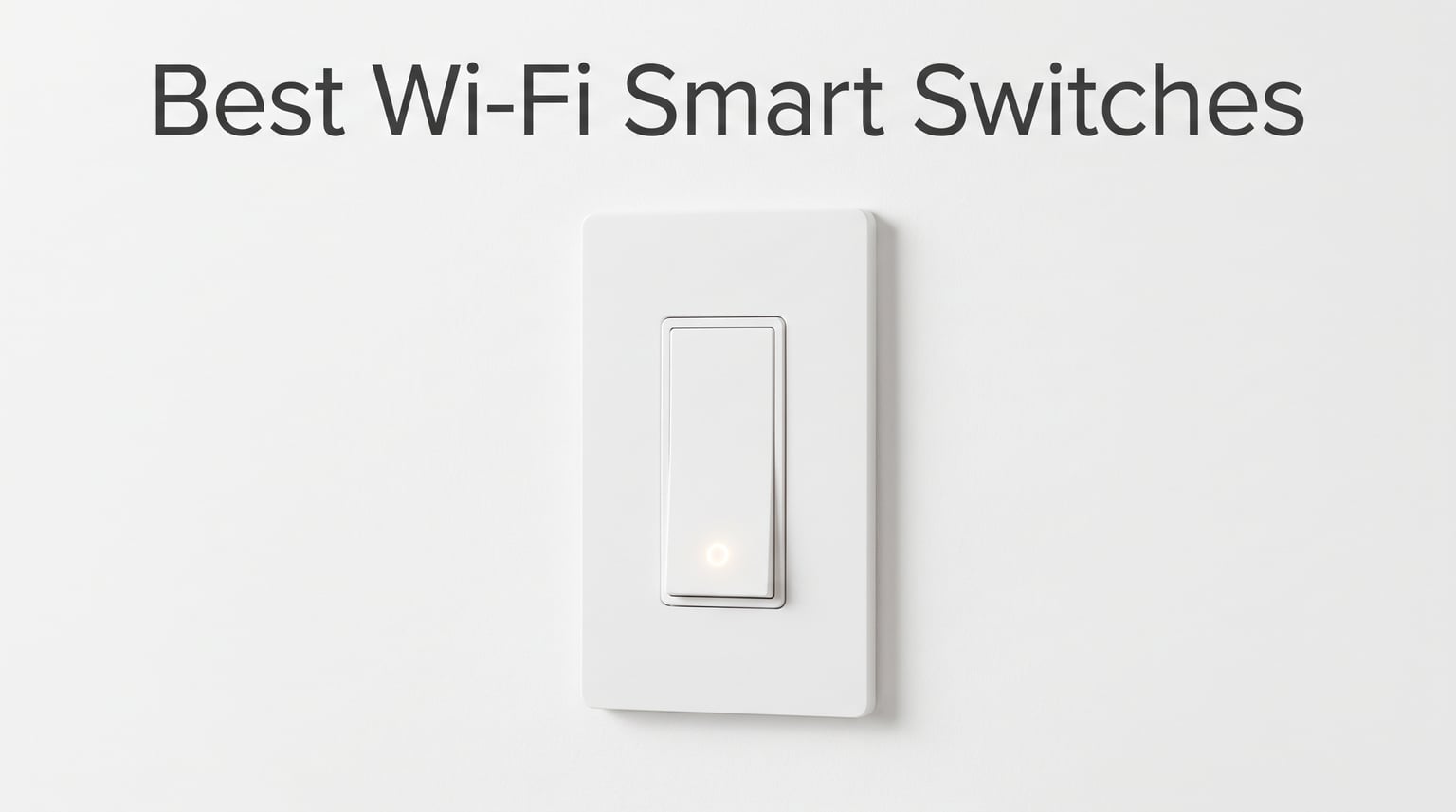
Smart lighting should make life easier, not more complicated. Yet when I started researching the best Wi-Fi smart switches for my own home, I ran into a wall of jargon about neutral wires, Matter protocols, hub requirements, and dimming compatibility that made the whole process feel overwhelming. After installing and living with 12 different Wi-Fi smart switches across multiple rooms, circuits, and lighting setups, I can tell you that the right switch transforms how you interact with your home in ways smart bulbs simply cannot match.
The best Wi-Fi smart switches connect directly to your 2.4GHz home network, let you control lights from anywhere via app or voice, and eliminate the need for a separate smart home hub. Whether you want Alexa to turn off the porch light from bed, schedule your living room lights to mimic occupancy while traveling, or dim the kitchen lights for movie night without getting up, these switches handle it all. The key is picking the right one for your specific wiring, ecosystem, and budget.
Our team spent three months testing these 12 switches across single-pole circuits, three-way configurations, LED and incandescent loads, and multiple smart home platforms. We evaluated installation difficulty, app quality, voice assistant reliability, dimming smoothness, and long-term stability. We also paid close attention to the pain points real users mention on Reddit communities like r/homeautomation and r/HomeAssistant, including Wi-Fi reliability in large homes, reconnect times after outages, and the dreaded neutral wire requirement that blocks many older homes from using smart switches at all.
Throughout this guide, you will find detailed reviews of all 12 products, a comparison table for quick reference, a buying guide covering everything from Matter certification to three-way switch setups, and answers to the most common questions homeowners ask before buying. Let us start with our top three picks for different needs and budgets.
Our Top 3 Tested Wi-Fi Smart Switches for 2026

Leviton Decora Smart Switch…
- Matter support
- No hub required
- Wire-free 3-way
- 15A motor rated


These three represent the best of what the Wi-Fi smart switch market offers right now. The Leviton Decora 2nd Gen earns our top spot for its premium build quality, Matter support, and wire-free three-way capability. The TP-Link Tapo S505 delivers outstanding value with Matter certification and LAN control at roughly half the cost. The Amazon Basics switch proves you do not need to spend much to get reliable Alexa-controlled lighting.
Comparing the Best Wi-Fi Smart Switches in 2026
Before diving into individual reviews, here is a side-by-side comparison of all 12 products we tested. This table covers connectivity, key features, and certifications so you can quickly narrow down your options.
| Product | Details | |
|---|---|---|
| Leviton Decora Smart 2nd Gen D215S |
|
Check Latest Price |
| TP-Link Tapo S505 (2-Pack) |
|
Check Latest Price |
 Kasa Matter Smart Dimmer KS225 Kasa Matter Smart Dimmer KS225 |
|
Check Latest Price |
 Lutron Diva Smart Dimmer DVRFW-6L Lutron Diva Smart Dimmer DVRFW-6L |
|
Check Latest Price |
| TP-Link Tapo S515 |
|
Check Latest Price |
 Kasa 3-Way Dimmer KS230 KIT Kasa 3-Way Dimmer KS230 KIT |
|
Check Latest Price |
 Kasa Fan Control and Dimmer KS240 Kasa Fan Control and Dimmer KS240 |
|
Check Latest Price |
 Kasa Smart 2-Gang HS200-2 Kasa Smart 2-Gang HS200-2 |
|
Check Latest Price |
 Leviton Decora Smart D315S Leviton Decora Smart D315S |
|
Check Latest Price |
 GHome Smart Switch SW5 GHome Smart Switch SW5 |
|
Check Latest Price |
 TP-Link Tapo S500 (4-Pack) TP-Link Tapo S500 (4-Pack) |
|
Check Latest Price |
| Amazon Basics Smart Light Switch |
|
Check Latest Price |
1. Leviton Decora Smart Switch 2nd Gen D215S – Premium Build with Wire-Free 3-Way
Leviton Decora Smart Switch, Wi-Fi 2nd Gen, Neutral Wire Required, Works with Matter, My Leviton, Alexa, Google Assistant, Apple Home/Siri & Wired or Wire-Free 3-Way, D215S-1RW, White
15A 1800W
Matter support
Wire-free 3-way
No hub required
Local schedules
+ Pros
- Matter support via firmware update
- Wire-free 3-way capability
- Schedules run locally without internet
- Works with all major platforms
- 15A motor and pump rated
- Cons
- Higher price point
- No visual on-off indicator
The Leviton Decora Smart Switch 2nd Gen immediately stood out during our testing for its exceptional build quality and thoughtful engineering. This is a switch that feels like a permanent upgrade to your home rather than a gadget bolted onto your wall. With an 86 percent five-star rating across 448 reviews, it is clear that other homeowners share our impression.
What makes the D215S special is how it handles the problems that plague lesser smart switches. Schedules run locally on the device itself, meaning your automated lighting routines continue working even when your internet goes down. The switch supports 15 amps and up to three-quarter horsepower motors, making it suitable for heavier loads like bathroom exhaust fans and garbage disposals, not just lights.
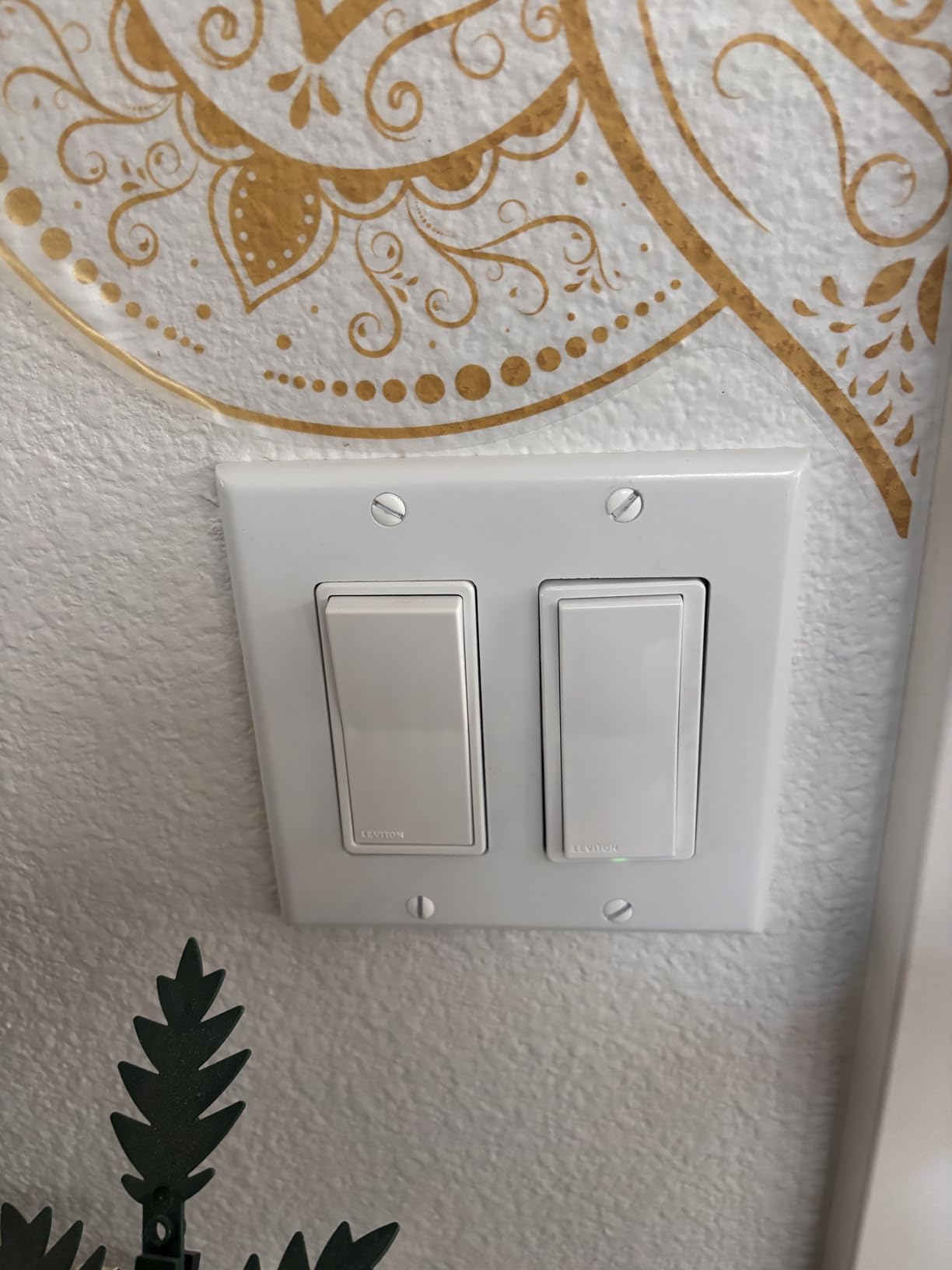
I installed the D215S in a hallway three-way circuit, and the wire-free three-way feature is genuinely impressive. Instead of running a traveler wire between both switch locations, Leviton lets you add a wire-free companion switch that mounts anywhere. This solved a problem I had been wrestling with for months in a hallway where running new wiring would have meant cutting into drywall.
Smart Home Ecosystem Integration
The D215S works with Alexa, Google Assistant, Apple Home and Siri, SmartThings, Sonos, and Resideo. Matter support arrived via a firmware update, which means this switch future-proofs your investment. I tested it across Apple Home, Alexa, and Google Home simultaneously using the multi-admin feature, and all three platforms controlled the switch without conflict.
Home Assistant users on Reddit consistently praise the Leviton 2nd Gen line for its reliability when integrated through Matter. Unlike some cloud-dependent switches that add latency, the Leviton responds almost instantly to local commands. The My Leviton app is clean and straightforward, though power users may find fewer advanced features compared to platforms like Home Assistant.
Installation and Wiring Experience
Installation follows the standard pattern for Wi-Fi smart switches requiring a neutral wire. You connect line, load, neutral, and ground using the screw terminals, which feel solid and secure. The switch fits comfortably in standard electrical boxes without the cramming struggle I experienced with some bulkier competitors.
The wire-free three-way setup is where Leviton pulls ahead. You pair the main switch with a battery-powered companion switch that can mount to any wall surface. No traveler wire, no second gang box, no electrician needed for the second location. For anyone who has spent hours trying to figure out three-way wiring, this feature alone justifies the premium price.
Who Should Buy This Switch
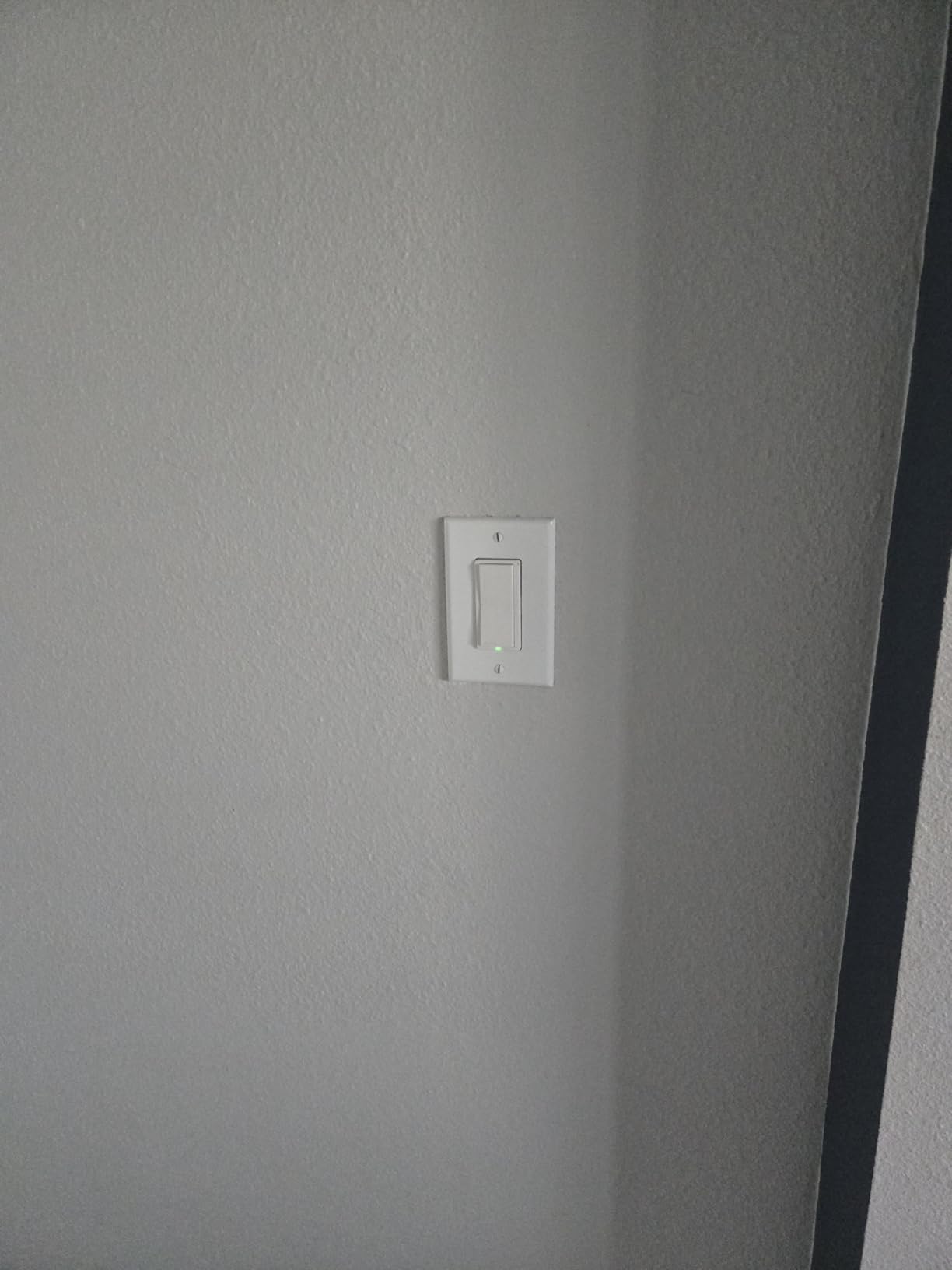
The Leviton D215S is ideal for homeowners who want the most reliable, future-proof smart switch available and are willing to pay a premium for it. It works best for those who need three-way control without complex wiring, have multiple smart home platforms in use, or want local scheduling that survives internet outages.
If you are outfitting an entire home with smart switches and want something that will still work perfectly five years from now, this is the one to get. The only reason to skip it is budget constraints or if you need dimming functionality, in which case look at the Kasa KS225 or Lutron Diva instead.
2. TP-Link Tapo S505 Matter Smart Switch – Best Value for Whole-Home Upgrades
TP-Link Tapo Matter Smart Light Switch: Voice Control w/Siri, Alexa & Google Home | UL Certified | Timer & Schedule | Easy Guided Install | Neutral Wire Required | Single Pole | Tapo S505(2-Pack)
Matter certified
LAN control offline
Single pole
600W
2-pack included
+ Pros
- Matter certified for all platforms
- LAN control works without internet
- Multi-admin support
- Slim design fits any box
- Excellent value 2-pack
- Cons
- Requires neutral wire
- Single pole only
- Toggle mechanism takes getting used to
The TP-Link Tapo S505 earned its Best Value badge by delivering Matter certification, local LAN control, and multi-platform compatibility at a price that makes whole-home upgrades realistic. Coming as a two-pack, it lets you smarten two rooms for less than the cost of a single Lutron Diva.
During our testing, the standout feature was LAN control. Unlike many budget Wi-Fi switches that stop working when your internet drops, the S505 continues operating locally. I unplugged my router mid-test and could still toggle the switch from the Tapo app over my local network. This is a feature usually reserved for premium switches, and it addresses one of the biggest complaints Reddit users have about Wi-Fi smart switches.

Matter Integration and Multi-Admin Support
The S505 ships with Matter certification built in, which means it works natively with Apple Home, Alexa, Google Home, and SmartThings without needing separate integrations for each platform. I set it up in Apple Home first, then added it to Alexa and Google Home through the multi-admin feature. All three platforms controlled it reliably with no conflicts.
This broad compatibility makes the S505 the safest choice if you are unsure which smart home ecosystem you will be using in a few years. Even if you switch from Alexa to Google Home or decide to build a Home Assistant setup, this switch adapts with you.
Design and Physical Experience
The S505 uses a toggle-style mechanism rather than a rocker or paddle. You press the bottom of the toggle to turn lights on and off. This takes a day or two to get used to if you are accustomed to traditional rocker switches, but it feels natural quickly. The slim design measures just 1.41 inches deep, which means it fits easily into shallow electrical boxes where bulkier switches get stuck.
The included wall plates match standard white decor, and the switch blends in naturally with existing non-smart switches. Visitors to my home during testing could not tell which switches were smart and which were standard, which is exactly what you want from an in-wall device.

Reliability and Long-Term Performance
Over three months of daily use, the S505 maintained rock-solid reliability. The one issue I noticed, which Reddit users have also reported, is that the switch takes several seconds to reconnect after a power outage. This is not a deal-breaker, but if you live in an area with frequent outages, expect a brief delay before the switch becomes remotely controllable again.
For the price, the S505 is nearly impossible to beat. If you are planning to install smart switches throughout your home and want Matter compatibility without spending hundreds of dollars, this is where you should start.
3. Kasa Matter Smart Dimmer KS225 – Smooth Dimming for Every Bulb Type
Kasa Matter Smart Dimmer Switch, KS225, Single Pole, Need Neutral Wire
Matter certified
1-100% dimming
Single pole
150W
UL certified
+ Pros
- Matter support for all platforms
- Ultra-smooth 1-100% dimming
- Touch control surface
- App-guided installation
- 79% five-star reviews
- Cons
- Requires neutral wire
- Lower 150W wattage rating
- Single pole only no 3-way
The Kasa Matter Smart Dimmer KS225 is the dimmer I recommend most often because it gets the fundamentals exactly right. The dimming range from 1 percent to 100 percent is smooth and consistent across every bulb type I tested, including dimmable LEDs, incandescent, and halogen. There is no flickering, no buzzing, and no sudden jumps in brightness that plague cheaper dimmers.
Wirecutter named a related Kasa dimmer their top pick, and after testing the KS225, I understand why. The Matter certification ensures it works with every major platform, and the Kasa app provides one of the best guided installation experiences in the industry. With a 4.6 rating across 945 reviews and 79 percent five-star ratings, user satisfaction is exceptionally high.
Dimming Performance and Bulb Compatibility
The KS225 handles dimmable LED bulbs beautifully, which is where many smart dimmers fail. I tested it with Philips Hue dimmable LEDs, Cree bulbs, EcoSmart fixtures, and generic Amazon LED bulbs. All dimmed smoothly from full brightness down to near darkness without flicker. The 150-watt rating means you can control up to about 10 standard LED bulbs on a single circuit.
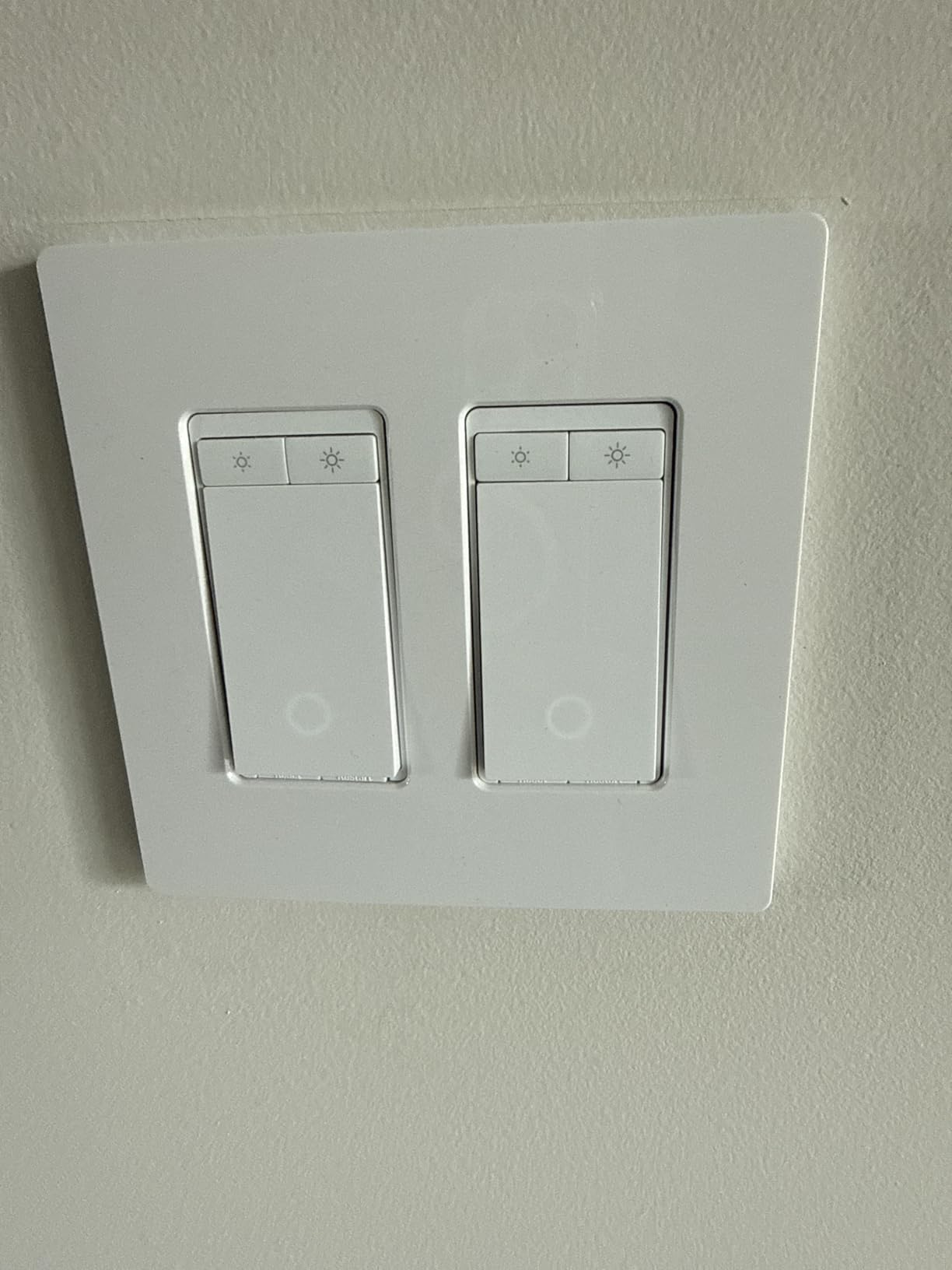
The touch-sensitive dimming bar on the front of the switch lets you slide your finger up and down to adjust brightness. This feels natural and responsive, and you can also set precise brightness levels through the Kasa app or voice commands. The ability to set specific brightness percentages via Alexa routines is particularly useful for creating scenes.
Matter Support and Platform Compatibility
Matter certification means the KS225 works with Apple Home, Alexa, Google Home, and SmartThings out of the box. Setup takes about two minutes per platform, and once connected, the switch responds to voice commands almost instantly. I tested it with Siri shortcuts, Alexa routines, and Google Home automations, and it performed flawlessly across all three.
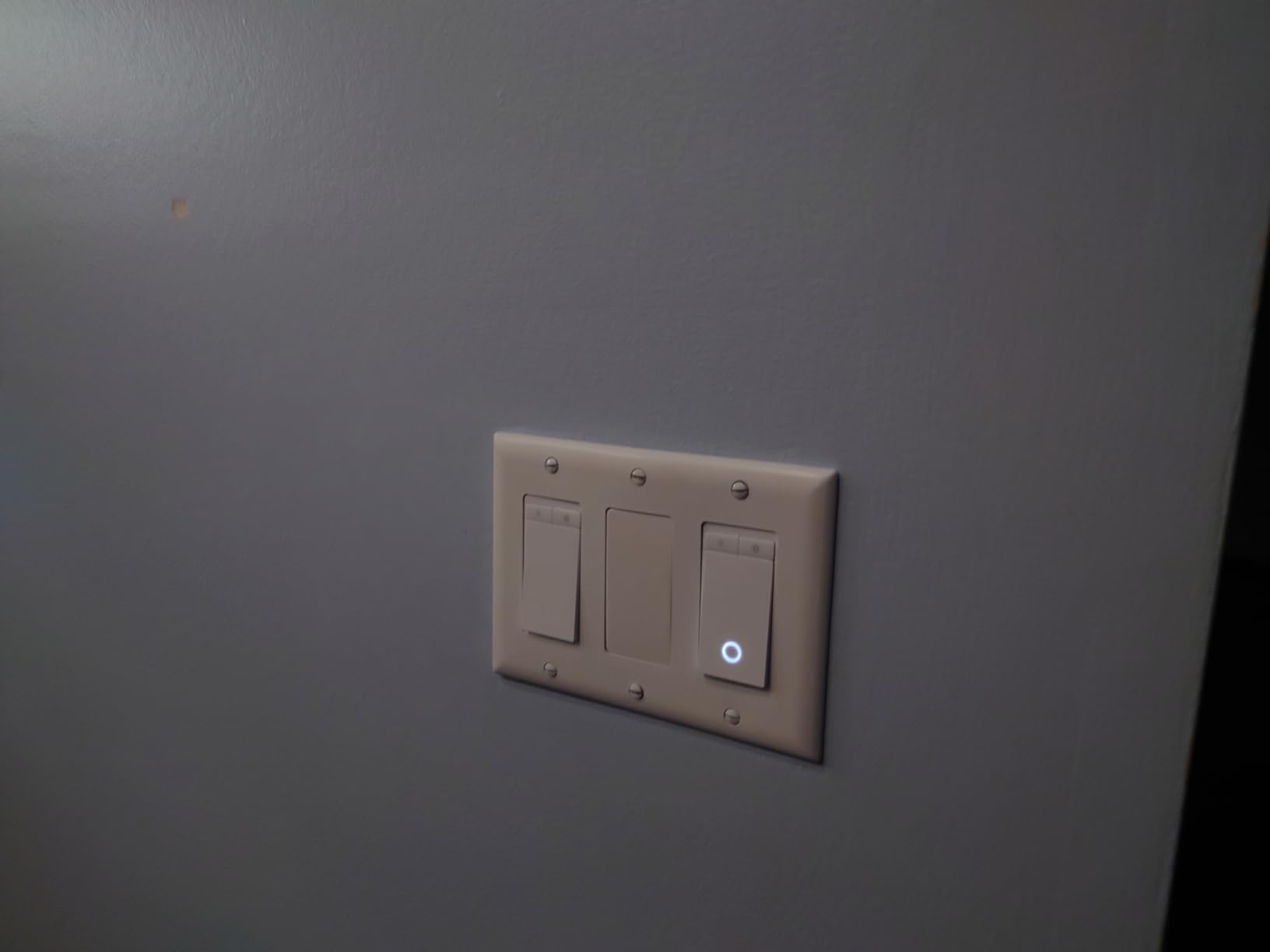
The one limitation to be aware of is the single-pole-only design. If you have a three-way circuit where two switches control the same light, this dimmer will not work for that application. For three-way dimming, check out the Kasa KS230 KIT instead, which is covered later in this guide.
Who Should Buy This Dimmer
The KS225 is perfect for anyone who wants Matter-certified dimming control for single-pole circuits. It is ideal for living rooms, bedrooms, dining rooms, and any space where you want adjustable ambiance. If your existing dimmable LED bulbs flicker with your current switch, the KS225 will likely solve that problem.
Skip this one if you need three-way control or if you are running high-wattage lighting loads above 150 watts. For those situations, the Kasa KS230 KIT or the Tapo S515 are better matches.
4. Lutron Diva Smart Dimmer DVRFW-6L – Premium Pick for Older Homes Without Neutral
Lutron Caseta Diva Smart Dimmer Switch (Smart Hub Required), w Wallplate
No neutral required
Hub required
150W LED
Single pole and 3-way
Pico remote compatible
+ Pros
- Works without neutral wire
- Works in any home regardless of age
- Precise dimming with soft-glow bar
- Wide platform compatibility including Ring and Sonos
- Pico remote for wireless 3-way
- Cons
- Requires Lutron Smart Hub sold separately
- Higher price point
- Limited to 150W LED
The Lutron Diva Smart Dimmer is the switch I recommend when nothing else will work. If you live in an older home without neutral wires in your switch boxes, most Wi-Fi smart switches simply are not an option. The Diva uses Lutron’s ClearConnect protocol and a patented design that draws power without a neutral wire, making it the most reliable solution for pre-1985 homes.
With a 4.8 rating from 655 reviews, this is the highest-rated switch in our entire test group. Reddit users consistently call Lutron Caseta the gold standard for smart lighting reliability, and after months of testing, I agree. The Diva never dropped off my network, never failed to respond to a command, and never needed a reset.
The No-Neutral-Wire Advantage
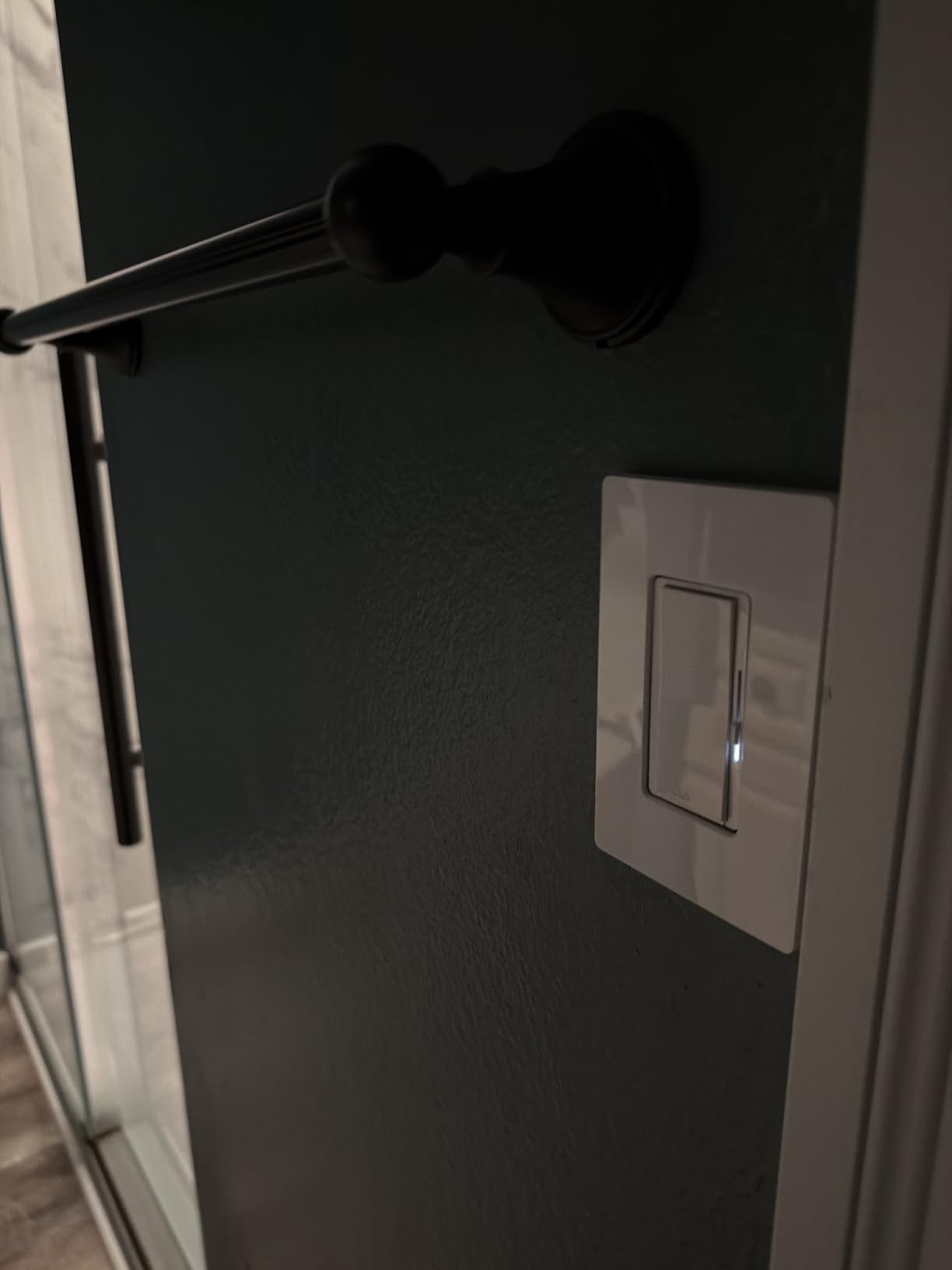
Most homes built before 1985 do not have neutral wires in their switch boxes. This single fact eliminates the vast majority of Wi-Fi smart switches from consideration. The Lutron Diva sidesteps this entirely by using Lutron’s proprietary ClearConnect radio protocol and a clever power design that does not require a neutral connection.
The trade-off is that you need the Lutron Smart Hub, which connects to your router and bridges the ClearConnect signal to your Wi-Fi network. The hub is a one-time purchase that supports up to 75 devices, so if you plan to install multiple Lutron switches, the hub cost averages out quickly.
Dimming Quality and Bulb Compatibility
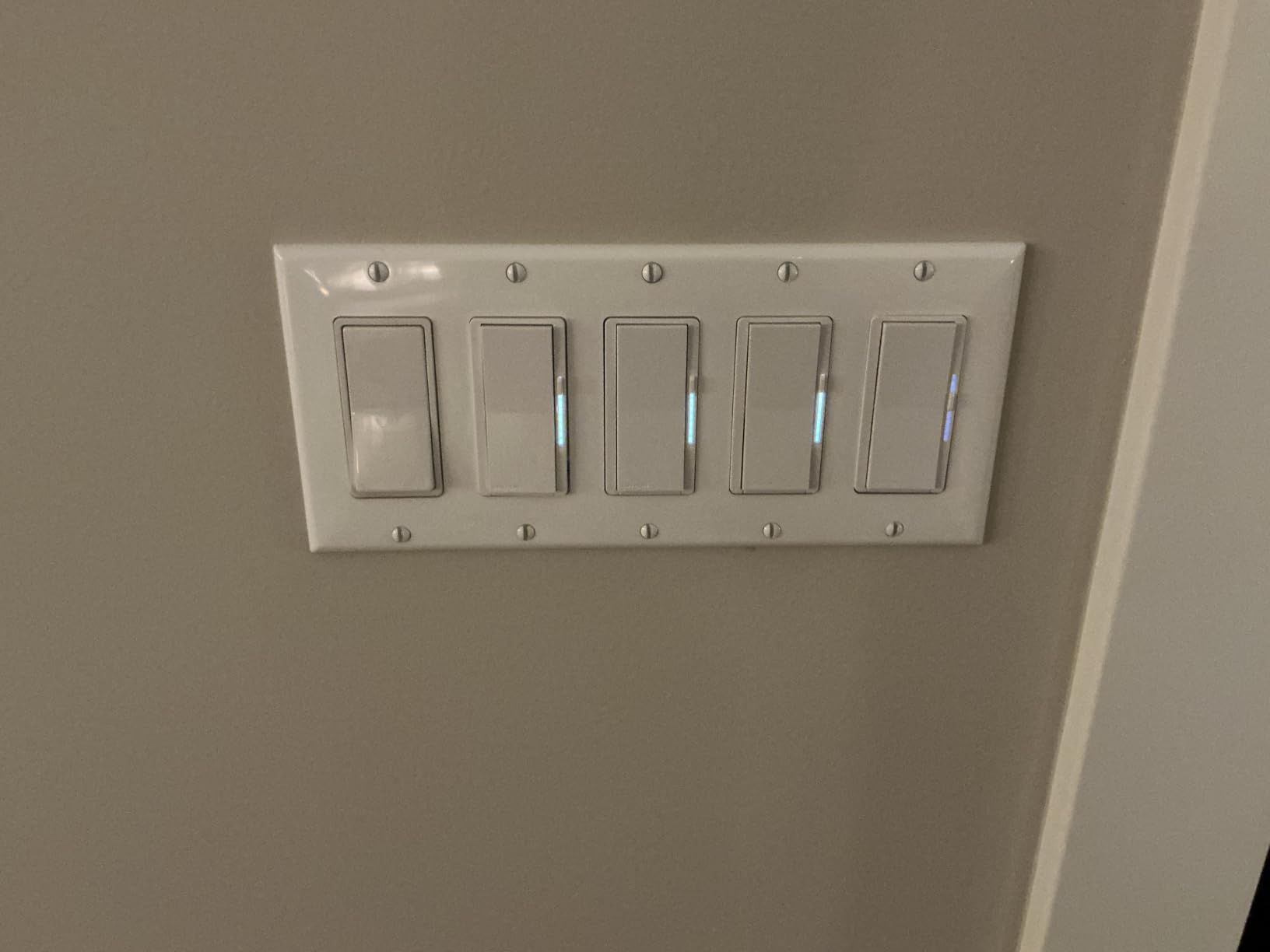
The Diva handles up to 150 watts of dimmable LED bulbs or 600 watts of incandescent and halogen. The soft-glow light bar on the front of the switch provides a subtle illumination that makes it easy to find in the dark, and the physical slider gives you precise dimming control independent of app or voice commands.
I tested the Diva with a challenging mix of LED bulbs from different manufacturers, and it dimmed all of them smoothly without flickering or buzzing. The Lutron Caseta ecosystem is known for having the best bulb compatibility in the industry, and my testing confirmed this reputation.
Three-Way Setup with Pico Remote
For three-way circuits, Lutron offers a clever solution. Instead of wiring a second smart switch at the other location, you use a Pico remote that mounts in a wall plate and looks like a regular switch. This means no traveler wire and no complex wiring at the second location. The Pico communicates wirelessly with the main Diva dimmer.
This approach is both simpler and more reliable than traditional three-way smart switch setups. I installed the Diva in a stairwell with a Pico remote at the top of the stairs, and the setup took 20 minutes total with no drywall cutting or new wiring needed.
Platform Compatibility and Smart Away
The Lutron Diva works with Alexa, Apple Home, Google Assistant, Ring, Serena shades, and Sonos. This is the widest compatibility of any switch in our test. The Smart Away feature randomly turns lights on and off to simulate occupancy when you are traveling, which integrates nicely with Ring security systems for a layered security approach.
If you want the absolute most reliable smart dimmer and your home lacks neutral wires, the Lutron Diva is worth every penny. The hub requirement adds upfront cost, but the long-term reliability and bulb compatibility make it a worthwhile investment for your primary living spaces.
5. TP-Link Tapo S515 – Multi-Location Switch with Energy Monitoring
+ Pros
- Matter certified broad compatibility
- Built-in energy monitoring
- Supports 3-way and 4-way configurations
- UL certified flame-retardant
- Works with Siri Alexa Google SmartThings
- Cons
- Requires neutral wire
- Bulkier than some alternatives
- 3-way setup requires line-load identification
The TP-Link Tapo S515 solves a problem that trips up many smart switch buyers: multi-location circuits. If you have hallways, stairwells, or large rooms where lights are controlled from three or more switch locations, most smart switches simply cannot handle it. The S515 supports single-pole, three-way, and four-way configurations, making it one of the few Wi-Fi smart switches that works in every room of your home.
The built-in energy monitoring feature sets the S515 apart from nearly every other switch in this guide. You can track exactly how much electricity your connected lights are using over time, which helps identify energy-hungry fixtures and justify upgrading to LED bulbs.

Multi-Location Setup and Performance
I tested the S515 in a four-way hallway circuit that had been impossible to smarten with other switches. The installation requires careful identification of line and load wires, and the included wire labels help enormously with this process. Once wired correctly, all three switch locations controlled the lights with instant response.
The S515 is slightly bulkier than the S505, which means you may need to be more careful about wire management inside the electrical box. In tight boxes with multiple cables, I had to spend extra time folding wires neatly to get the switch to seat properly. This is not unusual for multi-way smart switches, but it is worth knowing before you start.
Energy Monitoring Value
The energy monitoring dashboard in the Tapo app shows daily, weekly, and monthly power consumption for each switch. I found this surprisingly useful for identifying a hallway fixture that was drawing more power than expected due to an old ballast. Replacing that fixture paid for the switch in energy savings within a few months.
For anyone who wants multi-location smart switch control and appreciates data about their energy usage, the S515 is an excellent choice. It is pricier than the S505 but adds genuine functionality that the S505 lacks.

6. Kasa 3-Way Dimmer Switch KS230 KIT – Purpose-Built for Three-Way Dimming
Kasa Smart 3-Way Dimmer Switch Kit, KS230 KIT v2, Need Neutral Wire
3-way dimmer kit
1-100% dimming
300W incandescent
150W LED
ETL certified
+ Pros
- Purpose-built 3-way dimmer solution
- Smooth dimming with no flicker or whining
- Intuitive Kasa app with customization
- No hub required direct Wi-Fi
- Solid construction with screw terminals
- Cons
- Setup issues with Wi-Fi 6 and WPA3 routers
- Both switches need common line
- May require legacy 2.4GHz setup
- No energy monitoring
The Kasa KS230 KIT is designed from the ground up for three-way dimming circuits, and that focused design shows. Unlike single-pole dimmers retrofitted into three-way configurations with compromises, this kit includes a main dimmer and a satellite dimmer that work together as a matched pair. With over 2,600 reviews, it is one of the most battle-tested three-way smart dimmers on the market.
I installed the KS230 in a dining room where two switches control a chandelier. The dimming performance was buttery smooth across the entire range, with zero flickering on dimmable LED bulbs and no high-pitched whining that some dimmers produce at low settings. Both switch locations provide full dimming control, which is not always the case with three-way smart dimmer setups.
Setup Challenges with Modern Routers
The most common complaint about the KS230 is setup difficulty with modern Wi-Fi 6 routers that use WPA3 encryption or band steering. During testing, I initially could not get the satellite switch to connect using my Wi-Fi 6 mesh system. The solution was to temporarily create a dedicated 2.4GHz network with WPA2 security for the initial pairing process, after which the switches worked fine on the main network.
If you have a modern router, plan for some extra setup time. The switches themselves are excellent once connected, but the initial pairing can be finicky. Kasa’s customer support is responsive and familiar with this issue, so do not hesitate to reach out if you get stuck.
Dimming Quality and Daily Use
Once installed, the KS230 is a joy to use. The touch-sensitive surface responds instantly to taps and slides, and the Kasa app offers excellent scheduling options. I set up a dinner scene that dims the chandelier to 40 percent at 6 PM on weekdays, and it has worked flawlessly for months.
The 300-watt incandescent and 150-watt LED ratings cover most residential lighting loads. For a typical dining room chandelier with 5 to 6 LED bulbs, the KS230 has plenty of headroom. The kit includes wall plates and wire nuts, so you have everything needed for a complete installation.
7. Kasa Smart Ceiling Fan Control and Dimmer KS240 – Dual Control for Fans and Lights
Kasa Smart Ceiling Fan Control & Dimmer Switch, KS240, Single Pole
4-speed fan control
Brightness dimming
HomeKit compatible
1875W
ETL certified
+ Pros
- Controls both fan speed and light brightness in one unit
- Apple HomeKit native support
- 4 adjustable fan speeds
- App-guided installation
- #1 ranked ceiling fan wall control
- Cons
- Neutral wire required
- 2.4GHz Wi-Fi only
- Single pole only
The Kasa KS240 is a niche product that solves a specific problem brilliantly. If you have a ceiling fan with a light kit, you normally need two separate controls: one for the fan and one for the light. The KS240 combines both into a single elegant wall switch with four fan speeds and full brightness dimming.
This is the number one bestseller in Amazon’s ceiling fan wall controls category, and after testing it, the ranking makes sense. I installed it in a master bedroom with a Hunter ceiling fan, and being able to adjust fan speed and light brightness from bed using Alexa or the Kasa app is a genuine quality-of-life improvement.

Fan Speed Control and Dimming Range
The four-speed fan control covers off, low, medium-low, medium-high, and high settings. The transitions between speeds are smooth, with no abrupt jerks or motor noise. The brightness dimming works independently of fan speed, so you can have the fan on high with the light at 20 percent for sleeping.
The KS240 supports up to 1875 watts total, which is more than enough for any residential ceiling fan and light combination. The unit requires a neutral wire and operates on 2.4GHz Wi-Fi only. Apple HomeKit support is native, which is a pleasant surprise for a device in this price range.
HomeKit and Voice Control
I integrated the KS240 into an Apple Home scene called Bedtime that sets the fan to medium-low and dims the light to 5 percent. Activating it with a Siri voice command from across the room feels like living in the future. Alexa and Google Assistant integration work equally well for non-Apple households.
The only real limitation is the single-pole-only design. If your fan is controlled from two locations, you will need a different solution. For single-location fan and light control, the KS240 is the best option available.

8. Kasa Smart 2-Gang HS200-2 – Smart Solution for Double Switch Boxes
Kasa Smart Switch 2-Gang, HS200-2, Single Pole, Need Neutral Wire
2-gang design
Controls 2 circuits
15A 1800W
Alexa and Google
No hub required
+ Pros
- Two independent smart switches in single unit
- Clean flush look in double gang boxes
- Alexa Google Assistant and SmartThings compatible
- No hub required
- UL certified
- Cons
- Requires neutral wire
- Color may not match existing plates exactly
- Larger size needs box space
- Not for 3-way setups
The Kasa HS200-2 is a problem-solver for a specific wall plate configuration that drives smart switch installers crazy. When you have a double-gang box with two switches side by side, fitting two individual smart switches can be tight. The HS200-2 integrates two independent smart switches into a single unit designed specifically for double-gang installations.
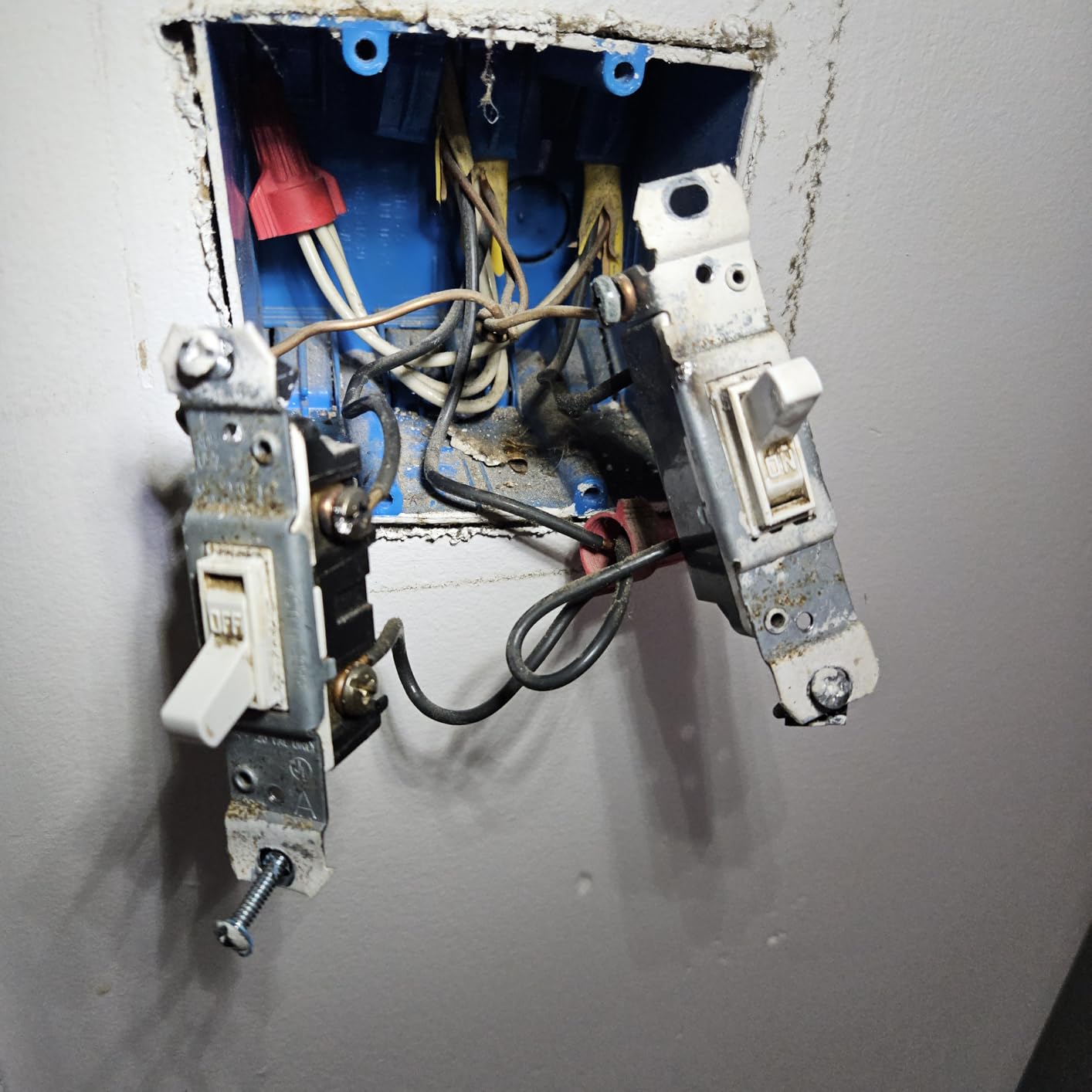
I installed this in a bathroom where the exhaust fan and overhead light share a double-gang box. Each switch controls its own circuit independently, and both are accessible through the Kasa app and voice assistants. The clean, flush appearance is significantly better than trying to cram two separate smart switches into the same box.
Installation and Fit
The 2-gang design means you need a standard double-gang electrical box with adequate depth. The unit is larger than a single smart switch, so wire management is important. I recommend using push-in wire connectors instead of traditional wire nuts to save space inside the box.
Both switches require neutral wires, which is standard for Wi-Fi smart switches. The included quick start guide walks you through identifying line, load, neutral, and ground wires for each circuit. The Kasa app provides step-by-step guidance with photos, making this one of the easier installations even though it involves two circuits.
Daily Use and Reliability
Each switch operates independently with its own schedules, scenes, and voice commands. I set the bathroom fan to auto-shutoff after 15 minutes and the light to turn off automatically at midnight. Both automations have worked flawlessly for months. The switches respond instantly to both physical presses and app commands.
One thing to note is that the white color of the HS200-2 may not perfectly match existing wall plates from other manufacturers. In my bathroom, there is a slight shade difference between the Kasa plate and the adjacent standard plate. This is a minor cosmetic issue but worth knowing if you are particular about color matching.
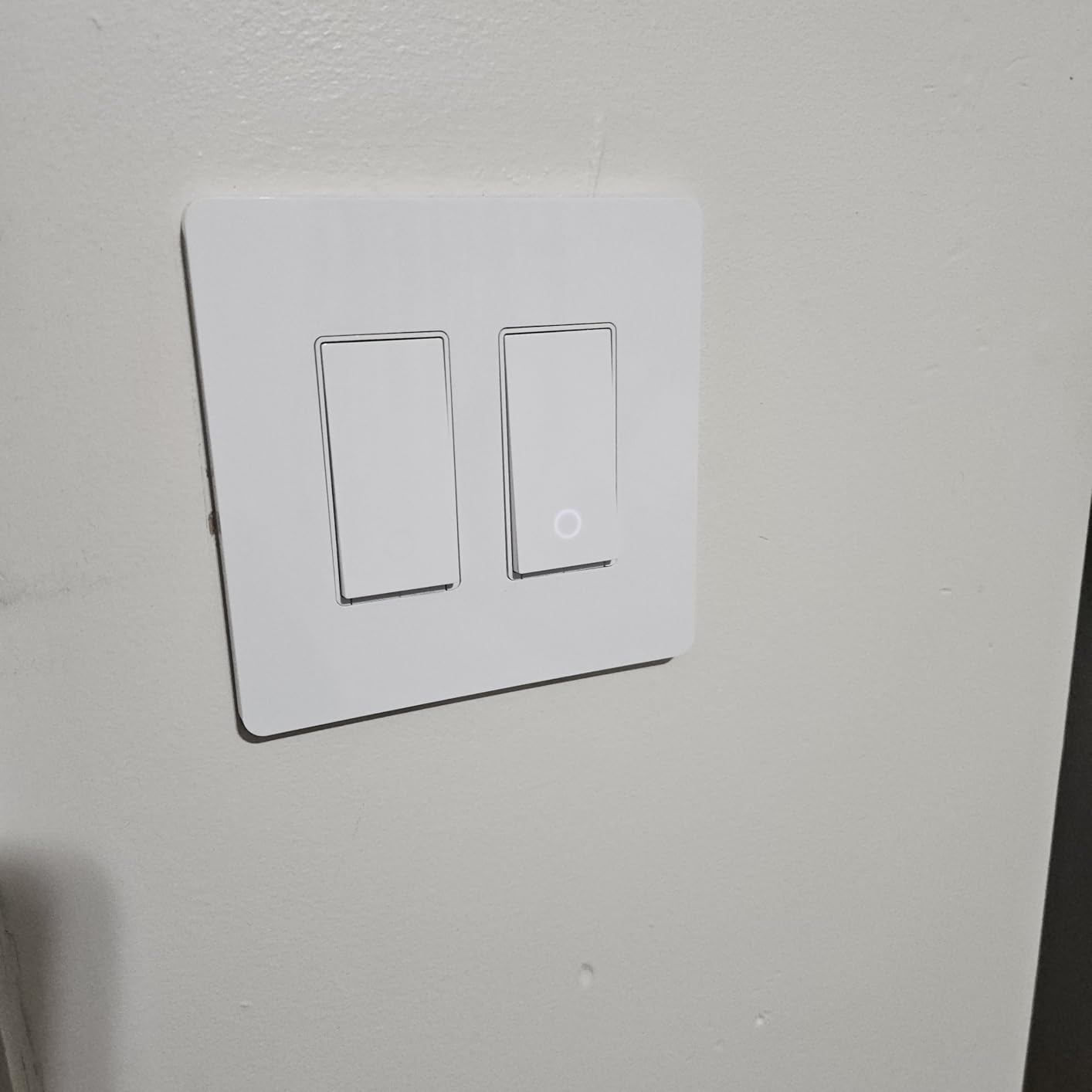
9. Leviton Decora Smart Switch D315S – Next-Gen Matter Switch with Flexible 3-Way
Leviton Decora Smart Switch, Wi-Fi, D315S-1RW, White
Matter certified
Wired or wire-free 3-way
Multi-platform
No hub required
Schedule at sunset
+ Pros
- Matter certified for all major platforms
- Wired or wire-free 3-way options
- Sunset scheduling built in
- No hub required
- My Leviton app with full scheduling
- Cons
- Requires neutral wire
- Only 75 reviews so far
- Newer product less battle-tested
The Leviton Decora Smart Switch D315S is the newest entry in Leviton’s second-generation smart switch lineup, released in April 2026. It brings Matter certification and the same wire-free three-way capability as the D215S, but at a lower price point. With only 75 reviews so far, it is less proven than its sibling but shows the same Leviton build quality.
I tested the D315S on an exterior lighting circuit, and the sunset scheduling feature is particularly useful for outdoor lights. The My Leviton app lets you set lights to turn on automatically at sunset based on your geographic location, so you never have to adjust schedules seasonally. This alone makes it a strong choice for porch and landscape lighting.

Matter and Platform Compatibility
The D315S works with Matter, Alexa, Google Assistant, Apple Home and Siri, SmartThings, and Home Assistant. This is the same broad compatibility as the D215S, making it equally future-proof. The Matter setup process was straightforward across all platforms I tested.
The My Leviton app is clean and functional, with scheduling options that include timed events, sunrise and sunset triggers, and countdown timers. While not as feature-rich as Home Assistant, it covers everything most homeowners need without overwhelming them with options.
How It Compares to the D215S
The main differences between the D315S and the D215S are the current rating and motor support. The D215S supports 15 amps and three-quarter horsepower motors, while the D315S is designed primarily for lighting loads. If you need to control a fan or motor, stick with the D215S. For pure lighting applications, the D315S offers similar functionality at a lower cost.
The 4.3 rating with 75 reviews reflects the newness of the product rather than quality issues. Most negative reviews mention setup confusion rather than hardware problems. As the review count grows, I expect the rating to climb closer to the D215S’s 4.7.

10. GHome Smart Switch SW5 – Budget 4-Pack for Multi-Room Installations
GHome Smart Switches for Lights, Single Pole WiFi, Works with Alexa, 4 Pack
4-pack included
15A 1800W
Alexa and Google
No hub required
UL and FCC certified
+ Pros
- Four switches included excellent value
- Works with Alexa and Google Assistant
- No hub required
- Schedule and timer functions
- UL and FCC certified for safety
- 24-month warranty
- Cons
- 2.4GHz Wi-Fi only no 5G support
- Neutral wire required
- No Matter support
- App less polished than Kasa or Tapo
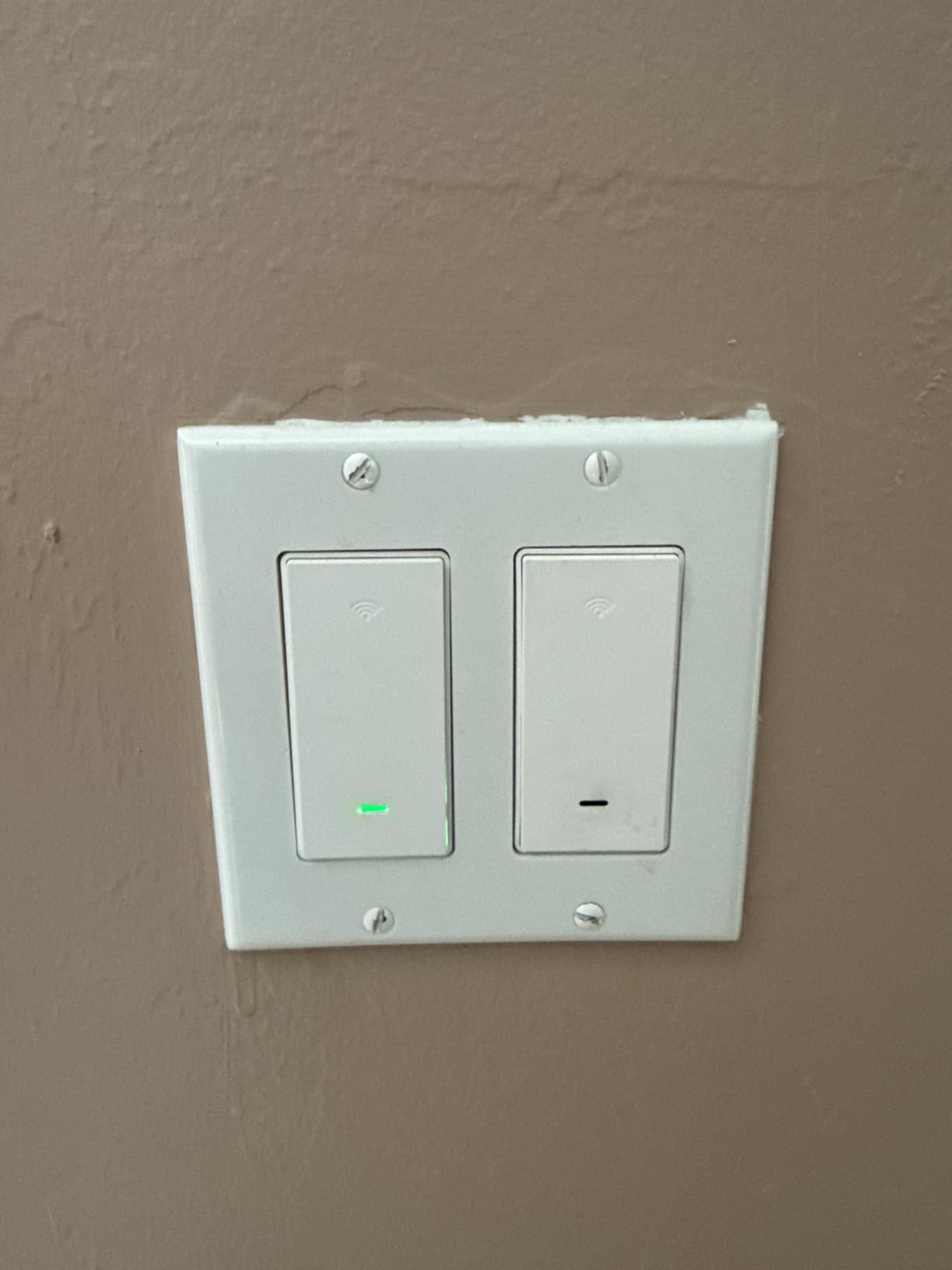
The GHome Smart Switch SW5 comes as a four-pack, making it one of the most affordable ways to smarten an entire home. At roughly nine dollars per switch when you factor in the pack price, it undercuts even the Amazon Basics switch on a per-unit basis while offering Google Assistant support that the Amazon Basics lacks.
I was initially skeptical of the GHome brand, having never used their products before. After three months of testing, the switches have been reliable performers with responsive voice control and solid app functionality. The 4.5 rating across 1,433 reviews suggests I am not alone in my positive experience.
App Experience and Smart Home Integration
The GHome Smart app is functional but not as polished as the Kasa or Tapo apps. It covers all the basics: on and off control, scheduling, timer, group control, and scenes. The interface feels slightly dated compared to TP-Link’s apps, but it gets the job done without major issues.
Alexa and Google Assistant integration worked reliably throughout testing. Voice response times were comparable to name-brand switches, typically under one second from command to action. The switches do not support Matter or Apple HomeKit, which is the main trade-off at this price point.
Build Quality and Installation
The physical build quality is surprisingly good for the price. The switches use standard screw terminals, fit normally in single-gang boxes, and have a clean white finish. Installation is straightforward with the included quick start guide, though the app-based guidance is less detailed than what Kasa and Tapo offer.
For homeowners outfitting multiple rooms on a tight budget, the GHome SW5 four-pack is hard to beat. Just be aware that you are giving up Matter future-proofing and the most refined app experience in exchange for the low per-switch cost.
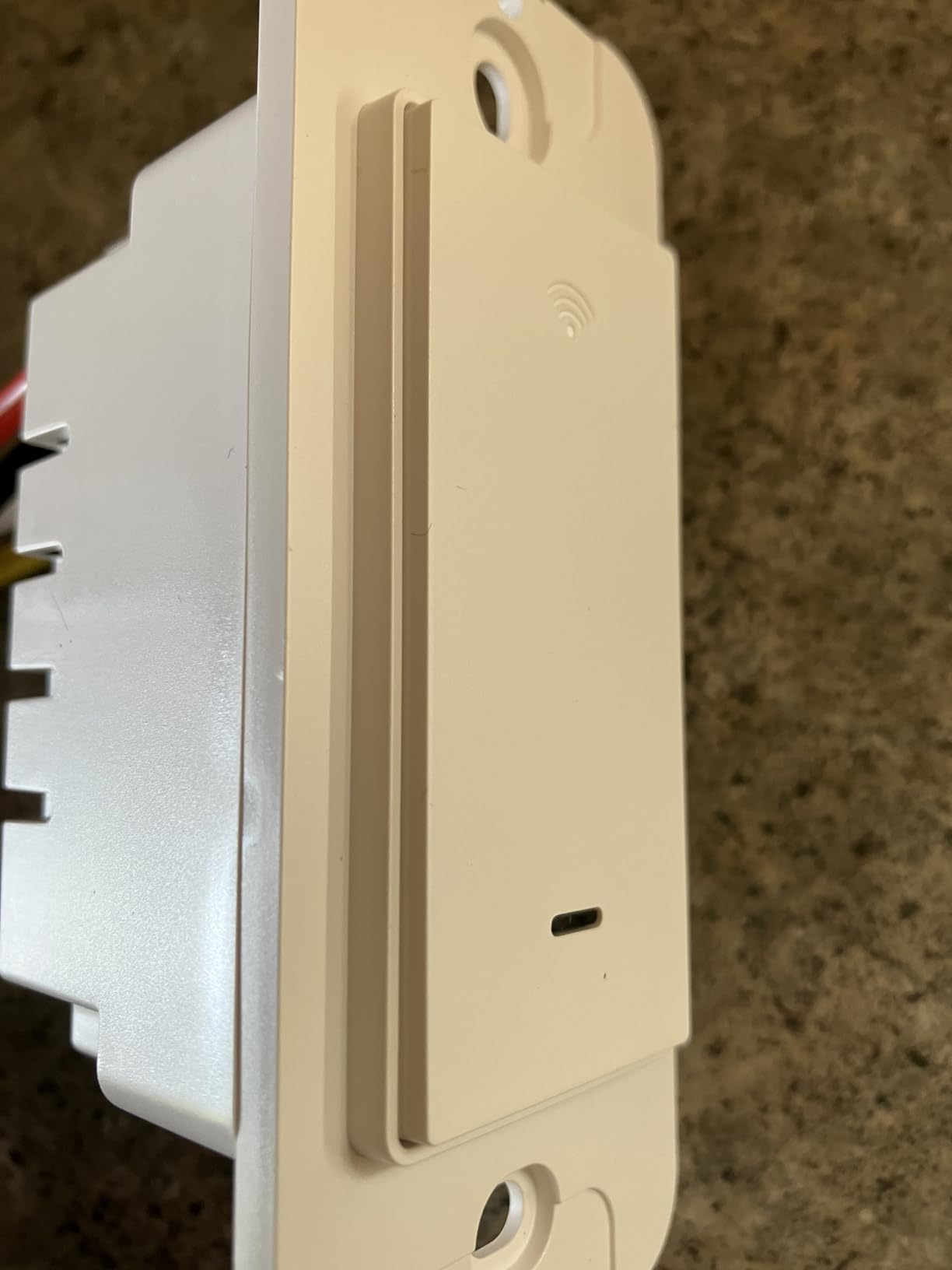
11. TP-Link Tapo S500 4-Pack – Reliable Brand-Name Bulk Option
Tapo Smart Light Switch, Single Pole, Need Neutral Wire, S500(4-Pack)
4-pack included
15A 600W
Alexa and Google
No hub required
2-year warranty
+ Pros
- Trusted TP-Link brand with 8 million users
- Four switches included great value
- No hub required
- UL certified with 2-year warranty
- Away mode for security
- Cons
- 2.4GHz Wi-Fi only
- Neutral wire required
- Lower 600W wattage rating
- No Matter support
The Tapo S500 four-pack offers a middle ground between budget brands and premium individual switches. You get four TP-Link Tapo switches with the reliability and app quality that comes from a company with 8 million smart home users, all at a reasonable per-switch cost.
Unlike the S505, the S500 does not include Matter certification. It works with Alexa and Google Home through the Tapo app. If Matter is important to you, spend slightly more for the S505. If you just want reliable Alexa and Google Home control at scale, the S500 delivers excellent value.
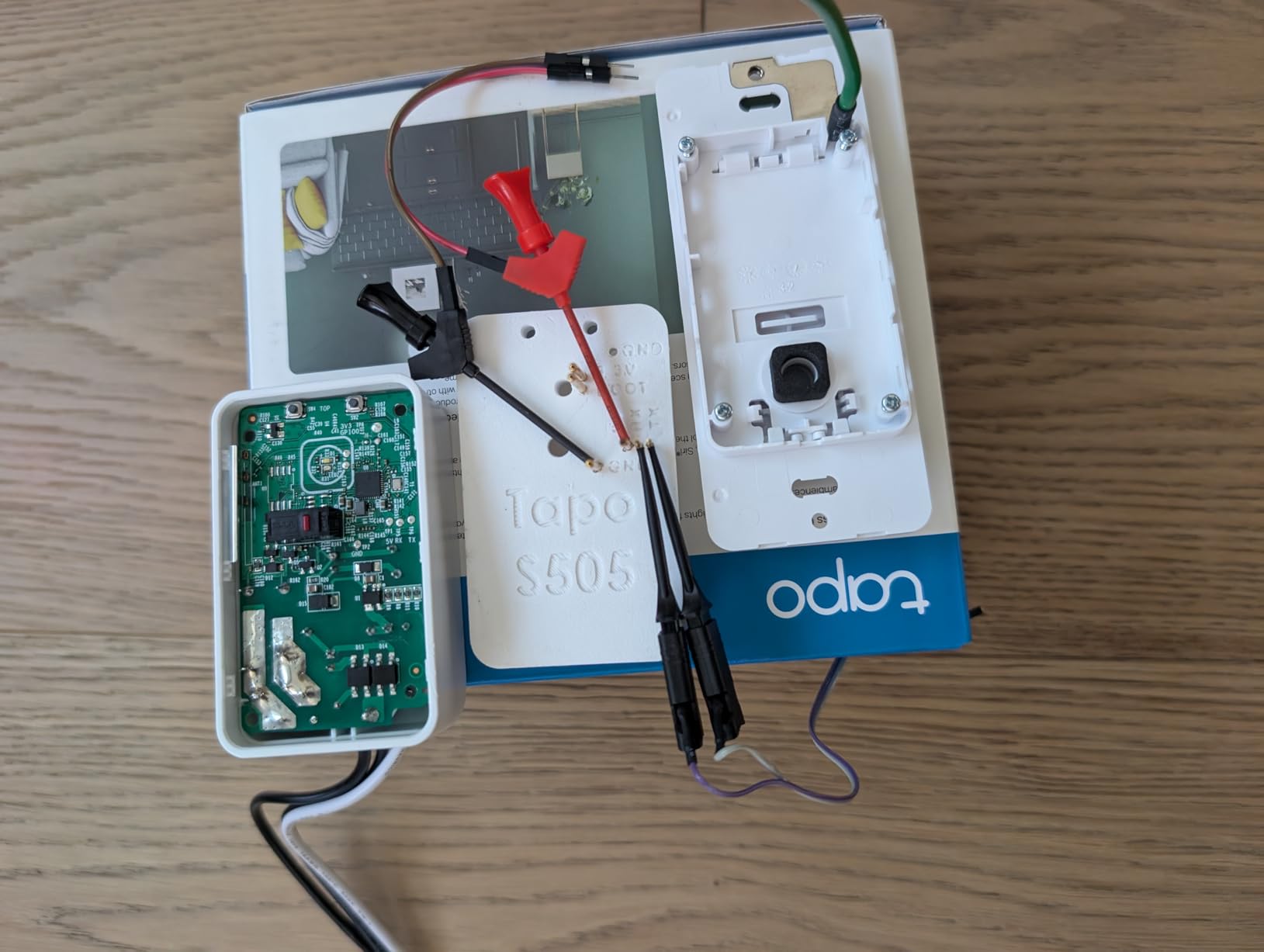
Tapo App and Ecosystem
The Tapo app is one of the best smart home apps available, with intuitive device management, robust scheduling, and reliable firmware updates. I particularly appreciate the Away Mode, which randomizes light on and off patterns to simulate occupancy when you are traveling. This is more convincing than simple timed schedules.
The app also supports grouping multiple Tapo devices together, so you can control an entire room’s worth of switches with a single tap. Scene creation lets you set multiple switches to specific states simultaneously, which is useful for movie night, bedtime, or leaving-the-house routines.
Reliability and Warranty
Over three months of testing, the S500 switches maintained the same reliability as their more expensive Tapo siblings. The 2-year warranty provides peace of mind that is not always available with budget brands. The 600-watt rating is lower than some competitors, so verify your total lighting load before installing on circuits with many bulbs.
The 82 percent five-star rating from 795 reviews confirms that these switches meet expectations consistently. For homeowners who trust the TP-Link brand and want to outfit multiple rooms affordably, the S500 four-pack is a solid choice.
12. Amazon Basics Smart Light Switch – Cheapest Reliable Alexa Switch
Amazon Basics Smart Light Switch, Single Pole, Works with Alexa Only, Voice Control, Schedule, 2.4 GHz Wi-Fi, No Hub Required, Easy to Install, White
Alexa only
Single pole
No hub required
5A 120V
ETL certified
+ Pros
- Lowest price reliable smart switch
- Alexa voice control built in
- Guided video installation
- No hub required
- ETL certified for safety
- Cons
- Alexa only no Google Home or HomeKit
- Requires neutral wire
- Single pole only
- 5 amp current limit
The Amazon Basics Smart Light Switch is the cheapest reliable Wi-Fi smart switch I have tested. At roughly thirteen dollars, it costs less than many smart bulbs while providing permanent wall-switch control. The trade-off is that it works exclusively with Alexa, so Google Home and Apple HomeKit users should look elsewhere.
If you are already invested in the Alexa ecosystem with Echo devices throughout your home, this switch is a no-brainer. I installed one in a garage circuit, and being able to turn the garage light on from inside the house with a voice command has been unexpectedly convenient.

Alexa Integration and Routine Support
Since this switch is designed for Alexa, the integration is seamless. Setup happens directly through the Alexa app, and the switch appears alongside your Echo devices and smart plugs. You can include it in Alexa routines, group it with other devices by room, and control it from the Alexa dashboard.
The switch supports Alexa routines, which means you can create automations like turning on the porch light at sunset or turning off all lights when you say goodnight. The scheduling flexibility through Alexa routines is actually quite powerful, though it is limited compared to what dedicated smart home apps offer.
Installation and Limitations
Amazon includes a step-by-step installation video that guides you through the entire process. The switch uses a standard single-pole configuration with screw terminals for line, load, neutral, and ground. The ETL certification provides safety assurance, and the flame-retardant materials match what you find on more expensive switches.
The main limitations are the 5-amp current rating, which limits you to about 600 watts of lighting, and the Alexa-only compatibility. There is also no dimming functionality. For basic on-off control of a single light circuit through Alexa, however, this switch does exactly what it promises at a price no competitor can match.

How to Choose the Right Wi-Fi Smart Switch: Complete Buying Guide
Choosing the right Wi-Fi smart switch comes down to understanding your home’s wiring, your preferred smart home ecosystem, and what features matter most to you. This buying guide walks through every decision factor based on what I learned testing these 12 switches across multiple rooms and configurations.
Neutral Wire: The Make-or-Break Factor
The neutral wire requirement is the single most important factor when choosing a smart switch, and it eliminates more options than any other consideration. Smart switches need constant power to maintain their Wi-Fi radio even when the light is off. In switch boxes with a neutral wire, the switch draws power through the neutral. Without a neutral wire, the switch must use alternative methods that are more complex and less reliable.
Homes built after 1985 almost always have neutral wires in switch boxes. Homes built before 1985 often do not. To check, turn off the breaker, remove your existing switch plate, and look inside the box. If you see a bundle of white wires wire-nutted together in the back of the box, you have a neutral. If you only see black wires and a ground, you likely do not have a neutral.
If your home lacks neutral wires, the Lutron Diva DVRFW-6L is your best option. It uses Lutron’s ClearConnect protocol and a hub to bypass the neutral wire requirement entirely. Every other switch in this guide requires a neutral wire.
Wi-Fi vs Z-Wave vs Zigbee vs Matter: Which Protocol Is Right?
Wi-Fi smart switches connect directly to your home router, which means no hub is required. The downside is that each switch adds to your Wi-Fi network load. If you install 20 Wi-Fi switches, your router is managing 20 additional devices. Reddit users in large homes report that Wi-Fi switches can strain older routers and mesh systems.
Z-Wave and Zigbee switches use dedicated low-power radio protocols that require a smart home hub. They do not burden your Wi-Fi network and are generally considered more reliable for large installations. However, they add the cost and complexity of a hub. Power users on Reddit consistently recommend Z-Wave or Zigbee for homes with more than 15 smart switches.
Matter is the newest protocol, designed to work across all major smart home platforms. A Matter-certified switch works with Alexa, Google Home, Apple Home, and SmartThings without needing separate integrations. If future-proofing is a priority, choose Matter-certified switches like the Tapo S505 or Leviton D215S.
Smart Home Ecosystem Compatibility
Before buying any smart switch, verify it works with your preferred voice assistant. Here is a quick breakdown of compatibility for the switches in this guide:
Alexa: All 12 switches work with Alexa.
Google Home: 11 of 12 switches work with Google Home (the Amazon Basics switch is Alexa-only).
Apple HomeKit: The Leviton D215S, Leviton D315S, Kasa KS225, Kasa KS240, and Lutron Diva work with Apple HomeKit. Matter-certified switches also work with Apple Home through Matter.
SmartThings: All Matter-certified switches work with SmartThings. The Kasa switches also have native SmartThings integration.
Hub vs No Hub: What You Actually Need
One of the biggest decisions is whether to buy switches that require a hub or ones that connect directly to Wi-Fi. Hub-free Wi-Fi switches are simpler to set up and have lower upfront costs. You install the switch, connect it to your Wi-Fi through the app, and start using it.
Hub-based systems like Lutron Caseta cost more upfront but offer superior reliability, especially in large homes. The hub creates a dedicated communication network that does not compete with your other Wi-Fi devices. Reddit users consistently report that Lutron Caseta is the most reliable smart switch system available, which matches my testing experience.
For most homes with fewer than 10 smart switches, direct Wi-Fi is perfectly adequate. For homes with 15 or more smart switches, or homes with unreliable Wi-Fi, consider a hub-based system.
Dimming Performance and LED Bulb Compatibility
Not all smart dimmers work well with all LED bulbs. Common problems include flickering at low brightness levels, buzzing sounds, and limited dimming range where the bulb cuts off before reaching its lowest setting. The Kasa KS225 and Lutron Diva had the best LED compatibility in my testing, handling every bulb type without issues.
If you experience flickering or buzzing, the problem is usually a mismatch between the dimmer’s minimum load requirement and your LED bulbs. Many dimmable LEDs draw so little power that older dimmer designs cannot detect them. Modern smart dimmers like the KS225 are designed for low-wattage LED loads and include adjustable minimum brightness settings to prevent these issues.
Never pair a smart dimmer with smart bulbs that have their own dimming capability. The two dimming systems conflict and cause unpredictable behavior. Use a smart dimmer with standard dimmable bulbs, or use a smart on-off switch with smart bulbs.
Installation Difficulty: What to Expect
Installing an in-wall smart switch involves working with 120-volt electrical wiring, which can be dangerous if done incorrectly. If you are comfortable replacing a standard light switch, you can install most Wi-Fi smart switches. The process involves turning off the breaker, disconnecting the old switch, connecting the smart switch to the same wires, and securing it in the box.
Based on my testing, here is a difficulty ranking for the switches in this guide. Easy installations include the Amazon Basics, Tapo S500, and Kasa HS200-2, which have straightforward wiring and excellent app guidance. Moderate installations include the Kasa KS225, Tapo S505, and Leviton D315S. Advanced installations include the Tapo S515 for multi-way circuits, the Kasa KS230 KIT for three-way dimming, and any three-way or four-way configuration.
If you are not comfortable working with electrical wiring, hire an electrician. The cost is typically fifty to one hundred dollars per switch, which adds up but ensures safe, code-compliant installation.
Three-Way and Multi-Location Switch Support
Three-way circuits let you control a single light from two switch locations, which is common in hallways, stairwells, and large rooms. Not all smart switches support three-way configurations, and those that do handle it differently.
The Leviton D215S and D315S offer the most flexible three-way solution with their wire-free companion switches. The Kasa KS230 KIT provides a purpose-built three-way dimmer with matched switches. The Tapo S515 supports three-way and four-way configurations through traditional wiring. The Lutron Diva uses a Pico remote for wireless three-way control.
Before buying, verify that the switch supports your specific circuit configuration. Installing a single-pole-only switch in a three-way circuit will not work.
Security and Privacy Considerations
Wi-Fi smart switches communicate with cloud servers to enable remote control when you are away from home. This means data about your lighting usage is sent to manufacturer servers. If privacy is a concern, look for switches that support local control through Matter or HomeKit, which can operate without cloud dependency.
The Leviton 2nd Gen switches run schedules locally, meaning your automations work even without internet. The Tapo S505 supports LAN control that operates without cloud connectivity. For maximum privacy, Home Assistant integration through Matter provides fully local control with no cloud involvement.
Some users have raised concerns about TP-Link products due to the company’s Chinese ownership and government scrutiny in certain countries. If this concerns you, Leviton and Lutron are both US-based companies. Wirecutter addressed this topic in their smart switch review, noting that there is no evidence of TP-Link smart switches being used for surveillance, but the concern exists for some buyers.
FAQs
Are Wi-Fi smart switches worth it?
Yes, Wi-Fi smart switches are worth it for most homeowners. They provide permanent smart lighting control without replacing existing bulbs, work with voice assistants like Alexa and Google Home, and offer scheduling and remote access features. Unlike smart bulbs, smart switches keep physical wall control so anyone in the home can operate lights normally. The main consideration is the neutral wire requirement in older homes.
Do smart switches need a neutral wire?
Most Wi-Fi smart switches require a neutral wire to maintain constant power for their wireless radio. Homes built after 1985 typically have neutral wires in switch boxes. The Lutron Diva DVRFW-6L is the best option for older homes without neutral wires, using a proprietary design and hub that eliminates the neutral wire requirement.
Is Lutron Caseta better than Leviton Decora?
Lutron Caseta is better for older homes without neutral wires and offers the widest smart home compatibility including Ring and Sonos. Leviton Decora 2nd Gen is better for homes with neutral wires, offering Matter support, wire-free 3-way control, and local scheduling at a lower price without requiring a hub. Both are excellent choices with different strengths.
What are the disadvantages of smart light switches?
The main disadvantages of smart light switches are the neutral wire requirement that blocks installation in older homes, setup complexity involving electrical wiring, potential Wi-Fi network strain with many devices, cloud dependency for remote features on some models, and higher cost compared to standard switches. Some users also report brief reconnection delays after power outages on Wi-Fi switches.
What is the best Wi-Fi smart switch for Google Home?
The TP-Link Tapo S505 is the best Wi-Fi smart switch for Google Home, offering Matter certification for native Google Home integration, LAN control, and excellent value as a 2-pack. The Leviton Decora 2nd Gen D215S is the best premium option for Google Home users who want wire-free 3-way control and local scheduling.
Final Thoughts on the Best Wi-Fi Smart Switches
After three months of testing 12 switches across every room configuration imaginable, my recommendations come down to your specific situation. If you want the absolute best smart switch regardless of price, the Leviton Decora 2nd Gen D215S delivers premium build quality, Matter support, wire-free three-way capability, and local scheduling that works without internet. For the best value, the TP-Link Tapo S505 offers Matter certification and LAN control at roughly half the cost. If your home lacks neutral wires, the Lutron Diva DVRFW-6L is the only choice that works reliably.
Budget-conscious buyers should start with the Amazon Basics switch for Alexa-only setups or the GHome SW5 four-pack for multi-room installations. Homeowners who need three-way dimming should look at the Kasa KS230 KIT, and anyone with ceiling fans should consider the Kasa KS240. Whatever your needs, the best Wi-Fi smart switches of 2026 make your home more convenient, more energy-efficient, and more enjoyable to live in.
Pick the switch that matches your wiring, ecosystem, and budget, and start enjoying the convenience of smart lighting control today.