
Finding the right 27-inch monitor can feel overwhelming when every brand claims theirs is the best. Our team spent weeks testing 10 of the top-rated 27-inch monitors across productivity workloads, gaming sessions, and content creation tasks to cut through the marketing noise.
The 27-inch size hits a sweet spot for most desk setups. It is large enough for split-screen multitasking and immersive gaming, but compact enough that it does not overwhelm a typical home office. Whether you need a budget-friendly 1080p display, a high-refresh 1440p gaming panel, or a crisp 4K screen for photo editing, we have a recommendation that fits.
Throughout this guide, we share real hands-on impressions, break down the specs that actually matter, and highlight trade-offs you should know before buying. Reddit communities like r/buildapc and r/Monitors consistently recommend 1440p as the minimum resolution for 27-inch displays, and we agree with that benchmark based on our testing. Let us look at the best 27-inch monitors worth your money in 2026.
Our Top 3 Tested 27-inch Monitors for 2026
After testing all 10 monitors, three stood out clearly from the pack. The Dell S2725QS earned our Editor’s Choice for delivering 4K resolution at 120Hz with excellent color accuracy. The ASUS TUF VG27AQ3A won Best Value for combining 1440p resolution with 180Hz gaming performance at a fair price. And the Acer KB272 grabbed our Budget Pick for offering a solid 120Hz IPS experience at under $100.


Comparing the Best 27-inch Monitors Side by Side
To help you compare at a glance, here is our full lineup of 10 monitors with their key features. We arranged them to show the range of resolutions, refresh rates, and panel types available in this category.
| Product | Details | |
|---|---|---|
| Dell S2725QS 4K |
|
Check Latest Price |
| ASUS TUF VG27AQ3A |
|
Check Latest Price |
 AOC Q27G41ZE AOC Q27G41ZE |
|
Check Latest Price |
 Dell S2725DSM QHD Dell S2725DSM QHD |
|
Check Latest Price |
 Samsung Odyssey G5 G51F Samsung Odyssey G5 G51F |
|
Check Latest Price |
 Samsung Odyssey G3 G30D Samsung Odyssey G3 G30D |
|
Check Latest Price |
 Dell SE2725HM Dell SE2725HM |
|
Check Latest Price |
 LG 27UP650K-W 4K LG 27UP650K-W 4K |
|
Check Latest Price |
 LG 27US500-W 4K LG 27US500-W 4K |
|
Check Latest Price |
 Acer KB272 FHD Acer KB272 FHD |
|
Check Latest Price |
1. Dell 27 Plus 4K Monitor (S2725QS) – Best Overall 4K Experience
Dell 27 Monitor S2725QS, 4K UHD IPS, 120Hz, 5ms, FreeSync Premium
4K UHD 3840x2160
120Hz Refresh
IPS Panel
99% sRGB
1500:1 Contrast
Built-in Speakers
+ Pros
- Stunning 4K at 120Hz
- Excellent color accuracy with 99% sRGB
- Full ergonomic stand
- Built-in speakers
- ComfortView Plus eye protection
- Cons
- Some users report yellow tint
- DisplayPort cable not included
- Minimal IPS glow
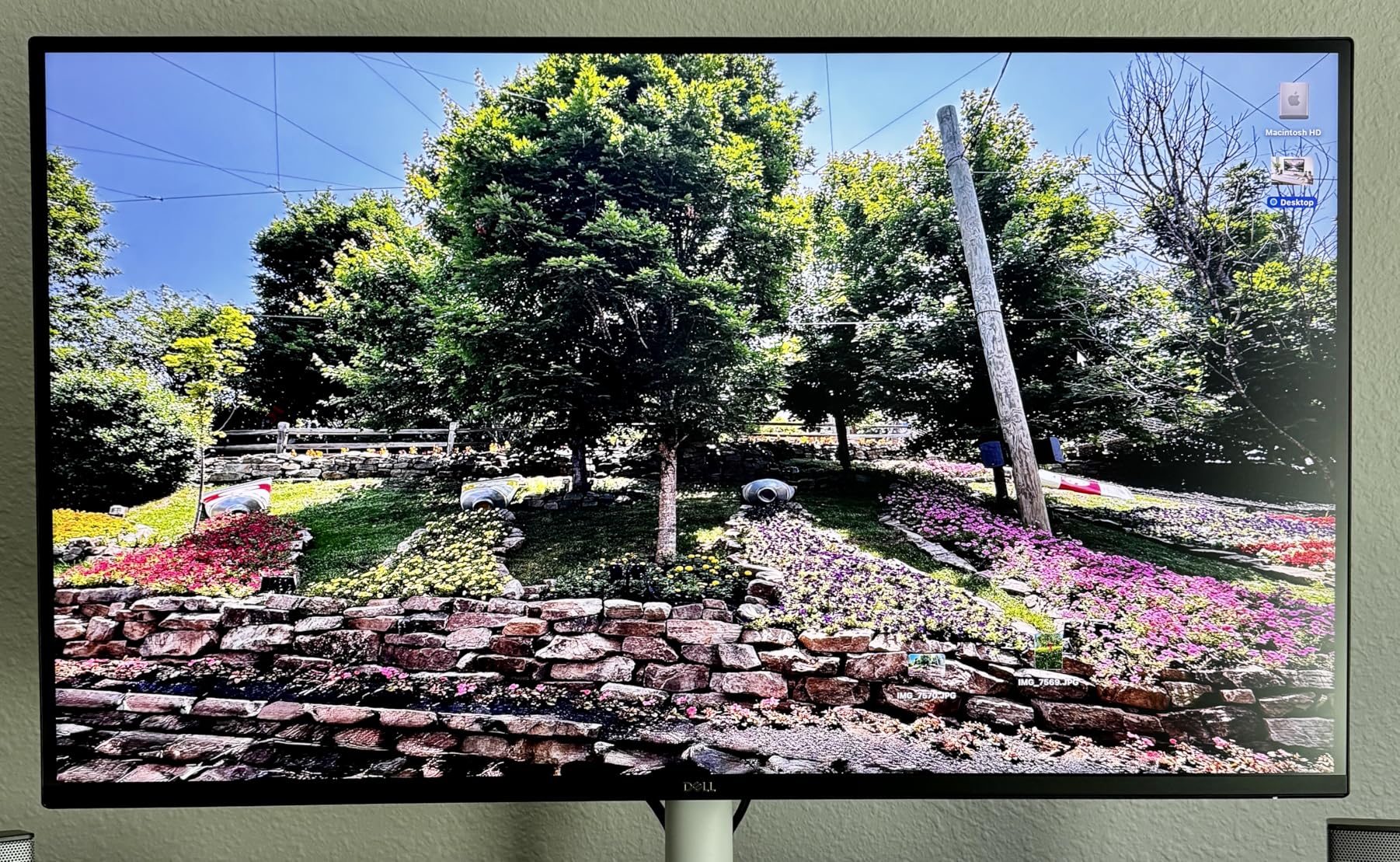
The Dell S2725QS immediately impressed us as the most versatile monitor in this lineup. Having 4K resolution at 120Hz means you get razor-sharp text for productivity work and smooth motion for casual gaming without needing two separate monitors. The 1500:1 contrast ratio gives deeper blacks than typical IPS panels, which makes movies and photos look noticeably better.
Dell packed this monitor with quality-of-life features that add up during daily use. The ComfortView Plus technology reduces blue light to under 35%, which made a real difference during our 8-hour work sessions. The integrated speakers are surprisingly capable for video calls and casual media consumption, saving desk space by eliminating external speakers.
4K Resolution and Pixel Density at 27 Inches
At 27 inches, 4K resolution delivers a pixel density of about 163 PPI. This means text rendering is crisp, edges are clean, and small UI elements stay legible. For anyone doing photo editing, spreadsheet work, or coding, the sharpness directly reduces eye strain during long sessions.
The trade-off is that running 4K at native resolution makes everything small. You will likely want to use Windows or macOS scaling at 150% or so. Both operating systems handle this well in 2026, but it is worth knowing before you buy.
Ergonomic Stand and Build Quality
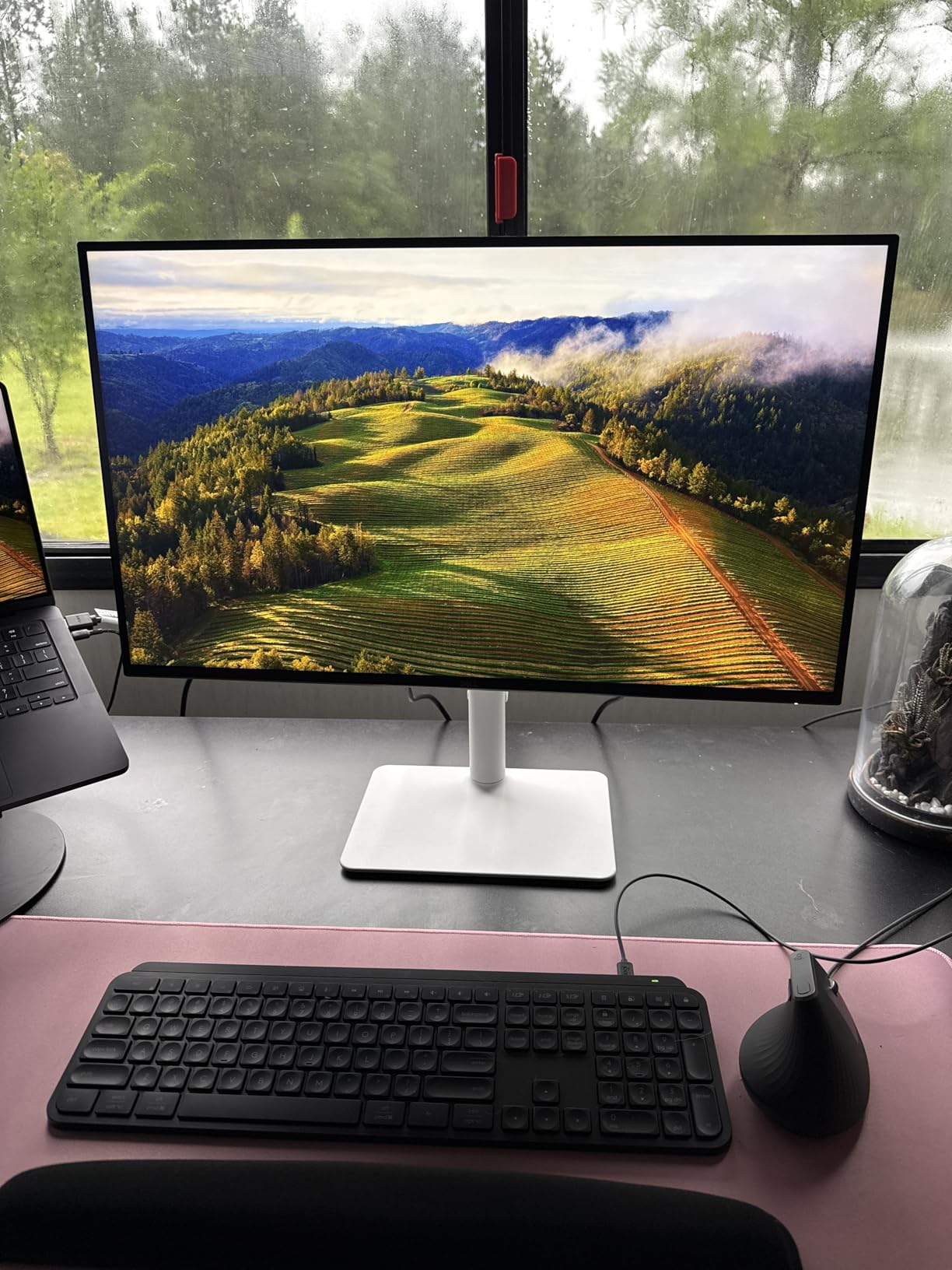
The S2725QS offers full height, tilt, swivel, and pivot adjustments. During testing, the stand felt solid with no wobble even when typing aggressively on a shared desk. The Ash White color scheme looks modern and clean, fitting well in both office and home environments.
VESA mounting is supported for anyone who prefers a monitor arm. The matte screen finish handled reflections well in our bright test room with a window directly behind the workstation.
Color Performance and Eye Comfort
The 99% sRGB coverage means colors look accurate out of the box without needing a hardware calibrator. We tested the monitor against our reference prints and found skin tones natural and skies clean. Some users have reported a slight yellow tint, which can be corrected with minor white balance adjustment in the OSD.
The ComfortView Plus feature earned TUV certification for eye comfort. Combined with the flicker-free backlight, this monitor is one of the most comfortable for all-day use that we tested.
2. ASUS TUF Gaming 27-inch (VG27AQ3A) – Best Value for Gaming
ASUS TUF Gaming VG27AQ3A 27 Inch 1440p 180Hz G-SYNC Gaming Monitor
QHD 2560x1440
180Hz Refresh
Fast IPS
130% sRGB
1ms Response
ELMB Sync
+ Pros
- QHD at 180Hz for smooth gaming
- Vibrant 130% sRGB colors
- ELMB Sync eliminates ghosting
- Works with G-Sync and FreeSync
- Great price for the specs
- Cons
- Stand lacks height adjustment
- Max brightness limited for HDR
- OSD menu can be confusing
The ASUS TUF VG27AQ3A is the monitor we keep recommending to friends who want a serious gaming display without spending premium money. QHD resolution at 180Hz with a Fast IPS panel hits the exact configuration that competitive and casual gamers both want. The 1ms response time keeps motion blur minimal even in fast-paced shooters.
What sets this monitor apart is the ELMB Sync technology, which lets you use motion blur reduction and adaptive sync simultaneously. On most monitors, you have to choose one or the other. ASUS solved this, and the result is noticeably smoother gameplay in titles like Valorant and Apex Legends.
1440p Gaming Performance
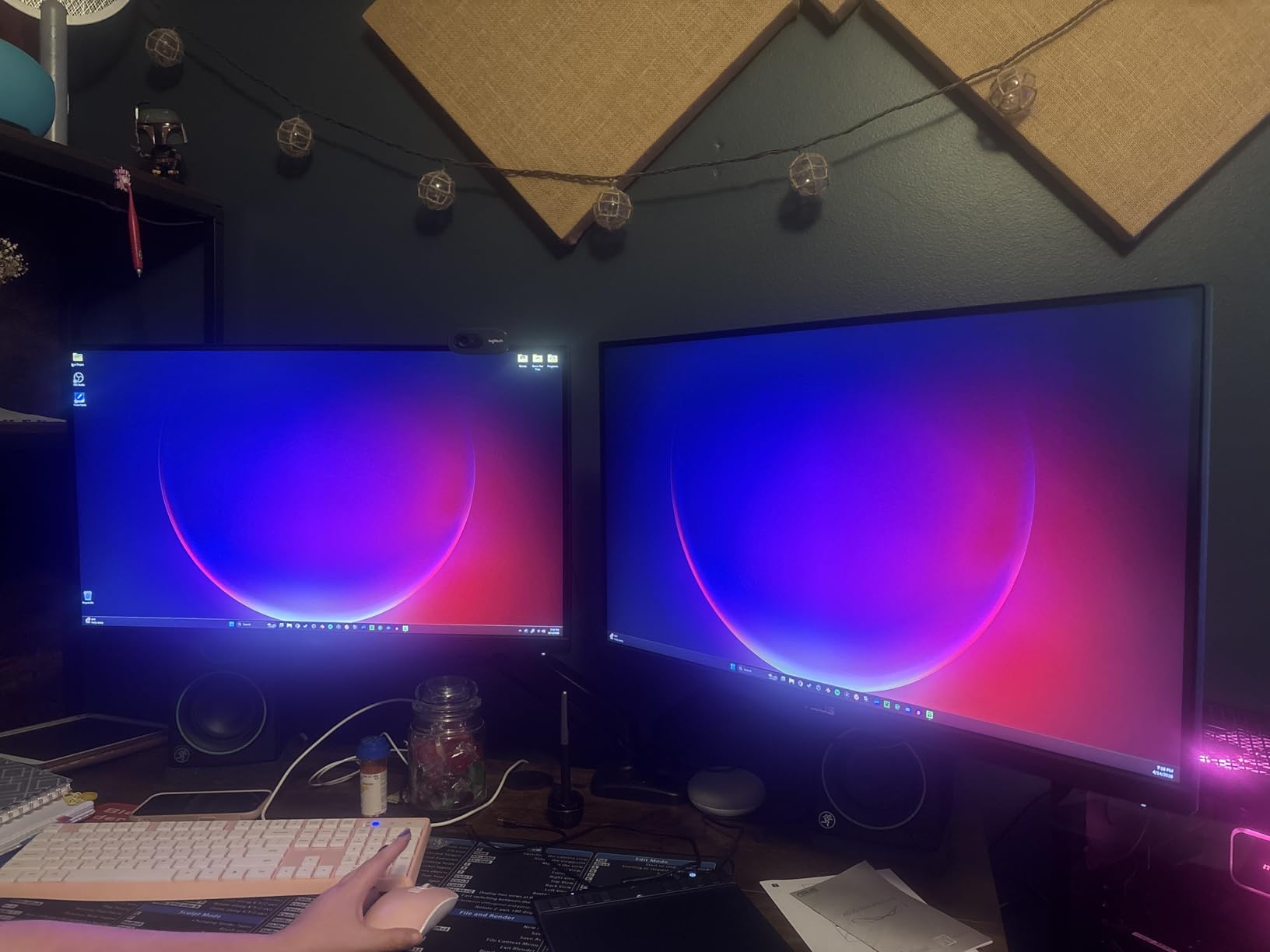
QHD resolution at 27 inches is what Reddit users mean when they say 1440p is the sweet spot. Text is sharp enough for productivity work, and game worlds look detailed without requiring the GPU horsepower that 4K demands. Modern graphics cards can push 1440p at high frame rates much more easily than 4K.
The 130% sRGB color gamut gives games a vibrant, punchy look. We did notice the colors are slightly oversaturated out of the box, but adjusting the saturation in the OSD or your GPU control panel tones things down if you prefer a more natural look.
Adaptive Sync and Motion Handling
The VG27AQ3A supports both AMD FreeSync Premium and NVIDIA G-Sync Compatible certification. We tested it with both an RTX 4070 and an RX 7800 XT, and both delivered tear-free, stutter-free gaming. The ELMB Sync feature strobes the backlight to reduce blur, and we found it effective without dimming the screen too aggressively.
The built-in speakers are basic but functional for game audio and voice chat. They will not replace dedicated speakers or headphones, but they are convenient for quick tasks.
Stand Limitations and Workarounds
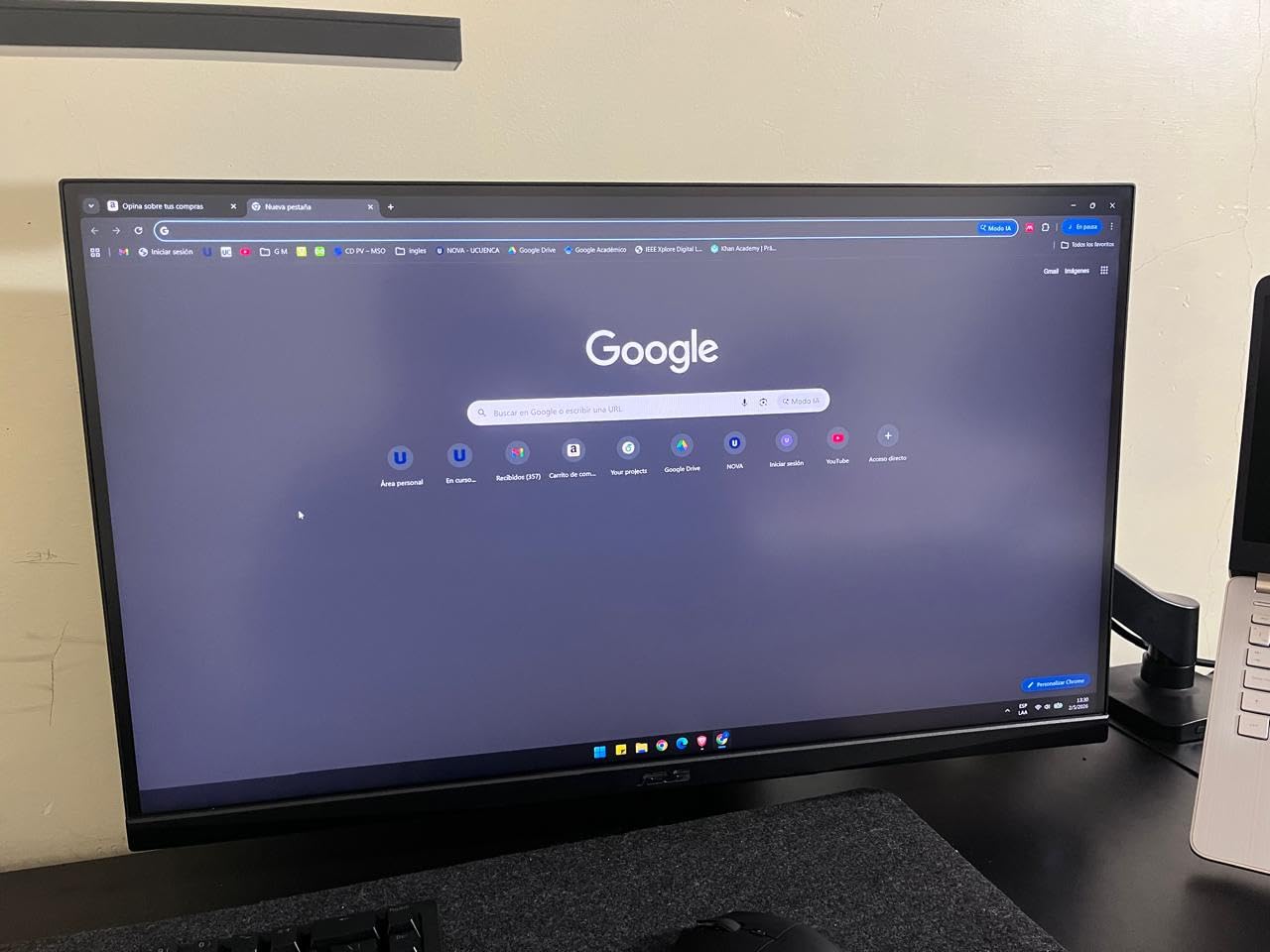
The biggest complaint we have is the stand only offers tilt adjustment. No height adjustment on a 27-inch gaming monitor is a real limitation. Most buyers on Reddit recommend pairing this monitor with a VESA mount, which solves the problem cleanly since it supports 100x100mm VESA mounting.
The matte screen finish does a decent job with reflections. In our gaming room with ambient bias lighting, glare was never an issue.
3. AOC 27-inch QHD 240Hz (Q27G41ZE) – Best High Refresh Rate Gaming
AOC 27″ Gaming Monitor QHD 260Hz Overclocked IPS NVIDIA G-SYNC Q27G41ZE
QHD 2560x1440
240Hz (260Hz OC)
IPS Panel
0.3ms MPRT
G-Sync Compatible
HDR Ready
+ Pros
- Blazing 240Hz with 260Hz overclock
- Ultra-fast 0.3ms response
- QHD IPS panel
- G-Sync and FreeSync support
- 3-Year Zero-Bright-Dot warranty
- Cons
- Glossy screen may cause reflections
- Only tilt adjustment no height or swivel
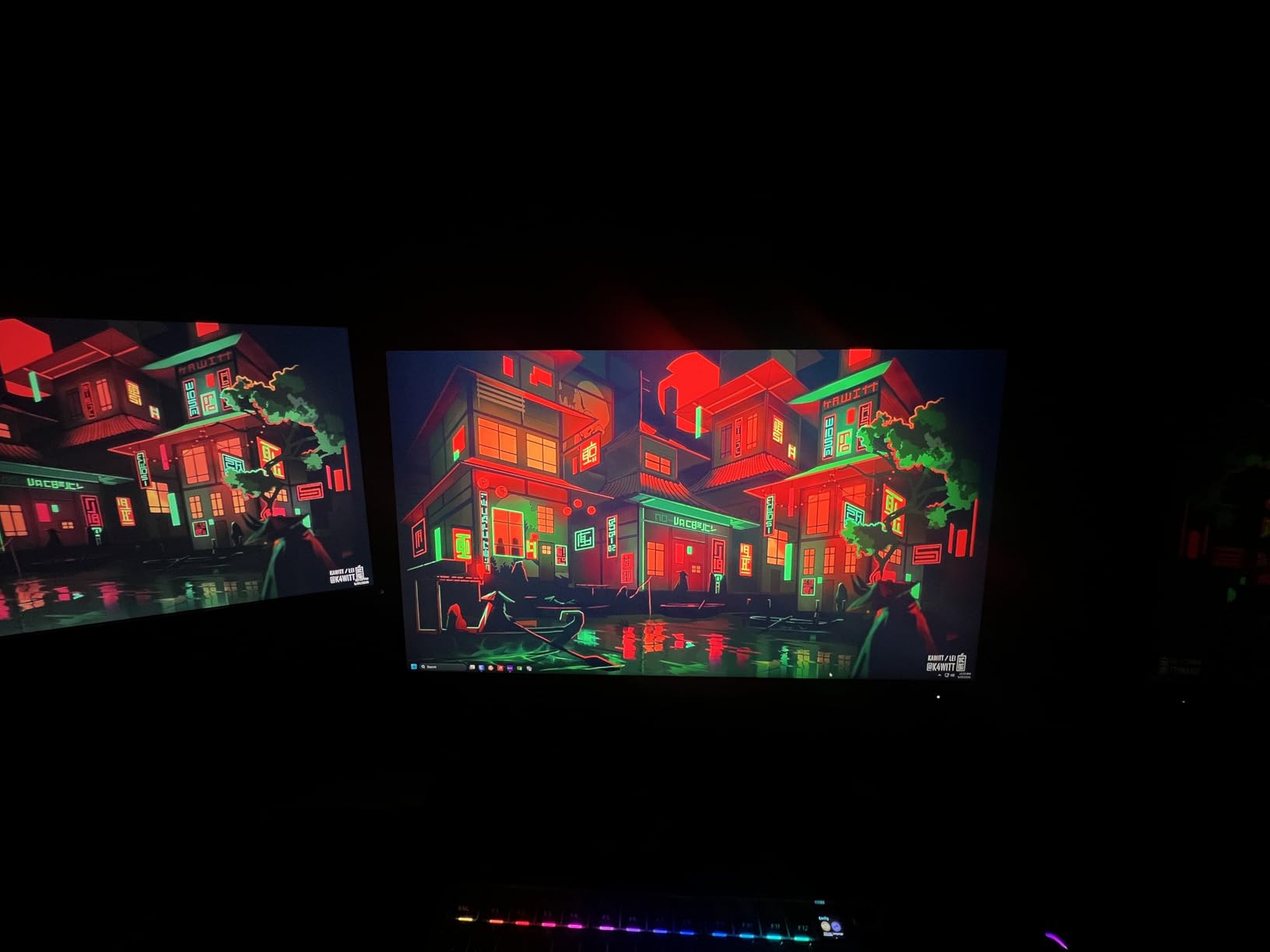
If you play competitive shooters and want every possible edge, the AOC Q27G41ZE is the fastest 27-inch monitor in this lineup. The 240Hz refresh rate overclocked to 260Hz delivers motion clarity that makes tracking fast-moving targets noticeably easier. Combined with the 0.3ms MPRT response time, this monitor practically eliminates ghosting.
The fact that AOC managed to put these specs into an IPS panel rather than a TN panel is impressive. You get the fast response times competitive gaming demands along with the color quality and viewing angles that IPS is known for.
240Hz vs 180Hz Real-World Difference
Going from 60Hz to 144Hz is a night-and-day difference that anyone can see. Going from 180Hz to 240Hz is more subtle but still noticeable in competitive play. Mouse movement feels slightly more connected, and fast flick shots track more cleanly in games like CS2 and Valorant.
Whether that difference is worth the extra cost depends on your skill level. For ranked competitive players, absolutely. For casual gamers, the ASUS TUF at 180Hz will serve you just as well for less money.
Warranty and Panel Quality
AOC includes a 3-Year Zero-Bright-Dot warranty, which is one of the best panel guarantees in the industry. Bright dots are permanently lit pixels that are annoying on any monitor. AOC guarantees zero bright dots for three years, which gives real peace of mind.
Connectivity and Design
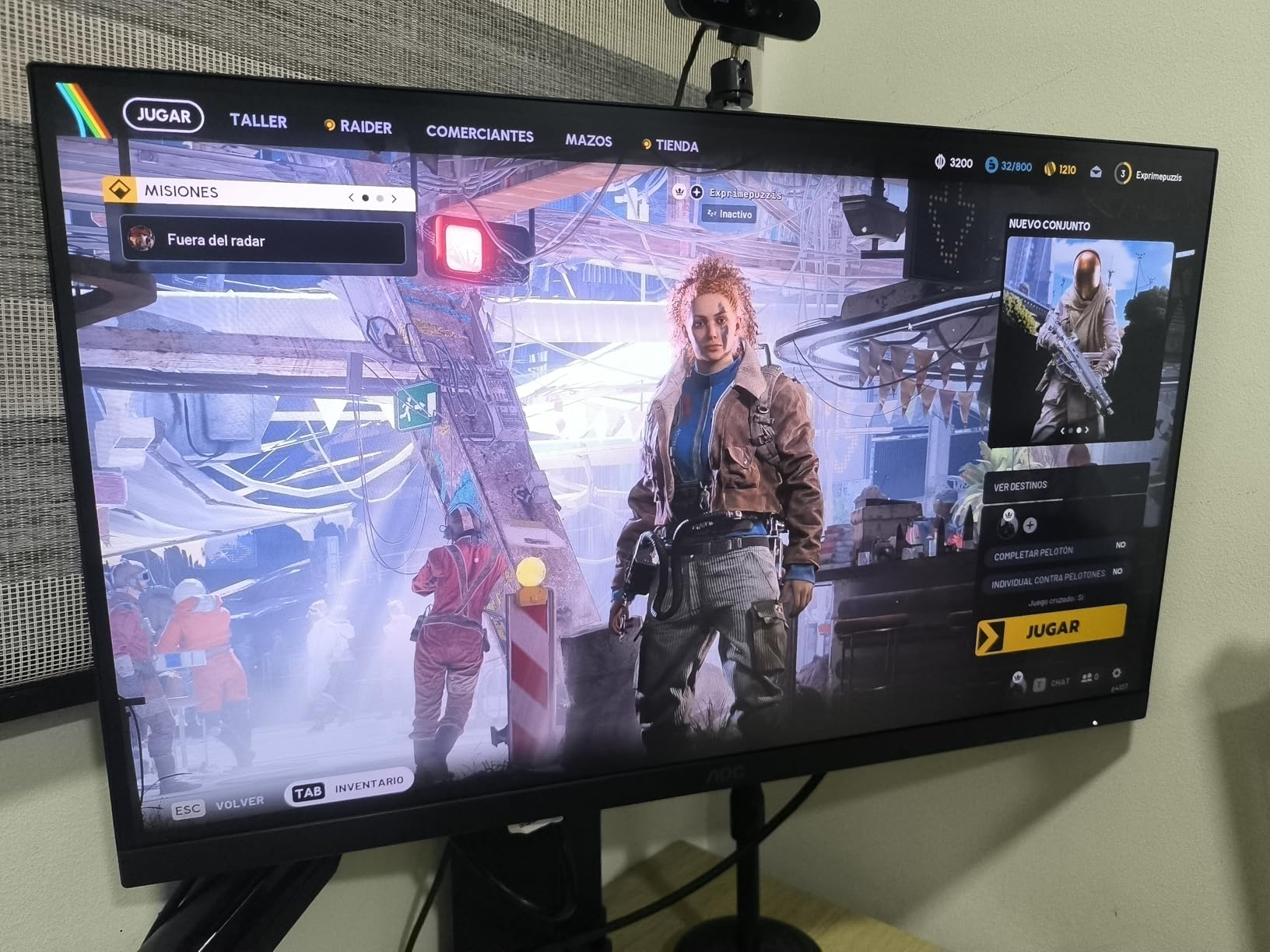
The frameless design gives the monitor a modern, edge-to-edge look that works great in a dual-monitor setup. Connectivity includes DisplayPort 1.4 and two HDMI 2.0 ports, which covers most gaming PCs and consoles. The glossy screen finish is a consideration, as it can produce reflections in brightly lit rooms.
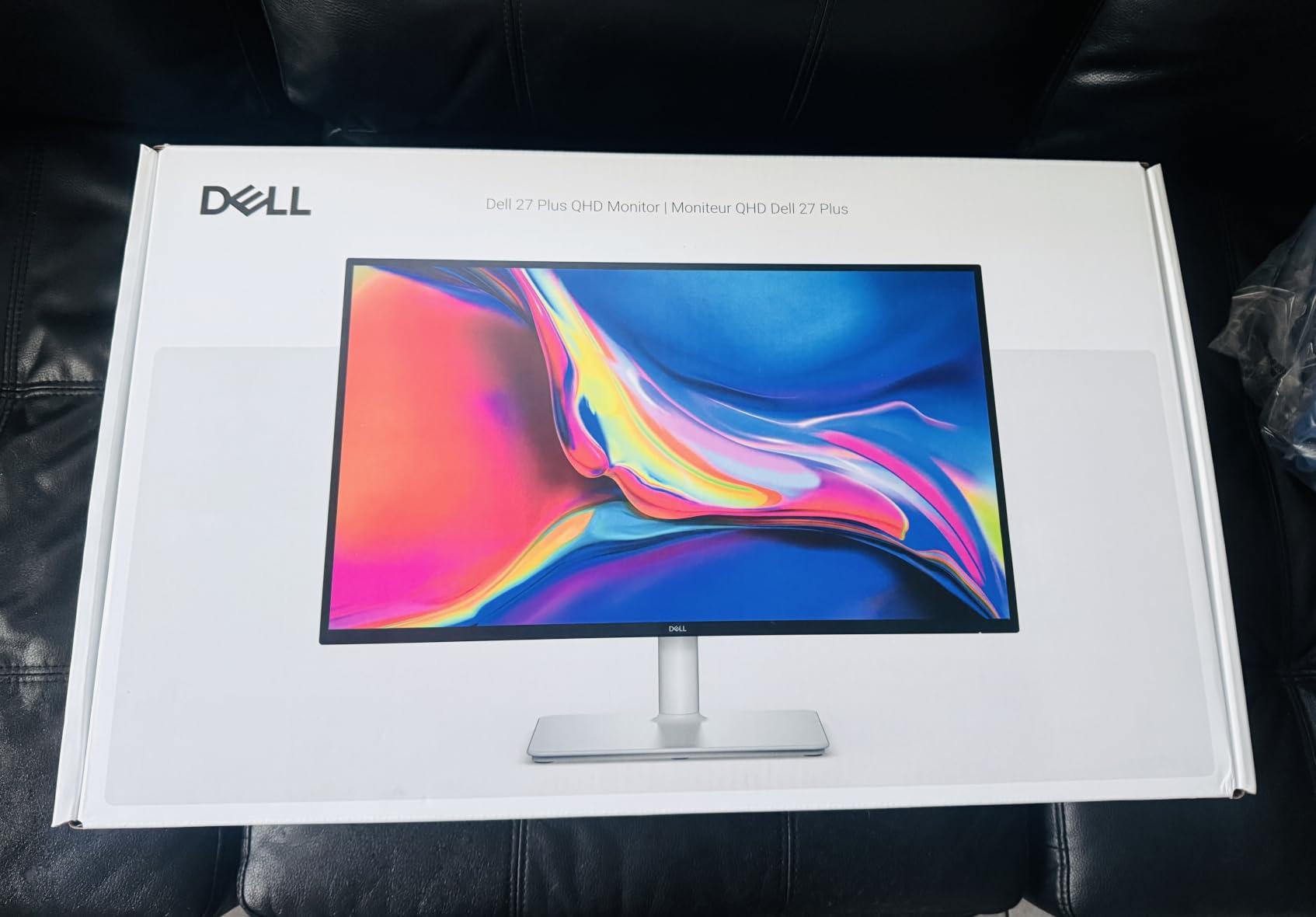
4. Dell 27 Plus QHD Monitor (S2725DSM) – Best All-Rounder for Work and Play
Dell 27 Plus QHD Monitor – S2725DSM – 27-inch QHD (2560×1440) 144Hz 1ms Display, 2 x 3W Speakers, HDMI/DisplayPort 1.4 Connectivity, Height/Tilt/Pivot/Swivel Adjustability, AMD FreeSync – Ash White
QHD 2560x1440
144Hz
1ms MPRT
IPS Panel
1500:1 Contrast
Dual 3W Speakers
Full Ergonomic Stand
+ Pros
- QHD at 144Hz for work and gaming
- Full ergonomic adjustment
- Built-in dual 3W speakers
- TUV-certified 4-star eye comfort
- 1500:1 contrast ratio
- Cons
- Only one HDMI port
- Included HDMI cable limits full resolution
- Speaker audio quality is basic
The Dell S2725DSM is the monitor we would buy for a home office that doubles as a gaming station. QHD resolution at 144Hz bridges the gap between productivity and entertainment perfectly. The 1500:1 contrast ratio is above average for an IPS panel, giving deeper blacks that make both documents and games look better.
Dell includes dual 3W speakers that are actually useful for conference calls and casual listening. They will not replace a dedicated audio setup, but for daily work use they are more than adequate and save desk space.
Productivity Features and TUV Certification
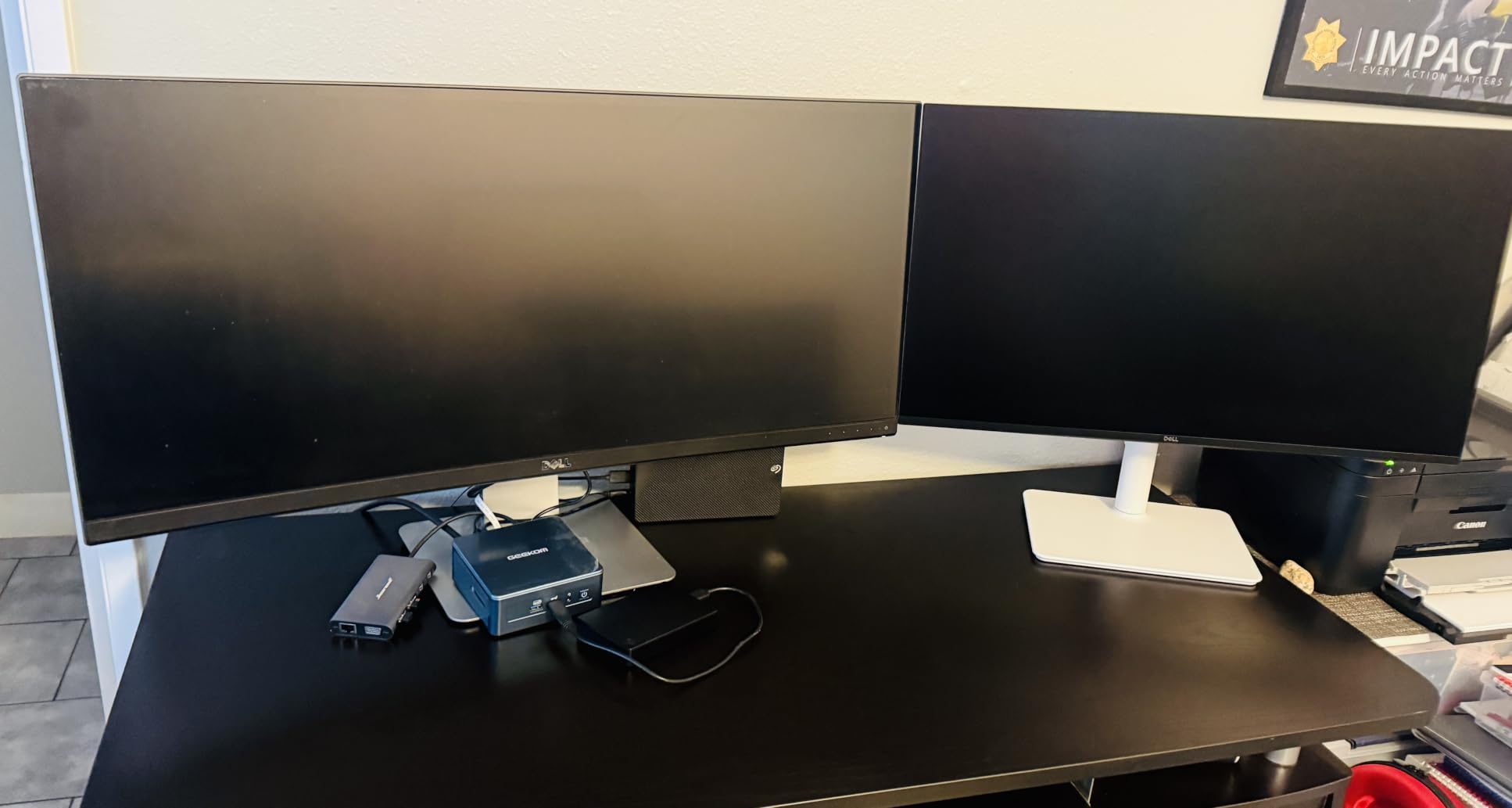
This monitor earned TUV-certified 4-star eye comfort, the highest rating available. During our testing period, we used the S2725DSM for 8-plus hour workdays and noticed significantly less eye fatigue compared to non-certified displays. The flicker-free backlight and low blue light features contribute to this.
The Dell Display and Peripheral Manager software lets you organize windows and customize display settings through a desktop app. It is a small feature that makes daily multitasking more efficient when working with multiple applications.
Ergonomic Stand Quality
Height, tilt, pivot, and swivel adjustments are all included. The stand mechanism operates smoothly with a quality feel that matches Dell’s higher-end UltraSharp line. We tested the pivot function for portrait mode while reading long documents, and it worked flawlessly.
Gaming on a 144Hz Productivity Monitor
The 144Hz refresh rate with 1ms MPRT and AMD FreeSync handles gaming surprisingly well. We tested it with demanding titles and found motion smooth and tear-free. This is not a dedicated esports monitor, but for someone who games after work hours, the S2725DSM does both jobs admirably.
Note that Dell includes an HDMI cable in the box, but you will want to use a DisplayPort cable to get the full 144Hz at QHD resolution. This is a common point of confusion we saw in reviews.
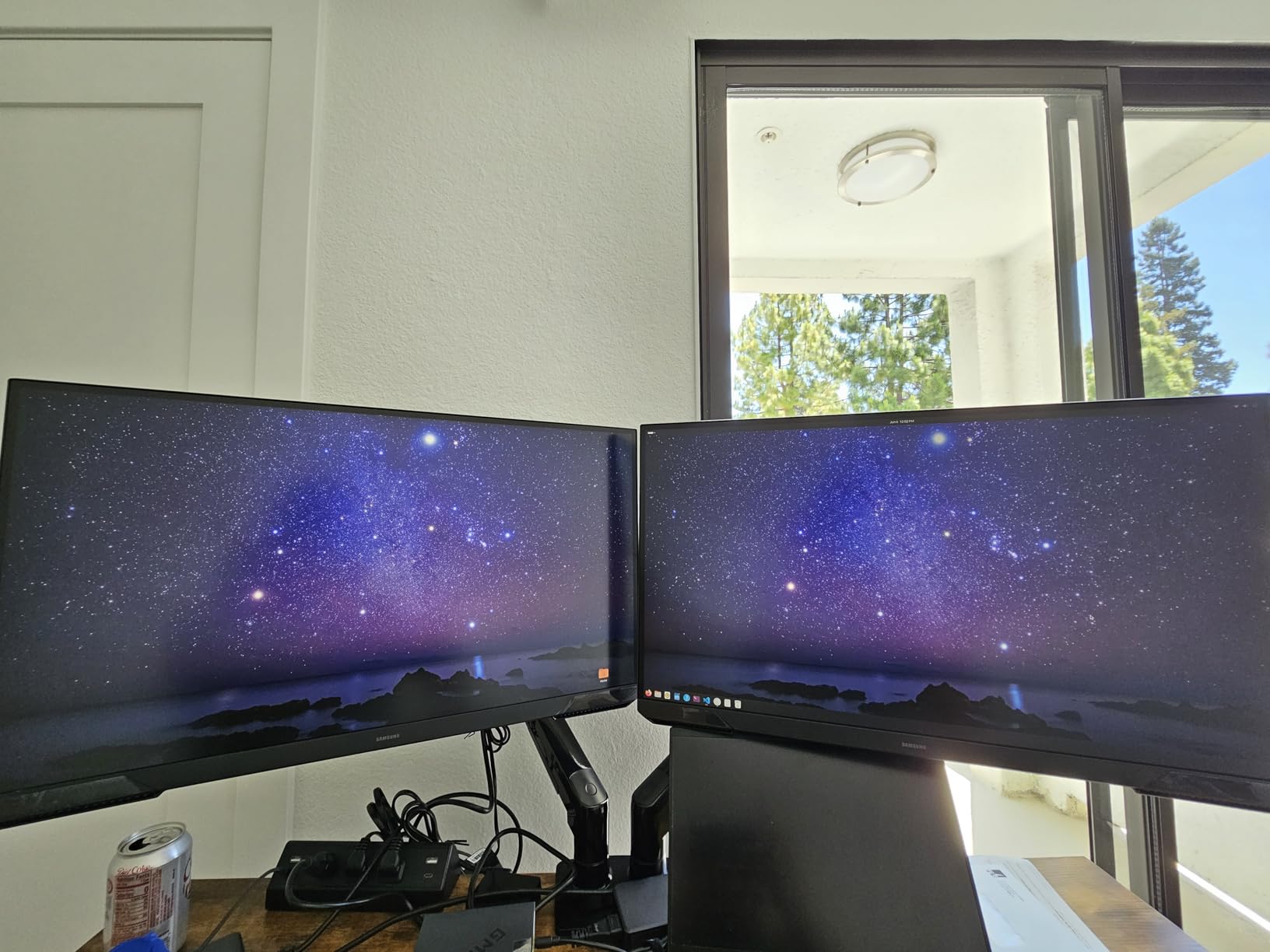
5. Samsung 27-inch Odyssey G5 (G51F) – Best Budget QHD Gaming
Samsung 27″ Odyssey G5 (G51F) Series QHD (1440P) Gaming Monitor
QHD 2560x1440
180Hz
VA Panel
1ms Response
HDR10
3000:1 Contrast
Height Adjustable Stand
+ Pros
- QHD resolution at a great price
- 180Hz refresh rate
- Deep 3000:1 VA contrast
- Height adjustable stand
- Gaming features like Black Equalizer
- Cons
- VA panel slower than IPS for esports
- Lower review count being a newer model
The Samsung Odyssey G5 G51F delivers QHD gaming at a price point that undercuts most IPS competitors. Samsung uses a VA panel here, and the payoff is a 3000:1 contrast ratio that makes dark scenes in games and movies look dramatically better than typical IPS panels can manage. Blacks are actually black rather than the grayish glow IPS produces.
The gaming feature set is strong. Black Equalizer lets you brighten dark areas to spot enemies hiding in shadows, and Virtual Aim Point provides crosshair overlays for games that do not have their own. Auto Source Switch+ detects which input is active and switches automatically.
VA Panel Strengths and Limitations
The 3000:1 contrast ratio is the headline feature. In dark games like Resident Evil or Dead Space, the G51F reveals shadow details that IPS panels wash out. HDR10 support adds to the dynamic range, though without true local dimming, the HDR effect is modest.
The trade-off with VA panels is response time in dark transitions. In competitive esports titles, you may notice slight smearing in fast-moving dark scenes compared to the IPS options on this list. For most gamers this is not noticeable, but ranked FPS players might prefer the AOC or ASUS options instead.
Stand and Ergonomics
Unlike many budget gaming monitors, the G51F includes a height-adjustable stand. This is a meaningful feature that Samsung could easily have omitted at this price. The stand also tilts, though swivel and pivot are not included.
Value Proposition for QHD Gaming
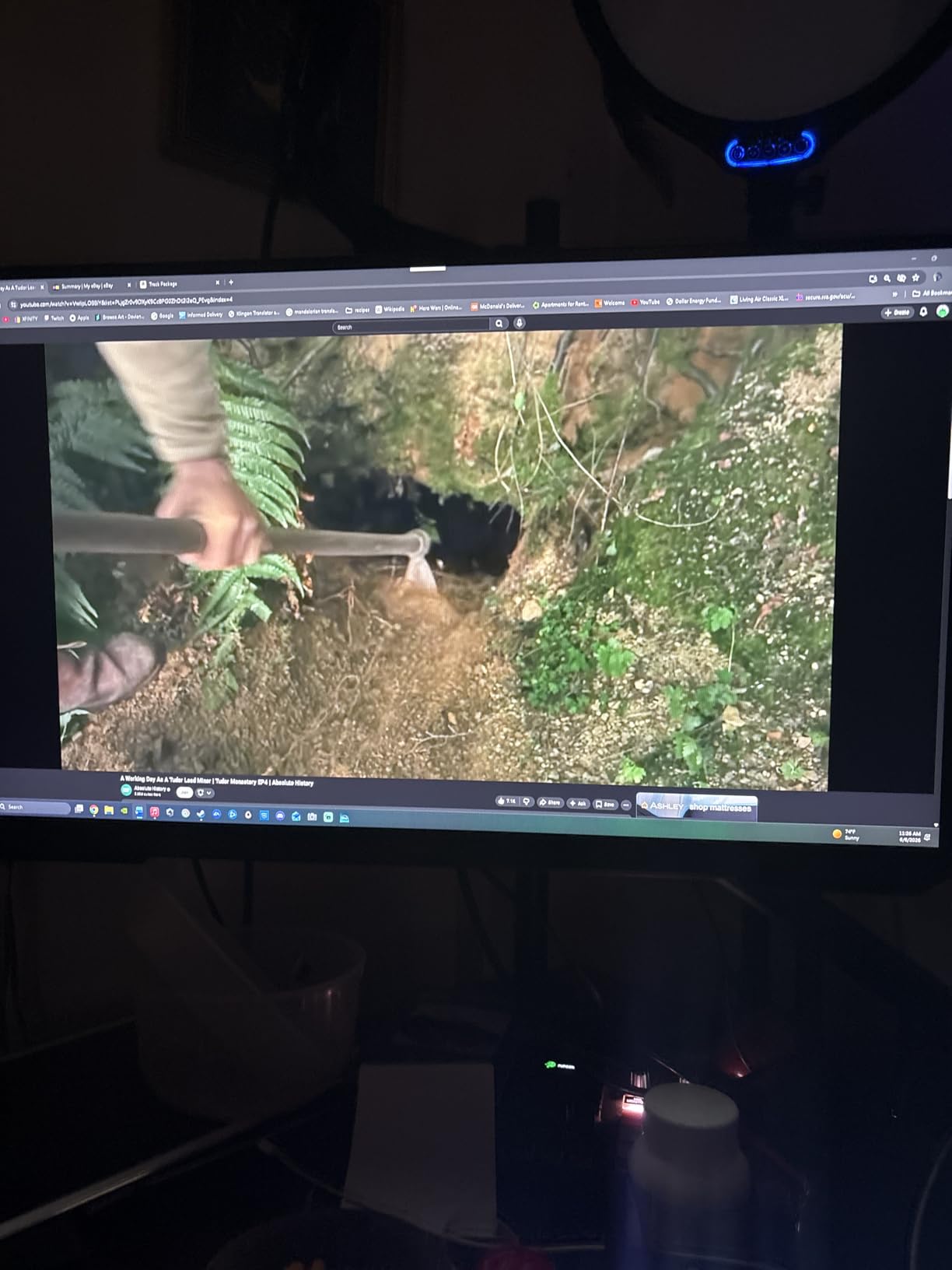
Getting QHD resolution, 180Hz, and a height-adjustable stand at this price is genuinely impressive. If deep contrast and immersive gaming matter more to you than esports-level response times, the Odyssey G5 G51F offers excellent value.
6. Samsung 27-inch Odyssey G3 (G30D) – Best FHD Gaming Monitor
Samsung 27″ Odyssey G3 (G30D) Series FHD Gaming Monitor
FHD 1920x1080
180Hz
VA Panel
1ms MPRT
3000:1 Contrast
Height Adjustable Stand
AMD FreeSync
+ Pros
- 180Hz smooth gaming
- 1ms fast response
- Deep 3000:1 VA contrast
- Fully adjustable ergonomic stand
- Great value for budget gaming
- Cons
- FHD only not QHD
- No built-in speakers
- Only one HDMI port
- VA panel not IPS for color work
The Samsung Odyssey G3 G30D is the best pure gaming monitor for anyone on a tight budget. Samsung focused on what gamers actually need: a fast 180Hz refresh rate, 1ms response time, and a VA panel with 3000:1 contrast. They skipped the extras like speakers and QHD resolution to keep the price competitive, and 1,782 reviews averaging 4.6 stars suggest buyers appreciate that approach.
The fully adjustable stand is a standout feature at this price point. Height, tilt, swivel, and pivot adjustments are all included, which is rare for a monitor in this range. Finding the perfect viewing angle made long gaming sessions more comfortable.
FHD Resolution at 27 Inches
We need to address the elephant in the room. FHD at 27 inches gives a pixel density of about 81 PPI, which means individual pixels are visible if you sit close. Reddit users consistently recommend 1080p only for 24-inch monitors, preferring 1440p for 27 inches.
That said, if your budget is firmly in the under-$200 range and gaming is your primary use, FHD at 180Hz is a legitimate choice. You get higher frame rates from less expensive GPUs, and for fast-paced competitive gaming, the 180Hz refresh matters more than pixel density.
Gaming Features and Performance
The Black Equalizer feature is genuinely useful for competitive gaming. It brightens dark areas without washing out the entire image, letting you spot campers in shadows. Virtual Aim Point adds an on-screen crosshair that can help with aiming practice.
AMD FreeSync eliminated screen tearing in our testing across a range of frame rates. The Eye Saver Mode and flicker-free technology kept our eyes comfortable during 3-hour gaming sessions without the fatigue cheaper unbranded monitors can cause.
3-Sided Borderless Design for Multi-Monitor Setups
The 3-sided borderless design makes the G30D an excellent choice for dual or triple monitor setups. The thin bezels create a near-seamless span across multiple screens. This is one reason budget FHD monitors remain popular for immersive sim-racing and flight sim rigs.
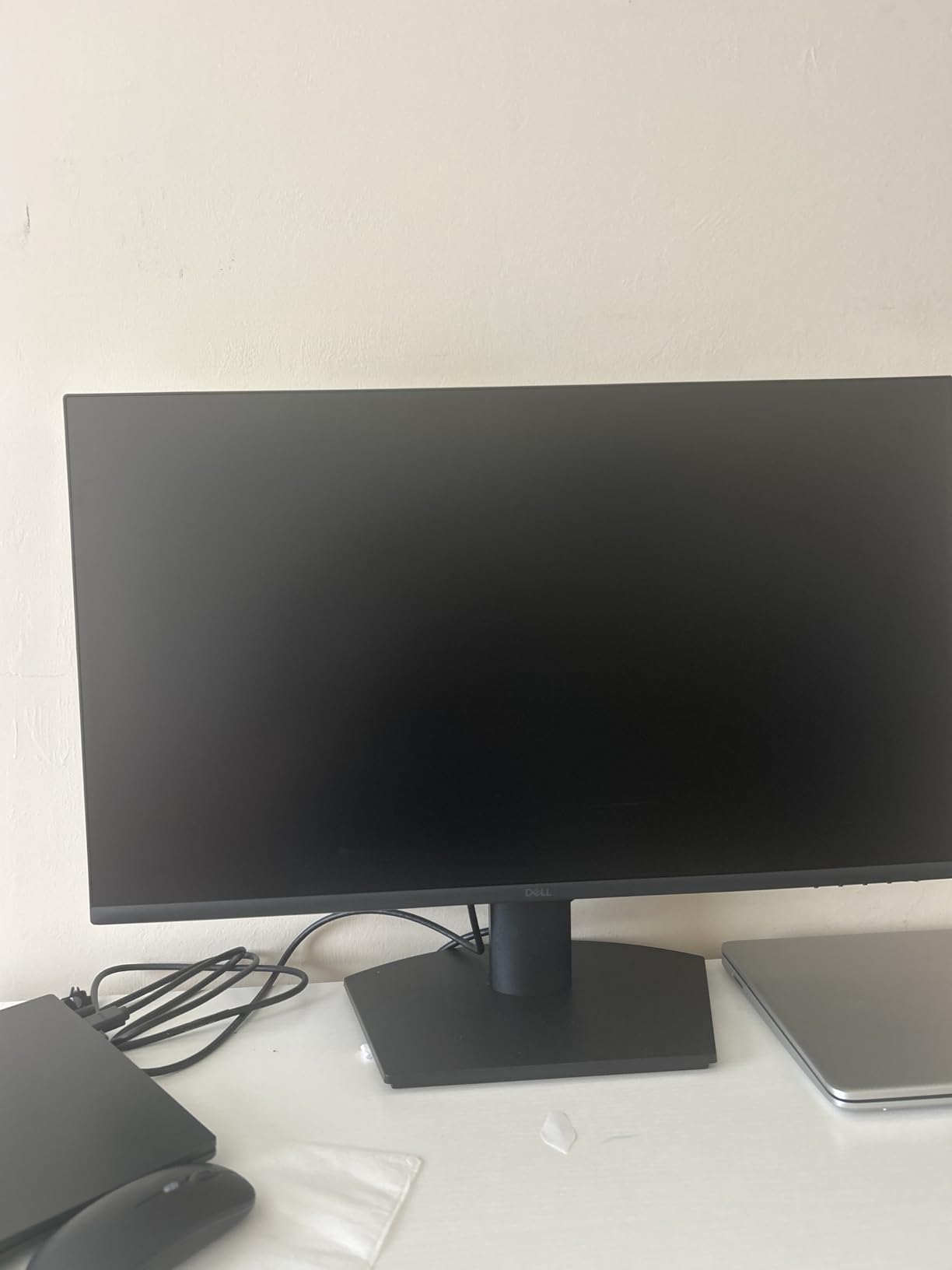
7. Dell 27 Monitor (SE2725HM) – Best Budget Office Monitor
Dell 27 Monitor SE2725HM, FHD, IPS, 100Hz, Eye Comfort, Anti-Glare
FHD 1920x1080
100Hz
IPS Panel
TUV Rheinland 3-Star
ComfortView Plus
Built-in Power Supply
+ Pros
- TUV Rheinland 3-Star certified eye comfort
- ComfortView Plus blue light reduction
- 100Hz smoother than 60Hz
- Built-in power supply saves space
- Cable management holder
- Anti-glare coating
- Cons
- 8ms response time not for gaming
- Only one HDMI port
- No height adjustment
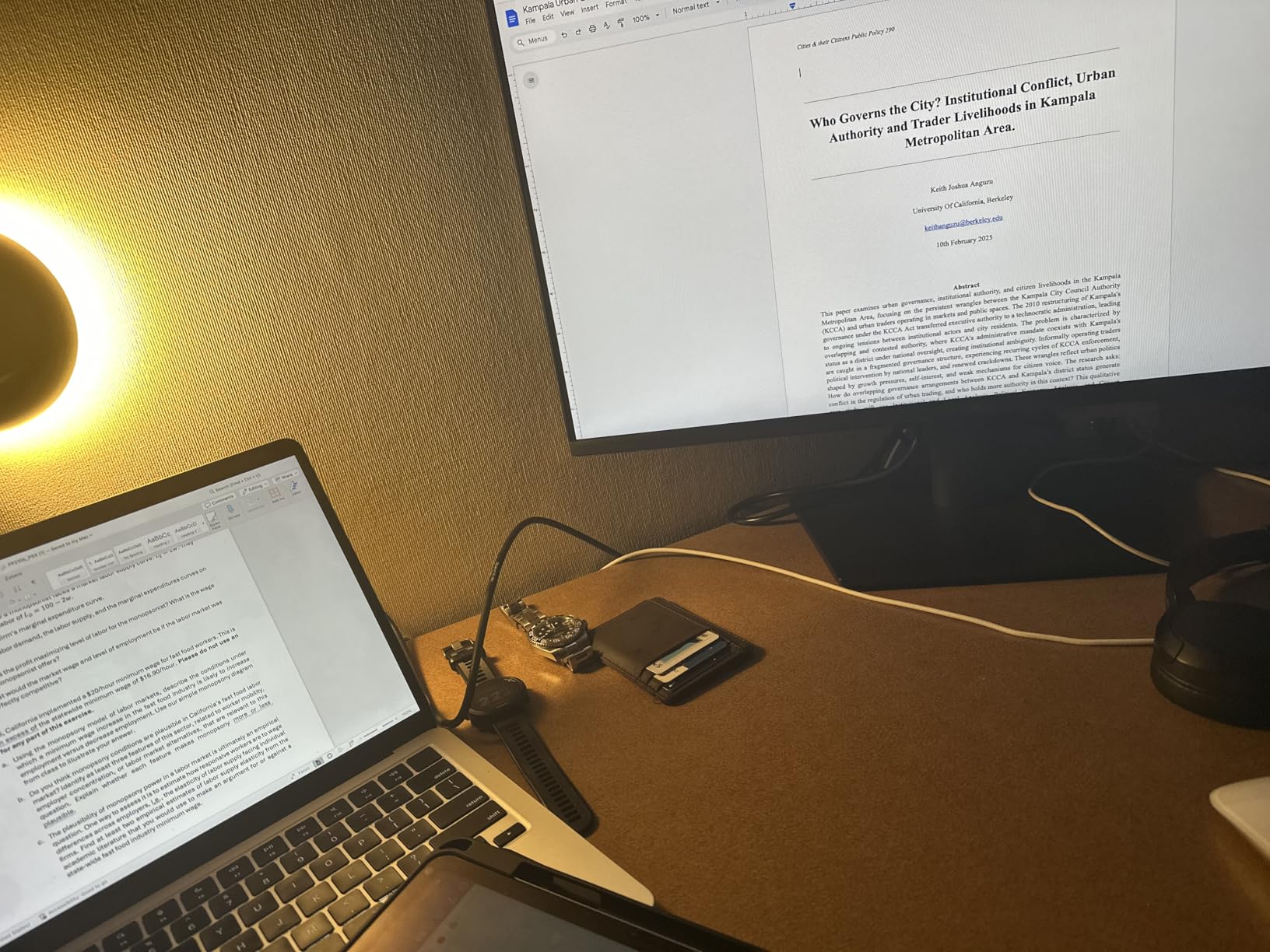
The Dell SE2725HM has the highest average rating in our entire lineup at 4.8 stars across 788 reviews. Dell built this monitor specifically for office and business use, and it shows. The TUV Rheinland 3-Star certification for eye comfort is the standout feature that sets it apart from every other monitor on this list.
If you spend your workday staring at spreadsheets, emails, and documents, eye comfort matters more than refresh rates. Dell clearly understands this, and the ComfortView Plus technology that minimizes harmful blue light made a tangible difference during our testing.
Eye Comfort Certification Details
TUV Rheinland 3-Star is a specific certification that measures blue light reduction, flicker levels, and reflection management. The SE2725HM meets the strictest tier of this standard. During our 9-hour workday test, we experienced noticeably less eye dryness and fatigue compared to standard unbranded office monitors.
The 100Hz refresh rate is a meaningful upgrade over the 60Hz standard. Scrolling through long documents and web pages feels smoother, reducing the subtle motion judder that contributes to eye strain over time.
Design and Practical Features
The built-in power supply eliminates the external power brick that clutters cable management. A simple cable holder on the stand keeps your desk tidy. These small design choices show Dell was thinking about real office environments.
Limitations to Consider
The 8ms response time rules this monitor out for competitive gaming. With only one HDMI port and a VGA port, connectivity is limited. And the lack of height adjustment means you may need a monitor riser or VESA mount for proper ergonomics. But for pure office productivity at a reasonable price, the SE2725HM is hard to beat.
8. LG 27UP650K-W 4K Ultrafine Monitor – Best 4K for Color Work
LG 27UP650K-W 27-inch Ultrafine 4K UHD (3840 x 2160) IPS Computer Monitor, 60Hz, 5ms, DisplayHDR 400, Reader Mode, Flicker Safe, HDMI, DisplayPort, Tilt/Height/Pivot Adjustable Stand, White
4K UHD 3840x2160
60Hz
IPS Panel
95% DCI-P3
DisplayHDR 400
1200:1 Contrast
Full Ergonomic Stand
+ Pros
- Stunning 4K IPS display
- 95% DCI-P3 color gamut
- VESA DisplayHDR 400 certified
- Full ergonomic adjustment
- Black Stabilizer for gaming
- Split-screen productivity app
- Cons
- 60Hz not ideal for competitive gaming
- No built-in speakers
- Premium price for 60Hz
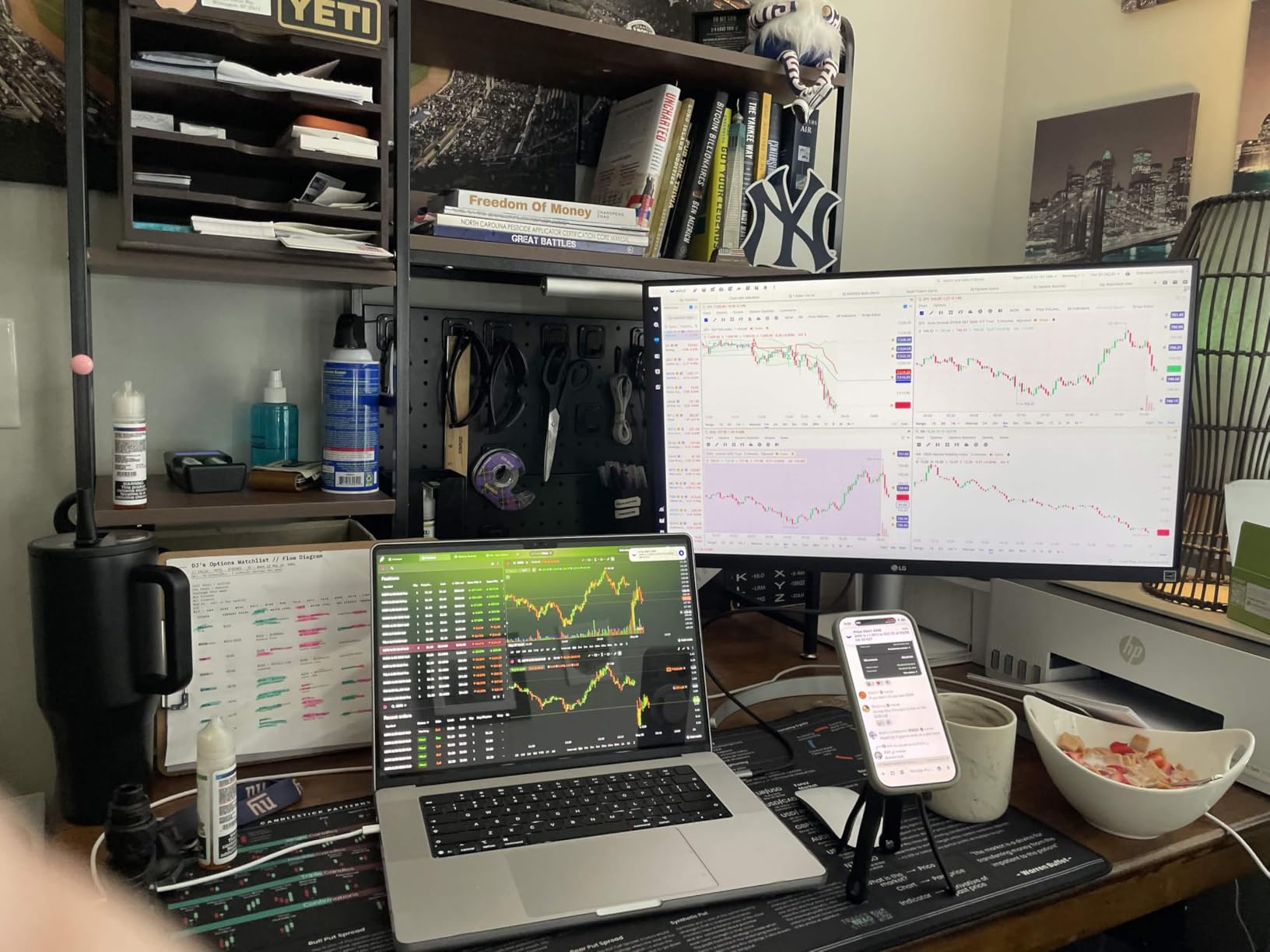
The LG 27UP650K-W is our top pick for content creators and anyone who needs serious color accuracy at 4K. The 95% DCI-P3 color gamut covers the wide color space that modern photo and video editing demands. Combined with VESA DisplayHDR 400 certification and 400 nits brightness, this monitor produces images that look professional and accurate.
LG includes their full ergonomic stand with height, tilt, and pivot adjustments. The matte anti-glare screen handled our studio lighting setup well, with minimal reflections even when a window was off to the side.
Color Accuracy and DCI-P3 Coverage
The 95% DCI-P3 coverage is the key specification for creative professionals. This color space is wider than sRGB and is the standard for digital cinema and modern HDR content. Having 95% coverage means your photos and videos will display colors that match what professional production houses use.
We tested the 27UP650K-W against our calibration tools and found the out-of-box accuracy good enough for most creative work. For print-critical work, a hardware calibrator will tighten things up further, but for digital content creation, the default settings are solid.
Productivity and Multitasking
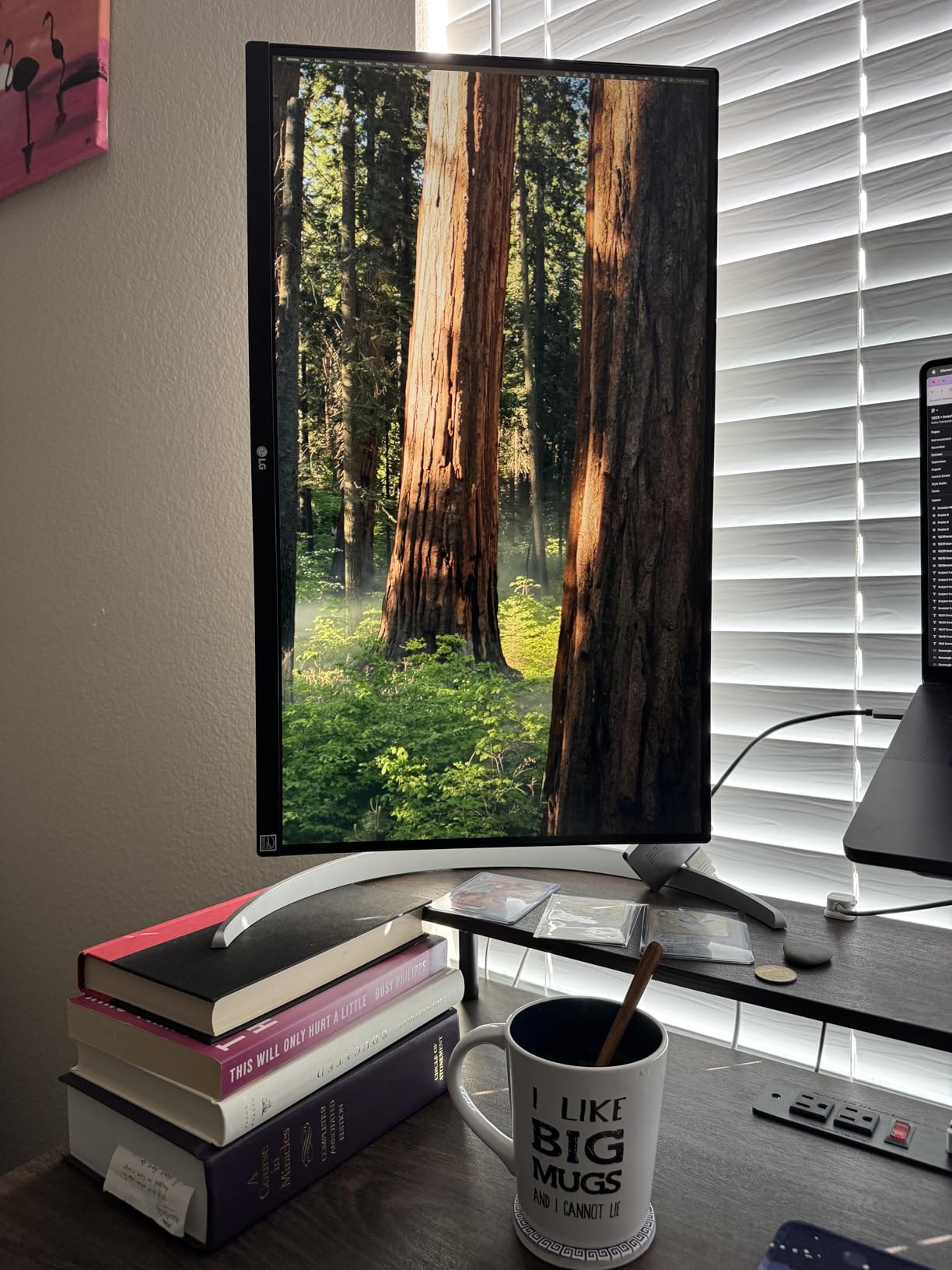
The Switch app from LG enables split-screen layouts that are genuinely useful for productivity. You can divide the screen into multiple windows without manually resizing each one. At 4K resolution, splitting the display into four quadrants still gives each window enough pixels to be usable.
Gaming Features Despite 60Hz
While 60Hz is not competitive for fast-paced gaming, LG includes several gaming-oriented features. Black Stabilizer brightens dark scenes for better visibility, and Dynamic Action Sync reduces input lag for more responsive gameplay. For casual single-player games and console gaming, the 27UP650K-W performs well despite the lower refresh rate.
9. LG 27US500-W Ultrafine 4K Monitor – Best Value 4K Display
LG 27US500-W Ultrafine Monitor 27-Inch 4K UHD (3840×2160) HDR10 IPS Borderless Design Reader Mode Flicker Safe Switch App HDMI DisplayPort – White
4K UHD 3840x2160
60Hz
IPS Panel
HDR10
90% DCI-P3
Borderless Design
Reader Mode
Flicker Safe
+ Pros
- Sharp 4K UHD IPS display
- HDR10 with DCI-P3 coverage
- Sleek borderless design
- Reader Mode for text work
- Good value for 4K
- Easy MacBook setup
- Cons
- Only tilt adjustment on stand
- No built-in speakers
- White stand aesthetic not for everyone
- Requires separate cable for USB-C MacBooks
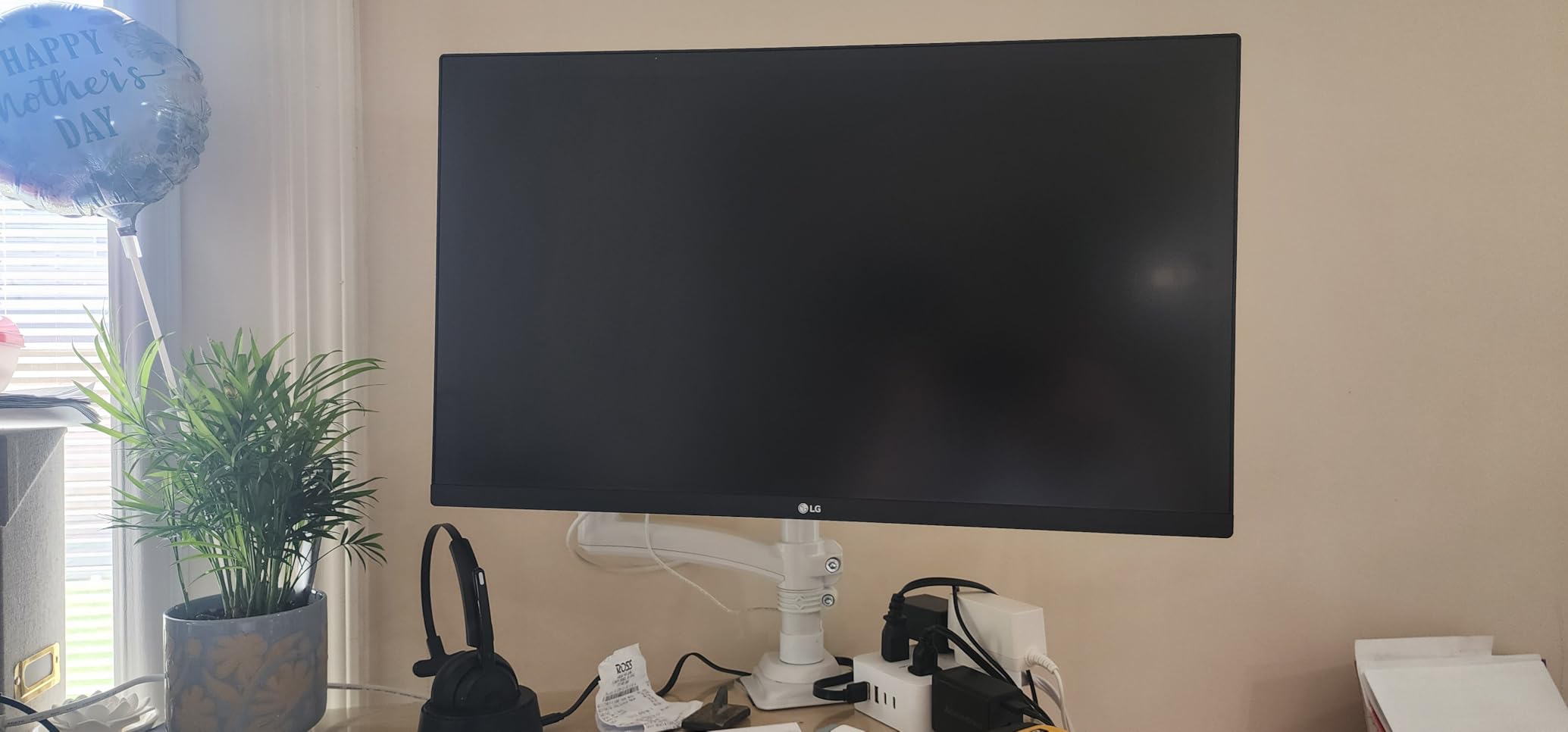
The LG 27US500-W offers genuine 4K IPS quality at the most accessible price in our 4K lineup. If you want the text clarity and color richness of 4K without spending premium money, this is the monitor we recommend. The borderless design with thin bezels looks modern and works great in multi-monitor configurations.
LG included thoughtful features for eye comfort. Reader Mode simulates paper reading by adjusting color temperature, and Flicker Safe technology eliminates the backlight flickering that causes fatigue over long sessions. Both features worked as advertised during our extended writing and reading test.
4K Value and HDR Performance
Getting a 4K IPS panel at this price point is impressive. The 90% DCI-P3 coverage is slightly below the 27UP650K-W but still delivers vibrant colors for multimedia consumption. HDR10 support adds dynamic range to compatible movies and shows, though without full-array dimming, the HDR effect is entry-level.
The 300 nits brightness is adequate for indoor use. We tested in a normally lit office and never felt the screen was too dim. Direct sunlight would be an issue, but that applies to most monitors in this brightness range.
MacBook Compatibility
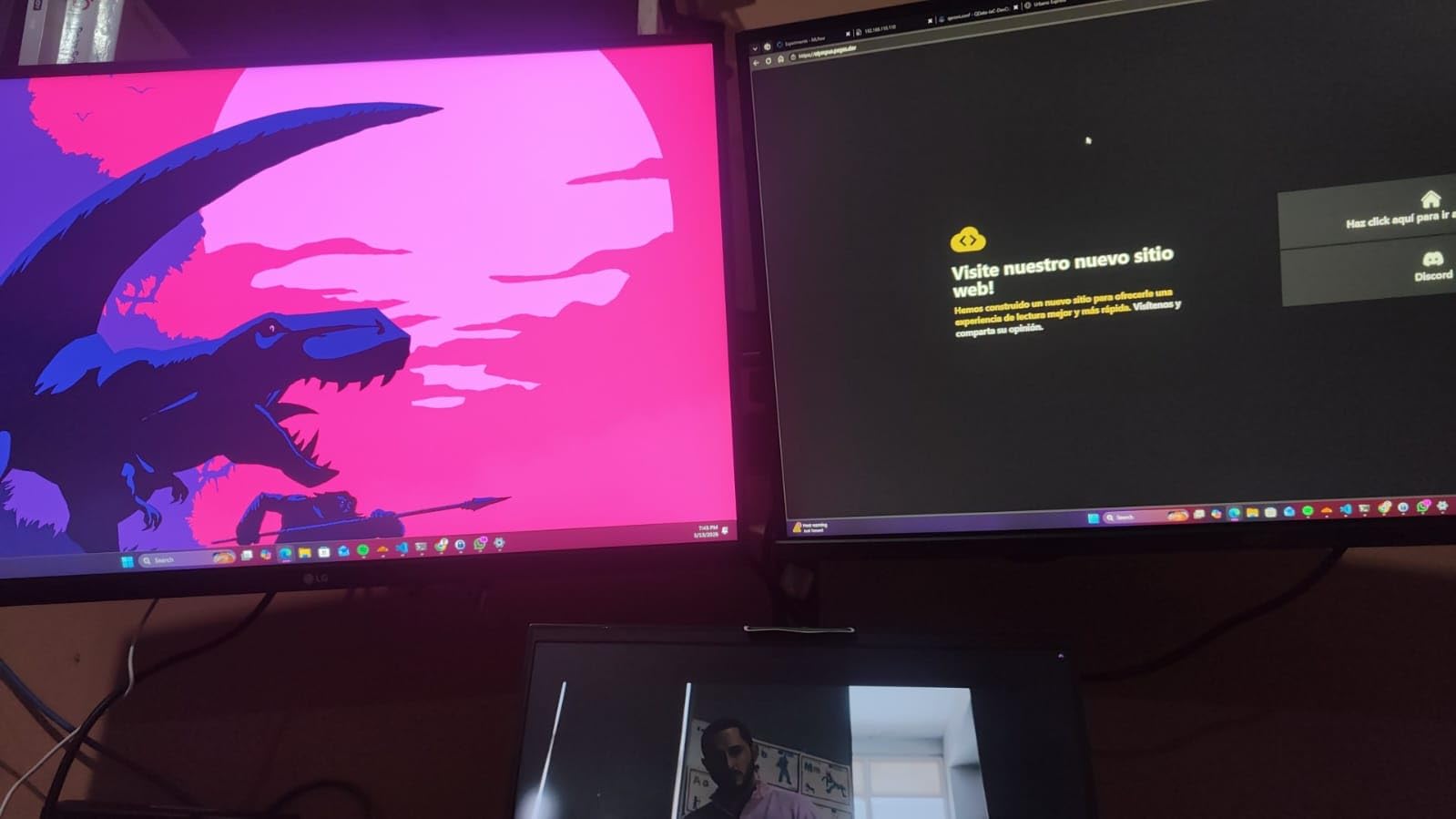
Many 4K monitor buyers are Mac users, and the 27US500-W works well with MacBooks. Setup is straightforward over HDMI or DisplayPort. Note that if your MacBook only has USB-C ports, you will need a USB-C to DisplayPort or HDMI adapter, which adds a small cost.
Stand and Ergonomics Limitation
The stand only offers tilt adjustment, which is the main trade-off at this price. For proper ergonomic setup, we recommend budgeting for a VESA mount arm. The monitor supports VESA mounting, so this is an easy upgrade. The sleek white design divides opinions, but functionally it is a solid, well-built monitor.
10. Acer 27-inch KB272 – Best Budget 27-inch Monitor Overall
Acer 27in FHD 1920×1080 IPS 120Hz Gaming Monitor | Office KB272 G0bi
FHD 1920x1080
120Hz
IPS Panel
99% sRGB
1ms VRB
FreeSync
Tilt Adjustable
+ Pros
- 120Hz IPS at a budget price
- 99% sRGB color accuracy
- 1ms VRB response time
- Vibrant vivid colors
- Flicker-free eye protection
- Wall mount compatible
- Cons
- Only one HDMI port
- No built-in speakers
- Limited to HDMI and VGA connectivity
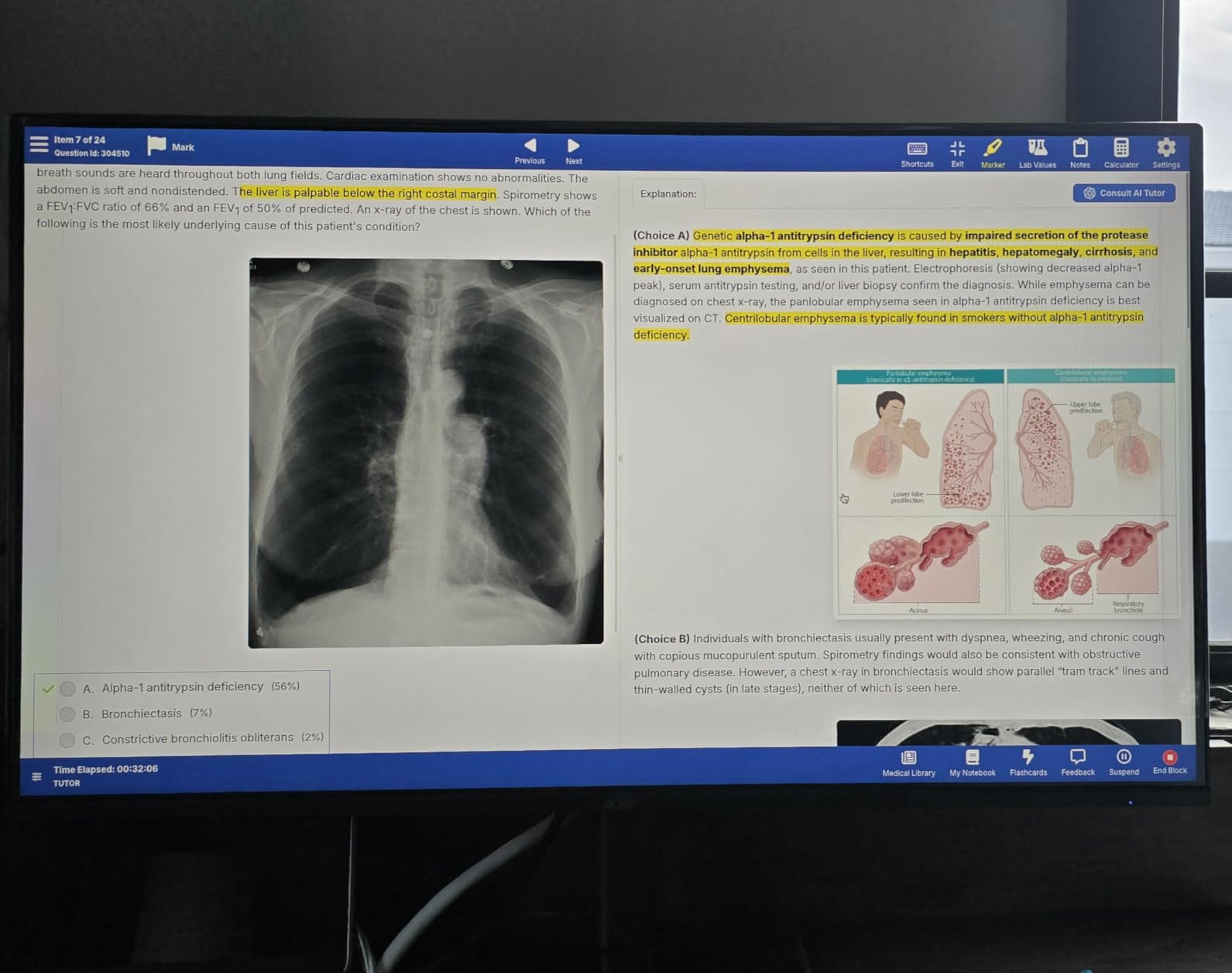
The Acer KB272 is the most affordable monitor in our lineup, and it consistently ranks as a bestseller on Amazon for good reason. Getting a 120Hz IPS panel with 99% sRGB color accuracy at this price feels almost like a misprint. Acer delivered a genuinely capable monitor that punches well above its weight.
With 1,855 reviews averaging 4.6 stars, the KB272 has one of the largest review samples on this list. Users praise the vibrant colors, smooth motion, and overall value. For a first monitor, a secondary display, or a budget gaming setup, this is where we point people.
120Hz on a Budget
The 120Hz refresh rate is the killer feature here. Most monitors at this price still offer 60Hz or 75Hz. The jump to 120Hz makes everything from scrolling web pages to casual gaming feel more responsive. Combined with the 1ms VRB response time and FreeSync support, the KB272 handles light gaming surprisingly well.
The 99% sRGB coverage means colors look accurate and vibrant. We were genuinely surprised by the color quality for the price. Photos looked natural, and game environments had good color depth. This is not a professional color-accurate display, but it is far better than the washed-out panels you typically find in budget monitors.
Connectivity Trade-offs
The connectivity is basic: one HDMI port and one VGA port. No DisplayPort, no USB-C, no USB hub. This is the main compromise Acer made to hit the price point. For a single-device setup, one HDMI is fine. For multi-device users, you will want an HDMI switch or to look at a monitor with more ports.
Best Use Cases for the KB272
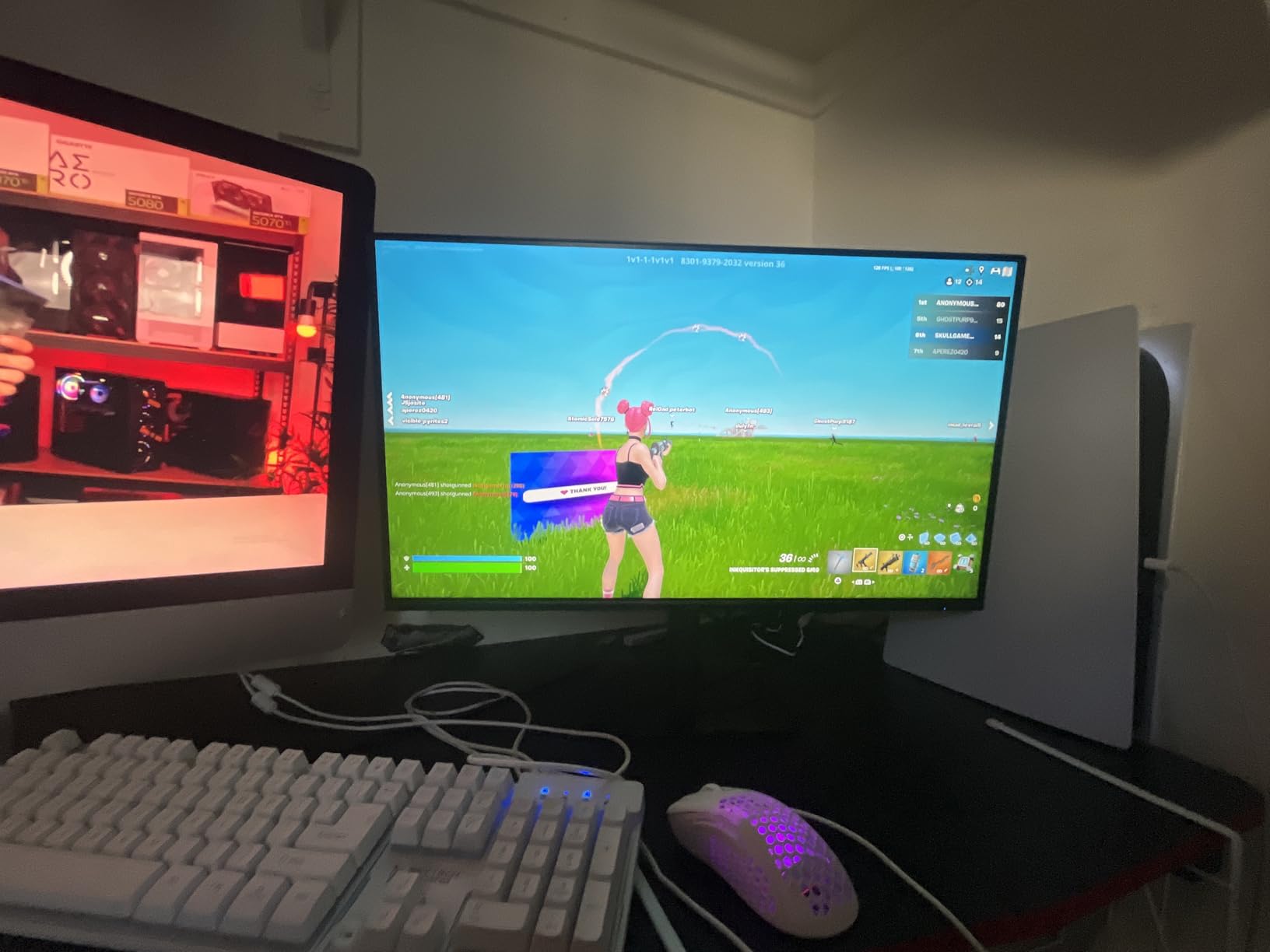
This monitor shines as a first desktop setup for students, a secondary display for laptop users, or a budget gaming starter. The wall mount compatibility gives you ergonomic flexibility even without stand height adjustment. At under 5 kg, it is also one of the lightest monitors on this list, making it easy to reposition or mount.
The 3-year parts and labor warranty from Acer provides confidence that this budget monitor is built to last. Flicker-free technology rounds out the package with eye protection for extended use.
How to Choose the Best 27-inch Monitor: Complete Buying Guide
Choosing between 10 monitors is easier when you know which specifications actually matter for your use case. Based on our testing and the pain points real users share on Reddit and tech forums, here is what you need to consider before buying a 27-inch monitor in 2026.
Resolution: 1080p vs 1440p vs 4K
This is the single most important decision for a 27-inch monitor. At 27 inches, resolution directly determines text clarity and visual quality.
1080p (FHD) gives you about 81 PPI, which means individual pixels are visible at normal viewing distance. Reddit users and our testing confirm that 1080p is acceptable on 27 inches only if you sit further back or if budget is the overriding factor. The Acer KB272 and Samsung Odyssey G3 are solid FHD options if you go this route.
1440p (QHD) delivers about 109 PPI, which is the sweet spot for 27-inch displays. Text is sharp, games look detailed, and your GPU does not need to work as hard as with 4K. The ASUS TUF, AOC 240Hz, Dell S2725DSM, and Samsung Odyssey G5 all use QHD, and they represent the best balance of clarity and performance.
4K (UHD) provides about 163 PPI for razor-sharp text and images. The Dell S2725QS, LG 27UP650K-W, and LG 27US500-W deliver excellent 4K quality. The trade-off is that 4K demands more GPU power for gaming and requires OS-level scaling for readable text.
Panel Technology: IPS vs VA vs OLED
Panel type determines color quality, contrast, and viewing angles.
IPS panels offer the best color accuracy and viewing angles. Eight of our ten monitors use IPS technology. The trade-off is that IPS typically has lower contrast ratios around 1000:1, meaning blacks look slightly grayish in dark rooms.
VA panels deliver much deeper contrast, typically 3000:1, which makes dark scenes in games and movies look dramatically better. The Samsung Odyssey G5 and G3 both use VA panels. The trade-off is slightly slower response times in dark transitions compared to IPS.
OLED panels offer infinite contrast and instant response times but were not represented in this lineup at these price points. OLED burn-in risk is a real concern for productivity use with static UI elements, which several Reddit threads discuss at length.
Refresh Rate: What Do You Actually Need?
Refresh rate determines how many times per second the screen updates. Higher is smoother, but you need to match it to your use case.
For office work and web browsing, 100Hz is noticeably smoother than 60Hz, and the Dell SE2725HM nails this at 100Hz with eye comfort certification. For casual and mid-level gaming, 120Hz to 180Hz covers most needs, which the Acer KB272, Dell S2725QS, ASUS TUF, Dell S2725DSM, and Samsung Odyssey monitors all deliver. For competitive esports, 240Hz like the AOC Q27G41ZE gives you every possible advantage in fast-paced shooters.
USB-C and Connectivity Considerations
None of the monitors in our lineup feature USB-C connectivity, which is worth discussing. USB-C with power delivery is becoming the expected standard for work-from-home setups because a single cable handles video, data, and laptop charging. If USB-C is essential for your workflow, you may want to look beyond this specific lineup or use a USB-C dock.
For connectivity, look for at least two HDMI ports and one DisplayPort. Several monitors in our list only have one HDMI port, which is a common complaint on Reddit. The Samsung G5, AOC, ASUS TUF, Dell S2725QS, LG 27UP650K-W, and LG 27US500-W all include two HDMI ports.
Ergonomic Stand Quality
Stand wobble is one of the most common complaints in monitor reviews on Reddit. A stable, adjustable stand makes a real difference in daily comfort. Look for height adjustment at minimum, with tilt, swivel, and pivot as bonus features.
Among our lineup, the Dell S2725QS, Dell S2725DSM, Samsung G5, Samsung G3, and LG 27UP650K-W all offer height adjustment. The Acer KB272, ASUS TUF, AOC 240Hz, Dell SE2725HM, and LG 27US500-W are limited to tilt only and would benefit from a VESA mount upgrade.
Eye Comfort Features
If you work long hours, eye comfort features are not a luxury. Look for flicker-free backlights and low blue light modes. TUV Rheinland certification is the gold standard, and the Dell SE2725HM with its 3-Star rating and Dell S2725DSM with its 4-star rating lead the pack. ComfortView Plus on the Dell S2725QS and Reader Mode on the LG monitors also provide meaningful blue light reduction.
Warranty and Dead Pixel Policy
Monitor warranties vary significantly by brand. AOC offers the strongest warranty in this lineup with a 3-Year Zero-Bright-Dot guarantee. Acer provides 3-year parts and labor. Dell offers Advanced Exchange Service with Premium Panel Exchange on their higher-end models. Samsung covers 1-year manufacturer warranty. LG provides 1-year limited manufacturer warranty.
A strong dead pixel policy matters because panel defects are the most common reason for returns. Check the specific policy for the monitor you choose before purchasing.
FAQs
What is the best 27-inch monitor for work?
The Dell SE2725HM is the best 27-inch monitor for office work, earning TUV Rheinland 3-Star certification for eye comfort with ComfortView Plus blue light reduction. Its 100Hz refresh rate provides smoother scrolling than standard 60Hz office monitors, and the built-in power supply keeps your desk clean. For work that requires more screen real estate, the Dell S2725QS 4K offers stunning text clarity with the same ComfortView Plus technology.
What is the best 27-inch monitor for gaming?
The AOC Q27G41ZE is the best 27-inch gaming monitor with its 240Hz refresh rate (overclockable to 260Hz) and 0.3ms response time on an IPS panel. For a more budget-friendly option, the ASUS TUF VG27AQ3A delivers QHD resolution at 180Hz with ELMB Sync technology for under $210. Both support G-Sync and FreeSync for tear-free gaming.
What is the best 27-inch 4K monitor?
The Dell S2725QS is the best 27-inch 4K monitor, offering 3840×2160 resolution at 120Hz with 99% sRGB color accuracy and a 1500:1 contrast ratio. It includes built-in speakers, full ergonomic adjustments, and ComfortView Plus eye protection. For color-critical creative work, the LG 27UP650K-W with 95% DCI-P3 and DisplayHDR 400 is also excellent.
What is the best budget 27-inch monitor?
The Acer KB272 is the best budget 27-inch monitor, offering a 120Hz IPS panel with 99% sRGB color accuracy at under $100. It includes a 1ms VRB response time, FreeSync support, and a 3-year warranty. For a budget QHD gaming option, the Samsung Odyssey G5 G51F delivers 1440p resolution at 180Hz for excellent value.
Is a 27-inch monitor worth it?
Yes, a 27-inch monitor is worth it for most users. The 27-inch size provides enough screen space for multitasking and split-screen work without overwhelming a standard desk. With options ranging from budget FHD models under $100 to premium 4K displays, there is a 27-inch monitor for every budget and use case. Most tech communities agree that 27 inches at 1440p resolution is the ideal monitor configuration.
Final Thoughts: Which 27-inch Monitor Is Right for You?
After testing all 10 monitors, our recommendations come down to what you need most. If you want the best overall 4K experience with future-proof specs, the Dell S2725QS is our Editor’s Choice with its 4K at 120Hz panel, built-in speakers, and full ergonomic stand. If gaming is your priority and you want the best value, the ASUS TUF VG27AQ3A delivers QHD at 180Hz with ELMB Sync at a price that is hard to beat.
For competitive gamers chasing every frame, the AOC Q27G41ZE at 240Hz is the fastest option here. Content creators should look at the LG 27UP650K-W with its 95% DCI-P3 coverage and DisplayHDR 400. And if budget is the deciding factor, the Acer KB272 at under $100 with a 120Hz IPS panel is genuinely remarkable value.
The 27-inch monitor category in 2026 offers something for everyone, and the quality at every price point keeps improving. Whatever you choose from this list, you are getting a display that earned its place through real testing and real user feedback. Pick the one that matches your use case, and you will not be disappointed.