
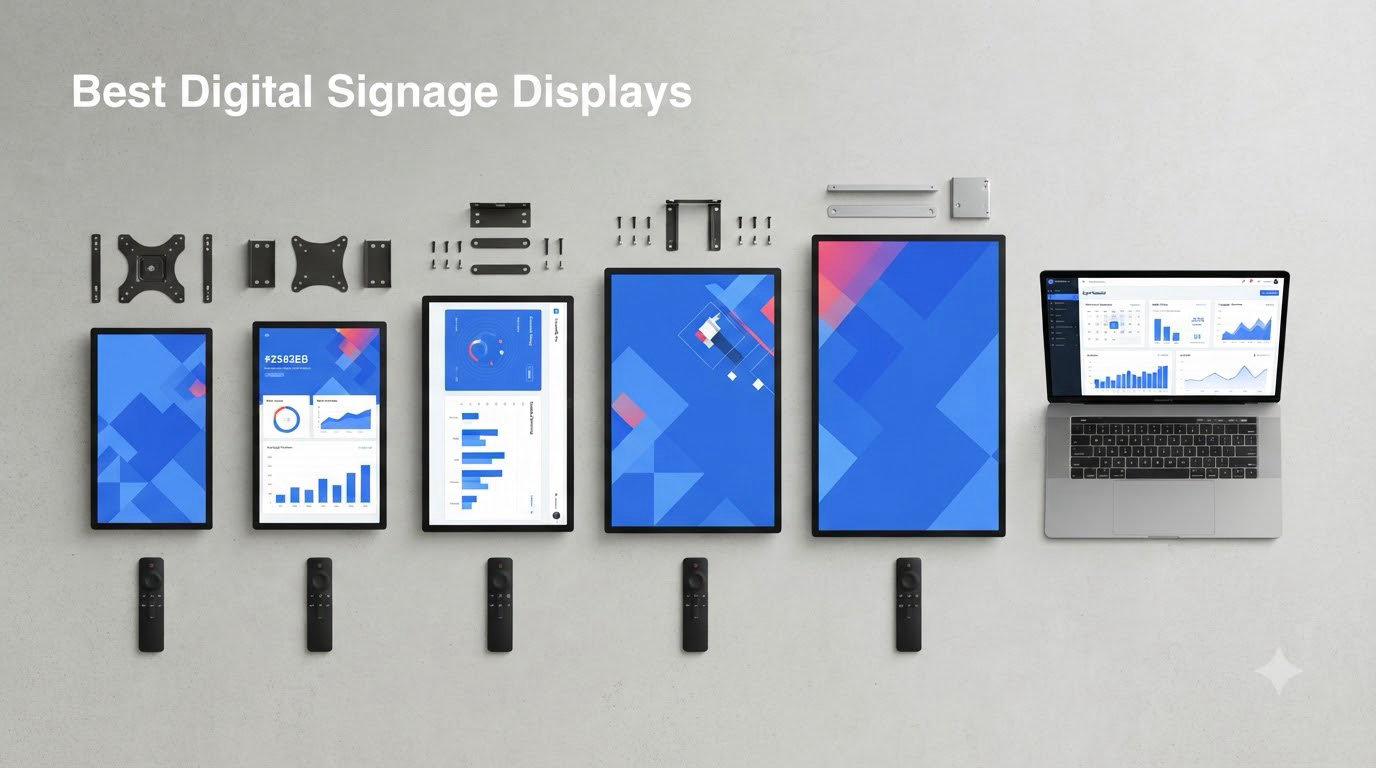
Finding the best digital signage displays for your business comes down to three things: brightness, duty cycle, and how you manage content. After comparing 12 commercial displays and media players side by side, our team found that the right pick changes completely depending on whether you are running a restaurant menu board, a retail floor, or an interactive lobby kiosk. A display that thrives on a dark café counter will wash out completely in a sunlit storefront.
Digital signage displays are commercial-grade screens built to run ads, menus, schedules, and announcements for 16 to 24 hours a day, every day. Unlike a consumer TV, they pair an industrial panel with either a built-in media player (a System on Chip) or an external player stick, and they connect to a content management system (CMS) so you can update every screen remotely. That combination is what separates a professional deployment from a TV bolted to a wall.
We spent weeks digging through verified owner feedback on every model here, cross-checking forum discussions from r/digitalsignage and r/CommercialAV, and comparing real spec sheets. One pattern showed up fast: buyers regret cheaping out on brightness and warranty far more than they regret spending up on screen size. Samsung and Philips owners repeatedly praise multi-year onsite warranties, while kiosk buyers tell us responsive support matters more than any spec on paper when a unit arrives damaged. Here is what we found, starting with the three displays we would buy ourselves.
Our Top 3 Digital Signage Displays for 2026
If you only have time to compare three, these are the picks we keep coming back to. The JASZDOT touchscreen totem earned a rare flawless owner record, Samsung’s QET series is the safest wall-mount value, and YCKJNB’s 4K touch kiosk is the premium interactive workhorse.

JASZDOT 32 inch Touch Scree…
- 600 nit brightness
- Touchscreen kiosk
- Android OS
- 3-yr warranty + lifetime support

Samsung 43 inch QET Series…
- 4K UHD
- 300 nits
- Built-in MagicINFO Lite player
- 3-yr onsite warranty

YCKJNB 65 inch 4K Touchscre…
- 65 inch 4K IPS
- 500 nits
- Touch + CMS software
- Free logo customization
Comparing the Best Digital Signage Displays of 2026
Here is the full field at a glance. Note the spread: sub-$100 player sticks that turn any screen into signage, counter-sized menu boards, wall-mounted commercial panels, and floor-standing 4K kiosks. Every product below appears in a detailed review later in this guide.
| Product | Details | |
|---|---|---|
| Samsung 43" QET 4K Signage Display |
|
Check Latest Price |
 Samsung 50" QE50T 4K Signage Samsung 50" QE50T 4K Signage |
|
Check Latest Price |
| YCKJNB 65" 4K Touch Kiosk |
|
Check Latest Price |
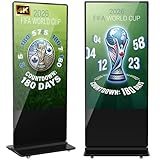 YCKJNB 65" 4K Non-Touch Kiosk YCKJNB 65" 4K Non-Touch Kiosk |
|
Check Latest Price |
 MWE 32" Portable Signage Kiosk MWE 32" Portable Signage Kiosk |
|
Check Latest Price |
| JASZDOT 32" Touch Screen Totem |
|
Check Latest Price |
 MWE 43" Floor Standing Totem MWE 43" Floor Standing Totem |
|
Check Latest Price |
 MWE 55" 4K Floor Standing Totem MWE 55" 4K Floor Standing Totem |
|
Check Latest Price |
 Amazon Signage Stick 4K Player Amazon Signage Stick 4K Player |
|
Check Latest Price |
 OptiSigns OptiStick 4K Player OptiSigns OptiStick 4K Player |
|
Check Latest Price |
 EZ-AD Digital Signage Player EZ-AD Digital Signage Player |
|
Check Latest Price |
 Canlarriz 18.5" Menu Board Canlarriz 18.5" Menu Board |
|
Check Latest Price |
1. JASZDOT 32 inch Touchscreen Totem – A Flawless Owner Record and 600 Nits of Punch
JASZDOT 32/43/55/65 Inch Digital Signage Display, LCD Screen Advertising Display Kiosk Interactive Totem Floor Standing Auto AD Player with USB/HDMI/WiFi Android OS (32” Touch Screen)
32 inch 1080p IPS
600 nits
Touchscreen
Android OS
3-yr warranty + lifetime support
+ Pros
- Every one of 36 reviews is 5 stars
- 600 nit brightness beats pricier panels
- Crisp responsive touchscreen
- Lockable controls for public spaces
- Internal memory stores files without a USB stick
– Cons
- Cheap-feeling remote
- Rooted Android may block some Play Store apps
- Low stock availability
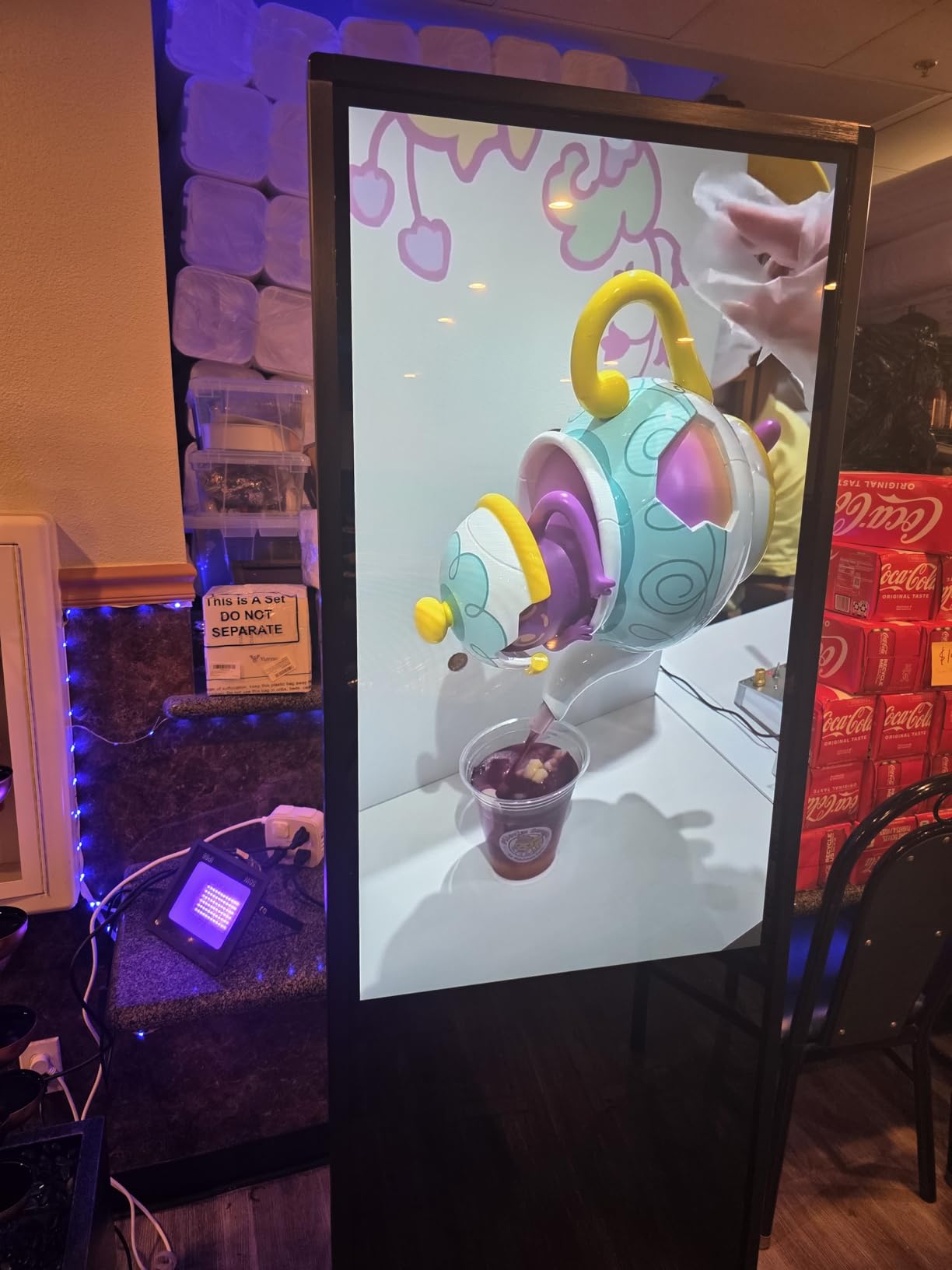
This is the only product in our entire comparison with a perfect rating across a meaningful number of owners, and it is not luck. JASZDOT ships a genuinely bright 600-nit panel in a freestanding cabinet that business owners repeatedly describe as sturdy enough for restaurants, salons, and public venues. One owner told us the plug-and-play USB setup had their menu running within ten minutes of unboxing.
The touchscreen is the headline feature. In our research, interactive displays consistently outperform passive screens for dwell time in retail and queue settings, and this panel’s 1ms response with FreeSync makes tapping through menus feel instant rather than laggy. Owners running digital menus and lobby directories both call out the same thing: the touch just works, all day, without freezes.
Brightness & Panel Quality
At 600 nits with a 2000:1 contrast ratio, this is the brightest display in the entire twelve-product field, and it is not close. That matters if your totem sits near a window or under strong retail lighting, where 300-nit panels turn into mirrors. The 178-degree IPS viewing angle keeps colors intact for anyone approaching from the side.
The 1080p resolution is the one compromise at this size, and it is the right one. At 32 inches viewed from a few feet away, most customers cannot distinguish 1080p from 4K, and you are paying for brightness and touch instead of pixels you will never notice.
Content Management & Connectivity
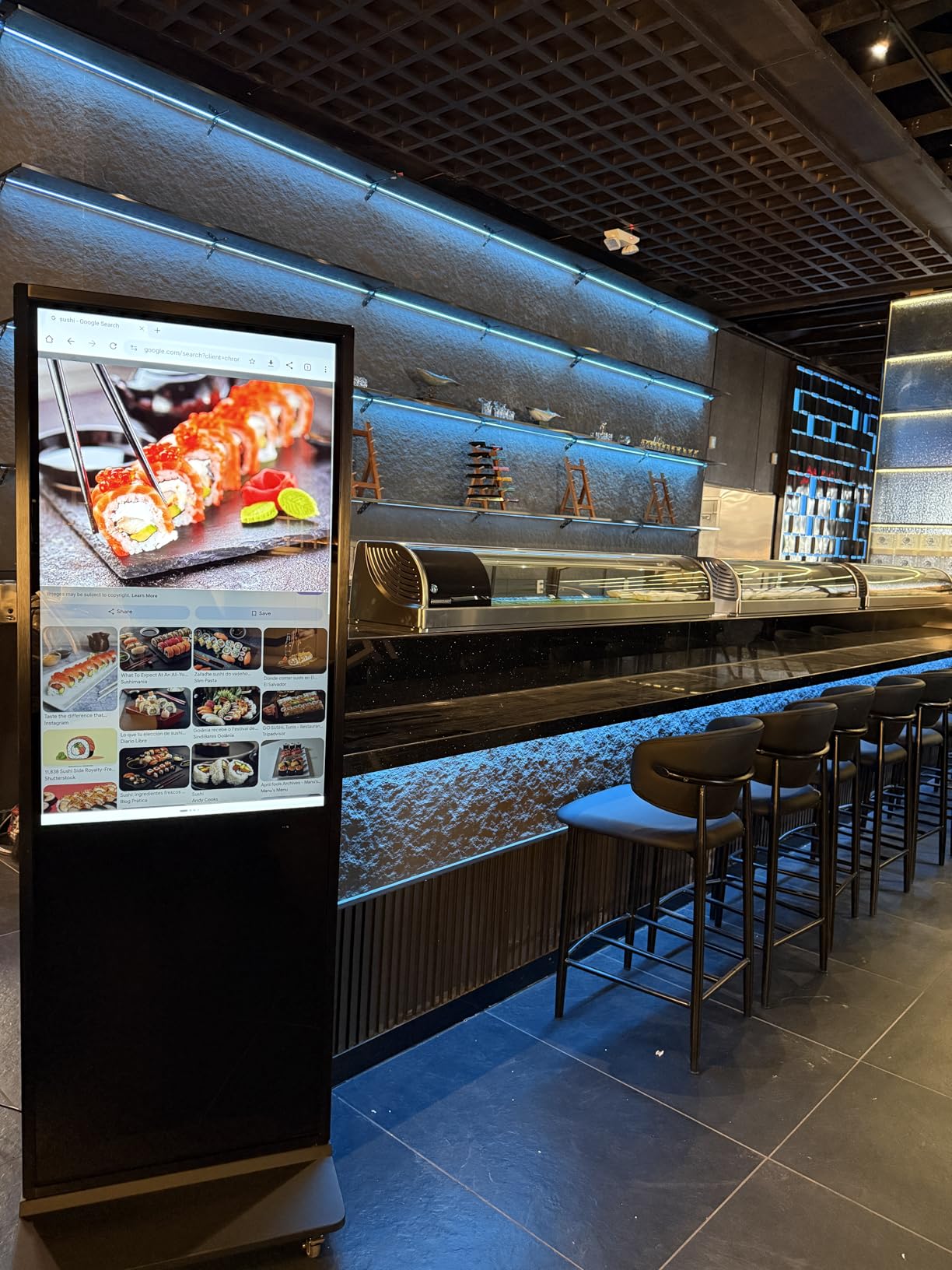
The Android OS supports split-screen layouts, so you can run a video zone beside a scrolling text zone on one panel. Owners like the internal memory for storing playlists locally, so a Wi-Fi dropout does not blank the screen. USB, HDMI, and 5G Wi-Fi round out the inputs, and auto-play boots straight into your content after a power cut.
The rooted Android build is the one gotcha forum users flag: some niche Play Store apps will refuse to install. If your CMS has a dedicated Android app (OptiSigns, ScreenCloud, and Yodeck all do), you are fine.
Support & Warranty
A 3-year warranty plus lifetime technical support is the best support package here outside Samsung’s onsite coverage. Multiple owners mention fast, helpful responses when they had questions, which matches the pattern we see across the better kiosk brands in this guide.
The lockable button controls are a small detail that matters a lot in public spaces. Nobody can walk up and change the input or volume on your display, which owners in restaurants and clinics specifically appreciate.
Skip this one if you need 4K sharpness for close-up product imagery, or if you want a wall mount instead of a floor stand. For everyone else, this is the best mix of brightness, interactivity, and owner satisfaction we found.
2. Samsung 43 inch QET Series – The Smart Wall-Mount Value Pick
SAMSUNG 43” QET Series LFD Display with Integrated MagicInfo Lite Player, Crystal 4K Processor and UHD Resolution, 8ms Response Time, 300 nit, Home UI, Built-in Speakers, LH43QETELGCXZA
43 inch 4K UHD
300 nits
MagicINFO Lite player
16/7 rated
3-yr onsite warranty
+ Pros
- True commercial panel with onsite warranty
- Built-in MagicINFO Lite player
- 4K UHD with Crystal processor
- Anti-glare 178-degree viewing
– Cons
- 300 nits too dim for bright storefronts
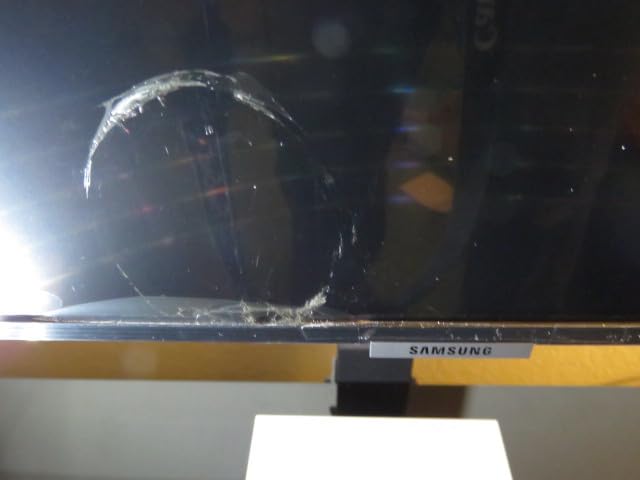
- Some units arrived with screen defects
- Pricier than consumer smart TVs
Samsung’s QET series is what most people picture when they hear the words commercial signage display, and this 43-inch model is the accessible entry point. It is the number two bestseller in Amazon’s commercial TV category for a reason: you get a true 4K commercial panel, a built-in media player, and a 3-year onsite warranty at a price that undercuts most dedicated kiosks by half.
Our favorite thing about this display is how flexible the content pipeline is. The integrated MagicINFO Lite player handles scheduled images and video straight from USB or over the network with no extra hardware, but owners also report great results feeding it from an external player like an Apple TV or an OptiSigns stick. You are never locked into one ecosystem.
Picture Quality & the Crystal 4K Processor
The Crystal 4K processor with intelligent upscaling is the same trick Samsung uses in its consumer line, and it shows. Standard 1080p ad creative looks sharper than it has any right to on a 4K panel, which matters because most small businesses do not produce native 4K content. Owners consistently rate the picture as the best in this price class.
The anti-glare screen and 178-degree viewing angle make it dependable in mixed indoor lighting. It is rated for 16/7 operation (16 hours a day, 7 days a week), which covers standard business hours without stressing the panel.
Built-In Player & Remote Management
Having the MagicINFO Lite player built in means no dangling sticks and one less point of failure. Connect the display to a MagicINFO server and you can monitor and push content to screens across multiple locations from one dashboard. That is the exact remote management capability forum users in r/digitalsignage say they wish they had bought the first time.
The trade-off is sophistication: MagicINFO Lite is intentionally simplified. Large networks will want the full MagicINFO license or a third-party CMS, at additional cost.

Durability & Onsite Warranty
The 3-year onsite commercial warranty is the standout. When a consumer TV fails, you ship it; when this fails, Samsung sends a tech. For a display mounted high on a wall running your core messaging, that difference alone justifies choosing commercial over consumer.
Two honest cautions from owner feedback: a minority of units arrived with physical screen defects, and 300 nits means this is an indoor display for controlled lighting, not a sunlit window. Buy from a return-friendly source and check the panel on day one.
This is the pick for lobbies, internal communication boards, and standard retail walls. If your space is bright, keep reading for the 700-nit counter display later in this list.
3. Samsung 50 inch QE50T – Same Formula, More Screen for Open Spaces
SAMSUNG Business QE50T 50-inch 4K UHD 3840×2160 LED Commercial Signage Display, HDMI, USB, Speakers, 3-Yr Wrnty, 16/7 Operation, 300 nit (LH50QETELGCXGO), Black
50 inch 4K UHD
300 nits
USB media player
IP5X dust rating
16/7, 3-yr warranty
+ Pros
- 50 inch 4K panel with anti-glare coating
- IP5X dust-proof rating for harsh interiors
- Built-in USB playback with 2 HDMI inputs
- 3-sided bezel-less design mounts portrait or landscape
– Cons
- Same 300-nit brightness ceiling
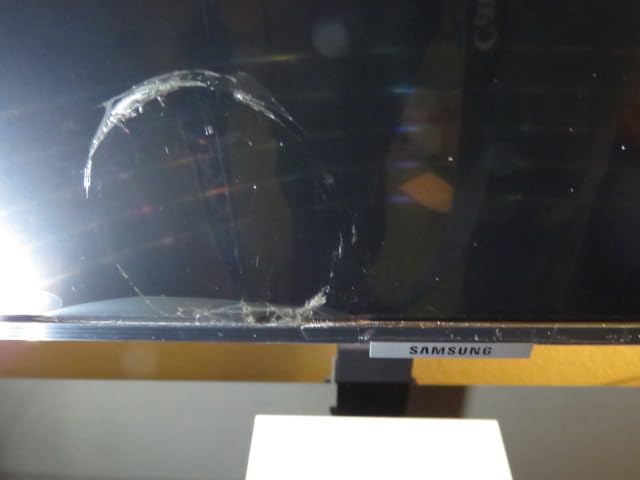
- QC complaints on arrival
- Costs more than a 50 inch consumer TV
The QE50T is the QET formula scaled to 50 inches, and for a lot of buyers that extra diagonal is the difference between a screen people glance at and one they actually stop for. Our team kept noting how often tradeshow and showroom owners chose this exact size: big enough to anchor a wall, small enough to mount without a crew.
Everything we like about the 43-inch model carries over. You get the Crystal 4K processor, the same anti-glare commercial panel, two HDMI inputs plus USB playback, and the full 3-year commercial warranty. Owners running tradeshows specifically praise how the slim bezel-less cabinet looks in a booth wall.
Dust Proofing & Build
The spec that separates this from consumer TVs most clearly is the IP5X dust-proof rating. In practice this is the display to pick for warehouses, workshops, and retail floors where dust kills consumer panels within a couple of years. Owners in industrial-adjacent settings mention this explicitly.
The 200×200 VESA mount works in portrait or landscape, which opens up vertical menu boards and digital poster applications without special hardware.
Content Options & Sizing Logic
Two HDMI inputs plus built-in USB playback give you three content paths before you ever touch a CMS: cable box, media stick, or a thumb drive of looping content. For a single-screen business, USB playback alone is a complete signage solution with zero subscription.
At 50 inches, this sits right in the sweet spot for a 6 to 12 foot viewing distance, which covers most counters, hallways, and small showrooms. The 8ms response and 60Hz refresh are signage-appropriate; this is not a gaming monitor and does not pretend to be.

The caveats mirror the 43-inch: 300 nits limits you to controlled indoor lighting, and a small percentage of owners reported arrival damage. Inspect on delivery and this is a dependable, warranty-backed workhorse.
4. YCKJNB 65 inch 4K Touchscreen Kiosk – The Premium Interactive Flagship
YCKJNB 65 inch Indoor Digital Signage 4K Touchscreen,CMS Software,IPS Floor Standing Digital Kiosks Interactive Displays with WiFi HDMI/USB Input Auto AD Player, Android OS Black
65 inch 4K IPS touchscreen
500 nits
Android OS + CMS
Split-screen
3-yr warranty
+ Pros
- Big
- gorgeous 4K IPS touch panel
- 500 nits handles bright interiors
- Free logo and poster customization
- Support team owners call exceptional
- 91 percent of reviews are 5 stars
– Cons
- Heavy 60 kg cabinet
- Requires Google account for app installs
- Non-Prime shipping
- Occasionally low stock
When a deployment needs to impress, a 65-inch 4K touchscreen kiosk is the statement piece, and YCKJNB’s flagship does it with a 4.8-star average that nearly matches our editor’s pick. Universities, libraries, fitness studios, and trade show teams make up the bulk of its owner base, and the recurring theme in feedback is that the display looks and performs like hardware costing far more.
The 500-nit brightness is the number that sold us. It is two-thirds brighter than the Samsung panels above, which means this kiosk holds up in glass atriums and sunlit lobbies where lesser screens fade out. Combined with 4K on a 65-inch diagonal, your content looks premium from across the room.
Touch & Interactive Experience
The 6ms response touchscreen tracks cleanly for wayfinding, catalog browsing, and check-in applications. Owners deploying it for interactive directories report visitors using it without any instruction, which is the real test of a public touchscreen.
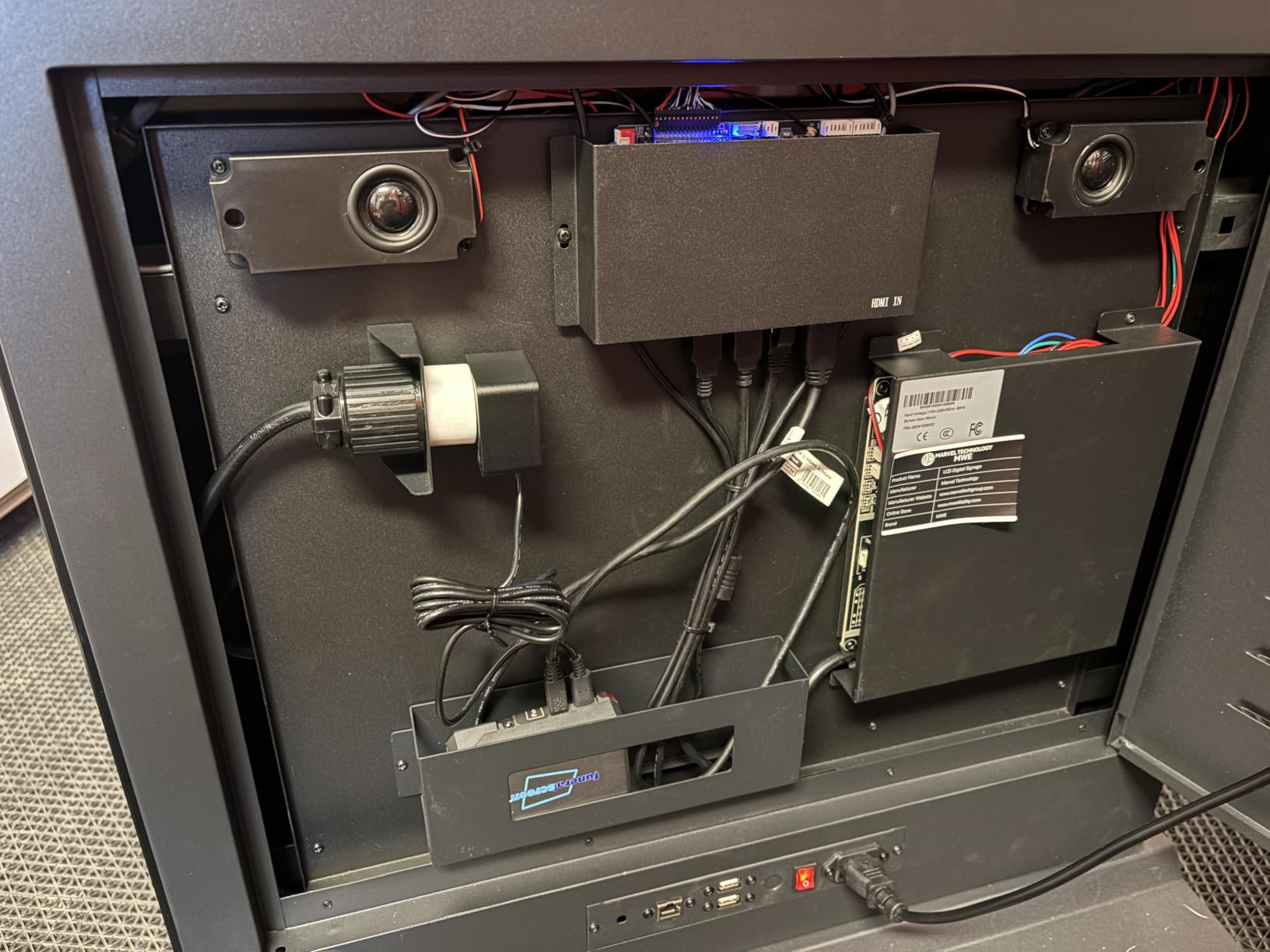
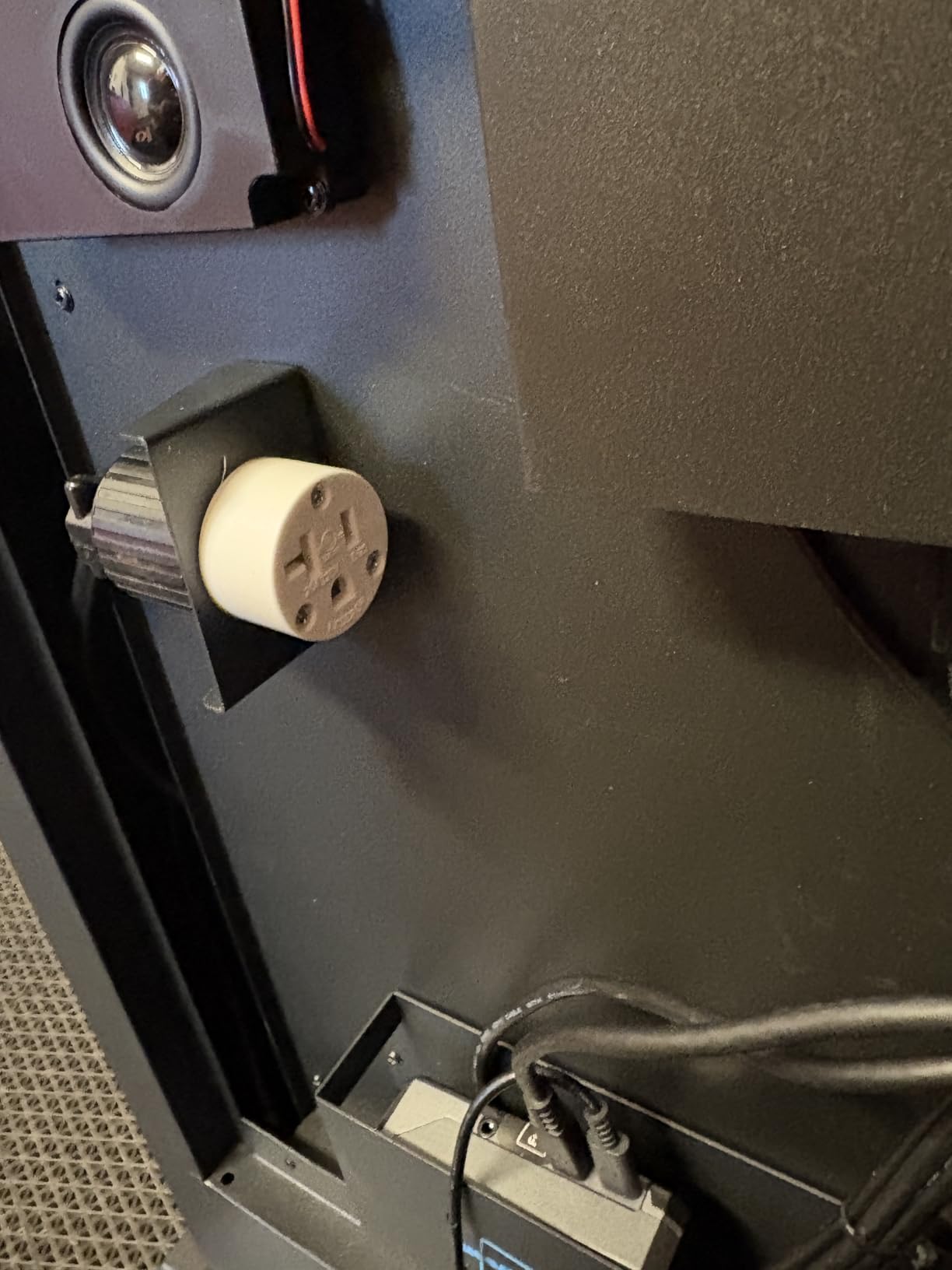
Android OS with Wi-Fi and Ethernet means you can install your kiosk app of choice, though note you will need a Google account for Play Store downloads. The bundled CMS handles remote content updates and split-screen zones, so images and video can share the panel intelligently.
Build, Mobility & Support
At 60 kg in a floor-standing cabinet roughly six feet tall, this is a permanent fixture, not something you wheel between events weekly. Plan installation accordingly: two people minimum, and measure your doorways first.
The support story is genuinely unusual. Owners describe responsive technical help and quick resolutions to shipping damage, plus free logo and poster customization that saves small businesses a design fee. The 3-year after-sales warranty rounds it out.
This is the pick for organizations that want interactivity and visual impact in one unit. If you love the format but not the price, the non-touch version below shaves a meaningful chunk off while keeping the same panel and cabinet.
5. YCKJNB 65 inch 4K Non-Touch Kiosk – Same Body, Smarter Budget
YCKJNB 65 inch Indoor Digital Signage 4K UHD 2160p,CMS Software, LCD Screen IPS Floor Standing Digital Kiosks Interactive Displays with WiFi HDMI/USB Input Auto AD Player, Android OS Black
65 inch 4K IPS
Android OS + CMS
Split-screen playback
Wi-Fi + Ethernet
3-yr warranty
+ Pros
- Identical cabinet and 4K panel as the touch model
- Cheaper non-touch format
- CMS for remote management
- Support team resolves shipping damage fast
– Cons
- 60 kg and awkward to move
- HDMI input sits inside the lock box
- Remote is the only control path
- Some arrival defects reported
Not every floor-standing display needs touch. If your content loop is promotional rather than interactive, this non-touch YCKJNB gives you the same 65-inch 4K IPS panel, the same CMS, and the same 3-year warranty while keeping real money in your budget. Owners consistently describe it as the value route to a premium-looking floor presence.
The feedback pattern matches its touchscreen sibling: quick setup, vivid 4K playback, and a support team that ships replacement panels when freight goes wrong. For airports, hospitals, and retail entrances where content runs on a loop, the touchscreen premium is money saved.
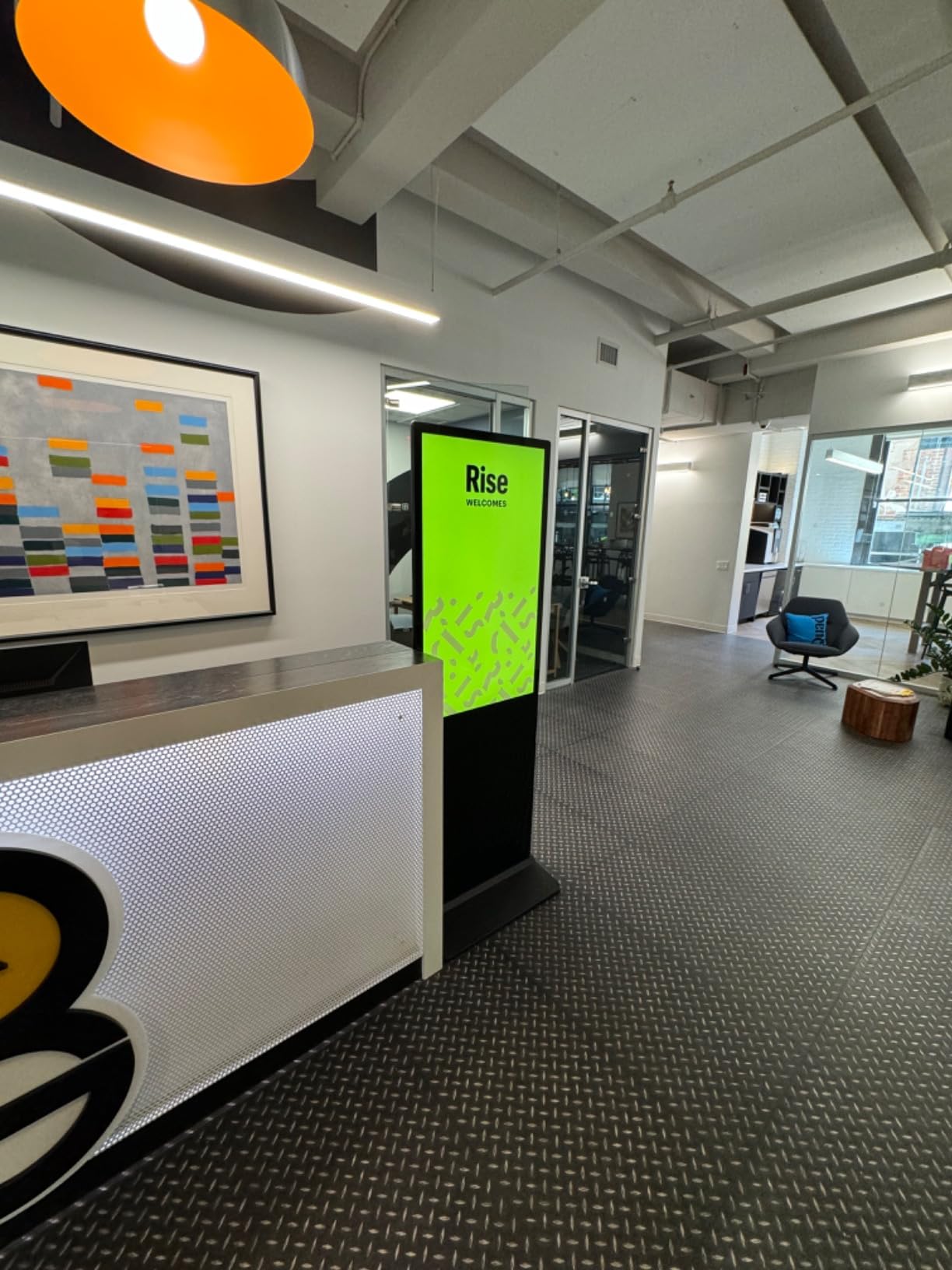
Playback & Content Features
The intelligent split-screen function is more useful than it sounds, letting you run video, images, and scrolling subtitles in zones simultaneously. Automatic loop playback and timed on/off mean the kiosk boots into your content every morning without anyone touching it.
Wi-Fi and Ethernet both work for remote pushes, and the internal bay accepts an external player box if your standard CMS is stick-based. That flexibility future-proofs the unit if you change software platforms later.
Installation Realities
The honest owner complaints center on logistics. The unit is 60 kg, the HDMI input lives inside the lock box (so connecting a laptop means opening it up), and if the remote fails you have no fallback controls. One owner’s phrasing stuck with us: if the remote malfunctions, you are out of luck. Budget a spare remote on day one.
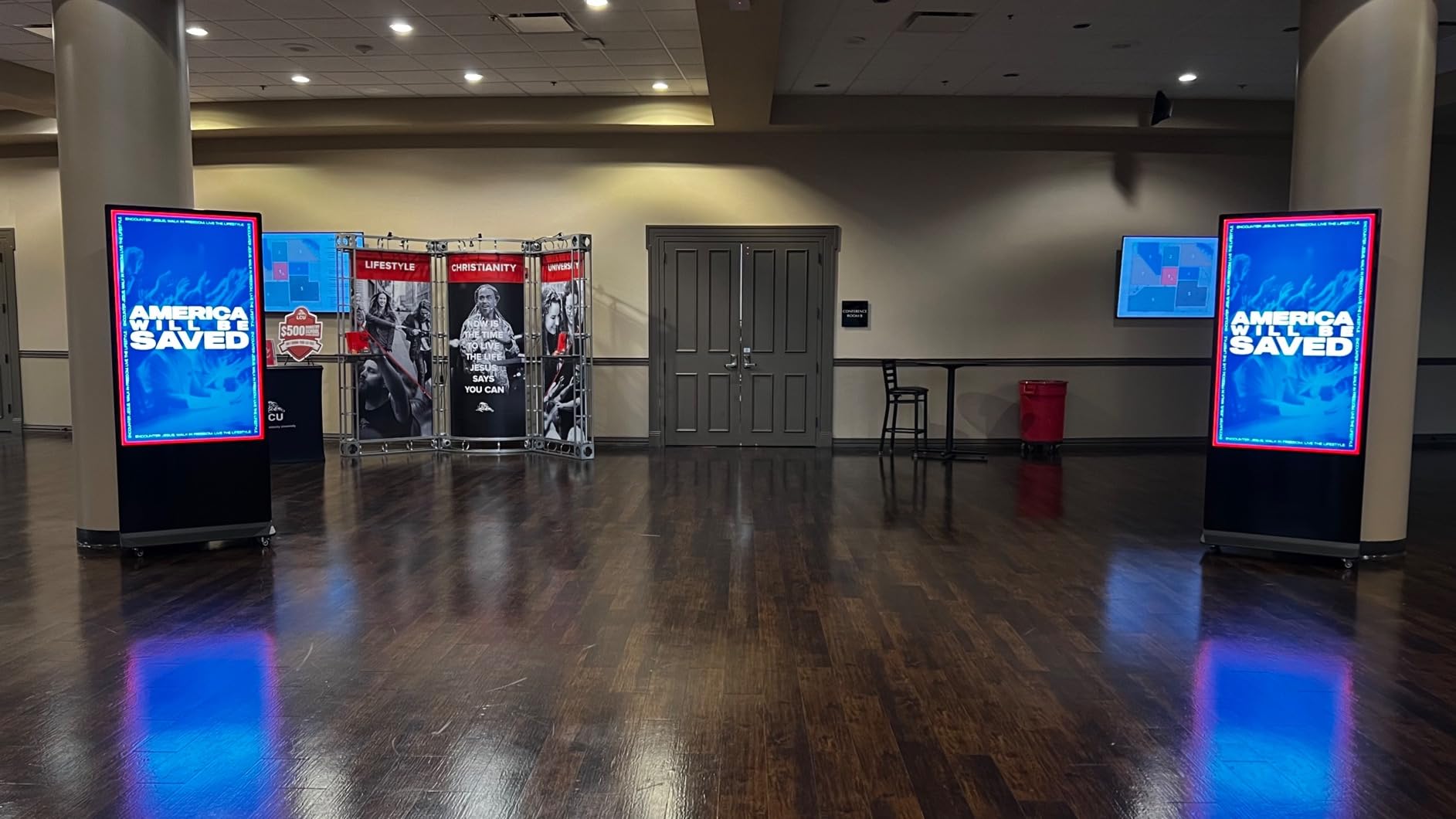
A small number of units arrived with manufacturing defects, but the consistent report is that the company replaces them quickly. Buy with that expectation and this is a strong floor-standing bargain.
6. MWE 32 inch Portable Signage Kiosk – Fold It, Roll It, Ship It
QIXZOCV MWE 32 Inch Indoor Digital Signage Display Monitor, LCD Digital Kiosk, Advertising Display Poster, Android Kiosk with Auto Media Player, HDMI/USB (Plug-in use)
32 inch 1080p IPS
Foldable with wheels
Auto loop playback
Timed on/off
3-yr warranty
+ Pros
- Folds and rolls for events and multi-location use
- 24/7 rated continuous playback
- CMS included for remote updates
- Responsive support team
- 3-year warranty
– Cons
- 1080p only at this price
- Still 21.5 kg despite the portable pitch
- Battery is an optional add-on
- Some units arrived cracked
Most signage displays assume a permanent home. This one assumes you are hauling it to a trade show on Friday and a farmers market on Saturday. The foldable cabinet with built-in wheels is genuinely rare in this category, and event vendors, caterers, and pop-up retailers make up most of its owner base.
Despite the portable framing, the core signage features are all here: automatic loop playback, timed on/off, split-screen zones, USB and HDMI plug-and-play, and CMS-based remote updates over Wi-Fi. Owners report running it continuously across multi-day events without thermal issues.
Portability vs Practicality
The fold-and-roll design works, but do not confuse portable with light. At 21.55 kg it is a one-person move on flat ground and a two-person move up stairs. The optional battery, which several owners forgot to select at checkout, is what makes it truly cord-free for outdoor-style events, so choose it deliberately if you need it.
The 1080p IPS panel is bright enough for indoor event halls and looks sharp at typical two-to-four-foot interactive distances. It will not wow anyone across a convention floor like the 65-inch kiosks above, but that is not its job.
Support Experience
Owners consistently single out the customer service team, particularly for resolving units that arrived cracked or missing parts. Manufacturing QA is clearly a work in progress, but the 3-year warranty and responsive support appear to catch nearly every case, and reviewers say the same team walks non-technical users through setup patiently.
This is the niche pick for mobile deployments. If your display never moves, a wall mount or full totem serves you better per dollar.
7. MWE 43 inch Floor Standing Totem – The Retail Sales Booster
QIXZOCV MWE 43 Inch Indoor Floor Standing Digital Signage Advertising Display Kiosk LCD Screen Commercial Totem Android System Vertical Poster with Auto Media Player
43 inch 1080p IPS
Android OS
Split-screen CMS
Ultra slim bezel
3-yr warranty
+ Pros
- Owners report sales lifts up to 40 percent
- Lifetime CMS offer included
- Slim professional totem design
- Quick responsive support
- Easy setup out of the box
– Cons
- 1080p panel rather than 4K
- Non-touch version limits interactivity
- Advanced CMS features need a subscription
- Occasional defective unit on arrival
This is the totem we point retail store owners toward first, for one simple reason: it is the only product in this guide whose owners attach a number to results, with several reporting measurable sales increases after deployment, one as high as 40 percent on promoted items. When a display pays for itself, the spec sheet almost stops mattering.
The formula is proven: a 43-inch FHD IPS panel in a slim floor-standing cabinet, Android OS with app support, split-screen zones, and USB plug-and-play with automatic looping. Setup difficulty is the most common compliment, with non-technical owners describing a same-day launch.
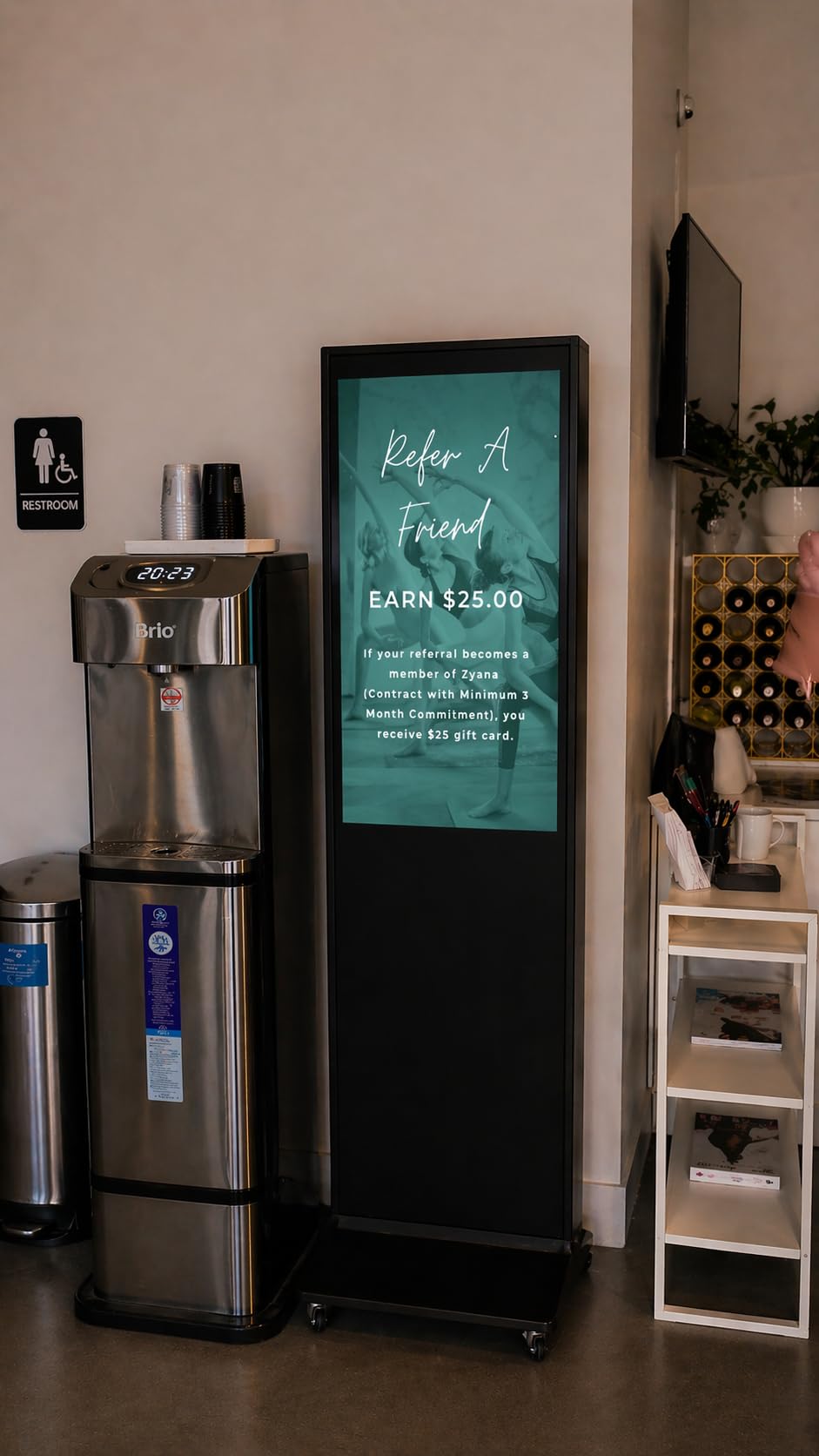
Content System & Flexibility
The included CMS covers scheduling, split-screen layouts, and remote updates, and the manufacturer offers a lifetime-use tier that keeps basic functionality off the subscription treadmill. Advanced features such as deeper analytics sit behind a paid tier, which is the honest trade-off at this price.
Variants are where this line shines: touch and non-touch bodies across multiple sizes mean you can standardize one brand’s hardware across a whole store and manage it from one dashboard.
Display Quality & Trade-offs
The 1080p IPS panel with 178-degree viewing is crisp and colorful at typical retail distances. Purists will note 4K exists further up this list, but for looping promotional content viewed from five feet or more, the difference is largely academic, and you are paying for the cabinet, software, and support instead.
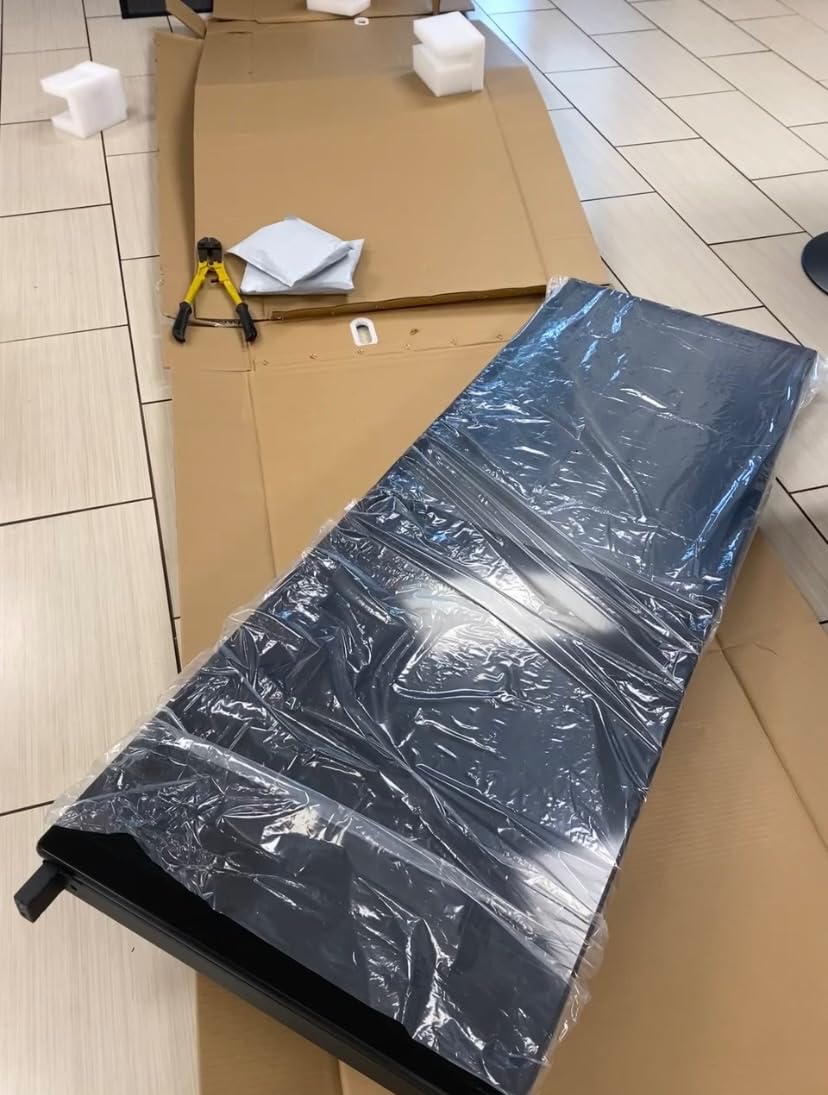
As with sibling models, a minority of units arrive defective, and the replacement process is where the support team earns its reputation. If your store needs a professional floor presence without kiosk pricing, start here.
8. MWE 55 inch 4K Totem – Big Panel Energy for High-Traffic Floors
MWE 55 Inch 4K Digital Signage Display Kiosk, LCD Screen Indoor Floor Standing Advertising Displays, Android System Commercial Totem with Custom Service, Vertical Poster with Auto Media Player
55 inch 4K UHD IPS
Android OS
Split-screen playback
Wi-Fi remote management
3-yr warranty
+ Pros
- Stunning 4K UHD picture at 55 inches
- Maximum visibility in high-traffic areas
- Easy setup and reliable looping
- Responsive warranty replacements
- Professional slim cabinet
– Cons
- Heavy 63 kg unit needs careful install
- Higher cost than smaller models
- Non-touch version limits interactivity
- Occasional defective unit on arrival
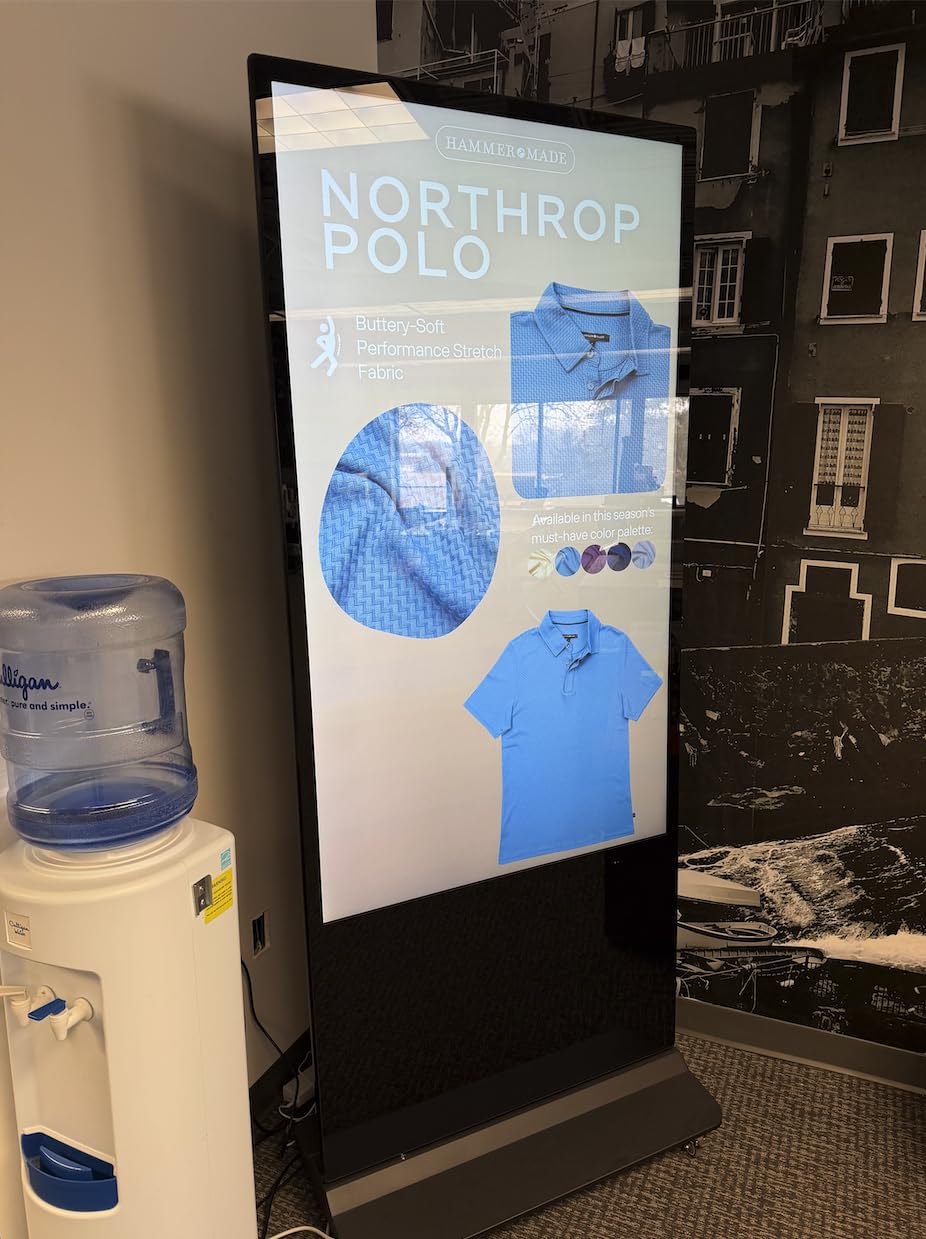
Step up from the 43-inch MWE and you get the same trusted cabinet formula wrapped around a 55-inch 4K UHD IPS panel. This is the size where 4K stops being a bullet point and starts being visible: at trade shows and in large retail footprints, owners praise the picture as genuinely stunning from across a room.
The audience for this one is specific: exhibitors, flagship stores, and venues where the display is the anchor of a space. If people will see your screen from 15 or 20 feet away, this is the MWE that earns its keep.
4K Playback & Visibility
4K UHD on a 55-inch IPS panel with a 178-degree viewing angle means your content stays watchable from oblique angles in wide spaces, exactly where totems live. Owners running product videos on show floors say the image quality alone draws people over.
The Android platform behaves identically to the smaller MWE models: app installs, split-screen zones, USB plug-and-play, and scheduled power. Teams already running one MWE unit can add this with zero learning curve.
Installation & Ownership
At 63 kg, treat installation as a planned job with two people and a level. Once placed, owners describe it as set-and-forget, with reliable automatic playback and remote management over Wi-Fi.
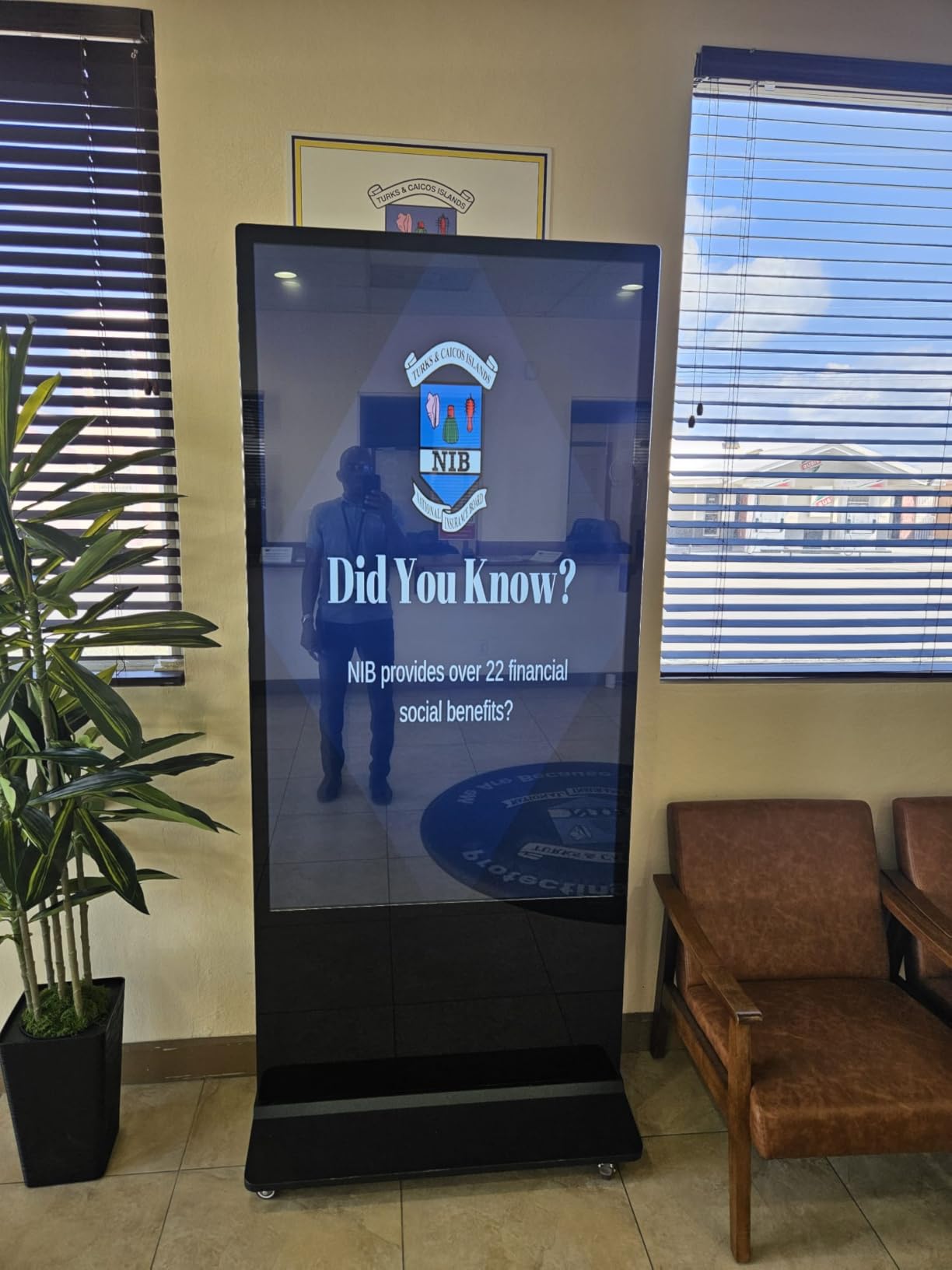
The defect-on-arrival reports mirror the rest of the MWE line, and so does the fix: the support team ships replacements promptly under the 3-year warranty. For maximum visual impact without going full custom LED, this is the one.
9. Amazon Signage Stick – Turn Any Screen into Managed Signage
Amazon Signage Stick – Professional Digital Signage 4K Media Player – Designed for Businesses of All Sizes, Easy Setup with free Mobile App, and CMS Compatibility
4K UHD HDMI stick
Wi-Fi 6E
Secure boot + encrypted storage
Kiosk-mode auto-launch
Mobile app setup
+ Pros
- Turns any HDMI screen into managed signage
- True kiosk mode with auto-launch
- Strong security with secure boot and encryption
- Wi-Fi 6E connectivity
- Works with major CMS providers
– Cons
- Requires a CMS subscription to function
- QR registration and remote pairing can be buggy
- Network switching forces a full reset
- General Amazon support lacks signage expertise
The cheapest product in this guide might be the most strategically useful one. If you already own screens, the Amazon Signage Stick plugs into an HDMI port and converts them into professionally managed digital signage with kiosk-mode auto-launch, remote monitoring, and hardware-level security. Churches, lobbies, and small offices make up its biggest fan base.
The security story is what separates it from a repurposed Fire TV stick. Secure boot, encrypted storage, and automatic updates make it defensible in IT-managed environments where an unlocked consumer stick would never pass review. That is why our team treats it as the enterprise-friendly budget option rather than just the cheap one.
Setup Experience
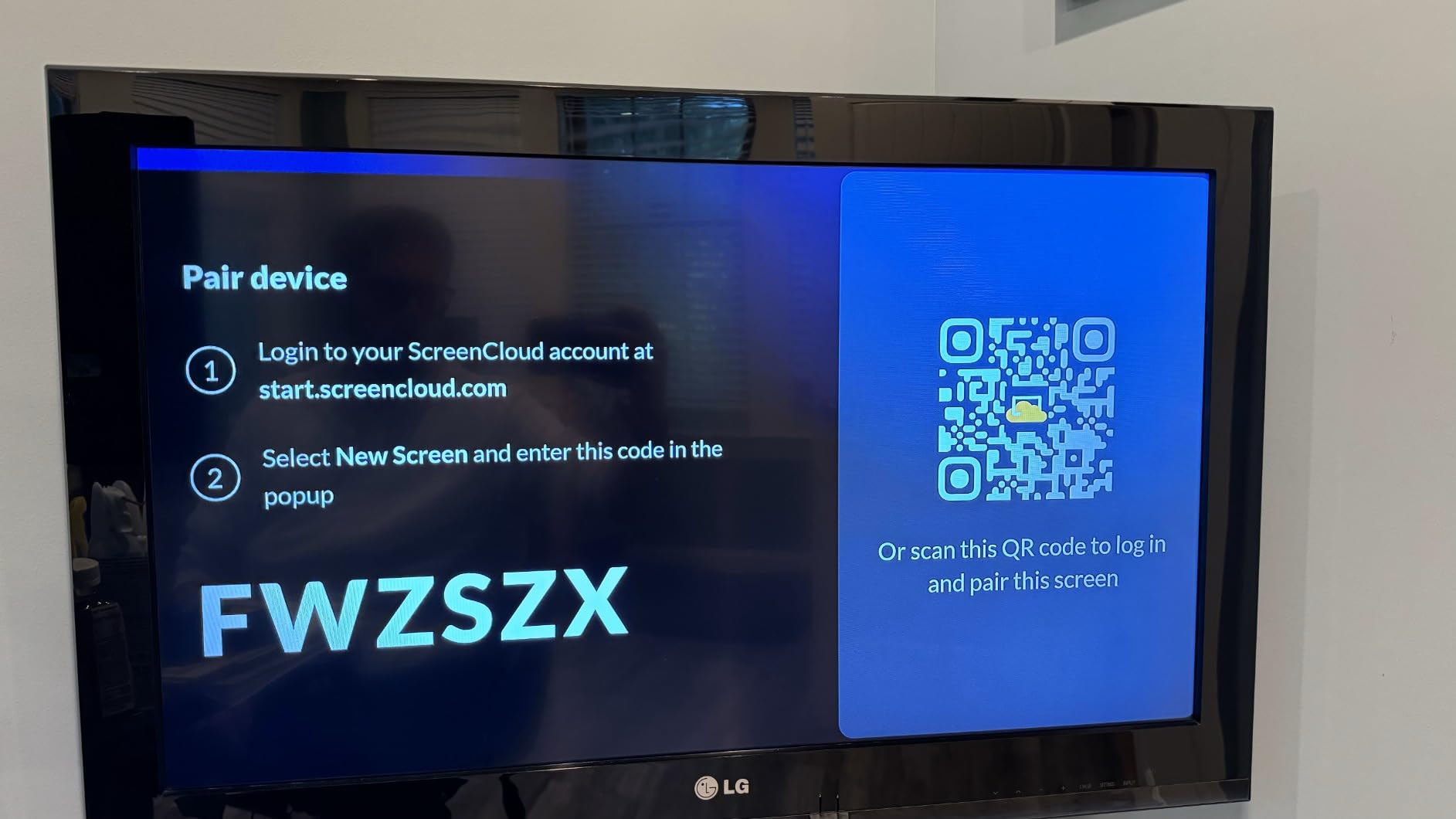
Experiences here split cleanly down the middle. Owners with smooth installations describe a ten-minute job guided entirely by the free mobile app; the unlucky half hit buggy QR-code registration, stubborn remote pairing, or reset loops during first configuration. Plan your first install for a day when you have patience, not ten minutes before an event.
Once running, it is genuinely set-and-forget, auto-launching your CMS in kiosk mode after every reboot and power outage.
The Subscription Reality
The stick needs a CMS subscription to do anything, which is the real cost over time. That is the classic trade-off our forum research surfaced repeatedly: cheap hardware plus monthly fees versus expensive hardware with free built-in software. Over a three-year horizon, do the math against a display with a lifetime-free CMS like the Canlarriz below.
One more quirk: switching networks requires a full factory reset, which is painful for anyone who changes Wi-Fi credentials regularly. Keep that in mind if your venue rotates networks.
10. OptiSigns OptiStick – The Platform Loyalist’s Player
OptiSigns OptiStick Digital Signage Player – Android-Based 4K UHD HDMI Stick, Quad Core, WiFi/Ethernet, Remote Screen Management
4K HDR HDMI stick
Quad-core Amlogic
2GB RAM, 16GB eMMC
Wi-Fi + Ethernet
AV1 decoding
+ Pros
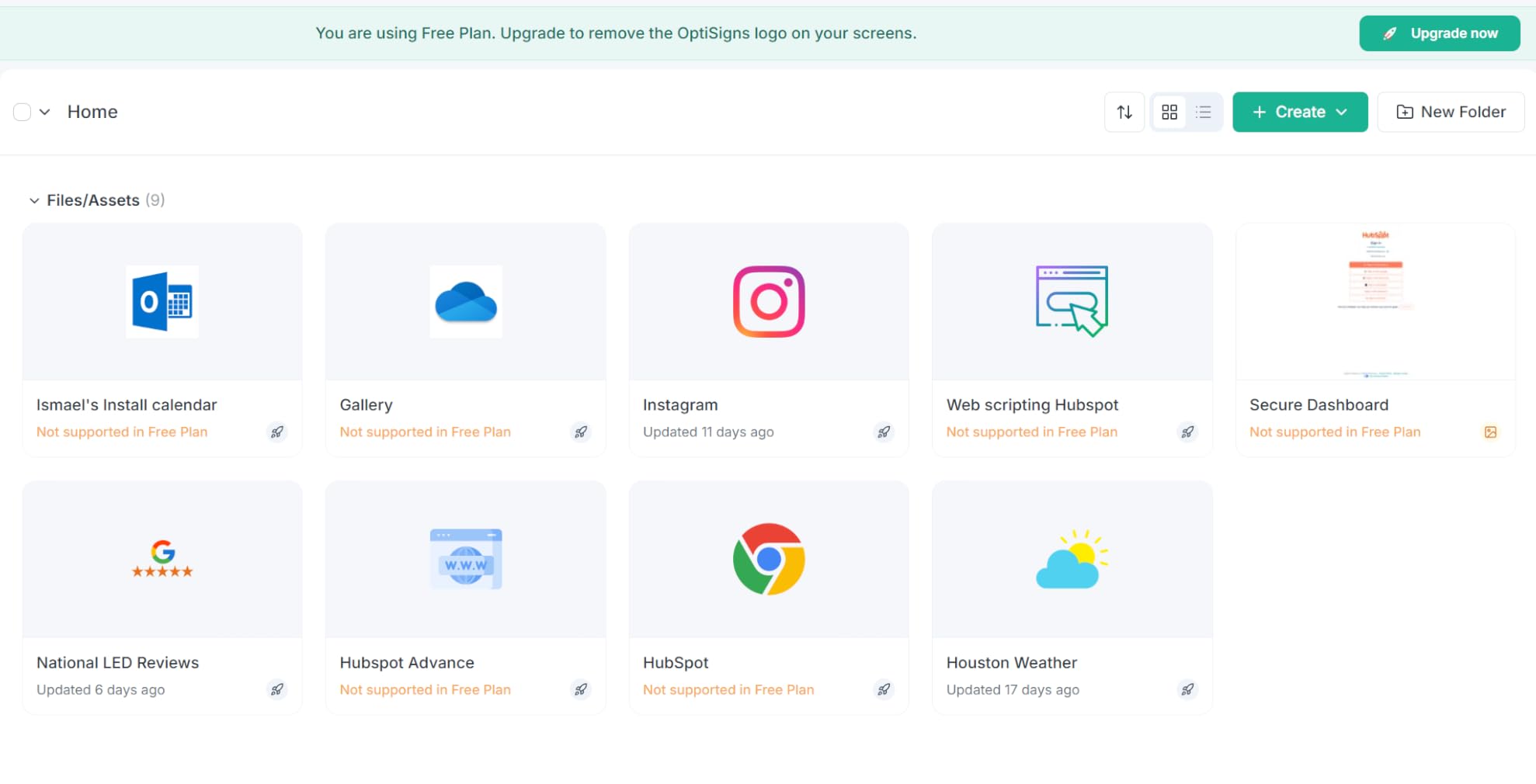
- Pre-installed OptiSigns player
- 160+ app integrations and 5000+ templates
- Remote management via portal and app
- Free plan covers up to 3 screens
- Dual Wi-Fi and Ethernet
– Cons
- Locked to the OptiSigns ecosystem
- Subscription required beyond 3 screens
- 16GB storage fills with local content
- Occasional resets reported
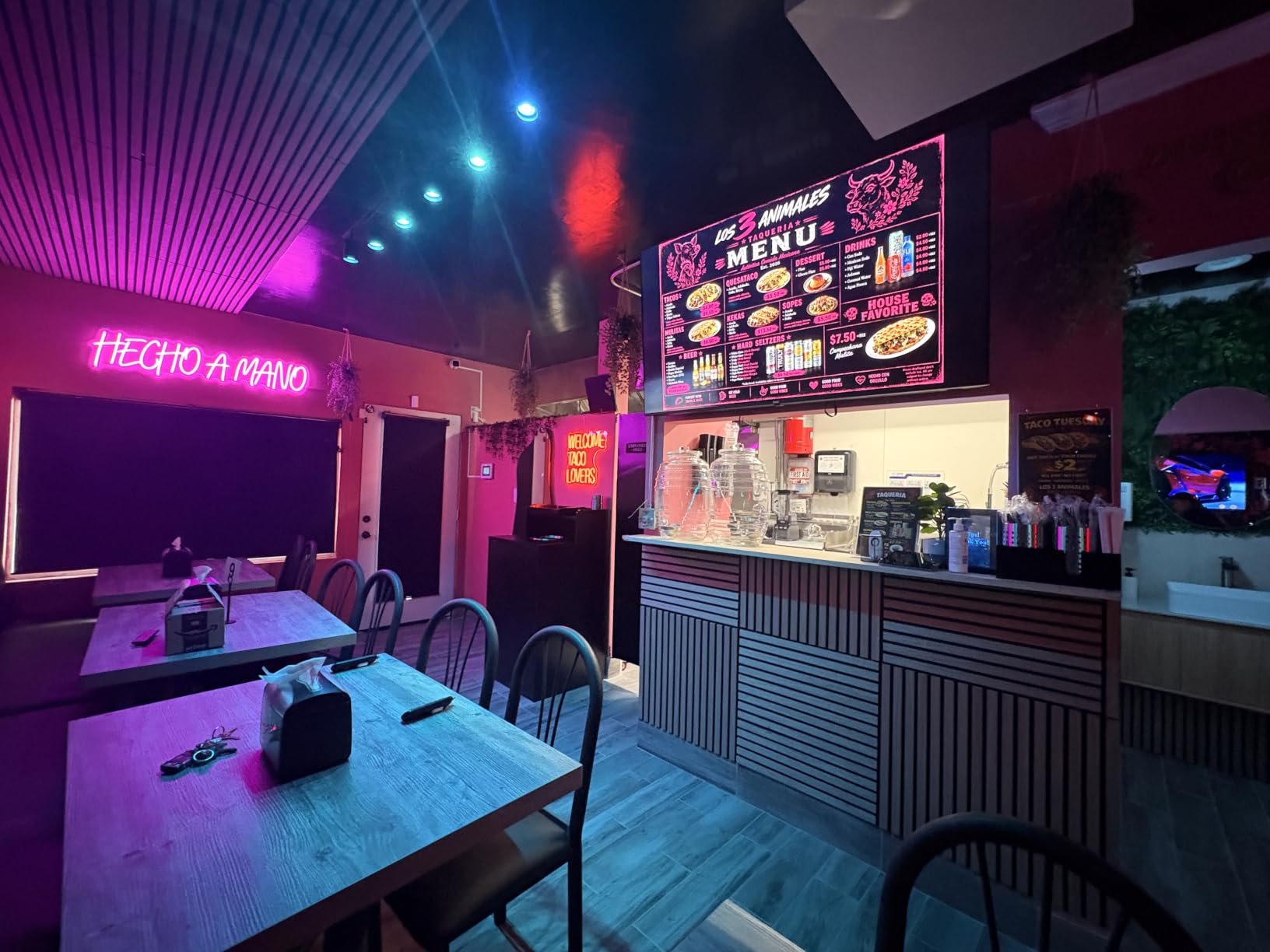
The OptiStick is the best-reviewed media player in this guide, and its 212 reviews make it the most proven too. It arrives with the OptiSigns player pre-installed, so the out-of-box experience is plug in, pair, and go, which is exactly why so many defectors from repurposed Fire TV sticks land here.
The draw is the ecosystem. With 160+ app integrations (Google Slides, Power BI, Spotify, dashboards, social feeds) and 5000+ templates, the content side of your signage operation is solved the same afternoon the hardware arrives. Owners consistently describe it as the most stable player they have used.
Performance & Connectivity
The quad-core Amlogic chip with AV1 decoding handles 4K HDR streams smoothly, and 2GB of RAM keeps playlists running without the stutter cheaper sticks show on heavy layouts. The Ethernet port is a quiet advantage over most sticks: wired deployments are simply more reliable for screens that must never go dark.
Remote management through the OptiSigns portal works from anywhere, which is the entire point of networked signage. Owners with screens across multiple buildings single this out as the killer feature.
The Lock-In Question
The honest downside is exclusivity: this stick only works with OptiSigns, and cannot be repurposed for another CMS. The free plan covering three screens softens the blow for small deployments, but scaling up means subscription costs forever.
Our take: if you have already chosen OptiSigns as your platform, this is the obvious hardware. If you are undecided on software, the Amazon stick keeps you CMS-agnostic.
11. EZ-AD Digital Signage Player – Easiest Path from Zero to Running
EZ AD Digital Signage Display Player, AI Digital Menu Board for Business
4K TV box
250,000+ video gallery
Free plan up to 50 slides
Cloud management
Multiple layouts
+ Pros
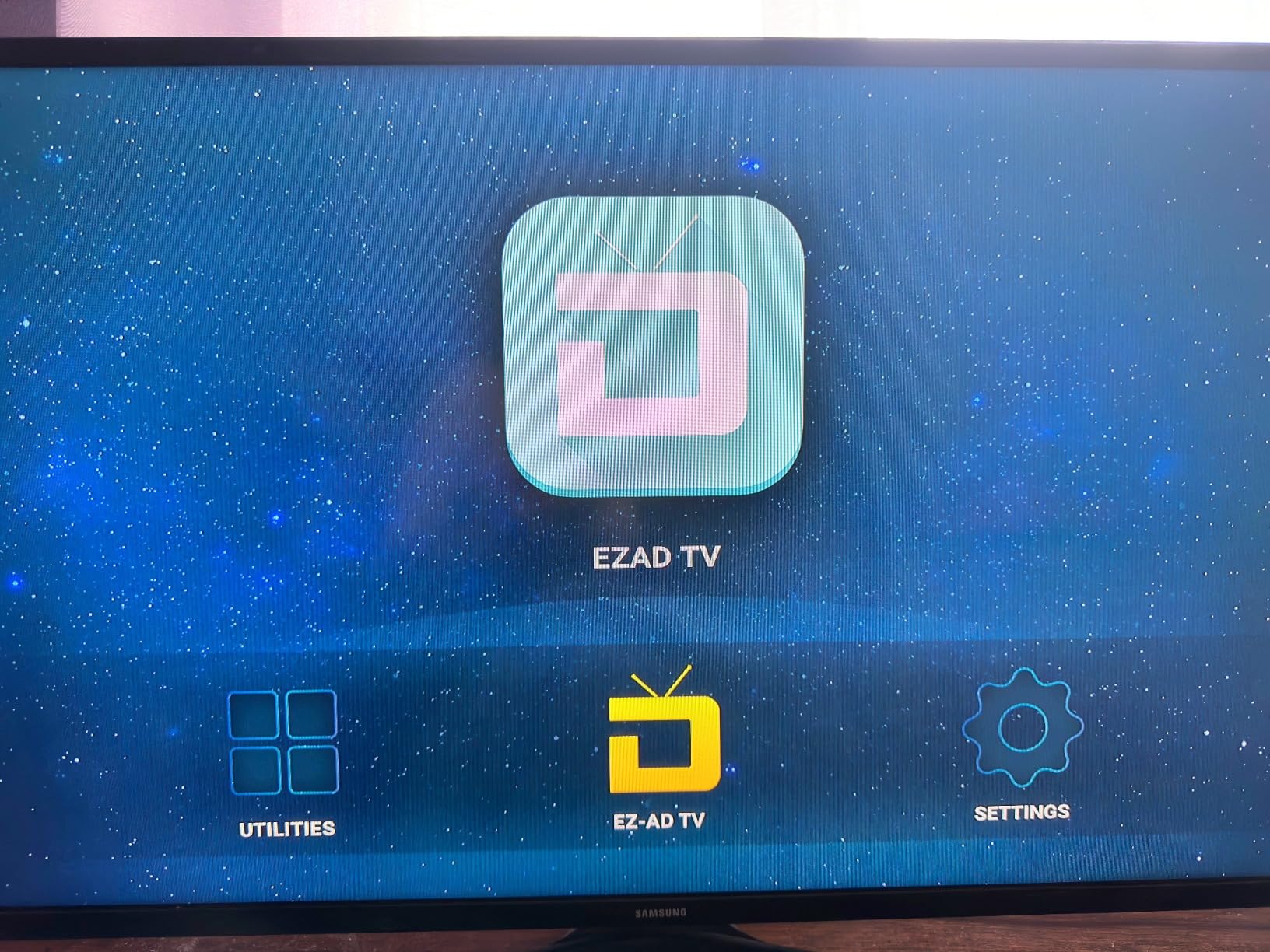
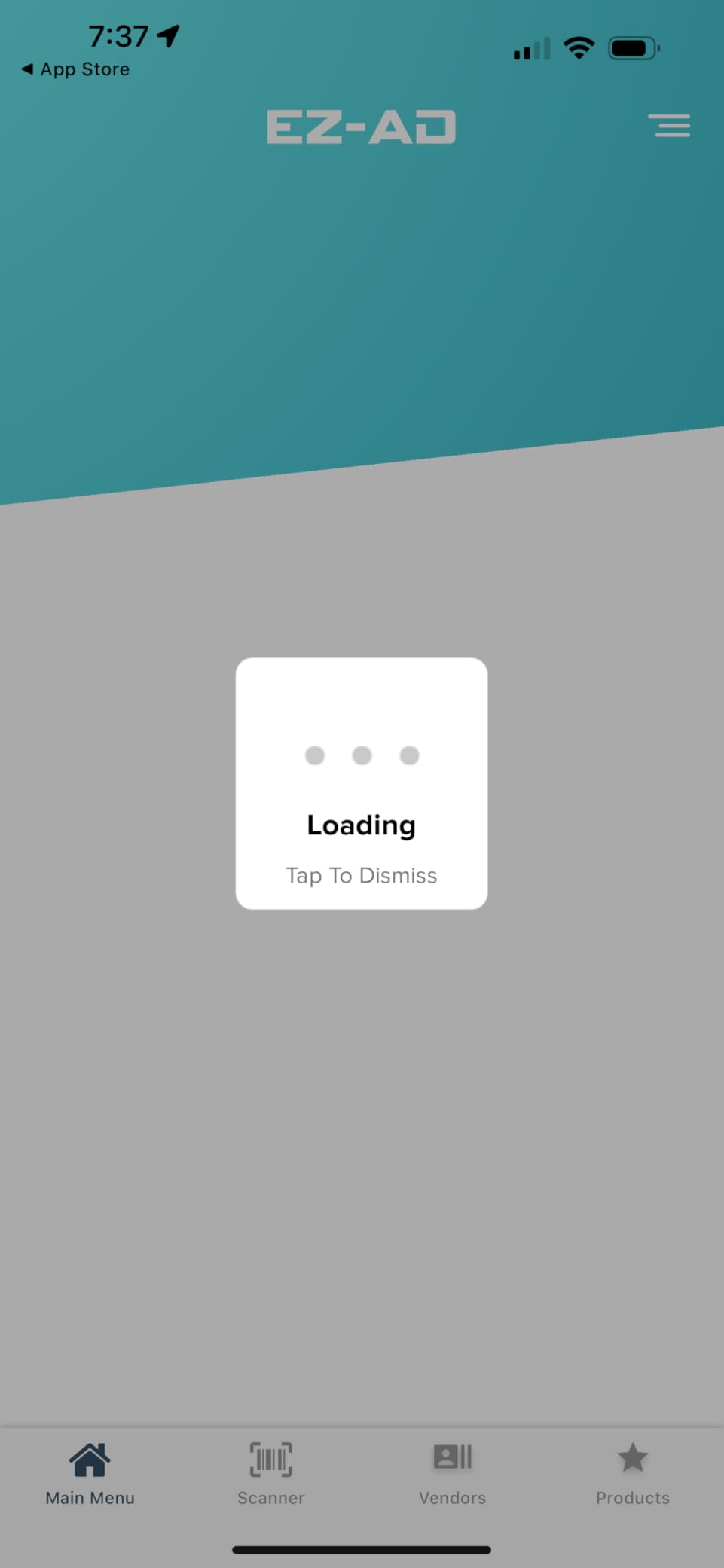
- Simplest setup in the guide with on-screen prompts
- Free plan for basic use up to 50 slides
- 250
- 000+ video content library
- American company with fast support
- Vertical and split-screen layouts
– Cons
- Device can revert to home screen after 2 minutes
- Many features need a monthly subscription
- Cannot wall mount the box itself
- US-only signup with ZIP codes
With 214 reviews, the EZ-AD player is the most-purchased item in this guide, and its audience is clear: schools, clubs, American Legion posts, and small businesses that want signage working this afternoon without an AV consult. Owners describe an almost appliance-like setup with on-screen prompts walking you through registration and first content.
The content library is the differentiator. Beyond your own media, you get access to a gallery of more than 250,000 videos and images, plus AI design tools, a template builder, and a YouTube loader. For organizations with no designer on staff, that library is the whole reason to choose this box.
Free Plan vs Subscription
The free plan genuinely works: all image and video formats, tech support included, and up to 50 slides per box. That covers a cafeteria menu or a clubhouse announcement board completely. Advanced scheduling and design features sit behind monthly plans, so budget-conscious buyers should verify their must-have features are in the free tier before committing.
The most common technical complaint is specific and worth knowing: some units revert to the home screen after about two minutes if a setting is missed. Support reportedly walks owners through the fix quickly.
Deployment Notes
The box is designed to sit near the TV rather than hang off it, and it cannot be wall-mounted, which surprises some buyers. HDMI, Ethernet, dual USB, and a memory card reader cover every input style, and vertical display modes handle portrait-oriented screens properly.
One logistics note for international readers: signup only accepts US ZIP codes, so UK and other buyers report friction at registration. Domestically, it is the easiest on-ramp in the category.
12. Canlarriz 18.5 inch Menu Board – Bright, Cheap, Subscription-Free
Canlarriz 18.5″ Digital Signage Display, 700 Nits Digital Menu Board
18.5 inch 1366×768 LCD
700 nits
Android 12, 2GB/32GB
Lifetime free CMS
Desk stand
+ Pros
- Lifetime free CMS with no monthly fees
- 700 nits is the brightest panel here
- Compact countertop footprint
- Instant landscape or portrait rotation
- 3-year warranty
– Cons
- No wall mount option
- Software learning curve is steep
- Interface and docs skew Chinese
- Spotty tech support
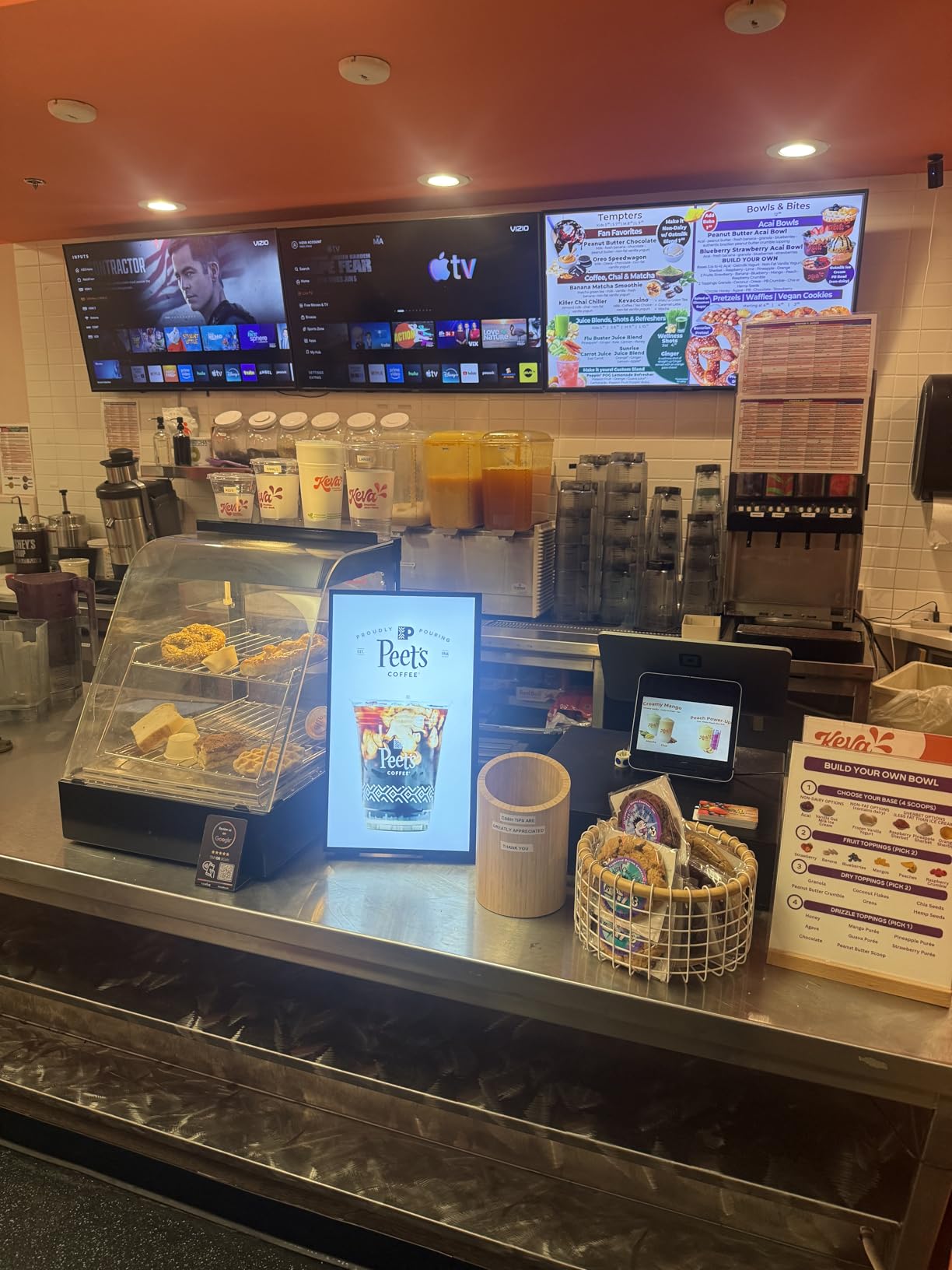
The most affordable full display in this guide is also the brightest, and that combination is why it earns a spot despite a rougher owner experience. At 700 nits, this 18.5-inch counter unit out-shines everything else here, making it ideal for checkout counters, reception desks, and café menu placement near windows where other screens wash out.
The headline feature is financial: a built-in lifetime free CMS with remote management from any PC, tablet, or phone. In a market drifting toward mandatory subscriptions, a display with zero ongoing software fees can be the cheapest option within two years even at a higher sticker price. Our forum research showed subscription fatigue is one of the biggest complaints in this category, and this is the direct answer.
Hardware & Brightness
Android 12 with 2GB of RAM and 32GB of storage runs playback stably, and the connectivity list is generous for the size: HDMI, LAN, TF card, USB 2.0, and USB 3.0. The 10.8-pound desktop stand flips between landscape and portrait instantly, and built-in speakers are better than they have any right to be at this price.
Keep expectations calibrated on resolution: 1366×768 is fine for menus and promotions at arm’s length, but this is not a showcase panel. It is a workhorse counter display.
Software Reality Check
The 3.7-star rating tells the truth: the hardware outclasses the software. Owners describe a cumbersome design studio, documentation and menus that lean Chinese, and slow tech support. Buyers who push through the learning curve generally report a reliable, subscription-free workhorse; buyers who want polish should pay more elsewhere.
If you want a bright counter display with no monthly fees and can tolerate an imperfect interface, the value case is real. Everyone else should stick with Samsung or MWE above.
How to Choose the Best Digital Signage Display
Choosing among the best digital signage displays gets much simpler once you answer five questions in order. Work through these and the twelve products above sort themselves quickly.
Commercial Display or Consumer TV?
Commercial panels justify themselves through duty cycle, warranty, and features. The Samsung QET displays here are rated for 16/7 operation and backed by 3-year onsite warranties, while consumer TVs are built for a few hours a day with mail-in service. As one r/digitalsignage regular put it, commercial displays beat consumer TVs for 24/7 use because of durability, full stop. Consumer TVs are cheaper upfront, but a dead panel eighteen months in erases the savings.
Rule of thumb: anything running more than eight hours a day in a customer-facing role should be commercial-grade.
How Bright Is Your Space?
Brightness, measured in nits, decides whether your content is visible or invisible. Under 300 nits (both Samsung panels) suits controlled indoor lighting. Around 500 to 600 nits (the YCKJNB kiosk, the JASZDOT totem) handles bright interiors and window-adjacent placement. The 700-nit Canlarriz counters direct sun at close range. Buyers regret dim screens far more often than small ones, so when in doubt, buy up in brightness.
What Size and Viewing Distance?
Match the diagonal to how far away viewers stand. Roughly: 18 to 32 inches for counter and close-range use, 43 to 50 inches for the 6-to-12-foot zone of most counters and hallways, and 55 to 65 inches for open floors and trade show aisles where the first viewer might be 20 feet away. Resolution follows distance: 4K matters at 55 inches and up, while 1080p reads as sharp on smaller panels viewed from a few feet.
Built-In Player, Kiosk, or External Stick?
Displays with integrated players like Samsung’s MagicINFO Lite eliminate hardware clutter and boot straight into content, ideal for single or few-screen deployments. Floor-standing kiosks (all four MWE and YCKJNB units) work where wall mounting is impossible or where you want presence and interactivity. External sticks (Amazon, OptiSigns, EZ-AD) are the cheapest path and the easiest to service or swap, and they let you upgrade the brain without replacing the screen.
What Will Software Cost Over Three Years?
This is the question competitors never ask and the one that decides total cost. The Amazon Signage Stick and OptiSigns OptiStick both require subscriptions, EZ-AD gates advanced features behind monthly plans, while the Canlarriz includes a lifetime-free CMS and the MWE kiosks bundle a lifetime-use tier. Multiply the monthly fee by 36 months and add it to the hardware cost before comparing prices; the ranking of “cheapest” often flips completely. Then check that your preferred CMS is certified for the hardware you are buying, because ecosystem lock-in is real.
Lifespan, Warranty, and Support
Commercial displays are typically engineered for 30,000 to 50,000 hours of use, which is years of daily business operation. Warranty quality varies widely, and it matters: Samsung offers 3-year onsite service, while kiosk brands like YCKJNB and JASZDOT offer multi-year coverage that owners report actually delivers replacements. Forum buyers consistently rank multi-year warranty and responsive support among their top trust signals, and our review analysis backs them up.
Frequently Asked Questions
What is the lifespan of a digital signage display?
Most commercial digital signage displays are engineered for 30,000 to 50,000 hours of use, roughly 5 to 10 years at typical business hours. Panels rated for 16/7 or 24/7 operation, like the Samsung QET series, are specifically built to sustain those duty cycles without premature backlight failure.
Can I use a regular TV for digital signage?
You can, but it usually costs more over time. Consumer TVs lack 24/7 or 16/7 duty ratings, have shorter warranties with mail-in service, and often lack anti-glare coatings, portrait mode, and remote management. For anything running more than eight hours a day, commercial displays last longer and are covered by onsite warranties.
How much does a digital signage system typically cost?
Standalone media player sticks run $75 to $100, countertop menu displays $300 to $700, wall-mounted commercial panels $450 to $650, and floor-standing 4K kiosks $1,000 to $2,100. Add $10 to $30 per screen per month if your chosen platform requires a CMS subscription, which is why lifetime-free CMS options can be cheaper over a three-year horizon.
What brightness do I need for digital signage?
Around 300 nits suits dim, controlled indoor lighting; 500 to 600 nits handles bright interiors and placement near windows; and 700 nits or more is needed for direct sunlight or counter displays facing outdoors. Buying too dim is the most common and most regretted mistake in digital signage.
Which digital signage display is the best?
The JASZDOT 32-inch touchscreen totem is our top pick thanks to a perfect 5.0-star owner rating, 600-nit brightness, and lifetime support. Samsung’s 43-inch QET is the best value wall mount, the YCKJNB 65-inch 4K kiosk is the premium interactive pick, and the OptiSigns OptiStick is the best media player for existing screens.
Final Verdict
If you want the safest all-around pick among the best digital signage displays, take the JASZDOT 32-inch touchscreen totem with its flawless owner record and 600-nit panel. Wall-mount buyers should grab the Samsung 43-inch QET for its onsite warranty and built-in player, while organizations needing maximum impact should step up to the YCKJNB 65-inch 4K kiosk.
Working with a tiny budget or existing screens? The OptiSigns OptiStick and Amazon Signage Stick convert any HDMI display into managed signage for under a hundred dollars, and the 700-nit Canlarriz counter board covers menu duty with no subscription fees. Whichever route you choose, size for your viewing distance, buy enough brightness for your light, and count software costs over three years, not one day. Your customers will notice the difference the first morning the screen lights up.