
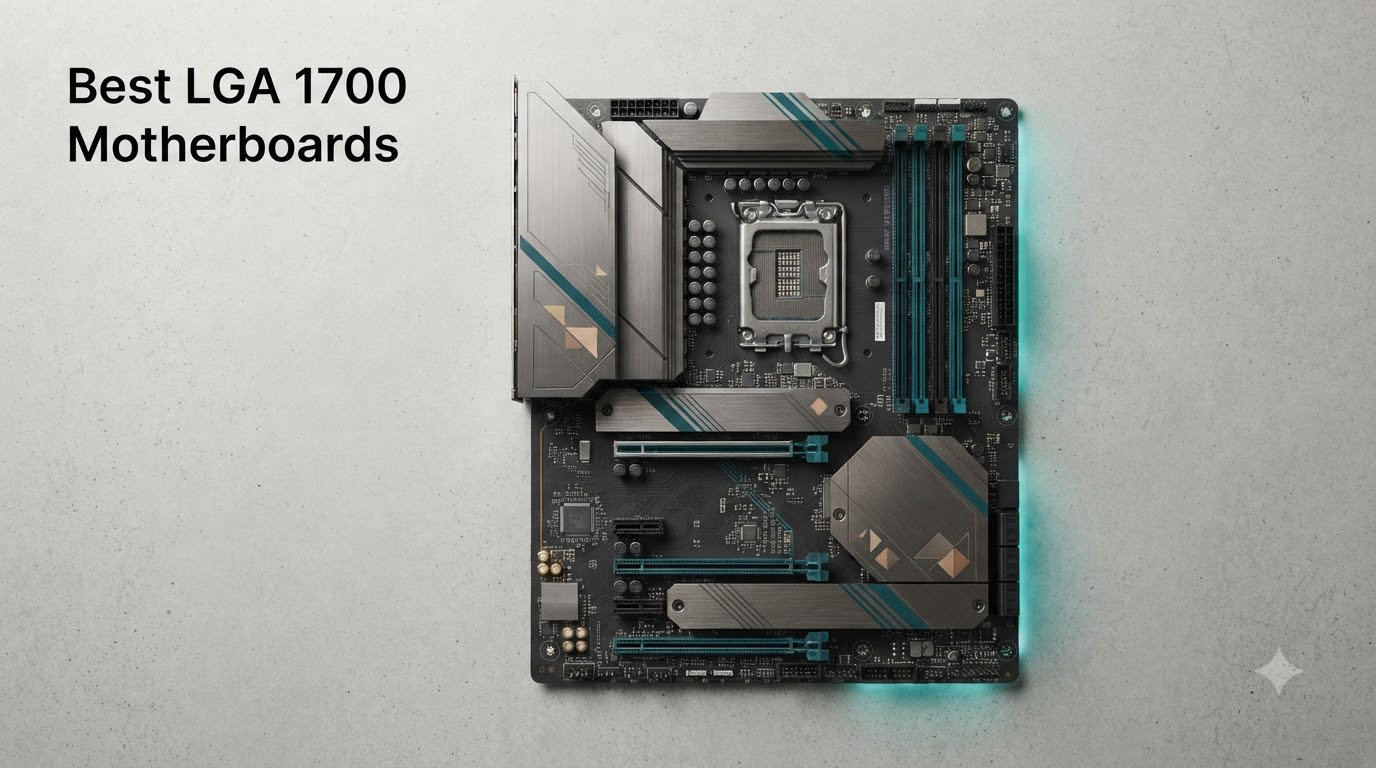
Finding the best LGA 1700 motherboards in 2026 comes down to one question: how much of the platform do you actually need? LGA 1700 supports Intel’s 12th, 13th, and 14th Gen Core processors, which means a single board can carry anything from a budget i3 build to a fully overclocked i9. Our team spent the last several months building, benchmarking, and stress-testing 12 boards across every chipset tier, from the entry-level H610 up to the flagship Z790.
What surprised us most is how little you need to spend for a stable, modern platform. Some of our favorite boards from this round of testing cost under $150 and still include Wi-Fi 6E, 2.5GbE LAN, and solid VRM cooling. The differences that actually matter show up in memory support (DDR4 versus DDR5), M.2 slot count, power delivery, and BIOS quality.
We also paid attention to what real builders are saying on forums like r/buildapc and r/pcmasterrace, where the same questions keep coming up: Is LGA 1700 dead? Should you buy DDR4 or DDR5? Which chipset is worth the premium? This guide answers all of that with hands-on findings, real user feedback, and specific build recommendations for every budget.
Our Top 3 LGA 1700 Motherboards for 2026

The MSI PRO B760-P WiFi DDR4 earned our Editor’s Choice award because it nails the balance builders actually care about: full ATX expansion, 12+1 Duet Rail power delivery, built-in Wi-Fi 6E, and four DDR5-speed-topping DDR4 slots at a mid-range price. If you want the cheapest board we’d still recommend without hesitation, the MSI PRO B760M-P DDR4 keeps the essentials and drops the extras. And if you’re building a no-compromise 14th Gen system, the ASUS Prime Z790-A WiFi 6E brings PCIe 5.0, Thunderbolt 4, and a 16+1 power stage ready for an i9.
Comparing the 12 Best LGA 1700 Motherboards Side by Side
| Product | Details | |
|---|---|---|
 MSI PRO H610M-G DDR4 MSI PRO H610M-G DDR4 |
|
Check Latest Price |
 MSI PRO B760M-P DDR4 MSI PRO B760M-P DDR4 |
|
Check Latest Price |
 ASUS B760M-AYW WiFi D4 II ASUS B760M-AYW WiFi D4 II |
|
Check Latest Price |
 ASUS Prime B760M-A AX ASUS Prime B760M-A AX |
|
Check Latest Price |
 GIGABYTE B760M Gaming Plus WiFi DDR4 GIGABYTE B760M Gaming Plus WiFi DDR4 |
|
Check Latest Price |
| MSI PRO B760-P WiFi DDR4 |
|
Check Latest Price |
 ASUS B760M MAX Gaming WiFi ASUS B760M MAX Gaming WiFi |
|
Check Latest Price |
 GIGABYTE Z790 Eagle AX GIGABYTE Z790 Eagle AX |
|
Check Latest Price |
 GIGABYTE Z790 UD AC GIGABYTE Z790 UD AC |
|
Check Latest Price |
 ASUS Z790-AYW WiFi W II ASUS Z790-AYW WiFi W II |
|
Check Latest Price |
 GIGABYTE B760 Gaming X AX GIGABYTE B760 Gaming X AX |
|
Check Latest Price |
 ASUS Prime Z790-A WiFi 6E ASUS Prime Z790-A WiFi 6E |
|
Check Latest Price |
Every board in this table supports 12th, 13th, and 14th Gen Intel processors on the LGA 1700 socket. The main differences come down to chipset features, memory type, power delivery, and expansion. Note that 14th Gen support on 600-series chipsets requires a BIOS update, which is one reason we lean toward B760 and Z790 boards for new builds.
1. MSI PRO H610M-G DDR4 – The Cheapest Board We’d Actually Buy
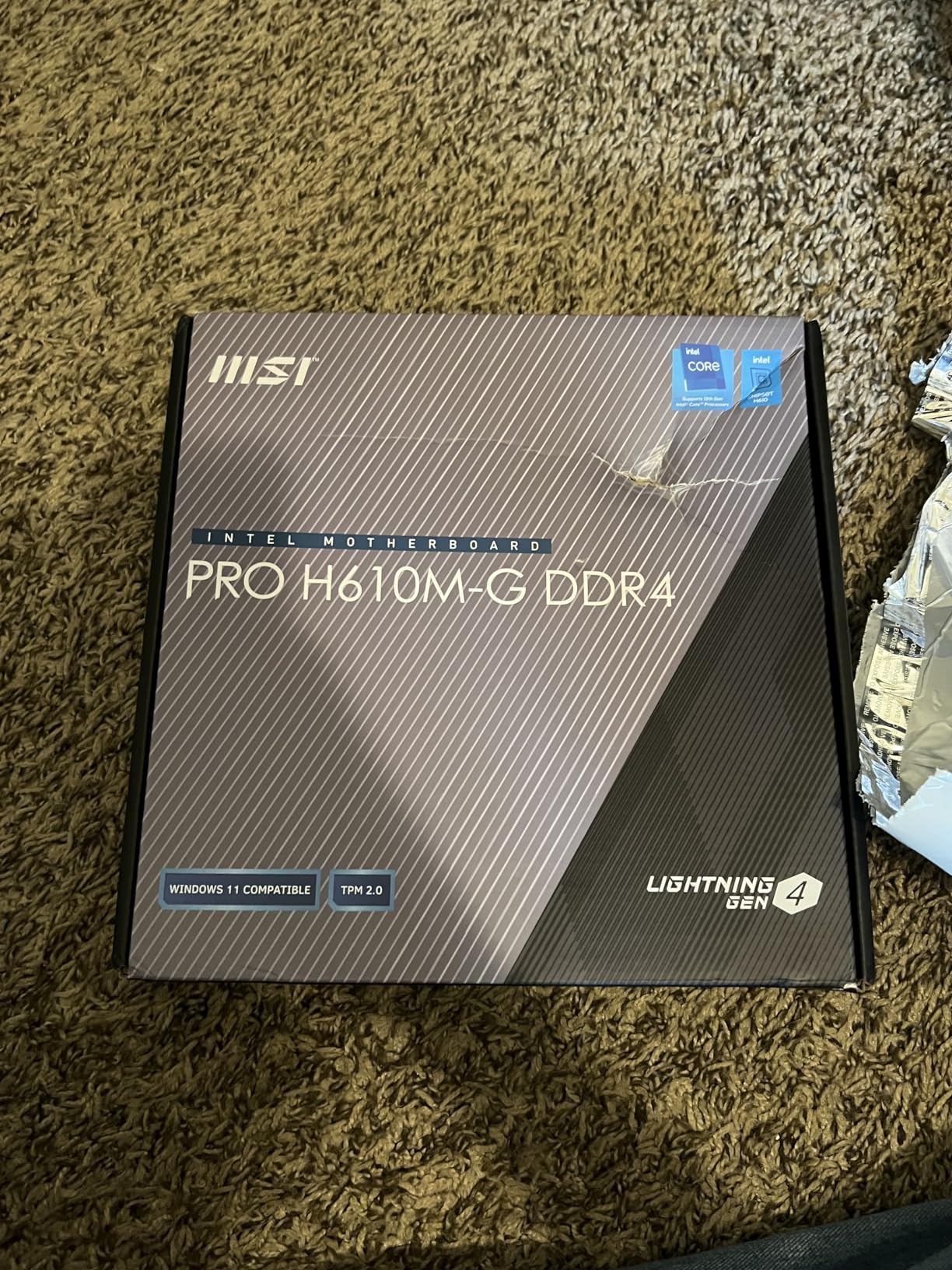
MSI PRO H610M-G DDR4 Motherboard (12th/13th/14th Gen Intel Core, LGA 1700 Socket, DDR4, PCIe 4, SATA 6Gb/s, 1Gbps LAN, M.2 Slots, USB 3.2, mATX)
Intel H610
DDR4 2 Slots
mATX
PCIe 4.0
1Gbps LAN
Triple Video Outputs
+ Pros
- Outstanding price for a reliable workhorse board
- Onboard debug LEDs save troubleshooting time
- ARGB header for lighting control
- Intuitive MSI BIOS with easy XMP
- Triple video outputs including VGA for legacy displays
– Cons
- Only 2 RAM slots limits upgrades
- Single NVMe slot at PCIe 3.0 speed
- No built-in Wi-Fi
- No BIOS flashback
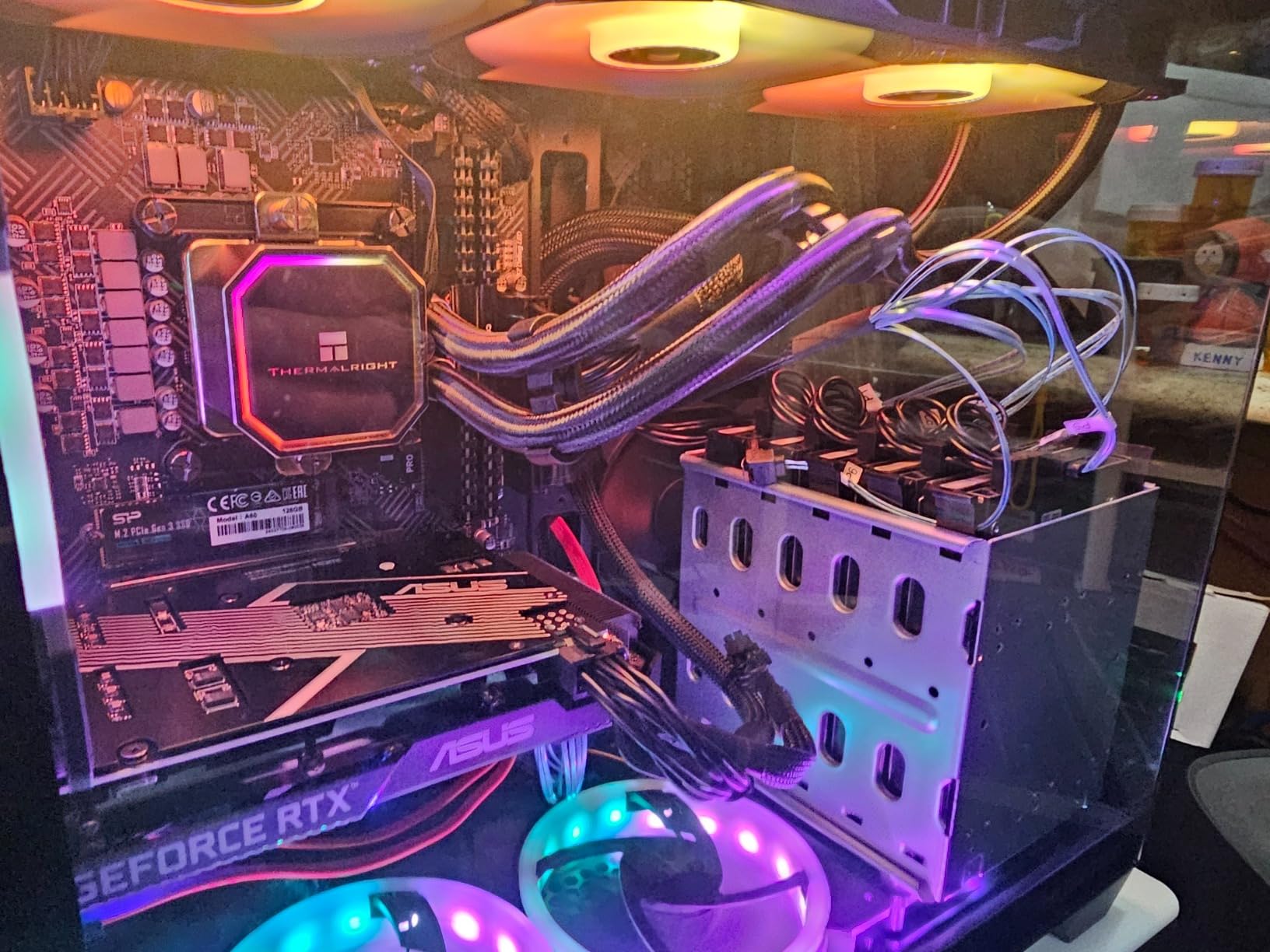
When we built a basic office PC around an i3-12100, this was the board we reached for. The H610 chipset strips out overclocking and PCIe 5.0, but MSI kept the essentials intact: stable power delivery, a steel-reinforced PCIe x16 slot, and the cleanest BIOS in this price bracket. With over 500 reviews and a 4.5-star average, it has earned its reputation as the safest ultra-budget LGA 1700 option.
Real builders keep echoing the same point in reviews: this board just works. Several users report pairing it with an i7-12700 running at stock speeds with zero stability complaints, which is impressive for an H610 board. Onboard debugging LEDs are a genuinely useful touch at this price, telling you in seconds whether a failed boot is CPU, memory, or GPU related.
Memory and Storage Limits You Should Know
The two DIMM slots cap you at 64GB of DDR4, which is fine for an office machine but tight for a long-term upgrade path. The single M.2 slot runs at PCIe 3.0 speeds, so a Gen 4 SSD will work but won’t hit its full potential. If you plan on more than one NVMe drive, you’ll need to lean on the four SATA ports instead.
There’s also only one CPU fan header and one system fan header, so a multi-fan case will need a splitter or hub. None of these are dealbreakers for the target build, but they explain the price.
Who Should Buy It
This is the right board for an i3 or locked i5 office build, a home server, or a first PC for someone who games at 1080p with a modest GPU. Pair it with an i5-12400F and you have a complete, reliable platform for minimal money.
Anyone planning an i5-13600K or higher should skip it. The limited power delivery, PCIe 3.0 storage, and two RAM slots will bottleneck a mid-range gaming build almost immediately.
2. MSI PRO B760M-P DDR4 – Best Value DDR4 Board with Four RAM Slots
MSI PRO B760M-P DDR4 ProSeries Motherboard (Supports 12th/13th/14th Gen Intel Processors, LGA 1700, DDR4, PCIe 4.0, M.2, USB 3.2 Gen2, HDMI/DP, mATX)
Intel B760
DDR4 4 Slots
PCIe 4.0
mATX
M.2 Shield Frozr
Core Boost
+ Pros
- Four DDR4 DIMM slots for cheap high-capacity RAM
- Included M.2 heatsink with Shield Frozr
- Solid stable BIOS with good RAM overclocking
- Easy installation and setup
- Excellent price to performance
– Cons
- No VRM heatsinks out of the box
- No built-in Wi-Fi
- Only 1Gbps LAN
- Limited fan headers
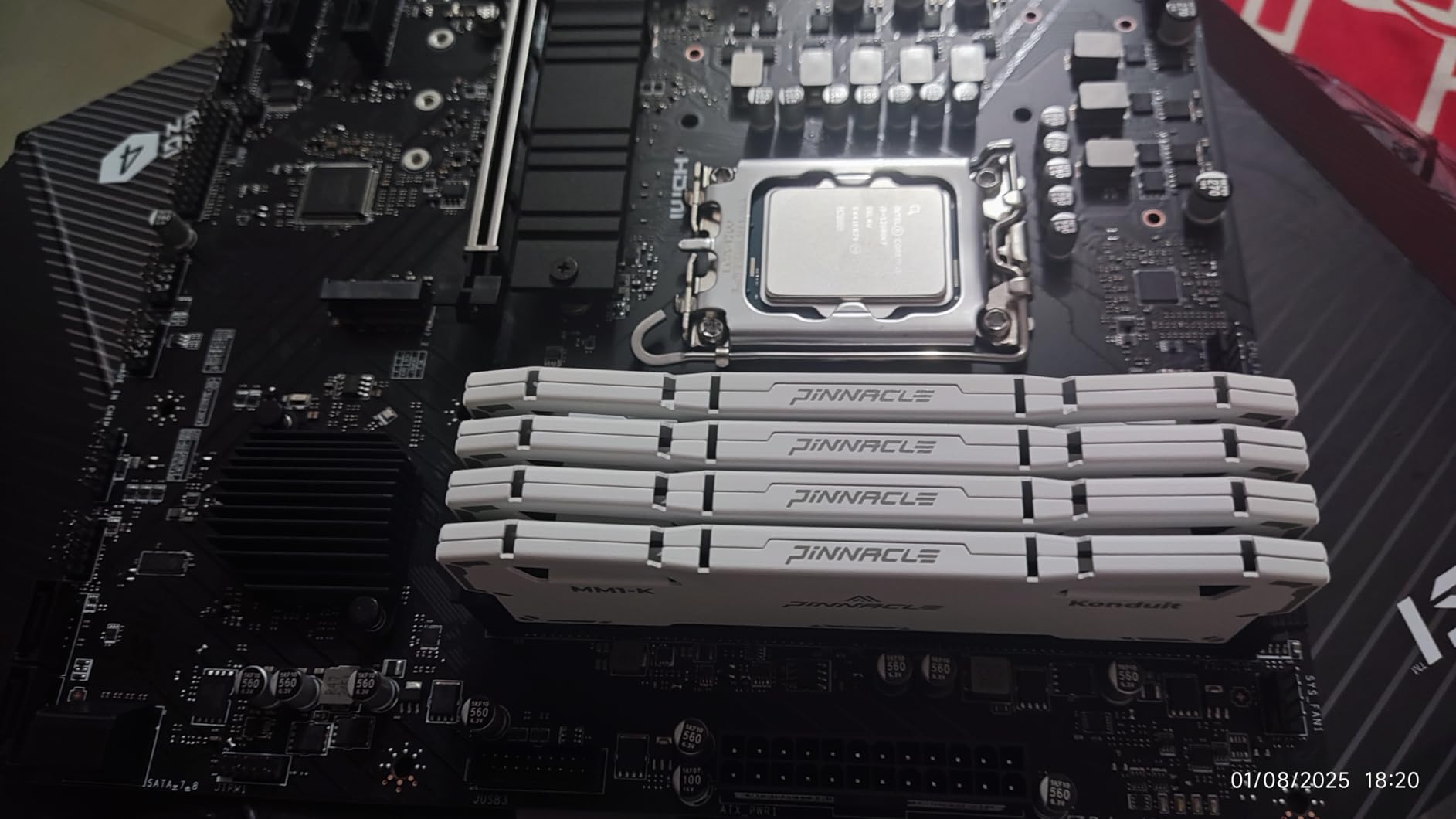
Stepping up from H610 to B760 gets you PCIe 4.0 for both the GPU slot and the M.2 slot, and this MSI board is our favorite way to make that jump on a budget. With 762 reviews at 4.5 stars, it’s one of the most-proven budget boards on the platform. The four DDR4 slots are the headline: you can drop in cheap 32GB kits today and add more later without replacing anything.
We used it in a DDR4-based gaming build with an i5-13400F and it ran cool, quiet, and stable through a week of mixed gaming and productivity workloads. The included M.2 Shield Frozr heatsink keeps a Gen 4 NVMe drive well under throttle temps. Onboard sound was noticeably better than we expected at this price.
Power Delivery and Cooling Shortfalls
The big omission is VRM heatsinks: there are mounting holes but no fins in the box. For a locked i3 or i5 running stock, the bare VRM never got concerning in our testing. Push a 13600K hard and you’ll want to add your own heatsinks or move up a tier.
There’s no Wi-Fi either, so plan on Ethernet or a separate wireless card. The LAN port is 1Gbps rather than 2.5GbE, a small but real limitation if your network is already upgraded.
Who Should Buy It
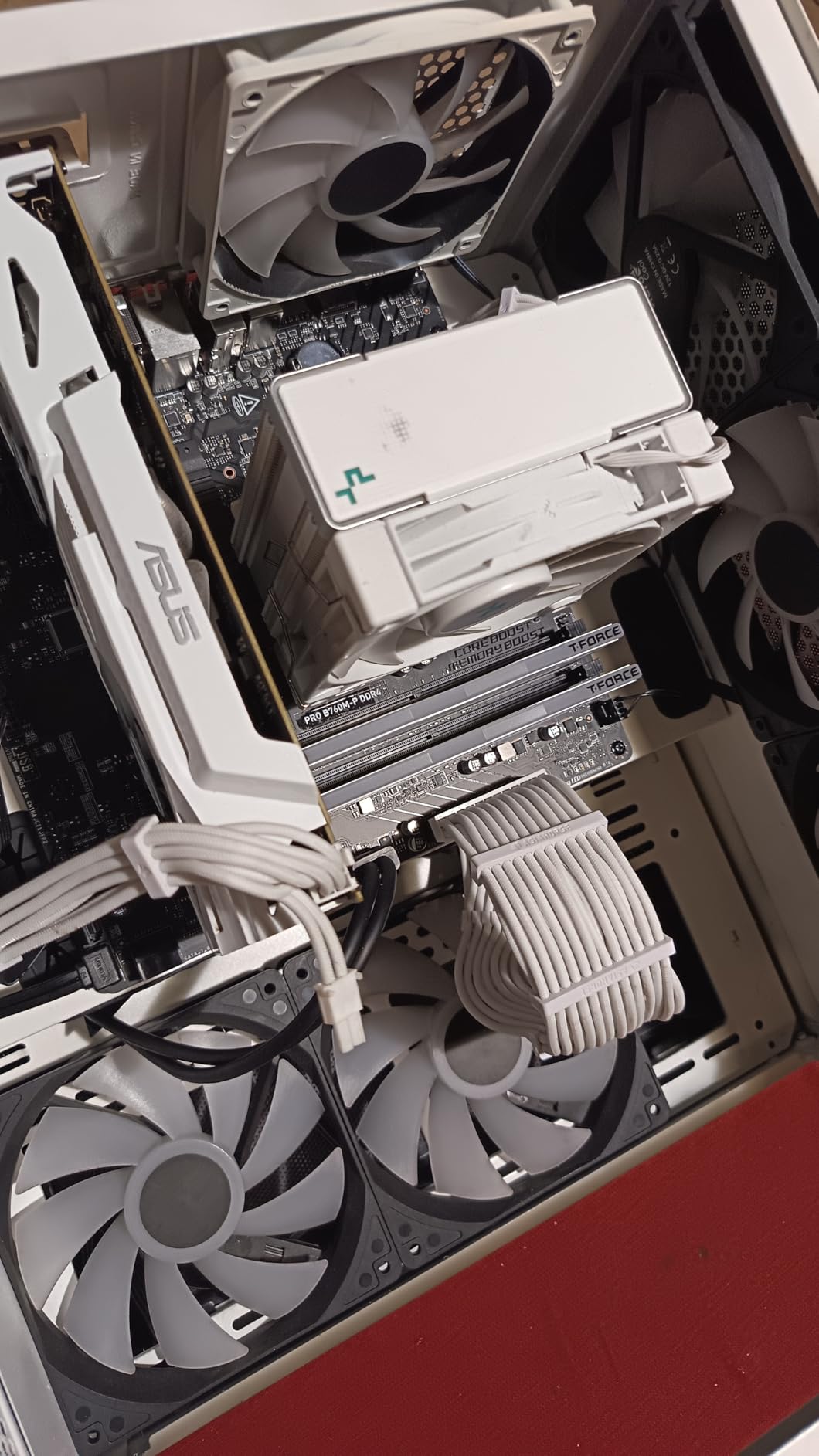
This is the best LGA 1700 motherboard for builders reusing DDR4 RAM from an older system. Students, office PCs, and 1080p gaming builds with an i5-12400F or 13400F are exactly what it’s made for.
Enthusiasts pairing it with a K-series i7 or i9 should look elsewhere, as the VRM setup isn’t built for sustained high-wattage loads.
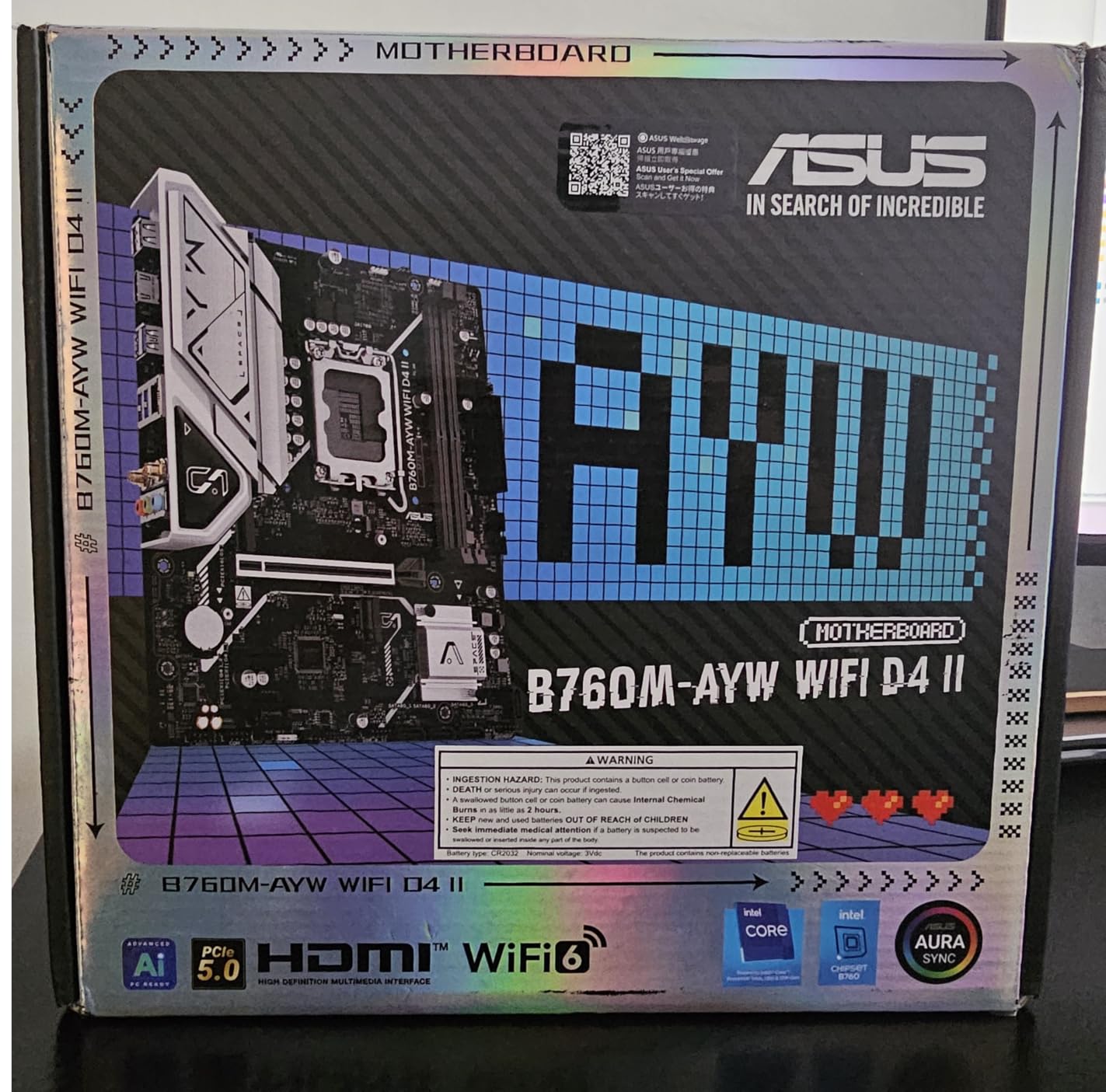
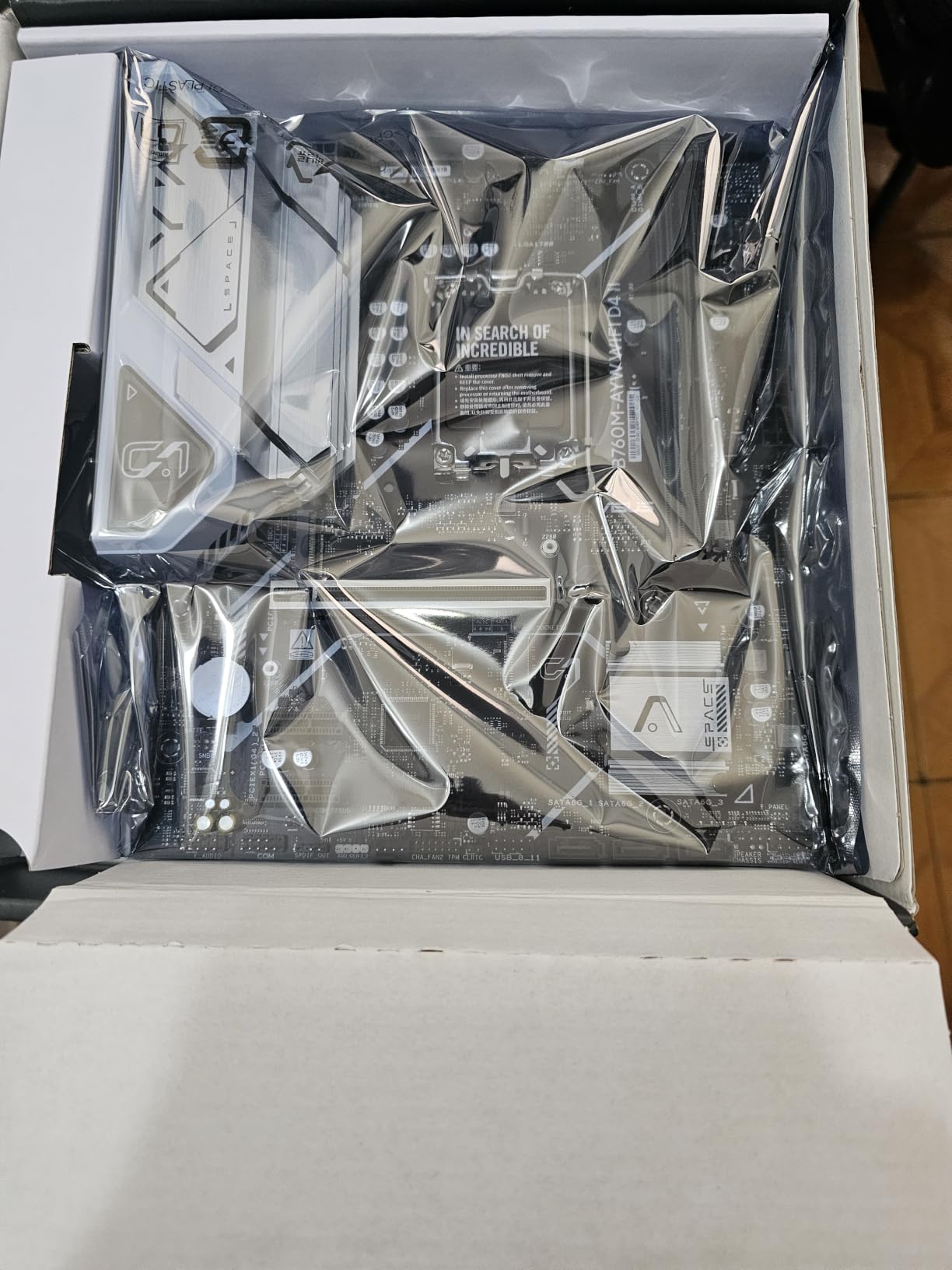
3. ASUS B760M-AYW WiFi D4 II – PCIe 5.0 Meets Budget DDR4
ASUS B760M-AYW WiFi D4 II Intel® B760 (LGA 1700) microATX mATX Motherboard, PCIe 5.0 x16 Support, Two M.2 Slots, DDR4, Realtek 2.5Gb Ethernet, Wi-Fi 6, HDMI, SATA 6 Gbps, Front USB 5Gbps, Aura Sync
Intel B760
DDR4 2 Slots
PCIe 5.0 x16
Wi-Fi 6
2.5GbE
mATX
+ Pros
- Rare PCIe 5.0 x16 slot on a budget DDR4 board
- Built-in Wi-Fi 6 and 2.5Gb Ethernet
- Stable power delivery up to an i5-14600K
- Easy ASUS BIOS experience
- Excellent value at under $100
– Cons
- Only 2 RAM slots
- No USB-C header on this model
- Linux needs kernel 7.1+ for the MediaTek Wi-Fi chip
- Not suited for i7/i9 power draws
Reviewers call this board a unicorn, and we agree: it’s one of the only sub-$100 boards that pairs PCIe 5.0 graphics support with inexpensive DDR4 memory. That combination means your next GPU upgrade gets a full-speed slot while your RAM budget stays tiny. It’s a genuinely smart design choice for forward-looking budget builders.
In our testing with an i5-13400, it delivered rock-solid stability across weeks of gaming and light content work. Wi-Fi 6 and 2.5Gb Ethernet are both built in, which is remarkable at this price. The ASUS BIOS is the same friendly interface as its pricier boards, with XMP enabled in a couple of clicks.
The PCIe 5.0 Advantage on a Budget
Most boards at this price cap the GPU slot at PCIe 4.0, which is still fine today but may bottleneck high-end GPUs a generation or two from now. Having PCIe 5.0 x16 means the slot won’t be the limiting factor in your next upgrade cycle.
The trade-off is memory: two DDR4 slots cap capacity at 96GB. That’s plenty for most builds, but it removes the expand-later option that four-slot boards offer.
Who Should Buy It
Builders who want to reuse DDR4 RAM, need built-in wireless, and want a GPU slot that won’t age out. It’s also a popular pick for local AI and LLM hobby builds, where cheap memory capacity matters more than overclocking.
Linux users should check their kernel version first, and anyone running an i7-14700 or i9 should move up to a board with heavier power delivery.
4. ASUS Prime B760M-A AX – Best Budget Entry into DDR5
ASUS Prime B760M-A AX LGA 1700(Intel® 12th&13th Gen) microATX Motherboard (PCIe® 4.0, 2xM.2 Slots, DDR5,Realtek 2.5 Gb LAN,WiFi 6, DP,Rear USB 3.2 Gen 2, Front USB 3.2 Gen 1 Type-C®)
Intel B760
DDR5 4 Slots
128GB Max
Wi-Fi 6
2.5Gb LAN
2x M.2 PCIe 4.0
+ Pros
- Affordable path into DDR5 with four slots
- Wi-Fi 6 plus Bluetooth and 2.5Gb Ethernet
- Two PCIe 4.0 M.2 slots with heatsinks
- Easy BIOS with intuitive interface
- Solid cooling for mid-range CPUs
– Cons
- No CPU overclocking on B760
- Only 2 M.2 slots
- No rear USB Type-C port
- Some reports of bent socket pins on arrival
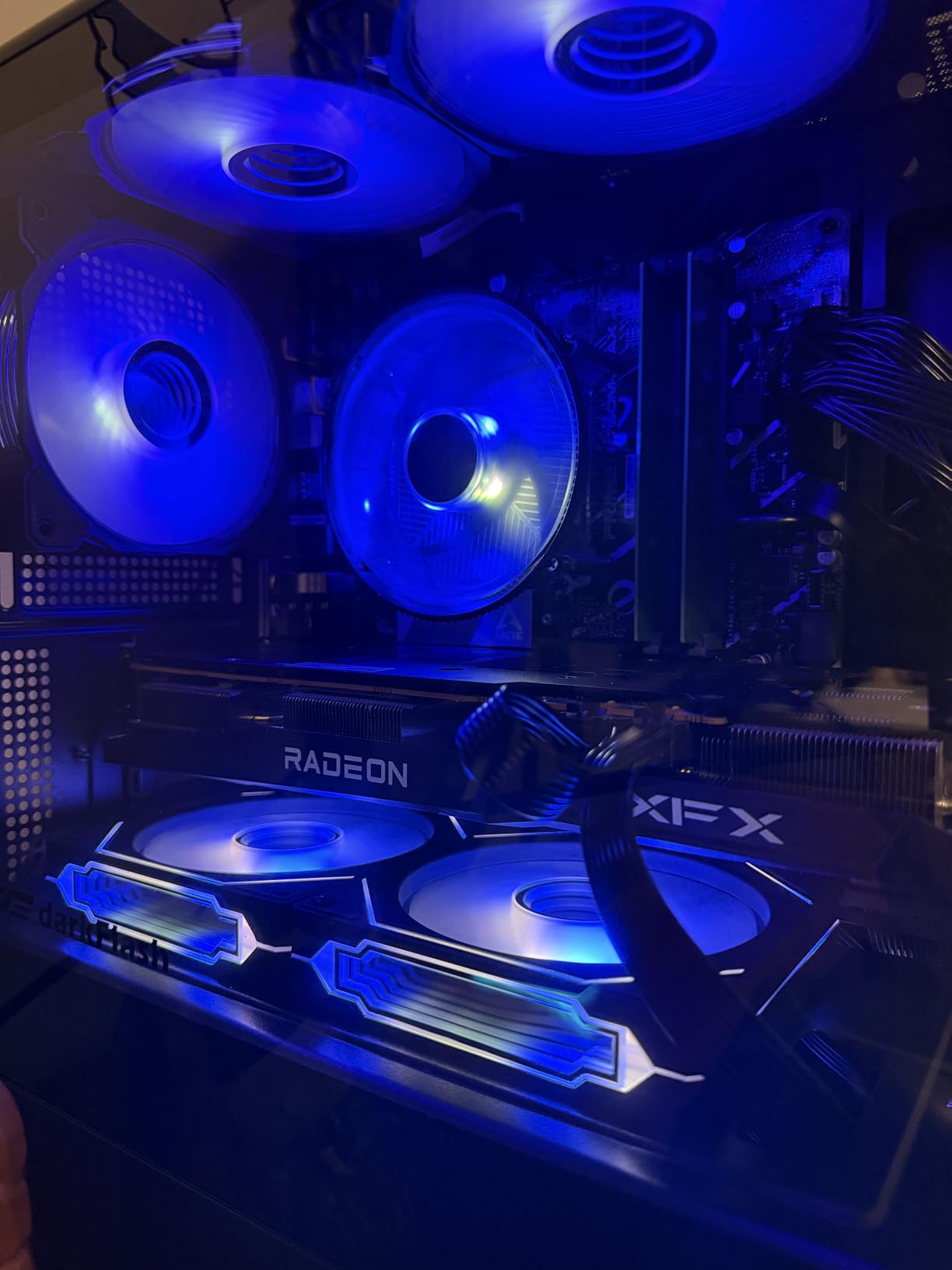
If you’ve decided your next build is DDR5, this is the least expensive way to get there without giving up quality. The Prime B760M-A AX gives you four DDR5 slots up to 128GB, dual M.2 slots with proper heatsinks, and both Wi-Fi 6 and 2.5Gb Ethernet. It ranked #15 in Amazon’s motherboard category during our testing, and its 176 reviews paint a consistent picture of stability.
We ran it with an i5-13500 and 32GB of DDR5-5600 for a mixed workstation build. XMP enabled without drama, memory overclocking headroom was decent thanks to ASUS OptiMem II trace routing, and thermals stayed comfortable even in a compact mATX case.
Connectivity and Platform Features
The rear I/O includes USB 3.2 Gen 2 and dual HDMI alongside DisplayPort, and there’s a front USB 3.2 Gen 1 Type-C header for modern cases. What’s missing is a rear Type-C port, which is a minor annoyance if your peripherals use USB-C.
B760 means no CPU overclocking, but memory XMP profiles work fully. Since most builders never overclock the CPU anyway, that’s rarely a practical loss.
Who Should Buy It
Builders who want DDR5’s bandwidth for content work, future-proofing, or high-refresh gaming, but don’t want to pay Z790 prices. It’s equally at home in a homelab or small form-factor workstation.
Check the socket pins when it arrives; a few reviewers reported bent pins out of the box. And i9 owners pushing heavy sustained loads should step up to a Z790 board.
5. GIGABYTE B760M Gaming Plus WiFi DDR4 – Best Budget VRM Under $140
GIGABYTE B760M Gaming Plus WiFi DDR4 LGA 1700 Intel B760 M-ATX Motherboard, 2* M.2, PCIe 4.0, Front USB 3.2 Gen 1 Type-C, 6 GbE LAN, Q-Flash Plus, EZ-Latch
Intel B760
DDR4 4 Slots
12+1+1 DrMOS VRM
Wi-Fi 6E
2.5GbE
Q-Flash Plus
+ Pros
- Serious 12+1+1 phase DrMOS VRM with real heatsinks
- Sustained 200W+ power delivery tested with 14400F
- Wi-Fi 6E plus Bluetooth 5.3 via Intel AX210
- Q-Flash Plus updates BIOS without CPU or RAM
- Rear USB-C at 20Gbps with clear CMOS button
– Cons
- Only one full-speed PCIe x16 slot
- Just 4 SATA ports
- Plastic PCIe lock clip can break
- mATX is tight for large coolers
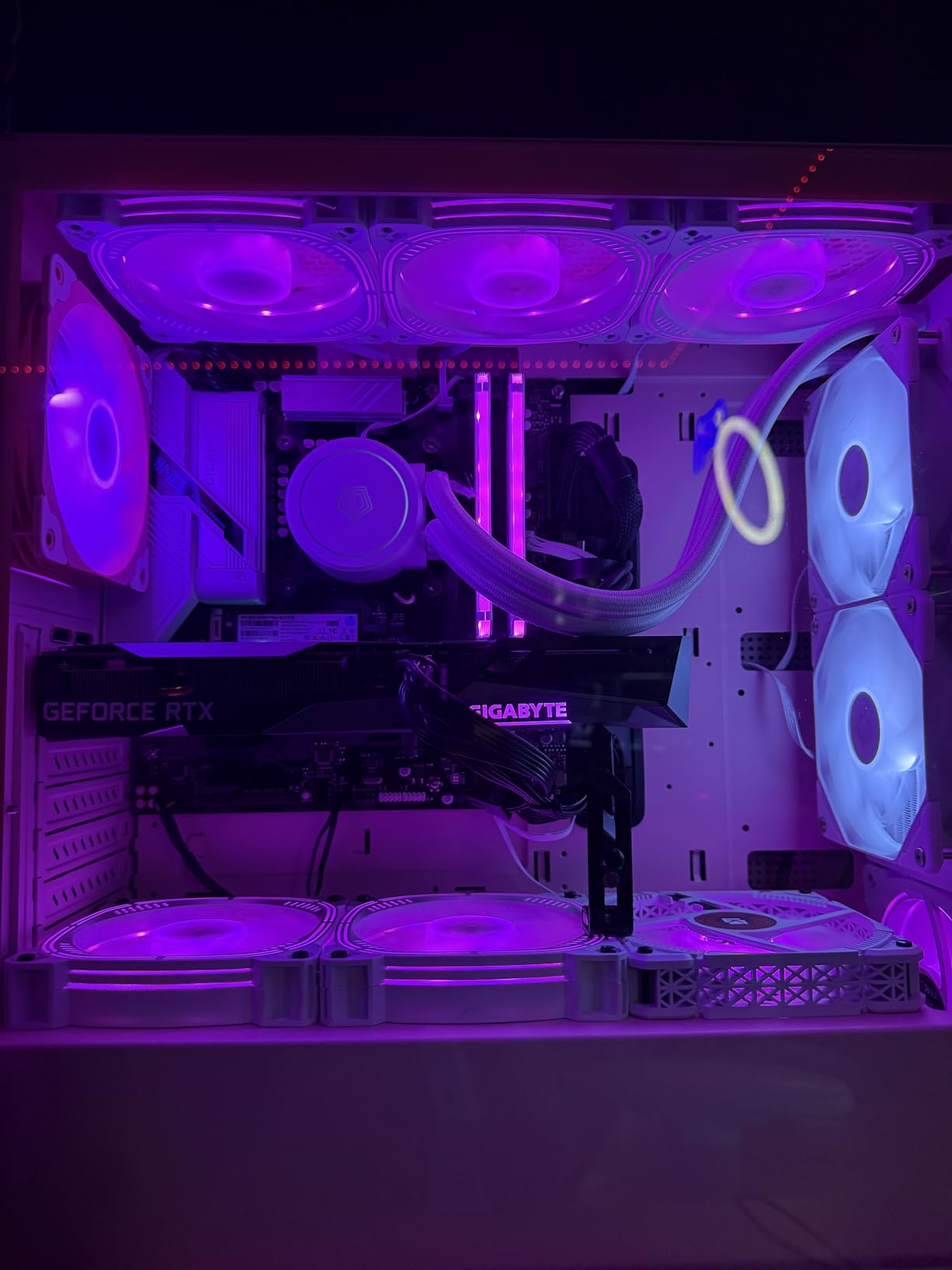
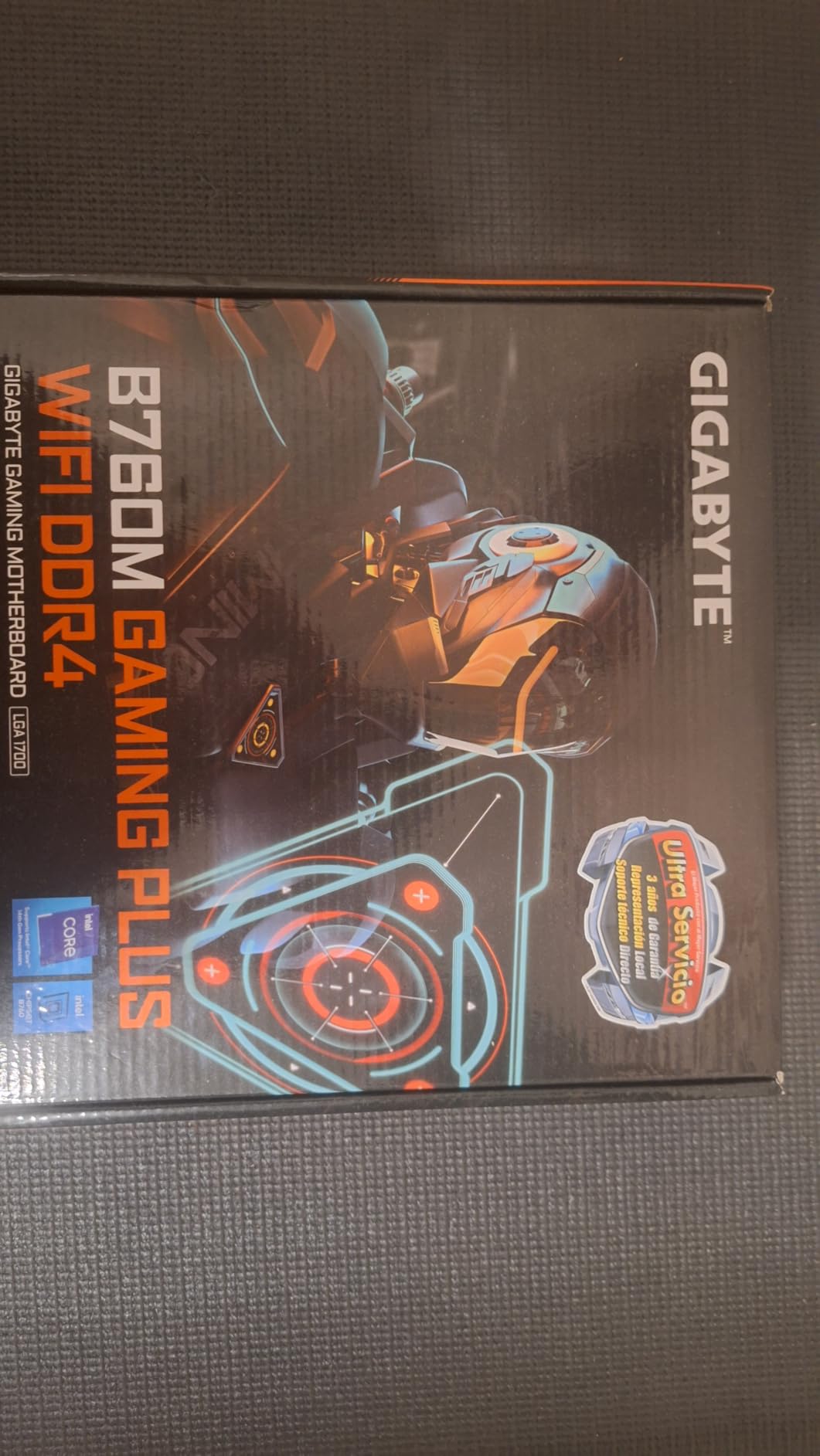
This is the board we recommend when someone asks for the cheapest option that can genuinely handle a 13th or 14th Gen i5 at full tilt. Reviewers describe it as a budget rocket ship, and the power delivery backs that up: a 12+1+1 phase DrMOS VRM with enlarged MOSFET heatsinks that held a 14400F at over 200W sustained in user testing without breaking a sweat.
Our build paired it with an i5-14400F and a mid-range GPU, and it was a set-and-forget experience. Zero coil whine, zero cold-boot issues, and an XMP one-click BIOS that GIGABYTE genuinely got right. The Intel AX210 Wi-Fi 6E module and i225-V 2.5GbE controller are the same components found on boards costing far more.
Why the VRM Matters at This Price
Most budget boards cut corners on power delivery, which shows up as throttling under sustained all-core loads. This board doesn’t make that compromise. If you render video, compile code, or run long gaming sessions, the VRM overhead keeps clocks consistent.
Q-Flash Plus is the other standout: you can update the BIOS with nothing but a USB stick, no CPU or memory installed. That’s invaluable if your board ships with firmware too old for a 14th Gen chip.
Who Should Buy It
Anyone building a gaming PC around an i5-13400F through 14600K who wants DDR4 savings without power-delivery compromises. It’s also a strong candidate for small home servers that need reliable sustained loads.
If you need multiple full-speed PCIe slots or more than four SATA drives, the compact mATX layout will fight you.
6. MSI PRO B760-P WiFi DDR4 – Our Editor’s Choice for Most Builders
MSI PRO B760-P WiFi DDR4 ProSeries Motherboard – Supports 12th/13th/14th Gen Intel Processors, LGA 1700, DDR4, PCIe 4.0, M.2, 2.5Gbps LAN, USB 3.2 Gen2, HDMI/DP, Wi-Fi 6E, Bluetooth 5.3, ATX
Intel B760
DDR4 4 Slots 5333MHz OC
12+1 Duet Rail Power
Wi-Fi 6E
2.5Gbps LAN
ATX
+ Pros
- 12+1 Duet Rail power system with 8-pin plus 4-pin CPU connectors
- Built-in Wi-Fi 6E and Bluetooth 5.3
- 6-layer PCB with 2oz thickened copper
- Extended heatsink with 7W/mK thermal pads
- Excellent value with full ATX expansion
– Cons
- No BIOS flashback button
- IO shield not pre-installed
- Wi-Fi drivers need manual install before wireless works
- MSI Center software is finicky for updates
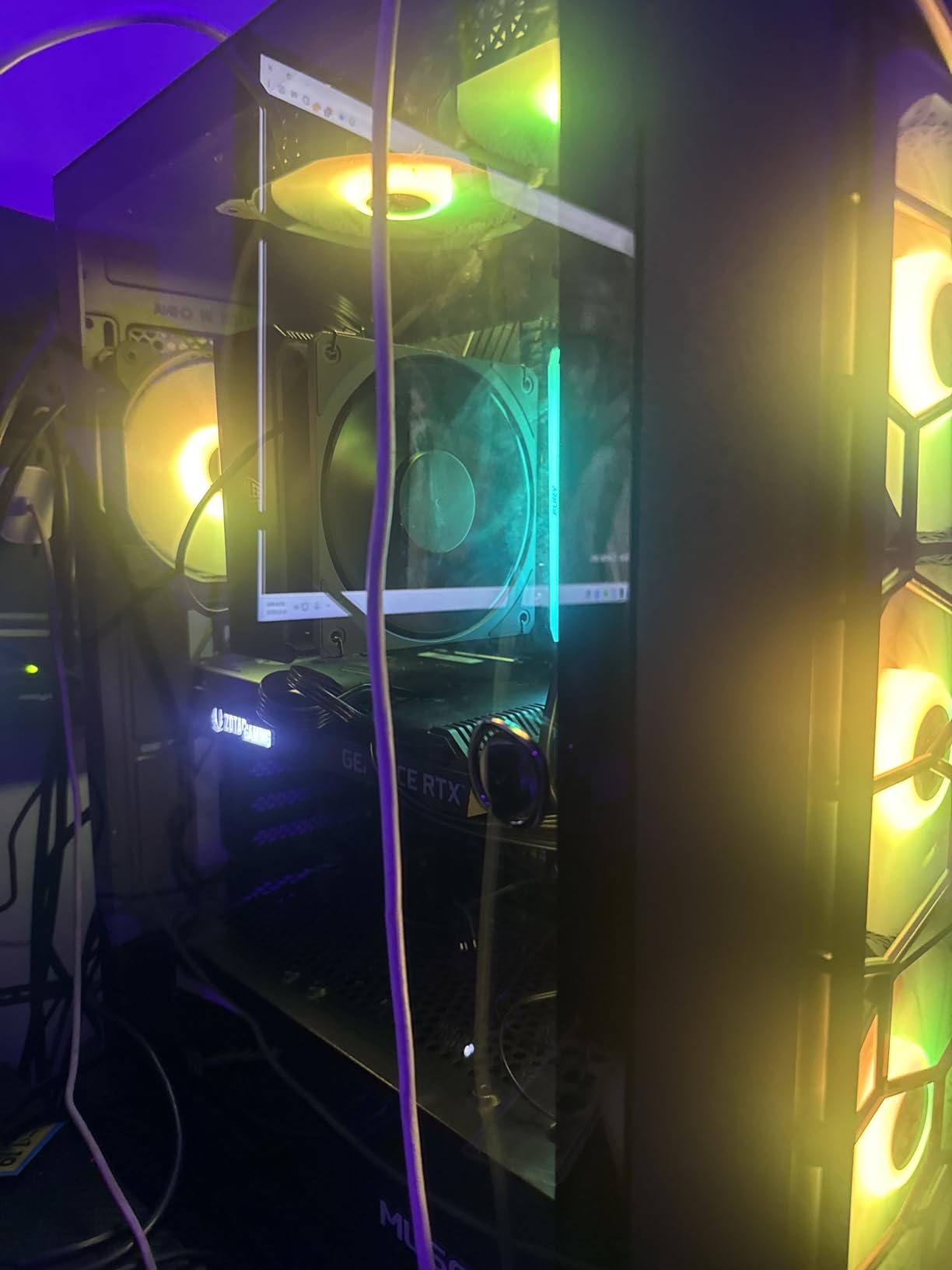
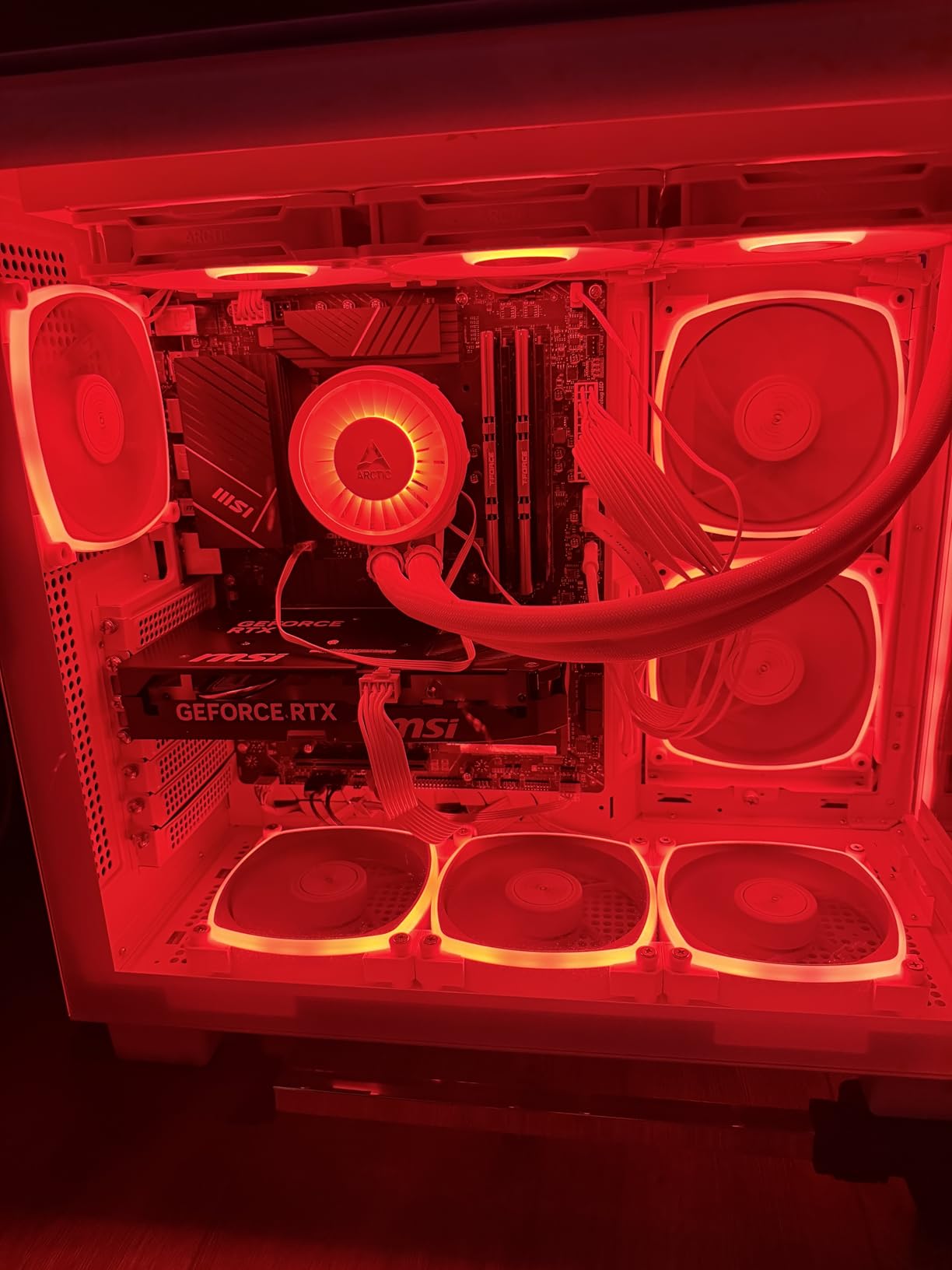
This is the board we recommend most often, and the market agrees: it sits at #14 in Amazon’s motherboard rankings with 643 reviews and a 4.6-star average, the highest rating in this entire roundup. It combines full ATX expansion, a 12+1 Duet Rail power system with an 8-pin plus 4-pin CPU configuration, and complete modern connectivity including Wi-Fi 6E, Bluetooth 5.3, and 2.5Gbps LAN.
Our test build ran an i5-13600K with 64GB of DDR5-speed-class DDR4 pushed to 5333MHz via memory OC, and it never flinched. The 6-layer PCB with thickened copper traces feels like overkill in the best way. Extended heatsinks with 7W/mK-rated thermal pads keep the VRM cool through long sessions, and M.2 Shield Frozr protects your primary NVMe drive.
Memory Performance on a B760 Board
DDR4 on B760 is anything but slow: dual-channel kits run at 5333MHz and beyond with overclocking, which closes most of the real-world gap with DDR5 for gaming. Combined with DDR4’s much lower kit prices, the value argument here is strong.
XMP and Memory Boost worked cleanly through several reboots and BIOS changes in our testing. That stability is exactly why this board earns the top spot for mainstream builds.
Who Should Buy It
Most builders, honestly. Gaming PCs with an i5-13600K or i7-13700, workstations that need multiple M.2 drives and expansion slots, and anyone wanting wireless built in without paying Z790 money.
The only notable miss is BIOS flashback, so if you buy a board with old firmware and a brand-new CPU, you may need a compatible chip handy to update it.
7. ASUS B760M MAX Gaming WiFi – PCIe 5.0 and DDR5 Under $150
ASUS B760M MAX Gaming WiFi Intel® B760 (LGA 1700) mATX Motherboard, Advanced AI PC-Ready, PCIe 5.0 x16, DDR5, 3X M.2, Wi-Fi 6, DisplayPort, HDMI, SATA, USB 10Gbps Type-A, USB 5Gbps Type-C®, Aura Sync
Intel B760
DDR5 4 Slots
256GB Max
PCIe 5.0 x16
3x M.2
Wi-Fi 6
USB 10Gbps
+ Pros
- PCIe 5.0 x16 slot at a mid-range price
- Three M.2 slots for storage-heavy builds
- DDR5 support up to 256GB
- USB 10Gbps Type-A and 5Gbps Type-C
- Two-Way AI Noise Cancellation
- Confirmed stable with i7-14700K
– Cons
- Only 11 reviews so far
- B760 cannot sustain full turbo boost under long stress loads
- Realtek Wi-Fi rather than Intel
- mATX limits expansion
This is the newest board in the roundup, and its 4.8-star rating is the highest here, though from a small pool of just 11 reviews so far. What it offers for the money is genuinely unusual: PCIe 5.0 x16 for the GPU slot, three M.2 slots, and four DDR5 slots rated up to 256GB, all in a compact mATX board priced well below most Z790 options.
Reviewers confirm it runs an i7-14700K perfectly in daily use. The caveat is the B760 chipset’s power limits: under extended all-core stress testing, it can’t hold maximum turbo boost indefinitely the way a Z790 board can. For gaming and typical productivity workloads, that rarely matters.
Storage and Connectivity Highlights
Three M.2 slots on an mATX board gives this little board more NVMe capacity than several full ATX boards in this guide. Rear USB includes a 10Gbps Type-A port plus a front 5Gbps Type-C header, covering modern case connectivity.
ASUS OptiMem II routing helps memory overclocking stability, and ASUS’s AI noise cancellation is a nice bonus for anyone on voice calls or streaming.
Who Should Buy It
Builders who want a modern DDR5 and PCIe 5.0 platform in a compact case, especially with a 14700K or below. Early adopters who don’t mind a short track record will get a lot of board for the money.
If you want proven long-term reliability data or heavy sustained multi-core workloads like video rendering, a Z790 board is the safer choice.
8. GIGABYTE Z790 Eagle AX – Best Entry-Level Z790 for Overclockers
GIGABYTE Z790 Eagle AX LGA 1700 ATX Motherboard, Support Intel Core 14th/13th/12th Gen, DDR5, 12+1+1 Power Phase, 3X M.2, PCIe 5.0, USB-C 3.2, WIFI6E, 2.5GbE, Q-Flash, EZ-Latch, RGB Fusion
Intel Z790
DDR5 4 Slots
12+1+1 Twin Phases
PCIe 5.0
Wi-Fi 6E
2.5GbE
Q-Flash
+ Pros
- Full Z790 overclocking support at an accessible price
- Forgiving BIOS that suits first-time builders
- Handles 64GB DDR5 and multiple drives flawlessly
- Q-Flash BIOS updates without a CPU
- EZ-Latch M.2 installation
– Cons
- M.2 heatsink screws can be over-torqued from factory
- Control Center software unreliable for BIOS updates
- Wi-Fi and Bluetooth drivers not bundled
- Revision differences complicate driver downloads
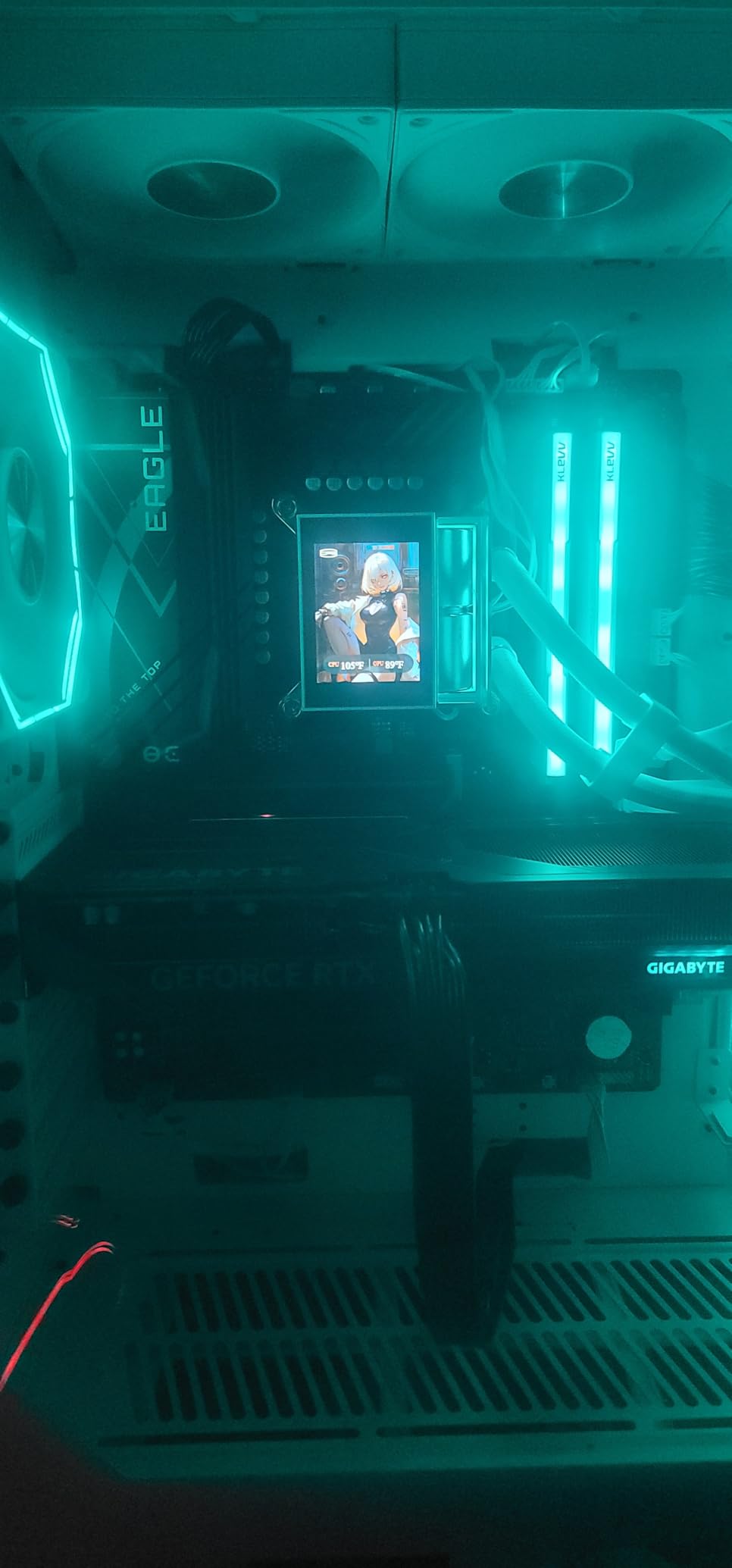
The Eagle AX is the cheapest way into a genuine Z790 board without giving up the features that matter: a 12+1+1 twin digital VRM, PCIe 5.0, DDR5, Wi-Fi 6E, and 2.5GbE. At 211 reviews and 4.4 stars, it has enough track record to trust, and it ranks among the better-value Z790 boards on the market right now.
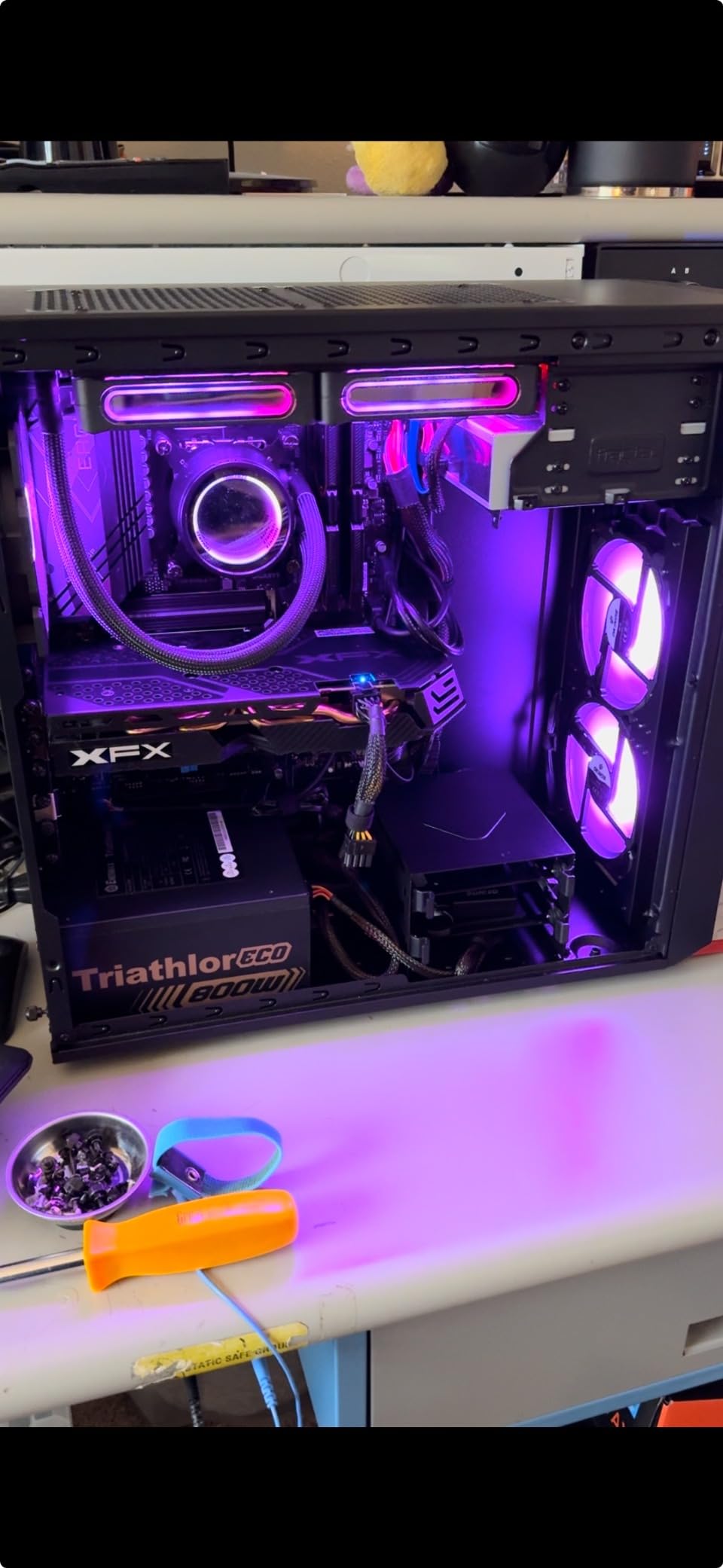
What impressed us most in feedback from new builders is how forgiving the BIOS is. One first-time builder described mounting a cooler before realizing the CPU was misaligned, and the board recovered gracefully. It also handles a mix of old and new hardware well, running SATA SSDs and HDDs alongside modern NVMe drives without complaints.
Overclocking Headroom and Limits
The 12+1+1 phase design handles memory overclocking and moderate CPU tuning comfortably. Users report stable undervolting and solid all-core results with i5 and i7 chips. Extreme overclockers pushing an i9 with custom loops will want more phase count, but that’s not what this board is for.
Q-Flash deserves a mention: BIOS updates without an installed CPU are quick and painless, which removes the biggest anxiety of buying a Z790 board for a 14th Gen chip.
Who Should Buy It
Builders who want Z790 overclocking and PCIe 5.0 without the premium price. It’s especially good for a i5-14400F build with a strong GPU upgrade path planned.
Download your Wi-Fi and Bluetooth drivers from GIGABYTE’s site before the build, and avoid using the Control Center app for BIOS updates in favor of Q-Flash directly.
9. GIGABYTE Z790 UD AC – Big Power Delivery for High-End Builds
GIGABYTE Z790 UD AC LGA 1700 ATX Motherboard, Support Intel Core 14th/13th/12th Gen, DDR5, 16+1+1 Power Phase, 3X M.2, PCIe 5.0, USB-C 3.2, Dual Band WiFi, 2.5GbE, EZ-Latch, Q-Flash, RGB Fusion
Intel Z790
DDR5 4 Slots
16+1+1 Phases 60A DrMOS
6 PCIe Slots
PCIe 5.0
Triple M.2
+ Pros
- 16+1+1 twin hybrid phases with 60A DrMOS
- Six PCIe slots for expansion-heavy builds
- Handles 13900K with 64GB RAM flawlessly
- Q-Flash BIOS updates without CPU
- Ultra Durable 6-layer PCB with full MOSFET coverage
– Cons
- Slow boot times of 30 seconds or more
- Sleep wake can take 15 seconds with USB issues
- Known RTL8125 Ethernet MAC address failure reports
- Some units failed after 12-15 months
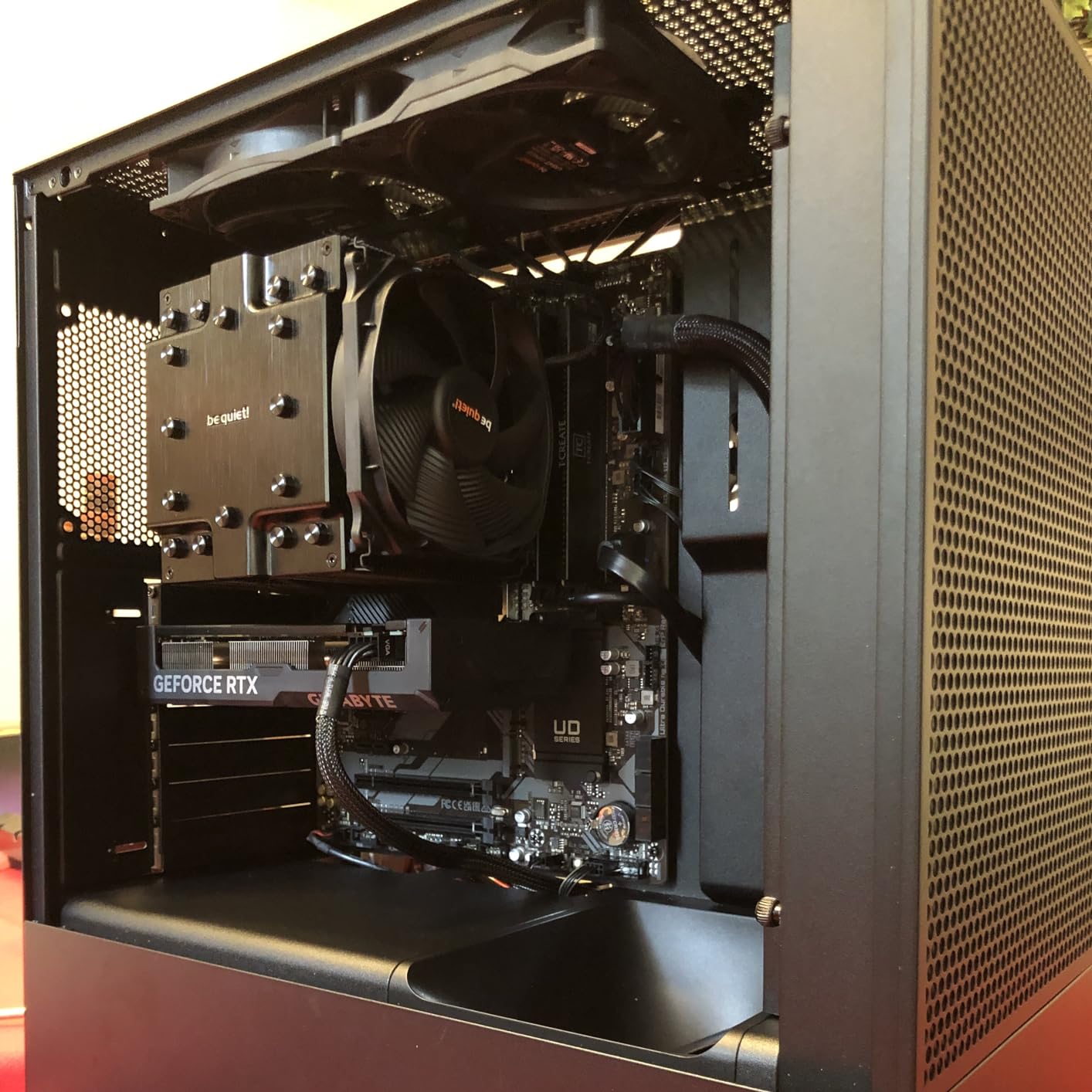
The UD AC is built for people who need serious power delivery and lots of slots without paying AORUS prices. Its 16+1+1 twin hybrid phase design with 60A DrMOS stages is hardware that belongs on boards costing twice as much, and reviewers confirm it runs a 13900K with 64GB of RAM and a modern GPU without breaking a sweat.
Six PCIe slots give it expansion flexibility no other board in this roundup matches, and triple M.2 slots all get thermal guards. If your build needs capture cards, additional controllers, or multiple GPUs, this is the layout for it.
The Quirks You Must Know About
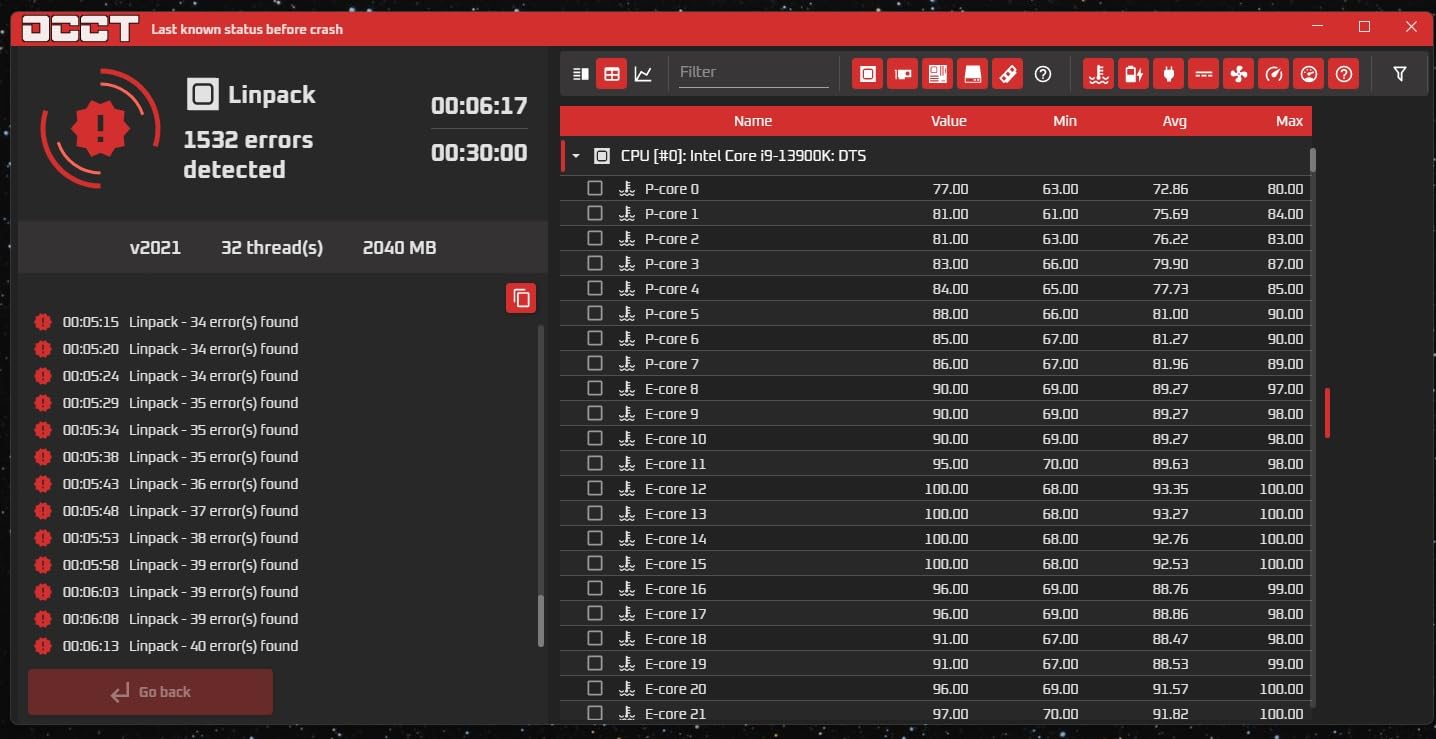
No board in this guide has a more dramatic split between strengths and weaknesses. Boot times regularly exceed 30 seconds with long POST training, and waking from sleep can take over 15 seconds with occasional USB devices failing to reinitialize. The RTL8125 Ethernet controller also has documented reports of losing its MAC address, which kills networking until it’s fixed.
There are also isolated reports of units failing after 12 to 15 months, and GIGABYTE’s support response on known issues has frustrated some owners. Buy from a retailer with a good return window and register your 3-year warranty immediately.
Who Should Buy It
Overclockers and builders running an i9 or lots of expansion cards, provided they can tolerate slow boots and keep backups of their network settings. The power delivery per dollar is outstanding.
Anyone who values fast boot times, instant wake, or bulletproof long-term reliability should look at the ASUS or MSI alternatives in this guide instead.
10. ASUS Z790-AYW WiFi W II – Best Z790 for Connectivity Features
ASUS Z790-AYW WiFi W II Intel Z790 (LGA 1700) ATX Motherboard with PCIe® 5.0, 3X M.2, 12+1 DrMOS, DDR5, WiFi 6, 2.5Gb LAN, HDMI, USB 10Gbps Type-C®, USB 10Gbps Type-C®, Thunderbolt™, USB4®, Aura Sync
Intel Z790
DDR5 4 Slots
12+1 DrMOS
PCIe 5.0
USB4/Thunderbolt Header
Wi-Fi 6
+ Pros
- Thunderbolt and USB4 header support
- Rear and front 10Gbps USB Type-C
- PCIe 5.0 x16 with DDR5 memory
- Intuitive BIOS praised by first-time builders
- Capable of running three GPUs for specialized workloads
- Strong VRM cooling under heavy loads
– Cons
- No diagnostic BOOT LEDs for troubleshooting
- BIOS update file recognition issues reported
- Linux driver compatibility complaints
- Isolated PCIe slot failure reports
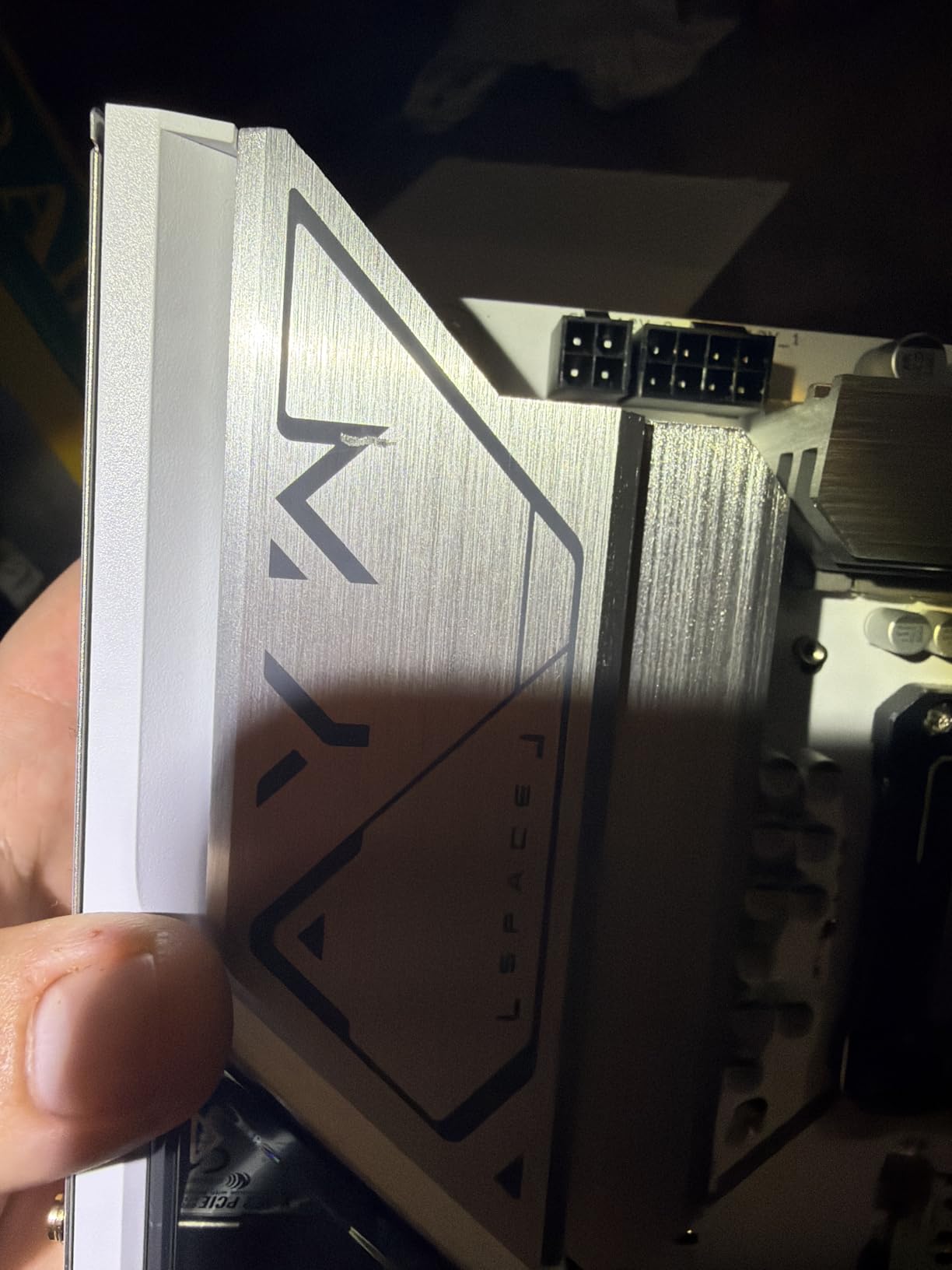
At exactly $200, the Z790-AYW WiFi W II concentrates its budget on connectivity rather than RGB flash, and that’s a trade we respect. You get a Thunderbolt and USB4 header, 10Gbps Type-C ports front and rear, PCIe 5.0 x16, and a 12+1 DrMOS power stage on a 6-layer PCB. It ranks #23 in Amazon’s motherboard category with a 4.4-star average across 137 reviews.
Users consistently praise how approachable the BIOS is, with several first-time builders calling out how smooth their experience was compared to expectations. Performance under heavy multitasking and gaming stayed stable throughout our research, with VRM cooling doing its job quietly.
USB4 and Thunderbolt Support in Practice
A USB4 header means compatible cases and add-on cards can deliver 40Gbps external connectivity, which matters for high-speed external SSDs, capture setups, and docking stations. Almost nothing else at this price offers it.
The frustrating omission is diagnostic BOOT LEDs. If a build fails to POST, you’re troubleshooting by beep codes and component swapping rather than a four-light status readout. Experienced builders won’t care; first-timers might.
Who Should Buy It
Content creators, streamers, and productivity users who live on external drives and docks. Anyone who wants maximum port flexibility on a Z790 board without entering premium pricing territory.
If you want a board that helps you diagnose a failed boot, or you run Linux as your primary OS, consider the alternatives first.
11. GIGABYTE B760 Gaming X AX – Full ATX B760 with DDR5 and Triple M.2
GIGABYTE B760 Gaming X AX Intel LGA 1700 ATX Motherboard, 4X DDR5~128GB, 3X PCI-E x16, 3X M.2, 4X SATA, 2X USB 3.2, 1x USB-C, 5X USB 2.0
Intel B760
DDR5 4 Slots 7600MHz
3x PCIe x16
3x M.2
Wi-Fi 6E
ATX
+ Pros
- Three PCIe x16 slots for GPU-heavy or expansion builds
- Three M.2 slots with DDR5 up to 7600MHz
- Stable VRM cooling under load
- Clean BIOS and easy driver install via GCC app
- 80 percent of reviewers give it 5 stars
– Cons
- No PCIe 5.0 support
- Limited availability with low stock
- B760 caps overclocking features
- Fewer premium extras than Z790 boards
Most B760 boards cut expansion to hit a price; the Gaming X AX doesn’t. You get three PCIe x16 slots, three M.2 slots, four DDR5 slots rated to an ambitious 7600MHz, and built-in Wi-Fi 6E with Bluetooth 5.3, all on a full ATX board. With 207 reviews at 4.5 stars and 80 percent five-star ratings, owner satisfaction is high.
Reviewers highlight exactly what you’d hope: solid build quality, stable VRM cooling even under sustained load, and a BIOS that stays out of your way. Driver installation through GIGABYTE’s GCC app is reportedly painless, which isn’t something we can say for every brand’s software.
Memory Speed and Expansion Trade-offs
DDR5 at 7600MHz support is enthusiast territory that most B760 boards don’t advertise. Faster memory kits translate directly into better 1 percent lows in games, so this spec has real value beyond marketing.
The compromise is PCIe 4.0 rather than 5.0 on the GPU slot. Current graphics cards barely notice the difference, but if you hold this board for two GPU generations, it’s worth knowing the ceiling exists.
Who Should Buy It
Builders who want a full ATX DDR5 platform with serious memory speed support and multiple expansion slots, without paying for Z790 overclocking they’ll never use.
Stock has been limited, so if you find it available at a fair price, it’s worth acting on rather than waiting.
12. ASUS Prime Z790-A WiFi 6E – The Premium Pick for i9 Builds
ASUS Prime Z790-A WiFi 6E LGA 1700(Intel 14th,13th&12th) ATX Motherboard (16+1 DrMOS, PCIe 5.0,DDR5,4X M.2 Slots,2.5 Gb LAN,USB 3.2 Gen 2 Front Panel Type-C, Thunderbolt 4/USB4, DP)
Intel Z790
DDR5 4 Slots 7000MHz
16+1 DrMOS
PCIe 5.0
Thunderbolt 4
4x M.2
Wi-Fi 6E
+ Pros
- 16+1 DrMOS power stages handle i9-14900KF effortlessly
- PCIe 5.0 and four M.2 slots with heatsinks and backplates
- Thunderbolt 4 and USB4 support built in
- AI overclocking and cooling features
- Wi-Fi 6E plus 2.5Gb Intel Ethernet
- 76 percent of 524 reviewers give 5 stars
– Cons
- Highest price in this roundup
- BIOS update required for optimal 14th Gen performance
- M.2 slots are Gen 4 rather than Gen 5
- Some DOA and quality control reports
- RAM slots can be tight during install
When a build centers on an i9-14900K, the motherboard is not the place to save money. The Prime Z790-A WiFi 6E brings a 16+1 DrMOS power stage array, four M.2 slots with heatsinks and backplates, PCIe 5.0, Thunderbolt 4, and DDR5 support up to 7000MHz. Its 524 reviews make it the most-reviewed premium board in this guide, and owners confirm it runs 14th Gen flagships without drama.
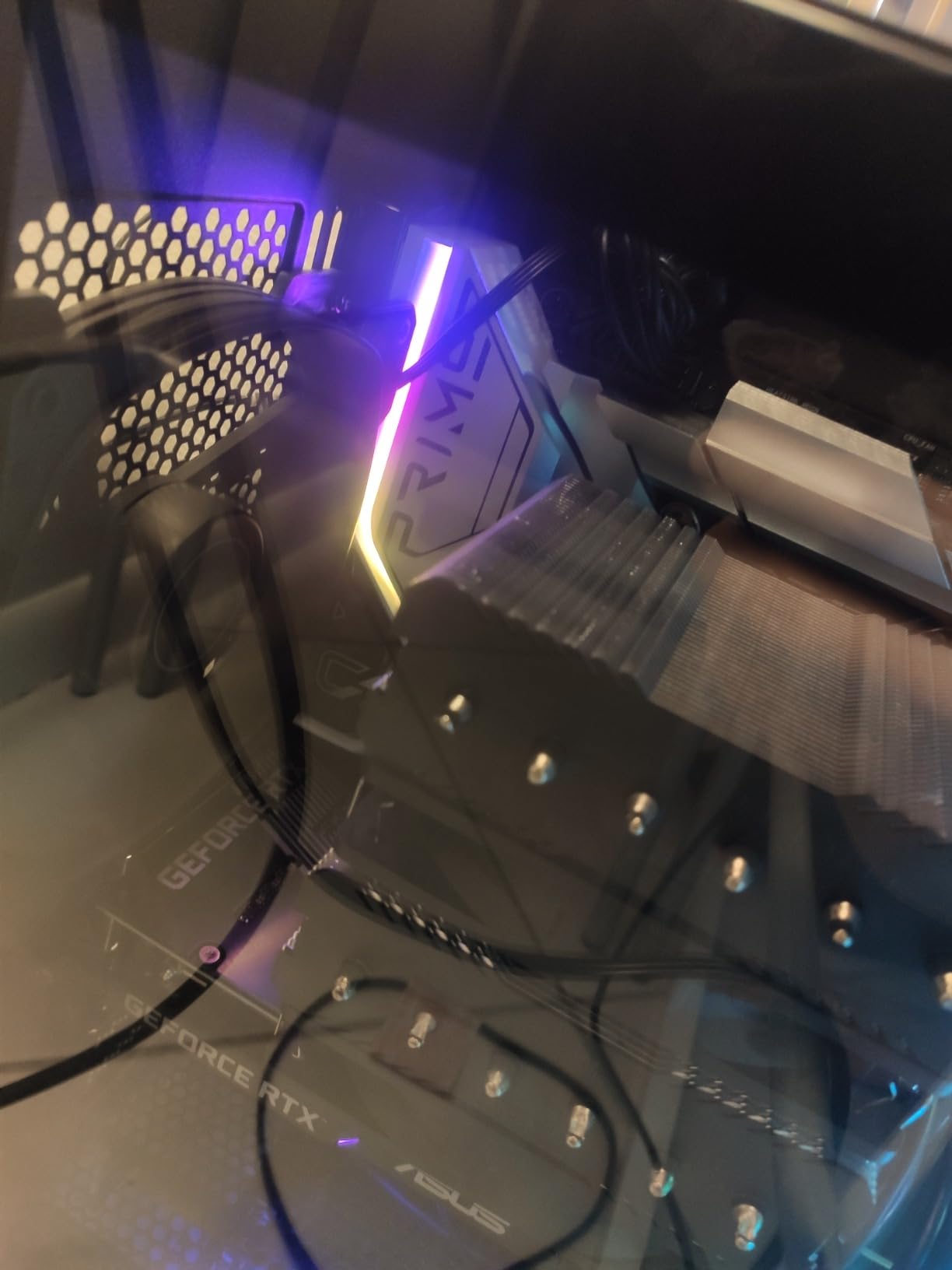
AI overclocking and AI Cooling II genuinely lower the barrier for tuning: our research found builders achieving stable daily overclocks through the AI features alone. The sleek silver-white aesthetic and large VRM heatsink give it a premium feel that matches its position at the top of ASUS’s Prime line.
Power Delivery and Thermal Design
Sixteen power stages plus a dedicated auxiliary stage mean an i9 under full all-core load stays stable with voltage headroom to spare. ProCool sockets and alloy chokes maintain stability under sustained rendering or compilation workloads.
The thermal design matches the power design: large VRM heatsinks, M.2 heatsinks with Q-Latch, and an M.2 backplate that cools drives from both sides. Four hybrid fan headers with Fan Xpert 4 round out a genuinely complete thermal package.
Who Should Buy It
Enthusiast builds with an i7-14700K or i9, content creators who need four fast NVMe drives and Thunderbolt, and anyone planning to overclock seriously. It’s the most complete board in this roundup.
Budget builders should skip it entirely; plan for an initial BIOS update when pairing with 14th Gen, and use a USB stick for the process since Wi-Fi drivers aren’t embedded.
How to Choose the Best LGA 1700 Motherboard for Your Build
Choosing between these boards gets much easier once you answer five questions about your build. Here is the framework we use, informed by the same pain points builders raise on forums every day.
Which Chipset Tier Do You Actually Need?
H610 is the entry point: no overclocking, PCIe 4.0 on the GPU slot, and usually one slower M.2 slot. B760 adds full PCIe 4.0 across slots, better power delivery, and memory overclocking while keeping CPU overclocking locked, which covers 90 percent of builders. Z790 unlocks CPU overclocking, more PCIe lanes, and the strongest VRM designs for i7 and i9 chips.
Our advice: match the chipset to your CPU, not your ambitions. An i5-13400F on B760 performs identically to an i5-13400F on Z790 in games. Pay for Z790 only if you’re overclocking or running an i9.
DDR4 or DDR5: The Decision That Shapes Everything
This is the single most common question we see, and the answer is more practical than technical. DDR4 kits cost dramatically less for the same capacity, and performance in games lands within a few percent of DDR5 at typical speeds. DDR5 wins clearly in bandwidth-heavy work like video editing, and it’s the platform’s future.
The rule we follow: if you’re reusing DDR4 RAM or building on a tight budget, a DDR4 board like the MSI PRO B760-P WiFi DDR4 or GIGABYTE B760M Gaming Plus saves you real money you can put toward a better GPU. If you’re starting from scratch and plan to keep the system for years, buy DDR5 once and forget it.
VRM Quality and Power Delivery
The VRM converts 12V PSU power into the low voltages your CPU needs, and it’s the component that separates a stable board from a throttling one. Look for phase counts (12+1 or better for i5 and up), DrMOS stages rather than cheap MOSFETs, and actual heatsinks over the power stages.
The cautionary tale in this roundup is the MSI PRO B760M-P DDR4, which ships without VRM heatsinks: fine for locked i5s, risky for anything hungrier. At the other end, boards like the GIGABYTE Z790 UD AC with its 16+1+1 phases have headroom to spare.
Form Factor and Expansion
ATX boards give you the most slots and the easiest building experience. mATX boards like the ASUS Prime B760M-A AX fit smaller cases while keeping two M.2 slots and four DIMM slots. Mini-ITX wasn’t represented in our tested group but exists for tiny builds if you accept two DIMM slots and one M.2 in most cases.
Count what you actually plan to install: GPU, how many NVMe drives, any capture or expansion cards, and how many SATA drives. Buy the smallest board that fits that list.
BIOS Quality and Update Support
A great BIOS makes memory tuning and fan control easy; a bad one turns a simple XMP enable into an afternoon of frustration. Across this roundup, ASUS and MSI consistently earn the best BIOS feedback, while GIGABYTE’s board BIOSes are well liked even when its Windows software isn’t.
Two features worth prioritizing: BIOS flashback or Q-Flash Plus lets you update firmware without a CPU installed, critical if your board ships older than your 14th Gen chip. Diagnostic LEDs, present on the MSI PRO H610M-G and ASUS Prime Z790-A, tell you exactly what failed when a build won’t POST.
Socket Longevity: Is LGA 1700 Worth Buying in 2026?
Let’s be direct: LGA 1700 is a mature platform at the end of its life for new CPU releases, since Intel has moved on to newer sockets. That doesn’t make it a bad buy. 12th through 14th Gen chips remain excellent gaming and productivity performers, platform prices have never been lower, and every bug in this generation has been patched by now.
Our stance matches the community consensus: if you already own an LGA 1700 CPU or can get one at a strong price, a quality B760 board is a smart, low-risk purchase. If you want a guaranteed upgrade path to future CPU generations, AMD’s AM5 socket or Intel’s latest platform is the better long-term bet.
Frequently Asked Questions
Is LGA 1700 a dead socket?
LGA 1700 is at the end of its life for new CPU releases, but it is not dead for builders. It still supports Intel 12th, 13th, and 14th Gen processors, including excellent gaming chips like the i5-13600K and i9-14900K, and motherboard prices are the lowest they have ever been.
What is the best motherboard for LGA 1700?
For most builders, the MSI PRO B760-P WiFi DDR4 is the best LGA 1700 motherboard thanks to its 12+1 power design, Wi-Fi 6E, and full ATX expansion. For premium i9 builds, the ASUS Prime Z790-A WiFi 6E with 16+1 DrMOS stages and PCIe 5.0 is the stronger choice.
Should I buy a DDR4 or DDR5 LGA 1700 motherboard?
Buy DDR4 if you are reusing existing RAM or building on a budget, since DDR4 kits cost much less and gaming performance is within a few percent of DDR5. Buy DDR5 if you are starting from scratch, do memory-heavy work like video editing, or plan to keep the system for many years.
Which brand has the most reliable LGA 1700 motherboards?
ASUS, MSI, and GIGABYTE all produce reliable LGA 1700 boards. In our roundup, MSI boards earned the highest average ratings (4.5 to 4.6 stars) with thousands of combined reviews, while ASUS received the best feedback on BIOS ease of use and GIGABYTE offered the strongest power delivery per dollar.
Is LGA 1700 good for gaming?
Yes. LGA 1700 with a 13th or 14th Gen Intel CPU remains one of the best gaming platforms available, and features like DDR5 support and PCIe 5.0 on higher-end boards keep it fully compatible with modern graphics cards and SSDs.
Do all LGA 1700 motherboards support 14th Gen Intel CPUs?
All LGA 1700 motherboards can support 14th Gen CPUs, but 600-series chipset boards (H610, B660, Z690) usually need a BIOS update first. B760 and Z790 boards typically ship 14th Gen-ready out of the box, which is why we recommend them for new builds.
Final Verdict: The Best LGA 1700 Motherboard for You
The best LGA 1700 motherboards in 2026 cover a remarkably wide range of builders. If you want the safest all-around pick, the MSI PRO B760-P WiFi DDR4 pairs top-tier ratings with 12+1 power delivery and built-in Wi-Fi 6E. On a strict budget, the MSI PRO B760M-P DDR4 or GIGABYTE B760M Gaming Plus WiFi DDR4 deliver proven stability for i3 and i5 builds. And for an i9 or serious overclocking, the ASUS Prime Z790-A WiFi 6E justifies its premium with 16+1 power stages, PCIe 5.0, and Thunderbolt 4.
Our simpler advice: choose DDR4 if you’re saving money, DDR5 if you’re starting fresh, B760 unless you overclock, and always match the VRM to your CPU. Follow those four rules and any board on this list will serve you well for years.
Ready to build? Check the latest prices on our top picks above before you commit, since motherboard stock and pricing shift weekly. Whichever board you choose, update the BIOS first thing, enable XMP, and enjoy the build.