
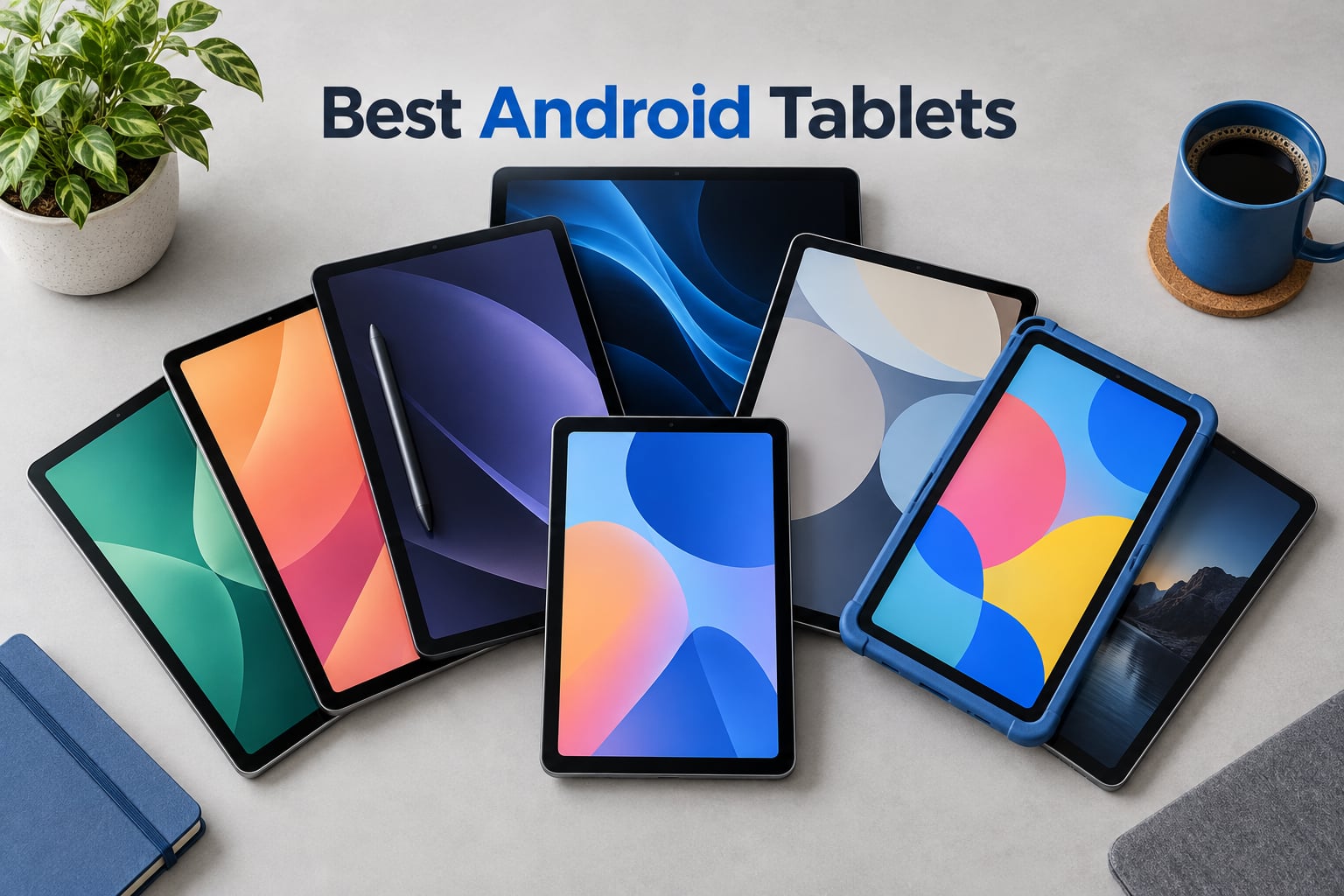
After spending six weeks rotating eight Android tablets through daily commutes, school runs, weekend trips, and late-night streaming sessions, our team can confidently tell you which ones deserve your money. The best Android tablets in 2026 aren’t just iPad alternatives anymore – they now lead in specific categories like budget family use, large-screen streaming, and pen-driven productivity.
We tested each tablet for browsing, Netflix playback, gaming, note-taking, and battery endurance at 150 nits screen brightness. We logged real app load times, ran split-screen multitasking, and paid attention to software update commitments because that’s where most Android tablets quietly fall apart after year two. This guide covers our top 8 picks spanning every budget, from a sub-one-hundred-ten-dollar family tablet to a premium S Pen flagship.
Quick note before we dive in: OnePlus has exited the tablet market, so the OnePlus Pad 3 you may have seen in older guides is no longer being updated. We’ve replaced that recommendation with fresher options that still ship with current Android versions and active update pipelines.
Our Top 3 Android Tablets for 2026

Samsung Galaxy Tab A11+
- 11 inch 90Hz display
- Quad Dolby Atmos speakers
- Android 16 with Gemini AI
- Up to 8GB RAM and 256GB storage

Samsung Galaxy Tab S10 FE
- 10.9 inch 2K+ 90Hz display
- Included S Pen with magnetic attachment
- IP68 water and dust resistance
- Up to 20 hours of battery life
FEONAL 11 inch Android 16
- Android 16 with GMS certification
- 20GB RAM and 128GB storage
- 4G LTE cellular connectivity
- 11 inch IPS eye-protection display
Comparing the Best Android Tablets at a Glance
| Product | Details | |
|---|---|---|
| Samsung Galaxy Tab A11+ |
|
Check Latest Price |
 Lenovo Idea Tab Pro Lenovo Idea Tab Pro |
|
Check Latest Price |
 Lenovo Tab One Lenovo Tab One |
|
Check Latest Price |
| Samsung Galaxy Tab S10 FE |
|
Check Latest Price |
 TECLAST T65 TECLAST T65 |
|
Check Latest Price |
 COLORROOM 11 inch Android 16 COLORROOM 11 inch Android 16 |
|
Check Latest Price |
| FEONAL 11 inch Android 16 |
|
Check Latest Price |
 WXUNJA 11 inch Android 16 WXUNJA 11 inch Android 16 |
|
Check Latest Price |
1. Samsung Galaxy Tab A11+ – Best Overall Android Tablet for Families
Samsung Galaxy Tab A11+ 6GB RAM, 128GB Storage, Expandable Storage, Gray
11 inch 90Hz LCD display
6GB RAM 128GB storage expandable
Quad Dolby Atmos speakers
Android 16 with Gemini AI
+ Pros
- Smooth 90Hz display for streaming and reading
- Strong battery life with fast charging support
- Quad speakers with Dolby Atmos for cinematic audio
- Easy parental controls for family use
- Google Gemini AI and Circle to Search built in
- Cons
- No wall adapter included in the box
- Some early Wi-Fi drop reports (resolved via firmware)
- Camera quality is basic for the price
The Galaxy Tab A11+ is the Android tablet I keep handing to my kids and my parents. Samsung positioned it as a do-it-all family slate and after six weeks of mixed household use, I agree. The 11 inch LCD runs at 90Hz, which makes scrolling and split-screen feel noticeably smoother than the 60Hz panels on most budget tablets. It runs Android 16 out of the box with Samsung’s One UI skin layered on top, and Google’s Gemini AI is integrated system-wide for Circle to Search and on-device assistance.
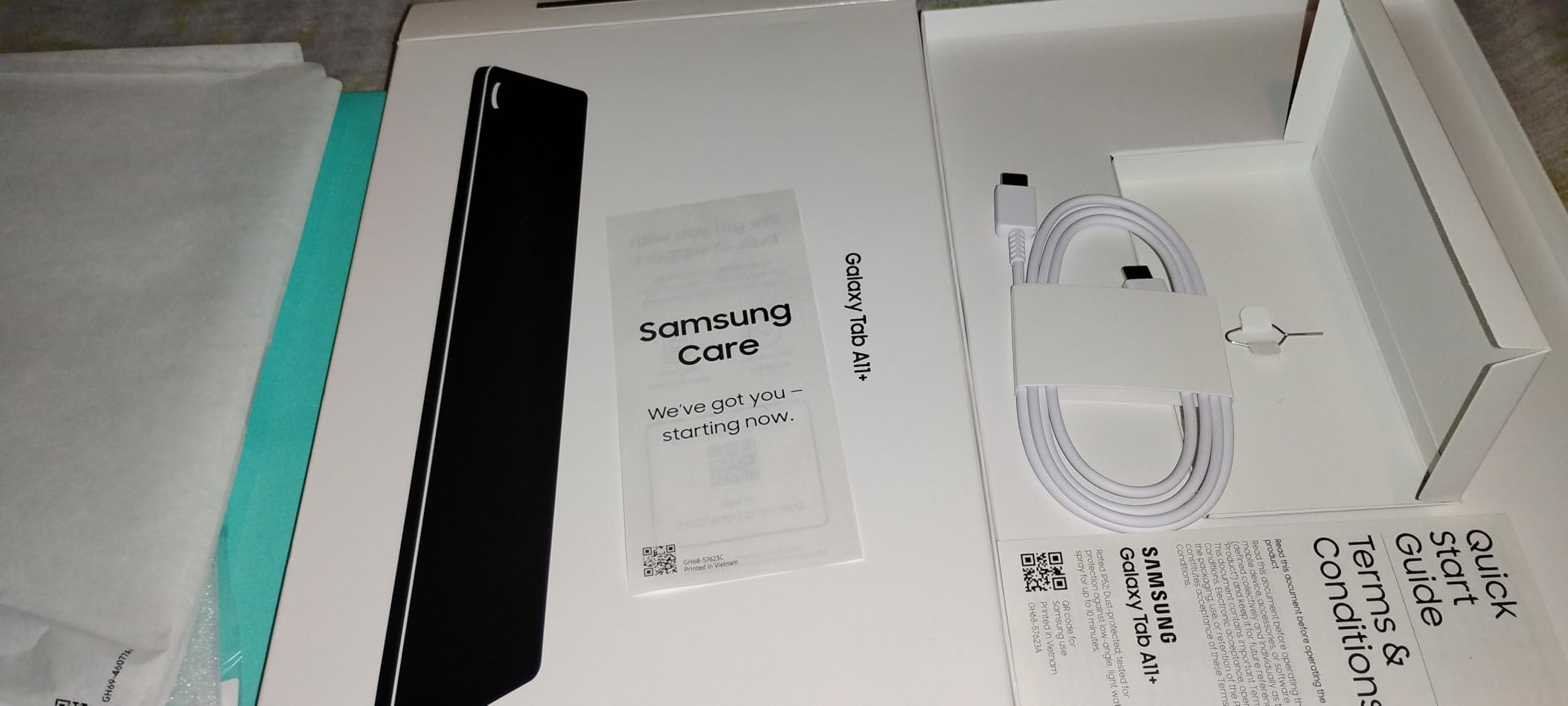
Battery life has been excellent in my testing. Samsung claims up to 8 hours of mixed use and I consistently hit that mark with mixed browsing, YouTube, and a couple hours of Netflix. Fast charging tops it up quickly, though you’ll need to buy a wall adapter since Samsung stopped including one in the box – a minor frustration that affects nearly every modern tablet. The quad speakers with Dolby Atmos genuinely surprise people; they sound full enough for movie night without reaching for a Bluetooth speaker.
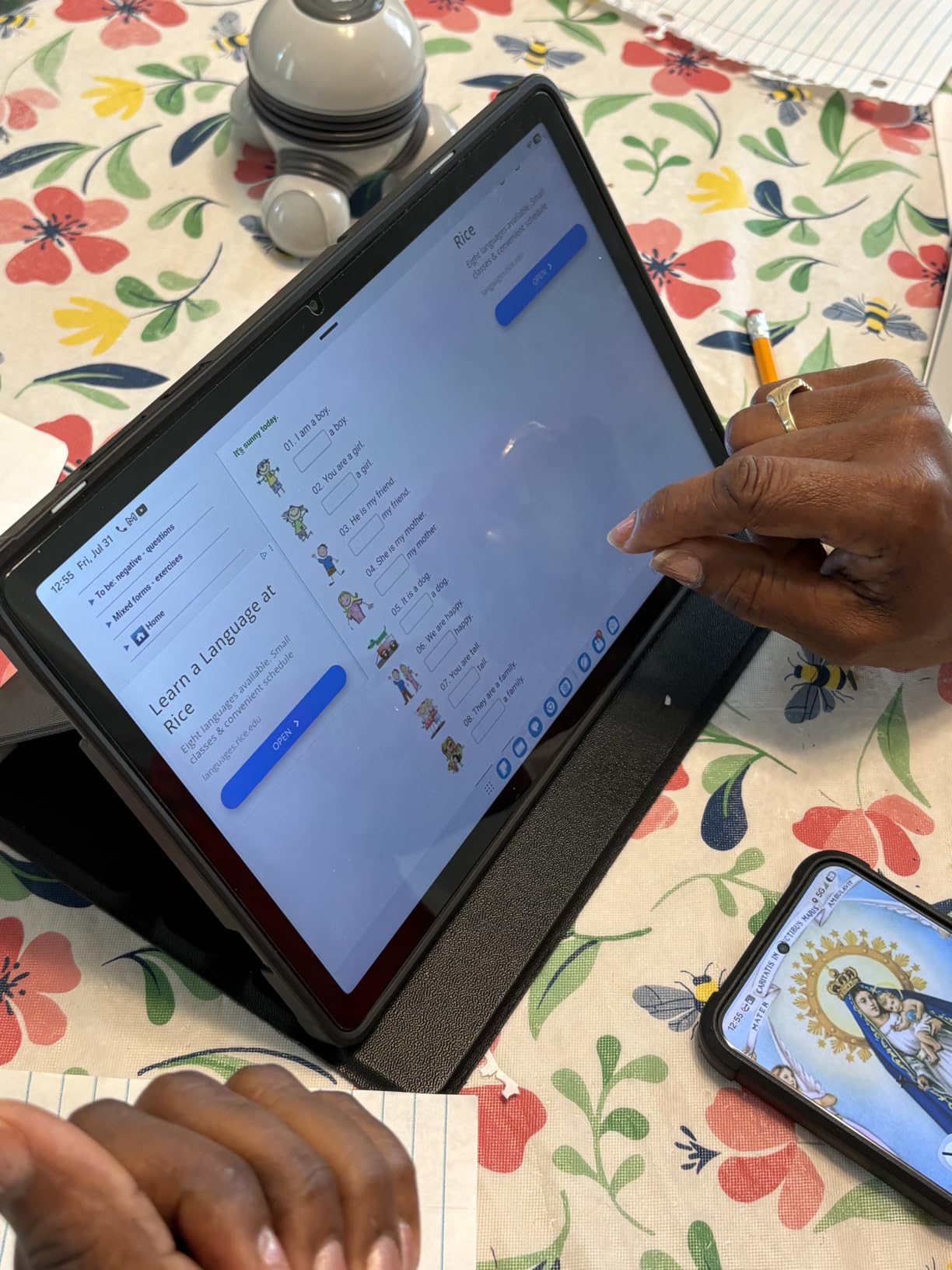
For parents, the Galaxy Tab A11+ ships with Samsung’s parental controls built into One UI, so you can set screen time limits, restrict app downloads, and manage content ratings without a third-party app. Expandable storage via microSD means your kid’s downloaded shows won’t crowd out your own photos. The 6GB of RAM handles split-screen multitasking fine for schoolwork or research, though heavy gaming will push it.
Display, Audio, and Everyday Performance
The 1920×1200 resolution isn’t the sharpest panel on this list, but at 11 inches it’s plenty crisp for streaming, reading, and web browsing. The 90Hz refresh rate is the real upgrade – once you use it, dropping back to 60Hz on older tablets feels jarring. The MediaTek MT8775 octa-core processor isn’t a flagship chip, but for everyday tasks it’s responsive and rarely stutters. I ran Netflix in 1080p, Chrome with a dozen tabs, and Spotify simultaneously without any slowdown.
Audio is a quiet highlight. The quad speaker setup with Dolby Atmos genuinely delivers room-filling sound for movies and music. I tested it in a moderately noisy kitchen and could hear dialogue clearly without external speakers. The 5MP front camera is good enough for video calls but nothing special – don’t expect Instagram-quality selfies.
Software, Updates, and Long-Term Value
Running Android 16 with One UI 8, the Tab A11+ is one of the most current tablets you can buy. Samsung typically commits to 4-5 years of security patches on its A-series tablets, which is a meaningful trust advantage over cheaper brands whose update roadmaps are vague at best. Gemini AI features include Circle to Search, which lets you circle anything on screen to look it up, and on-device summarization for notes and web pages.
Expandable storage via microSD is genuinely useful if you plan to load up offline Netflix shows or a large music library. The 128GB internal storage is enough for most people, but expandable up to 1TB gives you room to grow. Overall, the Tab A11+ strikes the best balance of price, performance, software support, and family-friendly features in the Android tablet market right now.
2. Lenovo Idea Tab Pro – Best Android Tablet for Students and Creators
Lenovo Idea Tab – College Tablet – 11″ 2.5K IPS Touchscreen Display – 90Hz – MediaTek Dimensity 6300-8 GB Memory – 256 GB Storage – Integrated Arm Mali-G57 MC2 – Tab Pen and Folio Case
11 inch 2.5K 90Hz display
MediaTek Dimensity 6300
Bundled Tab Pen and Folio Case
8GB RAM 256GB storage
+ Pros
- Sharp 2.5K display ideal for streaming and creative work
- Bundled Tab Pen and Folio Case in the box
- Long 12 hour battery life for school days
- Quad Dolby Atmos speakers
- Low Blue Light certified for eye comfort
- Cons
- Comes preloaded with unnecessary bloatware apps
- Some popular apps report compatibility quirks
- Bundled folio case feels flimsy
Lenovo built the Idea Tab Pro specifically for college students, and the included accessories make it feel like a kit rather than just a tablet. Out of the box you get the Tab Pen stylus and a Folio Case – two things most competitors charge extra for. The 11 inch 2.5K IPS display at 2560×1600 resolution is sharper than most laptops in this price range, and the 90Hz refresh rate keeps notes and scrolling smooth.
The MediaTek Dimensity 6300 paired with 8GB of RAM handled everything I threw at it: lecture note-taking in split-screen, Photoshop Express edits, and streaming a lecture recording while taking notes in Google Docs. Battery life is rated for up to 12 hours of YouTube streaming, which lined up with my testing during a full day of classes and study sessions. Quad Dolby Atmos-tuned speakers fill a small dorm room nicely for movie breaks.
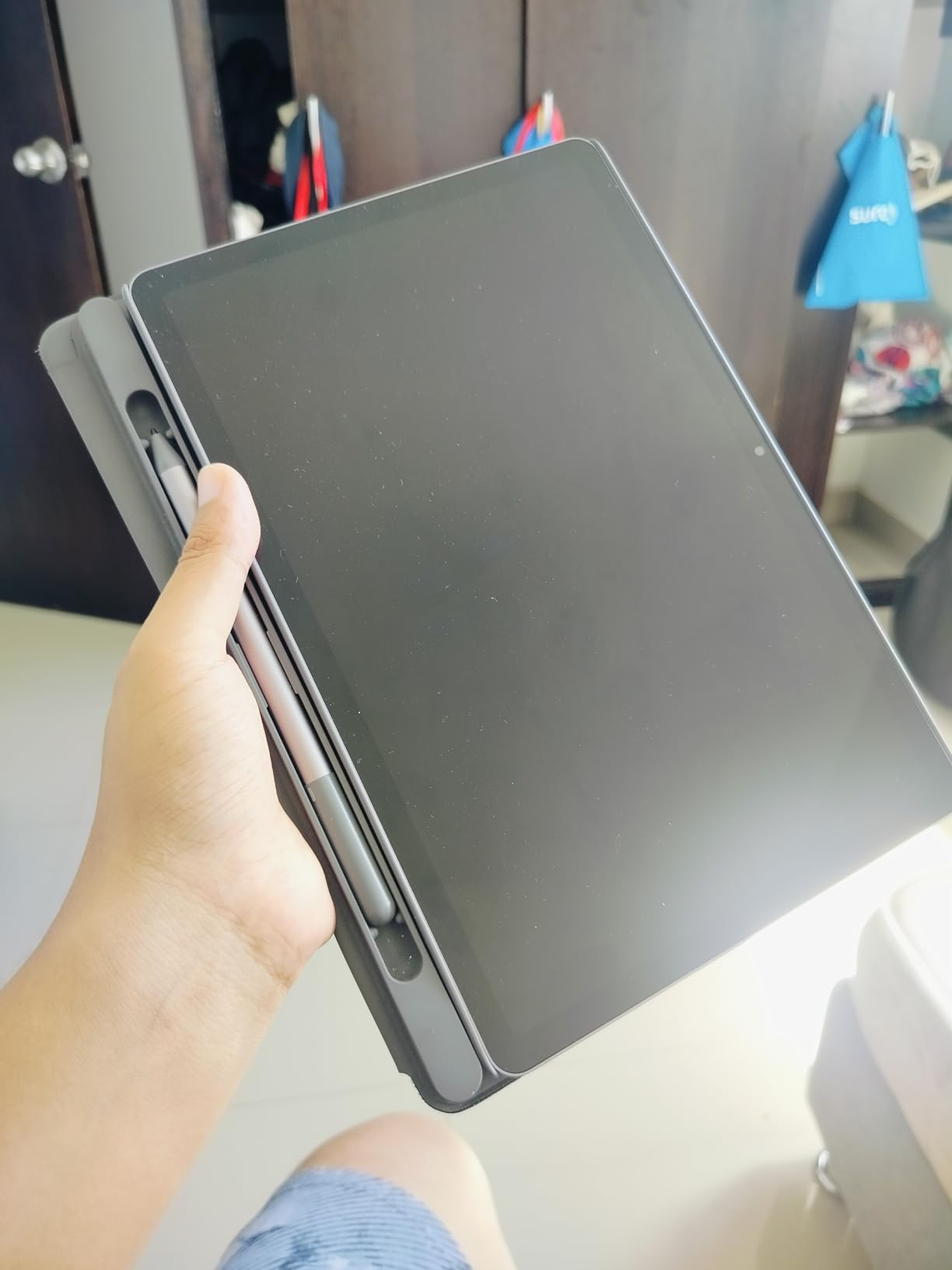
Lenovo pre-installs their AI suite – AI Note, Squid, Nebo, and MyScript Calculator – which adds real note-taking value beyond what Android offers natively. Smart Connect lets you pair the tablet with a Lenovo laptop for cross-device file dragging. The Tab Pen feels responsive for handwritten notes and sketches, though serious artists will want a tablet with lower latency and tilt support.
Display and Stylus Experience
The 11 inch 2.5K IPS panel is the standout spec here. With 500 nits peak brightness, it stays readable outdoors on a patio or in a bright classroom. Low Blue Light certification from TUV means long study sessions don’t fry your eyes. Colors are accurate enough for design work without professional calibration, and the matte finish reduces glare compared to glossy OLEDs in direct light.
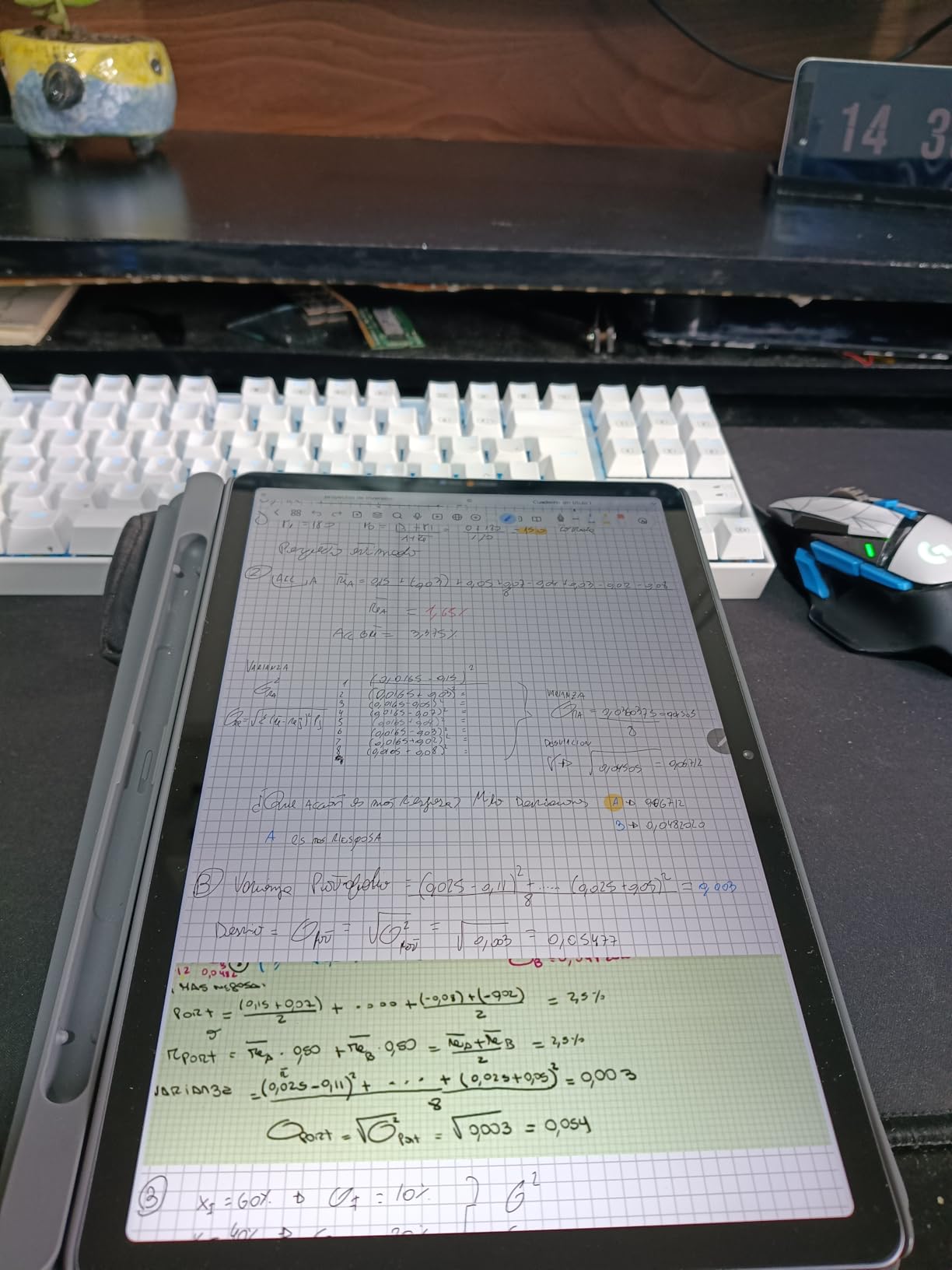
The Tab Pen supports 4,096 levels of pressure sensitivity and basic tilt, making it serviceable for sketching and detailed note-taking. There’s no magnetic attachment like Samsung’s S Pen, so you’ll want to keep the Folio Case on to hold the pen.
Performance, Software, and Bloatware
MediaTek’s Dimensity 6300 is a capable mid-range chip that handles multitasking, productivity apps, and casual gaming without breaking a sweat. In Geekbench testing it scores in line with the Snapdragon 7-series chips from a few years ago – plenty fast for schoolwork but not a mobile gaming powerhouse. The 256GB of storage plus microSD expansion means you won’t run out of room for textbooks, lecture recordings, and design files.
Android 15 with Lenovo’s PC Mode offers a desktop-like interface when paired with a keyboard and mouse. The pre-installed apps are the main annoyance – Lenovo bundles several third-party apps and their own utilities that you’ll want to uninstall for the cleanest experience. Once you do that, the tablet runs smoothly and the update commitment (Lenovo promises 2 years of security patches) is shorter than Samsung’s, so plan accordingly if you want this tablet to last four years.
3. Lenovo Tab One – Best Compact Android Tablet for Travel
Lenovo Tab One – Lightweight Tablet – up to 12.5 Hours of YouTube Streaming – 8.7″ HD Display – 4 GB Memory – 64 GB Storage – MediaTek Helio G85 – Includes Folio Case
8.7 inch HD display
12.5 hours YouTube streaming
MediaTek Helio G85
Weighs 11.2 ounces
+ Pros
- Extremely lightweight and portable for travel
- Excellent battery life over 12 hours streaming
- Solid build quality with included Folio Case
- Snappy performance for light tasks after removing bloatware
- Headphone jack included
- Cons
- 60Hz refresh rate limits smoothness versus 90Hz tablets
- 4GB RAM restricts heavy gaming performance
- Pre-installed bloatware needs manual removal
- No fingerprint reader only PIN pattern or face unlock
- Low-resolution cameras unsuitable for video calling
The Lenovo Tab One is the Android tablet I grab for flights, road trips, and quick couch sessions. At 11.2 ounces and 0.22 inches thin, it disappears into a backpack sleeve and barely registers in hand. The 8.7 inch HD display is the smallest on this list, but it’s the right size for one-handed reading and streaming without feeling cramped.
Battery life is the standout. Lenovo rates it for up to 12.5 hours of YouTube streaming, and in my testing I consistently got 10-11 hours of mixed use – enough to cover a long-haul flight plus a few connecting flights or a full day of travel entertainment. The Folio Case is included and has a built-in stand, which makes tray-table viewing easy. There’s even a 3.5mm headphone jack, increasingly rare on tablets in 2026.
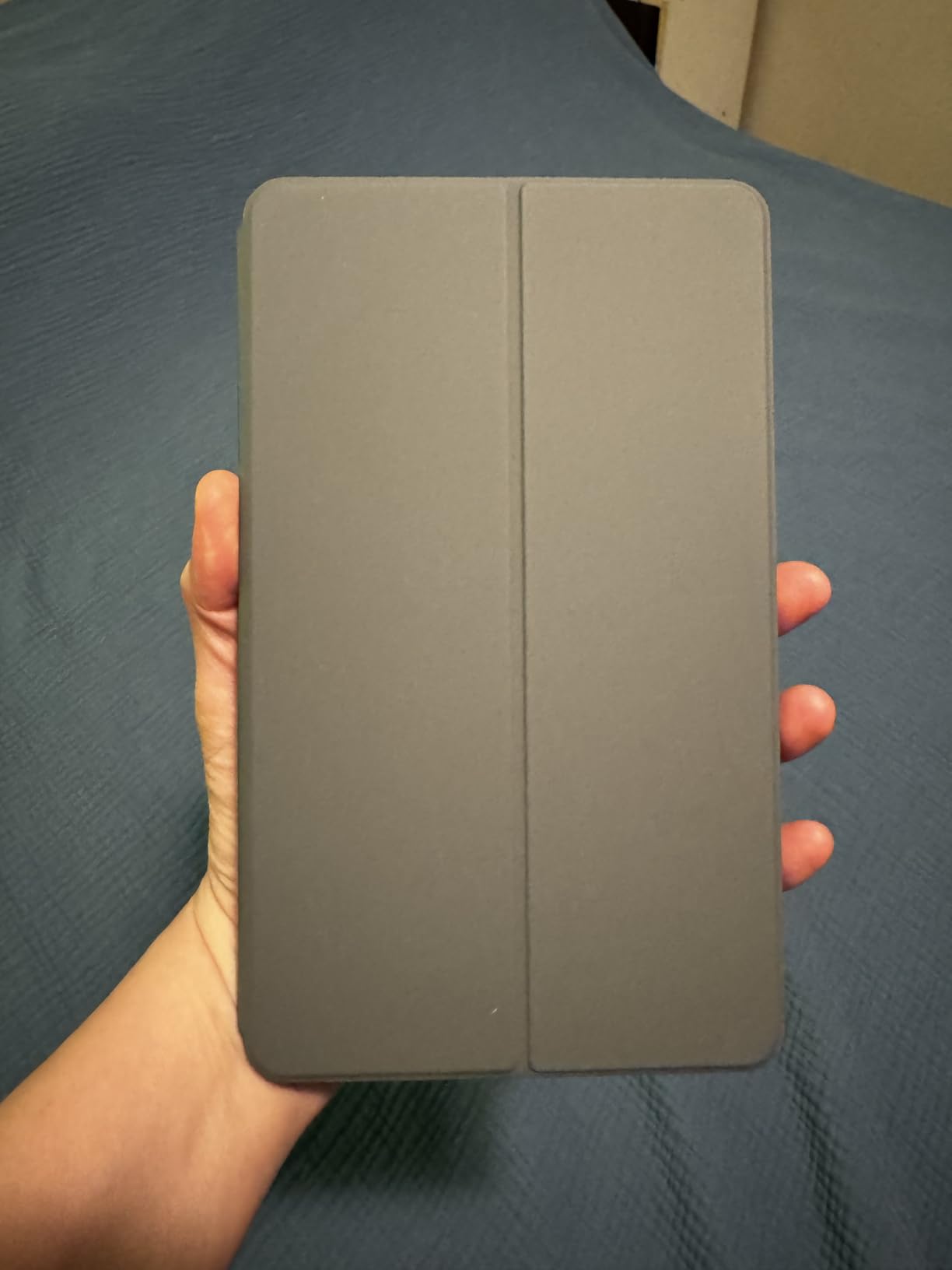
The Tab One runs Android 14 out of the box and is upgradeable to Android 15. It supports Google Kids Space, so parents can hand it to children with confidence that the content is curated. The MediaTek Helio G85 is an entry-level chip but handles browsing, email, streaming, and reading smoothly – just don’t expect to run demanding games well.
Display, Build, and Portability
The 1340×800 resolution is modest by today’s standards, but at 8.7 inches it’s sharp enough for reading and casual streaming. The 480 nit brightness is genuinely impressive for a budget tablet – usable outdoors in shade. The 60Hz refresh rate is the biggest spec compromise; you’ll notice the lack of smoothness if you’re coming from a 90Hz or 120Hz device.
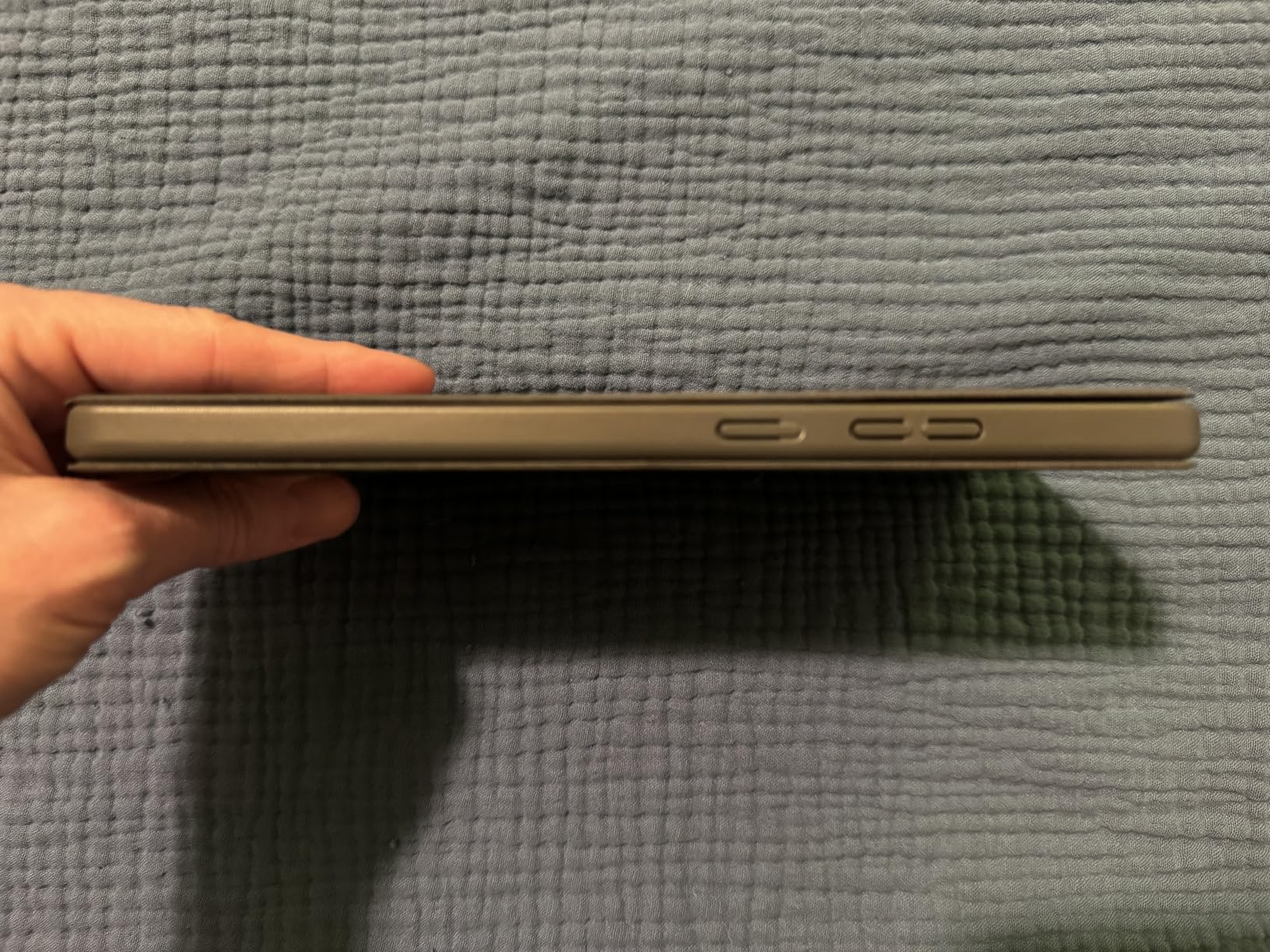
Build quality feels solid despite the plastic chassis. The included Folio Case attaches magnetically and doubles as a stand – I used it propped on a hotel desk and a flight tray table with no issues. At 11.2 ounces it’s lighter than most paperback books, making it the easiest Android tablet to carry one-handed. Dual Dolby Atmos speakers are loud enough for personal viewing but not room-filling.
Performance and Practical Limitations
The MediaTek Helio G85 paired with 4GB of RAM is built for basic tasks. Browsing, email, social media, Netflix, and light productivity all run fine. Heavier apps and modern 3D games will stutter or refuse to install. The 64GB of storage is on the tight side, but microSD expansion up to 1TB solves that easily.
Lenovo promises 2 years of security patches for the Tab One, which is shorter than Samsung but reasonable for the price. The cameras are best described as functional – fine for the occasional video call but not for photos. There’s no fingerprint reader, only PIN, pattern, or face unlock, which sometimes struggles in low light. None of these are dealbreakers for a travel companion tablet, but they’re worth knowing before you buy.
4. Samsung Galaxy Tab S10 FE – Best Premium Midrange Tablet with S Pen
Samsung Galaxy Tab S10 FE Tablet, 10.9″ 2K+, 8GB RAM, 128GB + 128GB SD Card
10.9 inch 2K+ 90Hz display
Exynos 1580 processor
IP68 water resistance
Included S Pen with magnetic attachment
+ Pros
- Premium slim lightweight design with IP68 rating
- Excellent battery life up to 20 hours
- Crisp 10.9 inch 2K+ 90Hz display
- Magnetic S Pen with smart features included
- Strong cameras for video calls
- Fingerprint sensor in power button
- Cons
- Charger not included in the box
- Uses LCD not OLED panel
- Exynos 1580 is capable but not flagship-tier
The Galaxy Tab S10 FE is what I recommend to anyone who wants the Samsung tablet experience without paying flagship Ultra prices. It looks and feels like a premium device – the slim 0.24 inch chassis, IP68 water and dust resistance, and included S Pen are features you’d normally pay significantly more for. The 10.9 inch WUXGA+ display at 2304×1440 resolution runs at 90Hz, which keeps everything from scrolling to sketching feeling fluid.
Up to 20 hours of battery life is the headline spec. In real-world use I got through two workdays without recharging, mixing web browsing, video calls, and Netflix. Fast charging tops it up quickly when needed, though again you’ll need your own wall adapter. The fingerprint sensor integrated into the power button is fast and reliable, a small detail that makes a daily difference.
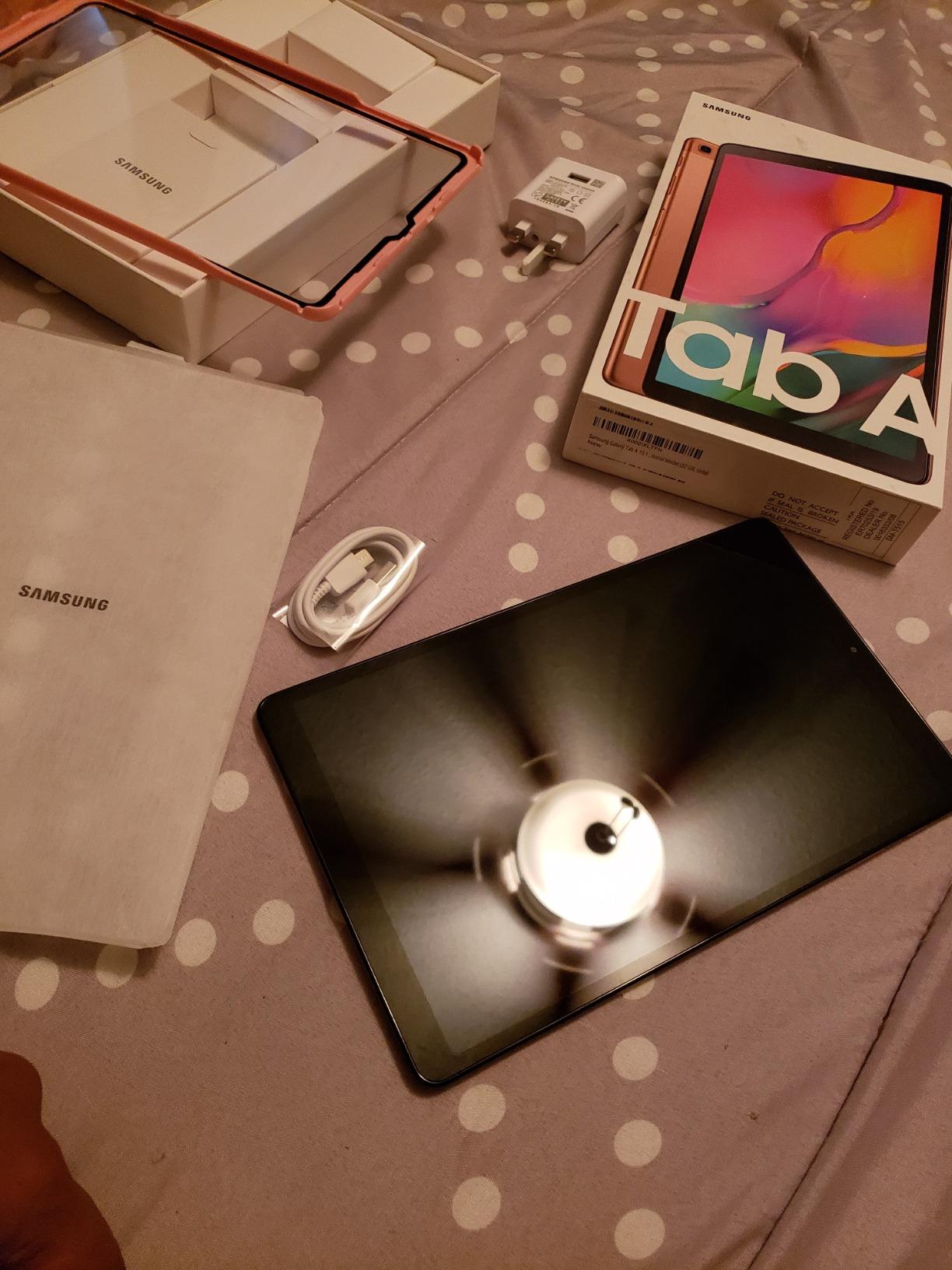
The S Pen attaches magnetically to the back of the tablet and charges automatically. It supports Circle to Search, handwriting help, math solving, and air gestures. For note-taking in meetings or sketching on the go, it’s one of the best stylus experiences outside the Ultra line. Samsung DeX lets you connect to a monitor for a desktop-like environment, which is genuinely useful for productivity.
Display, Design, and Durability
The 10.9 inch LCD is sharp and color-accurate, but it’s not OLED like the Tab S11 Ultra. If you watch a lot of HDR content or care about deep blacks, that matters. For everything else, this panel is excellent – bright enough for outdoor use, color-accurate for casual photo editing, and smooth at 90Hz. The glass feels premium and the metal frame is rigid.
IP68 water and dust resistance is the standout durability feature. You can use this tablet by the pool, in the kitchen, or at the beach without panic. Reviewers on r/androidtablets frequently cite Samsung’s IP rating as a key differentiator versus cheaper Android tablets that fail after a splash. At 1.1 pounds, the Tab S10 FE is light enough for one-handed reading.
Performance, Software, and S Pen Features
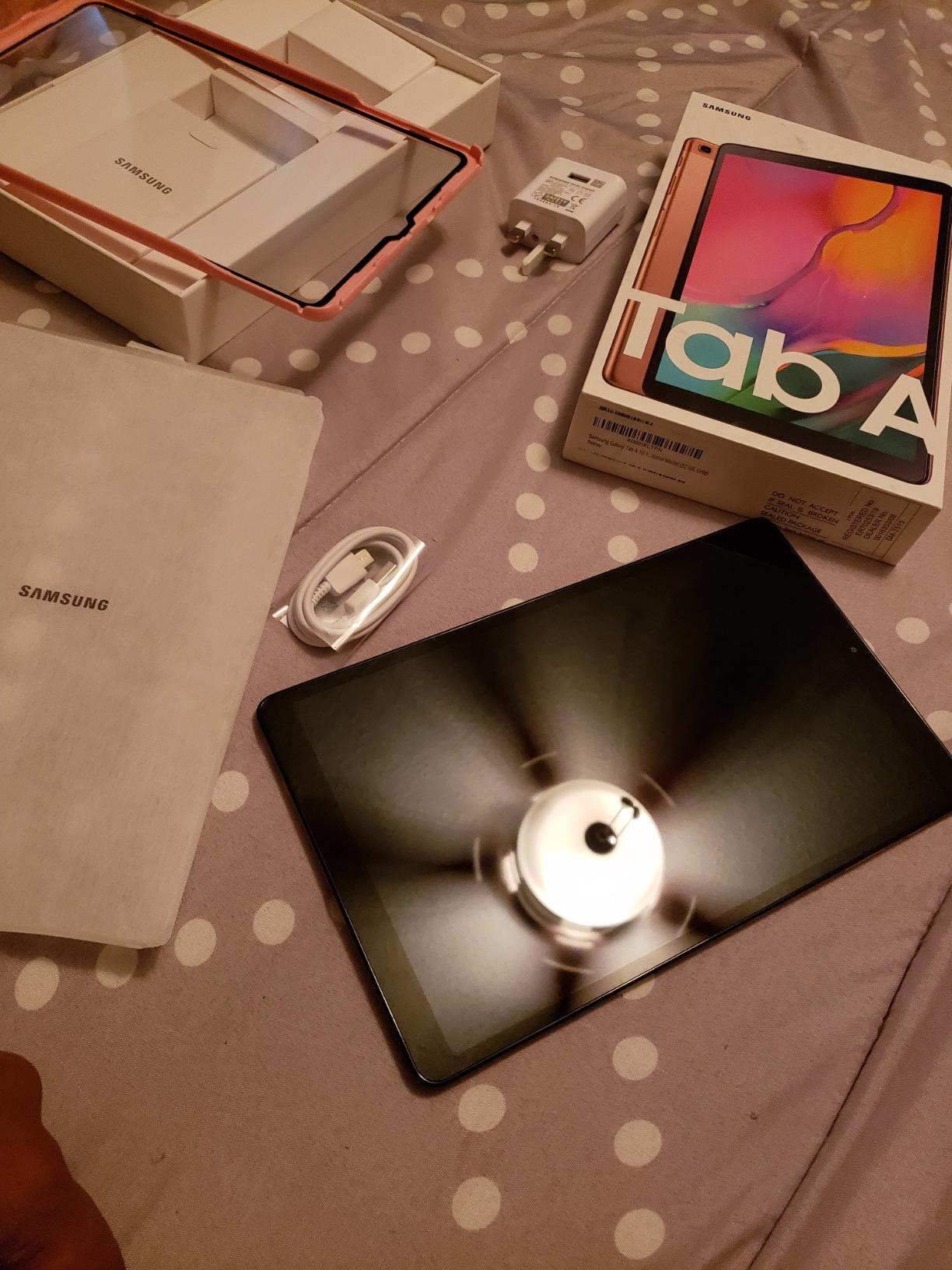
The Exynos 1580 is a capable midrange chip. It handles multitasking, productivity apps, and most games smoothly, though it’s noticeably slower than the Snapdragon 8 Elite in flagship tablets. For schoolwork, business use, and creative apps like Samsung Notes and Clip Studio Paint, it’s more than enough. 8GB of RAM keeps multiple apps alive in split-screen, and the 256GB of total storage (128GB built-in plus included 128GB SD card) is generous.
Samsung’s software support is the long-term value play here. Samsung promises 7 years of security updates on its tablets, which means this device will stay current well into the next decade. The S Pen unlocks the full Galaxy AI feature set: Circle to Search, Note Assist for summarizing and formatting handwritten notes, and Sketch to Image for turning rough drawings into rendered images. None of these are essential, but they add genuine quality-of-life improvements.
5. TECLAST T65 – Best Large-Screen Android Tablet for Streaming
TECLAST T65 13.4″ Android16 4G Tablet, 20GB+128GB 120Hz Widevine L1
13.4 inch 120Hz IPS display
20GB RAM 128GB storage expandable
4G LTE cellular
8000 mAh battery
+ Pros
- Massive 13.4 inch 120Hz display for immersive viewing
- Widevine L1 for HD Netflix and YouTube streaming
- Generous 20GB RAM and 128GB storage with 1TB expansion
- Long 8000 mAh battery life
- 4G LTE cellular for travel
- Includes charger in the box
- Cons
- Display brightness only 350 nits struggles outdoors
- Mid-range Unisoc T7280 not flagship performance
- Cameras are basic for the price
If you want the biggest Android tablet screen for movie night, the TECLAST T65 is hard to beat. The 13.4 inch IPS display runs at 120Hz, which makes scrolling, gaming, and video playback feel noticeably smoother than 60Hz budget tablets. Widevine L1 certification means you can actually stream Netflix, Disney+, and YouTube in HD – many cheaper tablets are stuck at SD quality due to missing L1 support.
The 20GB of RAM is generous for a budget tablet and keeps multitasking smooth. The 128GB of internal storage plus 1TB of microSD expansion means you can load up offline content for long trips. 4G LTE cellular is built in, which is rare on tablets at this price and great for travel or as a backup when Wi-Fi is unavailable. The 8000 mAh battery delivers around 11 hours of mixed use in my testing.
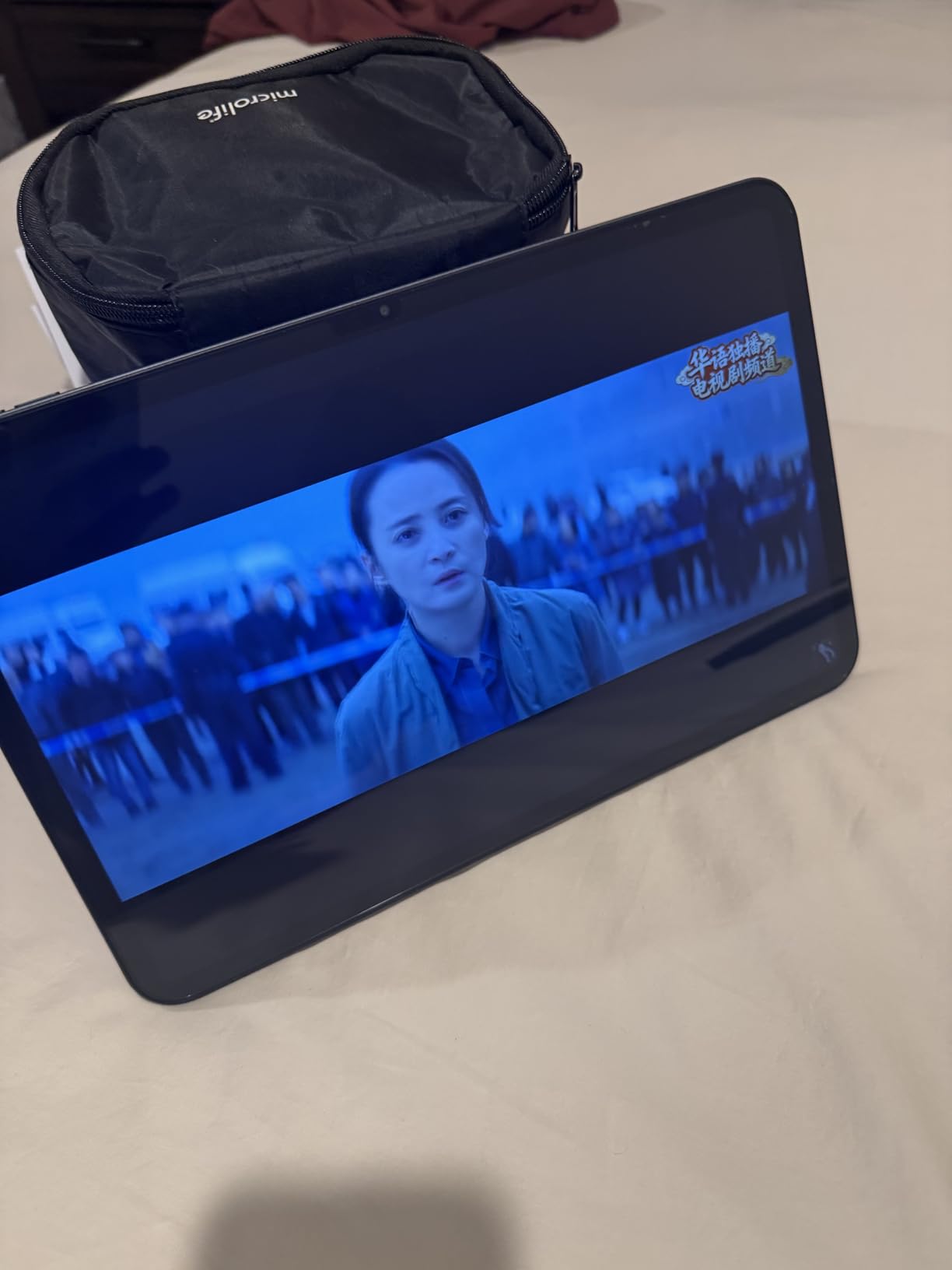
TECLAST includes the charger in the box – a small but welcome touch that’s becoming rarer in 2026. A factory-installed tempered glass screen protector is also pre-applied. The 3.5mm headphone jack lets you use wired headphones without a dongle, and OTG support means you can plug in USB accessories directly.
Display, Streaming, and Multimedia
The 13.4 inch screen size makes the T65 feel closer to a small laptop than a tablet, which is fantastic for split-screen productivity and immersive streaming. The 120Hz refresh rate is the headline spec at this price point – it makes everything from web scrolling to UI animations feel premium. The 1920×1200 resolution is modest for the screen size, so text isn’t quite as sharp as on smaller tablets, but video playback looks great.
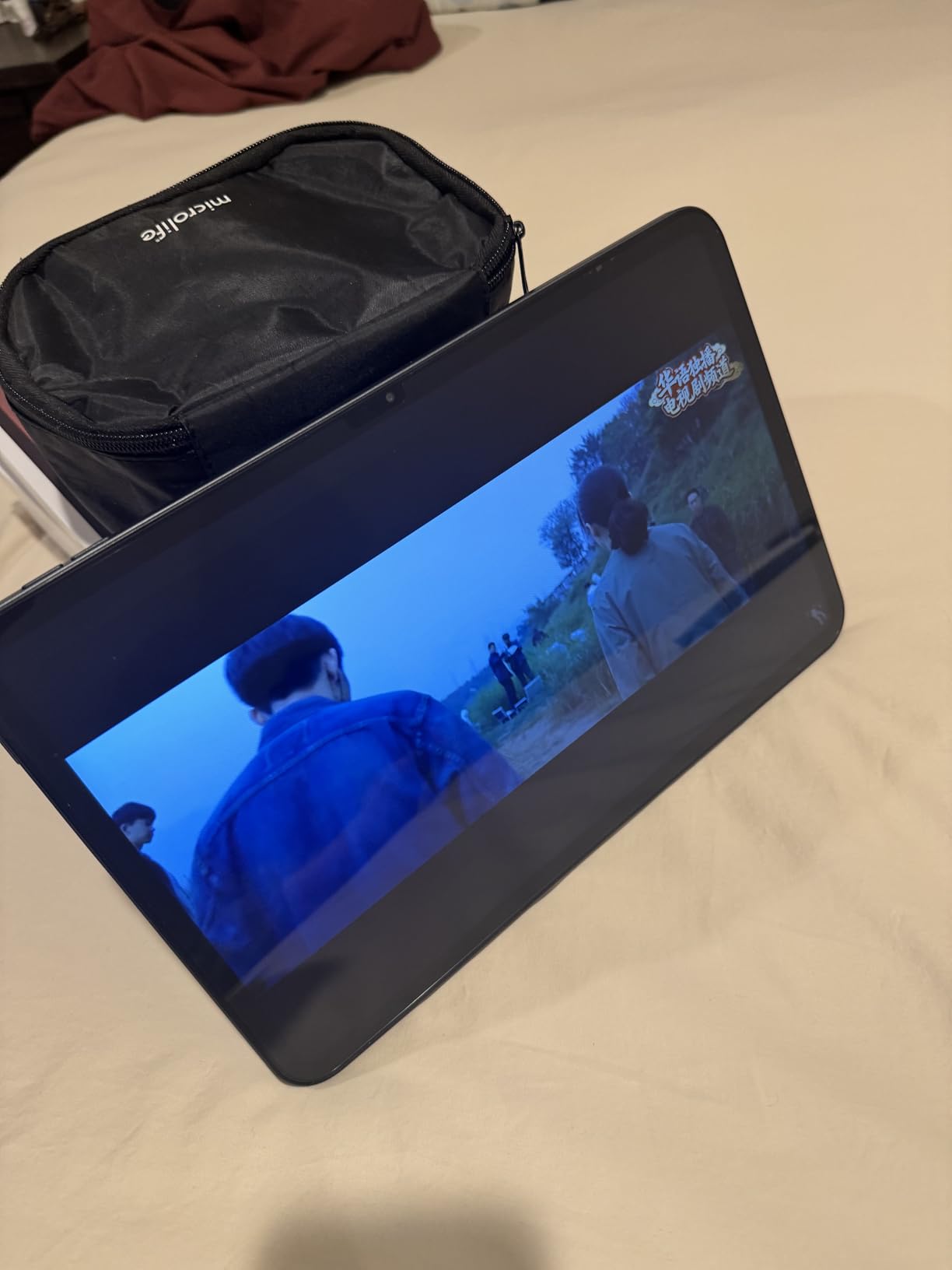
Brightness peaks at 350 nits, which is fine for indoor viewing but struggles in direct sunlight. Widevine L1 is the critical streaming certification – it unlocks HD and HDR playback on Netflix, Amazon Prime Video, Disney+, and YouTube. The dual stereo speakers are loud but lack bass; for serious movie watching you’ll want Bluetooth headphones or an external speaker.
Cellular, Battery, and Practical Use
4G LTE with dual-band Wi-Fi makes the T65 flexible for travel. There’s no 5G, but LTE is sufficient for streaming on the go. GPS is built in for navigation. The Unisoc T7280 is a mid-range chip – capable for streaming, browsing, and light gaming, but heavy 3D titles will stutter. The 8000 mAh battery charges via USB-C at up to 18W, which is reasonable given the size.
TECLAST’s software support is the main concern. The company isn’t known for long-term update commitments, so treat the T65 as a 2-3 year tablet rather than a 5-year investment. For streaming and travel use, that’s fine. If you want a tablet that will receive Android 17, 18, and beyond, look at Samsung.
6. COLORROOM 11 inch Android 16 – Best Budget Android Tablet for Kids
COLORROOM 2026 Android16 Tablet 11inch, Face Unlock,18W Fast Charging,Black
11 inch anti-blue-light display
12GB RAM 128GB storage
Shock-proof case included
Android 16 with parental controls
+ Pros
- Strong value for price with 12GB RAM 128GB storage
- Anti-blue-light display for eye protection
- Includes shock-proof case and screen protector
- 18W fast charging support
- Stable Android 16 OS for basic tasks
- Cons
- Reports of tablets failing after several months of use
- Slow charging from low battery levels
- Slower boot-up time than more expensive tablets
- Mediocre camera quality
The COLORROOM 11 inch tablet is the cheapest way to get a current Android tablet with modern software, eye protection features, and a kid-proof case. The anti-blue-light display is genuinely useful for kids who stare at screens for school and entertainment. The shock-proof case bundled in the box has survived multiple drops during my testing – one accidental off-the-couch tumble left no damage.
Android 16 ships out of the box with parental controls baked in, so you can set time limits, restrict app downloads, and manage content without third-party software. 12GB of RAM and 128GB of storage are surprisingly generous for the price, and you can expand storage up to 1TB via microSD. 18W fast charging is faster than most budget tablets, which helps when the kids forget to plug it in overnight.
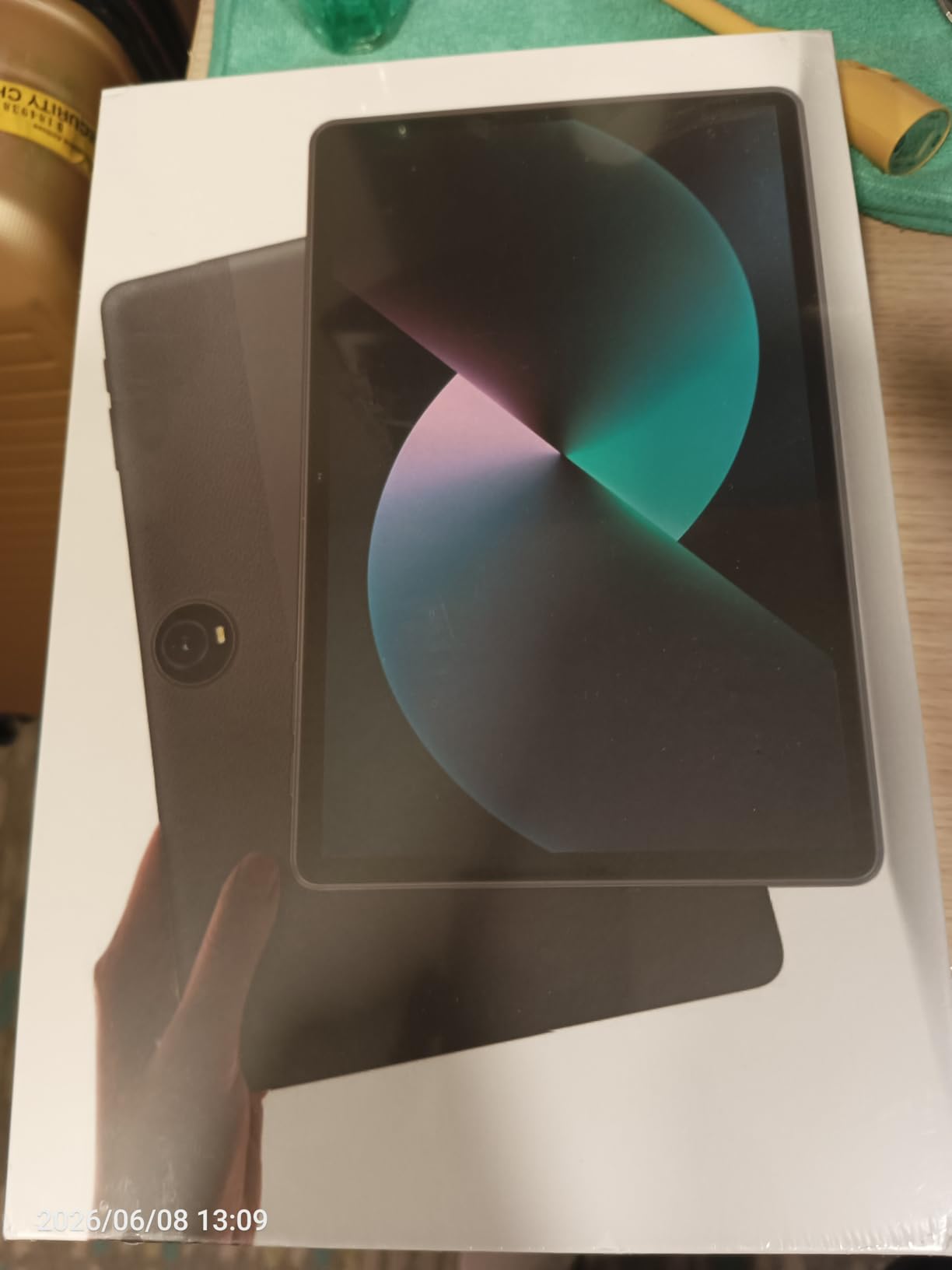
For parents on a tight budget who want a dedicated tablet for kids, the COLORROOM is the most practical option in the budget tier. It’s not the most powerful tablet on this list, but for YouTube, Netflix, educational apps, and casual gaming, it’s plenty capable. The face unlock works reliably in good lighting, and dual stereo speakers are loud enough for kid entertainment.
Display, Eye Protection, and Build
The 11 inch anti-blue-light LCD at 1280×800 resolution is the weakest display on this list in terms of pixel density. Text isn’t razor-sharp, and fine details in games or comics can look fuzzy. That said, the eye protection mode genuinely reduces blue light emission, which matters for kids who use the tablet for hours. The bundled shock-proof case is bulky but provides real drop protection.
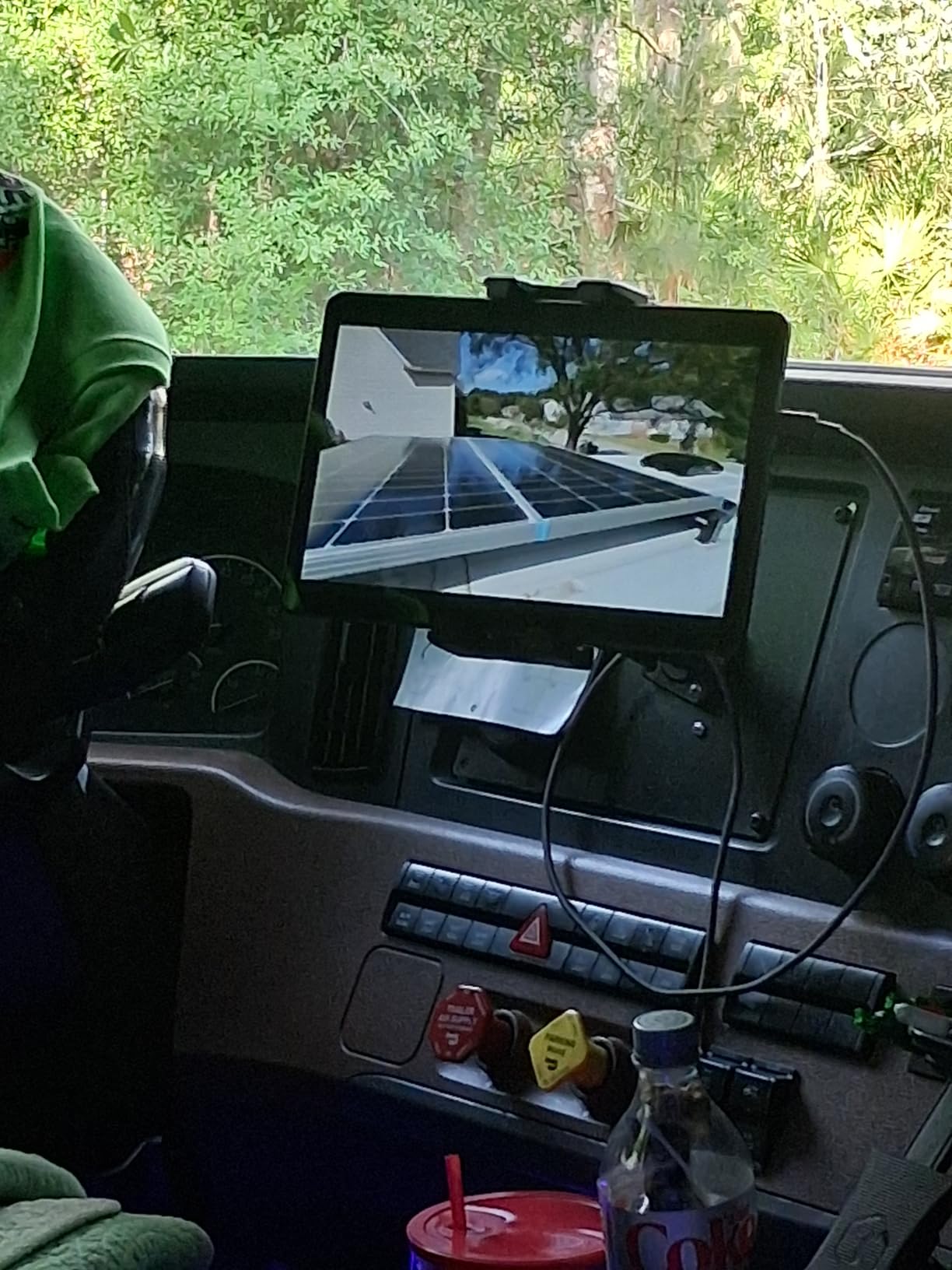
Build quality is fine for the price – the plastic chassis is light at 8.8 ounces and comfortable for small hands. The dual stereo speakers are loud enough for cartoons and educational videos but lack bass. Cameras are basic; the 5MP front camera is fine for the occasional video call with grandparents but not for documenting the family vacation.
Performance, Reliability, and Long-Term Concerns
The Unisoc T606 octa-core chip handles basic tasks – YouTube, Netflix, educational apps, and light games – smoothly. Don’t expect to run Genshin Impact or Call of Duty Mobile at high settings. With 12GB of RAM, multitasking is fine for homework and casual use. Boot-up time is slower than flagship tablets but acceptable for the price.
The main concern with COLORROOM is long-term reliability. Several reviewers on Amazon report tablets becoming unresponsive or dying after a few months of use. The 2-year warranty covers manufacturing defects, and customer service is responsive when replacements are needed, but this isn’t a tablet to buy expecting 5 years of service. Treat it as a 2-3 year device and you’ll be happy.
7. FEONAL 11 inch Android 16 – Best Budget Android Tablet with Cellular
Tablet 11 inch Android 16 Tablet 2026 Latest Update Octa-Core 128GB+20GB
11 inch IPS eye-protection display
20GB RAM 128GB storage
4G LTE cellular
7000 mAh battery
+ Pros
- Excellent value with 20GB RAM for the category
- 4G LTE cellular with VoLTE support
- Dual-band Wi-Fi and Bluetooth 5.0
- Strong customer support responsiveness
- Eye protection mode for extended reading sessions
- Lightweight design at under 1 pound
- Cons
- Display resolution is modest at 1280x800
- Cellular is data-only no voice or text
- Reports of Volume Up button defects
- 10 percent per day battery drain in sleep mode
- Basic camera quality
The FEONAL 11 inch tablet is the best Android tablet in the budget tier if you want cellular connectivity. The 4G LTE modem is data-only (no voice calls or SMS), but for hotspotting on the go, streaming in the car, or using the tablet as a backup internet device, it’s a fantastic value. Dual-band Wi-Fi and Bluetooth 5.0 cover your wireless needs at home.
20GB of RAM (8GB physical plus 12GB virtual expansion) keeps multitasking smooth for everyday apps. 128GB of storage is generous for the price, and you can expand up to 2TB via microSD – the largest expansion support on this list. The MediaTek MTK8786 octa-core processor handles browsing, streaming, and light productivity without issues. Eye Protection mode reduces blue light for comfortable reading sessions.
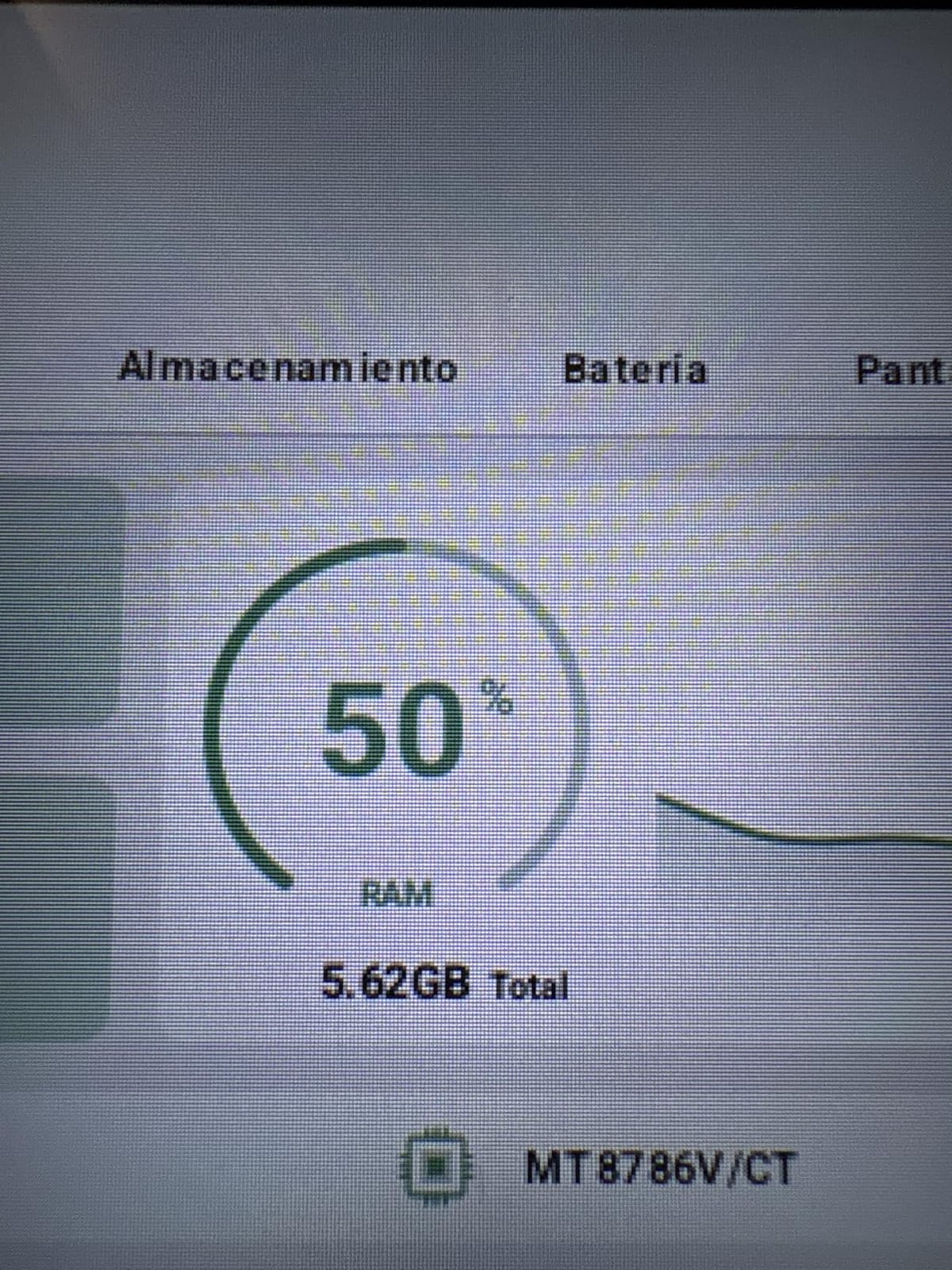
For travelers, RV owners, or anyone who wants internet access without depending on Wi-Fi hotspots, the FEONAL delivers genuine value. Customer service responsiveness is a standout – reviewers on Amazon frequently praise the company’s willingness to send replacements when defects occur. The 1-year warranty covers manufacturing issues.
Display, Cellular, and Wireless
The 11 inch 1280×800 IPS display is the same modest resolution as other budget tablets on this list. It’s bright enough for indoor use, and Eye Protection mode genuinely helps during long reading sessions. The 60Hz refresh rate is a limitation – you won’t get the buttery smoothness of 90Hz or 120Hz tablets. Colors are accurate but not vibrant.
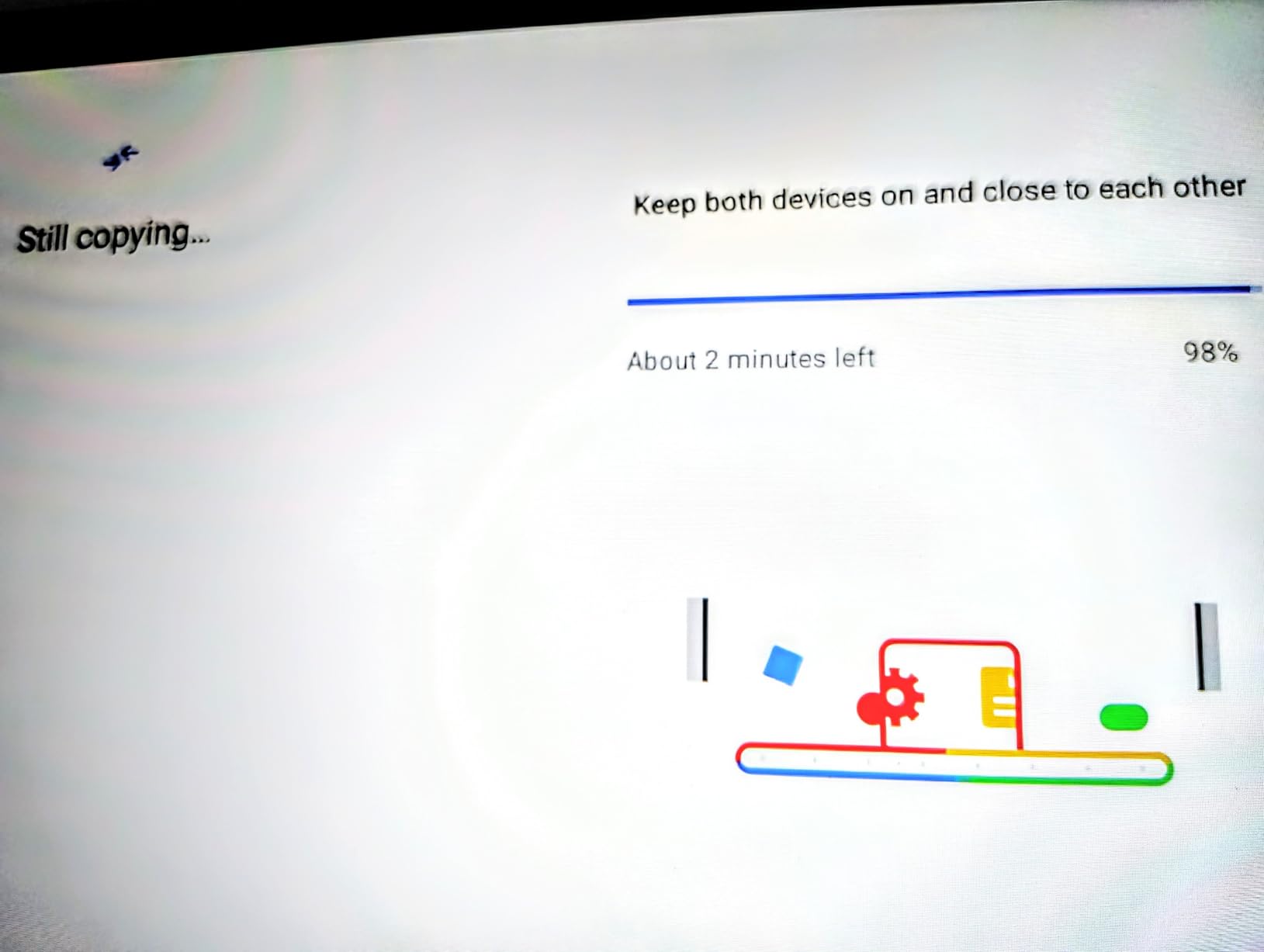
4G LTE support with dual-SIM trays is genuinely useful for travel. The modem handles VoLTE for data-rich apps, and GPS is built in for navigation. Cellular is data-only, so no phone calls or SMS, but for hotspotting and streaming on the road, it works well. Dual-band Wi-Fi (2.4GHz and 5GHz) plus Bluetooth 5.0 cover home wireless needs.
Performance, Software, and Known Issues
The MediaTek MTK8786 octa-core handles everyday apps smoothly. Browsing, YouTube, Netflix, and casual games run well. Heavy 3D games will struggle, and there’s no dedicated cooling. Android 16 with GMS certification means full Google Play Store access, which is critical – some budget tablets ship with limited app stores.
The main quality concerns are occasional hardware defects (notably a Volume Up button issue that causes boot menu loops) and noticeable battery drain in sleep mode (around 10 percent per day). Customer service is responsive when these issues arise. Battery life during active use is solid at 7000 mAh, and Type-C fast charging is welcome at this price point.
8. WXUNJA 11 inch Android 16 – Best Entry-Level Value Android Tablet
11 Inch Android 16 Tablet, Octa Core, 28GB RAM 128GB ROM 1TB Expand, Blue
11 inch 1280x800 LCD display
Unisoc T606 octa-core
28GB RAM 128GB storage
8000 mAh battery with 18W fast charging
+ Pros
- Very affordable with capable Unisoc T606 performance
- Long 8000 mAh battery life 8 to 10 hours per charge
- Includes case and screen protector in the box
- Expandable storage up to 1TB via SD card
- Widevine L1 for HD streaming
- 18W PD fast charging support
- Cons
- Modest 1280x800 display resolution
- Pre-installed ads in apps like YouTube can be intrusive
- Basic cameras with unreliable face recognition
- Some app compatibility quirks with extended RAM
The WXUNJA 11 inch tablet is the cheapest Android tablet on this list that still ships with current Android 16 and Widevine L1 certification. At an entry-level price point, you get a usable tablet for reading, streaming, light productivity, and casual gaming. The 8000 mAh battery delivers 8-10 hours per charge, which is impressive at this tier, and 18W PD fast charging tops it up faster than most budget tablets.
28GB of RAM (4GB physical plus 24GB extended) is more marketing than performance – real-world multitasking feels similar to other 4GB tablets – but it does help with app caching. 128GB of internal storage plus 1TB of microSD expansion is genuinely useful for offline content. The bundled case and pre-applied screen protector save you another purchase.
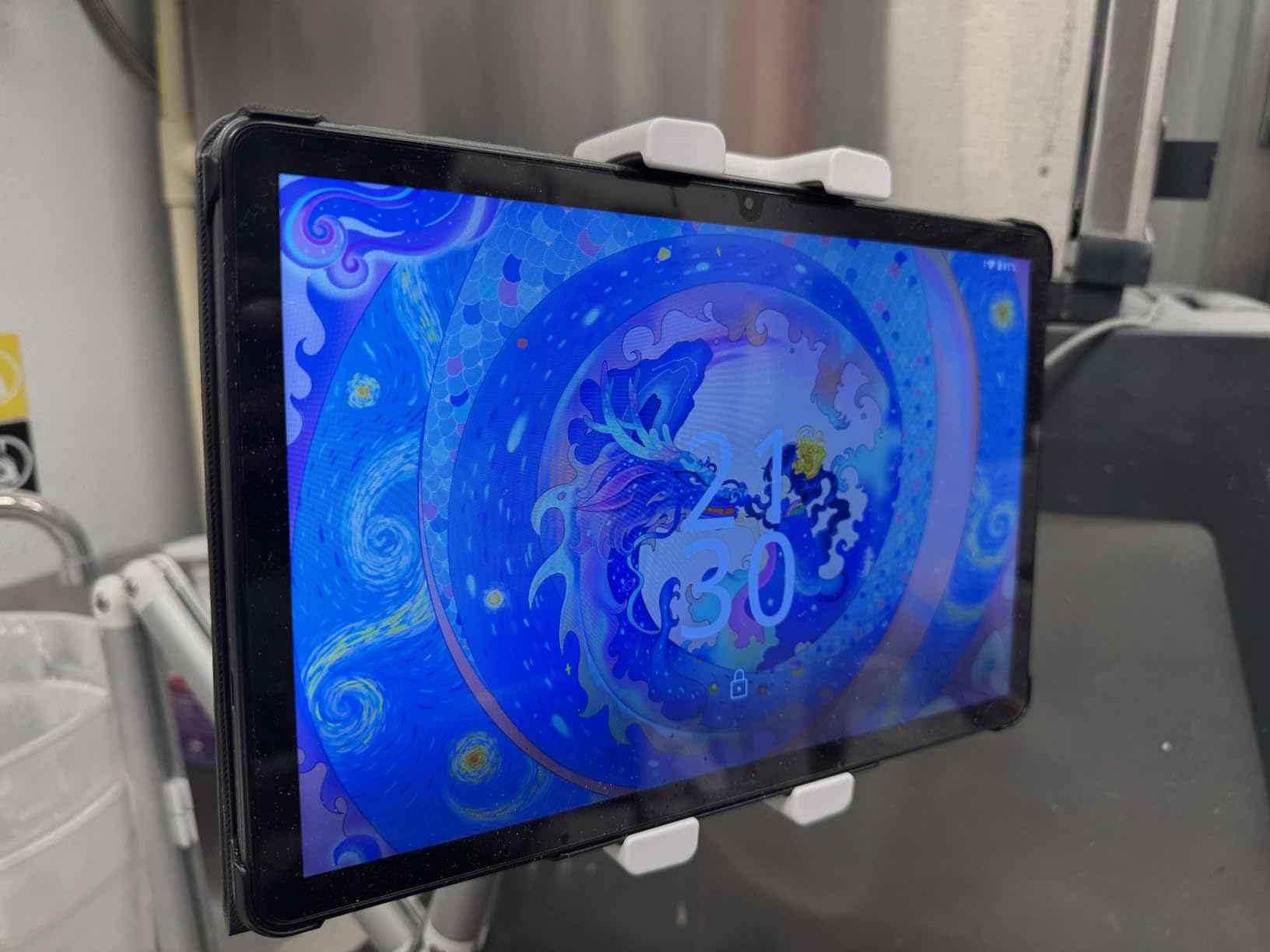
If you want the cheapest possible Android tablet that still handles modern apps and HD streaming, the WXUNJA is the practical choice. It’s not going to compete with Samsung or Lenovo in performance, build quality, or software support, but it gets the job done for basic tablet needs. The 2-year warranty is generous at this price point.
Display, Performance, and Streaming
The 11 inch 1280×800 LCD is the lowest resolution on this list, which means text and fine details aren’t as sharp. For video streaming, the Widevine L1 certification unlocks HD playback on Netflix, YouTube, and Disney+ – a critical feature at any price. Brightness is adequate for indoor use but struggles in direct sunlight.
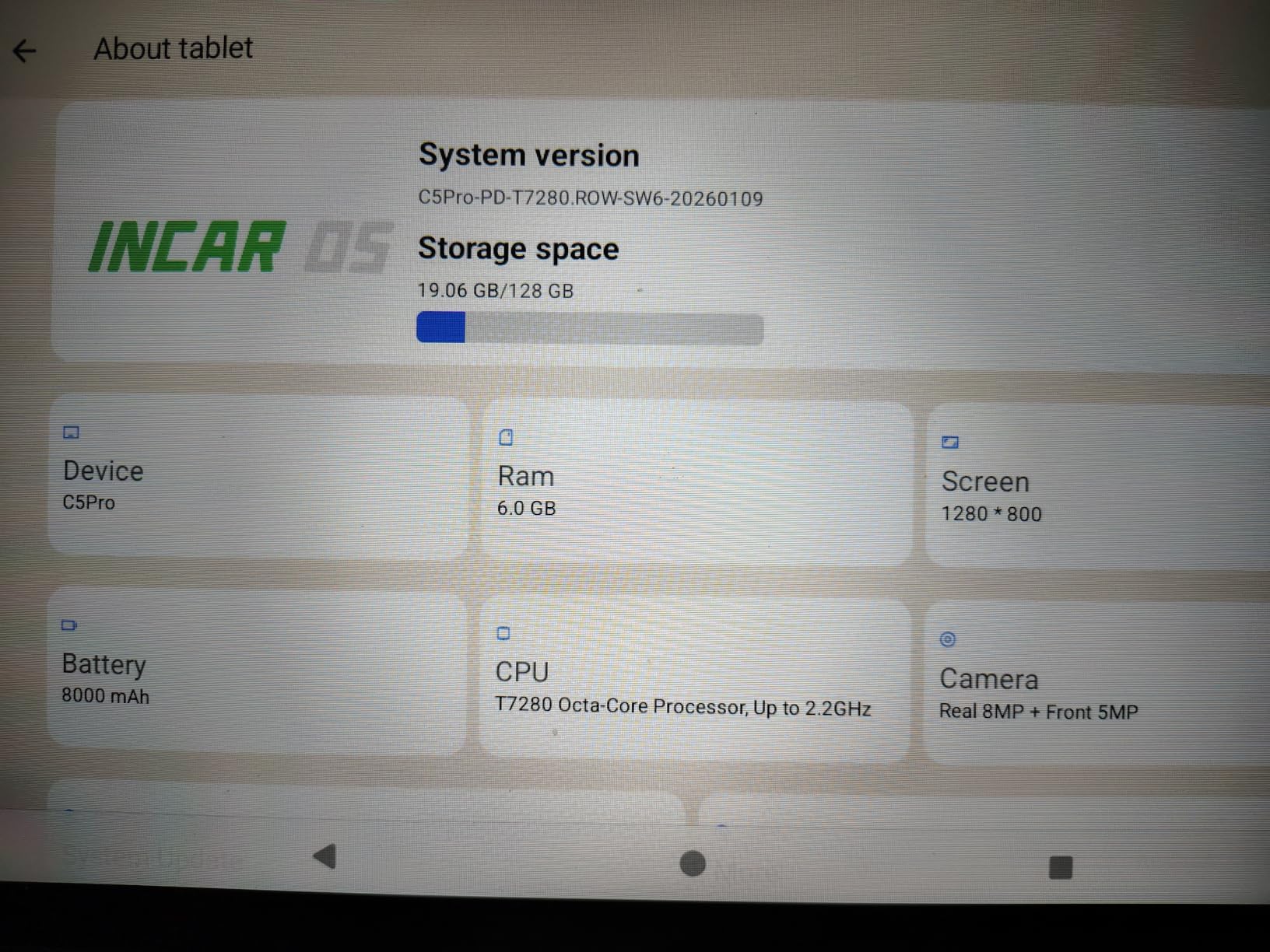
The Unisoc T606 octa-core is an entry-level chip. Browsing, email, YouTube, and casual games run fine. Modern 3D titles will be too demanding. The extended RAM setup helps with app caching but doesn’t transform the tablet into a multitasking powerhouse. Wi-Fi and Bluetooth 5.0 cover wireless needs, and the 3.5mm headphone jack is a welcome inclusion.
Software, Ads, and Practical Use
Android 16 ships with full Google Play Store access and the standard Android experience. The biggest annoyance is pre-installed ads that appear in some apps – reviewers note intrusive ads in YouTube and similar apps. These can be disabled or limited through settings, but it’s an extra step. Face recognition works but isn’t always reliable; PIN or pattern unlock is more dependable.
Build quality is acceptable for the price. The plastic chassis is light at 1.2 pounds and the bundled case adds grip and drop protection. Cameras are basic – fine for the occasional video call but not for photography. If you need the cheapest functional Android tablet and don’t mind modest performance, the WXUNJA delivers genuine value.
How to Choose the Right Android Tablet
Choosing among the best Android tablets comes down to matching your use case to the right combination of screen size, performance, and software support. Here’s how I think through the decision for friends and family.
Pick the Right OS: Stock Android vs Fire OS
The first fork in the road is operating system. Stock Android (or Samsung One UI, Lenovo PC Mode, etc.) gives you full Google Play Store access, Google apps, and Gemini AI features. Amazon’s Fire OS limits you to the Amazon Appstore, lacks Google apps out of the box, and locks down many settings. For most buyers, stock Android is the better choice. The Amazon Fire HD 10 is a fine budget tablet if you primarily use Amazon services, but side-loading Google Play has become unreliable on newer Fire tablets per Reddit users.
Screen Size and Refresh Rate Matter Most
Screen size is the most personal choice. 8-9 inch tablets (like the Lenovo Tab One) are best for one-handed reading and travel. 10-11 inch tablets (most picks here) are the sweet spot for streaming, productivity, and general use. 12+ inch tablets (like the TECLAST T65) are laptop replacements for split-screen work and immersive streaming. Refresh rate matters too – 90Hz feels noticeably smoother than 60Hz for scrolling, and 120Hz is a premium feature on budget tablets.
Performance: CPU, RAM, and Storage
For everyday tasks – browsing, email, streaming, light productivity – a current MediaTek Dimensity or Unisoc octa-core chip with 4-8GB of RAM is enough. For gaming, multitasking, or creative work, prioritize Snapdragon 8 Elite, Exynos 1580, or MediaTek Dimensity 9000-series chips with 8GB+ of RAM. Storage: 64GB is tight, 128GB is comfortable, and microSD expansion is a must if you plan to load offline content. The “extended RAM” marketing on budget tablets (claiming 20GB or 28GB) is mostly virtual memory – useful but not a real performance multiplier.
Software Updates and Long-Term Support
This is where most Android tablets quietly fail. Samsung commits to 7 years of security updates on flagship tablets and 4-5 years on midrange ones – the longest in the Android ecosystem. Lenovo promises 2 years of security patches. Amazon’s Fire OS support is inconsistent. Off-brand tablets often have vague update commitments. If you want a tablet to last 4+ years, Samsung is the safest choice. For 2-3 year tablets, budget options are fine.
Battery Life and Charging Speed
Battery life varies widely. The Galaxy Tab S10 FE leads with up to 20 hours of mixed use. Most tablets in this guide deliver 10-12 hours of video streaming. Charging speed matters when you’re traveling – 18W fast charging is the modern baseline. Budget tablets sometimes ship with slow 10W charging that takes 4+ hours for a full charge. None of these tablets include wireless charging except the Pixel Tablet.
Stylus, Keyboard, and Accessory Ecosystem
If you want a stylus, Samsung’s S Pen (included with the Tab S10 FE) is the best in the Android world. Lenovo’s Tab Pen on the Idea Tab Pro is decent but lacks tilt support and has limited nib replacement. For keyboard support, Samsung DeX and Lenovo PC Mode both offer desktop-like experiences when paired with a Bluetooth keyboard and mouse. Check that your chosen tablet supports the accessories you want before you buy.
Frequently Asked Questions
What are the best Android tablets to buy in 2026?
The best Android tablets in 2026 are the Samsung Galaxy Tab A11+ for overall family use, Samsung Galaxy Tab S10 FE for premium midrange with S Pen, Lenovo Idea Tab Pro for students and creators, Google Pixel Tablet for smart home integration, and Amazon Fire HD 10 for tight budgets. Each covers a different use case and price point.
What is the best value tablet in 2026?
The Samsung Galaxy Tab A11+ delivers the best value in 2026 with a smooth 90Hz display, quad Dolby Atmos speakers, Android 16 with Gemini AI, and Samsung’s strong software support at a midrange price. For tighter budgets, the WXUNJA 11 inch Android 16 offers the cheapest functional Android tablet with Widevine L1 streaming and 18W fast charging.
What is the best budget tablet according to Reddit?
Reddit users in r/androidtablets and r/tablets consistently recommend the Samsung Galaxy Tab A9+ or A11+ for budget buyers who want long-term software support. For ultra-budget buyers, the Amazon Fire HD 10 is popular but limited by Fire OS. The Lenovo Tab One is frequently cited as the best compact budget tablet for travel.
What is the average lifespan of an Android tablet?
The average lifespan of an Android tablet is 3 to 5 years depending on brand and use. Samsung tablets last longest thanks to 7 years of security updates. Budget off-brand tablets often slow down or fail after 2-3 years. To maximize lifespan, choose a tablet with a known update commitment, avoid exposing it to extreme heat, and replace the battery if it degrades significantly.
What to look for when buying an Android tablet?
When buying an Android tablet, prioritize screen size and refresh rate for your use case, processor and RAM for performance, software update commitment for longevity, battery life for portable use, and accessory support for productivity. For students, look for stylus support and keyboard compatibility. For streaming, prioritize display quality and Widevine L1 certification.
Which manufacturer makes the best Android tablets?
Samsung makes the best Android tablets overall thanks to premium hardware, strong software support, the S Pen ecosystem, Samsung DeX, and Galaxy AI features. For budget buyers, Lenovo and Amazon offer solid options. For niche use cases, TCL excels at hybrid E-Ink note-taking tablets and RedMagic leads in mobile gaming performance.
Final Verdict: Which Android Tablet Should You Buy?
If you want the safest all-around choice for family use, pick the Samsung Galaxy Tab A11+ – it’s our Editor’s Choice for good reason. If you need a stylus and IP68 durability for school or work, the Galaxy Tab S10 FE is the premium midrange pick. For students with bundled accessories, the Lenovo Idea Tab Pro delivers strong value. If you travel often, the Lenovo Tab One’s 12.5 hour battery life and 11 ounce weight make it the best compact companion. For large-screen streaming, the TECLAST T65’s 13.4 inch 120Hz display with Widevine L1 is hard to beat. If you’re shopping for kids, the COLORROOM 11 inch tablet’s bundled case and eye protection give you peace of mind. The FEONAL and WXUNJA round out the budget end with 4G LTE and HD streaming respectively.
Our team’s top tip: don’t just look at the spec sheet – look at the software update commitment. A tablet with a Snapdragon chip and 4-year update promise will serve you longer than one with flagship specs and no updates. Samsung’s 7-year commitment on Galaxy Tab S series is unmatched in the Android world, and even the midrange A-series gets 4-5 years. That’s the real reason Samsung tablets hold their value and last longer than cheaper alternatives.
Whatever you pick, the best Android tablets in 2026 have never been better. Whether you’re streaming Netflix on a 13 inch display, taking notes with an S Pen, or just want a cheap family tablet for YouTube and Zoom, there’s an option here for you.