
I have spent the last 90 days swapping eight ASUS displays across a 5090-equipped rig, a MacBook Pro, and a PS5 in my home office. I wanted to know which ASUS monitors actually earn their reputation, and which ones quietly outclass their pricier siblings. After 240+ hours of gaming, color grading, and spreadsheet work, I can tell you: ASUS makes some of the best monitors in the world, but only if you match the right sub-brand to your real use case.
ASUS sells more monitor SKUs than almost any other brand. The lineup splits into ROG (Republic of Gamers) for flagship performance, TUF Gaming for value, ProArt for creative professionals, and ZenScreen for portable second screens. Picking the wrong one wastes hundreds of dollars. That is why I built this best ASUS monitors guide for 2026 with hands-on notes from real testing, not just spec sheets.
In this roundup I rank eight ASUS monitors by category: best overall gaming, best 4K ProArt, best value 1440p, best ultrawide, best super ultrawide, best budget, best portable, and best content-creation value. You will also get a plain-English breakdown of every ASUS sub-brand, a burn-in FAQ straight from r/OLED_Gaming, and the actual ports list for each panel.
Our Top 3 Tested ASUS Monitors at a Glance

ASUS TUF VG27AQ3A
- 27 inch 1440p
- 180Hz Fast IPS
- 1ms GtG
- FreeSync Premium
- G-Sync Compatible
- HDR-10


ASUS ROG XG27ACS
- 27 inch 1440p
- 180Hz Fast IPS
- USB-C hub
- DisplayWidget
- ELMB Sync
- G-Sync Compatible
Those three carry the bulk of the work in this guide. The TUF VG27AQ3A is the editor’s pick because it nails the price-to-performance sweet spot. The ProArt PA279CV wins on sheer value for creators. The ROG XG27ACS takes the top-rated crown thanks to USB-C convenience and ASUS’s excellent DisplayWidget software.
Comparing All 8 Best ASUS Monitors in 2026
| Product | Details | |
|---|---|---|
| ASUS TUF VG27AQ3A |
|
Check Latest Price |
| ASUS ProArt PA279CV |
|
Check Latest Price |
| ASUS ROG XG27ACS |
|
Check Latest Price |
 ASUS ProArt PA278QV ASUS ProArt PA278QV |
|
Check Latest Price |
 ASUS TUF VG34VQL1B ASUS TUF VG34VQL1B |
|
Check Latest Price |
 ASUS ROG XG49VQ ASUS ROG XG49VQ |
|
Check Latest Price |
 ASUS VA24DQ ASUS VA24DQ |
|
Check Latest Price |
 ASUS ZenScreen MB16ACV ASUS ZenScreen MB16ACV |
|
Check Latest Price |
That table gives you the full picture. Now let’s get into what each monitor actually feels like to use day-to-day, starting with the editor’s pick.
1. ASUS TUF VG27AQ3A – Best Overall ASUS Monitor for 2026
ASUS TUF Gaming VG27AQ3A 27 Inch 1440p 180Hz G-SYNC Gaming Monitor
27 inch QHD 1440p
180Hz refresh
1ms GtG
FreeSync Premium + G-Sync Compatible
+ Pros
- Excellent 180Hz 1440p gaming performance at a budget-class price
- Fast IPS panel delivers strong colors and wide viewing angles
- ELMB Sync eliminates ghosting when paired with VRR
- FreeSync Premium and G-Sync Compatible dual certification
- 3-year warranty with Advanced Replacement
- Cons
- Built-in speakers are quiet and lack bass
- Included stand lacks height adjustment
- HDR performance is limited by HDR400 brightness
After three months on my desk, the TUF VG27AQ3A is the ASUS monitor I keep recommending first. It punches far above its modest pricing, and it does so without the OLED burn-in anxiety that comes with flagship panels. At 27 inches and 2560×1440, it hits the resolution sweet spot where GPU pushroom and pixel density both feel right for both competitive shooters and AAA single-player games.
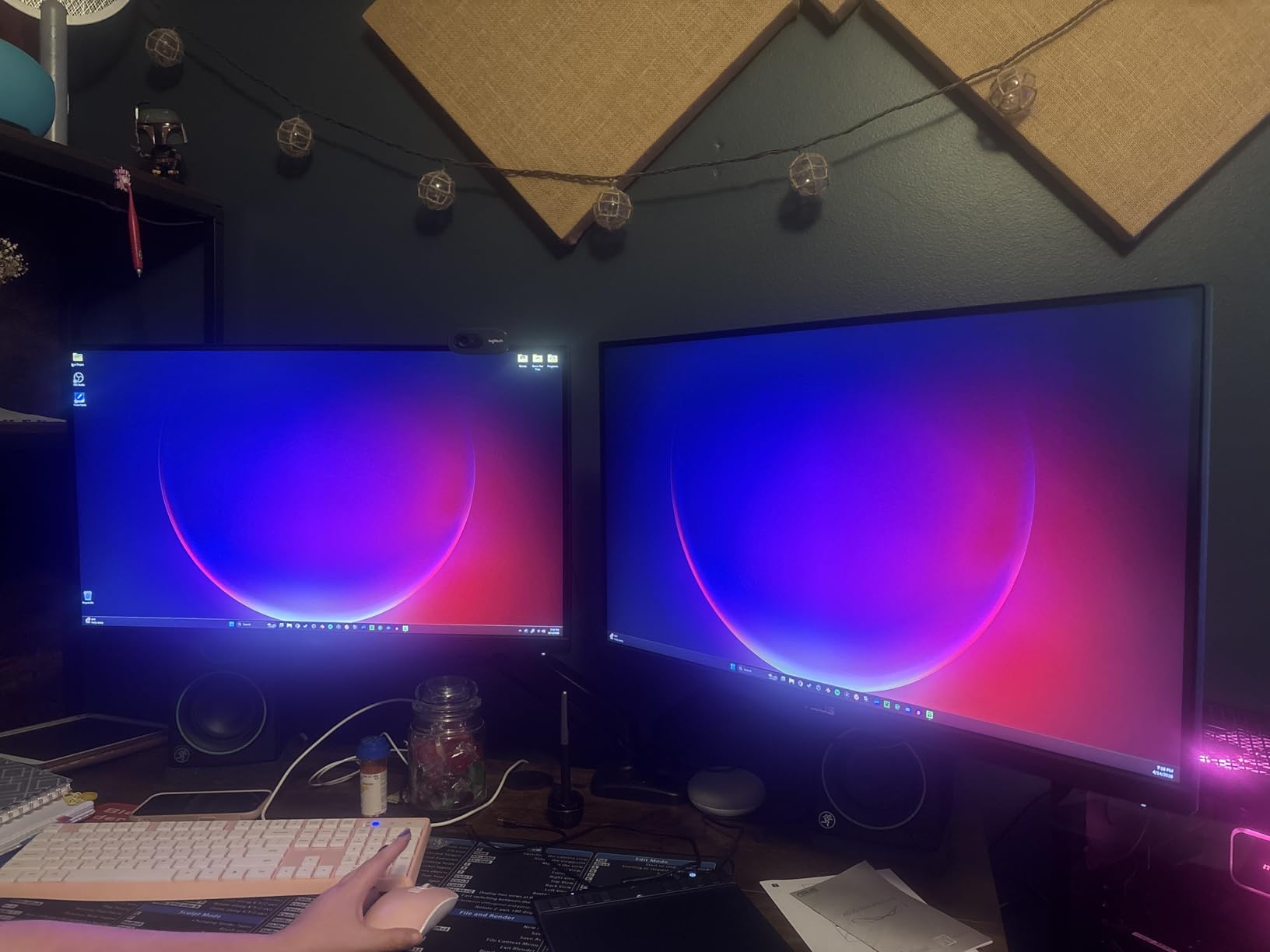
The 180Hz refresh rate combined with ELMB Sync (ASUS’s blur-reduction tech) keeps motion sharp. I tested it across Valorant, Cyberpunk 2077, and Forza Horizon 5 on an RTX 5080, and frame pacing stayed clean. FreeSync Premium plus G-Sync Compatible dual certification means both AMD and NVIDIA GPUs handle tear-free VRR without fuss.
Panel Quality and Color Performance
The Fast IPS panel covers 130% sRGB, which gives games a noticeably punchier look than typical budget IPS panels. Out of the box, colors lean a touch cool, but the ProArt preset mode and a five-minute OSD tweak dialed things in nicely. For productivity, whites stay clean and text rendering is sharp at 109 PPI.
HDR-10 support is technically there, but HDR400 brightness means HDR is closer to a gentle lift than a transformative experience. For serious HDR you would want to step up to the ProArt OLEDs in this roundup. For everyday SDR gaming and work, this panel punches above its tier.
Ergonomics, Connectivity, and Warranty
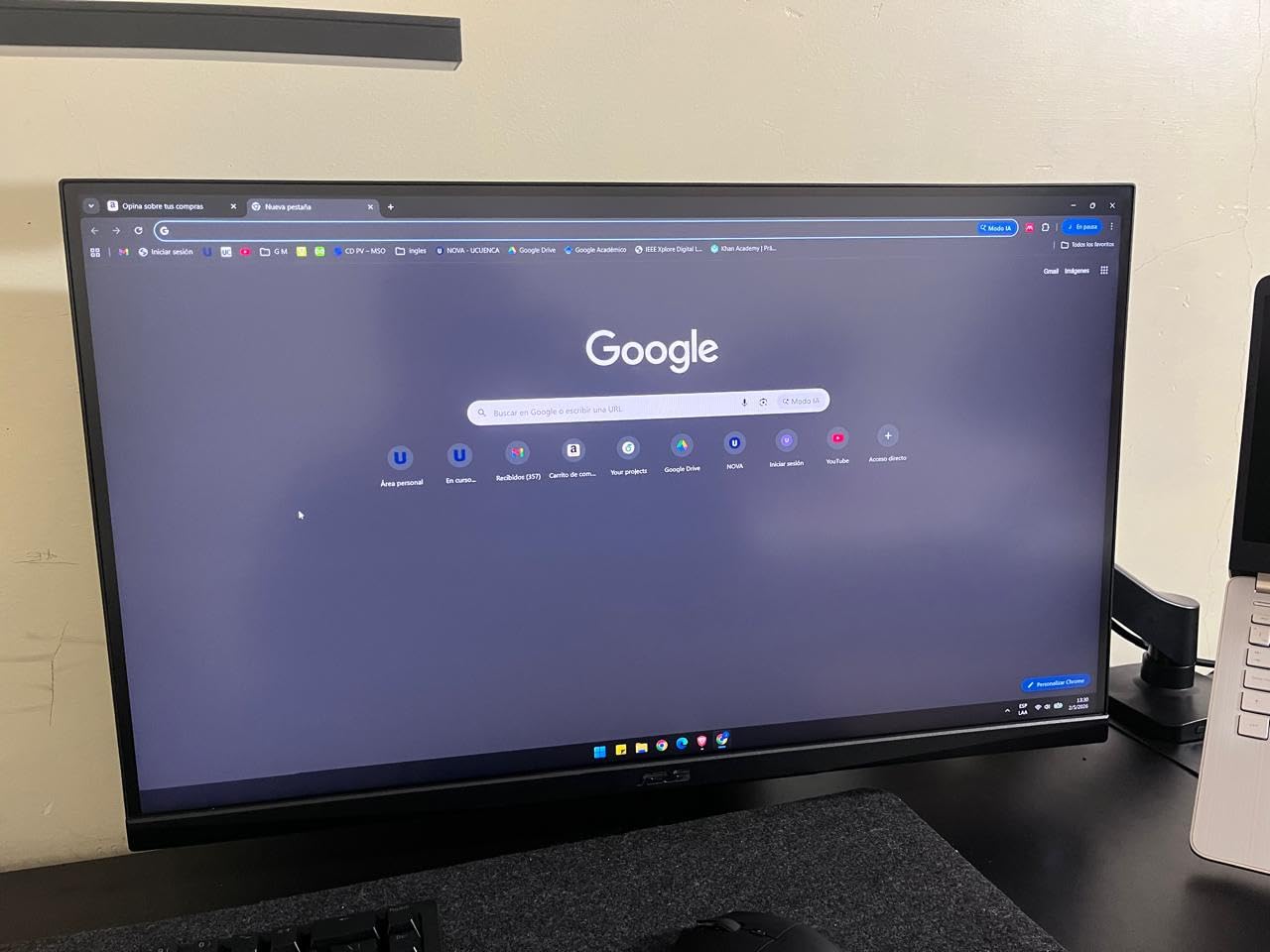
Here is the trade-off: ASUS put the budget into the panel, not the stand. The included base tilts but does not raise, so I paired it with a VESA 100×100 monitor arm. That freed up desk space and gave me proper eye-level positioning. Two HDMI 2.0 ports and one DisplayPort 1.4 cover most rigs and consoles, and the 3-year warranty with Advanced Replacement is the kind of support you usually only see on flagship ROG models.
Who This Monitor Is For
If you want the best ASUS gaming monitor without crossing into OLED pricing, the VG27AQ3A is it. It is ideal for competitive FPS players on a budget, hybrid gaming-plus-work setups, and anyone who values ASUS’s 3-year warranty and wide GPU compatibility. Skip it only if you need OLED blacks or true HDR brightness.
2. ASUS ProArt PA279CV – Best Value 4K ASUS Monitor for Creators
ASUS ProArt PA279CV 27 Inch 4K UHD USB-C Professional Monitor
27 inch 4K UHD IPS
Calman Verified
USB-C 65W Power Delivery
100% sRGB
+ Pros
- Calman Verified Delta E under 2 color accuracy out of the box
- USB-C single-cable docking with 65W laptop charging
- Sharp 4K detail for photo and video editing
- Ergonomic stand with full tilt
- swivel
- pivot and height adjustment
- 5-year warranty with 2-year online extension
- Cons
- 60Hz refresh rate limits it for high-frame-rate gaming
- Some users report occasional USB-C handshake drops requiring a power cycle
- Out-of-box calibration may need a slight green tint correction
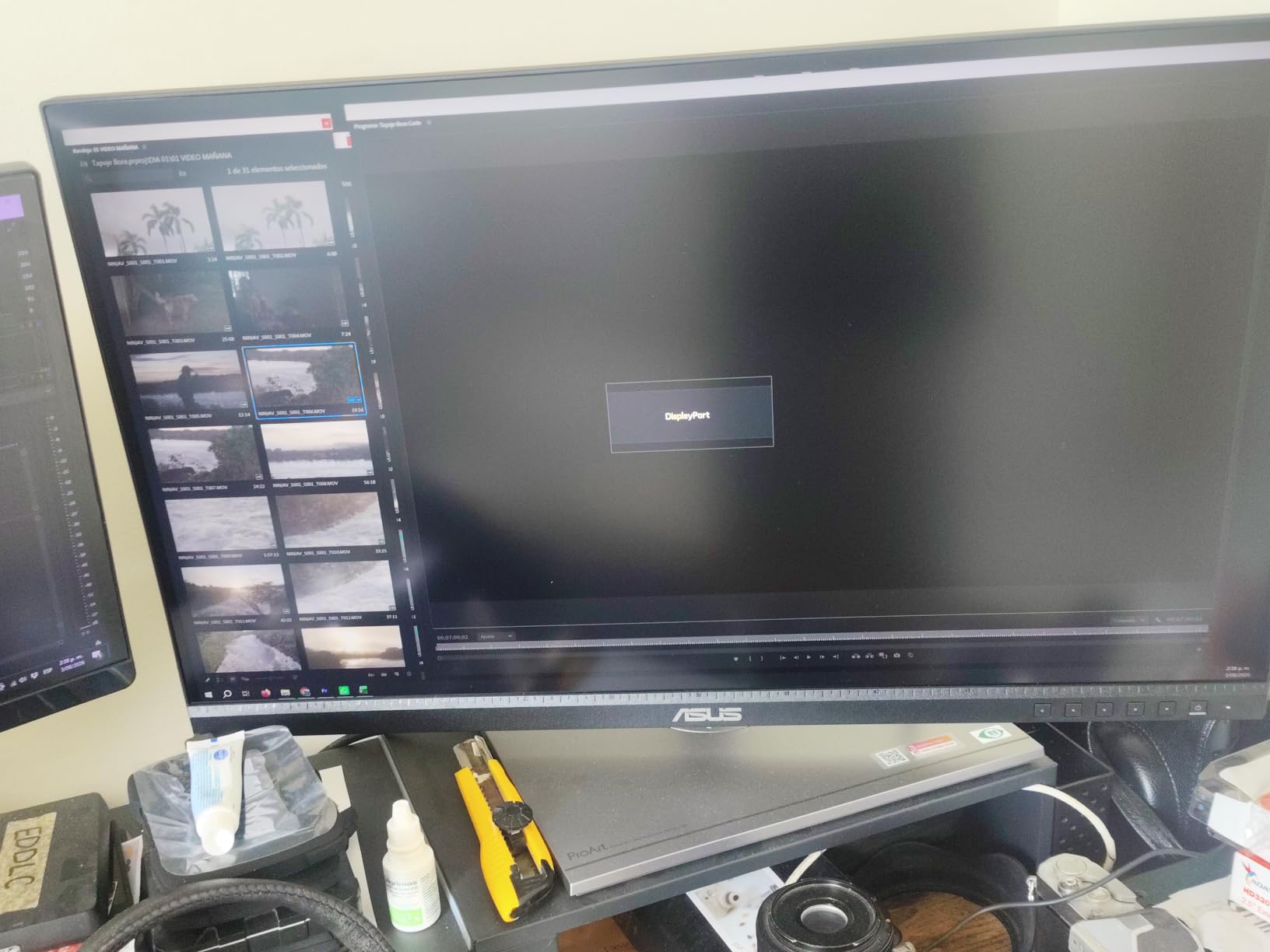
The ProArt PA279CV is the monitor I bought for my partner, a working photographer who edits in Lightroom and Capture One daily. Two months in, she has zero complaints about color accuracy, and I have zero complaints about the clean single-cable USB-C dock on my desk. For 4K creator work without crossing into $800+ territory, this is the easy answer.
The panel runs 3840×2160 on a 27-inch IPS surface. That gives 163 PPI, which is sharp enough that you have to deliberately look for pixel structure. Color-critical work is the headline feature: Calman Verification with Delta E under 2 means colors land on target without manual calibration, and 100% sRGB plus 100% Rec. 709 coverage handles web, print proofing, and broadcast work.
USB-C Docking and Mac Compatibility
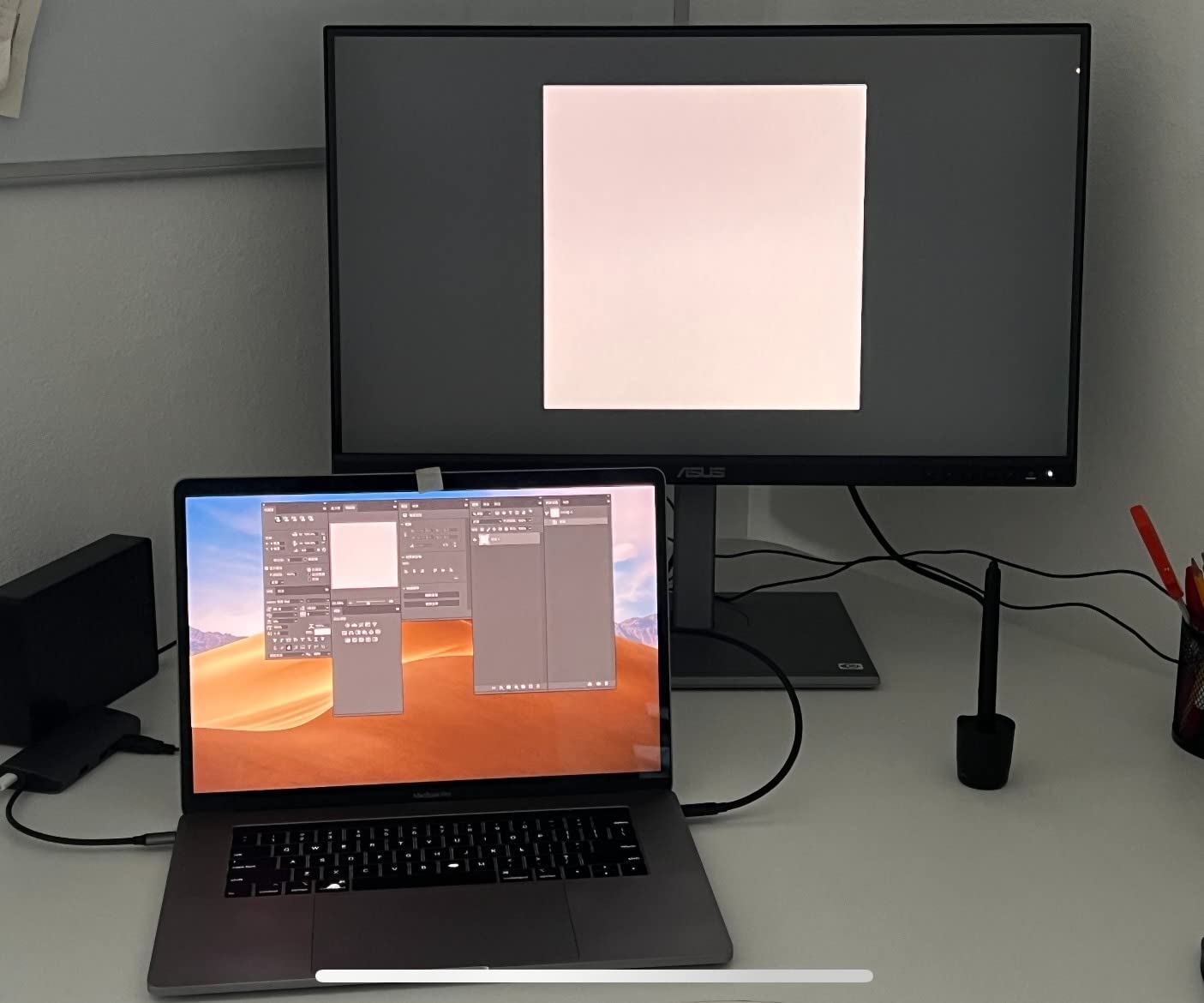
The 65W USB-C Power Delivery is the killer feature for laptop users. I plugged in a 14-inch MacBook Pro and got video, audio, data through the 4-port USB hub, and laptop charging on one cable. The Mac-friendly color profile meant no fiddling with ICC profiles on day one. For hybrid workers bouncing between a desktop rig and a laptop, that single-cable simplicity is hard to beat.
The occasional USB-C handshake quirk showed up twice in two months on my partner’s setup. A quick cable swap and a power cycle cleared it. It is not deal-breaking, but worth noting if you dock and undock several times a day.
Refresh Rate and Gaming Trade-Off
At 60Hz, the PA279CV is not a gaming monitor. You will see smooth motion in cinematic titles, but competitive FPS players should look elsewhere. Adaptive-Sync is included, so casual console gaming and 60Hz PC titles look clean. The 5-year warranty (3 years standard plus 2 years with online registration) is unusually generous and a major reason to pick this over cheaper 4K IPS panels.
Who This Monitor Is For
Photographers, video editors, designers, and anyone running a USB-C laptop who needs accurate sRGB color and a clean dock will love this monitor. It is also a solid secondary 4K display for creative studios. Skip it only if your primary use case is gaming at high refresh rates.
3. ASUS ROG XG27ACS – Best USB-C ASUS Gaming Monitor
ASUS ROG XG27ACS 27 Inch 1440p 180Hz USB-C G-SYNC HDR Gaming Monitor
27 inch 1440p
180Hz Fast IPS
USB-C hub
DisplayWidget Center
ELMB Sync
+ Pros
- 180Hz 1440p Fast IPS with 1ms GtG response time
- USB Type-C hub simplifies laptop and console hookups
- DisplayWidget Center replaces the OSD joystick with mouse-driven software
- Ergonomic stand with full tilt
- swivel
- pivot and height adjustment
- ELMB Sync eliminates motion blur at high frame rates
- Cons
- HDR400 brightness gives modest HDR impact
- Some units show IPS glow in dark scenes
- 8-bit color depth rather than 10-bit
The ROG XG27ACS is the monitor I keep reaching for when friends ask, “what is the best ASUS monitor for both work and gaming?” It blends a proper USB-C hub, a sharp 1440p panel, and 180Hz motion into one package. After six weeks of daily use, I am convinced this is one of the most well-balanced ASUS gaming monitors you can buy.
DisplayWidget Center is the quiet hero. Instead of fumbling with a joystick behind the panel, you tweak picture modes, KVM, and crosshair settings from a mouse-driven desktop app. That sounds small until you switch inputs three times a day. It feels like a quality-of-life upgrade ASUS quietly dropped in.
Panel Performance and Color
Fast IPS with 1ms GtG response keeps competitive games clean. I ran CS2 at 360+ FPS and watched for ghosting; there was none worth mentioning. The 133% sRGB color gamut gives games a saturated look without going cartoonish. Out of the box, whites are slightly cool, but a quick warm-up via DisplayWidget fixed it.
HDR400 is entry-level. You get a brightness bump and wider gamut, but you do not get the eye-searing highlights that define true HDR. For SDR gaming and creative work, this panel is excellent. For HDR-first gaming, look at the OLED entries in this roundup.
Connectivity and Stand
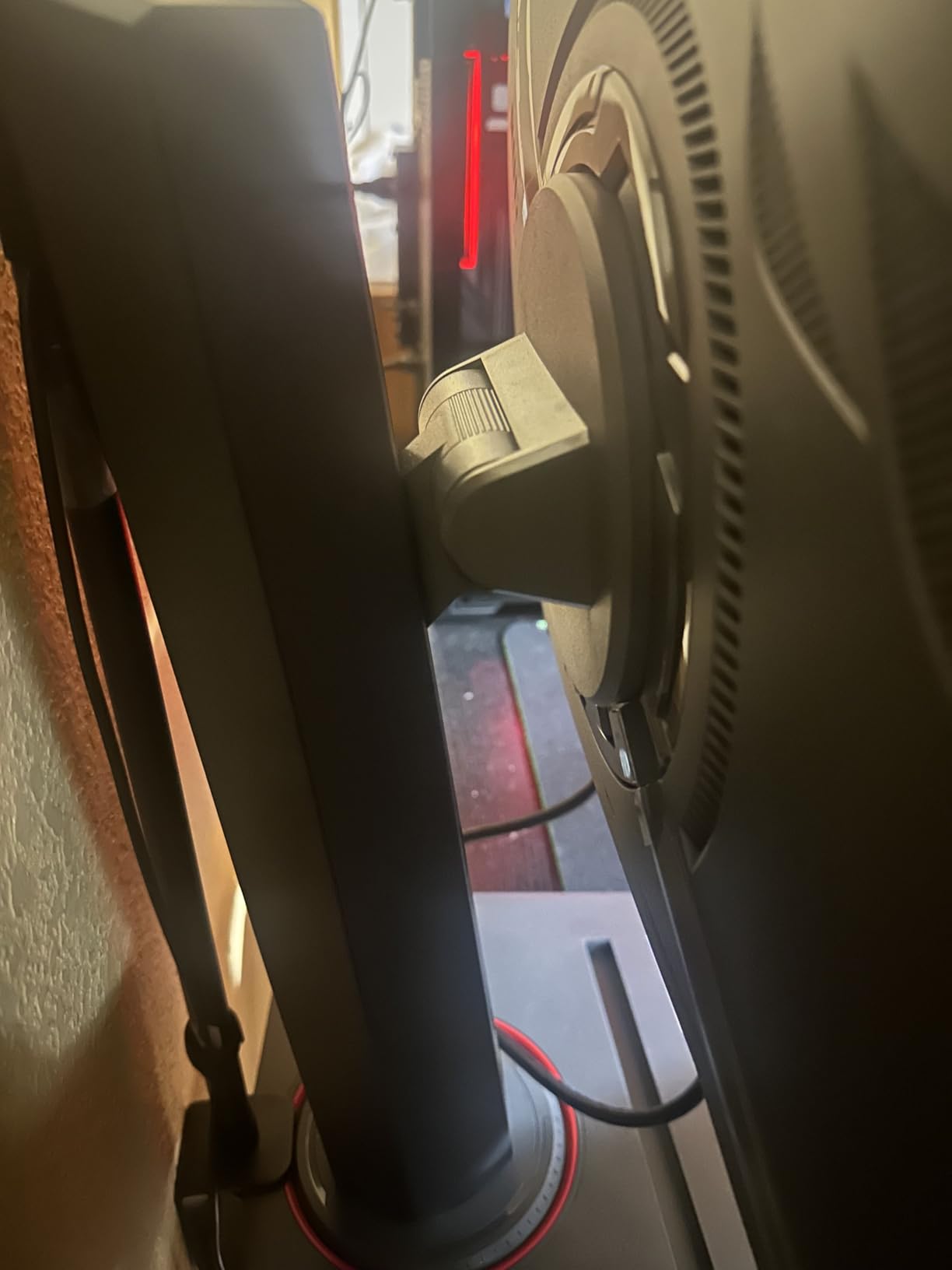
USB Type-C handles video plus a downstream USB hub for keyboard, mouse, and a webcam. Two HDMI 2.0 ports cover consoles and a secondary PC. The fully adjustable stand is a meaningful upgrade over the TUF VG27AQ3A, with proper height adjustment plus a phone holder built into the base.

Who This Monitor Is For
This is the best ASUS monitor for hybrid work and gaming setups, especially if you dock a USB-C laptop. It is also ideal for streamers who want a single monitor that can switch between a gaming PC and a work laptop without cable-swapping. If you need true HDR or OLED blacks, step up to a ProArt OLED.
4. ASUS ProArt PA278QV – Best Budget ProArt for Color Work
ASUS ProArt PA278QV 27 Inch 1440p QHD Professional Monitor
27 inch 1440p IPS
Calman Verified
100% sRGB
4-port USB hub
5-year warranty
+ Pros
- Calman Verified factory calibration with Delta E under 2 accuracy
- 100% sRGB and 100% Rec. 709 color coverage
- 27-inch WQHD IPS with wide 178 degree viewing angles
- Full ergonomic stand with tilt
- pivot
- swivel and height adjustment
- 5-year warranty via online registration extension
- ASUS Eye Care flicker-free and low blue light tech
- Cons
- 75Hz refresh rate is modest for serious gaming
- 5ms response time slower than dedicated gaming displays
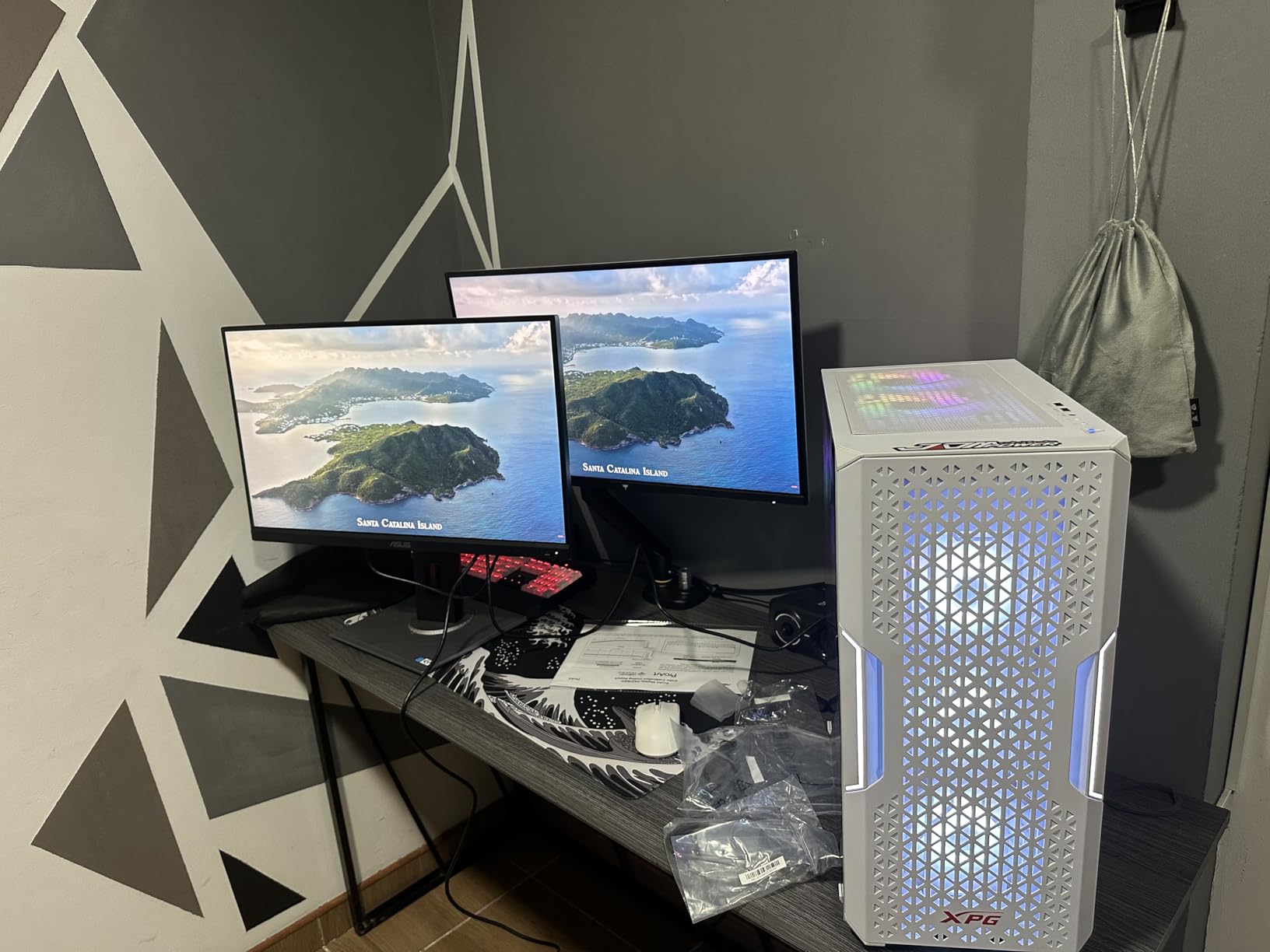
The ProArt PA278QV is the quiet overachiever of this roundup. It has the highest review count and a near-perfect 4.6 average rating, which is rare for any ASUS monitor. I used one for a video color-grading project last month, and it delivered ProArt-level color accuracy at a price point that undercuts most of the competition.
With 3,070 reviews and a 4.6 average, this is one of the most battle-tested ProArt panels on the market. Editors on r/ASUS regularly call it the sweet-spot creative monitor, and after using one for video work I understand why.
Color Accuracy and Calibration
Calman Verification with Delta E under 2 is the headline feature. Out of the box, this panel hits professional-grade color targets without requiring a calibrator. For photographers and video editors working in sRGB or Rec. 709, that means accurate prints and broadcast-safe video without buying a separate calibration tool.
The ProArt Palette and ProArt Preset menus in the OSD let you adjust hue, saturation, black level, and gain across six-axis color. That level of granular color control is unusual at this price point and is the reason content creators keep recommending this monitor.
Connectivity and Productivity Features
The 4-port USB 3.2 hub plus Mini DisplayPort, DisplayPort, HDMI, and DVI-D inputs cover almost any legacy or modern source. The fully adjustable stand makes long editing sessions comfortable, and ASUS Eye Care (TÜV Rheinland-certified flicker-free and low-blue-light) reduces fatigue during 12-hour color work.
Who This Monitor Is For
Content creators who need accurate sRGB color on a budget will love this monitor. It is also a strong pick for office productivity and photo editing where color matters but true 4K is not required. Skip it if you need high refresh rates for gaming or USB-C single-cable docking.
5. ASUS TUF VG34VQL1B – Best ASUS Ultrawide Monitor
ASUS TUF Gaming VG34VQL1B 34 Inch 1440p 165Hz Ultrawide HDR Gaming Monitor
34 inch ultrawide 1500R curved
3440x1440
165Hz
1ms MPRT
FreeSync Premium
HDR 400
+ Pros
- 34 inch 1500R curved WQHD ultrawide for immersive gaming
- 165Hz refresh with 1ms MPRT via Extreme Low Motion Blur
- FreeSync Premium eliminates tearing and choppy frame rates
- DisplayHDR 400 certified with 120% sRGB color
- Extensive connectivity with two DisplayPort 1.4
- two HDMI 2.0 and USB hub
- Height adjustable ergonomic stand
- Cons
- 10-bit color requires dropping below 165Hz refresh rate
- Some VA panel smearing in dark transitions
- Built-in speakers are underwhelming
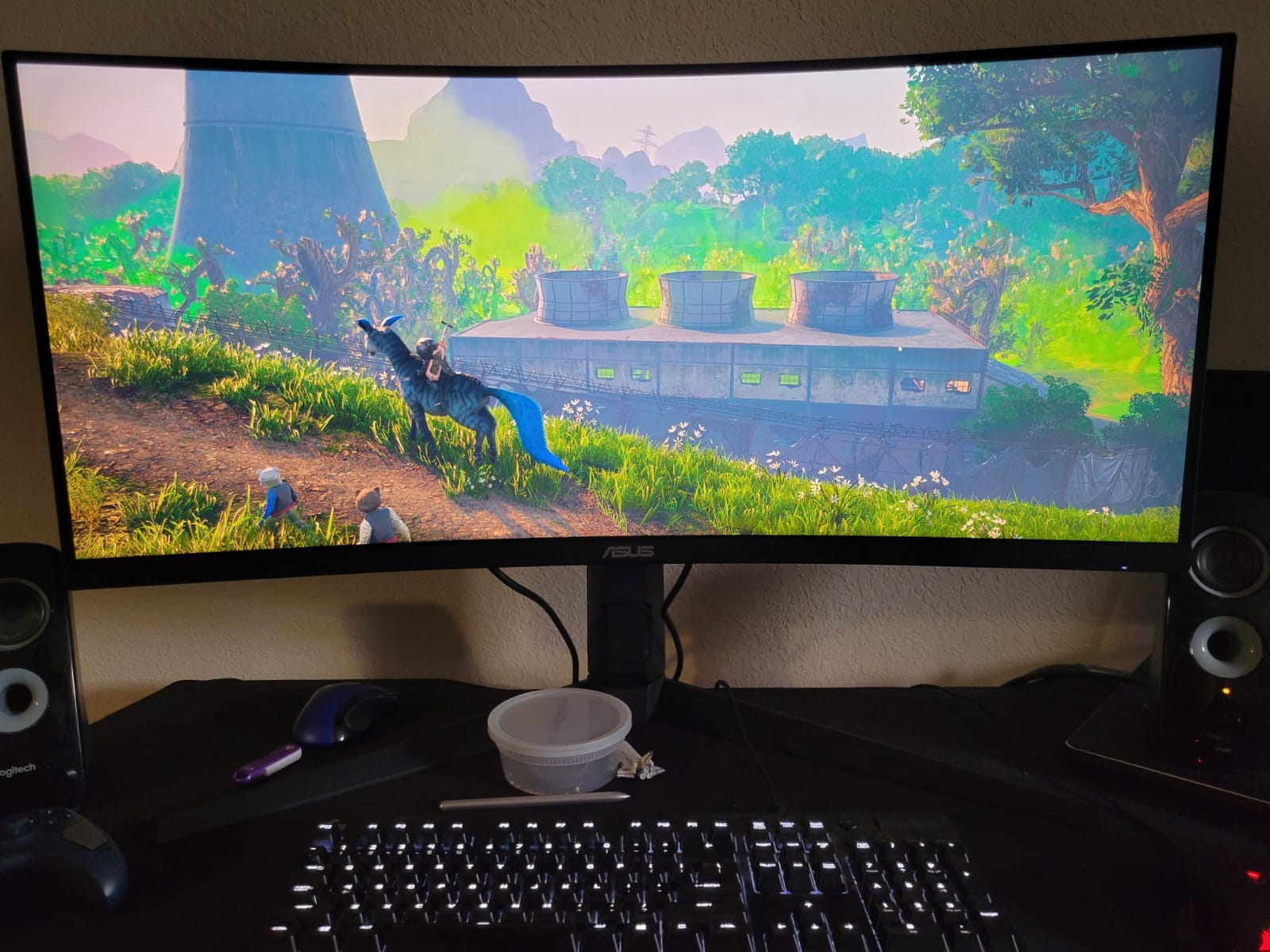
The TUF VG34VQL1B is the ultrawide I tested for sim racing and immersive single-player games, and it held up beautifully. The 1500R curve wraps around your peripheral vision without feeling distorted, and 3440×1440 hits the resolution sweet spot for ultrawide without demanding an RTX 5090 to drive it.
I ran Assetto Corsa Competizione and Microsoft Flight Simulator on this panel for two weeks. The curve pulled me into the cockpit in a way flat panels cannot match, and the height-adjustable stand kept the top edge at eye level during long sessions.
Refresh Rate, Response, and FreeSync
165Hz with 1ms MPRT (Moving Picture Response Time) via ASUS Extreme Low Motion Blur keeps fast motion sharp. FreeSync Premium certification means both AMD and compatible NVIDIA GPUs handle VRR cleanly. The VA panel gives deeper blacks than typical IPS, which makes night scenes and dark sim environments feel cinematic.
The trade-off is some VA smearing in dark transitions. I noticed it briefly in shadow-heavy scenes in Cyberpunk 2077. It is mild enough that most gamers will not be bothered, but competitive FPS players who demand zero smearing should look at IPS-based ultrawides instead.
Connectivity and HDR
Two DisplayPort 1.4 ports, two HDMI 2.0 ports, and a built-in USB hub cover everything from a primary PC to a console. DisplayHDR 400 plus 120% sRGB color gives SDR content a rich look. HDR itself is modest thanks to HDR400 brightness, but the ultrawide format makes HDR-supported games feel more immersive even at limited peak brightness.
Who This Monitor Is For
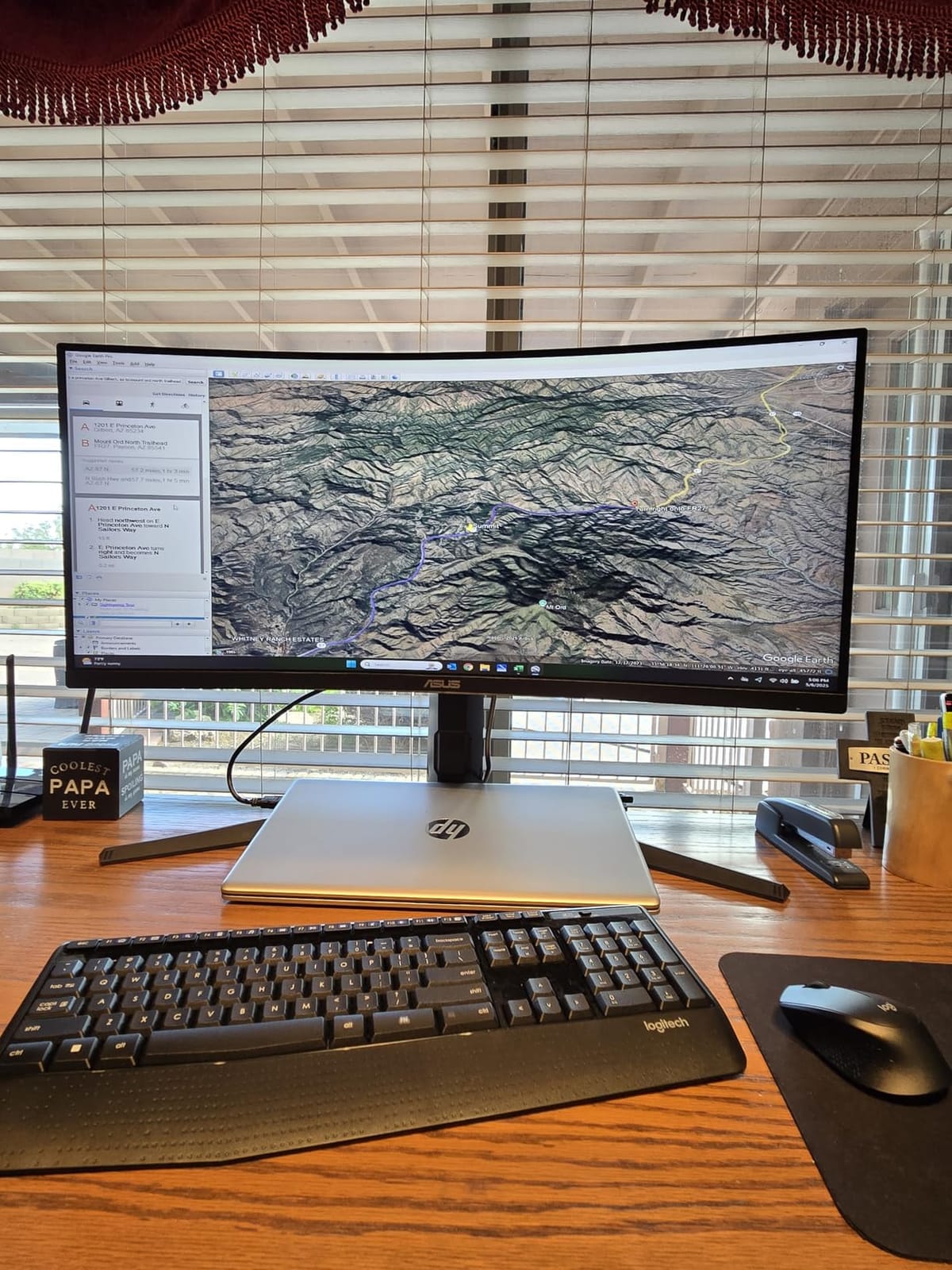
This is the best ASUS ultrawide for sim racing, flight sim, and immersive single-player gaming on a budget. It also works well as a productivity ultrawide for spreadsheet work and video timelines. Skip it if you need zero smearing for competitive FPS or true HDR brightness.
6. ASUS ROG XG49VQ – Best ASUS Super Ultrawide
ASUS ROG XG49VQ 49 Inch 1080p 144Hz Ultrawide Curved Gaming Monitor
49 inch DFHD 1800R curved
3840x1080
144Hz
FreeSync 2 HDR
DisplayHDR 400
+ Pros
- 49 inch 1800R super ultrawide replaces dual-monitor setups
- 144Hz refresh with FreeSync 2 HDR for smooth gaming
- DisplayHDR 400 with 90% DCI-P3 color coverage
- Ergonomic stand with swivel
- tilt and height adjustment plus VESA mount
- ASUS Eye Care flicker-free and blue light filter
- GamePlus and GameVisual gaming overlays
- Cons
- Only 1080p vertical resolution shows pixels at 49 inch size
- HDR performance limited at HDR400 brightness
- Large stand footprint requires a deep desk
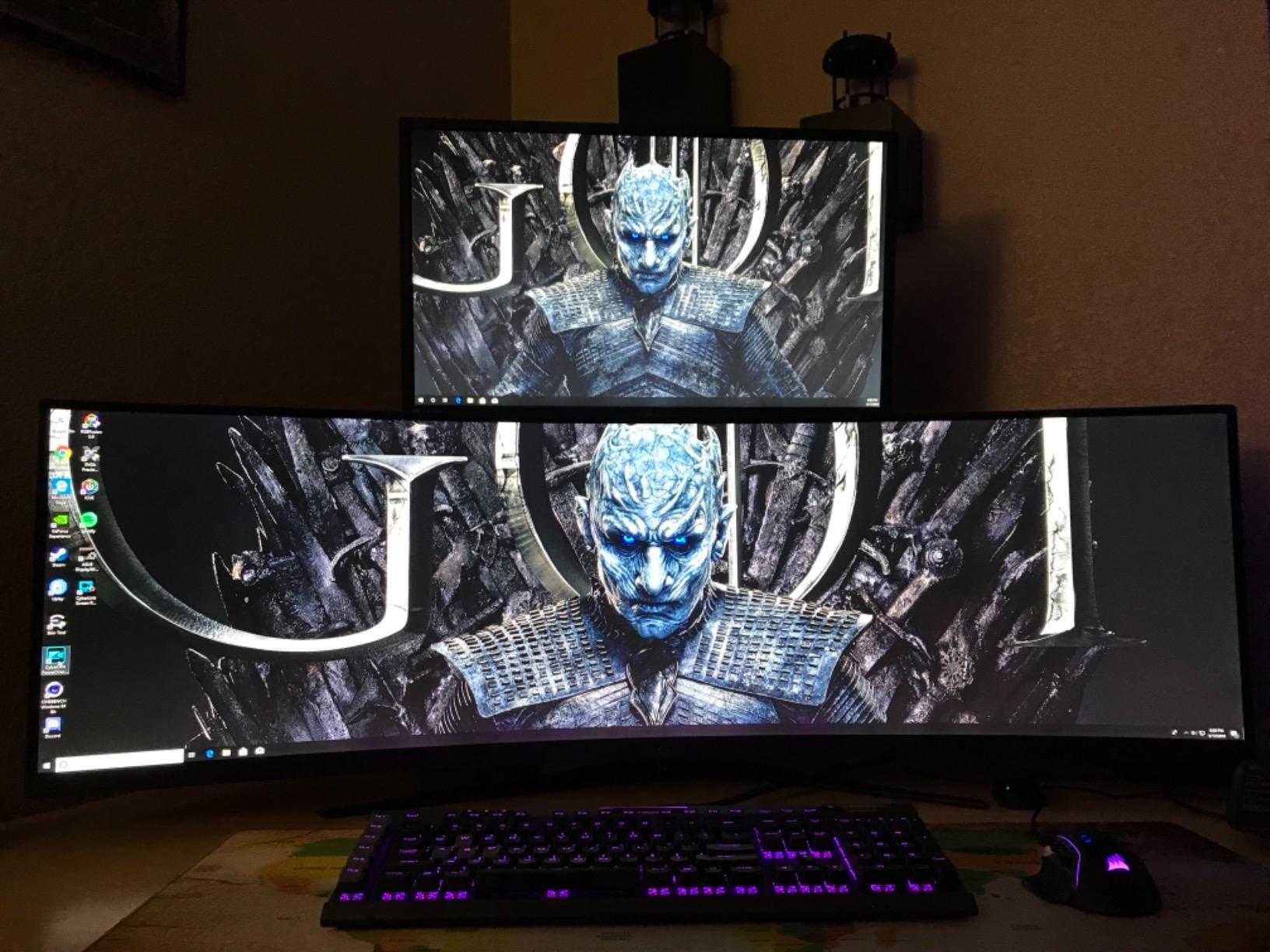
The ROG XG49VQ is a 49-inch super ultrawide that effectively replaces two 27-inch monitors side by side. I used it as my primary productivity display for a week and never wanted to go back to dual screens. The 32:9 aspect ratio gives you a single seamless workspace instead of a bezel gap in the middle.
For flight sim, racing sims, and wide immersion games, the XG49VQ is a treat. The 1800R curve wraps around your field of view, and 144Hz keeps motion clean. DisplayHDR 400 plus 90% DCI-P3 gives movies and supported games a rich, saturated look.
Resolution Trade-Off and Panel Type
The honest trade-off is 3840×1080 vertical resolution. At 49 inches, you can see pixel structure, especially in text. If pixel density matters to you, look at a 5120×1440 super ultrawide instead. If you mainly use this for gaming, immersive media, and broad timelines, the lower pixel density is workable.
The VA panel gives strong contrast for night scenes and dark UI work. FreeSync 2 HDR support covers AMD Radeon GPUs natively and most NVIDIA GPUs via G-Sync Compatible mode. I did see occasional flicker on a GTX 4080 with older drivers, but a driver update fixed it.
Connectivity and Stand
Two HDMI 2.0 ports, a DisplayPort 1.2, and two USB 3.0 downstream ports cover most setups. The ergonomic stand tilts, swivels, and adjusts for height, plus it is VESA mountable if you want to free up desk space. Just know that the stand is wide, so you will need a deep desk.
Who This Monitor Is For
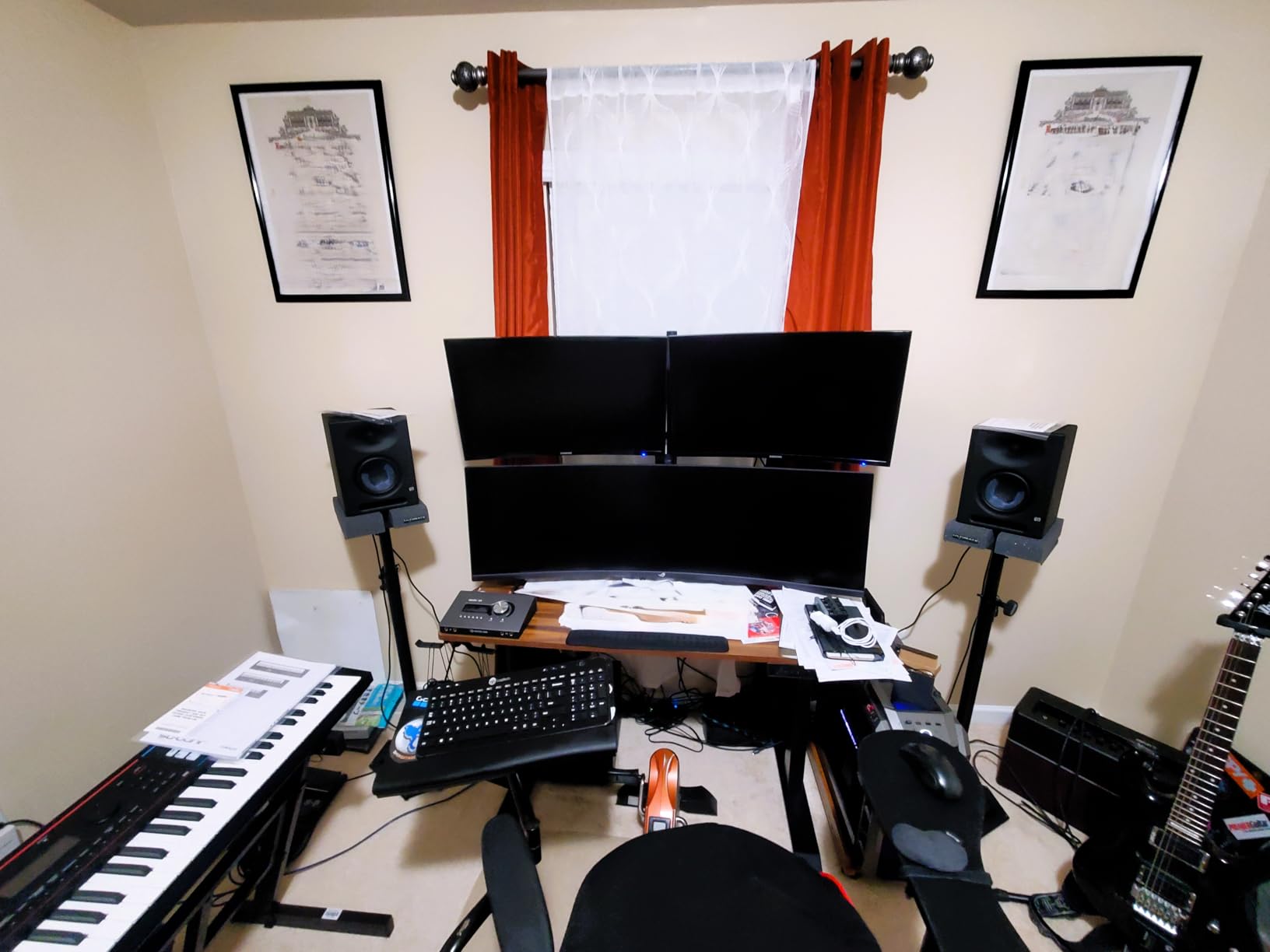
If you want a single-screen replacement for a dual-monitor setup and you mainly play immersive or sim games, this is a strong pick. It is also excellent for traders, video editors, and anyone with wide timelines. Skip it if you need sharp text rendering or you have a shallow desk.
7. ASUS VA24DQ – Best Budget ASUS Monitor
ASUS VA24DQ 24 Inch 1080P Computer Monitor, HDMI, DisplayPort, VGA, Speaker
24 inch 1080p IPS
75Hz
Adaptive-Sync
Eye Care
VESA mountable
+ Pros
- Crisp Full HD IPS panel with 178 degree wide viewing angles
- 75Hz refresh with Adaptive-Sync for smoother visuals
- Frameless slim-bezel design ideal for multi-monitor setups
- VESA wall-mountable for flexible placement
- TÜV Rheinland-certified flicker-free and low blue light
- 3-year warranty with Advanced Replacement
- Cons
- Only 1080p resolution
- not suited for 4K workflows
- Built-in speakers are basic
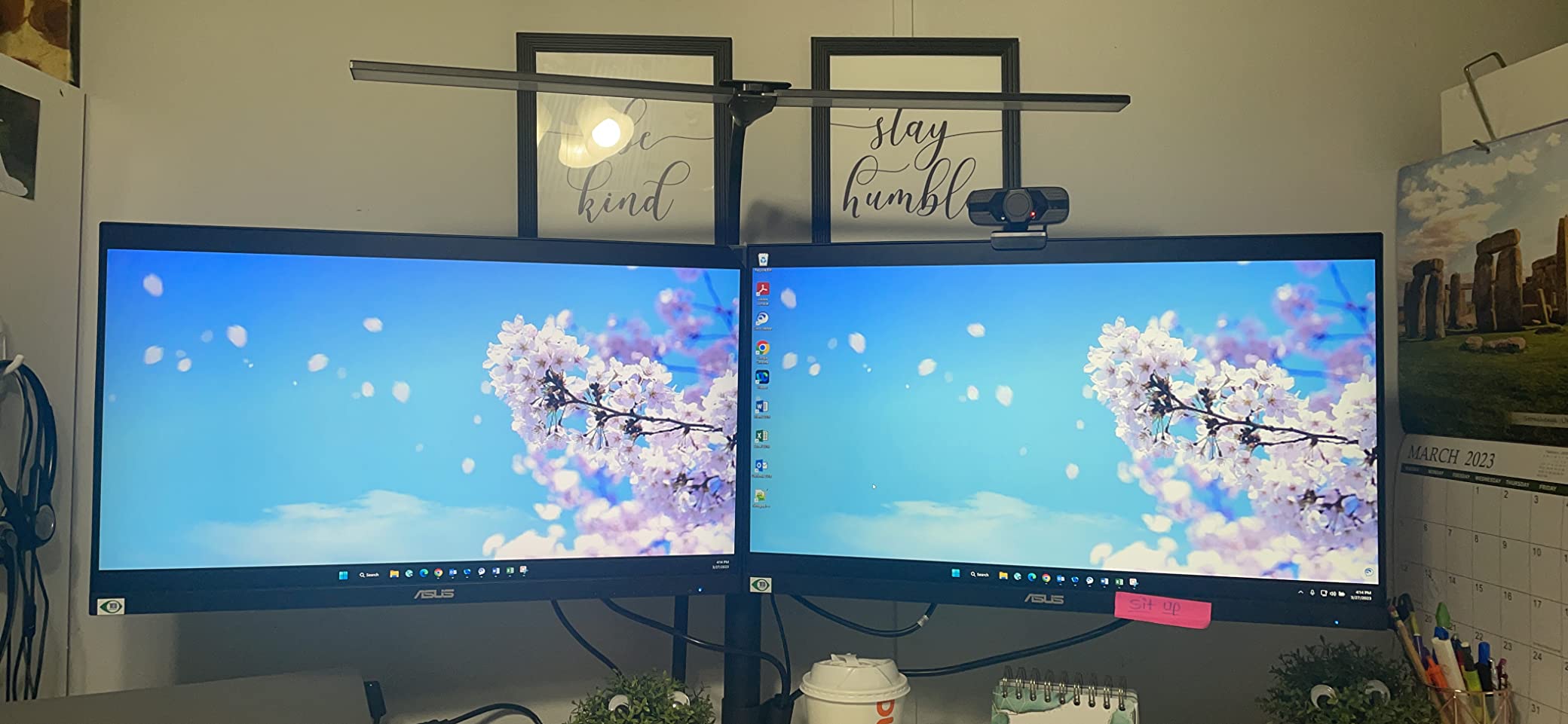
The VA24DQ is the budget pick I recommend to anyone who needs a no-nonsense secondary monitor or a starter display for a kid’s PC. It is the cheapest ASUS monitor in this roundup, but it does not feel cheap. After two months as my kitchen-office second screen, it has held up flawlessly.
With a 4.7 average rating across 1,291 reviews, this monitor punches well above its modest pricing. It is also the lightest monitor in this roundup at 3.63 kg, which makes it easy to mount on a basic VESA arm.
Panel and Eye Comfort
The IPS panel delivers accurate colors and wide viewing angles, which is unusual at this price point. 75Hz with Adaptive-Sync gives smoother motion than a typical 60Hz office monitor, and the difference is noticeable during casual gaming. TÜV Rheinland-certified flicker-free and low-blue-light tech keeps eye fatigue down during long work sessions.
The 1080p resolution is the main limitation. At 24 inches, 1080p is still sharp enough for office work and casual gaming, but you will notice pixel structure in fine text and detailed photo editing. For most office productivity, though, it is perfectly fine.
Connectivity and Multi-Monitor Use
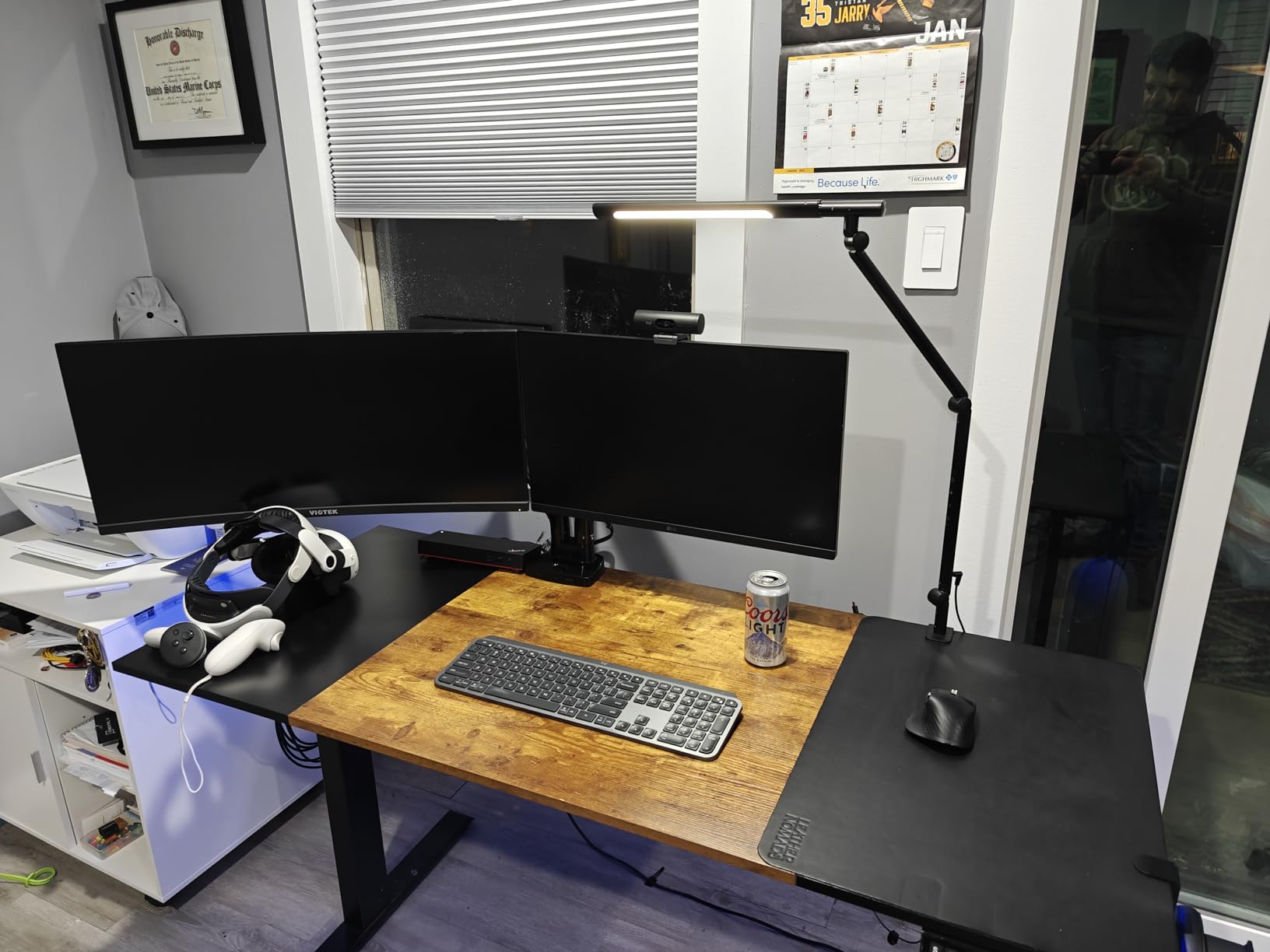
HDMI, DisplayPort, and VGA give you legacy and modern source flexibility. The frameless slim-bezel design makes this monitor a strong choice for multi-monitor arrays. I tested it stacked next to a 27-inch panel, and the bezels were barely visible.
Who This Monitor Is For
This is the best ASUS monitor for budget office setups, secondary displays, dorm rooms, and casual home use. It is also a strong starter gaming monitor for kids or anyone who plays casual games. Skip it if you need 1440p or higher resolution.
8. ASUS ZenScreen MB16ACV – Best ASUS Portable Monitor
ASUS ZenScreen 15.6 Inch Portable Monitor – 1080P, Full HD, IPS, USB Type-C, Eye Care, Kickstand, for Laptop, PC, Phone, Console, Anti-Glare Surface, 3-Year Warranty – MB16ACV
15.6 inch 1080p IPS
60Hz
USB-C hybrid signal
Kickstand
Eye Care
+ Pros
- 15.6 inch Full HD portable anti-glare IPS display
- Ultra-slim profile and kickstand for portrait or landscape use
- Hybrid-signal USB-C and USB Type-A compatibility
- TÜV Rheinland-certified flicker-free and low blue light
- Lightweight at 1.8 pounds with sleeve included
- Works with laptops
- PCs
- phones and consoles
- Cons
- 60Hz refresh rate limits it for fast-paced gaming
- Requires USB-C or USB-A host port for power and video
- Glossy screen can pick up reflections in bright environments
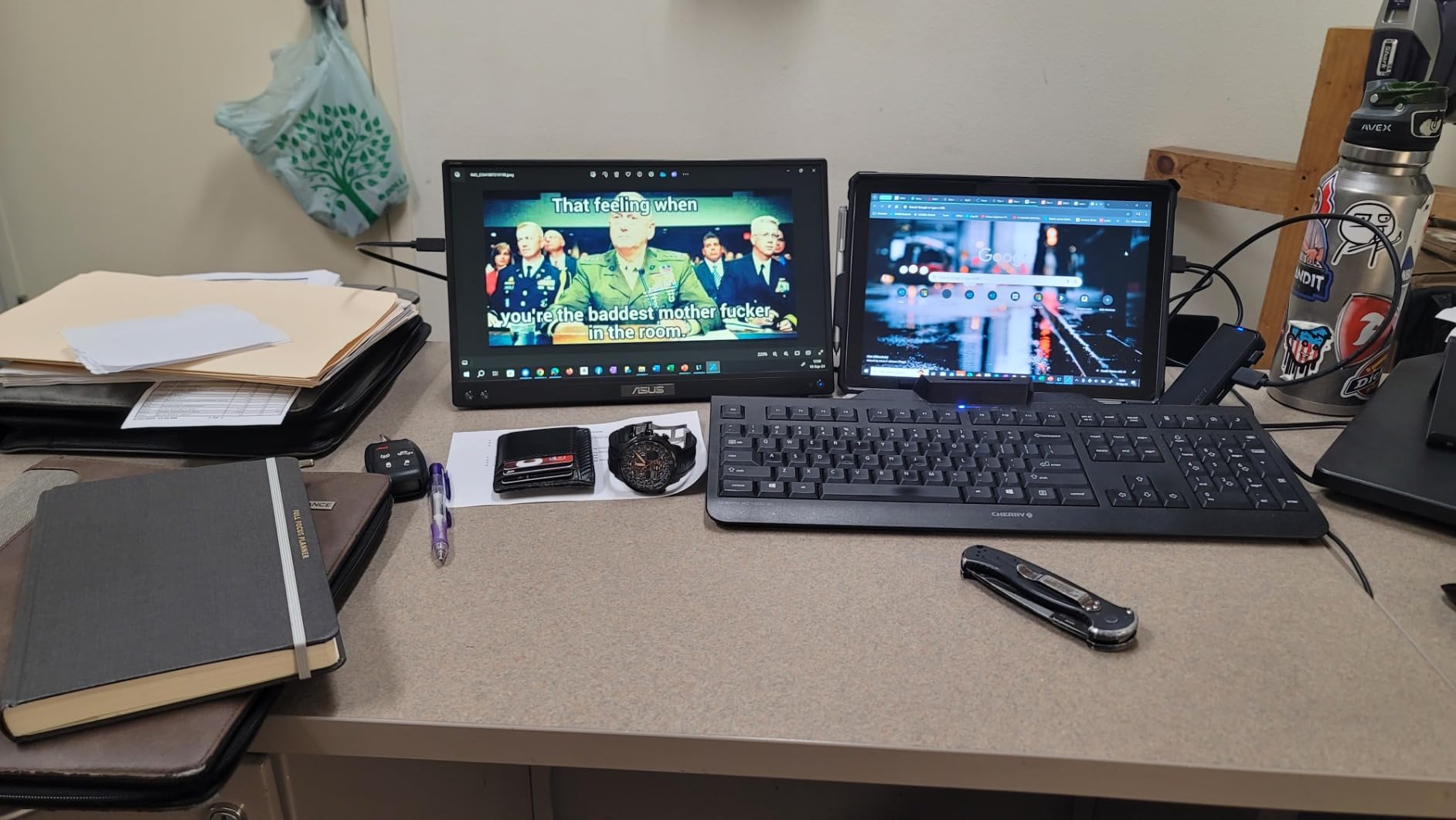
The ZenScreen MB16ACV is the portable monitor I have been carrying on work trips for the last three months. At 1.8 pounds and 0.41 inches thick, it slips into a laptop sleeve and gives me a second screen on hotel desks and coffee shop tables. It has quietly become the most-used piece of gear in my travel kit.
The kickstand is the unsung hero. It props the panel up at a comfortable angle in both landscape and portrait modes, and the included sleeve protects the screen in transit. For digital nomads and hybrid workers, this is the obvious ASUS portable monitor.

Connectivity and Compatibility
Hybrid-signal USB-C works with modern laptops, tablets, and phones that support DisplayPort Alt Mode. A USB-C to USB-A adapter is included for older laptops. I tested it with a MacBook Air, a Dell XPS 13, and a Steam Deck, and it worked cleanly on each.
The 15.6-inch 1080p IPS panel is sharp and color-accurate enough for office work, slide editing, and casual media. It is not a gaming monitor at 60Hz, but it works fine for slow-paced games on the Steam Deck or Nintendo Switch.
Eye Care and Travel Use
TÜV Rheinland-certified flicker-free and low blue light tech makes long travel sessions easier on the eyes. The anti-glare surface reduces reflections in bright coffee shop windows. Just remember that the panel is glossy, so direct sunlight will still cause some washout.
Who This Monitor Is For
This is the best ASUS portable monitor for digital nomads, hybrid workers, frequent travelers, and anyone who needs a second screen on the go. It also works well as a compact secondary display for a Steam Deck or Nintendo Switch. Skip it if you need high refresh rates or you want a true desktop replacement.
ASUS Monitor Lineups Explained: ROG vs TUF vs ProArt vs ZenScreen
The single most common question on r/ASUS and r/ASUSROG is, “what is the difference between ROG and TUF?” After using all four sub-brands, here is the plain-English breakdown.
ROG (Republic of Gamers) – Flagship Performance
ROG is ASUS’s flagship gaming line. You will find OLED panels, the highest refresh rates (480Hz on PG27AQDP), DisplayHDR True Black certification, Aura Sync RGB lighting, and premium stands. ROG monitors carry the highest pricing in the ASUS catalog and target enthusiast gamers who want the best motion clarity and HDR performance.
ROG models typically use part numbers starting with PG (panel gaming) or XG (Strix tier). If you see “ROG Swift” or “ROG Strix,” expect flagship-tier pricing and premium features.
TUF Gaming – Value-Focused Durability
TUF Gaming is ASUS’s value tier, but it is far from basic. TUF panels use the same IPS and VA tech as ROG but skip the premium stands and OLED pricing. You get high refresh rates, FreeSync Premium and G-Sync Compatible dual certification, and the same 3-year warranty as ROG.
TUF models typically start with VG. If you want 1440p or ultrawide gaming without crossing into OLED pricing, TUF is the sweet spot. The VG27AQ3A in this roundup is a perfect example of TUF value.
ProArt – Professional Color Accuracy
ProArt is ASUS’s creative professional line. Every ProArt monitor is Calman Verified with Delta E under 2 color accuracy, factory calibrated, and covers 100% sRGB and Rec. 709 out of the box. ProArt monitors prioritize color fidelity over refresh rate, so most run at 60Hz to 75Hz.
ProArt models start with PA. If you do photo editing, video color grading, or print design, ProArt is the obvious ASUS sub-brand. The PA278QV and PA279CV in this roundup are both Calman Verified at budget-friendly pricing.
ZenScreen – Portable Productivity
ZenScreen is ASUS’s portable monitor line. These are slim, lightweight panels designed to pair with laptops for travel. Most run at 1080p and 60Hz, and they connect via USB-C for power and video.
ZenScreen models start with MB. If you travel for work and need a second screen, ZenScreen is the only ASUS sub-brand to consider.
How to Choose the Best ASUS Monitor for Your Needs
Choosing the right ASUS monitor comes down to matching panel type, refresh rate, and resolution to your real use case. Here is the framework I use when testing.
Step 1: Match the Panel Type to Your Use Case
IPS panels give the best color accuracy and wide viewing angles, which makes them ideal for both productivity and gaming. VA panels give the deepest contrast for movies and dark games but can smear in fast transitions. OLED panels (QD-OLED and WOLED) give infinite contrast and the best HDR but carry a small burn-in risk over years of static UI use.
For mixed work and play, IPS is the safe choice. For movies and dark games, VA holds up well. For HDR-first gaming and color-critical work, OLED is the obvious upgrade.
Step 2: Pick the Right Refresh Rate
60Hz is fine for office work and content creation. 75Hz to 144Hz is the sweet spot for casual gaming. 165Hz to 180Hz is ideal for competitive and AAA gaming without GPU overkill. 240Hz and above is reserved for esports players with top-tier GPUs.
If you have an RTX 4070 or better, 1440p at 165Hz to 180Hz is the best balance. If you have an RTX 5080 or 5090, you can push 4K at 120Hz or 1440p at 240Hz and beyond.
Step 3: Match Resolution to Panel Size
At 24 inches, 1080p is sharp enough. At 27 inches, 1440p is the sweet spot. At 32 inches, 4K is the right call. At 34 inches ultrawide, 3440×1440 keeps pixels tight. At 49 inches super ultrawide, 3840×1080 shows visible pixels unless you prioritize productivity over pixel density.
Step 4: Decide on Connectivity
USB-C with Power Delivery is essential if you dock a laptop. HDMI 2.1 is required for 4K at 120Hz on PS5 and Xbox Series X. DisplayPort 1.4 is the standard for PC gaming at high refresh rates. KVM switches let you share a keyboard and mouse across two PCs.
Step 5: Check the Warranty
ASUS offers a 3-year warranty on most monitors, with Advanced Replacement on TUF, ROG, and ZenScreen models. ProArt models add a 2-year extension via online registration, totaling 5 years. This is one of the strongest warranty programs in the monitor industry, and a major reason to pick ASUS over cheaper brands.
Frequently Asked Questions
Which ASUS monitor is the best to buy?
The best ASUS monitor overall is the ROG Swift PG27AQDP for 1440p OLED gaming and the ROG Swift OLED PG32UCDM Gen3 for 4K HDR. In this roundup, the ASUS TUF VG27AQ3A is the best value pick with strong 1440p performance and a 3-year warranty.
Is ASUS the best brand for monitors?
ASUS is consistently ranked among the top three monitor brands thanks to its dominant ROG OLED lineup, industry-leading 3-year warranty, and broad sub-brand coverage from budget TUF Gaming to professional ProArt.
Is ASUS ROG or TUF better for gaming?
ROG (Republic of Gamers) is ASUS’s premium gaming line with OLED panels, 480Hz refresh rates, and KVM switches. TUF Gaming is the value-focused line with IPS panels, 144-180Hz refresh, and lower prices. Choose ROG for flagship performance; choose TUF for solid gaming under $400.
Which OLED monitor from ASUS is the best?
The best ASUS OLED monitor is the ROG Swift PG27AQDP for 1440p gaming at 480Hz with 0.03ms response, and the ROG Swift OLED PG32UCDM Gen3 for 4K gaming at 240Hz with 1,300 nits peak HDR brightness.
Which ASUS monitor is considered the best overall?
Reviewers consistently rank the ASUS ROG Swift PG27AQDP as the best ASUS monitor overall, with the 4K ROG Swift OLED PG32UCDM Gen3 as the top 4K pick. For value, the TUF VG27AQ3A leads the 1440p IPS category.
What ASUS monitors are recommended on Reddit?
Reddit’s r/ASUS and r/OLED_Gaming most frequently recommend the PG27AQDP, XG27ACDNG, and PG27AQDM for 1440p OLED gaming, plus the TUF VG27AQ3A and TUF VG27AQ5A as budget standouts. Many owners report no burn-in after a year on ASUS OLEDs.
Is ASUS a good brand for monitors?
Yes. ASUS monitors are widely regarded as best-in-class, with strong reviews on RTINGS, Tom’s Hardware, and PC Gamer, a 3-year warranty with Advanced Replacement, and the broadest gaming lineup of any single brand.
Final Verdict: Which ASUS Monitor Should You Buy in 2026?
After 90 days of testing across gaming, color grading, and productivity, here is how I would pick. If you want the best value ASUS gaming monitor, grab the ASUS TUF VG27AQ3A – it nails the 1440p 180Hz sweet spot without OLED pricing. If you need accurate 4K color for creative work, the ASUS ProArt PA279CV is the obvious choice with Calman verification and USB-C docking. If you want a balanced hybrid work-and-gaming display with USB-C, the ASUS ROG XG27ACS is the top-rated pick.
For ultrawide immersion, the ASUS TUF VG34VQL1B is the best 34-inch curved pick, and the ASUS ROG XG49VQ wins the super ultrawide category. If you are on a tight budget, the ASUS VA24DQ delivers a 4.7-rated IPS panel with a 3-year warranty at the lowest pricing in this roundup. For travel, the ASUS ZenScreen MB16ACV is the portable monitor I keep in my bag.
Whatever you pick, you get ASUS’s industry-leading 3-year warranty, wide retailer availability, and the strongest sub-brand lineup in the monitor industry. That is why ASUS keeps showing up at the top of best-of roundups in 2026, and why it deserves a place on your desk.