
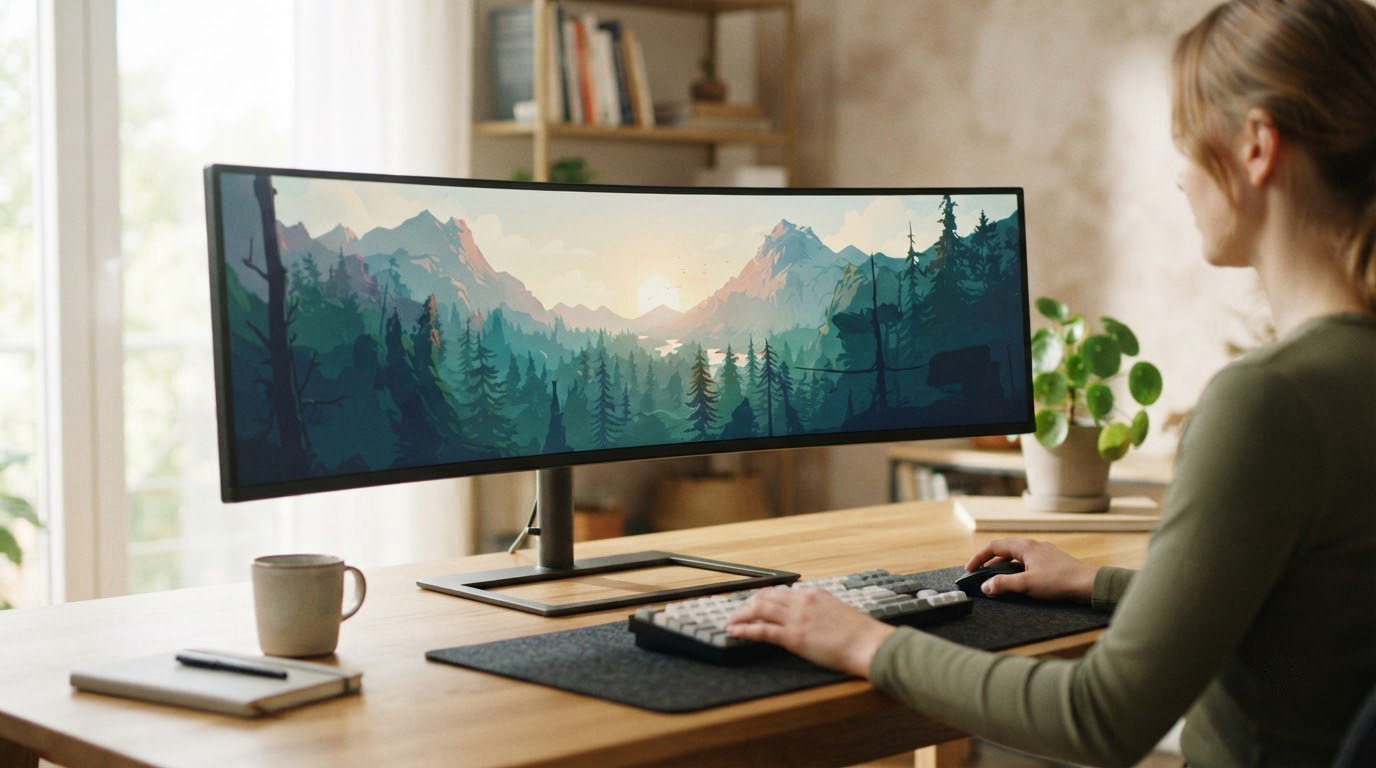
The SANSUI 34 Curved gaming monitor leads our list of the best ultrawide monitor deals for Prime Big Deal Days, pairing a 200Hz refresh rate and 1ms response time at a cost most 34-inch ultrawides struggle to touch. Owners running a midrange GPU will find it the most balanced pick on the list. For shoppers who care more about pixel response and brand polish, the Alienware 34 Curved is a strong second choice, and the Dell S3425DW is the one to watch if a USB-C dock and eye comfort matter more than peak frame rate.
Prime Big Deal Days runs October 6-7, 2026, and these are the ultrawide monitor deals worth a serious look during the sale.
Our Top 3 Picks for Ultrawide Monitor Deals for Prime Big Deal Days
Ultrawide Monitor Deals for Prime Big Deal Days Compared (2026)
| Product | Details | |
|---|---|---|
 SANSUI 34 Curved SANSUI 34 Curved |
|
Check Deal Price |
 Alienware 34 Curved Alienware 34 Curved |
|
Check Deal Price |
 Dell S3425DW Dell S3425DW |
|
Check Deal Price |
 Sceptre C345B Sceptre C345B |
|
Check Deal Price |
 Samsung ViewFinity S50GC Samsung ViewFinity S50GC |
|
Check Deal Price |
 LG 34WR55QK-B LG 34WR55QK-B |
|
Check Deal Price |
 Amzfast 49 Curved Amzfast 49 Curved |
|
Check Deal Price |
 Samsung 49 Business Samsung 49 Business |
|
Check Deal Price |
 Samsung Odyssey G93SC Samsung Odyssey G93SC |
|
Check Deal Price |
 LG 45GX950A-B LG 45GX950A-B |
|
Check Deal Price |
How We Chose
We compared specs and owner reviews for ten ultrawide monitors likely to see movement during Prime Big Deal Days, including refresh rate, response time, panel type, resolution, and USB-C connectivity. We also weighed reported quality issues and warranty coverage where owners flagged them. Data was checked in October 2026 using current Amazon listings.
1. SANSUI 34 Curved: Best for Budget Gamers
SANSUI 34-Inch Curved Gaming Monitor UWQHD 3440 x 1440P 200Hz Ultrawide
Size: 34 inch curved
Refresh: 200Hz
Response: 1ms
Resolution: 3440x1440
+ Pros
- 200Hz refresh with 1ms response
- UWQHD curved display at the budget tier
- AI blue light and crosshair features
- PIP and PBP for multitasking
- VESA 100x100mm mount
- Cons
- No built-in speakers
- Limited stand height adjustment
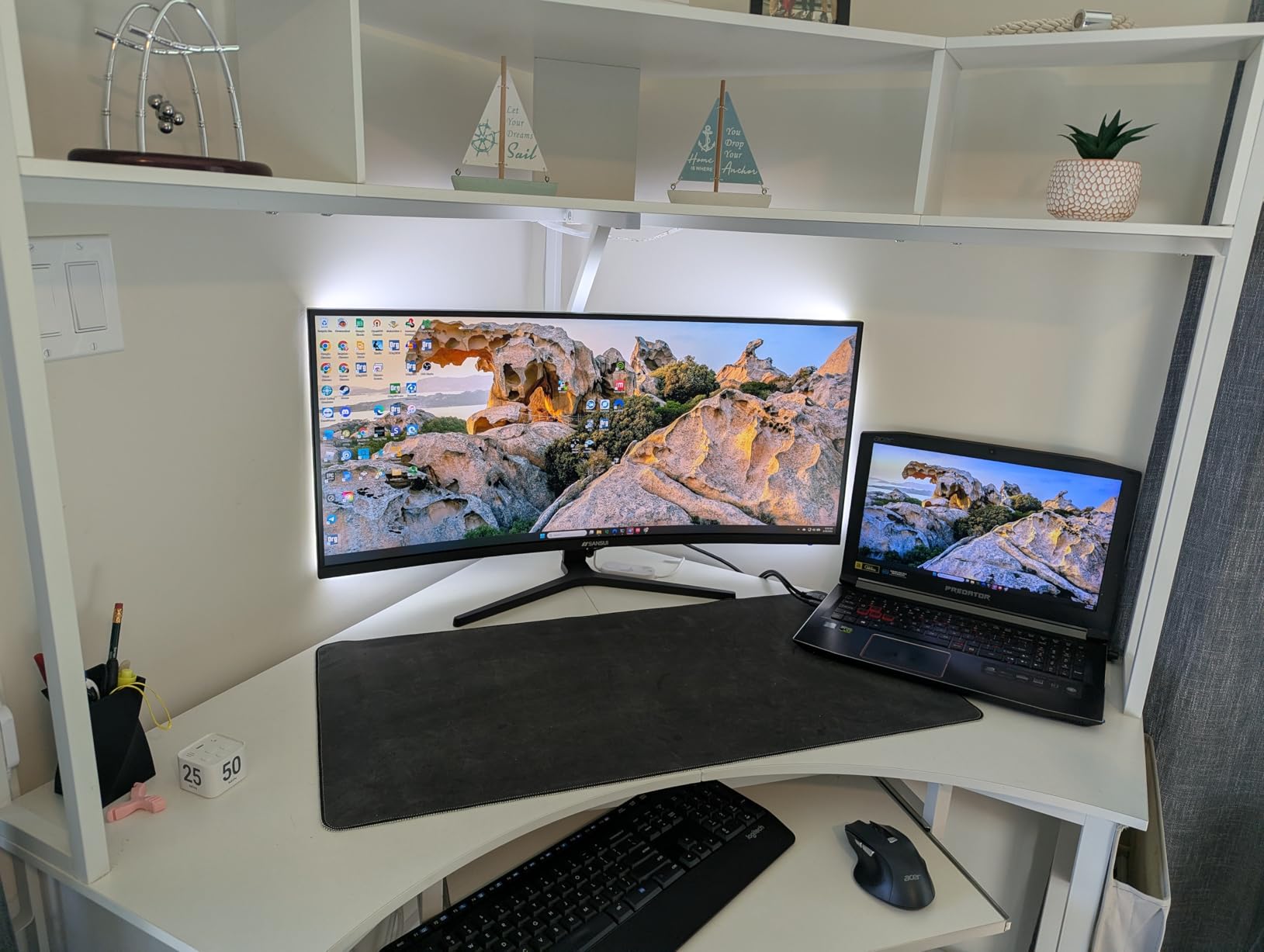
The SANSUI 34 Curved earns the top spot because it delivers a 200Hz refresh rate and 1ms response time at a cost most 34-inch ultrawides can’t match. Reviewers running midrange GPUs say the panel feels snappier than the spec sheet suggests, and the 1500R curve pulls you into flight sims and racing games in a way flat panels don’t. Owners also like the AI crosshair and sniper scope features for casual competitive play.
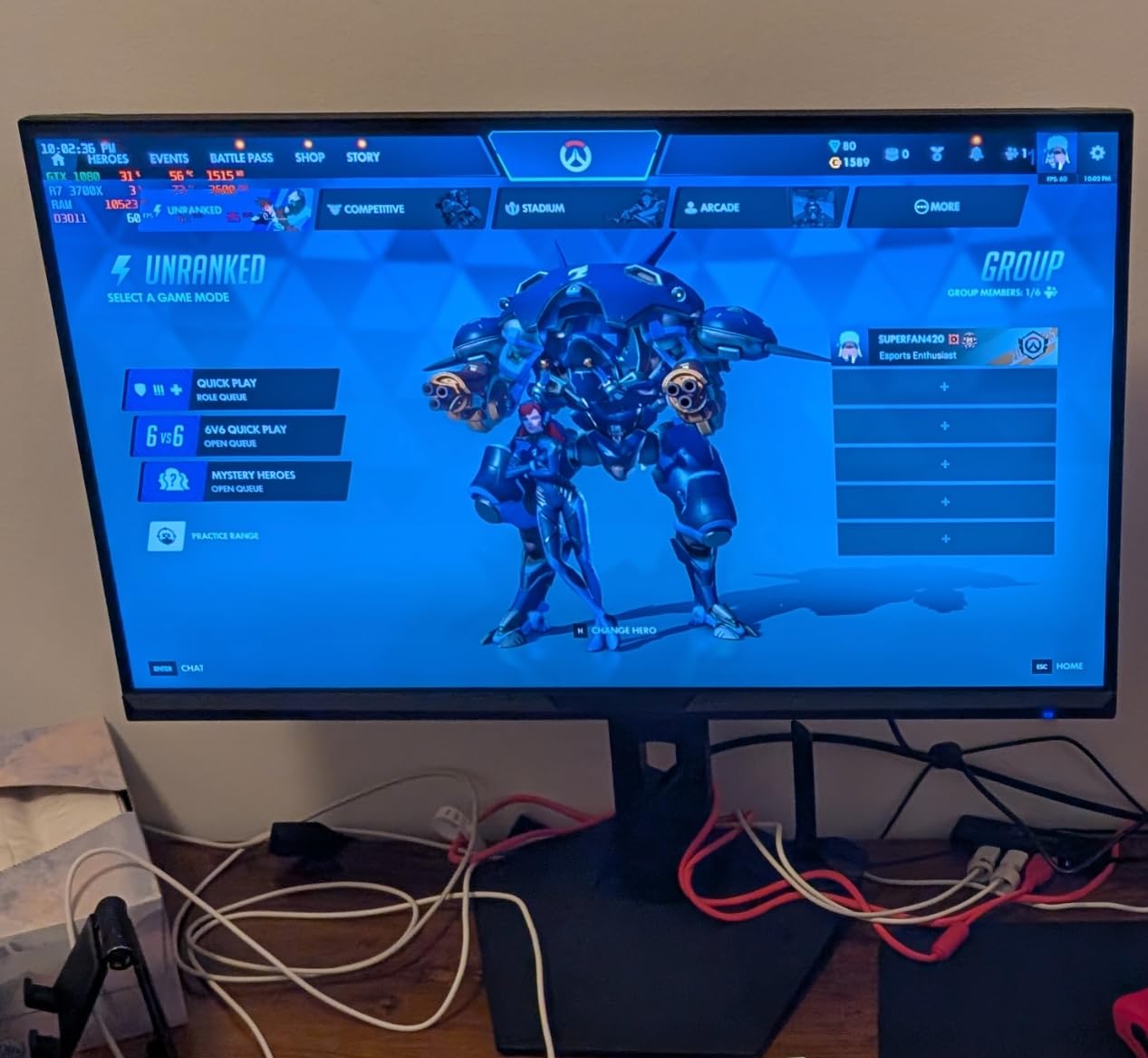
Where the SANSUI cuts corners is in the stand: it tilts but the height adjustment is limited, so a VESA arm is worth budgeting for if you sit low. There are also a few reports of quality control hiccups, so inspect the panel on arrival. For an entry-tier ultrawide that genuinely keeps up with high-refresh gaming, it punches well above its weight.
Compared with the Sceptre C345B at a similar tier, the SANSUI ships with a higher native refresh and AI features, but the Sceptre adds built-in speakers. If speakers matter, jump to the Sceptre. If pure motion clarity is the priority, stay here.
2. Alienware 34 Curved: Best for Gaming Enthusiasts
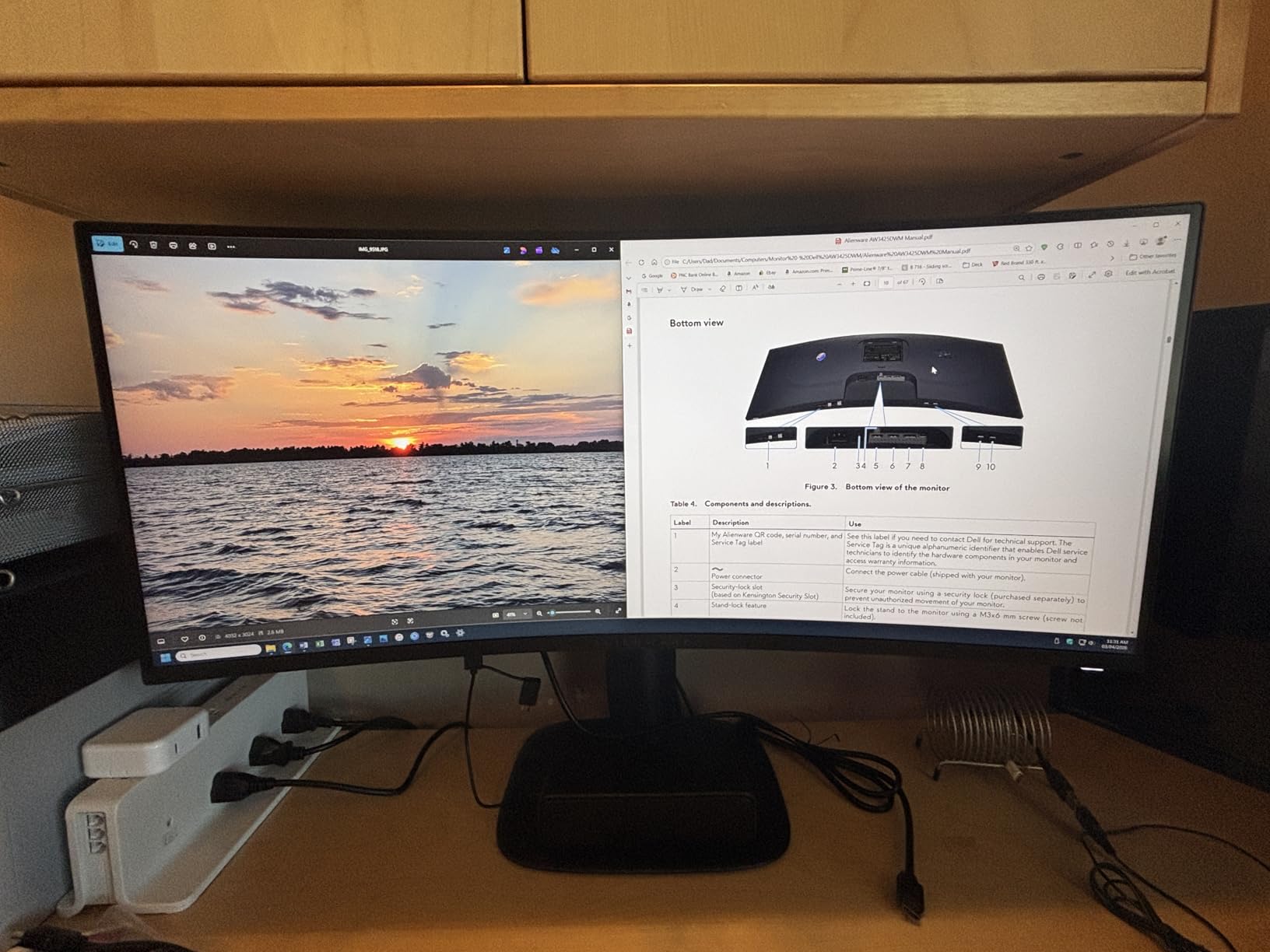
Alienware 34 Curved Gaming Monitor – AW3425DWM – 34-inch WQHD 180Hz 1ms Display, 1500R, AMD FreeSync Premium, VESA AdaptiveSync.
Size: 34 inch curved
Refresh: 180Hz
Response: 1ms GtG
Panel: VA
+ Pros
- 180Hz with 1ms GtG response
- 95% DCI-P3 color coverage
- Console mode support
- Alienware build and design
- Hardware low blue light filter
- Cons
- Costs more than most 34 inch VA
- Limited port selection
- No built-in speakers
The Alienware 34 Curved is the pick for buyers who care about brand polish and steady motion handling. Reviewers highlight the 180Hz refresh and 1ms gray-to-gray response, and 95% DCI-P3 coverage means games and HDR400 content both look the way they were meant to. Console mode is a small but useful touch for anyone running a PS5 or Xbox alongside a PC.
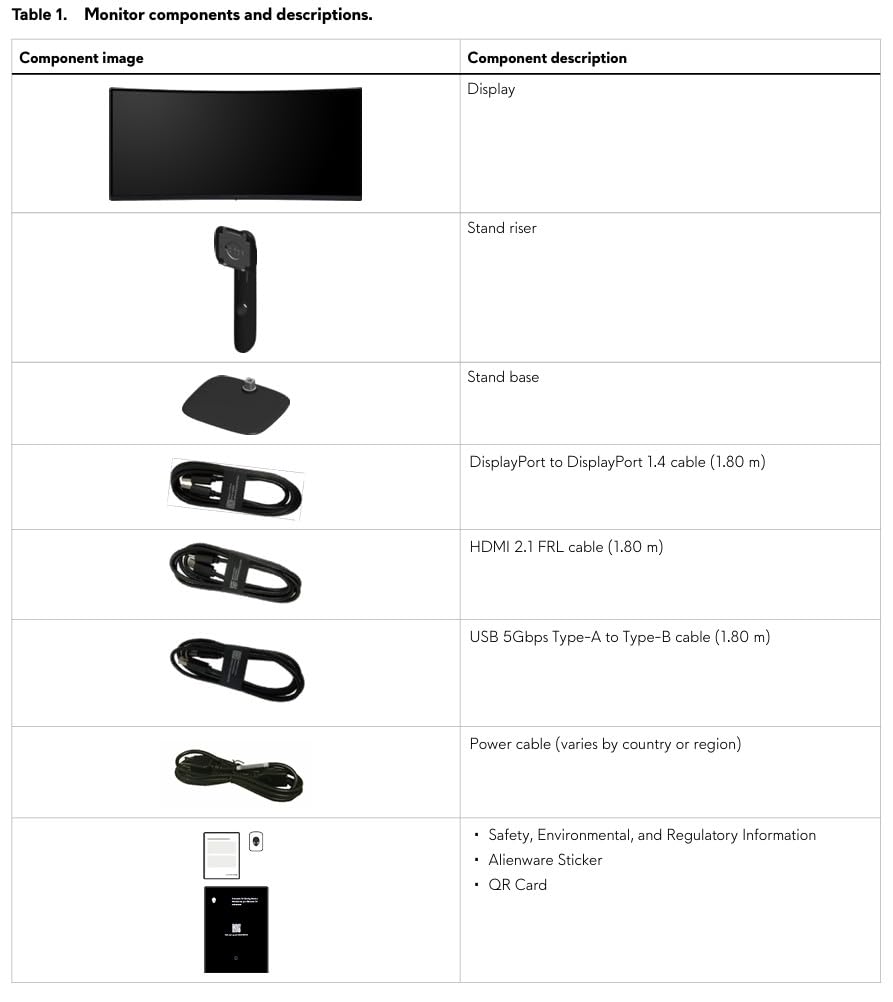
Compared with the SANSUI at number one, the Alienware doesn’t refresh faster, but the panel tuning, color accuracy, and build quality are a clear step up. The cost reflects that, so it’s only worth the jump if you’ll notice the difference in HDR games and esports. Skip it if you mostly play single-player titles where the SANSUI’s extra 20Hz won’t show.
3. Dell S3425DW: Best for Productivity and Creators
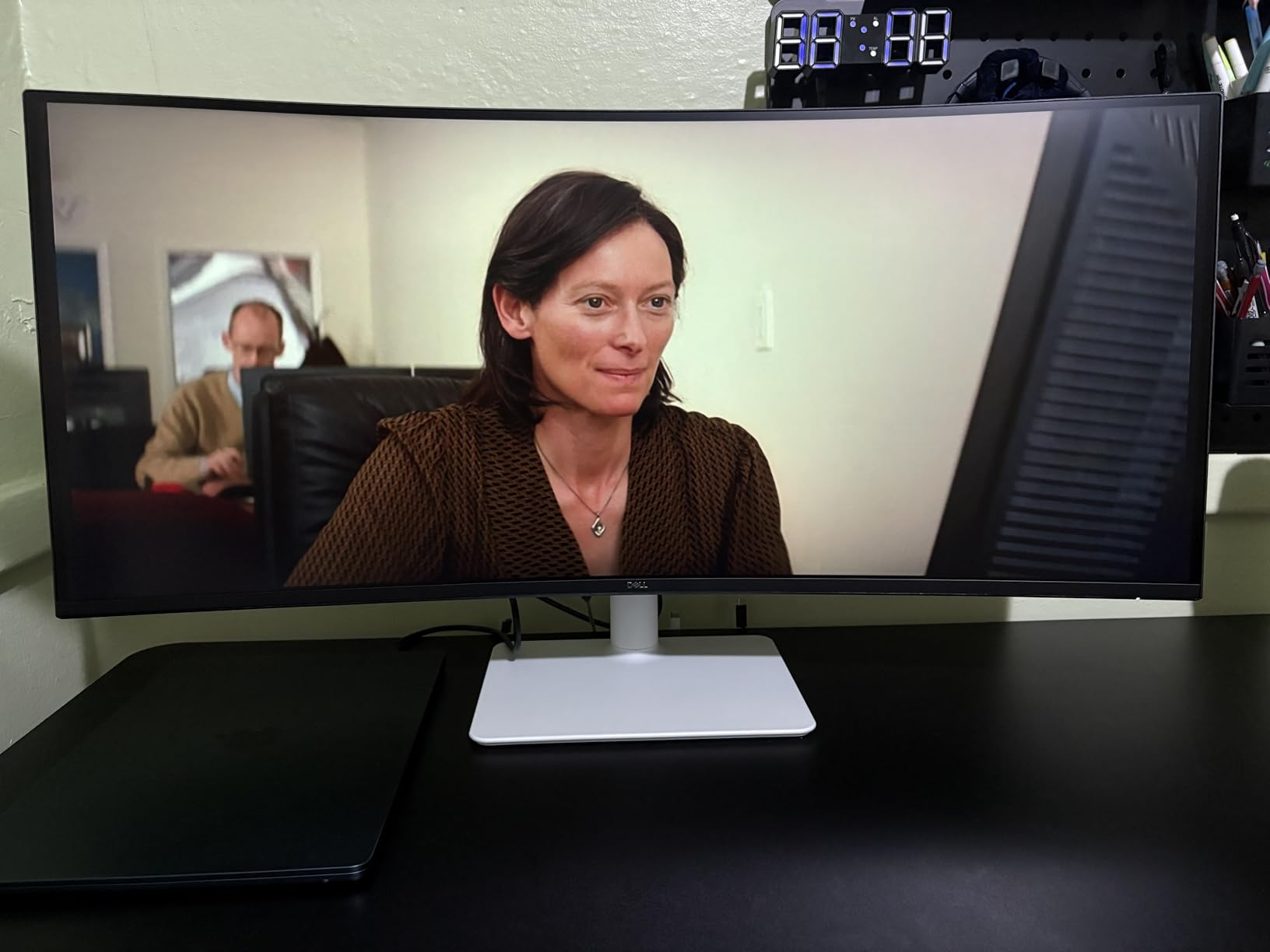
Dell 34 Monitor S3425DW, WQHD VA, 120Hz, FreeSync Premium, Eye Comfort
Size: 34 inch curved
Refresh: 120Hz
USB-C: 65W PD
Panel: VA
+ Pros
- USB-C with 65W power delivery
- 99% sRGB and 95% DCI-P3
- 0.03ms response time
- ComfortView Plus blue light filter
- Built-in speakers with improved audio
- Cons
- No DisplayPort on some configurations
- Some out-of-box defect reports
- Stand adjustment could be wider
The Dell S3425DW is the ultrawide to watch during Prime Big Deal Days if a single USB-C cable is part of your setup. Reviewers dock a laptop, drive the display, and charge at 65W through the same cable, and the 99% sRGB and 95% DCI-P3 coverage hold up well for photo editing and design work. ComfortView Plus cuts blue light without the warm color cast cheaper filters add.
For pure gaming the 120Hz ceiling is lower than the SANSUI or Alienware, so competitive players should look elsewhere. For spreadsheets, code, and a window-full of browser tabs, this is the one. There’s also a small chance of a defective unit out of the box, so buy from a seller with easy returns.
4. Sceptre C345B: Best Budget Curved Ultrawide
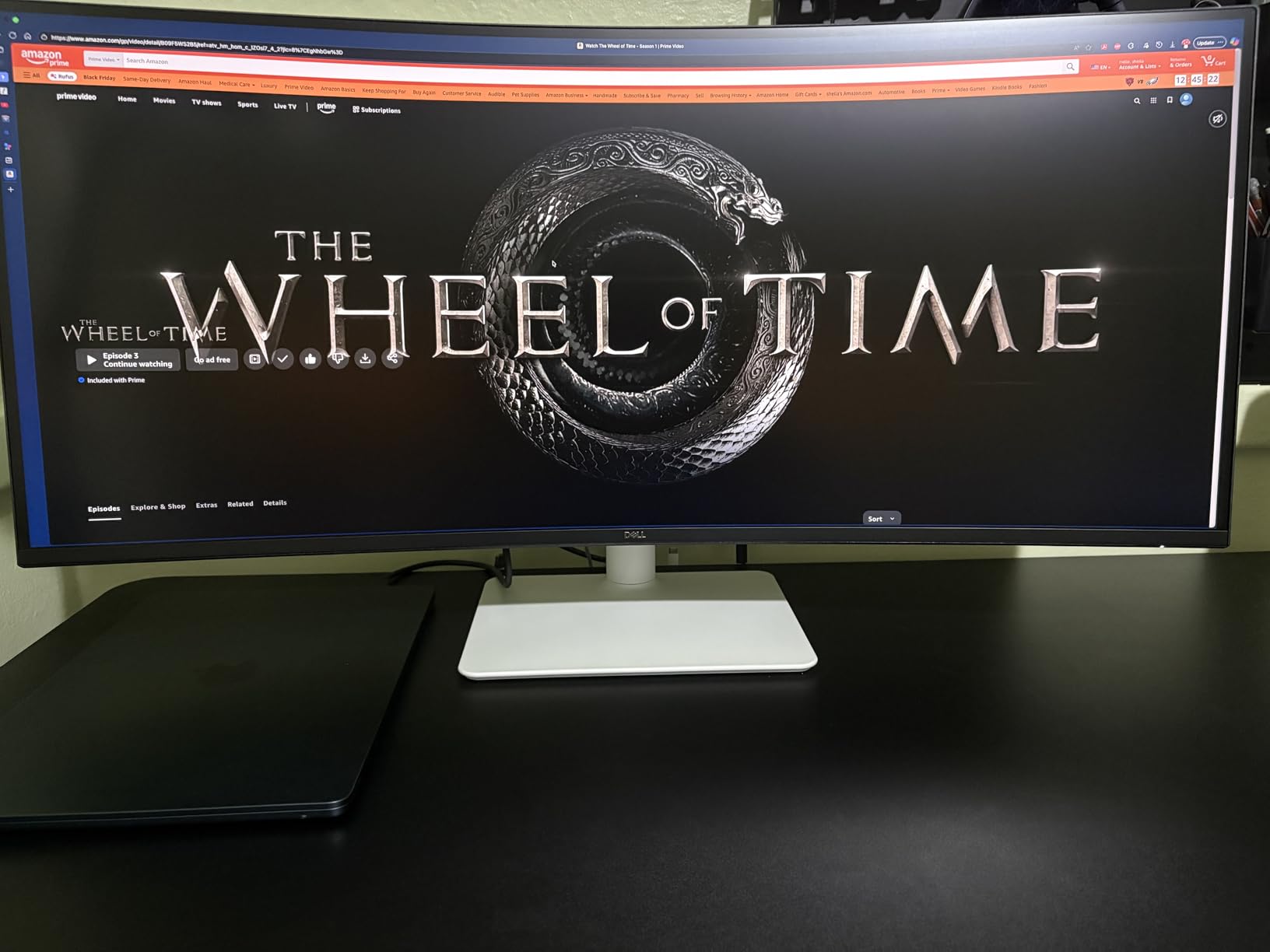
Sceptre 34-inch Curved ultrawide WQHD Monitor (3440 × 1440), R1500, up to 180Hz/165Hz, DisplayPort x2, 99% sRGB, 1ms, Built-in Speakers, Machine Black, 2025 (C345B-QUT168)
Size: 34 inch curved
Refresh: 180Hz
Response: 1ms MPRT
Panel: LED
+ Pros
- Entry-tier ultrawide with 180Hz
- 99% sRGB color coverage
- Built-in speakers
- LED backcover lighting
- Four video inputs
- Cons
- Mixed reliability reports
- Brightness on the low side for HDR
The Sceptre C345B is the ultrawide to grab if the budget is firm. You still get 180Hz, 1ms MPRT response, and 99% sRGB coverage, and reviewers say it punches above its weight for FPS games and everyday multitasking. Built-in speakers save a desk outlet.

Brightness is the real compromise. HDR content looks flat because the panel can’t push enough nits, and a few owners report quality control issues after a few months. Treat it as a great starter ultrawide rather than a forever monitor, and check the return window.
Good to know: the LED backcover lights are a fun touch for streaming setups, but they don’t add image quality. Buy this one for the value, not the extras.
5. Samsung ViewFinity S50GC: Best for Dual-Monitor Setups
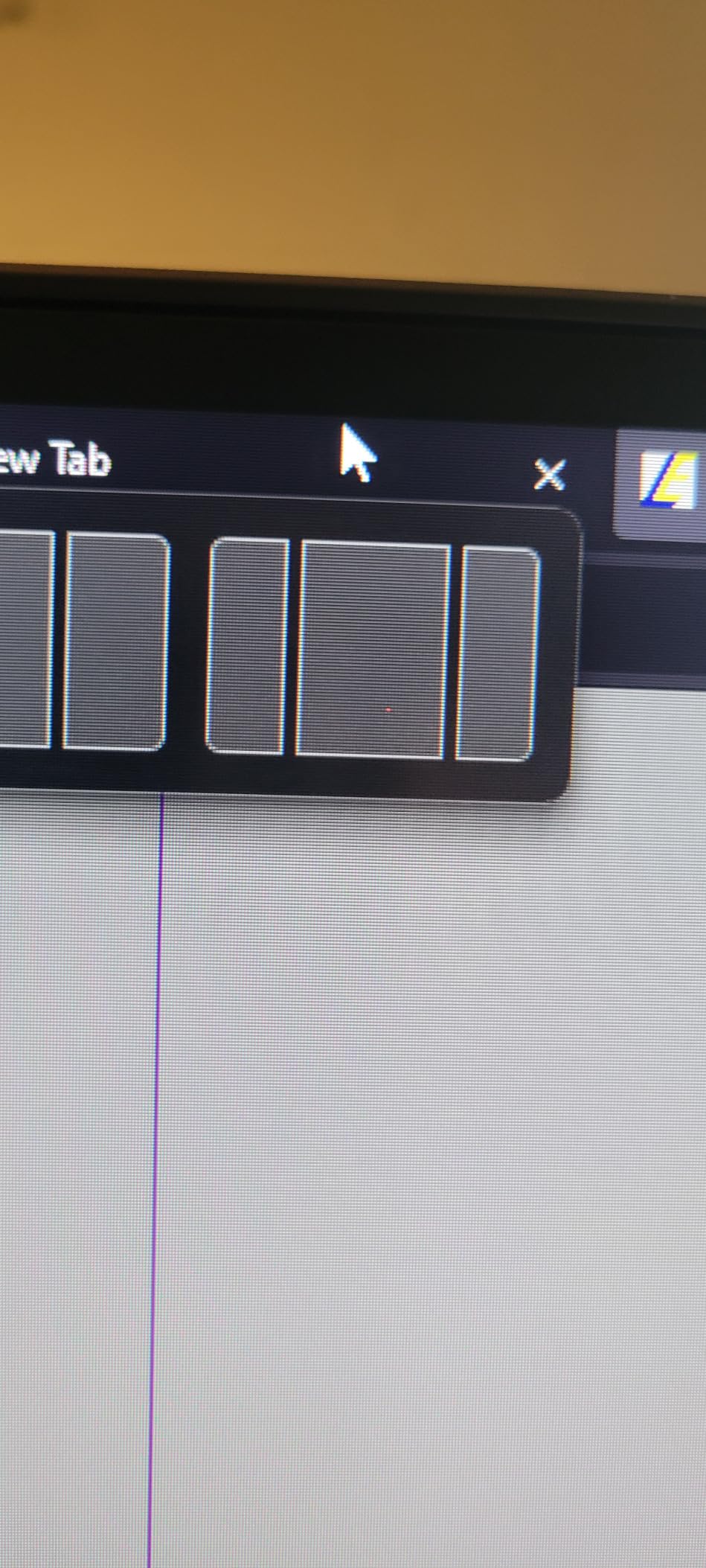
SAMSUNG 34″ ViewFinity S50GC Series Ultra-WQHD Monitor, 100Hz, 5ms, HDR10, AMD FreeSync, Eye Care, Borderless Design, PIP, PBP, LS34C502GANXZA, 2023, Black
Size: 34 inch curved
Refresh: 100Hz
Response: 5ms
Panel: LCD
+ Pros
- Borderless design ideal for pairing
- HDR10 with ambient light sensor
- Samsung build and warranty
- PIP and PBP multi-source
- FreeSync for casual gaming
- Cons
- 100Hz refresh ceiling
- 5ms response time
- Stand lacks height adjustment
The Samsung ViewFinity S50GC is the right pick if you’re stacking two ultrawides side by side. The borderless design keeps the bezel gap to almost nothing, and the ambient light sensor automatically tunes brightness to your room. Reviewers running a trading desk or a code editor say the 21:9 WQHD panel holds plenty of horizontal real estate without feeling cramped.
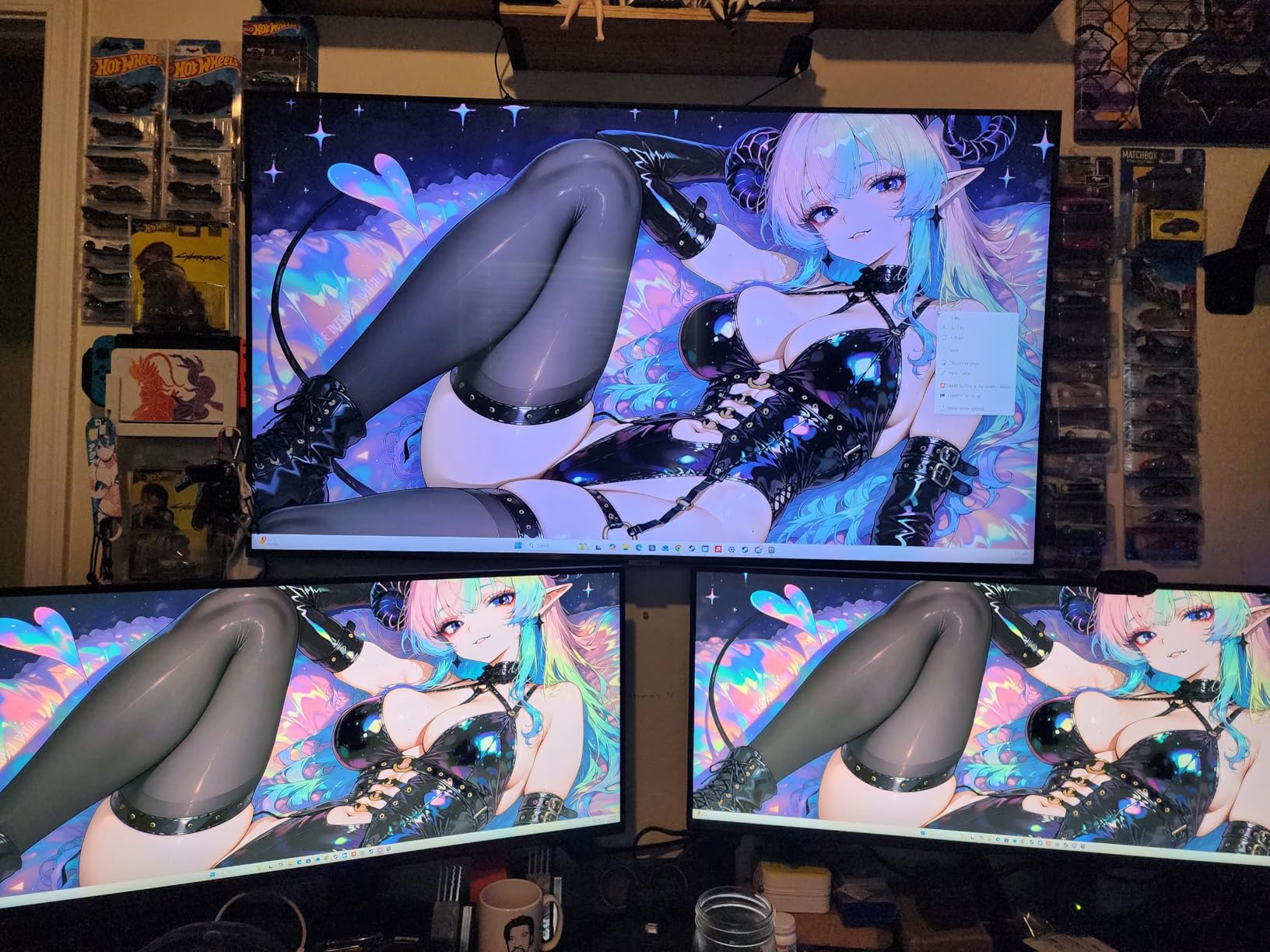
It’s not a gaming panel. 100Hz and 5ms response are fine for casual play but lag behind the SANSUI, Sceptre, or Alienware for fast-paced shooters. Skip this if frame rate matters, and grab it if you want a clean, reliable second screen next to another 34-inch.
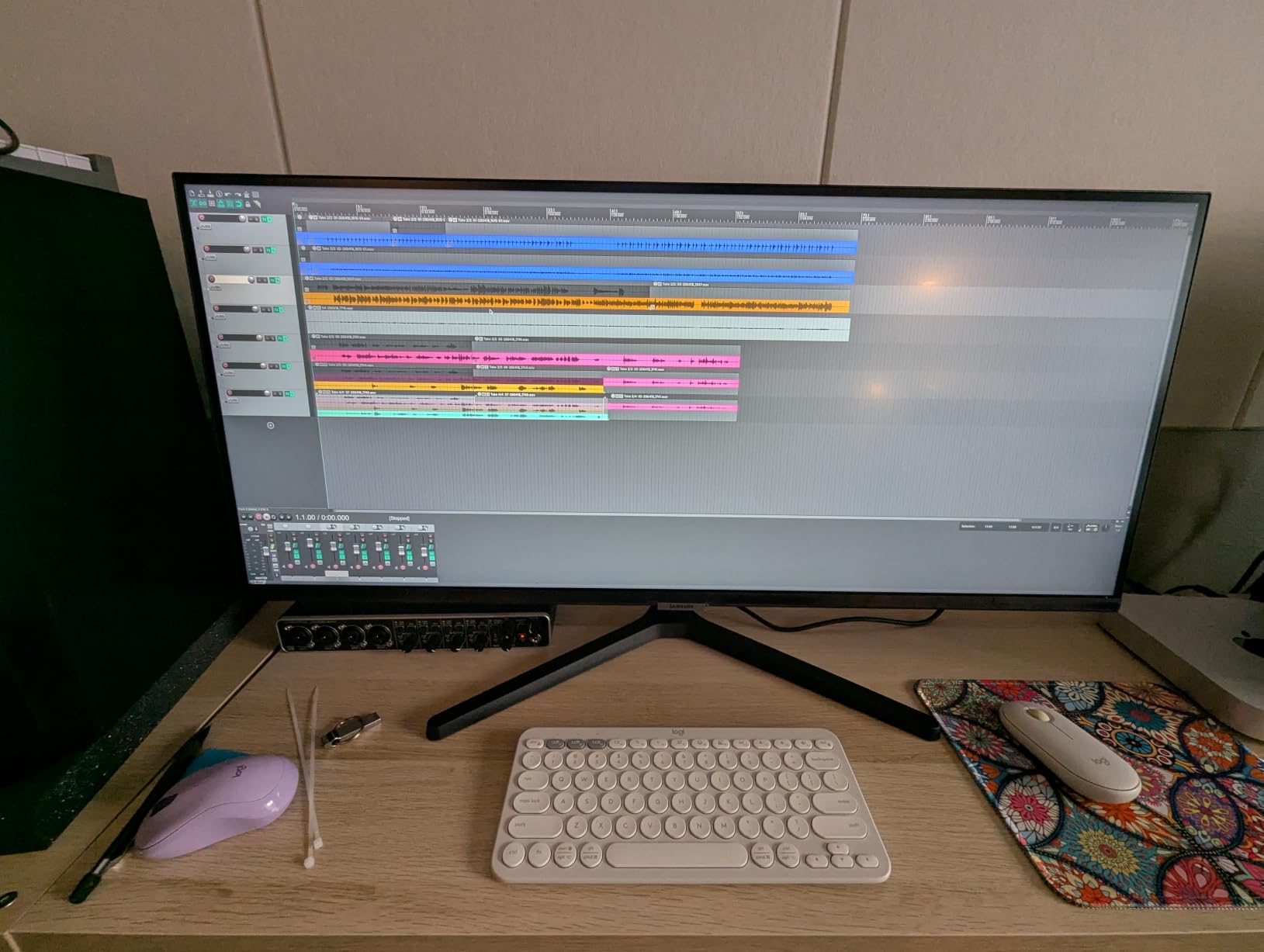
6. LG 34WR55QK-B: Best USB-C Office Ultrawide
LG 34WR55QK-B 34-inch UltraWide WQHD (3440 x 1440) Curved Computer Monitor, 100Hz, 5ms, HDR10, Reader Mode, HDMI, DisplayPort, USB Type-C, Tilt/Height Adjustable Stand, Black
Size: 34 inch curved
Refresh: 100Hz
USB-C: 65W PD
Panel: VA
+ Pros
- USB-C with 65W power delivery
- 99% sRGB with HDR10
- Reader Mode for eye comfort
- PbP split screen
- Height and tilt adjustable stand
- Cons
- 100Hz refresh rate
- 5ms response time
- Reader mode runs warm for some users
The LG 34WR55QK-B is the alternative to the Dell S3425DW for anyone who lives in USB-C land. It charges a laptop at 65W, supports picture-by-picture from two sources, and adds LG’s Reader Mode for long document sessions. Reviewers with MacBooks and ThinkPads say the dock experience is clean and the height-adjustable stand is a real perk over the Samsung ViewFinity.
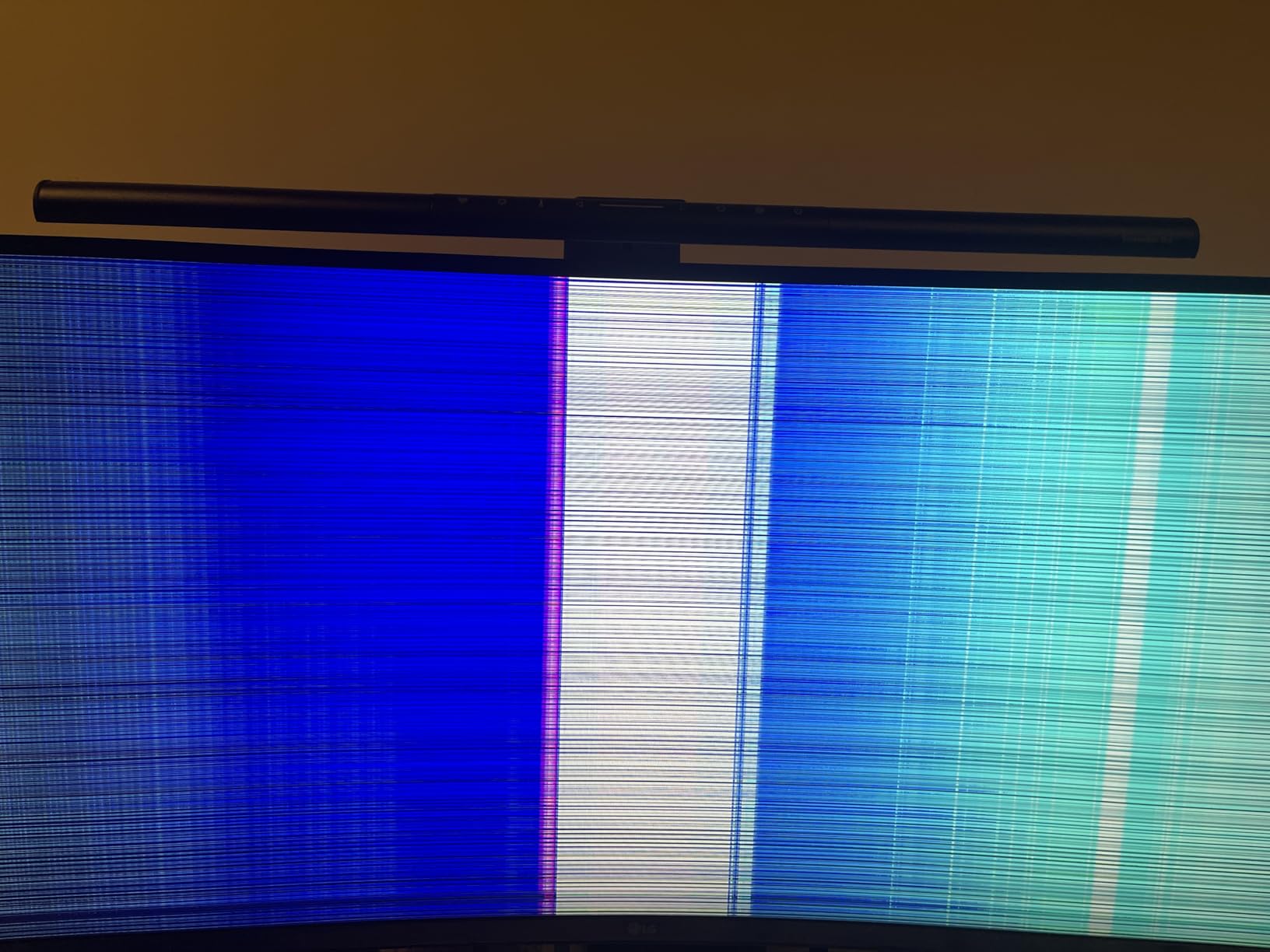
The 100Hz and 5ms response rule it out for serious gaming, so this is firmly a productivity pick. Reader Mode can look too warm for color-critical work, so designers should test it first. For office and coding work, though, it’s an easy choice over the Dell if LG is your brand of trust.
7. Amzfast 49 Curved: Best Super Ultrawide Value
Amzfast 49 Inch Curved Monitor 120Hz DQHD (5120×1440) Ultrawide Gaming Monitor, 120% sRGB, 1500R, 1ms MPRT, HDR, Adaptive Sync, PIP/PBP, Height Adjustable, HDMI 2.0/DP 1.4, VESA 75×75, AMZG49C7U
Size: 49 inch curved
Refresh: 120Hz
Response: 1ms MPRT
Panel: VA
+ Pros
- 49 inch 32:9 at an entry-tier
- Dual QHD 5120x1440 resolution
- 120% sRGB with HDR support
- Height and tilt adjustment
- FreeSync and G-Sync compatible
- Cons
- Large desk footprint
- Menu navigation is clunky
- Some QC reports on early units
The Amzfast 49 Curved is the only 32:9 super ultrawide on this list that comes in near midrange money. Reviewers say it replaces a full dual-monitor setup with a single curved panel, and the 1500R curve makes the edges feel close enough to use. Split-screen apps and trading dashboards really come alive on a 49-inch.
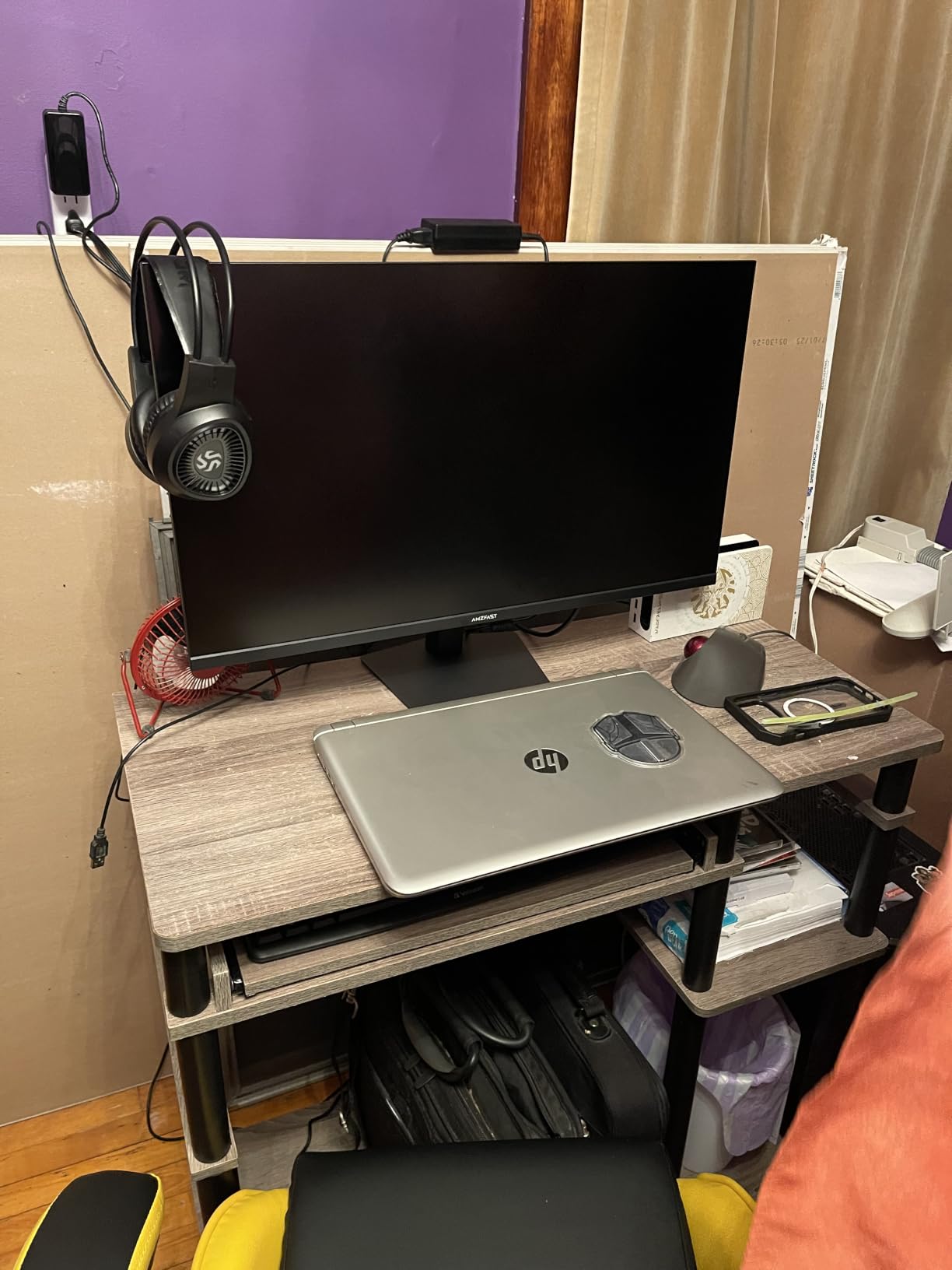
You’ll need a deep desk. The monitor is over 46 inches wide, and the stand is taller than most. A VESA arm is almost mandatory. The on-screen menu is also more cumbersome than LG or Samsung, so plan on a little patience during setup. For the screen-size-to-cost ratio, though, nothing else here comes close.
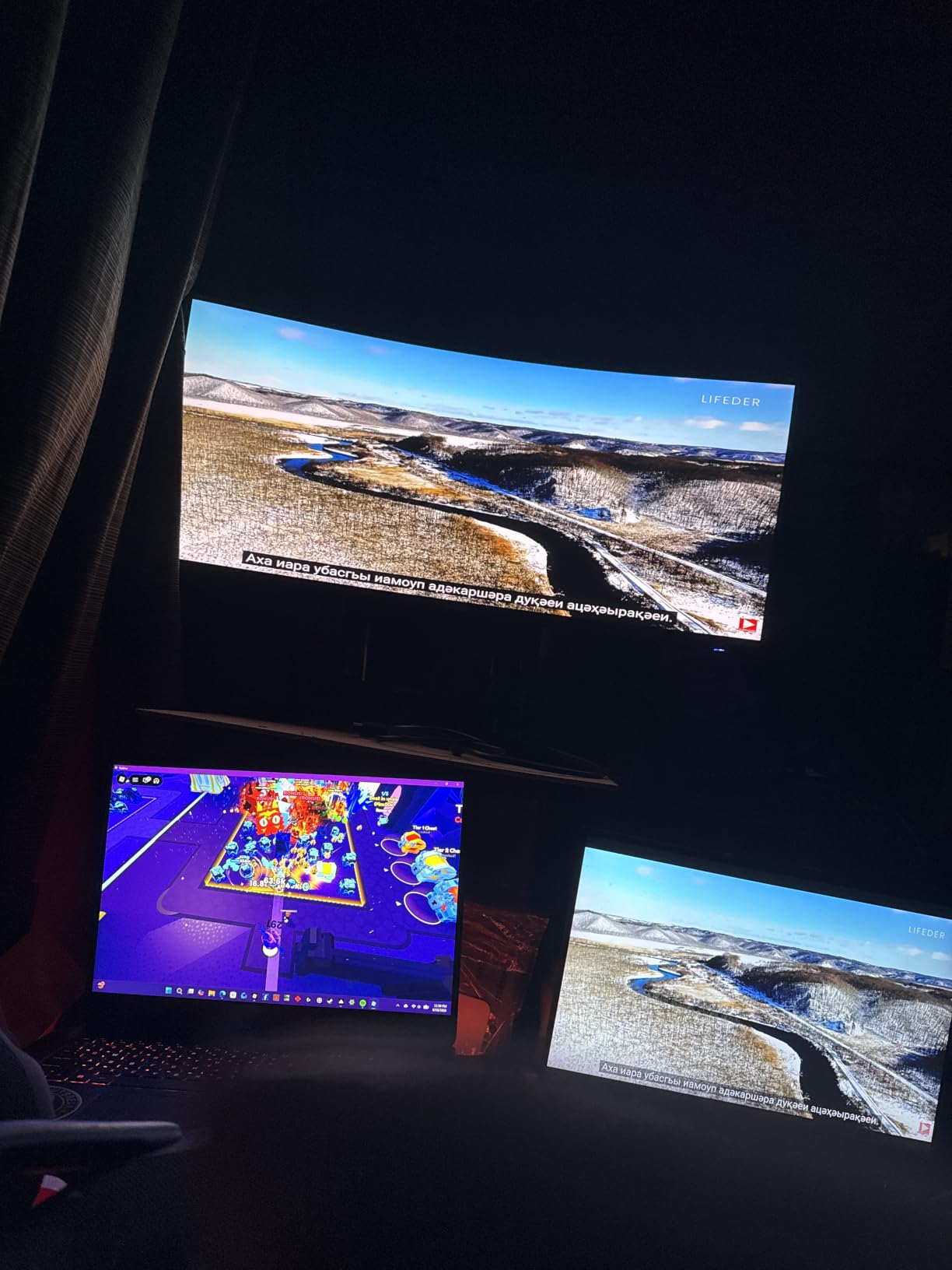
8. Samsung 49 Business: Best Business Ultrawide
Samsung 49” Business Curved Ultrawide Dual QHD Computer Monitor, USB-C, DisplayPort, HDMI, 120Hz, VESA DisplayHDR 400, Built-in Speakers, Height Adjustable Stand, Eye Care, LS49C954UANXZA, 2024
Size: 49 inch curved
Refresh: 120Hz
USB-C: 90W PD
Panel: VA
+ Pros
- USB-C with 90W power delivery
- Built-in speakers and USB hub
- VESA DisplayHDR 400
- Height adjustable stand
- 32:9 panoramic workspace
- Cons
- Costs more than most business panels
- 5ms response time
- Lower color gamut than OLED
- Very large footprint
The Samsung 49 Business is the cleanest 49-inch dock setup on the list. The 90W USB-C power delivery is enough for most 14 and 16 inch laptops, and the built-in speakers and USB hub remove two extra cables from your desk. Reviewers running a single 32:9 workspace instead of stacked 27-inch monitors say the productivity jump is real.
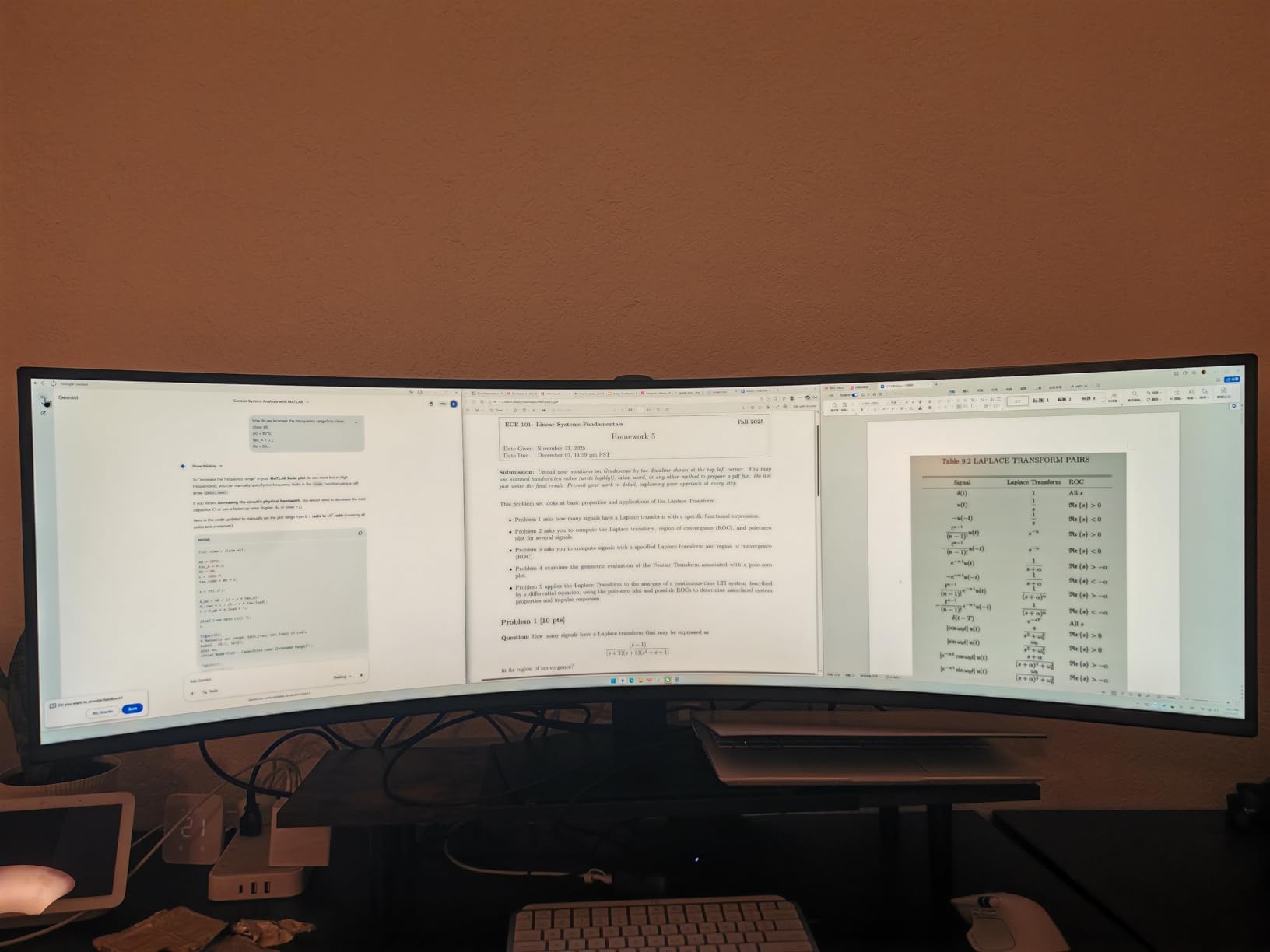
It costs more than the Amzfast at number seven and isn’t as fast as the OLEDs at nine and ten. Buy this one if you value the cleaner docking experience and Samsung’s warranty over raw gaming speed. The 1000R curve is also tighter than the Amzfast’s 1500R, so it fills more of your peripheral vision.
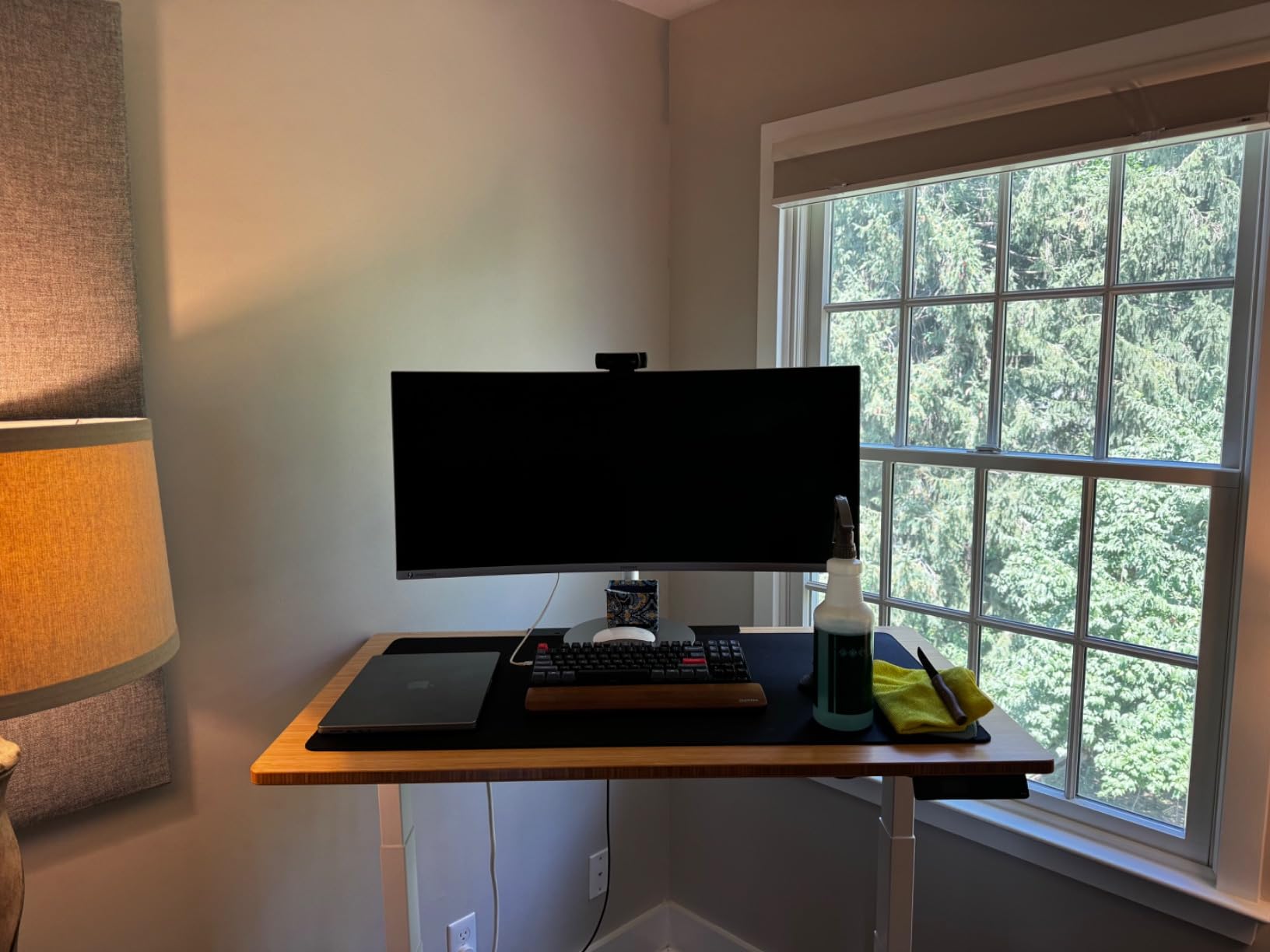
9. Samsung Odyssey G93SC: Best OLED Gaming Ultrawide
Samsung 49″ Odyssey (G93SC) Series QD-OLED Curved Gaming Monitor
Size: 49 inch QD-OLED
Refresh: 240Hz
Response: 0.03ms
Panel: QD-OLED
+ Pros
- 240Hz refresh on a 49 inch QD-OLED
- 0.03ms GtG response time
- DisplayHDR True Black 400
- HDMI 2.1 for consoles
- FreeSync Premium Pro and G-Sync
- Cons
- Costs more than every other pick
- Heavy and desk-intensive
- Burn-in risk with static content
- Some QC reports
The Samsung Odyssey G93SC is the first true 240Hz OLED ultrawide on this list, and the moment you load a game on it, the difference is hard to unsee. Reviewers call out the inky blacks, the 0.03ms GtG response, and the fact that console mode works over HDMI 2.1 for next-gen play. If you’ve been waiting for OLED and ultrawide in the same panel, this is it.
The cost and the weight are both real. At nearly 28 pounds and over 47 inches wide, it needs a serious desk and a serious mount. Burn-in is the long-term concern with any OLED, so if you leave a static HUD on for 12 hours a day, weigh that risk. For most buyers, Samsung’s warranty and built-in pixel refresh features handle the worry, but it’s not zero.
Compared with the LG 45GX950A-B at number ten, the Samsung is faster and has a more aggressive curve, but the LG offers a higher native resolution and a 5K2K panel that suits productivity and gaming alike.
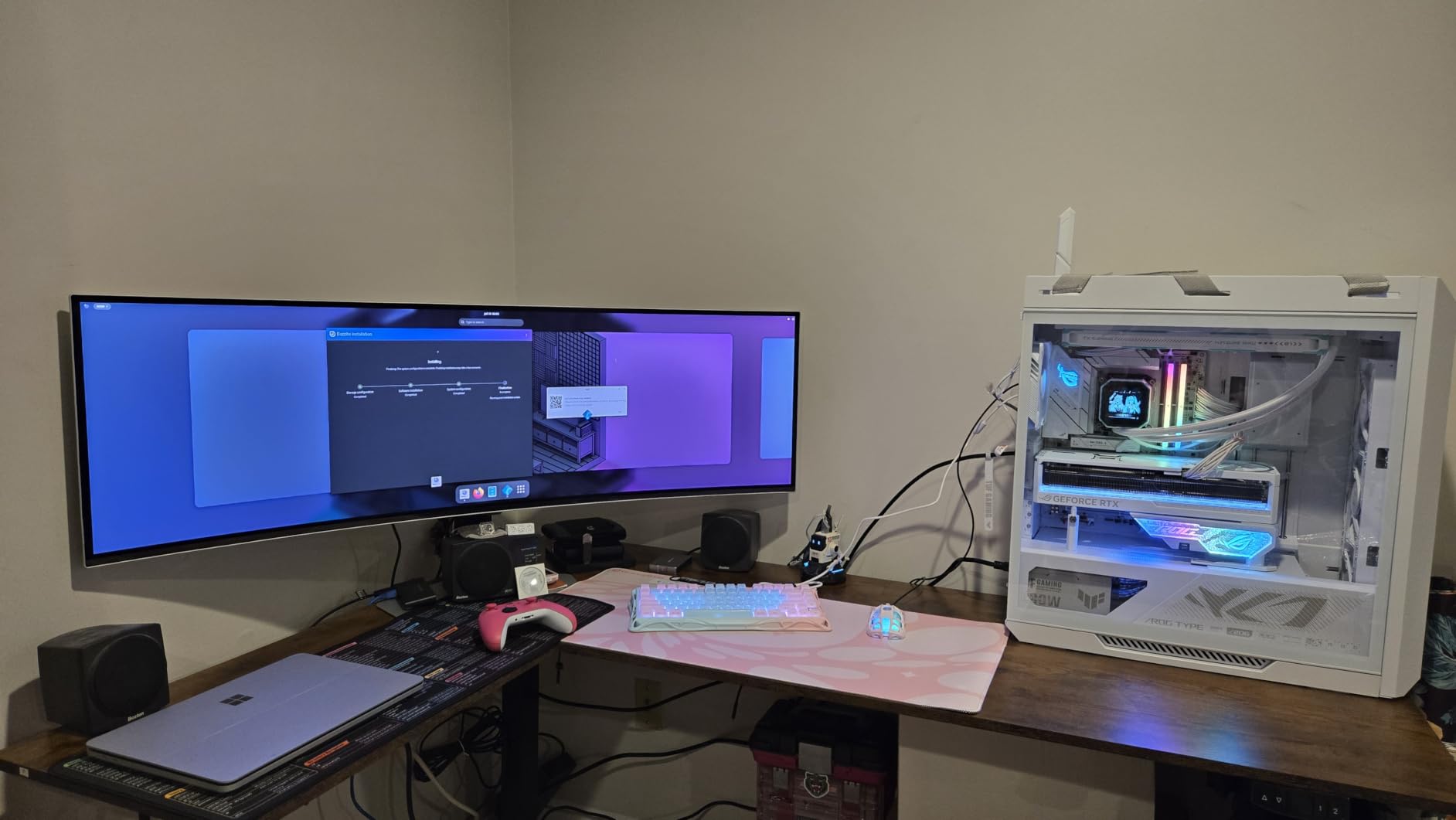
10. LG 45GX950A-B: Premium Pick
LG 45GX950A-B 45-inch Ultragear 5K2K WUHD (5120 x 2160) OLED Curved Gaming Monitor, Dual-Mode, 165Hz, 0.03ms, NVIDIA G-Sync, AMD FreeSync Premium Pro, HDR True Black 400, USB Type-C 90W, DP2.1
Size: 45 inch OLED
Refresh: 165Hz
Response: 0.03ms
Panel: OLED
+ Pros
- World's first 5K2K OLED ultrawide
- Dual mode 5K2K at 165Hz or 330Hz
- 98.5% DCI-P3 with HDR True Black 400
- DisplayPort 2.1
- USB-C 90W power delivery
- Cons
- Costs more than every other pick
- Aggressive 800R curve
- Dual-mode scaling can be hit or miss
- Demanding on GPU and desk
The LG 45GX950A-B is the top of the stack. The 5K2K resolution on a 45-inch OLED gives 125 PPI, which means text actually looks sharp at native scaling. Reviewers say the dual-mode trick of running 5K2K at 165Hz for work and dropping to WFHD at 330Hz for fast-paced shooters is genuinely useful, and DisplayPort 2.1 future-proofs the connection for the next GPU generation.
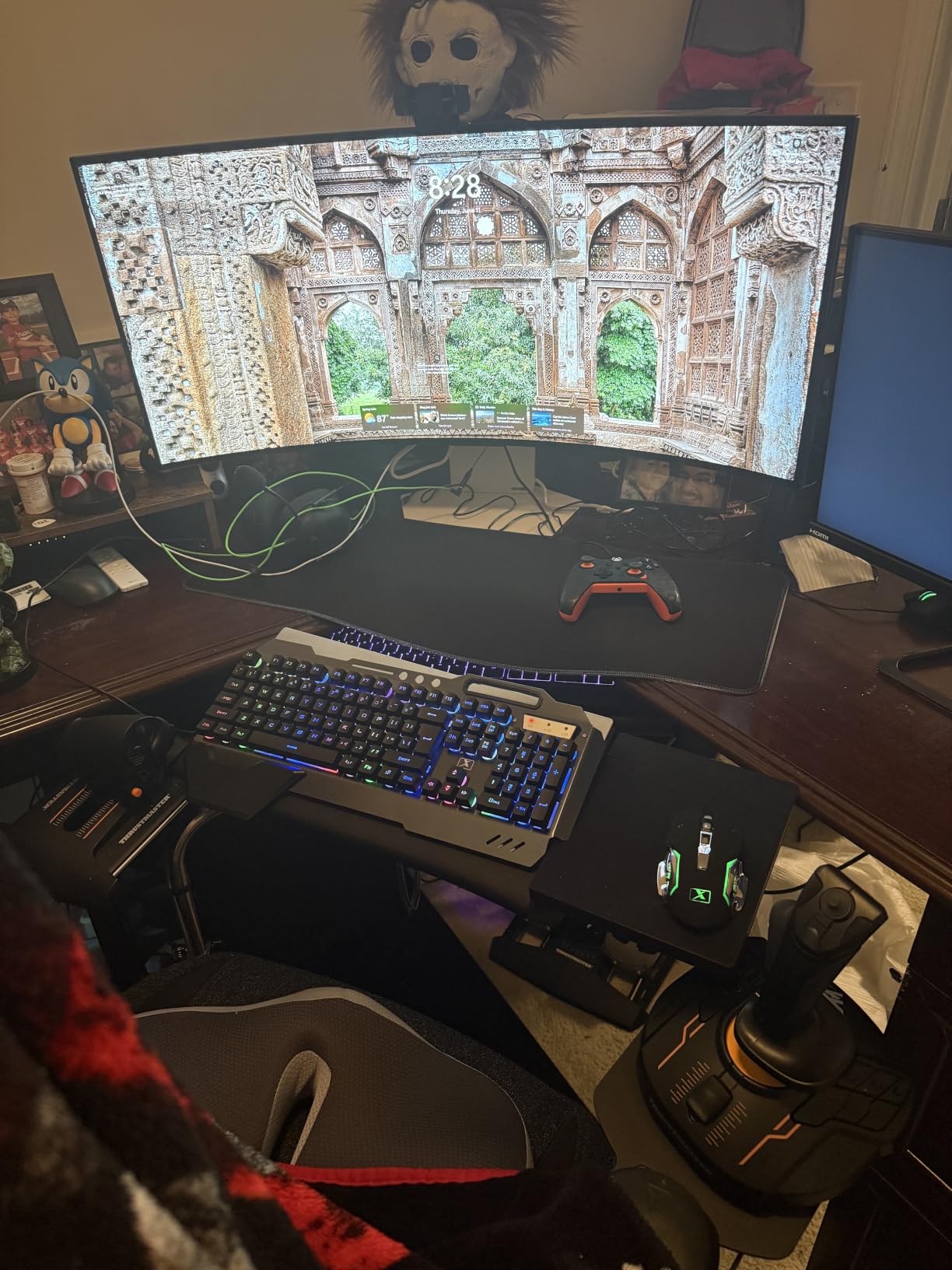
This is the panel to buy only if you want the most. The 800R curve is tighter than the Samsung at number nine, and a few owners report the dual-mode scaling behaves differently across games. You’ll also need a top-tier GPU to push 5K2K at 165Hz, so plan the rest of the build around it. For everyone else, the Odyssey G93SC delivers 90 percent of the experience for less.
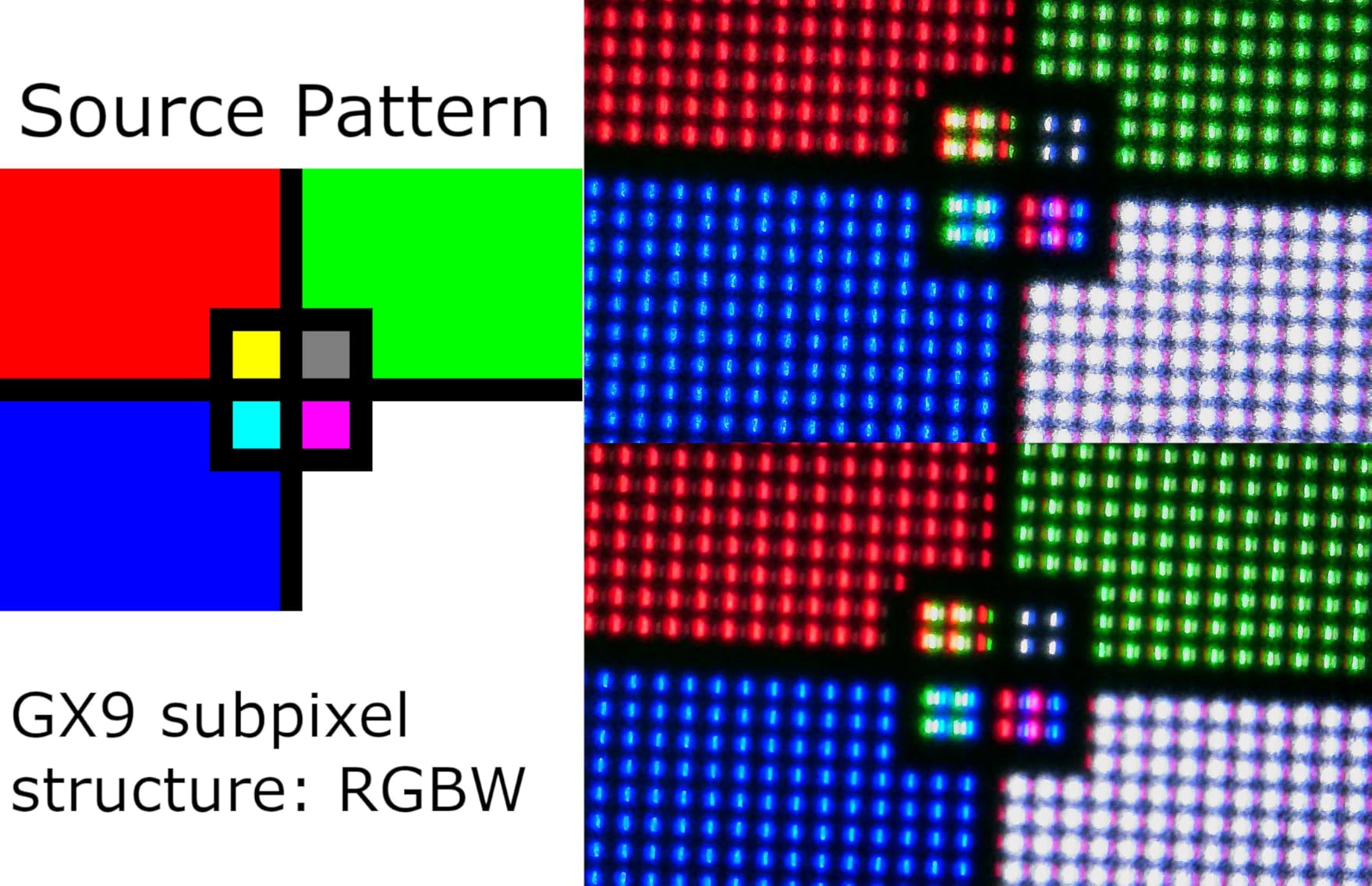
How to Choose the Best Ultrawide Monitor Deal During Prime Big Deal Days
Pick the right size: 34 inch vs 49 inch super ultrawide
A 34-inch ultrawide is the most flexible size for a standard desk, and it gives 21:9 aspect ratio which most modern games and apps handle without issue. A 49-inch super ultrawide is 32:9 and replaces two monitors side by side, but it needs at least 30 inches of desk depth and a strong arm or stand. The SANSUI 34 Curved and Alienware 34 Curved are the safe 34-inch picks; the Amzfast 49 Curved and Samsung 49 Business are the right way to go if you want one screen that fills the whole view.
Resolution: 3440×1440 vs 5120×1440 vs 5120×2160
3440×1440 (UWQHD) is the sweet spot for a 34-inch ultrawide and is what the SANSUI, Alienware, Dell, Sceptre, Samsung ViewFinity, and LG 34WR55QK-B all use. 5120×1440 (Dual QHD) is the 49-inch standard and is what the Amzfast, Samsung 49 Business, and Odyssey G93SC deliver. 5120×2160 (5K2K) is the LG 45GX950A-B territory and is the sharpest option but needs a serious GPU. In short, 3440×1440 is considered WQHD, not 2K or 4K, and is the right call for most buyers.
Refresh rate and response time: how high do you really need
For casual play, 100Hz is fine, and the Samsung ViewFinity, LG 34WR55QK-B, and Samsung 49 Business sit there. For most gaming, 144Hz to 180Hz is the sweet spot and is what the Sceptre, Alienware, and Dell offer. Above 200Hz, you only get the visible benefit in competitive shooters, so the SANSUI 200Hz and Samsung Odyssey 240Hz are for players who can feel the difference. Response time matters too: 1ms GtG or MPRT handles fast motion cleanly, while 5ms shows minor smearing in dark scenes.
Panel type: VA vs IPS vs OLED
VA panels give deep contrast and are the most common in this list. IPS offers wider viewing angles and slightly better color accuracy. OLED delivers the best blacks and the fastest response, but the cost jump is significant and burn-in is a long-term concern with static HUDs. For most buyers, a quality VA like the SANSUI, Alienware, or Amzfast is the right balance. OLED is worth the spend only if you can see the difference in your favorite games.
Connectivity: why USB-C matters during Prime Big Deal Days
USB-C with 65W or 90W power delivery turns an ultrawide into a docking station. A single cable drives the display, charges a laptop, and (on some models) carries USB data and Ethernet. The Dell S3425DW, LG 34WR55QK-B, Samsung 49 Business, and LG 45GX950A-B all do this. If you carry a USB-C laptop between home and office, prioritize these over older HDMI-only designs.
How to shop ultrawide monitor deals during the sale
Check the model number before you buy, because Amazon listings often bundle last year’s panel under this year’s marketing. Look for the panel code (S3425DW, AW3425DWM, G93SC) in the title or spec sheet, and skip anything that just says “ultrawide monitor” with no model. Read the warranty section for OLED burn-in coverage, since the Samsung Odyssey and LG 45GX950A-B handle that differently. Most offers during Prime Big Deal Days need a Prime membership (a free trial counts), and the deals and availability change through the event.
Quick checklist for picking an ultrawide deal:
- Decide 34 inch or 49 inch based on desk depth, not just budget.
- Match refresh rate to your most-played game genre.
- Check USB-C power delivery if you carry a laptop.
- Verify the model number, not just the marketing name.
- Confirm warranty terms, especially for any OLED.
Frequently Asked Questions
When does Prime Big Deal Days 2026 run?
Prime Big Deal Days runs October 6-7, 2026, and most of the ultrawide monitor offers need a Prime membership, though a free trial qualifies. Discounts and availability change through the 48 hour event, so it pays to check early on day one and again mid-event.
What is the best ultrawide monitor deal to watch for during Prime Big Deal Days?
The SANSUI 34 Curved is the best overall deal to watch, pairing 200Hz and 1ms response with a 3440×1440 curved panel. For OLED shoppers, the Samsung Odyssey G93SC is the most exciting panel in the lineup, and the Amzfast 49 Curved is the smart super ultrawide value.
Is 3440×1440 considered 2K or 4K?
3440×1440 is considered WQHD or UWQHD, not 2K or 4K. 2K usually refers to 2560×1440 and 4K to 3840×2160. The 3440×1440 resolution used in 34 inch ultrawides adds 30 percent more horizontal pixels than a 27 inch 1440p display, which is why it feels so much wider in everyday use.
Why don’t pro gamers use ultrawide monitors?
Pro gamers tend to stick with 16:9 1080p or 1440p panels because most competitive titles lock to those aspect ratios and field of view is standardized for tournaments. Ultrawide gives a wider view, but the FOV advantage can also expose players in some shooters, and many tournaments simply do not support 21:9. For solo play, immersion, and productivity, ultrawide is a clear win.
Are ultrawide monitors worth buying during Prime Big Deal Days?
Yes, especially during Prime Big Deal Days when 34 inch curved panels regularly drop well below their normal cost. The SANSUI 34 Curved and Sceptre C345B both show strong sale movement, and the Alienware 34 Curved tends to dip during the event. For shoppers who have been waiting to replace a dual monitor setup, this is the right window to act.
What size ultrawide monitor should I buy for my desk?
A 34 inch ultrawide fits a 24 inch deep desk comfortably, and most 34 inch models weigh under 20 pounds. A 49 inch super ultrawide needs at least 30 inches of depth and a sturdy arm or stand, and it usually weighs 25 to 32 pounds. If you sit close to the screen, go 34 inch. If you sit back and want a single-screen workspace, go 49 inch.
Final Verdict: Ultrawide Monitor Deals for Prime Big Deal Days
Buy the SANSUI 34 Curved if you want the strongest mix of cost, refresh rate, and size for gaming. Pick the Alienware 34 Curved if brand polish, 1ms GtG response, and 95% DCI-P3 color matter more than the cost difference. Go with the Dell S3425DW or LG 34WR55QK-B for a USB-C ultrawide that doubles as a dock, and grab the Amzfast 49 Curved if a 32:9 super ultrawide is on the list. For OLED shoppers, the Samsung Odyssey G93SC is the gaming pick and the LG 45GX950A-B is the top of the stack.
Check the current figure on each button above, compare it against the all-time low, and move fast on the panels that match your setup before the sale ends on October 7, 2026.