
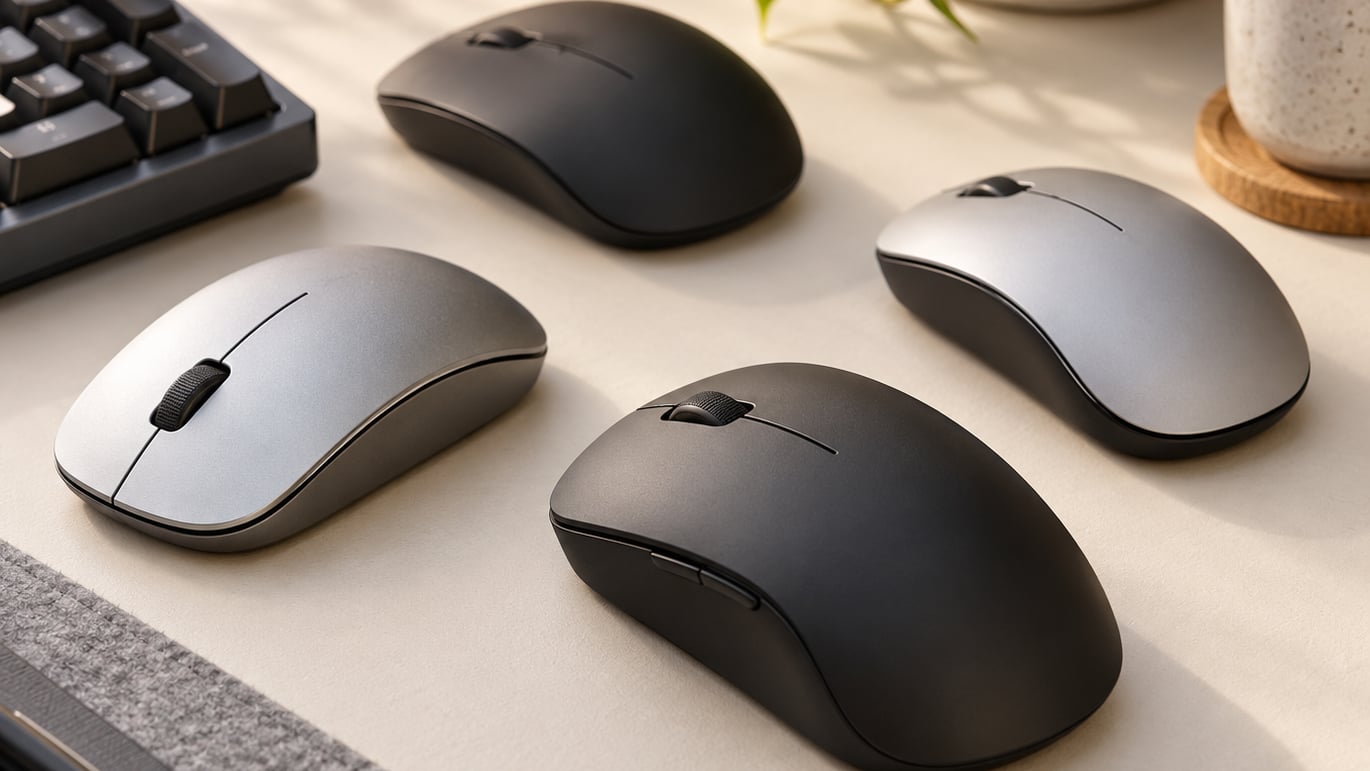
If you want one mouse that handles FPS, MMO and every daily click without fuss, the Logitech G502 Hero is the gaming mouse to watch during Prime Big Deal Days this October. With 11 programmable buttons, a 25600 DPI HERO sensor and 58704 owner reviews backing it, it is the most well-rounded wired pick in this lineup, and Prime Big Deal Days runs October 6-7, 2026.
Most buyers in this segment split into two camps: wireless purists who want LIGHTSPEED-class latency and a long battery, and MMO players who need a dozen side buttons for macros. This list covers both. The Logitech G305 Lightspeed is the strongest budget wireless option, and the Razer Basilisk V3 brings flagship-tier 26000 DPI tracking to anyone who refuses to give up the cable.
Our Top 3 Picks for Gaming Mouse Deals: Prime Big Deal Days in 2026

Logitech G502 Hero
- Best for: Flagship wired value
- Sensor: HERO 25600 DPI
- Buttons: 11 programmable
- Weight: 4.32 oz

Logitech G305 Lightspeed
- Best for: Budget wireless
- Sensor: HERO 12000 DPI
- Battery: 250 hours
- Weight: 3.36 oz

Razer Basilisk V3
- Best for: Premium wired
- Sensor: Focus+ 26000 DPI
- Switches: Optical Gen 2
- Buttons: 11
Gaming Mouse Deals: Prime Big Deal Days Compared
| Product | Details | |
|---|---|---|
| Logitech G502 Hero |
|
Check Deal Price |
| Logitech G305 Lightspeed |
|
Check Deal Price |
| Razer Basilisk V3 |
|
Check Deal Price |
 BENGOO Gaming Mouse BENGOO Gaming Mouse |
|
Check Deal Price |
 Redragon M908 Impact Redragon M908 Impact |
|
Check Deal Price |
 Razer DeathAdder Essential Razer DeathAdder Essential |
|
Check Deal Price |
 Redragon M612 Redragon M612 |
|
Check Deal Price |
 Logitech G203 Logitech G203 |
|
Check Deal Price |
 Redragon M602 Redragon M602 |
|
Check Deal Price |
 Razer Orochi V2 Razer Orochi V2 |
|
Check Deal Price |
How We Chose
Every mouse in this roundup was checked against the same four factors: sensor type and DPI ceiling, weight, wired or wireless design, and how often the same theme shows up across owner reviews. We focused on Amazon listings with thousands of reviews, and cross-referenced the top complaints and praise in each product’s review summary. Data was checked in October 2026 so the picks reflect what shoppers will see on Prime Big Deal Days.
1. Logitech G502 Hero: Best Overall Gaming Mouse Deal
Logitech G502 Hero Wired Gaming Mouse – Black
Sensor: HERO 25600 DPI
Buttons: 11
Weight: 4.32 oz
Connection: Wired
+ Pros
- 25600 DPI HERO sensor with zero smoothing
- 11 programmable buttons and dual-mode scroll wheel
- Adjustable 5x 3.6g weights
- LIGHTSYNC RGB lighting
- Mechanical button tensioning
- Cons
- Wired only
- Heavier than ultralight esports mice
The Logitech G502 Hero is the mouse we kept coming back to as the editorial pick. With 58704 reviews averaging 4.6 stars, it is the most battle-tested wired option in this lineup, and its HERO sensor tracks at 25600 DPI with zero smoothing, filtering or acceleration baked in. That is a flagship tracking spec on a mouse that has been around long enough to see steep Prime Big Deal Days discounts.
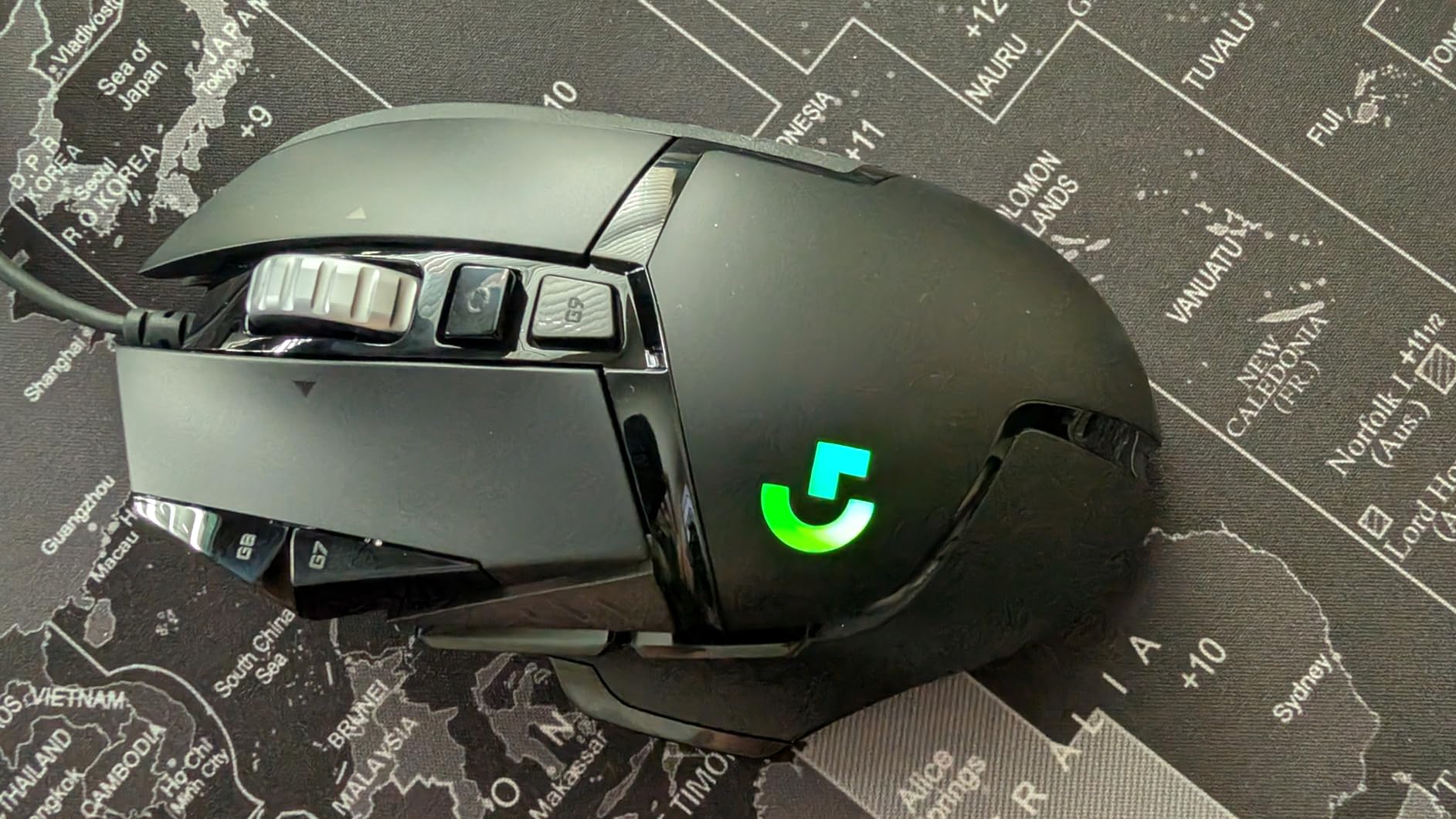
What stands out beyond the spec sheet is the customisation. Eleven programmable buttons, a free-spin hyper-fast scroll wheel and a 5-piece weight kit let you tune the G502 to your grip and game. Owners who play MMO and FPS report that the on-board memory holds their profiles, so the mouse behaves the same on any PC without reloading software. The trade-off is real: at 4.32 oz it is heavier than the wireless ultralights, and FPS players who micro-flick for hours may want something lighter.
Versus the Logitech G305 on this list, the G502 is the wired flagship with 11 buttons and a weight tray, while the G305 is the budget wireless with 250 hours of battery life. If you want the deepest button layout, the removable weight system and a sensor with more headroom, the G502 is the better Prime Big Deal Days pick.
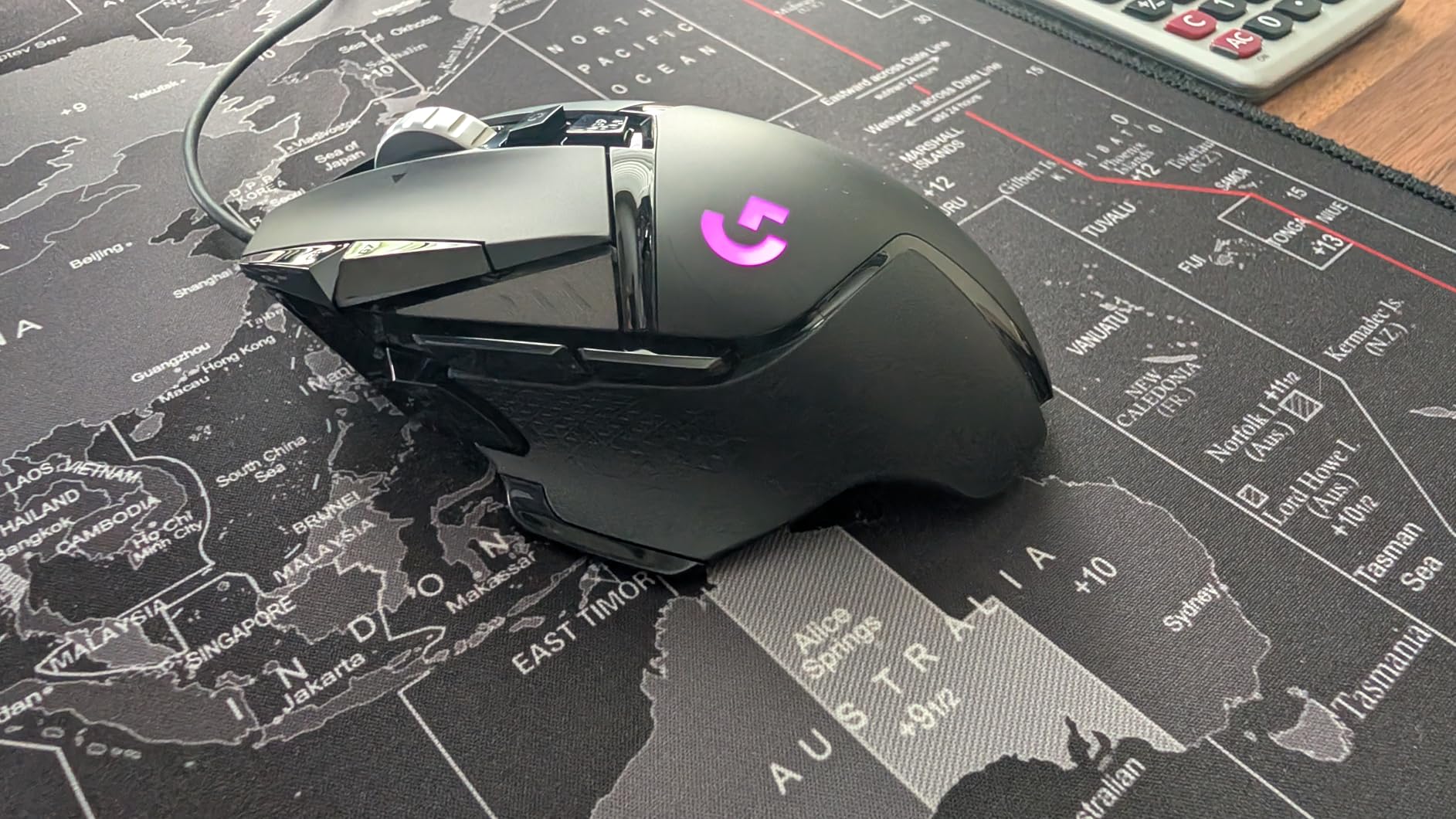
One detail worth knowing: the weight tray accepts five 3.6g cartridges, so you can dial the G502 down by 18g if 4.32 oz feels heavy in hand. After a few weeks of tuning, most owners settle on two or three cartridges removed, which puts the mouse in a more competitive weight range for FPS without giving up the flagship sensor.
2. Logitech G305 Lightspeed: Best Wireless Value
Logitech G305 Lightspeed Wireless Gaming Mouse – Black
Sensor: HERO 12000 DPI
Battery: 250 hours
Weight: 3.36 oz
Connection: Wireless
+ Pros
- LIGHTSPEED 1ms wireless
- 250-hour battery on a single AA
- Lightweight 3.36 oz shell
- HERO 12000 DPI sensor
- Nano receiver storage inside the mouse
- Cons
- AA battery instead of rechargeable
- Ambidextrous shape not ideal for all grips
For a wireless gaming mouse that does not punish your wallet, the Logitech G305 Lightspeed is hard to beat during Prime Big Deal Days. 40121 owners rate it 4.6 stars, and reviewers consistently call out the LIGHTSPEED 1ms report rate as indistinguishable from a wired mouse in real play. A single AA battery runs 250 hours, so most buyers swap batteries a couple of times a year at most.
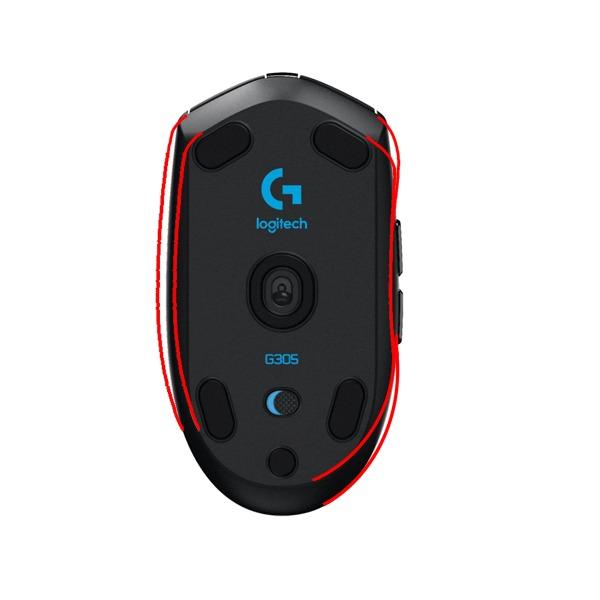
The 3.36 oz shell is light enough for long FPS sessions, and the nano receiver stores inside the body, which is genuinely useful if you carry the mouse to LAN events. The HERO sensor tops out at 12000 DPI, which is more than enough for any competitive title, though not as high as the G502’s 25600 DPI ceiling. It also runs on AA rather than USB-C charging, which is a small annoyance for anyone used to plug-in-and-go.
Pairing is as simple as plugging the dongle into a USB port, and the mouse wakes from sleep almost instantly. Owners who travel to weekly LANs mention that the receiver tucks under the top cover, so it does not disappear in a backpack. The biggest trade-off is the AA battery: there is no rechargeable option, and once the cell dies mid-session you need a spare on hand.
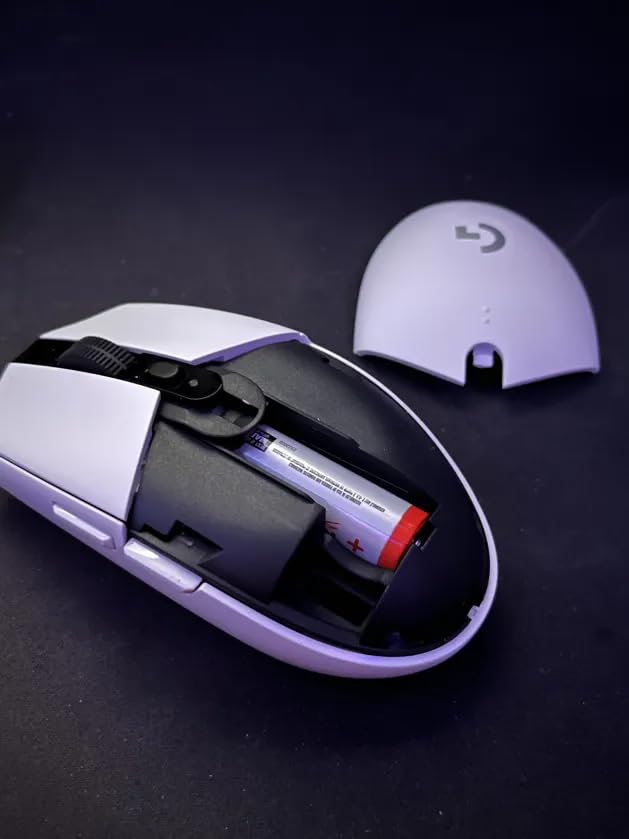
Among the wireless picks in this roundup, the G305 sits below the Razer Orochi V2 in tier but beats it on familiarity and total review count. The G305 is the better choice if you want a trusted budget wireless, while the Orochi V2 is the better choice if you want under 60g and a 950-hour Bluetooth battery.
3. Razer Basilisk V3: Best Premium Wired Pick
Razer Basilisk V3 Customizable RGB Wired Ergonomic Gaming Mouse, Black
Sensor: Focus+ 26000 DPI
Switches: Optical Gen 2
Weight: 3.56 oz
Buttons: 11
+ Pros
- 26000 DPI Focus+ optical sensor
- Hyperscroll tilt wheel (free-spin or tactile)
- Optical switches rated 70 million clicks
- 11 Razer Chroma RGB zones
- Thumb rest for ergonomic comfort
- Cons
- Wired only
- Larger shell not ideal for small hands
If you want Razer’s flagship sensor without crossing into wireless pricing, the Basilisk V3 is the wired pick worth watching during Prime Big Deal Days. The Focus+ 26000 DPI optical sensor is the same family Razer uses in its tournament mice, and the optical Gen 2 switches are rated for 70 million clicks, so durability is one of the real selling points. 10551 reviews at 4.6 stars back that up.
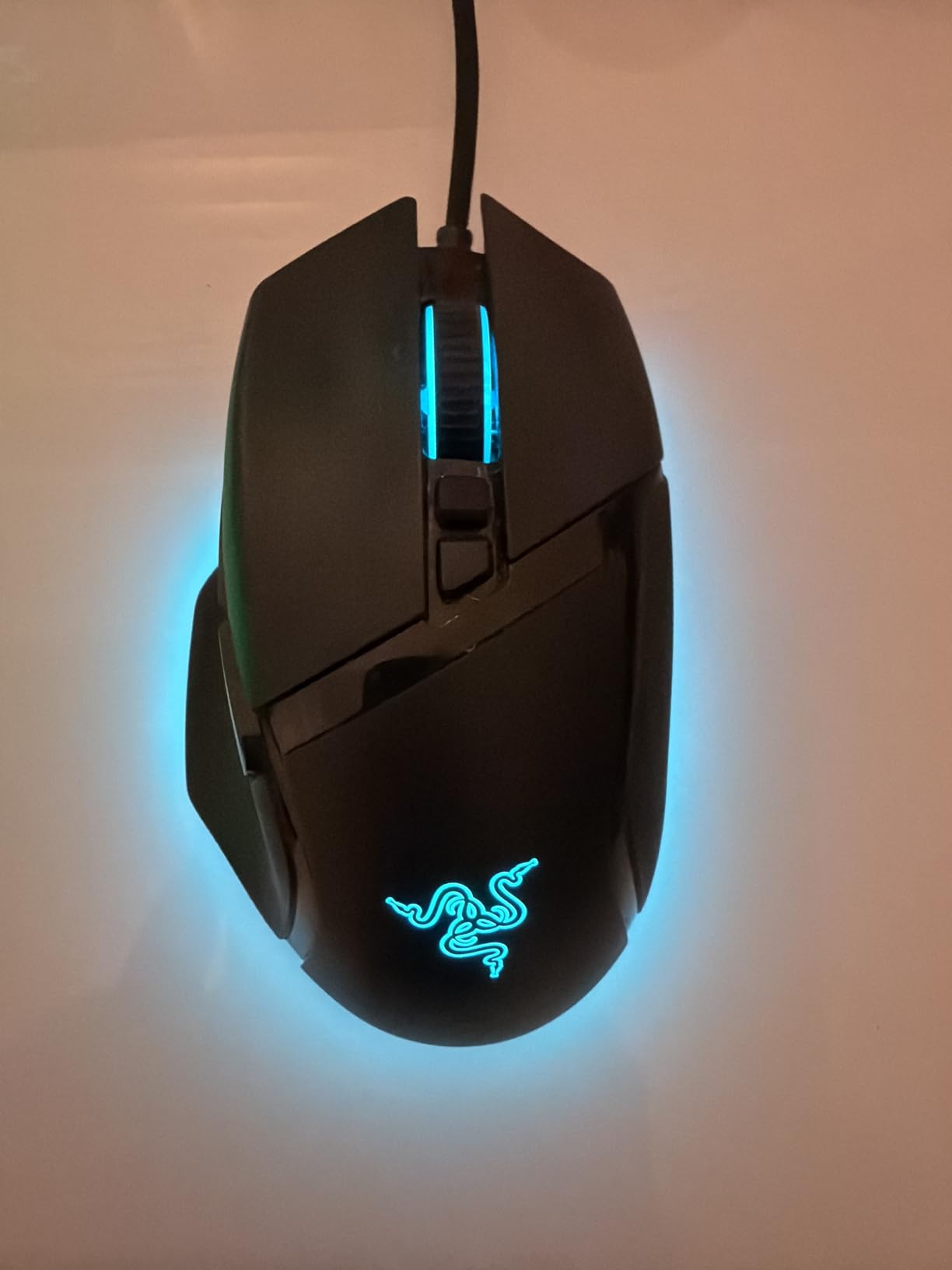
The Hyperscroll tilt wheel is the unusual feature. It switches between a tactile notched scroll and a free-spin mode that flies through long documents, browser tabs or weapon select screens. Owners who work and game on the same PC call this out as the small detail that makes the Basilisk feel like a hybrid tool rather than a one-trick gaming mouse. The 11 Chroma RGB zones tie into other Razer peripherals, and the thumb rest is genuinely comfortable for long sessions.
Stacked against the Logitech G502 from this list, the Basilisk V3 wins on sensor ceiling and optical switch durability, while the G502 wins on the removable weight system and a longer review history. Razer Synapse handles button mapping, and most owners set everything up once and never open the app again. The shape is the bigger concern: the larger shell and thumb rest favour medium-to-large hands.
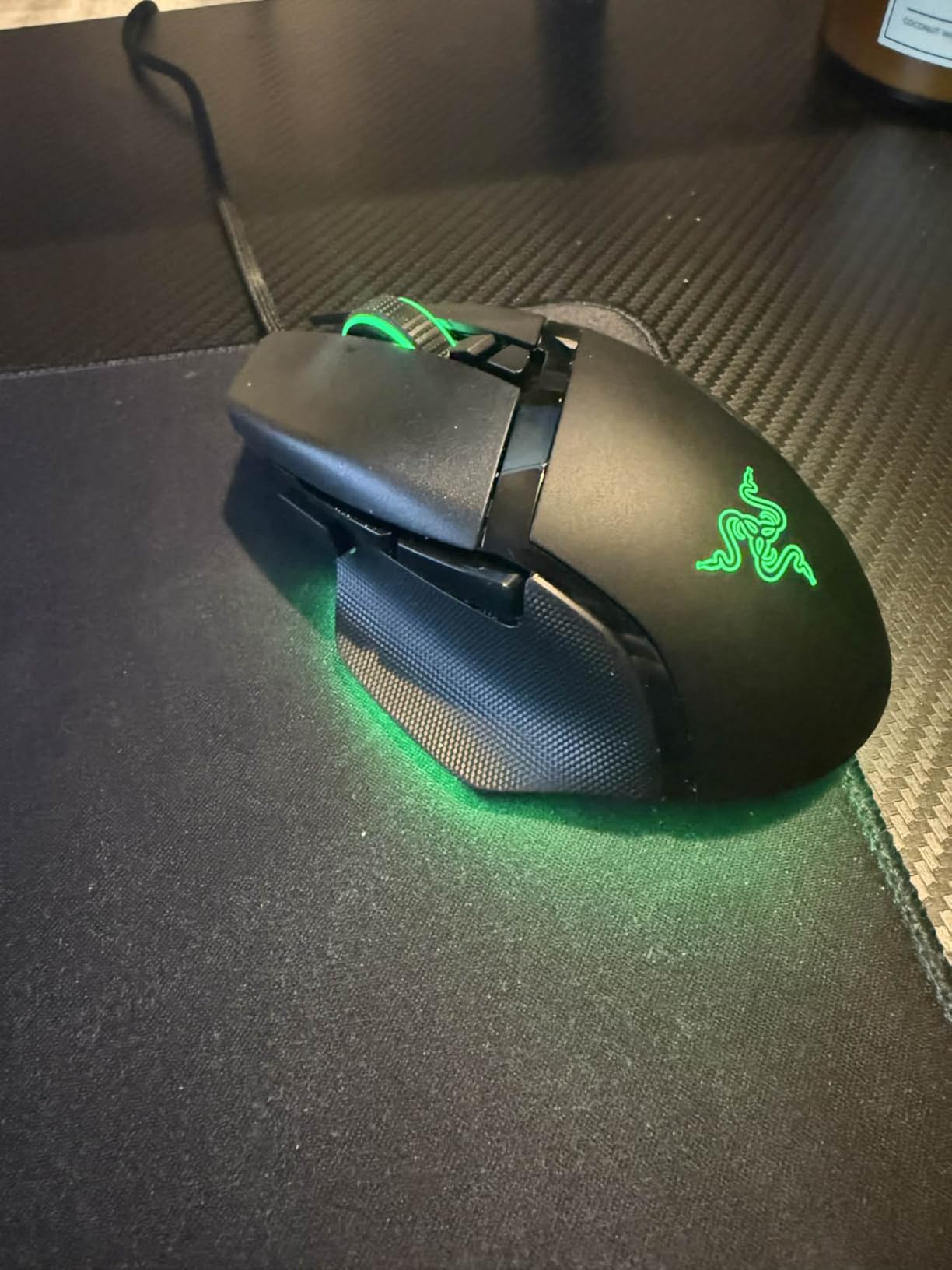
In a real session of mixed work and play, the Basilisk V3 holds its own. The free-spin Hyperscroll is a small luxury for long web pages, and the optical switches feel noticeably crisper than the mechanical switches on cheaper mice. For Razer fans who want a flagship wired experience without paying flagship wireless prices, this is the most well-rounded Razer pick in the roundup.
4. BENGOO Gaming Mouse: Best Budget Pick
BENGOO Gaming Mouse Wired with RGB Backlit, Ergonomic PC Computer Mice
Sensor: 3600 DPI
Buttons: 6
Weight: 4.23 oz
Connection: Wired
+ Pros
- 4 adjustable DPI levels up to 3600
- 6 buttons with forward and back
- Multi-color RGB lighting
- Plug and play with no software required
- Cons
- 3600 DPI is well below flagship sensors
- Budget brand durability varies between owners
For shoppers who just want a working gaming mouse that does not need much thought, the BENGOO is the easy pick. It ships with 6 buttons, 4 DPI levels and RGB lighting at the lowest price tier of any mouse in this roundup. 14385 owners rate it 4.6 stars, which is unusual for a mouse at this tier.
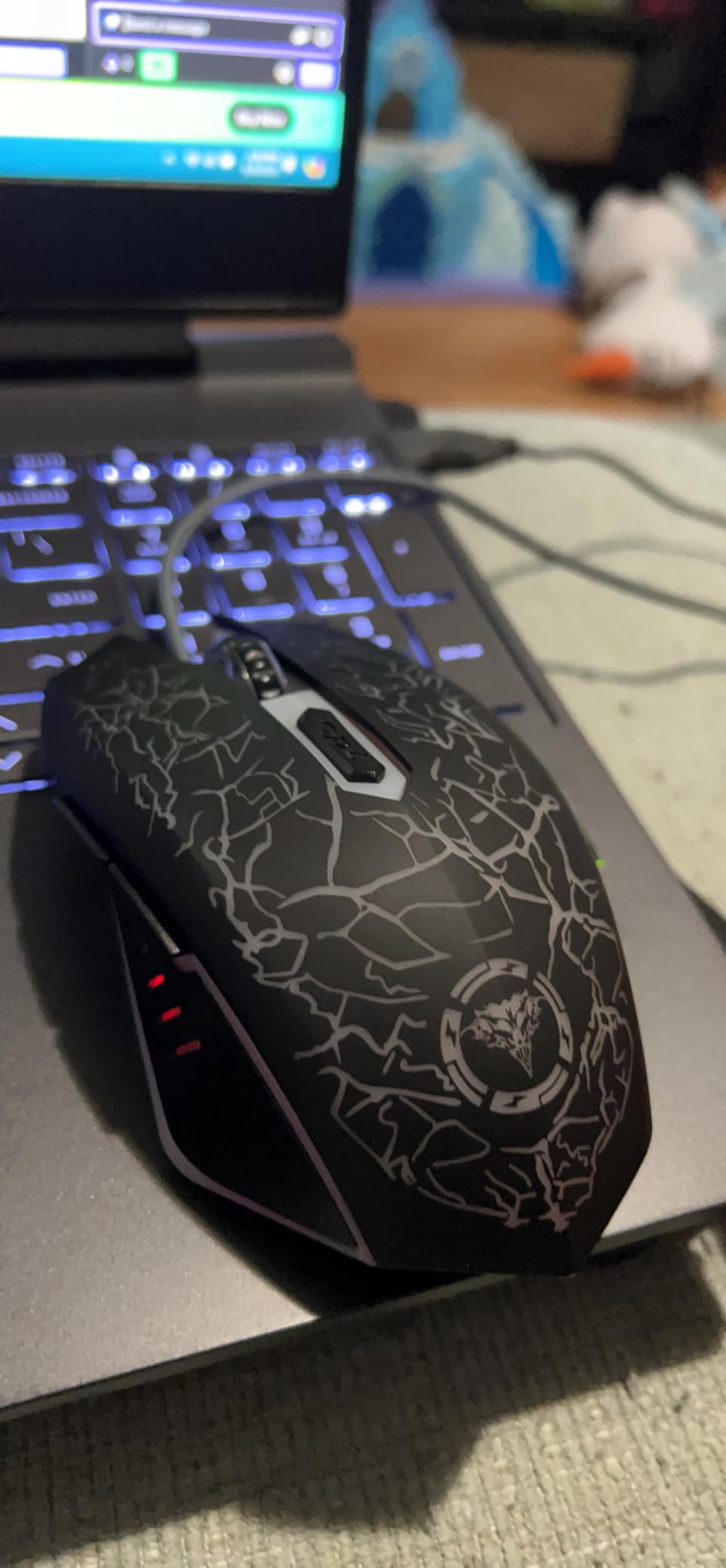
What you give up is sensor headroom. 3600 DPI is fine for general FPS play and MMO, but the BENGOO will not track the high-speed flicks a competitive Valorant or CS player might want. Owners also report that the shell is a bit heavier than expected for the size, and long-term durability is the usual budget-brand question mark. The upside is that nothing on the mouse needs software: plug it in and the DPI cycle button on top does the rest.
Against the Redragon M602 on this list, the BENGOO is cheaper and simpler, but the M602 offers a 7200 DPI ceiling and a more refined ergonomic shell for not much more spend. If you want RGB and basic gaming for the absolute lowest entry point, BENGOO is the pick. Plug-and-play means it also works on school and office PCs without a driver install.
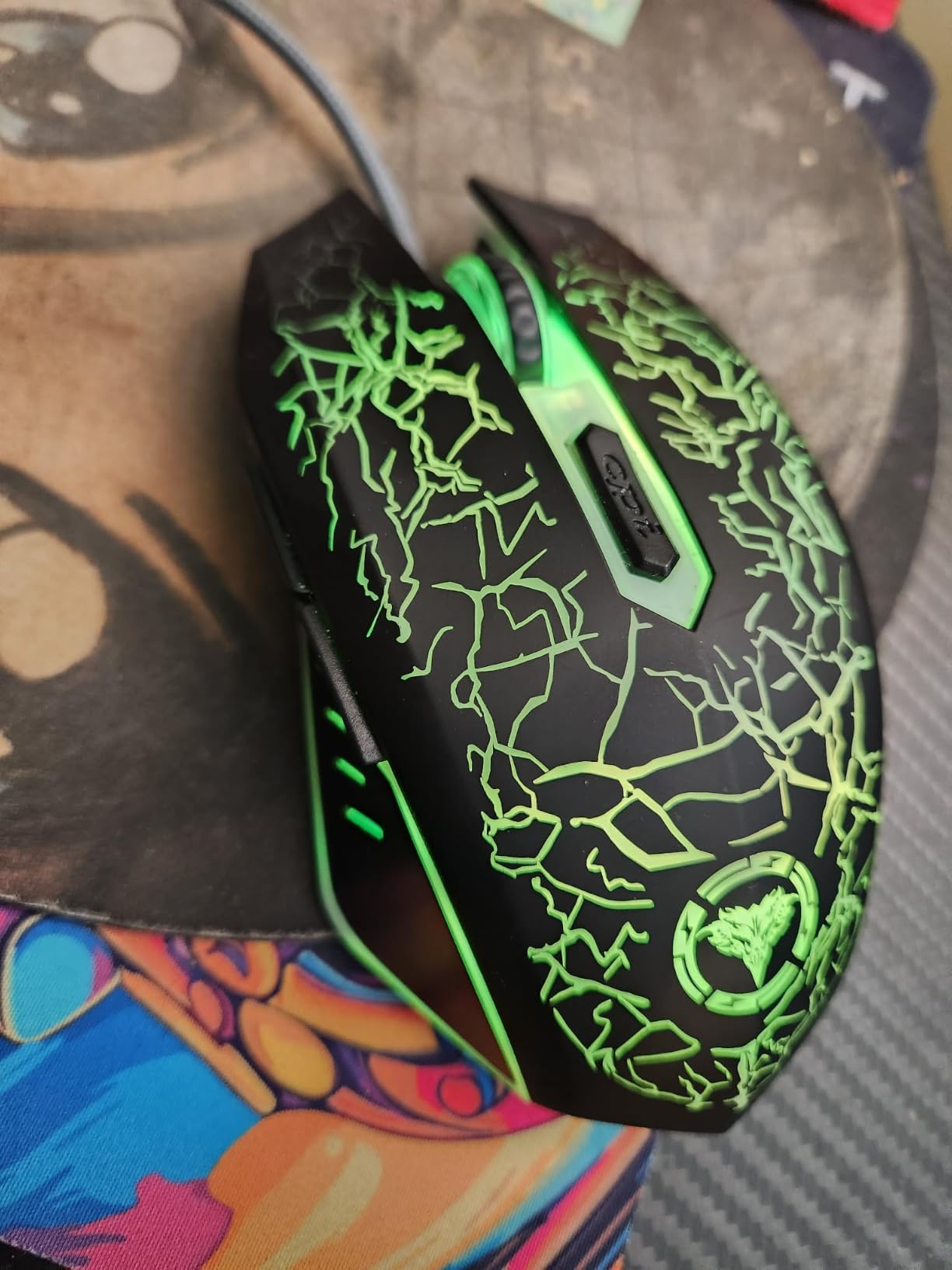
The case for the BENGOO is a backup mouse, a gift for a younger player, or a stopgap before a flagship. For ranked competitive play or for any buyer who keeps a mouse for three years, the Redragon M602 or Logitech G203 are the better tier to step up to.
5. Redragon M908 Impact: Best for MMO Gamers
Redragon M908 Wired MMO RGB Gaming Mouse 12400 DPI Remapping Keys
Sensor: 12400 DPI
Buttons: 18
Weight: 175 g
Profiles: 5
+ Pros
- 18 programmable buttons for MMO macros
- 12400 DPI sensor
- 5 onboard memory profiles
- 16.8M RGB color options
- 8-piece weight tuning kit included
- Cons
- 175 g is heavy for FPS
- Complex button layout for casual users
- Wired only
For World of Warcraft, Final Fantasy XIV and other MMO players, button count matters more than sensor headroom, and the Redragon M908 Impact delivers 18 programmable buttons. The 12-button side grid is the standout feature: it is laid out in a way that keeps every action under thumb reach without forcing you to remap every cooldown. 11812 owners rate it 4.4 stars, with most of the praise centered on its macro depth.
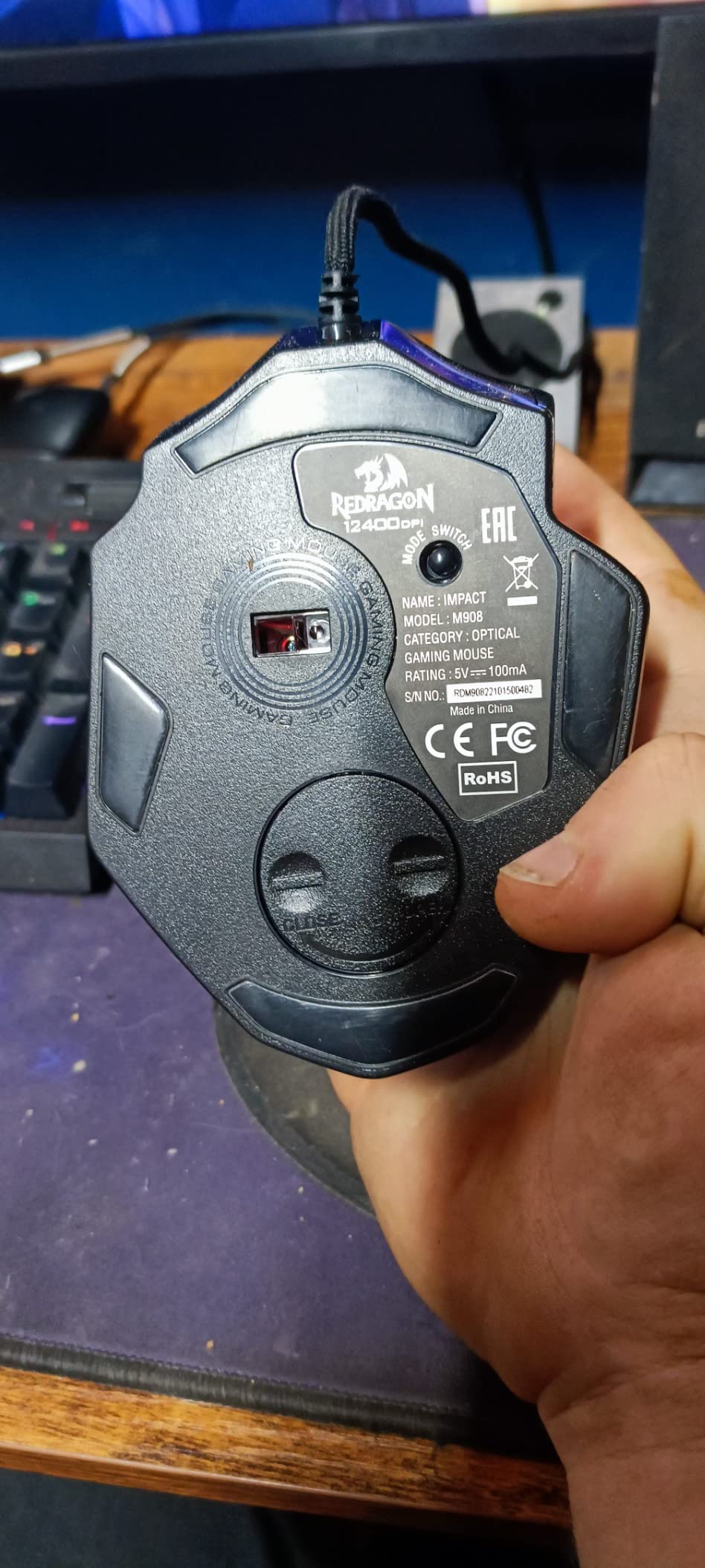
The 5 onboard memory profiles let you switch between, say, a healing layout and a DPS layout without reloading software. The 8-piece weight tuning kit adds or removes mass in 2.4g increments, which is unusual at this tier. The trade-off is weight: at 175 g, the M908 is one of the heavier mice in this roundup, and FPS players who flick for headshots will feel that bulk on long sessions. It is also wired only, which is fine for a desk-bound MMO setup but rules it out for anyone who wants a clean wireless rig.
Stacked against the Logitech G502, the M908 wins on raw button count, while the G502 wins on long-term sensor reputation. Owners who switch between MMO and productivity say the side buttons map cleanly to browser tabs and Photoshop shortcuts. New buyers should expect a learning curve: the 12-button side grid is laid out in a matrix, and accidental presses are common until muscle memory settles in after a week or two of regular play.
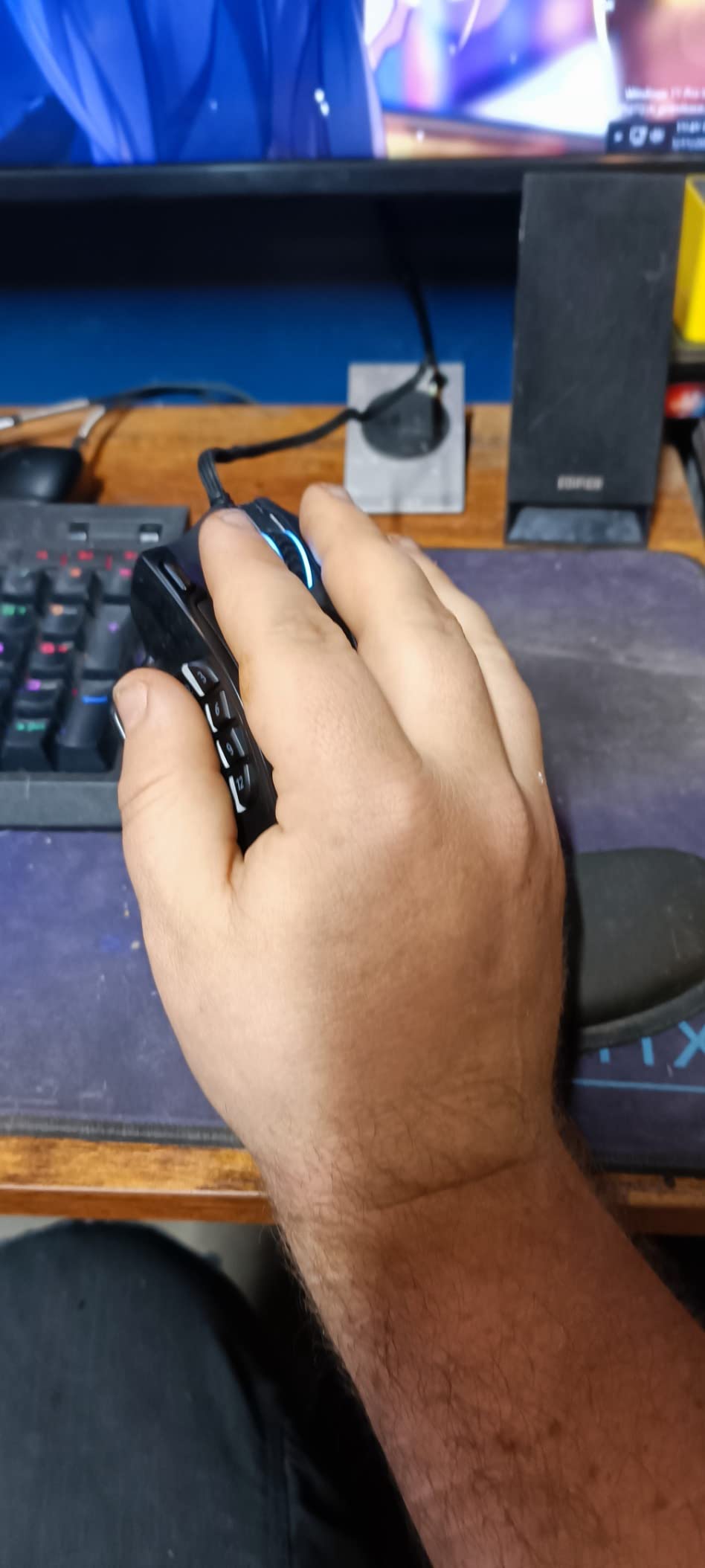
The honest case for the M908 is simple. If you main a game that lives or dies on a 12-button side grid, nothing else in this roundup touches it. If you split your time evenly between MMO and FPS, the lighter Redragon M612 or the Logitech G502 is the more flexible tier to step into instead.
6. Razer DeathAdder Essential: Best Ergonomic Pick
Razer DeathAdder Essential Ergonomic Wired Gaming Mouse, Black
Sensor: 6400 DPI
Buttons: 5
Weight: 0.13 kg
Connection: Wired
+ Pros
- DeathAdder ergonomic shape used in esports
- 6400 DPI optical sensor
- Mechanical switches rated 10 million clicks
- Rubberized scroll wheel
- 2-year warranty
- Cons
- Wired only
- Only 5 programmable buttons
The DeathAdder shape has been Razer’s most popular ergonomic mouse for two decades, and the Essential edition trims the price to its lowest tier while keeping the same sculpted right-hand shell. 32324 owners rate it 4.5 stars, which is rare for a budget Razer. If your hand tires on flatter mice, the DeathAdder contour is the most comfortable pick in this roundup.
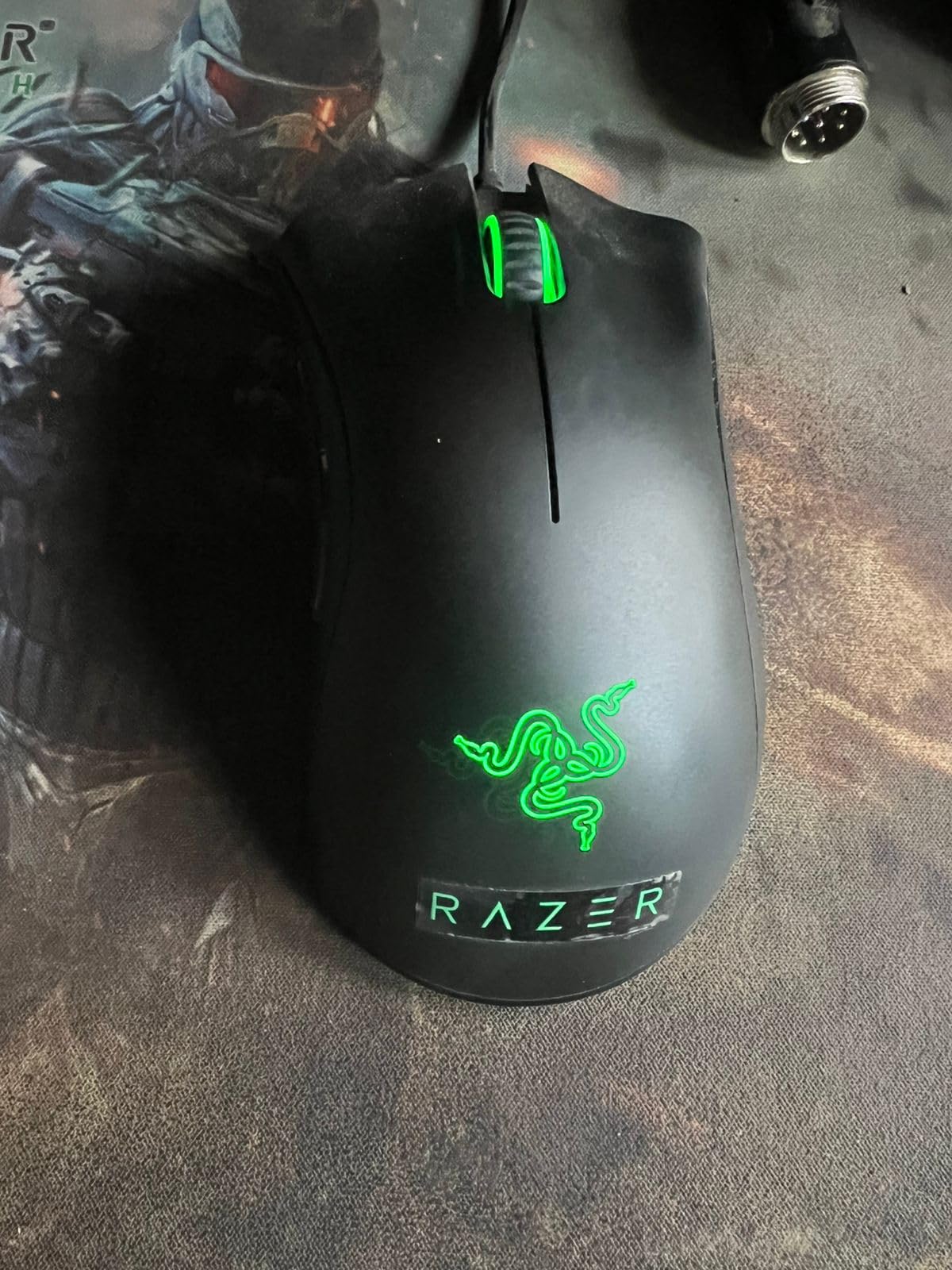
The 6400 DPI optical sensor is enough for any modern game, and the mechanical switches are rated for 10 million clicks. The ridged rubberized scroll wheel is a small touch that makes the mouse feel more controlled when changing weapons. The trade-off is button count: only 5 programmable buttons means no thumb grid for MMO, and the mouse is wired only. Most owners accept that trade for the comfort.
Against the Razer Basilisk V3 on this list, the DeathAdder Essential is the budget ergonomic and the Basilisk is the premium ergonomic with a thumb rest and 11 buttons. The right-hand sculpted shell is the real selling point here, but it does mean the mouse is not an option for left-handed buyers. If comfort comes first and macros are not the goal, the DeathAdder is the Prime Big Deal Days pick.
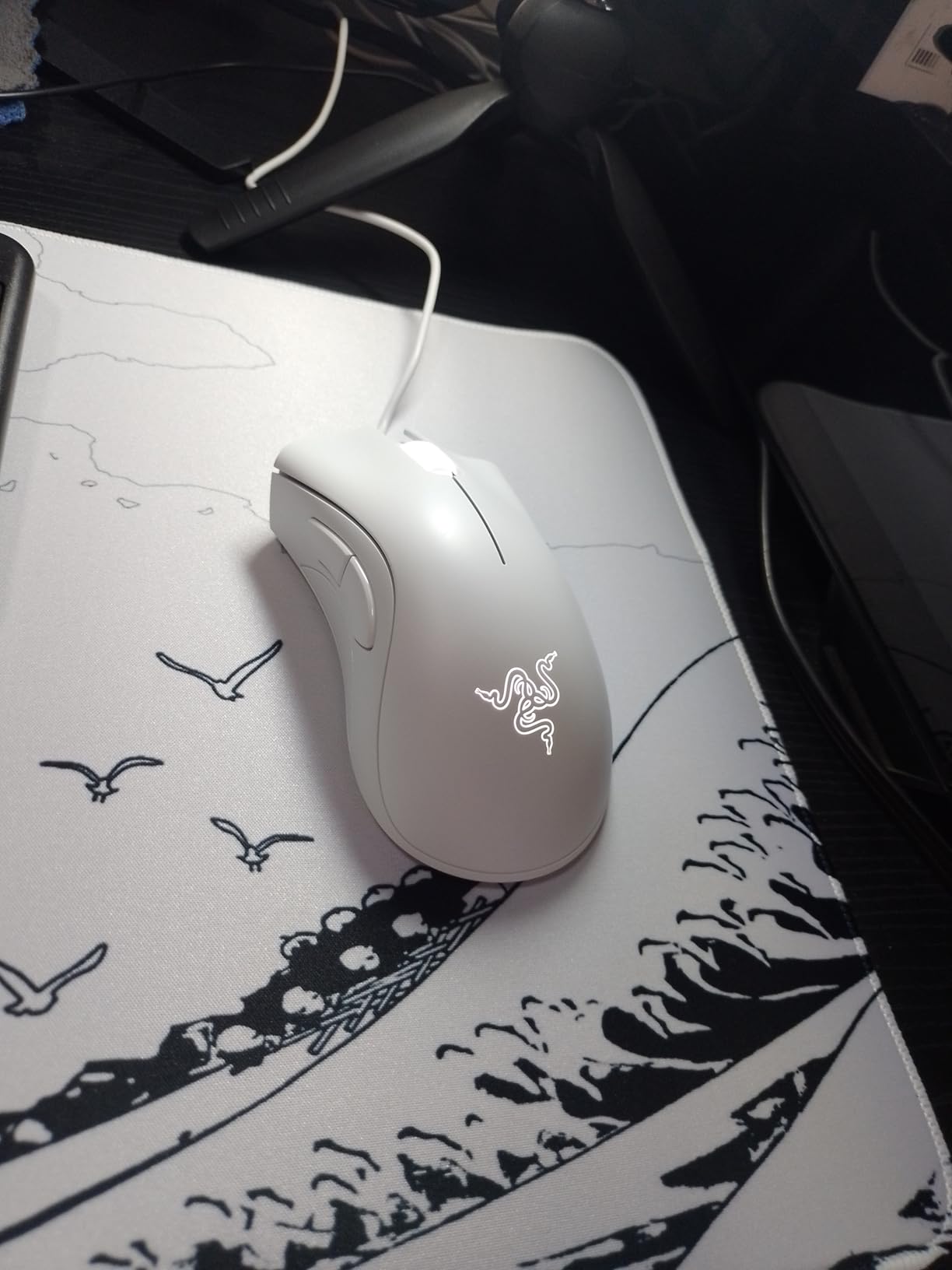
For palm grip players, the DeathAdder contour does most of the heavy lifting. The 2-year warranty is unusually long for a budget mouse and is the detail most long-term owners appreciate. Players who want more buttons should step up to the Razer Basilisk V3 instead, and MMO players should look at the Redragon M908.
7. Redragon M612: Best for Claw Grip
Redragon M612 Wired RGB Optical Gaming Mouse 8000 DPI Remapping Keys
Sensor: 8000 DPI
Buttons: 11
Weight: 126 g
Connection: Wired
+ Pros
- Ergonomic claw-grip shape
- 5 DPI levels up to 8000
- 11 programmable buttons
- Frosted skin-friendly coating
- 5 RGB backlit modes
- Cons
- Wired only
- 126 g may feel heavy for small hands
The Redragon M612 is built around a claw-grip ergonomic shape that arcs toward the player’s fingertips. 11556 owners rate it 4.6 stars, and reviewers who game for hours often mention that the frosted coating stays grippy even during sweaty matches. If your style is fingertip control rather than full palm rest, this is the most claw-friendly budget pick in the roundup.
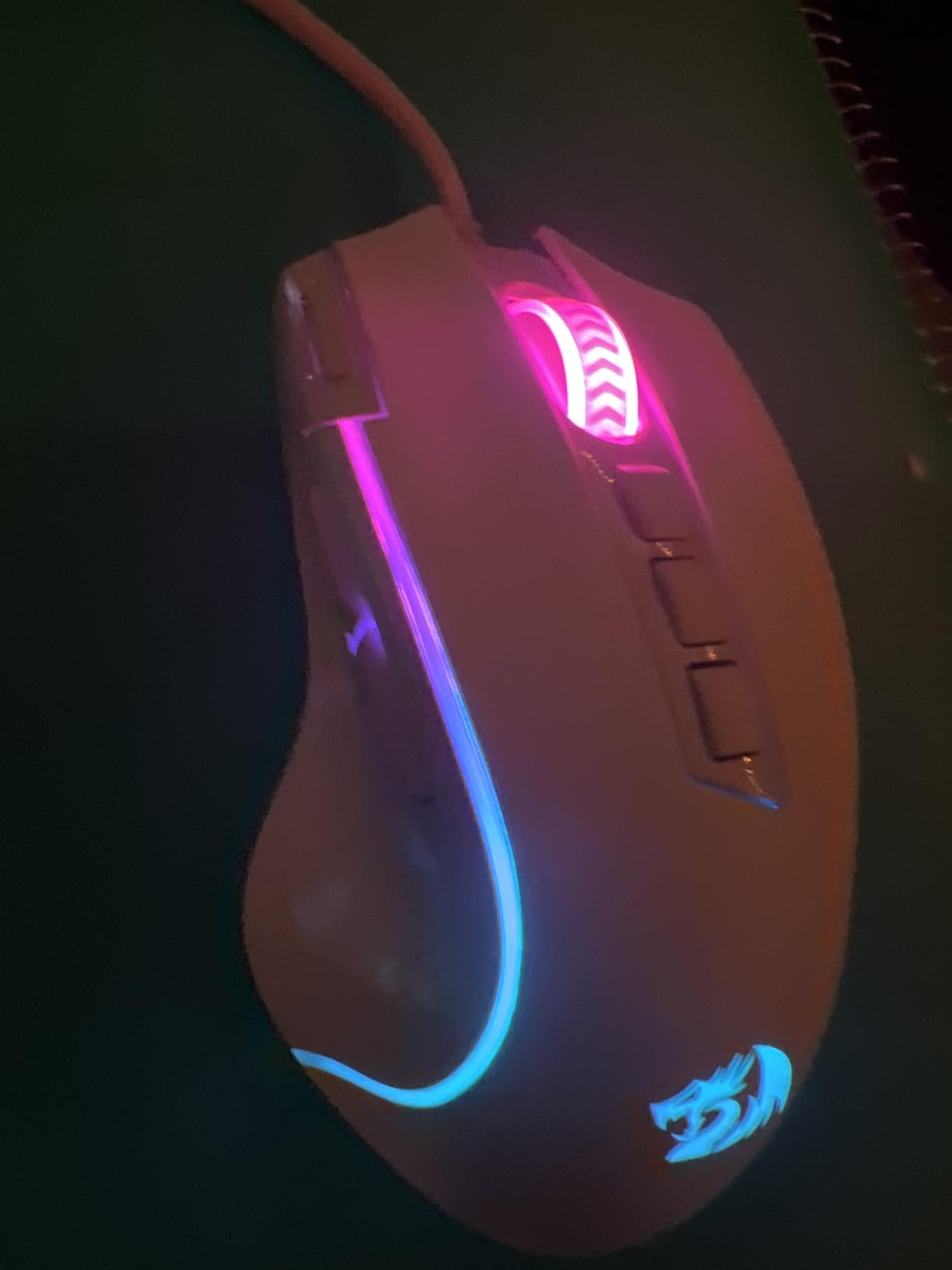
Eleven programmable buttons and 5 DPI levels make it flexible for both FPS and MMO. The rapid-fire button is a one-click macro that some owners love and others turn off in the software. At 126 g, it is heavier than the Logitech G305 but lighter than the Redragon M908, which is the right ballpark for a claw-grip mouse that needs a bit of mass for stable tracking.
Owners report that the scroll wheel click is a bit firm out of the box, which is the most common long-term complaint. The rapid-fire button can be reassigned or disabled in the Redragon software if you do not want it active. Against the Redragon M908 on this list, the M612 is lighter and claw-focused, while the M908 is heavier and macro-focused.
The case for the M612 is a claw grip player who wants a flexible mid-weight shell without paying mid-tier prices. If you palm-grip or you want under 70g for competitive FPS, look at the Razer Orochi V2 instead, and if you want Razer’s ecosystem the Basilisk V3 is the step-up option.
8. Logitech G203: Best Entry-Level Logitech
Logitech G203 Wired Gaming Mouse – Black
Sensor: 8000 DPI
Buttons: 6
Weight: 85 g
Connection: Wired
+ Pros
- 8000 DPI gaming-grade sensor
- LIGHTSYNC RGB lighting
- 6 programmable buttons
- Mechanical primary buttons with metal springs
- Logitech G Hub software support
- Cons
- Wired only
- Smaller shell may not fit larger hands
The Logitech G203 is the cheapest wired entry into Logitech’s gaming line, and it punches above its weight. 19471 owners rate it 4.6 stars, which is unusually high for a budget wired mouse. The 8000 DPI sensor, mechanical primary buttons with metal springs and LIGHTSYNC RGB all sit at this tier, which is rare in this price range.

At 85 g, the G203 is one of the lighter wired options in this roundup, and the smaller shell is a good fit for medium and small hands. The 6.89 ft cable is long enough to run cleanly along a desk to a tower on the floor. Owners who already use Logitech G Hub for a keyboard or headset will find the G203 slots in immediately with matching RGB effects.
Versus the Logitech G305, the G203 is the wired version at a lower tier, while the G305 adds wireless and the HERO sensor’s 12000 DPI ceiling. The shell is genuinely small, so medium-to-large hands should test the grip first. If you want Logitech’s ecosystem on a wired budget and you do not need wireless or 11 buttons, the G203 is the Prime Big Deal Days pick.
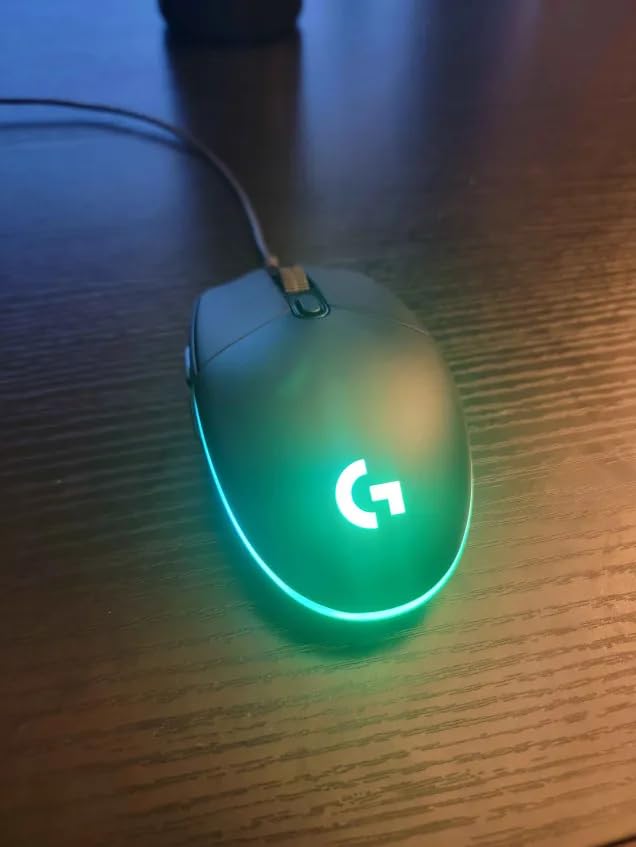
The honest read on the G203: it is a budget mouse that does not feel like one. RGB syncs with other Logitech gear, the cable is long enough to reach a floor-mounted tower, and the sensor is more than capable for casual FPS and MMO. Buyers who want wireless at the same tier should step up to the G305, and buyers who want more buttons should look at the Logitech G502.
9. Redragon M602: Best for Macro Editing
Redragon M602 Gaming Mouse, Ergonomic RGB Gaming Mouse Wired with 7200 Adjustable DPI, 9 Programmable Buttons, Professional Software for Gamer Office [Black]
Sensor: 7200 DPI
Buttons: 8
Weight: 0.27 kg
Connection: Wired
+ Pros
- 7200 DPI adjustable sensor
- 8 programmable buttons
- RGB backlit with 7 modes
- Ergonomic right-hand shape
- Professional macro editing software included
- Cons
- Software interface takes time to learn
- Budget brand durability varies
The Redragon M602 sits in a useful middle spot: a budget price, an 8-button layout and 7200 DPI tracking. 27283 owners rate it 4.6 stars, and the most common praise is the macro software, which lets you record keystrokes, edit timings and save profiles without paying for a flagship. If you want to bind complex macro chains to side buttons, this is the most affordable entry in the roundup.
![Redragon M602 Gaming Mouse, Ergonomic RGB Gaming Mouse Wired with 7200 Adjustable DPI, 9 Programmable Buttons, Professional Software for Gamer Office [Black] customer photo 1](https://digitalnpq.org/wp-content/uploads/2026/10/B011HMDZ0Q_customer_1.jpg)
The ergonomic shell is right-hand only, with a thumb rest that supports claw and palm grips. 7 RGB modes are switchable from the bottom of the mouse, so the look is fully customizable without touching the software. The trade-off is that the Redragon software is functional but not polished, and first-time macro users report a learning curve. Long-term durability is the usual budget-brand caveat, and a small number of owners report double-click issues after a year of heavy use.
Versus the Redragon M908 on this list, the M602 is the lighter, simpler entry, while the M908 adds 10 more buttons and weight tuning. The M602 is also the heaviest mouse in this roundup by box specs at 0.27 kg, which is worth knowing if you tend to micro-flick during FPS. Profiles are saved to the mouse, so the same setup follows you to any PC without reloading software.
![Redragon M602 Gaming Mouse, Ergonomic RGB Gaming Mouse Wired with 7200 Adjustable DPI, 9 Programmable Buttons, Professional Software for Gamer Office [Black] customer photo 2](https://digitalnpq.org/wp-content/uploads/2026/10/B011HMDZ0Q_customer_2.jpg)
The case for the M602 is a budget buyer who wants macro depth without stepping up to flagship pricing. It is the right tier if 8 buttons cover your game, but buyers who main a 12-button MMO should look at the M908 instead, and buyers who want wireless should look at the Logitech G305.
10. Razer Orochi V2: Best for Portability
Razer Orochi V2 Wireless Gaming Mouse, 950 Hr Battery, 60g, White
Sensor: 18000 DPI
Battery: 950 hours
Weight: 2.08 oz
Connection: Wireless
+ Pros
- Up to 950 hours on Bluetooth
- Under 60g shell
- 18000 DPI 5G Advanced sensor
- Dual wireless (Bluetooth + HyperSpeed)
- Compact form for travel
- Cons
- Compact shell not for large hands
- No RGB lighting
- Runs on AA or AAA batteries
The Razer Orochi V2 is the roundup’s most portable wireless mouse. At 2.08 oz and under 60g, it slips into a laptop sleeve and weighs less than most wired picks. 5612 owners rate it 4.4 stars, and the standout number is the battery: up to 950 hours on Bluetooth or 425 hours on Razer HyperSpeed wireless, which means most users will go months between battery swaps.
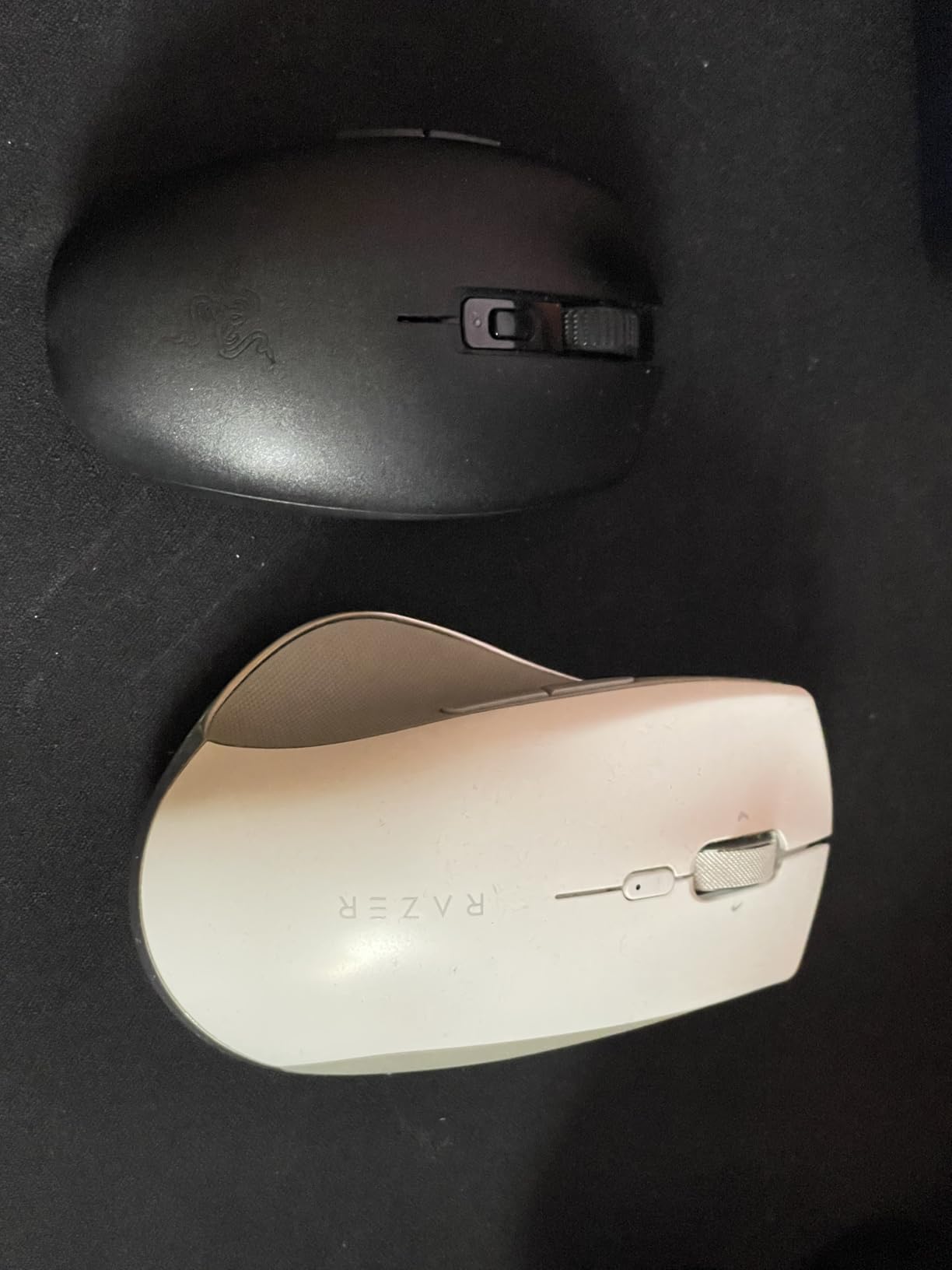
Dual wireless is the real flex here. The mouse pairs over Bluetooth for travel and over Razer HyperSpeed for desktop play, so you can leave the dongle plugged into a tower and switch to Bluetooth when working on a laptop. The 18000 DPI 5G Advanced sensor is over-spec for everyday work and ready for ranked FPS if you want it. There is no RGB and no rechargeable battery, both of which are conscious trade-offs for the weight and battery life.
Versus the Logitech G305, the Orochi V2 is lighter, has a longer battery on Bluetooth and costs a tier higher, while the G305 is the more familiar budget wireless. The compact shell suits small to medium hands best, and large palm-grip buyers will want to size up to the Razer Basilisk V3 instead. It runs on a single AA or AAA, so carrying a spare for very long trips is the practical move.
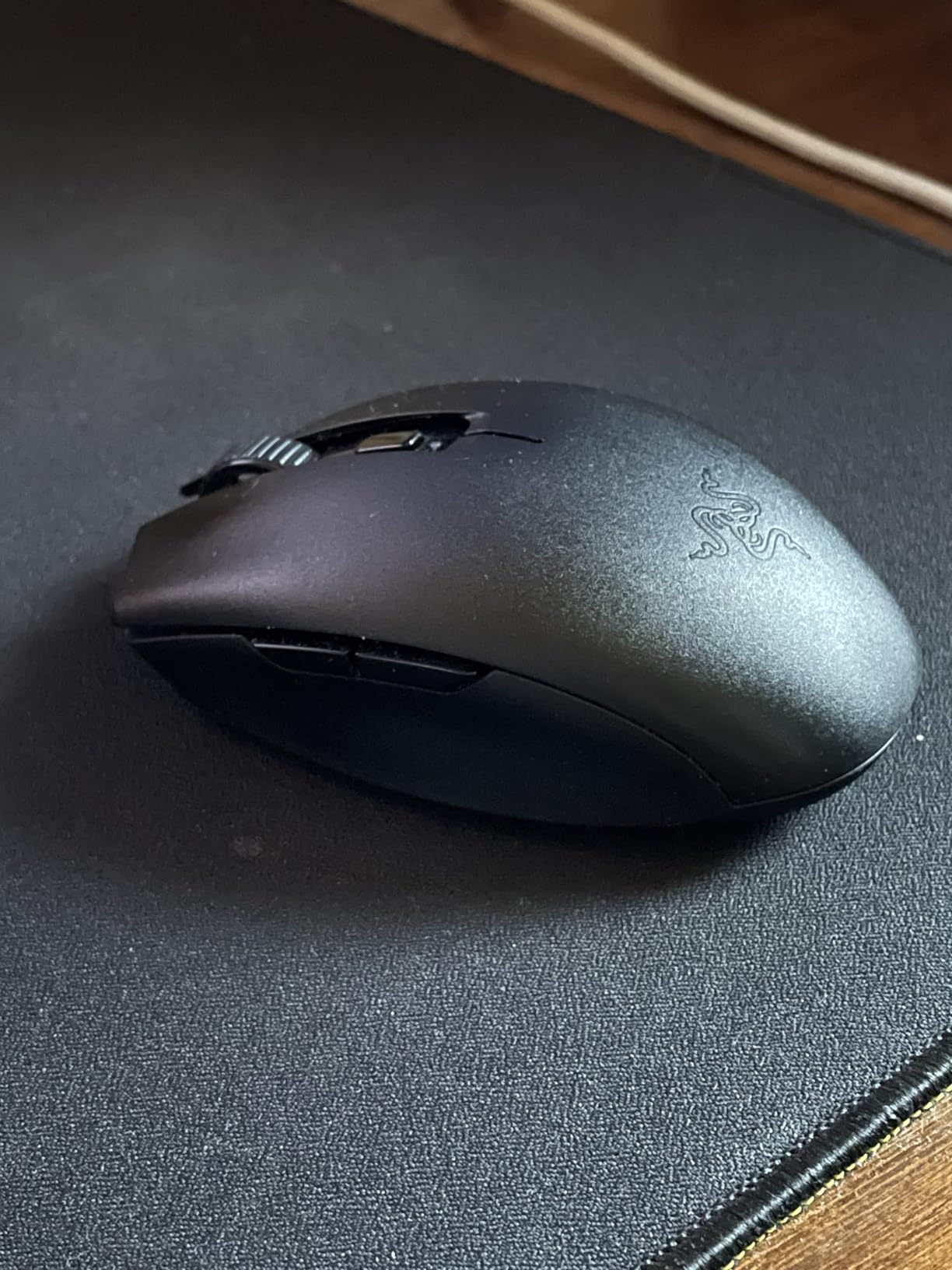
The case for the Orochi V2 is a laptop gamer or a frequent traveller who refuses to lug a heavier wireless mouse. If you want RGB, a sculpted right-hand shape, or the lowest tier of wireless, look at the Logitech G305 or the Logitech G203. For a portable wireless that does not compromise on sensor quality, the Orochi V2 is the roundup pick.
How to Choose a Gaming Mouse During Prime Big Deal Days
Prime Big Deal Days is a 48-hour window, which means buyers have less time to deliberate. The four factors that actually matter are sensor and tracking, weight and shape, wired vs wireless, and button count. Match those to your game and your grip before the event opens, then pick from the watchlist rather than browsing the full catalog.
Sensor and DPI: Tracking That Fits Your Game
DPI is the headline number, but tracking accuracy matters more in practice. For competitive FPS, an optical sensor with 12000+ DPI and no acceleration is the floor, and the picks in this roundup that hit that are the Logitech G502 Hero, Logitech G305, Razer Basilisk V3 and Razer Orochi V2. For MMO and casual play, 6400 to 12400 DPI is plenty, and that covers the Redragon M908, Razer DeathAdder Essential and Redragon M602.
Weight and Shape: Comfort for Long Sessions
Competitive FPS players have settled on under 70g as the modern standard, and the Razer Orochi V2 is the only mouse in this roundup under that bar at 2.08 oz. The Logitech G305 at 3.36 oz is the next lightest. For palm grip, the Razer DeathAdder Essential and Redragon M612 are the most comfortable shells. For claw grip, the Redragon M612 and BENGOO are the budget-friendly fits.
Wired vs Wireless: Latency, Battery and Freedom
Modern wireless has closed the gap with wired. LIGHTSPEED on the Logitech G305 reports at 1ms, which is indistinguishable from wired in real play. The Razer Orochi V2 stretches battery to 950 hours on Bluetooth, so the wireless premium now buys you desk freedom rather than performance. Wired mice still lead on raw sensor headroom and weight customisation, which is why the Logitech G502, Razer Basilisk V3 and Redragon M908 are all wired.
Buttons and Software: MMO Macros to Minimalist Esports
Match button count to game genre. Two side buttons are enough for FPS, and the Logitech G305, Razer Orochi V2, BENGOO and Razer DeathAdder Essential all sit in that range. The Redragon M908 with 18 buttons is the MMO leader. The Logitech G502, Razer Basilisk V3 and Redragon M612 hit 11 buttons, which is the flexible middle ground. Software matters: Logitech G Hub, Razer Synapse and Redragon’s editor all do the job, but expect to spend an hour setting up profiles on day one.
Switches and Build: Durability Owners Care About
Optical switches outlast mechanical switches on click count. The Razer Basilisk V3’s optical Gen 2 switches are rated for 70 million clicks, while most mechanical switches sit at 10 to 20 million. Owners who have used their mouse for two years or more most often report double-click failures on cheaper mechanical switches, which is the single most common long-term complaint across this tier. The Razer DeathAdder Essential’s 10 million click rating is the lowest in this roundup and worth noting if you click hard.
How to Shop Gaming Mouse Deals During the Sale
Prime Big Deal Days runs October 6-7, 2026, and most of these offers require an active Prime membership, with a free trial counting. Watch for last year’s flagship at a real cut rather than a placeholder discount, check whether the listing is the newer sensor revision, and prefer Amazon-sold listings for warranty clarity. Refresh prices the morning of, since the deepest cuts on gaming mice often land in the first hours.
- Check sensor revision: same model name, new sensor
- Confirm Amazon as the seller for clean warranty terms
- Compare total reviews, not just star rating, before trusting a discount
- Note the battery type: AA vs USB-C changes the daily experience
- Check return window, especially on MMO-heavy mice that take a few days to settle in
Frequently Asked Questions
When does Prime Big Deal Days 2026 run for gaming mouse deals?
October 6-7, 2026. Amazon confirmed the dates for the October shopping event, and most gaming mouse deals appear across those two days, with new offers dropping throughout the sale window.
Do I need an Amazon Prime membership to get these gaming mouse deals?
Most Prime Big Deal Days offers require an active Prime membership. A free trial counts, and a few third-party sellers run their own discounts that do not need Prime, but the headline deals on gaming mice are gated to members.
Are wireless gaming mice actually good enough for competitive play now?
Yes. Modern wireless like the Logitech G305 LIGHTSPEED reports at 1ms, which is indistinguishable from wired in real play, and most FPS pros now use wireless in tournament settings. Pick wireless if you want desk freedom, and pick wired if you want the lowest possible weight and a lower price.
What DPI do I actually need on a gaming mouse in 2026?
Most competitive players run between 400 and 1600 DPI in-game, and the sensor’s job is to track accurately at that range. A 12000 DPI ceiling like the Logitech G305 is more than enough, and the 25600 DPI on the Logitech G502 is headroom rather than a requirement.
Which gaming mouse brand has the best reputation with buyers on Amazon?
Logitech G and Razer lead on review count and long-term satisfaction, with the Logitech G502 at 58704 reviews and 4.6 stars and the Logitech G305 at 40121 reviews and 4.6 stars. Redragon is the strongest budget brand on owner ratings, with the M602 at 27283 reviews.
Is it worth buying a last year’s flagship gaming mouse during Prime Big Deal Days?
Usually yes. Last year’s flagship sensors, like the Razer Focus+ 26000 DPI on the Basilisk V3, still outperform most current budget mice, and the sale is the best time to grab one at a meaningful cut. Just check the listing for the sensor revision before you buy.
Final Verdict: Gaming Mouse Deals: Prime Big Deal Days
The single mouse most worth watching during Prime Big Deal Days is the Logitech G502 Hero, the EDITOR’S CHOICE in this roundup, with 58704 owner reviews and a 25600 DPI HERO sensor that handles every genre. Buy the Logitech G305 Lightspeed if wireless is the priority and you want 250 hours of battery on a single AA. Buy the Razer Basilisk V3 if you want Razer’s flagship sensor and 70 million click optical switches in a wired shell. Buy the Redragon M908 if MMO macros are the daily use case, and the Razer Orochi V2 if you travel with a laptop and need under 60g. Check the listing on the day, since the deepest cuts on gaming mice often land in the first hours of the sale.