
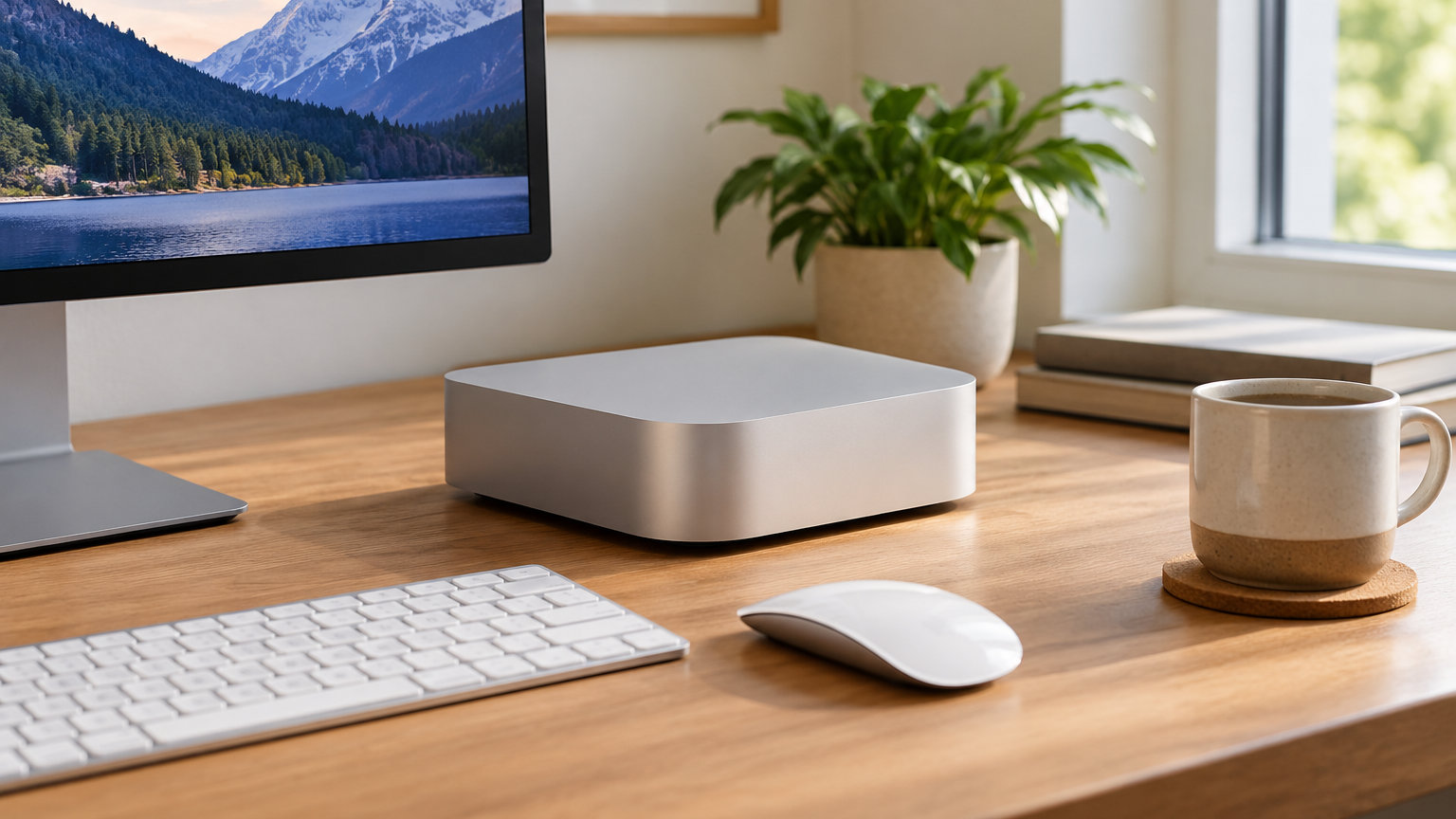
The M4 Mac mini is the desktop to watch during Amazon’s October Prime event: a 10-core M4 chip, 16GB of unified memory, and 512GB of SSD storage in the same compact five-inch chassis most readers already know. For shoppers after a lower entry point, the renewed M1 Mac mini delivers the same compact form at the smallest spend on this list. If you want the crowd favorite, the M2 Mac mini is the most-reviewed configuration here, with 1454 owner ratings to back its reliability.
Prime Big Deal Days runs October 6-7, 2026, and most offers need a Prime membership (a free trial counts). Below, the six Mac mini configurations and accessories worth watching during the sale.
Our Top 3 Picks for Mac mini Deals: Prime Big Deal Days in 2026

Apple Mac mini M4 (16GB,…
- Best for: most buyers
- Chip: Apple M4 10-core
- Memory: 16GB unified
- Storage: 512GB SSD

Apple Mac mini M1 Renewed…
- Best for: budget buyers
- Chip: Apple M1 8-core
- Memory: 8GB unified
- Storage: 256GB SSD
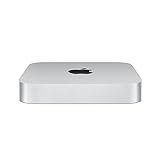
Apple Mac mini M2 (8GB, 256GB)
- Best for: balanced pick
- Chip: Apple M2 8-core
- Memory: 8GB unified
- Storage: 256GB SSD
Mac mini Deals: Prime Big Deal Days Compared
Six configurations and accessories side by side, in the order they appear below. The Best For field is the first in every row so you can match a use case at a glance.
| Product | Details | |
|---|---|---|
| Apple Mac mini M4 (16GB, 512GB) |
|
Check Deal Price |
| Apple Mac mini M1 Renewed (8GB, 256GB) |
|
Check Deal Price |
| Apple Mac mini M2 (8GB, 256GB) |
|
Check Deal Price |
 Satechi Hub and Stand (M1/M2) Satechi Hub and Stand (M1/M2) |
|
Check Deal Price |
 Satechi M4 Hub with NVMe Enclosure Satechi M4 Hub with NVMe Enclosure |
|
Check Deal Price |
 UGREEN Mac mini Dock with NVMe UGREEN Mac mini Dock with NVMe |
|
Check Deal Price |
How We Chose
We compared the configurations Apple actually sells through Amazon for the M-series Mac mini line, plus the most useful docks and stands our research surfaced for them. Each pick was checked against owner-review themes and current Amazon ratings, with data last reviewed in October 2026. We did not include accessories that don’t fit the M-series chassis or that owners consistently flag as incompatible.
1. Apple Mac mini M4 (16GB, 512GB): Best for Most Buyers
Apple 2024 Mac mini Desktop Computer with M4 chip with 10‑core CPU and 10‑core GPU: Built for Apple Intelligence, 16GB Unified Memory, 512GB SSD Storage, Gigabit Ethernet. Works with iPhone/iPad
Chip: M4 10-core
Memory: 16GB unified
Storage: 512GB SSD
Weight: 1.5 lb
+ Pros
- M4 chip handles heavy productivity
- Cool and quiet under load
- Front USB-C ports and headphone jack
- Tiny 5x5 inch footprint
- Built for Apple Intelligence
- Cons
- No internal speakers
- 16GB base may limit heavy pro apps
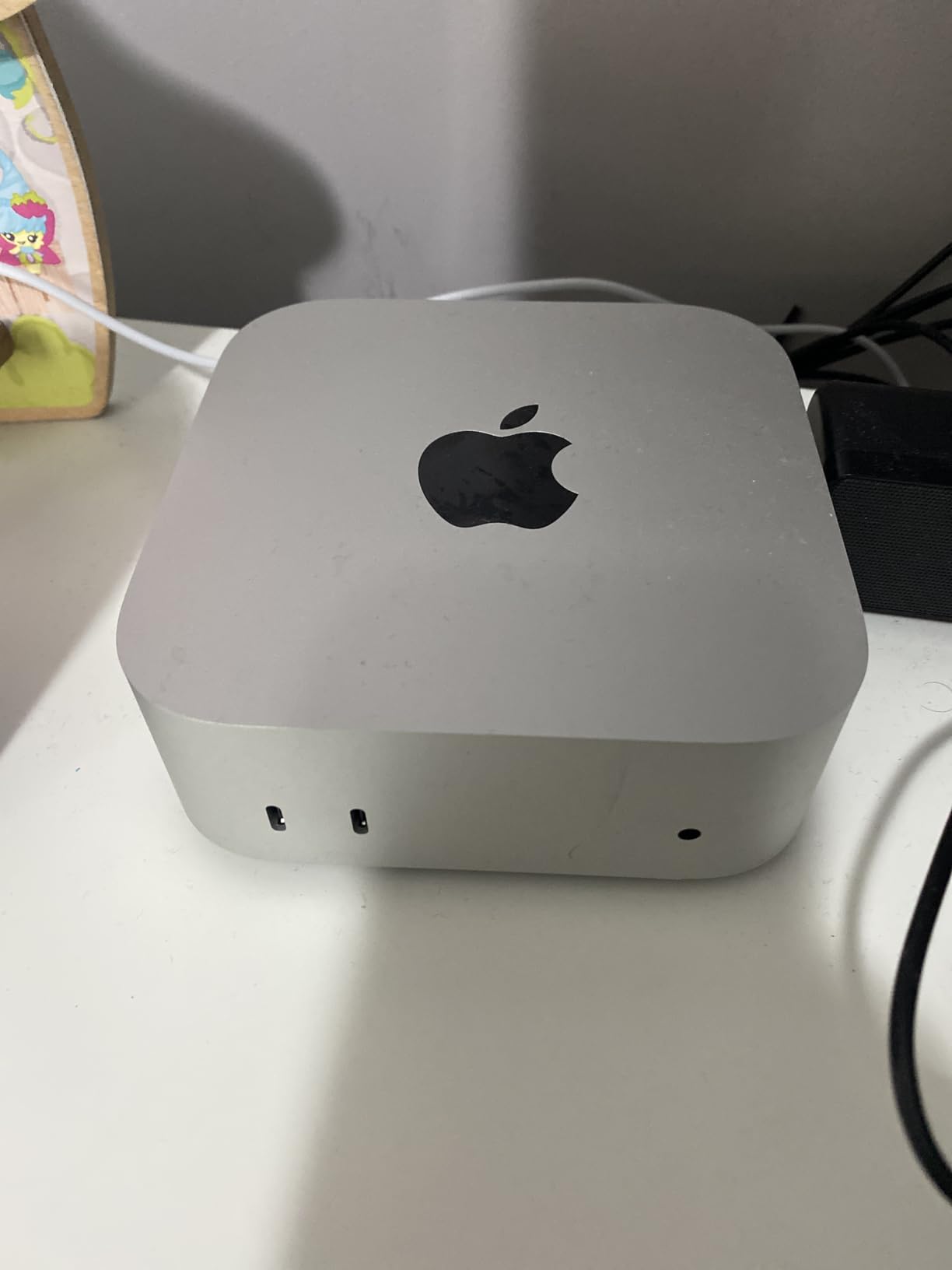
The M4 Mac mini is the natural starting point for most readers shopping the Prime Big Deal Days sale. It runs the same 10-core M4 chip that powers the latest iPad Pro, sits in the same five-inch square case as the older M2, and adds front-facing USB-C ports that the M1 generation lacked. Owners in the 409 reviews here routinely mention replacing a much larger tower desktop and never looking back.
The 16GB of unified memory is plenty for general office work, browsing, light creative work, and most coding tasks. Reviewers report the system stays quiet even under sustained load, with one describing the fan behavior as effectively silent during a typical workday. The 512GB SSD is the meaningful upgrade over the 256GB base configuration: external storage is easy to add, but the boot and primary app drive deserves breathing room.
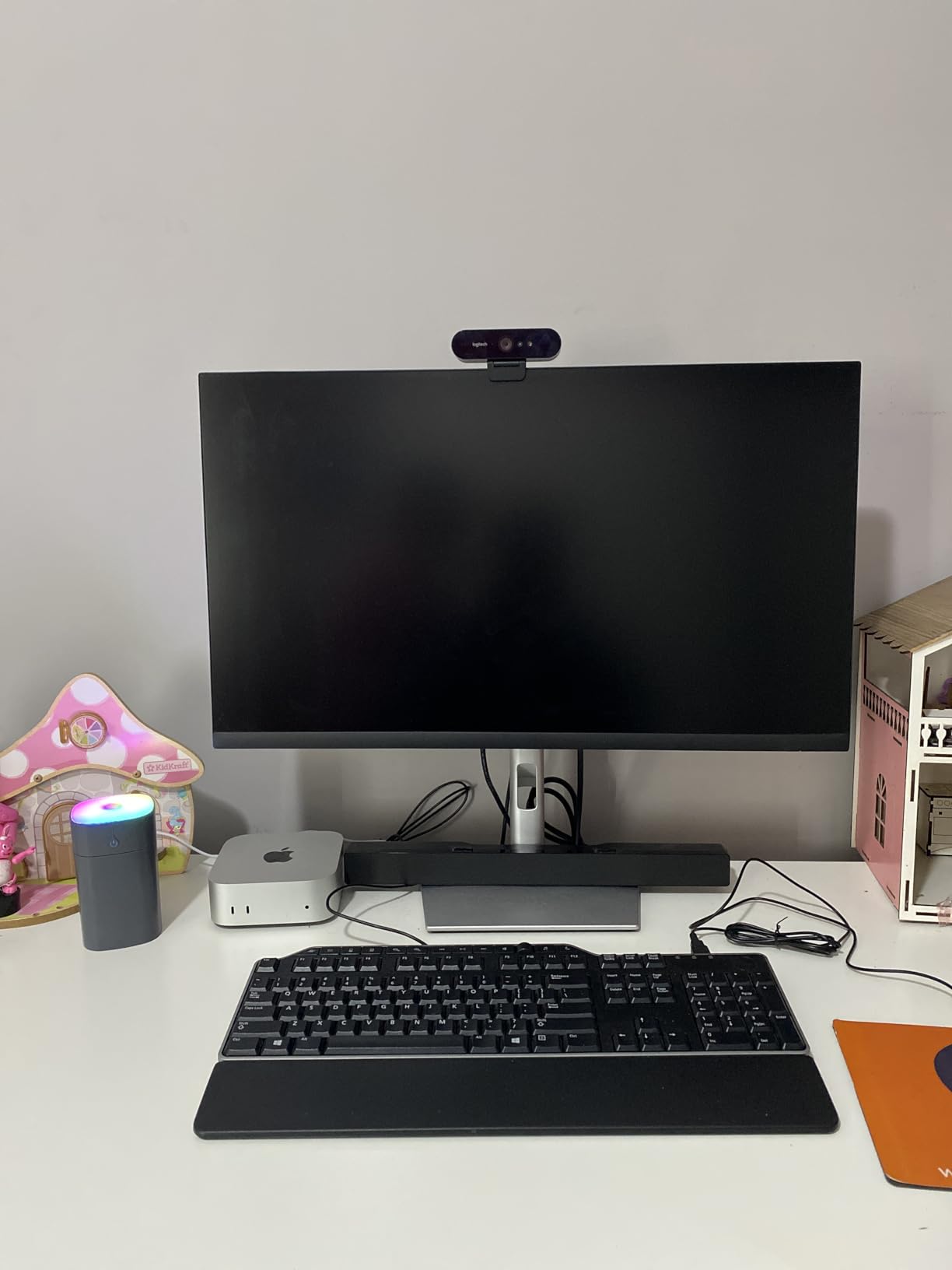
Compared with the M2 Mac mini below, the M4 brings faster CPU cores, a doubled Neural Engine, and hardware-accelerated ray tracing on the GPU. If you mainly browse, write, and stream, the M2 is still solid, but the M4 will feel more future-proof for the next macOS cycle or two. Owners coming from Intel Macs describe the jump as the most noticeable they’ve ever seen on a desktop.
Skip it if: your workload is strictly browser, mail, and a Word-style document, because the M1 Renewed and M2 below will handle that for less. The M4 earns its premium when the chip is asked to push a creative pipeline, a long compile, or several virtual machines at once.
2. Apple Mac mini M1 Renewed (8GB, 256GB): Best Budget Pick
Apple 2020 Mac Mini with Apple M1 Chip, 8GB RAM, 256GB SSD Storage – Silver (Renewed)
Chip: Apple M1 8-core
Memory: 8GB unified
Storage: 256GB SSD
Condition: Renewed
+ Pros
- Lowest entry price on this list
- M1 handles everyday work well
- Quiet and cool operation
- Compact silver chassis
- Apple-backed renewed program
- Cons
- 8GB RAM is not upgradeable
- No front-facing USB-C ports
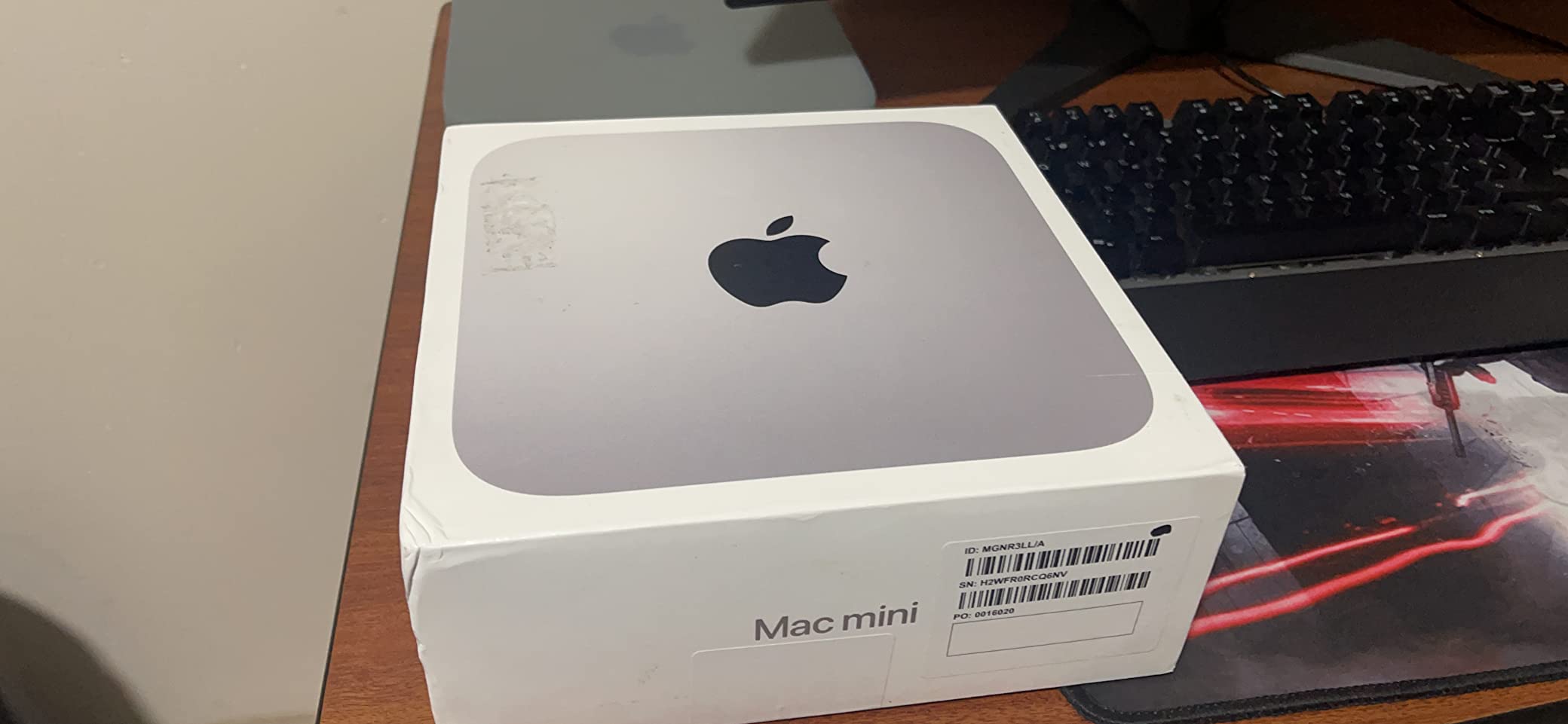
The renewed M1 Mac mini is the smallest spend on this list and the right pick for anyone after a working Mac desktop at a minimal outlay. Apple’s renewed program puts the unit through a functional check, and the 849 reviews here show what owners actually get: a fast, quiet desktop that handles mail, browsers, Office-style workflows, and even light photo editing without complaint.
The M1 chip is now several generations old, but for the basics it is still genuinely quick. Owners describe it as the model that made the Mac mini interesting as a small home or family computer, and the renewed pricing keeps it that way. Just set expectations on memory: 8GB is fine for general work but not for parallel creative pipelines.
Compared with the M2 Mac mini below, the M1 gives up a generation of GPU speed and the front-facing ports, but the user experience for the basics is the same macOS. If you already own a monitor, keyboard, and mouse, this is the configuration to watch for the lowest number on the listing during Prime Big Deal Days.
Worth knowing: Renewed units come with a 90-day limited warranty, not the full Apple one-year coverage, so factor that in if a longer safety net matters to you. The renewed program is the same one Amazon runs for phones and tablets, and most owners in the reviews here never had to use the warranty.
3. Apple Mac mini M2 (8GB, 256GB): Most Reviewed
Apple 2023 Mac mini Desktop Computer with Apple M2 chip with 8‑core CPU and 10‑core GPU, 8GB Unified Memory, 256GB SSD Storage, Gigabit Ethernet. Works with iPhone/iPad
Chip: Apple M2 8-core
Memory: 8GB unified
Storage: 256GB SSD
Weight: 2.6 lb
+ Pros
- Most-reviewed Mac mini on this list
- Strong M2 performance
- Two Thunderbolt 4 ports
- Wi-Fi 6E and Bluetooth 5.3
- Carbon neutral design
- Cons
- 8GB RAM not user-upgradeable
- 256GB base feels tight in 2026
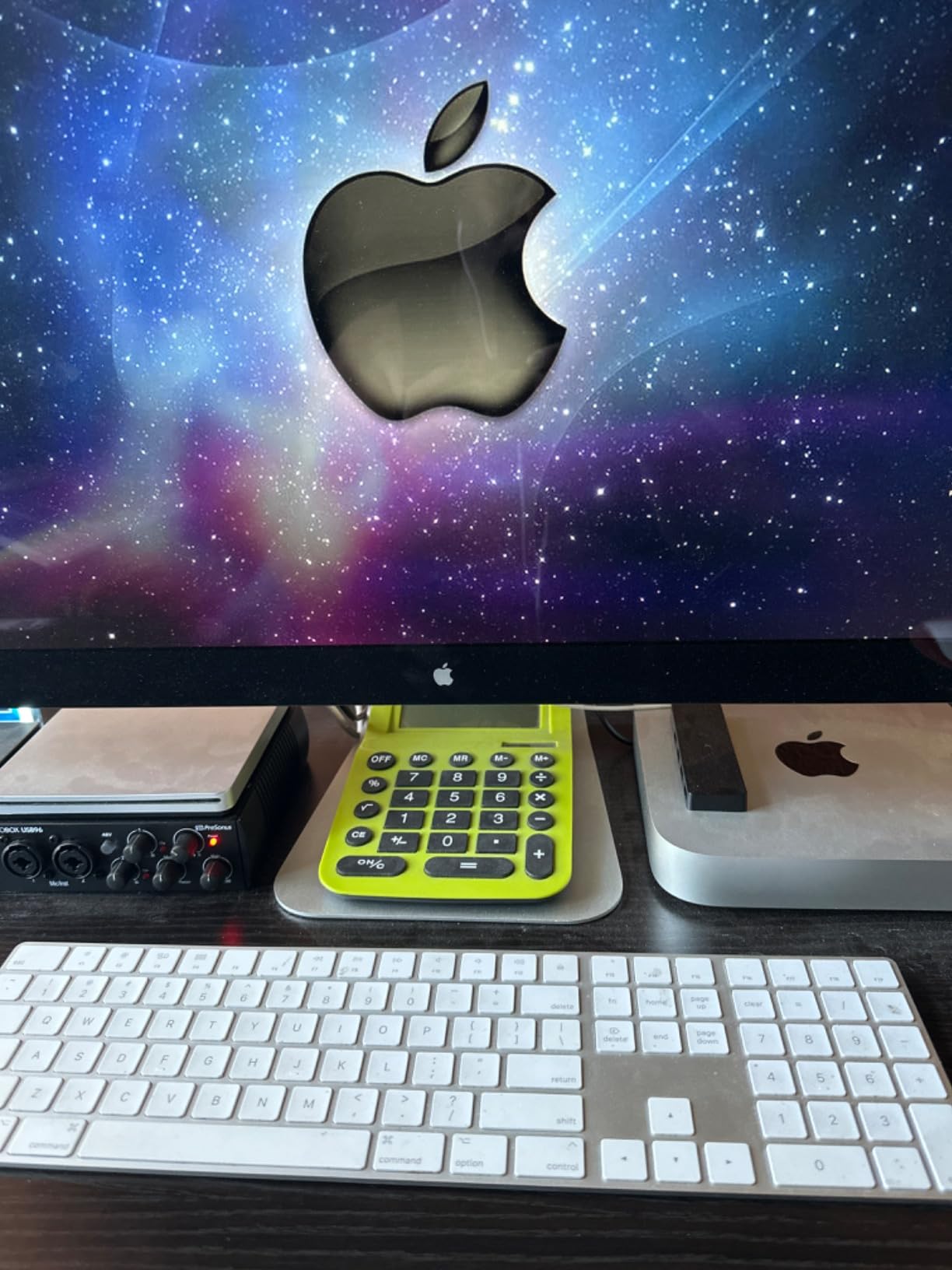
The M2 Mac mini is the configuration with the most owner feedback on this list: 1454 reviews, all averaged to 4.7 stars. That volume matters during a sale event because it tells you how the model holds up over time, not just at unboxing. Owners consistently call out the small footprint, the M2’s snappy day-to-day feel, and the unexpectedly good port layout.
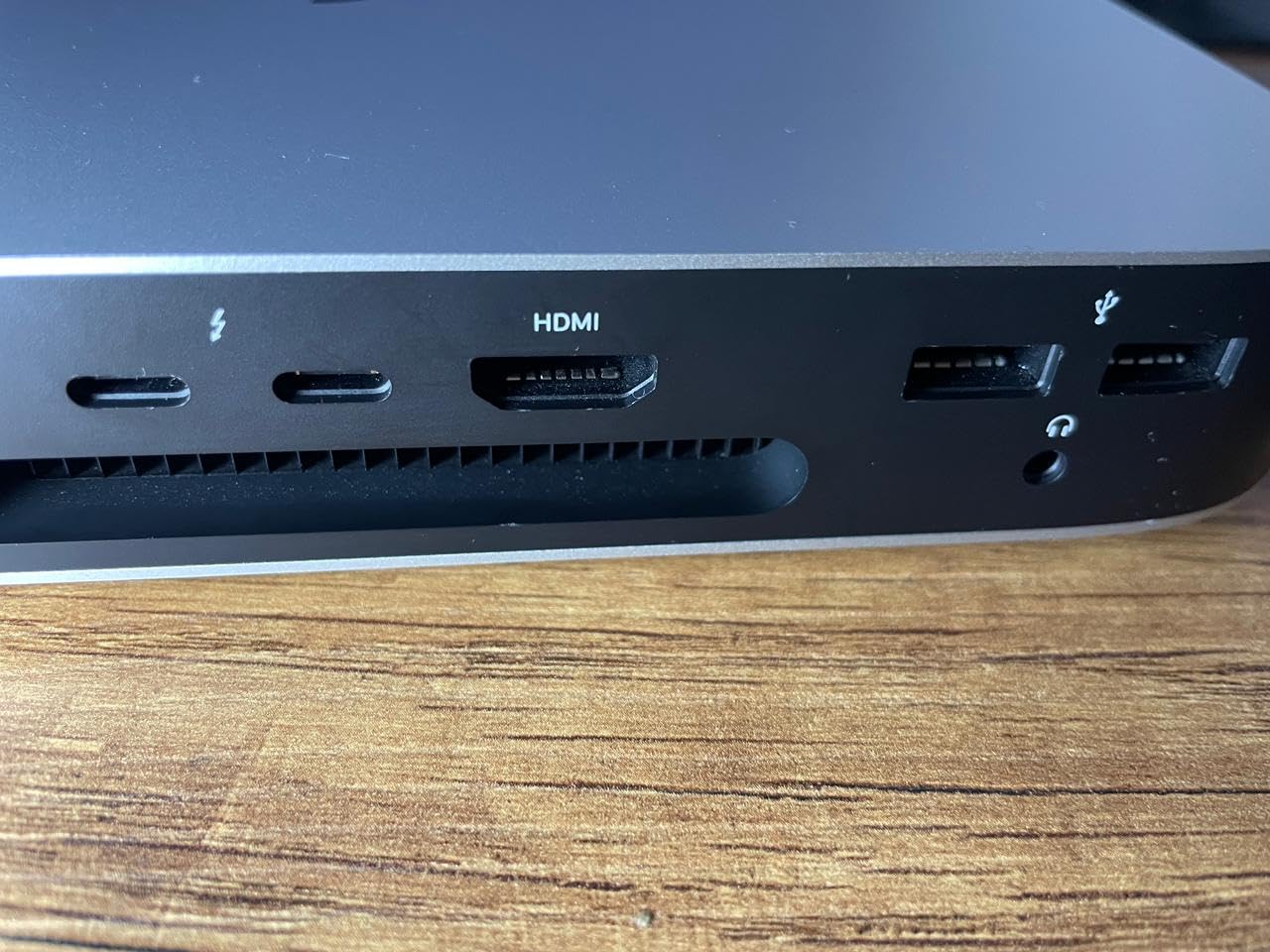
For a typical home office, the M2 is a comfortable fit. Browsers with a tab habit, Slack, a music app, and a Word-style document run without a stutter. The 8GB of memory is the same configuration ceiling as the M1, so this is the model to pick when you want the generation bump and don’t need 16GB. The two Thunderbolt 4 ports are the meaningful connectivity win over the M1.
The M2 sits in a sweet spot that the reviews here make obvious. With 1454 ratings averaged at 4.7 stars, it is the configuration most owners would still pick for a standard home office. The Thunderbolt 4 ports make a real difference if you dock a single USB-C monitor; the M1 needs an adapter or a hub for the same setup.
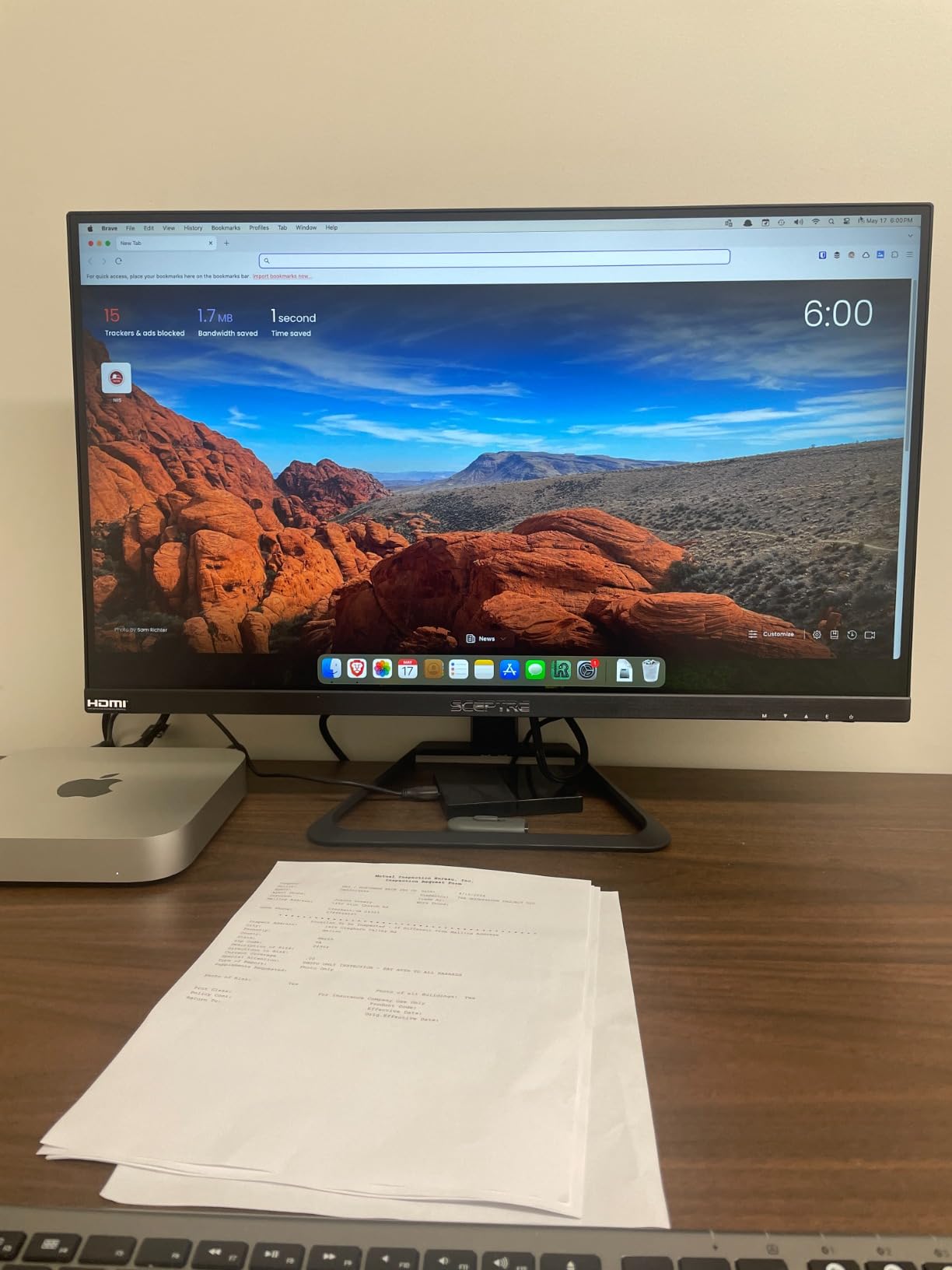
Who else should look: anyone moving from a 2018 or older Intel Mac mini, where the M2 jump will feel like a new machine. The M4 above is the right pick if you want the longest possible runway; this M2 is the right pick if you want the most-loved configuration at the lowest spend during the sale.
Good to know: Several owners in the reviews mention the M2 runs cool enough to live behind a monitor or in a closed cabinet, which is helpful if you want a clean desk.
4. Satechi Hub and Stand (M1/M2): Best for Older Mac mini
Satechi Aluminum Stand & Hub for Mac mini, USB 3.0 & Headphone Jack, Silver
Compatibility: M1 and M2 Mac mini
Ports: 7 total
Material: Aluminum
Warranty: 2-year
+ Pros
- Brushed aluminum matches Mac mini
- Adds front USB-A and card readers
- Built-in cooling vent
- Sturdy build
- Easy plug and play
- Cons
- USB-C port is data only
- Not compatible with Mac mini M4
- Only USB-A speeds
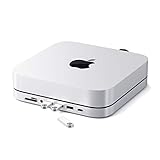
If you already own an M1 or M2 Mac mini, this Satechi stand is the easiest way to add the front-facing ports the original chassis is missing. The aluminum finish matches the Mac mini silver color, the unit slides under the desktop, and you instantly get three USB-A ports, a USB-C data port, micro and SD card readers, and a 3.5mm headphone jack on the front. With 4361 reviews, it is by far the most-evaluated accessory in this list.
The card readers are the unsung win for anyone shooting photos or video. A photographer owner wrote that pulling RAW files off an SD card without reaching behind the Mac mini is the small quality-of-life fix that changed the daily flow. The built-in air vent also helps if your Mac mini lives in a tight space, by keeping the bottom of the chassis cooler.
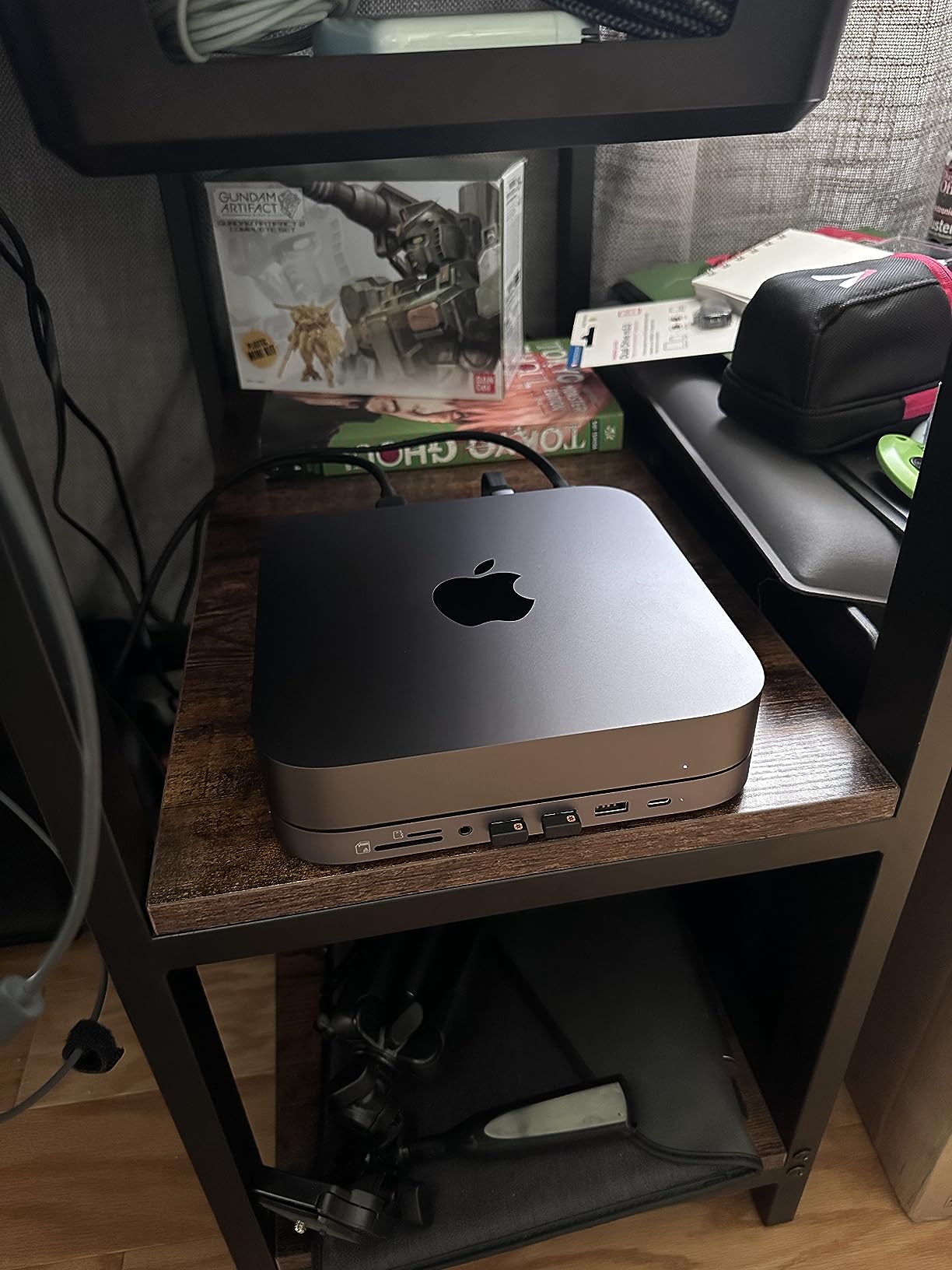
Setup is the selling point here. The hub slides under the Mac mini, plugs into one of the rear USB-C ports, and immediately puts a headphone jack, three USB-A ports, a USB-C data port, and both card readers on the desk edge. No drivers, no software, no configuration: a photographer who reviews the product notes that plugging in a CF card and seeing the files appear in Lightroom is the kind of small detail that changes a daily routine.
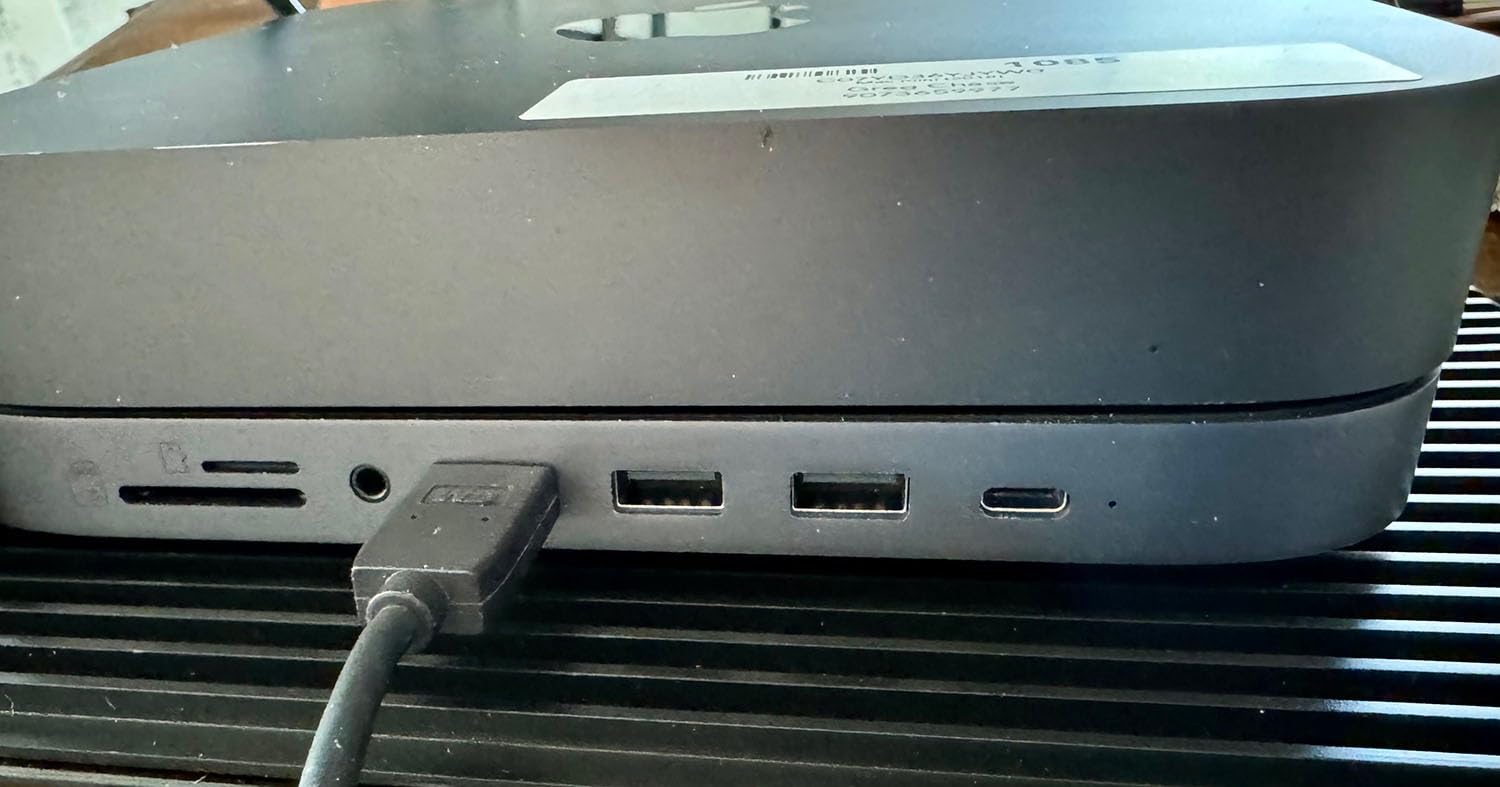
Heads up: the hub is for M1 and M2 chassis only. The M4 Mac mini has a different footprint, and the M4 Satechi below is the matching model. Owners of M4 hardware should skip to the next pick rather than try to adapt this one.
Good to know: The 2-year warranty is the longest of any accessory in this list, which gives some peace of mind for an aluminum part that will sit on a desk every day.
5. Satechi M4 Hub with NVMe Enclosure: Best for M4/M6 Storage
Satechi Mac mini M6, M5 Pro, M4 Hub & Stand with NVMe SSD Enclosure, Silver
Compatibility: M4/M4 Pro/M5 Pro/M6 Mac mini
Ports: 5 total
Material: Aluminum
Warranty: 2-year
+ Pros
- Built-in NVMe SSD enclosure up to 4TB
- Two USB-A 3.2 at 10Gbps
- UHS-II SD card reader
- Aluminum matches M4 chassis
- Heat-dissipating bottom vents
- Cons
- NVMe SSD not included
- No front-facing USB-C
- Only three USB ports total
The Satechi M4 hub solves the single biggest complaint about the new Mac mini: the lack of a user-upgradeable internal SSD. The base sits under the chassis, connects over USB-C, and holds an NVMe drive up to 4TB. Drop in your own SSD and the Mac mini effectively gains a fast, roomy scratch disk for media libraries, project files, or Time Machine backups.
Beyond the storage, the hub adds two USB-A 3.2 ports at 10Gbps, a slower USB-A 2.0 port, a fast UHS-II SD card reader, and a dedicated power button. The 1270 reviews on this model skew positive on build quality, with multiple owners noting that the aluminum blend with the M4 chassis is essentially seamless.
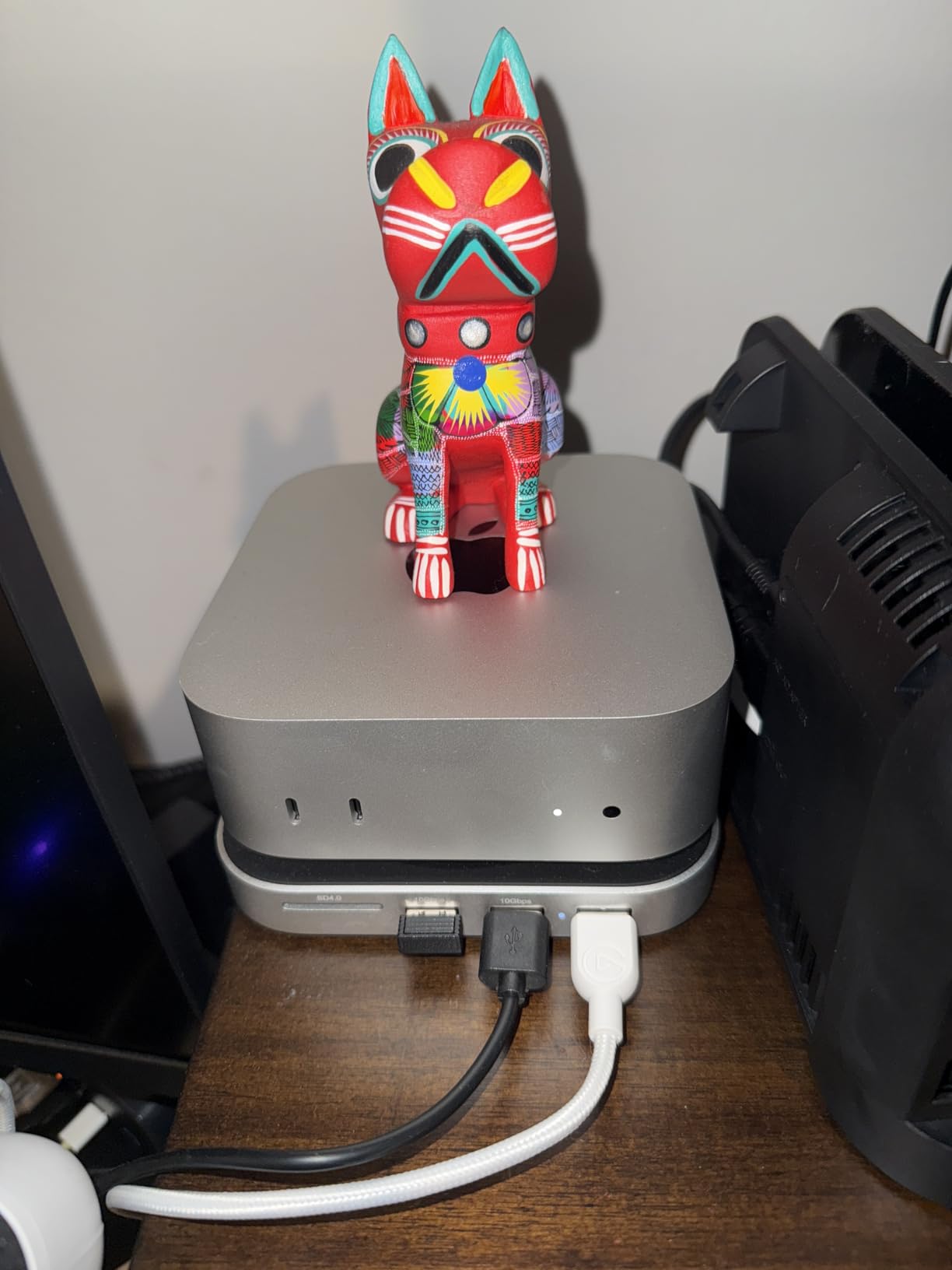
Compared with the UGREEN dock below, this Satechi has fewer total ports but better cooling design and a faster SD card reader. The choice comes down to whether you want maximum ports or a tidier build. Compared with the older Satechi above, this one is the model to buy if you have an M4 Mac mini; the older one is for M1 and M2.
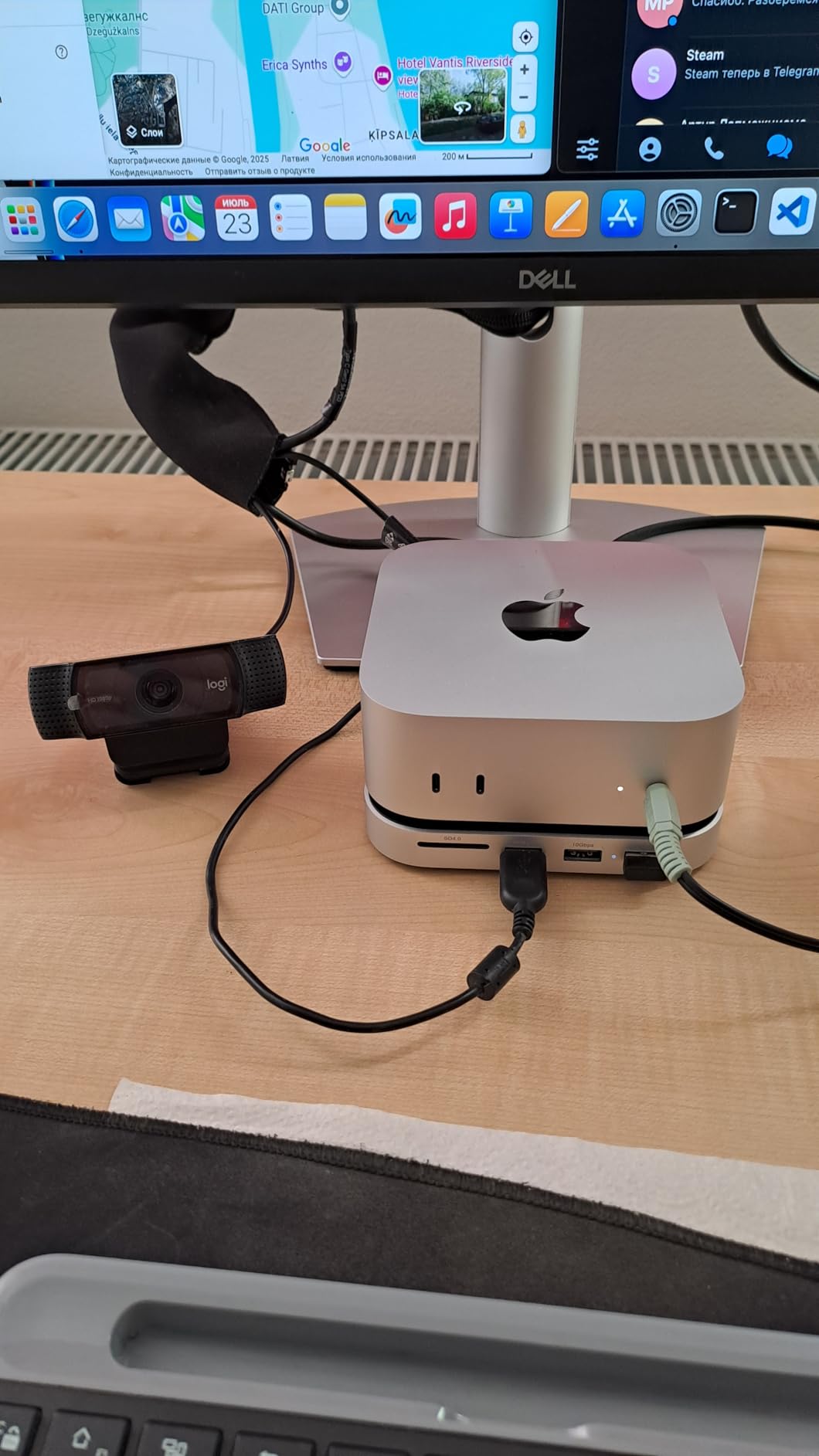
Setup note: the hub supports 2230, 2242, 2260, and 2280 NVMe sizes, so most any NVMe drive you already own will fit. Pop the bottom panel off, slot the drive in with the included thermal pad, and the dock adds the storage without taking a Thunderbolt port away from the Mac mini.
6. UGREEN Mac mini Dock with NVMe: Most Ports for Less
UGREEN Mac mini Dock & Stand with NVMe SSD Enclosure for M6/M5 Pro/M4
Compatibility: M4/M5 Pro/M6 Mac mini
Ports: 11 total
Warranty: 2-year
Material: Aluminum
+ Pros
- 11 ports in one dock
- Supports NVMe up to 8TB
- Two front-facing USB-C ports
- Includes short cable
- Power button lever
- Cons
- Only 122 reviews so far
- NVMe SSD sold separately
- May need power for many devices
The UGREEN dock is the value pick for anyone who treats a Mac mini as a real desktop workstation. Eleven ports, including three USB-A 3.2, two USB-A 3.0, two USB-C 3.2, an SD and TF card reader, and an NVMe SSD slot that supports up to 8TB. The 122 reviews are a smaller sample than the other hubs, but the early feedback is consistently positive on the port count and the cable layout.
The two front USB-C ports are the standout. Most M4 Mac mini owners eventually buy a USB-C hub to put the ports back on the front of the desk, and this dock folds that into the SSD enclosure too. The included 4cm short cable is a thoughtful touch for keeping the back of the desk clean.
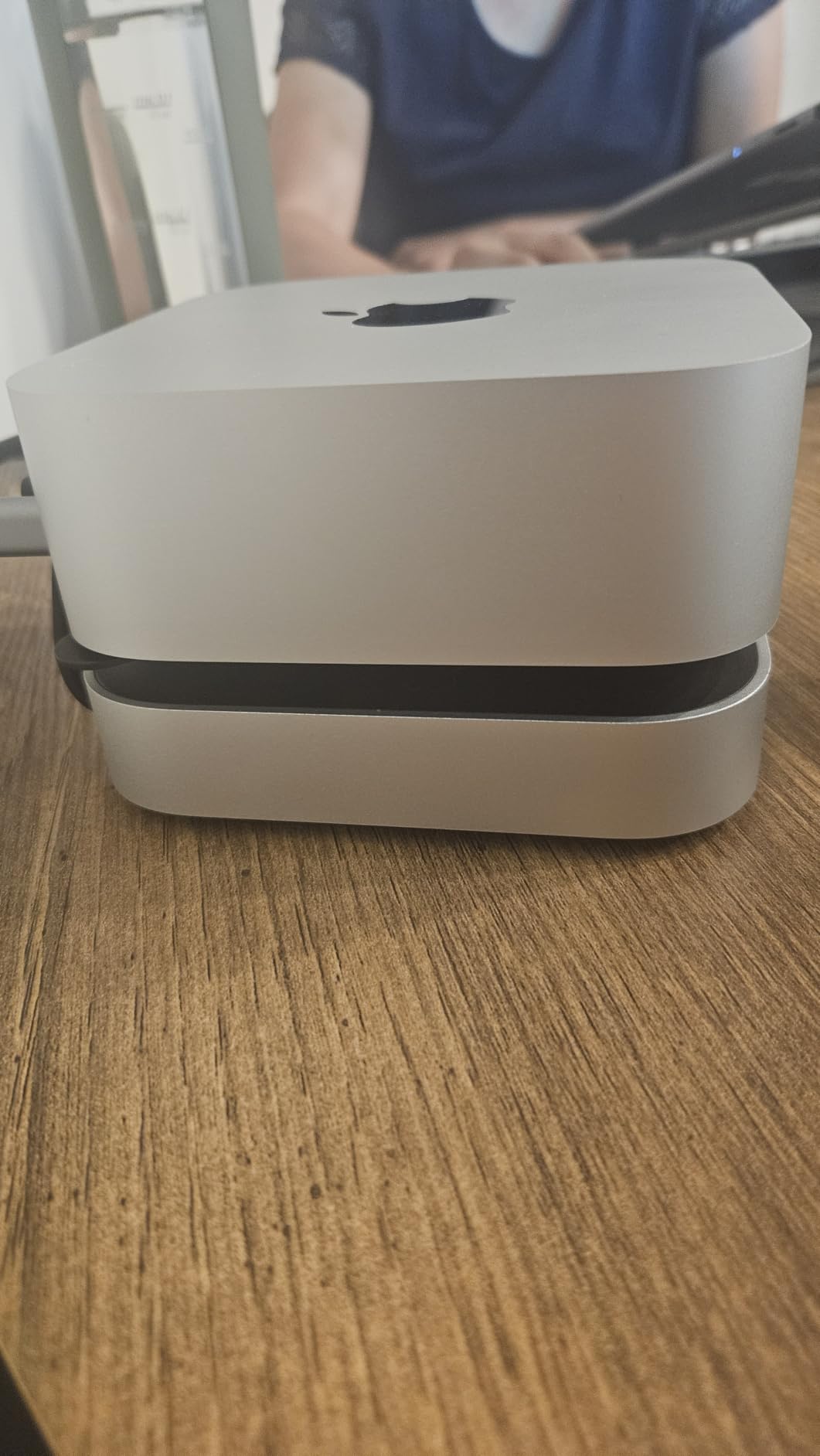
For a desk where the Mac mini drives two displays, a stream deck, an external drive, and an SD card from a camera, the UGREEN’s 11-port layout is the most practical on this list. The two front USB-C ports are a noticeable everyday upgrade over the Satechi above, and the NVMe enclosure ceiling tops out at 8TB where the Satechi stops at 4TB. The trade-off is review depth: 122 ratings is a small base compared to the Satechi’s thousands.
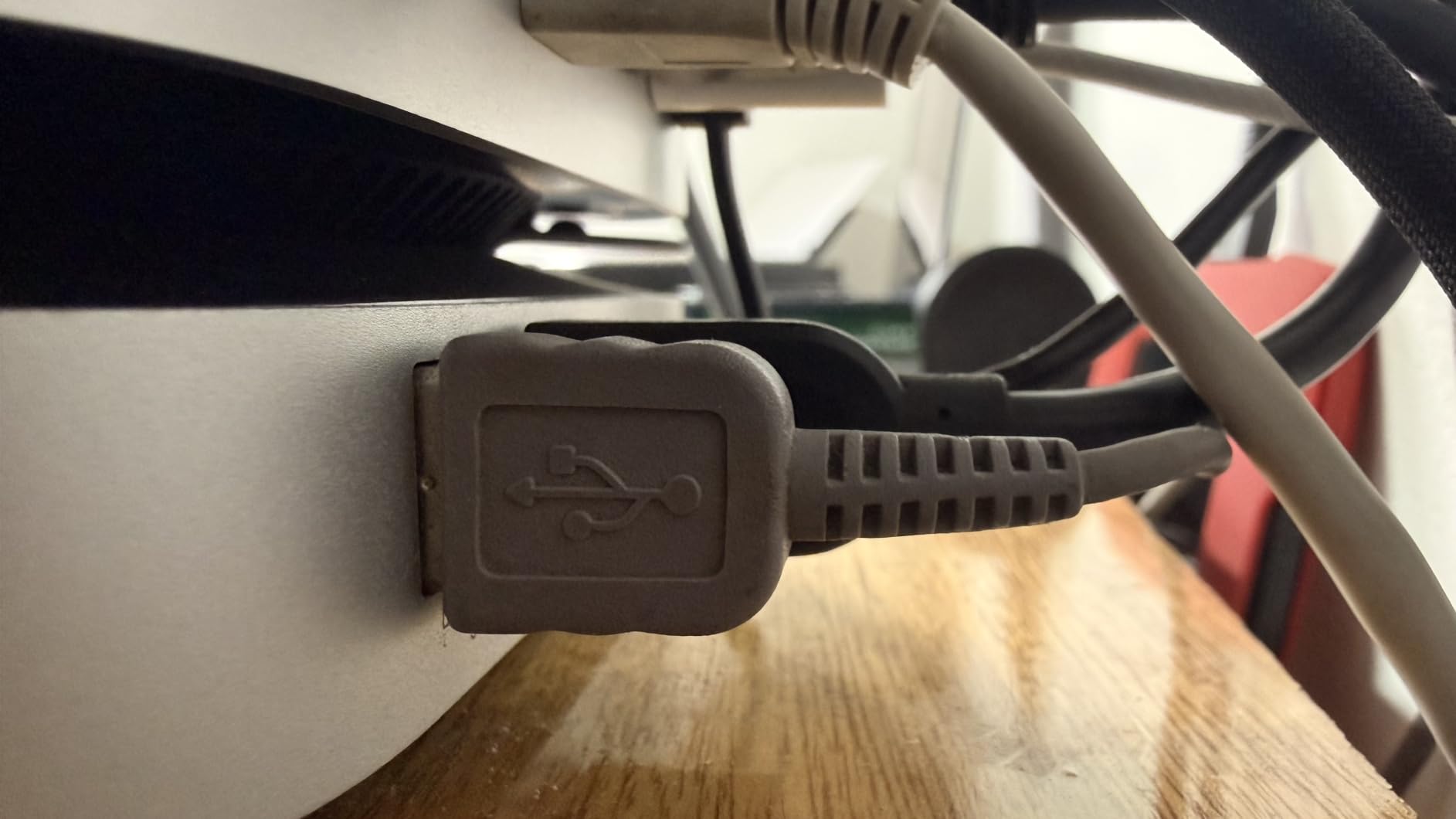
Best for: a home-office Mac mini owner who runs several USB devices at once and wants the ports on the desk edge. Trade-off: thermal design is less refined than the Satechi above, so heavy sustained SSD writes may run warmer. The included 4cm short cable and the anti-slip silicone pads are small touches that pay off every day.
How to Choose a Mac mini During Prime Big Deal Days
Pick the chip tier by what you actually run
The M4 is the most future-proof chip in this list, and the right pick for most buyers shopping the sale. The M2 is a balanced pick for general productivity, mail, browsing, and light creative work. The renewed M1 is the right pick when the budget is the deciding factor and the workload is the basics. Most readers do not need an M4 Pro for everyday work, but a buyer running Xcode, Logic, or large photo libraries will appreciate the headroom.
Decide on memory and storage honestly
16GB of unified memory is the right floor for anyone planning to keep the machine for four or more years; 8GB is fine for a lighter workload. Storage is harder to upgrade after the fact: 256GB is the lowest comfortable base, 512GB is the right pick for most users, and 1TB or more is worth it for video editors. Reviewers consistently flag the 256GB base as the only real weak point on the M2.
Match ports and accessories to your desk
All M-series Mac minis run macOS, support external displays over Thunderbolt or HDMI, and accept any USB keyboard, mouse, or trackpad. If you already have a monitor, speakers, and input devices, you can plug them straight in. If you want front-facing ports, the Satechi M1/M2 hub and the M4 hub are the cleanest add-ons. For a port-heavy setup, the UGREEN dock covers most home-office needs.
Watch the configuration, not just the headline
Two Mac minis at the same chassis can sit at very different listings because of memory and storage bumps. During the sale, the deeper discounts usually land on the 256GB or 512GB configurations, while the 1TB and 2TB builds see smaller moves. Check the exact model number on the listing before adding it to a list.
How to shop Mac mini deals during Prime Big Deal Days
Mac mini deals during the sale tend to move quickly, and the configurations with the deepest discounts are often the 256GB or 512GB builds with the latest chip. Verify the model number on the listing matches the chip generation you want, the storage you want, and that the seller is Amazon itself or a recognized authorized seller. Renewed units are sold and shipped by Amazon’s renewed program, with a shorter warranty than a new unit. Most offers require a Prime membership, and a free trial counts toward the deal. Prices change through the event, so the button on each pick is the only place to confirm the current number.
Quick checklist before you buy:
- Confirm the chip generation and model number on the listing
- Confirm 16GB memory or 512GB storage if those matter to you
- Check that the seller is Amazon or an authorized seller
- For renewed units, note the 90-day limited warranty
- Add a hub or dock to your list if you want front-facing ports
Frequently Asked Questions
When is Prime Big Deal Days 2026 and how long does it run?
Prime Big Deal Days runs October 6-7, 2026, a two-day event Amazon confirmed for the October sale window. Like the July sale, the offers change throughout the event, so the deepest moves on Mac mini listings often land in the first hours or during the second-day refresh.
Do I need a Prime membership to get Mac mini deals during Prime Big Deal Days?
Most Mac mini listings during the sale are tagged as Prime offers, and a free trial counts. Without a Prime membership, the same listings will usually show the standard price rather than the discounted one, so signing up before the event is the simplest way in.
Which Mac mini configuration usually sees the deepest discounts during Prime Big Deal Days?
The 256GB and 512GB builds with the latest chip generation tend to see the largest dollar moves, because Amazon is moving volume on the configurations most people actually buy. The 1TB and 2TB builds usually see smaller drops. Renewed M1 and M2 listings are often the lowest absolute numbers on the Mac mini page during the sale.
Is the Mac mini M4 worth buying during Prime Big Deal Days, or should I wait for the M5?
The M4 is a strong buy during the sale for most readers. The chip handles current macOS releases with plenty of headroom, and the front-facing ports and Apple Intelligence support make it the most user-friendly Mac mini Apple has shipped. Waiting for an M5 refresh can mean a better chip, but it can also mean paying the launch number rather than a sale number.
How much RAM does a Mac mini need for video editing and creative work?
16GB is the practical floor for any kind of video editing or large Photoshop files, and 24GB is more comfortable for 4K timelines. 8GB will run Final Cut and Photoshop, but it will hold less in memory at once, so expect longer exports and more frequent cache clears. The M4 Pro and above configurations also support more external displays, which matters for editing setups.
Can I use my existing monitor, keyboard and mouse with a new Mac mini?
In most cases, yes. Any monitor with HDMI or USB-C DisplayPort input will work, and any USB or Bluetooth keyboard, mouse, or trackpad will pair without issue. Owners coming from older Mac minis usually only need to swap cables. If your monitor is VGA-only or DVI-only, a separate adapter is required.
Final Verdict: Mac mini Deals: Prime Big Deal Days
Buy the Apple Mac mini M4 (16GB, 512GB) if you want the most future-proof desktop on this list and the configuration that should see the most interest during the sale. Buy the Apple Mac mini M1 Renewed (8GB, 256GB) if your budget is the deciding factor and a working Mac desktop at the lowest number is the goal. Buy the Apple Mac mini M2 (8GB, 256GB) if you want the most-reviewed configuration on this list and a balanced pick for general productivity.
For accessories, the Satechi Hub and Stand is the right pick for M1 or M2 owners who want front-facing ports and a card reader. The Satechi M4 Hub with NVMe Enclosure is the right pick for M4 owners who want to add a fast SSD and clean up the desk. The UGREEN Mac mini Dock is the right pick for buyers who want maximum port count at the lowest spend on the dock side of the list. The Prime Big Deal Days event runs October 6-7, 2026, so check each listing through the button on its section for the current number.