
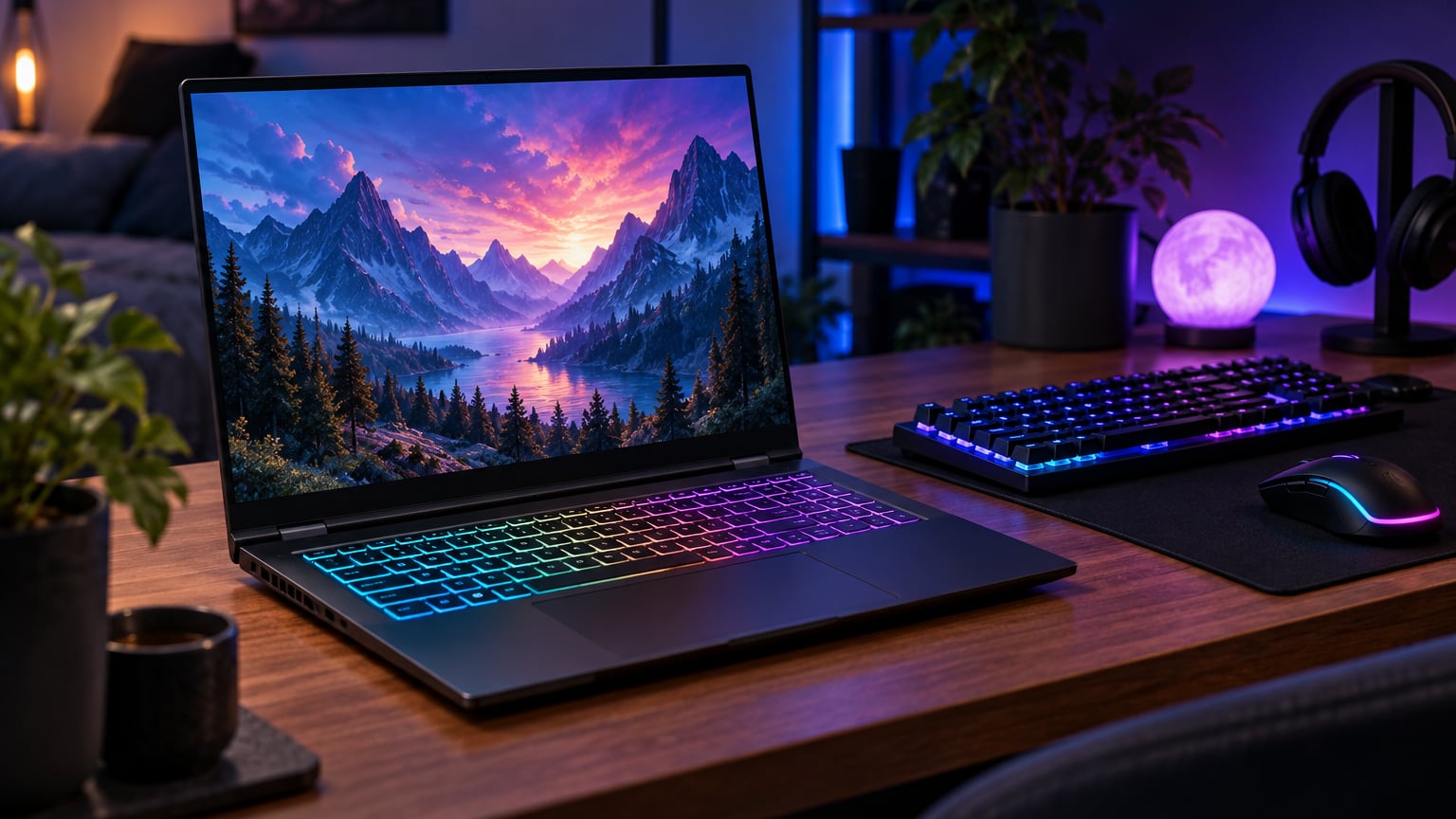
The Acer Nitro V 16S AI leads our list of the best Amazon Prime Big Deal Days gaming laptop deals for one reason: it pairs a current-gen RTX 5060 GPU with 32GB of DDR5 RAM, a 180Hz display and a 1TB Gen 4 SSD in a configuration that owners say handles modern AAA titles without breaking a sweat. Two strong runners-up round out the top tier. The Acer Nitro V RTX 4050 is the sweet spot for anyone who just wants 1080p gaming on a tight budget, while the ASUS ROG Strix G16 is the crowd favorite for buyers who care about build quality and a high review count. Prime Big Deal Days runs October 6-7, 2026, and most of the picks below are worth watching during the sale.
Our Top 3 Picks for Best Amazon Prime Big Deal Days Gaming Laptop Deals

Acer Nitro V 16S AI
- Best for: modern AAA at 1080p
- GPU: RTX 5060 8GB GDDR7
- RAM: 32GB DDR5
- Display: 16 inch WUXGA 180Hz

Acer Nitro V RTX 4050
- Best for: 1080p gaming on a budget
- GPU: RTX 4050 6GB GDDR6
- RAM: 16GB DDR5
- Display: 15.6 inch FHD 165Hz

ASUS ROG Strix G16
- Best for: well-reviewed RTX 4060 build
- GPU: RTX 4060 8GB 140W
- RAM: 16GB DDR5
- Display: 16 inch FHD 165Hz
Best Amazon Prime Big Deal Days Gaming Laptop Deals Compared (2026)
| Product | Details | |
|---|---|---|
| Acer Nitro V 16S AI |
|
Check Deal Price |
| Acer Nitro V RTX 4050 |
|
Check Deal Price |
| ASUS ROG Strix G16 |
|
Check Deal Price |
 Alienware 16 Aurora Alienware 16 Aurora |
|
Check Deal Price |
 MSI Katana 15 HX MSI Katana 15 HX |
|
Check Deal Price |
 ASUS TUF Dash 15 ASUS TUF Dash 15 |
|
Check Deal Price |
 Acer Nitro V RTX 4050 8GB Acer Nitro V RTX 4050 8GB |
|
Check Deal Price |
 ASUS TUF F16 ASUS TUF F16 |
|
Check Deal Price |
 HP Victus 15 16GB HP Victus 15 16GB |
|
Check Deal Price |
 HP Victus 15 RTX 3050 HP Victus 15 RTX 3050 |
|
Check Deal Price |
How We Chose
We compared GPU tier and generation, CPU, display refresh, RAM and storage capacity, plus owner ratings and review counts on each listing. Build quality, weight, and reported thermals were noted from owner feedback. Data was checked in October 2026 against the current Amazon catalog.
1. Acer Nitro V 16S AI: Best Overall Gaming Laptop Deal
Acer Nitro V 16S AI Gaming Laptop | AMD Ryzen 7 260 Processor | NVIDIA GeForce RTX 5060 Laptop GPU (572 AI Tops) | 16″ WUXGA IPS 180Hz Display | 32GB DDR5 | 1TB Gen 4 SSD | Wi-Fi 6 | ANV16S-41-R2AJ
GPU: RTX 5060 8GB
CPU: Ryzen 7 260
RAM: 32GB DDR5
Display: 16 inch 180Hz
+ Pros
- Current-gen RTX 5060 GPU with 8GB GDDR7
- 32GB of DDR5 RAM already installed
- 180Hz IPS display suits competitive titles
- 1TB PCIe Gen 4 SSD
- Cons
- RAM tops out at 32GB so no future expansion
- 4.6 pounds is on the heavier side
The Nitro V 16S AI is the only pick on this list that pairs a current-generation RTX 5060 GPU with a full 32GB of DDR5 memory out of the box, which is why it earns the editor’s pick spot for Prime Big Deal Days. Owners say the Ryzen 7 260 CPU and 180Hz display handle fast-paced shooters and open-world games alike, and the 1TB SSD means modern AAA installs fit without an immediate storage upgrade.
The 32GB of RAM is a quiet advantage: most laptops in this list ship with 16GB, and reviewers note that several modern titles now push past that comfort zone. This machine is the one to choose if you want a single laptop to cover modern games, video editing, and everyday use for the next several years.
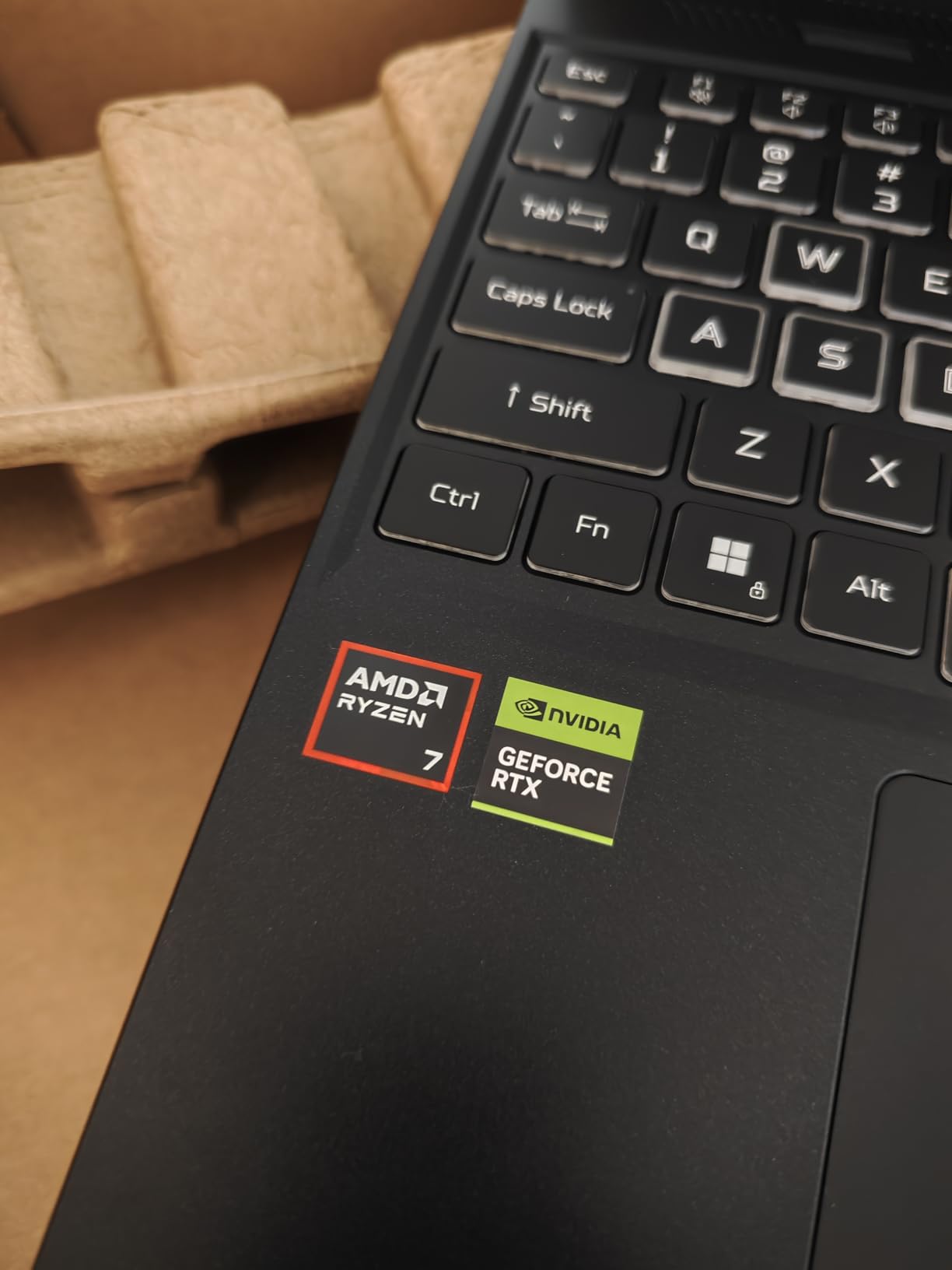
The 4.6-pound chassis is closer to a desktop replacement than an everyday carry, so travelers looking for a sub-4-pound machine should look at the Acer Nitro V RTX 4050 below, which lands at a lower weight. Anyone who would rather save money and stick with 1080p gaming will also find the smaller Nitro V a more comfortable fit.
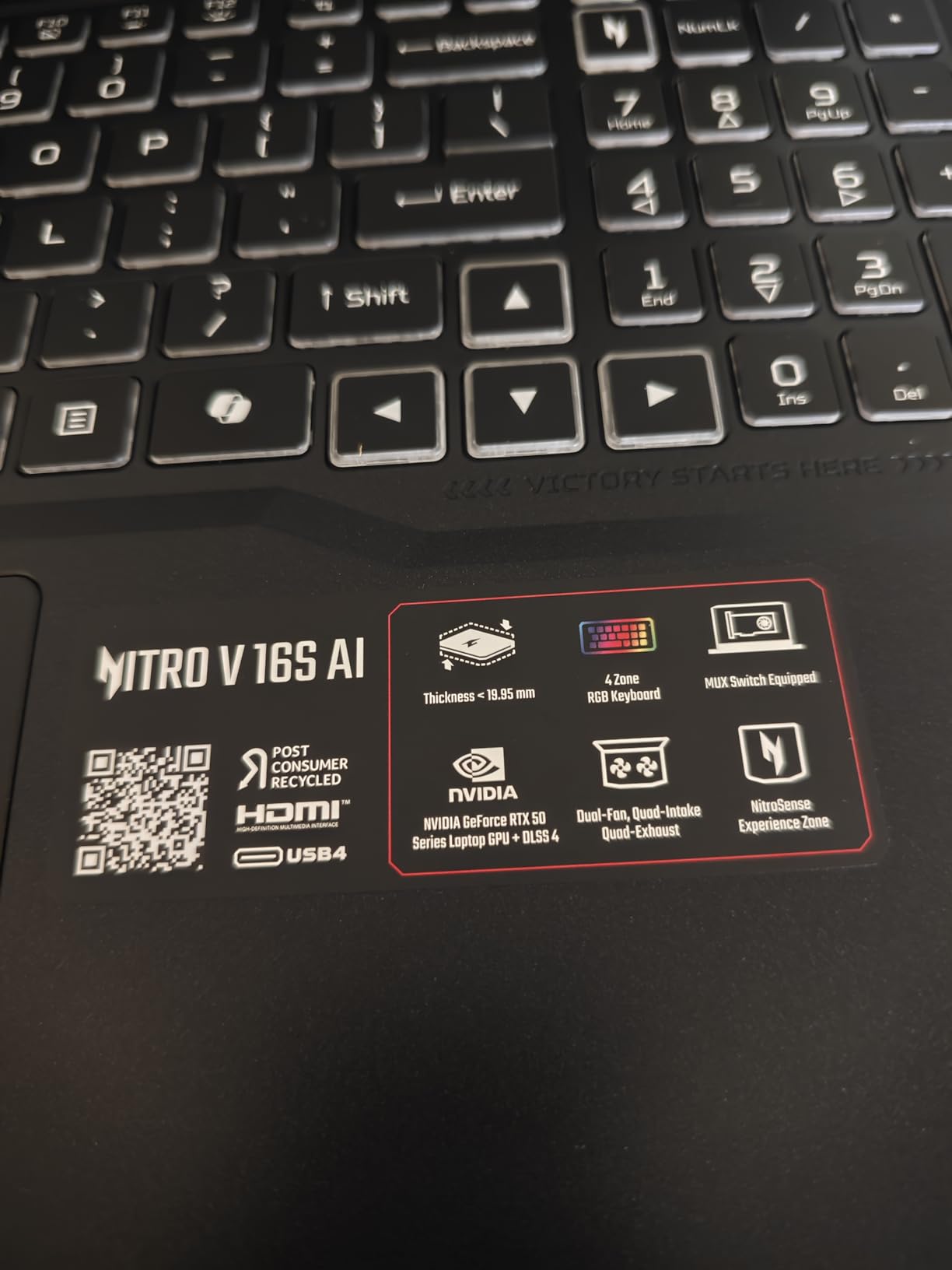
The Nitro V 16S AI moves one GPU generation newer (RTX 5060 versus RTX 4060) and doubles the RAM over the ASUS ROG Strix G16 in third place. The ROG Strix still wins on owner review count and chassis polish, but on raw specs versus what you spend, the Acer is the one to watch during the sale.
Worth knowing: the 16-inch WUXGA panel runs at 1920 x 1200, which gives a little extra vertical space for browser tabs and timelines compared with a standard 1080p screen.
2. Acer Nitro V RTX 4050: Top Rated Pick
Acer Nitro V Gaming Laptop | Intel Core i7-13620H Processor | NVIDIA GeForce RTX 4050 Laptop GPU | 15.6″ FHD IPS 165Hz Display | 16GB DDR5 | 1TB Gen 4 SSD | Wi-Fi 6 | Backlit KB | ANV15-52-76NK
GPU: RTX 4050 6GB
CPU: i7-13620H
RAM: 16GB DDR5
Display: 15.6 inch 165Hz
+ Pros
- RTX 4050 handles 1080p gaming comfortably
- 16GB of DDR5 already installed
- 165Hz IPS panel
- Thunderbolt 4 port included
- Cons
- Battery runs about 5 hours under light use
- 4.7 pounds is not ultralight
This Nitro V holds the highest owner rating on the list at 4.6 stars across 366 reviews, and it earns the top-rated badge for a simple reason: it gives buyers a real RTX 40-series GPU, a current Intel i7 chip, and 16GB of DDR5 at a tier that consistently undercuts most other RTX 4050 laptops on Amazon. Owners call out the 165Hz display as a noticeable step up from older 60Hz panels.
Anyone who plays at 1080p, wants a laptop that runs cool and quiet in single-player games, and would rather not stretch into RTX 5060 territory will find this the easy recommendation for a first serious gaming laptop.
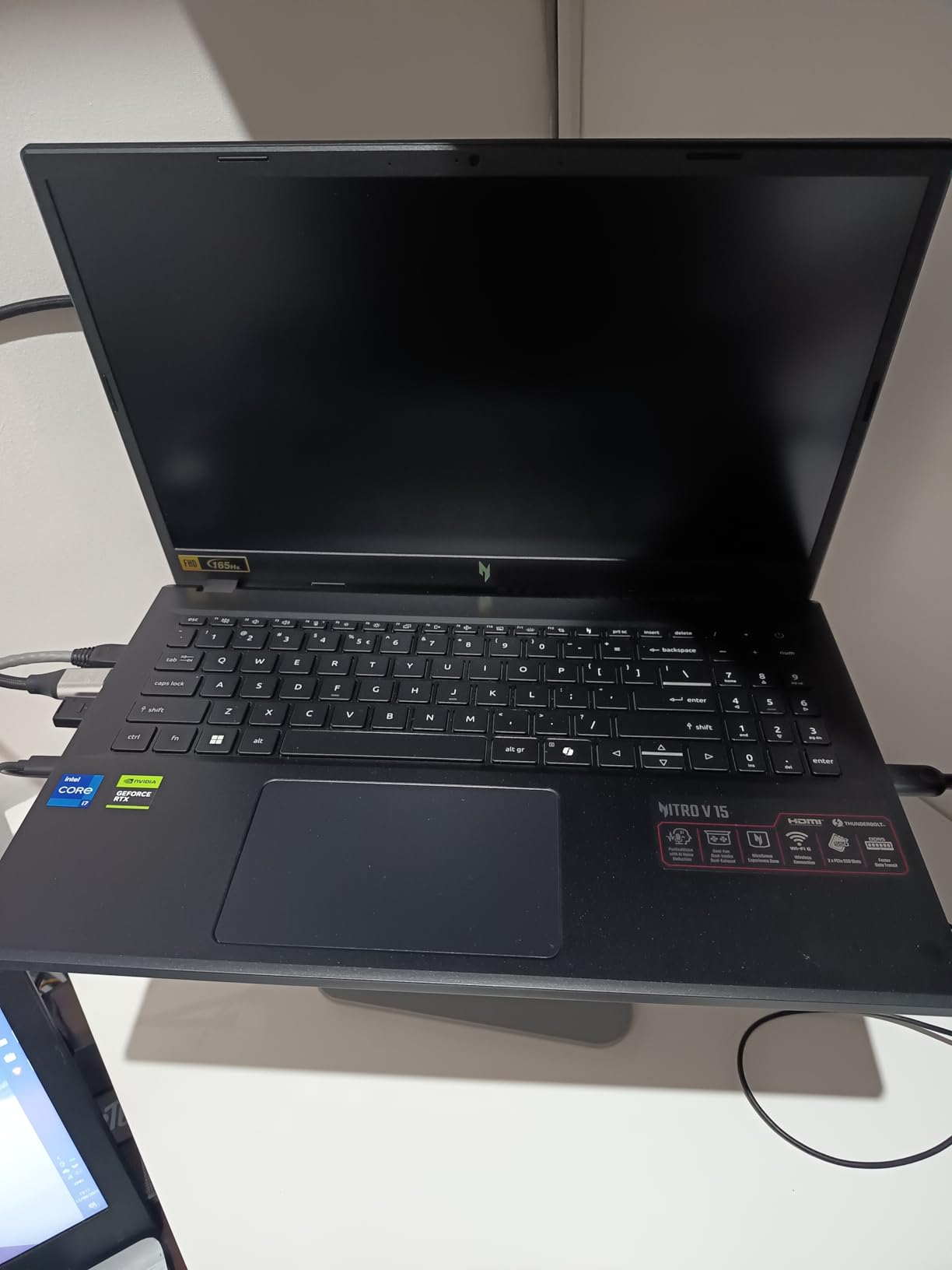
The RTX 4050 hits smooth frame rates in popular esports titles at the panel’s native 1080p, and the Cooler Boost fans stay reasonable in Balanced mode. The plastic chassis flexes a little if you press hard on the keyboard deck, but reviewers say it feels solid in normal use.
This machine is one GPU tier lower and half the RAM of the Nitro V 16S AI above (also 1TB SSD here, but the newer sibling is the more future-proofed pick). It is also easier on the budget.
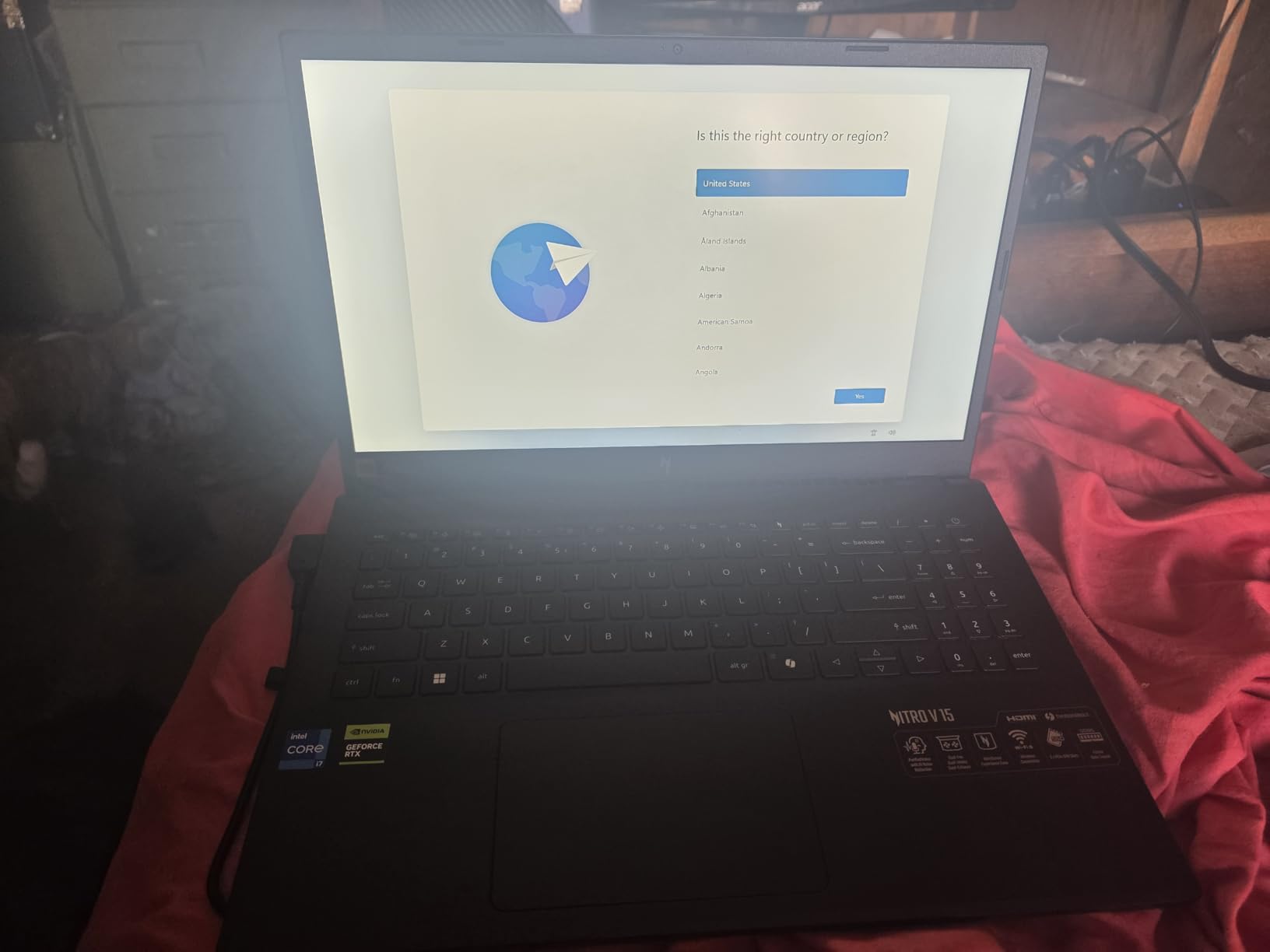
Anyone who already owns a recent RTX 3060 or 3070 laptop can safely pass on this one. The generational jump from an RTX 4050 is not worth a full upgrade for most owners in that case.
3. ASUS ROG Strix G16: Best Value RTX 4060 Pick
ASUS ROG Strix G16 Gaming Laptop, 165Hz Display, NVIDIA® GeForce RTX™ 4060, Intel Core i7-13650HX, 16GB DDR5, 1TB PCIe Gen4 SSD, Wi-Fi 6E, Windows 11, G614JV-AS74
GPU: RTX 4060 140W
CPU: i7-13650HX
RAM: 16GB DDR5
Display: 16 inch 165Hz
+ Pros
- RTX 4060 running at full 140W TGP
- 1048 owner reviews back up the rating
- Liquid metal cooling on the CPU
- 90Wh battery is generous for the class
- Cons
- RAM is capped at 16GB with no expansion
- 5.5 pounds makes it a desk-bound machine
The Strix G16 carries the value badge because no other laptop on this list has over a thousand owner reviews, and it keeps a 4.4-star average across them. Reviewers specifically call out the 140W TGP on the RTX 4060, which is the higher-wattage variant of that chip and shows up in better sustained frame rates than thinner RTX 4060 designs.
Buyers who want a well-known brand, a 1TB SSD as standard, and a chassis that is built to take daily LAN trips will appreciate this build. The Pantone-validated 100% sRGB display is also a quiet win for anyone who edits photos or video alongside gaming.
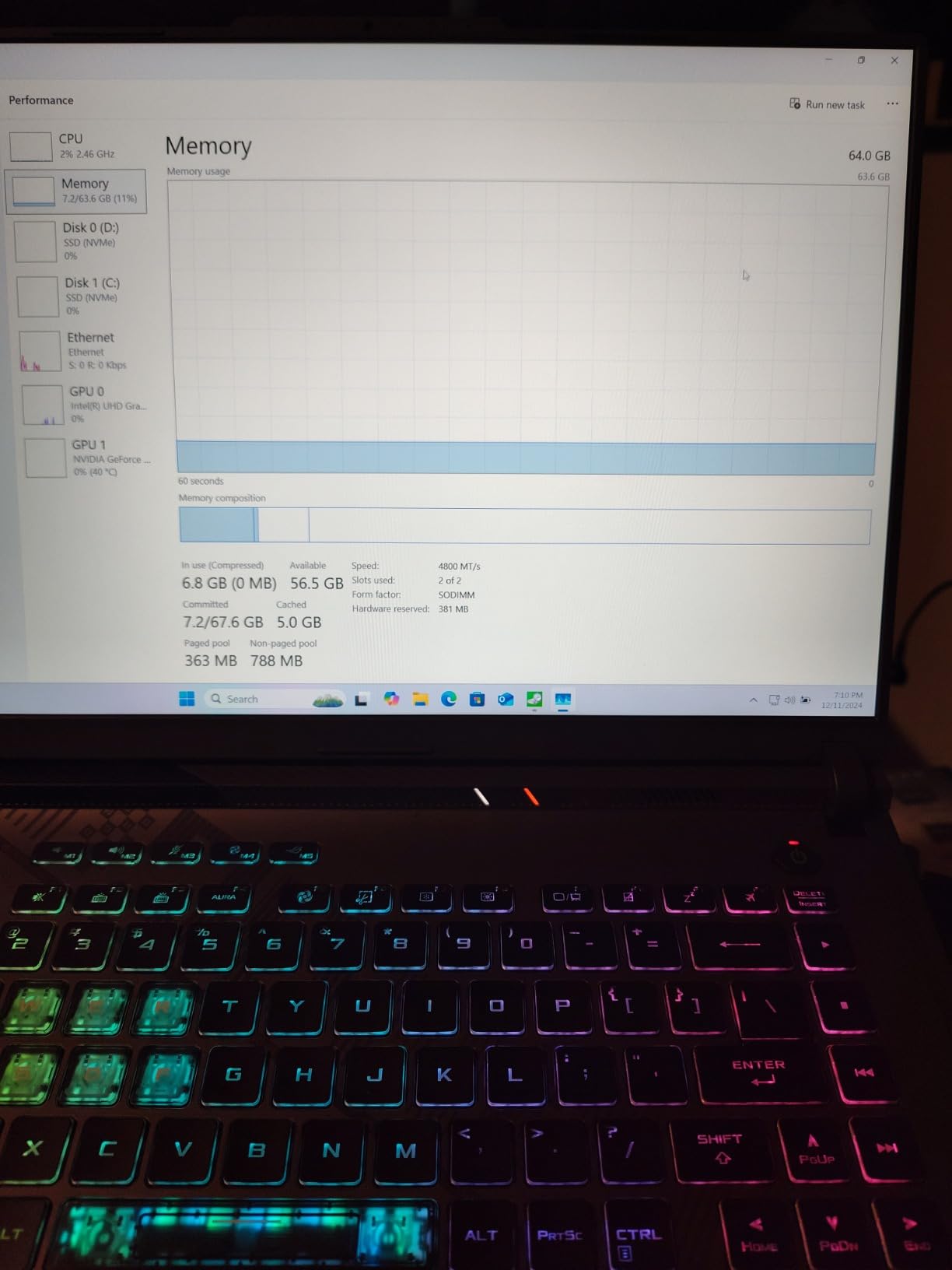
The ROG Intelligent Cooling with liquid metal keeps thermals in check during long sessions, and the four-zone RGB keyboard feels sturdy. The main trade-off noted in reviews is the 16GB RAM ceiling, which cannot be expanded later.
The Strix moves up one GPU tier and pairs it with higher wattage than the Nitro V RTX 4050 in second place, which usually translates to 15-25% more frames at 1080p in demanding titles. The trade-off is a heavier chassis and a higher tier on Amazon.
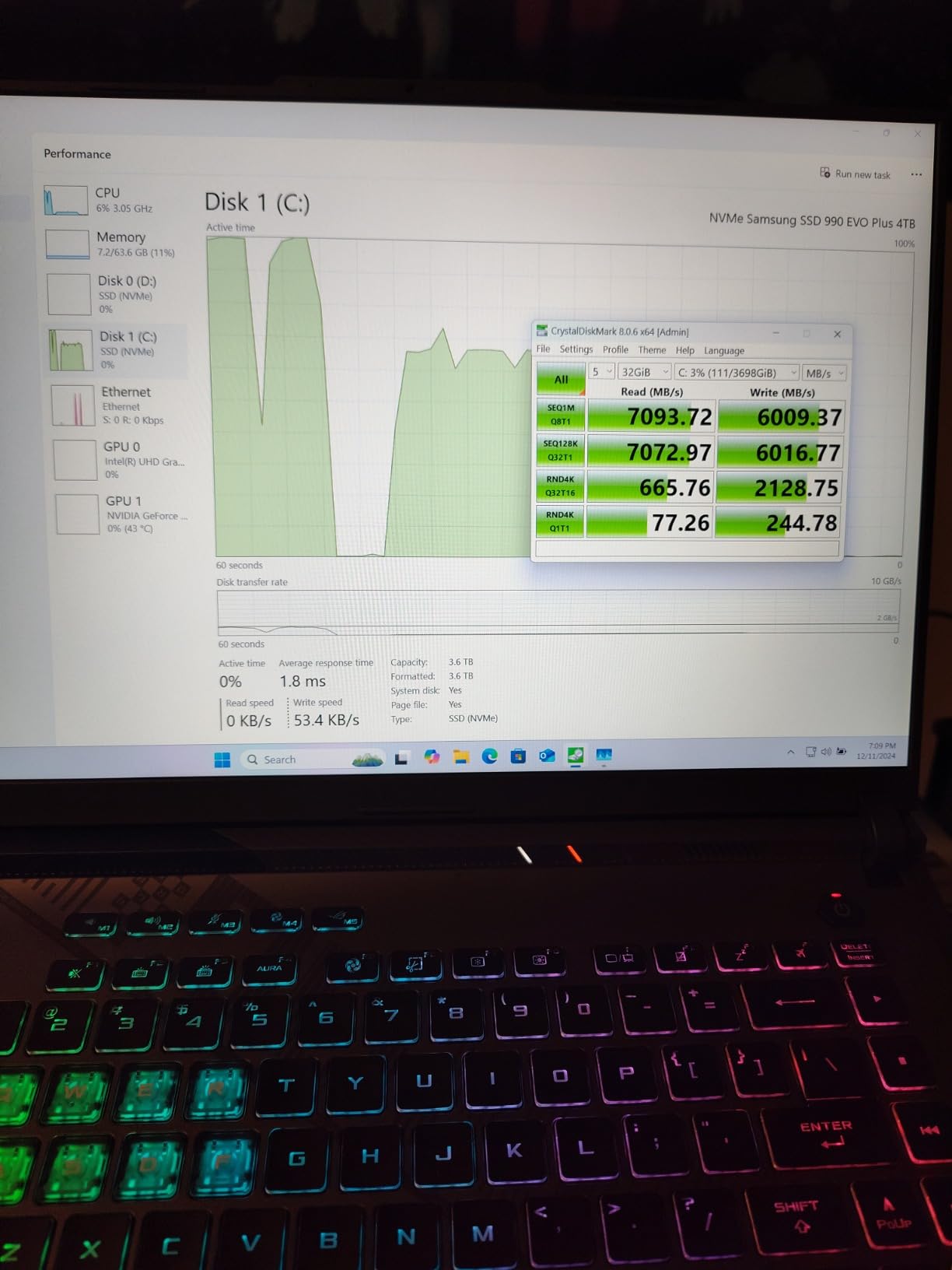
Worth knowing: 140W TGP matters more than the GPU model name on its own. Two laptops with the same RTX 4060 sticker can perform very differently if one runs at 90W and the other at 140W.
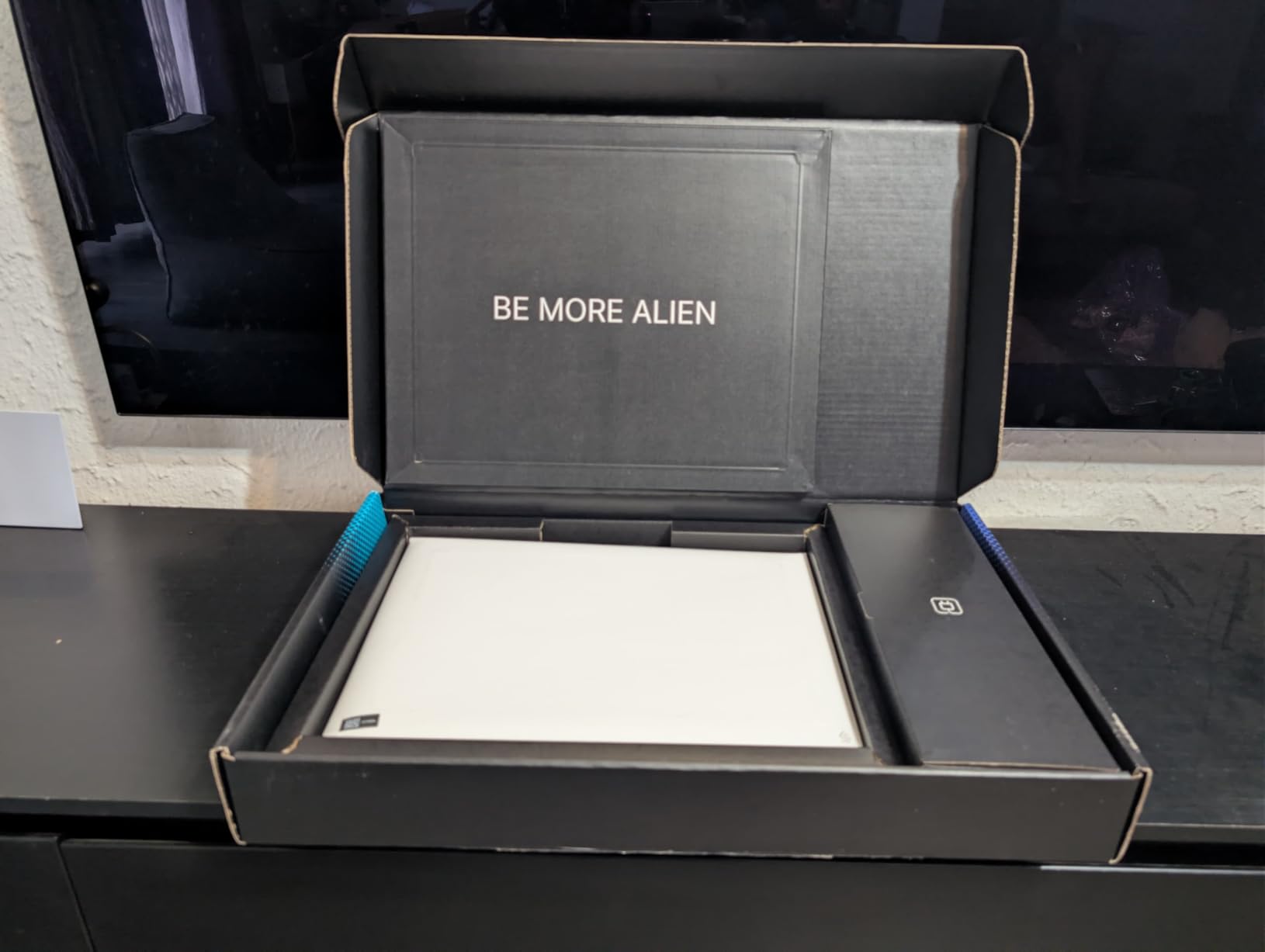
4. Alienware 16 Aurora: Premium 16-Inch Build
Alienware 16 Aurora Gaming Laptop, NVIDIA RTX 5060, Intel Core 7 240H
GPU: RTX 5060 8GB
CPU: Core 7 240H
RAM: 16GB DDR5
Display: 16 inch WQXGA
+ Pros
- RTX 5060 GPU in a 16 inch chassis
- WQXGA 2560 x 1600 display with 16:10 ratio
- Cryo-Chamber cooling design
- Includes 1 year of onsite service
- Cons
- 5.5 pounds is heavy for travel
- Storage capacity not listed on the spec sheet
The Alienware 16 Aurora earns the compact badge because it is the only pick that pairs a current-gen RTX 5060 GPU with a 2560 x 1600 WQXGA display, which gives a noticeable bump in sharpness and on-screen space over the standard 1080p panels lower in the list. The Cryo-Chamber cooling design routes heat away from the keyboard deck, and the 1-year onsite service is a small but real perk over a standard mail-in warranty.
A sharper screen for both games and creative work, plus a chassis design that is more polished than most gaming laptops, is what makes this Alienware stand out. The 16:10 panel is also a real upgrade for anyone who works in timelines, spreadsheets, or code editors alongside gaming.
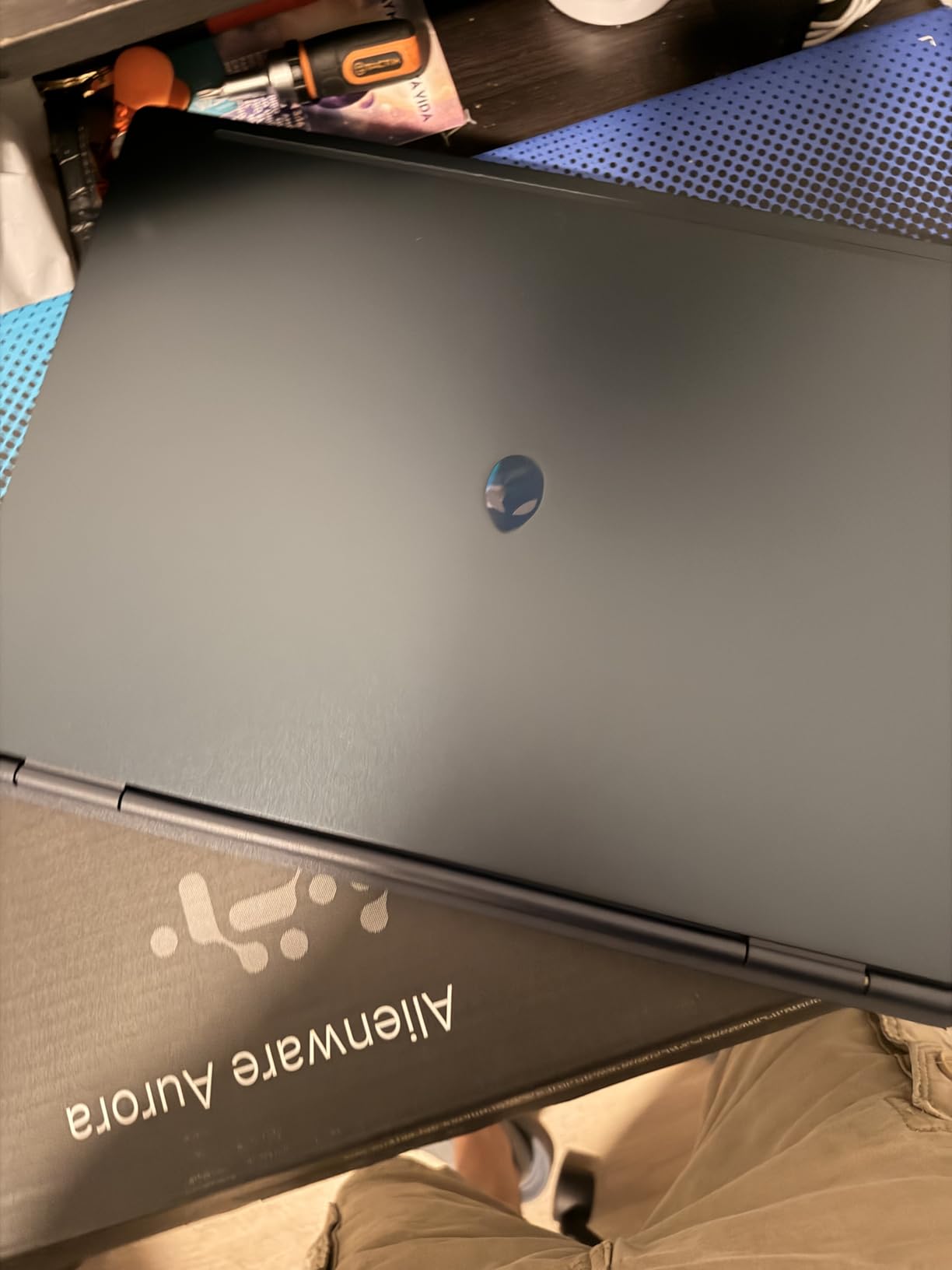
The 300-nit display holds up well in bright rooms, and the keyboard travel feels consistent across the deck. Reviewers mention that the heavier 5.5-pound chassis is better suited to a desk than a daily backpack.
The Alienware trades the extra 16GB of RAM of the Acer Nitro V 16S AI in first place for a higher-resolution screen and a more premium chassis. If resolution matters more to you than headroom, this is the one to watch.
The TUF F16 below is the more travel-friendly 16-inch option for buyers who want the lightest chassis on the list, though it steps down to a 1080p panel.
5. MSI Katana 15 HX: High-Refresh QHD+ Power
msi Katana 15 HX 15.6” 165Hz QHD+ Gaming Laptop: Intel Core i9-14900HX, NVIDIA Geforce RTX 5070, 32GB DDR5, 1TB NVMe SSD, RGB Keyboard, Win 11 Home: Black B14WGK-016US
GPU: RTX 5070 8GB
CPU: i9-14900HX
RAM: 32GB DDR5
Display: 15.6 inch QHD+ 165Hz
+ Pros
- 24-core i9-14900HX for heavy CPU workloads
- RTX 5070 GPU ready for 1440p gaming
- 32GB of DDR5 already installed
- 4-zone RGB keyboard
- Cons
- 5 pounds and runs hot under sustained load
- Battery drops to roughly 2 hours while gaming
The Katana 15 HX is the most powerful laptop on the list, with an RTX 5070 GPU, a 24-core i9-14900HX, and 32GB of DDR5. It is the pick for buyers who actually plan to game at the panel’s native 2560 x 1440 resolution rather than at 1080p. The 165Hz refresh keeps fast motion smooth even on the higher pixel count.
1440p gaming, streaming, and content creation in a single machine is what the Katana is built for. The 24-core CPU also chews through video exports faster than any other pick in this list.
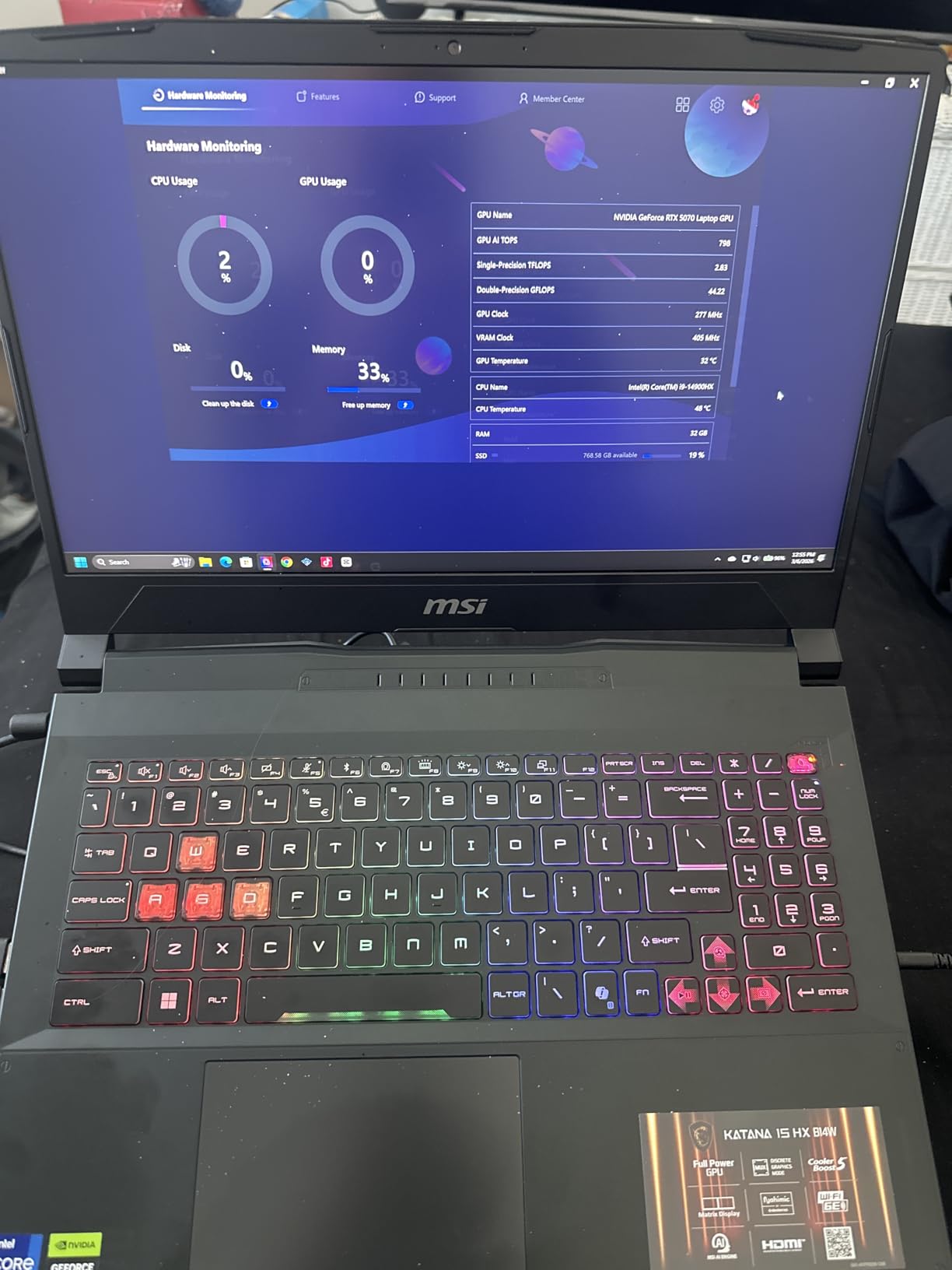
The Cooler Boost 5 system can get loud under sustained load, and the chassis runs warm on the bottom after an hour of AAA gaming. Reviewers recommend a laptop cooling pad for marathon sessions.
The Katana moves up to an RTX 5070 and an i9 chip versus the Nitro V 16S AI in first place, but it weighs more and runs hotter. If you want one machine to last several years, the higher-tier GPU is the smarter long-term play.
Worth noting: the RAM is upgradeable to 64GB, unlike the Strix G16 or the Nitro V 16S AI. That gives the Katana some extra room to grow as game requirements creep upward.
6. ASUS TUF Dash 15: Compact RTX 3060 Choice
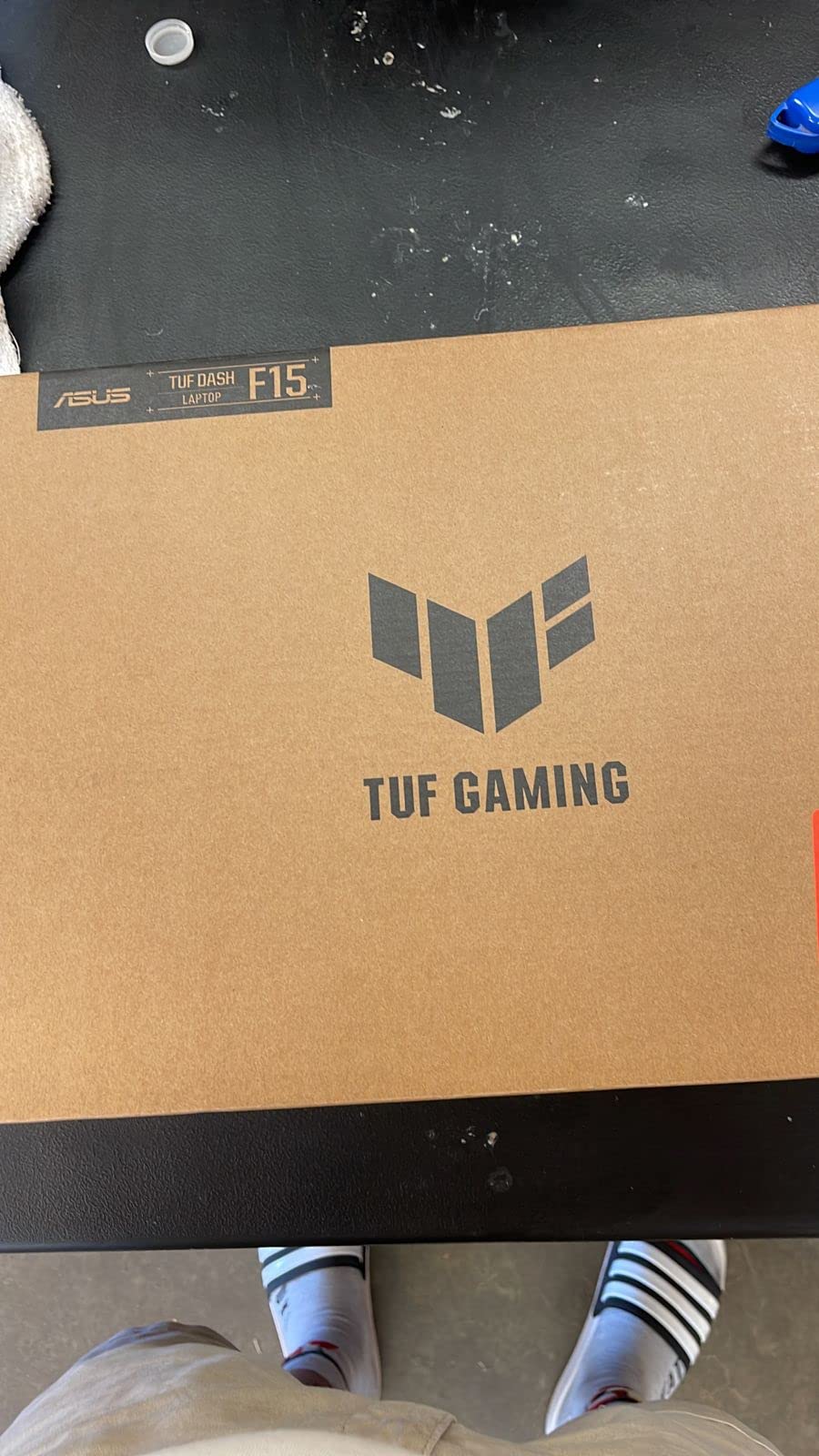
ASUS TUF Dash 15 (2022) Gaming Laptop, 15.6″ 144Hz FHD Display, Intel Core i7-12650H, GeForce RTX 3060, 16GB DDR5, 512GB SSD, Thunderbolt 4, Windows 11 Home, Off Black, FX517ZM-AS73
GPU: RTX 3060 6GB
CPU: i7-12650H
RAM: 16GB DDR5
Display: 15.6 inch 144Hz
+ Pros
- 1542 owner reviews back the 4.5 star rating
- 4.4 pounds is light for the class
- 76Wh battery lasts around 8 hours light use
- MUX Switch for direct GPU output
- Cons
- Only 512GB of storage out of the box
- Fans can ramp up on Turbo mode
The TUF Dash 15 is the most-reviewed laptop on this list, with 1,542 owner reviews and a 4.5-star average. It earns the portability badge because it is the lightest 15.6-inch option in the lineup at 4.4 pounds, while still offering a real RTX 3060 GPU and MIL-STD-810H military-grade durability.
Students and commuters who want a laptop that survives a backpack and the occasional drop, without giving up RTX-level gaming, will find the Dash 15 a strong match. The MUX Switch is also a real perk: it lets the GPU talk directly to the display, which is a small but measurable frame-rate win in some titles.
Battery life lands around 8 hours for browsing and video, and the chassis feels solid in the hand. Reviewers note that the 512GB SSD fills up fast with modern game installs, so a secondary drive is a common upgrade.
The TUF Dash uses an older RTX 3060 GPU than the Acer Nitro V RTX 4050 in second place, but it is lighter, has a bigger battery, and includes the MUX Switch. The trade-off is storage capacity and a slightly older CPU generation.
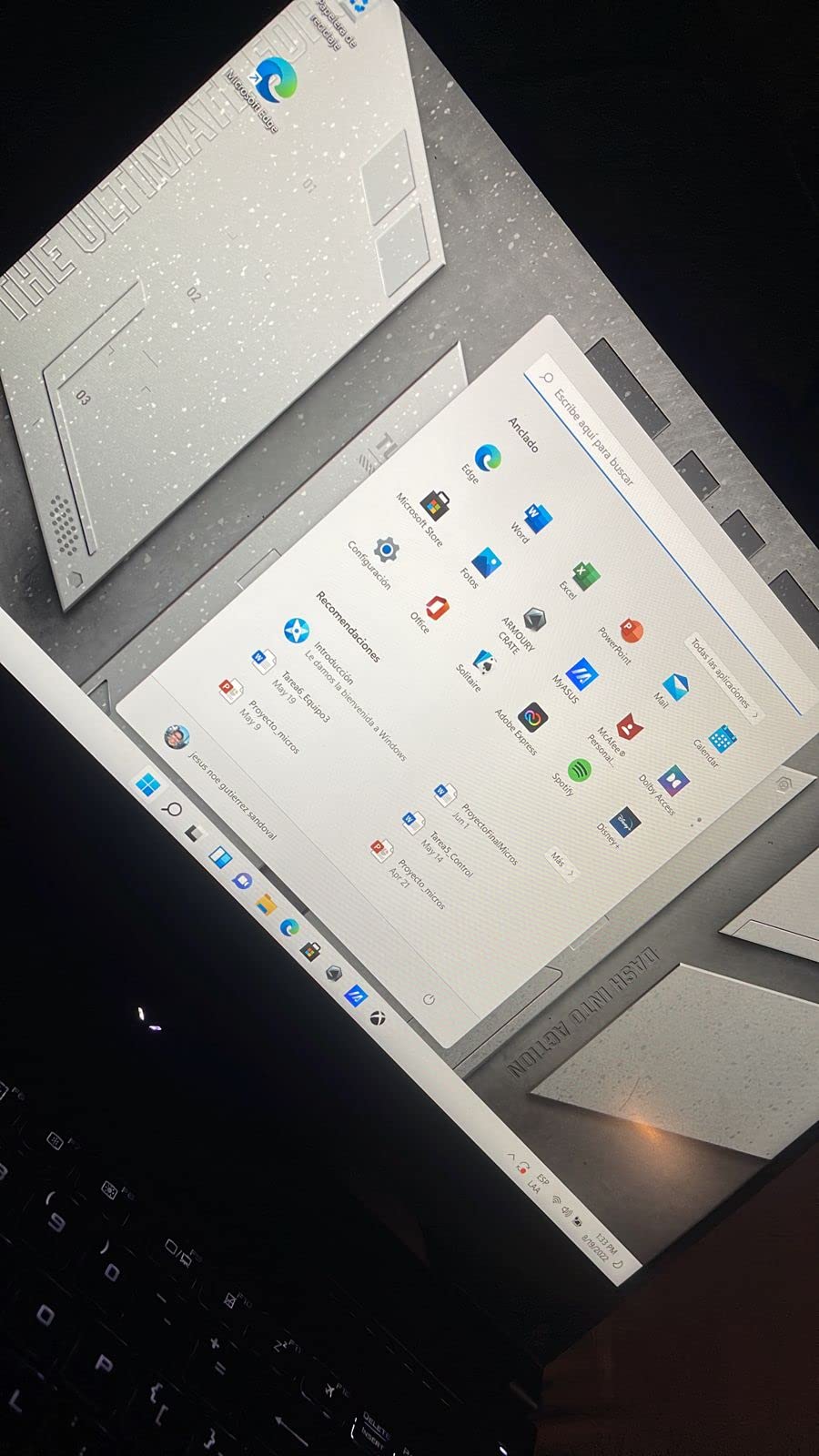
Buyers chasing the highest raw frame rates in modern AAA games will need a newer GPU. The RTX 3060 still plays them well, but it is one generation behind the RTX 4050 and two behind the RTX 5060.
7. Acer Nitro V RTX 4050 8GB: Entry RTX 40-Series Pick
Acer Nitro V Gaming Laptop | Intel Core i5-13420H Processor | NVIDIA GeForce RTX 4050 Laptop GPU | 15.6″ FHD IPS 165Hz Display | 8GB DDR5 | 512GB Gen 4 SSD | Wi-Fi 6 | Backlit KB | ANV15-52-586Z
GPU: RTX 4050 6GB
CPU: i5-13420H
RAM: 8GB DDR5
Display: 15.6 inch 165Hz
+ Pros
- RTX 4050 GPU at the entry tier of the list
- 165Hz display still included
- Wi-Fi 6 and Thunderbolt 4 on board
- 4.5 star rating from 404 owners
- Cons
- Only 8GB of RAM out of the box
- Spacebar is not backlit
The 8GB Nitro V sits at the entry tier of the RTX 40-series picks on the list, and it keeps most of what makes the 16GB sibling above so popular. It runs the same RTX 4050 GPU, the same 165Hz IPS panel, and the same 165Hz display tech. Owners say it is a true entry point into modern gaming laptops without dropping into last-gen RTX 30-series territory.
Budget-first buyers who plan to upgrade the RAM themselves, or anyone who mainly plays esports and lighter titles, will find this machine a sensible starting point. With 8GB, modern AAA games will still run, but a 16GB stick swap is a near-mandatory first upgrade for heavier titles.
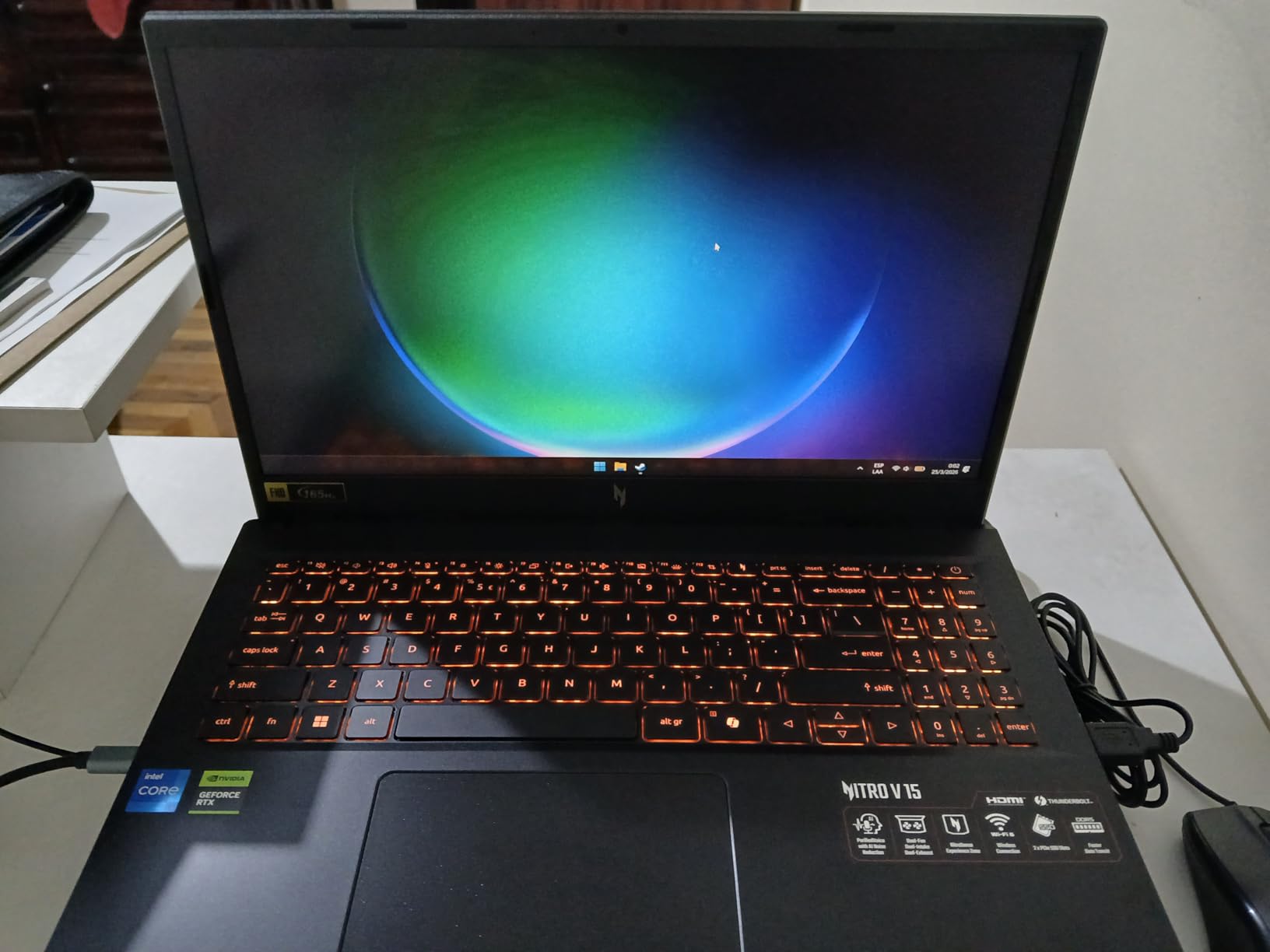
Reviewers give 404 reviews a 4.5-star average, and the common thread is value for the hardware on offer. Several reviewers mention that the RAM upgrade to 16GB or 32GB is straightforward to do at home.
This model cuts the RAM in half and uses a slightly less powerful i5-13420H CPU instead of the i7-13620H versus the 16GB Nitro V in second place. For most buyers, the trade-off is fair.
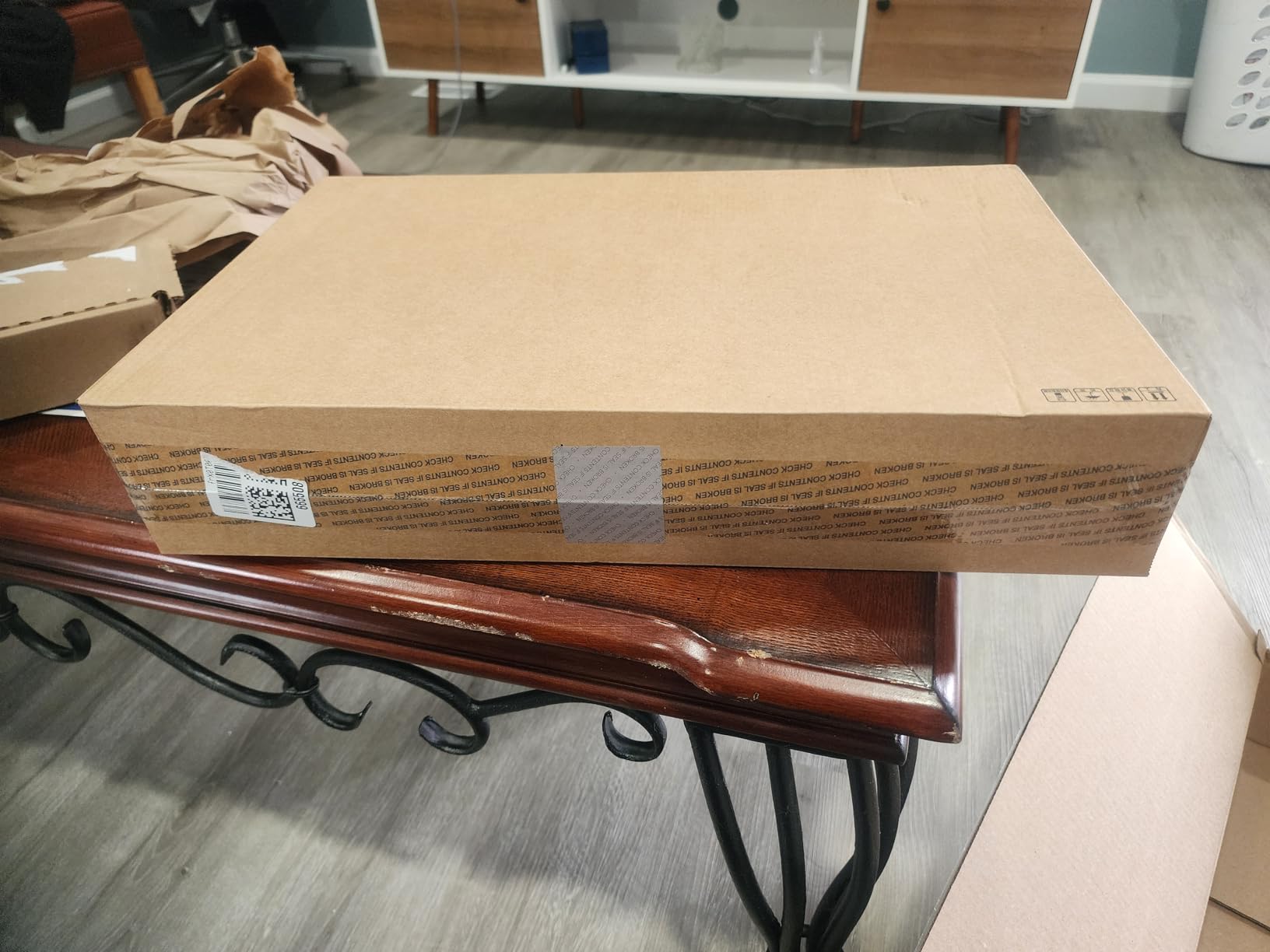
Worth noting: the RAM maxes out at 32GB across two SODIMM slots, so there is room to grow without replacing the system.
8. ASUS TUF F16: Durable 16:10 Display
ASUS TUF Gaming F16 Gaming Laptop, 16” FHD+ 144Hz IPS-Level 16:10 Display, Intel® Core™ 5 210H, NVIDIA® GeForce RTX™ 4050, 16GB DDR5, 512GB PCIe Gen4 SSD, Wi-Fi 6, Win11 Home, FX607VU-SS53
GPU: RTX 4050 6GB
CPU: Core 5 210H
RAM: 16GB DDR5
Display: 16 inch FHD+ 144Hz
+ Pros
- 16:10 display gives more vertical space
- MIL-STD-810H military grade chassis
- Arc Flow fans keep noise down
- Mecha Gray finish hides fingerprints
- Cons
- RAM is not expandable past 16GB
- Display is 144Hz rather than 165Hz
The TUF F16 is the durable 16-inch pick for shoppers who want a 16:10 display at a more accessible tier than the Alienware. The taller 1920 x 1200 panel is a real upgrade for productivity, and the MIL-STD-810H chassis is rated for vibration, shock, and temperature extremes. Owners say the Arc Flow fans stay quiet in Balanced mode.
Students and field workers who want a 16-inch screen that holds up to daily travel will like the F16’s build. The 16:10 ratio is also a noticeable improvement for anyone who lives in documents, spreadsheets, or code.
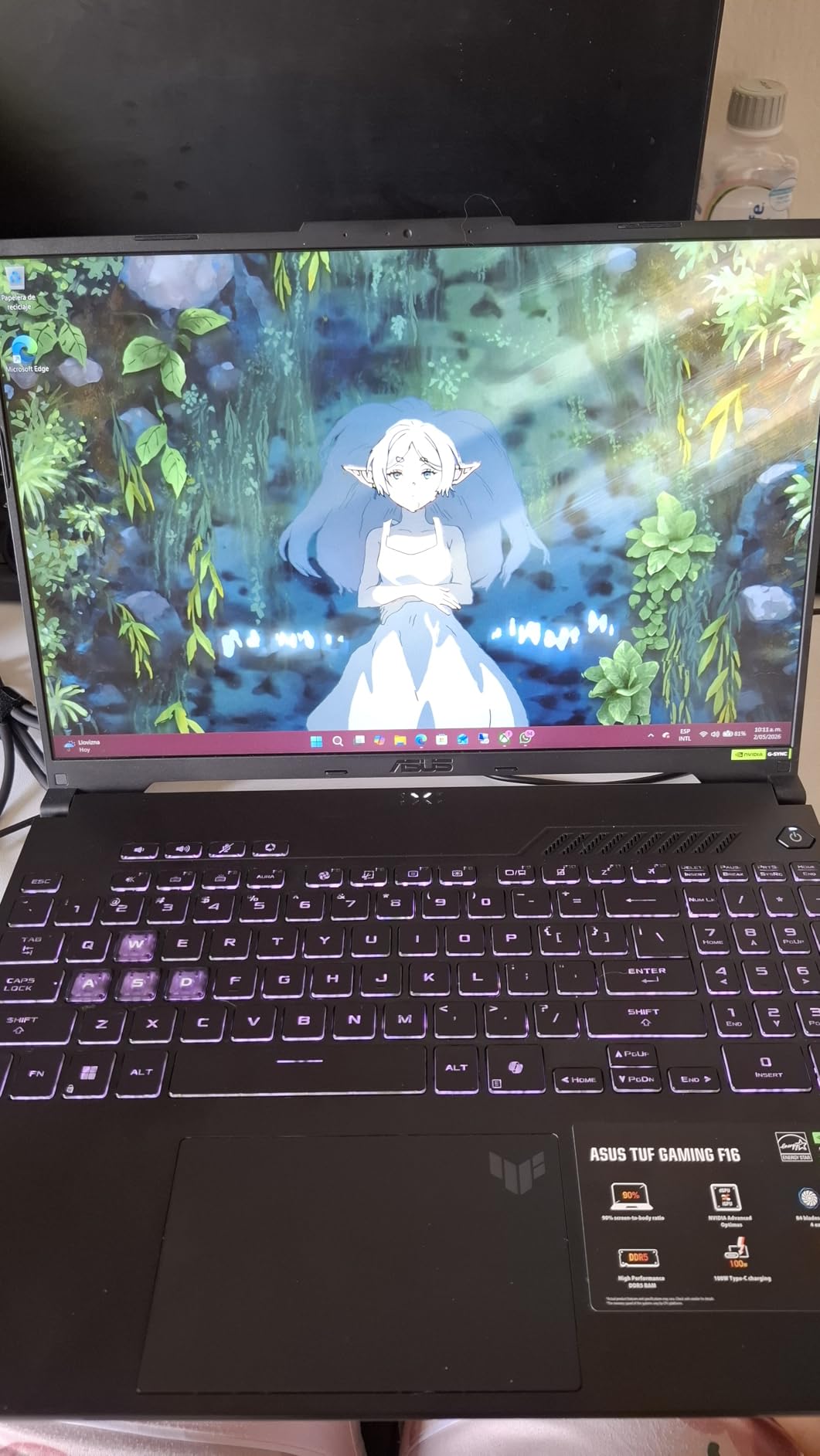
Reviewers give 233 reviews a 4.4-star average, and the most common positive note is build quality. The most common limitation is the 16GB RAM ceiling, which is fixed on this model.
The TUF F16 keeps the 16:10 display ratio and the 16-inch chassis of the Alienware 16 Aurora in fourth place, but it steps down to a 1080p-class resolution and an RTX 4050 GPU. It is a much more affordable way into the 16-inch category.
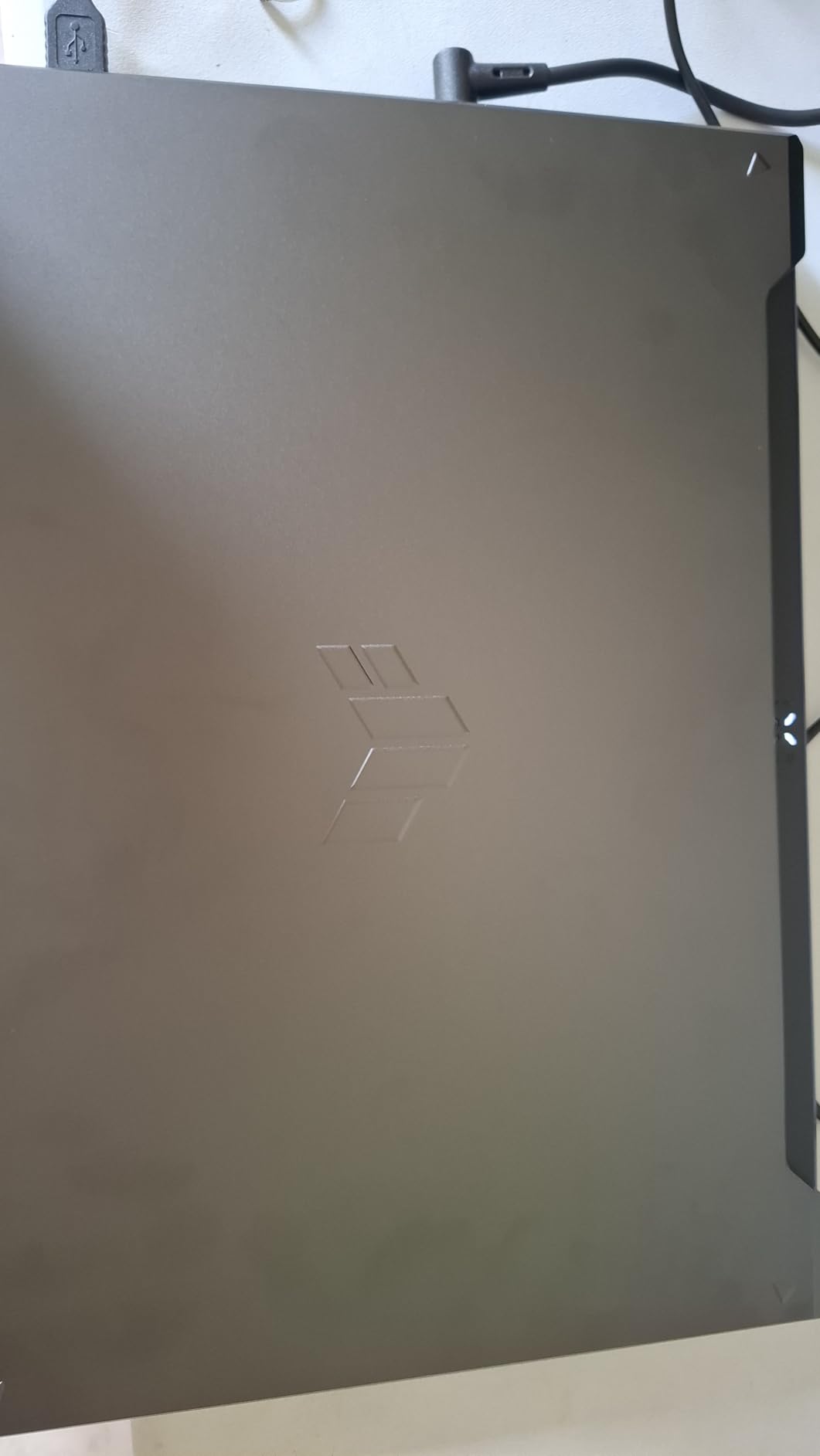
Buyers who want the highest resolution on a 16-inch screen will need to step up to the Alienware, which is the sharper panel in this size class.
9. HP Victus 15 16GB: Budget Windows 11 Pro Pick
HP Victus 15.6″ Full HD 144Hz Gaming Laptop, Intel Core i5-12450H, NVIDIA GeForce RTX 3050,16GB RAM, 512GB PCIe SSD, Wi-Fi 6, Backlit Keyboard,Windows 11 Pro, Performance Blue
GPU: RTX 3050 6GB
CPU: i5-12450H
RAM: 16GB DDR4
Display: 15.6 inch 144Hz
+ Pros
- 16GB of RAM in this tier
- Windows 11 Pro included instead of Home
- 144Hz IPS anti-glare display
- RAM is upgradeable to 64GB
- Cons
- RTX 3050 is a previous-generation GPU
- 7 pounds makes it the heaviest laptop on the list
The 16GB Victus 15 stands out because it is one of the few entry-tier laptops on the list that ships with Windows 11 Pro, which is the right pick for anyone who needs BitLocker, Remote Desktop, or domain join. The 16GB of DDR4 is also more than the entry Victus below, and the RAM can grow to 64GB later.
Small business owners, IT buyers, and students who need Windows 11 Pro for school or work will appreciate having Pro without paying a premium. It is also a sensible backup machine for households that already have a desktop.
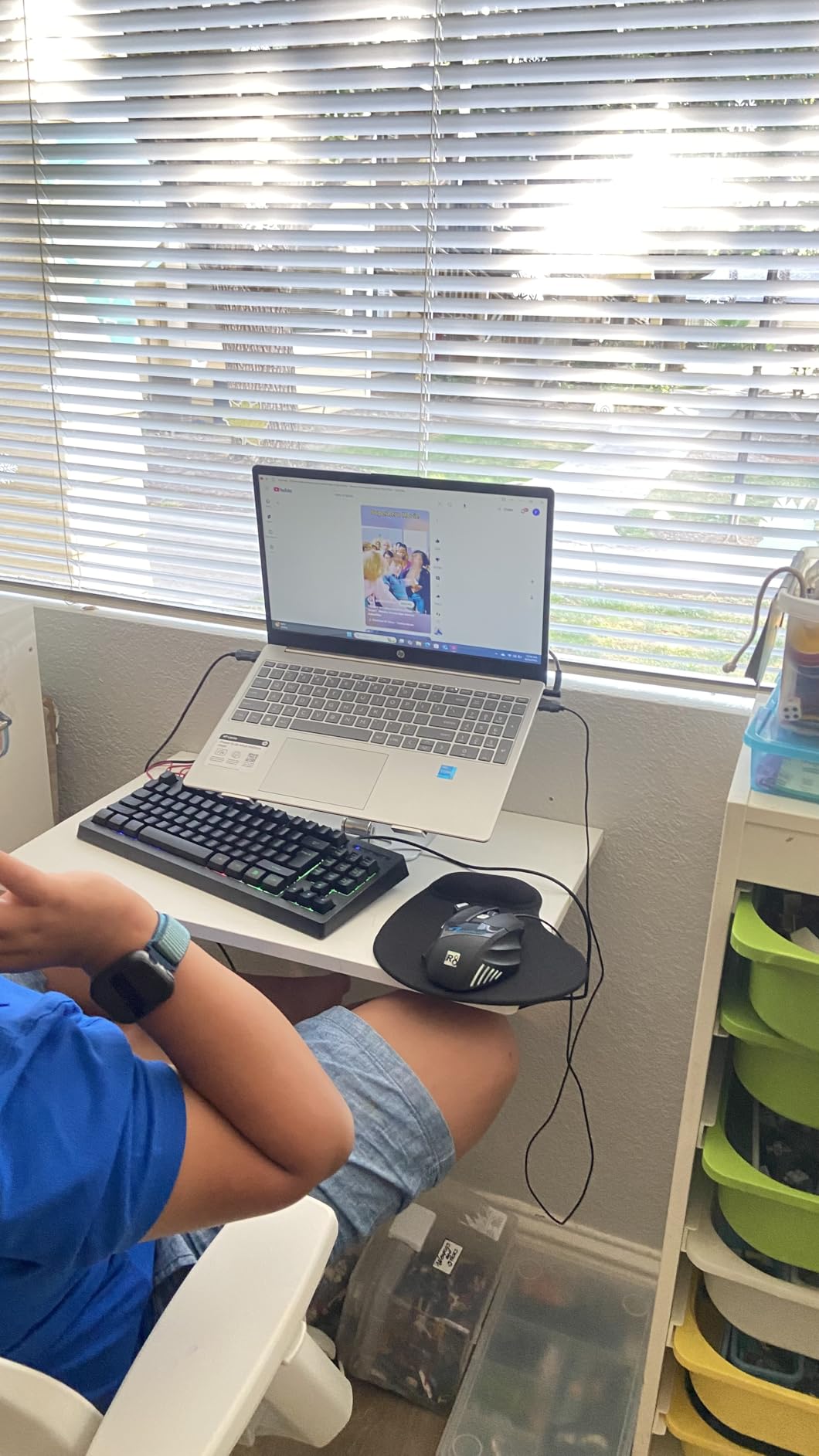
73 reviews average 4.5 stars, and the Performance Blue finish gets called out as a nice change from the usual black or gray gaming laptops. The 7-pound weight is the main caveat for travel.
This model doubles the RAM, jumps to a 144Hz panel, and ships with Pro instead of Home versus the entry Victus in tenth place. The trade-off is a step up in tier on the current Amazon listing.
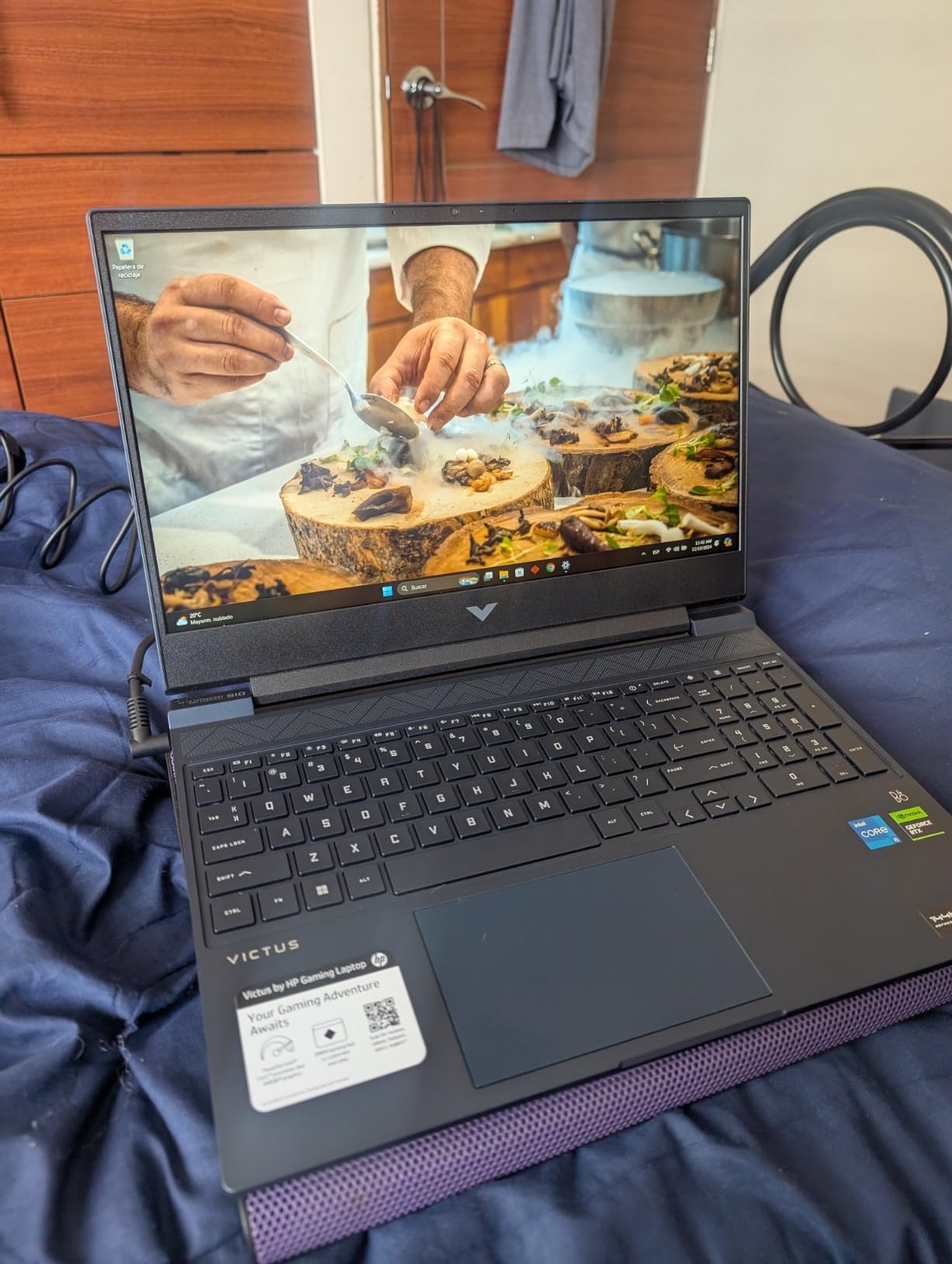
The battery is rated for around 10 hours of light use, which is unusual for a gaming laptop at this weight class.
10. HP Victus 15 RTX 3050: Entry-Level Gaming Pick
HP Victus 15 Gaming Laptop, NVIDIA GeForce RTX 3050, 12th Gen Intel Core i5-12500H, 8 GB RAM, 512 GB SSD, Full HD Display, Windows 11 Home, Backlit Keyboard, Enhanced Thermals (15-fa0025nr, 2022)
GPU: RTX 3050
CPU: i5-12500H
RAM: 8GB DDR4
Display: 15.6 inch FHD
+ Pros
- Most affordable pick on the entire list
- 12th Gen i5 is still capable for esports
- 70Wh battery for a budget machine
- Good thermal management for the class
- Cons
- Only 8GB of RAM out of the box
- Wi-Fi 5 instead of Wi-Fi 6
- Standard refresh rate display
The 8GB Victus 15 is the entry-level pick for anyone who mainly wants a portable RTX-branded machine for less. It uses the older RTX 3050 GPU and a 12th Gen i5 chip, but it still runs Windows 11, ships with a backlit keyboard, and keeps the weight at a reasonable 5 pounds. 375 owner reviews back a 4.3-star average.
First-time gaming laptop buyers, students on a strict budget, and parents who want a dedicated machine for a younger gamer will find this a sensible first step. It plays esports titles comfortably and handles lighter single-player games at low to medium settings.
The thermal design is genuinely good for an entry-tier machine, and the keyboard feels sturdy. The most common upgrade path mentioned is bumping the RAM to 16GB, which is straightforward on this model.
The Victus trades GPU generation and RAM for a noticeably lower tier than the Acer Nitro V RTX 4050 in second place. It is a fair trade for buyers whose library is mostly indie or esports titles.
Anyone planning to play modern AAA games at high settings will want a newer GPU. The RTX 3050 can run them, but you will spend more time tuning settings than playing.
How to Choose Gaming Laptops During Prime Big Deal Days
Match the GPU to the games you actually play
An RTX 4050 or RTX 3060 is enough for 1080p gaming in most modern titles at medium to high settings. RTX 5060 and RTX 5070 laptops make sense if you want to push higher frame rates or step up to 1440p. Owners report that the GPU generation usually matters more than the model number, so an RTX 4050 is a meaningful step up from an RTX 3050 in the same chassis.
Pay attention to GPU wattage (TGP), not just the model name
Two laptops with the same RTX 4060 sticker can perform very differently if one runs the chip at 90W and the other at 140W. Higher TGP means more sustained frame rates, especially in demanding games. The ASUS ROG Strix G16 in third place lists 140W TGP, which is why reviewers consistently rate it above thinner RTX 4060 designs.
Look for at least 16GB of RAM and a 1TB SSD at higher tiers
16GB of DDR5 is the comfortable minimum for modern gaming, and several picks on this list already meet it. 32GB is becoming more common on mid-range and premium laptops, and it is a real advantage for anyone who also edits video or runs multiple apps while gaming. Storage is similar: 512GB fills up fast with modern AAA installs, so 1TB is the safer target.
Check the display refresh rate and panel type
144Hz and 165Hz are the most common rates on this list, and either is a clear step up from 60Hz for fast-paced games. OLED panels offer better contrast and response time, but most picks in this price range use IPS, which is still a strong all-around choice. The Alienware 16 Aurora in fourth place and the MSI Katana 15 HX in fifth place both use higher-resolution panels that are worth the upgrade if you can stretch the budget.
How to Shop Gaming Laptop Deals During the Sale
For a gaming laptop specifically, check the model number and full configuration on the listing page before clicking through. Look for the GPU wattage (TGP) in the spec sheet rather than just the GPU name, and double-check the RAM and SSD sizes because the same model line often ships in two or three configurations with very different tiers. Most gaming laptop deals during Prime Big Deal Days require an active Prime membership, and a 30-day free trial counts if you are not already a member. Listings can change through the event, so it pays to add the picks you are watching to your cart early.
Quick checklist for a gaming laptop deal during the sale:
- GPU model and TGP wattage, not just the GPU name
- RAM size and whether it is upgradeable later
- SSD size, with at least 1TB recommended for modern games
- Display refresh rate and panel type, IPS or OLED
- Weight and battery life if you plan to travel with it
Frequently Asked Questions
When does Amazon Prime Big Deal Days run in 2026?
Prime Big Deal Days runs October 6-7, 2026 on Amazon. The event spans two days of deals across most product categories, and most offers are available to all Amazon customers during that window. Specific deal times and quantities can change through the event, so it helps to add the picks you want to your cart early.
Do gaming laptops usually go on sale during Amazon’s Prime Big Deal Days?
Yes. Gaming laptops are one of the most common categories to see discounts during Prime Big Deal Days, alongside other electronics. The deals usually include both current-generation RTX 50-series machines and last-generation RTX 40-series laptops at lower tiers, plus a handful of entry-level RTX 3050 and RTX 3060 models. Inventory and listings can change quickly during the event.
Is a Prime membership required to see these gaming laptop deals?
Most of the deeper gaming laptop deals during Prime Big Deal Days are available to Prime members. If you are not already a member, a 30-day free trial qualifies, and Prime Student offers a longer trial for eligible college students. Some deals may be visible to all shoppers but only activate at the lower tier once you are signed in.
What GPU should I look for in a gaming laptop deal during Prime Big Deal Days?
An RTX 4050 or higher is a sensible target for 1080p gaming in current titles. RTX 5060 and RTX 5070 laptops make sense if you want higher frame rates or plan to game at 1440p. The GPU wattage, also called TGP, matters as much as the model name, so two laptops with the same GPU can perform very differently depending on the wattage the manufacturer sets.
How much RAM does a gaming laptop need for modern games?
16GB of RAM is the practical minimum for modern gaming in 2026. Several new releases already push past 8GB in dense scenes, and 32GB is becoming more common on mid-range and premium laptops. If the laptop you are considering has only 8GB, check whether the RAM is upgradeable before buying, since some thin-and-light designs solder it to the motherboard.
Are gaming laptop deals on Amazon during Prime Big Deal Days worth it?
For most buyers, yes. Prime Big Deal Days usually lands a few weeks before Black Friday and offers meaningful discounts on current-generation gaming hardware. The catch is that not every discounted listing is a real deal, which is why the picks on this list were filtered to current-generation GPUs, 16GB of RAM or more, and listings with healthy owner review counts. Check the latest listing on each product page before you buy, since offers can move through the event.
Final Verdict: Best Amazon Prime Big Deal Days Gaming Laptop Deals
Buy the Acer Nitro V 16S AI if you want the single best gaming laptop deal to watch during Prime Big Deal Days: a current-gen RTX 5060, 32GB of DDR5, and a 180Hz display in one package. Buy the Acer Nitro V RTX 4050 if you want the most balanced budget pick, with 4.6 stars from 366 reviewers and an RTX 4050 that handles 1080p comfortably. Buy the ASUS ROG Strix G16 if you care more about brand reputation and a high review count than bleeding-edge specs. Buy the MSI Katana 15 HX if 1440p gaming and content creation are your priority. Check each listing before the event starts, since offers can shift through October 6-7, 2026.