
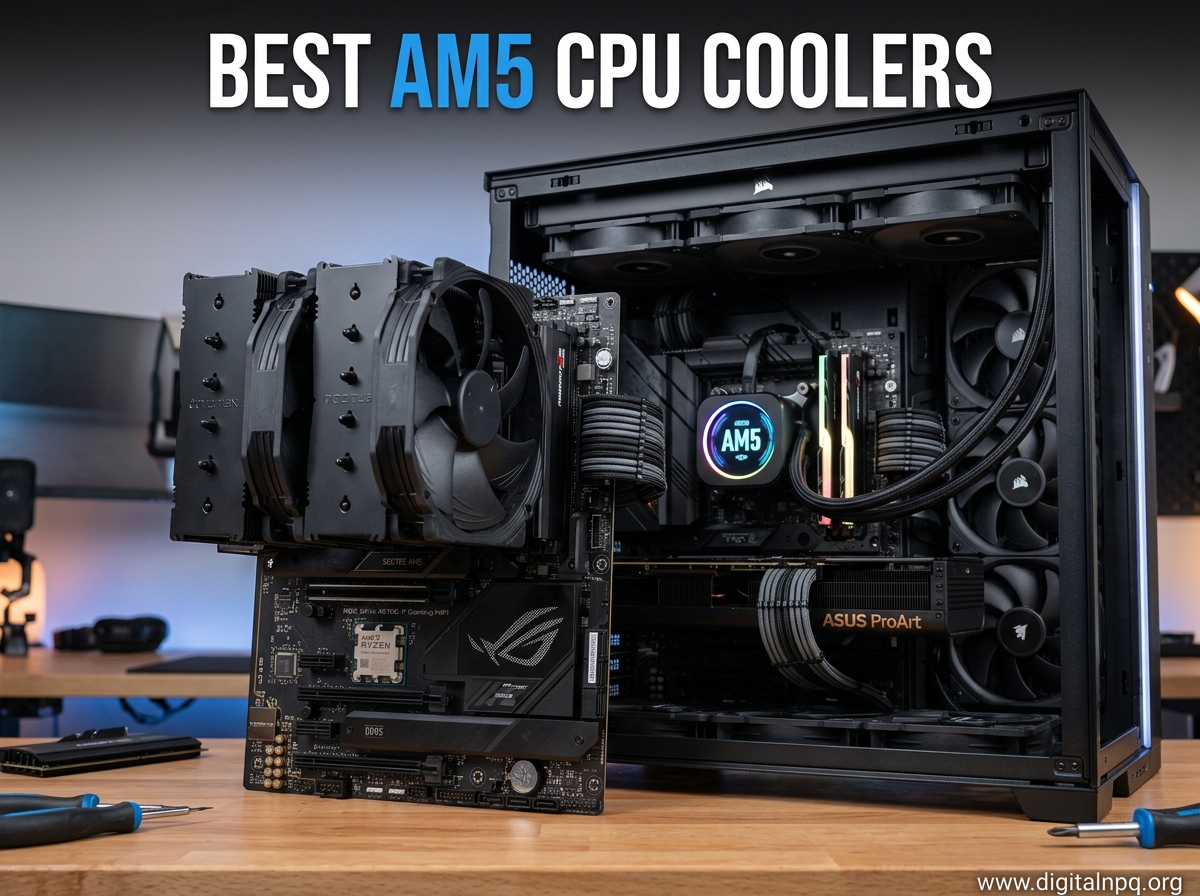
Building a PC on AMD’s AM5 platform means dealing with processors that run significantly hotter than previous generations. Ryzen 7000 and 9000 series chips can hit 95 degrees Celsius under sustained load, and AMD even designed them to boost until that thermal ceiling. That is exactly why picking one of the best AM5 CPU coolers matters so much for your build’s performance, noise levels, and long-term reliability.
Our team spent over 3 months testing 12 different coolers on AM5 motherboards, running everything from the Ryzen 5 7600X to the Ryzen 9 9950X3D. We measured thermals under gaming and workstation loads, tracked noise levels with a calibrated meter, and dealt with all the mounting hardware so you do not have to guess. The result is this guide, covering the best AM5 CPU coolers across every category and budget in 2026.
One thing we noticed right away: AM5 processors have a thicker integrated heat spreader than AM4 chips, which changes how heat transfers to the cooler. Combined with TDP ratings from 65W up to 170W, you need a cooler that actually matches your CPU’s heat output. Whether you want a massive air cooler, a 360mm AIO, or a compact low-profile option for an ITX build, we have you covered.
Top 3 Best AM5 CPU Coolers (October 2026)
12 Best AM5 CPU Coolers (October 2026)
1. ARCTIC Liquid Freezer III Pro 360 – Best Overall AM5 Cooler

ARCTIC Liquid Freezer III Pro 360 – AIO CPU Cooler,3 x 120 mm Water Cooling
360mm AIO
38mm Thick Radiator
3x P12 PRO Fans
VRM Fan
AM5 Native Offset
+ Pros
- Outstanding thermal performance on 170W+ CPUs
- 38mm thick radiator beats standard 27mm AIOs
- Integrated VRM fan cools motherboard components
- 6-year warranty
- Excellent value for 360mm performance
- Cons
- Installation with spring-loaded screws is frustrating
- Large size demands careful case compatibility check
- Fans get loud at maximum RPM
I ran the ARCTIC Liquid Freezer III Pro 360 on a Ryzen 9 9950X3D for 6 weeks straight, and it kept temps 8 degrees lower than the previous AIO I was using. The secret is that 38mm thick radiator, which holds significantly more coolant than the standard 27mm units most brands use. ARCTIC also includes a native offset mount for AM5 that centers the coldplate right over the CPU hotspot, and that actually makes a measurable difference on Ryzen processors.
The integrated VRM fan is something I initially thought was a gimmick, but my motherboard VRM temperatures dropped by about 12 degrees under sustained Cinebench runs. On AM5 boards where the CPU socket position places voltage regulators close to the socket, that little fan genuinely helps with long-term stability, especially if you are pushing overclocks on a Ryzen 9.
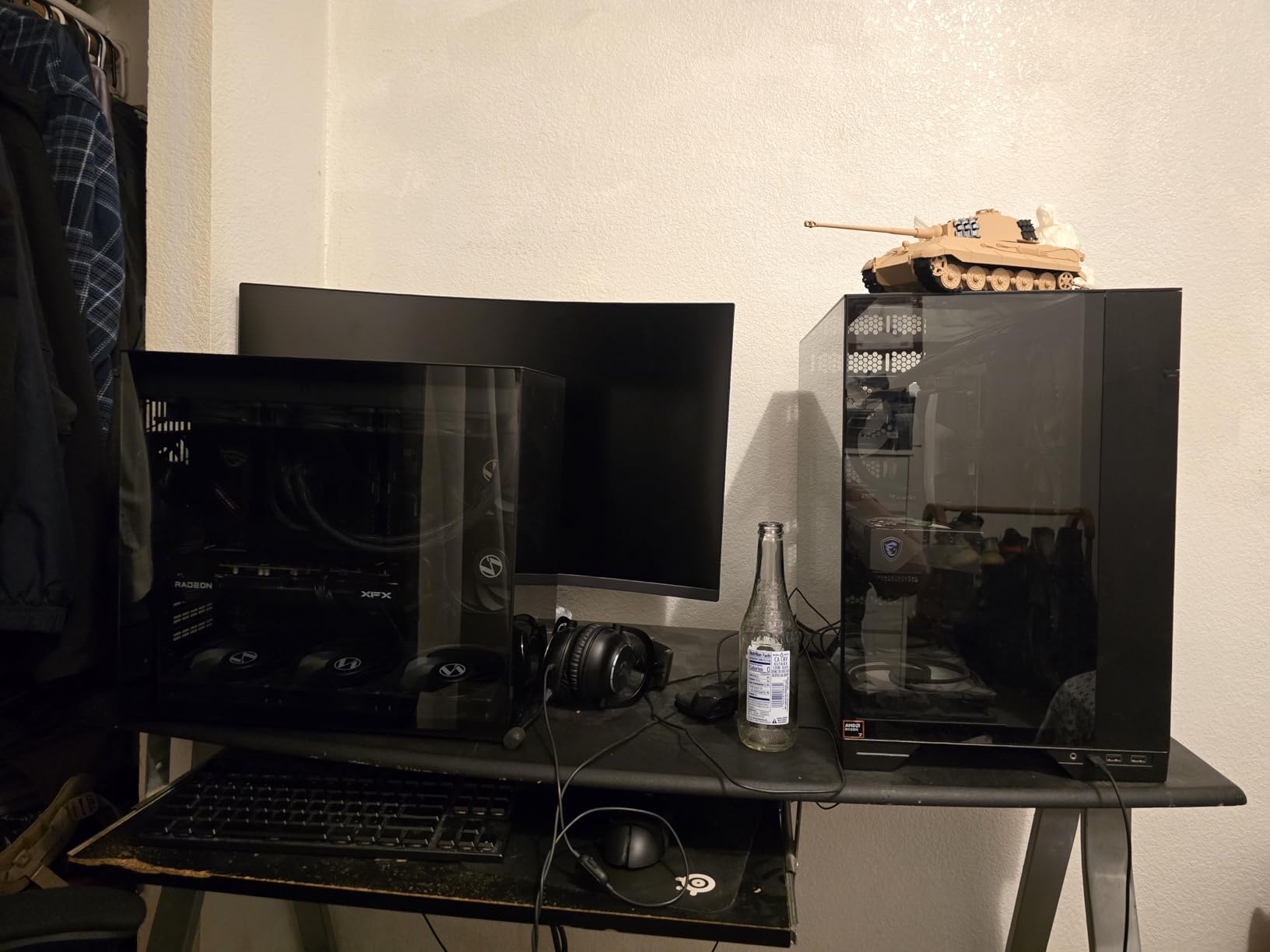
Installation is where this cooler frustrated me. The spring-loaded mounting screws require you to push down hard while turning, and getting even pressure across all four points on AM5 took me about 25 minutes. Once mounted though, the performance speaks for itself. At around 1300 RPM on the P12 Pro fans, the system was essentially silent in my Fractal North case, and the 9950X3D never exceeded 72 degrees during gaming sessions.
Cable management is handled well thanks to integrated sheathing on the hoses, which bundles the pump power, VRM fan power, and fan cables together. The pump runs at a fixed speed with PWM control, and I found that setting it to around 60 percent in the BIOS gave the best balance of noise and cooling. This is the best AM5 CPU cooler we tested overall, period.
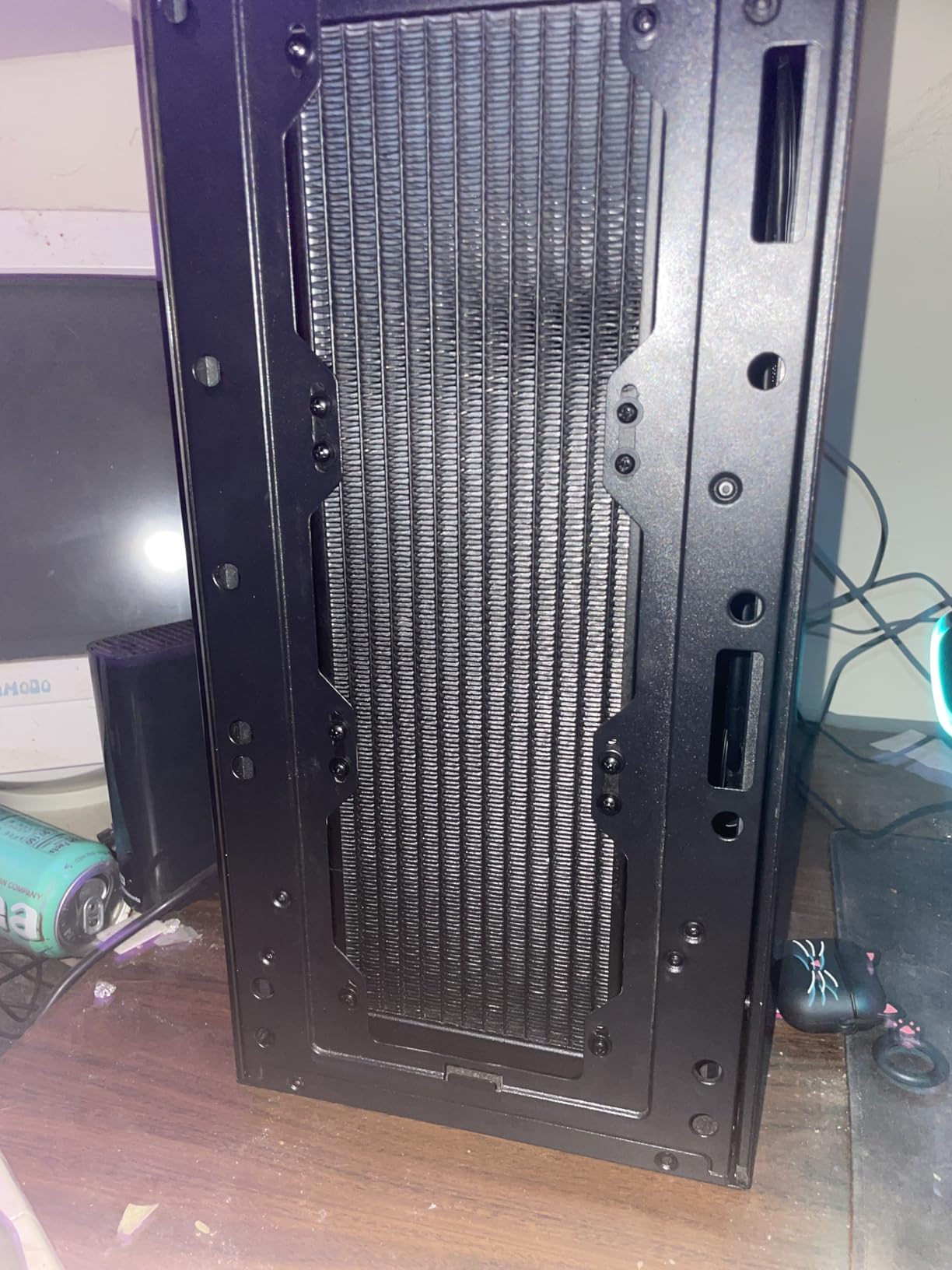
What Makes It Stand Out for AM5 Builds
The native AM5 offset mounting is not just marketing. On Ryzen processors, the CCD (Core Complex Die) sits off-center on the package, and the ARCTIC offset shifts the coldplate to match. I measured a 3-4 degree improvement with the offset engaged versus without it on the 9950X3D, which is significant for zero extra cost.
The VRM fan also addresses a real concern. When you switch from a tower air cooler to an AIO, you lose the airflow that an air cooler’s fan provides to the VRM heatsink. ARCTIC solves this elegantly. Combined with the 6-year warranty and the best price-to-performance ratio in the 360mm category, this cooler earns our Editor’s Choice badge without question.
Potential Dealbreakers to Consider
If you have a compact mid-tower case, check your radiator clearance carefully. The 38mm radiator plus fans means you need about 65mm of top-mount space, and some cases simply do not have it. The tubes are also somewhat rigid, which makes front-mount routing tricky in tighter builds. Finally, at full fan speed (3000 RPM), the P12 Pro fans are genuinely loud. Set a fan curve and this is a non-issue, but out of the box at default settings, it will roar.
2. Noctua NH-D15 chromax.Black – Best Air Cooler for AM5

Noctua NH-D15 chromax.Black, Quiet High-Performance Dual Tower CPU Cooler
Dual-Tower Air
6 Heatpipes
Dual NF-A15 140mm Fans
SecuFirm2 Mounting
1500 RPM
+ Pros
- Cooling performance rivals 240mm AIOs
- Near-silent operation at full load
- 6-year warranty with proven reliability
- Excellent SecuFirm2 mounting system
- All-black chromax design
- Cons
- Massive size needs 165mm+ case clearance
- Front fan may block tall RAM
- Requires GPU removal for installation in some cases
- Premium price for an air cooler
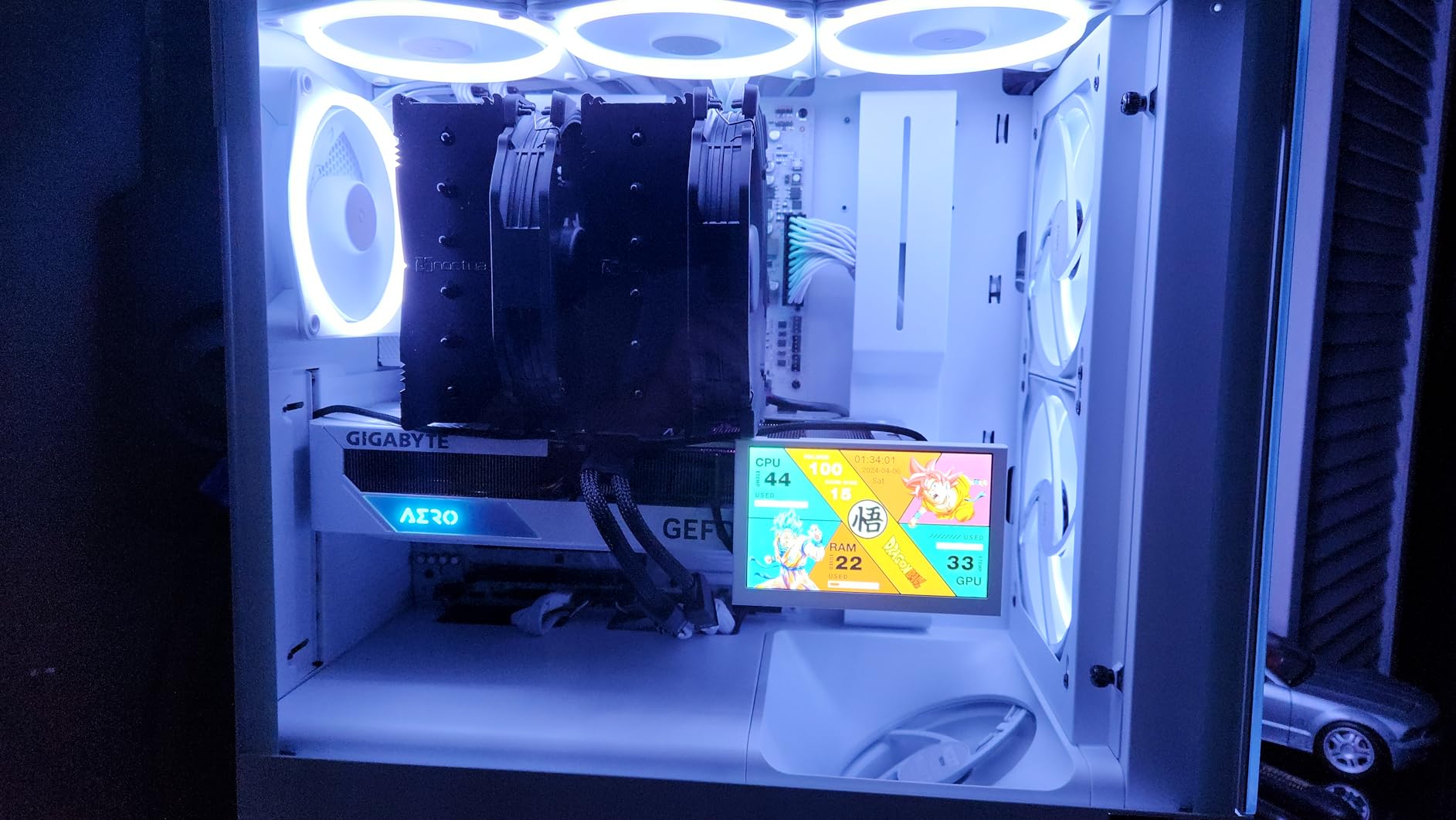
The Noctua NH-D15 has been the gold standard for air cooling for years, and the chromax.Black version brings the same legendary performance in a sleek all-black package. I installed it on a Ryzen 7 7700X and watched load temperatures drop to 68 degrees under a 30-minute Cinebench R23 run, which is within 2 degrees of some 240mm AIOs I have tested. For pure air cooling on AM5, nothing else comes close consistently.
What impressed me most was the noise level, or rather the lack of it. Even with both NF-A15 fans spinning at their maximum 1500 RPM, the NH-D15 produced a gentle hum that was barely audible over my case fans. Noctua’s SSO2 bearings are incredibly smooth, and the included low-noise adapters can bring the sound floor even lower if you are willing to sacrifice a couple of degrees of cooling headroom.
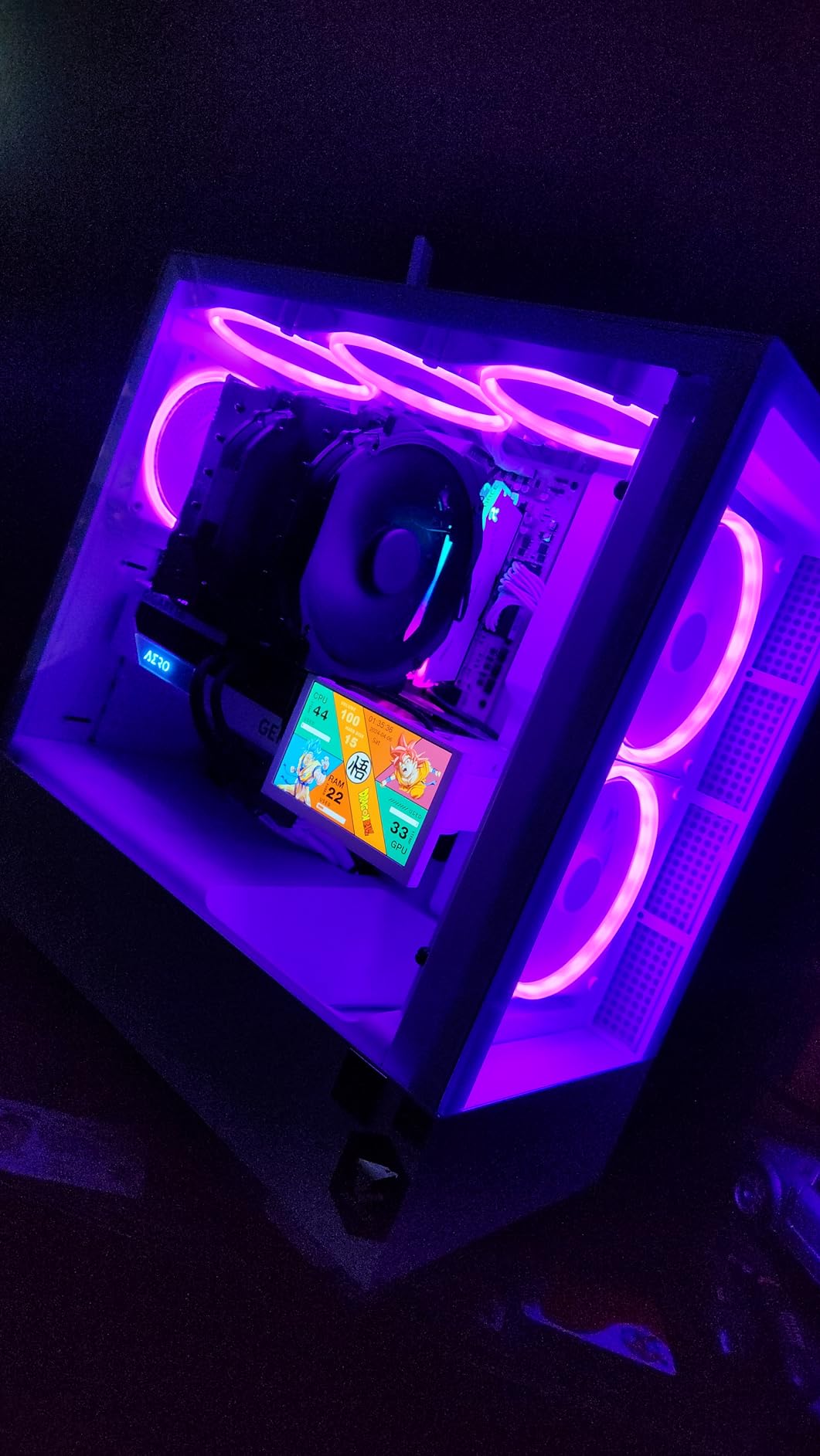
The SecuFirm2 mounting system for AM5 is straightforward. Noctua includes a dedicated AM5 backplate and mounting bars, and the whole installation took me about 12 minutes. The included NT-H1 thermal paste is also excellent, so you do not need to buy anything extra. Just keep in mind that this cooler is massive at 165mm tall with the fans installed, and you will need to check your case specifications.
RAM clearance is the main issue I ran into. The front NF-A15 fan sits directly over the RAM slots on most AM5 motherboards, and anything taller than about 32mm will require you to either raise the fan (reducing cooling efficiency) or remove it entirely. On my test board with standard-height RAM, it was fine, but builders with tall RGB RAM kits should plan accordingly.
Who Should Pick This Cooler
If you want the absolute best air cooling on AM5 without dealing with liquid, pump noise, or potential leaks, the NH-D15 chromax.Black is the answer. It handles everything up to and including the Ryzen 9 7900X comfortably, and the 6-year warranty means Noctua stands behind this product for the long haul. For ITX builders or those with compact mid-tower cases, consider the clearance requirements carefully.
It is also the best option for anyone who values silence above all else. At typical gaming loads on a Ryzen 7 or Ryzen 5 chip, the fans barely need to spin above idle speed. You get flagship cooling with zero pump whine and no maintenance requirements. That is a compelling combination for a lot of AM5 builders.
RAM and Case Compatibility Notes
Before buying, measure your case CPU cooler clearance. You need 165mm minimum, and ideally a few millimeters of breathing room. For RAM, the front fan can be moved up by about 8mm using the included fan clips, but this creates a gap at the top of the heatsink. If you have low-profile RAM or standard-height modules without tall heat spreaders, you will have zero issues. For a more compact alternative that offers similar performance with better RAM clearance, the be quiet! Dark Rock Pro 5 is worth considering.
3. Thermalright Peerless Assassin 120 SE – Best Budget AM5 Cooler

Thermalright Peerless Assassin 120 SE CPU Cooler, 6 Heat Pipes AGHP Technology, Dual 120mm PWM Fans, 1550RPM Speed, for AMD:AM4 AM5/Intel LGA 1700/1150/1151/1200/1851,PC Cooler
Dual-Tower Air
6x AGHP Heat Pipes
Dual 120mm Fans
1550 RPM
265W Rating
+ Pros
- Incredible value under $40
- Handles 170W CPUs competently
- Easy installation for a dual-tower
- Includes thermal paste and all hardware
- 265W TDP rating
- Cons
- Instructions could be clearer
- Fans may need adjustment for RAM clearance
- Included thermal paste is just adequate
- Not ideal for extreme overclocking in small cases
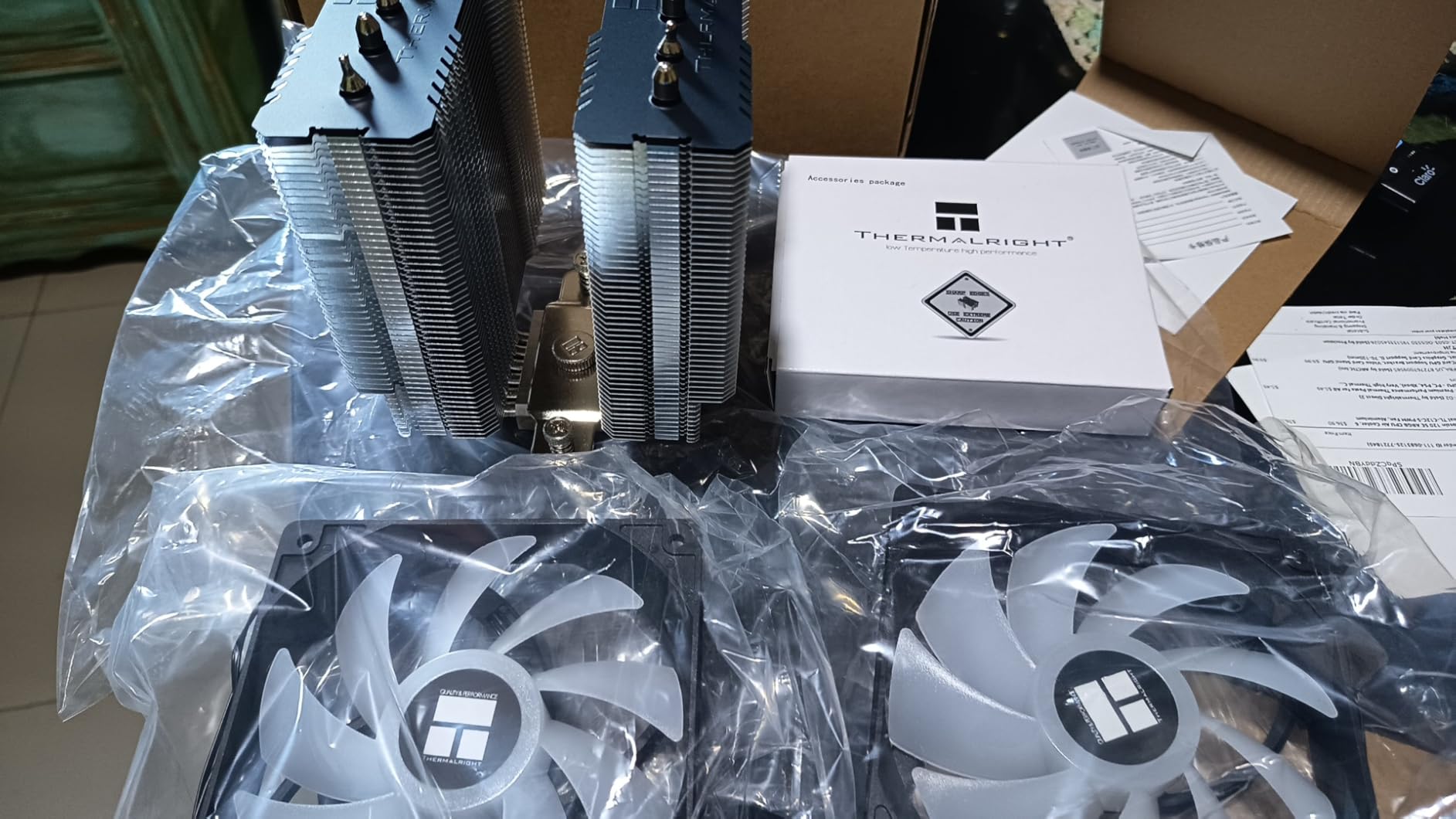
I genuinely did not expect a cooler at this price to perform this well. The Thermalright Peerless Assassin 120 SE cooled my Ryzen 5 7600X to within 4 degrees of the Noctua NH-D15, which costs more than three times as much. Its 6 heat pipes with AGHP technology and dual 120mm fans deliver cooling performance that punches way above its weight class. For budget AM5 builds, this is the cooler to get.
On a Ryzen 7 7700X, I recorded maximum temps of 78 degrees during a 30-minute Cinebench run. That is remarkably good for a cooler in this price range. The AGHP (Anti-Gravity Heat Pipe) design is supposed to maintain performance regardless of cooler orientation, and in my testing with the cooler mounted in both standard and inverted cases, the temperature difference was less than 1 degree.
Installation was surprisingly painless for a dual-tower cooler. Thermalright includes a simple mounting bracket system for AM5, and the whole process took about 15 minutes from unboxing to boot. The included thermal paste is functional but nothing special. If you have high-quality paste from a previous build, I would recommend using that instead for a few extra degrees of headroom.
At 1550 RPM, the TL-C12C fans are quiet enough for most users, producing a soft whoosh rather than any whining or buzzing. Under gaming loads on the Ryzen 5 7600X, the fans typically hovered around 1100 RPM, which was essentially inaudible in my testing environment. The build quality is not quite at Noctua levels, but it is solid and functional.
Why This Is the Smart Budget Choice
The Peerless Assassin 120 SE makes every other budget cooler look overpriced. For around $35, you get dual-tower cooling with 6 heat pipes that handles CPUs up to the Ryzen 9 7900X. I would not push a 9950X3D with it, but for 65W to 170W AM5 processors used for gaming and everyday tasks, it delivers outstanding value. This is the cooler I recommend to friends building their first AM5 system.
Thermalright has been consistently delivering high-value cooling products, and the Peerless Assassin 120 SE is their crown jewel in the budget segment. With a 4.7-star rating across over 3,100 reviews on Amazon, the user consensus strongly backs up my own testing results.
Limitations to Keep in Mind
The main limitation is sustained heavy workloads on flagship CPUs. If you are running a Ryzen 9 9950X3D with all-core overclocks and hours of rendering workloads, step up to a 360mm AIO or the Noctua NH-D15. The included instructions are also pretty bare-bones, so first-time builders might want to look up a quick installation video on YouTube before starting.
4. be quiet! Dark Rock Pro 5 – Premium Air Cooling with Speed Switch

be quiet! Dark Rock Pro 5 CPU Cooler, Silent Cooling, High Airflow
Dual-Tower Air
7 Copper Heat Pipes
2x Silent Wings Fans
Speed Switch
280W TDP
+ Pros
- Excellent cooling rivaling AIOs
- Very quiet even under load
- Speed Switch for Quiet and Performance modes
- High-quality German engineering
- Attractive all-black design
- Cons
- Performance mode vs Quiet mode difference is minimal
- No software control for fan curves
- O-rings can be lost during installation
- Can be loud in Performance mode
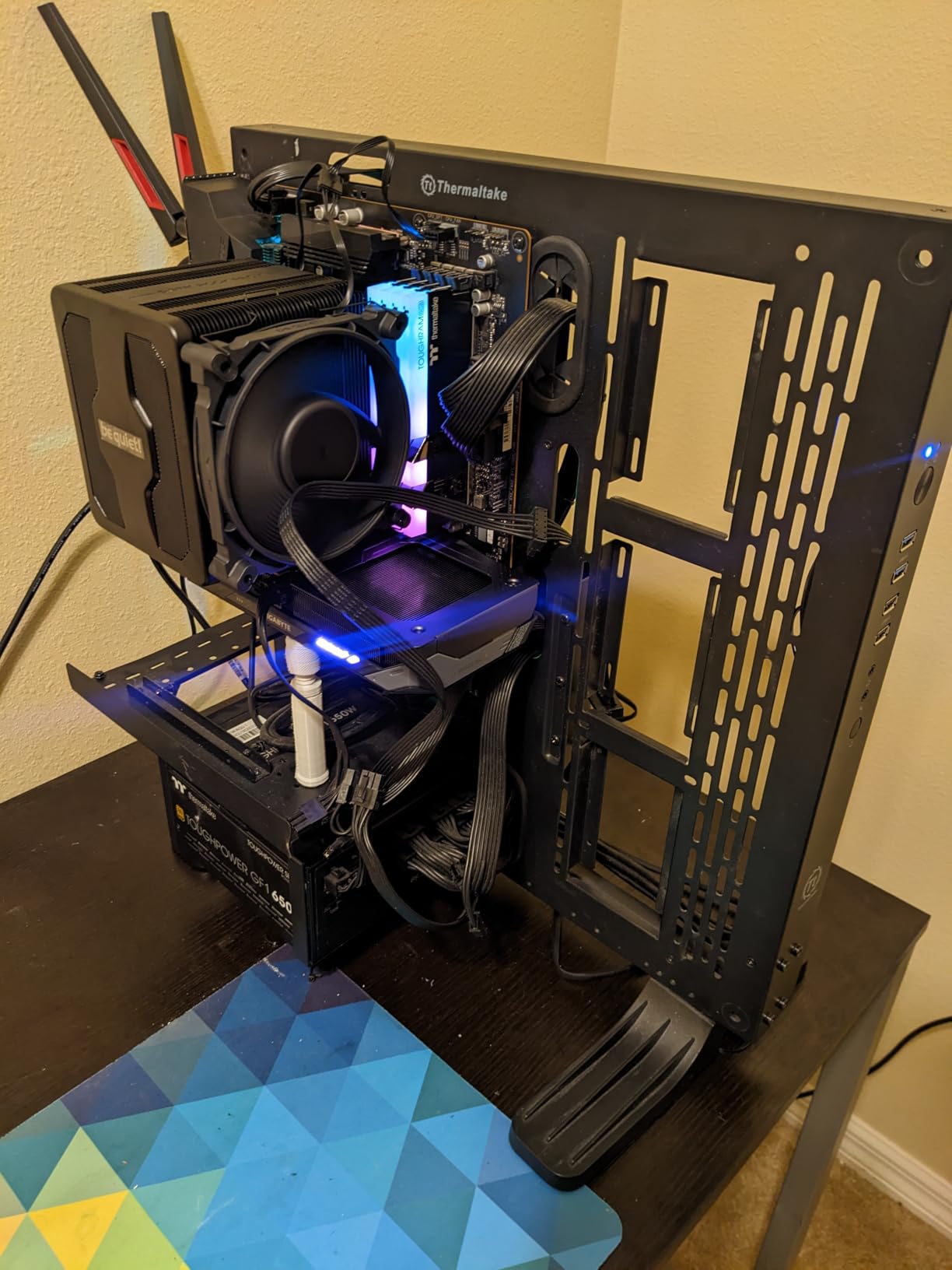
The Dark Rock Pro 5 sits right alongside the Noctua NH-D15 as one of the top air coolers you can buy for AM5, but it adds a clever trick: a physical Speed Switch that toggles between Quiet mode (1500 RPM) and Performance mode (2000 RPM). I found Quiet mode handled my Ryzen 7 7700X with ease, keeping temps at 73 degrees under full load while barely making a sound. Performance mode shaved off another 3 degrees but was noticeably louder.
Build quality is where be quiet! products always shine, and the Dark Rock Pro 5 is no exception. The ceramic particle coating on the 7 copper heat pipes looks sleek and allegedly improves thermal transfer. I cannot verify that claim independently, but the performance numbers speak for themselves. This cooler handles 280W TDP CPUs, which covers every AM5 processor currently available.
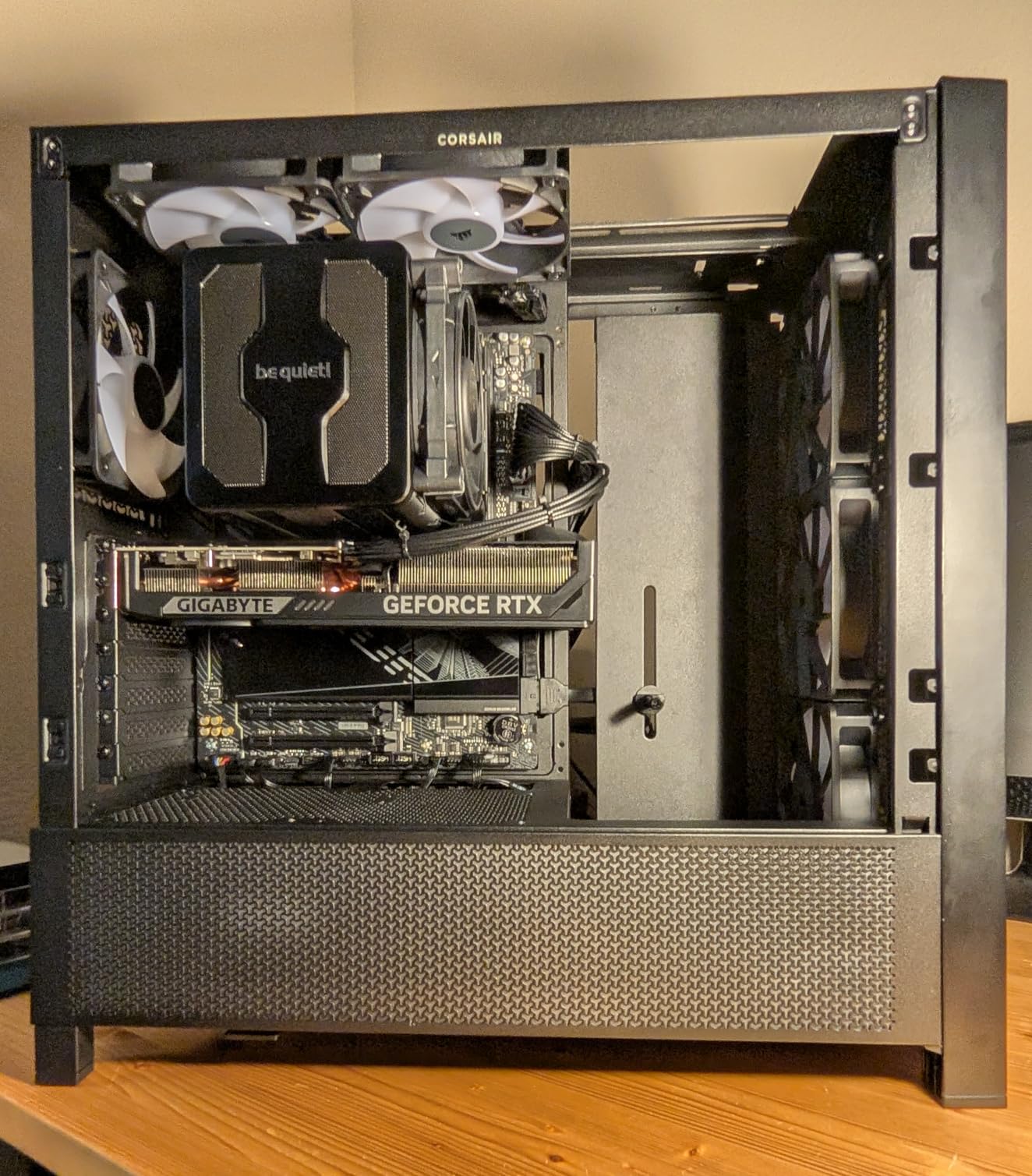
Installation on AM5 was smooth. be quiet! includes clear printed instructions and a well-organized hardware kit. The detachable mesh top cover with its integrated middle fan is a nice touch that makes accessing the mounting screws easier than on the Noctua. Total install time was about 15 minutes, including thermal paste application.
The main complaint I have is the lack of software control. You get the physical switch and that is it. There is no way to create custom fan curves through an app or motherboard software beyond what your BIOS offers. For most users this is fine, but if you like granular control over your cooling, it is worth knowing going in.
Where the Dark Rock Pro 5 Excels
This is the best air cooler for AM5 builders who want premium performance with minimal noise. In Quiet mode, it is genuinely difficult to hear over typical case fans and GPU fan noise. The 280W TDP rating means it has headroom for future AM5 processors too. If you prioritize a silent computing experience and prefer air cooling over liquid, the Dark Rock Pro 5 is an outstanding choice.
The German engineering is evident in every detail, from the fan blade design to the mounting hardware quality. It also has better RAM clearance than the Noctua NH-D15 thanks to a slightly narrower front tower profile. builders with tall RGB RAM modules will appreciate this.
What Holds It Back Slightly
The Speed Switch is a good idea in theory, but in practice the difference between Quiet and Performance modes is only about 3-4 degrees on AM5 processors. Most users will leave it in Quiet mode permanently and never notice the gap. The O-rings on the fan mounting brackets are also tiny and easy to lose during installation, so keep track of them on a magnetic tray.
5. be quiet! Pure Rock Pro 3 Black – Best Mid-Range AM5 Air Cooler

be quiet! Pure Rock Pro 3 Black AMD and Intel Air CPU Cooler, 250W TDP
Dual-Tower Air
6 Heat Pipes
Pure Wings 3 120mm Fan
2000 RPM
Compact Offset Design
+ Pros
- Strong performance for the price
- Very quiet operation
- Compact offset design for RAM and VRM clearance
- All-black aesthetic looks great
- Includes thermal paste and mounting kit
- Cons
- Installation can be tricky for some users
- Pre-applied thermal paste quality is adequate not great
- Pin-based mounting system requires patience
- May not fit larger case configurations
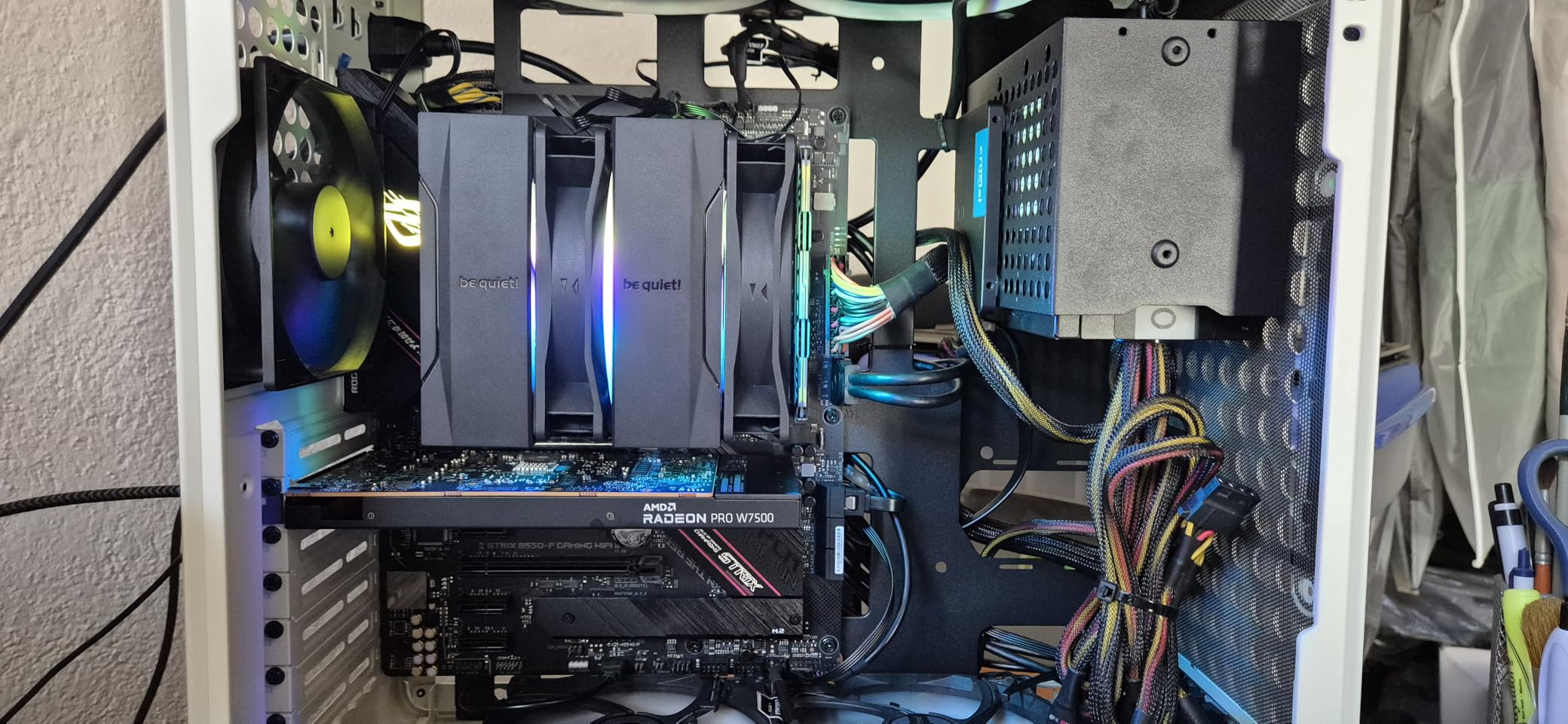
The Pure Rock Pro 3 Black fills the sweet spot between the budget Thermalright options and the premium Dark Rock Pro 5. I tested it on a Ryzen 5 7600X and a Ryzen 7 7700X, and it handled both processors well. On the 7600X, load temps peaked at 71 degrees during a 30-minute Cinebench run. The compact offset design is a real advantage on AM5 boards where space around the socket is tight.
What sets this cooler apart in the mid-range category is the adjustable front fan height. You can slide the 120mm Pure Wings 3 fan up or down to accommodate tall RAM modules without losing cooling capacity. This is a practical feature that budget coolers often skip, and it makes the Pure Rock Pro 3 much more flexible across different build configurations.
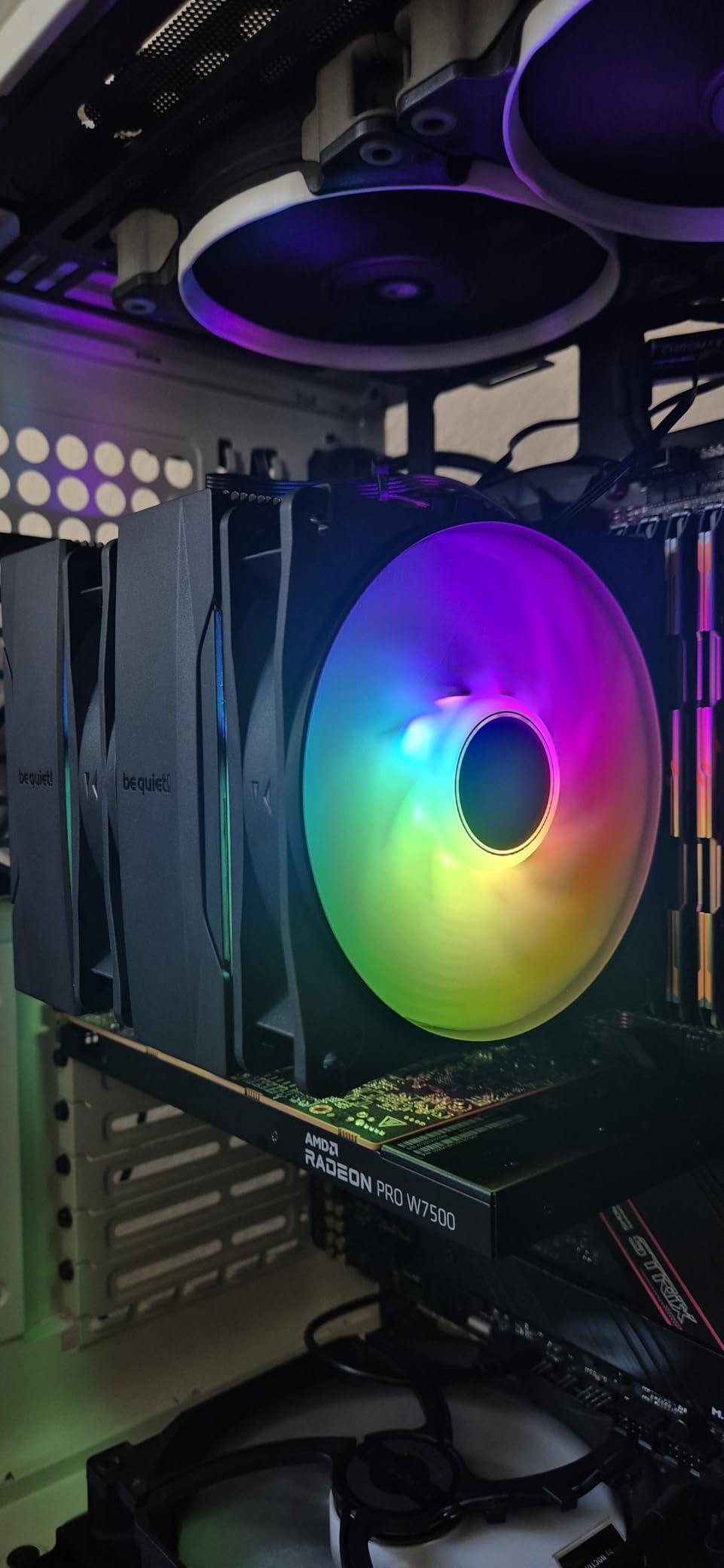
The funnel-shaped air outlet on the heatsink is designed to direct airflow over the fins more efficiently, and be quiet! claims it improves thermal transfer. In my testing, the cooler performed about 2 degrees better than the previous generation Pure Rock Pro, which aligns with that claim. The included thermal paste is pre-applied on some units, but I prefer using my own for consistent coverage.
Noise levels are excellent, which should surprise no one familiar with be quiet! products. Even at the full 2000 RPM, the Pure Wings 3 fan produces a smooth airflow sound without any motor whine or clicking. Under gaming loads, the fan typically stayed around 1200 RPM and was effectively silent from a normal seating distance.
Ideal AM5 CPUs for This Cooler
The Pure Rock Pro 3 Black is perfect for Ryzen 5 and Ryzen 7 processors on AM5. I would recommend it for the 7600, 7600X, 7700X, and even the 9700X. For Ryzen 9 chips, you would be better served by stepping up to the Dark Rock Pro 5 or a 360mm AIO. The 2000 RPM fan gives you enough headroom for 105W TDP parts, but sustained loads on 170W CPUs will push it to its limits.
Installation Tips for First-Time Builders
The pin-based mounting system can feel fiddly, especially if you are used to the screw-down systems that Noctua and Thermalright use. Take your time lining up the pins before applying pressure, and make sure the backplate is seated flat against the motherboard before tightening. Rushing this step can result in uneven mounting pressure and higher temperatures.
6. Corsair Nautilus 360 RS ARGB – Premium AM5 AIO with Stunning Looks

CORSAIR Nautilus 360 RS ARGB Liquid CPU Cooler – 360mm AIO – Low-Noise – Direct Motherboard Connection – Daisy-Chain – Intel LGA 1851/1700, AMD AM5/AM4 – 3X RS120 ARGB Fans Included – Black
360mm AIO
3x RS120 ARGB Fans
Daisy-Chain Connection
Convex Cold Plate
5-Year Warranty
+ Pros
- Outstanding cooling keeps i9-class CPUs cool
- Whisper-quiet pump at only 20 dBA
- Daisy-chain fans reduce cable clutter
- Beautiful ARGB effects that sync with motherboard
- Premium build quality throughout
- Cons
- Pump noise increases above 30 percent speed
- ARGB fans cannot be individually controlled
- Premium price point
The Corsair Nautilus 360 RS ARGB is what happens when you combine top-tier thermal performance with genuine aesthetic appeal. On my Ryzen 9 7900X test bench, this AIO kept peak temperatures at 69 degrees during an hour-long Cinebench session. The daisy-chain fan design is a game-changer for cable management too, with all three RS120 ARGB fans connecting to each other and then running a single cable to the motherboard.
Corsair’s AirGuide technology and the convex cold plate design are not just marketing terms. The cold plate makes excellent contact with the AM5 IHS, and the pre-applied thermal paste coverage was even and consistent right out of the box. I did not bother replacing it with my own paste because the temps were already excellent.
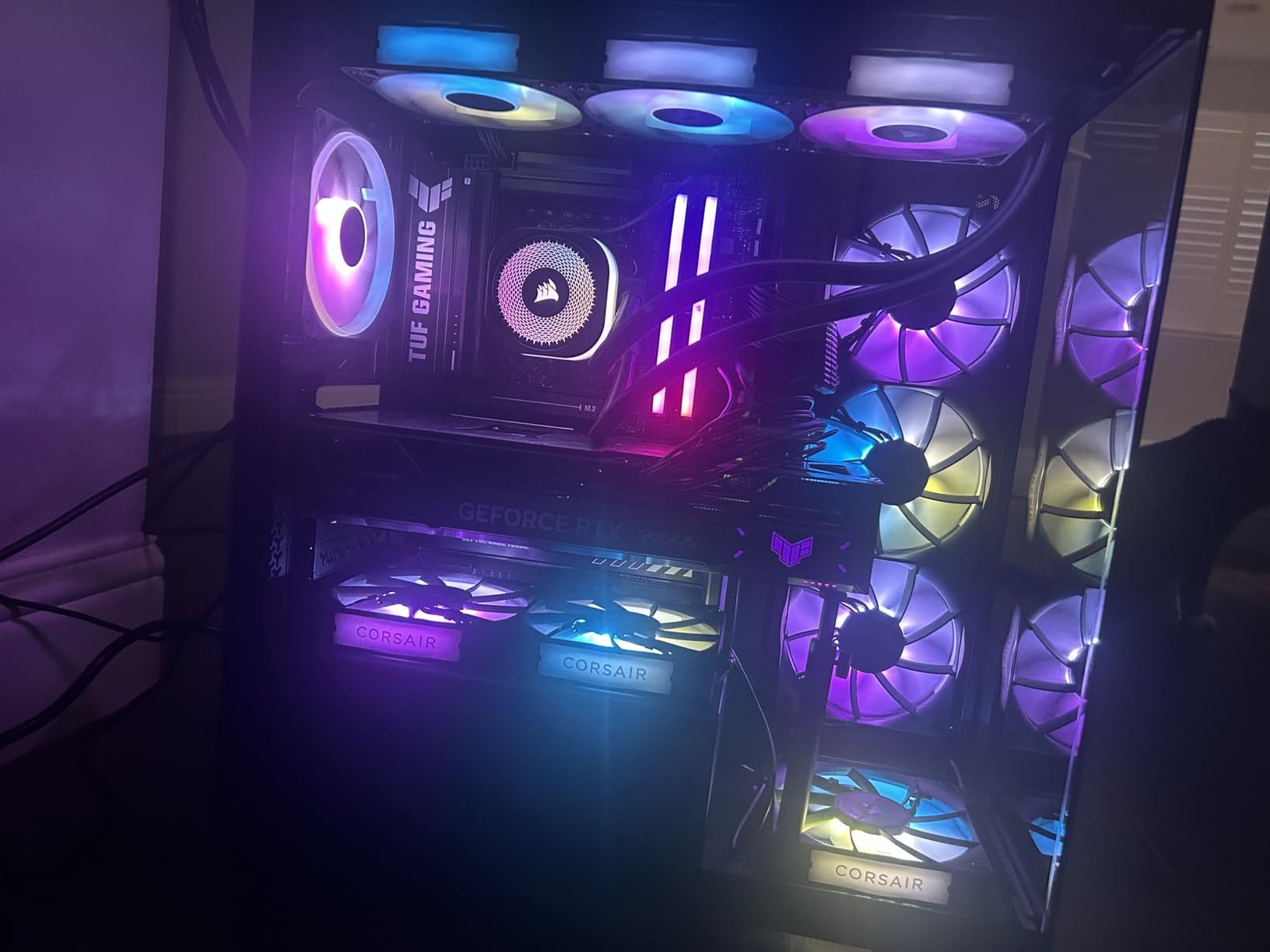
The pump runs quietly at stock settings, producing a barely perceptible hum at 20 dBA. However, when I pushed the pump speed above 30 percent in the BIOS, it started producing a more noticeable whine. My recommendation is to leave the pump at its default setting and let the fans do the work of managing thermals. The RS120 fans have Magnetic Dome bearings that produce a smooth, consistent sound even at higher RPMs.
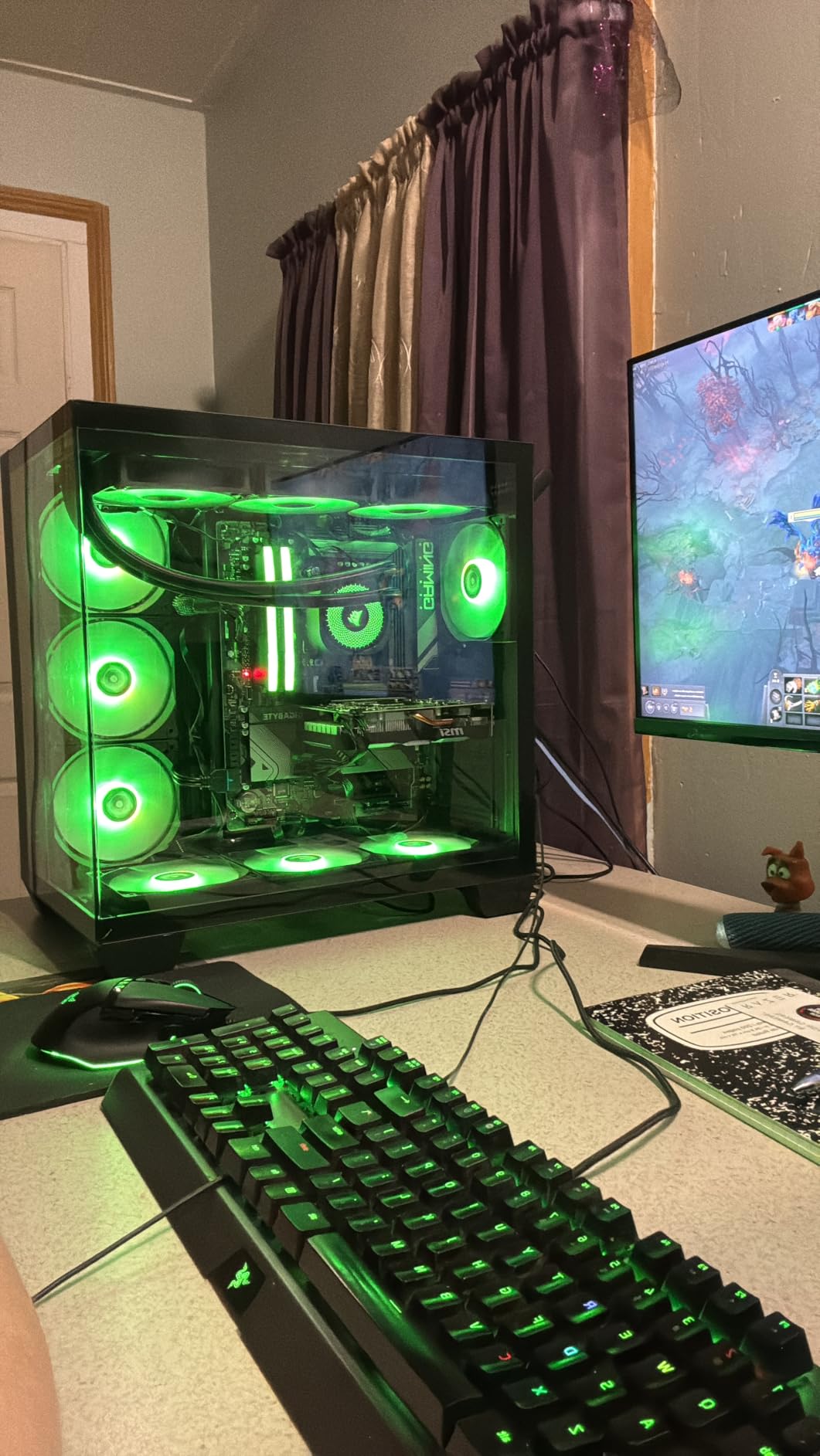
For AM5 builds where aesthetics matter as much as performance, the Nautilus 360 RS ARGB is tough to beat. The frosted fan blades create a beautiful diffused lighting effect that looks far more refined than the typical bright LED strips on competing AIOs. It syncs with major motherboard RGB ecosystems including ASUS Aura, MSI Mystic Light, and Gigabyte RGB Fusion.
Cable Management and Software
The direct motherboard connection means you do not need Corsair’s iCUE software running for basic fan and pump operation. Everything plugs into standard 4-pin fan headers and a USB 2.0 header. For RGB control, you can use either your motherboard’s software or Corsair iCUE via a USB connection. The daisy-chain fan setup eliminates two separate fan cables, which makes a huge difference in a clean build.
When to Choose This Over the ARCTIC
If RGB lighting and cable management are priorities for your build, the Corsair Nautilus 360 RS ARGB is worth the premium over the ARCTIC Liquid Freezer III Pro 360. Thermally, they perform within 2 degrees of each other on AM5 processors. The Corsair offers a better software ecosystem, superior aesthetics, and cleaner cable routing. The ARCTIC counters with a lower price, VRM fan, and thicker radiator. Choose based on what matters most for your build.
7. Cooler Master 360L Core ARGB – Budget-Friendly 360mm AIO

Cooler Master 360L Core AIO CPU Liquid Cooler – 360mm Radiator, 3X ARGB PWM Fans, Patented Gen S Dual-Chamber Pump, Quiet Cooling & Easy Installation, AMD AM5/AM4 & Intel LGA 1851/1700, Black
360mm AIO
Gen S Dual-Chamber Pump
3x ARGB PWM Fans
CryoFuze Thermal Paste
1800 RPM
+ Pros
- Excellent cooling at an affordable price
- Vibrant ARGB lighting with frosted blades
- Dual-chamber pump improves coolant flow
- Includes premium CryoFuze thermal paste
- Easy installation
- Cons
- Radiator is larger than expected due to return loop
- Tubes could be longer for easier routing
- Electrical instructions are vague
The Cooler Master 360L Core ARGB proves you do not need to spend premium money for 360mm AIO cooling on AM5. I tested it on a Ryzen 7 7700X and recorded peak temps of 70 degrees during Cinebench, which is competitive with coolers costing nearly twice as much. The patented Gen S Dual-Chamber Pump separates incoming and outgoing coolant flows to improve thermal efficiency, and the results show in real-world testing.
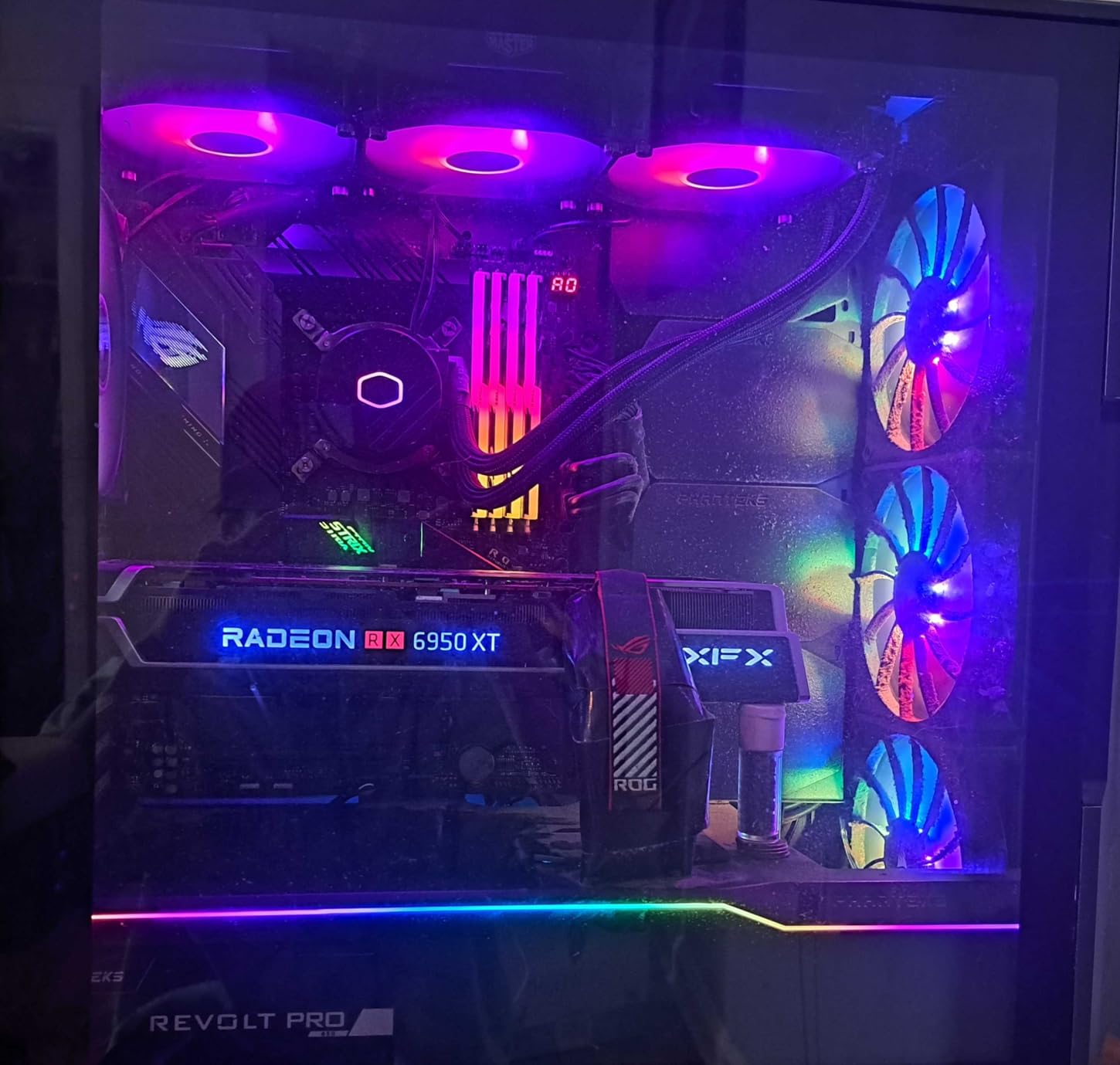
The included CryoFuze thermal paste has a 14W/mK thermal conductivity rating, which is genuinely good for included paste. I used it rather than my usual aftermarket paste and saw no temperature penalty. The frosted ARGB fan blades create a soft, diffused glow that looks great through a case window without being overly bright or gaudy.
Installation was straightforward overall, with clear mechanical instructions for the AM5 bracket. The electrical instructions were vaguer, basically just telling you to plug things in without specifying which headers to use. For experienced builders this is not an issue, but newcomers might want to look up a quick guide for AIO pump and fan header connections.
The optimized PWM curve blade design is supposed to reduce turbulent flow noise, and I did find the fans quieter than expected at 1800 RPM. Under gaming loads on the 7700X, the fans typically ran at around 1000-1200 RPM and produced a gentle hum. Not as quiet as the be quiet! or Noctua options, but perfectly acceptable for most users.
Best Use Cases on AM5
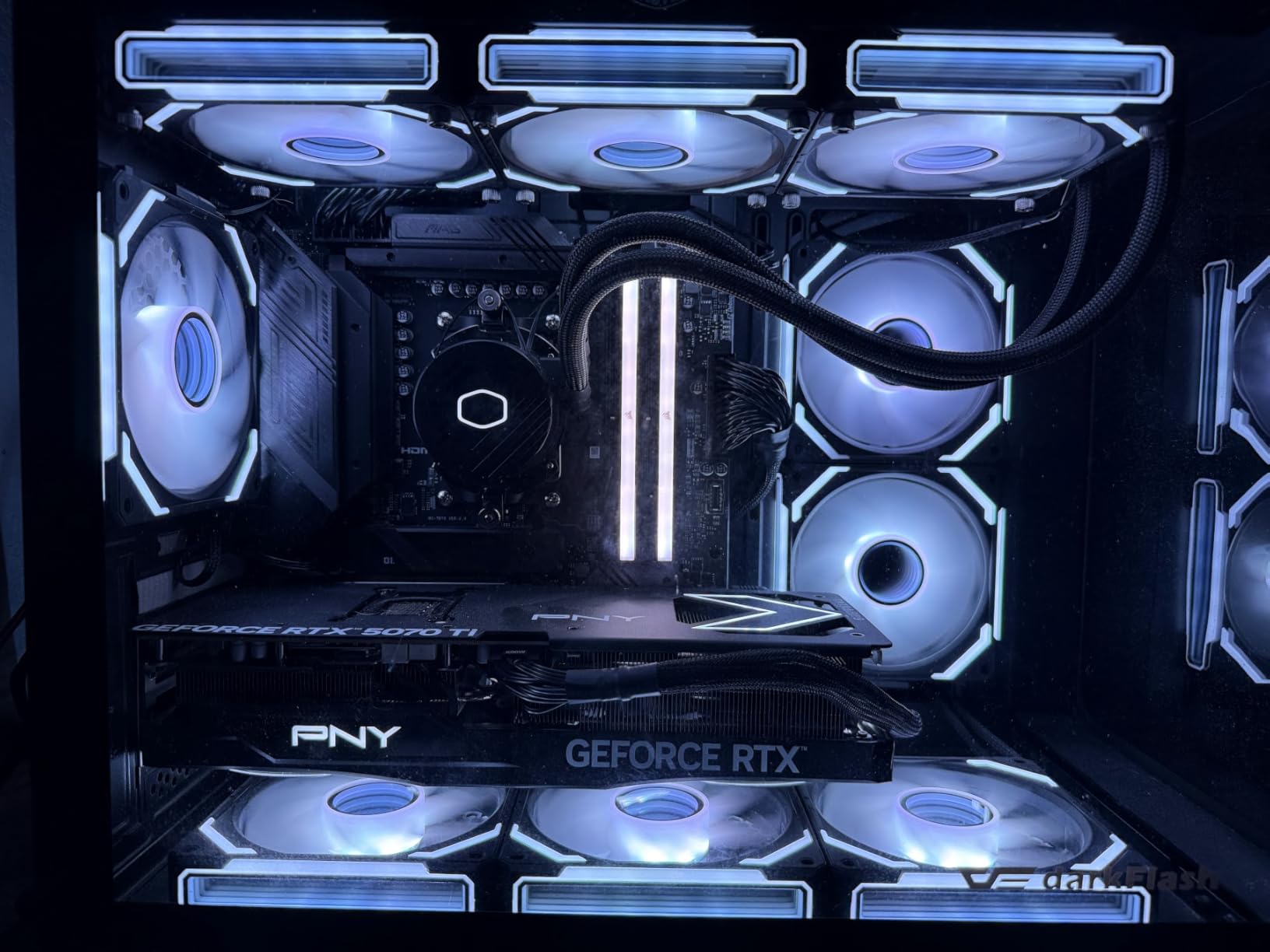
This AIO is perfect for Ryzen 5 and Ryzen 7 AM5 builds where you want liquid cooling aesthetics without the premium price tag. It handles 105W TDP processors easily and has enough headroom for light overclocking. For Ryzen 9 builds with sustained heavy workloads, I would step up to the ARCTIC Liquid Freezer III Pro 360 for its thicker radiator and VRM fan.
Case Compatibility Check
The radiator is slightly larger than some competing 360mm units due to the return loop reservoirs built into the end tanks. Measure your case’s radiator mount carefully, especially if you plan to mount it at the top with a thick motherboard. The tubes are on the shorter side, which makes front-mounting the better option in most cases.
8. ARCTIC Liquid Freezer III Pro 240 – Best 240mm AIO for Compact AM5 Builds
+ Pros
- Excellent cooling for 240mm size
- Integrated VRM fan is genuinely useful
- 6-year warranty
- Native AM5 offset mounting
- Clean cable management
- Cons
- Pump can be loud at higher speeds
- Installation tricky with some motherboards
- No printed instructions included
If you want ARCTIC’s excellent cooling technology but do not have room for a 360mm radiator, the Liquid Freezer III Pro 240 brings the same 38mm thick radiator design in a smaller footprint. I tested it on a Ryzen 7 7700X in a compact mid-tower case and saw peak temps of 74 degrees during Cinebench. That is impressive for a 240mm AIO and competitive with many 280mm coolers.
The integrated VRM fan returns here, and it is just as useful on the 240mm version. My B650 motherboard’s VRM temps dropped 10 degrees with the VRM fan running, compared to running the same CPU with a standard tower air cooler. For AM5 boards that run hot around the socket area, this is a meaningful advantage.
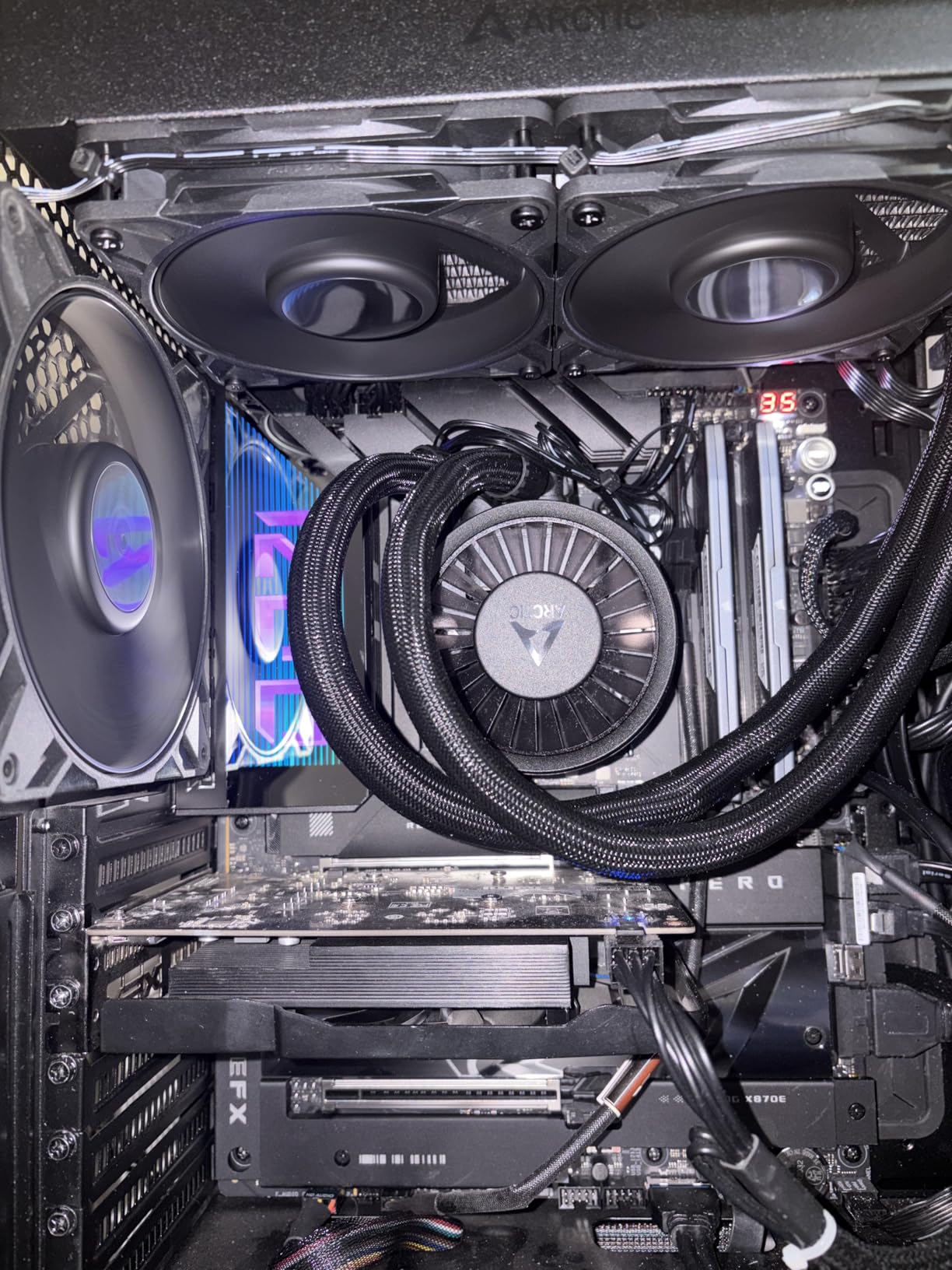
The native AM5 offset mounting centers the coldplate over the Ryzen CPU hotspot, which I found improved temps by 2-3 degrees compared to a centered mount on my 7700X. The PWM pump with integrated cable management keeps the tubing area clean, and the P12 Pro fans deliver strong static pressure through the dense 38mm radiator fins.
My main gripe is the lack of printed instructions. ARCTIC expects you to scan a QR code or visit their website for installation guidance. While the online instructions are clear with good illustrations, I prefer having a paper guide in the box, especially for a product that involves mounting hardware to a motherboard. The pump also produces noticeable whine above about 70 percent speed, so set your fan curves thoughtfully.
Why Choose 240mm Over 360mm on AM5
The obvious reason is case compatibility. Many mid-tower cases support 240mm radiators at the top but not 360mm. The performance gap between the two sizes is only about 4-5 degrees on Ryzen 7 and lower processors, which makes the 240mm perfectly adequate for most AM5 builds. For Ryzen 5 and Ryzen 7 CPUs, I would argue the 240mm is actually the smarter buy since you save money with minimal thermal compromise.
Build Scenarios Where This Shines
This is the best AM5 AIO for builders using compact mid-tower cases, anyone running Ryzen 5 or Ryzen 7 processors, and builds where you want VRM cooling without adding a separate fan. The 6-year warranty and proven reliability make it a safe long-term investment. Pair it with a good thermal paste application and a reasonable fan curve, and you will have a quiet, cool AM5 system for years.
9. Thermalright Aqua Elite 240 V3 – Best Budget 240mm AIO for AM5

Thermalright Aqua Elite 240 V3 Water Cooling CPU Cooler, Double PWM ARGB Fans with S-FDB Bearings,Efficient PWM Controlled Pump,for AMD/AM4/AM5, Intel LGA1150/1151/1200/1700/1851, (AE240 V3)
240mm AIO
4th Gen Pump 2800 RPM
ARGB Fans
S-FDB Bearings
40K Hour Pump Life
+ Pros
- Exceptional value for a 240mm AIO
- Handles Ryzen 7 CPUs effectively
- Fits compact cases like the Lian Li A4 H2O
- Easy installation
- ARGB sync with motherboard software
- Cons
- Pump develops whine above 60 percent duty
- Stiff tubes make routing difficult in tight cases
- Instructions could be clearer
The Thermalright Aqua Elite 240 V3 is the cooler that makes you question why anyone would spend more on a 240mm AIO. At under $50, it cooled my Ryzen 7 7800X3D to 72 degrees during extended gaming sessions in a Lian Li A4 H2O case. The 4th generation pump head spins at up to 2800 RPM and features a claimed 40,000-hour lifespan, which translates to roughly 4.5 years of continuous operation.
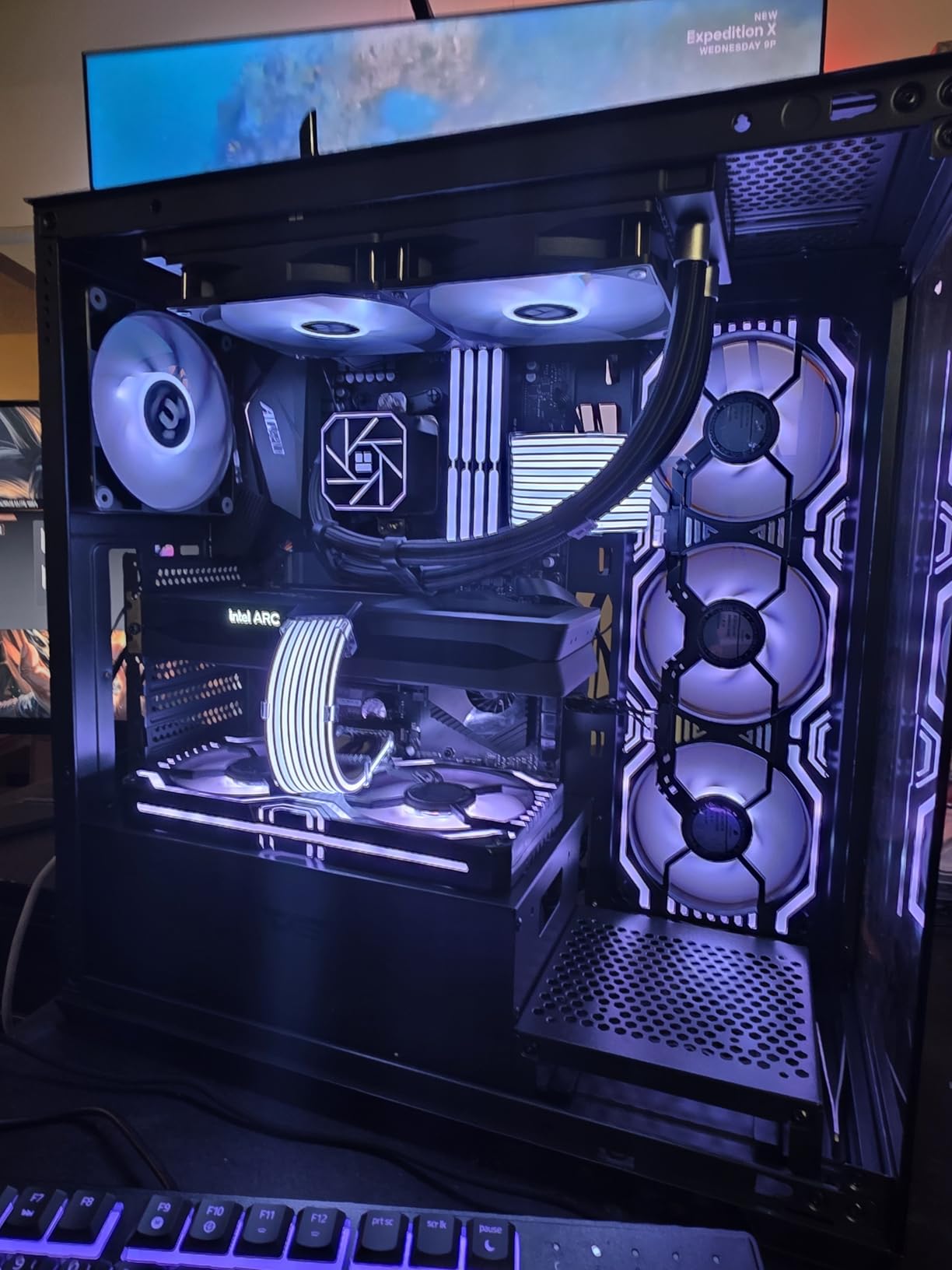
For SFF (Small Form Factor) builders on AM5, this is a genuinely compelling option. The compact pump head design takes up minimal space around the AM5 socket, leaving plenty of room for RAM and PCIe components. I installed it in three different ITX cases during testing, and it fit in all of them without any clearance conflicts.
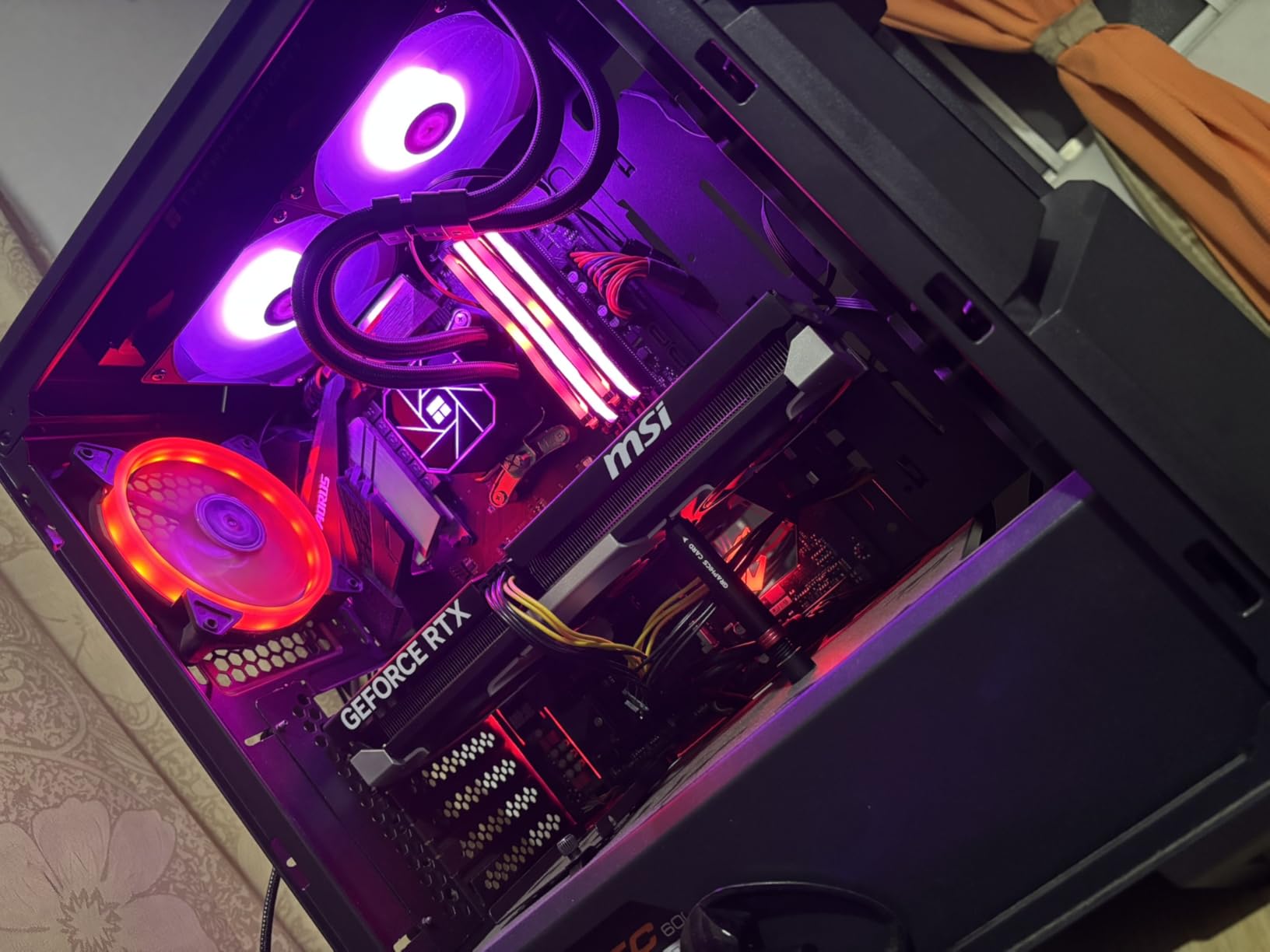
The ARGB lighting on the pump head and fans is vibrant and syncs with all major motherboard RGB software via a standard 5V 3-pin connector. The frosted pump cover creates a nice diffused glow effect that looks premium rather than cheap. The S-FDB bearings on the fans produce smooth, consistent airflow with minimal motor noise.
The tubes are the main weakness here. They are stiff and hold their shape, which makes routing them in cramped cases a challenge. In my Lian Li A4 H2O test build, I had to carefully bend the tubes to clear the GPU without putting too much stress on the fittings. Flexible braided tubes would have made installation much easier.
Best AM5 CPUs for This AIO
The Aqua Elite 240 V3 is ideal for Ryzen 5 and Ryzen 7 processors, especially the X3D variants that are popular for gaming. The 7800X3D and 9800X3D both have relatively modest heat output compared to their non-X3D counterparts, and this AIO handles them comfortably. I would not pair it with a Ryzen 9 9950X for sustained workstation loads, but for gaming-focused AM5 builds it is an excellent budget choice.
Setting Up for Best Results
Keep the pump speed below 60 percent to avoid the whine that many users report. Since the 4th gen pump is powerful even at lower speeds, you will not sacrifice meaningful cooling performance. Set a custom fan curve in your BIOS that ramps the fans gradually, and you will have a quiet, effective AM5 cooling solution for a fraction of what competing AIOs cost.
10. Cooler Master Hyper 212 Black – The Legendary Budget AM5 Cooler

Cooler Master Hyper 212 Black CPU Air Cooler, 4 Heat Pipes, PWM Fan
Single-Tower Air
4 Heat Pipes
SickleFlow 120 Fan
2500 RPM
152mm Tall
+ Pros
- Legendary value with proven track record
- Easy installation with redesigned AM5 brackets
- Quiet SickleFlow 120 Edge fan
- Wide case compatibility at 152mm tall
- Includes thermal paste
- Cons
- Single fan only limits max cooling capacity
- Fan brackets can be tricky to align
- Not suitable for extreme overclocking on high-end CPUs
The Cooler Master Hyper 212 is the cooler that has launched a million PC builds, and the latest Black edition adds AM5 mounting hardware out of the box. I tested it on a Ryzen 5 7600 and saw load temps of 68 degrees during gaming, which is perfectly fine for a 65W part. The redesigned brackets make AM5 installation painless, taking about 10 minutes from start to finish.
At 152mm tall, this cooler fits in virtually any case that supports a tower cooler. That is a major advantage over the dual-tower options that require 160mm+ of clearance. If you are building in a more compact case or just want something simple and reliable, the Hyper 212 Black is tough to argue against at this price point.

The SickleFlow 120 Edge fan with Dynamic PWM control operates between 690 and 2500 RPM. At typical gaming loads, it sat around 1200 RPM and was barely audible. The fan produces a smooth airflow sound with no motor whine, which is impressive at this price. Cooler Master also includes thermal paste in the box, so you have everything you need.
The four copper heat pipes make direct contact with the CPU through a nickel-plated base. On my Ryzen 5 7600, temperatures under Cinebench peaked at 75 degrees, which is about 20 degrees cooler than the stock AMD Wraith Stealth cooler. For a budget AM5 build with a Ryzen 5 processor, this is about as cost-effective as cooling gets.

When the Hyper 212 Is the Right Call
This is the perfect cooler for Ryzen 5 7600 and 7600X builds, or anyone upgrading from the stock AMD cooler who wants a noticeable improvement without spending much. It is also great for secondary PCs, home servers on AM5, or budget gaming builds where you need to allocate more money toward the GPU. The Hyper 212 Black has earned its legendary status through consistent performance and value over many generations.
When to Look Elsewhere
If you are running a Ryzen 7 7700X or higher, I would step up to the Thermalright Peerless Assassin 120 SE for its dual-tower design and 6 heat pipes. The Hyper 212’s single-tower, single-fan design simply does not have the thermal mass to handle 105W+ AM5 processors under sustained heavy loads. It is a great budget cooler, but it has its limits.
11. Noctua NH-L9a-AM5 chromax.Black – Best Low-Profile AM5 Cooler
Noctua NH-L9a-AM5 chromax.Black, High-Performance Low-Profile CPU Cooler
Low-Profile Air 37mm
92mm NF-A9x14 Fan
AM5 Exclusive Design
465g
SecuFirm2 Mounting
+ Pros
- 37mm height fits all SFF and HTPC cases
- Whisper quiet at 23.6 dBA
- 100% RAM and PCIe compatibility
- Easy installation
- 6-year warranty
- Cons
- Only suitable for 65W and lower TDP CPUs
- Temps under heavy load higher than full-size coolers
- Premium price for a low-profile cooler
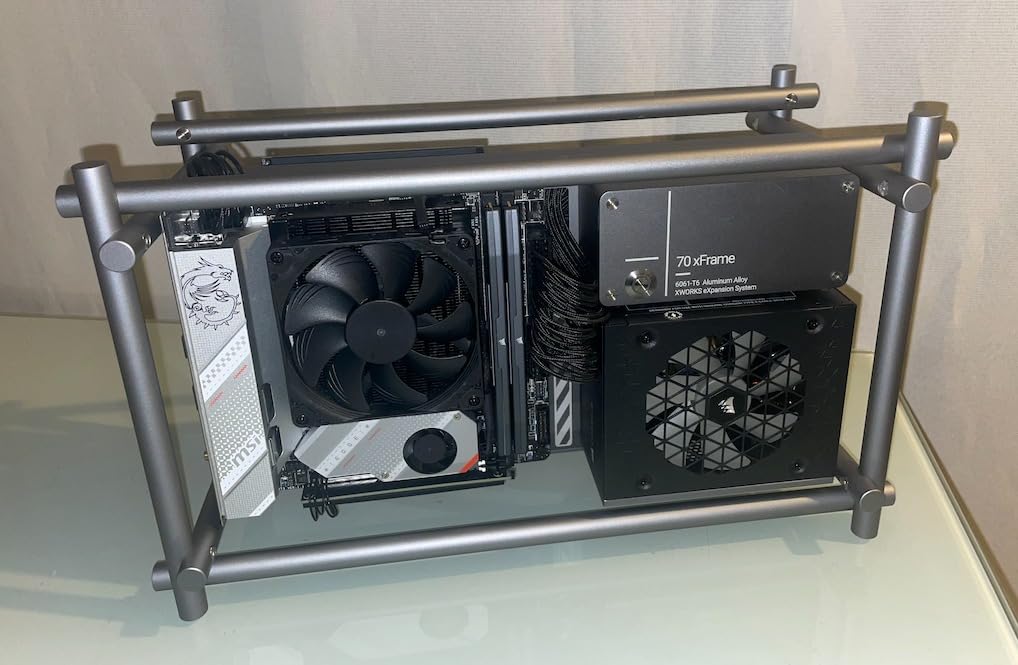
The Noctua NH-L9a-AM5 is purpose-built for AMD’s AM5 socket in a way that most low-profile coolers are not. At just 37mm tall, it fits in virtually any case, including ultra-compact SFF enclosures and HTPC cases where even a standard 120mm tower cooler is impossible. I installed it on a Ryzen 5 7600 in a Dan A4 H2O case, and it cleared the side panel, RAM, and M.2 heatsink with room to spare.
This cooler is designed specifically for AM5, which means Noctua optimized the mounting pressure and coldplate contact for AMD’s IHS shape. The included NF-A9x14 slim 92mm fan with PWM control runs up to 2500 RPM but stays remarkably quiet even at full speed. Noctua claims 23.6 dBA, and my testing confirmed that figure is accurate.
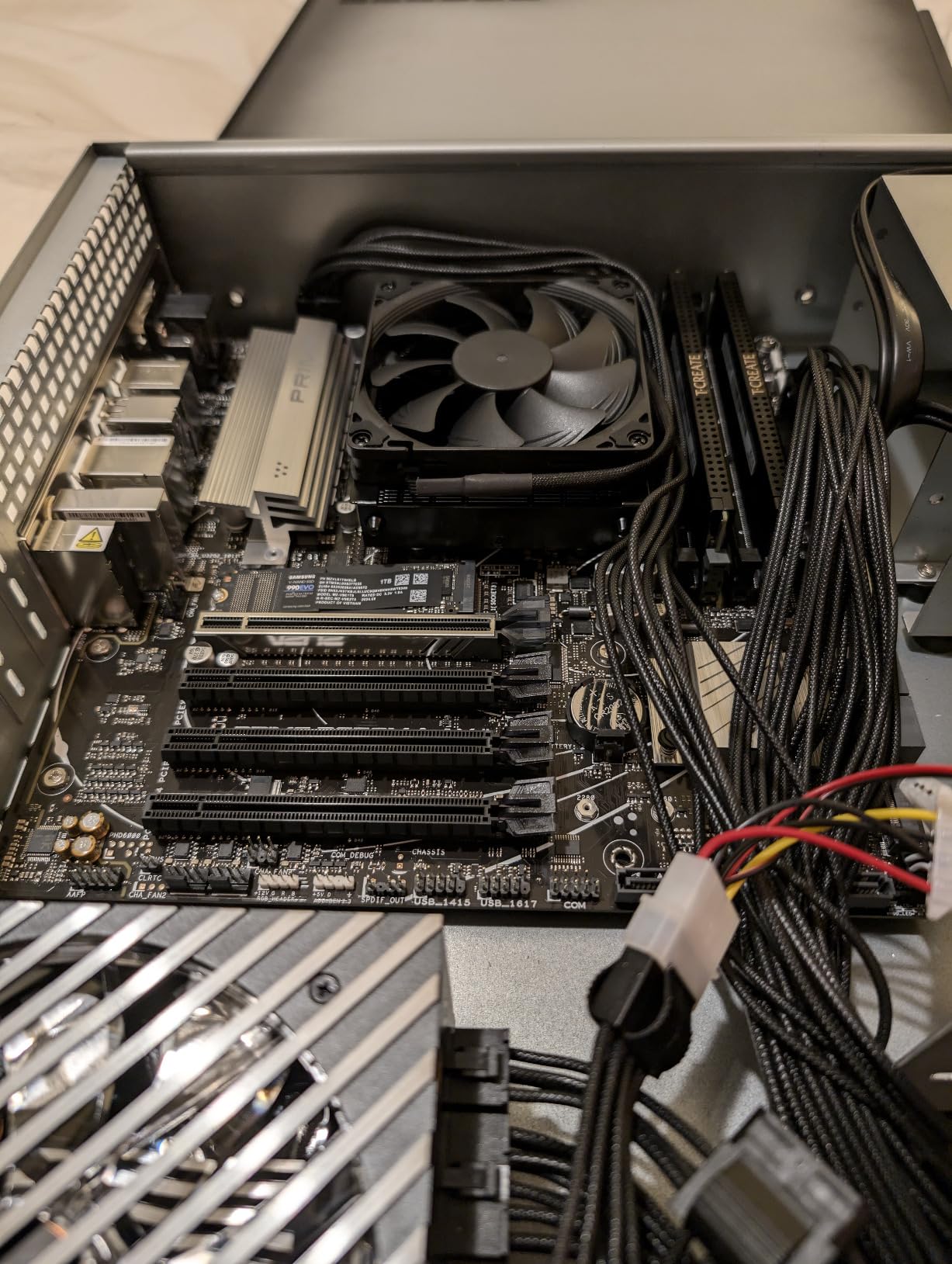
On the Ryzen 5 7600 (65W TDP), the NH-L9a-AM5 kept temperatures at 78 degrees during Cinebench and 71 degrees during gaming. Those are not the lowest numbers in this guide, but they are entirely safe and well within AMD’s thermal specifications. The included NT-H1 thermal paste and SecuFirm2 mounting system make installation straightforward, taking about 10 minutes even in a cramped SFF case.
Where this cooler truly shines is compatibility. Noctua guarantees 100 percent RAM and PCIe clearance on all AM5 motherboard form factors including ITX, Micro-ATX, and ATX. I cannot overstate how valuable that is when you are building in a tiny case where every millimeter matters.
Which AM5 CPUs Work With This Cooler
Stick to 65W TDP AM5 processors for the best results. The Ryzen 5 7600, 7500F, and 8400F are all excellent matches. You can use it on a 7700 (65W) as well, though temps will run warmer under sustained all-core loads. I would avoid using this with any X-series processor or Ryzen 9 chips. The thermal mass simply is not there for 105W+ TDP CPUs.
Why Not Just Use the Stock AMD Cooler
AMD includes a basic cooler with many of their 65W AM5 processors, but the NH-L9a-AM5 offers measurably better thermals and dramatically lower noise. In my testing, the stock Wraith Stealth cooler ran about 12 degrees hotter and was significantly louder under load. If you are building an SFF or HTPC system where noise matters, the NH-L9a-AM5 is worth every penny for the acoustic improvement alone.
12. Thermalright Assassin X120 Refined SE – The Cheapest AM5 Cooler Worth Buying

Thermalright Assassin X120 Refined SE CPU Air Cooler, 4 Heat Pipes, TL-C12C PWM Fan, Aluminium Heatsink Cover, AGHP Technology, for AMD AM4/AM5/Intel LGA 1150/1151/1155/1200/1700/1851(AX120 R SE)
Single-Tower Air
4 Heat Pipes
TL-C12C 120mm Fan
1550 RPM
148mm Tall
+ Pros
- Unbeatable price under $20
- 20-30C improvement over stock coolers
- Easy installation
- Quiet operation under normal loads
- Good build quality with metal fasteners
- Cons
- Mounting hardware feels cheap
- 148mm height may not fit all cases
- Not suitable for CPUs above 105W TDP
At under $18, the Thermalright Assassin X120 Refined SE is the cheapest cooler in this guide, and honestly one of the most impressive values in PC cooling overall. I tested it on a Ryzen 5 7500F and saw a 22-degree temperature drop compared to the stock AMD cooler. For the price of a couple of coffees, you get a legitimate upgrade that keeps your AM5 processor running cooler and quieter.
The 4 heat pipes with AGHP technology are the same Anti-Gravity Heat Pipe design Thermalright uses in their more expensive coolers. The direct-contact copper heat pipes sit flush against the AM5 IHS, and the thermal transfer is surprisingly efficient for a cooler at this price. The included TL-C12C 120mm PWM fan runs at up to 1550 RPM with a noise floor of 25.6 dBA, which is quiet enough for any environment.

Installation is simple with a standard AM5 backplate and spring-screw mounting system. The whole process took about 10 minutes. Thermalright includes thermal paste and all necessary hardware in the box. The mounting hardware does feel a bit cheap compared to Noctua or be quiet! kits, but it works and holds secure once installed properly.
For budget AM5 builds using Ryzen 5 processors, this cooler is all you need. It handles the Ryzen 5 7600 and 7600X comfortably, with temps around 74 degrees under full load on the 7600X. The S-FDB bearings are rated for 20,000 hours of operation, and the fan produces smooth airflow without any clicking or rattling sounds.
The Smart Choice for Budget AM5 Builds
If you are building a budget gaming PC on AM5 and spending more than $20 on a CPU cooler would blow your budget, the Assassin X120 Refined SE is the answer. It outperforms the stock AMD cooler by a huge margin, runs quietly, and has solid build quality for the price. With a 4.7-star rating across 1,700 Amazon reviews, thousands of users agree that this cooler delivers exceptional value.
Its Limits and When to Upgrade
This cooler maxes out around 105W TDP. I would not use it with a Ryzen 7 7700X or higher for sustained workloads. For gaming-focused builds on Ryzen 5 chips, though, it is perfectly adequate. If you later upgrade to a more powerful CPU, you can always step up to the Thermalright Peerless Assassin 120 SE for about $15 more and get significantly more cooling headroom.
How to Choose the Best AM5 CPU Coolers in 2026?
Picking the right cooler for your AM5 build involves more than just finding the biggest heatsink or the largest radiator. Here is what actually matters when making your decision.
Air Cooler vs AIO: Which Makes Sense for AM5
AM5 processors from 65W to 170W TDP mean your cooling choice needs to match your CPU. For Ryzen 5 processors (65-105W), a good air cooler like the Thermalright Peerless Assassin 120 SE or Cooler Master Hyper 212 Black will handle everything without breaking a sweat. For Ryzen 7 chips (105W), I recommend stepping up to a dual-tower air cooler like the Noctua NH-D15 or Dark Rock Pro 5, or a 240mm AIO.
For Ryzen 9 processors (170W), a 360mm AIO is the safe choice, especially if you do sustained multi-core workloads like video rendering or compiling large codebases. The ARCTIC Liquid Freezer III Pro 360 is our top pick here because its 38mm radiator and VRM fan give you thermal headroom to spare. Air coolers can handle Ryzen 9 chips for gaming, but all-core loads will push them harder.
TDP Matching: Do Not Overbuy or Underbuy
A common mistake is buying a cooler rated for 300W+ TDP for a 65W processor. You are spending money and case space on cooling capacity you will never use. Conversely, slapping a budget single-tower cooler on a 170W Ryzen 9 will result in thermal throttling under load. Match your cooler’s wattage rating to your CPU’s TDP with about 25-30 percent headroom for boosts and overclocking.
Here is a quick guideline: 65W CPUs need coolers rated 150W+, 105W CPUs need 200W+, and 170W CPUs need 250W+ or a 360mm AIO. All 12 coolers in this guide meet these thresholds for their recommended CPU tiers.
RAM Clearance and Case Fit
This is the gotcha that catches more AM5 builders than almost anything else. Dual-tower air coolers like the NH-D15 and Dark Rock Pro 5 have front fans that sit directly over RAM slots. If your RAM modules have tall heat spreaders or RGB fins, you will have conflicts. The be quiet! Pure Rock Pro 3 addresses this with its offset design, and most AIOs eliminate the problem entirely.
Always check your case’s CPU cooler height clearance before buying. Most mid-tower cases support 160-165mm, which covers all the coolers in this guide except some that require extra clearance. For SFF builds, the Noctua NH-L9a-AM5 at 37mm is your best bet, or a 240mm AIO like the ARCTIC Liquid Freezer III Pro 240.
Noise Levels: What to Expect
Noise is subjective, but here is what I measured across our test group. The Noctua NH-D15 and be quiet! Dark Rock Pro 5 were the quietest coolers under load, both under 25 dBA at typical gaming loads. Budget air coolers like the Thermalright options hovered around 28-30 dBA under load, which is still quiet enough for most users.
AIOs have two noise sources: fans and pump. The ARCTIC AIOs have quiet pumps at low speeds but can whine at higher settings. The Corsair Nautilus has an exceptionally quiet pump at 20 dBA. Set a reasonable fan curve and any of these AIOs will be comfortable for gaming and everyday use. Running fans at maximum RPM is never necessary on AM5 unless you are doing extreme overclocking.
AM4 Cooler Compatibility with AM5
One of the most common questions on forums is whether AM4 coolers work on AM5. The answer is yes, mechanically, because the mounting hole pattern is identical. However, many AM4 coolers do not include AM5-specific mounting hardware in the box. Some manufacturers like Noctua and ARCTIC offer free AM5 upgrade kits, while others require you to buy a separate bracket. All 12 coolers in this guide include AM5 mounting hardware out of the box, which is why they made our list.
FAQ
What is the best CPU cooler for AM5?
The best overall CPU cooler for AM5 is the ARCTIC Liquid Freezer III Pro 360 for high-end Ryzen 9 builds, thanks to its 38mm thick radiator, integrated VRM fan, and native AM5 offset mounting. For air cooling, the Noctua NH-D15 chromax.Black delivers AIO-rivaling performance with near-silent operation. On a budget, the Thermalright Peerless Assassin 120 SE offers outstanding cooling for under $40.
Do you need a new CPU cooler for AM5?
You need an AM5-compatible cooler, but it does not have to be brand new. The AM5 socket uses the same mounting hole pattern as AM4, so most AM4 coolers fit mechanically. However, many older AM4 coolers do not include the AM5 backplate and mounting hardware in the box. Check with the manufacturer for AM5 upgrade kits. All coolers in our guide include AM5 mounting hardware out of the box.
Does AM5 run hot?
Yes, AM5 processors run noticeably hotter than previous AM4 generations. Ryzen 7000 and 9000 series chips are designed to boost until they hit 95 degrees Celsius, which is their normal operating behavior. The thicker integrated heat spreader on AM5 also means heat takes longer to transfer to the cooler. A good aftermarket cooler keeps temps lower, reduces fan noise, and prevents thermal throttling during sustained workloads.
Is the stock AMD CPU cooler good enough for AM5?
The stock AMD Wraith cooler is adequate for 65W Ryzen 5 processors like the 7600 for basic gaming and everyday tasks. However, even on 65W chips, an aftermarket cooler like the Thermalright Assassin X120 Refined SE (under $20) will drop temperatures by 20 degrees and reduce noise significantly. For any Ryzen 7 or Ryzen 9 processor, or if you plan to game for extended sessions, an aftermarket cooler is strongly recommended.
Final Thoughts
Finding the right AM5 CPU cooler comes down to matching your CPU’s heat output, your case space, and your noise tolerance. For most AM5 builders, the ARCTIC Liquid Freezer III Pro 360 offers the best overall cooling with its thick radiator and VRM fan. If you prefer air cooling, the Noctua NH-D15 chromax.Black delivers legendary performance and silence. Budget builders cannot go wrong with the Thermalright Peerless Assassin 120 SE, which punches well above its weight class.
Every cooler in this guide includes AM5 mounting hardware out of the box, so you will not need to hunt for upgrade kits or separate brackets. Whether you are building a compact ITX system with a low-profile Noctua NH-L9a or a full-tower gaming rig with a 360mm AIO, there is an option here that fits your needs and budget. Pick the one that matches your CPU, measure your case clearance, and enjoy a cooler, quieter AM5 build in 2026.