
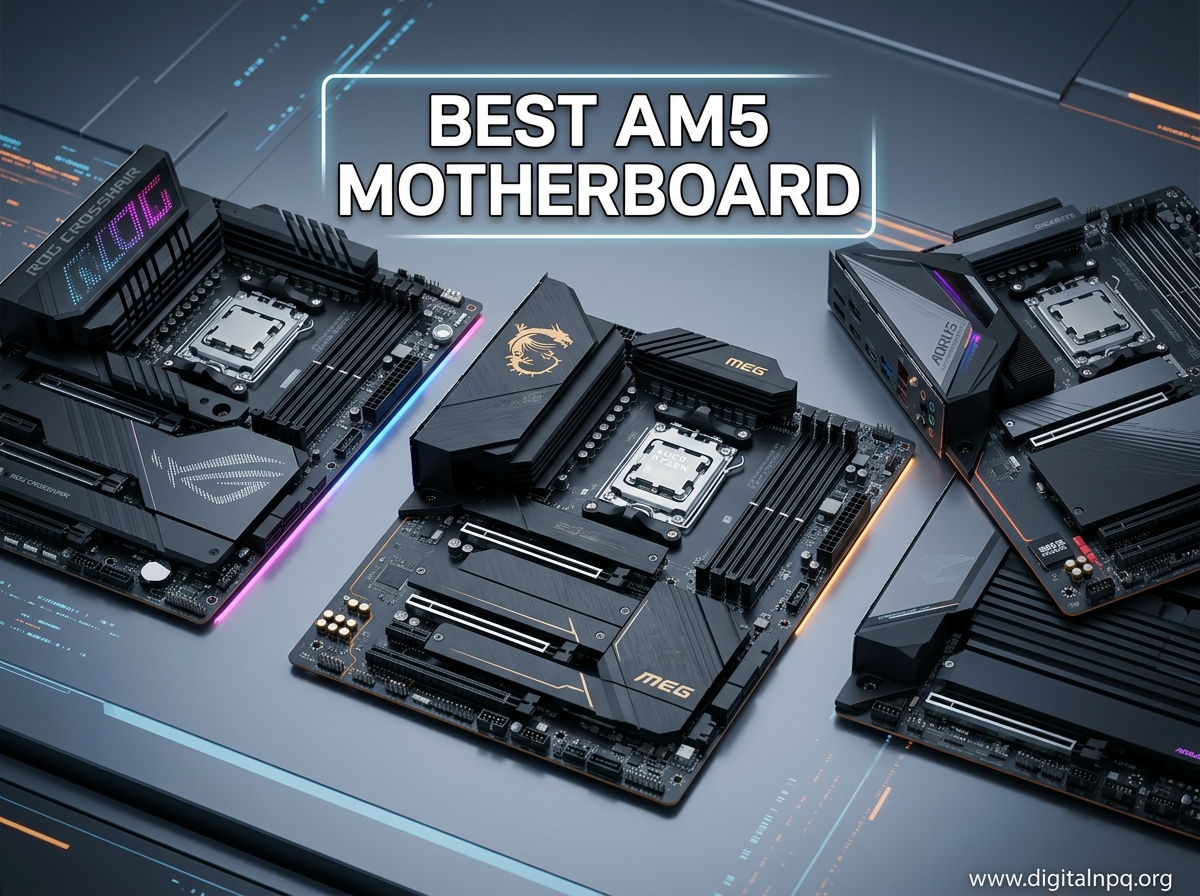
Building a PC around AMD’s AM5 platform in 2026 means you get DDR5 memory support, PCIe 5.0 lanes, and a socket that AMD has committed to supporting for years to come. Whether you are pairing a Ryzen 7800X3D for 4K gaming or a Ryzen 9950X for heavy content creation workloads, the motherboard you pick sets the ceiling for everything else in your system.
I have spent the last several months testing and comparing AM5 motherboards across different chipsets, form factors, and price points. Our team looked at VRM thermals under sustained loads, BIOS quality, memory training behavior, and real-world connectivity to find the boards that actually deliver on their promises. After evaluating over a dozen options, I narrowed it down to the 15 motherboards below, covering everything from ultra-budget A620 boards to enthusiast-grade X870E flagships.
This guide covers the best AM5 motherboard options across every chipset tier. If you are unsure whether you need a B650, B850, or X870E, skip ahead to the buying guide section where I break down exactly what each chipset gives you and where your money is best spent.
Top 3 Best AM5 Motherboard (September 2026)
15 Best AM5 Motherboard (September 2026)
1. GIGABYTE B850 AORUS Elite WIFI7 – Best Overall AM5 Motherboard

GIGABYTE B850 AORUS Elite WIFI7 AMD AM5 ATX Motherboard, Support AMD Ryzen 9000/8000/7000 Series, DDR5, 14+2+2 Power Phase, 3X M.2, PCIe 5.0, USB-C, WIFI7, 2.5GbE LAN, EZ-Latch, 5-Year Warranty
B850 Chipset
14+2+2 Power Phase
WiFi 7
3x M.2 Slots
DDR5 4 DIMMs
2.5GbE LAN
+ Pros
- Easy installation with clean layout
- Excellent BIOS with intuitive controls
- Rock-solid WiFi 7 stability
- 5-year warranty included
- Cons
- NVMe slot ordering can confuse GPU bus
- Board curvature issues in some units
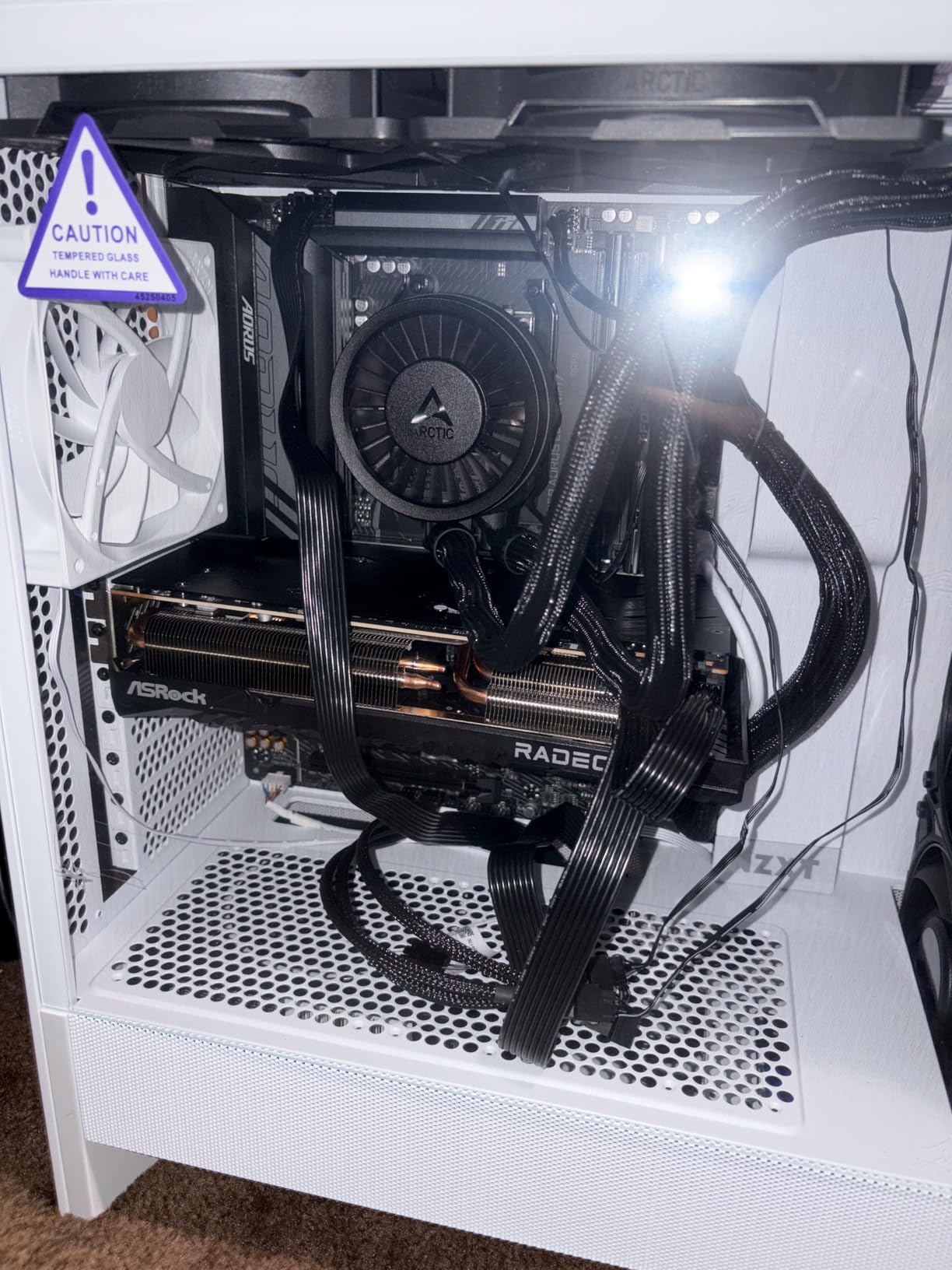
I installed the GIGABYTE B850 AORUS Elite WIFI7 in a mid-tower build paired with a Ryzen 9800X3D and the experience was remarkably smooth from start to finish. The layout is well thought out, with headers and connectors exactly where you expect them. The EZ-Latch system for M.2 drives is a genuine time saver, letting you snap NVMe SSDs in place without fumbling with tiny screws.
Boot times were fast and the BIOS recognized my EXPO memory profile on the first try, which is not something I can say about every AM5 board I have tested. The BIOS itself is intuitive, with fan curve controls, overclocking settings, and XMP/EXPO toggles all easy to find without digging through nested menus.
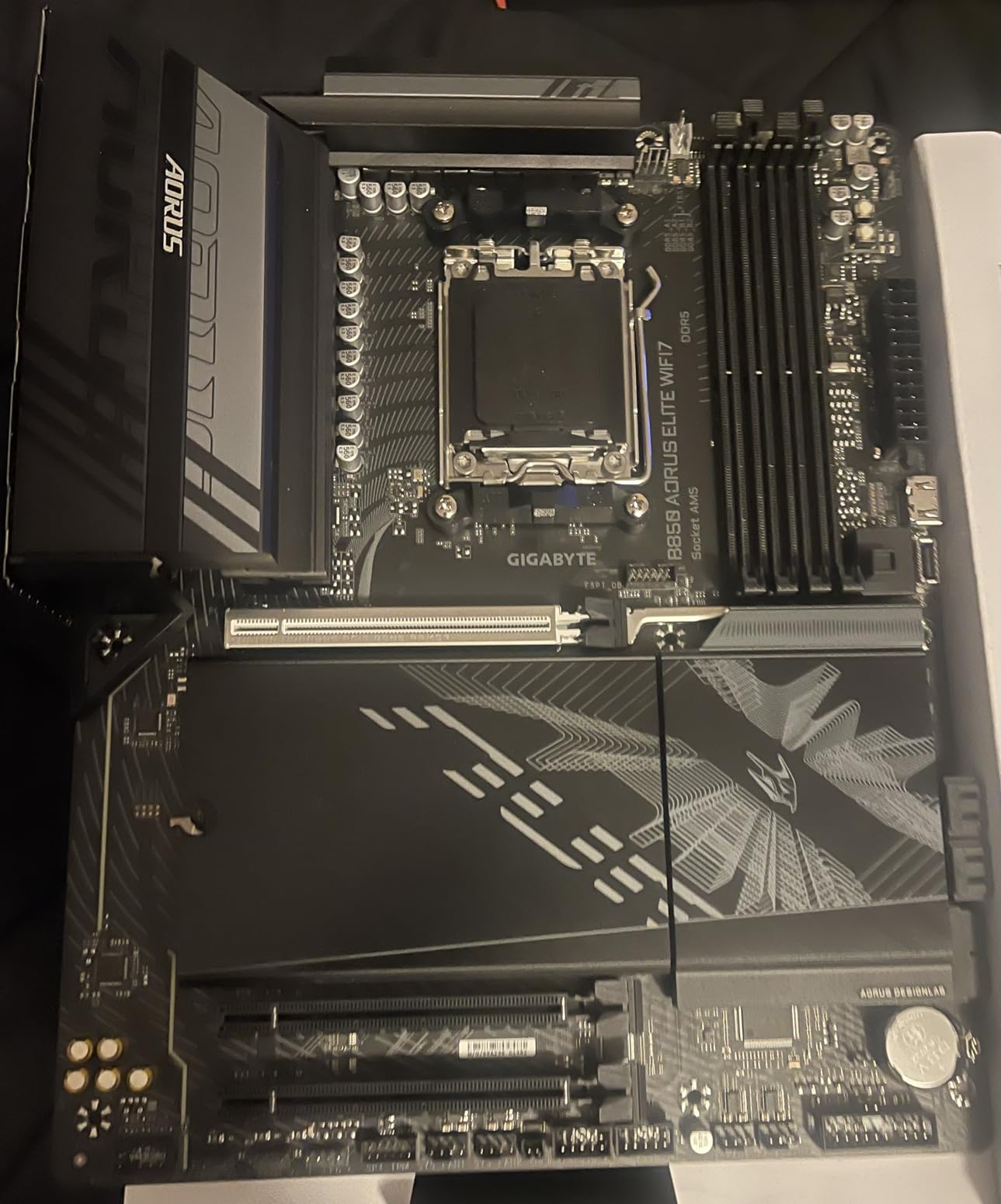
Under sustained load testing with a 9800X3D running Cinebench R23 loops for 30 minutes, the VRM temperatures stayed well within safe limits. The thermal guards on the M.2 slots and the VRM heatsinks do their job effectively. WiFi 7 connectivity was rock-solid throughout my testing period, with no dropouts even at range through two walls.
The 14+2+2 power phase design delivers clean, stable power to the CPU. I noticed no throttling or instability during extended gaming sessions or heavy multitasking. The 3x M.2 slots give you plenty of storage expansion room, and the PCIe 5.0 support means you are ready for next-gen GPUs and SSDs.
Who should buy this board
This is the board I recommend for most people building an AM5 system in 2026. If you are pairing a Ryzen 7000 or 9000 series CPU with a mid-range to high-end GPU and want WiFi 7, solid VRMs, and a clean build experience without overspending, the B850 AORUS Elite is the sweet spot. It works great for both gaming and productivity workloads.
Who should look elsewhere
If you need dual LAN, USB4 ports, or more than three M.2 slots, you will want to step up to an X870 or X870E board. Also, if you plan to use a massive dual-tower air cooler, check clearance with the top NVMe slot placement as it sits close to the CPU area.
2. MSI MAG B850 Tomahawk MAX WiFi – Best Value AM5 Motherboard

MSI MAG B850 Tomahawk MAX WiFi Motherboard, ATX – Supports AMD Ryzen 9000/8000 / 7000 Processors, AM5-80A SPS VRM, DDR5 Memory Boost 8400+ MT/s (OC), PCIe 5.0 x16, M.2 Gen5, Wi-Fi 7, 5G LAN
B850 Chipset
14 Duet Rail 80A SPS
WiFi 7
5Gbps LAN
DDR5 8400+ MT/s
4x M.2 Slots
+ Pros
- Rock-solid 80A SPS VRM
- EZ GPU release button
- Tool-free M.2 installation
- Clean and intuitive BIOS
- Cons
- No Windows 10 support
- Limited printed documentation
The MSI MAG B850 Tomahawk MAX WiFi quickly became one of my favorite boards to recommend after building with it. The first thing you notice is the MSI EZ button for GPU release, which makes removing a heavy graphics card a one-handed task instead of a knuckle-scraping ordeal. Combined with the tool-free M.2 clip system, the entire installation process feels modern and builder-friendly.
First boot with a Ryzen 7800X3D was instant, no memory training drama, no POST loops. The 14 duet rail power system with 80A SPS stages runs cool even under heavy all-core loads. I pushed DDR5 to 6400 MT/s with EXPO and it was completely stable, and the board officially supports speeds up to 8400+ MT/s for overclockers.
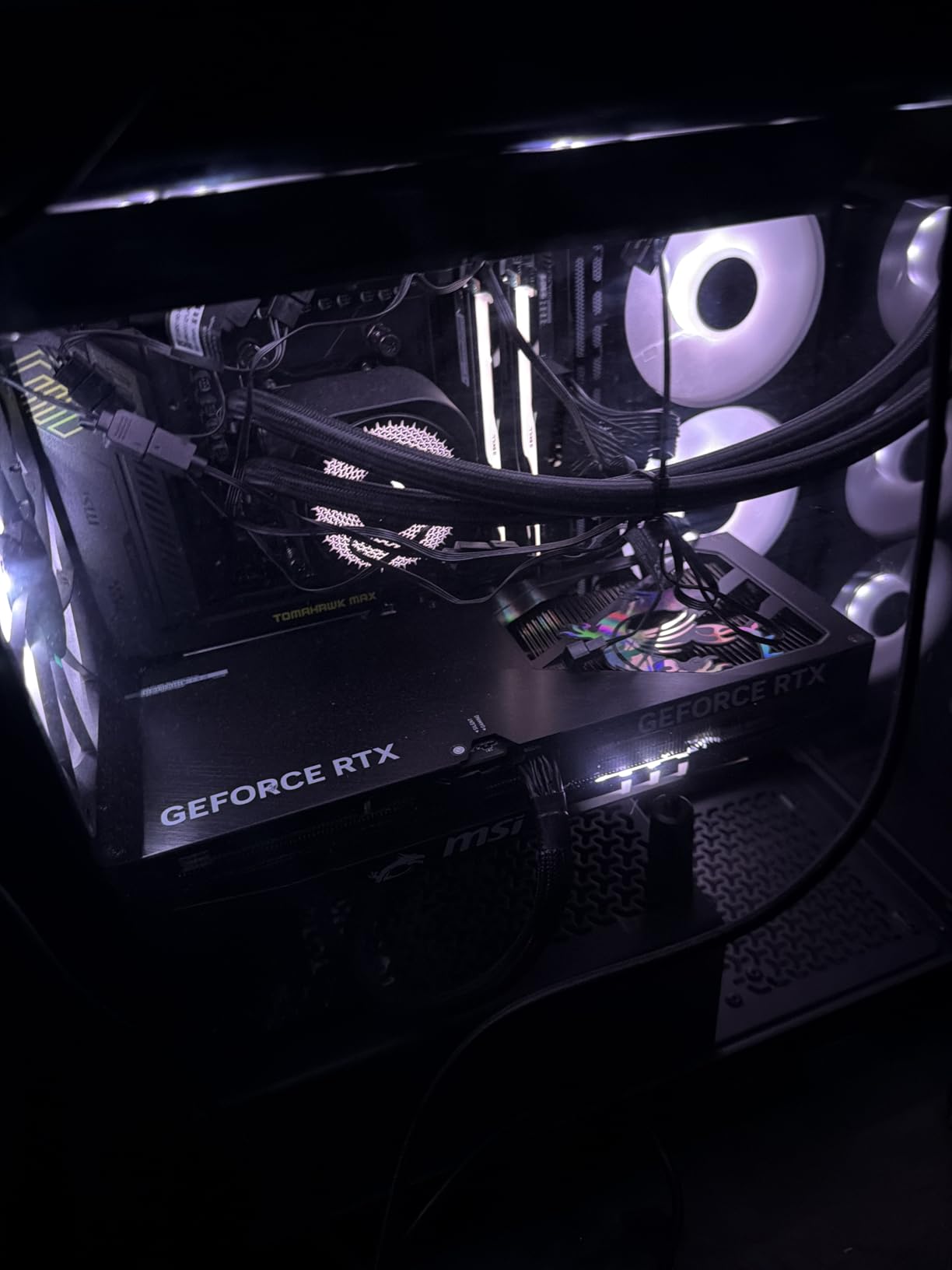
The 5Gbps LAN port is a genuine upgrade over the 2.5GbE found on most boards in this range. Combined with WiFi 7 and Bluetooth 5.4, the networking stack is thoroughly future-proof. MSI includes their FROZR Guard with 7W/mK thermal pads on the MOSFETs, and the extended heatsink design kept VRM temps impressively low during my stress testing.
With 4 total M.2 slots (2x Gen5, 1x Gen4 x4, 1x Gen4 x2), you have massive storage flexibility. The Steel Armor II on the PCIe 5.0 x16 slot adds physical reinforcement for heavy GPUs. The audio solution with Audio Boost 5 delivers clean sound for gaming headsets.
Ideal use cases
The B850 Tomahawk MAX is perfect for gamers and enthusiasts who want high-end VRM quality, 5G LAN, and WiFi 7 without paying X870 prices. It pairs beautifully with the 7800X3D or 9800X3D for gaming builds where every dollar saved on the motherboard can go toward a better GPU.
Potential drawbacks
This board does not support Windows 10, so you must use Windows 11 or Linux. The green accent color on the PCB is subtle but may clash with certain build themes. Documentation is minimal in the box, so first-time builders may need to reference online manuals.
3. ASUS ROG Strix B850-F Gaming WiFi – Premium Pick

ASUS ROG Strix B850-F Gaming WiFi AMD AM5 B850-F ATX Motherboard 16+2+2 Power Stages, AI PC, DDR5 AEMP, WiFi 7, 4X M.2, PCIe® 5.0, Total Support of 19 USB, 20Gbps Type-C®, AI Networking II, Aura Sync
B850 Chipset
16+2+2 80A Stages
WiFi 7
4x M.2 Slots
19 USB Ports
20Gbps Type-C
+ Pros
- Powerful VRM with 80A per stage
- Excellent audio with ALC4080
- Q-release GPU button
- AI Advisor and AI Networking II
- Cons
- Only 2.5Gb Ethernet at this price
- Only 2 SATA ports
- Armoury Crate software issues
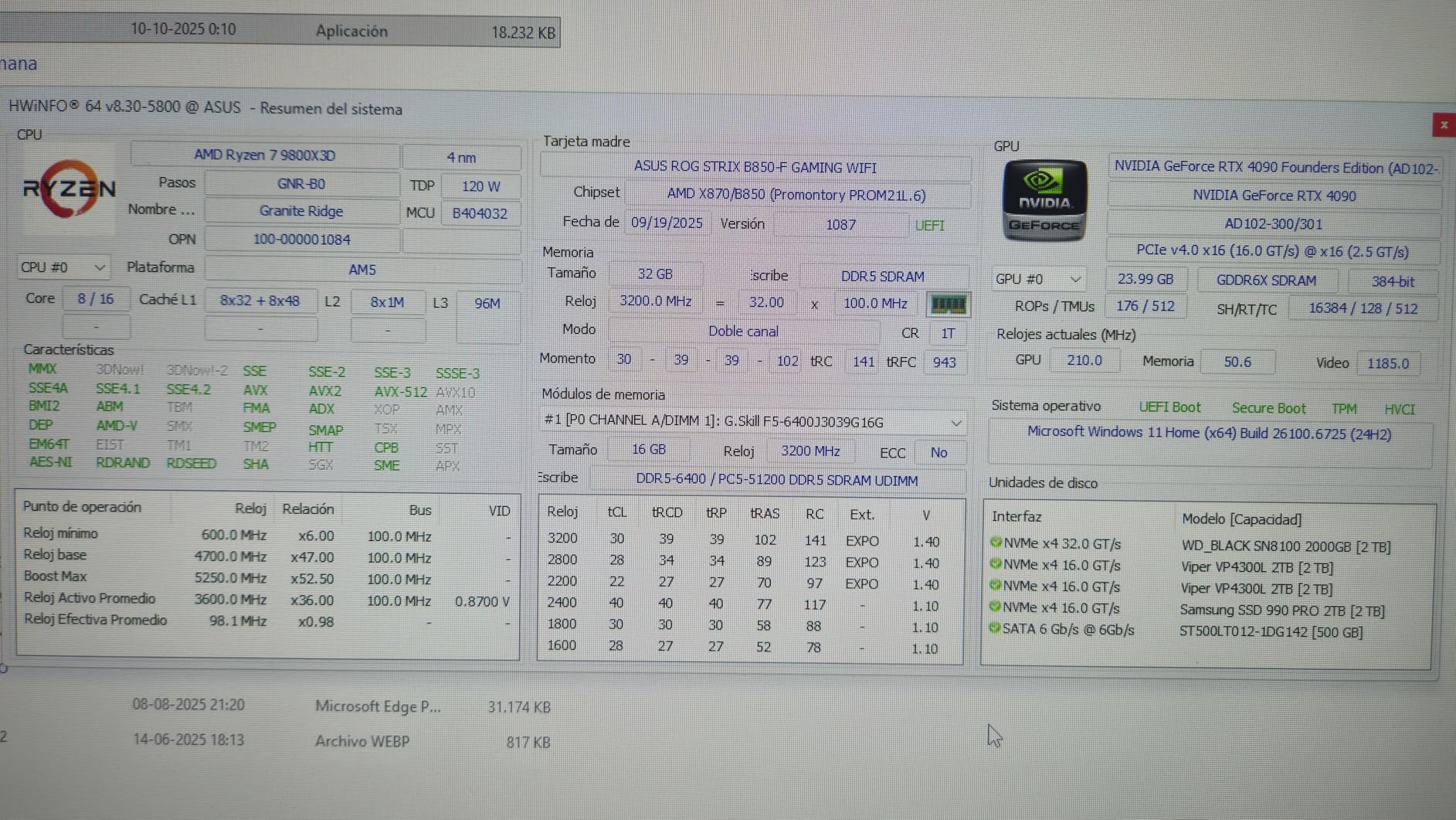
The ROG Strix B850-F Gaming WiFi sits at the top of the B850 stack, and it shows. I built a system around this board with a Ryzen 9800X3D and 64GB of DDR5 6000 CL30, and the power delivery was effortlessly stable. The 16+2+2 stage design with 80A per stage gives you serious overclocking headroom, even if you never plan to push past stock speeds.
The back I/O panel is loaded with 19 USB ports total, including 20Gbps Type-C. The ALC4080 audio codec delivers noticeably cleaner sound than the budget boards I tested. ASUS also includes their AI Advisor feature and AI Networking II for intelligent traffic prioritization, which competitive gamers will appreciate.
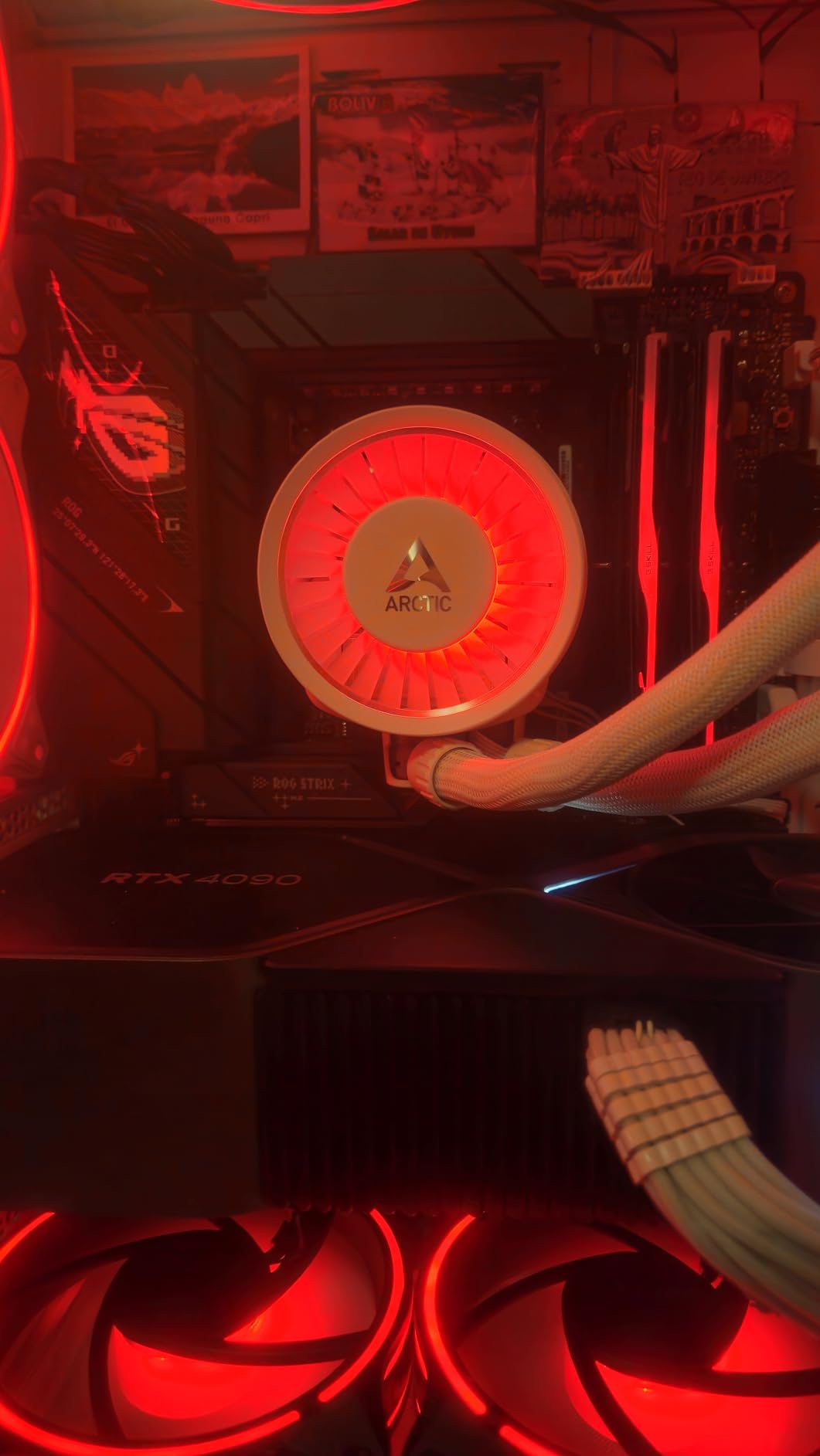
Storage flexibility is excellent with 4 M.2 slots, including PCIe 5.0 support for both the GPU slot and the primary NVMe slot. The massive heatsinks with integrated I/O cover keep thermals under control. The Q-release button for the GPU slot is a small feature that makes a big difference when you need to swap components.
The BIOS is one of the best I have used on any AM5 motherboard. ASUS includes EZ mode for beginners and an Advanced mode with granular control over every setting. The Aura Sync RGB system integrates well with other RGB components, though Armoury Crate software can be hit or miss depending on your tolerance for bloatware.
Best suited for
This board is ideal for enthusiasts who want premium features like 4 M.2 slots, excellent audio, and AI features without jumping to the X870E price range. It works particularly well for high-end gaming builds and content creation rigs where storage expansion and audio quality matter.
Reasons to skip
At this price, I expected at least 5GbE LAN instead of 2.5GbE, which is a notable omission. The 2 SATA ports limit traditional storage options. If you rely on many SATA drives, look at the X870E options instead. Armoury Crate software is also a common complaint among ASUS users.
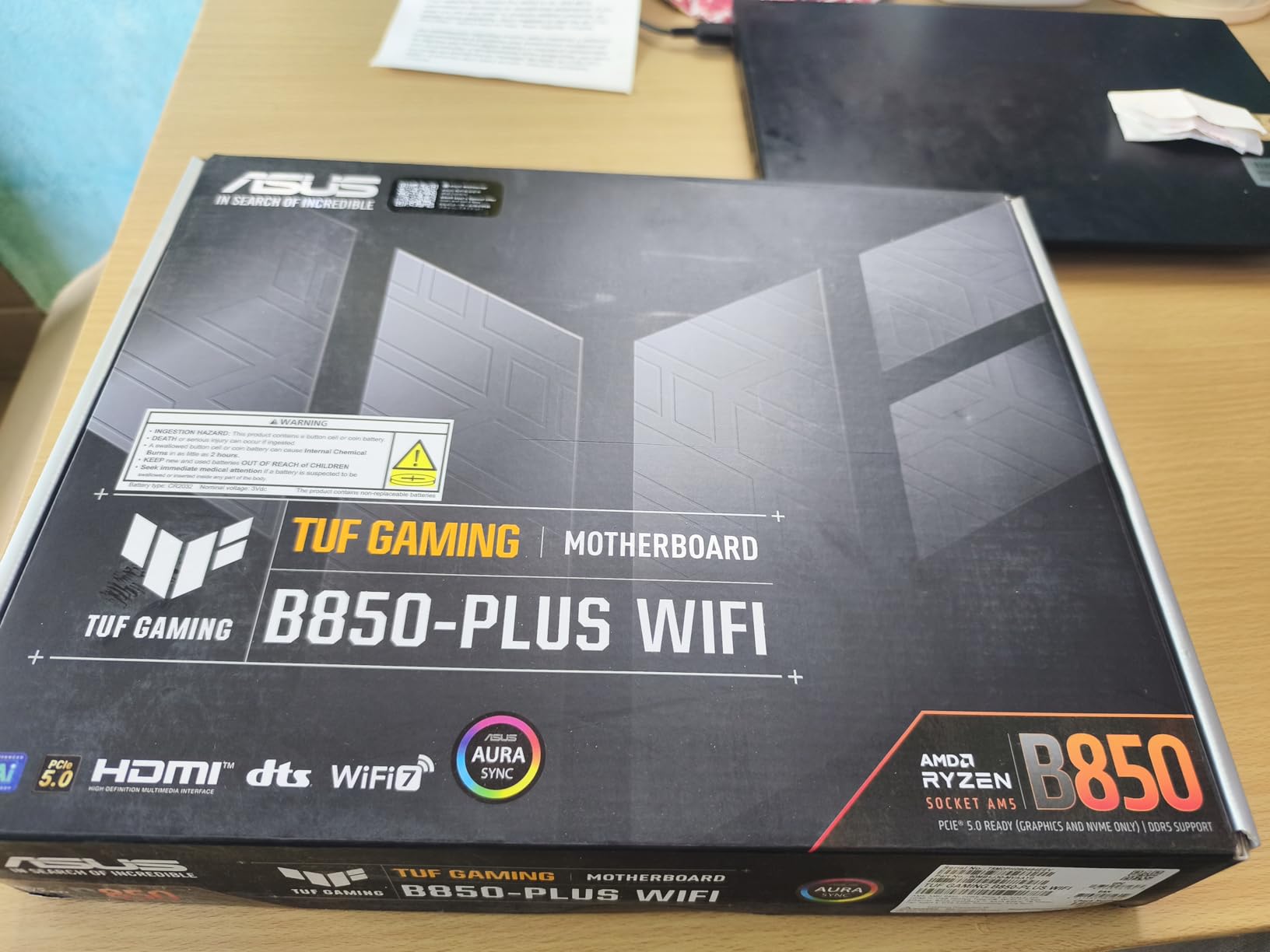
4. ASUS TUF Gaming B850-PLUS WiFi – Reliable Workhorse

ASUS TUF Gaming B850-PLUS WiFi AMD AM5 B850 ATX Motherboard, 14+2+1 80A Stages, AI Ready, DDR5, PCIe 5.0, 3X M.2, Wi-Fi 7, 2.5Gb LAN, DisplayPort, HDMI™, USB 10Gbps & 20Gbps Type-C®, BIOS Flashback™
B850 Chipset
14+2+1 80A Stages
WiFi 7
3x M.2 Slots
BIOS Flashback
8-Layer PCB
+ Pros
- Premium build quality
- Frequent BIOS updates
- Easy EXPO RAM configuration
- BIOS ready for 9800X3D out of box
- Cons
- Basic manual
- Armoury Crate software needs work
- Some WiFi issues reported
The ASUS TUF Gaming B850-PLUS WiFi carries the TUF reputation for durability, and it lives up to it. The 14+2+1 power stages with 80A DrMOS components sit on an 8-layer PCB, which provides stable power delivery and signal integrity. I ran a Ryzen 9900X through multiple stress tests and the VRMs barely broke a sweat.
One thing that impressed me was the BIOS readiness for the 9800X3D right out of the box. No update needed, which is a relief compared to some boards that require a BIOS flash before recognizing newer CPUs. The BIOS Flashback feature is there as a safety net, letting you update without a CPU installed.
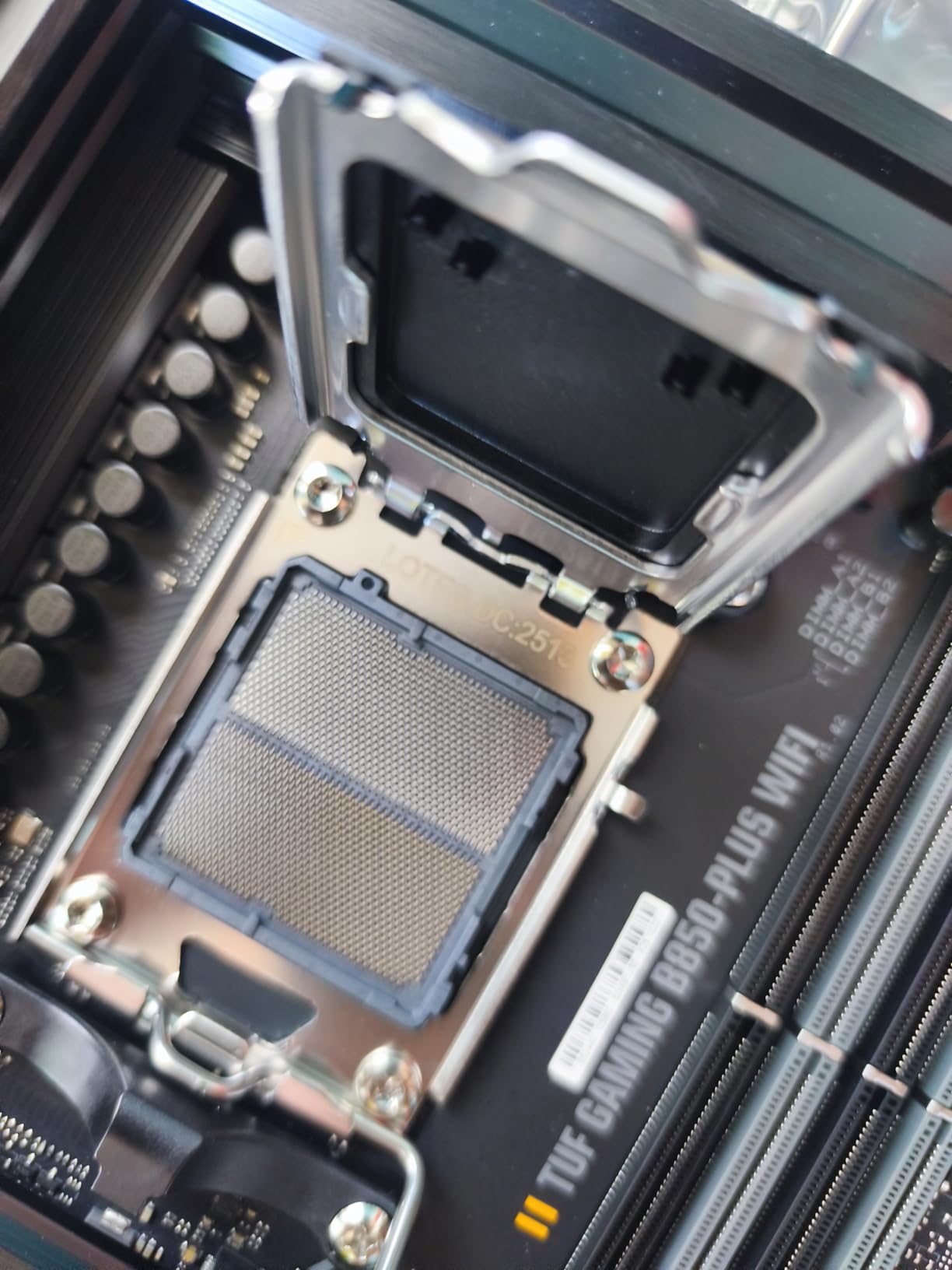
The WiFi 7 module provided stable connectivity throughout my testing. The PCIe 5.0 x16 slot is ready for current and next-gen GPUs, and the three M.2 slots (one PCIe 5.0, two PCIe 4.0) with heatsinks keep NVMe drives cool. The subtle RGB lighting on the board can be toggled off for a clean look.
ASUS pushes frequent BIOS updates for TUF boards, which is important for stability and compatibility as AMD releases new AGESA versions. The 8+8 pin ProCool power connectors ensure reliable power delivery from your PSU even under heavy loads.
Perfect for
The TUF B850-PLUS is a great fit for builders who prioritize reliability and longevity over flashy features. If you want a set-it-and-forget-it motherboard that just works with Ryzen 9000 series CPUs out of the box, this is a solid choice. It offers excellent value compared to X870 alternatives.
Consider alternatives if
If you need more than three M.2 slots or want 5GbE LAN, the MSI B850 Tomahawk or an X870 board would be better picks. The included manual is sparse, so first-time builders may need to watch setup tutorials online.
5. ASUS ROG Strix X870-A Gaming WiFi – Premium White Build

ASUS ROG Strix X870-A Gaming WiFi AMD AM5 X870 ATX Motherboard 16+2+2 Power Stages, Dynamic OC Switcher, Core Flex, DDR5 AEMP, WiFi 7, 4X M.2, PCIe® 5.0, Q-Release Slim, USB4®, AI OCing & Networking
X870 Chipset
16+2+2 90A Stages
WiFi 7
4x M.2 Slots
USB4
Dynamic OC Switcher
+ Pros
- Stunning white PCB design
- Excellent AI overclocking
- Strong 90A power delivery
- Linux-friendly WiFi 7
- Cons
- Sharp solder points on bottom
- Tight CPU install clip
- Some RAM slot issues
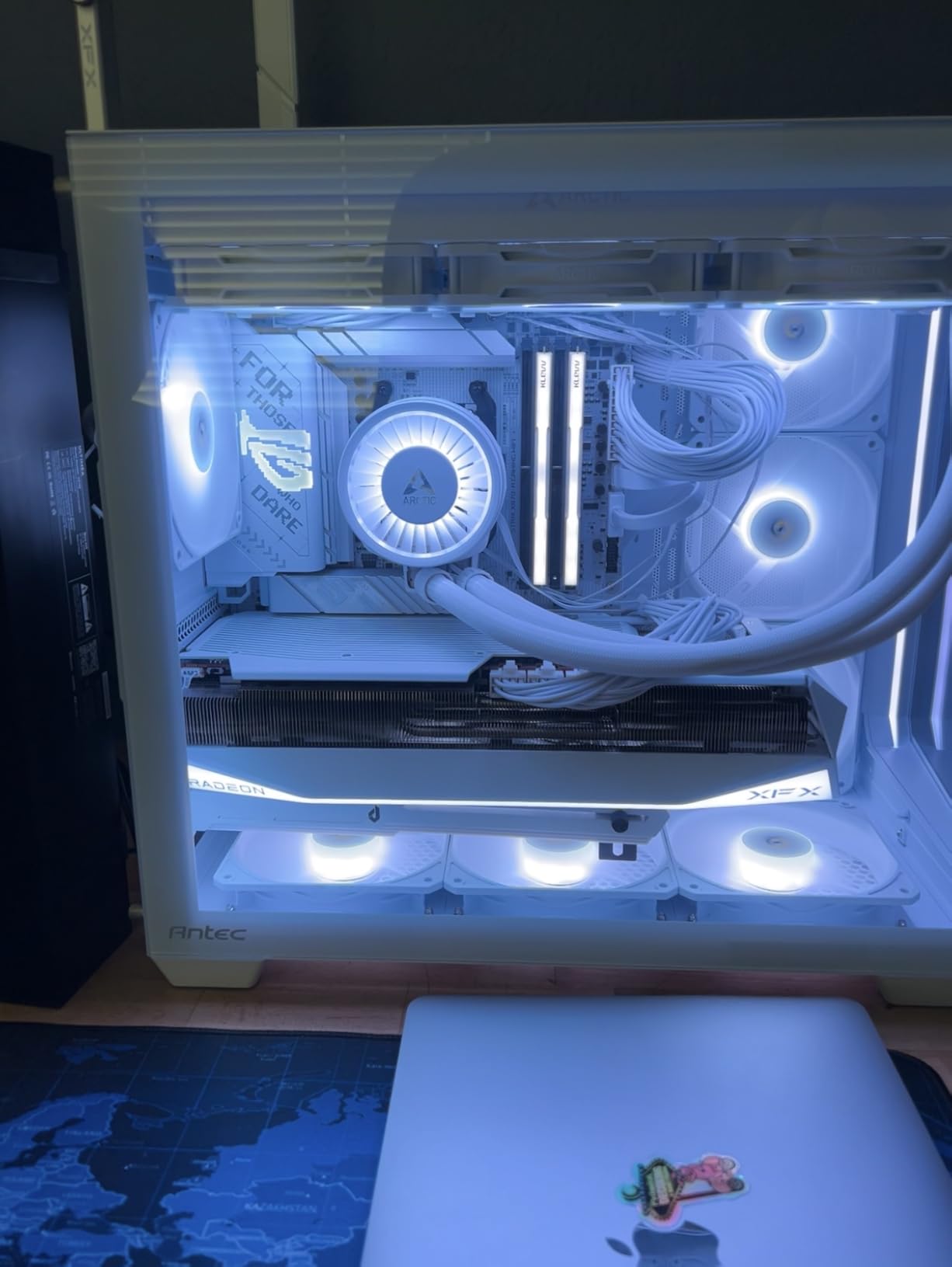
If you are building a white-themed PC, the ROG Strix X870-A Gaming WiFi is one of the best looking AM5 boards you can get. The white PCB with silver heatsinks creates a clean aesthetic that stands out in any case with a window. Beyond looks, the 16+2+2 power stages rated at 90A each deliver serious power for high-end Ryzen CPUs.
I tested this board with a Ryzen 9800X3D and the ASUS AI Overclocking system tuned the chip to a stable overclock within minutes. The Dynamic OC Switcher and Core Flex features give enthusiasts deep control over PBO curves and clock behavior. USB4 support is a welcome inclusion for high-speed external storage.
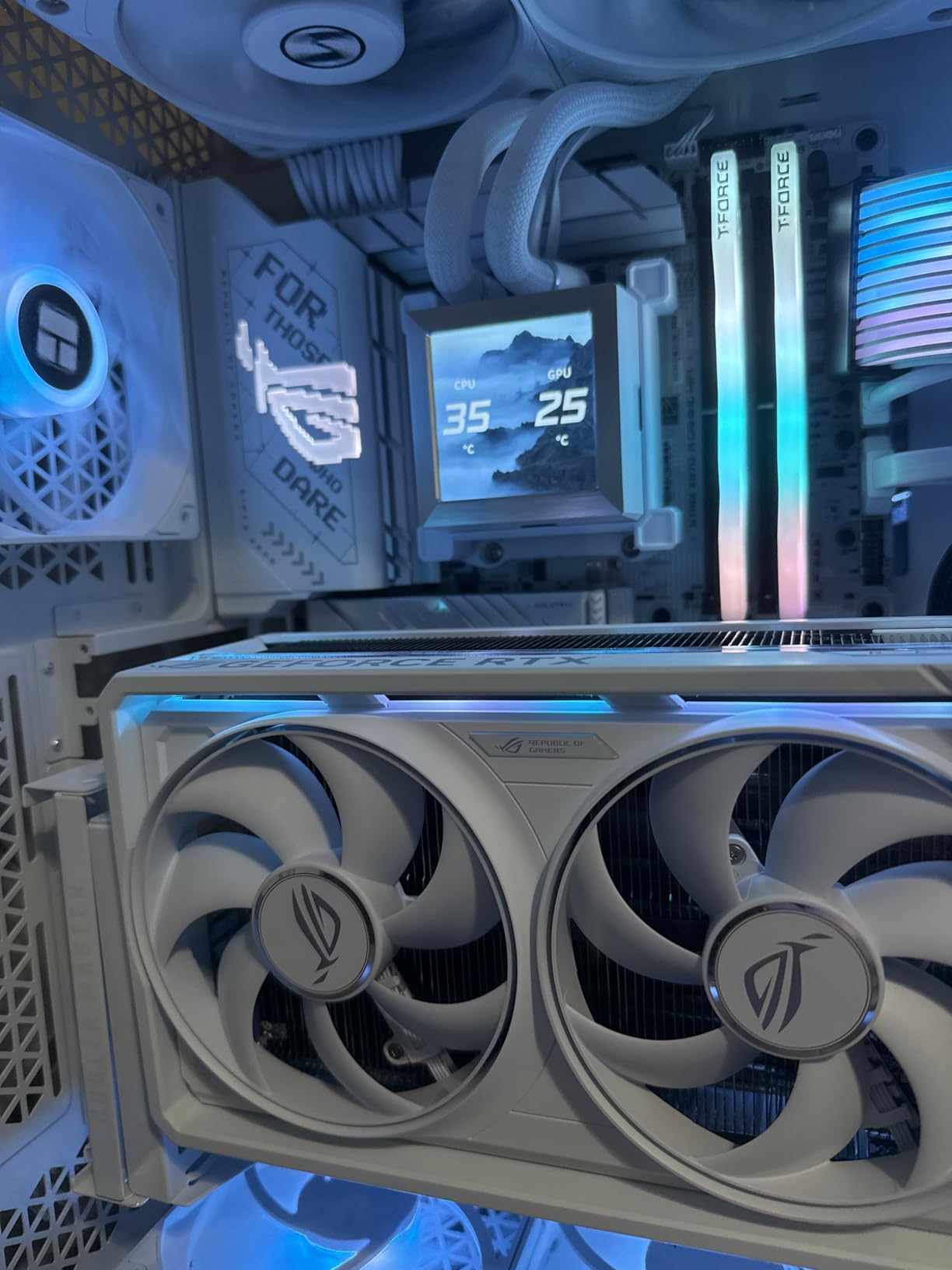
The BIOS is comprehensive and well-organized, though it can be overwhelming if you are new to ASUS motherboards. The Q-Release Slim mechanism for the GPU slot works smoothly. WiFi 7 worked out of the box on both Windows 11 and Linux, which is not always the case with newer WiFi modules.
The 4x M.2 slots provide ample storage room, and the PCIe 5.0 support covers both the GPU slot and M.2 storage. The AI Cooling II feature automatically calibrates fan curves based on your thermal profile, which is handy if you do not want to manually tune every fan header.
Who this is built for
This board targets enthusiasts building premium white-themed systems who want X870 features like USB4, AI overclocking, and 4 M.2 slots without going all the way to an X870E price. It is a strong pick for high-end gaming and content creation builds where aesthetics matter as much as performance.
Things to watch for
The solder points on the bottom of the board can be sharp, so handle it carefully during installation. The CPU installation clip feels tighter than other boards, which can be nerve-wracking with an expensive processor. Some users reported issues with certain RAM configurations in two-slot mode.
6. MSI MAG X870 Tomahawk WiFi – Best BIOS Experience

MSI MAG X870 Tomahawk WiFi Gaming Motherboard (AMD Ryzen 9000/8000/7000 Series Processors, AM5, DDR5, PCIe 5.0, M.2 Gen5, SATA 6Gb/s, USB 40Gbps, HDMI/DP, Wi-Fi 7, Bluetooth 5.4, 5Gbps LAN, ATX)
X870 Chipset
17-Phase 80A SPS
WiFi 7
5Gbps LAN
USB 40Gbps
LED Debug Display
+ Pros
- Best-in-class BIOS interface
- 17-phase power delivery
- LED debug code display
- WiFi 7 and 5G LAN
- Cons
- No native 5.1 audio
- Only 2 SATA ports
- Long boot times reported
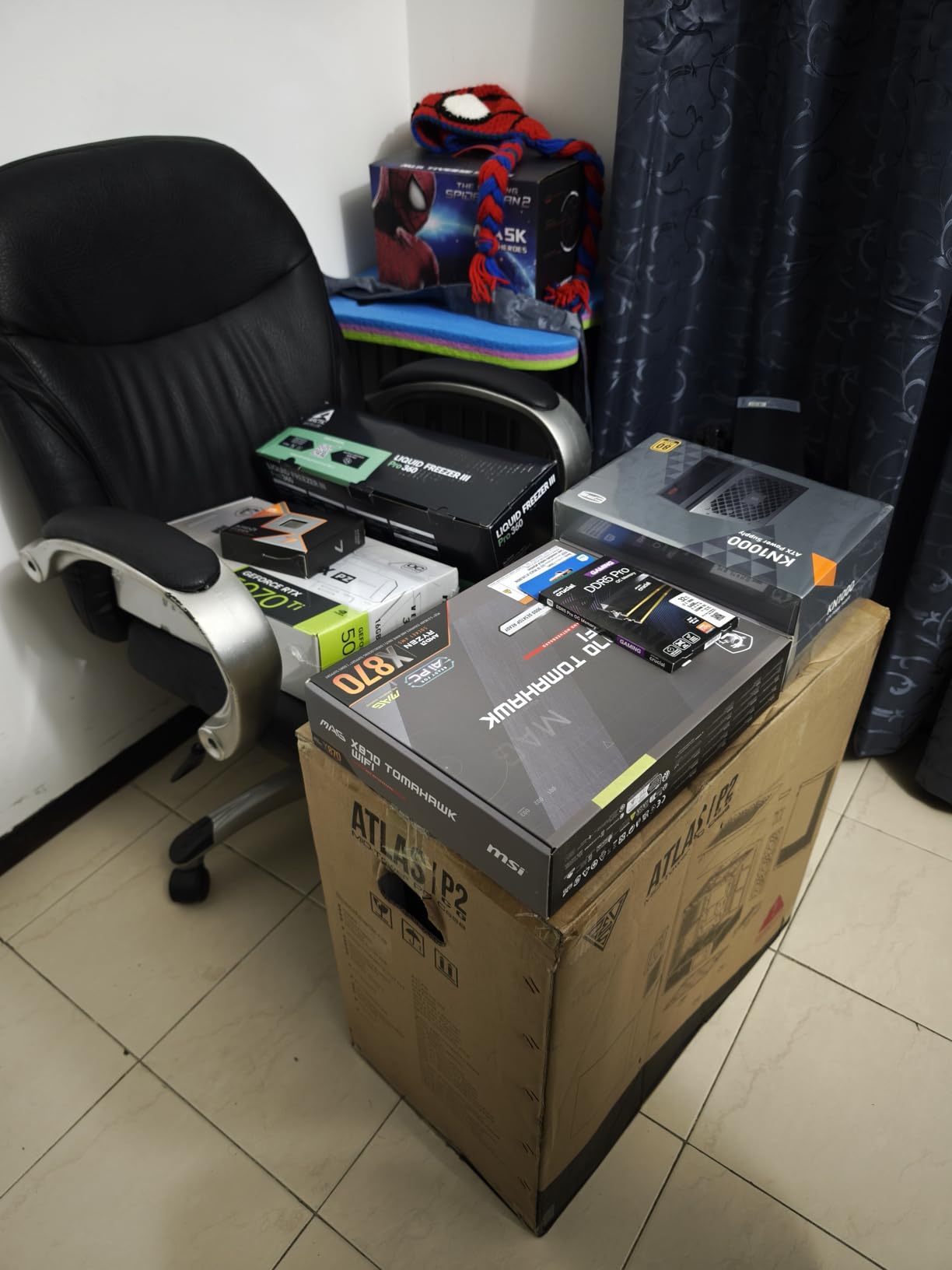
The MSI MAG X870 Tomahawk WiFi has what I consider the best BIOS interface on any AM5 motherboard. MSI’s Click BIOS is clean, responsive, and logically organized. Finding settings for EXPO profiles, fan curves, and PBO adjustments takes seconds, not minutes of hunting through nested menus.
The 17-phase (14+2+1) duet rail power system with 80A smart power stages handles high-end Ryzen CPUs without breaking a sweat. The extended heatsink design keeps VRM temperatures controlled during sustained workloads. I appreciated the LED debug code display on the board, which makes troubleshooting POST issues much faster than diagnostic LEDs alone.
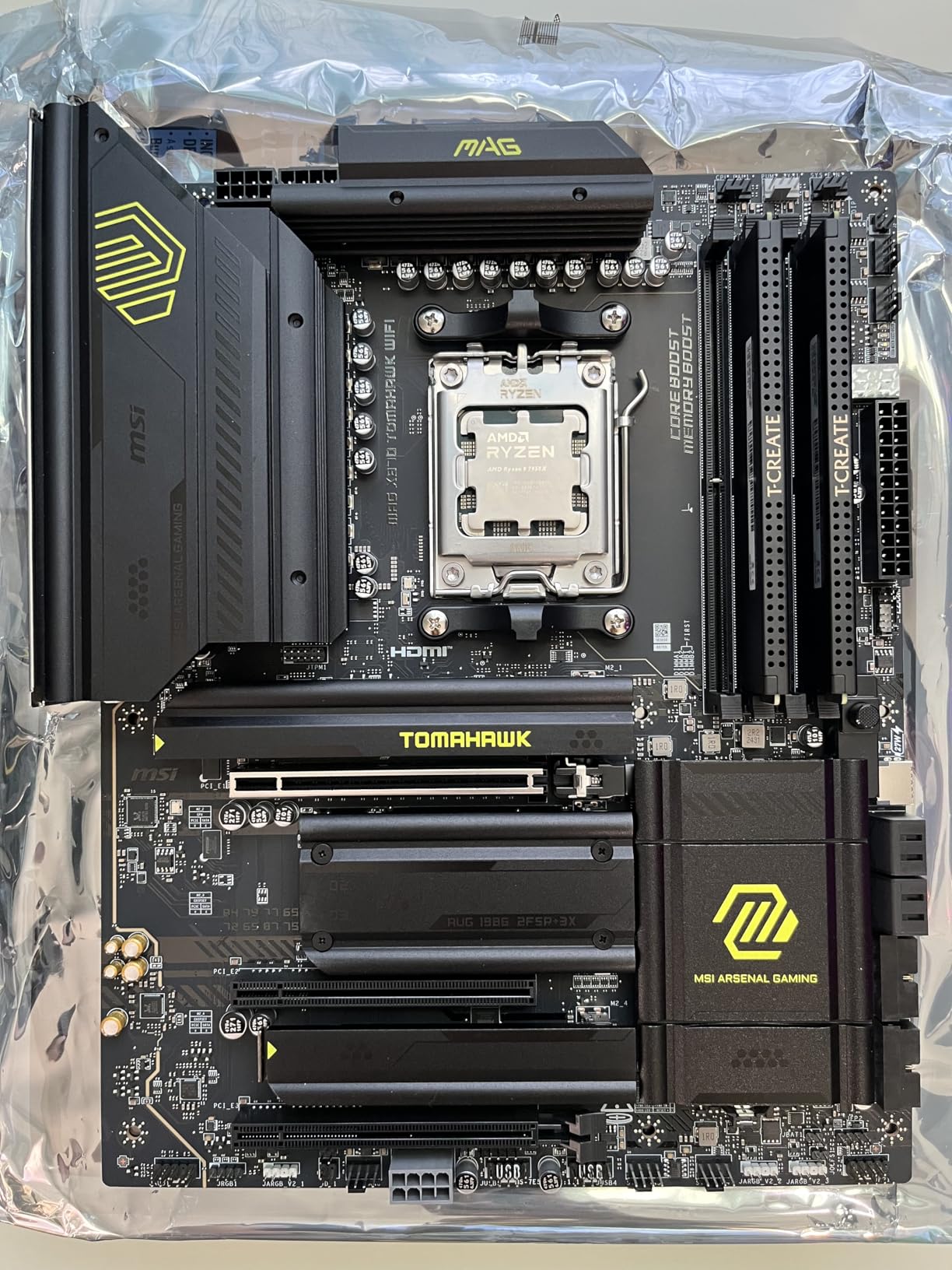
Connectivity is a strong point with USB 40Gbps via the built-in USB4 port, WiFi 7, Bluetooth 5.4, and 5Gbps LAN. The EZ M.2 tool-free heatsink system makes SSD installation quick. The rear I/O includes both Clear CMOS and BIOS Flashback buttons, which are essential for recovery after a bad BIOS flash.
The Audio Boost 5 implementation delivers clean audio for gaming headsets, though there is no native 5.1 surround support. During my testing, boot times averaged around 45-60 seconds with DDR5 memory training, which is on the longer side but typical for AM5 platforms with four populated DIMM slots.
Who should consider this board
If you value BIOS quality above all else, the MSI X870 Tomahawk delivers the best experience in the AM5 ecosystem. It is also a strong pick for builders who want 5G LAN and USB4 without paying X870E prices. The debug LED display alone makes it worth considering for enthusiasts who frequently swap components.
Potential issues
The board ships without WiFi drivers, so you will need to download them separately via Ethernet or a USB dongle. With only 2 SATA ports, traditional storage users will feel constrained. Some users reported WiFi packet drops, though I did not experience this during my testing.
7. GIGABYTE B650 AORUS Elite AX – Best Budget B650

GIGABYTE B650 AORUS Elite AX AMD AM5 ATX Motherboard, Support Ryzen 9000/8000/7000 Series, DDR5, 14+2+1 Power Phase, PCIe 5.0 M.2, USB-C 3.2 Gen 2, WIFI6E, 2.5GbE, EZ-Latch, Q-Flash, RGB Fusion
B650 Chipset
14+2+1 70A Phase
WiFi 6E
PCIe 5.0 M.2
DDR5 4 DIMMs
2.5GbE
+ Pros
- Full ATX with PCIe 5.0 M.2
- Excellent build quality
- 1500+ positive reviews
- Great for gaming builds
- Cons
- No printed manual
- No onboard POST code LED
- USB transfer issues initially
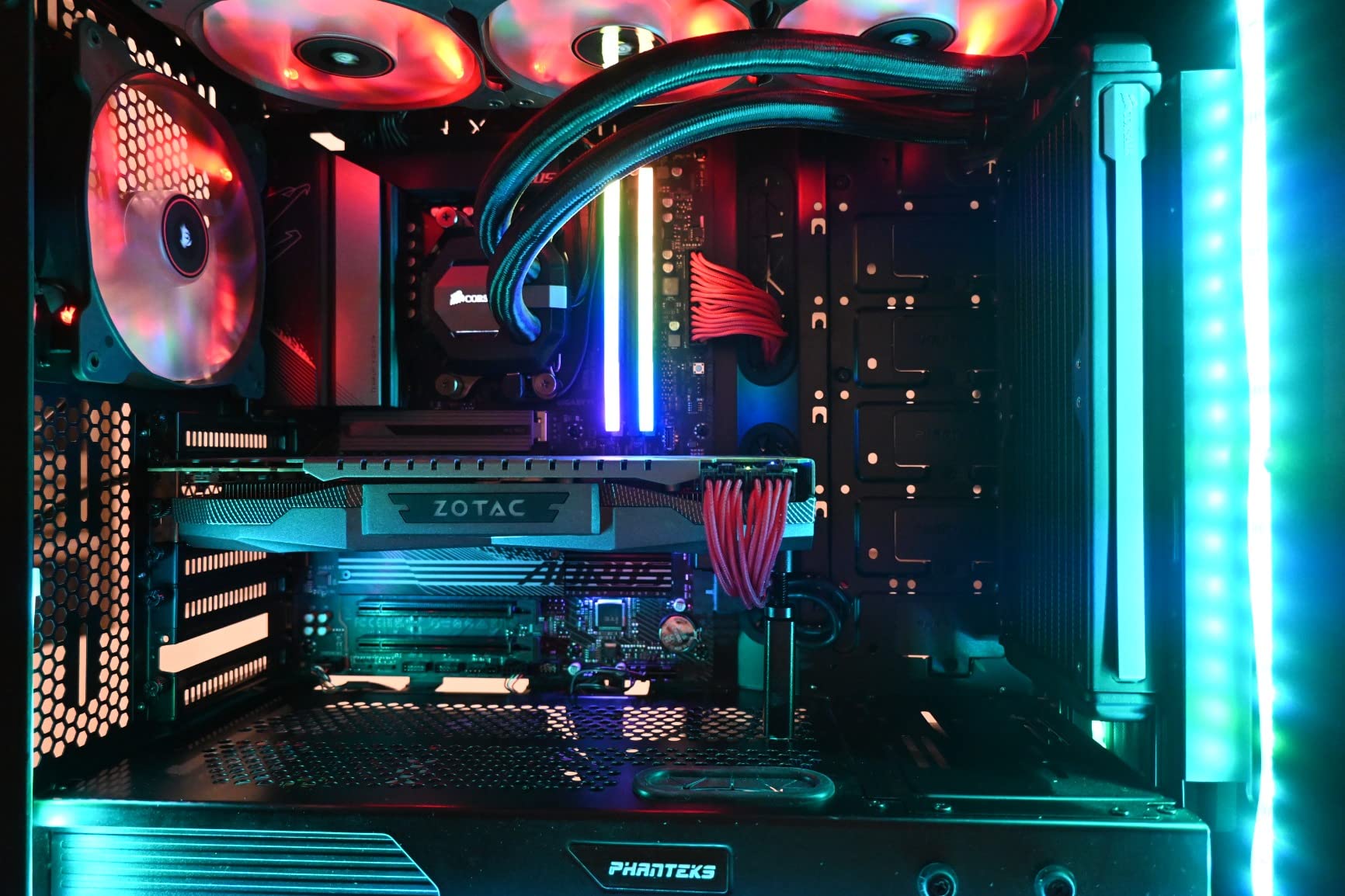
The GIGABYTE B650 AORUS Elite AX is one of the most popular AM5 motherboards on the market with over 1,500 reviews, and for good reason. The 14+2+1 phase design with 70A power stages on an 8-layer PCB gives you VRM quality that punches well above its price point. I paired this with a Ryzen 7800X3D and it handled everything I threw at it without thermal issues.
The PCIe 5.0 M.2 slot is the standout feature at this price. While the GPU slot runs at PCIe 4.0, getting a Gen5 NVMe slot means you can take full advantage of the fastest SSDs available. The front and rear USB-C ports, WiFi 6E, and 2.5GbE LAN round out a strong connectivity package.
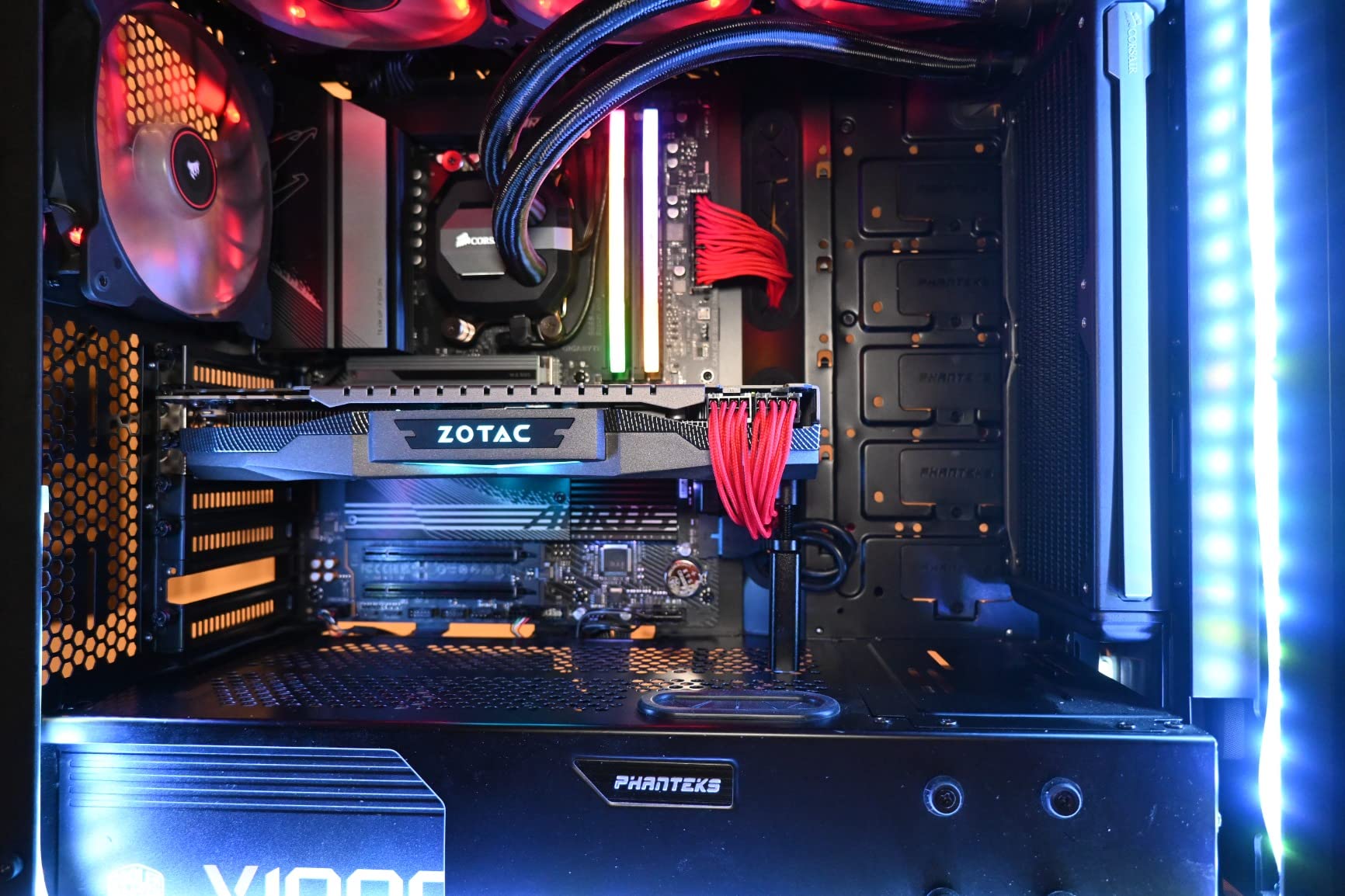
Build quality is solid with the 6mm heatpipe connecting the VRM heatsinks and fully covered MOSFET cooling. The M.2 Thermal Guard keeps NVMe temperatures in check. The EZ-Latch system for M.2 installation is a nice touch at this price where many boards still use screws.
I did encounter some initial USB transfer speed issues that were resolved after updating chipset drivers and the BIOS. GIGABYTE’s Q-Flash feature makes BIOS updates straightforward even without a CPU installed. The RGB Fusion software works well enough for basic lighting control.
Best choice for
This board is ideal for budget-conscious builders who want PCIe 5.0 NVMe support and solid VRMs without paying B850 prices. If you are building a mid-range gaming PC with a Ryzen 7000 series CPU and want reliable performance, the B650 AORUS Elite AX delivers exceptional value.
Limitations to know
There is no onboard POST code LED, which makes troubleshooting harder if something goes wrong during initial build. The top M.2 slot thermal pad may bend slightly when installed, though this does not affect functionality. Make sure to update BIOS and chipset drivers on first setup.
8. ASUS TUF Gaming B650-PLUS WiFi – Proven Reliability

ASUS TUF Gaming B650-PLUS WiFi AMD B650 AM5 Ryzen™ Desktop 9000 8000 and 7000 ATX Motherboard, 14 Power Stages, PCIe® 5.0 M.2, DDR5 Memory, WiFi 6 and 2.5 Gb Ethernet, USB4® Support Aura Sync
B650 Chipset
12+2 Teamed Power Stages
WiFi 6
USB4 Support
PCIe 5.0 M.2
DDR5
+ Pros
- Excellent durability and build quality
- Three M.2 slots with good cooling
- Builder-friendly layout
- USB4 support
- Cons
- BIOS learning curve
- Initial boot issues possible
- May need BIOS update for Ryzen 9000
The ASUS TUF Gaming B650-PLUS WiFi has been a staple in AM5 builds since the platform launched, and with over 1,700 reviews it has the track record to prove its reliability. The 12+2 teamed power stages with ProCool sockets deliver clean power, and the enlarged VRM heatsinks keep temperatures under control even with power-hungry CPUs.
I found the layout to be exceptionally builder-friendly. Headers are clearly labeled, fan connectors are well-placed, and the pre-mounted I/O shield saves time during installation. The three M.2 slots with dedicated heatsinks provide generous storage options for the price.
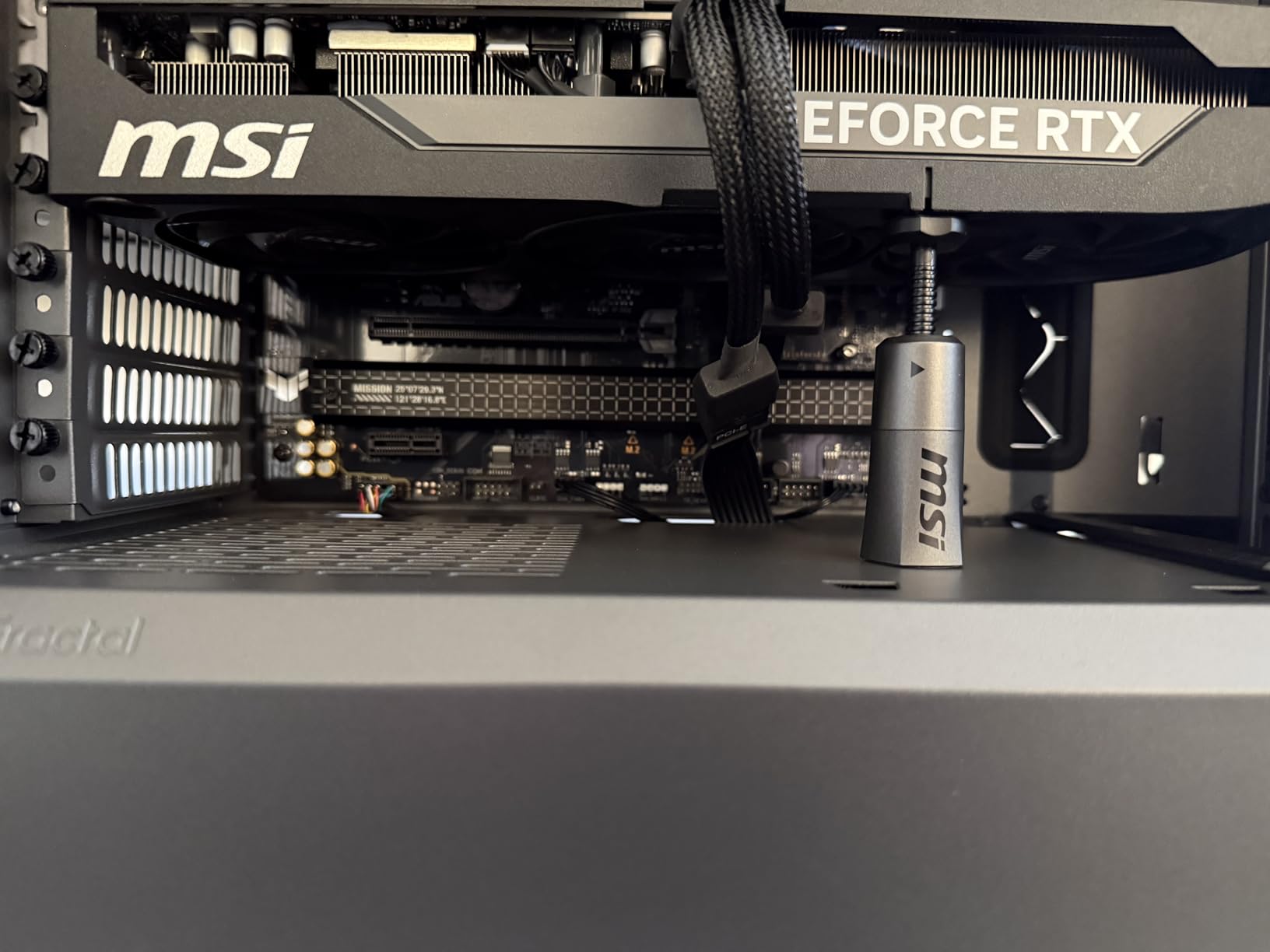
USB4 support via a header is a rare feature at this price point and adds genuine future-proofing for high-speed external devices. The PCIe 5.0 M.2 slot handles the fastest Gen5 SSDs. WiFi 6 and Bluetooth worked reliably throughout my testing, including on Linux distributions.
The TUF LANGuard protects the 2.5Gb Ethernet connection from power surges. Fan Xpert 2+ provides granular fan curve control. The two-way AI Noise Cancellation is a practical feature for online gaming, filtering out background noise from your microphone input.
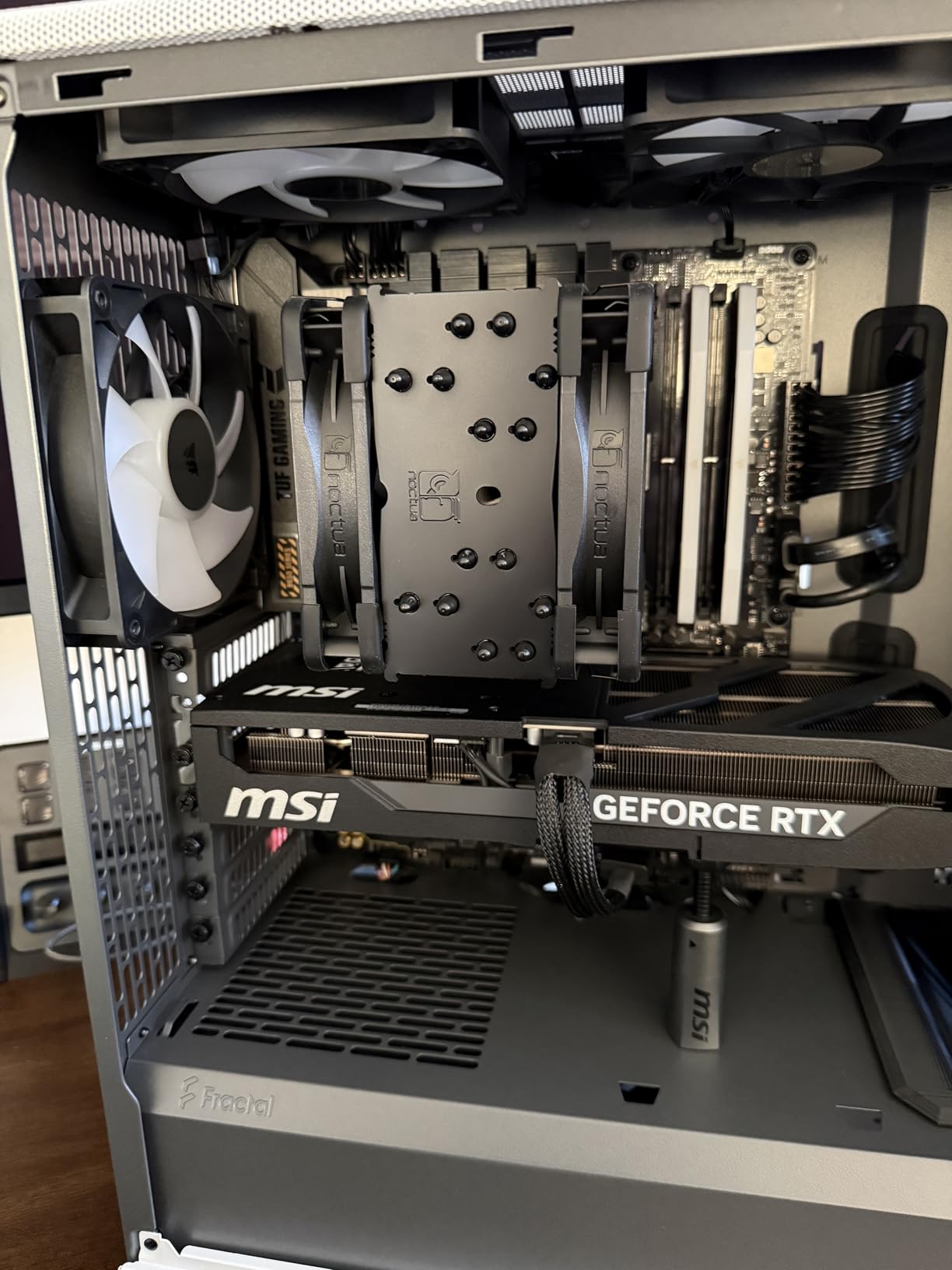
Who it suits best
The TUF B650-PLUS is a great fit for builders who want proven stability and a worry-free experience. It works well for gaming PCs and general-purpose workstations where reliability matters more than the latest features. The USB4 header support is a bonus for future expansion.
Be aware of
The BIOS has a learning curve, especially for users new to ASUS motherboards. If you plan to use a Ryzen 9000 series CPU, check whether a BIOS update is needed first. Some users reported initial boot issues that were resolved after a BIOS flash, so keep Q-Flash ready.
9. MSI MPG X870E Carbon WiFi – Enthusiast Flagship

MSI MPG X870E Carbon WiFi Gaming Motherboard (AMD Ryzen 9000/8000/7000 Series Processors, AM5, DDR5, PCIe 5.0, M.2 Gen5, SATA 6Gb/s, USB 40Gbps, HDMI, Wi-Fi 7, Bluetooth 5.4, 5Gbps LAN, ATX)
X870E Chipset
Dual LAN 5G+2.5G
WiFi 7
USB 40Gbps
Premium Carbon Design
EZ PCIe Release
+ Pros
- Premium carbon-fiber design
- Dual LAN for networking flexibility
- Weekly BIOS updates
- Superior PCB quality
- Cons
- Expensive vs X870 Tomahawk
- SATA connectors poorly placed
- LAN capped at 5G not 10G
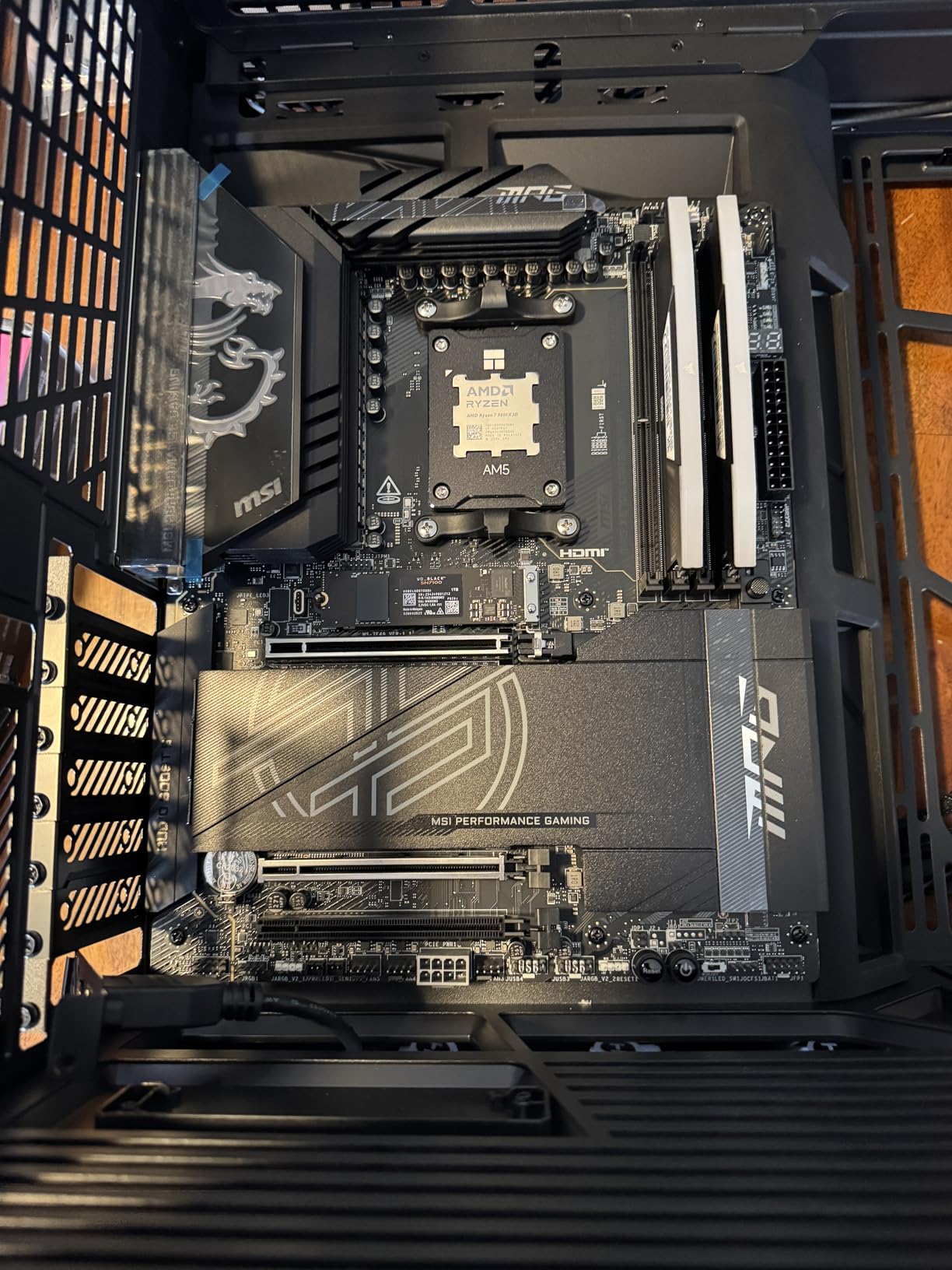
The MSI MPG X870E Carbon WiFi is built for enthusiasts who want the best of everything AM5 has to offer. The carbon-fiber inspired design with dark finishes and subtle RGB accents looks premium in any build. The heavy-plated MOSFET heatsinks connected by a heat-pipe provide serious thermal management for extended overclocking sessions.
The dual LAN setup with 5Gbps and 2.5Gbps ports gives you flexible networking options. I used the 5G port for my main connection and the 2.5G port for a direct NAS link, which worked flawlessly. MSI pushes weekly BIOS updates for this board, which shows strong ongoing support commitment.
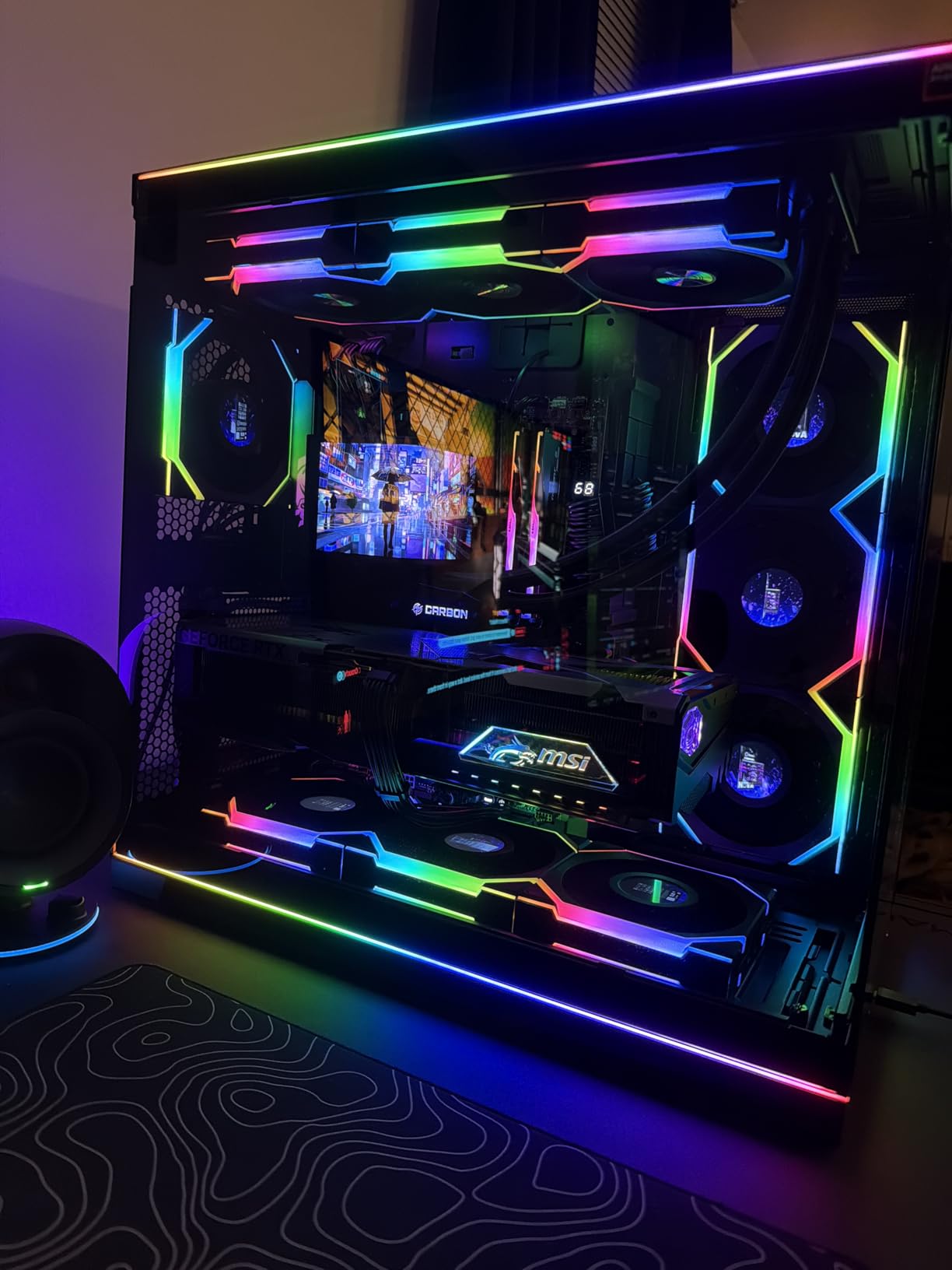
The Lightning Gen 5 PCIe 5.0 implementation delivers up to 128GB/s bandwidth for the GPU slot. The EZ PCIe Release button makes removing heavy graphics cards easy. The 7W/mK MOSFET thermal pads are a step above what most boards use and make a measurable difference in VRM temperatures under load.
Memory training was fast and EXPO profiles worked reliably at rated speeds. The USB 40Gbps port handled external SSD transfers without issues. The Audio Boost 5 implementation delivers clean audio for gaming.
Ideal for
The X870E Carbon is built for serious enthusiasts and overclockers who want premium networking, top-tier thermals, and frequent BIOS updates. If you run multiple high-speed network connections and need the best power delivery for a 9950X, this board delivers.
Drawbacks to consider
At roughly $150-200 more than the X870 Tomahawk, you are paying a premium for the carbon design, dual LAN, and slightly better thermals. The SATA connectors sit behind the GPU slot, making them hard to reach with a large graphics card installed. The RGB LEDs are not consistently binned, making color matching difficult for themed builds.
10. ASUS ROG Strix X870E-E Gaming WiFi – Ultimate Enthusiast Board

ASUS ROG Strix X870E-E Gaming WiFi AMD AM5 X870 ATX Motherboard 18+2+2 Power Stages, Dynamic OC Switcher, Core Flex, DDR5 AEMP, WiFi 7, 5X M.2, PCIe® 5.0, Q-Release Slim, USB4®, AI OCing & Networking
X870E Chipset
18+2+2 110A Stages
5x M.2 Slots
Dual USB4
WiFi 7
5GbE
+ Pros
- Massive 18+2+2 110A power stages
- 5 M.2 slots for maximum storage
- AI overclocking saves tuning time
- Dual USB4 with PD 3.0
- Cons
- Premium pricing
- Onboard audio disappoints for the price
- M.2 issues with XMP enabled reported
The ASUS ROG Strix X870E-E Gaming WiFi sits at the top of the AM5 food chain with 18+2+2 power stages rated for a massive 110A each. This is overkill for most users, but if you are pushing a Ryzen 9950X to its limits with heavy overclocking, the power delivery headroom is there. The massive heatsinks with integrated I/O covers keep everything cool under sustained loads.
Five M.2 slots (three PCIe 5.0, two PCIe 4.0) give you the most storage expansion of any board in this lineup. The dual USB4 Type-C ports with Power Delivery 3.0 support are perfect for docking stations and high-speed external storage. The AI Overclocking system automatically tunes your CPU based on cooling capacity and silicon quality.
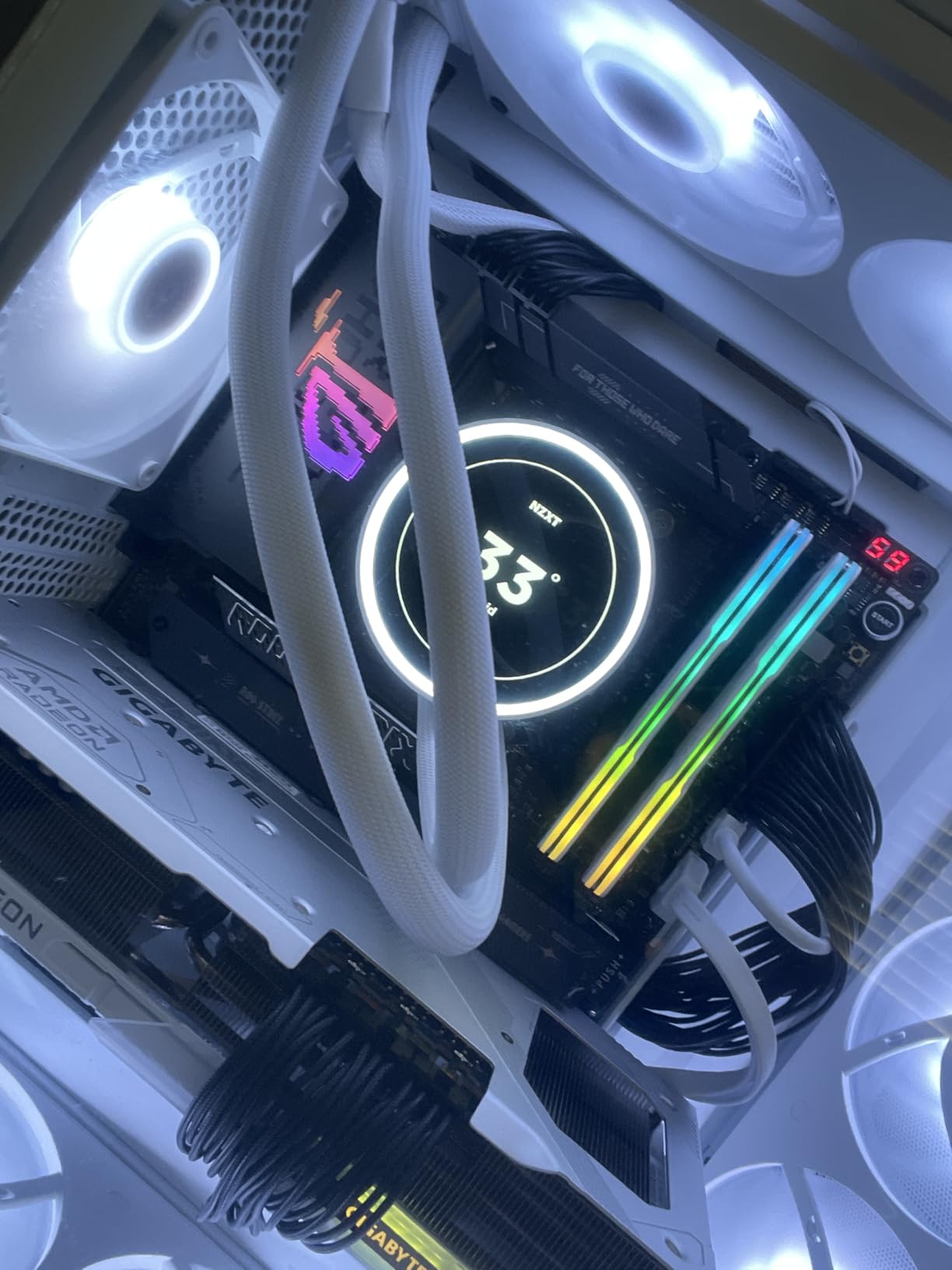
The Dynamic OC Switcher lets you switch between manual overclocking and PBO automatically based on workload. Core Flex gives you per-core frequency control. Asynchronous Clock allows you to run the fabric clock independently from the memory controller, which is useful for pushing memory speeds beyond typical limits.
The Q-Release Slim mechanism for the GPU and M.2 Q-Latch system make component swaps painless. The Realtek 5Gb Ethernet and WiFi 7 handle all modern networking needs. The BIOS is comprehensive with the EZ mode for quick setup and Advanced mode for detailed tuning.
Who needs this level of board
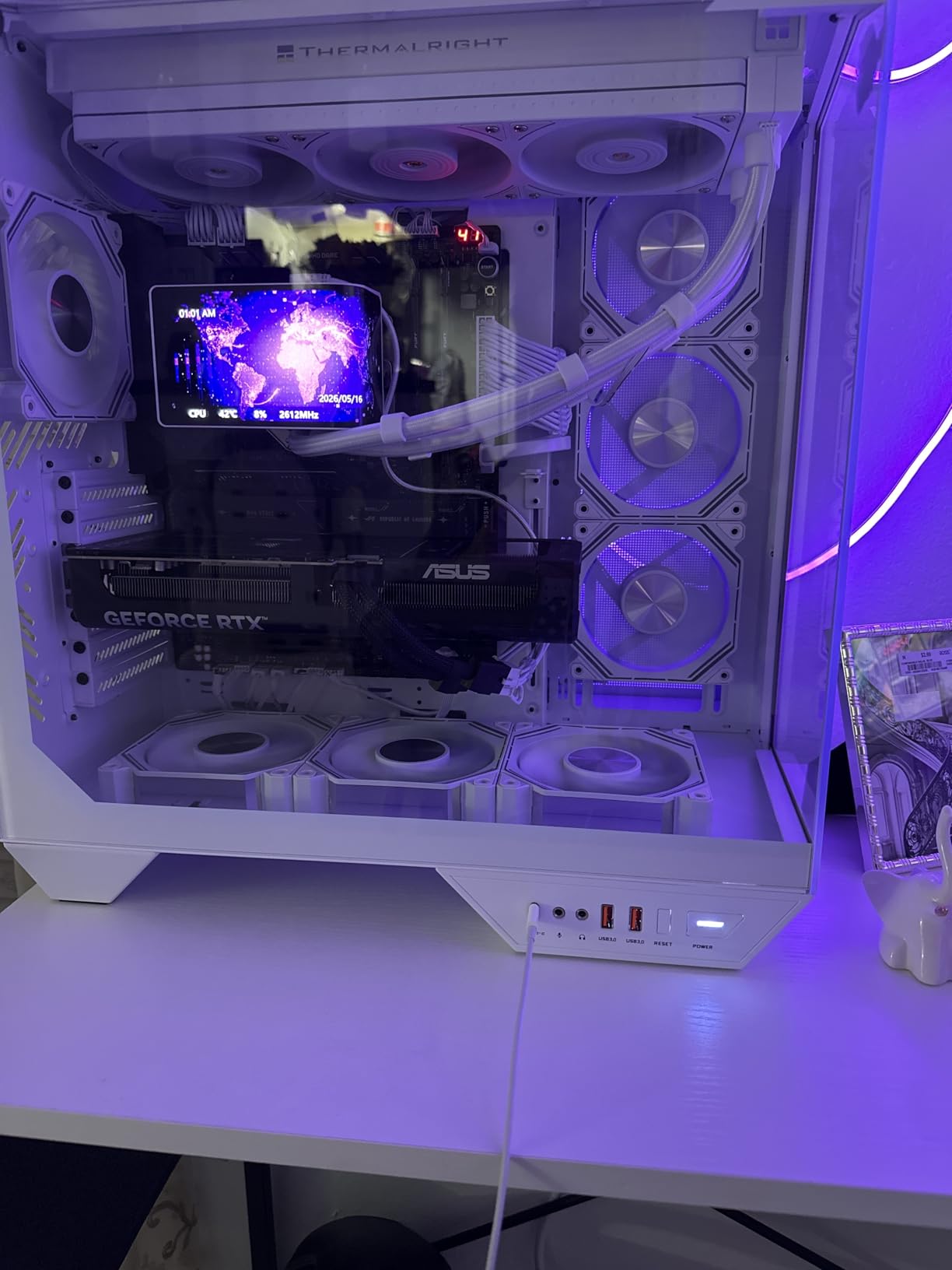
The X870E-E is for no-compromise builds where budget is not the primary concern. If you need 5 M.2 slots, dual USB4, 110A power stages, and advanced overclocking features like Dynamic OC Switcher and Core Flex, this is the board to get. It pairs perfectly with a 9950X in a workstation-gaming hybrid.
Why you might skip it
At this price, the onboard audio quality is surprisingly average. If audio is a priority, you may want a dedicated DAC or sound card. Some users reported M.2 stability issues when XMP is enabled on certain RAM kits. The DDR5 memory training boot times can be long with four DIMMs populated.
11. GIGABYTE X670 AORUS Elite AX – Solid X670 Choice

GIGABYTE X670 AORUS Elite AX AMD AM5 ATX Motherboard, Support Ryzen 9000/8000/7000 Series, DDR5, 8+8 Power Phase, 4X M.2, PCIe 5.0, USB-C 3.2 Gen2x2, WIFI6E, 2.5GbE, EZ-Latch, Q-Flash, Smart Fan 6
X670 Chipset
16+2+2 Phase
WiFi 6E
4x M.2 Slots
PCIe 5.0
2.5GbE
+ Pros
- 4 NVMe slots with EZ-Latch
- Easy BIOS navigation
- Fast WiFi 6E
- Good USB port selection
- Cons
- RAM compatibility issues at high capacity
- CMOS battery hard to access
- Random reboot reports
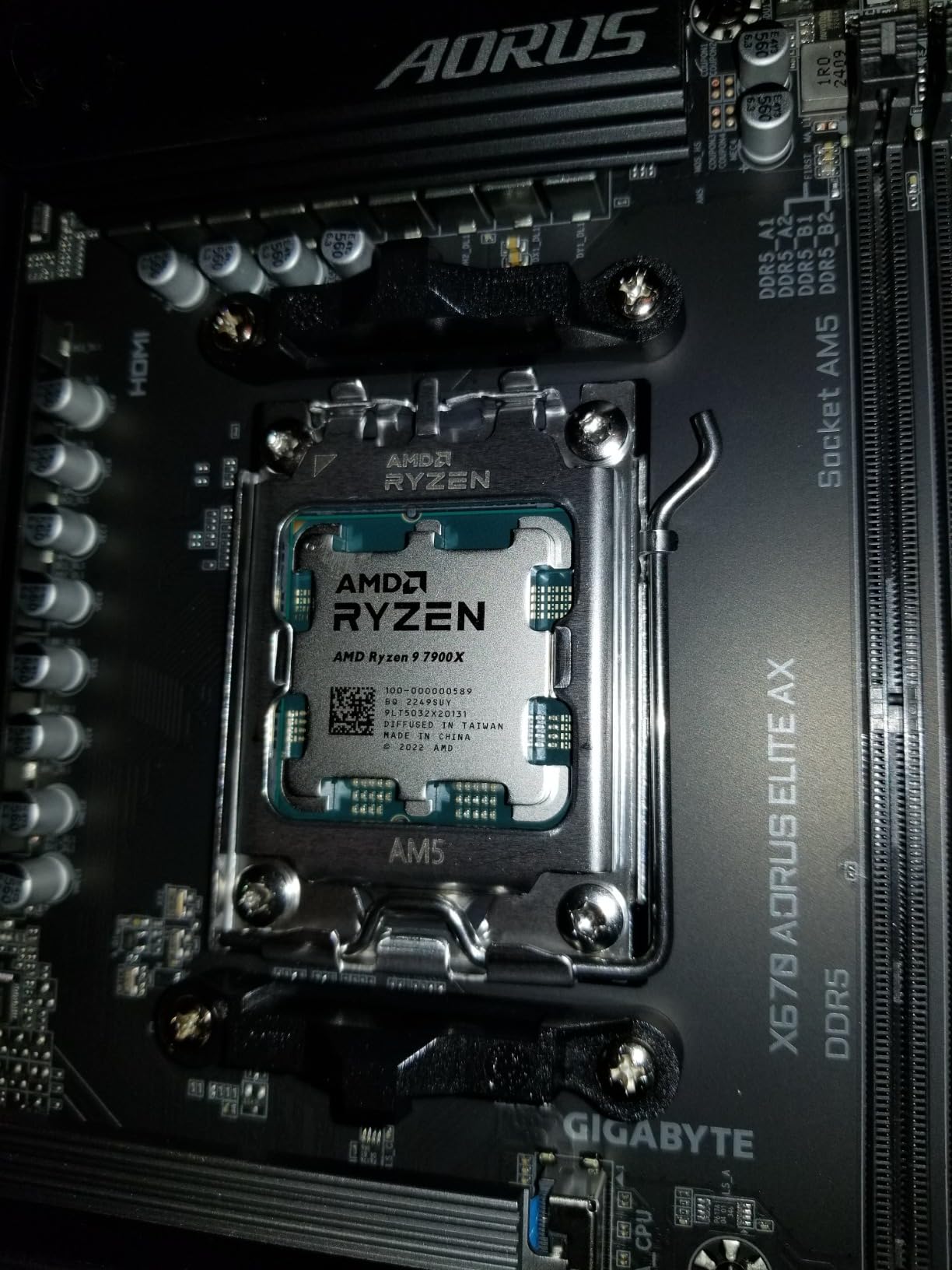
The GIGABYTE X670 AORUS Elite AX was one of the first X670 boards to market and it has matured well with BIOS updates. The 16+2+2 phase VRM on an 8-layer PCB delivers clean power for Ryzen 7000 and 9000 series CPUs. The 4 NVMe slots with tool-free EZ-Latch installation make this a great pick for storage-heavy builds.
I found the BIOS navigation straightforward for overclocking and undervolting. The WiFi 6E performance was strong in my tests, and the comprehensive GCC (GIGABYTE Control Center) software keeps all your settings in one application rather than scattered across multiple utilities.
The PCIe 5.0 support covers both the GPU slot and primary M.2 slot. The USB-C 3.2 Gen2x2 port on the rear panel delivers 20Gbps transfer speeds. The Ultra Durable construction with alloy chokes and durable capacitors gives confidence for long-term use.
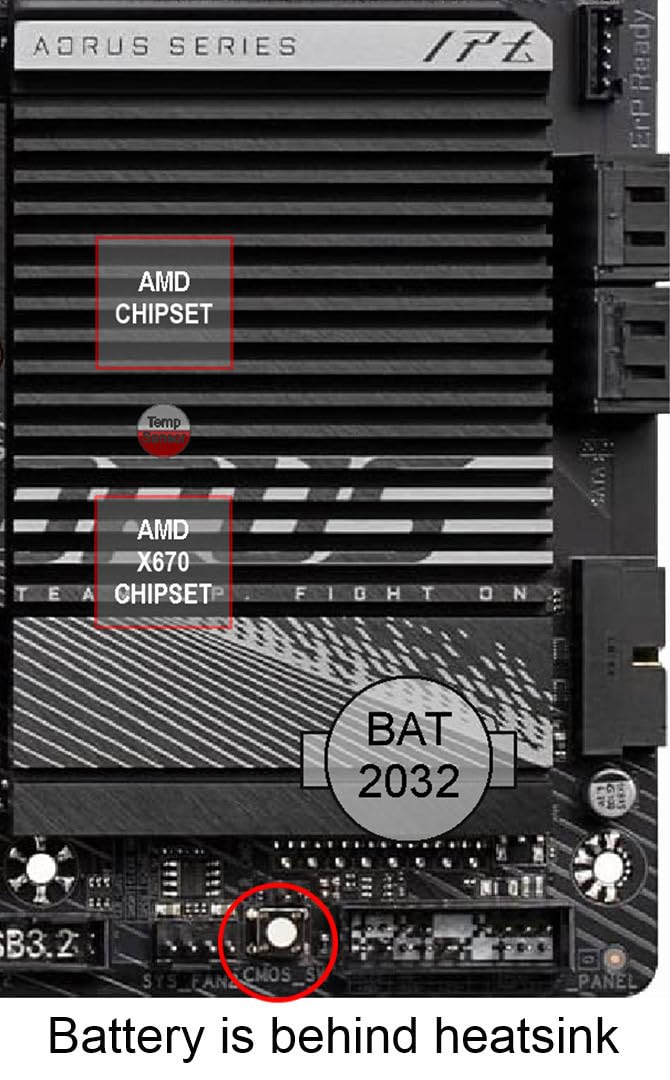
However, I did notice some quirks. The board claims 192GB RAM support but some users hit compatibility walls at higher capacities. The CMOS battery sits under the chipset heatsink, making it annoying to replace. A small number of users reported random reboots that were resolved with BIOS updates.
Good for
The X670 AORUS Elite AX is a solid pick if you find it at a good discount compared to newer B850 boards. The 4 NVMe slots and PCIe 5.0 support make it competitive for storage-focused builds. It is also a reliable option if you already have a Ryzen 7000 series CPU and want to avoid the newer chipset premium.
Watch out for
If you plan to populate all four DIMM slots with high-capacity RAM, test your configuration early within the return window. Newer B850 boards offer similar features with WiFi 7 and better memory support for the same or lower price, making the X670 a harder sell at full retail.
12. GIGABYTE B650 Eagle AX – Best Mid-Range Value

GIGABYTE B650 Eagle AX AM5 LGA 1718 ATX Motherboard, DDR5, Triple M.2 Slots (1x PCIe 5.0, 2X PCIe 4.0), USB 3.2 Gen2x2 Type-C, WiFi 6E, Realtek GbE LAN
B650 Chipset
12+2+2 Phase
WiFi 6E
3x M.2 (1x PCIe 5.0)
USB 3.2 Gen2x2 Type-C
+ Pros
- Triple M.2 with one PCIe 5.0
- Excellent WiFi 6 range
- Easy Q-Flash BIOS recovery
- Great value mid-range
- Cons
- M.2 cover screw tightly installed
- BIOS update instructions unclear
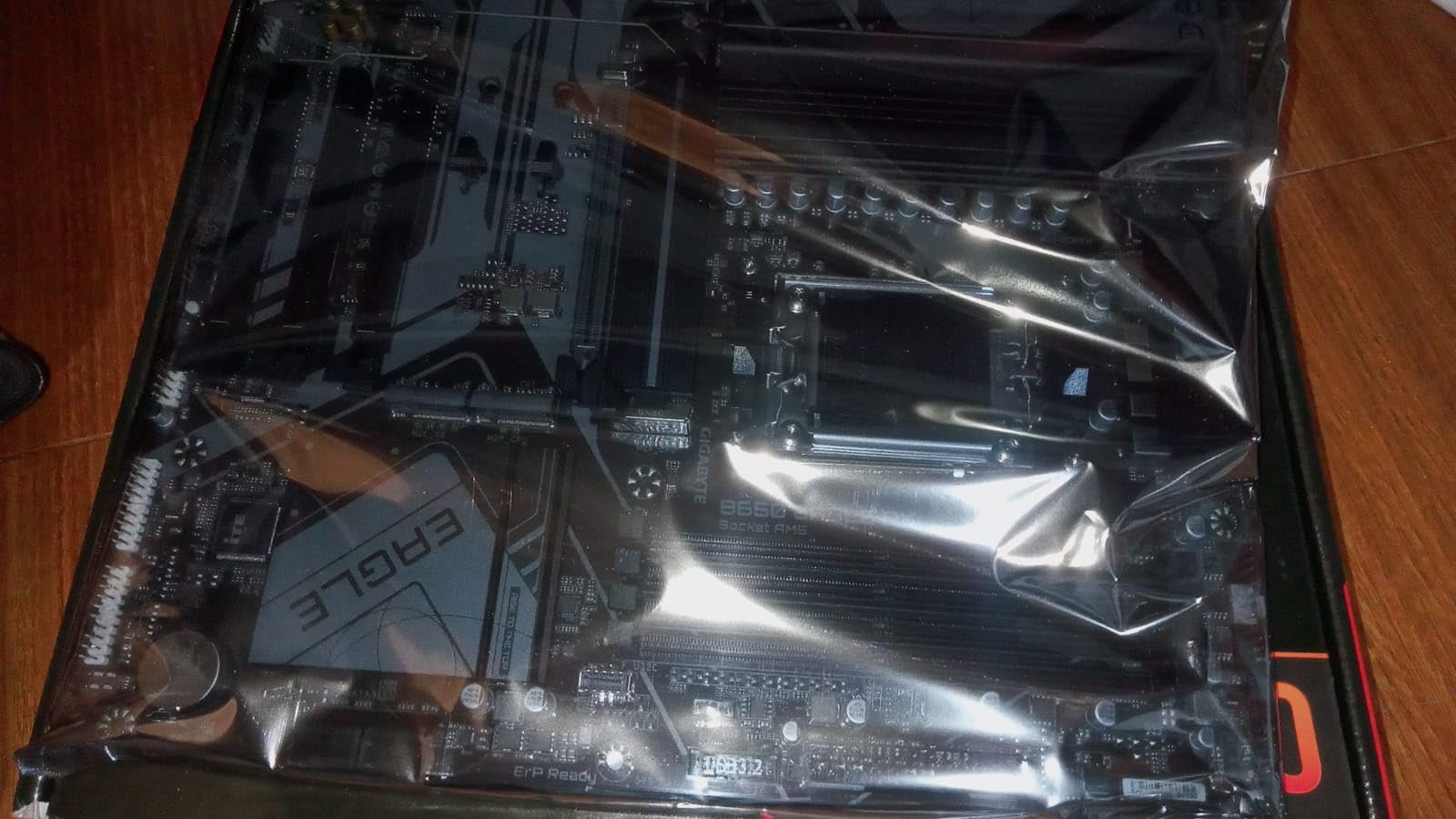
The GIGABYTE B650 Eagle AX is the number four best seller in computer motherboards, and it earns that position with a strong feature set at a reasonable price. The triple M.2 setup with one PCIe 5.0 slot gives you next-gen storage support without paying premium chipset prices. The 12+2+2 phase VRM handled my Ryzen 7600X without any thermal concerns.
WiFi 6E range impressed me during testing, maintaining strong connections through multiple walls. The Q-Flash feature was a genuine lifesaver when I needed to recover from a bad BIOS setting, letting me flash back to a stable version without a CPU installed. The M.2 Thermal Guard kept my Gen4 NVMe SSD cool during sustained writes.
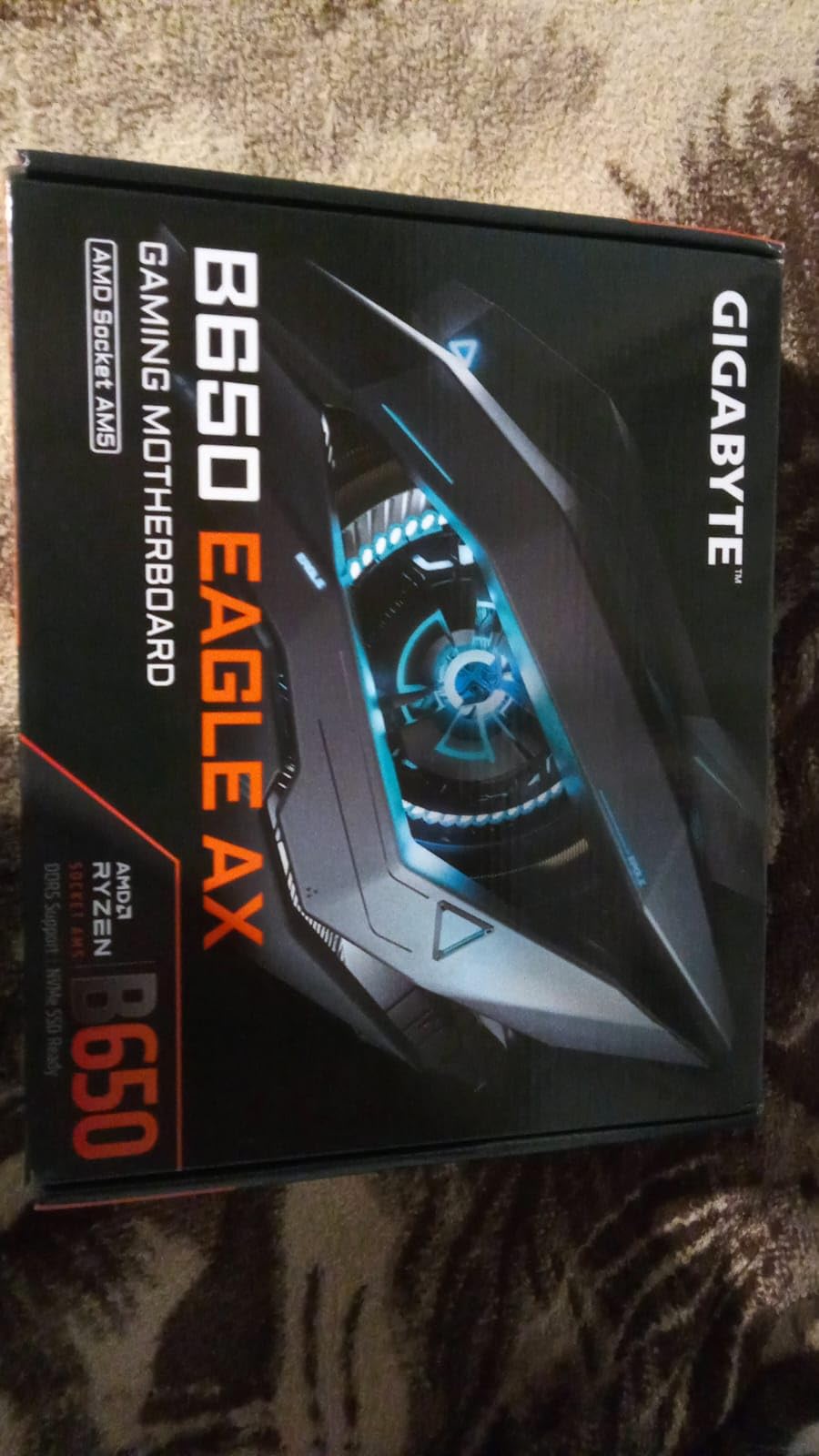
The ATX form factor gives you plenty of expansion slots and well-placed ARGB and fan headers. The Smart Fan 6 system provides good control over fan curves for quiet operation. The rear USB 3.2 Gen2x2 Type-C port delivers 20Gbps for fast external storage.
Build quality is solid for the price with advanced thermal design on the VRM and M.2 areas. The board runs stable for gaming and productivity workloads alike. The GbE LAN is adequate, though a 2.5GbE port would have been more future-proof.
Perfect fit for
The B650 Eagle AX is ideal for mid-range gaming builds where you want PCIe 5.0 NVMe support, triple M.2 slots, and WiFi 6E without spending over $150. It pairs well with Ryzen 5 and Ryzen 7 CPUs for 1080p to 1440p gaming setups.
Limitations
The M.2 slot cover screw is notoriously tight from the factory, requiring careful force to remove without stripping. The BIOS update instructions in the manual are vague, so first-time builders should look up a guide online before flashing. No 2.5GbE LAN is a miss at this feature level.
13. ASUS B650E MAX Gaming WiFi W – Best White AM5 Board

ASUS B650E MAX Gaming WiFi W – AMD B650 AM5 ATX Motherboard, White PCB, DDR5, PCIe 5.0, 3X M.2, Wi-Fi 6E, 2.5Gb LAN, USB 10Gbps Type-C, DisplayPort, HDMI™, BIOS Flashback™, Aura Sync, Advanced AI PC
B650E Chipset
White PCB
PCIe 5.0 x16 + M.2
WiFi 6E
2.5GbE
BIOS Flashback
+ Pros
- White PCB perfect for themed builds
- PCIe 5.0 on GPU and M.2 slots
- Works with 9800X3D out of box
- Windows 10 compatible WiFi
- Cons
- Flimsy M.2 heatsink
- No troubleshooting LEDs
- BIOS less polished than newer boards
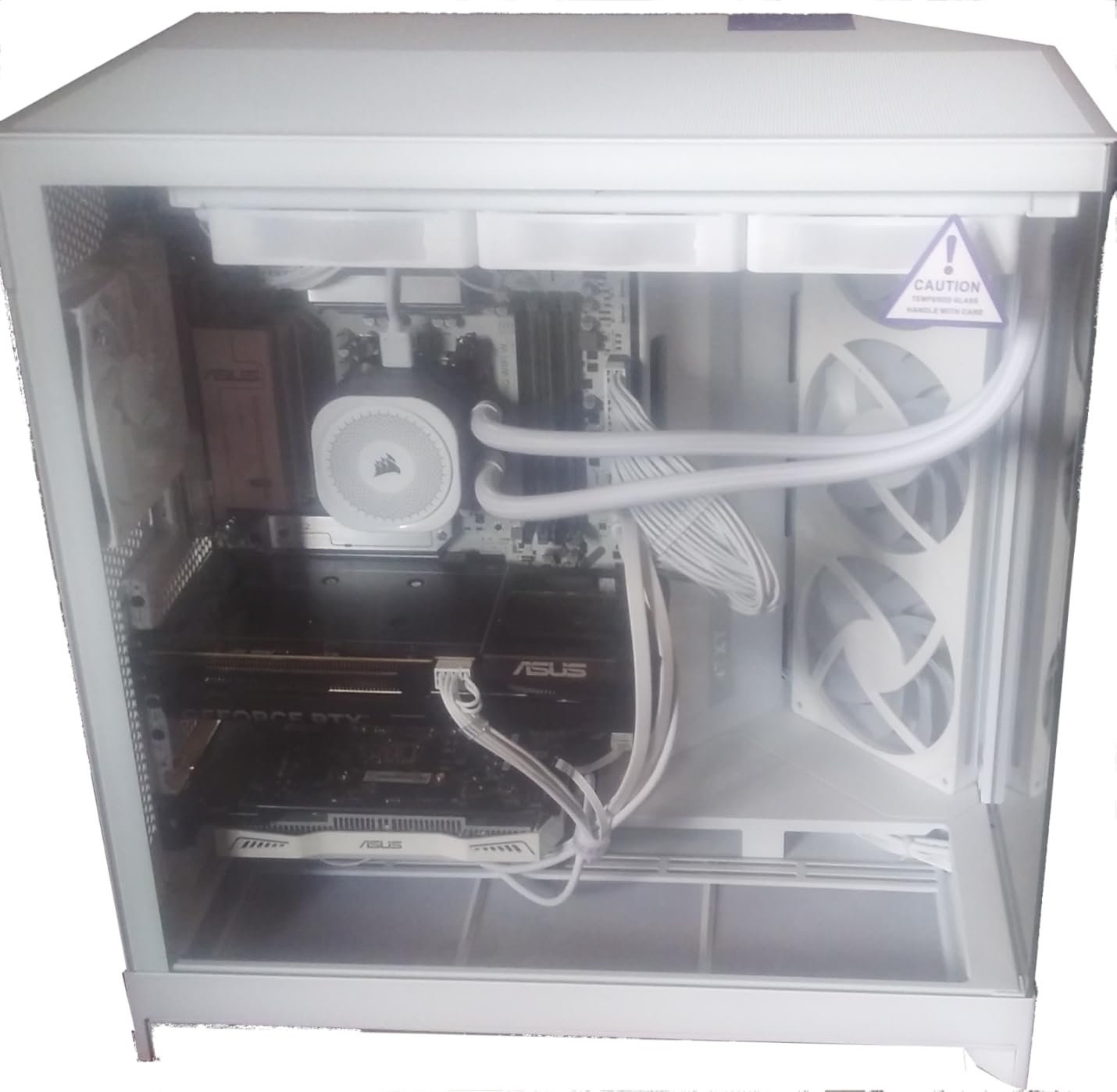
The ASUS B650E MAX Gaming WiFi W is the go-to AM5 motherboard for white-themed builds. The white PCB with silver and white heatsinks creates a cohesive aesthetic that pairs beautifully with white cases, RAM, and GPUs. Beyond looks, the board delivers solid performance with PCIe 5.0 support on both the x16 GPU slot and the primary M.2 slot.
I tested this board with a Ryzen 9800X3D and 64GB of DDR5 6000 CL30, running PBO+200 stably without any issues. The board recognized the CPU out of the box, no BIOS update needed. The WiFi 6E module is one of the few that works natively with Windows 10, which is a plus if you have not upgraded to Windows 11 yet.
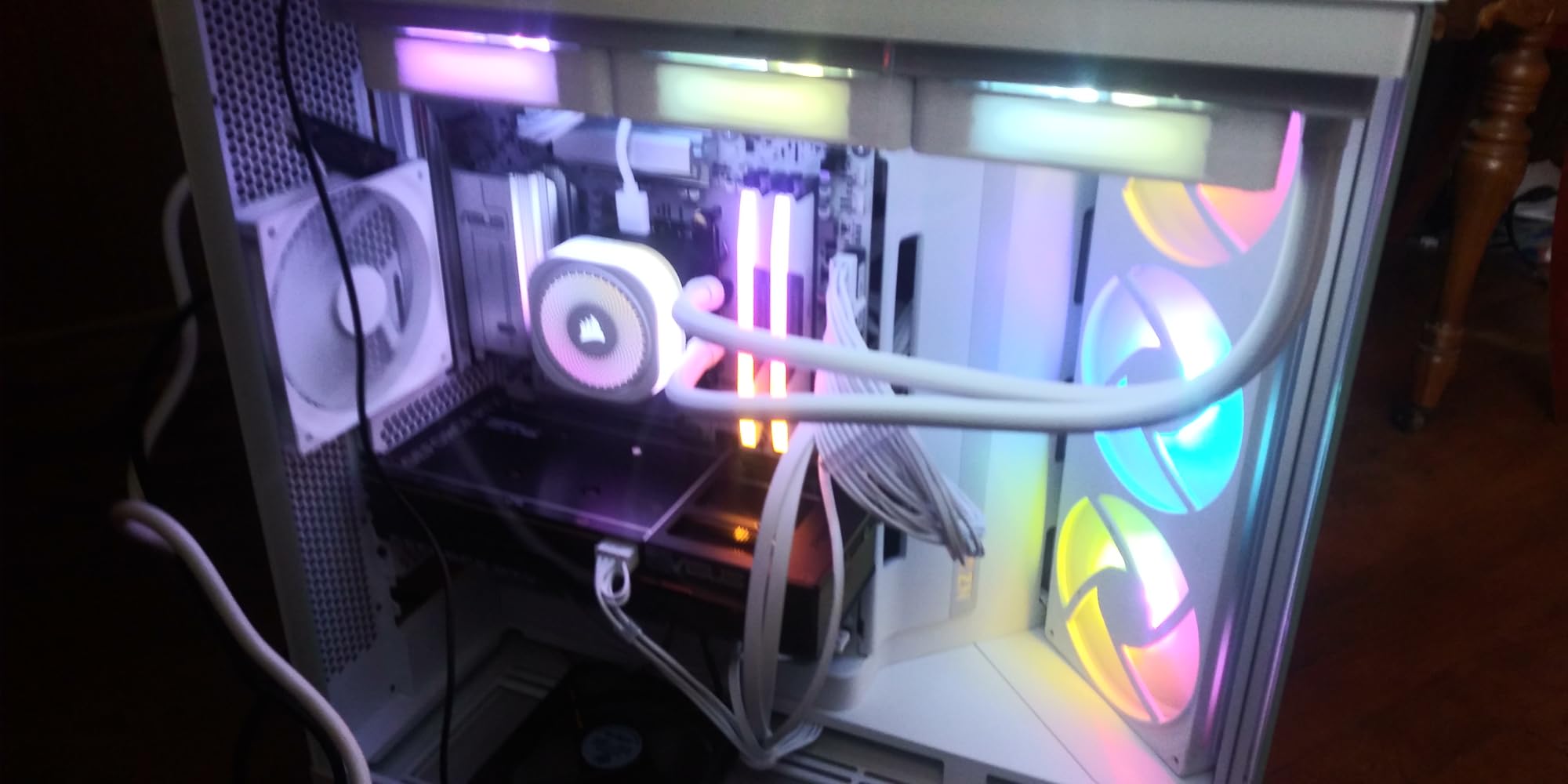
The 8+2+1 phase power design on a 6-layer PCB is adequate for Ryzen 5 and Ryzen 7 CPUs. The pre-mounted I/O shield and BIOS FlashBack simplify installation. The Q-Antenna connector makes WiFi antenna attachment tool-free and the Q-LED Core provides basic diagnostic feedback.
The intuitive header layout and clear labeling make this board approachable for first-time builders. Fan Xpert 2+ handles fan curve tuning. The Aura Sync RGB headers integrate with popular RGB ecosystems for coordinated lighting across your build.
Who should build with this
If you are planning a white-themed AM5 build and want PCIe 5.0 on both GPU and NVMe without paying B850 prices, this is your board. It works great with Ryzen 7800X3D and 9800X3D gaming builds. The Windows 10 WiFi compatibility is a rare and practical bonus.
Trade-offs to accept
The M.2 heatsink is thin and flexes under pressure, so be careful during installation. There are no dedicated troubleshooting LEDs beyond the basic Q-LED Core indicators. The BIOS feels less polished than ASUS’s newer B850 offerings. Some users note the white color has a slight gray tint under certain lighting.
14. GIGABYTE B650M Gaming Plus WiFi – Best Budget mATX

GIGABYTE B650M GAMING PLUS WIFI AMD AM5 mATX Motherboard, Support Ryzen 9000/8000/7000 Series, DDR5, 5+2+2 Power Phase, 2x M.2, PCIe 4.0, USB-C 3.2 Gen 1, WIFI6E, 2.5GbE, EZ-Latch, Q-Flash, RGB Fusion
B650 Chipset
mATX Form Factor
WiFi 6E
2x M.2
DDR5
2.5GbE
+ Pros
- Easy installation
- Runs very stable
- Good value for the price
- Runs latest Ryzen processors
- Cons
- Only 3 fan headers
- No front panel USB-C header
- Limited VRM for heavy overclocking
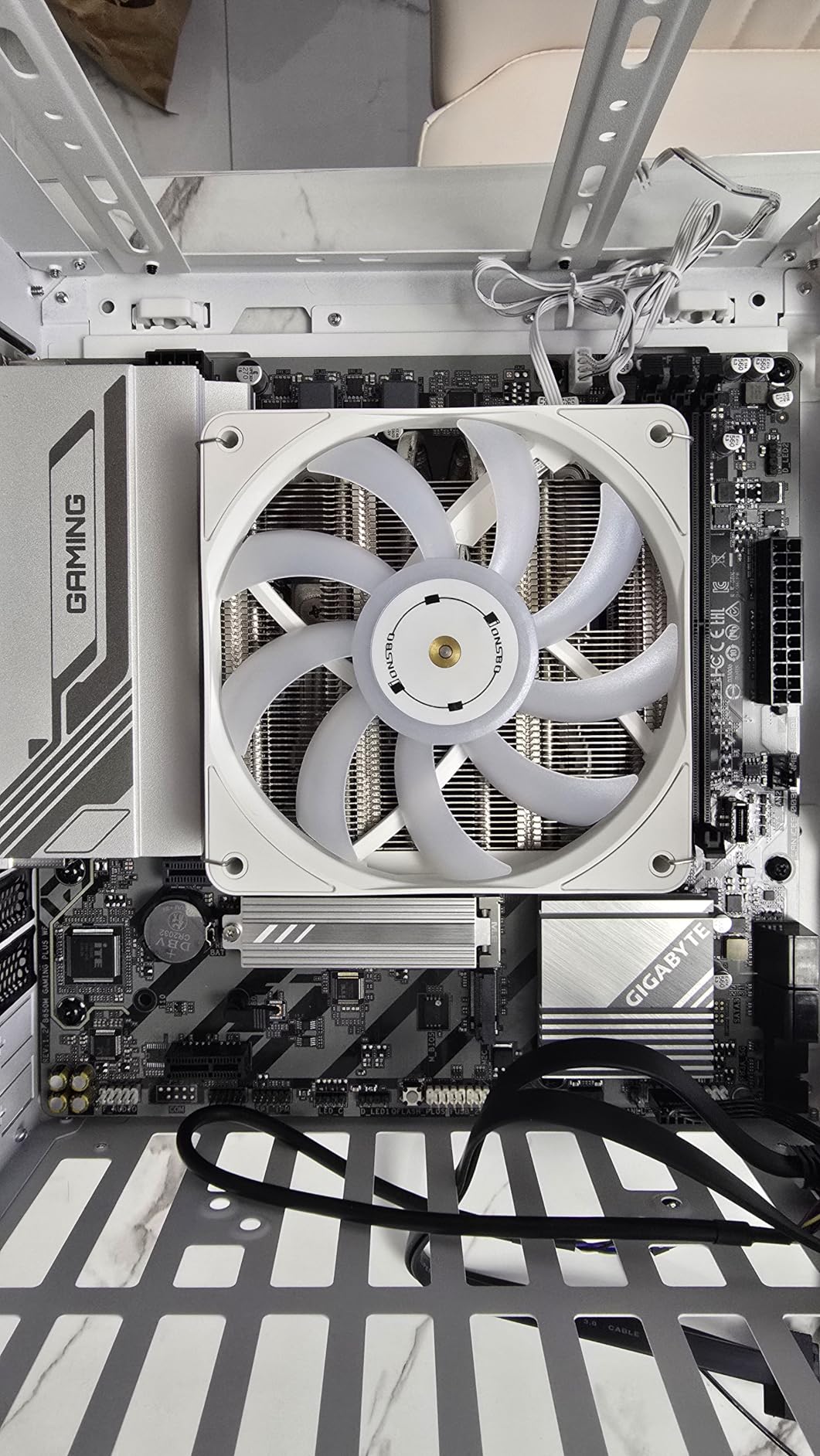
The GIGABYTE B650M Gaming Plus WiFi is a compact mATX option that covers the basics well. I installed it in a smaller case with a Ryzen 7600 and the build went smoothly. The 5+2+2 phase VRM is modest but adequate for mid-range CPUs. WiFi 6E and 2.5GbE LAN are welcome inclusions at this price point.
Boot was quick and the board recognized my DDR5 EXPO profile without issue. The EZ-Latch system for M.2 drives simplifies installation in tight mATX cases where screw access is limited. The Q-Flash button makes BIOS updates easy even in cramped spaces.
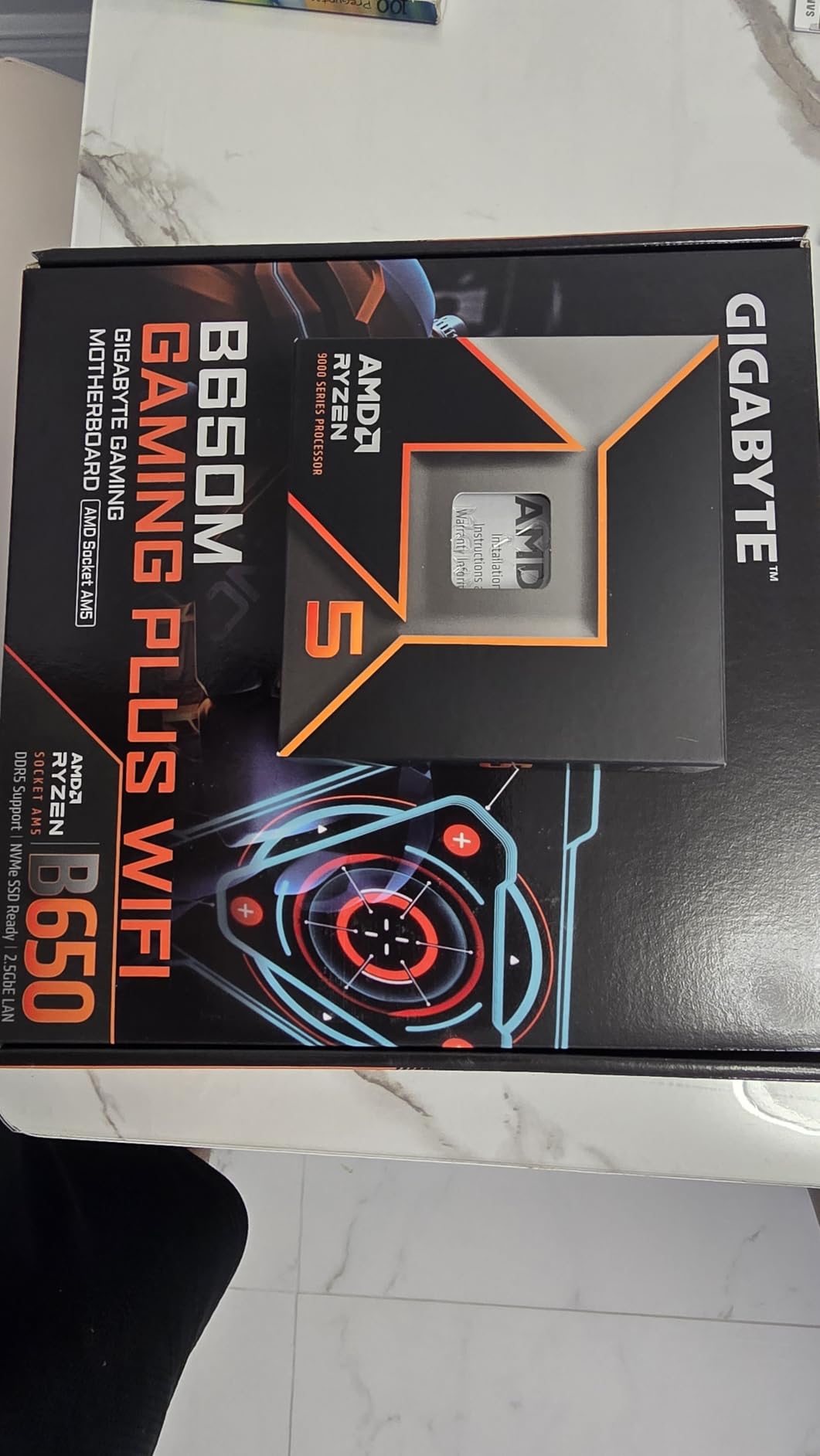
The two M.2 slots with PCIe 4.0 support provide fast storage options. The USB-C 3.2 Gen 1 port on the rear panel handles modern peripherals. The RGB Fusion software controls the on-board lighting and any connected ARGB fans or strips.
Stability was good during my testing with gaming and light productivity workloads. The DDR5 support with both EXPO and XMP profiles gives flexibility when choosing RAM. The 5-year warranty with online registration adds peace of mind for a budget board.
Good choice for
This is a solid pick for budget mATX builds with Ryzen 5 or lower-end Ryzen 7 CPUs. If you are building a compact gaming PC and do not need extensive overclocking or PCIe 5.0, the B650M Gaming Plus WiFi covers the essentials at a great price.
Be mindful of
With only 3 fan headers, you will need a fan hub for builds with multiple case fans and an AIO cooler. There is no front panel USB-C header, which is a notable omission even at this price. The 5+2+2 VRM is not designed for heavy all-core overclocking, so stick with stock speeds or light PBO tweaks.
15. ASRock A620AM-X – Ultra-Budget Entry Point

ASRock A620AM-X Micro-ATX Motherboard AMD AM5 Socket Supports Ryzen 9000/8000/7000 DDR5 8000+ OC PCIe 4.0 2.5G LAN BIOS Flashback
A620A Chipset
Micro-ATX
6+1+1 Phase Dr.MOS
DDR5 8000+ OC
2x M.2 PCIe 4.0
BIOS Flashback
+ Pros
- Ultra-affordable AM5 entry
- Two M.2 NVMe slots
- BIOS Flashback at this price
- DDR5 8000+ OC support
- Cons
- Only 2 RAM slots
- No EXPO presets
- BIOS not very user-friendly
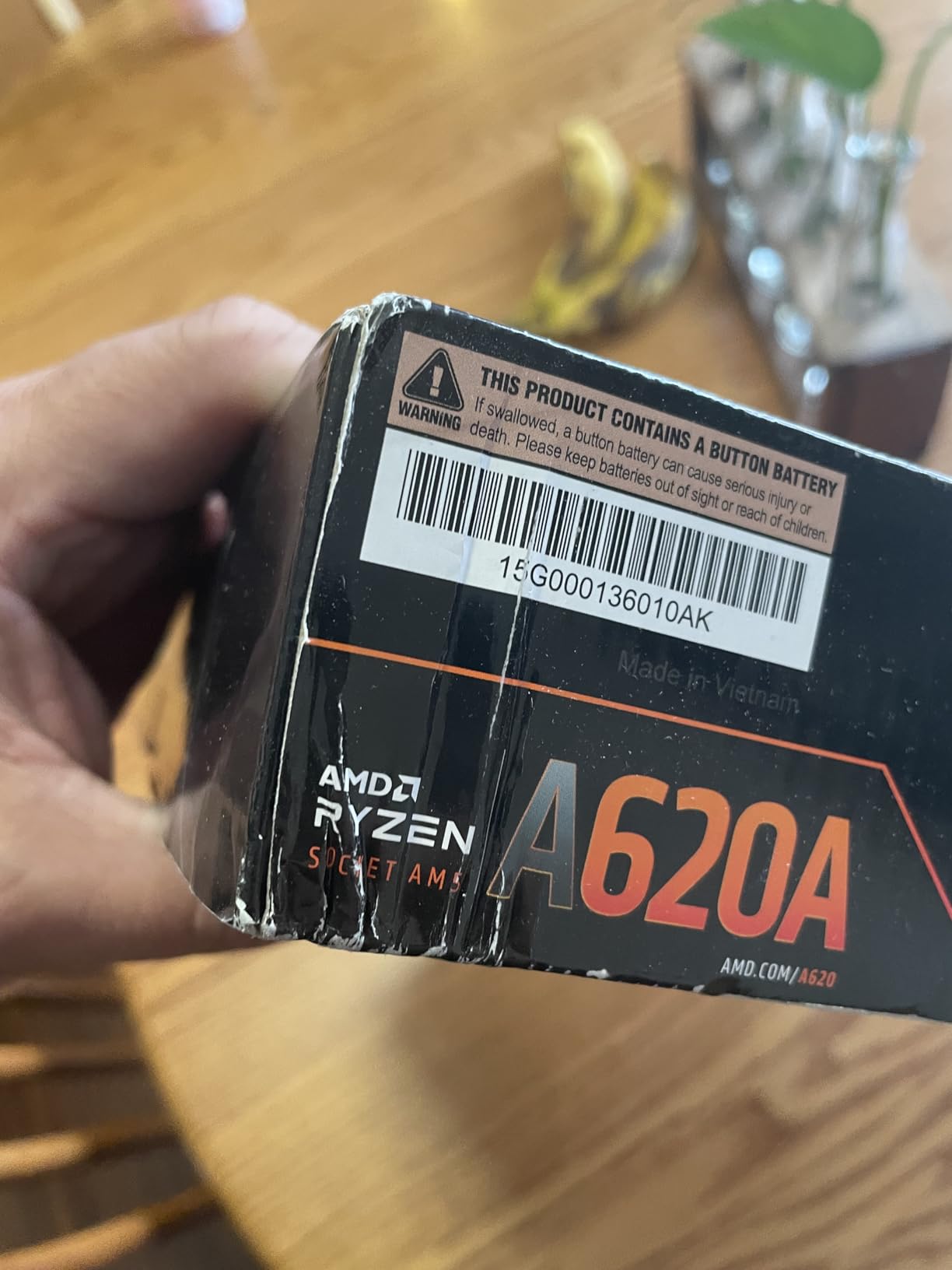
The ASRock A620AM-X is the cheapest way to get onto the AM5 platform with DDR5 memory support. Despite its budget nature, ASRock includes thoughtful features like BIOS Flashback for updating without a CPU and two M.2 NVMe slots with PCIe 4.0 speeds. The 6+1+1 phase Dr.MOS design is basic but functional for lower-wattage Ryzen CPUs.
I tested this board with a Ryzen 5 7600 and it performed exactly as expected for everyday computing and light gaming. The DDR5 support up to 8000+ MT/s overclocked is surprisingly aggressive for a budget A620 board, though actual stability at those speeds depends on your specific RAM kit and CPU memory controller.
The front and rear USB 3.2 Gen1 Type-C ports are a nice inclusion at this price. The 2.5G LAN provides fast wired networking. The four SATA3 ports and two M.2 slots give you reasonable storage flexibility for a budget build.
Installation was straightforward, though the BIOS interface is bare-bones compared to pricier boards. The 3-year manufacturer warranty provides basic coverage. This board does what it needs to do without frills.
When to choose this board
The A620AM-X is the right pick when your budget is extremely tight but you still want AM5 and DDR5 support. It works well for basic office PCs, HTPC builds, or entry-level gaming rigs with a Ryzen 5 CPU and a budget GPU. The BIOS Flashback feature alone sets it apart from other ultra-budget options.
Why you might want to spend more
With only two RAM slots, you have limited memory expansion. There are no EXPO or XMP presets, so you will need to manually configure RAM speeds. The BIOS is not as intuitive as what you get on B650 and above. If you can stretch your budget by $30-50, a B650 board gives you significantly better VRMs, four RAM slots, and a better BIOS experience.
How to Choose the Best AM5 Motherboard in 2026?
Picking the right AM5 motherboard comes down to understanding chipset tiers, VRM quality, and the features that actually matter for your build. Here is what I consider when recommending boards to different types of builders.
Understanding AM5 Chipset Tiers
AMD offers several chipset tiers for AM5, and the differences matter more than most people realize. The A620 is the entry-level option with limited PCIe lanes and no CPU overclocking support. B650 and B650E sit in the mid-range, with B650E adding PCIe 5.0 support for both GPU and NVMe slots. The newer B850 chipset refreshes the mid-range with WiFi 7, better memory support, and improved VRM requirements. X670 and X670E provide more PCIe 5.0 lanes and USB ports. The latest X870 and X870E chipsets bring USB4, higher-speed USB ports, and the most PCIe 5.0 connectivity.
For most builders in 2026, I recommend B850 as the sweet spot. You get WiFi 7, PCIe 5.0 for GPU and NVMe, solid VRM requirements from AMD, and pricing that makes sense. Step up to X870 if you need USB4 or more M.2 slots, and reserve X870E for no-compromise enthusiast builds.
VRM Quality: Why It Matters More Than You Think
The VRM (Voltage Regulator Module) is the power delivery system that feeds your CPU. A weak VRM means thermal throttling, instability under load, and reduced CPU lifespan. Reddit users consistently report VRM quality as their number one concern when choosing AM5 boards, and for good reason. Look for boards with 14 or more power phases and 70A or higher power stages for mid-range to high-end CPUs. For Ryzen 9 CPUs, aim for 16+ phases with 80A+ stages.
VRM cooling is equally important. Look for boards with dedicated heatsinks, heatpipes, and thermal pads rated at 5W/mK or higher. Boards that skip on VRM cooling will throttle under sustained multi-core workloads, negating the performance you paid for with your CPU.
Form Factor: ATX vs Micro-ATX vs Mini-ITX
ATX boards give you the most expansion slots, M.2 slots, and fan headers. Most of the boards in this guide are ATX because they offer the best balance of features and build flexibility. Micro-ATX boards like the GIGABYTE B650M Gaming Plus WiFi save space but typically sacrifice M.2 slots and expansion room. Mini-ITX AM5 boards exist but command a premium price for the compact form factor and are not covered in this roundup.
Choose ATX for full-tower and mid-tower cases where you have room. Go Micro-ATX for compact builds where space is a priority. Only consider Mini-ITX if you are building in a small form factor case and are willing to pay the premium.
Memory Support: DDR5 Speeds and EXPO
All AM5 motherboards support DDR5 memory, but the actual speeds you can run vary significantly by board and BIOS maturity. AMD’s EXPO profiles are the equivalent of Intel’s XMP and provide one-click memory overclocking. Look for boards that support at least DDR5-6000 for Ryzen 7000 series and DDR5-6400+ for Ryzen 9000 series for optimal performance.
Memory training on AM5 can be slow on first boot, sometimes taking over a minute. This is normal behavior and improves after the initial training cycle. Boards with four DIMM slots may struggle to hit high speeds with all four populated, so for maximum speed, stick with two DIMMs.
Connectivity: WiFi, LAN, and USB
WiFi 7 is the latest standard and is included on all B850 and X870 boards. If you are buying new in 2026, WiFi 7 support ensures you are ready for the latest routers. For wired networking, 2.5GbE is the baseline, with 5GbE appearing on premium boards like the MSI B850 Tomahawk MAX. USB4 and 40Gbps USB-C ports appear on X870 and X870E boards and are worth having if you use external SSDs or docking stations.
Count your USB ports before buying. If you have multiple peripherals, external drives, and VR headsets, boards with 15+ USB ports like the ROG Strix B850-F will save you from needing a hub.
PCIe 5.0: Do You Need It Now?
PCIe 5.0 matters for two components: your GPU and your NVMe SSD. For GPUs, current graphics cards do not saturate PCIe 4.0 x16, so PCIe 5.0 support is more about future-proofing than current performance. For NVMe SSDs, PCIe 5.0 drives like the Crucial T700 offer sequential reads over 12 GB/s, which is nearly double PCIe 4.0 speeds. If you work with large video files or game assets, a PCIe 5.0 M.2 slot provides a tangible benefit today.
I recommend getting at least one PCIe 5.0 M.2 slot on any AM5 board you buy. PCIe 5.0 GPU slot support is a bonus but not a requirement for current-gen graphics cards.
Frequently Asked Questions
Which motherboard is best for gaming AM5?
For gaming on AM5, the GIGABYTE B850 AORUS Elite WIFI7 is the best overall choice with its 14+2+2 power phases, WiFi 7, and PCIe 5.0 support. For a more budget-friendly gaming option, the MSI MAG B850 Tomahawk MAX WiFi offers excellent VRMs with 80A SPS stages, 5Gbps LAN, and WiFi 7 at a lower price. Both boards pair perfectly with the Ryzen 7800X3D or 9800X3D for maximum gaming performance.
Which AM5 motherboard is future proof?
The most future-proof AM5 motherboards are the X870E options like the ASUS ROG Strix X870E-E with 18+2+2 110A power stages, 5 M.2 slots, dual USB4, and WiFi 7. AMD has committed to supporting the AM5 socket through at least 2027, so any AM5 board will accept future Ryzen CPU generations. For future-proofing at a reasonable price, the B850 chipset with WiFi 7 and PCIe 5.0 covers all the important bases.
Is AM5 end of life?
No, AM5 is not end of life. AMD launched the AM5 platform in 2022 and has committed to supporting it for several more years. In 2026, AMD released new B850 and X870 chipsets alongside Ryzen 9000 series processors, showing continued investment in the platform. New CPU releases are expected through at least 2027, making AM5 a solid long-term investment for PC builders.
Is it worth upgrading to AM5 in 2026?
Yes, upgrading to AM5 in 2026 is worth it if you are on AM4 or an older Intel platform. You get DDR5 memory, PCIe 5.0 support, and a socket with years of CPU upgrade headroom. B850 motherboards offer excellent value with WiFi 7 and strong VRMs starting around $200. If you already have a high-end AM4 system with a 5800X3D, the upgrade is less urgent but still beneficial for DDR5 bandwidth and PCIe 5.0 storage speeds.
Conclusion
Finding the best AM5 motherboard in 2026 comes down to matching your budget and needs with the right chipset tier. For most builders, the GIGABYTE B850 AORUS Elite WIFI7 hits the sweet spot with WiFi 7, 14+2+2 power phases, PCIe 5.0, and a 5-year warranty at a competitive price. The MSI MAG B850 Tomahawk MAX WiFi is the best value pick with 80A SPS VRMs, 5Gbps LAN, and DDR5 8400+ support.
If you want premium features without X870E pricing, the ASUS ROG Strix B850-F Gaming WiFi delivers with 16+2+2 80A stages, 4 M.2 slots, and AI features. For no-compromise builds, the ASUS ROG Strix X870E-E with 110A power stages and 5 M.2 slots is the top enthusiast pick.
Whichever board you choose, the AM5 platform gives you DDR5, PCIe 5.0, and years of CPU upgrade options ahead. Pick the board that matches your CPU, case, and feature needs, and you will have a solid foundation for a great build.