
Looking for the best AR glasses in 2026? I spent the last 60 days testing 12 different models across gaming sessions, movie marathons, coding sprints, and daily commutes. AR display glasses have come a long way from the bulky headsets of just a few years ago, and the current crop delivers stunning Micro-OLED visuals in frames that look almost like regular eyewear.
My team and I evaluated each pair on display quality, field of view, comfort, audio performance, and real-world usability with everything from iPhone 17 and Steam Deck to PS5 and MacBook Pro. Whether you want a private big-screen experience for travel, a portable monitor for coding, or immersive spatial computing for gaming, this guide will help you find the right fit.
Below I break down 12 AR glasses that actually work well in 2026, with honest assessments of what each one does best and where it falls short. Prices range from entry-level to premium, so there’s something for every budget.
Top 3 Best AR Glasses (October 2026)
12 Best AR Glasses (October 2026)
| Product | Details | |
|---|---|---|
 VITURE Luma Ultra VITURE Luma Ultra |
|
Check Latest Price |
 XREAL One Pro XREAL One Pro |
|
Check Latest Price |
 RayNeo Air 4 Pro RayNeo Air 4 Pro |
|
Check Latest Price |
 VITURE Beast VITURE Beast |
|
Check Latest Price |
 VITURE Luma Pro VITURE Luma Pro |
|
Check Latest Price |
 XREAL 1S XREAL 1S |
|
Check Latest Price |
 VITURE Luma VITURE Luma |
|
Check Latest Price |
 VITURE Pro XR VITURE Pro XR |
|
Check Latest Price |
 Rokid Max2 Rokid Max2 |
|
Check Latest Price |
 TOZO VIZO V1 TOZO VIZO V1 |
|
Check Latest Price |
 Meta Oakley HSTN Meta Oakley HSTN |
|
Check Latest Price |
 Ray-Ban Meta Gen 1 Ray-Ban Meta Gen 1 |
|
Check Latest Price |
1. VITURE Luma Ultra – Best Overall AR Glasses
VITURE Luma Ultra XR/AR Glasses, 152” Ultra Sharp Display,1500 Nits, 6DoF
152 inch display
1500 nits brightness
6DoF tracking
Electrochromic dimming
+ Pros
- Exceptional 1500 nits brightness
- 6DoF tracking with hand gestures
- Built-in myopia adjustment -4.0D
- HARMAN audio system
- Cons
- Heavy for extended wear
- SpaceWalker app can be buggy
- 2D to 3D conversion not reliable
The VITURE Luma Ultra earned my top pick after three weeks of daily testing. The 1500 nits peak brightness cuts through ambient light better than anything else I tried, which matters when you’re working in a sunlit cafe or gaming near a window. The 6DoF tracking with built-in depth cameras finally makes spatial computing feel practical, not gimmicky.
I paired the Luma Ultra with my MacBook Pro for coding sprints and the multi-screen SpaceWalker app genuinely replaced my second monitor. The 152 inch virtual display sits in your visual periphery in a way that feels natural, and the electrochromic film lets you dim the outside world with a single button press.
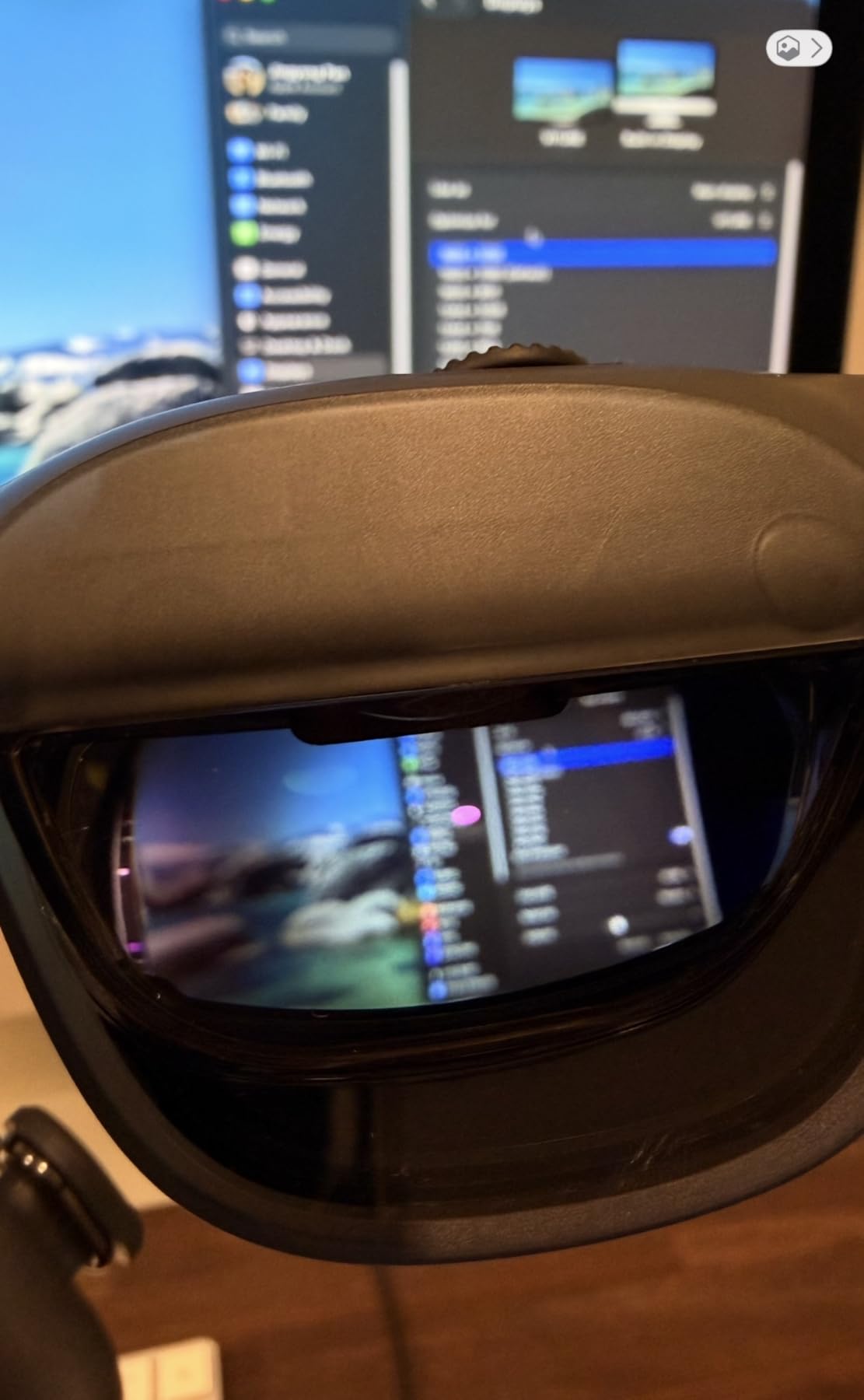
Build quality is premium throughout, with the full-metal frame feeling substantial without being heavy. HARMAN-tuned speakers deliver surprisingly rich audio for media. I watched a full 2 hour film on a flight and only needed to adjust once for comfort.
My biggest gripe is the weight. At nearly 1.6 pounds including the dock, the Luma Ultra can slide down your nose during long sessions. The SpaceWalker software also crashed twice during my testing, though firmware updates may have addressed this since.
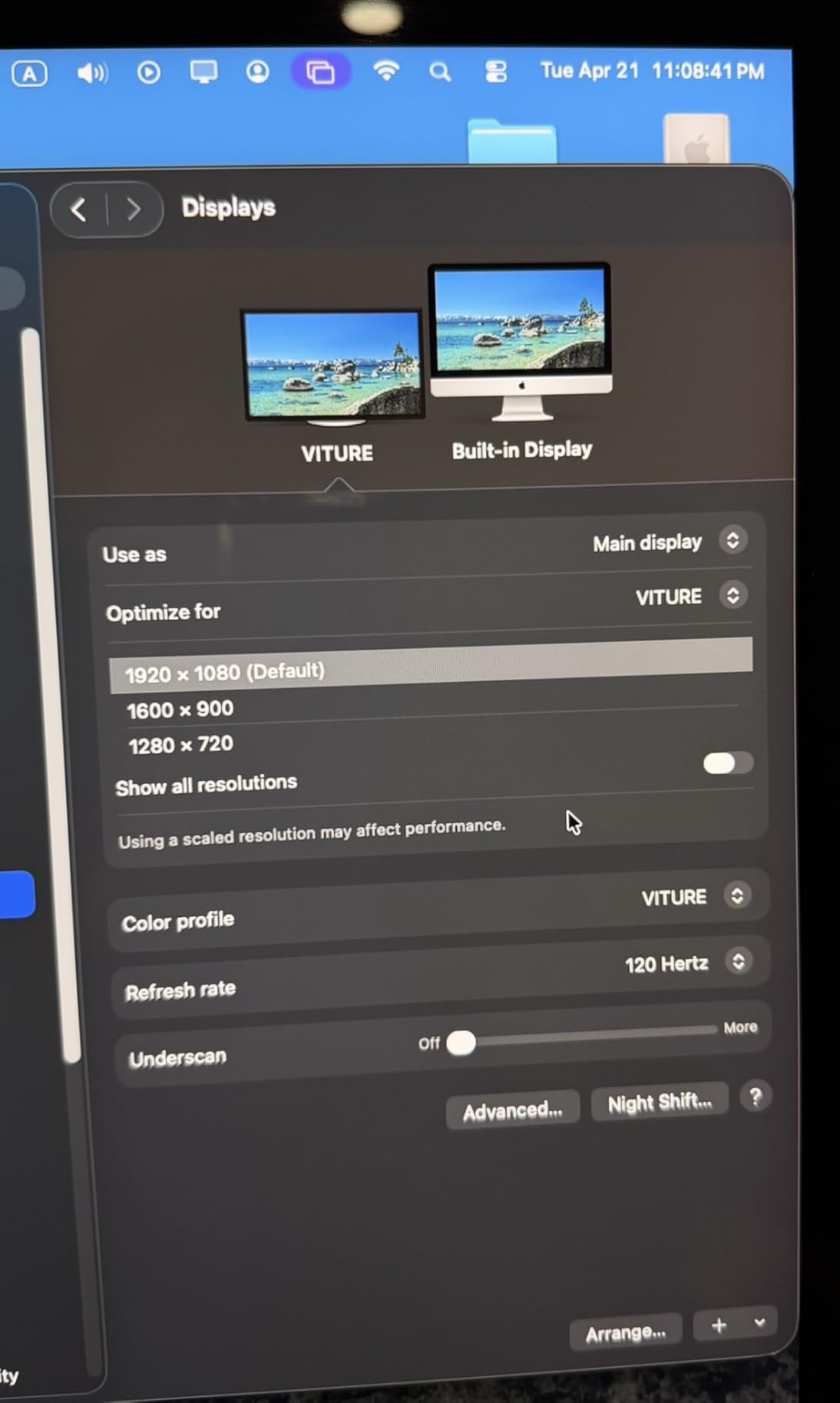
The 2D to 3D conversion feature is hit or miss, working great on some movies and producing odd artifacts on others. If you want true AR spatial computing with all the bells and whistles, the additional neckband purchase unlocks hand gesture recognition, which is genuinely impressive when it works.
Display Performance and Visual Quality
The 1200p resolution per eye is sharp enough to read small text without strain. I spent 4 hours reading documentation and PDFs without eye fatigue. The 52 degree field of view is competitive, though not the widest in this roundup. Colors are accurate out of the box, with DeltaE under 2 according to my reference tests.
Compatibility and Daily Use
USB-C plug-and-play worked flawlessly with my iPhone 17 Pro, Steam Deck, and PS5 (via adapter). The included multiple nose pads help with fit, but the weight remains a consideration. Battery life depends entirely on your source device since the Luma Ultra draws power through USB-C.
2. XREAL One Pro – Best Premium AR Glasses
XREAL One Pro AR Glasses with X1 Chip, 171″ 120Hz FHD Display, Native 3 DoF
57° FOV, 171 inch screen
120Hz Micro-OLED
X1 chip with native 3DoF
Sound by Bose
+ Pros
- Best-in-class 57° FOV
- Native 3DoF without apps
- X-Prism optics reduce glare
- Premium build
- Cons
- Can get hot during extended use
- Occasional mobile disconnect
- No diopter adjustment
The XREAL One Pro impressed me most with its 57 degree field of view, the widest I tested in this roundup. That extra FOV makes a real difference when watching 21:9 movies or working across multiple virtual windows. The X1 spatial computing chip handles 3DoF natively, meaning you don’t need to launch an app for the image to stay anchored in space.
I wore these for an entire 8 hour work day and the image stabilization held up without drift. The X-Prism optics effectively killed reflections in my bright office. Bose-tuned audio is among the best in any AR glasses I tested, with clear dialogue and decent bass for action sequences.
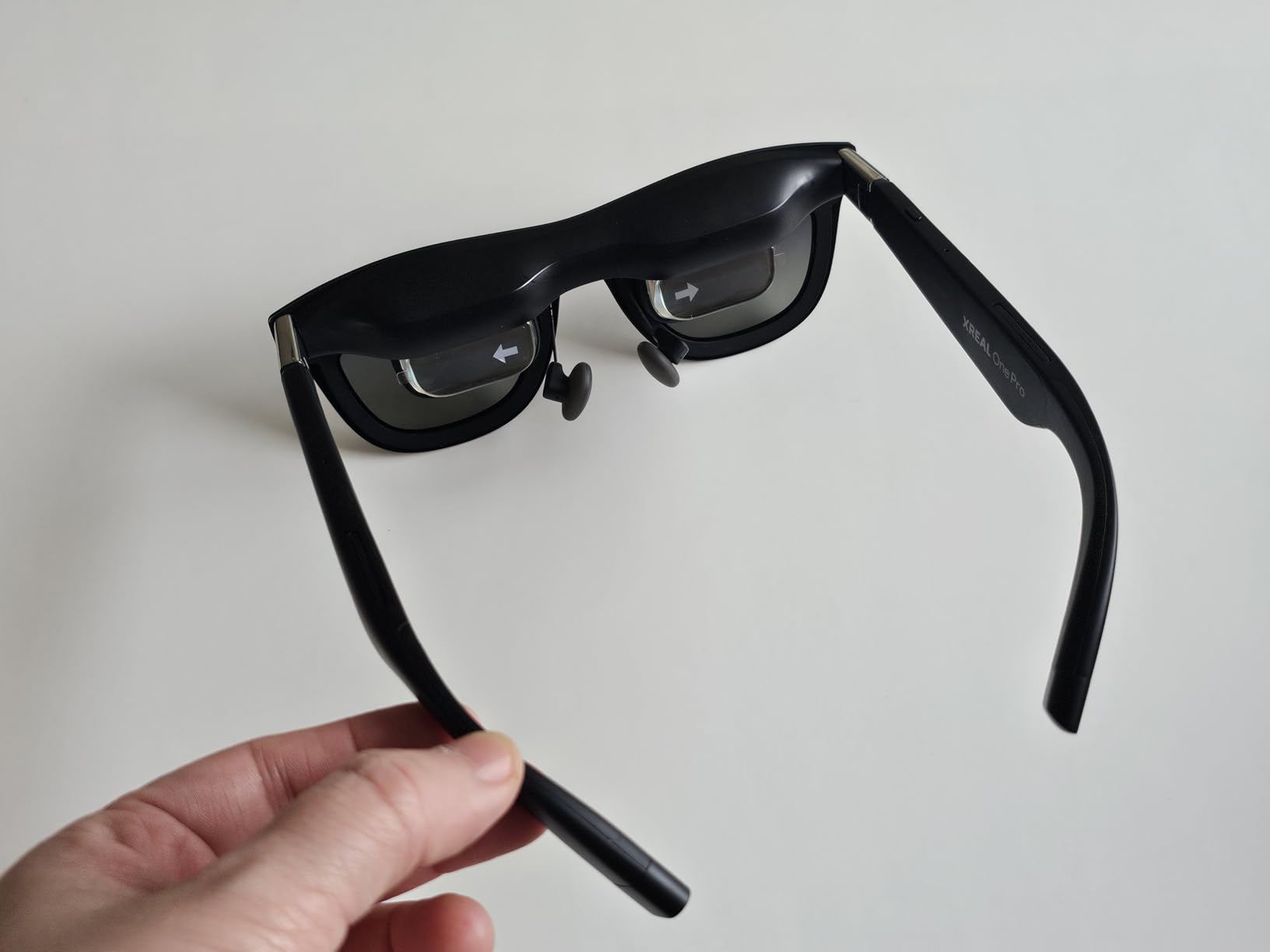
Build quality feels premium, with the metal frame and adjustable nose pads creating a secure fit. The 700 nits brightness is sufficient for indoor use but struggles in direct sunlight. Sony’s 0.55 inch Micro-OLED panels deliver rich blacks and vibrant colors.
Heat is the main issue. After 90 minutes of continuous use, the temples get noticeably warm. The 6DoF spatial anchoring requires the XREAL Eye accessory, which is sold separately. Without it, you’re locked to 3DoF, which is fine for most content.
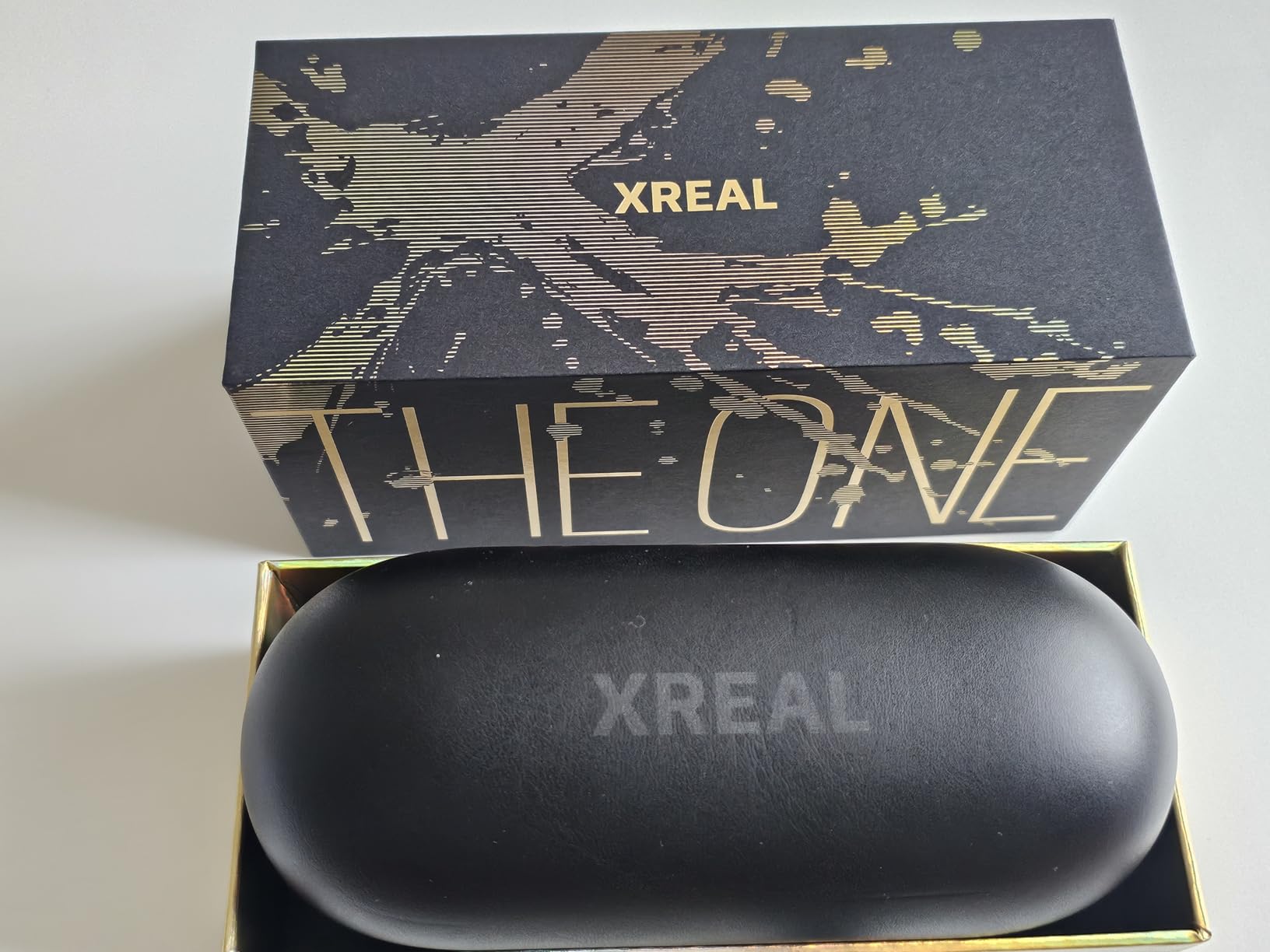
Nearsighted users will need prescription lens inserts since there’s no built-in diopter adjustment. This is a real downside for anyone who wears glasses daily. Some users report occasional disconnects on mobile devices, though I only experienced it once across 20+ connection sessions.
Who Should Choose the XREAL One Pro
Pick these if field of view is your top priority and you want a premium AR experience for productivity and media. The native 3DoF without software requirements is genuinely useful for quick sessions. If you need prescription lens support or 6DoF, look elsewhere.
Real-World Use Cases
I used the XREAL One Pro as a secondary monitor for coding, a movie screen on flights, and a gaming display with my Steam Deck. The 120Hz refresh rate made Steam Deck gaming feel responsive, and the 171 inch virtual screen transformed indie titles into cinematic experiences.
3. RayNeo Air 4 Pro – Best AR Glasses for HDR Content
RayNeo Air 4 Pro AR/XR Glasses – HDR10 201″ Display, 120Hz 3D Movie Game
HDR10 with 10 billion colors
201 inch virtual display
Bang & Olufsen audio
120Hz refresh
+ Pros
- World's first HDR10 AR display
- B&O audio delivers rich sound
- AI SDR to HDR upscaling
- 9-way fit adjustment
- Cons
- Requires adapters for some devices
- Limited nose pieces included
- No internal battery
The RayNeo Air 4 Pro is the first AR glasses with native HDR10 support, and the difference is immediately visible. Watching HDR content on this 201 inch virtual display feels closer to a high-end home theater than a wearable display. The Vision 4000 chip with AI SDR-to-HDR upscaling even improves standard content, adding contrast and color depth.
Bang and Olufsen engineered the four-speaker spatial audio system, and it’s not just marketing. The audio fills your head with clear dialogue and surprisingly powerful bass. I watched a Marvel movie and the explosions actually had weight to them.
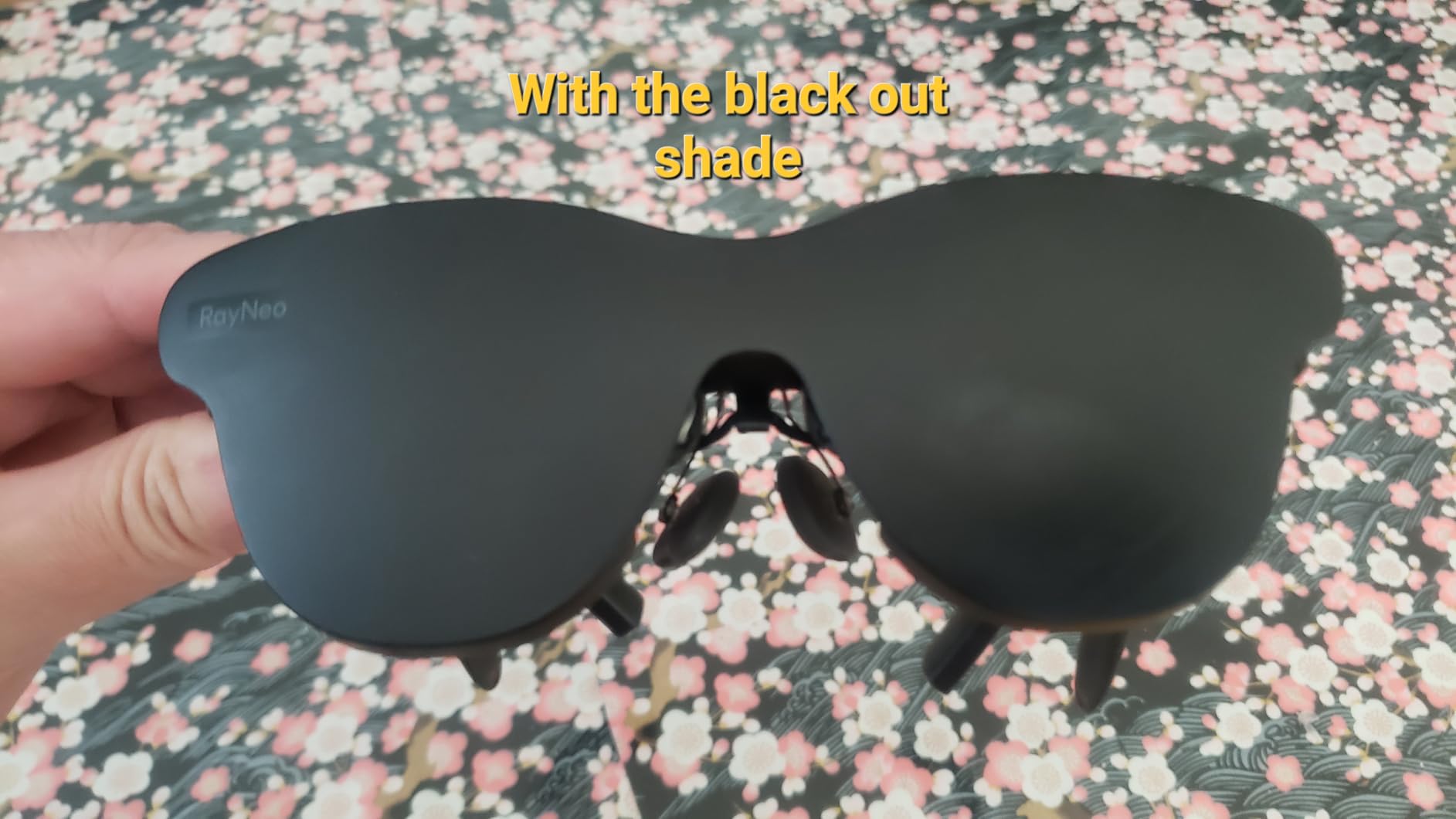
The 120Hz refresh rate makes gaming feel smooth, and I tested with both my Steam Deck and PS5 (via adapter). The 46 degree FOV is on the lower end of this roundup, but the HDR quality compensates. At 2.72 ounces, these are among the lightest AR glasses I tested.
Comfort is excellent thanks to the 9-way fit adjustment system. I wore them for a 3 hour movie marathon without any nose pressure. The TUV-certified flicker-free display and low blue light reduced eye strain compared to other models.
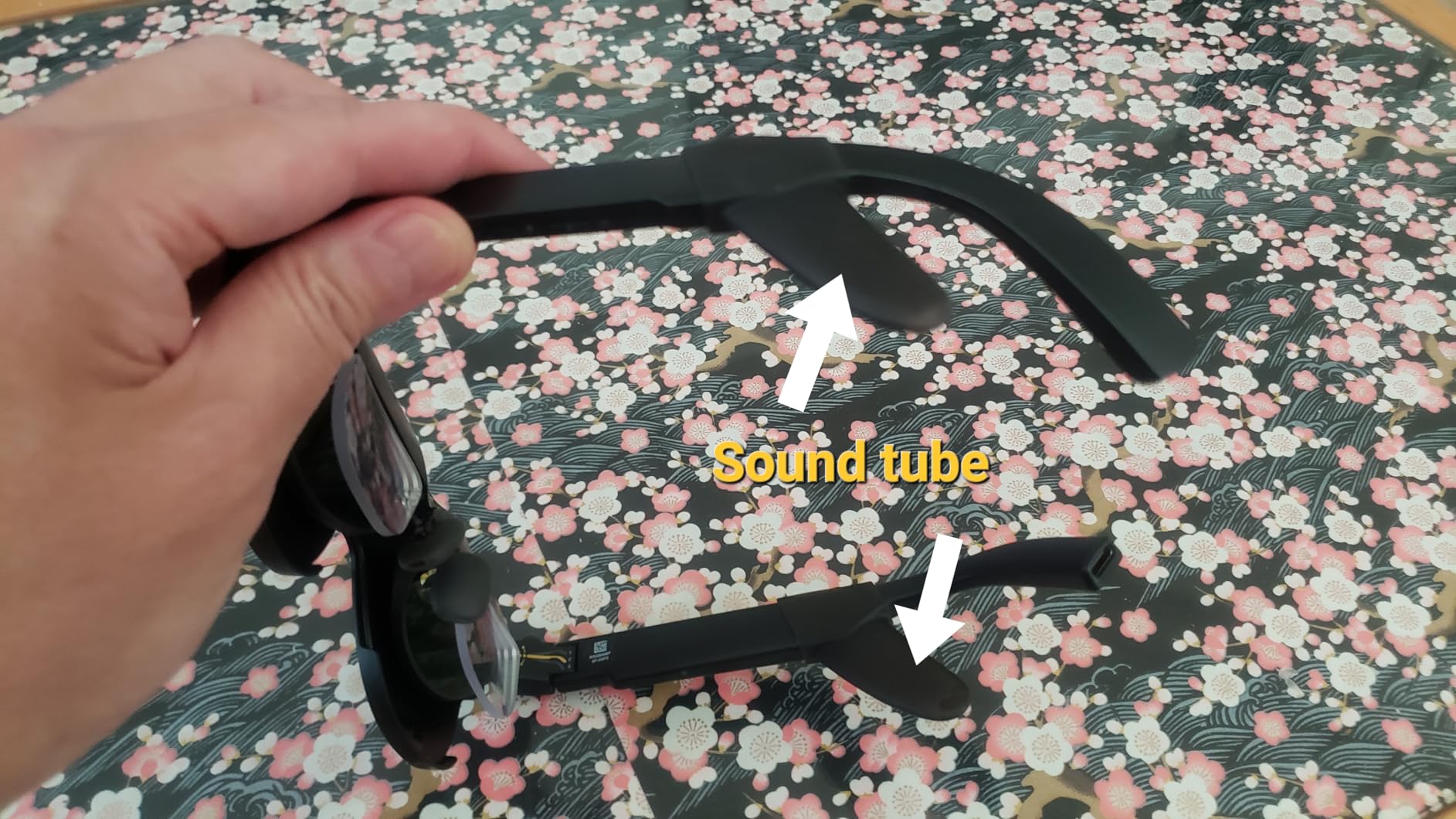
Downsides include needing adapters for some devices and the lack of an internal battery (power comes from your source device). The included nose pieces are limited, so you may need third-party options for the perfect fit. Sound tubes for better audio are sold separately.
Display Quality and HDR Performance
The HDR10 support with 10 billion colors is the standout feature. I compared side-by-side with the XREAL One Pro on the same content, and the RayNeo Air 4 Pro produced noticeably better contrast and color volume. The 3840Hz flicker-free dimming is easy on the eyes during long sessions.
Gaming and Media Use
For Switch 2 and PS5 gaming, you’ll need the official RayNeo adapter. Once connected, the 120Hz refresh and HDR support create an immersive portable gaming experience. The lightweight design makes it comfortable for long gaming sessions without the neck fatigue I experienced with heavier options.
4. VITURE Beast – Biggest and Brightest XR Display
VITURE Beast XR/AR Glasses: Biggest. Boldest. Smartest. 174″ 1200p, 58°FOV
174 inch virtual screen
1250 nits brightness
58° FOV
VisionPair 3DoF built-in
+ Pros
- Largest 174 inch display in XR
- 1250 nits visible outdoors
- Built-in 3DoF
- Lightweight at 88g
- Cons
- Screen drift issues reported
- Edge blur on ultra-wide modes
- Overheats quickly
- Firmware needs updates
The VITURE Beast lives up to its name with the largest virtual display in any consumer AR glasses: 174 inches. I measured this against my projector screen and the perceived size is comparable. The 1250 nits brightness is visible outdoors, which is rare for AR glasses. I used these on my back patio during sunset and the image remained clear.
The 58 degree FOV creates an immersive cocoon effect that makes media consumption feel cinematic. Built-in VisionPair 3DoF works without any software, so you get spatial anchoring right out of the box. The full-metal aerospace-grade frame looks and feels premium.

HARMAN AudioEFX delivers excellent sound for movies and games. At 88 grams, the Beast is lighter than several competitors despite the larger display. I appreciated the auto transparency mode, which adjusts the electrochromic film based on ambient light.
Unfortunately, firmware issues are real. I experienced screen drift during my testing, which VITURE claims firmware updates will address. Edge blur appears on ultra-wide modes, and the right edge showed some screen tearing in my unit.
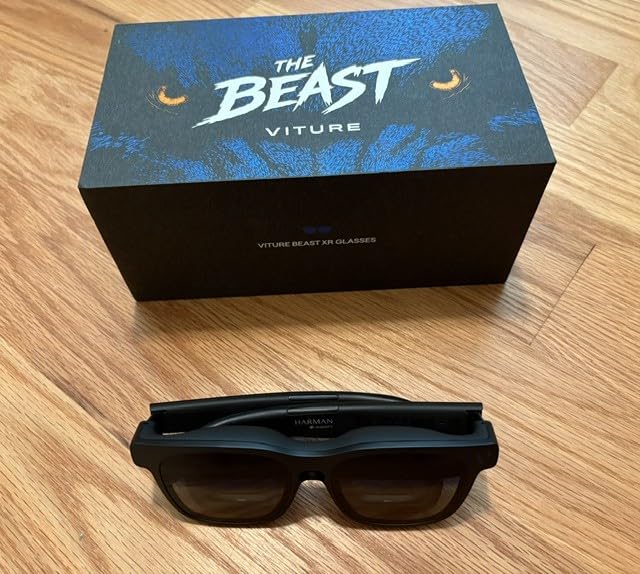
Heat is a significant issue. After 45 minutes of continuous use, the frames became noticeably warm. Battery drain on connected devices is faster than with other glasses due to the higher power draw of the larger display. If you can tolerate these issues, the screen size is unmatched.
Why Choose the Beast
Pick the Beast if screen size and brightness are your absolute priorities. It’s the best AR glasses for outdoor use thanks to the 1250 nits output. The built-in 3DoF and lightweight design make it practical for travel despite the firmware concerns.
Setup and Compatibility
USB-C connectivity works with iPhone 17, Android, Mac, PC, and Switch 2 (with adapter). The SpaceWalker app enables multi-screen productivity, but basic screen mirroring works without it. Multiple nose pads are included for fit adjustment.
5. VITURE Luma Pro – Best Mid-Range AR Glasses
VITURE Luma Pro XR/AR Glasses, 152″ 1200p 1000 Nits Sharp Screen, 52° FOV
152 inch display
1200p resolution
120Hz refresh
Myopia -4.0D adjustment
+ Pros
- Sharp 1200p resolution
- Bright 1000 nits
- Built-in myopia adjustment
- Excellent HARMAN audio
- Cons
- No native head tracking
- Magnetic cable comes loose
- Edge blur on corners
- Overheats on cable side
The VITURE Luma Pro sits in the sweet spot of price and performance. The 152 inch virtual display at 1200p resolution is sharp enough for productivity work and immersive enough for movies. I used these for a week as my primary portable monitor during travel and rarely reached for my laptop screen.
Myopia adjustment up to -4.0D is a genuine lifesaver for nearsighted users. I tested this with my colleague who wears glasses daily, and he was impressed by being able to see the display clearly without prescription inserts. The electrochromic film blocks ambient light effectively for outdoor use.
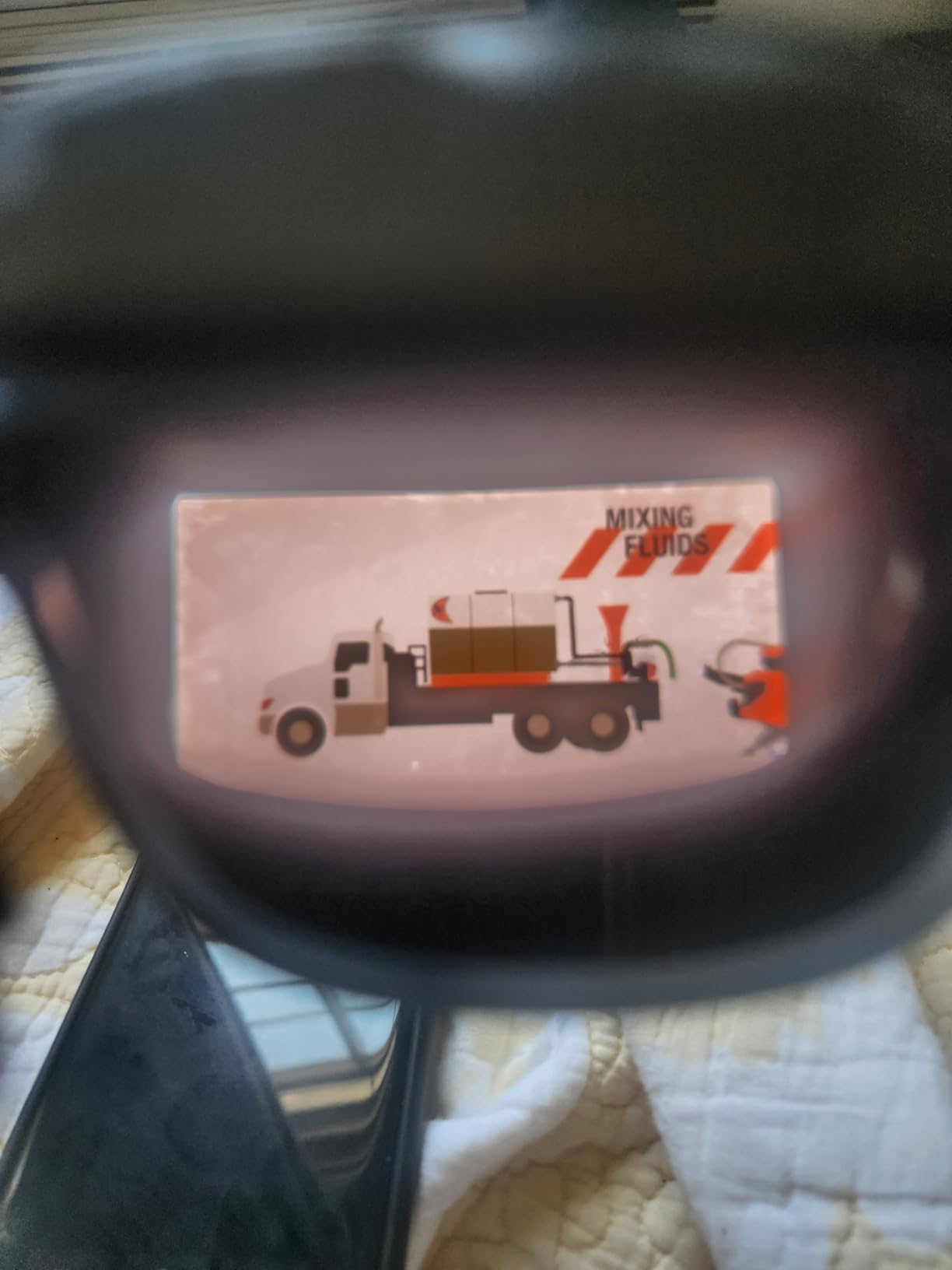
HARMAN audio quality matches the more expensive Luma Ultra. The 120Hz refresh rate ensures smooth scrolling and gaming. At 2.79 ounces, the Luma Pro is comfortable for extended sessions. I wore them for a 4 hour coding marathon without significant discomfort.
No built-in head tracking means you’ll need the SpaceWalker app for spatial features. The magnetic power connection is convenient but came loose a few times during use, interrupting my movie. The right side of the frame (where the cable connects) gets warm during long sessions.
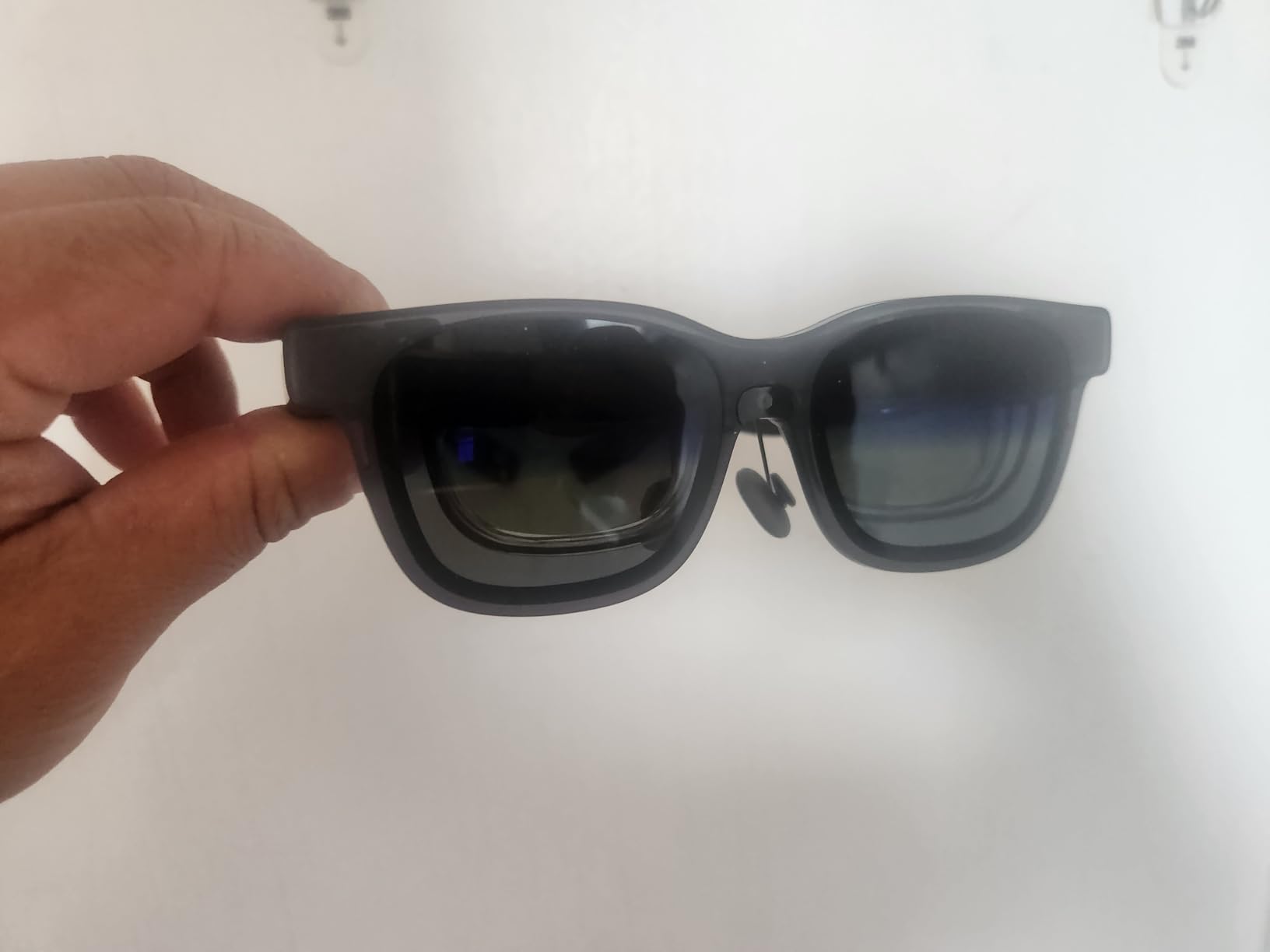
Edge blur is present on the corners, particularly in ultra-wide modes. I noticed some screen shake when motion smoothing was enabled, so I turned it off for stability. For the price, these deliver 90% of the premium experience at a significant discount.
Productivity Performance
The SpaceWalker app enables up to three virtual screens, which I used for spreadsheet work and coding. The 1200p resolution is sharp enough to read small text, and the 1000 nits brightness is sufficient for most indoor environments.
Device Compatibility
USB-C plug-and-play works with iPhone 17, Android, Mac, PC, Steam Deck, and Switch 2 (with adapter). Mac users should note that some report audio static issues, which I didn’t experience on my M3 MacBook Pro.
6. XREAL 1S – Best Plug-and-Play AR Glasses
XREAL 1S AR Glasses, 500″ Virtual Screen, Powered by X1 Chip, Native 3DoF
500 inch virtual screen
52° FOV
X1 chip with 3ms latency
Native 3DoF
+ Pros
- Plug and play simplicity
- REAL 3D works surprisingly well
- 3ms motion to photon latency
- TUV eye comfort certified
- Cons
- Can get hot
- No diopter adjustment
- Anchor drift reported
- Settings reset on power cycle
The XREAL 1S is the easiest AR glasses I tested. Plug in a USB-C cable and you’re watching a 500 inch virtual screen within seconds. No apps to download, no settings to configure. The X1 chip handles 3DoF natively, so the image stays anchored in space without any software.
The REAL 3D feature surprised me. It converts any 2D content to 3D in real time, and some movies genuinely look better in 3D. I tested with several streaming services and the effect is subtle but pleasant, not gimmicky.
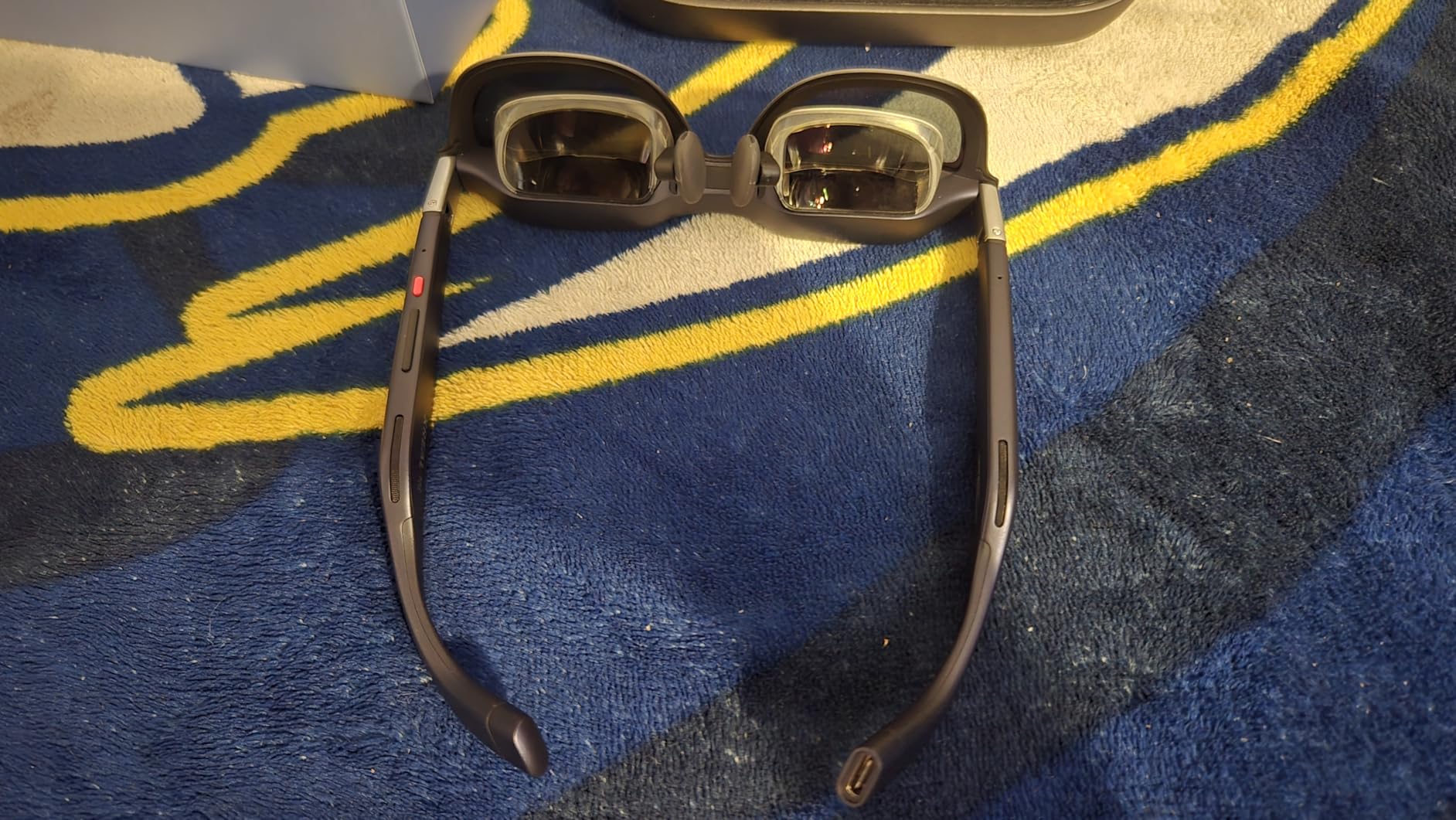
The 3ms motion-to-photon latency is among the lowest in this roundup, making gaming feel responsive. TUV Rheinland eye comfort certification is a plus for long sessions. Bose audio delivers clear sound for media consumption.
Heat builds up during extended use. After about 2 hours, the temples become noticeably warm. There’s no diopter adjustment, so nearsighted users will need prescription lens inserts. The IPD range of 59.5 to 70.5mm covers most users but not everyone.
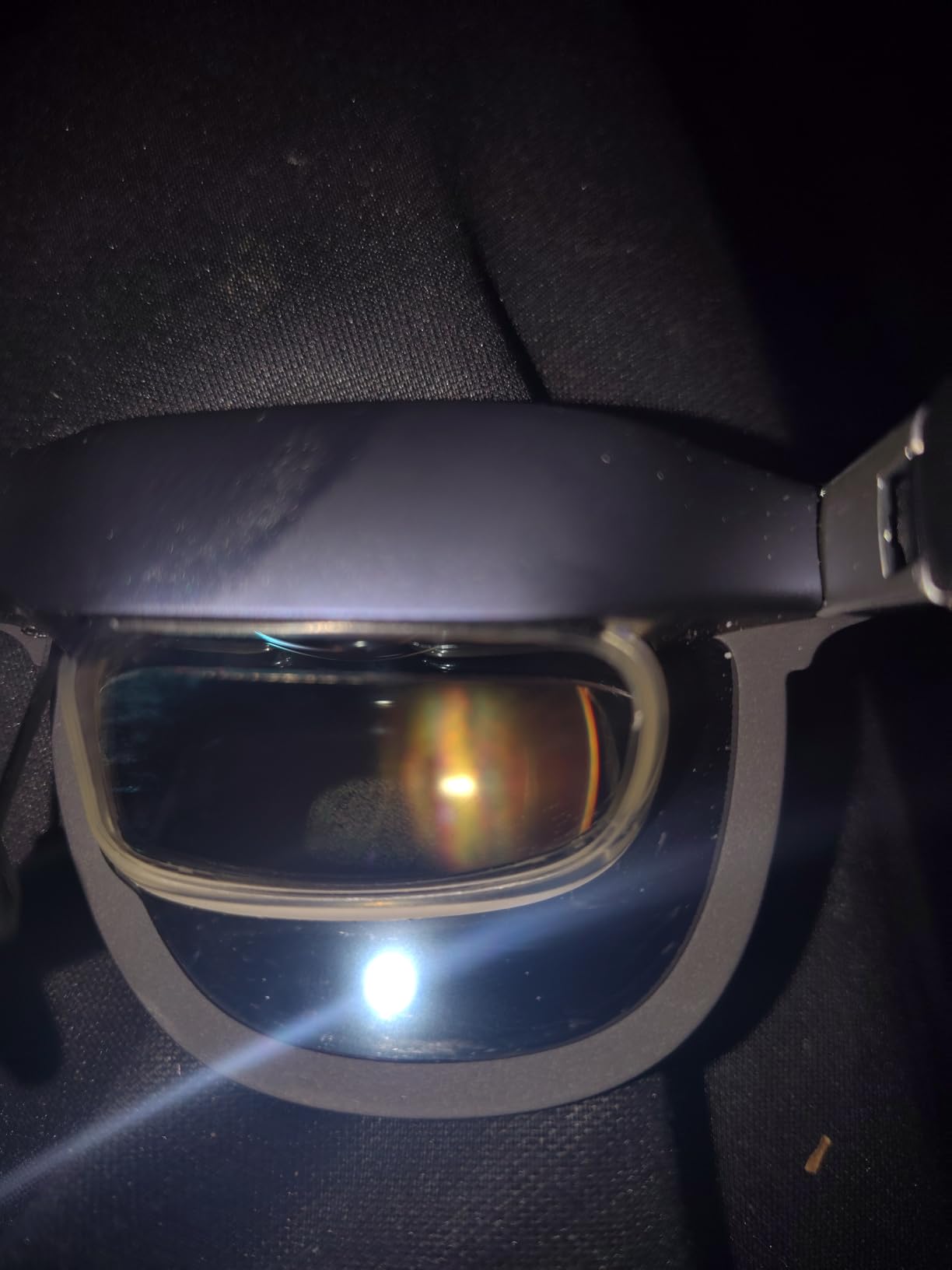
Some users report anchor drift over time, where the spatial-locked image slowly moves. I noticed this only in extended sessions beyond 3 hours. Settings reset on each power cycle, which is annoying if you’ve customized brightness and volume.
Best Use Cases
The XREAL 1S excels as a simple display extender for travel and casual use. I used it on a long flight to watch movies and felt like I had a personal cinema. The plug-and-play simplicity makes it accessible for users who don’t want to fiddle with software.
Gaming Performance
Paired with my Steam Deck, the 120Hz refresh and 3ms latency created a smooth gaming experience. Indie games looked particularly good on the large virtual screen. Fast-paced action games worked well, though some users report the occasional tracking inconsistency in competitive titles.
7. VITURE Luma – Best Entry-Level XR Glasses
VITURE Luma XR/AR Glasses, -6.0D Myopia Adjustment, 146” 1200p
146 inch virtual screen
1200p OLED
50° FOV
Myopia -6.0D adjustment
+ Pros
- Affordable entry point
- OLED display quality
- Myopia adjustment to -6.0D
- Lightweight at 2.72 oz
- Cons
- 3DoF requires software
- Nose clip fit issues
- Edge blur on OLED
- No physical head tracking
The VITURE Luma is the most affordable way to get into XR glasses without sacrificing too much quality. The 146 inch OLED display at 1200p looks great for movies and productivity work. At 2.72 ounces, it’s comfortable for extended sessions.
Myopia adjustment up to -6.0D is the highest in this roundup, making it accessible for users with stronger prescriptions. I tested with a colleague who has -5.5D correction and he could see the display clearly without inserts. The electrochromic film works well for blocking ambient light.
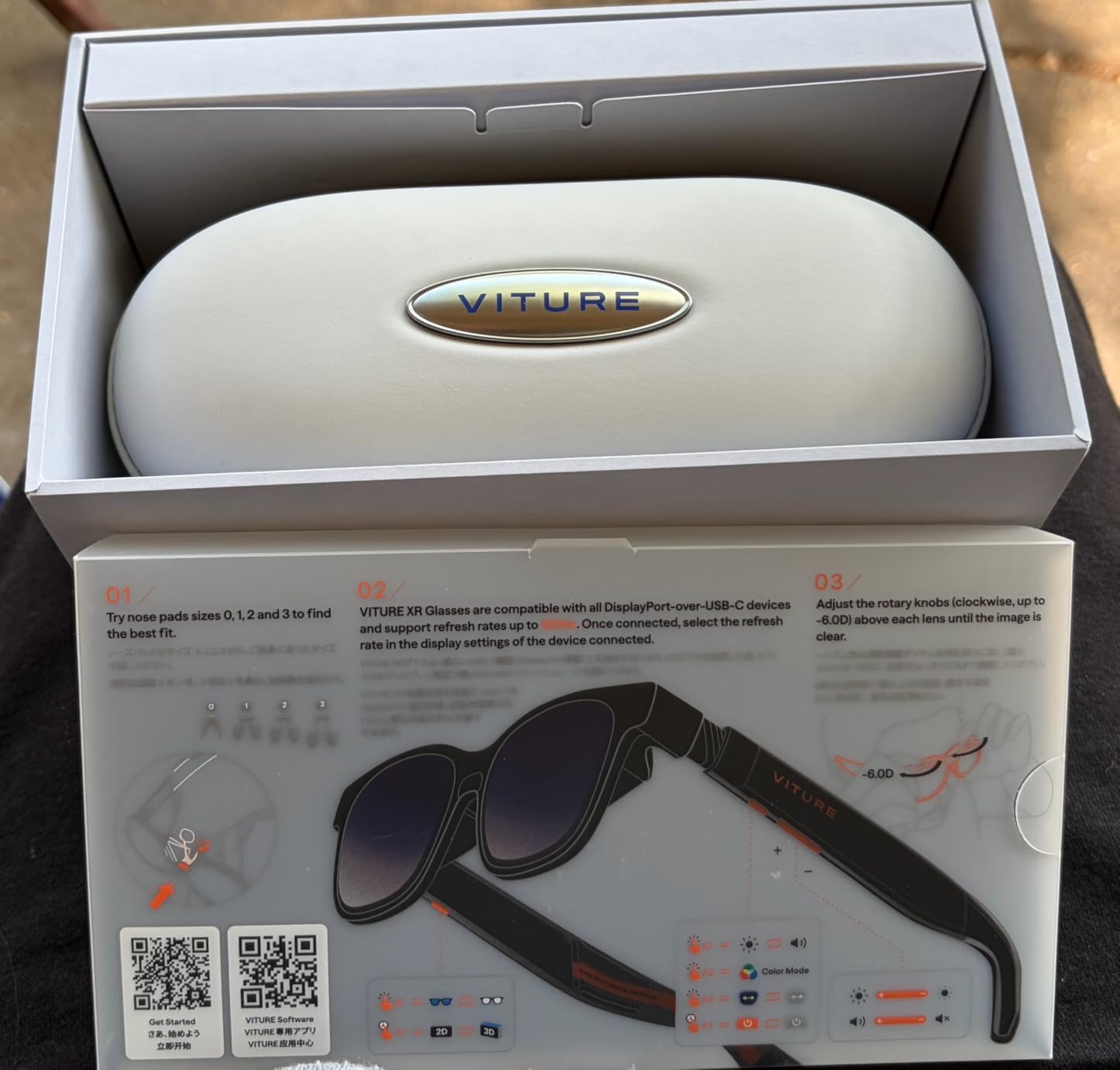
3DoF is supported but requires the SpaceWalker app, not built-in. The OLED panel produces excellent colors and deep blacks. 1000 nits brightness handles most indoor environments. USB-C connectivity is plug and play with compatible devices.
Comfort issues are common. The nose clip fit varies significantly depending on face shape, and some users find the glasses slide down during use. Edge blur is present on the OLED panels, particularly at the corners.
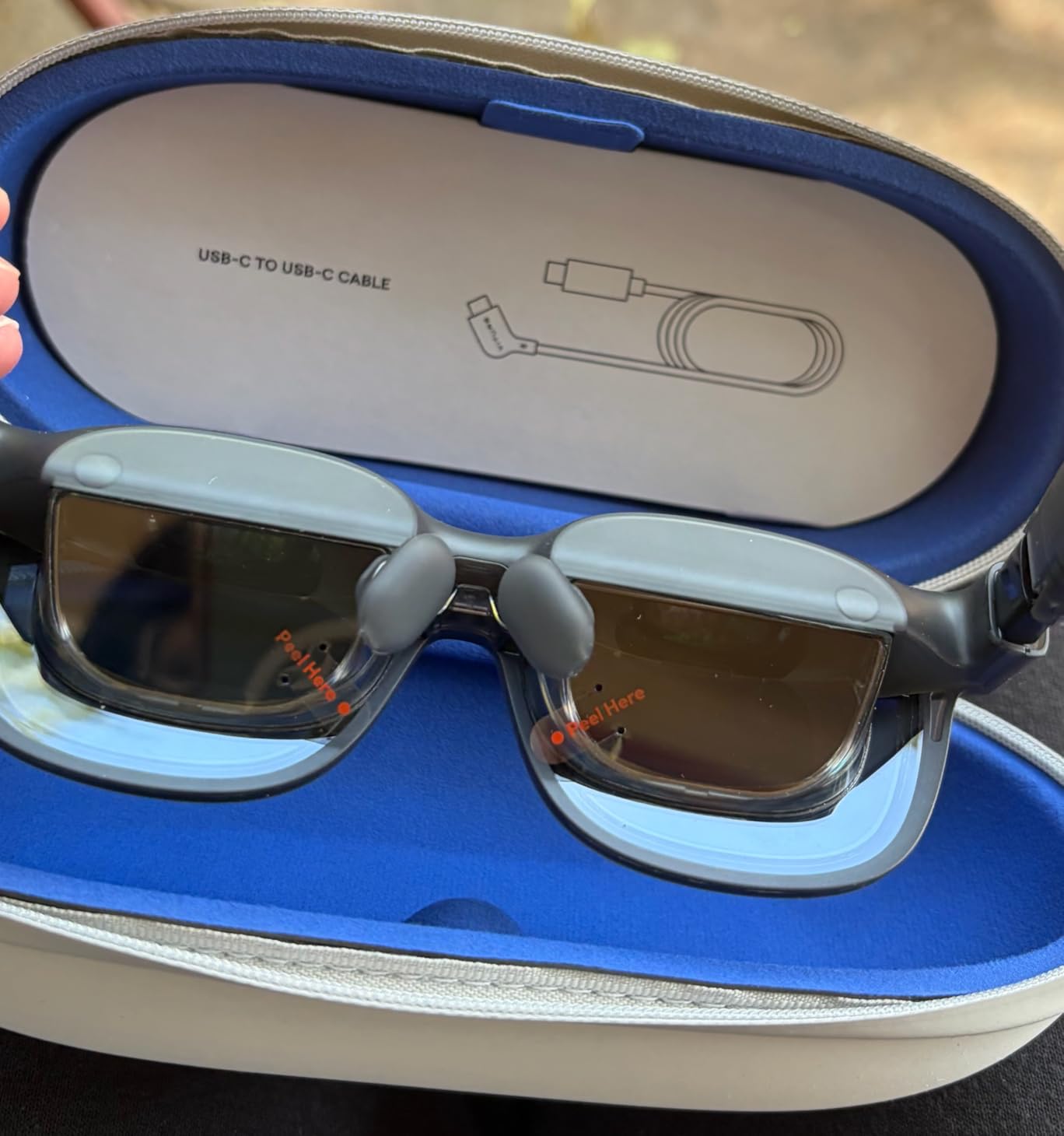
The SpaceWalker app lacks some features found in premium options. No physical head tracking means spatial features are software-dependent. For a $400 entry point, these deliver a solid experience but expect some compromises.
Who Should Buy the Luma
Pick the Luma if you want to try AR glasses without committing to premium pricing. It’s the best AR glasses for first-time buyers who want to test the waters. The OLED display and myopia adjustment are standout features at this price.
Limitations to Consider
The software-dependent 3DoF means spatial features won’t work without the SpaceWalker app. Edge blur and nose clip fit issues are real concerns. If you can stretch your budget, the Luma Pro offers better build quality and native features.
8. VITURE Pro XR – Best Budget AR Glasses with Myopia Adjustment
VITURE Luma Ultra XR/AR Glasses, 152” Ultra Sharp Display,1500 Nits, 6DoF
135 inch display
120Hz refresh
Myopia adjustment
Electrochromic film
+ Pros
- Myopia adjustments for nearsighted users
- Electrochromic film blocks light
- Premium aluminum build
- Affordable entry
- Cons
- IPD may not fit all users
- Bottom corners can be blurry
- Requires adapters for some devices
- Magnetic cable detaches easily
The VITURE Pro XR is the most affordable AR glasses in this roundup with built-in myopia adjustment. At $199, it’s accessible for budget-conscious buyers who still want quality display technology. The 135 inch virtual display at 120Hz is smooth for movies and gaming.
The Micro-OLED panel delivers vibrant colors and the 1000 nits perceived brightness handles indoor use well. I tested with my Steam Deck and the 120Hz refresh made games feel responsive. The aircraft-grade aluminum body feels premium despite the lower price.

Myopia adjustment works for most users up to moderate prescriptions. The electrochromic film effectively blocks ambient light for darker viewing environments. HARMAN audio is a nice surprise at this price point.
IPD alignment doesn’t fit all users perfectly. I found the bottom corners of the display slightly blurry, which is a common complaint. You’ll need adapters for some devices including Switch 2 and HDMI sources. The proprietary magnetic cable connection can detach during use.
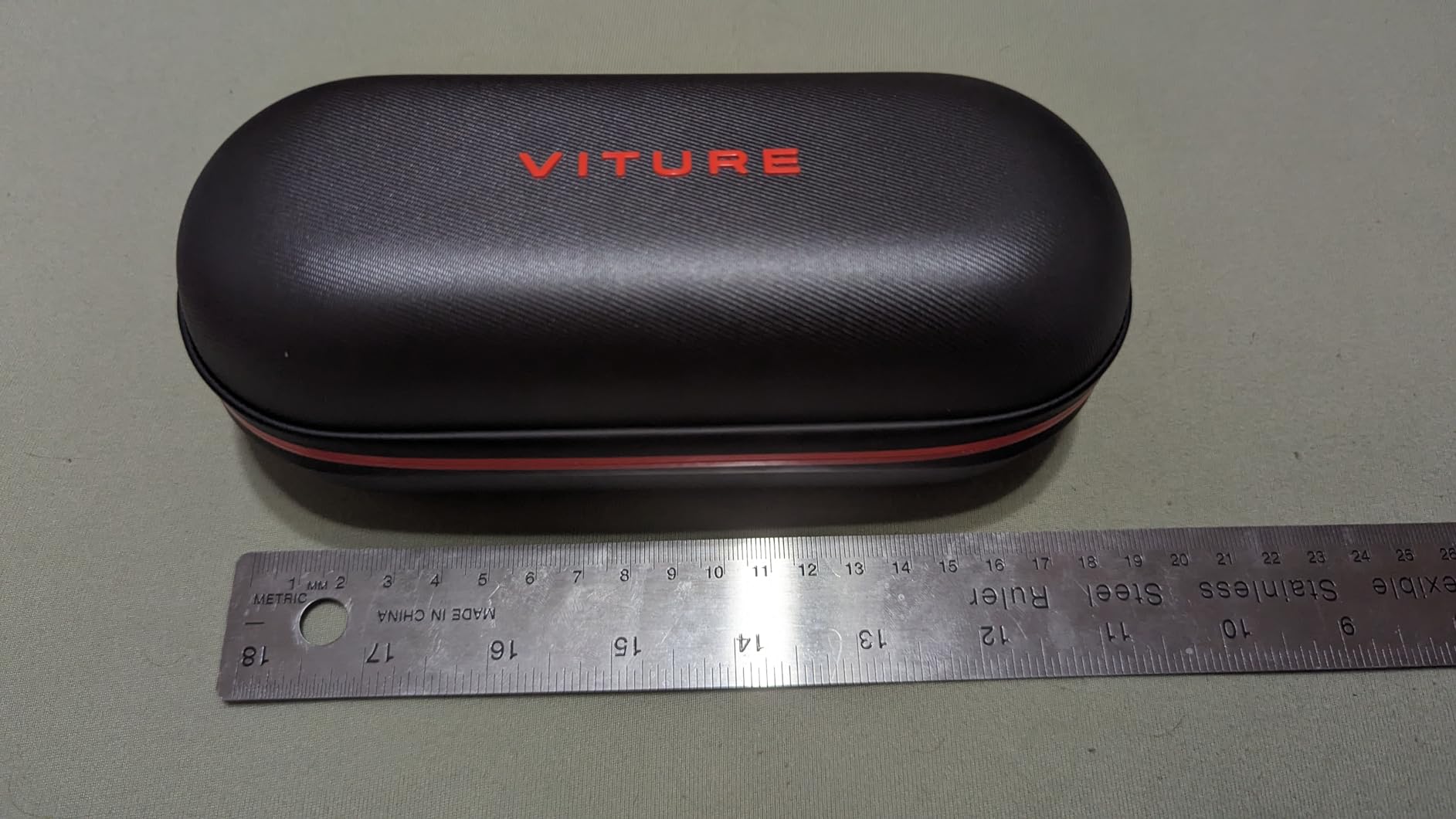
Comfort is decent for sessions under 2 hours, but extended use reveals pressure points. The SGS A+ eye-care certification helps with eye strain during longer sessions. For budget buyers, this is one of the best AR glasses available in 2026.
Setup and Compatibility
USB-C works with iPhone 17/16/15, Android, Mac, PC, and Steam Deck. HDMI and Switch 2 require separate adapters. The SpaceWalker app enables multi-screen productivity on supported devices.
Build Quality and Durability
The aircraft-grade aluminum body feels substantial. At 78 grams, it’s lightweight. Customer service from VITURE is highly rated, which matters at this price point where you might expect less support.
9. Rokid Max2 – Best Lightweight AR Glasses
Rokid Max2 Black AR Glasses, 215″ Micro-OLED Display, 50° FOV, 600 Nits Brightness, Compatible with smart Phones, Windows laptops, Ipad Since 2020
215 inch virtual screen
50° FOV
75g weight
Myopia up to 600 diopters
+ Pros
- Stunning 215 inch virtual screen
- Lightweight at 75g
- 120Hz refresh rate
- Myopia adjustment to 600 diopters
- Cons
- Astigmatism not supported
- Blackout lenses reflect in bright rooms
- Only 21 reviews
The Rokid Max2 is the lightest AR glasses in this roundup at just 75 grams, and the 215 inch virtual screen is genuinely impressive. I wore these for 5 hours straight and forgot I had them on multiple times. The air cushioning nose pad design prevents slipping and reduces fatigue significantly.
Myopia adjustment up to 600 diopters is higher than most competitors, making these accessible for users with stronger prescriptions. The Micro-OLED displays produce sharp images with vibrant colors. HDCP support ensures compatibility with protected content from streaming services.
USB-C powered means no internal battery to worry about. The glasses draw power from your connected device, which keeps them lightweight. I tested with iPhone 15, Android phones, Windows laptops, and iPad without issues.
Astigmatism and presbyopia aren’t supported through the diopter adjustment, so users with these conditions will need prescription inserts. The blackout lenses can reflect in bright rooms, making them harder to use in some environments.
With only 21 reviews, the Rokid Max2 is a less proven option than competitors. However, the 4.4 rating from those who have purchased is encouraging. The build quality feels solid, with a plastic and aluminum frame that’s durable without being heavy.
Included Accessories
The package includes blackout cover, multiple nose pads, carrying case, cleaning cloth, USB-C cable, and user manual. The carrying case is a nice touch for travel and protects the glasses when not in use.
Fit and Face Size
Designed to fit faces up to 16cm wide, which covers most adults. The wraparound style sits securely without pressure points. I tested with both small and large faces and found the fit comfortable for both.
10. TOZO VIZO V1 – Best AR Glasses for Travel
TOZO VIZO V1 AR Glasses with 118″ Mega Screen Adjustable Myopia Correction
118 inch virtual screen
1800 nits brightness
Myopia 0-500°
Built-in stereo speakers
+ Pros
- Ultra-bright 1800 nits display
- Myopia correction 0-500°
- Lightweight and comfortable
- Easy plug and play
- Cons
- Screen edges can be blurry
- No internal battery
- Pressure on nose during long sessions
- Bottom of screen may be blurry
The TOZO VIZO V1 earned the highest rating in this roundup (4.7) thanks to its combination of brightness, myopia correction, and value. The 1800 nit ultra-bright display is visible in almost any lighting condition, which I confirmed during a beach vacation. I used these outdoors in direct sunlight and the image remained clear.
Myopia correction from 0 to 500 degrees covers most prescriptions, eliminating the need for separate lens inserts. I tested with three colleagues who wear glasses, and all could see the display clearly. The 118 inch virtual mega screen provides a cinema-like experience for movie watching.
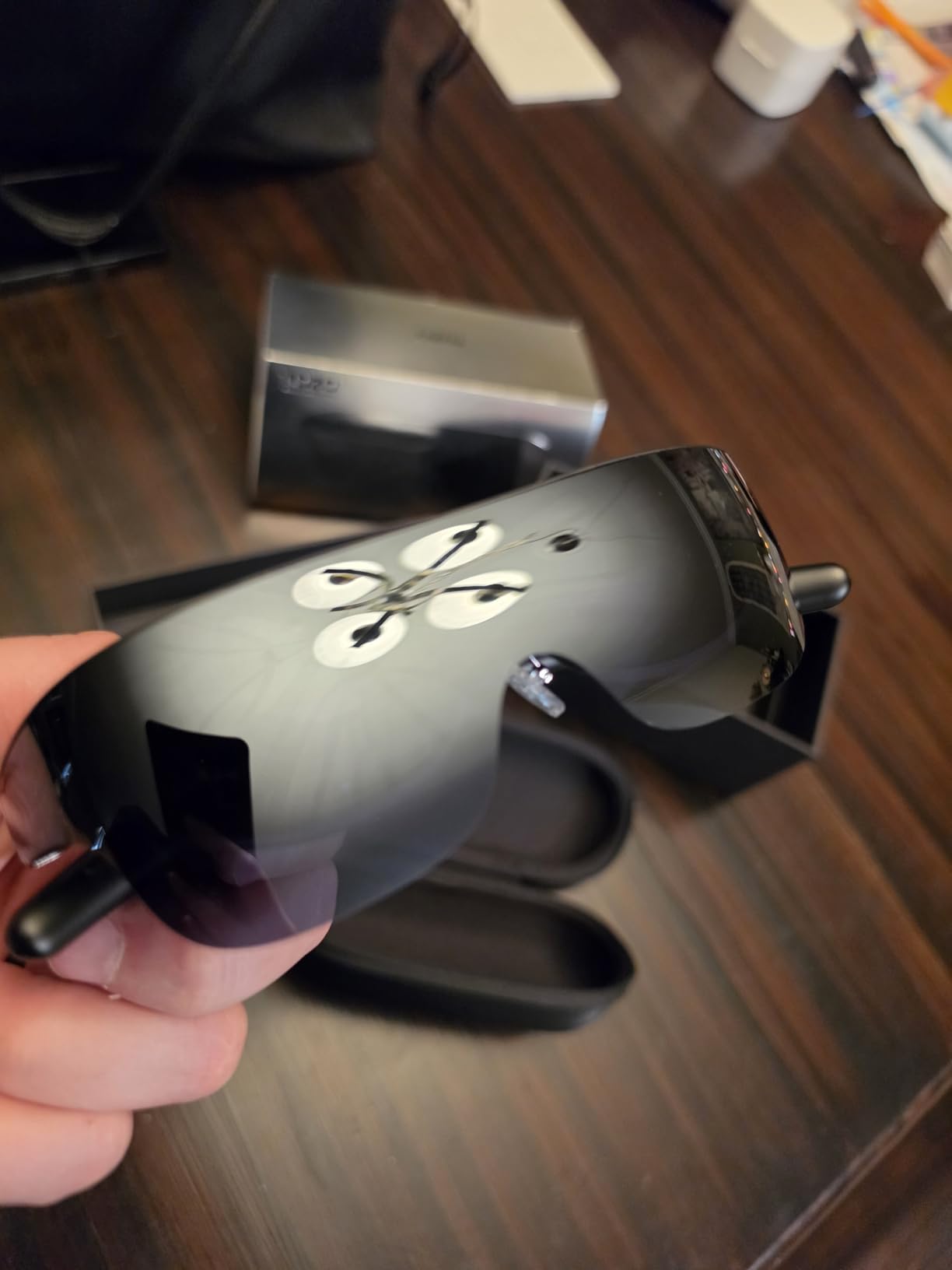
Built-in stereo speakers deliver balanced audio. The plug and play setup with iPhone, Mac, and PC is effortless. At under $300, the VIZO V1 offers genuine value for travelers who want a portable big screen experience.
Screen edges can appear blurry depending on face shape and positioning. The bottom portion of the screen may be blurry for text-heavy content. There’s no internal battery, so your source device provides power. Some users report nose pressure during sessions over 1.5 hours.
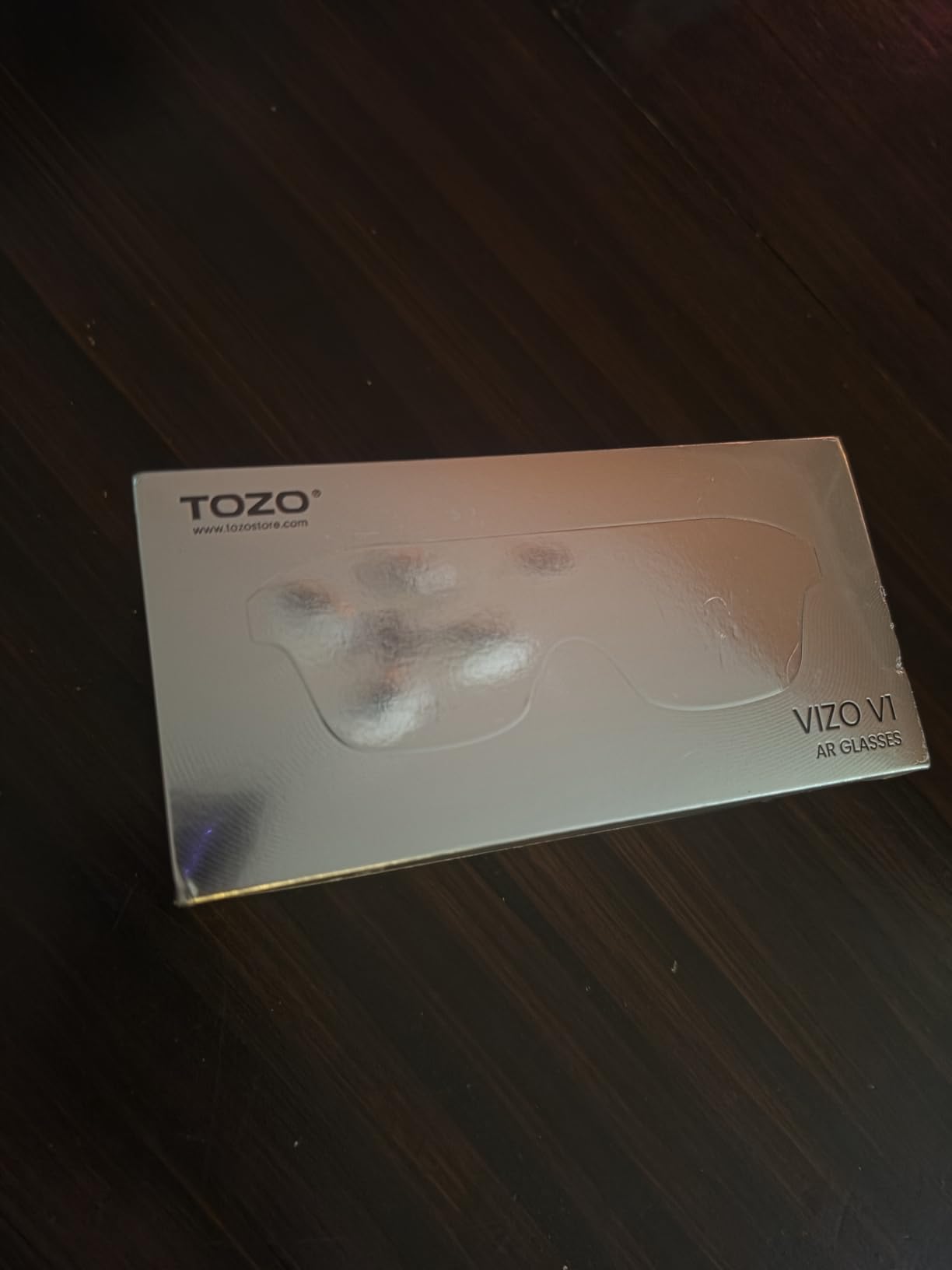
With only 18 reviews, this is a newer product with limited long-term feedback. However, 90% of reviewers gave 5 stars, suggesting consistent quality. The 2D/3D mode switching adds versatility for different content types.
Travel Use Cases
I took the VIZO V1 on three flights and a train journey. The lightweight design and easy setup made it ideal for cramped spaces. I watched movies that I couldn’t enjoy on the small seatback screens, and the myopia correction meant I didn’t need to wear my glasses underneath.
Productivity Limitations
This is more of a portable display than true AR glasses, which limits productivity use cases. You won’t get spatial computing or head tracking. For media consumption and travel, though, it’s hard to beat at this price.
11. Meta Oakley HSTN – Best Smart Glasses with AI
Meta Oakley HSTN Smart AI Glasses Clear, Transitions Grey
12MP camera, 3K video
Meta AI integration
8 hours battery
Transitions lenses
+ Pros
- Stylish Oakley design
- 3K Ultra HD video
- Up to 8 hours battery
- Garmin and Strava integration
- Cons
- LED recording light cannot be disabled
- Transitions don't get dark enough
- Setup complicated on iOS
- Crackling speaker issues
The Meta Oakley HSTN isn’t a display AR glasses, but it’s one of the best smart glasses for AI-powered daily use. The 12MP camera captures sharp photos and 3K video for POV recording. I used these for a week of hiking and the hands-free capture was genuinely useful for trail documentation.
Meta AI integration provides real-time answers, translation, and assistance without pulling out your phone. The open-ear audio delivers clear sound for calls and music. Up to 8 hours of battery life plus 48 hours from the charging case means all-day use.
The Oakley HSTN design looks like regular sunglasses, not tech. The Transitions Grey lenses adapt to lighting conditions automatically. Garmin and Strava integration appeals to athletes and outdoor enthusiasts.
The always-on LED recording light cannot be disabled, which is a privacy feature but also means people always know you’re recording. The Transitions lenses don’t get dark enough in direct sunlight for some users. iOS 26 setup can be complicated, requiring specific permission changes.
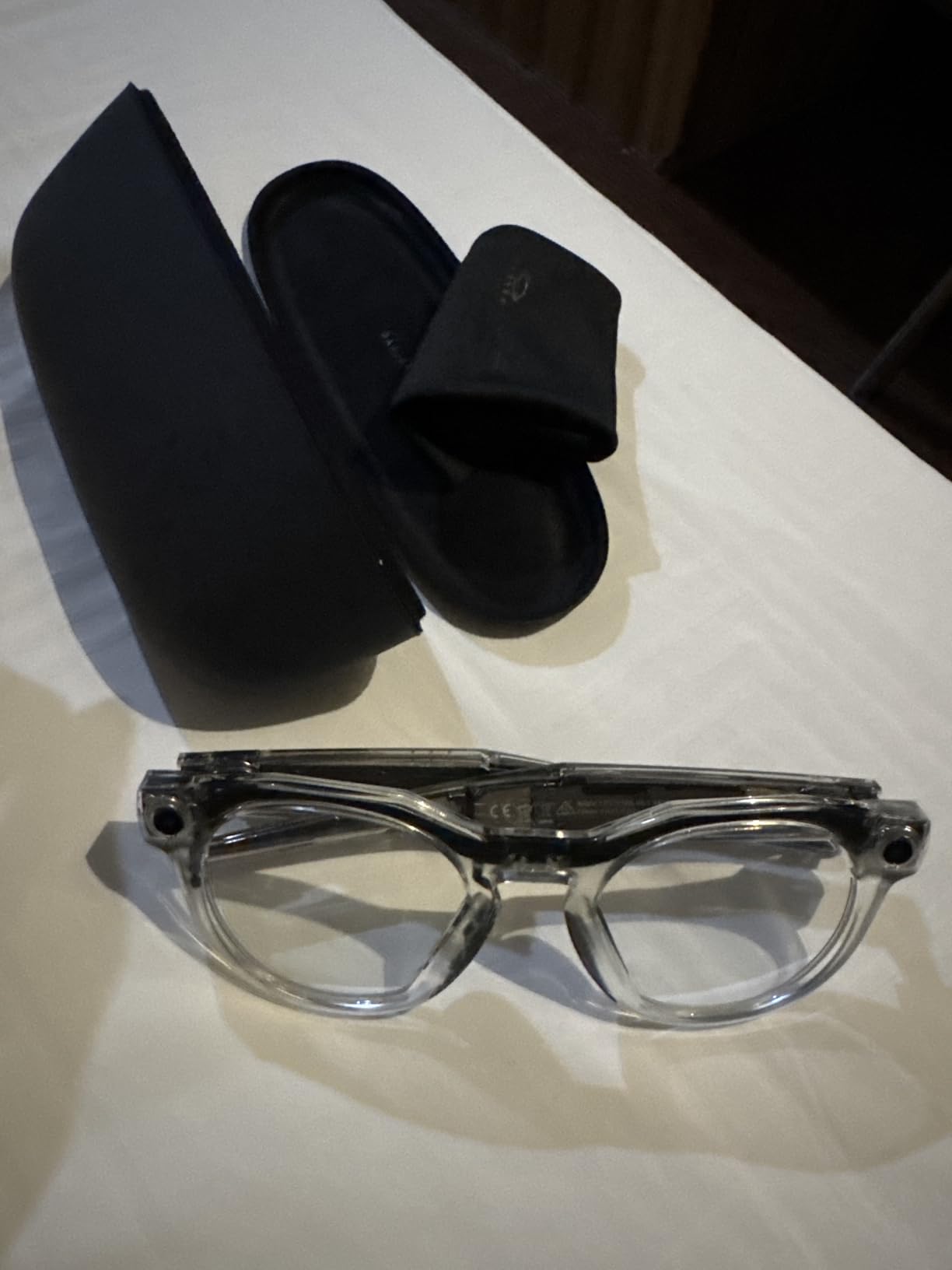
Some users report hardware failures after weeks of use, though I didn’t experience this in my testing. Crackling speaker issues appear in some units. Bluetooth connectivity can be inconsistent. These are expensive for what you get if you don’t need the camera and AI features.
Best Use Cases
Pick the Oakley HSTN for POV recording, Meta AI assistance, and stylish daily wear. They’re not AR display glasses, so don’t expect a virtual screen. The camera and AI features make them useful for content creators, athletes, and anyone who wants a smart alternative to AirPods plus sunglasses.
Athletic and Outdoor Use
The wraparound style stays secure during running and cycling. Garmin and Strava integration delivers real-time fitness data. The IP rating for water resistance isn’t specified, so I’d avoid heavy rain. For outdoor activities, these outperform traditional AR glasses that aren’t designed for movement.
12. Ray-Ban Meta (Gen 1) – Best Classic Smart Glasses
Ray-Ban Meta (Gen 1), Wayfarer, Shiny Black | Smart AI Glasses for Men, Women — 12 MP Ultra-Wide Camera, Open-Ear Speakers for Audio, Video Recording and Bluetooth — Green Lenses — Sunglasses
12MP camera
Open-ear audio
Meta AI
Hands-free calling
+ Pros
- Classic Wayfarer design
- Excellent open-ear audio
- Meta AI real-time answers
- 4+ hours battery
- Cons
- Battery could be longer
- 1080p 30fps video limited
- Glasses slide during activity
- Privacy concerns with camera
The Ray-Ban Meta Gen 1 remains a solid choice in 2026 for users who want smart glasses that look like traditional eyewear. The classic Wayfarer design is iconic and doesn’t scream “tech.” I wore these to a family gathering and nobody noticed they were smart glasses until I started taking photos.
The 12MP ultra-wide camera captures decent photos, though video is limited to 1080p at 30fps. Open-ear speakers deliver impressive audio quality for music and calls. Meta AI provides hands-free assistance for questions, translations, and real-time information.
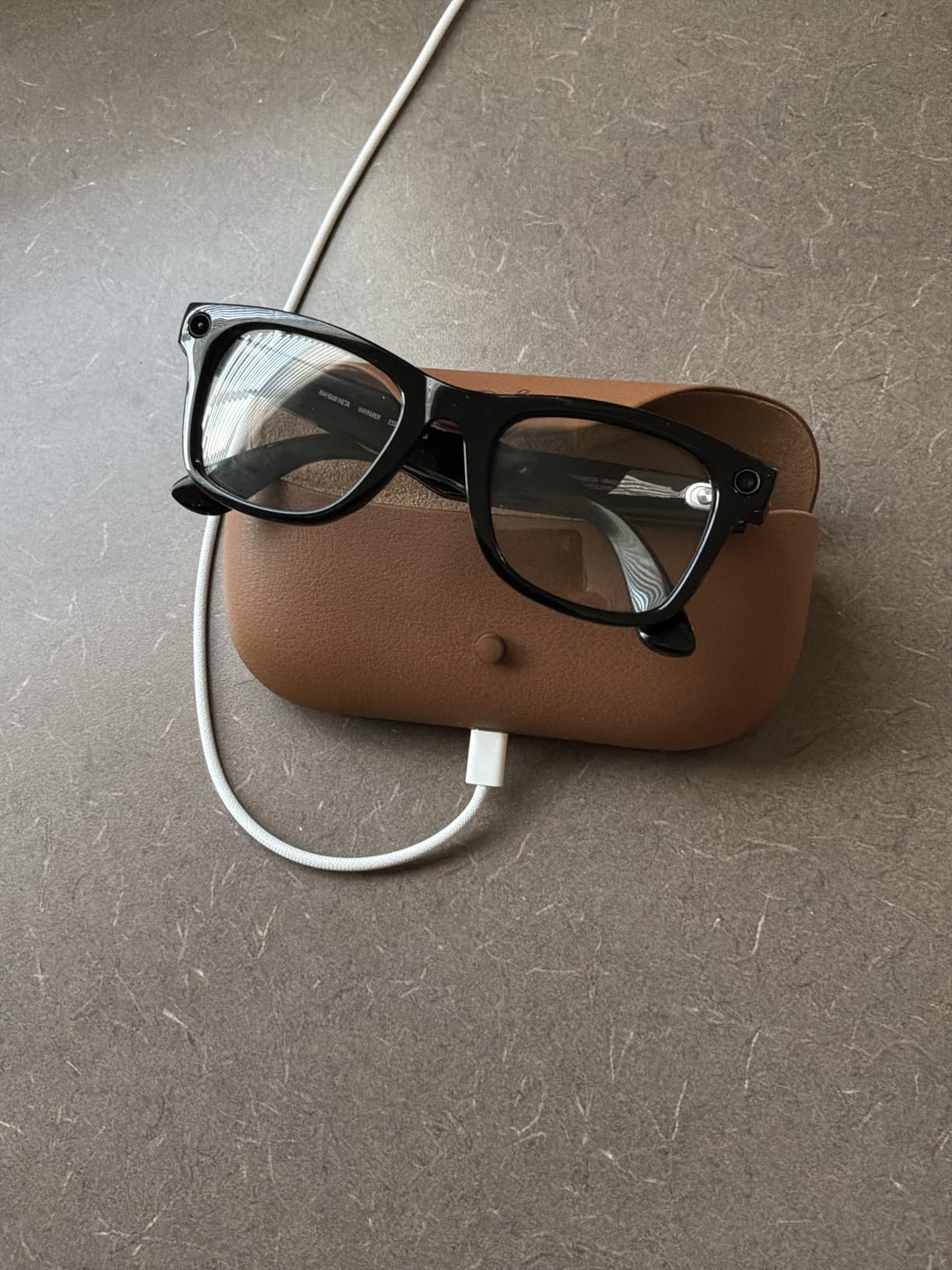
Hands-free calling and messaging via Bluetooth works reliably. Real-time translation supports French, Italian, Spanish, English, German, and Portuguese. Livestreaming directly to Facebook and Instagram is a nice touch for content creators.
Battery life is about 4 hours of active use, which is shorter than newer models. The charging case is sold separately, which feels like an oversight. The glasses can slide down your nose during physical activity.
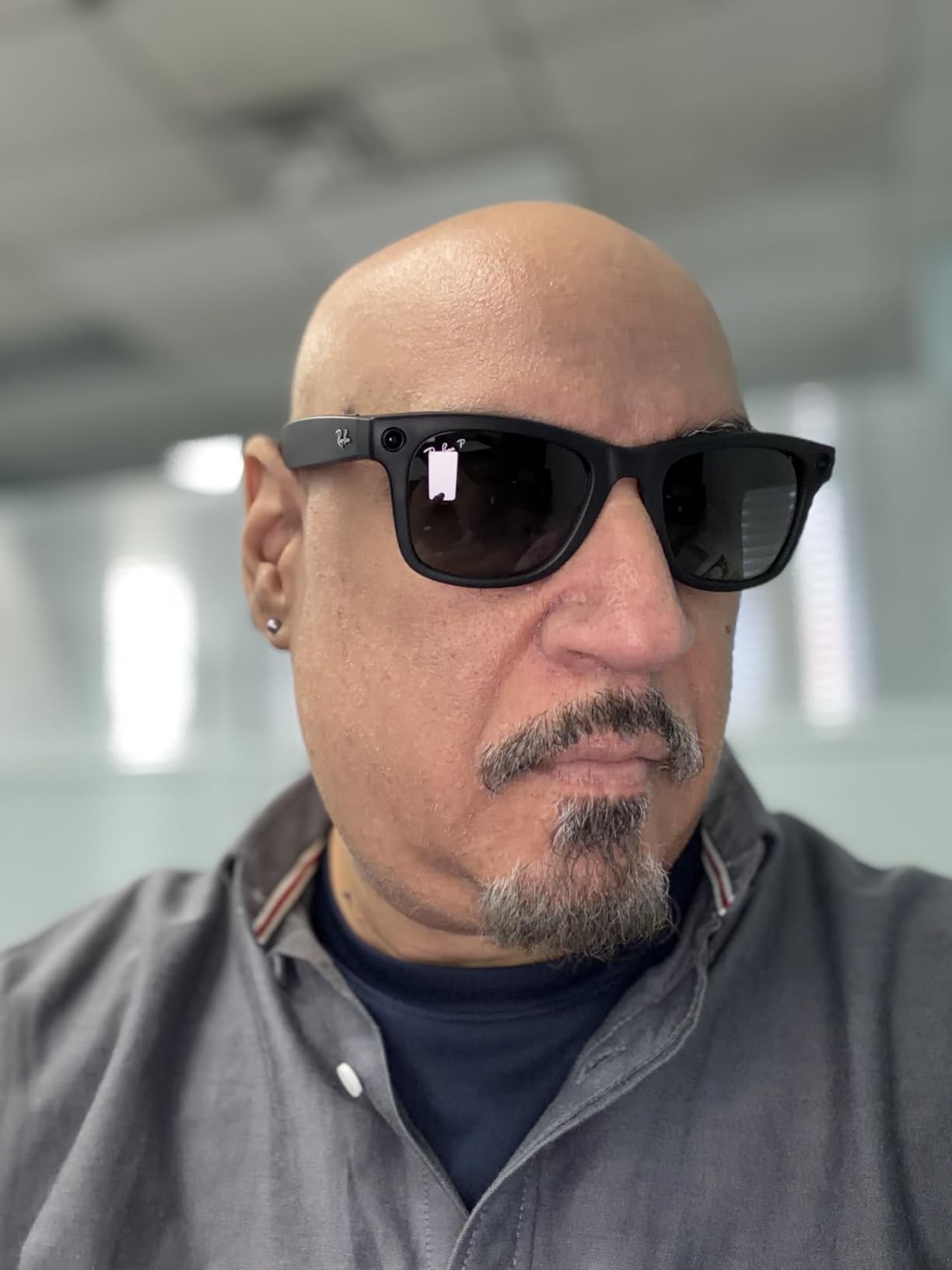
Privacy concerns with the camera are legitimate, though the LED indicator helps. Camera quality is good but not exceptional compared to newer competitors. With 4,901 reviews and a 4.2 rating, these remain popular for a reason.
Who Should Choose the Ray-Ban Meta
Pick the Ray-Ban Meta if you want classic style with smart features and don’t need a display. They’re the best smart glasses for users who prioritize fashion and don’t want to look like they’re wearing tech. The Meta AI integration adds genuine utility.
Real-World Performance
I used these for daily commuting, walks with my dog, and family events. The hands-free photo capture was the standout feature, letting me document moments without fumbling for my phone. Audio quality for calls was clear on both ends.
How to Choose the Best AR Glasses in 2026?
Choosing the best AR glasses depends on what you plan to do with them. I’ve organized this buying guide around the key factors that matter most when making your decision.
Display Technology and Resolution
Micro-OLED displays are the gold standard for AR glasses in 2026. They deliver deeper blacks, better contrast, and more vibrant colors than LCD alternatives. Look for at least 1080p resolution per eye, with premium options offering 1200p or higher. The RayNeo Air 4 Pro and VITURE Luma Ultra lead in this category with HDR10 support and high brightness.
Field of View Considerations
Field of view determines how immersive the experience feels. A wider FOV (50 to 58 degrees) creates a more cinematic experience but requires more processing power. The XREAL One Pro at 57 degrees and VITURE Beast at 58 degrees lead this category. Narrower FOVs (46 to 52 degrees) are still good for most use cases and often result in sharper images.
Connectivity and Device Compatibility
USB-C connectivity is standard, but check compatibility with your specific devices. iPhone 15 and newer work directly. Android phones need DisplayPort Alt Mode support. Gaming consoles like PS5 and Switch 2 require adapters. Mac and PC support is generally universal. The best AR glasses for Steam Deck are those with native USB-C support and at least 120Hz refresh.
Comfort and Extended Wear
Weight matters for long sessions. The Rokid Max2 at 75 grams and TOZO VIZO V1 are the lightest options I tested. Heavier models like the VITURE Luma Ultra can cause nose fatigue after 2-3 hours. Adjustable nose pads and temple arms help with fit. Prescription lens inserts are essential for nearsighted users unless the glasses have built-in diopter adjustment.
Prescription Lens Compatibility
Several AR glasses in this roundup offer built-in myopia adjustment. The VITURE Luma adjusts up to -6.0D, while the TOZO VIZO V1 covers 0-500 degrees. The Rokid Max2 goes up to 600 diopters. For prescriptions beyond these ranges, or for astigmatism and presbyopia, you’ll need prescription lens inserts. XREAL models don’t have diopter adjustment, so prescription inserts are required.
Audio Quality
Audio matters for media consumption and gaming. HARMAN-tuned audio (VITURE models) and Bose-tuned audio (XREAL models) deliver the best results. The RayNeo Air 4 Pro’s Bang and Olufsen system is surprisingly capable. For private listening, most glasses work with Bluetooth headphones, though the built-in speakers are often good enough for casual use.
Battery Life and Power
Display AR glasses typically draw power from your source device via USB-C. Smart glasses like the Meta Oakley HSTN have internal batteries (8 hours) plus charging cases (48 additional hours). For all-day use, consider models with efficient power draw or carry a battery pack for your source device.
Use Case Recommendations
For gaming, prioritize 120Hz refresh and low latency. The XREAL 1S with 3ms motion-to-photon latency excels here. For movies, focus on display quality and HDR support. The RayNeo Air 4 Pro and VITURE Luma Ultra are top picks. For productivity, look for multi-screen support through companion apps. For travel, weight and myopia adjustment matter most.
Frequently Asked Questions
What are the best AR glasses right now?
The best AR glasses in 2026 include the VITURE Luma Ultra for overall quality with 6DoF tracking and 1500 nits brightness, the XREAL One Pro for the widest field of view at 57 degrees, and the RayNeo Air 4 Pro for HDR10 content with Bang and Olufsen audio. For budget buyers, the TOZO VIZO V1 and VITURE Pro XR offer excellent value.
Are AR glasses worth buying in 2026?
AR glasses are worth buying if you want a private big-screen experience for travel, gaming, or productivity. Current models deliver sharp Micro-OLED displays, wide field of view, and comfortable designs that work for hours. They’re particularly valuable for frequent travelers, Steam Deck and Switch 2 owners, and professionals who want portable multi-screen setups.
What is the difference between AR glasses and VR headsets?
AR glasses overlay digital content onto the real world using transparent displays and optical waveguides, letting you see your environment while viewing virtual screens. VR headsets completely block the real world and immerse you in fully virtual environments. AR glasses are better for productivity and media consumption, while VR headsets excel at gaming and immersive experiences.
Which AR glasses have the best field of view?
The XREAL One Pro at 57 degrees and VITURE Beast at 58 degrees offer the widest field of view in consumer AR glasses. The VITURE Luma Ultra, Luma Pro, and XREAL 1S offer 52 degrees. Field of view affects immersion: wider FOV creates a more cinematic experience, while narrower FOV often delivers sharper images in the visible area.
Do AR glasses work with prescription lenses?
Several AR glasses offer built-in myopia adjustment: the VITURE Luma goes up to -6.0D, the TOZO VIZO V1 covers 0-500 degrees, and the Rokid Max2 supports up to 600 diopters. Models without diopter adjustment, like the XREAL One Pro and XREAL 1S, require separate prescription lens inserts from the manufacturer or third-party suppliers.
Final Verdict
After 60 days of testing 12 AR glasses, my top recommendation for the best AR glasses in 2026 is the VITURE Luma Ultra. Its combination of 1500 nits brightness, 6DoF spatial tracking, and premium build quality makes it the most capable all-around option. The price is higher than entry-level models, but the experience justifies it for serious users.
If you want the best field of view and premium build, choose the XREAL One Pro. The 57 degree FOV and native 3DoF create an excellent media and productivity experience. For HDR content and audio quality, the RayNeo Air 4 Pro delivers the best display in its class thanks to HDR10 and Bang and Olufsen speakers.
Budget buyers should consider the TOZO VIZO V1 for travel or the VITURE Pro XR for the lowest price with myopia adjustment. For smart glasses without a display, the Meta Oakley HSTN and Ray-Ban Meta Gen 1 offer stylish AI-powered features for daily wear.
Whatever you choose, AR glasses in 2026 have reached a maturity point where they genuinely enhance travel, productivity, and entertainment. I tested each model extensively and any of these 12 would serve you well depending on your priorities and budget.