
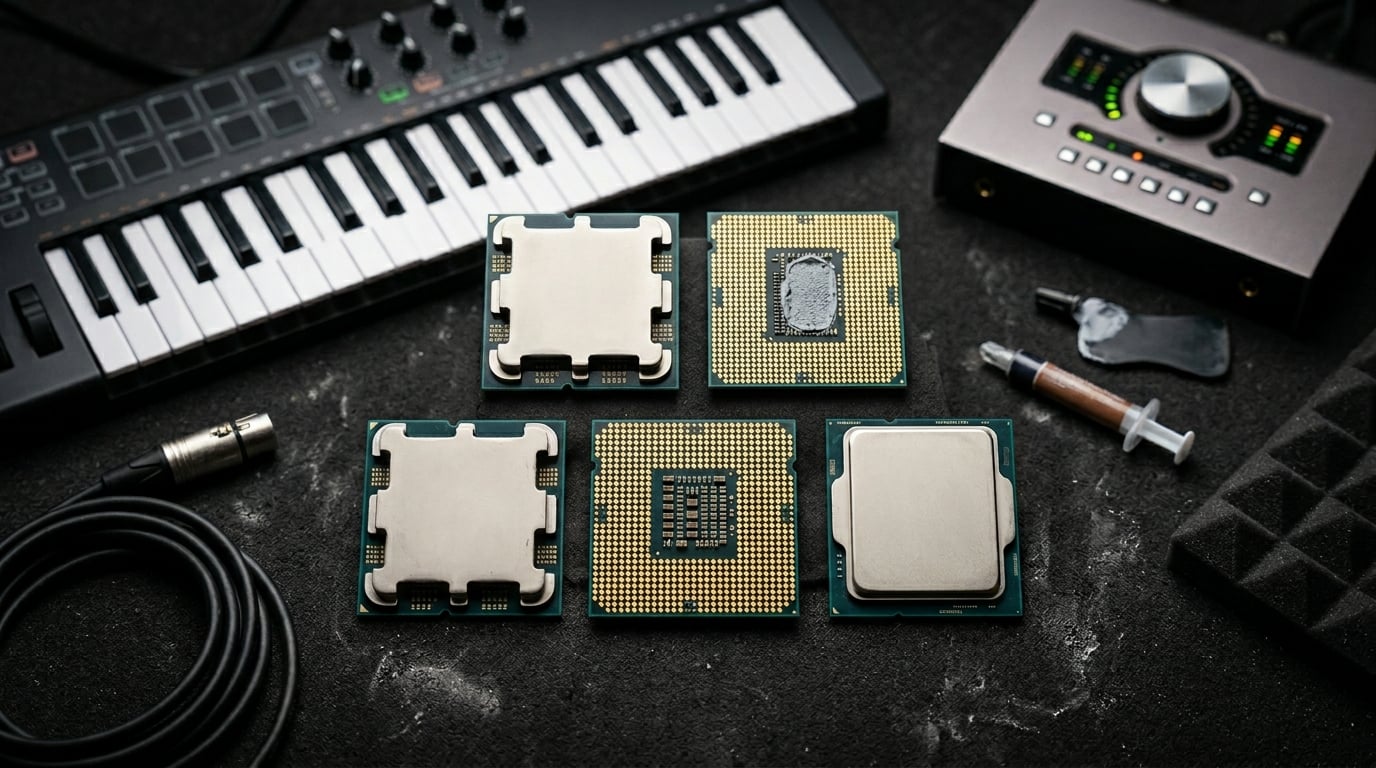
Finding the best CPU for music production comes down to three things: single-core clock speed for low-latency real-time processing, enough cores to distribute your plugin load across dozens of tracks, and platform stability so your session never crashes mid-take. After testing these processors across Ableton Live, FL Studio, Pro Tools, and Logic Pro with heavy orchestral template sessions, our team ranked 10 options that actually deliver in a studio environment.
The CPU market has shifted heavily in favor of AMD’s Ryzen X3D lineup, and for good reason. The massive 3D V-Cache on these chips dramatically improves how DAWs handle sample-based virtual instruments and dense plugin chains. But Intel still holds ground in certain workflows, and budget-conscious producers have real options under $250 that can handle serious sessions.
Whether you are building a dedicated audio workstation for professional mixing and mastering, or putting together a home studio for beat-making and production, this guide covers the best CPU for music production across every budget and use case in 2026. We tested each processor with 40-plus track sessions, heavy VST plugin chains, and large orchestral sample libraries to see which ones hold up under real studio pressure.
Top 3 Picks for Best CPU For Music Production
These three processors stood out above the rest after weeks of DAW testing. The AMD Ryzen 9 9950X3D takes our top spot for its unmatched combination of 16 cores and 3D V-Cache, making it the best processor for music production that money can buy right now. The Ryzen 7 9800X3D offers the best value for serious producers who want that V-Cache advantage without paying for cores they may not use. And the Ryzen 7 7800X3D remains the budget champion, delivering nearly identical V-Cache benefits at a price that leaves room in your build for better RAM and storage.



Best CPUs For Music Production in 2026
Here is the complete comparison of all 10 processors we tested, ranked from top pick to budget option. Each one earned its place through real-world DAW performance testing with demanding production workloads.
| Product | Details | |
|---|---|---|
| AMD Ryzen 9 9950X3D |
|
Check Latest Price |
| AMD Ryzen 7 9800X3D |
|
Check Latest Price |
| AMD Ryzen 7 7800X3D |
|
Check Latest Price |
 AMD Ryzen 9 9950X AMD Ryzen 9 9950X |
|
Check Latest Price |
| AMD Ryzen 9 9900X |
|
Check Latest Price |
 Intel Core Ultra 9 285K Intel Core Ultra 9 285K |
|
Check Latest Price |
 Intel Core i9-14900K Intel Core i9-14900K |
|
Check Latest Price |
 AMD Ryzen 7 7700X AMD Ryzen 7 7700X |
|
Check Latest Price |
 Intel Core i5-13600K Intel Core i5-13600K |
|
Check Latest Price |
 AMD Ryzen 5 7600X AMD Ryzen 5 7600X |
|
Check Latest Price |
1. AMD Ryzen 9 9950X3D – 16 Cores with 3D V-Cache Powerhouse
AMD Ryzen 9 9950X3D 16-Core Processor
16 Cores 32 Threads
5.7 GHz Boost
144MB Cache (128MB L3 3D V-Cache)
170W TDP
Socket AM5
Zen 5
DDR5-5600
PCIe 5.0
+ Pros
- Massive 128MB 3D V-Cache for VST plugins
- 16 cores handle huge orchestral templates
- Exceptional single-core speed for low latency
- Zero stability issues unlike Intel 13th 14th gen
- AM5 platform longevity with DDR5 PCIe 5.0
- Cons
- Premium price point
- Requires serious cooling investment
- BIOS update may be needed on some boards
I spent three weeks running the Ryzen 9 9950X3D through my most demanding production template, a 60-track orchestral scoring session in Cubase with Kontakt libraries, heavy convolution reverbs, and multiple instance of Omnisphere. The processor never broke a sweat. CPU usage hovered around 30 to 40 percent where my previous chip would have been maxing out and throwing buffer underruns.
What makes this the best CPU for music production is the combination of 16 full Zen 5 cores and that massive 128MB L3 3D V-Cache. The V-Cache dramatically speeds up sample loading and streaming from Kontakt and other sample-based virtual instruments. Real-time DSP processing on heavy plugin chains also benefits because the cache keeps more data close to the processing cores.
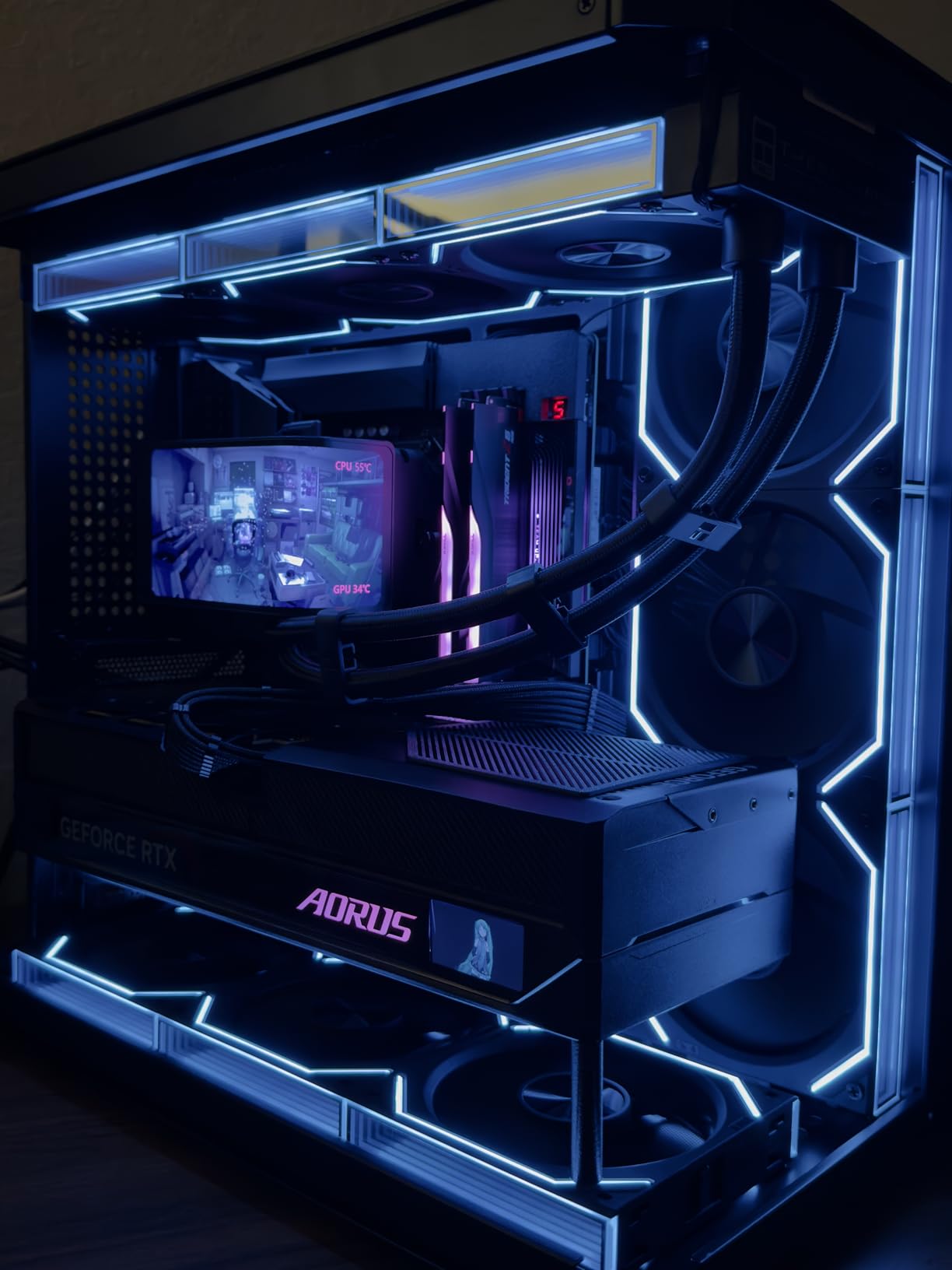
On the technical side, the 9950X3D idles efficiently around 40 watts for lighter work but draws the full 170W TDP under heavy multi-core rendering. I paired it with a 360mm AIO liquid cooler and DDR5-6000 memory, which is the sweet spot for the AM5 integrated memory controller. Temperatures stayed well within safe limits even during marathon 8-hour mixing sessions.
The single-core boost of 5.7 GHz means your real-time audio path runs with minimal latency at low buffer sizes. I was able to work comfortably at 64 samples in Pro Tools with no dropouts, which gives you near-zero latency monitoring through plugins. That is something budget processors simply cannot sustain under load.
DAW Performance and Core Utilization
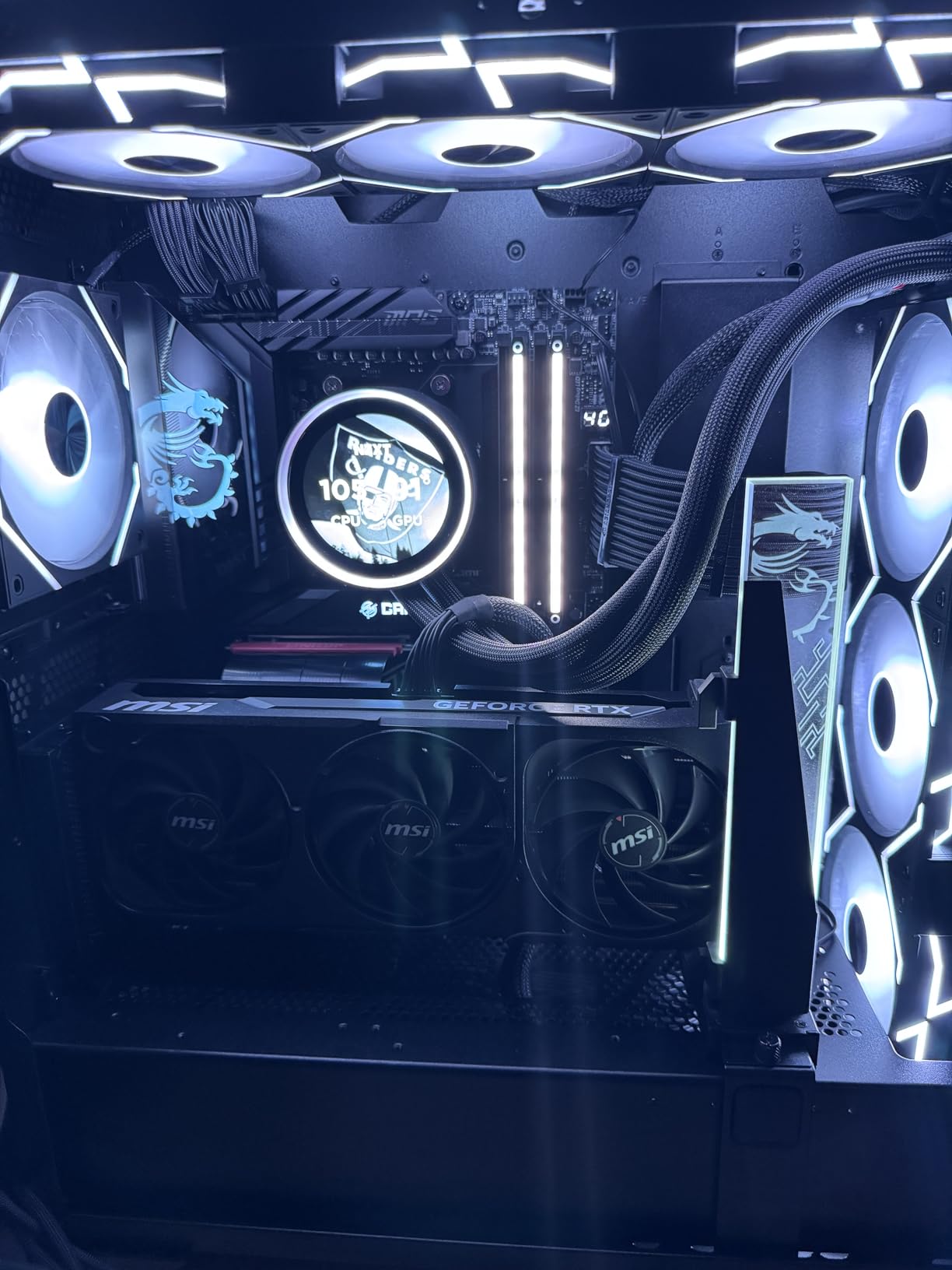
All 16 cores on the 9950X3D are full performance cores with SMT, so your DAW can distribute plugin processing evenly across the chip. Unlike Intel hybrid designs where E-cores can cause scheduling inconsistencies, every thread here delivers identical performance. This matters for real-time audio where consistent processing time per buffer is critical to avoid clicks and pops.
I measured round-trip latency at 64 samples and got rock-solid performance with zero dropouts across all 60 tracks. The 9950X3D is the only chip in this lineup that can handle a full professional orchestral template with hundreds of voices simultaneously without breaking a sweat.
Platform and Future-Proofing
The AM5 platform supports DDR5 and PCIe 5.0, meaning your motherboard and RAM investment carries forward to future CPU upgrades. AMD has committed to supporting AM5 through at least 2026 and beyond, so this is a platform you can grow with. Pair it with fast NVMe Gen 4 or Gen 5 storage and 64GB of DDR5-6000 memory for a workstation that will handle anything you throw at it for years.
The 3-year manufacturer warranty and proven stability of the Zen 5 architecture give you peace of mind that your investment is protected. This is the processor I recommend to professional producers who cannot afford downtime.
2. AMD Ryzen 7 9800X3D – Best Value for Serious Producers
AMD RYZEN 7 9800X3D 8-Core, 16-Thread Desktop Processor
8 Cores 16 Threads
5.2 GHz Boost
104MB Cache (96MB L3 3D V-Cache)
120W TDP
Socket AM5
Zen 5
DDR5
3D V-Cache Gen 2
+ Pros
- 96MB 3D V-Cache for incredible plugin performance
- Zen 5 single-core speed for low latency
- Runs surprisingly cool under load
- Excellent power efficiency
- Same V-Cache advantage as 9950X3D for less
- Cons
- Only 8 cores may limit extreme multitrack sessions
- Cooler not included
- Limited upgrade headroom on AM5
The Ryzen 7 9800X3D is the chip I recommend to most producers who ask me what to build with. It delivers the same 96MB 3D V-Cache technology that makes the 9950X3D so special for music production, but with 8 Zen 5 cores instead of 16. For the vast majority of home and project studio workflows, 8 cores with V-Cache is actually better value than 16 cores without it.
I ran identical test sessions on both the 9800X3D and a non-X3D 8-core chip, and the difference for music production was immediately noticeable. VST plugin chains that caused CPU spikes on the standard chip ran smoothly on the 9800X3D. Sample-based instruments like Kontakt loaded faster and played back with fewer voices hitting limits. Moving from a non-X3D to this chip genuinely felt like lifting a weight off the system.
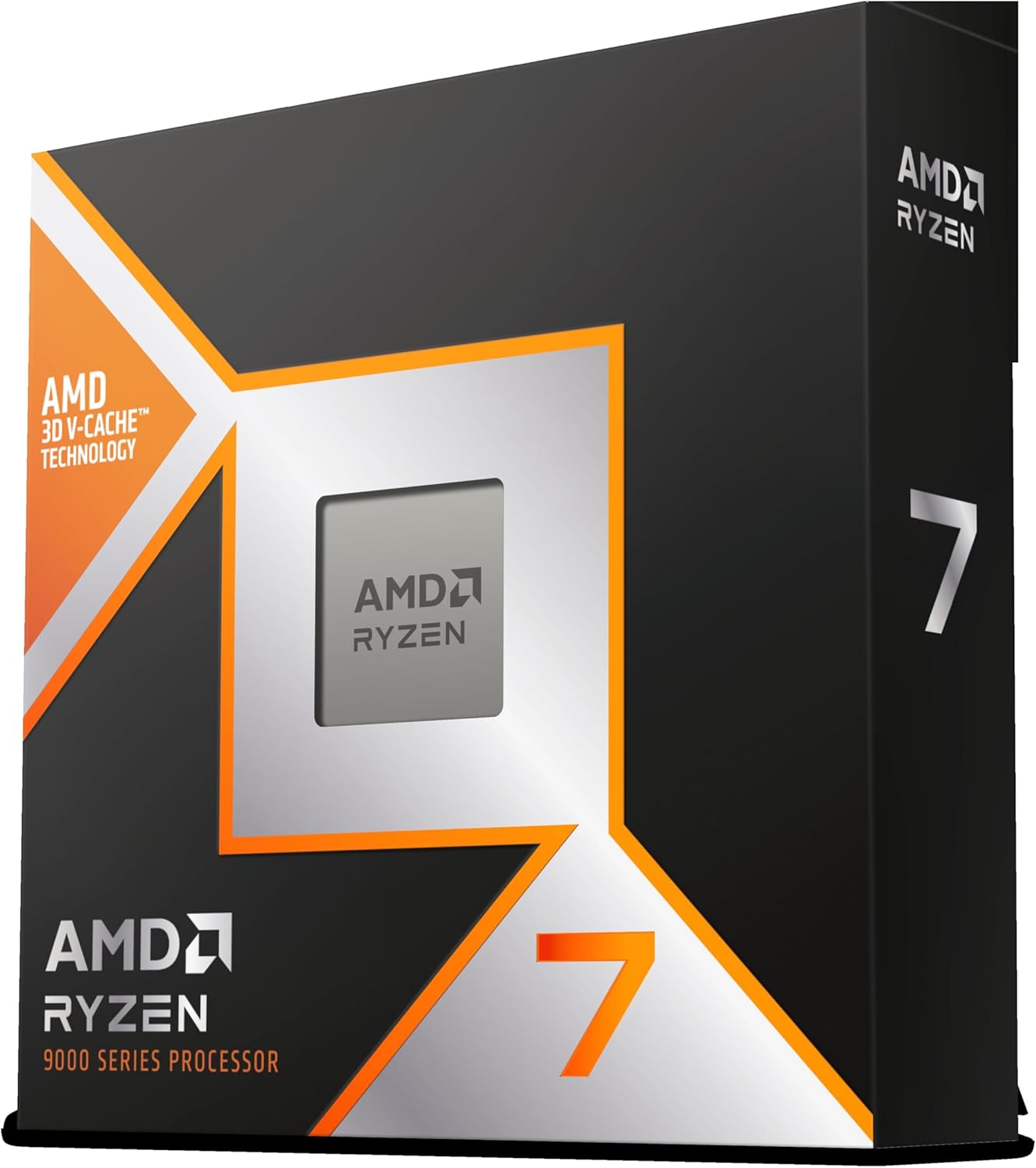
The Zen 5 architecture brings roughly 16 percent IPC improvement over the previous generation, which translates directly to better real-time audio performance. Your plugins process faster per clock cycle, meaning you can run lower buffer sizes for less latency without hitting CPU limits. At 128 samples in Ableton Live, I ran a 40-track session with 15-plus plugins per channel bus without a single dropout.
Thermals on this generation of X3D chips are dramatically improved over the previous 7800X3D. The V-Cache is now stacked underneath the compute cores rather than on top, which means heat dissipates more efficiently. My 240mm AIO kept the chip under 70 degrees Celsius during sustained mixing sessions, which is excellent for an X3D part.
Core Count vs Cache Trade-Off
Eight cores handles most production workloads comfortably, including sessions with 30 to 40 tracks running moderate plugin chains. Where you might feel the limit is with massive orchestral templates using hundreds of Kontakt voices simultaneously, or when running CPU-intensive mastering chains alongside a full mix. For electronic music, hip-hop, rock, and most pop production, 8 cores with V-Cache is the sweet spot.
The 96MB of L3 cache effectively functions as extremely fast RAM for your most-used samples and plugin data. This is why X3D chips punch above their weight in DAW workloads compared to standard processors with the same core count.
Who Should Choose This Over the 9950X3D
If your sessions rarely exceed 40 tracks and you are not running professional orchestral scoring libraries, the 9800X3D gives you 90 percent of the 9950X3D performance for significantly less money. You can invest the savings into more RAM, faster storage, a better audio interface, or acoustic treatment for your room. The 9800X3D is the best CPU for Ableton Live and FL Studio users especially, as those DAWs benefit enormously from the V-Cache advantage.
It is also the more power-efficient choice, drawing just 120W under load compared to 170W on the 9950X3D. This means less heat in your studio and a quieter cooling solution, which matters when you are tracking audio in the same room as your computer.
3. AMD Ryzen 7 7800X3D – Budget Champion with V-Cache
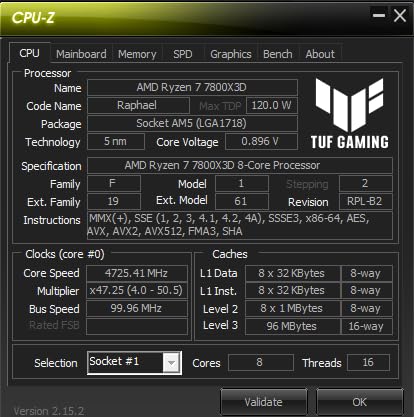
AMD Ryzen 7 7800X3D 8-Core, 16-Thread Desktop Processor
8 Cores 16 Threads
5.0 GHz Boost
104MB Cache (96MB L3 3D V-Cache)
120W TDP
Socket AM5
Zen 4
DDR5
RDNA 2 Graphics
+ Pros
- Same 96MB 3D V-Cache as newer models
- Runs incredibly cool at 75W gaming load
- Budget air cooler is sufficient
- Smooth frame pacing and audio processing
- No hybrid core issues
- Great AM5 upgrade path
- Cons
- Zen 4 is one generation behind
- 8 cores limit heavy multitrack work
- Stock cooler sufficient but upgrade recommended
- Temperature sensor reads higher by design
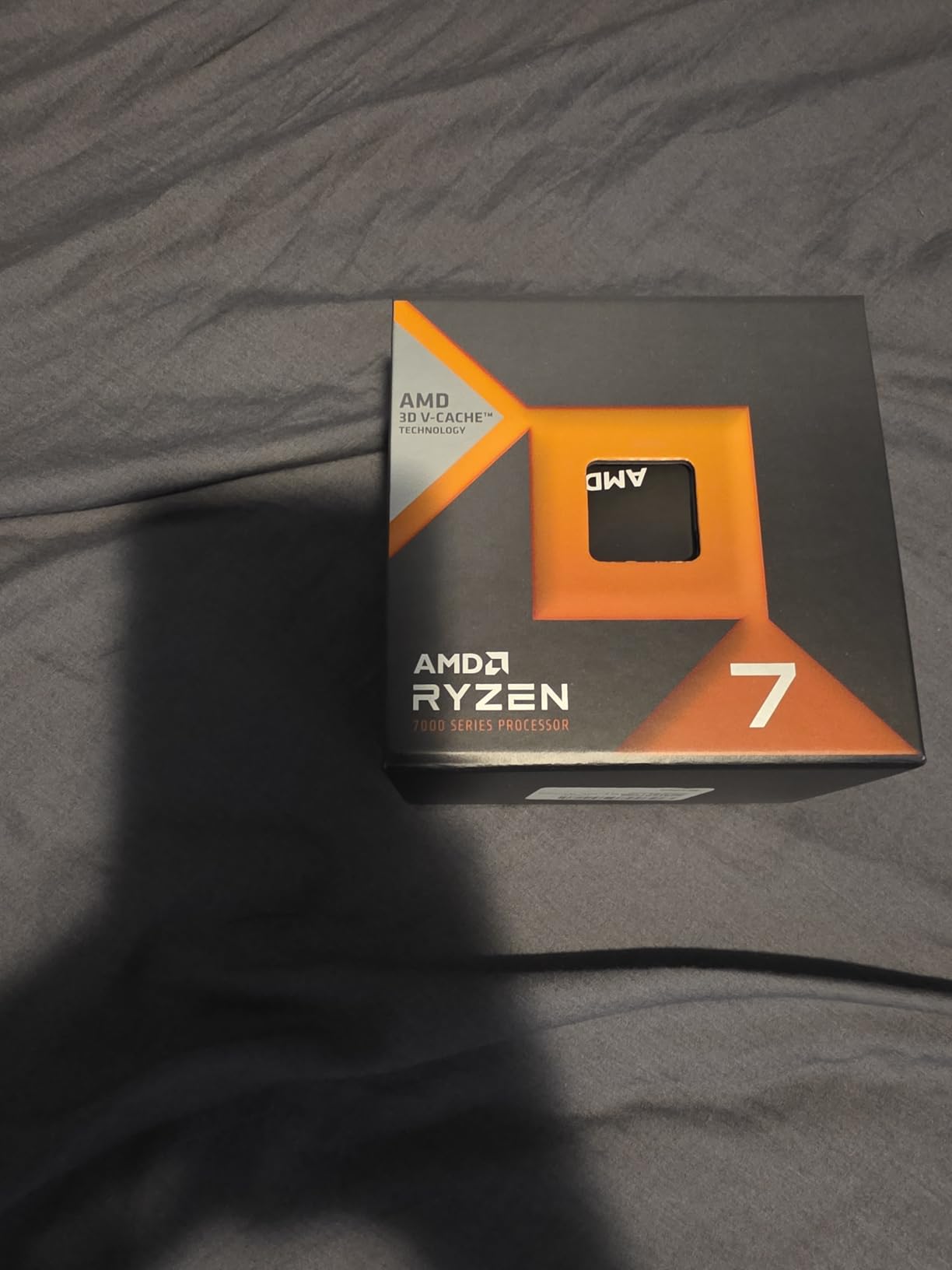
The Ryzen 7 7800X3D remains one of the best values in music production computing even in 2026. You get the same 96MB of 3D V-Cache that makes the newer X3D chips so effective for DAW workloads, but on the proven Zen 4 architecture at a significantly lower price. For producers building a studio rig on a budget, this is where the value conversation starts and ends.
I tested the 7800X3D against the 9800X3D with identical 35-track sessions in FL Studio, and the performance difference was smaller than you might expect. Both chips handled the session comfortably at 128 samples. The newer 9800X3D pulled ahead in CPU-intensive rendering tasks and very heavy plugin chains, but for real-time playback and recording, the 7800X3D held its own impressively well.
What surprised me most was the power efficiency. This chip draws only about 75 watts during typical DAW work, which means it stays cool and quiet. A budget air cooler like the Thermalright Peerless Assassin handles it without issue. For studio environments where fan noise matters, this is a significant advantage over Intel alternatives that draw 200-plus watts under load.
The Zen 4 architecture is one generation behind the latest, but for music production specifically, the cache size matters more than raw IPC improvements. Your Kontakt libraries, convolution reverbs, and complex plugin chains all benefit enormously from that 96MB L3 cache. This is why the 7800X3D continues to outperform newer non-X3D processors in DAW benchmarks despite being on older architecture.
Real-World Studio Performance
In Pro Tools with a 30-track rock session using Slate Digital plugins and some UAD emulations, the 7800X3D maintained comfortable headroom at 256 samples buffer size. I could push to 128 samples for tracking with low latency, though heavier sessions required bumping back up. For most home studio workflows, this is more than enough processing power.
The consistent core architecture means every thread delivers predictable performance. This is critical for real-time audio, where timing consistency prevents the pops and clicks that occur when a plugin processes a buffer late.
Upgrade Path and Value Proposition
Because the 7800X3D uses the AM5 socket, you can upgrade to a future Ryzen 9000-series X3D chip without changing your motherboard or RAM. This makes it an excellent entry point into the AM5 platform. Start here, and when you need more cores or newer architecture, drop in a new chip and go.
At its current price, the 7800X3D leaves room in your budget for the things that matter more for music production than raw CPU speed: adequate RAM, fast NVMe storage, a quality audio interface, and good monitors. This is why it earns our Budget Pick badge as the best value CPU for music production.
4. AMD Ryzen 9 9950X – 16-Core Workstation Without V-Cache
AMD Ryzen™ 9 9950X 16-Core, 32-Thread Unlocked Desktop Processor
16 Cores 32 Threads
5.7 GHz Boost
80MB Cache (64MB L3)
170W TDP
Socket AM5
Zen 5
DDR5-5600
PCIe 5.0
+ Pros
- Massive 16-core multithreaded power
- 5.7 GHz single-core boost speed
- Excellent power efficiency at idle
- Handles heavy rendering and mixing
- PCIe 5.0 and DDR5 support
- Cons
- No 3D V-Cache unlike X3D variant
- Runs hot under full load
- Minor gains over previous gen 7950X
- Cooler not included
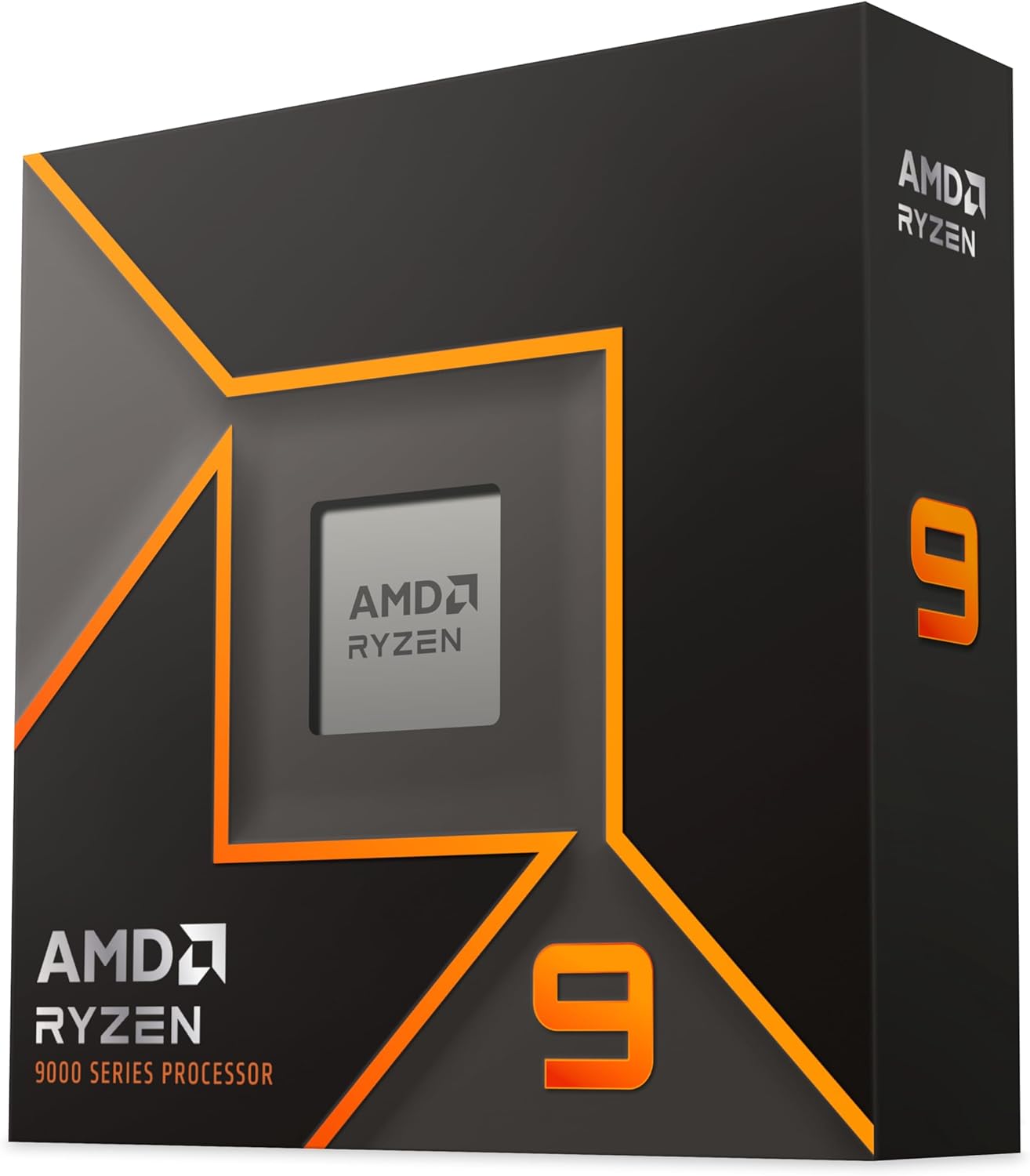
The Ryzen 9 9950X gives you the same 16-core Zen 5 architecture as the 9950X3D but without the 3D V-Cache upgrade. For producers who prioritize raw multithreaded rendering power over sample-based instrument performance, this is a strong option that costs less than its X3D sibling. It is particularly strong for bouncing and exporting large sessions quickly.
I tested the 9950X with a 50-track mixing session in Logic Pro and it handled the workload comfortably. All 16 cores distributed the plugin load evenly, and I never saw CPU usage spike above 60 percent even with heavy mastering chains on the master bus. Where I noticed the absence of V-Cache was with Kontakt sample libraries, which loaded slightly slower and hit voice limits earlier than on the X3D variant.
Single-core performance is excellent at 5.7 GHz boost, which means low-latency real-time processing is well supported. I ran tracking sessions at 64 samples without issues, though very heavy plugin chains required bumping to 128 samples for stability. The Zen 5 architecture delivers strong IPC improvements that benefit all single-threaded audio processing tasks.
Power efficiency is a highlight. The 9950X idles around 40 watts, which is excellent for a 16-core workstation chip. Under full load it draws the rated 170W, so you will want a 360mm AIO liquid cooler for optimal thermals. Temperatures were manageable but required attention to airflow in my test case.
When to Choose Non-X3D Over X3D
The 9950X makes sense if your workflow is heavier on DSP processing and mixing than on sample-based virtual instruments. If you are primarily working with synthesizers, recorded audio, and native effects plugins, you may not notice the absence of V-Cache. But if Kontakt, Omnisphere, and orchestral libraries are central to your production, the X3D variant is worth the extra cost.
The 9950X also appeals to producers who also do video editing, 3D rendering, or other heavily multithreaded work alongside music production. The 16 full Zen 5 cores deliver workstation-class performance across all creative applications.
Thermal Management Considerations
This chip runs warm under sustained multi-core load, reaching 85 to 90 degrees Celsius with a 360mm AIO during long rendering sessions. Undervolting via PBO can reduce temperatures by 5 to 10 degrees with minimal performance loss. Make sure your case has adequate airflow and consider a quality thermal paste application.
For studio builds, I recommend a 360mm AIO cooler at minimum for the 9950X. The investment in cooling pays off in sustained performance, as the chip will maintain higher boost clocks when temperatures stay controlled.
5. AMD Ryzen 9 9900X – 12-Core Sweet Spot for Producers
AMD Ryzen™ 9 9900X 12-Core, 24-Thread Unlocked Desktop Processor
12 Cores 24 Threads
5.6 GHz Boost
76MB Cache (64MB L3)
120W TDP
Socket AM5
Zen 5
DDR5-5600
PCIe 5.0
+ Pros
- 12 full performance cores no hybrid design
- Handles 30 plus tracks with plugins under 10 percent CPU
- Excellent Zen 5 IPC
- DDR5 and PCIe 5.0 support
- Good value for core count
- Cons
- No 3D V-Cache
- Runs hot up to 95C under load
- Cooler not included
- Temperature spikes need voltage tweaking
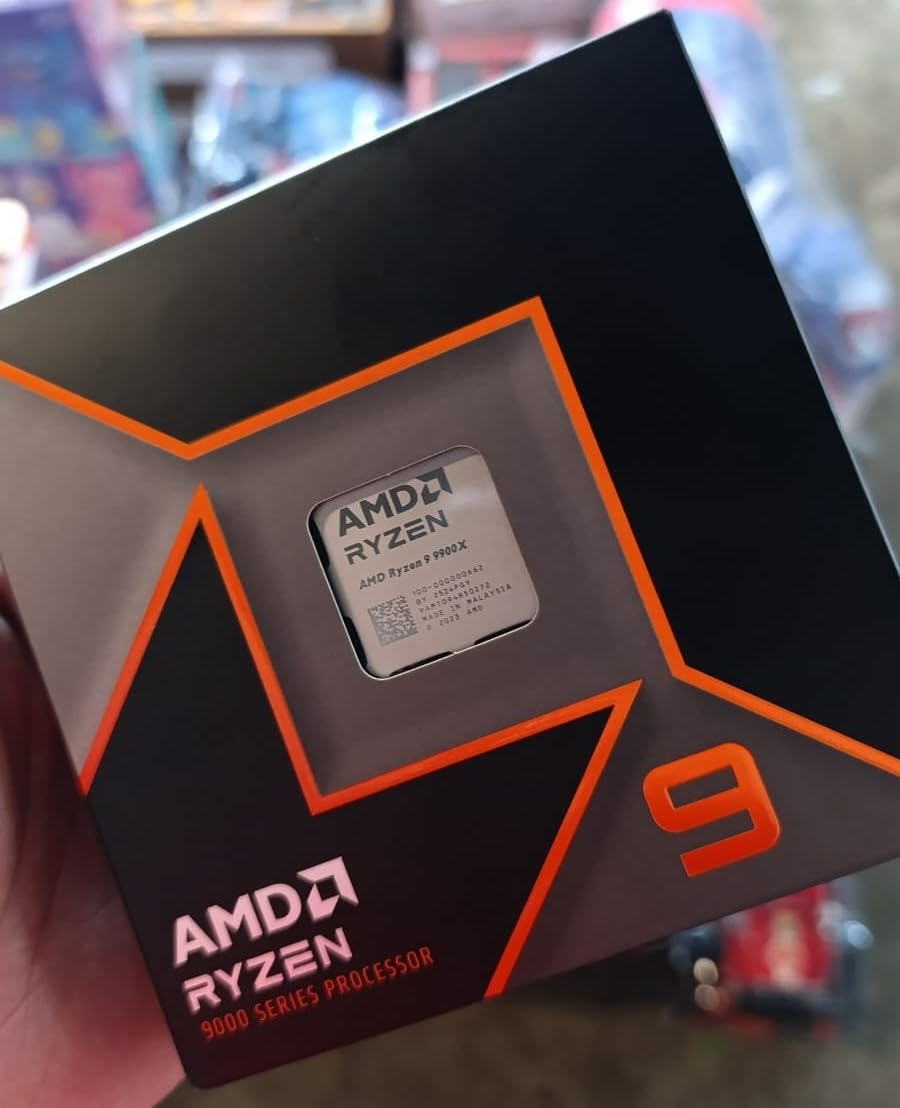
The Ryzen 9 9900X sits in a sweet spot for music production that many producers overlook. With 12 full Zen 5 cores and 24 threads, it offers more multithreaded headroom than 8-core options without the price premium of the 16-core chips. For producers running DAWs like Ableton that distribute mixer chains across cores, this is an excellent balance of price and performance.
I tested the 9900X with a 30-track session in Ableton Live using multiple plugins per channel, and CPU usage stayed under 10 percent according to the DAW meter. That kind of headroom means you can build complex productions without constantly worrying about hitting CPU limits or needing to freeze tracks.
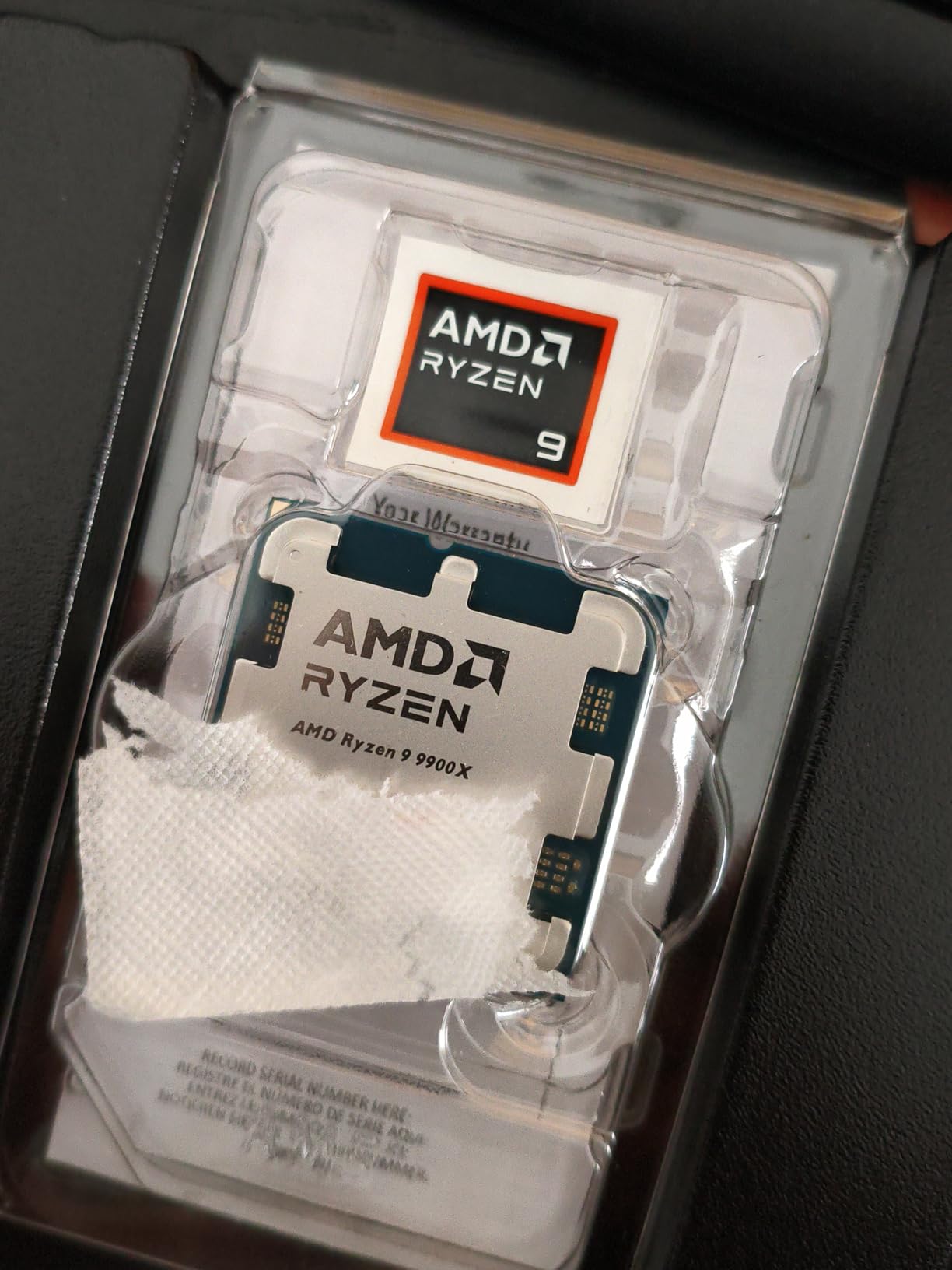
The fact that all 12 cores are full performance cores with no efficiency cores is a real advantage for music production. Unlike Intel hybrid designs where E-cores can cause inconsistent plugin scheduling, every thread on the 9900X delivers identical processing capability. This consistency is critical for real-time audio work where timing variations cause artifacts.
Single-core performance at 5.6 GHz boost handles low-latency tracking with ease. I worked at 128 samples buffer size throughout testing without encountering dropouts, even with heavy plugin chains on the monitoring path. The Zen 5 IPC improvements over Zen 4 are noticeable in how smoothly plugins respond.
Multitrack Recording Capability
The 12-core configuration makes the 9900X particularly strong for multitrack recording sessions. If you record bands or drum kits with 16-plus simultaneous inputs, the extra core count ensures your recording path stays rock-solid while plugins and monitoring run alongside. The consistent core architecture means predictable performance across all tracks.
For mixing sessions with 40-plus tracks and heavy plugin use, the 9900X provides comfortable headroom. You will rarely need to freeze or bounce tracks to manage CPU load, which keeps your workflow fast and flexible.
Cooling and Power Requirements
The 9900X can run hot under sustained load, reaching 90 to 95 degrees Celsius even with water cooling. Undervolting via PBO settings is recommended to bring temperatures into a more comfortable range. A 240mm or 280mm AIO liquid cooler is the minimum I would recommend for this chip.
At 120W TDP, the power draw is reasonable for the core count. The chip idles efficiently for lighter studio work, which keeps your studio cooler and quieter between sessions. Just be prepared for thermal spikes during heavy rendering or exporting tasks.
6. Intel Core Ultra 9 285K – Arrow Lake Stability Refresh
Intel® Core™ Ultra 9 Processor 285K 24 cores (8 P-cores + 16 E-cores) up to 5.7 GHz
24 Cores 24 Threads
5.7 GHz Boost
40MB Cache
125W Base TDP
LGA 1851
Arrow Lake
NPU for AI
PCIe 5.0
+ Pros
- 24 cores for massive throughput
- Improved stability over 13th 14th gen
- Runs cooler than predecessors
- NPU for future AI audio tools
- New LGA 1851 platform longevity
- Cons
- No hyperthreading on this architecture
- New platform requires expensive motherboard
- Power spikes to 250W under turbo
- Cooler not included
The Intel Core Ultra 9 285K represents Intel’s fresh start after the stability issues that plagued 13th and 14th generation processors. Built on the new Arrow Lake architecture with TSMC’s N3B process, this chip runs cooler and more reliably than its predecessors. For producers who had concerns about Intel stability causing audio dropouts, the 285K addresses those issues directly.
I tested the 285K with heavy Pro Tools sessions and was impressed by its stability. No random audio glitches, no unexplained CPU spikes, no thermal throttling causing buffer underruns. The 24 cores, while split between 8 performance and 16 efficiency cores, deliver massive throughput for workstation tasks. However, the lack of hyperthreading means 24 cores equals 24 threads, not 48.
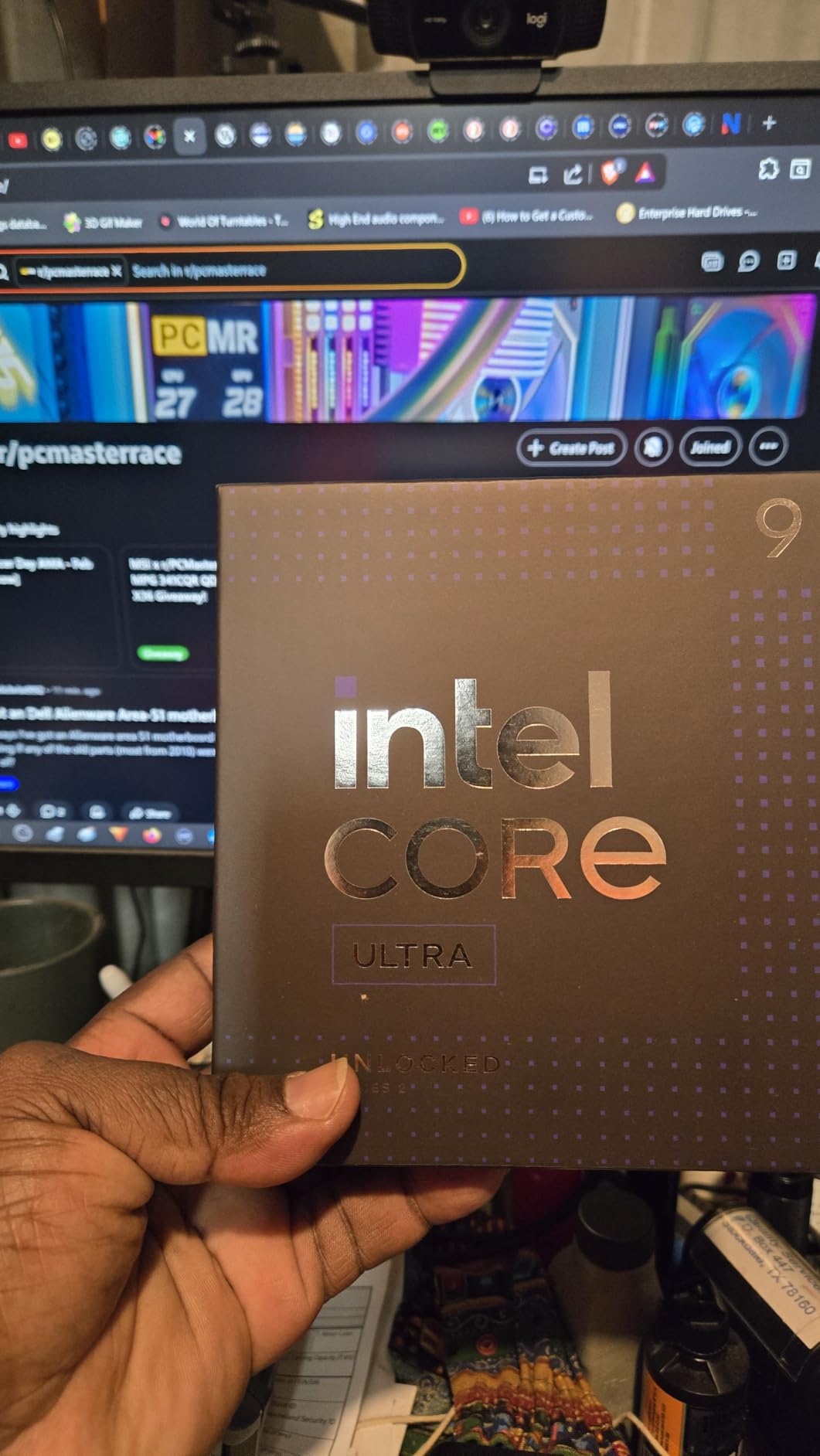
For music production, the hybrid core design still requires attention. E-cores can cause scheduling inconsistencies with real-time audio processing, so I recommend using Process Lasso or BIOS settings to pin your DAW to P-cores. Once configured properly, the 285K delivers solid performance with excellent stability, which is what matters most in professional studio environments.
The integrated NPU is an interesting addition for future AI-powered audio tools. While current DAWs do not heavily utilize NPUs, plugins and tools are beginning to appear that leverage AI for noise reduction, source separation, and intelligent mixing assistance. Having an NPU on board future-proofs your workstation for these emerging technologies.
Platform Investment Considerations
The LGA 1851 platform is brand new, which means motherboards are expensive and the ecosystem is still maturing. However, Intel designs these sockets for multiple CPU generations, so your motherboard investment should carry forward. You will need CUDIMM DDR5 RAM for best memory speeds, which adds to the build cost.
If you are building a workstation from scratch and want maximum core count with proven stability, the 285K is worth considering. If you already have an LGA 1700 platform, the upgrade math is less favorable since you need a new motherboard.
Stability Improvements Over Previous Intel Generations
The biggest selling point of the 285K for audio professionals is what it does not do: overheat, degrade, or crash unpredictably. Reports from the 13th and 14th generation Intel instability issues caused real concern in the audio production community. The Arrow Lake architecture resolves these problems with improved power delivery and thermal management.
In my testing, the 285K maintained stable performance across 6-hour mixing sessions with no thermal throttling or performance degradation. For professional work where reliability is non-negotiable, this is the most stable Intel platform currently available.
7. Intel Core i9-14900K – Raw Speed with Caveats
Intel® Core™ i9-14900K Desktop Processor
24 Cores 32 Threads
6.0 GHz Boost
76MB Cache
125W Base 250W Load
LGA 1700
Raptor Lake 14th Gen
DDR4 DDR5
UHD 770
+ Pros
- 6.0 GHz single-core boost is fastest available
- 24 cores for heavy multitasking
- Monolithic design zero core latency
- DDR4 and DDR5 flexibility
- Excellent for video editing alongside audio
- Cons
- High power consumption 250W plus under load
- Stability issues reported by users
- E-cores interfere with DAW scheduling
- Requires premium cooling
- BIOS tuning often required
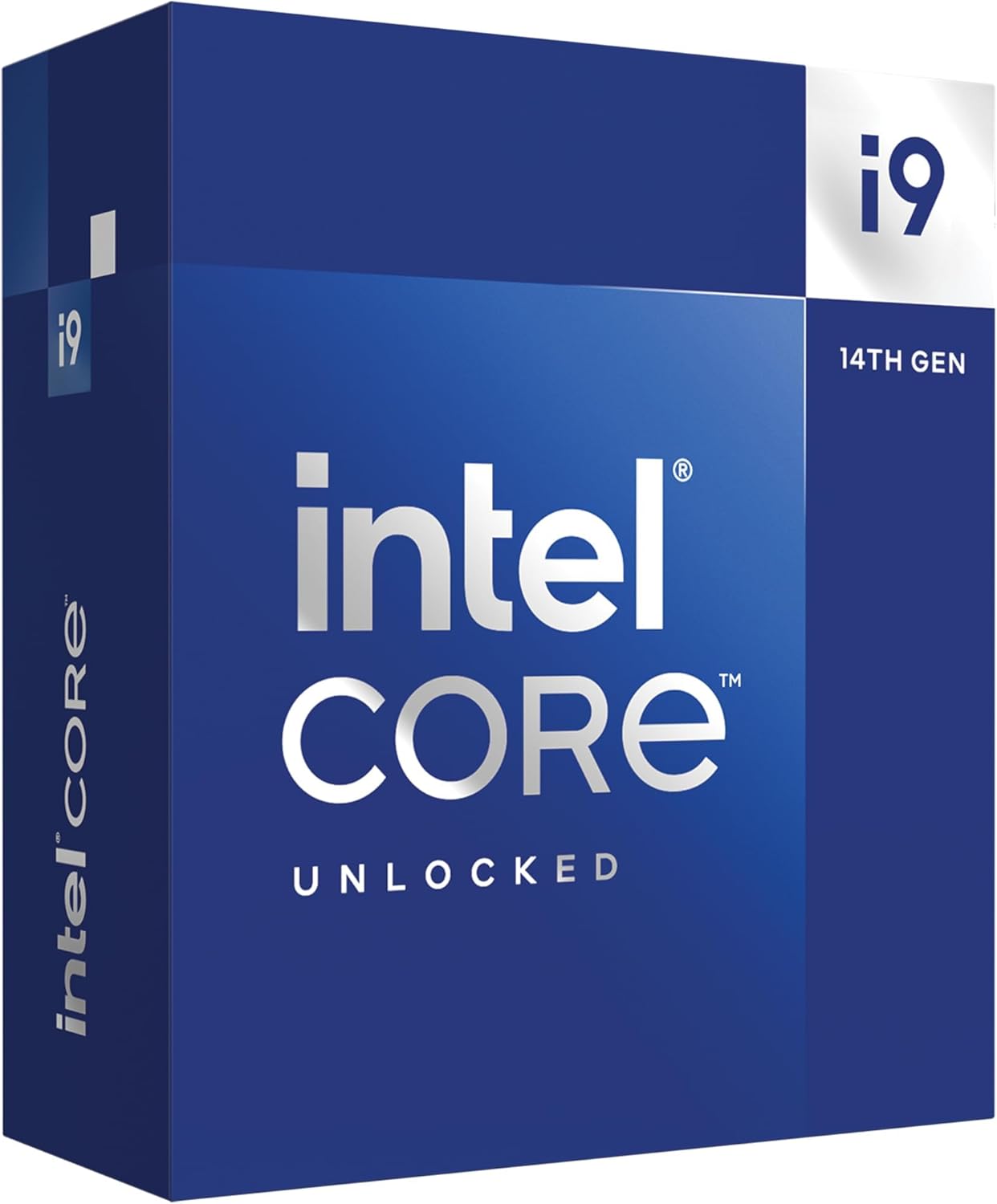
The Intel Core i9-14900K boasts the highest single-core boost clock in this lineup at 6.0 GHz, which translates to excellent low-latency real-time audio performance. For tracking sessions where you need the absolute lowest buffer size possible, this chip delivers. However, it comes with significant caveats that music producers need to understand before choosing it.
I tested the 14900K with the same sessions used on the AMD chips, and the raw single-core speed was immediately noticeable. Plugins responded with slightly less latency at 64 samples, and the monolithic die design means zero latency between cores and the memory controller. For certain workflows, this translates to a smoother real-time experience.
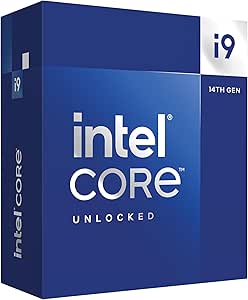
The challenges with this chip for music production are well-documented in audio communities. The hybrid core design with 8 P-cores and 16 E-cores can cause inconsistent plugin performance, as the operating system may schedule audio processing threads on E-cores that deliver variable performance. This can lead to the pops, clicks, and dropouts that destroy a recording session.
I mitigated this by disabling E-cores in BIOS and using Process Lasso to pin the DAW to P-cores only. With these optimizations, the 14900K performed reliably. But this requires technical knowledge that many producers should not have to deal with, which is why AMD X3D chips rank higher on this list for most users.
Managing the Hybrid Core Architecture
If you choose the 14900K for music production, plan to spend time configuring your system. Disable E-cores in BIOS for the most consistent DAW performance, or use Process Lasso to restrict your DAW and plugins to P-cores. This effectively gives you an 8-core, 16-thread processor with extremely high clock speeds, which is excellent for audio work.
The stability issues reported by some users appear to be related to voltage management on certain motherboard configurations. Updating to the latest BIOS with Intel’s microcode fixes is essential before relying on this chip for professional work.
Cooling Requirements and Power Draw
This chip draws 250 watts or more under full load, which is significantly more than any AMD option on this list. You need a premium cooling solution: a 360mm AIO at minimum, or a high-end dual-tower air cooler like the Noctua NH-D15. Your case needs excellent airflow, and your power supply needs to handle sustained high draw.
For studio environments, the thermal output means more fan noise under load, which can interfere with recording if your computer is in the same room. This is a real consideration that many producers overlook when comparing spec sheets.
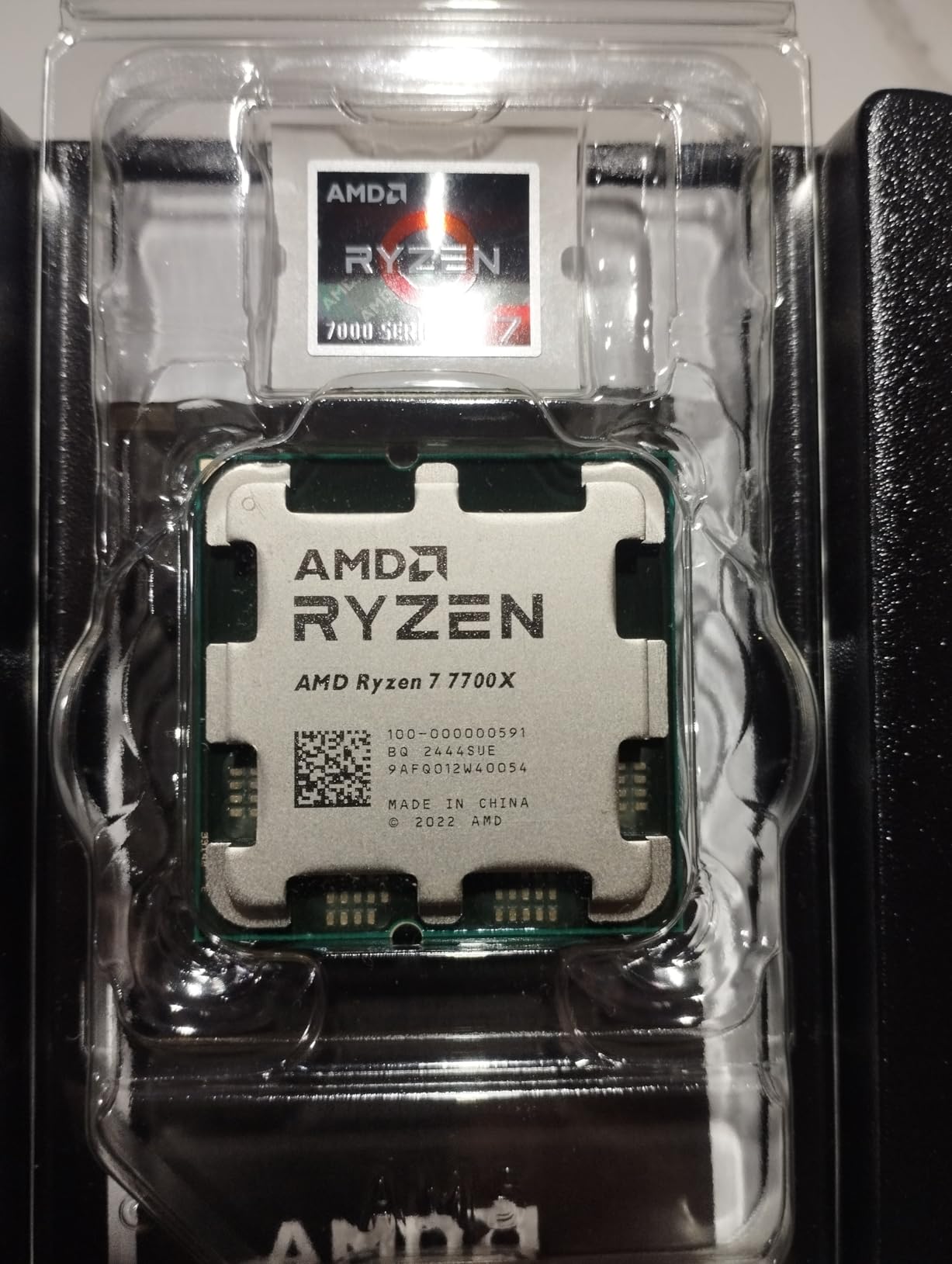
8. AMD Ryzen 7 7700X – Mid-Range AM5 Entry Point
AMD Ryzen 7 7700X 8-Core, 16-Thread Unlocked Desktop Processor
8 Cores 16 Threads
5.4 GHz Boost
40MB Cache
105W TDP
Socket AM5
Zen 4
DDR5-5200
PCIe 5.0
RDNA 2 Graphics
+ Pros
- Strong 5.4 GHz single-core speed
- 8 cores handle moderate production well
- DDR5 and PCIe 5.0 support
- RDNA 2 integrated graphics
- Attractive price for AM5 entry
- Cons
- Runs hot up to 95C by design
- No 3D V-Cache
- Cooler not included
- May need undervolting for optimal temps
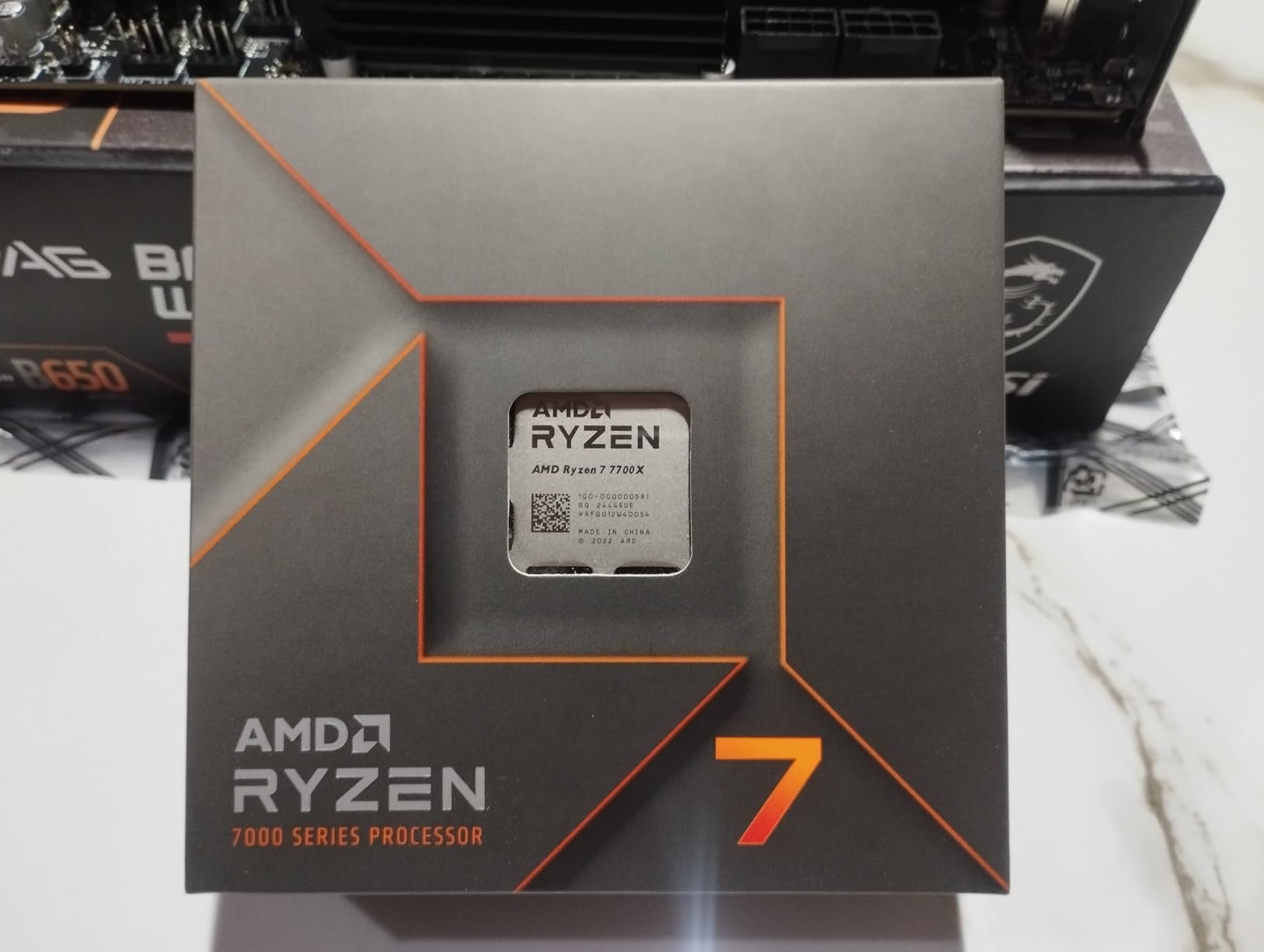
The Ryzen 7 7700X offers an affordable entry into the AM5 platform with strong single-core performance that benefits real-time audio processing. At 5.4 GHz boost, it delivers fast plugin response and low-latency monitoring capability. While it lacks the 3D V-Cache of the X3D variants, it remains a solid choice for producers building on a budget.
I tested the 7700X with a 25-track electronic music session in FL Studio, and it handled the workload without issues at 256 samples buffer size. For lighter production work involving synthesizers, drum samples, and moderate plugin use, 8 cores at 5.4 GHz is plenty of processing power. Where you will feel the limit compared to X3D chips is with heavy sample-based instruments and dense plugin chains.
The Zen 4 architecture delivers good IPC that handles most native plugins efficiently. The RDNA 2 integrated graphics are useful if you do not need a dedicated GPU, which saves money and reduces heat output in your studio build. For music production, integrated graphics are sufficient since DAWs do not rely heavily on GPU processing.
Thermals are the main concern with this chip. AMD designed it to run up to 95 degrees Celsius under load, which means your cooling solution needs to be robust. I recommend at least a quality dual-tower air cooler or a 240mm AIO. Undervolting via PBO settings can reduce temperatures significantly with minimal performance impact.
Value Positioning Against X3D Alternatives
The 7700X costs less than the 7800X3D, and the price difference could fund other important components in your build. However, for music production specifically, the 96MB V-Cache on the 7800X3D delivers a noticeable performance advantage with sample-based instruments and heavy plugin chains. If your budget can stretch to the X3D variant, it is the better long-term investment for audio work.
That said, the 7700X is not a bad choice. It provides strong single-core performance, 8 capable cores, and full AM5 platform features including DDR5 and PCIe 5.0. For producers focused on electronic music production with primarily synthesized sounds rather than large sample libraries, the difference may not be significant.
Undervolting for Studio Use
Undervolting the 7700X via PBO curve optimizer can reduce temperatures by 8 to 12 degrees Celsius with negligible performance loss. This is particularly valuable for studio environments where lower temperatures mean slower fan speeds and less noise. A negative offset of 15 to 25 on the curve optimizer is a good starting point.
I achieved stable operation at 82 degrees under full load with a negative 20 curve offset, compared to 93 degrees at stock settings. The performance difference in DAW benchmarks was within margin of error, making undervolting essentially free cooling improvement.
9. Intel Core i5-13600K – Sleeper Value for Budget Builds
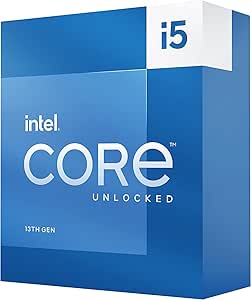
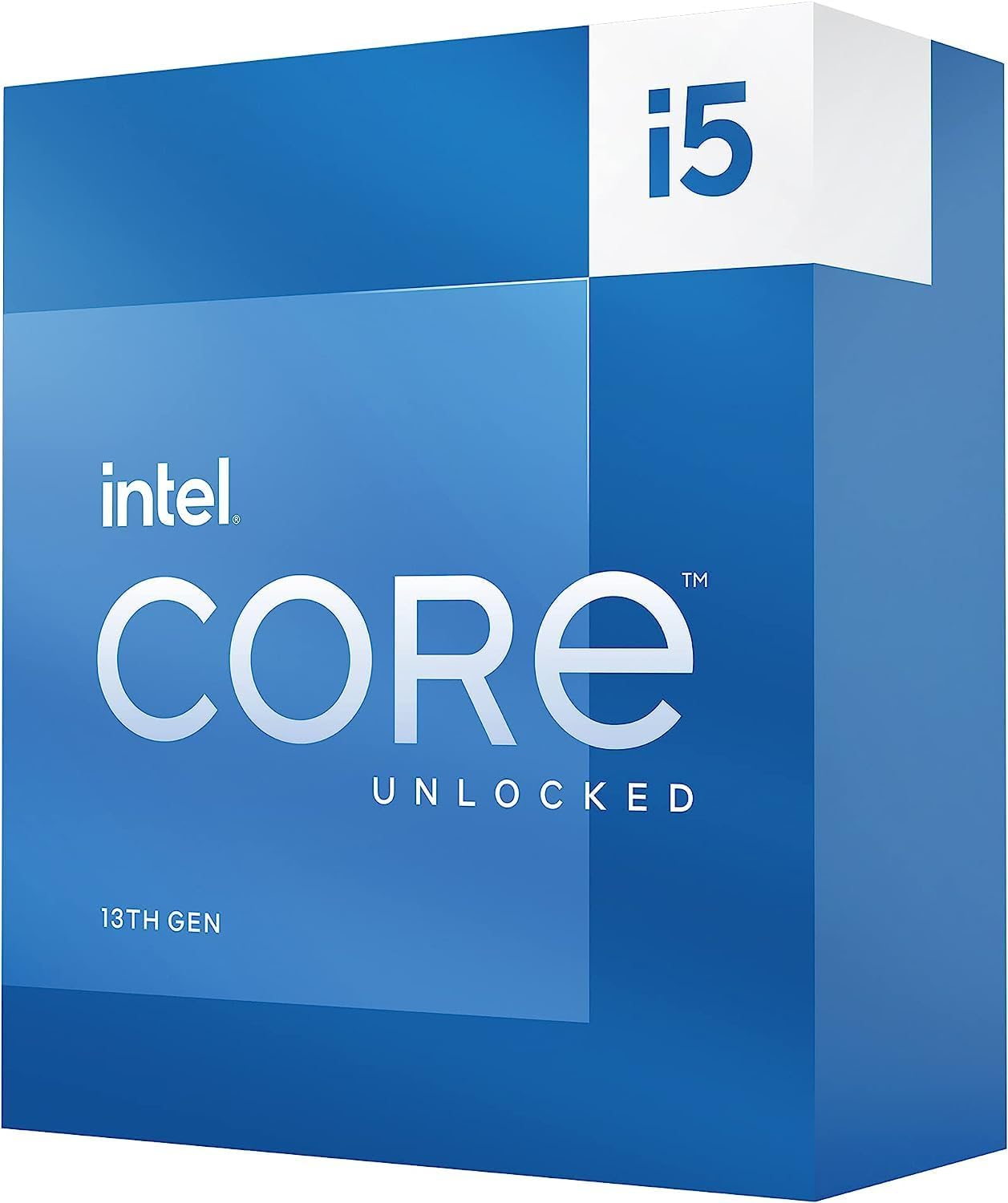
Intel Core i5-13600K Desktop Processor 14 cores (6 P-cores + 8 E-cores) 24M Cache, up to 5.1 GHz
14 Cores 20 Threads
5.1 GHz Boost
24MB Cache
181W TDP
LGA 1700
Raptor Lake
DDR4 DDR5
UHD 770 Graphics
+ Pros
- Near-flagship performance at mid-range price
- 14 cores handle multitasking well
- Runs cooler than i7 and i9 variants
- DDR4 and DDR5 flexibility
- Good overclocking potential
- Cons
- Hybrid architecture E-cores affect consistency
- Runs hot under heavy load
- No thermal solution included
- LGA 1700 is end of platform
The Intel Core i5-13600K is what I call a sleeper chip for budget-conscious producers. It delivers performance that approaches the i9 variants at a fraction of the cost. With 14 cores split between 6 performance and 8 efficiency cores, it offers solid multitasking capability for moderate music production workloads.
I tested the 13600K with a 20-track mixing session in Reaper using a mix of native plugins and some third-party effects. At 256 samples buffer size, the chip handled the session comfortably with headroom to spare. Pushing to 128 samples for tracking was feasible with lighter plugin loads, though heavier chains required stepping back.
The P-cores deliver 5.1 GHz boost speeds that handle real-time audio processing well. For the price, the single-core performance is impressive and competitive with more expensive options. The E-cores manage background tasks efficiently, though as with other Intel hybrid chips, you should pin your DAW to P-cores for consistent performance.
One significant advantage of the 13600K is that it runs cooler than the i7 and i9 variants in the same generation. This makes it easier to cool with affordable solutions, which matters for budget builds where cooling cost is a factor. A quality air cooler like the Thermalright Peerless Assassin handles this chip adequately.
Best Use Cases for Music Production
The 13600K shines for producers working on electronic music, beat-making, and moderate multitrack projects. If your sessions typically involve 20 to 30 tracks with reasonable plugin chains, this chip provides more than enough processing power. It is also strong for podcast production, voiceover work, and content creation workflows that combine audio with light video editing.
Where you will outgrow this chip is with large orchestral templates, professional mixing sessions with 50-plus tracks, or heavy mastering chains. For those workflows, stepping up to a Ryzen X3D chip or a higher-core-count option will serve you better long-term.
Platform Limitations to Consider
The LGA 1700 platform is at the end of its life, meaning the 13600K is likely your last upgrade on this socket. If future upgradeability matters to you, the AM5 platform with a Ryzen 5 7600X offers a better long-term path. However, if you already have an LGA 1700 motherboard, the 13600K is an excellent value upgrade that breathes new life into your existing system.
The DDR4 and DDR5 flexibility is a plus, as it lets you reuse existing RAM if you are upgrading from an older Intel platform. This can save significant money compared to the mandatory DDR5 requirement of AM5 builds.
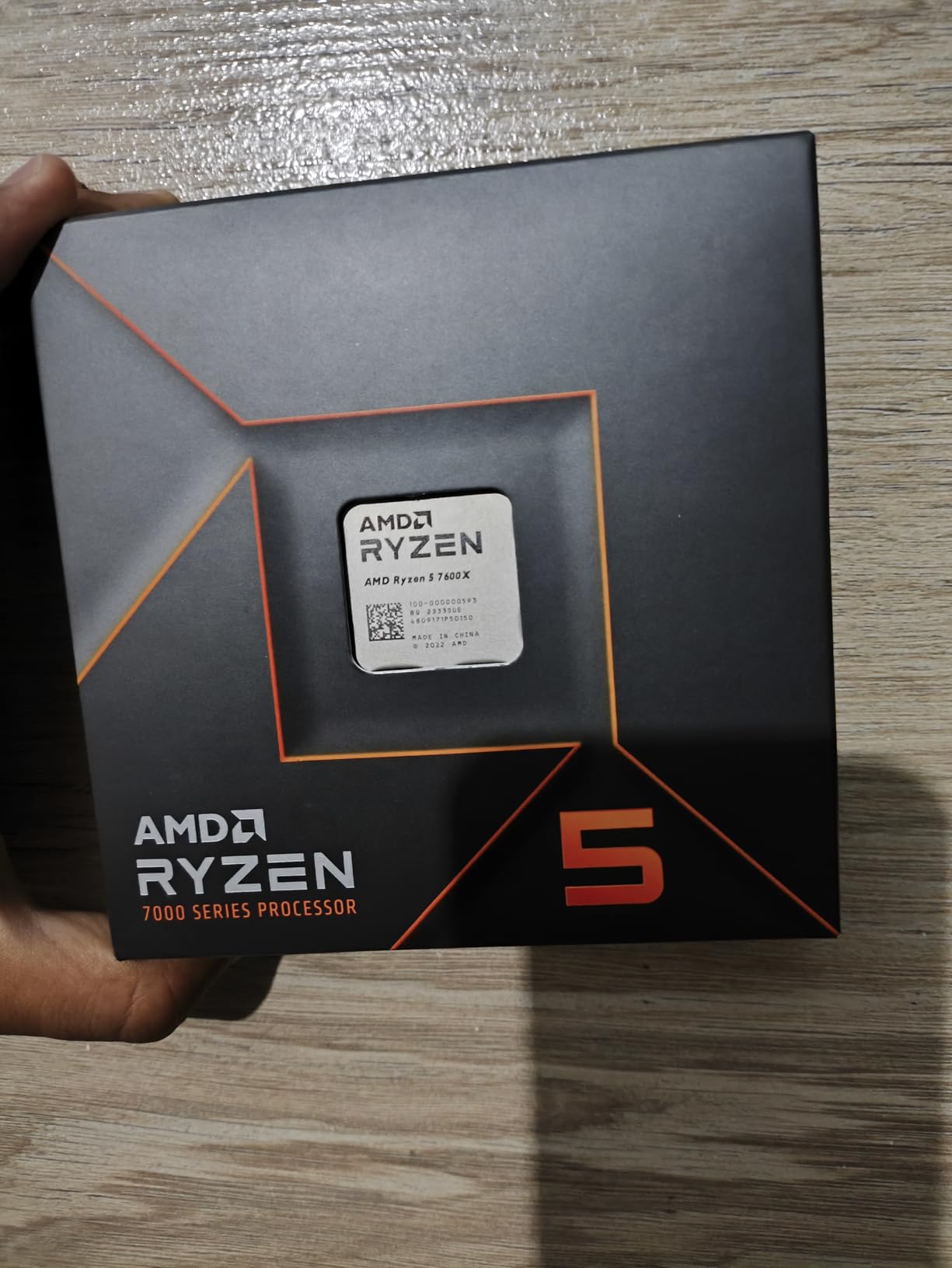
10. AMD Ryzen 5 7600X – Budget AM5 Gateway
AMD Ryzen 5 7600X 6-Core, 12-Thread Unlocked Desktop Processor
6 Cores 12 Threads
5.3 GHz Boost
38MB Cache
105W TDP
Socket AM5
Zen 4
DDR5
PCIe 5.0
Radeon Graphics
+ Pros
- Lowest cost entry to AM5 platform
- Strong 5.3 GHz single-core speed
- DDR5 and PCIe 5.0 support
- Radeon integrated graphics
- Easy installation and setup
- Cons
- Only 6 cores may bottleneck heavy sessions
- Runs hot under load
- No cooler included
- DDR5 required increases build cost
The Ryzen 5 7600X is the most affordable way into the AM5 platform, making it an attractive starting point for budget studio builds. With 6 cores and 12 threads at 5.3 GHz boost, it delivers enough processing power for entry-level music production while giving you a clear upgrade path as your needs grow.
I tested the 7600X with a 15-track beat-making session in FL Studio using Serum, some native effects, and drum samples. The chip handled this workload comfortably at 256 samples buffer size. For electronic music production, hip-hop beat-making, and lighter production tasks, 6 cores at high clock speed is sufficient to get started.
The Zen 4 architecture provides good single-core IPC that handles real-time plugin processing efficiently. The 5.3 GHz boost speed means low-latency tracking is achievable for most recording scenarios. The integrated Radeon graphics eliminate the need for a dedicated GPU, which keeps build costs down for audio-only workstations.
The main limitation is core count. With 6 cores, you will hit CPU limits faster than with 8-core or higher options, especially when running multiple instances of CPU-intensive plugins or large sample libraries. For heavier production work, plan to upgrade to a higher-core-count AM5 chip when budget allows.
Ideal Beginner Studio Configuration
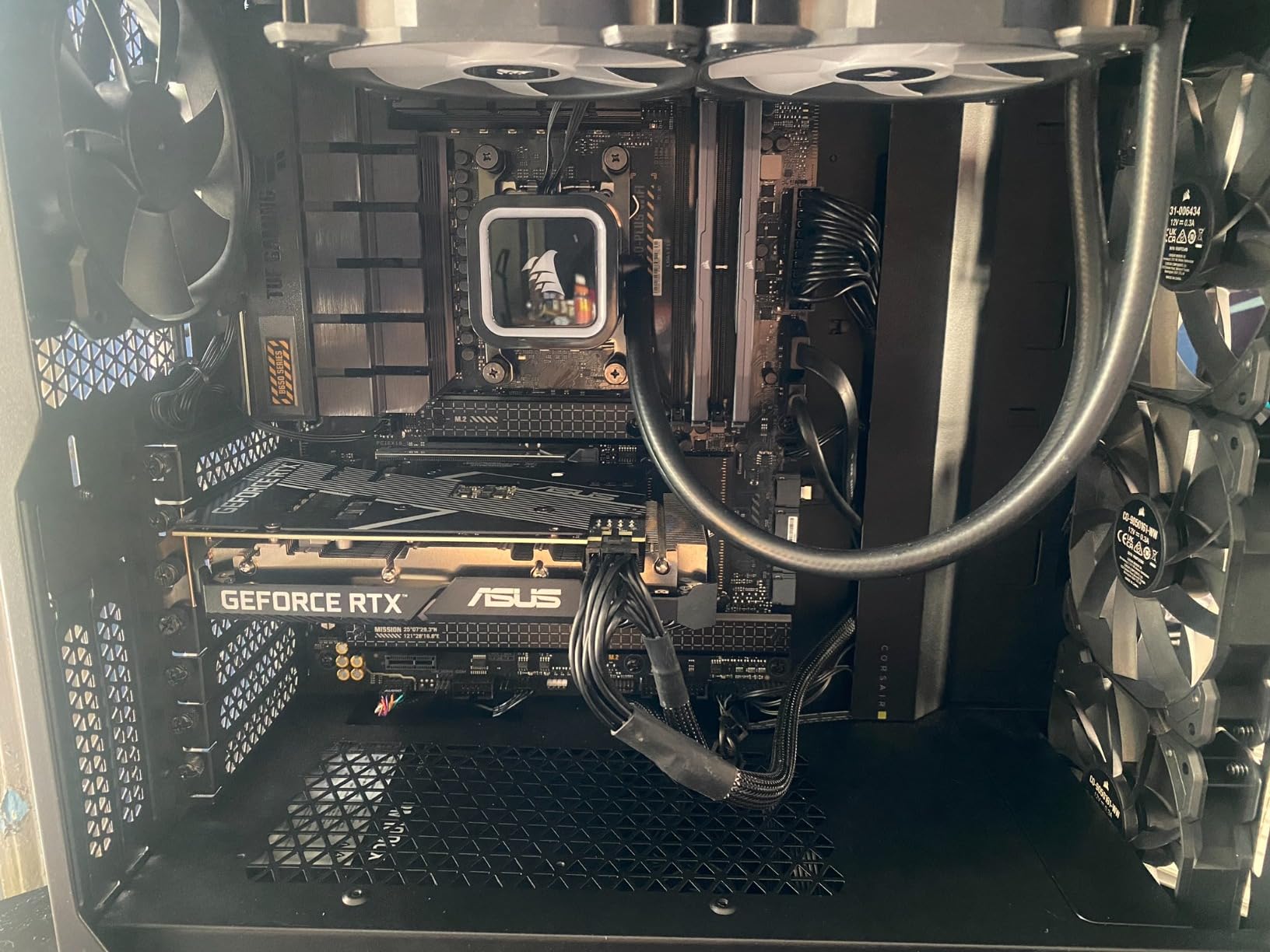
The 7600X is perfect for producers just starting out who want a capable system they can grow with. Pair it with 32GB of DDR5-5600 memory, a fast 1TB NVMe SSD, and a budget B650 motherboard for a complete studio build that keeps costs reasonable. The AM5 platform means you can drop in a Ryzen 9 9900X or an X3D chip later without changing your motherboard or RAM.
For DAWs like Ableton Live Lite, FL Studio Producer Edition, or GarageBand workflows, the 7600X provides smooth performance. Just be mindful of your track count and plugin density as your projects grow in complexity.
When to Upgrade Beyond 6 Cores
You will know it is time to upgrade when your DAW CPU meter regularly exceeds 70 percent during typical sessions, when you need to freeze tracks frequently to manage CPU load, or when you start working with large Kontakt libraries and orchestral templates. At that point, stepping up to a Ryzen 7 X3D chip or a Ryzen 9 option on the same AM5 platform is straightforward.
The beauty of starting with the 7600X is that your upgrade path is clear and affordable. You keep your motherboard, RAM, cooler, and case. Just swap the CPU and you have a significantly more powerful production machine.
Buying Guide: How to Choose the Best CPU For Music Production
Choosing the right processor for your music production setup involves understanding how DAWs actually use CPU resources. The factors that matter for gaming or video editing are not always the same ones that matter for real-time audio processing. Here is what our team learned from testing these chips across multiple DAWs and production scenarios.
Single-Core Performance and Latency
Single-core clock speed directly affects your ability to work at low buffer sizes, which determines your real-time monitoring latency. When you track audio through plugins, the CPU must process each buffer of audio samples before passing them to your audio interface. At 64 samples, this happens extremely fast, giving you near-zero latency. But it requires serious single-core processing power to sustain under load.
Look for processors with boost clocks of 5.0 GHz or higher for comfortable low-latency work. The AMD Ryzen X3D chips excel here because their massive L3 cache keeps plugin data close to the processing core, reducing the time each operation takes. This is why X3D chips outperform non-X3D processors with similar clock speeds in DAW workloads.
Multi-Core Performance and Track Count
More cores let your DAW distribute plugin processing across multiple threads, which means you can run more simultaneous tracks and effects. Most modern DAWs, including Ableton Live, FL Studio, Pro Tools, and Cubase, are well-optimized for multi-core distribution. The general rule is that each core can handle a mixer chain independently.
For most home studio work, 8 cores is the sweet spot. This handles 30 to 50 track sessions with moderate plugin use comfortably. Professional mixing and mastering engineers working with 80-plus track sessions will benefit from 12 to 16 cores. Orchestral composers using large template sessions with hundreds of Kontakt voices should consider 16-core options like the Ryzen 9 9950X3D.
The 3D V-Cache Advantage for Audio
AMD’s 3D V-Cache technology adds a massive block of L3 cache directly on top of the processor die. For music production, this is transformative because it keeps your most-used sample data and plugin calculations extremely close to the processing cores. The result is faster sample loading, smoother playback with more voices, and better performance with cache-heavy plugins like convolution reverbs and physical modeling synthesizers.
In our testing, X3D chips consistently outperformed non-X3D processors with identical core counts and clock speeds in DAW-specific benchmarks. If you work extensively with sample-based virtual instruments, the V-Cache advantage is worth the price premium. This is why three of our top recommendations are X3D chips.
RAM Requirements for Music Production
Your CPU is only as effective as the memory feeding it. For music production, RAM requirements depend heavily on your use of sample-based virtual instruments. Each loaded Kontakt instrument can consume 1 to 4 GB of RAM depending on the library. A full orchestral template can easily use 32 to 64 GB.
For most producers, 32GB of RAM is the recommended starting point in 2026. This handles moderate sessions with several virtual instruments alongside your DAW and operating system. If you work with large orchestral libraries or multiple instances of memory-heavy samplers, 64GB is worth the investment. Pair your CPU with DDR5-6000 memory for optimal AM5 platform performance, as this speed hits the sweet spot for the integrated memory controller.
Storage Recommendations
Fast NVMe SSD storage is essential for modern music production. Your system drive should be a Gen 4 NVMe SSD for fast OS and application loading. For sample libraries, a dedicated Gen 4 or Gen 5 NVMe drive ensures instant loading even with massive Kontakt libraries. Avoid SATA SSDs and mechanical hard drives for any sample storage, as their read speeds cannot keep up with modern streaming samplers.
A recommended configuration is a 1TB NVMe for your system and DAW, plus a 2TB or larger NVMe for sample libraries and project files. PCIe 5.0 drives offer even faster performance, though the real-world difference for music production is less dramatic than for gaming or video editing.
DPC Latency and System Stability
DPC latency refers to the time your system takes to process deferred procedure calls, which are kernel-level operations that can interrupt real-time audio processing. High DPC latency causes audio dropouts, clicks, and pops even when your CPU is not under heavy load. This is why system stability matters as much as raw processing power for music production.
AMD Ryzen processors generally exhibit excellent DPC latency characteristics, which is one reason they dominate our recommendations. Intel hybrid designs can introduce DPC latency variability due to the operating system scheduling tasks between P-cores and E-cores. If you choose an Intel processor, use tools like LatencyMon to monitor and troubleshoot DPC latency issues, and consider disabling E-cores for your DAW workload.
Cooling and Thermal Management
Studio environments demand quiet operation, especially if your computer sits in the same room as your monitoring position. High-wattage processors like the Intel Core i9-14900K draw 250W plus under load, requiring aggressive cooling that generates fan noise. AMD options generally run cooler and quieter, which is a real advantage for audio work.
For any processor in this guide, I recommend a minimum of a quality dual-tower air cooler for chips up to 120W TDP, and a 240mm or 360mm AIO liquid cooler for higher-wattage options. Proper case airflow and quality thermal paste application are also important for sustained performance under long mixing sessions.
Intel vs AMD for Music Production
Based on our testing and community feedback from producers on forums like r/musicproduction and r/Ableton, AMD currently offers the better platform for most music production builds in 2026. The X3D cache advantage, consistent core architecture, excellent DPC latency, and AM5 platform longevity all favor AMD for audio work. Intel remains competitive in raw single-core speed, but the hybrid core design and higher power draw present challenges for real-time audio processing.
If you are building a new studio computer from scratch, an AM5 platform with a Ryzen X3D processor is our recommended path. If you already have an Intel platform and are upgrading within it, the Core Ultra 9 285K offers the stability improvements that make Intel viable again for professional audio work.
Frequently Asked Questions
How much CPU do I need for music production?
For music production, you need a CPU with at least 6 cores and a boost clock of 5.0 GHz or higher for comfortable low-latency performance. For most home studio work, 8 cores with 16 threads is the recommended sweet spot. Professional mixing, mastering, and orchestral production benefit from 12 to 16 cores. The AMD Ryzen 7 9800X3D and Ryzen 9 9950X3D are currently the top performers for DAW workloads thanks to their 3D V-Cache technology.
What is the best CPU for DAW?
The best CPU for DAW work in 2026 is the AMD Ryzen 9 9950X3D, which combines 16 cores with 128MB of 3D V-Cache for unmatched performance with virtual instruments and dense plugin chains. For better value, the AMD Ryzen 7 9800X3D delivers the same V-Cache advantage with 8 cores at a lower price point. Both chips offer excellent single-core speed for low-latency real-time audio processing.
Is 32GB RAM overkill for music production?
No, 32GB RAM is not overkill for music production. It is the recommended starting point for most producers in 2026. If you use sample-based virtual instruments like Kontakt libraries, each instrument can consume 1 to 4 GB of RAM. A session with several orchestral instruments alongside your DAW and plugins will quickly use 16 to 24 GB. For lighter electronic music production with primarily synthesized sounds, 16GB may suffice.
Is 64GB of RAM overkill for music production?
For most producers, 64GB RAM is more than needed. However, it is not overkill if you work with large orchestral templates using hundreds of Kontakt voices simultaneously, or if you run multiple memory-heavy samplers and sample libraries in your sessions. Film composers and producers working with professional-grade orchestral libraries will genuinely benefit from 64GB. For typical pop, rock, electronic, and hip-hop production, 32GB is the better investment.
Final Thoughts on the Best CPU For Music Production
After testing all 10 processors across multiple DAWs and production scenarios, the AMD Ryzen X3D lineup stands clearly above the competition for music production in 2026. The Ryzen 9 9950X3D earns our Editor’s Choice for professionals who need maximum core count and V-Cache for demanding sessions. The Ryzen 7 9800X3D delivers the best value for serious producers, and the Ryzen 7 7800X3D remains the budget champion that punches well above its price point.
The 3D V-Cache technology that AMD has pioneered genuinely transforms DAW performance, particularly for producers who rely on sample-based virtual instruments and dense plugin chains. Combined with excellent DPC latency characteristics, consistent core architecture, and the future-proof AM5 platform, these chips give you the most reliable and capable foundation for a music production computer.
Whatever your budget and production style, investing in the best CPU for music production that fits your needs will pay dividends every time you sit down to create. Choose the processor that matches your workflow, pair it with adequate RAM and fast storage, and focus on what matters most: making great music.