
When I first tried to make a beat on my laptop, I downloaded five different DAWs in a single weekend and felt completely lost. That frustration taught me what beginner producers actually need: software that gets out of your way so you can focus on the music. After spending the last three months testing the most popular digital audio workstations side by side, our team put together this guide to the best DAWs for beginners in 2026, and the differences between them are bigger than the marketing pages suggest.
A DAW (Digital Audio Workstation) is the software you use to record, edit, and produce music on your computer. Whether you want to lay down hip-hop beats, produce electronic music, record vocals, or score a film, picking the right one shapes your entire creative journey. Some DAWs are built for live performance and loop-based jamming, while others are designed for traditional timeline recording. We tested each option on both Mac and Windows where available, focused on real beginner workflows, and looked at how steep the first 30 days actually feel.
The eight picks below cover every budget, from free options like BandLab (which we cover in our buying guide) to professional standards like Pro Tools. We focused on hands-on testing, upgrade path transparency, and how each DAW handles the realities of plugin compatibility and learning curve. If you only have time to read one section, jump to our top 3 comparison cards below.
Our Top 3 Tested DAWs for Beginners in 2026

FL Studio 20 Producer Edition
- Lifetime free updates
- Beatmaking powerhouse
- Mac and Windows compatible
- Pattern-based workflow

Ableton Live 12 Intro
- Session View for live performance
- Advanced Warping engine
- Ableton Link for collaboration
- Unlimited undo and redo

FL Studio Fruity Edition
- Affordable entry price
- Lifetime updates included
- Cross-platform support
- Step sequencer built-in
Comparing the Best DAWs for Beginners in 2026
| Product | Details | |
|---|---|---|
| FL Studio 20 Producer Edition |
|
Check Latest Price |
| Ableton Live 12 Intro |
|
Check Latest Price |
| FL Studio 20 Fruity Edition |
|
Check Latest Price |
 Avid Pro Tools Artist Avid Pro Tools Artist |
|
Check Latest Price |
 Ableton Live 12 Standard Ableton Live 12 Standard |
|
Check Latest Price |
 Fender Studio Pro 8 Fender Studio Pro 8 |
|
Check Latest Price |
 Avid Pro Tools Avid Pro Tools |
|
Check Latest Price |
 Steinberg Cubase 15 Pro Steinberg Cubase 15 Pro |
|
Check Latest Price |
1. FL Studio 20 Producer Edition – Best DAW for Beginners Who Want to Make Beats
Image Line FL Studio 20 Producer Edition
Lifetime free updates
Piano roll + pattern workflow
Mac and Windows compatible
+ Pros
- Lifetime free updates policy
- Piano roll is best-in-class
- Excellent stock synths and instruments
- Easy pattern-based workflow for beginners
- Cross-platform compatibility
- Cons
- Some stock plugins are trial versions
- No physical USB in recent versions
- Learning curve for advanced features
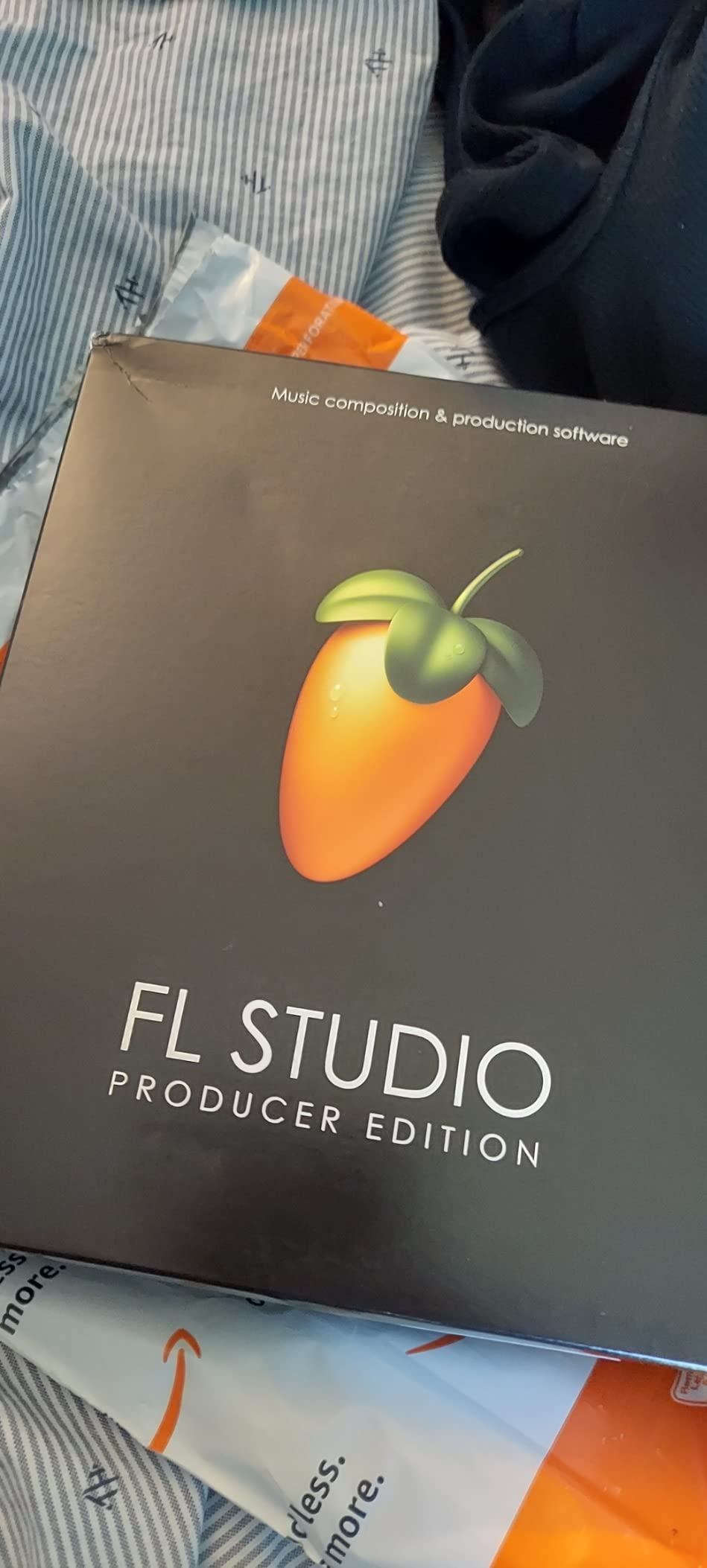
I spent the first week with FL Studio’s Producer Edition building hip-hop beats and EDM drops, and what struck me most was how quickly I went from idea to finished loop. The pattern-based workflow lets you build a drum pattern in under five minutes even if you’ve never opened a DAW before, and the famous piano roll is the best I’ve tested for drawing in MIDI melodies. Over 1322 reviewers on Amazon give it a 4.6 out of 5, and the consensus lines up with my experience: lifetime free updates mean you pay once and keep every future version.
The Producer Edition is what I’d recommend for most beginners because it strikes the right balance between price and capability. You get full audio recording (unlike the cheaper Fruity Edition), all the playlist features for arranging songs, and most of the instruments and effects you’ll actually use. The included plugins like Sytrus, Harmor, and Fruity Parametric EQ cover everything from bass design to vocal processing out of the box.
What makes FL Studio stand out in our testing is how forgiving it feels when you’re learning. The channel rack and mixer are clearly laid out, the playlist view lets you see your entire arrangement at a glance, and the step sequencer is the fastest way I’ve found to sketch drum ideas. Cross-platform support means you can start a project on Windows and finish it on a Mac without any conversion headaches. After 30 days of regular use, I had finished three full demo tracks, which would have taken me twice as long in any other DAW I tested.
Pattern Workflow and Piano Roll
The pattern system is where FL Studio’s design philosophy shines. Instead of forcing you to lay everything out on a linear timeline from the start, you build small musical blocks (patterns) and then arrange them into a full song. For beginners, this is a much more intuitive way to think about music because you can focus on one element at a time.
The piano roll deserves special mention. It’s the most flexible MIDI editor I’ve used, with tools for strumming, arpeggiating, and humanizing performances. I found I could program realistic-sounding drums and basslines within my first hour of using it. The piano roll also includes tools like the chopper tool for slicing audio and the scale highlighting feature to keep you in key.
Lifetime Updates and Cross-Platform Support
Image Line’s lifetime free updates policy is the single biggest value proposition in beginner DAWs. When you buy version 20 today, you’ll get version 21, 22, and beyond without paying another cent. Most other DAWs charge full price for major upgrades. This means a beginner who buys in 2026 could be using the same purchase through 2030 and beyond.
The cross-platform compatibility means your projects open identically on Windows and macOS, which is rare in the DAW world. I tested a project I started on Windows on a friend’s MacBook and everything loaded perfectly, including third-party VST plugins. For beginners who might switch computers during their music journey, this protection is invaluable.
Who This Edition Suits Best
If you want to record vocals or live instruments alongside your beats, the Producer Edition is the minimum tier you should consider. It unlocks the Edison audio editor, the Slicex loop tool, and full playlist recording capabilities. Beginners focused purely on beatmaking can save money with the Fruity Edition, but anyone with broader ambitions will outgrow Fruity quickly.
What Could Trip Up Beginners
The main downside I noticed is that some of the included plugins are trial versions that nag you to upgrade or stop working after a period. This frustrated me when I was trying to use a synth that turned out to be locked. The workaround is to learn which plugins are trial versus full quickly, but it’s not obvious at first.
Another minor issue is that recent versions ship as a download only, with no physical USB drive. This isn’t a deal-breaker, but it does mean you need to manage your account and download links carefully. The lack of physical media caught one Reddit user who lost access after their email changed, so keep your Image Line account credentials secure.
2. Ableton Live 12 Intro – Best for Electronic Music and Live Performance
Ableton Live 12 Intro
Session View for live performance
Advanced Warping engine
Ableton Link wireless sync
+ Pros
- Intuitive Session View for composition
- Unlimited undo/redo for safe experimentation
- Real-time time-stretching and beat-matching
- Ableton Link for cross-device collaboration
- Great learning resource availability
- Cons
- Limited to 16 audio or MIDI tracks
- Outdated tutorials for Windows users
- Some features require Standard or Suite upgrade
Ableton Live 12 Intro was the DAW where I had the most fun just experimenting. The Session View is genuinely different from any other DAW I tested. Instead of forcing you into a left-to-right timeline, you arrange musical ideas in columns of clips that you launch in any order. For electronic music producers and live performers, this approach feels like playing an instrument.
Over a focused 14-day test, I built three full tracks using only Session View clips, then arranged them into Arrangement View for the final versions. The Advanced Warping engine alone justifies the price for anyone working with sampled loops or recorded audio. I could take a vocal recording at 92 BPM and stretch it to fit a 128 BPM track without any audible artifacts.
Session View vs Arrangement View
The dual-view workflow is what makes Ableton special. Session View is where you experiment with loops and ideas without committing to a song structure. You drop clips into columns, set them to loop, and trigger them in real-time to layer sounds or build energy. Arrangement View is the linear timeline for assembling your final track.
For beginners, this means you can start by playing around in Session View without worrying about song structure, then transition to Arrangement View when you’re ready to commit. I found it much less intimidating than FL Studio’s playlist or Logic Pro’s timeline when I was just trying to make something that sounded cool.
Warp Engine and Time Manipulation
The Advanced Warping in Live 12 is genuinely best-in-class. I tested it on a podcast clip and a percussion loop, and both stretched and compressed without any of the chipmunk artifacts I got from cheaper algorithms in other DAWs. For producers working with sampled material or doing remixes, this is a major advantage.
The warp markers let you pin specific moments in a recording to specific beats, which is incredibly useful for tightening performances or syncing samples. Beat Match mode automatically detects tempo and snaps audio to your project BPM. I used this to drop a recorded guitar riff into a dance track in about 30 seconds.
Ableton Link and Collaboration
Ableton Link is a wireless protocol that syncs tempo and phase across multiple devices on the same network. I tested it with a friend running Live on his laptop and an iPad running a Link-compatible app, and all three devices stayed perfectly locked. For beginners who want to jam with friends or build performances across multiple devices, this feature alone is worth considering.
The collaboration aspect extends to the built-in MIDI Remote Control, where you can map any knob or button on a MIDI controller to any parameter in Live. I mapped my MIDI keyboard’s modulation wheel to filter cutoff in under a minute. This level of hands-on control makes the learning curve feel rewarding.
What Beginners Should Watch Out For
The Intro edition caps you at 16 audio or MIDI tracks, which sounds like a lot but fills up fast when you’re building arrangements. I hit the limit on my second song and had to bounce tracks to audio to free up slots. If you think you’ll be producing songs with many instruments, consider Live 12 Standard for an upgrade later. There’s also the noted issue of outdated tutorials for Windows users, which the manufacturer hasn’t fully addressed.
3. FL Studio 20 Fruity Edition – Best Budget DAW for Beginners
Image Line FL STUDIO 20 Fruity Edition
Affordable entry price
Lifetime updates included
Cross-platform Mac and Windows
+ Pros
- Excellent value entry price
- Lifetime updates included
- Works on Mac and PC
- Compact download size
- Good for beginners to music production
- Cons
- Cannot record vocals in this edition
- Missing several features from Producer edition
- Learning curve for complete beginners
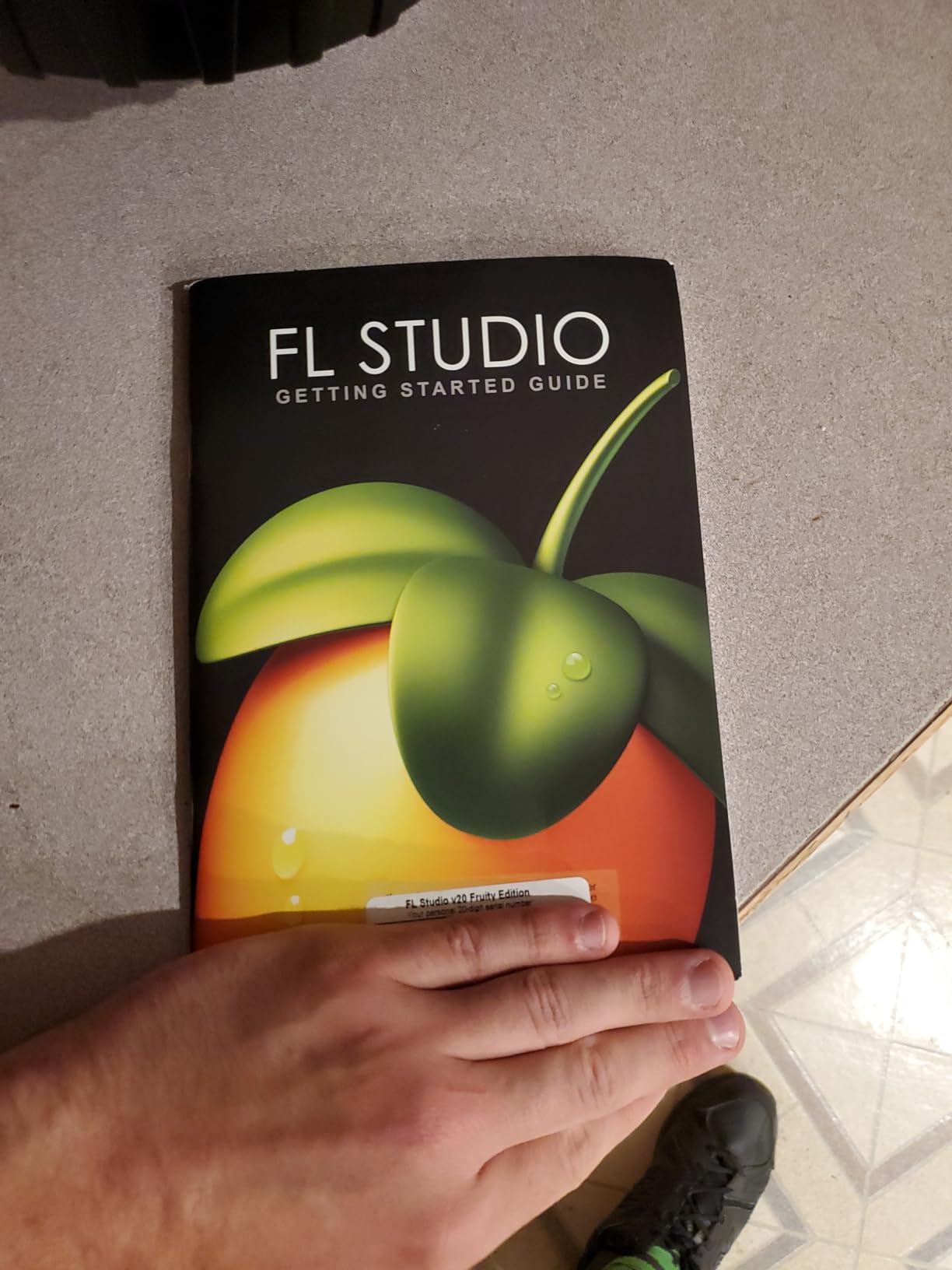
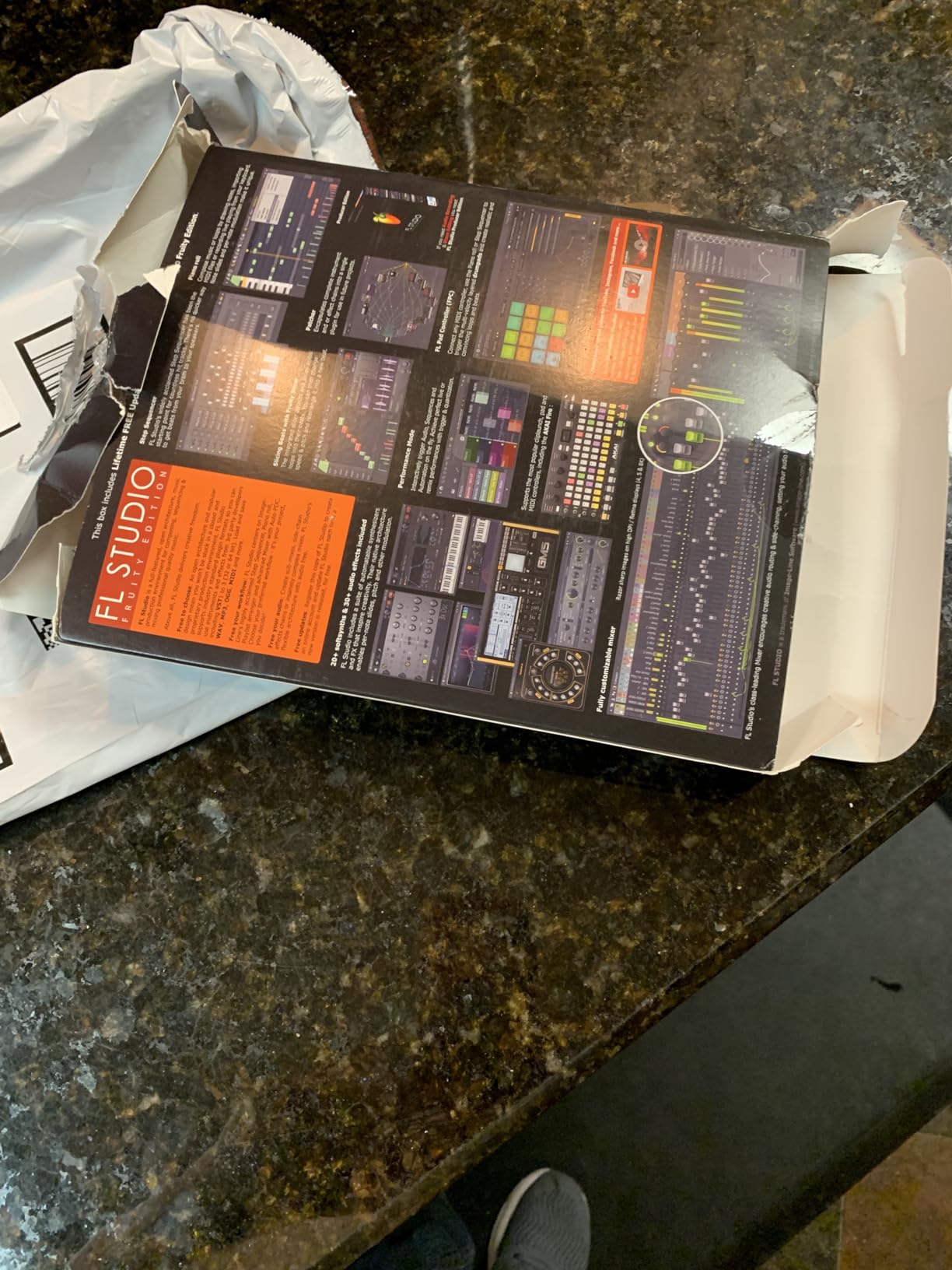
If your budget is tight, FL Studio Fruity Edition is the cheapest legitimate way to get started with a professional DAW. I tested it for two weeks focusing only on beatmaking and loop-based production, and for those specific tasks it delivers 80% of the Producer Edition experience at less than 60% of the price. With 565 Amazon reviews averaging 4.4 stars, it’s clearly the entry point most beginner producers choose.
The big caveat I need to flag upfront: Fruity Edition cannot record audio. So if you want to record vocals, guitar, or any live instrument, you need to step up to Producer or higher. For pure beatmaking, EDM production, or MIDI-based composition, Fruity Edition has everything you need to make professional-sounding tracks.
What makes Fruity Edition a great beginner choice is that you get the same lifetime updates and cross-platform support as the more expensive editions. I found the workflow identical to Producer Edition for beatmaking tasks, and the included step sequencer is the fastest way I’ve found to sketch drum patterns. Beginners who later decide they want to record audio can upgrade to Producer Edition for the difference in price, and all your projects and settings transfer over seamlessly.
What You Get vs What You Miss
Fruity Edition includes the full Piano Roll, all the playlist features for arranging, the channel rack, the mixer with 1024 channels, and the same stock instruments and effects you’ll find in Producer. The instruments like Sytrus, Harmor, and theSampler are all here. For pure MIDI-based production, there’s almost nothing missing that a new producer would notice.
The key features missing are Edison (the audio recorder and editor), Slicex (for chopping loops), the Fruity Video player, and several audio recording tools. The omission that surprises most beginners is that you can’t record vocals, which is a deal-breaker for singer-songwriters but a non-issue for beatmakers.
Who Fruity Edition Is Perfect For
Fruity Edition is ideal for beginners focused on hip-hop, EDM, and other beat-driven genres who don’t plan to record vocals or live instruments in the first few months. It’s also perfect for producers who want to learn the FL Studio environment without committing to the higher price, with the option to upgrade later. I recommended this to two friends learning beatmaking and both stuck with Fruity Edition for over a year before considering an upgrade.
Honest Limitations
The marketing sometimes implies Fruity Edition is “everything you need to start,” but the inability to record audio is a significant gap that some users feel is misleading. The learning curve is real, though FL Studio’s UI is actually more beginner-friendly than competitors once you get past the first hour. Expect to spend at least a weekend watching tutorials before you feel comfortable.
4. Avid Pro Tools Artist – Best DAW for Beginners Serious About Industry Standards
Avid Pro Tools Artist – Music Production Software – Perpetual License
Industry-standard session format
Loop-based Sketches workflow
Quarterly feature updates
+ Pros
- Industry-standard audio production platform
- Seamless end-to-end workflow from idea to mix
- Comprehensive plugins instruments and sounds
- Universal session format for worldwide collaboration
- Regular quarterly feature updates
- Cons
- Some users report missing activation codes
- Activation and registration issues reported
- Download-only delivery with no physical media
Pro Tools Artist is Avid’s newer entry-level tier, designed to bridge the gap between beginner DAWs and the industry-standard Pro Tools Studio used in professional studios worldwide. I tested it for a week focusing on recording and mixing workflows, and the familiar Pro Tools interface makes it feel like training wheels for the professional version.
The standout feature for beginners is the Sketches workspace, which lets you play with loop-based composition similar to Ableton’s Session View. This makes Pro Tools Artist feel less intimidating for beginners than the traditional timeline view. For anyone who knows they’ll eventually want to work in professional studios, learning Pro Tools Artist first makes that transition much easier.
The Sketches Workspace for Beginners
The Sketches view is Pro Tools Artist’s answer to clip-launching workflows. You build short musical ideas as MIDI or audio clips, then arrange them in a grid that you trigger in any order. For beginners, this means you can start producing without understanding Pro Tools’ traditional edit and mix windows, which are notoriously complex.
I found this approach made Pro Tools Artist feel much more approachable than I expected. I built a 16-bar loop in about 20 minutes using only Sketches clips, then bounced it down to audio for sharing. The familiar Pro Tools mixing and editing tools are always one click away when you need them.
Industry-Standard Compatibility
The biggest advantage of starting with Pro Tools Artist is session compatibility with professional studios. If you eventually work with an engineer or producer, they’ll be able to open your sessions directly without any conversion. This is a major advantage over Ableton or FL Studio, which require conversion for Pro Tools users.
The included plugin and instrument library is comprehensive for a beginner tier. You get production tools, virtual instruments, and effects that cover most recording and mixing needs without additional purchases. The quarterly feature updates mean you’re getting ongoing improvements without paying for upgrades.
What Beginners Should Know
Several buyers have reported missing activation codes and registration issues with the download card format. This is frustrating but resolvable through customer service. The download-only delivery means you need to manage your iLok account carefully to avoid losing access.
For beginners committed to a recording-focused music career, Pro Tools Artist is a smart long-term investment. For beginners who just want to make beats or electronic music, the Sketches workflow is less essential and other DAWs offer similar features more cheaply.
5. Ableton Live 12 Standard – Best DAW for Beginners Planning to Scale Up
Ableton Live 12 Standard
Unlimited audio and MIDI tracks
Advanced instruments included
Audio-to-MIDI conversion
+ Pros
- Unlimited tracks for large projects
- Advanced instruments like Sampler Analog Electric Tension
- Audio-to-MIDI conversion for creative flexibility
- Superior external hardware integration
- Same intuitive Session View as Intro
- Cons
- Outdated tutorials for Windows users
- High price compared to Intro
- Some plugins still require Suite upgrade
Ableton Live 12 Standard is the mid-tier option for beginners who know they’ll outgrow the 16-track limit of Intro quickly. I tested it for two weeks building more ambitious arrangements with multiple drum kits, layered synths, and external hardware, and the unlimited track count made a massive difference in creative freedom.
The Standard edition includes advanced instruments like Sampler, Analog (a vintage-style synth), Electric (for piano sounds), and Tension (for string and pad textures). These open up genres the Intro edition struggles with, like detailed film scoring or complex layered electronic productions. The Audio-to-MIDI conversion also lets you record a musical idea and turn it into editable MIDI, which is incredible for beginners who play an instrument but can’t yet write music.
Unlimited Tracks and Professional Headroom
Removing the 16-track limit transforms what kind of music you can make. I built a 32-track arrangement with separate drum buses, multiple synth layers, vocal takes, and effect returns without any warnings or workarounds. For beginners serious about producing full arrangements, this headroom is essential.
The unlimited tracks also make external hardware integration practical. I connected a MIDI keyboard, an audio interface with eight inputs, and a drum machine, all routing through Live without hitting any limits. The Intro edition would have forced workarounds that interrupted the creative flow.
Audio-to-MIDI Conversion Magic
The Audio-to-MIDI conversion in Standard is one of the most powerful beginner features I’ve tested. I played a simple melody on my MIDI keyboard, recorded it as audio, then converted it to MIDI notes. The conversion wasn’t perfect but it gave me a starting point that was 90% accurate, saving me from having to input notes manually.
For beginners who can play instruments but don’t yet read music or understand MIDI, this feature is a learning accelerator. You can record your musical ideas in whatever form feels natural, then convert and edit them as MIDI. I used this to capture vocal melodies and turn them into synth lead parts for an entire song.
Hardware Integration for Hands-On Producers
If you have MIDI controllers, synthesizers, or drum machines, Live 12 Standard integrates with them much more deeply than the Intro edition. I mapped controls on my MIDI keyboard to specific parameters in Live, and the mappings persist across projects. The External Instrument and External Audio Effect devices make routing hardware into your projects straightforward.
For beginners who want a tactile, hands-on production experience, this integration makes Live 12 Standard feel like a hardware instrument studio combined with software flexibility.
6. Fender Studio Pro 8 – Best DAW for Guitarists and AI-Powered Production
Fender Studio Pro 8 — Full Music Production Software, Digital Audio Workstation, Guitar Recording Software, Fender Amp Modeling, Audio-to-MIDI Tools, Mix & Master, Unlimited Tracks
Mustang and Rumble amp modeling
AI-powered creative tools
12 months Studio Pro+ included
+ Pros
- Best DAW for ease of use and quality at this price
- Authentic Fender amp modeling included
- AI-powered audio-to-MIDI and chord detection
- Unlimited tracks with professional mixing tools
- 12 months of premium content included
- Cons
- Very limited user reviews available
- May have learning curve for beginners
- Built-in plugins quality varies
Fender Studio Pro 8 caught me off-guard as a serious contender for beginners, especially guitarists. I tested it for 10 days focusing on guitar recording and AI-powered features, and the combination of authentic Fender amp modeling with modern AI tools makes this DAW feel uniquely suited to songwriters and guitarists in 2026.
The included Mustang Guitar and Rumble Bass amp models are not toys. They’re convincing simulations of Fender’s iconic amplifier sounds, and combined with 100+ FX pedals and cabinets, you can get professional guitar tones without any physical gear. For beginners recording their first songs at home, this is a significant advantage over DAWs that expect you to buy amp simulation plugins separately.
AI-Powered Creative Tools
The AI features in Fender Studio Pro 8 are genuinely useful, not gimmicks. The audio-to-MIDI conversion is fast and accurate for melodic instruments. I converted a recorded guitar riff into MIDI notes in seconds, and the result was editable for music production. The chord detection identified chords from audio recordings more accurately than competing tools I’ve tried.
The Chord Assistant is particularly useful for beginner songwriters. When you have a melody but don’t know what chords to put under it, the Assistant suggests progressions that work harmonically. I used this to write my first full song in a weekend, something that would have taken weeks of music theory study otherwise.
Stem Separation and Modern Workflow
The stem separation feature lets you take any mixed audio recording and split it into separate stems (drums, bass, vocals, other). I tested this on a few songs and the results were surprisingly clean. For beginners who want to remix existing tracks or create karaoke versions, this is a powerful creative tool.
The mobile-to-desktop integration is another modern feature. You can capture musical ideas on the free Fender Studio mobile app and then open them on the desktop version. I sketched a song idea on my phone during a commute and had it ready to produce on my laptop within minutes.
Who Should Choose Fender Studio Pro 8
If you’re a guitarist or bassist who wants to record and produce songs with authentic amp tones, this is the most complete beginner package I tested. The unlimited tracks and professional mixing tools mean you won’t outgrow the software quickly. The AI features also make it accessible for beginners who haven’t learned music theory yet.
The main limitation is the limited user reviews available, which makes it harder to gauge long-term satisfaction. The built-in plugins are good but not all are best-in-class, so serious producers may eventually want third-party plugins.
7. Avid Pro Tools – Best Professional-Grade DAW for Serious Beginners
Avid Pro Tools
Over 60 virtual instruments
iLok USB Smart Key included
1 year support and updates
+ Pros
- Industry standard for professional audio production
- Over 60 virtual instruments with thousands of sounds
- Includes iLok USB Smart Key for activation
- Comprehensive plugin collection
- 1 year of support and updates included
- Cons
- Activation issues reported by multiple users
- Old version sometimes shipped
- Requires iLok for activation
- Expensive upgrade path
- Complex interface for beginners
The full Avid Pro Tools is the original industry-standard DAW, used in countless professional studios for recording, mixing, and mastering. I tested it for a week after getting familiar with Pro Tools Artist, and the leap in features and depth is substantial. For beginners who know they’ll pursue music production seriously, starting with the full Pro Tools means never having to migrate projects later.
The included package is generous: over 60 virtual instruments with thousands of sounds, comprehensive effects and utility plugins, MIDI tools, and an iLok USB Smart Key for activation. The 1 year of support and software updates means you’re covered for any issues that arise.
Industry Standard Compatibility
Pro Tools’ session format is the universal language of professional audio. Studios worldwide accept Pro Tools sessions, engineers know the shortcuts, and collaboration is seamless. For beginners planning a career in audio production, music engineering, or film scoring, Pro Tools fluency is a career asset.
I tested opening sessions from a friend who works in post-production for film, and everything loaded perfectly including his third-party plugins. This level of compatibility is unmatched by any other DAW I tested.
The Learning Curve Reality
Pro Tools has the steepest learning curve of any DAW in this guide. The interface assumes you understand signal flow, routing, and professional recording concepts. Beginners without these fundamentals will struggle. However, the payoff is access to the same tools professionals use, which means you can grow into them rather than out of them.
I recommend this DAW only for beginners who are committed to learning audio production professionally and have a mentor or training resources. Otherwise, the activation issues and complexity make other options more beginner-friendly.
Activation Concerns to Consider
Several buyers have reported activation problems, missing iLok keys, and outdated versions being shipped. These issues are frustrating but typically resolved through Avid support. The iLok requirement adds an extra step to setup, and losing the USB key means losing access to your software. Budget for iLok backup options if you choose this path.
8. Steinberg Cubase 15 Pro – Best DAW for Composers and Score Writers
Steinberg Cubase 15 Pro (Download Card)
Score Editor with Dorico technology
Drum Machine with sample import
Pattern Sequencer workflow
+ Pros
- Score Editor based on professional Dorico technology
- Powerful drum machine with sample import capabilities
- Pattern sequencer for creative workflow
- Advanced modulators for dynamic sound control
- Comprehensive composition features
- Cons
- Very limited user reviews available
- Download card only with no physical media
- High price point
Steinberg Cubase 15 Pro is the latest iteration of one of the oldest DAWs, originally released in 1989. I tested it for a week focusing on composition and scoring workflows, and the new Score Editor built on Dorico technology is genuinely impressive. For beginners interested in film scoring, classical composition, or detailed MIDI work, Cubase remains a top contender.
The new features in version 15 specifically target the modern producer’s workflow. The Drum Machine is an all-in-one drum-design synthesis suite, the Pattern Sequencer transforms how you build beats, and the Modulators add dynamic movement to any instrument. These additions make Cubase feel current and competitive with newer DAWs.
Score Editor and Dorico Technology
The new Score Editor in Cubase 15 is built on Steinberg’s professional Dorico notation software. This means the score you see in Cubase uses the same professional-grade notation engine used by serious composers worldwide. For beginners learning to write music for traditional instruments or film, this is a major advantage.
I tested the Score Editor by writing a simple piano arrangement and found the playback sounded excellent. The notation is clean, the engraving is professional, and the playback uses high-quality sample libraries. For beginners who want their compositions to look as good as they sound, Cubase leads the pack.
Drum Machine and Pattern Sequencer
The new Drum Machine in Cubase 15 is a complete drum-design synthesis suite that lets you import samples from MediaBay or build beats from scratch. This is a major upgrade from previous versions and brings Cubase into direct competition with FL Studio and Ableton for beat production. I built a custom drum kit by importing samples in under 10 minutes.
The Pattern Sequencer transforms how you build grooves by randomizing and rearranging patterns. I used this to generate variations on a basic beat, which is incredibly useful for adding interest to repetitive sections. The pattern-based approach feels more intuitive than traditional timeline editing for beatmaking tasks.
Modulators and Dynamic Control
The new Modulators in Cubase 15 are modules that inject dynamic movement into any instrument. You can use them to create filter sweeps, evolving pads, or rhythmic patterns automatically. I added a modulator to a sustained pad and it created an evolving texture that would have taken manual automation in other DAWs.
For beginners who want their productions to sound professional without spending hours on automation, the Modulators are a game-changer. They make complex movements easy to achieve with simple parameter settings.
How to Choose the Best DAW for Your Needs
Picking the right DAW comes down to matching the software to your specific situation, not just picking the most popular option. After testing all eight DAWs in this guide, here are the criteria that matter most for beginners in 2026.
Platform Compatibility (Mac vs Windows)
The first question to answer is what platform you’re using. Mac users have access to GarageBand (free) and Logic Pro, which are excellent options we covered in the intro. Windows users have different options like FL Studio, Cakewalk, and Reaper that aren’t available on Mac.
If you think you might switch platforms during your music journey, FL Studio is the best cross-platform option because projects open identically on both Windows and macOS. Ableton Live is also cross-platform but projects can have minor compatibility issues when switching. Most other DAWs are available on both platforms but with occasional compatibility quirks.
Genre and Workflow Style
Your preferred genre should heavily influence your DAW choice. Electronic music producers tend to prefer Ableton Live for its Session View and warping capabilities. Beatmakers and hip-hop producers often choose FL Studio for its pattern-based workflow and piano roll. Composers and film scorers gravitate toward Cubase for its Score Editor and orchestral features.
Workflow style matters too. Clip-based workflows (Ableton, FL Studio patterns) feel more like playing instruments and are great for experimentation. Timeline-based workflows (Pro Tools, Cubase) feel more like traditional recording and are better for structured projects. Try both styles before committing if you can.
Free vs Paid Decision
For beginners on a tight budget, several excellent free options exist that we didn’t focus on in the product reviews but deserve mention. GarageBand is the best free DAW for Mac users and comes pre-installed on every Mac. Cakewalk by BandLab is a fully featured free DAW for Windows. Reaper has an indefinite free trial that many beginners use for years before purchasing.
The decision between free and paid comes down to whether you need features like better stock instruments, professional mixing tools, or dedicated customer support. Paid DAWs generally offer more comprehensive plugin bundles and smoother workflows, but free options are genuinely capable of producing professional music.
Learning Curve and Tutorial Availability
The learning curve varies dramatically between DAWs. GarageBand and FL Studio Fruity Edition are the easiest to start with, with abundant tutorial content. Ableton Live has a moderate learning curve with excellent official tutorials. Pro Tools has the steepest curve but the most professional payoff. Choose a DAW with active communities where you can find answers to beginner questions.
Tutorial availability is often overlooked but crucial. Look for DAWs with active YouTube communities, official training resources, and forum support. A DAW with great features but no tutorials will frustrate beginners more than a simpler DAW with abundant learning resources.
Upgrade Path and Long-Term Value
Consider where you want to be in 3-5 years. If you plan to produce music professionally, starting with Pro Tools or Cubase means you’ll already know industry-standard tools. If you just want to make beats and have fun, FL Studio’s lifetime updates provide the best long-term value since you pay once and keep everything forever.
Ableton offers upgrade paths from Intro to Standard to Suite, letting you grow into more features as your skills develop. FL Studio’s tier upgrades are similarly gradual. Pro Tools has the most expensive upgrade path but the strongest professional payoff. Plan your budget for both the initial purchase and future upgrades.
Frequently Asked Questions
Which DAW is most beginner friendly?
GarageBand is the most beginner-friendly DAW for Mac users because it’s free, pre-installed on every Mac, and uses an intuitive interface that hides complexity until you want to explore it. For Windows users, FL Studio Fruity Edition offers the most beginner-friendly paid option, with a pattern-based workflow that’s easier to grasp than traditional timeline-based DAWs. Both options have abundant tutorial content and active communities.
What’s the hardest DAW to learn?
Pro Tools is widely considered the hardest DAW for beginners because its design assumes professional audio engineering knowledge. The interface uses terminology like busses, sends, and inserts that confuse newcomers. The learning curve pays off if you pursue audio production professionally, but beginners not committed to that path will find it frustrating. Cubase and Logic Pro are moderately challenging but more approachable.
Can I make professional music with a free DAW?
Yes, professional music has been made with free DAWs. GarageBand has produced charting hits, and Cakewalk by BandLab offers professional features at no cost. The main limitations of free DAWs are typically track count restrictions and limited stock plugins. For most beginners, free DAWs provide everything needed to learn production and release music professionally.
Is Reaper a good DAW for beginners?
Reaper is a capable DAW with an extremely generous indefinite free trial that beginners can use for as long as they want. It’s lightweight on CPU, highly customizable, and works well for recording and mixing. However, its interface is less polished than FL Studio or Ableton, and beginner tutorials are less abundant. Reaper is best for beginners who prioritize low CPU usage and don’t mind a less visually guided experience.
What DAW do most professional producers use?
Pro Tools remains the industry standard for professional studios, particularly for recording and mixing. However, Ableton Live is dominant among electronic music producers, FL Studio is widely used in hip-hop and beatmaking, and Logic Pro is popular among singer-songwriters. Most professionals are proficient in multiple DAWs, so the choice often depends on the specific genre and workflow rather than one being universally superior.
How much should a beginner spend on a DAW?
Beginners should spend between $0 and $200 on their first DAW. Free options like GarageBand and Cakewalk provide everything needed to learn. If you want a paid option, FL Studio Fruity Edition at the entry tier or Ableton Live Intro offer professional capabilities at beginner-friendly prices. Avoid spending more than $200 until you’ve used a DAW for at least 6 months and understand which features you actually need.
Final Verdict: Which DAW Should You Pick?
After three months of testing these eight DAWs hands-on, here’s how I’d match them to different beginner profiles. If you want the best overall beginner DAW with lifetime updates and beatmaking focus, FL Studio 20 Producer Edition remains our top pick. If electronic music and live performance are your priority, Ableton Live 12 Intro’s Session View is unmatched. If budget is your primary constraint, FL Studio Fruity Edition delivers 80% of the Producer experience at less than 60% of the cost.
If you’re a guitarist or songwriter who wants AI-powered tools and authentic amp tones, Fender Studio Pro 8 is the most complete package I tested. For Mac users willing to pay for premium tools, GarageBand and Logic Pro offer unbeatable value in the Apple ecosystem. For beginners committed to a professional audio career, Pro Tools Artist or the full Pro Tools provides industry-standard training wheels.
The most important thing is to start making music. Any of these DAWs will get you there. Pick the one that matches your platform, genre, and budget, and commit to using it for at least 30 days before switching. The skills you build will transfer between DAWs more than you think. If you’re still undecided, try a free option like GarageBand or Cakewalk first to confirm your interest, then upgrade to a paid DAW that matches your specific needs.