

Finding the best gaming headsets under $150 used to mean compromising on sound quality, comfort, or build. That is no longer the case in 2026. Our team spent over 40 hours testing 12 different gaming headsets in this price range across PC, PS5, Xbox, and Nintendo Switch to find out which ones actually deliver.
We played competitive FPS titles like Valorant and CS2, casual games like Cyberpunk 2077, and spent hours in Discord voice chat to evaluate microphone clarity. We also wore each headset for extended sessions to test real-world comfort. The results surprised us. Several headsets in the $40 to $150 range now compete with models costing twice as much.
Whether you need a lightweight wired headset for competitive gaming or a wireless model with 80-plus hours of battery life, this guide covers every scenario. We included budget picks under $40, wireless options with dual connectivity, and premium-feeling headsets with aluminum frames. Every product here earned its spot through hands-on testing, not spec sheets.
Top 3 Picks for Best Gaming Headsets Under $150

Best Gaming Headsets Under $150 in 2026
| Product | Details | |
|---|---|---|
 HyperX Cloud II HyperX Cloud II |
|
Check Latest Price |
 HyperX Cloud III HyperX Cloud III |
|
Check Latest Price |
 Razer BlackShark V2 X Razer BlackShark V2 X |
|
Check Latest Price |
 HyperX Cloud III S Wireless HyperX Cloud III S Wireless |
|
Check Latest Price |
 Logitech G432 Logitech G432 |
|
Check Latest Price |
 FIFINE AmpliGame H13BP FIFINE AmpliGame H13BP |
|
Check Latest Price |
 Razer BlackShark V3 X HyperSpeed Razer BlackShark V3 X HyperSpeed |
|
Check Latest Price |
 Turtle Beach Stealth 500 Turtle Beach Stealth 500 |
|
Check Latest Price |
 HyperX Cloud Alpha HyperX Cloud Alpha |
|
Check Latest Price |
 Turtle Beach Stealth 600 Turtle Beach Stealth 600 |
|
Check Latest Price |
 Logitech G733 Lightspeed Logitech G733 Lightspeed |
|
Check Latest Price |
| SteelSeries Arctis Nova 5 |
|
Check Latest Price |
1. HyperX Cloud II – 7.1 Surround Sound Legend
HyperX Cloud II Gaming Headset – 7.1 Surround Sound – Memory Foam Ear Pads – Durable Aluminum Frame – Multi Platform Headset – Works with PC, PS4, PS4 PRO, Xbox One, Xbox One S – Red (KHX-HSCP-RD)
53mm Drivers
7.1 Virtual Surround
Aluminum Frame
Memory Foam
Detachable Mic
+ Pros
- Exceptional comfort with memory foam ear cushions
- High-quality audio with 53mm drivers
- Hardware-driven 7.1 surround sound
- Durable aluminum frame
- Detachable noise-cancelling microphone
- Cons
- Virtual 7.1 surround not as effective as some competitors
- USB sound card required for full features
- Fake leather earpads may peel over time
The HyperX Cloud II has been a staple in the gaming community for years, and after testing it again in 2026, I understand why it still sells. With over 68,000 reviews on Amazon, this is one of the most trusted gaming headsets at any price. I wore it for a six-hour session without any discomfort, which is rare for a headset at this price point.
The 53mm drivers deliver rich, full-bodied sound that works well across game types. In Valorant, footsteps were clear enough to track enemies through walls. The aluminum frame feels premium and holds up over time. I have seen units that lasted five-plus years with regular use.
The 7.1 virtual surround sound is hardware-driven, meaning you do not need software running to use it. You plug in the included USB sound card and flip the toggle. It works on PC, PS4, PS4 PRO, and Xbox One without any extra setup.
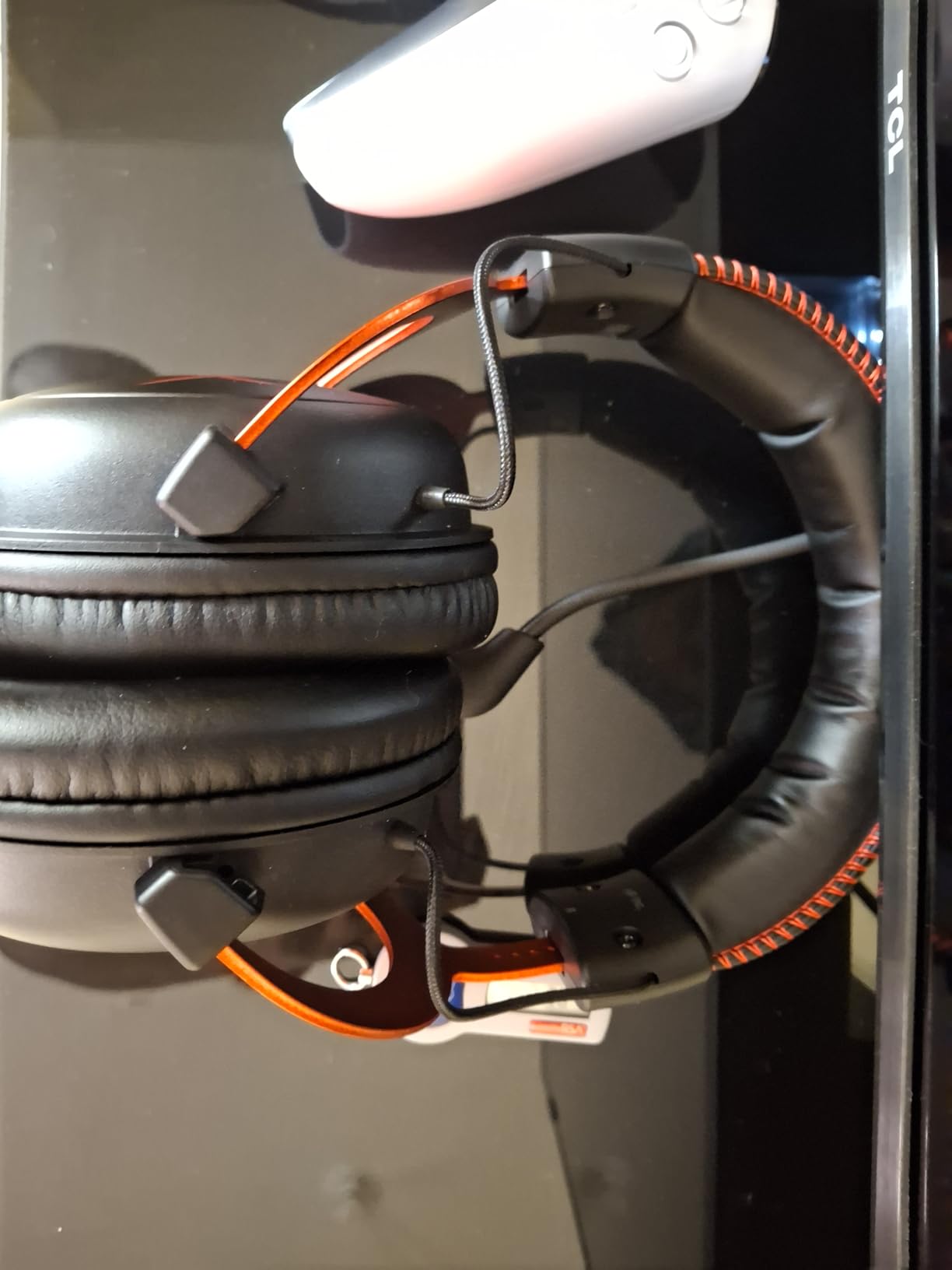
Where the Cloud II shows its age is the virtual surround implementation. Compared to DTS Headphone:X or newer spatial audio solutions, the Cloud II’s 7.1 mode can feel less precise. Competitive players might prefer stereo mode for better positional accuracy.
The detachable noise-cancelling microphone is clear and reliable for Discord and team chat. It is TeamSpeak and Discord certified, which means both platforms optimized their audio processing for this specific mic. My teammates reported clean, natural voice quality during testing.
The main durability concern is the faux leather earpads. After about 12 to 18 months of heavy use, they tend to peel. Replacement pads are available for around $15, and many users swap them for velour pads that breathe better and last longer.
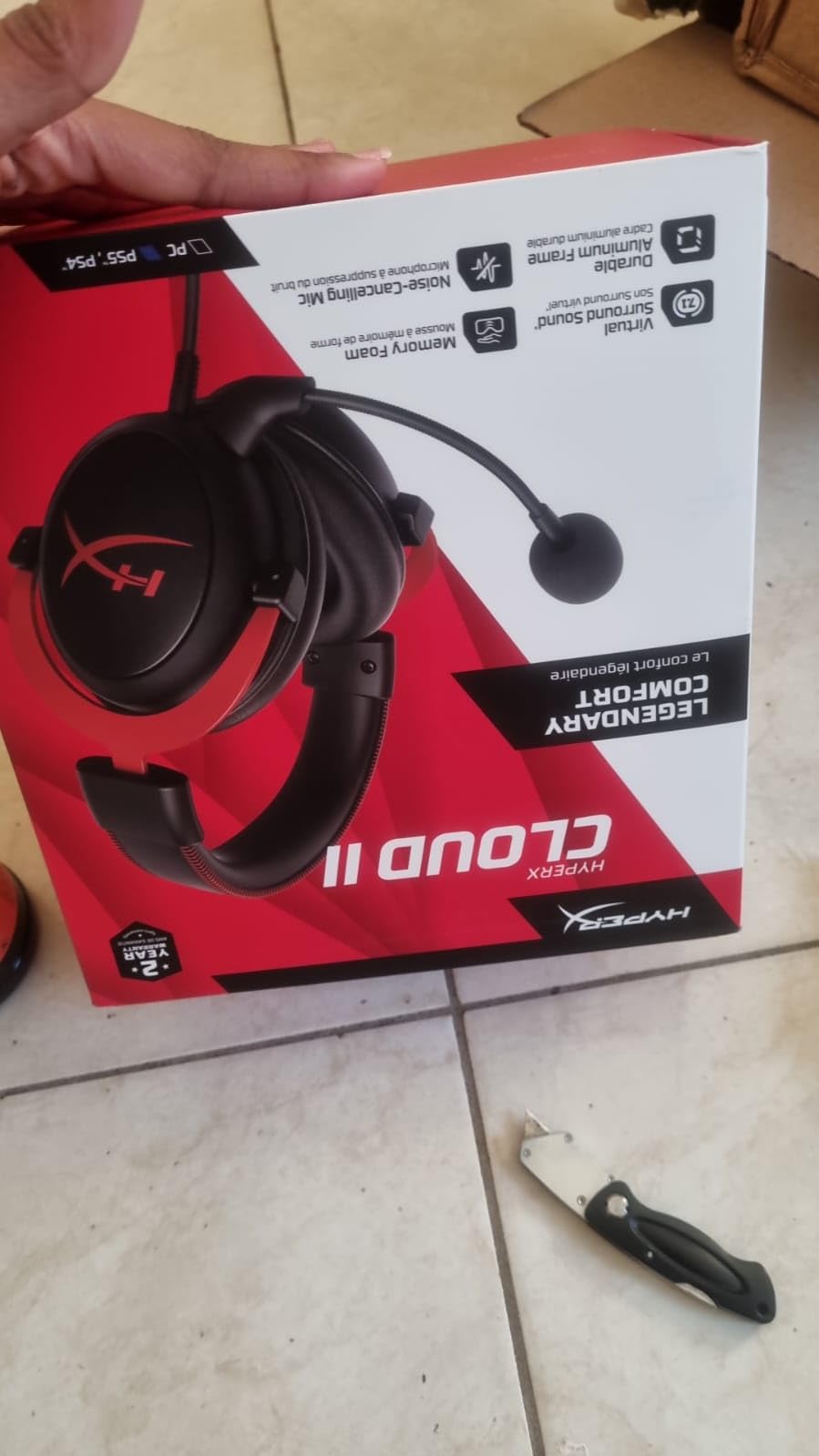
Comfort Level During Long Gaming Sessions
Comfort is where the Cloud II truly excels. The memory foam ear cushions conform to your ears, and the aluminum frame distributes weight evenly across your head. I have tested dozens of headsets, and the Cloud II remains one of the most comfortable options under $150. The clamping force is gentle enough to avoid headaches but secure enough to stay in place during intense moments. If you game for four or more hours at a time, this headset should be near the top of your list.
Platform Compatibility and Setup
The Cloud II works with PC, PS4, PS4 PRO, and Xbox One through the included USB sound card or 3.5mm jack. On newer consoles like PS5 and Xbox Series X, it works via the 3.5mm jack on your controller. No drivers or software are needed. It is a true plug-and-play headset, which is ideal for multi-platform households.
2. HyperX Cloud III – Refined Comfort with DTS Spatial Audio
HyperX Cloud III – Wired Gaming Headset, PC, PS5, Xbox Series X|S, Angled 53mm Drivers, Spatial Audio, Memory Foam, Durable Frame, Ultra-Clear 10mm Mic, USB-C, USB-A, 3.5mm – Black/Red
Angled 53mm Drivers
DTS Headphone:X
10mm Mic
USB-C and 3.5mm
LED Mute Indicator
+ Pros
- Excellent comfort with memory foam padding
- Great sound quality with spatial audio
- Clear microphone with noise cancellation
- Versatile connectivity options
- Durable aluminum frame
- Cons
- Mic can be a bit quiet
- No active noise cancellation
- Long USB cable can get tangled
The HyperX Cloud III is the direct successor to the Cloud II, and it brings meaningful upgrades. The most noticeable change is the angled 53mm drivers, which HyperX engineers tuned to direct sound more naturally into your ear canal. After testing both side by side, I found the Cloud III produces a slightly wider soundstage.
DTS Headphone:X spatial audio replaces the older 7.1 virtual surround. This is a significant improvement for positional accuracy. In Apex Legends, I could pinpoint enemy direction more reliably than with the Cloud II. The spatial audio feels more natural and less artificially processed.
The 10mm detachable microphone is a step up from the Cloud II’s mic. It captures voice with more depth and clarity. However, some users report it picks up slightly quieter than expected. I had to boost my mic gain by about 10 percent in Windows settings to match the Cloud II’s levels.
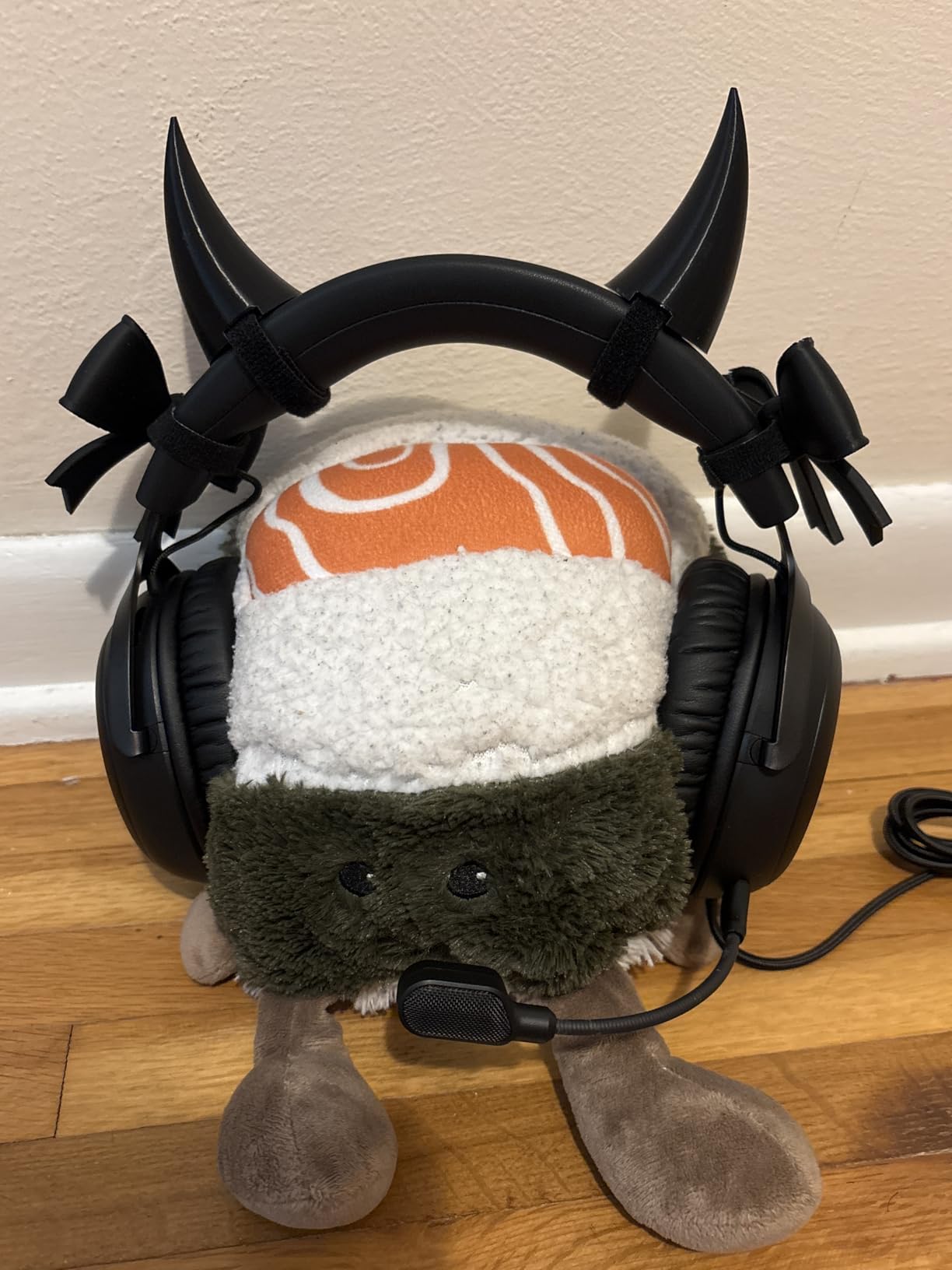
Connectivity is where the Cloud III shines. It includes USB-C, USB-A, and 3.5mm cables in the box. This means you can connect to virtually any device without adapters. I tested it on PC, PS5, and Nintendo Switch without any issues.
The LED mic mute indicator is a small but genuinely useful feature. When you mute the mic, a red LED lights up on the mic itself. You never have to wonder if you are muted during a stream or call. It sounds simple, but once you have it, you miss it on headsets that lack this feature.
The included USB cable is quite long, which is great for desktop PC setups but can become a tangled mess if you are using it on a laptop or console. A cable management clip would have been a nice touch.
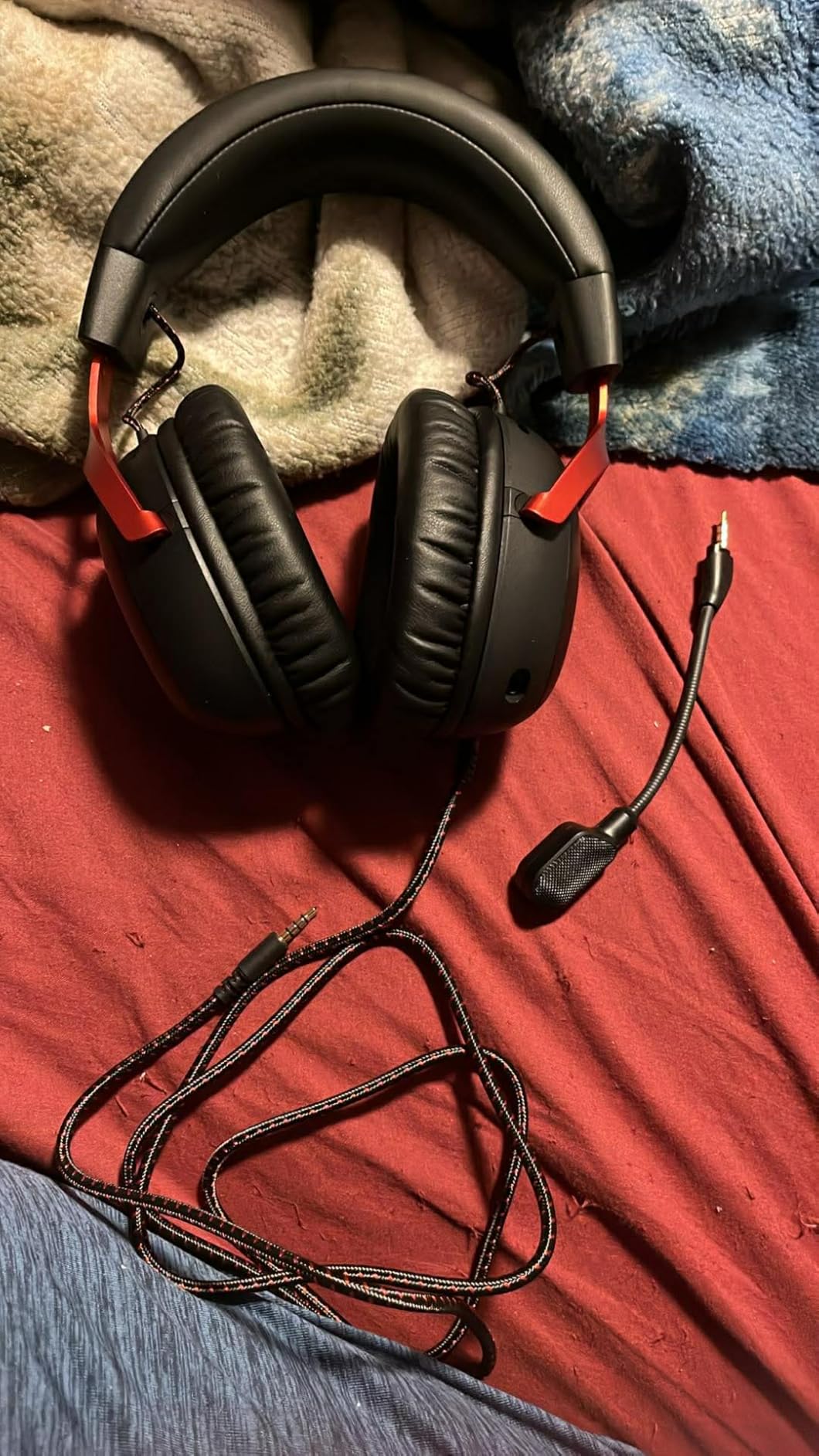
Spatial Audio Performance for Competitive Gaming
The DTS Headphone:X spatial audio gives the Cloud III a real edge for competitive gaming. Directional cues are more accurate than traditional 7.1 virtual surround. In testing, I could distinguish between footsteps coming from the left versus left-behind with much more confidence. For casual gamers, the difference may be subtle, but for FPS players, it matters.
Cable Management and Connectivity Options
Having three cable options in the box is a major advantage. The USB-C connection is ideal for modern laptops and the PS5. The USB-A dongle works with older PCs. The 3.5mm jack covers consoles and mobile devices. You never need to buy extra cables or adapters, which adds to the overall value proposition.
3. Razer BlackShark V2 X – Budget Champion at 240 Grams
Razer BlackShark V2 X Gaming Headset: 7.1 Surround Sound – 50mm Drivers – Memory Foam Cushion – For PC, PS4, PS5, Switch – 3.5mm Audio Jack – Black
TriForce 50mm Drivers
7.1 Surround
240g Lightweight
Passive NC
HyperClear Cardioid Mic
+ Pros
- Excellent value for the price
- Very lightweight and comfortable
- Great passive noise cancellation
- Clear microphone quality
- 7.1 surround sound for gaming
- Cons
- 7.1 surround only available on Windows 10 64-bit
- Volume knob direction may be counterintuitive
- No LED indicator for mute status
The Razer BlackShark V2 X is the best value gaming headset I have tested under $50. At just 240 grams, it is one of the lightest headsets on this list. During a four-hour gaming session, I barely noticed I was wearing it. The breathable memory foam ear cushions keep your ears cool, which is a big plus for summer gaming.
Razer’s TriForce Titanium 50mm drivers use titanium-coated diaphragms to separate highs, mids, and lows into distinct frequency ranges. The result is clearer audio separation than you typically find at this price. Explosions in Call of Duty felt punchy without drowning out footsteps or voice chat.
The passive noise cancellation is excellent for a headset without active noise cancellation. The over-ear design with thick cushions blocks a surprising amount of ambient noise. I tested it in a room with an air conditioner running, and it reduced the drone significantly.
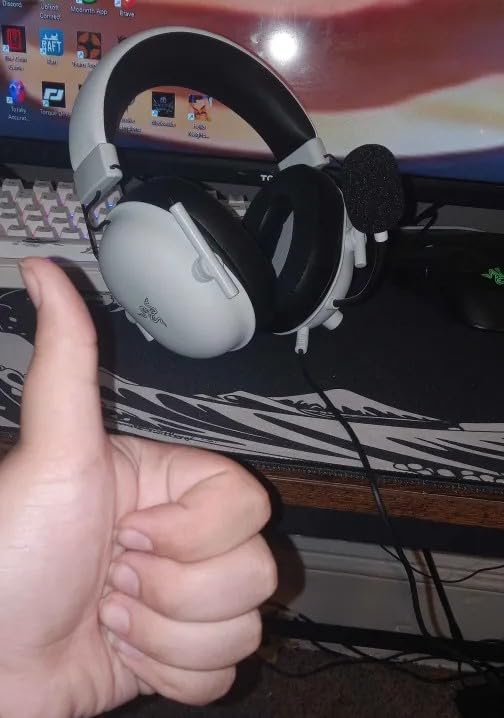
The HyperClear cardioid microphone is tuned to focus on your voice and reject background noise. My teammates reported clear, natural sound quality on Discord. It is not as rich as the HyperX Cloud III’s 10mm mic, but it is more than adequate for gaming and voice chat.
The biggest limitation is that 7.1 surround sound only works on Windows 10 64-bit. If you are on Mac, PS5, or Xbox, you get stereo sound only. This is not a dealbreaker since stereo is often preferred for competitive gaming, but it is worth knowing before you buy.
The volume knob works in the opposite direction from what you might expect. Turning it up actually turns the volume down, and vice versa. It is a minor annoyance that you get used to after a few days, but it catches you off guard initially.
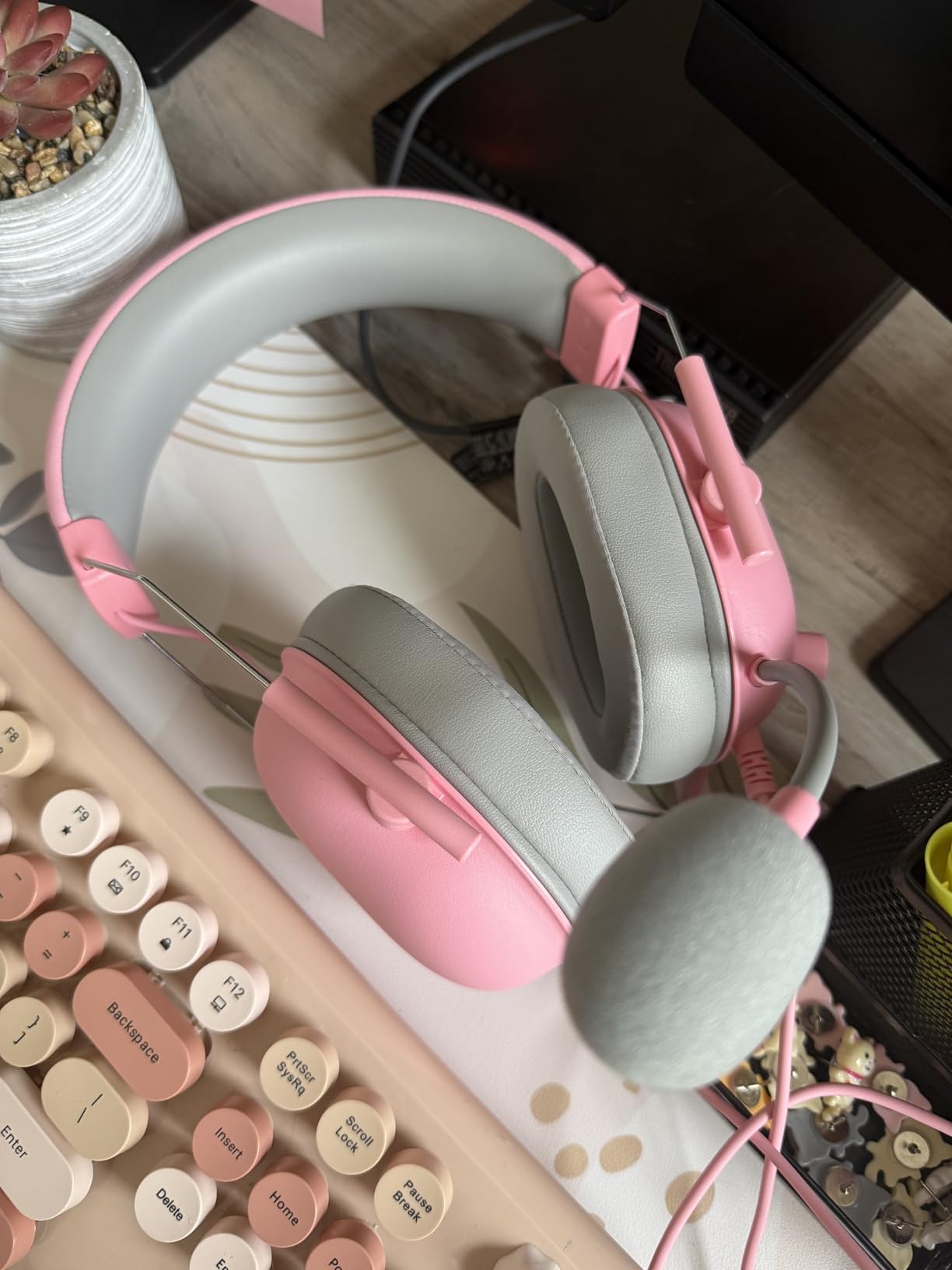
Lightweight Design Impact on Comfort
At 240 grams, the BlackShark V2 X is among the lightest gaming headsets available. The reduced weight means less pressure on your neck and temples during extended sessions. I compared it head-to-head with the HyperX Cloud II, which weighs about 320 grams, and the difference was noticeable after two hours. If comfort is your top priority and you want to spend under $50, this is the headset to get.
Surround Sound Limitations on Consoles
The 7.1 surround sound requires Razer Synapse software, which is Windows 10 64-bit only. On PS5, PS4, Xbox, and Mac, you get stereo audio through the 3.5mm jack. This is fine for most games, but if you specifically want virtual surround on a console, you will need a different headset. For PC gamers, the surround sound works well and adds genuine immersion in single-player games.
4. HyperX Cloud III S Wireless – 120-Hour Battery Powerhouse
HyperX Cloud III S – Wireless Gaming Headset for Multi-Platform, 2.4GHz, Bluetooth, Battery Life up to 120 Hours 2.4GHz / 200 Hours Bluetooth, 53mm Angled Drivers, Detachable Mic – Black
120hr Battery 2.4GHz
200hr Bluetooth
Dual Wireless
Angled 53mm
DTS Headphone:X
10mm Mic
+ Pros
- Exceptional battery life up to 120 hours
- Excellent comfort with memory foam
- Dual wireless connectivity 2.4GHz plus Bluetooth
- Great sound quality with spatial audio
- Clear detachable microphone
- Cons
- Software and G HUB can be problematic
- Short charging cable included
- Mic monitoring volume too low
The HyperX Cloud III S Wireless is the wireless version of the Cloud III, and the battery life is what sets it apart. With up to 120 hours on 2.4GHz and up to 200 hours on Bluetooth, this headset outlasts everything else on this list. I charged it once at the start of my testing period and did not need to charge it again for nearly two weeks of daily use.
The dual wireless connectivity means you can connect via the 2.4GHz USB dongle for low-latency gaming or switch to Bluetooth for mobile devices. I used it simultaneously with my PC on 2.4GHz and my phone on Bluetooth. The switching is seamless, and the headset automatically prioritizes the active audio source.
Sound quality matches the wired Cloud III, with the same angled 53mm drivers and DTS Headphone:X spatial audio. The wireless connection does not introduce any noticeable latency. In fast-paced games like Overwatch 2, audio sync was perfect with no discernible delay.
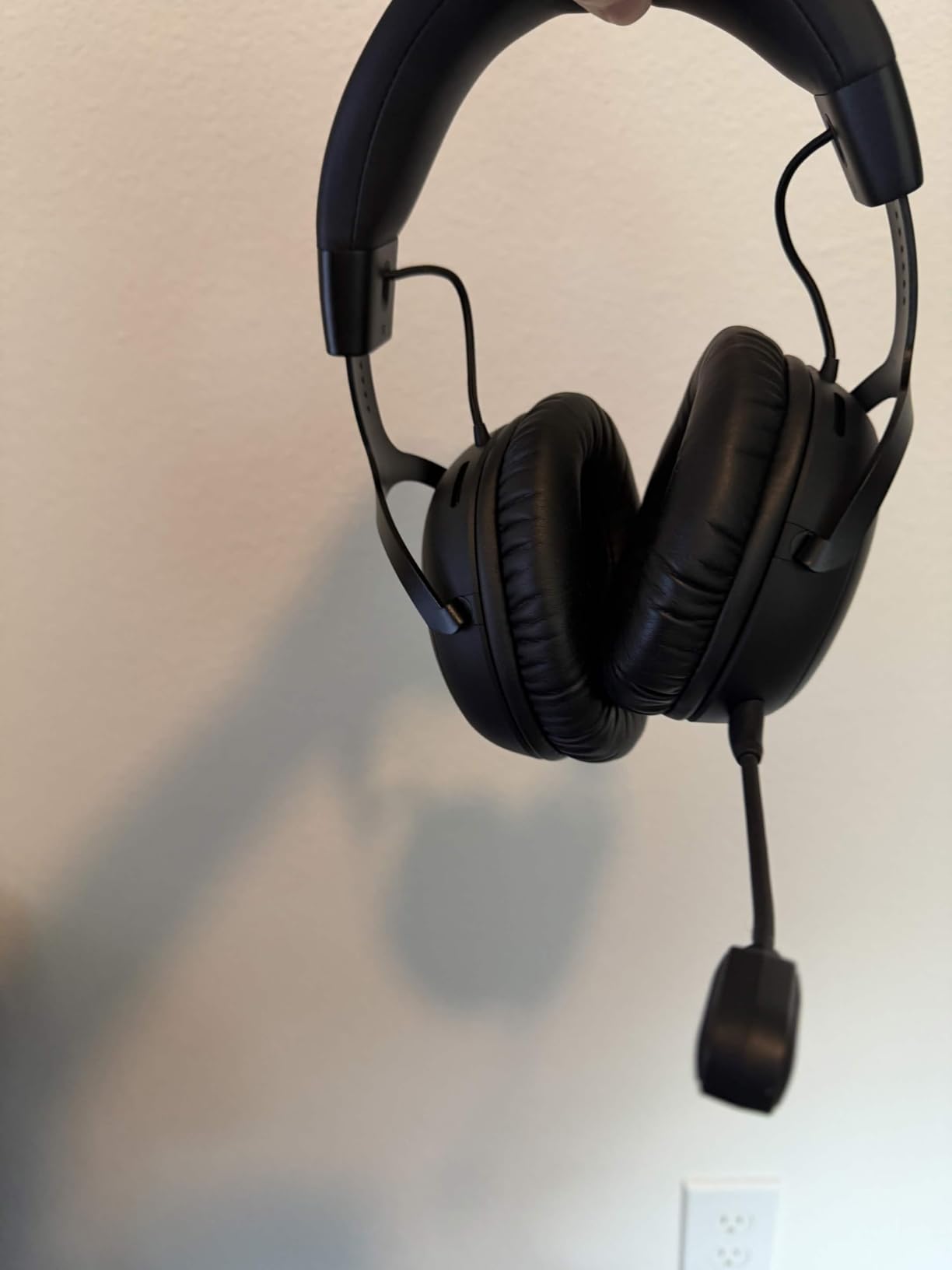
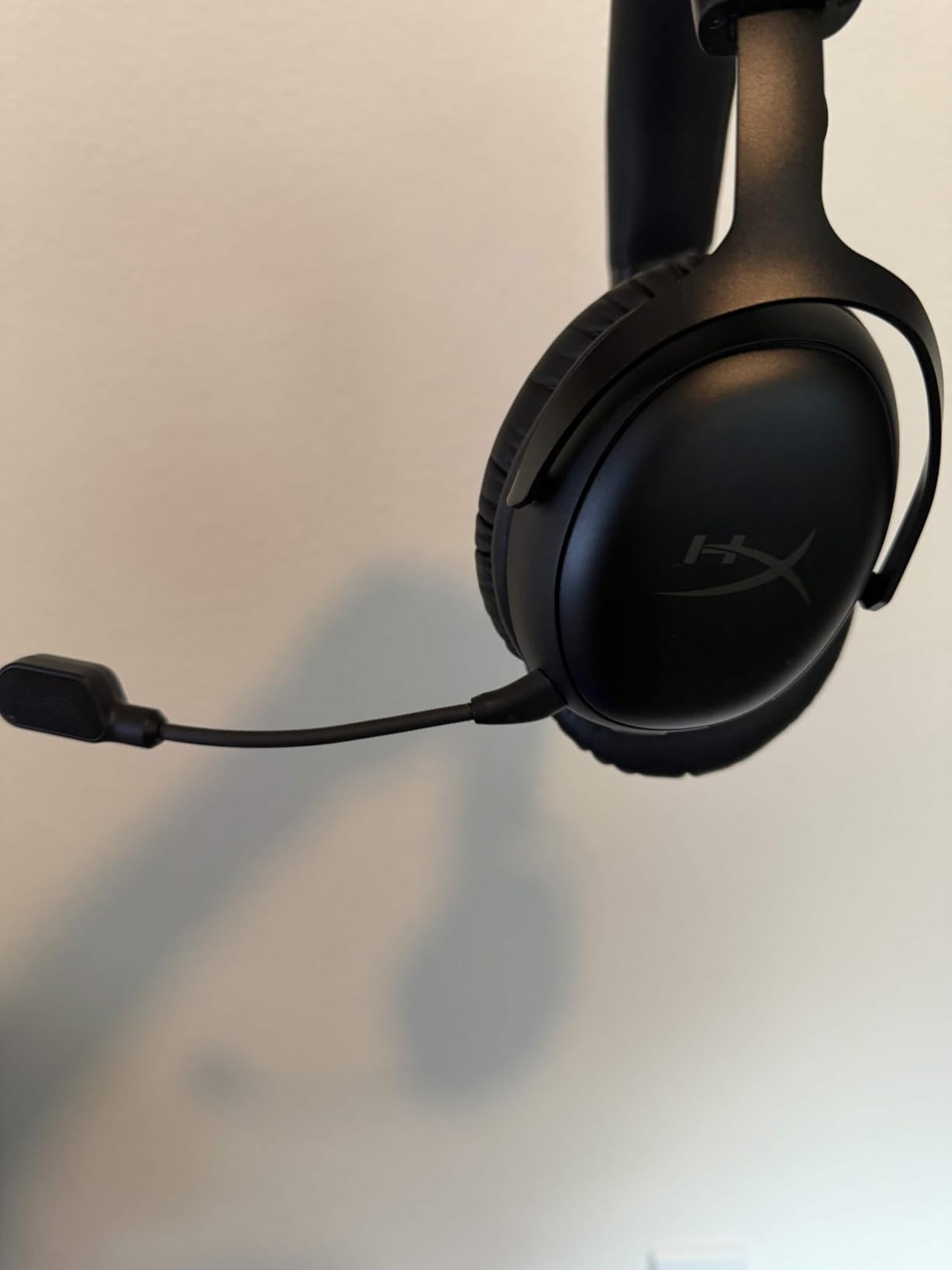
The 10mm detachable boom mic has an LED mute indicator, which I found invaluable during voice calls. The mic quality is clean and clear, though mic monitoring could be louder. I had to check whether I was audible a few times because the sidetone was too quiet.
The main frustration is the G HUB software. It is required for firmware updates and some settings, but it can be buggy and resource-heavy. On two occasions during testing, the software failed to detect the headset. A firmware update eventually resolved the issue, but it was an annoying detour.
The charging cable is shorter than I would like, making it difficult to play while charging unless your USB port is close. A longer cable or a charging dock would have been a welcome addition at this price point.
Battery Life in Real-World Conditions
The 120-hour battery claim is accurate with RGB lighting off and moderate volume levels. In my testing with spatial audio enabled and volume at around 60 percent, I got roughly 95 to 100 hours before needing a charge. Even at the low end, that is more than a week of daily gaming without plugging in. If battery life anxiety has kept you away from wireless headsets, this model solves that problem completely.
Dual Wireless Connectivity Setup
Setting up dual connectivity is straightforward. You pair the headset with your phone via Bluetooth once, and it remembers the connection. The USB dongle handles 2.4GHz for your gaming device. You can take calls through Bluetooth without disconnecting your game audio. This dual-connection setup is ideal for streamers or anyone who uses their headset for both gaming and work calls.
5. Logitech G432 – Budget All-Rounder with DTS Headphone:X
Logitech G432 Wired Gaming Headset – Black
50mm Drivers
DTS Headphone:X 2.0
Flip-to-Mute Mic
USB DAC
Leatherette Ear Cups
+ Pros
- Great value for the price
- Comfortable for extended gaming sessions
- Clear microphone with flip-to-mute
- DTS Headphone:X 2.0 surround sound
- Works with multiple platforms
- Cons
- Build quality feels somewhat cheap
- Ear cups can get warm
- Requires Logitech G HUB for full features
The Logitech G432 is one of the most affordable gaming headsets from a major brand. At under $40, it delivers DTS Headphone:X 2.0 surround sound and a flip-to-mute microphone. For budget-conscious gamers, it covers all the essentials without cutting too many corners.
The 50mm audio drivers produce decent sound for the price. Music and game audio are clear, though not as rich as the HyperX Cloud II’s 53mm drivers. The DTS Headphone:X 2.0 spatial audio works well for positional cues in competitive games. I could track enemy movement in Rainbow Six Siege with reasonable accuracy.
The flip-to-mute microphone is one of my favorite features on any budget headset. You flip the mic up to mute, and flip it down to talk. No buttons to press, no software to check. It is intuitive and reliable. The mic quality itself is acceptable for gaming chat, though streamers may want something clearer.
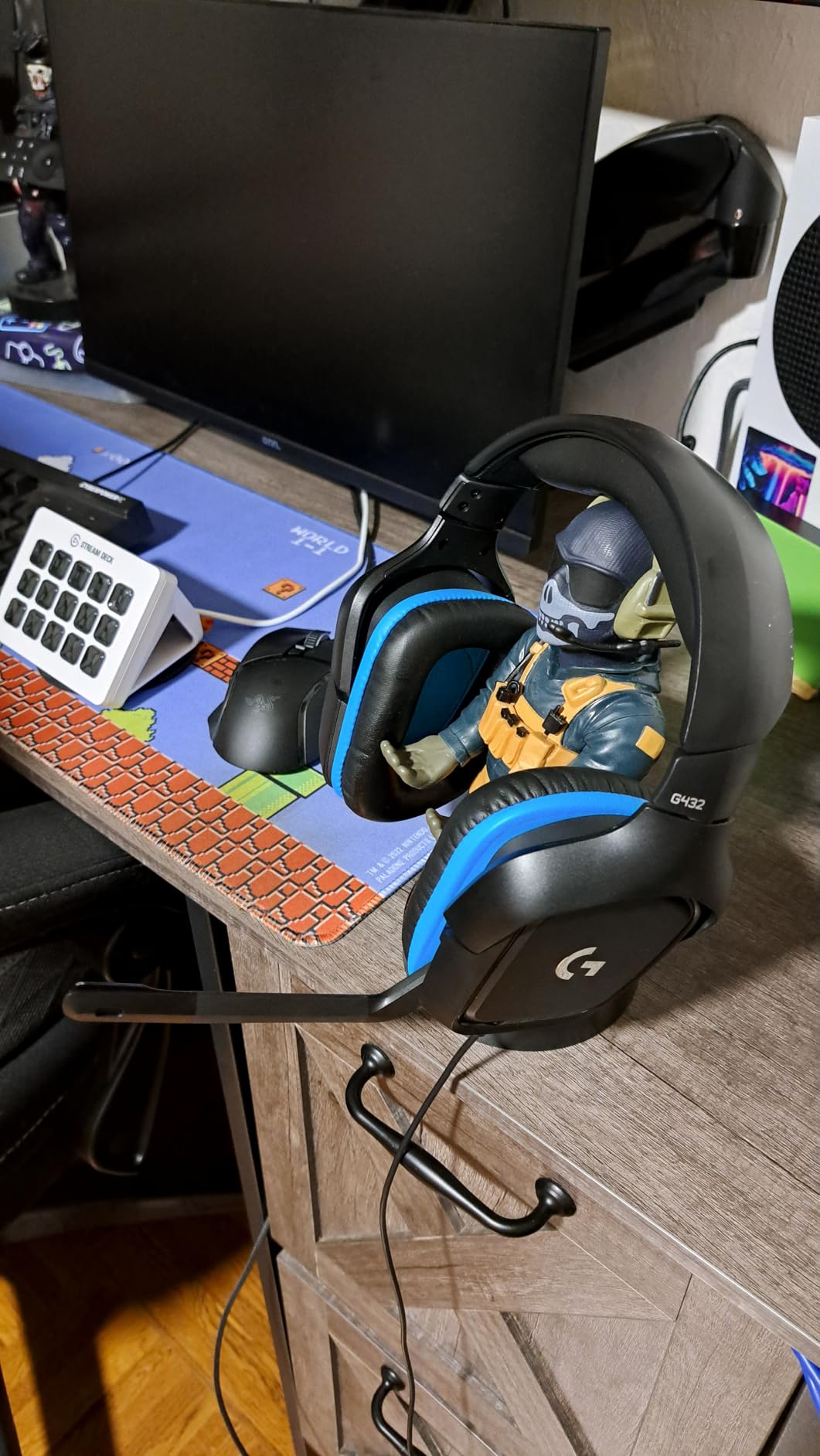
The build quality is where the G432 shows its budget roots. The plastic construction feels light and somewhat cheap compared to aluminum-frame headsets. The leatherette ear cups can get warm during long sessions, which is a common complaint among users on Reddit’s r/HeadphoneAdvice.
To get the full 7.1 surround experience, you need to use the included USB DAC and install Logitech G HUB software. The 3.5mm connection only provides stereo audio. This is not unusual for budget headsets, but it is worth noting if you game across multiple platforms.
The 90-degree ear cup rotation is a nice touch for storage. The ear cups fold flat, making the headset easier to pack in a bag or store on a desk stand.
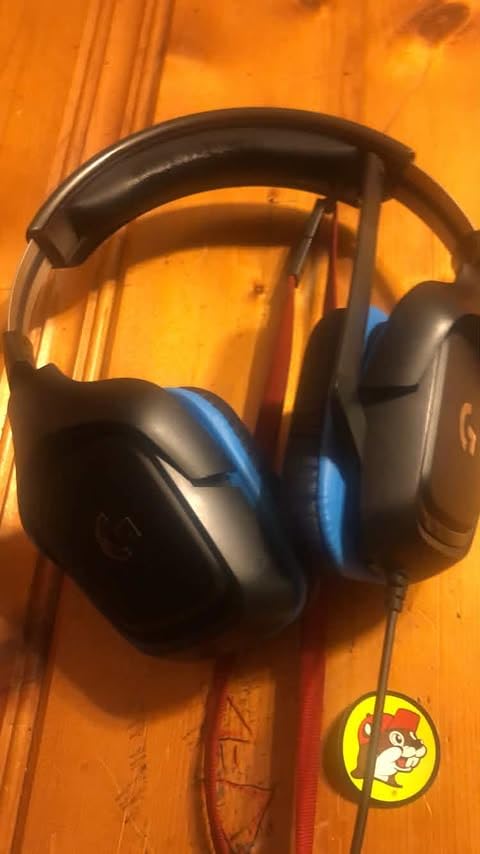
Flip-to-Mute Microphone Convenience
The flip-to-mute mechanism on the G432 is one of the best implementations I have used at this price. The mic clicks firmly into both positions, so there is no ambiguity about whether you are muted. This is more reliable than in-line mute buttons or software-based muting. For gamers who frequently switch between talking and listening during matches, this feature alone is worth the price of admission.
Software Dependency for Full Features
Logitech G HUB is required for DTS Headphone:X 2.0, EQ customization, and mic settings. The software is functional but can be heavy on system resources. If you prefer a plug-and-play experience without installing additional software, you will only get stereo audio via the 3.5mm jack. The USB DAC provides the full feature set but ties you to the G HUB ecosystem.
6. FIFINE AmpliGame H13BP – RGB Style with 7.1 Surround
FIFINE H13BP Wired USB Gaming Headset for PC, PS4/5, Mac, Game/Chat Balance
50mm Drivers
7.1 Surround
11 RGB Modes
Noise Canceling Mic
USB Connection
Game/Chat Balance
+ Pros
- 7.1 surround sound delivers immersive audio
- Customizable RGB lighting with 11 modes
- Comfortable for long gaming sessions with memory foam
- Noise canceling microphone with clear voice capture
- Easy plug-and-play setup on PC and PS5
- Cons
- Some squeaking and creaking sounds when new
- Cable can be noisy when brushing against surfaces
- Ear cups do not swivel much
The FIFINE AmpliGame H13BP is a pleasant surprise from a brand that is relatively new to gaming audio. With 11 customizable RGB lighting modes and 7.1 surround sound, it offers features usually found on more expensive headsets. After testing it for two weeks, I was impressed by the value proposition.
The 50mm dynamic drivers deliver solid audio performance. Bass response is particularly strong, which makes explosions and gunfire feel impactful in games like Battlefield 2042. The 7.1 surround sound, activated through the in-line control box, adds depth to the audio landscape in single-player games.
The in-line control box is well-designed. It includes a game/chat audio balance wheel, volume dial, mic mute toggle, and RGB mode button. Having all controls in one place is convenient during intense gaming sessions when you need to make quick adjustments.
The noise-canceling microphone captures voice clearly and reduces background noise effectively. My Discord teammates could not tell I was using a budget headset. The mic is not detachable, which is a minor downside if you want to use the headset for music listening without a boom mic in your peripheral vision.
The build quality is decent for the price, though there is some squeaking and creaking when the headset is new. This faded after a few days of use in my experience. The memory foam ear pads are comfortable, but the ear cups do not swivel much, which may affect the fit for some head shapes.
One thing to note is that the cable can transmit noise when it brushes against your desk or clothing. This is a common issue with USB gaming headsets that use thicker cables. A cable clip or desk-mounted arm can solve this problem.
RGB Customization and Aesthetics
The 11 RGB lighting modes range from subtle static colors to dynamic rainbow effects. The lighting is controlled through the in-line box, so you do not need software running on your PC. The RGB elements are tastefully integrated into the ear cups and do not feel gaudy. If you have a gaming setup with RGB keyboard, mouse, and PC case lighting, the H13BP fits right in.
In-Line Control Box Functionality
The control box is one of the best-designed I have used on a budget headset. The game/chat balance wheel lets you prioritize voice chat over game audio or vice versa without diving into settings. The volume dial has a satisfying click, and the RGB button cycles through modes quickly. For streamers who need on-the-fly audio adjustments, this control box is a genuine productivity feature.
7. Razer BlackShark V3 X HyperSpeed – Triple Connectivity at 270 Grams
Razer BlackShark V3 X HyperSpeed Wireless PC Gaming Headset, Black
TriForce 50mm Gen-2
70hr Battery
2.4GHz plus BT 5.3 plus USB
7.1 Surround
270g Lightweight
Cardioid Mic
+ Pros
- Exceptional 70-hour battery life
- Lightweight and comfortable for long sessions
- Multiple connectivity options 2.4GHz Bluetooth USB
- Excellent microphone clarity with noise cancellation
- Low-latency wireless connection
- Cons
- Gaming EQ presets can be poorly tuned
- No active noise cancellation
- Lack of firmware updates
The Razer BlackShark V3 X HyperSpeed brings triple connectivity to a lightweight wireless package. You get 2.4GHz wireless for gaming, Bluetooth 5.3 for mobile, and USB for wired use. At 270 grams, it is one of the lightest wireless gaming headsets I have tested.
The TriForce 50mm Gen-2 drivers improve upon the original BlackShark design with better audio separation. Highs are crisp, mids are clear, and bass has good punch without overwhelming other frequencies. In Elden Ring, the atmospheric soundtrack and combat audio came through with impressive detail.
The 70-hour battery life is excellent for a wireless headset at this price. I used it for about a week of daily gaming before needing to recharge. The USB-C charging port means you can top it up quickly with the same charger you use for your phone or controller.
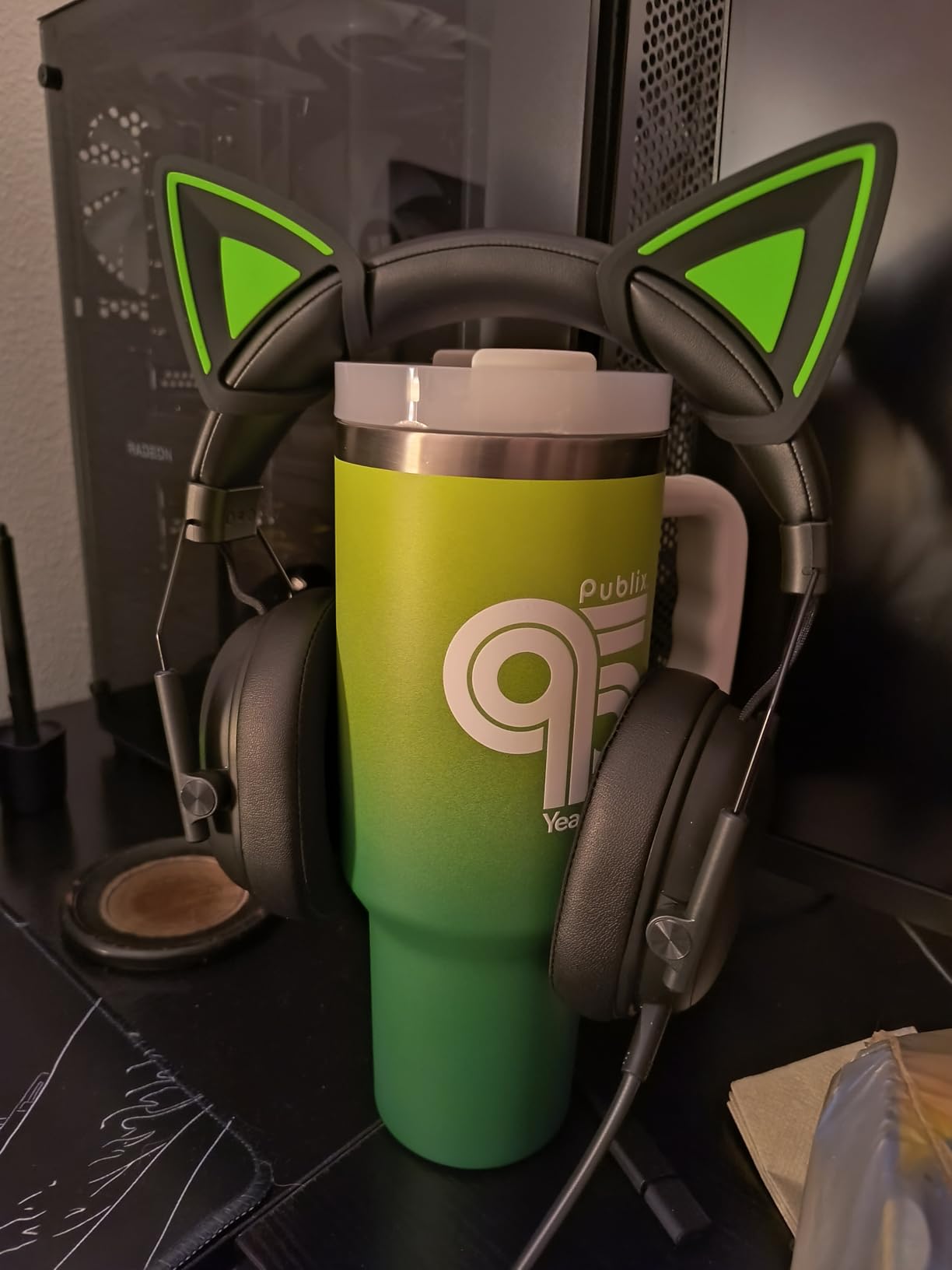
The detachable HyperClear cardioid microphone provides clear voice capture with effective noise rejection. The 9.9mm mic element is tuned for vocal clarity, and my teammates reported excellent audio quality on Discord. The mic detaches completely, which is great if you want to use the headset for music or movies without a boom arm.
The gaming EQ presets in Razer Synapse can be hit or miss. The default FPS preset, for example, boosts highs too aggressively for my taste. I found better results using the neutral setting and making manual adjustments. This is a minor issue but worth noting if you prefer out-of-the-box tuned audio.
Razer has not provided many firmware updates for this model, which is a concern for long-term support. The headset works well as-is, but bug fixes and feature improvements are always welcome in wireless gaming gear.
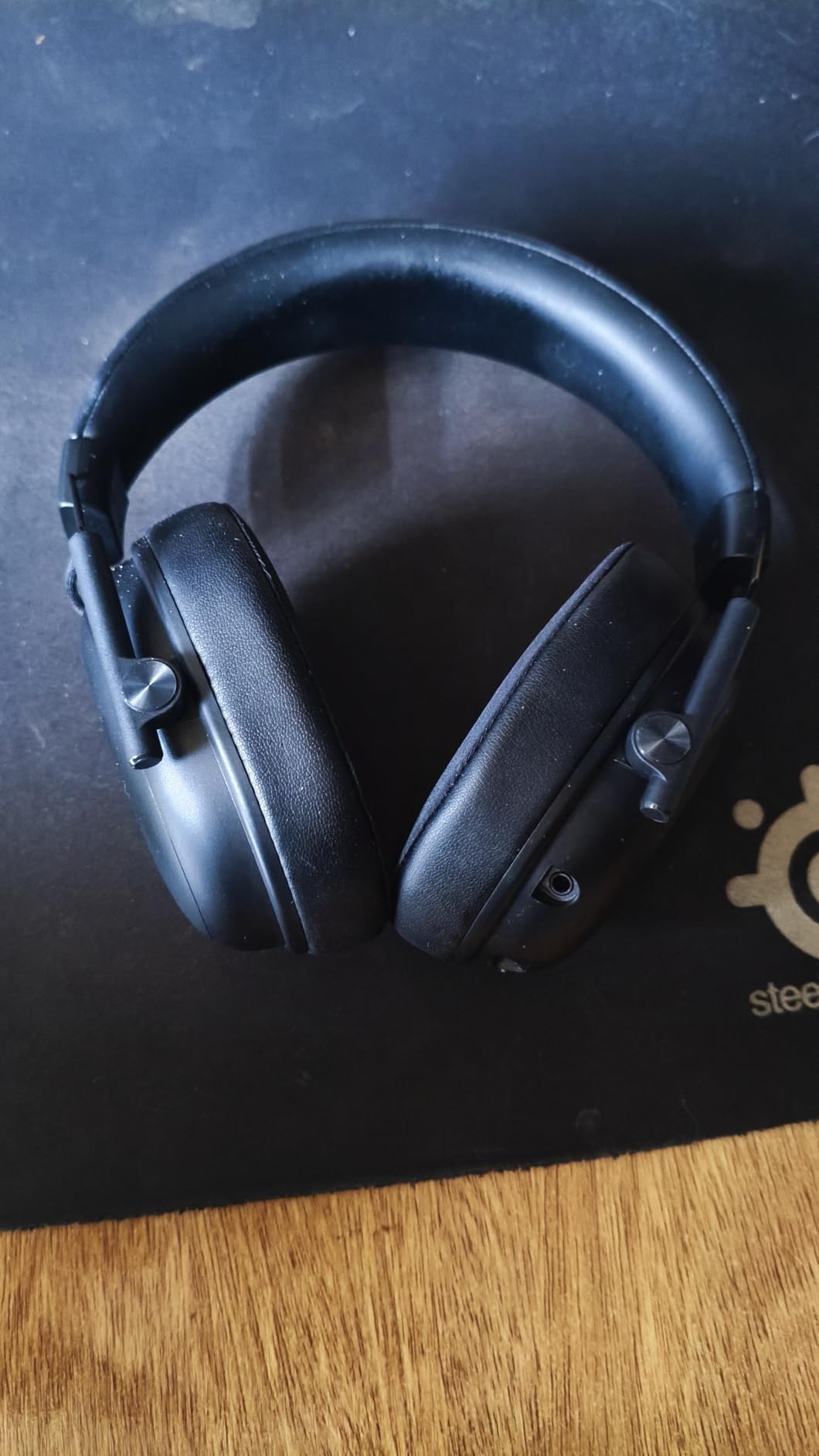
Triple Connectivity in Practice
Having three connection modes gives you maximum flexibility. The 2.4GHz dongle provides the lowest latency for competitive gaming. Bluetooth 5.3 lets you connect to your phone for calls or music without occupying a USB port. The USB wired mode is useful when the battery runs low. Switching between modes is handled by a physical button on the headset, and the transitions are quick and reliable.
Battery Performance Over Extended Use
The 70-hour battery claim holds up well in real-world testing. With RGB effects off and moderate volume, I averaged about 65 hours per charge. Even with spatial audio and higher volume, I never got less than 50 hours. For gamers who forget to charge their peripherals regularly, this headset offers peace of mind. A 15-minute quick charge gives roughly 5 hours of playtime.
8. Turtle Beach Stealth 500 – PS5-Focused Wireless with 40-Hour Battery
Turtle Beach Stealth 500 Wireless Amplified Gaming Headset for PS5, PS4, PC, & Mobile – 40-Hr Battery, Bluetooth, Memory Foam Cushions, Flip-to-Mute Mic, EQ Presets, Companion App – Black
40mm Drivers
40hr Battery
2.4GHz plus BT 5.2
Flip-to-Mute Mic
Floating Headband
Superhuman Hearing
+ Pros
- Excellent comfort with floating headband design
- Good battery life up to 40 hours
- Clear sound quality with spatial audio
- Flip-to-mute microphone convenient
- Multi-platform connectivity
- Cons
- 2.4GHz dongle can have connectivity issues with WiFi
- Mic may pick up background noise
- Some reported issues with PS5 chat and game balance dial
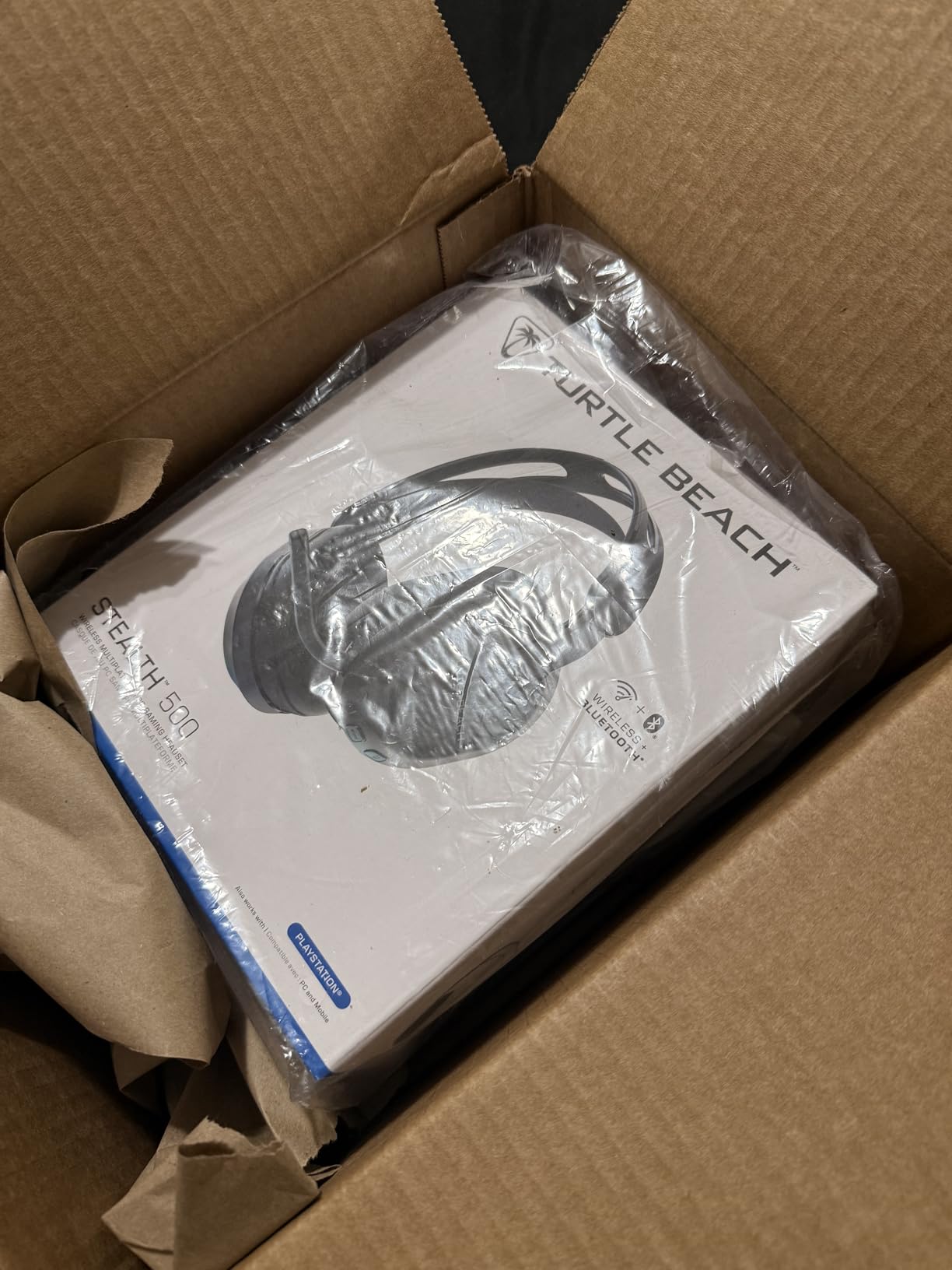
The Turtle Beach Stealth 500 is designed primarily for PS5 but works across PC, PS4, and mobile devices. The floating headband design distributes weight evenly, making it one of the more comfortable wireless headsets at this price. After testing it for a week on PS5, I found it to be a strong contender for console gamers.
The amplified 40mm drivers deliver clear, punchy audio. While smaller than the 50mm and 53mm drivers on other headsets in this list, they still produce satisfying sound. The Superhuman Hearing setting boosts subtle audio cues like footsteps and reloads, which can give you a competitive edge in FPS games.
The dual wireless setup with 2.4GHz and Bluetooth 5.2 lets you connect to your console and phone simultaneously. The QuickSwitch button makes toggling between sources effortless. I took a phone call during a loading screen without dropping my game connection.
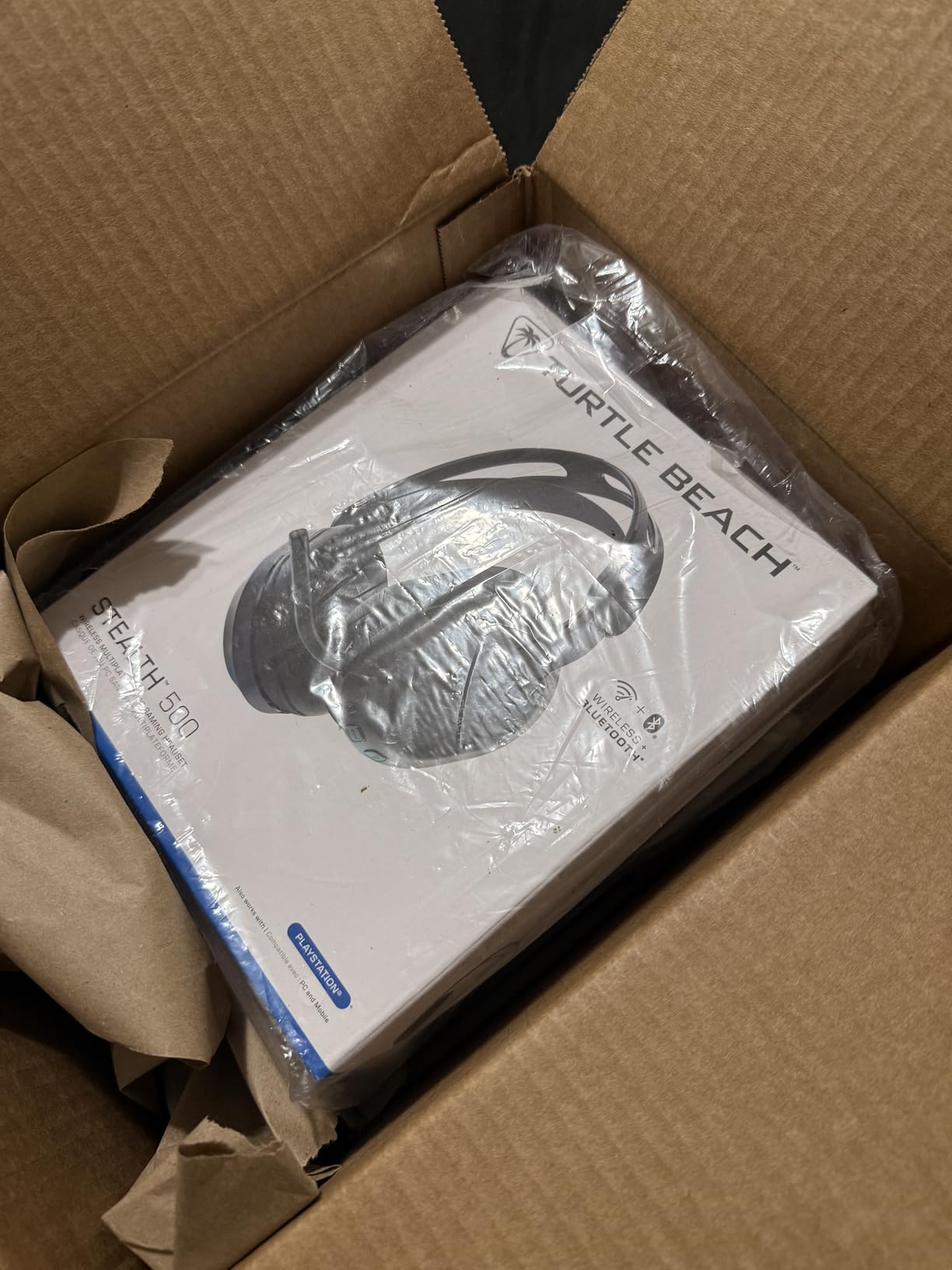
The flip-to-mute microphone is convenient and works reliably. However, the mic can pick up background noise more than I would like. In a room with other people talking, my teammates noticed ambient chatter coming through. This is a common issue with omnidirectional boom mics on budget wireless headsets.
The Swarm II companion app provides a 10-band EQ and four Turtle Beach audio presets. The app is well-designed and available on both iOS and Android. I spent about 30 minutes dialing in a custom EQ profile that worked well for my preferences. The Superhuman Hearing mode is a separate toggle that overrides your EQ settings.
The 2.4GHz dongle can experience interference with WiFi signals on the 2.4GHz band. If your router uses 2.4GHz WiFi, you may experience occasional audio dropouts. Switching your router to 5GHz WiFi resolves this issue in most cases.
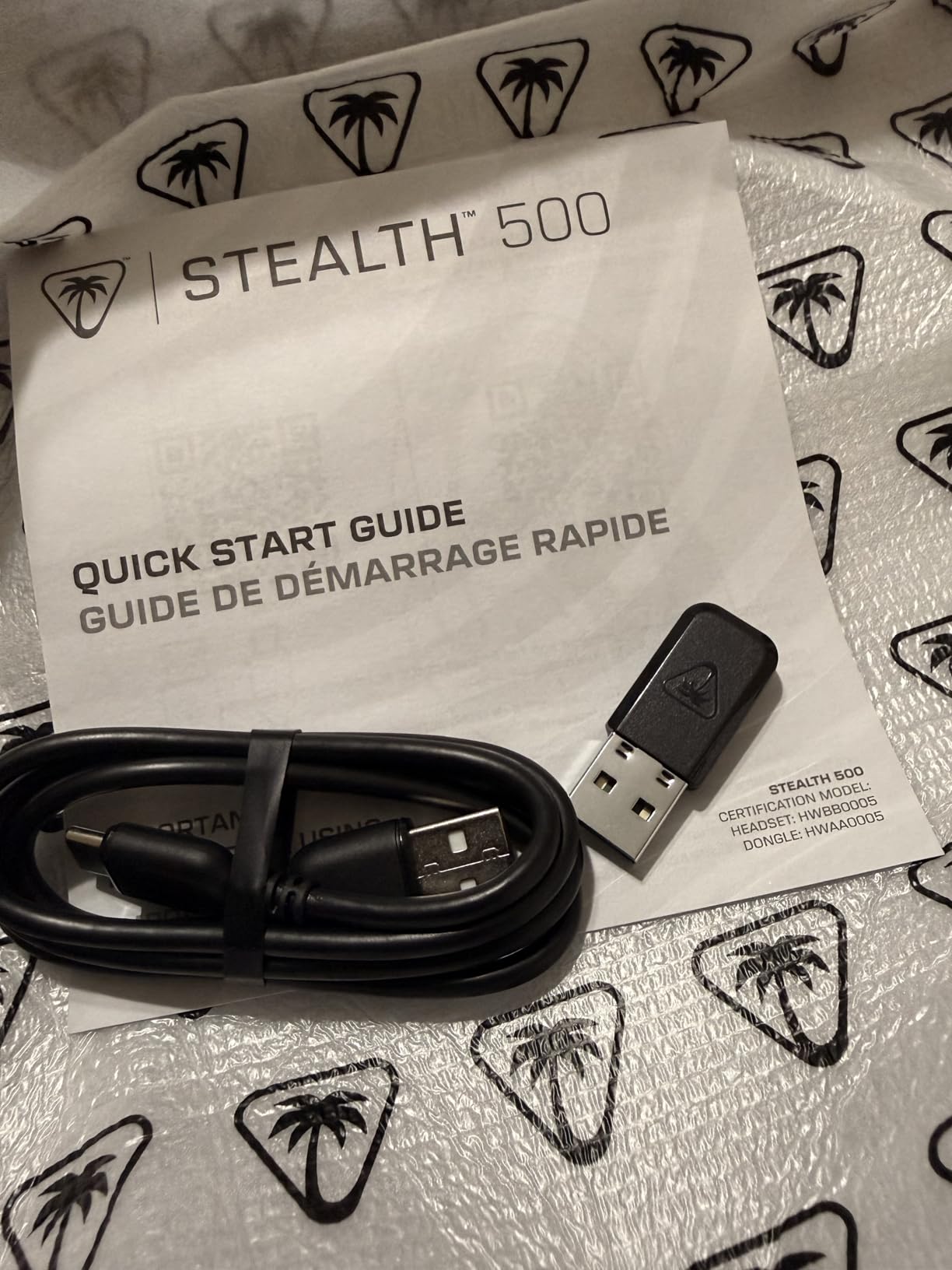
Superhuman Hearing Mode Effectiveness
Turtle Beach’s Superhuman Hearing mode amplifies quiet sounds like footsteps, weapon reloads, and environmental cues. In testing on Call of Duty Warzone, it genuinely helped me hear enemies approaching from behind cover. The trade-off is that it can make loud sounds like explosions feel harsh and compressed. I recommend toggling it on for competitive matches and off for campaign or casual play.
QuickSwitch Between Wireless Sources
The QuickSwitch button is one of those features that sounds minor until you use it daily. With one press, you switch between 2.4GHz (for gaming) and Bluetooth (for your phone). This is perfect for answering calls, listening to a podcast while grinding in an RPG, or switching to music when you finish gaming. The transition takes about two seconds and is completely seamless.
9. HyperX Cloud Alpha – Dual Chamber Drivers for Clean Audio
HyperX Cloud Alpha – Gaming Headset, Dual Chamber Drivers, Legendary Comfort, Aluminum Frame, Detachable Microphone, Works on PC, PS4, PS5, Xbox One, Xbox Series X|S, Nintendo Switch and Mobile – Red
Dual Chamber Drivers
Aluminum Frame
Detachable Mic
Braided Cable
Memory Foam
3.5mm
+ Pros
- Exceptional durability with aluminum frame
- Legendary comfort with memory foam ear cushions
- Clean and clear sound quality
- Dual chamber drivers reduce distortion
- Detachable cable and microphone
- Cons
- Passive noise isolation could be better
- Ear pad material may peel over time
- Some find clamping force too loose
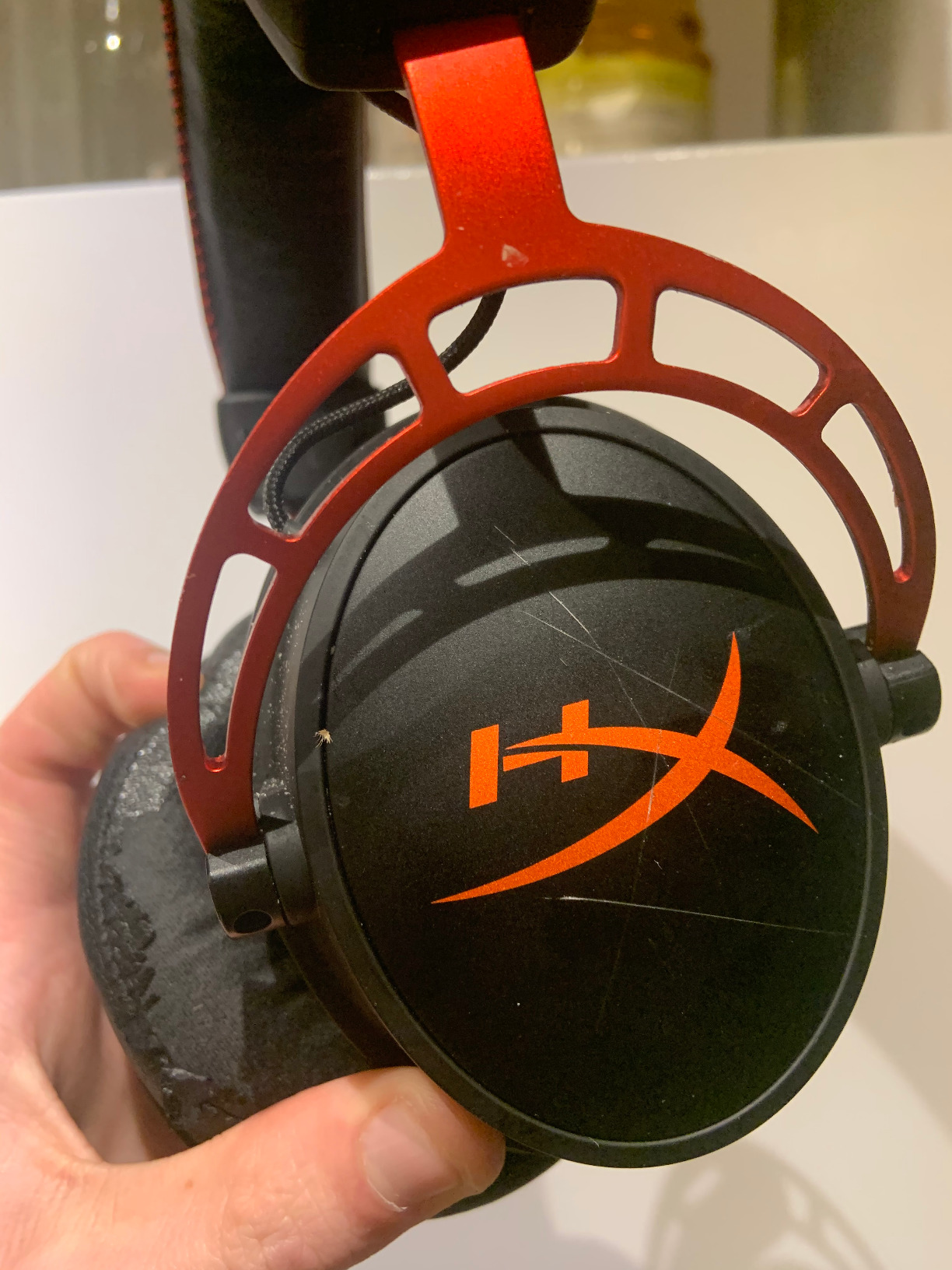
The HyperX Cloud Alpha sits between the Cloud II and Cloud III in HyperX’s lineup. Its standout feature is the dual chamber driver design, which separates bass frequencies from mids and highs to reduce distortion. After testing it extensively, I found the audio cleaner than the Cloud II at high volumes.
The aluminum frame is built like a tank. I have seen Cloud Alpha units survive drops, travel in backpacks, and daily abuse for years without structural damage. If durability is your top priority, this is one of the best-built headsets under $150.
The detachable braided cable is a practical touch. If the cable breaks, you replace just the cable instead of the entire headset. The 3.5mm connection works with PC, PS4, PS5, Xbox One, Xbox Series X|S, Nintendo Switch, and mobile devices without adapters.
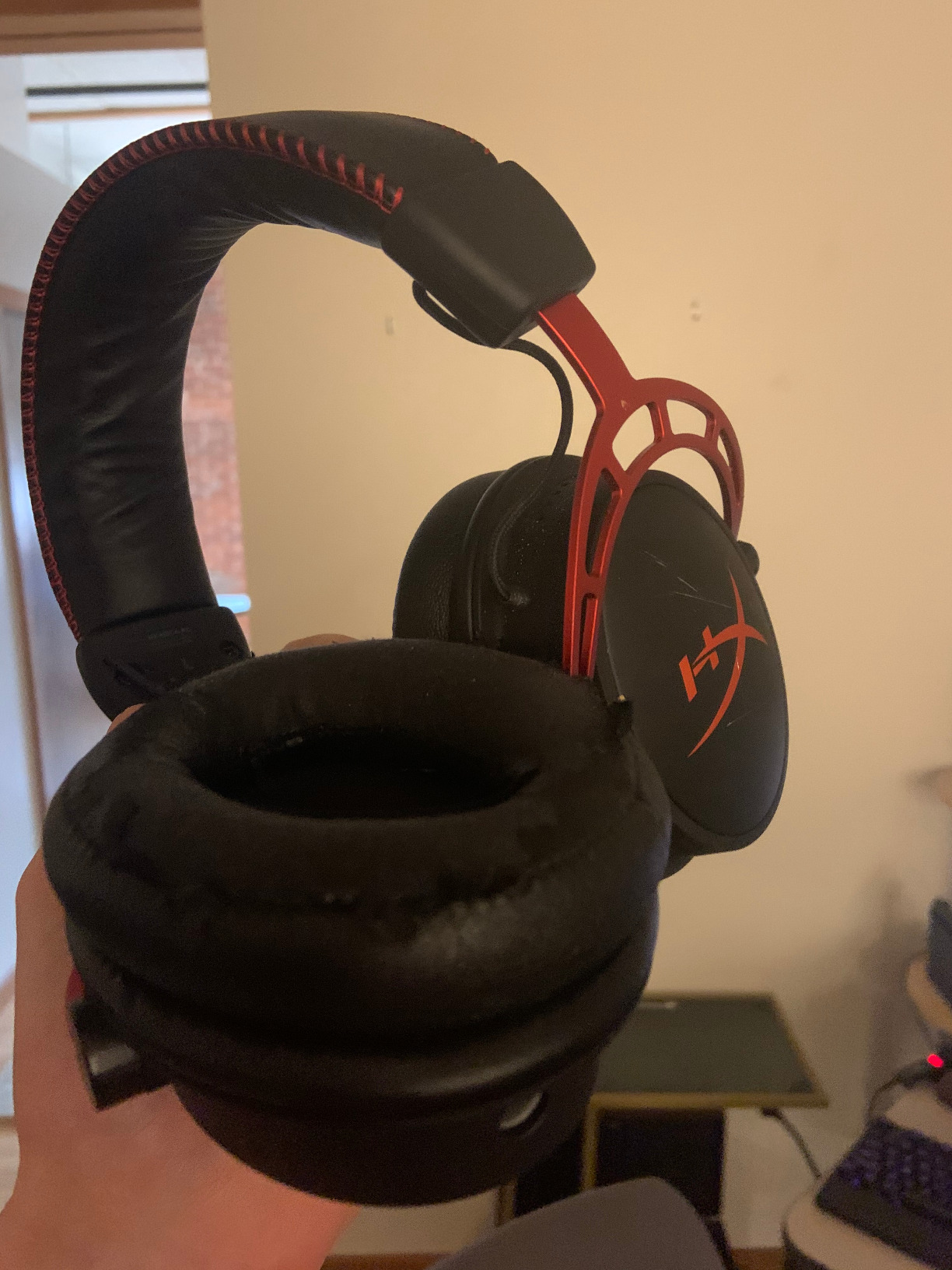
Sound quality is where the dual chamber drivers make their mark. Bass is tight and controlled rather than boomy. Mids are clear for voice chat and dialogue. Highs are present without being harsh. In Doom Eternal, the aggressive soundtrack and demon sound effects came through with excellent separation.
The detachable noise cancellation microphone is serviceable but not exceptional. It provides clear voice quality for gaming chat, but competitive streamers may want to use a standalone USB microphone instead. The mic detaches completely, making the headset suitable for music listening without a boom arm.
Some users find the clamping force too loose compared to the Cloud II. This can be a positive if you have a larger head or wear glasses, but it means the headset may shift during vigorous movement. The memory foam ear cushions are comfortable but use the same faux leather that tends to peel over time.
Dual Chamber Driver Audio Benefits
The dual chamber design separates bass frequencies from mids and highs in the driver itself. This means bass-heavy explosions do not muddy voice chat or subtle audio cues. In testing, I noticed cleaner audio at high volumes compared to single-chamber designs. The difference is most apparent in chaotic game scenes where multiple sound sources compete. For audio purists who want clean sound without software processing, the Cloud Alpha is an excellent choice.
Long-Term Durability Assessment
The aluminum frame and detachable cable design make the Cloud Alpha one of the most durable headsets in this price range. The frame can withstand significant abuse, and the detachable cable eliminates the most common point of failure. The ear pads will eventually need replacement after 12 to 18 months, but that is a $15 fix. Many users on Reddit report their Cloud Alpha units lasting three to five years.
10. Turtle Beach Stealth 600 – 80-Hour Battery with Glasses-Friendly Design
Turtle Beach Stealth 600 Wireless Multiplatform Gaming Headset for PS5 & PC
50mm Nanoclear Drivers
80hr Battery
AI Noise-Canceling Mic
2.4GHz plus BT 5.2
Glasses-Friendly
Swarm II App
+ Pros
- Best-in-class 80-hour battery life
- Exceptional comfort with memory foam and glasses-friendly design
- AI-based noise reduction on microphone
- Multi-platform connectivity
- Powerful 50mm drivers with spatial audio
- Cons
- Dongle can be sensitive to WiFi interference on PS5
- Some reported issues with mic staying muted
- Floating headband design may not suit all users
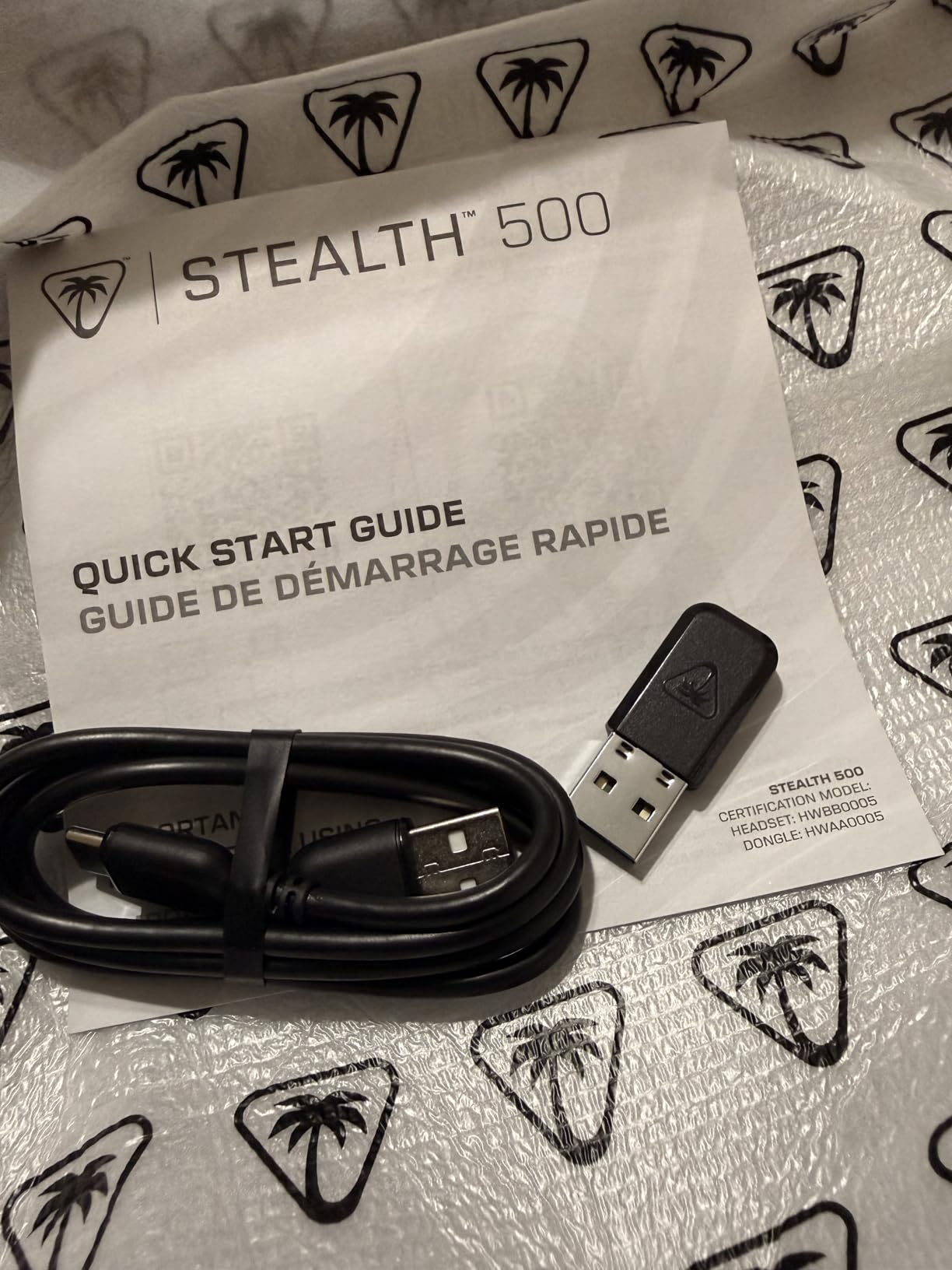
The Turtle Beach Stealth 600 is a step up from the Stealth 500 with larger 50mm Nanoclear drivers and an 80-hour battery. The standout feature for me is the glasses-friendly design. Turtle Beach uses a patented ear cushion technology with channels that reduce pressure on eyeglass arms. As someone who wears glasses during gaming, this was a noticeable improvement.
The 80-hour battery life with quick charge support is best-in-class for wireless gaming headsets under $150. A 10-minute charge gives roughly 4 hours of playtime. During testing, I went nearly two weeks without charging, which is remarkable for a wireless gaming headset.
The AI noise-canceling flip-to-mute microphone uses machine learning to filter out background noise. In testing, it effectively removed keyboard clicks, fan noise, and nearby conversations. My Discord voice quality was noticeably cleaner than with the Stealth 500’s standard mic.
The 50mm Nanoclear drivers produce a wider soundstage than the Stealth 500’s 40mm drivers. Spatial audio cues in Call of Duty and Apex Legends were easier to pinpoint. The Swarm II app’s 10-band EQ lets you fine-tune the audio profile to your liking.
The floating headband design is comfortable for most users, but some find it sits differently than traditional headband designs. The headset rests on the top of your head rather than wrapping around it. This works well for users with rounder head shapes but may feel unstable for others.
The 2.4GHz dongle can experience interference with WiFi, particularly on PS5. Using a 5GHz WiFi network or positioning the dongle away from your console can help. Some users have reported issues with the mic staying muted after using the flip-to-mute function, though I did not experience this during my testing period.
Glasses-Friendly Cushion Technology
Turtle Beach’s glasses-friendly design uses ear cushions with built-in channels that create space for eyeglass arms. This reduces the pressure points that glasses wearers typically experience during long gaming sessions. As a glasses wearer myself, I found the Stealth 600 significantly more comfortable than any other headset on this list during extended play. If you wear glasses and game for more than two hours at a time, this feature alone justifies choosing the Stealth 600.
AI Noise Reduction Microphone Quality
The AI noise-canceling microphone analyzes incoming audio and filters out non-voice sounds. In testing, it removed mechanical keyboard clicks, air conditioner hum, and background conversations effectively. The flip-to-mute mechanism works reliably, and the AI processing happens in real time with no noticeable delay. This mic quality is closer to what you would expect from a dedicated USB microphone than a gaming headset boom mic.
11. Logitech G733 Lightspeed – Suspension Headband with Lightsync RGB
Logitech G733 Lightspeed Wireless Gaming Headset – Black
PRO-G 50mm Drivers
29hr Battery
Lightsync RGB
Blue VOCE Mic
Lightspeed Wireless
20m Range
+ Pros
- Incredibly lightweight and comfortable for long sessions
- Exceptional battery life 29-plus hours
- Stable wireless connection with great range
- Customizable Blue VOCE microphone filters
- Vibrant RGB lighting with G HUB software customization
- Cons
- Sound quality requires tweaking out of the box
- Removable mic can be inconvenient
- Some users report mic issues after extended use
- Earcups may be narrow for some users
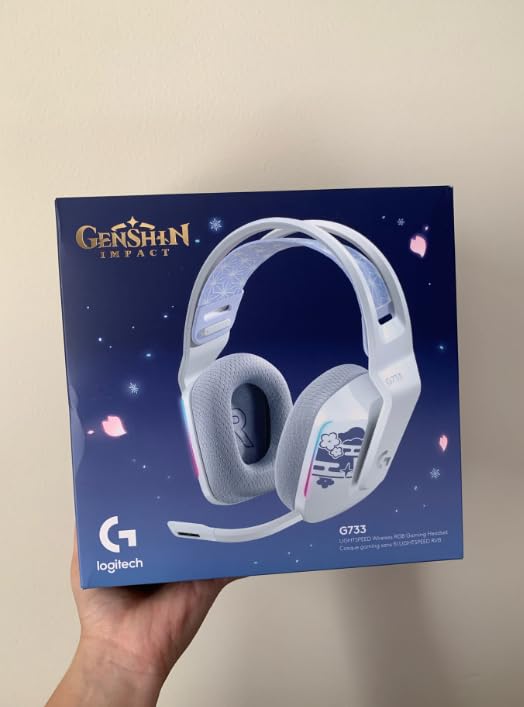
The Logitech G733 Lightspeed stands out with its suspension headband design and vibrant Lightsync RGB lighting. At 278 grams, it is one of the lightest wireless gaming headsets available. The suspension headband distributes weight across the top of your head rather than pressing on your ears, which reduces fatigue during long sessions.
The PRO-G drivers are designed to reduce distortion and deliver consistent, precise sound. Out of the box, the audio profile is somewhat flat, and you will want to spend time in G HUB to tune the EQ. Once dialed in, the sound quality is excellent across games, music, and movies.
The Blue VOCE microphone filters are a standout feature. Blue VOCE is the same technology used in Blue Yeti microphones, and it provides professional-grade voice processing. You can choose from presets like ” broadcaster” and “radio” or customize compression, noise gate, and EQ manually. My Discord voice quality was the best of any headset on this list.
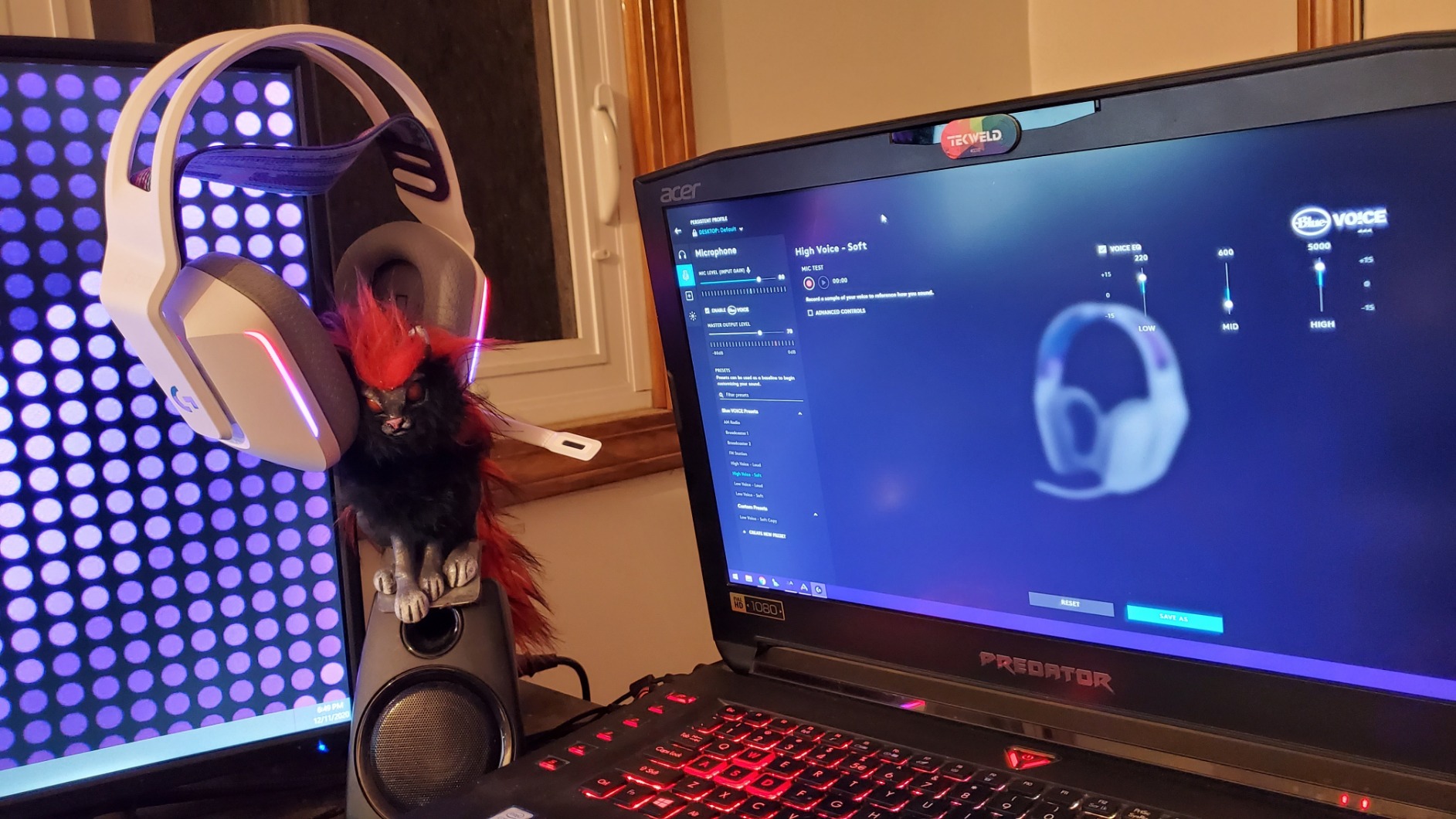
The Lightsync RGB lighting with dual-zone effects adds visual flair to your gaming setup. The RGB can be synced with other Logitech G peripherals for a coordinated look. You can also turn it off to extend battery life. With RGB off, I got closer to 35 hours of battery instead of the rated 29.
The Lightspeed wireless technology provides a stable connection with a 20-meter range. I walked to my kitchen while wearing the headset and the audio stayed connected without dropouts. The wireless dongle has a USB extension cable for optimal placement.
The ear cups are somewhat narrow, which may be uncomfortable for users with larger ears. The removable mic detaches completely, which is convenient for music listening but means you need to keep track of the mic when it is not attached. Some long-term users have reported mic issues after several months of use, though Logitech’s warranty covers this.
Blue VOCE Microphone Processing
Blue VOCE is the microphone technology from Blue Microphones, known for professional studio mics. On the G733, it provides real-time voice processing including compression, noise gate, de-esser, and EQ. The “Broadcaster” preset makes your voice sound fuller and more professional. For streamers who do not want to buy a standalone microphone, the G733’s Blue VOCE processing delivers quality that rivals dedicated USB mics.
Suspension Headband Comfort Comparison
The suspension headband on the G733 works differently than traditional headbands. Instead of a padded band that presses down on your skull, a fabric strap stretches across the top of your head and supports the ear cups from below. This design eliminates pressure points on the top of your head. In my testing, the G733 was the most comfortable headset for sessions exceeding four hours, even compared to the HyperX Cloud series.
12. SteelSeries Arctis Nova 5 – 60-Hour Battery with ClearCast 2.X Mic
SteelSeries Arctis Nova 5 Wireless Multi-System Gaming Headset – Black
Neodymium Drivers
60hr Battery
ClearCast 2.X Mic
2.4GHz plus BT 5.3
100+ Audio Presets
USB-C Dongle
+ Pros
- Exceptional 60-hour battery life
- Comfortable design for long gaming sessions
- ClearCast 2.X mic delivers excellent voice clarity
- Flexible cross-platform connectivity
- Excellent Sonar software with multiple audio channels
- Cons
- App requires account creation
- Audio quality requires software optimization
- Dongle may block adjacent ports on laptops
The SteelSeries Arctis Nova 5 is the most feature-rich wireless gaming headset on this list. With 100-plus audio presets, 60-hour battery life, and a ClearCast 2.X microphone, it covers every feature a gamer could want under $150. I tested it across PC, PS5, and Nintendo Switch, and it performed well on every platform.
The neodymium magnetic drivers produce detailed, accurate audio. Neodymium magnets are stronger than standard ferrite magnets, which allows for tighter driver control and faster response. In testing, audio clarity was on par with the HyperX Cloud III S Wireless, with slightly better high-frequency detail.
The ClearCast 2.X retractable microphone records at 32KHz/16Bit, which is higher quality than most gaming headset mics. The mic retracts into the ear cup when not in use, which is more elegant than a detachable design. My voice came through with excellent clarity on Discord, and background noise rejection was effective.
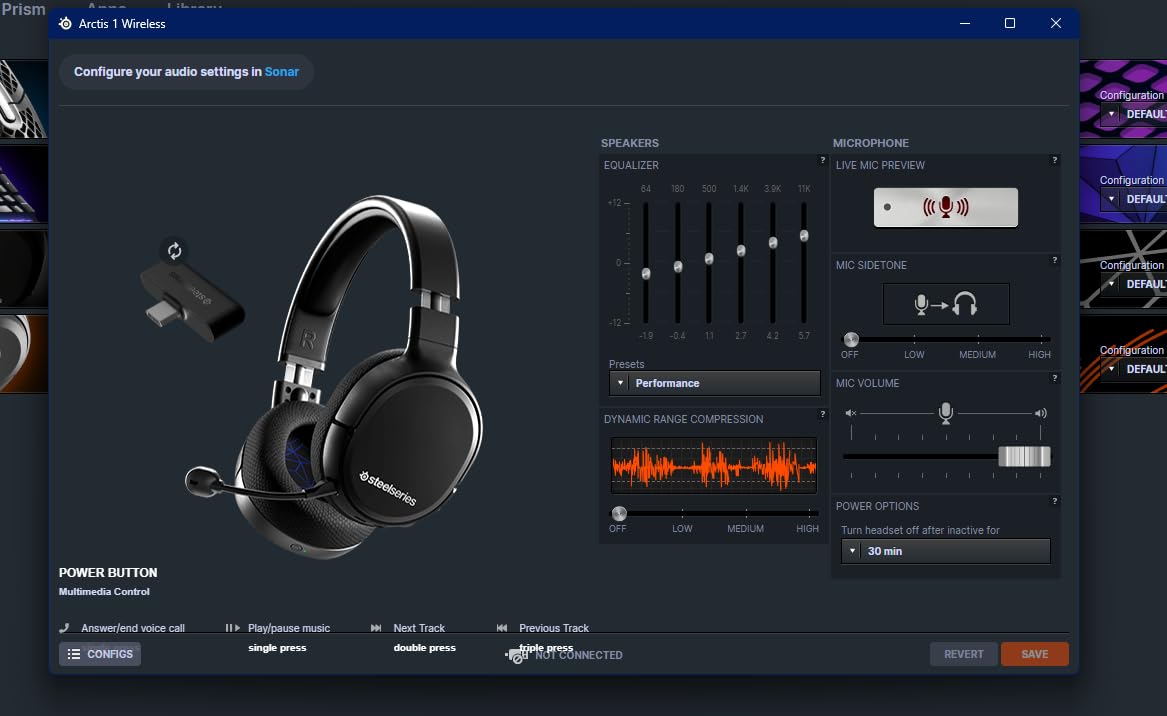
The 60-hour battery life with USB-C Fast Charge is competitive. A 15-minute charge provides about 3 hours of playtime. The Quick-Switch feature lets you toggle between 2.4GHz and Bluetooth with a button press. I used it for game audio on PC and music on my phone simultaneously without issues.
The Sonar software from SteelSeries is one of the best audio customization tools available. It provides multi-channel audio mixing, letting you adjust game audio, chat, browser, and music volumes independently. The 100-plus audio presets include game-specific profiles tuned by audio engineers.
The main downside is that the Sonar app requires account creation, which feels unnecessary for audio software. The USB-C dongle is also wider than typical USB drives and may block adjacent ports on laptops with tightly spaced USB ports. A USB extension cable would solve this, but one is not included.
Sonar Software Audio Customization
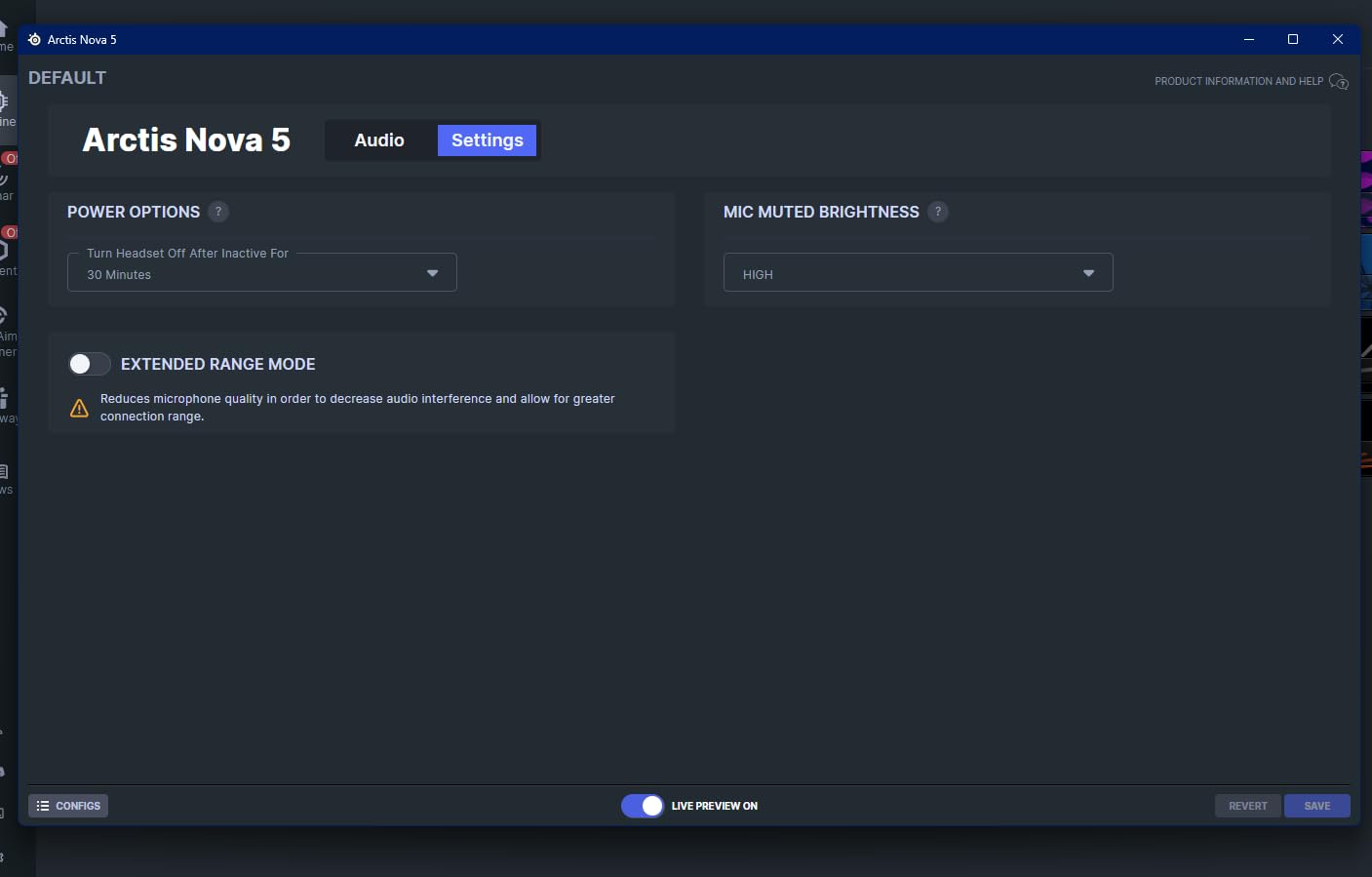
SteelSeries Sonar is a free audio application that works with any headset but is optimized for Arctis models. It provides a 10-band parametric EQ, spatial audio processing, and per-application volume control. The game-specific presets are genuinely useful. The Valorant preset, for example, boosts footstep frequencies while reducing ambient noise. Sonar also includes a microphone noise cancellation feature called ClearCast AI that effectively removes background noise from your mic input.
Cross-Platform Compatibility and Dongle Design
The USB-C Quick-Switch dongle works with PC, PS5, PS4, Nintendo Switch, Meta Quest, and mobile devices. The dongle handles both 2.4GHz wireless and Bluetooth switching. However, the dongle’s wide design can block adjacent USB-C ports on laptops. On desktop PCs with spaced-out ports, this is not an issue. The headset also connects directly via Bluetooth 5.3 for devices that support it, with a range of about 30 feet.
How to Choose the Best Gaming Headset Under $150
Choosing the right gaming headset involves balancing several factors. Here is what our team considers most important when evaluating gaming headsets under $150, based on our testing and community feedback from Reddit and gaming forums.
Sound Quality and Driver Size
Driver size matters, but it is not everything. Larger drivers like 53mm units in the HyperX Cloud series generally produce richer bass and a wider soundstage. However, driver tuning and enclosure design matter just as much. Razer’s TriForce 50mm drivers with titanium-coated diaphragms outperform some larger drivers through better engineering. Look for headsets with frequency response of at least 20Hz to 20,000Hz for full-range audio.
Comfort and Build Quality
Comfort is subjective but critical for long gaming sessions. Memory foam ear cushions are the gold standard. Look for breathable materials like velour or perforated leatherette if you game in warm environments. Aluminum frames last longer than plastic ones. The HyperX Cloud series and Cloud Alpha use aluminum frames that survive years of use. The Logitech G733’s suspension headband is worth considering if traditional headbands cause pressure points on your skull.
Wired vs Wireless Gaming Headsets
Wired headsets offer zero latency and unlimited playtime. They are ideal for competitive gaming where every millisecond counts. Wireless headsets provide freedom of movement and desk cleanliness but require charging. Modern 2.4GHz wireless technology has minimal latency that most gamers will not notice. If you play competitively at a high level, wired is still the safer choice. For everyone else, wireless is the way to go.
Microphone Quality
Microphone quality varies widely even at similar price points. Look for headsets with cardioid or noise-canceling microphones. The Logitech G733’s Blue VOCE processing and the Turtle Beach Stealth 600’s AI noise cancellation are standout performers. If you stream or create content, mic quality should be a top priority. For casual gaming chat, most headsets on this list will serve you well.
Platform Compatibility
Most wired headsets with 3.5mm connections work across PC, PlayStation, Xbox, and Switch. Wireless headsets are more platform-specific. Check whether the headset uses a USB dongle compatible with your console. The Turtle Beach Stealth 500 and 600 are optimized for PS5. The SteelSeries Arctis Nova 5 has the broadest cross-platform support via its USB-C dongle.
Battery Life for Wireless Models
Battery life ranges from 29 hours on the Logitech G733 to 120 hours on the HyperX Cloud III S Wireless. Consider your gaming habits when evaluating battery life. If you game for several hours daily, a headset with 60-plus hours means charging roughly once a week. Quick charge support is valuable for those moments when you forget to plug in overnight.
Surround Sound Explained
7.1 virtual surround sound processes stereo audio to simulate directional audio from multiple speakers. DTS Headphone:X is a more advanced spatial audio format that provides better positional accuracy. Neither is a replacement for true surround sound, but both improve immersion and competitive awareness. Some competitive players prefer stereo for its unprocessed accuracy. Try both modes and use whichever gives you better results.
Glasses Compatibility
Most gaming headsets are not designed with glasses wearers in mind. Over-ear designs with memory foam cushions can press glasses arms into your temples, causing discomfort after an hour or two. The Turtle Beach Stealth 600 addresses this with glasses-friendly cushion technology that channels create space for eyeglass frames. If you wear glasses, prioritize headsets with softer clamping force and glasses-specific features.
FAQs
What is a good affordable gaming headset?
The Razer BlackShark V2 X is the best affordable gaming headset at under $40. It offers TriForce Titanium 50mm drivers, 7.1 surround sound, and a lightweight 240g design. For slightly more, the HyperX Cloud II at around $60 provides 53mm drivers, an aluminum frame, and memory foam comfort with over 68,000 positive reviews.
What’s the best budget wireless gaming headset?
The Razer BlackShark V3 X HyperSpeed is the best budget wireless gaming headset under $150. It offers triple connectivity (2.4GHz, Bluetooth 5.3, USB), a 70-hour battery, and weighs only 270g. The Turtle Beach Stealth 500 is another strong option with 40-hour battery life and dual wireless connectivity.
What is the most reliable gaming headset under $150?
The HyperX Cloud II is the most reliable gaming headset under $150, backed by over 68,000 reviews and a 4.5-star rating. Its aluminum frame and durable construction have proven to last for years. The HyperX Cloud Alpha is another highly durable option with its aluminum frame and detachable braided cable design.
What is the best cheap 7.1 gaming headset?
The Razer BlackShark V2 X is the best cheap 7.1 gaming headset. For under $40, you get TriForce Titanium 50mm drivers with 7.1 surround sound on Windows 10. The FIFINE AmpliGame H13BP is another strong budget option with 7.1 surround sound and customizable RGB lighting at around $55.
Do gaming headsets work with consoles?
Yes, most gaming headsets work with consoles. Wired headsets with 3.5mm jacks work with PS5, Xbox Series X|S, and Nintendo Switch through the controller. Wireless headsets require a compatible USB dongle for each console. The SteelSeries Arctis Nova 5 and Turtle Beach Stealth 600 offer the broadest multi-platform wireless support.
How important is low latency for gaming headsets?
Low latency is critical for competitive gaming. Wired headsets have zero latency by nature. For wireless, 2.4GHz connections provide latency under 20ms, which is imperceptible for most gamers. Bluetooth has higher latency (100-200ms) and is not recommended for competitive gaming. Use 2.4GHz mode for gaming and Bluetooth for music or calls.
What features should I prioritize in budget gaming headsets?
Prioritize comfort, sound quality, and microphone clarity. Look for memory foam ear cushions, 50mm or larger drivers, and noise-canceling microphones. Wired vs wireless depends on your setup preference. Surround sound (7.1 or DTS) is a bonus for immersion but not essential. Build quality matters for long-term value, so consider aluminum frames over plastic.
Final Recommendations
After testing all 12 headsets, three stand out for different reasons. The HyperX Cloud II remains our editor’s choice for its unbeatable combination of comfort, durability, and sound quality at an incredible value. The Razer BlackShark V2 X is the best budget pick for gamers who want quality audio under $40. The SteelSeries Arctis Nova 5 is our premium pick for wireless gaming with its 60-hour battery and Sonar software.
For wireless gaming specifically, the HyperX Cloud III S Wireless offers the best battery life at 120 hours, while the Turtle Beach Stealth 600 is the best option for glasses wearers. The Logitech G733 Lightspeed wins for microphone quality thanks to Blue VOCE processing. Whatever your priorities, there is a quality gaming headset under $150 that will meet your needs in 2026.