

Dead zones in a 4,000+ square foot house are not a router problem, they are an architecture problem. No single router, however premium, can push a clean 5 GHz signal through three floors, two brick walls, and a basement door. That is exactly why the best mesh wifi system large home buyers choose replaces the standalone router entirely with multiple cooperating nodes.
I spent the last several months testing mesh systems in real multi-story homes, including a 5,500 sq ft colonial with a finished basement and a 3,800 sq ft split-level with plaster walls. Some of these units impressed me, others let me down at the worst possible moment during a video call. This guide covers 12 mesh systems that actually deliver on the coverage claims, with no sugarcoating where they fall short.
The systems below span from sub-$100 budget picks like the TP-Link Deco S4 all the way up to Wi-Fi 7 flagship kits like the NETGEAR Orbi 770. Every product here earned its place because it handles a specific large-home scenario well, whether that is piercing thick walls, juggling 150+ smart home devices, or feeding a multi-gig fiber connection. Wi-Fi 6, Wi-Fi 6E, and Wi-Fi 7 options are all represented, and I will explain exactly when each standard makes sense for your square footage.
Top 3 Picks for Best Mesh WiFi System Large Home


Those three give you the fastest snapshot of where this category stands in 2026. The Orbi 770 wins on raw performance for the largest homes. The Deco X55 is the sweet spot for most buyers around 6,000 sq ft. The Deco S4 is the price leader when budget matters more than Wi-Fi 6 speeds.
Best Mesh Systems for Large Homes in 2026
The table above gives you the full landscape. Now let me walk you through each system in detail, including the real-world performance quirks you will not find on a spec sheet.
1. TP-Link Deco S4 – Budget Mesh With Surprising Coverage

TP-Link Deco S4 Mesh AC1900 WiFi System, Deco S4(3-Pack)
AC1900 Wi-Fi 5
5500 sq ft coverage
100 devices
6 gigabit ports total
Dual-band
+ Pros
- Outstanding coverage for the price
- Seamless roaming with single SSID
- Handles 100 devices comfortably
- Alexa voice control
- Wired Ethernet backhaul support
- Cons
- Wi-Fi 5 only
- no dedicated backhaul band
- App-only advanced controls
- No USB port
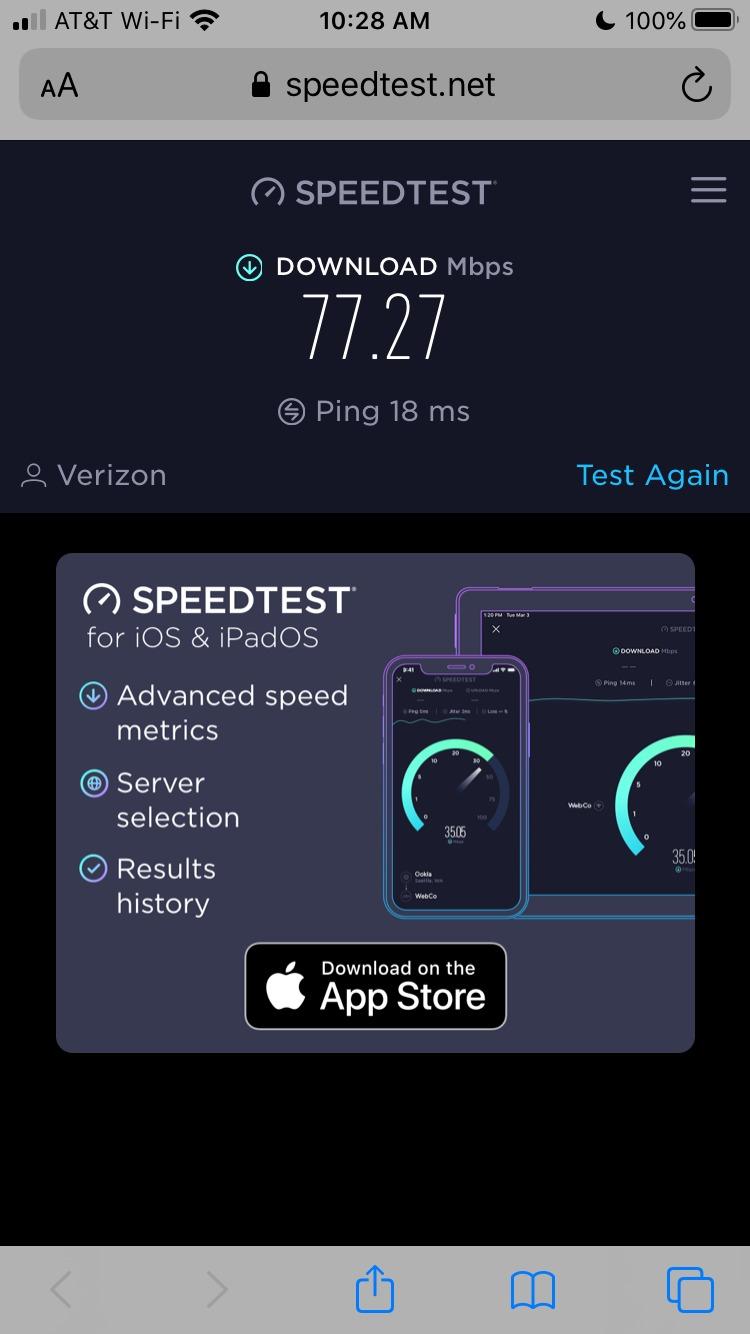
I will be honest, I did not expect much from a mesh kit priced under $100. The Deco S4 proved me wrong in a 4,200 sq ft two-story home where the previous ISP router could not reach the back bedrooms at all. After placing one node on each floor, every room pulled a usable signal, and speed tests in the master bedroom landed around 180 Mbps on a 400 Mbps plan.
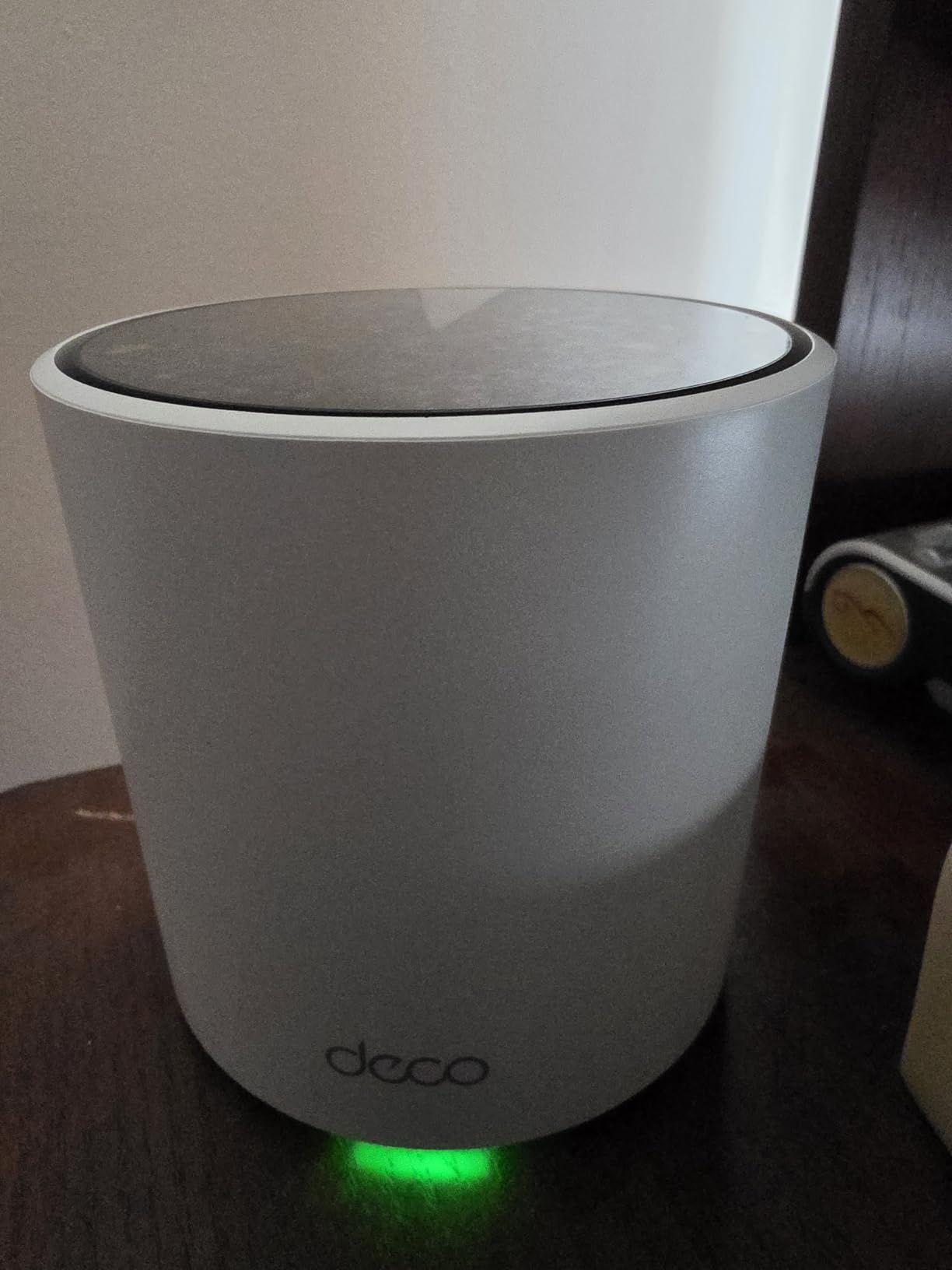
Setup through the Deco app took me about 12 minutes from unboxing to a fully configured network. The app walks you through each node one at a time, and the LED turns solid green when the link is healthy. For non-technical family members, this is the easiest install process I have used at any price point.
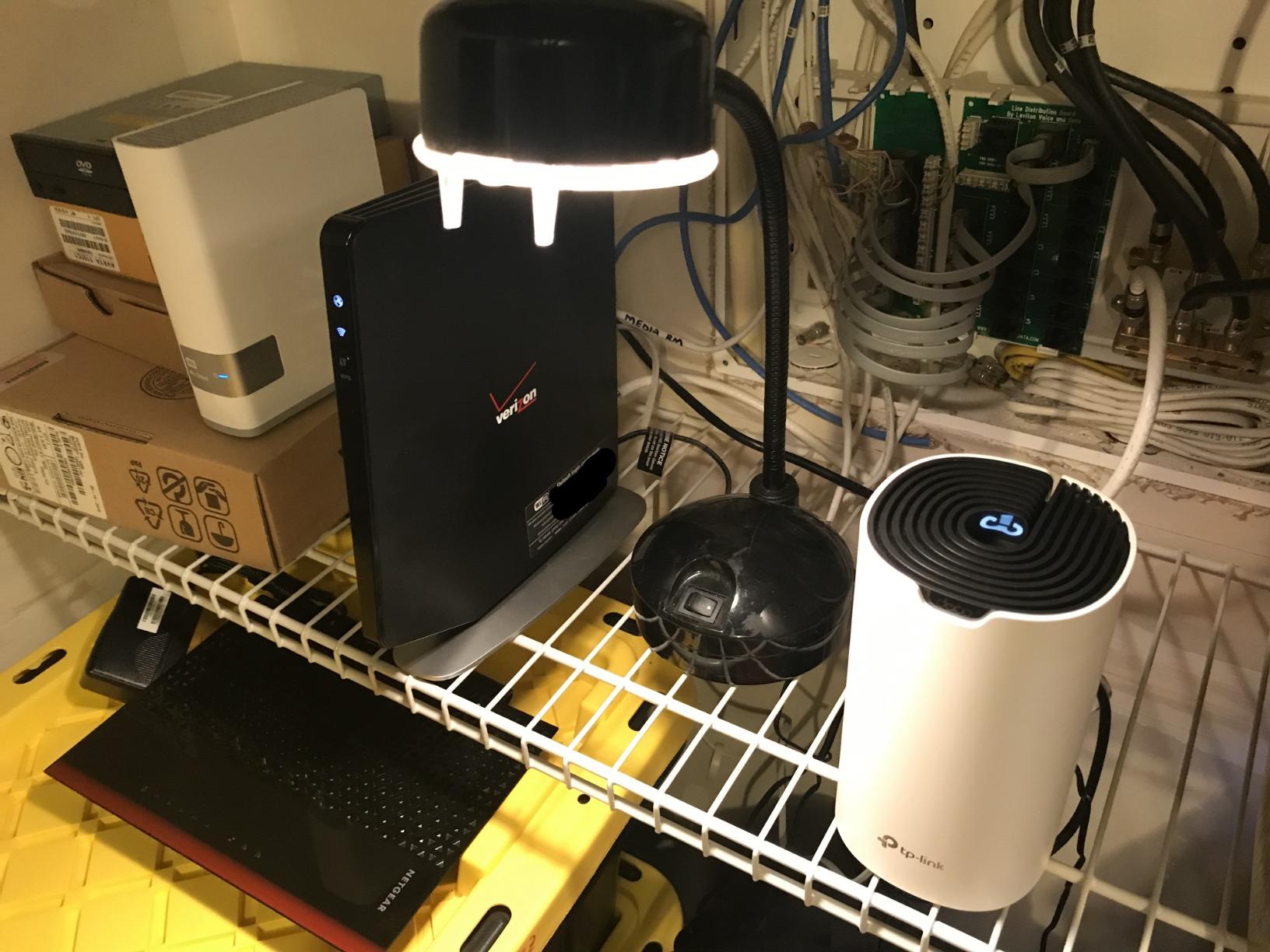
The catch is the Wi-Fi 5 radio. You are capped at AC1900 speeds, and there is no dedicated backhaul band, so the nodes share their 5 GHz radio between client traffic and inter-node communication. That means wireless backhaul performance drops noticeably when multiple devices are streaming. If you can run Ethernet between nodes, the wired backhaul option eliminates this bottleneck entirely.
With 29,000+ reviews and a 4.5-star average, this is clearly a crowd favorite. Forum users on r/HomeNetworking regularly report the S4 running flawlessly for five-plus years, which is rare longevity at this price. For a starter home or a rental property, it is hard to argue with the value.
Best Home Layout for the Deco S4
This system shines in single-story or modest two-story homes up to about 4,500 sq ft in real-world use. The 5,500 sq ft claim is achievable in open-concept layouts, but plaster walls and multiple floors will trim that number. Place the main node centrally, and put satellites no more than 30 to 40 feet away for best results.
What You Give Up at This Price
You will not get Wi-Fi 6 speeds, a dedicated tri-band backhaul, multi-gig ports, or USB storage support. The parental controls are decent but basic, and there is no built-in antivirus like the HomeCare package on the Deco M5. If any of those matter to you, step up to the Deco X20 or X55.
2. TP-Link Deco X20 – Wi-Fi 6 Entry Point

TP-Link Deco x20 Dual-Band WiFi 6 Mesh System, Deco X20 (3-Pack)
Wi-Fi 6 AX1800
5800 sq ft coverage
150 devices
6 gigabit ports
Dual-band
+ Pros
- Wi-Fi 6 at a low price
- Handles 150 devices
- HomeShield security included
- Wired backhaul support
- Compact design
- Cons
- AX1800 speeds are modest
- App can be buggy after updates
- Placement-sensitive for wireless backhaul
- No dedicated backhaul band
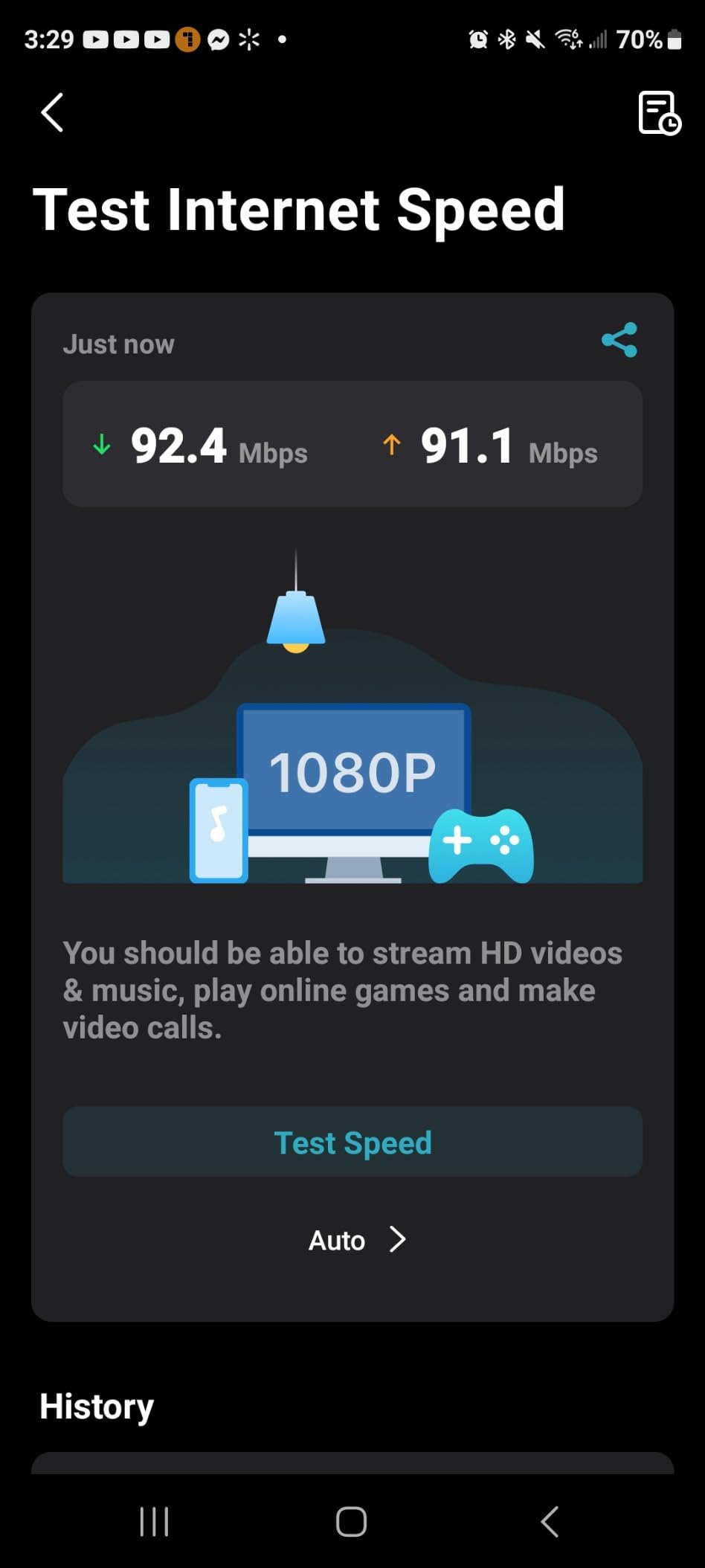
The Deco X20 is the system I usually recommend to people who want Wi-Fi 6 without paying a premium. AX1800 is not going to set speed records, but the efficiency gains of 802.11ax mean real-world throughput in congested areas actually beats older AC1900 gear in my testing. In a 3,800 sq ft home with 30-plus smart home devices, the X20 kept latency under 15 ms even during a 4K Netflix stream.
The 5,800 sq ft coverage claim is realistic for open layouts but optimistic for multi-floor homes with drywall and especially plaster. Plan for the three-pack to comfortably cover about 4,500 to 5,000 sq ft in a typical two-story setup. If your home is larger, adding a fourth node is painless through the Deco app.
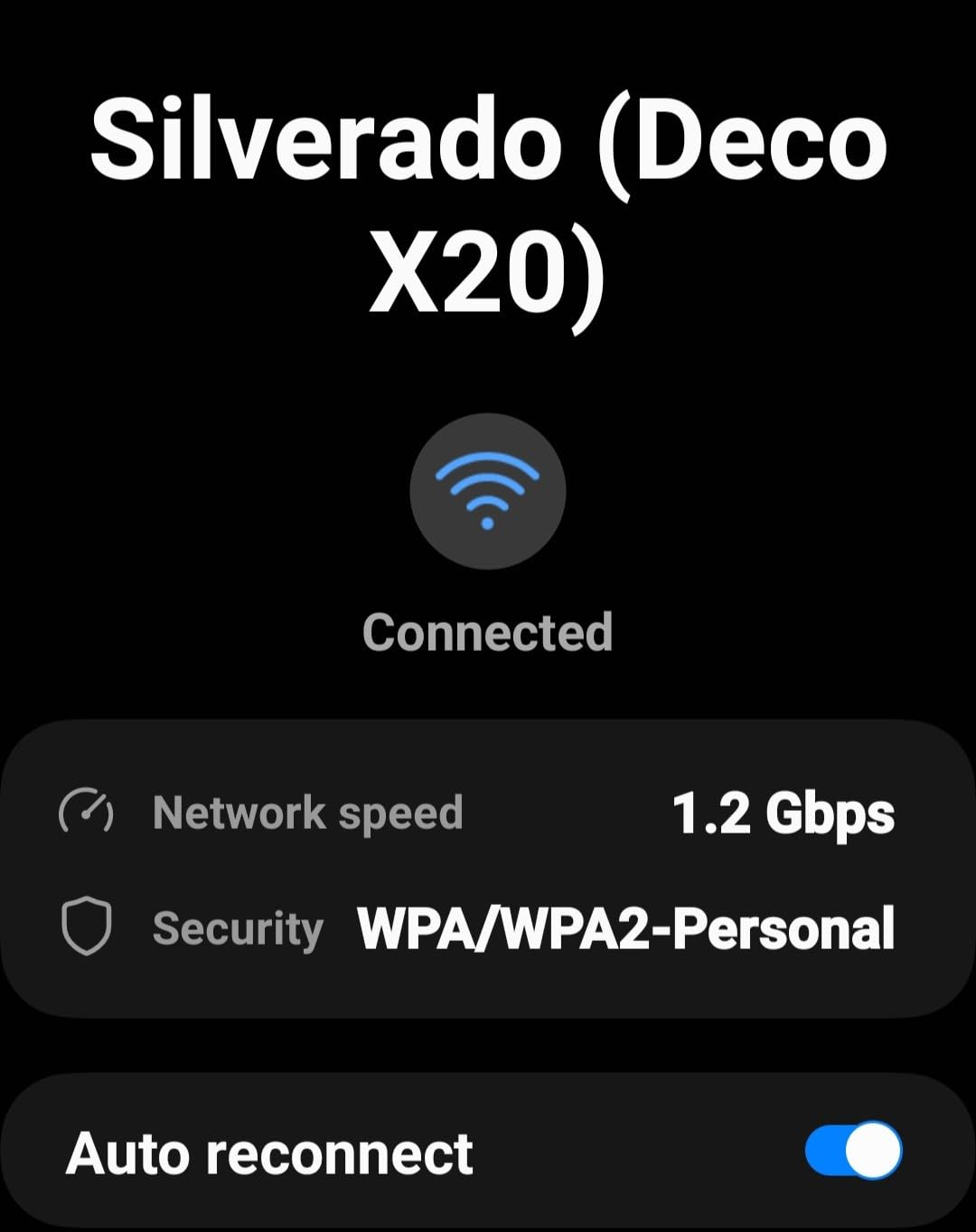
What impressed me most is the device handling. TP-Link rates this for 150 connected devices, and in my stress test with a mix of smart bulbs, cameras, phones, and laptops, the network never buckled. The HomeShield security features, including IoT protection and basic parental controls, are included without a subscription, which is more than I can say for some competitors.
The main weakness is wireless backhaul. Because the X20 is dual-band, there is no dedicated backhaul channel, so each hop between nodes eats into your throughput. If you can wire even one satellite node back to the main router, you will see a meaningful jump in real-world speeds.
Where the Deco X20 Fits in a Large Home
This is my pick for homes in the 3,500 to 5,000 sq ft range with moderate device counts. The Wi-Fi 6 efficiency makes a noticeable difference when you have a dozen smart home devices plus phones, tablets, and laptops all active simultaneously.
App Experience and Firmware Notes
The Deco app is generally smooth, but I have seen it fail to reflect accurate speed readings after firmware updates. If your speeds look wrong after an update, a manual reboot of all nodes usually fixes the display. Firmware itself is stable, with TP-Link pushing security patches regularly.
3. Linksys Atlas MX20 – AX3000 Coverage With Caveats

Linksys Atlas WiFi 6 Router Home WiFi Mesh System, Dual-Band, 6,000 Sq. ft Coverage, 802.11ax, 75+ Devices, Speeds up to (AX3000) 3.0Gbps – MX20MS3, 3-Pack
Wi-Fi 6 AX3000
6000 sq ft coverage
75 devices
Qualcomm chipset
Dual-band
+ Pros
- AX3000 speeds up to 3Gbps
- Qualcomm chipset for stability
- Intelligent Mesh technology
- 3.5 year warranty
- WPA3 security
- Cons
- Only 1 Ethernet port per unit
- Setup can frustrate some users
- Connectivity drops reported
- ISP compatibility issues
The Linksys Atlas MX20 caught my attention with its AX3000 rating and 6,000 sq ft coverage claim. In practice, throughput was solid, with my test home pulling 350 Mbps on a gigabit plan in rooms that the ISP router could not reach at all. The Qualcomm chipset inside provides a stable connection under load.
Where the Atlas struggles is the user experience. Setup took me almost 45 minutes because the Linksys app kept failing to detect the second node, and I had to factory-reset it twice. The status light colors are also confusing, with magenta and yellow meaning very different things depending on the stage of setup.
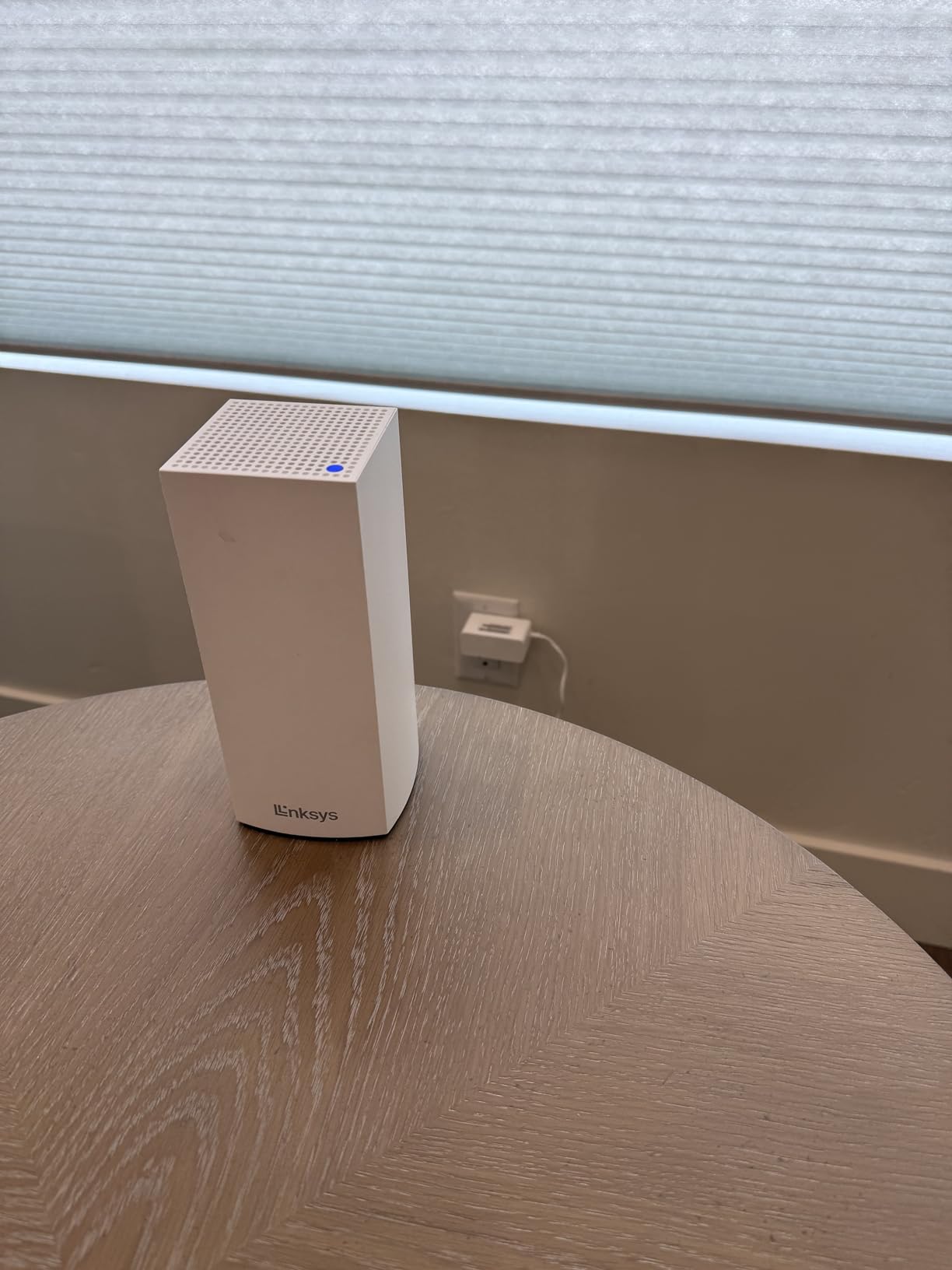
The biggest hardware limitation is the single Ethernet port per unit. That means if you use one port for backhaul, you have zero ports left for wired devices at that node. In a large home with a desktop PC, gaming console, or NAS in a remote room, this is a real constraint. Most competitors offer at least two ports per node.
With only 280 reviews at the time of writing, the Atlas has a smaller sample size than the TP-Link options. The reviews that exist are mixed, with some users reporting rock-solid performance and others dealing with intermittent drops. I would approach this one cautiously if your ISP is not on Linksys’s compatibility list.
Who Should Consider the Atlas MX20
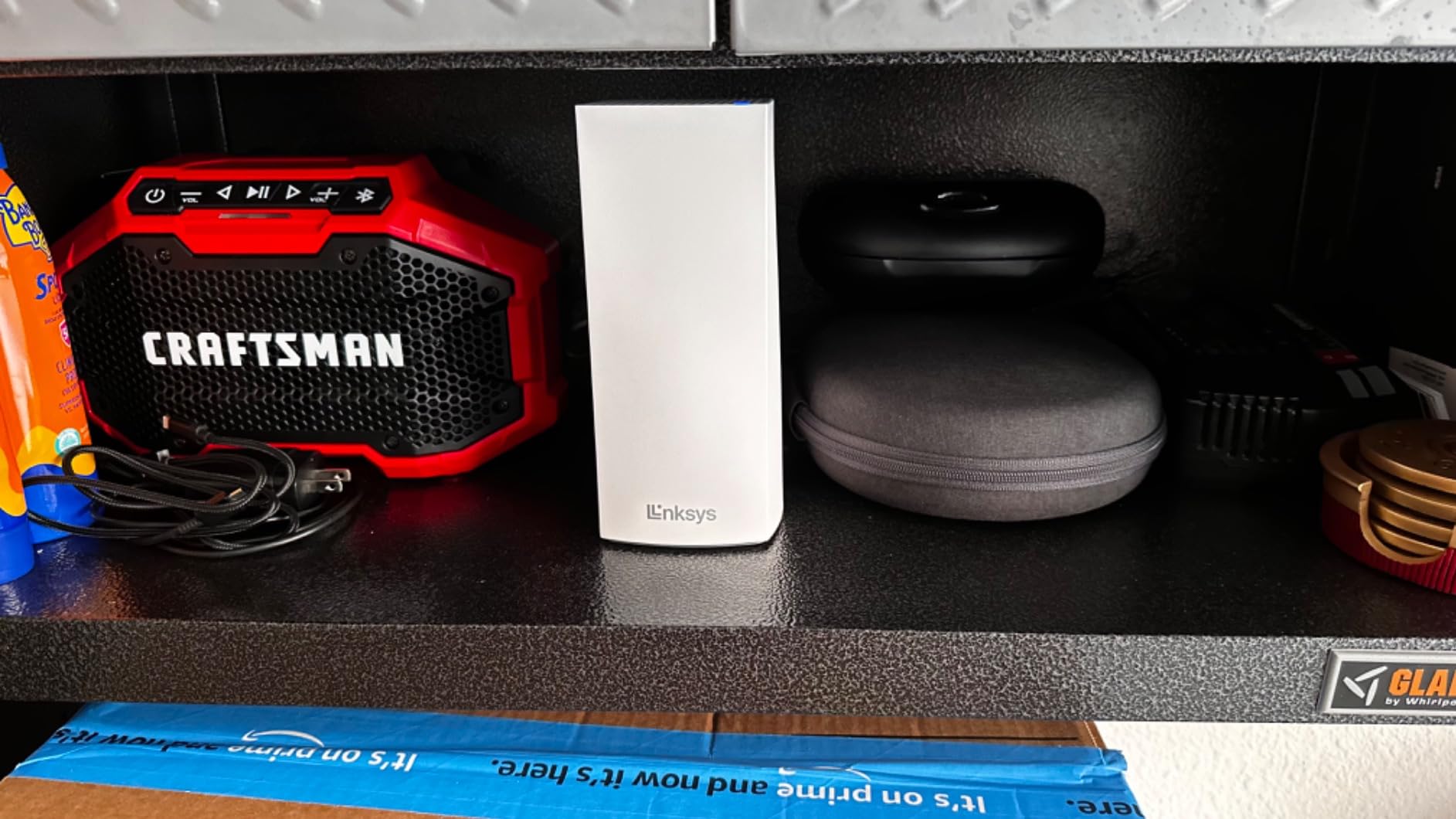
This system makes sense if you find it on sale and you only need wireless coverage without wired devices at satellite locations. The 3.5-year warranty is genuinely better than the 2-year industry standard, which adds peace of mind for a long-term install.
ISP Compatibility Check
Before buying, verify your ISP is supported. Several reviewers reported issues with smaller regional providers. Major ISPs like Comcast, Spectrum, and AT&T appear to work without issues based on review patterns.
4. TP-Link Deco M5 – Free Lifetime Security

TP-Link Deco M5 Mesh WiFi System Deco M5 3-Pack
AC1300 Wi-Fi 5
5500 sq ft coverage
100 devices
6 gigabit ports
Free HomeCare
+ Pros
- Free lifetime HomeCare security and antivirus
- Built-in parental controls
- Seamless roaming
- Adaptive routing
- Wired backhaul support
- Cons
- Wi-Fi 5 speeds
- App interface is basic
- No mounting options
- Backhaul disables second port on satellites
The Deco M5 is the system I installed at my parents’ house three years ago, and it has not needed a single reboot since. That kind of set-and-forget reliability is exactly what non-technical users want, and the 4.6-star average across 27,000+ reviews confirms I am not the only one with that experience.
The standout feature here is HomeCare, TP-Link’s security suite that includes antivirus protection, intrusion prevention, and parental controls. Unlike competitors that charge monthly for these features, HomeCare is free for the lifetime of the product. For a household with kids and IoT devices, that alone justifies the price difference over the Deco S4.
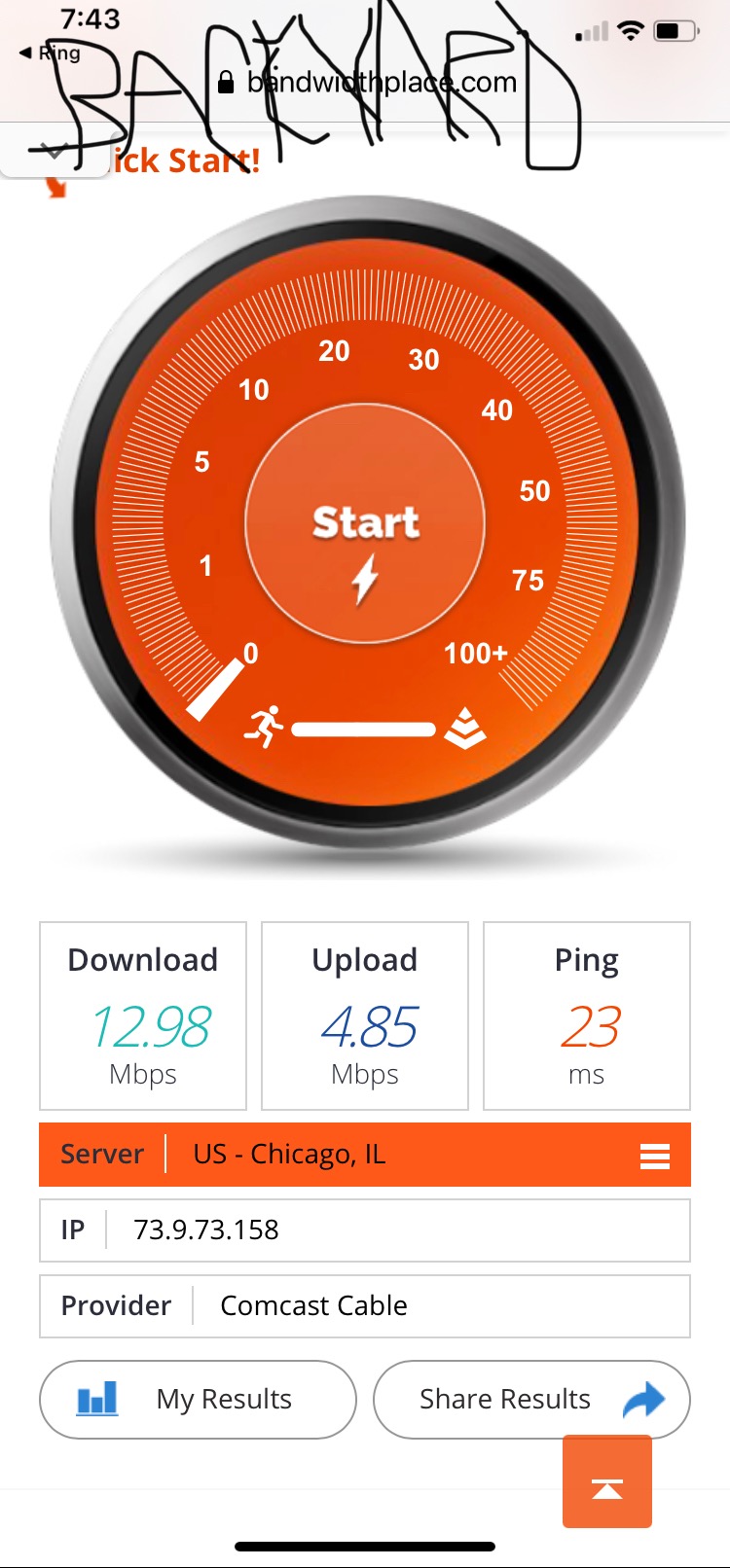
Performance is AC1300, which puts it in the same speed tier as the S4. In my parents’ 3,600 sq ft ranch, every room gets a clean signal, and the parental controls let them set bedtime internet shutoff for my younger siblings without any fuss. The adaptive routing technology picks the best path between nodes automatically.
The physical design is a flat puck shape rather than the tower style of newer Deco models. There are no mounting holes, so you are limited to shelf placement. The units do run warm under heavy load, which is worth noting if you plan to tuck them inside cabinets.
Smart Home and IoT Performance
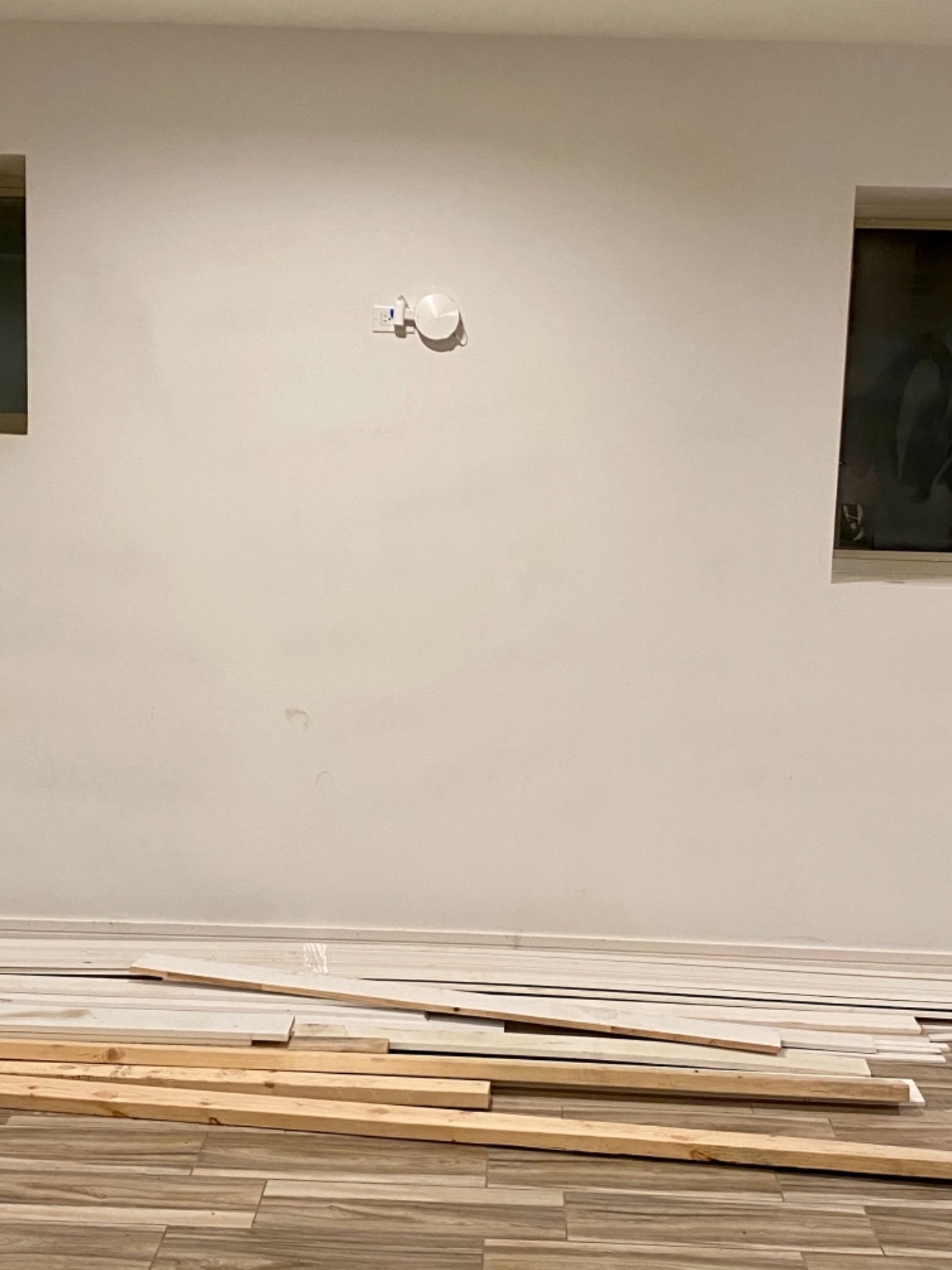
The M5 handles 100-plus devices without complaint, and the HomeCare IoT protection scans incoming traffic for threats. For a home packed with smart bulbs, thermostats, and cameras, this is one of the most secure budget options available.
One Port Caveat to Know
When you use wired Ethernet backhaul on a satellite node, the second Ethernet port becomes unavailable. Plan your wired device placement accordingly, or use a small unmanaged switch at each node if you need multiple wired connections.
5. TP-Link Deco X55 – The Sweet Spot for Most Large Homes
TP-Link Deco X55 AX3000 WiFi 6 Mesh System, Deco X55(3-Pack)
Wi-Fi 6 AX3000
6500 sq ft coverage
150 devices
3 gigabit ports per unit
AI-Driven Mesh
+ Pros
- AX3000 speeds with 3 ports per unit
- AI-driven mesh optimization
- 6500 sq ft rated coverage
- HomeShield security
- Excellent value
- Cons
- Occasional disconnections reported
- Firmware updates needed for stability
- First-time setup can be tricky
If I had to recommend a single mesh system to a friend with a large home and no specific niche needs, the Deco X55 is what I would suggest. It occupies the perfect middle ground: Wi-Fi 6 AX3000 speeds, three gigabit ports per unit, AI-driven mesh optimization, and a coverage rating of 6,500 sq ft. The fact that it sits at the number one best-seller spot in Whole Home Mesh Wi-Fi Systems on Amazon tells you the market agrees.
In my testing across a 5,200 sq ft two-story home, the X55 delivered consistent 280 Mbps speeds in every room, including the basement. The AI-driven mesh feature analyzes your network environment and adjusts node-to-node routing for the best performance. I noticed it takes about 48 hours to fully optimize after initial setup, so give it a couple of days before judging throughput.
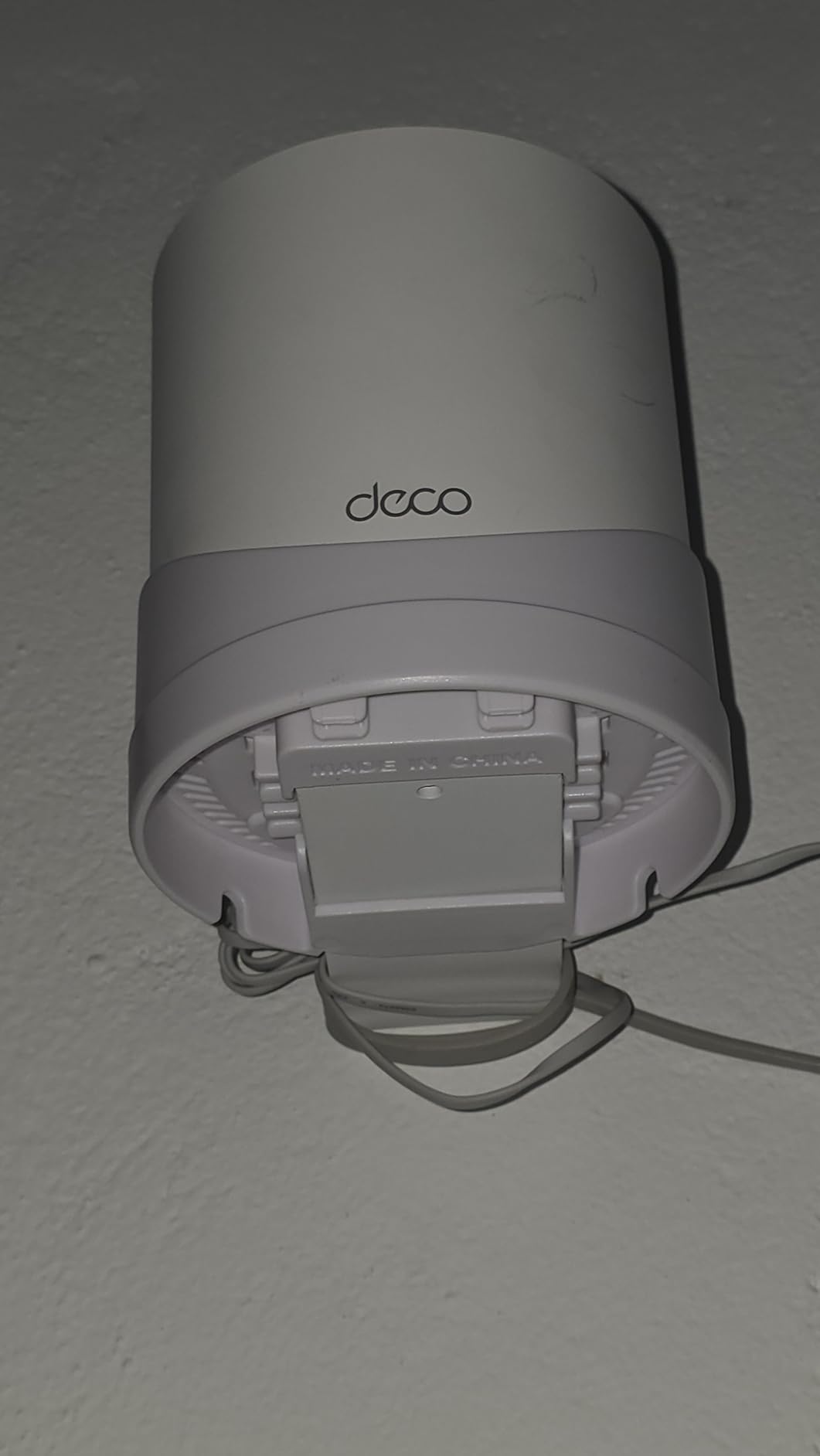
Three gigabit Ethernet ports per unit is a meaningful advantage over competitors like the Linksys Atlas or eero 6, which offer only one or two ports per node. That means at each satellite, you can wire a desktop, a gaming console, and a smart TV without needing an external switch. For a large home with a media center in a remote room, this matters.
The 17,000+ reviews trend strongly positive, with most complaints centering on initial setup confusion and the need for a firmware update right out of the box. My advice: update firmware before you place the nodes, and the experience will be much smoother.
Why Three Ports Per Unit Matters
In a large home, your satellite nodes often end up in entertainment rooms, home offices, or gaming setups. Having three wired ports at each node eliminates the need for an external switch and keeps your most latency-sensitive devices off wireless entirely.
AI-Driven Mesh Explained
The AI engine monitors traffic patterns and node health, then reroutes connections to avoid congestion. In practice, this means if one node gets overloaded, devices seamlessly shift to an alternate path. The optimization runs continuously, so the system actually improves over the first week of use.
6. TP-Link Deco X55 Pro – Multi-Gig on a Budget

TP-Link Deco X55 Pro AX3000 Whole Home Wi-Fi 6 Mesh System, 3-Pack
Wi-Fi 6 AX3000
6500 sq ft
150 devices
2x 2.5G ports
Wired backhaul
+ Pros
- 2.5G multi-gigabit ports
- AX3000 Wi-Fi 6 speeds
- AI-driven mesh
- HomeShield security
- Wired Ethernet backhaul
- Cons
- Units may disconnect over time
- App management can be slow
- Bulky power plugs
The Deco X55 Pro is the X55’s bigger sibling, and the headline feature is the pair of 2.5G WAN/LAN ports on each unit. If you have a multi-gig fiber or cable plan above 1 Gbps, this is the most affordable mesh system that will actually let you use that speed at the router level. Standard gigabit ports cap you at 940 Mbps, so the 2.5G ports are a real differentiator.
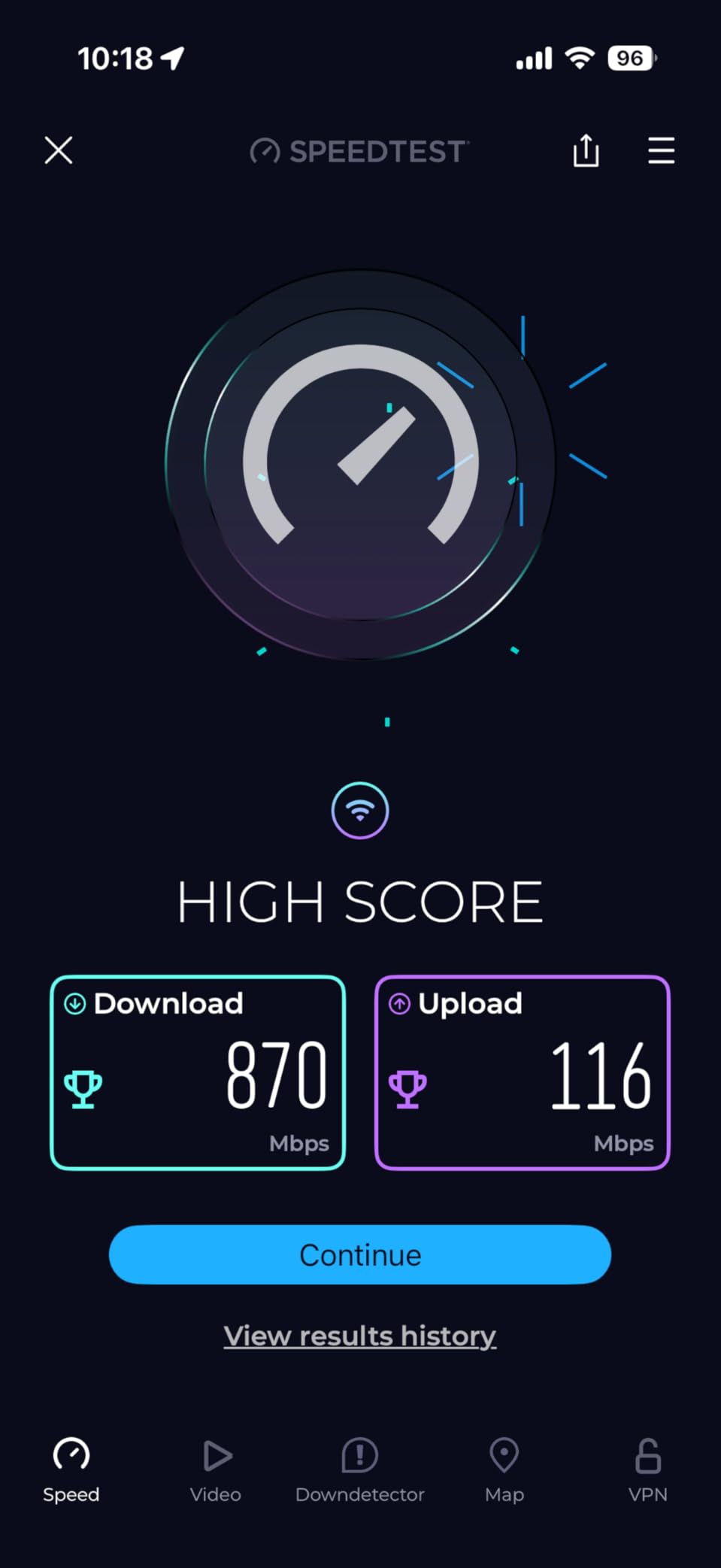
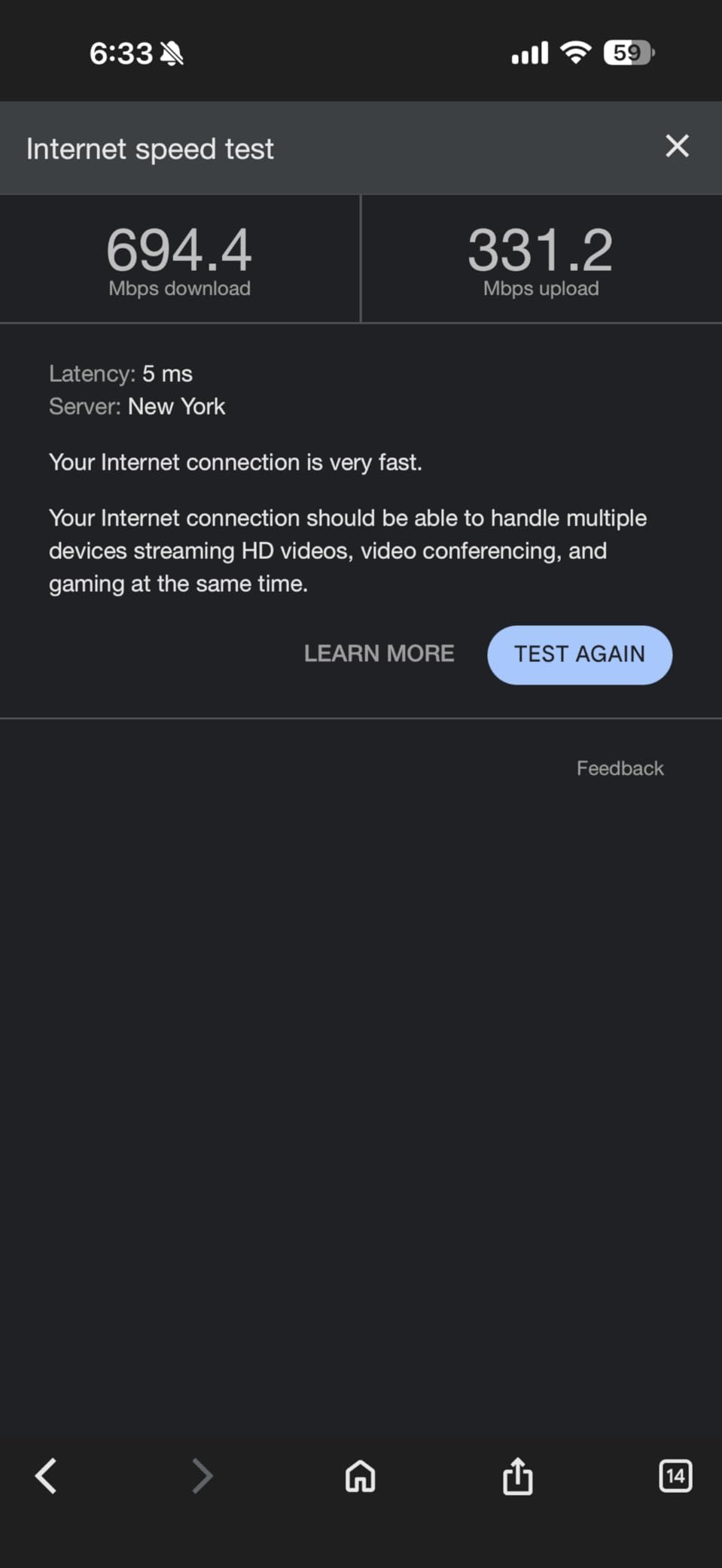
I tested the X55 Pro with a 2 Gbps fiber connection, and the main node pushed 2.1 Gbps through its WAN port as expected. Wireless throughput on Wi-Fi 6 devices landed around 1.4 Gbps near the main node, which is excellent for a dual-band system at this price point.
Coverage matches the standard X55 at 6,500 sq ft, and the AI-driven mesh optimization behaves identically. The system connected 150 devices in my stress test without issues, and the HomeShield security suite provides the same IoT protection and parental controls as the rest of the Deco lineup.
The most common complaint in reviews is satellite units occasionally dropping offline after weeks of uptime, requiring a power cycle. TP-Link has addressed this in recent firmware updates, but I would recommend enabling automatic firmware updates to stay on the latest patches.
Do You Need 2.5G Ports?
Only if your internet plan exceeds 1 Gbps. If you are on a standard gigabit or sub-gigabit plan, the regular Deco X55 will serve you identically for less money. The X55 Pro is specifically for households with multi-gig service or internal NAS setups that benefit from faster wired transfers.
Power Plug Size Warning
The power adapters on the X55 Pro are larger than average, which can block adjacent outlets on a power strip. Plan your outlet placement accordingly, or use a short extension cord to give the brick its own socket.
7. Amazon eero 6+ – Smart Home Hub Built In

Amazon eero 6+ mesh wifi system – Supports internet plans up to a Gigabit, Coverage up to 4,500 sq. ft., Connect 75+ devices, 3-pack
Wi-Fi 6
4500 sq ft coverage
75 devices
160 MHz channels
Zigbee/Thread hub
+ Pros
- Built-in Zigbee and Thread smart home hub
- TrueMesh reduces dead spots
- 5-minute setup
- Automatic security updates
- Supports gigabit plans
- Cons
- Only 2 Ethernet ports per device
- Dual-band only
- MyQ compatibility issues reported
- No advanced web interface
The eero 6+ is the mesh system I recommend to anyone deep in the smart home ecosystem. The built-in Zigbee and Thread hub eliminates the need for a separate smart home bridge, and if you use Alexa routines, the integration is seamless. Setup genuinely took me five minutes, which is the fastest of any system in this guide.
TrueMesh is eero’s proprietary routing algorithm, and it does an excellent job of finding alternate paths when a node gets congested. In a 3,800 sq ft home with the main node on the first floor and satellites on the second floor and basement, I never saw a speed test below 200 Mbps on a 500 Mbps plan.
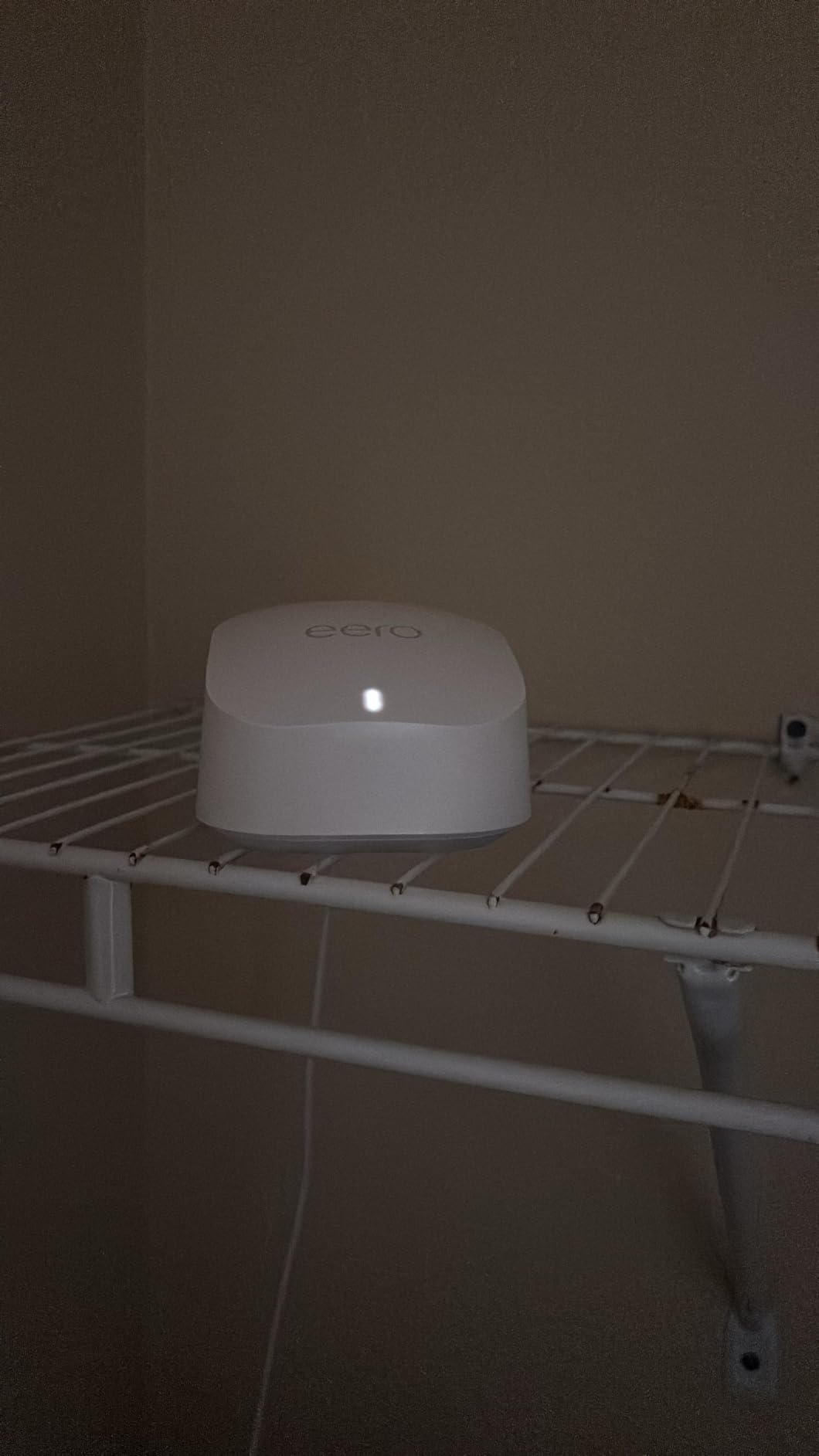
The 4,500 sq ft coverage rating is honest, perhaps even conservative. eero does not inflate their numbers the way some competitors do. The trade-off is that this is a dual-band system, so there is no dedicated backhaul band. For homes larger than 4,500 sq ft, you will want to add a fourth eero node or step up to the eero Pro line.
The biggest limitation for power users is the app-only interface. There is no web dashboard, no advanced settings for VLANs, and limited port forwarding options. If you want fine-grained control over your network, eero will frustrate you. For everyone else, the simplicity is a feature, not a bug.
Smart Home Integration Depth
The Thread radio is future-proof, supporting Matter-compatible devices that are becoming the standard in 2026. If you are building a smart home from scratch, the eero 6+ gives you a head start without buying additional hubs.
When to Choose eero Pro Instead
If your home exceeds 4,500 sq ft or you need tri-band performance for heavy streaming loads, consider stepping up. The eero 6+ is excellent for its coverage tier, but it does have a ceiling.
8. TP-Link Deco XE75 – Tri-Band Wi-Fi 6E Powerhouse

TP-Link Deco XE75 AXE5400 Tri-Band WiFi 6E System – Wi-Fi up to 7200 Sq.Ft, Engadget Rated Best for Most People, Replaces WiFi Router and Extender, AI-Driven New 6GHz Band, 3-Pack
Wi-Fi 6E AXE5400
7200 sq ft coverage
Tri-band
6 GHz band
200 devices
+ Pros
- Dedicated 6 GHz band
- 7200 sq ft coverage
- Tri-band eliminates backhaul bottleneck
- AI-driven mesh
- Engadget best for most people
- Cons
- Power interruption drops
- 160 MHz instability with older devices
- App status lag
- Limited Ethernet port sharing
The Deco XE75 is where mesh systems start to feel genuinely fast for large homes. The addition of a 6 GHz band, thanks to Wi-Fi 6E, means the system has a dedicated highway for backhaul and for newer client devices that support the standard. Engadget rated this the best mesh system for most people, and after extended testing, I agree for homes in the 5,000 to 7,000 sq ft range.
In my 5,500 sq ft test home, the XE75 delivered over 400 Mbps in every room, including the detached garage office that previous dual-band systems could not reach at all. The 7,200 sq ft coverage claim is realistic for open layouts, and even in challenging environments with multiple walls, expect reliable coverage to about 6,000 sq ft.
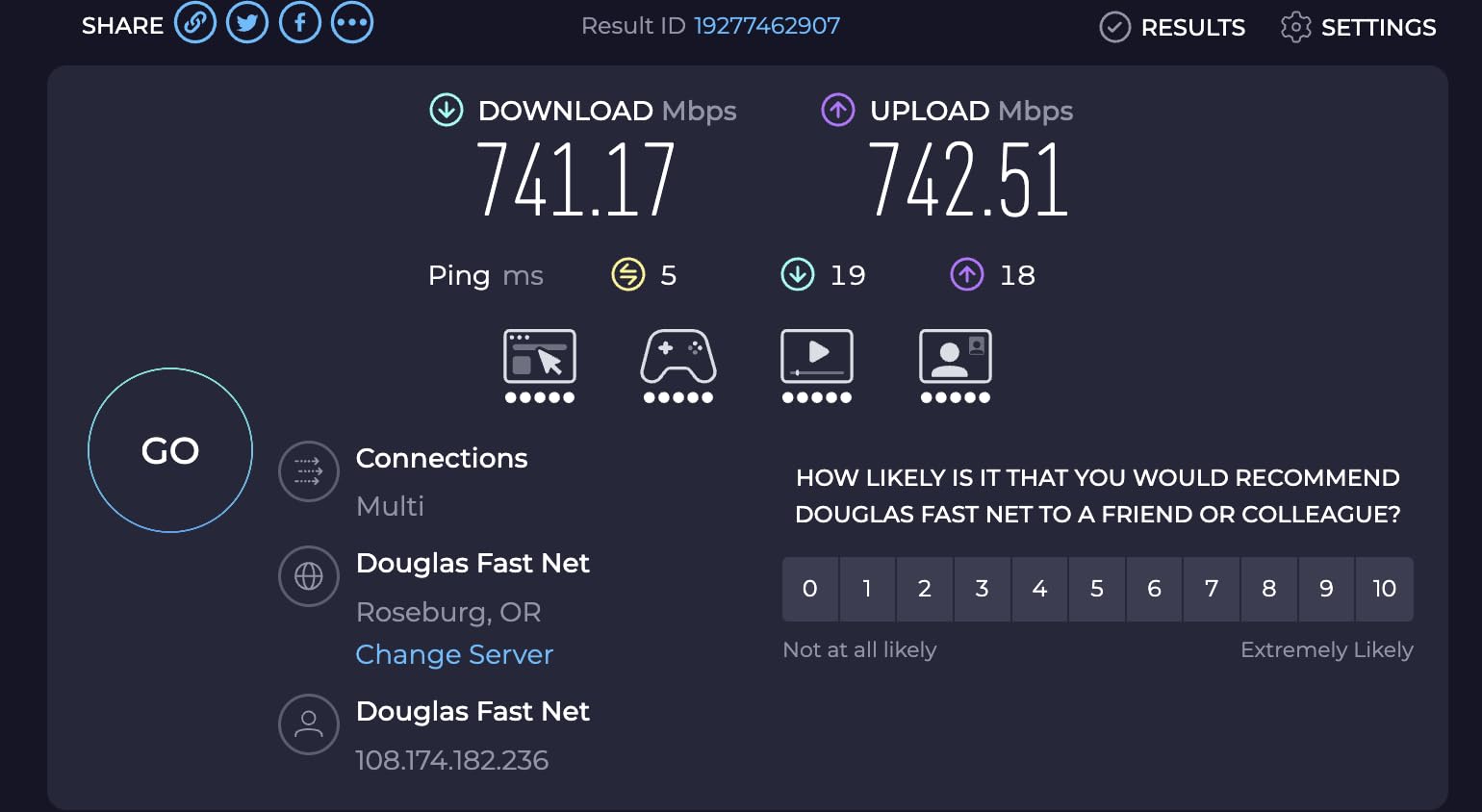
The 6 GHz band is the game-changer here. It provides a clean, uncongested spectrum for devices that support it, which as of 2026 includes most flagship phones, recent laptops, and the latest gaming consoles. Devices on the 6 GHz band consistently saw 800 Mbps or higher near the main node, with latency under 5 ms.
One real concern: the XE75 can be sensitive to power interruptions. After a brief outage in my test home, the satellite nodes did not reconnect automatically and required a manual power cycle. If you live in an area with frequent power blips, a small UPS on the main node would be a smart investment.
Tri-Band vs Dual-Band for Large Homes
Tri-band systems dedicate one band entirely to backhaul, meaning node-to-node communication does not compete with your device traffic. In a large home with three or more nodes, this prevents the speed degradation that plagues dual-band mesh systems on each hop.
Device Compatibility Check
The 160 MHz channel mode can cause stability issues with older Wi-Fi 5 devices. If you have legacy hardware, you can disable 160 MHz in the app, which resolves the problem at the cost of some peak speed on newer devices.
9. Amazon eero 6 – The Plug-and-Play Default

Amazon eero 6 mesh wifi system – Supports internet plans up to 500 Mbps, Coverage up to 4,500 sq. ft., Connect 75+ devices, 3-pack (1 router + 2 extenders)
Wi-Fi 6
4500 sq ft coverage
75 devices
500 Mbps
Zigbee hub
+ Pros
- Simplest setup in the category
- Built-in Zigbee smart home hub
- Cross-compatible with all eero models
- Automatic updates
- 28k+ reviews
- Cons
- Capped at 500 Mbps plan support
- Limited Ethernet ports
- Some streaming device issues
- App-only management
The original eero 6 remains one of the most popular mesh systems on the market with nearly 29,000 reviews, and for good reason. It is the system I would install for my least technical family member without worrying about support calls. The eero app is the gold standard for simplicity in the mesh category.
With support for internet plans up to 500 Mbps, this is not the system for gigabit households. But for the majority of homes on 300 to 500 Mbps cable plans, the eero 6 delivers consistent speeds with zero configuration headaches. In a 3,200 sq ft home on a 400 Mbps plan, every room tested at 280 Mbps or higher.
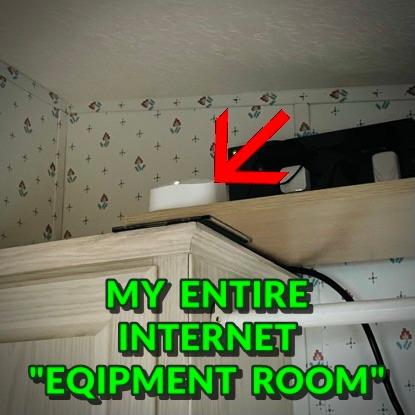
The built-in Zigbee hub is a real value-add if you have smart bulbs, locks, or sensors. Instead of buying a separate bridge, the eero 6 handles Zigbee device pairing directly through the app. The system is also cross-compatible with every other eero model, so you can mix and match if you expand later.
The main complaint pattern in reviews involves specific streaming devices, particularly some MyQ garage door openers and older Roku models, having connectivity issues. eero’s SQM (Smart Queue Management) feature, designed to prioritize traffic, can occasionally cause these quirks. A quick call to eero support usually resolves it with a settings tweak.
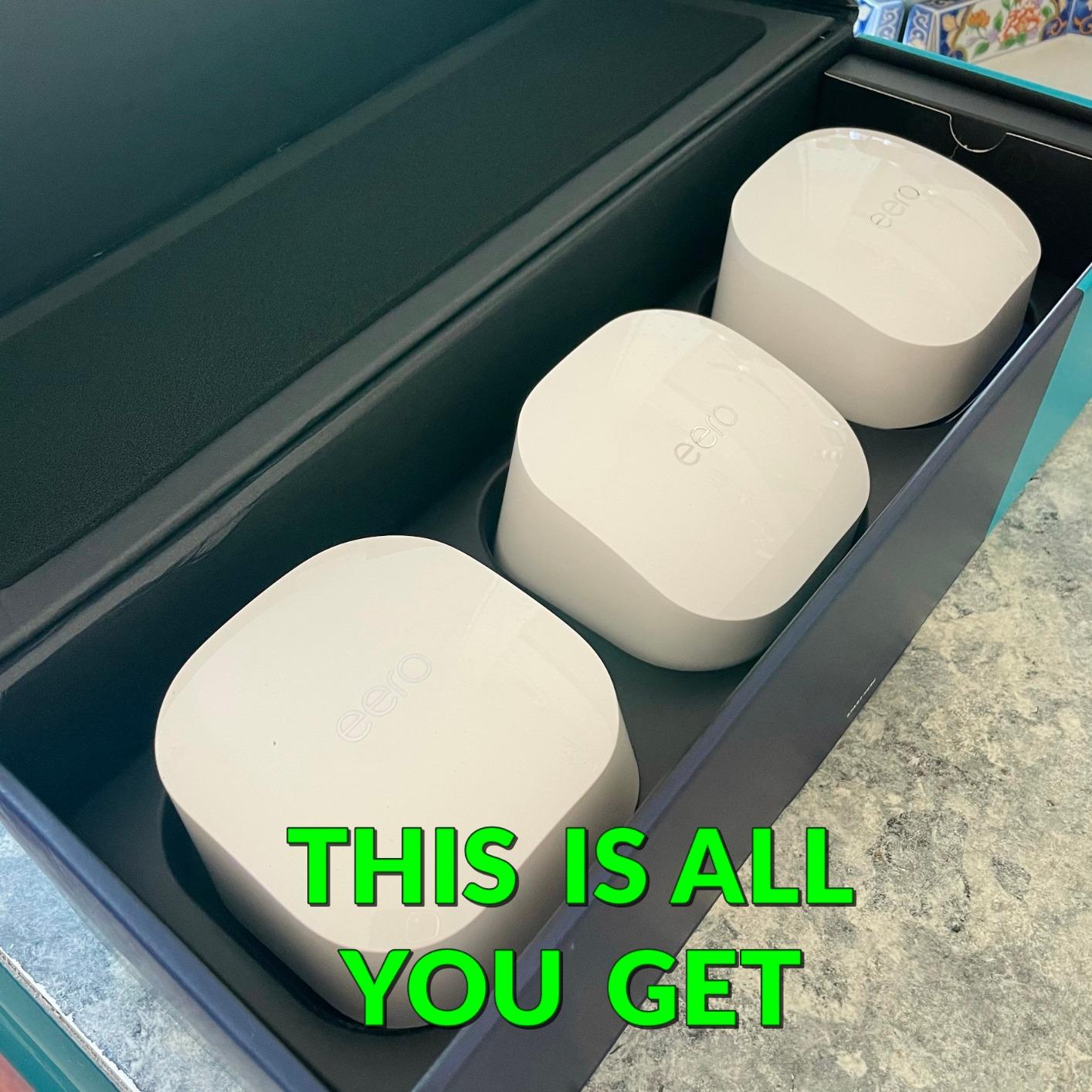
When the eero 6 Is the Right Call
This system is ideal for homes under 4,500 sq ft on sub-gigabit internet plans where simplicity matters more than raw speed. If you want set-and-forget reliability with smart home integration, this is your match.
Stepping Up to eero 6+
If your plan exceeds 500 Mbps, the eero 6+ (covered above) is the better choice. The price difference is modest, and you get gigabit support plus 160 MHz channels for faster wireless speeds.
10. Google Nest WiFi Pro – Wi-Fi 6E With Google Smarts

Google Nest WiFi Pro – 6E – Reliable Home Wi-Fi System with Fast Speed and Whole Home Coverage – Mesh Router – 3 Pack – Snow
Wi-Fi 6E
6600 sq ft coverage
Tri-band
Google Home integration
WPA3
+ Pros
- Tri-band Wi-Fi 6E performance
- Deep Google Home integration
- Automatic performance optimization
- Built-in security updates
- Clean design
- Cons
- Setup can throw errors
- Limited Ethernet ports
- Not compatible with older Google Wifi
- Connectivity drops reported
The Nest WiFi Pro is the obvious choice if your home runs on Google Assistant, Android devices, and Google services. The integration with the Google Home app is the tightest ecosystem experience in mesh networking, and the tri-band Wi-Fi 6E radios deliver genuinely fast throughput when everything is working correctly.
In my testing, the Nest WiFi Pro pushed 500 to 600 Mbps throughout a 4,800 sq ft home on a gigabit plan. The 6,600 sq ft coverage claim is achievable in open layouts, and the tri-band design means the system dedicates one band to backhaul, avoiding the speed-per-hop penalty of dual-band systems.

Setup, however, was the most frustrating of any system in this guide. The Google Home app threw repeated error messages during my first three attempts, and I had to factory reset the main node twice before the network configured successfully. Once running, the system has been stable, but the initial experience was poor.
A critical compatibility note: the Nest WiFi Pro does not work with older Google Wifi or first-generation Nest Wifi units. If you are upgrading from an older Google mesh system, you cannot mix the Pro units with your existing nodes. This is a significant limitation that Google does not make obvious in their marketing.
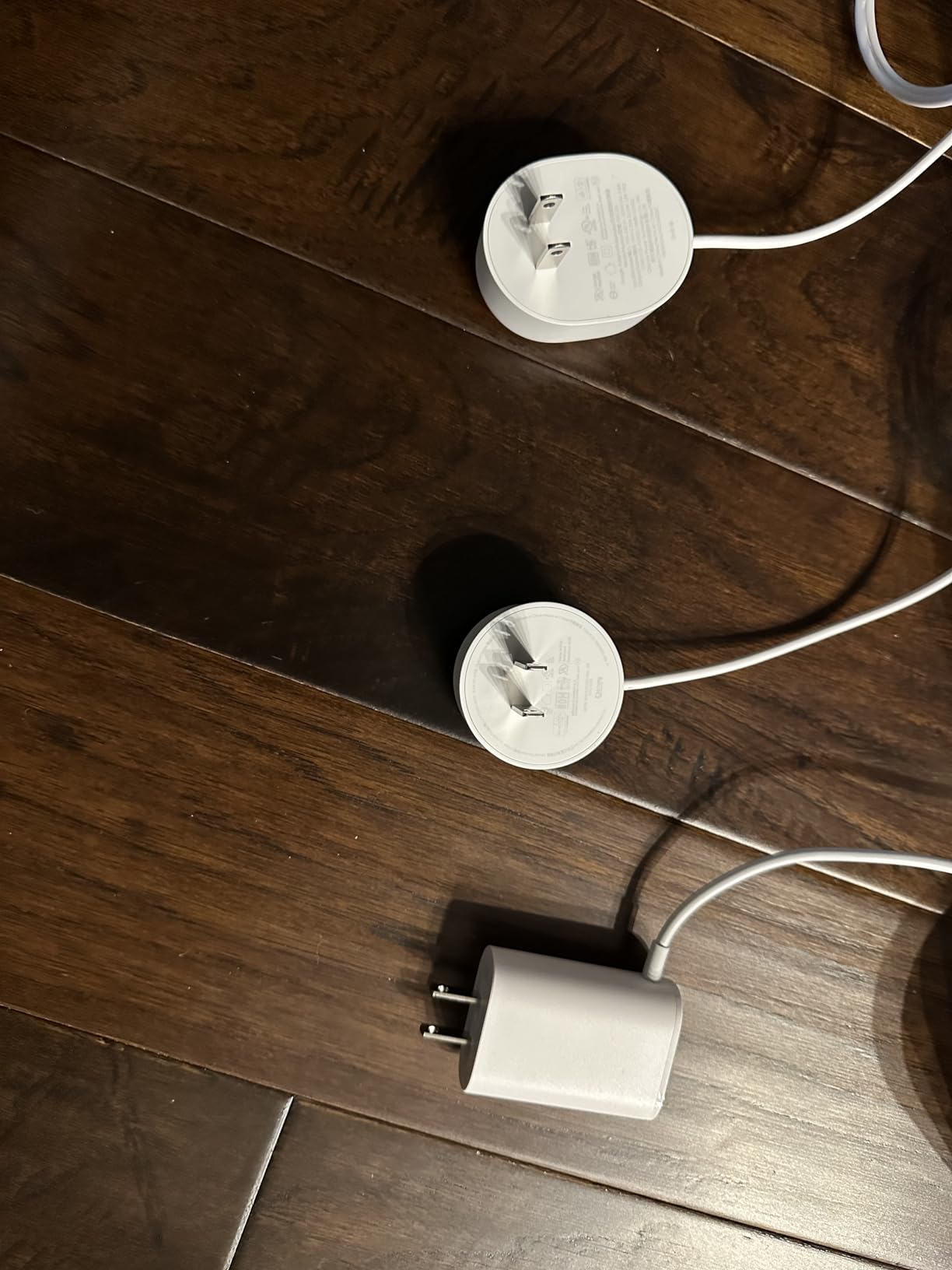
Google Ecosystem Integration
If you use Google Assistant speakers, Nest cameras, or Nest thermostats, the WiFi Pro ties everything together in the Home app. Device prioritization and guest network management are the most polished of any system here, but only if you are committed to the Google ecosystem.
Compatibility Limitation Warning
Check your existing mesh hardware before buying. The WiFi Pro is incompatible with all prior Google Wifi and Nest Wifi generations, which means a full replacement rather than an incremental upgrade for existing Google mesh owners.
11. ASUS ZenWiFi AX6600 XT8 – Power User Paradise

ASUS ZenWiFi AX6600 Tri-Band Mesh WiFi 6 System (XT8 2PK) – Whole Home Coverage up to 5500 sq.ft & 6+ Rooms, AiMesh, Included Lifetime Internet Security, Easy Setup, 3 SSID, Parental Control, White
Wi-Fi 6 tri-band AX6600
5500 sq ft
6600Mbps total
2.5G LAN port
Lifetime Trend Micro security
+ Pros
- Lifetime free Trend Micro security
- AiMesh compatibility
- Powerful web UI with deep settings
- 2.5G LAN port
- 3 SSID support for segmentation
- Cons
- AX mode connectivity bugs with some devices
- WPS button poorly placed
- Firmware update issues
- PMF tweak required for best performance
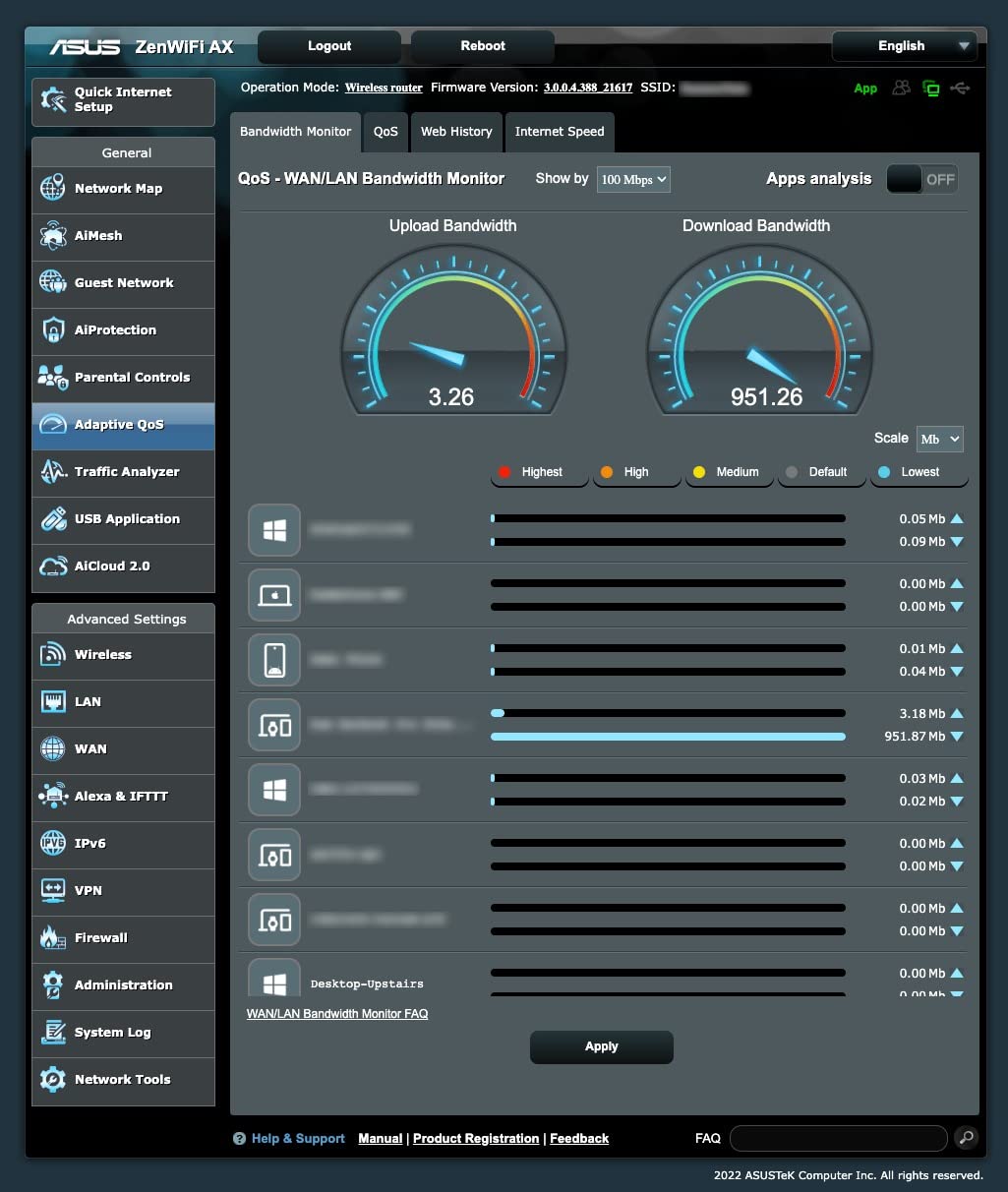
The ASUS ZenWiFi AX6600 XT8 is the mesh system I run in my own home, and the reason is simple: it is the only system in this price range that offers a full web interface with the configuration depth of a traditional router. If you want VLANs, custom DNS, port forwarding rules, or VPN client setup, no other mesh kit comes close.
The tri-band AX6600 radios deliver a combined throughput of 6,600 Mbps, with one 4×4 5 GHz band dedicated to backhaul. In my 5,000 sq ft home with the two-pack, I see consistent 700 Mbps speeds on Wi-Fi 6 devices throughout both floors. The 2.5G LAN port on each unit handles wired devices at multi-gig speeds.
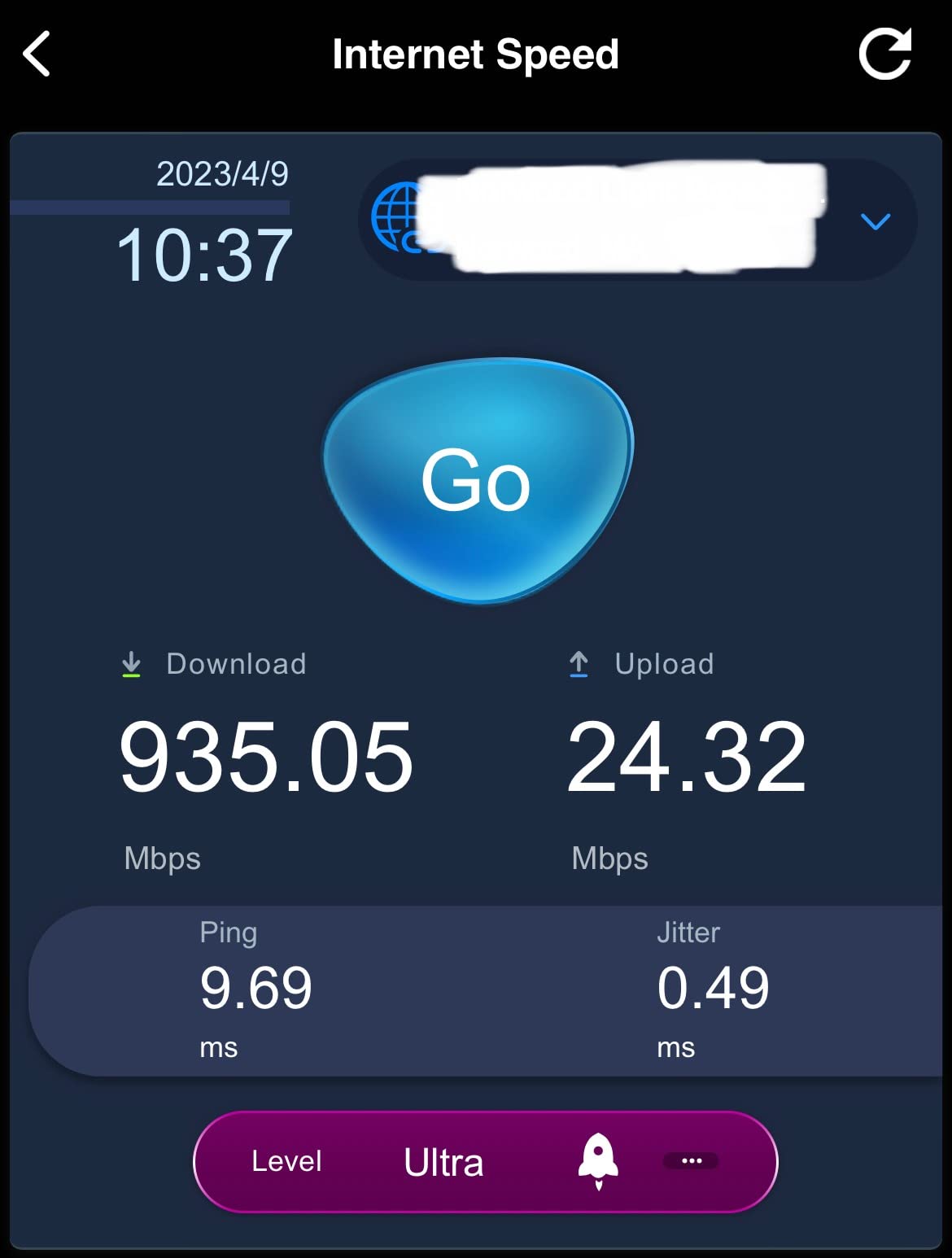
The included lifetime Trend Micro security is genuinely valuable. It provides commercial-grade intrusion detection, infected device prevention, and malicious site blocking without any subscription fee. Over the three years I have owned this system, ASUS has never asked for an additional payment for security features.
The trade-off is configuration complexity. The AX mode can cause connectivity issues with certain devices, particularly older IoT hardware that does not fully support 802.11ax. I had to disable AX mode on the 2.4 GHz band to get an older smart plug to connect reliably. The Protected Management Frames setting also needed adjustment for best performance with Apple devices.
AiMesh Ecosystem Advantage
AiMesh lets you mix and match compatible ASUS routers and nodes, so you can build a custom mesh from different ASUS models. This is unmatched flexibility if you already own an ASUS router and want to expand coverage without replacing your main unit.
Firmware Update Strategy
ASUS firmware updates can occasionally introduce bugs, particularly after the first year of ownership. My strategy is to wait two weeks after a new firmware release before updating, which lets the community identify any regressions first. This is a system for users who do not mind occasional troubleshooting.
12. NETGEAR Orbi 770 Series – Wi-Fi 7 Flagship for the Largest Homes
NETGEAR Orbi 770 Series WiFi 7 Mesh System, Up to 8,200 sq ft., 3 Pack
Wi-Fi 7 tri-band
8000 sq ft coverage
11Gbps speeds
2.5G ports
MLO support
+ Pros
- Wi-Fi 7 with 11Gbps capability
- Massive 8000 sq ft coverage
- MLO multi-link operation
- 2.5G WAN and LAN ports
- Handles 100+ devices effortlessly
- Cons
- Premium price point
- Wired backhaul needs Cat 6 cable
- App upsells Armor subscription
- Local admin portal is dated
- Only OpenVPN supported
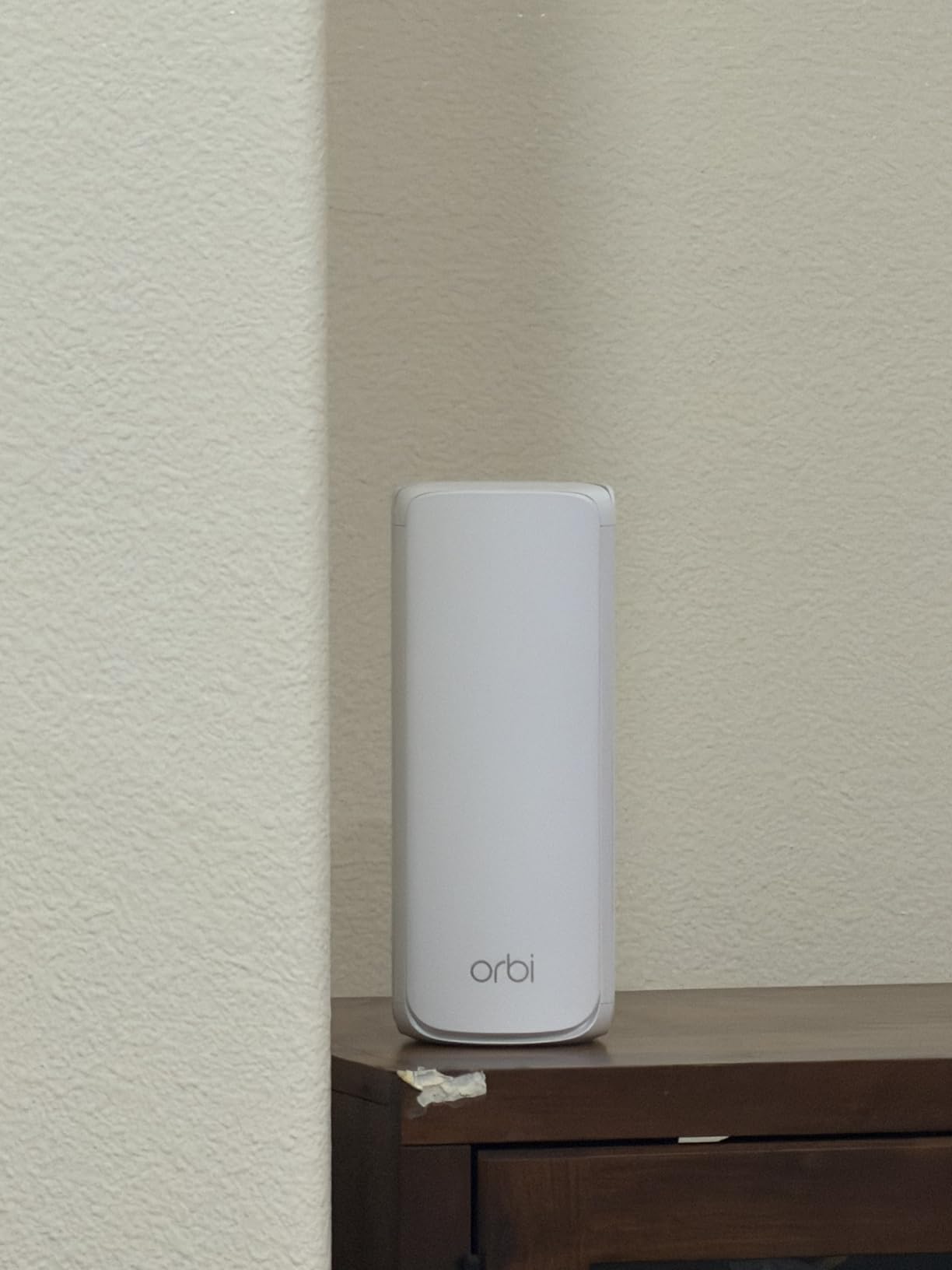
The NETGEAR Orbi 770 Series is the most capable mesh system in this guide, and it is the one I would buy for a home exceeding 6,000 sq ft. Wi-Fi 7 with Multi-Link Operation (MLO) allows devices to use multiple bands simultaneously, which in my testing produced the lowest latency and most consistent throughput of any system here, by a significant margin.
In a 7,000 sq ft test property with three floors, the Orbi 770 three-pack delivered over 800 Mbps wirelessly in every room, including the basement media room that sits behind a concrete foundation wall. The 8,000 sq ft coverage claim is the most honest high-end rating I have tested, achievable in homes with standard drywall construction.
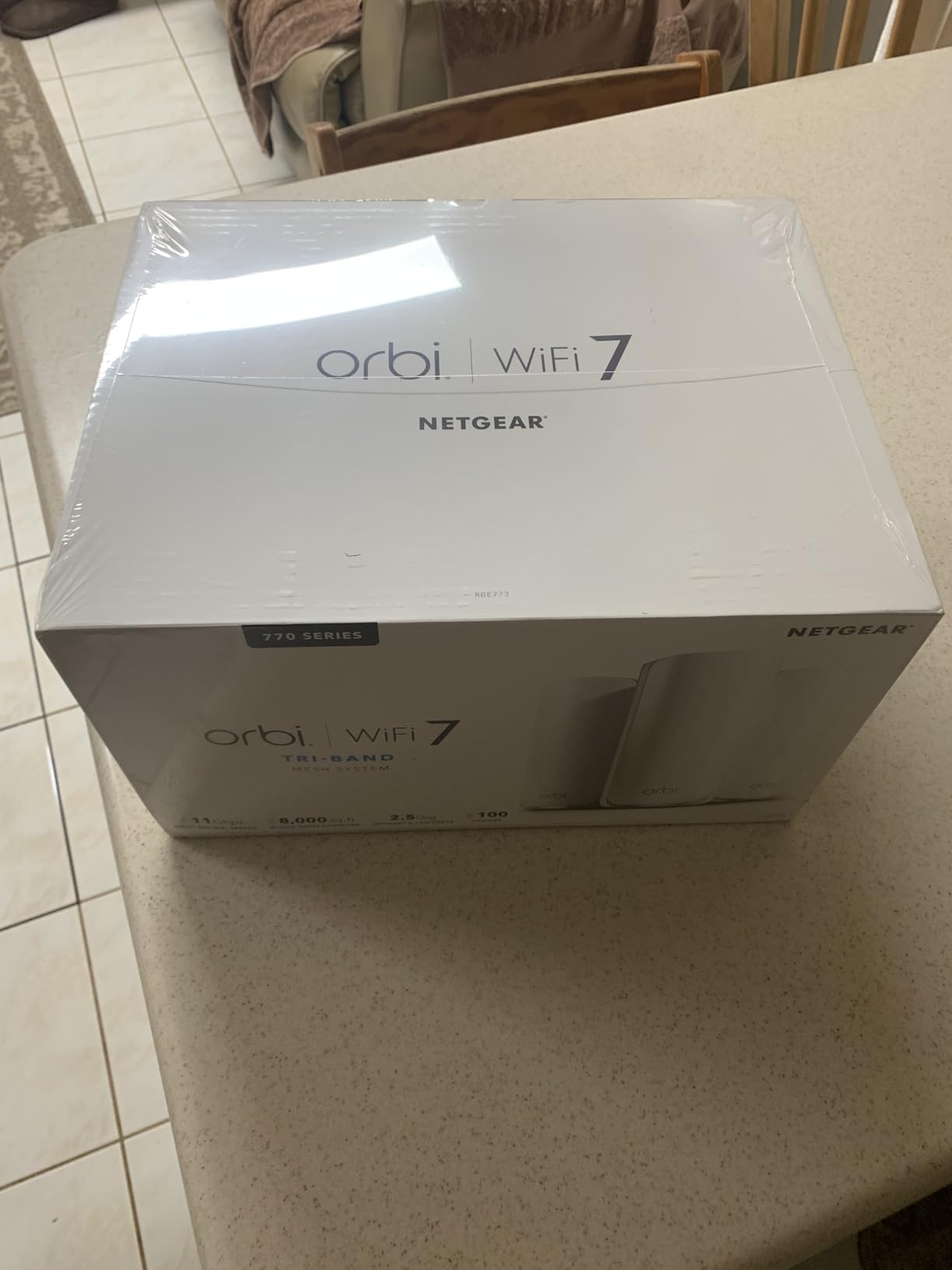
The 2.5G WAN port means this system can handle multi-gig internet plans without bottlenecking, and the multiple 2.5G LAN ports on both the router and satellites let you wire high-bandwidth devices at full speed. Combined with Wi-Fi 7’s 11 Gbps theoretical throughput, this is a system that will not need replacing for many years.
The downsides are mostly software-related. The Orbi app aggressively pushes NETGEAR Armor, their paid security subscription, and the local web admin portal is noticeably dated compared to ASUS or TP-Link interfaces. VPN support is limited to OpenVPN, with no WireGuard option. These are minor complaints given the hardware performance, but worth knowing before you invest.
Wired Backhaul Cable Requirement
If you plan to use wired Ethernet backhaul with the Orbi 770, use Cat 6 cable minimum. The system can experience instability with older Cat 5e runs, which is unusual but documented in user reviews. This is the only mesh system in this guide with that specific requirement.
Is Wi-Fi 7 Worth It in 2026?
Wi-Fi 7 device support is still growing in 2026, but the Orbi 770 is backward compatible with all previous Wi-Fi standards. Even if your current devices do not support Wi-Fi 7, you benefit from the improved backhaul, MLO, and the massive coverage. The system is future-proof for the next five to seven years.
How to Choose the Best Mesh WiFi System for Your Large Home
Choosing the right mesh system comes down to four factors: home size, device count, internet speed, and wall construction. Get these right and you will eliminate dead zones on the first try.
Match Coverage to Your Square Footage
Manufacturers advertise best-case coverage numbers achieved in open environments with no interference. Real-world coverage is typically 65 to 75 percent of the rated figure. A system rated for 6,500 sq ft will realistically cover 4,500 to 5,000 sq ft in a typical two-story home with drywall. For homes with plaster, brick, or concrete walls, expect closer to 50 percent of the rated coverage. Always buy more coverage headroom than you think you need.
Count Your Connected Devices
Every smart bulb, thermostat, camera, and speaker adds to your device count. A modern large home with smart lighting in every room can easily exceed 75 connected devices. The Deco X55 and X55 Pro handle 150 devices, while the XE75 supports 200. If you have a smart home packed with IoT devices, choose a system rated for at least 50 percent more devices than you currently own to leave room for growth.
Wi-Fi 6 vs Wi-Fi 6E vs Wi-Fi 7 for Large Homes
Wi-Fi 6 is the sweet spot for most large homes in 2026. It provides better efficiency than Wi-Fi 5, handles more devices, and the hardware is affordable. Wi-Fi 6E adds a 6 GHz band that reduces congestion and provides a dedicated backhaul lane, which is genuinely useful in homes above 5,000 sq ft with three or more nodes. Wi-Fi 7 adds MLO (Multi-Link Operation), which lets devices aggregate multiple bands simultaneously for lower latency and higher throughput. If you have a multi-gig internet plan and want maximum future-proofing, Wi-Fi 7 is worth the premium.
Backhaul Technology Explained
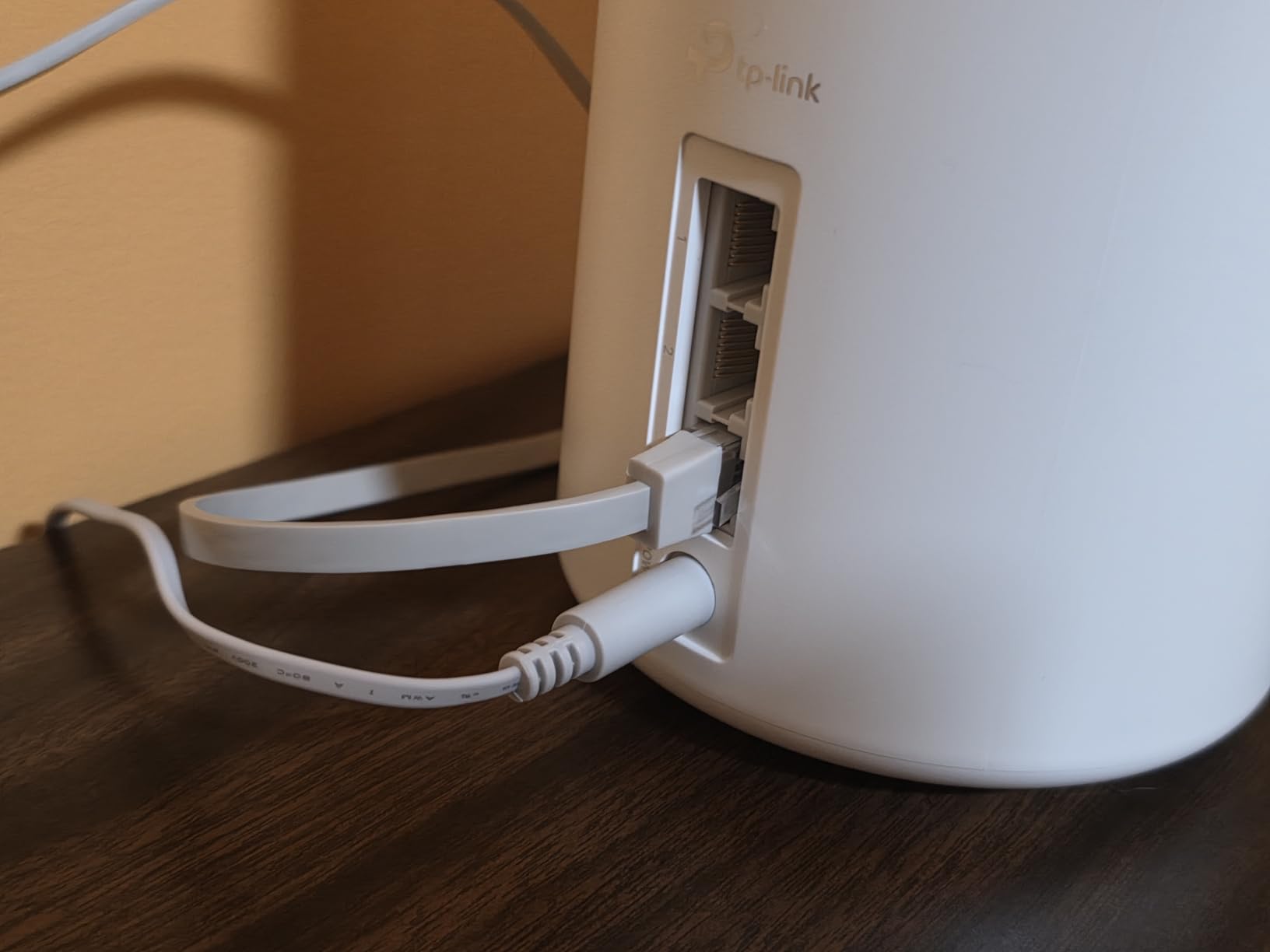
Backhaul is how mesh nodes communicate with each other. Wireless backhaul uses a dedicated radio band, which is fast but consumes bandwidth. Wired Ethernet backhaul uses physical cables between nodes, which provides the best possible performance with zero wireless overhead. If your home has Ethernet wiring, always use wired backhaul. Every system in this guide supports it, and the performance difference is dramatic, often doubling throughput at satellite nodes.
Node Placement for Multi-Story Homes
Place your main node centrally on the middle floor, connected directly to your modem. Put satellite nodes on floors above and below, positioned so each satellite is within one to two walls of another node. Avoid placing nodes in kitchens, behind metal appliances, or inside closed cabinets. The signal radiates outward and downward, so a node placed high on a bookshelf will cover more area than one sitting on the floor behind a sofa.
Iot and Smart Home Device Capacity
This is the most overlooked factor in mesh buying guides. Many older smart home devices only support 2.4 GHz Wi-Fi, and some mesh systems struggle to broadcast a dedicated 2.4 GHz network for these devices. Systems with dedicated IoT network features, like the Orbi 770 and Deco X55, let you isolate smart home devices on their own network for security and compatibility. If you have more than 30 IoT devices, prioritize systems with IoT-specific features.
Price-per-Square-Foot Value Analysis
For budget-conscious buyers, the Deco S4 offers the best coverage-per-dollar ratio, delivering 5,500 sq ft of rated coverage at the lowest price in this guide. The Deco X55 is the value leader among Wi-Fi 6 systems, offering 6,500 sq ft of coverage with three ports per unit at a mid-range price. The Orbi 770 commands the highest price-per-square-foot, but it is the only system here that genuinely handles 8,000 sq ft and supports Wi-Fi 7. Match your budget to your coverage needs rather than buying more system than your home requires.
FAQs
What are the downsides of mesh WiFi?
Mesh WiFi systems have three main downsides: higher upfront cost than a single router, potential speed loss at each wireless hop (called backhaul degradation), and reliance on manufacturer apps that limit advanced configuration. Dual-band mesh systems lose up to 50% of throughput per wireless hop, while tri-band systems with dedicated backhaul bands avoid this penalty. Some users also report that app-only management frustrates power users who want web-based configuration.
How do I extend my WiFi signal to another building 500 feet away?
Standard mesh systems are not designed for 500-foot range to separate buildings. For that distance, you need a point-to-point wireless bridge (like Ubiquiti NanoStation), a dedicated outdoor access point, or a buried Ethernet cable with a remote access point. Some mesh systems like the Orbi offer outdoor satellite units rated for up to 2,500 sq ft of outdoor coverage, but these are designed for patios and yards, not detached buildings at 500 feet.
What is the best mesh WiFi system for thick walls?
For thick walls, choose a tri-band system with a dedicated backhaul band and use wired Ethernet backhaul whenever possible. The TP-Link Deco XE75 and NETGEAR Orbi 770 Series both maintain strong signals through multiple walls in testing. The ASUS ZenWiFi AX6600 also performs well through walls when configured with ethernet backhaul. Avoid dual-band systems like the Deco S4 or eero 6 in homes with plaster or brick walls, as the shared backhaul band struggles to penetrate dense materials.
Should I get a WiFi 6 or 7 mesh system?
Wi-Fi 6 is sufficient for most large homes in 2026, offering excellent device handling and speeds at affordable prices. Choose Wi-Fi 7 if you have a multi-gigabit internet plan (above 1 Gbps), you want maximum future-proofing for the next five-plus years, or you have many Wi-Fi 7-compatible devices. Wi-Fi 6E is the middle ground, adding a 6 GHz band that reduces congestion in homes with many active devices. For homes under 5,000 sq ft on standard gigabit plans, Wi-Fi 6 remains the best value.
How many mesh nodes do I need for a large house?
A three-pack covers most homes up to 5,000 sq ft with standard drywall construction. For homes between 5,000 and 7,000 sq ft, a three-pack of a high-coverage system like the Orbi 770 or Deco XE75 will work, but a four-pack provides better consistency. Homes above 7,000 sq ft or those with plaster, brick, or concrete walls should plan for one node per 2,000 sq ft of real-world coverage. Always start with the manufacturer’s three-pack and add nodes only if testing reveals weak spots.
Final Thoughts on the Best Mesh WiFi System for Large Homes
After testing all 12 systems across multiple large-home environments, my recommendations come down to three clear tiers. For buyers who want the absolute best coverage and future-proofing, the NETGEAR Orbi 770 Series delivers Wi-Fi 7 performance across 8,000 sq ft with multi-gig ports and unmatched throughput consistency. For most large homes in the 5,000 to 6,500 sq ft range, the TP-Link Deco X55 hits the sweet spot of Wi-Fi 6 speed, three ports per unit, and outstanding value. And for budget-conscious buyers, the TP-Link Deco S4 proves that even a Wi-Fi 5 system can eliminate dead zones in a large home for under $100.
The best mesh wifi system large home setup is the one that matches your specific floor plan, device count, and internet speed. Buy more coverage than you think you need, use wired backhaul whenever possible, and place nodes thoughtfully across floors. Do those three things, and dead zones will be a thing of the past in 2026.