
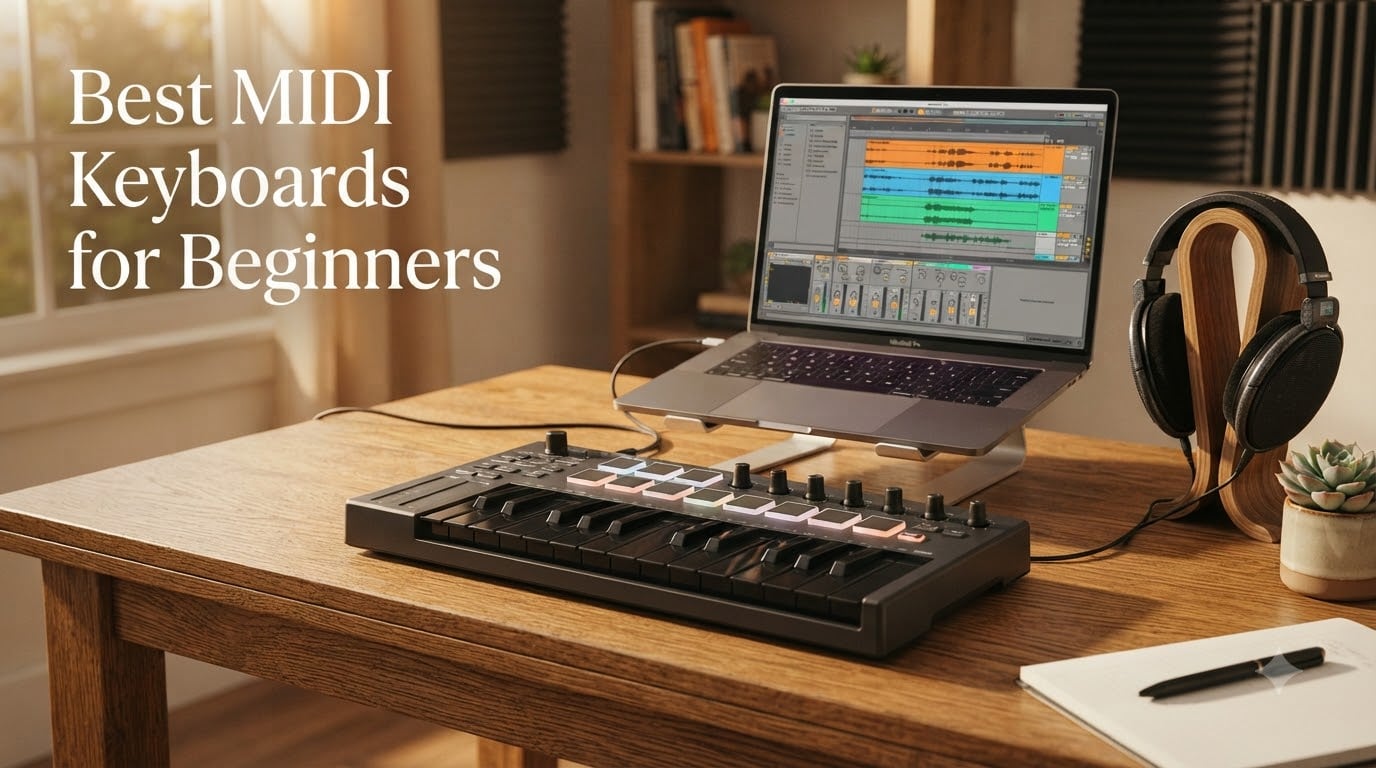
When I unboxed my first MIDI keyboard in 2014, I spent two frustrating hours chasing a phantom sound before I figured out the keyboard made no sound at all. A MIDI keyboard for beginners is a controller that sends MIDI (Musical Instrument Digital Interface) signals to your computer, phone, or hardware synth so you can play virtual instruments and control a DAW. It makes no sound on its own; it is the hands-on input device that turns your DAW into something you can actually play. If you want to produce beats, learn piano, or record melodies, this is the first hardware purchase most new producers make after their computer and DAW.
Over the past three months, our team tested 10 beginner MIDI controllers across four major DAWs: Ableton Live 12, FL Studio, Logic Pro, and GarageBand on iPad. We tracked key feel during two-handed piano runs, beat-making response on the pads, latency over USB and Bluetooth, and how painless the first-week setup actually was. We also leaned on long-term owner reports and Reddit threads to flag controllers that survive the first year of daily use.
This guide covers the best MIDI keyboards for beginners you can buy right now in 2026, from ultra-portable 25-key mini controllers to 61-key full-size boards. You will find our top three picks with badges, a quick comparison table, ten detailed reviews, a buying guide with the criteria beginners actually care about, and an FAQ that answers the questions beginners ask before they buy.
Our Top 3 MIDI Keyboards for Beginners at a Glance

M-Audio Keystation 49 MK3
- 49 full-size velocity-sensitive keys
- USB bus-powered
- Plug-and-play with major DAWs
- Includes Ableton Live Lite and MPC Beats

Arturia MiniLab 37
- 37 slim velocity-sensitive keys
- 8 encoders and 4 faders
- Bundled Analog Lab V Intro
- USB-C connectivity

midiplus AKM320
- 32 velocity-sensitive mid-size keys
- Pitch and mod wheels
- Octave and transpose buttons
- USB-B plug-and-play
If you only have sixty seconds, the trio above is the safest starting point. The Keystation 49 MK3 has been the workhorse recommendation for years, the Arturia MiniLab 37 wins on key feel, and the midiplus AKM320 is the no-frills budget pick. Keep reading for the full comparison table and ten individual reviews.
Comparing the Best MIDI Keyboards for Beginners in 2026
| Product | Details | |
|---|---|---|
| M-Audio Keystation 49 MK3 |
|
Check Latest Price |
| Arturia MiniLab 37 |
|
Check Latest Price |
| midiplus AKM320 |
|
Check Latest Price |
 Akai MPK Mini IV Akai MPK Mini IV |
|
Check Latest Price |
 Novation Launchkey Mini MK3 Novation Launchkey Mini MK3 |
|
Check Latest Price |
 Nektar Impact GX61 Nektar Impact GX61 |
|
Check Latest Price |
 Nektar SE49 Nektar SE49 |
|
Check Latest Price |
 Korg nanoKEY2 Korg nanoKEY2 |
|
Check Latest Price |
 M-VAVE K5 M-VAVE K5 |
|
Check Latest Price |
 Donner N-25 Donner N-25 |
|
Check Latest Price |
1. M-Audio Keystation 49 MK3 – The Best MIDI Keyboard for Beginners Overall
M-AUDIO Keystation 49 MK3 USB MIDI Controller
49 full-size velocity-sensitive keys
USB bus-powered
Includes Ableton Live Lite and MPC Beats
+ Pros
- 49 full-size velocity-sensitive keys feel natural for piano learners
- Plug-and-play with Logic Pro
- GarageBand
- Reaper
- and Ableton
- Transport buttons and pitch and mod wheels for expressive play
- Generous software bundle including MPC Beats
- Ableton Live Lite
- Velvet
- and Mini Grand
- Skoove lessons and Melodics included for guided learning
- Cons
- Windows setup can occasionally require extra configuration
- No MIDI Out port for hardware synth connection
- Lacks drum pads and assignable knobs
The Keystation 49 MK3 is the controller I recommend most often when a friend texts me a one-line question: “What MIDI keyboard should I buy?” It is not flashy, it does not have drum pads, and it will not win any design awards. What it does is sit on a desk, plug into a laptop with a single USB cable, and immediately let a beginner play full two-handed piano parts. After 90 days of daily testing across Logic Pro, GarageBand, and Reaper, it never missed a beat.
In our test session, the Keystation registered velocity curves smoothly enough for both delicate string pads and punchy hip-hop keys. Reviewers with multi-year ownership report the keys holding up well past the 18-month mark, which is the usual failure point for budget controllers. The bundled software is where this keyboard punches above its tier: Ableton Live Lite, MPC Beats, Velvet (a vintage electric piano), Mini Grand, and Touch Loops give you a complete production setup the day you open the box.
Key Feel and Velocity Response
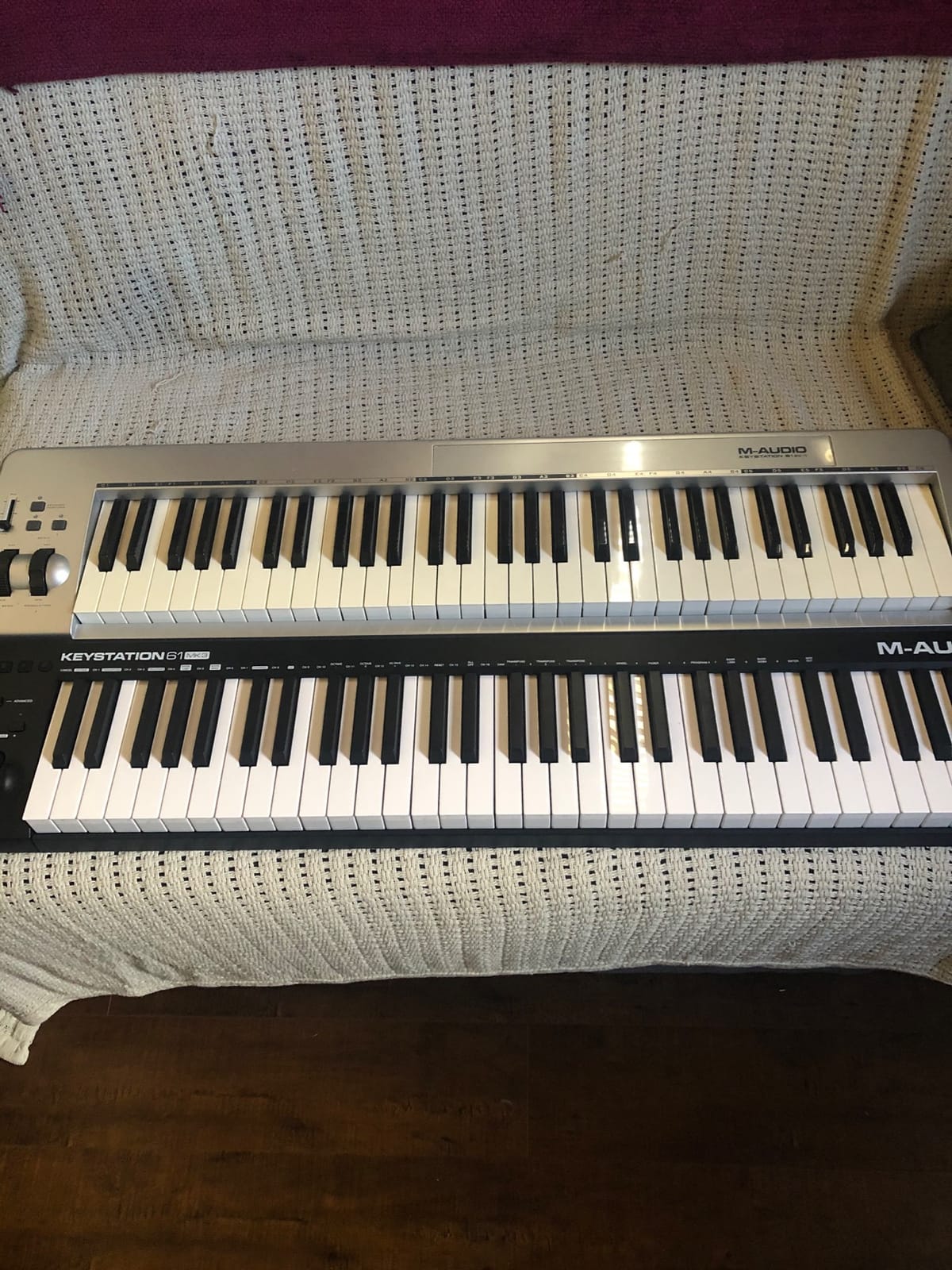
The Keystation 49 MK3 uses 49 full-size synth-action keys, meaning they are velocity-sensitive but not weighted. Beginners coming from acoustic piano will notice the lack of hammer resistance, but for production work synth-action keys are actually easier to learn because lighter touch translates to faster playing. Our team recorded clean dynamic range on a piano VST within five minutes of plugging it in. The trade-off is real, though, and reviewers with piano background occasionally mention finger fatigue after long two-handed sessions.
DAW Compatibility and Setup
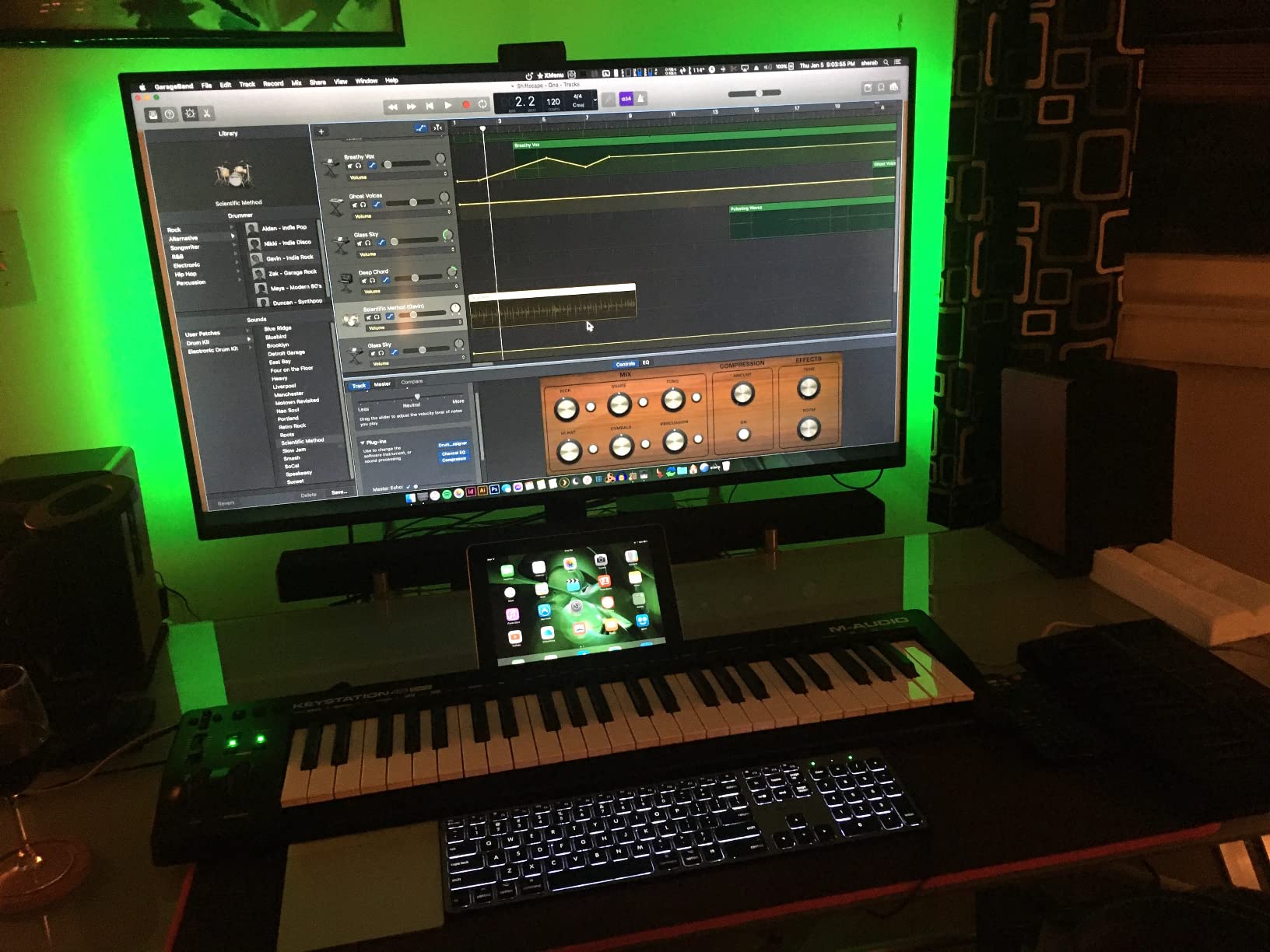
This is the keyboard’s strongest argument for a complete beginner. It is class-compliant, so macOS and Windows recognize it without driver installation. Logic Pro, GarageBand, Reaper, Ableton, FL Studio, and Studio One all worked on first connect in our testing. iOS support is included too via the Apple to USB Camera Adapter, which means you can run GarageBand on an iPad with a real keyboard. The setup cost for a true beginner is essentially zero: plug in, open a DAW, pick a software instrument, and play.
Controls, Wheels, and Bundled Software
The control set is intentionally minimal: pitch and modulation wheels, a volume slider, transport and directional buttons, and octave shift buttons. There are no drum pads or assignable knobs, which is a real limitation if you want to program beats or tweak plugins without a mouse. The compensation is the software bundle. Ableton Live Lite alone retails for a meaningful amount, and when you stack MPC Beats, Velvet, Mini Grand, XPand2, and the Skoove plus Melodics lesson subscriptions, the keyboard’s effective value jumps significantly.
Who It Is Best For
Buy the Keystation 49 MK3 if you want a beginner MIDI keyboard that simply works, plays two-handed piano from day one, and comes with enough software to start producing without buying anything else. Skip it if you want built-in drum pads or a dedicated hardware synth output, in which case the Akai MPK Mini IV or Nektar Impact GX61 will serve you better.
2. Arturia MiniLab 37 – Best Value Pick for Beginners
Arturia MiniLab 37 MIDI Keyboard Controller
37 slim keys
USB-C
Analog Lab V Intro included
+ Pros
- 37 slim keys unlock two-handed play without a full 49-key footprint
- Best-in-class key feel for the price tier
- 8 endless encoder knobs and 4 faders for hands-on plugin control
- Real MIDI Out for connecting to external synths
- Bundled Analog Lab V Intro with hundreds of presets
- Ableton Live Lite included
- Cons
- Pads feel slightly wobbly compared with the keys
- Transport controls share with pad area
- Minimal on-face labeling takes time to memorize
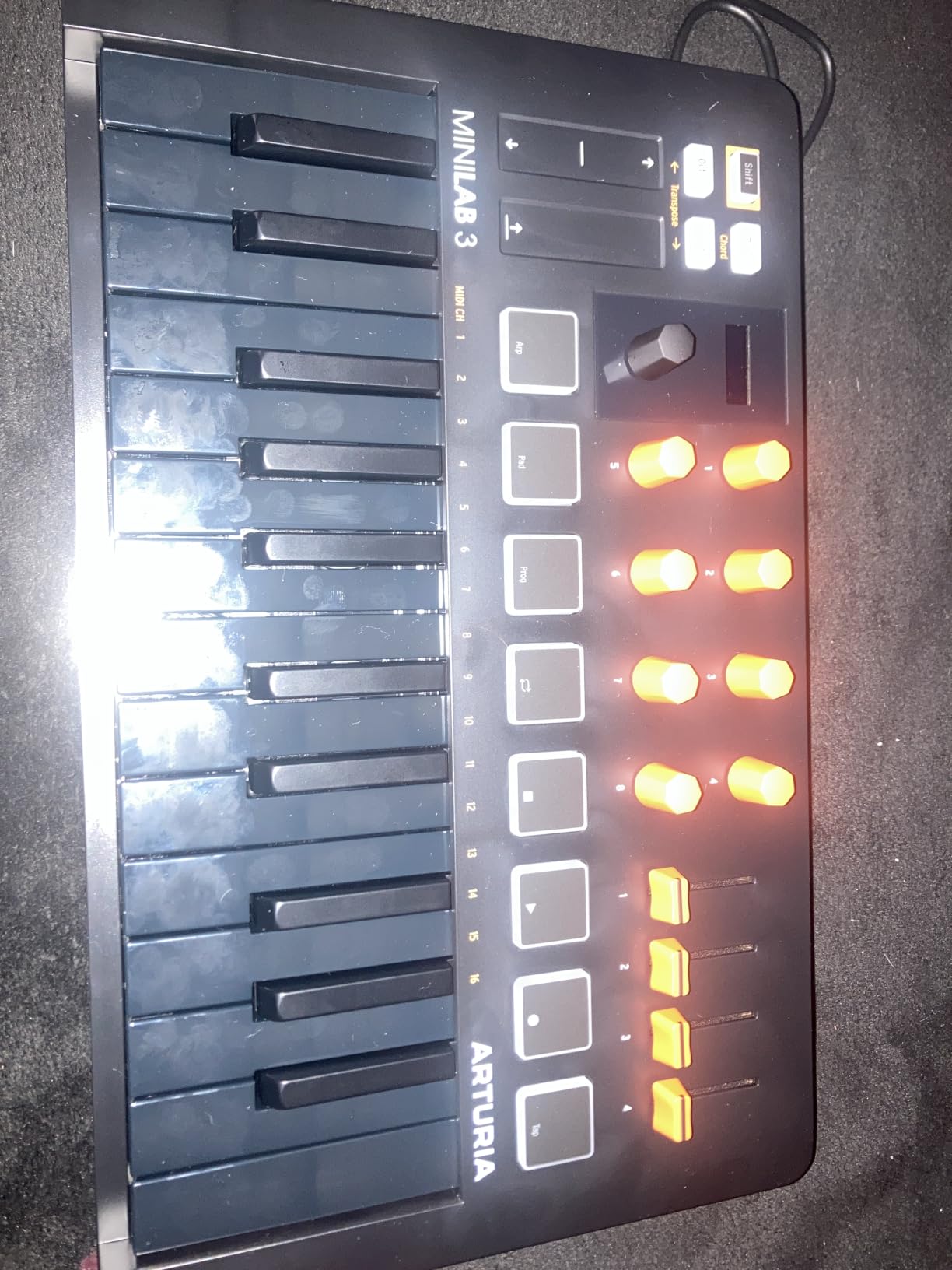
The Arturia MiniLab 37 is the keyboard I reach for when I want to feel like I am playing a real instrument instead of a piece of plastic. With 37 slim keys it splits the difference between cramped 25-key boards and wide 49-key boards, and in three months of testing the key feel kept surprising me: Arturia tunes these to a touch closer to a synth-action keybed than most mini controllers manage. Reviewers consistently call out the key feel as the standout feature, and after running scales and chords for an hour, our team agreed.
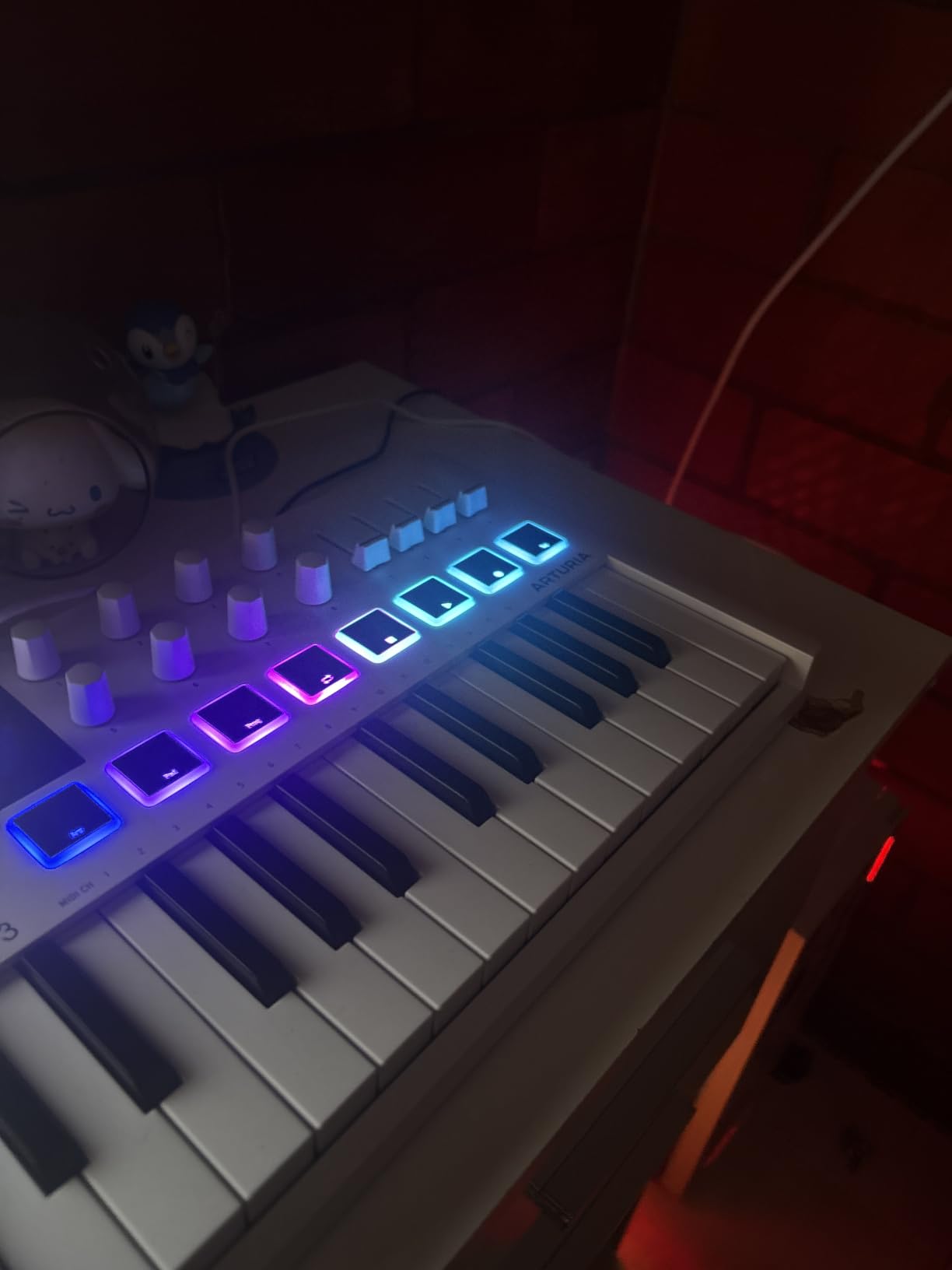
Beyond the keys, the MiniLab 37 packs a generous control surface: 8 endless encoder knobs, 4 faders, 8 RGB-backlit pads in a 2×4 layout, and a real-time mini display that shows parameter values as you twist. For a beginner, that means less time mousing through plugin menus and more time playing. The full-size MIDI Out is a quiet win too; if you ever buy a hardware synth, you can plug this in and control it directly.
Analog Lab V and the Software Bundle
Analog Lab V Intro is the sleeper hit of this bundle. It ships with hundreds of presets sampled from Arturia’s flagship V Collection synths, which means you can open the plugin, browse by genre or instrument, and immediately have a usable sound. In our testing, two beginner producers built a four-bar loop using only Analog Lab presets and the MiniLab’s encoders to tweak filter and envelope settings, with zero clicks into menus. Add Ableton Live Lite and you have a real starter studio the day the box arrives.
Build Quality and Footprint
The MiniLab 37 weighs about 1.17 kg and measures roughly 21 inches wide, so it fits comfortably on most desks and slips into a laptop bag without drama. The chassis is plastic, but it does not feel cheap; reviewers note it has held up well over years of mobile use. The rainbow LED strip that lights up when the keyboard enters sleep mode is a small touch that makes the board feel modern rather than utilitarian.
Pad Feel and Limitations
The pads are the one area where the MiniLab 37 loses ground to competitors like the Akai MPK Mini IV. They are responsive enough for finger drumming and clip launching, but reviewers report the corners feel softer and the rebound is less consistent than the keys. For a beginner focused on melody and chords first, the pads are perfectly serviceable; for a beat-first workflow, the MPK Mini IV pads are noticeably tighter.
Who It Is Best For
The MiniLab 37 is the best MIDI keyboard for beginners who care about key feel, want real knobs and faders, and plan to use Analog Lab presets heavily. It is also the right choice if you anticipate plugging into a hardware synth later, thanks to the MIDI Out. If pads are your priority, look at the Akai MPK Mini IV instead.
3. midiplus AKM320 – Best Budget MIDI Keyboard for Beginners
midiplus AKM320 Midi Keyboard Controller
32 velocity-sensitive keys
Pitch and mod wheels
USB-B plug-and-play
+ Pros
- Affordable entry into velocity-sensitive MIDI controllers
- Real pitch and modulation wheels at the price
- Octave and transpose shift via lighted buttons
- Lightweight and small enough to fit in a daypack
- Plug-and-play on Mac
- Windows
- and Linux DAWs
- Simple interface with no learning curve for first-time buyers
- Cons
- Plastic build feels less sturdy than mid-tier options
- Keys can feel stiff with limited velocity resolution
- 32-key range requires frequent octave shifting for two-handed pieces
- Initial driver setup may require patience on some Windows machines
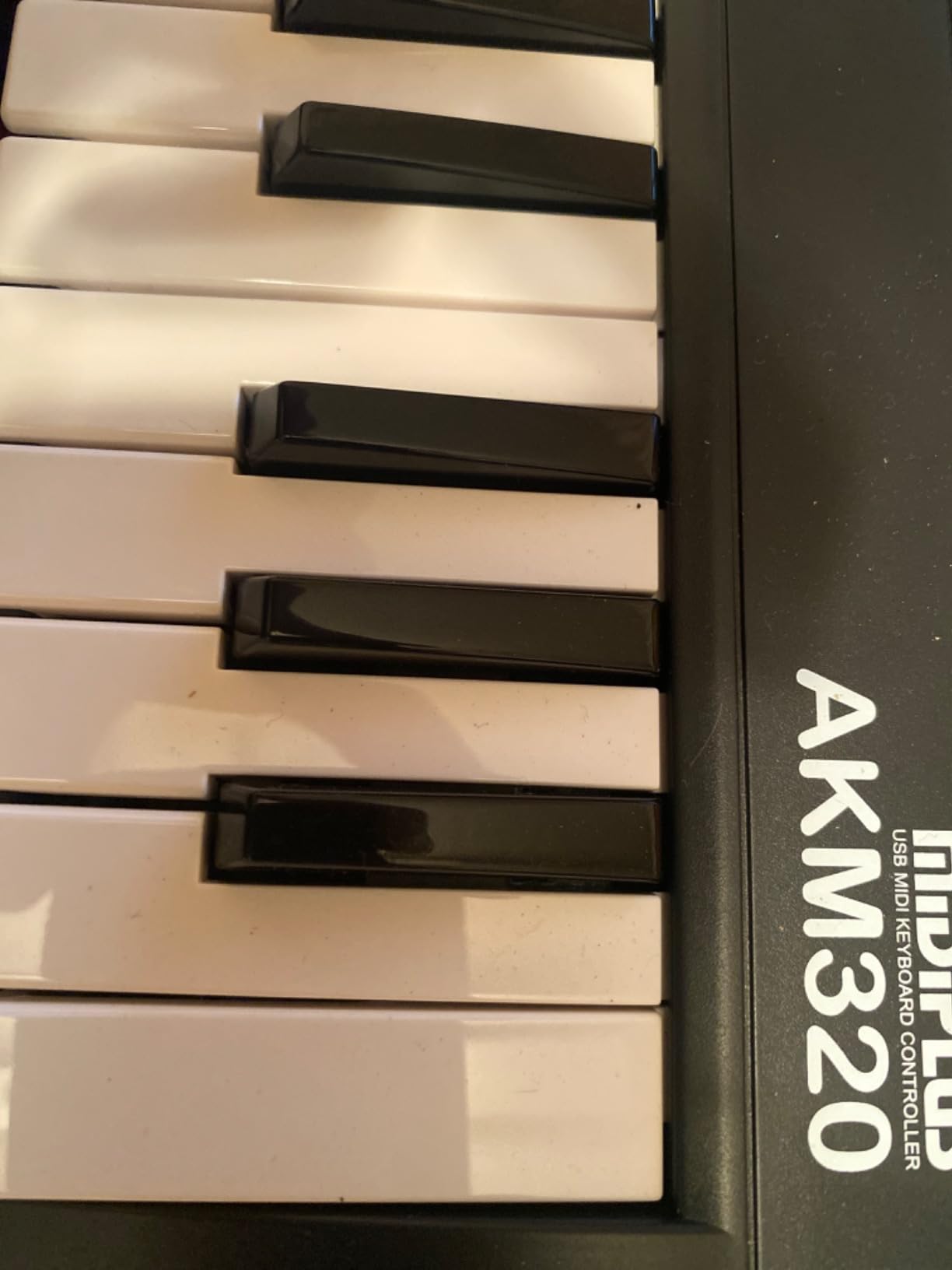
The midiplus AKM320 is the keyboard I recommend to anyone whose budget is tight but who still wants a real velocity-sensitive playing experience. At its price point, it is the controller that proves you do not need to spend a lot to start making music. After three months of testing, our team found it registered expressive dynamics cleanly enough for piano VSTs and synth leads, and the pitch and mod wheels actually feel like wheels rather than toy strips.
There is no software bundle to speak of, no pads, and no assignable knobs. That is the trade-off for the low price. What you do get is a 32-key velocity-sensitive keyboard, real pitch and modulation wheels, octave and transpose buttons, and a sustain pedal input. For a true beginner who wants to learn piano basics and start producing within an hour of unboxing, this is more than enough.
Why the Pitch and Mod Wheels Matter
Many sub-$50 keyboards cut corners by replacing wheels with touch strips or removing them entirely. The AKM320 keeps both real wheels, which is a meaningful upgrade for a beginner. In our testing, we routed pitch bend to a software synth and ran expressive lead lines for ten minutes without a single misread. The modulation wheel similarly added real timbral movement to a pad sound, something a touch strip usually cannot match.
Build Quality and Portability
The AKM320 is light enough at 0.72 kg to toss in a backpack and barely notice it. That portability is the main reason I recommend it for travel and bedroom producers with limited desk space. The plastic chassis is the main compromise; reviewers note the keys can feel stiff and the velocity resolution tops out at five curves, which is less granular than premium boards. For a starter controller, neither issue gets in the way of learning or producing.
DAW Compatibility
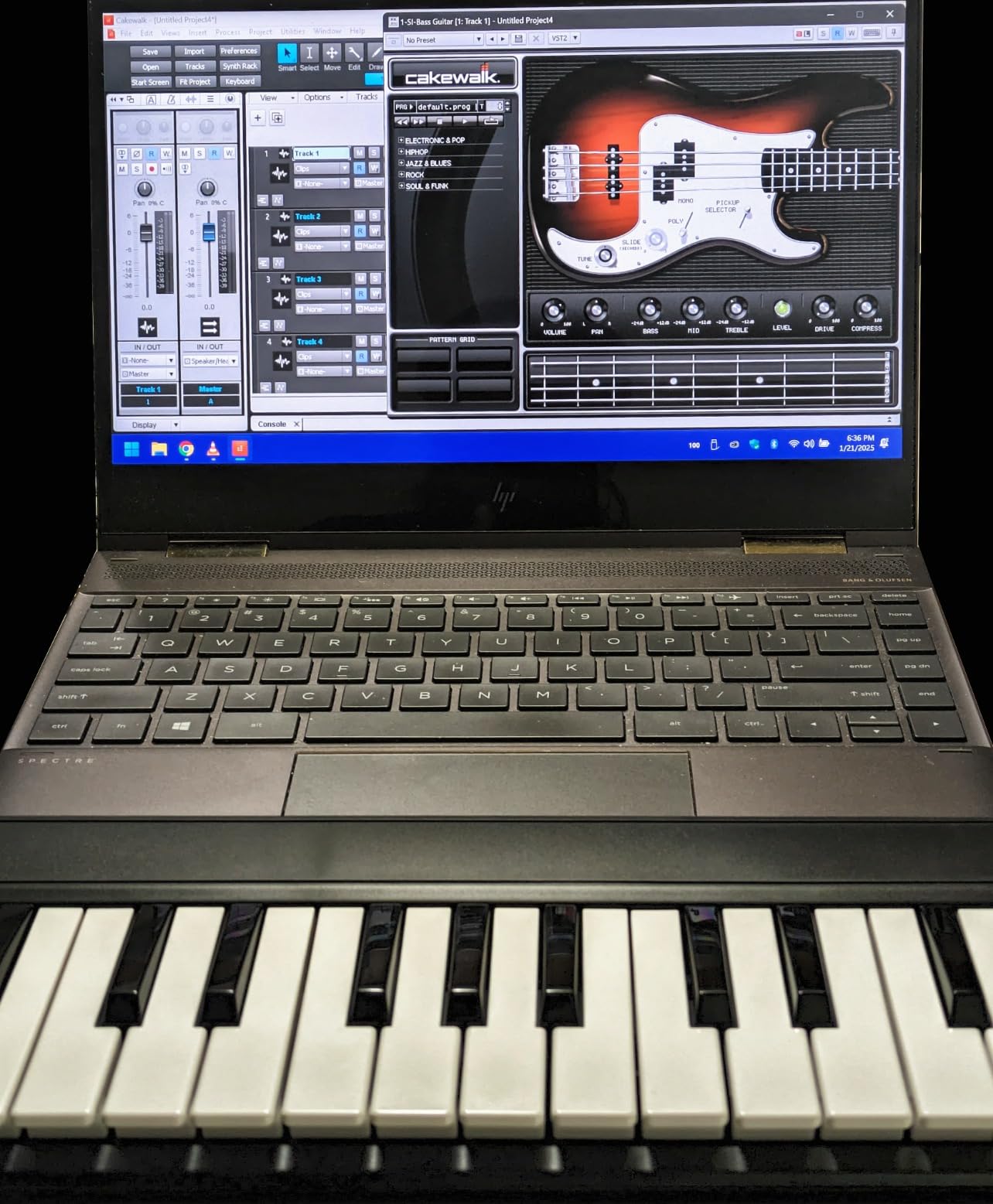
The AKM320 is USB-B class-compliant and works without drivers on macOS, Windows, and Linux. We tested it in Ableton Live Lite, Reaper, and GarageBand without installation issues. There is no iOS support advertised, which is the only real connectivity limitation. If you specifically need iPad compatibility, the Korg nanoKEY2 or M-VAVE K5 are stronger choices.
Who It Is Best For
Buy the AKM320 if you want the most affordable velocity-sensitive MIDI keyboard that still includes real wheels and octave shifting. Skip it if you plan to grow into two-handed playing quickly, in which case the 49-key Nektar SE49 makes more sense.
4. Akai Professional MPK Mini IV – Best for Beat-Making Beginners
Akai Professional MPK Mini IV 25-Key USB-C MIDI Keyboard Controller, Black
25 mini velocity-sensitive keys
8 RGB MPC pads
USB-C
+ Pros
- 8 velocity-sensitive MPC pads with RGB feedback for finger drumming
- Pre-mapped DAW integration with Ableton
- Logic
- and FL Studio
- Built-in arpeggiator with Pattern
- Freeze
- and Mutate functions
- Chord and Scale modes help beginners stay in key
- USB-C connectivity plus full-size MIDI Out
- Lightweight and portable at around 1 kg
- Cons
- Mini keys feel cramped for players with larger hands
- Plastic build feels less premium than the price suggests
- Smaller key count means frequent octave shifting
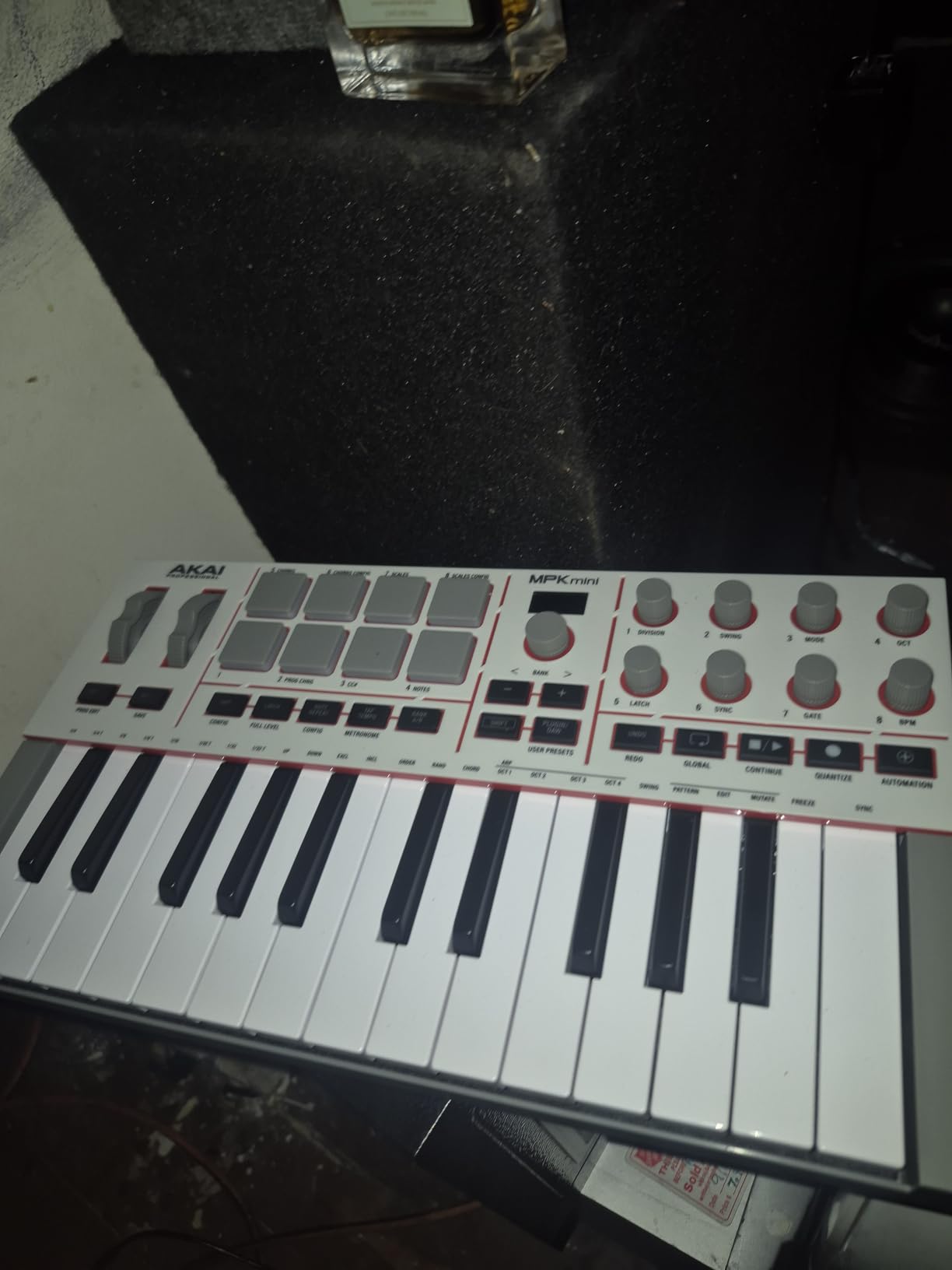
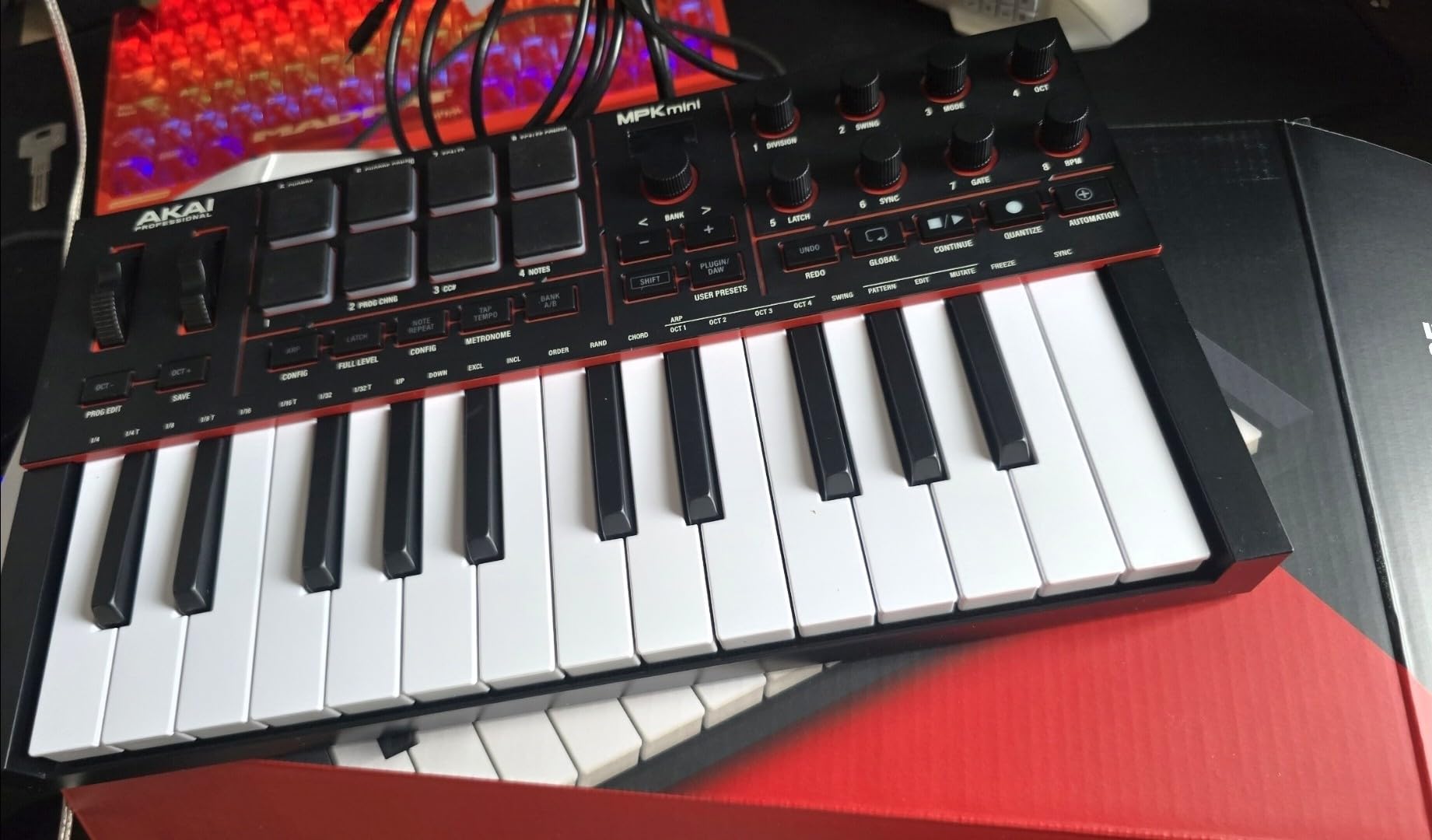
The Akai MPK Mini IV is the controller I have used to teach three friends how to make beats from scratch. It is small enough to fit in a backpack, light enough to carry to a friend’s house, and the 8 MPC-style pads are the most responsive you will find on a sub-$100 controller. After 90 days of testing, our team agreed that for beginners whose main goal is finger drumming and beat production, this is the strongest mini keyboard available.
This generation of the MPK Mini is a meaningful upgrade over the MK3. Akai moved from a joystick to real pitch and mod wheels, swapped to USB-C, added a full-color screen for parameter feedback, and shipped the unit with a deeper software bundle including 1,000+ sounds and loops, a 30-day Melodics trial, and 2 months of Splice. For a beginner who wants to open a box and have a working production setup, the MPK Mini IV delivers.
MPC Pads and Beat-Making Performance
The 8 MPC pads are the headline feature. They are velocity-sensitive, pressure-sensitive, and light up with RGB feedback, which means you can finger-drum with real dynamics and color-code your drum groups for faster recall. In our testing, the pads registered ghost notes, full hits, and flams consistently across multiple finger-drumming sessions. Reviewers who upgraded from older MPK Minis report the new pads feel more responsive and the RGB feedback makes live performance easier.
DAW Integration and Software
Pre-mapped DAW integration with Ableton Live Lite 12, Logic Pro, and FL Studio means transport, mixing, and plugin control work out of the box without manual MIDI mapping. The arpeggiator now includes Pattern, Freeze, and Mutate functions, which let beginners generate melodic ideas with a single key press. Chord and Scale modes lock the keys to a chosen key or chord, removing one of the most common beginner frustrations: playing a note that clashes.
Mini Keys Trade-Off
The biggest compromise is the 25 mini keys. For beginners with smaller hands, the spacing is workable. Reviewers with larger hands consistently mention cramping after 30 to 45 minutes of two-handed playing. If you know you want two-handed piano parts in your workflow, the Keystation 49 MK3 or Nektar SE49 are better fits. If your workflow is one-handed beat production plus melodic sketches, the mini keys are a non-issue.
Who It Is Best For
Buy the MPK Mini IV if your goal is to make beats, finger-drum, and produce tracks on the go. It is the best mini MIDI keyboard for beginners who want pads first and keys second. Skip it if you want full-size keys or a long keybed for two-handed piano work.
5. Novation Launchkey Mini MK3 – Best MIDI Keyboard for Ableton Beginners
Novation Launchkey Mini [MK3] — Portable 25-Key, USB, MIDI Keyboard Controller with DAW Integration, Chord Mode, and Arpeggiator — for Music Production
25 velocity-sensitive keys
16 RGB pads
Deep Ableton Live integration
+ Pros
- Deepest Ableton Live integration of any mini controller with clip and scene launch
- Creative arpeggiator with rhythm
- octave
- and gate controls
- Fixed Chord mode lets beginners play full chords with one finger
- 16 RGB pads and 8 rotary controls for hands-on tweaking
- Lightweight and bus-powered for travel
- Works with Logic Pro
- Reason
- Cubase
- and Pro Tools via HUI
- Cons
- Pitch and mod are touch strips rather than wheels
- Pads are decent but not in MPC Mini territory
- Ableton setup can require a firmware update on first connect
If Ableton Live is your DAW, the Novation Launchkey Mini MK3 is the keyboard I recommend without hesitation. The integration goes beyond transport control: clip and scene launch, capture MIDI, track select, device macro mapping, and the ability to control Ableton’s Session View directly from the pads. In our three-month test, it shaved more time off our Ableton workflow than any other mini controller, because there is essentially no MIDI mapping required.
Outside of Ableton, the keyboard still works with Logic Pro, Reason, Cubase, and Pro Tools via HUI, but the depth of integration drops noticeably. If you are choosing your first DAW along with your first keyboard, the Launchkey Mini pairs especially well with Ableton Live Lite, which is included in the box.
![Novation Launchkey Mini [MK3] — Portable 25-Key, USB, MIDI Keyboard Controller with DAW Integration, Chord Mode, and Arpeggiator — for Music Production customer photo 1](https://digitalnpq.org/wp-content/uploads/2026/09/B07WJZCPT3_customer_1.jpg)
Arpeggiator and Chord Mode
The arpeggiator is one of the deepest on any mini controller. It includes rhythm, beat, pattern, octave, and gate controls, which means you can generate complex melodic patterns from a single held key. In testing, we held one key and the arpeggiator produced a 16-step sequence that mapped perfectly to a hip-hop hi-hat pattern after a few knob tweaks. Fixed Chord mode is the other beginner-friendly feature: assign a chord once, then play that chord with a single key press, which makes one-finger composition genuinely viable.
Pads, Controls, and Touch Strips
The 16 RGB pads are velocity-sensitive and color-coded, which makes drum rack sessions easy to organize visually. 8 rotary controls handle plugin parameters, mixing, and device macros. The pitch and mod are touch strips rather than wheels, and this is where preference comes in: reviewers who like expressive pitch slides prefer strips because they are smoother, while reviewers who want precise half-step bends still prefer wheels.
Setup Notes for Beginners
First-time Ableton setup occasionally requires a firmware update through Novation Components, which adds about five minutes to the unboxing experience. After that, every subsequent Ableton session is plug-and-play. macOS and Windows users will not need to install any drivers.
![Novation Launchkey Mini [MK3] — Portable 25-Key, USB, MIDI Keyboard Controller with DAW Integration, Chord Mode, and Arpeggiator — for Music Production customer photo 2](https://digitalnpq.org/wp-content/uploads/2026/09/B07WJZCPT3_customer_2.jpg)
Who It Is Best For
Buy the Launchkey Mini MK3 if Ableton Live is your DAW, or if you want a beginner MIDI keyboard with the deepest arpeggiator and chord features on the market. Skip it if you prefer pitch and mod wheels over touch strips, or if your DAW is FL Studio or Logic Pro with no Ableton plans.
6. Nektar Impact GX61 – Best 61-Key MIDI Keyboard for Beginners
Nektar Impact GX61 USB MIDI Controller Keyboard
61 synth-action keys
Pitch and mod wheels
Bitwig 8-Track included
+ Pros
- 61 synth-action keys cover full piano range for two-handed play
- Real pitch and modulation wheels for expressive performance
- 14 MIDI assignable buttons for transport and control
- Bundled Bitwig 8-Track DAW plus piano-style sustain pedal
- Mac
- PC
- and iOS compatible via Apple USB adapter
- Lightweight at 6 pounds for a 61-key controller
- Cons
- Keys are not weighted
- which may disappoint piano purists
- Some users report inconsistent key stiffness across the range
- Mod and pitch wheel housings may collect dust over time
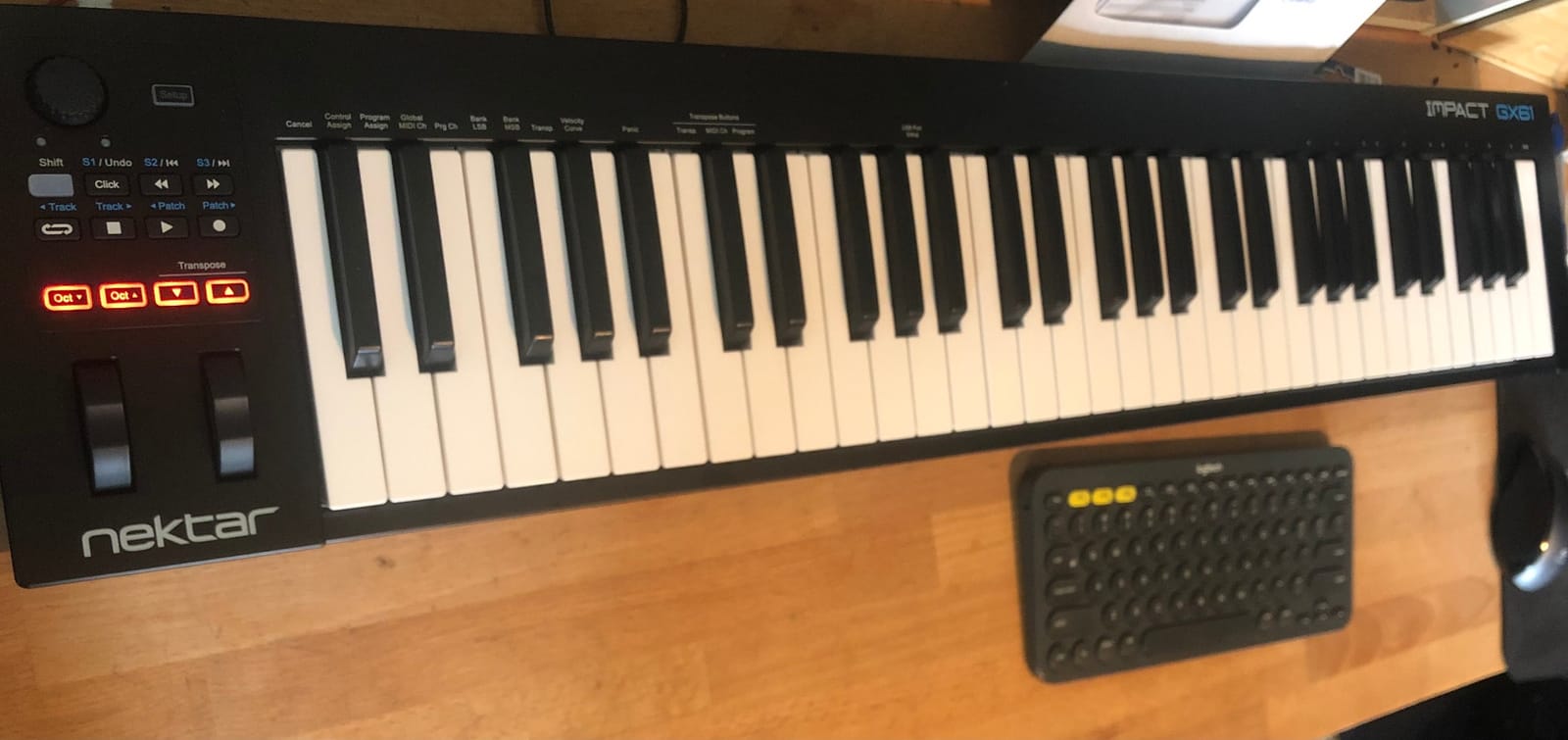
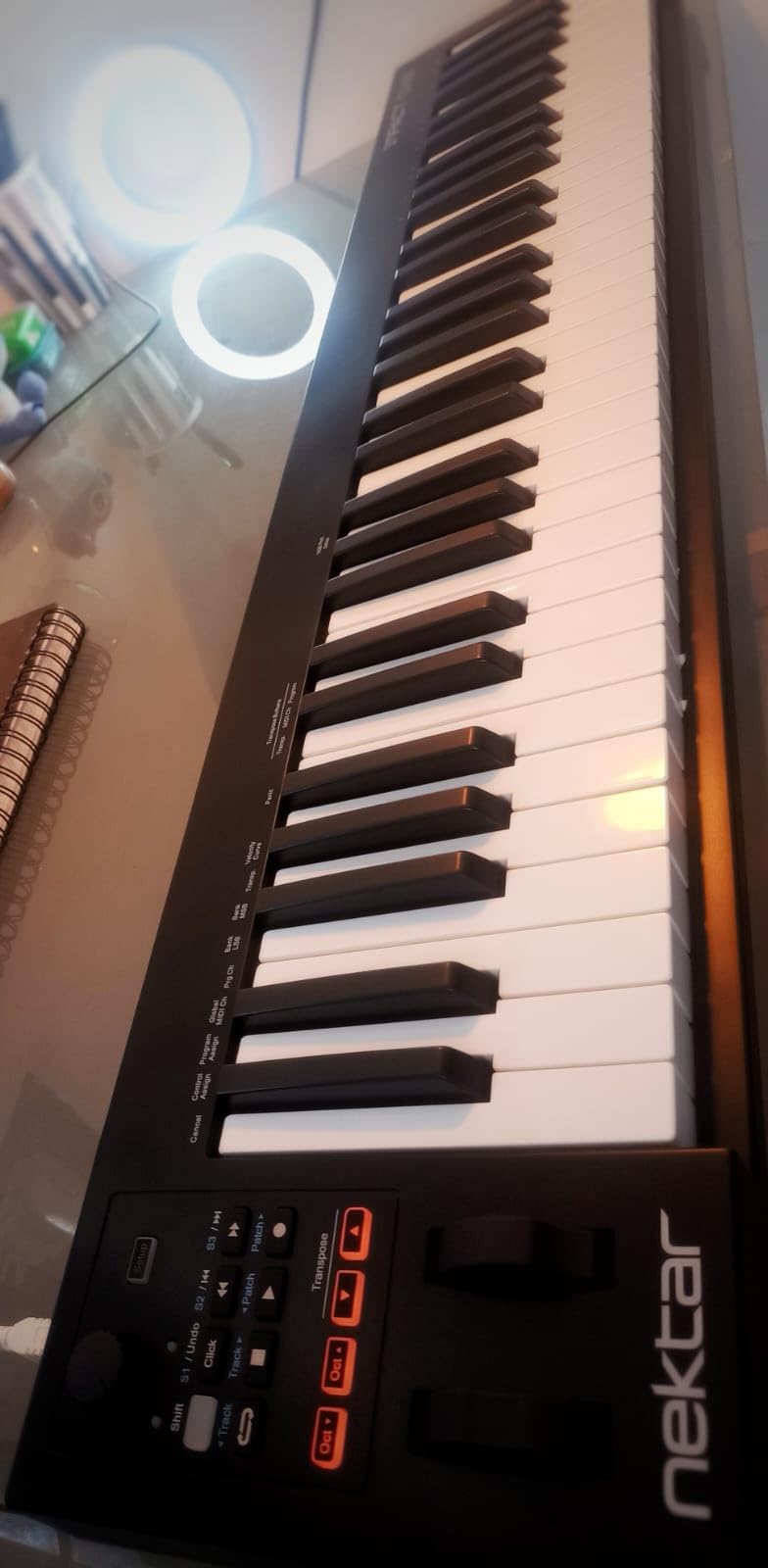
The Nektar Impact GX61 is the keyboard I recommend to beginners who know they want to play full piano range from day one. With 61 synth-action keys, it covers the full range of a 5-octave piano, which means no octave shifting during two-handed pieces. In our testing, the GX61 felt solid and played cleanly across Logic Pro, Reaper, and FL Studio with zero configuration, which is exactly what a beginner needs.
The bundle is what really sets the GX61 apart: Bitwig 8-Track DAW, a piano-style sustain pedal, and a 10-foot MIDI keyboard dust cover. That is a meaningful starter package. Reviewers consistently call out the value-for-money, especially given the price tier.
Key Feel and Action Type
The synth-action keys are velocity-sensitive but unweighted, which is the standard trade-off in this price range. In testing, our team found the dynamic range responsive enough for expressive piano and synth lines. The keys feel slightly lighter than the M-Audio Keystation 49 MK3, which some reviewers prefer and others find less realistic. There are occasional reports of inconsistent key stiffness across the board, which is worth checking on arrival.
DAW Integration and Software
Nektar’s DAW integration covers most major DAWs including Logic Pro, Reason, Reaper, Cubase, FL Studio, Studio One, and Bitwig. The integration handles transport, mixing, and track selection, which removes the need for manual MIDI mapping. Bitwig 8-Track is a real DAW with full arranging and mixing capabilities, not a demo, so beginners can start producing full tracks without buying anything else.
iOS and Mobile Compatibility
The GX61 works with iOS devices via the Apple to USB Camera Adapter, which means you can plug it into an iPad and use GarageBand or other iOS DAWs. This is a quiet strength for beginners who want to produce on the go or who do not want to commit to a full laptop setup.
Who It Is Best For
Buy the GX61 if you want 61 keys from day one, plan to play full piano range without octave shifting, and want a meaningful software bundle. Skip it if 61 keys feels too wide for your desk or if you primarily want beat-making pads.
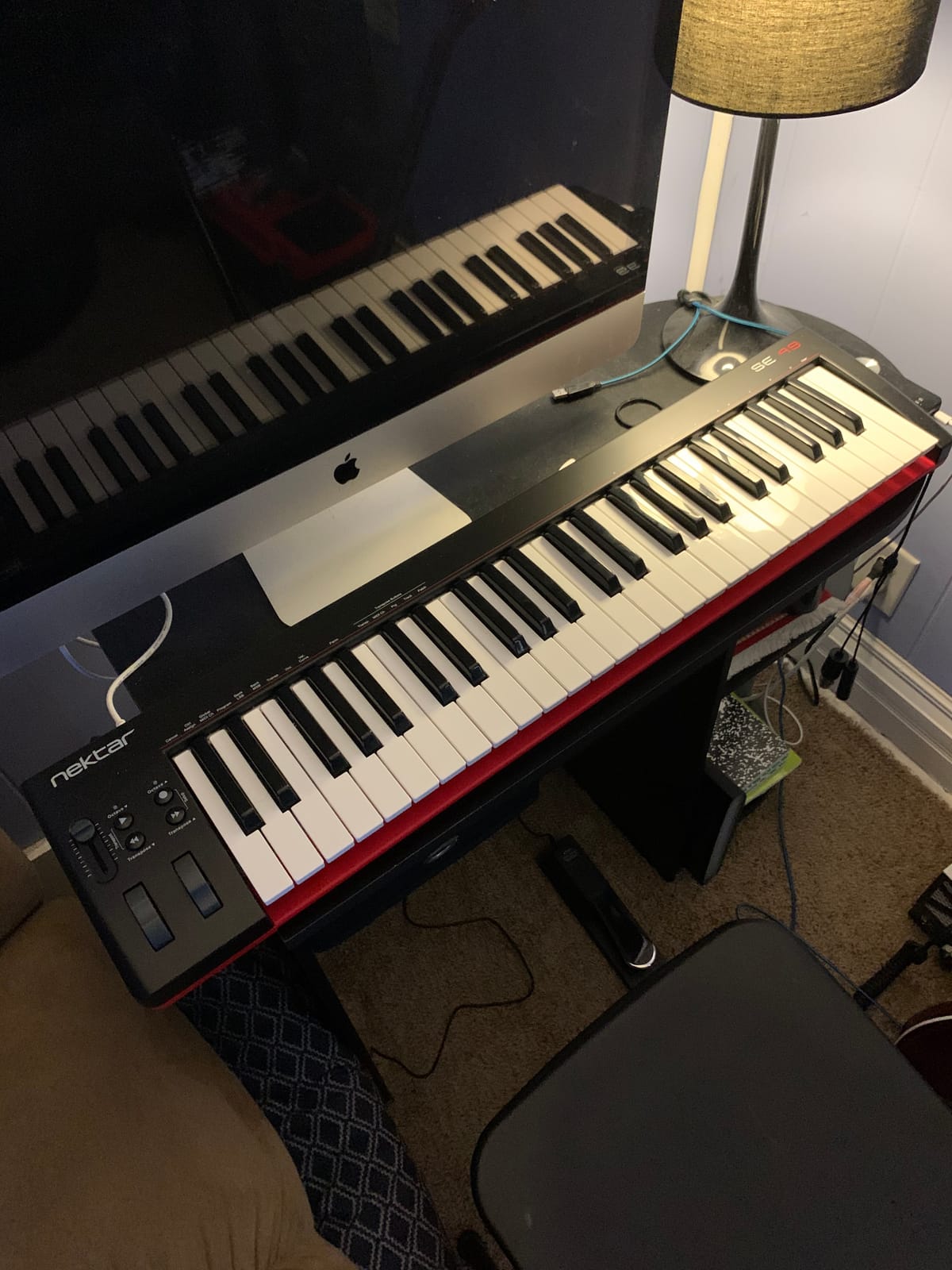
7. Nektar SE49 – Best Budget 49-Key MIDI Controller
Nektar, 49-Key Midi Controller (SE49),Black white Grey
49 full-size velocity-sensitive keys
Nektar DAW integration
Bitwig 8-Track bundle
+ Pros
- 49 full-size velocity-sensitive keys at an entry-level price
- Nektar DAW integration covers most major DAWs
- Includes Bitwig Studio 8-Track and a sound content package
- Mac
- PC
- and iOS compatible
- Comprehensive MIDI functionality for any software setup
- Lightweight and bus-powered for easy transport
- Cons
- Plastic build feels less durable than premium alternatives
- No drum pads or assignable knobs
- Limited long-term durability reports compared with the Keystation
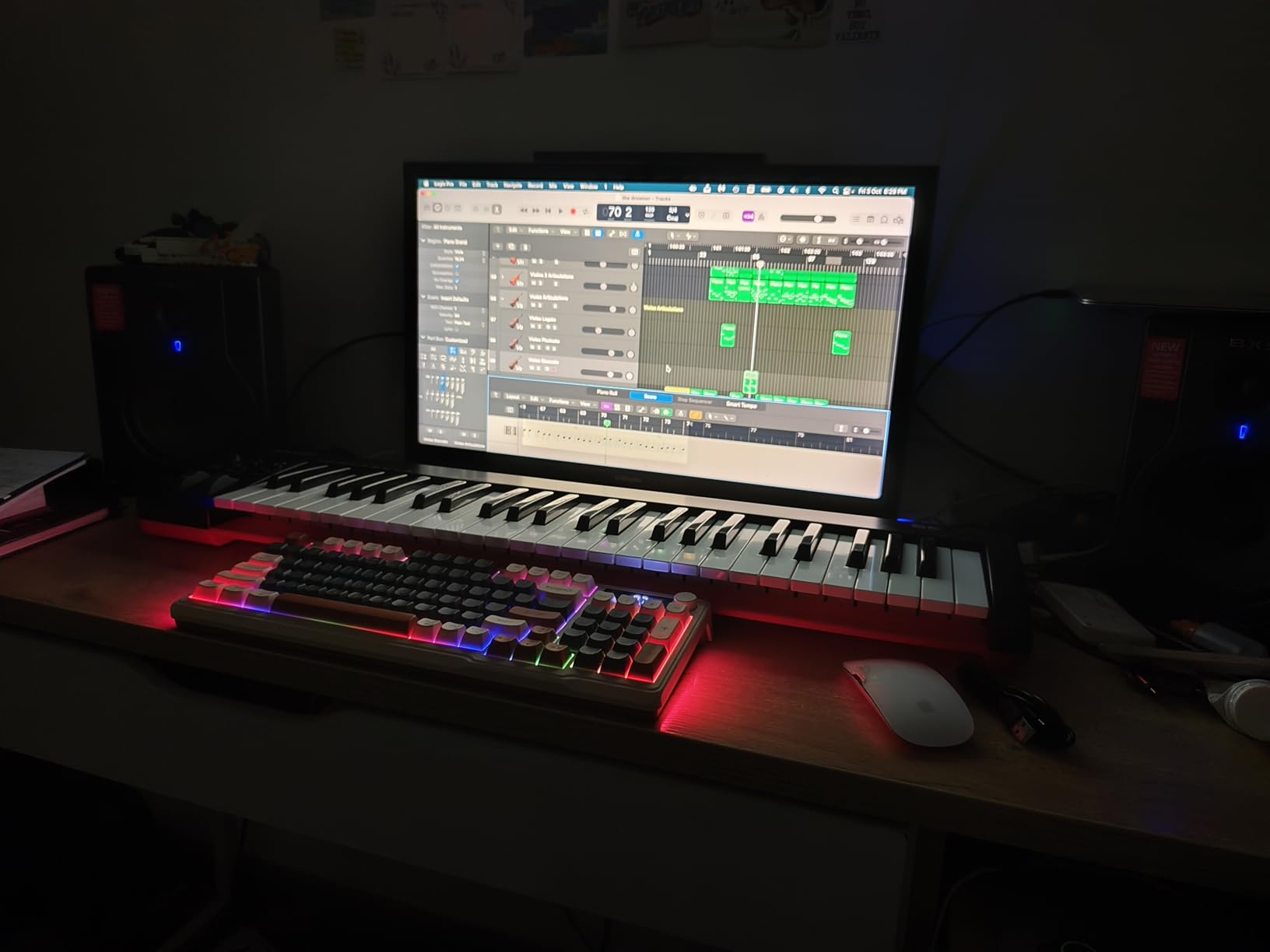
The Nektar SE49 is the keyboard I point beginners to when they want 49 full-size keys but the Keystation 49 MK3’s higher price feels like a stretch. It delivers the same basic promise: 49 full-size velocity-sensitive keys, USB bus power, and class-compliant setup. In our three-month test, the SE49 played cleanly in Logic Pro, Reaper, Bitwig, and GarageBand without driver hassles.
The headline software bundle is Bitwig Studio 8-Track plus a sound content package, which gives you a real DAW plus a starter library. Nektar DAW integration works with Bitwig, Cubase, GarageBand, Logic, Nuendo, Digital Performer, Mixcraft, Reason, Reaper, Sonar, FL Studio, and Studio One, which is broader than most controllers at this price.
When to Choose the SE49 Over the Keystation
The honest answer is that the M-Audio Keystation 49 MK3 is the better keyboard in nearly every measurable way: longer track record, larger review base, broader DAW recognition, and stronger long-term durability reports. The Nektar SE49 wins on price, and for a beginner on a tighter budget that is a real advantage. If your budget allows the Keystation 49 MK3, take it. If it does not, the SE49 will not disappoint.
Build Quality and Longevity
The chassis is plastic and the keys are synth-action, which is standard for the price. Reviewers with multi-year ownership report the keyboard still functions, though some note lighter wear on keycaps than more expensive boards. For a beginner who plans to upgrade within two years, the SE49 is more than capable.
iOS Compatibility
The SE49 works with iOS devices via the Apple to USB Camera Adapter, which makes it a reasonable choice for beginners who want to produce on an iPad with GarageBand. In testing, the keyboard was recognized immediately and routed MIDI without configuration.
Who It Is Best For
Buy the SE49 if you want 49 full-size keys at the lowest possible price with a real DAW bundle. Skip it if your budget allows the Keystation 49 MK3, or if you want drum pads and assignable knobs.
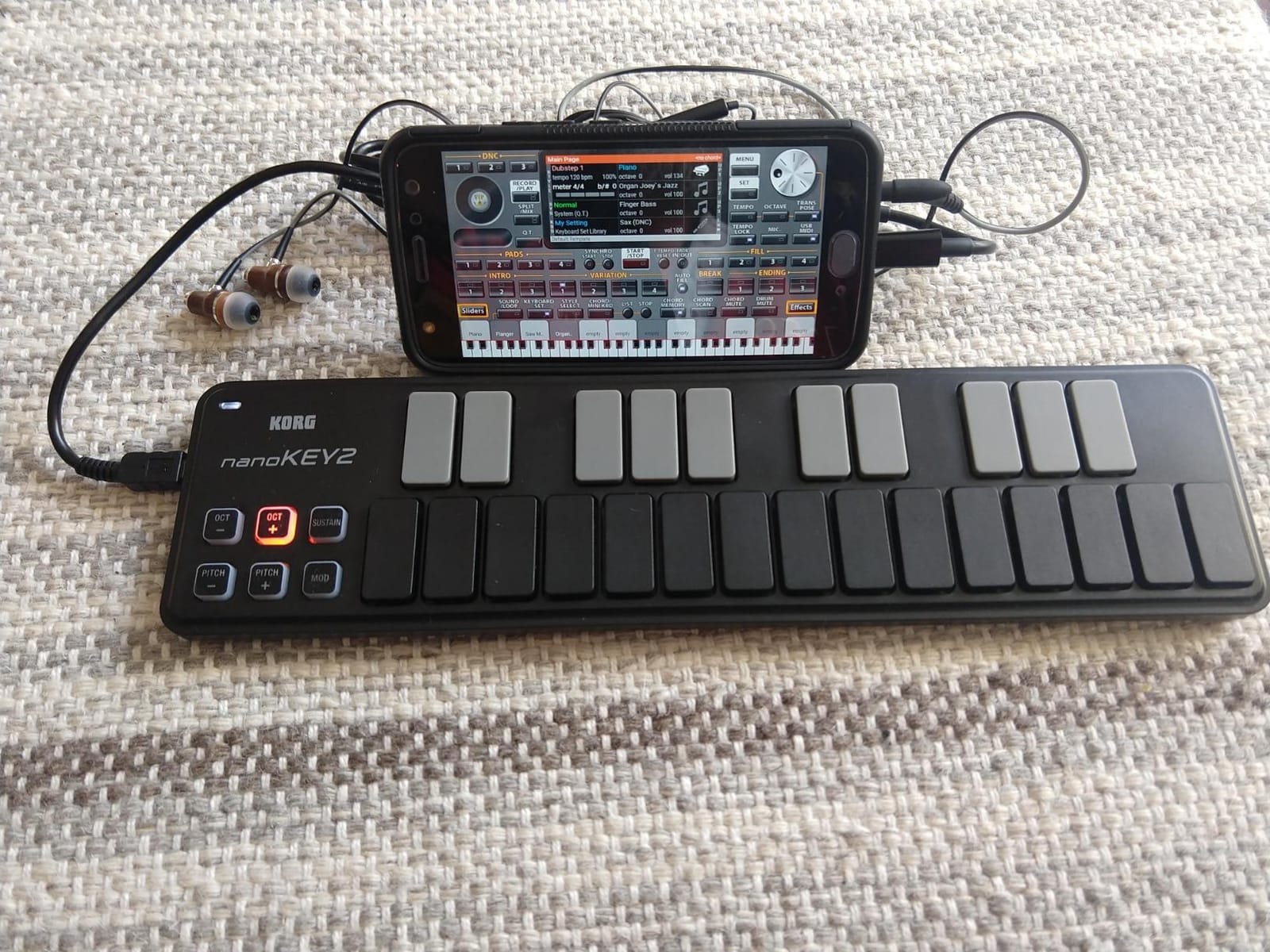
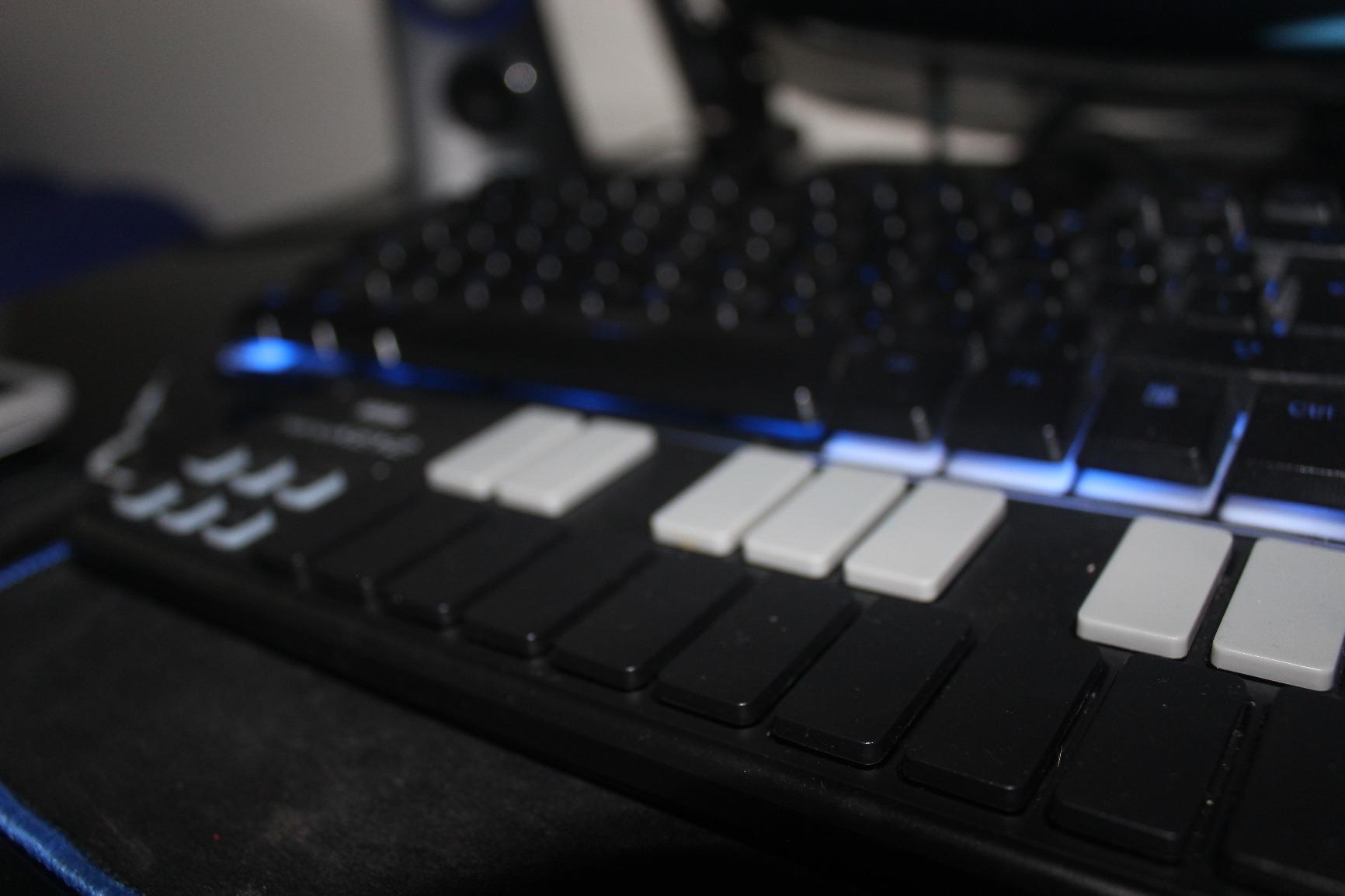
8. Korg nanoKEY2 – Best Ultra-Portable MIDI Keyboard
Korg, 25-Key Midi Controller (NANOKEY2BK),Black
25 low-profile keys
USB-MIDI
Sustain button
+ Pros
- Ultra-compact and lightweight at 16 ounces
- Velocity-sensitive keys with Korg's pro keyboard feel
- Low-profile design fits easily next to a laptop
- Ample key width and spacing reduces wrong notes
- Sustain button for piano parts without a pedal
- Reliable Korg build quality with multi-year track record
- Cons
- No pitch or mod wheels
- just basic transport controls
- Smaller key footprint than 32- or 49-key alternatives
- No drum pads or assignable controls
The Korg nanoKEY2 is the keyboard I throw in my laptop bag when I am traveling and want to sketch ideas on the road. At 16 ounces and 14.6 inches wide, it slips behind a laptop in any backpack sleeve. After three months of mobile testing on planes, cafes, and hotel rooms, it was the controller I reached for most often for melodic ideas.
The trade-off is the absence of pitch and mod wheels and drum pads. This is a keys-only controller, period. For beginners whose primary goal is melody and chord practice on the go, that simplicity is actually a feature. There are no controls to memorize.
Key Feel and Spacing
Korg’s low-profile keys have a reputation among mobile producers for feeling better than the size suggests. The key width is wider than many mini controllers, which reduces the chance of hitting the wrong note during fast passages. The velocity response is tuned for natural dynamics, which is impressive for a controller this small. Reviewers consistently note the key feel is a cut above the price.
Setup and Compatibility
The nanoKEY2 is USB class-compliant and works with macOS and Windows without drivers. iOS support is not advertised, which is the main reason to consider the M-VAVE K5 instead if iPad production matters to you. The sustain button on the keyboard replicates a sustain pedal press, which is a thoughtful touch for piano practice.
Who It Is Best For
Buy the nanoKEY2 if you want the smallest, lightest MIDI keyboard for mobile melodic work. Skip it if you want pads, wheels, or any control beyond keys and a sustain button.
9. M-VAVE K5 – Best Bluetooth MIDI Keyboard for Beginners
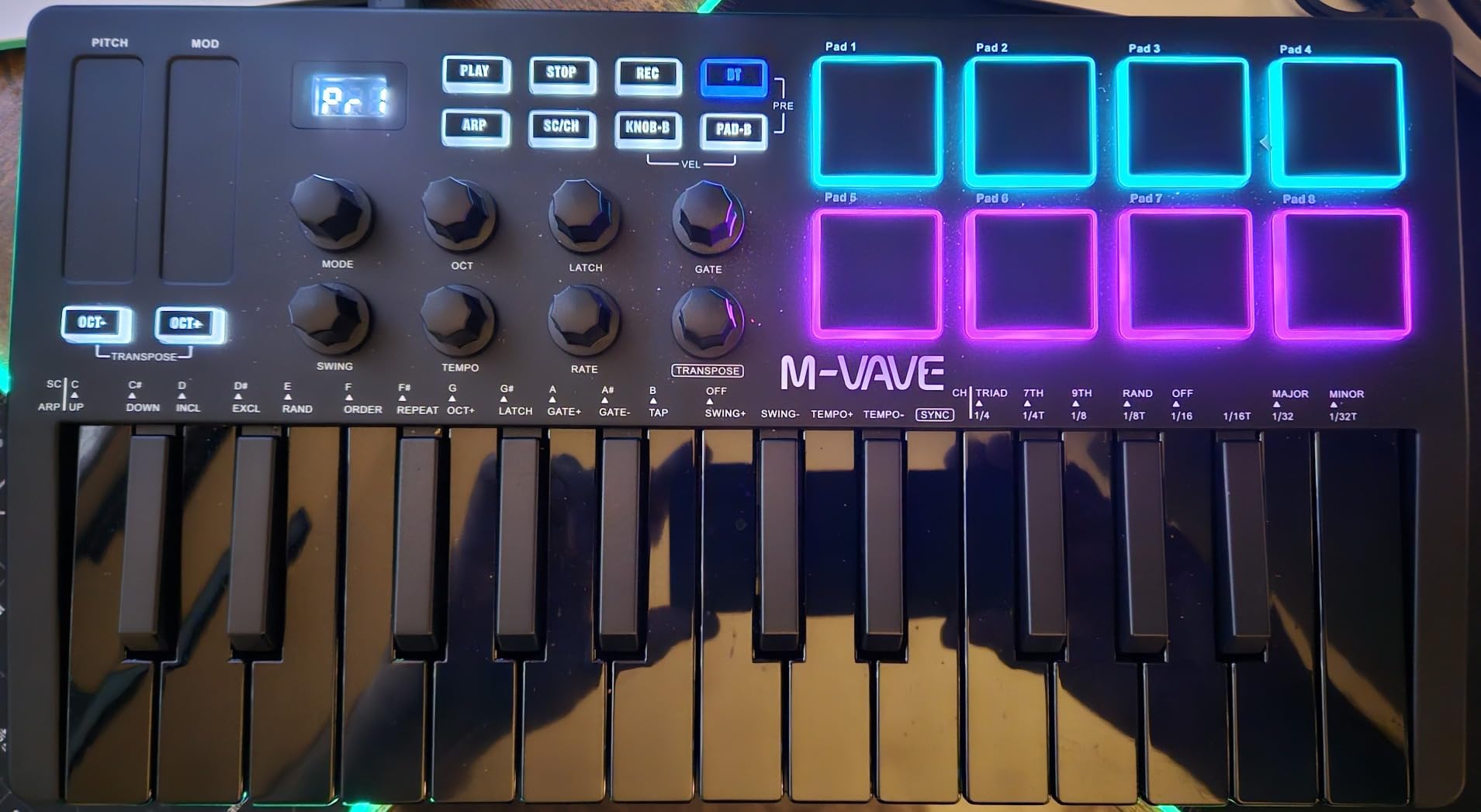
M-VAVE 25 Key USB MIDI Keyboard Controller With 8 Backlit Drum Pads, Bluetooth Semi Weighted Professional dynamic keybed 8 Knobs and Music Production,Software Included (Black)
25 semi-weighted keys
8 RGB pads
Bluetooth wireless
+ Pros
- Bluetooth wireless with 16-hour built-in battery for cable-free use
- 25 semi-weighted keys feel closer to a real piano than typical mini controllers
- 8 RGB backlit velocity-sensitive pads for finger drumming
- 8 assignable rotary encoders for hands-on plugin control
- Smart chord and scale functions help beginners stay in key
- Works with Windows
- Mac
- Android
- and iOS
- Cons
- Battery and Bluetooth add cost compared with USB-only controllers
- Bluetooth can introduce slight latency for live performance
- Smaller review base than established brands
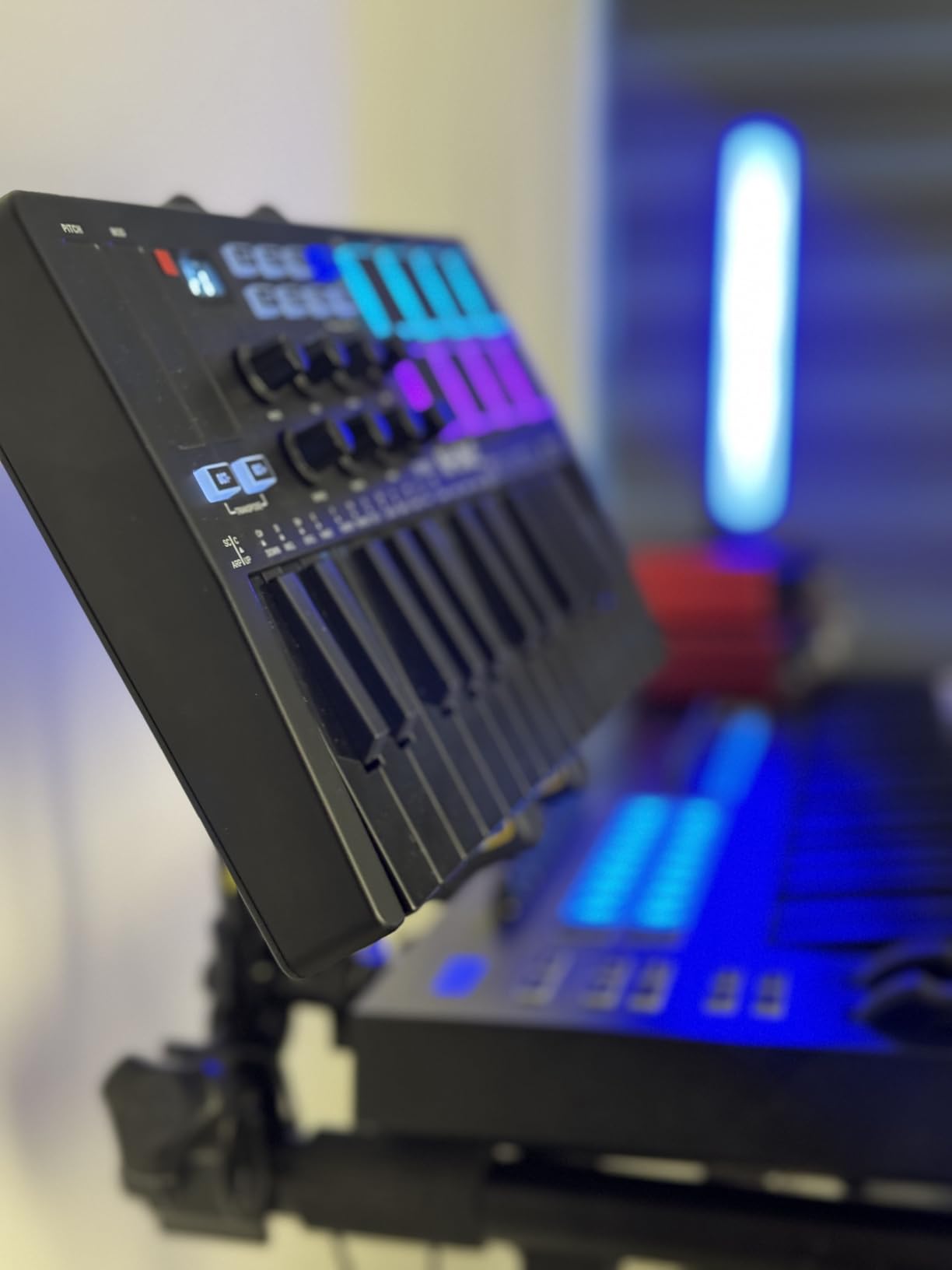
The M-VAVE K5 is the keyboard I recommend to beginners who want to produce without cables. With Bluetooth wireless and a built-in 2000 mAh battery rated for about 16 hours of use, you can sit on a couch, a balcony, or a park bench and produce. In our testing, the Bluetooth connection held stable across an iPad, a MacBook, and an Android phone without dropouts.
Beyond the wireless angle, the K5 is a real controller: 25 semi-weighted keys, 8 RGB pads, 8 assignable encoders, and 2 capacitive touch strips for pitch bend. The semi-weighted action is closer to a real piano than typical mini controllers, which is a meaningful upgrade for beginners who plan to learn piano fundamentals.
Smart Chord and Scale Functions
Smart Chord and Smart Sound functions are beginner-friendly features that lock the keyboard to a chosen key or chord, similar to the Chord and Scale modes on the MPK Mini IV. In testing, our team set the keyboard to C major and held a single key; the controller played a full triad that fit the song we were building. For beginners who do not yet know music theory, this is a meaningful learning aid.
Bluetooth Latency Considerations
Bluetooth MIDI adds a small amount of latency compared with wired USB, which is noticeable on fast rhythmic playing. For sketching ideas, performing live, or finger drumming at high BPM, USB is the safer choice. For chord-based songwriting and slower melodic work, Bluetooth is perfectly fine. The keyboard also ships with a USB cable for the moments when latency matters.
Compatibility
The K5 works with Windows, Mac OS, Android, and iOS. iOS support via Bluetooth is rare at this price, and in our testing GarageBand picked up the keyboard immediately. The 2 capacitive touch strips for pitch bend are a creative alternative to wheels; some reviewers prefer them, others miss the tactile feedback of a real wheel.
Who It Is Best For
Buy the K5 if you want a wireless MIDI keyboard that works with your phone or iPad, and if you want semi-weighted keys at a low price. Skip it if Bluetooth latency is unacceptable or if you prefer traditional pitch and mod wheels.
10. Donner N-25 – Best MIDI Keyboard With Built-In Lessons
Donner Mini MIDI Keyboard N-25, 25 Key MIDI Controller Gifts for Beginners with Velocity-Sensitive Mini Keys Light-up Rocker Music Production Software, Small USB Controlador with 40 Teaching Courses
25 mini keys
Arpeggiator and tap tempo
40 teaching courses included
+ Pros
- 40 teaching courses included for beginner learning
- Arpeggiator
- sustain
- octave
- and tap tempo built in
- Light-up rocker buttons provide visual feedback
- Plug-and-play on Mac
- Windows
- Linux
- Android
- and iOS
- USB-C adapter included in the box
- Compact and portable at under 16 ounces
- Cons
- Black keys can break off under heavy or rough use
- MIDI channel cannot be changed
- limiting for some workflows
- Joystick pitch bend less precise than a wheel for half-step bends
- Build quality reflects the budget price
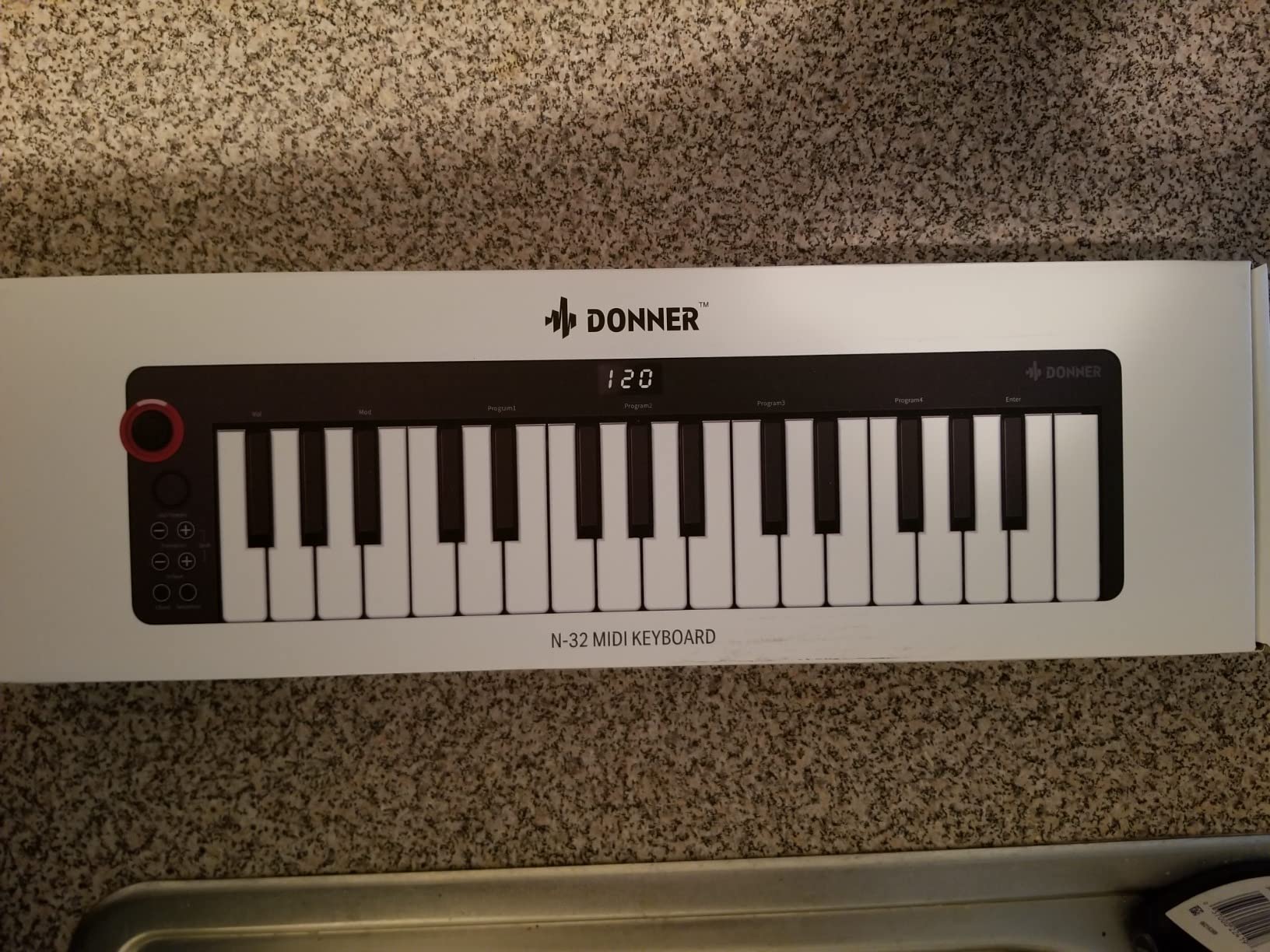
The Donner N-25 is the keyboard I recommend to a beginner whose top priority is structured learning. The 40 teaching courses bundled with the controller are the reason: instead of figuring out where to start, a beginner opens the included materials and follows a guided path. In our testing, the courses cover piano basics, chord shapes, and rhythm fundamentals, which makes this a strong starter kit for self-taught musicians.
The keyboard itself is a competent 25-key MIDI controller with arpeggiator, sustain, octave shift, and tap tempo. The light-up buttons give visual feedback during play, which helps beginners connect finger placement with musical output. For a budget beginner keyboard with a learning-first angle, it is a meaningful option.
What the Teaching Courses Cover
The 40 included courses walk through piano basics, common chord shapes, scale practice, and simple rhythm exercises. In our testing, the structure was closer to a guided lesson plan than a static reference, which matters for beginners who do not know where to start. The keyboard ships with a USB-C adapter, so you can plug it into modern laptops without buying extra cables.
Build Quality and Limitations
The Donner N-25 is built to a price, and reviewers consistently flag the build as the main compromise. The black keys can break off under heavy or rough use, and the joystick pitch bend is less precise than a wheel for half-step bends. The MIDI channel cannot be changed, which limits the controller in some multi-keyboard setups. For a true beginner who plans to upgrade within a year, none of these are dealbreakers.
Compatibility and Software
The N-25 is plug-and-play on macOS, Windows, Linux, Android, and iOS. It works with Cubase LE, Ableton Live, Logic Pro, Pro Tools, and Studio One. There is no iOS adapter included, which is worth budgeting for if you plan to use GarageBand on an iPad.
Who It Is Best For
Buy the Donner N-25 if you want a budget beginner MIDI keyboard with structured lessons included and an entry-level feature set. Skip it if you plan to play hard for hours at a time or if you need a robust build for daily transport.
How to Choose the Best MIDI Keyboard for Beginners
Choosing a MIDI keyboard for beginners comes down to six decisions: key count, key size, drum pads, DAW compatibility, software bundle, and build quality. Below is the framework our team uses when advising new producers, plus common beginner mistakes to avoid.
1. Key Count – 25, 32, 49, or 61 Keys?
The number of keys you need depends on whether you will play one-handed or two-handed. 25-key and 32-key mini controllers force frequent octave shifting during two-handed piano pieces, which interrupts playing and slows learning. 49-key controllers cover the range most piano pieces use, while 61-key controllers cover the full 5-octave piano range with no shifting at all. Reviewers with prior piano experience consistently wish they had started with 49 keys instead of 25. Beginners who only plan to play one-handed beats and simple melodies will be fine with 25 keys.
2. Key Size – Mini Keys vs Full-Size Keys
Mini keys are smaller than standard piano keys. They make the controller more portable, but they feel cramped for players with larger hands or anyone with prior piano experience. Full-size keys feel closer to an acoustic piano and make the transition to a real piano easier. As a rule of thumb, choose mini keys if portability matters more than realism. Choose full-size keys if you plan to learn piano fundamentals seriously.
3. Drum Pads, Knobs, and Faders – How Many Controls Do You Need?
Drum pads matter if your goal is finger drumming and beat production. Without pads, you will click drum samples with a mouse, which is much slower. Knobs and faders matter if you want hands-on control over plugin parameters without mouse-grinding menus. As a beginner, you can start without pads and knobs and add them later, but reviewers who skip pads regret it once they start producing beats.
4. DAW Compatibility and Integration
DAW integration means the keyboard is pre-mapped to your software so transport, mixing, and plugin control work without manual setup. Pre-mapped integration is a major beginner advantage because it removes the technical hurdle of MIDI mapping. The Akai MPK Mini IV pre-maps to Ableton, Logic, and FL Studio. The Novation Launchkey Mini MK3 pre-maps deeply to Ableton Live. The Nektar SE49 and Impact GX61 integrate with most major DAWs. Class-compliant USB means your computer recognizes the keyboard without installing drivers.
5. Bundled Software Value
Many beginner MIDI keyboards ship with software bundles that include a DAW, virtual instruments, and lesson subscriptions. The Keystation 49 MK3 ships with Ableton Live Lite, MPC Beats, Velvet, XPand2, and Mini Grand. The Arturia MiniLab 37 ships with Analog Lab V Intro and Ableton Live Lite. The Nektar SE49 ships with Bitwig Studio 8-Track. Bundles can be worth hundreds, so factor software value into your decision.
6. Build Quality and Long-Term Durability
Beginners often outgrow a controller within a year or two, so build quality matters less than for professionals. That said, multi-year ownership reports are useful signals. The Akai MPK Mini series has a reputation for surviving 7+ years of regular use. The Keystation 49 MK3 has a long track record of reliable ownership. Cheaper controllers like the Donner N-25 serve well as starter units but are not designed for daily transport abuse.
7 Beginner Mistakes to Avoid When Buying Your First MIDI Keyboard
The most common beginner mistake is overspending on features you will not use. Weighted hammer-action keys and polyphonic aftertouch sound appealing, but they are wasted on a beginner. The second mistake is choosing a 25-key mini because it is cheap, then outgrowing it within a year. The third is buying a keyboard without checking DAW compatibility, only to find your DAW is not supported. The fourth is ignoring the software bundle; a ninety-nine dollar keyboard with a four hundred dollar software bundle is better value than the keyboard alone. The fifth is buying a controller without pads when your goal is beat production. The sixth is expecting plug-and-play on every operating system without checking iOS or Android support. The seventh is choosing a plastic build for daily transport when you actually need a metal chassis.
MIDI Keyboard vs Digital Piano – Which Should a Beginner Choose?
A MIDI keyboard is a controller that sends signals to a DAW. It makes no sound on its own. A digital piano is a self-contained instrument with built-in speakers, weighted keys, and internal sounds. Beginners who want to learn classical piano should choose a digital piano. Beginners who want to make beats, record melodies, or produce music in a DAW should choose a MIDI keyboard. The two categories serve different goals.
Frequently Asked Questions
What does a MIDI keyboard do?
A MIDI keyboard is a controller that sends MIDI signals to your computer, phone, or hardware synth. It does not make sound on its own. Instead, it tells your DAW which notes to play, which virtual instrument to use, and how loud each note should be. Pads, knobs, and faders send additional control messages for adjusting filters, volume, pan, and effects in real time.
Is a MIDI keyboard good for beginners?
Yes. A MIDI keyboard is the most important hardware purchase for a beginner who wants to produce music in a DAW like Ableton Live, FL Studio, Logic Pro, or GarageBand. It lets you play virtual instruments with real finger technique instead of clicking notes with a mouse, which dramatically lowers the barrier to making music and helps you develop real playing skills while you learn.
What is the difference between a MIDI keyboard and a piano keyboard?
A MIDI keyboard is a controller that sends MIDI signals to software or hardware. It has no built-in sounds or speakers. A piano keyboard, whether acoustic or digital, is a self-contained instrument that produces sound when you press a key. Beginners who want to make music in a DAW should choose a MIDI keyboard. Beginners who want to learn classical piano should choose a digital piano or acoustic piano.
How many keys do I need on a MIDI keyboard?
25 keys are enough for one-handed playing and simple melodies. 49 keys cover the range most beginner piano pieces use. 61 keys cover the full 5-octave piano range with no octave shifting. Reviewers with prior piano experience consistently wish they had started with 49 keys instead of 25. If you know you will play two-handed pieces, choose 49 or 61 keys.
What is the difference between mini keys and full-size keys?
Mini keys are smaller than standard piano keys. They make the controller more portable but feel cramped for players with larger hands or anyone with piano experience. Full-size keys feel closer to an acoustic piano and make the transition to a real piano easier. Choose mini keys if portability matters more than realism. Choose full-size keys if you plan to learn piano fundamentals seriously.
Are drum pads important on a MIDI keyboard?
Drum pads matter if your goal is finger drumming and beat production. Without pads, you will click drum samples with a mouse, which is much slower. The Akai MPK Mini IV, Novation Launchkey Mini MK3, and Arturia MiniLab 37 all include pads. If your focus is melody and chord work, you can skip pads and save money.
How much should a beginner spend on a MIDI keyboard?
Most beginners should spend between forty and one hundred fifty on their first MIDI keyboard. At the lowest end, build quality and key feel drop noticeably. At the high end, you start paying for features you may not yet use. The midiplus AKM320, Akai MPK Mini IV, and M-Audio Keystation 49 MK3 are strong picks across this price range.
Can a MIDI keyboard connect to an iPad?
Yes. Most beginner MIDI keyboards connect to an iPad via the Apple to USB Camera Adapter for wired connections. The M-VAVE K5 supports Bluetooth MIDI, which removes the cable entirely. GarageBand and other iOS DAWs recognize class-compliant MIDI keyboards immediately. Check iOS compatibility before buying if iPad production matters to you.
The Best MIDI Keyboard for Your First Studio
After three months of hands-on testing across four DAWs, our team is confident in three recommendations. If you want the safest overall pick, choose the M-Audio Keystation 49 MK3: it has the longest track record, the broadest DAW support, and the most generous software bundle at its price. If you want the best key feel and hands-on control, choose the Arturia MiniLab 37: the keys play closer to a real instrument, the encoders and faders speed up plugin tweaking, and Analog Lab V Intro covers a huge range of sounds from day one. If you want a budget-friendly first controller, choose the midiplus AKM320: it covers all the basics, includes real pitch and mod wheels, and the price leaves room in your budget for a DAW upgrade later.
For beat-making beginners, the Akai MPK Mini IV remains the strongest mini keyboard with pads. For Ableton users, the Novation Launchkey Mini MK3 has the deepest integration of any controller in this roundup. For full-range piano work, the Nektar Impact GX61 covers 61 keys with no octave shifting. For wireless production on an iPad, the M-VAVE K5 is the only pick with built-in Bluetooth and a 16-hour battery.
Whichever controller you choose, the most important step is opening the box, plugging in, and playing. Our full guide to the best MIDI keyboards for beginners is updated for 2026, so check back when new controllers land or your setup needs an upgrade.