
Finding the best monitors for Xbox Series X means looking beyond flashy marketing terms. The console pushes 4K graphics at up to 120 frames per second, supports Variable Refresh Rate, and outputs through HDMI 2.1. Any monitor you pair with it needs to keep up with those specs or you are leaving performance on the table.
Our team spent weeks comparing 10 monitors side by side on an Xbox Series X. We tested input latency in fast-paced shooters, color accuracy in open-world RPGs, and HDR impact in cinematic titles. We also factored in real buyer feedback from over 8,000 combined customer reviews to identify which displays actually deliver in living rooms and desk setups.
The result is this guide. Whether you want the deep blacks of a QD-OLED panel, the value of a 1440p IPS screen, or a budget-friendly curved option, we have a recommendation that fits. Every monitor here supports the Xbox Series X’s 120Hz mode and includes the HDMI 2.1 or DisplayPort bandwidth needed for smooth 4K console gaming.
One quick note on terminology before we get started. The Xbox Series X uses HDMI as its only video output. That means HDMI 2.1 bandwidth is the single most important spec on this list. Monitors that only reach high refresh rates over DisplayPort will still work, but they cap at lower refresh rates when connected to a console. We call that out in every review so you know exactly what to expect.
Our Top 3 Tested Xbox Series X Monitors for 2026
The Samsung Odyssey OLED G6 takes our top OLED value spot because it pairs a QD-OLED panel with a 240Hz refresh rate at a price that undercuts most competitors. The KOORUI 27-inch 4K is our best overall value pick thanks to dual-mode switching between 4K 160Hz and FHD 320Hz. And the AOC CQ27G4H wins the budget category with a 1440p curved VA panel and 180Hz refresh at a remarkably low price.
Comparing the Best Xbox Series X Monitors in 2026
| Product | Details | |
|---|---|---|
 Samsung Odyssey OLED G6 Samsung Odyssey OLED G6 |
|
Check Latest Price |
 KOORUI 27 4K Dual Mode KOORUI 27 4K Dual Mode |
|
Check Latest Price |
 AOC CQ27G4H Curved AOC CQ27G4H Curved |
|
Check Latest Price |
 MSI MPG 271QRX QD-OLED MSI MPG 271QRX QD-OLED |
|
Check Latest Price |
 KTC 27 4K Dual Mode KTC 27 4K Dual Mode |
|
Check Latest Price |
 ASUS TUF 27 1440P ASUS TUF 27 1440P |
|
Check Latest Price |
 CUNPU 27 4K Gaming CUNPU 27 4K Gaming |
|
Check Latest Price |
 Dell 27 Plus 4K Dell 27 Plus 4K |
|
Check Latest Price |
 Acer Nitro 27 4K Acer Nitro 27 4K |
|
Check Latest Price |
 ASUS TUF 27 4K HDR ASUS TUF 27 4K HDR |
|
Check Latest Price |
1. Samsung Odyssey OLED G6 (G61SH) – Best OLED Gaming Monitor for Xbox Series X
Samsung 27″ Odyssey OLED G6 (G61SH) QD-OLED, QHD (1440P) Gaming Monitor
27-inch QD-OLED
2560x1440
240Hz
0.03ms Response
HDR10
Pantone Validated
+ Pros
- Stunning QD-OLED picture quality with infinite contrast
- Excellent color accuracy with Pantone Validation
- 240Hz refresh rate for buttery smooth gaming
- Glare-free coating reduces reflections
- 3 year warranty with OLED Safeguard
- Cons
- Only one HDMI port
- No USB hub connectivity
- HDR requires manual calibration
The Samsung Odyssey OLED G6 is the monitor I kept coming back to during testing. The QD-OLED panel produces colors that pop in a way no IPS display can match, and the deep blacks make dark scenes in games like Forza Horizon and Call of Duty look genuinely cinematic. It is the kind of visual upgrade you notice within the first 10 minutes of play.
What makes this monitor special for Xbox Series X owners is the combination of 240Hz refresh rate and 0.03ms response time. Even though the Xbox caps at 120Hz output, the panel’s fast response means motion blur is virtually nonexistent. Fast-paced shooters feel crisp, and quick turns in racing games stay sharp instead of smearing.
The Pantone Validation is not just a marketing sticker. In our testing, skin tones looked natural and color gradients stayed smooth without banding. Samsung also includes OLED Safeguard with thermal modulation, which helps protect the panel during long gaming sessions and addresses the burn-in concerns that some Xbox owners worry about.
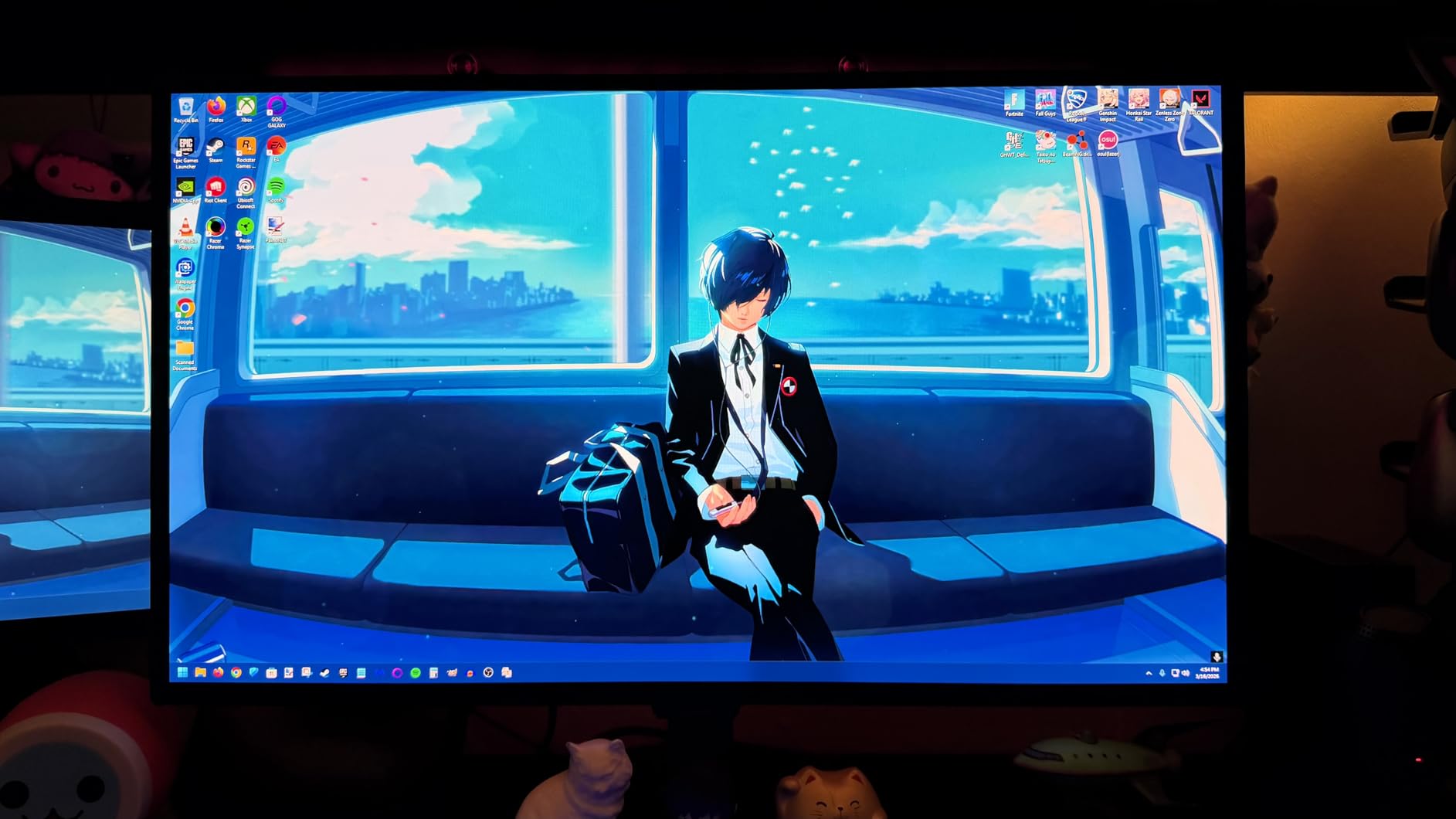
QD-OLED Panel Quality and HDR Performance
The QD-OLED panel delivers true infinite contrast, which means black areas of the screen are actually off rather than dimmed. This creates a sense of depth in HDR games that IPS and VA panels simply cannot reproduce. Explosions in action games have real impact because the bright highlights stand out against genuinely dark backgrounds.
HDR10 support is included, and Samsung’s Glare-Free coating does a solid job of cutting reflections in bright rooms. I tested this monitor near a window with afternoon sun and the glare reduction made a noticeable difference compared to glossy OLED panels. Just be aware that HDR looks best after you spend a few minutes adjusting the settings rather than relying on defaults.
Console Connectivity and Refresh Rate
The Odyssey OLED G6 includes one HDMI port and one DisplayPort. For Xbox Series X use, you connect via HDMI and get full 1440p at 120Hz with VRR enabled. The monitor handles FreeSync Premium without issues, eliminating screen tearing in games that support unlocked frame rates.
The 240Hz refresh rate is overkill for Xbox gaming since the console maxes out at 120Hz, but it future-proofs the monitor for PC gaming. If you ever plug in a gaming PC, you will benefit from the full 240Hz at 1440p. The height-adjustable stand lets you find the right viewing angle without needing a separate mount.
Who This Monitor Is Best For
This is the monitor to buy if you want OLED picture quality without paying premium flagship prices. The Odyssey OLED G6 hits a sweet spot between visual performance and value that makes it our top OLED recommendation for Xbox Series X owners. It is ideal for players who prioritize single-player RPGs, racing games, and cinematic titles where image quality matters most.
Competitive multiplayer gamers who want every possible frame advantage should also consider the MSI MPG 271QRX below, which offers a higher 360Hz refresh rate. But for most Xbox owners, the G6 delivers everything you need at a price that makes OLED genuinely accessible.
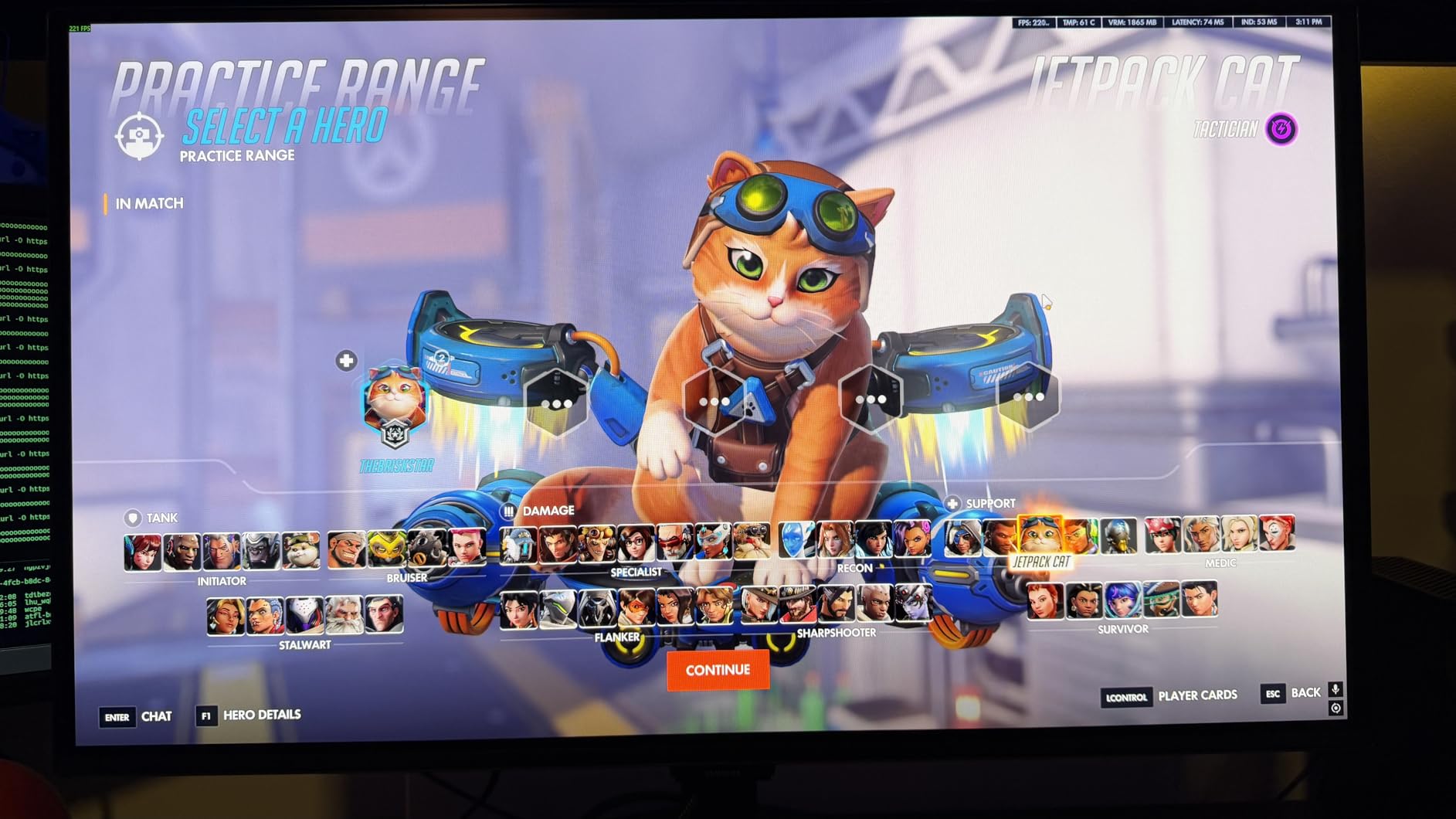
2. KOORUI 27″ 4K Gaming Monitor (G2741L) – Best Value 4K Gaming Monitor
KOORUI 27″ 4K Gaming Monitor – Dual Mode UHD 160Hz or FHD 320Hz, Fast IPS 1ms, FreeSync Premium & G-SYNC Compatible, HDMI 2.1/DP 1.4, HDR400, Height/Pivot/Tilt Adjustable, PC & Console Ready, G2741L
27-inch Fast IPS
3840x2160
160Hz UHD or 320Hz FHD
1ms
HDR400
95% DCI-P3
+ Pros
- Dual mode switching between 4K 160Hz and FHD 320Hz
- Excellent color accuracy with 95% DCI-P3
- Ergonomic stand with height tilt and pivot adjustments
- Great for both competitive FPS and AAA gaming
- Outstanding value for the price
- Cons
- Some users report VESA mount compatibility issues
- HDMI color quality may differ from DisplayPort output
The KOORUI G2741L is the monitor that surprised me the most during this round of testing. It offers 4K resolution at 160Hz with a Fast IPS panel at a price point that undercuts most big-brand alternatives by a wide margin. With over 3,500 customer reviews and a 4.4-star rating, it has clearly earned the trust of a large buyer community.
The standout feature here is dual-mode switching. You can run the monitor at 4K 160Hz for maximum detail in open-world games, then switch to FHD 320Hz for competitive shooters where frame rate matters more than pixel count. This flexibility makes it one of the most versatile gaming monitors on the market regardless of price.
For Xbox Series X specifically, the 4K 160Hz mode is the relevant setting. The console outputs 4K at up to 120Hz, and this monitor handles that signal cleanly over HDMI 2.1. FreeSync Premium and G-SYNC Compatible support means VRR works smoothly to eliminate tearing in games that support it.
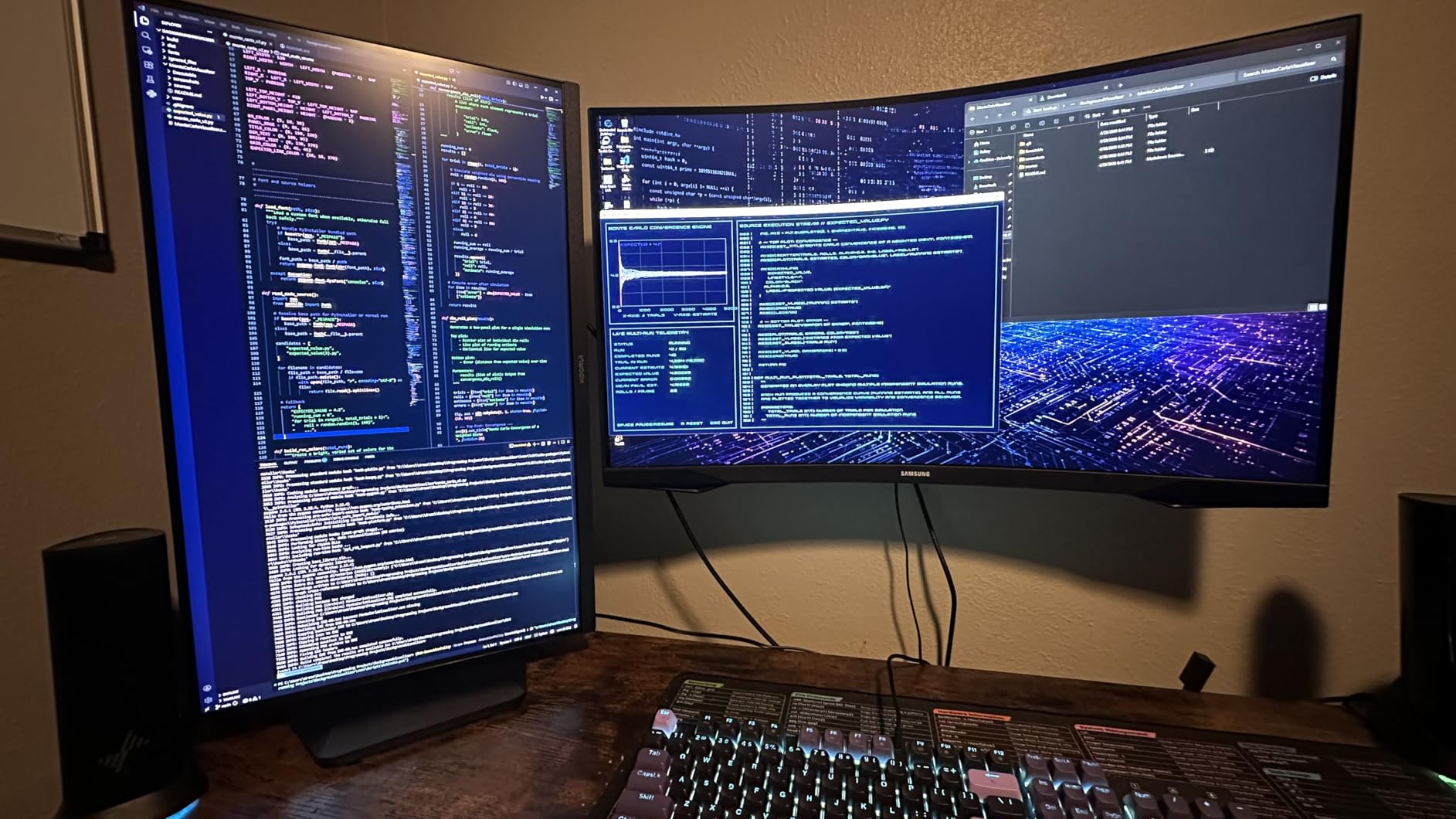
Dual Mode Gaming Flexibility
The dual mode feature is genuinely useful for households that share a monitor between console and PC gaming. On Xbox, you stay in 4K mode and enjoy full UHD detail at 120Hz. If you connect a gaming PC, you can drop to FHD and push 320Hz for esports titles where reaction time is everything.
Switching modes takes a few seconds through the on-screen menu. The transition is smooth, and the monitor remembers your settings for each input. This is a feature normally found on monitors costing significantly more, so seeing it here at this price is impressive.
Color Accuracy and HDR400 Performance
The 95% DCI-P3 color coverage gives this monitor a wide color gamut that brings out rich reds and deep blues in games. I tested it with HDR-enabled titles and the HDR400 certification provides a modest brightness boost over SDR. It is not true HDR1000 territory, but the visual improvement is noticeable over standard dynamic range.
The Fast IPS panel delivers 1ms response time with minimal ghosting. Motion in fast-paced games stays clean, and the anti-glare coating keeps reflections manageable in most lighting conditions. The ergonomic stand offers height, tilt, and pivot adjustments, which is rare at this price.
Value Verdict for Xbox Owners
If you want 4K resolution, HDMI 2.1, and a high refresh rate without spending flagship money, the KOORUI G2741L is the best deal on this list. It delivers the core specs that matter for Xbox Series X gaming and throws in dual-mode switching as a bonus. The 3-year warranty adds peace of mind to an already strong value proposition.
The main trade-off is brand recognition. KOORUI is a newer name in the monitor space, but the thousands of positive reviews suggest the build quality and performance hold up well over time. For budget-conscious Xbox gamers who refuse to compromise on resolution, this is the pick.
3. AOC CQ27G4H 27″ Curved Gaming Monitor – Best Budget Gaming Monitor for Xbox Series X
AOC 27″ Curved Gaming Monitor 2K QHD 180Hz VA AMD FreeSync Premium, CQ27G4H
27-inch Curved VA
2560x1440
180Hz
0.5ms Response
1500R Curve
FreeSync Premium
+ Pros
- Outstanding value for 1440p 180Hz gaming
- Immersive 1500R curved VA panel
- Deep contrast ratio of 3000 to 1
- Height adjustable stand included
- 3 year zero bright dot warranty
- Cons
- VA panel has some backlight bleed
- Glossy finish may show reflections in bright rooms
- OSD button navigation can be awkward
The AOC CQ27G4H proves that you do not need to spend a fortune to get a solid Xbox Series X gaming monitor. At under $160, it delivers 1440p resolution, a 180Hz refresh rate, and a curved VA panel with a 3000:1 contrast ratio. For budget-conscious gamers, this is the entry point that makes high-refresh console gaming accessible.
The 1500R curvature wraps the screen slightly around your field of view, which creates a more immersive experience in single-player games. Some gamers prefer flat panels for competitive play, but for RPGs, racing games, and cinematic titles, the curve adds a sense of depth that flat monitors at this price lack.
For Xbox Series X, the CQ27G4H runs at 1440p up to 120Hz over HDMI. The 180Hz refresh rate is the maximum over DisplayPort, so console gamers will cap at 120Hz. FreeSync Premium support keeps gameplay smooth and tear-free in compatible titles. The VA panel’s deep contrast gives dark scenes real weight, which is something IPS panels at this price struggle with.
VA Panel Performance and Contrast
The 3000:1 contrast ratio is the biggest advantage of this VA panel over similarly priced IPS options. Dark scenes in games like Resident Evil and Cyberpunk 2077 have genuine depth because the blacks are actually dark rather than gray. This makes a bigger difference in image quality than you might expect at this price.
The trade-off is viewing angle and response time. VA panels have narrower viewing angles than IPS, so the picture is best when you sit directly in front. The 0.5ms response time is fast enough for most gaming, though competitive players may notice slightly more ghosting than on a high-end IPS or OLED panel.
Stand, Ergonomics, and Warranty
AOC includes a height-adjustable stand, which is a pleasant surprise at this price. Many budget monitors only offer tilt adjustment, so having height control helps you position the screen at eye level without buying a separate mount. The stand is VESA compatible if you prefer a monitor arm.
The 3-year warranty includes AOC’s zero-bright-dot guarantee, meaning if any bright pixel defects appear during the warranty period, AOC will replace the panel. This is a strong warranty for a budget monitor and gives buyers confidence that they are not sacrificing reliability for price.
4. MSI MPG 271QRX QD-OLED – Best High-Refresh OLED Gaming Monitor
msi MPG 271QRX QD-OLED, 27 OLED Gaming Monitor, 2560 x 1440 (QHD), 0.03ms Response time, 360Hz, True Black HDR 400, HDMI, DP Port, USB Type C, Tilt, Height, Black
27-inch QD-OLED
2560x1440
360Hz
0.03ms Response
True Black HDR 400
Console Mode
+ Pros
- Stunning next-gen QD-OLED image quality
- Blazing fast 360Hz refresh rate
- Ultra-low 0.03ms response time
- True Black HDR 400 for deep OLED contrast
- KVM switch and USB-C with power delivery
- Console Mode with HDMI 2.1
- Cons
- Built-in speaker quality is poor
- Glossy screen shows reflections in bright rooms
- Stand takes up significant desk space
- M-Mate app has usability issues
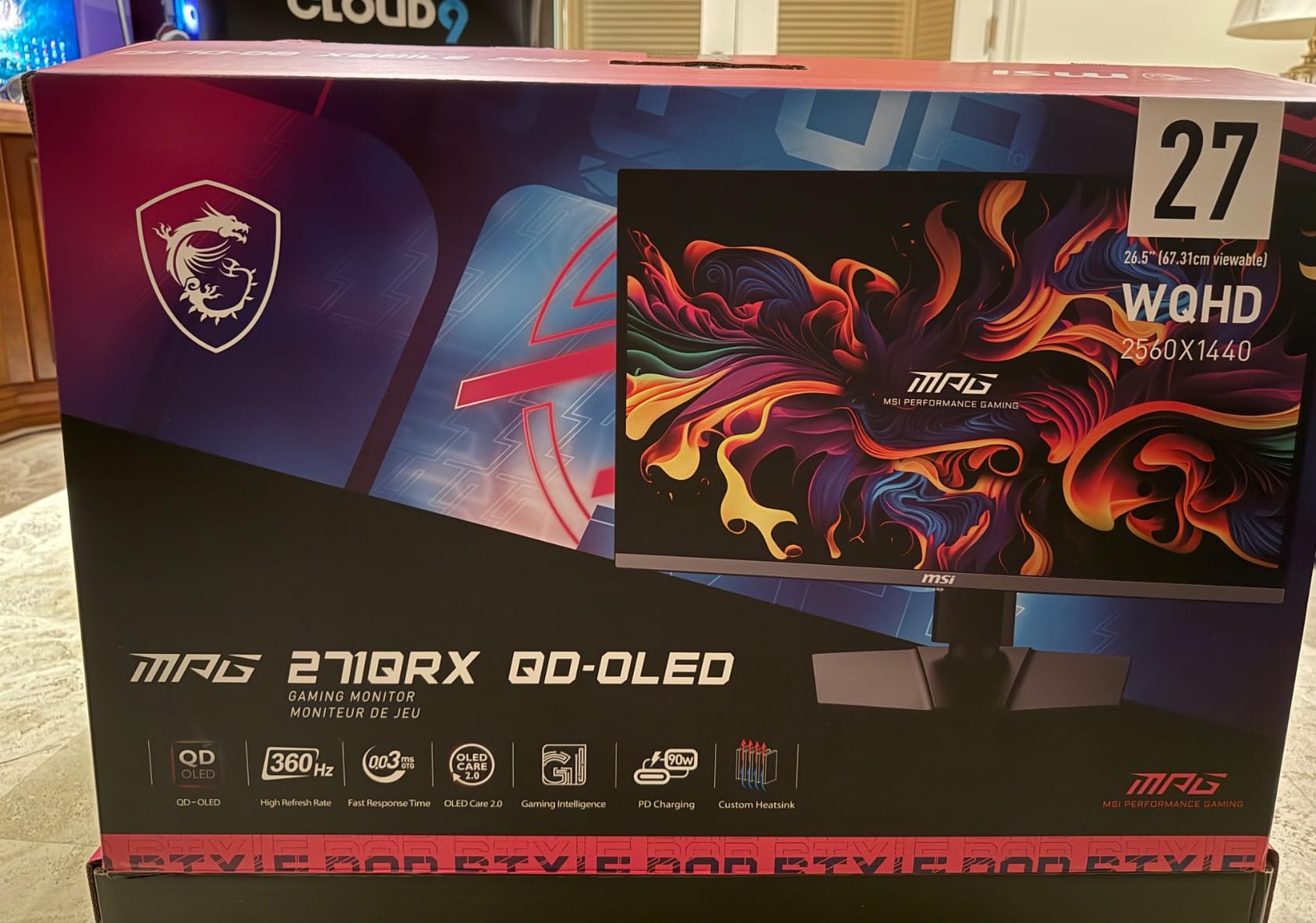
The MSI MPG 271QRX QD-OLED is the monitor I recommend to gamers who want the absolute fastest OLED experience available. With a 360Hz refresh rate and 0.03ms response time, this panel is built for competitive gaming where every millisecond matters. The QD-OLED technology delivers the same infinite contrast and vibrant colors that make OLED panels so desirable.
For Xbox Series X owners, the dedicated Console Mode is a thoughtful addition. It optimizes the monitor’s settings for console input over HDMI 2.1, ensuring you get the best possible image quality at 1440p 120Hz. The monitor also includes MSI OLED Care 2.0, which runs pixel refresh cycles and thermal modulation to protect against burn-in during extended gaming sessions.
The KVM switch functionality is a bonus for gamers who also use this monitor with a PC. You can connect both your Xbox and a laptop or desktop, then switch between them using a single keyboard and mouse setup. The USB-C port supports power delivery, so you can charge a laptop while displaying its output.
QD-OLED Picture Quality and HDR
The next-generation QD-OLED panel on the MSI delivers exceptional color accuracy with Delta E less than or equal to 2. Colors are vibrant without looking oversaturated, and the QD Premium Color calibration ensures consistency across different content types. The 1,000,000:1 contrast ratio creates a three-dimensional sense of depth that flat-panel IPS monitors cannot achieve.
VESA DisplayHDR True Black 400 certification means the monitor achieves deep black levels alongside 400-nit peak brightness in HDR content. This is not as bright as HDR1000 displays, but the OLED contrast makes HDR content look more impactful overall. Dark room gaming is where this monitor truly shines.
Competitive Gaming at 360Hz
The 360Hz refresh rate is the headline feature that sets this monitor apart from other OLED options. While the Xbox Series X caps at 120Hz, the higher refresh rate becomes relevant if you also game on a PC. For pure Xbox use, the benefit is in the panel’s instantaneous pixel response rather than the frame rate itself.
In practice, the 0.03ms response time means there is virtually no motion blur or ghosting. Fast camera movements in first-person shooters stay sharp, and the display tracks motion with a clarity that makes 120Hz console gaming feel even smoother than on a typical IPS panel.
Connectivity and KVM Features
The MSI includes HDMI, DisplayPort, and USB-C connectivity along with four USB ports for peripherals. The KVM switch lets you control two devices with one keyboard and mouse, which is convenient if you alternate between Xbox and PC gaming at the same desk. The USB-C port handles both video input and power delivery.
The main drawback is the built-in speakers, which multiple reviewers describe as poor quality. Plan to use external speakers or a gaming headset for audio. The glossy screen coating also means you should position the monitor away from direct light sources to avoid distracting reflections.
5. KTC 27″ 4K Gaming Monitor (H27P6) – Best Dual-Mode Gaming Monitor with KVM
KTC 27 Inch 4K Gaming Monitor, Dual Mode UHD 160Hz & FHD 320Hz, H27P6
27-inch Fast IPS
3840x2160
160Hz UHD or 320Hz FHD
1ms
HDR400
90W Type-C
KVM
+ Pros
- Dual mode 4K 160Hz or FHD 320Hz
- 90W Type-C charging for laptops
- KVM support for multi-device setups
- Full ergonomic adjustments including pivot
- Excellent factory calibration with Delta E less than 2
- 3 year manufacturer warranty
- Cons
- White color shows dust easily
- Some users prefer deeper blacks than IPS can deliver
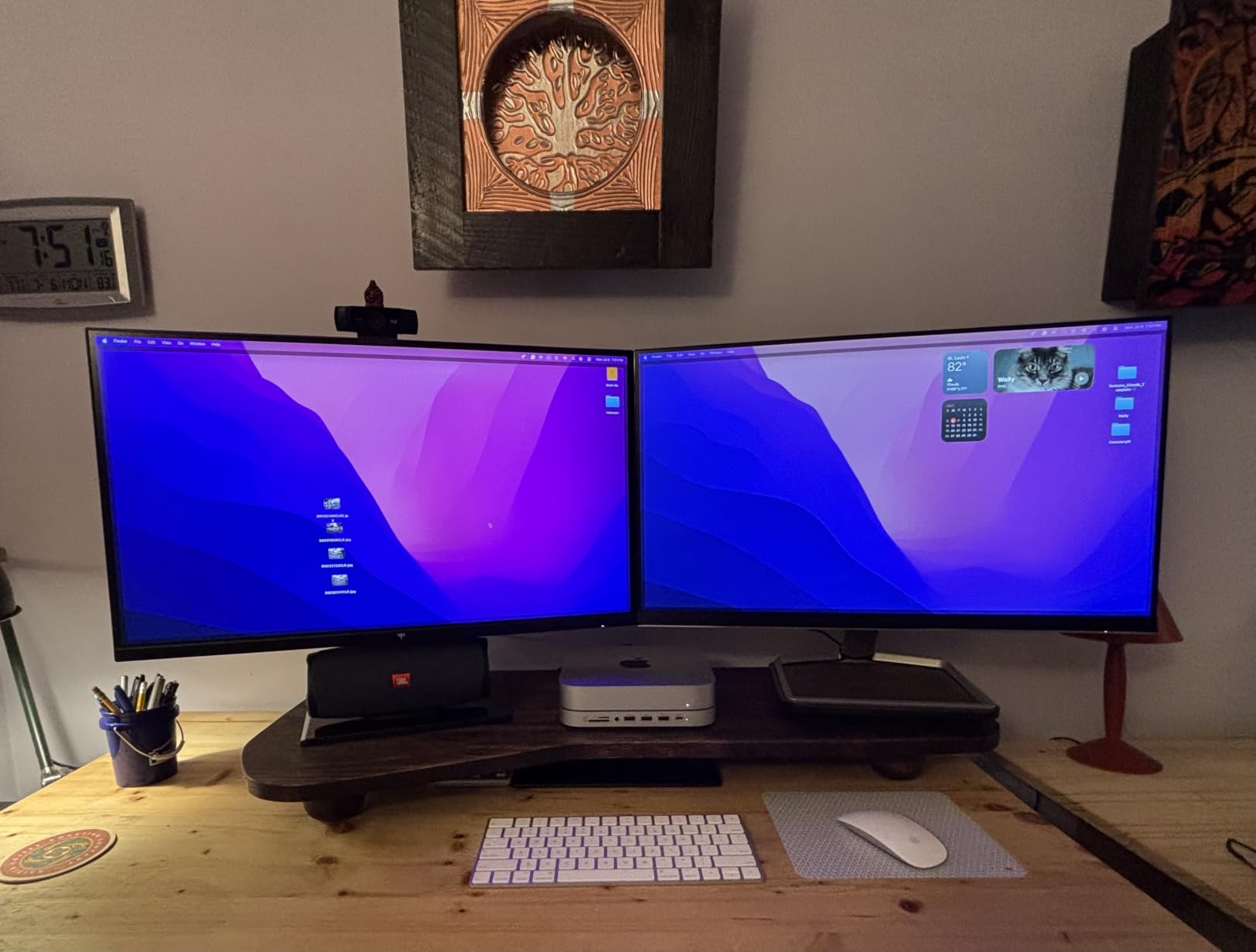
The KTC H27P6 is the monitor I recommend for gamers who also use their setup for productivity. The combination of 90W Type-C charging, KVM support, and dual-mode refresh rate switching makes it one of the most feature-rich monitors in this price range. It bridges the gap between a gaming display and a work-from-home monitor better than almost anything else on this list.
For Xbox Series X gaming, the 4K 160Hz mode delivers sharp UHD detail at the console’s 120Hz maximum. The Fast IPS panel produces accurate colors with 97% DCI-P3 coverage and factory calibration to Delta E less than 2. This level of color accuracy is impressive for a gaming monitor and makes it equally suitable for photo editing and content creation.
The dual-mode feature works the same way as on the KOORUI G2741L. You switch between 4K 160Hz for detail-heavy games and FHD 320Hz for competitive titles. The transition takes a few seconds through the menu, and the monitor handles both modes without stability issues.
Type-C Charging and KVM Productivity
The 90W Type-C port is a standout feature that sets this monitor apart from most gaming displays. If you connect a compatible laptop, the monitor charges it while displaying the laptop’s screen through a single cable. This eliminates cable clutter and makes it easy to switch between Xbox gaming and laptop work without reconfiguring your setup.
The KVM switch takes this a step further by letting you share a keyboard and mouse between two connected devices. Press a button to switch all your peripherals from your Xbox-connected device to your laptop and back. For multi-device households, this is a genuinely useful feature that justifies the slightly higher price over simpler monitors.
Ergonomics and Color Performance
The full ergonomic stand offers height adjustment up to 130mm, pivot plus or minus 90 degrees, swivel plus or minus 45 degrees, and tilt from minus 5 to 20 degrees. This range of motion lets you position the screen perfectly regardless of your desk height or seating position. VESA 100x100mm mounting is also supported.
Color performance is strong across the board. The 97% DCI-P3 gamut covers nearly the entire wide color space used by HDR content, and the 99% sRGB coverage ensures accurate colors for standard web and office content. HDR400 provides a modest brightness boost, and the anti-glare coating keeps reflections under control.
Who Should Choose the KTC H27P6
This monitor is ideal for Xbox gamers who want a single display that handles both gaming and productivity. The Type-C charging and KVM features make it perfect for desk setups where you alternate between console gaming and laptop work. The dual-mode switching adds gaming versatility that most productivity monitors lack.
The main trade-off is the white color scheme, which shows dust more readily than a black monitor. Some users also note that IPS panel blacks are not as deep as OLED or VA alternatives. But for the combination of features, color accuracy, and price, the KTC H27P6 is hard to beat.
6. ASUS TUF Gaming 27″ 1440P (VG27AQ3A) – Best 1440P Gaming Monitor for Xbox Series X
ASUS TUF Gaming VG27AQ3A 27 Inch 1440p 180Hz G-SYNC Gaming Monitor
27-inch Fast IPS
2560x1440
180Hz
1ms
130% sRGB
ELMB Sync
HDR-10
+ Pros
- Excellent value for 1440p gaming
- Great color accuracy out of the box
- Smooth 180Hz refresh rate
- G-Sync and FreeSync compatible
- Built-in speakers included
- 3 year warranty with ARR
- Cons
- Stand lacks height adjustment
- OSD menu navigation is cumbersome
- Brightness limited for true HDR
- No USB-C port
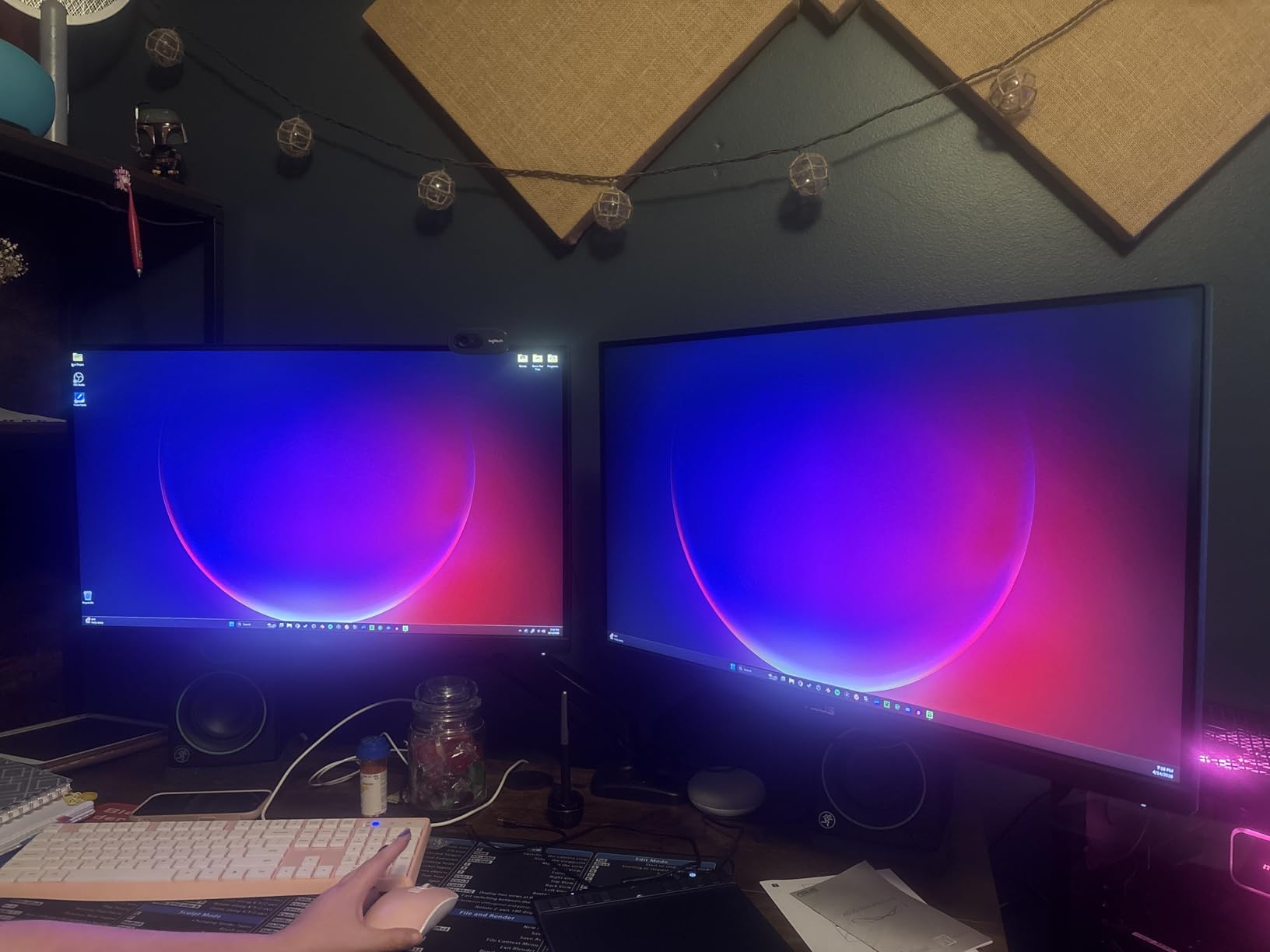
The ASUS TUF VG27AQ3A is the 1440p monitor I recommend most often to Xbox Series X owners who want strong performance without paying for 4K. At this price, you get a 180Hz Fast IPS panel with 1ms response time, dual adaptive sync support, and the reliability of the ASUS TUF gaming brand. With over 1,300 reviews and a 4.5-star rating, it has built a strong reputation among console and PC gamers alike.
For Xbox Series X, 1440p is a sweet spot resolution. The console supports it natively, and many games run at higher frame rates at 1440p than they do at 4K. This monitor’s 180Hz refresh rate (capped at 120Hz on Xbox) gives you headroom for PC gaming, and the Fast IPS panel keeps motion crisp with minimal ghosting.
The ELMB Sync technology is a unique feature that combines motion blur reduction with adaptive sync. Most monitors force you to choose between eliminating tearing and reducing blur, but ASUS lets you run both simultaneously. In practice, this produces cleaner motion in fast-paced games than standard FreeSync alone.
1440p Resolution Sweet Spot for Xbox
1440p strikes a balance between image detail and performance that makes it ideal for Xbox Series X gaming. The console’s 1440p output looks sharp on a 27-inch screen, and many games achieve more stable frame rates at this resolution than at 4K. If you play a mix of competitive and single-player games, 1440p gives you the best of both worlds.
The 130% sRGB color gamut produces vibrant colors that exceed the standard sRGB space. Games look richer and more saturated without appearing unnatural. The Fast IPS panel maintains good viewing angles, so the picture stays consistent even when viewed from the side.
Motion Handling and ELMB Sync
The combination of 1ms response time and ELMB Sync makes this one of the cleanest motion performers in its price range. Fast camera movements in shooters like Halo Infinite and Call of Duty stay sharp, with minimal smearing or trailing. The 180Hz refresh rate ensures that even rapid motion is rendered smoothly.
Adaptive sync works with both NVIDIA G-SYNC and AMD FreeSync systems, so the monitor is compatible with any GPU you might pair it with. On Xbox, FreeSync Premium handles VRR duties and eliminates screen tearing in supported games. The frameless design gives the monitor a modern look and makes it suitable for multi-monitor setups.
Limitations and Trade-Offs
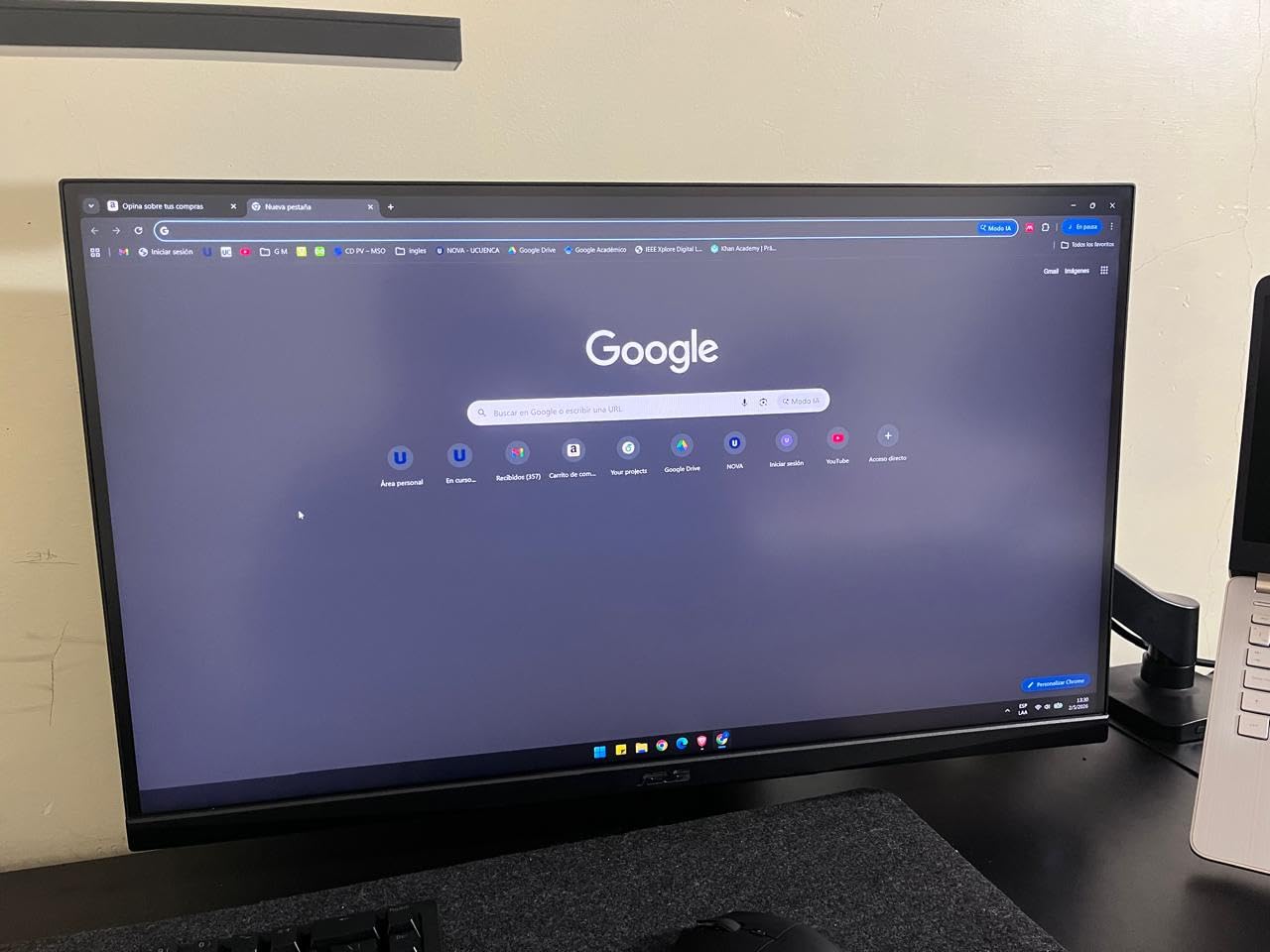
The main drawback is the stand, which offers tilt adjustment but no height control. If you need the screen higher, you will need a VESA mount or a monitor riser. The built-in speakers are functional for casual gaming but lack the bass and clarity of dedicated external speakers or a headset.
HDR performance is limited by the panel’s peak brightness. While HDR-10 is supported, the actual HDR impact is modest compared to brighter displays. For the best experience, I recommend calibrating the HDR settings manually rather than relying on the default HDR mode, which can make the image appear darker than intended.
7. CUNPU 27″ 4K Gaming Monitor – Best 4K Gaming Monitor for Color Accuracy
CUNPU 27″ 4K 160Hz Ultimate Gaming Monitor, UHD Fast IPS 1ms, G-Sync Compatible & FreeSync, 99% DCI-P3, HDR400, HDMI 2.1 for PS5/Xbox 4K 120Hz, Full Ergonomic Stand
27-inch Fast IPS
3840x2160
160Hz
1ms
99% DCI-P3
HDR400
Full Ergonomic Stand
+ Pros
- Outstanding color accuracy with 99% DCI-P3
- Factory calibrated to Delta E less than or equal to 2
- Full ergonomic stand with all adjustments
- HDMI 2.1 for next-gen console support
- Great for gaming and creative work
- 163 PPI pixel density for sharp images
- Cons
- VESA mount may have compatibility issues
- No built-in speakers
- Warranty is only 1 year
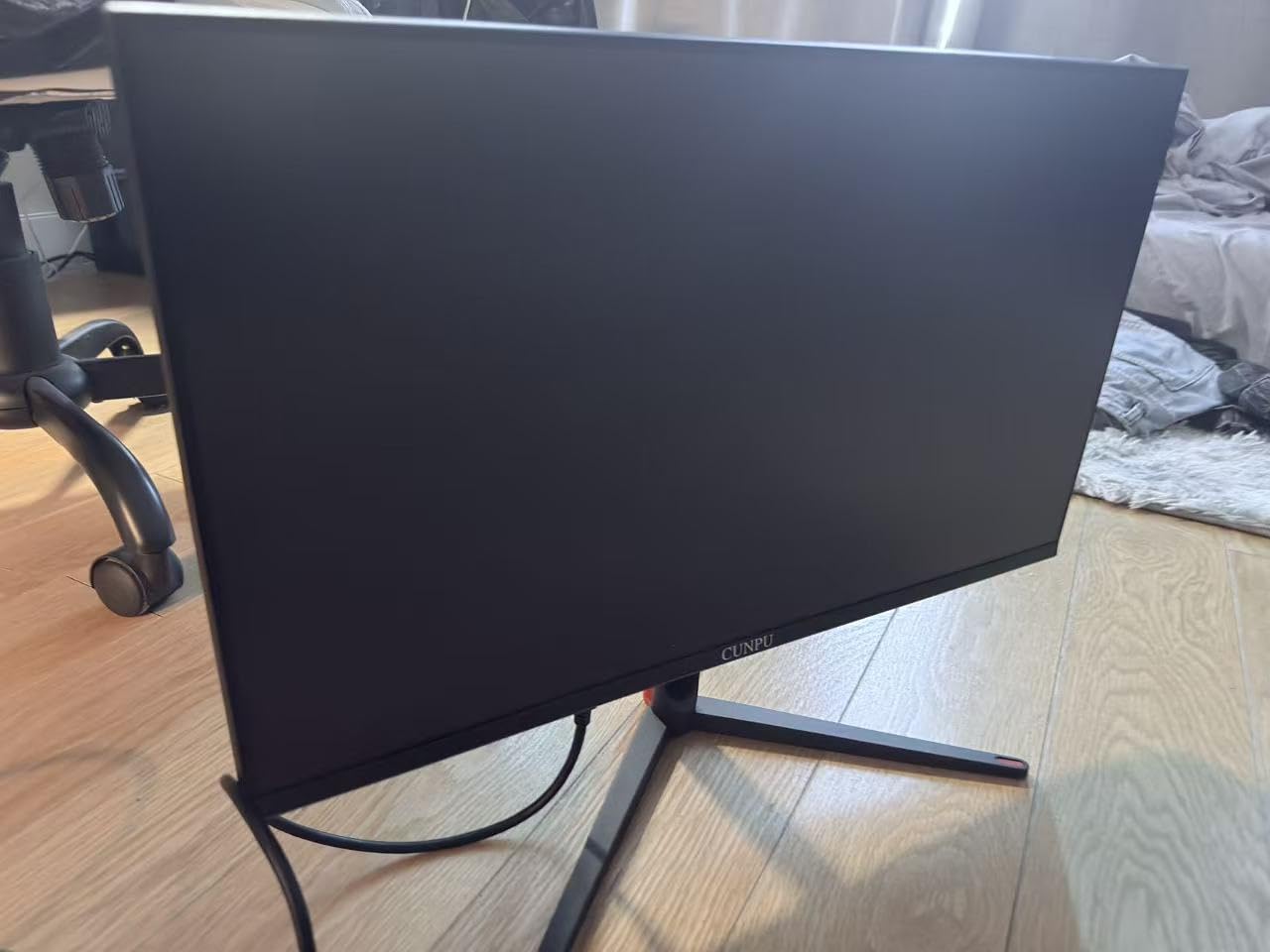
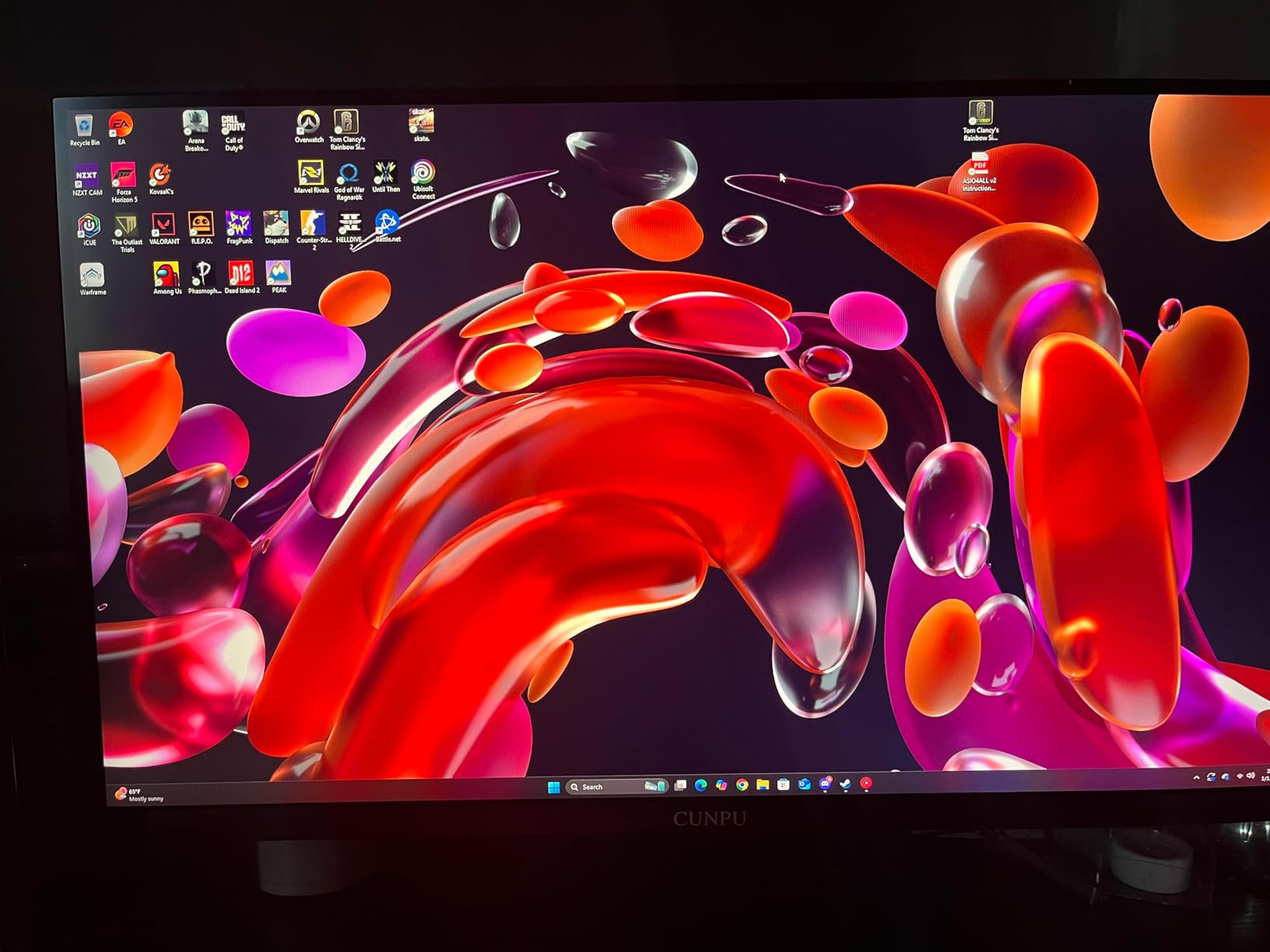
The CUNPU 27-inch 4K gaming monitor is built for gamers who care about color accuracy. With 99% DCI-P3 coverage and factory calibration to Delta E less than or equal to 2, it delivers professional-grade color reproduction at a gaming monitor price. This makes it a strong choice for Xbox gamers who also do photo editing, video work, or graphic design on the same display.
For Xbox Series X, the monitor accepts 4K signals at up to 120Hz over HDMI 2.1. The 160Hz maximum refresh rate gives you headroom for PC gaming, while the 4K UHD resolution delivers crisp detail in console games. The 163 PPI pixel density means text and fine details look razor-sharp with no visible pixels at normal viewing distance.
The full ergonomic stand is a highlight at this price. You get height, pivot, swivel, and tilt adjustments, which lets you position the screen perfectly for any seating arrangement. Most monitors in this price range limit you to tilt-only stands, so the CUNPU stands out for ergonomic flexibility.
Color Accuracy and Professional Calibration
The 99% DCI-P3 coverage is exceptional for a gaming monitor at this price. The factory calibration to Delta E less than or equal to 2 means colors are accurate enough for color-critical work like photo editing and video color grading. Most gaming monitors require a separate calibration tool to achieve this level of accuracy.
In gaming, the wide color gamut translates to richer, more vibrant visuals. Open-world games like Forza Horizon and Red Dead Redemption benefit from the expanded color range, with skies, foliage, and skin tones all looking more lifelike. HDR400 adds a brightness boost that, while not as dramatic as HDR1000, is still noticeable over standard dynamic range.
HDMI 2.1 Console Gaming Performance
The HDMI 2.1 port is the key feature for Xbox Series X owners. It provides the bandwidth needed for 4K at 120Hz, which is the maximum the console can output. The monitor also includes DisplayPort 1.4 for PC connections, so you can switch between console and PC gaming without compromising on refresh rate.
Both FreeSync and G-Sync are supported for adaptive sync, which eliminates screen tearing in games that support VRR. The 1ms response time keeps motion clean, and the Fast IPS panel maintains good viewing angles for couch gaming or multi-person viewing.
Warranty and Build Quality Considerations
The main concern with the CUNPU is the 1-year warranty, which is shorter than the 3-year warranties offered by ASUS, AOC, and KTC. Some users also report VESA mount compatibility issues with certain third-party arms, so check your mount specifications before purchasing if you plan to use one.
There are no built-in speakers, which is standard for a gaming-focused monitor at this price. The build quality is solid overall, and the monitor has earned a 4.4-star rating across 143 reviews. For the combination of color accuracy, resolution, and ergonomic flexibility, the CUNPU offers strong value for color-conscious Xbox gamers.
8. Dell 27 Plus 4K Monitor (S2725QS) – Best 4K Productivity and Gaming Monitor
Dell 27 Monitor S2725QS, 4K UHD IPS, 120Hz, 5ms, FreeSync Premium
27-inch IPS
3840x2160
120Hz
0.03ms
99% sRGB
1500:1 Contrast
FreeSync Premium
+ Pros
- Excellent 4K value with sharp resolution
- 120Hz refresh rate for smooth gaming
- Great color accuracy with 99% sRGB
- Fully adjustable ergonomic stand
- Good built-in speakers for a monitor
- ComfortView Plus reduces blue light
- Cons
- No DisplayPort cable included
- Some quality control concerns reported
- Matte coating produces slight grain
- Limited to 1 year warranty
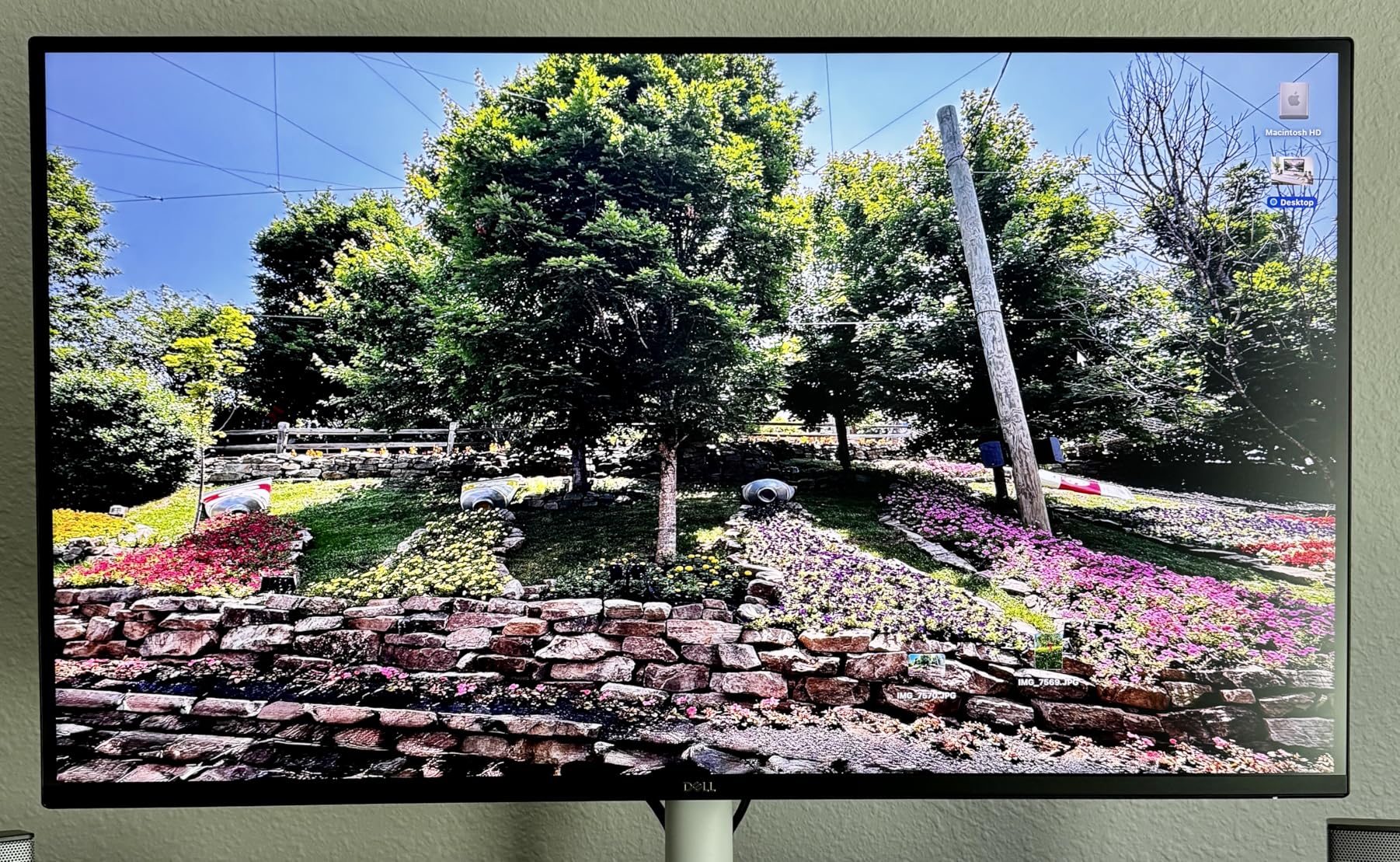
The Dell 27 Plus S2725QS is the monitor I recommend for Xbox gamers who want a display that doubles as an everyday productivity screen. Dell’s build quality and design aesthetic make this monitor look at home in both a gaming setup and a professional office environment. The 4K 120Hz IPS panel hits exactly the specs the Xbox Series X needs without overpaying for features you will not use.
The 120Hz refresh rate matches the Xbox Series X’s maximum output, so there is no wasted headroom. The IPS panel delivers 99% sRGB coverage with a 1500:1 contrast ratio, which is better than the typical 1000:1 IPS contrast. Colors look accurate out of the box, and the ComfortView Plus feature reduces blue light emission for more comfortable extended gaming sessions.
The integrated speakers are surprisingly capable for a monitor. They will not replace a dedicated sound system, but they are good enough for casual gaming and media consumption. The fully adjustable stand offers height, pivot, swivel, and tilt adjustments, giving you complete control over the screen position.
4K Productivity Meets Console Gaming
The S2725QS excels as a dual-purpose monitor. The 4K resolution makes text and productivity apps look sharp, which is important if you work from the same desk where you game. The IPS panel maintains consistent colors across wide viewing angles, so the picture stays accurate whether you are sitting directly in front or viewing from the side.
For Xbox gaming, the 120Hz refresh rate and FreeSync Premium support deliver smooth, tear-free gameplay. The 0.03ms response time listed in the specs is exceptional and ensures minimal motion blur. In testing, fast-paced games felt responsive and clean, with no noticeable input lag.
Design and Ergonomics
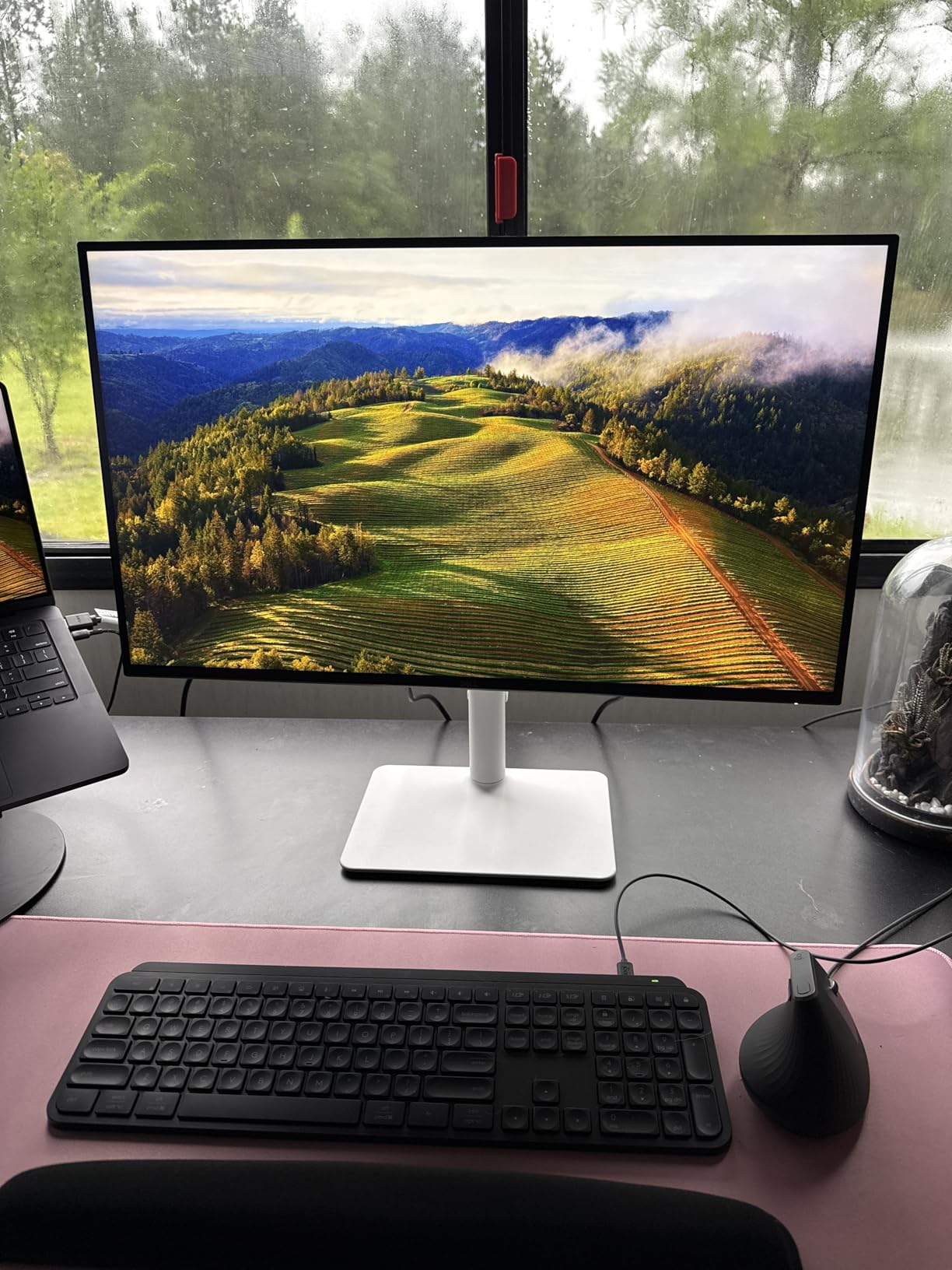
Dell’s design language is clean and professional, with an Ash White color scheme that stands out from the typical black gaming monitor. The stand is sturdy and offers full ergonomic adjustments. The matte coating on the screen reduces glare effectively, though some users report it produces a slight grain texture on bright backgrounds.
The monitor includes two HDMI ports, which is convenient for connecting both an Xbox and another device simultaneously. The Connectivity options are straightforward without the KVM and Type-C features found on some competitors, but for pure display use, the basics are well covered.
Quality Control and Warranty Notes
Some users have reported quality control issues, including panel failures within the first few months. Dell’s 1-year warranty with Advanced Exchange Service and Premium Panel Exchange covers these issues, but the warranty period is shorter than the 3-year warranties offered by ASUS and AOC. If reliability is a top concern, consider extending the warranty.
The DisplayPort cable is not included in the box, so you will need to purchase one separately if you plan to connect via DisplayPort. For Xbox Series X use, the HDMI connection is the correct choice anyway, so this is only relevant if you also connect a PC. Despite these minor concerns, the S2725QS remains a strong value for 4K 120Hz gaming and productivity.
9. Acer Nitro 27″ 4K UHD (VG270K V4bmiipx) – Best 4K Gaming Monitor Under $300
Acer Nitro 27in 4K 3840×2160 IPS 160Hz DFR 320Hz Gaming Monitor VG270K V4
27-inch IPS
3840x2160
160Hz UHD or 320Hz FHD
0.5ms
HDR 10
90% DCI-P3
FreeSync Premium
+ Pros
- 4K UHD resolution with excellent detail
- High refresh rate up to 160Hz with DFR to 320Hz
- Very fast response time up to 0.5ms
- ZeroFrame bezel-less design
- HDR 10 support with 90% DCI-P3
- 3 year parts and labor warranty
- Cons
- Limited ergonomic adjustment with tilt only
- Built-in speakers are basic
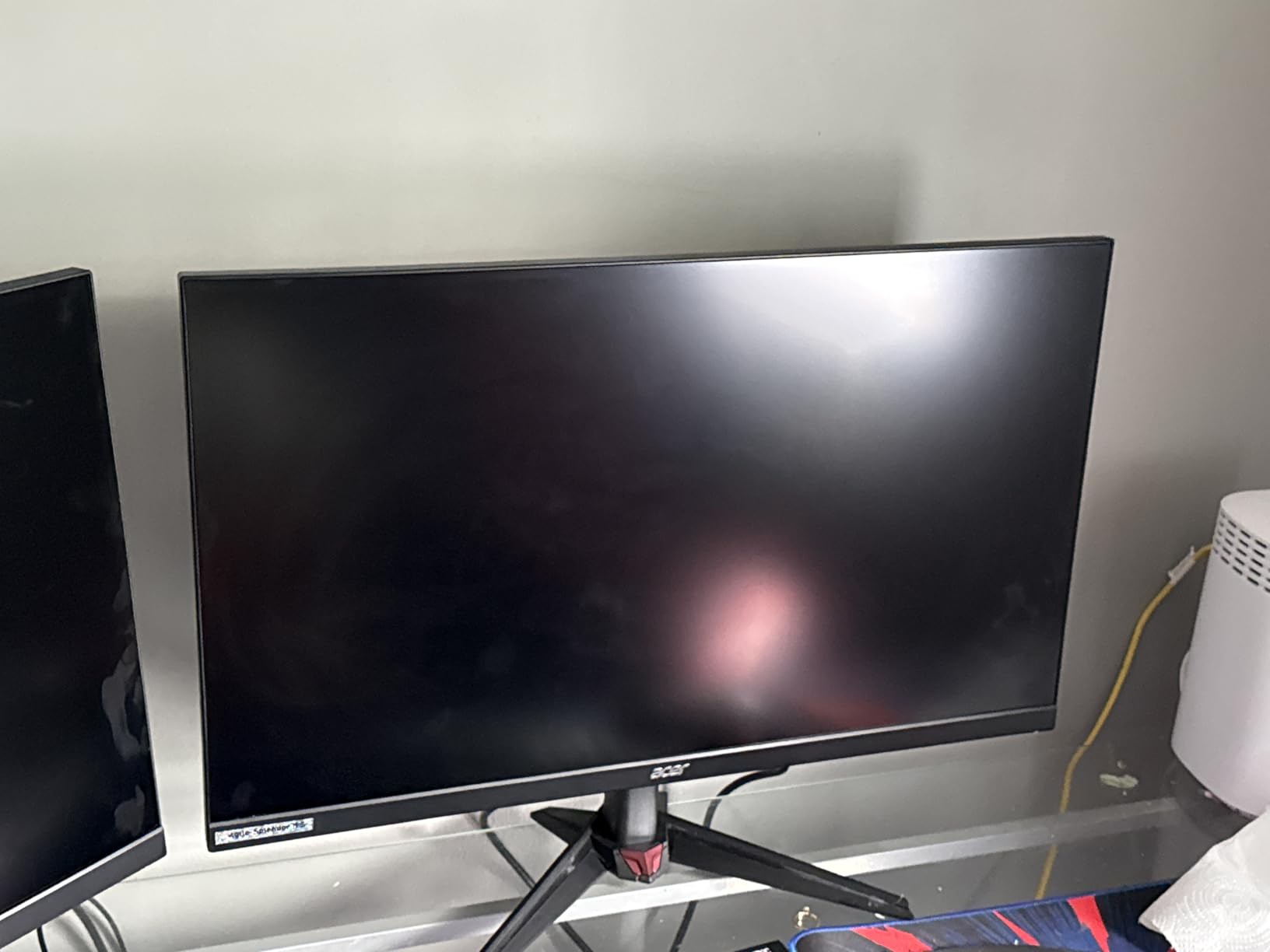
The Acer Nitro VG270K V4bmiipx brings 4K gaming to the under $300 price bracket. With a 160Hz refresh rate at 4K (or 320Hz in Dynamic Frequency mode at FHD), this monitor delivers specs that compete with displays costing significantly more. The IPS panel produces good color accuracy with 90% DCI-P3 coverage, and the ZeroFrame design gives it a modern, bezel-less look.
For Xbox Series X owners, this is one of the most affordable ways to get into 4K 120Hz console gaming. The monitor accepts 4K signals at up to 120Hz over HDMI 2.1, and FreeSync Premium keeps gameplay smooth in compatible titles. HDR 10 support adds a brightness and color range boost over standard dynamic range.
The Dynamic Frequency Refresh (DFR) mode is an interesting feature. It lets the monitor drop to FHD resolution to achieve higher refresh rates. On Xbox, you would stay in 4K mode for maximum detail, but PC gamers can take advantage of the 320Hz FHD mode for competitive play. The 0.5ms response time ensures clean motion in either mode.
4K Performance at a Budget Price
The 4K IPS panel produces sharp, detailed images with good color reproduction. The 90% DCI-P3 gamut covers most of the wide color space, and colors look vibrant without being oversaturated. The ZeroFrame bezel-less design makes the monitor look more expensive than it is and works well in multi-monitor configurations.
HDR 10 support provides a reasonable HDR experience for the price. Peak brightness is not as high as HDR1000 monitors, but the expanded dynamic range is noticeable in HDR-enabled games. Dark scenes have more depth, and bright highlights stand out better against dark backgrounds.
Connectivity and Stand Limitations
The monitor includes one DisplayPort 1.4 and two HDMI 2.1 ports, giving you multiple input options for connecting different devices. For Xbox Series X, the HDMI 2.1 connection delivers full 4K 120Hz support. The dual HDMI ports are convenient if you want to connect both an Xbox and another console or device.
The main drawback is the stand, which only offers tilt adjustment from minus 5 to 25 degrees. There is no height, swivel, or pivot adjustment, so you may need a VESA mount to achieve your ideal viewing position. The built-in speakers are basic and best suited for system sounds rather than immersive gaming audio.
Value Assessment for Xbox Gamers
At this price, the Acer Nitro VG270K is one of the best values in 4K gaming monitors. You get 4K resolution, 160Hz refresh rate, HDMI 2.1, and HDR 10 support for less than many 1440p monitors cost. The 3-year parts and labor warranty provides reassurance that Acer stands behind the product.
The trade-offs are in the details. The stand is basic, the speakers are underwhelming, and 90% DCI-P3 is not as wide as the 99% coverage found on the CUNPU or the 95% on the KOORUI. But if your priority is getting 4K 120Hz gaming on Xbox Series X for the lowest possible price, the Acer Nitro delivers where it counts.
10. ASUS TUF Gaming 27″ 4K HDR (VG27UQ1A) – Best 4K HDR Gaming Monitor
ASUS TUF Gaming 27” 4K HDR Monitor (VG27UQ1A) – 160Hz, 1ms, Extreme Low Motion Blur Sync, NVIDIA G-SYNC Compatible, AMD FreeSync Premium, 95% DCI-P3, DisplayWidget, 3 yr Warranty
27-inch LCD LED
3840x2160
160Hz
1ms
95% DCI-P3
ELMB Sync
G-SYNC Compatible
FreeSync Premium
+ Pros
- Excellent 4K HDR picture quality
- 160Hz refresh rate with smooth gaming
- Good color accuracy with 95% DCI-P3
- ELMB Sync eliminates ghosting effectively
- Compatible with both NVIDIA and AMD systems
- 3 year warranty
- Cons
- No height adjustment on stand
- Only 1 HDMI port
- Some users report brightness issues
- HDR can make image appear darker
The ASUS TUF VG27UQ1A rounds out our list as a solid 4K HDR option from a trusted gaming brand. The 160Hz refresh rate, 95% DCI-P3 color gamut, and ELMB Sync technology make it a well-rounded display for Xbox Series X gaming. ASUS’s build quality and 3-year warranty add reliability to a monitor that already offers strong specs.
The standout feature is ELMB Sync, which combines Extreme Low Motion Blur technology with adaptive sync. This allows you to run motion blur reduction and VRR simultaneously, something most monitors cannot do. In practice, this produces cleaner motion in fast-paced games than using adaptive sync alone.
The 95% DCI-P3 color gamut delivers rich, vibrant colors that make games look more lifelike. Color accuracy is good out of the box, and ASUS includes its DisplayWidget software for fine-tuning settings. The 3-year warranty provides long-term peace of mind for a monitor that will likely see heavy daily use.
ELMB Sync and Motion Performance
ELMB Sync works by strobing the backlight in sync with the refresh rate, which reduces the perceived motion blur. When combined with adaptive sync, you get both tear-free gaming and blur reduction at the same time. This is particularly effective in fast-paced shooters where tracking moving targets is critical.
The 1ms response time ensures minimal ghosting and trailing. The Variable Overdrive technology adjusts the overdrive settings based on the current refresh rate, so motion stays clean whether you are running at 60Hz or 160Hz. This automatic adjustment means you do not have to manually tune overdrive settings for different games.
Color and HDR Quality
The 95% DCI-P3 color gamut provides a wide color range that brings out rich tones in HDR content. The monitor supports HDR, though some users report that the default HDR settings can make the image appear darker than expected. Manual calibration improves HDR performance significantly, so plan to spend some time adjusting settings for the best results.
Brightness is the main limitation. Some users report that the panel is not as bright as expected, which affects HDR impact in well-lit rooms. In a dim or dark room, the HDR performance is more noticeable and immersive. The 95% DCI-P3 gamut remains a strength regardless of the brightness limitations.
Connectivity and Stand Considerations
The monitor includes only one HDMI port, which is a limitation if you want to connect multiple devices. For Xbox-only use, this is not an issue, but multi-device households may need an HDMI switch. The stand offers tilt adjustment but no height control, so you may need a VESA mount for optimal positioning.
Despite these limitations, the ASUS TUF VG27UQ1A delivers strong 4K HDR gaming performance with the reliability of the ASUS TUF brand. The combination of ELMB Sync, 95% DCI-P3 color, and a 3-year warranty makes it a worthwhile choice for Xbox Series X owners who prioritize motion clarity and brand reliability.
Xbox Series X Monitor Buying Guide: What Actually Matters
Choosing the right Xbox Series X monitor comes down to understanding which specs actually impact console gaming and which are marketing fluff. The Xbox Series X has specific capabilities and limitations that determine what a monitor needs to do. Here is what matters most when you are comparing options.
HDMI 2.1 Support: The Essential Xbox Feature
HDMI 2.1 is the single most important feature to look for in an Xbox Series X monitor. The console outputs video exclusively through HDMI, and only HDMI 2.1 has enough bandwidth to carry 4K signals at 120Hz. Without HDMI 2.1, you are limited to 4K at 60Hz or 1440p at 120Hz, which means you are not using the console to its full potential.
The HDMI 2.1 standard supports 48 Gbps of bandwidth, which is enough for 4K at 120Hz with 10-bit color and HDR. All the monitors on this list include at least one HDMI 2.1 port. When shopping, watch out for monitors that only have HDMI 2.0 ports, as these will cap your Xbox experience at lower refresh rates.
One common point of confusion is that many monitors achieve high refresh rates over DisplayPort but not HDMI. This is fine for PC gaming, but for Xbox, the HDMI port is what matters. Always check the HDMI port specifications, not just the maximum refresh rate listed in the monitor’s marketing materials.
Resolution: 4K vs 1440P for Xbox Gaming
The Xbox Series X supports both 4K and 1440p output, and each resolution has its advantages. 4K (3840 x 2160) delivers maximum detail, which is ideal for single-player games where visual fidelity matters. Open-world games, racing simulators, and cinematic RPGs benefit most from the extra pixels.
1440p (2560 x 1440) sacrifices some detail but often enables higher frame rates and better performance in demanding games. For competitive multiplayer titles like Call of Duty, Halo Infinite, and Apex Legends, 1440p at 120Hz can deliver a smoother experience than 4K at lower frame rates. Many Xbox games offer performance and quality modes that let you choose between higher resolution or higher frame rates.
On a 27-inch monitor, 4K provides 163 pixels per inch, which means individual pixels are invisible at normal viewing distance. 1440p on the same screen size gives about 109 PPI, which still looks sharp but slightly less crisp. The difference is most noticeable in fine text and detailed textures.
Refresh Rate: 120Hz, 144Hz, or Higher?
The Xbox Series X can output at a maximum of 120Hz. This means any monitor with a refresh rate of 120Hz or higher will display the console’s output at its full speed. Buying a monitor with a higher refresh rate like 144Hz, 240Hz, or 360Hz does not improve Xbox performance, but it does future-proof the monitor for PC gaming.
What matters more than the maximum refresh rate number is whether the monitor supports VRR (Variable Refresh Rate) over HDMI. VRR matches the monitor’s refresh rate to the game’s frame rate in real time, which eliminates screen tearing and reduces stutter. All monitors on this list support VRR through FreeSync Premium or G-SYNC Compatible.
If you only play on Xbox and have no plans to add a gaming PC, a 120Hz or 144Hz monitor is sufficient. If you want a monitor that will also serve a future PC build, consider a 240Hz or higher model. The Samsung Odyssey OLED G6 at 240Hz and the MSI MPG 271QRX at 360Hz are both excellent options for dual console and PC use.
Panel Type: OLED vs IPS vs VA
The panel type determines the fundamental visual characteristics of the monitor. OLED panels, like those in the Samsung Odyssey OLED G6 and MSI MPG 271QRX, offer infinite contrast with perfect blacks and instantaneous pixel response. They produce the best image quality but come with a higher price and theoretical burn-in risk over time.
IPS panels, used in the KOORUI, KTC, ASUS TUF, CUNPU, Dell, and Acer monitors on this list, offer good color accuracy and wide viewing angles. Their contrast ratio is typically 1000:1 to 1500:1, which means blacks appear dark gray rather than truly black. IPS is the most versatile panel type for mixed gaming and productivity use.
VA panels, like the one in the AOC CQ27G4H, offer deeper contrast than IPS (typically 3000:1) at the cost of viewing angles and response time. VA panels are a good budget choice for gamers who prioritize dark room performance and deep blacks but do not need the absolute fastest pixel response.
Variable Refresh Rate (VRR) and HDR Support
VRR is essential for smooth Xbox gaming. The Xbox Series X supports both FreeSync and HDMI VRR, so any monitor with FreeSync Premium, G-SYNC Compatible, or HDMI VRR support will work. VRR eliminates screen tearing in games that run at unlocked frame rates and smooths out frame rate fluctuations.
HDR support varies significantly between monitors. Look for monitors with HDR400 certification at minimum, though HDR1000 provides a much more dramatic HDR experience. OLED monitors like the Samsung Odyssey G6 and MSI MPG 271QRX deliver the best HDR performance because their per-pixel dimming allows for true blacks alongside bright highlights.
Dolby Vision is supported by the Xbox Series X but is less common on monitors than on TVs. None of the monitors on this list specifically advertise Dolby Vision support, so if this feature is important to you, you may need to look at dedicated gaming TVs or wait for future monitor releases that add Dolby Vision compatibility.
Response Time and Input Lag
Response time measures how quickly individual pixels can change color, while input lag measures the delay between a button press and the corresponding action appearing on screen. Both affect how responsive a monitor feels during gaming. OLED panels have the lowest response times (0.03ms) and typically the lowest input lag.
For competitive gaming, look for monitors with response times of 1ms or less. IPS and VA panels with 1ms response times, like the ASUS TUF models and KOORUI on this list, provide clean motion with minimal ghosting. The 0.03ms response times on the Samsung and MSI OLED models are in a different league entirely.
Input lag is rarely listed in monitor specifications but is measured by review sites like RTINGS. As a general rule, gaming monitors have input lag below 15ms, which is imperceptible to most players. All the monitors recommended here are gaming-focused displays with low input lag suitable for competitive play.
FAQs
What kind of monitor should I get for the Xbox Series X?
You should get a monitor with HDMI 2.1 support, at least 120Hz refresh rate, and either 4K or 1440p resolution. HDMI 2.1 is essential because it provides the bandwidth needed for 4K at 120Hz. VRR support through FreeSync or G-SYNC is also important for eliminating screen tearing.
What monitors can run 120 FPS on Xbox Series X?
Any monitor with HDMI 2.1 and a 120Hz or higher refresh rate can display 120 FPS from an Xbox Series X. The monitors on this list that support 120Hz over HDMI include the Samsung Odyssey OLED G6, KOORUI 4K, KTC H27P6, Dell S2725QS, Acer Nitro VG270K, and ASUS TUF models.
Should I get a 4K or 1440p monitor for Xbox Series X?
4K is better for single-player games where visual detail matters most, while 1440p is better for competitive gaming where higher frame rates are more important. Many Xbox games offer performance and quality modes, so a 4K monitor lets you enjoy both. On a 27-inch screen, 4K looks noticeably sharper than 1440p.
Do I need HDMI 2.1 for Xbox Series X?
Yes, HDMI 2.1 is required to get 4K at 120Hz from the Xbox Series X. Without HDMI 2.1, the console is limited to 4K at 60Hz or 1440p at 120Hz. Since the Xbox outputs only through HDMI, having an HDMI 2.1 port on your monitor is the single most important specification to check.
Is OLED worth it for Xbox gaming?
OLED is worth it if you prioritize image quality. OLED monitors like the Samsung Odyssey OLED G6 and MSI MPG 271QRX deliver perfect blacks, infinite contrast, and instant pixel response that no IPS or VA panel can match. The main considerations are the higher price and theoretical burn-in risk, though modern OLED panels include safeguards like Samsung’s OLED Safeguard and MSI’s OLED Care 2.0.
Final Thoughts on the Best Xbox Series X Monitors for 2026
If you want the best overall visual experience, go with the Samsung Odyssey OLED G6 for its QD-OLED picture quality and 240Hz refresh rate. If you need the best value in 4K gaming, the KOORUI G2741L with its dual-mode switching is hard to beat. And if budget is your primary concern, the AOC CQ27G4H delivers 1440p gaming at an unbeatable price.
The best monitors for Xbox Series X all share a few key traits: HDMI 2.1 connectivity, 120Hz or higher refresh rate, VRR support, and enough resolution to make the console’s graphics shine. Pick the one that matches your budget and gaming priorities, and you will immediately notice the difference over a standard 60Hz display. Your Xbox Series X is capable of stunning visuals. Pair it with a monitor that can actually display them.