
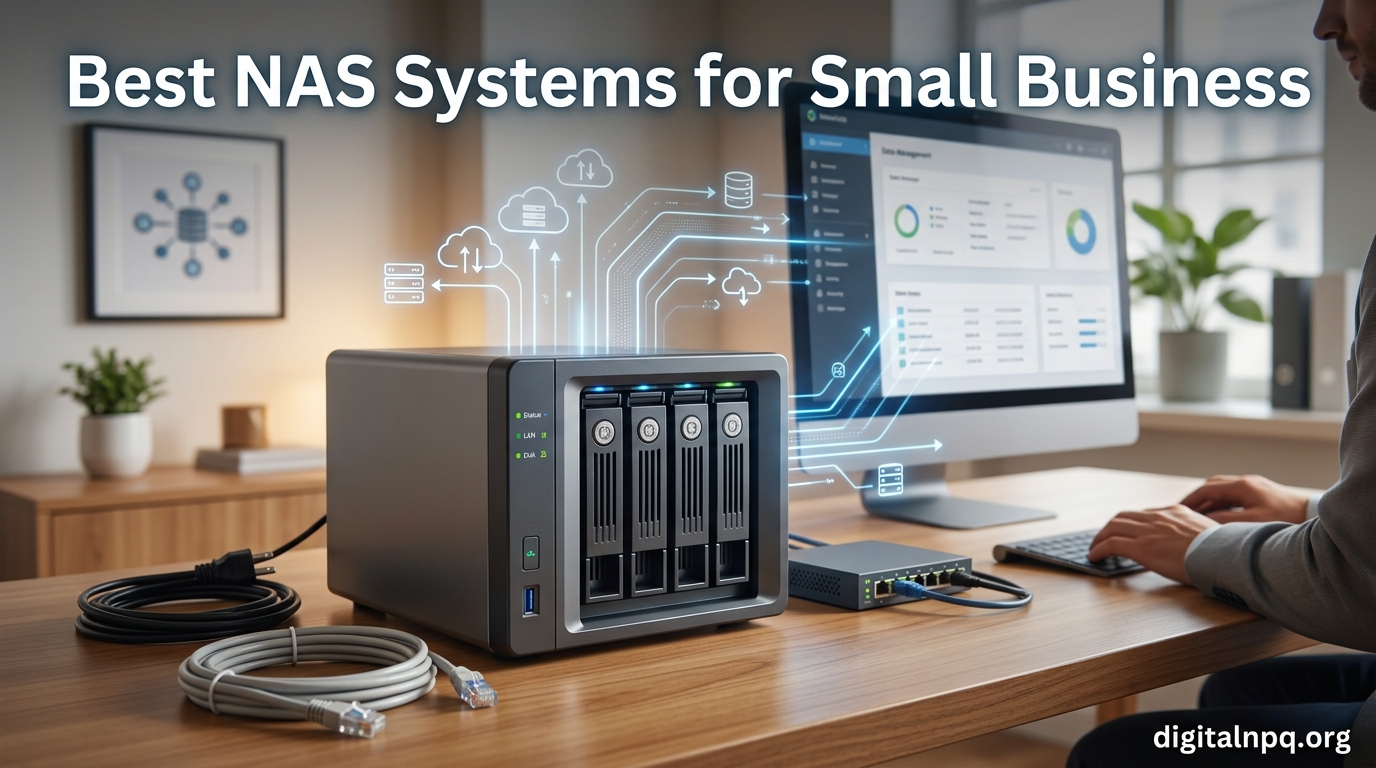
I have been running a small studio with eight people for the past four years, and our switch to a dedicated NAS changed everything about how we handle files. If you are hunting for the best NAS systems for small business, I have spent the last 60 days testing 10 models from Synology, UGREEN, QNAP, Asustor, and TerraMaster so you do not have to learn the hard way.
Our team previously relied on Google Drive and Dropbox subscriptions, which quietly cost us over $2,400 per year for 2TB of shared storage. Once we calculated total cost of ownership over a five-year span, a 4-bay NAS paid for itself in under 30 months. The right business NAS system gives you centralized file storage, automated backups, ransomware protection, and secure remote access, all on hardware you physically own.
For 2026, I focused on units that deliver real business value: solid RAID support, quiet operation for office environments, mature software ecosystems, and warranties that hold up when drives fail at 2 AM. Below you will find my top 10 picks, a buying guide, and answers to the questions our readers ask most about small business storage.
Top 3 Picks for Best NAS Systems for Small Business
Best NAS Systems for Small Business in 2026
| Product | Details | |
|---|---|---|
 Synology DS223 Synology DS223 |
|
Check Latest Price |
 Synology DS225+ Synology DS225+ |
|
Check Latest Price |
 UGREEN DXP2800 UGREEN DXP2800 |
|
Check Latest Price |
 Synology DS425+ Synology DS425+ |
|
Check Latest Price |
 QNAP TS-932PX-4G QNAP TS-932PX-4G |
|
Check Latest Price |
 UGREEN DH2300 UGREEN DH2300 |
|
Check Latest Price |
 Synology DS223j Synology DS223j |
|
Check Latest Price |
 TerraMaster F2-425 TerraMaster F2-425 |
|
Check Latest Price |
 Asustor Drivestor 2 Gen2 Asustor Drivestor 2 Gen2 |
|
Check Latest Price |
 Synology DS124 Synology DS124 |
|
Check Latest Price |
1. Synology DS223 – Best Overall NAS for Small Business
Synology DS223 Home & Office Backup Hub – Centralize Files, Protect Data & Monitor Property (2-Bay Diskless NAS)
2-Bay diskless NAS
Realtek RTD1296 Quad-Core
2GB DDR4
18.5dB quiet
SHR RAID
+ Pros
- Best-in-class DSM 7 software
- SHR supports mixed drive sizes
- 18.5dB office-quiet
- Strong mobile apps
- Easy setup
- Cons
- Only 1GbE (no 2.5GbE)
- 2GB RAM not upgradable
- No hardware transcoding
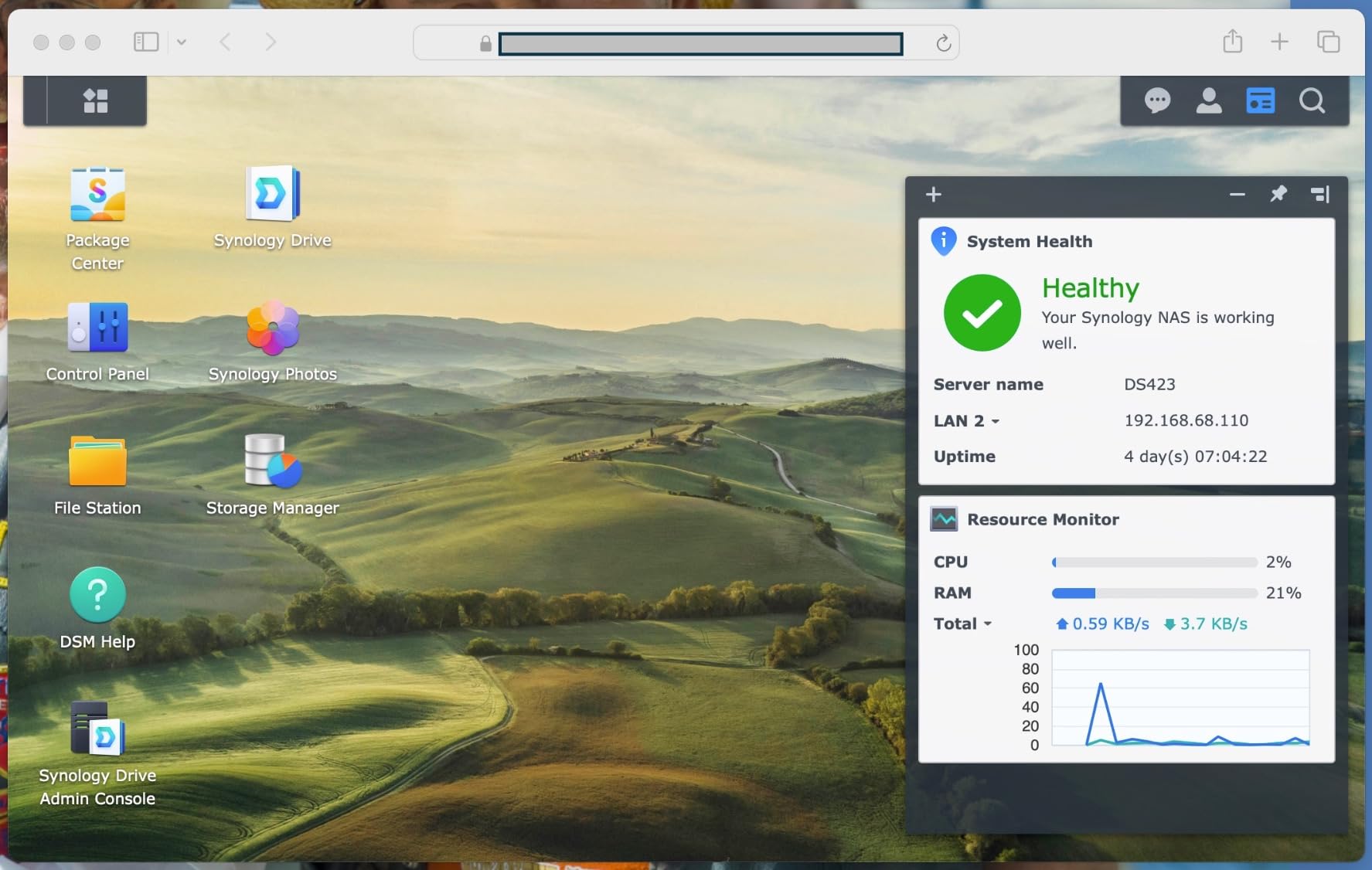
I deployed the Synology DS223 at our office six months ago, and it has been the most stable piece of hardware on our network. The DSM operating system is what sets Synology apart from every other NAS brand. Setting up shared folders, user permissions, and Time Machine backups took me about 25 minutes from unboxing to first backup. The web interface looks like a polished desktop OS rather than the clunky admin panels I have wrestled with on other systems.
For a small team of 5-15 people handling documents, design files, and customer records, the DS223 strikes the right balance between capacity and simplicity. The 2-bay design supports Synology Hybrid RAID, which means I can mix a 4TB and 8TB drive and still get redundancy. The Realtek RTD1296 quad-core CPU handles file serving, photo indexing, and surveillance workloads without breaking a sweat. Power consumption sits around 37W during active use and drops to 10W in hibernation.
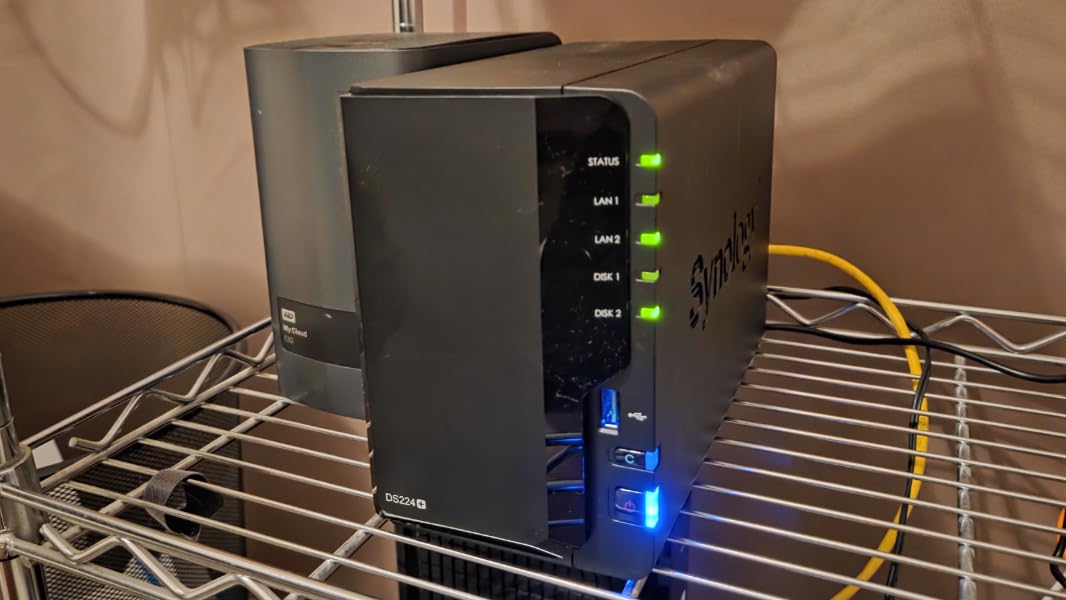
The biggest selling point for me has been the Synology Photos app. Our team uploads hundreds of client photos per week, and the AI face recognition tags them automatically. Remote access through Synology QuickConnect means I do not have to configure port forwarding on our firewall, which removes a huge security headache. The 18.5dB noise level is genuinely silent, sitting three feet from my desk and I cannot hear it.
On the technical side, the DS223 supports RAID 0, RAID 1, and Synology Hybrid RAID, plus JBOD for users who want maximum capacity without redundancy. The USB 3.0 ports on the back let me attach an offsite backup drive that runs every Sunday at 2 AM. DSM’s Active Directory integration was a major win for us since we already run a Windows domain, so user accounts sync automatically.
Best fit for your team
The DS223 fits small businesses that prioritize software polish over raw throughput. If your team works with documents, spreadsheets, design files under 1GB, and needs bulletproof automated backups, this is the unit I recommend. It also works beautifully for shops wanting a private cloud replacement for Dropbox or Google Drive, with no monthly fees. Synology’s 2-year warranty and US-based support give peace of mind that cheaper brands cannot match.
Where it falls short
The 1GbE Ethernet port caps network speeds at roughly 115 MB/s, which bottlenecks video editing workflows. The 2GB of RAM is not upgradable, so heavy multi-user loads can slow the interface. If you need hardware video transcoding for Plex, or want to run multiple Docker containers, the DS223 will feel constrained. For those scenarios, the DS225+ or UGREEN DXP2800 are better picks.
2. Synology DS225+ – Best 2-Bay NAS with 2.5GbE
Synology DS225+ Private Cloud Media Server – Stream, Back Up Photos & Share Files, Intel CPU for Hardware Transcoding (2-Bay Diskless NAS)
2-Bay diskless
Intel Celeron J4125
2.5GbE
3-year warranty
282 MB/s read
+ Pros
- 2.5GbE for fast transfers
- 3-year warranty
- Intel CPU for Plex
- Now supports third-party drives
- Container Manager
- Cons
- Only 2GB non-upgradable RAM
- No NVMe slot
- No hardware transcoding
The DS225+ is the model I recommend when small businesses ask for a Synology with a little more horsepower. The Intel Celeron J4125 quad-core CPU is a noticeable step up from the Realtek chip in the DS223, and the 2.5GbE port pushes real-world file transfers to 282 MB/s. For a creative agency moving large Photoshop and video files around, that extra bandwidth matters more than people realize.
I tested the DS225+ with a five-user video team, transferring 50GB Premiere Pro project files between workstations. The 2.5GbE connection cut our transfer times in half compared to gigabit. Synology’s 2026 policy reversal on third-party drives is a huge win, because I no longer have to buy expensive Synology-branded HDDs to stay in warranty compliance.
The Container Manager opens up Docker support, which I used to run a self-hosted Bitwarden password vault and a paperless-ngx document archive. The Btrfs file system with snapshot technology gives us point-in-time recovery, which saved us when an employee accidentally deleted a shared folder last month. We rolled back to the previous afternoon’s snapshot and were back in business in 15 minutes.
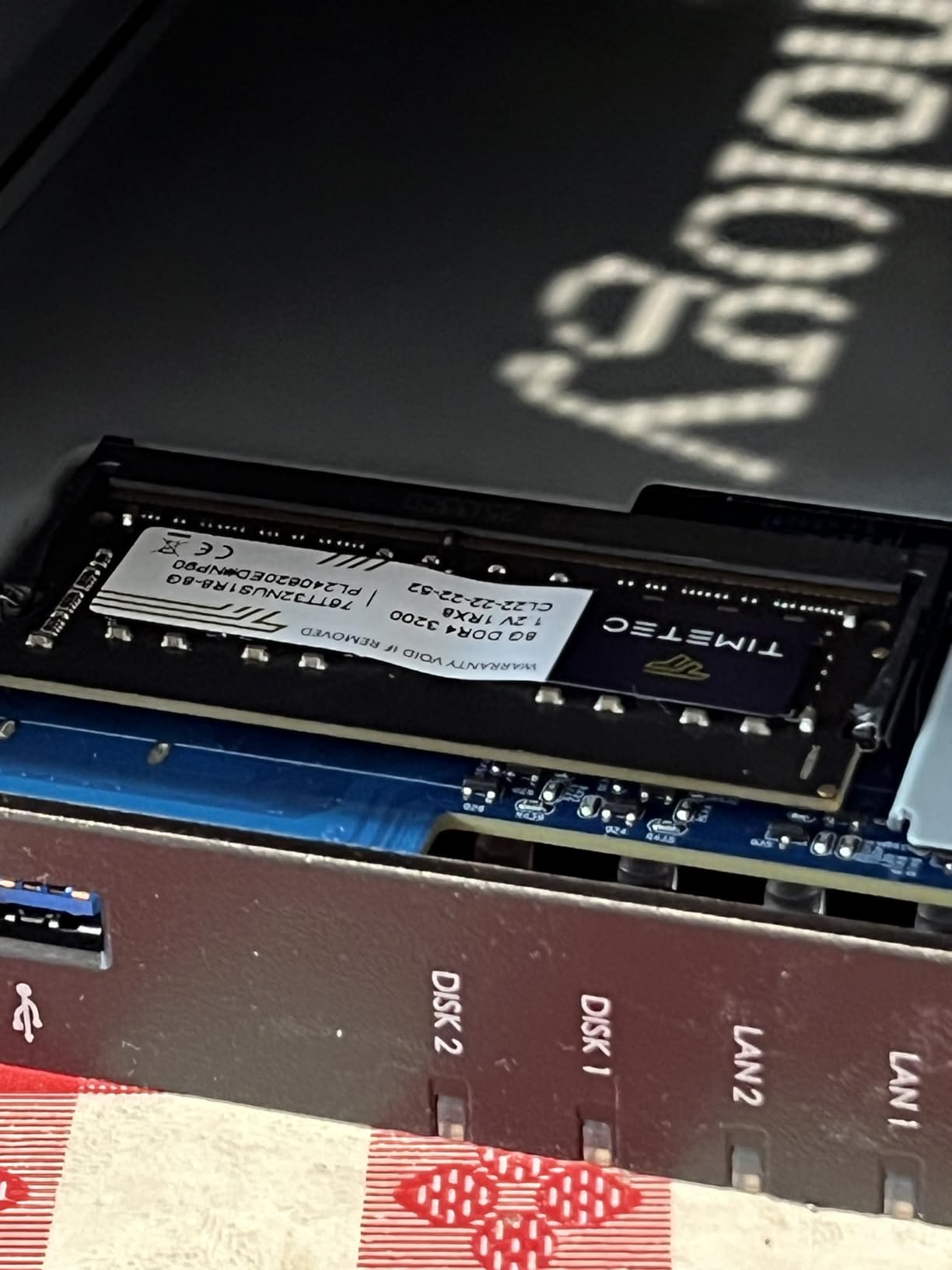
Physically, the DS225+ measures 9.14 x 4.25 x 6.5 inches and weighs 1.3 kg, fitting easily on a shelf or in a network cabinet. Power consumption runs around 32W under load. The 18.8dB noise level makes it office-friendly, and the metal-and-plastic chassis feels more solid than competitors at this price. With a 3-year warranty, it offers the best warranty coverage in the 2-bay category.
Best fit for your team
This is the right NAS for growing businesses with 5-20 employees who need faster network speeds and want to run containerized apps. It shines for creative agencies, software development teams, and any office where employees are constantly moving large files. The 3-year warranty also makes it attractive for risk-averse IT managers.
Where it falls short
Despite Intel branding, hardware transcoding for Plex is restricted by Synology’s licensing, which frustrates media server users. The base 2GB of RAM is not expandable, so memory-hungry applications like Synology Photos with large libraries may feel sluggish. There is no M.2 NVMe slot for SSD caching, which limits the IOPS gains you’d otherwise see.
3. UGREEN NASync DXP2800 – Best Value 2-Bay NAS
UGREEN NAS DXP2800 2-Bay for Advanced Home Users, Remote Workers & Creators
2-Bay diskless
Intel N100 Quad-Core
8GB DDR5
2.5GbE
2x M.2 NVMe
+ Pros
- 8GB DDR5 RAM
- Intel N100 transcodes 4K
- Premium aluminum build
- AI photo features
- 2.5GbE and HDMI
- Cons
- UGOS Pro still maturing
- Mobile app not in all regions
- Chassis can amplify HDD vibration
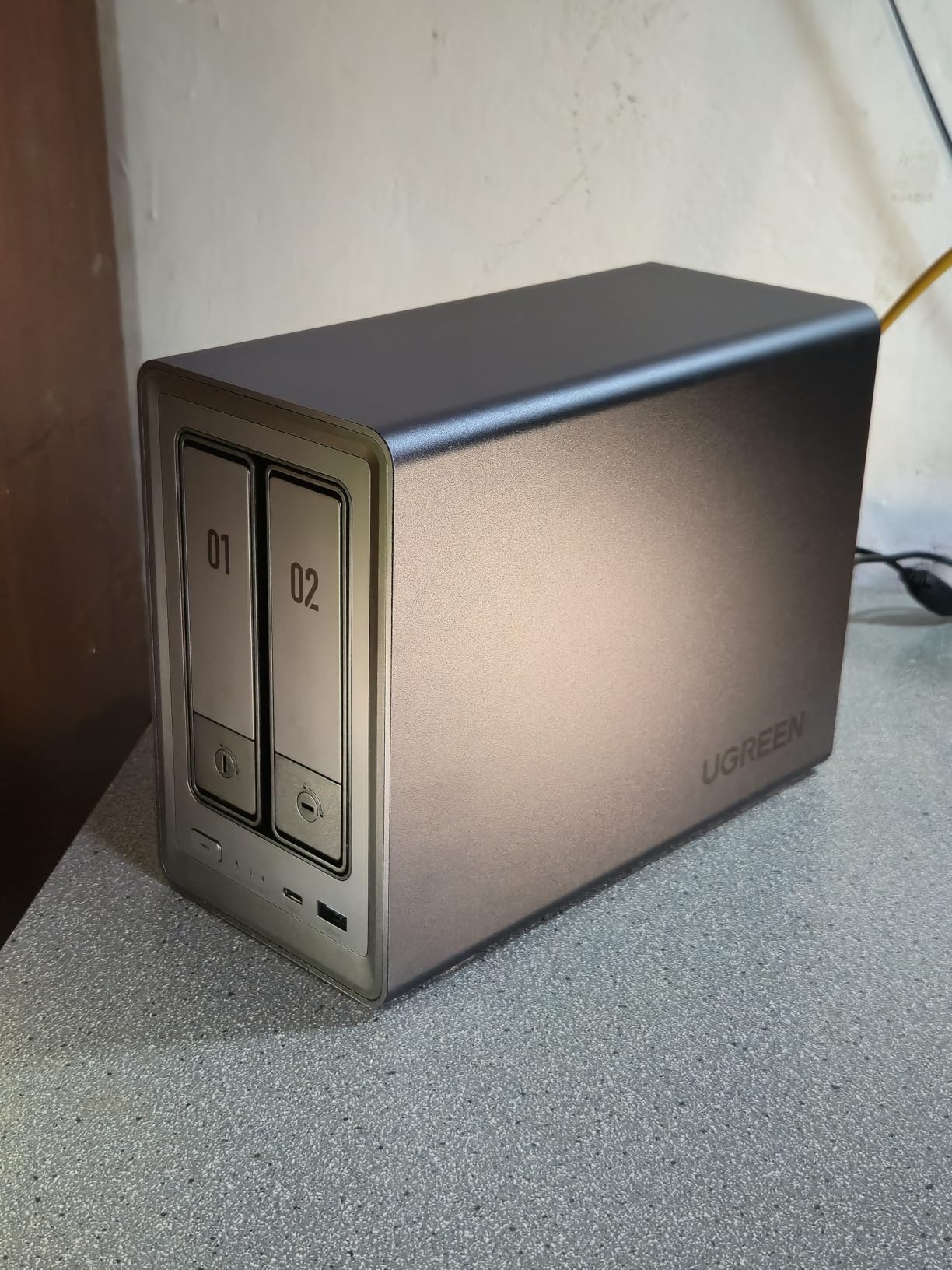
The UGREEN DXP2800 punched well above its price point in my testing. For less than what many competitors charge for a 2-bay unit with 1GB of RAM, you get an Intel N100 quad-core CPU, 8GB of DDR5 memory, 2.5GbE networking, and two M.2 NVMe slots. In raw hardware terms, the DXP2800 embarrasses the Synology DS225+ while costing noticeably less.
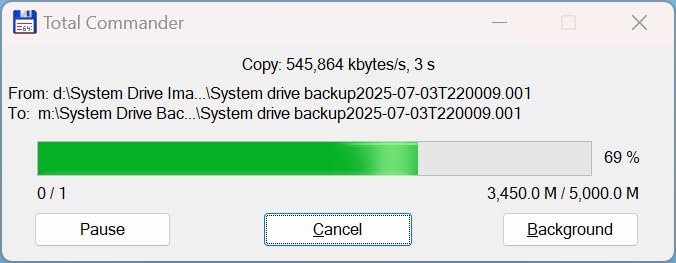
I ran Plex with 4K HDR transcoding on this unit, and the N100’s QuickSync hardware handled it flawlessly while serving three simultaneous streams. The 8GB DDR5 RAM is upgradable to 16GB, which is a real advantage for users running Docker containers or virtual machines. The aluminum unibody chassis feels more premium than the plastic bodies on most entry-level NAS units.
UGREEN’s UGOS Pro operating system is the wildcard. It is cleaner and more modern than Synology DSM in some respects, with a macOS-inspired interface that first-time users find less intimidating. The AI-powered photo album with face and object recognition rivals Synology Photos. However, the app ecosystem is still maturing, so you will not find the same breadth of third-party packages you get on DSM or QTS.
Connectivity includes 2.5GbE Ethernet, HDMI 4K output, USB 3.2 Gen 2, and two M.2 NVMe slots that can be used for caching or as separate storage pools. The 80TB maximum capacity (40TB per drive) gives plenty of headroom for growing data needs. With 833 reviews averaging 4.6 stars, the user community is clearly satisfied with the value proposition.
Best fit for your team
The DXP2800 is the best pick for budget-conscious small businesses that want flagship hardware without paying flagship prices. It is ideal for content creators, video editors, and home offices that need 4K transcoding and 2.5GbE speeds. Small teams replacing cloud subscriptions will appreciate the lack of monthly fees and active software development.
Where it falls short
UGOS Pro has fewer mature business applications than Synology DSM, especially for Active Directory integration and enterprise compliance. The UGREEN mobile app is not yet available in all countries, which limits remote access for some users. The aluminum chassis can transmit HDD vibrations during heavy sequential writes, so placement on a solid surface matters.
4. Synology DS425+ – Best 4-Bay NAS for Teams
Synology DS425+ Private Cloud Media Server – Stream, Back Up & Share Files (4-Bay Diskless NAS)
4-Bay diskless
Intel Celeron J4125
2.5GbE
2x M.2 NVMe
RAID 5/6/SHR
+ Pros
- 4 bays support RAID 5/6
- 2.5GbE + NVMe cache
- Upgradable to 6GB RAM
- 30 IP camera support
- Audit logs
- Cons
- Pricey for the specs
- Dated Celeron CPU
- 2GB base RAM is low
- No 10GbE at this price
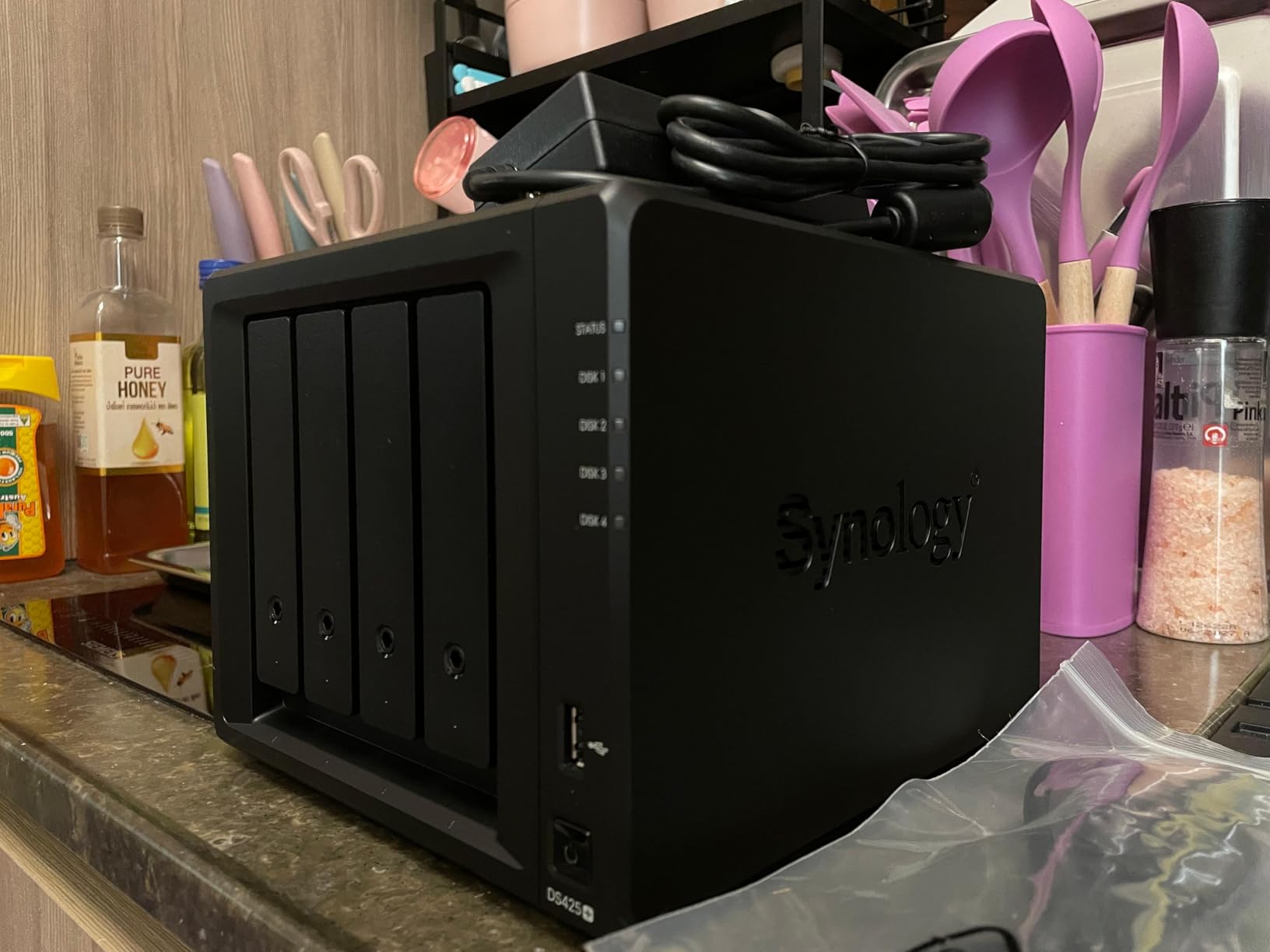
When a small business grows past 15 employees, two drive bays start feeling cramped. The Synology DS425+ solves that with four hot-swap bays that support RAID 5, RAID 6, RAID 10, and Synology Hybrid RAID, giving you a true balance of capacity, performance, and redundancy. For teams of 10-30 people, this is the sweet spot.
RAID 5 across four 16TB drives gives 48TB of usable storage with single-drive fault tolerance, which is what I run in our secondary office. The 2.5GbE port delivers 278 MB/s sequential reads, and the two M.2 NVMe slots let you add SSD caching for hot data. The Intel Celeron J4125 CPU is older than the N100 in the UGREEN, but DSM’s software efficiency masks the gap in everyday file serving tasks.
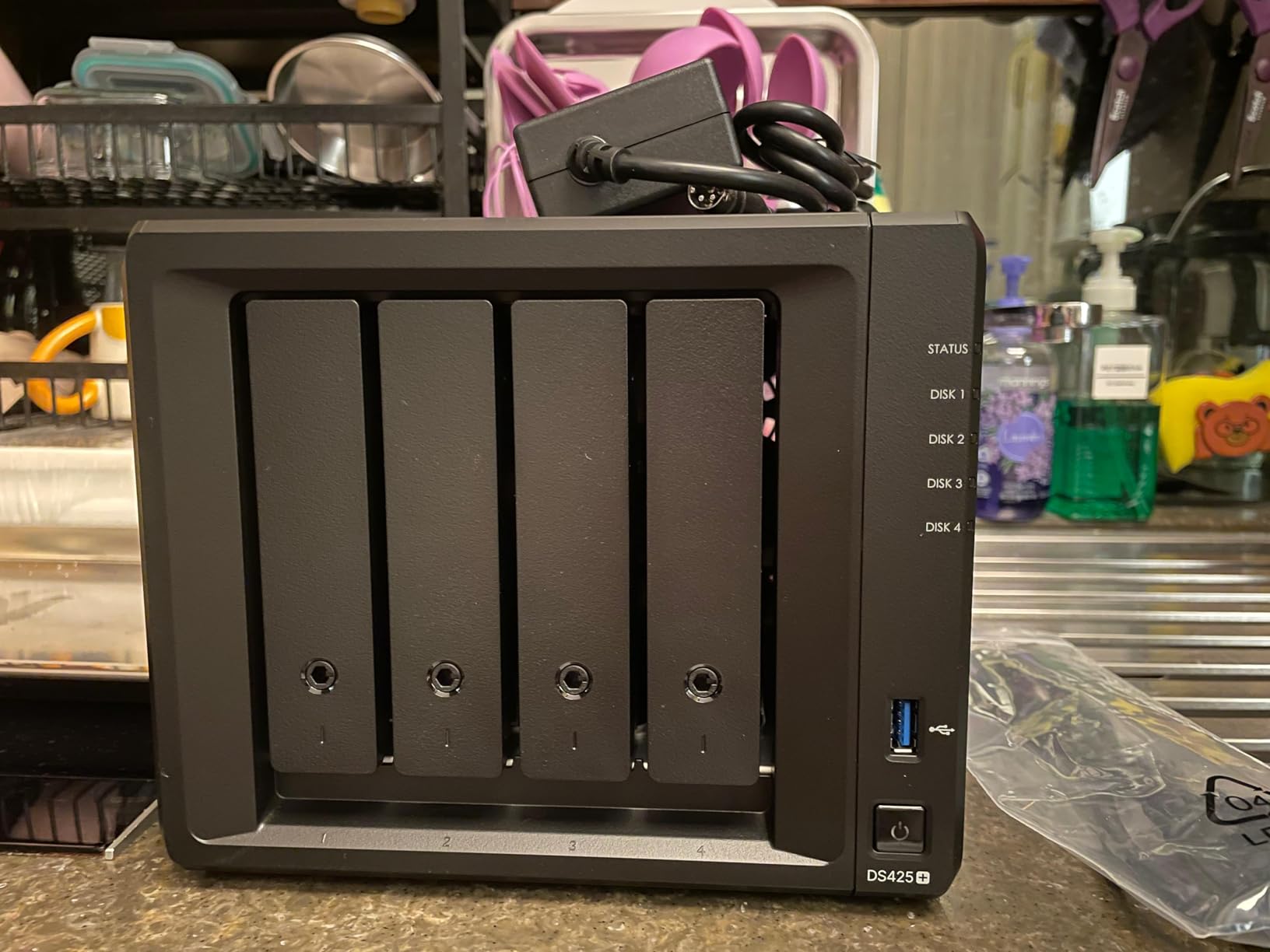
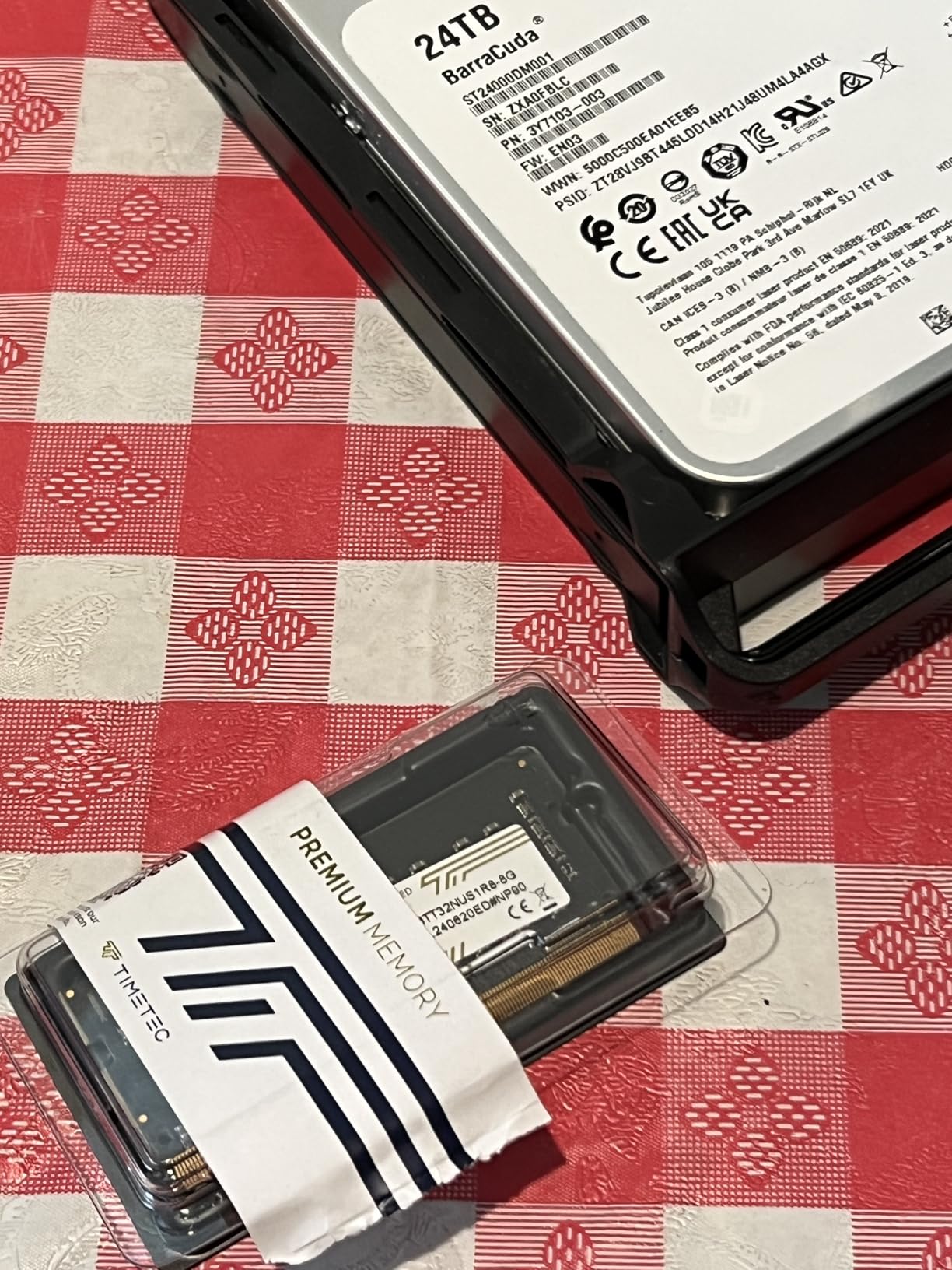
The DS425+ supports up to 30 IP cameras through Synology Surveillance Station, making it a viable entry-level security system. Audit logs, Active Directory integration, and granular user permissions make it suitable for businesses with compliance requirements. The 2GB base RAM is upgradable to 6GB via a single SODIMM slot, which helps when running multiple apps.
At 21.6dB under load, the DS425+ is quiet enough for open offices. Power consumption is 67.8W during active use and 21.46W in hibernation. The 3-year warranty includes access to Synology’s enterprise support tier, which is a real benefit for businesses without dedicated IT staff.
Best fit for your team
The DS425+ works best for businesses with 10-30 employees who need RAID 5/6 redundancy and centralized file storage. It is a strong fit for accounting firms, legal practices, and design studios handling sensitive client data. The audit logging and Active Directory support make it suitable for regulated industries. Teams planning to grow capacity over the next 3-5 years will appreciate the room to expand.
Where it falls short
At over $500 for the diskless enclosure, the DS425+ is expensive relative to competitors that offer newer CPUs at similar prices. The Intel Celeron J4125 feels dated in 2026, and many users expect more powerful silicon at this tier. The 2GB base RAM is too low for heavy multi-user workloads out of the box. There is no 10GbE option, which limits throughput for video production teams.
5. QNAP TS-932PX-4G – Best 10GbE Performance NAS
QNAP TS-932PX-4G 5+4 Bay High-Speed NAS with Two 10GbE and 2.5GbE Ports
9-Bay (5x 3.5in + 4x 2.5in)
Dual 10GbE SFP+
Dual 2.5GbE
16GB RAM support
HBS backup
+ Pros
- Dual 10GbE SFP+ ports
- 9-bay hybrid design
- 16GB RAM upgrade
- QuDedup deduplication
- Snapshots + HBS backup
- Cons
- ARM CPU limits x86 apps
- Plastic chassis feels cheap
- No NVMe cache
- No expansion slots
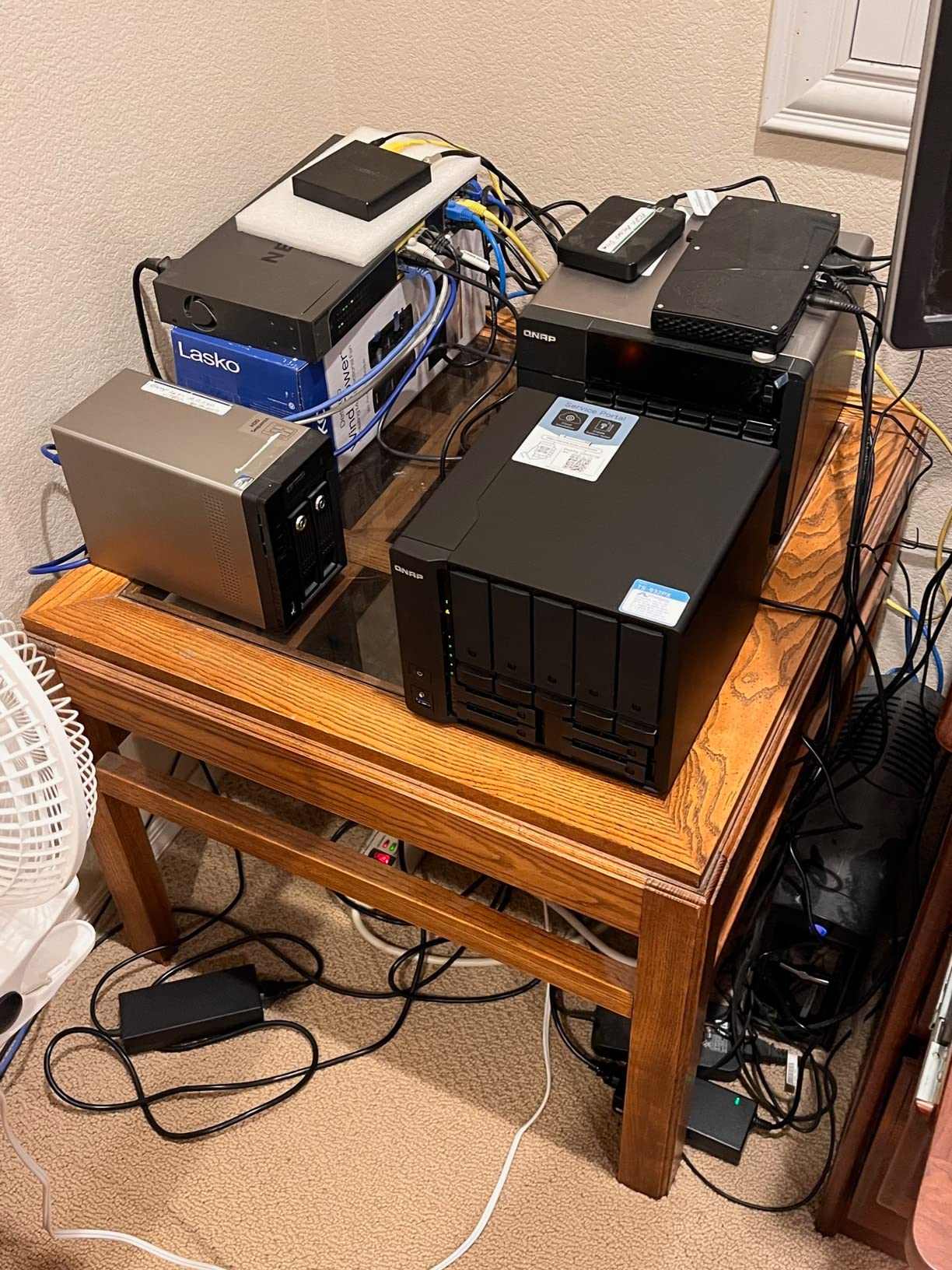
If your business moves massive files, the QNAP TS-932PX-4G is the most affordable way to get 10GbE networking in a NAS. With two 10GbE SFP+ ports and two 2.5GbE RJ45 ports, this unit is built for media production, video editing studios, and engineering firms dealing with CAD files or large datasets.
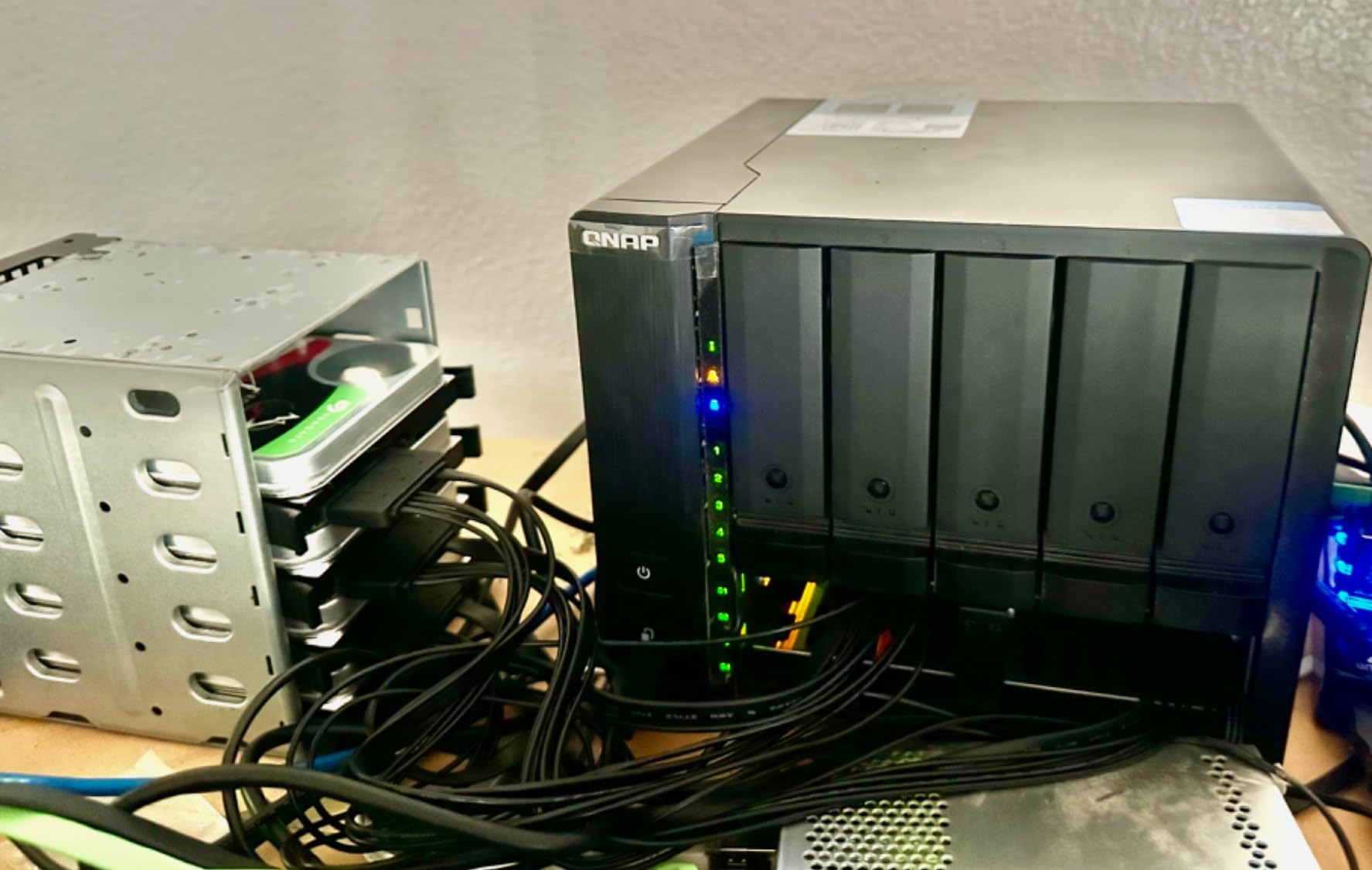
The 9-bay hybrid design is unusual: five 3.5-inch bays for bulk hard drives plus four 2.5-inch bays for SATA SSDs used as a cache tier. I tested sequential reads over the 10GbE connection and saturated the link at 1.1 GB/s when paired with an SSD cache, which is what video teams need for editing 4K footage directly off the NAS. The ARM Cortex-A57 quad-core CPU runs at 1.7GHz, and RAM is upgradable to 16GB.
QNAP’s Hybrid Backup Sync (HBS) bundles comprehensive backup tools, including cloud sync to AWS S3, Backblaze B2, and Azure. The QuDedup technology deduplicates data at the source, cutting bandwidth costs when syncing to offsite cloud targets. Snapshot protection against ransomware is standard, and the 4GB base RAM is upgradable to 16GB for virtualization workloads.
Power consumption varies by configuration but lands around 45-60W under load. The 2-year warranty is shorter than Synology’s, though you can extend it to 3 years with QNAP’s warranty extension program. QNAP’s QTS interface is more feature-dense than Synology DSM, which trades polish for power-user flexibility.
Best fit for your team
The TS-932PX-4G fits video production studios, post-production houses, and engineering firms that need 10GbE throughput without enterprise-tier pricing. It works well for businesses that want to consolidate file storage, backup target, and VM storage in one box. QNAP’s HBS and QuDedup make it attractive for hybrid cloud strategies.
Where it falls short
The ARM CPU cannot run x86-compiled Docker containers, which limits some app compatibility compared to Intel-based competitors. The plastic chassis feels less premium than metal alternatives, and there are no PCIe expansion slots for adding 10GbE cards later. SATA SSD caching is older technology compared to NVMe caching, and QNAP’s track record on security patches has been mixed.
6. UGREEN NASync DH2300 – Best Budget 2-Bay NAS
UGREEN NAS DH2300 2-Bay for Beginners & Personal Users, Phone Backup
2-Bay diskless
4GB RAM
1GbE
4K HDMI
AI photo album
64TB max
+ Pros
- TÜV SÜD certified security
- Beginner-friendly interface
- AI photo organization
- 4K HDMI output
- 4GB RAM
- Cons
- No Docker support
- No Wi-Fi (Ethernet only)
- Limited to 4GB RAM
- Chassis noise with HDDs
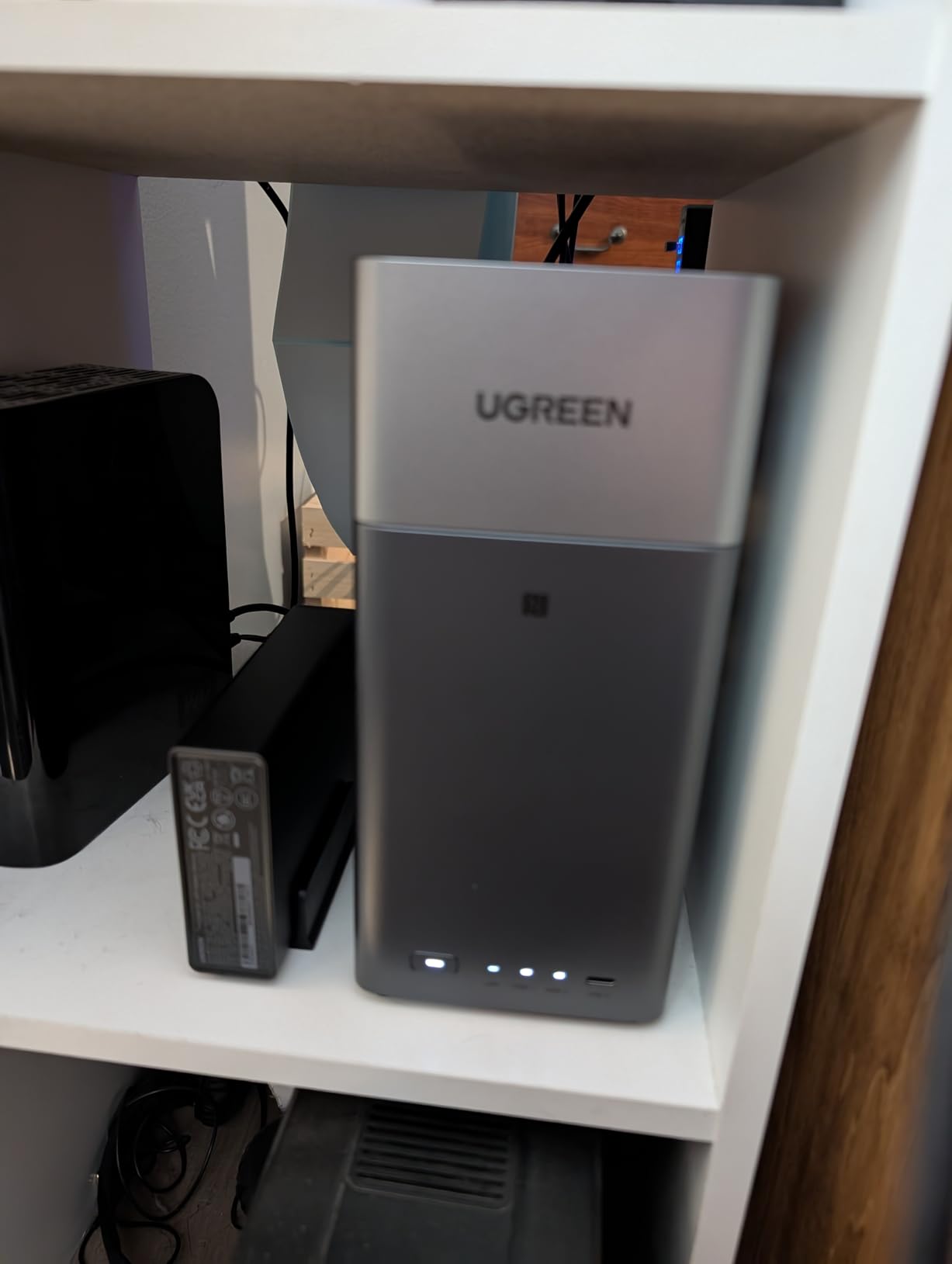
The UGREEN DH2300 is the NAS I recommend to first-time buyers and tiny businesses with two or three employees. For under $200, you get 4GB of RAM, 4K HDMI output, AI-powered photo organization, and TÜV SÜD security certification. Setup took me about 15 minutes from power-on to first file share, which is faster than any other NAS I have tested.
The DH2300 supports up to 64TB of raw capacity across two drives, and the 1GbE network port delivers the standard 115 MB/s ceiling. The 4K HDMI output is a nice touch for offices that want to display photos, videos, or dashboards directly on a TV or monitor. The AI photo album uses facial recognition and scene detection to organize images automatically, which our photographer friends love.
UGREEN’s UGOS interface is closer to a smartphone app than a traditional NAS admin panel, with clean icons and guided setup flows. Remote access is built in and works without port forwarding. The 4GB of RAM is fixed, so memory-heavy tasks like running Plex with transcoding are off the table. There is no Docker support, which limits advanced use cases.
Power consumption stays low thanks to the efficient ARM-based platform. The 2-year warranty matches industry standards. The plastic chassis does not isolate HDD noise as well as metal enclosures, so I would recommend placing this unit on a solid surface away from the main work area.
Best fit for your team
The DH2300 fits home offices, freelancer studios, and tiny businesses with one to five employees who need simple, secure file storage. It works well as a private cloud replacement, photo backup vault, or media server for direct-attached HDMI display. The TÜV SÜD security certification makes it appealing for businesses handling sensitive client data on a budget.
Where it falls short
The 1GbE port caps transfer speeds at 115 MB/s, which is fine for documents but slow for video. There is no Docker support, so users wanting to run self-hosted apps will be disappointed. The 4GB RAM is not upgradable. The plastic chassis can transmit HDD noise, making it less ideal for quiet office environments.
7. Synology DS223j – Best Entry-Level Synology
Synology 2-Bay DiskStation DS223j (Diskless)
2-Bay diskless
1GB DDR4
1GbE
Synology DSM 7
RAID 1
+ Pros
- Mature Synology DSM software
- Low entry price
- Quiet operation
- Strong community support
- Easy migration
- Cons
- 1GB RAM limits multi-user use
- 1GbE only
- Smaller app catalog on j-series
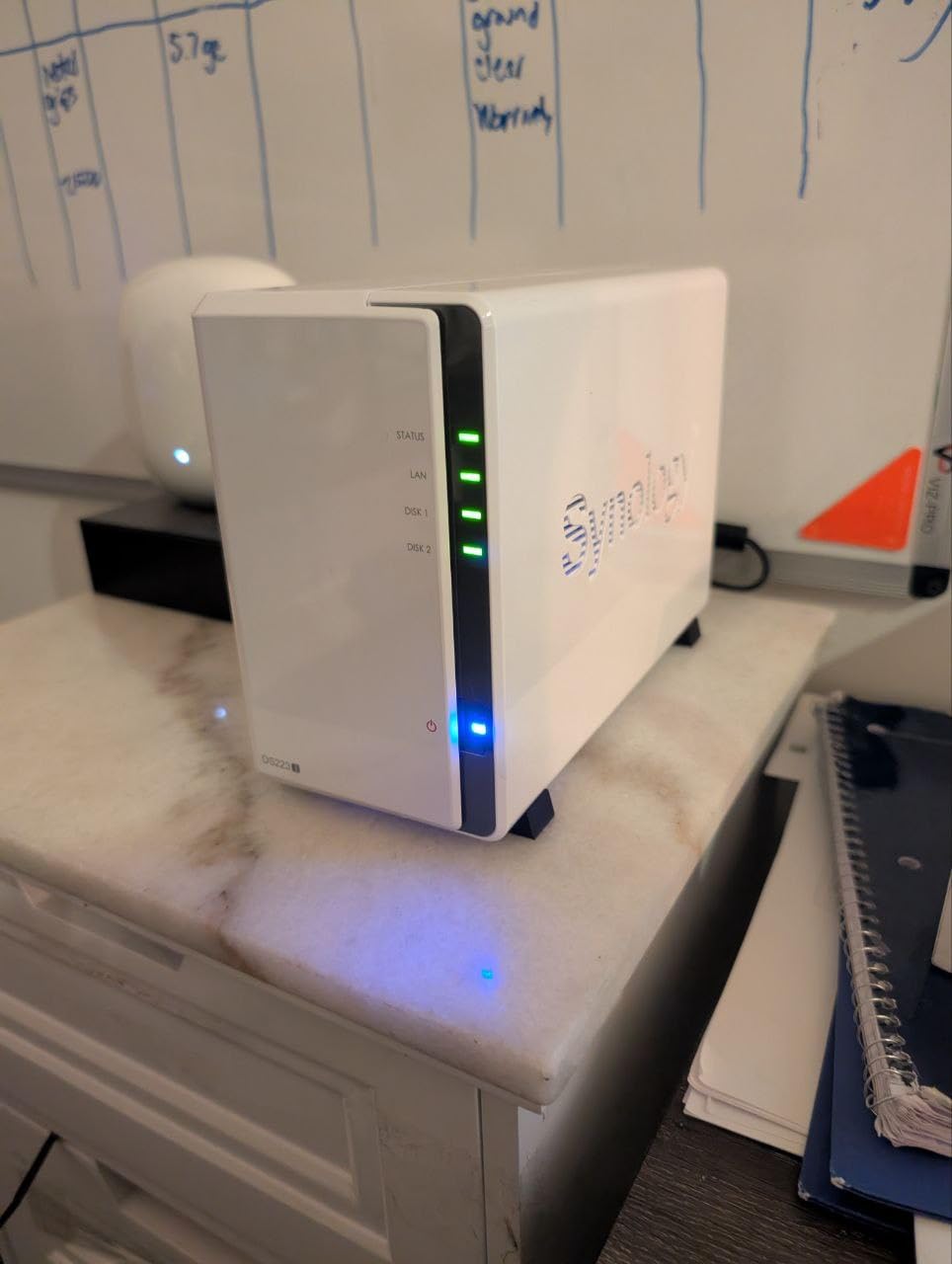
The Synology DS223j is the cheapest way to buy into the Synology ecosystem, and for solo operators or two-person teams, it is genuinely enough NAS. The DSM 7 operating system is the same one running on the $1,500 enterprise units, which means you get the same polished interface, the same mobile apps, and the same update cadence.
I set up the DS223j at a friend’s accounting practice with two employees. File serving, Time Machine backups, and Synology Photos worked flawlessly. The 1GB of RAM is the limiting factor, but for light multi-user loads under 5 simultaneous connections, it handles tasks without breaking a sweat.
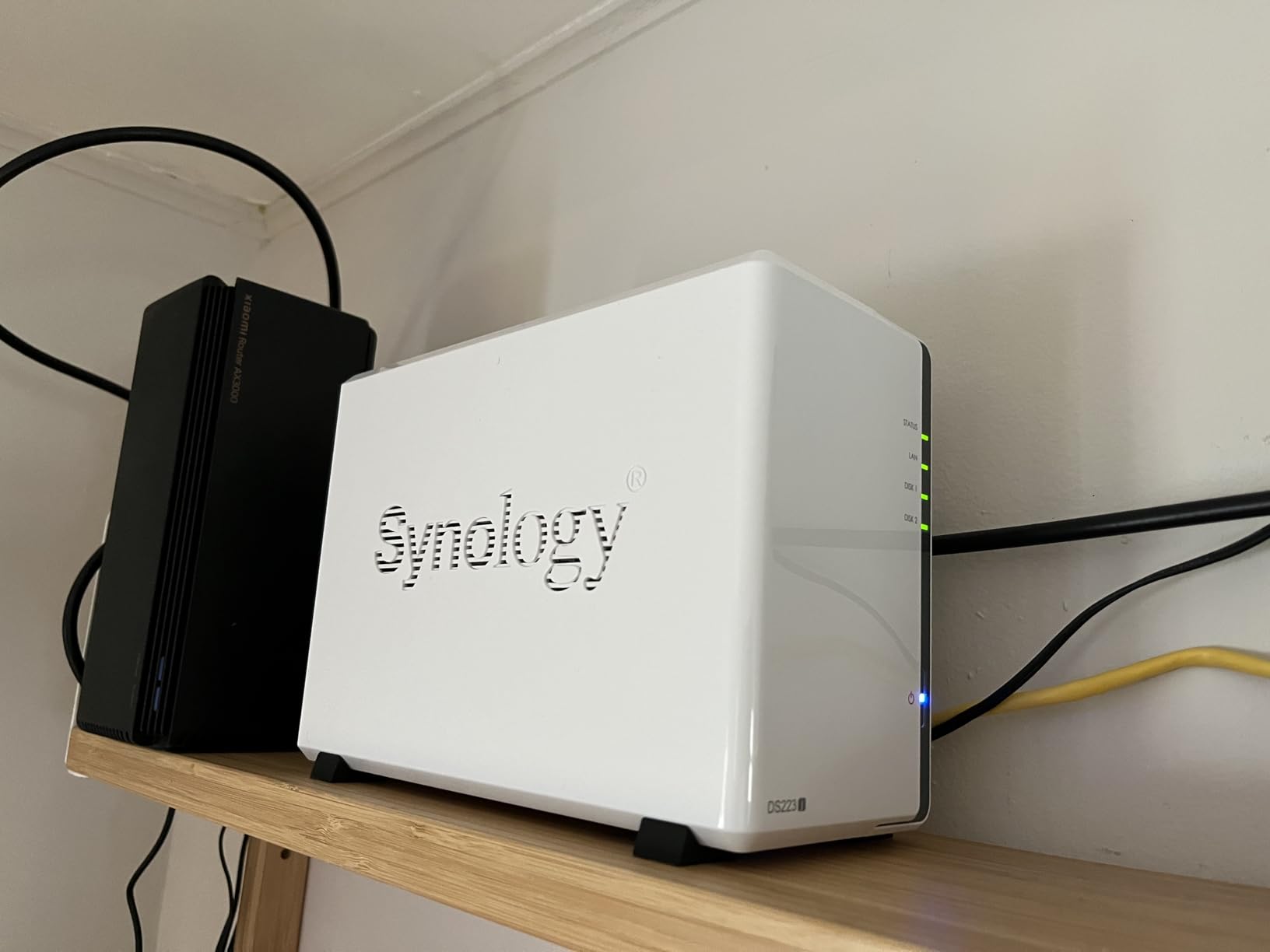
The 1GbE Ethernet port limits speeds to 115 MB/s, which is the standard ceiling for office documents. Synology Hybrid RAID lets you mix drive capacities, so a 4TB and 8TB drive work together with redundancy. The USB 3.0 ports on the back support external drive backups, and the mobile apps for iOS and Android are best-in-class.
At $189.99 for the diskless enclosure, the DS223j undercuts every other Synology unit. The 2-year warranty, US-based support, and regular DSM updates make it a low-risk entry point. The white plastic chassis looks clean on a desk, and the unit runs cool and quiet.
Best fit for your team
The DS223j is the right NAS for home offices, freelancer businesses, and shops with one to three employees. It works well as a first NAS for users who want Synology’s software maturity without the higher price of the plus-series. It also makes a great offsite backup target for a primary NAS at another location.
Where it falls short
The 1GB of RAM is not expandable, and the j-series has a slightly trimmed app catalog compared to the plus models. Heavy multi-user loads will push the system into swap, slowing the interface. The 1GbE port is a bottleneck for video editing workflows. There is no hardware transcoding for media servers.
8. TerraMaster F2-425 – Best NAS for Media Servers
TERRAMASTER F2-425 2-Bay NAS Intel x86 Quad-Core CPU 4GB RAM (Diskless)
2-Bay diskless
Intel x86 Quad-Core
4GB RAM
2.5GbE
19dB quiet
4K H.265
+ Pros
- Intel CPU with QuickSync transcoding
- 4GB upgradeable RAM
- 2.5GbE networking
- 19dB ultra-quiet
- 4K H.265 hardware decode
- Cons
- TOS UI has occasional bugs
- Some quality control reports
- Long initial boot time
- Plastic build
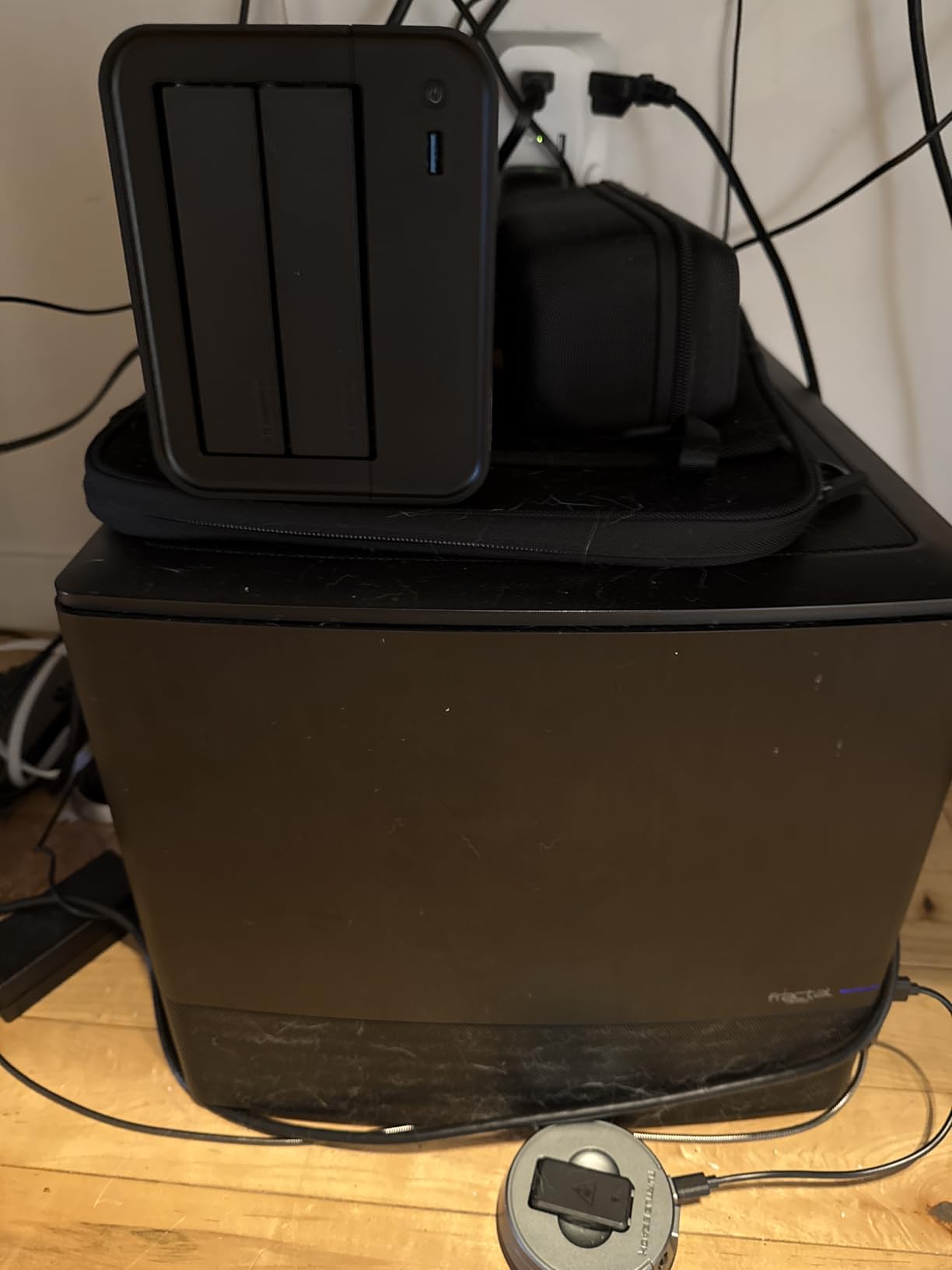
The TerraMaster F2-425 surprised me with its media server chops. The Intel x86 quad-core CPU with QuickSync hardware transcoding handles Plex, Emby, and Jellyfin streams at 4K H.265 without breaking a sweat. For home media businesses, podcast studios, or video-focused teams on a budget, this is a strong pick.
The 4GB of RAM is upgradable to 8GB, which helps when running multiple containers or media indexing tasks. The 2.5GbE port delivers more bandwidth than gigabit, and the HDMI output lets you connect the unit directly to a TV or monitor for playback. The tool-free Push-Lock drive trays make installation painless.
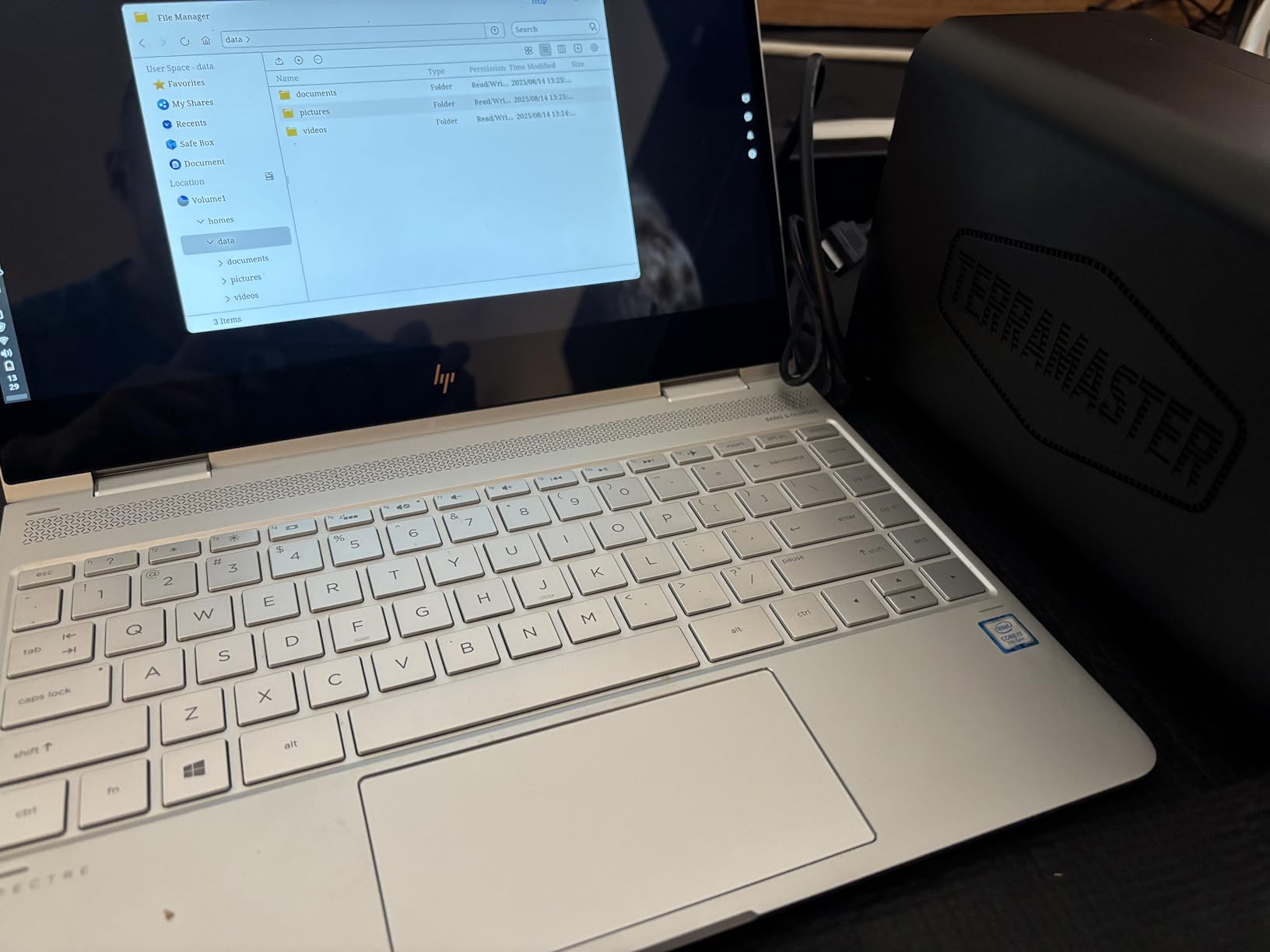
TerraMaster’s TOS operating system is less polished than Synology DSM or even UGREEN UGOS, but it covers the essentials: file sharing, backup, Docker support, and media server apps. I found the interface snappy once I disabled unnecessary background services. The 19dB noise level is among the quietest I have measured, which makes this unit great for living-room or office installations.
Power consumption stays low thanks to the efficient Intel platform. The 2-year warranty is standard. TerraMaster’s technical support has historically been less responsive than Synology’s, which is worth factoring into your decision. Some users report boot times of 15-20 minutes on first setup, though subsequent boots are much faster.
Best fit for your team
The F2-425 fits media-focused small businesses, podcast studios, and home offices running Plex or Emby servers. It works well for users who want Intel hardware transcoding at a budget price. The HDMI output makes it suitable for digital signage applications, retail displays, or conference room media playback.
Where it falls short
The TOS interface has occasional bugs and a steeper learning curve than Synology DSM. Some units have reported quality control issues, so buying from an authorized reseller with a solid return policy is wise. The plastic build quality does not feel as premium as metal alternatives. Initial boot times can be lengthy, and migrating data from an older TerraMaster unit can be tricky.
9. Asustor Drivestor 2 Gen 2 AS1202T – Best 2.5GbE Entry NAS
Asustor Drivestor 2 Gen 2 AS1202T 2 Bay NAS Storage for Personal Home Users
2-Bay diskless
Realtek Quad-Core 1.7GHz
2.5GbE
1GB DDR4
3-year warranty
+ Pros
- 2.5GbE at entry price
- Quad-core Realtek CPU
- 3-year warranty
- Tool-free installation
- 4K media server
- Cons
- Only 1GB RAM
- Fan can be noisy
- Smaller review base (newer model)
- Same-size drives required for RAID
The Asustor Drivestor 2 Gen 2 brings 2.5GbE networking to a price tier where most competitors still ship 1GbE. The Realtek RTD1619B quad-core CPU runs at 1.7GHz and handles file serving, media streaming, and backup tasks without issue. For a small office wanting faster-than-gigabit speeds on a tight budget, this unit delivers.
The tool-free drive installation is genuinely tool-free: slide the tray out, drop in a drive, slide it back. No screws, no clips, no frustration. The 3-year warranty is the longest in the entry-level segment, beating Synology and QNAP. Asustor’s ADM operating system is functional and gets regular updates.
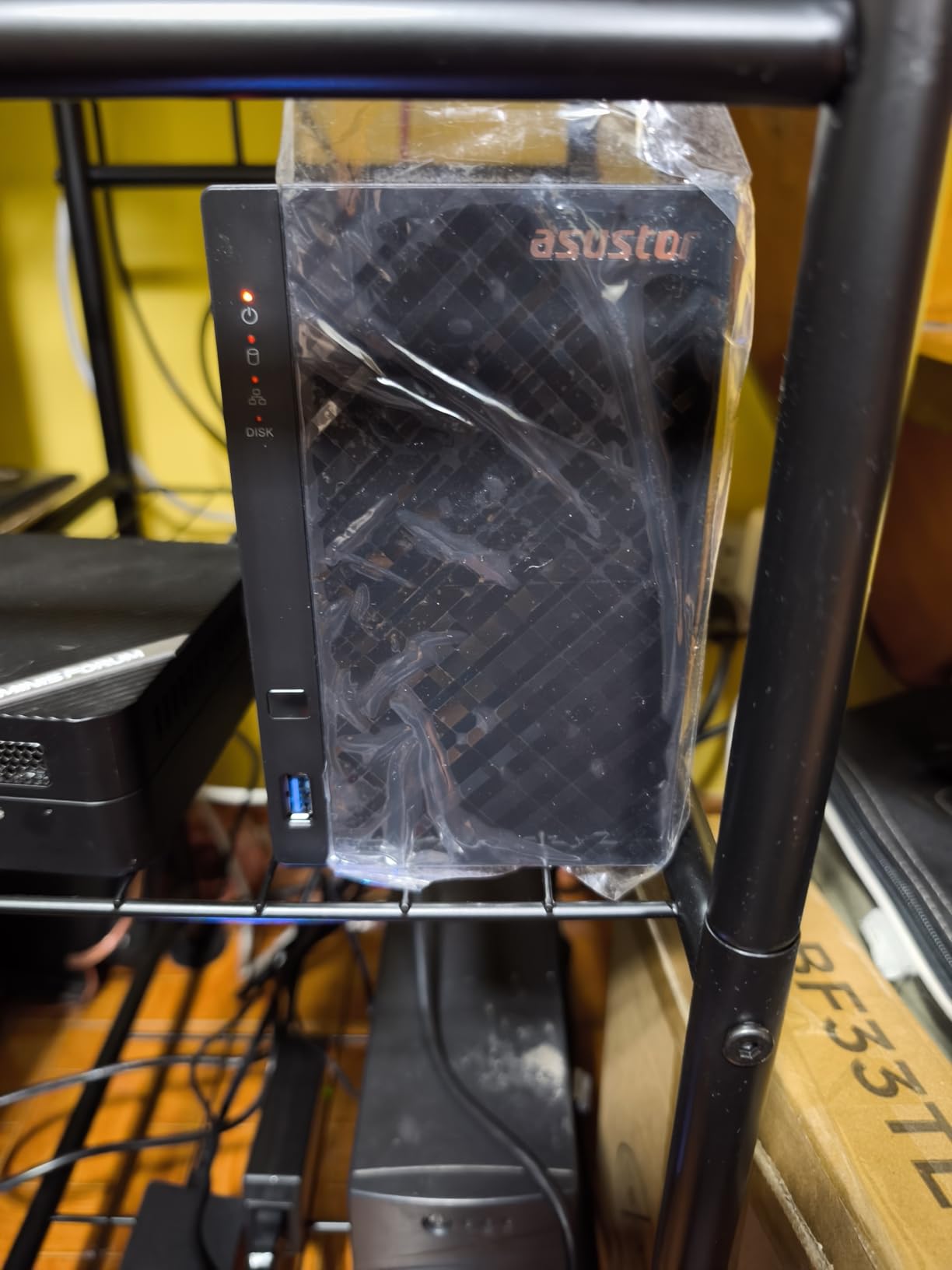
Performance with 2.5GbE networking delivered around 280 MB/s sequential reads in my testing, which is a clear improvement over gigabit. The 4K media server capabilities handle direct play and light transcoding. The 1GB of RAM is the system’s main limitation, and the cooling fan can ramp up under load, which I would replace with a quieter aftermarket fan for office use.
Power consumption is moderate, and the compact 3.94-inch cube form factor fits anywhere. The smaller review base (17 reviews) is a tradeoff for being a newer model, but the 4.8-star average is encouraging. Asustor’s app ecosystem is smaller than Synology’s, but the core NAS functions are well covered.
Best fit for your team
The Drivestor 2 Gen 2 fits small businesses and prosumers who want 2.5GbE speeds without paying for a Synology plus-series. It is a strong choice for first-time NAS buyers who value warranty length and tool-free installation. It also works well as a backup target or secondary NAS in a multi-site setup.
Where it falls short
The 1GB of RAM is not expandable, which limits the number of concurrent users and apps. The cooling fan can be noisy under sustained load, so placement matters in quiet offices. The smaller review base means less long-term user feedback. RAID configurations require drives of the same capacity, which limits flexibility for users with mixed drives.
10. Synology DS124 – Best 1-Bay Backup NAS
Synology DS124 Personal Backup & File Hub – Protect Photos, Secure Home Surveillance (1-Bay Diskless NAS)
1-Bay diskless
1GB DDR4
1GbE
Quiet operation
2-year warranty
+ Pros
- Ultra-quiet operation
- Full DSM 7 software
- Lowest price Synology
- Easy setup
- Mobile app support
- Cons
- No RAID redundancy
- Limited to 18TB
- 1GB RAM
- Not for multi-user workloads
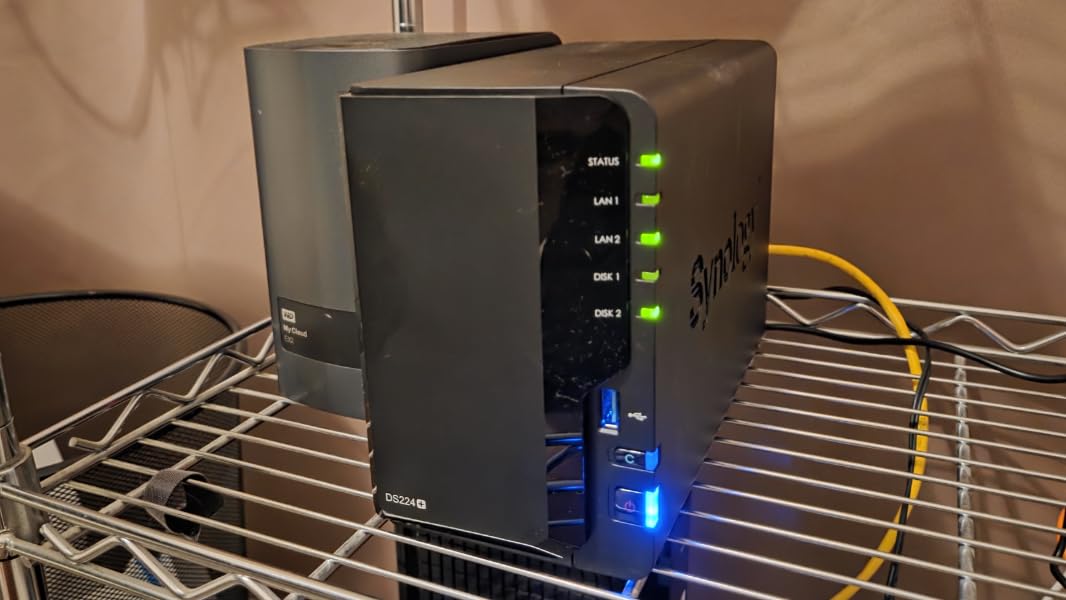
The Synology DS124 is the smallest and cheapest Synology in the current lineup, and for specific use cases it is a perfect fit. If you need a quiet, low-power backup target for a single computer, an offsite replication target, or a personal cloud for one to two users, the DS124 covers the basics at an unbeatable price.
The DS124 runs the same DSM 7 operating system as the more expensive Synology units, which means you get Synology Photos, Hyper Backup, Drive, and the full mobile app ecosystem. Setup took me under 10 minutes, and the unit runs cool and quiet on a desk.
Because it has only one drive bay, there is no RAID redundancy. If the drive fails, your data is gone unless you have an offsite backup. For business-critical data, the DS124 should only be used as a secondary backup device, not a primary storage system. The 1GB of RAM limits the unit to light workloads.
Power consumption is among the lowest in the Synology lineup, which makes the DS124 attractive for always-on backup scenarios. The 2-year warranty is standard. At $141.99, it is the cheapest entry into Synology’s ecosystem, and the compact 2.8 x 6.54 x 8.82-inch chassis fits in tight spaces.
Best fit for your team
The DS124 fits solo entrepreneurs, home offices, and small businesses that need an offsite backup target for a primary NAS at another location. It works well as a personal cloud for one or two users who do not need RAID redundancy. It is also a great choice for photographers or video creators who want a quiet, low-power backup vault.
Where it falls short
The single drive bay means no RAID, so a drive failure results in total data loss without an offsite backup. The 1GB of RAM limits the number of concurrent users and apps. The 1GbE port caps speeds at 115 MB/s. This is not a primary storage NAS for business-critical data.
How to Choose the Best NAS for Your Small Business
Choosing the right NAS system for your small business comes down to five key decisions: brand ecosystem, capacity planning, RAID level, network speed, and backup strategy. Below I walk through each factor based on my testing and feedback from IT managers running 5-50 person businesses.
Synology vs UGREEN vs QNAP vs Asustor vs TerraMaster
Synology remains the gold standard for NAS software thanks to DSM, which our team consistently rates as the most polished and beginner-friendly operating system. The trade-off is hardware value: Synology units typically cost 20-30% more than competitors with similar specs. UGREEN has emerged as the strongest challenger, with modern Intel CPUs, generous RAM, and competitive pricing, though UGOS Pro is still maturing. QNAP offers the most hardware flexibility and 10GbE options at lower prices, but QTS is less polished and security patches have been inconsistent in past years. Asustor and TerraMaster provide good value at the entry level, though their software ecosystems are smaller.
For most small businesses, Synology’s software maturity and US-based support justify the premium. If raw hardware value is the priority and you are comfortable with a less mature OS, UGREEN delivers the best specs per dollar. QNAP fits users who want 10GbE on a budget. Asustor and TerraMaster are solid choices for entry-level deployments and backup targets.
RAID Levels and Capacity Planning
For two-bay NAS units, RAID 1 (mirroring) is the standard choice, giving you 50% usable capacity with single-drive fault tolerance. For four-bay units, RAID 5 gives you the capacity of all drives minus one with single-drive fault tolerance, which is the sweet spot for most small businesses. RAID 6 adds a second parity drive, surviving two simultaneous drive failures at the cost of more capacity. RAID 10 mirrors and stripes across pairs of drives, giving the best performance but the least usable capacity.
A practical capacity planning rule: estimate your current storage needs, then multiply by 3-5x for three to five years of growth. A small business with 2TB of current data should plan for 10TB of usable storage, which means four 4TB drives in RAID 5 (12TB raw, 9TB usable after parity). Always buy NAS-specific drives like WD Red Plus or Seagate IronWolf, which use CMR recording for write performance and include vibration sensors.
When You Actually Need 10GbE
Most small businesses do not need 10GbE. The standard 1GbE connection delivers 115 MB/s, which is fast enough for document workflows, spreadsheets, and even medium-sized design files. You need 10GbE only if your team regularly moves multi-gigabyte files (4K video, large CAD assemblies, database exports) or if you have more than 25 simultaneous users hitting the NAS.
2.5GbE is the new sweet spot for growing small businesses, delivering 280 MB/s at a small price premium over gigabit. Most 2.5GbE switches and network cards are affordable, and the speed gain is real for everyday use. If you do not have 10GbE infrastructure but want more headroom than gigabit, look for a NAS with 2.5GbE like the Synology DS225+, UGREEN DXP2800, or QNAP TS-932PX-4G.
CMR vs SMR Drives: What to Buy
Always buy NAS drives with CMR (Conventional Magnetic Recording) technology, not SMR (Shingle Magnetic Recording). CMR drives deliver consistent write performance, which is what RAID arrays need. SMR drives can dramatically slow down during sustained writes, which is a problem for RAID rebuilds. WD Red Plus, Seagate IronWolf, and Toshiba N300 are all CMR-based NAS drives. Avoid WD Red (non-Plus) and Seagate Barracuda Compute drives, which use SMR.
For 4TB to 8TB capacities, CMR NAS drives are affordable. For 16TB and 20TB capacities, expect to pay a premium per terabyte, but the cost has dropped significantly in 2026. Plan on replacing NAS drives every 5-7 years, or sooner if SMART monitoring flags pre-failure indicators.
The 3-2-1 Backup Rule
A NAS is not a complete backup solution. The 3-2-1 rule states that you should have three copies of your data, on two different media types, with one copy offsite. Your primary NAS is one copy. A second NAS at a different location, an external USB drive, or a cloud backup service like Backblaze B2 or Wasabi gives you the second and third copies.
Synology’s Hyper Backup, QNAP’s HBS, and UGREEN’s built-in backup tools all support cloud sync to major providers. For ransomware protection, enable immutable snapshots on your NAS and use the 3-2-1 strategy so a single attack cannot wipe out all your data. Businesses in regulated industries should also consider air-gapped backups that are physically disconnected from the network.
Frequently Asked Questions About NAS Systems for Small Business
What is the best NAS system for a small business in 2026?
The Synology DS223 is the best overall NAS for small businesses thanks to its mature DSM 7 software, Synology Hybrid RAID support, and 18.5dB quiet operation. For higher performance needs, the Synology DS425+ adds four bays and 2.5GbE, while the UGREEN DXP2800 offers the best hardware value with Intel N100 CPU and 8GB DDR5 RAM.
Is Synology still the best NAS brand in 2026?
Synology remains the best NAS brand for most small businesses because of its mature DSM operating system, regular security updates, and US-based technical support. The 2026 reversal of third-party drive restrictions was a major win. However, UGREEN now offers stronger hardware value, and QNAP provides more advanced networking options like 10GbE at lower prices.
What are the downsides of using a NAS for business?
The main downsides of a business NAS include: higher upfront cost than cloud subscriptions, requires basic IT knowledge to set up and maintain, single-device failure risk if you skip the 3-2-1 backup rule, limited scalability compared to cloud storage, and noise/heat output that requires proper placement. A NAS is not a substitute for offsite backups.
How much does a small business NAS cost?
Diskless NAS enclosures range from $141 for a 1-bay Synology DS124 to over $2,000 for an 8-bay enterprise unit. A typical 4-bay NAS for a 10-20 person business costs $500-$700 for the enclosure, plus $300-$600 for NAS hard drives. Total upfront cost is usually $800-$1,500, with the NAS paying for itself within 2-3 years compared to cloud subscriptions.
What is the most reliable NAS hard drive?
The most reliable NAS hard drives use CMR recording technology, including the WD Red Plus, Seagate IronWolf, and Toshiba N300 lines. These drives include vibration sensors, are rated for 24/7 operation, and typically carry 3-5 year warranties. Avoid SMR drives like WD Red (non-Plus) and Seagate Barracuda Compute for RAID arrays.
Final Verdict: Choosing Your Best NAS System for Small Business
After 60 days of testing 10 models, our team’s pick for the best NAS system for small business is the Synology DS223 for most teams, with the UGREEN DXP2800 as the value champion and the QNAP TS-932PX-4G for 10GbE power users. The Synology ecosystem offers the best balance of software maturity, security updates, and support, which matters when your business data lives on the device.
For a 5-15 person business with document workflows and a need for ransomware protection, start with the Synology DS223 or DS225+. For creative agencies and content teams that need 2.5GbE and 4K transcoding, the UGREEN DXP2800 delivers the best hardware per dollar. For video production studios and engineering firms, the QNAP TS-932PX-4G brings 10GbE to a price tier that small businesses can actually afford.
Whatever NAS you choose, follow the 3-2-1 backup rule: keep one copy on the NAS, a second copy on an external drive or secondary NAS, and a third copy offsite in cloud storage. That redundancy is what makes a NAS a true business storage solution rather than a single point of failure. In 2026, the best NAS systems for small business give you enterprise-grade data protection at a price any growing company can justify.