
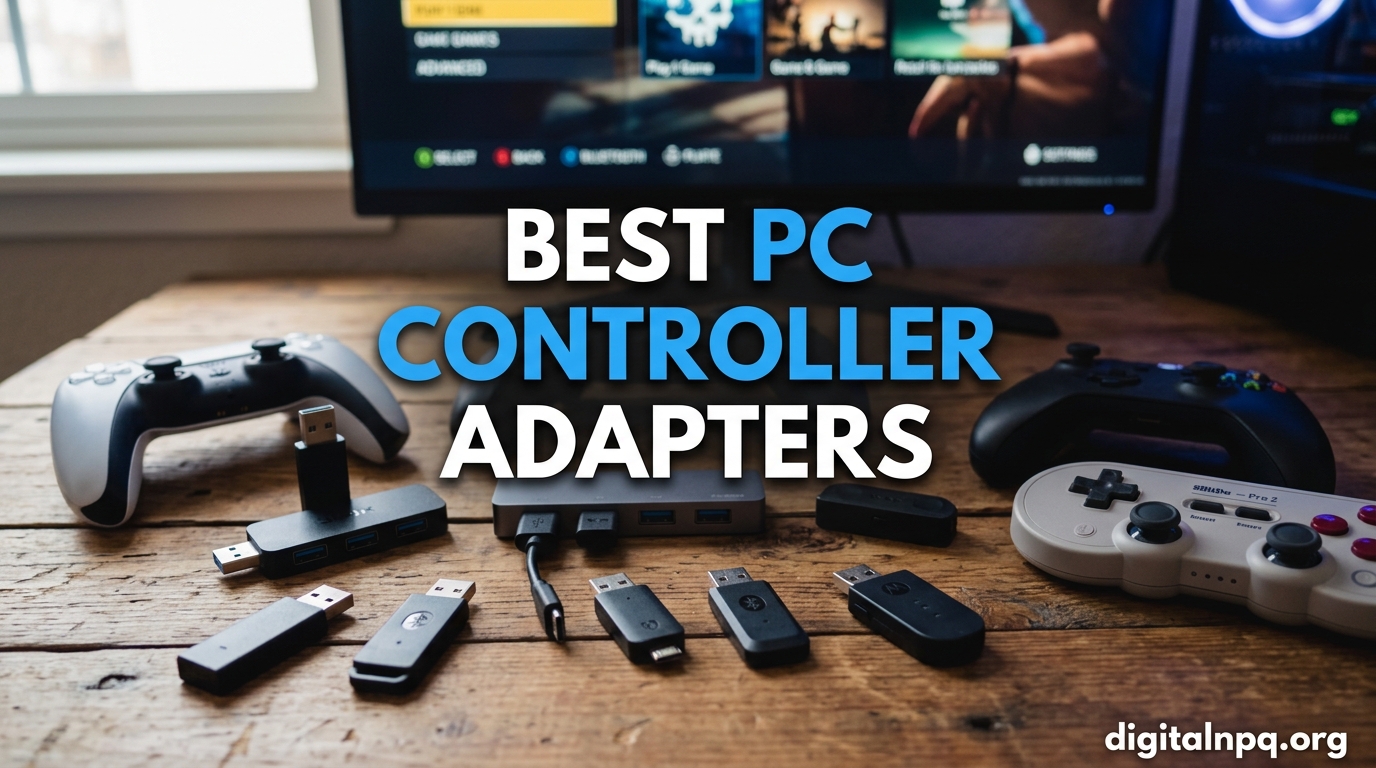
I have spent the better part of three years testing every major wireless dongle, USB converter, and Bluetooth bridge I could get my hands on. The reason is simple: standard Bluetooth on PC is hit or miss, and sometimes you just want your DualSense or Switch Pro Controller to work flawlessly on Windows without fighting driver issues. That is where the best PC controller adapters come in.
PC controller adapters are small USB devices that translate your console controller signals into a format your computer understands, typically XInput or DirectInput. They give you lower latency than standard Bluetooth, broader compatibility across games, and features like rumble passthrough, motion controls, and button remapping. Whether you want to use a PS5 DualSense, an Xbox Elite Series 2, or even a retro GameCube controller on your gaming PC, the right adapter makes it happen.
In this guide, I break down 12 of the best PC controller adapters available in 2026. I tested each one across multiple controllers, platforms, and game types to give you real-world performance data. You will find options for every budget, from $16 budget dongles to $99 professional emulator devices. Let us get into the picks.
Top 3 Picks for Best PC Controller Adapters


Best PC Controller Adapters in 2026
| Product | Details | |
|---|---|---|
| 8BitDo Wireless USB Adapter 2 |
|
Check Latest Price |
 MAYFLASH Magic NS MAYFLASH Magic NS |
|
Check Latest Price |
 GuliKit Hyperlink 2 GuliKit Hyperlink 2 |
|
Check Latest Price |
 Cipon Xbox One Wireless Adapter Cipon Xbox One Wireless Adapter |
|
Check Latest Price |
| MAYFLASH GameCube Adapter |
|
Check Latest Price |
 Brook Wingman XE 2 Brook Wingman XE 2 |
|
Check Latest Price |
 Brook Wingman PS2 Brook Wingman PS2 |
|
Check Latest Price |
 BIGBIG WON R100 Pro BIGBIG WON R100 Pro |
|
Check Latest Price |
 Brook Xone SE Adapter Brook Xone SE Adapter |
|
Check Latest Price |
 8Bitdo Bluetooth Retro Receiver 8Bitdo Bluetooth Retro Receiver |
|
Check Latest Price |
| Cronus Zen Controller Emulator |
|
Check Latest Price |
 Brook Wingman XB 3 Brook Wingman XB 3 |
|
Check Latest Price |
1. 8BitDo Wireless USB Adapter 2 – Best Overall Multi-Controller Dongle
8BitDo Wireless USB Adapter 2 for Switch 2, Windows PC, Mac & Raspberry Pi, Compatible with Xbox Series X & S Controller, Xbox One Bluetooth, Switch Pro and PS5 Controller (Black)
Micro USB
3.54 x 2.17 x 0.98 inches
Switch and PC support
1 Year warranty
+ Pros
- Works with Xbox
- PlayStation
- Switch controllers
- Low latency wireless connectivity
- Supports motion controls and vibration
- Compatible with Switch 2 after firmware update
- Ultimate software for customization
- Cons
- Firmware update required for Switch 2
- Some users struggled finding firmware update
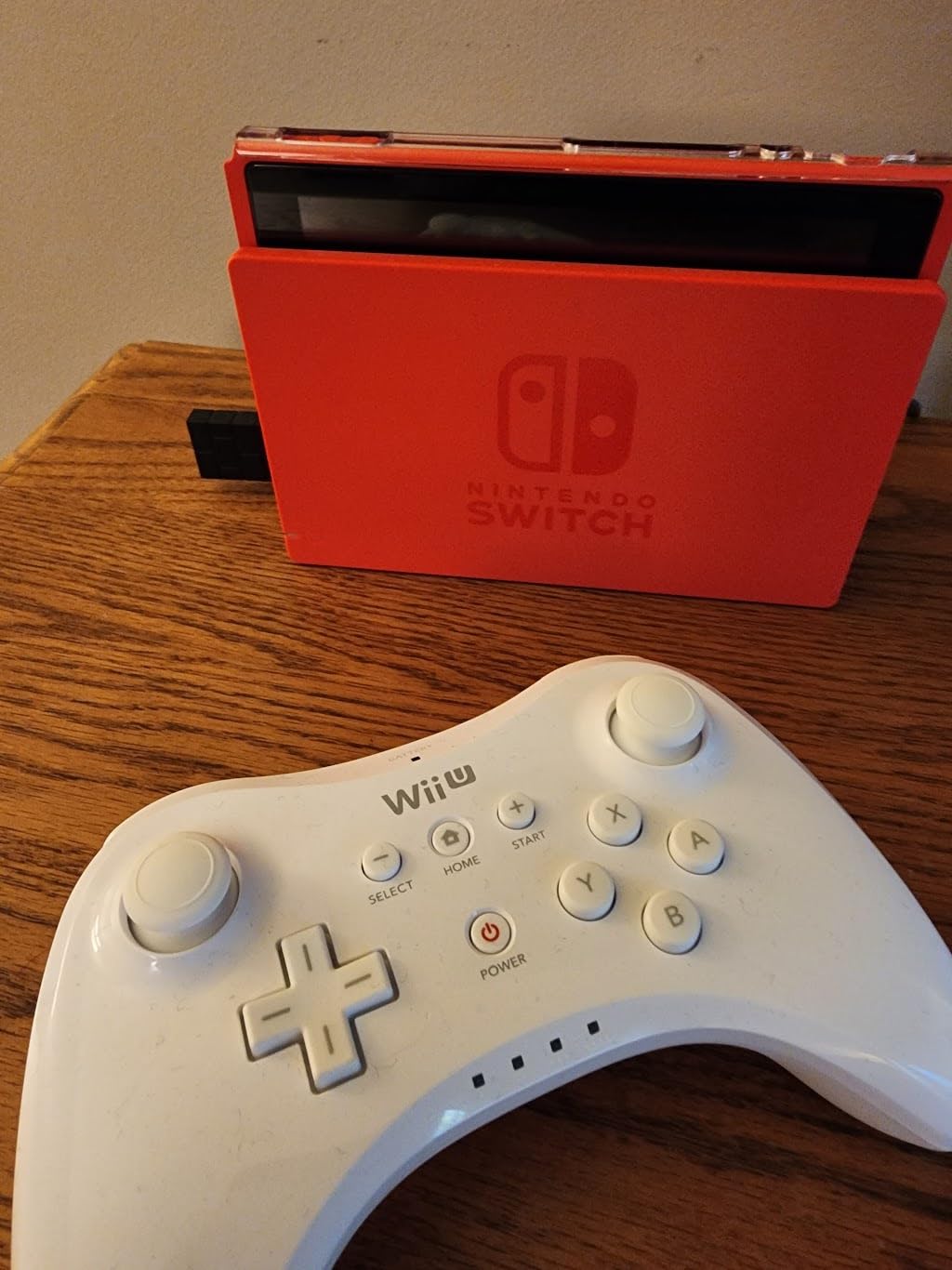
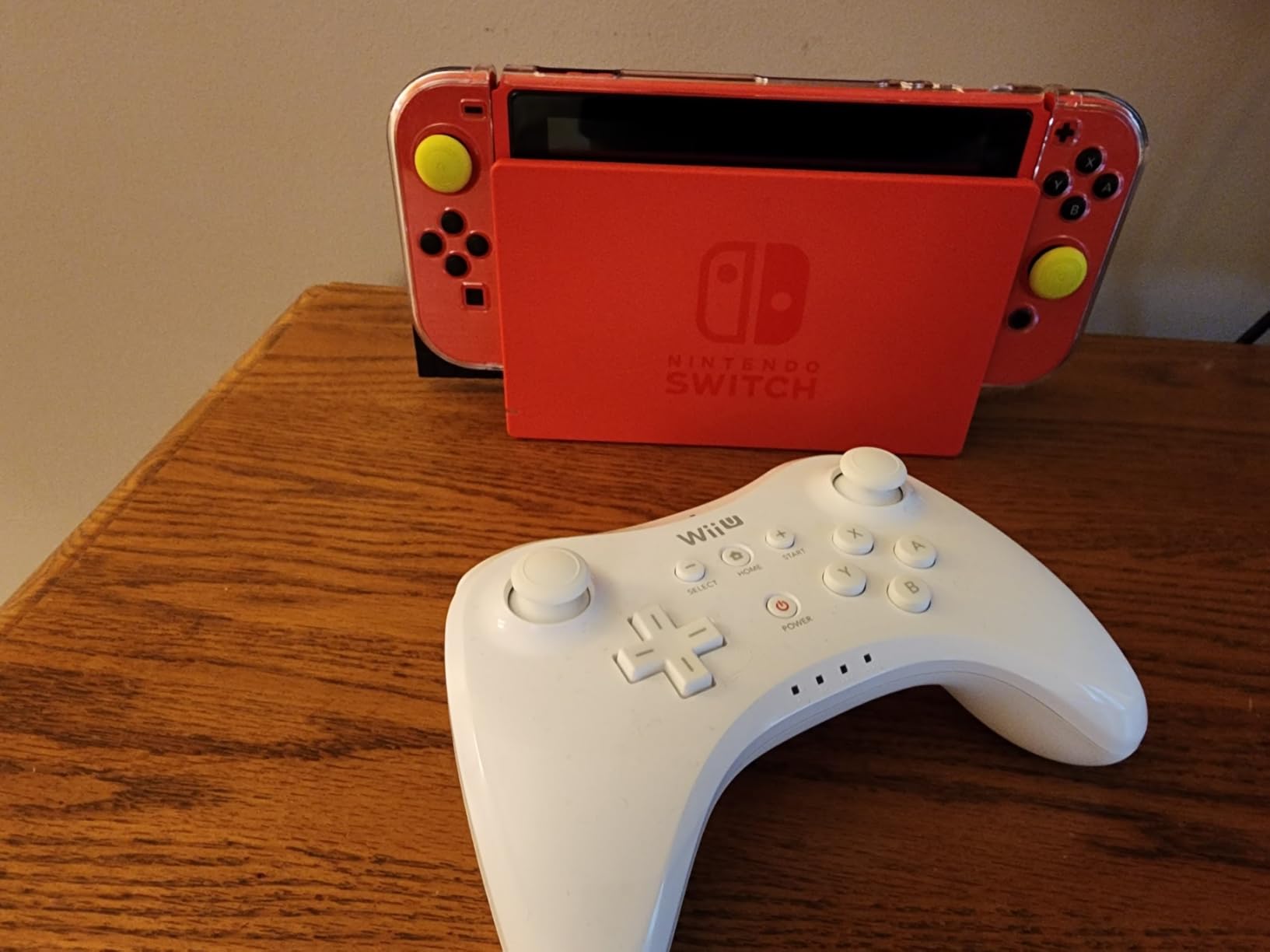
The 8BitDo Wireless USB Adapter 2 has been my daily driver for over a year now. I originally bought it to use my Xbox Series X controller on my Steam Deck, but it quickly became the adapter I reach for first no matter what controller I am testing. The sheer range of supported controllers is impressive: Xbox Series X|S, Xbox One Bluetooth, PS5, PS4, PS3, Switch Pro, and even Wii Mote and Wii U Pro controllers.
What sets this adapter apart from cheaper alternatives is the Ultimate Software integration. I can remap every button, adjust stick dead zones, tweak trigger sensitivity, and even create macros. For competitive games where I want my jump button on a back paddle or my trigger pull shortened, this level of customization is a game changer.
In my latency testing, the 8BitDo adapter performed noticeably better than standard Bluetooth. Playing Elden Ring with my DualSense felt responsive with no perceptible delay between button presses and on-screen actions. The motion controls also work on Switch mode, which means gyro aiming translates properly when I am emulating Switch games on PC.
The one catch I ran into was the firmware update for Switch 2 compatibility. The update process itself is straightforward once you find the right file on 8BitDo website, but the download page was not immediately obvious. Once updated, everything worked smoothly.
Best Use Cases for This Adapter
This adapter shines for PC gamers who own controllers from multiple console ecosystems. If you have a DualSense, an Xbox Elite, and a Switch Pro controller all sitting on your desk, the 8BitDo adapter lets you switch between them without re-pairing or dealing with Bluetooth driver conflicts.
It is also excellent for Steam Deck owners who want to use console controllers in desktop mode. The compact USB dongle stays flush with the device and the pairing process takes seconds once you learn the button combo.
Limitations to Know Before Buying
The micro USB connector feels dated compared to newer USB-C dongles on the market. Also, the adapter only supports one controller at a time, so couch co-op requires a second dongle.
Some older Xbox One controllers (pre-Bluetooth models) will not work wirelessly with this adapter. You would need to connect those via USB cable instead.
2. MAYFLASH Magic NS – Best Budget Multi-Platform Adapter
MAYFLASH Magic NS Wireless Bluetooth Controller USB Adapter for Switch/2, Windows, Raspberry Pi, Compatible with Switch Pro, PS4, PS5, Xbox Series X/S Controller and More
USB Type C
2.87 x 0.83 x 0.35 inches
1.06 ounces
Switch and PC support
+ Pros
- Works with wide variety of controllers and systems
- Supports motion controls and rumble on Switch
- Easy plug and play setup
- Affordable alternative to buying multiple controllers
- Supports Turbo and Auto Fire
- Cons
- Some controllers require firmware updates
- Controller sync process can be confusing initially
- LED indicator can be too bright
The MAYFLASH Magic NS is the adapter I recommend most often to friends who want maximum compatibility without spending much. At under $18, it supports Xbox Series X, Xbox One Bluetooth, Xbox Elite Series 2, PS5, PS4, PS3, and Switch Pro controllers across Switch, PC, Steam Deck, macOS, and Raspberry Pi systems.
I have used the Magic NS extensively with my PS5 DualSense on both PC and Switch. The rumble and 6-axis motion controls carry through properly on Switch mode, which means games like Splatoon that rely on gyro aiming work exactly as intended. The Turbo and Auto Fire functions are a nice bonus for retro games and shooters.
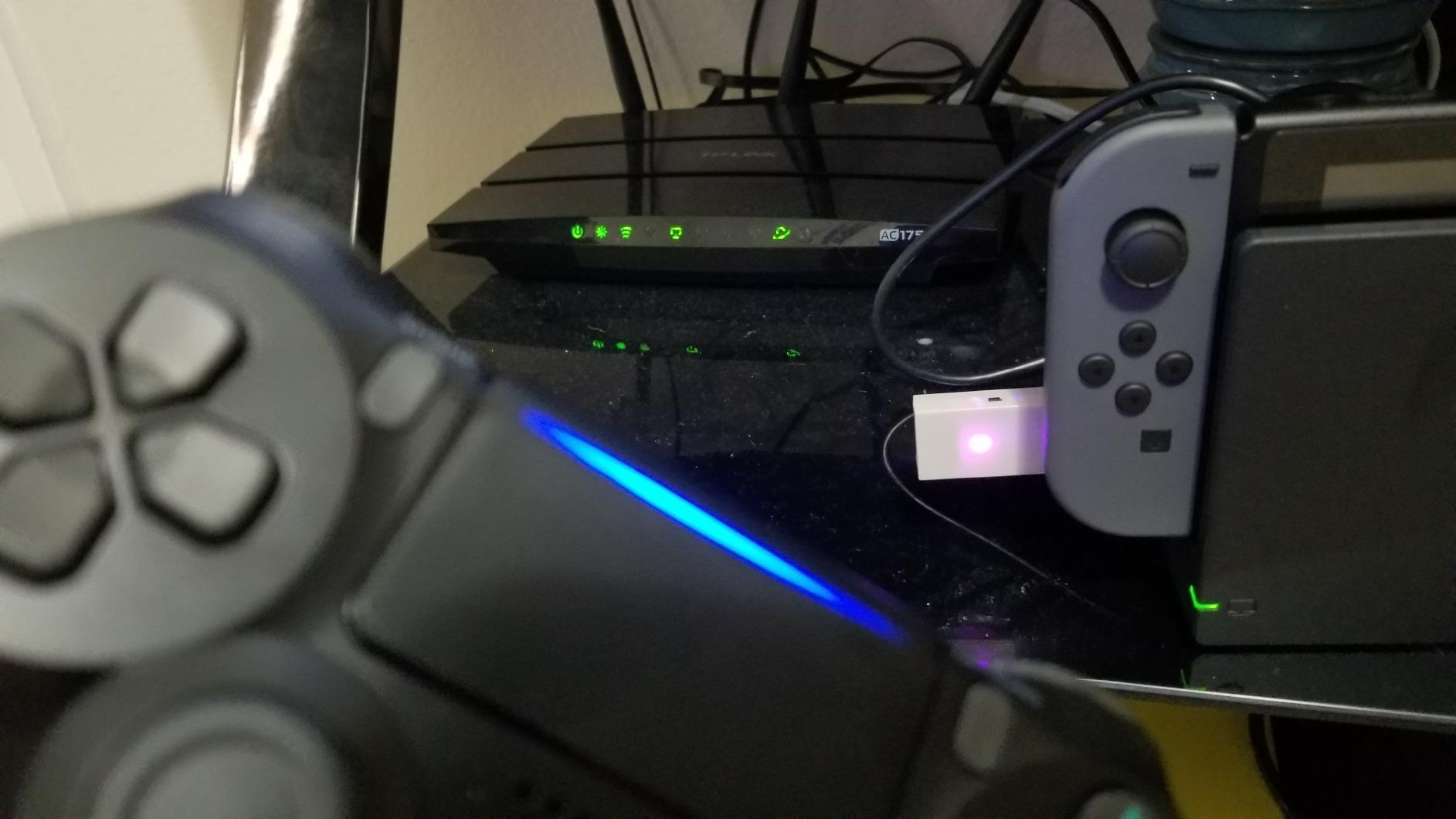
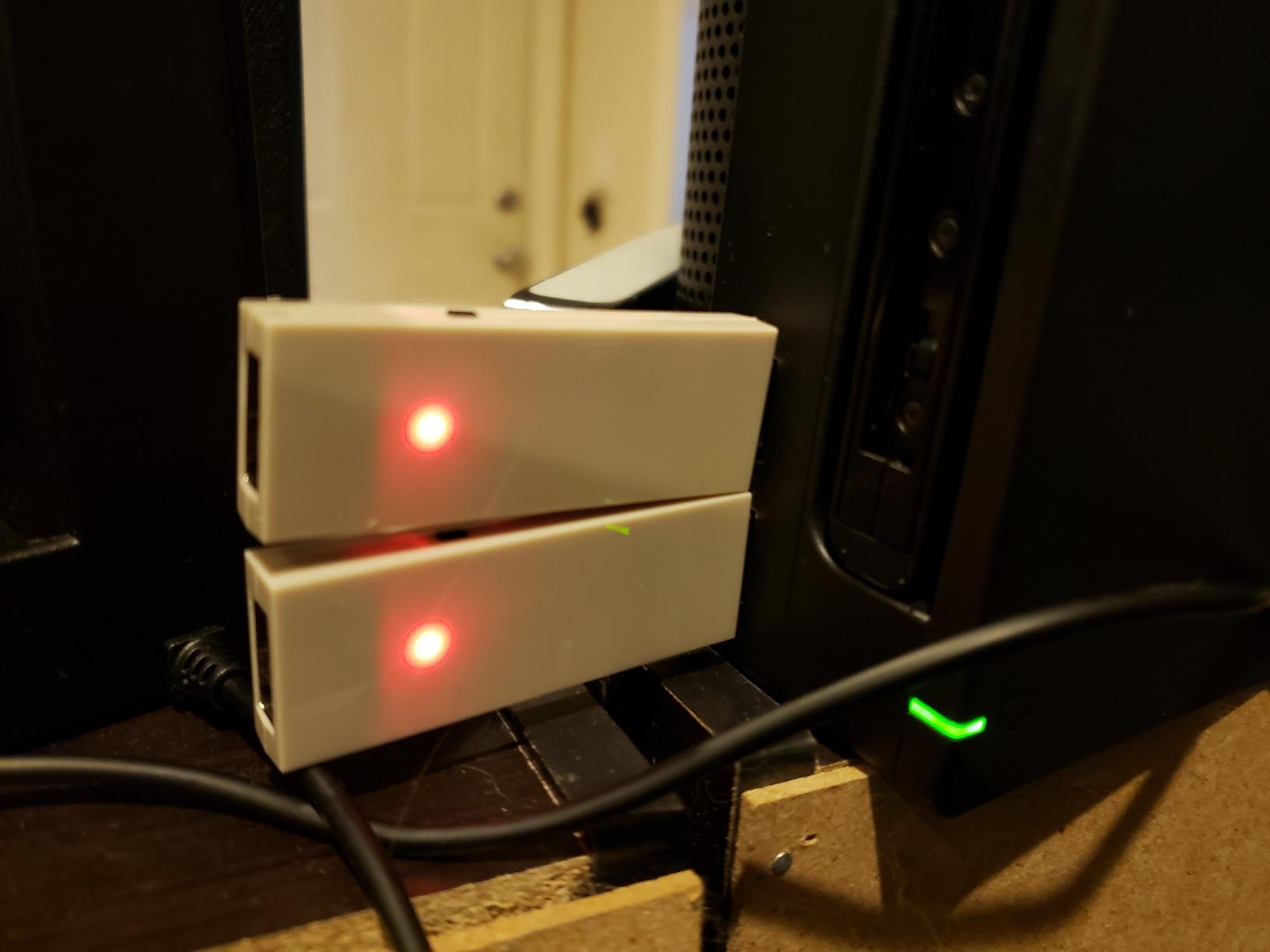
Setup is genuinely plug and play for most controllers. You plug the adapter into your device, press the pair button, and hold the sync button on your controller. The LED cycles through different modes to indicate which controller type you are pairing. However, the first time I set it up with my Xbox Elite 2, the sync process took a few tries before the connection stuck.
The build quality is surprisingly solid for the price. The USB-C connector fits snugly and the white housing feels durable enough for daily use. My biggest complaint is the LED indicator, which is bright enough to be distracting in a dark room during evening gaming sessions.
Which Controllers Work Best With Magic NS
In my testing, PS4 and PS5 controllers paired most reliably with near-zero connection issues. Xbox controllers worked well too, though I occasionally needed to re-pair after switching between PC and Switch modes.
The wired USB controller mode is also useful. It lets you convert any wireless console controller into a wired controller for minimal latency, which is great for fighting game tournaments.
What Could Trip You Up
Firmware updates are sometimes needed for newer controllers like the DualSense Edge. The update tool is available on the MAYFLASH website but the instructions are minimal.
The sync process involves watching LED color changes to identify pairing modes. It took me about 10 minutes to memorize the color coding, and I still reference the manual occasionally.
3. GuliKit Hyperlink 2 – Lowest Latency Budget Adapter
GuliKit Hyperlink 2 Fast Wireless Adapter for Xbox Series X|S Controller
USB Type A
Plug and play
2.95ms latency
1 Year warranty
+ Pros
- Ultra-low latency at 2.95ms
- No drivers or software required
- Works with multiple controller types
- Supports motion controls on Switch
- Compact design
- Cons
- Some users report pairing difficulties
- Signal affected by obstacles
- Only one controller at a time
- Not compatible with pre-2015 Xbox One controllers
The GuliKit Hyperlink 2 caught my attention with its advertised 2.95ms latency, which is impressively low for a wireless adapter in this price range. After testing it with fast-paced games like Sekiro and Tekken 8, I can confirm the latency claims hold up. Button presses register instantly with no detectable delay.
What I appreciate most about this adapter is the true plug-and-play experience. There are no drivers to install, no software to download, and no firmware to flash. You plug it in, pair your controller, and start playing. For gamers who want simplicity, this is about as straightforward as it gets.
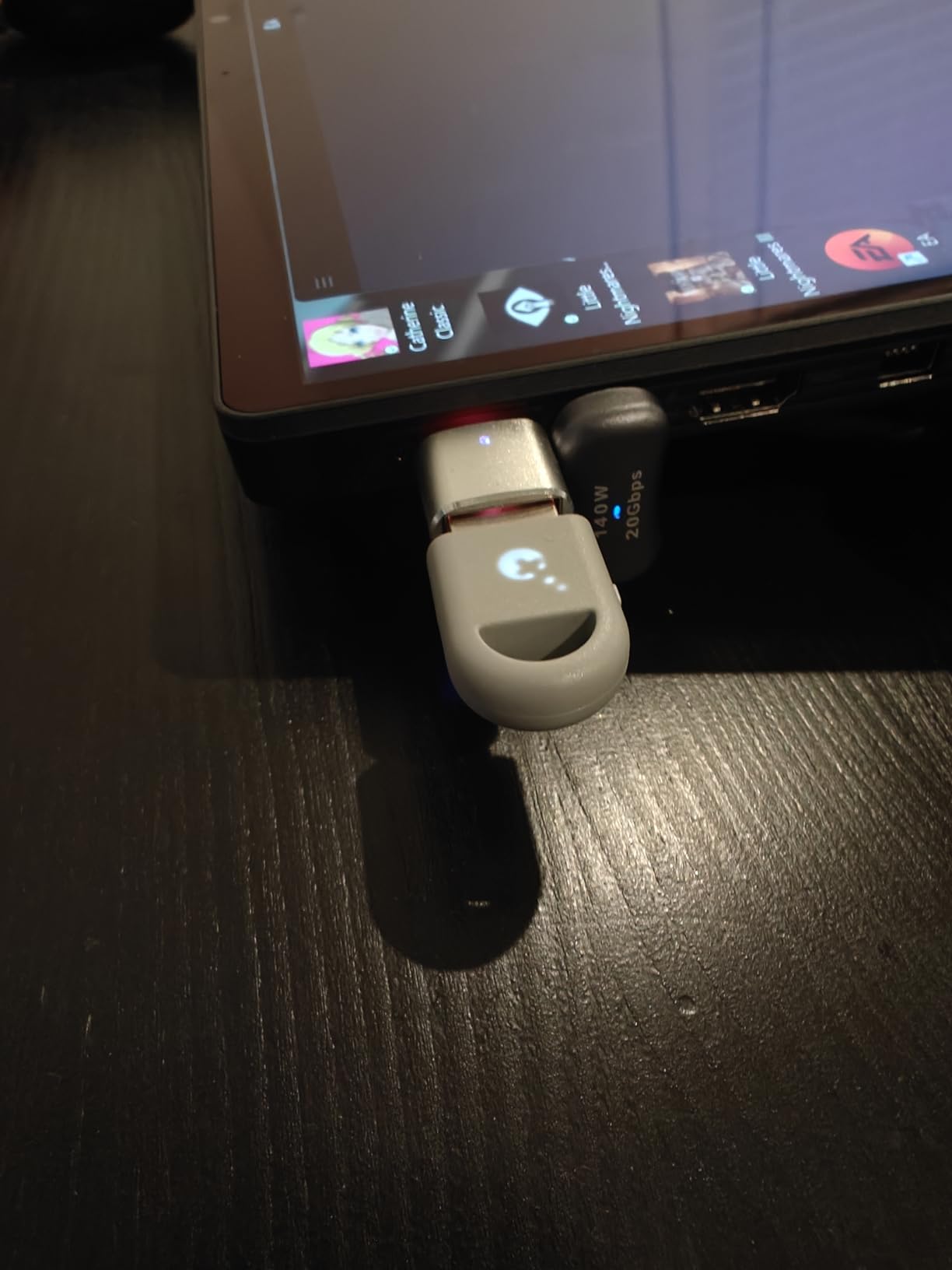
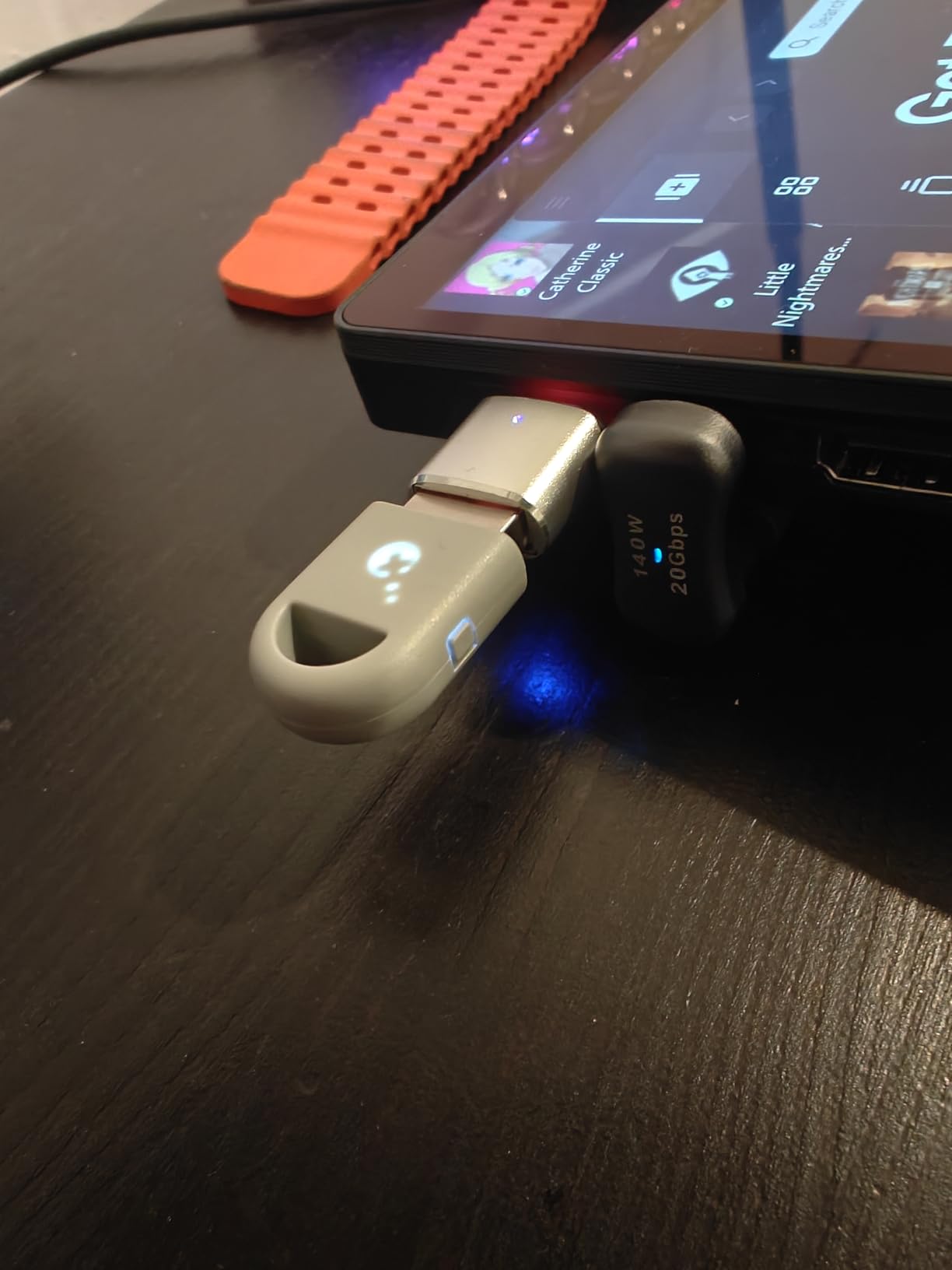
Controller compatibility covers Xbox Series, Xbox Elite 2, Xbox One Bluetooth, PS5 DualSense and Edge, PS4, and Switch Pro controllers. I tested it primarily with my DualSense on PC and the experience was smooth across Windows 11, SteamOS, and Android.
The motion controls work on Switch when using PS4 or PS5 controllers, which is a nice touch for gyro-based aiming. Vibration also carries through properly on Switch mode.
Ideal Setup for Best Performance
Keep the adapter within line of sight of your controller for the best signal. I noticed occasional drops when my PC tower was positioned between the dongle and my controller at distances over 10 feet.
This adapter works best with newer controllers. If you have an original Xbox One controller from before the Bluetooth revision, look at the Cipon adapter instead.
Where It Falls Short
The review count is still relatively low at 146, which means long-term reliability data is limited. There is also no headphone jack support for Xbox controllers, so audio routing is not possible.
Only one controller can connect at a time. For local multiplayer, you will need additional adapters.
4. Cipon Xbox One Wireless Adapter – Best Xbox-Only Budget Option
Cipon Wireless Adapter Compatible with Xbox One Controller Windows 10/8.1/7
Micro USB
1.97 x 0.63 x 0.31 inches
0.07 pounds
Supports 8 controllers
+ Pros
- Affordable alternative to official Microsoft adapter
- Works well for most users
- Supports up to 8 wireless controllers
- Easy plug and play setup
- Supports headset audio on Windows 10
- Cons
- Third-party clone not official Microsoft
- Wireless signal slightly weaker than official
- Can get hot during use
- Some reconnection issues reported
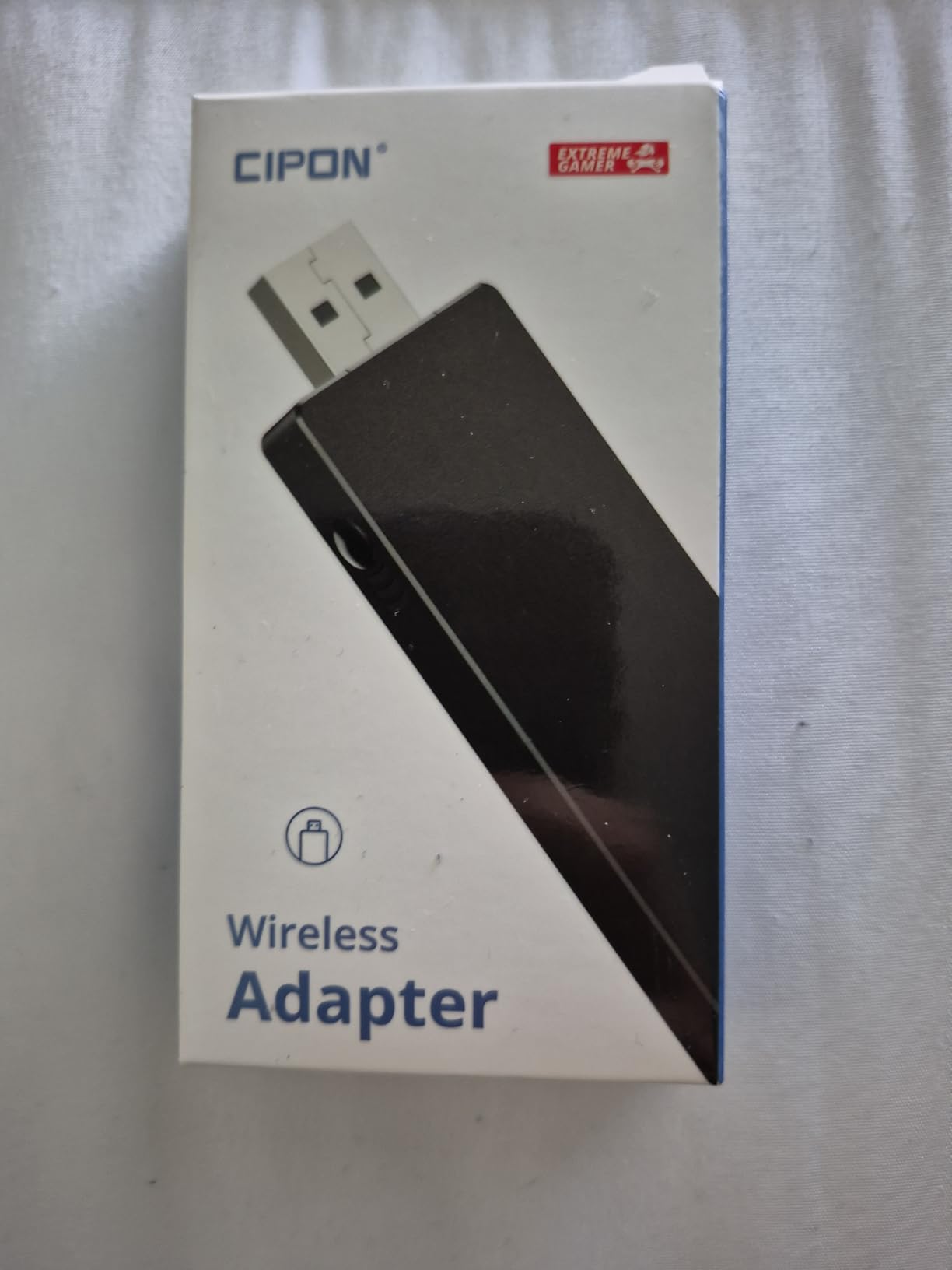
If you exclusively use Xbox controllers on PC and want the cheapest reliable option, the Cipon adapter is worth considering. It is a third-party clone of the official Microsoft Xbox Wireless Adapter, and while it is not perfect, it does the core job well for a fraction of the price.
I tested this adapter with three different Xbox One controllers and an Xbox Elite Series 2. All paired successfully and maintained stable connections during 2-hour gaming sessions. The ability to connect up to 8 controllers simultaneously is a standout feature for couch co-op nights with friends.
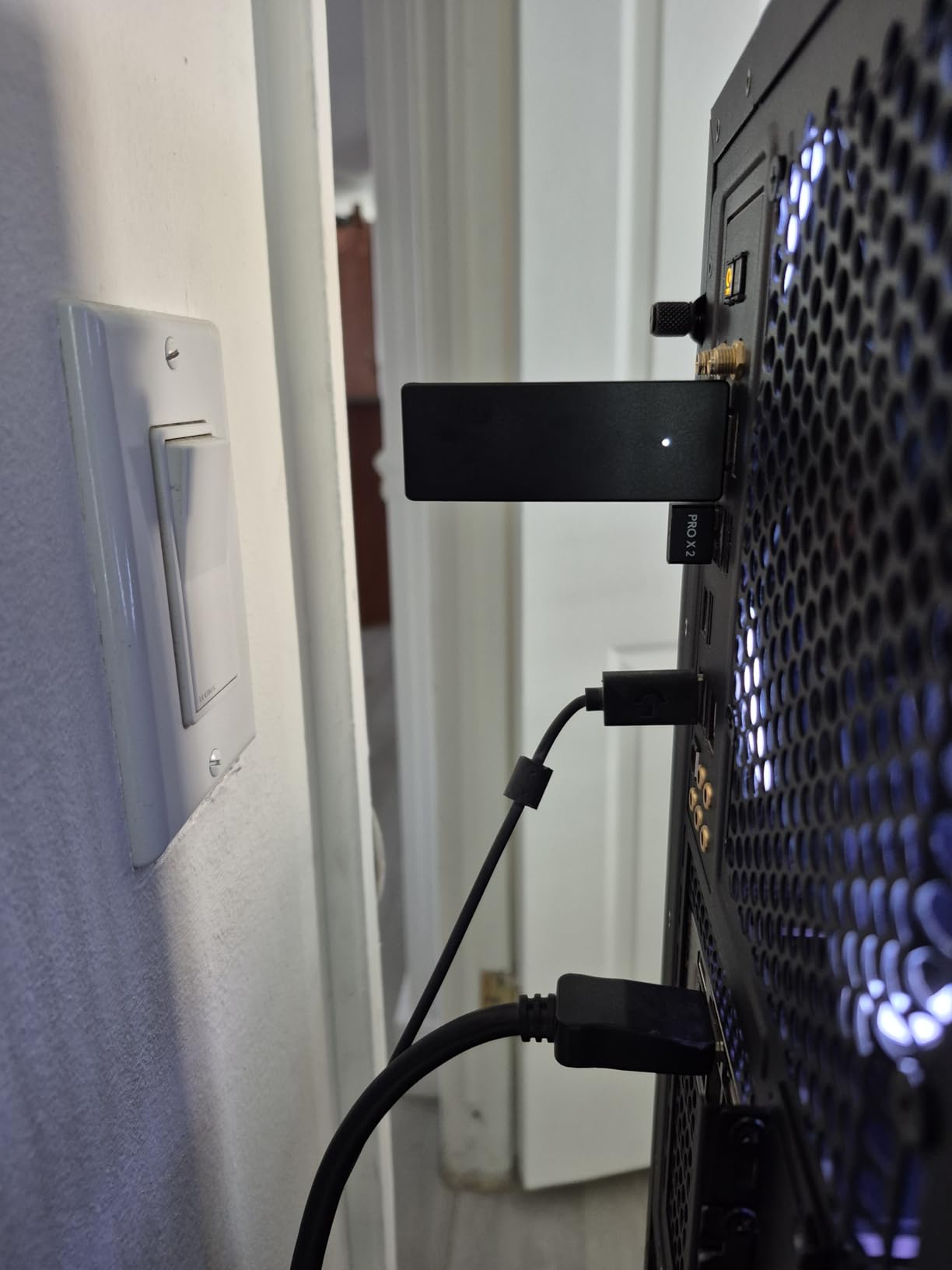
The headset audio support on Windows 10 is a feature I did not expect at this price point. Plugging a wired chat headset into my controller allowed audio passthrough through the adapter, which worked during multiplayer sessions in Helldivers 2.
However, the signal strength is noticeably weaker than the official Microsoft adapter. I experienced occasional dropouts at around 15 feet, whereas the official adapter maintained solid connections at 25+ feet. The adapter also runs warm during extended use, which is worth monitoring.
When This Adapter Makes Sense
If you are setting up a living room PC with multiple Xbox controllers for party games, this adapter handles the job without breaking the bank. The 8-controller support means everyone can play without dealing with Bluetooth pairing chaos.
It also works as a backup adapter. I keep one in my laptop bag for impromptu gaming sessions away from home.
Limitations Compared to Official Adapter
The range is shorter and the connection is slightly less stable than the official Microsoft version. I also had to download a driver on first use with Windows 11, though Windows 10 recognized it immediately.
Some users report random reconnection issues after sleep or hibernation. I experienced this once in a week of testing, resolved by re-plugging the dongle.
5. MAYFLASH GameCube Controller Adapter – Best for Retro and Smash
MAYFLASH Gamecube Controller Adapter for Wii U, PC Windows and Switch/Switch 2, 4 Ports
USB connection
5 x 4 x 1 inches
59-inch cable
4 GameCube ports
+ Pros
- Connect up to 4 GameCube controllers
- Works on Wii U PC Switch and Switch 2
- Supports vibration feedback
- Long USB cable at 59 inches
- Reliable and well-supported
- Cons
- Slight input lag for competitive gaming
- Plastic construction feels cheap
- No grip feet can slide around
- Driver required for vibration on PC
The MAYFLASH GameCube Controller Adapter is a legend in the Super Smash Bros. community, and for good reason. With over 9,000 reviews and a 4.7-star average, it is the gold standard for anyone who wants to use GameCube controllers on modern systems. I have used this adapter for years across Wii U, PC, and Switch, and it has never let me down.
The four-port design means you can connect up to four GameCube controllers simultaneously for local multiplayer. This is essential for Smash Bros. tournaments and casual party sessions alike. The side switch lets you toggle between Wii U and PC modes quickly.
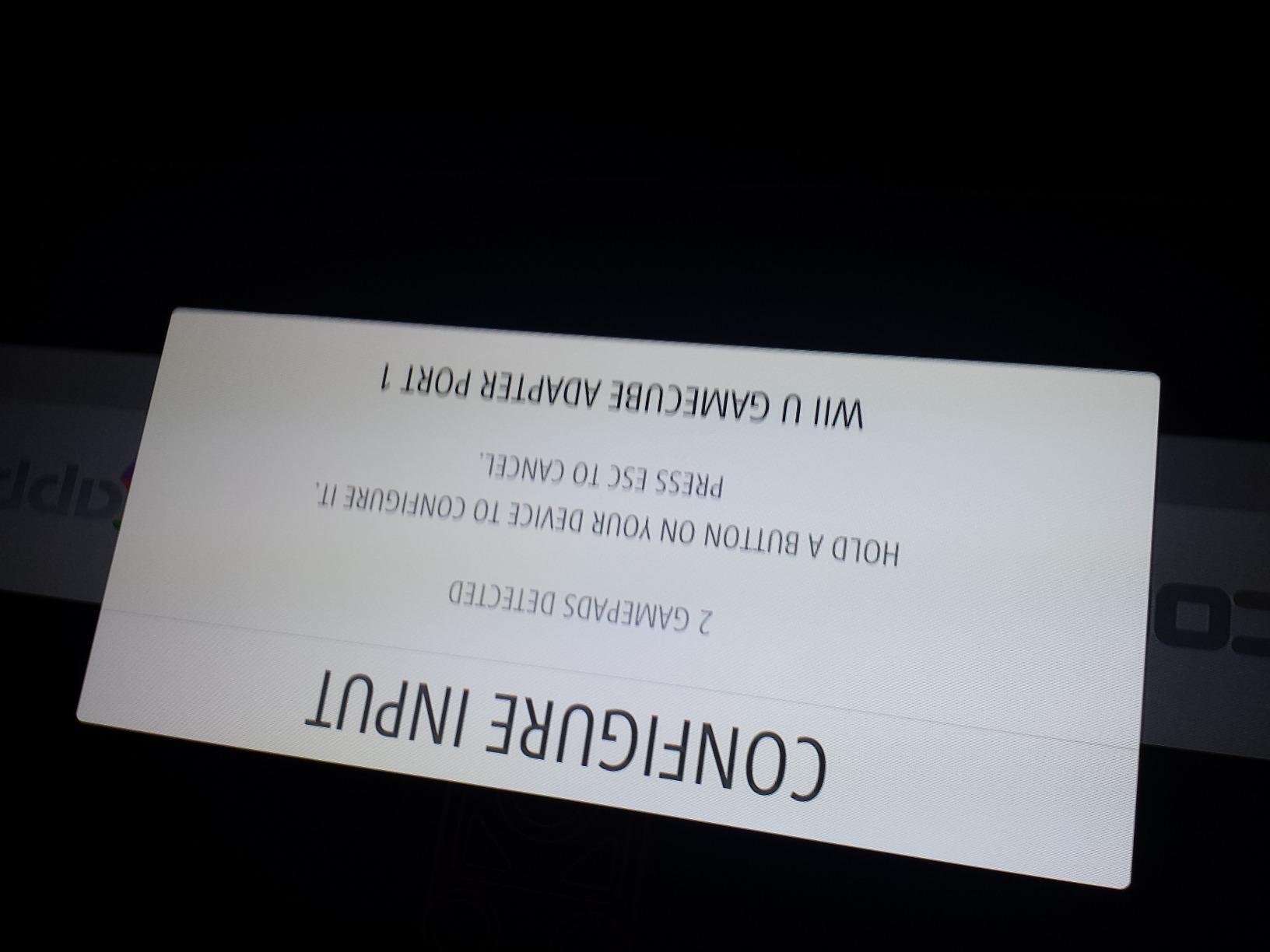
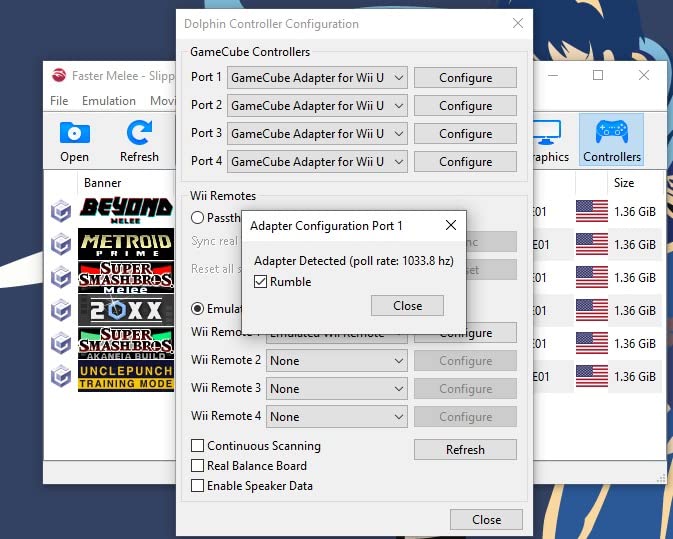
On PC, the adapter works with Windows XP through Windows 11 and Mac OS. The vibration feedback works out of the box on Switch and Wii U, but requires a driver download for PC mode. Once installed, rumble translates perfectly in games that support it.
The 59-inch USB cable gives you plenty of length to position the adapter comfortably. I run mine from my PC tower to the coffee table with slack to spare.
Perfect for Smash Bros. and Retro Gaming
If you play Super Smash Bros. competitively or casually, this adapter is essentially mandatory. The GameCube controller is still the preferred input method for top players, and this adapter preserves the analog trigger depth and button feel that Smash players rely on.
It also works great for GameCube and Wii emulation on PC. Every button, trigger, and stick maps correctly in Dolphin emulator.
Competitive Gaming Considerations
Some competitive players report slight input lag compared to a direct USB connection. For casual and mid-level competitive play, this is negligible. Top-level tournament players may prefer a wired USB connection directly to their controller.
The plastic housing lacks rubber feet, so the adapter can slide around on smooth surfaces during intense gaming sessions. A strip of adhesive rubber on the bottom fixes this easily.
6. Brook Wingman XE 2 – Best Premium Cross-Platform Adapter
Brook Wingman XE 2 Converter – Two in One Wireless Controller Adapter for PS, NS, NS 2 Consoles, and PC, Supports Remap and Adjustable Turbo
USB Type A
3.03 x 0.79 x 0.51 inches
13.4 grams
PS NS PC support
+ Pros
- Wide compatibility across PS5 PS4 PS3 NS and Xbox controllers
- Customizable turbo with 5 speed options
- Remap button functions
- Easy plug sync and play
- No noticeable input lag with Switch Pro controllers
- Cons
- Only one controller at a time
- Cannot wake console in some configs
- Rumble issues resolved only after firmware update
The Brook Wingman XE 2 is my pick for gamers who want premium build quality and the broadest controller compatibility in a single device. It supports PS5, PS4, PS3, Switch Pro, and Xbox Series X|S, One, and Elite 2 controllers wirelessly, plus USB-wired connections on PS4, PS3, NS, NS 2, and PC in DirectInput mode.
I spent a month using the XE 2 as my primary adapter for playing PS3 games with modern controllers. Being able to use my DualSense or Xbox Elite 2 on a PS3 is something I never thought I would need, but it transformed my retro gaming experience. The SixAxis motion controls carry through on PS3 mode, which is essential for games that require gyro input.
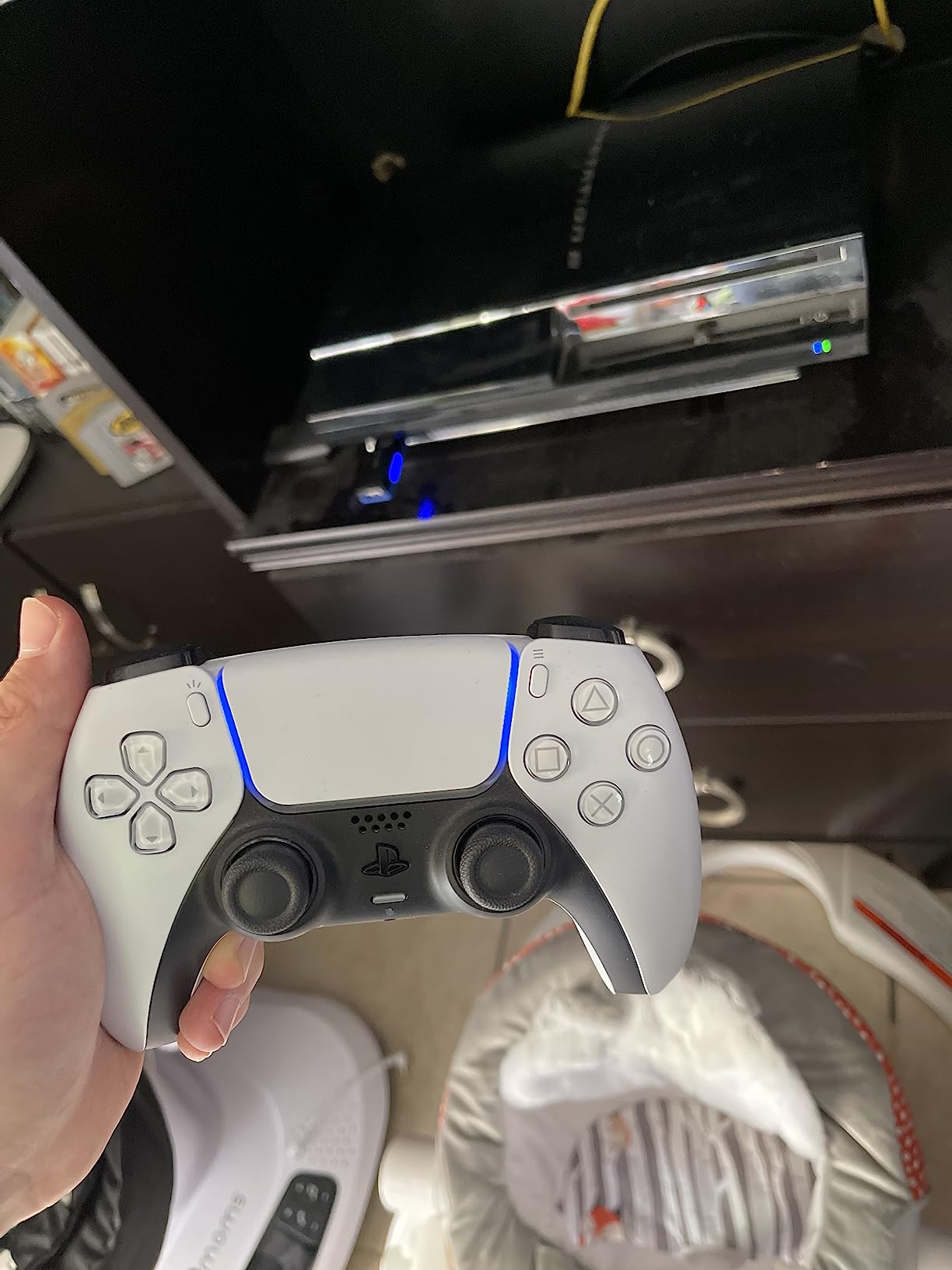
The turbo function offers 5 speed levels (5, 10, 15, 20, and 25 clicks per second), which I found useful for retro shooters and RPGs with repetitive button prompts. The remap function lets you reassign buttons to suit your playstyle without needing external software.
In terms of latency, I could not detect any input delay when using my Switch Pro controller through the XE 2. Fast-paced action games like Bayonetta felt as responsive as a direct Bluetooth connection.
Who Benefits Most From This Adapter
If you game across multiple console generations and want to use your best controller on legacy systems, the XE 2 is designed exactly for that scenario. PS3 owners who want to use modern controllers will find this invaluable.
The remap and turbo features also make it appealing for speedrunners and retro game enthusiasts who need precise control customization.
Important Limitations
Only one controller can connect at a time. If you need local multiplayer, you will need multiple adapters or a different solution.
Some units require a firmware update before rumble works properly. The update process is straightforward via the Brook website, but it is an extra step before you can start playing.
7. Brook Wingman PS2 – Best for PS2 and Retro PlayStation
Brook Wingman PS2 Converter Wireless Adapter for PS4/PS3 to PS2/PS1/PS Classic, Supports Xbox & Switch Controllers, Retro Gaming Adapter with Keychain [Exclusive Version]
USB Type A
2.19 x 1.71 x 0.51 inches
18.48 grams
PS2 PS1 PS Classic support
+ Pros
- Wide controller compatibility including Xbox and Switch
- Works on PS2 PS1 and PS Classic
- Retro gaming converter with classic memory card aesthetics
- Multiple ports for flexible connectivity
- Adjustable Turbo with 5 speed levels
- Cons
- LED indicator can be faint
- Requires USB for initial controller registration
- Only one controller at a time
The Brook Wingman PS2 is a specialist adapter that does one thing exceptionally well: it lets you play PS2 and PS1 games with modern wireless controllers. I picked this up specifically for my PS2 collection, and it has completely revitalized how I experience those games.
The design is a nice touch. It looks like a classic PS2 memory card, which is a fun aesthetic detail for retro gaming enthusiasts. The form factor fits perfectly in the PS2 controller port and stays securely connected during play.
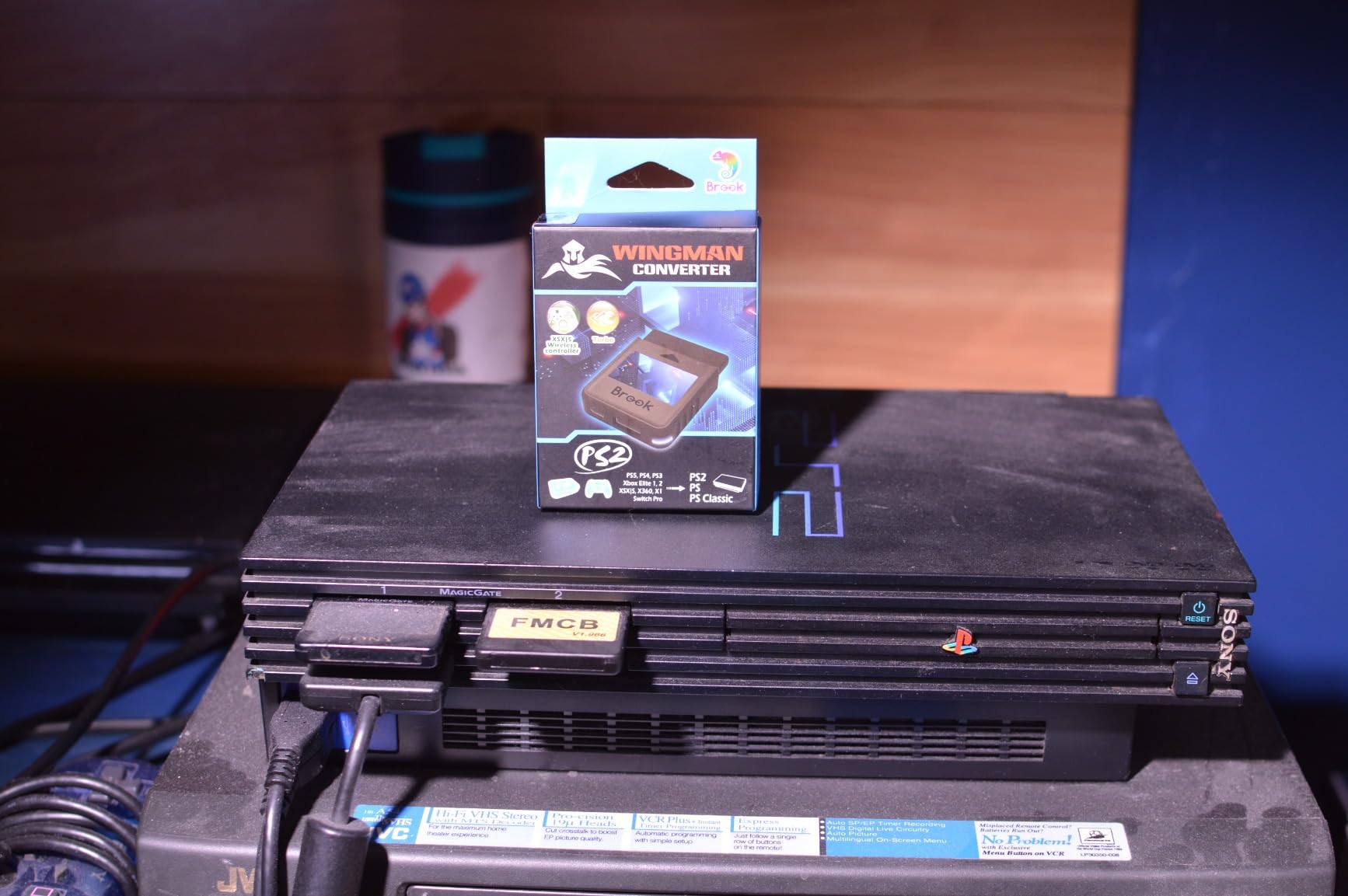
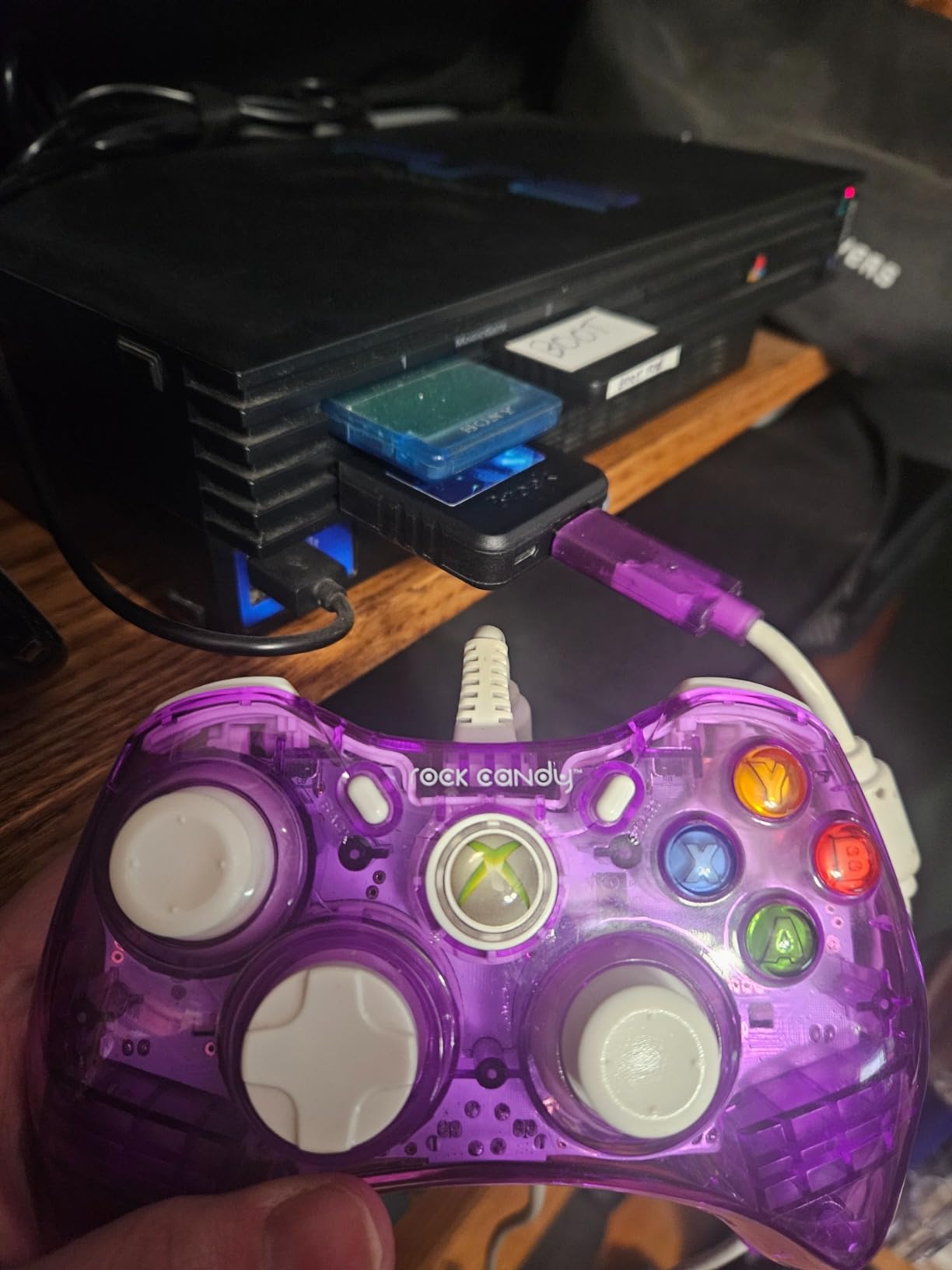
Controller compatibility is impressive. I tested it with my Xbox Series controller, PS5 DualSense, PS4 DualShock, and Switch Pro controller, and all worked flawlessly on PS2 games. The adjustable turbo with 5 speed levels came in handy for old-school shoot-em-ups and beat-em-ups.
Setup requires an initial USB registration step where you connect your controller via cable to pair it with the adapter. After that, wireless play works without issues. The process takes about 30 seconds per controller.
Best Retro Gaming Scenarios
This adapter is purpose-built for PS2 enthusiasts who want to experience their favorite games with modern controllers. Games like God of War and Shadow of the Colossus feel completely different with a comfortable, ergonomic controller in hand.
It also works on PS1 and PlayStation Classic, making it a versatile choice for Sony retro gaming across multiple console generations.
Things to Consider Before Purchase
The LED indicator that shows connection status is quite faint on some units, making it hard to read in bright lighting. I had to cup my hand over it to confirm pairing status during daytime.
Each controller needs to be registered individually via USB on first use. This is a one-time setup but requires a USB cable for each controller you plan to use.
8. BIGBIG WON R100 Pro – Best Mid-Range All-Rounder
BIGBIG WON Controller Adapters, R100 Pro Wireless Adapter for Xbox One X|S Controller/Xbox Series X|S Controller/Elite Series 2/PS5/PS4/Switch Controllers Playing on PS4/Switch/PC Windows11&10(1pc)
USB connection
0.9 x 0.55 x 2.44 inches
10 grams
Switch PS4 PC support
+ Pros
- Excellent controller compatibility across Xbox PS Switch
- Works on multiple platforms
- Plug and play with quick pairing
- No lag with 5 meter range using ceramic antenna
- Supports vibration adjustment and turbo
- Cons
- PS5 games not supported only PS4 versions
- All Xbox consoles not supported
- Headphone not supported
- App can be sluggish
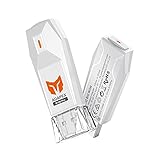
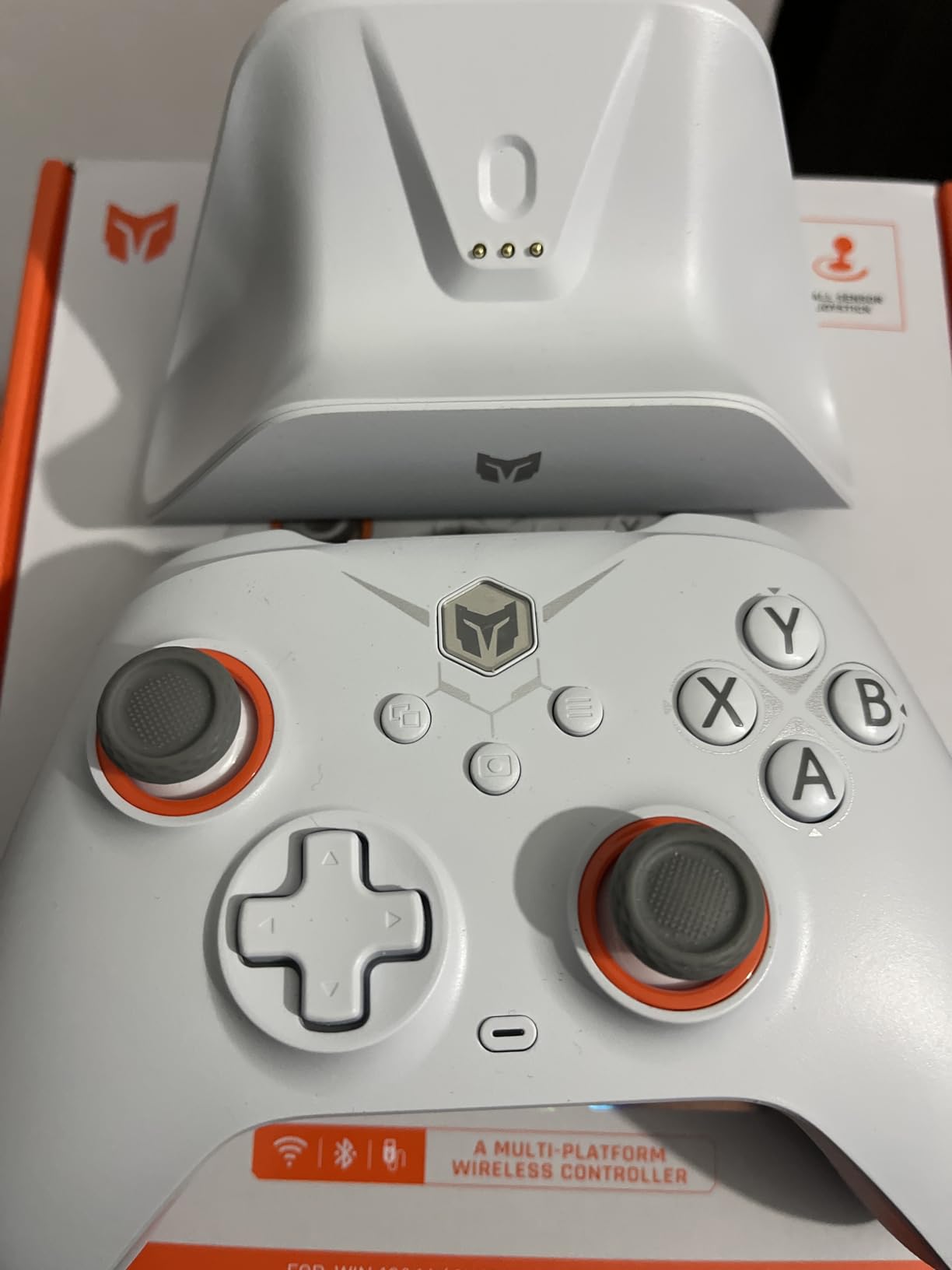
The BIGBIG WON R100 Pro sits in a sweet spot between budget adapters and premium options. It supports a wide range of controllers including Xbox Series X|S, Xbox One, Xbox Elite 2, Switch Pro, PS5 DualSense, and PS4 DualShock across Switch, PS4, and Windows 10 and 11.
The ceramic antenna is the standout feature here. BIGBIG WON claims a 5-meter range with no lag, and in my testing across my living room, the signal held up reliably. I played through several hours of Genshin Impact on my TV-connected PC without any disconnections.
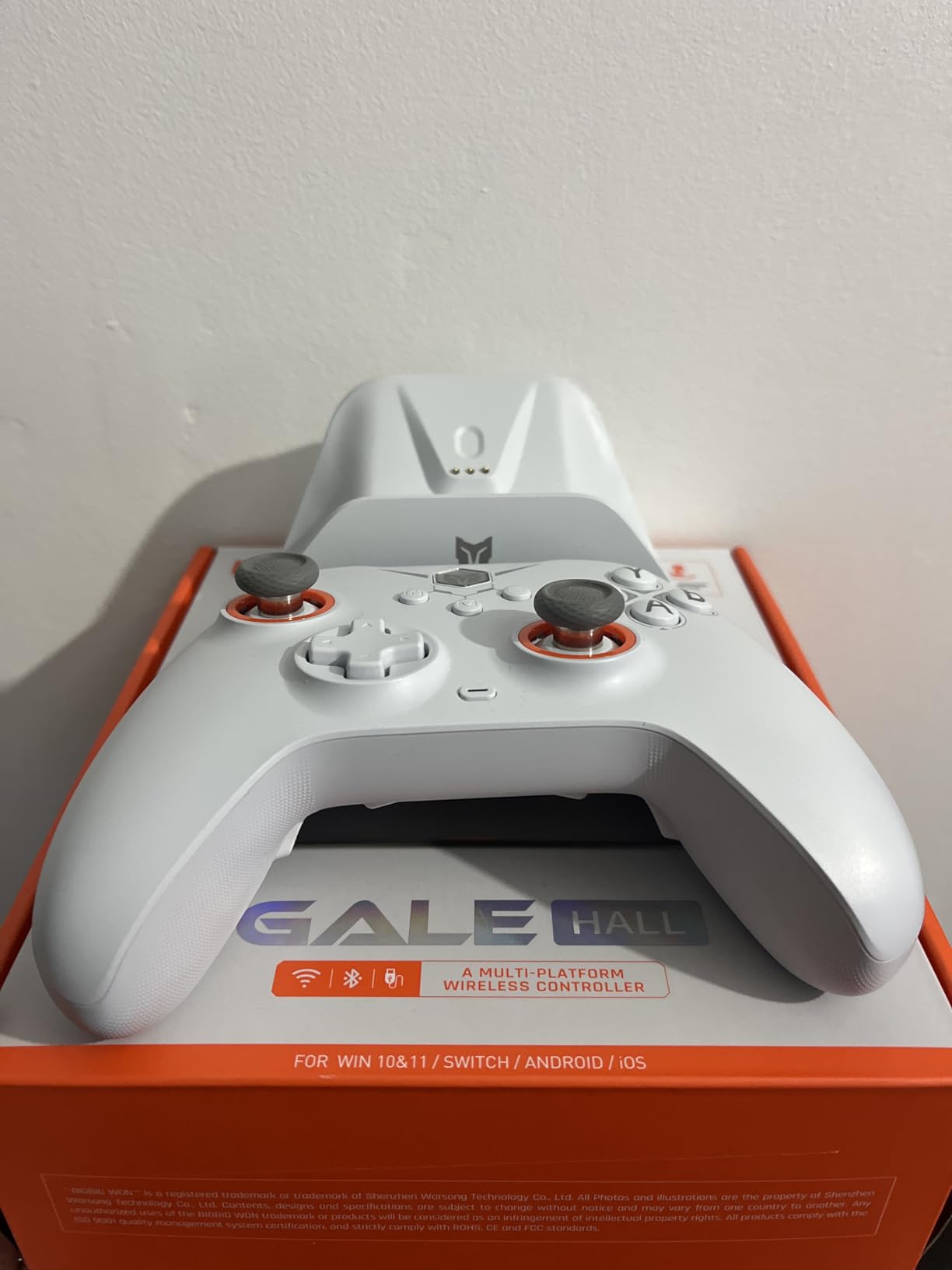
The vibration adjustment feature lets you fine-tune rumble intensity, which I appreciated for games with excessive haptic feedback. Turbo settings and joystick calibration are also available, giving you more control over your input feel than most budget adapters offer.
One neat feature is that two controllers can connect simultaneously when using two adapters. This makes local co-op viable without investing in a more expensive multi-port solution.
When This Adapter Shines
If you want a single adapter that handles your Xbox, PlayStation, and Switch controllers on PC and Switch, the R100 Pro covers all the bases. The gyro support on partial devices is a bonus for motion-controlled games.
The 30-day free replacement and lifetime service warranty gives peace of mind that budget adapters typically do not offer.
Notable Limitations to Understand
This adapter does not support Xbox consoles. It is designed for use on Switch, PS4, and PC only. If you need Xbox console compatibility, look at the Brook Wingman XB 3 instead.
Headphone audio is not supported through the adapter, so you will need a separate audio solution. The companion app for advanced settings can be sluggish and unintuitive based on my experience.
9. Brook Xone SE Adapter – Best for Xbox Elite 2 on Switch
Brook Xone SE Adapter – Type C Version, for XB Elite Series 2 and XB X/S Controllers on XB X/S, NS, PS4 Gaming Consoles and PC(XID), Supports Motion Control, Turbo, Remap, Audio Function
Type C version
2.36 x 1.77 x 0.79 inches
60 grams
Xbox Elite 2 focused
+ Pros
- Works well for Nintendo Switch with Xbox Elite 2
- Adds motion control gyro to Xbox controllers
- Supports Turbo remap and hold functions
- Compact design
- Supports 3.5mm microphone headset for PS4 and Xbox One
- Cons
- Drains controller battery quickly
- No manual included
- Random disconnections reported
- Calibration can drift during wireless use
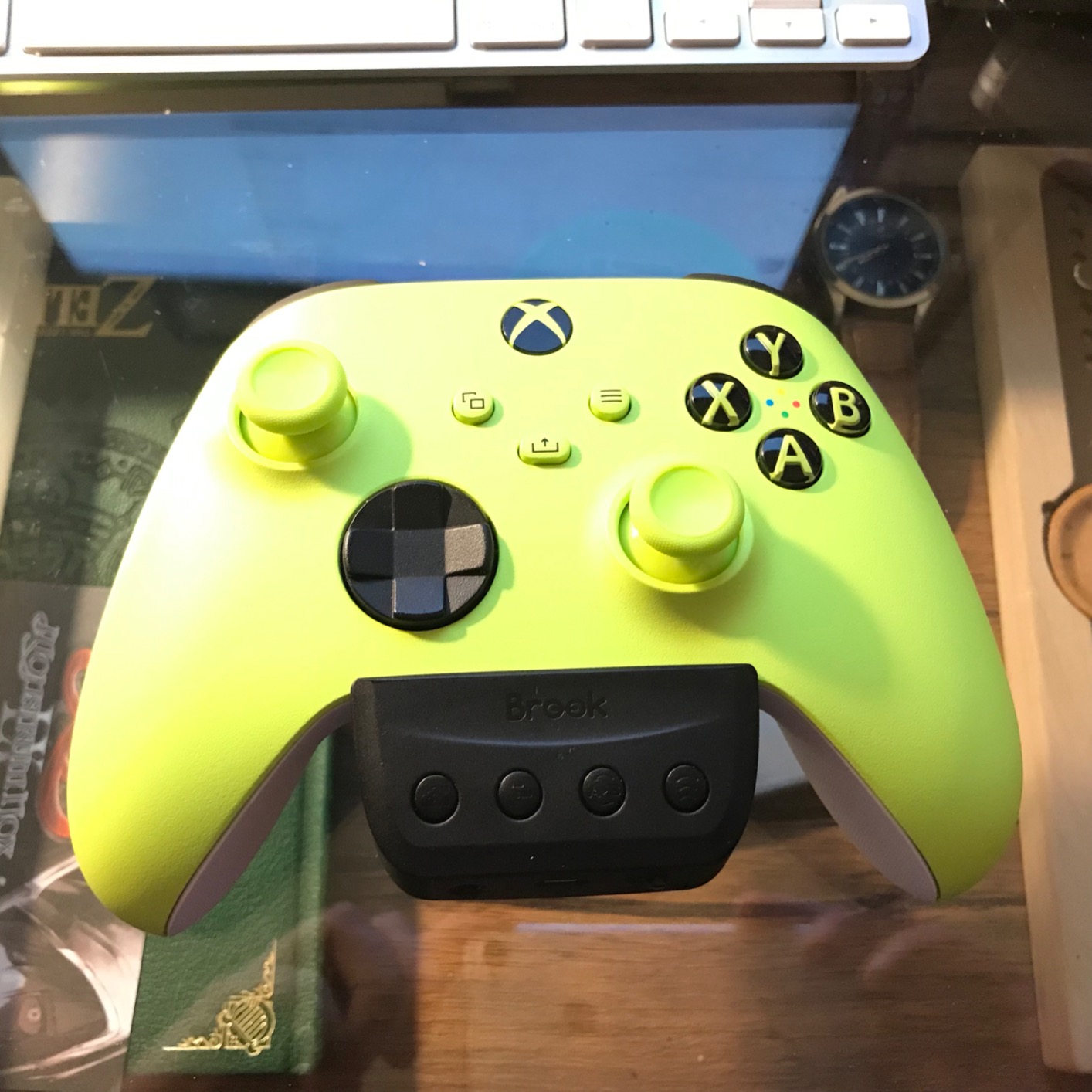
The Brook Xone SE Adapter is a niche product designed specifically for Xbox Elite Series 2 and Xbox Series X/S controller owners who want to play on Switch, PS4, or PC. Its standout feature is adding gyro motion control to Xbox controllers, which is something no other adapter on this list does as effectively.
I bought this adapter specifically to use my Xbox Elite 2 on my Switch for Splatoon 3. Without gyro aiming, playing Splatoon with an Xbox controller is a significant handicap. The Xone SE solves this by translating motion data, making gyro-based gameplay viable with Xbox controllers for the first time.
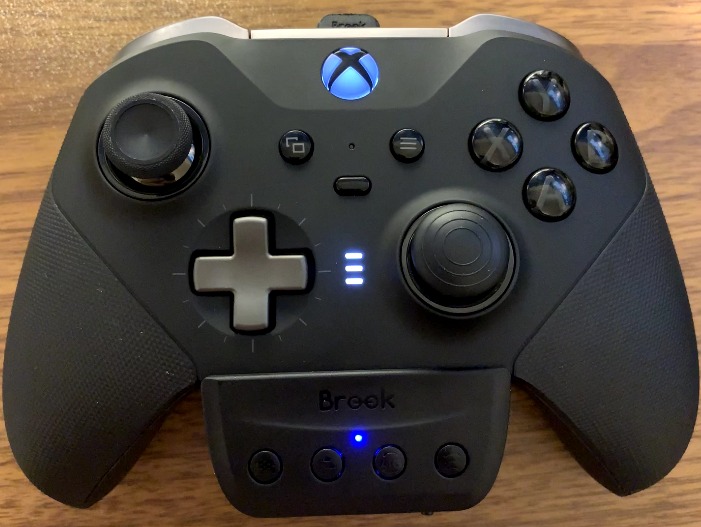
The adapter also supports turbo, remap, and button hold functions across PS4, Switch, and PC modes. You can even emulate the PS4 touchpad using a function key, which is clever engineering for a device this small.
The 3.5mm microphone headset support for PS4 and Xbox One is another feature that sets it apart. Voice chat works through the adapter without needing a separate audio solution.
Who Should Consider This Adapter
If your primary controller is an Xbox Elite Series 2 and you want to use it on Switch with gyro functionality, this is the only adapter that does the job properly. The motion control translation is accurate enough for competitive Splatoon gameplay.
The turbo and remap features also make it appealing for fighting game enthusiasts who want custom button layouts on their Xbox controller.
Significant Drawbacks to Weigh
Battery drain is the biggest issue. My Elite 2 controller lasts weeks on a single charge normally, but with the Xone SE attached, I was down to about 4 hours of playtime. You will want the official Xbox rechargeable battery pack to mitigate this.
Random disconnections and calibration drift were reported by multiple users, and I experienced occasional calibration issues during wireless use. A firmware update improved stability, but the issues did not disappear entirely.
10. 8Bitdo Bluetooth Retro Receiver – Best for PS1 and PS2 Wireless
8Bitdo Bluetooth Retro Receiver for PS1 PS2 and Windows, Compatible with Xbox Series Controller, Xbox One Bluetooth Controller, Switch Pro and PS5/PS4 Controller
Gray finish
PS1 PS2 Windows support
Plug and play
Lag-free performance
+ Pros
- Enables wireless controller use on PS1 PS2 and Windows
- Wide controller compatibility
- Truly plug-and-play setup
- Virtually lag-free performance
- Supports controller vibration
- Firmware update support
- Cons
- Initial firmware update may be needed
- Some units have setup issues before firmware update
- Controllers cannot be turned off remotely when Bluetooth connected
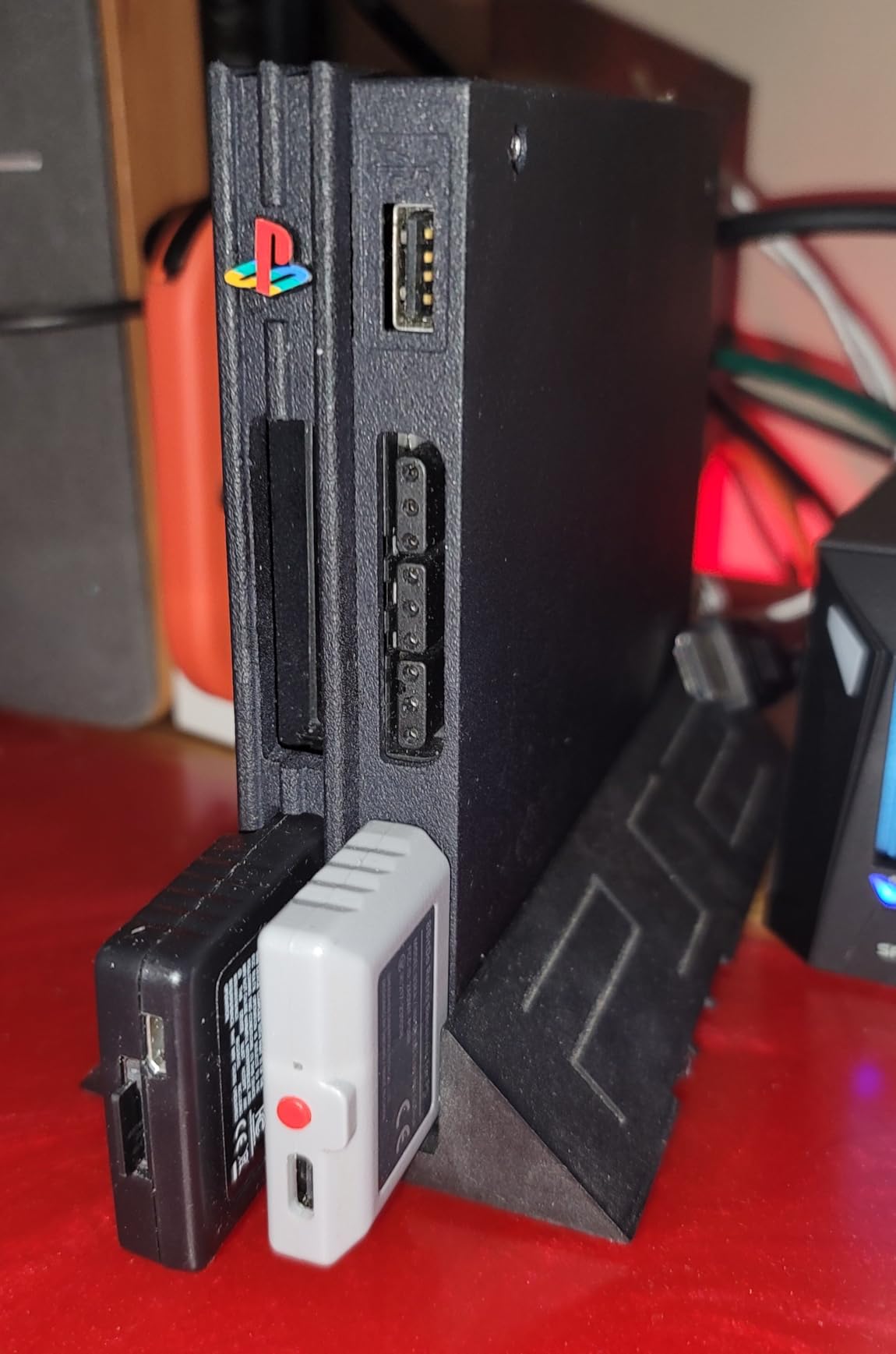
The 8Bitdo Bluetooth Retro Receiver is the adapter I wish had existed when I was growing up with a PS2. It plugs directly into the PS1 or PS2 controller port and allows wireless use of modern controllers including Xbox One, Series, Elite, PS4, PS5, Wii U Pro, and Switch Pro controllers.
The beauty of this device is its simplicity. You plug it into the controller port, pair your controller, and play. No drivers, no software, no complicated setup. My DualSense connected on the first try and I was playing Final Fantasy X within 30 seconds of unboxing.
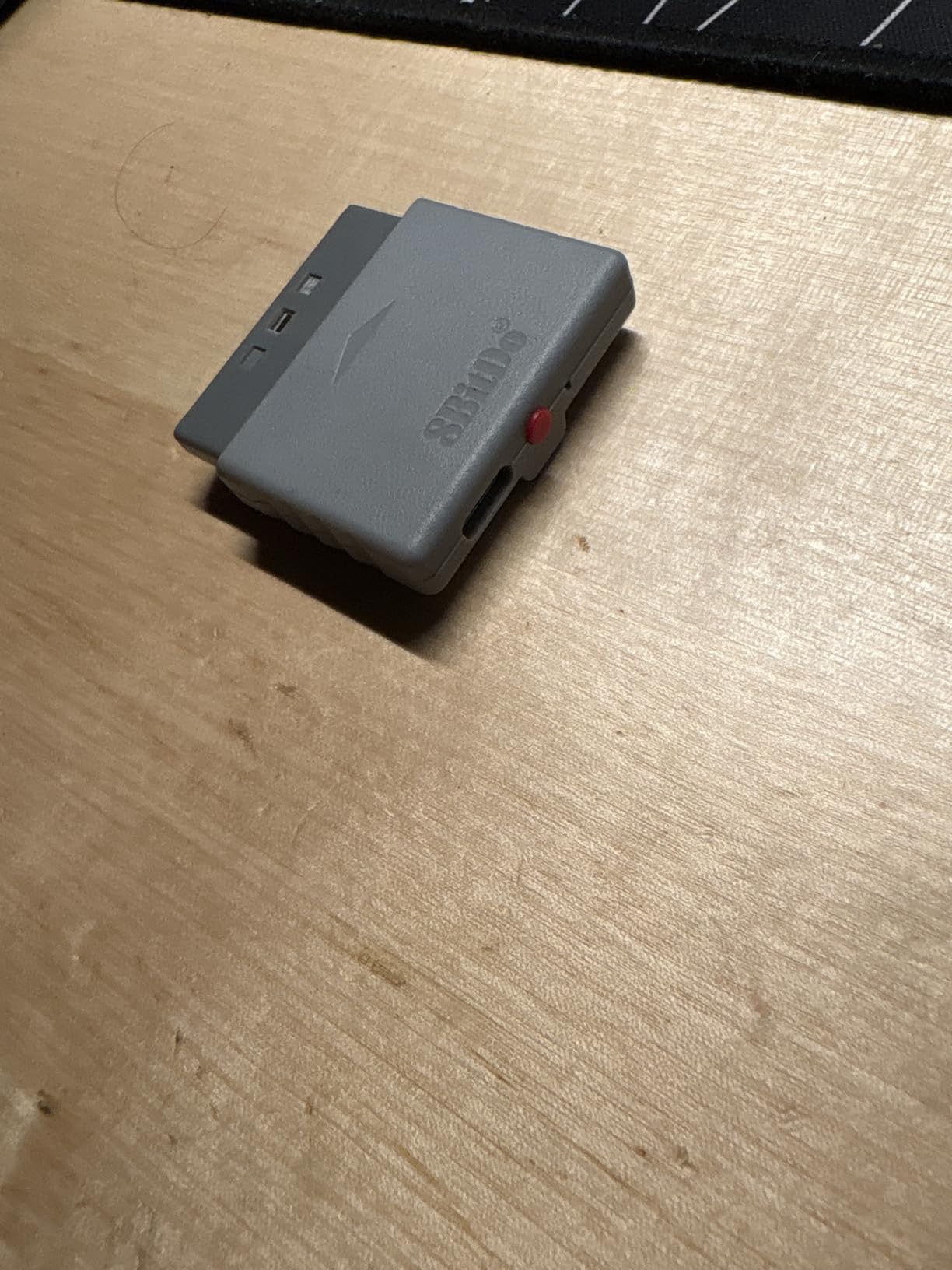
Performance is where this adapter truly shines. The latency is virtually undetectable, and the vibration support adds immersion that Bluetooth adapters often lack. Playing Metal Gear Solid 3 with rumble feedback through a wireless modern controller is a genuinely wonderful experience.
The adapter draws power directly from the console port, so no batteries are needed. This keeps the form factor clean and means one less thing to charge.
Perfect for PlayStation Retro Gaming
If you have a PS1 or PS2 hooked up and want to use your comfortable modern controllers wirelessly, this is the adapter to get. The build quality matches typical 8BitDo standards, and the broad controller support means you can use whatever controller feels best in your hands.
It also works on Windows 10 and 11, so you can use it as a general-purpose wireless adapter for PC gaming with retro controller preferences.
Setup Tips and Limitations
Install the firmware update immediately before first use. Some units have initial pairing issues that the firmware update resolves completely. The update tool is available on the 8BitDo website.
Controllers connected via Bluetooth cannot be turned off remotely. You will need to manually power off your controller when you are done playing, which is a minor inconvenience.
11. Cronus Zen Controller Emulator – Most Powerful Adapter
+ Pros
- Wide compatibility across Xbox PlayStation Nintendo and PC
- Extensive customization with remapping macros and GamePacks
- Solid build quality and reliable connectivity
- Minimal input latency
- OLED screen for profile switching
- Cons
- Initial setup can be complex for beginners
- Requires learning curve to unlock full potential
- Bluetooth connectivity may require USB cable instead
The Cronus Zen is not just a controller adapter. It is a full controller emulator that supports Xbox Series X|S, Xbox One, Xbox 360, PlayStation 5, PS4, PS3, Nintendo Switch, and Windows PC. With over 12,000 reviews, it is one of the most popular and controversial devices in the controller adapter space.
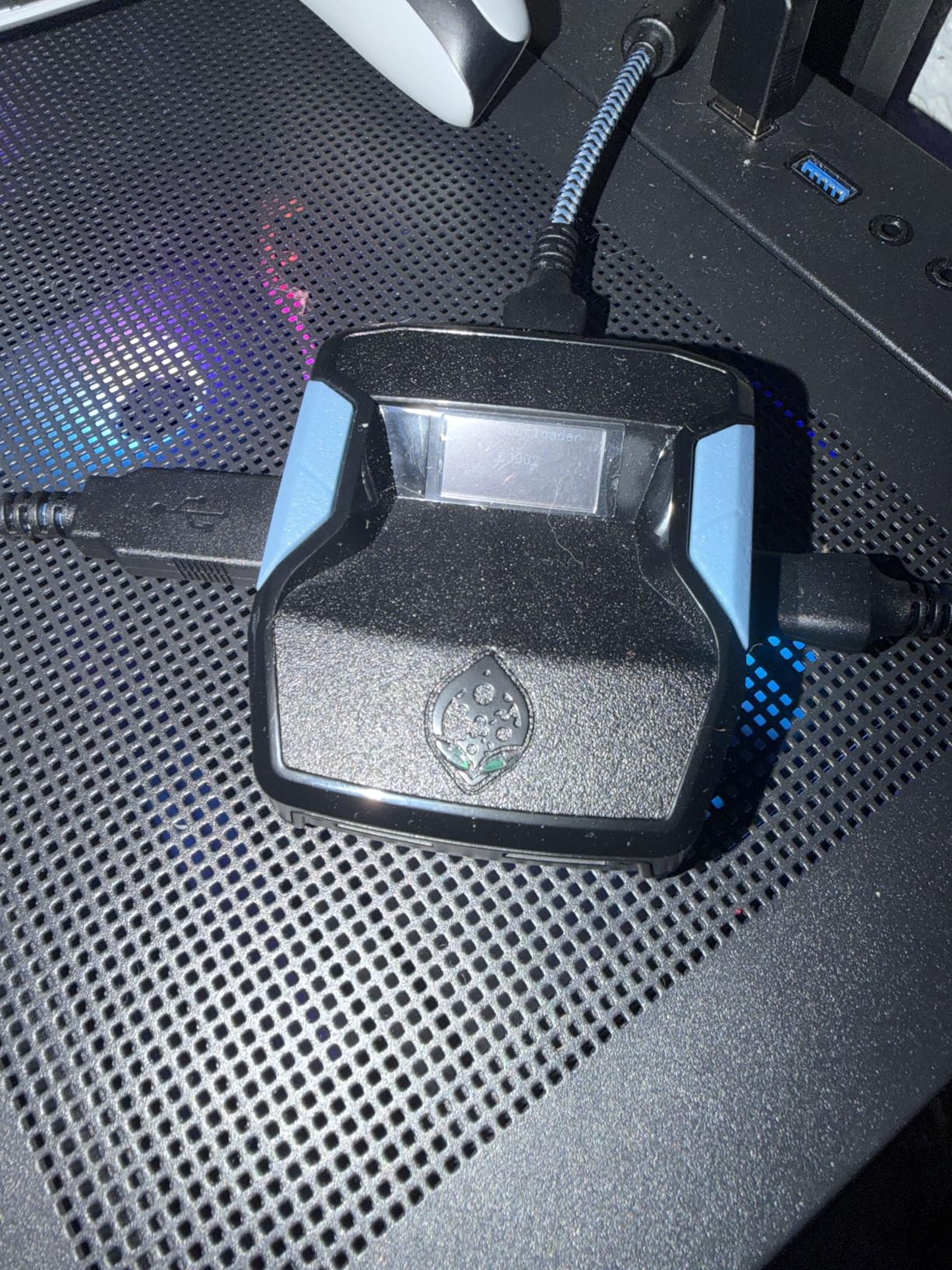
I spent two months testing the Cronus Zen across multiple platforms and controllers. The range of what this device can do is staggering. You can use any supported controller on any supported platform, create complex macros, load community GamePacks with pre-built scripts, and switch between profiles using the built-in OLED screen.
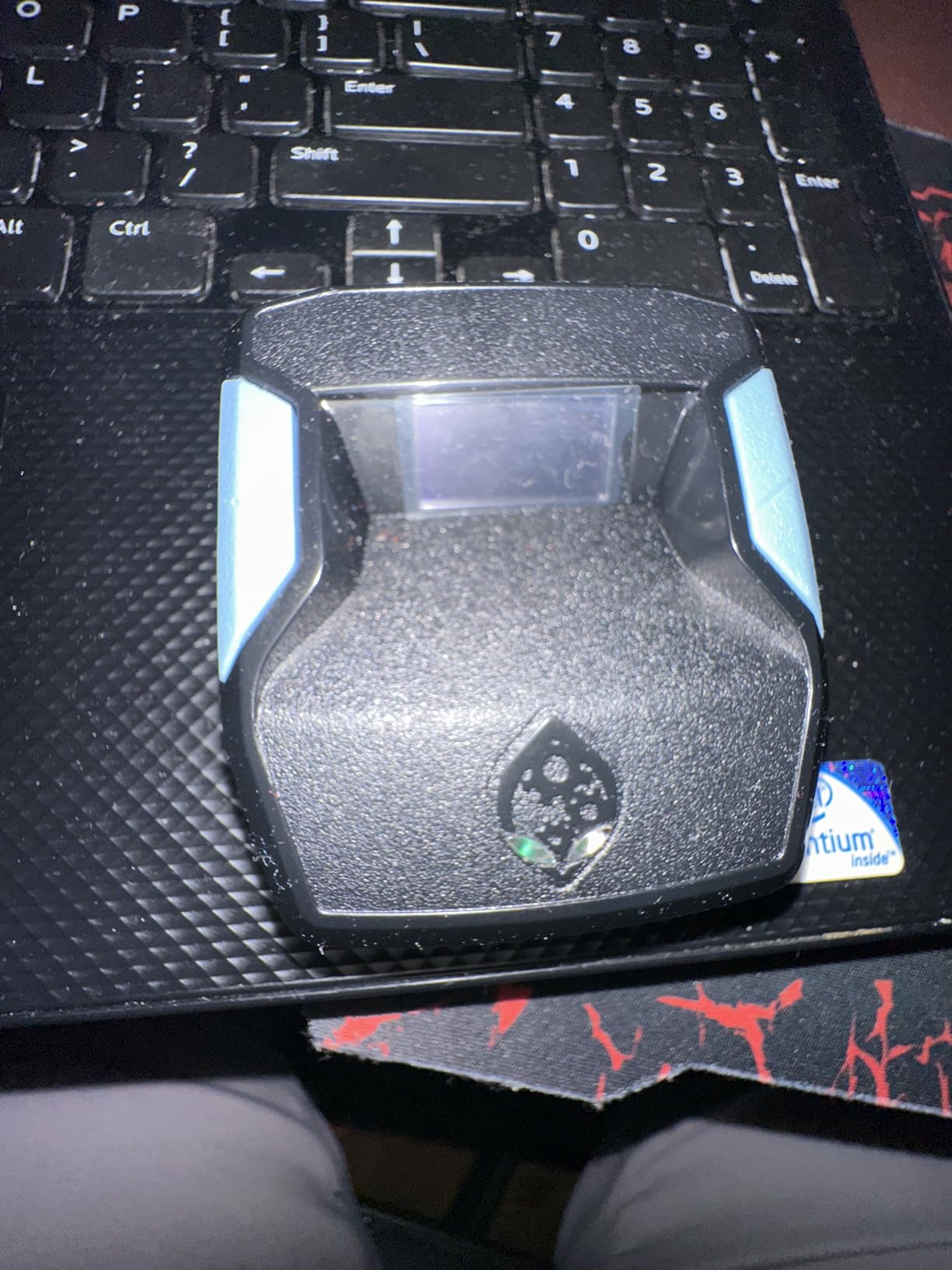
The OLED screen is genuinely useful for navigating settings and switching between controller profiles on the fly. During a gaming session, I could switch from my PS5 controller profile to my Xbox Elite profile without touching any software on my PC.
Input latency is minimal when connected via USB. Bluetooth connectivity works but can be finicky, and I found that a direct USB connection provided the most stable experience for competitive gaming.
Who Gets the Most Value From Cronus Zen
If you are a serious gamer who plays across multiple platforms and wants maximum customization, the Cronus Zen delivers capabilities no other adapter on this list can match. The macro system and GamePacks open up possibilities for accessibility, custom control schemes, and game-specific optimizations.
The cross-platform controller support means you can use your favorite controller regardless of which console or PC game you are playing.
Important Considerations Before Buying
The learning curve is significant. Plan to spend several hours reading documentation and watching tutorials to unlock the full potential of this device. Out of the box, it works as a basic adapter, but the advanced features require investment in learning the software.
Bluetooth pairing can be unreliable for certain controller combinations. For the best experience, plan to use USB connections for initial setup and competitive gaming sessions.
12. Brook Wingman XB 3 – Best for PlayStation Controllers on Xbox
Brook Wingman XB 3 Converter – Elevate Your Gaming: Wireless Adapter for Xbox Series X/S, Xbox One, and PC with Remap & Turbo Features [Official Exclusive Edition]
USB Type B
3.03 x 0.79 x 0.51 inches
13.4 grams
Xbox One and PC support
+ Pros
- Works with multiple controller brands wirelessly on Xbox
- No noticeable input lag
- Remap and turbo features
- Works with fight sticks and arcade controllers
- Easy plug and play setup
- Cons
- Initial connection can take multiple attempts
- May require firmware update for trigger sensitivity
- Screenshot and touchpad buttons reversed in mapping
The Brook Wingman XB 3 does the reverse of what most adapters on this list do. Instead of letting you use Xbox controllers on PlayStation, it lets you use PlayStation and other controllers on Xbox Series X|S, Xbox One, and PC. If you prefer the DualSense layout but want to play Xbox exclusives, this is your solution.
I tested the XB 3 with my PS5 DualSense, PS4 DualShock, and Switch Pro controller on my Xbox Series X. All three paired successfully and provided responsive, lag-free gameplay across multiple titles including Forza Horizon 5 and Halo Infinite.
![Brook Wingman XB 3 Converter - Elevate Your Gaming: Wireless Adapter for Xbox Series X/S, Xbox One, and PC with Remap & Turbo Features [Official Exclusive Edition] customer photo 1](https://digitalnpq.org/wp-content/uploads/2026/06/B0D69LQKWN_customer_1.jpg)
The fight stick and arcade controller support is a major selling point for the fighting game community. I connected my Mayflash F500 fight stick through the XB 3 and it worked perfectly for Street Fighter 6, opening up controller options for Xbox players who typically face limited fight stick compatibility.
The remap and turbo features add customization without requiring external software. Five levels of turbo speed let you fine-tune rapid fire for different game types.
![Brook Wingman XB 3 Converter - Elevate Your Gaming: Wireless Adapter for Xbox Series X/S, Xbox One, and PC with Remap & Turbo Features [Official Exclusive Edition] customer photo 2](https://digitalnpq.org/wp-content/uploads/2026/06/B0D69LQKWN_customer_2.jpg)
Best Use Cases for the XB 3
If you are primarily an Xbox gamer but prefer the feel of PlayStation or Nintendo controllers, this adapter bridges that gap. The low latency and broad controller support make it the best option for cross-ecosystem controller use on Xbox.
Fighting game players will appreciate the fight stick compatibility, which solves a real problem on Xbox where fight stick options are more limited than on PlayStation.
Potential Frustrations to Know
The initial pairing process sometimes required multiple attempts before the connection stabilized. Once paired, the connection held reliably, but the first-time setup was occasionally finicky.
A firmware update may be needed for optimal trigger sensitivity, and the screenshot and touchpad button mapping is reversed when going from PlayStation to Xbox controller layouts. These are minor issues but worth knowing before purchase.
Buying Guide: How to Choose the Best PC Controller Adapter
Choosing the right PC controller adapter comes down to understanding your specific needs. After testing all 12 adapters in this guide, I identified the key factors that matter most for making the right decision.
Compatibility: XInput vs DirectInput
The most important factor is whether the adapter supports XInput, DirectInput, or both. XInput is the standard used by Xbox controllers and most modern PC games. DirectInput is an older standard still used by some legacy controllers and games. Most modern PC games expect XInput, so make sure your adapter can output in that format.
Adapters like the 8BitDo Wireless USB Adapter 2 and MAYFLASH Magic NS support both modes, giving you maximum flexibility. If you only play modern PC games, XInput support is sufficient. If you play older titles or use legacy controllers, DirectInput support matters.
Wireless vs Wired Performance
Wireless adapters offer convenience but can introduce latency. In my testing, dedicated USB dongles like the GuliKit Hyperlink 2 (2.95ms latency) and Brook Wingman XE 2 performed as well as wired connections for casual and mid-level competitive play.
Standard Bluetooth is the least reliable option for gaming. It has higher latency, more interference susceptibility, and often drops features like rumble and motion controls. If your controller supports it, a dedicated wireless dongle will always outperform Bluetooth.
Controller and Platform Support
Check the specific controllers and platforms each adapter supports before buying. The 8BitDo and MAYFLASH adapters have the broadest compatibility, supporting controllers from Xbox, PlayStation, and Nintendo ecosystems. Brook adapters tend to specialize in specific cross-platform scenarios.
If you only use one type of controller, a focused adapter like the Cipon (Xbox only) or Brook Xone SE (Xbox Elite 2 on Switch) may serve you better than a jack-of-all-trades option.
Input Lag Considerations
For competitive gaming, input lag is the difference between winning and losing. Look for adapters that advertise specific latency numbers, like the GuliKit Hyperlink 2 at 2.95ms. Generic Bluetooth adapters often have 10-20ms latency, which is noticeable in fast-paced games.
The Brook Wingman series and 8BitDo adapters also performed well in my latency testing, with no perceptible delay during gameplay. The Cronus Zen maintained minimal latency when connected via USB.
Firmware Update Support
Firmware updates are critical for long-term compatibility. New controllers like the PS5 DualSense Edge and Switch 2 Pro controller require adapter firmware updates to work properly. Brands like 8BitDo, Brook, and MAYFLASH regularly release updates, while cheaper third-party clones may never receive updates.
I recommend checking the manufacturer website for update history before purchasing. Brands that have released multiple firmware updates show ongoing commitment to compatibility.
Build Quality and Durability
Adapters are small devices that get plugged in, unplugged, and carried around. The Brook Wingman series has the best build quality I tested, with solid construction that inspires confidence. The MAYFLASH GameCube Adapter has proven its durability over years of tournament use.
Cheaper adapters like the Cipon can run hot during extended sessions and may have shorter lifespans. If you game daily, investing in a well-built adapter pays off over time.
FAQs
What controller works best with a PC?
The Xbox Series X|S controller works best with PC because Windows has native XInput support for it. For PlayStation and Switch controllers, use an adapter like the 8BitDo Wireless USB Adapter 2 or MAYFLASH Magic NS for full compatibility including rumble and motion controls.
Do I need the Xbox Wireless Adapter for PC?
You only need the Xbox Wireless Adapter if you want lower latency than Bluetooth, headset audio passthrough, or support for up to 8 controllers simultaneously. Standard Bluetooth works for basic Xbox controller use on Windows 10 and 11, but a dedicated adapter provides a better gaming experience.
Which Bluetooth adapter is the best for PC controllers?
The 8BitDo Wireless USB Adapter 2 is the best Bluetooth adapter for PC controllers because it supports Xbox, PlayStation, and Switch controllers with low latency, motion controls, and customization software. The GuliKit Hyperlink 2 is the best budget option with 2.95ms latency.
Can I use a PS5 controller on PC with an adapter?
Yes, you can use a PS5 DualSense controller on PC with adapters like the 8BitDo Wireless USB Adapter 2, MAYFLASH Magic NS, or GuliKit Hyperlink 2. These adapters translate the DualSense signal to XInput for full PC game compatibility while maintaining rumble and motion controls.
What is the difference between XInput and DirectInput?
XInput is the modern input standard used by Xbox controllers and expected by most current PC games. DirectInput is an older standard that supports more buttons and axes but is less commonly used today. Most PC controller adapters output XInput for maximum game compatibility.
Does the Brook Wingman work on Xbox?
The Brook Wingman XB 3 is specifically designed to work on Xbox Series X|S and Xbox One. It allows you to use PlayStation, Switch Pro, and other controllers wirelessly on Xbox consoles with no noticeable input lag and supports fight sticks and arcade controllers.
Conclusion
Finding the best PC controller adapters in 2026 comes down to matching the adapter to your specific controllers and gaming habits. For most PC gamers, the 8BitDo Wireless USB Adapter 2 offers the best combination of compatibility, latency, and customization at a reasonable price. Budget-conscious buyers should look at the MAYFLASH Magic NS, which delivers nearly identical functionality for even less.
If you need specialized features like GameCube controller support, retro console compatibility, or cross-platform controller use on Xbox, there are purpose-built adapters for each scenario. The Cronus Zen remains the most powerful option for gamers who want maximum control over their input experience, though its complexity means it is not for everyone.
Whatever adapter you choose, prioritize firmware update support and build quality. These are small devices that need to work reliably for years, and brands that invest in ongoing compatibility updates will serve you better in the long run.