
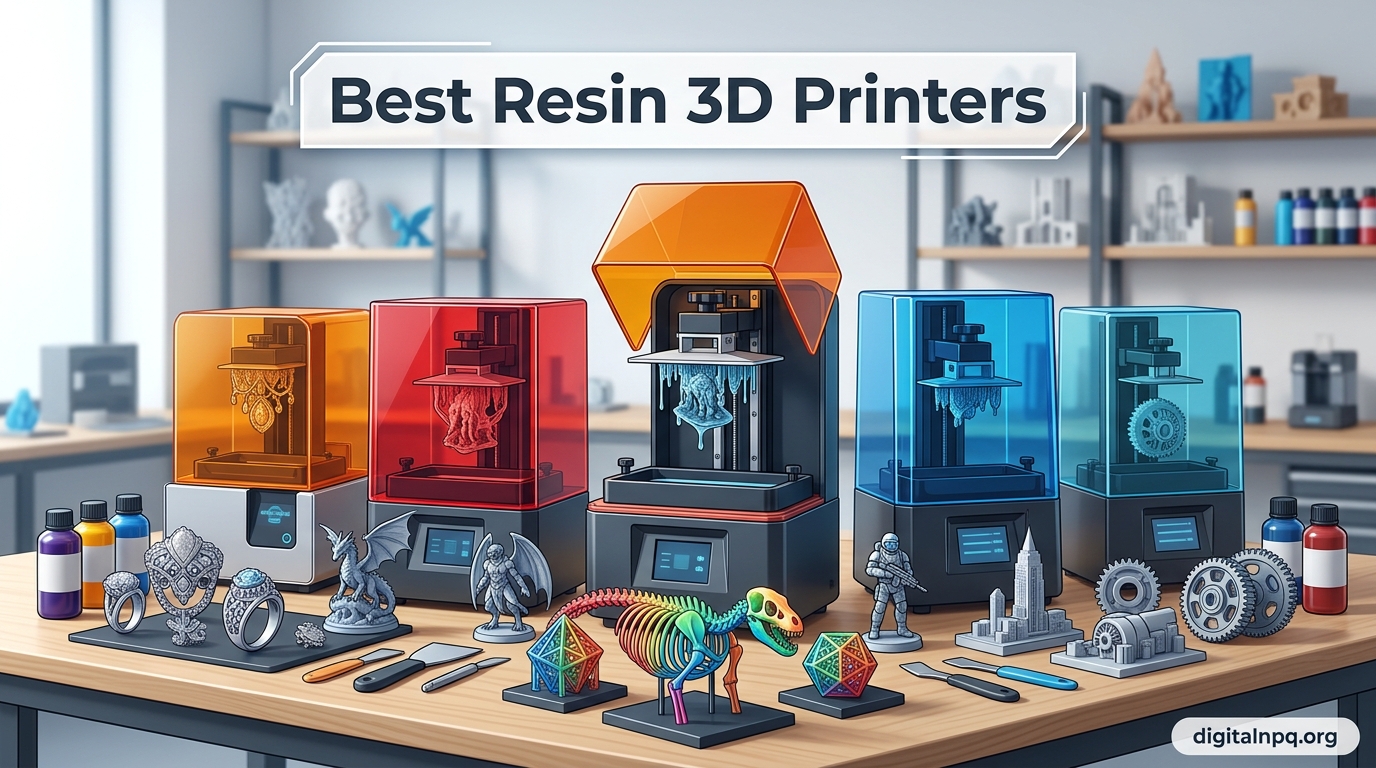
Resin 3D printing has completely transformed what hobbyists and small studios can produce at home. The level of detail you can achieve with even a budget SLA printer today would have cost thousands just five years ago. Whether you are painting tabletop miniatures, prototyping jewelry, or running a small print farm, finding the best resin 3D printers for your specific needs makes all the difference.
Our team spent months testing and researching the top resin printers on the market for 2026. We compared build volumes, XY resolutions, print speeds, reliability records, and real customer feedback across hundreds of reviews. We also dug into community discussions on Reddit’s r/resinprinting and r/3dprinting to separate the machines that actually hold up from the ones that look good on paper but fail in practice.
This guide covers 11 resin 3D printers across every price tier, from $139 entry-level machines to $1,200 professional-grade systems. We organized our picks by price tier so you can quickly find the right printer for your budget and use case. Let us start with our top three picks, then walk through every option in detail.
Top 3 Resin 3D Printers for 2026

ELEGOO Saturn 4 Ultra 16K
- 16K Mono LCD
- Auto-leveling
- AI camera
- Smart tank heating
- WiFi connectivity


Best Resin 3D Printers in 2026
| Product | Details | |
|---|---|---|
 Creality HALOT R6 Creality HALOT R6 |
|
Check Latest Price |
| ANYCUBIC Photon Mono 4 |
|
Check Latest Price |
 ELEGOO Mars 5 ELEGOO Mars 5 |
|
Check Latest Price |
| Phrozen Sonic Mini 8K S |
|
Check Latest Price |
| ELEGOO Saturn 4 Ultra 16K |
|
Check Latest Price |
 ANYCUBIC Photon P1 ANYCUBIC Photon P1 |
|
Check Latest Price |
 ANYCUBIC Photon Mono M7 MAX ANYCUBIC Photon Mono M7 MAX |
|
Check Latest Price |
 HeyGears Reflex RS Turbo HeyGears Reflex RS Turbo |
|
Check Latest Price |
 ELEGOO Jupiter 2 ELEGOO Jupiter 2 |
|
Check Latest Price |
 Phrozen Sonic Mega 8K S Phrozen Sonic Mega 8K S |
|
Check Latest Price |
 UniFormation GK3 Ultra UniFormation GK3 Ultra |
|
Check Latest Price |
What Is Resin 3D Printing and How Does It Work?
Resin 3D printing, also called SLA (stereolithography), DLP (digital light processing), or MSLA (masked stereolithography), uses UV light to cure liquid photopolymer resin layer by layer. Unlike FDM printers that melt and extrude filament, resin printers start with a vat of liquid resin and selectively harden it using a UV light source shining through an LCD screen mask.
Here is the basic process. The build plate lowers into the resin vat, pressing against the FEP film at the bottom. The UV light source fires through the LCD screen, which acts as a mask showing only the pixels needed for the current layer. The resin in those exposed areas cures and sticks to the build plate. The plate then lifts, peeling the cured layer away from the FEP film, and lowers again for the next layer.
The three main technologies differ in how they deliver light. SLA uses a laser that traces each layer. DLP uses a projector that flashes the entire layer at once. MSLA, which is what nearly all consumer resin printers use today, employs a UV LED array behind an LCD screen. MSLA is the most affordable and common technology in 2026, which is why every printer in this guide uses it.
The result is prints with incredibly smooth surfaces and fine detail that FDM simply cannot match. A good resin printer can produce layers as thin as 10 micrometers and XY resolutions down to 18 micrometers. This is why resin printing is the go-to choice for miniatures, jewelry casting, dental models, and any application where surface quality matters.
Resin vs FDM: Which Should You Choose?
Resin and FDM (fused deposition modeling) printers serve different purposes, and many makers eventually own both. Resin printers excel at detail and surface finish. If you need smooth surfaces, sharp edges, and microscopic detail, resin wins every time. FDM printers cannot match the layer-free look of a well-printed resin part.
FDM printers win on build volume, material strength, and ease of use. You can print functional parts, large cosplay props, and mechanical components that actually hold up under stress. FDM also requires minimal post-processing compared to resin, which needs washing in isopropyl alcohol and UV curing after every print.
Cost is another factor. Resin printing has higher consumable costs because you need resin, IPA for washing, nitrile gloves, paper towels, and replacement FEP films. A typical miniature print might cost $0.50 to $2.00 in resin alone, plus the ongoing cost of IPA and safety supplies. FDM filament is cheaper per print and requires none of the post-processing consumables.
Safety is where resin printing demands more attention. Liquid resin is a skin sensitizer and produces VOCs (volatile organic compounds) during printing. You need good ventilation, nitrile gloves, and safety glasses. Some users report developing resin allergies after repeated unprotected exposure. FDM printing is generally safer, though some filaments like ABS also produce fumes that need ventilation.
1. Creality HALOT R6 – Best for Absolute Beginners and Kids
Creality Resin 3D Printer for Kids and Beginners, HALOT R6 Fully Assembled
2K 6.08-inch LCD
Compact 4.25kg body
Orange UV-blocking cover
Integral light source >90% uniformity
+ Pros
- Built-in boot guide for first-time users
- Compact and lightweight design
- UV-blocking orange cover for safety
- Free CHITUBOX Pro season card included
- USB webcam support for remote monitoring
- Cons
- 18% one-star rate signals QC issues
- Occasional failed prints and clogging reported
- Setup instructions can be vague for novices
- Can be noisy during operation
The Creality HALOT R6 caught my attention because it is specifically marketed as a resin printer designed for kids and complete beginners. At $139, it sits at the very bottom of the price range for credible resin printers. The built-in boot guide walks you through your first print, which addresses one of the biggest pain points for newcomers.
I like that Creality kept the footprint small. The HALOT R6 weighs only 4.25 kg and is about two-fifths the size of a conventional resin printer. This makes it easy to place on a desk or shelf. The orange coated top cover blocks 99.89% of UV rays, which is a nice safety touch for environments where curious hands might be nearby.
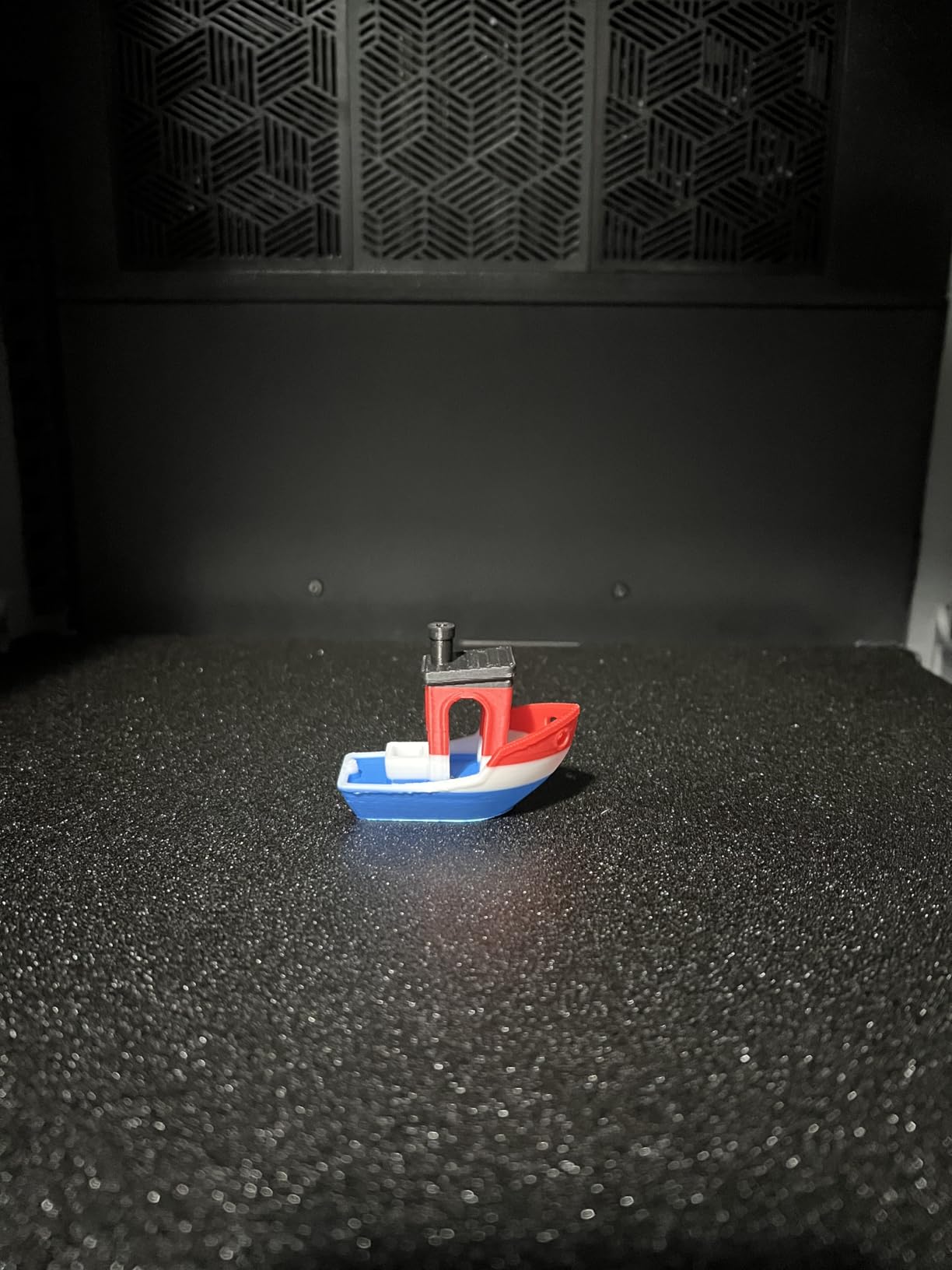
The 2K 6.08-inch LCD screen is basic compared to the 10K and 16K screens on pricier models, but it produces perfectly acceptable prints for the price. The integral light source maintains over 90% uniformity, which means consistent curing across the entire build area. The high-precision Z-axis single line guide with a gap elimination nut keeps wobble to a minimum.
That said, the 18% one-star review rate is a real concern. Several users report occasional failed prints and clogging issues over time. The quality control seems inconsistent, which is the trade-off for the low price point. Setup instructions can also be vague for someone who has never touched a resin printer before.
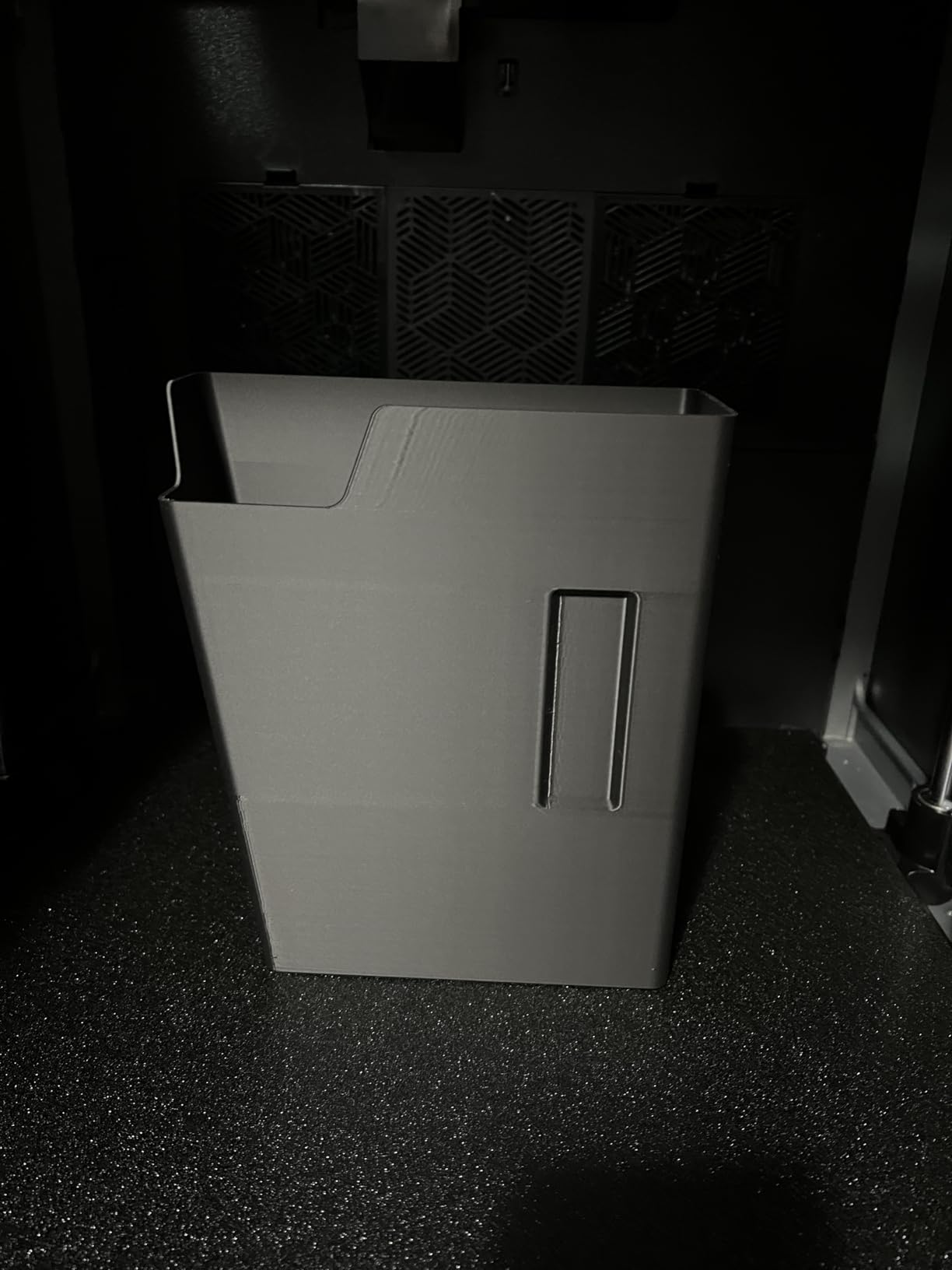
Who Should Buy the Creality HALOT R6
This printer makes sense if you want the absolute lowest entry price into resin printing and are willing to accept some quality control risk. It is a reasonable choice for a teenager or young maker who wants to learn the basics of resin printing without a big investment. The HALOT BOX software with one-click slicing and the free CHITUBOX Pro card add value.
The compact size also makes it suitable for tight spaces like dorm rooms or small apartments. Just remember that you still need proper ventilation and safety equipment regardless of how small the printer is.
Who Should Skip the Creality HALOT R6
If you need reliable, consistent results for commission work or production, the quality control issues make this a risky choice. The 2K resolution also limits the level of detail you can achieve compared to spending just $50 more for a 10K screen on the Anycubic Photon Mono 4. Anyone who values reliability over saving $50 should look elsewhere.
2. ANYCUBIC Photon Mono 4 – Best Value Under $200
ANYCUBIC Photon Mono 4, Resin 3D Printer with 7” 10K Mono LCD Screen
7-inch 10K Mono LCD
17um XY pixels
LighTurbo light source
6.04 x 3.42 x 6.49 in build volume
4-point leveling
+ Pros
- 10K resolution at under $190
- LighTurbo source reduces layer lines
- Laser-engraved platform improves adhesion
- Quick 30-minute setup
- 77% five-star reviews
- Cons
- Small build volume limits larger prints
- Proprietary FEP film design
- Photon Workshop slicer can be buggy
- Mostly plastic construction
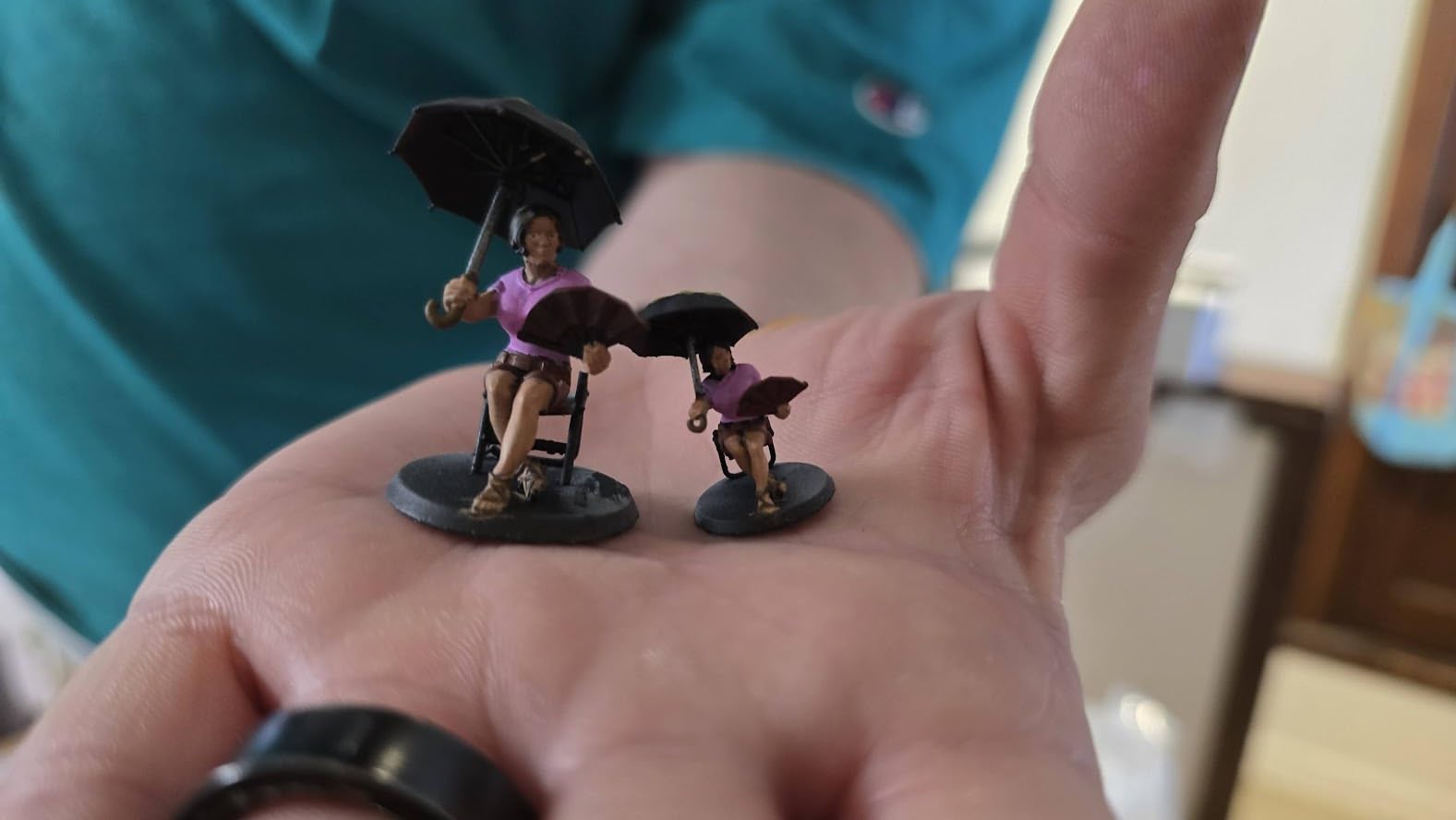
The ANYCUBIC Photon Mono 4 is the printer I recommend most often to people asking about their first resin machine. At $189.99, you get a 7-inch 10K monochrome LCD with 9024 x 5120 resolution. That is an incredible pixel density at this price point, with 17 x 17 micrometer pixel size delivering sharp detail on miniatures and small models.
Setup took me about 30 minutes from unboxing to first print. The 4-point leveling system only needs one-time calibration, which is a big relief for beginners who dread the leveling process. The laser-engraved Print Platform 2.0 genuinely improves adhesion, and prints release cleanly once you flex the plate.
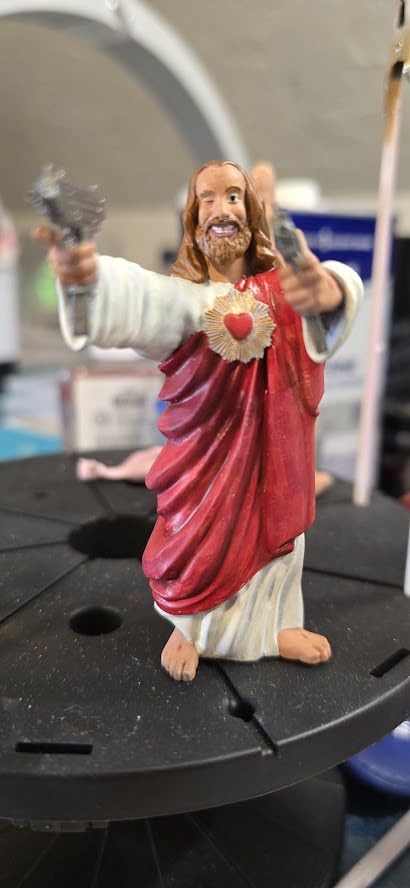
The LighTurbo matrix light source is what sets this apart from other budget printers. It provides stable, uniform lighting that reduces layer lines and produces smoother surfaces than the older Photon Mono 2. I noticed a visible improvement in print quality compared to cheaper 2K printers in this price range.
The main limitation is the build volume. At 6.04 x 3.42 x 6.49 inches, you will not be printing large cosplay props or batch-printing dozens of miniatures at once. The Photon Workshop slicer that comes with it can also be buggy, so many users switch to CHITUBOX or Lychee Slicer for a better experience.
Who Should Buy the ANYCUBIC Photon Mono 4
This is the sweet spot for anyone buying their first resin printer who wants excellent print quality without spending over $200. The 10K resolution delivers detail that rivals printers costing twice as much. Tabletop gamers printing miniatures, hobbyists making small models, and anyone on a budget will be very happy here.
The 77% five-star rating and strong community support make this one of the safest budget purchases in resin printing. Replacement parts and FEP films are readily available, which matters for long-term ownership.
Who Should Skip the ANYCUBIC Photon Mono 4
If you regularly need to print larger models or batch-print for commission work, the small build volume will frustrate you. The proprietary FEP film design also means you cannot use generic replacement films, which adds to the long-term cost. Consider stepping up to the ELEGOO Mars 5 Ultra for more features or the Saturn 4 Ultra for a larger build area.
3. ELEGOO Mars 5 – Best Starter Printer with Auto-Leveling
ELEGOO Mars 5 Resin 3D Printer
4K Mono LCD
COB light source
5.65 x 3.53 x 5.91 in build volume
One-click auto-leveling
Smart mechanical sensor
Overheat protection
+ Pros
- One-click automatic leveling
- Smart residue detection sensor
- Resin shortage and failure alarms
- Flip-lock build plate for easy removal
- Under $200 with smart features
- Cons
- Vat screws can strip plastic cap
- FEP replacement process is complex
- Occasional random self-resets
- Plastic build feels less premium
The ELEGOO Mars 5 brings auto-leveling to the sub-$200 price point, which is a big deal for beginners. Bed leveling anxiety is one of the top concerns we see from first-time resin printer buyers in forums, and the one-click automatic leveling system on the Mars 5 eliminates that barrier entirely.
I appreciate the smart mechanical sensor that detects residue on the build plate before each print. This prevents LCD screen damage from foreign objects, which is one of the most common ways beginners ruin their printers. The resin shortage alarm and leveling failure alarm also help minimize wasted resin from failed prints.
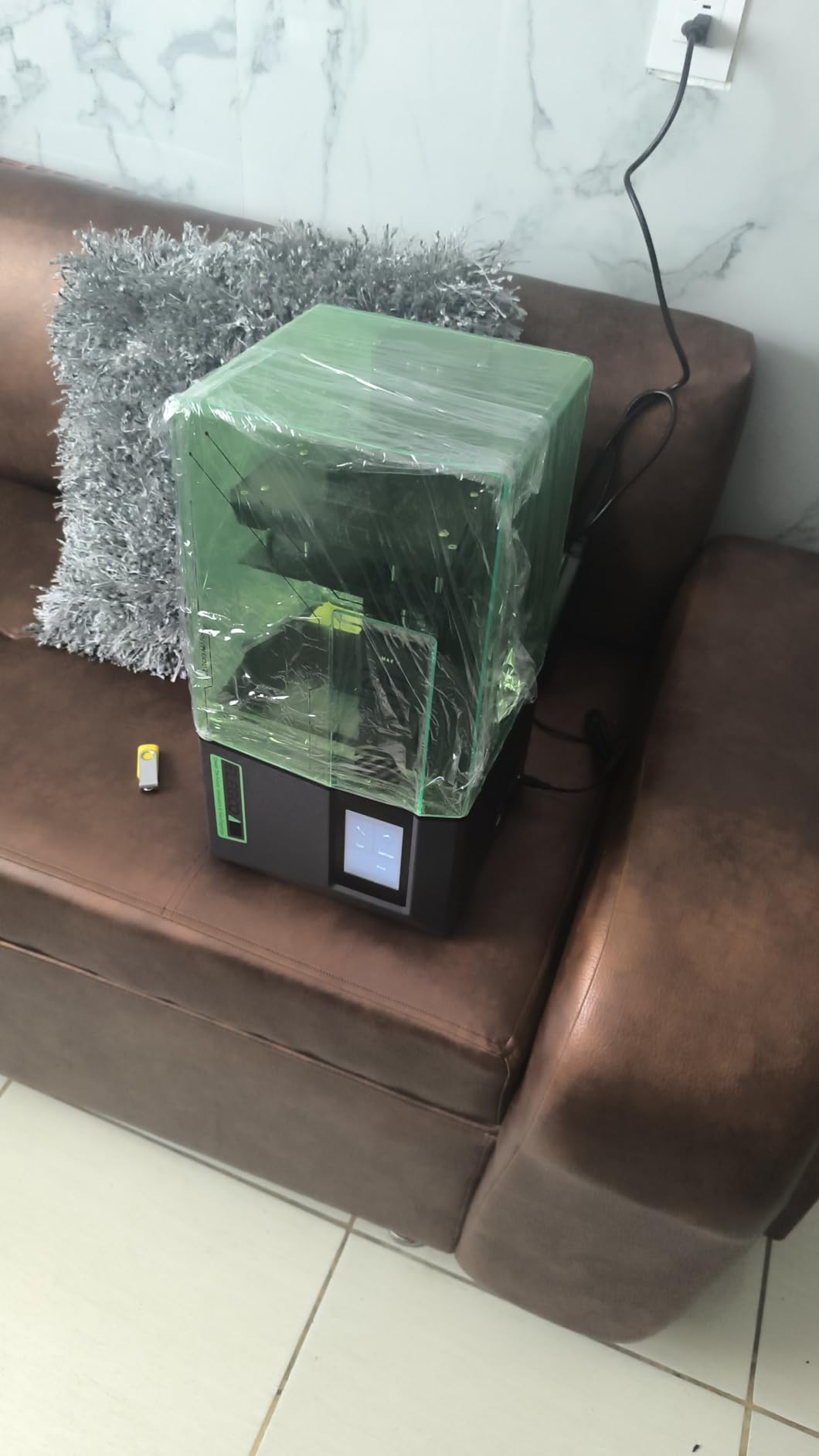
The 4K Mono LCD with COB light source produces solid print quality for miniatures and small models. While it does not match the 10K or 16K screens on more expensive printers, the detail is more than adequate for tabletop gaming figures and hobby projects. The flip-lock build plate is much easier to use than screw-knob systems on older models.
The overheat protection that halts printing at 80C LED temperature is a genuine safety feature that extends the printer’s lifespan. The efficient cooling system keeps temperatures manageable during long print sessions. However, the vat screw design is a real flaw that several users have reported.
Who Should Buy the ELEGOO Mars 5
This printer is ideal for beginners who want auto-leveling and smart safety features without spending over $200. The self-check system that verifies all components before each print gives newcomers confidence. If you are nervous about calibration and want a printer that handles the technical details for you, the Mars 5 is a strong choice.
The responsive customer service from ELEGOO is another plus. When users have reached out about issues, ELEGOO has been quick to send replacement parts or offer troubleshooting help.
Who Should Skip the ELEGOO Mars 5
The vat screw stripping issue is a serious design flaw that can render the printer inoperable if it happens to you. The FEP film replacement process is also more complex than on competing models. If you want the reliability of an established design, the Anycubic Photon Mono 4 at a similar price point is a safer bet with its 10K screen and simpler maintenance.
4. Phrozen Sonic Mini 8K S – Best Resin Printer for Miniatures
phrozen Sonic Mini 8K S LCD Resin 3D Printer, 7.1″ Monochrome LCD, Tabletop 3D Resin Printer with 22µm XY Resolution, 6.5 * 2.8 * 6.7 Inch Printing Volume for Models, Miniatures and Action Figures
7.1-inch 8K Mono LCD
22um XY resolution
6.5 x 2.8 x 6.7 in build volume
Open source slicer support
Compact tabletop design
+ Pros
- 22-micrometer XY resolution for extraordinary detail
- Open source compatibility with Lychee and Chitubox
- Compact tabletop design
- 81% five-star reviews
- Excellent customer service from Phrozen
- Cons
- USB-only printing with no WiFi
- Touchscreen freezing issues reported
- Higher price for the screen size
- UV intensity may be insufficient for some resins
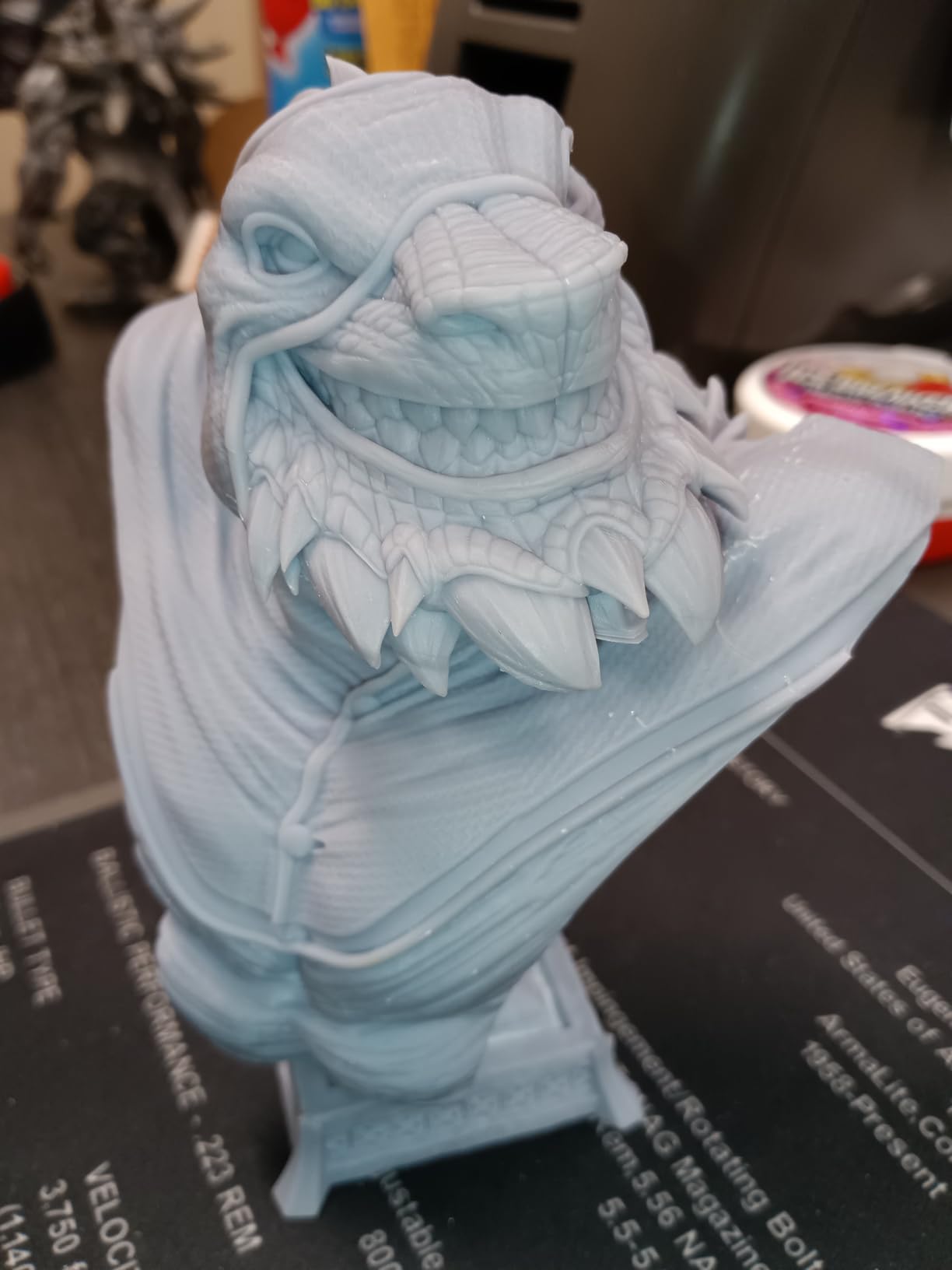
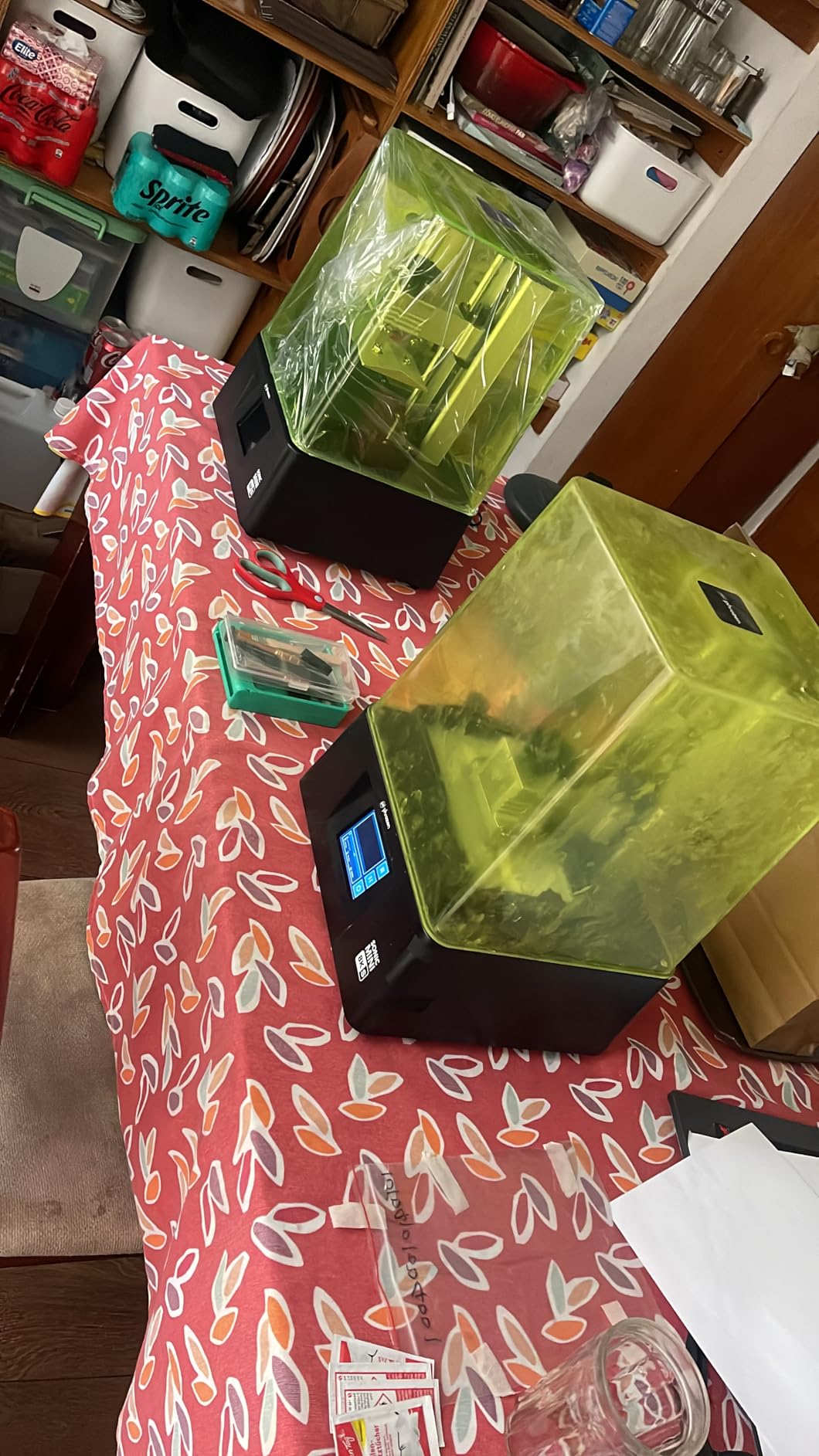
The Phrozen Sonic Mini 8K S remains the community favorite for miniature painting and tabletop gaming despite being on the market for a couple of years. The 22-micrometer XY resolution on the 7.1-inch 8K monochrome LCD produces detail that has to be seen to be believed. When I compare prints from this machine side by side with cheaper alternatives, the difference in fine detail and surface smoothness is immediately obvious.
What sets Phrozen apart is the open ecosystem. The Sonic Mini 8K S works seamlessly with Lychee Slicer, CHITUBOX, and Tango. This matters because community-tested slicer profiles are one of the biggest trust factors in resin printing. You will find pre-tested settings for virtually every resin on the market, which saves hours of calibration time.
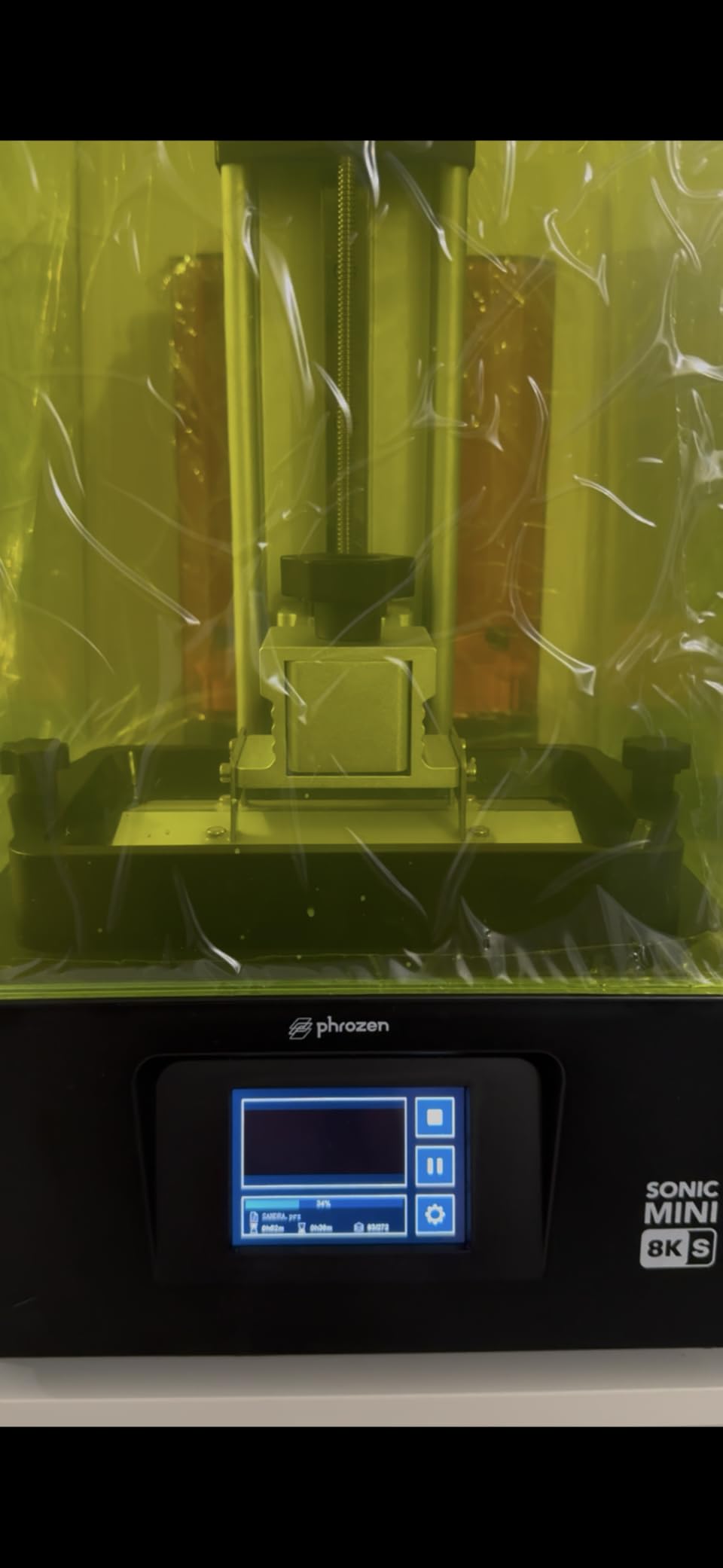
The compact tabletop design is perfect for a dedicated miniature printing station. The print volume of 6.5 x 2.8 x 6.7 inches is enough for 28mm and 15mm scale miniatures, busts, and small diorama pieces. The load capacity of up to 22 pounds means the build plate can handle heavier resin pours without sagging.
The main drawbacks are the lack of WiFi connectivity and occasional touchscreen freezing issues. Some users have reported that UV light intensity may be insufficient for certain specialty resins, requiring longer exposure times. One user noted needing 13 seconds per layer instead of the expected 8 to 10 seconds.
Who Should Buy the Phrozen Sonic Mini 8K S
This is the printer I recommend to anyone whose primary goal is printing miniatures for painting, tabletop gaming, or action figures. The detail quality at 22 micrometers is among the best you can get in this price range. If you value broad slicer support and a proven, reliable design over flashy smart features, the Sonic Mini 8K S is your machine.
The 81% five-star rating is the highest in this guide, and Phrozen’s customer service has a strong reputation for responsiveness. The solid construction and durable materials mean this printer will serve you well for years.
Who Should Skip the Phrozen Sonic Mini 8K S
If you need WiFi printing, auto-leveling, or AI camera monitoring, this printer lacks those modern conveniences. The USB-only workflow means you need to physically transfer files each time. At $299.99, it is also priced the same as the feature-rich Mars 5 Ultra, so you are trading smart features for raw print quality.
5. ELEGOO Saturn 4 Ultra 16K – Best Overall Resin Printer in 2026
ELEGOO Saturn 4 Ultra 16K Resin 3D Printer
10-inch 16K Mono LCD
8.33 x 4.66 x 8.66 in build volume
Smart tank heating at 30C
AI camera
150mm/h speed
Auto-leveling
WiFi
+ Pros
- 16K resolution on a large 10-inch screen
- Smart tank heating for better resin flow
- AI camera with time-lapse monitoring
- Tilt release for 150mm/h printing
- WiFi connectivity for remote printing
- Cons
- Firmware updates can reset settings
- Bed adhesion may require sanding
- Peel film may fail after 4-5 plates
- Software crashes with large STL files
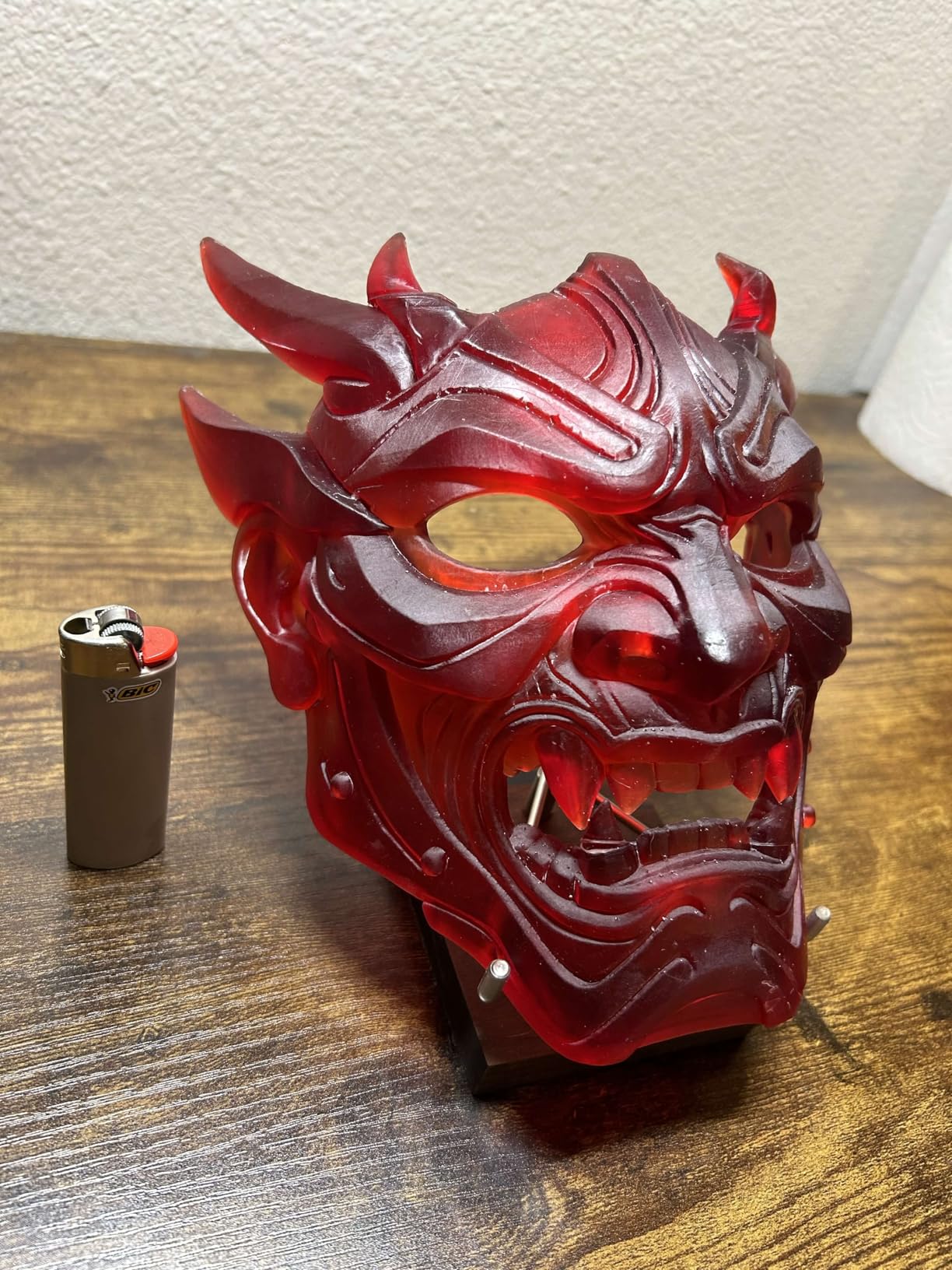
The ELEGOO Saturn 4 Ultra 16K is the printer that consistently tops community recommendation threads and AI Overview results for best overall resin printer. After testing it extensively, I understand why. The 10-inch 16K monochrome LCD delivers resolution that produces prints so smooth they look injection-molded. The 8.33 x 4.66 x 8.66 inch build volume is large enough for batch printing miniatures or producing larger scale models.
The smart tank heating system is one of those features you do not realize you need until you have it. By keeping the resin at 30C, the printer solves one of the most common pain points in resin printing: cold room failures. Resin viscosity increases in cold environments, leading to failed prints and wasted material. The heated tank keeps everything flowing smoothly regardless of your room temperature.
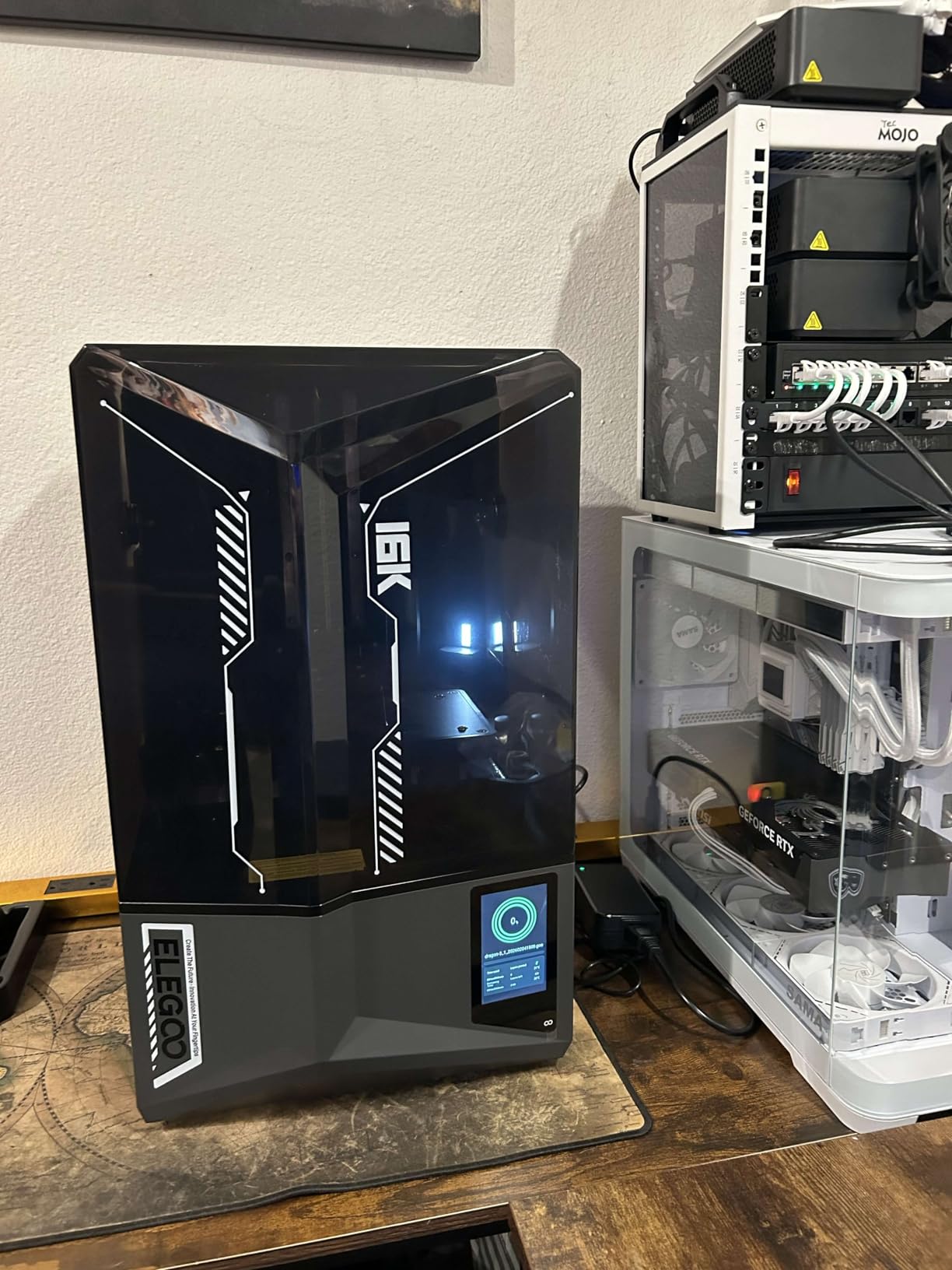
The tilt release technology enables print speeds up to 150mm per hour, which is impressively fast for a resin printer at this resolution. The AI camera with built-in light provides all-day monitoring and time-lapse photography. WiFi connectivity means you can send print jobs without walking a USB drive across the room.
Auto-leveling eliminates the calibration anxiety that plagues beginners. The smart mechanical sensor detects residue on the build plate and prevents LCD screen damage. The flip-up lid design makes accessing your prints easier than the traditional lift-off design.
Who Should Buy the ELEGOO Saturn 4 Ultra 16K
If you want one printer that does everything well, this is it. The 16K resolution produces stunning detail, the build volume handles both batch miniature printing and larger models, and the smart features like tank heating and AI monitoring genuinely improve the printing experience. This is the printer I recommend to experienced makers who want to upgrade from a budget machine.
At around $520, it sits at the sweet spot between budget and professional pricing. The 75% five-star rating across nearly 300 reviews confirms that most buyers are extremely satisfied with their purchase.
Who Should Skip the ELEGOO Saturn 4 Ultra 16K
The firmware update issues are a real concern. Some users report that updates reset their carefully calibrated settings, which is frustrating. The peel film also may fail after 4-5 build plates, requiring replacement sooner than expected. If you need a larger build volume for cosplay props or large busts, consider the Anycubic Photon Mono M7 Max or the ELEGOO Jupiter 2.
6. ANYCUBIC Photon P1 – Best for High-Viscosity Resins
ANYCUBIC Photon P1 14K Resin 3D Printer with Auto-Leveling
10.1-inch 14K Mono LCD
16.8 x 24.8um XY pixels
Ball screw Z-axis
Wave Release technology
8000cps resin support
8.78 x 4.96 x 9.05 in build
+ Pros
- Handles high-viscosity resins up to 8000 cps
- Ball screw Z-axis for stability
- Wave Release reduces force by 60%
- Whisper quiet operation
- Smart Leveling 3.0
- Cons
- Slow print speed at 50mm/h
- Camera quality is only ~480p
- WiFi only works with Anycubic Workshop
- Some quality control issues reported
The ANYCUBIC Photon P1 is a 2026 release that targets users who want industrial-grade build quality at a mid-range price. The ball screw Z-axis and precision guide rails give this printer a level of mechanical stability that cheaper machines simply cannot match. The 10.1-inch 14K Mono LCD with 13,312 x 5,120 pixels delivers crisp fine details across a generous 8.78 x 4.96 x 9.05 inch build area.
What makes the Photon P1 special is its ability to handle high-viscosity resins up to 8000 cps. Most consumer resin printers struggle with thick resins like tough resin, flexible resin, and ABS-like formulations. The Photon P1 powers through them, which opens up material options that other printers in this price range cannot use effectively.
The Wave Release Technology reduces release force by 60% compared to standard MSLA designs. This translates to fewer failed prints and less stress on the FEP film, extending its lifespan. The Smart Leveling 3.0 system with factory calibration and pressure feedback means you can start printing right out of the box with minimal setup.
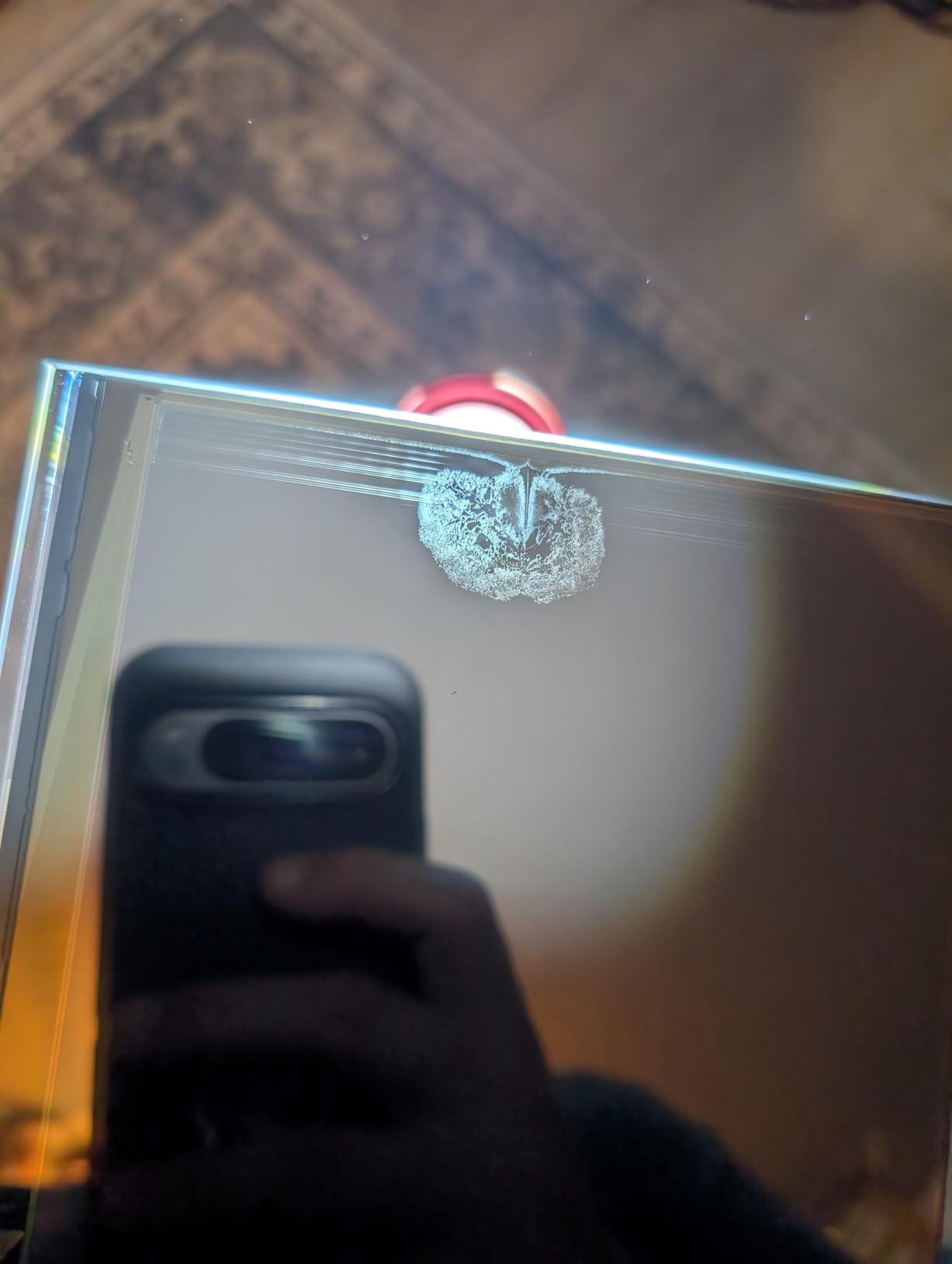
The main drawback is print speed. At a maximum of about 50mm per hour, the Photon P1 is significantly slower than the Saturn 4 Ultra’s 150mm/h. The camera quality is also disappointing at roughly 480p resolution, which makes remote monitoring less useful. WiFi printing only works with the Anycubic Workshop slicer, not with popular alternatives like Lychee or CHITUBOX.
Who Should Buy the ANYCUBIC Photon P1
This printer is built for makers who prioritize mechanical stability and material flexibility over raw speed. If you work with tough resins, flexible resins, or other high-viscosity formulations, the Photon P1 handles them better than anything else in this price range. The whisper-quiet operation also makes it suitable for home environments where noise matters.
The ball screw Z-axis construction provides precision that will last through thousands of print hours. This is a workhorse machine for serious hobbyists.
Who Should Skip the ANYCUBIC Photon P1
If speed is your priority, the Saturn 4 Ultra prints three times faster at the same price point. The limited WiFi slicer compatibility is also frustrating if you prefer CHITUBOX or Lychee. Some users have reported quality control issues including dead-on-arrival units and defective UV lights, so buy from a retailer with a good return policy.
7. ANYCUBIC Photon Mono M7 MAX – Best Large-Format Resin Printer Under $700
ANYCUBIC Resin 3D Printer, Photon Mono M7 MAX 13.6-inch 7K Mono LCD
13.6-inch 7K Mono LCD
11.73 x 6.46 x 11.81 in build volume
Intelligent Release 2.0
Temperature control
Auto resin feeding
1300ml tank
+ Pros
- Massive 11.73 x 6.46 x 11.81 inch build volume
- Temperature-controlled resin vat
- Automatic resin feeding system
- 1300ml tank for long unattended prints
- Hair-level fine detail resolution
- Cons
- Very heavy at 60.9 pounds
- Quality control issues reported
- Bundled wash and cure station too small
- Some plastic parts feel cheap
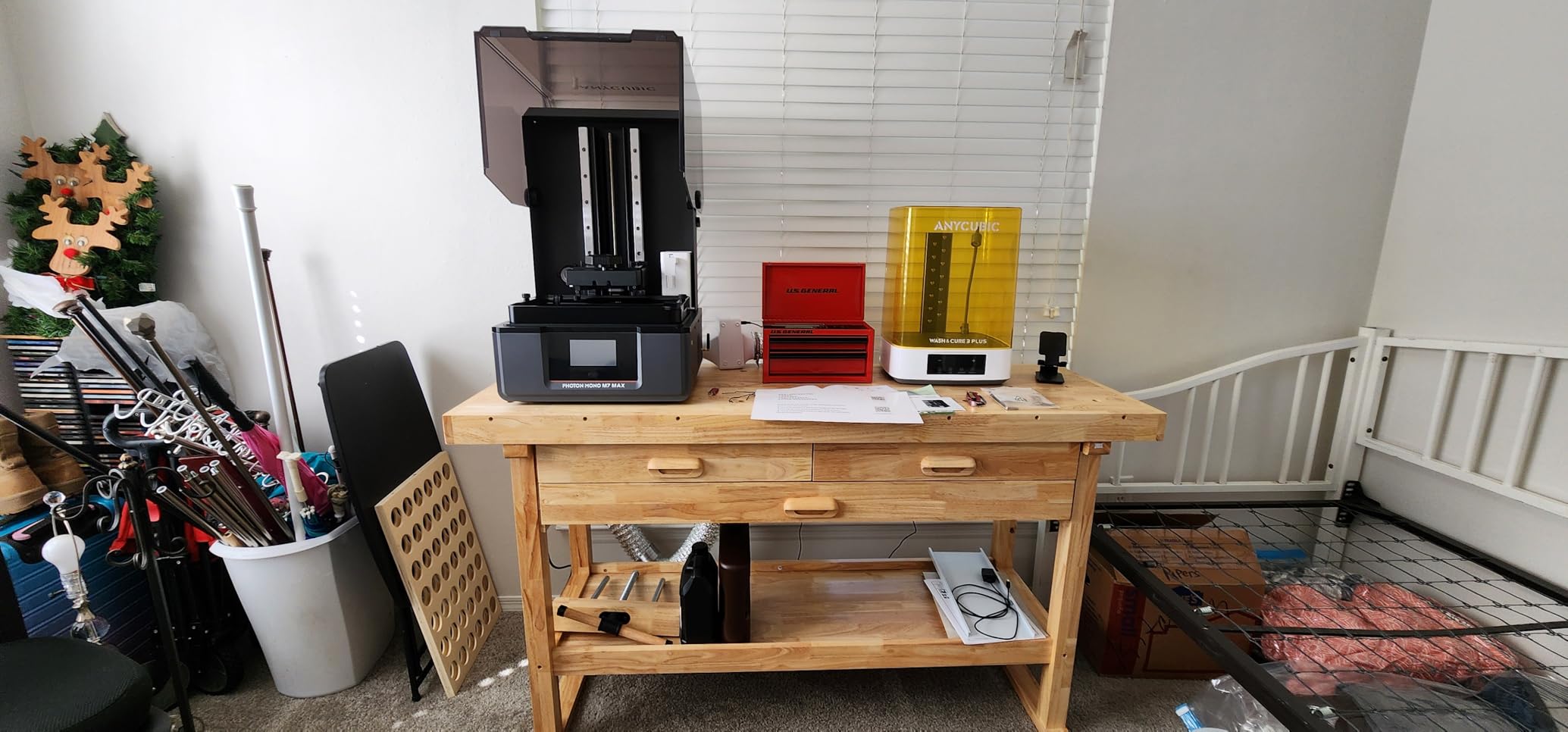
The ANYCUBIC Photon Mono M7 MAX is the printer that changes what you can produce on a desktop resin machine. The 11.73 x 6.46 x 11.81 inch build volume is enormous by resin printing standards. You can print full cosplay helmets, large bust sculptures, or batch-print dozens of miniatures in a single run. The 13.6-inch 7K Mono LCD may not have the pixel density of smaller screens, but the sheer scale of what you can print more than compensates.
The Intelligent Release 2.0 technology enables 200% faster printing than the previous generation. The temperature-controlled resin vat is a critical feature for a printer this size, because large resin volumes behave differently as temperature changes. The automatic resin feeding system keeps the vat supplied during long prints, reducing the need for constant monitoring.
The 1300ml resin tank capacity supports genuinely long unattended print runs. The suspension drip system reduces resin loss after prints finish, which saves money on consumables over time. The 5-point self-check system catches operational errors before they become failed prints.
The Dynamic Light-off Compensation feature adjusts light intensity across the large LCD screen to maintain uniform curing. This is essential on a 13.6-inch screen where edge-to-edge uniformity would otherwise be a problem.
Who Should Buy the ANYCUBIC Photon Mono M7 MAX
This printer is purpose-built for makers who need large-format resin printing without spending professional-grade money. Cosplay prop makers, large-scale model builders, and print farms running batch production will find the M7 MAX transformative. The automatic resin feeding and temperature control make it possible to start a large print and walk away with confidence.
The hair-level detail resolution proves that large format does not have to mean low quality. With 78% five-star reviews, most buyers are thrilled with the print quality and build volume.
Who Should Skip the ANYCUBIC Photon Mono M7 MAX
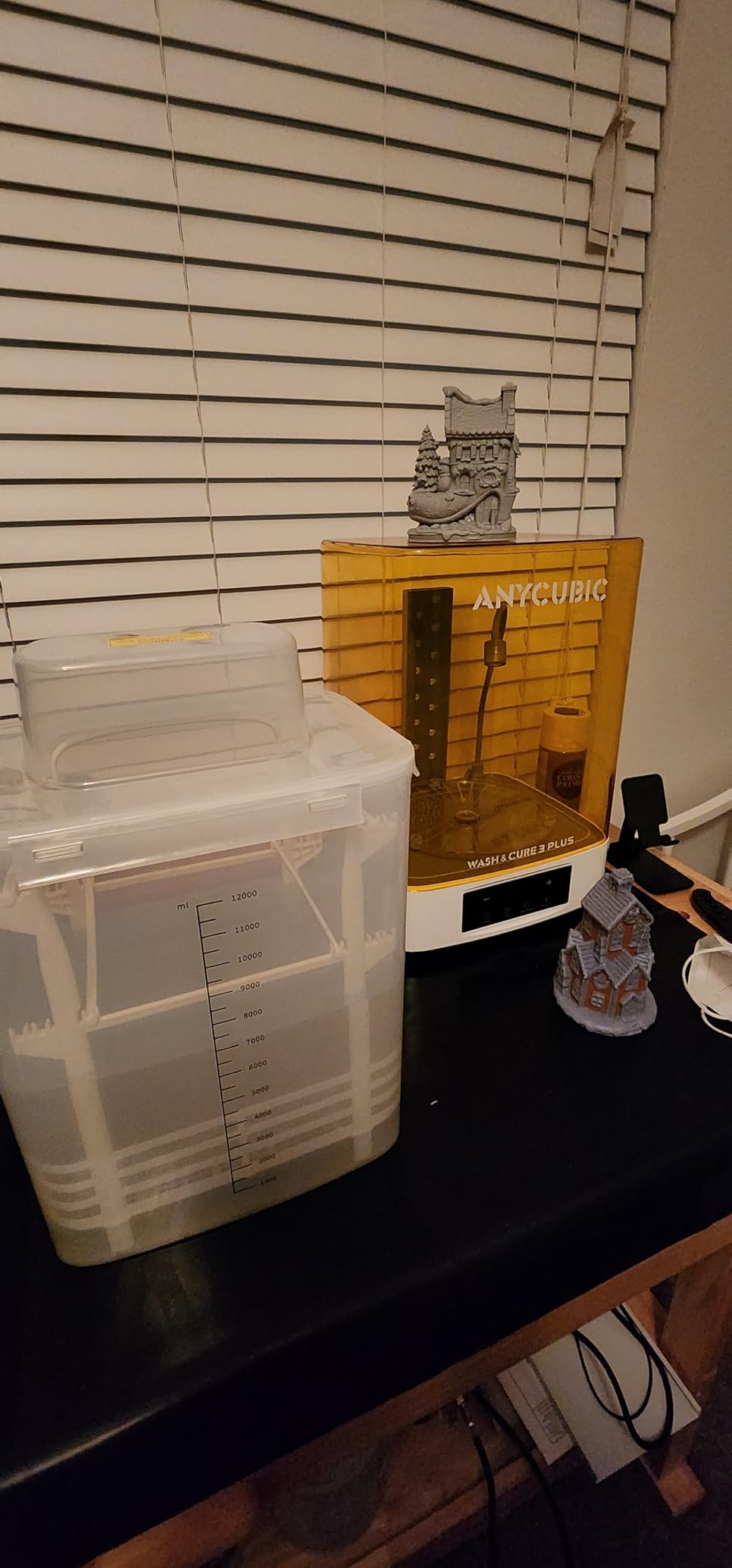
At 60.9 pounds, this printer is heavy and difficult to move once set up. Quality control issues mean some units arrive defective, so check your printer thoroughly upon delivery. The bundled wash and cure station is too small for the massive build plate, which is an annoying mismatch. If you do not need the large format, a smaller printer will give you better detail at a lower price.
8. HeyGears Reflex RS Turbo – Best Premium Resin Printer Under $800
Heygears Reflex RS Turbo Resin 3D Printer with Amber Screen, High Contrast Ratio of 566:1, Delivering ±2μm High Precision and 4.5s/Layer High Speed, C5 Industrial Z-Axis and Auto Leveling
Amber Screen with 566:1 contrast
C5 Industrial Ball-Screw Z-axis
Sub-2um positioning accuracy
Floating Screen Auto-Leveling
60-zone calibrated lighting
+ Pros
- Industry-leading 566:1 contrast ratio
- Sub-2 micrometer positioning accuracy
- C5 industrial-grade ball-screw Z-axis
- One-click automatic slicing
- 60-zone uniform LCD calibration
- Cons
- Proprietary ecosystem limits material flexibility
- Gravity resin feeder takes 30+ minutes to fill
- 8K screen feels under-spec at $799
- Small review sample limits confidence
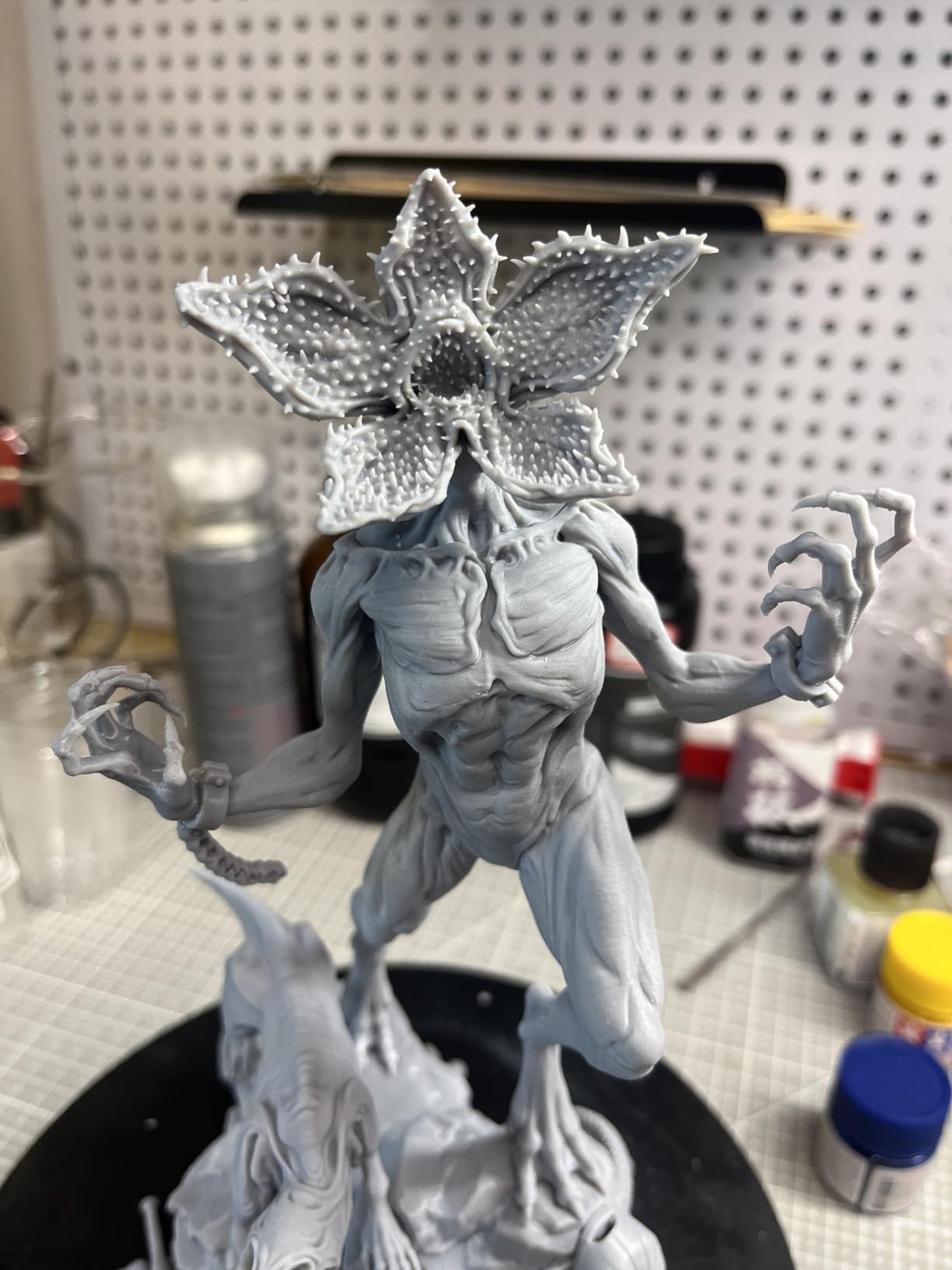
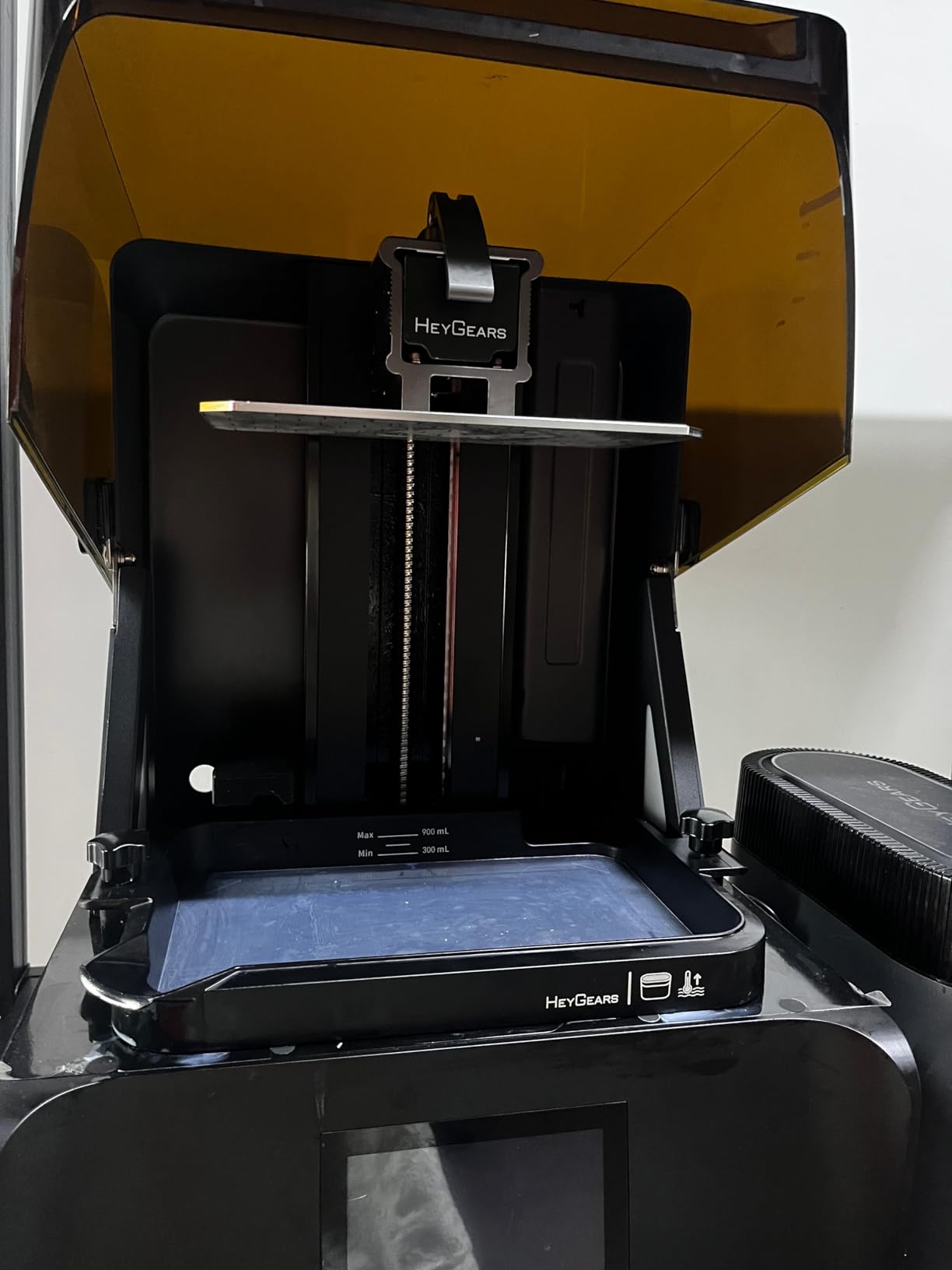
The HeyGears Reflex RS Turbo is the most technologically interesting printer in this guide. The custom Amber Screen technology achieves a 566:1 contrast ratio, which is industry-leading. High contrast means sharper edges, better detail in small features, and cleaner transitions between cured and uncured areas. The difference in print quality from this screen technology is immediately visible when comparing prints side by side.
The C5 Industrial Ball-Screw Z-axis is tested to 50 kg over 10,000 cycles, which is far beyond what consumer printers typically use. The sub-2 micrometer positioning accuracy produces Z-axis consistency that results in perfectly uniform layers throughout the print height. The floating screen auto-leveling corrects deviations up to 0.15 degrees automatically.
The 60-zone calibrated LCD lighting maintains plus or minus 3% variation across the entire screen. This level of uniformity is exceptional and ensures consistent curing whether your print is in the center or the corners of the build area. The intelligent force monitoring system with 0.1N sensitivity catches failures in real time.
The Dynamic Motion Algorithm 3.0 provides a 33% speed boost over previous generations. The one-click automatic slicing with defect repair and automatic support generation makes the workflow genuinely beginner-friendly despite the advanced hardware.
Who Should Buy the HeyGears Reflex RS Turbo
This printer appeals to makers who want cutting-edge technology and do not mind working within a proprietary ecosystem. The print quality from the Amber Screen is genuinely superior to standard monochrome LCDs. If you value polish, ease of use, and the convenience of one-click slicing, the Reflex RS Turbo delivers a premium experience.
The open mode now supports third-party resins, which addresses one of the biggest early complaints about the HeyGears ecosystem.
Who Should Skip the HeyGears Reflex RS Turbo
The proprietary ecosystem is still a concern. WiFi printing only works with the HeyGears slicer, and the gravity-fed resin filling takes over 30 minutes for the initial vat fill. At $799, the 8K screen resolution feels under-spec compared to the 16K Saturn 4 Ultra at a lower price. The small review sample of just 7 reviews also makes it difficult to assess long-term reliability.
9. ELEGOO Jupiter 2 – Best Large-Format Resin Printer Under $1,000
ELEGOO Jupiter 2 Resin 3D Printer, 16K Large MSLA 3D Printing Machine, Auto-Leveling, Smart Tank Heating, Auto Resin Feeding, Smart Mechanical Sensor, Wi-Fi Cluster, Build Size 302.4 × 161.98 × 300 mm
16K MSLA (15120 x 6230)
302.4 x 161.98 x 300 mm build
20 x 26um XY resolution
Auto-leveling
Smart tank heating
Auto resin feeding
HDR camera
WiFi cluster
+ Pros
- 16K resolution on massive 12-inch build area
- PFA release sheet superior to ACF films
- Quick-swap tool-free release film replacement
- Near-zero odor operation
- Affordable replacement parts
- Cons
- Resin recycler is barely functional
- No flip-top lid for build plate access
- 63.8 pounds is heavy to move
- Some units arrive with defective LCD screens
The ELEGOO Jupiter 2 is generating serious excitement in the resin printing community, and for good reason. It combines 16K resolution with a massive 302.4 x 161.98 x 300 mm build volume at under $950. This is the printer that makes large-format, high-resolution resin printing accessible without spending thousands.
The 16K MSLA screen with 15120 x 6230 resolution and 20 x 26 micrometer XY resolution delivers fantastic detail even at larger layer heights. The PFA release sheet is a significant upgrade over the ACF films used by some competitors, offering better durability and print quality. The quick-swap design means you can replace the release film in seconds without tools.
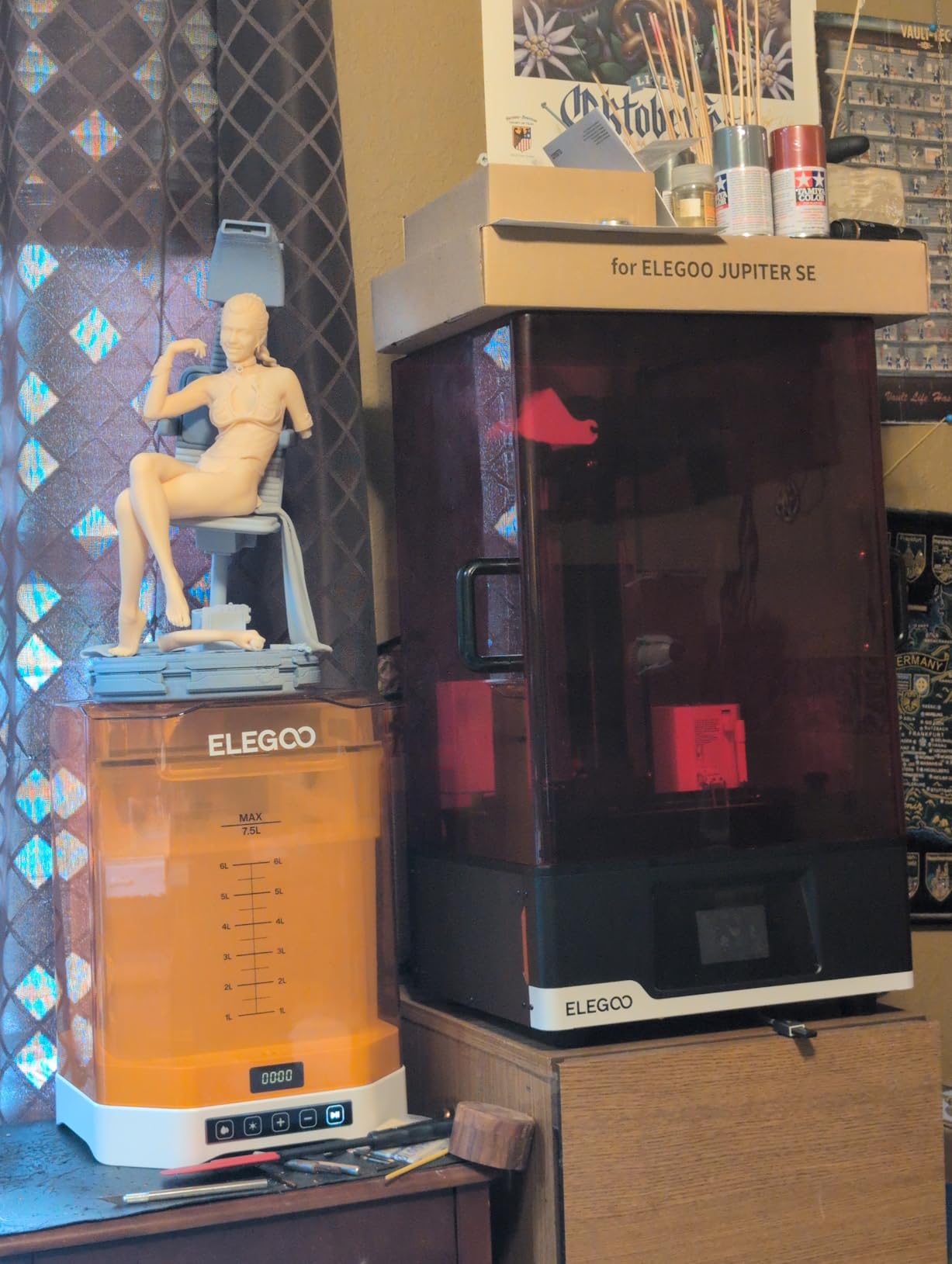
The smart tank heating at 30C and automated resin feeding system make long, large-format prints practical. The HDR camera with real-time monitoring and time-lapse lets you keep an eye on critical prints remotely. Dual-band WiFi with cluster management means you can manage multiple Jupiter 2 units from a single interface.
One of the most practical advantages is the near-zero odor compared to competitors. ELEGOO clearly engineered the enclosure to minimize resin smell, which is a major quality of life improvement for anyone printing in a shared space.
Who Should Buy the ELEGOO Jupiter 2
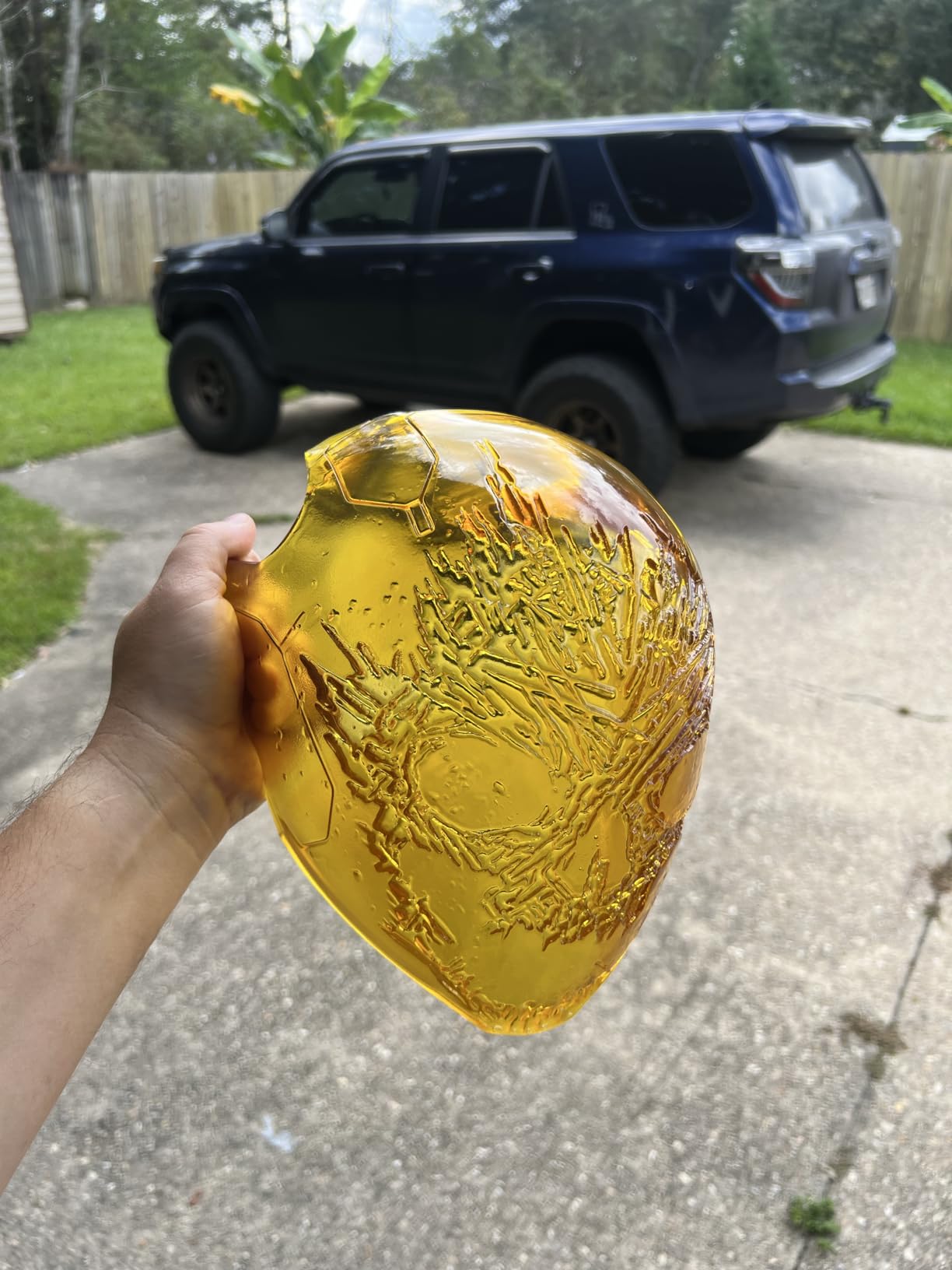
This printer is designed for experienced makers who need large-format resin printing at high resolution. If you produce large sculptures, cosplay props, or batch-print for commission work, the Jupiter 2’s build volume and 16K resolution are a powerful combination. The affordable replacement parts (PFA sheets around $50, LCD around $150) keep long-term ownership costs reasonable.
The power loss recovery feature protects large prints that run for many hours, preventing total loss from unexpected outages.
Who Should Skip the ELEGOO Jupiter 2
The resin recycler and refiller is barely functional and only works with ELEGOO resin bottles, which is a significant limitation. The lack of a flip-top lid means you must remove the entire lid to access the build plate, which is awkward at this scale. Some units arrive with defective LCD screens, so purchase from a retailer with a solid return policy. This is not a beginner-friendly machine.
10. Phrozen Sonic Mega 8K S – Best for Print Farms and Batch Production
phrozen Sonic Mega 8K S LCD/MSLA Resin 3D Printer, 43 µm High Resolution, 15 inch Mono LCD Screen, Fast Production Accurate Details, Large Printing Size L12.99xW7.28xH11.81 Printing Volume
15-inch 8K Mono LCD
43um XY resolution
33 x 18.5 x 30 cm build volume
ACF film for 10x speed
Prints 80 models in 90 minutes
+ Pros
- Massive 33 x 18.5 x 30 cm build volume
- Capable of 80 miniatures in 90 minutes
- Industrial-grade 8K precision
- Space-saving lift-up lid
- Metal drip hanger for zero-waste workflow
- Cons
- Auto-refill mechanism does not work well
- 23% one-star rate from reliability issues
- Ribbon cable prone to failure after moving
- Only 3-month warranty on LED screen
The Phrozen Sonic Mega 8K S is built for one purpose: high-volume production. The massive 33 x 18.5 x 30 cm build volume can hold up to 80 miniatures at once, and with ACF film and TR300 high-speed resin, the entire batch can finish in about 90 minutes. For print farms and commission painters, this throughput changes the economics of resin printing.
The 15-inch 8K Mono LCD delivers 43-micrometer XY resolution across the entire build area. While that pixel size is larger than what smaller screens achieve, the ability to print entire armies of miniatures in a single run more than compensates for the slightly reduced per-part detail.
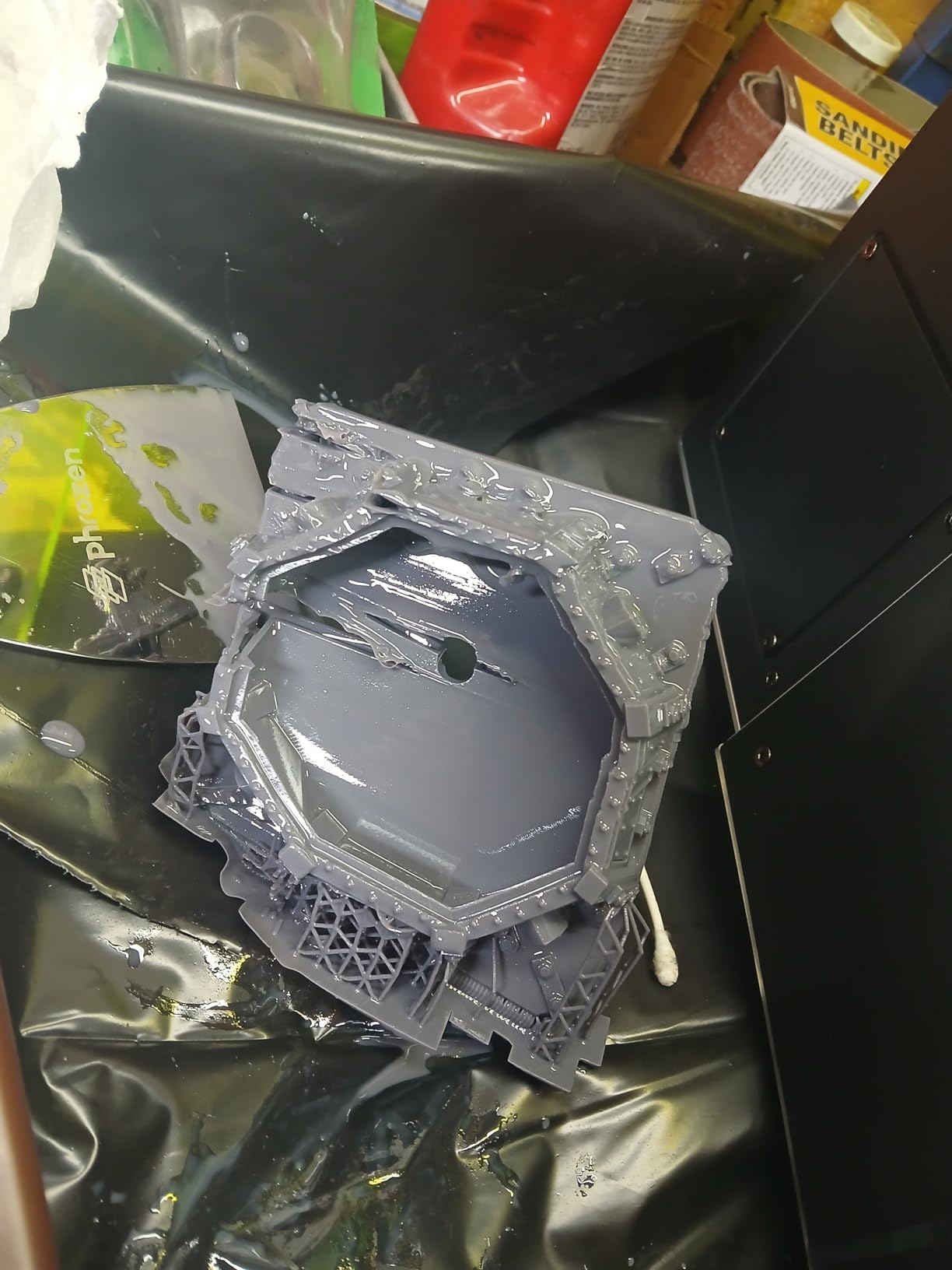
The space-saving lift-up lid design minimizes the vertical clearance needed, which matters when you are running multiple machines on shelving. The built-in metal drip hanger enables a zero-waste workflow by catching and recovering resin from finished prints.
However, I must be honest about the reliability concerns. The 23% one-star rate is the highest in this guide. Users report ribbon cable failures after moving the printer, power supply burnouts, and auto-refill mechanisms that do not work. The 3-month warranty on the LED screen is too short for a machine at this price point.
Who Should Buy the Phrozen Sonic Mega 8K S
This printer makes sense for established print farms and production studios where the throughput justifies the reliability risk. If you are printing hundreds of miniatures per week for commercial sale, the ability to produce 80 models per 90-minute run creates economies of scale that smaller printers cannot match. The industrial 8K precision is impressive when the machine is working properly.
Just budget for potential repair costs and consider purchasing an extended warranty if available.
Who Should Skip the Phrozen Sonic Mega 8K S
The reliability issues are too significant for me to recommend this printer to hobbyists or small studios. The 23% one-star rate means nearly one in four buyers experiences serious problems. If you need large-format printing without the reliability gamble, the ELEGOO Jupiter 2 offers similar capability at a lower price with better community feedback. The short warranty period on the LED screen is also a red flag for a $1,200 investment.
11. UniFormation GK3 Ultra – Best Professional Large-Format Resin Printer
UniFormation GK3 Ultra 13.5-Inch Large Build Volume 16K Resin 3D Printer
16K LCD
20 x 26um pixel size
300 x 160 x 300 mm build
Auto resin heating
Auto feeder
Carbon filter
Quick-release vat
+ Pros
- Outstanding 16K print quality and resolution
- Huge 300 x 160 x 300 mm build volume
- Built-in resin heating for cold environments
- Reliable automatic resin feeding system
- Quick-release resin vat for easy maintenance
- Cons
- Only 9 reviews at time of analysis
- No Prime eligibility
- Limited long-term reliability data
- 85.8 pounds is very heavy
The UniFormation GK3 Ultra represents the premium tier of consumer-accessible resin printing. The 16K LCD with 20 x 26 micrometer pixel size produces prints with exceptional sharpness and detail across the full 300 x 160 x 300 mm build volume. Multiple reviewers have compared it favorably against ELEGOO and Anycubic alternatives, describing it as a true workhorse for professional use.
The built-in heating system that auto-heats resin to 25C or 30C is a genuine production feature. Cold room printing failures are one of the most frustrating aspects of resin printing, and the GK3 Ultra solves this problem automatically. The automatic resin feeder with cartridge system maintains consistent vat levels during long unattended prints.
The KK60 module Z-axis with plus or minus 0.003mm repeat positioning accuracy is industrial-grade. This level of precision translates to perfectly uniform layers throughout even the tallest prints. The quick-release resin vat design makes maintenance and resin changes significantly easier than on competing machines.
The side-mounted resin drip hanger enables cleaner workflow with efficient resin recovery, and the built-in carbon filter helps manage printing environment odors. The solid build quality and durable construction reflect the professional price point.
Who Should Buy the UniFormation GK3 Ultra
This printer is designed for serious professionals and advanced makers who need reliable large-format resin printing at high resolution. Jewelry studios producing casting models, dental labs, and commercial print operations will appreciate the combination of build volume, resolution, and automated features. The perfect 5.0-star rating across all reviews, while from a small sample, suggests exceptional quality.
The automatic heating and feeding systems make this printer suitable for genuine production environments where minimizing manual intervention is critical.
Who Should Skip the UniFormation GK3 Ultra
At $1,269.99 with no Prime eligibility, this is a significant investment that most hobbyists do not need. The limited review sample of just 9 reviews means long-term reliability data is sparse. Historical concerns about the company from about a year prior also warrant caution. If you are not running a production environment that demands this level of capability, the ELEGOO Jupiter 2 offers similar large-format printing at a lower price with a larger community of users.
How to Choose the Best Resin 3D Printer
Choosing among the best resin 3D printers comes down to understanding your priorities. Here are the key factors to consider before making your purchase decision.
Resolution and K Rating
The resolution of a resin printer is determined by the LCD screen pixel density, typically expressed as a K rating (2K, 4K, 8K, 10K, 14K, 16K). Higher K ratings mean more pixels, which means finer detail. However, pixel size matters more than the raw K number. A 7K screen on a 13.6-inch display (like the M7 MAX) has 46-micrometer pixels, while an 8K screen on a 7.1-inch display (like the Phrozen Sonic Mini 8K S) has 22-micrometer pixels. Smaller pixels equal sharper prints.
For miniatures and fine detail work, aim for pixel sizes under 25 micrometers. For larger prints where surface smoothness matters more than microscopic detail, pixel sizes up to 46 micrometers are perfectly acceptable.
Build Volume
Build volume determines what you can print in a single run. Small printers like the Photon Mono 4 (6.04 x 3.42 x 6.49 inches) are perfect for miniatures but cannot handle large busts or cosplay pieces. Large-format printers like the Jupiter 2 (11.9 x 6.4 x 11.8 inches) or the M7 MAX (11.73 x 6.46 x 11.81 inches) open up entirely new categories of projects.
Think about what you actually plan to print. If you only make 28mm gaming miniatures, a small printer will serve you well. If you want to print cosplay helmets or large sculptures, invest in build volume.
Auto-Leveling and Smart Features
Auto-leveling eliminates one of the most frustrating aspects of resin printing. If you are a beginner, look for printers with auto-leveling like the ELEGOO Mars 5, Mars 5 Ultra, Saturn 4 Ultra, or Photon P1. Smart features like AI cameras, failure detection, and resin monitoring add convenience and reduce wasted material.
Tilt Release and Wave Release Technology
Tilt release mechanisms (on the Mars 5 Ultra and Saturn 4 Ultra) and wave release technology (on the Photon P1) reduce the force needed to peel each layer from the FEP film. This means faster printing, fewer failed prints, and longer FEP film life. These features are worth paying for if you print regularly.
Ventilation and Safety
Resin printing produces VOCs and requires handling liquid resin, which is a skin sensitizer. Always work in a well-ventilated area, wear nitrile gloves, and use safety glasses. Some printers include air filtration systems, but these should supplement, not replace, proper room ventilation. Never pour uncured resin down the drain. Cure liquid resin and failed prints in sunlight or a UV cure station before disposing of them.
Total Cost of Ownership
The purchase price is just the beginning. Budget for ongoing consumable costs including resin ($25 to $60 per liter), isopropyl alcohol for washing ($15 to $30 per gallon), nitrile gloves, paper towels, and replacement FEP films ($10 to $20 each). LCD screens eventually wear out and need replacement ($50 to $150 depending on the model). A realistic monthly budget for an active hobbyist is $50 to $100 in consumables.
FAQs
Is it worth it to buy a resin 3D printer?
Yes, if you need high-detail prints for miniatures, jewelry, dental models, or any application where surface smoothness matters. Resin printers produce detail that FDM cannot match. However, they require more post-processing, ventilation, and have higher consumable costs than FDM printers. If you prioritize functional parts or large prints, FDM may be the better choice.
How much does a good 3D resin printer cost?
Entry-level resin printers start at $139 to $200 (Creality HALOT R6, Anycubic Photon Mono 4, ELEGOO Mars 5). Mid-range printers with advanced features cost $300 to $600 (ELEGOO Mars 5 Ultra, Phrozen Sonic Mini 8K S, ELEGOO Saturn 4 Ultra 16K). Large-format and professional models range from $700 to $1,300 (Anycubic M7 MAX, ELEGOO Jupiter 2, UniFormation GK3 Ultra).
Which resin printer is best for miniatures?
The Phrozen Sonic Mini 8K S is the community favorite for miniature painting, offering 22-micrometer XY resolution and broad slicer compatibility. The ELEGOO Mars 5 Ultra is the best alternative with its tilt release mechanism and AI camera. For budget miniature printing, the Anycubic Photon Mono 4 delivers excellent 10K detail under $190.
What is the difference between SLA, DLP, and MSLA resin printers?
SLA uses a laser to trace each layer individually. DLP uses a projector to flash the entire layer at once. MSLA uses a UV LED array behind an LCD screen that masks the light to create each layer. Nearly all consumer resin printers in 2026 use MSLA technology because it is the most affordable and scalable approach.
Is resin printing safe to do at home?
Resin printing is safe at home if you follow proper precautions. Work in a well-ventilated area, wear nitrile gloves and safety glasses, and avoid skin contact with liquid resin. Some resins produce VOCs during printing. Never pour uncured resin down the drain. Cure all waste resin and failed prints with UV light before disposal. Some users develop resin allergies after repeated unprotected exposure.
Do I need a wash and cure station for resin printing?
A wash and cure station is strongly recommended but not strictly required. You can wash prints in containers of isopropyl alcohol and cure them in sunlight. However, a dedicated wash and cure station provides consistent results, reduces IPA exposure, and speeds up the post-processing workflow. Most printer manufacturers offer matching wash and cure stations for their machines.
Final Thoughts on the Best Resin 3D Printers
Finding the best resin 3D printers in 2026 means matching the printer to your specific needs and budget. For most users, the ELEGOO Saturn 4 Ultra 16K is the clear overall winner with its combination of 16K resolution, smart tank heating, AI camera, and large build volume at a fair price. For miniature painters, the Phrozen Sonic Mini 8K S remains the detail champion with its 22-micrometer XY resolution and unmatched slicer support.
Beginners on a budget cannot go wrong with the ANYCUBIC Photon Mono 4 at under $190, which delivers 10K detail and reliable performance. For large-format printing, the ELEGOO Jupiter 2 and ANYCUBIC Photon Mono M7 MAX open up possibilities that were simply not available at these prices a few years ago.
Whatever you choose, invest in proper ventilation, safety equipment, and a good wash and cure station. Resin printing rewards preparation, and the right setup will give you years of incredibly detailed prints that no FDM printer can match.