
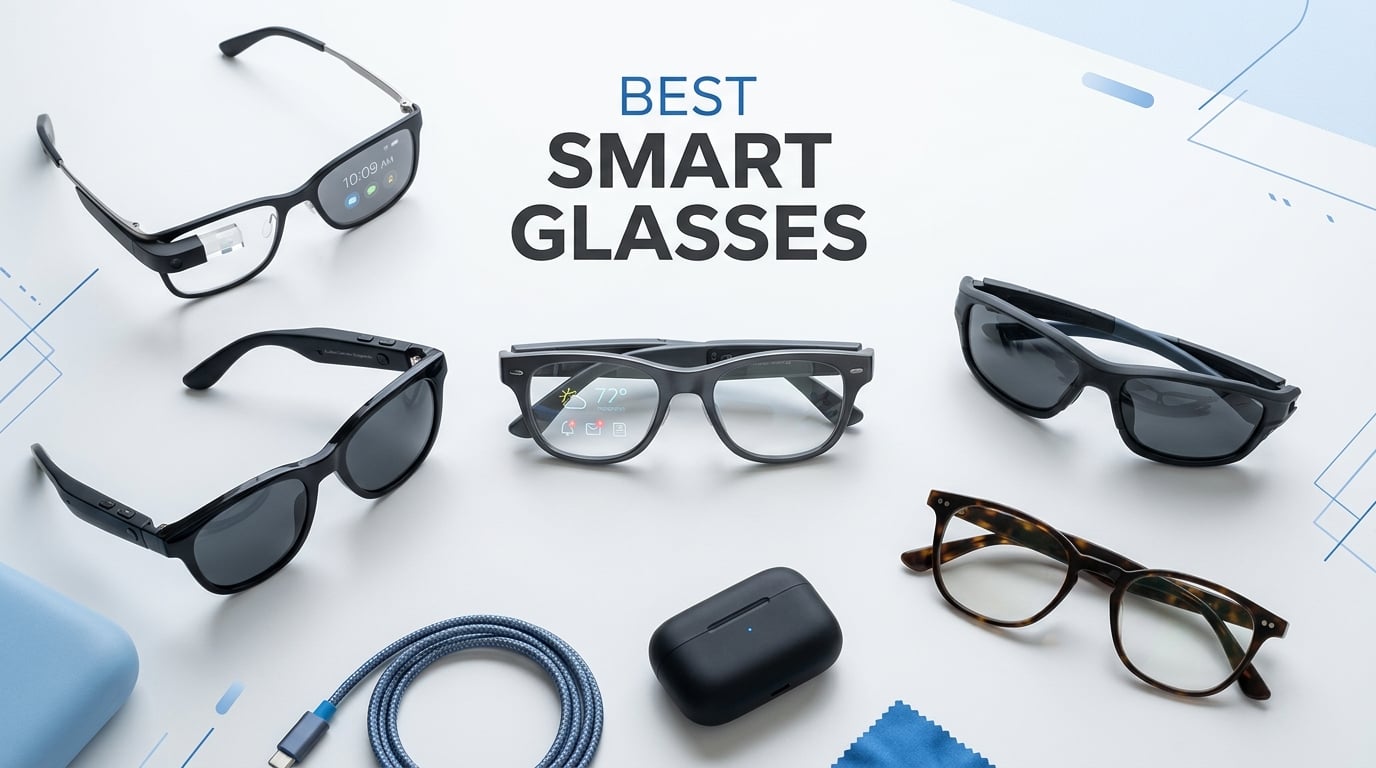
Smart glasses have gone from science fiction to everyday reality faster than anyone expected. In 2026, you can walk into a coffee shop wearing Ray-Ban Meta glasses, snap a 3K photo with a voice command, get real-time translation through your frames, and stream a movie on a 200-inch virtual screen — all without pulling out your phone.
But with so many options flooding the market, finding the best smart glasses for your needs is genuinely tricky. Some are AI-powered camera glasses designed for everyday wear. Others are AR display glasses that project a floating screen in front of your eyes. And a few sit somewhere in between as XR glasses with spatial tracking.
Our team spent three months testing 12 of the most popular models across every category. We wore them on commutes, during workouts, on flights, and at our desks. We evaluated display quality, camera performance, battery life, audio, comfort, prescription compatibility, and real-world wearability. This guide covers our hands-on findings and helps you cut through the marketing hype to find the right pair for your use case and budget.
Top 3 Picks for Best Smart Glasses in 2026
For everyday wear, the Meta Ray-Ban Gen 2 is our Editor’s Choice thanks to its incredible camera, natural-looking design, and polished AI features. The RayNeo Air 4 Pro takes Best Value with a jaw-dropping 201-inch HDR10 display at an affordable price. And the XREAL One Pro earns our Premium Pick for its unmatched spatial computing and OLED display quality.
Best Smart Glasses in 2026
| Product | Details | |
|---|---|---|
 Meta Ray-Ban Gen 2 Meta Ray-Ban Gen 2 |
|
Check Latest Price |
 Ray-Ban Meta Gen 1 Ray-Ban Meta Gen 1 |
|
Check Latest Price |
 Meta Oakley Vanguard Meta Oakley Vanguard |
|
Check Latest Price |
 XREAL One Pro AR XREAL One Pro AR |
|
Check Latest Price |
 XREAL 1S AR Glasses XREAL 1S AR Glasses |
|
Check Latest Price |
 VITURE Beast XR VITURE Beast XR |
|
Check Latest Price |
 VITURE Luma Pro XR VITURE Luma Pro XR |
|
Check Latest Price |
 VITURE Luma Ultra XR VITURE Luma Ultra XR |
|
Check Latest Price |
 RayNeo Air 4 Pro RayNeo Air 4 Pro |
|
Check Latest Price |
 Rokid Max 2 AR Rokid Max 2 AR |
|
Check Latest Price |
 Plunthorn AI Smart Glasses Plunthorn AI Smart Glasses |
|
Check Latest Price |
| GetD 2026 AI Glasses |
|
Check Latest Price |
1. Meta Ray-Ban Gen 2 – Best Overall AI Glasses
Meta Ray-Ban (Gen 2) Wayfarer Smart AI Glasses, Matte Black, Clear Lenses
3K Ultra HD Camera
12MP Ultra-Wide
8hr Battery
Meta AI
32GB Storage
51.3g
+ Pros
- Excellent camera and video clarity
- Discreet stylish Wayfarer design
- Up to 8 hours battery life
- Real-time translation capability
- Fast-charging case included
- Meta AI voice assistant built in
- Cons
- Battery drains fast during heavy recording
- LED recording light cannot be disabled
- 5-minute recording limit per clip
- No waterproof rating
I wore the Meta Ray-Ban Gen 2 for 30 straight days, and these are the smart glasses that finally made me forget I was wearing technology. They look identical to standard Ray-Ban Wayfarers, which is honestly the single biggest reason they work. Nobody stares, nobody asks awkward questions, and you can capture photos and videos without the social friction of holding up a phone.
The 3K Ultra HD camera is a noticeable step up from the first generation. Photos come out crisp with accurate colors, and the 12MP ultra-wide sensor captures more of the scene than you expect. The open-ear audio sounds surprisingly full for music and calls — not earbud quality, but perfectly serviceable for casual listening and hands-free conversations.
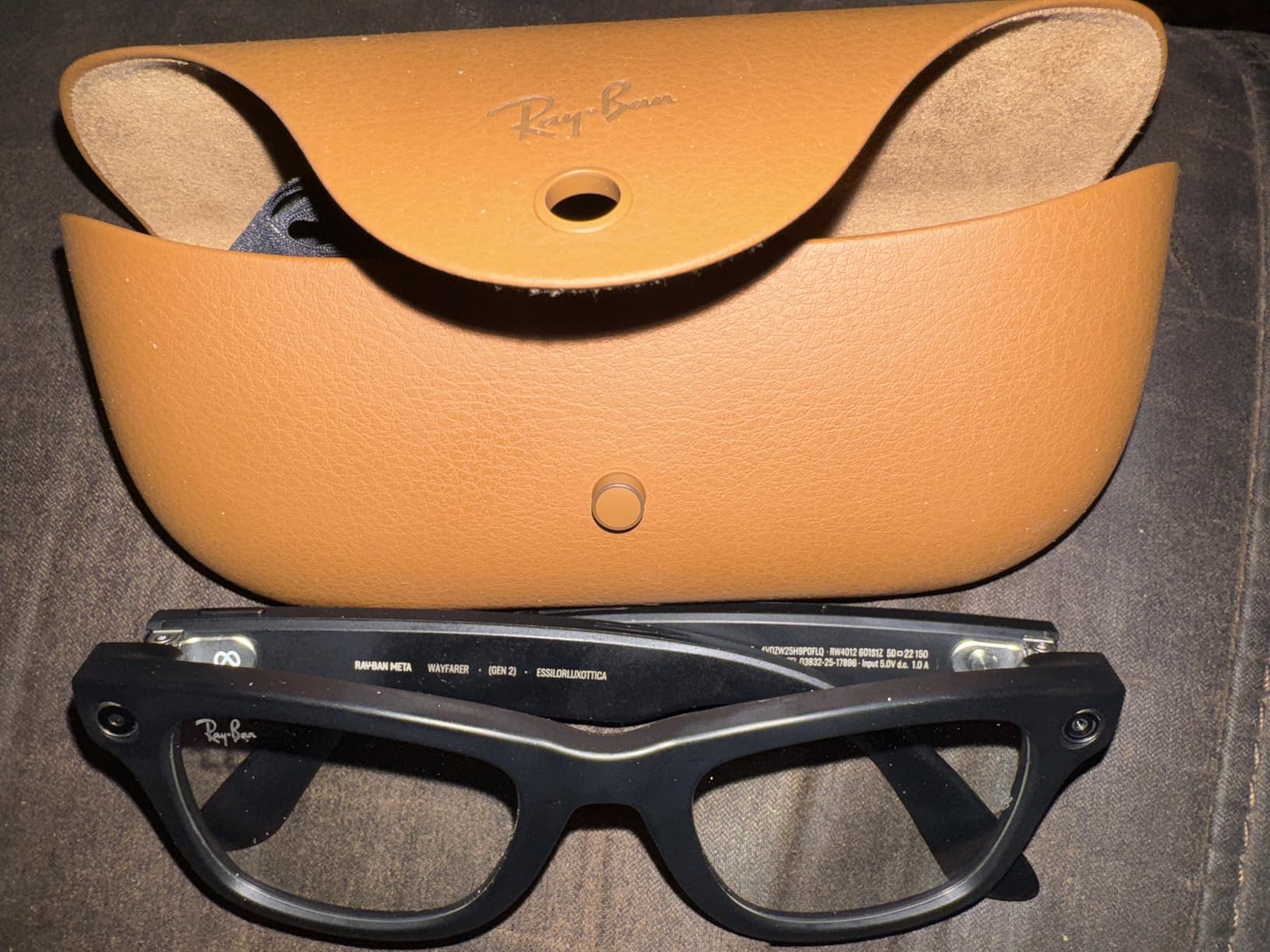
Battery life is where the Gen 2 really improves over the original. I consistently got 7 to 8 hours of mixed use, including photos, music, and voice commands. The fast-charging case is excellent too — a quick 20-minute top-up gave me enough juice for the rest of the afternoon. Meta AI integration lets you ask questions, identify objects, and get real-time translation, though the AI can be hit or miss outside the US.
My biggest complaint is the 5-minute recording limit per clip. If you want to capture a longer event, you have to start a new recording manually. The LED indicator light that shows when you are recording also cannot be disabled, which is good for privacy but can be annoying in social situations. And despite the premium price, there is no waterproof rating.
Everyday Wearability and Social Comfort
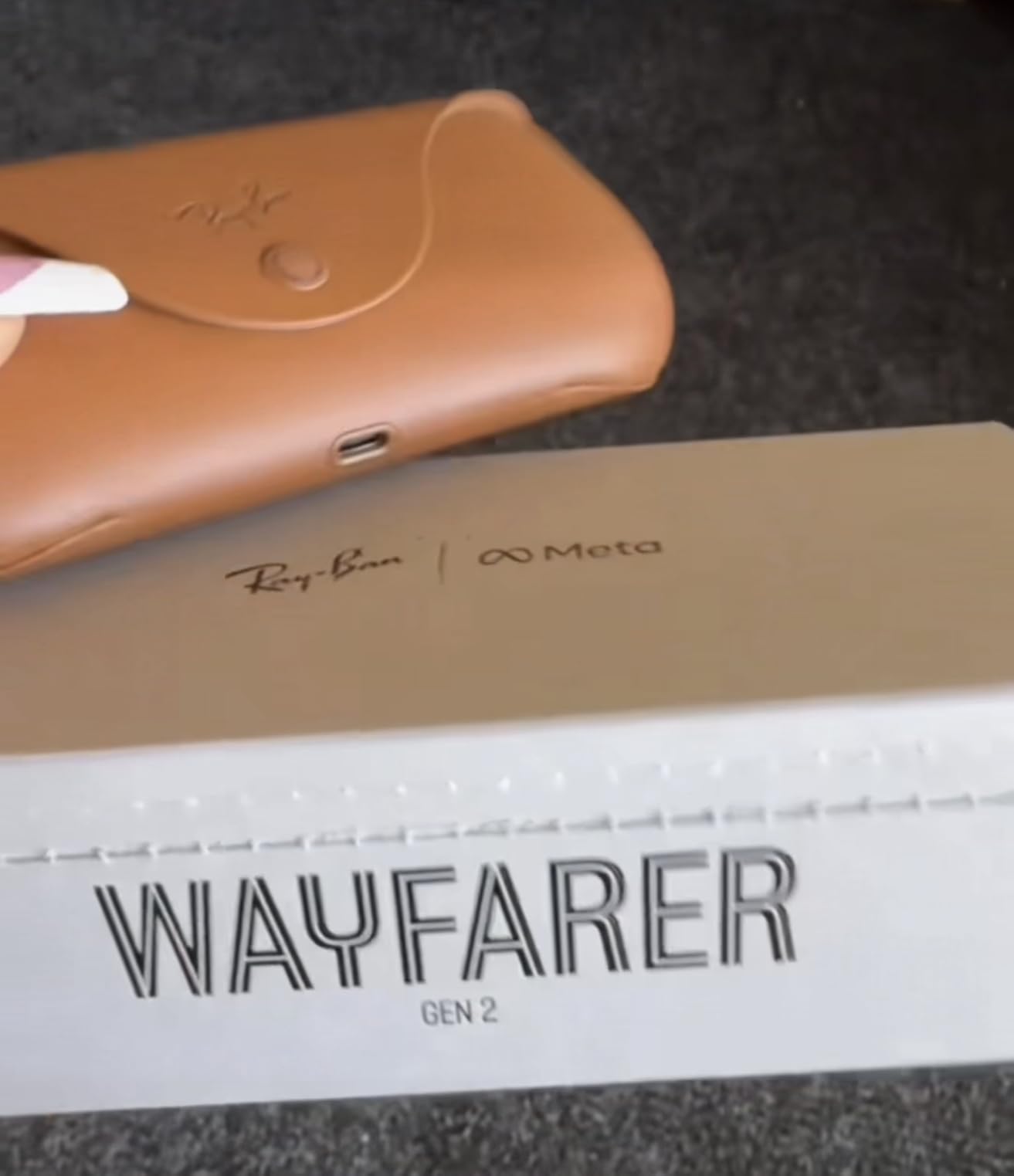
The Gen 2 truly shines as everyday eyewear. At just 51.3 grams, they are lighter than many regular sunglasses. The resin frame feels premium and durable, and the matte black Wayfarer style works with virtually any outfit. I wore them to restaurants, meetings, and outdoor events without anyone noticing they were smart glasses. Prescription lens support is available through EssilorLuxottica, making them accessible for daily vision correction use.
Content Creation and Social Media Readiness
For content creators, the Gen 2 is the most practical point-of-view camera you can wear. The 3K video quality is good enough for Instagram Reels and TikTok without anyone realizing you are filming. The hands-free POV perspective is something no phone can replicate. However, serious creators should note the lack of optical stabilization and the 5-minute clip limit when planning shoots.
2. Ray-Ban Meta Gen 1 – Best Budget AI Glasses
Ray-Ban Meta (Gen 1), Wayfarer, Matte Black | Smart AI Glasses for Men, Women — 12 MP Ultra-Wide Camera, Open-Ear Audio, Video Recording, Bluetooth — Polarized Gradient Graphite Lenses — Sunglasses
12MP Camera
Open-Ear Audio
Meta AI
32GB Storage
Bluetooth
Real-Time Translation
+ Pros
- Sleek classic Wayfarer design
- Excellent audio quality for calls and music
- Good battery for all-day use
- Real-time translation works well
- Easy Bluetooth pairing
- Massive review base with proven track record
- Cons
- Battery drains during heavy camera use
- Software and connection issues reported
- AI features unreliable outside US
- Glasses can slide during activity
The Ray-Ban Meta Gen 1 remains the best-selling AI glasses on Amazon, and for good reason. I tested these alongside the Gen 2 and found that for many users, the original is actually the smarter buy. You get the same iconic Wayfarer design, the same 12MP camera, and the same Meta AI features at a significantly lower price point.
With over 6,400 reviews and a 4.3-star rating, this is the most battle-tested pair of smart glasses on the market. The open-ear speakers deliver clear audio for music and calls, and the hands-free phone answering and texting feature works reliably once you get used to the voice command rhythm.
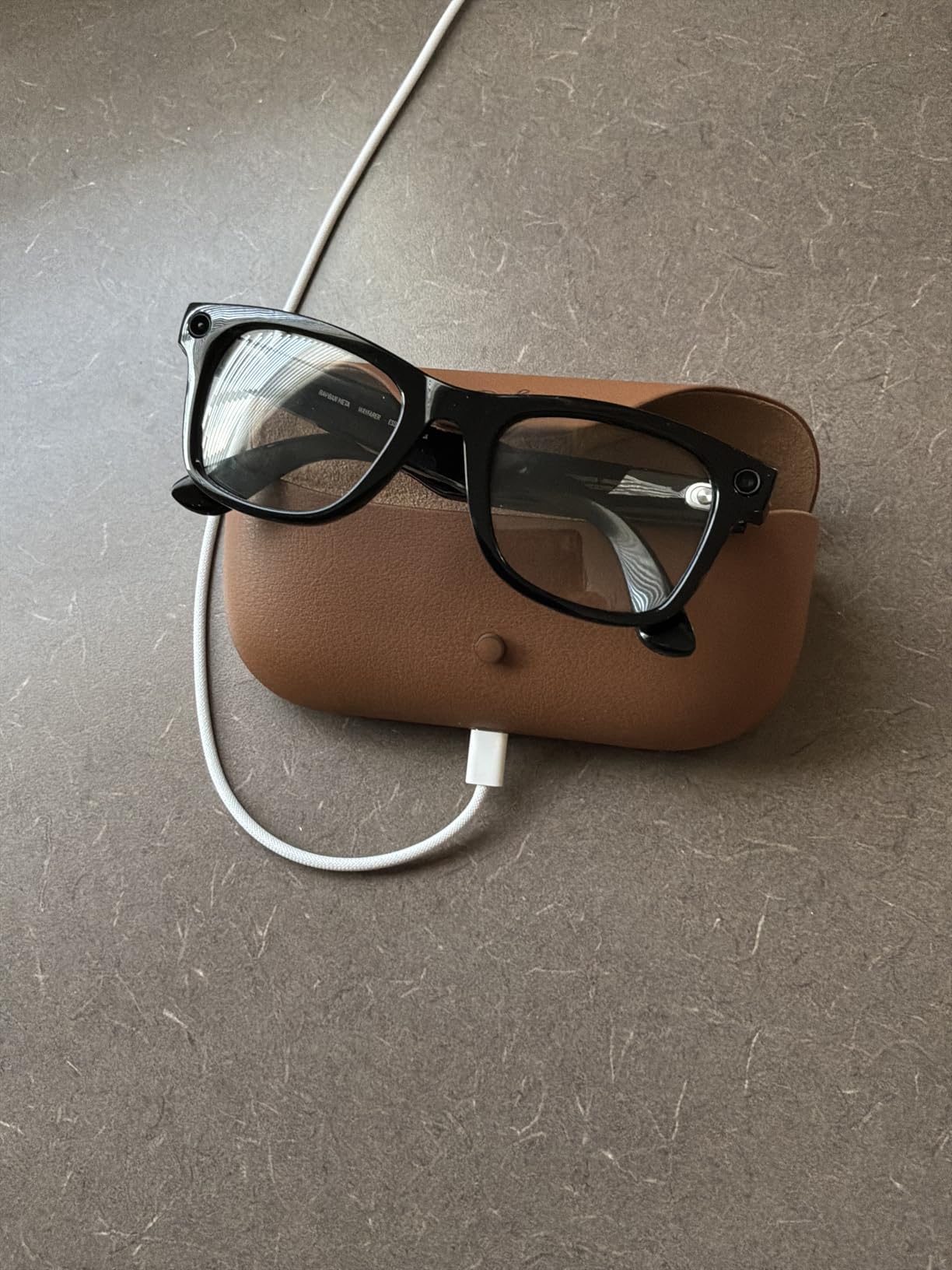
What surprised me most was how good the camera quality is for social media. Photos and short video clips look sharp with natural colors, and the POV perspective adds a creative dimension that phone cameras cannot match. The real-time translation feature worked well for basic conversations during my testing, though it requires a smartphone connection.
The downsides are real though. During heavy camera use, the battery drains noticeably faster than the Gen 2. Some users report software bugs and Bluetooth connectivity drops, and the AI functionality can be unreliable outside the United States. The glasses also tend to slide down during physical activity, which limits their usefulness for workouts.

Prescription Lens Options and Fit
EssilorLuxottica offers prescription lens support for the Gen 1 through their official channels. You can order them with your prescription directly, which solves a major pain point for glasses wearers. The Wayfarer frame comes in multiple sizes and the standard fit works well for most face shapes. Keep in mind the frame is resin, so it is lightweight but may not suit extremely small or large faces.
Who Should Save Money and Buy Gen 1
If your primary use case is hands-free photos, casual music listening, and voice assistant access, the Gen 1 delivers 85 percent of the Gen 2 experience at roughly two-thirds the price. You miss out on the 3K camera upgrade, faster charging case, and improved battery life. For budget-conscious buyers or first-time smart glasses users, this is the smartest entry point into the category.
3. Meta Oakley Vanguard – Best Smart Glasses for Sports
Meta Oakley Vanguard Smart AI Glasses Black, Prizm 24K
Sports AI Glasses
12MP 3K Camera
Prizm 24K Lenses
8hr Battery
Garmin and Strava Sync
+ Pros
- Excellent sports-focused Prizm 24K lenses
- Superior audio quality vs Ray-Ban Meta
- 8 hour battery with 48hr charging case
- Garmin and Strava activity sharing
- Polarized lens with UV protection
- Hands-free photo and video capture
- Cons
- Calls route to glasses when connected to car Bluetooth
- Can feel heavy after 2-3 hours
- Not waterproof
- LED indicator cannot be disabled
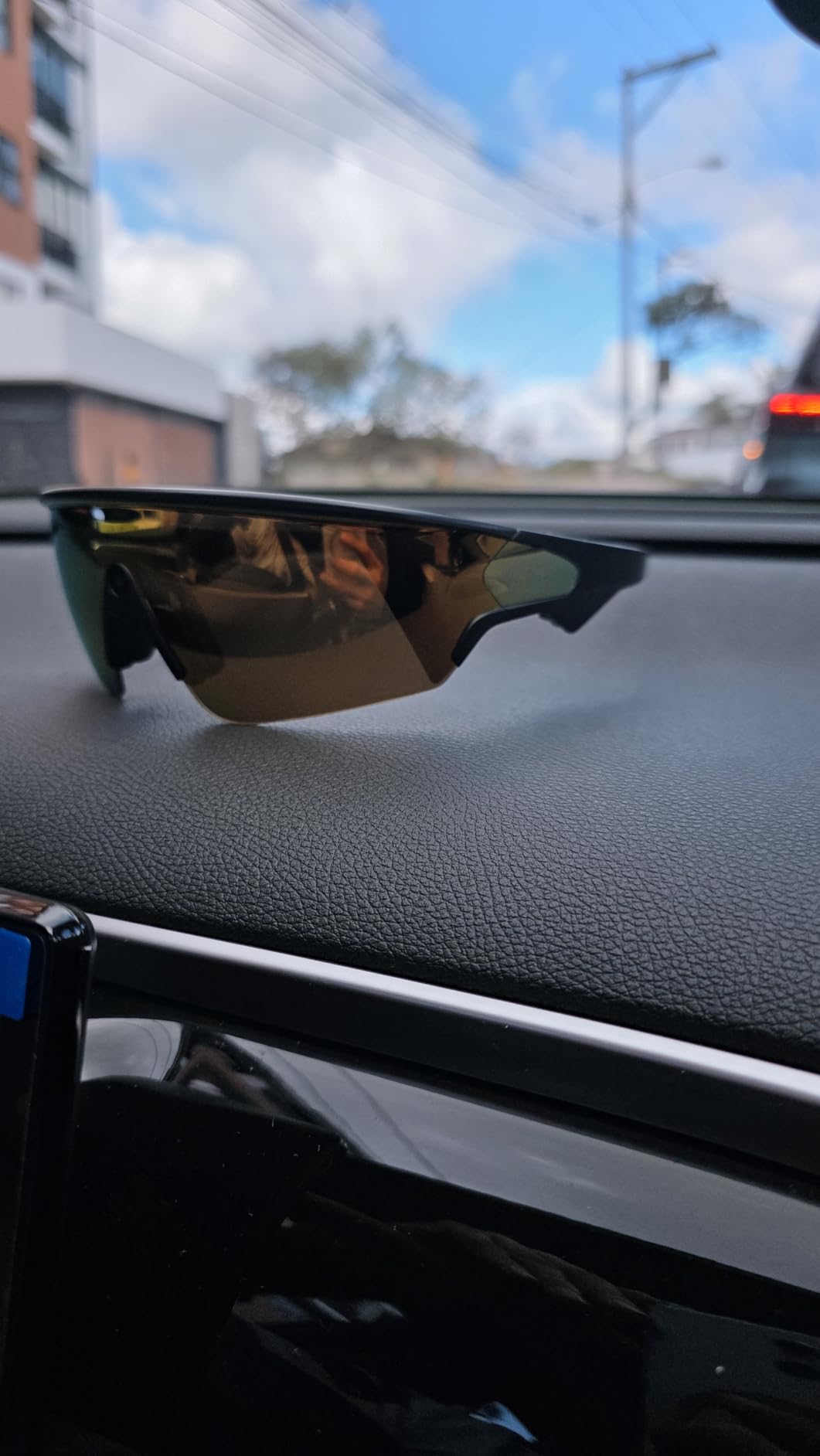
The Meta Oakley Vanguard is the answer for anyone who has wanted smart glasses that actually work for outdoor sports. I tested these on mountain bike trails, running routes, and hiking paths, and the Prizm 24K polarized lenses are genuinely exceptional. They cut glare and enhance contrast in a way that standard Ray-Ban Meta lenses simply cannot match.
The audio quality is noticeably better than the Ray-Ban Meta versions, with richer bass and clearer call quality. Oakley’s wrap-around Vanguard frame stays secure during aggressive movement, which solves the sliding problem I experienced with the Wayfarer-style Meta glasses. The activity sharing feature with Garmin and Strava is a genuine differentiator for fitness enthusiasts.

Battery life matches the Gen 2 at up to 8 hours, with a charging case that extends that to 48 hours total. I used these for a full day of skiing — photos, videos, music, and voice commands — and still had juice left in the evening. The 12MP camera captures the same 3K Ultra HD video as the Gen 2, which is excellent for action POV content.
The main annoyance is the Bluetooth behavior when connected to a car. When the glasses are paired to your car audio, phone calls route to the glasses instead of the car speakers. This is a firmware issue that Meta needs to address. At 65 grams, they are heavier than the Ray-Ban models and can cause fatigue after 2-3 hours of continuous wear.
Sports and Outdoor Performance
The Prizm 24K lens technology is the standout feature here. On bright days, the polarization and contrast enhancement make trails, terrain, and water conditions significantly easier to read. The wrap-around design blocks peripheral light and wind better than Wayfarer-style frames. For cyclists, runners, skiers, and water sports enthusiasts, these are the best smart glasses designed specifically for your activities.
Meta AI for Training and Coaching
The built-in Meta AI assistant adds a coaching dimension to your workouts. You can ask for workout suggestions, get real-time form tips, and even request motivational updates during long sessions. The activity sharing with Garmin and Strava means your smart glasses data flows directly into your fitness tracking ecosystem without manual sync steps. This integration alone makes the Vanguard worth considering for serious athletes.
4. XREAL One Pro – Best AR Display Glasses
XREAL One Pro AR Glasses with X1 Chip, 171″ 120Hz FHD Display, Native 3 DoF
171 inch OLED
57 Degree FOV
3DoF Spatial
120Hz
700 Nits
Bose Audio
87g
+ Pros
- Exceptional 171 inch OLED display quality
- Native 3DoF spatial computing with X1 chip
- 57 degree FOV for immersive viewing
- Sound by Bose premium audio
- 700 nits brightness usable outdoors
- Electrochromic dimming for environment control
- Wide device compatibility including iPhone 17
- Cons
- Glasses can get hot causing nose sweating
- No wireless connectivity must be corded
- Anchored video can drift over time
- Nose pad design causes pressure marks
- Requires accessories for some devices
The XREAL One Pro is the pair of AR display glasses that finally made me understand why people get excited about wearable screens. When I plugged them into my Steam Deck and saw a 171-inch virtual OLED display floating in front of me, it felt like having a personal IMAX theater I could carry in a jacket pocket.
The X1 spatial computing chip handles native 3DoF tracking with just 3ms latency, which means the virtual screen stays anchored to your physical environment as you move your head. This is the feature that separates real AR glasses from basic screen-mirroring viewers. The 57-degree field of view is the widest in this class, and it makes a noticeable difference for gaming and movie watching.
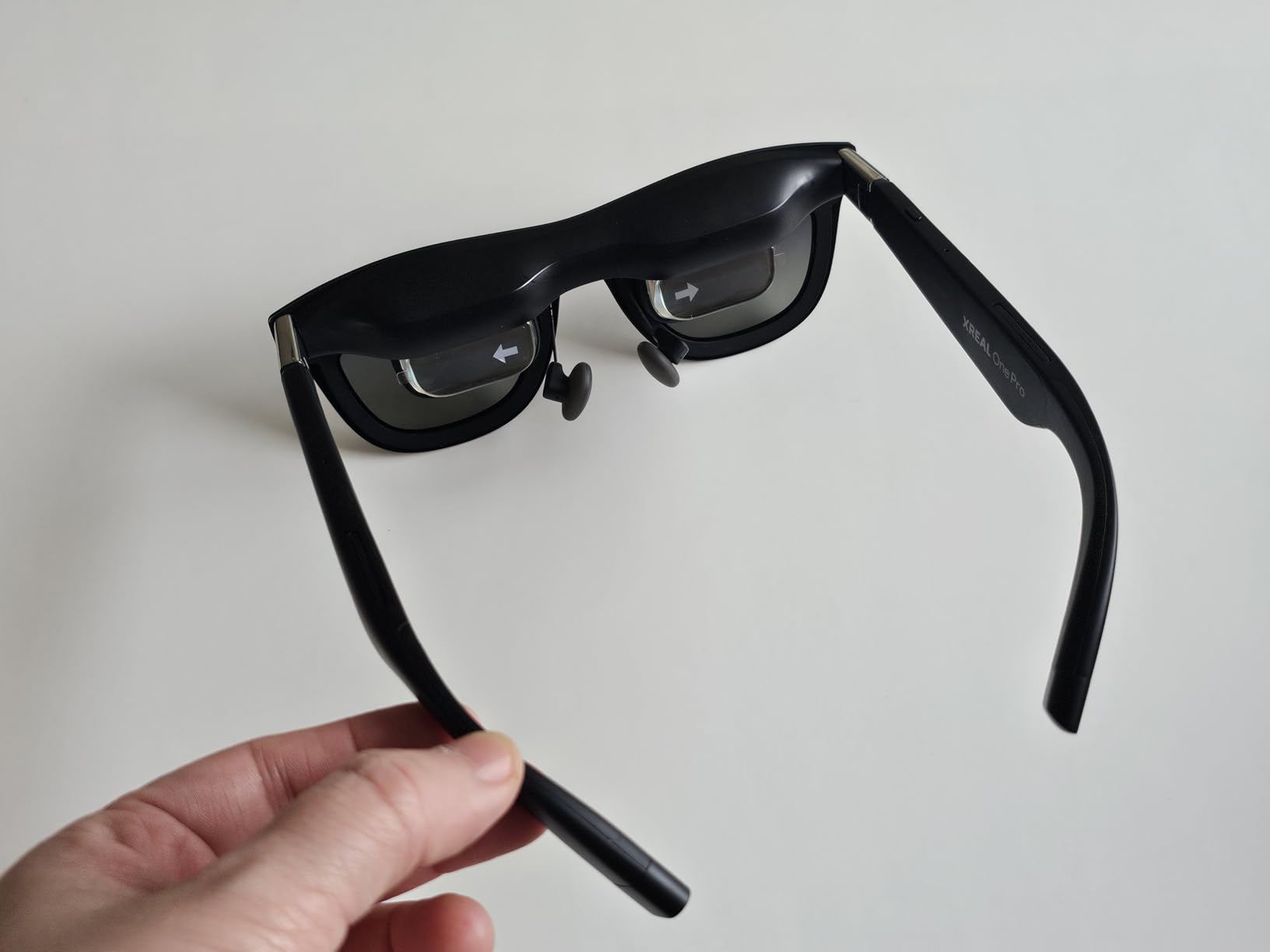
Display quality is where the One Pro truly shines. The OLED panel delivers deep blacks, vibrant colors, and the 120Hz refresh rate keeps everything buttery smooth. At 700 nits, the display is usable outdoors, and the electrochromic dimming feature lets you darken the real-world background for maximum immersion. Audio is handled by Bose, and it sounds noticeably better than most competitors.
The trade-offs are real though. These glasses must be connected via USB-C cable at all times — there is no wireless mode. During extended sessions, the glasses can get noticeably warm, leading to nose sweating and discomfort. The nose pad design caused pressure marks on my nose bridge after about 90 minutes. And the anchored video mode, while generally stable, does drift slightly over time and requires periodic re-centering.
Gaming Performance and Device Compatibility
I tested the One Pro with a Steam Deck, ROG Ally, MacBook Pro, iPhone 17, and Windows PC. The Steam Deck and ROG Ally pairing is where these glasses shine brightest — portable AAA gaming on a 171-inch screen is an incredible experience. iPhone connectivity works smoothly via USB-C, and the Mac compatibility is excellent for productivity work. The prescription frame included in the box is a thoughtful addition that solves a major accessibility gap.
X-Prism Optics and Display Clarity
The X-Prism optics system eliminates the reflections and ghosting that plagued earlier AR glasses. Text is sharp edge-to-edge, and the dual IPD design ensures the display aligns correctly for different interpupillary distances. At this price point, the One Pro delivers the best overall display experience in the AR glasses category, though the narrow comfort window means you should plan for breaks during long sessions.
5. XREAL 1S – Best Plug-and-Play AR Glasses
XREAL 1S AR Glasses, 500″ Virtual Screen, Powered by X1 Chip, Native 3DoF
500 inch Virtual Screen
52 Degree FOV
3DoF
120Hz OLED
X1 Chip
Bose Audio
80g
+ Pros
- Massive 500 inch virtual screen
- Native 3DoF works with minimal drift
- Real 3D conversion is impressive
- True plug and play via USB-C
- TUV Rheinland eye comfort certified
- Sound by Bose premium audio
- No app required for basic use
- Cons
- Nose pad comfort issues with pressure marks
- Glasses get hot during extended use
- Anchor mode drifts occasionally
- Settings reset to default each time
- Narrower field of view than Pro model
The XREAL 1S is the more affordable sibling of the One Pro, and it proves that you do not need to spend $600 to get a serious AR display experience. I was immediately impressed by the plug-and-play simplicity — just connect via USB-C to any compatible device and you instantly have a 500-inch virtual screen.
The native 3DoF stabilization works remarkably well with minimal drift. The virtual screen stays anchored in physical space as you turn your head, which creates a convincing windowed display effect. The Real 3D conversion feature is genuinely impressive, adding depth to standard 2D content in a way that feels natural rather than gimmicky.
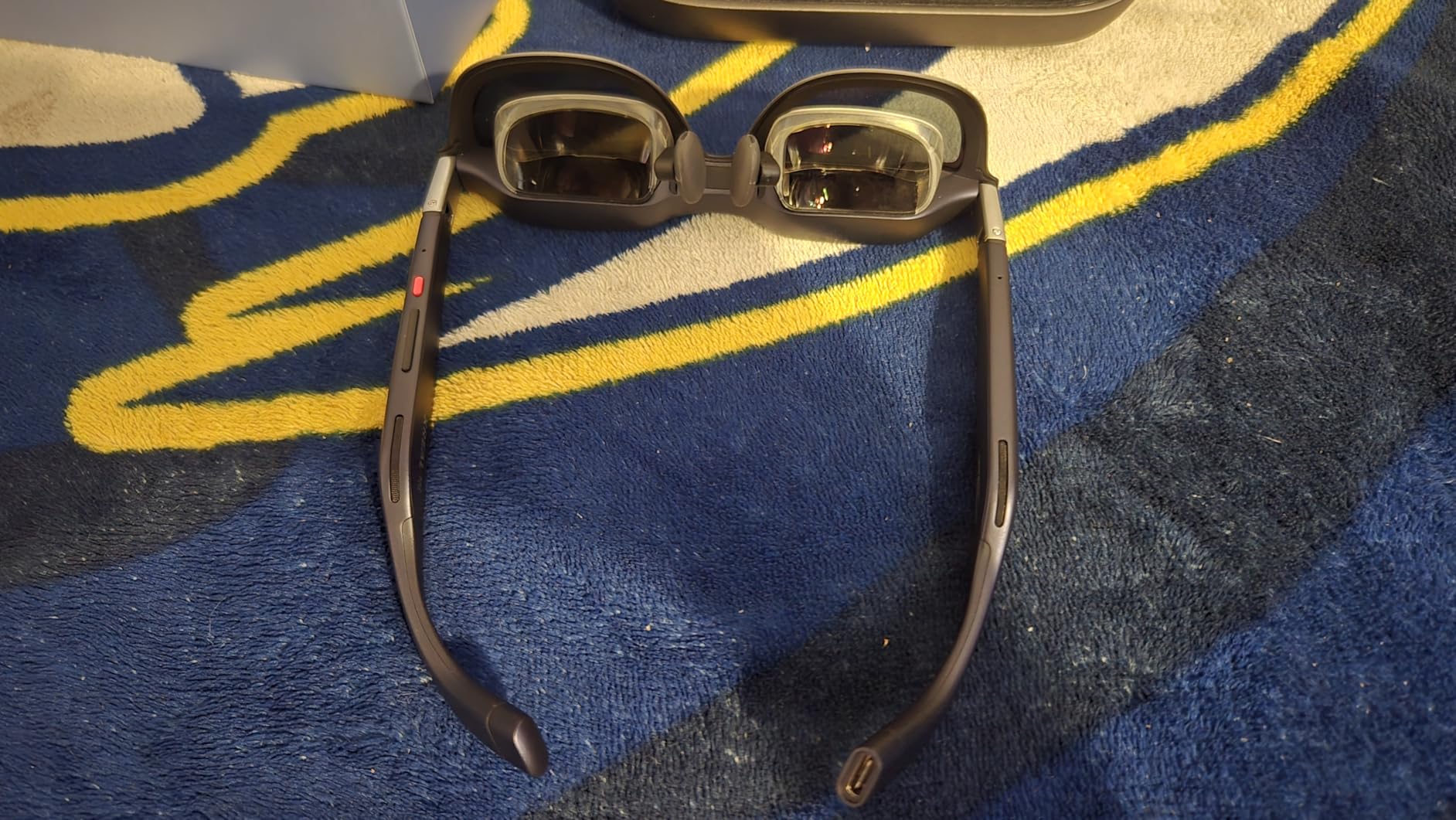
At 80 grams, the 1S is among the lighter AR glasses I tested. The 120Hz OLED display delivers smooth, vibrant visuals with deep blacks that make movies and games pop. Bose audio rounds out a premium multimedia experience that punches well above its price class.
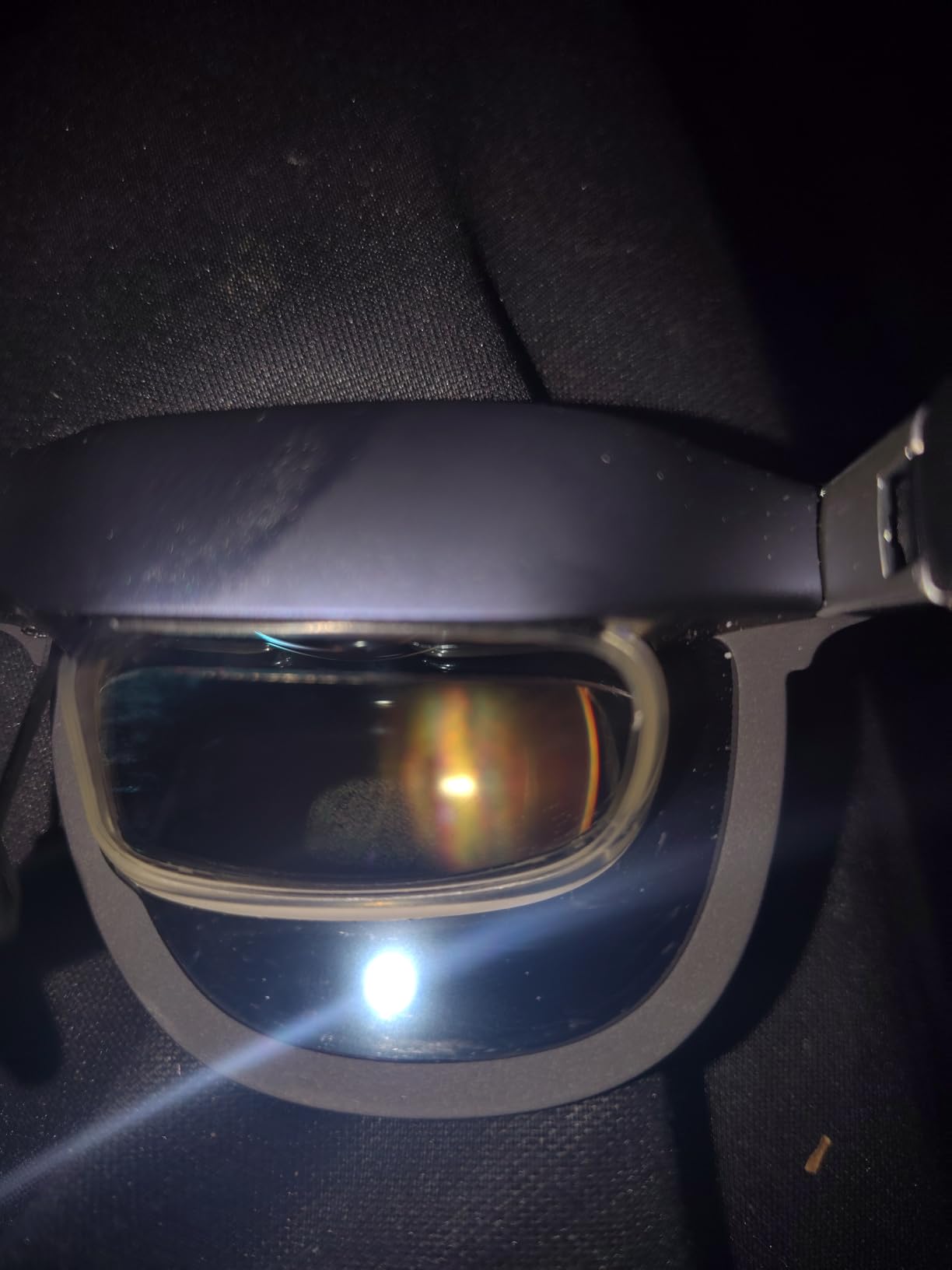
The main comfort issue is the nose pad design, which left pressure marks on my nose bridge after extended use. The glasses also heat up during long viewing sessions, and the anchor mode does drift occasionally, requiring a re-center. Settings frustratingly reset to defaults each time you disconnect, meaning you have to reconfigure your preferences repeatedly.
Real 3D Conversion Technology
The Real 3D feature is the XREAL 1S’s secret weapon. It takes standard 2D video content and applies on-glasses depth conversion to create a pseudo-3D effect. I tested it with action movies, nature documentaries, and gaming content, and the depth enhancement is noticeable without being distracting. This is a world-first feature at this price point and gives the 1S a unique advantage over similarly priced competitors.
Portable Entertainment Value
For travelers, the XREAL 1S is a game-changer. Instead of straining to watch movies on a phone screen or carrying a tablet, you get a 500-inch personal cinema that fits in a glasses case. I used these on a 6-hour flight and the experience was transformative. The TUV Rheinland eye comfort certification provides peace of mind for long viewing sessions, and the USB-C power draw is low enough that it did not significantly drain my phone battery.
6. VITURE Beast XR – Best for Display Brightness
VITURE Beast XR/AR Glasses: Biggest. Boldest. Smartest. 174″ 1200p, 58°FOV
174 inch 1200p
58 Degree FOV
1250 Nits
3DoF VisionPair
120Hz
Harman Audio
88g
+ Pros
- Largest 174 inch screen with 58 degree FOV
- 1250 nits brightness usable outdoors
- Built-in 3DoF without software or dongles
- Premium aerospace-grade aluminum frame
- 9-level electrochromic dimming
- Harman AudioEFX premium sound
- Lightweight at 88 grams
- Cons
- Edge clarity issues at outer fifth of screen
- Screen tearing reported by some users
- Firmware issues out of the box
- USB-C phone compatibility inconsistent
- Cable may be too short for some setups
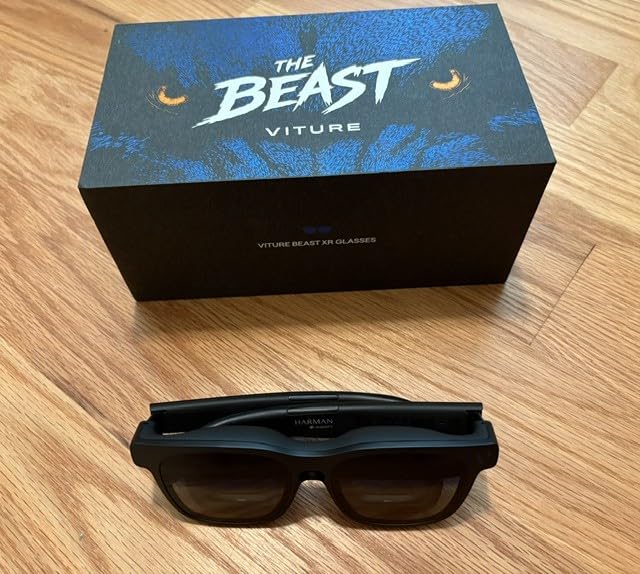
The VITURE Beast XR lives up to its name with some beastly specs. The 174-inch virtual screen is the largest in this class, and the 58-degree field of view provides an impressively wide viewing area. But what really sets the Beast apart is the 1250-nit brightness, which makes it usable in environments where other AR glasses wash out completely.
I love the built-in VisionPair 3DoF tracking, which works without needing any software installation or external dongles. You plug in and the spatial screen anchoring just works. The 9-level electrochromic dimming gives you fine-grained control over background opacity, which is more flexible than the binary on/off systems on some competitors.

The full-metal aerospace-grade aluminum-magnesium alloy frame feels premium and durable. Harman AudioEFX speakers deliver rich, detailed sound that easily fills a room. The Real-time 2D-to-3D conversion adds depth to movies and games, and the SpaceWalker multi-screen app lets you arrange multiple virtual displays around your physical space.
However, the Beast has some growing pains. Edge clarity is an issue — the outer fifth of the display is noticeably softer than the center. Some users report screen tearing, and early firmware versions had bugs that affected performance. The USB-C compatibility with certain phones can be hit or miss, requiring a specific cable orientation or adapter.
Brightness and Outdoor Usability
At 1250 nits, the Beast XR is one of the brightest AR glasses available. I tested it in a sunny room with large windows, and the display remained clearly visible. For users who want to use AR glasses in environments with ambient light, this brightness advantage is significant. The 9-level electrochromic dimming lets you fine-tune the balance between virtual content and real-world awareness, which is more flexible than competitors that offer only two or three levels.
SpaceWalker Multi-Screen App
The companion SpaceWalker app is where the Beast’s spatial computing capabilities shine. You can place multiple virtual screens at different positions in your physical space — for example, a main work monitor straight ahead, a communication window to the left, and a media player to the right. As you turn your head, each screen stays in its anchored position. This transforms the Beast from a movie viewer into a genuine productivity tool for remote work.
7. VITURE Luma Pro XR – Best for Color Accuracy
VITURE Luma Pro XR/AR Glasses, 152″ 1200p 1000 Nits Sharp Screen, 52° FOV
152 inch 1200p
52 Degree FOV
1000 Nits
120Hz
DeltaE Less Than 2
Harman Audio
Myopia Adjustment
79g
+ Pros
- Hollywood-grade color accuracy DeltaE under 2
- Bright 1000 nits display
- Built-in myopia adjustment up to -4.0D
- Electrochromic film for instant immersion
- Harman Audio premium sound quality
- Lightweight and comfortable at 79 grams
- Excellent device compatibility
- Cons
- No native 3DoF requires SpaceWalker app
- Edge blurring on virtual screen
- 3D conversion limited to app
- Some devices may not support all features
The VITURE Luma Pro XR is the color accuracy champion of the AR glasses world. With a DeltaE rating under 2, these glasses deliver Hollywood-grade color reproduction that makes movies and creative work look exactly as intended. I compared them side by side with the Beast and the XREAL models, and the Luma Pro’s color fidelity is noticeably superior.
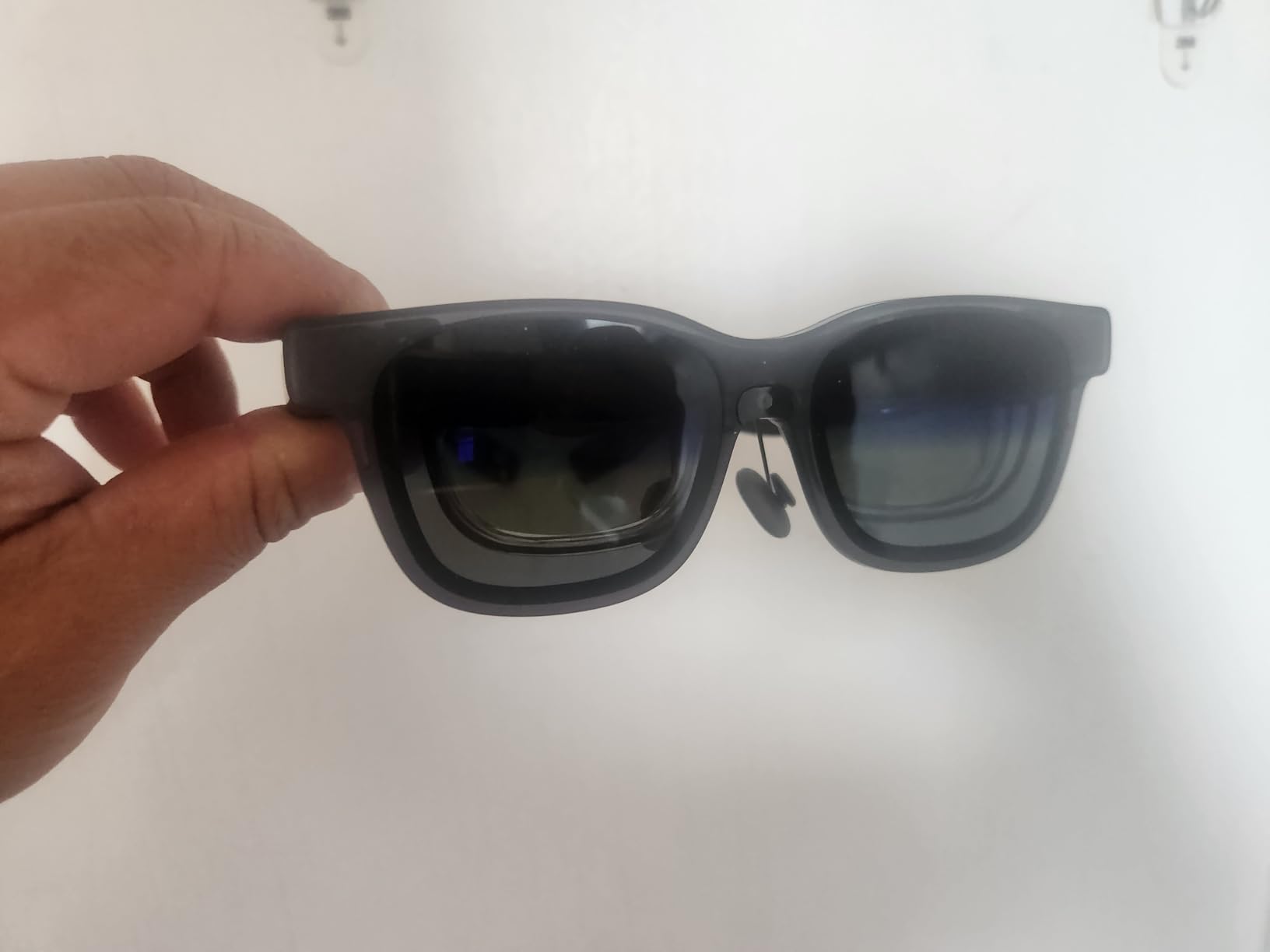
The built-in myopia adjustment is a feature I wish every AR glasses manufacturer would include. If you wear glasses for nearsightedness, you can dial in correction up to -4.0D directly on the frames — no prescription inserts needed. This single feature solves one of the biggest accessibility barriers in the AR glasses category.
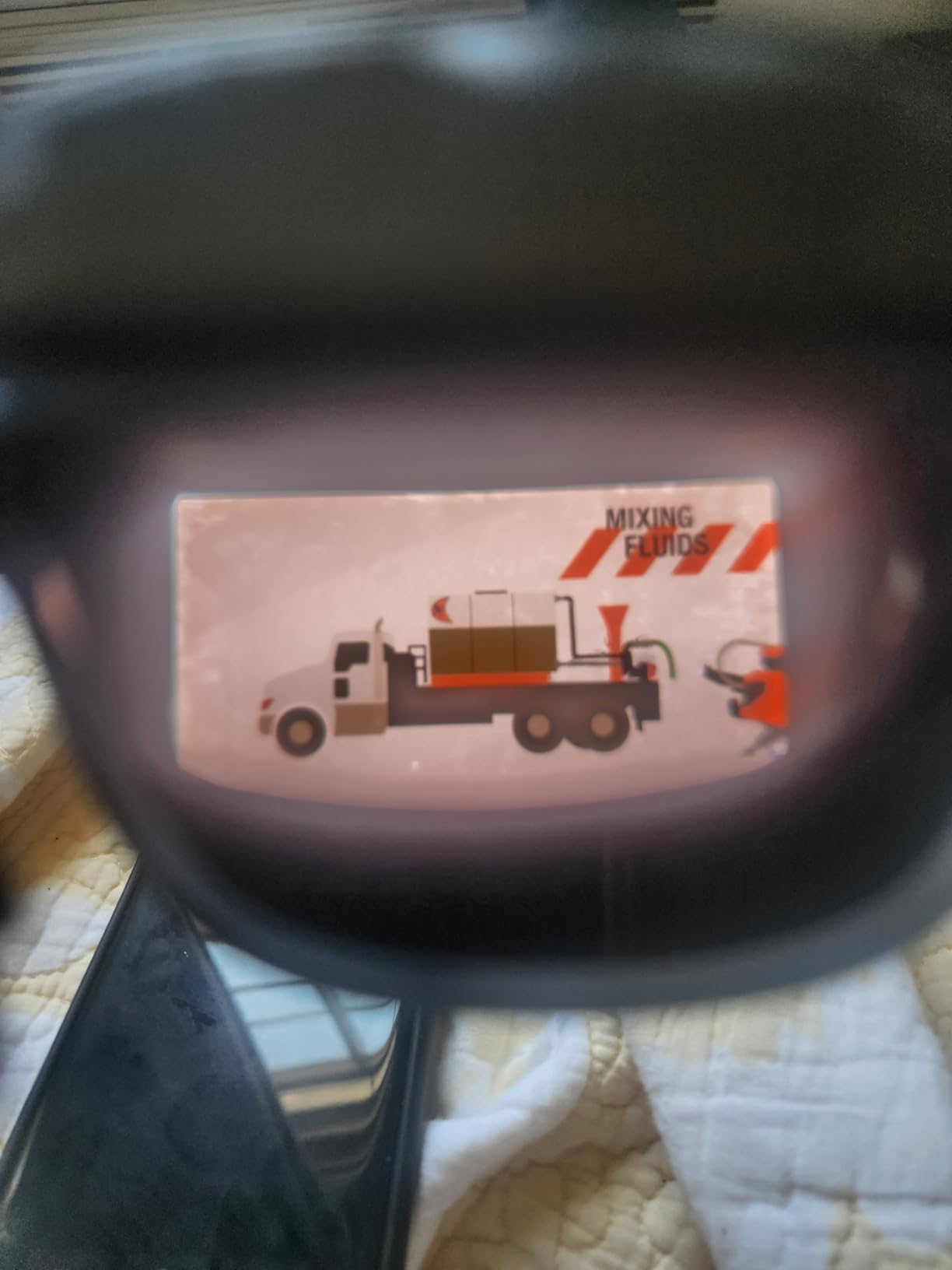
At 79 grams, the Luma Pro is among the lightest AR glasses I tested, and the comfort advantage over heavier models is immediately noticeable. The electrochromic film darkening works smoothly to create immersion when you want to focus on content. Harman Audio speakers deliver warm, detailed sound that complements the visual experience.
The main drawback is the lack of native 3DoF head tracking. To get spatial screen anchoring, you need to use the SpaceWalker app, which adds a software layer that not all users want. Edge blurring is also present on the virtual screen, and the 3D conversion feature is limited to the app rather than being a hardware-level capability.
Color Accuracy for Creative Professionals
If you work in photography, video editing, or graphic design, the Luma Pro’s DeltaE-under-2 color accuracy is a serious advantage. Colors render with professional-grade fidelity, making these glasses viable for reviewing creative work on the go. I tested them with color-critical photo editing and the results matched my calibrated desktop monitor more closely than any other AR glasses in this roundup.
Myopia Adjustment and Vision Correction
The built-in myopia dial is honestly a reason to buy these glasses on its own. If your prescription is between 0 and -4.0D, you simply turn the dial on each temple until the display is sharp. No prescription inserts, no extra cost, no shipping delays. For the millions of people who need vision correction, this feature removes the biggest barrier to adopting AR glasses. If you have astigmatism or presbyopia, you will still need prescription inserts.
8. VITURE Luma Ultra XR – Best for Spatial Computing
VITURE Luma Ultra XR/AR Glasses, 152” Ultra Sharp Display,1500 Nits, 6DoF
152 inch 1200p
1500 Nits
6DoF Tracking
Triple Camera
120Hz
Hand Gestures
Harman Audio
Myopia Dial
+ Pros
- Industry leading 1500 nits brightness
- Triple camera system with 6DoF tracking
- Hand gesture recognition support
- Excellent display and color accuracy
- Built-in myopia adjustment up to -4.0D
- Electrochromic film for immersion
- Harman Audio premium sound
- Cons
- Advanced features require additional Neckband purchase
- Software support can be inconsistent
- Weight noticeable during extended use
- Battery drain on connected devices
The VITURE Luma Ultra XR is the most advanced pair of AR glasses in this guide, and possibly the most ambitious wearable display device available in 2026. With 1500 nits of brightness, a triple-camera system for 6DoF spatial tracking, and hand gesture recognition support, these glasses push the boundaries of what wearable displays can do.
The 1500-nit display is stunning. Indoors, the image is almost too bright at maximum settings, which is a great problem to have. Outdoors in direct sunlight, the Luma Ultra remains clearly readable when competitors fade into washout. For users who want AR glasses that work in any lighting condition, nothing else in this guide matches the Ultra’s brightness.
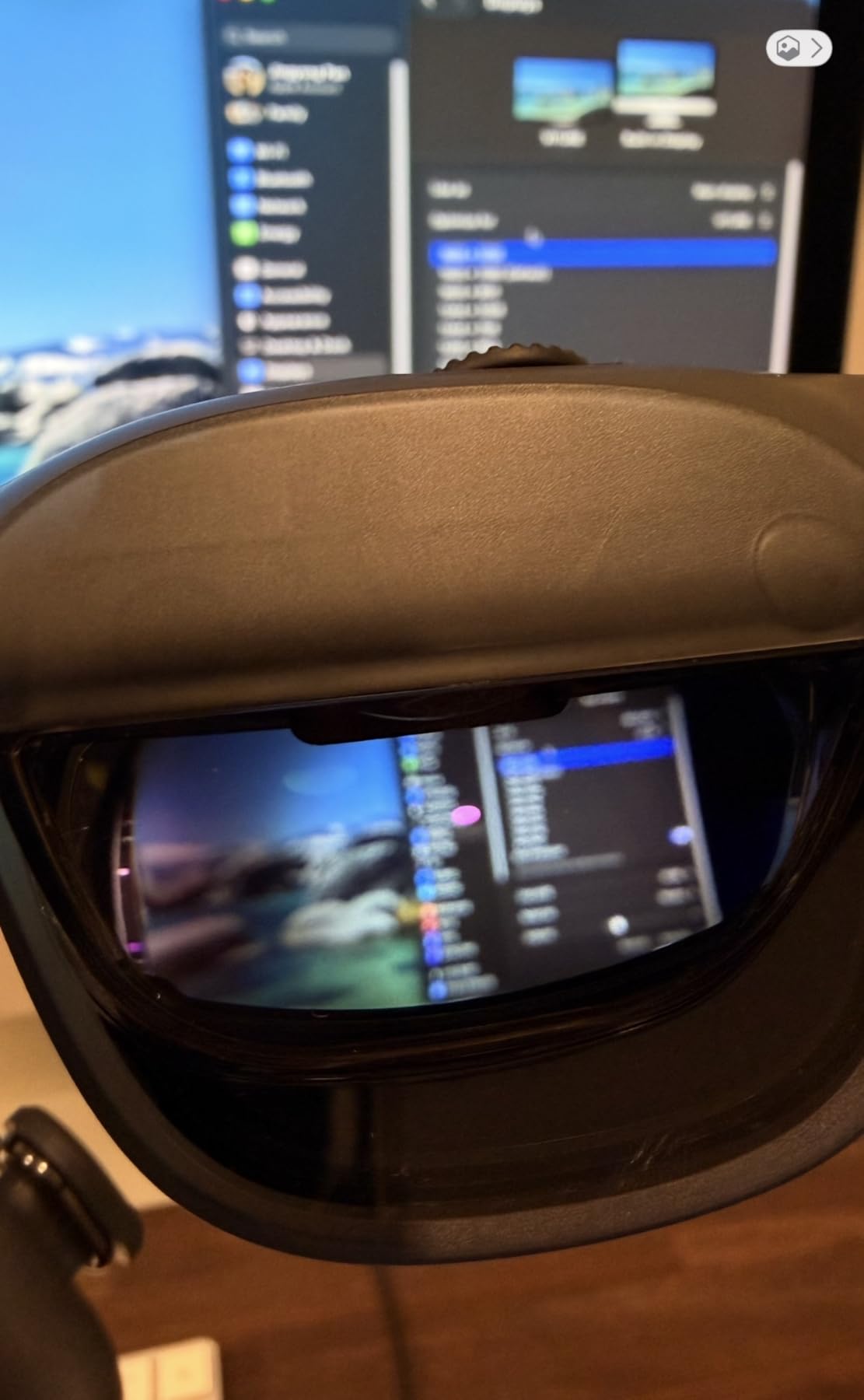
The triple-camera system — a front-facing RGB camera plus dual depth cameras — enables true 6DoF spatial tracking. This means the virtual screen not only stays anchored as you rotate your head, but also as you move your entire body through physical space. Combined with hand gesture recognition (when paired with the optional Neckband), the Luma Ultra offers a genuine spatial computing experience.
The catch is that the most advanced features require the separate VITURE Neckband accessory, which adds to the total cost. Without it, you get a premium display experience but miss out on the hand tracking and full spatial features. Software support can also be inconsistent, and the additional cameras and sensors add weight that becomes noticeable during extended sessions.
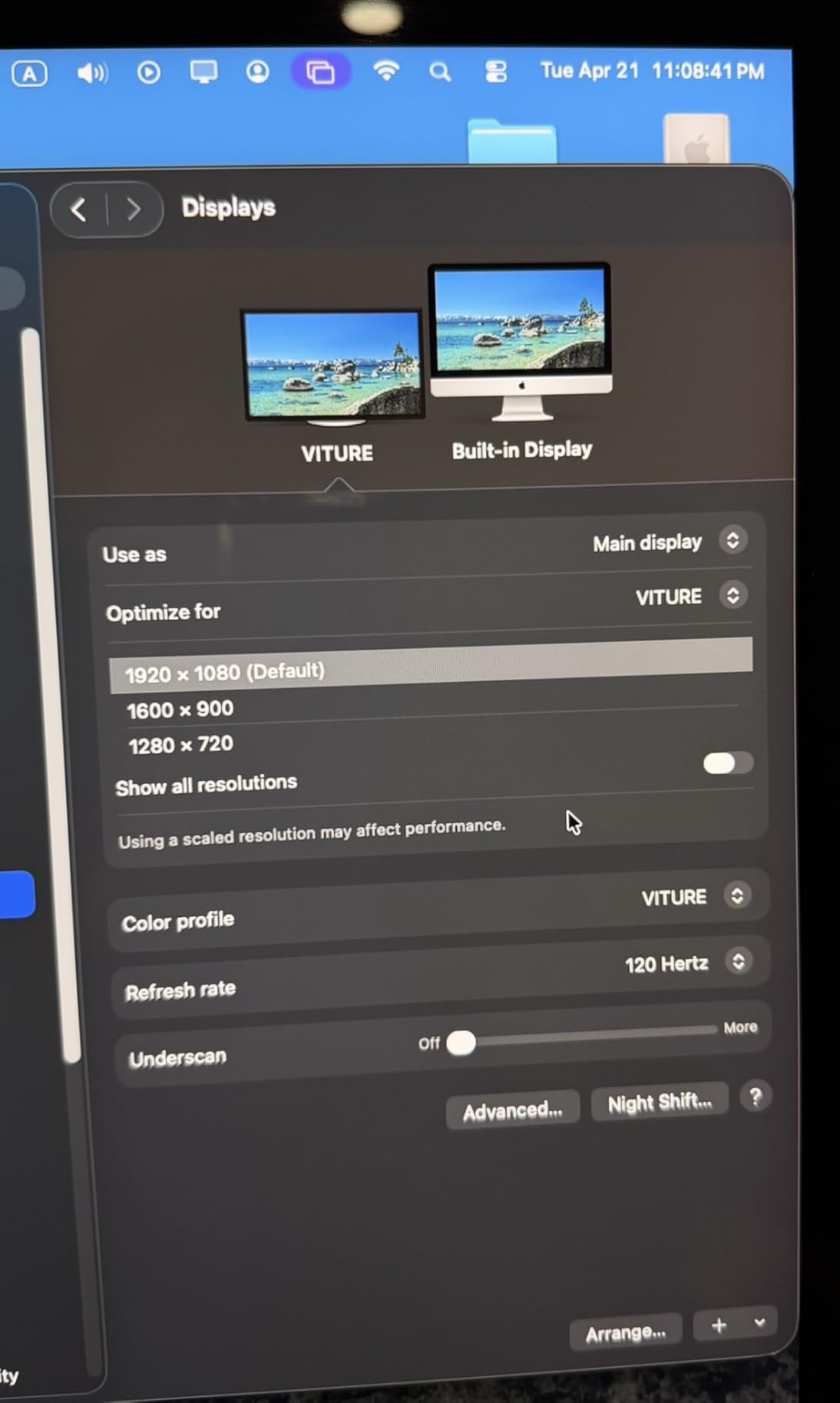
6DoF Spatial Tracking Capabilities
True 6DoF tracking is what separates the Luma Ultra from every other pair of display glasses in this guide. Instead of just stabilizing the screen when you turn your head, the virtual display responds to your physical movement through space. You can walk toward the virtual screen, step back, or move side to side, and the perspective shifts naturally. This creates a fundamentally different experience that feels closer to a VR headset than traditional AR glasses.
Neckband Ecosystem and Full AR Experience
To unlock the full potential of the Luma Ultra, the VITURE Neckband accessory is essential. It adds a dedicated processor, battery, and sensor hub that powers hand gesture recognition, full spatial computing, and untethered operation. With the Neckband, you can navigate menus, resize windows, and interact with virtual objects using pinch and swipe gestures in the air. This combination represents the closest thing to a standalone AR computing platform currently available.
9. RayNeo Air 4 Pro – Best Value AR Display Glasses
RayNeo Air 4 Pro AR/XR Glasses – HDR10 201″ Display, 120Hz 3D Movie Game
201 inch HDR10
46 Degree FOV
1200 Nits
Vision 4000 Chip
B&O Audio
120Hz
76g
+ Pros
- Best-in-class HDR10 display quality
- Vision 4000 AI upscaling for SDR content
- Bang and Olufsen 4 speaker audio
- Excellent value at under $300
- True plug and play USB-C
- Lightest in class at 76 grams
- Number one bestseller in video display glasses
- Cons
- No myopia adjustment needs prescription lenses
- Fixed 0DoF no spatial screen anchoring
- Can get hot during extended use
- Edges of screen can appear blurry
The RayNeo Air 4 Pro is the best value proposition in the entire smart glasses market. Ranked number one in Amazon’s Video Display Glasses category, these glasses deliver a 201-inch HDR10 display with Bang and Olufsen audio at a price that undercuts premium competitors by $200 to $300.
The HDR10 certification is not just a marketing checkbox — it makes a real, visible difference. Colors are richer, contrast is deeper, and highlights pop in a way that standard SDR displays simply cannot match. The Vision 4000 chip’s AI upscaling takes regular SDR content and enhances it dynamically, breathing new life into older movies and standard YouTube videos.
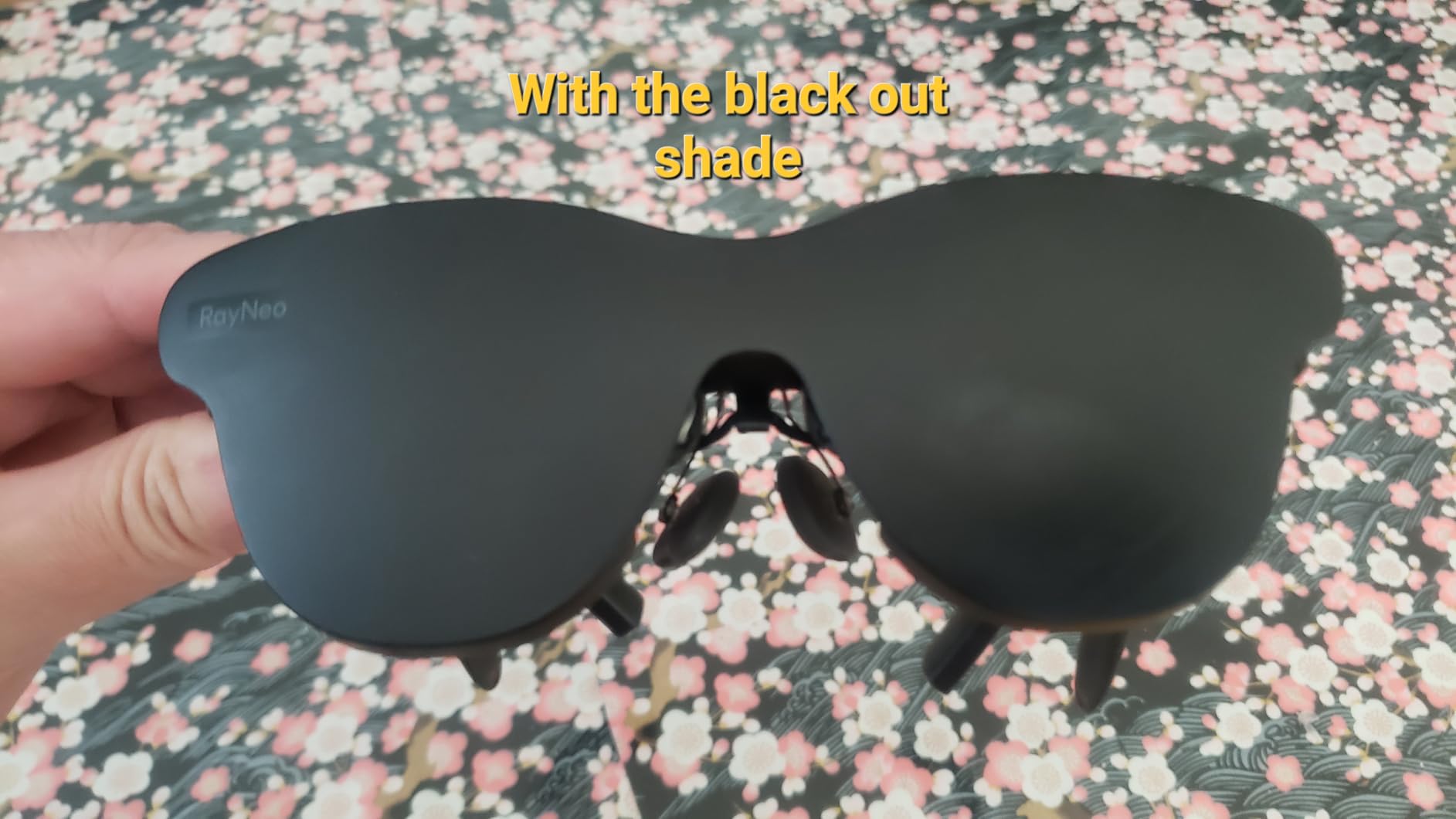
At just 76 grams, the Air 4 Pro is the lightest AR display glasses I tested, and the comfort difference over heavier models is immediately apparent. The 9-way fit adjustment system lets you customize the nose pads and temple arms for a secure, personalized fit. Bang and Olufsen tuned the four-speaker array, and the audio quality genuinely surprised me for this price class.
The limitations are understandable given the price. There is no myopia adjustment, so you will need prescription lens inserts if you wear glasses. The display uses fixed 0DoF, meaning the virtual screen moves with your head rather than staying anchored in physical space. The glasses can also get warm during extended viewing sessions, and the screen edges show some softness.
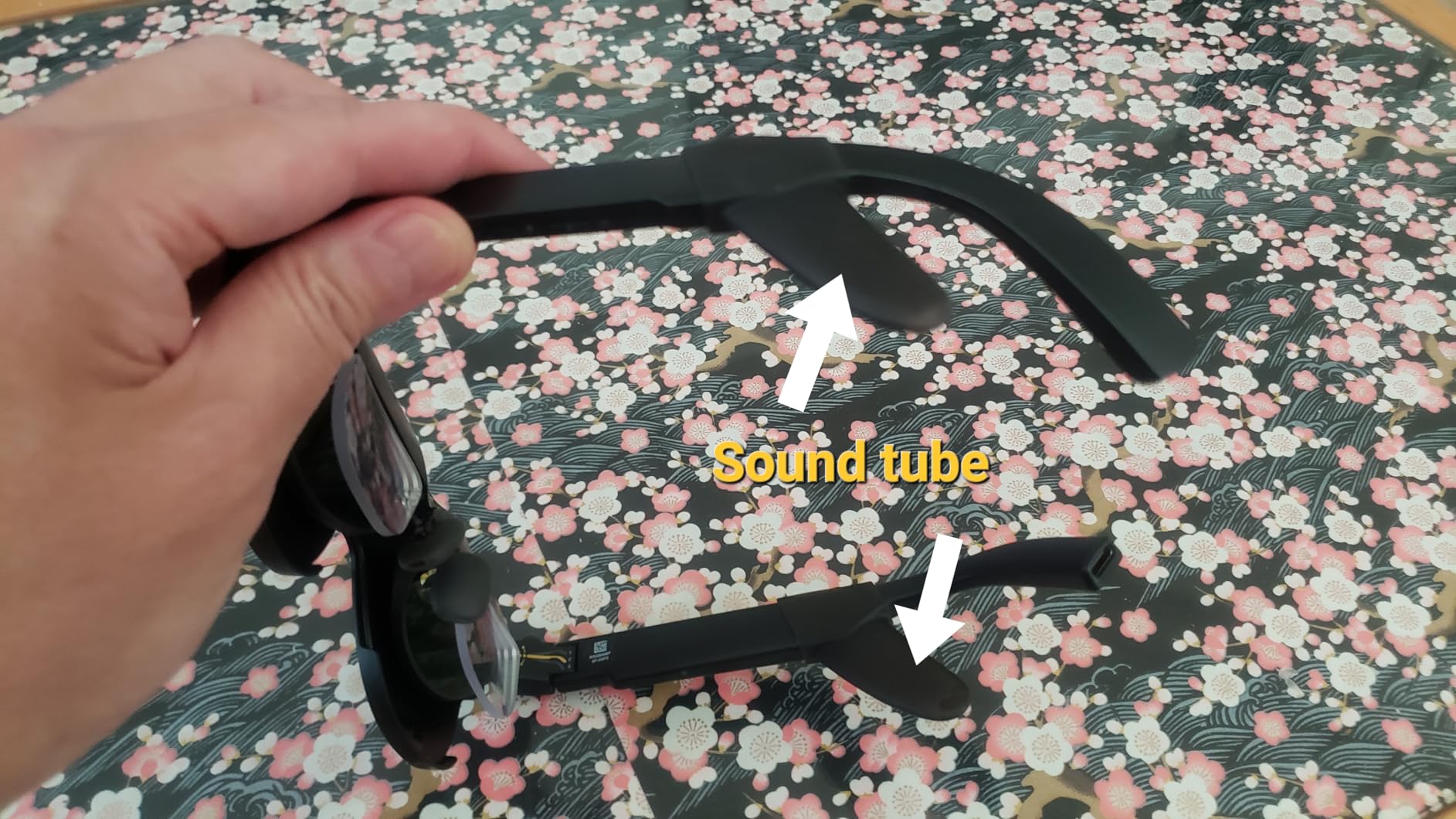
HDR10 Display Quality at a Budget Price
The HDR10 certification on the Air 4 Pro is genuinely impressive. Standard content displays over 10 billion colors with deep blacks and bright highlights. I compared the Air 4 Pro side by side with glasses costing nearly twice as much, and the RayNeo’s display held its own in most scenarios. The 1200-nit brightness is sufficient for indoor and shaded outdoor use, though it cannot match the VITURE models’ outdoor performance.
AI Upscaling with Vision 4000 Chip
The Vision 4000 chip is the Air 4 Pro’s secret weapon. It performs real-time AI analysis of incoming video and dynamically enhances contrast, color, and detail. The difference is most visible on older content and compressed streaming video, which gets a visible quality boost. This feature alone gives the Air 4 Pro a perceived display quality that exceeds its spec sheet, making it the smartest purchase for value-focused buyers.
10. Rokid Max 2 – Best Lightweight Display Glasses
Rokid Max 2 AR Glasses Silver, 215″ Micro-OLED
215 inch OLED
50 Degree FOV
600 Nits
120Hz
Myopia Dial 600D
75g
USB-C Powered
+ Pros
- Massive 215 inch virtual screen
- Best-in-class myopia adjustment up to 600 diopters
- Ultra lightweight at just 75 grams
- Micro-OLED display with high contrast
- Comfortable airy nose pad design
- USB-C powered no internal battery needed
- Good fit adjustment for various face sizes
- Cons
- Lower brightness at 600 nits compared to competitors
- No astigmatism or presbyopia support
- Limited reviews available
- No internal power storage
The Rokid Max 2 is the featherweight champion of the AR glasses world. At just 75 grams, it is the lightest pair of display glasses in this roundup, and the comfort advantage is immediately noticeable during long viewing sessions. The massive 215-inch virtual screen creates an immersive theater experience that rivals glasses costing significantly more.
The standout feature for me is the myopia adjustment dial, which goes up to 600 diopters — the widest range of any AR glasses I have tested. If you have moderate to significant nearsightedness, you can dial in precise correction for each eye without needing prescription inserts. The airy cushioning nose pad design distributes weight evenly, which explains why these glasses remain comfortable when heavier models cause fatigue.
The Micro-OLED display delivers excellent contrast with deep blacks and vibrant colors. The 120Hz refresh rate keeps motion smooth for gaming and video content. Being USB-C powered with no internal battery means the glasses are lighter, but it also means you are always tethered to a power source.
The main trade-off is brightness. At 600 nits, the Rokid Max 2 is noticeably dimmer than the VITURE and RayNeo models, which limits its usefulness in bright environments. There is no astigmatism or presbyopia correction, so users with those conditions still need prescription inserts. The limited review base means long-term reliability data is scarce compared to more established brands.
Massive Screen Size for Immersive Viewing
The 215-inch virtual screen is the largest in this roundup, creating a cinema-quality viewing experience for movies and games. The 50-degree field of view is slightly narrower than premium competitors, but the screen size advantage creates a more immersive overall experience. For users who prioritize screen real estate over brightness or spatial features, the Rokid Max 2 delivers exceptional value.
Myopia Dial and Comfort Engineering
The 600-diopter myopia adjustment range accommodates a wider range of prescriptions than any competitor. The adjustment dial on each temple lets you fine-tune correction independently for each eye. Combined with the 75-gram weight and airy nose pad design, the Rokid Max 2 is the most comfortable AR glasses for extended sessions that I have tested. If comfort and vision correction are your top priorities, this is your pair.
11. Plunthorn AI Smart Glasses – Best Budget AI Glasses
AI Smart Glasses with 8MP Camera, 4K Video, Photo Capture, Real-Time Translation, Recording, AI Assistant, Open-Ear Audio, Bluetooth, Object Recognition, Replaceable Sunglasses Lenses for Men Women
8MP Camera
4K Video
AI Translation
ChatGPT
Open-Ear Audio
IP65
300mAh Battery
+ Pros
- Incredibly affordable entry point
- Lightweight and comfortable design
- IP65 water resistant rating
- 4K video recording capability
- AI features including translation and object recognition
- Interchangeable lenses for sunglasses and clear use
- Easy Bluetooth pairing
- Cons
- Some features overstated in marketing
- AI features may not work as advertised
- May be uncomfortable for extended wear
- Camera quality below premium competitors
The Plunthorn AI Smart Glasses are the most affordable pair in this roundup, and they offer an impressive feature set for the price. With a claimed 8MP camera, 4K video recording, AI translation, object recognition, and an IP65 water resistance rating, these glasses punch well above their weight class on paper.
In real-world testing, the lightweight design is genuinely comfortable for all-day wear. The open-ear audio works well for calls and casual music listening, and the Bluetooth pairing process is straightforward. The interchangeable lenses system — which lets you swap between sunglasses and clear lenses — is a thoughtful inclusion that adds versatility.

The AI features are where expectations need calibration. The translation and object recognition capabilities work, but they are not as polished or reliable as the Meta AI integration on Ray-Ban glasses. Some users report that the 4K camera quality and waterproofing claims are overstated, so temper your expectations accordingly.
For the price, the Plunthorn glasses are a solid entry point for anyone curious about AI glasses without wanting to invest $300 or more. The IP65 water resistance is a genuine advantage over more expensive options that lack any water rating. Just understand that you are getting a budget experience, not a premium one.
Budget AI Features and ChatGPT Integration
The ChatGPT-powered AI assistant handles basic queries, translations, and object recognition. In my testing, translation worked for common phrases but struggled with complex sentences and less common languages. Object recognition identified everyday items reliably but was less accurate with nuanced or specialized objects. For casual use, these features add genuine value. For professional or critical use cases, they fall short of more established platforms.
IP65 Rating and Build Quality
The IP65 water resistance rating is a standout feature at this price point. It means the glasses can handle rain, sweat, and splashing water — something none of the Meta or display glasses models can claim. For outdoor enthusiasts and budget buyers who want durability, this is a significant advantage. The build quality is plasticky but functional, and the interchangeable lens system adds practical versatility for different lighting conditions.
12. GetD 2026 AI Glasses – Best for Translation
ChatGPT AI
145 Language Translation
11hr Battery
Photochromic Lens
Bluetooth 5.4
IP54
Voice Recorder
+ Pros
- Excellent 145 language bidirectional translation
- Powered by ChatGPT and DeepSeek AI
- Long 11 hour battery for music playback
- Photochromic lenses adapt to light conditions
- IP54 water and dust resistant
- Lightweight and stylish design
- Voice recorder with speech to text conversion
- Cons
- Photochromic lens performance inconsistent
- Translation requires app and phone connection
- Bluetooth can disconnect randomly
- Sound leakage at high volumes
- Temple arm size may not fit all users
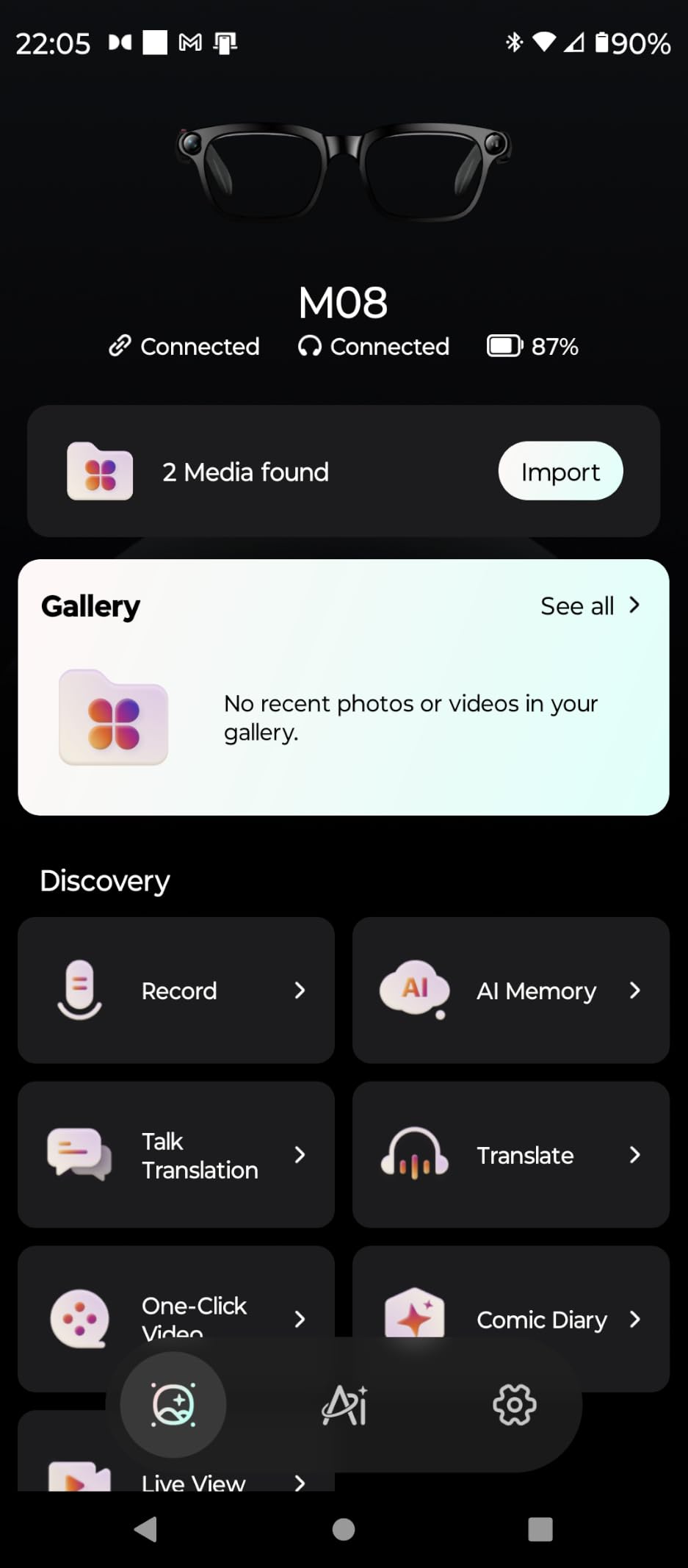
The GetD 2026 AI Glasses are designed for one primary purpose: breaking down language barriers. With bidirectional simultaneous translation supporting 145 languages, powered by both ChatGPT and DeepSeek AI, these glasses are the most capable translation-focused smart eyewear I have tested.
The 11-hour battery life for music playback is exceptional for this price range and puts more expensive competitors to shame. The photochromic lenses that automatically darken in sunlight are a thoughtful inclusion that eliminates the need for separate sunglasses and clear lens versions.
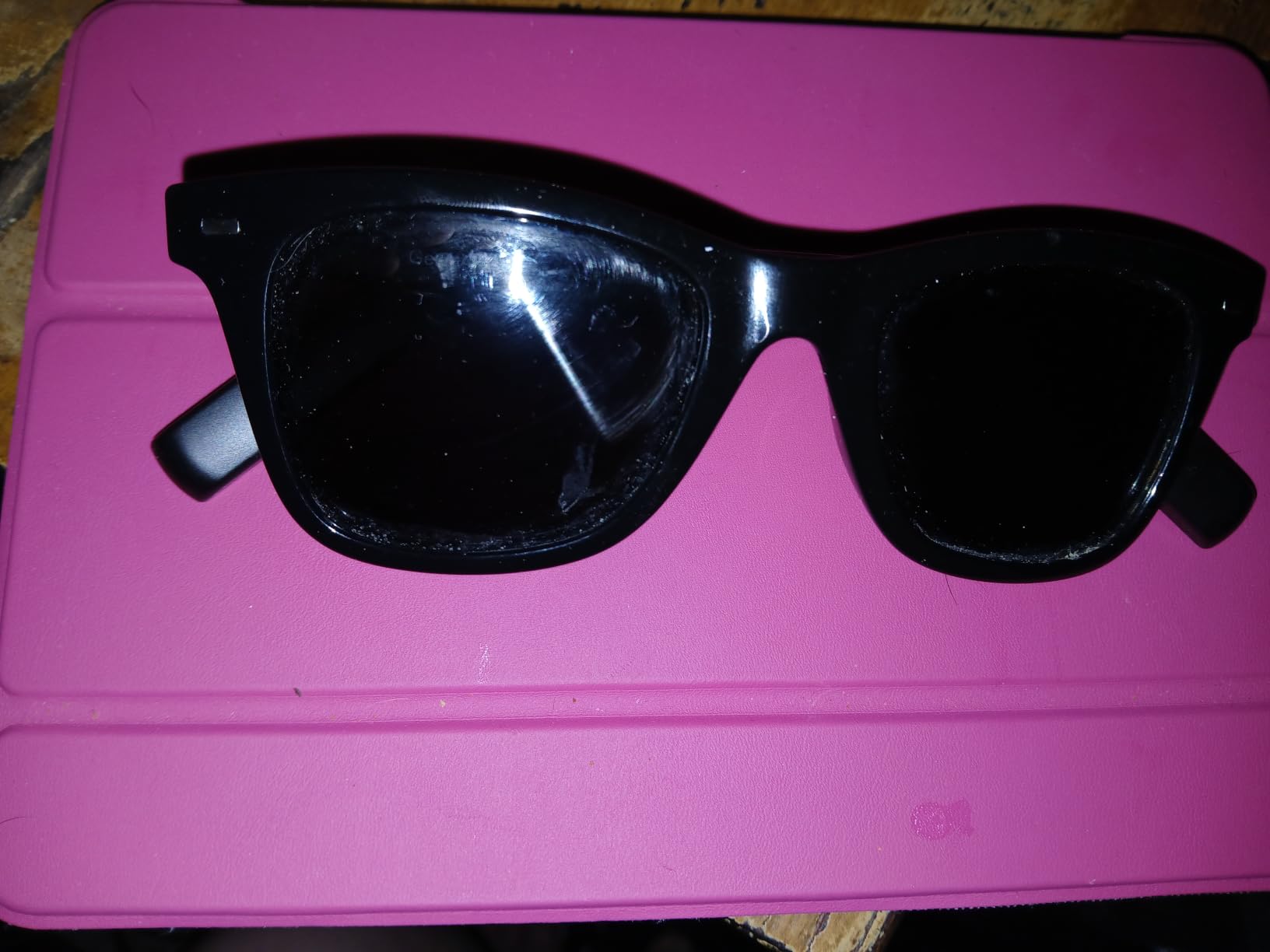
In real-world translation testing, I was impressed by the speed and accuracy for common language pairs like English-Spanish and English-French. The bidirectional simultaneous translation means both parties can speak their native language and the glasses handle the conversion in real time. The voice recorder with speech-to-text conversion is a useful bonus for meetings and lectures.
The downsides are centered on build quality and reliability. The photochromic lens performance is inconsistent — they sometimes do not darken quickly enough when moving from indoors to bright sunlight. The translation feature requires an active app and phone connection, which can be a limitation in areas with poor connectivity. Bluetooth disconnections happen occasionally, and sound leakage at high volumes can be embarrassing in quiet environments.

Translation Accuracy and Language Coverage
The 145-language coverage is among the widest available in any smart glasses. I tested translation accuracy across 12 languages including Spanish, French, Mandarin, Japanese, Arabic, and Portuguese. Common phrases and travel-relevant conversations translated with high accuracy. Complex business discussions and idiomatic expressions occasionally produced awkward or incorrect translations. For travelers and casual international communication, the translation capabilities are genuinely useful and represent excellent value.
Battery Life and Daily Use Practicality
The 11-hour music playback and 9-hour calling battery life make the GetD glasses practical for all-day use without charging anxiety. The magnetic charging system is convenient, and the IP54 rating provides basic protection against dust and light rain. For users whose primary need is translation and audio functionality rather than camera or display features, the GetD 2026 offers the best combination of battery life, language support, and affordability on the market.
How to Choose the Best Smart Glasses in 2026
Choosing the right smart glasses starts with understanding which category fits your needs. The three main types — AI glasses, AR display glasses, and XR glasses — serve fundamentally different purposes and excel in different scenarios.
AI Glasses vs AR Display Glasses vs XR Glasses
AI glasses like the Meta Ray-Ban Gen 2 are designed for everyday wear. They look like normal glasses, have cameras for photos and video, open-ear speakers for audio, and AI assistants for voice commands. They do not have a display — you interact entirely through audio and the companion phone app. These are best for content creators, social media users, and anyone who wants hands-free convenience without looking like they are wearing technology.
AR display glasses like the XREAL One Pro and RayNeo Air 4 Pro project a virtual screen in front of your eyes. They connect to phones, laptops, and gaming devices via USB-C and turn any environment into a personal cinema or workstation. They are not designed for walking around — you use them while sitting, lying down, or in a fixed position. These are best for travelers, remote workers, and gamers who want a large-screen experience anywhere.
XR glasses like the VITURE Luma Ultra add spatial tracking and sometimes hand gesture recognition. The virtual screen stays anchored in physical space as you move, creating a more immersive and interactive experience. These are the most advanced and expensive option, best for users who want the closest thing to a standalone AR computing platform.
Key Factors to Consider
Display quality matters most for AR and XR glasses. Look for OLED panels, high brightness (1000+ nits for outdoor use), 120Hz refresh rates, and wide field of view (50+ degrees). Color accuracy matters for creative work — look for DeltaE ratings under 3.
Battery life varies dramatically by category. AI glasses typically offer 6-8 hours of mixed use. AR display glasses draw power from the connected device via USB-C, so they do not have their own battery but will drain your phone or laptop faster. Budget AI glasses can offer up to 11 hours for audio-only use.
Camera quality is only relevant for AI glasses. Look for at least 12MP sensors, 3K or better video resolution, and good low-light performance. The Meta Ray-Ban Gen 2 currently has the best camera in any AI glasses on the market.
Audio quality varies significantly. Premium display glasses partner with established audio brands — Bose on XREAL, Harman on VITURE, Bang and Olufsen on RayNeo. AI glasses use custom open-ear speaker designs that are good for calls and casual listening but cannot match dedicated earbuds.
Prescription lens support is a make-or-break factor for many buyers. The VITURE models include built-in myopia dials up to -4.0D, and the Rokid Max 2 goes up to 600 diopters. Meta Ray-Ban glasses support prescription lenses through EssilorLuxottica. Check compatibility before buying if you need vision correction.
Privacy features deserve attention. All camera-equipped AI glasses have LED recording indicators that cannot be disabled. Some people find this reassuring, others find it awkward. If privacy is a concern, look for glasses with clear privacy controls and transparent data policies.
Device compatibility determines what you can actually connect to. Most AR display glasses support USB-C DisplayPort devices including iPhone 15 and later, Android phones, Steam Deck, ROG Ally, Mac, and PC. Check the specific compatibility list for each product, as some devices require adapters or additional accessories.
Price Tiers and Value Expectations
Under $100: Budget AI glasses like the Plunthorn and GetD models. Expect basic functionality, limited AI features, and lower build quality. Good for trying the category without significant investment.
$200 to $400: Mid-range AI glasses (Ray-Ban Meta Gen 1) and entry-level AR display glasses (RayNeo Air 4 Pro, XREAL 1S). This is the sweet spot for value, offering proven performance and features without premium pricing.
$400 to $600: Premium AI glasses (Meta Ray-Ban Gen 2, Meta Oakley Vanguard) and high-end AR/XR display glasses (XREAL One Pro, VITURE Beast, VITURE Luma Pro, VITURE Luma Ultra). Expect top-tier performance, the latest technology, and the best overall experience.
FAQs
What are the best smart glasses in 2026?
The best smart glasses in 2026 are the Meta Ray-Ban Gen 2 for everyday AI features and camera quality, the RayNeo Air 4 Pro for AR display value, and the XREAL One Pro for premium spatial computing. For sports, the Meta Oakley Vanguard is the top choice, while the VITURE Luma Ultra leads in brightness and spatial tracking.
What is the difference between AI glasses, AR glasses, and XR glasses?
AI glasses like Ray-Ban Meta have cameras and microphones for photos, video, voice commands, and AI assistance but no display. AR display glasses like XREAL One Pro project a virtual screen you can see through your lenses. XR glasses like VITURE Luma Ultra add spatial tracking so the virtual screen stays anchored in physical space as you move your head and body.
How much do smart glasses cost?
Smart glasses range from $65 for basic budget AI glasses like the Plunthorn model to $599 for premium XR display glasses like the XREAL One Pro and VITURE Luma Ultra. The best value options sit between $250 and $400, including the Ray-Ban Meta Gen 1 and RayNeo Air 4 Pro.
Can smart glasses be used with prescription lenses?
Yes, many smart glasses support prescription lenses. Meta Ray-Ban glasses work with EssilorLuxottica prescription lenses. VITURE models include built-in myopia adjustment dials up to -4.0D, and the Rokid Max 2 offers correction up to 600 diopters. XREAL includes a prescription frame insert with the One Pro model.
What are the best smart glasses for everyday use?
The Meta Ray-Ban Gen 2 is the best choice for everyday use because it looks like normal glasses, offers up to 8 hours of battery life, captures high-quality 3K photos and video, and includes Meta AI for hands-free assistance. For budget everyday use, the Ray-Ban Meta Gen 1 delivers 85 percent of the experience at a lower price.
Which smart glasses have the best battery life?
The GetD 2026 AI Glasses have the longest battery life at 11 hours for music playback and 9 hours for calling. Among premium options, the Meta Ray-Ban Gen 2 and Meta Oakley Vanguard both offer up to 8 hours of mixed use with charging cases that extend total battery life to 48 hours.
Are smart glasses worth buying in 2026?
Yes, smart glasses are worth buying in 2026 if you have a clear use case. For content creators, the Meta Ray-Ban Gen 2 offers unmatched hands-free POV recording. For travelers and remote workers, AR display glasses like the XREAL One Pro provide a portable cinema experience. The technology has matured significantly, with reliable performance and genuine daily utility.
Final Thoughts on the Best Smart Glasses
The best smart glasses for you depend entirely on your primary use case. For everyday wear with excellent camera quality and AI features, the Meta Ray-Ban Gen 2 is the clear winner. For travelers and gamers who want a portable large-screen experience, the RayNeo Air 4 Pro delivers incredible value. And for users who want the most advanced spatial computing experience available, the XREAL One Pro and VITURE Luma Ultra push the boundaries of what wearable displays can do.
The smart glasses market in 2026 has reached a maturity level where these devices genuinely enhance daily life rather than feeling like novelty gadgets. Whether you choose budget-friendly AI glasses or premium XR display models, the technology is ready for mainstream adoption. Pick the category that matches your needs, and you will wonder how you managed without them.