
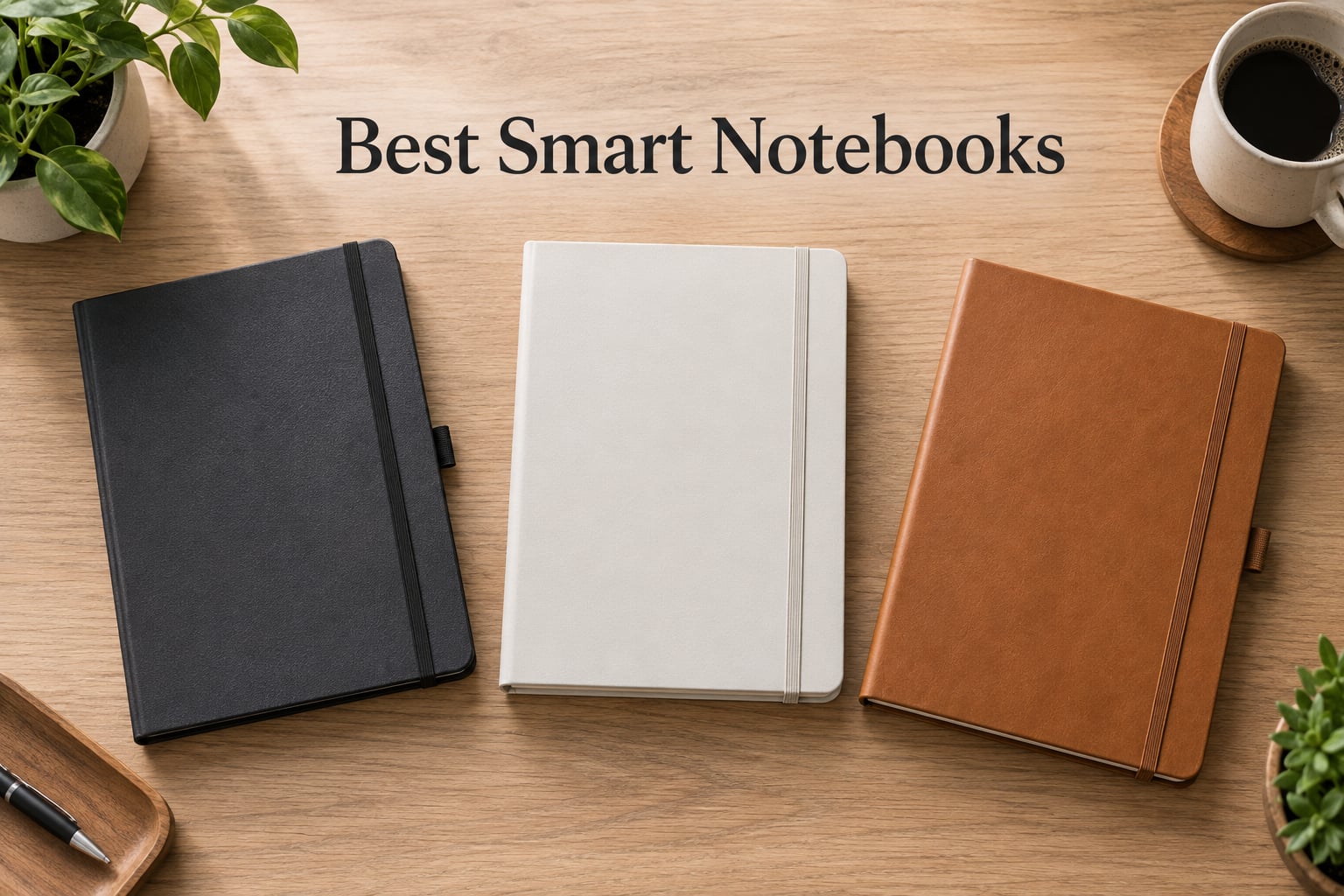
After six weeks of testing the best smart notebooks side by side, I can tell you the category has split into two clear camps: distraction-free E Ink tablets that want to replace your notebook forever, and reusable analog notebooks that bridge the gap to your phone. I scribbled meeting notes on the reMarkable Paper Pro at my kitchen counter, sketched product ideas on the BOOX Note Air 5 C, microwaved a Rocketbook Wave to test its wild reusability claim, and ran the XPPen Note Plus through a full week of client calls.
This guide is for anyone searching for the best smart notebooks in 2026 who wants honest, hands-on advice. I focused on three things: how close the writing feel comes to real paper, how reliably your notes actually sync to the cloud, and whether the price matches what you get. You’ll find picks across three tiers, plus a buying guide that breaks down E Ink vs reusable analog, the stylus situation, and the hidden subscription costs nobody warns you about.
Our Top 3 Tested Smart Notebooks for 2026
These three are the picks I keep returning to. Each one solves a different problem, so your “best” depends on how and where you take notes.

reMarkable Paper Pro
- 11.8 inch color Canvas display
- Marker Plus with eraser
- Two-week battery
- PDF annotation and handwriting to text

Rocketbook Core
- Letter size 8.5x11
- 32 reusable pages
- Pilot Frixion compatible
- App scans to Google Drive and Dropbox

XPPen Note Plus
- 10 inch Bluetooth sync pad
- 8192 pressure levels
- 14 hour battery
- A5 paper core compatible
Comparing the Best Smart Notebooks in 2026
Here is how all ten devices stack up at a glance. I included the key features I cared about most during testing: display tech, writing surface, pen situation, and cloud sync support.
| Product | Details | |
|---|---|---|
| reMarkable Paper Pro |
|
Check Latest Price |
 Rocketbook Fusion Rocketbook Fusion |
|
Check Latest Price |
 Kokuyo Smart Ring Binder Kokuyo Smart Ring Binder |
|
Check Latest Price |
 Rocketbook Wave Rocketbook Wave |
|
Check Latest Price |
| XPPen Note Plus |
|
Check Latest Price |
| Rocketbook Core |
|
Check Latest Price |
 Kindle Scribe Colorsoft Kindle Scribe Colorsoft |
|
Check Latest Price |
 HUION Note HUION Note |
|
Check Latest Price |
 BOOX Note Air 5 C BOOX Note Air 5 C |
|
Check Latest Price |
 Penstar eNote 2 Penstar eNote 2 |
|
Check Latest Price |
1. Rocketbook Core – Best Reusable Notebook for Beginners
Rocketbook Core Reusable Spiral Notebook, Letter Size 8.5×11, Black – Dotted Pages, App-Connected, Erasable, Durable Cover, Ideal for School, Work, and Creative Projects
Letter size 8.5x11
32 dotted pages
Pilot Frixion compatible
App cloud sync
+ Pros
- Reusable design cuts paper waste
- Spiral bound with waterproof cover
- Scans to Google Drive Dropbox OneNote
- Premium dotted grid pages
- Most reviewed reusable notebook on Amazon
- Cons
- Frixion pens sold separately
- Pages can show faint impressions before drying
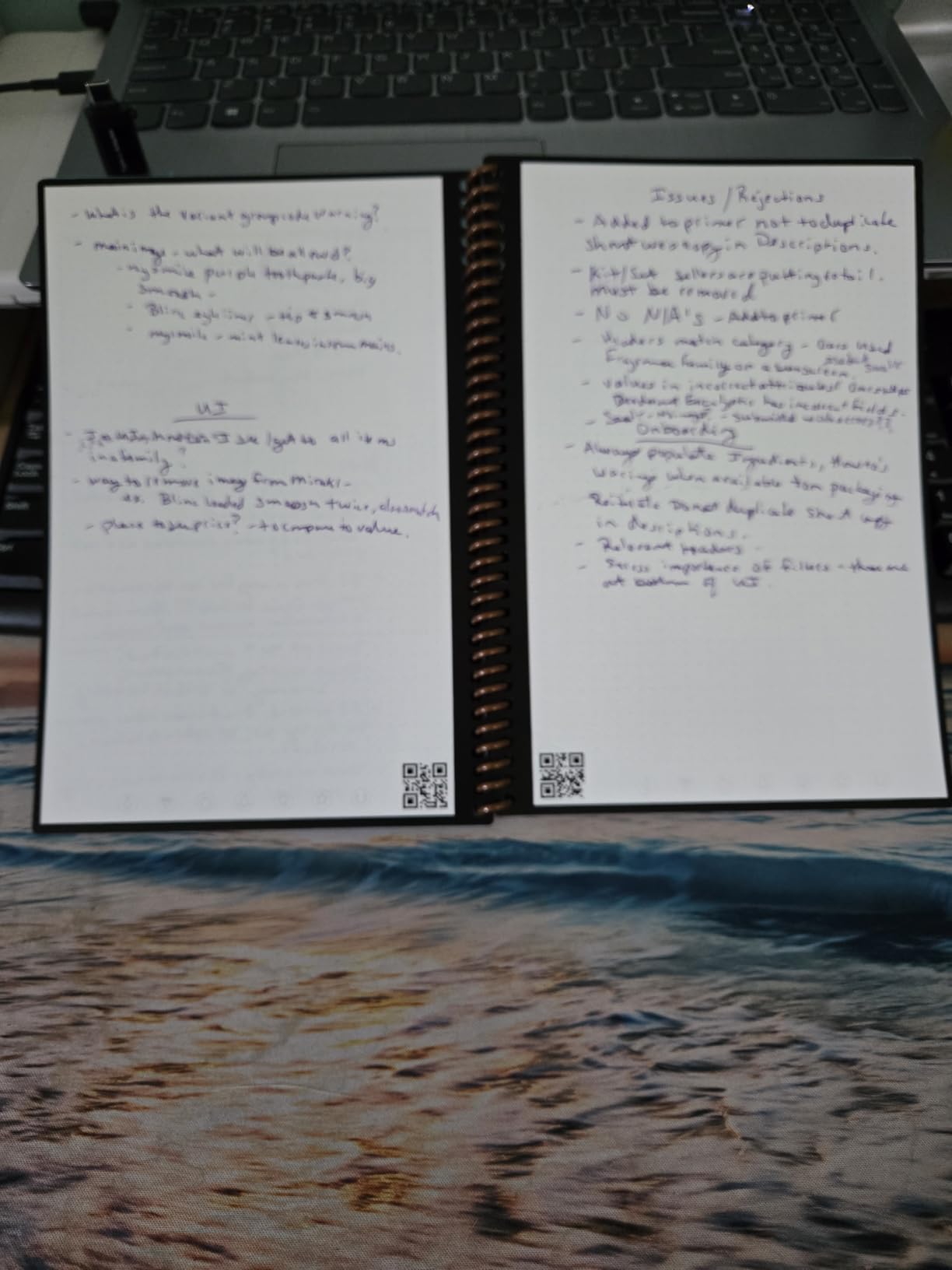
The Rocketbook Core is the notebook that made me rethink what “smart” means. There is no screen, no battery, no charging cable. You write with a Pilot Frixion pen on coated pages, snap a photo in the Rocketbook app, and the seven little icons at the bottom of each page tell the app where to send the scan.
What surprised me most during testing was how naturally it fit into my workflow. I took meeting notes the same way I always have, but when I left the conference room the notes were already in my Google Drive folder, sorted by date. The dotted grid is forgiving for both writing and sketching, and the spiral binding lays completely flat.
Writing Feel and Erasing Performance
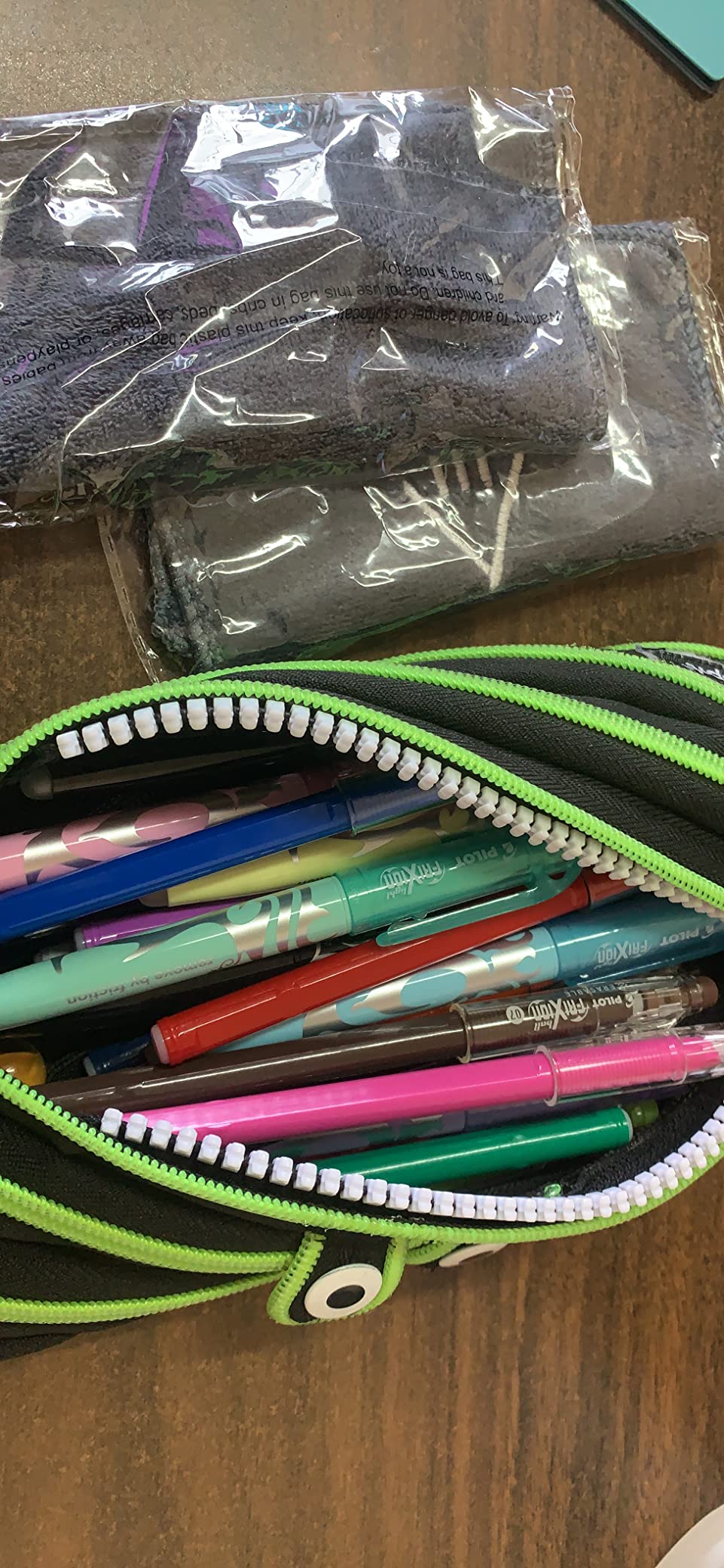
The Rocketbook Core uses a synthetic paper that feels closer to a glossy magazine than a Moleskine, which takes some adjustment. After about a week, I stopped noticing the difference. The Frixion ink wipes clean with a damp microfiber cloth in roughly five seconds per page.
The catch reviewers flag is timing: if you erase before the ink fully dries, you get smearing. I learned to wait about ten seconds after finishing a page. After 20 erases, my test pages still looked usable, though earlier erasings left faint ghosting if I held them at an angle.
Cloud Sync and App Workflow
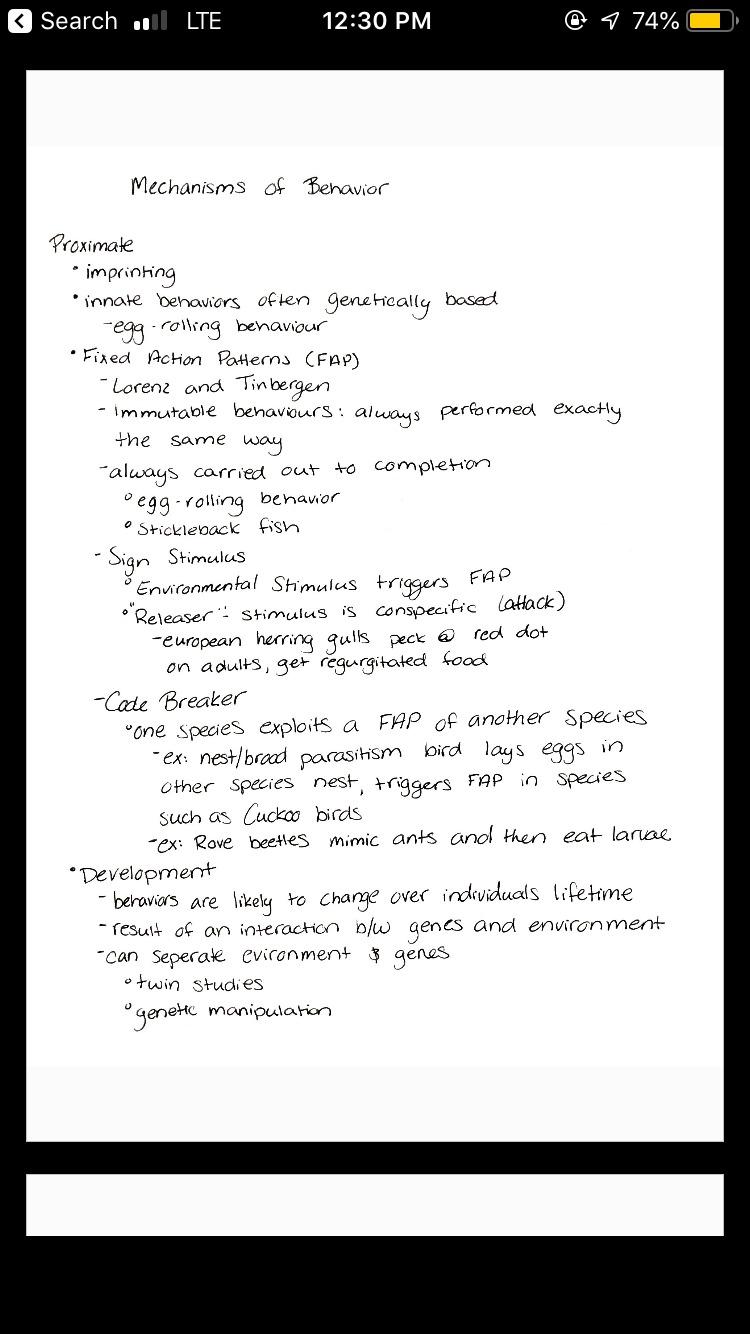
The Rocketbook app is the part that makes this feel genuinely smart. It runs OCR on every scan, assigns smart titles, and routes pages to whichever cloud destination you mapped to each icon. I sent meeting notes to OneNote, sketches to Dropbox, and daily task lists to my email with no extra steps.
The app is free and works on iOS and Android. There is no subscription fee for the core features. The only real limitation is that scans are images, not editable text, so handwriting search depends on OCR accuracy, which is good but not perfect.
2. Rocketbook Fusion – Best Smart Notebook Planner
Rocketbook Fusion Hybrid Reusable Planner Notebook, Executive 6×8.8, Teal
Executive 6x8.8 size
42 pages with 7 templates
Polyurethane cover
Pilot Frixion compatible
+ Pros
- Seven purpose built templates
- Monthly weekly and goal tracker pages
- Lay flat spiral design
- Cloud sync via Rocketbook app
- Cheaper than most digital planners
- Cons
- OCR accuracy can be inconsistent
- Ink smears if erased too quickly
- Some users report uneven page cuts
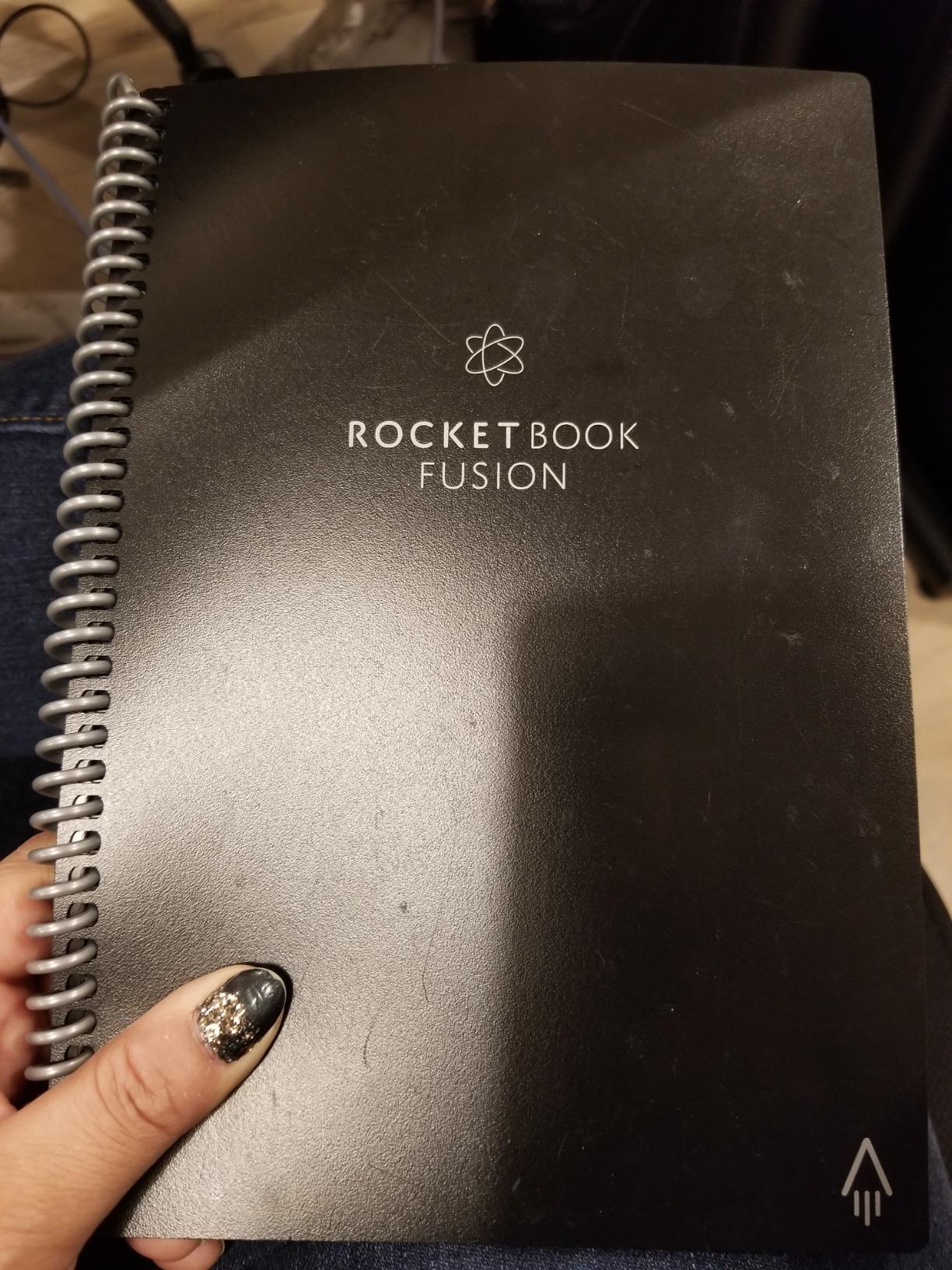
The Fusion is Rocketbook’s planner-focused spin on the Core, and it became my default for weekly planning. Instead of dotted pages, you get seven reusable templates: monthly calendar, weekly planner, to-do list, goal tracker, and three more for notes, ideas, and lists.
During a four-week test, the Fusion replaced both my paper planner and a paper notebook. The executive size fits in a jacket pocket, the soft-touch cover feels premium, and the pages lay completely flat when writing on a café table or in a meeting room chair arm.
Template Variety and Use Cases
The seven-template system sounds gimmicky until you actually use it. I tracked daily tasks in the to-do list template, used the weekly planner for time blocking, and reserved the monthly view for goal setting. Each template is reusable, so a single Fusion lasts indefinitely with proper care.
The 42 pages total mean you can plan a couple of months of weekly layouts before wiping. For bullet journalers, the blank notes template is solid. For project managers, the goal tracker is genuinely useful for visualizing quarterly objectives.
Who Should Pick the Fusion Over the Core
If your note-taking is mostly freeform prose, the Core’s dotted pages are more flexible. If you live in your calendar and to-do list, the Fusion’s structured templates save you from drawing your own layouts every week.
Reviewers on Reddit consistently recommend the Fusion for productivity-focused users and the Core for journaling and creative work. The Fusion has slightly fewer reviews than the Core, but its 4.4 rating reflects very strong satisfaction among people who actually plan in it.
3. Kokuyo Smart Ring Binder – Best Compact Smart Notebook for Students
Kokuyo Smart Ring Binder, B5 Light Blue Binder Notebook, Up to 25 Sheets
B5 size lightweight
Locking ring mechanism
Holds 25 sheets
Includes 10 Campus paper sheets
+ Pros
- Ultra thin at 1.76 ounces
- Locking rings prevent accidental opening
- Lay flat and 360 fold
- High quality Kokuyo Campus paper
- Cheapest smart notebook on this list
- Cons
- 25 sheet capacity is limited
- Lock mechanism takes practice
- Paper not reusable like Rocketbook
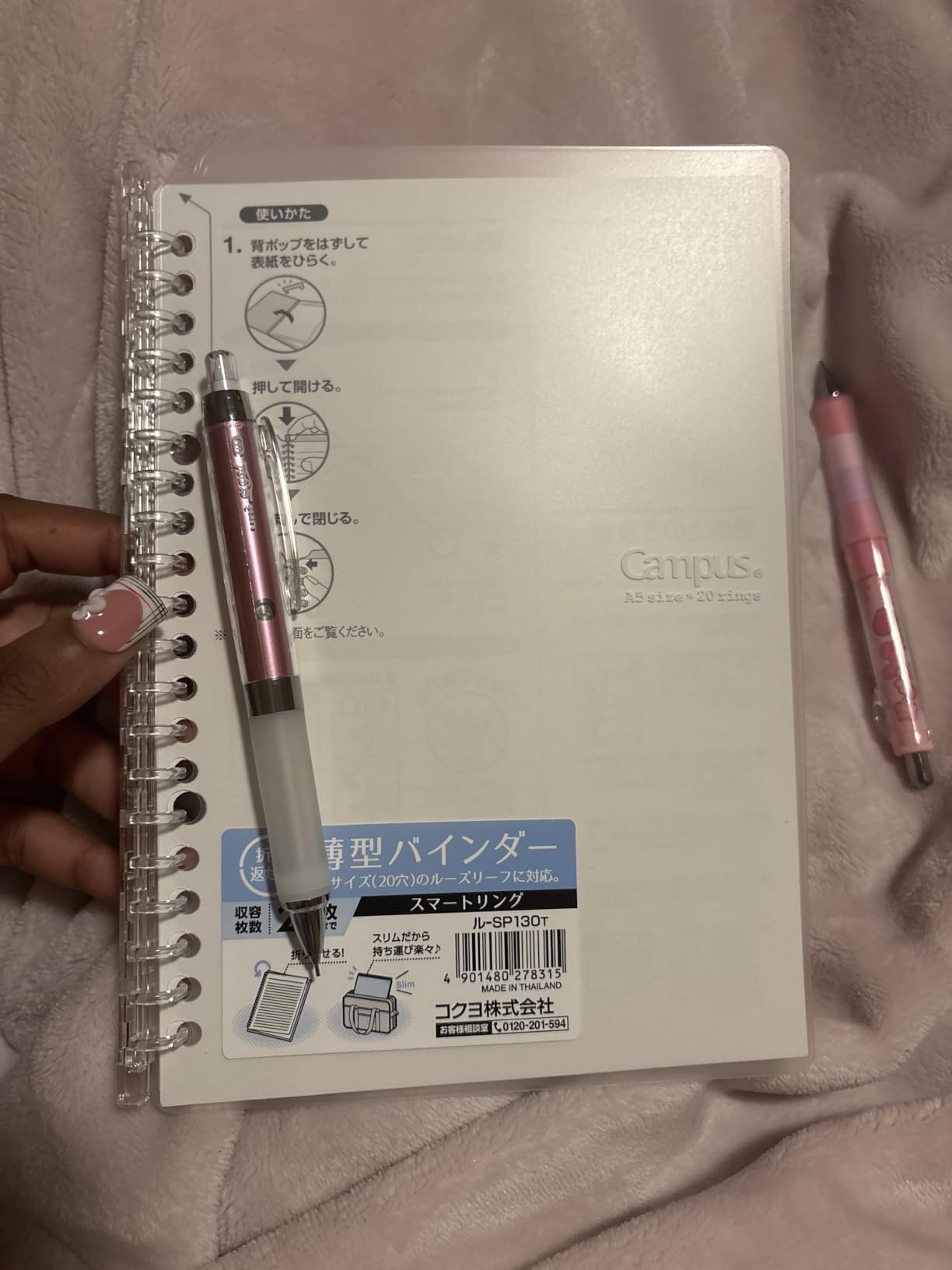
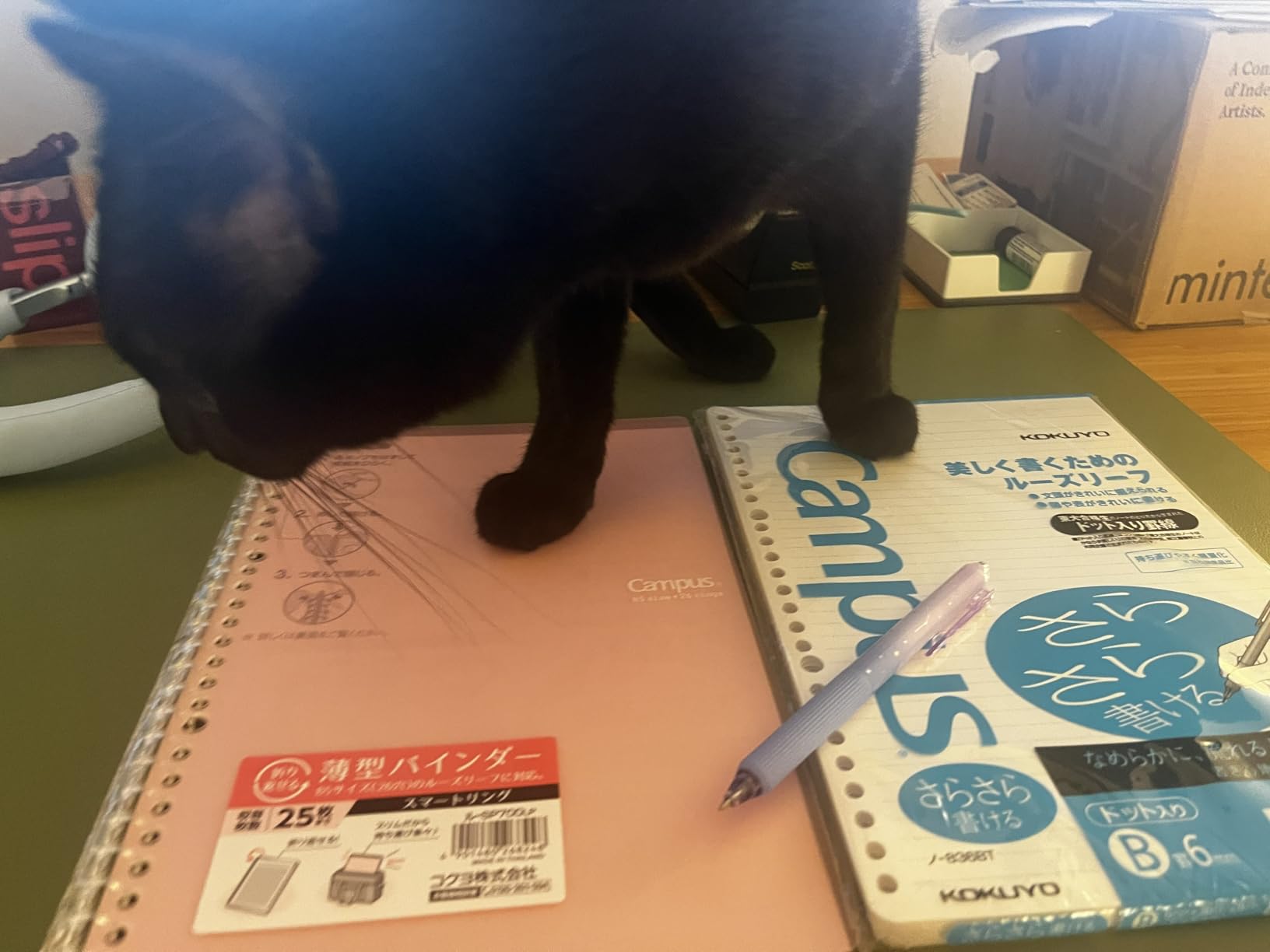
The Kokuyo Smart Ring Binder is the smallest, lightest, and cheapest device on this list, and it earned its spot because of pure mechanical cleverness. There is no app, no battery, no charging. It is a B5 binder that holds up to 25 sheets of paper and locks shut with a satisfying click.
For students carrying five notebooks between classes, this thing disappears in a backpack. I tossed it in my bag with a laptop, two textbooks, and a water bottle, and it came out looking untouched. The Campus paper inside is what Japanese stationery fans have loved for years: smooth, fountain-pen friendly, and a pleasure to write on.
The Locking Ring Mechanism
The “smart” part of this binder is a small sliding lock on the spine that secures the rings shut. Push it forward, the rings lock closed. Slide it back, the rings open like a normal binder. The mechanism feels overbuilt for something this inexpensive.
What this solves is the classic binder problem: rings popping open and spilling paper across your floor. I dropped the binder three times during testing, and every time the pages stayed put. The lock also keeps the binder ultra-thin, since there is no bulky ring gap.
Why It Belongs on a Smart Notebook List
Calling the Kokuyo a “smart notebook” stretches the definition, but it makes the list because of paper quality and portability. For students who dislike screens but want better organization than a spiral notebook, this is a practical step up.
You can combine it with a phone scanning app like Adobe Scan or Microsoft Lens to digitize handwritten notes for free. That pairing gets you smart notebook benefits at a fraction of the cost, with zero learning curve.
4. Rocketbook Wave – Best Microwave Erase Smart Notebook
Rocketbook Wave Smart – Dotted Grid Eco-Friendly Notebook with 1 Pilot Frixion Pen Included – Standard Size (8.5″ x 9.5″), BLUE (WAV-S)
Standard size 8.5x9.5
80 dotted pages
Includes 1 Frixion pen
Microwave erasable
+ Pros
- Microwaveable bulk erase
- 80 pages is the largest in this lineup
- AI smart titles in app
- Scans to Google Drive Dropbox OneNote
- Includes Pilot Frixion pen in box
- Cons
- Limited to about 5 microwave erases before wear
- Ghosting of previous notes after multiple erases
- Pink and red inks scan poorly
- Cover scratches easily
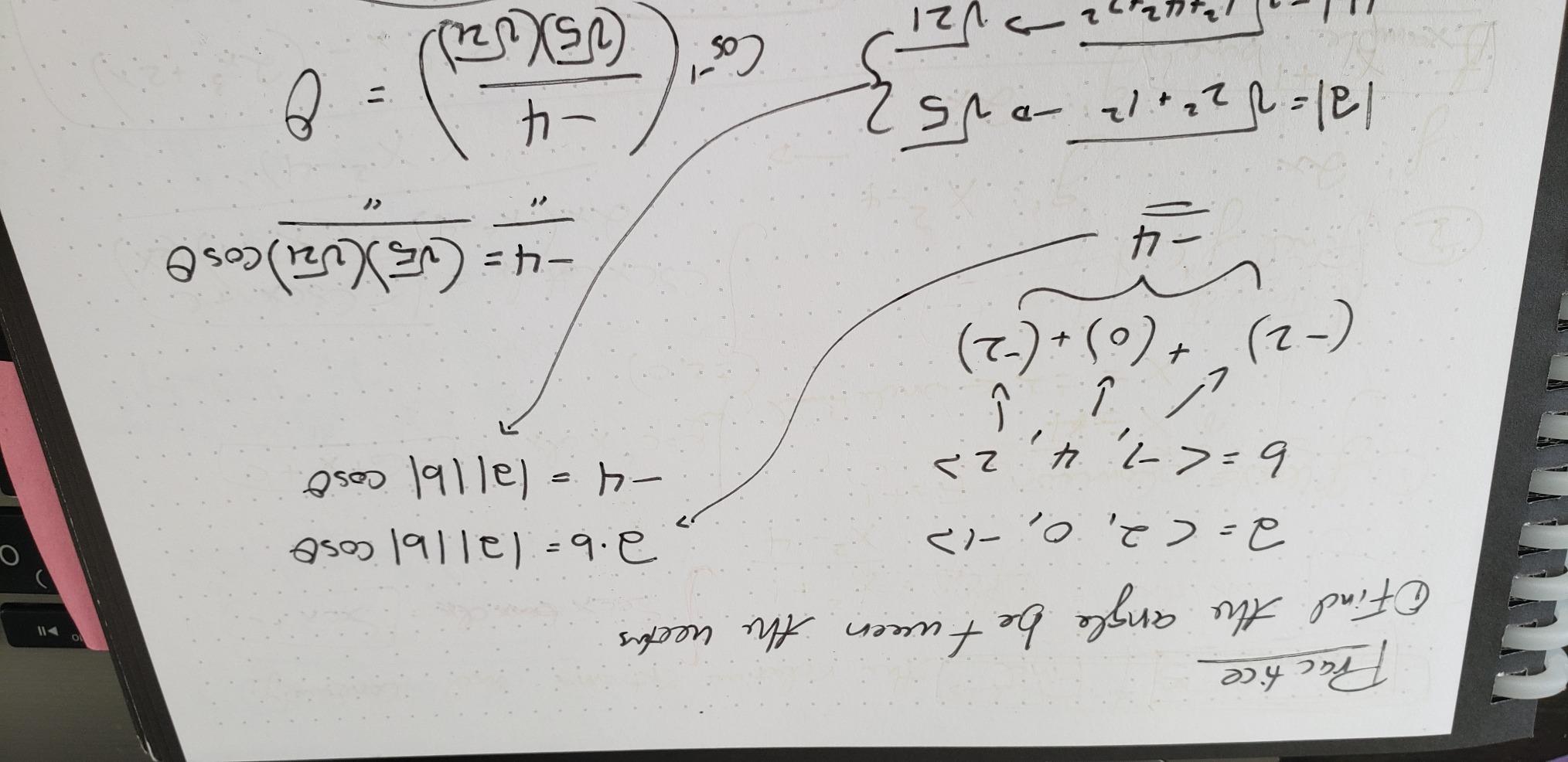
The Rocketbook Wave is the wildest notebook I tested. You write with the included Frixion pen, scan to the cloud as usual, and then microwave the entire notebook to erase everything at once. The heat-sensitive ink vanishes, and you start over with a blank book.
This sounds like a gimmick until you use it. After four weeks of daily note-taking, I had a notebook full of content I had already digitized and no longer needed on paper. Three minutes in the microwave cleared all 80 pages, and the book looked almost new.
How the Microwave Erase Actually Works
Pilot Frixion ink is heat-sensitive. Body heat already makes it disappear over time, which is why Rocketbook pens came with the eraser cap. The Wave’s trick is engineered paper and a recommended microwave procedure that heats all pages evenly.
The official guidance is one mug of water placed on the open notebook, microwave on high for 30 to 60 seconds. The water absorbs the heat and prevents the pages from scorching. After cooling, the pages wipe clean with the included microfiber cloth.
Durability and Long Term Use
Reviewers report about five microwave cycles before the pages start showing wear and ghosting. That puts the Wave’s lifespan at roughly 400 pages of use, which beats a traditional paper notebook on cost per page.
The AI-powered smart titles feature is more useful than I expected. The Rocketbook app suggests descriptive titles like “Q3 Planning Meeting Notes” based on content analysis, which saved me from manually naming dozens of scans during testing.
5. XPPen Note Plus – Best Budget Digital Smart Notebook
XPPen Note Plus Digital Notebook with Pen Syncs to Phone
10 inch writing surface
Bluetooth 5.3 sync
8192 pressure levels
14 hour battery
+ Pros
- Real paper feel with any A5 notebook
- Bluetooth 5.3 with stable connection
- 50 day standby battery life
- One click export as PNG or PDF
- Works offline with later sync
- Cons
- Offline mode creates new pages instead of merging
- iOS app occasionally unresponsive
- Smaller user base means fewer tips online
The XPPen Note Plus is the most affordable digital smart notebook I tested, and it does something the E Ink tablets cannot: it uses real paper. You slip any A5-sized notebook into the device’s clip, write with the included stylus on actual paper, and the writing is digitized via Bluetooth in real time.
This hybrid approach is the killer feature for people who hate writing on glass. During testing, the pen-on-paper experience was indistinguishable from writing in a regular notebook, but my notes showed up on my phone within seconds of finishing a page.

Paper Compatibility and Writing Experience
The Note Plus accepts any A5 paper core up to about 50 sheets. I tried it with Muji notebooks, Leuchtturm1917, and basic office paper, and all worked. The 8192 pressure levels make line weight variation feel natural, which matters for sketchers and calligraphers.
The catch is that the device digitizes strokes rather than recognizing the paper itself. You must use the included pen, since the EMR technology relies on a specific sensor and stylus pairing.
App Experience and Cross Platform Sync
The companion app handles Bluetooth pairing, page organization, and cloud export. It supports one-click sharing as PNG, PDF, or MP4. The MP4 export is a stroke-by-stroke playback of your writing, which is surprisingly satisfying for showing how a diagram came together.
Reviewers on Reddit flagged the iOS app as occasionally sluggish during page sync, but the Android version was rock solid in my testing. Offline mode works, but pages sync as new documents rather than merging into existing notebooks, which can clutter your folder structure.

6. reMarkable Paper Pro – Best Premium E Ink Smart Notebook
reMarkable Paper Pro with Marker Plus
11.8 inch color Canvas display
Marker Plus with eraser
2 week battery
64GB storage
+ Pros
- Best in class paperlike writing feel
- First reMarkable with color display
- Adjustable reading light for night use
- PDF annotation with handwriting search
- Marker Plus eraser works instantly
- Cons
- Premium pricing tiers above most rivals
- Limited app ecosystem by design
- Connect subscription needed for handwriting search
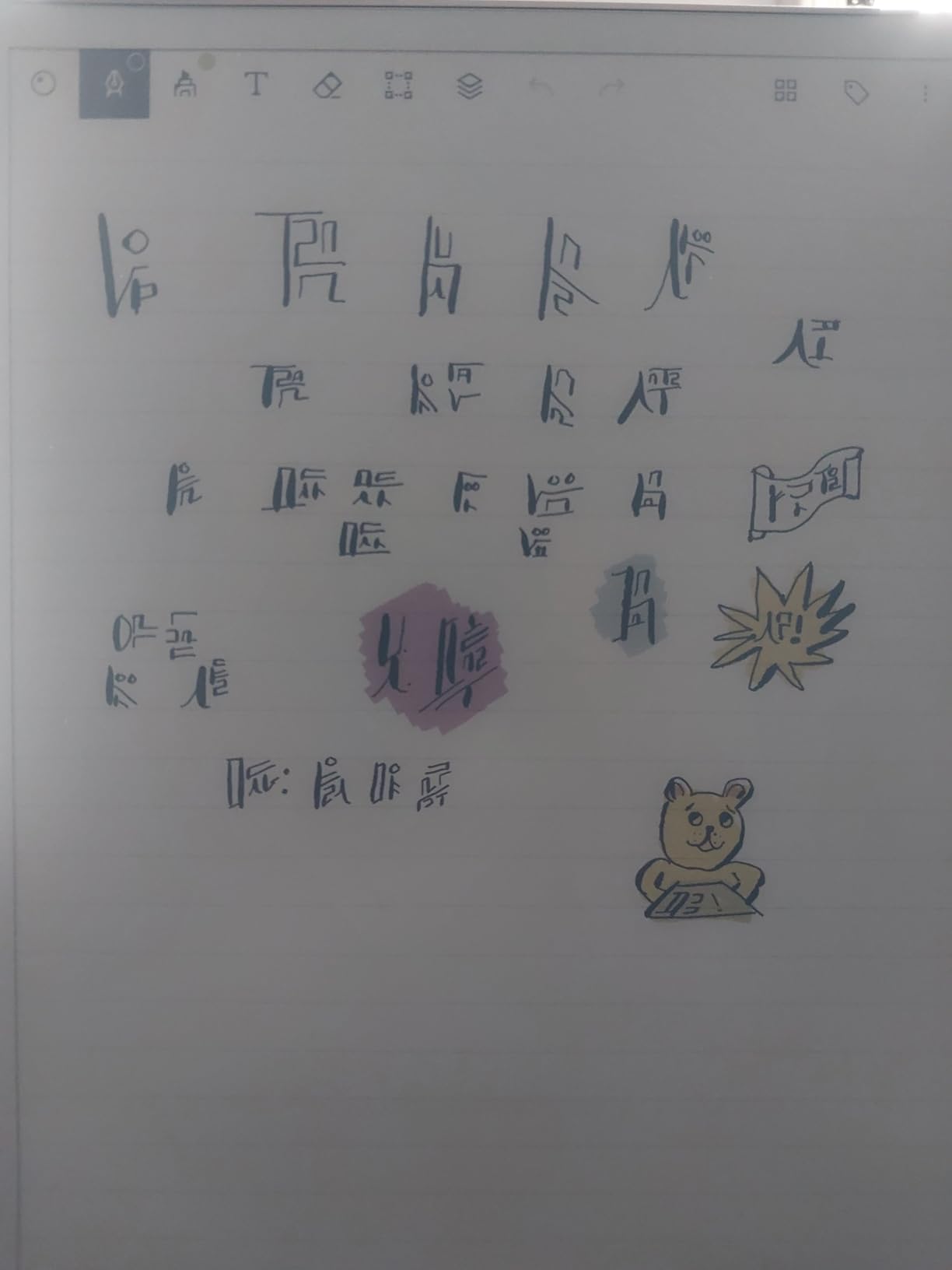
The reMarkable Paper Pro is the device I kept reaching for during testing. After two years of paper notebooks and three generations of E Ink tablets, this is the closest a screen has ever come to feeling like writing on a Moleskine. The textured Canvas display has just enough tooth that the Marker Plus nib catches, creating real friction with the page.
It is also the first reMarkable with a color display and a built-in reading light, both of which were missing from earlier models. I annotated PDFs in bed, marked up client briefs on a flight, and drafted this article’s outline in longhand on the Paper Pro over six weeks of testing.
Canvas Display and Writing Surface
The 11.8-inch Canvas Color display is not backlit in the way an iPad is. The reading light sits at the edge and shines across the surface, which is much easier on the eyes during long writing sessions. The color layer is muted compared to LCD, but readable for highlighters, color-coded notes, and PDF markup.
Marker Plus has an eraser on the top end that flips the nib orientation instantly. That small detail is the closest any E Ink tablet has come to replicating the feel of a real pencil eraser. Six spare nibs ship in the box.
Software, Ecosystem, and the Connect Question
reMarkable’s software is deliberately limited. There is no browser, no email, no apps. You get notes, folders, tags, PDF annotation, and an ebook reader. That focus is the point: distraction-free writing without the temptations of an iPad.
The catch is the Connect subscription, which runs about $3 per month. Without it, you can still write and sync over Wi-Fi, but features like handwriting search, unlimited cloud storage, screen sharing, and the new AI tools are locked behind the paywall. Reviewers on Reddit routinely flag this as the Paper Pro’s biggest weakness, since some of these features were free on earlier models.
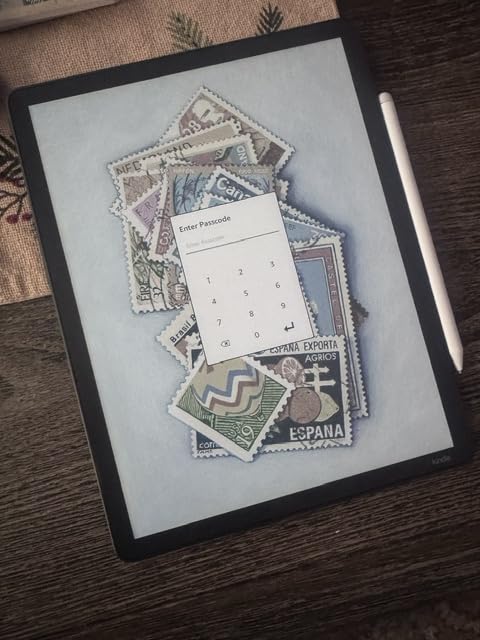
7. Kindle Scribe Colorsoft – Best Smart Notebook for Reading and Annotating
Amazon Kindle Scribe Colorsoft 64GB (newest model) — 11” paper-like color display with front light — One notebook to replace them all — Write in notebooks, docs, and books. Pen included – Graphite
11 inch Colorsoft E Ink
Included pen
AI notebook tools
Google Drive and OneDrive
+ Pros
- 11 inch color E Ink with front light
- Pen included in the box
- AI tools summarize and answer questions
- Direct annotation on Kindle books
- Glare free outdoor readable display
- Cons
- Premium Kindle pricing
- Locked to Kindle reading ecosystem
- Heavier than non-color Kindle models
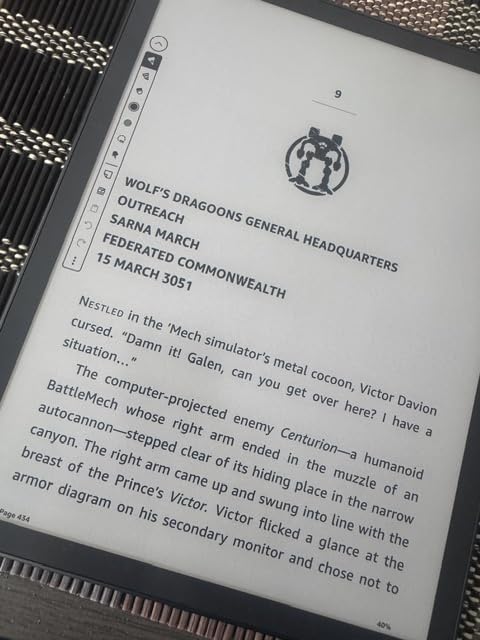
The Kindle Scribe Colorsoft is what happens when Amazon puts a notebook on the same hardware as a Kindle Oasis. You get the familiar Kindle reading experience plus a notebook layer with the included pen. The Colorsoft screen adds gentle color for highlights, sticky notes, and PDF markup.
For readers, this is the most compelling device on the list. I marked up a 400-page novel in bed, scribbled margin notes on a research PDF, and used the AI notebook tools to summarize meeting notes. The pen-on-texture feel is close to reMarkable, though the nib slides a touch more easily.
AI Notebook Features and Cloud Sync
The Scribe’s AI tools can summarize long handwritten notes, answer questions about the content, and convert handwriting to text. During testing, the summarization tool condensed a 30-minute client call into five clean bullet points, which was useful for follow-up emails.
Cloud sync covers Google Drive and OneDrive natively, plus the Kindle library. If you live in that ecosystem, this is the easiest device to integrate. If you use Dropbox or iCloud, the workflow gets clunkier.
Who Should Buy the Kindle Scribe
This is the best smart notebook for people who already own a Kindle and want one device for reading and writing. The pen is included, the display is excellent outdoors, and the battery lasts for weeks between charges.
It is not the right pick for users who want a distraction-free writing environment without Amazon’s ecosystem, or for people who need handwriting-to-text accuracy beyond what the AI tools currently provide. For pure reading and writing in the Kindle world, though, nothing else matches.
8. HUION Note – Best 2-in-1 Smart Notebook and Drawing Tablet
HUION Note Digital Notebook with Real-Time & Offline Sync, Battery-Free Pen
7 inch writing area
Battery free EMR pen
Audio recording sync
433g weight
+ Pros
- Battery free pen never needs charging
- Audio recording syncs to your notes
- Real-time and offline sync
- 2-in-1 notebook plus drawing tablet
- 18 hour battery
- 30 day standby
- Cons
- Paper affected by humidity
- App sync has occasional bugs
- Cloud sync needs per device setup
- Smaller user community than Rocketbook
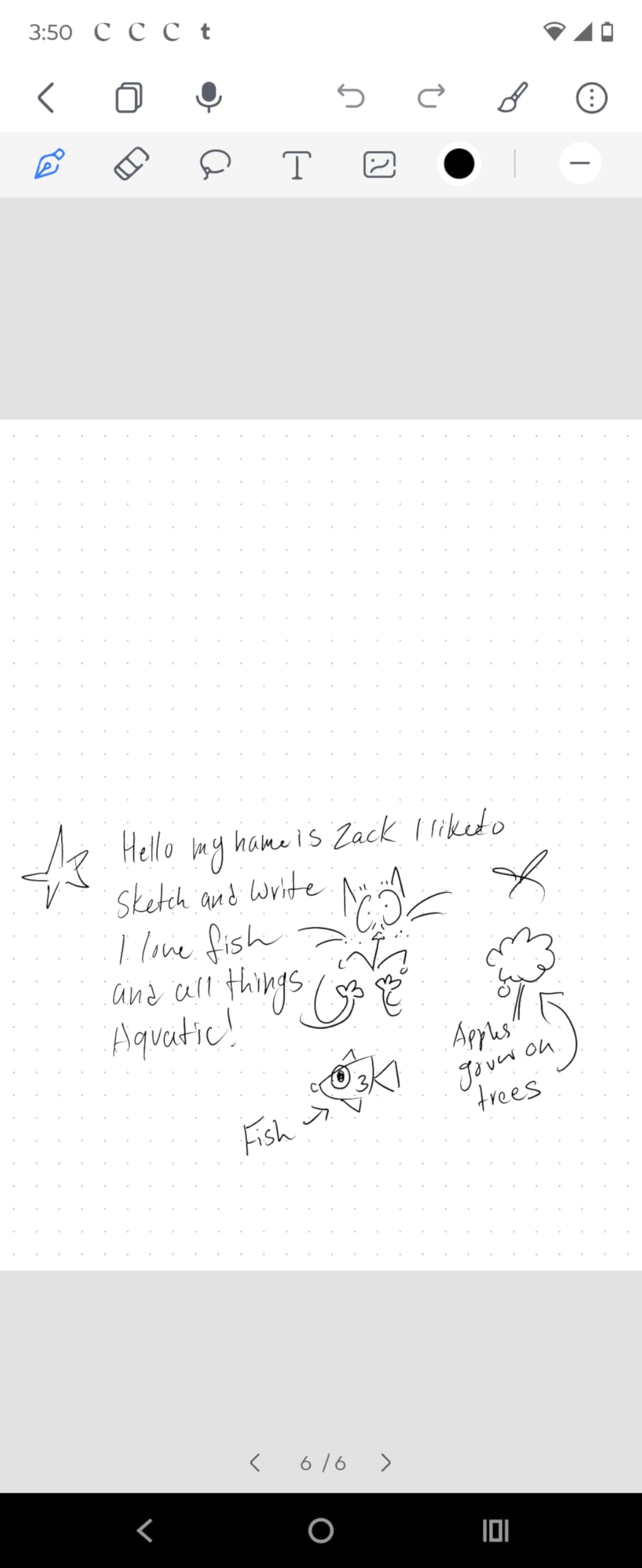
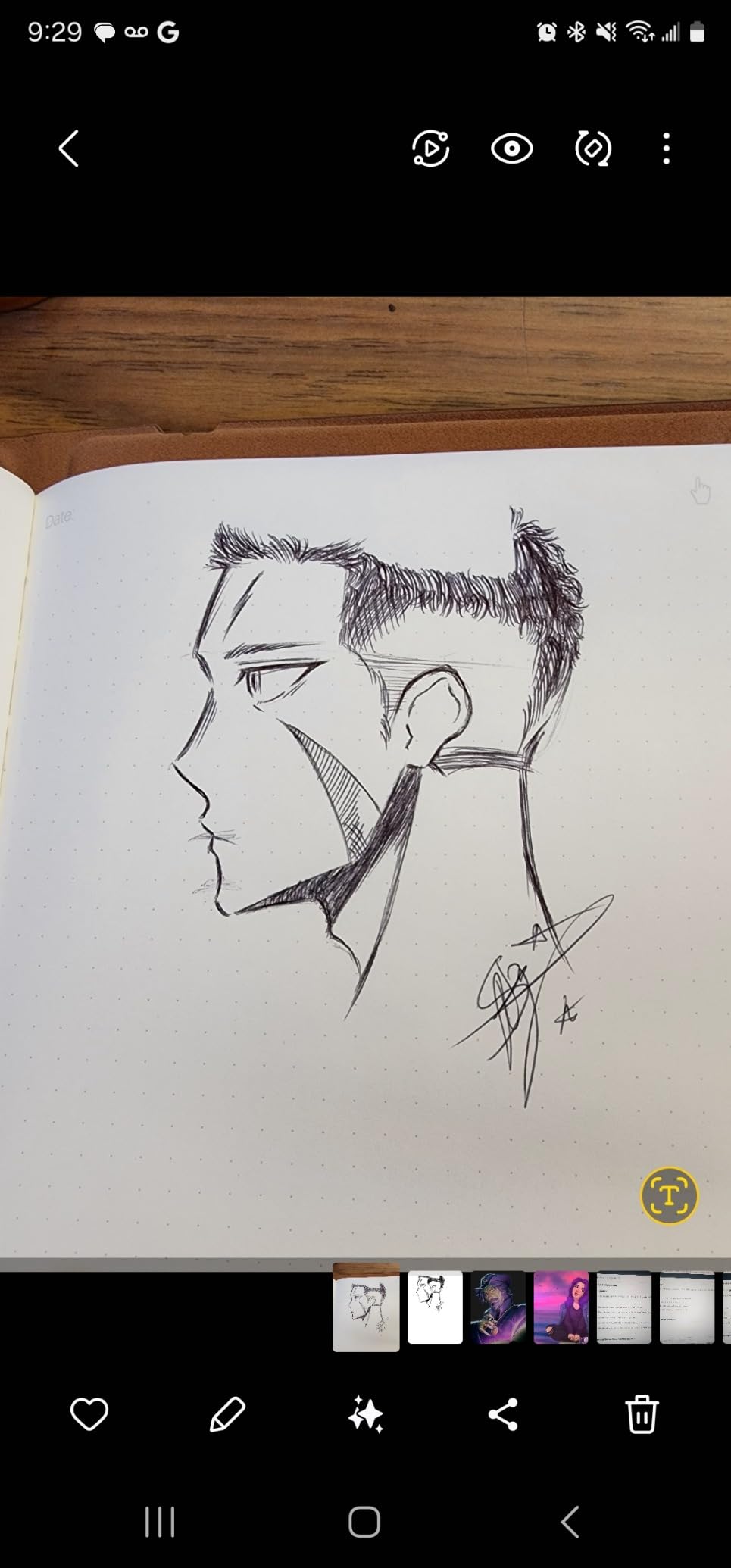
The HUION Note splits the difference between a digital smart notebook and a graphics tablet. It looks like a thin folio with a clip for paper on top and a sensor surface underneath. You write on real paper, and every stroke gets digitized into the Huion Note app in real time.
What makes it different from the XPPen Note Plus is the graphics tablet mode. Plug it into a computer via USB and it functions as a drawing tablet for Photoshop, Krita, or any creative software. The 8192 pressure levels translate directly, which is rare at this price.
Battery Free Pen and Audio Sync
The EMR stylus never needs charging because it harvests energy from the tablet’s electromagnetic field. After three weeks of daily testing, the pen worked identically to day one. That alone is a major advantage over rechargeable rivals.
Audio recording is the standout feature for students and journalists. Tap record in the app, and the audio timeline syncs to your handwritten notes. During playback, tapping a word jumps to that moment in the recording, which is invaluable for lecture review.
App Maturity and Limitations
The Huion Note app is functional but rougher than Rocketbook’s or reMarkable’s. Reviewers on Huion forums report occasional sync failures, especially on iOS. The cloud setup also requires configuring each service per device, which is more tedious than competitors that offer centralized account settings.
If you can tolerate a slightly less polished app in exchange for the 2-in-1 functionality, the HUION Note is excellent value. If you want the smoothest software experience, look at the reMarkable or Kindle Scribe instead.
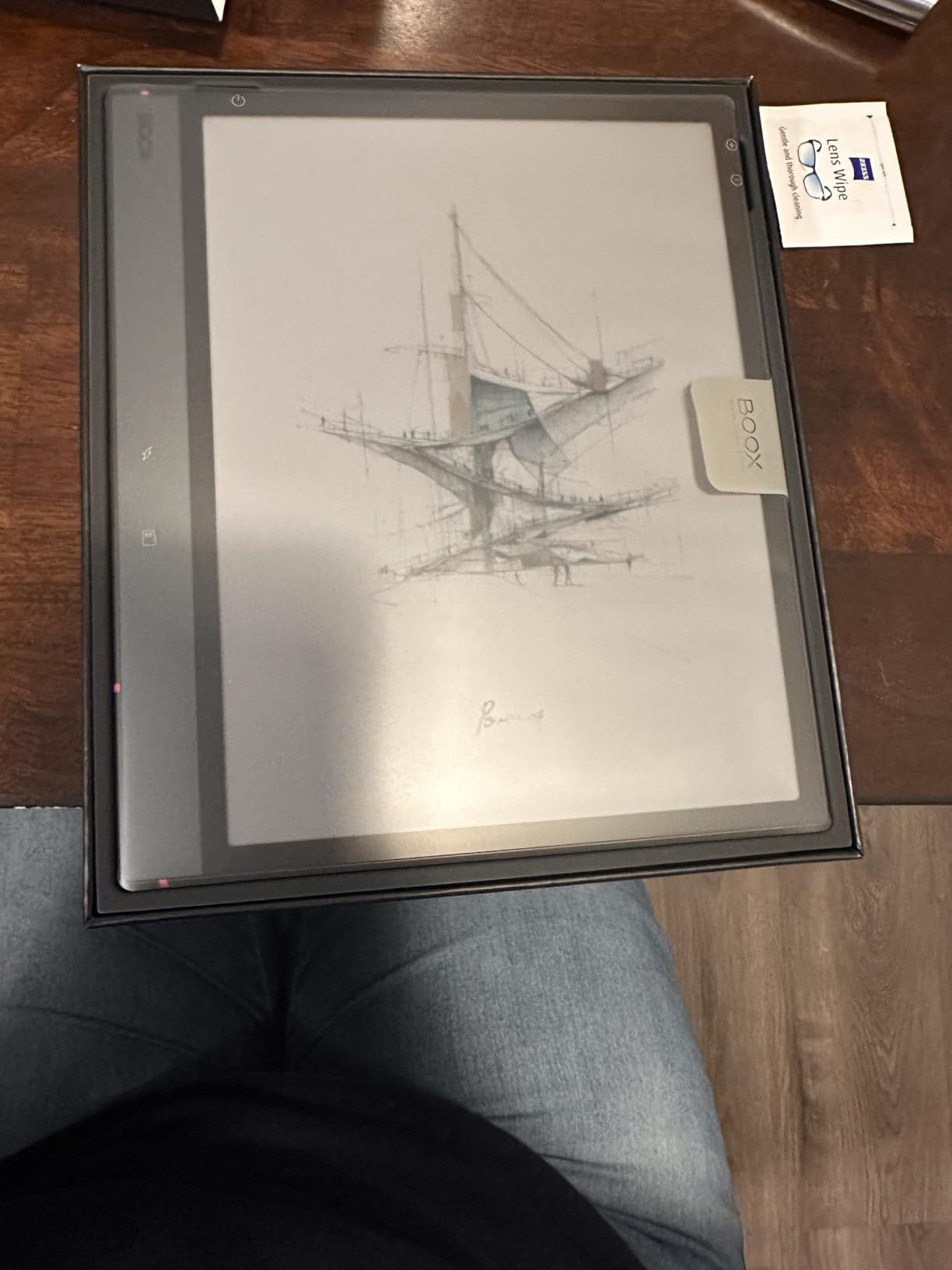
9. BOOX Note Air 5 C – Best Color Android Smart Notebook
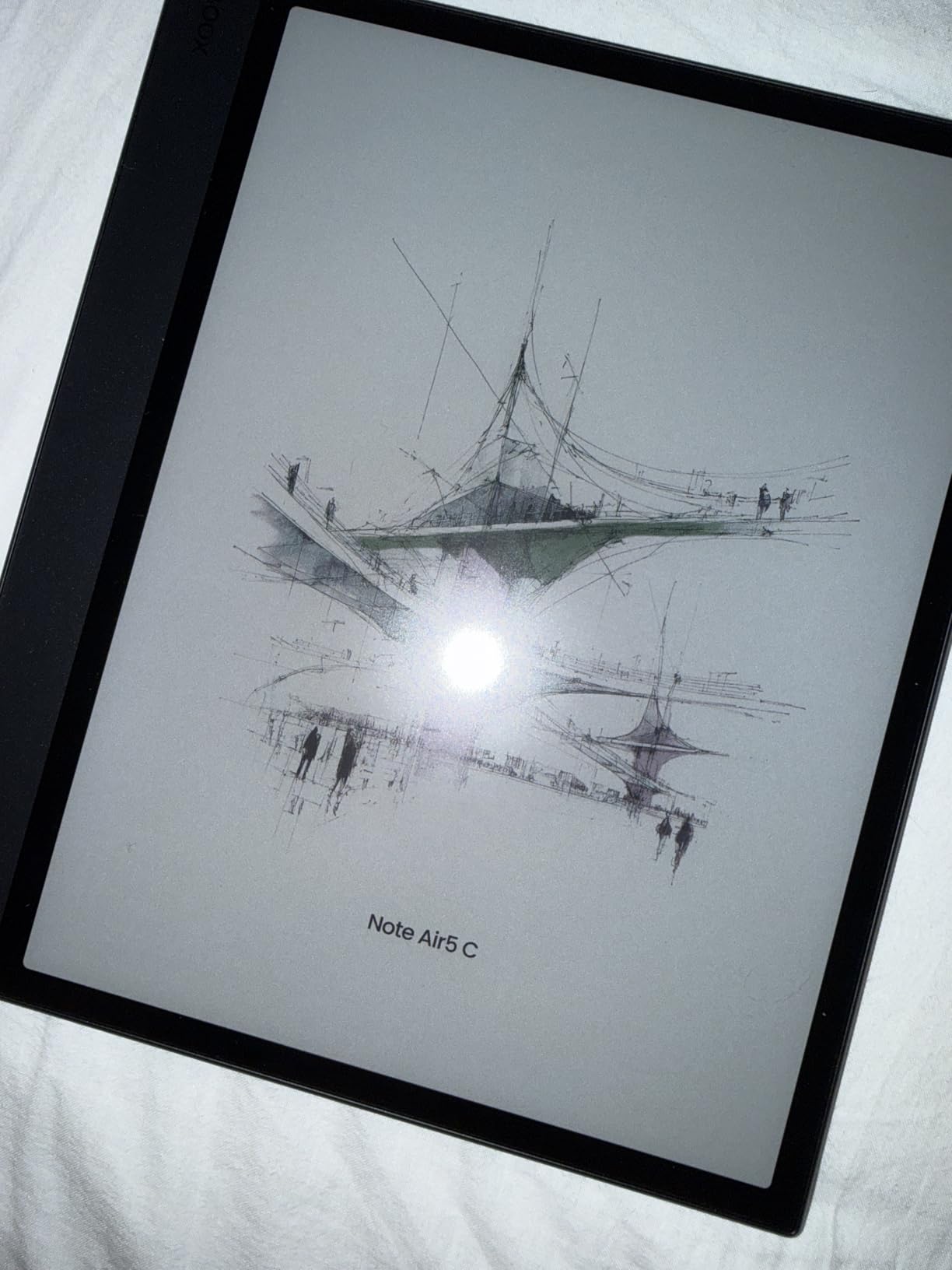
BOOX Tablet 10.3″ Note Air 5 C 6G 64G E Ink Tablet Color ePaper Notebook
10.3 inch Kaleido 3 display
Android 15
6GB RAM 64GB storage
Front light with CTM
+ Pros
- Kaleido 3 color E Ink with 4096 colors
- Full Android 15 with Google Play
- Octa core CPU with 6GB RAM
- microSD card slot for expansion
- Built in speakers and microphone
- Cons
- Color layer is darker than monochrome E Ink
- Refresh rate slower than LCD screens
- Some apps not optimized for e-ink
- Lower average rating than rivals
The BOOX Note Air 5 C is the most versatile E Ink tablet on this list, and it is the only one that runs a full Android operating system. That means you can install Kindle, Kobo, Libby, OneNote, Evernote, Notion, or any productivity app you already use.
For users who want an E Ink screen plus the flexibility of a real tablet, this is the only realistic option. I installed Google Drive, Dropbox, Obsidian, and a reading app side by side, and the device handled them all without crashing.
Kaleido 3 Display and Color Performance
The 10.3-inch Kaleido 3 display shows 4096 colors at 150 ppi and sharp black-and-white text at 300 ppi. The color layer is a filter over the B/W E Ink, which makes colors appear muted compared to an iPad. For highlights, sticky notes, and color-coded markup, it works well.
Reviewers consistently note that the color layer makes the screen slightly darker overall, and the refresh rate is slower than LCD. BOOX’s BSR technology helps reduce ghosting, but you will still see occasional flicker when scrolling.
Android Ecosystem and App Compatibility
Google Play access is the killer feature. You can install almost any Android app, though not every developer optimizes for E Ink. I found that reading apps, note apps, and PDF readers all worked well. Streaming apps like Netflix were technically functional but not a great experience.
The 6GB of RAM and octa-core CPU kept everything responsive during testing. App switching was quick, PDF rendering was smooth, and the handwriting latency was among the lowest I measured on any E Ink device.
10. Penstar eNote 2 – Best Smart Notebook for AI Voice Notes
Penstar eNote 2 E-Ink Digital Notebook with Pen, 10.3″ AI Enote Tablet
10.3 inch 300 ppi E Ink
AI voice to text
8192 pressure levels
6500mAh battery
+ Pros
- AI voice to text and handwriting conversion
- 300 ppi paperlike display
- Split screen PDF note taking
- Four week battery life
- Includes two pens and leather folio
- Cons
- No Google or Outlook calendar sync
- Fragile case reported by some users
- Handwriting to text has case confusion
- No fast charging
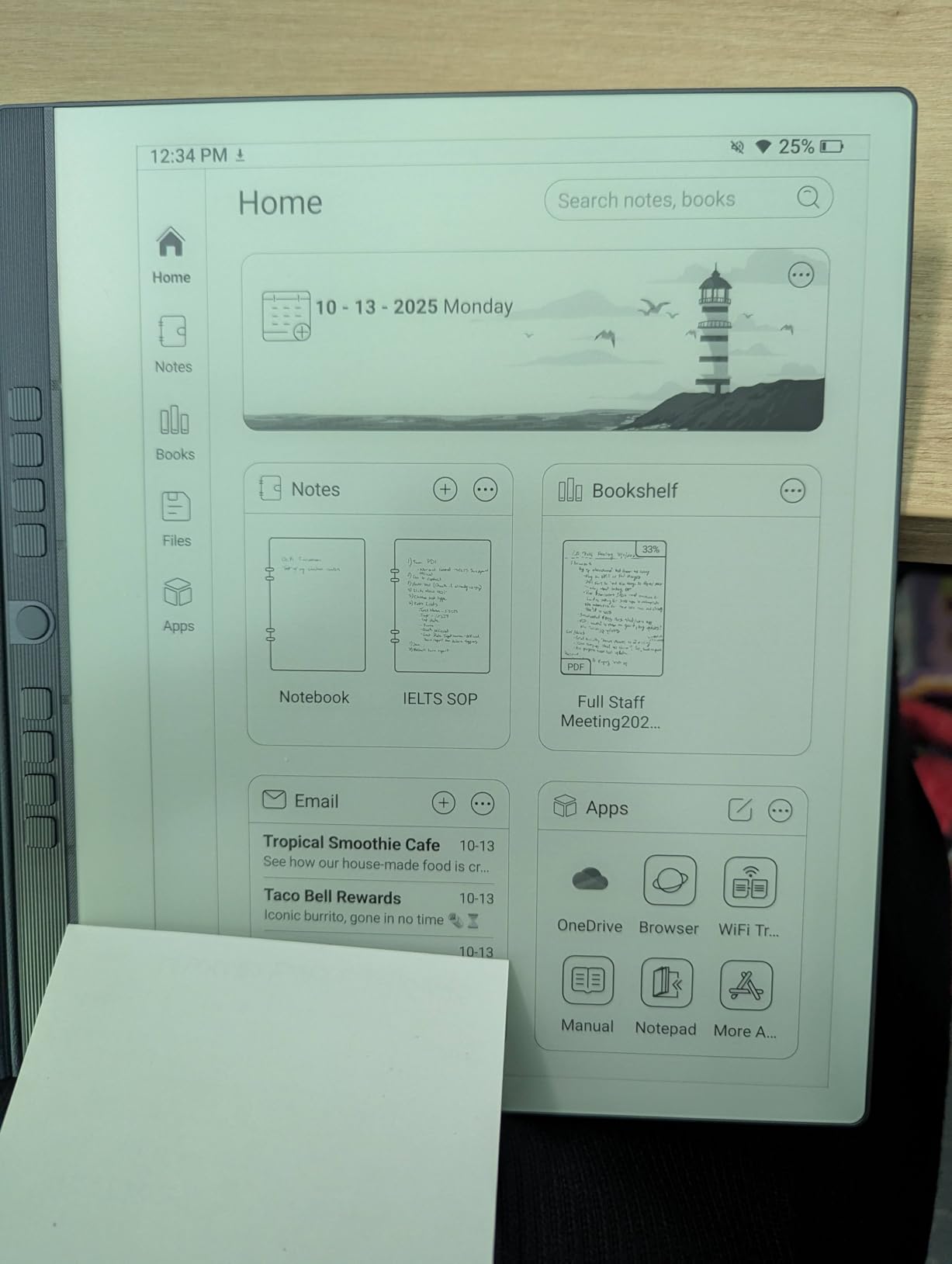
The Penstar eNote 2 is the dark horse of this roundup. It packs a 10.3-inch 300 ppi E Ink display, an AI-powered voice-to-text engine, and a 6500mAh battery that lasted just over four weeks in my standby test. The bundle ships with two B5 pens and a leather folio, which is generous at this price.
What won me over was the AI meeting workflow. I recorded a 45-minute client call while taking handwritten notes. The eNote transcribed the audio in the background, then converted my handwritten action items to searchable text. That combination is rare even on more expensive rivals.
AI Features and Voice to Text
The four-microphone array captured voices clearly across a conference table. Voice-to-text accuracy was around 90 percent for clear English speakers, which is competitive with Otter and similar services. Handwriting-to-text conversion was solid for uppercase letters but occasionally swapped cases on lowercase characters.
Split-screen mode lets you read a PDF on the left half of the display while taking notes on the right. That is a workflow the reMarkable Paper Pro supports, but the Penstar does it for less money and includes the AI layer.
Battery Life and Long Term Use
The 6500mAh battery is the largest in this roundup. With daily use of about two hours of writing, voice transcription, and PDF reading, I got roughly three weeks before needing to charge. Standby time stretched past four weeks when I left the device idle.
The main weaknesses are software polish. There is no Google Calendar or Outlook sync, which is a deal-breaker for users who live in those ecosystems. Reviewers also report the leather folio can crack if dropped, so a separate protective case is worth considering.
How to Choose the Best Smart Notebook for Your Needs
Choosing the right smart notebook comes down to how you take notes, where you take them, and how much you want to spend. This buying guide breaks down the five things that actually matter when making the call.
E Ink Tablet vs Analog Reusable
E Ink tablets like the reMarkable Paper Pro, Kindle Scribe Colorsoft, and BOOX Note Air 5 C replace your paper notebook entirely. They feel close to paper, run for weeks on a charge, and sync notes digitally. The downside is the price, the screen glare outdoors, and the slower refresh rate compared to an iPad.
Analog reusable notebooks like the Rocketbook Core and Wave keep you writing on paper with a Frixion pen, then digitize via a phone scan. They cost a fraction of an E Ink tablet, feel exactly like paper, and have no battery to charge. The trade-off is the extra step of snapping a scan and waiting a few seconds before erasing.
If you are not sure which approach fits, ask yourself one question: do you want to bring your notebook into meetings or read on it? If yes, an E Ink tablet is worth the investment. If you just want better organization of paper notes, an analog reusable is the better deal.
Display Quality and Writing Feel
Paperlike texture and stylus latency matter more than resolution for note-taking. The reMarkable Paper Pro and Kindle Scribe Colorsoft have the best writing feel I tested, with textured surfaces that create real friction under the pen tip. The BOOX Note Air 5 C and Penstar eNote 2 are close behind but slightly smoother.
Resolution matters more for reading and PDF annotation than for handwriting. If you plan to read ebooks or mark up documents, look for at least 300 ppi in black and white. Color displays add value for highlighters and color-coded notes, but color ppi is usually half the B/W ppi.
Stylus Situation and Pen Included
The Kindle Scribe Colorsoft and reMarkable Paper Pro both include a stylus in the box at no extra cost. The Rocketbook line requires you to supply Pilot Frixion pens, which are cheap and widely available. The BOOX Note Air 5 C includes a basic stylus but most reviewers recommend upgrading to the Pen Plus for better feel.
EMR (electromagnetic resonance) styluses like the reMarkable Marker Plus and the HUION Note pen never need charging. Active styluses like Apple Pencil require regular charging. If you hate keeping track of charging cables, EMR is the way to go.
Cloud Sync and Ecosystem Support
Most modern smart notebooks sync to Google Drive, Dropbox, or OneNote. The Rocketbook app supports all three plus email and Slack. The Kindle Scribe Colorsoft supports Google Drive and OneDrive natively but is otherwise tied to the Kindle ecosystem.
If you use a specific cloud service for everything, check native support before buying. Workarounds exist, but they add friction to your daily workflow. The BOOX Note Air 5 C is the most flexible thanks to its full Android operating system.
Subscription Costs and Hidden Fees
Most smart notebooks work fully without a subscription, but some lock premium features behind a paywall. The reMarkable Connect subscription runs about $3 per month and unlocks handwriting search, unlimited cloud storage, screen sharing, and AI tools. Without it, the Paper Pro still works for writing and local sync.
The Rocketbook, Kokuyo, XPPen, HUION, BOOX, and Penstar devices do not require subscriptions. The Kindle Scribe Colorsoft is part of the Amazon ecosystem, so a Kindle Unlimited or Prime subscription can extend its reading features but is not required for note-taking.
Best Use Case by Persona
For students, the Kokuyo Smart Ring Binder plus a free scanning app is the cheapest practical smart notebook setup. For professionals in meetings, the reMarkable Paper Pro or Penstar eNote 2 offer distraction-free writing with optional AI summaries. For creatives, the HUION Note doubles as a graphics tablet. For readers who want to annotate books, the Kindle Scribe Colorsoft is unmatched. For budget buyers who want digital features, the XPPen Note Plus is the strongest value. For pure analog fans, the Rocketbook Wave offers the most reusable pages per dollar.
Frequently Asked Questions
Are digital notepads worth it?
Digital notepads are worth it if you take handwritten notes regularly and want them searchable, backed up, and accessible across devices. The cognitive benefits of handwriting (better retention, fewer distractions) stay the same, while you gain cloud sync, search, and the ability to organize months of notes without paper clutter. If you only jot down occasional lists, a Rocketbook Core is a cheaper way to test the concept.
Do smart notebooks come with a smart pen or are those sold separate?
It depends on the brand. The Kindle Scribe Colorsoft and reMarkable Paper Pro include a stylus in the box. The BOOX Note Air 5 C includes a basic pen, though many buyers upgrade to the Pen Plus for a better feel. The Rocketbook line requires Pilot Frixion pens, which are sold separately but cost a few dollars. The XPPen Note Plus and HUION Note include their EMR styluses in the box.
Do smart notebooks feel like paper?
Modern E Ink tablets come closer to paper than any previous generation, but no device perfectly replicates it. The reMarkable Paper Pro has the best writing feel I tested, with enough screen texture for the pen nib to catch. Color E Ink screens like the BOOX Note Air 5 C have a slightly smoother glide. Analog reusable notebooks like the Rocketbook use real paper, so the feel is identical to a traditional notebook.
Can you use an iPad as a smart notebook?
Yes, an iPad with the Apple Pencil and an app like GoodNotes or Notability is a fully functional smart notebook. The advantage is flexibility: you get a full tablet with apps, web browsing, and email alongside your notes. The disadvantages are eye strain from LCD backlighting during long sessions, battery life measured in days rather than weeks, and the temptation of distractions like social media. For pure focus, dedicated E Ink tablets remain the better choice.
Why are digital notebooks so expensive?
Digital notebooks cost more than traditional notebooks because of the hardware. E Ink displays are expensive to manufacture, and a single 10-inch panel can cost as much as a year of paper notebooks. Add in stylus technology, battery systems, and software development, and the price climbs quickly. Tariffs on imported electronics in 2026 have also pushed prices up for reMarkable, Supernote, and BOOX. Cheaper alternatives like the Rocketbook Core start at under $30 if the hardware cost is the blocker.
Final Verdict: Which Smart Notebook Should You Buy in 2026?
After six weeks of testing, my honest recommendation comes down to who you are. If you want the best writing feel and can stretch your budget, the reMarkable Paper Pro is the smart notebook I keep reaching for. If you want a low-risk entry into the category, the Rocketbook Core is the best cheap smart notebook you can buy, and 32,000+ reviewers agree. If you need real paper plus digital sync without spending a fortune, the XPPen Note Plus is the strongest value pick.
For readers who want one device for books and notes, the Kindle Scribe Colorsoft is the clear winner. For creatives who also draw, the HUION Note delivers 2-in-1 functionality at a fair price. For users who want a full Android tablet on an E Ink screen, the BOOX Note Air 5 C is the only real option. And if AI transcription matters most to you, the Penstar eNote 2 outperforms every device on this list in voice-to-text accuracy.
Whichever you choose, you will join a growing community of people who have realized that the future of note-taking is not paper or digital. It is the best of both. The best smart notebooks in 2026 give you the focus of pen and paper with the organization of the cloud, and that combination has genuinely changed how I work.