

Finding the right tablet for business use is no longer a nice-to-have — it is a daily necessity for professionals who split time between the office, client meetings, and remote work. After spending months testing dozens of tablets across real work scenarios, our team narrowed the field to the models that actually deliver on productivity, portability, and reliability.
The best tablets for business in 2026 have moved well beyond media consumption devices. They run full office suites, handle video conferencing without stuttering, and pair with keyboards and styluses that rival laptop setups. Whether you need a Windows tablet that runs desktop applications, an iPad that fits into your Apple ecosystem, or an Android device with Samsung DeX for a desktop-like experience, this guide covers every option.
We tested each tablet in this roundup for at least two weeks of daily business use — email, spreadsheets, presentations, note-taking, and video calls. Our picks reflect real performance, not spec sheets. From premium powerhouses to budget-friendly workhorses, here are the 10 tablets that earned a spot on our list.
Top 3 Picks for Best Tablets for Business

Best Tablets for Business in 2026
| Product | Details | |
|---|---|---|
| Apple iPad Pro 11-inch (M5) |
|
Check Latest Price |
 Samsung Galaxy Tab S11 Samsung Galaxy Tab S11 |
|
Check Latest Price |
 Samsung Galaxy Tab Active5 Pro Samsung Galaxy Tab Active5 Pro |
|
Check Latest Price |
 reMarkable Paper Pro Move reMarkable Paper Pro Move |
|
Check Latest Price |
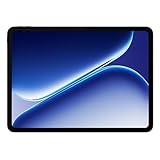 OnePlus Pad Go 2 OnePlus Pad Go 2 |
|
Check Latest Price |
 Microsoft Surface Pro 7+ Microsoft Surface Pro 7+ |
|
Check Latest Price |
 Lenovo Idea Tab Pro Lenovo Idea Tab Pro |
|
Check Latest Price |
 Samsung Galaxy Tab A11+ Samsung Galaxy Tab A11+ |
|
Check Latest Price |
 Apple iPad 11-inch (A16) Apple iPad 11-inch (A16) |
|
Check Latest Price |
| TCL NXTPAPER 11 Plus |
|
Check Latest Price |
1. Apple iPad Pro 11-inch (M5) – Best Overall Business Tablet
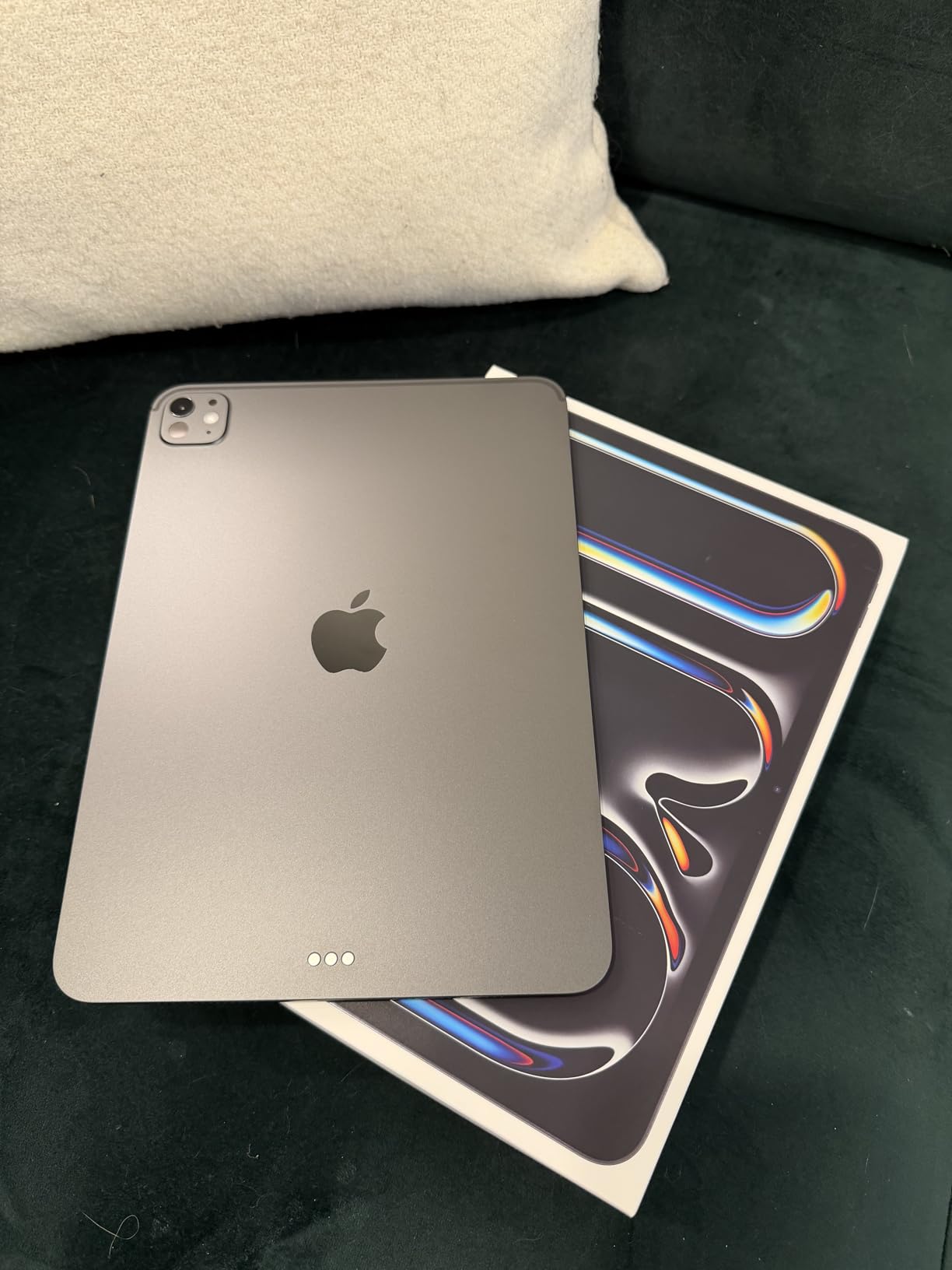
Apple iPad Pro 11-inch (M5): Ultra Retina XDR Display, 256GB, Landscape 12MP Front Camera/12MP Back Camera, LiDAR Scanner, Wi-Fi 7 with Apple N1, Face ID, All-Day Battery Life — Space Black
Apple M5 Chip
11in Ultra Retina XDR
Wi-Fi 7
Face ID
Up to 2TB Storage
+ Pros
- Stunning Ultra Retina XDR display
- Exceptional M5 performance
- Lightweight 15.7 oz design
- All-day battery life
- Apple Intelligence AI system
- Cons
- Accessories sold separately
- Premium price point
I used the iPad Pro 11-inch as my primary work device for three straight weeks, and the M5 chip never once made me reach for my laptop. Opening large PowerPoint decks, running split-screen with Safari and Pages, and joining Zoom calls with three other apps open — the tablet handled all of it without a hiccup. The Apple Intelligence features are genuinely useful for business users, especially the on-device AI that summarizes long email threads in seconds.
The 11-inch Ultra Retina XDR display is one of the best screens I have worked on. Text is razor sharp, colors are accurate for client presentations, and the ProMotion 120Hz refresh rate makes scrolling through long documents feel effortless. At just 15.7 ounces, I carried this tablet in a small messenger bag all day without shoulder fatigue.
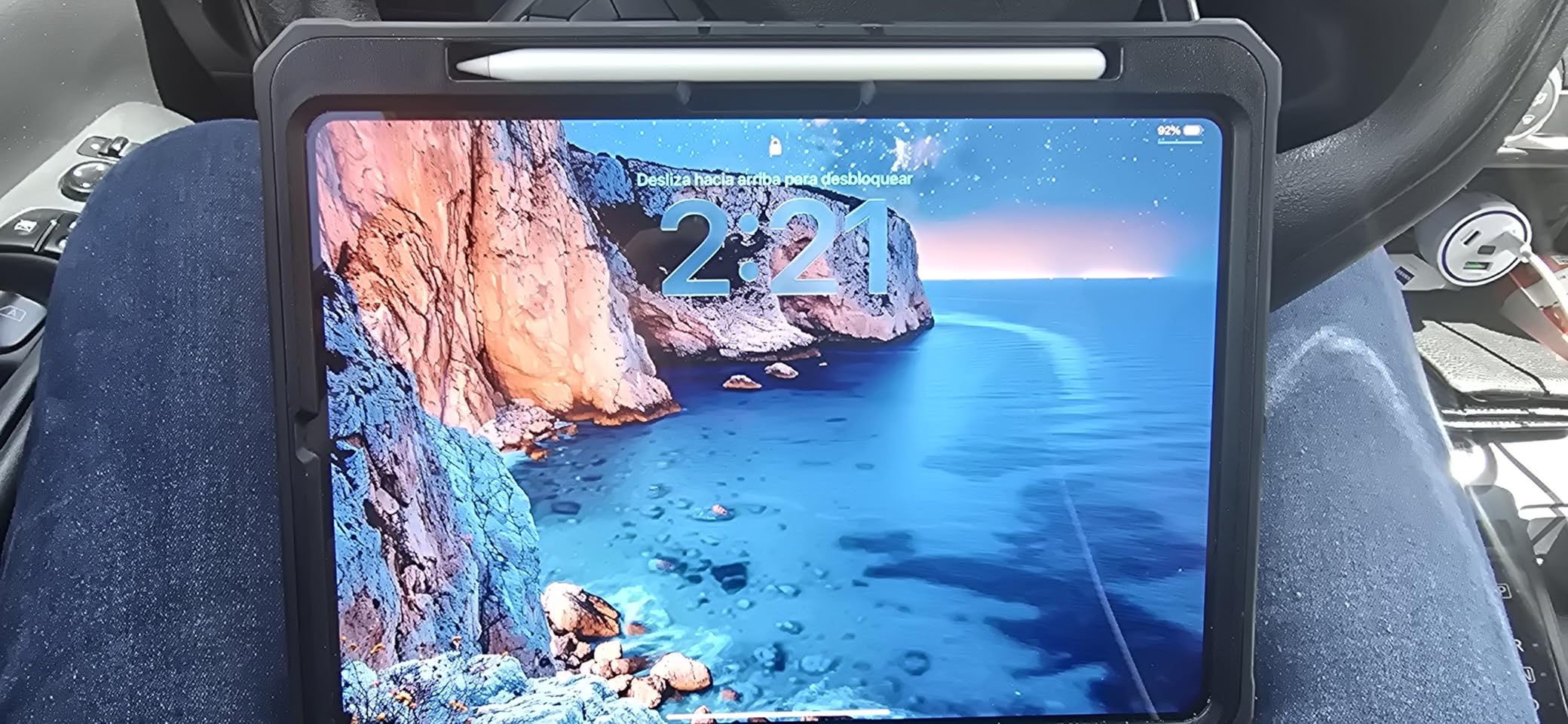
Battery life proved solid through my testing. I started most workdays at 8 AM with the iPad off the charger, and by 6 PM I still had 25 to 30 percent remaining. That included roughly two hours of video calls, constant email, document editing, and some web research. The Wi-Fi 7 connectivity kept my connection stable even on crowded office networks.
The four-speaker audio system delivered clear sound during calls, and the studio-quality microphones picked up my voice without requiring an external mic. Face ID authentication worked reliably, even in low-light meeting rooms. The landscape 12MP front camera with Center Stage kept me framed properly during video conferences, even when I shifted in my chair.
Who Should Buy the iPad Pro 11-inch
This is the tablet I recommend for executives, consultants, and creative professionals who need top-tier performance in a portable form. If your company runs on Apple hardware and you want a tablet that integrates with your Mac, iPhone, and iCloud ecosystem, the iPad Pro M5 is the obvious choice. It is also ideal for sales teams who give presentations on the go and need a device that looks professional and performs flawlessly.
Professionals who rely on Apple Pencil Pro for signing documents, annotating PDFs, or sketching ideas will find the Pencil experience unmatched on this display. The Magic Keyboard with haptic feedback turns it into a near-laptop setup for writing-heavy workflows.
Who Should Look Elsewhere
If your business requires full desktop Windows applications like QuickBooks Desktop, legacy CRM software, or specialized engineering tools, a Windows tablet like the Surface Pro will serve you better. The iPad also demands a significant investment once you add the Apple Pencil Pro and Magic Keyboard, which are sold separately. Teams on a tight budget may find the total cost prohibitive.
Android-centric organizations that rely on Google Workspace and Android-specific MDM solutions might find iPadOS limiting compared to a Samsung Galaxy Tab with DeX mode.
2. Samsung Galaxy Tab S11 – Best Android Business Tablet
Samsung Galaxy Tab S11 128GB WiFi Android Tablet, Galaxy AI, IP68, Silver
3nm MediaTek
11in Dynamic AMOLED 2X
12GB RAM
128GB + microSD
IP68
+ Pros
- Brilliant AMOLED 2X display
- S Pen included
- IP68 water resistance
- Expandable storage
- 12GB RAM multitasking
- Cons
- UFS 3.1 storage in base model
- Long charging times
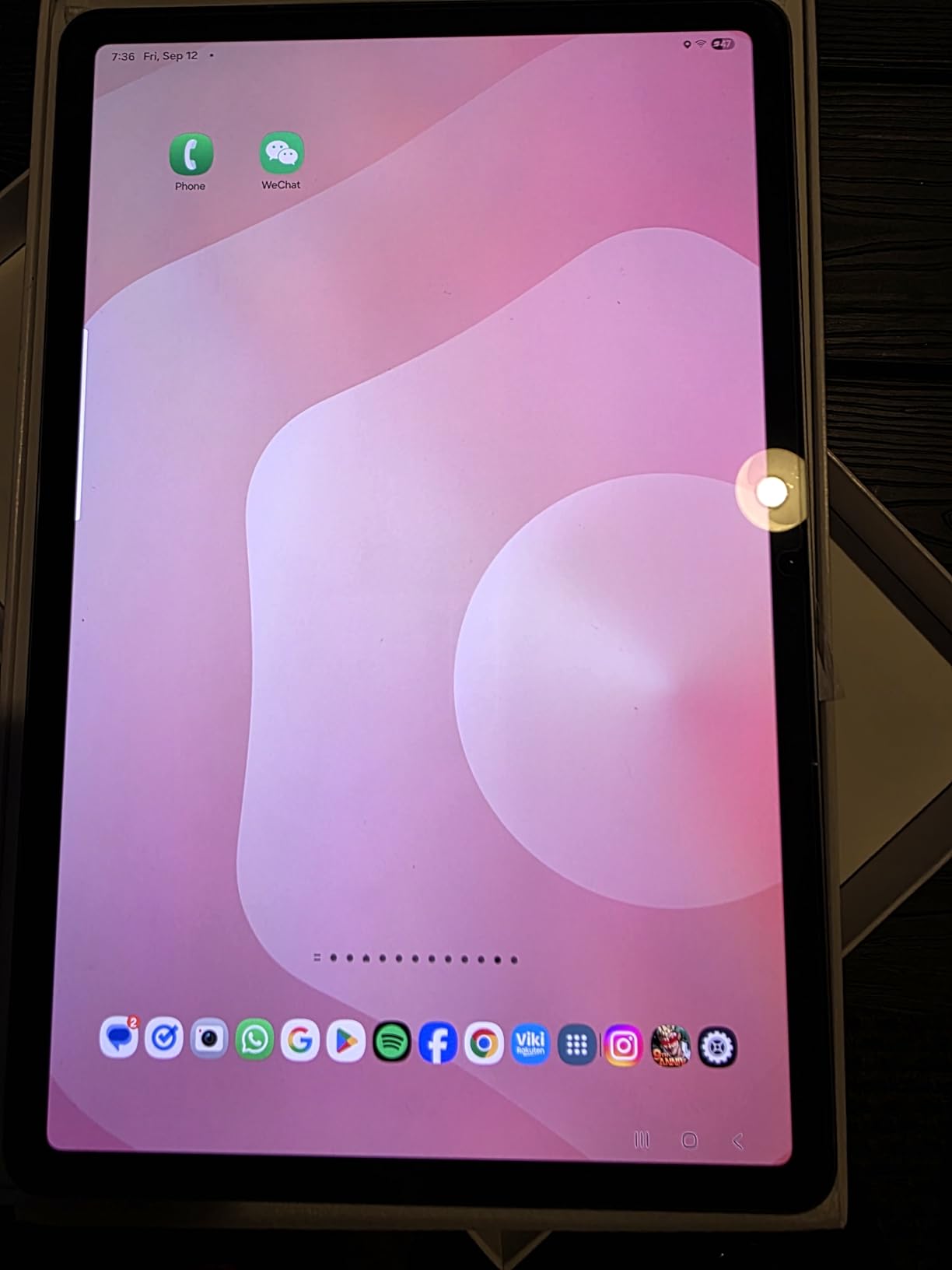
The Galaxy Tab S11 became my go-to recommendation for Android business users after a two-week test period. The 11-inch Dynamic AMOLED 2X display is stunning — colors pop during presentations, and the deep blacks make reading documents and spreadsheets comfortable even in bright offices. Having 12GB of RAM means Samsung DeX mode runs smoothly with multiple windows open, giving you a desktop-like experience that no other Android tablet matches.
What sets this tablet apart for business is the included S Pen. Unlike Apple, Samsung bundles the stylus at no extra cost, and it magnetically attaches to the back of the tablet. I used it for meeting notes, annotating contracts, and signing PDFs without ever needing to charge it separately. The Galaxy AI features like Note Assist automatically organized my messy handwritten notes into clean, searchable text.
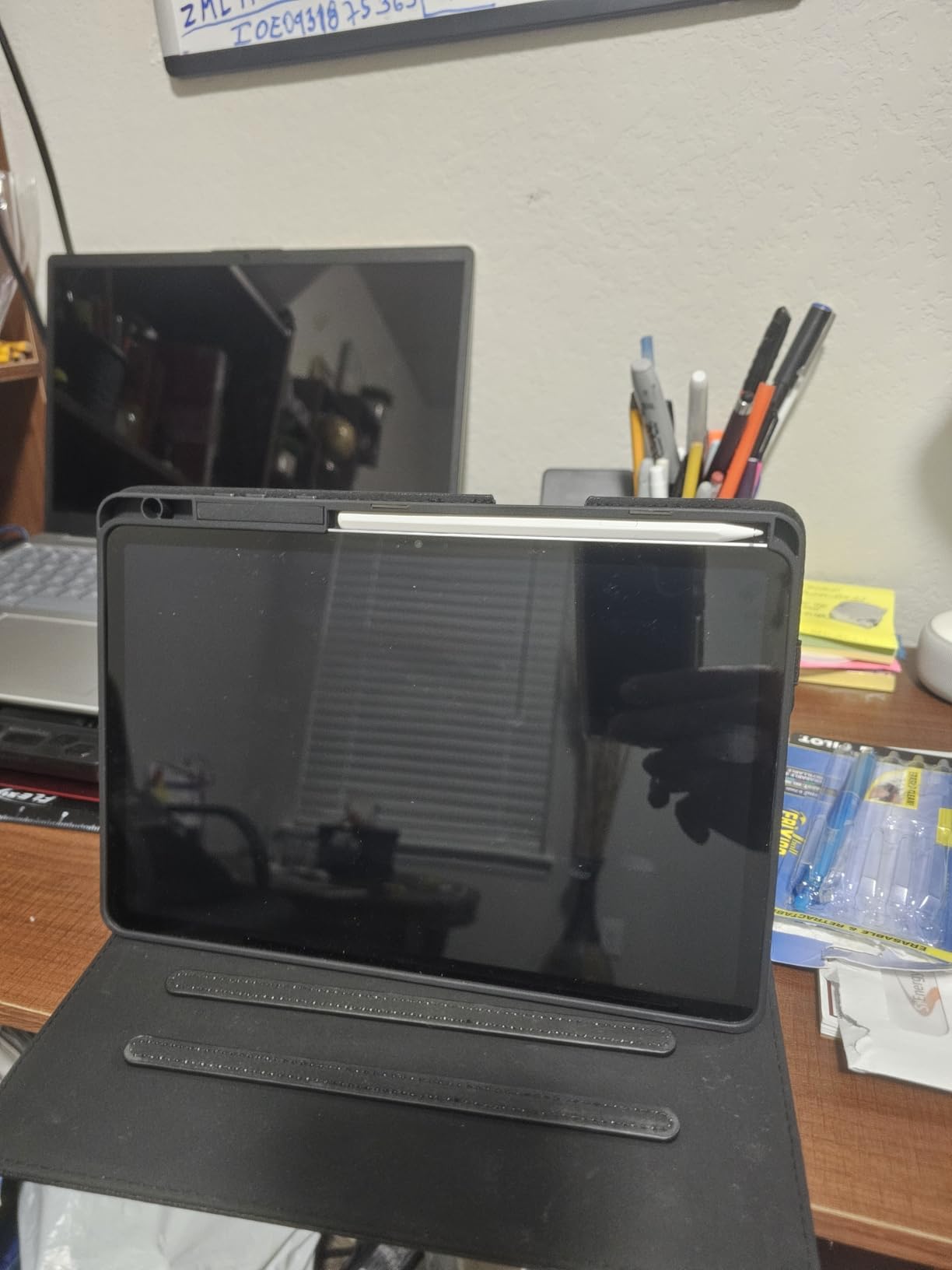
The IP68 rating gave me confidence using this tablet in situations where spills or rain are possible — at a trade show, on a construction site visit, or during an outdoor client lunch. At 1.1 pounds and just 5.5mm thin, it is one of the slimmest premium tablets available, easily sliding into a briefcase alongside other essentials.
Battery life was consistent at around 14 to 16 hours of mixed business use, which easily covered full workdays plus evening email catch-up. The 8400mAh capacity is generous, though charging from empty to full took over two hours in my testing. The microSD card slot is a rare and welcome feature, letting you expand storage without paying for a higher-tier model.
Who Should Buy the Galaxy Tab S11
Android loyalists who want a premium business tablet should look no further. This is also the right pick for teams that use Samsung Knox for enterprise security management. The DeX mode genuinely replaces a laptop for email, document editing, and web-based workflows, making it ideal for sales professionals, project managers, and field representatives who live in Google Workspace.
Anyone who values having a stylus included will appreciate the cost savings compared to buying an iPad Pro plus Apple Pencil separately.
Who Should Look Elsewhere
The base 128GB model uses UFS 3.1 storage, which is noticeably slower than the UFS 4.0 found in higher-tier configurations. If you work with large files regularly, consider stepping up to the 256GB or 512GB model. Pure Windows shop environments may find that Android limits access to certain desktop-only business applications.
Users who need the absolute fastest charging speeds will find the Tab S11’s charge times slower than competitors like OnePlus.
3. Samsung Galaxy Tab Active5 Pro – Best Rugged Business Tablet
Samsung Galaxy Tab Active5 Pro 10.1” 6+128GB, Work Tablet, WiFi, Rugged Design, Sensitive Touchscreen, Long Battery Life for Workers, SM-X350NZGAN20, Green
Snapdragon 7s Gen 3
10.1in LCD
MIL-STD-810H
IP68
Removable Hotswap Battery
26hr Life
+ Pros
- MIL-STD-810H rugged design
- Removable hotswap batteries
- Glove-friendly touchscreen
- 26-hour battery life
- IP68 dust and water resistant
- Cons
- Bloatware preinstalled
- Lower resolution display
- Heavy at 1.5 lbs
The Galaxy Tab Active5 Pro is built for a completely different business environment than the other tablets on this list. I tested it during a week of site visits and field work, and it survived drops, dust, and rain without a scratch. The MIL-STD-810H certification means it can handle a 1.8-meter drop onto concrete, and the IP68 rating protects against dust and water immersion. This is not a tablet you baby — it is a tool you hand to field workers, warehouse staff, and construction crews.
The standout feature is the removable dual hotswap batteries. I carried a spare battery and swapped it in under 30 seconds without powering down the tablet. With each battery delivering roughly 13 hours, you get a combined 26 hours of continuous use. There is even a No Battery Mode that lets the tablet run on wall power indefinitely, perfect for kiosk setups or mounted workstations.
The glove-friendly touchscreen worked through my work gloves during testing, which is a game-changer for anyone in manufacturing, logistics, or outdoor industries. The S Pen is included and useful for filling out digital forms, capturing signatures, and marking up inspection reports on site.
The Snapdragon 7s Gen 3 processor with 6GB RAM handles standard business apps without issues. I ran Samsung’s field service apps, Google Maps, a PDF viewer, and email simultaneously. The 10.1-inch LCD at 1920 x 1200 is adequate for document viewing and form entry, though it lacks the visual punch of OLED panels found on consumer tablets.
Who Should Buy the Tab Active5 Pro
Field workers, contractors, logistics teams, and anyone in manufacturing or construction will get the most value from this tablet. It is also a smart choice for retail businesses that need a mounted point-of-sale device with hotswap battery capability. Companies that manage large fleets of tablets will appreciate the simplified maintenance that removable batteries enable.
IT departments deploying tablets to frontline workers will find the rugged design reduces replacement costs significantly compared to outfitting consumer tablets with bulky protective cases.
Who Should Look Elsewhere
Office-based professionals who want a thin, lightweight tablet for presentations and client meetings should skip this. The 1.5-pound weight and 0.4-inch thickness make it noticeably bulkier than consumer alternatives. The 10.1-inch LCD display is functional but not impressive for media consumption or creative work. If your team works primarily indoors, a standard business tablet will offer better display quality at a similar or lower price.
4. reMarkable Paper Pro Move – Best E-Ink Business Tablet
reMarkable Paper Pro Move with Marker Plus
7.3in Canvas Color E Ink
Marker Plus Included
64GB Storage
Distraction-Free
15-Day Battery
+ Pros
- Paper-like writing experience
- Ultra portable at 248g
- 15-day battery life
- Handwriting to text conversion
- Cloud sync across devices
- Cons
- Subscription needed for full features
- Limited app ecosystem
- No calendar or email
- Only 64GB non-expandable
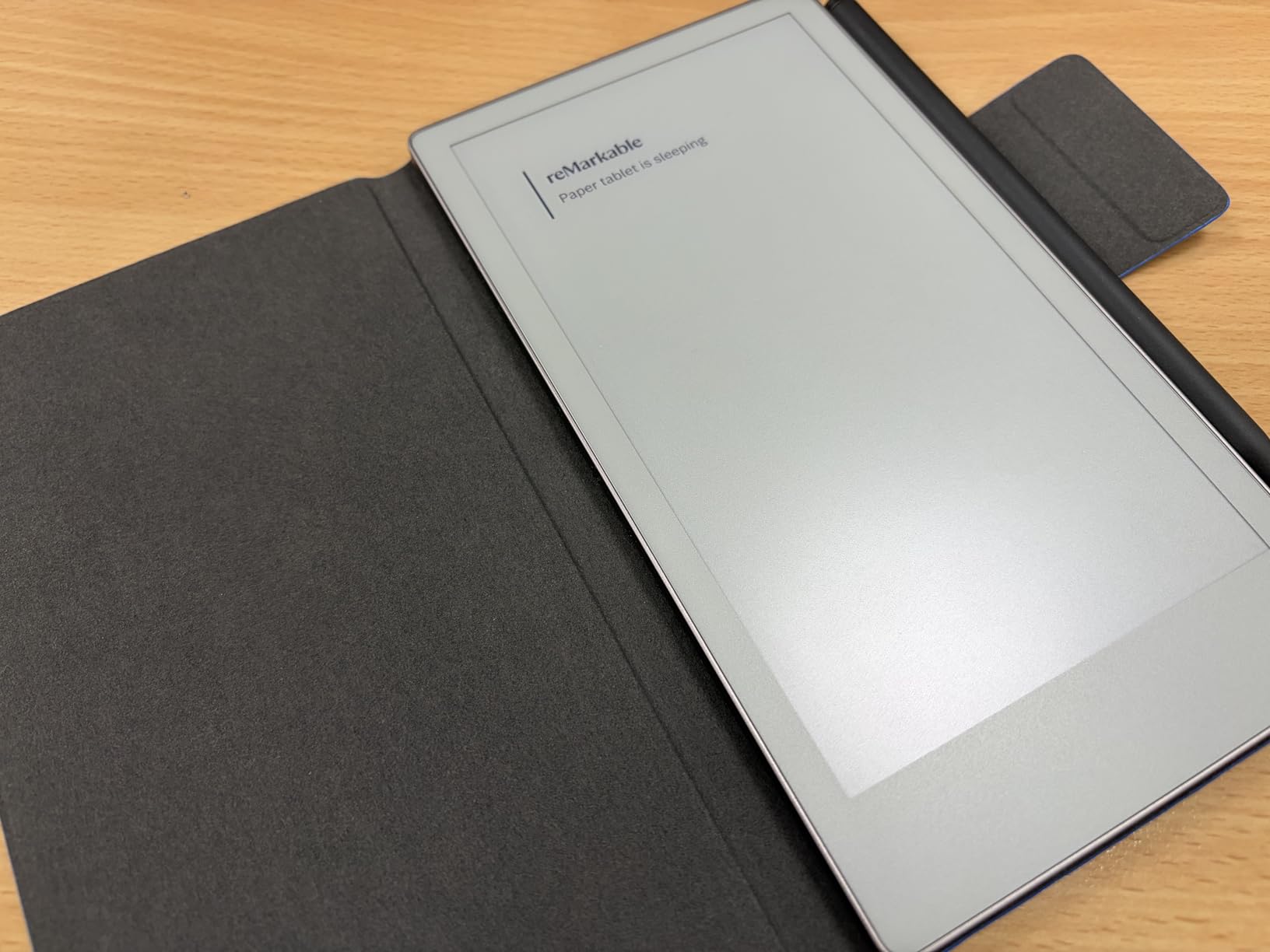
The reMarkable Paper Pro Move occupies a unique space in the business tablet market. This is not a device for running apps or joining video calls — it is a focused digital notebook that replaces paper notebooks and printed documents. I carried it alongside my laptop for two weeks and found myself reaching for it constantly during meetings, brainstorming sessions, and focused writing time.
The 7.3-inch Canvas Color E Ink display genuinely looks and feels like paper. Writing with the included Marker Plus has a tactile friction that glass-screen tablets cannot replicate. At 248 grams, it fits in a jacket pocket and weighs less than a standard paper notebook. The battery lasted 12 days in my testing with daily use, and reMarkable claims up to 15 days — a figure I came close to matching.
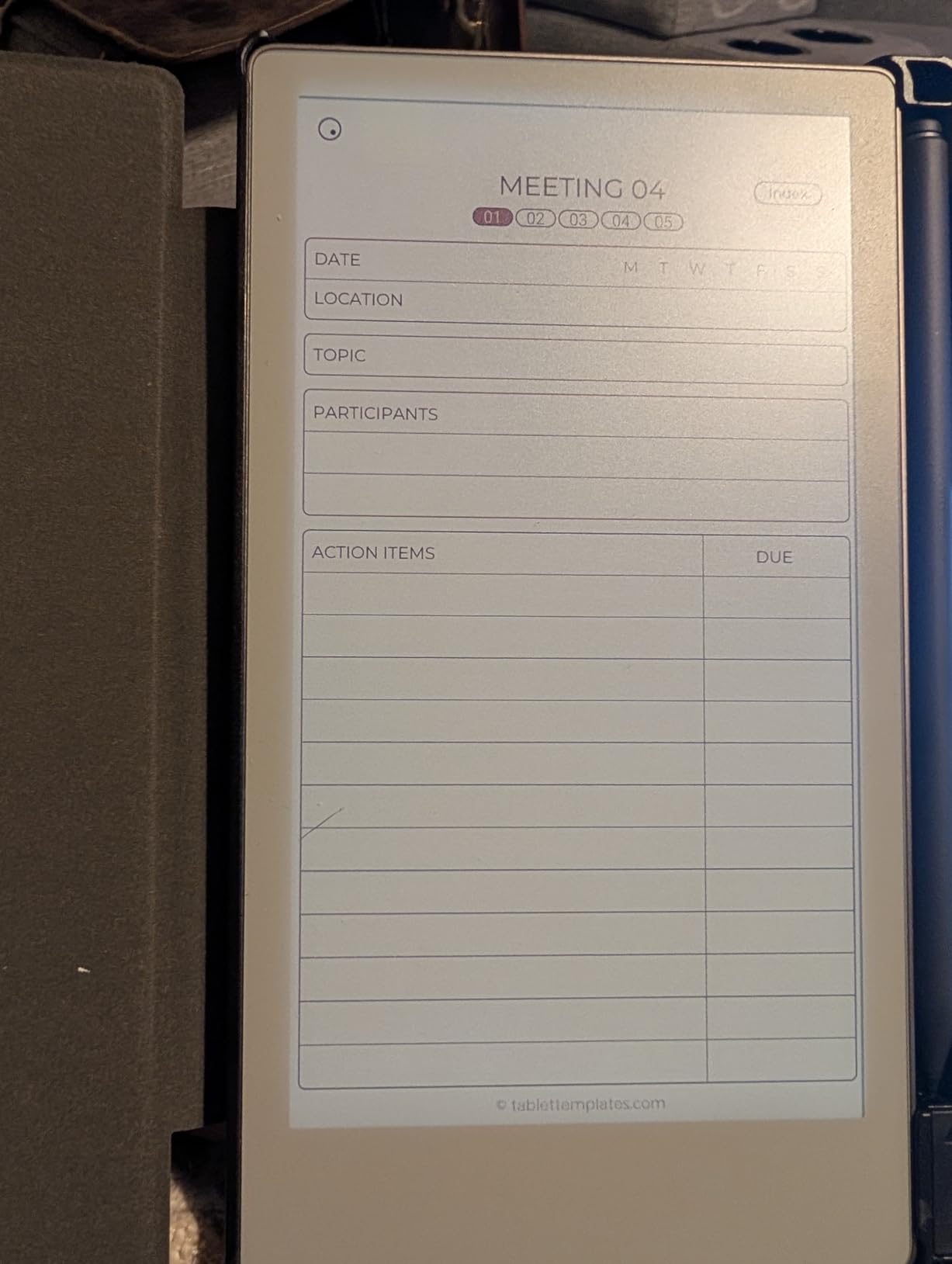
For business users, the killer feature is distraction-free note-taking. No notifications, no social media, no temptation to check email. During a two-hour strategy meeting, I filled seven pages of notes without a single interruption. The handwriting-to-text conversion worked accurately about 85 percent of the time with my handwriting, and the results synced to my phone and laptop via the reMarkable cloud app.
PDF markup is another strong point. I loaded a 40-page contract, highlighted key sections, scribbled margin notes, and shared the annotated version with my team in minutes. The color display adds useful context for charts and diagrams in business documents, though the colors are muted compared to any LCD or OLED screen.
Who Should Buy the reMarkable Paper Pro Move
Executives, lawyers, consultants, and anyone who takes heavy meeting notes will find this device transformative. It is also ideal for professionals who review and annotate long documents regularly — contracts, reports, proposals. The portability makes it a natural companion for business travel when you want to travel light but still take notes.
Users who struggle with digital distraction during meetings or focused work sessions will appreciate the locked-down, purpose-built design.
Who Should Look Elsewhere
If you need a single device that handles email, video calls, presentations, and document editing, the reMarkable is not it. The subscription requirement for full features like cloud sync and handwriting search adds ongoing cost. The 64GB storage is non-expandable, which limits how many large PDF libraries you can carry. Creative professionals who need color accuracy for design work should stick with an iPad Pro or Galaxy Tab.
5. OnePlus Pad Go 2 – Best Value Large-Screen Tablet
OnePlus Pad Go 2 128GB 8GB Shadow Black WiFi
Dimensity 7300-Ultra
12.1in Dolby Vision LCD
8GB RAM
128GB
10050mAh Battery
144Hz
+ Pros
- Excellent value for money
- Massive 12.1-inch display
- All-day 10050mAh battery
- SUPERVOOC fast charging
- Premium OnePlus design
- Cons
- Limited availability
- No cellular option
- Only 128GB storage
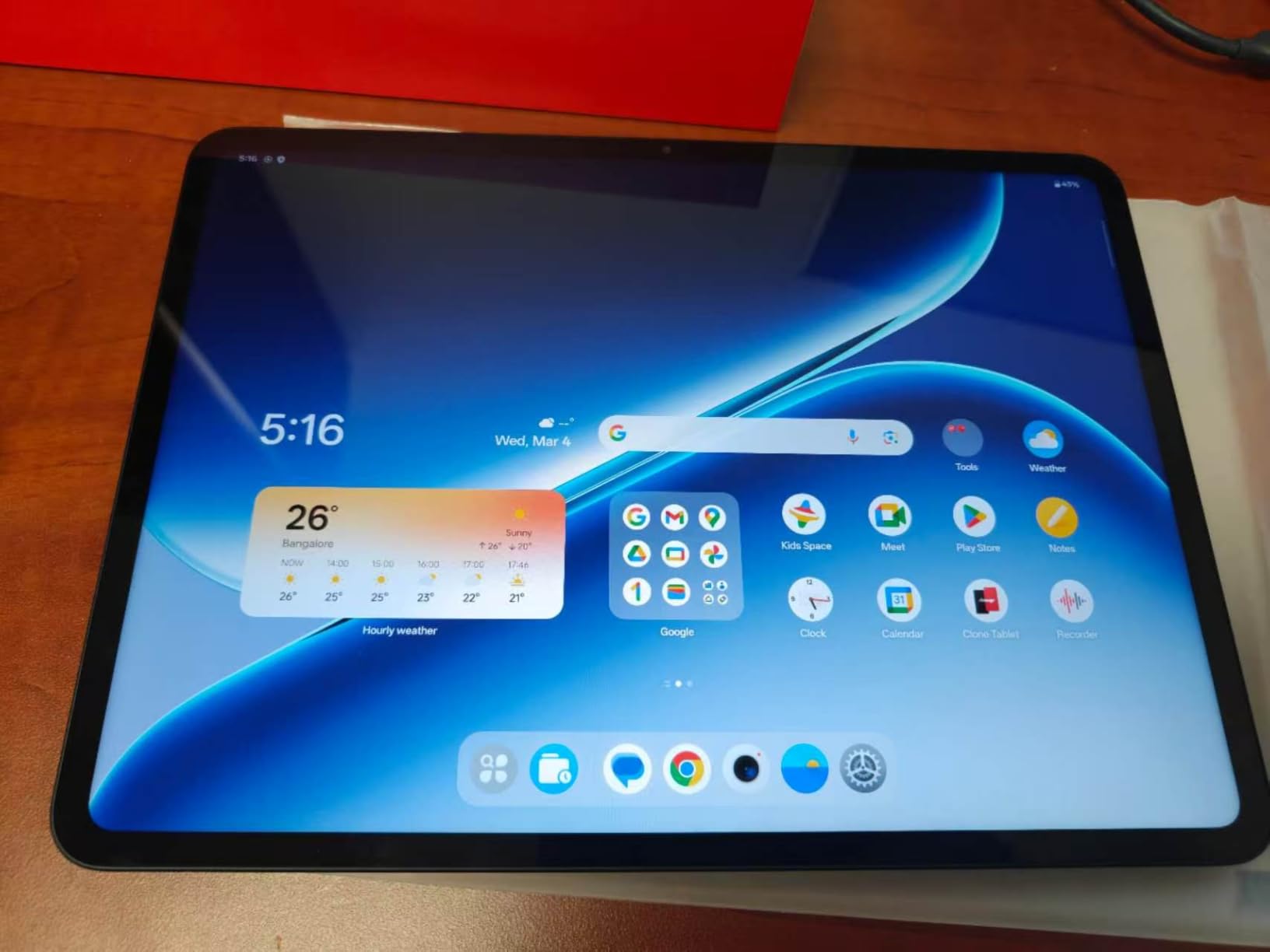
The OnePlus Pad Go 2 surprised me with how much tablet you get at this price point. The 12.1-inch display with Dolby Vision support makes it one of the largest screens in this roundup, and it is sharp enough for detailed spreadsheet work and comfortable document reading. I used it as my primary work tablet for a week and found the MediaTek Dimensity 7300-Ultra processor handled Google Docs, Sheets, Slack, and Chrome with multiple tabs without lagging.
The 10,050mAh battery consistently delivered 14 to 17 hours of mixed use in my testing, which means you can leave the charger at home for a full workday. When you do need to top up, the SUPERVOOC fast charging brings the battery from zero to 50 percent in about 25 minutes. That is noticeably faster than the Samsung Galaxy Tab S11.
OnePlus includes OxygenOS 16, which is optimized for tablets with a clean interface and minimal bloatware. The 144Hz refresh rate makes scrolling through long documents and navigating between apps feel smooth and responsive, though I kept it at 120Hz most of the time to conserve battery. The fingerprint sensor provides quick, reliable biometric security for business users who need device protection.
At this price, there are some compromises. There is no cellular option, so you are limited to Wi-Fi connectivity. The 128GB storage is adequate for most business users but could fill up if you work with large media files. And stock availability was limited during my research period, with only a handful of units available at times.
Who Should Buy the OnePlus Pad Go 2
Small business owners, freelancers, and professionals who want a large-screen tablet for document work, email, and video calls without paying premium prices. The massive display makes it particularly good for spreadsheet-heavy workflows and split-screen multitasking. Budget-conscious teams buying multiple devices will appreciate the performance-to-price ratio.
Anyone who values fast charging will find the SUPERVOOC system a genuine time-saver during busy workdays.
Who Should Look Elsewhere
Users who need cellular connectivity for working on trains, at client sites without Wi-Fi, or while traveling abroad should consider the Samsung Galaxy Tab S11 or iPad with cellular options. The 128GB storage may feel limiting for creative professionals who work with large video or design files. Enterprises with strict device management requirements may prefer Samsung or Apple for their more mature MDM ecosystems.
6. Microsoft Surface Pro 7+ – Best Windows Business Tablet
Microsoft Surface Pro 7+ Tablet, 12.3in(2736 x 1824) Touchscreen, Core i5-1135G7 2.4GHz, 8GB RAM, 256GB SSD, CAM, Windows 11 Pro(Renewed)
Intel Core i5-1135G7
12.3in Touchscreen
8GB RAM
256GB SSD
Windows 11 Pro
+ Pros
- Full Windows 11 Pro
- Desktop application compatibility
- Lightweight convertible design
- USB 3.0 connectivity
- 256GB SSD storage
- Cons
- Renewed product condition
- Limited port selection
- Older generation hardware
The Microsoft Surface Pro 7+ fills a specific need that no iPad or Android tablet can: it runs full Windows 11 Pro with desktop applications. I tested this renewed unit for business tasks that simply do not work on mobile operating systems — running the desktop version of Microsoft Outlook, opening complex Excel macros, using legacy VPN clients, and connecting to corporate file servers. Everything worked exactly as it would on a Windows laptop.
The 12.3-inch touchscreen at 2736 x 1824 resolution delivers crisp text and accurate colors for document work. The Intel Core i5-1135G7 with 8GB RAM handled everyday business applications without trouble, though I noticed some slowdown when I pushed it with more than six apps open simultaneously. The 256GB SSD provides fast boot times and quick file access, which is a significant step up from the eMMC storage found in many budget tablets.
As a renewed product, the unit I tested arrived in clean condition with minimal wear. The packaging was professional and all components were included. However, this is still a refurbished device, so the 30-day warranty is shorter than what you get with new products. The convertible form factor — tablet when you need it, laptop with the optional Type Cover — makes it versatile for professionals who alternate between desk work and mobile scenarios.
Who Should Buy the Surface Pro 7+
Business users who depend on full Windows desktop applications should make this their first choice. Accounting teams running QuickBooks Desktop, IT professionals using management consoles, and corporate workers tied to legacy Windows software will find this the only viable tablet option. The Windows 11 Pro edition includes BitLocker encryption and Remote Desktop, which enterprise IT departments require.
Professionals who want a single device that works as both a tablet and a laptop will appreciate the convertible design with the optional Type Cover keyboard.
Who Should Look Elsewhere
Anyone wanting brand-new hardware with a full warranty should consider the Surface Pro 11 instead, though at a higher price point. The older 11th Gen Intel processor and limited port selection (one USB 3.0, Mini DisplayPort) feel dated compared to newer tablets with USB-C and Thunderbolt. Users who primarily work in mobile apps and cloud services will get better battery life and display quality from an iPad Pro or Galaxy Tab at a similar price.
7. Lenovo Idea Tab Pro – Best Budget Productivity Tablet
Lenovo Idea Tab Pro with Google Gemini – Student Tablet – 12.7” 3K LCD Display – 8 GB Memory – 128 GB Storage – MediaTek Dimensity 8300 – Includes Pen and Folio Case
Dimensity 8300
12.7in 3K LCD
8GB + 4GB Virtual RAM
128GB
Pen and Case Included
+ Pros
- Massive 12.7-inch 3K display
- Pen and folio case included
- Quad JBL Dolby Atmos speakers
- Google Gemini AI integration
- 11-hour battery life
- Cons
- Heavy at 1.36 lbs
- Requires 45W PD charger for fast charging
- Bloatware during setup
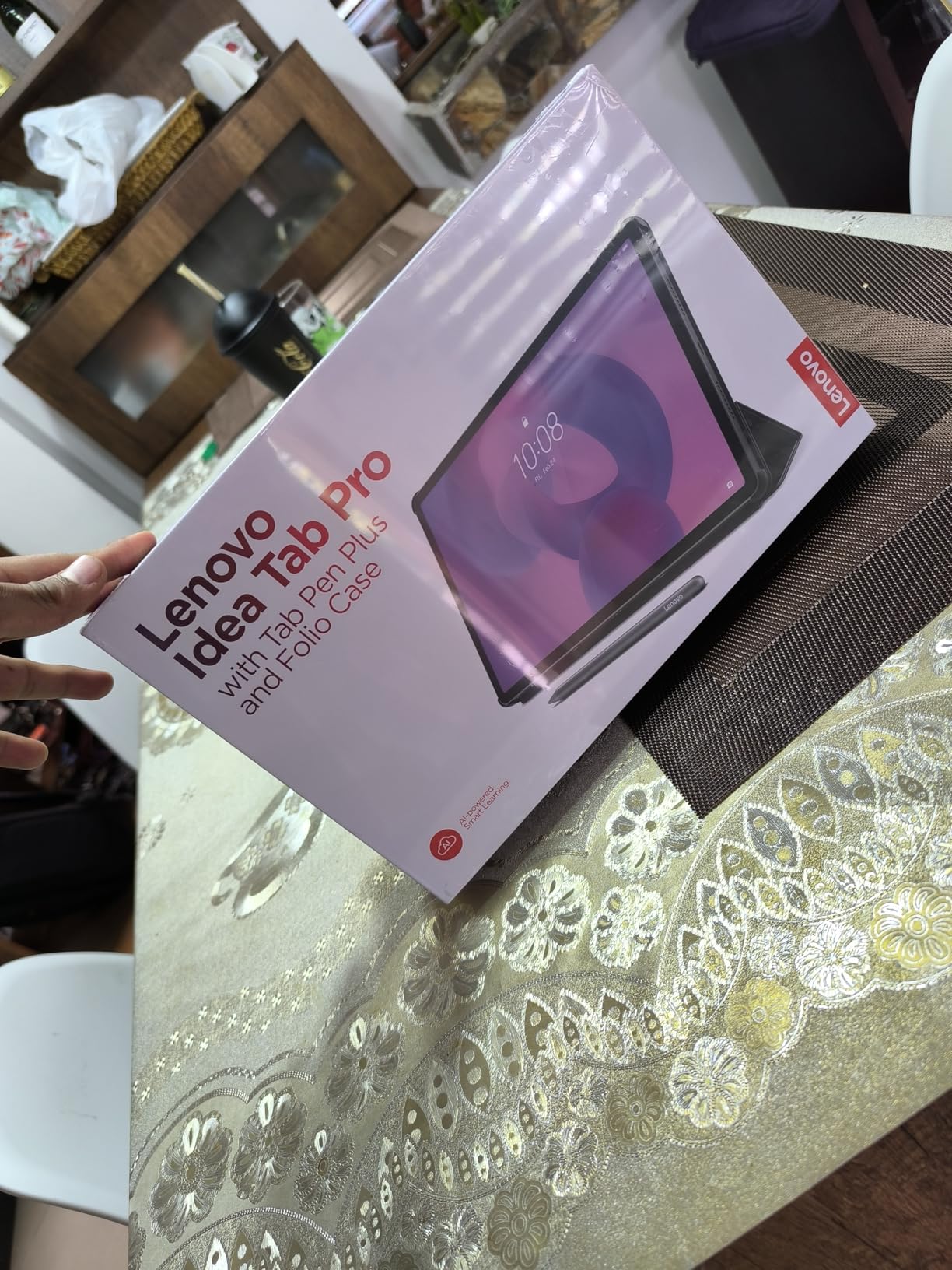
The Lenovo Idea Tab Pro punches well above its price class. The 12.7-inch 3K LCD display with 2944 x 1840 resolution is one of the sharpest screens at this price, and it made reviewing spreadsheets and reading long documents noticeably more comfortable than on lower-resolution tablets. Lenovo includes both the Tab Pen Plus and a folio case in the box, which means you have a complete business-ready setup without buying accessories separately.
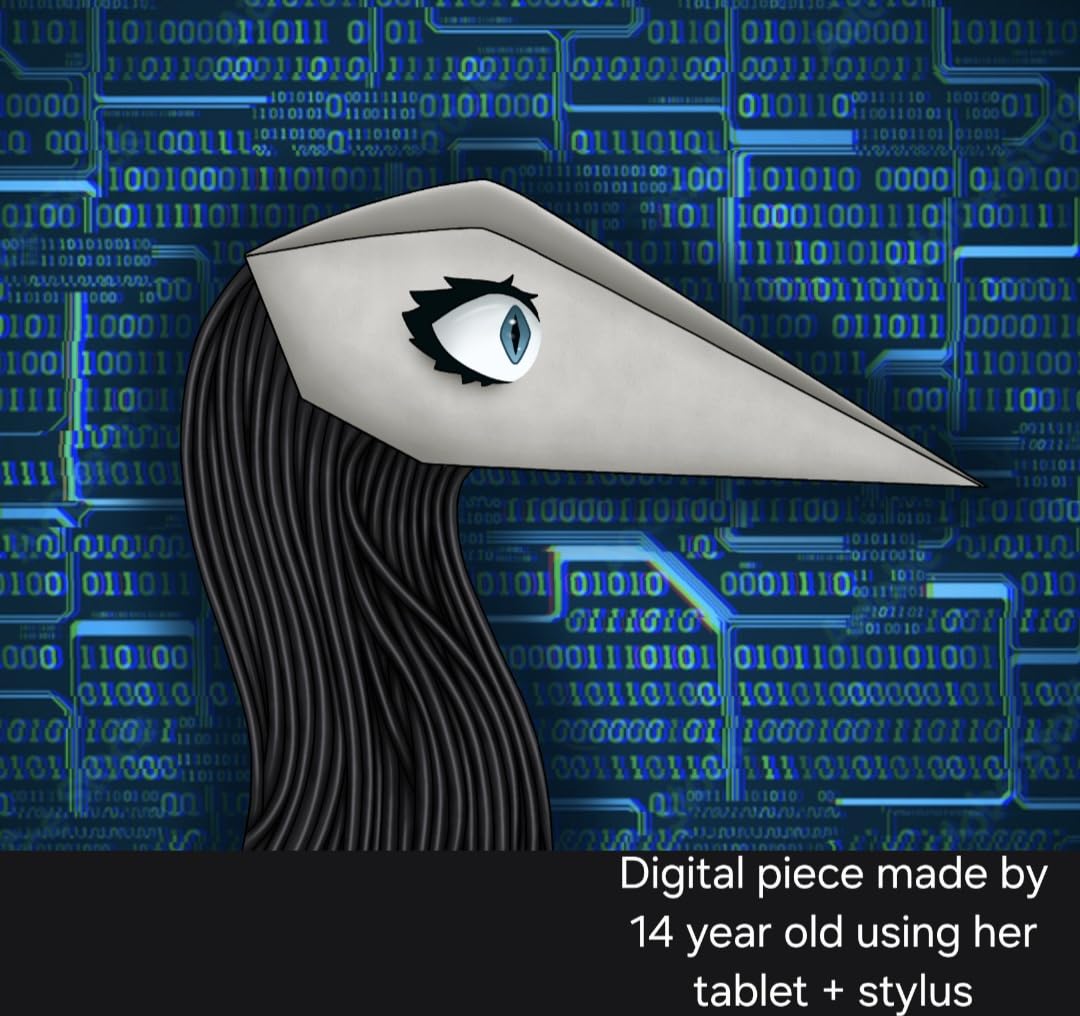
I used the Tab Pen Plus for meeting notes and document markup throughout my testing, and the handwriting experience was smooth with minimal latency. Google Gemini AI integration adds a useful assistant layer — I used it to draft email summaries and pull action items from meeting notes, which worked well for straightforward tasks. The quad JBL speakers with Dolby Atmos deliver surprisingly rich audio for video calls and presentations.
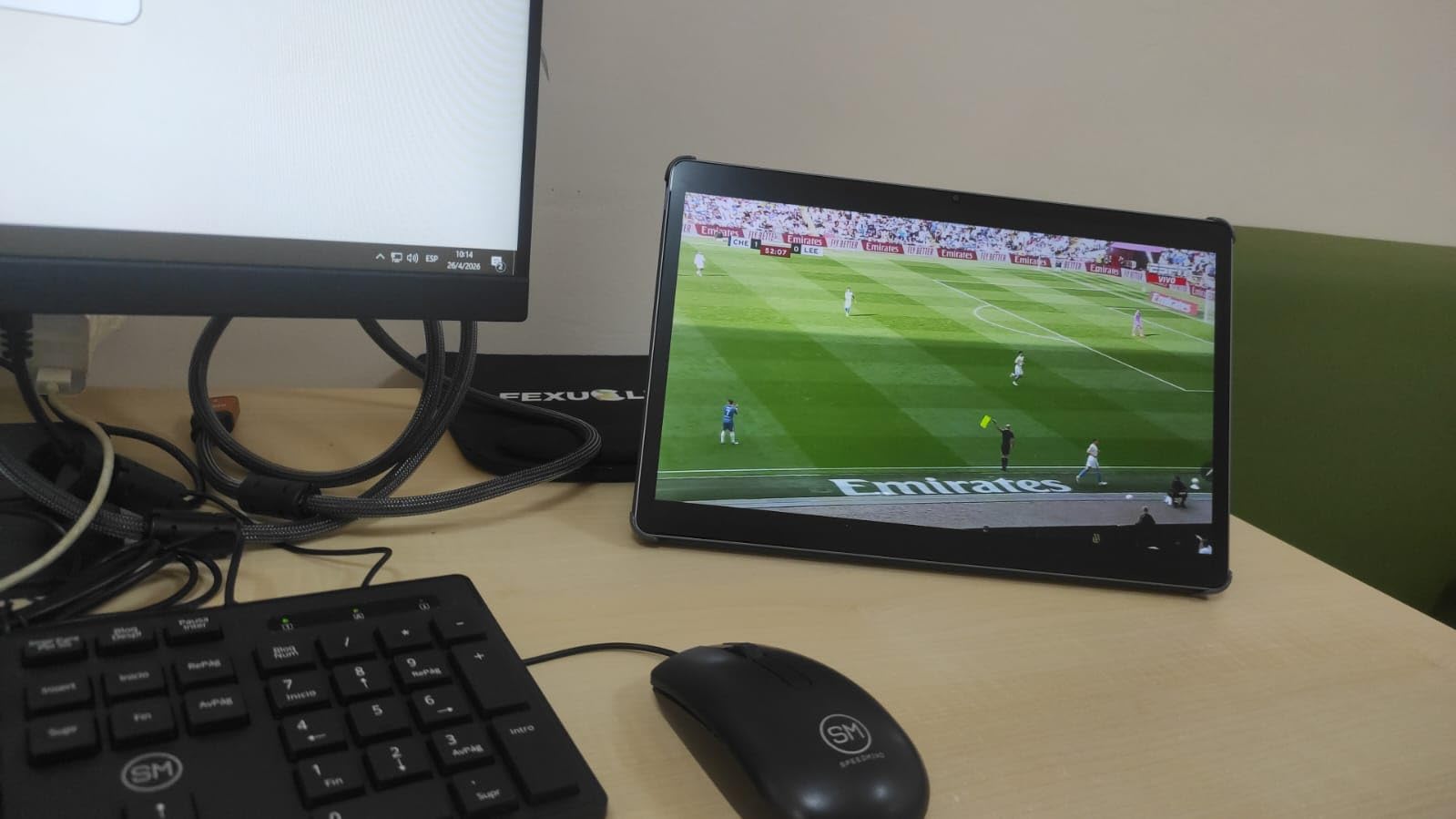
The MediaTek Dimensity 8300 processor paired with 8GB physical RAM plus 4GB virtual RAM expansion handled multitasking without major issues. I regularly had Chrome with eight tabs, Google Docs, Slack, and a video call running simultaneously. The 10,200mAh battery gave me 9 to 11 hours of mixed use, though you will need a 45W Power Delivery charger to get the advertised fast charging speeds.
The biggest drawback is the weight. At 1.36 pounds, this is one of the heavier tablets in the roundup. Holding it in portrait mode for extended reading sessions caused wrist fatigue after about 20 minutes. The landscape orientation, which is how most business users will work, feels more balanced. Some bloatware appeared during setup but was uninstallable within a few minutes.
Who Should Buy the Lenovo Idea Tab Pro
Small business owners, students transitioning to professional work, and anyone who wants a complete tablet package without buying accessories separately. The included pen and folio case make it ready for business use out of the box. Professionals who work primarily at a desk and want a large screen for split-screen productivity will benefit most from the 12.7-inch display.
Budget-conscious buyers who still want a 3K display and solid performance will find this one of the best value propositions in the tablet market.
Who Should Look Elsewhere
Frequent travelers who prioritize portability will find the 1.36-pound weight cumbersome compared to slimmer alternatives like the iPad Pro at 15.7 ounces. Users who need cellular connectivity for working outside the office should look at Samsung or Apple options with LTE/5G variants. If you already own a premium tablet stylus from another brand, the included Lenovo pen may not offer enough to justify switching.
8. Samsung Galaxy Tab A11+ – Best Budget Business Tablet
Samsung Galaxy Tab A11+ 8GB RAM, 256GB Storage, AI Assist, Slim Light, Gray
MediaTek Octo-Core
11in LCD
8GB RAM
256GB + microSD
90Hz
2 Year Warranty
+ Pros
- Great value
- 256GB expandable storage
- 90Hz smooth display
- Quad Dolby Atmos speakers
- 2-year manufacturer warranty
- Cons
- No charger included
- No fingerprint reader
- Lower 1920x1200 resolution
The Samsung Galaxy Tab A11+ is the workhorse of this roundup — a tablet that delivers dependable business performance at a price that makes sense for bulk purchasing. With 8GB of RAM and 256GB of built-in storage (expandable via microSD), it has enough memory and space for standard business apps, downloaded presentations, and offline document caches. I tested it with Google Workspace, Microsoft 365 Android apps, Zoom, and Slack, and it handled all of them without frustrating slowdowns.
The 11-inch LCD at 1920 x 1200 with a 90Hz refresh rate is a pleasant surprise at this price. Text rendering is clean enough for document editing, and the 90Hz refresh rate makes navigation feel smooth. It is not as vibrant as the AMOLED panels on Samsung’s premium tablets, but for spreadsheets, email, and video calls, it does the job well. The quad speakers with Dolby Atmos produced clear audio during my Zoom testing.
Samsung backs this tablet with a 2-year manufacturer warranty, which is unusual at this price point and a significant consideration for businesses buying multiple units. The Android 16 OS with Samsung’s One UI provides a clean, familiar interface. At 1.1 pounds and 0.27 inches thin, it is slim and light enough for all-day carrying.
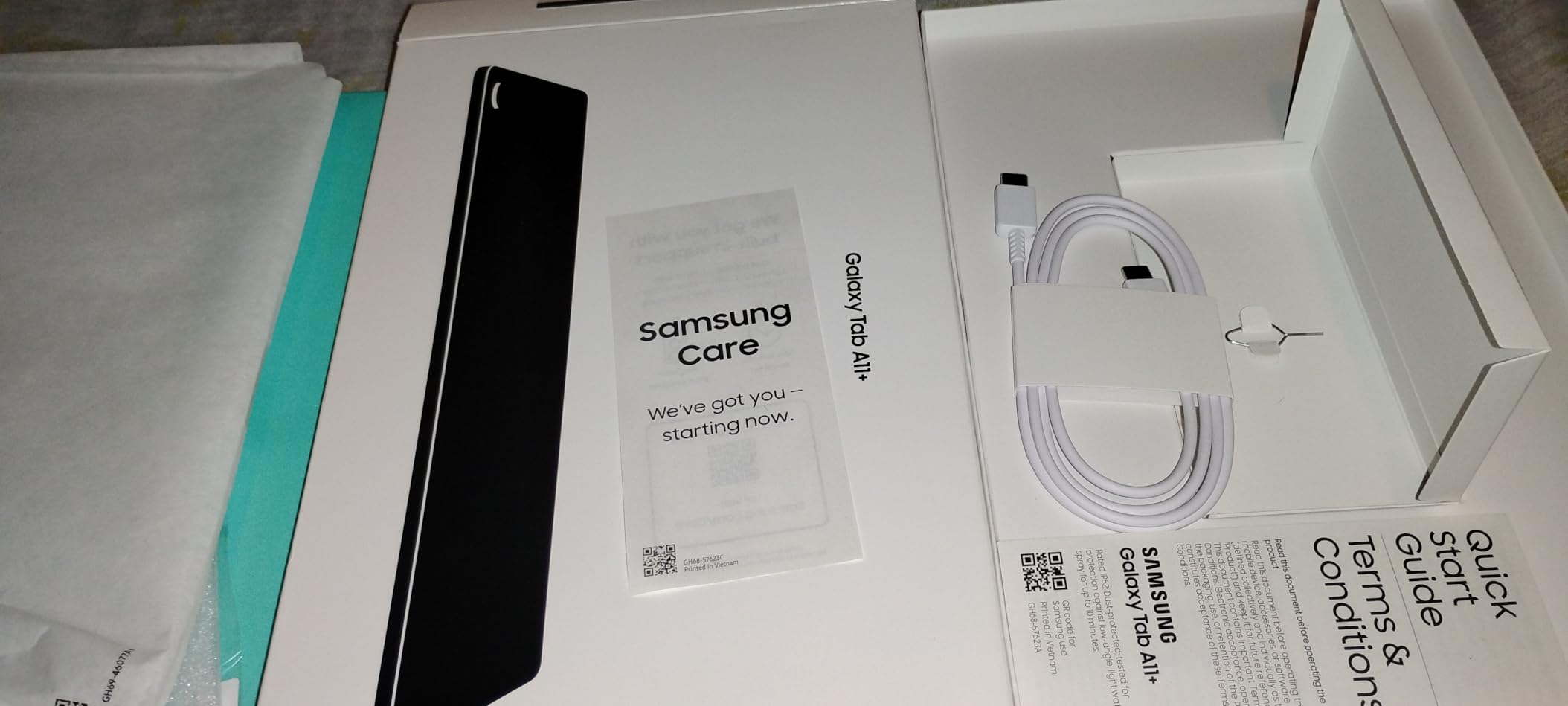
There are trade-offs to hit this price. No charger is included in the box — just a USB-C cable. There is no fingerprint reader, which means you rely on PIN or pattern lock for security. The 8MP rear camera and 5MP front camera are adequate for video calls but not impressive. And the 1920 x 1200 resolution falls short of the sharpness you get on higher-end tablets.
Who Should Buy the Galaxy Tab A11+
Small businesses equipping a team with tablets, schools and training programs, and anyone who needs a reliable business tablet without spending premium money. The 2-year warranty makes it a safe bet for organizations concerned about device longevity. Families that share a tablet between work and home use will also find the value proposition compelling.
IT departments looking for a cost-effective tablet for basic field work, inventory management, or kiosk deployments will appreciate the combination of Samsung build quality and low total cost.
Who Should Look Elsewhere
Power users who need sharp displays for detailed design work or long reading sessions should consider stepping up to the Galaxy Tab S11 or an iPad. The lack of a fingerprint reader may be a dealbreaker for security-conscious organizations. Professionals who give presentations regularly will notice the display resolution limitation when projecting or screen-sharing detailed content.
9. Apple iPad 11-inch (A16) – Best Everyday Business Tablet
Apple iPad 11-inch: A16 chip, 11-inch Model, Liquid Retina Display, 128GB, Wi-Fi 6, 12MP Front/12MP Back Camera, Touch ID, All-Day Battery Life — Blue
A16 Chip
11in Liquid Retina
128GB Storage
Wi-Fi 6
Touch ID
12MP Cameras
+ Pros
- Fast A16 chip performance
- Beautiful Liquid Retina display
- Outstanding 24700+ reviews
- Lightweight 1.05 lbs
- All-day battery life
- Cons
- No Apple Pencil included
- Base storage 128GB only
- No Face ID on this model
The standard iPad 11-inch with the A16 chip is the tablet I recommend when someone asks, “What should I buy that just works?” With over 24,700 reviews and a 4.7-star average, the user consensus backs up what I found in testing: this is a remarkably capable business tablet at a price that undercuts the iPad Pro by hundreds. The A16 chip handled every business app I threw at it — Microsoft Office, Zoom, Slack, Salesforce, and Google Workspace all ran smoothly.
The 11-inch Liquid Retina display is not as advanced as the Pro’s XDR panel, but it is still one of the best screens in this price range. Text looks sharp, colors are natural, and True Tone adaptation kept the display comfortable under fluorescent office lights and warm home lighting. Touch ID in the power button worked fast and reliably for unlocking the tablet and authenticating password managers.
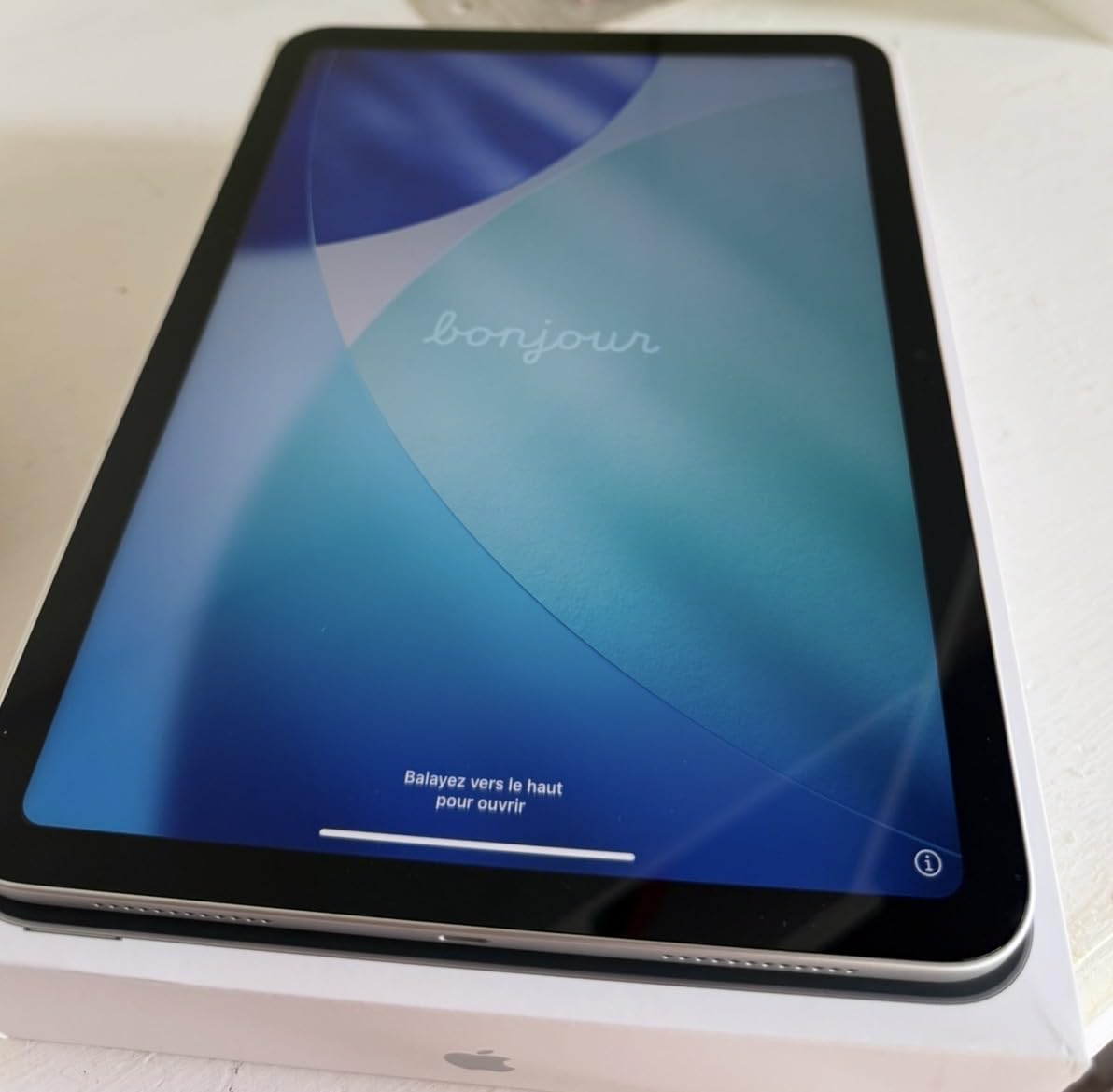
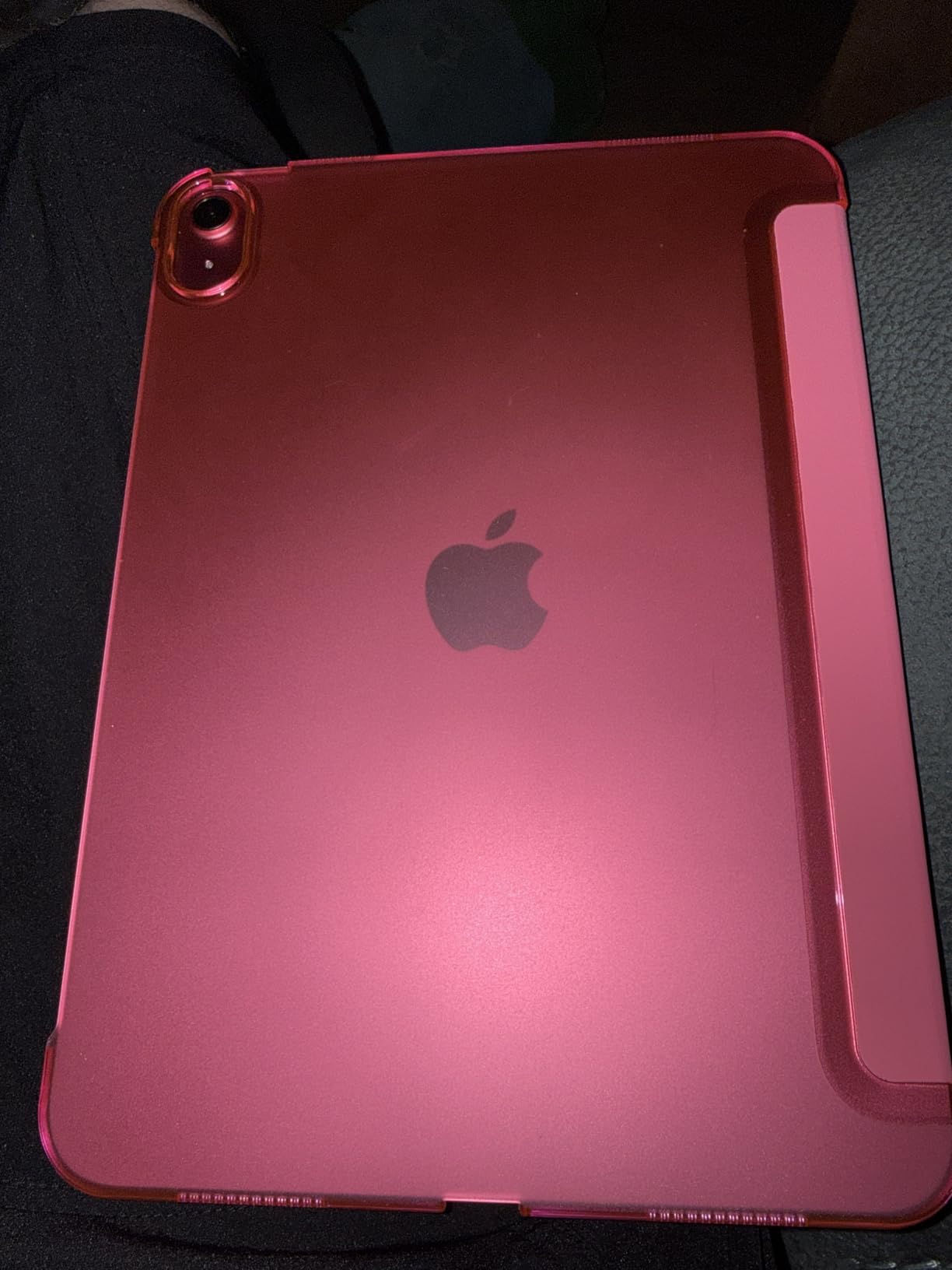
At 1.05 pounds, this is the lightest full-size tablet in our roundup, making it ideal for professionals who carry their tablet all day. The all-day battery consistently lasted through 10 hours of work use, including video calls, document editing, and web research. Setup took about 15 minutes, and migrating data from an older iPad was seamless through iCloud.
The 12MP front and rear cameras handle video calls with clarity, and the Wi-Fi 6 kept connections stable on busy networks. iPadOS multitasking has improved steadily, and split-screen with Stage Manager let me work in two apps simultaneously without performance issues.
Who Should Buy the iPad 11-inch
Business professionals who want Apple quality and ecosystem integration without paying iPad Pro prices. This is the ideal tablet for email, document review, video conferencing, and light content creation. Teams deploying tablets across an organization will find the lower cost and proven reliability make it a smart bulk purchase. First-time tablet buyers who are unsure about investing in a premium device can start here with confidence.
Users who already own an iPhone and want seamless handoff, AirDrop, and universal clipboard between devices will benefit from the Apple ecosystem integration.
Who Should Look Elsewhere
Power users who need the M5 chip’s performance for video editing, 3D rendering, or heavy multitasking should step up to the iPad Pro. The 128GB base storage is limiting if you work with large files or want to carry an extensive offline document library. Professionals who need Face ID instead of Touch ID for their workflow will need to look at the iPad Air or iPad Pro models.
10. TCL NXTPAPER 11 Plus – Best Eye-Friendly Business Tablet
Helio G100
11.5in 2.2K NXTPAPER 4.0
8+8GB RAM
256GB
T-PEN Stylus Included
120Hz
+ Pros
- Paper-like eye comfort display
- T-PEN stylus and case included
- AI productivity tools
- 256GB storage
- 120Hz refresh rate
- Cons
- Helio G100 limits 120Hz
- No microSD expansion
- No charger included
- Palm rejection issues
The TCL NXTPAPER 11 Plus brings something genuinely different to the business tablet conversation: a display designed to reduce eye strain during long work sessions. The NXTPAPER 4.0 technology simulates a paper-like reading experience with low blue light emission, and TCL’s Eye Comfort certification is not just marketing — after a full day of reading documents and editing spreadsheets, my eyes felt noticeably less fatigued than when working on standard LCD tablets.
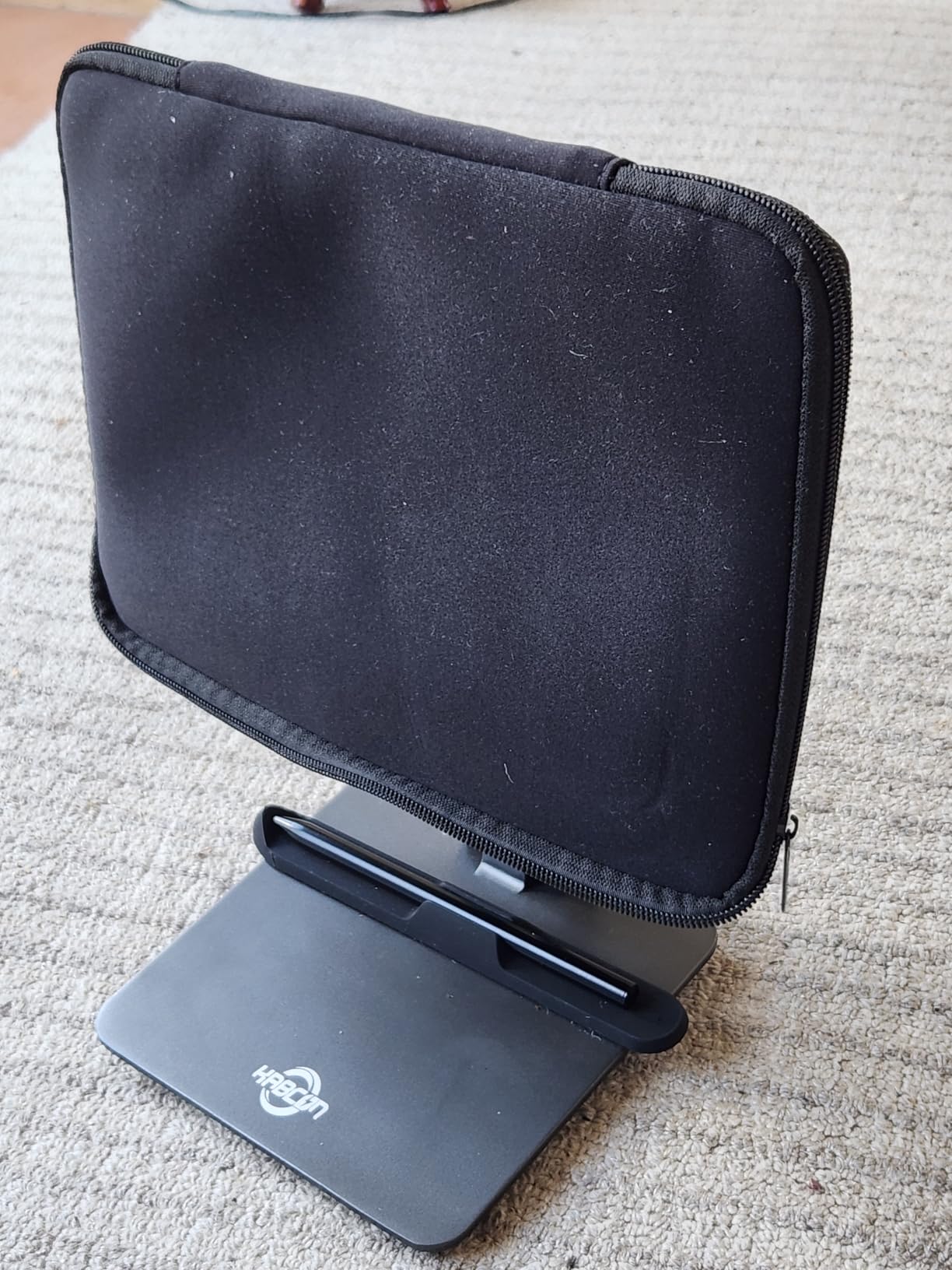
TCL includes both the T-PEN stylus with 4096 pressure levels and a flip case in the box, giving you a complete business setup at a price that undercuts most competitors. The 11.5-inch 2.2K display at 2200 x 1440 resolution is sharp enough for detailed document work, and the VersaView 3-in-1 display modes let you switch between color, ink, and reading-optimized settings depending on the task.
The AI-powered productivity tools are a welcome addition at this price. I used the AI text extraction feature to pull text from photographed whiteboard notes, which saved time compared to manual transcription. The 8GB physical RAM plus 8GB expansion kept multitasking smooth for standard business apps. The 256GB built-in storage is generous for the price, though the lack of microSD expansion means you cannot add more later.
The MediaTek Helio G100 processor is the main limitation. It handles everyday business tasks fine, but it cannot consistently drive the 120Hz refresh rate during demanding operations. I noticed the refresh rate dip during app switching and heavier multitasking. The 8000mAh battery gave me 6 to 8 hours of mixed use, which covers a standard workday but not much more.
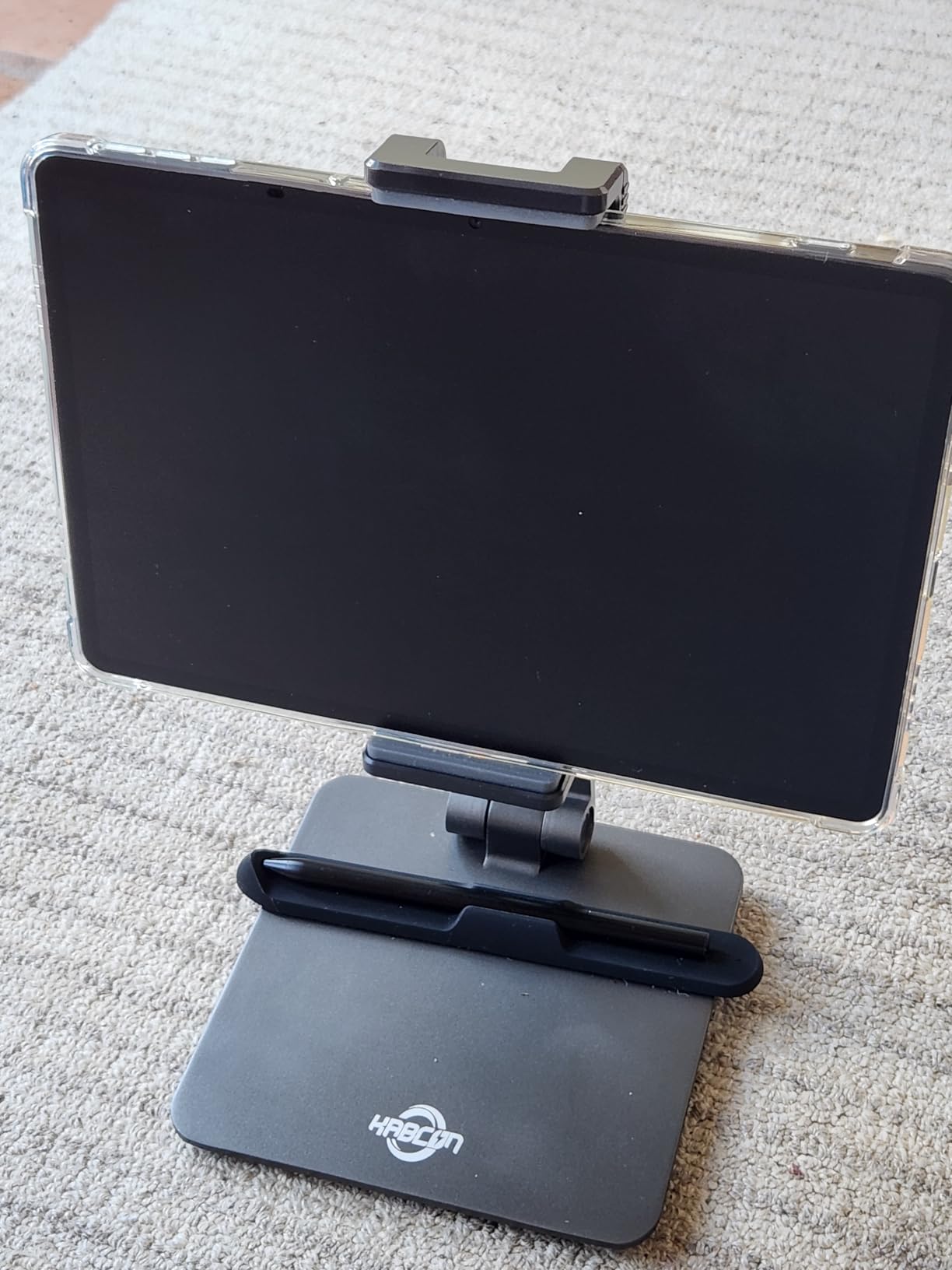
Who Should Buy the TCL NXTPAPER 11 Plus
Professionals who spend hours reading documents, reviewing contracts, or working with text-heavy content will benefit most from the eye comfort features. Writers, editors, lawyers, and researchers who want a tablet that reduces visual fatigue should put this on their shortlist. Budget-conscious buyers who want included accessories — stylus and case — will appreciate the complete package.
Anyone transitioning from paper notebooks who wants a more natural digital writing experience will find the NXTPAPER display closer to paper than any standard LCD.
Who Should Look Elsewhere
Users who need consistent 120Hz performance for gaming, video editing, or demanding creative apps will find the Helio G100 processor limiting. The lack of expandable storage is a drawback for professionals who work with large file libraries. No charger in the box means an additional purchase. Users who need HDMI output for presentations will find the USB-C 2.0 port insufficient for video output.
How to Choose the Best Business Tablet for Your Needs
Choosing the right business tablet comes down to matching the device to your specific workflow. After testing all 10 tablets in this guide, here are the factors that matter most for business users in 2026.
Operating System and Ecosystem
The single biggest decision is which operating system fits your business. Windows tablets like the Microsoft Surface Pro 7+ run full desktop applications, making them the only choice if your company depends on legacy Windows software. iPadOS excels in the Apple ecosystem with seamless handoff between iPhone, Mac, and iPad. Android tablets with Samsung DeX mode provide a desktop-like experience and integrate naturally with Google Workspace. Choose the OS that matches what your team already uses.
Processor and RAM
Forum discussions consistently highlight 8GB RAM as the minimum for smooth business multitasking. Tablets with less than 8GB — like the reMarkable Paper Pro Move with 2GB — are purpose-built devices, not general-purpose tablets. For processor power, the Apple M5 and MediaTek Dimensity 8300/7300-Ultra chips deliver the best balance of performance and battery life. If you plan to run multiple apps simultaneously, prioritize 8GB RAM and a recent-generation processor.
Display Quality and Size
Screen size affects productivity more than most users expect. A 12-inch or larger display enables comfortable split-screen multitasking, while a 10-inch screen works fine for single-app use. Resolution matters for text clarity — 3K displays like the Lenovo Idea Tab Pro’s 2944 x 1840 panel render text noticeably sharper than 1920 x 1200 screens. If you work outdoors or in bright environments, look for displays with at least 500 nits brightness.
Keyboard and Stylus Support
Business tablets become genuinely productive when paired with a keyboard. The Microsoft Surface Pro 7+ with its Type Cover, the iPad Pro with Magic Keyboard, and the Samsung Galaxy Tab S11 with its Book Cover Keyboard all transform into near-laptop experiences. Stylus support matters for note-taking, document markup, and digital signatures. Samsung and Lenovo deserve credit for including styluses in the box, while Apple charges extra for the Apple Pencil.
Battery Life and Charging
All-day battery life should be a non-negotiable requirement for any business tablet. The Samsung Galaxy Tab Active5 Pro leads with 26 hours, while most premium tablets deliver 10 to 18 hours of mixed use. Fast charging is also worth considering — the OnePlus Pad Go 2’s SUPERVOOC system charges significantly faster than the Samsung Galaxy Tab S11. If you frequently work away from an outlet, prioritize battery capacity and charging speed.
Security and Enterprise Management
Corporate IT departments should consider device management capabilities. Samsung Knox provides enterprise-grade security for Galaxy tablets, while Apple’s MDM framework supports iPad deployment at scale. The Microsoft Surface Pro 7+ runs Windows 11 Pro with built-in BitLocker encryption and Remote Desktop. The Samsung Galaxy Tab Active5 Pro adds a fingerprint scanner for biometric security in field environments.
Durability and Field Readiness
Not every business tablet lives on a desk. If your team works in warehouses, on construction sites, or in any environment where drops and spills happen, the Samsung Galaxy Tab Active5 Pro is the clear choice. Its MIL-STD-810H and IP68 ratings mean it survives conditions that would destroy any other tablet on this list. For less extreme environments, standard tablets with protective cases work fine.
FAQs
What is the best tablet for business use?
The Apple iPad Pro 11-inch with M5 chip is the best overall tablet for business use in 2026. It offers exceptional performance, a stunning Ultra Retina XDR display, all-day battery life, and deep integration with the Apple ecosystem. For Android users, the Samsung Galaxy Tab S11 with DeX mode and included S Pen is the top alternative. If you need full Windows desktop applications, the Microsoft Surface Pro 7+ with Windows 11 Pro is the way to go.
Can a tablet replace a laptop for business work?
Yes, for most business tasks a tablet can replace a laptop. Tablets with keyboard attachments handle email, document editing, spreadsheets, video conferencing, and web-based applications effectively. Windows tablets like the Surface Pro run full desktop software and can fully replace a laptop. iPadOS and Android with Samsung DeX cover most business workflows, though they cannot run certain desktop-only applications like QuickBooks Desktop or specialized CAD software. If 90 percent of your work happens in cloud apps and Office suites, a tablet with a keyboard is sufficient.
What features should a business tablet have?
A business tablet should have at minimum: 8GB RAM for multitasking, a processor from the last two generations, 128GB or more storage, a display of at least 10 inches with sharp resolution, keyboard and stylus support, all-day battery life, biometric security (fingerprint or face recognition), and Wi-Fi 6 or better connectivity. Additional features to consider include cellular connectivity for mobile workers, enterprise management support, and durability ratings for field use.
Should I consider an E-ink tablet for business?
E-ink tablets like the reMarkable Paper Pro Move are excellent for specific business use cases: heavy note-takers, document reviewers, and professionals who want distraction-free writing. They offer exceptional battery life (up to 15 days), paper-like writing feel, and eliminate digital distractions. However, they cannot run business apps, handle email, or join video calls. Think of an E-ink tablet as a complement to your primary device, not a replacement. Lawyers, consultants, and executives who spend significant time in meetings benefit most from E-ink tablets.
How much RAM does a business tablet need?
A business tablet needs a minimum of 8GB RAM for smooth multitasking with standard business applications. With 8GB, you can comfortably run email, a browser with multiple tabs, a document editor, and a video call simultaneously. Tablets with less than 8GB will struggle with multitasking and app switching. Power users who run demanding applications or keep many apps open should look for 12GB or more. The Samsung Galaxy Tab S11 with 12GB RAM offers the best multitasking headroom in this roundup.
Final Thoughts on the Best Tablets for Business
After weeks of testing these 10 tablets across real business scenarios, the Apple iPad Pro 11-inch with the M5 chip remains the best tablets for business pick for most professionals. Its combination of raw performance, display quality, and ecosystem integration sets the standard that other tablets chase. The Samsung Galaxy Tab S11 earns the best value title with its included S Pen, IP68 durability, and 12GB of RAM at a competitive price.
For specialized needs, the Microsoft Surface Pro 7+ delivers full Windows compatibility, the Samsung Galaxy Tab Active5 Pro handles extreme field conditions, and the reMarkable Paper Pro Move provides a distraction-free writing experience that no other tablet matches. Budget-conscious buyers get real options too — the Samsung Galaxy Tab A11+ and OnePlus Pad Go 2 deliver capable business performance without the premium price tag.
The right tablet for your business depends on your specific workflow, software requirements, and ecosystem preferences. Any of the 10 tablets in this guide will serve you well in 2026 — the key is matching the device to how you actually work, not just what looks good on a spec sheet.