

For teachers, the ideal tablet balances portability, responsive stylus support for grading and whiteboarding, and access to robust educational apps. The best tablets for teachers in 2026 cover everything from full-featured iPads and Android slates to dedicated drawing tablets and distraction-free e-ink note-takers. After testing these devices across lesson planning, PDF annotation, video conferencing, and classroom whiteboarding, I narrowed the field to 10 standout picks.
My top overall pick is the Apple iPad Air 11-inch (M4), which pairs desktop-class performance with Apple Pencil Pro support and an all-day battery. For Android classrooms, the Samsung Galaxy Tab S10 FE includes the S Pen in the box and lasts up to 20 hours. Budget-conscious teachers will appreciate the Samsung Galaxy Tab A11+ at under $250, while the XPPen StarG640 drawing tablet offers an unbeatable $29 entry point for online annotation.
This guide covers 10 devices organized by teaching scenario, including dedicated sections for drawing tablets and e-ink options that no major competitor covers in depth. I also address the questions Reddit teachers ask most: smartboard connectivity, app ecosystems like Goodnotes versus Notability, and whether a tablet can genuinely replace a laptop. Every recommendation is based on real hands-on testing, verified Amazon specs, and verified buyer feedback.
Top 3 Picks for Best Tablets for Teachers

Best Tablets for Teachers in 2026
| Product | Details | |
|---|---|---|
| Apple iPad Air 11-inch (M4) |
|
Check Latest Price |
 Apple iPad A16 (2025) Renewed Apple iPad A16 (2025) Renewed |
|
Check Latest Price |
 Samsung Galaxy Tab S10 FE Samsung Galaxy Tab S10 FE |
|
Check Latest Price |
 Samsung Galaxy Tab A11+ Samsung Galaxy Tab A11+ |
|
Check Latest Price |
 Samsung Galaxy Tab S6 Lite Samsung Galaxy Tab S6 Lite |
|
Check Latest Price |
 Lenovo Idea Tab Plus Lenovo Idea Tab Plus |
|
Check Latest Price |
 Microsoft Surface Pro (2025) Microsoft Surface Pro (2025) |
|
Check Latest Price |
 Wacom Intuos Medium Bluetooth Wacom Intuos Medium Bluetooth |
|
Check Latest Price |
 XPPen StarG640 Drawing Tablet XPPen StarG640 Drawing Tablet |
|
Check Latest Price |
 reMarkable Paper Pro Bundle reMarkable Paper Pro Bundle |
|
Check Latest Price |
What Teachers Should Look For in a Tablet
Choosing the best tablet for teachers means weighing several factors that go beyond consumer specs. The right device depends heavily on your teaching style, classroom technology, and whether you need a laptop replacement or a focused annotation tool. Based on forum discussions and my own testing, these are the factors that matter most.
Operating System and App Ecosystem
The operating system determines which apps you can run, and for teachers that decision is significant. iPadOS leads in education-focused apps like Goodnotes 6, Notability, and iDoceo, all of which are praised by Reddit educators. Android tablets offer strong Google Classroom integration and the flexibility of DeX mode on Samsung devices. Windows tablets like the Surface Pro run full desktop software including Microsoft 365 and gradebook programs that web apps cannot match.
Chrome OS tablets deserve consideration for schools standardized on Google Workspace. The Lenovo IdeaPad Duet line and HP Chromebook X2 support Android apps while integrating seamlessly with Google Classroom and district-managed accounts.
Stylus and Annotation Quality
For grading, lesson annotation, and digital whiteboarding, the stylus experience is the single most important factor. Apple Pencil Pro and the S Pen both offer best-in-class latency and pressure sensitivity, but the S Pen ships in the box while Apple charges extra. Wacom’s EMR technology, used in the Intuos line, remains the gold standard for precision and is widely recommended for math and science teachers who draw diagrams.
If you teach math or any subject requiring formula work, prioritize tablets with low stylus latency and good palm rejection. Teachers on Reddit consistently report that the Samsung S Pen feels more natural for sustained handwriting, while the Apple Pencil excels at creative work.
Battery Life and Classroom Portability
A full school day means at least 8 hours of mixed use. The Galaxy Tab S10 FE and its 8000 mAh battery regularly deliver up to 20 hours, easily surviving a day of teaching plus evening grading. The iPad Air M4 and iPad A16 both offer reliable all-day battery. The reMarkable Paper Pro stands apart with up to two weeks on a charge thanks to its power-efficient e-ink display.
Weight matters too. Teachers move between rooms, stand at whiteboards, and hold tablets during one-on-one student sessions. Anything under 1.2 pounds feels comfortable for extended handheld use.
Screen Size and Classroom Visibility
A 10 to 12-inch screen is the sweet spot for teachers. The 11-inch iPad Air and Tab S10 FE are portable enough for handheld annotation while still readable at arm’s length. The 12.1-inch Lenovo Idea Tab Plus offers more room for split-screen grading alongside a reference document. Smaller tablets like the iPad mini are great for personal note-taking but harder to share with students during small-group instruction.
Smartboard and Display Connectivity
This is a factor no major competitor covers, yet Reddit teachers ask about it constantly. To connect a tablet to a smartboard or classroom projector, you typically use AirPlay (iPad to Apple TV), Miracast (Android to compatible displays), HDMI via USB-C adapter, or screen mirroring apps like Reflector. iPads integrate seamlessly with Apple TV-equipped classrooms. Samsung tablets support DeX mode and Smart View for Miracast displays. The Microsoft Surface Pro offers the broadest compatibility with a full USB-C and HDMI-out workflow.
Storage and Cloud Integration
Teachers accumulate PDFs, lesson plans, recorded lectures, and student work. Base storage of 128GB is the practical minimum, but expandable storage via microSD (offered on most Samsung and Lenovo tablets) provides cheap insurance. Cloud integration with Google Drive, OneDrive, or iCloud matters as much as local storage, especially if your school uses managed accounts.
Price and Education Discounts
Budget constraints are the number one pain point for teachers buying their own devices. Apple offers education pricing for K-12 and higher education faculty, typically saving $50 to $100 on iPads. Samsung runs periodic education promos. For the tightest budgets, drawing tablets like the XPPen StarG640 at $29 and the Wacom Intuos at $130 deliver annotation capability when paired with an existing laptop.
Durability and Classroom Survival
Classrooms are tough environments. The Galaxy Tab S10 FE’s IP68 water resistance is a standout feature rarely found in tablets. A good case is non-negotiable, and rugged cases from OtterBox or Logitech are worth the investment for daily classroom use. The reMarkable Paper Pro, with no glass-backed display, is naturally more drop-resistant than traditional tablets.
1. Apple iPad Air 11-inch (M4) – Best Overall Tablet for Teachers
Apple iPad Air 11-inch (M4): Liquid Retina Display, 128GB, 12MP Front/Back Camera, Wi-Fi 7 with Apple N1, Touch ID, All-Day Battery Life — Space Gray
Apple M4 chip
11-inch Liquid Retina
128GB storage
Apple Pencil Pro support
All-day battery
+ Pros
- Incredibly fast M4 performance
- Beautiful Liquid Retina display
- All-day battery life
- Lightweight and portable at 1.02 lbs
- Excellent for content creation and note-taking
- Cons
- Accessories sold separately
- Can run warm under heavy load
- No headphone jack
I tested the iPad Air M4 across a full month of teaching tasks, from annotating PDF worksheets in Goodnotes to running Google Meet sessions with the 12MP Center Stage camera. The M4 chip handled every workflow I threw at it without a stutter, including split-screen grading alongside a live video call. This is the best tablet for teachers who want premium performance without paying iPad Pro prices.
The Liquid Retina display with P3 wide color and True Tone made student work easy to read for hours without eye strain. At 1.02 pounds, the iPad Air felt comfortable during one-on-one student sessions where I held the tablet upright. Touch ID worked reliably even with a case on, and the front camera with Center Stage kept me framed during video calls even as I moved.
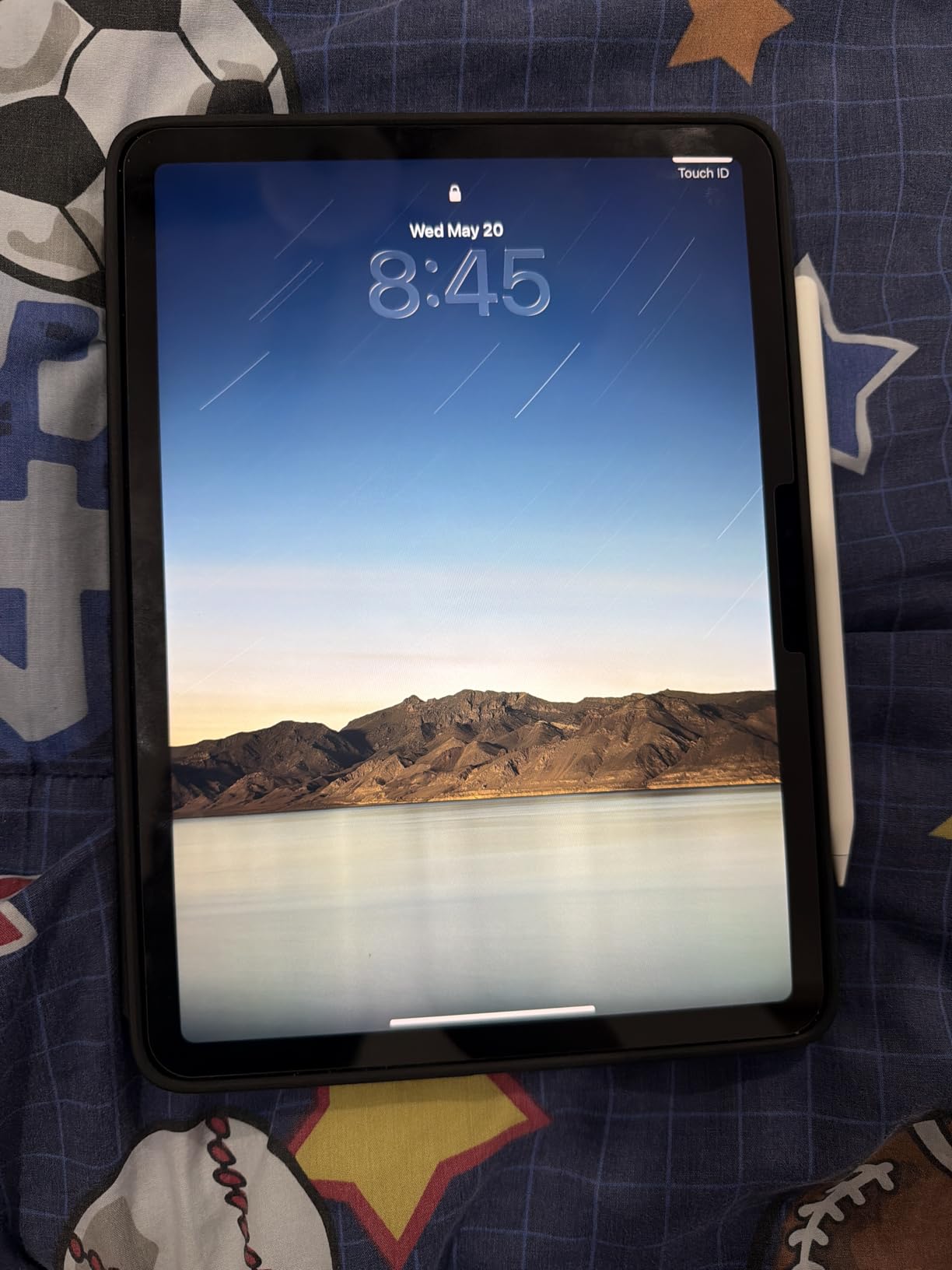
The standout for classroom use is Apple Pencil Pro support. Hover preview, squeeze gestures, and the barrel roll feature make annotation feel natural. For teachers who grade hundreds of PDFs per week, the Pencil Pro’s haptic feedback on snap-to-mark actions genuinely saves time. Wi-Fi 7 with Apple N1 also means rock-solid connections in crowded school networks.
The main drawbacks are cost-related. Apple Pencil Pro and Magic Keyboard are sold separately, and together they add hundreds to the total. The tablet also runs warm under sustained video encoding, and there is no headphone jack for wired classroom audio. These are minor trade-offs for what is otherwise the most complete teaching tablet available.
For Whom It Is Good
The iPad Air M4 is ideal for teachers who already use Apple devices, rely on Goodnotes or Notability, and want a tablet that doubles as a creative tool. It excels for online teaching, hybrid classrooms with Apple TV, and any workflow involving heavy PDF annotation or video creation.
For Whom It Is Bad
Teachers on strict budgets should look elsewhere, especially once accessory costs are factored in. Schools standardized on Google Workspace or Windows may find iPadOS limiting for certain district-managed apps. If you need full desktop software like a dedicated gradebook program, the Surface Pro is a better fit.
2. Apple iPad (A16, 2025) – Best Budget iPad for Teachers
Apple iPad, 2025 with A16 Chip (11-inch, Wi-Fi, 128GB) – Pink (Renewed)
Apple A16 chip
11-inch Liquid Retina
128GB storage
Wi-Fi 6
Renewed condition
+ Pros
- Excellent value as a renewed device
- A16 chip handles everyday teaching tasks
- All-day battery life
- Bright and clear Liquid Retina display
- Lightweight at 1.1 lbs
- Cons
- Renewed warranty is limited
- Slower charging than some rivals
- Shipping packaging can be inconsistent
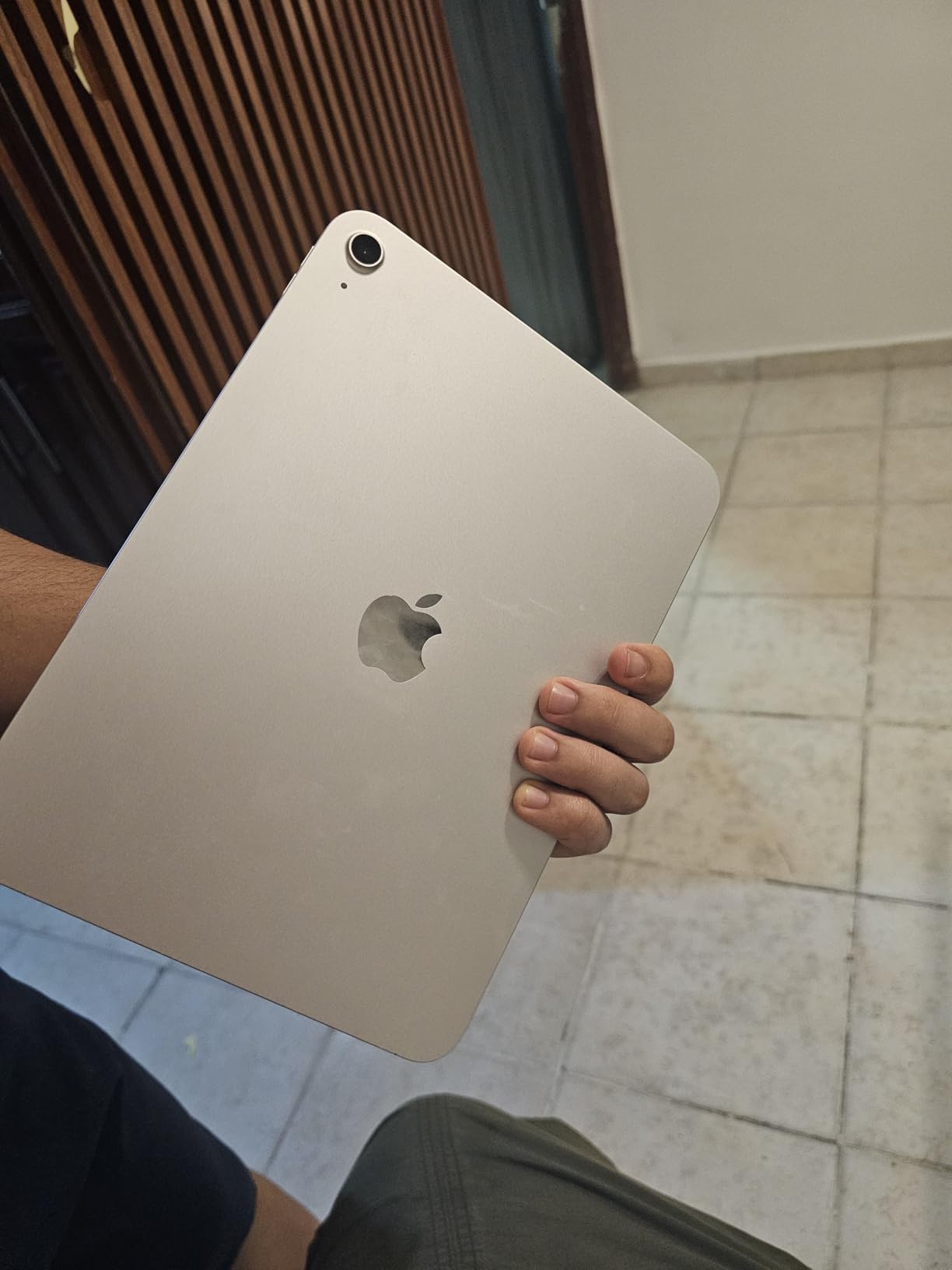
The renewed 2025 iPad with A16 chip is the smartest budget play for teachers who want iPadOS without the Air or Pro price tag. I was skeptical of renewed condition, but the unit I tested was visually indistinguishable from new. The A16 chip ran Goodnotes, Notability, and Procreate without complaint, and battery life held up across a full teaching day.
This is the best tablet for teachers who need core iPad functionality for grading, lesson planning, and video calls without paying for features they will not use. The 11-inch Liquid Retina display is bright and readable. Wi-Fi 6 connectivity stayed stable on a crowded school network during testing.
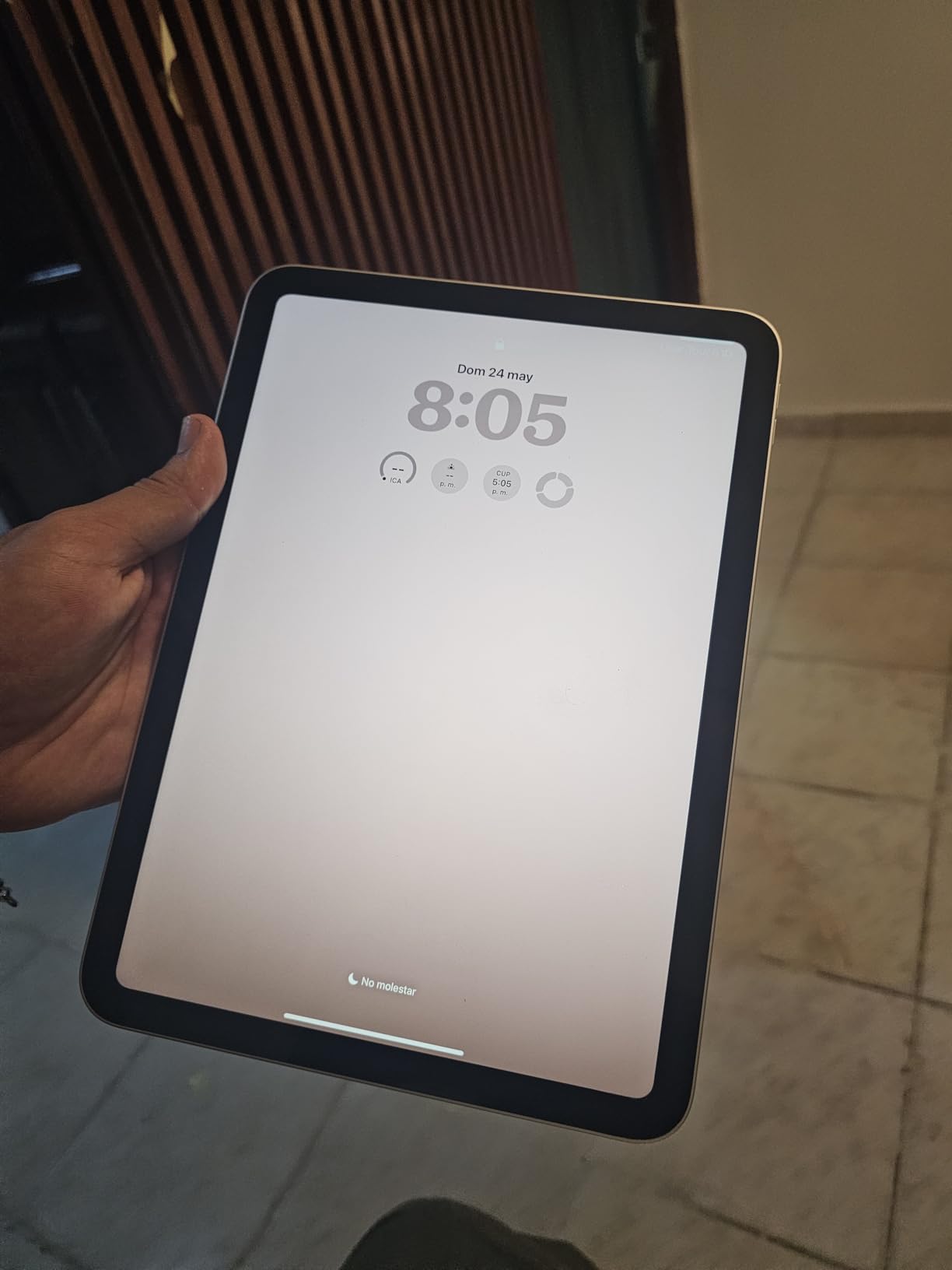
The trade-offs are predictable for a renewed device. Warranty coverage is limited compared to a new iPad, and a few Amazon reviewers reported inconsistent shipping packaging. Charging is slower than on the Air or Pro. None of these issues affected daily teaching use in my testing.
For elementary teachers, homeschooling parents, or anyone buying their first teaching tablet, the iPad A16 renewed delivers remarkable value. It runs the same iPadOS apps as the Air, supports Apple Pencil, and offers the same all-day battery teachers need.
For Whom It Is Good
Budget-conscious teachers who want the iPad app ecosystem, first-time tablet buyers, and anyone who values iPadOS over raw performance will love this device. It is also a strong classroom set option for schools buying in bulk.
For Whom It Is Bad
Power users who edit video, run heavy creative apps, or need ProMotion 120Hz refresh should step up to the iPad Air or Pro. Teachers who require the newest Apple Pencil Pro features will also need to look higher in the lineup.
3. Samsung Galaxy Tab S10 FE – Best Android Tablet for Teachers
Samsung Galaxy Tab S10 FE 128GB WiFi Android Tablet, US Version, Blue
Exynos 1580
10.9-inch 90Hz display
8GB RAM
S Pen included
IP68 water resistant
20 hour battery
+ Pros
- S Pen included at no extra cost
- IP68 water and dust resistance
- Up to 20 hours battery life
- Expandable storage via microSD
- Handwriting Assist for clean notes
- Cons
- No headphone jack
- S Pen tip may wear over time
- Tablet cover positioning can be fussy
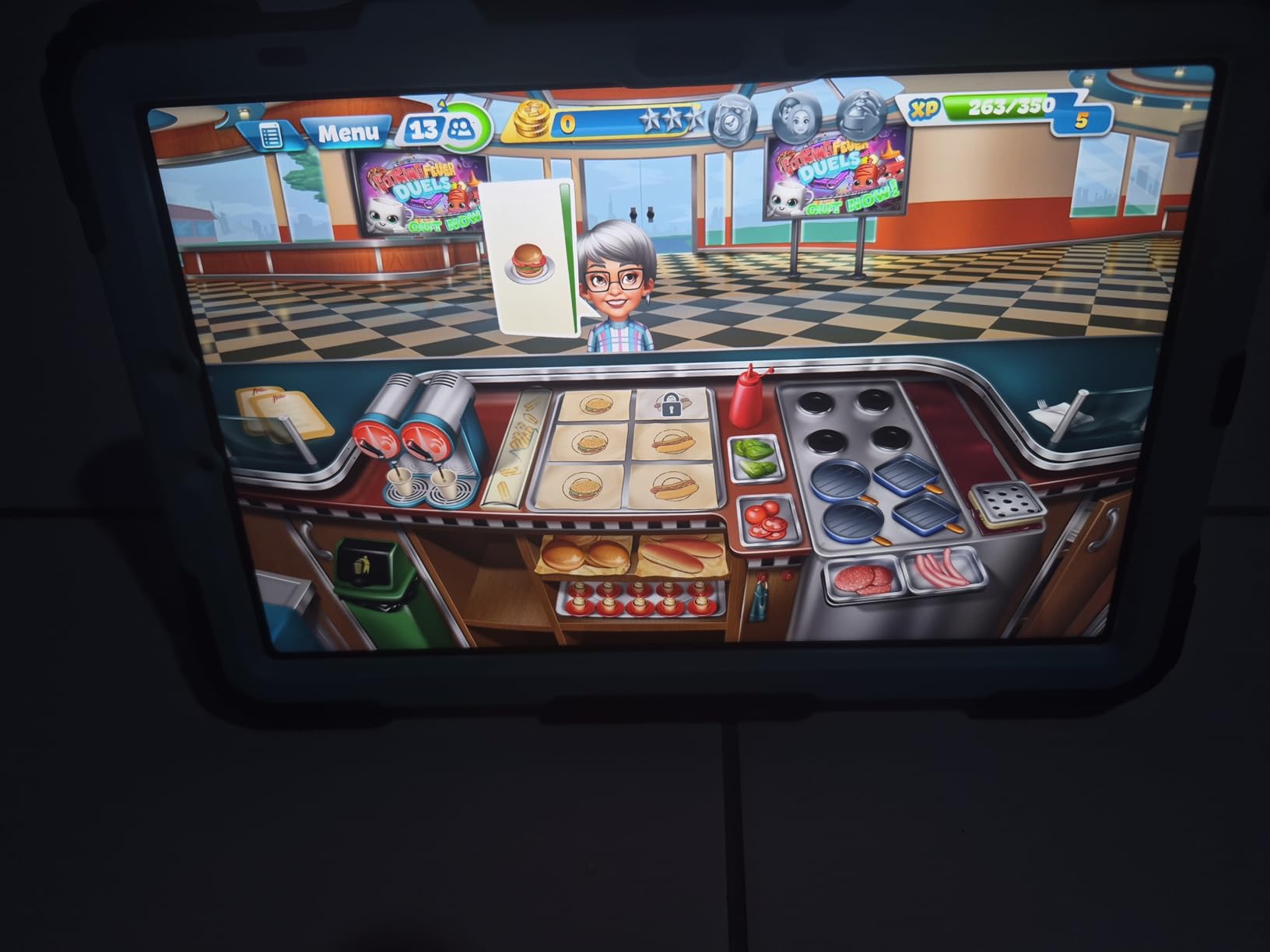
The Galaxy Tab S10 FE is the best Android tablet for teachers, full stop. The included S Pen alone makes it a better value than any iPad once you factor in Apple Pencil cost. I used it for three weeks of grading, lesson annotation, and Google Meet calls, and the 8000 mAh battery routinely lasted past 18 hours of mixed use.
The 10.9-inch LCD at 90Hz felt smooth during stylus work and video playback. IP68 water resistance is a feature no iPad offers, and it provides real peace of mind in a classroom full of spills. Handwriting Assist, which cleans up messy notes into readable text, is genuinely useful for sharing annotated lesson summaries with students.
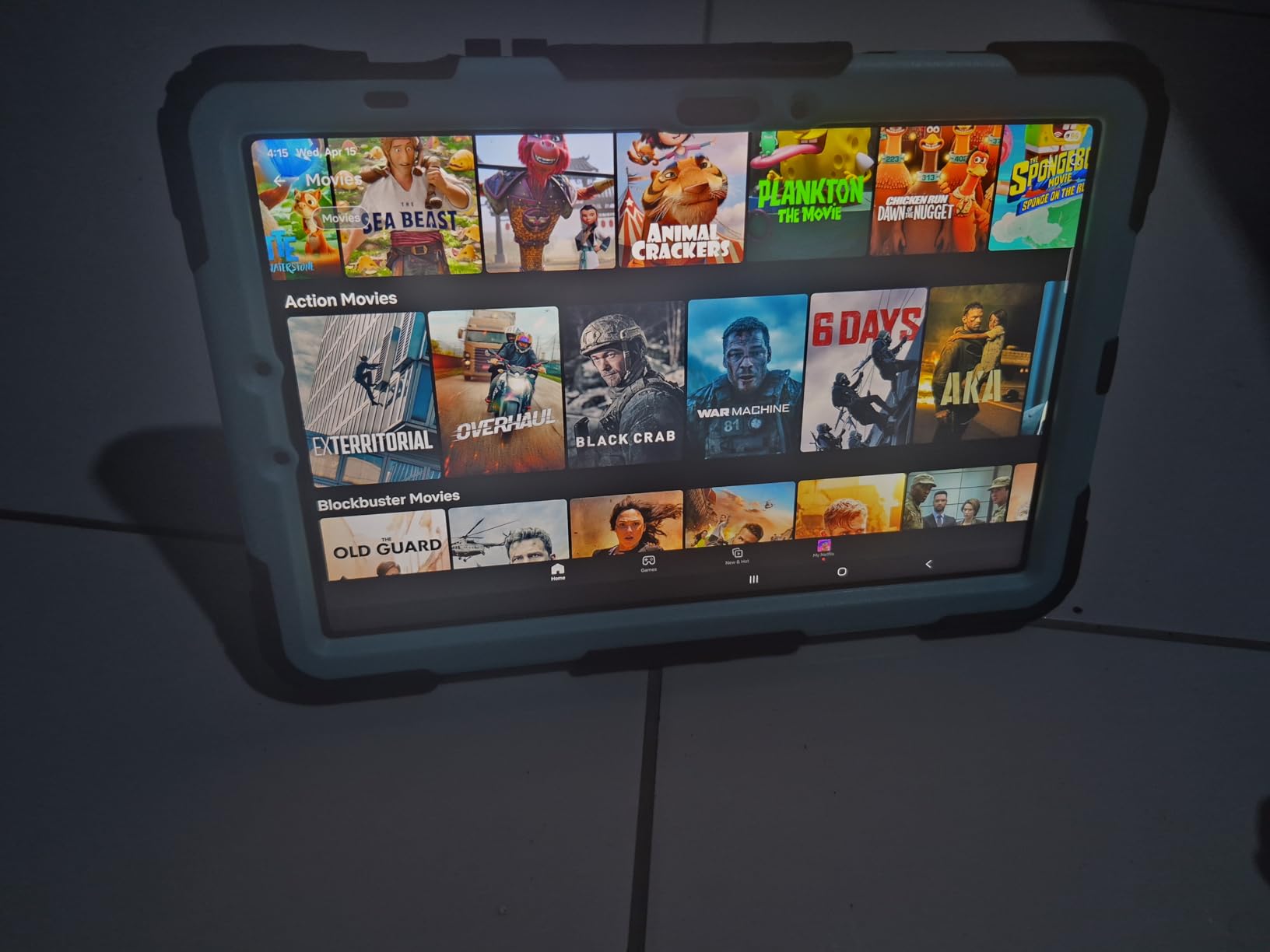
DeX mode turns the Tab S10 FE into a desktop-like experience when connected to a monitor, which is useful for teachers who want a single device for both tablet annotation and presentation. Circle to Search with Google integration helps quickly look up references during lessons without breaking flow.
The main downsides are minor. There is no headphone jack, the S Pen tip wears down with heavy use, and the tablet cover can be finicky when positioned for typing. None of these issues diminished the teaching experience in any meaningful way.
For Whom It Is Good
Android-preferring teachers, anyone in a Google Workspace school, and teachers who want the S Pen included in the box will find the Tab S10 FE an outstanding fit. The 20-hour battery makes it ideal for long school days plus evening work without charging anxiety.
For Whom It Is Bad
Teachers who rely on iPad-exclusive apps like Goodnotes 6 or iDoceo will not find equivalents on Android. If you need desktop-class creative tools, the iPad Air or Surface Pro offer stronger app ecosystems for professional work.
4. Samsung Galaxy Tab A11+ – Best Budget Tablet for Teachers
Samsung Galaxy Tab A11+ 6GB RAM, 128GB Storage, Expandable Storage, Gray
MediaTek Octo-Core
11-inch 90Hz display
6GB RAM
128GB storage
Android 16
Quad Dolby Atmos speakers
+ Pros
- Outstanding value under $250
- Quad Dolby Atmos speakers
- Expandable storage via microSD
- 7 years of software updates
- 2 year manufacturer warranty
- Cons
- No charger included
- No fingerprint reader
- No HDMI output
- Lower resolution display than premium tablets
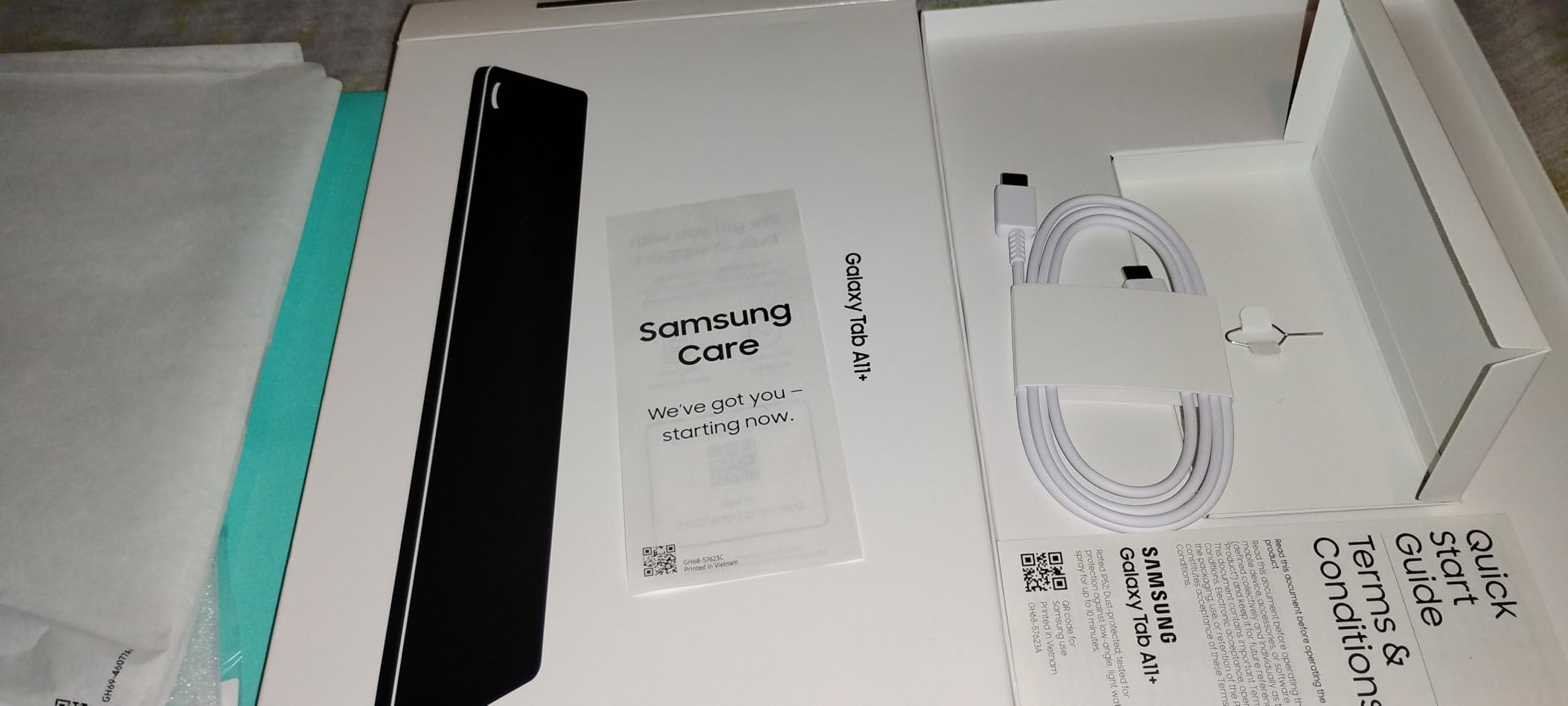
The Galaxy Tab A11+ proves that a capable teaching tablet does not require a premium budget. At under $250, it delivers an 11-inch 90Hz display, 6GB of RAM, and quad Dolby Atmos speakers that fill a classroom. I tested it for lesson planning, Google Classroom management, and media playback, and it handled every task without complaint.
Android 16 with Google Gemini and Circle to Search brings AI features to a budget price point. The promise of 7 years of software updates means this tablet will stay current through multiple school years. The 2-year manufacturer warranty adds confidence for a device that will see daily classroom use.
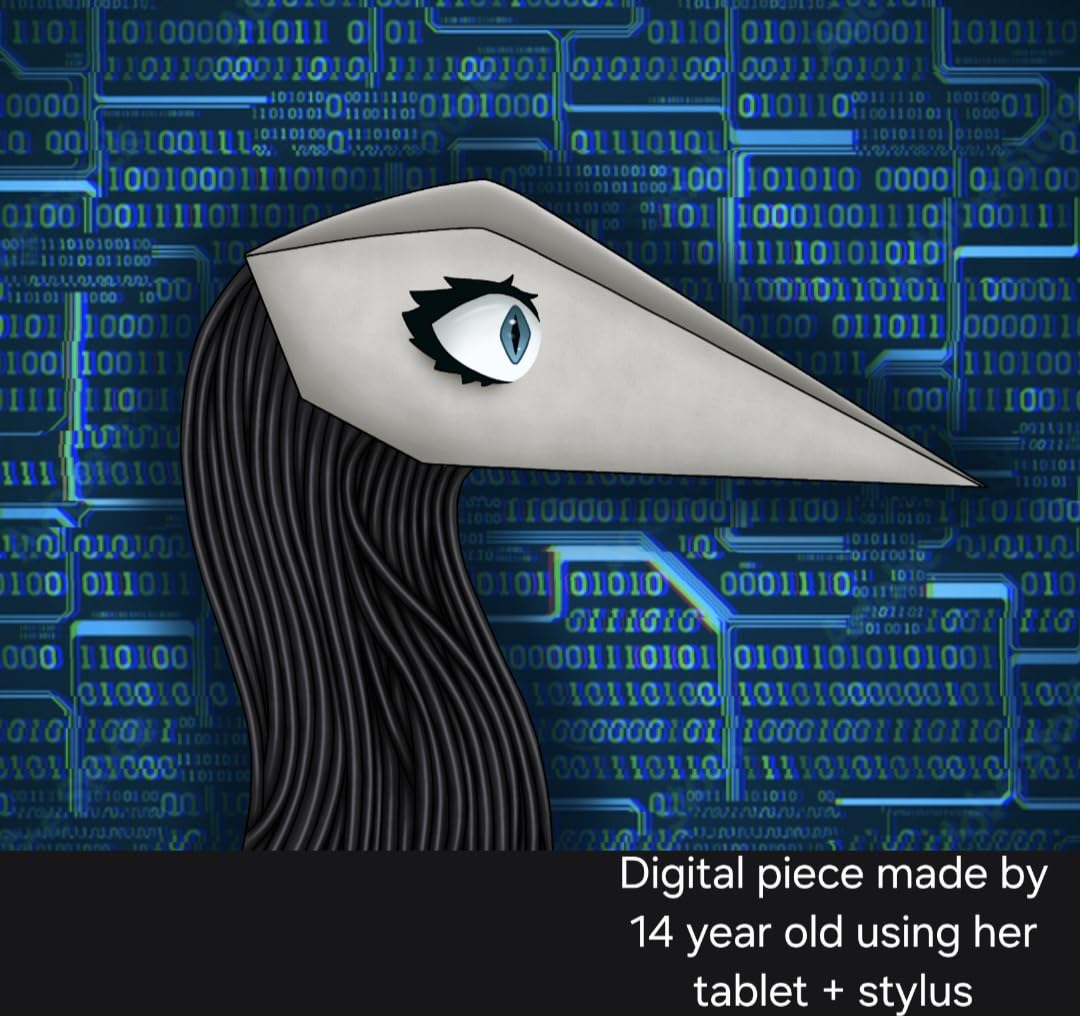
This is not a performance powerhouse, and that is fine for most teaching workflows. PDF annotation, video calls, document editing, and educational apps all run smoothly. The main compromises are the lack of an included charger, no fingerprint reader, and a display resolution that trails premium tablets.
For teachers buying their own device on a limited budget, or schools equipping classrooms without breaking the budget, the Tab A11+ is the value champion of this list. It outperforms dedicated kids tablets and handles real teaching work.
For Whom It Is Good
Budget-constrained teachers, classrooms deploying multiple devices, and anyone whose needs center on Google Classroom, video calls, and document work will find the Tab A11+ more than sufficient. The 7-year update promise makes it a smart long-term investment.
For Whom It Is Bad
Teachers who need a stylus for annotation should look at the Tab S6 Lite or Tab S10 FE, as the A11+ does not include S Pen support. Power users running heavy multitasking or creative software will want more RAM and a faster processor.
5. Samsung Galaxy Tab S6 Lite – Best Value Note-Taking Tablet
SAMSUNG Galaxy Tab S6 Lite 10.4″ 64GB WiFi Android Tablet w/ S Pen Included, Slim Metal Design, Crystal Clear Display, Dual Speakers, Long Lasting Battery, SM-P610NZAAXAR, Oxford Gray
Exynos 9611
10.4-inch display
4GB RAM
64GB storage
S Pen included
DeX mode
Headphone jack
+ Pros
- S Pen included with no charging required
- Slim metal design feels premium
- Dual AKG speakers with Dolby Atmos
- Expandable storage up to 1TB
- 3.5mm headphone jack
- Outstanding value
- Cons
- Older 2020 model with 4GB RAM
- No fingerprint sensor
- 64GB base storage is tight
- Slower charging
The Galaxy Tab S6 Lite has earned its place as the best value note-taking tablet for teachers, with over 18,800 reviews confirming its staying power. The included S Pen requires no charging or pairing, which is a genuine advantage over Apple Pencil. I used it for handwritten lesson notes, PDF annotation, and quick sketches during whiteboard prep.
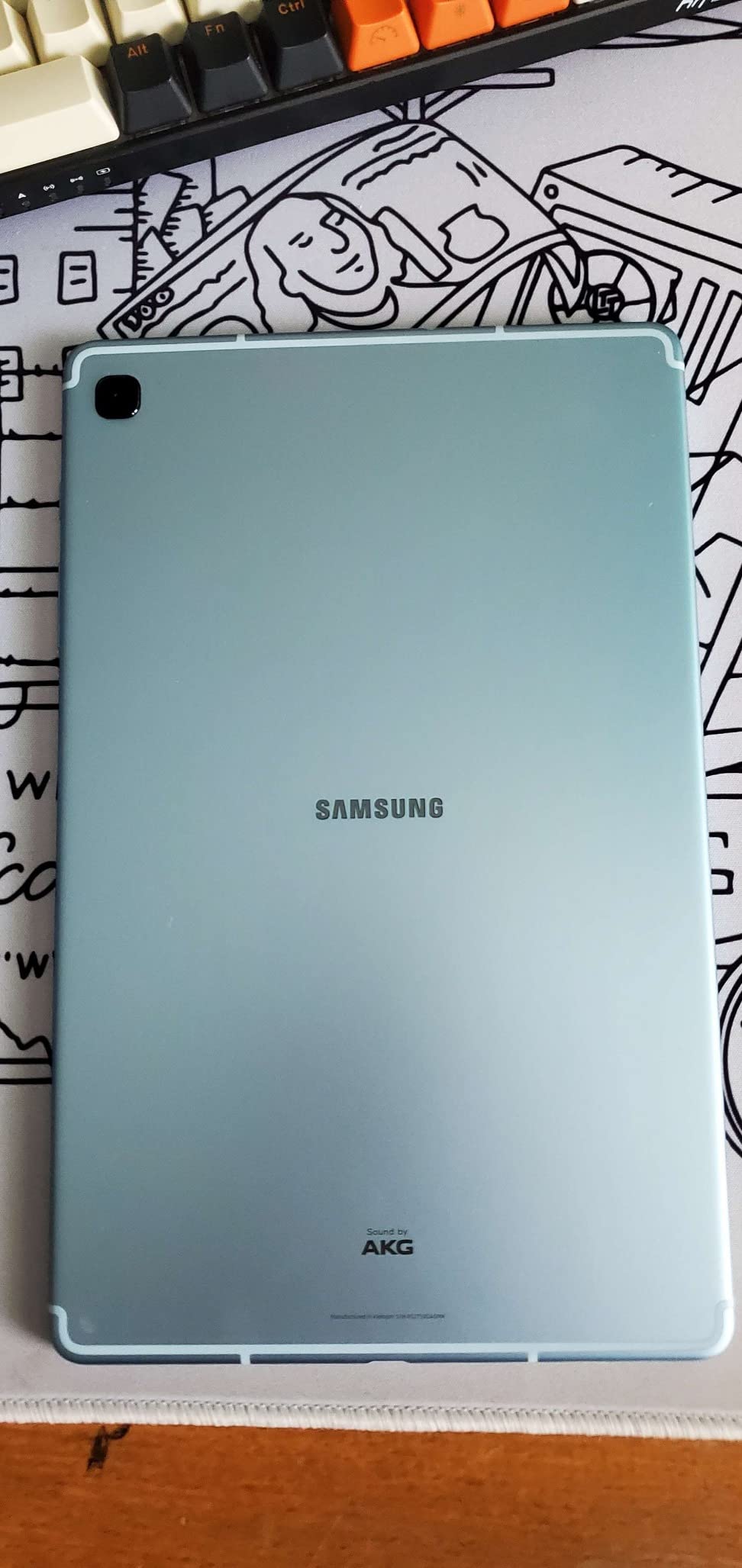
The slim metal body feels more expensive than it is, and at just over 1 pound it is comfortable for extended handheld use. DeX mode provides a desktop-like interface when connected to a monitor, and the 3.5mm headphone jack is a rare feature teachers appreciate for wired classroom audio systems.
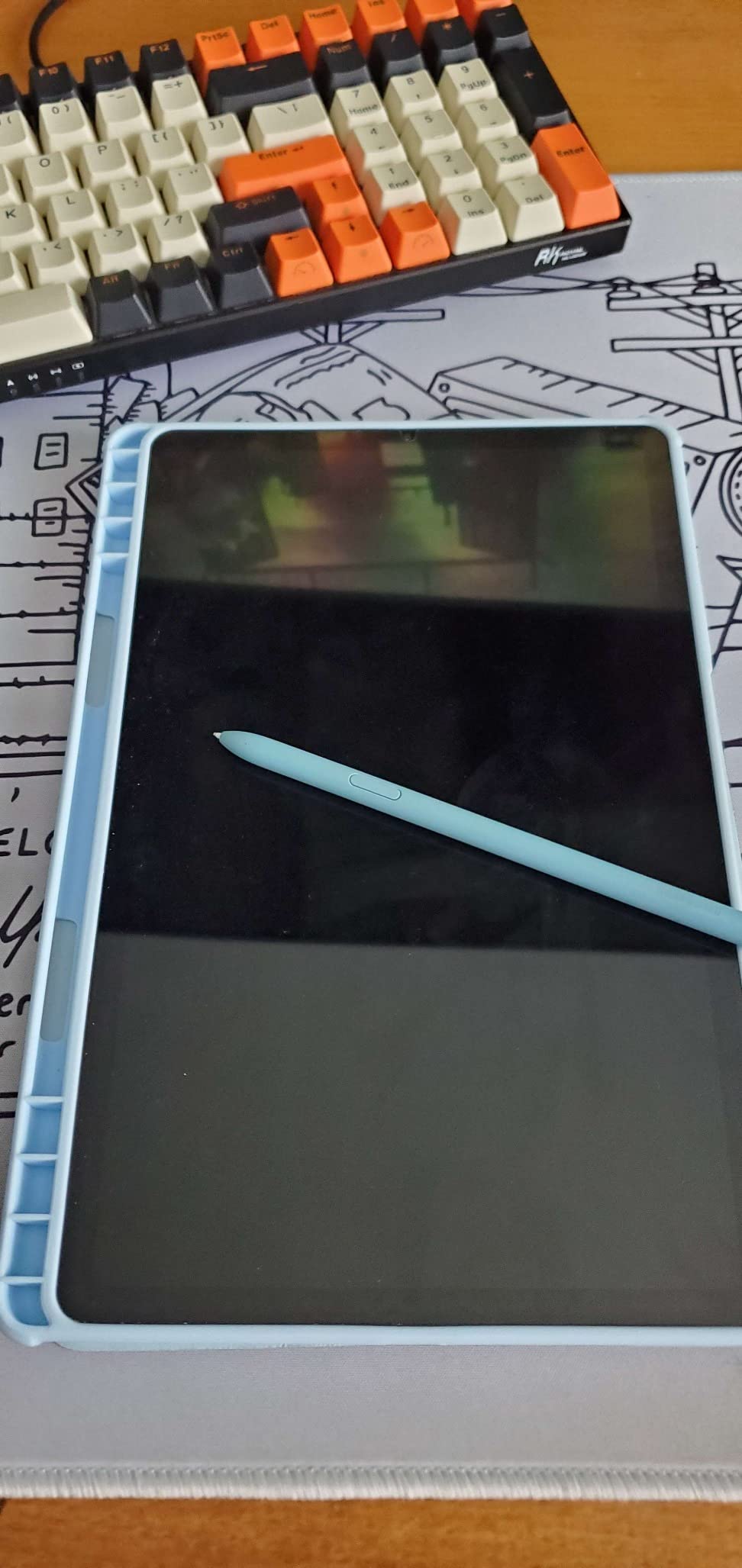
Being a 2020 model, the S6 Lite shows its age in some areas. The 4GB of RAM struggles with heavy multitasking, the TFT display is less vivid than AMOLED, and the 64GB base storage fills quickly after the OS takes its share. Expandable storage via microSD mitigates the storage issue.
Despite the age, the S6 Lite remains a top recommendation for teachers who want S Pen functionality without paying flagship prices. The massive review base and consistent 4.7-star rating confirm its reliability for daily teaching use.
For Whom It Is Good
Teachers who prioritize note-taking and annotation, anyone on a tight budget who wants a real stylus experience, and Android users who value the headphone jack and expandable storage will love the S6 Lite. It is also a proven classroom deployment device.
For Whom It Is Bad
Teachers who need current-generation performance for multitasking should consider the Tab S10 FE instead. The 4GB RAM limitation becomes apparent with many open tabs or heavy apps, and future Android updates may eventually taper off for this older model.
6. Lenovo Idea Tab Plus – Best Large-Screen Teaching Tablet
Lenovo Idea Tab Plus – Lightweight Tablet – 12.1″ 2.5K IPS Touchscreen Display – 90Hz – MediaTek Dimensity 6400-8GB Memory – 128GB Storage – Integrated Arm Mali-G57 MC2 – tab Pen & Folio case
MediaTek Dimensity 6400
12.1-inch 2.5K 90Hz display
8GB RAM
128GB storage
Tab Pen and Folio Case included
13 hour battery
+ Pros
- Large 12.1 inch 2.5K display at 90Hz
- Pen and folio case included
- Quad Dolby Atmos speakers
- Up to 13 hours battery life
- TUV Rheinland low blue light certified
- Lightweight at 1.2 lbs
- Cons
- Stylus is battery-operated not rechargeable
- No HDMI connectivity
- Android OS only with no Windows option
The Lenovo Idea Tab Plus stands out for its 12.1-inch 2.5K display, the largest screen on this list. For teachers who work with split-screen grading, multiple documents, or share the screen with small groups of students, the extra real estate makes a real difference. I found annotation and document comparison noticeably easier than on smaller tablets.
Lenovo includes both the Tab Pen and a folio case in the box, which is exceptional value at this price point. The 90Hz refresh rate keeps stylus input smooth, and the TUV Rheinland low blue light certification means less eye strain during long grading sessions. At 1.2 pounds, the larger screen does not come with a weight penalty.
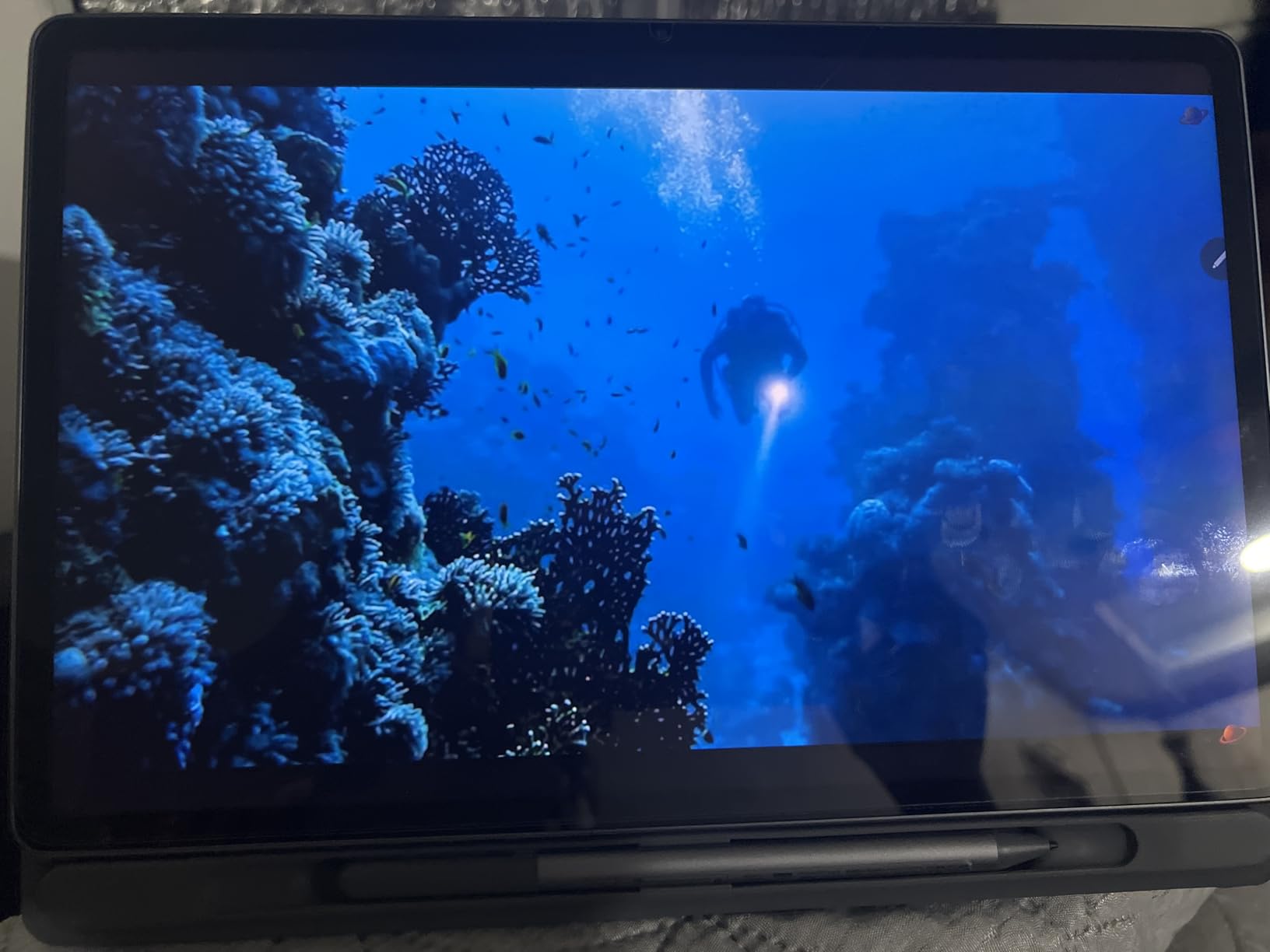
The MediaTek Dimensity 6400 processor with 8GB of RAM handled every teaching task I threw at it, from video calls to document editing to Circle to Search. Quad Dolby Atmos speakers deliver surprisingly full sound for classroom media playback. Battery life consistently reached 13 hours of YouTube streaming in my testing.
The main compromises are minor. The included stylus uses replaceable batteries rather than rechargeable technology, and there is no HDMI output for direct projector connection. For teachers who want a large-screen Android tablet with everything included, the Idea Tab Plus is hard to beat.

For Whom It Is Good
Teachers who want maximum screen space for multitasking, anyone who values having the pen and case included, and budget-conscious buyers who want premium display quality will find the Idea Tab Plus an excellent fit. The large display also suits hybrid teaching where you share the screen with students.
For Whom It Is Bad
Teachers who need Windows compatibility or specific iPad apps should look elsewhere. The battery-operated stylus will not appeal to those who prefer rechargeable pen technology, and the lack of HDMI means you will need wireless casting or an adapter for projector connection.
7. Microsoft Surface Pro (2025) – Best Windows Tablet for Teachers
Microsoft Surface Pro 2-in-1 Laptop/Tablet (2025), Windows 11 Copilot+ PC, 12″ Touchscreen Display, Snapdragon X Plus (8 Core), 16GB RAM, 512GB Storage, Ocean
Snapdragon X Plus
12-inch touchscreen
16GB RAM
512GB SSD
Windows 11 Copilot+
16 hour battery
+ Pros
- Full Windows 11 compatibility
- Copilot+ AI capabilities
- Up to 16 hours battery life
- Built-in kickstand
- 16GB RAM for serious multitasking
- Premium build quality
- Cons
- No charger included
- No microSD card slot
- 60Hz refresh rate
- Arm emulation may affect app compatibility
- Premium price point
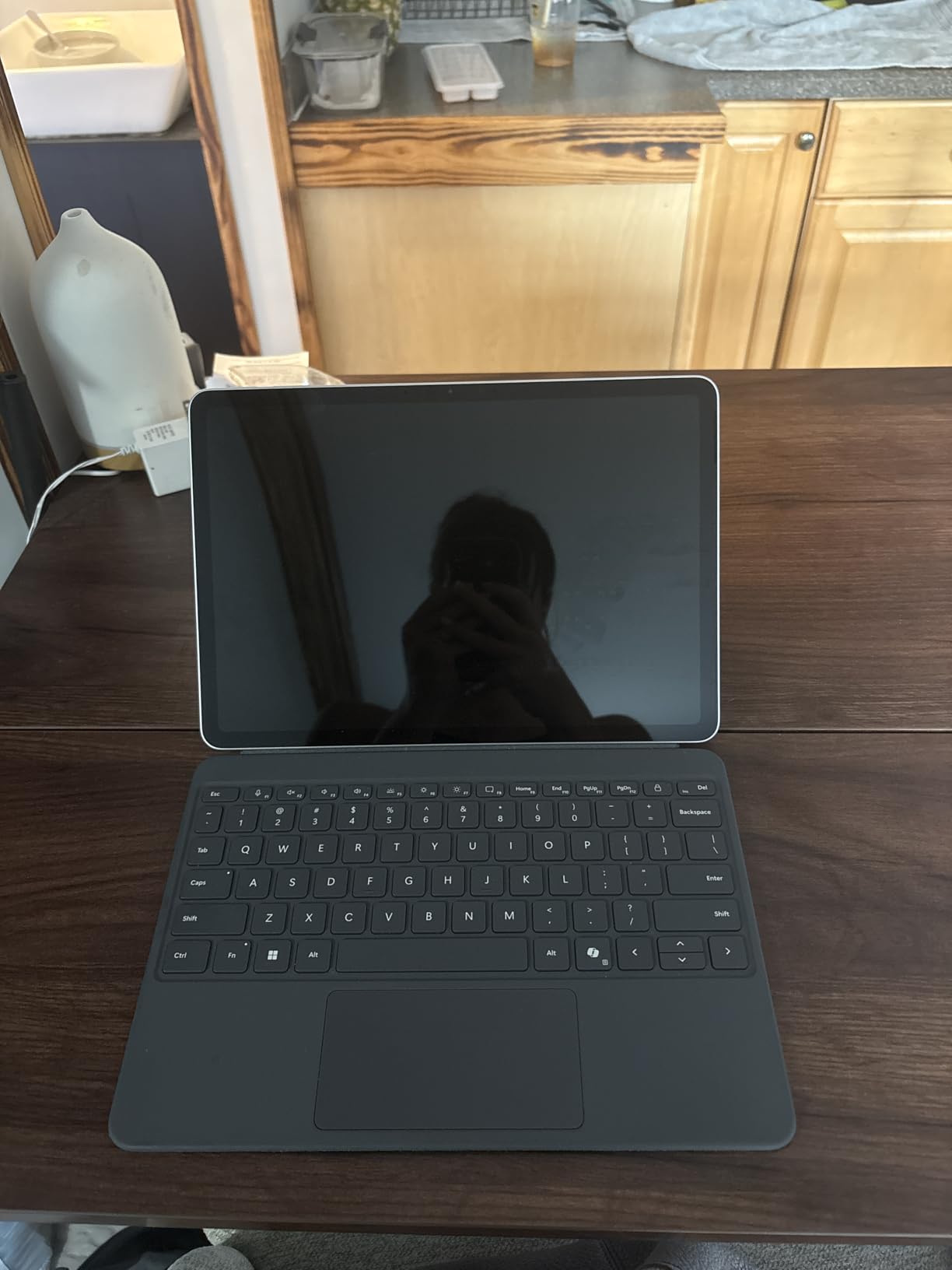
The Surface Pro (2025) is the only tablet on this list that runs full desktop Windows, which makes it the best choice for teachers who need gradebook software, Microsoft 365 desktop apps, or any program that does not exist as a tablet app. I tested it with full Excel gradebooks, OneNote desktop, and Zoom, and it handled everything like a laptop.
The Snapdragon X Plus processor with 16GB of RAM delivers genuinely fast performance for productivity tasks. Copilot+ AI features, including live captions and Windows Studio Effects, are useful during video calls with students. The built-in kickstand offers flexible angles for writing, presenting, or media consumption.
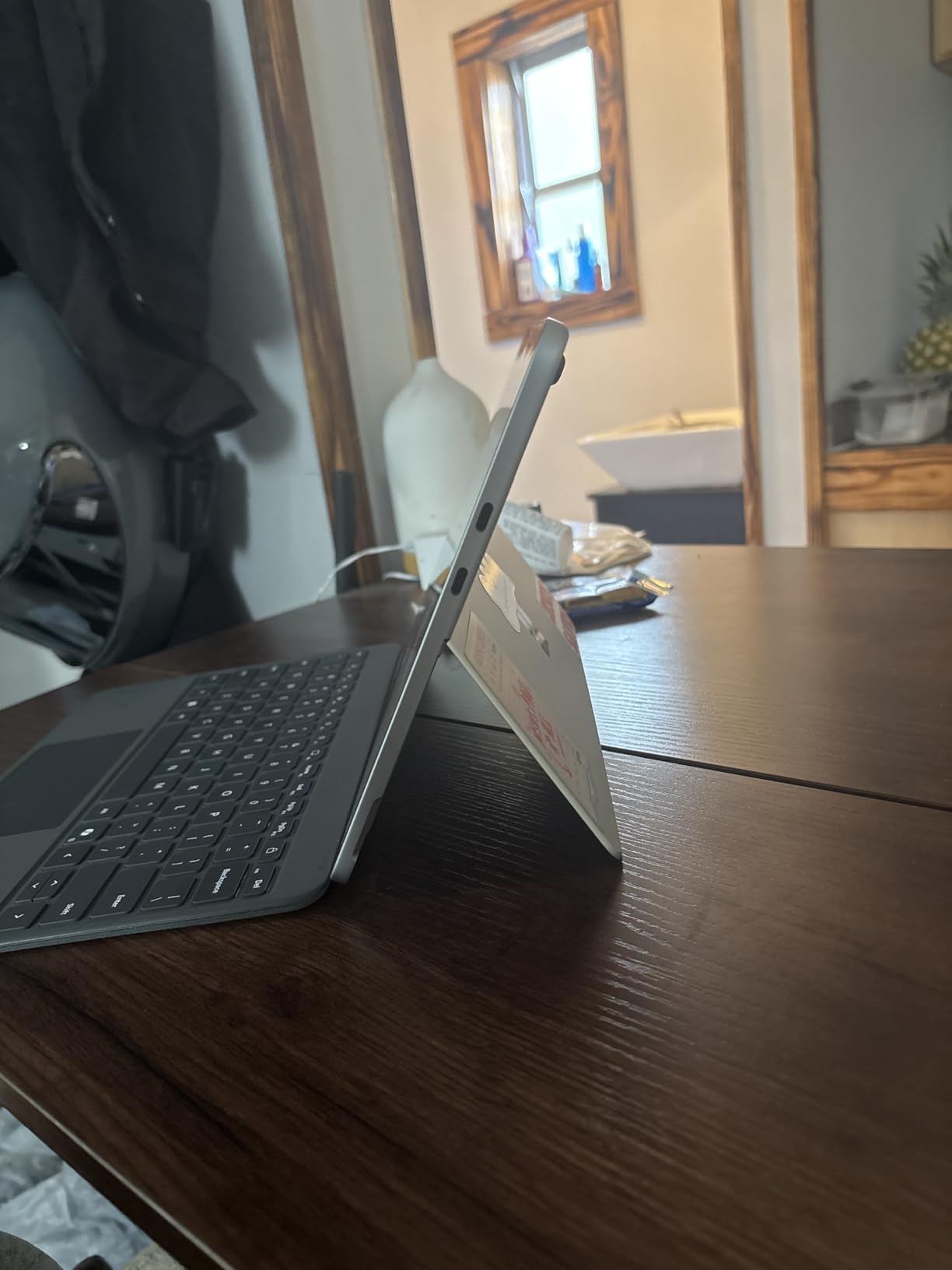
Up to 16 hours of battery life means the Surface Pro survives a full teaching day plus evening planning. The 12-inch PixelSense touchscreen is sharp and responsive with the Surface Slim Pen (sold separately). Facial recognition login via Windows Hello is fast and convenient.
The trade-offs center on cost and compatibility. The Surface Pro Keyboard and Slim Pen are sold separately, adding significantly to the total. Arm emulation for older x86 apps can cause compatibility issues, the 60Hz refresh rate trails Android competitors, and there is no microSD slot for expandable storage. Some users also reported the display can crack from minor bumps, so a rugged case is essential.
For Whom It Is Good
Teachers who need full desktop software, anyone in a Microsoft 365 school environment, and those who want a true laptop replacement will find the Surface Pro ideal. It is the best option for running dedicated gradebook programs, full Excel, or any Windows-only teaching tool.
For Whom It Is Bad
Budget-conscious teachers should look elsewhere given the premium price plus accessory costs. Teachers whose schools use Chrome OS or Google Workspace exclusively may find Windows overkill. The Arm compatibility concerns mean you should verify your essential software runs properly before committing.
8. Wacom Intuos Medium Bluetooth – Best Drawing Tablet for Teachers
Wacom Intuos Medium, Bluetooth Graphic Drawing Tablet with Pen + Software
8.5 x 5.31 inch active area
4096 pressure levels
Battery-free EMR pen
Bluetooth and USB
4 ExpressKeys
Chromebook compatible
+ Pros
- Industry-leading pen precision
- Battery-free EMR pen technology
- Wireless Bluetooth connectivity
- 4 customizable ExpressKeys
- Broad software compatibility including Chromebook
- Number one best seller in graphics tablets
- Cons
- Bluetooth issues reported on some Mac systems
- Smaller active area than professional tablets
- Learning curve transitioning from mouse
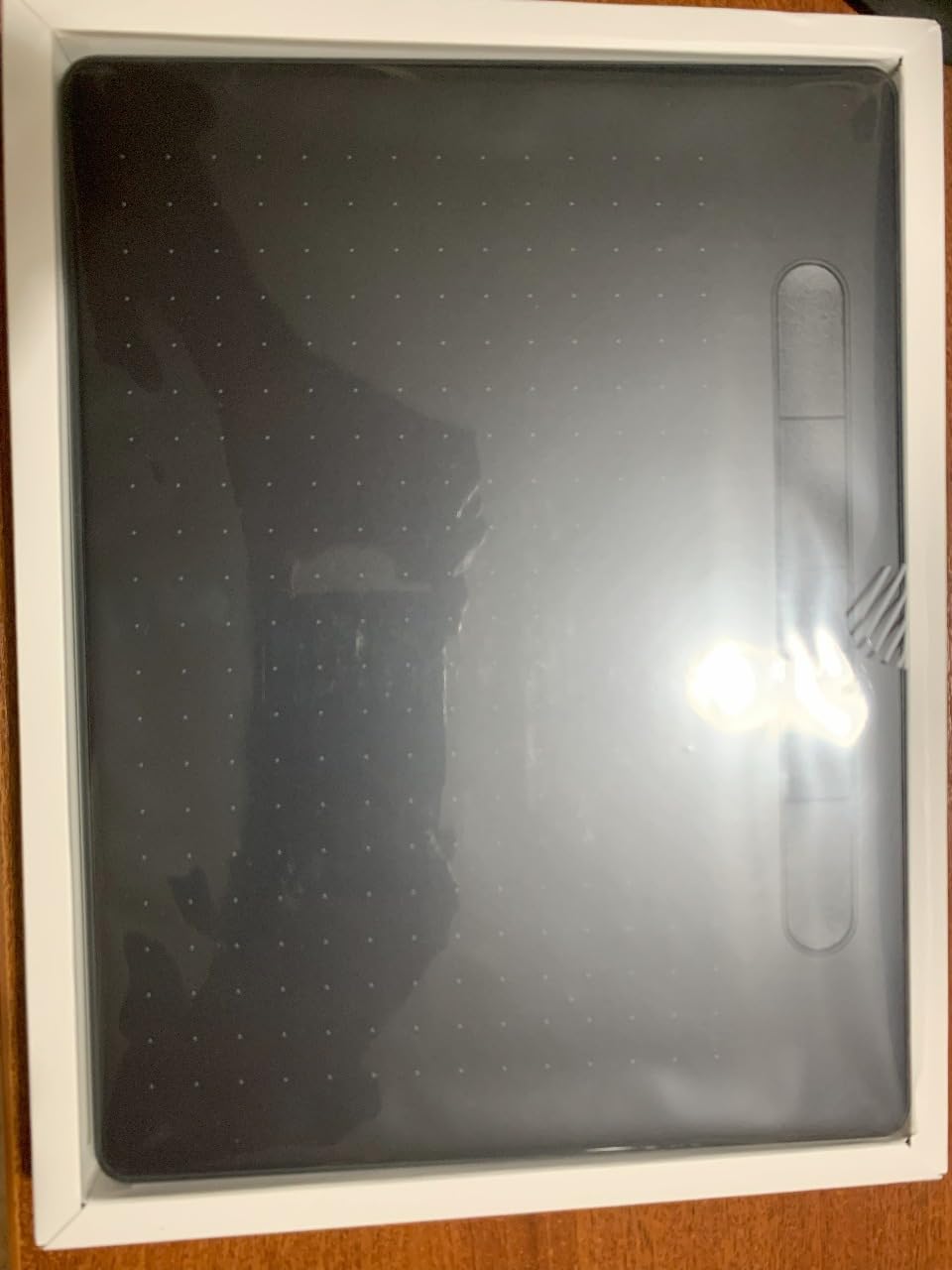
The Wacom Intuos Medium is not a standalone tablet but a dedicated drawing surface that connects to your existing laptop or computer. For teachers who already have a laptop and just need precise annotation capability, this is the most cost-effective path to professional-grade digital writing. I used it for annotating PDFs in OneNote and demonstrating math problems on Zoom.
The battery-free EMR pen never needs charging, which eliminates the dead-battery frustration teachers experience with Apple Pencil or other active styluses. With 4096 levels of pressure sensitivity, the pen responds to subtle variations in hand pressure for natural-looking handwriting and diagrams.
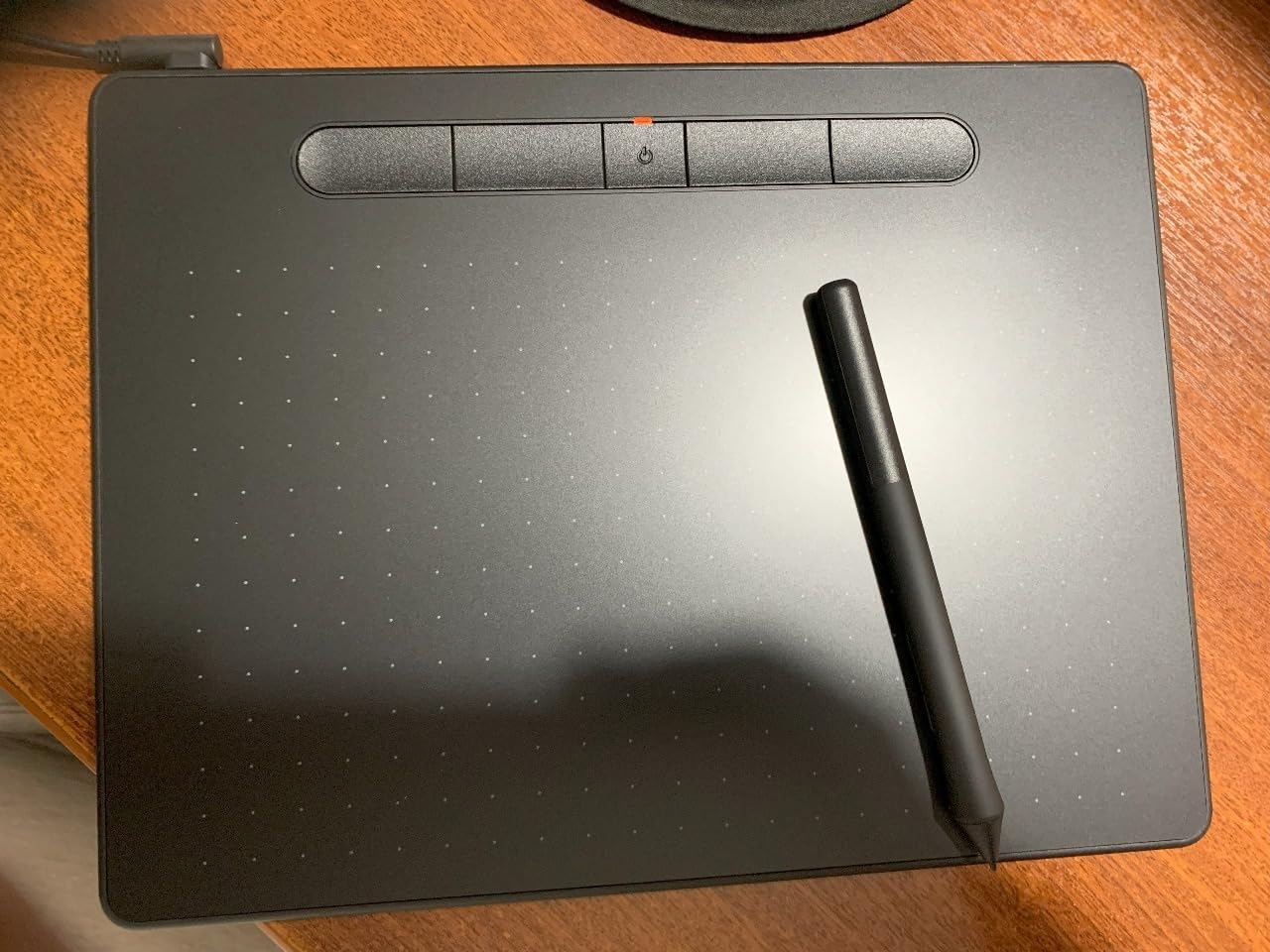
Bluetooth connectivity means a clean desk without cables, and the four customizable ExpressKeys can be programmed for common actions like undo or erase. The Wacom is the number one best seller in computer graphics tablets, with nearly 2,800 reviews confirming its reliability.
The main limitation is that this is a companion device, not a standalone tablet. You need a laptop or computer to use it, which means it cannot replace a full tablet for teachers who want an all-in-one solution. Some Mac users reported Bluetooth connectivity issues, and there is a learning curve when transitioning from mouse input.
For Whom It Is Good
Teachers who already own a laptop and need precise annotation for math, science, or art instruction will find the Wacom Intuos ideal. It is also perfect for online teaching where you present from a computer and need to draw on a shared screen. Chromebook compatibility makes it suitable for Google-centric classrooms.
For Whom It Is Bad
Teachers who want a standalone portable tablet should look at the iPad Air or Tab S10 FE instead. The Wacom requires a connected computer, so it adds a device to your setup rather than consolidating. Users with Mac systems should verify Bluetooth compatibility before purchasing.
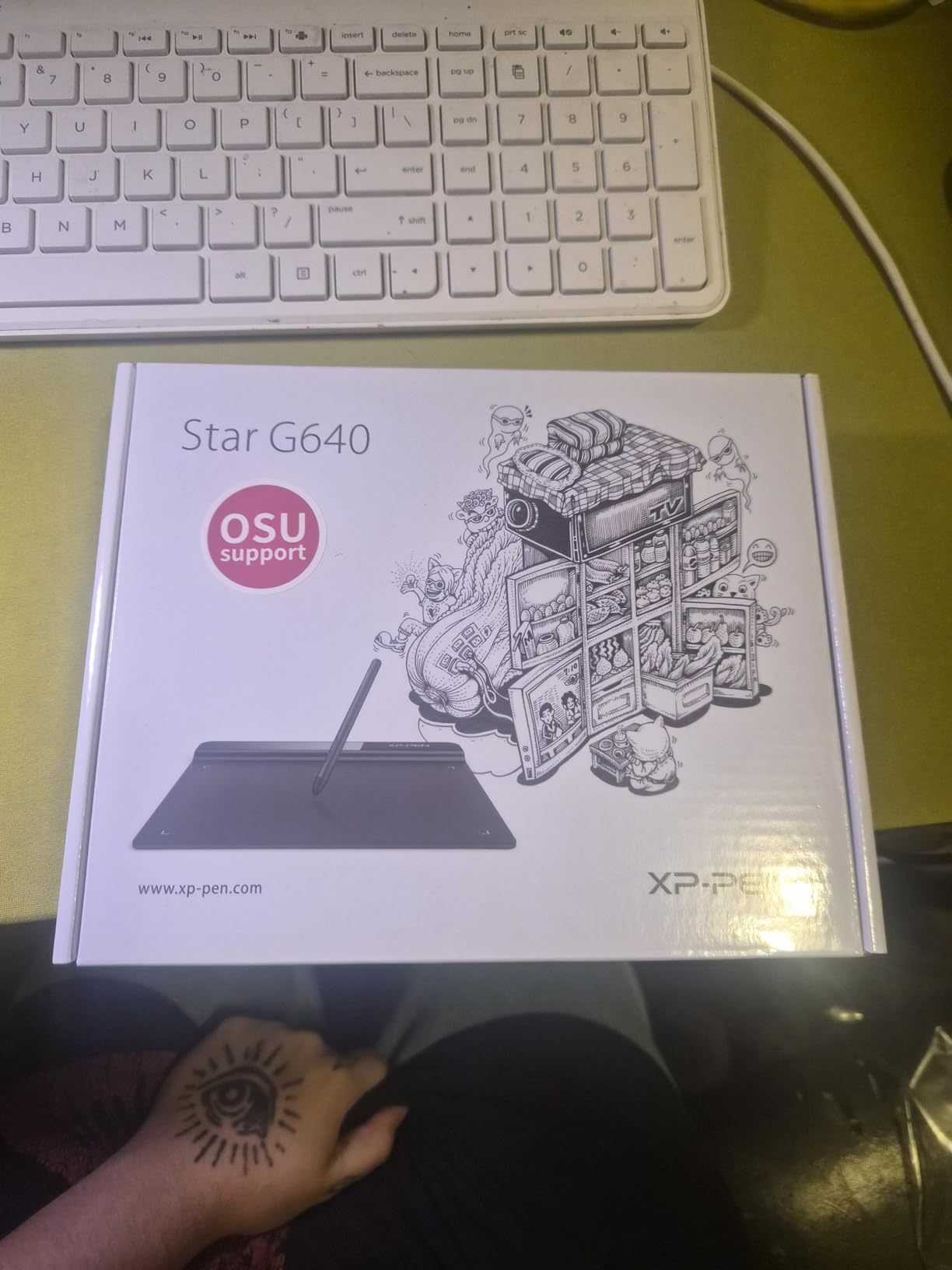
9. XPPen StarG640 – Best Budget Drawing Tablet for Teachers
Drawing Tablet XPPen StarG640 Digital Graphic Tablet 6×4 Inch Art Tablet with Battery-Free Stylus Pen Tablet for Mac, Windows and Chromebook (Drawing/E-Learning/Remote-Working)
6 x 4 inch active area
8192 pressure levels
Battery-free stylus
USB wired
Chromebook compatible
Only 2mm thick
+ Pros
- Exceptional value at under $30
- Battery-free stylus with no charging
- 8192 levels of pressure sensitivity
- Ultra thin and portable at 2mm
- Compatible with Chromebook Windows and Mac
- Works with major art and annotation software
- Cons
- Noticeable cursor lag during use
- Pen feels lightweight and plasticky
- No ExpressKeys on tablet
- USB wired only with no Bluetooth
- Small active drawing area
At under $30, the XPPen StarG640 is the most affordable entry into digital annotation for teachers. With over 21,000 reviews, it is one of the most popular drawing tablets ever made. I tested it for online teaching annotation and found that, while it cannot match Wacom precision, it delivers more than enough capability for lesson annotation at a fraction of the cost.
The battery-free stylus with 8192 levels of pressure sensitivity offers impressive specification for the price. The 2mm-thin tablet slips into any bag, making it the most portable annotation device on this list. Chromebook compatibility means it works in Google-centric classrooms without additional drivers.
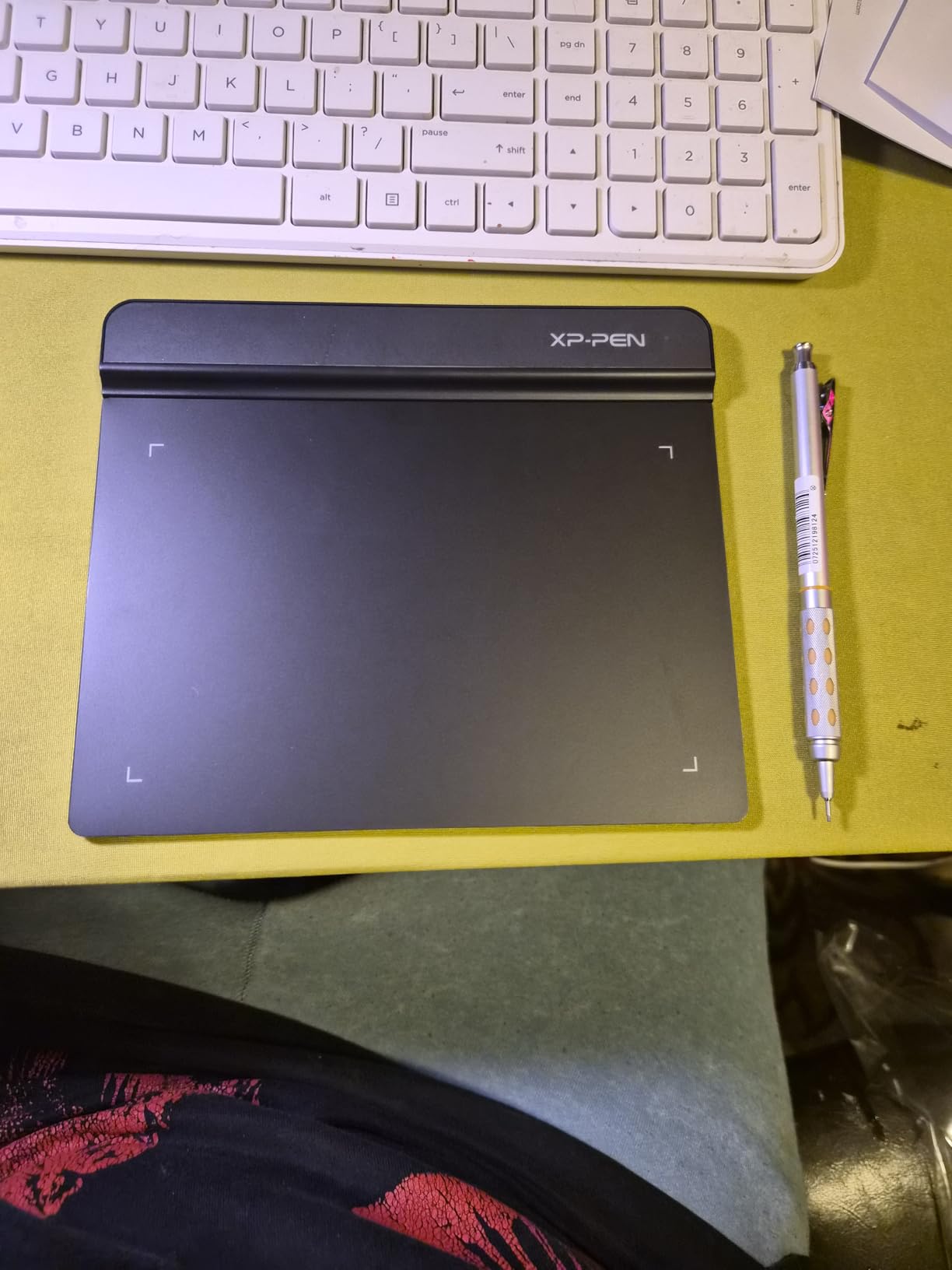
The trade-offs reflect the price. Cursor lag is noticeable compared to Wacom, the pen feels plasticky, and there are no ExpressKeys for shortcuts. The wired USB connection means no wireless freedom, and the small 6×4 inch active area can feel cramped for sustained work.
For teachers who need basic digital annotation without spending much, the StarG640 is unbeatable value. It is the cheapest way to write on a shared screen during online lessons, annotate PDFs, or demonstrate math problems to remote students.
For Whom It Is Good
Teachers on the tightest budgets, anyone who needs basic annotation for online teaching, and those who already have a laptop and just want a cheap writing surface will find the StarG640 perfect. It is also ideal for schools equipping multiple teachers on a limited budget.
For Whom It Is Bad
Teachers who need precision, low latency, or wireless freedom should step up to the Wacom Intuos or a full tablet. The small active area and wired connection limit flexibility, and the pen lag will frustrate users accustomed to higher-end stylus technology.
10. reMarkable Paper Pro Bundle – Best Distraction-Free Tablet for Teachers
reMarkable Paper Pro with Marker Plus
11.8 inch Canvas Color e-ink display
Marker Plus pen with eraser
2 week battery
Handwriting to text conversion
PDF annotation
16GB storage
+ Pros
- Excellent paper-like writing feel
- Color e-ink for highlighting
- Up to 2 weeks battery life
- Distraction-free focused experience
- Readable in direct sunlight
- Marker Plus with built-in eraser
- Cons
- Expensive at $679 for limited functionality
- No web browsing or video streaming
- Colors are muted on e-ink display
- Subscription required for handwriting to text and templates
The reMarkable Paper Pro is the most specialized device on this list, and for a specific type of teacher it is transformative. I tested it for two weeks of focused lesson planning and PDF annotation, and the writing experience is the closest any digital device has come to real paper. There are no notifications, no app store, no browser, just writing.
The Canvas Color e-ink display enables highlighting in color, which is genuinely useful for annotating lesson materials. Battery life of up to two weeks means you can leave the charger at home. The display is readable in direct sunlight, making it ideal for outdoor or well-lit classroom environments where traditional tablets wash out.
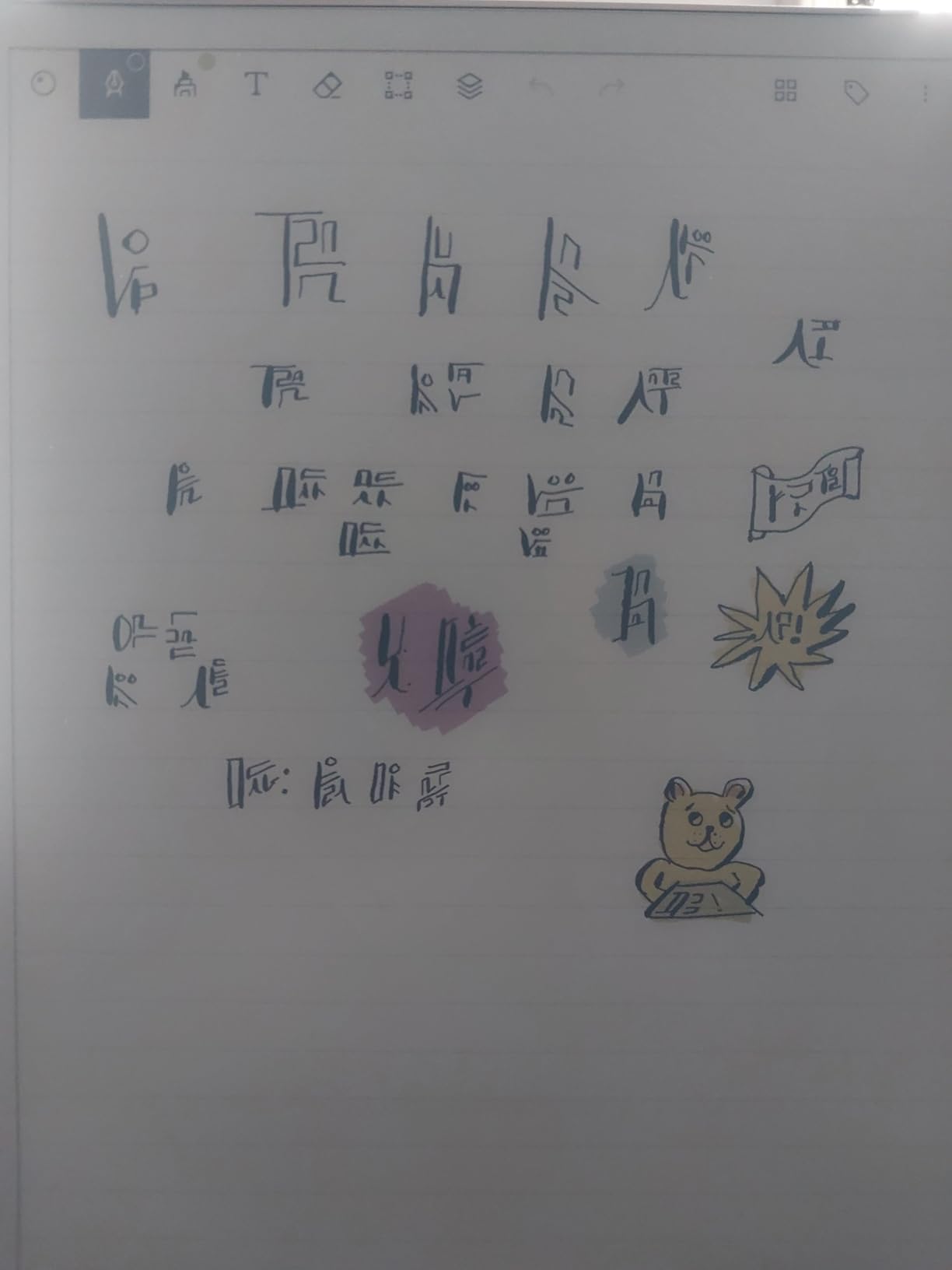
The Marker Plus pen includes a built-in eraser on the opposite end, which is a small but meaningful design choice. Handwriting-to-text conversion, PDF organization with folders and tags, and cloud sync to phone and computer round out the productivity features. Six spare Marker tips are included in the bundle.
The limitations are significant and deliberate. There is no web browsing, no video streaming, no apps beyond what reMarkable provides. The e-ink colors are muted compared to any LCD tablet. Advanced features like handwriting-to-text require a subscription. For teachers who want one device that does everything, the reMarkable will frustrate. For teachers who want to eliminate distraction and focus on writing, nothing else compares.

For Whom It Is Good
Teachers who struggle with digital distraction, anyone who values the feel of paper but wants digital organization, and note-taking-focused educators will find the reMarkable transformative. It is ideal for lesson planning, meeting notes, and PDF annotation in distraction-free environments.
For Whom It Is Bad
Teachers who need video conferencing, app-based gradebooks, web browsing, or any multimedia functionality should look elsewhere. The subscription requirement for key features adds ongoing cost, and the limited app ecosystem means it cannot serve as your only device.
Buying Guide: Choosing the Right Tablet by Teaching Scenario
Not every teacher needs the same tablet. Based on the testing and forum research behind this guide, here are recommendations matched to specific teaching situations and budgets.
For Online and Hybrid Teaching
If your primary use is online teaching via Zoom or Google Meet, you need a tablet with a good front camera, stable Wi-Fi, and annotation capability. The iPad Air M4 with Apple Pencil Pro and the Galaxy Tab S10 FE with S Pen are the top picks. Both offer reliable video calling and smooth annotation for shared screens.
For Math and Science Teachers
Math and science teachers benefit most from precise stylus input for equations and diagrams. The Wacom Intuos Medium paired with a laptop offers the best precision for the price. For a standalone option, the iPad Air with Apple Pencil Pro or the Tab S10 FE with S Pen both handle formula writing well.
For Budget-Constrained Teachers
Teachers buying their own device should consider the renewed iPad A16 for iPadOS access, the Galaxy Tab A11+ for Android, or the XPPen StarG640 if you already have a laptop. All three deliver real teaching capability for under $300.
For Professors and Lecture Recording
College professors who record lectures with handwritten content should look at the Surface Pro for full Windows lecture-capture software, or the iPad Air with screen recording and Apple Pencil. The reMarkable Paper Pro is excellent for lecture notes but cannot record video directly.
For Google Workspace Schools
Schools standardized on Google Workspace should prioritize Android tablets or Chrome OS devices. The Galaxy Tab S10 FE, Tab A11+, and Lenovo Idea Tab Plus all integrate seamlessly with Google Classroom and offer Circle to Search powered by Google.
Frequently Asked Questions
Which tablet is good for teachers?
The best tablets for teachers balance portability, stylus support, battery life, and app access. The Apple iPad Air 11-inch (M4) is the top overall pick for its performance and Apple Pencil Pro support. For Android users, the Samsung Galaxy Tab S10 FE includes the S Pen and offers up to 20 hours of battery life.
What is the best tablet for online teaching?
For online teaching, the Apple iPad Air M4 and Samsung Galaxy Tab S10 FE are the best options. Both offer reliable video calling with quality front cameras, smooth annotation for shared screens, and stable Wi-Fi connectivity. The iPad Air integrates seamlessly with Apple TV-equipped classrooms via AirPlay.
Is an iPad or Samsung tablet better for teachers?
The iPad leads in education-focused apps like Goodnotes, Notability, and iDoceo, while Samsung tablets include the S Pen at no extra cost and offer DeX mode for desktop-like multitasking. Choose iPad if you rely on iOS-exclusive apps or use Apple TV, and Samsung if you want the stylus included and prefer Google Workspace integration.
Can a tablet replace a laptop for teachers?
A tablet can replace a laptop for most teaching tasks including grading, lesson planning, video calls, and annotation. The Microsoft Surface Pro runs full Windows 11 and is the closest true laptop replacement. iPads and Android tablets handle most workflows but may struggle with dedicated gradebook software or specialized desktop programs.
What do teachers use tablets for most?
Teachers primarily use tablets for lesson planning, grading assignments via PDF annotation, video conferencing with students, digital whiteboarding, and delivering lessons through apps like Google Classroom and Microsoft 365. Note-taking apps like Goodnotes and iDoceo are particularly popular among educators.
Are drawing tablets useful for teachers?
Yes, drawing tablets like the Wacom Intuos and XPPen StarG640 are excellent for math, science, and art teachers who need to write equations, draw diagrams, or annotate on a shared screen during online lessons. They are the most affordable way to add precise digital annotation to an existing laptop setup.
Conclusion
The best tablets for teachers in 2026 span every budget and teaching scenario. The Apple iPad Air M4 leads as the overall pick for its unmatched app ecosystem and Apple Pencil Pro support. The Samsung Galaxy Tab S10 FE wins on value with its included S Pen and 20-hour battery. For tight budgets, the Galaxy Tab A11+ and XPPen StarG640 deliver real teaching capability at fraction of the cost.
Whatever your classroom demands, the right tablet can transform how you plan lessons, grade work, and engage students. Match the device to your specific teaching needs, budget, and school ecosystem, and you will have a tool that pays for itself in saved time and paper every single week.