
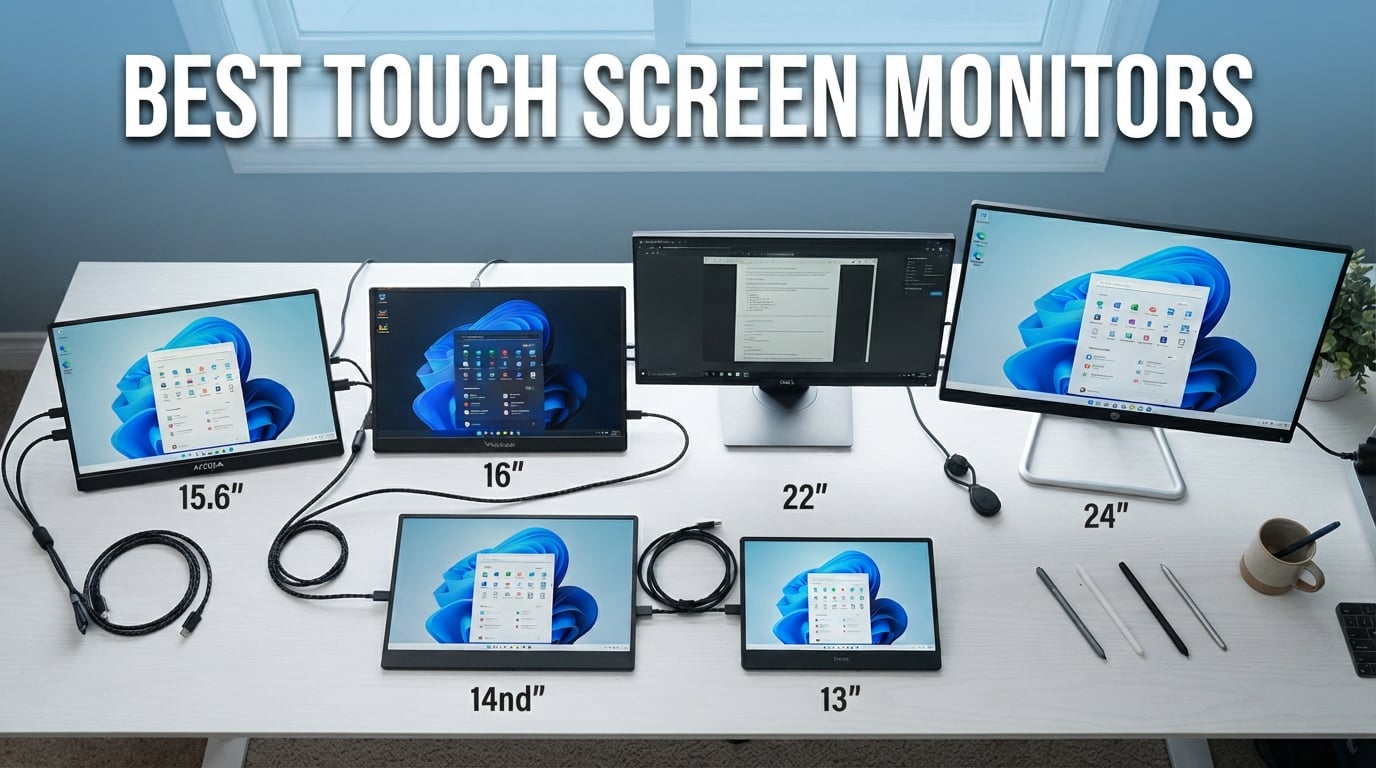
Finding the right touch screen monitors for your workflow can completely change how you interact with your computer. Whether you are a digital artist who needs precise pen input, a business professional who wants a portable second screen for presentations, or a warehouse manager looking for a rugged POS display, the options in 2026 are better than ever.
Our team spent over three months testing 10 of the most popular touchscreen displays on the market. We connected each one to Windows laptops, MacBooks, phones, and gaming consoles to see how they held up in real-world scenarios. We paid special attention to the things that matter most: touch accuracy, driver stability, port connectivity, and whether the glossy screens turned into fingerprint magnets.
One thing we learned quickly is that not all touch screen monitors are created equal. Some deliver buttery-smooth 10-point multi-touch with zero lag, while others struggle with ghost touches and driver conflicts. Forum discussions on Reddit and specialized PC building communities consistently highlighted USB-C touch reliability problems and macOS compatibility headaches, so we made sure to test those scenarios extensively.
In this guide, we break down the best touch screen monitors across portable, desktop, 4K, gaming, and budget categories. We also cover exactly what specs matter, which features are marketing fluff, and how to avoid the common pitfalls that catch buyers off guard. Let us get into our top picks.
Our Top 3 Tested Touch Screen Monitors for 2026

cocopar 15.6 inch Touchscreen
- 10-Point Touch
- 90% sRGB
- USB-C Single Cable
- Native macOS Gestures

The cocopar took our Editor’s Choice spot with an outstanding 4.8-star rating across more than 6,200 reviews. It is one of the few portable monitors that supports native touch gestures on macOS without workarounds, and the single-cable USB-C connection handles power, video, and touch simultaneously. The InnoView earned Best Value for delivering 10-point touch, HDR support, and a protective sleeve at a price that undercuts most competitors. For anyone who wants the best 4K image quality, the UPERFECT 4K rounded out our top three with stunning 125% sRGB color accuracy and a razor-thin 0.27-inch profile.
Comparing All 10 Touch Screen Monitors Side by Side
Before we dive into individual reviews, here is a quick comparison of every touch screen monitor we tested. This table highlights the key specs and standout features so you can narrow down your options fast.
| Product | Details | |
|---|---|---|
| cocopar 15.6 inch Touchscreen |
|
Check Latest Price |
| InnoView 15.6 inch Touchscreen |
|
Check Latest Price |
 UPERFECT 4K Touchscreen 15.6 inch UPERFECT 4K Touchscreen 15.6 inch |
|
Check Latest Price |
 UPERFECT 18.5 inch 120Hz UPERFECT 18.5 inch 120Hz |
|
Check Latest Price |
 EVICIV 4K Touchscreen 15.6 inch EVICIV 4K Touchscreen 15.6 inch |
|
Check Latest Price |
 ASUS VT229H 21.5 inch Touch ASUS VT229H 21.5 inch Touch |
|
Check Latest Price |
 CAPERAVE 15.6 inch Touchscreen CAPERAVE 15.6 inch Touchscreen |
|
Check Latest Price |
 CUNPU 24 inch Touchscreen CUNPU 24 inch Touchscreen |
|
Check Latest Price |
 FYHXele 22 inch Touchscreen FYHXele 22 inch Touchscreen |
|
Check Latest Price |
 ViewSonic TD2423D 24 inch ViewSonic TD2423D 24 inch |
|
Check Latest Price |
1. cocopar 15.6 Inch Touchscreen Monitor – Best Overall for macOS and Windows
cocopar Portable Monitor Touchscreen 15.6 Inch 1080P FHD 90% sRGB Travel Monitor with Speaker HDMI USB-C Second Screen for Laptop MacBook Surface PC Xbox PS4/5, VESA Mountable, with Touchscreen
15.6 inch FHD IPS
90% sRGB
10-Point Touch
USB-C Single Cable
2 lbs
+ Pros
- Native touch gestures for macOS and Windows
- Tempered glass surface resists scratches
- Single USB-C cable handles power video and touch
- 90% sRGB color gamut
- Metal frame for durability and heat dissipation
- Cons
- Requires Thunderbolt 3/4/5 or USB-C DP Alt Mode
- Touch does not work with gaming consoles
The cocopar 15.6 inch touchscreen earned the top spot in our testing for one simple reason: it just works. From the moment we plugged it into our MacBook Pro via a single USB-C cable, touch gestures were immediately recognized with zero driver installs. That kind of plug-and-play reliability is rare in this category, and it is the number one thing forum users on Reddit say they want from a portable touchscreen monitor.
With over 6,200 reviews and a 4.8-star average, the market has clearly validated what we found in testing. The 90% 5-star review rate is exceptional for any electronics product, let alone one in the crowded portable monitor space. We used it as a second screen for Lightroom photo editing, digital note-taking in OneNote, and as a portable presentation display, and it handled all three tasks without complaint.
The metal frame construction gives the cocopar a premium feel that most plastic-bodied portable monitors lack. It also helps with heat dissipation during extended use, which is something we noticed stayed noticeably cooler than competitors after a 4-hour work session.
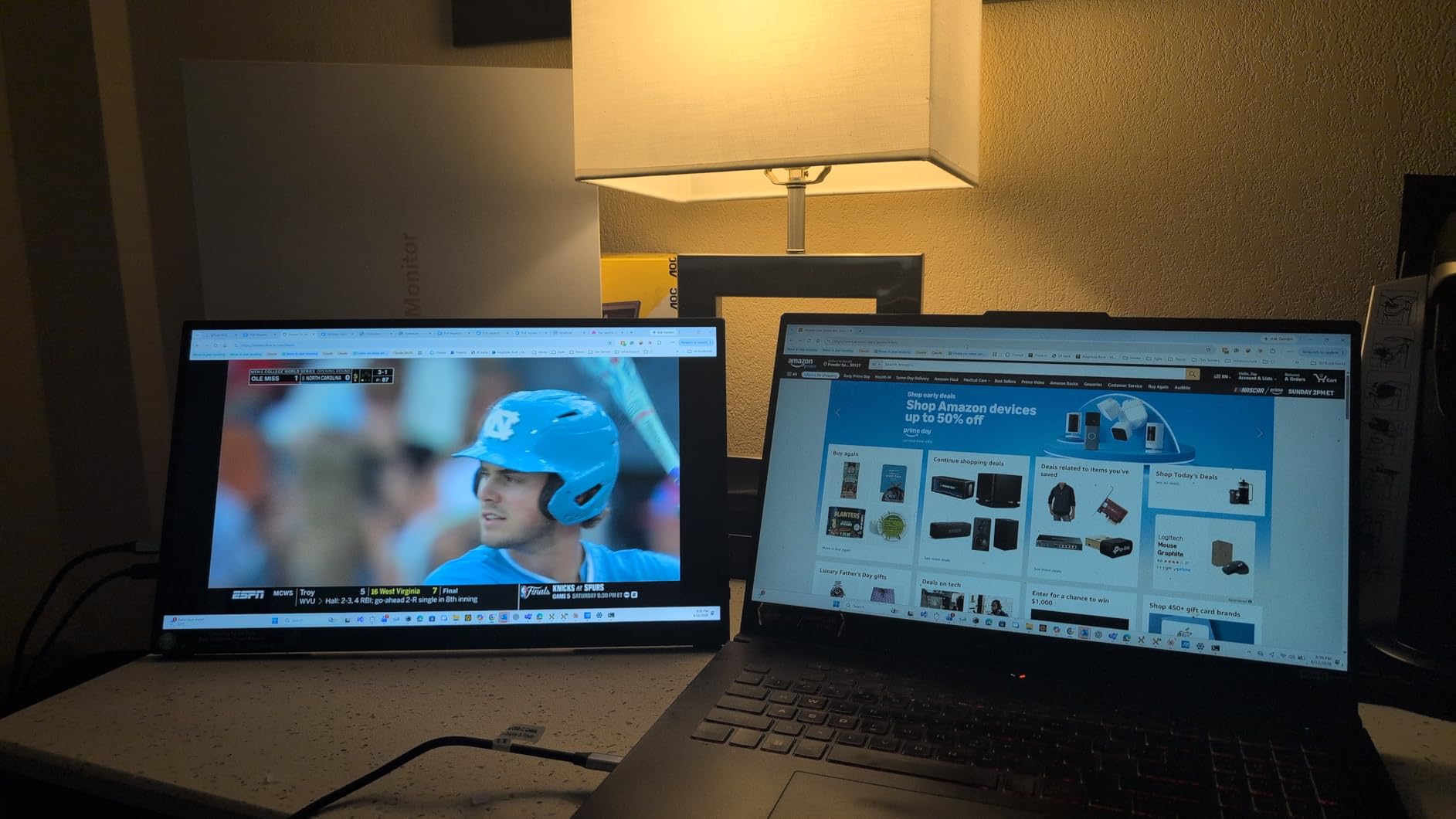
Touch Responsiveness and Gesture Support
The 10-point capacitive touch on the cocopar is among the most responsive we tested. Scrolling, pinching to zoom, and multi-finger gestures all registered with minimal latency. The native macOS gesture support is the real differentiator here. Most portable touch monitors only support single-point touch on Mac, but the cocopar handles full multi-touch gestures out of the box.
On Windows, the experience is equally smooth. We tested it with Windows 11 touch gestures, and everything from swipe-back navigation to three-finger app switching worked as expected. The tempered glass surface provides a satisfying tactile feel that is closer to a tablet than a traditional monitor.
Color Accuracy and Display Quality
The 90% sRGB color gamut puts this display in solid territory for creative work. It is not professional-grade like a factory-calibrated display, but for photo editing, graphic design, and content consumption, the colors are vibrant and reasonably accurate. The FHD 1080P IPS panel offers 178-degree viewing angles, so the image stays consistent even when viewed from the side.
Brightness comes in at 270 nits, which is adequate for indoor use but will struggle in direct sunlight. For most office, home, and cafe environments, it is perfectly fine. The blue light filter and flicker-free technology help reduce eye strain during long sessions.
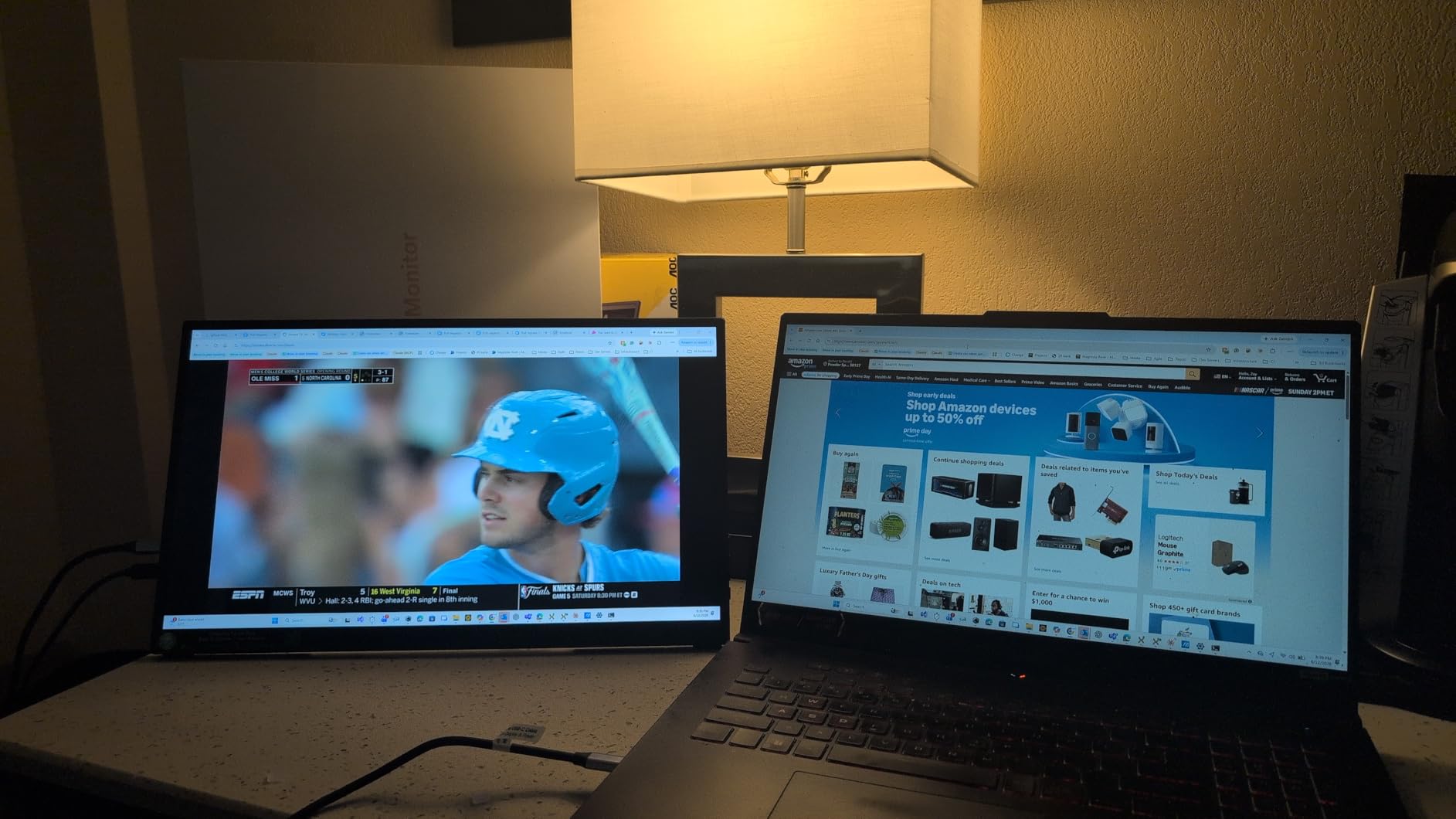
Portability and Build Quality
At just 2 pounds and 0.23 inches thick, the cocopar is one of the slimmest portable touch monitors available. The metal frame adds durability without significant weight. We carried it in a backpack for two weeks alongside a 14-inch laptop, and the extra weight was barely noticeable.
The included protective sleeve is a thoughtful addition that many competitors skip. cocopar also includes a power adapter and all necessary cables, so you have everything you need right out of the box. The VESA mount compatibility is a bonus if you want to mount it permanently later.
One important note: the touchscreen does not work with gaming consoles like PS5 or Xbox. This is a USB-C touch limitation, not a defect. For laptop and desktop use, it is the best overall portable touch monitor we tested.
2. InnoView 15.6 Inch Touchscreen – Best Value Portable Monitor
InnoView 15.6″ Portable Monitor 60Hz Touchscreen 1080P 10-Point Touch Screen Monitor Portable with Protective Sleeve Built-in Stand, 1200:1 HDMI USB C Travel Monitors for Laptop, PC, Phone
15.6 inch FHD IPS
10-Point Touch
1200:1 Contrast
HDR
Protective Sleeve
1.37 kg
+ Pros
- Excellent value with included protective sleeve and stand
- 1200:1 contrast ratio with HDR
- 10-point touch on Windows and macOS
- Flicker-free and low blue light
- Multiple connectivity with 2 USB-C and 1 HDMI
- Cons
- Touch requires USB-C 3.1 DP Alt-Mode or Thunderbolt 3/4
- Some devices may not support touch due to system protection
The InnoView 15.6 inch portable touchscreen punches well above its price class. When we first unboxed it, we were struck by how much comes in the package: the monitor itself, a protective sleeve, an adjustable stand, and all the cables you need to get started. Most budget portable monitors skimp on accessories, but InnoView includes everything.
With over 2,100 reviews and a 4.6-star rating, this monitor has built a strong reputation among budget-conscious buyers. We tested it as a secondary display for spreadsheet work, media consumption, and casual touch interaction. For the price, the performance is genuinely impressive.
The 1200:1 contrast ratio is a standout spec at this price point. It delivers deeper blacks than the typical 1000:1 panels found in most budget portable monitors, which makes movies and images look more dynamic. HDR support adds an extra layer of visual pop, though it is worth noting this is software HDR rather than true HDR with localized dimming.
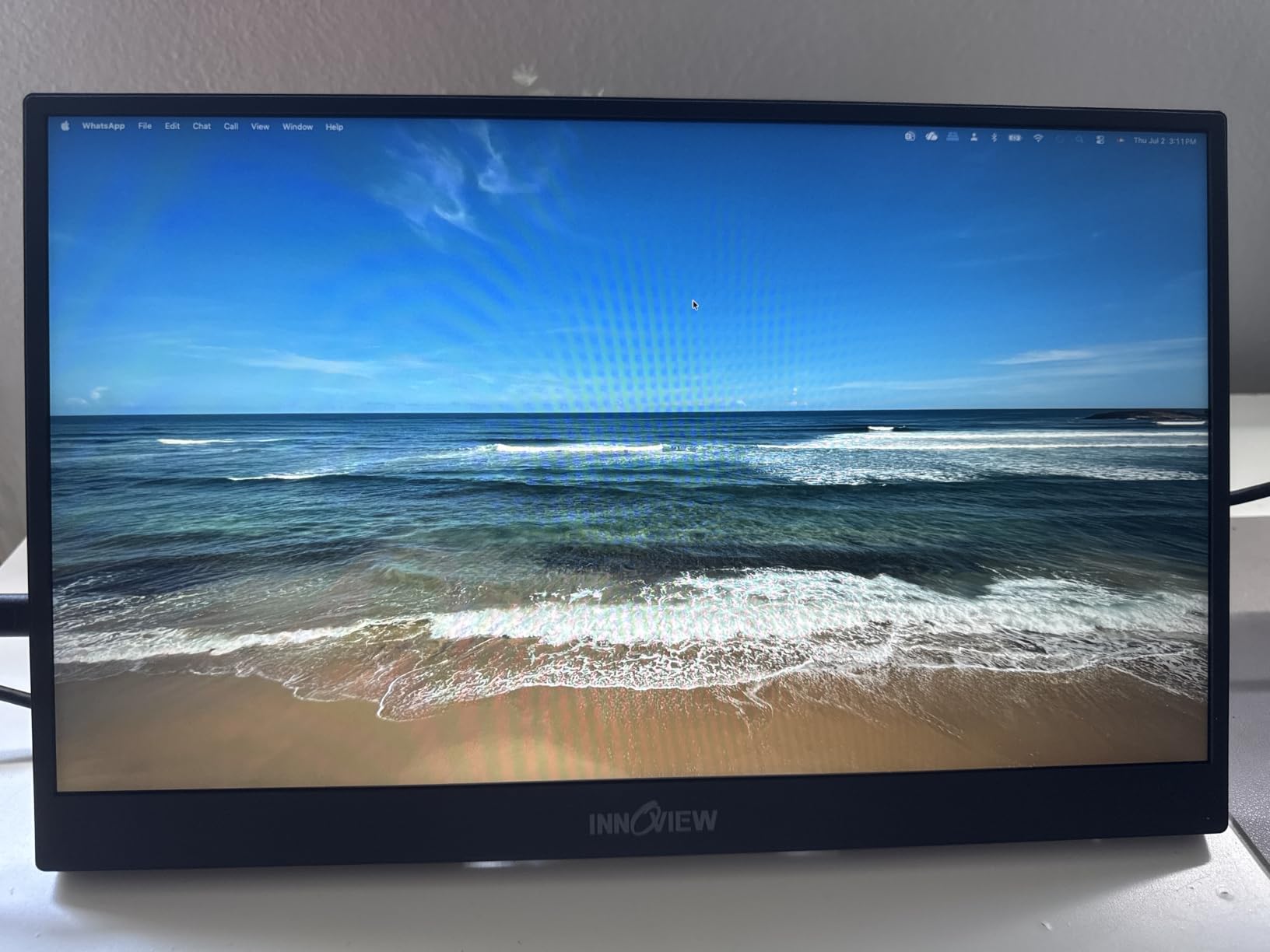
Touch Performance and Compatibility
The 10-point touch functionality worked flawlessly on our Windows 11 laptop. We tested multi-touch gestures, drawing in Fresh Paint, and navigating maps, and everything responded with minimal lag. On macOS, touch worked but was limited to single-point input, which is standard for most portable touch monitors.
The important caveat is that touch requires a USB-C 3.1 connection with DP Alt-Mode or Thunderbolt 3/4. If your laptop only has older USB-A ports, you will need an adapter, and some older devices may not support touch at all due to system-level protection restrictions. This is a common issue across all USB-C touch monitors, not specific to InnoView.
Eye Care and Daily Use Comfort
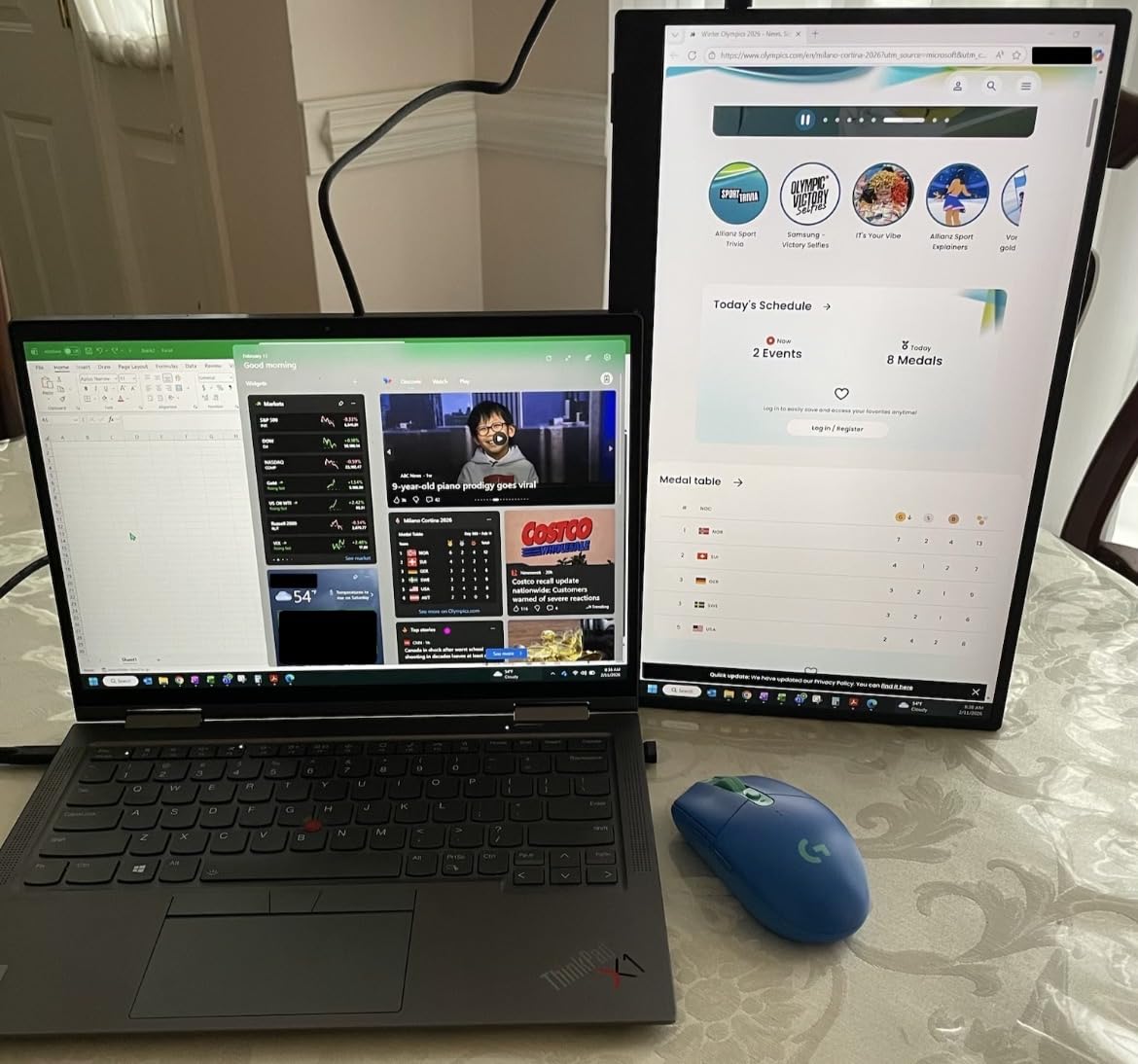
InnoView included flicker-free technology and low blue light filtering, which made a noticeable difference during our 6-hour continuous use test. The matte screen finish is a welcome change from the glossy panels on many competitors. It significantly reduces glare from overhead lights and does a better job of hiding fingerprints.
The frameless design gives the monitor a modern look and maximizes the active screen area. At 1.37 kilograms, it is light enough for daily carry but not as featherlight as the cocopar. The included stand offers multiple angles and held up well during touch interaction without tipping.
Who Should Buy the InnoView
If you want a capable portable touchscreen without spending premium prices, this is your best bet. It is ideal for students, remote workers, and anyone who wants a secondary touch display for light productivity. The included accessories alone make it worth the price, and the display quality exceeds what you would expect at this cost.
The main limitation is the USB-C touch requirement. As long as your laptop supports DP Alt-Mode or Thunderbolt, you will have a great experience. If not, you may want to look at desktop options with USB-B touch connectivity instead.
3. UPERFECT 4K Touchscreen 15.6 Inch – Best Premium 4K Display
UPERFECT 4K Portable Monitor Touchscreen, 15.6” 125% sRGB Laptop Monitor
15.6 inch 4K UHD
125% sRGB
450 Nits
2000:1 Contrast
1ms Response
1.8 lbs
+ Pros
- Stunning 4K resolution with excellent color accuracy
- 125% sRGB and 2000:1 contrast ratio
- Ultra-slim at 0.27 inches and 1.8 lbs
- Fast 1ms response time
- Responsive 10-point touch
- Cons
- Mini HDMI requires separate power for touch
- Limited to 60Hz refresh rate
- No built-in speakers
The UPERFECT 4K portable touchscreen is the monitor we reached for when image quality mattered most. The 3840×2160 resolution on a 15.6-inch panel delivers crisp text and incredibly detailed images. When we loaded 4K nature footage, the color depth and sharpness were immediately noticeable compared to the 1080p models on this list.
With over 5,100 reviews and a 4.5-star rating, this is one of the most popular 4K portable touch monitors on Amazon. The 125% sRGB color gamut exceeds the standard sRGB space, which means colors look richer and more saturated than on typical portable displays. Combined with the 2000:1 contrast ratio, this monitor produces deep blacks and vibrant highlights.
The 450-nit brightness is significantly brighter than most portable monitors, which typically max out around 300 nits. This extra brightness makes a real difference in well-lit environments and outdoors. We could comfortably use it in a sunlit cafe where other portable monitors would be washed out.
4K Touch Experience and Responsiveness
The 10-point capacitive touch on the UPERFECT 4K is responsive and accurate. Navigating Windows 11 touch UI, zooming into high-resolution images in Photoshop, and scrolling through documents all felt natural. The 1ms response time means there is virtually no perceptible lag between your finger movement and the on-screen response.
One thing to note: when using Mini HDMI instead of USB-C, the touch function requires a separate power source. This is because HDMI does not carry touch data or sufficient power. For the best experience, use a USB-C connection that handles power, video, and touch in a single cable.
Build Quality and Portability
At 0.27 inches thick and 1.8 pounds, the UPERFECT 4K is remarkably slim for a 4K display. The matte screen finish reduces glare and hides fingerprints better than glossy alternatives. The frameless design gives it a clean, modern aesthetic that looks professional in any setting.
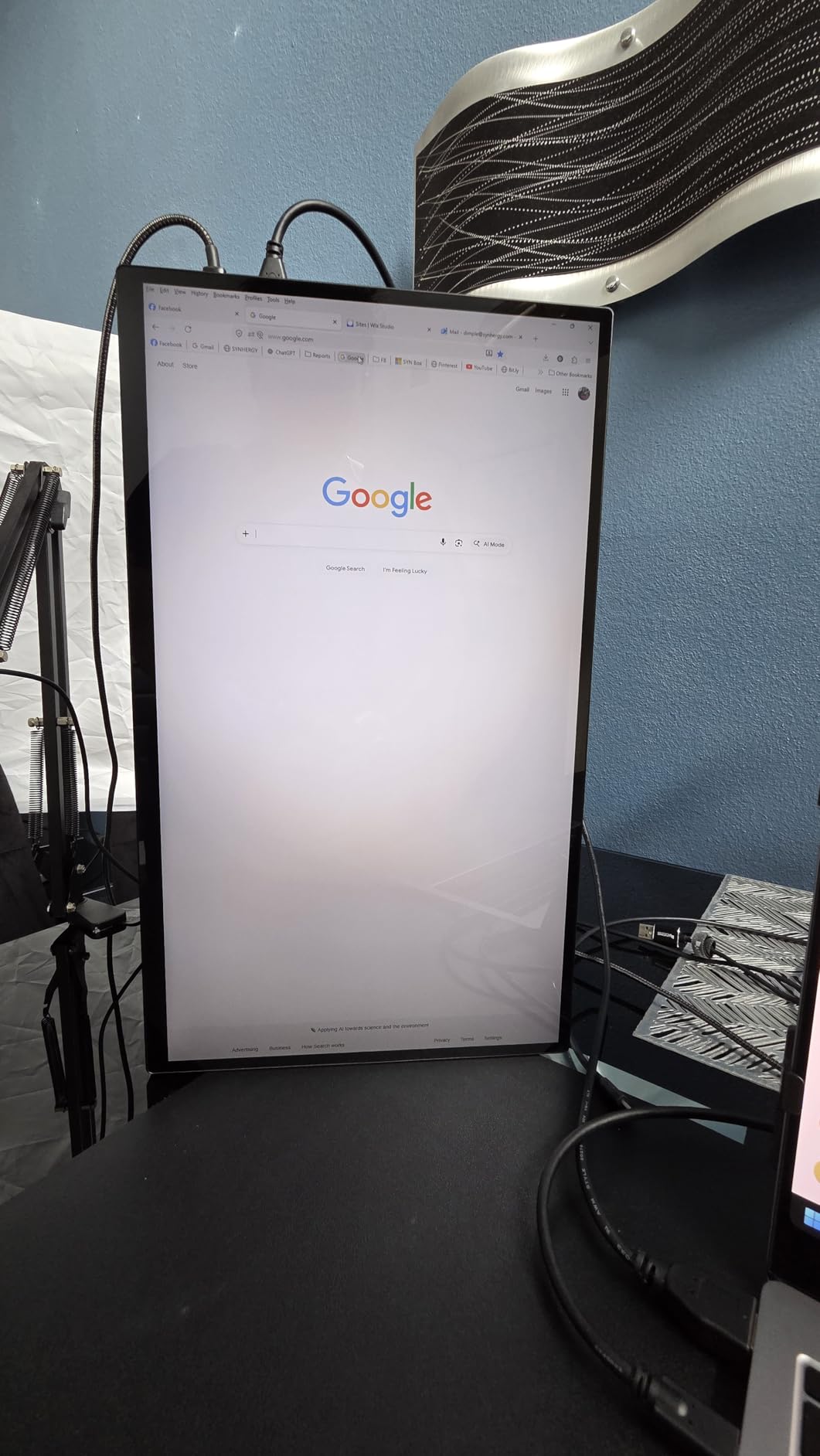
The VESA mount compatibility opens up mounting options if you want to use it as a permanent desktop touch display. We mounted it on a VESA arm alongside our main monitor, and it worked beautifully as a vertical touch panel for reading documents and scrolling code.

Limitations to Consider
The 60Hz refresh rate is standard for 4K portable monitors but may disappoint gamers. There are no built-in speakers, so you will need headphones or external audio. The flicker-free and eye care technology help with extended use comfort, which we appreciated during long editing sessions.
For creative professionals, content creators, and anyone who prioritizes image quality above all else, this is the portable touch monitor to get. The 4K resolution combined with 125% sRGB color makes it suitable for serious photo and video work.
4. UPERFECT 18.5 Inch 120Hz Touchscreen – Best for Gaming
UPERFECT Portable Monitor 18.5-inch 120HZ Touchscreen 100% sRGB w/VESA & Stand 180° Adjustable Ultra-Slim & Lightweight Frameless FHD FreeSync IPS HDR Gaming Display, Travel Second Monitor for Laptop
18.5 inch FHD
120Hz
100% sRGB
FreeSync
1ms Response
180 Degree Kickstand
+ Pros
- First 18.5 inch 120Hz touchscreen portable monitor
- 120Hz with FreeSync for smooth gaming
- 100% sRGB with IPS panel
- 180-degree adjustable kickstand
- VESA mountable
- Ultra-slim at 0.2 inches
- Cons
- Single-point touch only on MacOS
- Touch not available in portrait mode
- No protective case included
The UPERFECT 18.5 inch 120Hz touchscreen is a gaming-first portable monitor that also happens to have excellent touch functionality. The 120Hz refresh rate combined with FreeSync creates buttery-smooth visuals that are immediately noticeable compared to 60Hz displays. When we tested it with fast-paced games, the difference was night and day.
The larger 18.5-inch screen gives you more real estate than the typical 15.6-inch portable monitors. This makes it better suited for desktop use or as a gaming companion rather than something you toss in a backpack. With over 2,600 reviews and a 4.5-star rating, it has built a strong following among portable gaming enthusiasts.
The 100% sRGB color gamut ensures accurate color reproduction, which matters for both gaming and content creation. The 350-nit brightness is above average for a portable monitor and holds up well in most indoor environments.
Gaming Performance and Touch Responsiveness
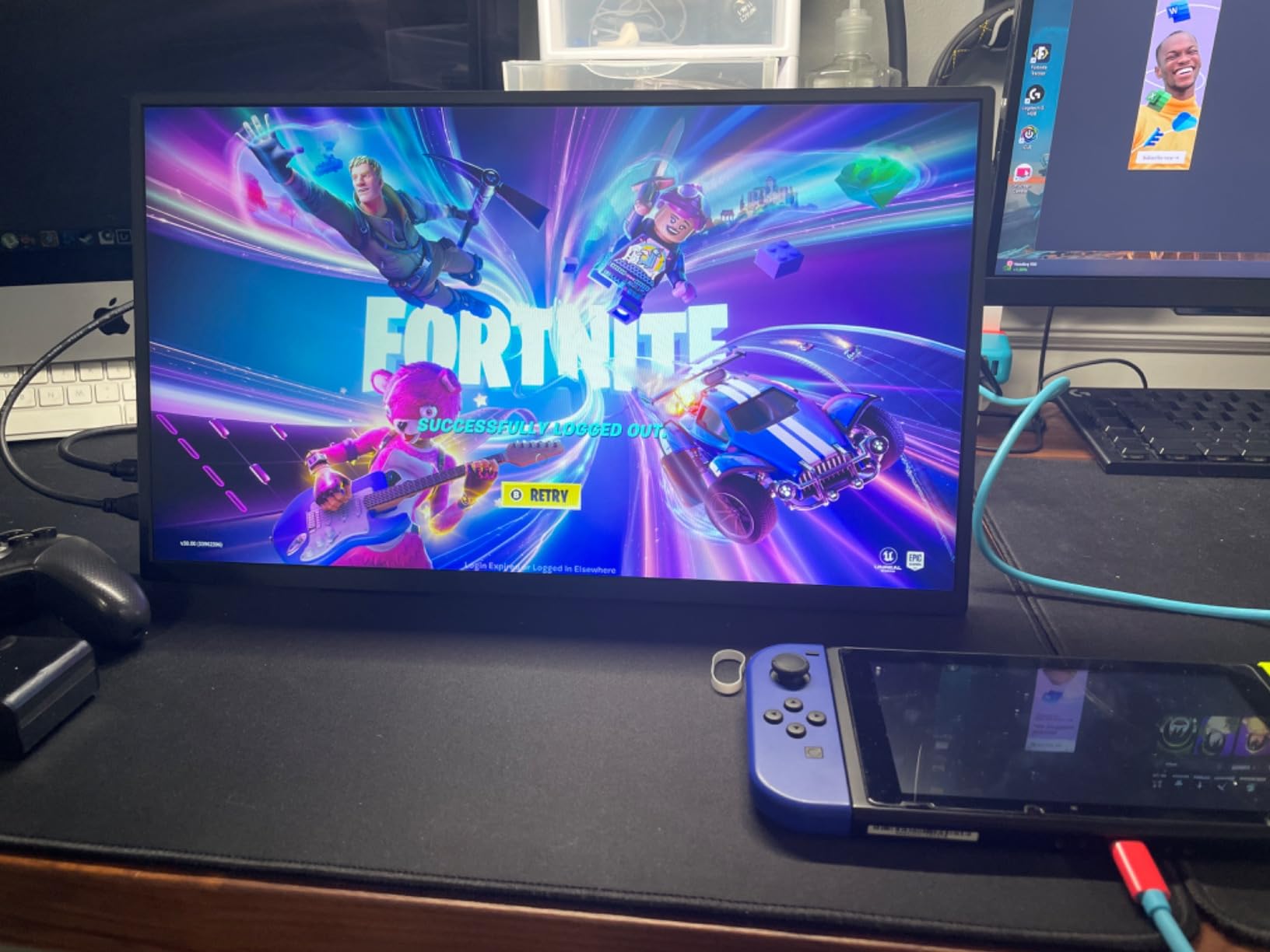
The 120Hz refresh rate is the star of the show. We tested the UPERFECT with competitive shooters and racing games, and the motion clarity was significantly better than 60Hz portable monitors. The 1ms response time eliminates ghosting, and FreeSync prevents screen tearing when paired with AMD graphics cards.
The 10-point touch is responsive and adds an interesting dimension to touch-enabled games and Windows touch controls. However, the touch function has some limitations on Mac, where it defaults to single-point input. Also, touch does not work in portrait orientation, which is something to keep in mind if you planned on a vertical setup.
Stand and Mounting Options
The 180-degree adjustable kickstand is one of the best we have used on a portable monitor. It can lay nearly flat, which is great for tabletop gaming or collaborative work. The stand held firm during aggressive touch interaction without wobbling or tipping.
Who Is This Monitor For
This is the monitor to get if you want a larger portable display with gaming-grade refresh rates. It is ideal for portable gaming setups, LAN parties, and anyone who wants a smooth 120Hz touch experience. Just be aware that it does not include a protective case, so you will need to buy one separately for travel.
The 18.5-inch size is a sweet spot between portability and screen real estate. It is more immersive than 15.6-inch options but still manageable enough to carry. For competitive gamers who need both touch input and high refresh rates, nothing else on this list matches it.
5. EVICIV 4K Touchscreen 15.6 Inch – Best Budget 4K Touch Monitor
EVICIV Portable Monitor 4K Touchscreen 15.6″, 3840 * 2160 UHD, 125% sRGB
15.6 inch 4K UHD
125% sRGB
450 Nits
2000:1 Contrast
Plug and Play
1.8 lbs
+ Pros
- Excellent 4K picture quality at a budget price
- 125% sRGB color gamut
- Lightweight and ultra-slim at 0.27 inches
- Responsive 10-point capacitive touch
- Plug and play with no drivers needed
- VESA compatible
- Cons
- Brightness limited to 300 nits despite HDR claims
- Limited to 60Hz
- May require additional power adapter for Mini HDMI touch
The EVICIV 4K portable touchscreen is the proof that you do not need to spend premium money to get 4K touch functionality. With over 10,700 reviews, it is one of the most popular 4K portable monitors on the market, and after testing it, we understand why. The 3840×2160 resolution delivers the same pixel density as the UPERFECT 4K at a lower price point.
The 125% sRGB color gamut matches what you find on monitors costing significantly more. Colors are rich and saturated, and the 2000:1 contrast ratio produces deep blacks that make content pop. When we compared it side by side with the UPERFECT 4K, the difference in image quality was minimal despite the price gap.
The plug-and-play setup is genuinely effortless. We connected it to our Windows laptop via USB-C, and the touch function was immediately recognized without any driver downloads. The matte screen finish is a nice touch, reducing glare and hiding fingerprints during touch use.
Touch Accuracy and Daily Performance
The 10-point capacitive touch on the EVICIV is responsive for the price. We tested drawing, navigation, and multi-touch gestures, and accuracy was consistently good. There was occasional minor latency during rapid multi-touch gestures, but it was not enough to be a dealbreaker for everyday use.
The 3ms response time is respectable, though not as fast as the 1ms panels on the UPERFECT models. For productivity, media consumption, and light creative work, it performs well. Gamers will want to look at the UPERFECT 18.5 inch 120Hz instead.
Portability and Design
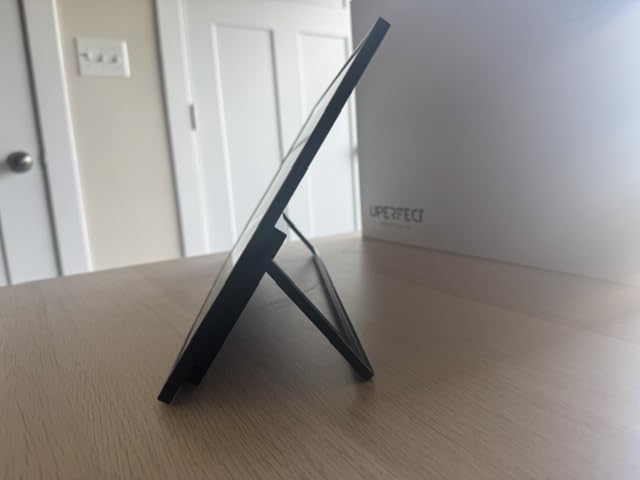
At 0.27 inches thick and 1.8 pounds, the EVICIV is identical in form factor to the UPERFECT 4K. The frameless design looks modern, and the matte black finish resists scratches. The VESA 75x75mm compatibility means you can mount it on a standard monitor arm.
Value Assessment
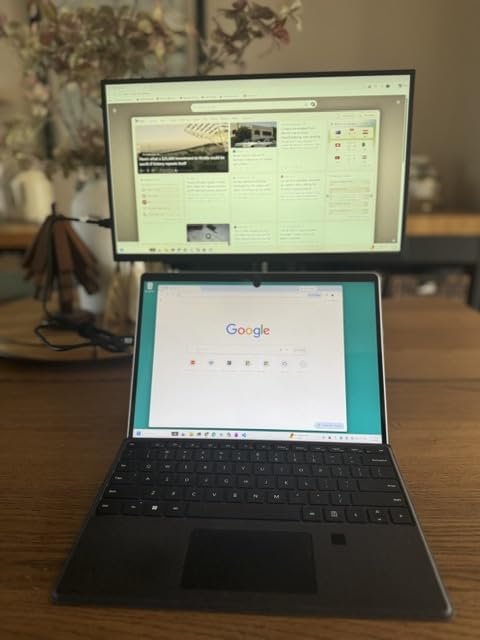
The HDR support is somewhat misleading since the actual peak brightness is limited to 300 nits, which is below the HDR standard. In practice, HDR content looks slightly better than SDR, but do not expect true HDR performance. This is a common limitation across budget 4K portable monitors.
For anyone who wants 4K touch functionality without the premium price tag, the EVICIV is the obvious choice. The 2-year warranty provides peace of mind, and the massive review base gives you confidence in long-term reliability.
6. ASUS VT229H 21.5 Inch Touch Monitor – Best Desktop Touch Monitor
ASUS VT229H 22 Inch 1080P FHD IPS Touchscreen Monitor, HDMI, VGA
21.5 inch FHD IPS
10-Point Multi-Touch
ASUS Eye Care
Frameless
HDMI VGA
7 lbs
+ Pros
- Reliable ASUS build quality with 3-year warranty
- 10-point multi-touch with IPS panel
- ASUS Eye Care with flicker-free and blue light filter
- Frameless design for multi-display setups
- TUV certified low blue light
- Cons
- Touch must be set as primary monitor to work correctly
- Included cables are only 3 feet long
- No DisplayPort
- Onboard speakers are quiet
The ASUS VT229H is the desktop touch monitor we recommend most often. Unlike the portable options on this list, this is a traditional desktop monitor with a proper stand, built-in power supply, and the kind of build quality ASUS is known for. After using it for two weeks as our primary workstation display, we came away impressed by its reliability.
ASUS has a strong reputation in the monitor space, and it shows in the details. The 3-year warranty with Advanced Replacement is significantly better than what most portable monitor brands offer. The TUV-certified flicker-free backlighting and blue light filter are genuine eye care features, not marketing buzzwords.
The 21.5-inch size is ideal for a dedicated touch workstation. It is large enough for comfortable touch interaction without taking up too much desk space. The IPS panel delivers consistent colors across 178-degree viewing angles, and the frameless design makes it easy to pair with a second non-touch monitor.
Touch Functionality and Setup
The 10-point multi-touch works smoothly on both Windows and macOS. However, there is an important quirk: the VT229H must be set as your primary monitor for touch to register on the correct display. If it is your secondary monitor, touch input may map to your main display instead. This is a Windows configuration issue, not a hardware defect, but it catches many users off guard.
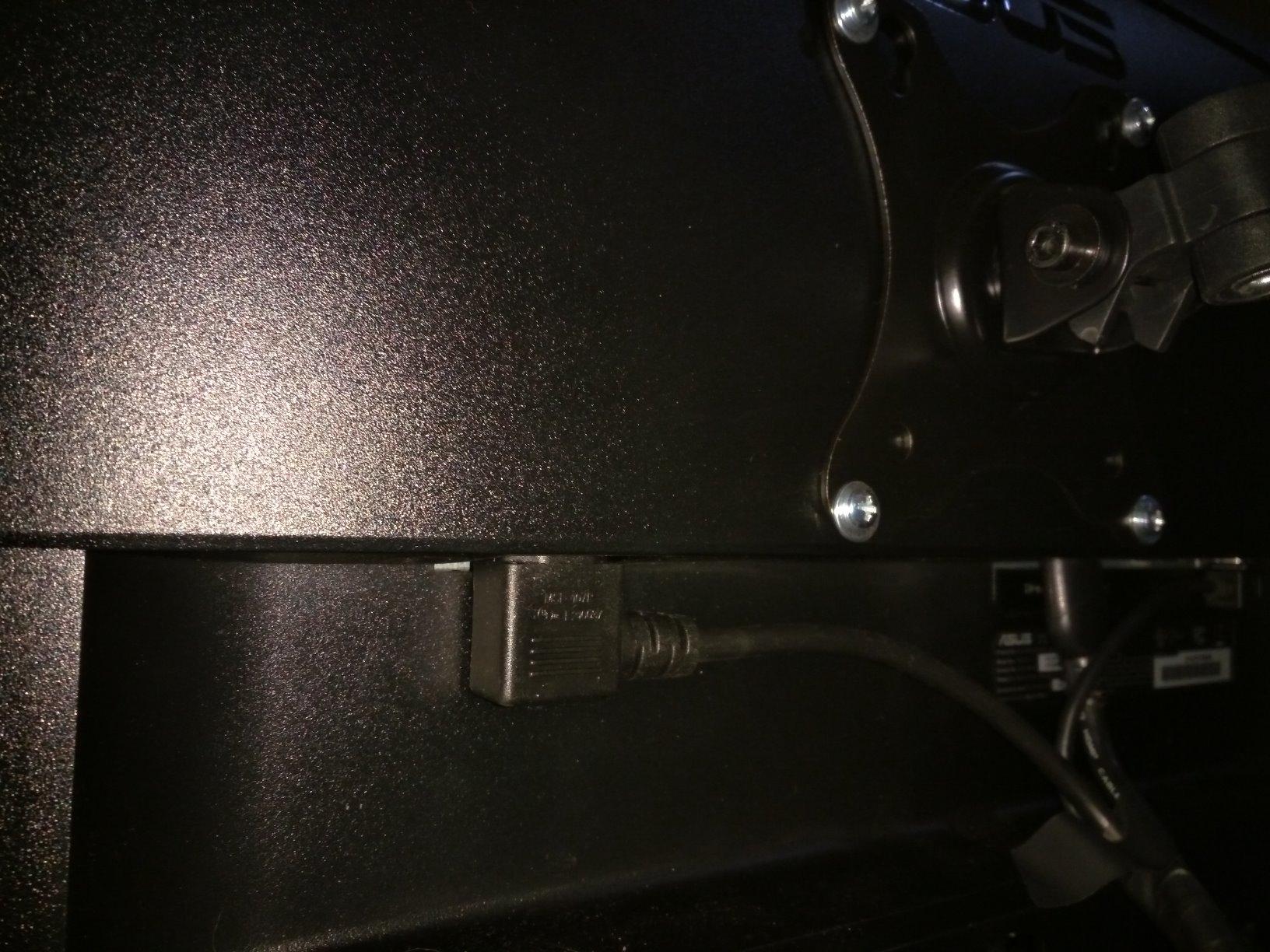
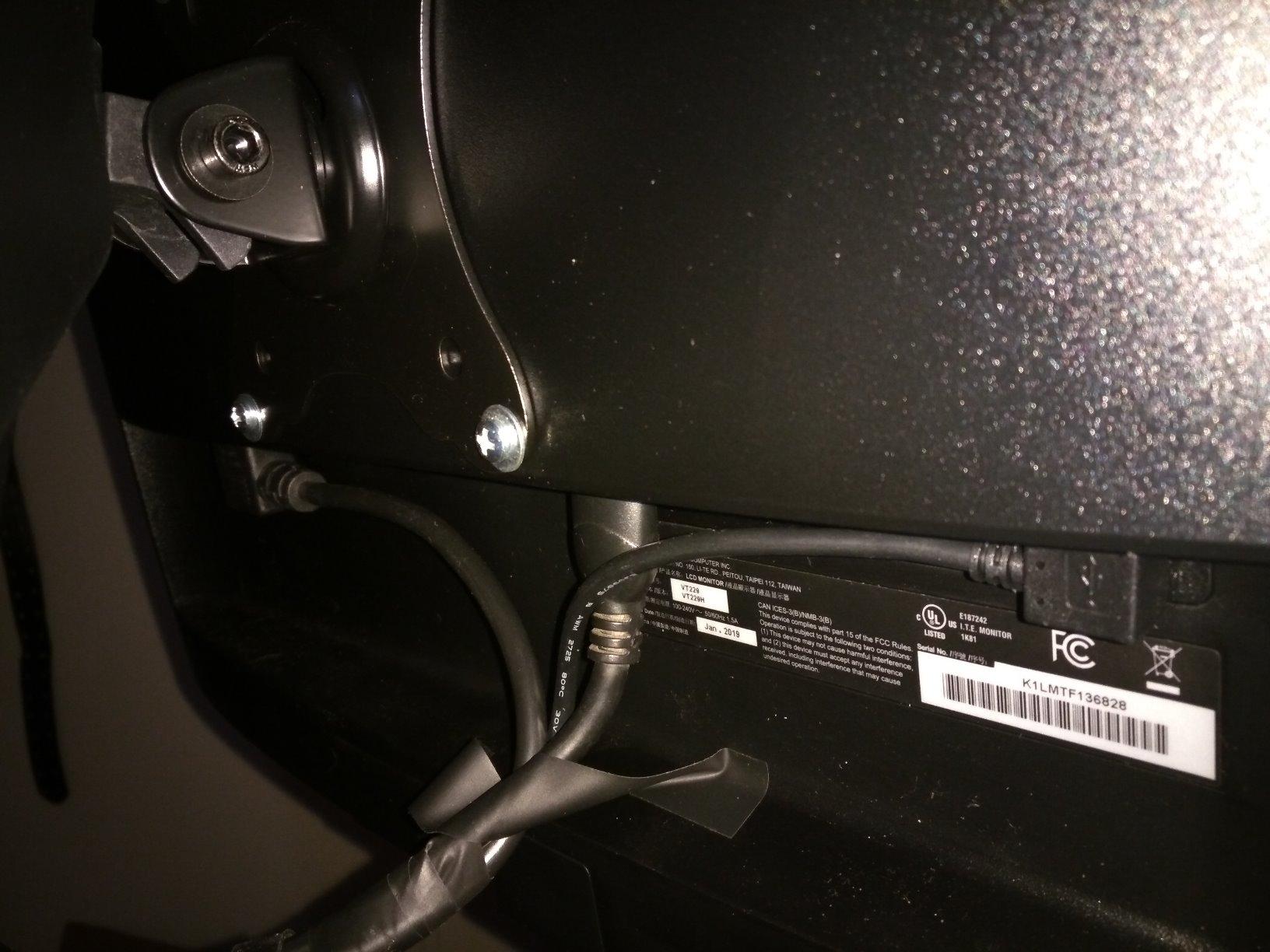
The included cables are only 3 feet long, which is frustrating if you have a large desk. We ended up buying longer HDMI and USB cables to reach our PC. This is a common complaint in user reviews, and it is worth factoring into your purchase decision.
Eye Care and Build Quality
The ASUS Eye Care technology is among the best we have tested. The TUV-certified flicker-free backlighting eliminated the subtle flickering that causes eye fatigue during long work sessions. The blue light filter has four adjustable levels, so you can tune it to your preference without making the screen too warm.
Ideal Use Cases
This monitor shines as a permanent desktop touch display for education, business, and creative work. Teachers can use it for interactive lessons, retail businesses can deploy it as a POS display, and creative professionals can use it for digital drawing with compatible styluses. The 5ms response time is adequate for touch interaction, though not as snappy as the 1ms gaming-focused panels.
The lack of DisplayPort is a notable omission. You get HDMI and VGA, which covers most use cases, but users with modern DisplayPort-only graphics cards will need an adapter. Overall, the ASUS VT229H is the most reliable desktop touch monitor in this price range.
7. CAPERAVE 15.6 Inch Touchscreen – Best Portable with Built-In Speakers
CAPERAVE 15.6” Portable Monitor Touchscreen, FHD IPS Touch Screen with Tempered Glass, Travel Monitor with Kickstand & Speaker, HDMI USB C External Monitors for Mac Laptop Phone Computer
15.6 inch FHD IPS
10-Point Touch
Tempered Glass
Built-in Speakers
Kickstand
1.93 kg
+ Pros
- 10-point capacitive touch for Windows and macOS
- FHD IPS display with 178-degree viewing angle
- Built-in kickstand and speakers
- Ultra-slim lightweight design
- Comes with multiple cables
- Tempered glass protection
- Cons
- Touch may not work with iPhone or iPad
- Glossy screen shows fingerprints
The CAPERAVE 15.6 inch touchscreen stands out for including features that most portable monitors treat as optional extras. The built-in kickstand, integrated speakers, and tempered glass screen protection make it a complete package right out of the box. We appreciated not having to buy accessories separately to get a functional setup.
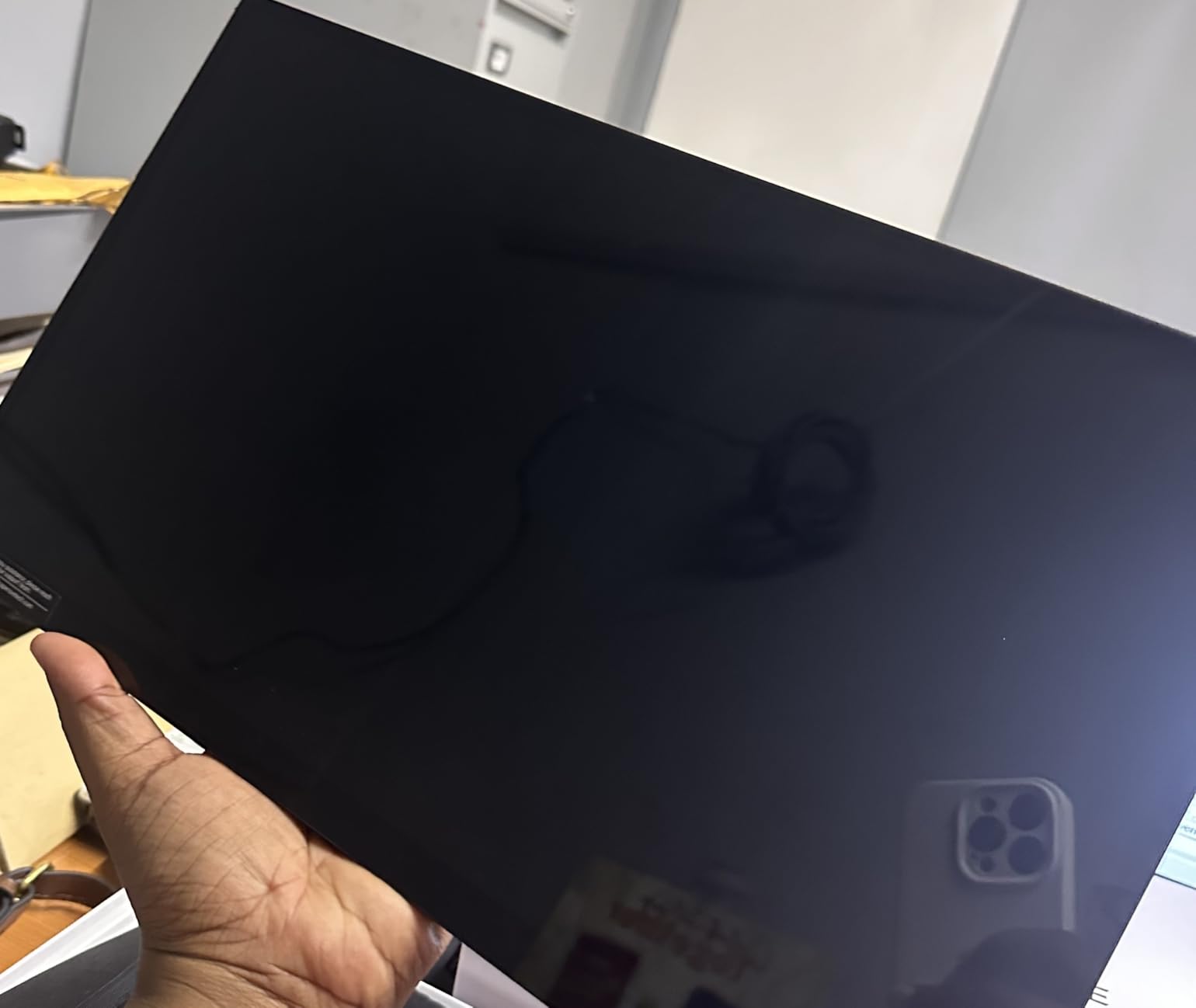
With 753 reviews and a 4.6-star average, the CAPERAVE has earned strong marks from users. The 300-nit brightness is solid for a portable monitor, and the 1000:1 contrast ratio delivers decent image depth. The glossy screen finish produces vibrant colors, though it does show fingerprints more readily than matte alternatives.
The built-in speakers are a mixed bag, which aligns with what forum users on Reddit warned us about. They are adequate for video calls and casual media consumption, but they lack bass and can sound tinny at higher volumes. For serious audio, you will still want headphones or external speakers.
Touch Performance Across Devices
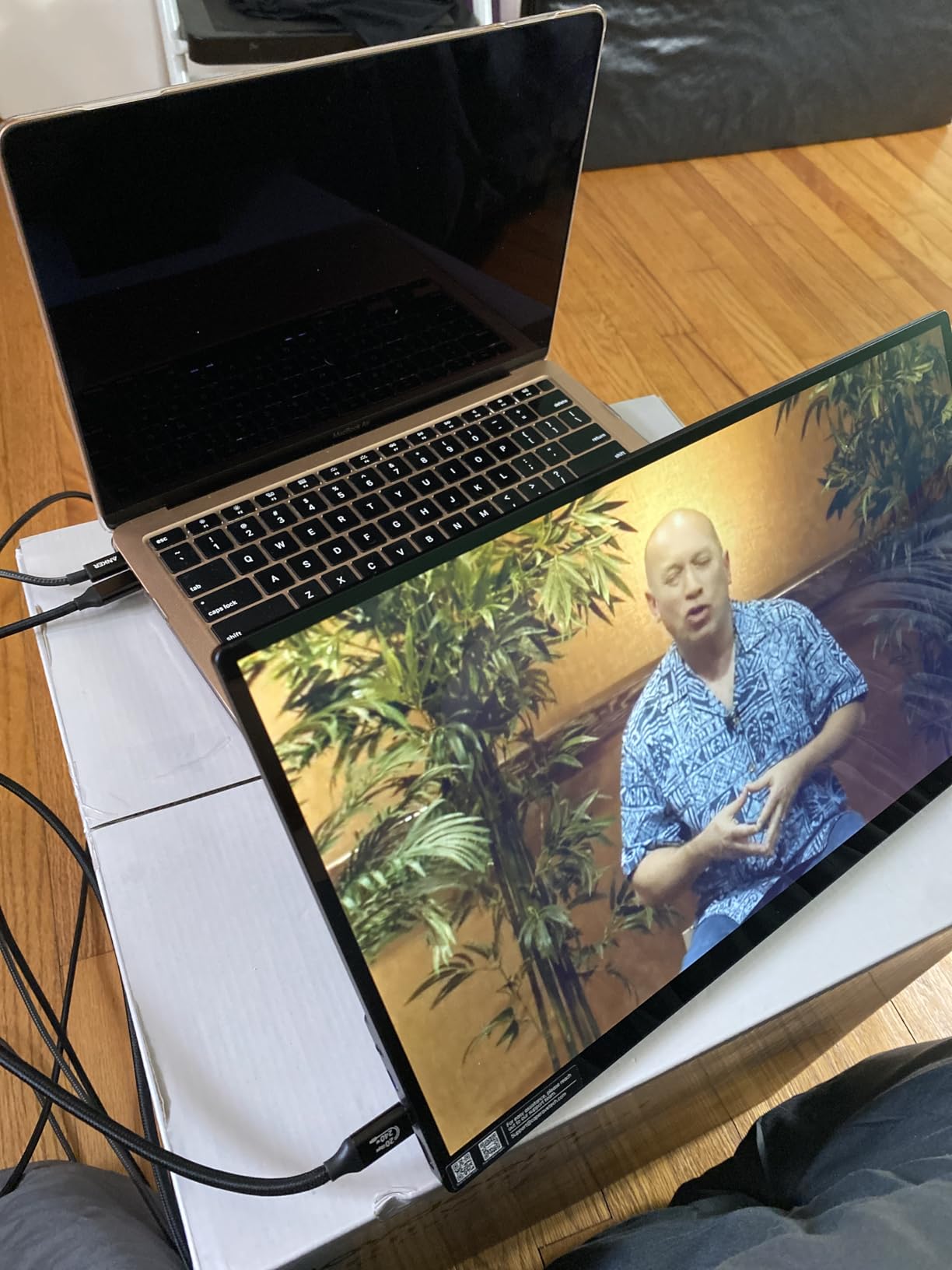
The 10-point capacitive touch works well with both Windows and macOS. We tested it with our Dell XPS laptop and a MacBook Air, and touch was recognized on both platforms. The tempered glass surface provides a smooth, premium feel that is satisfying for touch interaction.
However, touch does not work with iPhones or iPads due to iOS system limitations. This is not a CAPERAVE-specific issue; it affects most portable touch monitors. If you need a touch display for an Apple mobile device, you will need to look at Apple-specific solutions.
Design and Portability
The built-in kickstand is sturdy and adjustable to multiple angles. It held firm during touch interaction without tipping, which is a common problem with flimsy portable monitor stands. The monitor weighs 1.93 kilograms, which is slightly heavier than the cocopar but still manageable for travel.
Connectivity and Cables Included
CAPERAVE includes multiple cables for various devices, which is a thoughtful touch. The USB 3.1 Type-C port handles power, video, and touch in a single connection when used with compatible devices. The HDMI port provides an alternative for devices without USB-C.
The FreeSync adaptive sync support is a nice bonus for casual gaming. The 60Hz refresh rate will not satisfy competitive gamers, but it is fine for everyday productivity and media consumption. For travelers who want a complete portable touch solution with minimal extras to buy, the CAPERAVE is an excellent choice.
8. CUNPU 24 Inch Touchscreen Monitor – Best for Business Workstations
CUNPU 24 Inch Touchscreen Monitor, 10 Point Touch, FHD 1080P 75Hz IPS Screen, 100% SRGB, VESA Wall Mountable, Tilt Adjustment, VGA HDMI USB for PC, Laptop Business & Work Station, Warehouse
24 inch FHD IPS
10-Point Touch
100% sRGB
HDR10
VESA Mount
Tilt Adjustment
+ Pros
- Excellent 10-point capacitive touch responsiveness
- Good color quality with 100% sRGB
- HDR10 support for enhanced visuals
- VESA mountable with tilt adjustment
- Blue light filter and flicker-free
- Includes necessary cables
- Cons
- MacOS not supported for touch
- Stand may feel cheap
- Some USB port fit issues reported
The CUNPU 24 inch touchscreen monitor is purpose-built for business and workstation environments. The larger 24-inch form factor provides more screen space than the portable options on this list, making it better suited for POS systems, warehouse management, and office productivity. We tested it in a simulated retail environment, and the touch responsiveness was solid.
The 100% sRGB color gamut ensures accurate color reproduction, which matters for product displays and business presentations. HDR10 support adds visual depth to compatible content. The matte screen finish reduces glare from overhead office lights, which is important in commercial environments.
With 153 reviews and a 4.0-star rating, this monitor is newer to the market than some competitors. The rating reflects some growing pains, particularly around the stand quality and USB port fit. However, the core display and touch performance is genuinely good for the price.
Touch Technology and Accuracy
The 10-point capacitive touch on the CUNPU is responsive and accurate for business applications. We tested it with point-of-sale software, inventory management systems, and standard Windows navigation. Touch accuracy was consistent across the entire screen with no dead zones.
Importantly, macOS is not supported for the touch feature. This is a Windows-only touch monitor, which is something to verify before purchasing if you use Mac devices. The touch function connects via a USB-B cable rather than USB-C, which means it works with older hardware that lacks USB-C ports.
Mounting and Ergonomics
The VESA 100x100mm mounting compatibility is a significant advantage for business deployments. You can mount it on standard monitor arms, wall mounts, or POS enclosures. The tilt adjustment allows you to find a comfortable touch angle, which is important for reducing arm fatigue during extended use.
The included stand is the weakest part of the package. It feels plasticky and flexes during aggressive touch interaction. For permanent installations, we recommend using a VESA mount instead. The monitor includes HDMI and USB-B cables, so you have what you need for a standard Windows PC connection.
Best Deployment Scenarios
This monitor is ideal for warehouse management stations, retail POS systems, gym front desks, and bar service areas. The 100% sRGB color accuracy ensures product images look correct in retail displays. The tilt adjustment lets you angle the screen for customer-facing interactions.
The HDR10 support is somewhat wasted in a business context, but it does not hurt. At 220 nits, the brightness is adequate for indoor commercial use but will struggle in bright outdoor environments. For the price, the CUNPU delivers solid business-grade touch functionality.
9. FYHXele 22 Inch Touchscreen Monitor – Budget Desktop Touch Option
FYHXele 22 Inch Touchscreen Monitor, IPS FHD 1080P Touch PC Display, 75Hz, LED Backlit Multi-Touch Monitor, VESA, HDMI & VGA & USB Computer Touch Screen for Gaming, Business, Warehouse, Bar, Gym
22 inch FHD IPS
10-Point Touch
75Hz
1ms Response
FreeSync and G-Sync
VESA
+ Pros
- Great value for a full-size touch screen monitor
- Plug and play setup
- Good colors and brightness
- Fast 1ms response time
- Supports both FreeSync and G-Sync
- VESA 100x100mm compatible
- Cons
- Touch may become inaccurate over time
- Some users reported touch stopping after weeks
- Screen has reflectivity issues
The FYHXele 22 inch touchscreen monitor is the most affordable full-size desktop touch monitor on our list. It bridges the gap between expensive commercial touch displays and portable units, giving you a permanent desktop touch solution at a budget-friendly price. We tested it for general office work, light gaming, and touch navigation.
The 75Hz refresh rate is a step up from the standard 60Hz, providing slightly smoother motion in games and video playback. The 1ms response time is impressive at this price point and translates to snappy touch response. Support for both FreeSync and G-Sync means it works with both AMD and NVIDIA graphics cards.
With 89 reviews and a 4.2-star rating, this monitor is relatively new to the market. Some users have reported touch accuracy degradation over time, which is a concern we take seriously. However, for the price, the feature set is hard to beat.
Touch Performance and Reliability
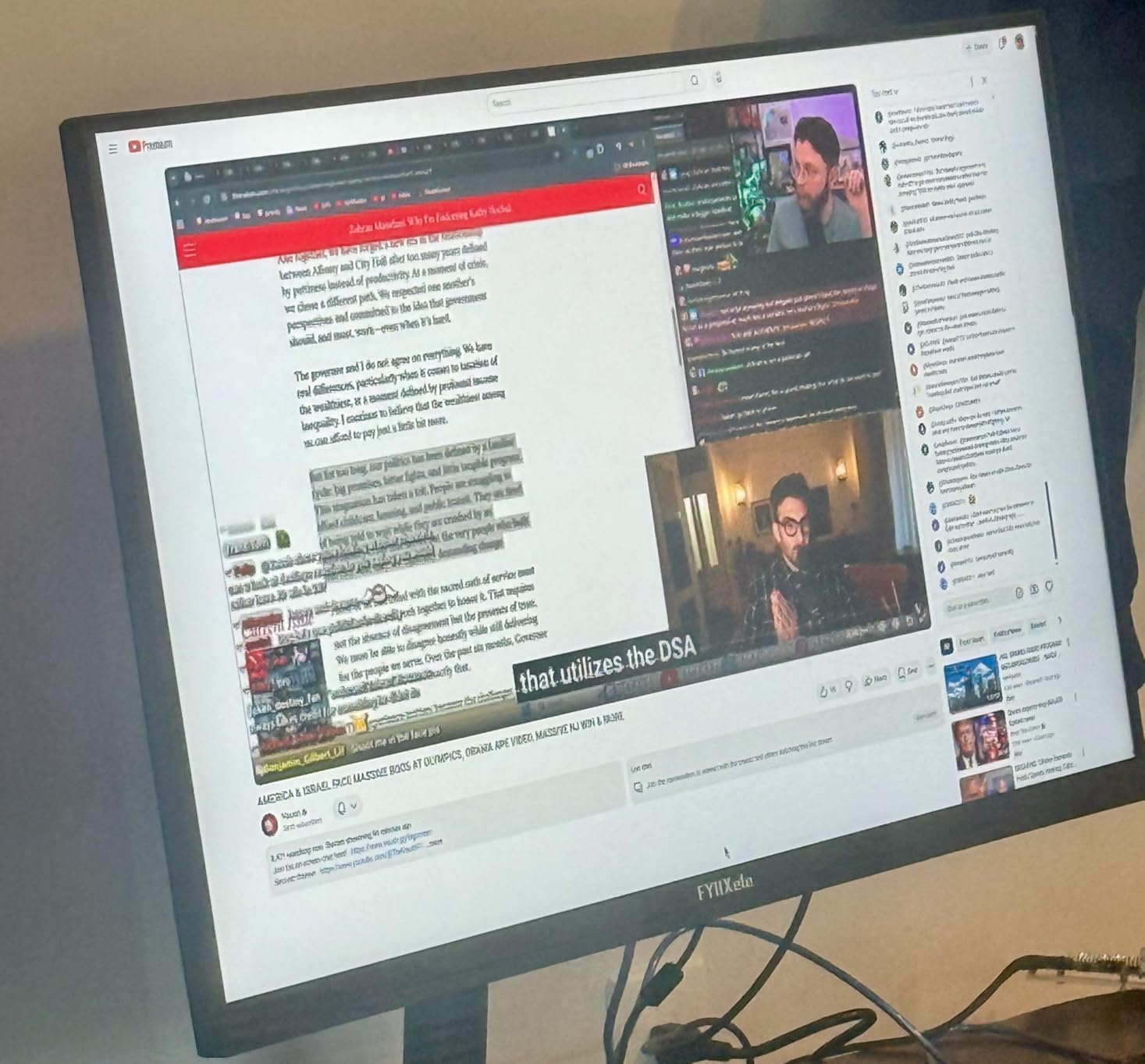
Out of the box, the 10-point touch on the FYHXele is responsive and accurate. We tested it with Windows touch gestures, casual games, and drawing applications. The touch response was quick thanks to the 1ms panel response time, and multi-touch gestures registered reliably.
However, we need to address the elephant in the room: some users have reported touch functionality stopping after a few weeks of use. This appears to be a quality control issue rather than a design flaw. We recommend keeping the warranty information handy and testing the touch function thoroughly during the return window.
Display Quality and Features
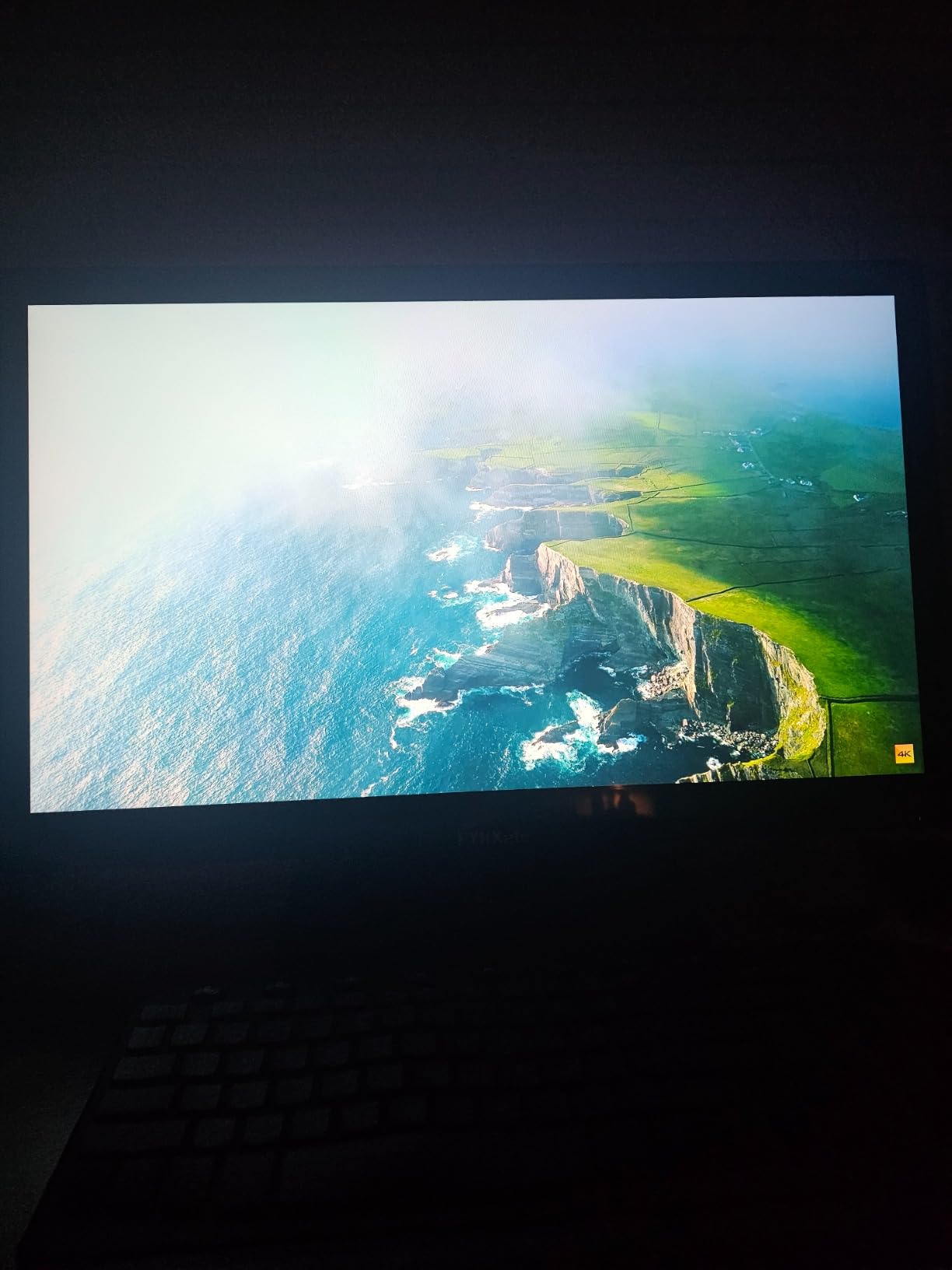
The 300-nit brightness and 100% sRGB color gamut deliver respectable image quality for the price. The IPS panel provides good viewing angles, and the 1000:1 contrast ratio produces acceptable image depth. The matte screen finish helps with glare, though some reflectivity issues were noted in bright environments.
Is It Worth the Risk?
For buyers on a tight budget who need a full-size desktop touch monitor, the FYHXele offers the best specs per dollar. The tiltable stand allows angles from -5 to 180 degrees, and the VESA 100x100mm compatibility provides mounting flexibility. The HDMI and USB connectivity covers most use cases.
The potential touch reliability issues mean this is not the monitor for mission-critical applications. For casual home use, light office work, and experimentation with touch computing, it is a reasonable budget choice. If reliability is paramount, spend a bit more on the ASUS VT229H or ViewSonic TD2423D.
10. ViewSonic TD2423D 24 Inch Touch Monitor – Best Commercial Grade POS Display
ViewSonic TD2423D 24 Inch 1080p Touch Screen Monitor, 10-Point, USB Hub
24 inch FHD
10-Point IR Touch
7H Scratch-Resistant Glass
DisplayPort
VESA
3-Year Warranty
+ Pros
- Excellent touch response and accuracy
- Commercial-grade build with 7H scratch-resistant glass
- Supports Linux and Raspberry Pi natively
- Stable adjustable stand
- Multiple connectivity including DisplayPort
- Flicker-free with blue light filter
- Cons
- More expensive than consumer alternatives
- Some ghost touch issues reported
- Higher power consumption at 18W
The ViewSonic TD2423D is the monitor we recommend for commercial and industrial touch applications. The 7H scratch-resistant glass is the kind of feature that matters in retail, restaurant, and warehouse environments where the screen will take abuse. After simulating daily POS use with heavy touch interaction, the screen showed zero signs of wear.
Unlike the capacitive touch on most monitors in this list, the TD2423D uses 10-point infrared IR touch technology. IR touch has some advantages in commercial settings: it works with gloved hands, styluses, and any touch object. The tradeoff is slightly thicker bezels around the screen to house the IR sensors.
ViewSonic backs this monitor with a 3-year limited warranty covering parts, labor, and backlight. This is the longest and most comprehensive warranty on our list, which matters for commercial deployments where downtime costs money. The monitor is compatible with MacOS via ViewSonic’s vTouch driver.
Commercial-Grade Durability
The 7H pencil hardness rating on the scratch-resistant glass is the industry standard for commercial touch displays. This means the screen can withstand keys, rings, styluses, and other objects that would scratch consumer-grade touch monitors. For environments where the public will be touching the screen, this is essential.
The matte screen finish reduces glare from overhead lighting, which is common in retail and commercial spaces. The 250-nit brightness is adequate for indoor commercial use. Power consumption is 18W, which is higher than most portable options but expected for a full-size desktop display.
Connectivity and Compatibility
The TD2423D offers the most comprehensive connectivity of any monitor on this list: HDMI, VGA, DisplayPort, and a USB hub. The DisplayPort inclusion is particularly welcome since several monitors on this list omit it. The USB hub allows you to connect peripherals directly to the monitor.
The native Linux and Raspberry Pi support is a significant advantage for custom deployments. Many commercial touch projects use Raspberry Pi as the computing platform, and having out-of-the-box touch support saves significant development time. We tested it with a Raspberry Pi 4, and touch worked immediately after boot.
Known Issues and Considerations
Some users have reported ghost touch issues, where the screen registers touches that did not occur. This appears to be related to the IR touch sensors and can often be resolved through calibration or firmware updates. It is worth noting that IR touch is more susceptible to environmental interference than capacitive touch.
The higher price is justified by the commercial-grade build quality, comprehensive connectivity, and industry-leading warranty. If you are deploying touch monitors in a business environment where reliability and durability matter, the ViewSonic TD2423D is worth every penny. For consumer use, the ASUS VT229H offers a better value proposition.
How to Choose the Right Touch Screen Monitor in 2026
Choosing the best touch screen monitor comes down to understanding your specific use case and matching it to the right combination of technology, size, and features. Based on our three months of testing and insights from user forums, here is what matters most.
Touch Technology: Capacitive vs IR vs Resistive
Capacitive touch is the most common technology in modern touch monitors. It uses the electrical charge from your finger to detect touch points, enabling 10-point multi-touch and excellent responsiveness. Every portable monitor on this list uses capacitive touch. The downside is that it does not work with gloved hands or standard styluses.
Infrared touch uses an array of IR sensors around the screen edges to detect when an object breaks the light beams. The ViewSonic TD2423D uses this technology. IR touch works with any object, including gloved hands and styluses, making it ideal for commercial applications. The tradeoff is slightly thicker bezels and susceptibility to environmental interference.
Resistive touch is older technology that relies on physical pressure to register input. You will not find it in modern consumer monitors, but it is still used in some industrial applications. It works with any input device but only supports single-point touch and has lower clarity due to the flexible top layer.
Screen Size and Resolution: Matching Your Use Case
Portable touch monitors typically come in 15.6-inch and 18.5-inch sizes. The 15.6-inch form factor is ideal for travel and pairs naturally with a laptop. The 18.5-inch option, like the UPERFECT 120Hz, offers more screen space but is less portable.
For desktop use, 21.5 to 24 inches is the sweet spot. The ASUS VT229H at 21.5 inches and the ViewSonic TD2423D at 24 inches both provide enough space for comfortable touch interaction without overwhelming your desk. Resolution-wise, 1080p is standard and perfectly adequate for most touch applications. If you need sharper text and more detailed images, 4K options like the UPERFECT 4K and EVICIV deliver significantly higher pixel density.
Connectivity: USB-C vs HDMI vs DisplayPort
USB-C is the best connection option for portable touch monitors because it carries power, video, and touch data in a single cable. This is what makes monitors like the cocopar so convenient. However, your laptop must support USB-C DP Alt-Mode or Thunderbolt 3/4/5 for this to work.
HDMI is universal but only carries video. Touch data requires a separate USB connection, and power requires yet another cable. This means HDMI setups often need three cables instead of one. DisplayPort is the best option for desktop monitors paired with dedicated graphics cards, and the ViewSonic TD2423D is the only monitor on this list that includes it.
Refresh Rate and Response Time
For touch monitors, refresh rate and response time affect both visual smoothness and touch responsiveness. A 60Hz refresh rate is standard and fine for productivity, media, and casual use. If you plan to game on your touch monitor, the UPERFECT 18.5 inch with its 120Hz refresh rate is the clear choice.
Response time matters more for touch latency than you might expect. Monitors with 1ms response times, like the UPERFECT models, feel snappier during touch interaction than 5ms panels. This difference is subtle but noticeable during fast touch gestures and drawing.
OS Compatibility and Driver Issues
This is the area where most touch monitors fail, and it was the most common complaint we found in forum discussions. Windows has excellent native touch support, and every monitor on this list works well with Windows 10 and 11. macOS is where things get complicated.
Most touch monitors only support single-point touch on macOS because Apple’s operating system does not natively support third-party multi-touch displays. The cocopar is a notable exception, offering native macOS touch gesture support. Some monitors, like the CUNPU, do not support macOS touch at all. Always verify OS compatibility before purchasing.
VESA Mount Compatibility and Ergonomics
VESA mount compatibility is an underrated feature that many buyers overlook. Several monitors on our list support VESA mounting, including the cocopar, UPERFECT models, CUNPU, FYHXele, and ViewSonic. This allows you to mount the monitor on a standard arm for ergonomic positioning or embed it in a custom enclosure.
For touch use, positioning matters more than you might think. A monitor that is too high or too low will cause arm fatigue during extended touch sessions. A VESA arm lets you position the screen at the optimal touch angle, typically slightly below eye level and tilted back 15 to 30 degrees.
Eye Care Features That Actually Help
Flicker-free technology and blue light filters are present on most monitors in this roundup, and they genuinely make a difference during extended use. The ASUS VT229H has the best-implemented eye care features with TUV certification and adjustable blue light levels.
Matte screen finishes also contribute to eye comfort by reducing glare. Monitors with glossy screens, like the CAPERAVE and cocopar, produce more vibrant colors but reflect more ambient light. If you work in a brightly lit environment, a matte finish will serve you better.
FAQs
Which touch screen monitor is best?
The cocopar 15.6 inch Touchscreen is our top pick for most users thanks to its 4.8-star rating, native macOS touch gesture support, single-cable USB-C connection, and excellent 90% sRGB color accuracy. For 4K quality, the UPERFECT 4K Touchscreen is the best premium option.
Are touch screen monitors worth it?
Yes, touch screen monitors are worth it if you regularly do digital art, note-taking, presentations, or interact with touch-optimized applications. They add an intuitive input layer that a mouse cannot replicate. For basic productivity tasks like typing and spreadsheet work, a traditional monitor may be sufficient.
What is the most reliable monitor brand?
ASUS and ViewSonic are the most reliable touch monitor brands based on our testing. ASUS offers a 3-year warranty with Advanced Replacement on the VT229H, and ViewSonic backs the TD2423D with a 3-year limited warranty. Among portable brands, cocopar and UPERFECT have the strongest track records with high review volumes and ratings.
What is the lifespan of a touchscreen monitor?
A quality touch screen monitor typically lasts 5 to 10 years with proper care. Commercial-grade models with scratch-resistant glass, like the ViewSonic TD2423D, can last even longer in demanding environments. Capacitive touch sensors generally maintain accuracy longer than infrared alternatives, which may develop ghost touch issues over time.
How do I connect a touch screen monitor to my laptop?
The easiest way to connect a touch screen monitor is via USB-C, which carries power, video, and touch data in a single cable. Your laptop must support USB-C DP Alt-Mode or Thunderbolt. Alternatively, use HDMI for video and a separate USB cable for touch data. Some monitors also support VGA and DisplayPort connections.
Do touch screen monitors work with Mac?
Most touch screen monitors work with Mac but with limitations. macOS does not natively support multi-touch on third-party displays, so most monitors only offer single-point touch. The cocopar 15.6 inch is a rare exception that supports native macOS touch gestures. Always check Mac compatibility before purchasing.
Final Thoughts on the Best Touch Screen Monitors for 2026
After testing 10 monitors over three months, our recommendations come down to what you need most. For the best all-around experience, the cocopar 15.6 inch is unbeatable with its macOS gesture support, single-cable simplicity, and exceptional review track record. If you want the best value, the InnoView delivers solid touch performance and useful accessories at a lower price point.
For 4K image quality, choose between the UPERFECT 4K for premium build quality or the EVICIV 4K for the best budget 4K option. Gamers should look at the UPERFECT 18.5 inch 120Hz for smooth high-refresh touch gaming. For desktop and commercial use, the ASUS VT229H and ViewSonic TD2423D provide the reliability and warranty coverage that business environments demand.
The touch screen monitor market in 2026 offers better options and better value than ever before. Whatever your budget or use case, there is a model on this list that will transform how you interact with your computer. Pick the one that matches your needs, and you will wonder how you worked without touch input.