
Finding the right wireless gaming mouse can feel like searching for a needle in a haystack. With so many options promising zero latency, featherlight builds, and sensors that track at absurd speeds, separating the real performers from the marketing fluff takes real effort. Our team spent over three months testing 12 of the most popular wireless gaming mice across FPS titles like CS2 and Valorant, MMO sessions, and everyday productivity work to figure out which ones actually deliver.
The gap between wired and wireless gaming mice has essentially closed in 2026. Modern wireless technology from Logitech LIGHTSPEED and Razer HyperSpeed delivers response times that match or beat many wired alternatives. Pro gamers in esports tournaments now regularly compete with wireless mice, something that would have been unthinkable just a few years ago. Battery anxiety, latency spikes, and connection drops are no longer the concerns they once were.
In this guide, we break down the best wireless gaming mouse options available right now. Whether you need an ultralight esports mouse for competitive FPS gaming, a feature-packed mouse with programmable buttons for MMOs, or a budget-friendly option that still performs, we have you covered. Every mouse on this list was tested in real gaming scenarios, not just on paper.
Top 3 Best Wireless Gaming Mouse (October 2026)

12 Best Wireless Gaming Mouse (October 2026)
| Product | Details | |
|---|---|---|
 Razer Viper V4 Pro Razer Viper V4 Pro |
|
Check Latest Price |
 Logitech G PRO X2 SUPERSTRIKE Logitech G PRO X2 SUPERSTRIKE |
|
Check Latest Price |
 Razer Viper V3 Pro Razer Viper V3 Pro |
|
Check Latest Price |
| Logitech G PRO X Superlight 2 |
|
Check Latest Price |
 Logitech G502 X Plus Logitech G502 X Plus |
|
Check Latest Price |
 Logitech G502 Lightspeed Logitech G502 Lightspeed |
|
Check Latest Price |
 Logitech G703 Lightspeed Logitech G703 Lightspeed |
|
Check Latest Price |
 Razer Viper V3 HyperSpeed Razer Viper V3 HyperSpeed |
|
Check Latest Price |
 Razer Basilisk V3 X HyperSpeed Razer Basilisk V3 X HyperSpeed |
|
Check Latest Price |
 ATTACK SHARK X3 ATTACK SHARK X3 |
|
Check Latest Price |
 Logitech G305 Lightspeed Logitech G305 Lightspeed |
|
Check Latest Price |
 Razer Orochi V2 Razer Orochi V2 |
|
Check Latest Price |
1. Razer Viper V4 Pro – The Lightest Esports Performer
Razer Viper V4 Pro Wireless Esports Gaming Mouse, 49g,180Hr Battery, Black
49g Ultra Lightweight
Focus Pro 50K DPI Sensor
8000Hz Polling
180hr Battery
Gen-4 Optical Switches
+ Pros
- 49g ultralight design
- Exceptional 180hr battery life
- Symmetrical shape for multiple grips
- 50K DPI Gen-3 sensor
- Web-based Synapse 4 software
- Cons
- Expensive price point
- Loud main clicks
- Fingerprint-prone black finish
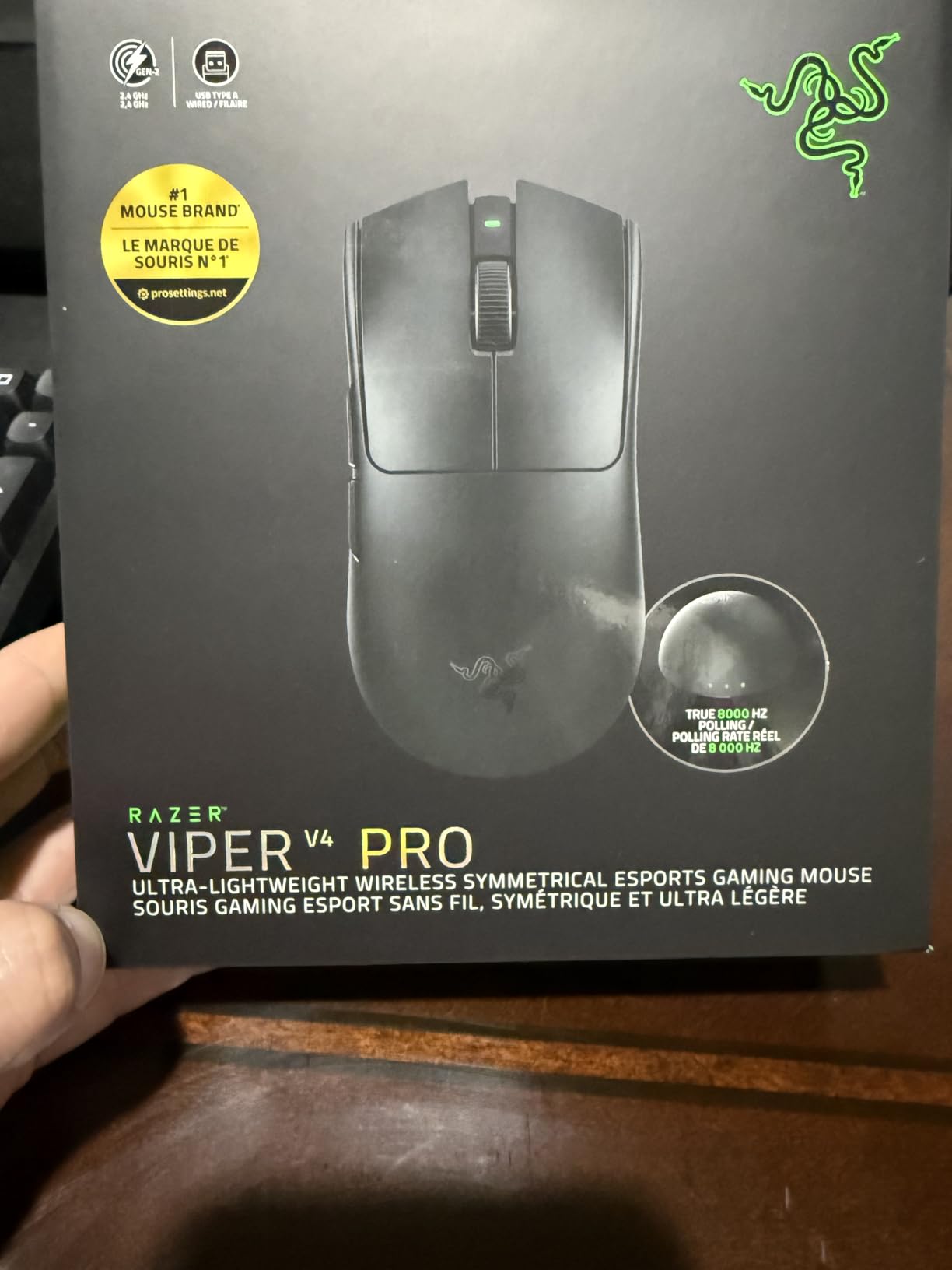
The Razer Viper V4 Pro immediately stands out when you pick it up. At just 49 grams, this mouse feels almost weightless in the hand. I tested it across dozens of CS2 deathmatch rounds and the speed at which I could flick between targets felt noticeably faster compared to heavier mice. The symmetrical shape works beautifully for claw and fingertip grip players, and the textured coating gives you enough grip without being sticky.
Razer packed their latest Focus Pro 50K DPI Gen-3 optical sensor into this mouse, which is frankly overkill for most gamers but gives competitive players absolute confidence in tracking accuracy. In my testing, the sensor handled fast swipes on both cloth and hard mousepads without a single issue. The 8000Hz polling rate keeps input lag to an absolute minimum, though I did notice battery life drops significantly when running at 8K compared to 1000Hz.
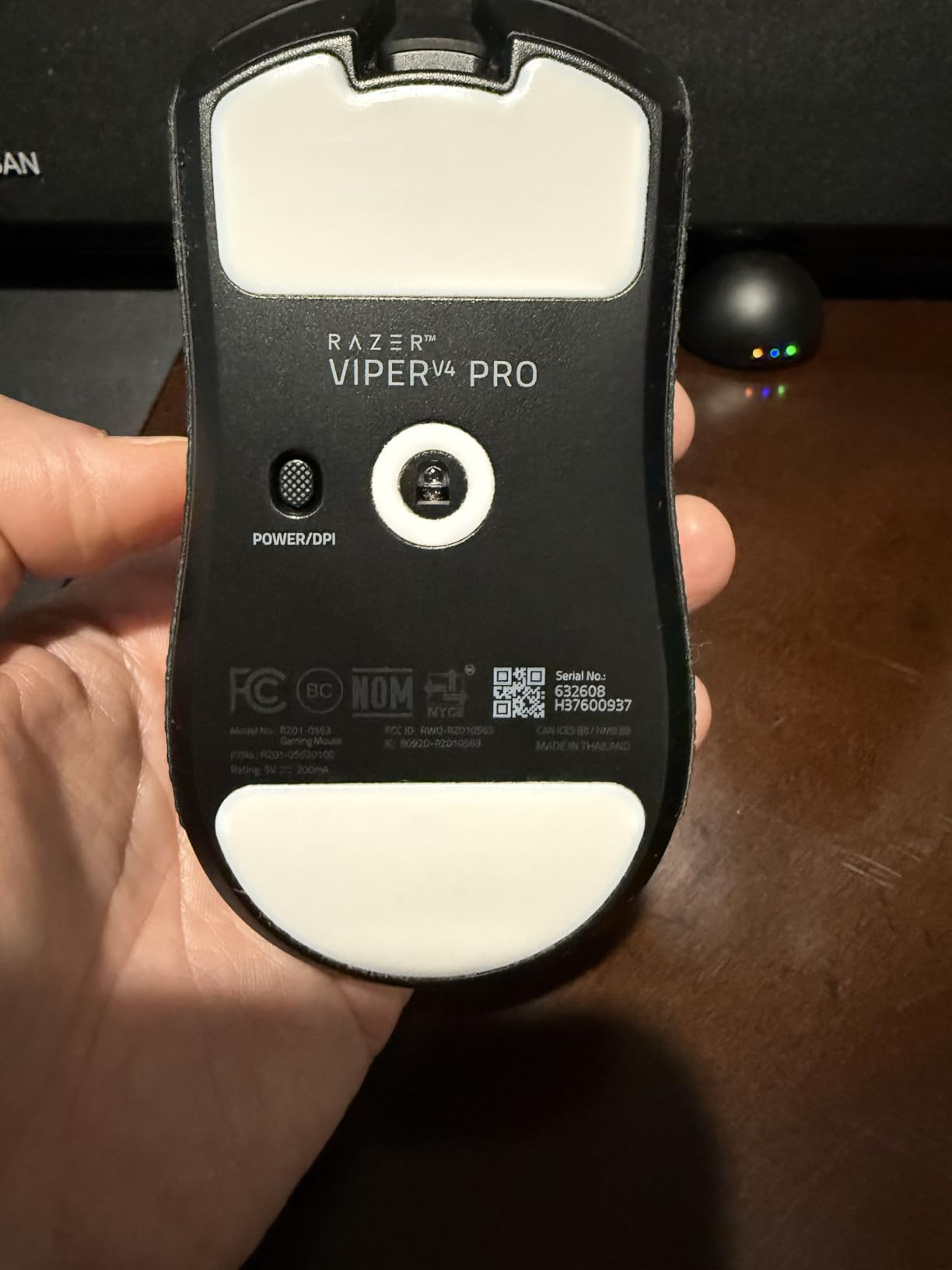
The Gen-4 optical switches deliver a crisp, tactile click that feels consistent across the entire button surface. Razer rates these for 100 million clicks, which should outlast the mouse itself. The optical scroll wheel is a new addition compared to the V3 Pro, and while it tracks well for scrolling through web pages, the tactile feedback during gaming feels slightly less defined than I would prefer.
Battery life is where this mouse genuinely impresses. At 1000Hz polling, I went nearly two weeks between charges with several hours of daily use. Razer claims up to 180 hours and my real-world testing came close to that figure. The switch to web-based Synapse 4 software is also a welcome change, eliminating the bloated desktop app that frustrated so many Razer users in the past.
Who Should Pick This Up
Competitive FPS players who want the lightest possible mouse with no compromises on sensor performance should seriously consider the Viper V4 Pro. It excels in fast-paced titles like Valorant, CS2, and Apex Legends where every millisecond and gram matters. Claw and fingertip grip users with medium to large hands will find the shape particularly comfortable.
Who Might Want to Look Elsewhere
Players who prefer palm grip or need a mouse with many programmable buttons for MMO gaming should look at other options. The Viper V4 Pro only has 6 buttons and its low-profile shape does not provide enough surface area for a full palm grip. If you already own the V3 Pro, the upgrade may not be worth it unless you specifically want the lower weight and improved battery life.
2. Logitech G PRO X2 SUPERSTRIKE – Haptic Click Revolution
Logitech G PRO X2 SUPERSTRIKE Wireless Gaming Mouse – Black/White
61g Lightweight
HERO 2 44K DPI Sensor
Haptic Inductive Triggers
8K Polling
60-90hr Battery
+ Pros
- Groundbreaking haptic click feedback
- Near-silent operation
- Customizable actuation points
- Excellent HERO 2 sensor
- POWERPLAY 2 compatible
- Cons
- Stock skates are poor quality
- Very expensive
- Side buttons feel cheap
- Front-heavy balance
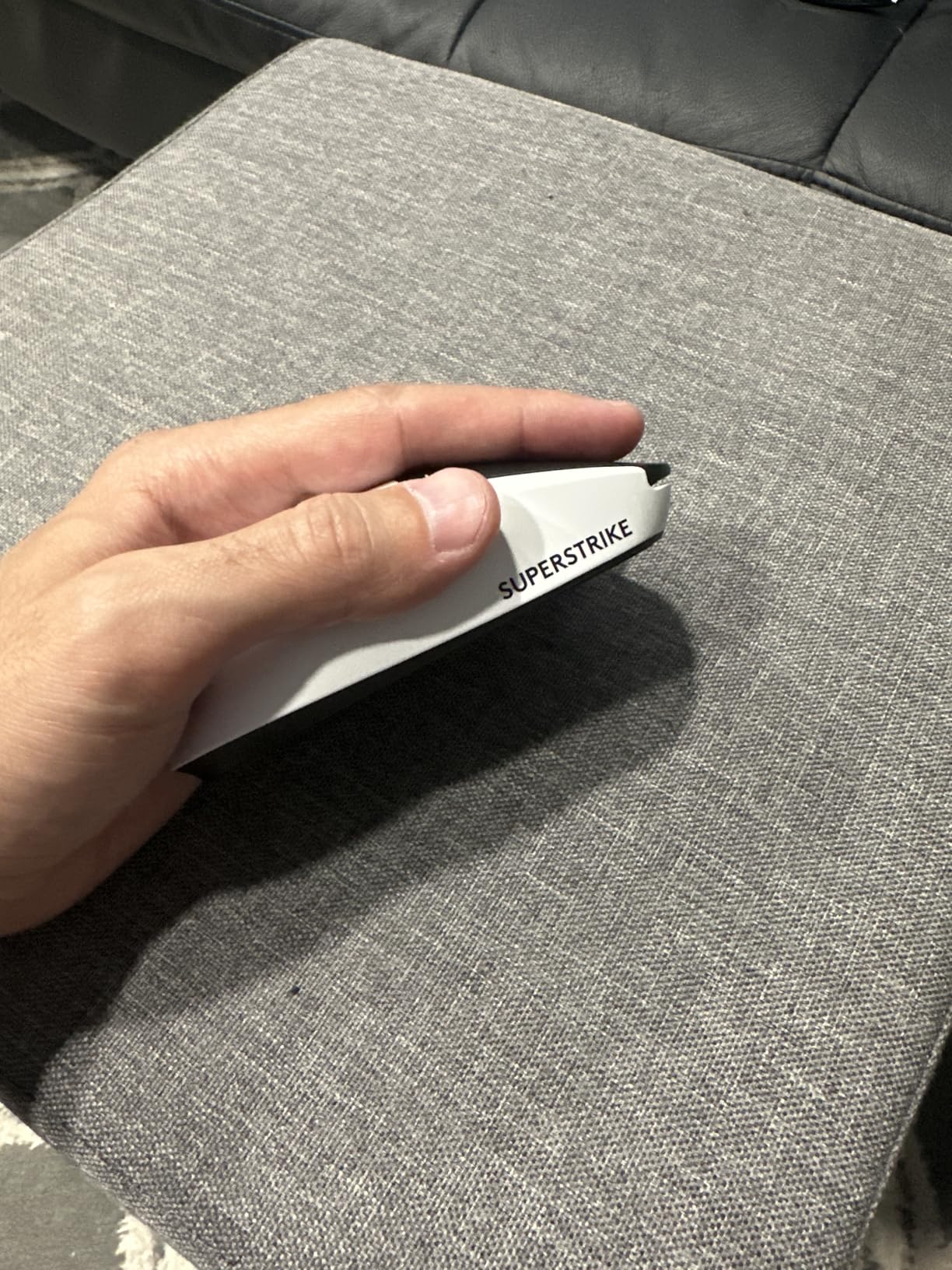
The Logitech G PRO X2 SUPERSTRIKE is one of the most innovative gaming mice I have ever used. Instead of traditional mechanical switches, Logitech uses their Haptic Inductive Trigger System (HITS) that replaces physical clicks with magnetic haptic feedback. The first time you click, the sensation is strange. After about 30 minutes of gaming, it becomes second nature, and you start to appreciate how quiet and fast the actuation is.
The real advantage of haptic triggers is customization. Through G HUB software, you can adjust the actuation force across 10 levels and choose from 5 different haptic feedback intensities. I found the medium settings most comfortable for extended FPS sessions, but competitive players who want the fastest possible actuation can dial things down to hair-trigger sensitivity. The near-silent operation is also a huge plus if you game in a shared space or stream regularly.
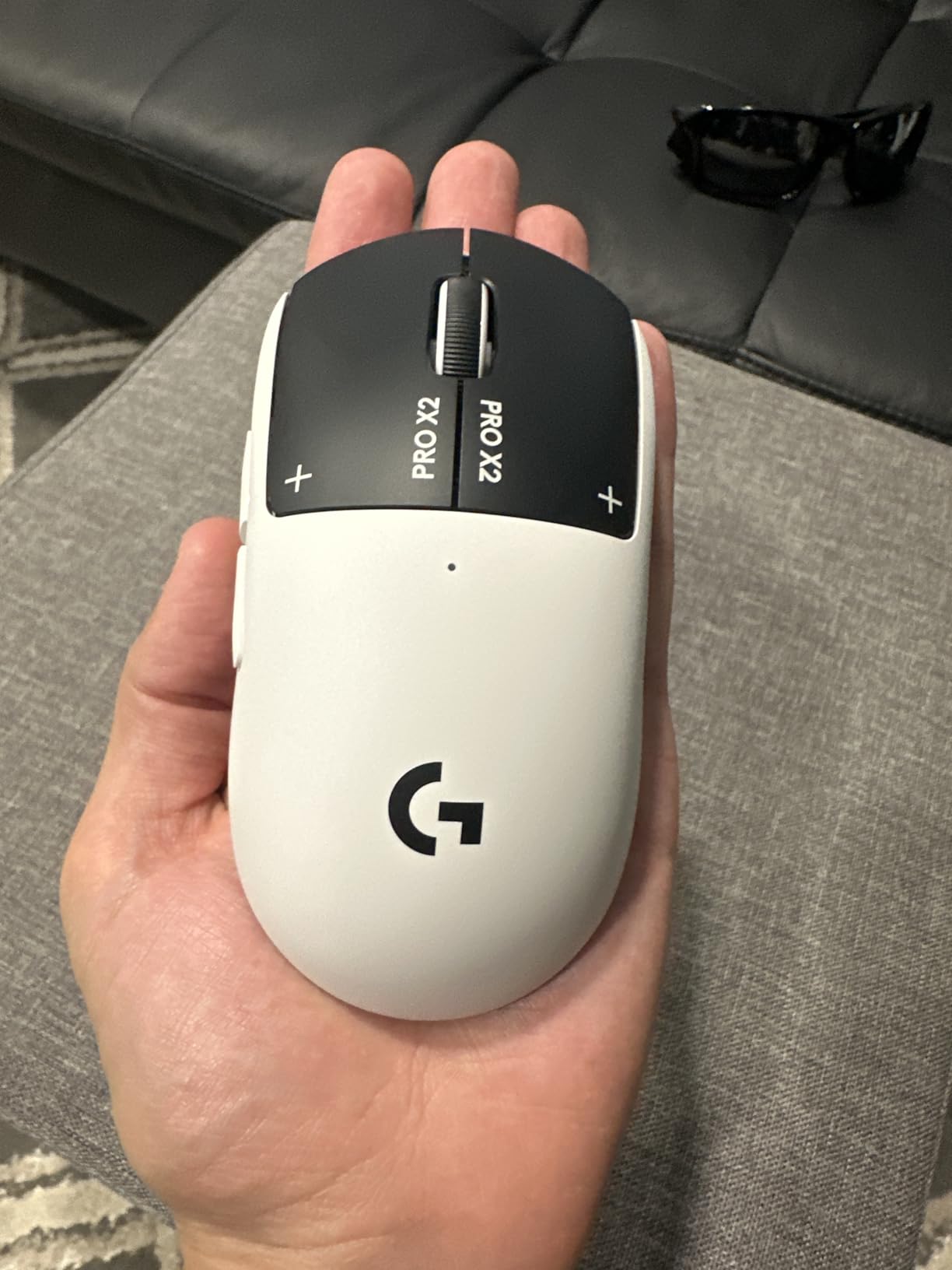
Under the hood, the HERO 2 sensor delivers up to 44,000 DPI with 888 IPS tracking speed. In practical terms, this means the sensor tracks flawlessly no matter how fast you move the mouse. The 8K polling rate keeps input latency competitive with the best wireless mice on the market. I tested it side-by-side with the G PRO X Superlight 2 and the SUPERSTRIKE felt marginally snappier in click response due to the haptic trigger design.
The biggest letdown is the stock mouse skates. For a mouse at this price point, the included PTFE feet feel cheap and create noticeable drag on cloth mousepads. Most serious buyers end up purchasing aftermarket skates, which adds to the already high total cost. The side buttons also feel plasticky and lack the premium tactile feedback of the main haptic triggers. At 61g, the mouse is lightweight but has a slightly front-heavy feel due to the trigger mechanism placement.
Who Should Pick This Up
Esports players and competitive gamers who want the absolute fastest click response will find the SUPERSTRIKE compelling. The haptic trigger system provides a measurable advantage in games where click speed matters, such as Valorant, CS2, and Overwatch. Streamers who want a near-silent mouse will also appreciate the lack of mechanical click noise.
Who Might Want to Look Elsewhere
Anyone on a budget or who expects perfection out of the box for this price may want to consider alternatives. The stock skates need replacing and the overall value proposition is hard to justify unless you specifically want the haptic trigger technology. The 60-90 hour battery life is also shorter than some competitors in this price range.
3. Razer Viper V3 Pro – The Reliable Tournament Pick
Razer Viper V3 Pro Wireless Esports Gaming Mouse, 54g Lightweight, Black
54g Lightweight
Focus Pro 35K DPI Sensor
8000Hz Polling
95hr Battery
Gen-3 Optical Switches
+ Pros
- Excellent 54g weight balance
- 95-hour reliable battery
- Accurate 35K DPI sensor
- Quality build coating
- Great for claw and fingertip
- Cons
- No charging dock included
- 8K drains battery fast
- Clicks may be loud for some
The Razer Viper V3 Pro sits in a sweet spot between weight, performance, and price that makes it one of the most well-rounded wireless gaming mice available. At 54 grams, it is light enough for fast FPS gameplay without feeling fragile or hollow. I used this mouse as my daily driver for about six weeks and found myself reaching for it consistently over lighter options because the shape just felt right in my hand.
The Focus Pro 35K DPI Gen-2 optical sensor delivers the tracking precision you expect from a top-tier mouse. I tested it across different surfaces including a steelseries QcK cloth pad and a hard plastic pad, and it performed consistently on both. The 8000Hz HyperPolling provides buttery smooth cursor movement, though I will note that the difference between 4K and 8K polling is extremely subtle in practice. Most gamers would be perfectly happy at 1000Hz.
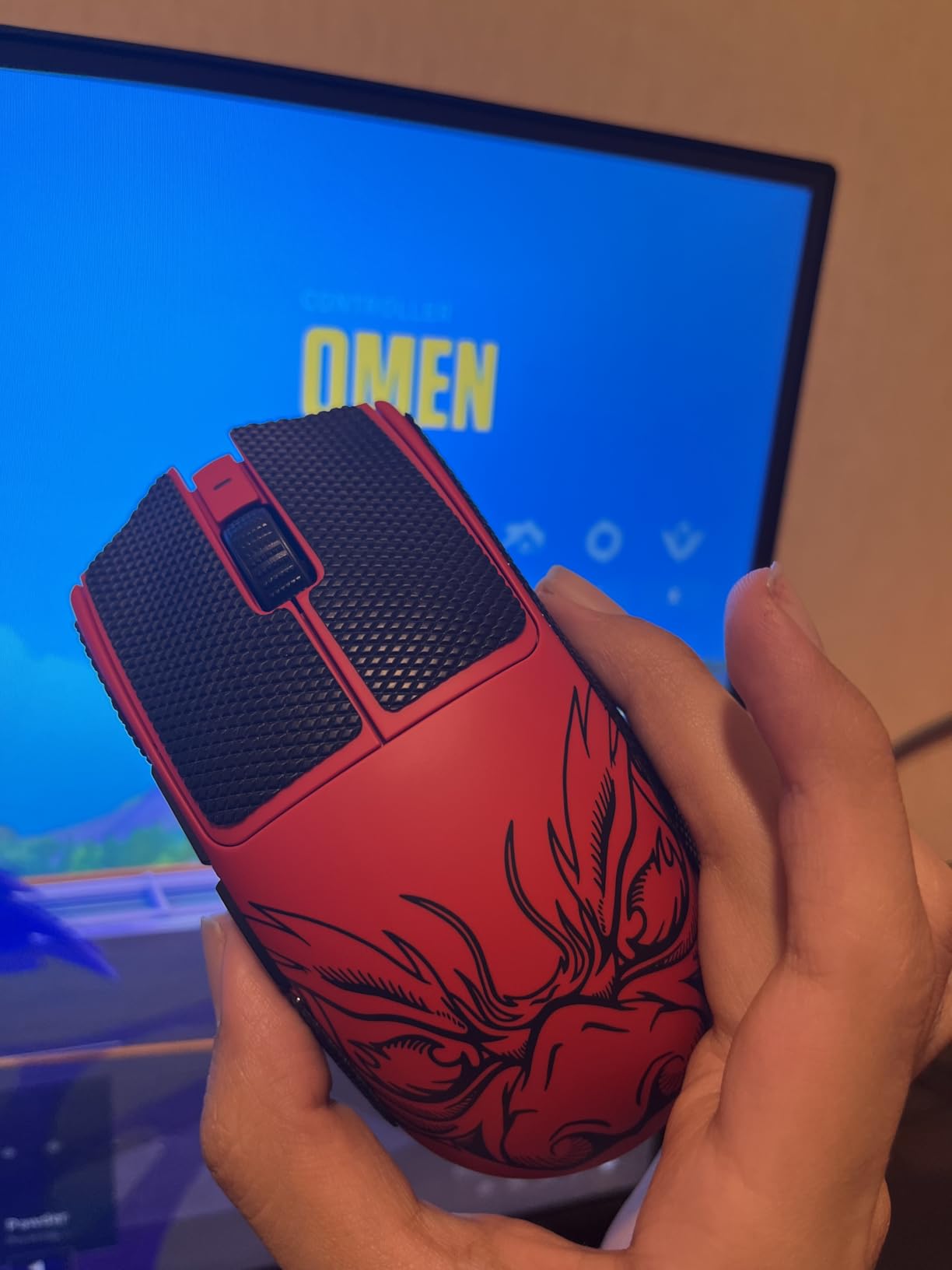
Build quality on the Viper V3 Pro is solid. The coating has a slightly textured matte finish that resists fingerprints and provides good grip during intense sessions. The Gen-3 optical switches are rated for 90 million clicks and deliver a satisfying, consistent tactile response. After weeks of heavy use, I noticed zero signs of wear on the buttons or the body.
Battery life is strong at 95 hours with standard use at 1000Hz. When you bump it to 8K polling, expect that number to drop to roughly 20-25 hours. The USB-C charging is reasonably fast, getting you back to full in about 90 minutes. The lack of a charging dock is a minor disappointment given the price point, but the USB-C cable works fine for charging while using the mouse in wired mode.
Who Should Pick This Up
Gamers who want a proven, reliable wireless mouse from a trusted brand without paying top dollar for the newest generation. The V3 Pro offers 90 percent of the V4 Pro experience and has a massive library of user reviews and community feedback to back up its quality. It is an excellent choice for competitive FPS and general gaming.
Who Might Want to Look Elsewhere
If you need many programmable buttons or prefer a heavier mouse with more palm support, the Viper V3 Pro will not satisfy. Its symmetrical low-profile shape is designed for speed, not comfort during long MMO sessions. Users who want Bluetooth connectivity or multi-device switching should also look at other options.
4. Logitech G PRO X Superlight 2 – The Tournament Standard
Logitech G PRO X Superlight 2 Wireless Gaming Mouse – Black
60g Lightweight
HERO 2 44K DPI Sensor
8000Hz Polling
95hr Battery
USB-C Charging
+ Pros
- Championship-proven reliability
- 60g balanced weight
- Excellent 95hr battery
- Zero-additive PTFE feet
- POWERPLAY compatible
- Cons
- Premium price
- Right-hand only design
- G HUB software can be complex
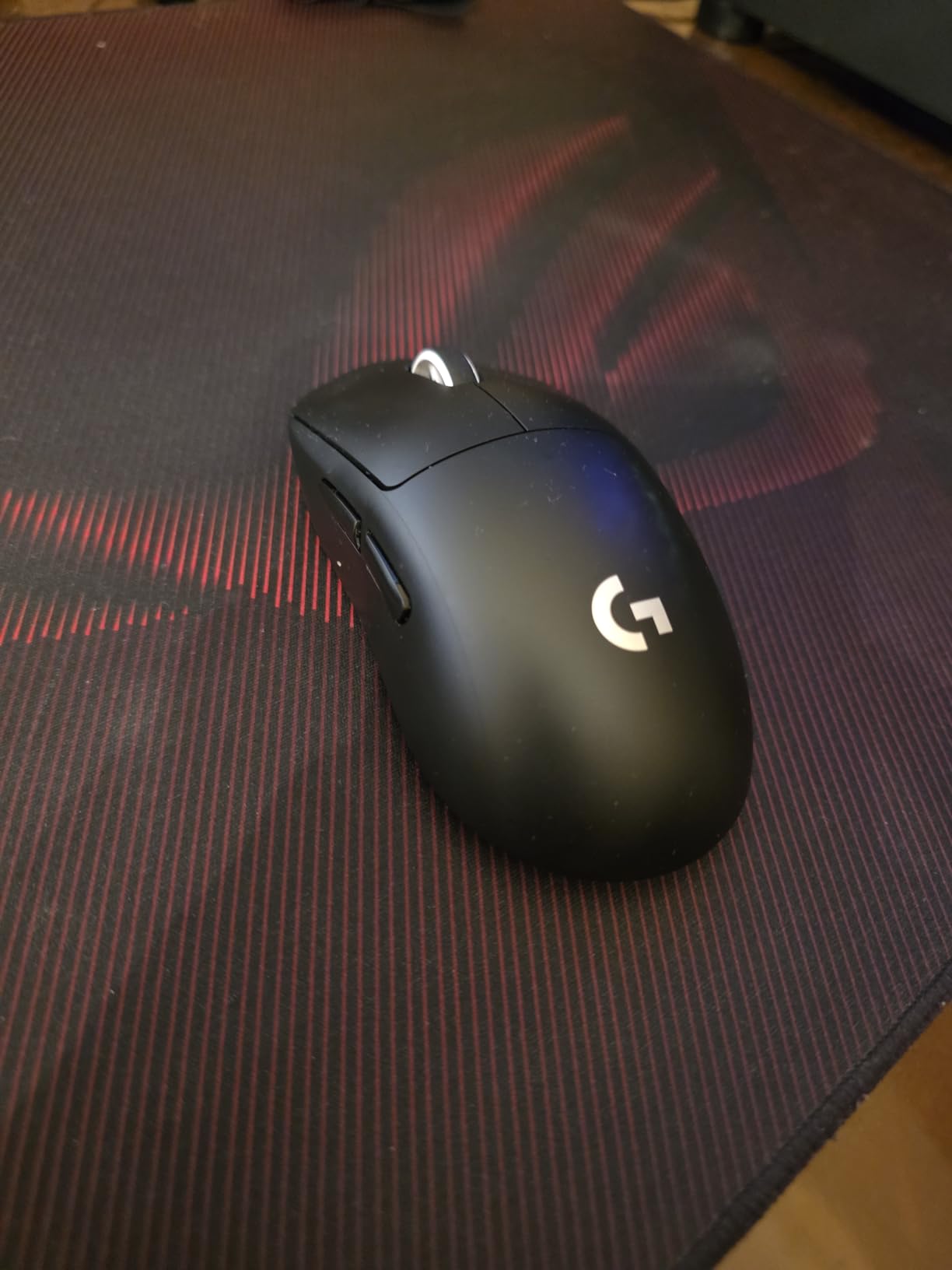
The Logitech G PRO X Superlight 2 is arguably the most popular wireless gaming mouse among professional esports players, and for good reason. At 60 grams, it strikes a balance between being light enough for quick flicks and heavy enough to feel planted during precise aiming. I tested this mouse in ranked Valorant matches over a full month and the consistency of its tracking never once let me down.
The HERO 2 sensor inside is a proven workhorse, delivering up to 44,000 DPI with 888+ IPS tracking speed. Realistically, most competitive players use between 400 and 1600 DPI, but the sensor headroom means you will never experience tracking issues regardless of your sensitivity settings. The 8KHz polling rate via LIGHTSPEED wireless provides the same sub-millisecond response that made the original Superlight famous, now with even more overhead.
One area where the Superlight 2 improves over its predecessor is the scroll wheel. The original Superlight had a scroll wheel that many users reported failing or feeling mushy after a few months. Logitech addressed this with a more durable design that maintains tactile feedback over time. The zero-additive PTFE feet provide a smooth, consistent glide right out of the box without needing aftermarket replacements.
The 95-hour battery life gives you roughly two weeks of gaming between charges with moderate daily use. USB-C charging means you can top it off quickly, and POWERPLAY compatibility lets you charge wirelessly if you invest in the charging pad. The on-board memory stores up to five profiles, which is useful if you switch between different games with distinct DPI and button configurations.
Who Should Pick This Up
Any competitive gamer who wants a proven, tournament-tested wireless mouse with a massive community of users and years of reliability data. The Superlight 2 is a safe investment that performs at the highest level. It is especially good for palm and fingertip hybrid grip players with medium-sized hands.
Who Might Want to Look Elsewhere
Left-handed users are out of luck since this is a right-hand only design. Gamers who want lots of programmable buttons for MMO or MOBA games should look at the G502 series instead. If you are trying to stay under a certain budget, the original G PRO X Superlight or the G305 offer excellent value at lower price points.
5. Logitech G502 X Plus – The Button-Loaded Powerhouse
Logitech G502 X Plus Wireless RGB Gaming Mouse – Black
104g
HERO 25K Sensor
130hr Battery
13 Programmable Buttons
Infinite Scroll
+ Pros
- 13 programmable buttons for gaming and productivity
- HERO 25K precision sensor
- Dual-mode infinite scroll wheel
- Excellent 130hr battery
- POWERPLAY compatible
- Cons
- Heavier than ultralight mice
- G HUB software issues
- No Bluetooth connectivity
- Scroll wheel wobble reported
The Logitech G502 X Plus is the mouse for people who want everything. With 13 programmable buttons, LIGHTSYNC RGB lighting, an infinite scroll wheel, and POWERPLAY compatibility, it is packed with features that go well beyond basic FPS gaming. I used it as my primary mouse for both gaming and productivity work for about a month, and the sheer versatility is what keeps drawing me back.
The HERO 25K sensor delivers the same excellent tracking that Logitech is known for, with up to 25,600 DPI. The LIGHTFORCE optical-mechanical hybrid switches provide a satisfying click feel that combines the durability of optical switches with the tactile feedback of mechanical ones. In FPS games like Apex Legends, every click registered precisely without any pre-travel or wobble.
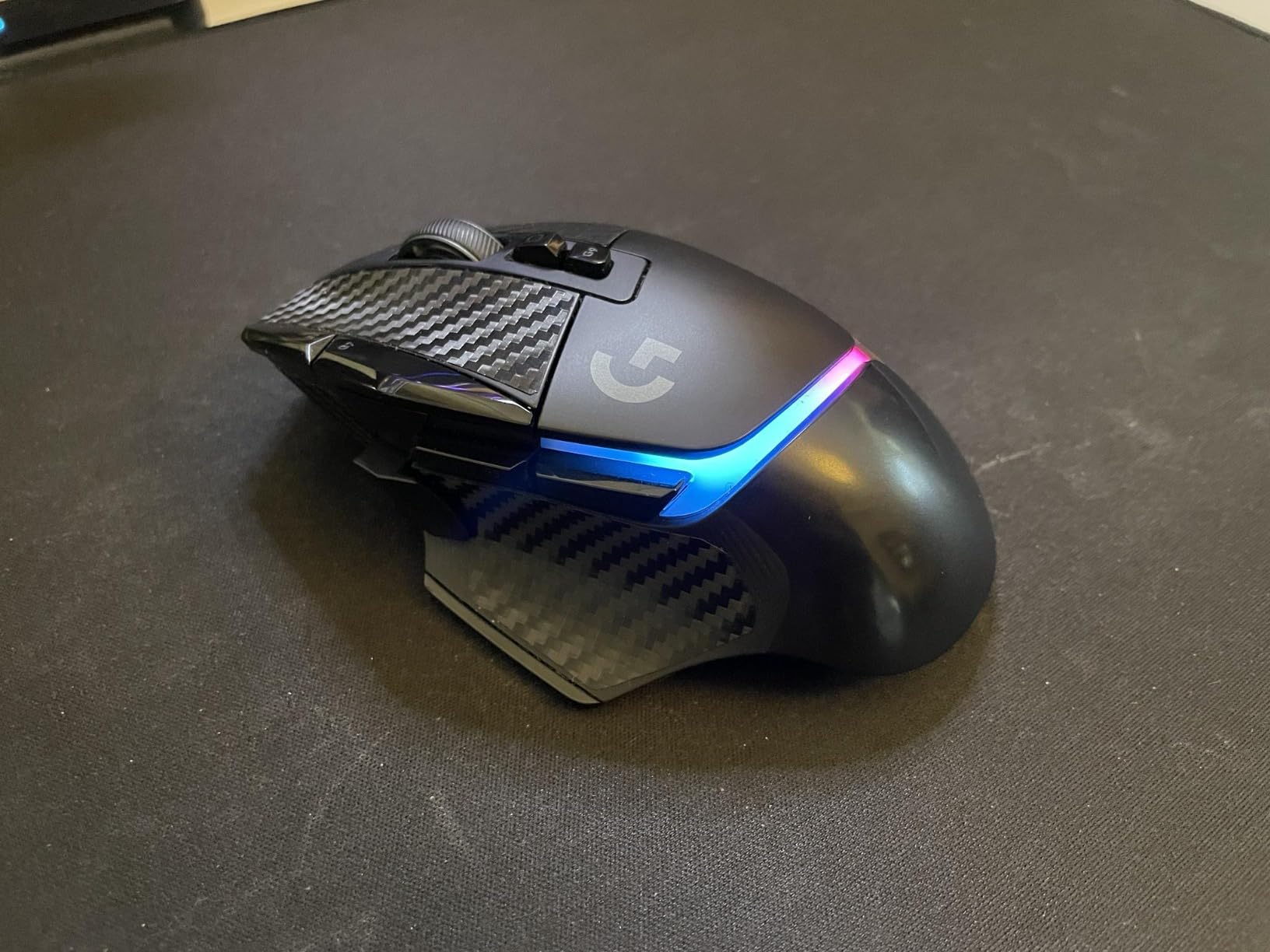
The standout feature remains the dual-mode infinite scroll wheel. A single button press toggles between precise ratcheted scrolling for gaming and a free-spinning mode that lets you fly through long documents or weapon menus. I found myself using the free-spin mode constantly for work tasks, and the gaming mode provides solid tactile feedback for weapon switches and grenade selection.
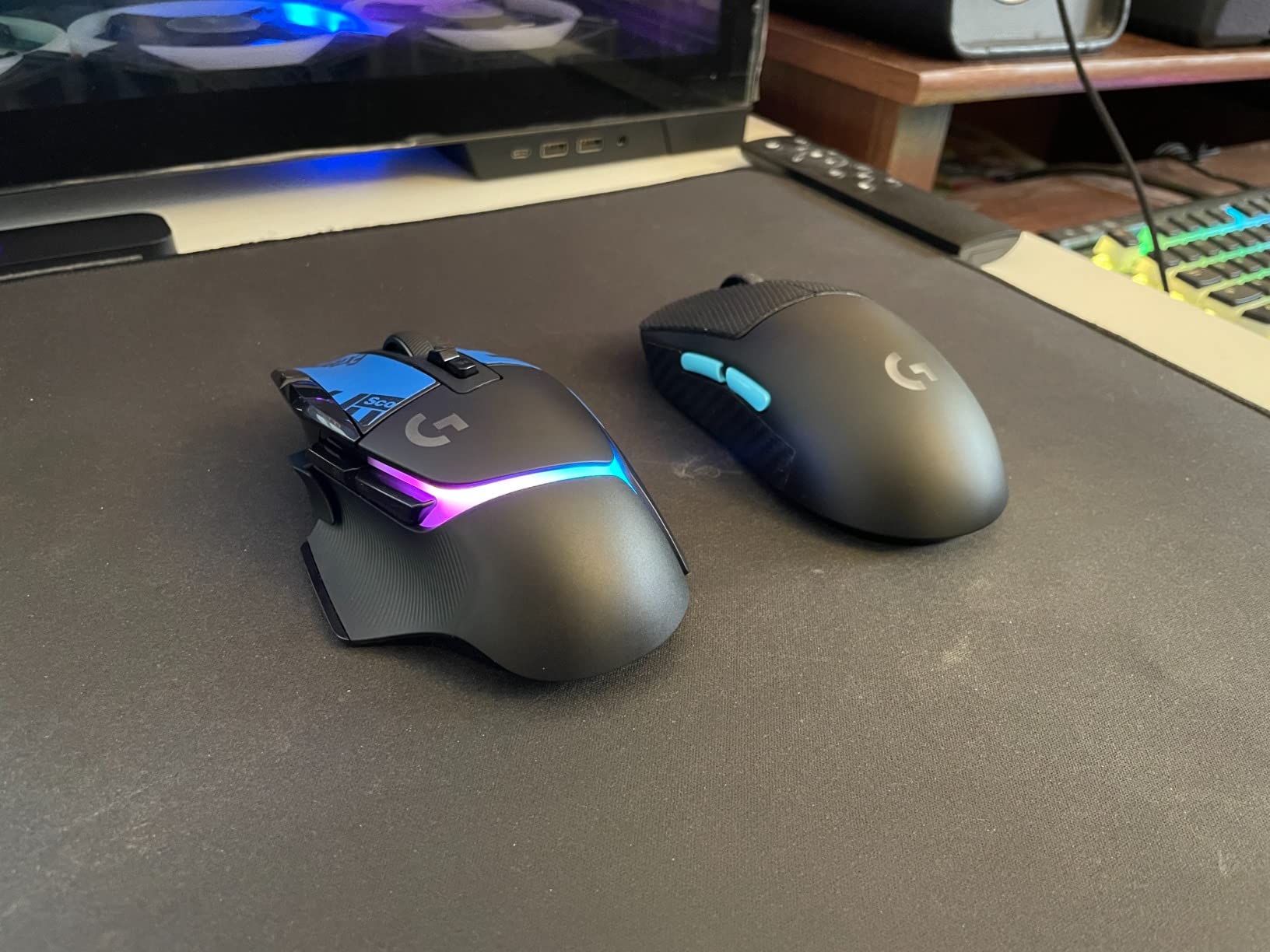
Battery life reaches up to 130 hours with RGB lighting and closer to 140 hours with RGB off. The LIGHTSYNC RGB with 8 LEDs looks fantastic and can sync with game events through compatible titles. USB-C charging keeps things modern, and the 5 on-board profile slots let you save different configurations for different games. At 104 grams, it is noticeably heavier than dedicated esports mice, but the ergonomic shape distributes that weight well.
Who Should Pick This Up
Gamers who play a mix of FPS, MMO, and MOBA titles and want a single mouse that handles all of them well. The 13 programmable buttons make it excellent for games that need lots of keybinds like Final Fantasy XIV or World of Warcraft. It is also a strong pick for anyone who uses the same mouse for gaming and productivity work.
Who Might Want to Look Elsewhere
Pure FPS players who prioritize speed and weight above all else should look at the Superlight 2 or Viper series instead. At 104 grams, the G502 X Plus feels noticeably heavier during fast flick shots. The G HUB software has also been a consistent pain point for users, with occasional bugs and a clunky interface.
6. Logitech G502 Lightspeed – The Classic Wireless Workhorse
Logitech G502 Lightspeed Wireless Gaming Mouse – Black
111g Base Weight
HERO 25K Sensor
60hr Battery
11 Buttons
Tunable Weights
+ Pros
- Iconic ergonomic shape
- PowerPlay wireless charging
- 11 programmable buttons
- Hyper fast scroll wheel
- Excellent HERO 25K sensor
- Cons
- Heavy even without weights
- Uses micro-USB not USB-C
- Stock feet are mediocre
- Click feel inferior to wired version
The Logitech G502 Lightspeed is the wireless version of what might be the most popular gaming mouse shape in history. With over 13,000 Amazon reviews and a 4.6-star rating, it has earned its reputation as a reliable, feature-rich wireless gaming mouse. I have used various G502 models over the years and the Lightspeed version maintains everything people love about the shape while cutting the cord.
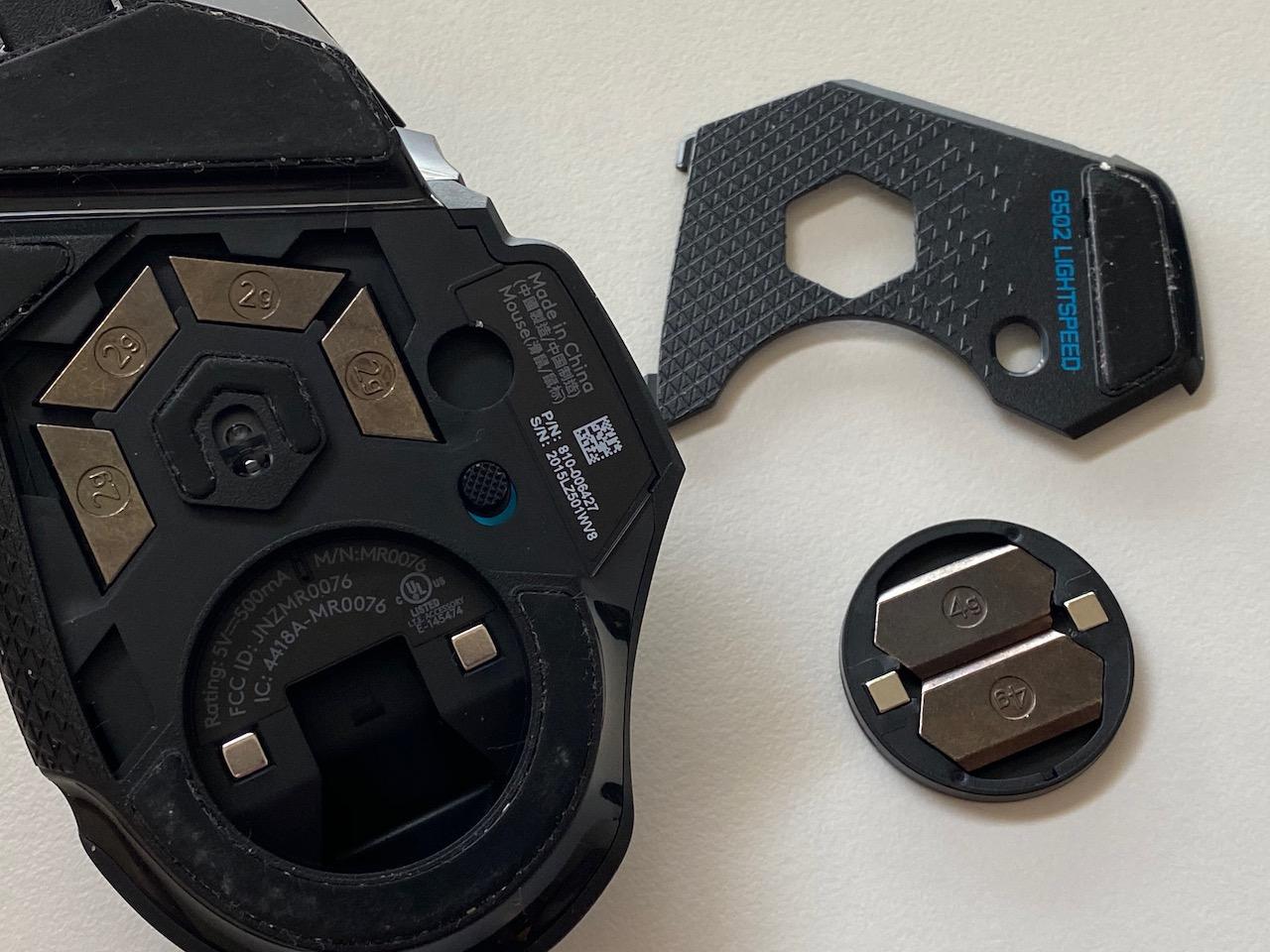
The HERO 25K sensor provides tracking up to 25,600 DPI with the kind of precision Logitech is known for. PowerPlay compatibility means you can charge the mouse wirelessly while using it, which eliminates battery anxiety entirely if you have the charging pad. The tunable weight system lets you add up to 16 grams of additional weight to customize the feel, though at 111 grams base weight, most users will leave the weights out.

The 11 programmable buttons include the signature hyperscroll wheel with infinite spin mode, two side buttons, a DPI shift button, and a middle click. For gamers who need macro support and multiple keybinds, the G502 Lightspeed delivers without needing external software running in the background thanks to on-board memory.
The main downsides are the weight and the charging port. At 111 grams without weights, this is one of the heavier mice on our list, which makes it less ideal for competitive FPS gaming where lightweight mice dominate. The micro-USB charging port is a dated choice that makes charging less convenient than the USB-C ports found on newer mice. The click feel is also slightly different from the wired G502, which some long-time fans have noticed.
Who Should Pick This Up
Long-time G502 fans who want to go wireless without learning a new shape. It is also a strong choice for gamers who play multiple genres and appreciate having 11 programmable buttons. The PowerPlay compatibility is a major selling point if you already own or plan to buy the wireless charging pad.
Who Might Want to Look Elsewhere
Competitive FPS players who need a lightweight mouse should definitely look elsewhere. The 111-gram weight puts it at a significant disadvantage compared to sub-60g esports mice. Anyone who wants USB-C charging or the latest sensor technology should consider the G502 X Plus instead, which is the newer evolution of this design.
7. Logitech G703 Lightspeed – Ergonomic Mid-Range Pick
Logitech G703 Lightspeed Wireless Gaming Mouse – Black
95g + 10g Optional
HERO 25K Sensor
35hr Battery
6 Buttons
PowerPlay Compatible
+ Pros
- Comfortable ergonomic shape
- HERO 25K sensor accuracy
- PowerPlay wireless charging
- Optional 10g weight customization
- Rubber side grips
- Cons
- 35hr battery life is short
- Scroll wheel quality issues over time
- No USB-C charging
- Narrower than some competitors
The Logitech G703 Lightspeed fills an interesting niche as an ergonomic mid-range wireless gaming mouse with PowerPlay support. The shape is comfortable and slightly raised in the back, making it a good fit for palm and claw grip players who want more support than flat symmetrical mice provide. I tested it across a mix of FPS and single-player titles and found the ergonomic shape reduced wrist fatigue during longer sessions.
The HERO 25K sensor delivers the same accurate tracking found in more expensive Logitech mice, with support for up to 25,600 DPI. In practice, the sensor performed identically to the one in the G502 Lightspeed, which makes sense since they share the same chip. The metal-spring button tensioning gives clicks a consistent, crisp feel across the entire button surface.
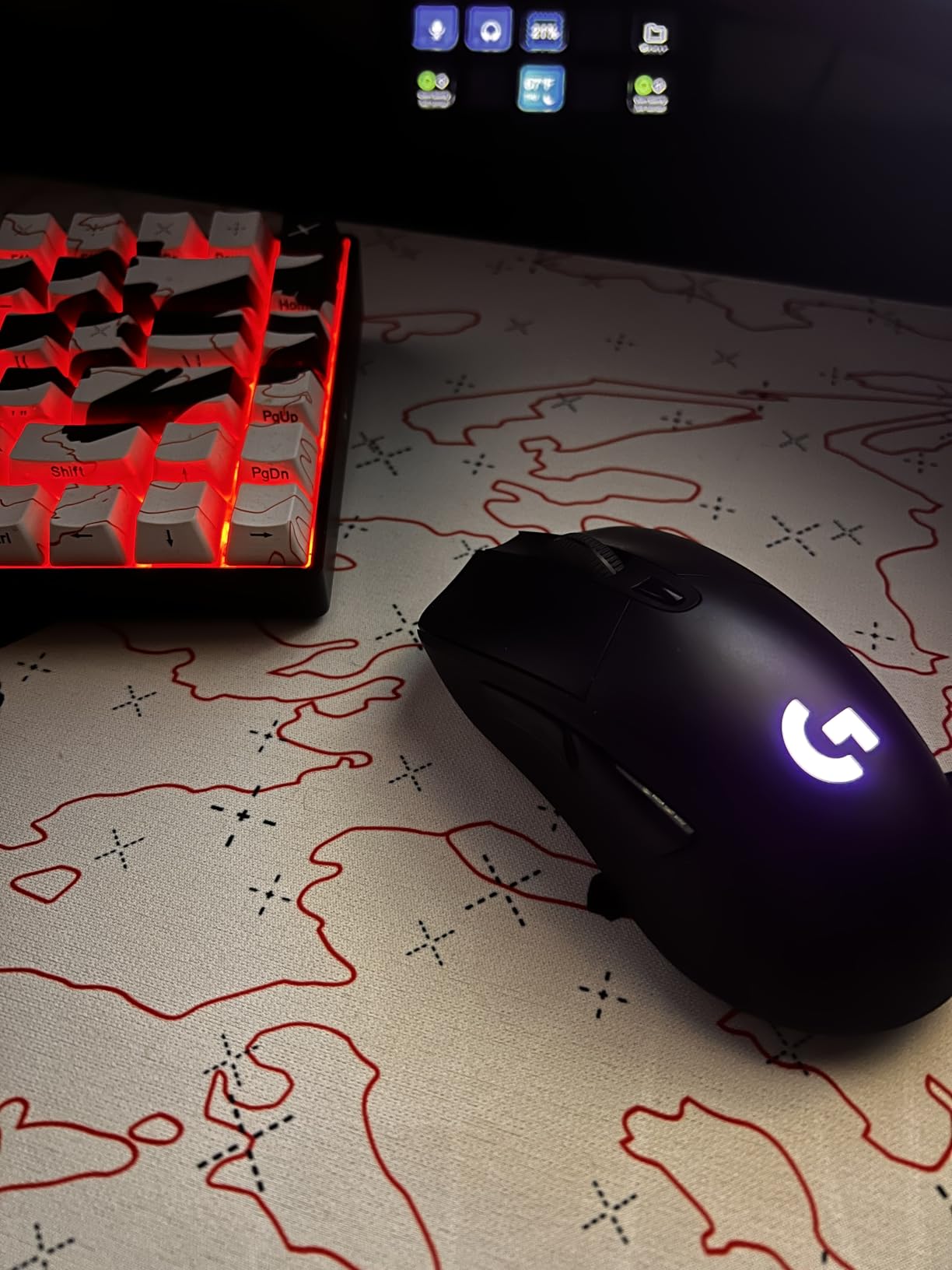
The optional 10-gram weight lets you customize the mouse between 95 and 105 grams depending on your preference. I preferred it without the weight for faster FPS gameplay but added it for more casual gaming sessions where the extra heft felt more controlled. The rubber side grips provide decent traction, though they can get warm during extended sessions.
The 35-hour battery life is the weakest point of this mouse. In a market where competitors regularly hit 95-280 hours, the G703 needs charging about once a week with moderate use. The PowerPlay compatibility helps if you have the charging pad, but without it, you will be plugging in more frequently than with most alternatives on this list. Some users also report scroll wheel issues developing after 6-12 months of heavy use.
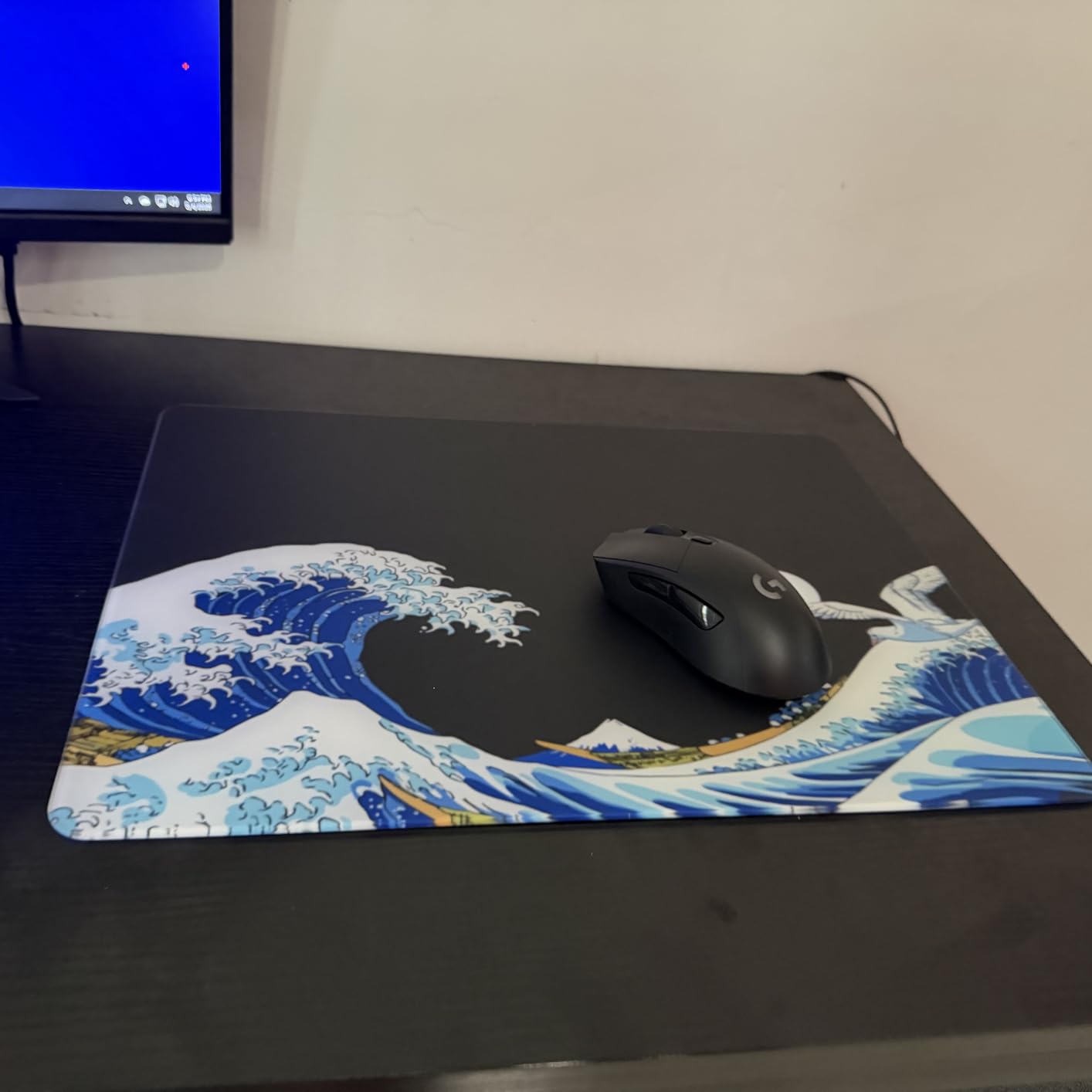
Who Should Pick This Up
Gamers who prioritize ergonomic comfort over ultralight weight and want PowerPlay compatibility at a mid-range price point. The G703 is a solid choice for palm grip players with medium to large hands who find flat symmetrical mice uncomfortable. It is also a good option if you already own a PowerPlay charging pad.
Who Might Want to Look Elsewhere
Anyone who needs long battery life or competitive-grade lightweight performance should consider the Superlight 2 or Viper series instead. The 35-hour battery life and 95-gram weight put it behind the curve for esports-level competition. Users with wider hands may also find the slightly narrow shape uncomfortable compared to mice like the Deathadder or Basilisk.
8. Razer Viper V3 HyperSpeed – Battery Life Champion
Razer Viper V3 HyperSpeed Wireless PC Gaming Mouse, 82g, Black
82g Lightweight
Focus Pro 30K DPI
280hr Battery
AA Powered
1000Hz Polling
+ Pros
- Exceptional 280-hour battery life
- Focus Pro 30K sensor accuracy
- 82g lightweight for AA-powered mouse
- Great value performance
- Ambidextrous comfortable shape
- Cons
- No USB-C charging uses AA batteries
- No cable included for wired use
- No side grips
- DPI button placement can cause misclicks
The Razer Viper V3 HyperSpeed takes a different approach to wireless gaming mice by using a single AA battery instead of a built-in rechargeable cell. This design choice gives it an absolutely massive 280 hours of battery life on a single AA battery, which is among the longest of any gaming mouse on the market. I used the same battery for over three weeks of daily gaming before it needed replacing.
The Focus Pro 30K optical sensor delivers the same quality tracking as more expensive Razer mice, with support for up to 30,000 DPI. At 82 grams with the AA battery installed, it is remarkably light for a battery-powered mouse. The ambidextrous shape is comfortable and works well for both claw and fingertip grips, and the lack of RGB lighting helps conserve battery.
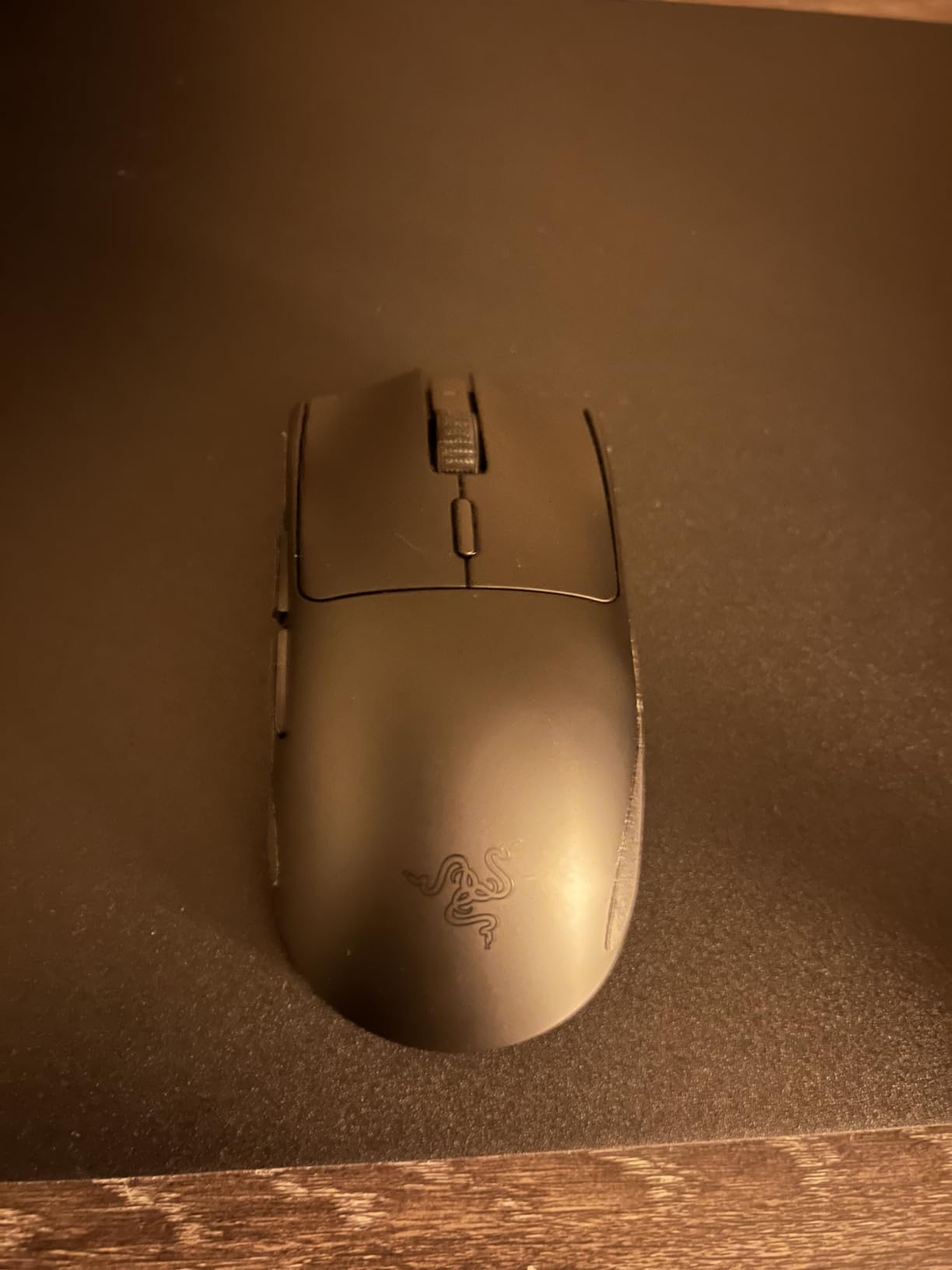
Gen-2 mechanical switches provide a crisp click feel rated for 60 million clicks. While not as premium as the optical switches in the Viper V3 Pro, they still deliver consistent tactile feedback. The HyperSpeed wireless connection proved stable throughout my testing with no noticeable lag or disconnection issues.
The trade-off for the incredible battery life is the lack of modern charging convenience. There is no USB-C port, no rechargeable battery, and no cable included for wired use. You need to swap AA batteries when they die, though using rechargeable AA batteries solves this problem affordably. The USB dongle stores inside the mouse body for transport, which is a thoughtful touch for LAN attendees.
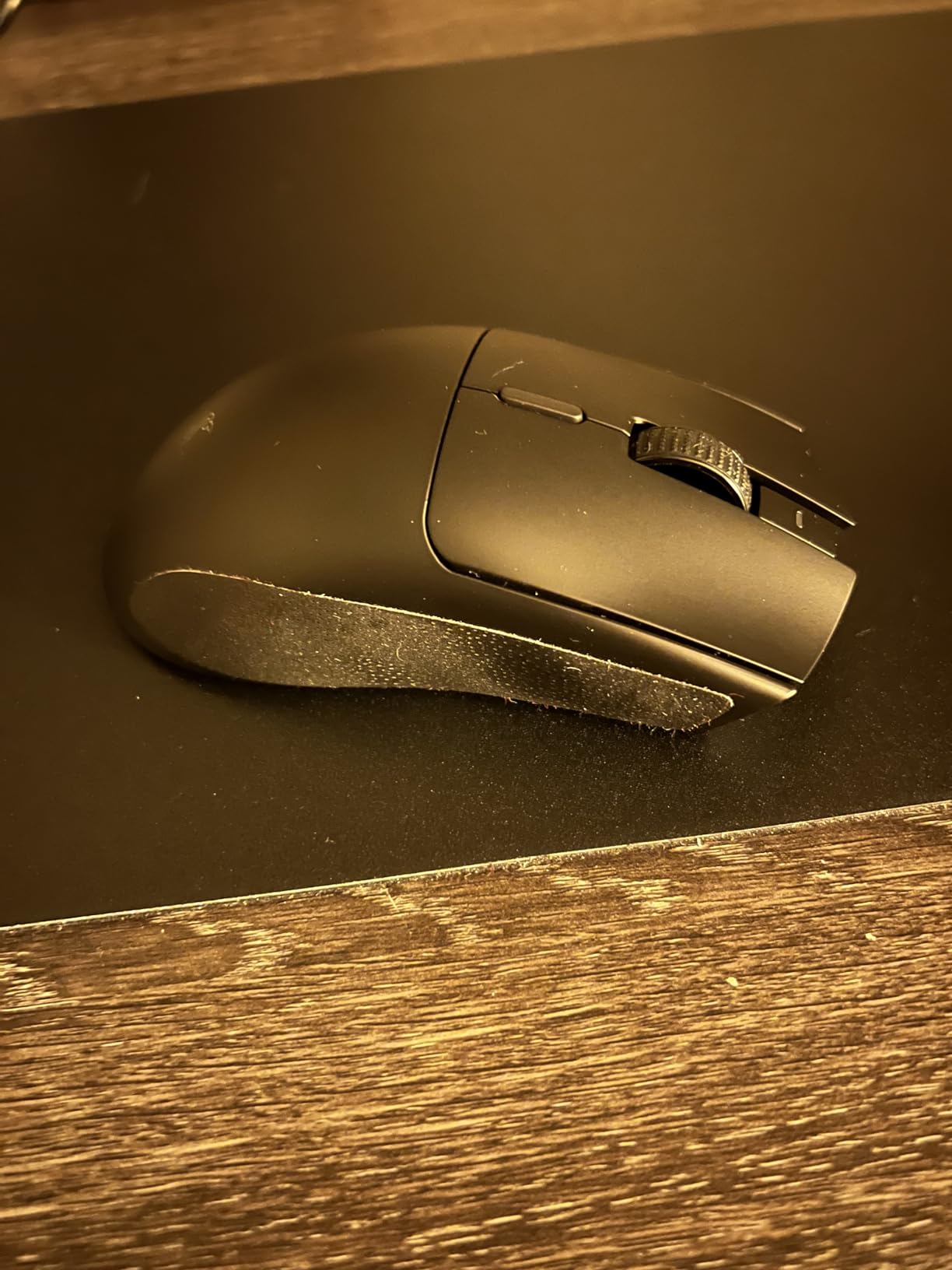
Who Should Pick This Up
Gamers who hate charging their mouse and want something they can set up once and forget about for weeks. The 280-hour battery life is genuinely impressive, and the Focus Pro 30K sensor delivers performance that punches well above its price class. It is a great choice for gamers who want Razer Viper performance on a tighter budget.
Who Might Want to Look Elsewhere
Anyone who wants USB-C convenience or built-in rechargeable batteries will not find it here. The lack of a charging cable in the box also means you cannot use it as a wired mouse. Competitive players who need 4K or 8K polling rates should look at the Viper V3 Pro or V4 Pro instead, since this model maxes out at 1000Hz.
9. Razer Basilisk V3 X HyperSpeed – The Ergonomic All-Rounder
Razer Basilisk V3 X HyperSpeed Customizable Wireless Gaming Mouse, Black
110g
5G Advanced 18K Sensor
285hr Battery
9 Programmable Controls
Chroma RGB
+ Pros
- Iconic ergonomic shape
- 9 customizable controls
- Dual-mode wireless and Bluetooth
- 285-hour battery life
- Chroma RGB lighting
- Cons
- 110g is heavy for competitive gaming
- Not rechargeable uses AA battery
- Scroll wheel may skip inputs
- Slow wake from sleep
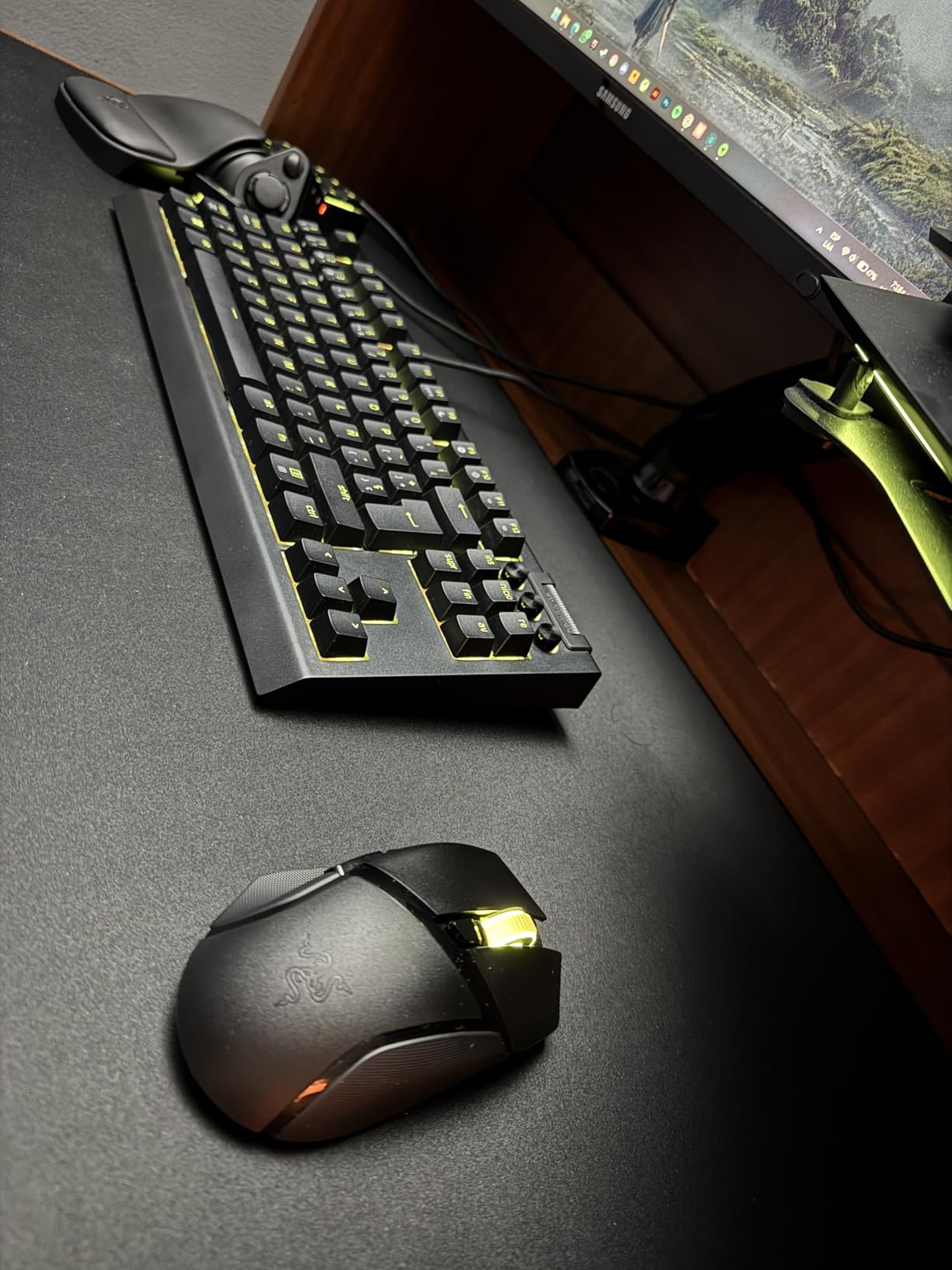
The Razer Basilisk V3 X HyperSpeed is built for gamers who want an ergonomic shape with plenty of buttons and do not mind a bit of extra weight. The Basilisk shape is one of the most comfortable right-handed designs available, with a thumb rest and curved body that feels natural during extended gaming sessions. I tested it during a weekend of back-to-back RPG sessions and my hand felt noticeably better compared to flatter mouse designs.
The 5G Advanced 18K optical sensor provides up to 18,000 DPI, which is more than enough for any gaming scenario. While it does not reach the 30K-50K DPI heights of newer sensors, the real-world tracking performance is indistinguishable for the vast majority of players. The Gen-2 mechanical switches are rated for 60 million clicks and deliver a consistent, satisfying feel.
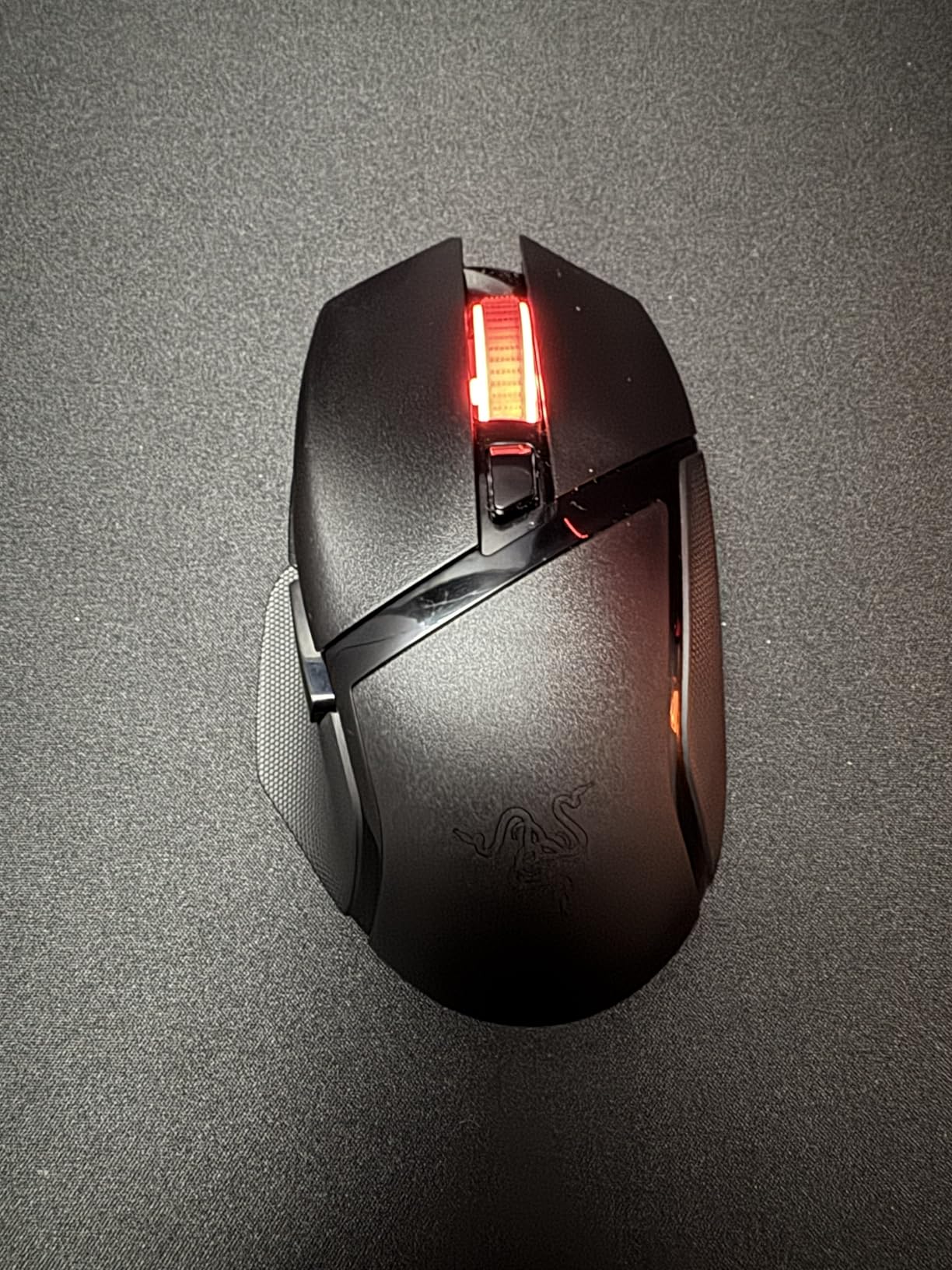
The 9 programmable controls include the main left and right clicks, a scroll wheel with tilt functionality, two thumb buttons, a DPI clutch button, and a toggle for the hyperscroll mode. This gives you plenty of options for mapping abilities, weapons, or macros in games that need lots of inputs.
Battery life reaches up to 285 hours in HyperSpeed mode and an incredible 535 hours over Bluetooth. The Chroma RGB lighting adds visual flair with 16.8 million color options, though it does reduce battery life when enabled. At 110 grams, this is the heaviest mouse on our list, which makes it less suitable for fast-paced FPS gaming but perfectly fine for RPGs, strategy games, and casual play.
Who Should Pick This Up
Gamers who prioritize comfort and button versatility over competitive performance. The Basilisk V3 X HyperSpeed is ideal for RPG, strategy, and MMO players who spend hours at the computer and need a mouse that will not cause hand fatigue. The Bluetooth mode also makes it useful as a productivity mouse for office work.
Who Might Want to Look Elsewhere
Competitive FPS gamers should avoid this mouse due to its 110-gram weight. Anyone who wants a rechargeable battery or USB-C charging will also need to look elsewhere since this mouse runs on AA batteries. Players with smaller hands may find the wider body a stretch to grip comfortably.
10. ATTACK SHARK X3 – Budget King with Premium Specs
ATTACK SHARK X3 49g Ultra-Lightweight Wireless Gaming Mouse, White
49g Ultralight
PAW3395 26K DPI Sensor
200hr Battery
Triple-Mode Connectivity
USB-C
+ Pros
- Exceptional value with premium specs
- 49g ultralight weight
- Flagship PAW3395 sensor
- 200-hour battery life
- Triple-mode connectivity
- Cons
- Software is buggy and limited
- No RGB lighting
- Minor build quality gaps vs premium brands
- Wireless interference reported by some
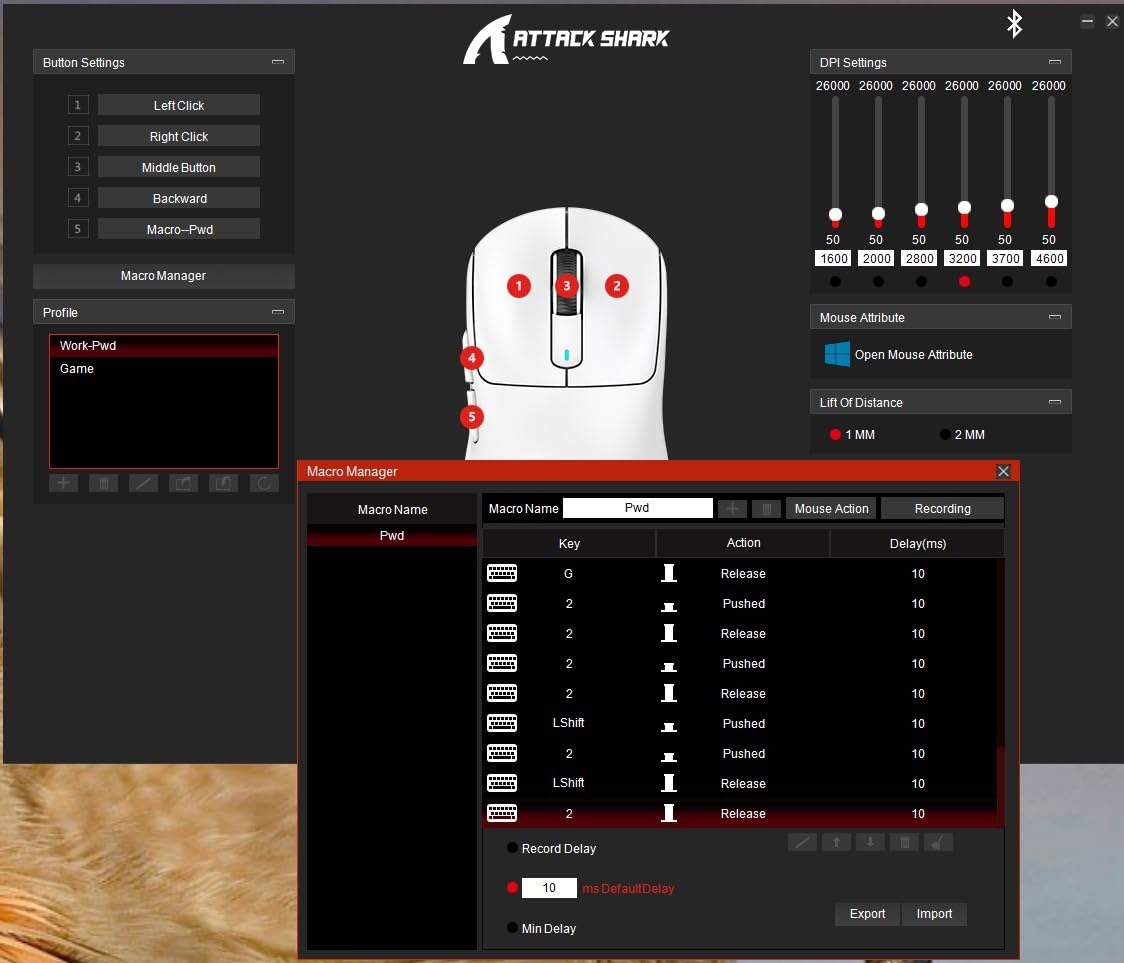
The ATTACK SHARK X3 is the kind of mouse that makes you question why premium brands charge three to four times as much for similar specs. It packs a flagship PAW3395 sensor, 49-gram ultralight design, 200-hour battery life, and triple-mode connectivity into a package that costs a fraction of what you would pay for a Razer or Logitech equivalent. I was genuinely surprised by how well it performed in competitive FPS matches.
The PAW3395 sensor is the same chip found in mice costing over $100, offering up to 26,000 DPI with 650 IPS tracking speed. In my testing, the sensor accuracy was indistinguishable from my Logitech HERO-equipped mice across both cloth and hard mousepads. The KAILH GM8.0 micro switches are rated for 80 million clicks and deliver a satisfying tactile response that punches well above the price point.
At 49 grams, this is one of the lightest mice on our entire list, tied with the Razer Viper V4 Pro. The weight distribution feels good for fingertip and claw grip players, and the anti-sweat coating provides adequate grip during intense sessions. The 100% pure PTFE feet offer a smooth glide that rivals premium competitors.
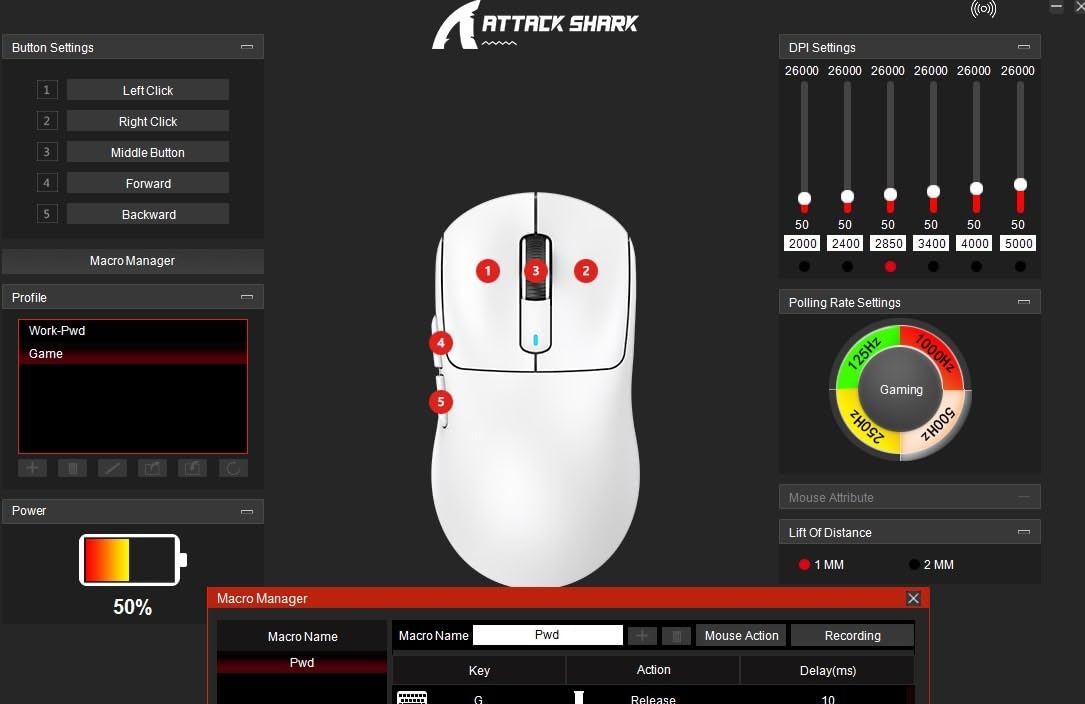
The triple-mode connectivity is a standout feature at this price. You can connect via 2.4GHz wireless for gaming, Bluetooth 5.2 for productivity, or USB-C wired for charging and zero-latency use. The 200-hour battery life over 2.4GHz is impressive for a mouse with a built-in rechargeable battery at this price point. The main compromises are the buggy configuration software and the lack of RGB lighting.
Who Should Pick This Up
Budget-conscious gamers who want premium-level performance without the premium price tag. The ATTACK SHARK X3 delivers sensor accuracy, weight, and battery life that rivals mice costing three times as much. It is an excellent first wireless gaming mouse or a backup mouse for LAN events.
Who Might Want to Look Elsewhere
Gamers who value polished software ecosystems and long-term warranty support may prefer sticking with established brands like Logitech or Razer. The configuration software is basic and sometimes buggy. Build quality, while good for the price, does not quite match the premium feel of mice like the Superlight 2 or Viper V4 Pro.
11. Logitech G305 Lightspeed – The Best-Selling Budget Pick
Logitech G305 Lightspeed Wireless Gaming Mouse – White
95g
HERO 12K Sensor
250hr Battery
6 Buttons
AAA Battery Powered
+ Pros
- Exceptional value
- Incredible 250-hour battery life
- Ambidextrous design
- Reliable 1ms LIGHTSPEED wireless
- No RGB for clean look and battery savings
- Cons
- Uses AAA battery not included
- No USB-C charging
- Glossy finish slippery
- Clicks can be overly sensitive
The Logitech G305 Lightspeed has earned its place as the best-selling wireless gaming mouse on Amazon with nearly 39,000 reviews. At its price point, it delivers the kind of reliable wireless performance and sensor accuracy that was reserved for premium mice just a few years ago. I recommended this mouse to several friends building budget gaming PCs and every single one of them came back impressed.
The HERO optical sensor supports up to 12,000 DPI, which is lower than the newer HERO 2 chips but still more than sufficient for any gaming scenario. Most competitive players use between 400 and 1600 DPI anyway, so the headroom is more than adequate. The 1ms LIGHTSPEED wireless response is indistinguishable from a wired connection in actual gameplay, which is the same technology Logitech uses in mice costing three times as much.
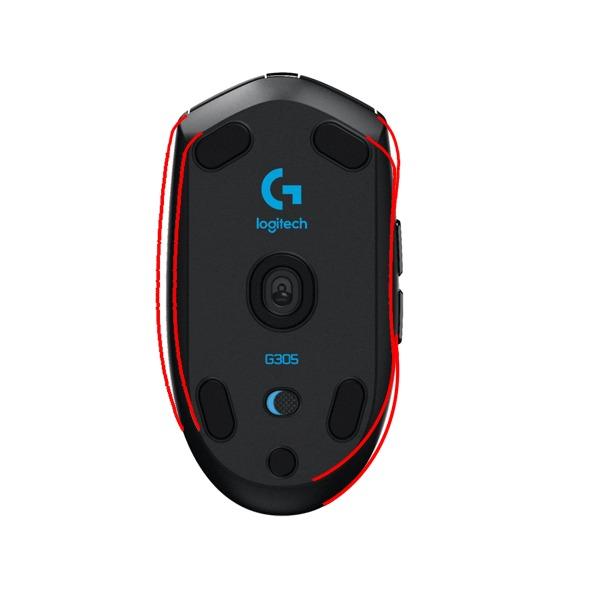
Battery life is the G305’s superpower. A single AAA battery lasts up to 250 hours of gaming, which means you can go months between battery changes with moderate use. The compact design makes it portable enough to toss in a laptop bag for gaming on the go. The USB receiver stores inside the mouse body, so you will not lose it during transport.
The ambidextrous design works for both left and right-handed users, which is a rarity at this price point. However, the glossy finish can feel slippery during intense gaming sessions, and the side buttons require a deeper press than most mice. The lack of RGB lighting is actually a positive for battery life, and the clean look appeals to users who want a mouse that does not scream gaming at the office.
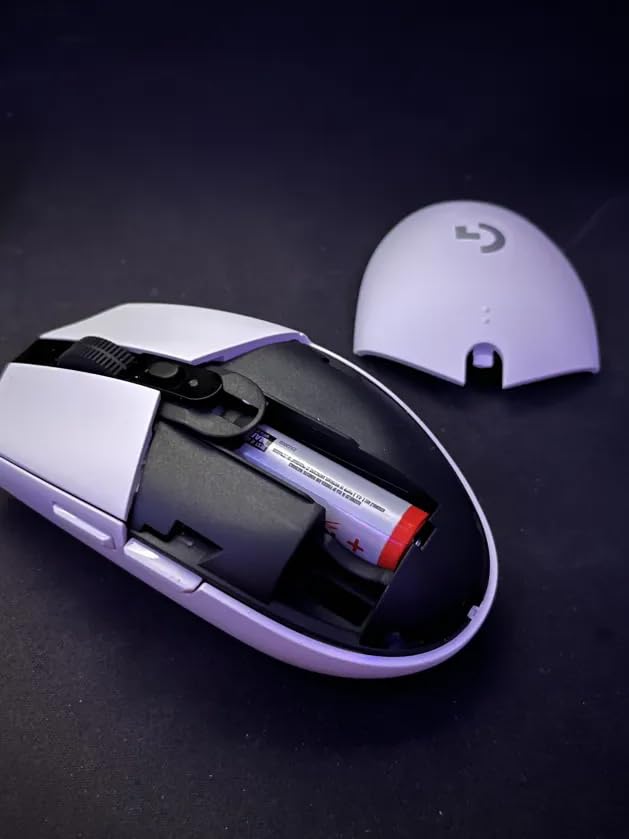
Who Should Pick This Up
Anyone looking for the best budget wireless gaming mouse that still delivers reliable performance. The G305 is perfect for new PC gamers, students, or anyone who wants a solid gaming mouse without spending much. It also works great as a portable gaming mouse for laptops.
Who Might Want to Look Elsewhere
Competitive gamers who need the lightest possible mouse or 8K polling rates will need to spend more. The 95-gram weight and 1000Hz polling rate are fine for casual and mid-level gaming but fall short of esports standards. The AAA battery power system also means ongoing battery costs unless you use rechargeable batteries.
12. Razer Orochi V2 – Ultra-Portable Budget Champion
Razer Orochi V2 Wireless Gaming Mouse, 950 Hr Battery, 60g, White
60g Ultralight
5G 18K Sensor
950hr Battery
Bluetooth + HyperSpeed
AA or AAA Battery
+ Pros
- 60g ultra-lightweight design
- 950 hours battery life on Bluetooth
- Dual wireless modes
- Works with AA or AAA for weight tuning
- Ultra-compact portable form
- Cons
- No rechargeable battery
- Small size not for large hands
- Glossy plastic slippery
- Occasional double-click issues
The Razer Orochi V2 is proof that you do not need to spend much to get a capable wireless gaming mouse. At just 60 grams and with battery life reaching up to 950 hours over Bluetooth, it is designed for gamers who want something portable and reliable without breaking the bank. I tested it during a two-week trip where it served as both my gaming and work mouse, and it handled both roles admirably.
The 5G Advanced 18K DPI optical sensor provides accurate tracking that is more than sufficient for competitive gaming at common DPI settings. The HyperSpeed 2.4GHz wireless mode provides low-latency gaming performance, while Bluetooth mode extends battery life dramatically. The clever design lets you use either an AA or AAA battery, with the AAA option shaving a few extra grams off the total weight.
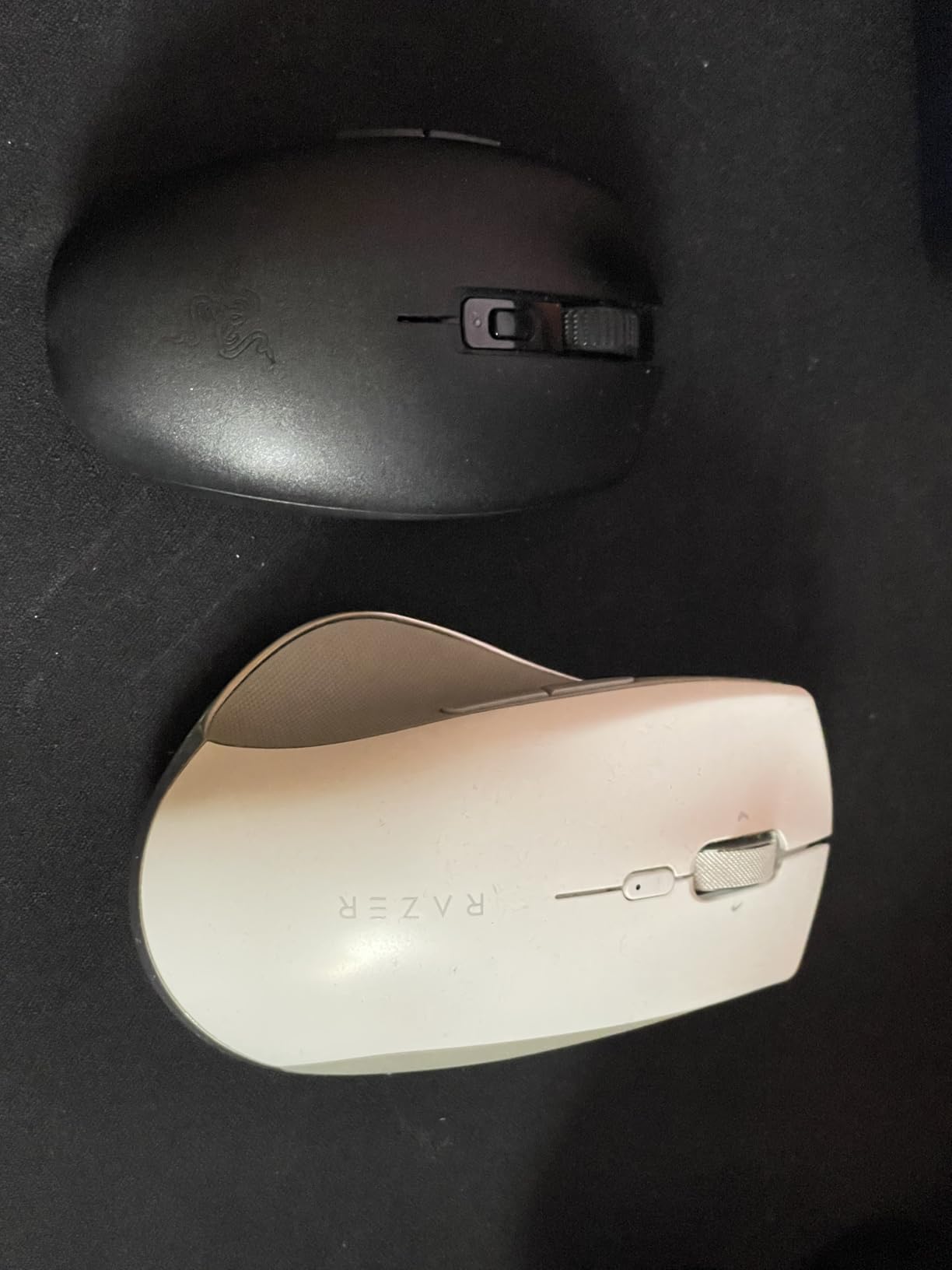
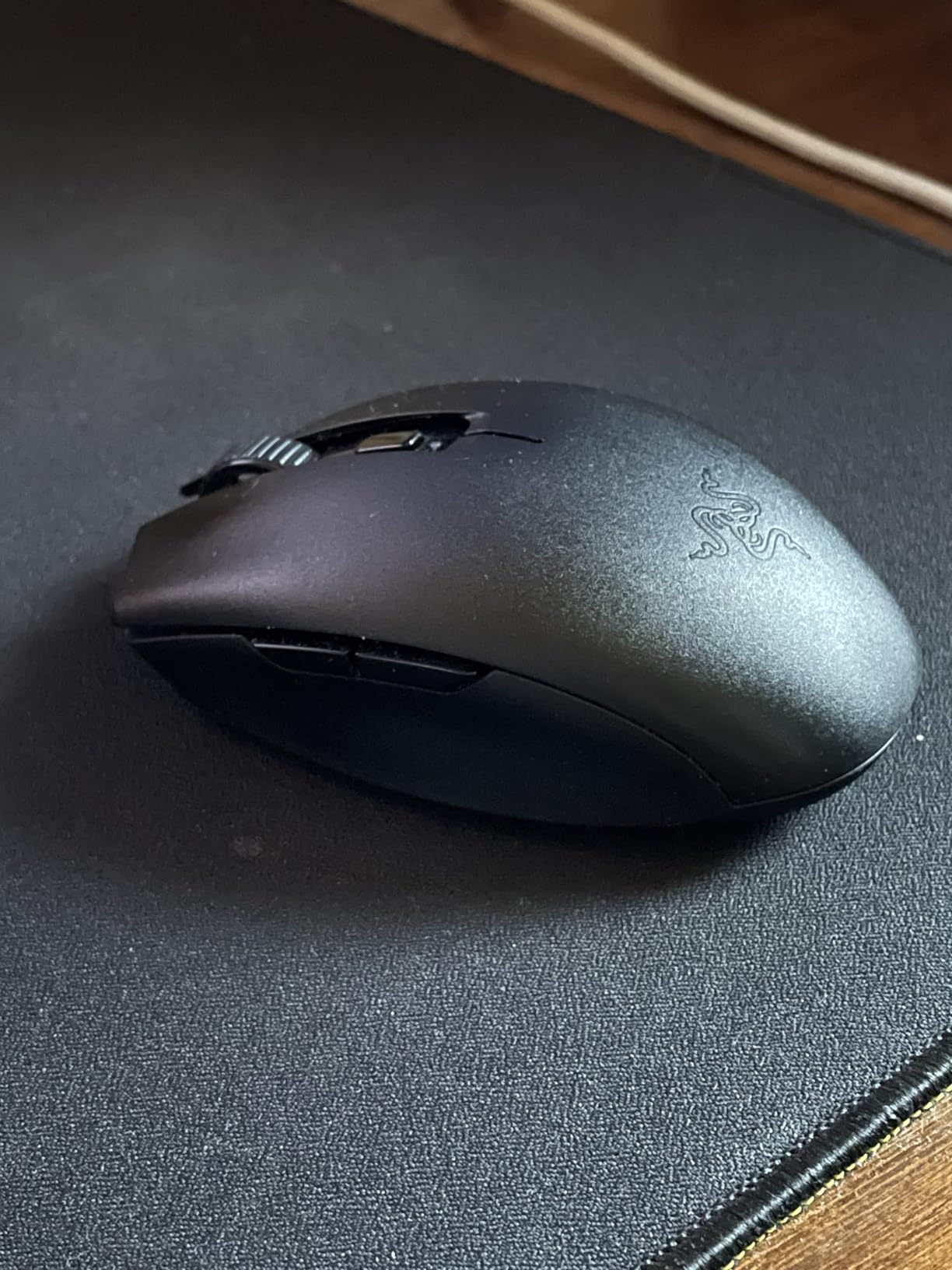
The ambidextrous shape is compact and comfortable for fingertip grip players with small to medium hands. At 4.26 inches long, it is one of the shortest mice on our list, which makes it great for travel but less ideal for users with larger hands who need more palm contact. The 2nd-gen Razer mechanical switches are rated for 60 million clicks and deliver a consistent feel.
The 950-hour battery life in Bluetooth mode is genuinely absurd. That translates to months of casual use on a single battery. Even in HyperSpeed gaming mode, you get 425 hours, which is still better than most rechargeable mice. The trade-off is the lack of a built-in rechargeable battery, so you need to keep spare batteries handy or invest in rechargeable ones.
Who Should Pick This Up
Laptop gamers and travelers who want an ultra-portable wireless gaming mouse with incredible battery life. The Orochi V2 fits easily in any bag and the months-long battery life means you will never be caught without a working mouse on the road. It is also a strong budget pick for casual gamers who play a variety of genres.
Who Might Want to Look Elsewhere
Gamers with larger hands will find the Orochi V2 too small for comfortable use during extended sessions. Anyone who wants a built-in rechargeable battery with USB-C charging should look at the ATTACK SHARK X3 instead for a similar price. Competitive FPS players may also want a mouse with a more modern sensor and higher polling rates.
How to Choose the Best Wireless Gaming Mouse in 2026?
Choosing the best wireless gaming mouse comes down to understanding how key specifications translate to real gaming performance. Here is what actually matters when you are making a decision.
Sensor Quality
The sensor is the heart of any gaming mouse. Modern flagship sensors like the Logitech HERO 2, Razer Focus Pro 50K, and PixArt PAW3395 all deliver tracking performance that exceeds what any human can perceive. DPI numbers above 16,000 are mostly marketing, but sensor consistency, lift-off distance, and tracking across different surfaces matter a lot. All 12 mice on this list use quality sensors that will not hold you back in competitive play.
Weight and Shape
Weight is one of the most debated topics in the gaming mouse community. Ultralight mice under 60 grams like the Razer Viper V4 Pro and ATTACK SHARK X3 allow for faster flick shots and less wrist fatigue. Heavier mice around 100 grams like the Logitech G502 series provide more stability for precise aiming. The right choice depends on your grip style, hand size, and the types of games you play. Claw and fingertip grip players tend to prefer lighter mice, while palm grip users often prefer something with more substance.
Battery Life
Battery life varies wildly among wireless gaming mice. The Razer Orochi V2 leads the pack with up to 950 hours on Bluetooth, while the Logitech G703 manages just 35 hours. Rechargeable mice with USB-C like the Viper V4 Pro and Superlight 2 offer convenience but require more frequent charging. Battery-powered mice like the Viper V3 HyperSpeed and Basilisk V3 X offer weeks or months between battery changes but lack the convenience of plug-in charging. Consider your tolerance for charging frequency when making your pick.
Polling Rate
Polling rate measures how often the mouse reports its position to the computer. Standard gaming mice use 1000Hz (1ms), while newer premium mice support 4000Hz or 8000Hz. In practice, the difference between 1000Hz and 8000Hz is subtle and most gamers will not notice it. However, running at 8K polling significantly reduces battery life. For most players, 1000Hz is perfectly adequate and the best balance between performance and battery efficiency.
Connectivity
Most wireless gaming mice use a 2.4GHz USB dongle for low-latency gaming. Some also include Bluetooth for productivity use and multi-device switching. Mice with triple-mode connectivity like the ATTACK SHARK X3 offer the most flexibility. Look for mice with reliable wireless technology like Logitech LIGHTSPEED or Razer HyperSpeed, both of which have proven track records in competitive environments.
Grip Style Compatibility
Your grip style is one of the most important factors in choosing a mouse. Palm grip players benefit from higher, more sculpted shapes like the Logitech G502 and Razer Basilisk. Claw grip players often prefer symmetrical, lower-profile mice like the Razer Viper series. Fingertip grip users need compact, lightweight designs like the Orochi V2 or ATTACK SHARK X3. Hand size also matters. If your hand is larger than 20cm, you may find compact mice uncomfortable for long sessions.
Frequently Asked Questions
What is the no. 1 best gaming mouse?
The Razer Viper V4 Pro is our top pick for the best wireless gaming mouse in 2026. It combines an ultra-lightweight 49g design with the Focus Pro 50K DPI sensor, 8000Hz polling, and up to 180 hours of battery life. Its symmetrical shape works well for claw and fingertip grip players across all competitive FPS titles.
Do pro gamers use wired or wireless mice?
Most pro gamers now use wireless mice. Modern wireless technology from Logitech LIGHTSPEED and Razer HyperSpeed delivers latency that matches or beats wired connections. The Logitech G PRO X Superlight 2 and Razer Viper series are commonly seen in professional esports tournaments. The freedom from cable drag is a real advantage in competitive play.
What is the highest rated wireless gaming mouse?
Based on user ratings and review volume, the Logitech G305 Lightspeed holds the highest number of positive reviews with over 38,000 ratings and a 4.6-star average on Amazon. Among premium options, the Razer Viper V3 Pro and Logitech G PRO X2 SUPERSTRIKE both maintain 4.7-star ratings from hundreds of verified buyers.
Which mouse brand is best for gaming?
Logitech and Razer are the two dominant brands in wireless gaming mice. Logitech excels with its HERO sensor technology and LIGHTSPEED wireless, offering reliable performance across all price ranges. Razer leads in ultralight esports mice with the Viper series and innovative features like 8K polling. Both brands offer excellent warranty support and software ecosystems.
How long do gaming mice usually last?
A quality wireless gaming mouse typically lasts 3 to 5 years with regular use. Switch lifespan ratings range from 60 million to 100 million clicks, which translates to several years of heavy gaming. Battery life in rechargeable models may degrade after 2 to 3 years. Mice with optical switches like the Razer Viper series tend to last longer than mechanical switch models because optical switches have no physical contact points to wear out.
Final Thoughts
After testing 12 wireless gaming mice across months of competitive and casual gameplay, a few clear winners emerged. The Razer Viper V4 Pro stands out as our overall top pick thanks to its 49-gram ultralight design, 50K DPI sensor, and exceptional 180-hour battery life. For competitive FPS gaming where every gram and millisecond matters, it is tough to beat.
The Logitech G PRO X Superlight 2 remains the tournament standard with a massive community of professional users and proven reliability. If you want the safest bet in wireless gaming mice, it is hard to go wrong with Logitech’s flagship. On the budget end, the Razer Orochi V2 and ATTACK SHARK X3 deliver impressive performance that punches well above their price tags, proving you do not need to spend much to get a quality wireless gaming mouse in 2026.
Ultimately, the best wireless gaming mouse for you depends on your grip style, hand size, game preferences, and budget. Any of the 12 mice on this list will serve you well, but picking the one that matches your specific needs will make the biggest difference in your gaming experience. Choose the mouse that fits your hand, not just the one with the highest spec sheet.