
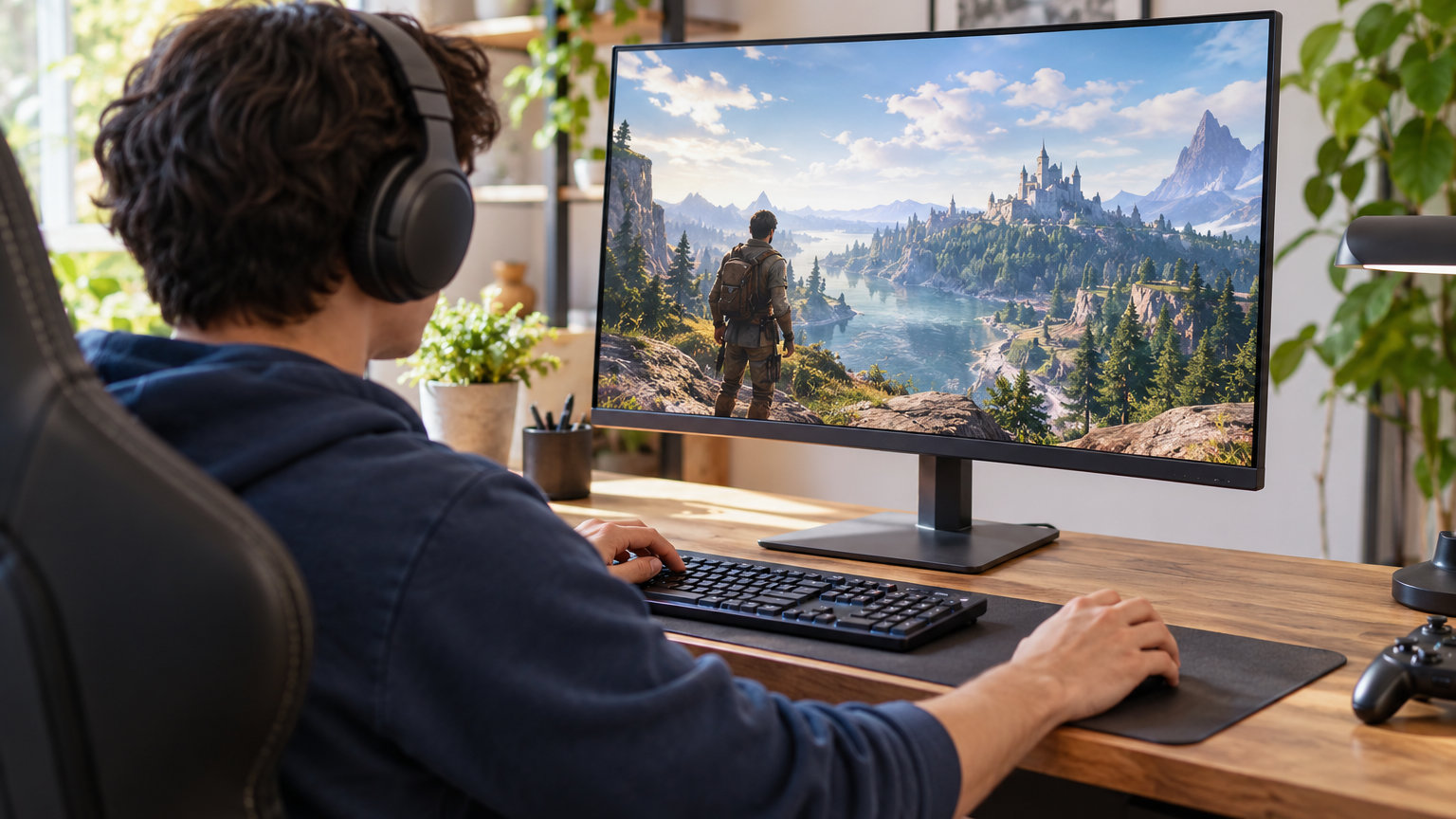
The Sceptre C248W sits at the top of our list for one simple reason: it brings a curved 1080p panel and FreeSync to one of the lowest price points you’ll see on a real gaming monitor. For anyone who wants a no-fuss upgrade from an old office display, it’s the easiest pick to justify.
If your GPU can push more frames, the SANSUI 27 inch 200Hz is the sweet spot for 1440p gaming, and the SANSUI 32 inch 240Hz is the play for pure speed on a stretched budget. All ten picks below are worth watching as Amazon’s October Prime event kicks off on October 6-7, 2026.
Our Top 3 Picks for Gaming Monitor Deals for Prime Big Deal Days in 2026

Sceptre C248W
- Best for: tight budgets
- Panel: VA curved 1800R
- Size: 24 inch 1080p
- Refresh: 75Hz

SANSUI 27 inch 200Hz
- Best for: 1440p gaming
- Panel: VA curved 1500R
- Size: 27 inch 1440p
- Refresh: 200Hz

SANSUI 32 inch 240Hz
- Best for: high refresh gaming
- Panel: VA curved 1500R
- Size: 32 inch 1080p
- Refresh: 240Hz
Gaming Monitor Deals for Prime Big Deal Days Compared
| Product | Details | |
|---|---|---|
| Sceptre C248W |
|
Check Deal Price |
| SANSUI 27 inch 200Hz |
|
Check Deal Price |
| SANSUI 32 inch 240Hz |
|
Check Deal Price |
 Samsung S36GD Samsung S36GD |
|
Check Deal Price |
 SANSUI 32 inch 1440p 180Hz SANSUI 32 inch 1440p 180Hz |
|
Check Deal Price |
 Acer KB272 G0bi Acer KB272 G0bi |
|
Check Deal Price |
 Samsung Odyssey G55C Samsung Odyssey G55C |
|
Check Deal Price |
 Samsung Odyssey G3 Samsung Odyssey G3 |
|
Check Deal Price |
 Acer Nitro XV271U Acer Nitro XV271U |
|
Check Deal Price |
 Sceptre E275B-FPT165 Sceptre E275B-FPT165 |
|
Check Deal Price |
How We Chose
Specs that matter for gaming monitors (panel type, resolution, refresh rate, response time, adaptive sync, and connectivity) were weighed against owner reviews and current Amazon ratings to surface picks worth watching during the sale. Data was checked in October 2026 from each product listing.
1. Sceptre C248W: Editor’s Choice for Tight Budgets
Sceptre Curved 24-inch Gaming Monitor 1080p R1500 98% sRGB HDMI x2 VGA Build-in Speakers, VESA Wall Mount Machine Black (C248W-1920RN Series)
Panel: VA curved 1800R
Size: 24 inch 1080p
Refresh: 75Hz
Response: 1ms
Sync: FreeSync
+ Pros
- Curved 1800R panel adds real immersion for the price
- 98 percent sRGB coverage for everyday color accuracy
- Two HDMI ports plus a VGA input for older devices
- Adaptive Sync keeps light gaming tear-free
- Cons
- 75Hz refresh rate is basic for fast competitive play
- Built-in speakers are functional but not impressive
- Tilt-only stand with no height or swivel
The Sceptre C248W leans into the basics and nails them. The 1800R curve wraps around your field of view enough to feel noticeably different from a flat panel, and the 98 percent sRGB coverage gives games and movies cleaner color than basic TN screens. Owners upgrading from a 60Hz office display report the curve alone makes the jump worthwhile for casual play.
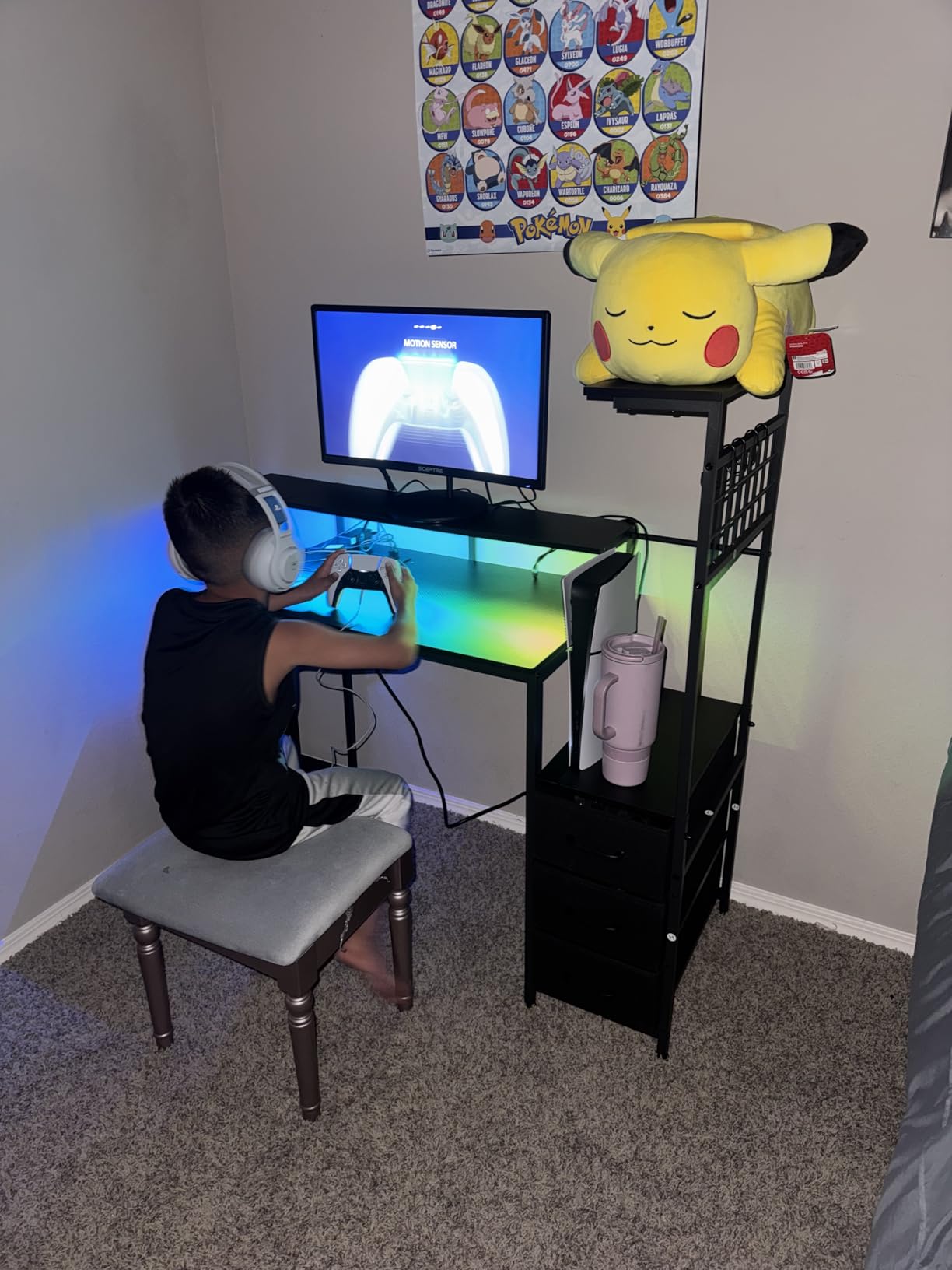
Against the Acer KB272 G0bi further down the list, the Sceptre gives you a curved VA panel instead of a flat IPS one, but the Acer pulls ahead on refresh rate (120Hz versus 75Hz). For slower-paced games, single-player RPGs, and everyday use, the curve on the Sceptre is the more fun trade.
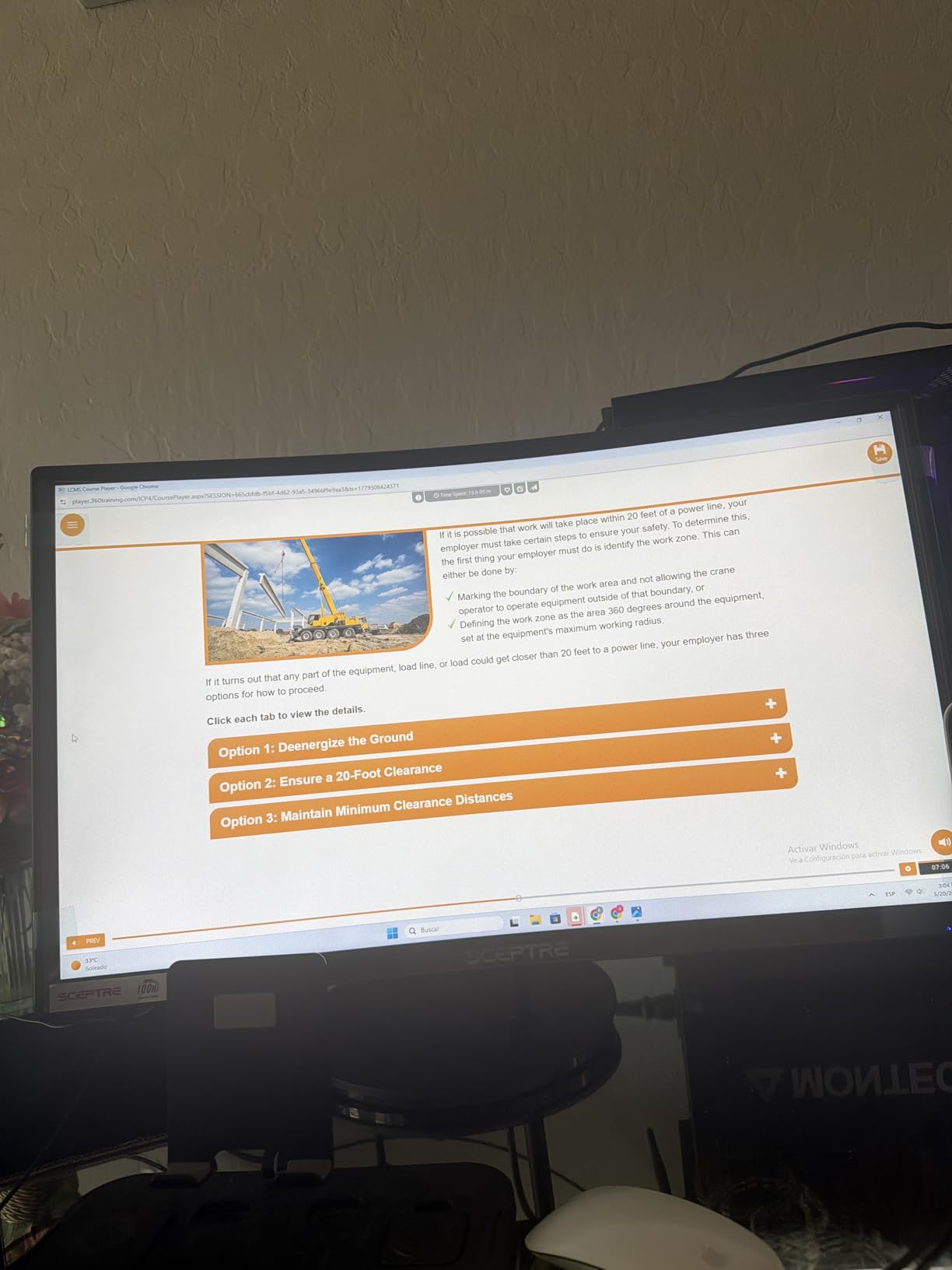
Why it works as the top pick: with over 22,000 owner reviews backing a 4.6 rating, the C248W is one of the most proven budget gaming monitors on Amazon. Two HDMI ports, a VGA input for older devices, and built-in speakers cover the basics without forcing extras onto the price tag.
The stand only tilts, so plan on a VESA arm if you want height or swivel. Competitive Valorant or CS2 players should look at the Sceptre E275B-FPT165 instead, which runs at 180Hz on a flat IPS panel.
2. SANSUI 27 inch 200Hz: Best Value at 1440p
SANSUI 27 Inch WQHD 2560X1440 Curved Gaming Monitor 200Hz MPRT 1ms
Panel: VA curved 1500R
Size: 27 inch 1440p
Refresh: 200Hz
Response: 1ms MPRT
Sync: FreeSync
+ Pros
- 200Hz refresh rate is unusually high in this price band
- 1440p resolution gives noticeably sharper text and game detail
- 90 percent DCI-P3 and 120 percent sRGB color coverage
- 1500R curve plus FreeSync for smooth single-player sessions
- Cons
- No built-in speakers
- VA panel means narrower viewing angles than IPS
The SANSUI 27 inch pairs a 2560×1440 panel with a 200Hz refresh rate over DisplayPort 1.4, which is the kind of spec sheet you’d expect from a more expensive display. Owners say the curve feels right at 27 inches, and the color coverage holds up well after a few picture tweaks.
- 200Hz refresh at this price band is unusual
- 1440p sharpness is a real jump over 1080p at 27 inches
- 90 percent DCI-P3 color gives games more punch than budget sRGB panels
Against the Acer Nitro XV271U on this list, the SANSUI trades a flat IPS panel for higher raw refresh (200Hz versus 180Hz) and a lower price. The Acer gives you a fully adjustable stand and wider viewing angles for desk work.
Worth flagging: HDMI 2.0 tops out at 144Hz on this panel, so use the included DisplayPort cable to reach the full 200Hz. There’s no built-in speaker, and VA viewing angles are tighter than IPS if you ever look at the screen from a sharp side angle.
3. SANSUI 32 inch 240Hz: Most Versatile for Speed
SANSUI 32 Inch Curved 240Hz Gaming Monitor High Refresh Rate, FHD 1080P
Panel: VA curved 1500R
Size: 32 inch 1080p
Refresh: 240Hz
Response: 1ms MPRT
Sync: FreeSync
+ Pros
- 240Hz refresh rate at a budget price
- 1ms MPRT response for clean motion
- 125 percent sRGB color gamut with HDR support
- Anti-flicker and low blue light for long sessions
- Cons
- 1080p on 32 inches looks softer than 1440p at the same size
- Only one HDMI port
- No built-in speakers
240Hz is the headline number here, and at this size and price, it’s rare. Owners running shooters at high frame rates say the jump from 144Hz to 240Hz is noticeable on fast flicks, and FreeSync keeps things clean when the GPU isn’t perfectly hitting the ceiling.
What you give up for the speed is pixel density. 1080p stretched across 32 inches shows its pixels when you sit close, which is the trade every budget 240Hz 32 inch panel asks for. A viewing distance around 30 inches makes the trade feel fair.
Against the Samsung Odyssey G55C further down the list, this SANSUI is faster (240Hz versus 165Hz) and easier on the wallet, but the G55C adds 1440p resolution and a tighter 1000R curve. Pure speed is the SANSUI’s lane; cinematic depth is the G55C’s.
4. Samsung S36GD: Best for All-Day Use
Samsung 27″ Essential S3 (S36GD) Series FHD 1800R Curved Computer Monitor
Panel: VA curved 1800R
Size: 27 inch 1080p
Refresh: 100Hz
Response: 4ms
Sync: G-Sync Compatible
+ Pros
- 1800R curve wraps around the field of view nicely
- TUV-certified eye comfort with low blue light and flicker-free
- G-Sync Compatible works with most NVIDIA cards
- Samsung build quality and warranty support
- Cons
- Only one HDMI port
- 4ms response time slower than dedicated gaming panels
- D-Sub VGA input feels dated
The S36GD leans toward balance. The 100Hz refresh rate is faster than a standard 60Hz office monitor without pushing into eSports territory, and the TUV eye comfort certification is the kind of detail that matters on long days. Owners who use it for both spreadsheets and gaming say the picture stays comfortable after hours of use.
G-Sync Compatible on the spec sheet covers most NVIDIA cards from the last several generations, which removes a layer of “will this work with my GPU” worry. The 4ms response is slower than the dedicated gaming panels on this list, but for mixed use it’s a fair exchange for the curve and the eye comfort suite.
Set against the Acer KB272 G0bi further down, the Samsung gives up raw speed (100Hz versus 120Hz) and a flat IPS panel for the 1800R curve and Samsung’s brand support. Players chasing competitive frame times should look at the Sceptre E275B-FPT165 or one of the 240Hz picks instead.
5. SANSUI 32 inch 1440p 180Hz: Best Big-Screen 1440p
SANSUI 32-Inch Curved Gaming Monitor WQHD 2560 x 1440 180Hz Curved 1500R
Panel: VA curved 1500R
Size: 32 inch 1440p
Refresh: 180Hz
Response: 1ms OD
Sync: FreeSync
+ Pros
- 1440p resolution keeps text and game detail sharp at 32 inches
- 180Hz refresh hits the sweet spot for fast-paced play
- 125 percent sRGB and 95 percent DCI-P3 color coverage
- Two HDMI and two DisplayPort inputs
- Cons
- VA panel viewing angles are tighter than IPS
- No built-in speakers
- VA contrast varies between units
This is the 32-inch panel that doesn’t make you choose between size and resolution. Owners running RPGs and adventure games say the extra pixel density keeps menus readable and the curve adds depth without being aggressive. The 180Hz refresh rate is faster than most 1440p panels at this size, which is a quiet bonus.
The 1500R curve here is calmer than the Odyssey G55C’s tighter 1000R, which makes this SANSUI more forgiving for spreadsheets and side-by-side browser tabs. Two HDMI and two DisplayPort inputs cover multi-device setups, and the 125 percent sRGB plus 95 percent DCI-P3 coverage gives games more vibrancy than standard sRGB panels.
Practical notes from owners: HDMI ports top out at 144Hz on this panel, so plan to use the DisplayPort cable for the full 180Hz. There are no built-in speakers, and VA contrast can vary slightly between units, so a quick picture calibration on first use is worth the ten minutes.
6. Acer KB272 G0bi: Best Entry-Level IPS
Acer 27in FHD 1920×1080 IPS 120Hz Gaming Monitor | Office KB272 G0bi
Panel: IPS flat
Size: 27 inch 1080p
Refresh: 120Hz
Response: 1ms VRB
Sync: FreeSync
+ Pros
- IPS panel with wide viewing angles and clean colors
- 120Hz refresh is a real upgrade over 60Hz
- 1ms VRB response time for less motion blur
- 3-year warranty included
- Cons
- 1080p on 27 inch is softer than 1440p
- Single HDMI port
- No height adjustment on the stand
The KB272 G0bi is a low-priced flat IPS panel that still hits 120Hz, and the 3-year warranty is a genuine differentiator at this tier. Owners say the colors look noticeably better than VA at the same price, and the monitor handles a PS5 or Xbox Series X over HDMI without any fuss.
What you trade for the low entry price: a single HDMI port, no height adjustment on the stand, and 1080p sharpness that starts to show its limits on a 27 inch screen. A VESA arm is the easy fix for the stand.
The 3-year warranty is the quiet differentiator here, longer than most budget gaming panels. For a first gaming monitor or a kid’s first PC build, that kind of coverage matters more than the 60Hz to 120Hz step up feels on day one.
7. Samsung Odyssey G55C: Best Immersive Curved
Samsung 32″ Odyssey (G55C) Series QHD 1000R Curved Gaming Monitor,
Panel: VA curved 1000R
Size: 32 inch 1440p
Refresh: 165Hz
Response: 1ms
Sync: FreeSync HDR10
+ Pros
- 1000R curve fills peripheral vision in racing and flight sims
- 1440p resolution keeps the picture sharp at 32 inches
- 165Hz refresh with HDR10 support
- FreeSync reduces tearing across the curve
- Cons
- Only one HDMI port
- Glossy screen finish catches reflections
- 1000R curve can feel too tight for productivity
The G55C’s 1000R curve is the tightest on this list, and it’s a noticeable difference from a 1500R panel. Owners who play a lot of Forza, Gran Turismo, or Microsoft Flight Simulator say the curve genuinely fills peripheral vision and adds depth. Outside of those genres, the curve can feel aggressive for spreadsheets and web browsing.
HDR10 support on this panel is a nice bonus rather than a transformative feature at this price tier, but it does help reveal detail in darker game scenes. The 2500:1 contrast ratio from the VA panel gives games that “OLED-like” depth in dim rooms, even without the OLED price.
The glossy screen finish catches some reflections, and the single HDMI port can feel limiting if you swap between a PC and a console. The 11.5 pound weight is also on the heavier side for a 32 inch panel, so make sure the desk can handle the load.
8. Samsung Odyssey G3: Best for Multi-Monitor Setups
Samsung 27″ Odyssey G3 (G30D) Series FHD Gaming Monitor
Panel: VA flat
Size: 27 inch 1080p
Refresh: 180Hz
Response: 1ms
Sync: FreeSync
+ Pros
- 180Hz refresh rate on a flat panel
- Black Equalizer reveals enemies in dark scenes
- 3-sided borderless design lines up cleanly across two or three monitors
- Fully ergonomic stand with height and pivot
- Cons
- 1080p resolution less sharp than 1440p
- Glossy screen catches some reflections
- Only one HDMI and one DisplayPort
The G3 is built for tiling. The 3-sided borderless design lines up nearly seamlessly across two or three displays, and the ergonomic stand gives full height and pivot adjustment so each panel sits correctly. Owners running triple-monitor racing rigs say it lines up cleanly without the chunky bezels that break immersion.
Black Equalizer and Virtual Aim Point are two Samsung-specific extras that competitive players notice in actual use. Black Equalizer brightens dark corners without washing out the rest of the image, and the crosshair overlay is the kind of detail that helps in shooters that don’t ship with one.
The fully adjustable stand is a small detail that pays off over years. Height, tilt, swivel, and pivot let you set the panel to the right angle whether you’re seated upright for a long raid or leaning back for a story cutscene. Owners who use a sit-stand desk appreciate the 4.7 inch height range.
9. Acer Nitro XV271U: Best 1440p with Ergonomics
Acer Nitro 27in QHD 2560×1440 IPS 180Hz Gaming Monitor XV271U M3bmiiprx
Panel: IPS flat
Size: 27 inch 1440p
Refresh: 180Hz
Response: 1ms GtG
Sync: FreeSync Premium
+ Pros
- 1440p IPS panel with accurate colors and wide viewing angles
- 180Hz refresh over DisplayPort with FreeSync Premium
- Fully ergonomic stand with swivel and pivot
- 3-year manufacturer warranty
- Cons
- Built-in speakers are basic
- 250 nits brightness is modest in bright rooms
- IPS contrast ratio is lower than VA
The Nitro XV271U is the rare 1440p panel in this list with a fully adjustable stand: height, tilt, swivel, and pivot. Owners who use it as a work monitor during the day say the IPS colors hold up for photo editing, and 180Hz at 1440p is plenty fast for evening gaming. The 3-year warranty is a quiet win at this price.
FreeSync Premium is the official spec, which adds the low-frame-rate compensation (LFC) feature that keeps tear-free performance when frame rates dip below the monitor’s variable refresh range. Two HDMI 2.0 ports and one DisplayPort 1.2 cover most multi-device setups, and 250 nits of brightness is enough for most indoor rooms.
Where the panel gives ground: the 1000:1 IPS contrast ratio is the lowest on this list, so dark-room movie watching favors the VA panels instead. For productivity and color work, the IPS panel is the more honest choice.
10. Sceptre E275B-FPT165: Best Budget IPS
Sceptre 27-inch FHD 1080p IPS Gaming LED Monitor up to 165Hz 144Hz 1ms DisplayPort HDMI, FreeSync FPS RTS Build-in Speakers Gunmetal Black 2022 (E275B-FPT165)
Panel: IPS flat
Size: 27 inch 1080p
Refresh: 180Hz
Response: 1ms BR
Sync: FreeSync
+ Pros
- 180Hz refresh rate at a budget IPS price
- Three HDMI ports for console plus PC plus laptop
- 99 percent sRGB color coverage
- Blue Light Shift for late-night sessions
- Cons
- 170 degree viewing angle is narrower than most IPS panels
- Built-in speakers are basic
- IPS glow varies between samples
The E275B-FPT165 is one of the more affordable 180Hz IPS picks on this list, and the three HDMI ports are unusually generous. Owners say the colors look clean for the price and the blue light shift helps during long sessions. The 180Hz refresh is a real upgrade over the 75Hz and 120Hz panels in the same bracket.
Three HDMI ports is the standout feature for households that run a PC, a console, and a streaming stick through the same panel. Custom FPS and RTS picture modes are mapped to a button on the bezel, which is the kind of small touch competitive players notice during a long session.
The 170 degree viewing angle is the tightest on this list, so it’s worth checking your typical seated position. IPS glow varies between samples, which is normal at this tier but worth flagging if you watch a lot of dark scenes.
How to Choose Gaming Monitors During Prime Big Deal Days
Panel Type and Resolution (1080p vs 1440p vs 4K)
IPS panels give you the widest viewing angles and cleanest colors, which matters when you game and work on the same screen. VA panels deliver deeper blacks and higher contrast, which is great for immersive single-player games. For resolution, 1080p is fine at 24 to 27 inches if your GPU is in the mid range, while 1440p is the sweet spot for most modern gaming PCs at 27 inches or larger.
Refresh Rate and Response Time
Refresh rate is how many frames per second a monitor can show. 144Hz is the modern baseline and a real step up from 60Hz. 165Hz and 180Hz add a small bump for fast-paced play. 240Hz is the eSports tier. Response time under 5ms is standard; 1ms panels are the cleanest for fast motion.
Adaptive Sync (G-Sync and FreeSync)
Adaptive sync eliminates screen tearing by matching the monitor’s refresh to the GPU’s output. FreeSync works with AMD Radeon cards and most newer NVIDIA GeForce cards. G-Sync Compatible is the NVIDIA-tested version of FreeSync. If you have an NVIDIA card, look for G-Sync Compatible in the listing.
Screen Size and Curvature
24 inch fits a small desk and competitive shooters. 27 inch is the everyday sweet spot for both work and games. 32 inch gives you breathing room for immersive genres and sims. Curved panels (1500R or 1000R) add depth but feel aggressive for productivity, so think about how you’ll use the screen beyond gaming.
HDR, Color, and Console Compatibility
HDR10 support on gaming monitors in this price range is a nice bonus, not a transformative feature. Wide color gamut (90 percent DCI-P3 or higher) matters more for game vibrancy. Both PS5 and Xbox Series X output 120Hz over HDMI 2.0 at 1080p and 1440p, so most 1440p 144Hz plus picks on this list work well with consoles.
How to Shop Gaming Monitor Deals During the Sale
Before you check out, confirm the model number on the listing matches the panel generation you want. Some lines refresh yearly with small spec bumps but keep the same name. Check who sells and ships the monitor; Amazon-fulfilled listings tend to arrive faster. Most offers during the sale require a Prime membership, though a free trial works. Prices shift through the event, so check more than once if your top pick doesn’t move on day one.
Quick checklist before you buy:
- Panel type matches your games (IPS for work and color, VA for immersion)
- Refresh rate at 144Hz or higher for a real upgrade from 60Hz
- Adaptive sync compatible with your GPU (FreeSync for AMD, G-Sync Compatible for NVIDIA)
- Resolution and size fit your desk (27 inch 1440p is the most versatile)
- Stand has the adjustment you need, or plan for a VESA arm
- Warranty length matches how long you plan to keep it
Frequently Asked Questions
When does Prime Big Deal Days 2026 run?
Prime Big Deal Days 2026 runs October 6-7, 2026. The October Prime event is Amazon’s second major sale of the year, focused on tech, gaming, and home goods. Most offers require a Prime membership.
Do I need a Prime membership to get these gaming monitor deals?
Most gaming monitor deals during Prime Big Deal Days require an active Prime membership. A free 30-day trial works if you have not been a member recently, so you can sign up just before the event to access the offers.
What size gaming monitor is best for a small desk?
A 24 or 27 inch monitor is the best fit for a small desk. 24 inch leaves room for a keyboard and mouse at typical viewing distances, while 27 inch gives more screen space if your desk depth is at least 24 inches. Larger 32 inch panels need a deeper desk to avoid sitting too close.
Is 1440p or 4K better for gaming?
1440p is the better choice for most gamers in 2026. It gives a noticeable sharpness boost over 1080p without demanding the GPU power that 4K requires. 4K gaming only makes sense if you have a high-end GPU and value maximum detail over frame rate.
Are gaming monitor deals during Prime Big Deal Days worth it?
Gaming monitor deals during Prime Big Deal Days are usually worth watching. October is one of the best months to buy a monitor because brands refresh their lines and older models see price drops. Comparing against the all-time low on a price tracker helps confirm the offer is a real improvement.
What refresh rate should I look for in a gaming monitor?
144Hz is the modern baseline for gaming monitors and a real upgrade over 60Hz. 165Hz to 180Hz is the sweet spot for most players. 240Hz and higher is only worth it for competitive FPS players where every frame matters.
Final Verdict: Gaming Monitor Deals for Prime Big Deal Days
Buy the Sceptre C248W if you want an entry-level curved gaming panel and don’t need top-tier speed. Buy the SANSUI 27 inch 200Hz if you want the strongest 1440p value on the list. Buy the SANSUI 32 inch 240Hz if you want pure speed on a big screen. Buy the Acer Nitro XV271U if you want 1440p with a fully adjustable stand for work and play.
For racing and flight sims, the Samsung Odyssey G55C is the most immersive pick. For multi-monitor arrays, the Samsung Odyssey G3 lines up the cleanest. For an all-day work-and-play monitor, the Samsung S36GD is the easy one to live with. Watch all ten during the sale and pick the one that matches how you actually game.