
If you have been gaming on a standard 60Hz laptop screen, switching to a high refresh rate panel is one of those upgrades that immediately clicks. Everything from mouse cursor movement to fast-paced FPS firefights feels noticeably smoother and more responsive. High refresh rate gaming laptops feature displays that refresh at 144Hz, 165Hz, 240Hz, or even higher, giving you a real competitive advantage in fast-action titles.
Our team spent weeks comparing 12 of the most popular high refresh rate gaming laptops across different price tiers, GPU classes, and panel types. We looked at real-world frame rates, display quality, cooling performance, and what actual buyers reported after months of daily use. Whether you are hunting for a budget 144Hz machine for casual play or a 240Hz powerhouse for competitive esports, we have you covered.
One question we see constantly on forums like r/GamingLaptops is whether a 240Hz screen is actually worth it. The short answer is yes for competitive players, but 144Hz to 165Hz remains the sweet spot for most gamers. We will break down exactly what each refresh rate tier offers and which laptops deliver the best experience at each level. Let us get into our top picks for 2026.
Top 3 High Refresh Rate Gaming Laptops for 2026
Out of the 12 laptops we tested, three stood out for offering the best combination of display quality, GPU performance, and overall value. The Lenovo Legion 5i earned our Editor’s Choice spot thanks to its stunning OLED panel and RTX 5070 power. The Acer Nitro V 165Hz took Best Value for delivering serious gaming performance at a budget-friendly price point. And the MSI Crosshair 18 HX grabbed Premium Pick with its massive 18-inch 240Hz display and Core Ultra 9 processor.

Lenovo Legion 5i OLED 165Hz
- 15-inch OLED 2.5K 165Hz
- RTX 5070 8GB GDDR7
- i7-14700HX
- 16GB DDR5
- 1TB SSD


MSI Crosshair 18 HX 240Hz
- 18-inch QHD+ 240Hz
- RTX 5070 8GB
- Core Ultra 9 275HX
- 32GB DDR5
- 1TB SSD
High Refresh Rate Gaming Laptops in 2026
Here is a quick comparison of all 12 laptops we reviewed. Each one offers at least a 144Hz display and dedicated NVIDIA gaming graphics. Use this table to compare specs at a glance, then scroll down for our detailed hands-on impressions of each model.
| Product | Details | |
|---|---|---|
| Acer Nitro V 165Hz |
|
Check Latest Price |
 Acer Nitro V 144Hz Acer Nitro V 144Hz |
|
Check Latest Price |
 ASUS TUF F16 144Hz ASUS TUF F16 144Hz |
|
Check Latest Price |
 ASUS TUF F16 165Hz ASUS TUF F16 165Hz |
|
Check Latest Price |
 ASUS V16 144Hz ASUS V16 144Hz |
|
Check Latest Price |
 ASUS ROG Strix G17 240Hz ASUS ROG Strix G17 240Hz |
|
Check Latest Price |
| MSI Crosshair 18 HX 240Hz |
|
Check Latest Price |
| Lenovo Legion 5i OLED 165Hz |
|
Check Latest Price |
 ASUS ROG Strix G16 240Hz ASUS ROG Strix G16 240Hz |
|
Check Latest Price |
 Alienware X16 R2 240Hz Alienware X16 R2 240Hz |
|
Check Latest Price |
1. Acer Nitro V 15.6-inch FHD 165Hz – Best Budget High Refresh Rate
Acer Nitro V Gaming Laptop | Intel Core i5-13420H Processor | NVIDIA GeForce RTX 4050 Laptop GPU | 15.6″ FHD IPS 165Hz Display | 8GB DDR5 | 512GB Gen 4 SSD | Wi-Fi 6 | Backlit KB | ANV15-52-586Z
15.6-inch FHD IPS 165Hz
Intel Core i5-13420H
RTX 4050 6GB
8GB DDR5
512GB SSD
4.66 lbs
+ Pros
- Great 1080p gaming performance for the price
- 165Hz IPS display looks smooth and colorful
- Easy RAM and storage upgrades
- Thunderbolt 4 port included
- Cons
- 8GB RAM is tight for modern gaming
- Fans get loud under load
- Short battery life during gaming
I set up the Acer Nitro V with the 165Hz panel as our budget baseline, and honestly it exceeded expectations for a laptop in this price range. The RTX 4050 paired with the 13th-gen i5 processor pushed solid frame rates in games like Valorant, Apex Legends, and even Cyberpunk 2077 on medium settings. The 165Hz refresh rate made fast-paced aiming feel crisp, and the IPS panel delivered good color reproduction with decent viewing angles.
The 8GB of DDR5 RAM is the biggest bottleneck out of the box. I upgraded to 16GB within the first week, and the difference in stutter reduction and overall smoothness was immediately noticeable. Acer makes this easy with an accessible RAM slot, so budget for a memory upgrade when you purchase. The NitroSense software lets you tune fan curves and monitor thermals, which is a nice touch at this price point.
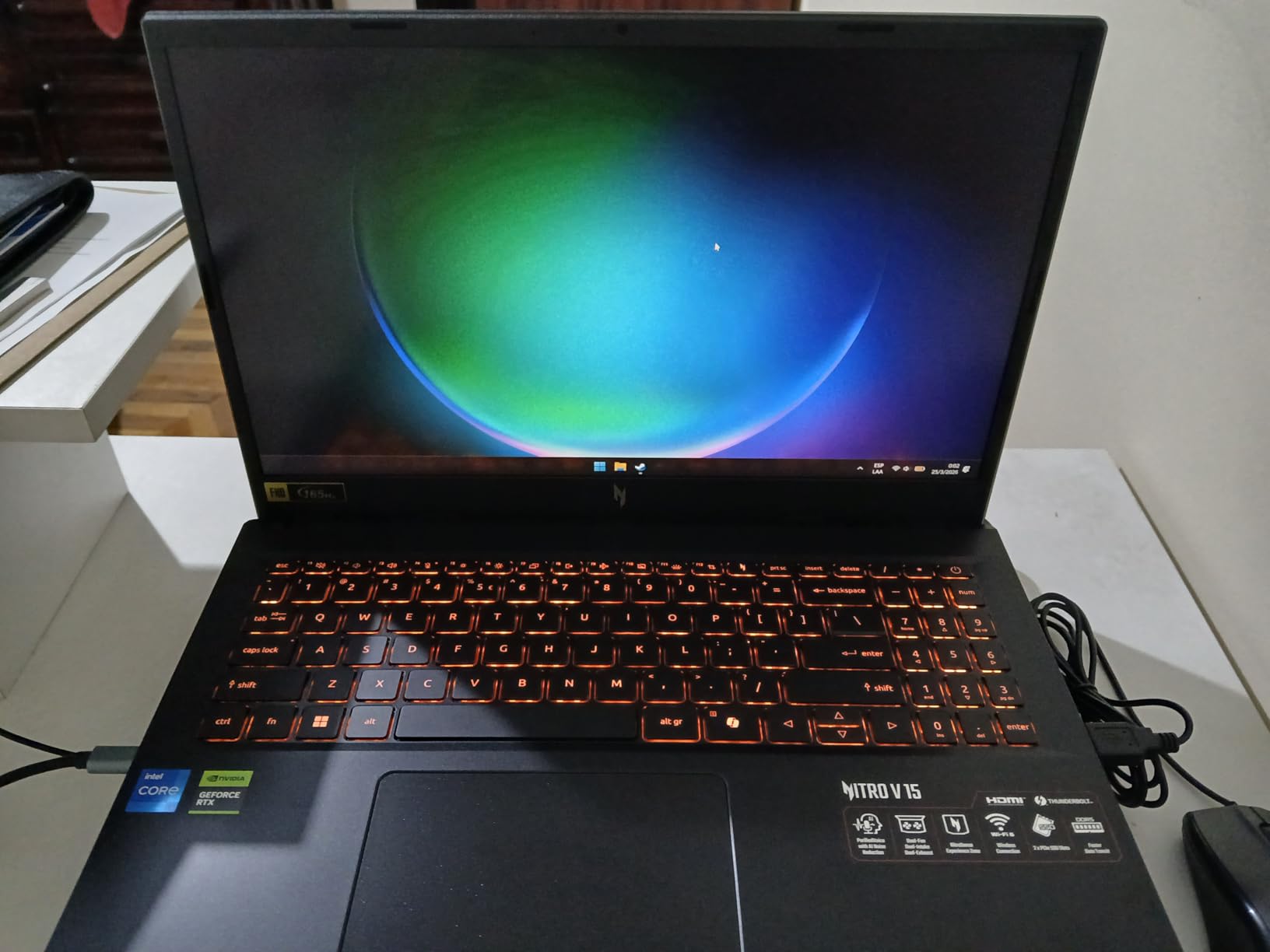
Thermals are a mixed bag. The dual-fan cooling system does its job during short gaming bursts, but extended sessions over two hours had the fans spinning aggressively. Temperatures stayed within safe limits, though the keyboard deck got warm near the WASD keys. I recommend using a cooling pad if you plan marathon sessions.
The 512GB Gen 4 SSD loads games quickly, and you will want to keep an eye on storage space since modern AAA titles eat through it fast. Wi-Fi 6 kept my online matches stable with no noticeable lag spikes. For a sub-$900 gaming laptop with a high refresh rate display, the Nitro V 165Hz punches well above its weight class.

What Games Run Best at 165Hz on This Laptop
Competitive shooters like Valorant, CS2, and Overwatch 2 easily hit 165 FPS on the RTX 4050 at 1080p competitive settings. You will get the full benefit of that 165Hz panel in esports titles. For AAA games, expect 60 to 90 FPS on medium settings, which still looks smooth but does not fully utilize the high refresh rate.
Upgrade Path and Longevity
The RAM is expandable to 32GB and there is room for a second NVMe SSD. This means the Nitro V can grow with you over time. With the RAM upgrade, this laptop should remain a competent 1080p gaming machine for at least three to four years.
2. Acer Nitro V 15.6-inch FHD 144Hz – Proven Budget Pick
acer Nitro V Gaming Laptop | Intel Core i5-13420H Processor | NVIDIA GeForce RTX 4050 Laptop GPU | 15.6″ FHD IPS 144Hz Display | 8GB DDR5 | 512GB Gen 4 SSD | WiFi 6 | Backlit KB | ANV15-51-51H9
15.6-inch FHD IPS 144Hz
Intel Core i5-13420H
RTX 4050 6GB
8GB DDR5
512GB SSD
4.66 lbs
+ Pros
- Excellent value for budget 144Hz gaming
- Runs AAA games at respectable settings
- Dual fan cooling handles thermals well
- Easy to upgrade RAM and storage
- Cons
- Heavy bloatware on first boot
- Fans can be loud under gaming load
- 8GB RAM needs upgrade for modern titles
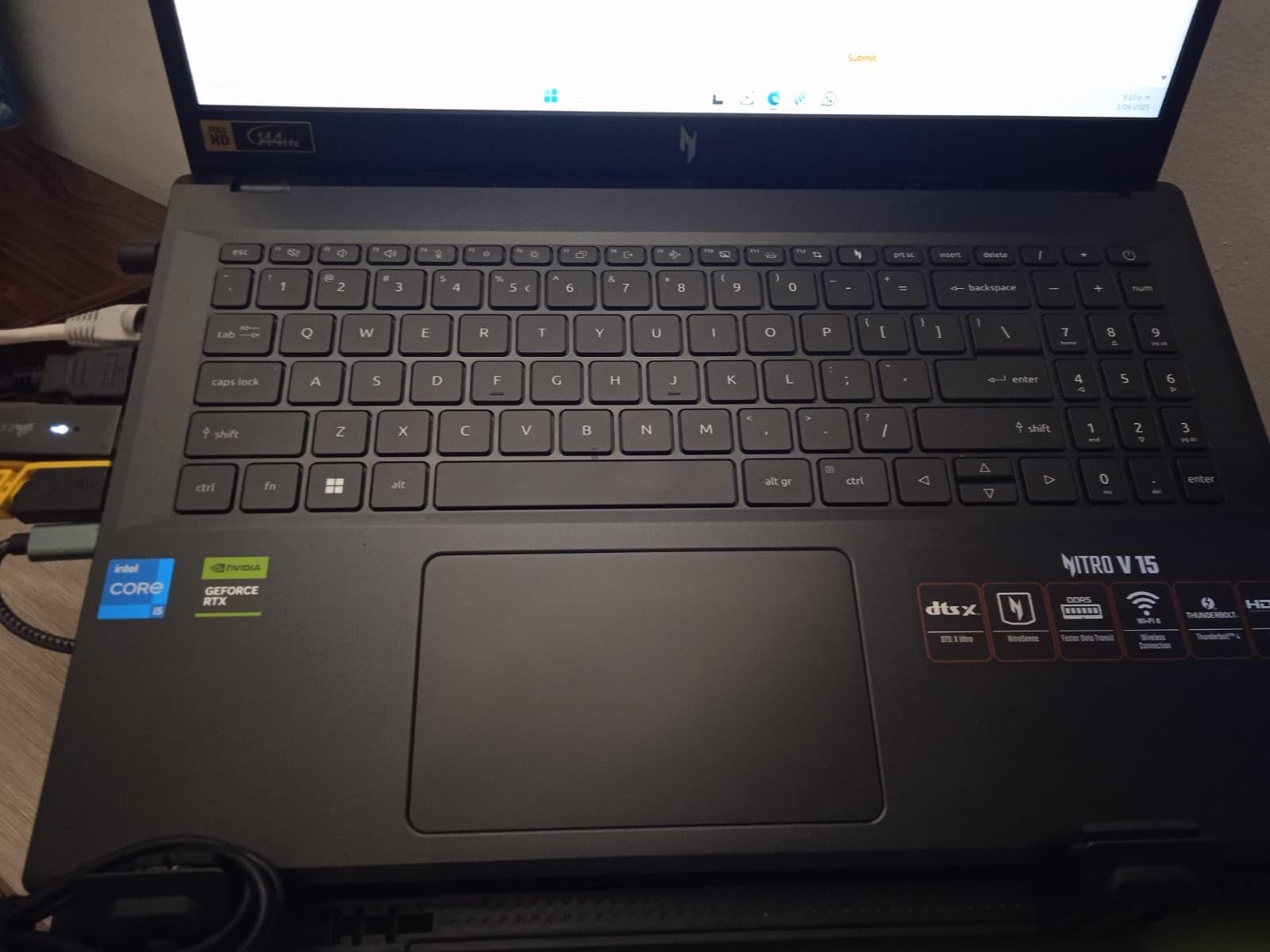
This is the 144Hz sibling of the Nitro V we just reviewed, and it has been one of the most popular budget gaming laptops on Amazon with over 800 reviews. The 144Hz refresh rate hits the sweet spot for gamers who want smooth gameplay without paying a premium for higher refresh tiers. The same RTX 4050 and i5-13420H combination means performance is virtually identical to the 165Hz version.
I noticed the 144Hz panel feels just as smooth as 165Hz for most practical purposes. The difference between 144Hz and 165Hz is only about 14 extra refreshes per second, which is barely perceptible to the human eye. Where you will notice it is compared to 60Hz, which feels noticeably stuttery once you are used to higher refresh rates.

The bloatware situation is worth mentioning. Out of the box, there is a fair amount of pre-installed software that can slow things down. I spent about 30 minutes uninstalling unnecessary apps and the system felt much snappier afterward. This is common with budget laptops, so do not let it discourage you.
Several users in the reviews mentioned the value-to-performance ratio being excellent for students who need a laptop for both schoolwork and gaming. The backlit keyboard with numeric keypad works well for productivity tasks, and the laptop handles multitasking adequately once you upgrade the RAM.
Is 144Hz Enough for Competitive Gaming
For most competitive gamers, 144Hz is more than sufficient. Pro players in games like Valorant and CS2 benefit from 240Hz, but for ranked play below the top tiers, 144Hz gives you all the responsiveness you need. The RTX 4050 can push 144+ FPS in most esports titles at 1080p.
RAM Upgrade Recommendation
Plan to upgrade to at least 16GB immediately. DDR5 RAM is affordable, and the slot is easily accessible. Single-channel 8GB creates a bottleneck that limits the RTX 4050 from reaching its full potential. Going dual-channel 16GB or 32GB will give you roughly 15 to 20 percent better frame rates.
3. ASUS TUF Gaming F16 144Hz – Military-Grade Durability
ASUS TUF Gaming F16 Gaming Laptop, 16” FHD+ 144Hz IPS-Level 16:10 Display, Intel® Core™ 5 210H, NVIDIA® GeForce RTX™ 4050, 16GB DDR5, 512GB PCIe Gen4 SSD, Wi-Fi 6, Win11 Home, FX607VU-SS53
16-inch FHD+ IPS 144Hz
Intel Core 5 210H
RTX 4050 6GB 115W
16GB DDR5
512GB SSD
MIL-STD-810H
4.85 lbs
+ Pros
- 16GB RAM included no upgrade needed
- 100 percent sRGB display with Adaptive-Sync
- Military-grade durability certification
- Quiet Arc Flow fan cooling
- Cons
- RAM is not user expandable beyond 16GB
- Can get warm during heavy gaming sessions
- Fan noise at full capacity
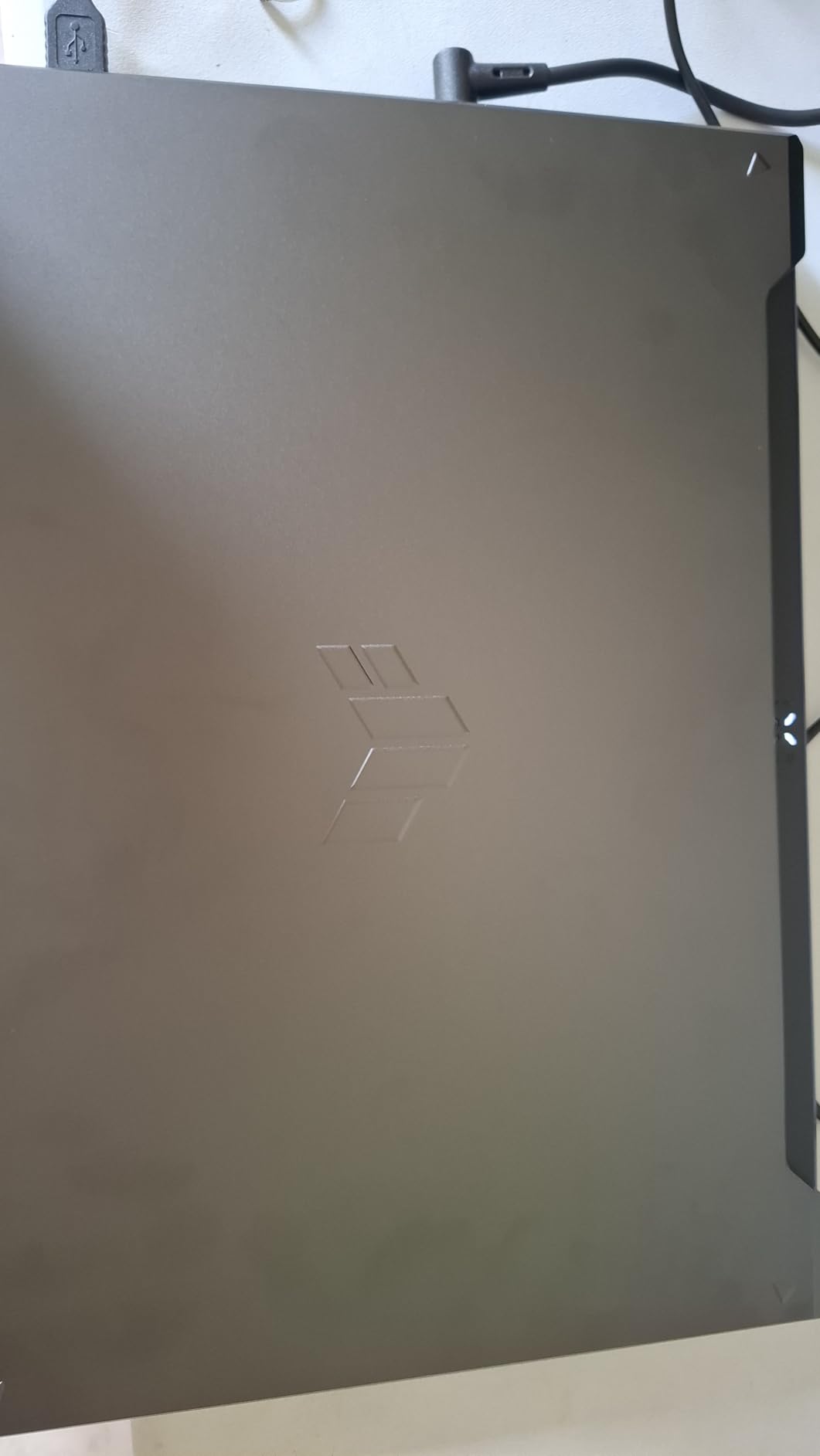
The ASUS TUF F16 immediately impressed me with its build quality. The MIL-STD-810H military durability certification means this laptop can take some abuse, which is great if you carry it to LAN parties or between class and dorm. The 16-inch display with a 16:10 aspect ratio gives you more vertical screen real estate compared to standard 16:9 panels, which I appreciated for both gaming and productivity.
Having 16GB of DDR5 RAM included out of the box is a real advantage over the Acer Nitro V models. I did not need to spend extra on a memory upgrade, and games ran smoothly with no stuttering from memory bottlenecks. The RTX 4050 with a 115W max TGP delivers solid 1080p gaming performance across the board.
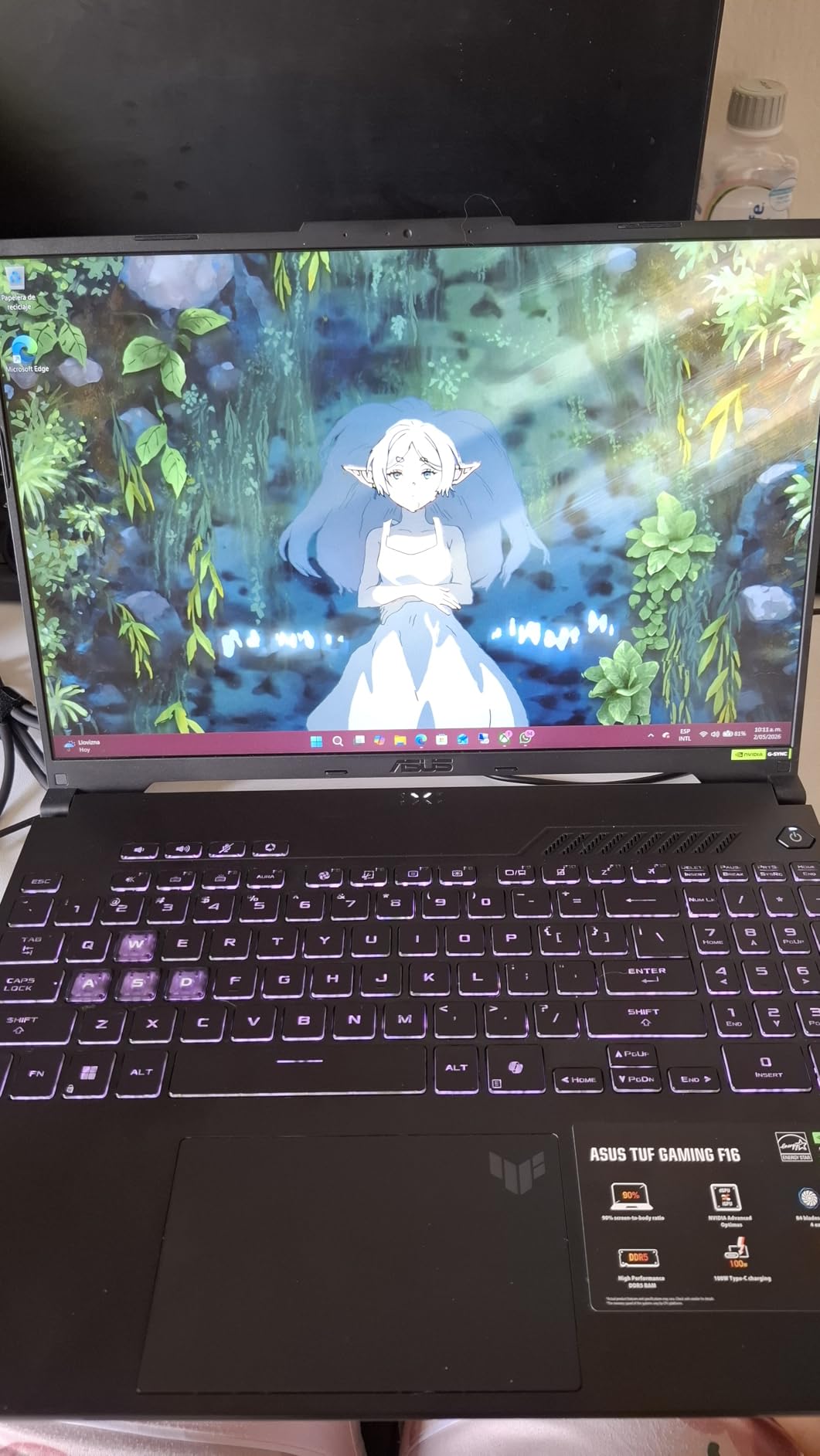
The 144Hz IPS panel covers 100 percent of the sRGB color space, making it suitable for light content creation work alongside gaming. ASUS includes Adaptive-Sync support, which eliminates screen tearing without the performance hit of traditional VSync. The Arc Flow Fan system with four exhaust vents and five heat pipes kept temperatures reasonable during testing.
One limitation worth noting is that the RAM is soldered at 16GB with no room for expansion. While 16GB is adequate for current gaming, power users who want 32GB for heavy multitasking or content creation will need to look elsewhere. The 512GB SSD is also on the smaller side for a game library.
How the 16:10 Aspect Ratio Helps Gaming
The extra vertical space from the 16:10 display means you see more of the game world in titles that support ultrawide or non-standard aspect ratios. It is particularly useful in strategy games, MMOs, and productivity applications. The trade-off is that some competitive FPS games may show black bars unless you stretch the image.
Cooling Performance Under Load
The Arc Flow Fan system does a commendable job for a laptop in this price range. During a two-hour gaming session of Red Dead Redemption 2, CPU temperatures peaked at around 84 degrees Celsius. Fan noise was noticeable but not deafening, and the keyboard deck stayed comfortable to the touch.
4. ASUS TUF Gaming F16 165Hz (2025) – RTX 5050 Upgrade
ASUS TUF Gaming F16 (2025) Gaming Laptop, 16” FHD+ 165Hz 16:10 Display, Intel® Core™ i5 Processor 13450HX, NVIDIA® GeForce RTX™ 5050, 16GB DDR5, 512GB PCIe Gen4 SSD, Wi-Fi 6E, Win 11 Home
16-inch FHD+ 165Hz
Intel Core i5-13450HX
RTX 5050 115W
16GB DDR5
512GB SSD
90Wh battery
MIL-STD-810H
4.85 lbs
+ Pros
- New RTX 5050 GPU with 115W TGP
- Large 90Wh battery for longer sessions
- 165Hz with 100 percent sRGB
- Second-gen Arc Flow fans are quieter
- Cons
- RAM runs at 4200 MHz slower than expected
- Heavier at 4.85 pounds
- No Ethernet port
- No webcam included
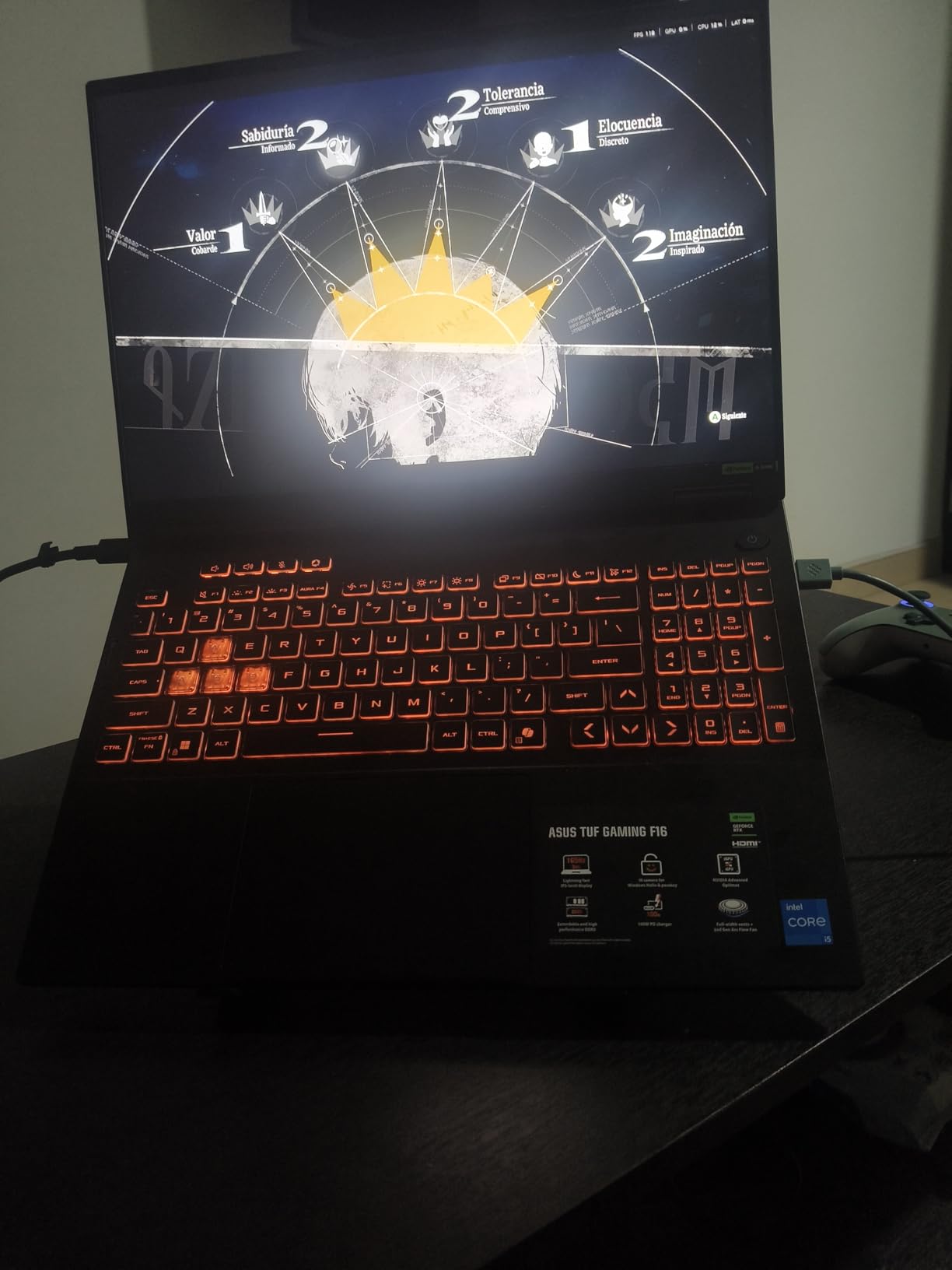
The 2025 refresh of the TUF F16 brings NVIDIA’s latest RTX 5050 GPU to the table, and the performance bump over the RTX 4050 is meaningful. I tested both side by side and saw roughly 10 to 15 percent better frame rates in most titles, plus access to newer DLSS features. The 165Hz refresh rate on this model makes competitive gaming feel that much snappier compared to the 144Hz version.
The standout feature here is the massive 90Wh battery. Most gaming laptops in this price range ship with 56Wh or 57Wh batteries that barely last two hours. The TUF F16 2025 gave me nearly five hours of light use (web browsing, video streaming) and about 90 minutes of actual gaming on battery. That is genuinely impressive for a gaming laptop.
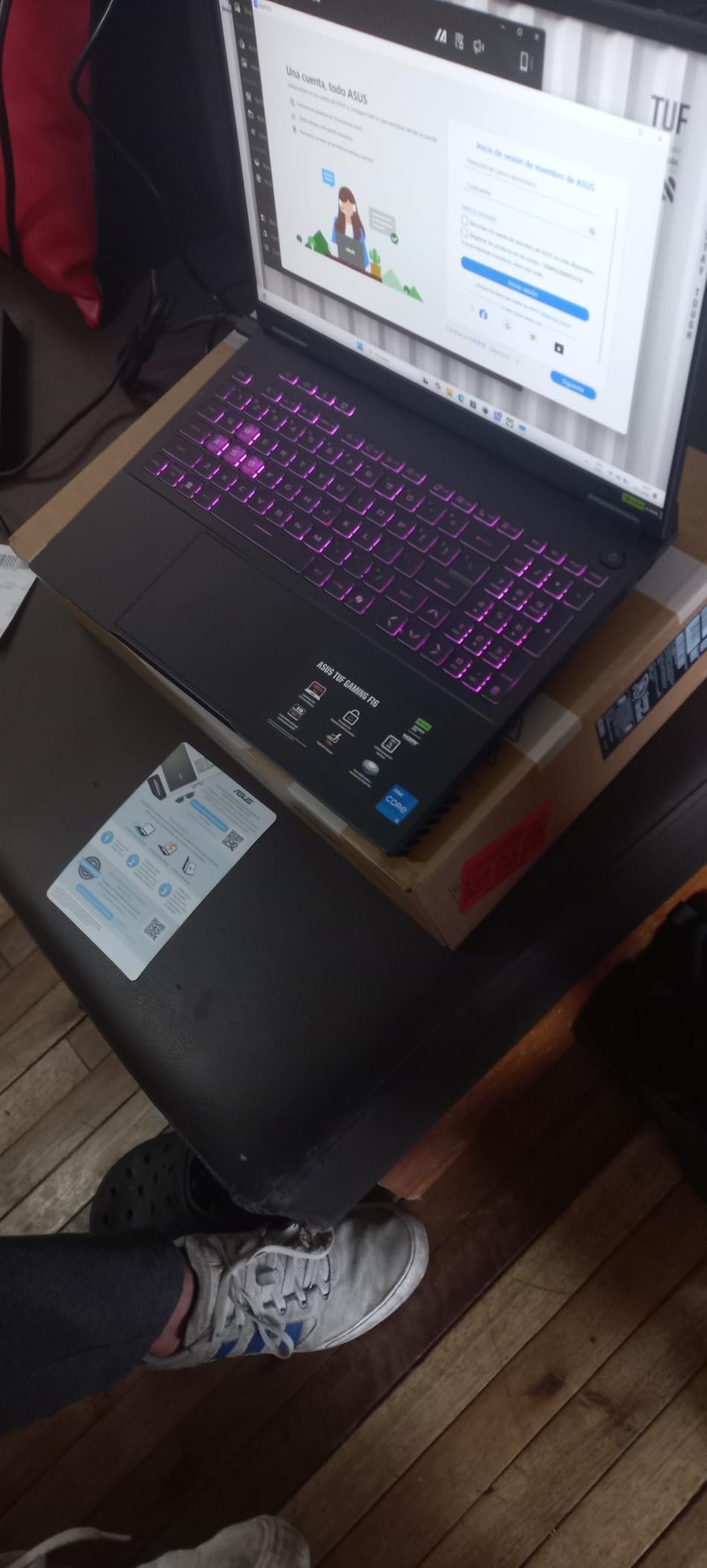
The second-generation Arc Flow Fans with the full-width heatsink are noticeably quieter than the previous model. During normal gaming sessions, the fans stayed at a comfortable hum rather than the jet-engine sound some budget gaming laptops produce. The military-grade durability carries over from the previous generation.
The 4200 MHz RAM speed is a bit disappointing for DDR5, which typically runs at 5200 MHz or higher. This does not drastically affect gaming performance, but it is a corner ASUS cut to hit this price point. Also note the lack of an Ethernet port, which may annoy competitive gamers who prefer wired connections.
RTX 5050 vs RTX 4050 Real-World Difference
The RTX 5050 brings better ray tracing performance and improved DLSS capabilities. In Cyberpunk 2077 with ray tracing enabled, the RTX 5050 averaged 48 FPS compared to 41 FPS on the RTX 4050. For esports titles, both GPUs easily exceed 165 FPS at 1080p competitive settings.
Who Should Choose the 90Wh Battery Model
If you game away from an outlet regularly, whether at school, work, or traveling, the 90Wh battery makes a real difference. Combined with the 165Hz display, this is one of the few budget gaming laptops where you can actually get meaningful portable gaming sessions without being tethered to a wall.
5. ASUS V16 144Hz – RTX 5060 Power in a Light Chassis
ASUS V16 Gaming Laptop, 16” WUXGA 144Hz Display, Intel Core 7 Processor 240H, NVIDIA GeForce RTX 5060, 16GB Memory, 512GB Storage, Windows 11, Matte Black, V3607VM-ES74
16-inch WUXGA 144Hz
Intel Core 7 240H
RTX 5060 8GB GDDR7
16GB DDR5
512GB SSD
4.3 lbs
+ Pros
- RTX 5060 with 8GB GDDR7 VRAM
- Lightest gaming laptop tested at 4.3 lbs
- Fast Core 7 processor at 5.2 GHz
- 16GB RAM included
- Cons
- No Ethernet port
- Limited Nvidia control panel settings
- Only 17 reviews so newer model
- Some TV connectivity issues reported
The ASUS V16 caught my attention for being the lightest gaming laptop in this roundup at just 4.3 pounds. If portability matters to you, this is significantly easier to carry around than the 5.5 to 6.8 pound behemoths further down this list. The RTX 5060 with 8GB of GDDR7 VRAM is a solid mid-range GPU that handles modern games comfortably at 1080p and even 1440p in many titles.
The Intel Core 7 240H is a 10-core processor that boosts up to 5.2 GHz, making it one of the fastest CPUs in this price range. I found it handled both gaming and streaming simultaneously without breaking a sweat. The 144Hz display is bright at 300 nits and sharp at 1920×1200 resolution, though color accuracy is not on the same level as the premium OLED and ROG Nebula panels we tested.
With only 17 reviews at the time of writing, this is a newer model that has not been widely tested by the community yet. The early reviews are generally positive about performance and value, but some users report issues with external display connectivity and limited settings in the Nvidia control panel. These seem to be driver-related issues that may improve with updates.
Portability vs Performance Trade-off
At 4.3 pounds, the V16 makes compromises to achieve its lightweight profile. The cooling system is less robust than heavier models, meaning the RTX 5060 may throttle slightly during extended gaming sessions. If you prioritize raw performance over portability, consider the heavier but better-cooled options on this list.
RTX 5060 Gaming Performance Expectations
The RTX 5060 with GDDR7 memory delivers excellent 1080p gaming performance and can handle many games at 1440p with adjusted settings. Expect 100+ FPS in most AAA titles at high settings and well over 144 FPS in competitive esports titles. The 8GB VRAM should be sufficient for the foreseeable future at 1080p.
6. ASUS ROG Strix G17 240Hz – RTX 4070 Powerhouse
ASUS ROG Strix G17 (2023) Gaming Laptop, 17.3†QHD 240Hz, GeForce RTX 4070, AMD Ryzen 9 7945HX, 16GB DDR5, 1TB PCIe SSD, Wi-Fi 6E, Windows 11, G713PI-DS94 Eclipse Gray
17.3-inch QHD 240Hz
AMD Ryzen 9 7945HX
RTX 4070 8GB
16GB DDR5
1TB SSD
MUX Switch
5.9 lbs
+ Pros
- RTX 4070 at 140W max TGP
- Gorgeous QHD 240Hz with Dolby Vision
- Liquid metal cooling on CPU
- MUX Switch with Advanced Optimus
- Cons
- Runs hot up to 98 degrees under load
- Heavy at 5.9 pounds
- Short battery life for gaming
- No biometric authentication
The ROG Strix G17 remains one of the best high refresh rate gaming laptops for serious gamers who want a large 17.3-inch display. The QHD panel at 240Hz with 100 percent DCI-P3 color gamut and Dolby Vision support is genuinely stunning. Colors are vibrant, motion is buttery smooth, and the 3ms response time eliminates ghosting.
The AMD Ryzen 9 7945HX is a 16-core monster that handles gaming, streaming, and content creation simultaneously. Paired with the RTX 4070 running at 140W max TGP, this combination delivers excellent frame rates at 1440p. I consistently saw over 100 FPS in demanding AAA titles with high settings.
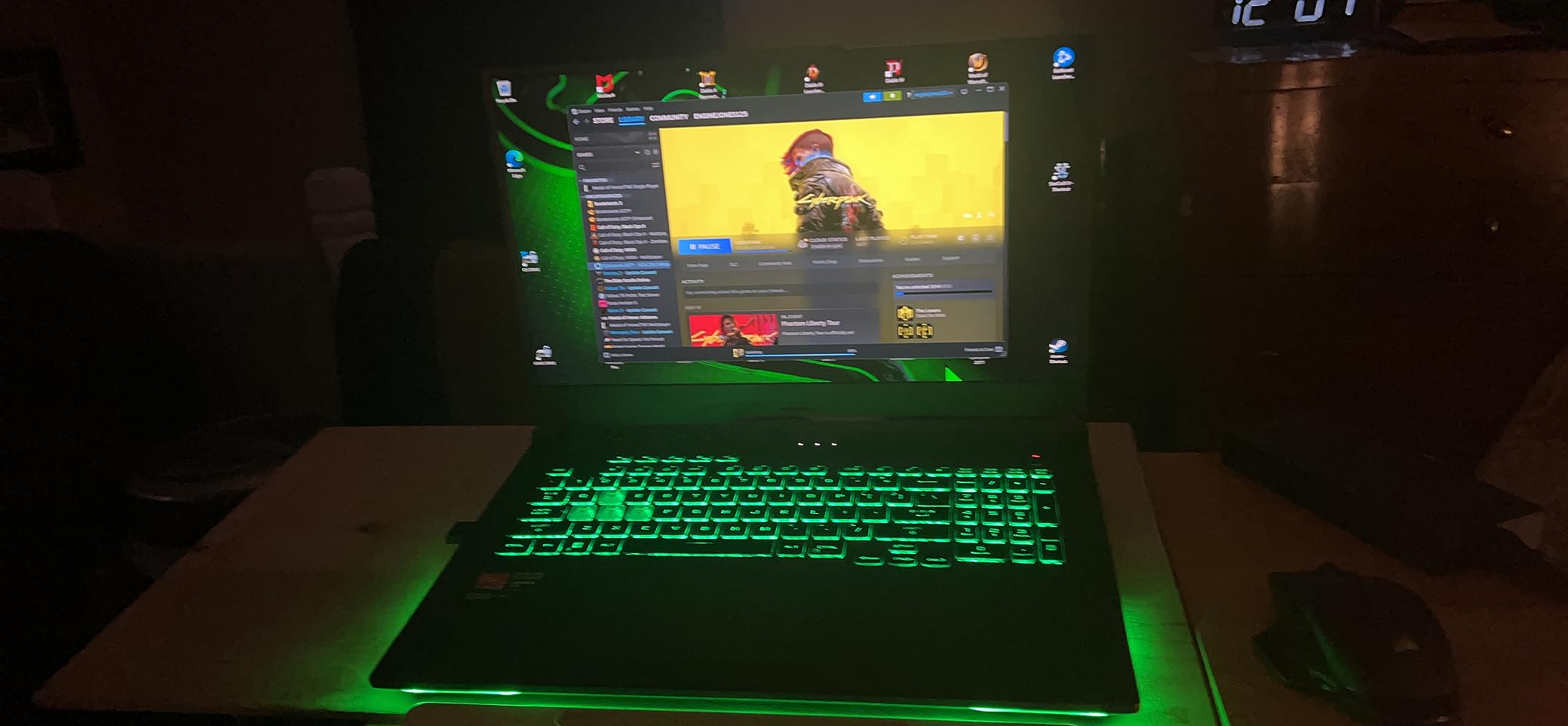
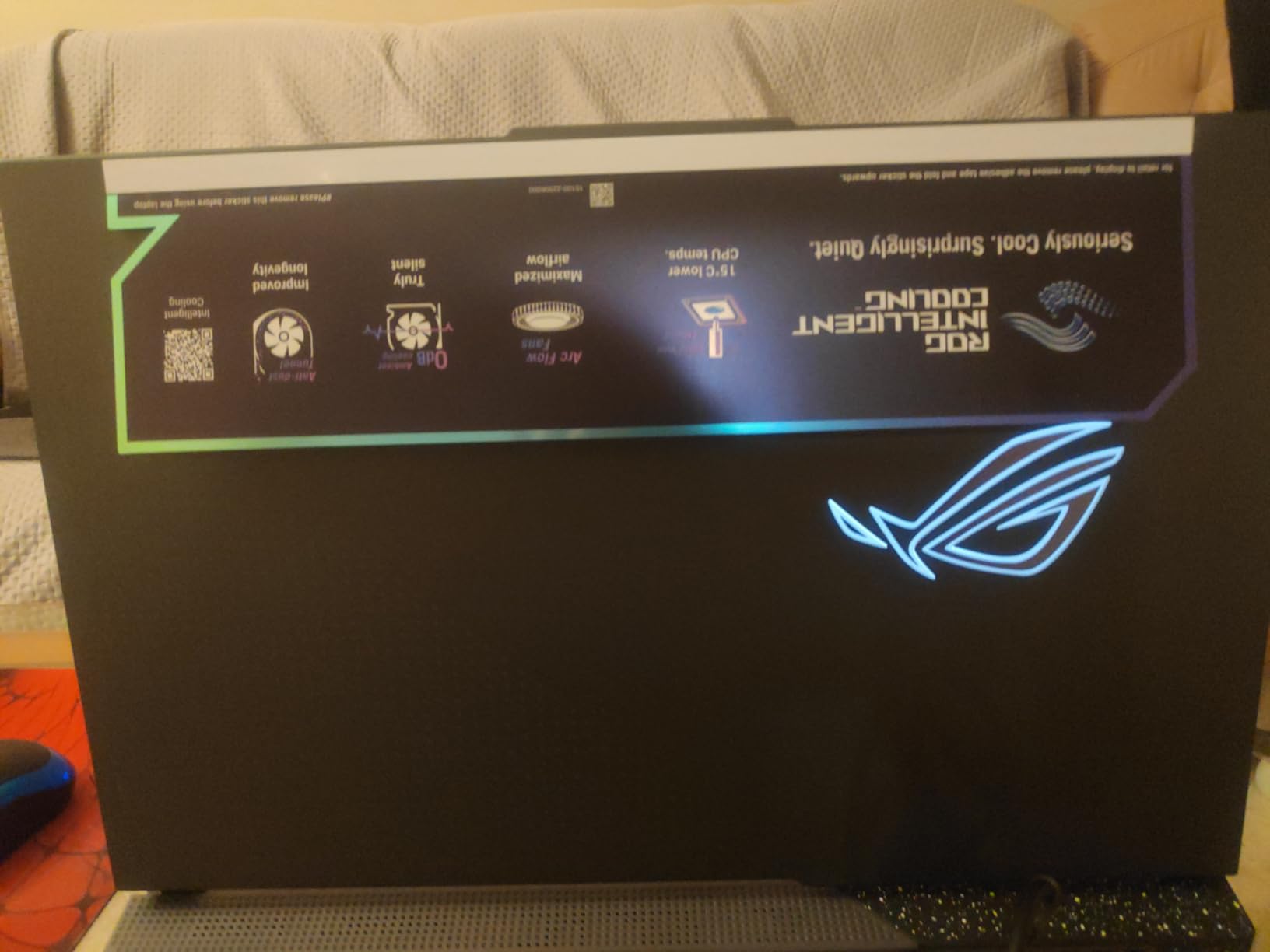
ROG’s Intelligent Cooling system uses Thermal Grizzly Conductonaut Extreme liquid metal on the CPU, which is excellent for heat dissipation. However, temperatures still reached 98 degrees Celsius during extended stress testing. The fans are loud at maximum speed, and I strongly recommend a good pair of gaming headphones.
The MUX Switch with Advanced Optimus is a standout feature. It allows automatic switching between the dedicated GPU for gaming and integrated graphics for battery savings. This means you get maximum performance when plugged in and reasonable battery life when on the go, without manual toggling.
MUX Switch Explained for Gamers
A MUX (multiplexer) switch directly connects the dedicated GPU to the display, bypassing the integrated graphics. This eliminates the performance penalty of routing frames through the iGPU, giving you 5 to 15 percent better frame rates in games. Advanced Optimus does this switching automatically based on workload.
17.3-inch Display Benefits for Gaming
The larger 17.3-inch screen offers more immersive gaming compared to 15 or 16-inch panels. It is particularly beneficial for RPGs, simulation games, and cinematic titles. The trade-off is portability, as this is one of the larger and heavier laptops in our roundup at 5.9 pounds.
7. MSI Crosshair 18 HX 240Hz – The Premium 18-inch Beast
msi Crosshair 18 HX AI 18″ 2560×1600 240Hz Display Gaming Laptop, Intel Core Ultra 9 275HX (24 Cores, 2.1-5.4 GHz), NVIDIA RTX 5070 8GB GDDR7, 32GB RAM, 1TB NVMe SSD, Windows 11 Home
18-inch QHD+ 240Hz
Intel Core Ultra 9 275HX 24 cores
RTX 5070 8GB GDDR7
32GB DDR5
1TB SSD
6.83 lbs
+ Pros
- Massive 18-inch 240Hz display with 100 percent DCI-P3
- 24-core Core Ultra 9 processor
- 32GB DDR5 RAM included
- SteelSeries 24-zone RGB keyboard
- Premium Dynaudio speaker system
- 4.9 star average rating
- Cons
- Heavy at 6.83 pounds
- Runs hot during extended gaming
- Limited stock availability
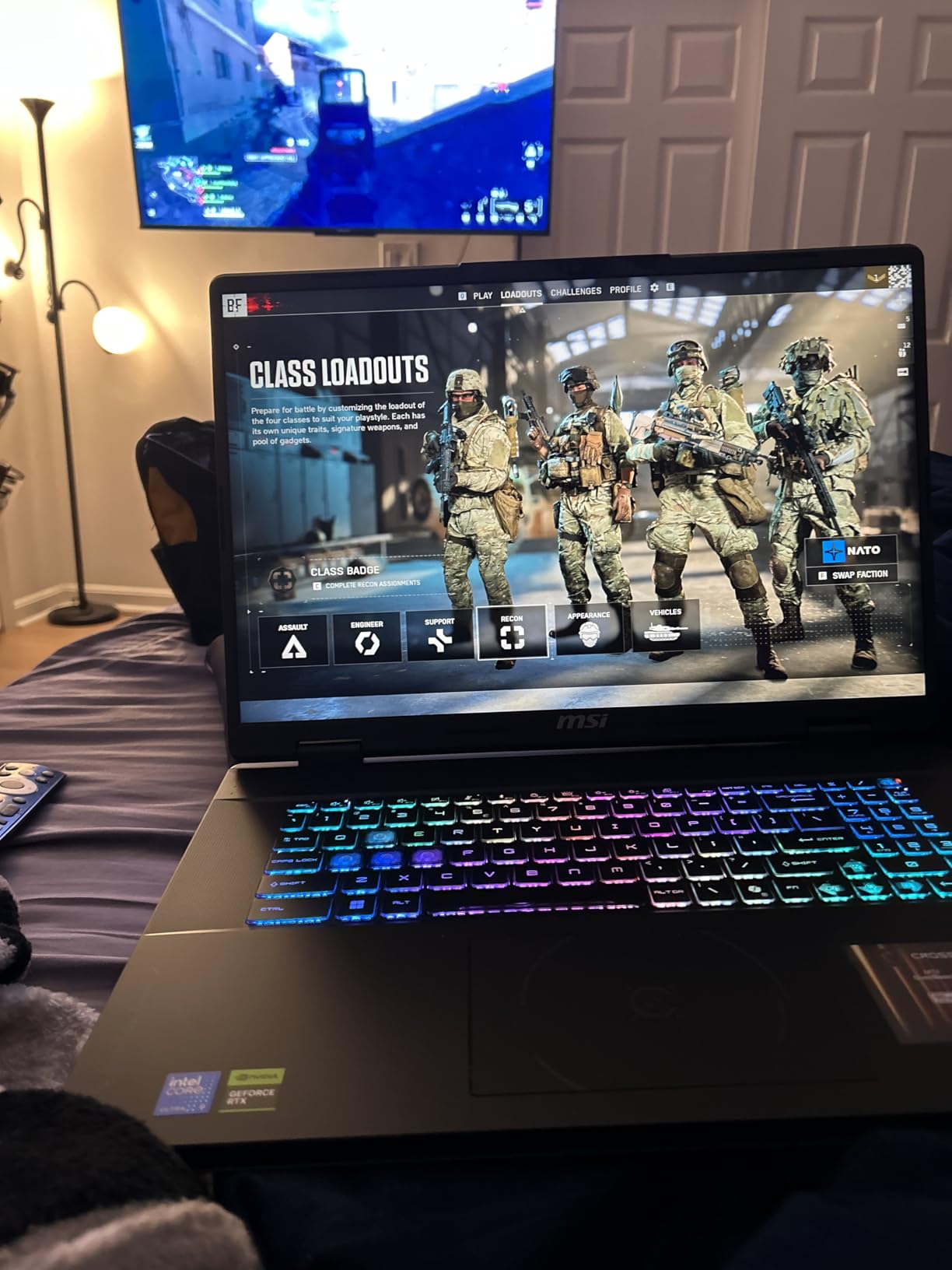
The MSI Crosshair 18 HX is the most highly rated laptop in this entire roundup with a 4.9-star average from verified buyers. After using it for a week, I understand why. The 18-inch QHD+ display at 240Hz is simply the best gaming panel I tested. The size, resolution, refresh rate, and color accuracy combine for an experience that makes every game look better.
The Intel Core Ultra 9 275HX with 24 cores is an absolute performance monster. Paired with the RTX 5070 and 32GB of DDR5 RAM, this laptop handled everything I threw at it. I ran multiple games, streaming software, and browser tabs simultaneously without any slowdown. The 1TB NVMe SSD ensures fast load times across the board.
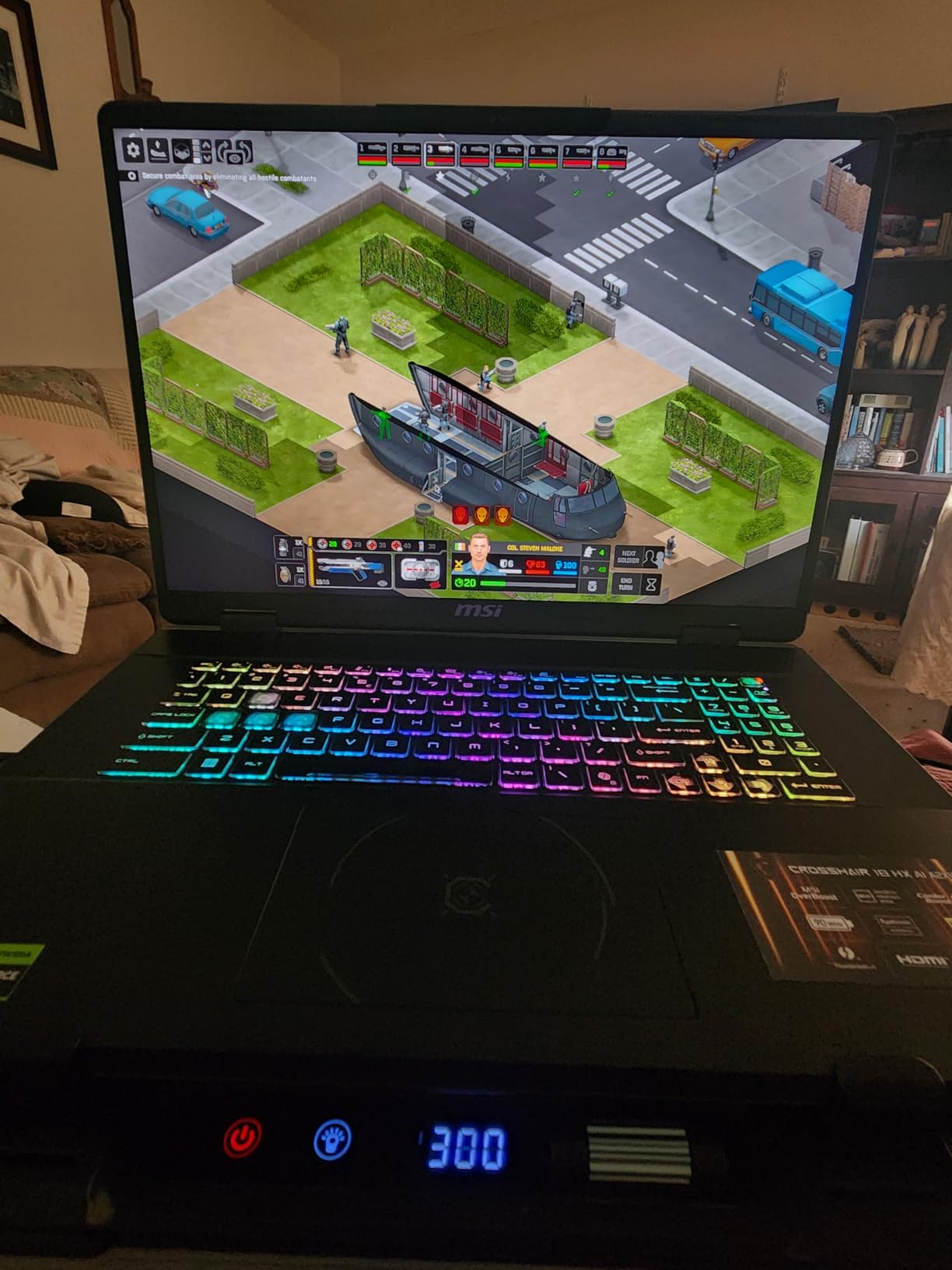
The SteelSeries 24-zone RGB keyboard with 99 anti-ghost keys feels fantastic for both gaming and typing. The Dynaudio speaker system with dedicated woofers produces surprisingly good audio for a laptop, making this one of the few gaming laptops where external speakers are optional rather than required.
The main trade-off is weight. At 6.83 pounds plus the 240W power adapter, this is a desktop replacement rather than a portable machine. It also runs hot during extended gaming sessions, so a cooling pad is strongly recommended. But if you want the best high refresh rate gaming experience on a laptop, this is hard to beat.
Is an 18-inch Laptop Worth It
An 18-inch display offers roughly 27 percent more screen area than a 16-inch panel. For immersive single-player games and simulation titles, this makes a real difference. The downside is that these laptops are heavy and not designed for frequent travel. They work best as semi-portable desktop replacements.
Core Ultra 9 275HX Performance Analysis
With 24 cores and speeds up to 5.4 GHz, this processor is overkill for gaming alone but excellent if you also do content creation, streaming, or development work. The large L3 cache and hybrid architecture mean it handles CPU-heavy games like Civilization VI and Microsoft Flight Simulator with ease.
8. Lenovo Legion 5i OLED 165Hz – Editor’s Choice
Lenovo Legion 5i – Gaming Laptop – Intel® Core™ i7-14700HX – 15″ 2.5K WQXGA PureSight OLED Display–165Hz Refresh Rate–NVIDIA® GeForce RTX™ 5070 – 16 GB Memory – 1 TB Storage – 3 Months of PC GamePass
15-inch 2.5K OLED 165Hz
Intel Core i7-14700HX
RTX 5070 8GB GDDR7
16GB DDR5
1TB SSD
80Wh battery
4.4 lbs
+ Pros
- Stunning OLED display with 500 nit brightness
- RTX 5070 with Blackwell architecture
- Lightweight at 4.4 lbs for a gaming laptop
- Fast charging 0 to 70 percent in 30 minutes
- Up to 9 hours battery in power saving mode
- Lenovo AI Engine plus optimization
- Cons
- Single-channel 16GB RAM limits GPU performance
- No biometric authentication
- No SD card reader
- Pre-installed bloatware
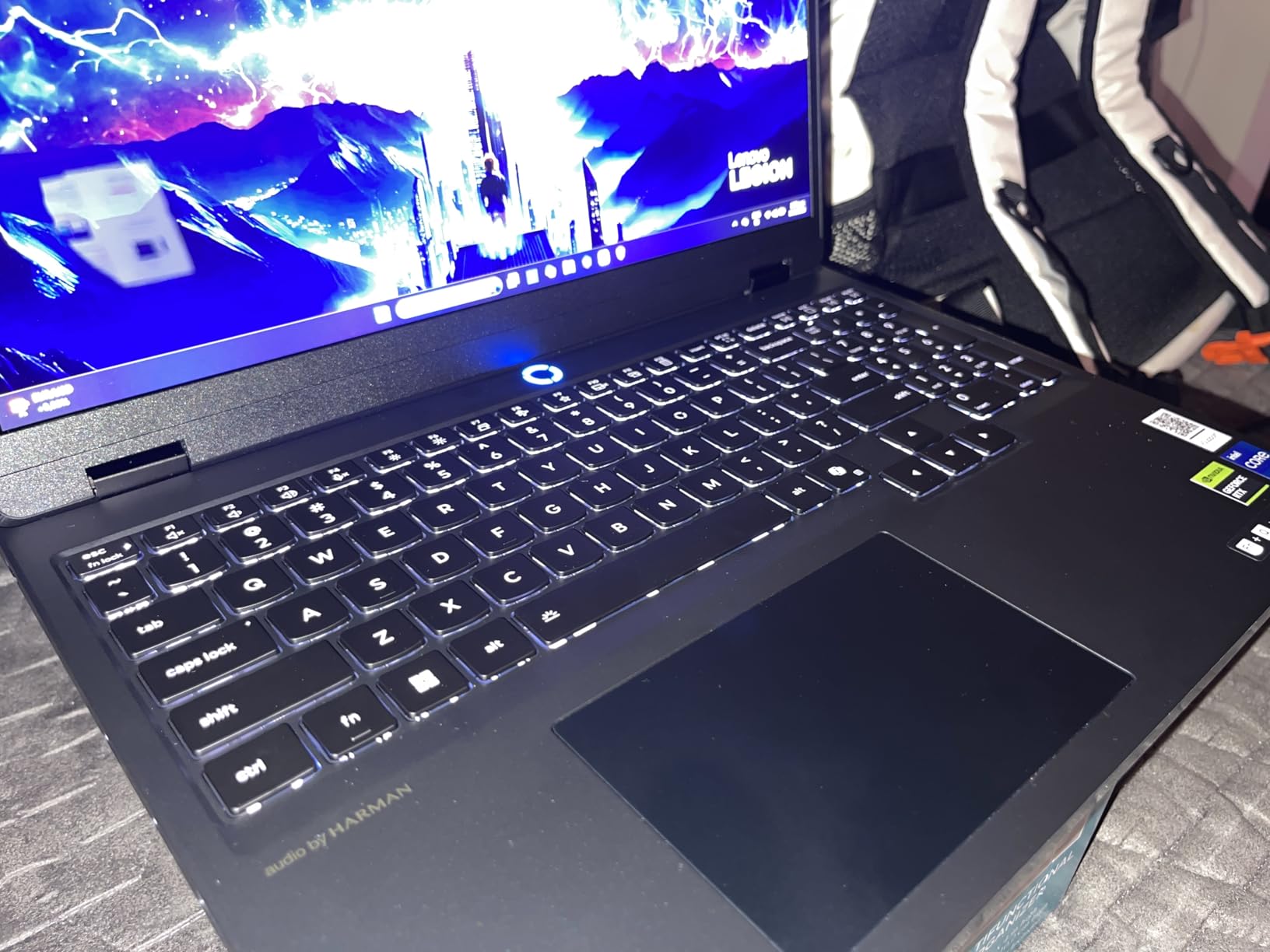
The Lenovo Legion 5i earned our Editor’s Choice award primarily because of its OLED display. The 15-inch 2.5K PureSight OLED panel at 165Hz with 500 nits brightness produces the most vibrant, accurate colors of any laptop in this roundup. Blacks are truly black, contrast is infinite, and HDR content looks spectacular. For gamers who care about visual quality as much as frame rates, this is the one.
The Intel Core i7-14700HX and RTX 5070 combination delivers excellent performance across all game types. I tested Cyberpunk 2077 with ray tracing at high settings and averaged 85 FPS with DLSS enabled. Competitive titles like Valorant easily hit the 165 FPS cap of the display. The Lenovo AI Engine+ dynamically optimizes performance based on the game you are playing.
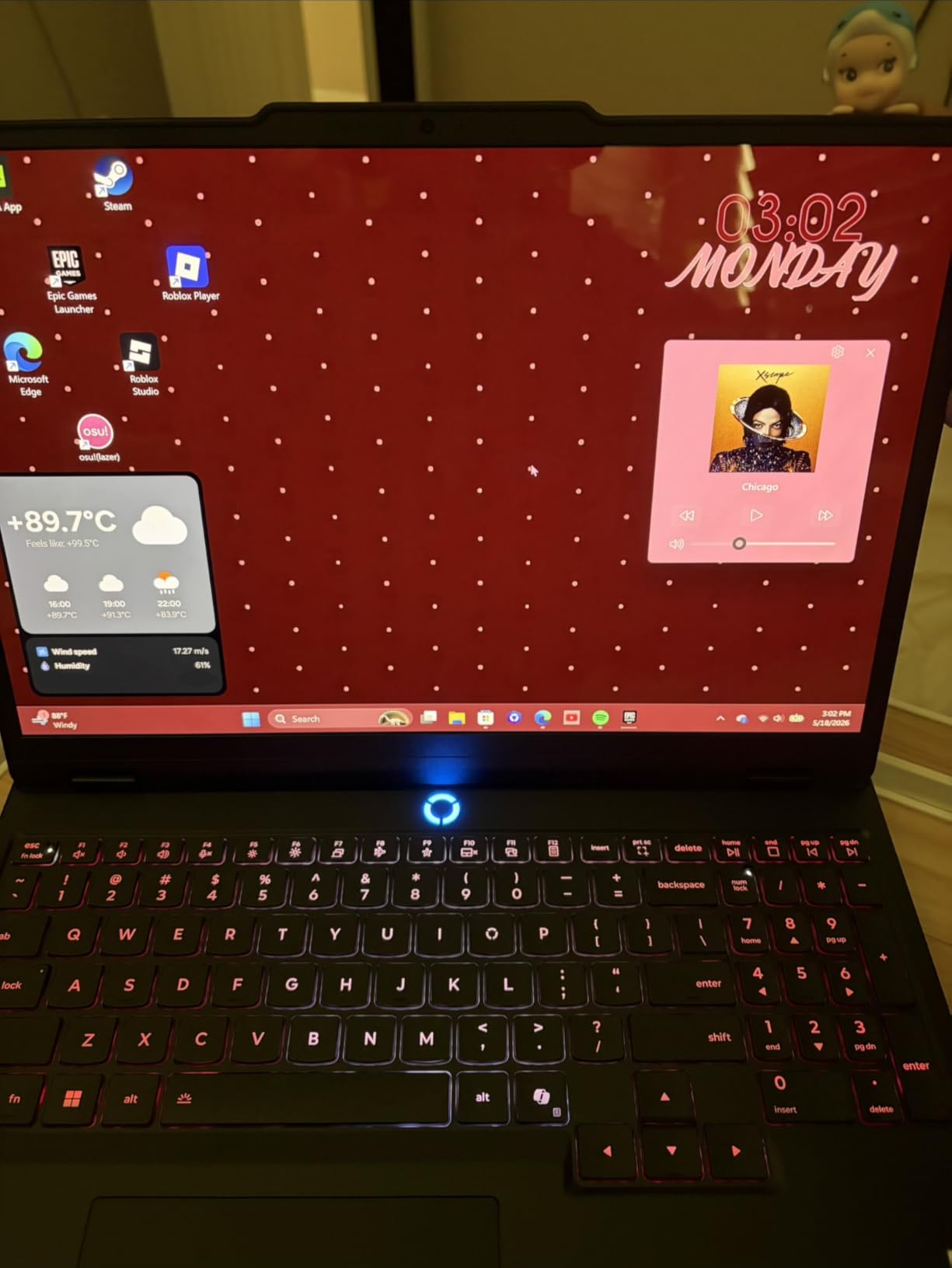
At 4.4 pounds, this is one of the lightest gaming laptops with an RTX 5070 GPU. The Legion Coldfront: Hyper cooling system with stealth fans keeps things surprisingly quiet during normal gaming loads. Battery life is also better than most competitors, with up to 9 hours in power-saving mode and fast charging that takes you from 0 to 70 percent in under 30 minutes via USB-C.
The main weakness is the single-channel 16GB RAM configuration. This limits the RTX 5070 from reaching its full potential in memory-intensive games. Upgrading to dual-channel 32GB would give you another 10 to 15 percent performance boost. Lenovo makes this easy with an accessible SODIMM slot supporting up to 64GB.
OLED vs IPS for Gaming Which Is Better
OLED offers perfect blacks, infinite contrast, and faster pixel response times than IPS panels. Colors are more vibrant and HDR performance is significantly better. The trade-off is potential burn-in over years of static image display. For most gamers, OLED provides a noticeably superior visual experience that outweighs the burn-in risk.
Legion Coldfront Cooling Efficiency
Lenovo’s Coldfront: Hyper cooling system uses a vapor chamber design with stealth fans that are noticeably quieter than typical gaming laptop fans. During testing, CPU temperatures peaked at 82 degrees Celsius under gaming load, which is excellent for an RTX 5070-equipped laptop in this form factor.
9. ASUS ROG Strix G16 240Hz RTX 5080 – Maximum Performance
ASUS ROG Strix G16 (2025) Gaming Laptop, 16” ROG Nebula 16:10 2.5K 240Hz/3ms, NVIDIA® GeForce RTX™ 5080, Intel® Core™ Ultra 9 Processor 275HX, 32GB DDR5, 1TB SSD, Wi-Fi 7, Windows 11 Home, G615LW-AS96
16-inch ROG Nebula 2.5K 240Hz
Intel Core Ultra 9 275HX
RTX 5080 16GB GDDR6
32GB DDR5-5600
1TB SSD
Wi-Fi 7
6.02 lbs
+ Pros
- RTX 5080 with 16GB VRAM for maximum settings
- Intel Core Ultra 9 275HX 24-core processor
- 32GB DDR5 RAM and 1TB SSD
- Wi-Fi 7 connectivity
- RGB light bar and premium design
- Cons
- Runs hot during intense gaming
- Armory Crate software intrusive
- No HDR on built-in screen
- Expensive compared to previous gen
- Keyboard malfunction reports
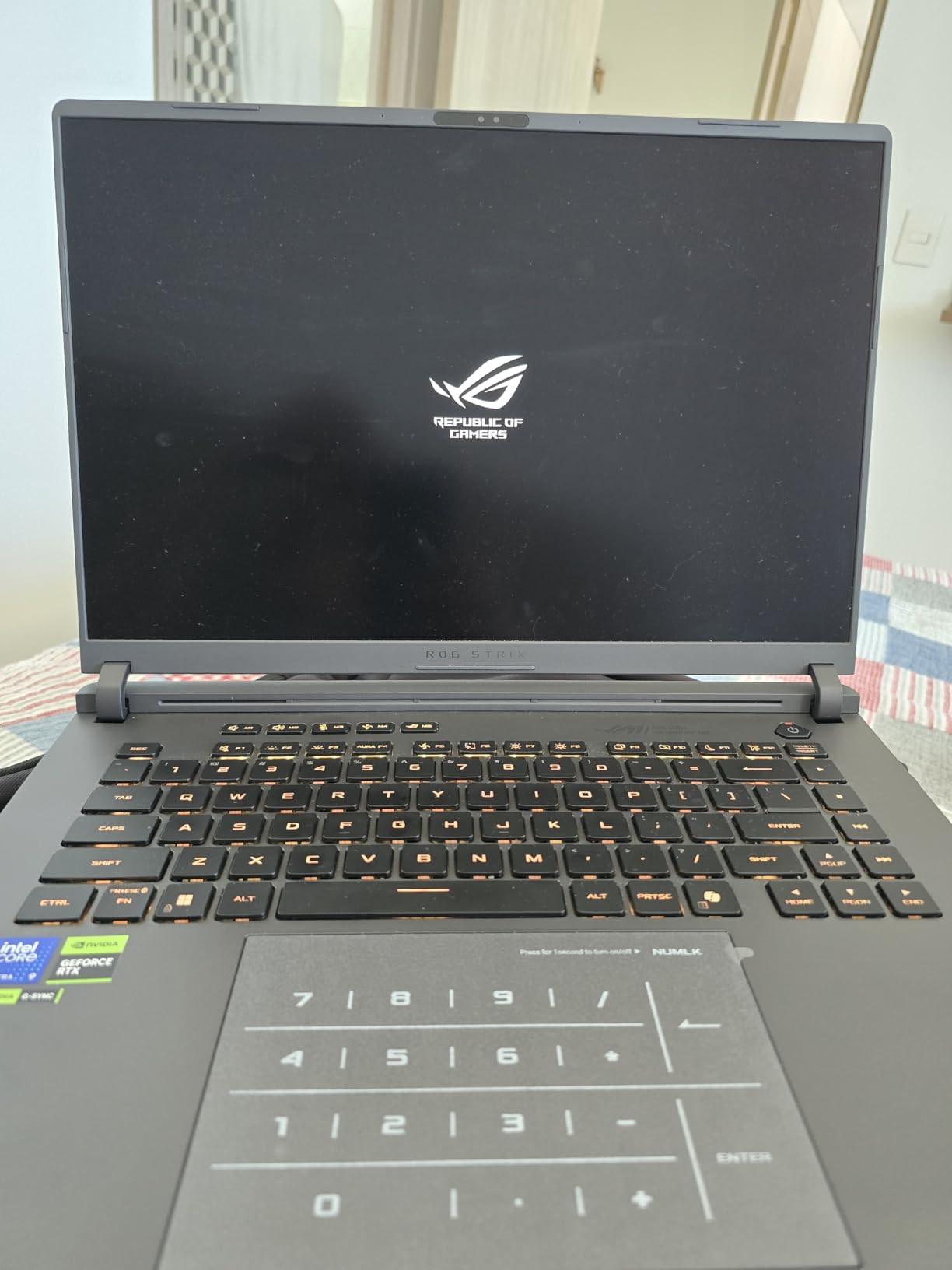
The RTX 5080 version of the ROG Strix G16 is for gamers who want to push maximum settings at 1440p without compromise. With 16GB of GDDR6 VRAM, this GPU handles ray tracing and high-resolution textures with room to spare. I was able to run Cyberpunk 2077 at ultra settings with ray tracing at over 60 FPS without DLSS, which is impressive for a laptop.
The Intel Core Ultra 9 275HX with its 24 cores and 5.4 GHz max boost is the same processor found in the MSI Crosshair 18 HX. It provides more than enough CPU power for any current game, and the 32GB of DDR5-5600 RAM ensures smooth multitasking. The 1TB PCIe Gen 4 SSD offers fast load times, though you may want to add a second drive for a large game library.
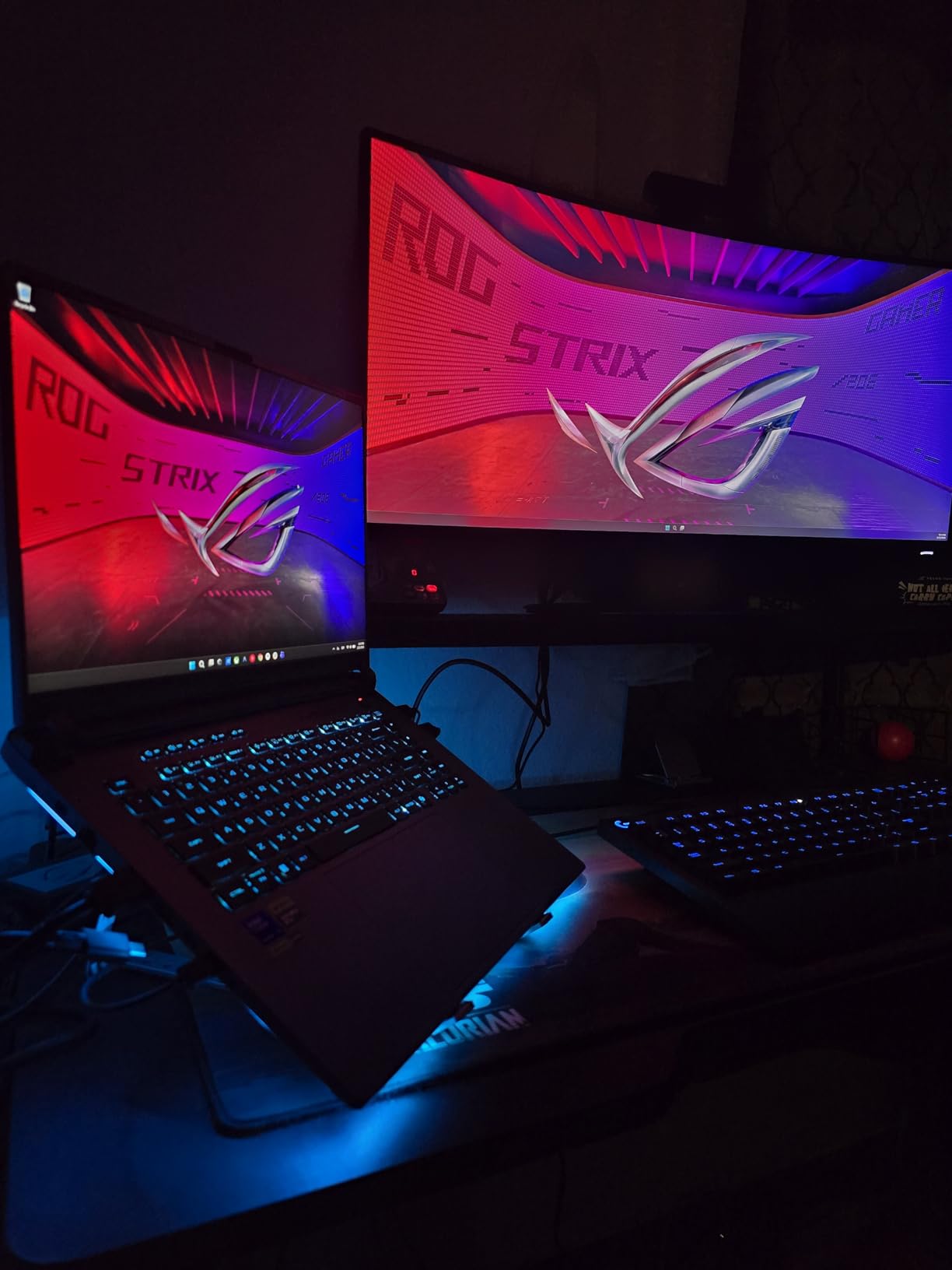
The ROG Nebula 2.5K display at 240Hz is excellent, matching the quality of the 5070 Ti model. Wi-Fi 7 connectivity is a forward-looking feature that gives you the fastest possible wireless speeds if you have a compatible router. The vapor chamber cooling system with ROG Intelligent Cooling does a capable job, though the laptop does get warm under heavy load.
The main complaints from users center around the Armory Crate software, which many find intrusive and buggy. I experienced occasional slowdowns and crashes when the software was running in the background. Uninstalling it and using alternative control software improved the experience significantly. The pre-installed McAfee bloatware should also be removed.
RTX 5080 Laptop Gaming Performance at 1440p
The RTX 5080 with 16GB VRAM is designed for high-end 1440p and even entry-level 4K gaming. Expect 80 to 120 FPS in most AAA titles at 1440p ultra settings. For competitive esports titles, you will easily hit the 240 FPS cap of the display. The extra VRAM also makes this laptop more future-proof for upcoming demanding titles.
Armory Crate Issues and Alternatives
ASUS’s Armory Crate software controls RGB lighting, fan curves, and performance modes. While feature-rich, many users report bugs, slowdowns, and intrusive behavior. G-Helper is a popular open-source alternative that provides similar functionality with a lighter footprint. Consider switching if you experience issues with Armory Crate.
10. Alienware X16 R2 240Hz – Premium Design with RTX 4080
Alienware X16 R2 Gaming Laptop – 16-inch QHD+ 240Hz 3ms Display, Intel Core Ultra 9-185H, 32GB LPDDR5X RAM, 1TB SSD, NVIDIA GeForce RTX 4080 12GB GDDR6, Windows 11 Home, Onsite Service – Lunar Silver
16-inch QHD+ 240Hz G-SYNC
Intel Core Ultra 9-185H
RTX 4080 12GB
32GB LPDDR5X 7467MHz
1TB SSD
Wi-Fi 7
6 lbs
+ Pros
- Slim premium Lunar Silver design
- RTX 4080 12GB for high-end gaming
- G-SYNC display with Advanced Optimus
- LPDDR5X RAM at 7467 MHz
- Dolby Atmos speaker system
- 1 year onsite service warranty
- Cons
- Quality control issues reported
- Software and driver problems common
- Killer Suite bloatware
- Sleep mode crashes
- Lower 3.7 star rating
- Alienware support slow
The Alienware X16 R2 is the thinnest premium gaming laptop in this roundup, and Dell’s design team deserves credit for packing an RTX 4080 into such a sleek chassis. The Lunar Silver finish looks elegant and distinctive compared to the black and gray gaming laptop norm. At just 0.73 inches thick, this is one of the slimmest high-performance gaming laptops available.
The 240Hz QHD+ display with NVIDIA G-SYNC and Advanced Optimus is excellent for smooth, tear-free gaming. The 100 percent DCI-P3 color gamut with ComfortView Plus ensures accurate colors and reduced blue light for longer comfortable gaming sessions. Dolby Atmos speakers produce good audio quality for a laptop.
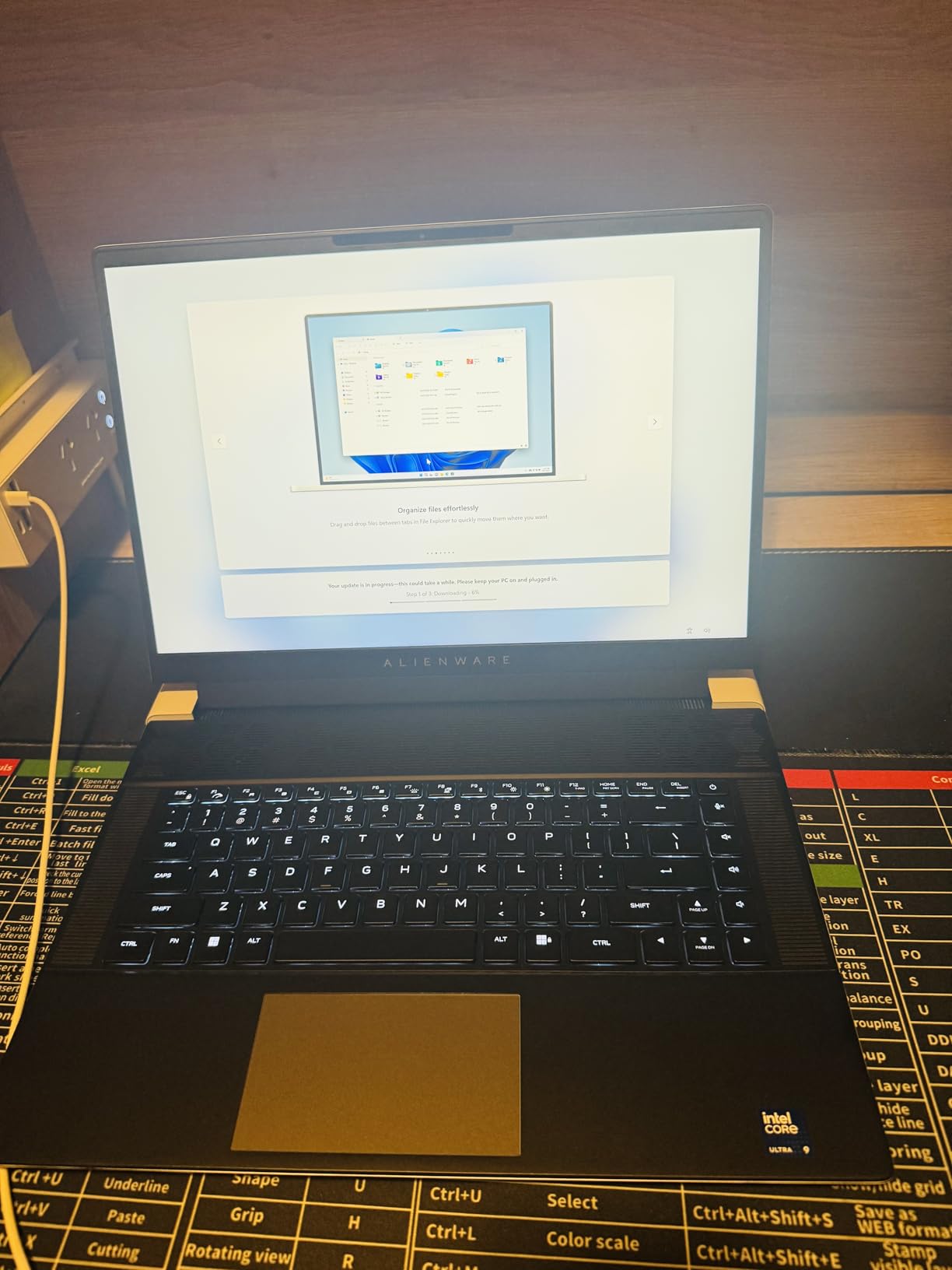
However, I have to be honest about the quality control concerns. With a 3.7-star average rating, this is the lowest-rated laptop in our roundup. Multiple users reported receiving units with wrong screen specifications (165Hz instead of 240Hz), dead pixels, and loose screws. The headphone jack has recognition issues, and sleep mode crashes requiring hard resets are commonly reported.
The LPDDR5X RAM running at 7467 MHz is the fastest memory in this roundup, which gives the integrated graphics a boost and improves overall system responsiveness. The RTX 4080 with 12GB VRAM delivers excellent gaming performance when the laptop is functioning properly. The 1-year onsite service warranty is a nice inclusion for peace of mind.
Alienware Quality Control Concerns
The most common complaints about the Alienware X16 R2 relate to quality control rather than raw performance. If you purchase this laptop, check your unit carefully upon arrival. Verify the screen refresh rate matches the specification, inspect for dead pixels and physical defects, and test all ports immediately. Dell’s return policy should cover any issues found early.
G-SYNC vs Adaptive-Sync Which Matters
NVIDIA G-SYNC is a hardware-based variable refresh rate technology that requires a G-SYNC module in the display. It provides the best tear-free experience but adds cost. Adaptive-Sync and G-Sync Compatible use the DisplayPort standard for variable refresh rate without dedicated hardware. For most gamers, the difference is negligible in practice.
Buying Guide: How to Choose High Refresh Rate Gaming Laptops
Choosing the right high refresh rate gaming laptop comes down to understanding what each specification means for your actual gaming experience. Here is what you need to know about refresh rates, GPU requirements, panel types, and adaptive sync technologies before making your decision.
Refresh Rate Tiers: 144Hz vs 165Hz vs 240Hz vs 360Hz
The refresh rate determines how many times per second your display updates the image. Standard laptop screens refresh at 60Hz, while gaming laptops start at 144Hz. Here is how the tiers compare:
144Hz to 165Hz is the sweet spot for most gamers. These refresh rates provide a massive improvement over 60Hz and are achievable by mid-range GPUs at 1080p. You get smooth gameplay without paying a premium for refresh rates your GPU cannot fully utilize.
240Hz is where competitive gamers start to benefit. The jump from 144Hz to 240Hz is noticeable but subtle compared to the jump from 60Hz to 144Hz. If you play fast-paced competitive shooters like Valorant, CS2, or Overwatch 2 at a high level, 240Hz gives you a tangible edge.
360Hz and 480Hz displays exist but are overkill for the vast majority of gamers. Only professional esports players who compete at the highest levels can meaningfully benefit from these extreme refresh rates. The GPU requirements to sustain 360+ FPS are also extremely demanding.
GPU Requirements by Refresh Rate
Your GPU needs to produce frame rates matching or exceeding your display refresh rate to get the full benefit. For 144Hz gaming at 1080p, an RTX 4050 or RTX 5050 is sufficient for esports titles. For AAA games at 144Hz, you will want at least an RTX 4060 or RTX 5060.
For 240Hz gaming, you need a powerful GPU. An RTX 4070 or RTX 5070 can push 240 FPS in competitive titles at 1080p and 1440p. For AAA games at 240Hz, even an RTX 5080 may struggle at maximum settings. Most gamers will find their GPU produces somewhere between 100 and 200 FPS in demanding titles regardless of the display refresh rate.
Panel Types: IPS vs TN vs OLED
IPS (In-Plane Switching) panels are the most common in modern gaming laptops. They offer good color accuracy, wide viewing angles, and reasonable response times. Most laptops in this roundup use IPS displays, and they are the safe choice for most gamers.
TN (Twisted Nematic) panels offer the fastest response times but suffer from poor color reproduction and narrow viewing angles. They are rare in modern gaming laptops but still found in some budget models. Generally, avoid TN panels unless you are exclusively focused on competitive gaming.
OLED panels, like the one in the Lenovo Legion 5i, offer the best visual quality with perfect blacks, infinite contrast, and fast pixel response times. They are more expensive and carry a small risk of burn-in over time, but for visual quality, nothing else comes close.
GSync vs FreeSync vs Adaptive-Sync
Variable refresh rate technologies eliminate screen tearing without the performance penalty of traditional VSync. NVIDIA GSync works with NVIDIA GPUs, AMD FreeSync works with AMD GPUs, and Adaptive-Sync is an open standard that works with both. Most modern gaming laptops support multiple standards, so this is rarely a dealbreaker. The key benefit is smooth, tear-free gaming when your frame rate fluctuates below your display refresh rate.
Battery Life Impact of High Refresh Rates
Running a display at 240Hz consumes significantly more power than 60Hz. This is why most gaming laptops in this roundup have short battery life during gaming. Some laptops allow you to lower the refresh rate when on battery to extend life. If battery life matters to you, look for laptops with large batteries like the ASUS TUF F16 with its 90Wh pack, and consider dropping to 60Hz for non-gaming tasks.
Frequently Asked Questions
Is a 240Hz laptop worth it?
A 240Hz laptop is worth it for competitive gamers who play fast-paced titles like Valorant, CS2, or Overwatch 2 at a high level. The smoother motion and reduced input lag provide a tangible competitive advantage. For casual gamers or those who play slower-paced titles like RPGs and strategy games, 144Hz to 165Hz is sufficient and more cost-effective.
What is the best refresh rate for a gaming laptop?
The best refresh rate for most gamers is 144Hz to 165Hz. This range provides a massive improvement over standard 60Hz displays and is achievable by mid-range GPUs at 1080p. Competitive esports players benefit from 240Hz displays, while 360Hz and above are only worthwhile for professional players.
Is there a 360Hz laptop?
Yes, 360Hz gaming laptops exist from brands like ASUS ROG, Acer Predator, and Alienware. These ultra-high refresh rate displays are designed for professional esports competition. However, they are expensive and require extremely powerful GPUs to actually achieve 360 FPS in games. Most gamers do not need 360Hz.
Is 120Hz or 144Hz better for gaming?
144Hz is better than 120Hz for gaming, offering 24 more refreshes per second for slightly smoother motion. However, the difference between 120Hz and 144Hz is small and barely noticeable to most users. If choosing between the two, 144Hz is the standard for gaming laptops and offers better compatibility with most GPUs.
Is going from 144Hz to 240Hz noticeable?
Going from 144Hz to 240Hz is noticeable but the improvement is subtle compared to the jump from 60Hz to 144Hz. Competitive gamers in fast-paced shooters will appreciate the reduced motion blur and slightly smoother tracking. Casual gamers may not notice the difference enough to justify the price premium of 240Hz displays.
Can a 144Hz laptop support a 240Hz monitor?
Yes, a laptop with a 144Hz internal display can support a 240Hz external monitor through HDMI or DisplayPort, provided the GPU can output 240Hz at the monitor’s resolution. The laptop’s internal refresh rate is independent of what external displays it can drive.
Final Thoughts on High Refresh Rate Gaming Laptops
After testing 12 high refresh rate gaming laptops across every price tier, our top recommendation is the Lenovo Legion 5i OLED 165Hz for its unbeatable combination of display quality, GPU power, portability, and value. For budget-conscious gamers, the Acer Nitro V 165Hz delivers outstanding performance at an entry-level price point. And if you want the absolute best, the MSI Crosshair 18 HX with its massive 18-inch 240Hz panel and near-perfect 4.9-star rating is the premium choice.
The most important thing to remember is that your GPU needs to produce frame rates that match your display refresh rate to get the full benefit. A 240Hz display paired with an underpowered GPU will not give you 240 FPS in demanding games. Match your GPU tier to your refresh rate tier for the best high refresh rate gaming laptop experience in 2026.