
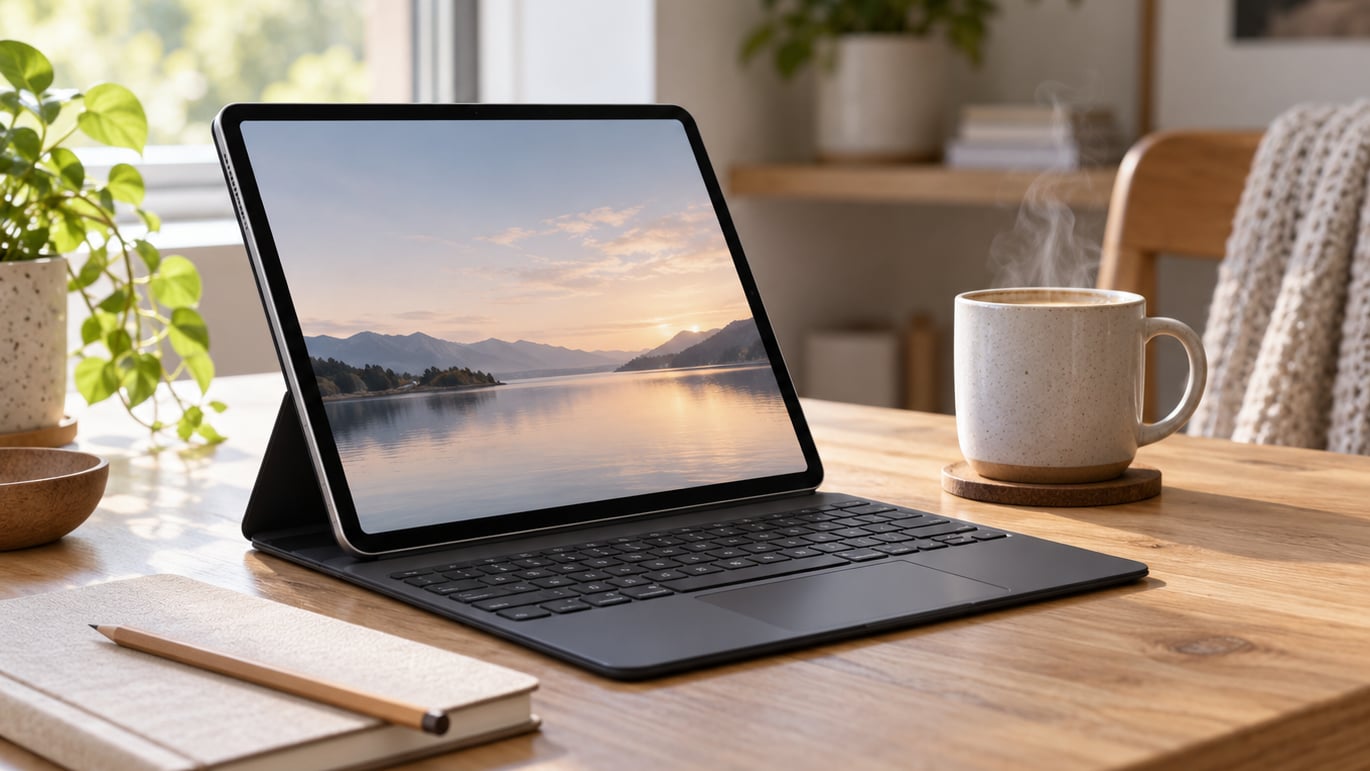
Our top pick for iPad keyboard case deals during Prime Big Deal Days is the Logitech Combo Touch, a Smart Connector case that pairs the moment you dock your iPad and never asks for a charge. Apple fans who want first-party polish should keep an eye on the Magic Keyboard Folio, while shoppers who want a thin profile with a real trackpad often land on the ESR Ultra-Light case. All three sit at very different price points, so the right pick depends on whether you value no-fuss pairing, native iPadOS shortcuts, or a light daily carry.
Prime Big Deal Days runs October 6-7, 2026, and most of these offers need a Prime membership. We pulled this list together by checking owner reviews, ratings and the specs that actually matter for typing on an iPad: iPad size fit, key feel, trackpad, viewing angles and weight. No prices here, just the cases worth watching during the sale.
Our Top 3 Picks for iPad Keyboard Case Deals: Prime Big Deal Days

iPad Keyboard Case Deals: Prime Big Deal Days Compared (2026)
| Product | Details | |
|---|---|---|
| Logitech Combo Touch |
|
Check Deal Price |
 Apple Magic Keyboard Folio Apple Magic Keyboard Folio |
|
Check Deal Price |
 ESR Ultra-Light Case ESR Ultra-Light Case |
|
Check Deal Price |
 typecase Touch 360 typecase Touch 360 |
|
Check Deal Price |
 ZAGG Rugged Book ZAGG Rugged Book |
|
Check Deal Price |
 runelk Magic-Style runelk Magic-Style |
|
Check Deal Price |
 CHESONA Dual Bluetooth CHESONA Dual Bluetooth |
|
Check Deal Price |
 Hamile 7-Color Backlit Hamile 7-Color Backlit |
|
Check Deal Price |
 Harvopu Folio Harvopu Folio |
|
Check Deal Price |
 FUWANG 360 Rotating FUWANG 360 Rotating |
|
Check Deal Price |
How We Chose
We compared the specs that decide a typing session on an iPad: iPad size and generation fit, switch type and key feel, trackpad size and gesture support, viewing angles, weight, and how the keyboard connects to the iPad. We also pulled owner reviews and ratings from Amazon in October 2026 and ranked cases by how often real buyers said they would keep using them. No hands-on testing, just owner sentiment and the published specs.
1. Logitech Combo Touch: Best for Smart Connector Simplicity
Logitech Combo Touch, Detachable iPad Keyboard Case 10th gen – Oxford Gray
Connection: Smart Connector
Keys: 78
Weight: 572 g
Modes: Type/Read/Sketch/View
+ Pros
- Smart Connector needs no pairing or charging
- Four use modes for typing and sketching
- Backlit keys with adjustable brightness
- Large precision trackpad
- Cons
- Cannot fold keyboard backwards
- Trackpad requires physical press
- Premium price
The Combo Touch is the case we kept coming back to while writing this list, and the reason is simple: it just works. The Smart Connector pulls power straight from the iPad, so there is no Bluetooth pairing dance, no battery to forget to charge, and no lag between the keyboard and the screen. Owners report docking the iPad and getting right into a writing flow, which is exactly the experience most people want from an iPad keyboard case.
The case has a 50° kickstand tilt and a detachable keyboard, so you can pull the keys off when you want to read or sketch with the Apple Pencil. The trackpad is on the larger side and supports iPadOS gestures, which makes browsing and document editing feel much closer to a real laptop than tapping the screen.
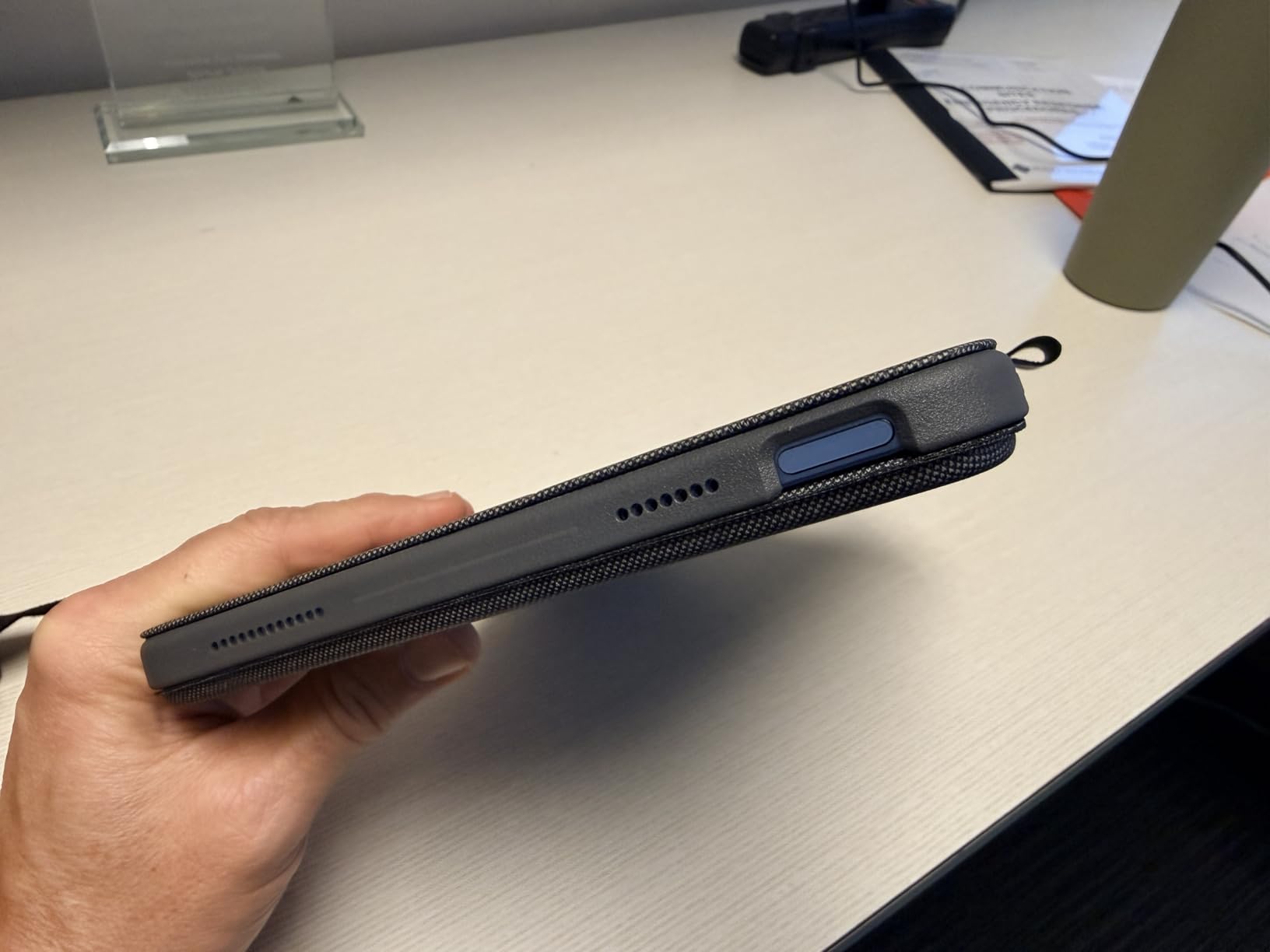
Two things to know before you buy. The trackpad does not support tap-to-click out of the box, so a physical press is required, and at 572 grams it adds noticeable heft to the iPad. Compared with the Apple Magic Keyboard Folio, you give up the function row and the click-anywhere trackpad, but you keep the backlit keys and the kickstand, and you usually pay less.
Buy this if you want a premium typing experience without managing batteries or Bluetooth. Skip it if you specifically need a 14-key function row or a click-anywhere trackpad; the Magic Keyboard Folio is the better fit there.
Logitech makes this case in matching versions for iPad Air and iPad Pro, so the same idea carries up to bigger screens if you upgrade later.
2. Apple Magic Keyboard Folio: Best for Native Apple Integration
Apple Magic Keyboard Folio: iPad Keyboard and case for iPad (A16 and 10th Generation), Detachable Two-Piece Design that attaches magnetically, Built-in trackpad, US English – White
Connection: Smart Connector
Function row: 14 keys
Weight: 1.96 lb
Trackpad: Click-anywhere
+ Pros
- 14-key function row for brightness and volume
- Click-anywhere trackpad
- No pairing or charging required
- Two-piece detachable design
- Cons
- Highest price in the list
- Limited color options
- Apple Pencil not charged by case
The Magic Keyboard Folio is the case you buy when you want Apple’s first-party polish. The keyboard attaches magnetically to the iPad’s Smart Connector, so pairing and charging are non-issues, and the click-anywhere trackpad is the best in this list. Owners consistently call out the function row, which gives you quick access to brightness, volume, and media controls without keyboard shortcuts.
Because the case is a two-piece design, you can leave the back panel on for daily protection and pull the keyboard off when you just want to read or watch something. The kickstand adjusts across a wide range, so sketching on a desk feels natural.
Compared with the Logitech Combo Touch, the trade-offs are real. The Magic Keyboard Folio is the most expensive option in this roundup, and it does not backlight the keys. Owners also point out that the case does not charge the Apple Pencil, which is a small but real workflow gap.
For shoppers who want the tightest iPadOS experience and are willing to pay for it, this is the case to watch. If backlit keys or a lower price matter more, the Logitech Combo Touch or the ESR Ultra-Light case cover those needs without giving up much in daily typing.
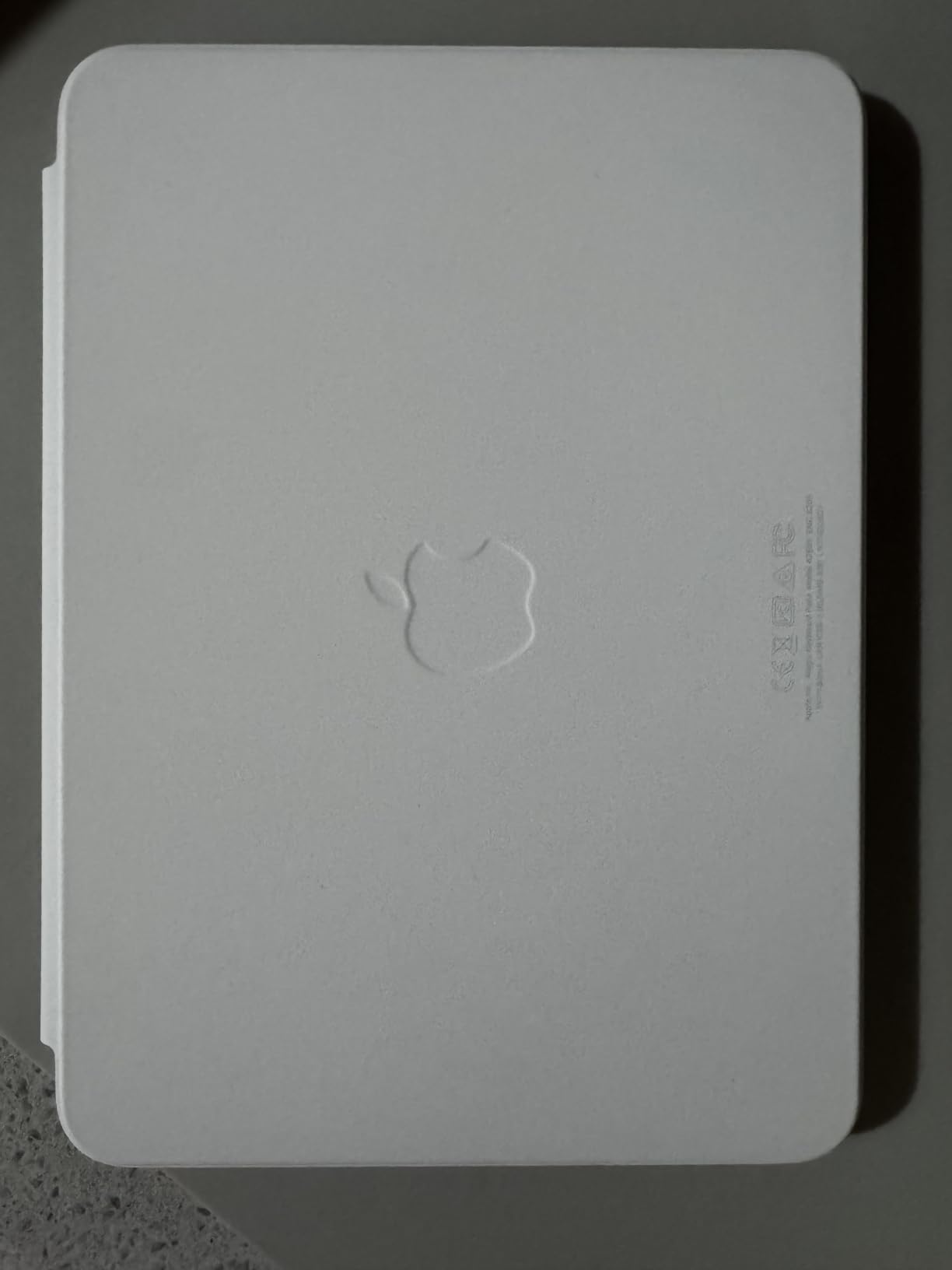
- Standout: first-party Apple integration with the smoothest iPadOS shortcuts in this list
- Headline spec: 14-key function row and click-anywhere trackpad
- Compatibility: 10th generation and A16 11th generation iPad only
3. ESR Ultra-Light Case: Best Thin Profile With Trackpad
ESR for iPad (A16) 11th/10th Gen Case with Keyboard, Ultra-Light
Profile: 6.9mm thin
Keys: 78
Weight: 530 g
Trackpad: 65% larger
+ Pros
- Ultra-thin 6.9mm design
- 65% larger precision trackpad
- Magnetic detachable keyboard
- Air Guard corners for drop protection
- Cons
- No backlight
- Only two viewing angles
- Trackpad clicks in bottom portion only
If you have ever carried a keyboard case that made your iPad feel like a brick, the ESR Ultra-Light is the antidote. At 6.9mm thick and 530 grams, it is the slimmest case in this list, and reviewers say it disappears in a bag in a way most folio cases do not. The 65% larger trackpad is the standout feature here, and it makes two-finger scrolling and gesture navigation feel close to a laptop.
The keyboard attaches magnetically and can be pulled off entirely, so the case works in both folio and bare-iPad modes. Two viewing angles (65° and 20°) cover typing at a desk and reading in bed.
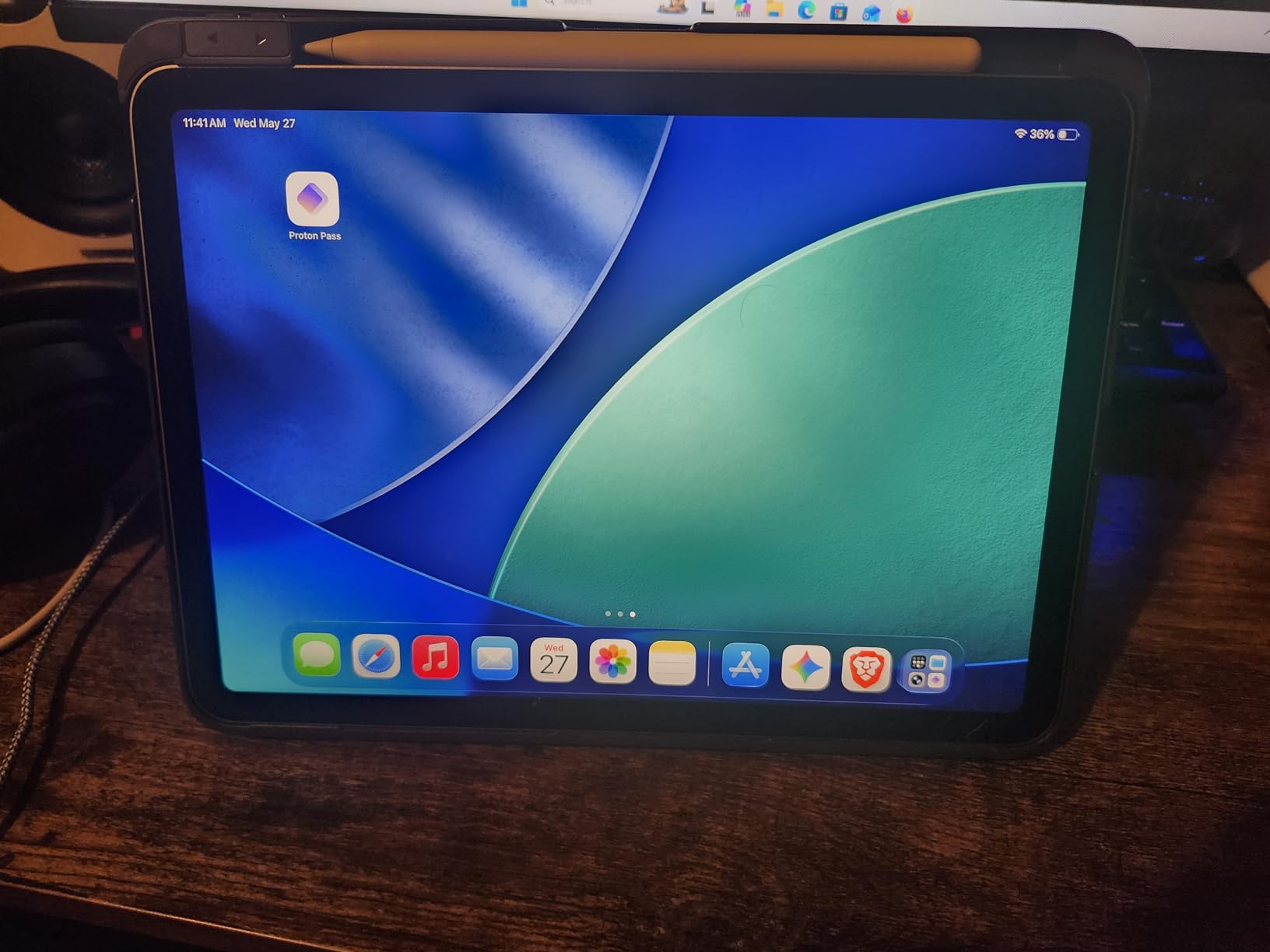
The trade-off is no backlit keys, which is the most common owner complaint. If you type in low light often, the Hamile or Harvopu cases solve that without much extra weight. Compared with the runelk Magic-Style at a similar weight, the ESR is thinner and uses stronger corner protection, but the runelk has the floating cantilever stand.
Anyone who carries their iPad everywhere and wants a real trackpad without the bulk should put this case on their shortlist. The lack of backlight rules it out for low-light typists, and shoppers who prefer a floating stand over a magnetic shell should look at the runelk instead.
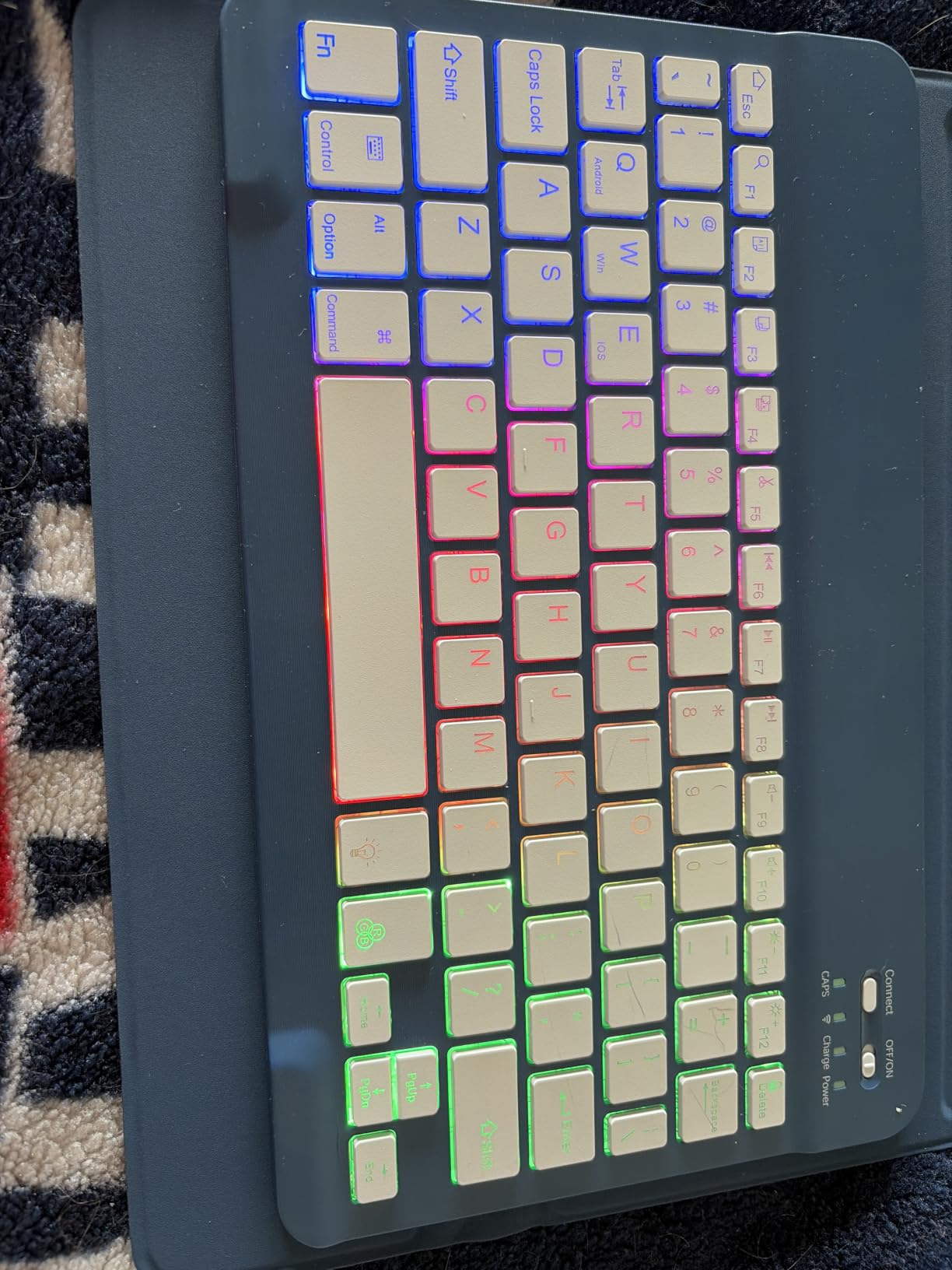
Owners report that the case fits a wide range of iPad 10th gen and A16 11th gen model numbers (A2696, A2757, A2777, A3162, A3354, A3355, A3356), so double-check your iPad’s model number in Settings before ordering.
4. typecase Touch 360: Best for 7 Use Modes
typecase Touch iPad A16 11th/10th Gen Case with Keyboard, 360° Rotating
Hinge: 360° rotating
Modes: 7
Weight: 650 g
Backlight: 11-color RGB
+ Pros
- 360° rotating hinge with 7 use modes
- 11-color RGB backlight
- Multi-touch trackpad
- Auto sleep and wake
- Cons
- Heavier than most at 650g
- Some reports of battery life issues
- Price above the budget tier
The typecase Touch 360 earns its name from the hinge, which spins a full 360° and unlocks seven different use modes, from laptop-style typing to tent mode for watching video to reverse-fold for sketching. Reviewers say the hinge is the reason to pick this case over a flat folio: it adapts to wherever you are using the iPad, whether that is a desk, a kitchen counter or a tray table on a flight.
The keyboard has 78 keys, 11-color RGB backlighting, and a multi-touch trackpad, so the typing experience is closer to a mid-range laptop than a budget folio. The auto sleep and wake feature saves battery when you close the cover.
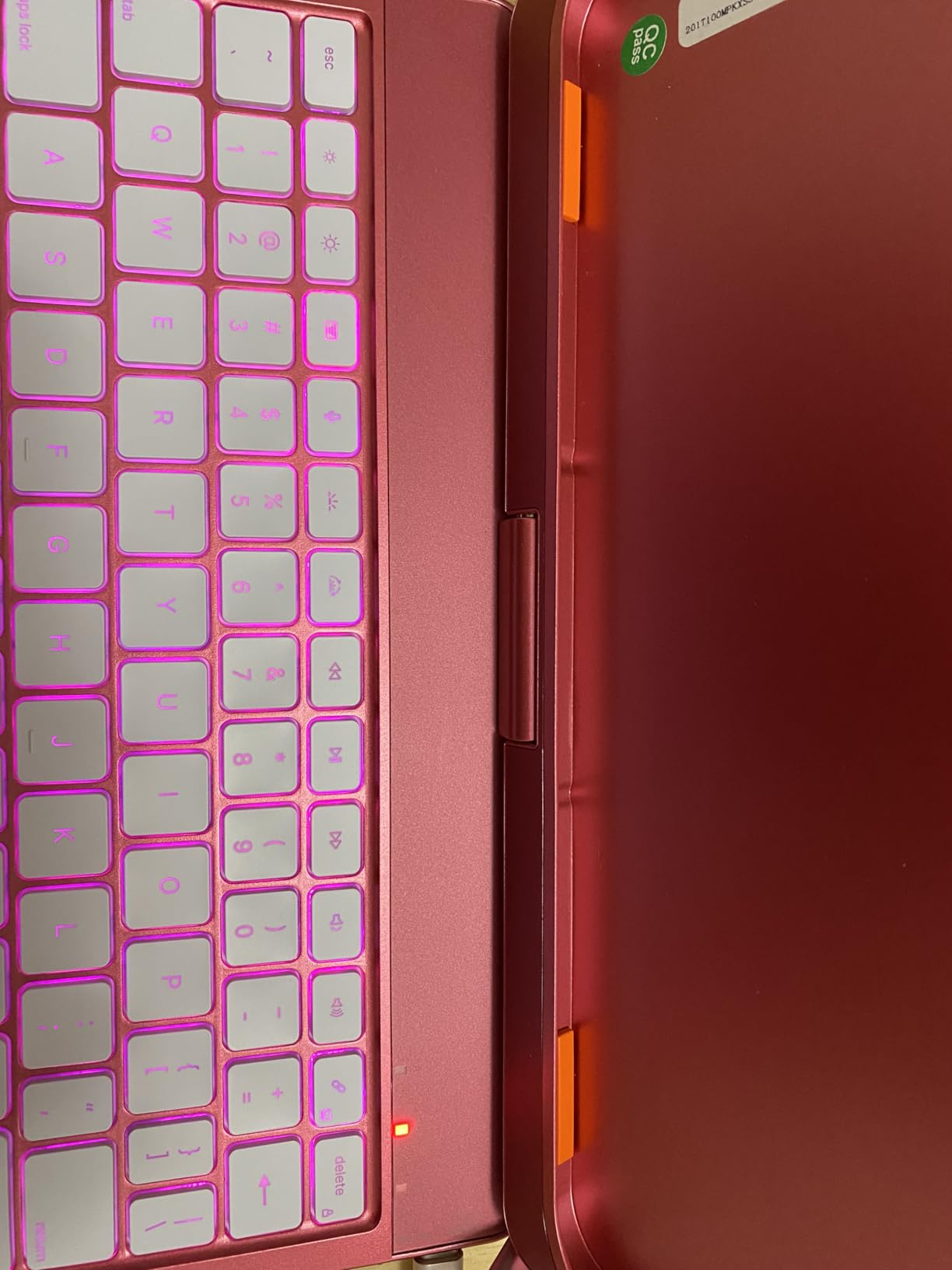
Two things to keep in mind. At 650 grams, it is one of the heavier options in the list, and a few reviewers have flagged battery longevity as a concern. Compared with the FUWANG 360 Rotating, the typecase has more use modes and brighter backlighting, but the FUWANG is lighter and noticeably cheaper.
Shoppers who use their iPad in many different positions and want a hinge that keeps up will appreciate the seven use modes. If the lightest possible case is the priority, the ESR Ultra-Light is a better fit for daily carry.
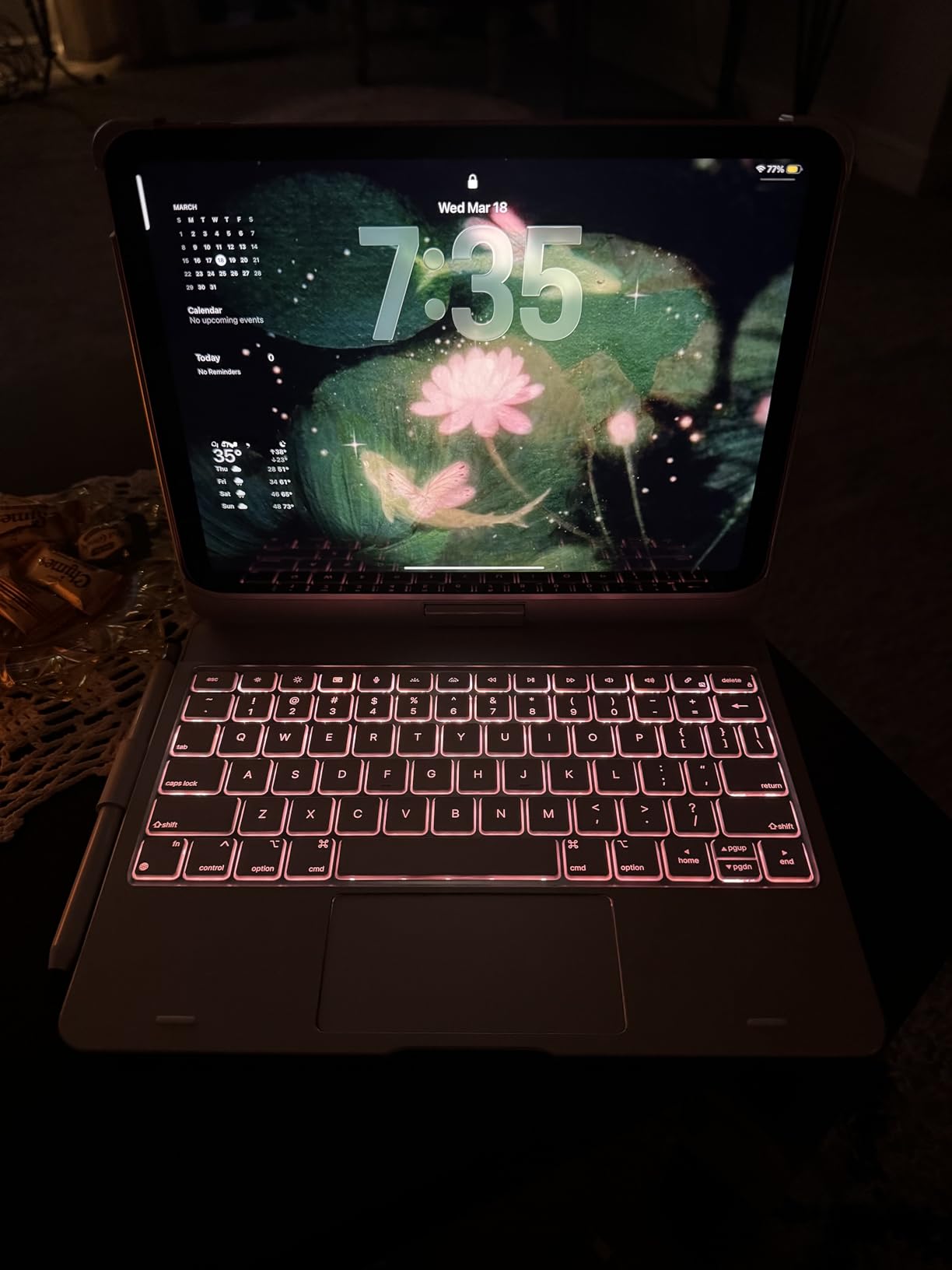
Because the case uses Bluetooth rather than Smart Connector, you will need to charge it. Owners report roughly a week of regular use per charge, and the auto sleep and wake feature extends that window when you close the cover between sessions.
5. ZAGG Rugged Book: Best for Drop Protection
ZAGG Rugged Book iPad 11″ (A16)/ 10.9″ (Gen 10) Case – Durable Wireless Keyboard Case, Military-Grade Drop Protection, Multi-Device Pairing, Detachable Backlit Keyboard, Black
Drop rating: 6.6 ft
Keys: 84
Weight: 2.5 lb
Pairing: Multi-device
+ Pros
- Military-grade drop protection
- 84-key layout for full number row
- Multi-device Bluetooth pairing
- Detachable keyboard with adjustable hinge
- Cons
- Heaviest option in the list
- Lower rating with some reliability concerns
- Some reports of hinge wear
The ZAGG Rugged Book is the case you buy when the iPad goes into a backpack, a job site, or the hands of a student. It carries a 6.6-foot military-grade drop rating, which is the highest in this list, and the detachable keyboard is built around a tough adjustable hinge. Owners who travel or work in rough environments say the extra weight is worth the peace of mind.
Beyond protection, the keyboard has 84 keys (a full number row, which is rare on iPad cases), 7-color backlighting, and multi-device Bluetooth pairing, so you can switch between the iPad and a phone with a key combo.
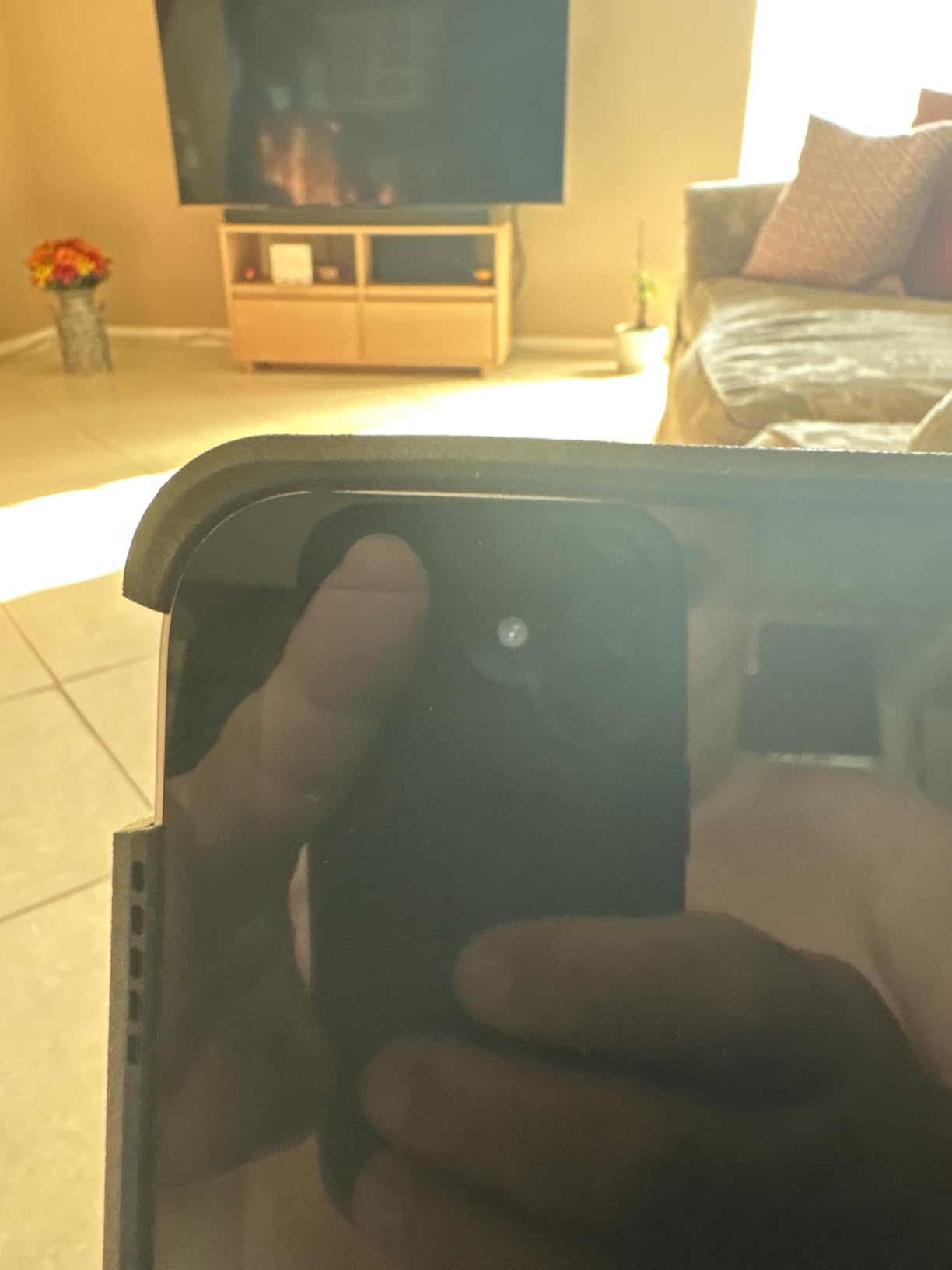
The trade-off is weight. At 2.5 pounds, this is by far the heaviest case here, and a few reviewers have flagged hinge wear after a year of daily use. The 4.1 rating is the lowest in this list, so buyer satisfaction is more mixed than the other picks. Compared with the typecase Touch 360, the Rugged Book is built like a tank, but it loses the rotating hinge and the 7-mode versatility.
Shoppers who need real drop protection and use their iPad in rough conditions should keep this on their shortlist. If portability matters more than ruggedness, the ESR Ultra-Light or the Hamile are far easier to carry day to day.
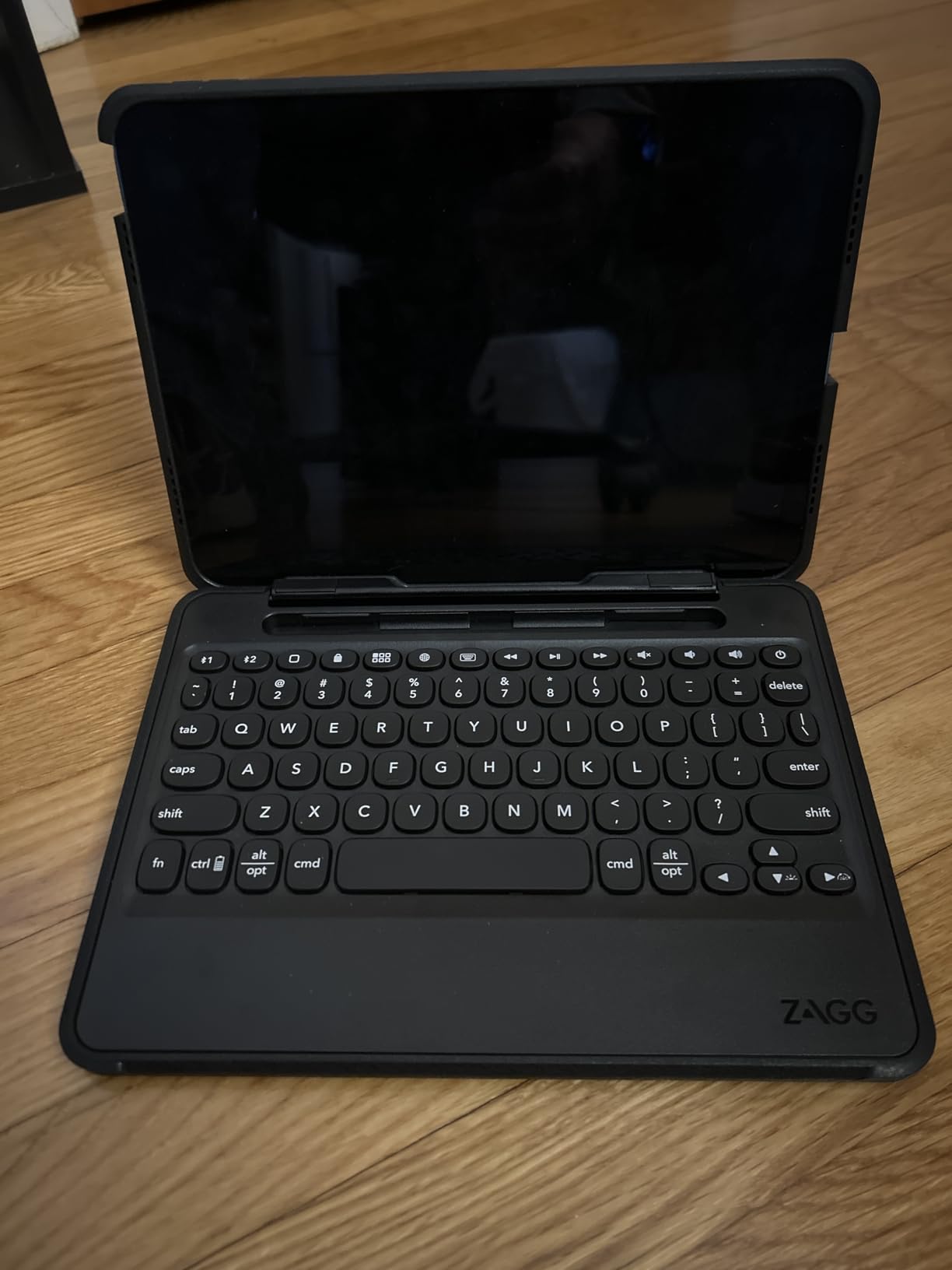
The case fits the 10.9-inch 10th generation and the 11-inch A16 iPad, and Zagg sells matching versions for the iPad Air and Pro if you upgrade later. Owners in tough work environments say the 6.6-foot drop rating has saved their iPad more than once.
6. runelk Magic-Style: Best Floating Cantilever Alternative
runelk Keyboard Case for iPad 10th Generation 2022 & 11th (A16, 2025) – Magic-Style Keyboard with Multi-Touch Trackpad – Floating Cantilever Stand – Magnetic Case for iPad 10.9 inch 10th / 11th Gen.
Stand: Floating cantilever
Keys: 64
Battery: 750mAh
Connection: Magnetic
+ Pros
- Floating cantilever stand design
- 750mAh battery for 3 months of daily use
- Multi-touch trackpad with iPadOS shortcuts
- Strong magnetic attachment
- Cons
- Only 64 keys versus 78 on rivals
- No backlight
- Some users report stiff opening
The runelk Magic-Style borrows the floating cantilever design from the Apple Magic Keyboard and delivers it at a much lower weight class. The iPad hovers above the keyboard on a magnetic arm, which lets you adjust the viewing angle with one hand. Reviewers say it feels closer to a real laptop than any other case in this price range.
The 750mAh battery is the biggest in the list, and owners report around three months of daily use between charges. The multi-touch trackpad supports iPadOS gestures, and the case uses vegan leather on the outside for a softer feel.
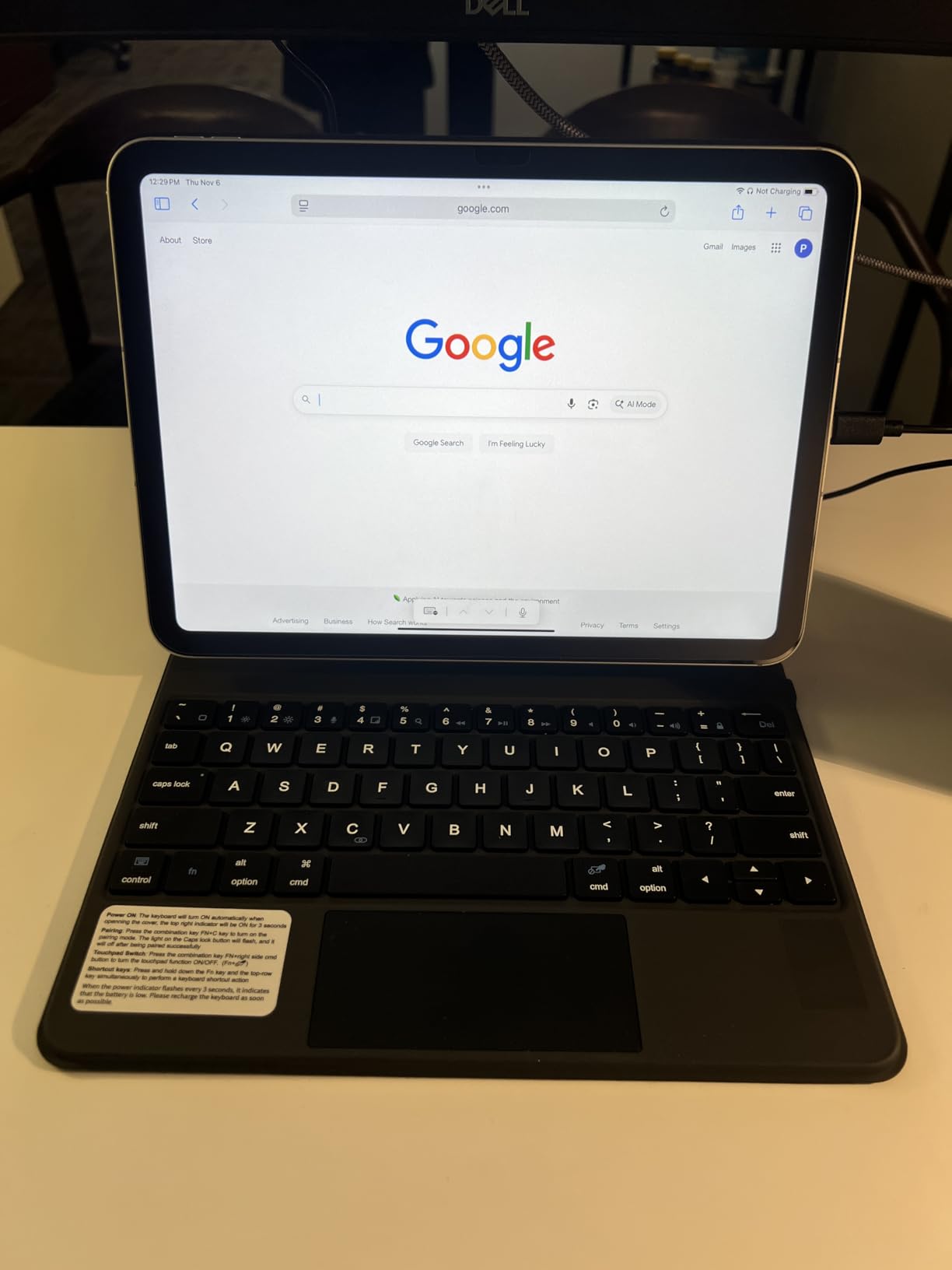
The trade-offs are real. There are only 64 keys, so you lose the number row and some function keys. There is no backlight, which rules this case out for low-light typing. Compared with the Apple Magic Keyboard Folio, the runelk is the floating stand for shoppers who do not want to pay Apple’s premium, but you give up the function row and the click-anywhere trackpad.
Shoppers who specifically want a floating cantilever stand without paying the Apple price should put this case on their list. If backlit keys or a function row matter more than the floating hinge, the Logitech Combo Touch or the CHESONA are stronger daily drivers.
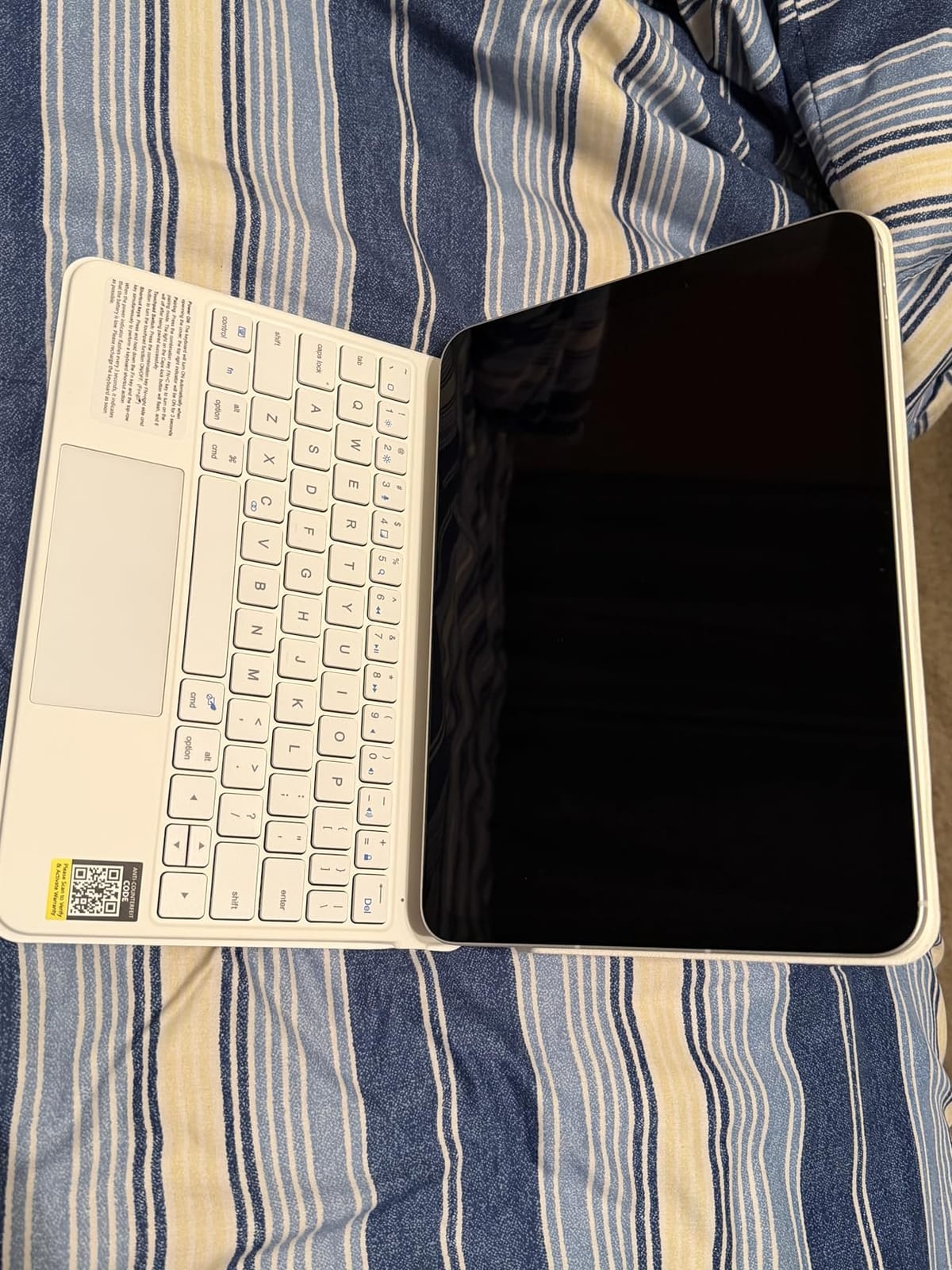
Because the case is magnetic, attaching and detaching the iPad is quick, but the hinge can feel stiff the first few times you open it. Owners say it loosens up after a week of regular use, and the 750mAh battery means you rarely have to think about charging.
7. CHESONA Dual Bluetooth: Best for Multi-Device Pairing
CHESONA Compatible for iPad 11th(A16)/10th Generation Case with Keyboard
Keys: 78
Battery: 500mAh
Standby: 120 days
Connection: Dual Bluetooth
+ Pros
- Dual Bluetooth channels for multi-device pairing
- 7-color backlit with 3 brightness levels
- 500mAh battery with 120-day standby
- Multi-touch trackpad with iPadOS gestures
- Cons
- Backlight auto-off after 30 seconds
- Some users report connectivity issues
CHESONA built this case around a feature that most iPad keyboard cases overlook: dual Bluetooth channels. You can pair the keyboard to the iPad and a phone at the same time, then switch between them with a key combo. Owners who bounce between an iPad and a phone for work say this saves the hassle of re-pairing every time.
Beyond the dual pairing, the keyboard has 78 keys, 7-color backlighting, and a 500mAh battery rated for 120 days of standby. The trackpad supports iPadOS gestures, and the keyboard magnetically detaches from the case.
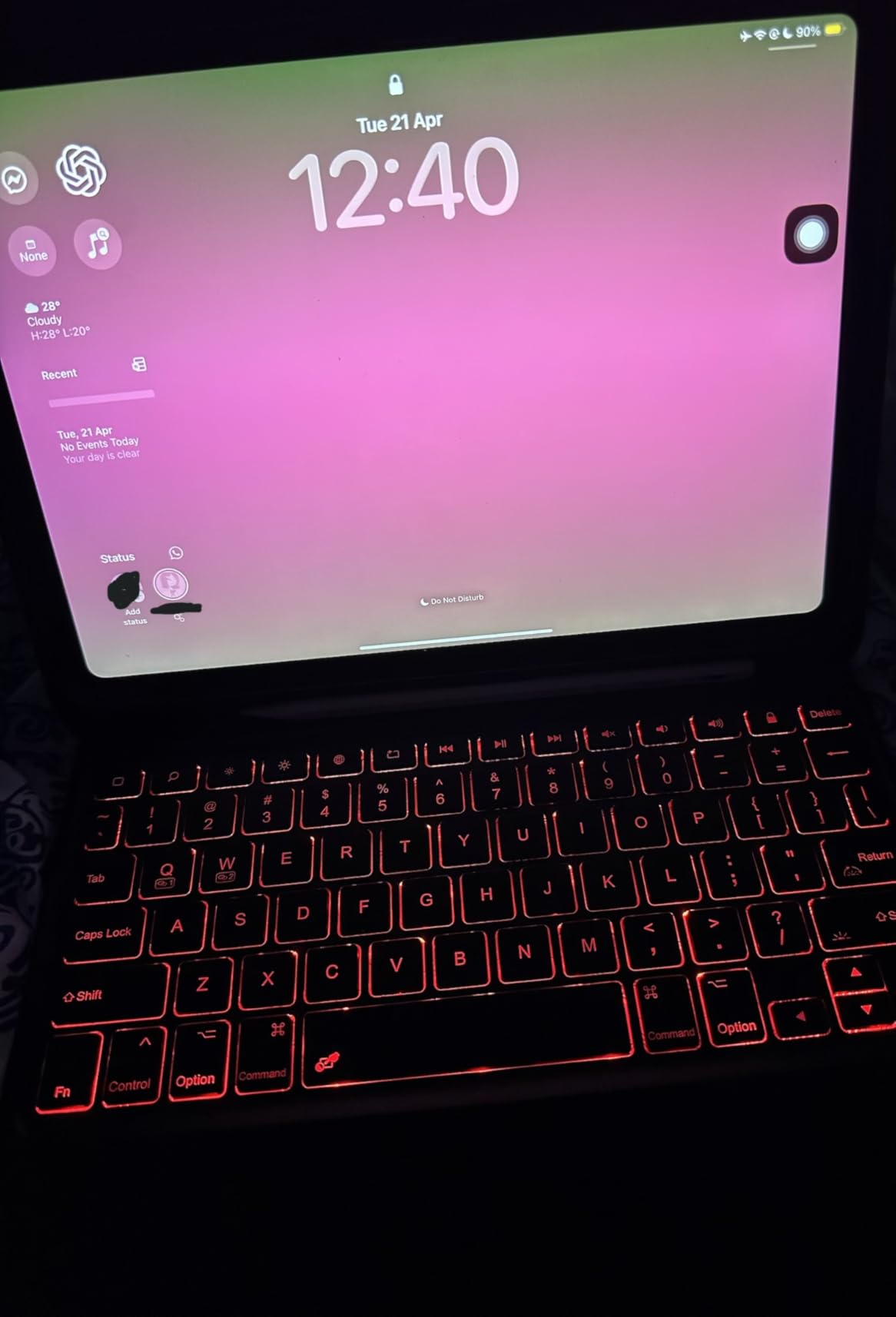
Two things to know. The backlight auto-shuts off after 30 seconds to save battery, which a few owners find annoying. Some users also report occasional Bluetooth dropouts, though most say the connection is stable once paired. Compared with the Hamile, the CHESONA is the better multi-device pick, but the Hamile has a longer active battery life.
Anyone who regularly switches between an iPad and a phone or tablet will appreciate the dual Bluetooth channels. If you only ever use one device, the Hamile’s longer active battery is a better single-device fit.
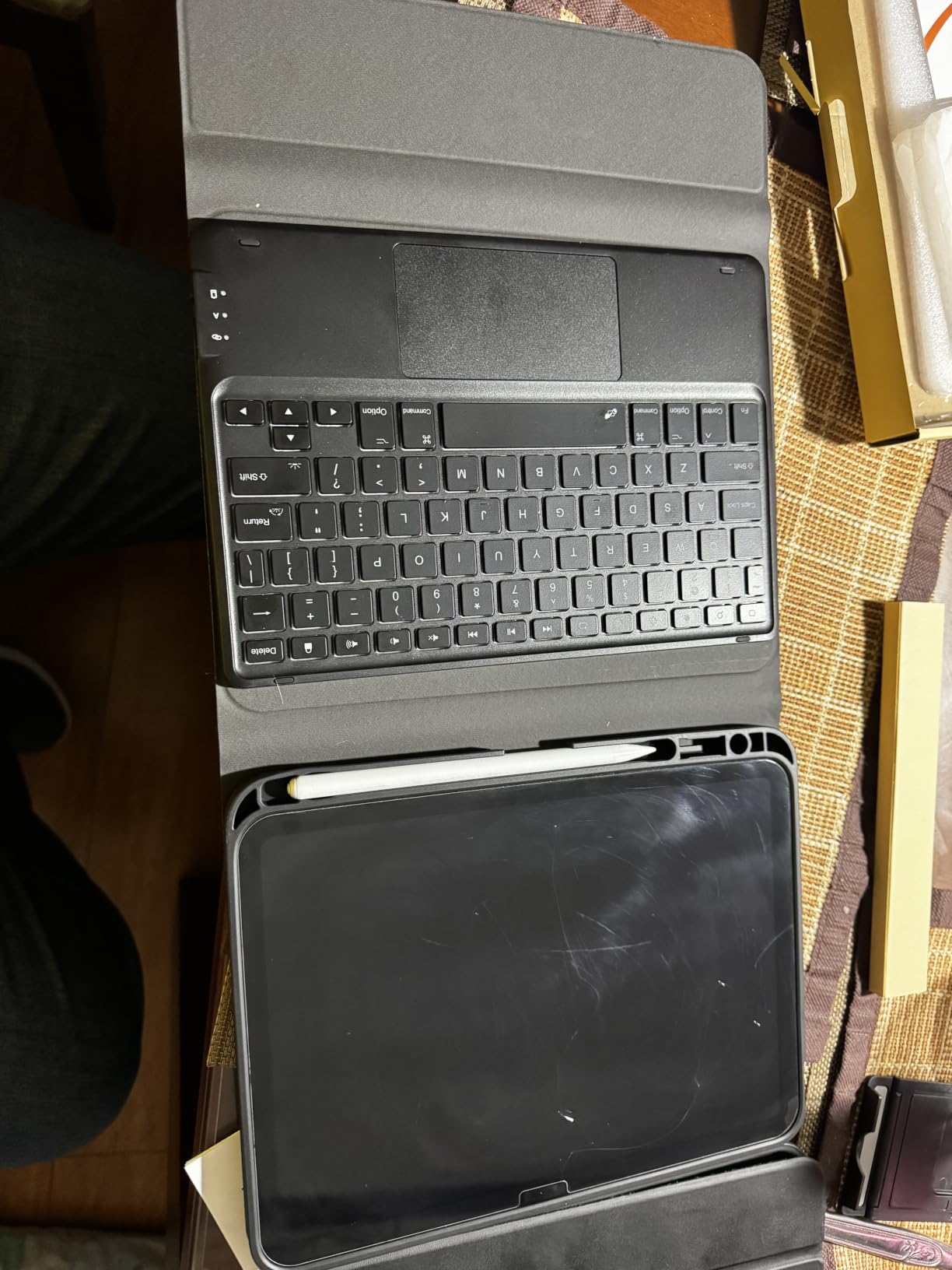
The case fits the same wide range of iPad 10th gen and A16 11th gen model numbers as most cases in this list, including the A3162 model. Owners who pair the case with both an iPad and an iPhone say the channel switch is the feature they use most.
8. Hamile 7-Color Backlit: Best Battery Life
Hamile for iPad A16 11th 10th Generation Case with Keyboard – Wireless
Keys: 78
Battery: 230 hours
Backlight: 7-color RGB
Connection: Wireless
+ Pros
- 230-hour active battery life
- 7-color RGB backlit keys
- Magnetically detachable design
- Built-in pencil holder
- 3 viewing angles
- Cons
- Some users report typing noise
- Trackpad may feel small to large-handed users
The Hamile is the highest-rated keyboard case in this list, with an average rating of 4.5 stars across more than 11,000 owner reviews, and the standout spec is the 230-hour active battery life. For comparison, that is roughly ten times what most rivals offer. Owners say they charge the case once a month and forget about it for the rest of the time.
Beyond the battery, the keyboard has 78 keys, 7-color RGB backlighting, three viewing angles via grooves on the back, and a built-in pencil holder. The keyboard magnetically detaches, and the case uses premium PU material on the outside with a TPU interior for heat dissipation.
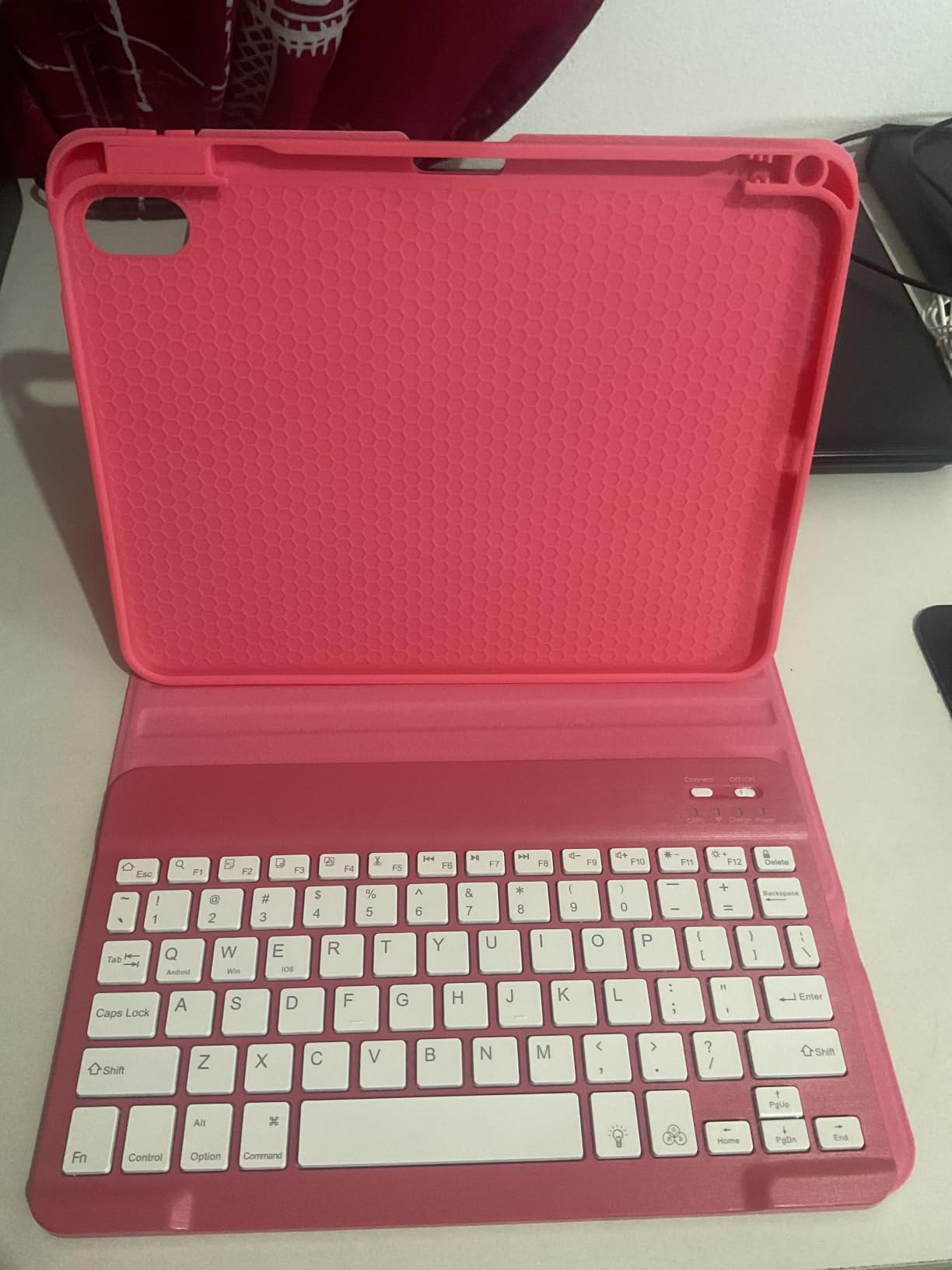
Two minor complaints come up in reviews. Some owners say the keys are a bit loud for shared spaces, and the trackpad can feel small to people with larger hands. Compared with the Harvopu, which sits at a similar rating and review count, the Hamile wins on battery life but the Harvopu is the category’s #1 best seller.
If charging the case once and not thinking about it for weeks sounds appealing, the 230-hour battery makes this the most hands-off option here. The smaller trackpad surface means shoppers who do a lot of cursor work should look at the ESR Ultra-Light instead.
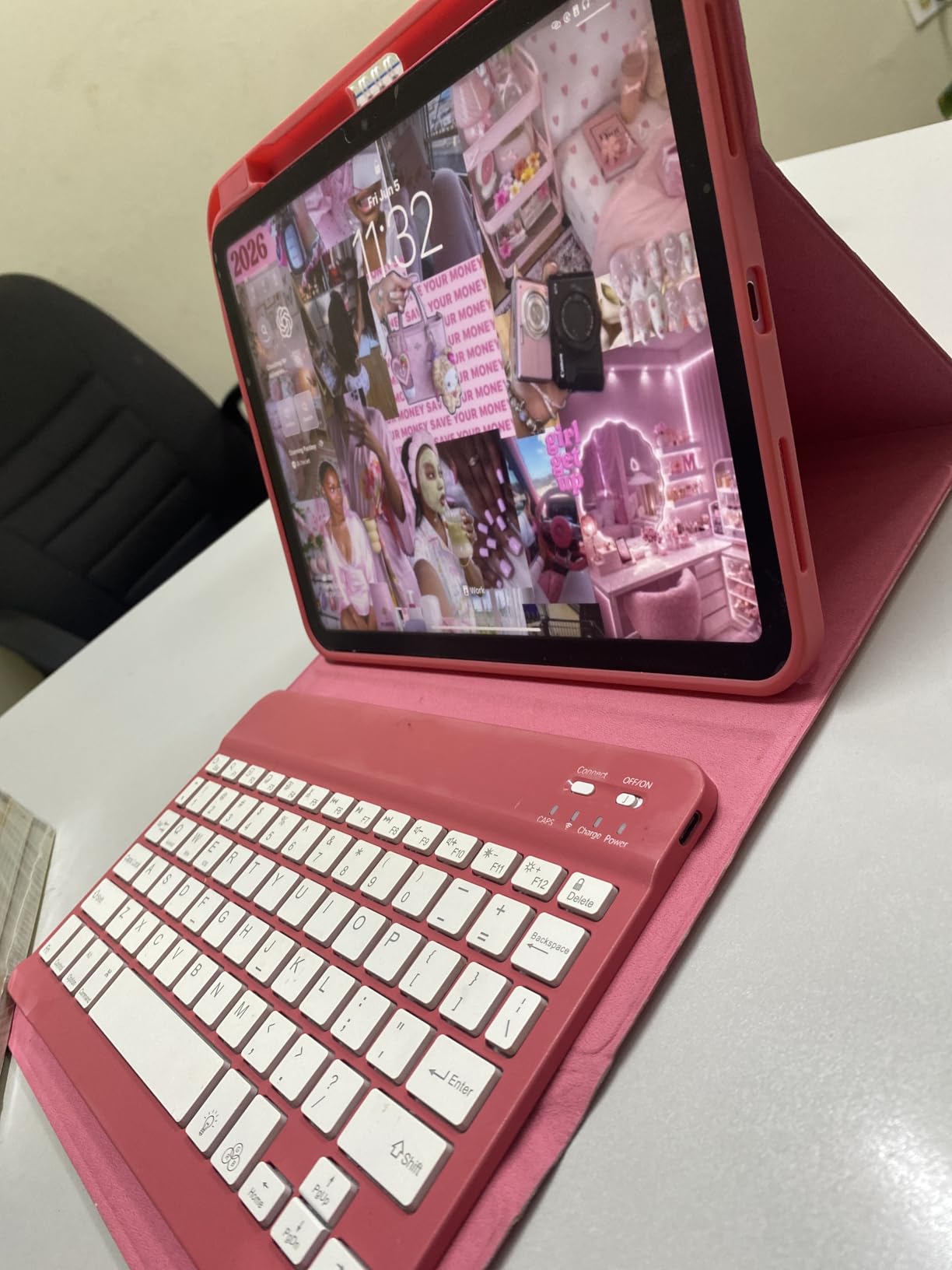
The case comes in navy blue and a few other colorways depending on the listing, so check the color dropdown before you order. Reviewers also call out the 7-color RGB backlight as a quiet bonus on a budget-tier case.
9. Harvopu Folio: Best Seller Trackpad Pick
Harvopu for iPad A16 11th/10th Generation Case with Keyboard, Folio Cover
Keys: Not specified
Battery: 420mAh
Backlight: 7 RGB
Connection: Bluetooth
+ Pros
- Category #1 best seller rank
- High-sensitivity trackpad with multi-gesture support
- 7-color RGB backlit keys
- Stain-resistant PU material
- Cons
- Lower 4.3 rating versus 4.5 on top picks
- Some users report connectivity issues
The Harvopu is the #1 best seller in the Tablet Keyboard Cases category on Amazon, and the spec sheet explains the popularity. It has a 420mAh battery, 7-color RGB backlighting, a high-sensitivity trackpad with multi-gesture support, and stain-resistant PU material on the outside. At a budget-tier price during the sale, it is often the case shoppers land on when they want a full feature set without paying for a premium brand.
The keyboard detaches magnetically, and the case has a honeycomb TPU interior for heat dissipation, which owners say keeps the iPad cooler during long typing sessions.
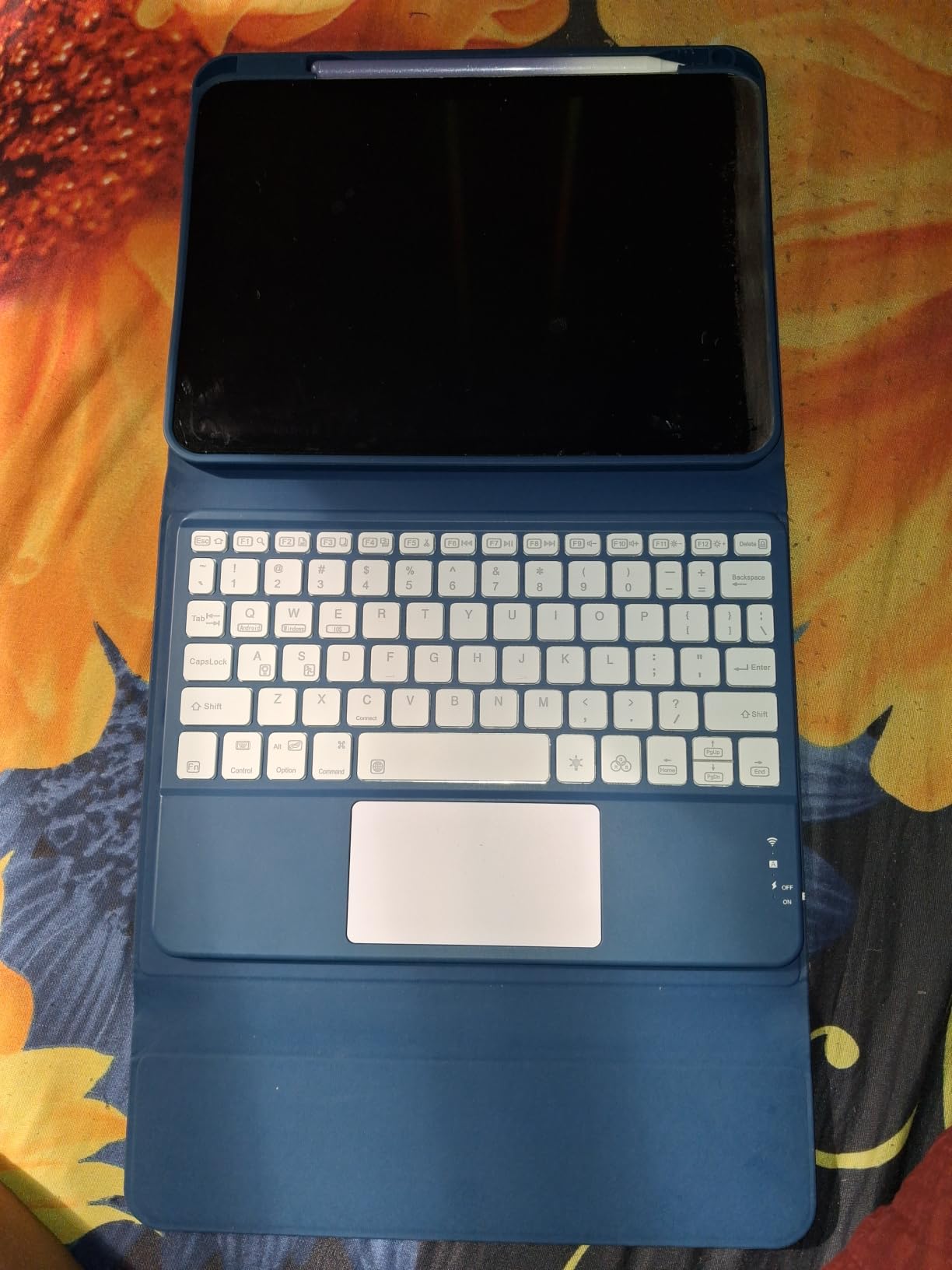
The trade-off is the 4.3 rating, which is the second-lowest in this list and a step below the 4.5 average of the top picks. A small number of reviewers report Bluetooth connectivity issues, though the majority describe a smooth experience. Compared with the Hamile, the Harvopu has a shorter battery life and a slightly lower rating, but it is often a better value at the budget end.
Shoppers who want a full feature set at the lowest possible cost during the sale will find a lot to like here. If Bluetooth reliability is a dealbreaker, the Logitech Combo Touch removes that variable entirely with its Smart Connector.
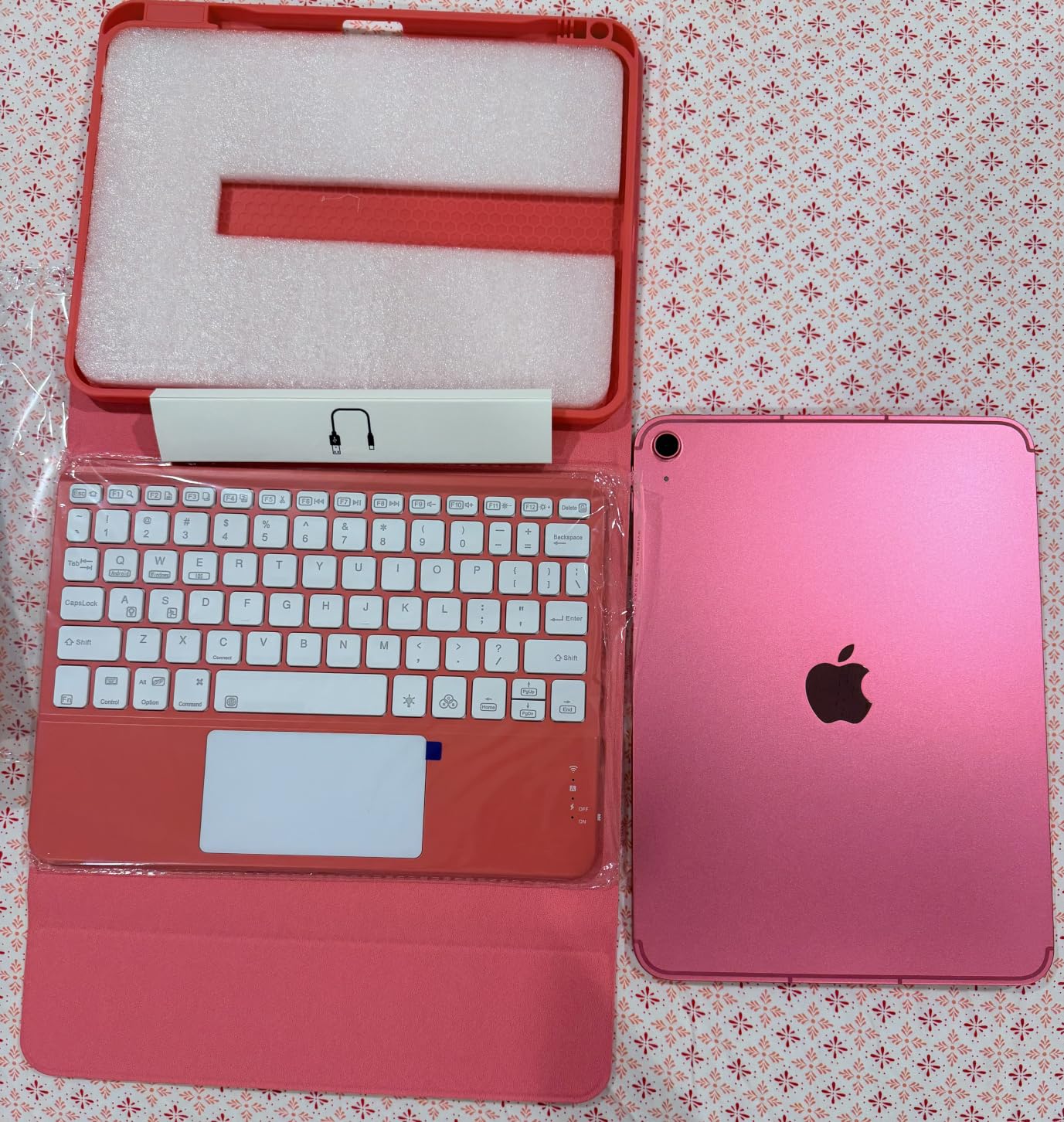
The case is listed in navy blue in the most common version, though some listings offer additional colorways and availability shifts during sale events. Owners say the honeycomb TPU interior keeps the iPad cooler during long typing sessions, which is a small but real comfort win.
10. FUWANG 360 Rotating: Best 360° Value
FUWANG Touch Keyboard Case for iPad A16 11th/10th Gen, 360° Rotating, Blue
Hinge: 360° rotating
Keys: 78
Battery: 500mAh
Standby: 130 days
+ Pros
- 360° rotating hinge
- 7-color RGB backlight
- 500mAh battery with 130-day standby
- Multi-touch trackpad
- Cons
- Some reports of trackpad accuracy issues
- Keys require firm press
- Plastic build feels less premium
The FUWANG 360 Rotating is the budget-friendly way to get a 360° hinge. The hinge spins a full rotation, which lets the case fold into tent, stand, and reverse-sketch modes, similar to the typecase Touch 360 but at a lower price point. Owners say it is a strong fit for students and casual users who want versatility without the premium price.
The keyboard has 78 keys, 7-color RGB backlighting, a 500mAh battery rated for 130 days of standby, and a multi-touch trackpad. There is also an Apple Pencil holder and an auto sleep and wake feature.
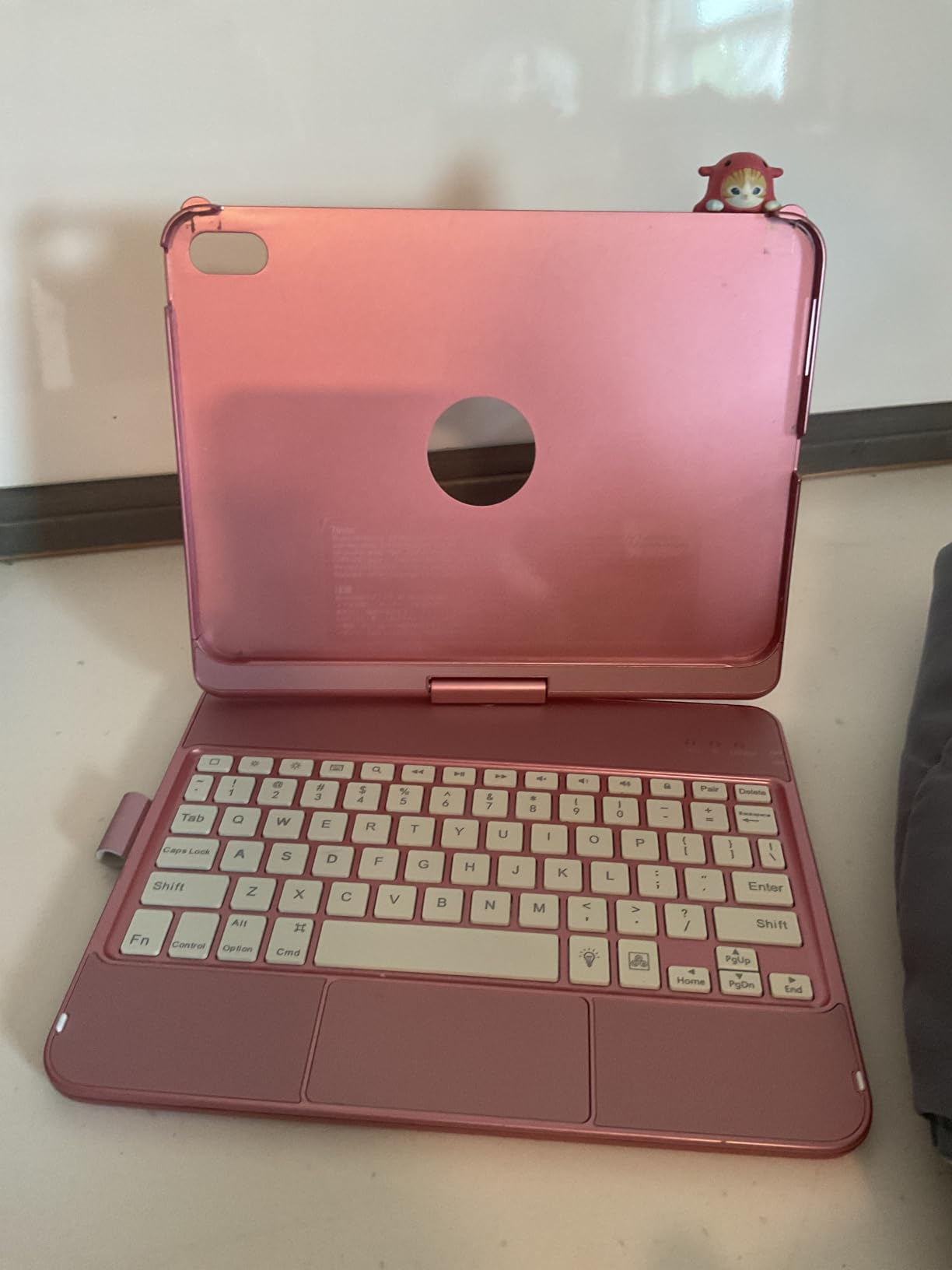
Two things to know. Some reviewers report trackpad accuracy issues, especially with palm rejection, and the keys require a firmer press than the top picks. Compared with the typecase Touch 360, the FUWANG is the cheaper 360° option, but the typecase has more use modes and a brighter backlight.
Anyone who wants a rotating hinge on a budget should put this on their shortlist. If trackpad precision is critical, the ESR Ultra-Light or the Logitech Combo Touch handle that better, but neither offers the 360° rotation at this weight class.
At 1.4 pounds, this sits between the ultra-light ESR and the heavier typecase, so it is a middle ground rather than the lightest option. Owners say the 7-color RGB backlight and the Apple Pencil holder round out the package nicely for the price.
How to Choose an iPad Keyboard Case During Prime Big Deal Days
iPad Size and Generation Fit
The first filter is your exact iPad model. The 10th generation 10.9-inch iPad and the A16 11th generation 11-inch iPad share a similar form factor, and most of the cases in this list fit both, but the iPad Air and iPad Pro use different sizes and different Smart Connector positions. Confirm the model number in Settings, then check the case listing’s compatible devices section before you order.
Form Factor: Folio, Detachable and Clamshell
Folio cases keep the keyboard attached and flip around for reading, which is simple but adds bulk. Detachable cases like the Logitech Combo Touch let you remove the keyboard entirely for sketching. Clamshell and floating cantilever designs like the runelk Magic-Style and the Apple Magic Keyboard Folio give you a laptop-like hinge. Pick the form factor that matches how you actually use the iPad.
Typing Feel, Key Travel and Trackpad
For long typing sessions, key travel of around 1mm or more and a scissor or membrane switch feels closest to a laptop. A multi-touch trackpad that supports iPadOS gestures makes a real difference for productivity, especially if you are editing documents. The Logitech Combo Touch, ESR Ultra-Light, and Apple Magic Keyboard Folio have the best trackpads in this list.
Viewing and Sketching Angles
Kickstand cases like the Logitech Combo Touch offer a wide tilt range, which is good for desk typing. Floating cantilever designs like the runelk Magic-Style and the Apple Magic Keyboard Folio let you adjust the angle with one hand. If you sketch with the Apple Pencil, a wide tilt range matters more than a single fixed angle.
Protection, Weight and Daily Carry
Cases range from 530 grams (ESR Ultra-Light) to 2.5 pounds (ZAGG Rugged Book). For daily carry, anything under 600 grams is comfortable. For rough environments, the ZAGG’s 6.6-foot drop rating is worth the extra weight. If you travel light, the Hamile and ESR are the easiest to live with.
How to Shop iPad Keyboard Case Deals During the Sale
Listings shift through the event, and the same case often appears under different model numbers. Confirm your iPad’s model number in Settings, then check the listing’s compatible devices section before you add anything to your cart. Watch the seller and shipping notes, since third-party sellers sometimes undercut the official listing but with different return terms. Most of these offers need a Prime membership (a free trial counts), and prices change through October 6-7, 2026.
Quick checklist for Prime Big Deal Days shoppers:
- Confirm the iPad model number in Settings
- Match it to the listing’s compatible devices list
- Check whether the case uses Smart Connector or Bluetooth
- Look for backlit keys if you type in low light
- Weight under 600 grams for daily carry
- Prime membership required for most offers
Frequently Asked Questions
When does Prime Big Deal Days 2026 run for iPad keyboard case deals?
Prime Big Deal Days runs October 6-7, 2026, and iPad keyboard case offers run the full length of the event. Most offers need a Prime membership, and pricing can change hour to hour through the two days. Add the cases you want to a list and check back often during the sale.
Do I need a Prime membership to get iPad keyboard case deals during Prime Big Deal Days?
Yes, most Prime Big Deal Days offers need an active Prime membership. A free trial counts if you sign up before you check out. Some third-party sellers on Amazon run their own discounts without a Prime requirement, but the headline case prices are usually Prime-only.
How do I know which iPad keyboard case fits my iPad?
Open Settings on your iPad and check the model number under General then About. Match that number to the compatible devices list on the case listing. Cases built for the 10th generation 10.9-inch iPad and the A16 11th generation 11-inch iPad usually fit both, but iPad Air and iPad Pro cases are different.
Are iPad keyboard cases usually discounted during Prime Big Deal Days?
Yes, third-party brands like Hamile, CHESONA, Harvopu and FUWANG typically run sale pricing during Amazon’s October Prime event. Premium picks like the Logitech Combo Touch and the Apple Magic Keyboard Folio also see price drops, though the discount is usually smaller in percentage terms.
What is the difference between a folio and a detachable iPad keyboard case?
A folio case keeps the keyboard attached and flips around for reading, which is simple but adds bulk. A detachable case lets you remove the keyboard entirely so you can use the iPad as a tablet for sketching or reading without the keys. The Logitech Combo Touch and the Apple Magic Keyboard Folio are both detachable designs.
Is a trackpad worth it on an iPad keyboard case?
A trackpad is worth it if you edit documents, browse the web, or use cursor-friendly apps like Notes and Files. iPadOS gesture support makes two-finger scrolling and navigation feel close to a laptop. If you only type short messages, a trackpad adds cost and weight without much benefit.
Final Verdict: iPad Keyboard Case Deals: Prime Big Deal Days
Buy the Logitech Combo Touch if you want the most well-rounded iPad keyboard case deal during Prime Big Deal Days: Smart Connector simplicity, backlit keys, and a real trackpad without managing batteries. The Apple Magic Keyboard Folio is the pick for shoppers who want first-party Apple polish and a 14-key function row and are willing to pay for it. The ESR Ultra-Light is the best value for shoppers who want a thin profile and a large trackpad without a backlight. The ZAGG Rugged Book is the right call if your iPad needs real drop protection, and the runelk Magic-Style is the floating cantilever alternative for shoppers who want that hinge style without the Apple price.
For the rest by need: pick the typecase Touch 360 if you want 7 use modes and a bright RGB backlight, the CHESONA Dual Bluetooth if you regularly switch between the iPad and a phone, the Hamile for the longest active battery life, the Harvopu for the best-seller trackpad pick at the lowest cost, and the FUWANG 360 Rotating if you want a rotating hinge on a budget. Watch the listings through October 6-7, 2026, and add the cases that match your iPad model and typing style to a list so you can move quickly when the right price shows up.