
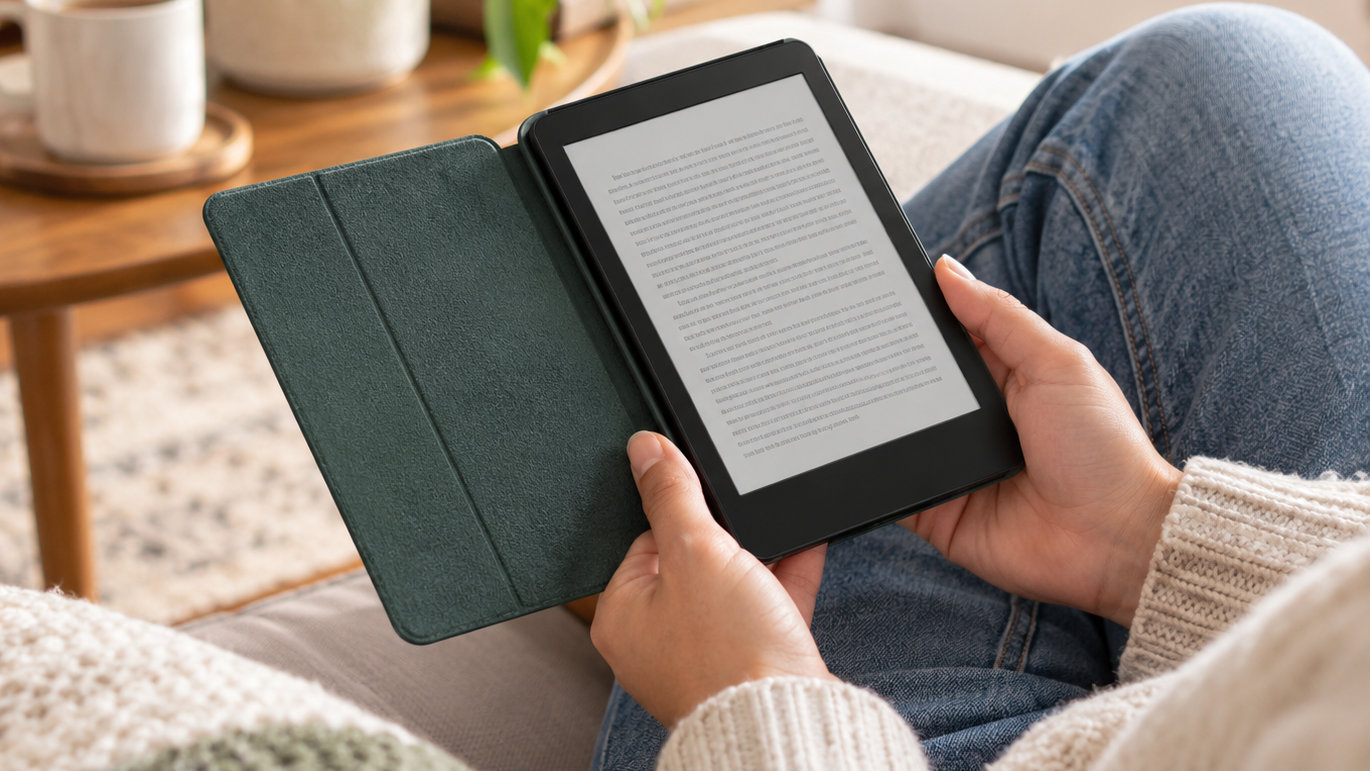
Cases, screen protectors, and a wireless charging dock top our list of Kindle accessory deals worth watching during Prime Big Deal Days. The MoKo Case for the 7-inch Kindle Paperwhite 12th Gen and Colorsoft leads the pack because it balances a slim hardback build, a magnetic closure, and 11k+ owner reviews without weighing your bag down. It is a great match if you want one case that covers the most popular 2024 Kindle screens.
Runners-up include the official Amazon fabric case if you want water-safe, sustainable materials, and the Fintie case if a foldable stand and hand strap would make bedtime reading easier. Amazon’s October event runs October 6-7, 2026, and most offers need a Prime membership.
Our Top 3 Picks for Kindle Accessory Deals: Prime Big Deal Days in 2026

MoKo Case Paperwhite 12th Gen
- Best for: Paperwhite 12th Gen owners
- Material: PU leather
- Weight: 4.33 oz
- Auto wake/sleep

Amazon Fabric Case Paperwhite
- Best for: water-safe reading
- Material: recycled polyester
- Weight: 4.97 oz
- Book-like closure

Fintie Case Paperwhite
- Best for: hands-free reading
- Material: synthetic leather
- Weight: 5.8 oz
- Foldable stand
Kindle Accessory Deals: Prime Big Deal Days Compared
| Product | Details | |
|---|---|---|
| MoKo Case Paperwhite 12th Gen |
|
Check Deal Price |
| Amazon Fabric Case Paperwhite |
|
Check Deal Price |
| Fintie Case Paperwhite |
|
Check Deal Price |
 MoKo 2 Pack Screen Protector MoKo 2 Pack Screen Protector |
|
Check Deal Price |
 CoBak 3 Pack Screen Protector CoBak 3 Pack Screen Protector |
|
Check Deal Price |
 Anker Wireless Charging Dock Anker Wireless Charging Dock |
|
Check Deal Price |
 Amazon 20W USB-C Charger Amazon 20W USB-C Charger |
|
Check Deal Price |
 DATAFY Page Turner Remote DATAFY Page Turner Remote |
|
Check Deal Price |
 CoBak Hand Strap CoBak Hand Strap |
|
Check Deal Price |
 Lamicall Gooseneck Holder Lamicall Gooseneck Holder |
|
Check Deal Price |
How We Chose
We compared Kindle accessory specs, owner ratings and review counts on Amazon for the most-searched categories: cases, screen protectors, chargers, page turners, hand straps and stands. We checked the data in October 2026 and prioritized products with strong owner feedback, clear Kindle model fit and solid build quality.
1. MoKo Case for 7″ Kindle Paperwhite 12th Gen 2024 and Colorsoft: Editor’s Choice for Most Owners
Moko Case for 7″ Kindle Paperwhite 12th Gen 2024/Colorsoft,Gray Forest
Best for: Paperwhite 12th Gen
Material: PU leather
Weight: 4.33 oz
Closure: Magnetic
+ Pros
- Slim hardback with premium PU leather feel
- Magnetic closure keeps cover sealed
- Auto wake/sleep when you open the lid
- Charging cutout means no need to remove the case
- Specific fit for Paperwhite 12th Gen and Colorsoft
- Cons
- Not water resistant
- Hard shell adds a little bulk
Picture a 6.8-inch Paperwhite slipping into a backpack pocket and emerging without a scratch. The MoKo case makes that realistic: a slim hardback shell at 4.33 ounces, with a PU leather cover that flips open like a paperback. Owners describe the magnetic closure as satisfying rather than flimsy, and the auto wake/sleep reliably kicks in the moment the lid lifts.
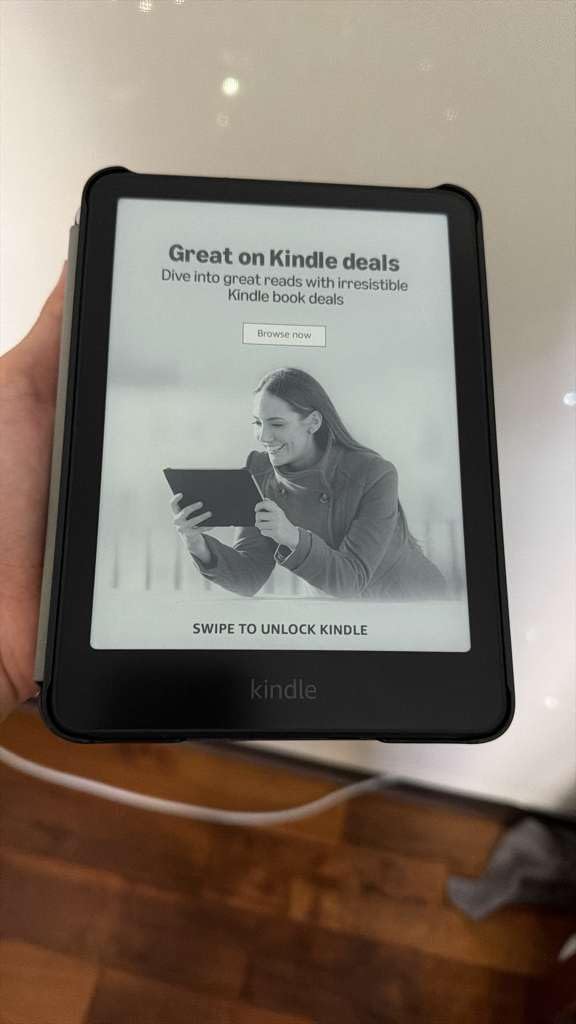
The case is cut for the 7-inch Kindle Paperwhite 12th Generation (2024), the Paperwhite Signature Edition, and the Kindle Colorsoft Signature Edition. Charging through the case works without removal, a small detail reviewers mention often because it means no daily case-off ritual. The PC interior is soft enough to keep the screen safe but firm enough to hold shape in a crowded bag.
Where this case wins is the everyday feel. It does not look like a tech accessory, and the Gray Forest color blends in on a coffee table. Reviewers note the cover stays closed in a backpack, and the corners do not fray after months of use. For owners who want a case that disappears into the routine rather than announcing itself, this is the pick.
Pick the Fintie Case instead if a foldable stand and hand strap would make bedside reading easier. Pick the Amazon Fabric Case if reading by pools, in the bath, or at the beach is more important than drop protection.
2. Amazon Kindle Paperwhite and Colorsoft Fabric Case: Best for Reading by Water
Amazon Kindle Paperwhite and Kindle Colorsoft Case, Lightweight and Water-Safe, Foldable Protective Cover – Fabric
Best for: water-safe reading
Material: Recycled polyester
Weight: 4.97 oz
Closure: Magnetic
+ Pros
- Water-safe fabric for bath and beach reading
- Lightweight 4.97 oz build for long sessions
- Magnetic book-like wake/sleep
- Folds back for easy one-handed reading
- 100 percent recycled post-consumer polyester
- Cons
- Less rigid than a hardback case
- Fewer color options than third-party cases
The official Amazon fabric case earns its spot for one quiet reason: it keeps working when life gets wet. A splash by the pool, a steamy bathroom, a sudden rain shower on a park bench, the water-safe fabric shrugs it off. At 4.97 ounces it is the lightest premium option in this roundup, and reviewers consistently describe it as the case that disappears in the hand.
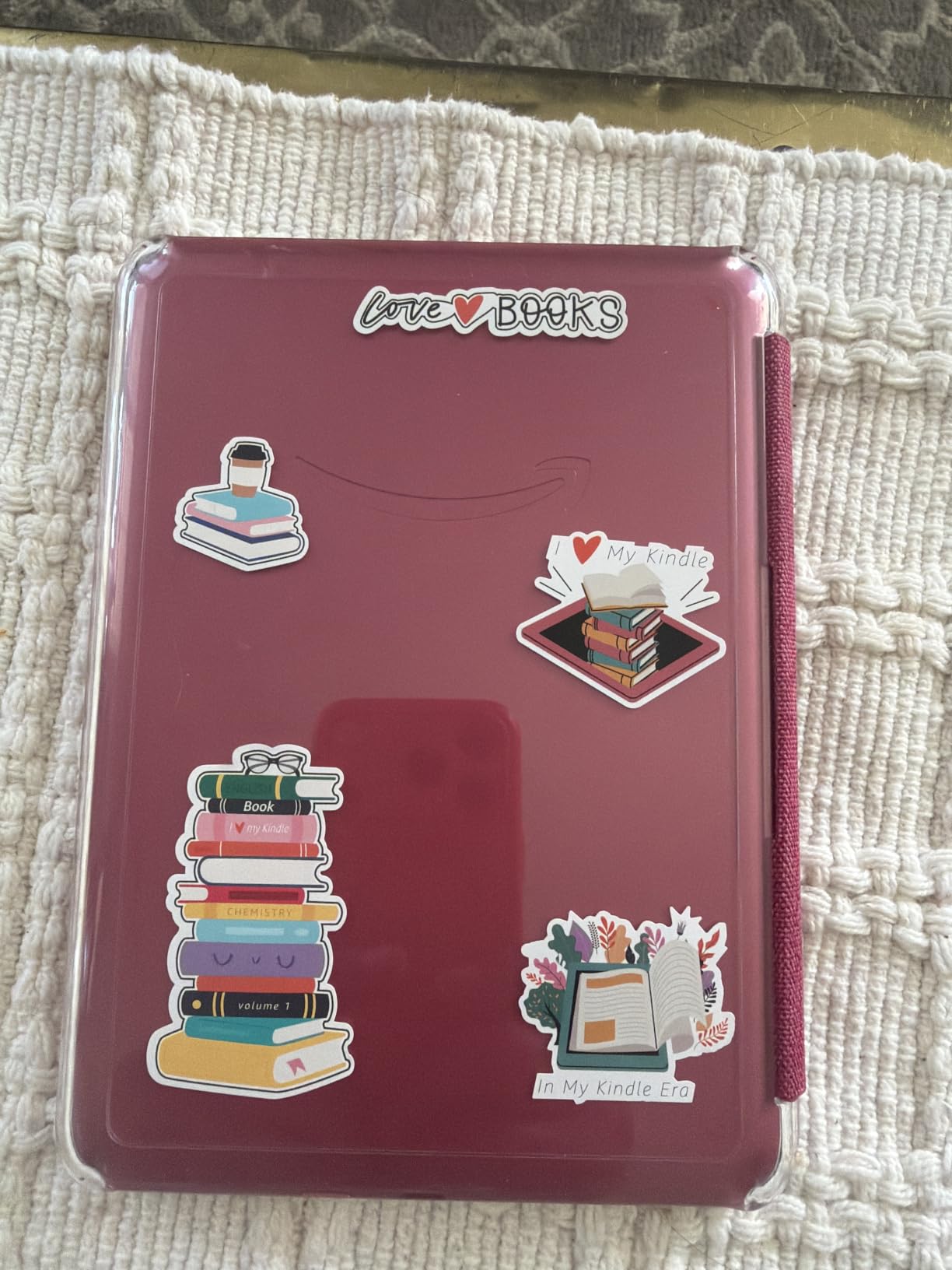
The sustainability angle is real, not marketing fluff. The cover fabric uses 100 percent recycled post-consumer polyester, which makes this a more thoughtful gift than a generic black case. Owners post photos of the muted color options that pair well with the new Colorsoft displays, and several mention gifting this case to a parent or a partner who reads in the bath.
Fit covers the 2024 Paperwhite, the Paperwhite Signature Edition, the Colorsoft, and the Colorsoft Signature Edition. It does not fit the 6.8-inch 11th Generation Paperwhite, so owners of older models need a different case. The cover folds all the way back for one-handed reading without flipping the lid forward, a small convenience reviewers mention often.
For a more rugged case that handles drops better, look at the MoKo Case. For a case with a built-in stand and hand strap, look at the Fintie Case.
3. Fintie Case for 7″/6.8″ Kindle Paperwhite 12th/11th Gen & Kindle Colorsoft: Best for Hands-Free Reading
Fintie Case for 7″/6.8″ Kindle Paperwhite 12th/11th Gen & Kindle Colorsoft
Best for: hands-free reading
Material: Synthetic leather
Weight: 5.8 oz
Stand: Foldable
+ Pros
- Foldable stand sets your hands free
- Built-in card slot for ID and notes
- Hand strap for one-handed reading
- Auto sleep/wake with magnetic clasp
- Microfiber interior protects screen
- Cons
- Slightly heavier than other cases
- Synthetic leather not real leather
The Fintie case is what you reach for when a flat case is not enough. Bedside reading, a long flight, a commute on a bumpy train, the front cover folds back into a stand, the hand strap slips over your palm, and there is a small card slot for a library card or a folded note. At 5.8 ounces, this is the heaviest of the three top cases, and the weight pays for the extras.
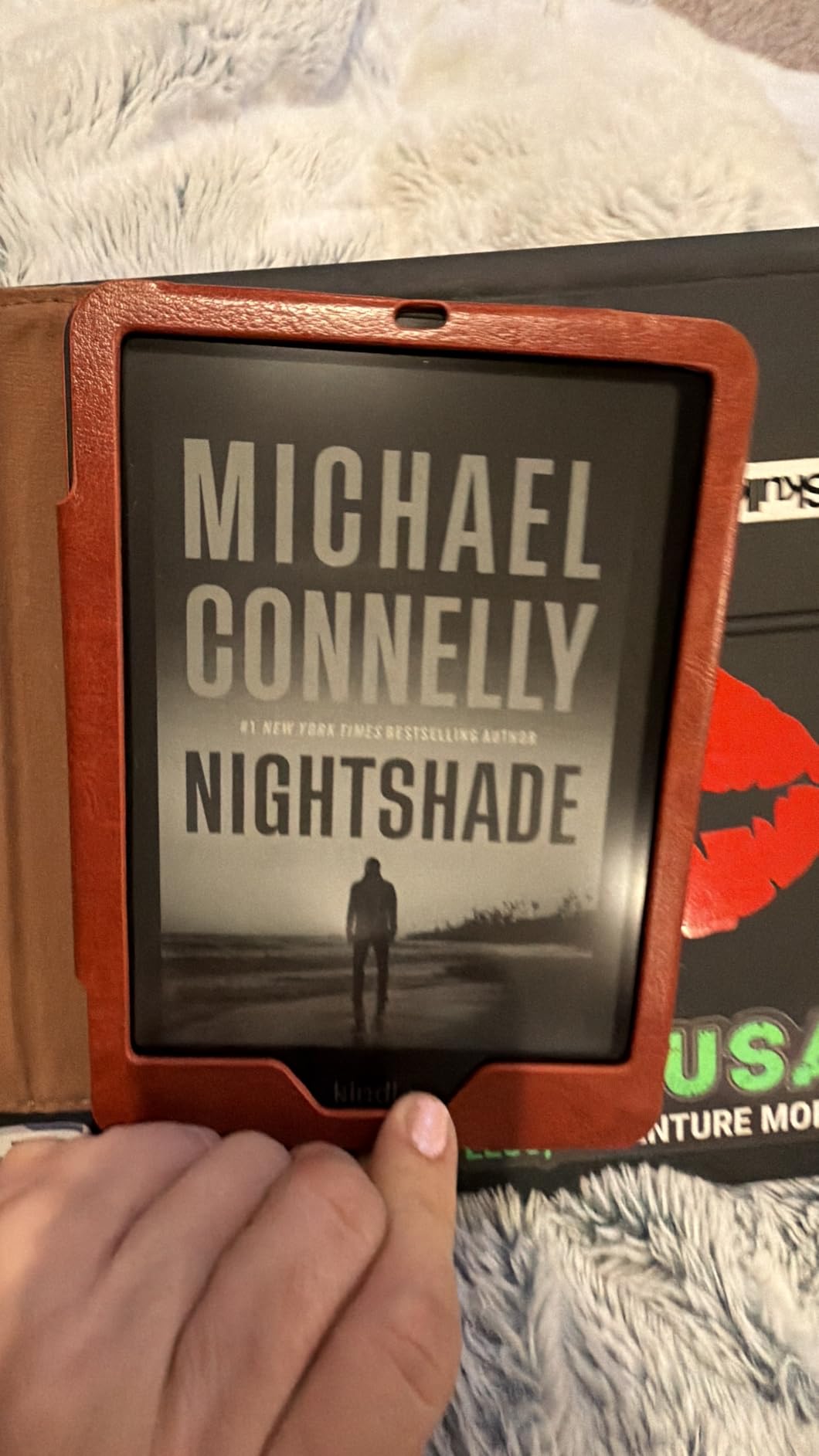
Where the Fintie quietly wins is generation coverage. It fits the 7-inch Paperwhite 12th Gen (2024), the 6.8-inch Paperwhite 11th Gen (2021), the Paperwhite Signature Edition, and the Colorsoft Signature Edition. That makes it a safer buy if a Paperwhite owner is on the gift list and you are not 100 percent sure which model they own. The microfiber interior is gentle on the screen, and the auto sleep/wake triggers reliably when the cover closes.
Stand-out points from owners:
- Folds flat into a hands-free stand for video calls or recipe reading
- Hand strap keeps the device secure during one-handed reading
- Card slot fits a folded transit pass, library card, or two bank notes
- Vintage brown color hides scuffs better than lighter shades
For a thinner, more book-like cover, the MoKo Case is the slimmer choice. For a fabric cover that handles splashes, the Amazon Fabric Case is the everyday pick.
4. MoKo 2 Pack Screen Protector for 7″ Kindle Paperwhite 12th Gen 2025/2024: Best for Glare-Free Reading
MoKo 2 Pack Screen Protector for 7″ Kindle Paperwhite 12th Gen 2025/2024
Best for: glare-free reading
Material: PET film
Size: 6.77 x 4.84 in
Finish: Matte
+ Pros
- Matte anti-glare surface reduces reflections
- High transparency keeps screen clarity
- Leaves no residue when removed
- Includes cleaning kit and squeegee
- Two protectors per pack
- Cons
- Matte finish slightly softens text edges
- Only two protectors in the pack
Reading by a sunlit window or on a patio used to mean a blank screen. The MoKo 2-pack fixes that with a matte surface that scatters reflections while keeping text readable. PET film keeps the front light even, and most owners get a clean install on the first try using the included squeegee and dust stickers.
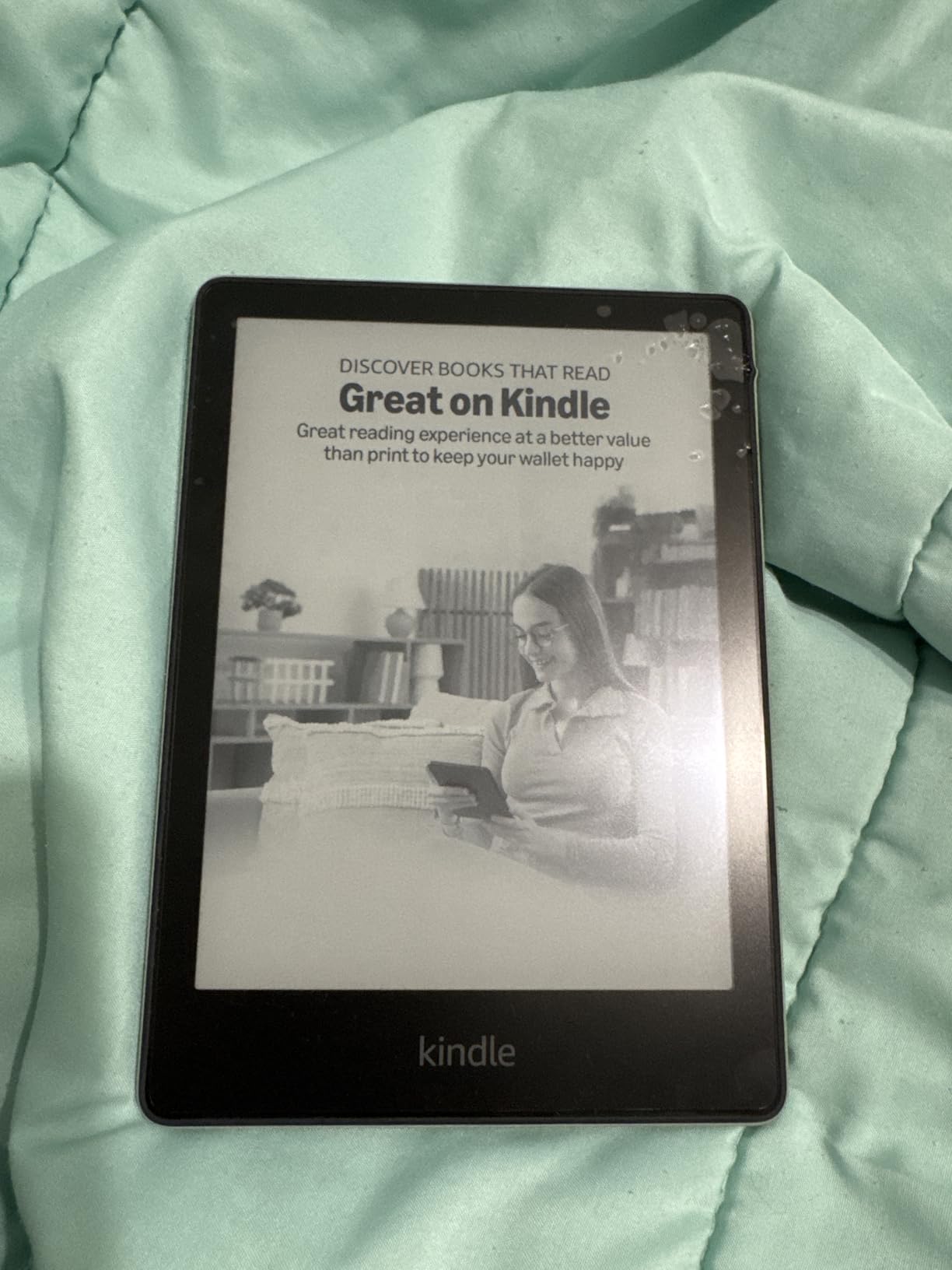
Two protectors per pack is the practical detail. If the first install goes sideways, there is a backup without ordering a second pack. Fit covers the 7-inch Paperwhite 12th Gen, the Paperwhite Signature Edition 2024, the Colorsoft 2025, and the Colorsoft Signature Edition 2024. The 4H hardness rating is a touch above the CoBak pack and holds up well to keys and zippers in a backpack.
What owners like most:
- Anti-glare matte finish without losing text clarity
- Leaves no residue when removed after months of use
- Squeegee and alcohol wipes in the box for a bubble-free install
- Edge-to-edge coverage that does not peel at the corners
Skip it if you read mostly indoors in dim light. An unfilmed screen shows sharper text in those conditions. Outdoors and on commutes, the matte trade is well worth it.
5. CoBak 3 Pack Screen Protector for 7″ Kindle Paperwhite (2024) & Colorsoft: Most Versatile for Multi-Year Use
CoBak 3 Pack Screen Protector for 7″ Kindle Paperwhite (2024) & Colorsoft
Best for: bright environments
Material: PET film
Size: 6.62 x 4.64 in
Finish: Matte
+ Pros
- Three protectors per pack for long-term use
- Anti-glare for outdoor and bright rooms
- 97 percent clarity rating
- Edge-to-edge full coverage
- Includes bubble-free applicator
- Cons
- Slightly lower hardness rating
- Matte finish can soften small text
Three protectors in a single pack is the simplest kind of value play. The CoBak 3-pack keeps a Paperwhite or Colorsoft screen looking new for years without reordering, and the 97 percent clarity rating is the headline spec to watch. Owners say the screen still looks crisp in most lighting, and the anti-glare matte finish holds up well in sunlit rooms.
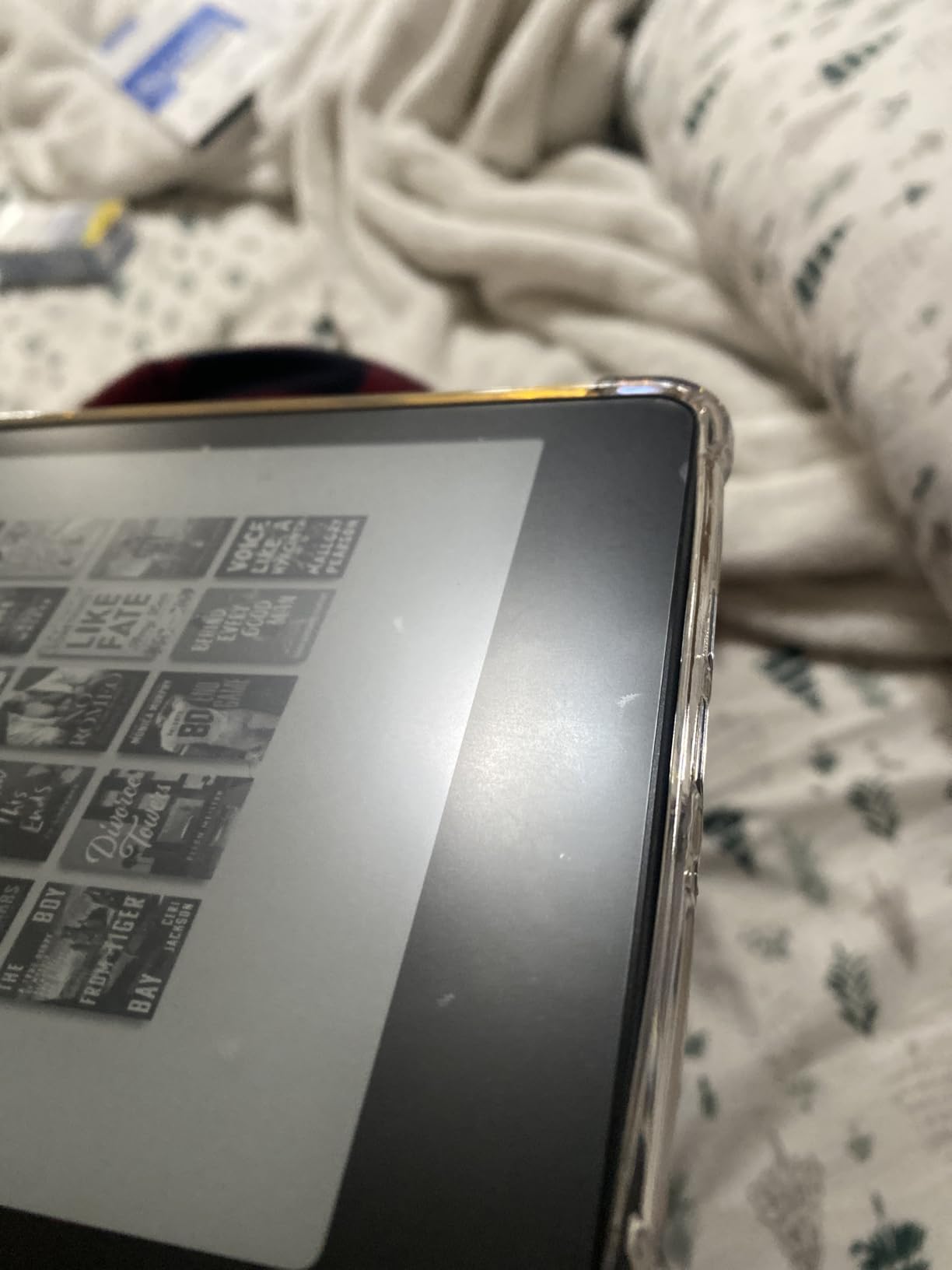
Reviewers post photos of clean installs on the 12th Gen Paperwhite and the Colorsoft Signature Edition, and most manage it without bubbles on the first try using the included applicator. The 3H hardness rating is a touch softer than the MoKo 2-pack, so this is a better fit for a Kindle that lives in a soft pouch or a bedside drawer rather than a backpack with keys.
Why the count matters:
- Spare protectors if the first install goes wrong
- Swap in a fresh one every year to keep the screen looking new
- Share a spare with a partner or a family member who also has a Paperwhite
For a slightly harder film in a 2-pack, look at the MoKo 2-pack. For one protector in a single pack, the MoKo also covers that need.
6. Made for Amazon Wireless Charging Dock for Kindle Paperwhite Signature Editions: Premium Pick for Nightstand Charging
Made for Amazon, Wireless Charging Dock for Kindle Paperwhite Signature Editions (2022 & 2024 Releases) and Kindle Colorsoft Signature Edition
Best for: Signature Edition owners
Type: Wireless charging dock
Power: 7.5W
Charge time: 2.5 hours
+ Pros
- Drop and charge wireless convenience
- Fast 7.5W charging in 2.5 hours
- Works through cases up to 4mm thick
- LED indicator shows status
- Portrait mode fits a Paperwhite
- Cons
- Only fits Signature Edition models
- Some owners report alignment sensitivity
- LED can be visible in dark rooms
Waking up to a fully charged Kindle without ever plugging in a cable is the small daily win the Anker dock delivers. Drop the Signature Edition on the cradle at night, and the 7.5W fast charging refills it in about 2.5 hours. The dock even charges through cases up to 4mm thick, so a slim MoKo or Fintie cover can stay on.
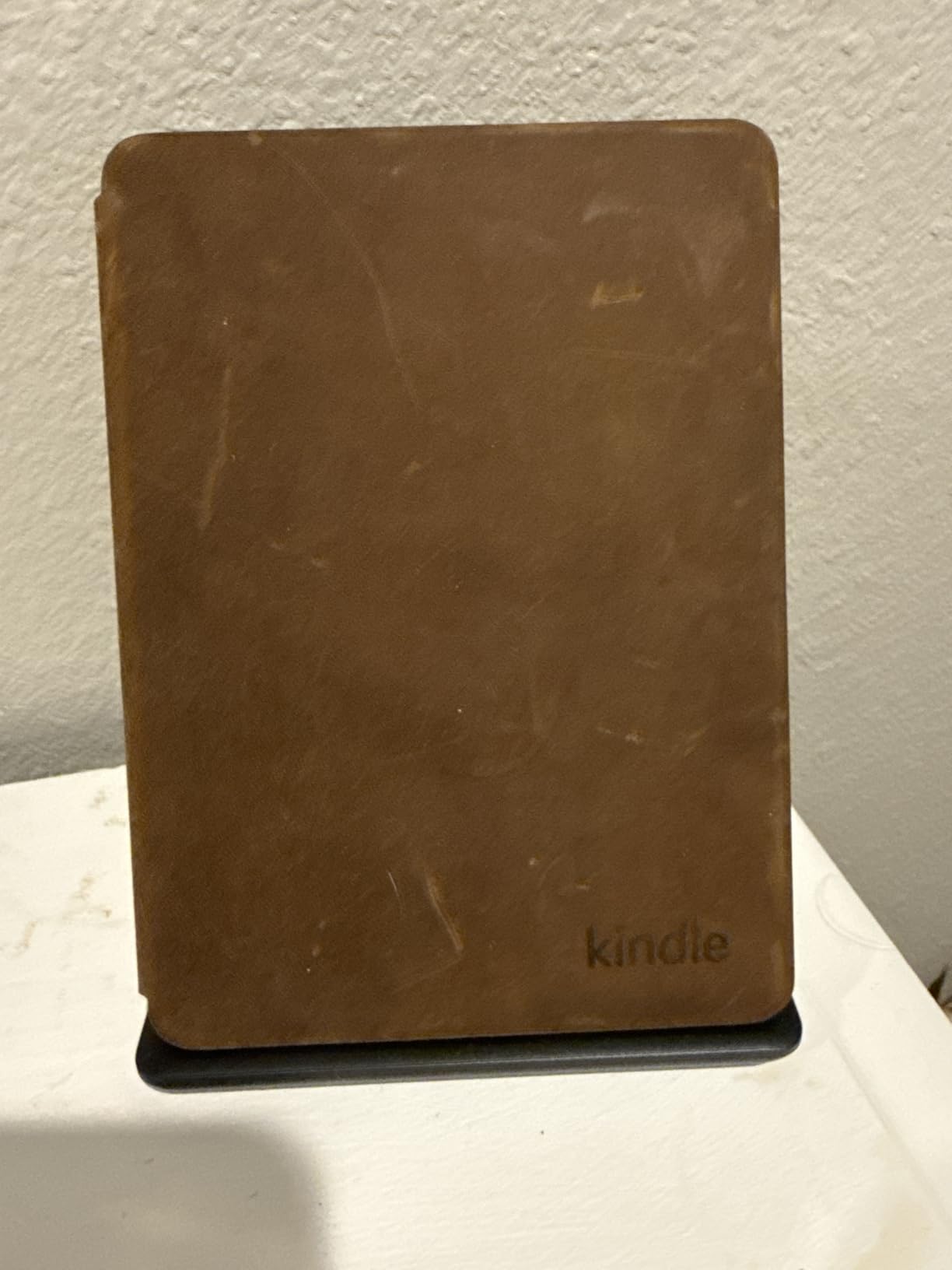
Compatibility is the filter most owners need to check first. This dock is made for the Kindle Paperwhite Signature Editions (2022 and 2024 releases) and the Kindle Colorsoft Signature Edition only. Basic Paperwhite, regular Colorsoft, and Scribe owners need a wired USB-C charger such as the Amazon 20W adapter, since the dock simply will not charge those models.
What owners like most:
- Drop-and-charge convenience on a nightstand or a desk
- LED indicator that confirms proper alignment at a glance
- Portrait mode keeps the screen readable at a glance
- Build quality feels solid and weighted, not plasticky
A few owners mention the small alignment LED stays lit at night, which can be a problem in pitch-black bedrooms. A small piece of tape over the LED is the usual fix. Compared with the Amazon 20W charger, the Anker dock trades portability for a true set-and-forget routine.
7. Amazon 20W Official OEM USB-C Charger: Best for Travel
Amazon 20W Official OEM USB-C Charger and Power Adapter for Kindle eReaders and Fire Tablets
Best for: travel charging
Type: USB-C power adapter
Power: 20W
Weight: 3.17 oz
+ Pros
- Fast 20W charging for Kindle Scribe in 2 hours
- Compact size with foldable prongs
- Works with any USB-C device
- Official Amazon build quality
- Cons
- Cable sold separately
- Lower review count than other picks
A travel adapter does not need to be clever. It needs to be small, fold flat, and charge fast. The official Amazon 20W USB-C adapter does exactly that, with foldable prongs that slip into a laptop sleeve or a carry-on, and 20W output that takes the Kindle Scribe from empty to full in about 2 hours.
The wide compatibility is the second reason this block earns a spot in the bag. Any Kindle with USB-C (Paperwhite 11th Gen and newer, Colorsoft, Scribe, basic Kindle 11th Gen) charges fine, and so do most modern phones, headphones, and small tablets. One adapter covers a full travel kit of small devices, which is why owners describe it as the second charger, the one that lives in the carry-on.
What stands out in owner feedback:
- Foldable prongs that do not scratch other items in a bag
- 20W fast charge is enough for the Scribe and most modern phones
- Build quality matches other Made for Amazon accessories
- Compact enough to share a wall outlet with another charger
For a bedside charging upgrade on a Signature Edition, the Anker Wireless Charging Dock is the better pick. The Amazon 20W adapter is the travel companion, not the home dock.
8. DATAFY Page Turner Remote for Kindle: Best for Hands-Free Reading
Page Turner for Kindle Remote Control for iPhone iPad Tablets eReaders
Best for: hands-free reading
Type: RF page turner
Range: 10 m
Charge time: 1.5 hours
+ Pros
- No Bluetooth or WiFi pairing required
- Quiet clicks ideal for bedtime reading
- USB-C fast charging in 1.5 hours
- Works across Kindle iPad and Android tablets
- Includes wrist strap and storage bag
- Cons
- RF only (not Bluetooth)
- Small remote to keep track of
Cooking dinner, knitting a scarf, lying flat in bed after a long day, these are the moments a software page tap fails. The DATAFY page turner fills that gap with a small RF remote that pairs instantly, no app and no Bluetooth menu. A 10-meter range means the clicker works from across a small room, and the soft silicone buttons stay quiet enough for a sleeping partner.
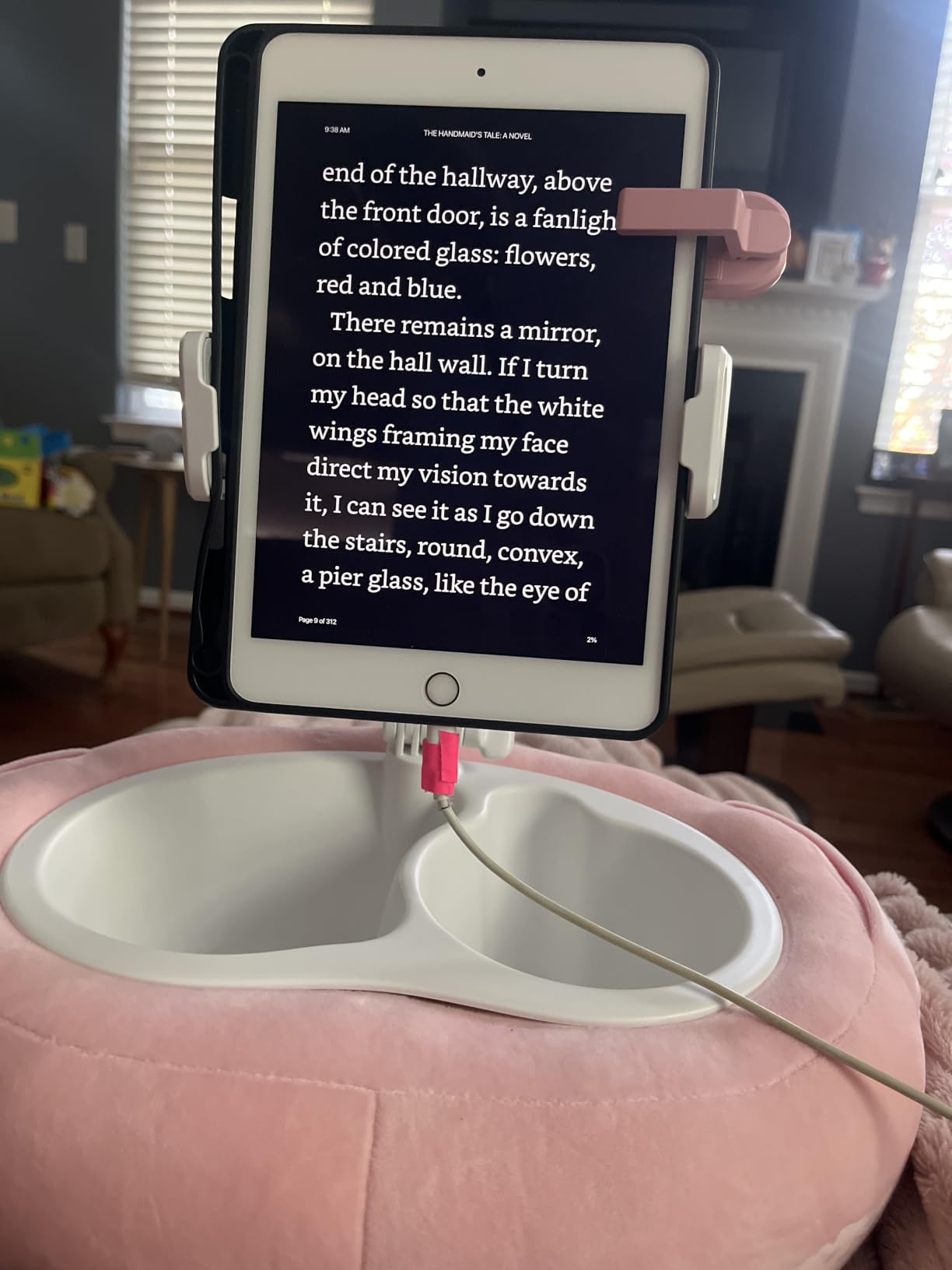
Battery life is the quiet win. A 1.5-hour USB-C charge lasts weeks with smart sleep mode, and reviewers mention recharging only a few times a year. The remote also doubles as a phone camera shutter, which is a small bonus for owners who use the same device for Kindle reading and phone photos.
Compatibility covers an unusual spread: the Paperwhite, Colorsoft, Scribe, Voyage, basic Kindle, and Kids Edition, plus iPad, iPhone, Android tablets, Microsoft Surface, and Kobo e-readers. A small wrist strap and a storage pouch come in the box, and the clip stays in place on a blanket or a couch arm. For hands-free reading in a chair, the CoBak Hand Strap is the simpler pick; for cooking or knitting, this remote is the one that actually works.
9. CoBak Secure Hand Strap for Ebook Reader: Best for Long Reading Sessions
CoBak Secure Hand Strap for Ebook Reader – Versatile and Lightweight
Best for: long reading sessions
Type: Elastic hand strap
Fit: 6 to 7.5 inch
Material: Nylon
+ Pros
- High-elasticity band prevents hand fatigue
- Anti-slip silicone protects device back
- Slim design adds minimal bulk
- Works with most cases
- Universal fit for e-readers and tablets
- Cons
- Not a stand
- Single pack only
The CoBak hand strap is the lightest, cheapest ergonomic upgrade on this list. The high-elasticity band slips over four fingers and the anti-slip silicone keeps the Kindle from sliding during long sessions. Owners post photos showing it in use with a Paperwhite, a basic Kindle, and even small Android tablets, since the fit is universal for 6 to 7.5-inch screens.
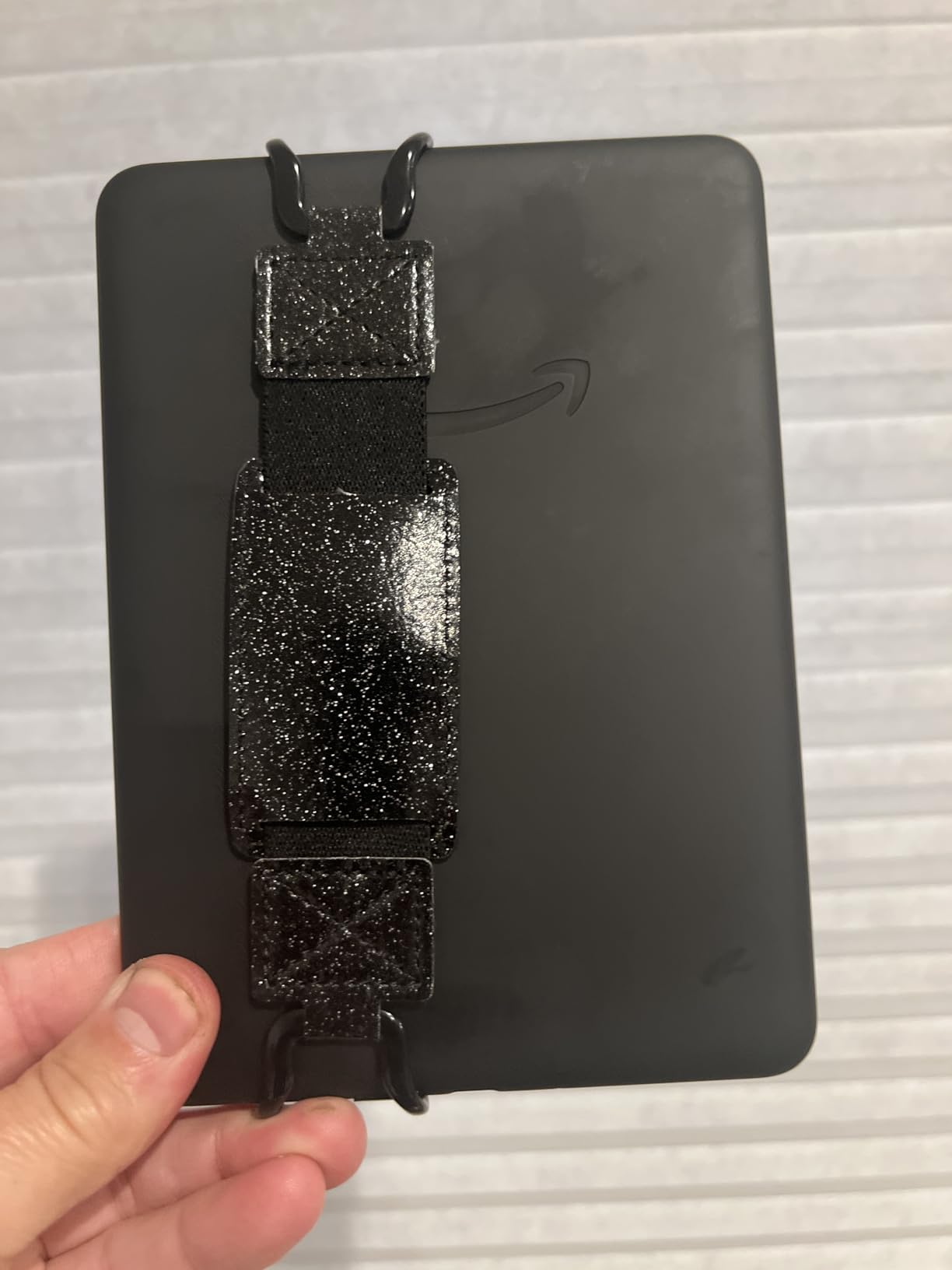
Comfort is the main reason to consider it. The strap removes the constant grip pressure that causes hand cramps during two-hour reading sessions, and the snap-on jaws attach in seconds without tools. The silicone coat also doubles as a back protector, so a small scratch on a desk is less likely.
Where it earns its spot:
- Eliminates the “death grip” that comes with marathon reading
- Universal fit works across e-readers and small tablets
- Snap-on jaws attach in seconds without tools
- Silicone coat doubles as a back protector
It does not turn pages and it does not act as a stand, so for hands-free cooking or knitting the DATAFY Page Turner is the better fit. For one-handed comfort during long sessions, this strap does the job at a small cost.
10. Lamicall Gooseneck Tablet Holder for Bed: Best for Bedside Mounting
Lamicall Gooseneck Tablet Holder for Bed, Unique Tapered Flexible Arm
Best for: bedside mounting
Type: Gooseneck tablet mount
Capacity: 800 g
Fit: 4.7 to 13 inch devices
+ Pros
- Tapered flexible arm holds position well
- 360 degree rotation for any angle
- Stable clamp fits 0.2 to 3.15 inch surfaces
- Non-slip pads protect furniture
- Compatible with Kindle Scribe
- Cons
- Takes effort to adjust the arm
- Some wobble during heavy tapping
Reading in bed with the Kindle floating above the covers, no arms, no propping pillows, no neck cramp. The Lamicall gooseneck holder makes that routine real. The reinforced aluminum arm holds its bend once positioned, and the 360-degree rotation means portrait or landscape orientation is a quick twist. Owners post photos of the mount clamped to headboards, desks, and treadmill handles, with the Kindle hovering at eye level.
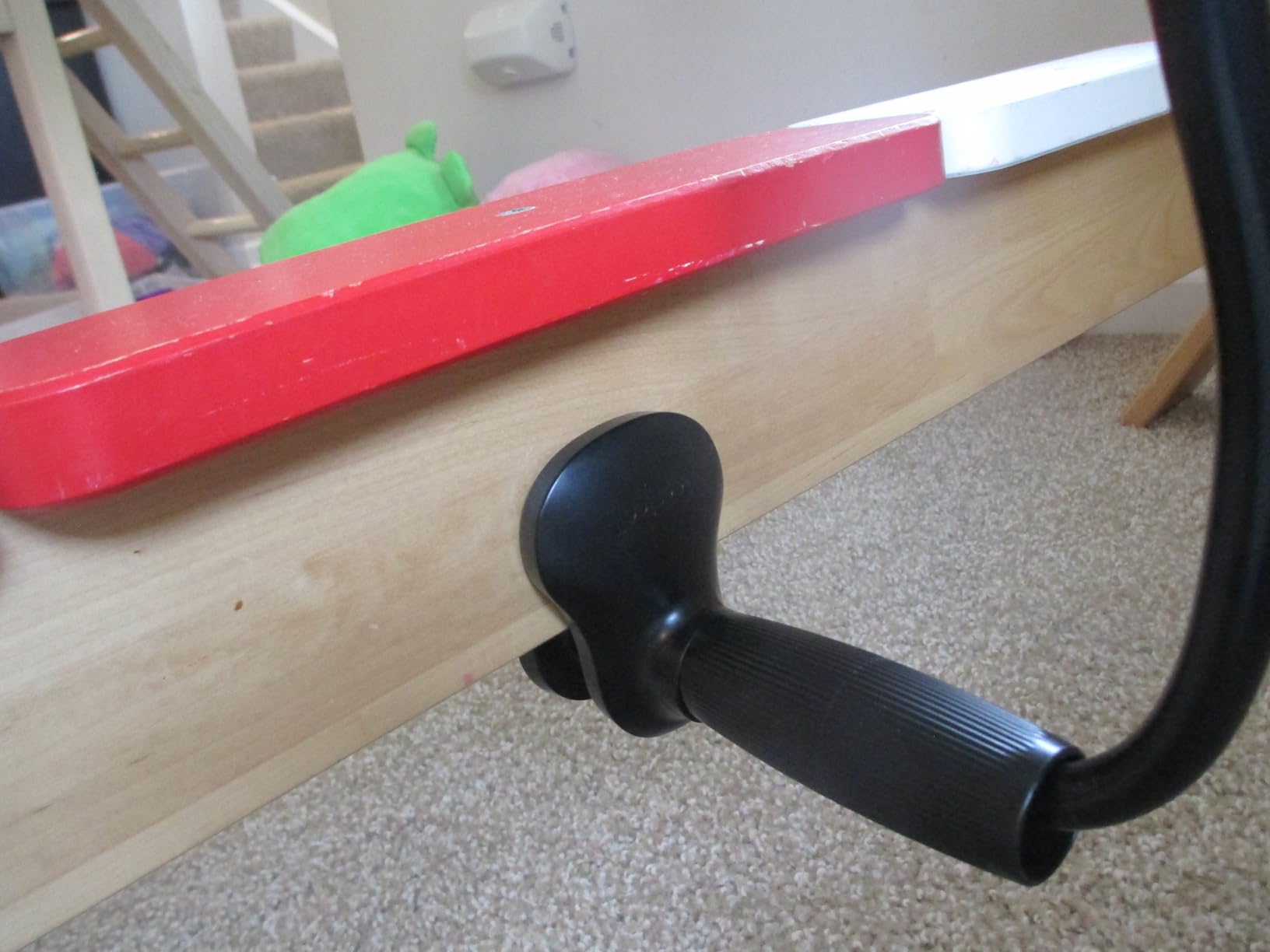
Fit is the headline. The clamp grips surfaces from 0.2 to 3.15 inches thick, and the holder supports devices from 4.7 inches all the way up to 13 inches, including the Kindle Scribe. The 800-gram capacity covers the heaviest current Kindle model with room to spare, and non-slip pads protect furniture from scuffs.
Why it works for bedtime reading:
- Arm holds its bend once positioned, no sagging mid-chapter
- Clamp fits headboards, desks, and treadmill handles
- 360-degree rotation swaps portrait and landscape easily
- Non-slip pads keep the clamp from sliding on smooth wood
The arm takes a moderate push to bend, which is why it stays put once set. Owners mention that adjusting the angle one-handed is not realistic; use two hands to bend, then one finger to rotate. For a flat-surface stand, the Fintie Case folds into a smaller footprint on a nightstand.
How to Choose Kindle Accessories During Prime Big Deal Days
Confirm Your Kindle Model First
Every case and screen protector in this list targets a specific generation: the 7-inch Paperwhite 12th Gen (2024), the 6.8-inch Paperwhite 11th Gen (2021), the Colorsoft (2024 or 2025), the Signature Editions, the Scribe, and the basic Kindle. Cases for the wrong model look loose, block ports, or cover the camera. Check Settings, Device Options, or the back of your Kindle before you add anything to cart.
Pick the Right Case Type
Hardback cases (MoKo, Fintie) feel book-like and protect against drops, but they add a small amount of bulk. Fabric cases (Amazon) are lighter and water-safe but offer less impact protection. Folio cases with a stand and hand strap (Fintie) are the most versatile for hands-free reading. Match the case to how you actually read, not just to the model number.
Decide Whether You Need a Screen Protector
Screen protectors are most useful for outdoor reading, beach reading, and for owners who travel with a Kindle in a backpack. If you mainly read at home in soft light, an unfilmed screen is sharper. Matte protectors reduce glare but slightly soften text; glass-style protectors are rare for Kindles. For most owners, a 2 or 3-pack PET protector is enough for years of use.
Match the Charger to Your Kindle
Wireless charging only works on the Signature Edition Paperwhite and Colorsoft models. If you own a basic Kindle, Paperwhite 11th Gen, or Scribe, you need a USB-C cable and a 20W adapter like the Amazon official charger. The Scribe benefits most from a fast charger; it goes from empty to full in about 2 hours with 20W. Wireless docks are a convenience pick, not a necessity, and they only fit Signature Editions.
Add Comfort and Convenience Extras Last
Page turners, hand straps, and gooseneck mounts are quality-of-life accessories rather than essentials. A page turner makes the most sense if you read while cooking, knitting, or lying flat. A hand strap solves hand fatigue during long sessions. A gooseneck mount is for bedside or hands-up reading. None of them depend on the Kindle model the way cases and chargers do, so they are easy add-ons once the main accessory is sorted.
How to Shop Kindle Accessory Deals During the Sale
Prime Big Deal Days runs October 6-7, 2026, and most offers need a Prime membership. Before you add a discounted accessory to cart, check three things: the exact model number on the case or protector listing, the bundle contents if a deal includes multiple items, and the seller (Amazon itself versus a third-party marketplace seller). A lower price from an unfamiliar seller with a slower ship time is often a worse deal than a slightly higher one fulfilled by Amazon.
Quick checklist for Kindle accessories during the sale:
- Confirm the model year of your Kindle before choosing a case or protector
- Check whether the case supports charging without removal
- For Signature Editions, decide between the wireless dock and a wired 20W adapter
- Buy screen protectors in 2 or 3-packs for backup
- Compare bundle offers against buying a case and a charger separately
- Check seller, shipping speed, and return window before checkout
Frequently Asked Questions
When does the Amazon Prime Big Deal Days Kindle accessory sale run?
Amazon confirmed that Prime Big Deal Days runs October 6-7, 2026, with offers available across the full two days. Kindle accessory deals usually appear at the start of the event, so set a reminder for the first morning.
Do I need a Prime membership to get Kindle accessory deals during Prime Big Deal Days?
Yes. Most Prime Big Deal Days offers, including Kindle accessory deals, require an active Prime membership. A free 30-day trial counts, and students usually get a longer trial through Prime Student. If you are not a member yet, sign up before the sale starts to avoid missing the first wave of offers.
Which Kindle accessories usually see the best deals during Prime Big Deal Days?
Cases, screen protectors, wireless charging docks, and page turners see the most consistent cuts during Amazon’s October event. Official Amazon cases and Made for Amazon accessories tend to drop as much as third-party brands. Higher-priced items like charging docks and gooseneck mounts often see the largest percentage off.
Are older-generation Kindle cases and covers usually discounted during the sale?
Yes. Cases and covers for the 6.8-inch Paperwhite 11th Gen, the basic Kindle, and the Oasis often stay discounted throughout the event because third-party brands keep making them in larger volumes. Newer model accessories, including 7-inch Paperwhite 12th Gen and Colorsoft cases, also see deals but the deepest cuts usually land on older generations.
Do the cases and screen protectors in this list fit every Kindle model?
No, not always. Cases and screen protectors in this list are model-specific because dimensions, port locations, and button placement differ across generations. The MoKo case, Amazon fabric case, Fintie case, and both screen protectors target the 7-inch Paperwhite 12th Gen and Colorsoft models. Universal accessories like the DATAFY page turner, the CoBak hand strap, and the Lamicall gooseneck mount work across most Kindles and other tablets. Wireless charging only works with Signature Edition models.
What should I check before buying a discounted Kindle accessory during Prime Big Deal Days?
Check three things before checkout. First, confirm the case or protector fits your exact Kindle model and generation. Second, look at the seller and shipping time, since a low price from a slow third-party seller can be a worse deal. Third, read the return window so you can swap the accessory if the fit is off or the color looks different in person.
Final Verdict: Kindle Accessory Deals: Prime Big Deal Days
The pick most worth watching during the sale is the MoKo Case for the 7-inch Kindle Paperwhite 12th Gen and Colorsoft, because it covers the most popular 2024 Kindle models with a slim hardback build and a strong owner rating. For a budget-friendly alternative, the CoBak 3-pack screen protector adds glare-free protection at a low cost, especially for outdoor reading.
Buy the Fintie Case if hands-free reading and a built-in stand matter more than a slim profile. Buy the Amazon Fabric Case if water-safe, sustainable materials are the priority. Buy the Anker Wireless Charging Dock if you own a Signature Edition and want drop-and-charge convenience. Buy the Amazon 20W USB-C Charger if you travel with a Scribe. Buy the DATAFY Page Turner if you want fully hands-free reading from across the room. Buy the CoBak Hand Strap if long sessions cause hand fatigue. Buy the Lamicall Gooseneck Holder if you read in bed and want the Kindle floating at eye level.
Check the current price on each pick before the sale closes on October 7, 2026.