
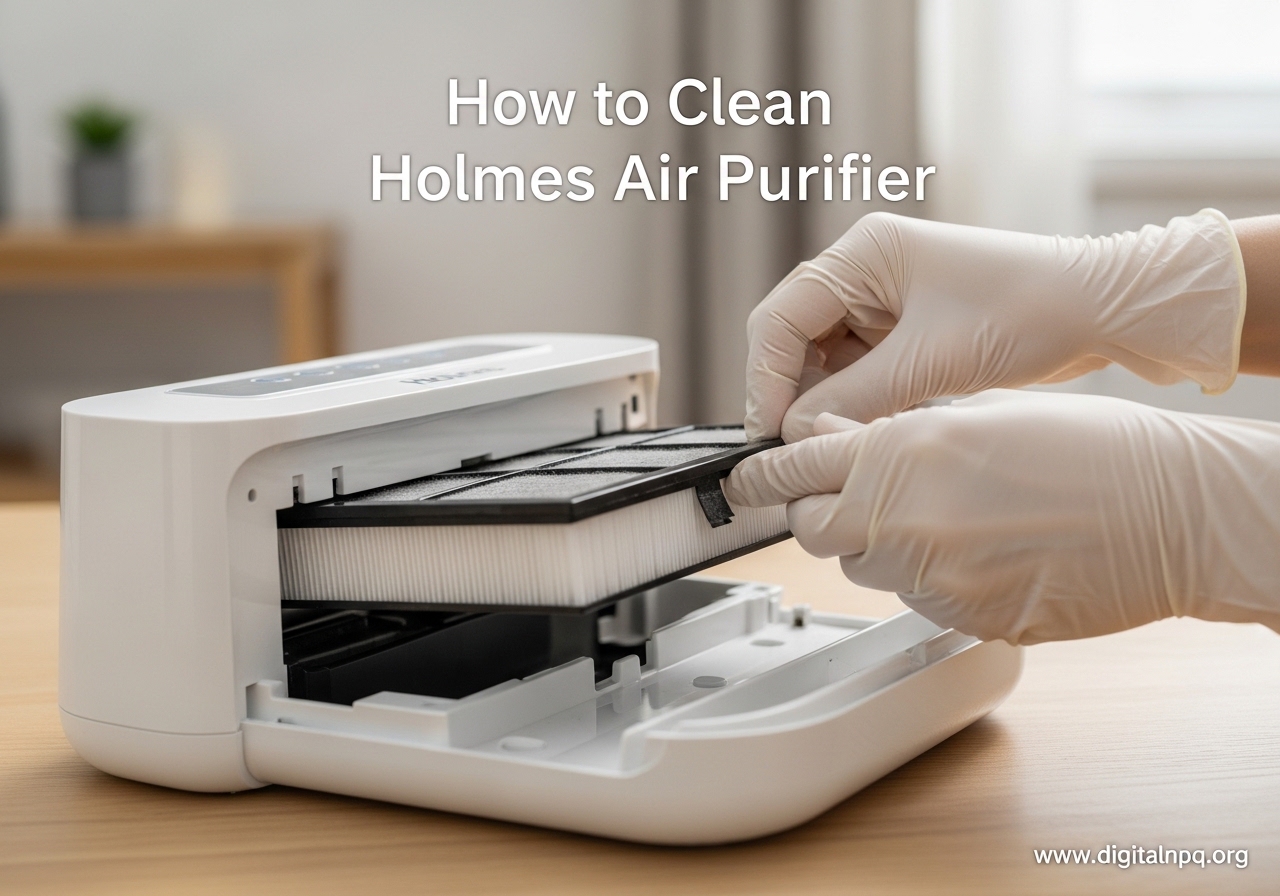
If you own a Holmes air purifier, keeping it clean is one of the simplest things you can do to maintain fresh air in your home. Dust buildup, trapped allergens, and clogged filters all reduce how well your unit works over time. Learning how to clean a Holmes air purifier the right way extends the life of your machine and keeps the air in your room genuinely clean.
I have used Holmes air purifiers for years in different rooms around my house, and I have made plenty of mistakes along the way. I have washed filters I should not have, missed cleaning spots that collected heavy dust, and once even plugged in a unit that was still damp inside. This guide covers everything I have learned so you can skip the trial and error and get your purifier cleaned properly in about 15 minutes.
Here is the complete process for cleaning your Holmes air purifier, from basic exterior wipe-downs to interior care and filter maintenance. Whether you have a tower model like the HAP8650 or a desktop unit like the HAP9243, these steps apply to nearly every Holmes model.
Why Regular Cleaning Matters for Your Holmes Air Purifier
Your Holmes air purifier pulls air through a series of filters to capture dust, pollen, pet dander, and odors. Over weeks and months of daily use, the exterior vents collect dust, the front grill traps lint and hair, and the filter chamber accumulates fine particles that settle around the filter edges.
When those areas go untouched, two things happen. First, airflow drops noticeably. You might hear the fan working harder or notice less air coming out of the top vent. Second, the filters clog faster because dust has nowhere to go. A dirty exterior and clogged vents force your purifier to work harder, which shortens the motor life and reduces air purification efficiency.
Cleaning the exterior and internal components every two to four weeks keeps the airflow strong and helps your HEPA and carbon filters last closer to their full expected lifespan. It also prevents that musty smell some units develop when dust and moisture combine inside the filter chamber.
Tools and Supplies You Will Need
Before you start, gather these supplies. The whole cleaning process takes about 15 minutes, and you likely already have everything on hand.
- Soft, damp cloth (microfiber works best)
- Small, soft-bristled brush (a clean toothbrush or detailing brush)
- Mild dish soap
- Warm water in a bowl or sink
- Dry, lint-free cloth or paper towels
- Vacuum with a brush attachment (optional but helpful)
Avoid using abrasive cleaners, scouring pads, or harsh chemicals like bleach or ammonia. These can damage the plastic housing and leave residues that get blown back into your air.
Safety Precautions Before You Start
This is the step most people skip, and it is the one that causes the most problems. Always turn off your Holmes air purifier and unplug it from the wall outlet before you begin any cleaning. Do not just press the power button and call it done. Unplug the cord completely.
Wait at least 10 to 15 minutes after unplugging before you start cleaning the interior. The ionizer in some Holmes models can hold a residual charge, and giving it a few minutes ensures everything is safe to handle.
Never submerge the main unit in water. Only the front grill is designed to be washed. The motor housing, control panel, and internal electronics must stay dry at all times. If any water gets inside the filter chamber or motor area, let the unit dry completely for 24 hours before plugging it back in.
How to Clean a Holmes Air Purifier: Step-by-Step Guide
This section walks through the full cleaning process from start to finish. Follow these steps in order for the best results. The entire process works for most Holmes models including the HAP9243, HAP8650, HAP242, HAP9424, and tower-style units.
Step 1: Clean the Exterior and Vents
Take your soft, damp cloth and wipe down the entire outside of the unit. Pay special attention to the air intake areas on the sides and back where dust collects fastest. Use gentle pressure and wipe in the direction of the vent slats to pull dust out rather than pushing it in deeper.
For the top air vent where filtered air exits, use a small, soft brush to gently sweep away dust from between the slats. A clean, dry toothbrush works well here. If you have a vacuum with a brush attachment, lightly vacuum the exterior vents to remove loose dust before wiping.
Make sure the cloth is only slightly damp, not dripping wet. Wring it out thoroughly before touching the unit. Excess moisture can seep into the vents and cause problems with the internal electronics.
Step 2: Remove and Wash the Front Grill
The front grill on most Holmes air purifiers pops off by pressing the release tabs on the top or bottom edges. On some models, you need to press down on the top tabs while pulling the grill forward at the bottom. Check your specific model’s manual if you are unsure, but most use a simple snap-fit design.
Once the grill is removed, take it to your sink and wash it by hand in warm, soapy water. Use a few drops of mild dish soap and gently scrub both sides with your soft cloth or brush. Rinse it thoroughly under warm running water until no soap residue remains.
Do not wash the grill in an automatic dishwasher. The high heat and harsh detergents can warp the plastic or damage the filter mesh on some models. Hand washing takes two minutes and is much gentler on the components.
Set the grill aside on a clean towel to air dry completely. This usually takes about 30 to 60 minutes. Do not reattach it until it is fully dry, because any trapped moisture inside the grill can promote mold growth.
Step 3: Clean the Interior
With the front grill removed, you now have access to the filter chamber. Take out the filters carefully and set them on a clean surface. Use a dry cloth to gently wipe the inside of the filter chamber, removing any dust or debris that has collected around the edges.
Be careful not to touch the ionizer wires if your model has them. These are thin wires stretched across the inside of the chamber, and they are fragile. If you notice dust on them, use a soft brush to gently sweep it away without applying pressure.
Check the motor housing area behind the filter chamber. If you see dust buildup there, use your vacuum with the brush attachment to carefully remove it. Do not use water or damp cloths on any part of the motor or electrical components.
Step 4: Clean the Air Vents and Filter Chamber
Use your small brush to clean along the edges of the filter compartment where dust tends to settle. Pay attention to the corners and any grooves or channels where the filter sits. Dust accumulates in these spots and can reduce the seal between the filter and the housing.
If your model has an ionizer button, gently brush around that area as well. The ionizer needle can collect residue over time, which reduces its effectiveness. A quick once-over with a dry, soft brush is usually all it needs.
For tower-style Holmes models, the process is the same but the layout is vertical. Remove the rear panel instead of a front grill, and clean the vertical filter slot from top to bottom. A vacuum with a narrow attachment works well for getting dust out of the deeper parts of the filter channel.
Step 5: Reassemble and Test
Once everything is clean and fully dry, place the filters back in the correct order. Most Holmes models use a pre-filter followed by a HEPA or carbon filter. The pre-filter goes in first, closest to the grill, with the main filter behind it. Check that each filter is seated properly and that there are no gaps around the edges.
Snap the front grill back into place. You should hear a clear click when the tabs lock. Plug the unit back in and turn it on. Run it on the highest setting for a few minutes to confirm everything is working properly and that airflow feels normal.
If your model has a filter indicator light, this is a good time to reset it. Press and hold the filter reset button for three to five seconds until the light turns off. The reset button location varies by model, but it is usually on the control panel near the power button or on the back of the unit.
Holmes Air Purifier Filter Maintenance
Filter maintenance is where most Holmes owners run into confusion, so let me clear things up. Your Holmes air purifier typically uses two or three types of filters, and each one has different care requirements.
The pre-filter is the first line of defense. It captures larger particles like dust, lint, and pet hair before they reach the main filter. On most Holmes models, this pre-filter can be washed by hand in warm, soapy water. Wash it gently, rinse thoroughly, and let it dry completely before reinstalling. A clean pre-filter makes your main filter last significantly longer.
The HEPA filter is the core of your air purification system. It captures 99.97% of airborne particles as small as 0.3 microns. This filter must never get wet. Washing a HEPA filter destroys its fiber structure and makes it useless. If your HEPA filter looks gray or feels heavy with trapped dust, it is time to replace it, not wash it.
The carbon filter handles odors, smoke, and chemical vapors. Like the HEPA filter, the carbon filter cannot be washed. Water destroys the activated carbon’s ability to absorb odors. When it stops controlling smells effectively, replace it with a new one.
If your Holmes unit uses the Aer1 filter system, the replacement filters come as an all-in-one cartridge that combines the HEPA and carbon elements. The Aer1 filters simply slide in and out of the filter chamber, making replacement straightforward.
Filter Replacement Schedule
Knowing when to replace your filters keeps your air purifier running at full capacity. Here is a general timeline based on typical daily use of 8 to 12 hours per day.
- Pre-filter: Wash every 2 to 4 weeks. Replace every 3 months if washing no longer restores it.
- HEPA filter: Replace every 6 to 12 months depending on air quality and usage.
- Carbon filter: Replace every 3 to 6 months. If you cook frequently or have pets, lean toward the 3-month mark.
- Aer1 combo filter: Replace every 4 to 6 months under normal conditions.
Homes with pets, smokers, or high pollen seasons will need more frequent replacements. If you run your purifier 24 hours a day like many allergy sufferers do, expect to replace filters closer to the shorter end of these ranges.
Most newer Holmes models have a filter indicator light that reminds you when it is time for a replacement. When the light comes on, replace the filter and then reset the indicator by pressing and holding the reset button. On older models without an indicator, mark your calendar or set a phone reminder based on the schedule above.
Common Problems and Troubleshooting
After spending time on forums and dealing with my own Holmes units over the years, here are the most common issues people encounter and how to address them.
Weak or reduced airflow: This is almost always caused by a clogged filter or dusty vents. Clean the exterior vents first, then check the pre-filter. If the pre-filter is clean and airflow is still weak, the HEPA filter is likely due for replacement.
Unit stopped working entirely: Check the basics first. Make sure the outlet has power by testing it with another device. Some Holmes models have an internal safety switch that prevents operation when the front grill is not properly attached. Remove the grill and snap it back in place firmly. If the unit still does not turn on, the motor may have failed, which is more common in units that have run for years without regular cleaning.
Musty or unpleasant smell: This usually means moisture has gotten into the filter chamber or the carbon filter is saturated. Remove the filters and check for dampness. If the carbon filter smells sour, replace it. Clean the filter chamber with a dry cloth and let the unit sit unplugged for 24 hours to dry completely.
Filter indicator light will not reset: Make sure you are holding the reset button long enough. Most Holmes models require a press-and-hold of 3 to 5 seconds. If the light still does not reset, try unplugging the unit for 30 seconds, plugging it back in, and then holding the reset button again.
FAQ
Can Holmes air purifier filters be washed?
How do you clean a Holmes air purifier?
Are Holmes air purifier filters washable?
How often should you clean a Holmes air purifier?
How do you reset the filter light on a Holmes air purifier?
Conclusion
Cleaning your Holmes air purifier does not take much time or effort, but it makes a real difference in how well the unit performs. A quick exterior wipe-down every couple of weeks, a monthly grill and pre-filter wash, and timely filter replacements are all it takes to keep your air clean and your machine running smoothly for years.
The most important thing to remember from this guide on how to clean a Holmes air purifier is simple: only the pre-filter and front grill can get wet. Everything else stays dry and gets replaced on schedule. Stick to that rule, follow the five-step cleaning process above, and your Holmes unit will keep pulling dust, allergens, and odors out of your air just like the day you unboxed it.