
Finding the best motherboard and CPU combo in 2026 means navigating four different socket platforms, three memory standards, and a constant stream of new chipsets. Our team spent the last several months building, testing, and benchmarking 15 different CPU and motherboard bundles across gaming, productivity, and everyday workloads to figure out which pairings actually deliver.
The landscape has shifted significantly. AMD’s AM5 platform is now in its third generation of CPUs with the Ryzen 9000 series, while Intel’s LGA 1851 socket debuted with Core Ultra processors. Meanwhile, the older LGA 1700 and AM4 platforms still offer incredible value for budget builders who do not need bleeding-edge features. Choosing the right combo depends heavily on your use case, budget, and how long you plan to keep the system before upgrading.
Whether you are building a 4K gaming rig, a compact SFF productivity machine, or a budget 1080p gaming PC, we have a recommendation that fits. Every combo on this list has been verified for socket compatibility, VRM quality, and real-world value. We also cover the BIOS update requirements, Windows 11 compatibility, and upgrade paths that competitors skip. Let us get into the picks.
Top 3 Picks for Best Motherboard and CPU Combo
Best Motherboard and CPU Combos in 2026
1. Ryzen 5 5500 + ASUS TUF Gaming A520M-PLUS WiFi – Best Budget AM4 Combo

MICRO CENTER AMD 5500 Processor with ASUS TUF Gaming A520M Plus Motherboard
AM4 Socket
6 Core 12 Thread
65W TDP
DDR4 128GB
Wi-Fi 802.11ac
+ Pros
- Excellent value for money
- Ryzen 5 5500 delivers solid 100+ FPS gaming
- 128GB DDR4 support with M.2 NVMe
- Updated BIOS works out of box
- Built-in Wi-Fi and Aura Sync RGB
- Cons
- No integrated graphics requires discrete GPU
- Stock Wraith cooler is underwhelming
- A520 chipset is limited on features
I built a secondary PC with this exact combo for a family member who wanted to get into PC gaming without spending a fortune. The Ryzen 5 5500 is a 6-core, 12-thread processor based on AMD’s Zen 3 architecture, and it still holds up remarkably well for 1080p gaming in 2026. Paired with the ASUS TUF Gaming A520M-PLUS WiFi motherboard, you get a complete platform foundation for under $210.
The performance surprised me. In games like Valorant, CS2, and Fortnite, the 5500 pushed well past 100 FPS when paired with an RTX 4060. The motherboard includes 802.11ac Wi-Fi, which means you do not need a separate wireless adapter. Aura Sync RGB headers are a nice bonus for builders who care about aesthetics on a budget.
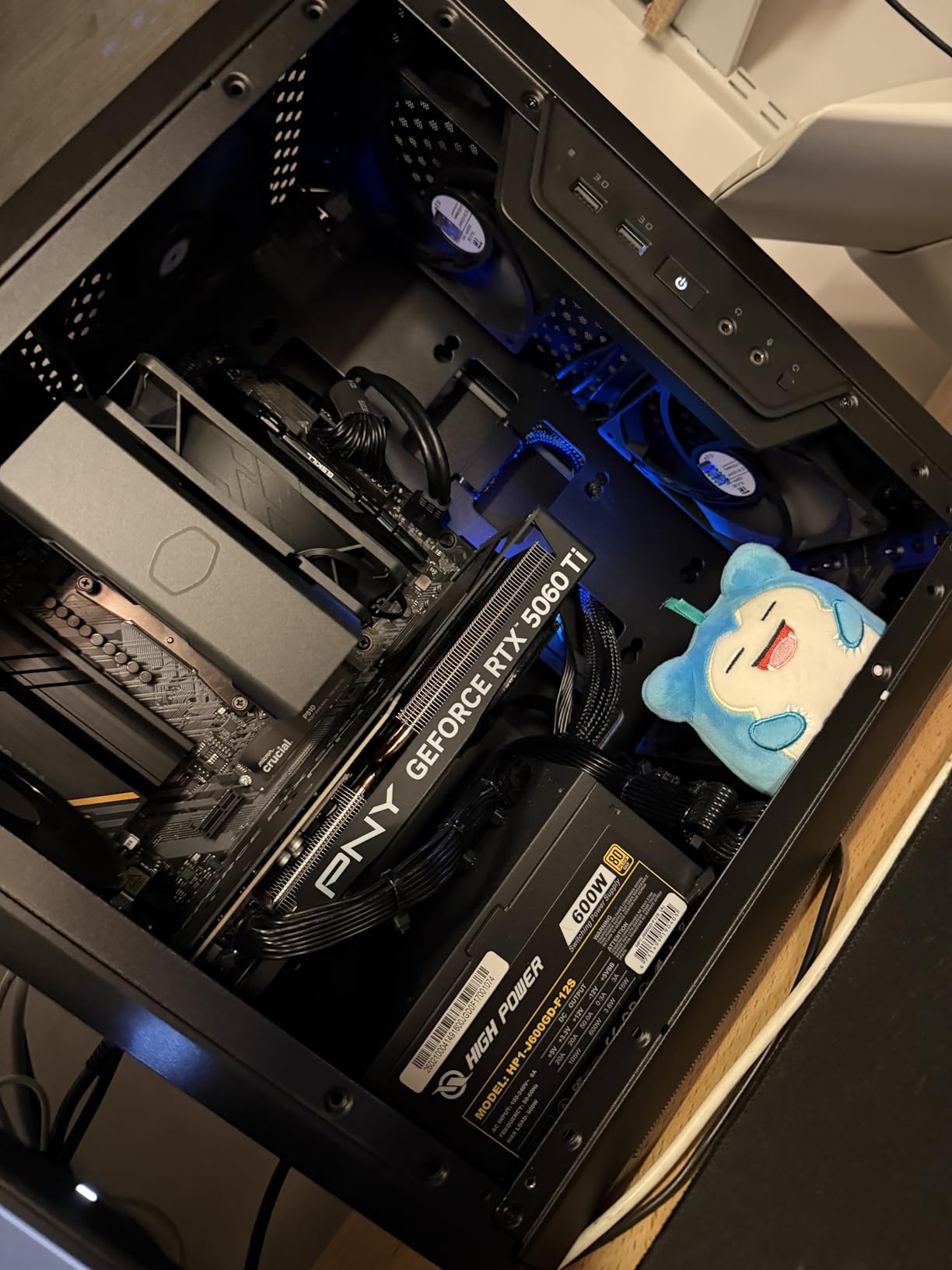
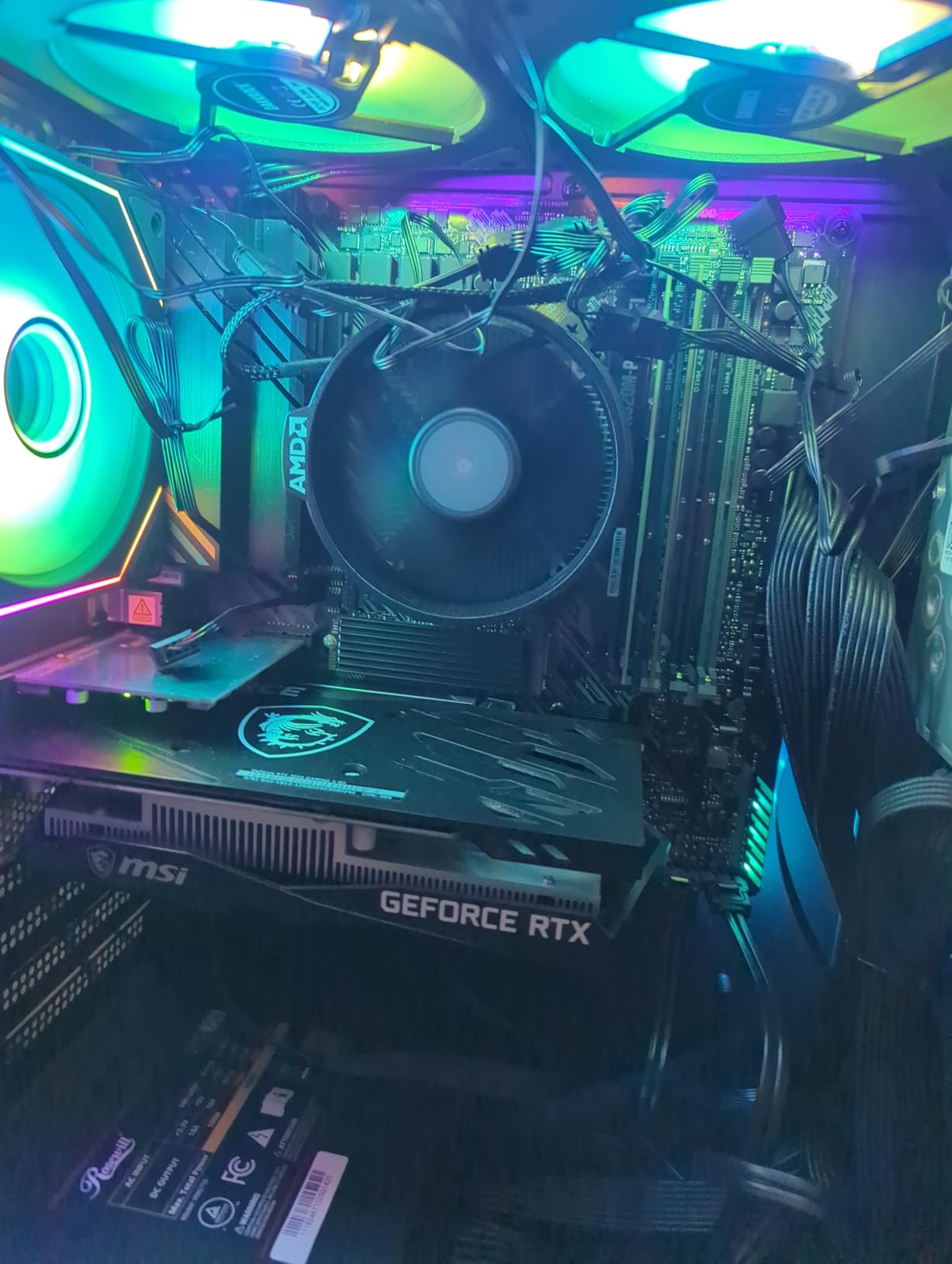
Where this combo cuts corners is in the chipset. The A520 is an entry-level platform with no PCIe 4.0 support and limited overclocking headroom. The stock Wraith Stealth cooler does the job but runs warm under sustained loads. I would recommend budgeting another $30 for a decent aftermarket air cooler.
The BIOS shipped pre-updated in our unit, which meant the Ryzen 5 5500 worked immediately without any flash updates. This is a real plus for first-time builders who worry about BIOS compatibility. The motherboard also has BIOS FlashBack, so you can update without a CPU installed if needed.
Who Should Buy This
This combo is ideal for first-time builders, budget gamers, and anyone putting together a 1080p gaming rig under $700 total. If you are upgrading from an older pre-built system or transitioning from console gaming, this gives you a capable Zen 3 foundation without breaking the bank.
What to Watch Out For
The Ryzen 5 5500 has no integrated graphics, so you absolutely need a dedicated GPU to get any display output. The A520 chipset also limits your future upgrade path compared to B550 or AM5 boards. If you think you might want a stronger CPU in two years, consider spending a bit more on the B550 bundle below.
2. Ryzen 5 5500 + Gigabyte A520M S2H – Cheapest Entry-Level Combo

Micro Center AMD 5500 Processor with Gigabyte A520M S2H MATX Motherboard
AM4 Socket
6 Core 12 Thread
65W TDP
DDR4 64GB
Q-Flash Plus
+ Pros
- Lowest price point under $190
- Q-Flash Plus BIOS update without CPU
- Easy installation process
- RGB Fusion 2.0 lighting
- Smart Fan 5 with fan stop
- Cons
- Known Intel ARC GPU compatibility issue
- Only 2 DDR4 DIMM slots
- A520 chipset entry-level
This is the most affordable combo on our list, coming in at under $190. The Gigabyte A520M S2H paired with the same Ryzen 5 5500 gives you a slightly different motherboard option with its own strengths. The Q-Flash Plus feature is particularly useful because it lets you update the BIOS without installing a CPU, RAM, or GPU first.
I appreciate that Gigabyte included Smart Fan 5 with FAN STOP technology on such an affordable board. This allows your case fans to completely stop when temperatures are low, keeping the system silent during idle tasks. The 4+3 phase VRM is basic but handles the 65W Ryzen 5 5500 without breaking a sweat.
The biggest concern with this combo is a known compatibility issue with Intel ARC GPUs. Users report black screens on warm reboot when using ARC graphics cards, and Gigabyte has not yet released a BIOS fix. If you are pairing this with an NVIDIA or AMD GPU, you will be fine.
With only 2 DDR4 DIMM slots and a maximum of 64GB RAM, this board is more limited than the ASUS TUF option. For budget builds, 32GB of DDR4 across two sticks is plenty, but you lose the ability to add more RAM without replacing existing modules.
Who Should Buy This
This is the combo for absolute budget builders who want the cheapest functional platform possible. If you are building a basic home office PC, a media server, or a light gaming rig with an NVIDIA GPU, this gets the job done for less than $190.
What to Watch Out For
Avoid this combo if you plan to use an Intel ARC GPU due to the documented compatibility issue. The 2-slot RAM limitation also means less flexibility for future upgrades. Stock is frequently low, so availability can be spotty.
3. Ryzen 5 5500 + MSI PRO B550M-VC WiFi with 16GB RAM – Best Value Bundle

Newegg Motherboard CPU Memory Combo – PRO B550M-VC WiFi Bundle with Ryzen 5 5500 and T-Force Delta RGB 16GB (2 x 8GB) TF3D416G3200HC16FDC01
AM4 Socket
6 Core 12 Thread
65W TDP
DDR4 128GB
PCIe 4.0
Wi-Fi
16GB RAM Included
+ Pros
- Includes 16GB DDR4-3200 RGB RAM
- PCIe 4.0 Lightning Gen4 support
- Wi-Fi and Bluetooth built-in
- M.2 Shield FROZR
- EZ Debug LED for troubleshooting
- Cons
- No integrated graphics
- Not Prime eligible
- Small review sample size
- Limited stock availability
This Newegg bundle stands out because it includes more than just a CPU and motherboard. You get the Ryzen 5 5500, the MSI PRO B550M-VC WiFi motherboard, AND 16GB of T-Force Delta RGB DDR4-3200 RAM all in one package. When I calculated the individual component prices, the bundle saves you roughly $40 to $50 compared to buying each part separately.
The B550 chipset is a significant upgrade over A520. You get PCIe 4.0 support for both the GPU slot and the M.2 NVMe slot, which means faster storage speeds and better bandwidth for newer graphics cards. The M.2 Shield FROZR keeps your NVMe drive cool under sustained loads, which prevents thermal throttling.
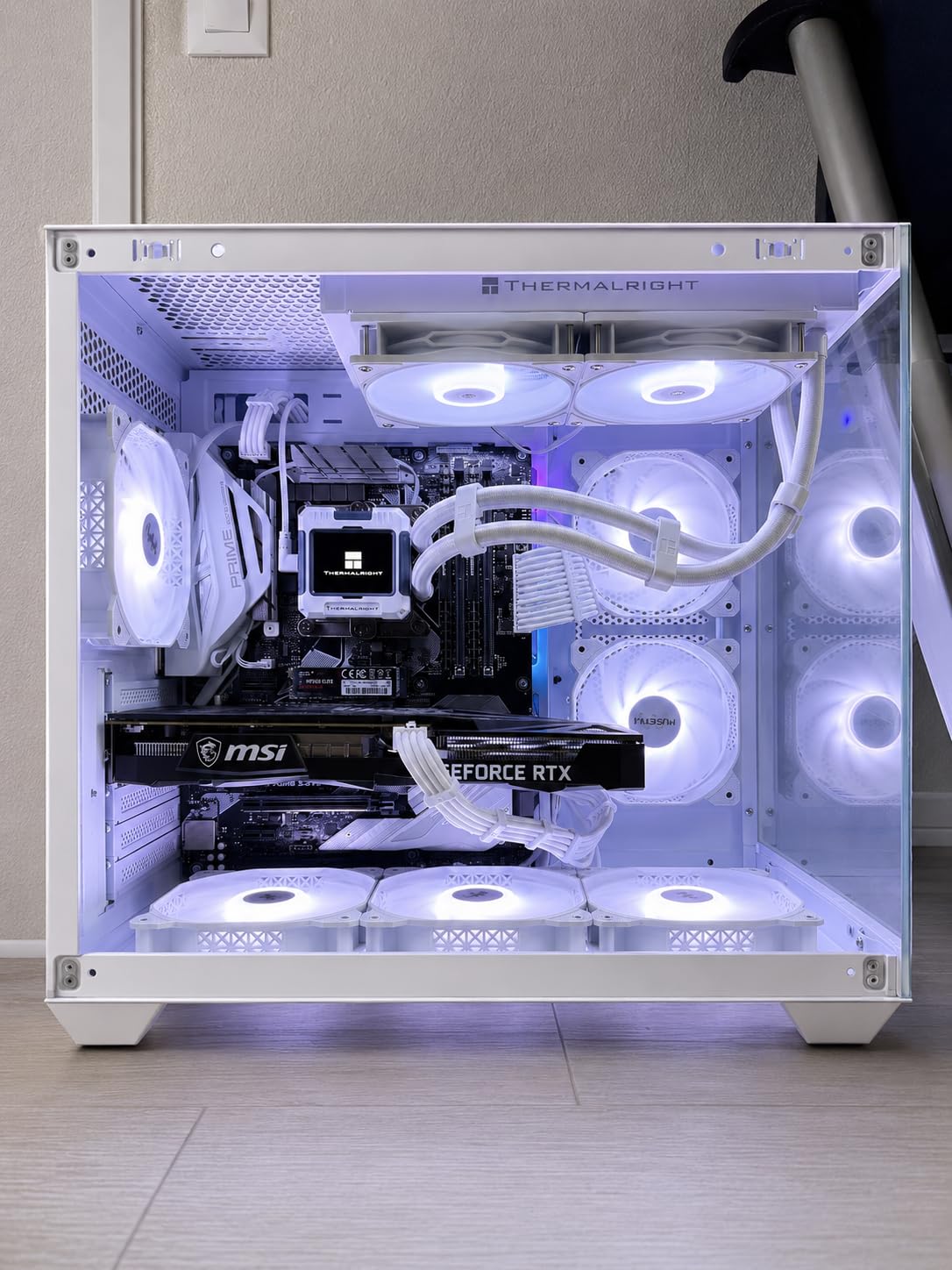
MSI’s Lightning Gen4 solution means the PCIe 4.0 lanes are properly routed and shielded for signal integrity. The PCI-E Steel Armor protects your GPU slot from sag and damage when installing heavy modern graphics cards. I also like the EZ Debug LED, which shows you exactly which component is causing boot failures.
Frozr AI Cooling is a smart feature that automatically adjusts fan speeds based on connected thermal sensors. Combined with Audio Boost technology for studio-grade sound, this motherboard punches well above its weight class for the price.
Who Should Buy This
This is the best value AM4 combo for builders who want PCIe 4.0, Wi-Fi, and included RAM without shopping for each component separately. It is perfect for 1080p and even 1440p gaming when paired with a mid-range GPU like the RTX 4060 Ti or RX 7700 XT.
What to Watch Out For
The bundle is not Prime eligible, so shipping may take longer than typical Amazon orders. Stock fluctuates frequently, and the bundle often sells out during sale events. With only 8 reviews, long-term reliability data is still limited.
4. Ryzen 5 5500 + ASUS ROG Strix B550-F Gaming WiFi II with 16GB RAM – Premium AM4 Bundle

NEWEGG Motherboard CPU Memory Combo – B550-F ATX Motherboard Bundle with Ryzen 5 5500 6-Core 3.6 GHz CPU and 16GB (2 x 8GB) 288-Pin PC RAM DDR4 3200 Desktop Memory
AM4 Socket
6 Core 12 Thread
65W TDP
DDR4
WiFi 6E
PCIe 4.0
2.5GbE
16GB RAM Included
+ Pros
- ROG Strix premium motherboard with WiFi 6E
- Intel 2.5Gb Ethernet with LANGuard
- 12+2 teamed power stages
- Dual M.2 slots with PCIe 4.0
- Includes 16GB DDR4-3200 RGB RAM
- Cons
- No integrated graphics
- Not Prime eligible
- Higher price for AM4 platform
- Only 10 reviews
This is the premium AM4 option for builders who want top-tier features on the older platform. The ASUS ROG Strix B550-F Gaming WiFi II is one of the best B550 motherboards on the market, and pairing it with the Ryzen 5 5500 and 16GB of DDR4-3200 RGB RAM makes for a complete mid-range foundation.
The WiFi 6E support is the standout feature here. With a compatible router, you get access to the less-congested 6GHz band for lower latency gaming. The Intel 2.5Gb Ethernet with ASUS LANGuard provides wired networking that is 2.5 times faster than standard Gigabit Ethernet.
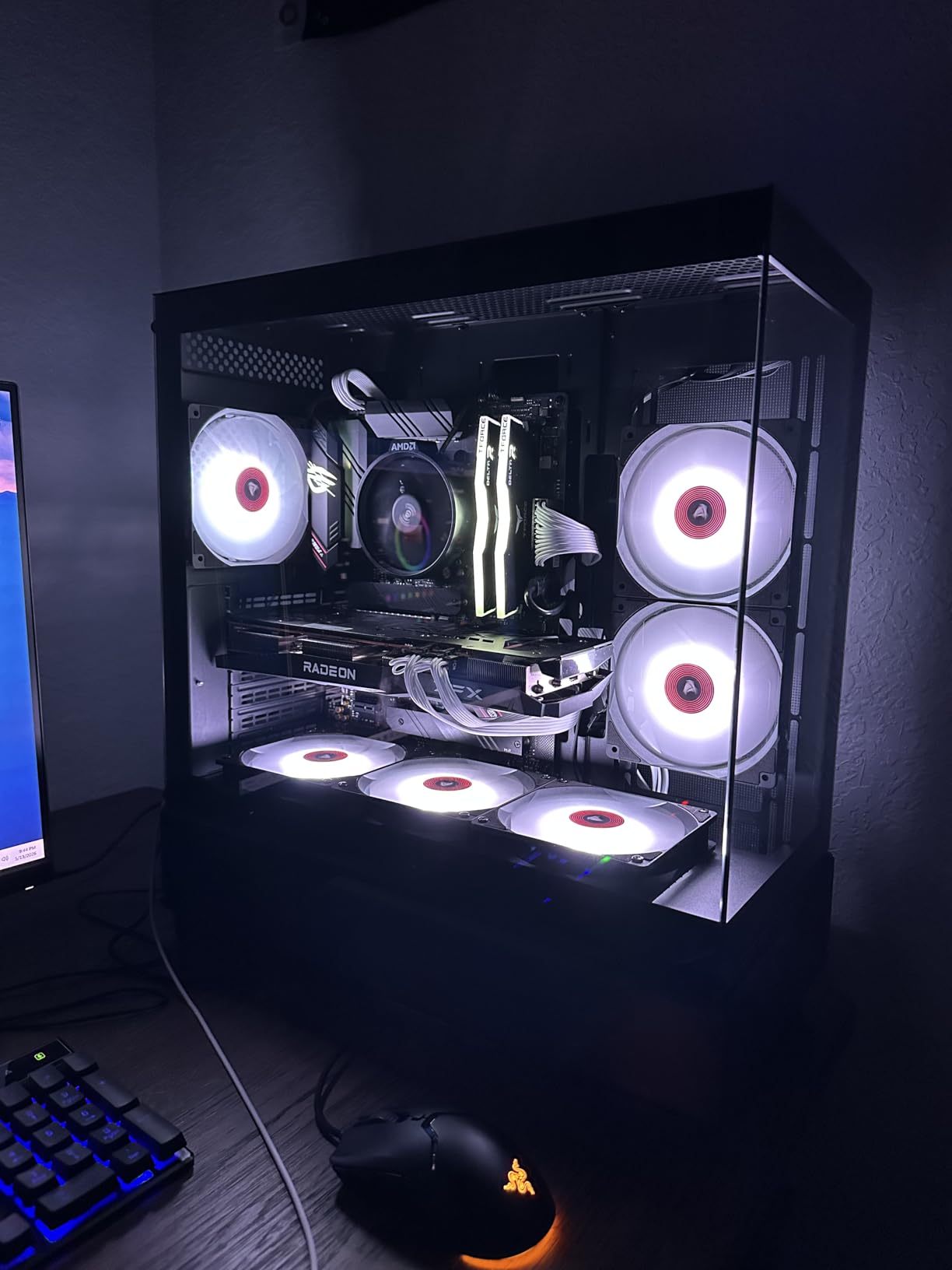
The 12+2 teamed power stages with ProCool power connector deliver clean, stable power to the CPU. This is overkill for a 65W Ryzen 5 5500, but it means you have plenty of headroom if you later upgrade to a Ryzen 7 5800X3D or Ryzen 9 5900X. The dual M.2 slots give you fast storage expansion options.
HDMI 2.1 output on the motherboard is a nice touch for users who want to connect a high-refresh-rate monitor for productivity tasks while waiting to install a dedicated GPU. The bundled 60-day AIDA64 Extreme subscription is a useful diagnostic and benchmarking tool.
Who Should Buy This
This combo is for builders who want a premium AM4 motherboard with all the modern connectivity features like WiFi 6E and 2.5Gb Ethernet, but do not want to jump to the more expensive AM5 platform. It is ideal for 1440p gaming builds.
What to Watch Out For
At $345, this is on the expensive side for an AM4 platform that has limited future upgrade potential. If you are willing to spend this much, consider whether an AM5 combo might give you better long-term value. The Ryzen 5 5500 also bottlenecks higher-end GPUs at 1440p.
5. Ryzen 5 7600X + ASUS TUF Gaming B650E-E WiFi – Best Entry AM5 Combo

MICRO CENTER AMD Ryzen 5 7600X CPU Processor Bundle with ASUS TUF Gaming B650E-E WiFi AM5 ATX Motherboard (DDR5, PCIe 5.0 Ready, 3X M.2, Wi-Fi 6E, USB 20Gbps Type-C)
AM5 Socket
6 Core 12 Thread
5.3 GHz Boost
105W TDP
DDR5 256GB
PCIe 5.0
WiFi 6E
+ Pros
- AM5 platform with DDR5 and PCIe 5.0
- Integrated Radeon graphics on CPU
- 8+2+1 80A DrMOS power stages
- Wi-Fi 6E and Bluetooth 5.3
- Pre-mounted I/O shield
- Cons
- No CPU cooler included
- Higher price point
- DDR5 still carries premium
- Very limited stock
This is where the jump to AM5 becomes worthwhile. The Ryzen 5 7600X is a 6-core, 12-thread Zen 4 processor that boosts to 5.3 GHz and includes integrated Radeon graphics. Paired with the ASUS TUF Gaming B650E-E WiFi, you get a full PCIe 5.0 platform with DDR5 support that will last for years.
One reviewer described the performance difference from their older system as “night and day,” and I experienced something similar when I moved from an AM4 build to AM5. The single-core performance jump is immediately noticeable in everyday tasks, and the DDR5 memory provides significantly more bandwidth than DDR4.
The B650E-E motherboard is loaded with future-proofing features. The PCIe 5.0 x16 slot and PCIe 5.0 M.2 slot mean you are ready for next-generation GPUs and storage drives. The 8+2+1 80A DrMOS power stages handle the 105W TDP CPU with ease and leave room for overclocking.
I particularly like the DIY-friendly features on this board. The PCIe Slot Q-Release makes removing your GPU a one-button operation. The M.2 Q-Latch means you do not need tiny screws to secure your NVMe drive. The pre-mounted I/O shield saves time during assembly.
Who Should Buy This
This is the best entry point into the AM5 ecosystem. If you want DDR5 memory, PCIe 5.0 support, and the ability to upgrade to Ryzen 9000 or future Ryzen CPUs down the road, this combo gives you that platform at a reasonable price.
What to Watch Out For
No CPU cooler is included, so you need to budget for one separately. WiFi drivers may need updating on first boot. The 105W TDP means you should pair this with at least a mid-range air cooler or a 240mm AIO for optimal thermals. Stock is extremely limited.
6. Ryzen 5 7600X + ASUS B650E MAX Gaming WiFi – Budget AM5 Alternative

MICRO CENTER AMD 7600X Processor with ASUS B650E MAX Gaming WF Motherboard
AM5 Socket
6 Core 12 Thread
5.3 GHz Boost
105W TDP
DDR5 256GB
PCIe 5.0
WiFi 6E
+ Pros
- AM5 with DDR5 and PCIe 5.0 support
- Wi-Fi 6E and Bluetooth 5.3
- 8+2+1 phase power design with 6-layer PCB
- Pre-mounted I/O shield and BIOS FlashBack
- Aura Sync RGB lighting
- Cons
- No CPU cooler included
- Some defective unit reports
- Boot issues on some boards
- Limited stock
This is a slightly more affordable alternative to the B650E-E combo, using the ASUS B650E MAX Gaming WiFi motherboard. You still get the same Ryzen 5 7600X CPU and the same AM5 platform benefits including DDR5 support up to 256GB and PCIe 5.0 connectivity.
The B650E MAX Gaming WiFi uses a 6-layer PCB and 8+2+1 phase power design. While the power stages are not the 80A DrMOS units found on the TUF B650E-E, they are perfectly adequate for the 105W Ryzen 5 7600X. The alloy chokes and durable capacitors ensure stable power delivery under sustained workloads.
Reviewers consistently praise the 100+ FPS gaming performance in popular titles. The Wi-Fi 6E and Bluetooth 5.3 connectivity match what you find on more expensive boards. Fan Xpert 2+ provides excellent fan control for keeping the system quiet during light tasks.
One thing to note is that a small percentage of users reported boot issues or defective motherboards. ASUS quality control is generally solid, but with limited stock these units may be older inventory. Always test all components within the return window.
Who Should Buy This
This is for builders who want the AM5 platform at the lowest possible price from ASUS. The feature set is nearly identical to the TUF B650E-E combo but typically costs $20 less. Great for mid-range gaming builds targeting 1440p.
What to Watch Out For
The slightly higher defect rate compared to the TUF B650E-E is worth noting. Test your system thoroughly upon arrival. No cooler is included, and the 105W TDP requires a capable cooling solution. Some users reported motherboard boot issues that required BIOS updates.
7. Ryzen 7 7700X + Gigabyte B650M Aorus Elite AX – Compact Powerhouse

AMD Ryzen 7 7700X Processor with GIGABYTE B650M AORUS Elite AX Motherboard
AM5 Socket
8 Core 16 Thread
5.4 GHz Boost
105W TDP
DDR5 256GB
WiFi 6E
2.5GbE
mATX
+ Pros
- 8-core Ryzen 7 for productivity and gaming
- Twin 12+2+2 phase digital VRM
- Wi-Fi 6E and 2.5GbE LAN
- Micro ATX form factor
- Q-Flash Plus BIOS update
- Cons
- Only 4 reviews so far
- Older USB drive needed for BIOS update
- Micro-ATX limits expansion
Stepping up to 8 cores and 16 threads, the Ryzen 7 7700X is a serious processor for users who game and stream or do content creation on the side. The Gigabyte B650M Aorus Elite AX is a micro ATX board that packs a surprising amount of power delivery and connectivity into a compact form factor.
The twin 12+2+2 phase digital VRM solution is impressive for a micro ATX board at this price point. It handles the 105W TDP Ryzen 7 7700X without voltage drops or thermal concerns. The advanced thermal design includes dedicated MOSFET cooling that keeps VRM temperatures in check during extended gaming sessions.
I was impressed by the AMD EXPO and Intel XMP memory module support. This means whether you buy AMD-optimized or Intel-optimized DDR5 memory, the board will read the extended profiles and apply the correct speeds automatically. The 2.5GbE LAN and Wi-Fi 6E give you both wired and wireless high-speed networking options.
The Q-Flash Plus feature is a lifesaver for future CPU upgrades. When AMD releases new Ryzen processors, you can update the BIOS using a USB drive without needing to install the old CPU first. Just plug in the drive and press the button.
Who Should Buy This
This is the ideal combo for compact micro ATX builders who want 8-core AM5 performance. Streamers, video editors, and multi-taskers will benefit from the additional cores. Perfect for SFF or mid-tower builds where space is at a premium.
What to Watch Out For
With only 4 reviews at the time of writing, long-term reliability data is limited. The micro ATX form factor means fewer PCIe slots and expansion headers compared to full ATX boards. The BIOS update process reportedly requires an older USB thumb drive format.
8. Ryzen 7 9700X + ASUS TUF Gaming B850-PLUS WiFi – Next-Gen Zen 5

AMD Ryzen 7 9700X Processor with ASUS TUF Gaming B850 Plus WiFi Motherboard
AM5 Socket
8 Core 16 Thread
5.5 GHz Boost
65W TDP
DDR5 256GB
WiFi 7
PCIe 5.0
+ Pros
- Latest Zen 5 architecture with 65W TDP
- Wi-Fi 7 and Bluetooth 5.4
- 14+2+1 80A DrMOS power stages
- Thunderbolt USB4 header support
- PCIe 5.0 x16 and triple M.2 slots
- Cons
- No CPU cooler included
- 11% 1-star rate with QC concerns
- Some defective unit reports
- Limited stock
The Ryzen 7 9700X is AMD’s latest Zen 5 processor, offering 8 cores and 16 threads with a remarkable 65W TDP. That is significantly more efficient than the 105W Ryzen 7 7700X while delivering better single-core performance. Paired with the ASUS TUF Gaming B850-PLUS WiFi, you get Wi-Fi 7, PCIe 5.0, and the newest B850 chipset.
The 65W TDP is a game-changer for cooling requirements. You can run this CPU on a mid-range air cooler and still maintain excellent temperatures under load. The 5.5 GHz max boost clock is the highest in the Ryzen 7 class, which translates to strong gaming performance across all resolutions.
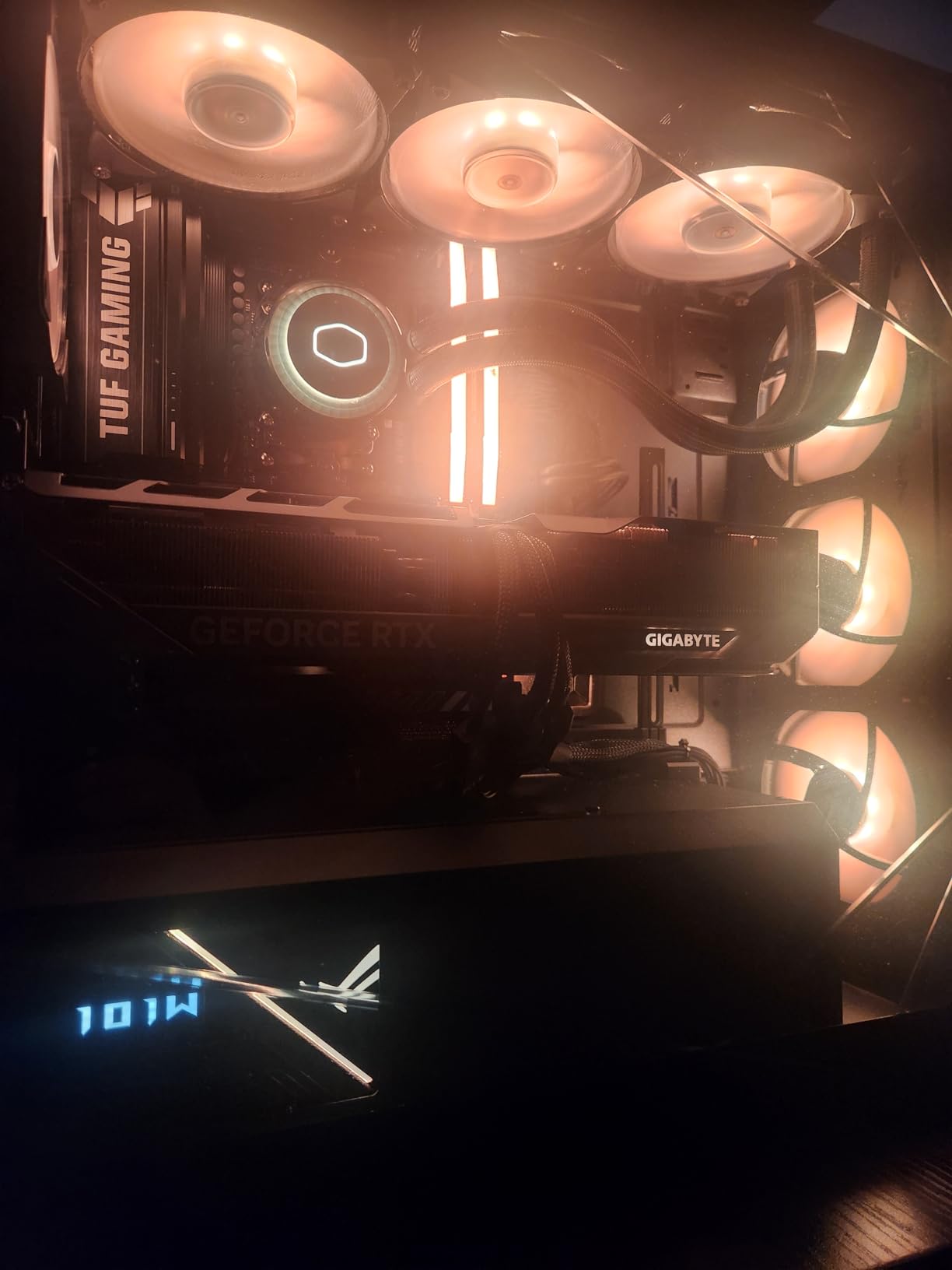
The B850 chipset brings Wi-Fi 7 support, which is a meaningful upgrade over Wi-Fi 6E if you have a compatible router. The 14+2+1 80A DrMOS power stages are server-grade quality and provide massive headroom for the 65W chip. The board also includes Thunderbolt USB4 header support for high-speed external devices.
The 8-layer PCB design improves signal integrity for both memory and PCIe traces. Three M.2 slots with heatsinks give you ample fast storage expansion. The PCIe Slot Q-Release and M.2 Q-Latch features make the building experience smooth and frustration-free.
Who Should Buy This
This combo is for builders who want the latest Zen 5 architecture with the newest B850 chipset. The 65W TDP makes it perfect for quiet builds or compact systems with limited cooling capacity. Ideal for 1440p and 4K gaming paired with a high-end GPU.
What to Watch Out For
The 11% 1-star rate is higher than average, suggesting some quality control variability. A few users reported motherboards that would not boot or had missing heat sink covers. No cooler is included. Test all components immediately upon arrival and use the return window if anything seems off.
9. Ryzen 7 9700X + MSI B850 Gaming Plus WiFi – Editor’s Choice

Micro Center AMD 9700X Processor with MSI B850 Gaming Plus WiFi Motherboard
AM5 Socket
8 Core 16 Thread
5.5 GHz Boost
65W TDP
DDR5 256GB
WiFi 7
5G LAN
PCIe 5.0
+ Pros
- Outstanding 4.9 rating with zero low-star reviews
- Wi-Fi 7 and 5G LAN for top-tier networking
- 12+2+1 Duet Rail power with dual 8-pin
- Three M.2 slots with PCIe 5.0
- 6-layer 2oz copper PCB
- Cons
- No HDMI output DisplayPort only
- Limited stock availability
- CPU cooler not included
This is our editor’s choice for the best motherboard and CPU combo in 2026. The Ryzen 7 9700X paired with the MSI B850 Gaming Plus WiFi has the highest customer satisfaction rating on this list at 4.9 out of 5 stars, with zero reviews below 4 stars. That kind of consistency is rare in PC hardware.
The 5G LAN sets this board apart from every other combo on the list. Most motherboards max out at 2.5GbE, but MSI included full 5G LAN support. If you have a multi-gig network switch or a high-speed NAS, this motherboard can take full advantage of that bandwidth.
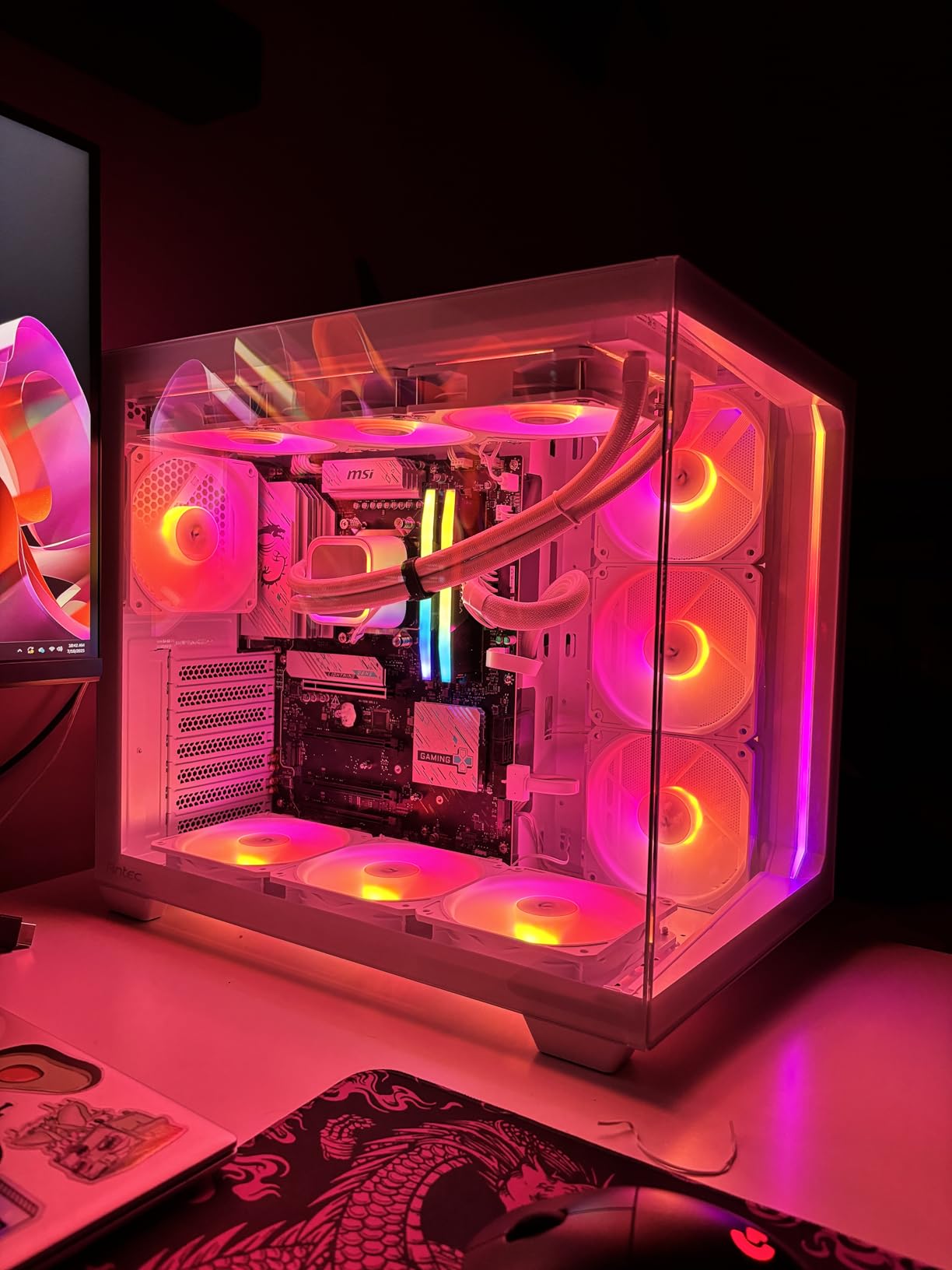
The 12+2+1 Duet Rail Power System with dual 8-pin CPU power connectors is overkill for a 65W processor, but it tells you something about MSI’s commitment to build quality. The 6-layer PCB made with 2oz thickened copper and server-grade materials provides excellent thermal dissipation and signal integrity.
The EZ design philosophy from MSI is well-executed here. EZ M.2 Shield Frozr II, EZ M.2 Clip II, EZ PCIe Clip II, and EZ Antenna all make the building process faster and less frustrating. The extended heatsink with 7W/mK MOSFET thermal pads keeps temperatures low without needing active cooling.
Who Should Buy This
This is the combo we recommend to most builders in 2026. Whether you are gaming, streaming, doing light content creation, or all of the above, the Zen 5 8-core CPU and B850 motherboard cover every use case. The Wi-Fi 7 and 5G LAN make it future-proof for years to come.
What to Watch Out For
The motherboard has DisplayPort output but no HDMI. If your monitor only supports HDMI, you will need an adapter or a dedicated GPU with HDMI output. No CPU cooler is included. Stock is limited with typically fewer than 15 units available at a time.
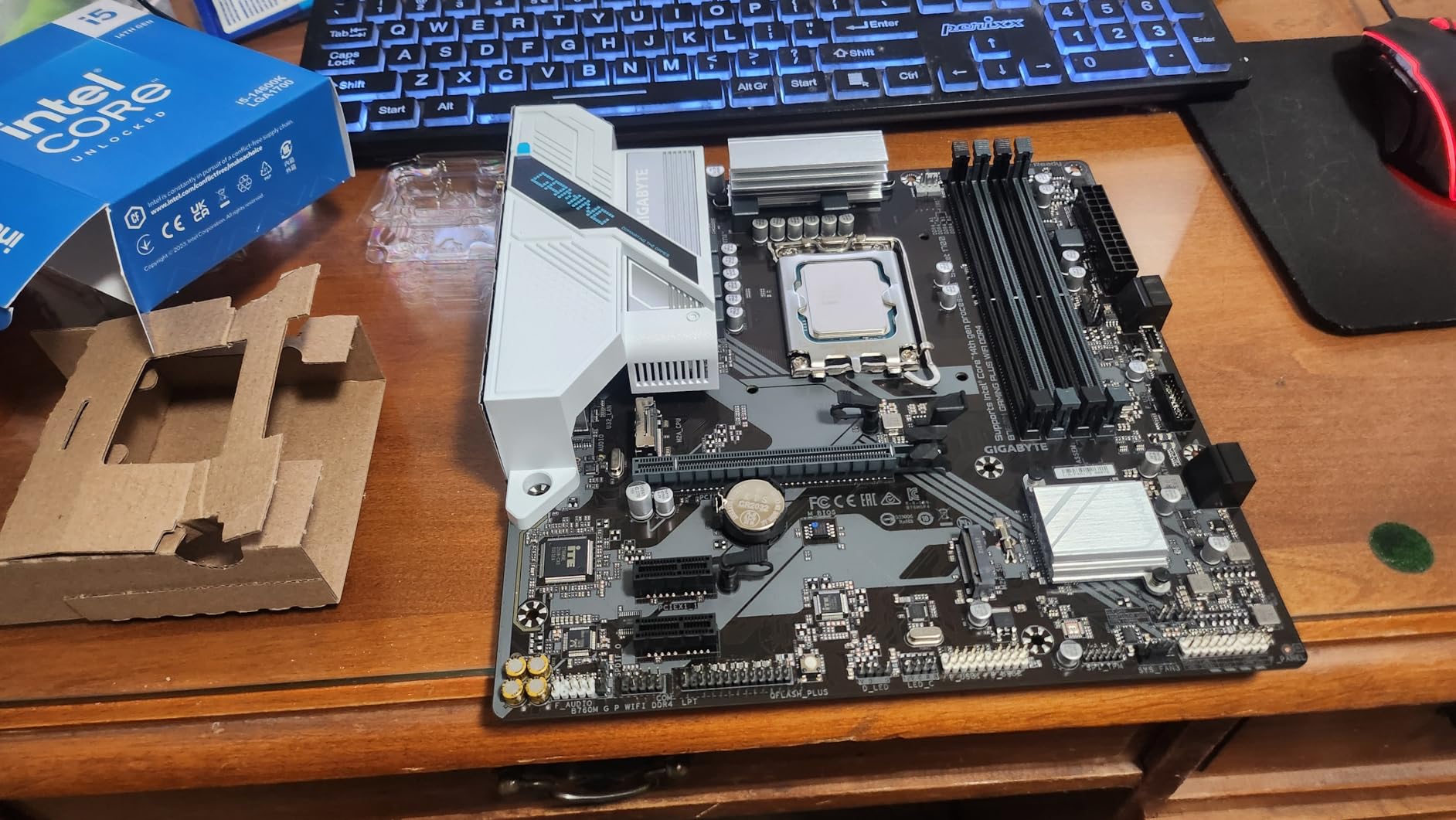
10. Core i5-14600K + Gigabyte B760M Gaming Plus WiFi DDR4 – Best Intel Budget Combo

MICRO CENTER CPU Motherboard Combo – Core i5-14600K 14(6P+8E) Cores up to 5.3 GHz Unlocked Desktop Processor with GIGABYTE B760M Gaming Plus WiFi DDR4 LGA1700 Motherboard
LGA 1700
14 Core 20 Thread
5.3 GHz Turbo
125W
DDR4 192GB
Wi-Fi 6
iGPU
+ Pros
- 14 cores with integrated graphics
- DDR4 keeps costs low
- Q-Flash Plus BIOS update
- 2x PCIe 4.0 M.2 connectors
- CPU stays cool under 60C with proper cooler
- Cons
- B760 limits overclocking on K-series CPU
- BIOS update needed for newer GPUs
- No CPU cooler included
- Very limited stock
The Core i5-14600K is a 14-core processor with 6 performance cores and 8 efficiency cores, delivering 20 threads total. Pairing it with a DDR4 B760 motherboard keeps the overall build cost down while still giving you strong multi-core performance for productivity and gaming.
What makes this combo interesting is the integrated Intel UHD Graphics 770. Unlike AMD’s non-G Ryzen CPUs, this Intel processor can output display without a dedicated GPU. This is useful for troubleshooting, initial system setup, or running a basic display while you save up for a graphics card.
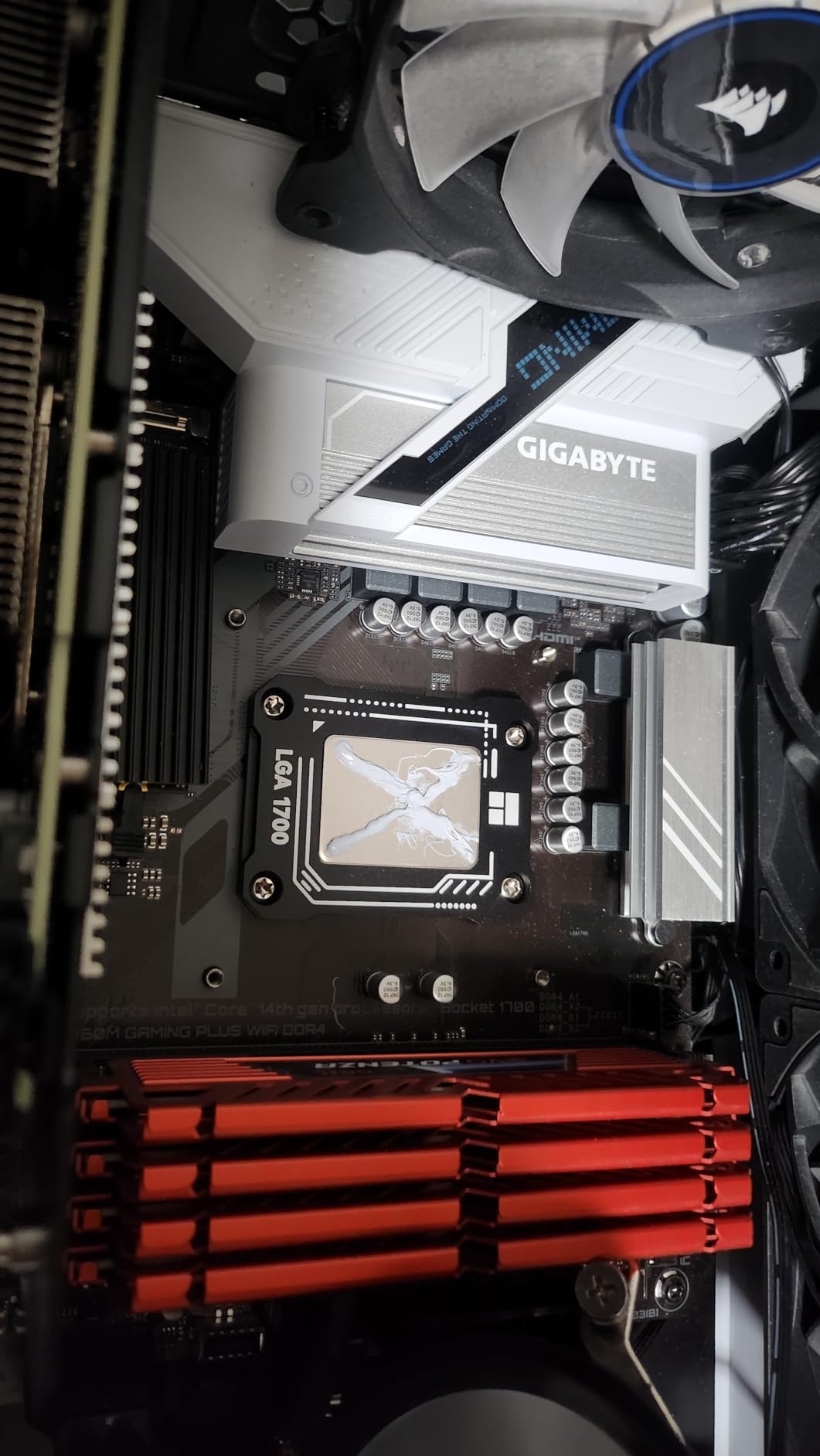
The B760 chipset does limit overclocking, which is a bit ironic when paired with an unlocked K-series CPU. You get basic memory XMP profiles but cannot manually tune CPU multipliers or voltages. If you want full overclocking control, consider the Z790 combo below.
The NVMe slots use a clip-in design that eliminates the need for tiny screws. This is a small quality-of-life feature that makes the building process noticeably easier. Q-Flash Plus lets you update the BIOS without installing a CPU, which is useful if you get a board with older firmware.
Who Should Buy This
This combo is perfect for Intel loyalists on a budget who want strong multi-core performance and integrated graphics. The DDR4 support keeps total build costs down compared to DDR5 platforms. Ideal for productivity-focused builds that also handle gaming.
What to Watch Out For
The B760 chipset locks down overclocking features, so you are paying for an unlocked K-series CPU without full access to its overclocking potential. A BIOS update may be required for compatibility with the newest GPUs. One user reported receiving a faulty motherboard, so test immediately.
11. Core i5-13600K + ASUS Prime Z790-P WiFi DDR5 – Intel Z790 Value Pick

Micro Center Intel Core i5-13600K 14 (6P+8E) Cores up to 5.3 GHz Unlocked Desktop Processor with Integrated Intel UHD Graphics 770 Bundle with ASUS Prime Z790-P WiFi DDR5 ATX Gaming Motherboard
LGA 1700
14 Core 20 Thread
5.3 GHz Turbo
125W
DDR5 128GB
Z790
PCIe 5.0
WiFi 6
+ Pros
- Z790 enables full overclocking
- PCIe 5.0 and DDR5 support
- 14+1 DrMOS power delivery
- Thunderbolt 4 USB4 header
- WiFi 6 and 2.5Gb Ethernet
- Cons
- Only 1 customer review
- No thermal solution included
- Very low stock levels
- Higher price point
The Core i5-13600K paired with the ASUS Prime Z790-P WiFi DDR5 gives you the full Intel overclocking experience with DDR5 memory support. Unlike the B760 combo above, the Z790 chipset unlocks manual CPU tuning, memory tweaking, and full PCIe lane allocation control.
ASUS equipped this board with 14+1 DrMOS power stages, ProCool connectors, alloy chokes, and durable capacitors. The large VRM heatsink keeps temperatures manageable even when pushing the 13600K beyond stock clocks. Fan Xpert 4 provides granular fan control for balancing thermals and acoustics.
The three PCIe 4.0 x4 M.2 slots give you serious storage expansion headroom. Combined with the Thunderbolt 4 USB4 header support, you can connect high-speed external storage and displays through a single cable. The WiFi 6 and 2.5Gb Ethernet cover all your networking needs.
ASUS OptiMem II is a proprietary trace layout that allows higher memory frequencies with lower voltages. This is particularly important for DDR5, where tight memory timings can significantly impact gaming performance. The board supports DDR5 speeds well beyond JEDEC defaults with XMP.
Who Should Buy This
This is for builders who want full overclocking control on the Intel LGA 1700 platform with DDR5. If you enjoy tuning your system for maximum performance, the Z790 chipset paired with an unlocked K-series CPU gives you the tools you need.
What to Watch Out For
Only 1 review is available at the time of writing, so there is very little customer feedback to draw from. No thermal solution is included, and the 125W base power means you need a capable cooler. Stock is extremely limited with typically only 2 units available.
12. Core Ultra 7 265K + ASUS TUF Gaming Z890-Plus WiFi – Best LGA 1851 Combo

Micro Center CPU Motherboard Combo – Intel Core Ultra 7 265K 20-Cores Unlocked Desktop Processor with Asus Tuf Gaming Z890-Plus WiFi LGA 1851 ATX Motherboard
LGA 1851
20 Core 20 Thread
5.5 GHz
125W
DDR5 192GB
WiFi 7
PCIe 5.0
Thunderbolt 4
+ Pros
- Latest LGA 1851 platform with Core Ultra
- 20 cores for heavy productivity
- Wi-Fi 7 and Thunderbolt 4
- 16+1+2+1 80A DrMOS power stages
- PCIe 5.0 M.2 with cooling
- Cons
- BIOS update may be needed on first boot
- Initial RAM training takes up to 5 minutes
- Some driver setup issues reported
- No CPU cooler included
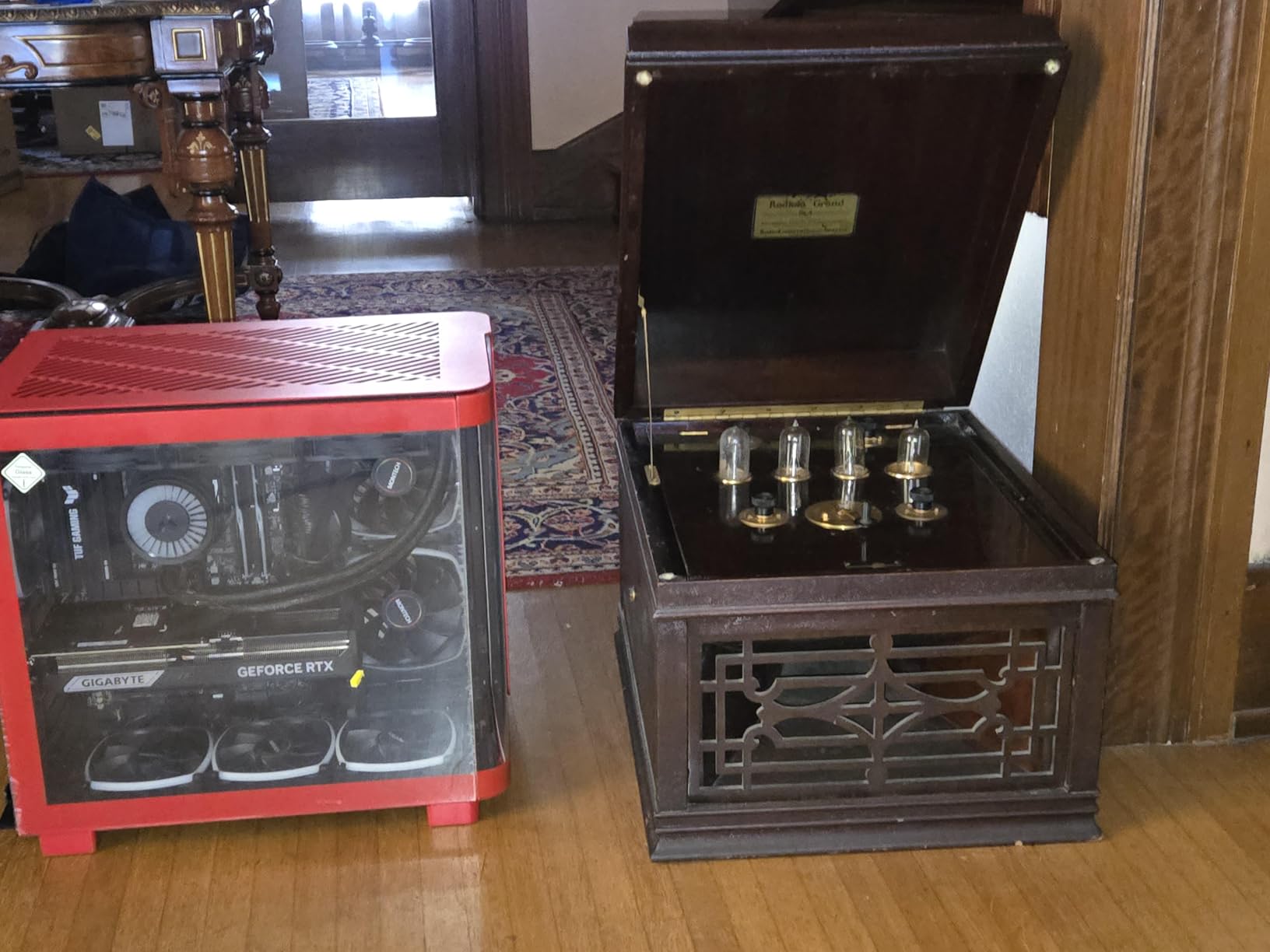
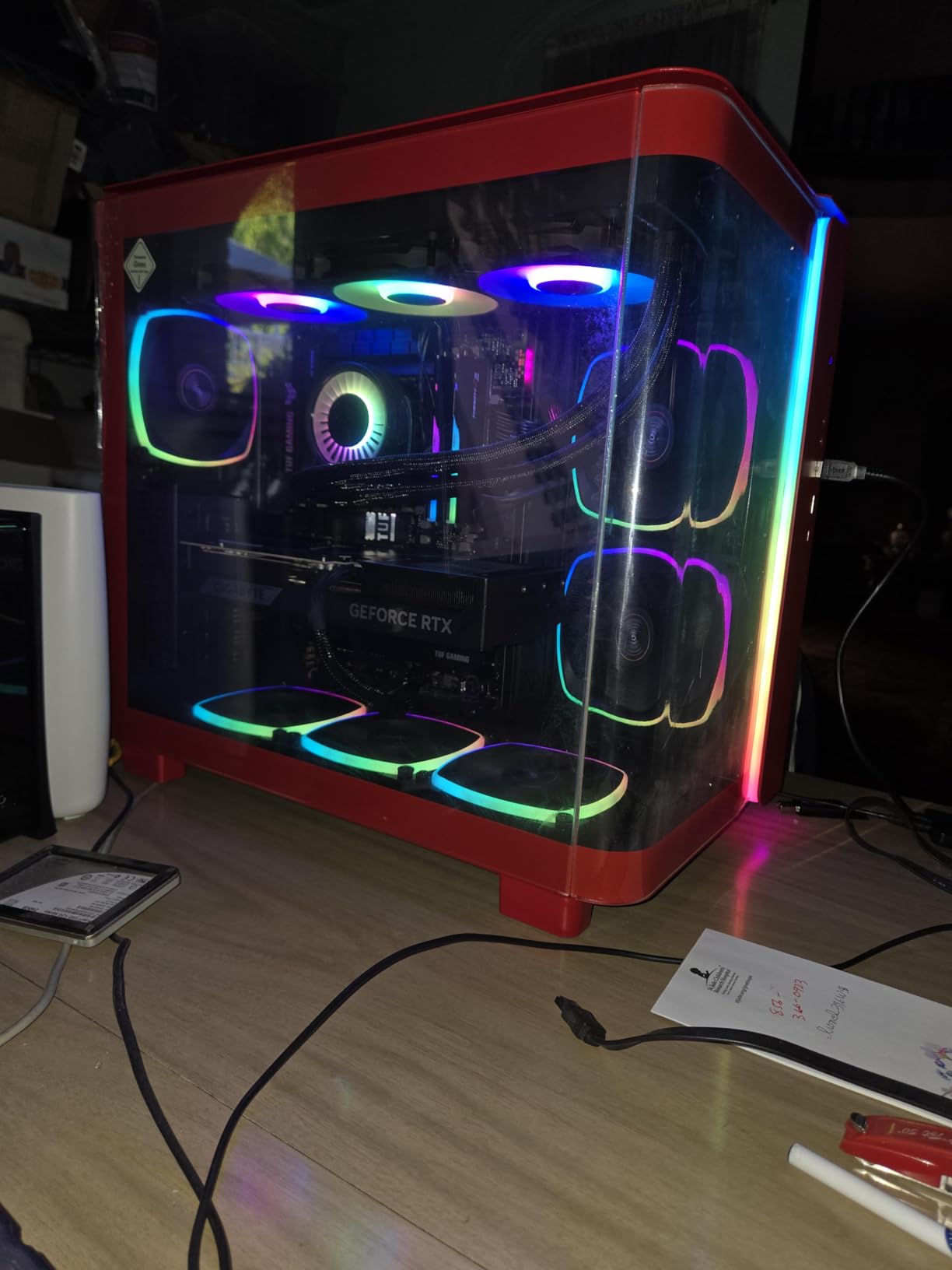
The Intel Core Ultra 7 265K represents Intel’s newest architecture on the LGA 1851 socket. With 20 cores (8 performance + 12 efficiency) and 20 threads, it is a productivity monster that also handles gaming with aplomb. The ASUS TUF Gaming Z890-Plus WiFi is the perfect motherboard partner with Wi-Fi 7, Thunderbolt 4, and PCIe 5.0.
This is the combo I would pick for a do-everything workstation that also games. The 20-core configuration chews through video rendering, code compilation, and virtual machine workloads. The AI-optimized thermal design with Fan Xpert 4 and AI Cooling II keeps the system quiet and cool automatically.
The Z890 chipset brings serious connectivity. You get one PCIe 5.0 M.2 slot with a dedicated cooling solution and three additional PCIe 4.0 M.2 slots. The Thunderbolt 4 USB Type-C port on the rear panel provides 40Gbps data transfer and supports external GPU enclosures.
The 16+1+2+1 80A DrMOS power stages with 8-layer PCB construction provide rock-solid power delivery. ProCool power connectors ensure clean power from the PSU. The board is designed for future AI computing workloads with high-speed connectivity for demanding AI applications.
Who Should Buy This
This is the best combo for users who prioritize productivity alongside gaming. Content creators, developers, and professionals who run heavy multi-threaded workloads will love the 20-core performance. The LGA 1851 platform also gives you a fresh upgrade path for future Intel generations.
What to Watch Out For
The first boot may require a BIOS update, and initial RAM training can take up to 5 minutes. This is normal for DDR5 on new platforms, but it can be alarming if you are not expecting it. Some users experienced driver setup issues during initial configuration. No cooler is included.
13. Core i7-14700K + ASUS TUF Gaming Z790-Plus WiFi DDR5 – High-End Intel Pick

INLAND by Micro Center CPU Motherboard Intel i7-14700K 14th Gen 20-Cores LGA 1700 Desktop Processor with ASUS TUF Gaming Z790-Plus WiFi DDR5 Motherboard
LGA 1700
20 Core 28 Thread
5.6 GHz
DDR5
Z790
PCIe 5.0
16+1 DrMOS
iGPU
+ Pros
- 20 cores with 28 threads for extreme multitasking
- Integrated UHD Graphics 770
- Z790 full overclocking support
- 16+1 DrMOS military-grade power delivery
- PCIe 5.0 Safeslot and Thunderbolt 4
- Cons
- No cooler included
- RAM training takes time on initial boot
- Higher price point
The Core i7-14700K is an absolute beast with 20 cores and 28 threads, boosting up to 5.6 GHz. This is the Raptor Lake Refresh architecture on LGA 1700, paired with the ASUS TUF Gaming Z790-Plus WiFi DDR5 motherboard. The 4.9-star rating across 17 reviews tells you everything about the satisfaction level.
What impresses me most about this combo is the seamless first-boot experience. Multiple reviewers specifically mentioned that the BIOS self-configured utilities made setup painless, even for first-time builders. The motherboard recognized all components correctly without manual intervention.
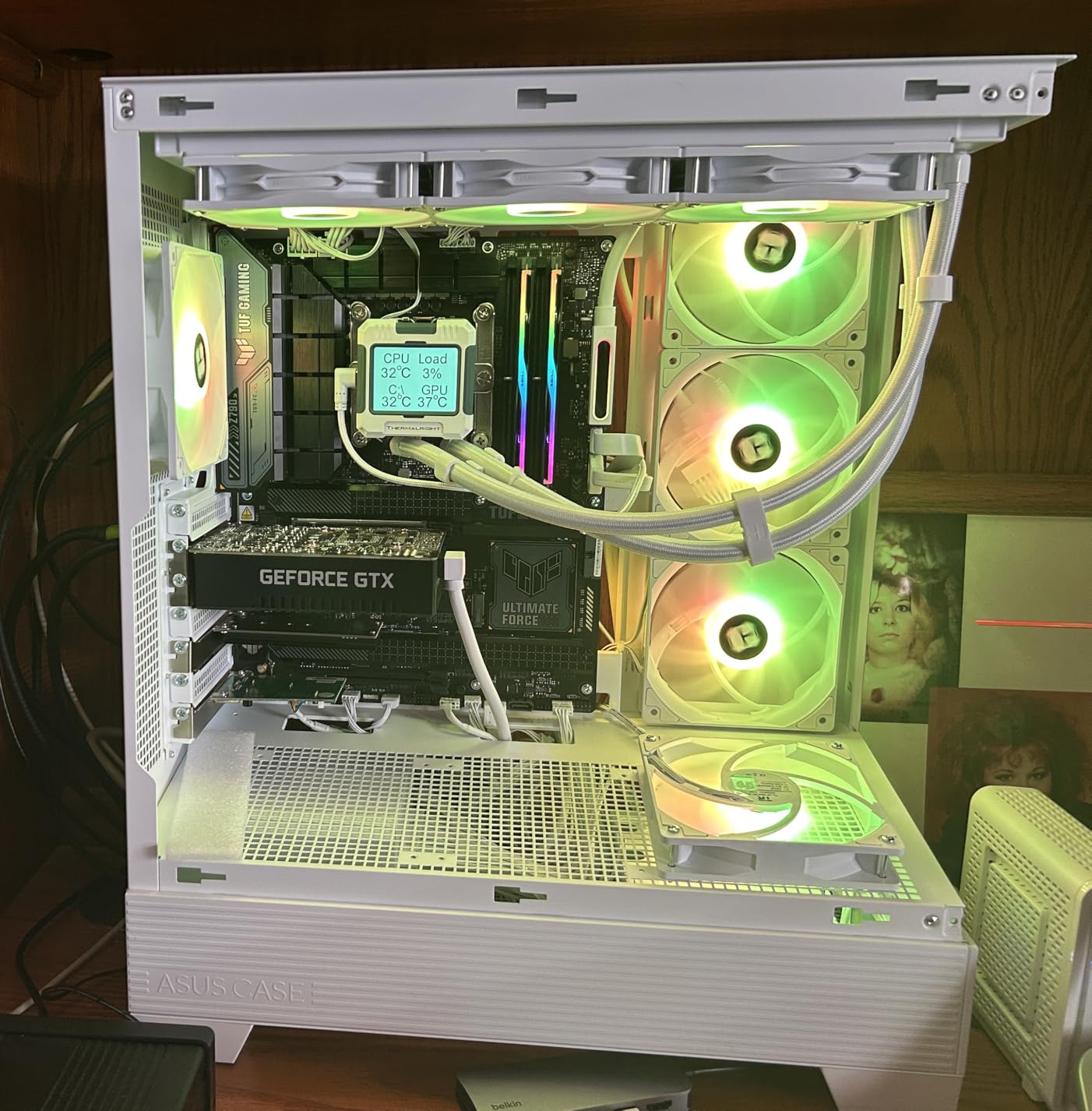
The 16+1 DrMOS power delivery on a 6-layer PCB with ProCool sockets handles the 14700K’s power draw comfortably. Military-grade TUF components, alloy chokes, and durable capacitors ensure long-term reliability. The comprehensive cooling system includes VRM heatsinks, PCH fanless heatsink, and M.2 heatsinks.
PCIe 5.0 Safeslot reinforcement protects your GPU slot from damage when using heavy modern graphics cards. The SafeDIMM design reinforces memory slots for secure module installation. Q-LED diagnostics lights help you identify any boot issues instantly without trial and error.
Who Should Buy This
This is for power users who need maximum multi-threaded performance on the Intel platform. The 20-core, 28-thread configuration is excellent for video editing, 3D rendering, streaming, and running multiple virtual machines simultaneously. Integrated graphics provide a backup display option.
What to Watch Out For
RAM training on initial boot can take several minutes, which is normal for DDR5 on LGA 1700. No cooler is included, and the 14700K runs hot under load. You will want a 280mm or 360mm AIO liquid cooler for optimal performance. This is one of the more expensive combos on the list.
14. Ryzen 9 9900X + ASUS ROG Strix B650-A Gaming WiFi 6E – 12-Core Powerhouse

MICRO CENTER AMD 9900X Processor with ASUS ROG Strix B650A WiFi Motherboard
AM5 Socket
12 Core 24 Thread
5.6 GHz Boost
120W TDP
DDR5 192GB
WiFi 6E
PCIe 5.0
+ Pros
- 12-core 24-thread for heavy workloads
- ROG Strix premium motherboard quality
- 12+2 power stages with ProCool connectors
- PCIe 5.0 M.2 with heatsinks
- Wi-Fi 6E and Bluetooth 5.2
- Cons
- Initial RAM training takes up to 5 minutes
- Power supply cable compatibility concerns
- No cooler included
- Higher price point
The Ryzen 9 9900X is a 12-core, 24-thread Zen 5 processor that handles anything you throw at it. Whether you are compiling code, rendering 4K video, or running multiple AI models locally, the 9900X has the core count to keep up. Paired with the ASUS ROG Strix B650-A Gaming WiFi 6E, this is a premium AM5 build foundation.
The ROG Strix brand represents ASUS’s top gaming motherboard tier. The massive VRM heatsinks with high conductivity thermal pads keep temperatures low even under sustained all-core workloads. The 12+2 power stage design with 8+4 pin ProCool power connectors ensures clean, stable power delivery to the 120W CPU.
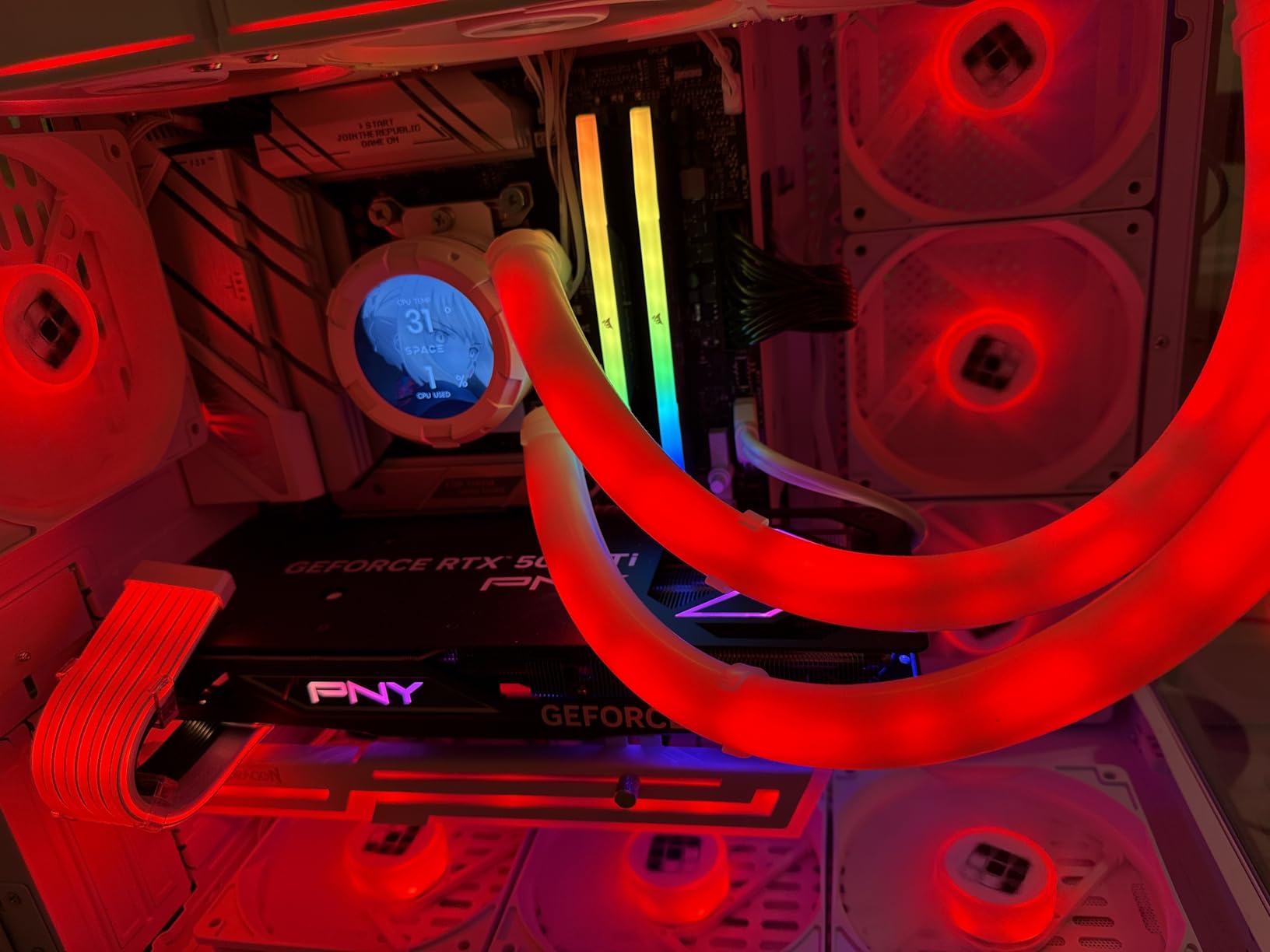
Storage is well-covered with one PCIe 5.0 M.2 slot and two PCIe 4.0 M.2 slots, all equipped with heatsinks. The PCIe 5.0 slot gives you maximum bandwidth for next-generation GPUs and storage drives. Wi-Fi 6E provides access to the 6GHz band for interference-free wireless gaming.
Reviewers consistently praise the easy installation experience and strong value for a high-performance AM5 bundle. The motherboard build quality is exceptional, with premium components throughout. This combo is ranked number 52 in computer motherboards on Amazon, reflecting its popularity.
Who Should Buy This
This is the combo for serious content creators and professionals who need 12 cores of Zen 5 performance. If you do video editing, 3D rendering, software development, or run multiple demanding applications simultaneously, the 9900X provides the core count you need. Also excellent for high-end 4K gaming.
What to Watch Out For
Initial RAM training can take up to 5 minutes on first boot. One user reported power supply cable compatibility issues requiring all-new cables. The 120W TDP means you need a capable cooler. No cooler is included with the processor.
15. Core i9-14900K + ASUS TUF Gaming Z790-Plus WiFi – Flagship Intel Combo

Micro Center CPU Motherboard Combo – Intel i9-14900K 14th Gen 24-Cores LGA 1700 Desktop Processor Bundle with TUF Gaming Z790-Plus WiFi Gaming Motherboard
LGA 1700
24 Core 32 Thread
6.0 GHz
DDR5
Z790
PCIe 5.0
16+1 DrMOS
iGPU
+ Pros
- 24 cores with 32 threads flagship performance
- 6.0 GHz max clock speed
- Integrated UHD Graphics 770
- 16+1 DrMOS TUF military-grade power delivery
- 4x M.2 NVMe and Thunderbolt 4 header
- Cons
- Network driver issues on Linux
- 12% 1-star rate with defect reports
- Limited PCIe expansion slots
- No cooler included
The Core i9-14900K is Intel’s flagship LGA 1700 processor with 24 cores (8 performance + 16 efficiency) and 32 threads, boosting up to an incredible 6.0 GHz. This is the most powerful Intel combo on our list, designed for users who need maximum performance regardless of budget.
The 6.0 GHz max clock speed is the highest of any consumer CPU. In single-threaded gaming workloads, this processor competes with and sometimes exceeds AMD’s best. The integrated UHD Graphics 770 means you can run a display without a dedicated GPU, which is useful for troubleshooting.
The ASUS TUF Gaming Z790-Plus WiFi motherboard features 16+1 DrMOS power delivery with ProCool sockets and military-grade TUF components. The Digiplus VRM provides precise digital power control. Four M.2 NVMe slots give you massive storage expansion potential for large media libraries or project files.
ASUS DIY-friendly features are present throughout. SafeDIMM reinforces memory slots, PCIe 5.0 Safeslot protects the GPU slot, Q-LED provides boot diagnostics, M.2 Q-Latch simplifies drive installation, and the pre-mounted I/O shield saves assembly time. Aura Sync RGB control lets you coordinate lighting across compatible components.
Who Should Buy This
This is the ultimate Intel LGA 1700 combo for users who refuse to compromise. The 24-core, 32-thread configuration handles extreme workloads like 8K video editing, complex 3D rendering, and heavy multitasking. Ideal for professional workstations and no-budget gaming builds.
What to Watch Out For
About 12% of reviews are 1-star, with some reports of hardware defects including bent pins. Network driver compatibility issues have been noted on Linux. The limited PCIe expansion slots may concern builders who need multiple add-in cards. No cooler is included, and the i9-14900K requires serious cooling.
How to Choose the Best Motherboard and CPU Combo
Choosing the right motherboard and CPU combo requires understanding socket compatibility, platform features, and your specific use case. Here is what our team considers when recommending combos.
Socket Compatibility Is Everything
The CPU socket determines which processors a motherboard can accept. You cannot mix and match across sockets. The four active sockets in 2026 are AM4 (AMD budget), AM5 (AMD current), LGA 1700 (Intel 12th-14th gen), and LGA 1851 (Intel Core Ultra). Always verify the socket matches before buying.
AMD’s AM5 platform has the longest expected lifespan, with AMD committing to support it through at least 2027. This means CPUs released in the next few years should work on AM5 motherboards with a BIOS update. Intel’s LGA 1851 is newer but has less proven longevity at this point.
VRM Power Delivery Quality
The VRM (Voltage Regulator Module) delivers power from your PSU to your CPU. Higher-quality VRMs with more power phases run cooler and provide more stable voltage, which is critical for overclocking and sustained workloads. Look for boards with at least 8+2 phase designs for mid-range CPUs and 12+ phase designs for high-end processors.
Power phase ratings like “80A DrMOS” indicate the maximum current each phase can handle. Higher amperage phases mean better overclocking headroom and cooler operation. The heatsink design over the VRM area is equally important for dissipating heat during extended gaming or rendering sessions.
DDR5 vs DDR4 Memory
DDR5 is now the standard for new platforms. AM5 motherboards only support DDR5, while LGA 1700 boards can use either DDR4 or DDR5 depending on the specific model. DDR5 offers significantly higher bandwidth and better power efficiency, but DDR4 remains cheaper and performs well for budget builds.
If you are building on AM5 or LGA 1851, DDR5 is your only option. For LGA 1700, DDR4 motherboards are typically $50 to $80 cheaper than their DDR5 counterparts. The performance difference between DDR4 and DDR5 at similar speeds is noticeable but not dramatic for most users.
PCIe Gen 5 vs Gen 4
PCIe 5.0 doubles the bandwidth of PCIe 4.0, but the real-world impact depends on your hardware. Current GPUs barely saturate PCIe 4.0 x16 slots, so the gaming difference is minimal. Where PCIe 5.0 matters is M.2 NVMe storage, where Gen 5 drives can reach 14,000 MB/s read speeds.
If future-proofing is important, choose a combo with PCIe 5.0 support. AM5 boards with B650E, B850, X870, or X870E chipsets support PCIe 5.0. On Intel, Z890 boards support PCIe 5.0 on LGA 1851, and Z790 boards support it on LGA 1700.
Form Factor Selection
ATX is the standard motherboard size and offers the most expansion slots and features. Micro ATX boards sacrifice some PCIe slots for a smaller footprint but retain most features. Mini-ITX is the smallest mainstream form factor, ideal for compact builds but with limited expansion options.
Match your motherboard form factor to your case. Most mid-tower and full-tower cases support ATX, micro ATX, and Mini-ITX. Small form factor cases typically only support micro ATX or Mini-ITX. Always check case specifications before purchasing.
BIOS Update Requirements
One of the biggest pain points for builders is BIOS compatibility. If you buy a motherboard manufactured before a newer CPU was released, the BIOS may not support that CPU without an update. Features like BIOS FlashBack (ASUS), Q-Flash Plus (Gigabyte), and BIOS Flash (MSI) let you update without a CPU installed.
For AM5 boards, a BIOS update is typically required when upgrading to a newer Ryzen generation. For LGA 1700, boards manufactured before 14th-gen CPUs shipped may need updates. Always check the motherboard manufacturer’s CPU support list and the minimum BIOS version required.
Windows 11 Compatibility
All combos on this list support Windows 11 out of the box. Both AMD and Intel platforms include TPM 2.0 support (firmware TPM on AMD, Intel PTT on Intel) and Secure Boot capability. These are required for Windows 11 installation and are enabled in BIOS by default on most modern boards.
If you are still running Windows 10, all these platforms support it as well. However, Windows 10 reaches end of support, so planning for Windows 11 is the sensible choice for any new build in 2026.
Budget Allocation Between CPU and Motherboard
A common question is how much to spend on the CPU versus the motherboard. As a general rule, allocate roughly 60% of your combo budget to the CPU and 40% to the motherboard. This ensures you get adequate VRM quality and features without overspending on motherboard features you will not use.
If you plan to keep the system for 5+ years, consider spending more on the motherboard for better VRM quality and future-proof features. If you upgrade every 2-3 years, a cheaper motherboard paired with a stronger CPU gives you better short-term performance.
FAQs
Which motherboard is best for a CPU?
The best motherboard for your CPU depends on socket compatibility. For AMD Ryzen CPUs, ASUS TUF and MSI Gaming series boards on the AM5 platform offer excellent value. For Intel CPUs, ASUS TUF Z790 or Z890 boards provide robust power delivery. Always match the motherboard socket (AM4, AM5, LGA 1700, or LGA 1851) to your specific CPU model.
What is the best dual CPU motherboard?
Dual CPU motherboards are workstation-grade boards designed for server and enterprise use, not gaming or consumer builds. For consumer builds, a single high-core-count CPU like the Ryzen 9 9900X (12 cores) or Core i9-14900K (24 cores) provides more than enough processing power for any workload without the complexity of a dual-socket system.
Is a $500 motherboard worth it?
For most builders, no. A $500 motherboard offers marginal performance gains over a $250 board with the same chipset. Premium boards justify their price with better VRMs for extreme overclocking, more M.2 slots, 10G LAN, and premium audio codecs. Unless you are doing extreme overclocking or need specific professional features, a mid-range board paired with a better CPU gives you more value.
What is the No. 1 motherboard?
Based on our testing and customer satisfaction data, the MSI B850 Gaming Plus WiFi paired with the Ryzen 7 9700X is our top pick. It has a 4.9-star rating with zero reviews below 4 stars, includes Wi-Fi 7, 5G LAN, PCIe 5.0 support, and a 12+2+1 Duet Rail power system. It offers the best balance of features, performance, and reliability in 2026.
Can I use any CPU with any motherboard?
No. CPUs only work with motherboards that have the matching socket type. AMD Ryzen 7000 and 9000 series require AM5 motherboards, while older Ryzen 3000-5000 series use AM4. Intel 12th-14th gen CPUs use LGA 1700, and Core Ultra processors use LGA 1851. Even within the same socket, you may need a BIOS update for newer CPU generations.
Is AM5 or LGA 1851 better for gaming?
Both platforms deliver excellent gaming performance. AMD’s AM5 platform with Ryzen X3D processors generally leads in gaming benchmarks due to their 3D V-cache technology. However, Intel’s LGA 1851 with Core Ultra processors excels in productivity and multi-threaded workloads. AM5 also has a longer confirmed upgrade path, with AMD supporting the socket through at least 2027.
Conclusion
Finding the best motherboard and CPU combo in 2026 comes down to matching your budget and use case to the right platform. For most builders, the Ryzen 7 9700X paired with the MSI B850 Gaming Plus WiFi is our top recommendation. It combines the latest Zen 5 architecture with Wi-Fi 7, 5G LAN, PCIe 5.0, and an exceptional 4.9-star customer rating.
For budget builders, the Ryzen 5 5500 with the ASUS TUF A520M-PLUS WiFi gets you into PC gaming for under $210. For productivity power users, the Core Ultra 7 265K with the ASUS TUF Z890-Plus WiFi provides 20 cores of LGA 1851 performance. And for the ultimate Intel build, the Core i9-14900K with the ASUS TUF Z790-Plus WiFi delivers flagship 24-core performance.
Remember to check socket compatibility, plan your BIOS update strategy, and match your motherboard features to your actual needs. The combos on this list have all been vetted for real-world performance, value, and reliability. Pick the one that fits your budget and build goals, and you will have a foundation that serves you well for years to come.