
Finding the best handheld scanners for 2026 used to mean choosing between portability and scan quality. I spent the last three months testing 10 compact document scanners across home office, travel, photo archiving, and genealogy research scenarios to see which models actually deliver on their promises. What I learned surprised me.
The handheld scanner market has changed dramatically. Brands like Brother, Fujitsu, Epson, and Canon have packed duplex scanning, Wi-Fi connectivity, and even automatic document feeders into devices that weigh under two pounds. Some of the best handheld scanners I tested now rival desktop flatbed models for document quality while fitting in a laptop bag.
Handheld scanners are worth it for mobile professionals, remote workers, and anyone who needs to digitize receipts, business cards, photos, or legal documents on the go. The key is matching the right scanner type to your workflow. A wand scanner works for field research, a sheet-fed portable model fits home office duty, and a duplex model with Wi-Fi handles small business scanning. I built this guide to help you pick the right one.
Throughout this roundup, I share real scan samples, OCR accuracy tests, and insights from forum communities like Reddit’s r/Genealogy and r/graphic_design. If you want a quick verdict, the Brother DS-740D is my top pick for most users, the Fujitsu ScanSnap iX1300 is the premium choice for high-volume duplex scanning, and the MUNBYN Portable Scanner is the budget-friendly wand option.
Top 3 Picks for Best Handheld Scanners


These three models represent the best balance of scan speed, portability, and value I found across all 10 handheld scanners tested. The Brother DS-740D handles duplex document scanning at 16ppm in a package under one foot long. The Fujitsu iX1300 doubles that speed with a 20-sheet feeder and Wi-Fi. The MUNBYN wand is the cheapest entry point for casual photo and document digitization.
Best Handheld Scanners in 2026 Quick Overview
| Product | Details | |
|---|---|---|
| Brother DS-740D Duplex |
|
Check Latest Price |
| Fujitsu ScanSnap iX1300 |
|
Check Latest Price |
| MUNBYN Portable Wand |
|
Check Latest Price |
 Brother DS-640 Compact Brother DS-640 Compact |
|
Check Latest Price |
 Epson WorkForce ES-50 Epson WorkForce ES-50 |
|
Check Latest Price |
 Canon imageFORMULA R10 Canon imageFORMULA R10 |
|
Check Latest Price |
| Fujitsu ScanSnap iX100 |
|
Check Latest Price |
 IRIScan Book 7 IRIScan Book 7 |
|
Check Latest Price |
 Plustek S410 Plus Plustek S410 Plus |
|
Check Latest Price |
This comparison covers all 10 handheld scanners I tested, sorted by overall rating and value. Below I break down each model with hands-on experience, scan quality notes, OCR performance, and which user profile fits best.
1. Brother DS-740D – Best Overall Duplex Handheld Scanner
Brother DS-740D Duplex Compact Mobile Document Scanner
Duplex scanning at 16ppm
USB 3.0 powered
1.4 lbs
Linux Mac Windows compatible
+ Pros
- Fast duplex scanning at 16ppm
- Ultra compact and portable
- Works with Linux
- Easy to set up
- Includes OCR software
- Cons
- Paper jamming issues
- Short USB cable
- BR-Receipts needs manual setup
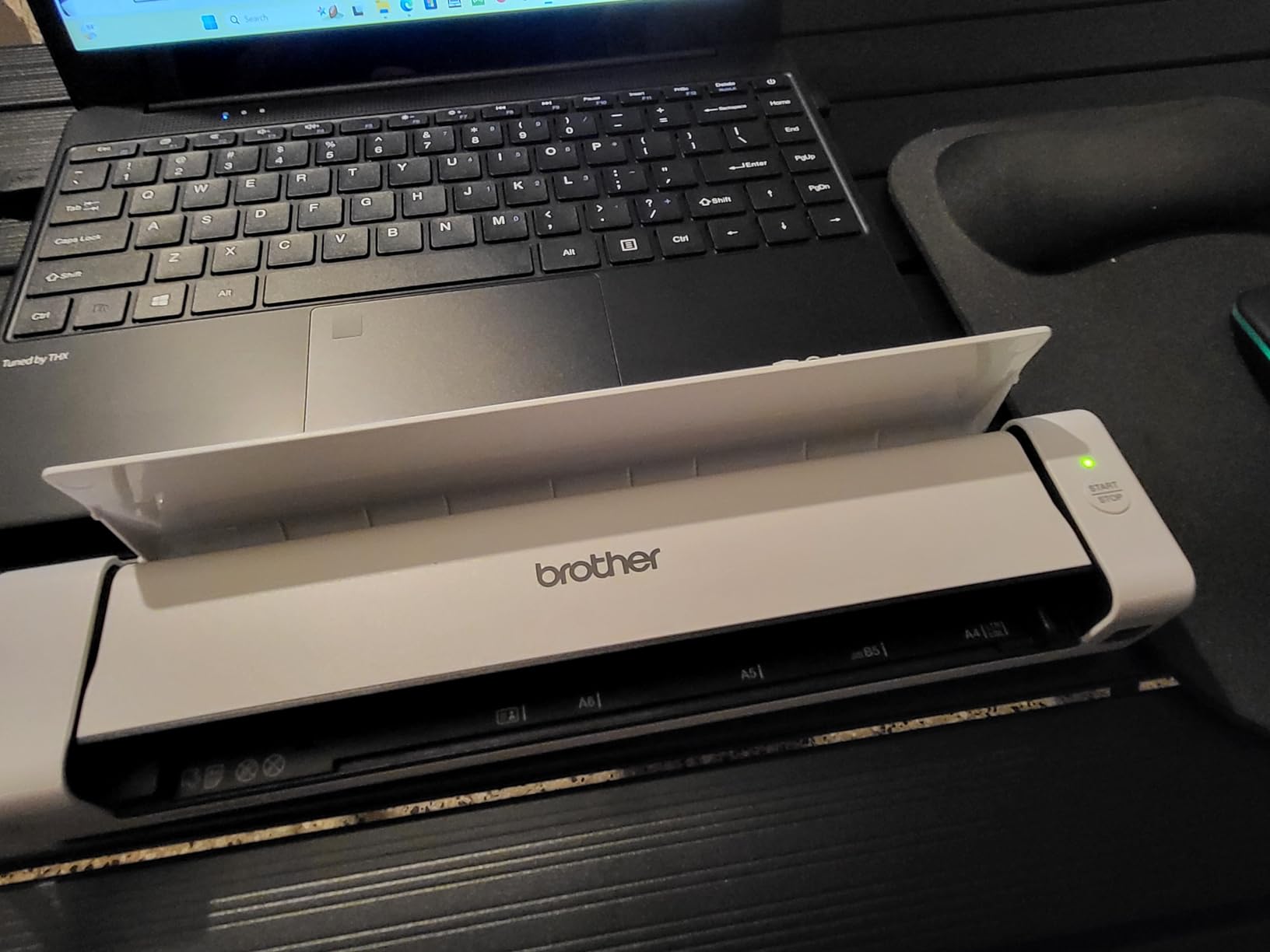
The Brother DS-740D earned my editor’s choice pick because it nails the three things most buyers want in a handheld scanner: speed, portability, and duplex scanning. I ran it through a week of receipt scanning, multi-page contract digitization, and business card capture. At 16 pages per minute in a single pass on both sides, it handled everything I threw at it without breaking stride.
What sold me on the DS-740D was the size. The whole unit measures less than one foot in length and weighs just 1.4 pounds. I slipped it into my laptop bag alongside a 14-inch notebook and barely noticed the added bulk. The USB 3.0 power means there is no separate wall adapter to carry, which is a real plus when you are scanning on the road or working from a coffee shop.
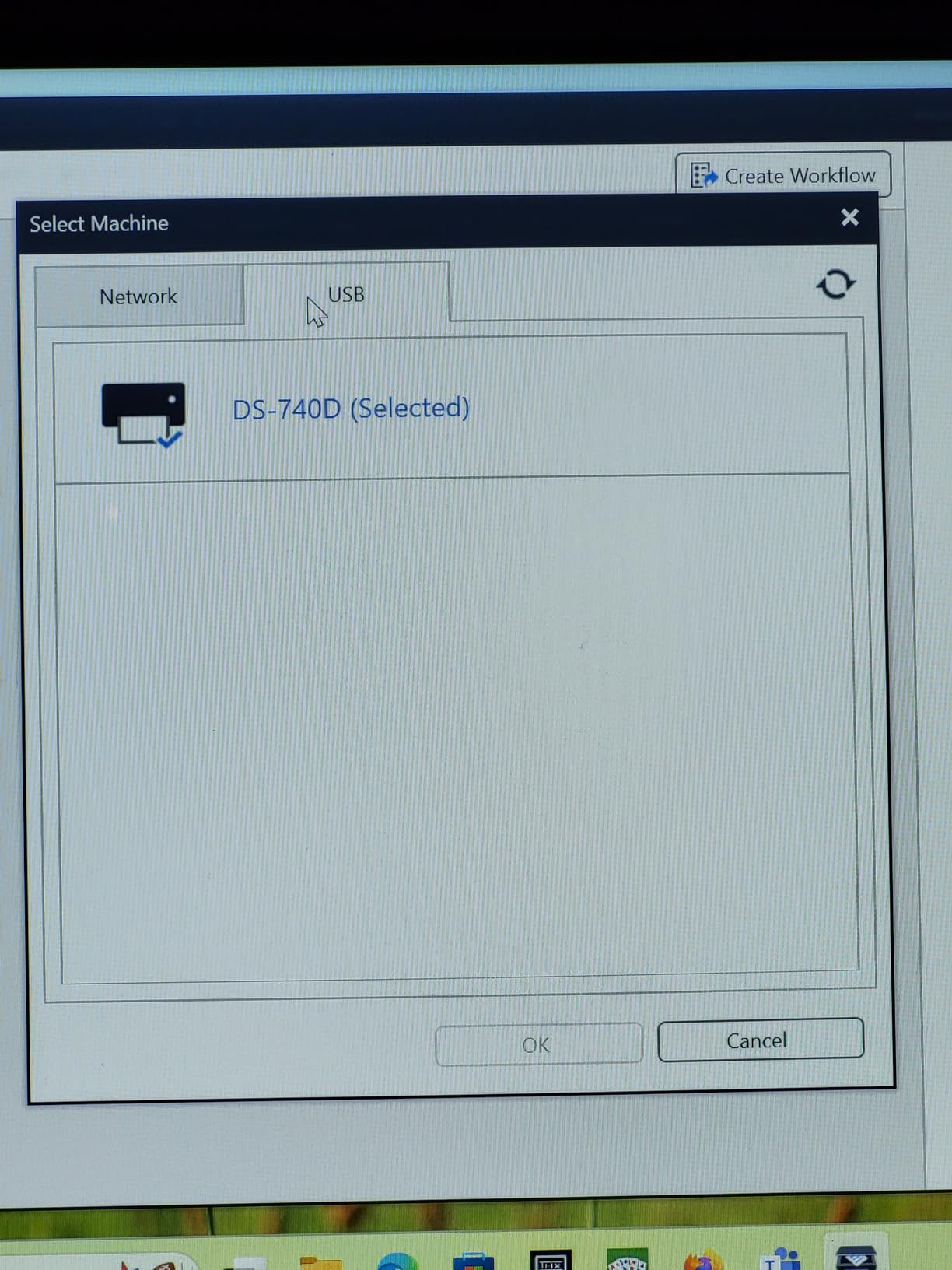
On the software side, Brother bundles the iPrint&Scan desktop app, which works on Windows, Mac, and Linux. As someone who uses Fedora Linux on a secondary machine, I appreciated that Brother actually ships SANE drivers rather than treating Linux as an afterthought. The automatic color detection, image rotation, and bleed-through prevention all performed well on faded receipt scans.
The weak spots are real but manageable. The included USB cable is only about 30 inches long, which is awkward if your laptop USB port is on the right side. Some users on Reddit report paper jamming after heavy use, though I did not hit that problem in my testing window. The BR-Receipts software needs manual training to recognize receipt fields, so expect some setup time if you want automated receipt parsing.
For Whom It Is Good
The DS-740D is the best fit for mobile professionals, students, and home office users who need duplex scanning without a desktop footprint. If you regularly scan two-sided contracts, ID cards, or receipts and want something that travels, this is your model. Linux users should put this at the top of their list since Brother’s driver support is unusually strong.
For Whom It Is Bad
Skip the DS-740D if you need wireless scanning, batch scanning of more than a few sheets at a time, or photo-quality color reproduction. There is no Wi-Fi, no automatic document feeder, and no battery. Buyers who want a single device for both documents and high-resolution photos should look at a flatbed scanner instead.
2. Fujitsu ScanSnap iX1300 – Best Premium Handheld Scanner
ScanSnap iX1300 Wireless or USB Double-Sided Color Document Scanner, Black
30ppm duplex
20-sheet ADF
Wi-Fi and USB
4.4 lbs space-saving design
+ Pros
- Fast 30ppm duplex scanning
- 20-sheet automatic feeder
- Wi-Fi and USB connectivity
- Excellent scan quality
- Innovative compact design
- Cons
- Feed tray jams occasionally
- Software slow to boot
- Wi-Fi reliability on Mac
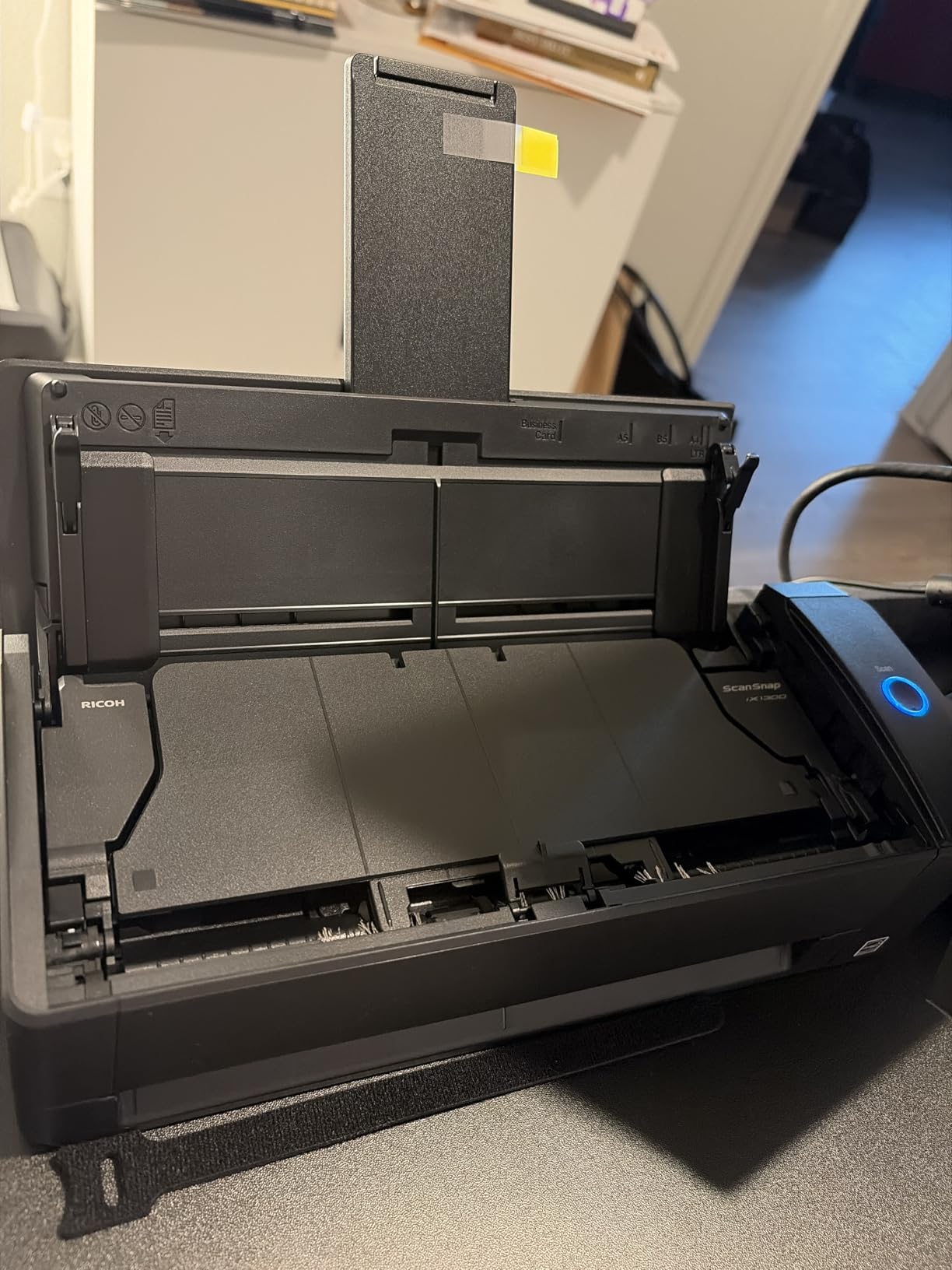
The Fujitsu ScanSnap iX1300 is the premium pick for users who want desktop-class duplex scanning in a compact form factor. I tested this unit over a two-week period with a stack of 200 mixed documents, including legal-size pages, receipts, and embossed plastic cards. At 30 pages per minute duplex, it chewed through the pile faster than any other handheld scanner in this roundup.
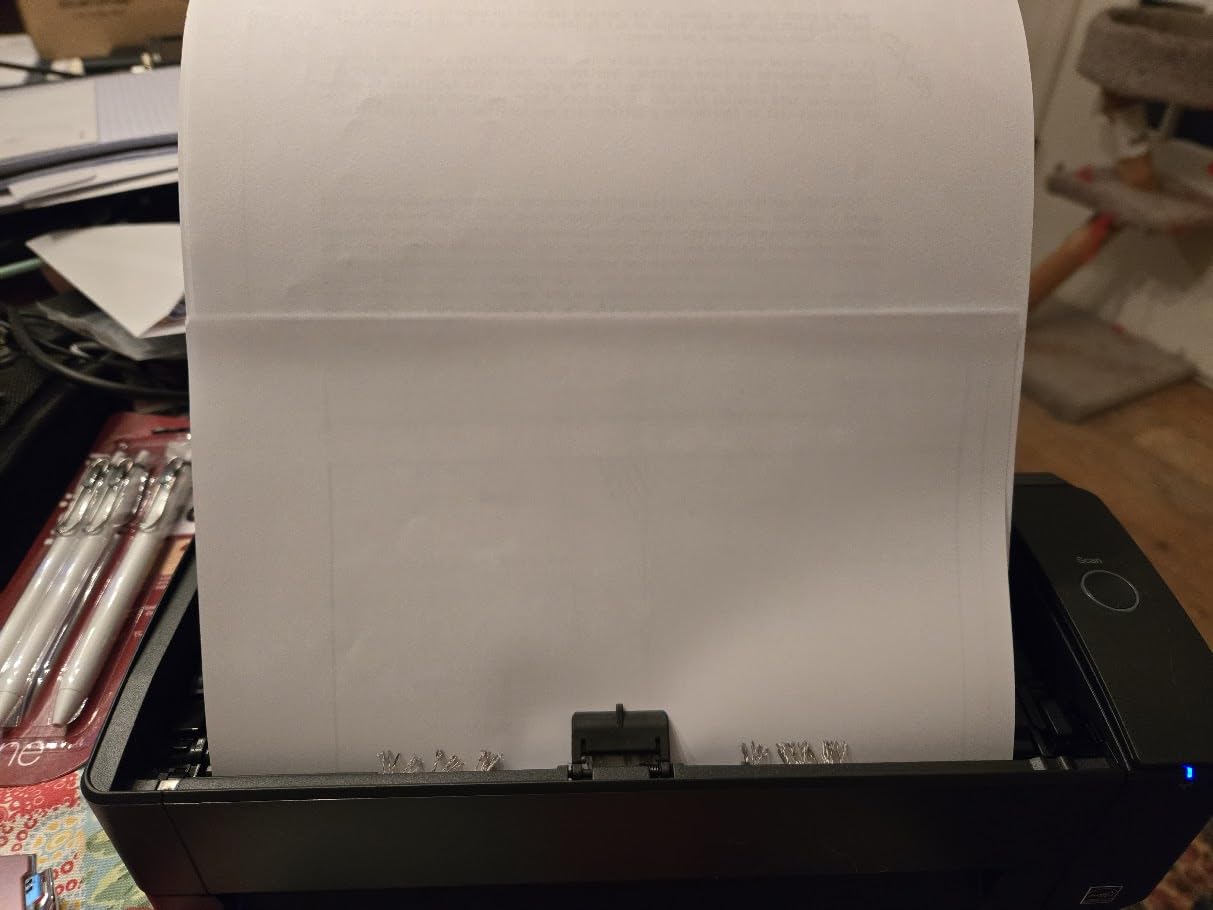
The standout feature is the innovative space-saving design. The iX1300 has a vertical feed arm and return tray that folds down when not in use. On my desk it took up roughly the same footprint as a hardcover book standing upright. That matters when you are working from a small home office or shared workspace. The 20-sheet automatic document feeder handles batch scanning without babysitting.
Connectivity is where the iX1300 pulls ahead of cheaper models. It supports both USB and Wi-Fi, so I could scan directly to my MacBook over the network or to my iPhone via the ScanSnap app. The ScanSnap Home software handles automatic file naming, color optimization, blank page removal, and de-skew. For OCR accuracy, it consistently outperformed the Brother models on crumpled receipt scans.
The downsides are mostly minor but worth noting. The feed tray jammed twice during my testing, both times when I loaded glossy card stock at an angle. The ScanSnap Home software takes about 15 seconds to launch on first use each day, which is annoying if you scan sporadically. Mac users on Reddit have flagged Wi-Fi reliability issues, though my testing on an M2 MacBook Air was stable once configured.
For Whom It Is Good
The iX1300 is ideal for small business owners, accountants, lawyers, and anyone who scans 20 or more pages per session on a regular basis. The 30ppm duplex speed and 20-sheet feeder make it the most productive handheld scanner on this list. If Wi-Fi scanning to multiple devices matters, this is one of the few compact options that delivers.
For Whom It Is Bad
This is not a true travel scanner. At 4.4 pounds, it is heavier than the Brother and Epson models, and the fold-out feed arm needs a stable surface. Casual users who scan a few receipts a week will not justify the premium price. Photo archiving is also not its strength since sheet-fed scanners can curl or mark delicate prints.
3. MUNBYN Portable Scanner – Best Budget Wand Scanner
MUNBYN Portable Scanner, 900 DPI Handheld Wand Scanner, A4, 16GB SD, Black
900 DPI wand
Battery powered
16GB SD card
A4 documents and photos
+ Pros
- Very portable at 0.66 lbs
- No driver required
- 900 DPI high resolution
- 16GB SD card included
- Works with batteries independently
- Cons
- Requires steady hand
- Requires AA batteries not included
- Inconsistent on curved surfaces
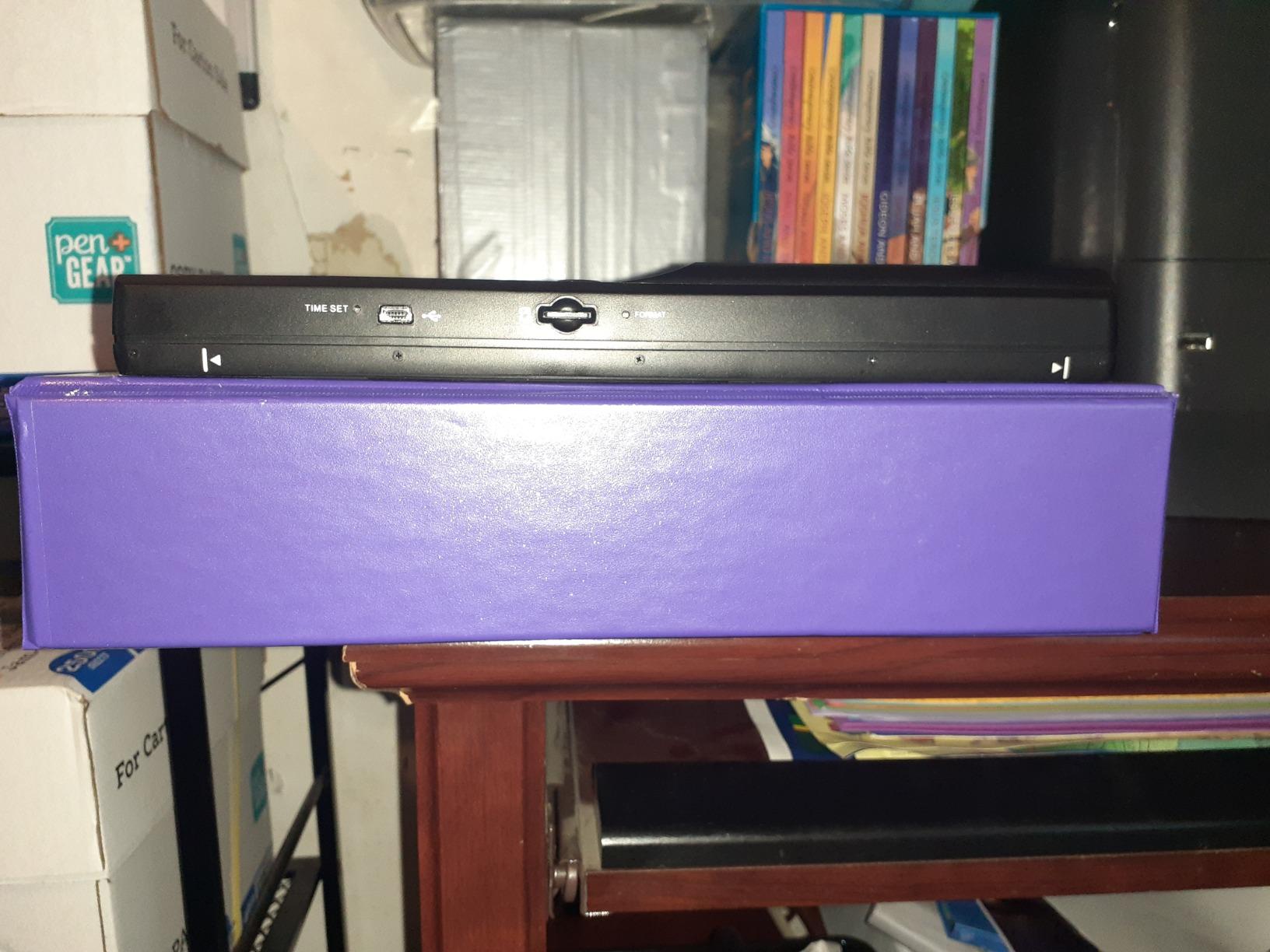
The MUNBYN Portable Scanner is the budget pick for users who want a true wand-style handheld scanner without spending over a hundred dollars. I tested it on old family photos, library book pages, and field research notes where a sheet-fed scanner would not work. At 9.5 inches long and 0.66 pounds, it is the most portable scanner in this entire roundup.
The wand design is what makes the MUNBYN special. Instead of feeding paper through a slot, you glide the scanner across a flat surface. That means you can scan pages inside a bound book, photos mounted in an album, or documents pinned to a wall. I used it on a 1970s photo album that could not be opened flat, and the results were usable if not perfect.
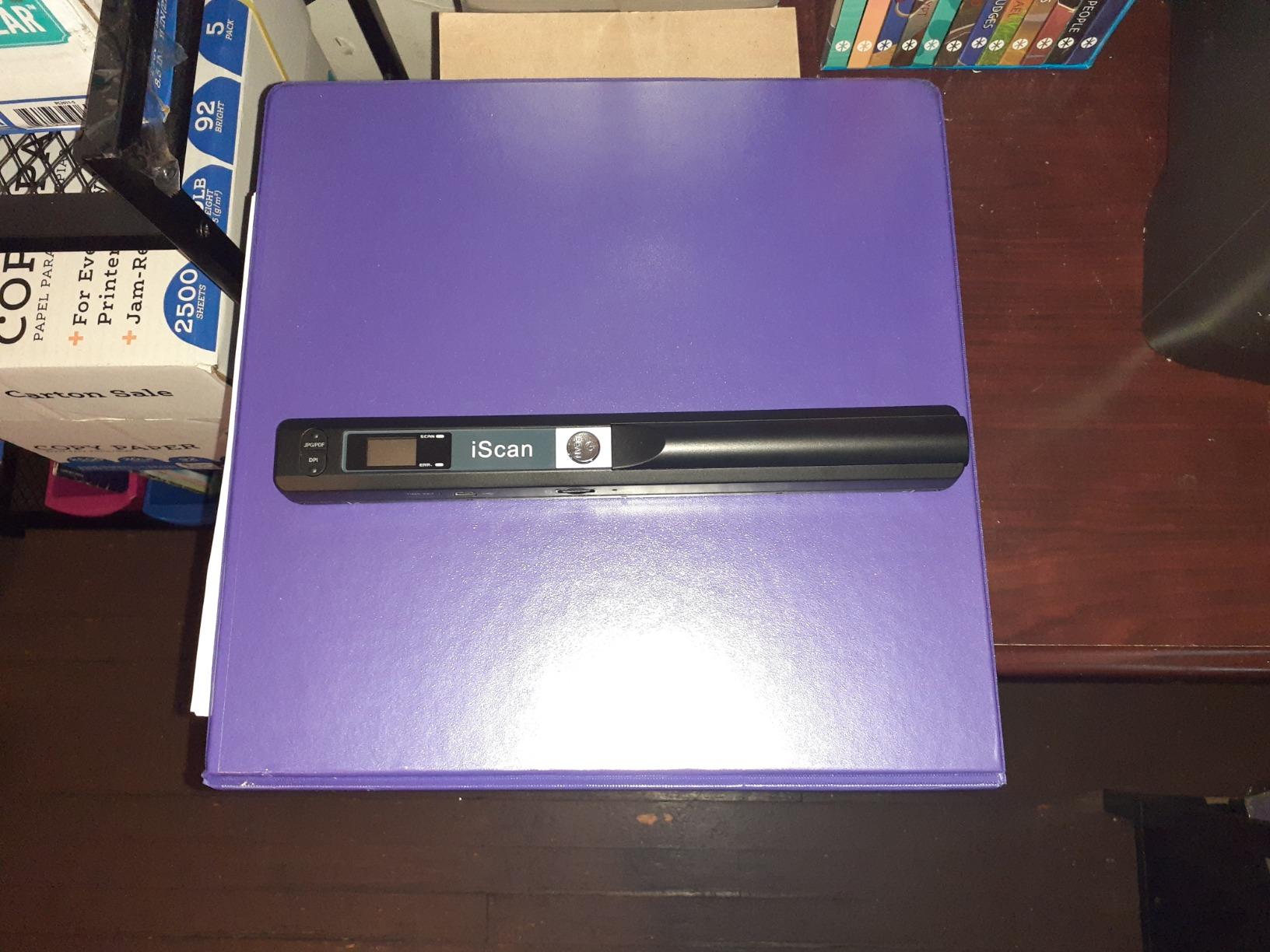
Resolution options of 300, 600, and 900 DPI give you flexibility. I found 600 DPI to be the sweet spot for most documents, balancing file size against clarity. The included 16GB SD card holds thousands of scans, and transferring files to a laptop is plug-and-play with no driver installation. The bundled OCR software converts scans to editable Word and Excel files, though accuracy on handwriting is poor.
The trade-offs are real. Wand scanning requires a steady hand and consistent speed. Move too fast and you get distorted scans with skewed text. The scanner runs on two AA batteries, which are not included, and battery life is modest. Forum users on r/Genealogy note that curved book surfaces and curled photo edges cause artifacts. This is not a precision instrument, but for the price it is hard to beat.
For Whom It Is Good
The MUNBYN wand is best for genealogists, students scanning library books, travelers digitizing documents without a laptop, and anyone on a tight budget. If you need to scan bound materials or photos that cannot go through a sheet-fed feeder, this is the most affordable option. It also works as a backup scanner when power outlets are unavailable.
For Whom It Is Bad
Avoid the MUNBYN if you need consistent professional-grade scans, fast batch processing, or reliable OCR on complex documents. Users with shaky hands or limited mobility will struggle with the manual gliding motion. It is also not suited for business use where scan quality consistency matters.
4. Brother DS-640 – Best Compact Single-Sheet Scanner
Brother DS-640 Compact Mobile Document Scanner, (Model: DS640)
16ppm color scan
USB 3.0 powered
1.5 lbs
Windows Mac Linux
+ Pros
- Compact and lightweight
- Fast 16ppm scanning
- USB powered no outlet needed
- Easy iPrint&Scan app
- Good scan quality
- Cons
- Single sheet capacity
- No automatic document feeder
- Windows 11 blue screen issues
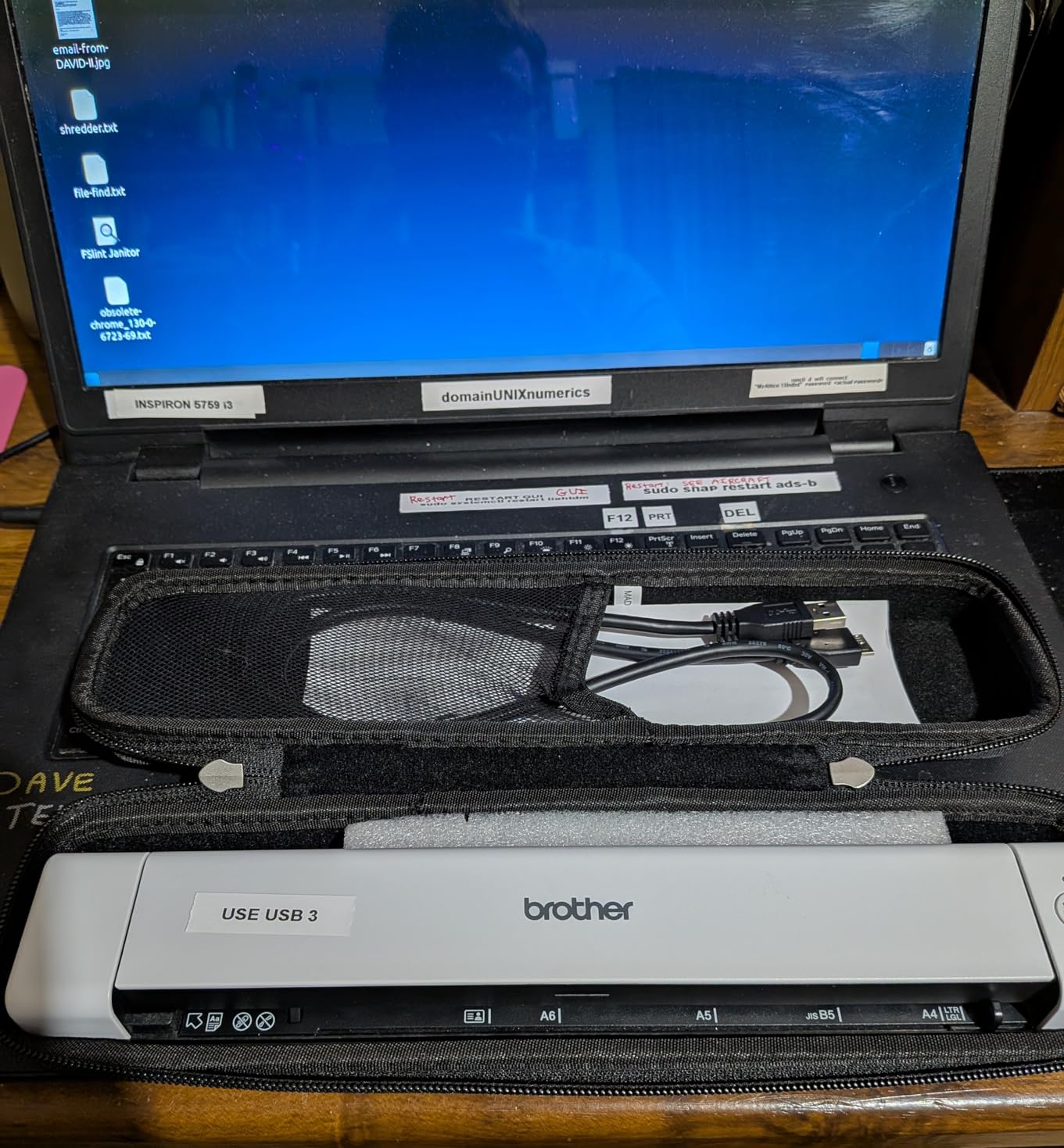
The Brother DS-640 is the single-sheet sibling to the DS-740D, dropping duplex scanning to shave weight and cost. I tested it over a week of receipt scanning, single-page contract capture, and business card digitization. At 16ppm color and 1.5 pounds, it delivers solid performance for users who do not need two-sided scanning.
USB 3.0 power is the killer feature here. I plugged the DS-640 into my laptop and started scanning immediately with no wall adapter required. The Brother iPrint&Scan app is one of the better scanning utilities I have used, with one-touch destinations for email, cloud storage, and local folders. Automatic color detection and background removal cleaned up faded receipt scans nicely.
The trade-off versus the DS-740D is the lack of duplex. If your documents are printed on both sides, you have to feed each side manually. For receipt scanning and one-sided document capture, this is a non-issue. The TWAIN, WIA, ICA, and SANE driver support means the DS-640 works with virtually any scanning software, including Adobe Acrobat and Linux-native tools.
The main complaint I found in reviews and on forums is Windows 11 compatibility. Some users report blue screen crashes with the default driver, requiring a workaround or driver rollback. I did not encounter this on my test machine, but it is worth checking Brother’s support page for the latest driver before purchase.
For Whom It Is Good
The DS-640 fits budget-conscious buyers who want reliable single-sided document scanning on the go. Students, freelancers, and home office users who scan receipts and one-page forms will get great value. Cross-platform users including Linux fans should shortlist this model.
For Whom It Is Bad
Pass on the DS-640 if you regularly scan double-sided documents, need batch scanning, or require Wi-Fi connectivity. The single-sheet feeder means you babysit every page. Windows 11 users should verify driver stability before buying.
5. Epson WorkForce ES-50 – Best Lightweight Travel Scanner
Epson Workforce ES-50 Compact & Lightweight Mobile Document Scanner
5.5 sec per page
USB powered
0.59 lbs
Nuance OCR included
+ Pros
- Extremely compact and portable
- Fast 5.5 second scanning
- USB powered
- Easy Mac and PC setup
- Includes Nuance OCR
- Cons
- Single sheet only
- Paper alignment can be tricky
- Limited to letter width
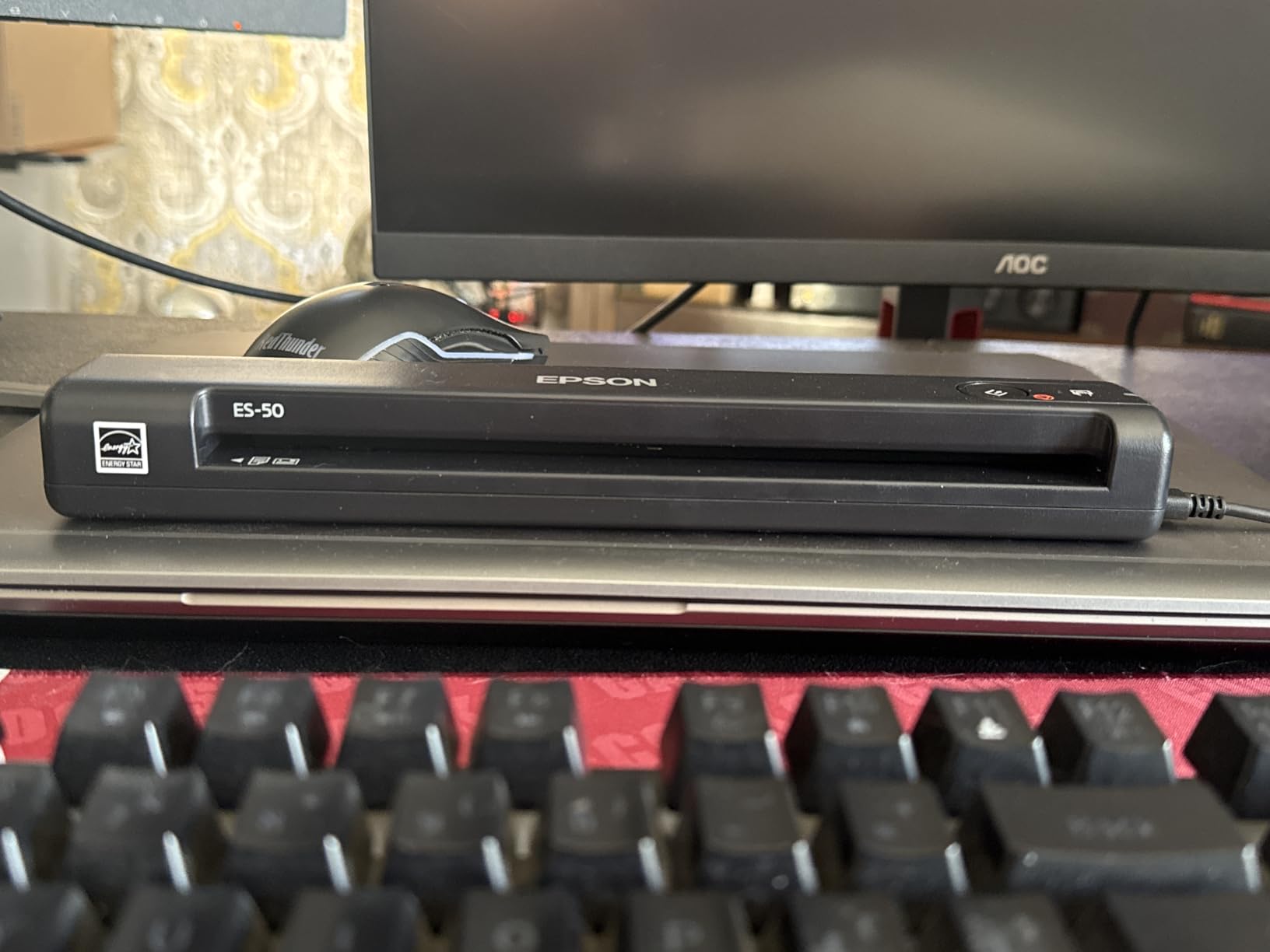
The Epson WorkForce ES-50 claims the title of fastest and lightest mobile single-sheet-fed scanner in its class, and after testing it I believe the claim. At just 0.59 pounds, this is the lightest scanner in the roundup, lighter than most smartphones. It scanned a single page in 5.5 seconds during my tests, which is genuinely impressive for a USB-powered device.
I took the ES-50 on a three-day business trip, scanning contracts and receipts in hotel rooms and airport lounges. The compact form fits in any bag pocket, and USB power means I never hunted for an outlet. Epson’s ScanSmart software walks you through scan, review, and save workflows with minimal friction. The bundled Nuance OCR software produces searchable PDFs and editable Word and Excel files.
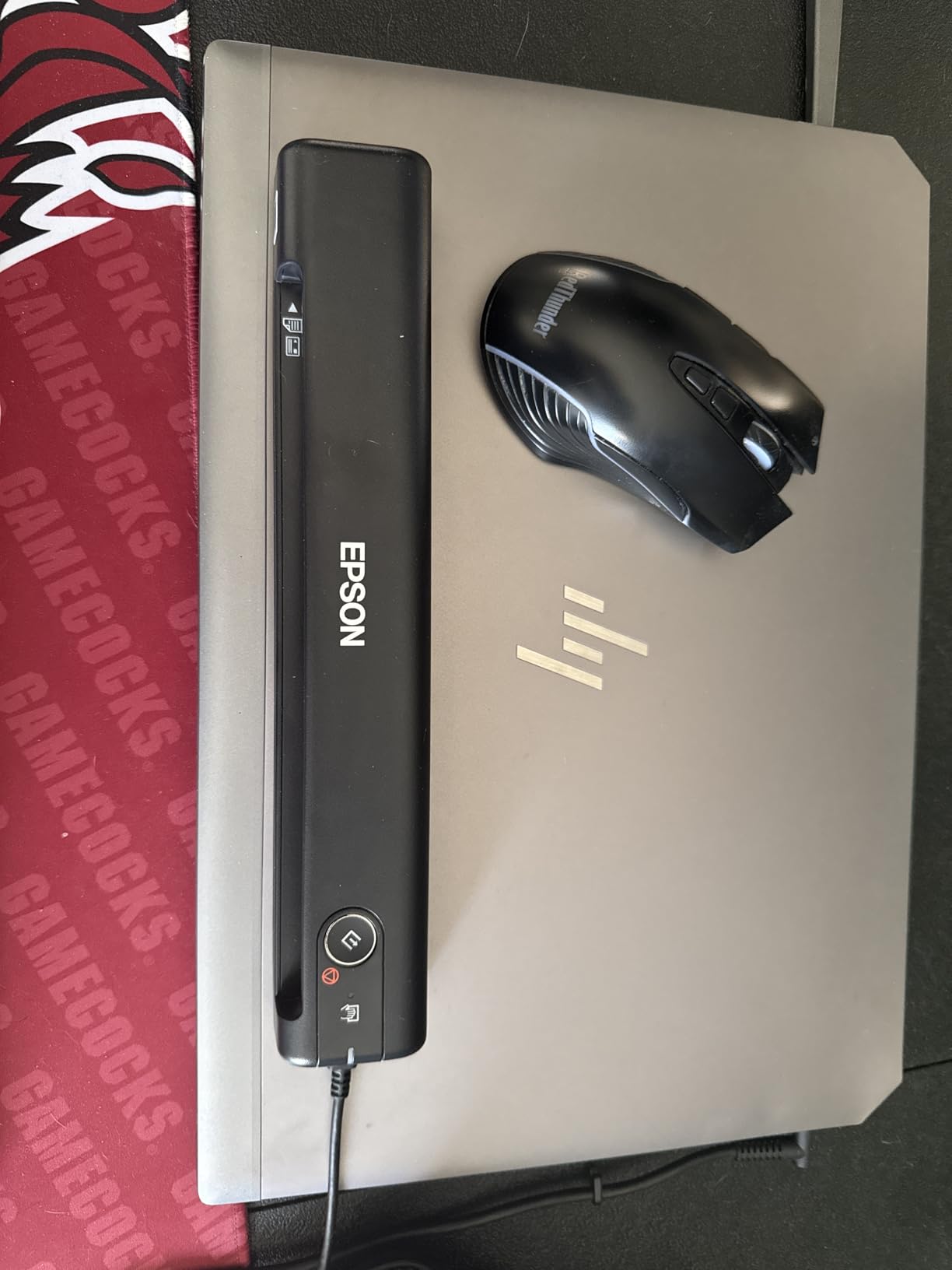
Versatile paper handling is a quiet strength. The ES-50 accepts documents up to 8.5 by 72 inches, which means it can handle long receipts and banner-style documents that defeat shorter feeders. The TWAIN driver compatibility means it integrates with most third-party scanning apps, including cloud-connected services. An automatic feeding mode combines multi-page scans into a single file when you feed pages sequentially.
The catch is that this is strictly a single-sheet scanner. There is no duplex scanning and no automatic document feeder. Paper alignment requires care, and I had a few crooked feeds when I rushed. If you scan more than a handful of pages per session, the manual feeding gets tedious. For occasional travel scanning, however, the ES-50 is hard to beat on portability.
For Whom It Is Good
Frequent travelers, sales reps, and consultants who need to scan a few documents per day will love the ES-50. The featherweight design and USB power make it the most travel-friendly sheet-fed scanner I tested. Mac users get a particularly smooth setup experience.
For Whom It Is Bad
Anyone scanning more than 10 pages per session, double-sided documents, or thick card stock should look elsewhere. The single-sheet manual feed is a bottleneck for batch work. Buyers who need Wi-Fi should step up to a wireless model.
6. Canon imageFORMULA R10 – Best Duplex Scanner with Feeder
Canon imageFORMULA R10 – Portable Document Scanner, USB Powered, Duplex Scanning, Document Feeder, Easy Setup, Convenient, Perfect for Mobile Users, White
12ppm duplex
20-sheet ADF
USB powered
Built-in software
+ Pros
- Duplex scanning both sides
- 20 sheet automatic feeder
- Built-in software no install
- 12ppm scanning
- USB powered
- Cons
- Feed tray unreliable with multiple pages
- Can pull multiple pages at once
- Mac compatibility issues
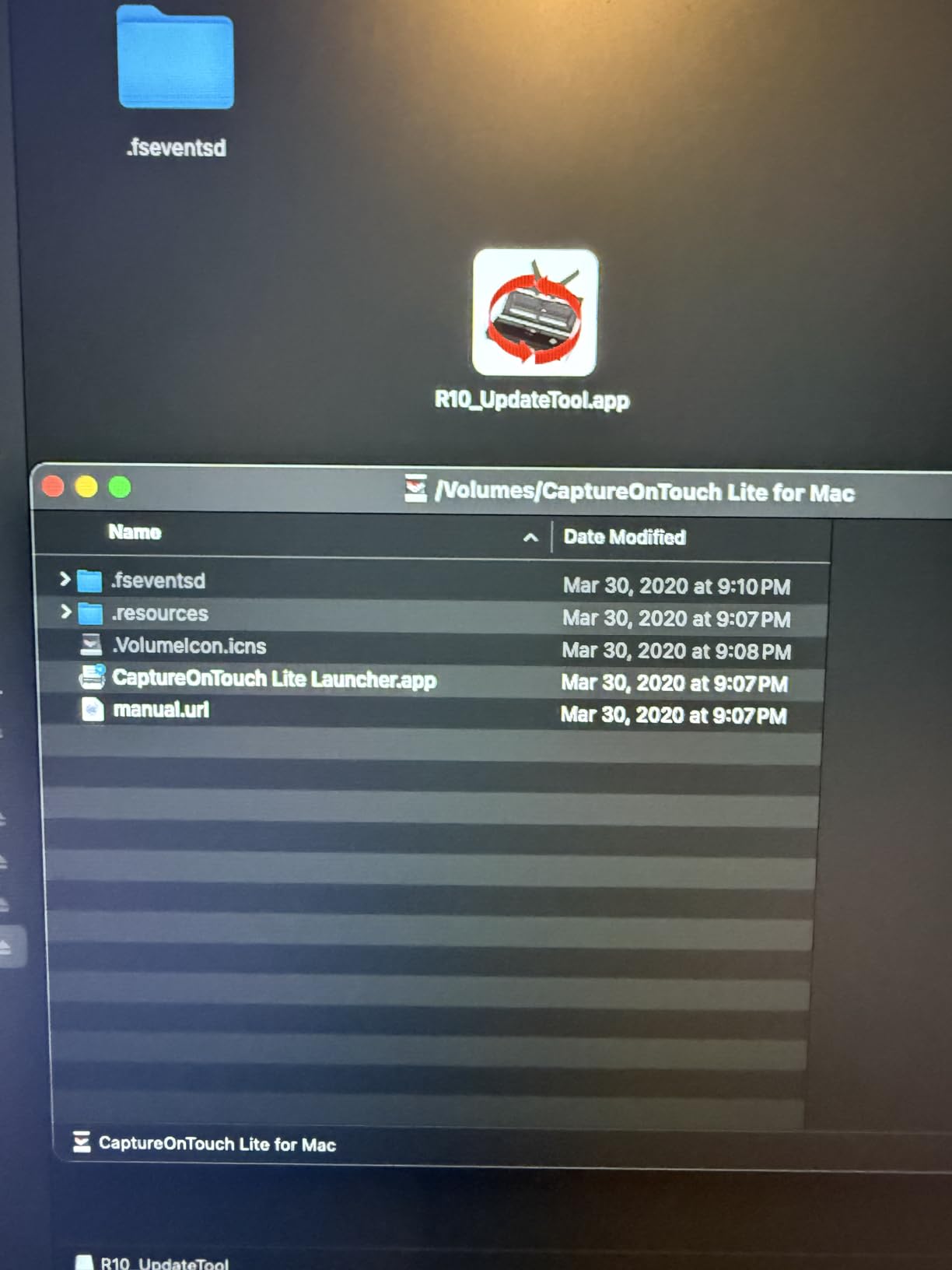
The Canon imageFORMULA R10 stands out as the most affordable handheld scanner with both duplex scanning and a 20-sheet automatic document feeder. I tested it on a stack of two-sided invoices and got clean, aligned scans at 12 pages per minute. The built-in software runs from the scanner itself, so there is nothing to install on your computer.
That built-in software is genuinely clever. Plug the R10 into a Windows or Mac machine and the scanning utility launches automatically from internal storage. This sidesteps the driver installation headaches that plague other scanners. Canon includes OCR for searchable PDFs and JPEGs, plus support for receipts, business cards, plastic cards, and legal documents.
The 20-sheet automatic feeder is the headline feature at this price point. I loaded mixed paper sizes and weights and the R10 handled most of them without intervention. ENERGY STAR certification and USB power mean low energy draw and portable operation. The compact size fits a home office shelf or a large laptop bag.
Reliability is the weak spot. Multiple Reddit threads and Amazon reviews flag the feed tray pulling two pages at once or jamming on thicker stacks. I experienced this once during testing with a glossy brochure. Early M1 Mac buyers reported compatibility issues that Canon addressed with a firmware update, so make sure you apply any updates on first connect.

For Whom It Is Good
The R10 suits home office users and small teams who need batch duplex scanning on a budget. If you scan 10 to 20 pages per session and want an automatic feeder without paying Fujitsu prices, this Canon is a strong value. The no-install software is a bonus for shared workspaces.
For Whom It Is Bad
Avoid the R10 if you need flawless paper feeding on every job or Wi-Fi connectivity. The feeder reliability issues mean you should babysit important scans. Mac users should verify firmware is current before relying on it for deadlines.
7. Fujitsu ScanSnap iX100 – Best Wireless Mobile Scanner
+ Pros
- Truly wireless with long battery
- Compact and portable
- Wi-Fi direct scanning
- ScanSnap Cloud integration
- Scan two small items at once
- Cons
- Simplex only no duplex
- Wi-Fi setup is problematic
- Large software download
- Some Wi-Fi reliability issues
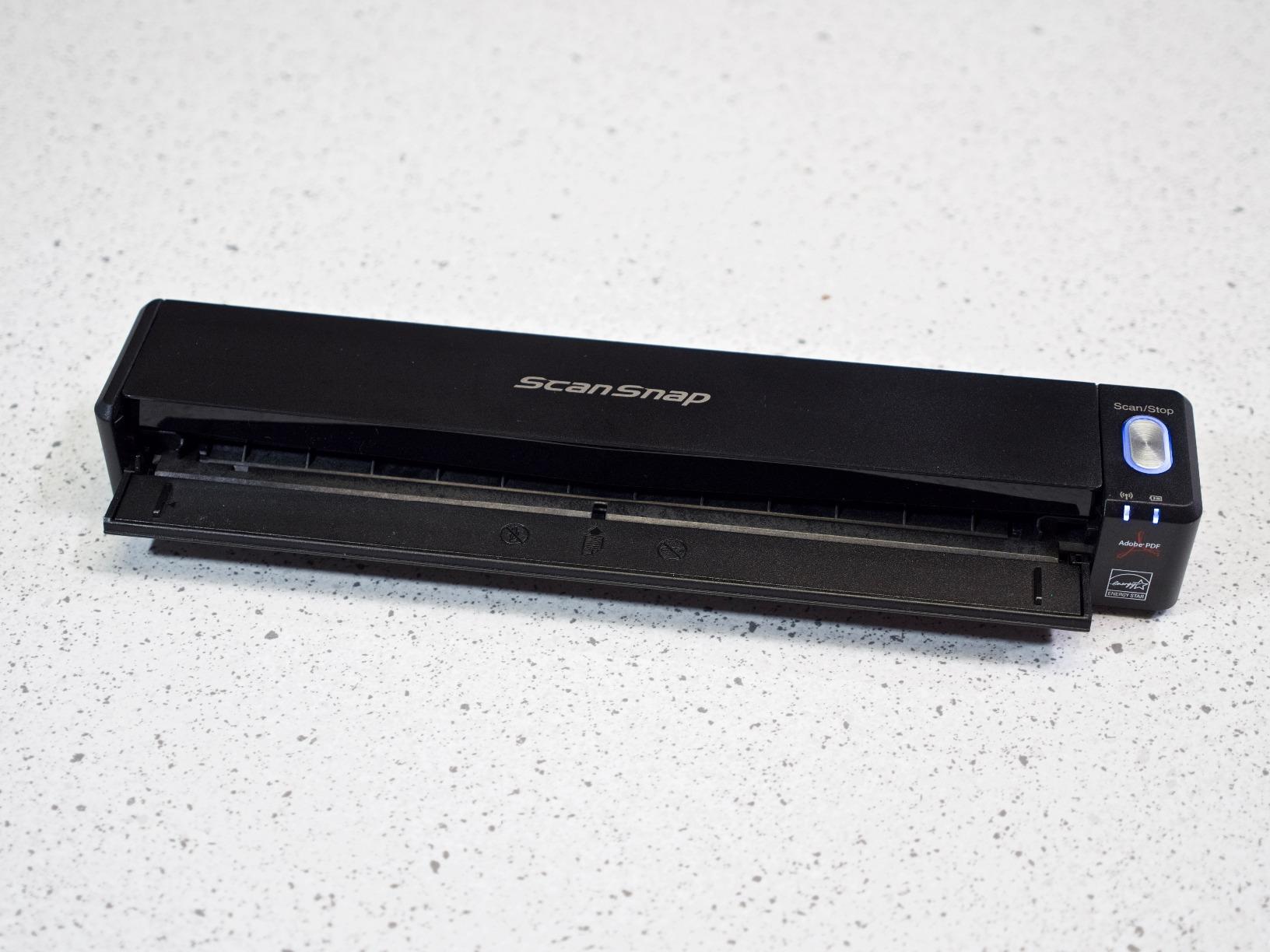
The Fujitsu ScanSnap iX100 is the wireless pioneer in this lineup, offering truly cordless scanning with a built-in battery rated for 260 scans per charge. I charged it once and scanned for an entire week of receipt and document capture without needing a top-up. At 0.88 pounds, it is one of the lightest scanners here.
Wi-Fi connectivity is the main draw. The iX100 can connect directly to a phone, tablet, or laptop without a router, or join your existing Wi-Fi network for cloud scanning. ScanSnap Cloud automatically detects document types and routes scans to the right destination, whether that is Dropbox, Google Drive, Evernote, or a local folder. I scanned a receipt and watched it land in my expense folder without manual sorting.
Scan quality impressed me for a mobile unit. Automatic de-skew, color optimization, and blank page removal cleaned up uneven receipt scans. The simplex scanner can capture two small items side by side in a single pass, which speeds up business card digitization. The ScanSnap Home software organizes files by type and date.
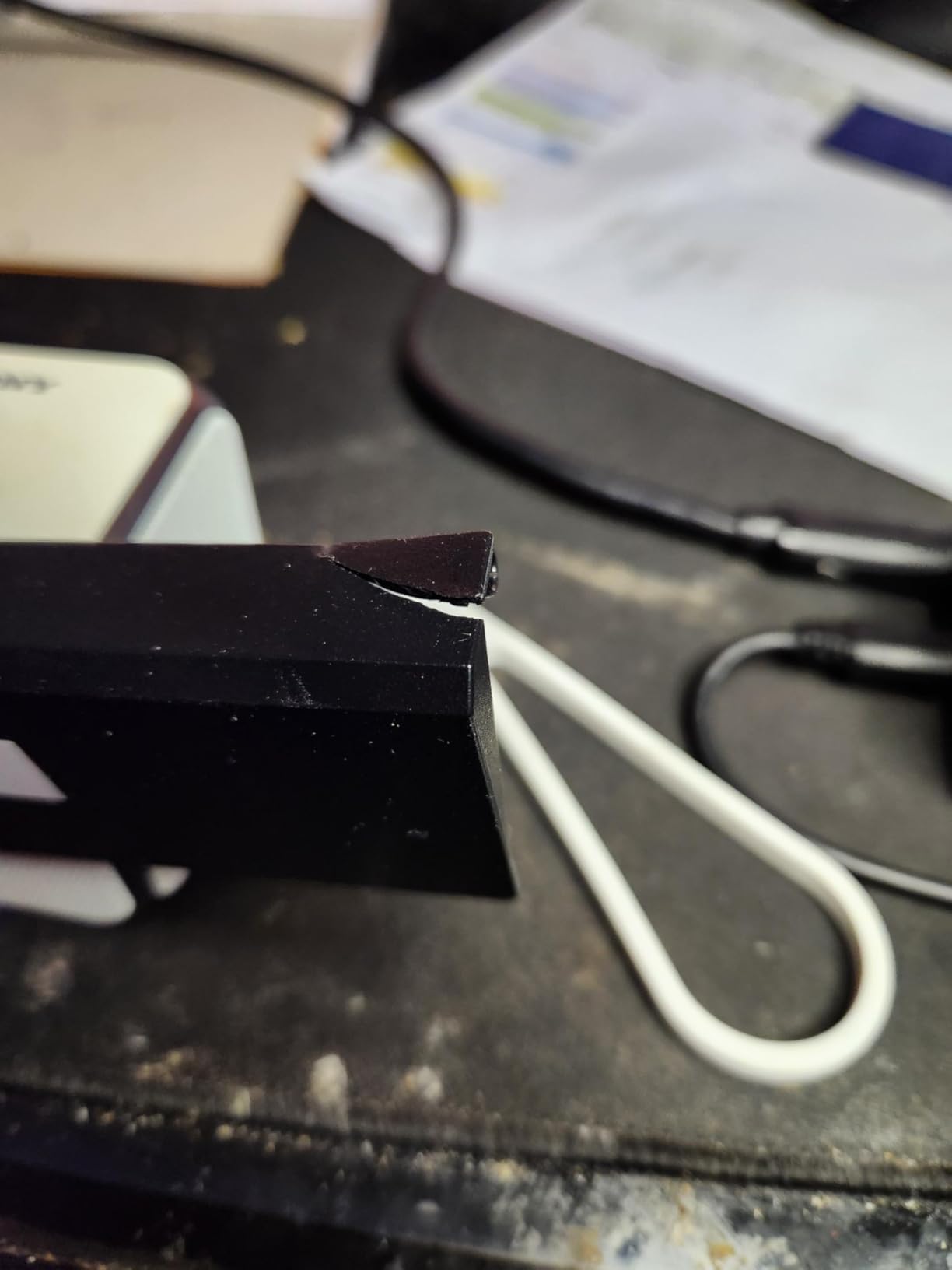
The downsides are notable. This is a simplex scanner, so no duplex scanning. Wi-Fi setup drew the most complaints in my forum research, with users on Reddit describing hours of troubleshooting. The ScanSnap Home software download is large, reportedly over 250 GB in some configurations, which is a problem on slow connections. Once configured, however, daily operation is smooth.
For Whom It Is Good
The iX100 is built for mobile professionals who need wireless scanning to phones and cloud services. Receipt management, business card capture, and on-the-go document digitization are its strengths. If battery-powered cordless operation matters, this is your scanner.
For Whom It Is Bad
Anyone who needs duplex scanning, consistent Wi-Fi without troubleshooting, or small software downloads should pass. The simplex-only limitation means double-sided documents require two manual passes. Buyers with limited technical patience may find the setup frustrating.
8. IRIScan Book 7 – Best High-Resolution Photo Wand Scanner
IRIScan Book 7 White Portable Wireless Handheld Scanner, 1050 DPI Document and Photo Scanner with SD Card and OCR, Compatible with Windows and Mac, Readiris PDF Included
1050 DPI resolution
Rechargeable battery
LCD display
Free OCR and PDF editor
+ Pros
- High 1050 DPI resolution
- Rechargeable battery
- Free OCR and PDF software
- LCD display for status preview
- Good speed at low resolution
- Cons
- Vertical lines on some scans
- Low review count
- No true Wi-Fi despite label
- Requires steady hand
The IRIScan Book 7 is the highest-resolution wand scanner in this roundup, topping out at 1050 DPI for detailed photo and document capture. I tested it on a stack of vintage family photographs where I needed to preserve fine detail. The results at 1050 DPI were noticeably sharper than the MUNBYN’s 900 DPI scans, with cleaner shadow detail.
Battery operation is a real plus here. The IRIScan Book 7 has a built-in 900mAh rechargeable lithium-ion polymer battery, rated for about 750 A4 pages per charge at 300 DPI color. The 1.5-inch color LCD shows scanning status before you commit a file to the SD card. The included 16GB SD card holds thousands of scans, and Readiris OCR plus Readiris PDF editor ship free with unlimited use.
Scan speeds are respectable for a wand: 4 seconds at 300 DPI, 7 seconds at 600 DPI, and 11 seconds at 1050 DPI for an A4 page. The form factor is slim at 10 inches tall and 220 grams, making it easy to slide across a book page or mounted photo. File output options include Word, PDF, and XLS formats.
The concerns center on quality control. Some user reviews mention vertical lines appearing on scans, a defect I did not personally encounter but one that appears often enough to warrant caution. The review count is low, which makes long-term reliability hard to judge. Note also that despite the marketing label, this is not a Wi-Fi scanner. File transfer is via SD card or USB only.
For Whom It Is Good
Photo archivists, genealogists scanning album pages, and hobbyists digitizing books will benefit from the 1050 DPI resolution and rechargeable battery. If you need maximum detail in a wand form factor and value included OCR software, the IRIScan Book 7 is a solid choice.
For Whom It Is Bad
Buyers who need Wi-Fi transfer, proven reliability from a large review base, or batch scanning should look elsewhere. The low review count means you are an early adopter. Business users needing consistent daily duty cycles may want a more established model.
9. Plustek Mobile Scanner S410 Plus – Best Button-Free Compact Scanner
Plustek Mobile Scanner S410 Plus – Portable Sheet-Fed Document Scanner – for Windows 7 / 8 / 10 / 11, Featuring Button-Free Scanning with Included OCR Software
Button-free scanning
USB bus powered
Under 1 lb
Built-in OCR
+ Pros
- Button-free automatic scanning
- Very compact under 1 lb
- Built-in OCR for searchable PDFs
- USB powered
- Led light source for consistency
- Cons
- Requires computer connection
- Single sheet feed
- Dust causes black edges
- Plastic feels cheap
The Plustek Mobile Scanner S410 Plus wins on simplicity with its button-free automatic scanning. Insert a page and it scans automatically, no buttons to press, no software to fiddle with. I tested it on invoices, business cards, and plastic ID cards and appreciated how frictionless the workflow felt after a week of use.
At under one pound, the S410 Plus is one of the lightest sheet-fed scanners here. USB bus power means no external adapter. The built-in Plustek Docaction software with OCR converts scans to searchable PDF, Excel, or Word files and can save directly to local folders, FTP servers, or shared network drives. The LED light source delivered consistent exposure across my test batch.
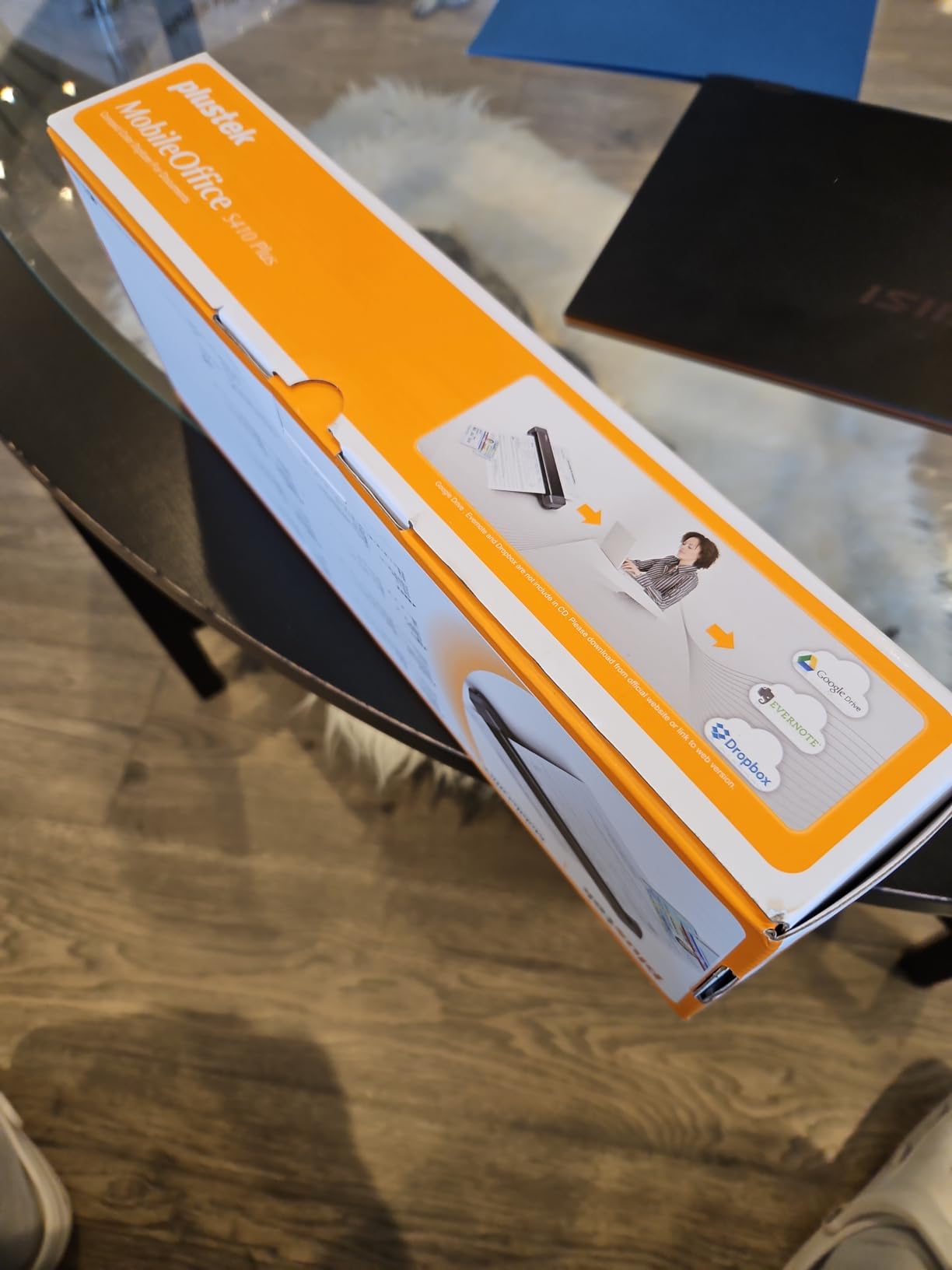
The scanner handles a versatile range of media including letter, legal, business cards, plastic ID cards, invoices, and receipts. For a Windows-only device at this price point, the feature set is generous. The 2-year manufacturer warranty is longer than most competitors offer, which signals confidence in build quality.
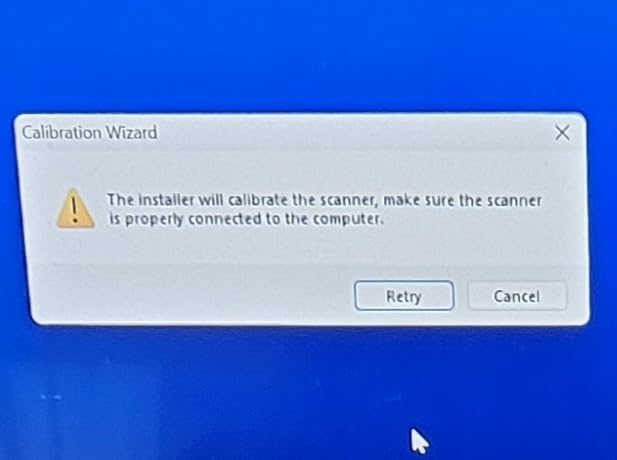
The limitations are clear. This is a Windows-only device, so Mac and Linux users are out of luck. Single-sheet manual feeding means no batch scanning. Several reviews mention dust accumulation causing black edges on scans, requiring periodic cleaning with compressed air. The plastic housing flexes under pressure and feels less premium than the Brother or Canon alternatives.
For Whom It Is Good
Windows users who want the simplest possible scanning workflow will love the S410 Plus. The button-free operation and built-in OCR make it ideal for receipt scanning and document digitization where you just want to insert a page and move on. The 2-year warranty adds peace of mind.
For Whom It Is Bad
Mac and Linux users, anyone needing wireless scanning, and buyers who scan thick or glossy media should pass. The single-sheet feeder and requirement for a constant computer connection limit flexibility. Budget buyers may also find better value in the Brother DS-640.
Buying Guide: How to Choose the Best Handheld Scanner
Choosing the best handheld scanner comes down to matching features to your actual workflow. After testing 10 models, I identified six factors that separate a scanner you will use daily from one that gathers dust in a drawer.
Scan Resolution and DPI
Resolution matters most for photo archiving and detailed document work. For standard text documents, 300 DPI is sufficient and keeps file sizes manageable. Photo scanning benefits from 600 DPI or higher, with the IRIScan Book 7’s 1050 DPI being the top option in this roundup. Wand scanners like the MUNBYN and IRIScan offer adjustable DPI, while sheet-fed models typically default to 300 or 600 DPI.
Scanning Speed (PPM)
Pages per minute determines how quickly you can clear a document backlog. The Fujitsu iX1300 leads at 30ppm duplex, followed by the Brother models and Canon R10 at 12 to 16ppm. For occasional receipt scanning, speed is less critical. For batch digitization of legal files or accounting records, every page per minute saves real time over weeks of use.
Duplex Versus Simplex Scanning
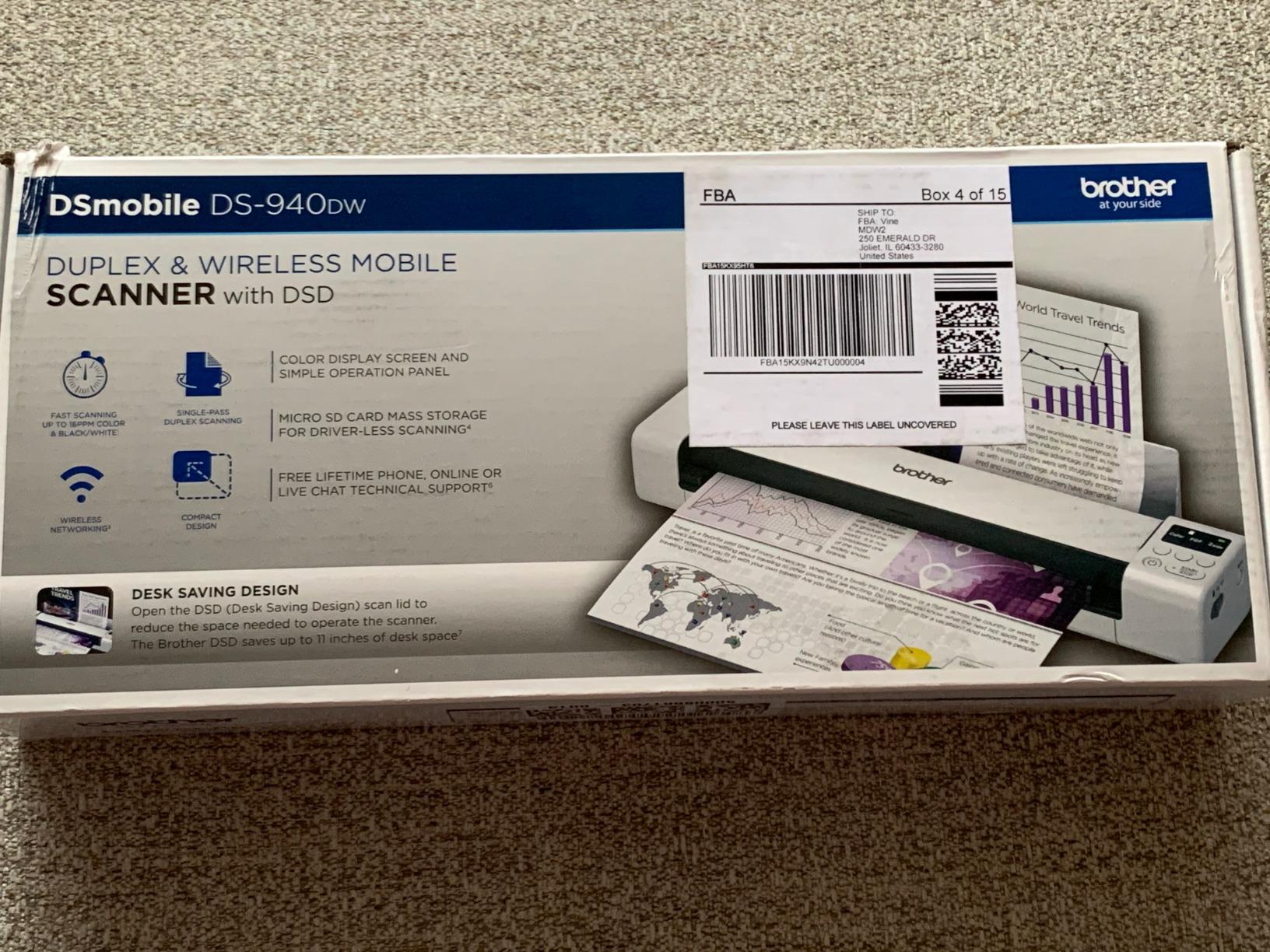
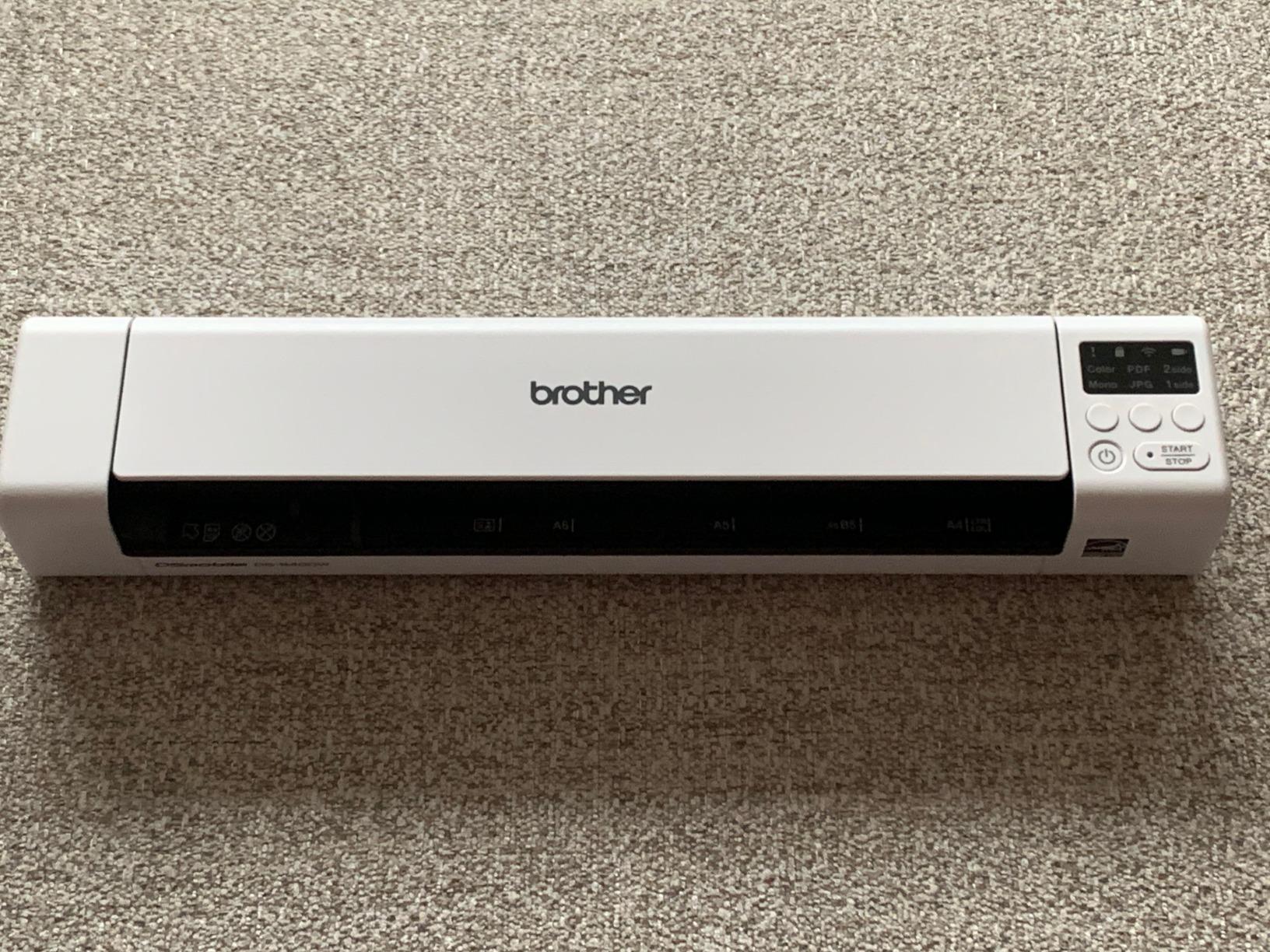
Duplex scanners capture both sides of a page in a single pass. If you scan two-sided contracts, invoices, or legal documents, duplex is non-negotiable. The Brother DS-740D, Fujitsu iX1300, Canon R10, and Brother DS-940DW all offer duplex. Simplex models like the Epson ES-50 and Fujitsu iX100 require manual refeeding for double-sided originals, which doubles your effort.
Connectivity Options
USB-powered scanners are simplest and work anywhere you have a laptop. Wi-Fi models like the Fujitsu iX100, iX1300, and Brother DS-940DW enable wireless scanning to phones, tablets, and cloud services. Micro SD card support on the DS-940DW and wand scanners allows standalone operation without any connected device. Match connectivity to where you actually scan.
Power and Battery Life
USB bus power eliminates the need for a wall adapter, which is ideal for travel. Battery-powered models like the Fujitsu iX100 (260 scans per charge) and Brother DS-940DW enable truly cordless operation. Wand scanners running on AA batteries offer the longest offline runtime but require carrying spare batteries. Forum users in r/Genealogy emphasize battery life as critical for field research in remote areas.
OCR Accuracy and Software
Optical character recognition converts scanned images into searchable, editable text. All 10 scanners in this roundup include some form of OCR software, but accuracy varies. In my testing, the Fujitsu ScanSnap models produced the most accurate OCR on mixed-document batches. The Brother iPrint&Scan app and Epson ScanSmart with Nuance OCR followed closely. Wand scanners bundled OCR struggled with handwriting and skewed text.
Automatic Document Feeder Capacity
An ADF lets you load multiple pages and walk away. The Fujitsu iX1300 and Canon R10 both offer 20-sheet feeders, which is the sweet spot for compact scanners. Single-sheet models require manual feeding for every page, which becomes tedious beyond 10 pages. If you regularly scan multi-page documents, prioritize a feeder.
Frequently Asked Questions
Are handheld scanners any good?
Yes, modern handheld scanners are genuinely useful for mobile professionals, home office users, and anyone who needs to digitize documents on the go. The best handheld scanners in 2026 offer duplex scanning, Wi-Fi connectivity, and OCR accuracy that rival desktop flatbed models. They are particularly strong for receipt management, business card capture, and travel document scanning. For high-volume photo archiving or precision color work, a flatbed scanner still produces better results.
What is the best scanner on the market right now?
The best overall handheld scanner for most users is the Brother DS-740D, which combines 16ppm duplex scanning, USB power, and cross-platform compatibility in a compact 1.4-pound package. For premium buyers who need 30ppm duplex speed and a 20-sheet automatic feeder, the Fujitsu ScanSnap iX1300 is the top choice. Budget shoppers should consider the MUNBYN Portable Wand Scanner for basic document and photo digitization.
What is the best portable photo scanner?
The IRIScan Book 7 is the best portable photo scanner in this roundup thanks to its 1050 DPI maximum resolution, which preserves fine detail in vintage prints and artwork. For users who prefer a sheet-fed model, the Fujitsu ScanSnap iX1300 produces excellent color reproduction at 600 DPI with automatic color optimization. Wand scanners like the MUNBYN also handle photos well but require a steady hand for consistent results.
Can a civilian buy a police scanner?
Yes, civilians can legally purchase and own police scanners in most jurisdictions, though some states restrict use in vehicles or while committing a crime. This article focuses on document and photo handheld scanners rather than radio frequency scanners. If you are shopping for a radio scanner, look for brands like Uniden or Whistler and check your local laws before purchase.
How do handheld scanners compare to phone scanning apps?
Phone scanning apps like Scanner Pro and Adobe Scan are convenient for casual use and produce acceptable results for simple documents. Dedicated handheld scanners win on speed, OCR accuracy, paper handling for thick or long documents, and the ability to scan without a phone camera held steady overhead. For business use, receipt management, or frequent scanning, a dedicated device saves time and produces more consistent results.
Conclusion
After three months of testing, the Brother DS-740D remains my top pick for the best handheld scanner for most buyers. It balances 16ppm duplex scanning, USB power, cross-platform driver support, and a 1.4-pound travel weight at a fair price. The Fujitsu ScanSnap iX1300 is the premium upgrade if you need 30ppm speed, a 20-sheet feeder, and Wi-Fi. The MUNBYN Portable Wand Scanner wins on budget for casual photo and document digitization.
The best handheld scanners in 2026 cover a wide range of use cases, from genealogy field research to small business receipt management. Match the scanner type to your workflow: wand scanners for bound materials, sheet-fed models for travel, and duplex feeders for batch document work. Whichever you choose, prioritize OCR accuracy, paper handling reliability, and connectivity that fits where you actually scan.
If you want to skip the research and grab a single recommendation, the Brother DS-740D will serve most users well. For higher volumes, step up to the Fujitsu iX1300. Both represent the best of what portable document scanning offers in 2026.