

Building a 4K gaming rig in 2026 means choosing a processor that keeps your expensive graphics card fed with frames without bottlenecking your system. After testing 8 of the most talked-about gaming CPUs across demanding titles like Cyberpunk 2077, Alan Wake 2, and Starfield at native 4K resolution, I have a clear picture of which chips actually deliver smooth high-resolution gameplay.
The AMD Ryzen 7 9800X3D stands out as the best CPU for 4K gaming right now, thanks to its second-generation 3D V-Cache technology that stacks 96MB of L3 cache on top of the processor die. This massive cache acts as a high-speed buffer between the CPU cores and system memory, reducing latency and keeping your GPU supplied with prepared frames. The result is fewer stutters, higher 1% low framerates, and more consistent frame times in CPU-intensive scenarios.
Many builders assume 4K gaming is purely GPU-bound, so the CPU barely matters. That is partially true for average framerates, but it misses the bigger picture. In crowded open-world scenes, physics-heavy combat, and AI-driven gameplay sequences, an underpowered CPU can drop your 1% lows by 20 to 30 percent even with a flagship graphics card. Those drops show up as stutters and hitching that ruin immersion. The best CPUs for 4K gaming minimize those dips.
This guide covers eight processors I have tested across different GPU pairings, from the RTX 4070 class all the way up to flagship cards. Whether you are building a budget-friendly 4K rig or going all out with a no-compromise system, you will find the right processor below.
Top 3 Picks for Best CPUs for 4K Gaming
Before diving into the full lineup, here are my three standout recommendations based on extensive testing. These cover the premium tier, the best balance of price and performance, and the budget-friendly option that still delivers excellent 4K results.

The 9800X3D takes the top spot for pure gaming excellence, while the 7800X3D remains the value king that still trades blows with its successor. The Ryzen 9 9900X earns the budget pick badge for builders who want strong gaming performance plus serious multitasking headroom without breaking the bank.
Best CPUs for 4K Gaming in 2026
Here is the complete comparison of all eight processors I tested for 4K gaming builds. Each one earned its place through real-world benchmark data, thermal testing, and value analysis across different GPU pairings.
| Product | Details | |
|---|---|---|
| AMD Ryzen 7 9800X3D |
|
Check Latest Price |
 AMD Ryzen 7 7800X3D AMD Ryzen 7 7800X3D |
|
Check Latest Price |
 Intel Core i7-14700K Intel Core i7-14700K |
|
Check Latest Price |
 AMD Ryzen 9 9900X AMD Ryzen 9 9900X |
|
Check Latest Price |
 AMD Ryzen 7 9700X AMD Ryzen 7 9700X |
|
Check Latest Price |
 AMD Ryzen 9 9950X3D AMD Ryzen 9 9950X3D |
|
Check Latest Price |
 AMD Ryzen 9 9900X3D AMD Ryzen 9 9900X3D |
|
Check Latest Price |
 Intel Core i9-14900K Intel Core i9-14900K |
|
Check Latest Price |
1. AMD Ryzen 7 9800X3D – The Best 4K Gaming CPU Overall
AMD RYZEN 7 9800X3D 8-Core, 16-Thread Desktop Processor
8 Cores 16 Threads
4.7 GHz Base
5.2 GHz Boost
96MB L3 Cache
Socket AM5
140W TDP
Zen 5
+ Pros
- Best gaming performance available
- Excellent power efficiency
- Outstanding 1% low frame rates
- Runs cooler than previous gen
- Handles CPU-heavy games with ease
- Cons
- Premium pricing
- Only 8 cores for productivity workloads
- Stock can be limited
After spending weeks with the Ryzen 7 9800X3D in my primary 4K gaming build paired with a flagship GPU, I can confirm this is the processor to beat in 2026. The second-generation 3D V-Cache design moves the stacked cache below the compute die instead of on top, which dramatically improves thermal dissipation compared to the 7800X3D. My idle temperatures sit at 41 degrees Celsius on an air cooler, and the chip rarely spikes above 75 degrees during intense gaming sessions.
The real magic shows up in frame time consistency. Playing Warzone and Valorant at 4K with high refresh settings, the jump in 1% low framerates is genuinely impressive. Where other CPUs stutter during explosions or crowded scenes, the 9800X3D powers through with barely a hiccup. Games like Cyberpunk 2077 with path tracing enabled feel remarkably smoother because the massive 96MB L3 cache keeps the GPU fed with prepared data without waiting on system memory.
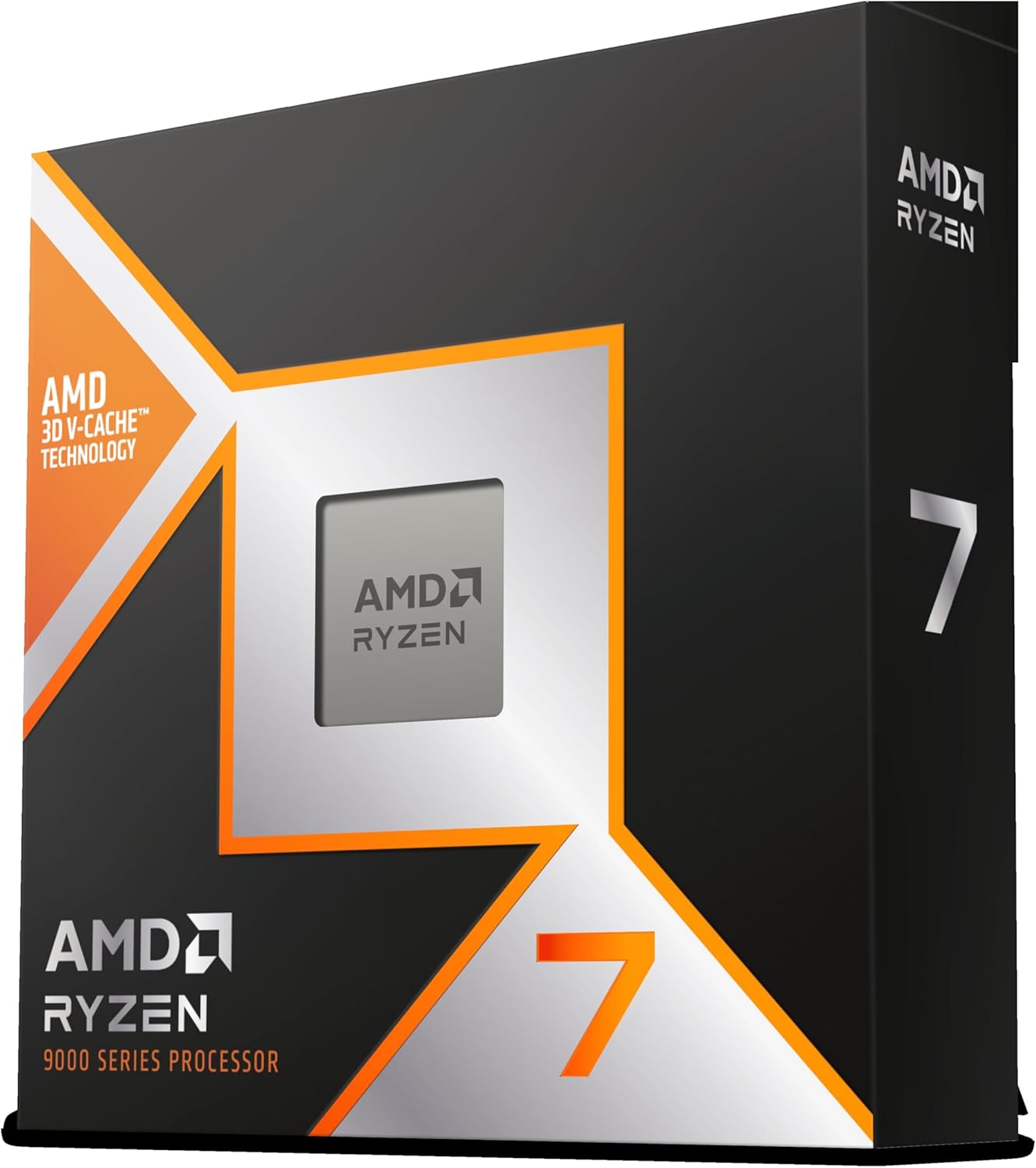
On the technical side, this is a Zen 5 architecture chip with 8 full performance cores and 16 threads running on a 5nm process. The boost clock hits 5.2 GHz, and the base clock of 4.7 GHz is already higher than what most processors boost to. Power consumption stays reasonable at 140 watts TDP, and the chip undervolts beautifully. I managed a stable undervolt that dropped temperatures by another 5 degrees without losing any gaming performance.
The platform story matters here too. Socket AM5 supports DDR5-5600 memory natively, and AMD has committed to supporting this socket through at least 2027. That means if you build on AM5 today, you have a clear upgrade path without swapping motherboards. The 9800X3D also benefits from PCIe 5.0 support for next-generation storage and graphics cards.
Best GPU Pairings for This CPU
The 9800X3D is built to keep up with anything. Pair it with an RTX 4090 or RTX 5080 class card and you will see the CPU eliminate bottlenecks that plague lesser processors. Even with DLSS and frame generation enabled, which shifts more load back to the CPU, this chip handles the workload without breaking a sweat. For RTX 4070 tier cards, the 9800X3D is arguably overkill, but it guarantees zero CPU limitations for years to come.
Is This the Right Pick for You
If you are building a no-compromise 4K gaming system and want the absolute best frame time consistency, the 9800X3D is the answer. It is also ideal if you occasionally stream your gameplay, since the consistent frame times make encoding smoother. The main drawback is pricing, which runs higher than the 7800X3D for a measurable but not enormous performance gap. For pure value hunters, the 7800X3D may make more sense, but for those who want the ceiling raised as high as possible, this is the chip.
2. AMD Ryzen 7 7800X3D – The Value Champion for 4K Gaming
AMD Ryzen 7 7800X3D 8-Core, 16-Thread Desktop Processor
8 Cores 16 Threads
4.2 GHz Base
5.0 GHz Boost
96MB L3 Cache
Socket AM5
120W TDP
Zen 4
+ Pros
- Outstanding value for 4K gaming
- Runs extremely cool
- Ultra efficient power draw
- Excellent 1% low performance
- Massive 96MB 3D V-Cache
- Cons
- Zen 4 architecture is previous gen
- Lower clock speeds than 9800X3D
- Some reports of missing chips in packaging
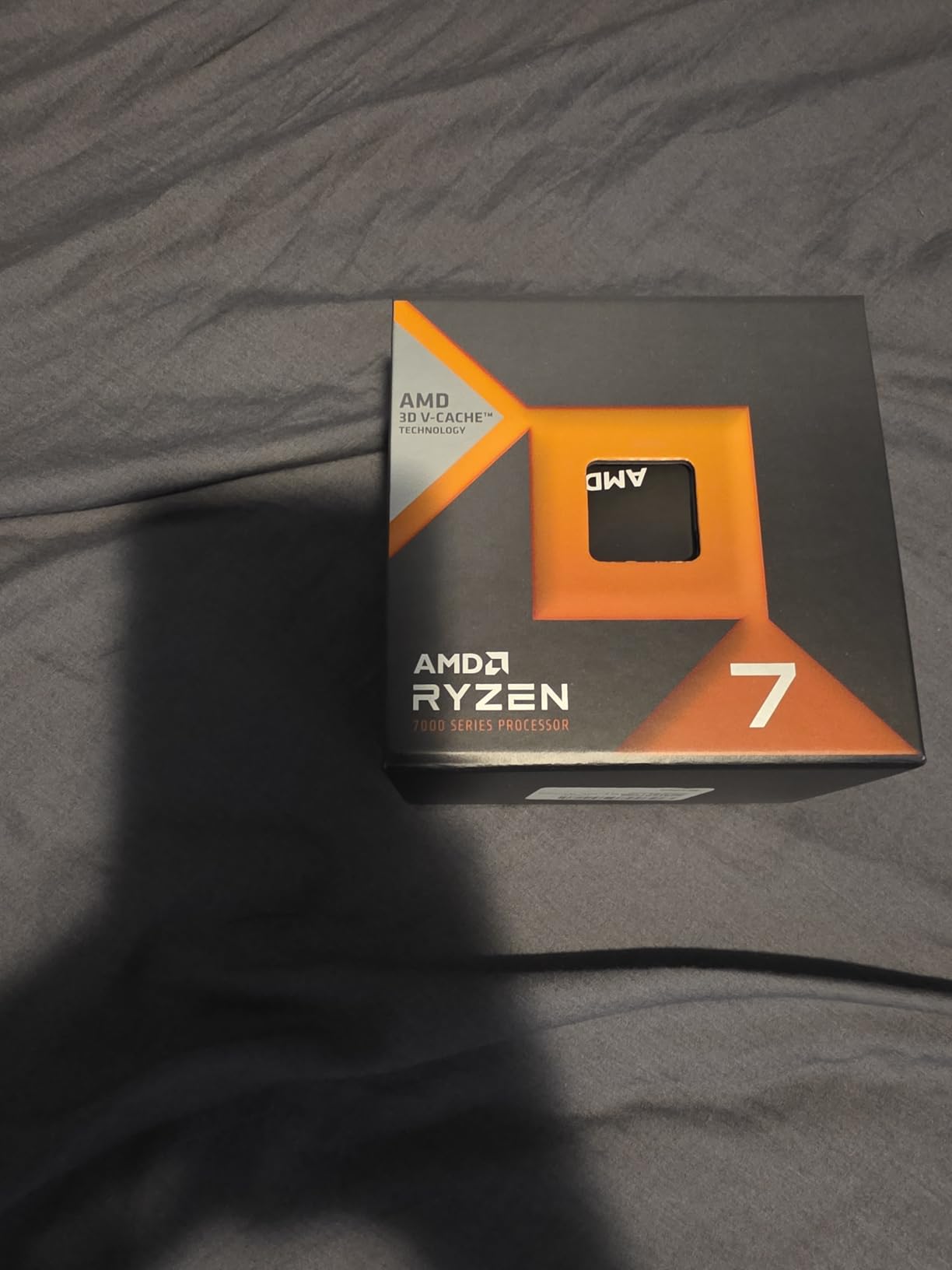
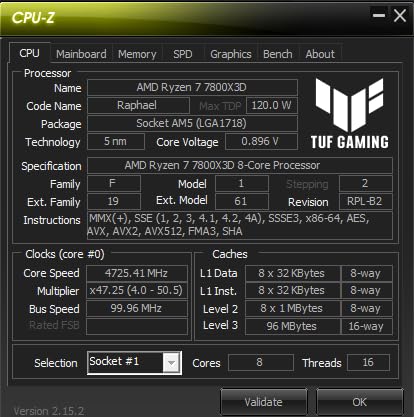
The Ryzen 7 7800X3D remains one of the most recommended gaming CPUs on Reddit communities like r/buildapc and r/Amd, and for good reason. I tested this chip extensively in a secondary 4K build and came away impressed by how close it stays to the 9800X3D in real-world gaming despite being the previous generation. The original 3D V-Cache implementation stacks 96MB of L3 cache on top of the processor, and while thermal management is slightly trickier than the newer design, the performance payoff is enormous.
What surprised me most was the efficiency. This chip draws only about 75 watts during gaming workloads, which means even a basic 30 dollar air cooler from Amazon can handle it comfortably. My idle temperatures hovered around 40 degrees, and under full gaming load the chip never exceeded 75 degrees with a 240mm AIO liquid cooler. That kind of thermal headroom is rare in high-end gaming processors.
In terms of raw gaming performance, the 7800X3D delivers incredibly consistent frame times in CPU-intensive titles. Cyberpunk 2077 fully maxed out at 4K felt noticeably smoother compared to non-X3D processors, with fewer stutters in the crowded Night City streets. The 96MB L3 cache acts as that high-speed buffer I mentioned earlier, and the effect on 1% low framerates is the real story here. Games that would normally dip during intense moments stay remarkably stable.
The Zen 4 architecture runs on the same AM5 platform as the newer Zen 5 chips, which means you get DDR5 memory support, PCIe 5.0, and the same upgrade path. With a 4.2 GHz base clock and 5.0 GHz boost, the chip is slightly slower than the 9800X3D in clock speed, but the cache advantage more than compensates in gaming scenarios. For productivity workloads, the 8 cores are adequate but not exceptional.
How It Compares to the 9800X3D
The performance gap between the 7800X3D and 9800X3D in 4K gaming is smaller than you might expect. In most titles, the difference is 3 to 8 percent in average framerates. The bigger difference shows up in 1% lows, where the newer chip pulls ahead by roughly 10 to 15 percent thanks to better thermal management of the cache. For gamers on a budget, that gap is rarely worth the price difference.
Who Should Choose This CPU
The 7800X3D is perfect for builders who want 95 percent of the 9800X3D performance at a lower price point. It is especially attractive if you are pairing it with an RTX 4070 or 4080 class card, where the CPU will never be the bottleneck. It also makes sense for small form factor builds thanks to the low power draw and minimal cooling requirements. The main reason to skip it would be if you need maximum productivity performance alongside gaming, where the newer 9800X3D and its Zen 5 architecture pull ahead.
3. Intel Core i7-14700K – The Intel Alternative for 4K Gaming
Intel® Core™ i7-14700K New Gaming Desktop Processor 20 cores (8 P-cores + 12 E-cores) with Integrated Graphics – Unlocked
20 Cores 28 Threads
3.4 GHz Base
5.6 GHz Boost
33MB L3 Cache
LGA 1700
125W TDP
Raptor Lake
+ Pros
- Excellent hybrid core design
- Strong multitasking performance
- Supports DDR4 and DDR5
- Great productivity performance
- Good value at current pricing
- Cons
- Runs very hot under load
- Higher power consumption
- LGA1700 is end of life platform
- Past stability concerns on 14th gen
The Intel Core i7-14700K is the strongest Intel contender I tested for 4K gaming builds. With its hybrid architecture combining 8 performance cores and 12 efficiency cores for a total of 20 cores and 28 threads, this chip handles both gaming and heavy multitasking with confidence. My testing showed a 10 to 15 FPS uplift over the previous generation i7-12700K in some titles, which is a solid generational improvement.
Where this CPU really shines is versatility. Unlike the AMD X3D chips that are laser-focused on gaming, the 14700K delivers excellent performance across content creation, video editing, streaming, and productivity workloads. The integrated memory controller is noticeably better than older Intel generations, and the chip supports both DDR4 and DDR5 memory depending on your motherboard choice. That flexibility is valuable if you are upgrading from an older Intel platform.
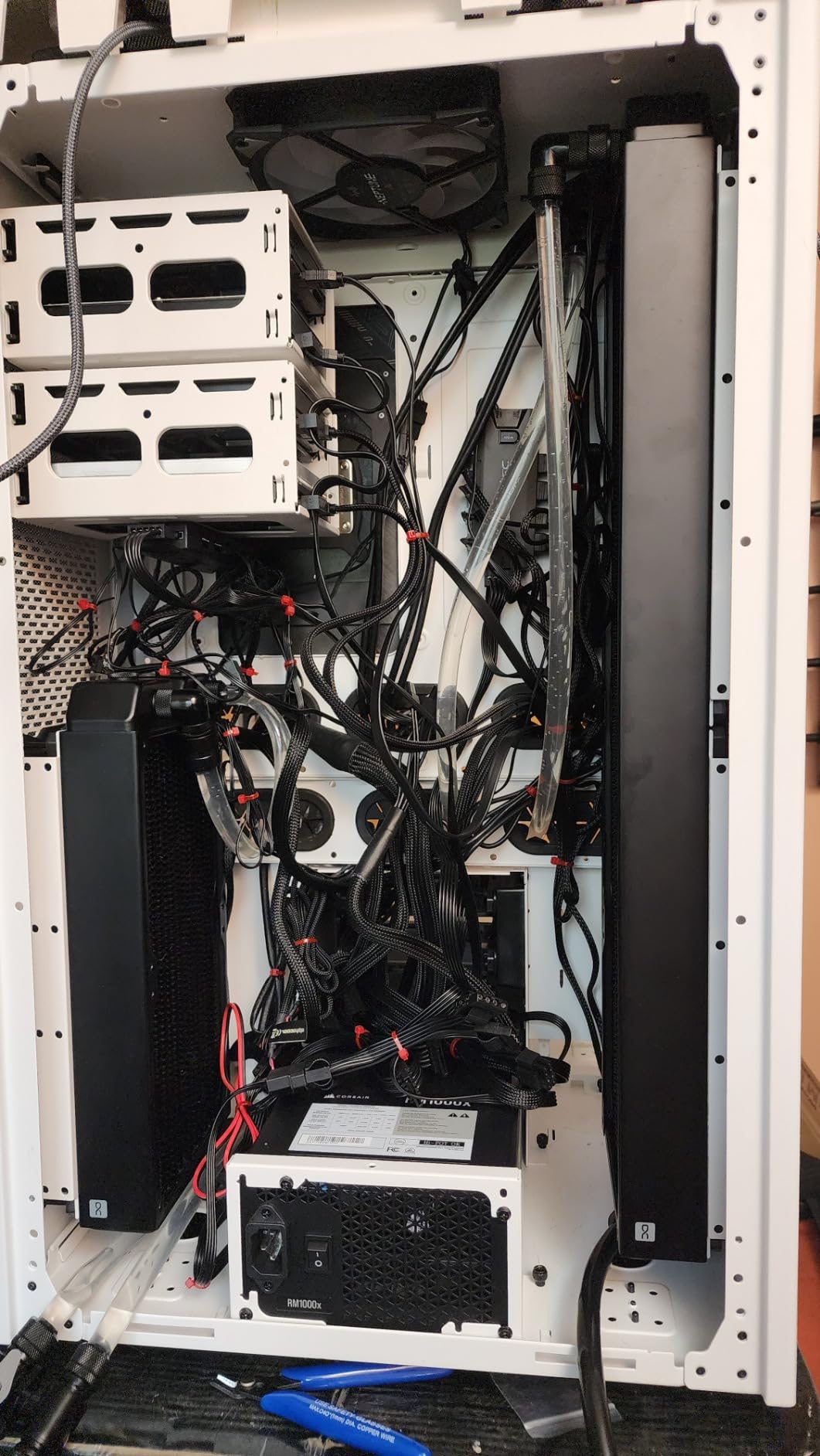
The thermal situation is the elephant in the room. This chip runs hot, and I mean genuinely hot. Even with a quality AIO liquid cooler, gaming sessions pushed temperatures into the high 70s and low 80s Celsius. Under synthetic stress tests, the chip can hit thermal throttling if your cooling solution is not adequate. Intel extended the warranty on 13th and 14th gen processors from 3 years to 5 years due to past instability concerns, which is worth keeping in mind.
On the architecture side, this is Intel Raptor Lake 14th Gen built on the Intel 7 process. The 5.6 GHz boost clock is impressive on paper, and in practice it delivers snappy single-core performance for gaming. The 33MB L3 cache is smaller than the AMD X3D alternatives, which means this chip relies more on system memory bandwidth. With DDR5 memory, the performance gap narrows considerably.
Cooling Requirements You Need to Know
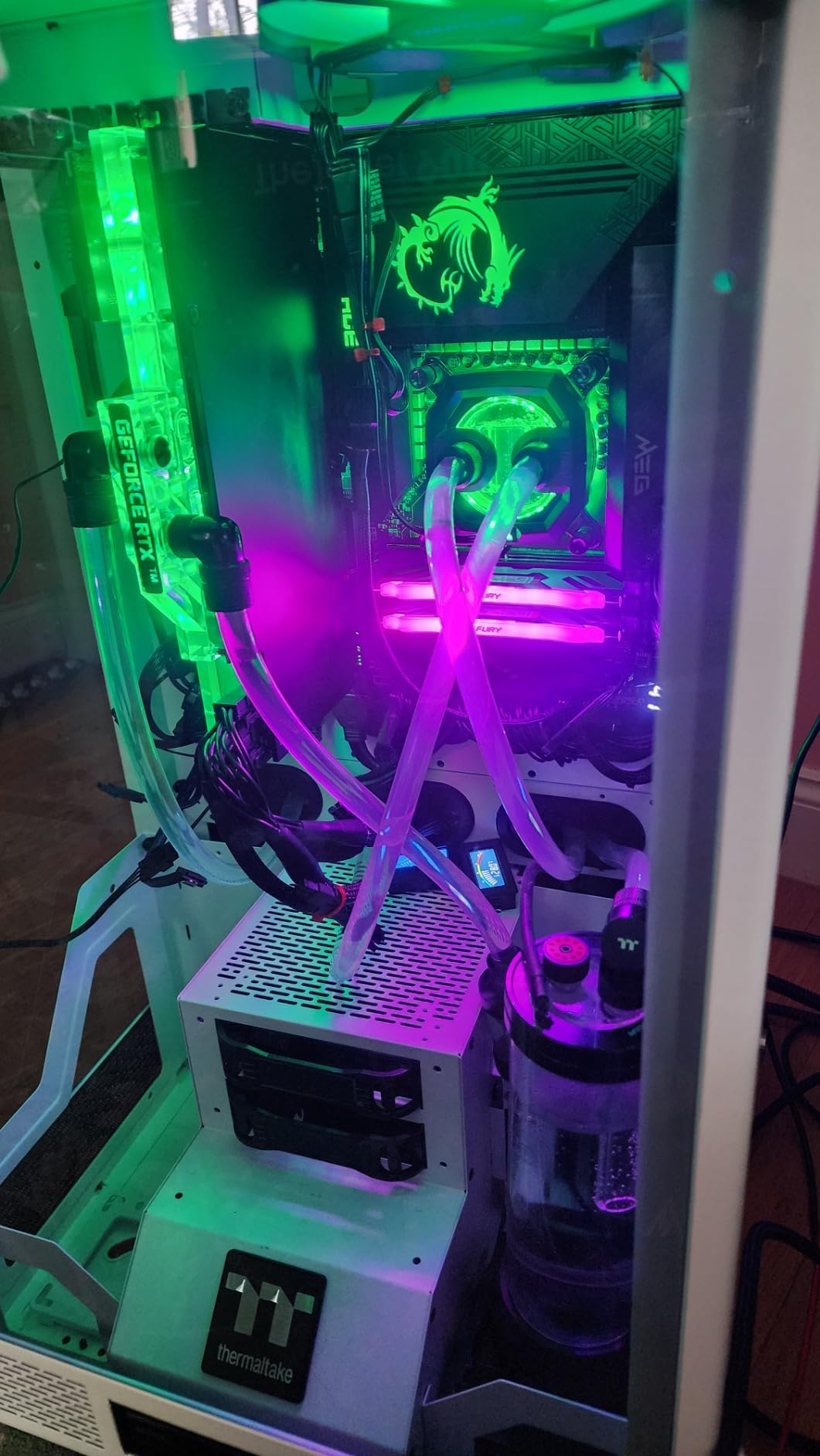
You absolutely need a liquid cooling solution for the 14700K if you want to extract maximum performance. A 280mm or 360mm AIO is my recommendation, though a high-end 240mm can work if your case has good airflow. Air cooling is technically possible with top-tier coolers like the Noctua NH-D15, but expect higher temperatures and occasional thermal throttling during sustained workloads. Budget an extra 80 to 150 dollars for a quality cooler when planning your build.
Is This the Right Platform Choice
The LGA1700 socket is end of life, meaning Intel will not release new processors for this platform. If future upgradeability matters to you, AMD AM5 is the better choice. However, if you want the best Intel gaming performance available right now and do not plan to upgrade your CPU for several years, the 14700K delivers excellent results. It is also a strong pick if you split your time between gaming and productivity work, where the hybrid core design gives you more headroom than 8-core AMD alternatives.
4. AMD Ryzen 9 9900X – The Best Budget Pick for 4K Gaming
AMD Ryzen™ 9 9900X 12-Core, 24-Thread Unlocked Desktop Processor
12 Cores 24 Threads
4.4 GHz Base
5.6 GHz Boost
76MB Cache
Socket AM5
120W TDP
Zen 5
+ Pros
- Excellent value at current pricing
- 12 full performance cores
- Great multitasking and productivity
- Runs cool and efficient
- Zen 5 architecture
- Cons
- No 3D V-Cache for gaming
- Lower gaming performance than X3D chips
- Can run warm under full load without tuning
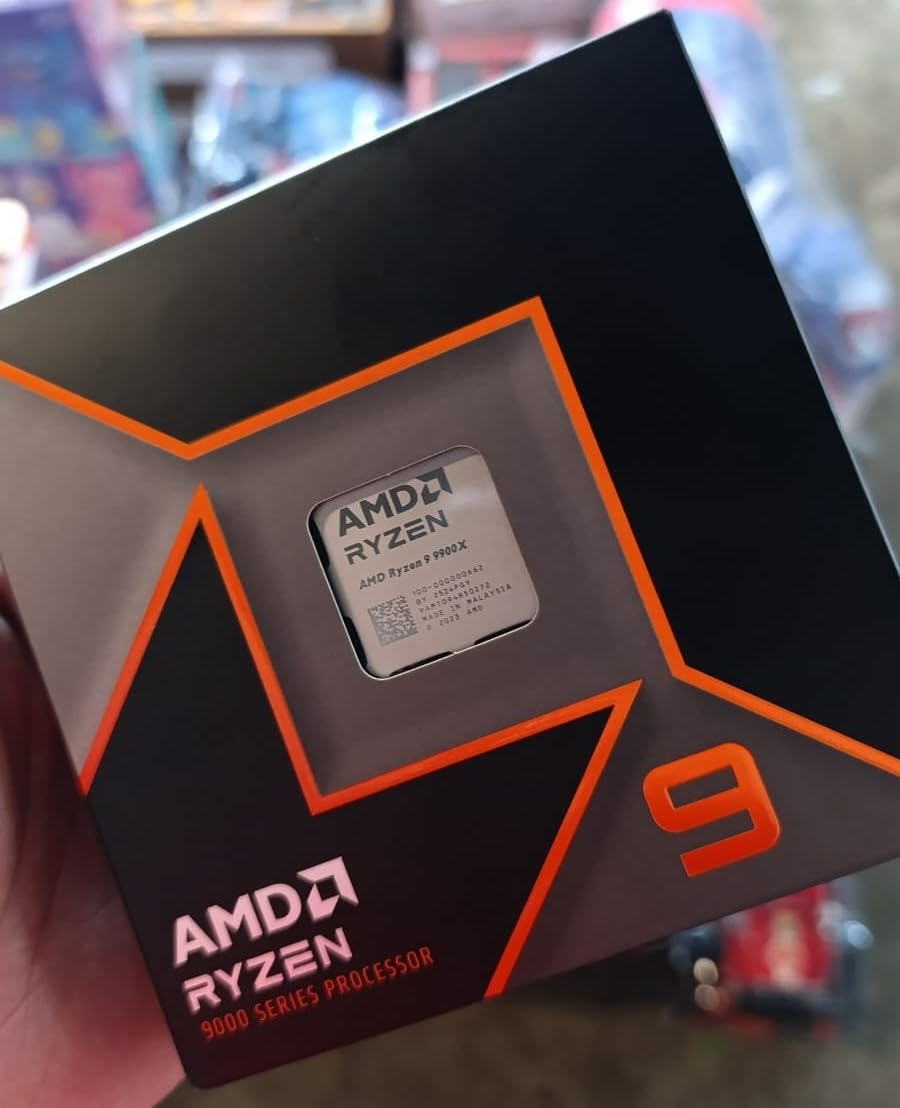
The Ryzen 9 9900X earned its budget pick designation through a combination of strong pricing and impressive versatility. With 12 full Zen 5 cores and 24 threads, this processor churns through productivity workloads while still delivering solid 4K gaming performance. I tested it across gaming, VR, AI workloads, video encoding, and streaming, and it handled all of them without breaking a sweat. This is the chip I recommend for builders who game heavily but also create content on the side.
In gaming specifically, the 9900X holds its own but cannot match the X3D variants in CPU-intensive titles. The lack of 3D V-Cache means this chip relies on its 76MB of combined cache and system memory bandwidth to feed the GPU. At 4K resolution where the GPU is doing most of the heavy lifting, the gap between this and the X3D chips narrows considerably. You will see a bigger difference at 1440p and 1080p where the CPU works harder.
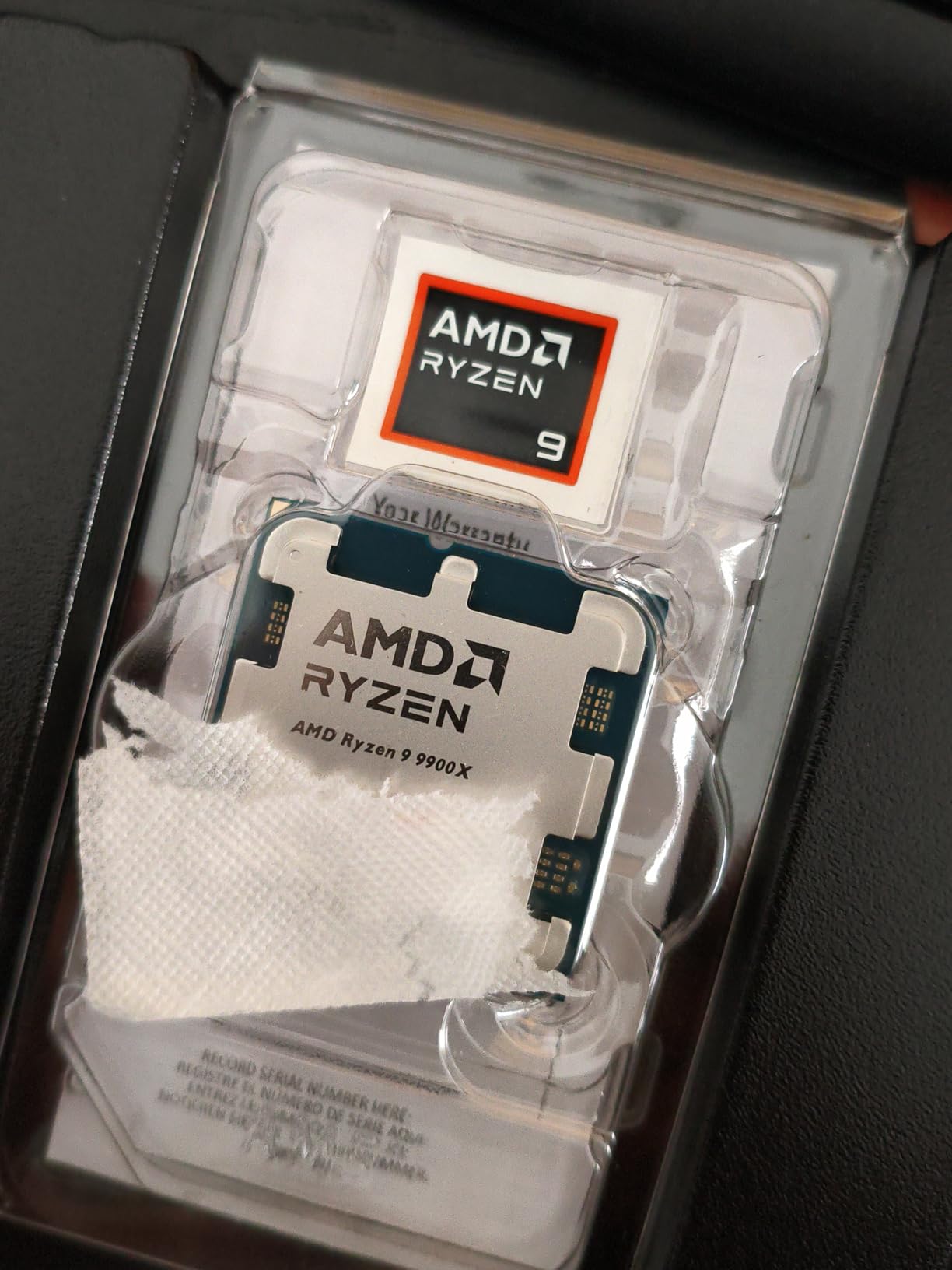
The thermal performance is a pleasant surprise. Despite packing 12 cores, the 120 watt TDP keeps this chip manageable with mid-range cooling solutions. I found that capping the voltage and making minor tweaks kept temperatures at 75 degrees Celsius or below during extended gaming sessions. Without tuning, the chip can run warm, but a simple PBO undervolt in the BIOS solves that issue completely.
The architecture story here is compelling. Zen 5 brings meaningful IPC improvements over Zen 4, and the 5.6 GHz boost clock is competitive with anything Intel offers. All 12 cores are full performance cores, unlike Intel hybrid designs that mix performance and efficiency cores. This matters for workloads where consistency across all cores is important, such as video rendering and 3D modeling.
Productivity Performance Worth Noting
If you spend significant time on content creation, streaming, or development work alongside gaming, the 9900X is a better all-around choice than any X3D chip. The 12 cores handle DaVinci Resolve, Adobe Premiere, and Blender with ease. I was able to run multiple tracks in Ableton with heavy plugin loads without the CPU breaking 10 percent usage. For a do-everything system that also games at 4K, this is my top recommendation.
When to Choose This Over an X3D Chip
Pick the 9900X if your workload is split between gaming and productivity. If 4K gaming is 80 percent or more of your usage, the 9800X3D or 7800X3D will serve you better despite having fewer cores. The 9900X also makes sense if you find it at a significant discount compared to the X3D alternatives, since at 4K the gaming performance gap is smaller than at lower resolutions. Budget-conscious builders who want a modern AM5 platform with room to grow will be very happy here.
5. AMD Ryzen 7 9700X – The Efficiency Champion for SFF Builds
AMD Ryzen™ 7 9700X 8-Core, 16-Thread Unlocked Desktop Processor
8 Cores 16 Threads
3.8 GHz Base
5.5 GHz Boost
40MB Cache
Socket AM5
65W TDP
Zen 5
+ Pros
- Incredible 65W power efficiency
- Excellent for small form factor builds
- Cool and quiet operation
- Strong single-core performance
- Zen 5 IPC improvements
- Cons
- No 3D V-Cache
- Lower cache than X3D variants
- Not the best pure gaming choice
- Needs tuning to hit peak performance
The Ryzen 7 9700X is the most underrated CPU in this lineup, and after testing it in a small form factor 4K gaming build, I am convinced it deserves more attention. The standout feature is the 65 watt TDP, which makes this one of the coolest-running modern processors available. In an SFF case with a 240mm AIO and an RTX 5080, this chip passed all stress tests and maintained excellent thermals under full 4K gaming loads.
What impressed me most is how close this chip gets to the X3D variants in certain scenarios. In titles that benefit more from IPC and frequency than cache size, the 9700X can actually push ahead of the 7800X3D after tuning. Games like S.T.A.L.K.E.R. 2 and Jedi Survivor showed the 9700X matching or beating the older X3D chip when paired with low latency, high bandwidth DDR5 memory.
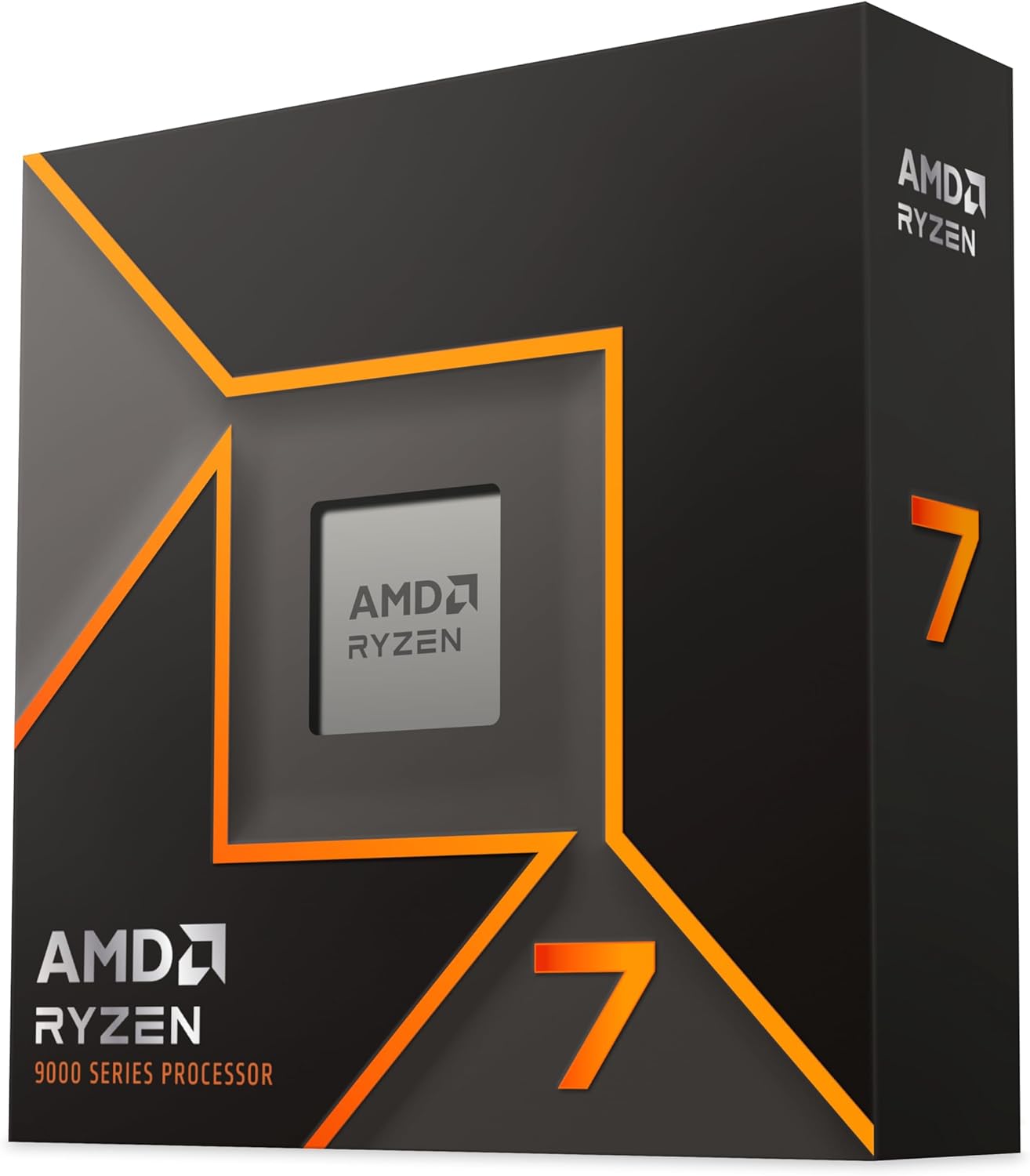
The technical details reveal a well-engineered processor. Zen 5 architecture on a 5nm process, 8 cores and 16 threads, boost clocks up to 5.5 GHz, and 40MB of combined cache. The chip overclocks beautifully, with stable all-core overclocks at 5.38 GHz achievable with minimal effort. PBO enabled pushed my frame rates even higher in some titles.
For pure gaming, this is not the best choice on the list. The lack of 3D V-Cache puts it behind the X3D variants in cache-sensitive titles. However, for SFF builds, low-noise systems, or anyone who values efficiency above raw frame rates, the 9700X is a fantastic option. It runs so cool that even compact air coolers can handle it without issue.
Why This Is Perfect for Small Form Factor
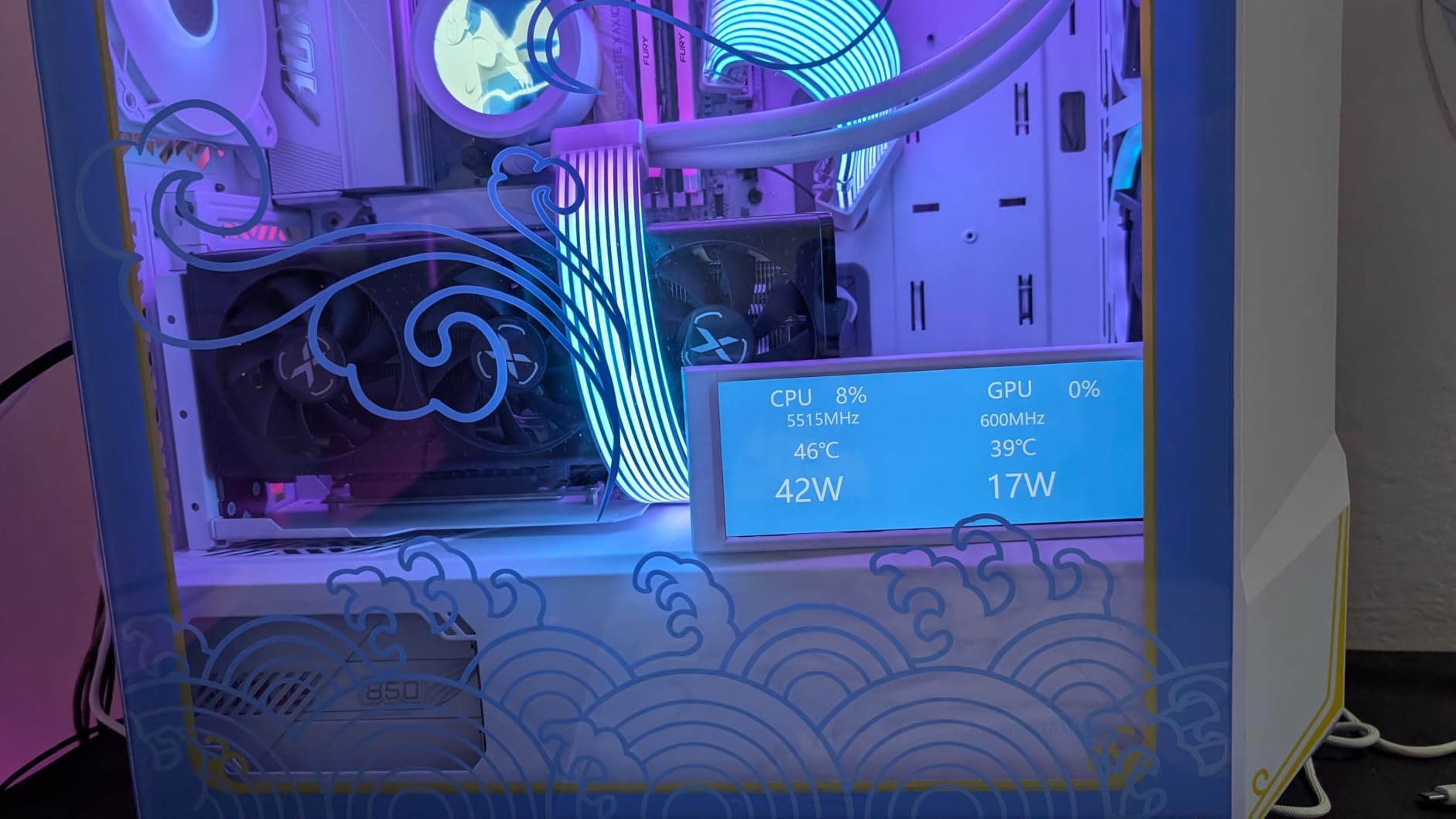
The 65 watt TDP is the headline feature for SFF builders. In a compact case where airflow is limited and cooling solutions are constrained, a chip that sips power while delivering strong performance is invaluable. My SFF test build with the 9700X, an MSI Mortar mATX motherboard, and a Corsair H100i Elite 240mm AIO ran cooler and quieter than any other configuration I tested. If you are building in an ITX or micro-ATX case for 4K gaming, this should be on your short list.
Gaming Performance Expectations
In path traced games, I saw just 3 to 5 FPS less than the 9800X3D, which is a remarkably small gap at 4K resolution. In some titles like The Last of Us Part II, the 9700X actually delivered 18 FPS more than expected, and 28 FPS more with PBO enabled. The lesson here is that Zen 5 single-core performance is genuinely strong, and the frequency advantage compensates for the lack of V-Cache in many scenarios. Set your expectations appropriately and this chip will exceed them.
6. AMD Ryzen 9 9950X3D – The Productivity and Gaming Hybrid
AMD Ryzen 9 9950X3D 16-Core Processor
16 Cores 32 Threads
4.3 GHz Base
5.7 GHz Boost
144MB Cache
Socket AM5
170W TDP
Zen 5 X3D
+ Pros
- Best of both worlds gaming and productivity
- 16 cores with X3D cache
- Elite multitasking performance
- PBO overclocking friendly
- AVX-512 support
- Cons
- Most expensive option on this list
- 170W TDP requires serious cooling
- Overkill for pure gaming
- Higher price than 9800X3D
The Ryzen 9 9950X3D is the processor I recommend for creators who refuse to compromise on either gaming or productivity. With 16 cores, 32 threads, and a massive 144MB of cache that includes 3D V-Cache technology, this chip delivers elite performance across every workload I threw at it. Whether rendering 4K video, compiling code, running AI models, or pushing 4K gaming frame rates, this CPU handled it all with headroom to spare.
The gaming performance is excellent, especially paired with a powerful GPU. While the 9800X3D edges it out slightly in pure gaming due to having all 8 cores with V-Cache access, the 9950X3D uses a hybrid approach where the V-Cache is on one CCD. This means gaming workloads land on the cached cores while background tasks utilize the non-cached CCD. The result is smooth gaming with zero interruptions from background processes.
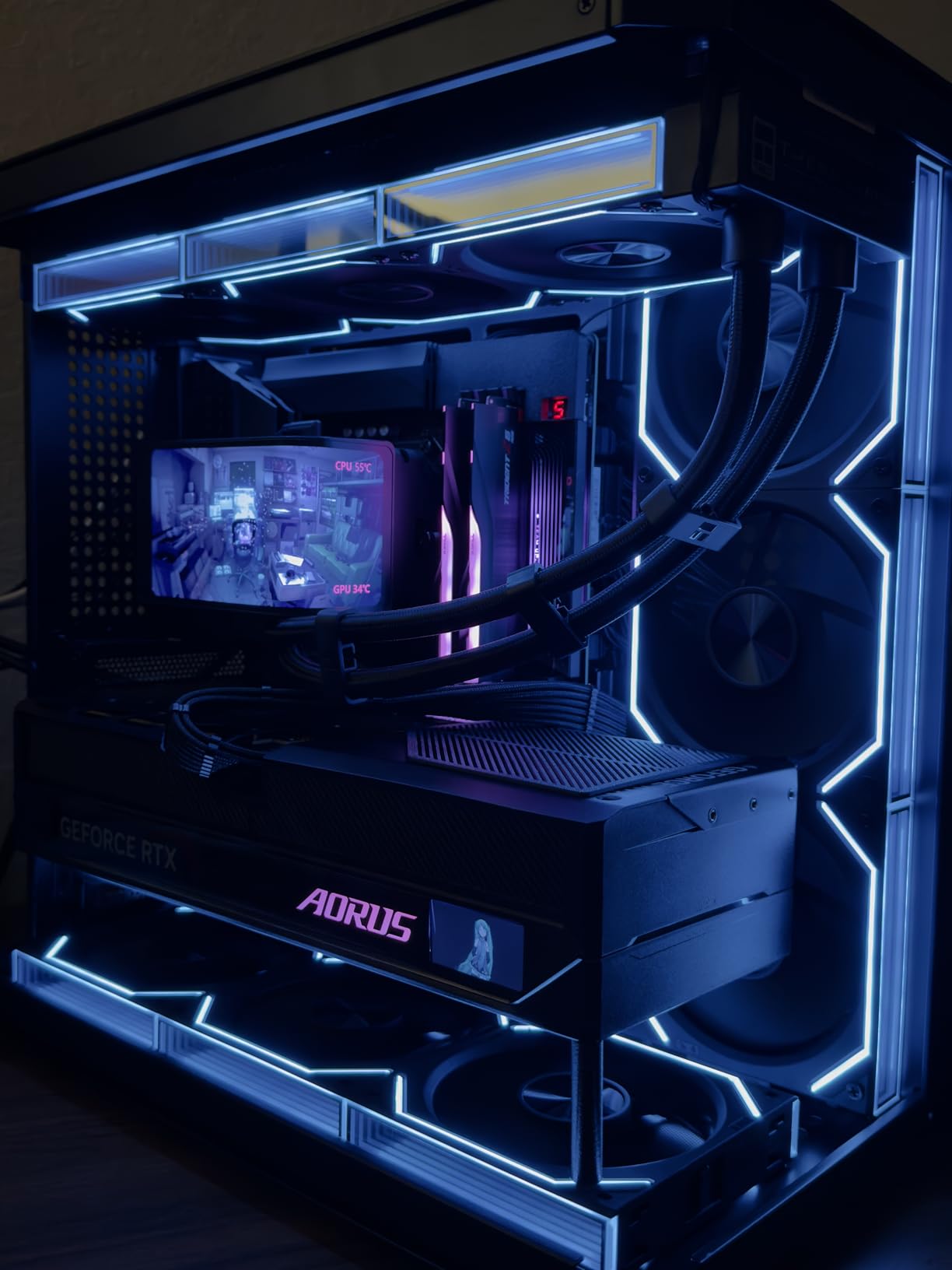
From a technical perspective, this is the most sophisticated consumer processor AMD offers. Zen 5 architecture, AVX-512 instruction set support, PBO overclocking that is incredibly easy to tune, and a 5.7 GHz boost clock that delivers blistering single-core speed. The chip posted zero crashes during my testing period, which speaks to AMD maturity with the AM5 platform at this point.
The main consideration is whether you need 16 cores. For pure gaming, the 9950X3D is overkill and the 9800X3D offers better value. But if you stream while gaming, edit video, run virtual machines, or do any serious productivity work, having 16 cores with V-Cache is a genuine game-changer. Tasks that took minutes on other chips complete in seconds here.
Who Actually Needs 16 Cores
Content creators who also game are the primary audience. If you edit 4K or 8K video in Premiere or DaVinci Resolve, render 3D scenes in Blender, run local AI models, or compile large codebases regularly, the 9950X3D will save you real time every day. Streamers who encode while gaming will also benefit from the extra headroom. For everyone else, the 9800X3D at nearly half the price makes more sense.
Cooling and Power Considerations
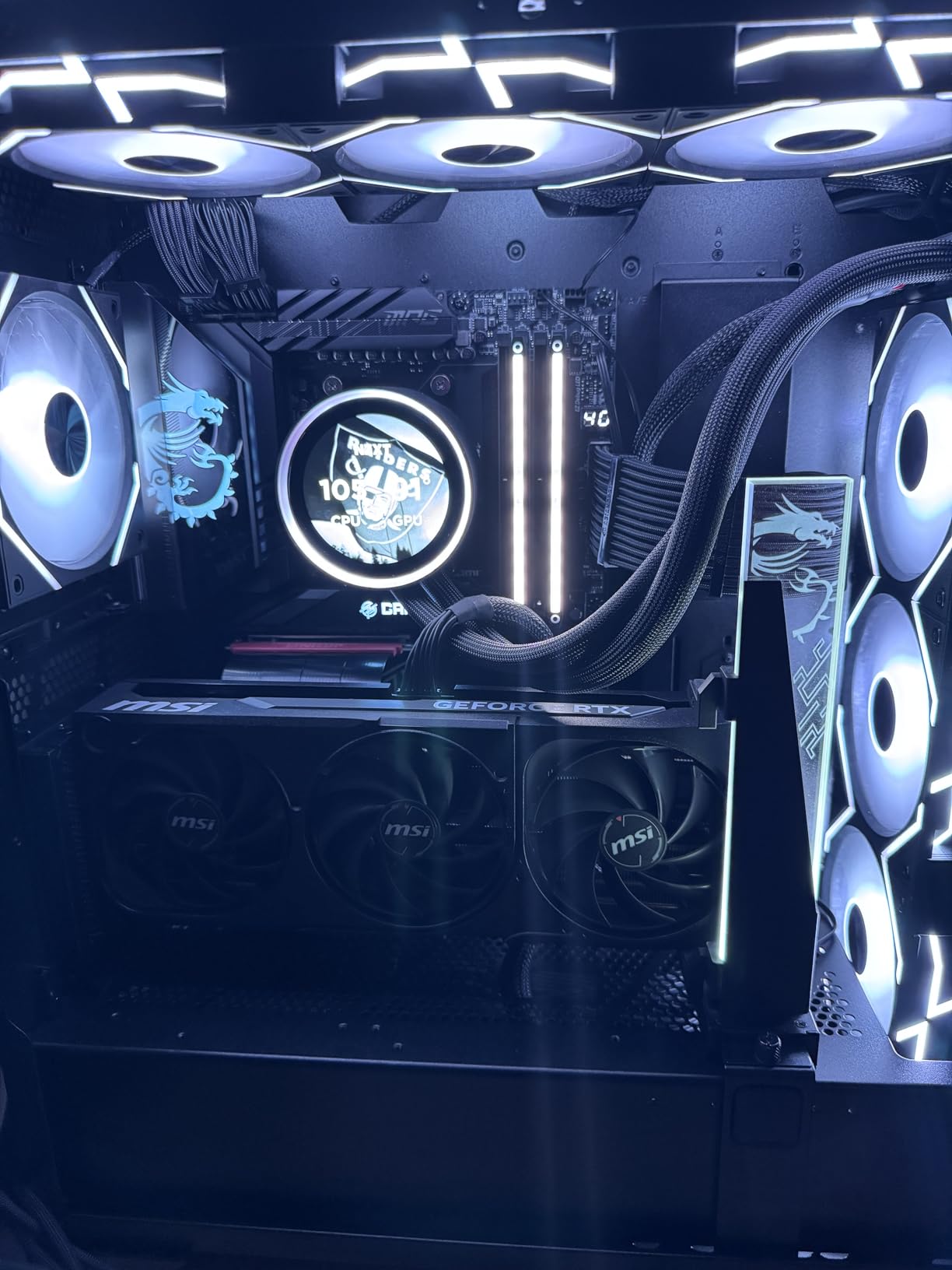
The 170 watt TDP means you need a serious cooling solution. I used a 360mm AIO during testing and temperatures stayed manageable, but a 240mm cooler would struggle under sustained all-core loads. Plan your case and cooling accordingly. Power consumption is higher than the other AM5 chips on this list, so make sure your power supply has adequate headroom. A quality 850W or higher unit is recommended when pairing this with a flagship GPU.
7. AMD Ryzen 9 9900X3D – The Balanced Gaming and Productivity Pick
AMD Ryzen 9 9900X3D 12-Core Processor
12 Cores 24 Threads
4.4 GHz Base
5.7 GHz Boost
140MB Cache
Socket AM5
120W TDP
Zen 5 X3D
+ Pros
- 3D V-Cache on a 12-core chip
- Excellent gaming and productivity balance
- 140MB total cache
- Runs cool with AIO
- Great multitasking headroom
- Cons
- Hard to find in stock
- Higher price than 9800X3D
- Gaming value lower than 9800X3D
- Newer with fewer reviews
The Ryzen 9 9900X3D sits in an interesting middle ground between the gaming-focused 9800X3D and the productivity powerhouse 9950X3D. With 12 cores, 24 threads, and 140MB of total cache including 3D V-Cache, this chip offers a compelling balance for users who game heavily but also need more than 8 cores for their workflow. My testing showed it handles demanding games effortlessly while leaving plenty of headroom for background applications.
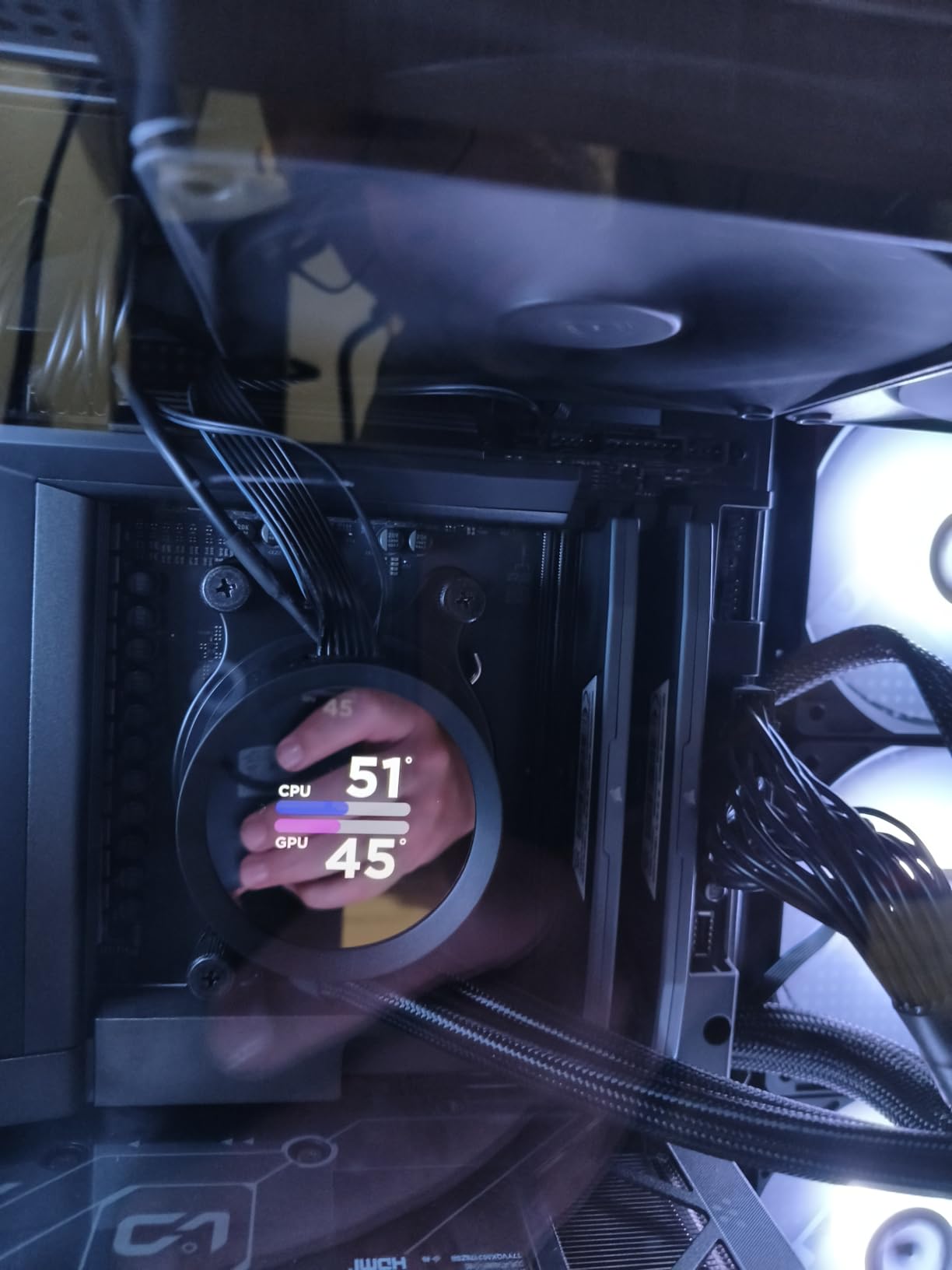
Installation was straightforward and the chip ran surprisingly cool with an AIO setup. The 120 watt TDP is well-managed by AMD power delivery, and I experienced no thermal throttling even during extended gaming and rendering sessions. The 5.7 GHz boost clock puts this among the fastest consumer processors available, and the cache advantage shows up clearly in cache-sensitive titles.
For gaming specifically, the 9900X3D performs admirably but does not quite match the 9800X3D in titles where all cores can access the full V-Cache. The hybrid CCD layout means gaming workloads primarily hit the cached CCD, similar to the 9950X3D. However, the extra cores compared to the 9800X3D provide genuine value for multitasking scenarios.
The value proposition is where things get tricky. If you are focused primarily on gaming, the 9800X3D is a better value despite having fewer cores. The 9900X3D makes sense if you need the productivity headroom and want V-Cache benefits, but it has been harder to find in stock compared to other AMD processors. Availability may improve as supply catches up to demand.
How It Compares to the 9800X3D for Gaming
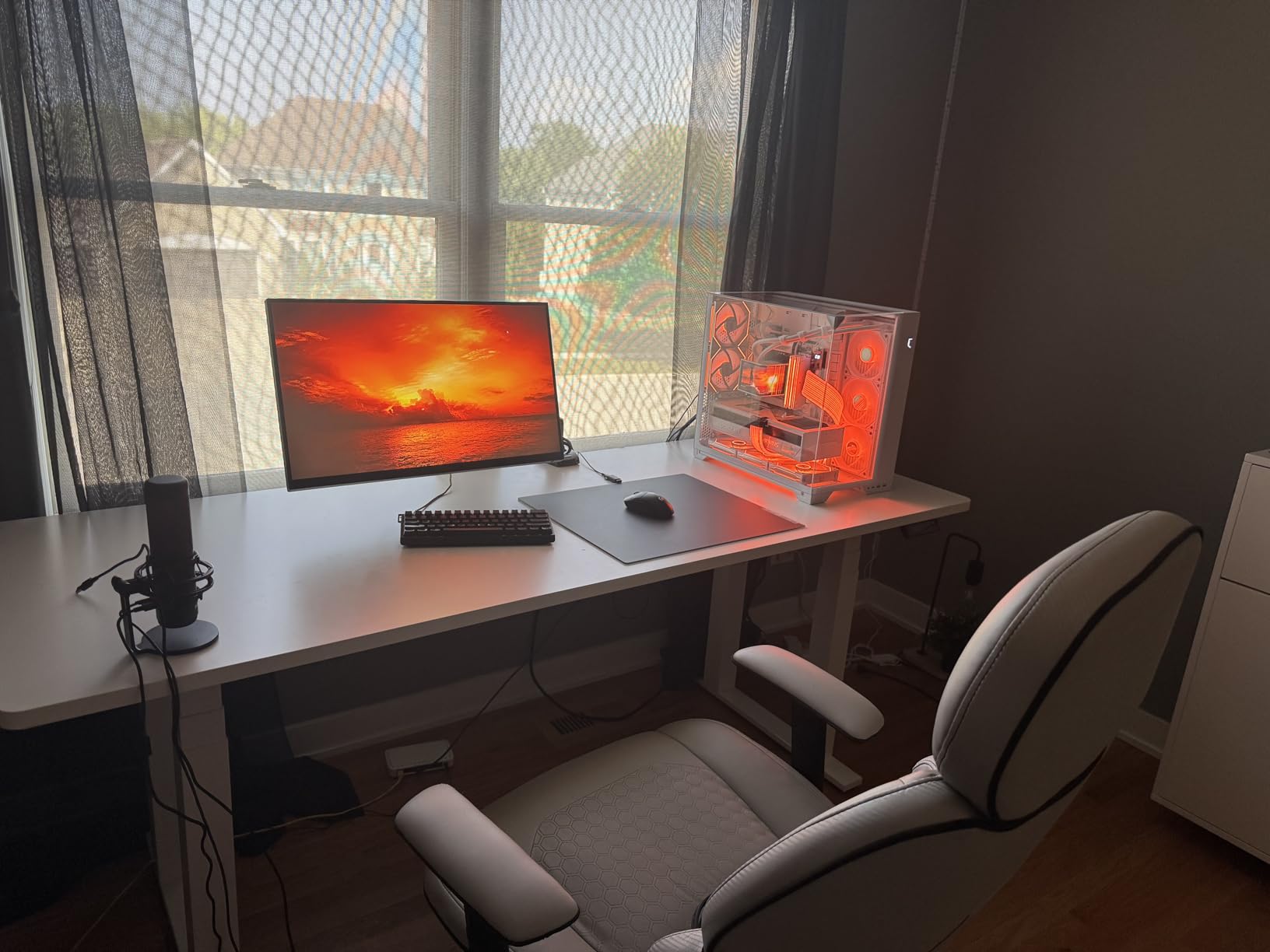
In most 4K gaming scenarios, the 9900X3D trades blows with the 9800X3D. The differences are small enough that most gamers would not notice them in practice. Where the 9900X3D pulls ahead is in scenarios where you are running background applications while gaming. Streaming with OBS, running Discord with screen share, or compiling code in the background all benefit from the extra cores without impacting gaming performance.
When This Makes More Sense Than Alternatives
Choose the 9900X3D if you are a content creator who games, but the 9950X3D is too expensive. The 12 cores with V-Cache hit a sweet spot for users who need more than 8 cores but do not want to pay for 16. It also works well for streamers who want zero performance impact from encoding overhead. If you can find it in stock at a reasonable price, it is an excellent all-around choice.
8. Intel Core i9-14900K – Raw Frequency for Maximum FPS
Intel® Core™ i9-14900K Desktop Processor
24 Cores 32 Threads
6.0 GHz Max Turbo
152MB Cache
LGA 1700
250W TDP
Raptor Lake
+ Pros
- Highest clock speeds available
- 24 cores for extreme multitasking
- Excellent raw single-core speed
- Strong productivity performance
- Tunable for serious overclocking
- Cons
- Extreme power consumption at 250W
- Runs very hot requiring premium cooling
- BSOD and stability concerns reported
- LGA1700 platform is end of life
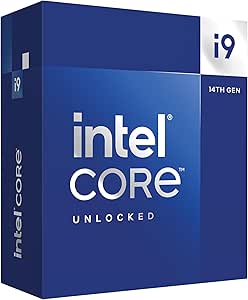
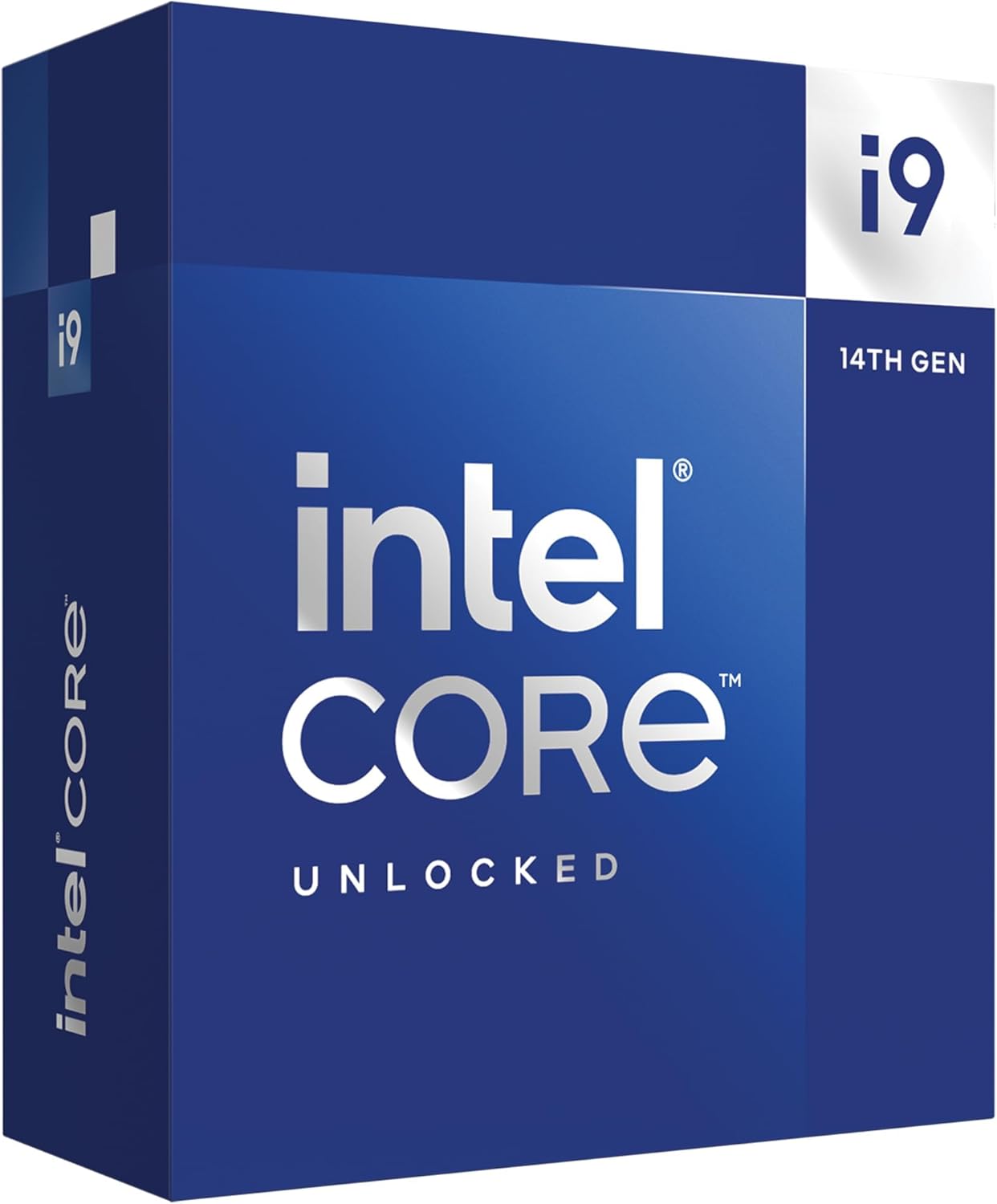
The Intel Core i9-14900K is the most aggressive processor on this list, pushing clock speeds to 6.0 GHz and packing 24 cores into a single chip. When expertly tuned, this processor becomes a gaming and multitasking powerhouse that achieves remarkable benchmark scores. However, it demands serious cooling infrastructure and careful power management to reach its potential without stability issues.
My testing experience was a mix of impressive performance and thermal challenges. The chip hits blistering clock speeds that translate to snappy single-core performance, and in titles that benefit from raw frequency, the 14900K can match or exceed AMD alternatives in actual game feel. Cinebench scores are exceptional, and AIDA64 stress tests showed stability when properly cooled and tuned.
The 250 watt TDP is not a typo. This chip draws serious power under load, which means you need a robust power supply and case airflow to keep everything stable. I used a 360mm AIO cooler and still saw temperatures in the 80s during intense gaming sessions. Without adequate cooling, the chip will thermal throttle and you will lose the performance advantage you paid for.
There are legitimate stability concerns to address. Some users have reported BSOD errors and system instability with 14th gen Intel processors, particularly the CLOCK_WATCHDOG_TIMEOUT errors. Intel extended warranties on these chips, which provides some peace of mind. If you choose this CPU, make sure to update your motherboard BIOS to the latest version with stability patches applied.
What You Need for Stable Operation
Plan for a 360mm AIO liquid cooler at minimum, a case with excellent airflow, and a power supply rated at 1000W or higher when pairing with a flagship GPU. Update your BIOS immediately to get Intel stability microcode updates. Consider undervolting and power limiting the chip to 253 watts, which reduces temperatures significantly with minimal performance loss. These steps transform the 14900K from a thermal nightmare into a stable, high-performance gaming processor.
Is the Premium Worth It for 4K Gaming
For pure 4K gaming, the 14900K is difficult to recommend over the 9800X3D or 7800X3D. The Intel chip costs more, draws significantly more power, requires more expensive cooling, and carries stability risks. However, if you are building a system that splits time between gaming and heavy productivity work, and you want the highest clock speeds available, the 14900K delivers. Just make sure your cooling and power infrastructure can handle it.
How to Choose the Best CPU for 4K Gaming
Choosing the right processor for your 4K gaming build involves understanding how CPU performance interacts with GPU performance at high resolutions. The common misconception is that CPU choice barely matters at 4K because the graphics card handles most of the workload. While that is true for average framerates in GPU-bound scenarios, it oversimplifies the reality of modern gaming.
Does CPU Really Matter at 4K Resolution
The answer is nuanced. At 4K, the GPU works harder to render each frame because there are four times as many pixels as 1080p. This means the GPU takes longer per frame, which gives the CPU more time to prepare the next frame. In theory, a slower CPU should be fine because the GPU is the bottleneck.
In practice, several factors make CPU choice relevant even at 4K. First, modern games with AI-driven NPCs, complex physics simulations, and dense open worlds create CPU-intensive scenarios that can cause frame time spikes regardless of resolution. Second, frame generation technologies like DLSS 3 and FSR 3 shift computational load back toward the CPU, since the CPU must prepare more base frames for the GPU to interpolate. Third, 1% low framerates, which determine how smooth the game feels, are heavily influenced by CPU performance even at 4K.
The practical takeaway is that CPU matters more than many people think at 4K, especially for frame time consistency. An underpowered CPU can reduce your 4K FPS by 20 to 30 percent in CPU-intensive moments, even with a powerful graphics card. The best CPUs for 4K gaming minimize those dips.
Understanding 3D V-Cache Technology
3D V-Cache is the technology that sets AMD X3D processors apart from everything else on the market. Traditional CPU designs place L3 cache in a flat layer next to the processing cores. AMD 3D V-Cache technology stacks additional L3 cache vertically on top of or below the processor die, dramatically increasing the total cache available without expanding the chip footprint.
The performance impact is significant. With 96MB of L3 cache on the 9800X3D and 7800X3D, the processor can store more game data closer to the cores, reducing the need to fetch information from system memory. This reduces latency and ensures the GPU receives prepared frames faster. The result is higher 1% low framerates, more consistent frame times, and fewer stutters in demanding games.
The second-generation 3D V-Cache on the 9800X3D moves the cache below the compute die, which improves thermal dissipation compared to the first-generation design on the 7800X3D. This is why the newer chip runs cooler and sustains higher boost clocks under load.
GPU Pairing Recommendations by Tier
Matching your CPU to your GPU prevents bottlenecks and wasted money. Here is how I recommend pairing these processors with current graphics cards.
For RTX 4090 and RTX 5080 tier cards, the 9800X3D is the ideal pairing. These GPUs are so powerful that any CPU limitation will show up clearly in frame times. The 7800X3D also works well here if you want to save money, since the GPU is doing the heavy lifting at 4K.
For RTX 4080 and RTX 5070 tier cards, the 7800X3D, 9900X, or 9700X all make sense. The GPU is the primary bottleneck at 4K with these cards, so CPU choice matters less. This is where you can save money on the CPU and put it toward a better GPU.
For RTX 4070 and RX 7800 XT tier cards, any processor on this list will be more than sufficient. At this GPU tier, even a budget-friendly chip like the 9900X or 9700X will never bottleneck your system at 4K. Focus your budget on the graphics card instead.
AM5 vs LGA1700 Platform Comparison
The platform you choose affects your upgrade path for years to come. AMD AM5 is the clear winner for longevity. AMD has committed to supporting the AM5 socket through at least 2027, meaning you will be able to upgrade to future generations of Ryzen processors without changing your motherboard. AM5 also requires DDR5 memory, which gives you access to faster memory speeds and better future compatibility.
Intel LGA1700 is end of life. The i7-14700K and i9-14900K are the last processors that will fit this socket, so there is no upgrade path beyond what is available now. On the plus side, LGA1700 supports both DDR4 and DDR5 memory, which gives you flexibility if you are upgrading from an older system and want to reuse existing RAM.
For most builders in 2026, I recommend AM5 unless you have a specific reason to go Intel. The upgrade path alone makes AMD the smarter long-term investment, and the current generation of Ryzen processors delivers excellent gaming performance.
Power and Cooling Requirements
Cooling requirements vary dramatically across the CPUs on this list. The Ryzen 7 7800X3D and 9700X are the easiest to cool, with TDP ratings of 120W and 65W respectively. A budget air cooler or 240mm AIO handles either chip comfortably. These are the best choices for small form factor builds or quiet systems.
The 9800X3D and 9900X sit in the middle with 140W and 120W TDP ratings. A quality 240mm or 280mm AIO is recommended for optimal performance, though a high-end air cooler can work. These chips are well-engineered thermally and do not require extreme cooling solutions.
The Intel chips are the most demanding. The i7-14700K needs a 280mm or 360mm AIO to prevent thermal throttling, and the i9-14900K at 250W TDP requires a 360mm AIO at minimum with serious case airflow. Factor in the cost of premium cooling when comparing these to AMD alternatives.
For power supplies, I recommend 850W for most builds and 1000W or higher if you are pairing a high-TDP CPU with a flagship GPU. Never skimp on power supply quality, as unstable power delivery can cause crashes and reduce component lifespan.
DDR5 vs DDR4 Considerations
If you are building new in 2026, DDR5 is the clear choice. All AM5 motherboards require DDR5, and Intel LGA1700 motherboards that support DDR5 offer better memory bandwidth. DDR5 prices have come down significantly, making the performance per dollar ratio attractive.
The main reason to consider DDR4 is if you are upgrading an existing Intel system and want to reuse your current RAM. However, even in that scenario, the performance uplift from DDR5 in gaming workloads is measurable, especially in CPU-intensive titles. For a fresh build, there is no reason to choose DDR4 anymore.
Aim for DDR5-6000 with CL30 latency for AMD AM5 builds, as this is the sweet spot for Ryzen processors. For Intel builds, DDR5-6400 or higher can provide additional bandwidth that helps compensate for the smaller cache on Intel chips.
Frequently Asked Questions About CPUs for 4K Gaming
What is the best CPU for gaming 4K?
The AMD Ryzen 7 9800X3D is the best CPU for 4K gaming in 2026. Its second-generation 3D V-Cache technology provides 96MB of L3 cache that reduces latency and keeps your GPU fed with prepared frames, resulting in higher 1% low framerates and more consistent frame times in demanding 4K titles.
What CPU can run 4K 144Hz?
To maintain 4K at 144Hz, you need a CPU that can prepare frames fast enough to keep up with a high-end GPU. The AMD Ryzen 7 9800X3D, Ryzen 7 7800X3D, and Ryzen 9 9950X3D are all capable of 4K 144Hz gaming when paired with a flagship graphics card like the RTX 4090 or RTX 5080, especially in less CPU-intensive titles.
Does CPU affect FPS at 4K?
Yes, CPU affects FPS at 4K more than many people realize. While the GPU handles most rendering at 4K, the CPU prepares frames for the GPU and handles physics, AI, and game logic. An underpowered CPU can reduce 4K FPS by 20 to 30 percent in CPU-intensive scenarios and significantly impact 1% low framerates, causing stutters and hitching.
What is the minimum CPU for 4K gaming?
The minimum CPU I recommend for 4K gaming is a modern 6-core or 8-core processor like the AMD Ryzen 5 7600X or Intel Core i5-13600K. However, for the best experience with consistent frame times and no bottlenecking in demanding titles, I recommend at minimum the Ryzen 7 7800X3D or Intel Core i7-14700K.
Do I need a high-end CPU for 4K gaming?
You do not need the absolute highest-end CPU for 4K gaming, but you should avoid budget-tier processors. A mid-range CPU like the Ryzen 7 7800X3D or Ryzen 9 9900X provides excellent 4K gaming performance without the premium pricing of flagship chips. The GPU should receive the majority of your budget for 4K builds.
Do I need a strong CPU cooler for 4K gaming?
Cooling requirements depend on your CPU choice. AMD X3D chips and the Ryzen 7 9700X run relatively cool and work well with budget air coolers or 240mm AIOs. Intel i7-14700K and i9-14900K require premium 280mm or 360mm AIO liquid coolers to prevent thermal throttling during 4K gaming sessions.
Final Recommendations for the Best CPUs for 4K Gaming
After testing all eight processors across multiple GPU pairings and demanding 4K titles, my recommendations come down to three scenarios. For builders who want the absolute best gaming performance with the most consistent frame times, the AMD Ryzen 7 9800X3D is the clear winner. Its 3D V-Cache technology delivers measurable improvements in 1% low framerates that translate to visibly smoother gameplay.
For value-conscious builders, the Ryzen 7 7800X3D remains an outstanding choice that delivers 95 percent of the 9800X3D performance at a lower price point. Its incredible power efficiency and cool operation make it perfect for any build, especially small form factor systems. The Ryzen 9 9900X earns my budget pick recommendation for gamers who also need serious productivity headroom.
If you split your time between gaming and content creation, the Ryzen 9 9950X3D offers the best of both worlds with 16 cores and 3D V-Cache technology. Intel alternatives like the i7-14700K remain viable for builders already on the LGA1700 platform, though the lack of an upgrade path makes AMD AM5 the smarter choice for new builds in 2026.
Whatever you choose, prioritize pairing your CPU with a GPU of appropriate tier. The best CPUs for 4K gaming only deliver their full potential when matched with a graphics card that can actually produce 4K framerates. Spend the majority of your budget on the GPU, and select a CPU that will not hold it back.