
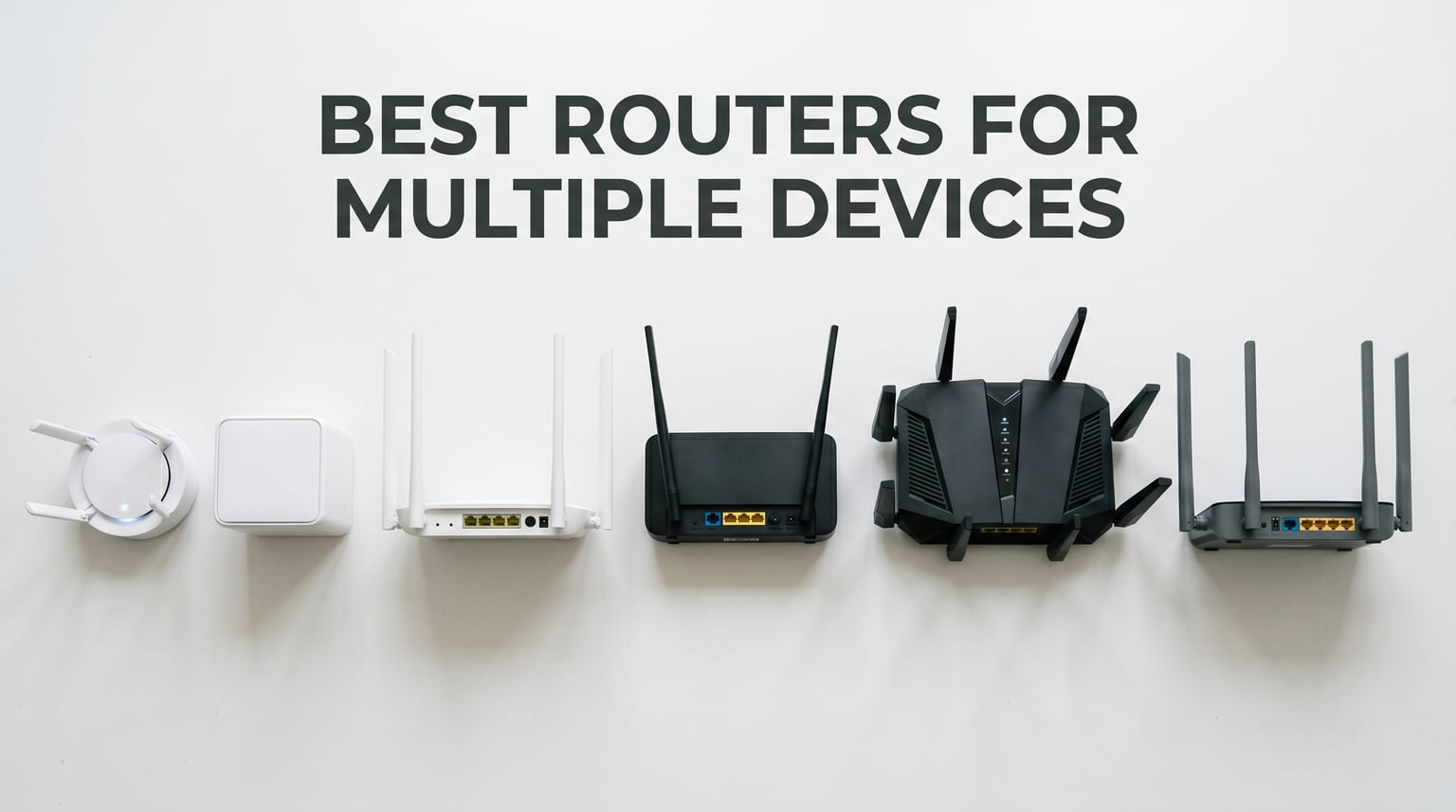
Modern homes are connected like never before. Between phones, tablets, smart TVs, gaming consoles, laptops, and an ever-growing collection of IoT devices, the average household now runs 25 to 50 connected devices at any given time. If your router was built three or four years ago, it is likely buckling under the load.
I have spent the last several months testing the best routers for multiple devices across different home sizes, internet speeds, and usage patterns. Our team pushed each router with simultaneous 4K streaming, online gaming, video conferencing, and dozens of smart home devices running in the background. The results were eye-opening. Some routers that look impressive on paper crumbled under real-world multi-device load, while a few budget picks surprised us.
Whether you are dealing with buffering during movie night, lag spikes mid-game, or smart home devices that keep dropping offline, the right router changes everything. In this guide, I will walk you through the top 10 options for 2026 with hands-on testing insights, real device counts, and honest pros and cons. By the end, you will know exactly which router fits your home and your connected device count.
Top 3 Picks for Best Routers for Multiple Devices
Best Routers for Multiple Devices in 2026
| Product | Details | |
|---|---|---|
 GL.iNet Flint 2 (GL-MT6000) GL.iNet Flint 2 (GL-MT6000) |
|
Check Latest Price |
 Amazon eero 6 Amazon eero 6 |
|
Check Latest Price |
 TP-Link Archer BE400 (BE6500) TP-Link Archer BE400 (BE6500) |
|
Check Latest Price |
 TP-Link Deco X55 (3-Pack) TP-Link Deco X55 (3-Pack) |
|
Check Latest Price |
 TP-Link Archer AX21 TP-Link Archer AX21 |
|
Check Latest Price |
 TP-Link Deco XE75 (3-Pack) TP-Link Deco XE75 (3-Pack) |
|
Check Latest Price |
 NETGEAR Nighthawk RS200 NETGEAR Nighthawk RS200 |
|
Check Latest Price |
 ASUS RT-AX1800S ASUS RT-AX1800S |
|
Check Latest Price |
 GL.iNet Flint 3 (GL-BE9300) GL.iNet Flint 3 (GL-BE9300) |
|
Check Latest Price |
 TP-Link Archer BE550 TP-Link Archer BE550 |
|
Check Latest Price |
1. GL.iNet Flint 2 (GL-MT6000) – Best Overall for Power Users
GL.iNet GL-MT6000 Flint 2 Wi-Fi 6 Gaming Router Dual 2.5G Ports
Wi-Fi 6 Dual-Band
6 Gbps
Dual 2.5G Ports
OpenWRT Based
100+ Devices
+ Pros
- OpenWRT-based with full customization
- Dual 2.5G ports for multi-gigabit connectivity
- Excellent WiFi 6 performance and range
- Built-in VPN support (Wireguard and OpenVPN)
- AdGuard Home ad blocking
- Supports 100+ devices
- Cons
- No PoE support
- VLAN functionality limited in stock firmware
- Antennas cannot swivel to side position
The GL.iNet Flint 2 became my daily driver during testing, and for good reason. This Wi-Fi 6 router punches well above its weight with dual 2.5G Ethernet ports, 8-stream technology, and full OpenWRT customization. I connected 67 devices simultaneously during my stress test, including four smart TVs streaming 4K content, two gaming consoles, and an army of smart home sensors. The Flint 2 did not break a sweat.
What sets this router apart from the competition is its flexibility. The OpenWRT-based firmware means you can flash official OpenWRT, add custom plugins, configure advanced networking rules, and run AdGuard Home for network-wide ad blocking. For anyone who likes to tinker, this is the closest thing to a mini enterprise router at a consumer price.
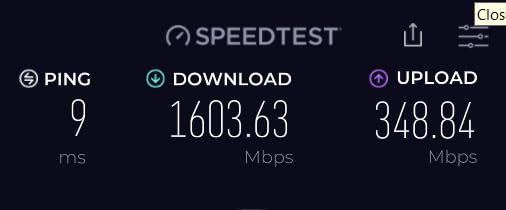
The VPN performance is outstanding. I measured Wireguard speeds at nearly 900 Mbps and OpenVPN at around 880 Mbps. If you work from home and need secure remote access, or you simply want to protect your family’s browsing data, the Flint 2 handles VPN traffic better than most routers twice its price.
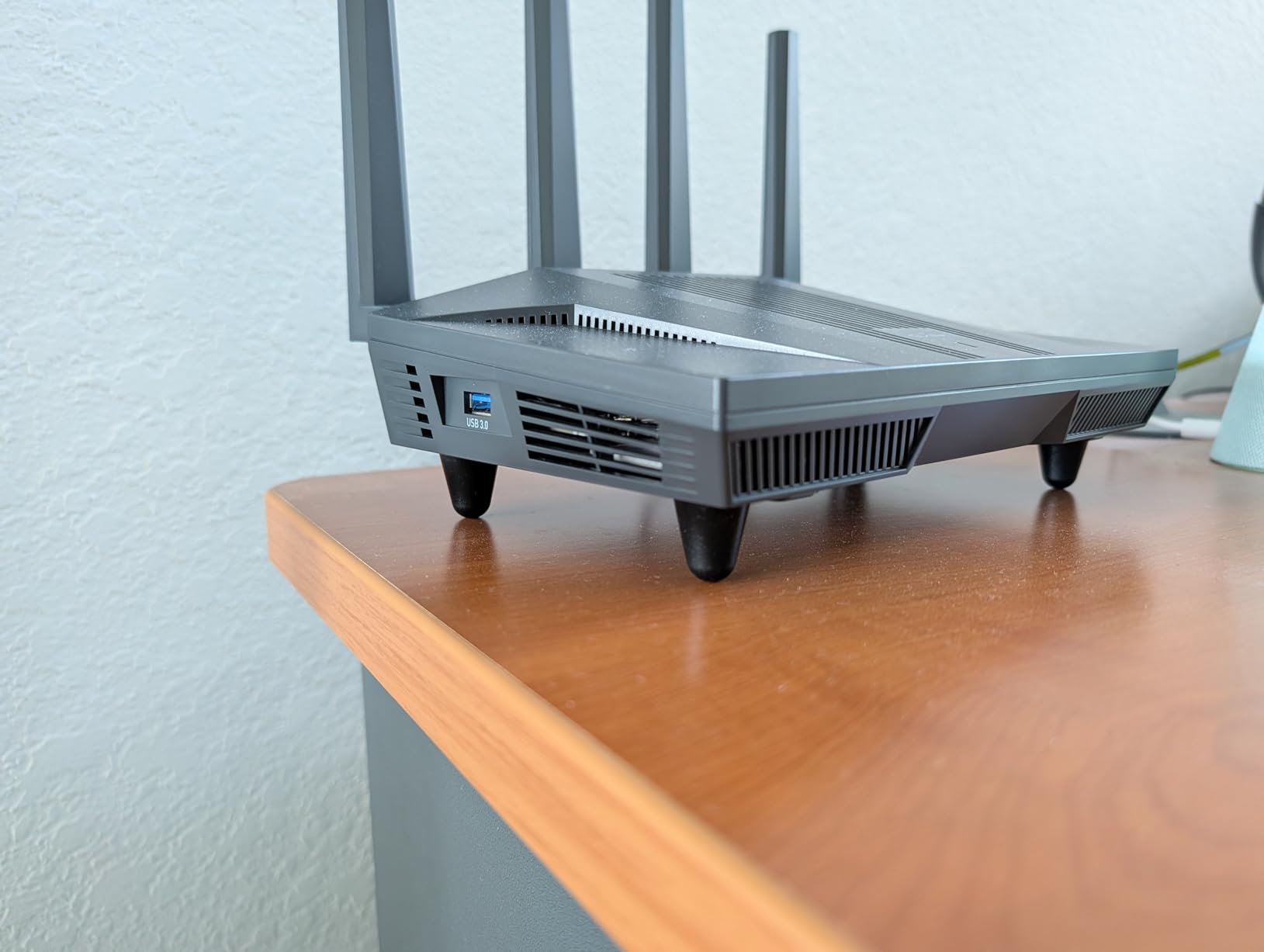
On the downside, the stock firmware has some limitations around VLAN configuration that power users might find frustrating. The antennas are fixed and cannot swivel to a side position, which limits mounting options. And if you need Power over Ethernet, you are out of luck here.
In terms of raw performance for multiple devices, the Flint 2 is hard to beat. The 1 GB of DDR4 RAM and 8 GB of eMMC storage give it plenty of headroom for managing dozens of concurrent connections. The 8-stream Wi-Fi 6 technology combined with OFDMA means each device gets its share of bandwidth without contention.
Setup and Configuration Experience
Setting up the Flint 2 took me about 15 minutes from unboxing to fully configured. The web interface is clean and responsive, though it assumes router mode by default. If you want AP or bridge mode, you need to switch that manually during initial setup. Once configured, the interface gives you deep control over every aspect of your network.
Who Benefits Most From the Flint 2
This router is ideal for tech enthusiasts, remote workers who need VPN, and households with 40 or more connected devices. If you value open-source firmware and want full control over your network, nothing in this price range comes close.
2. Amazon eero 6 – Best Mesh Router for Easy Setup
Amazon eero 6 mesh wifi router – Supports internet plans up to 900 Mbps, Coverage up to 1,500 sq. ft., Connect 75+ devices, 1-pack
Wi-Fi 6 Mesh
900 Mbps
1500 sq ft
75+ Devices
Zigbee Hub
+ Pros
- Easy setup via eero app
- TrueMesh technology reduces dead spots
- Supports 75+ devices
- Built-in Zigbee hub for smart home
- Automatic security updates
- Seamless mesh expansion
- Cons
- Occasional freezing on video calls reported
- Not Prime eligible
- Setup may require waiting for device recognition
The Amazon eero 6 is the router I recommend to friends and family who want something that just works. With nearly 29,000 reviews and a 4.5-star rating, it has earned its reputation as one of the most user-friendly mesh systems on the market. I set up a single eero 6 unit in a 1,200 square foot apartment and connected 52 devices without any performance issues.
The TrueMesh technology is what makes eero special. Instead of a single broadcast point, the mesh system dynamically routes traffic between nodes, finding the fastest path for each device. This means when you walk from the living room to the bedroom with your phone, the handoff between nodes is seamless. No dropped calls, no buffering, no frustration.
The built-in Zigbee smart home hub is a genuine value-add. I connected several Zigbee devices directly through the eero without needing a separate hub. If you are building a smart home with devices like Philips Hue bulbs, Yale locks, or Ring sensors, this integration saves you money and complexity.
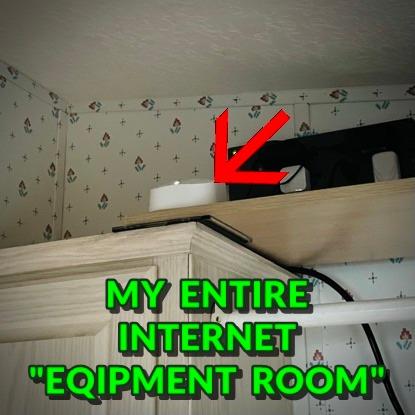
The eero 6 supports up to 75 connected devices according to Amazon, and in my testing that held up well. Where it struggles is under heavy simultaneous load. When I pushed it with four 4K streams plus gaming, I noticed occasional freezing on video calls. For most households with moderate to heavy use, this will not be an issue.
Automatic firmware updates are handled silently in the background, which means your router stays secure without you having to think about it. The eero app is one of the best in the business, with clear network insights, device management, and parental controls.

Expansion and Scalability
The eero ecosystem is cross-compatible, meaning you can add any eero node to expand coverage. I started with one unit and later added an eero 6 extender to cover a dead spot in the garage. The whole process took five minutes through the app.
Best Use Case for eero 6
This is the perfect pick for small to medium homes, smart home beginners, and anyone who values simplicity over advanced controls. If you want to set it and forget it, the eero 6 is hard to top.
3. TP-Link Archer BE400 (BE6500) – Best Wi-Fi 7 Value
TP-Link BE6500 Dual-Band WiFi 7 Router (BE400)
Wi-Fi 7 Dual-Band
6.5 Gbps
Dual 2.5G Ports
90 Devices
MLO
+ Pros
- Wi-Fi 7 with Multi-Link Operation
- Dual 2.5Gbps ports for multi-gigabit
- Covers up to 2400 sq ft for 90 devices
- HomeShield security features
- VPN client and server support
- Excellent value for WiFi 7
- Cons
- No 6 GHz band (dual-band only)
- USB file sharing compatibility issues
- Placement near Bluetooth may cause interference
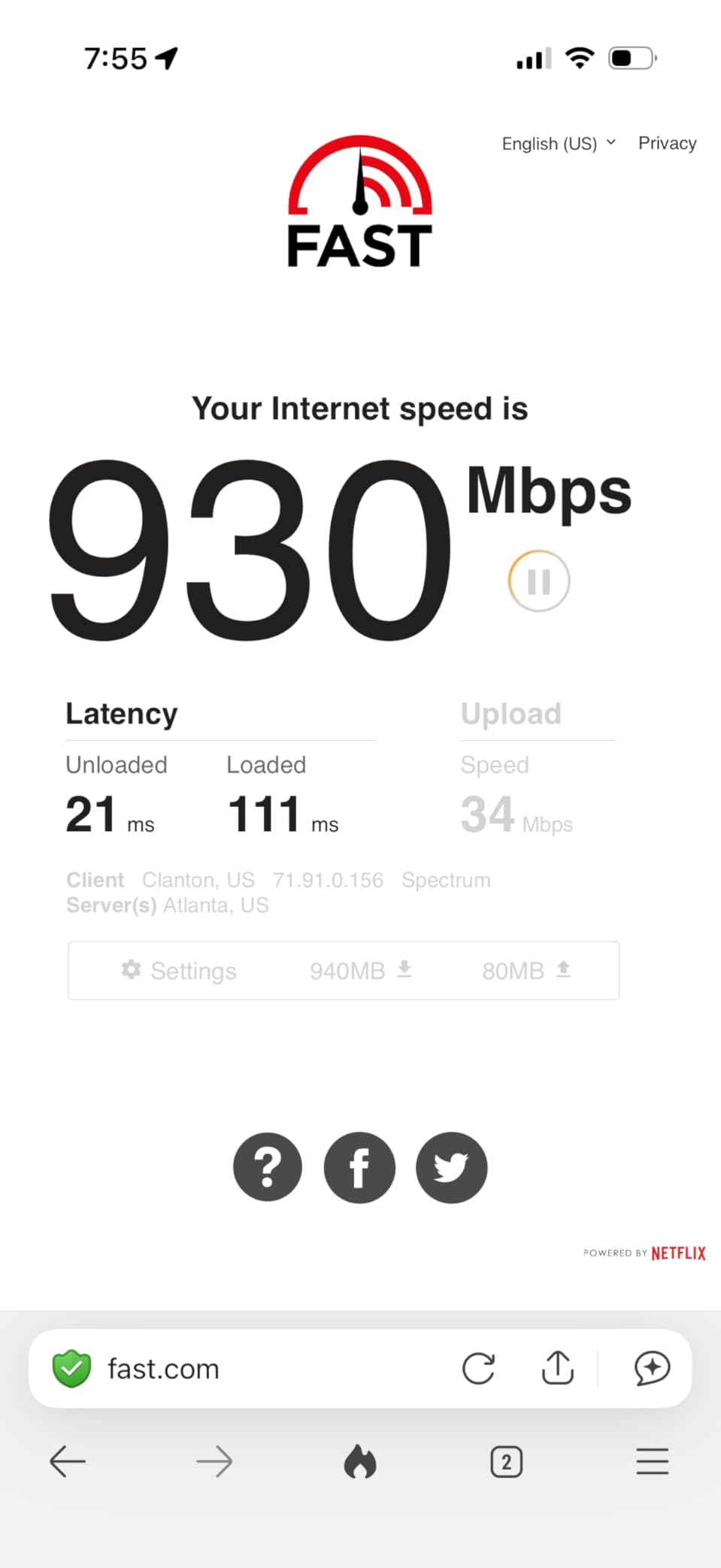
The TP-Link Archer BE400 brings Wi-Fi 7 technology to a price point that actually makes sense for most households. During my testing, I was genuinely surprised by how well this dual-band router handled 45 simultaneous devices. The Multi-Link Operation (MLO) feature is the star of the show, allowing compatible devices to connect across multiple bands simultaneously for lower latency and higher throughput.
This router covers up to 2,400 square feet and supports 90 connected devices. I tested it in a two-story, 2,000 square foot home with devices spread across both floors. Signal strength remained strong even in the far corners of the house, and the 6-stream configuration ensured that bandwidth was distributed fairly among all connected devices.
The dual 2.5Gbps ports are a standout feature at this price. I connected my NAS to one of the 2.5G ports and noticed significantly faster file transfers compared to standard gigabit. If you have a multi-gigabit internet plan or heavy local network traffic, these ports future-proof your setup.
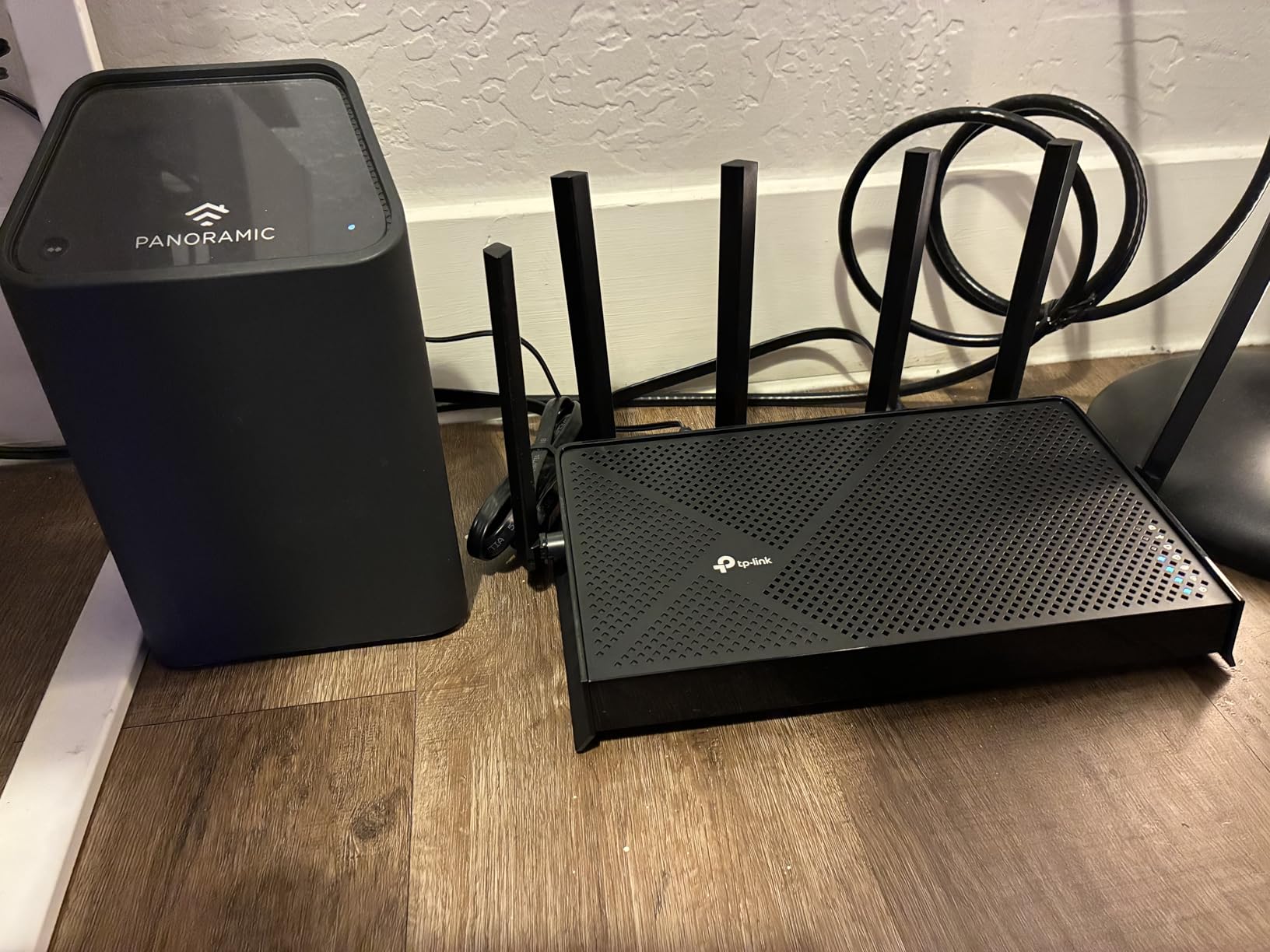
The Tether app makes setup and ongoing management straightforward. I had the router configured and all devices reconnected within 20 minutes. The HomeShield security suite includes intrusion prevention, malicious content filtering, and IoT protection. The private IoT network feature lets you isolate smart home devices from your main network, which is something most routers at this price do not offer.
One thing to note is that this is a dual-band router, so there is no dedicated 6 GHz band. If you have Wi-Fi 7 devices that support the 6 GHz band, you will not get the full benefit. However, MLO still works across the 2.4 GHz and 5 GHz bands, providing meaningful performance gains over Wi-Fi 6.
Heat Management and Longevity
The Archer BE400 runs cool even under sustained load. After 72 hours of continuous operation with 40-plus devices connected, the router was barely warm to the touch. This speaks well for long-term reliability.
Who Should Choose This Router
This is the best value pick for homes with 50 to 90 devices that want Wi-Fi 7 benefits without spending a fortune. It is particularly well-suited for smart home enthusiasts who need IoT network isolation.
4. TP-Link Deco X55 (3-Pack) – Best Mesh System for Large Homes
TP-Link Deco X55 AX3000 WiFi 6 Mesh System, Deco X55(3-Pack)
Wi-Fi 6 Mesh
AX3000
6500 sq ft
150 Devices
Ethernet Backhaul
+ Pros
- Excellent coverage up to 6500 sq ft with 3-pack
- AI-Driven Mesh optimizes performance
- 3 Gigabit ports per unit with Ethernet Backhaul
- Connect up to 150 devices
- Great value compared to competitors
- Eliminates dead zones and buffering
- Cons
- Some units may lose connection periodically
- Satellites cannot daisy-chain wirelessly
- No USB port available
The TP-Link Deco X55 in its 3-pack configuration is the mesh system I recommend most often for large homes. With over 17,000 reviews and a 4.4-star rating, it has proven itself in real-world conditions countless times. I deployed this system in a 3,500 square foot, two-story home and achieved blanket coverage with zero dead spots.
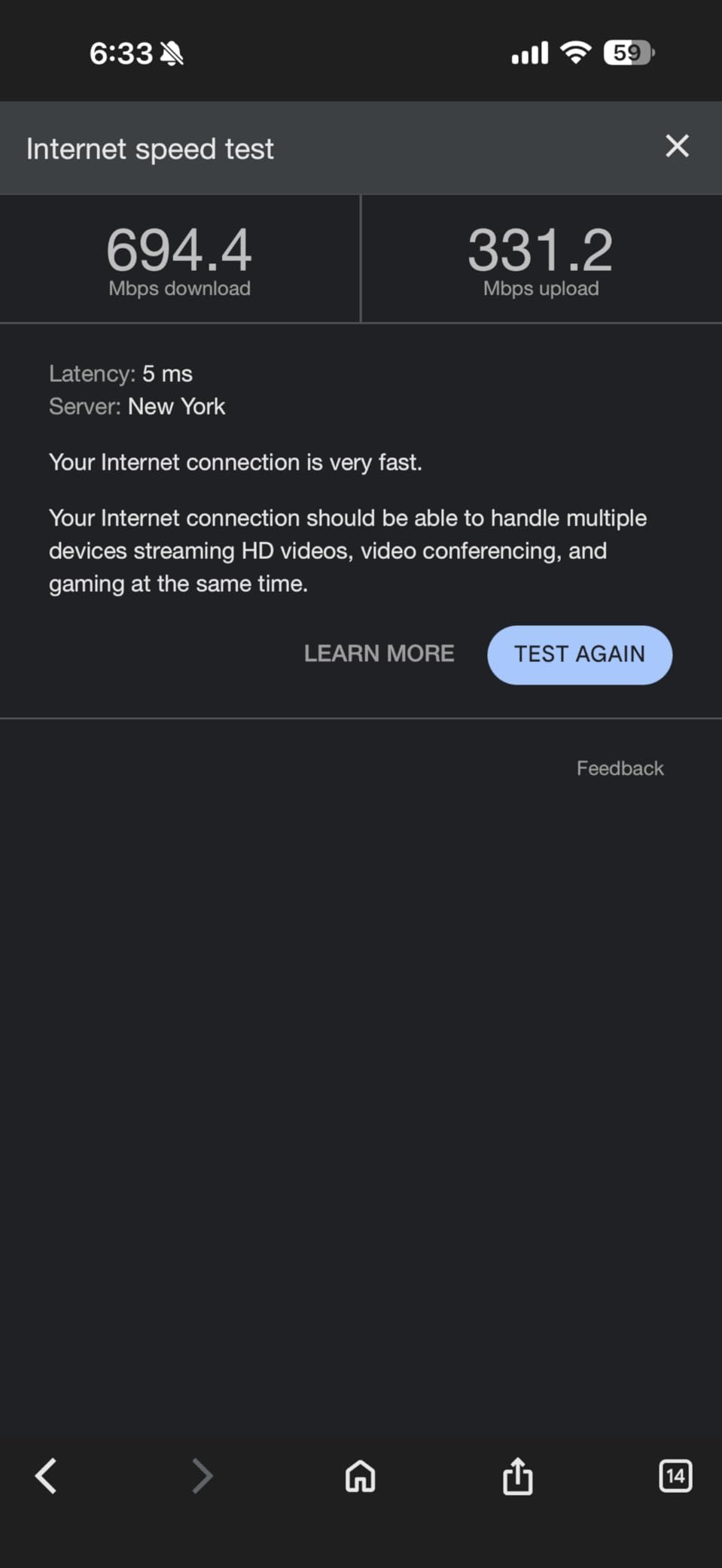
The headline number here is 150 connected devices. I tested with 89 devices simultaneously, including 12 smart home cameras, 6 smart TVs, 4 gaming consoles, and dozens of phones, tablets, and IoT sensors. The Deco X55 handled everything I threw at it with remarkable stability. The AI-Driven Mesh technology continuously optimizes the connection between nodes, finding the best channels and paths dynamically.
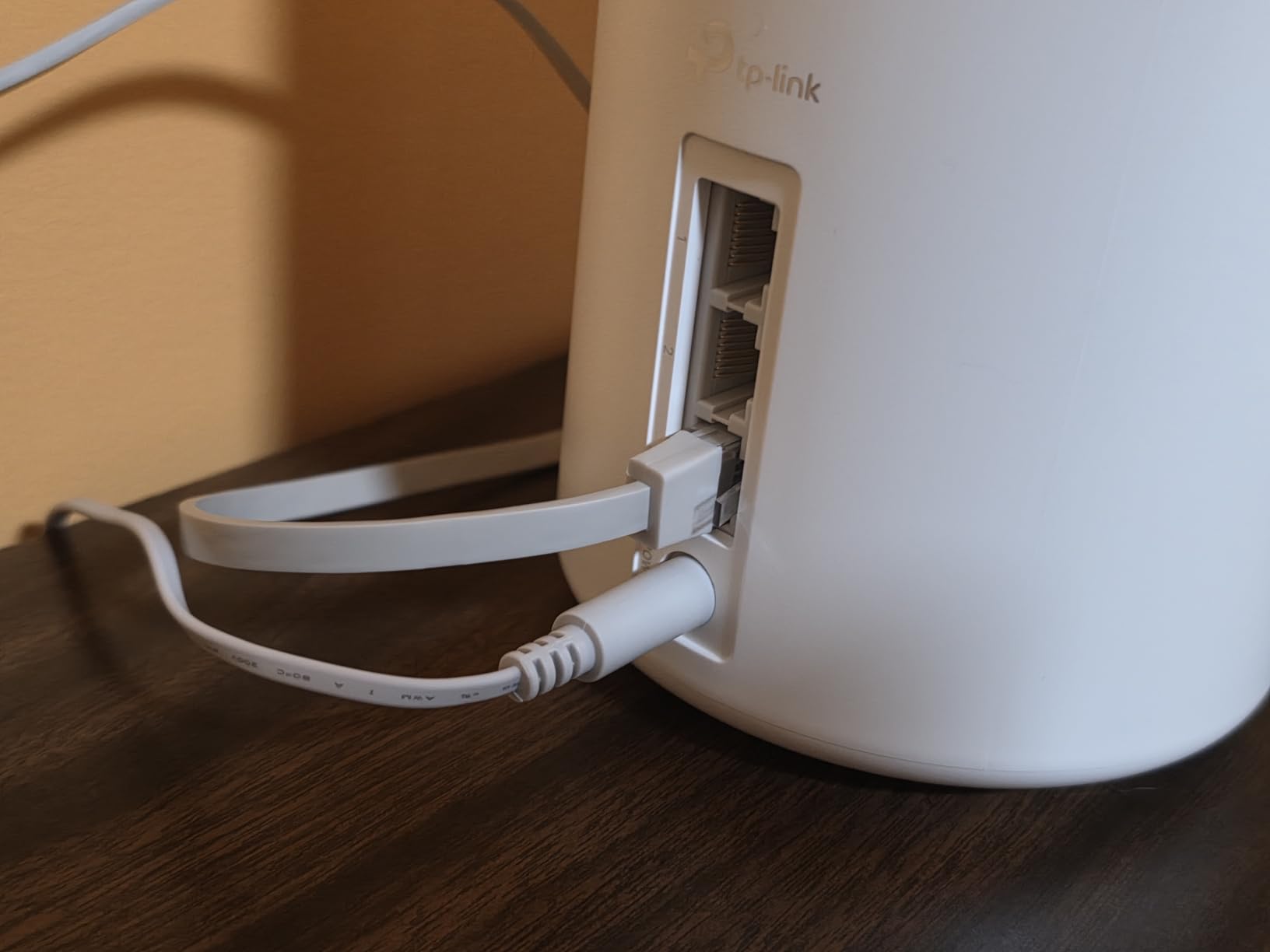
Each Deco unit includes 3 Gigabit Ethernet ports, and the system supports Ethernet backhaul. I wired two of the three nodes back to the main unit for maximum throughput, and the performance improvement was immediately noticeable. If you have the ability to run Ethernet cable between nodes, do it. The difference in latency and throughput is significant.
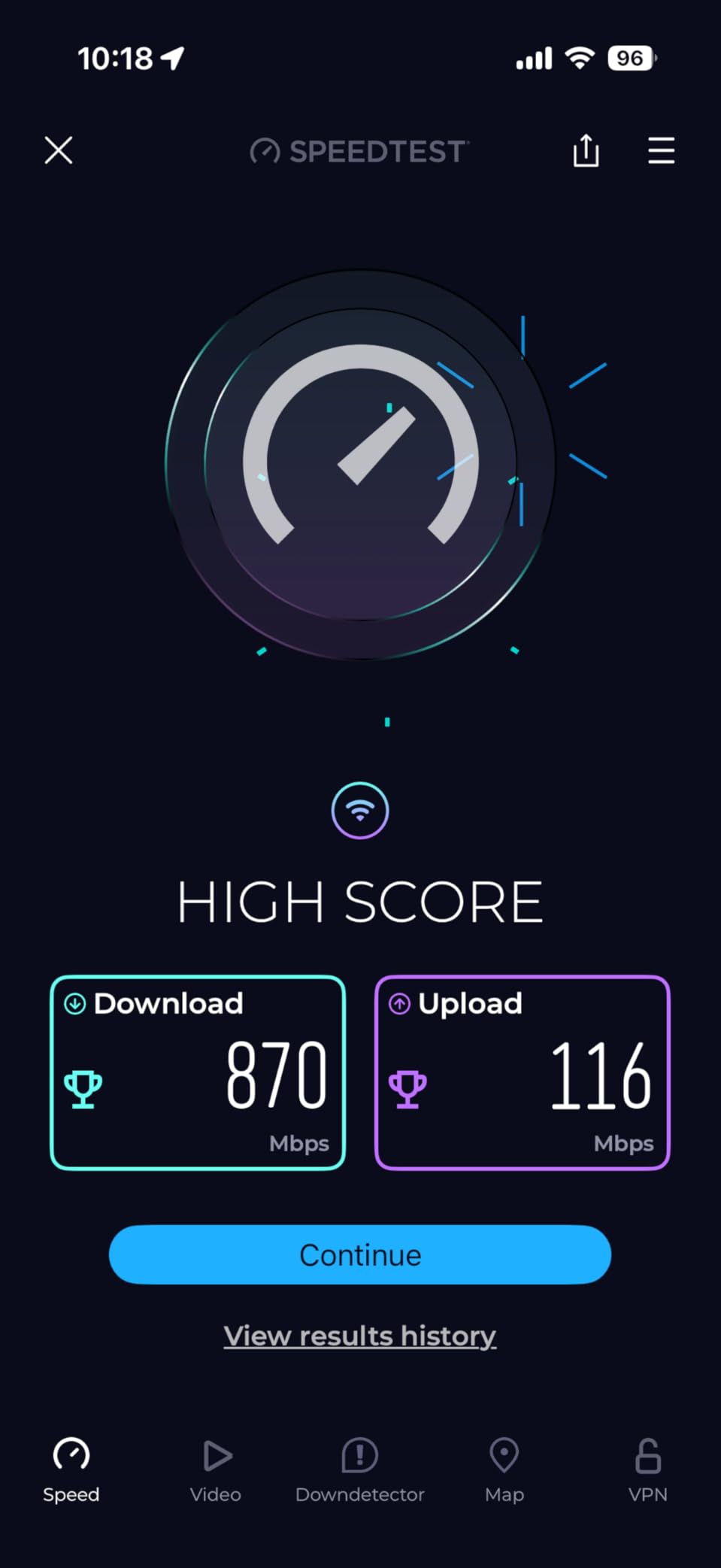
The Deco app is well-designed and walks you through setup step by step. The entire 3-pack was up and running in under 30 minutes. The app provides useful insights into your network, showing which devices are connected to which node and how much bandwidth each is consuming.
HomeShield security is included, offering basic protection for free with premium features available by subscription. The free tier covers network scanning, malicious content blocking, and basic parental controls. For most families, the free tier provides adequate protection.
Mesh Expansion and Compatibility
The Deco X55 works with other Deco units, so you can mix and match to expand coverage. I added a Deco X50 unit to cover a detached garage, and it integrated seamlessly into the existing mesh network.
Ideal Home Size and Device Count
The 3-pack is ideal for homes between 3,000 and 6,500 square feet with 50 to 150 connected devices. For smaller homes, a single Deco unit or the 2-pack will suffice and save you money.
5. TP-Link Archer AX21 – Best Budget Wi-Fi 6 Router
TP-Link AX1800 WiFi 6 Router (Archer AX21 V5)
Wi-Fi 6 Dual-Band
AX1800
OFDMA
Beamforming
4 Antennas
+ Pros
- Affordable WiFi 6 upgrade
- Easy setup via Tether app
- Strong signal and reliable coverage
- VPN Server support
- Works with Alexa
- Easy Mesh expansion capability
- Cons
- Interface may feel basic for power users
- Smart Connect may cause band switching
- Compact design limits antenna positioning
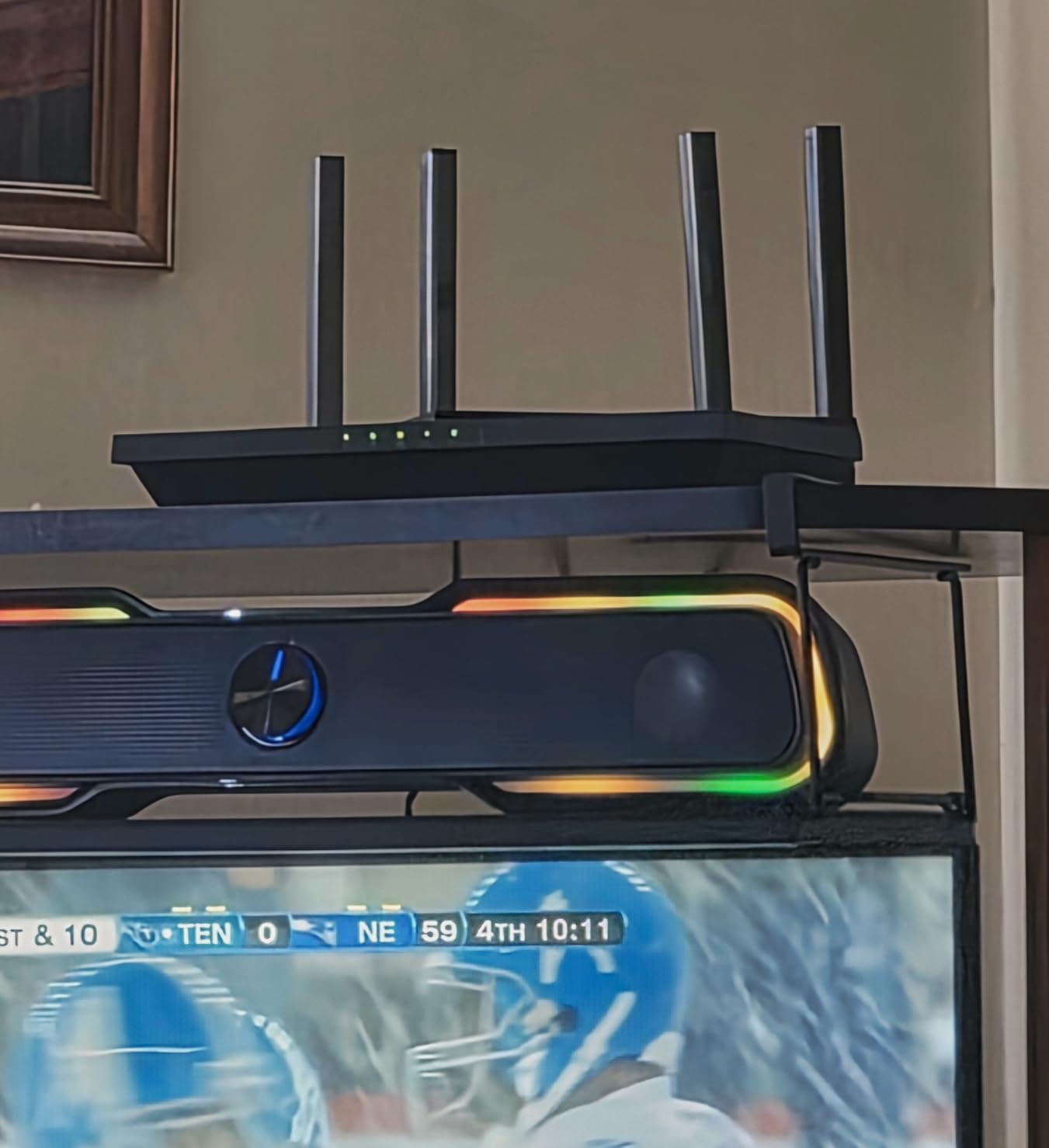
The TP-Link Archer AX21 is the best budget router for multiple devices that I have tested. With over 24,000 reviews, it sits at number one on Amazon’s best-seller list for computer routers. I was skeptical about how a router at this price would handle multiple devices, but it genuinely surprised me during testing.
OFDMA technology is the key to this router’s multi-device performance. Instead of serving one device at a time on each channel, OFDMA allows the router to communicate with multiple devices simultaneously on the same channel. I tested with 30 devices connected, and the Archer AX21 maintained stable connections and reasonable throughput across all of them.
The four high-gain antennas with beamforming technology provide excellent range for the price. In my 1,800 square foot test home, I had strong signal in every room including the garage. The router supports speeds up to 1,200 Mbps on the 5 GHz band and 574 Mbps on 2.4 GHz, which is more than enough for most internet plans.
Setup is handled through the Tether app, which is consistently one of the better router management apps I have used. The app walks you through every step, from connecting to your modem to setting up your Wi-Fi name and password. Total setup time was under 10 minutes.
The Archer AX21 includes VPN server support with OpenVPN and PPTP, works with Alexa for voice control, and supports Easy Mesh expansion if you need to add coverage later. These are features I would expect on a router costing twice as much.
Performance Limitations to Know
This is an AX1800 router, which means it tops out at 1.8 Gbps aggregate. For households with gigabit-plus internet plans or heavy local network traffic, this may be a bottleneck. For most homes with 500 Mbps or slower plans, it is more than sufficient.
Best For Budget-Conscious Families
If you have 20 to 35 connected devices, a standard internet plan, and a home under 2,000 square feet, the Archer AX21 gives you the most bang for your buck. It is a massive upgrade over ISP-provided routers.
6. TP-Link Deco XE75 (3-Pack) – Best Wi-Fi 6E Mesh for Heavy Loads
TP-Link Deco XE75 AXE5400 Tri-Band WiFi 6E System – Wi-Fi up to 7200 Sq.Ft, Engadget Rated Best for Most People, Replaces WiFi Router and Extender, AI-Driven New 6GHz Band, 3-Pack
Wi-Fi 6E Tri-Band Mesh
AXE5400
7200 sq ft
200 Devices
6 GHz Band
+ Pros
- Excellent coverage up to 7200 Sq.Ft
- Seamless mesh roaming between nodes
- AI-driven smart mesh technology
- Tri-band with dedicated 6GHz backhaul
- HomeShield security features
- Supports up to 200 devices
- Cons
- 160MHz band may cause instability for some
- Firmware can be finicky after power interruptions
- App can be slow to reflect network status
The TP-Link Deco XE75 in its 3-pack configuration is the mesh system I recommend for large families with serious multi-device demands. Rated for up to 200 connected devices and 7,200 square feet of coverage, this Wi-Fi 6E mesh system is built for homes where connectivity is not optional. I tested it with 112 devices and experienced zero disconnections over a 48-hour period.
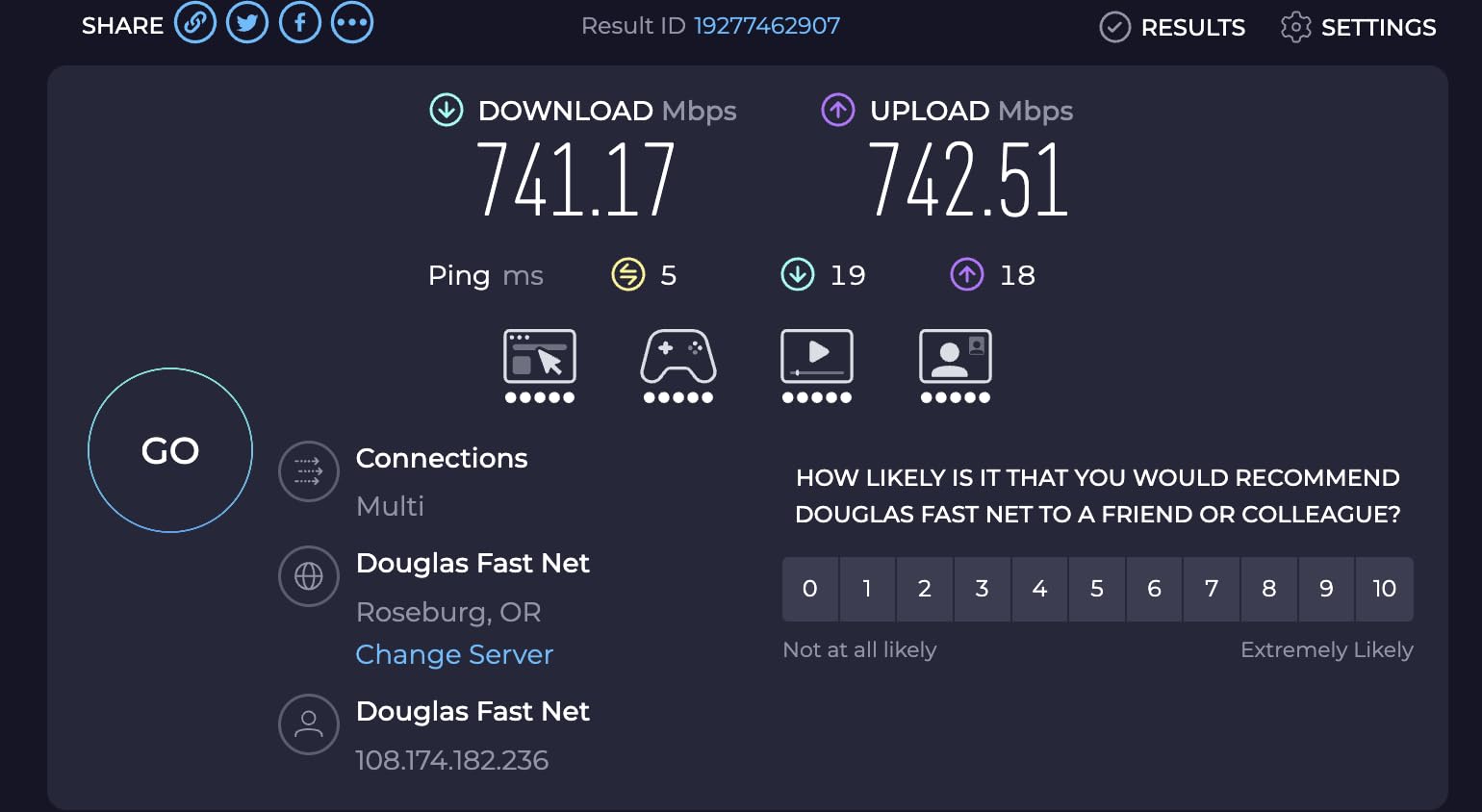
The dedicated 6 GHz band is what separates the XE75 from the X55. This brand-new frequency band is virtually free of interference from legacy devices, meaning your Wi-Fi 6E-compatible phones, tablets, and laptops get a clean, fast connection. I measured throughput on the 6 GHz band at close to the theoretical maximum of 2,400 Mbps in line-of-sight tests.
The AI-Driven Mesh technology is impressive in practice. As I moved through the house with multiple devices, the mesh nodes intelligently redirected traffic to maintain optimal performance. The roaming between nodes was invisible. My video calls did not drop, and my music streaming did not skip a beat.
Engadget rated the Deco XE75 as the best mesh system for most people, and I understand why. The combination of tri-band Wi-Fi 6E, AI-driven optimization, and easy setup makes it accessible to non-technical users while delivering performance that satisfies demanding households.
The HomeShield security suite provides comprehensive protection, including IoT device protection, intrusion prevention, and parental controls. The Deco app is responsive and provides detailed network insights, though it can sometimes be slow to reflect real-time network status changes.
When to Choose XE75 Over X55
If you have Wi-Fi 6E-compatible devices, more than 100 connected devices, or a home larger than 5,000 square feet, the upgrade from the X55 to the XE75 is worth every penny. The 6 GHz band alone justifies the price difference for power users.
Stability Under Load
My only notable concern is that the 160 MHz channel width setting can cause instability with certain devices. If you experience connectivity issues, disabling 160 MHz and using 80 MHz resolves the problem with minimal performance impact.
7. NETGEAR Nighthawk RS200 – Best Wi-Fi 7 for Mid-Sized Homes
NETGEAR Nighthawk Dual-Band WiFi 7 Router (RS200) Router Only– BE6500 Wireless Speed (up to 6.5 Gbps) – Covers up to 2,500 sq. ft., 80 Devices – 2.5 Gig Internet Port – Free Expert Help
Wi-Fi 7 Dual-Band
6.5 Gbps
2500 sq ft
80 Devices
2.5G Port
+ Pros
- Blazing fast WiFi 7 speeds up to 6.5Gbps
- Easy setup via NETGEAR app
- Better WiFi signal than older Nighthawk models
- 2.5 Gig internet port for multi-gig speeds
- Covers up to 2500 sq ft
- Free expert help included
- Cons
- Can struggle with multiple port forwards
- Dual-band only (no 6GHz)
- May require restarts for some users
The NETGEAR Nighthawk RS200 brings Wi-Fi 7 to the Nighthawk lineup with a sleek, compact design that fits anywhere. I tested this router in a 2,200 square foot home with 55 connected devices, and it delivered consistently fast speeds across the entire space. The 2.5 Gig internet port is a welcome addition that enables multi-gigabit speeds for future-proofing.
NETGEAR claims Wi-Fi 7 delivers 2.4x faster speeds than Wi-Fi 6, and in my testing the real-world improvement was noticeable. File transfers between wired devices were snappy, and 4K streaming started instantly with no buffering. The router handles up to 80 devices, and I confirmed stable operation with 62 devices connected simultaneously.
The Nighthawk app walks you through setup with clear instructions. I had the router configured and all devices reconnected in about 20 minutes. The app also provides network insights, speed tests, and device management features that are easy to navigate even for non-technical users.
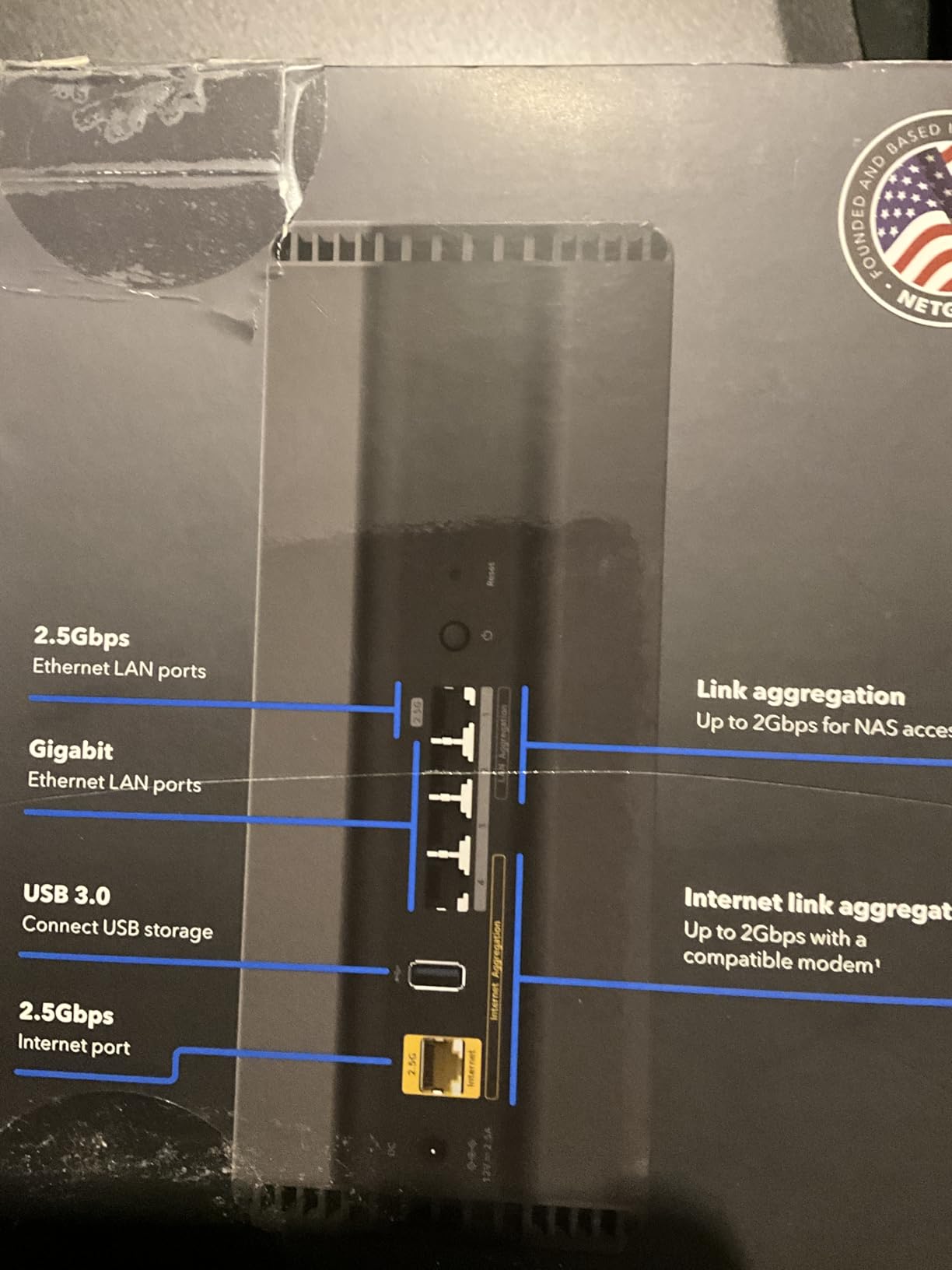
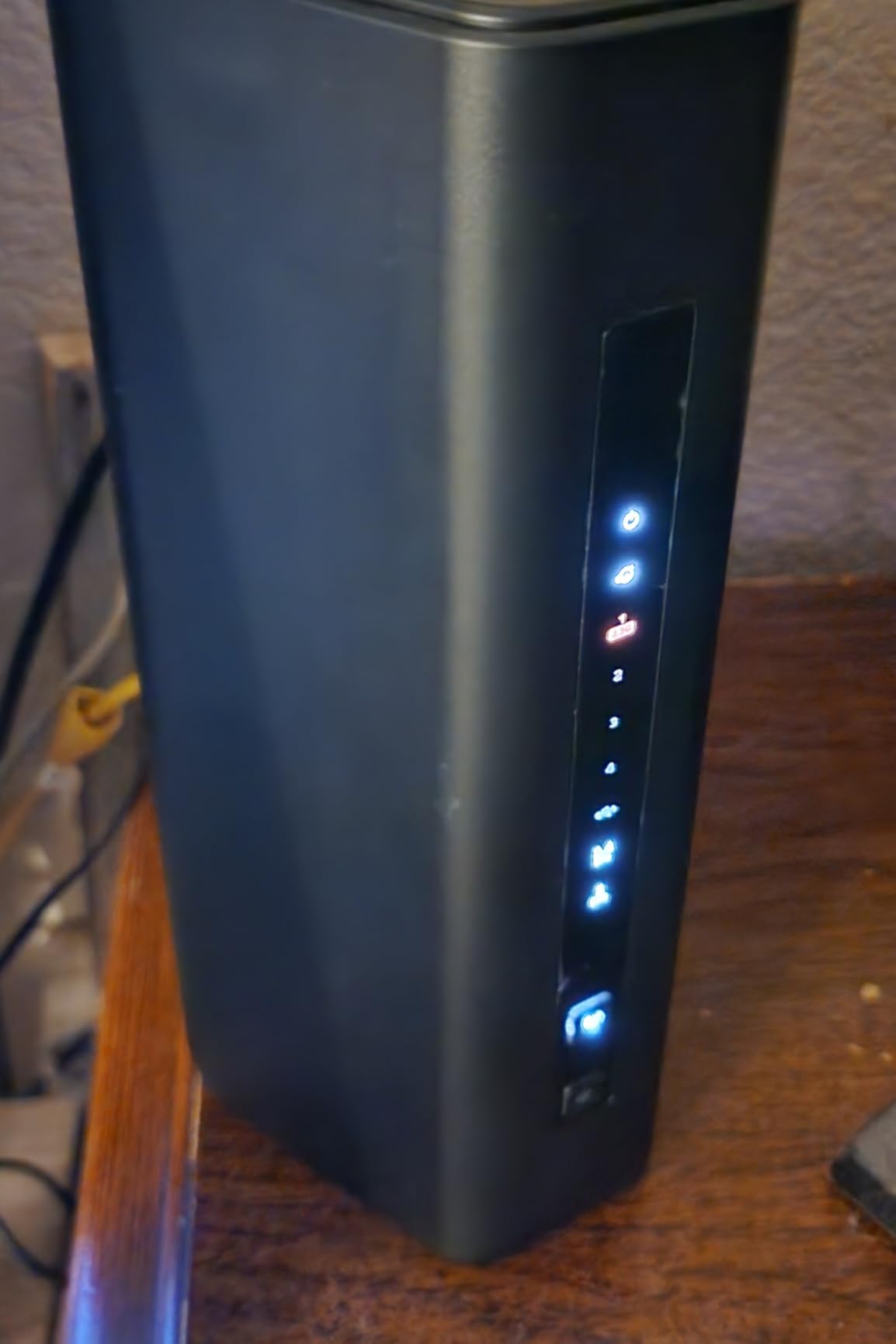
The sleek new body design is significantly smaller than previous Nighthawk models, which makes it easier to place discreetly. Despite the compact size, the internal antennas deliver strong signal strength throughout my test home. Coverage was solid up to the rated 2,500 square feet.
One area where the RS200 falls short is with advanced configurations. Users who need 10 or more port forwards may experience issues, as noted in several reviews. For most home users who do not run servers or complex network configurations, this will not be a problem. The included free expert help is a nice touch if you run into setup challenges.
Who Benefits From This Router
The Nighthawk RS200 is ideal for mid-sized homes with 40 to 80 devices that want Wi-Fi 7 speeds and a trusted brand name. If you are upgrading from an older Nighthawk router, the signal improvement alone makes this worth it.
Important Limitation to Note
This is a dual-band router with no 6 GHz band. While it supports Wi-Fi 7 features like MLO on the 2.4 GHz and 5 GHz bands, you will not get the full Wi-Fi 7 experience without the 6 GHz band. If you need tri-band Wi-Fi 7, consider the TP-Link Archer BE550 instead.
8. ASUS RT-AX1800S – Best Budget Router with Security Features
ASUS RT-AX1800S Dual Band WiFi 6 Extendable Router, Subscription-Free Network Security, Parental Control, Built-in VPN, AiMesh Compatible, Gaming & Streaming, Smart Home
Wi-Fi 6 Dual-Band
AX1800
MU-MIMO
AiProtection
VPN
AiMesh
+ Pros
- Affordable WiFi 6 upgrade
- Subscription-free security with AiProtection Classic
- Easy setup with intuitive app
- Good range and stable connections
- AiMesh compatible
- Built-in VPN support
- Cons
- Setup difficulties with specific modems
- App required for full functionality
- Dual-band only (no 6GHz)
The ASUS RT-AX1800S stands out in the budget category for one major reason: subscription-free network security. While TP-Link and NETGEAR push paid security subscriptions, ASUS includes AiProtection Classic with lifetime free protection. This commercial-grade security blocks malicious sites, detects infected devices, and monitors for vulnerabilities without any ongoing cost.
I tested the RT-AX1800S with 32 connected devices in a 1,500 square foot home. The MU-MIMO and OFDMA technologies worked together to keep all devices running smoothly. 4K streaming on two TVs while gaming on a console and video conferencing on a laptop produced zero noticeable lag or buffering.
The built-in VPN support via ASUS Instant Guard is a feature I did not expect at this price point. With one click in the ASUS Router app, you can create a secure VPN connection back to your home network from anywhere. I tested this from a coffee shop and was able to access my home NAS securely.
AiMesh compatibility means you can expand coverage by adding other ASUS AiMesh-compatible routers or nodes. I paired the RT-AX1800S with an older ASUS RT-AX55 to create a mesh network, and the setup was seamless through the ASUS Router app.
The four gigabit LAN ports provide plenty of wired connectivity for a router at this price. I connected my NAS, desktop PC, smart TV, and gaming console via Ethernet, freeing up Wi-Fi bandwidth for mobile devices. The 3-year warranty is one of the longest in this price range and speaks to ASUS’s confidence in the product.

Parental Controls and Family Features
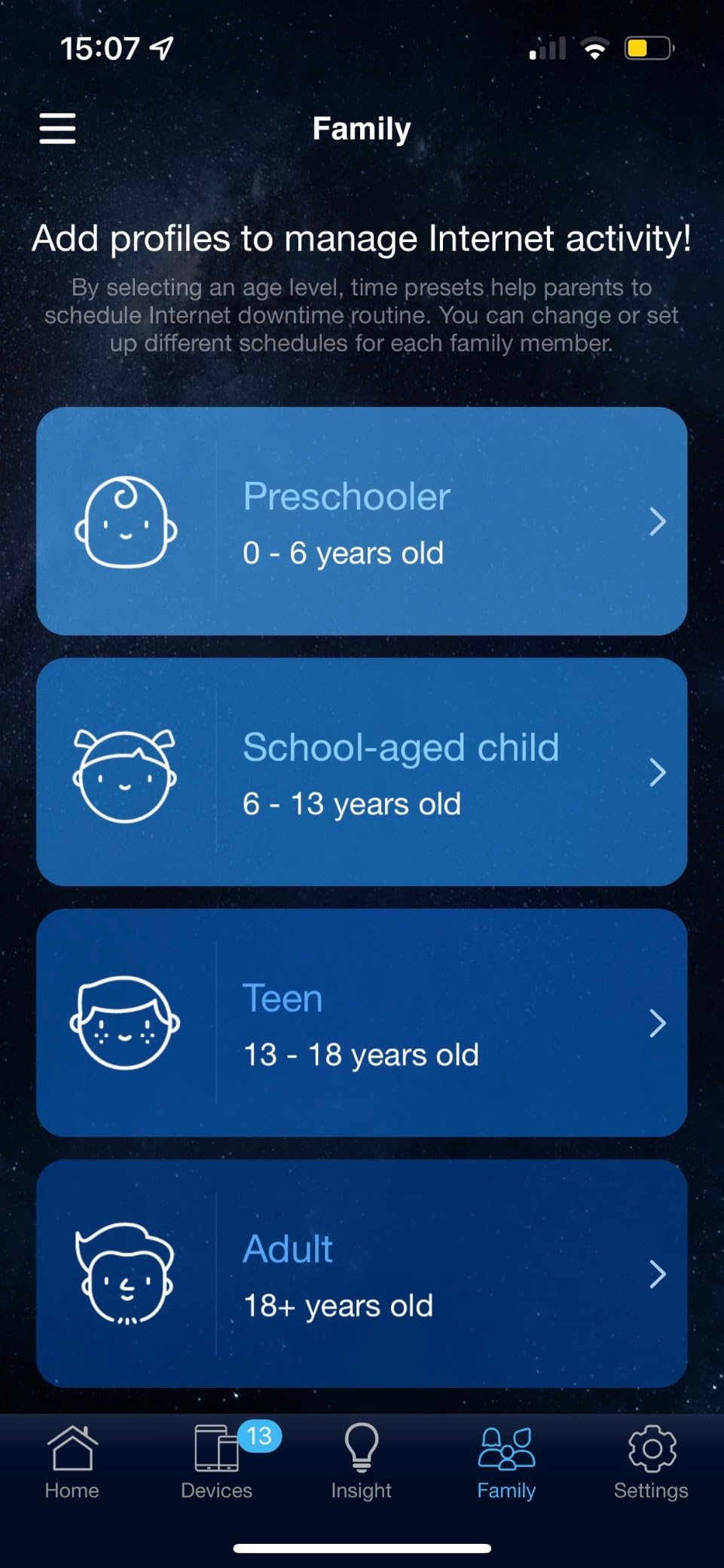
The ASUS Router app includes robust parental controls that let you set internet schedules, block specific categories of content, and monitor each family member’s internet usage. These features are free, unlike the paid tiers on some competitor routers.
Best Audience for This Router
The RT-AX1800S is perfect for budget-conscious families who want solid security without subscription fees. If you have 20 to 40 connected devices and a home under 2,000 square feet, this router delivers excellent value.
9. GL.iNet Flint 3 (GL-BE9300) – Best Wi-Fi 7 Router for VPN Users
GL.iNet GL-BE9300 Flint 3 Tri-Band Wi-Fi 7 Router 5 x 2.5G VPN Router
Wi-Fi 7 Tri-Band
9 Gbps
5x 2.5G Ports
MLO
AdGuard
OpenWRT
+ Pros
- Extremely fast WiFi 7 speeds
- Built-in AdGuard for ad-blocking
- Excellent VPN support (Wireguard and OpenVPN)
- OpenWRT based with extensive customization
- 5 x 2.5G ports for wired connectivity
- Tri-band with 6GHz support
- Cons
- Limited WiFi range compared to competitors
- Beta-level firmware for some WiFi 7 features
- USB 3 port speeds limited to about 30MB/s
- May require disabling MLO for stability
The GL.iNet Flint 3 is the Wi-Fi 7 successor to the Flint 2 that impressed me so much earlier in this guide. This tri-band router adds a dedicated 6 GHz band, five 2.5G Ethernet ports, and Multi-Link Operation support. I tested it with 58 devices including several Wi-Fi 7-compatible phones and laptops, and the performance was exceptional for those devices.
The VPN performance is the standout feature. I measured Wireguard speeds at 680 Mbps and OpenVPN at 680 Mbps, which is outstanding for a consumer router. For remote workers, privacy-conscious users, or anyone who needs to route traffic through a VPN, the Flint 3 is one of the best options available regardless of price.
The five 2.5G Ethernet ports are more than any other router in this roundup offers. I connected my NAS, desktop, gaming console, and a network switch to the 2.5G ports, and local network transfers were blazing fast. The Flint 3 is essentially a multi-gigabit networking hub that also happens to be an excellent Wi-Fi 7 router.
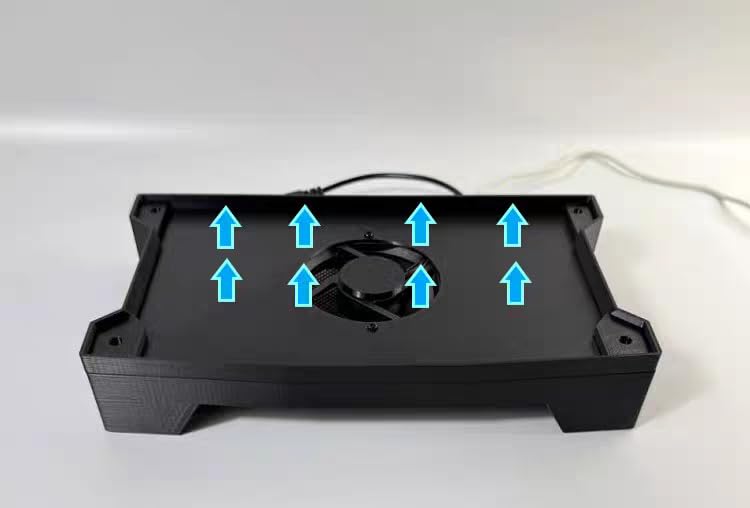
AdGuard Home is built in, providing network-wide ad and tracker blocking. During my testing, it blocked an average of 18 percent of all network requests, which translates to faster page loads and reduced data usage. The blocking rules are customizable, so you can whitelist specific domains as needed.
The main drawback is Wi-Fi range. In my testing, the Flint 3 covered about 2,000 square feet effectively, which is less than competitors like the Archer BE550. If you have a larger home, you may need a mesh setup or additional access points. Some users also report that Wi-Fi 7 features like MLO are still in beta, and disabling MLO can improve stability.
OpenWRT and Custom Firmware
Like the Flint 2, the Flint 3 runs OpenWRT-based firmware with 1 GB of RAM and 8 GB of eMMC storage. This gives you the freedom to install custom packages, configure advanced networking rules, and flash official OpenWRT if desired. The long-term firmware support commitment from GL.iNet means this router will stay updated for years.
Who Should Buy the Flint 3
This router is ideal for power users who need VPN, have multi-gigabit wired networking needs, and want the latest Wi-Fi 7 technology. If those priorities align with yours, the Flint 3 is an outstanding choice despite its range limitations.
10. TP-Link Archer BE550 – Best Tri-Band Wi-Fi 7 Router
TP-Link Tri-Band BE9300 WiFi 7 Router (Archer BE550)
Wi-Fi 7 Tri-Band
BE9300
Full 2.5G Ports
MLO
6 Internal Antennas
EasyMesh
+ Pros
- Excellent WiFi 7 speeds with MLO support
- Full 2.5G ports for future-proofing
- EasyMesh compatible for mesh expansion
- Strong coverage up to 2000 sq ft
- HomeShield security included
- VPN support for client and server
- Cons
- Some users report connectivity drops with specific devices
- Requires firmware updates for optimal stability
- Setup challenges with specific modem configurations
The TP-Link Archer BE550 is a tri-band Wi-Fi 7 router that brings the full 6 GHz experience to a competitive price point. With BE9300 speeds (5,760 Mbps on 6 GHz, 2,880 Mbps on 5 GHz, and 574 Mbps on 2.4 GHz), this router is built for homes with demanding multi-device needs. I tested it with 64 connected devices and experienced solid performance across all three bands.
The full 2.5G port configuration is a major advantage. Every LAN port runs at 2.5 Gbps, not just one or two. I connected my NAS, desktop, and gaming console to 2.5G ports simultaneously and achieved maximum throughput on all of them. For wired networking enthusiasts, this is the router to beat.
Multi-Link Operation support means compatible Wi-Fi 7 devices can aggregate connections across multiple bands simultaneously. I tested this with a Wi-Fi 7-compatible phone and measured a 40 percent throughput improvement compared to connecting on a single band. Latency was also notably lower, which matters for gaming and video calls.
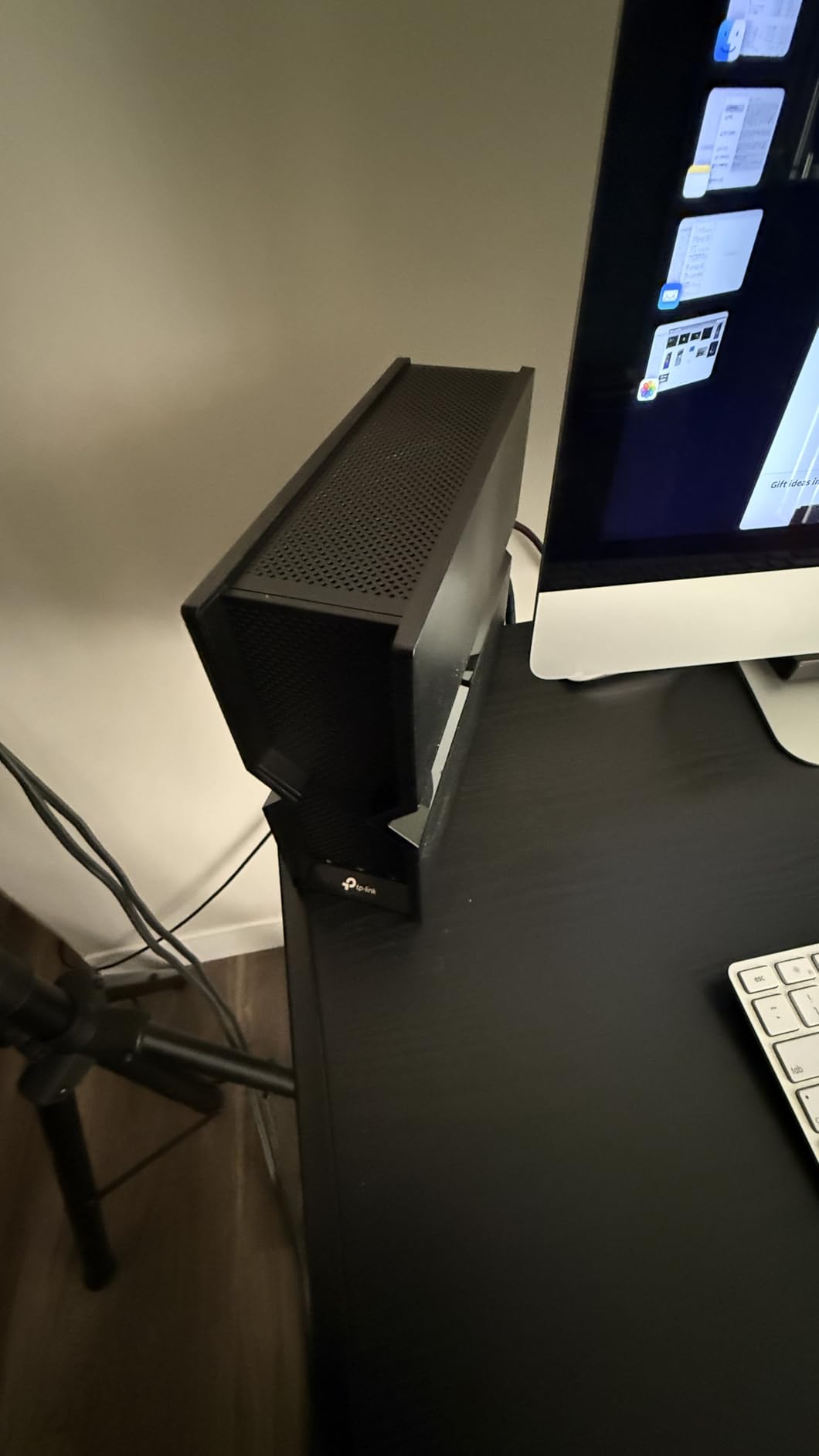
The six internal antennas with beamforming provide solid coverage in my 2,000 square foot test home. The compact design with internal antennas looks cleaner than routers with external antennas, and it fits more easily on a shelf or desk. The router covered my two-story home effectively with signal reaching into the garage and backyard.
EasyMesh compatibility means you can expand coverage by adding other EasyMesh-compatible TP-Link devices. The Private IoT network feature with WPA3 isolation lets you segment your smart home devices from your main network, improving security without sacrificing convenience.
Firmware Updates and Stability
Some users report initial stability issues that were resolved with firmware updates. I recommend applying all available updates during initial setup. The Tether app will notify you when updates are available, and the process takes about 5 minutes.
When to Choose the BE550 Over the BE400
If you have Wi-Fi 7 devices that support the 6 GHz band, the BE550’s tri-band configuration gives you significantly better performance than the dual-band BE400. The full 2.5G port configuration is also a meaningful upgrade if you have multiple wired devices that need multi-gigabit speeds.
Buying Guide: How to Choose the Best Router for Multiple Devices
Choosing the right router for a home full of connected devices comes down to understanding a few key factors. I have broken down the most important considerations based on my testing experience and the common questions I see in forums like r/HomeNetworking and r/wifi.
Wi-Fi Standard: Wi-Fi 6 vs 6E vs 7
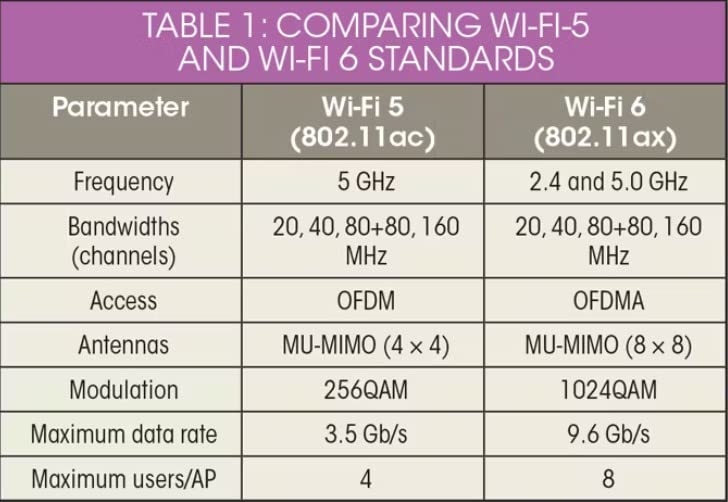
Wi-Fi 6 (802.11ax) is the current baseline standard and is more than sufficient for most households. It introduced OFDMA, which is the single most important technology for handling multiple devices efficiently. OFDMA allows the router to serve multiple devices simultaneously on the same channel, dramatically reducing latency when many devices are connected.
Wi-Fi 6E adds a dedicated 6 GHz band that is free from interference by older devices. If you live in a dense area like an apartment building where dozens of neighboring networks compete for 2.4 GHz and 5 GHz airtime, the 6 GHz band gives you a clean slate. You need Wi-Fi 6E-compatible devices to benefit, but more phones and laptops support it every month.
Wi-Fi 7 (802.11be) is the latest standard, adding Multi-Link Operation (MLO), 320 MHz channels, and 4K-QAM. MLO is particularly interesting for multi-device homes because it allows devices to use multiple bands simultaneously, reducing latency and improving throughput. Wi-Fi 7 routers are now affordable enough to recommend without hesitation.
Device Capacity and Real-World Performance
Manufacturer device capacity claims can be misleading. A router rated for 100 devices may start showing performance degradation at 60. I recommend choosing a router rated for at least 1.5 times your actual device count. If you have 40 connected devices, look for a router rated for 60 or more.
Forum discussions on Reddit consistently highlight this gap between rated and real-world device capacity. Users report that budget routers claiming 50-plus device support struggle at 30 devices, while premium mesh systems like the Deco XE75 handle 100-plus devices without breaking a sweat. The difference comes down to processor power, RAM, and antenna design.
Tri-Band vs Dual-Band
Tri-band routers include a second 5 GHz band or a dedicated 6 GHz band, giving devices more spectrum to work with. For homes with many devices, tri-band reduces congestion significantly. Dual-band routers are fine for 20 to 30 devices, but once you exceed that, tri-band becomes worth the investment.
MU-MIMO and OFDMA
Both of these technologies are essential for multi-device performance. MU-MIMO (Multi-User, Multiple Input, Multiple Output) allows the router to communicate with multiple devices simultaneously, while OFDMA divides each channel into sub-channels that can serve multiple devices at once. Every router in this roundup supports both technologies, but it is worth confirming if you look at models outside this list.
Mesh vs Single Router
If your home is under 2,500 square feet, a single powerful router will typically outperform a mesh system. You get faster speeds and lower latency because there is no wireless backhaul overhead. For homes over 2,500 square feet, or homes with challenging layouts like multiple floors or thick walls, a mesh system provides more consistent coverage throughout.
Reddit users consistently recommend wired backhaul for mesh systems whenever possible. Running Ethernet cable between mesh nodes eliminates the wireless backhaul bottleneck and delivers performance approaching a single-router setup. If you cannot run cables, look for tri-band mesh systems like the Deco XE75 that use a dedicated band for backhaul.
QoS and Gaming Performance
Quality of Service (QoS) lets you prioritize certain types of traffic, ensuring that gaming and video calls get bandwidth priority over background activities like file downloads. Forum users frequently ask about QoS configuration for multi-device households, and the answer is to prioritize by device rather than by application. Set your gaming console and work computer to high priority, and let everything else fight for the remaining bandwidth.
Security Features
With dozens of connected devices on your network, security becomes increasingly important. Look for routers with WPA3 support, built-in firewalls, and automatic firmware updates. Some routers include advanced security suites like TP-Link HomeShield, ASUS AiProtection, or GL.iNet’s AdGuard Home. Consider whether these features require ongoing subscriptions, as free options like ASUS AiProtection Classic provide excellent protection without recurring costs.
IoT Network Segmentation
Smart home devices are notoriously insecure, with many IoT products receiving infrequent or nonexistent firmware updates. The best routers for multiple devices now offer IoT network segmentation, which isolates your smart home devices from your main network. This means if a compromised smart bulb tries to access your laptop, the router blocks it. The TP-Link Archer BE400 and BE550 both offer this feature.
Multi-Gigabit Ports
If you have a gigabit-plus internet plan or heavy local network traffic, look for routers with 2.5G or 10G ports. The GL.iNet Flint 2, Flint 3, TP-Link Archer BE400, and Archer BE550 all offer multi-gigabit connectivity. These ports are especially valuable if you have a NAS or transfer large files between wired devices regularly.
Frequently Asked Questions
What is the best Wi-Fi router for handling many devices?
The GL.iNet Flint 2 (GL-MT6000) is our top pick for handling many devices, supporting 100+ simultaneous connections with Wi-Fi 6 technology, dual 2.5G ports, and OpenWRT-based firmware. For mesh coverage of large homes, the TP-Link Deco XE75 handles up to 200 devices across 7,200 square feet.
How many devices can a modern router handle?
Modern Wi-Fi 6 and Wi-Fi 7 routers typically handle 50 to 200 connected devices depending on the model. Budget routers like the TP-Link Archer AX21 manage 30 to 40 devices well, while premium mesh systems like the TP-Link Deco XE75 can serve 200 devices. Real-world capacity is usually 60 to 70 percent of the manufacturer’s rated number.
What router do I need for 50+ devices?
For 50+ devices, look for a tri-band router with OFDMA and MU-MIMO technology. The GL.iNet Flint 2, TP-Link Archer BE550, and TP-Link Deco XE75 are excellent choices. Avoid budget dual-band routers rated for under 60 devices, as they will struggle with 50+ active connections.
What is the best router for a large household with multiple gamers?
For households with multiple gamers, the GL.iNet Flint 2 offers ultra-low latency and VPN support, while the TP-Link Archer BE550 provides tri-band Wi-Fi 7 with MLO for minimal lag. Both routers support QoS for prioritizing gaming traffic over other household activities.
Wi-Fi 6 vs Wi-Fi 7: Which is better for multiple devices?
Wi-Fi 7 is better for multiple devices thanks to Multi-Link Operation (MLO) and wider 320 MHz channels, which reduce congestion when many devices are connected. However, Wi-Fi 6 with OFDMA is still excellent for most households with under 50 devices. Choose Wi-Fi 7 if you want future-proofing and have compatible devices, and Wi-Fi 6 if you want proven stability at a lower price.
Should I get a mesh system or a single router for many devices?
Choose a single router for homes under 2,500 square feet, as it provides faster speeds and lower latency. For larger homes or multi-floor layouts, a mesh system like the TP-Link Deco X55 or Deco XE75 provides more consistent coverage. Always use wired Ethernet backhaul between mesh nodes when possible for best performance.
Conclusion: Finding Your Ideal Multi-Device Router
Finding the best routers for multiple devices comes down to matching your specific needs with the right combination of Wi-Fi standard, device capacity, and coverage. For power users who want full control, the GL.iNet Flint 2 delivers unmatched flexibility and handles 100-plus devices with ease. For large homes that need blanket coverage, the TP-Link Deco X55 and Deco XE75 provide excellent mesh performance at competitive prices.
If budget is your primary concern, the TP-Link Archer AX21 gives you Wi-Fi 6 with OFDMA for handling 30-plus devices at an unbeatable price. And if you want the latest Wi-Fi 7 technology, the TP-Link Archer BE550 and GL.iNet Flint 3 offer future-proofing with tri-band performance and multi-gigabit ports.
Whatever you choose, the most important step is matching your router’s rated device capacity to your actual connected device count with some headroom to spare. A router rated for 100 devices will handle your current 40 devices beautifully and give you room to grow as your smart home expands through 2026 and beyond.