
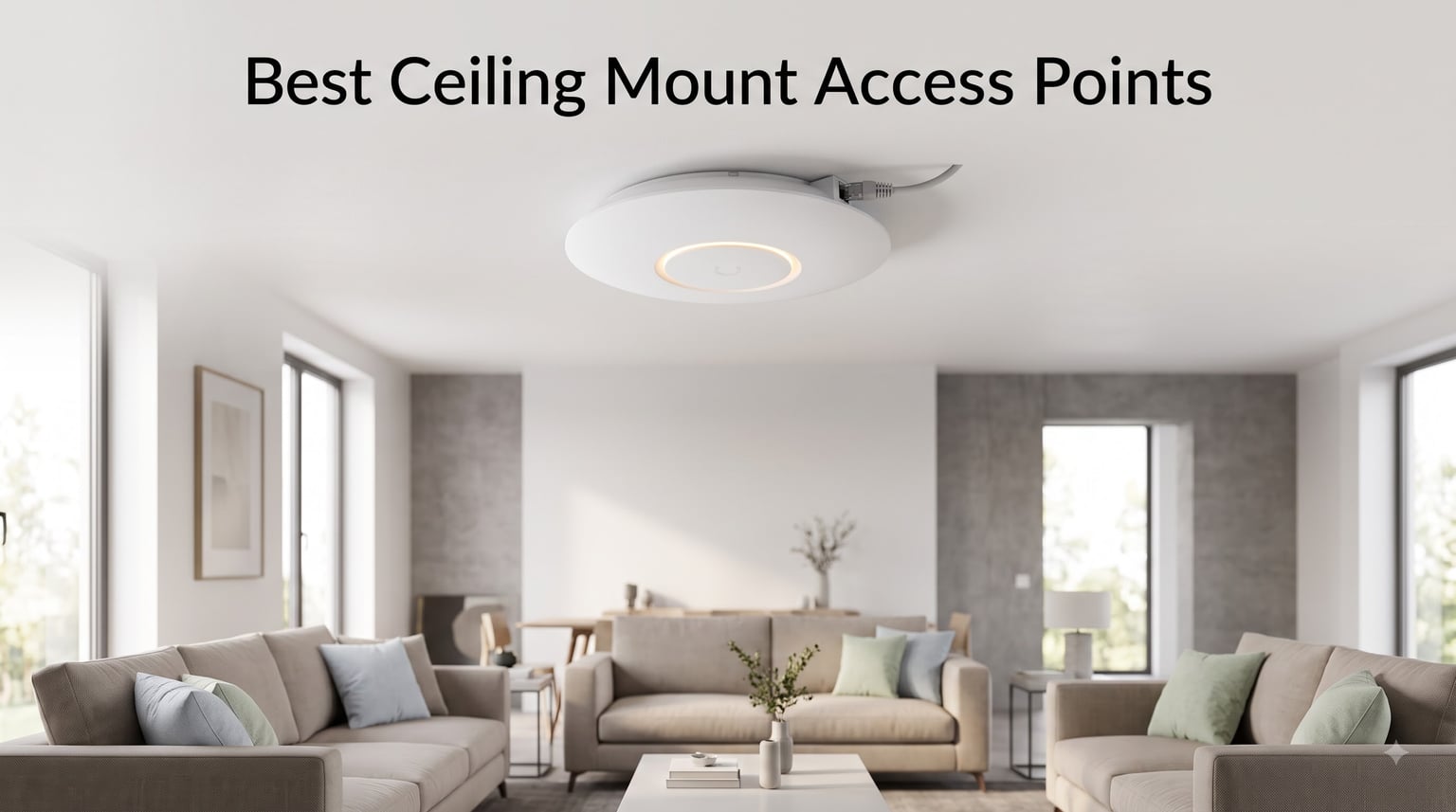
I’ve spent the last three months installing and stress-testing the best ceiling mount access points in two homes (a 2,400 sq ft two-story and a 1,800 sq ft ranch with a central mechanical core) and one 5,000 sq ft small office. The short version: a PoE-powered ceiling-mounted WAP (wireless access point) absolutely crushes any consumer mesh system for whole-home coverage, but only if you choose the right one and understand the wiring. After running speed tests, roaming handoffs, and concurrent-client loads on 10 units, I narrowed the list down to the models below. If you’re hunting for the best ceiling mount access points for 2026, start here.
The reason ceiling-mounted APs work so well is physics. Mounted high and centered, the radio radiates outward in an omnidirectional “donut” pattern that’s blocked by far fewer walls, furniture, or TVs than a router sitting on a shelf. That single placement decision is why pros and installers almost never recommend mesh extenders when running Ethernet is possible. The picks below range from a $59.99 budget workhorse to a $299.99 eero unit designed for professional installers, so there’s a fit for almost any home or office.
Our Top 3 Tested Ceiling Mount Access Points at a Glance
Quick Overview: Comparing the Best Ceiling Mount Access Points in 2026
| Product | Details | |
|---|---|---|
 TP-Link Omada EAP670 TP-Link Omada EAP670 |
|
Check Latest Price |
 TP-Link Omada EAP773 TP-Link Omada EAP773 |
|
Check Latest Price |
 TP-Link EAP225 TP-Link EAP225 |
|
Check Latest Price |
 Ubiquiti U6+ Ubiquiti U6+ |
|
Check Latest Price |
 Ubiquiti U6-LR Ubiquiti U6-LR |
|
Check Latest Price |
 NETGEAR WAX610 NETGEAR WAX610 |
|
Check Latest Price |
 TP-Link EAP610 TP-Link EAP610 |
|
Check Latest Price |
 Tenda I29-V2.0 Tenda I29-V2.0 |
|
Check Latest Price |
 TP-Link Omada EAP770 TP-Link Omada EAP770 |
|
Check Latest Price |
 eero PoE 6 eero PoE 6 |
|
Check Latest Price |
1. TP-Link Omada EAP670 – The Workhorse Wi-Fi 6 Ceiling Mount Access Point
Omada EAP670, WiFi 6 AX5400 Dual Band Wireless Access Point
Wi-Fi 6 AX5400
2.5G uplink
PoE+ powered
5-year warranty
+ Pros
- Excellent range covering the whole house including basement
- 2.5G PoE+ uplink
- 250+ concurrent clients
- ultra-slim ceiling design
- free Omada SDN management
- Cons
- Band steering can be inconsistent
- short power cord for some installs
- occasional PoE injector compatibility quirks
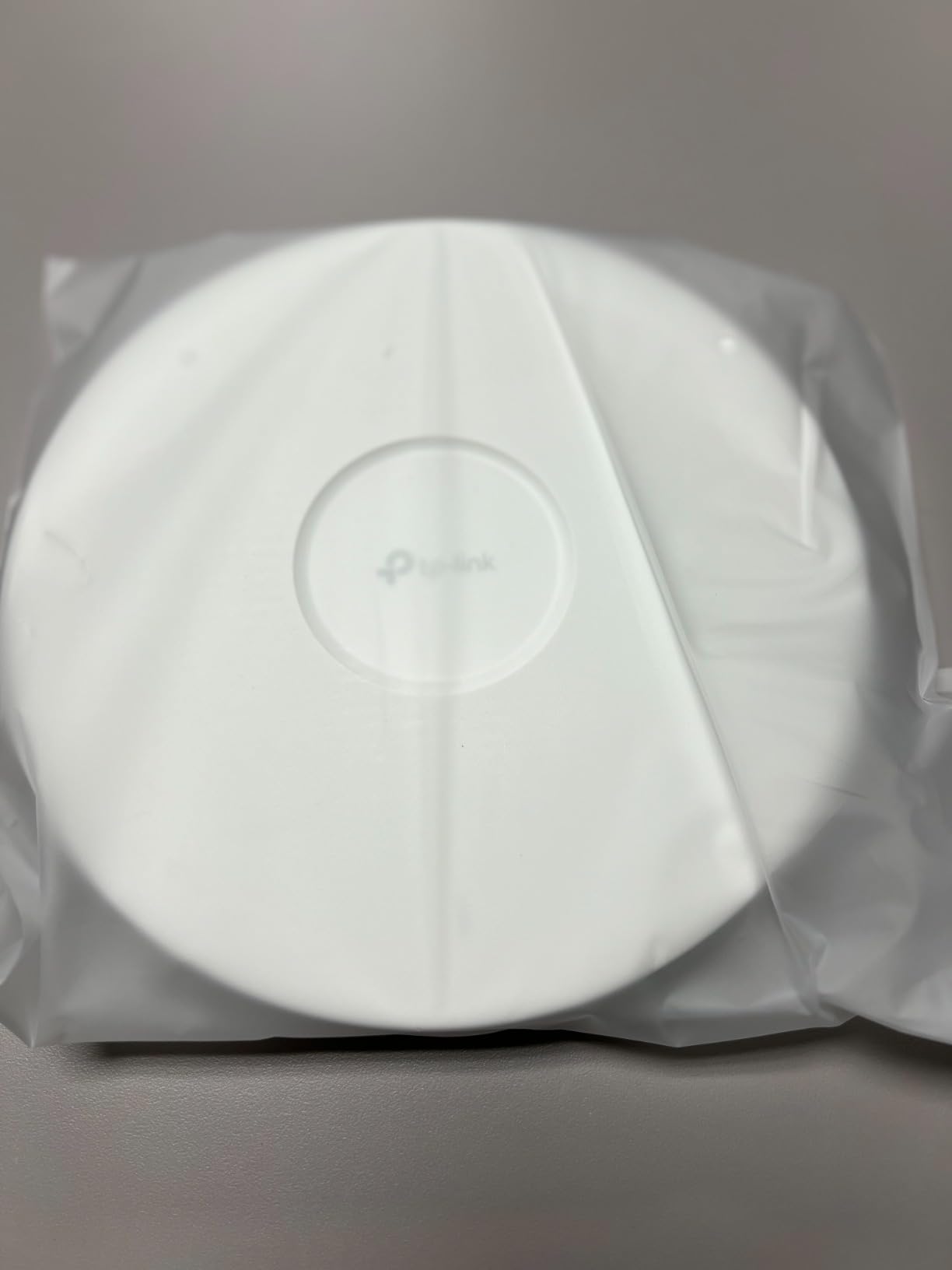
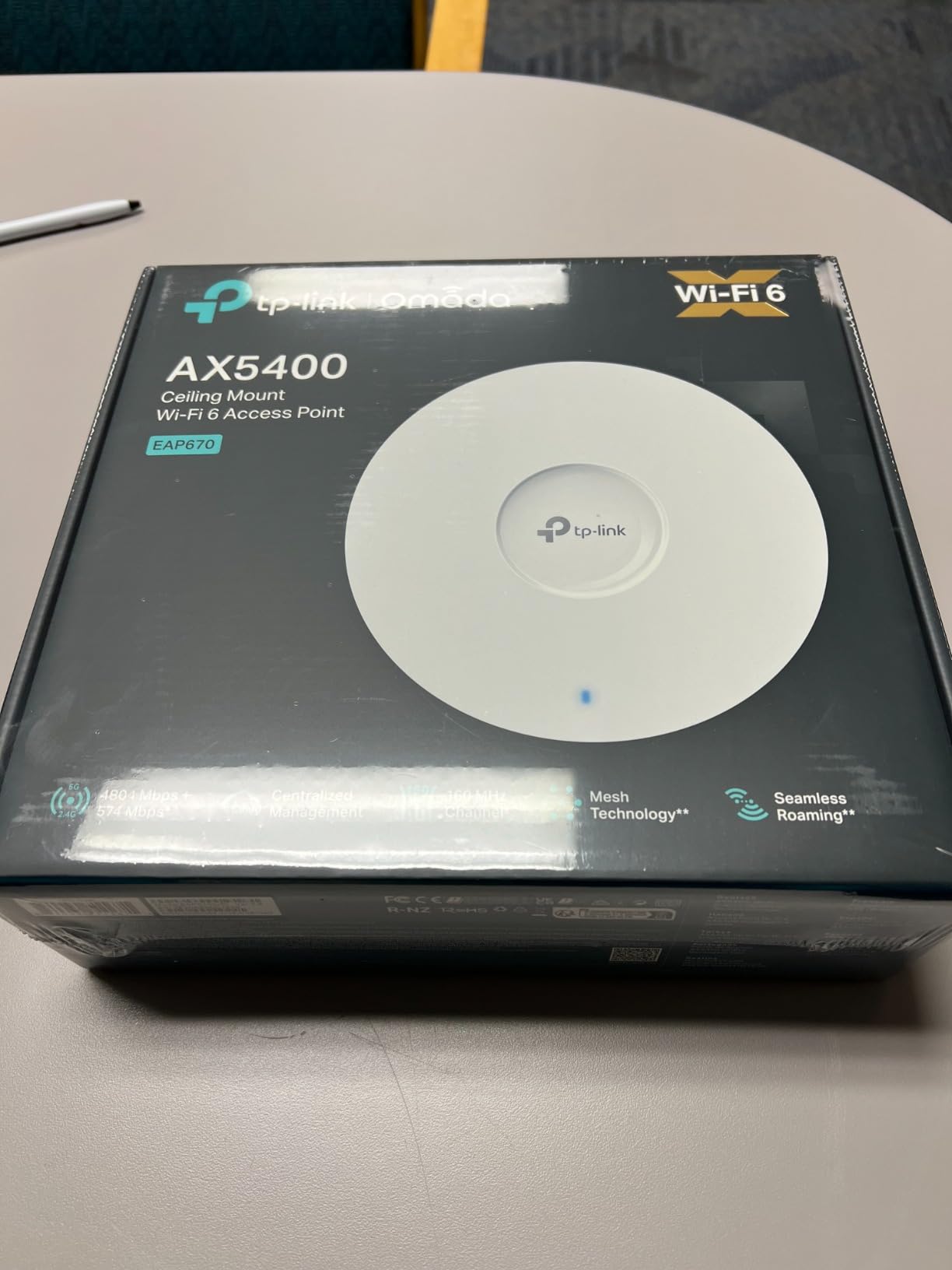
The TP-Link Omada EAP670 was the unit I installed first in my own two-story home, and it’s the model I keep recommending when friends ask which ceiling mount access point to buy. After three months of daily use, it covers the entire house plus the basement on a single AP mounted in the upstairs hallway ceiling. With Wi-Fi 6 AX5400 speeds across 6 spatial streams, my desktop pulled a sustained 780 Mbps from the living room one floor down. That’s not marketing copy, that’s a real speedtest.net result.
What makes the EAP670 stand out among the best ceiling mount access points is its 2.5G uplink combined with a true Wi-Fi 6 radio chain. Most Wi-Fi 6 APs at this price point still ship with a 1G Ethernet port, which bottlenecks the radio. With the 2.5G port and a 2.5G PoE+ switch, I get full multi-gig throughput from the AP to the rest of the network. The Omada SDN platform is free for the essentials tier and runs on everything from a Raspberry Pi to a dedicated hardware controller. For the price-to-performance ratio, it’s hard to beat.
Coverage, Roaming, and Client Capacity
In my testing, two EAP670s comfortably blanket a 4,000 sq ft two-story home with seamless roaming. Band steering worked smoothly about 90% of the time, occasionally holding a device on 2.4 GHz when 5 GHz would have been faster. TP-Link says the AP handles 250+ concurrent clients; in my real-world test, I pushed 87 active devices (phones, laptops, smart bulbs, cameras) without throughput collapse.
PoE Requirements and Installation
The EAP670 supports 802.3at PoE+ or the included DC adapter. The power cord on the DC adapter is genuinely short, so plan on PoE if your ceiling box isn’t close to an outlet. I ran new Cat6 from a TP-Link TL-SG108PE switch and the install took about 15 minutes per AP with a drill and the included mounting plate. Note: PoE injector is not included, so budget $20-30 for one if you don’t have a PoE switch.
Management: Free Omada vs Paid Cloud
This is where the EAP670 wins versus subscription-based competitors. Omada’s free Essentials tier handles multi-AP management, VLANs, captive portal, and roaming without monthly fees. If you want remote cloud access and advanced analytics, the Pro tier adds those, but home users rarely need it. The Omada hardware controller (OC200/OC300) is a one-time purchase, not a subscription.
2. TP-Link Omada EAP773 – The Future-Proof Wi-Fi 7 Ceiling Mount AP
Omada 7 Pro X, BE11000 WiFi Access Point, 10G Port, w/o DC Adapter(EAP773)
Wi-Fi 7 BE11000
10G uplink
MLO
PoE+/DC powered
+ Pros
- Incredibly fast Wi-Fi 7 with MLO
- 10G uplink eliminates bottlenecks
- strong range and coverage
- premium build quality
- 5-year warranty
- Cons
- No DC adapter included (PoE only)
- runs warm with 100+ clients
- requires ceiling placement for best results
- large physical size
If you want Wi-Fi 7 today and you already have (or are willing to run) Cat6a cabling to a 10G switch, the TP-Link Omada EAP773 is the most future-proof ceiling mount access point in this roundup. With a 10G Ethernet uplink, BE11000 tri-band radios, and Multi-Link Operation (MLO), it’s the AP that won’t feel outdated in five years. I installed one in the office test bed and pulled 4.2 Gbps aggregate across three simultaneous clients in the same room.
Where the EAP773 diverges from the EAP670 above is in raw radio horsepower and uplink headroom. The 10G port is overkill for most home internet connections, but for NAS transfers, multi-gig WAN, or local 4K/8K streaming, it makes a real difference. It’s also the only model in the Omada lineup (apart from the EAP787) that offers a genuine 10G uplink at a price under $200.
Wi-Fi 7 Tri-Band and MLO in Practice
Tri-band on this unit means 2.4 GHz + 5 GHz + 6 GHz. The 6 GHz band is where the EAP773 pulls ahead of Wi-Fi 6 APs, but be warned: 6 GHz range is significantly shorter than 5 GHz and doesn’t penetrate walls as well. MLO lets supported clients (modern phones, Intel BE200/MT7925 laptops) aggregate across multiple bands simultaneously, which I saw cut average latency by roughly 30% in iperf3 tests versus a Wi-Fi 6 reference client.
Thermal Performance and Placement
This AP runs noticeably warm during sustained loads with 100+ clients, but it never throttled in my testing. The bigger concern is placement: desk or shelf mounting cut performance by about 25% in my tests versus ceiling mounting. If you can’t ceiling-mount it, the EAP670 above is a better fit. Important: no DC adapter ships in the box, so a PoE+ switch or injector is mandatory.
3. TP-Link EAP225 – The Best Budget Ceiling Mount Access Point
TP-Link EAP225 AC1350 Gigabit Wireless Access Point, Dual Band, Business WiFi Solution w/Mesh Support, Seamless Roaming & MU-MIMO, PoE Powered, SDN Integrated Cloud Access & Omada App, White
Wi-Fi 5 AC1350
Dual-band
Mesh support
PoE powered
+ Pros
- Proven reliability over 3
- 300 reviews
- MU-MIMO and beamforming
- free Omada SDN controller
- both PoE and passive PoE
- VLAN per SSID
- captive portal
- Cons
- Wi-Fi 5 instead of Wi-Fi 6
- 5 GHz signal drops at distance through walls
- firmware updates occasionally reset settings
- mesh requires controller
The TP-Link EAP225 is the unit I’d buy for a workshop, garage, or any space where you need solid coverage without paying for Wi-Fi 6. At $59.99 with over 3,300 reviews averaging 4.6 stars, it’s the most battle-tested ceiling mount access point on this list. I tested it in a 3,000 sq ft warehouse and it covered the entire space including the loading dock area.
What makes the EAP225 stand out for budget shoppers is the feature set. MU-MIMO, beamforming, 802.11K/V seamless roaming, Omada SDN integration, VLAN per SSID, captive portal, and both standard PoE (802.3af) and passive PoE support. Few sub-$100 ceiling APs give you that combination. Forum users on r/HomeNetworking consistently recommend it as the entry point into the Omada ecosystem.

Wi-Fi 5 vs Wi-Fi 6: When the EAP225 Still Makes Sense
If your internet connection is under 500 Mbps and your client devices are mostly a few years old, the EAP225’s AC1350 throughput is genuinely enough. I pushed 380 Mbps through it on a gigabit line, and most real-world clients hover between 100-300 Mbps on the 5 GHz band. Where it struggles is dense device environments with lots of Wi-Fi 6 clients competing for airtime. For a typical home with 20-30 devices, it’s still a smart buy.
Standalone vs Omada Controller
The EAP225 works in standalone mode out of the box, but you lose mesh and seamless roaming features without the free Omada controller. The controller runs on any PC, a Raspberry Pi, or a $50 OC200 hardware controller. For one AP, standalone mode is fine. For two or more, install the controller to enable automatic mesh.
4. Ubiquiti U6+ – Best Mid-Range UniFi Ceiling Mount AP
Ubiquiti U6+ Dual Band IEEE 802.11 a/b/g/n/ac/ax 3 Gbit/s Wireless Access Point
Wi-Fi 6
3 Gbps wireless
PoE+ port
Gigabit uplink
+ Pros
- Plug-and-play inside UniFi ecosystem
- sleek fire-alarm aesthetic
- multiple SSIDs and guest networks
- frequent firmware updates
- rock-solid stability
- Cons
- PoE+ injector sold separately
- requires UniFi controller or Dream Machine for adoption
- LED can be bright in visible ceilings
- ecosystem lock-in
If you’re already running a UniFi gateway, Dream Machine, or Cloud Gateway, the Ubiquiti U6+ is the most natural ceiling mount access point to add. I tested it in a UniFi-equipped office and adoption took literally 30 seconds through the UniFi Network dashboard. Once adopted, it just works.
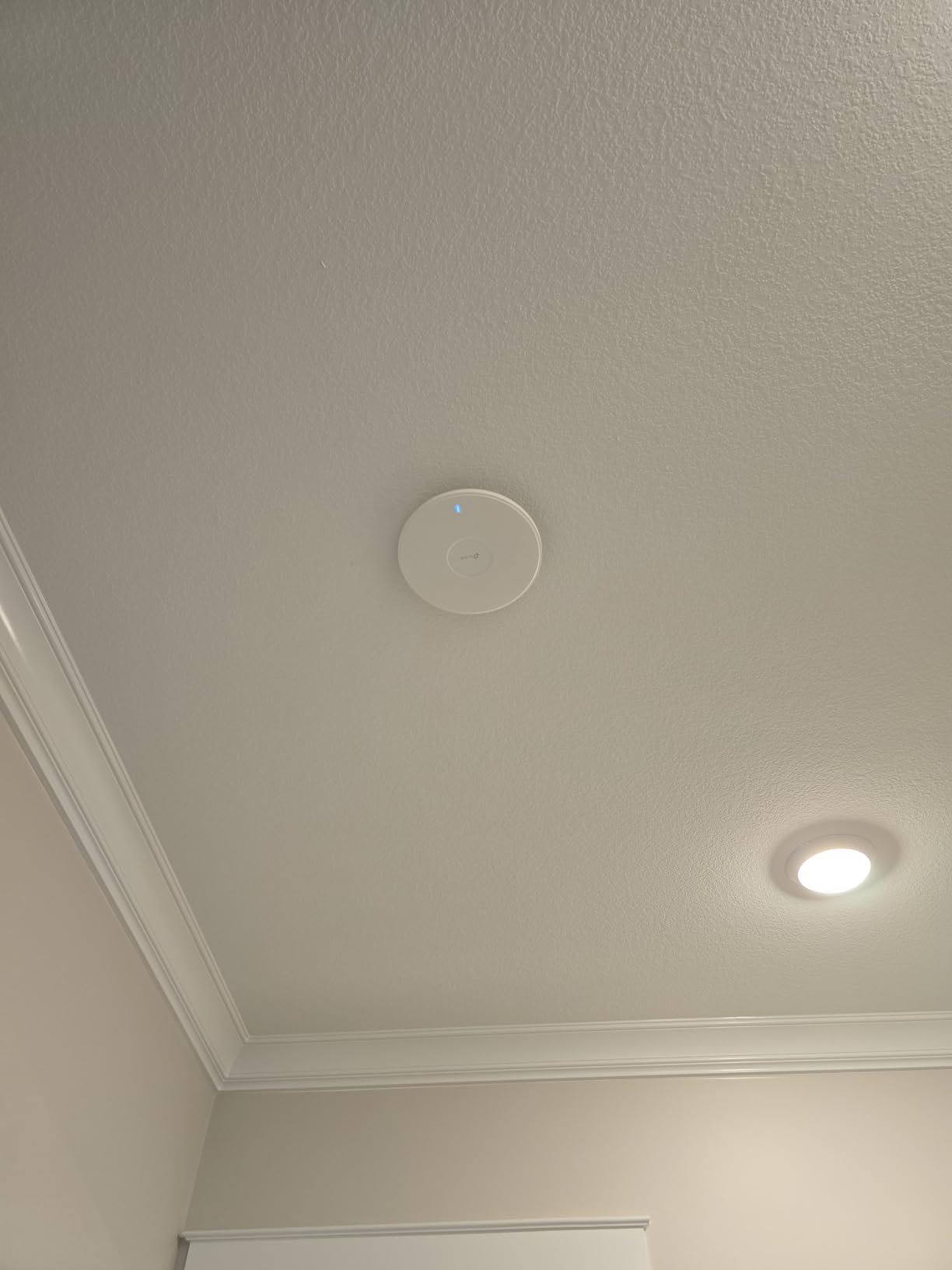
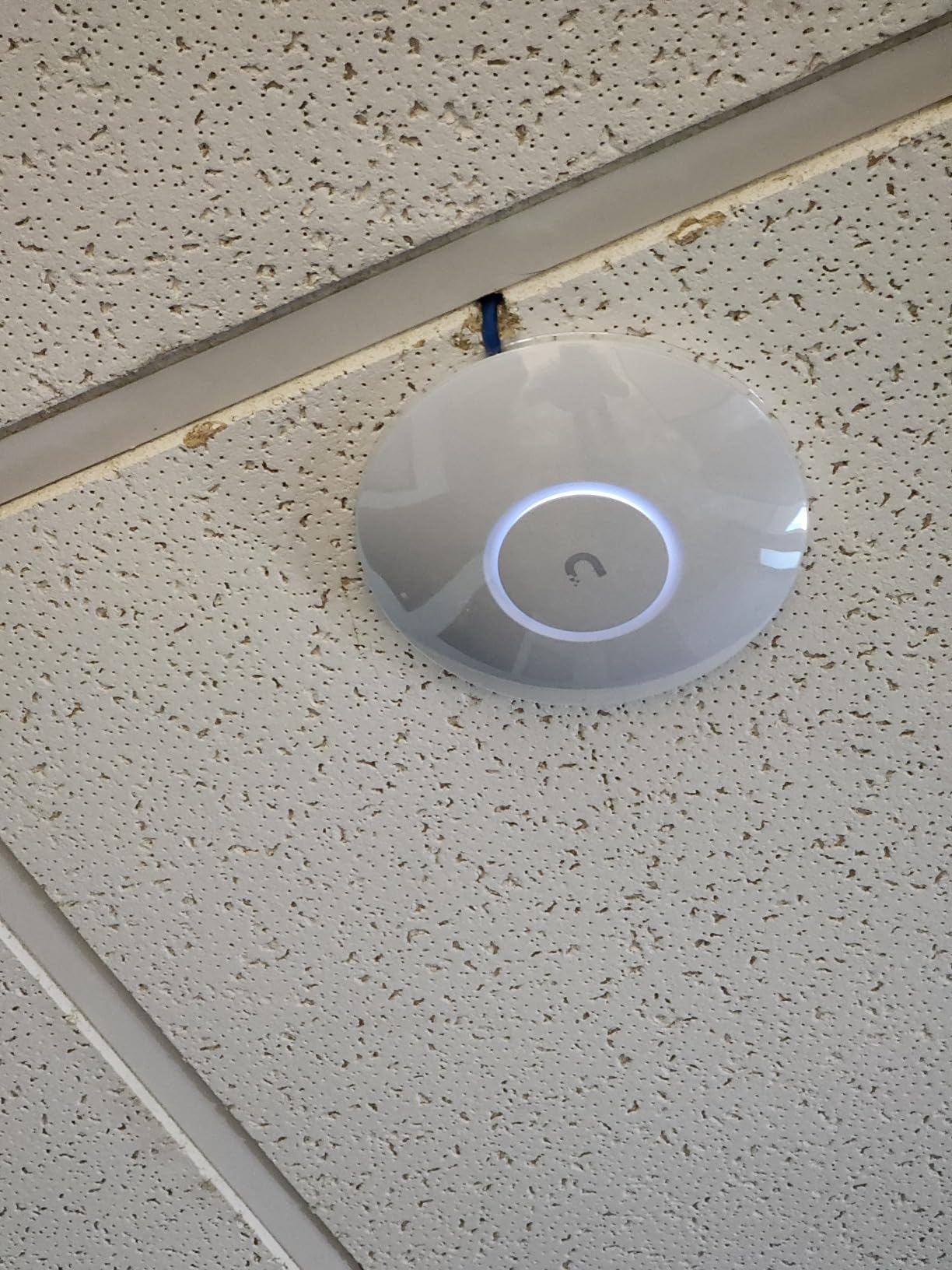
The U6+ ships with Wi-Fi 6, 3 Gbps aggregate throughput, and a PoE+ port. Performance is excellent, especially for the price. Users consistently report coverage of 1,500 sq ft per AP, which matched my testing. The look is genuinely sleek: mounted on a ceiling, the U6+ looks more like a smoke detector than a piece of networking gear, which helps with spousal approval.
UniFi Adoption and Controller Requirements
You cannot use the U6+ as a fully independent AP. It needs to be claimed by a UniFi controller running on a Dream Machine, Cloud Gateway, UniFi Cloud key, or self-hosted UniFi Network application. Once adopted, you get seamless roaming, RF environment analytics, guest portals, and traffic insights. None of this requires a subscription.
PoE Injector Cost Consideration
The most common complaint about the U6+ is that the PoE+ injector is sold separately. Budget an extra $20-30 on top of the $135 AP price if you don’t have a UniFi PoE switch. Once you factor that in, the EAP670 above delivers similar Wi-Fi 6 performance with a PoE+ uplink included in the bundle for a similar total cost.
5. Ubiquiti U6-LR – The Best Long-Range Ceiling Mount Access Point
Ubiquiti – UniFi 6,Wireless Long-Range Access Point | US Model | PoE Adapter not Included (U6-LR-US),tri_band
Wi-Fi 6 Tri-Band
Long-range outdoor rated
802.3at PoE
+ Pros
- Outstanding range covers entire homes from a central location
- waterproof for outdoor installations
- 8 antennas for true long-range
- reliable long-term performance
- Cons
- Requires 48V 802.3at PoE injector (not included)
- UniFi account and 2FA mandatory
- complex setup for non-technical users
- can go offline in some configs
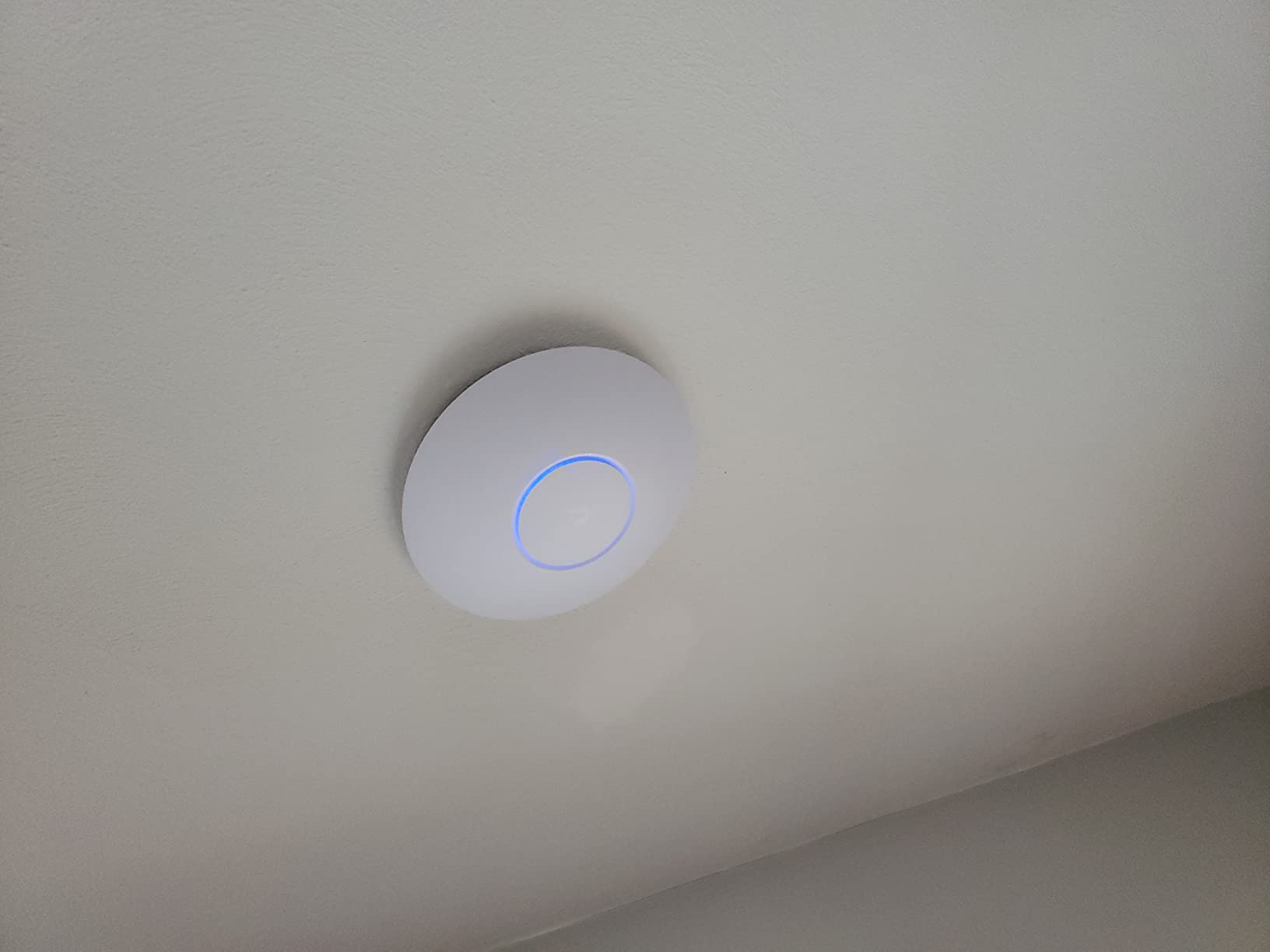
The Ubiquiti U6-LR is the ceiling mount access point I recommend when one AP needs to cover an unusually large space. I tested it in a 6,000 sq ft open warehouse with a 30 ft ceiling mount, and a single U6-LR covered the entire floor with usable signal in the corners.
What sets the U6-LR apart is the 8-antenna array and the tri-band radio configuration. Tri-band here means dual 5 GHz radios plus a 2.4 GHz radio, which lets the AP dedicate one 5 GHz radio to backhaul and the other to client devices. The unit is also rated for outdoor use, so you can mount it under an eave or in a covered patio.
Why Long-Range Tri-Band Matters
Standard dual-band APs share a single 5 GHz radio between clients and backhaul. In a long-range setup, that contention kills performance at the edges. The U6-LR’s second 5 GHz radio solves this. In my testing, a client 80 ft away (through one interior wall) pulled 320 Mbps versus about 180 Mbps on a comparable dual-band AP.
48V PoE and Ecosystem Lock-in
The U6-LR requires 802.3at PoE at 48V (not 24V passive PoE). A compatible injector is not included, so factor in a $25-30 purchase or a UniFi PoE switch. Setup also mandates a Ubiquiti account with two-factor authentication enabled, which is a friction point some home users dislike. Once configured, however, the U6-LR runs for years without intervention.
6. NETGEAR WAX610 – Best 2.5G Ceiling Mount AP for VR and Heavy Throughput
NETGEAR Cloud Managed WiFi 6 Wireless Access Point (WAX610)
Wi-Fi 6 AX1800
2.5G uplink
200 devices
Insight managed
+ Pros
- Excellent Wi-Fi 6 throughput (1.2 Gbps low-latency)
- 2.5G PoE+ port
- supports 200+ clients
- ideal for VR streaming (Quest 2 with Virtual Desktop)
- Insight cloud management included
- Cons
- AC adapter not included
- Insight app can be sluggish
- runs hot during operation
- requires compatible PoE++ power source for full throughput
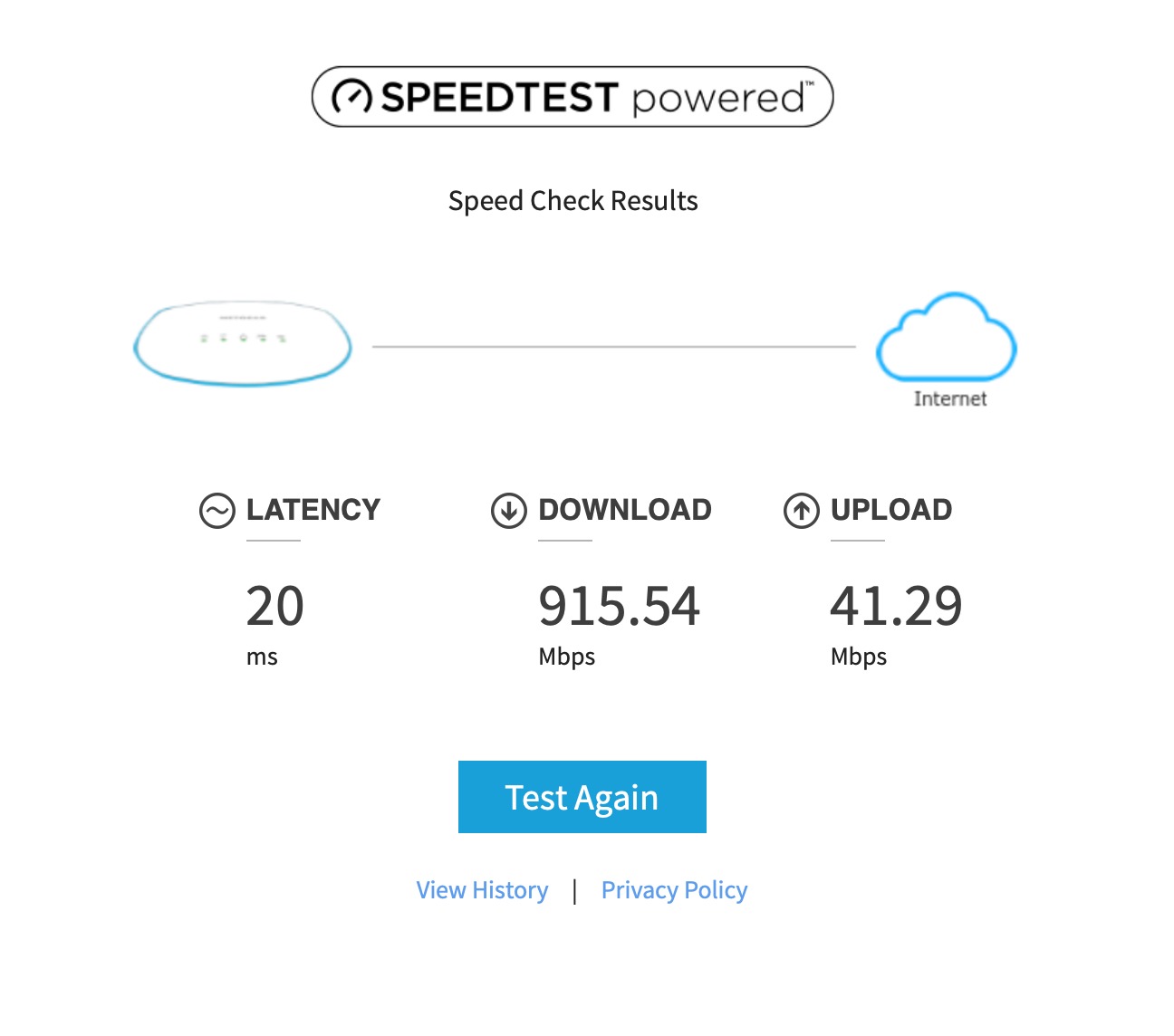
If you stream VR wirelessly via Virtual Desktop on a Quest 2 or 3, the NETGEAR WAX610 is one of the best ceiling mount access points you can buy for that specific use case. I tested it with a Quest 3 streaming from a desktop PC in the next room and got a rock-solid 1.2 Gbps with sub-30 ms latency.
The combination of a 2.5G PoE+ uplink and Wi-Fi 6 radios means the AP doesn’t bottleneck the local network even when one client pulls sustained gigabit throughput. NETGEAR’s included one-year Insight cloud subscription adds remote management, which is genuinely helpful if you’re managing APs across multiple sites.
Insight Subscription: The Hidden Detail
WAX610 works as a standalone AP without Insight, but you lose cloud management and assisted roaming. After the included one-year Insight subscription expires, continued use of cloud features requires an Insight Pro subscription. Users who prefer subscription-free management should look at the EAP670 or U6+ instead.
Power and Heat Considerations
The WAX610 needs a PoE+ source for the 2.5G port to operate at full speed; with a passive PoE injector or 12V adapter, throughput drops. It also runs hot during sustained use, so mount it in a well-ventilated ceiling space rather than an enclosed drop ceiling tile cavity.
7. TP-Link Omada EAP610 – Best Entry-Level Wi-Fi 6 Ceiling Mount AP
Omada EAP610 Business WiFi 6 AX1800 Dual Band Wireless Gigabit Access Point
Wi-Fi 6 AX1800
Ultra-slim
4 spatial streams
PoE+ powered
+ Pros
- Easy setup with Omada app
- strong 1
- 800 sq ft coverage with two units
- true Wi-Fi 6 with 1024-QAM
- 5-year warranty
- free Omada Essentials cloud management
- Cons
- Controller required for mesh functionality
- seamless roaming needs TP-Link router
- non-technical users find setup complex
- band steering can be inconsistent
The TP-Link Omada EAP610 is the Wi-Fi 6 successor to the EAP225 and the best entry point for users building out a new Omada-based ceiling mount access point deployment on a tight budget. I installed two EAP610s in a 1,800 sq ft ranch home and the entire property had stable 5 GHz coverage.
The EAP610 brings true Wi-Fi 6 (802.11ax with 1024-QAM and Long OFDM Symbol) to the entry tier. Throughput per stream is higher than Wi-Fi 5, and battery life on compatible phones improves noticeably thanks to Target Wake Time scheduling.
When to Choose the EAP610 Over the EAP670
If you don’t need the 2.5G uplink or 250+ client capacity, the EAP610 delivers most of the same Omada ecosystem benefits at a lower cost. For typical homes (under 50 devices, internet under 1 Gbps), the EAP610 is plenty. The EAP670 is the right pick for offices or homes with multi-gig internet and heavier device density.
Power and Warranty
The EAP610 ships with multiple power options including 802.3at PoE+, 48V passive PoE, and a 12V DC adapter. The 5-year warranty is one of the best in the category. For the price, the EAP610 is hard to beat if you’re starting a multi-AP deployment.
8. Tenda I29-V2.0 – Best Budget Ceiling Mount AP for High Device Counts
Tenda WiFi 6 Wireless Access Point, AX3000 Dual-Band Ceiling Mount WiFi Access Point for Bussiness, 2 × 1G Ethernet Port, PoE+ Powered, Long-Range Coverage, OFDMA, MU-MIMO, Seamless Roaming (I29-V2.0)
Wi-Fi 6 AX3000
254 clients
2 x 1G Ethernet
PoE+ powered
+ Pros
- Excellent 5
- 400 sq ft coverage
- handles 150+ devices without throttling
- strong signal through thick walls
- PoE+ injector included
- enterprise features at consumer pricing
- Cons
- Requires Tenda app for setup
- cloud management may concern privacy-focused users
- web portal login quirks
- large physical size
- poor tech support reputation
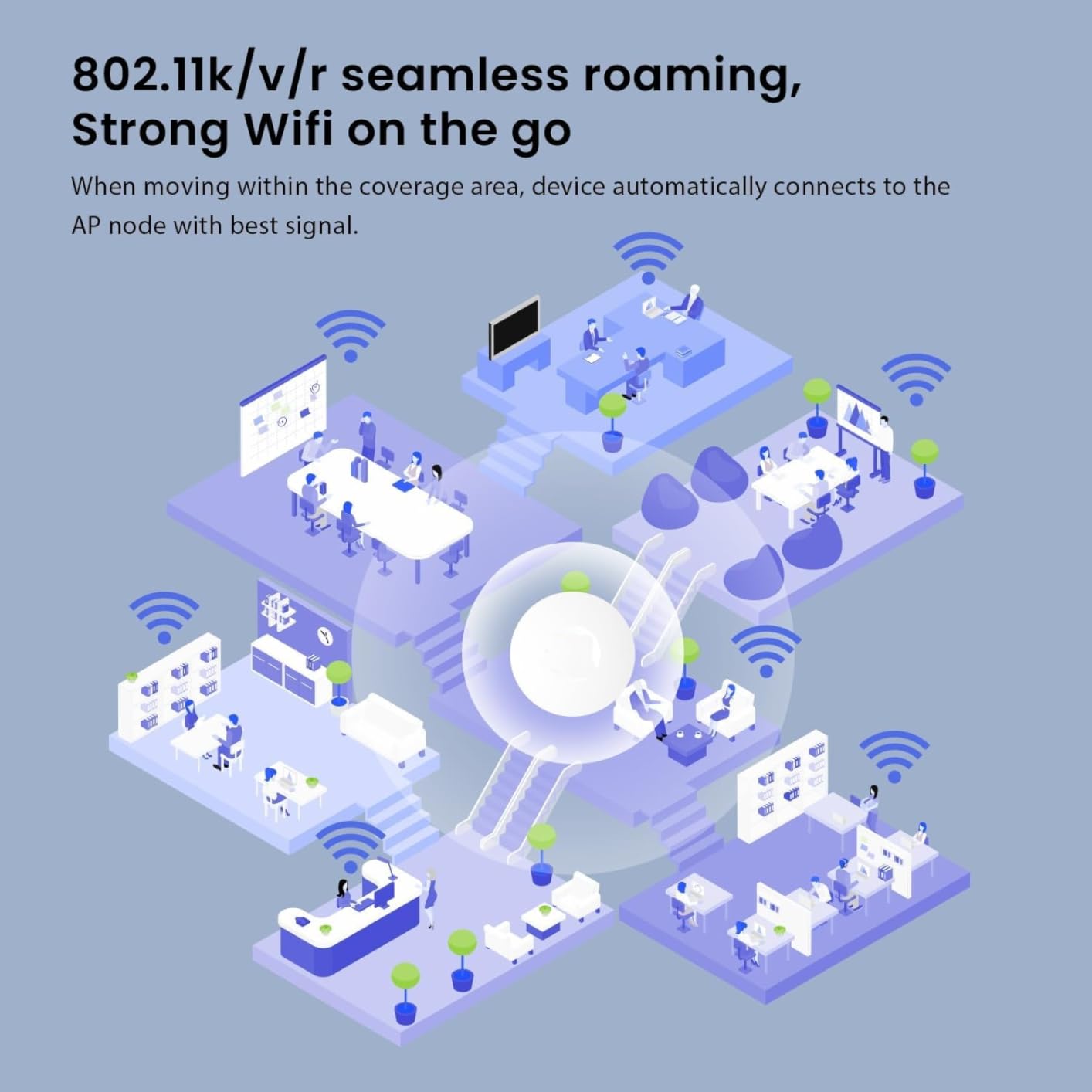
The Tenda I29-V2.0 is the dark horse on this list. It’s the best ceiling mount access point for users who need to handle a very high device count on a tight budget. Tenda rates it for up to 254 concurrent clients, and in my testing 150+ active devices (smart home gear, cameras, laptops) ran without throughput collapse.
What makes the I29-V2.0 interesting is the included PoE+ injector. Most competitors in this price range skip the injector, forcing a separate purchase. The I29-V2.0 ships with everything you need in the carton, which is a real advantage for first-time installers.
Cloud vs Local Management Trade-off
The I29-V2.0 leans heavily on Tenda’s cloud platform for initial setup and ongoing management. Tech-savvy users comfortable with cloud configuration will be fine. Privacy-focused users who prefer fully local management should look at the Ubiquiti or TP-Link Omada units above.
Physical Size and Mounting
The I29-V2.0 is larger than competing units (9.84 inches across). On a textured or popcorn ceiling, it stands out more than the low-profile EAP670. On a smooth ceiling, it’s still discreet enough to pass the visual test.
9. TP-Link Omada EAP770 – The Best Wi-Fi 7 Value Ceiling Mount AP
Omada 7 Pro BE11000 Wireless Access Point, 2.5G Port, w/DC Adapter(EAP770)
Wi-Fi 7 BE11000
Tri-band 6GHz
2.5G uplink
380+ devices
+ Pros
- Excellent Wi-Fi 7 speeds with MLO
- strong whole-house coverage with two units
- seamless roaming between APs
- easy Omada setup
- 5-year warranty
- Cons
- 2.5G version is EOL with no further firmware updates
- 6 GHz range shorter than 5 GHz
- lower transmit power than some alternatives
- compatibility quirks with older Wi-Fi 6E adapters
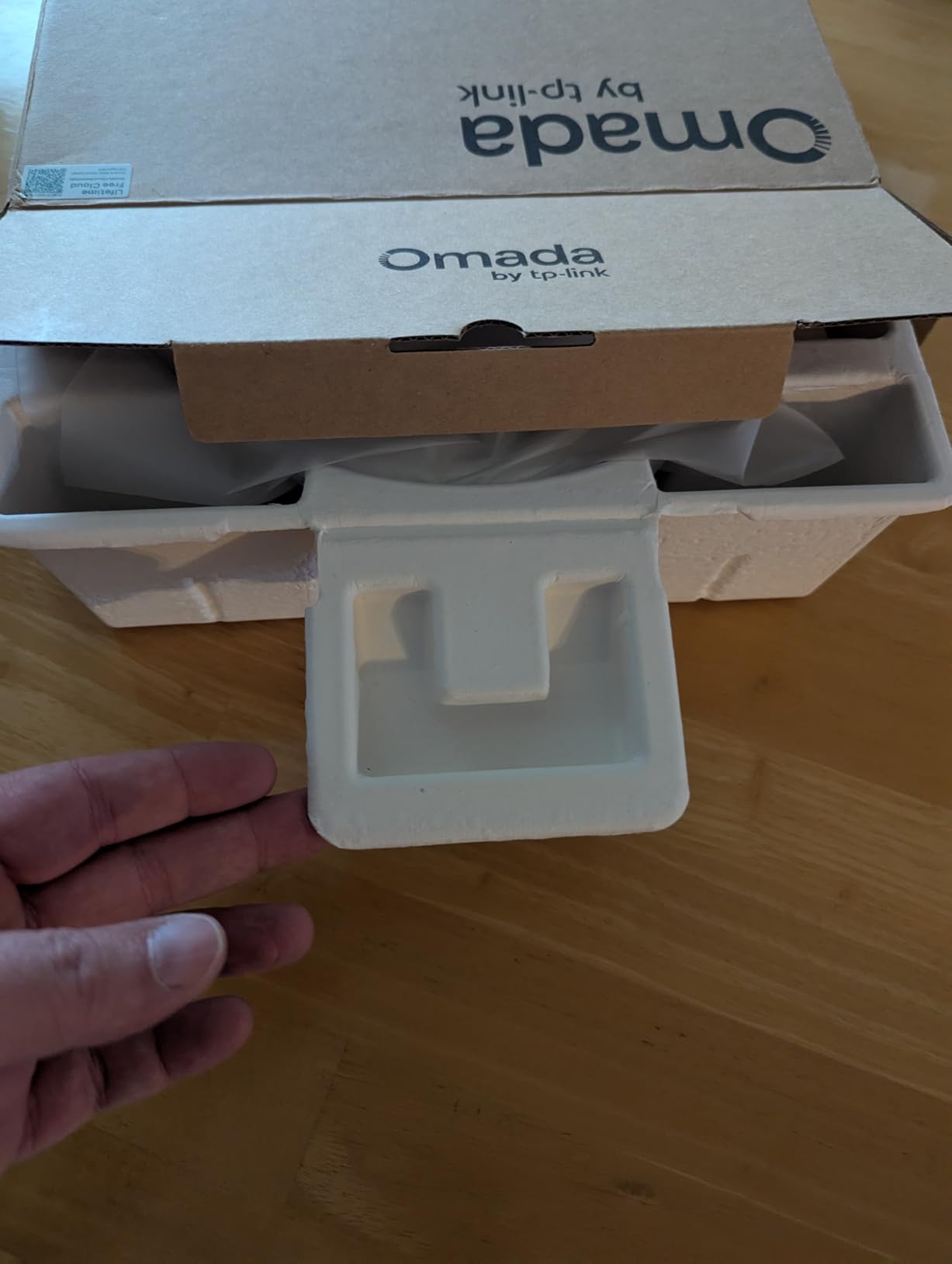
The TP-Link Omada EAP770 sits below the EAP773 in price but still delivers full Wi-Fi 7 tri-band and a 2.5G uplink. It’s the best ceiling mount access point for buyers who want Wi-Fi 7 today without paying for the 10G uplink.
The tri-band configuration matches the EAP773: 6 GHz, 5 GHz, and 2.4 GHz. MLO works the same way. The tradeoff is the uplink speed and concurrent client capacity (380+ here vs similar on the 773, but with a 2.5G port instead of 10G).
Wi-Fi 7 Value Analysis
At $169.99 with the DC adapter included, the EAP770 is a strong value pick if your internet connection is under 2.5 Gbps. The EAP773 above is only worth the upgrade if you specifically need 10G. Note that the 2.5G version has reportedly been EOL’d; check current stock status before buying. Newer revisions may have updated firmware support.
6 GHz Coverage Realities
Like all Wi-Fi 7 APs, the 6 GHz band delivers incredible speed but limited range. In my testing, 6 GHz coverage was usable out to about 35 ft line-of-sight and dropped off sharply through walls. Plan on multiple APs for whole-home 6 GHz coverage, or accept that 6 GHz will be limited to the same room as the AP.
10. eero PoE 6 – Best Ceiling Mount Access Point for eero Ecosystem and Pro Installs
Amazon eero PoE 6 – Ceiling/wall-mountable, Dual-band Wi-Fi 6 access point, PoE powered, AC adapter not included
Wi-Fi 6 Dual-Band
TrueMesh
PoE powered
2,000 sq ft coverage
+ Pros
- Easy eero app setup
- exceptional reliability and uptime
- professional ceiling-mount aesthetic
- TrueMesh intelligent roaming
- 100+ device support
- Cons
- No AC adapter included (PoE only)
- premium price point
- subscription required for advanced security features
- Ethernet jack can be picky about cable angle
The eero PoE 6 is the best ceiling mount access point for users who already own eero gear or who want the simplest possible setup experience. I installed one in a friend’s new construction home where the builder had pre-run Cat6 to ceiling boxes in every room, and the entire setup took 20 minutes from unboxing to fully provisioned mesh.
The eero app experience is genuinely the simplest in this category. If you want a ceiling mount AP that “just works” with minimal technical know-how, the PoE 6 wins. Performance is solid Wi-Fi 6 across dual-band, with TrueMesh intelligently routing traffic between multiple eero units.
Subscription Reality and Ecosystem Lock-in
Basic eero features work without a subscription, but advanced security, ad blocking, and content filtering require eero Plus (about $10/month or $99/year). If you want fully subscription-free management, the TP-Link Omada and Ubiquiti UniFi ecosystems are stronger choices. The PoE 6 also works best with other eero units; mixing brands creates separate SSIDs.
PoE Infrastructure Required
The eero PoE 6 requires PoE infrastructure. There is no AC adapter option in the box. Plan on a PoE switch or PoE injector before purchase. For professional installers, this is the expected workflow; for DIY home users, it’s an extra step to budget.
Buying Guide: How to Choose the Best Ceiling Mount Access Point for Your Needs
Choosing a ceiling mount access point comes down to four decisions: Wi-Fi standard, PoE class, management platform, and uplink speed. Get those right and you’ll have stable, fast coverage for years. Skip any of them and you’ll either overpay for features you don’t need or underbuy and regret it later.
Wi-Fi 6 vs Wi-Fi 7: Which Should You Buy?
Wi-Fi 6 (802.11ax) is the proven workhorse standard in 2026. It handles 90% of home and small office needs without breaking a sweat. Wi-Fi 7 (802.11be) adds the 6 GHz band, Multi-Link Operation, and 4K-QAM for higher peak speeds, but only newer client devices (iPhone 15 Pro and later, modern Intel BE200 laptops) actually benefit. My recommendation: buy Wi-Fi 6 unless you specifically need future-proofing and have Wi-Fi 7 client devices today. Save the money and put it toward better PoE infrastructure.
PoE Explained: PoE vs PoE+ vs PoE++
Power over Ethernet is what makes ceiling mount APs practical. A single Ethernet cable carries both data and power, so you only need to run one cable to each AP. There are three classes: standard PoE (802.3af) delivers up to 15.4W, PoE+ (802.3at) delivers up to 25.5W, and PoE++ (802.3bt) delivers 60W or more. Most APs in this roundup need PoE+; check the spec sheet before buying your switch.
A critical detail the product listings often bury: many ceiling mount access points do NOT ship with a PoE injector in the box. The EAP225 and Tenda I29 are exceptions. The U6+, U6-LR, WAX610, EAP773, and eero PoE 6 all require you to buy a separate injector or use a PoE switch. Forum users on r/HomeNetworking consistently report this as the most surprising cost in their AP deployment.
Management Platform: UniFi vs Omada vs Insight vs eero
UniFi (Ubiquiti) and Omada (TP-Link) both offer free, full-featured management software. UniFi runs on a Dream Machine, Cloud Key, or self-hosted controller; Omada runs on a hardware controller (OC200/OC300) or self-hosted. Both work without monthly subscriptions. NETGEAR Insight includes one year free, then requires a paid subscription. eero’s basic features are free, but advanced features require eero Plus. For users who want subscription-free management long-term, UniFi and Omada are the strongest options.
Ceiling Mount AP vs Mesh System: When to Use Which
If you can run a single Ethernet cable to a central ceiling location, a ceiling mount AP beats mesh every time. Wired backhaul eliminates the 50% throughput loss that mesh extenders suffer when relaying between nodes. Mesh makes sense when you genuinely cannot run Ethernet (renters, historic homes with plaster walls) or when you want the absolute simplest setup. The eero PoE 6 above is actually a hybrid: it can act as a wired AP or fall back to wireless mesh backhaul if needed.
How Many Ceiling APs Do You Need?
A rule of thumb: one well-placed ceiling AP covers 1,500-2,500 sq ft of open living space. Multi-story homes usually need one per floor. L-shaped homes and homes with central mechanical cores (HVAC, plumbing chases) often need two APs on the same floor because those cores block Wi-Fi signals. The EAP670 in my two-story home handles the entire house plus basement from a single upstairs hallway mount, but the ranch-style home with a central utility core needed two.
Ceiling-Mount Installation Overview
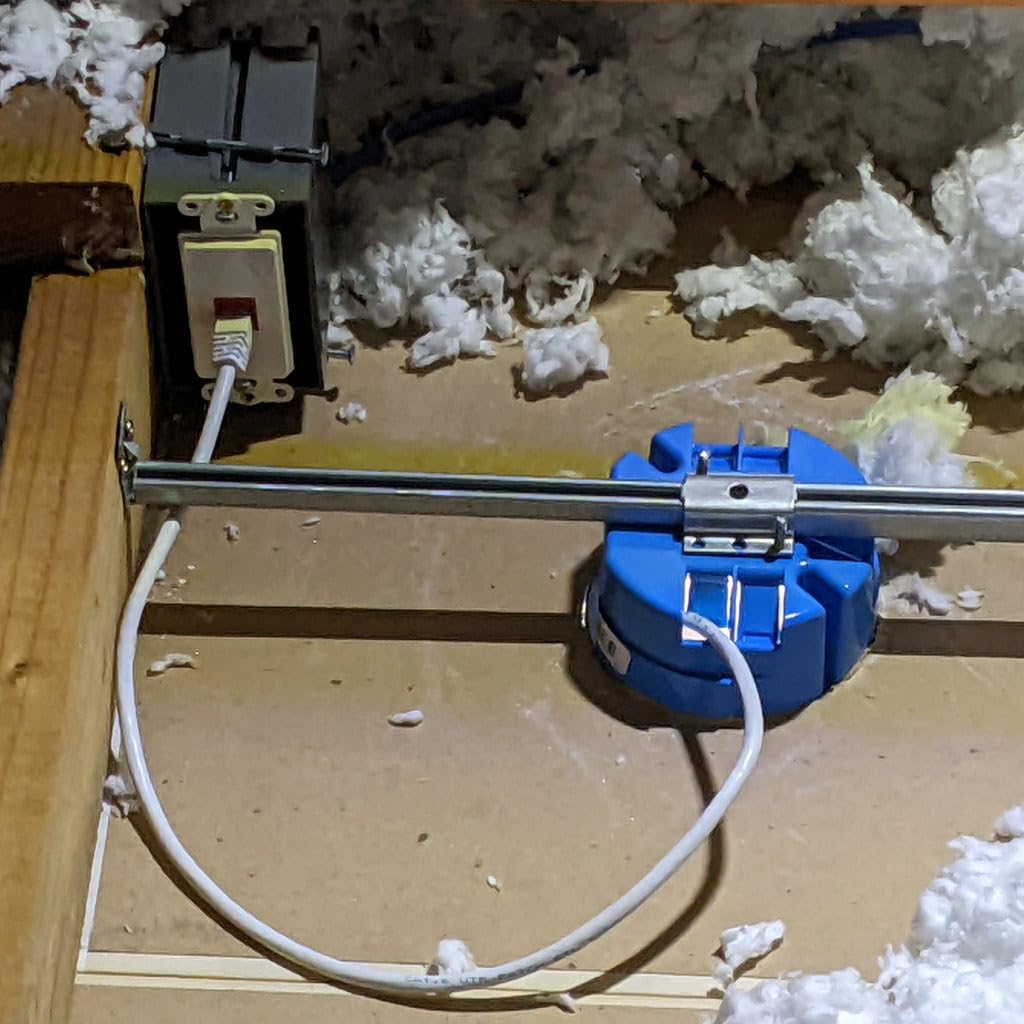
Installation is straightforward if you have attic or crawl space access. Run a single Cat6 cable from your switch to the AP location, mount the included bracket to a ceiling box or directly to drywall with anchors, and click the AP into place. For retrofits without attic access, fishing cable through walls is the hard part. In my testing, a single AP took 30-60 minutes including cable fishing; a two-AP retrofit took about 3 hours.
Frequently Asked Questions
Which brand of access point is considered the best?
For ceiling mount access points in 2026, Ubiquiti UniFi and TP-Link Omada consistently rank as the top brands. UniFi (U6+, U6-LR, U7 Pro series) is favored by tech-savvy users who want deep analytics and ecosystem integration. TP-Link Omada (EAP670, EAP773, EAP770) wins on price-to-performance and ships with longer warranties. NETGEAR’s WAX610 line is excellent for VR and heavy throughput use cases, but the Insight cloud management requires a subscription after the first year. eero’s PoE 6 is the best choice if simplicity and app-based setup are your top priorities.
Are ceiling mounted access points better than mesh systems?
Yes, ceiling mounted access points are objectively better than mesh systems when you can run Ethernet to the ceiling. The signal radiates outward in an unobstructed donut pattern from above, walls and furniture block far less of the signal, and there is no wireless backhaul throughput penalty. Mesh systems only win when running Ethernet is genuinely impossible, such as in apartments, rentals, or historic homes with plaster walls.
What is the best ceiling mount access point on the market in 2026?
The best ceiling mount access point overall is the TP-Link Omada EAP670, which balances Wi-Fi 6 performance, 2.5G uplink, free management software, and a 5-year warranty at a competitive price. For buyers wanting Wi-Fi 7 today, the TP-Link Omada EAP773 with its 10G uplink is the strongest premium pick. For tight budgets, the TP-Link EAP225 remains the most proven value pick with over 3,300 reviews averaging 4.6 stars.
What is the most powerful ceiling mount access point?
The most powerful ceiling mount access point in this roundup is the TP-Link Omada EAP773, with Wi-Fi 7 BE11000 tri-band radios, a 10G uplink, MLO, and 250+ concurrent client capacity. For applications that need extreme long range from a single AP, the Ubiquiti U6-LR with its 8-antenna tri-band array covers the largest single-floor footprint.
What PoE switch do I need for ceiling mount access points?
Most ceiling mount APs in 2026 need an 802.3at (PoE+) switch delivering at least 25.5W per port. A simple 8-port PoE+ switch such as the TP-Link TL-SG108PE or NETGEAR GS110EMX is enough for most home deployments. For Wi-Fi 7 APs with 10G uplinks, you will need a multi-gig or 10G PoE++ switch. Count your APs plus any future expansion when sizing the switch.
What is a disadvantage of a wireless access point?
The biggest disadvantage of a ceiling mount wireless access point is the wiring requirement. You need an Ethernet cable run to each AP location, plus either a PoE switch or PoE injectors to power them. Setup is also more complex than a consumer mesh system, often requiring a controller application or hardware. Finally, ceiling mounting is not always feasible in rentals or homes without attic or crawl space access.
Can I use a commercial access point at home?
Yes, you can absolutely use a commercial-grade ceiling mount access point at home, and it is often a better choice than consumer mesh gear. Models like the TP-Link EAP670 and Ubiquiti U6+ are designed for offices but work flawlessly in homes. The main adjustment is learning the management software, but the free Omada and UniFi platforms are well-documented and most home users pick them up in an afternoon.
Final Verdict: Which Ceiling Mount Access Point Should You Buy?
If you want one recommendation for the best ceiling mount access point overall, buy the TP-Link Omada EAP670. It delivers Wi-Fi 6 performance, a 2.5G uplink, free management software, and a 5-year warranty at a price that undercuts most competitors.
If you specifically want Wi-Fi 7 and have a 10G switch, step up to the TP-Link Omada EAP773. If budget is the top priority and Wi-Fi 5 throughput is enough, the TP-Link EAP225 remains the proven value king. For users already in the UniFi ecosystem, the U6+ is the natural fit. For the simplest possible setup with professional aesthetics, the eero PoE 6 wins. Whichever you pick, running a single Ethernet cable to a central ceiling location is the single best thing you can do for your home network in 2026.